Share
Embed
[mercari GEARS 2025] Securing the Future of Workflow Automation and AI Agents
Transcript
22 slides
-
Securing the Future of Workflow Automation and AI Agents @danny
Manager of Security & Privacy Planning @simon Engineer for Security & Privacy -
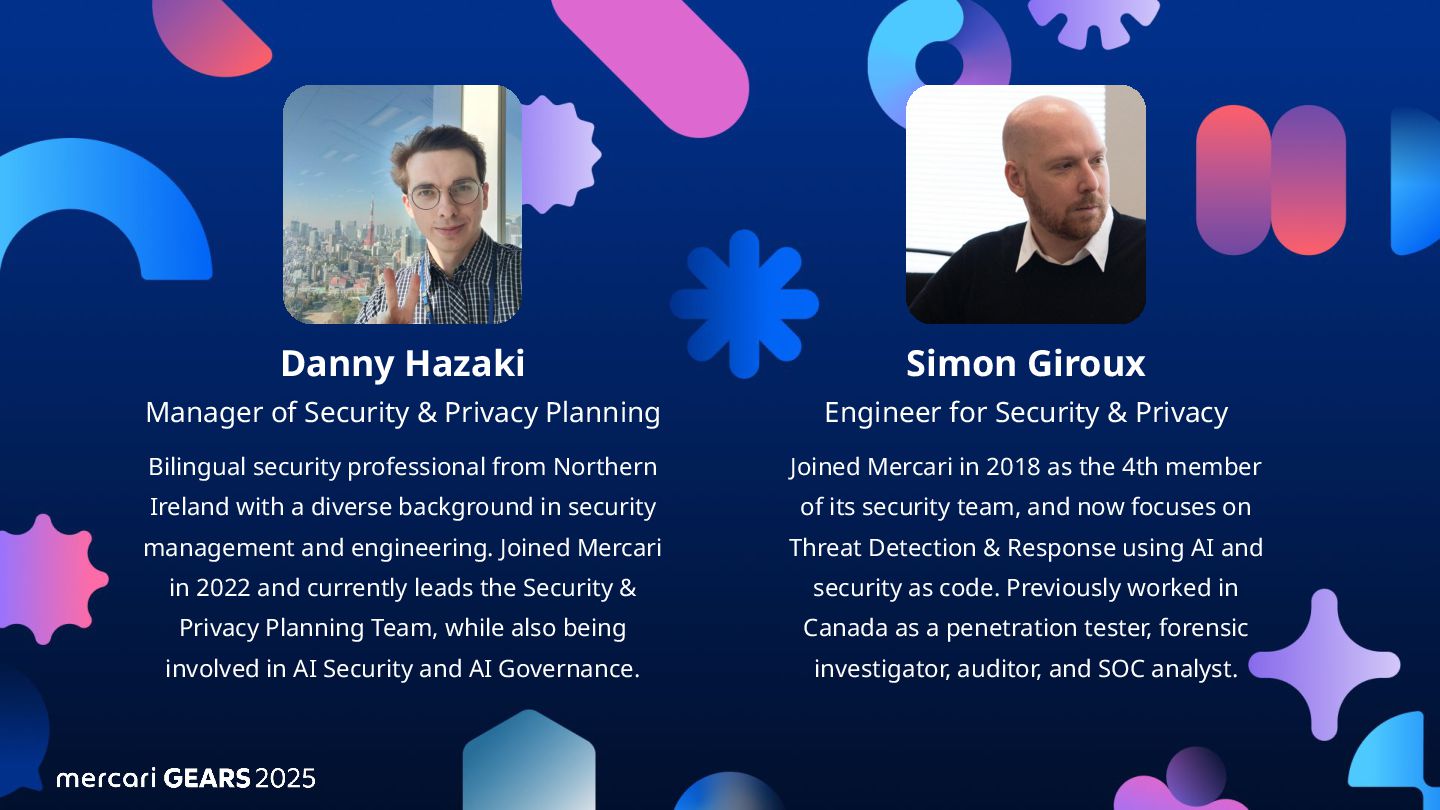
Bilingual security professional from Northern Ireland with a diverse background
in security management and engineering. Joined Mercari in 2022 and currently leads the Security & Privacy Planning Team, while also being involved in AI Security and AI Governance. Danny Hazaki Manager of Security & Privacy Planning Simon Giroux Engineer for Security & Privacy Joined Mercari in 2018 as the 4th member of its security team, and now focuses on Threat Detection & Response using AI and security as code. Previously worked in Canada as a penetration tester, forensic investigator, auditor, and SOC analyst. -
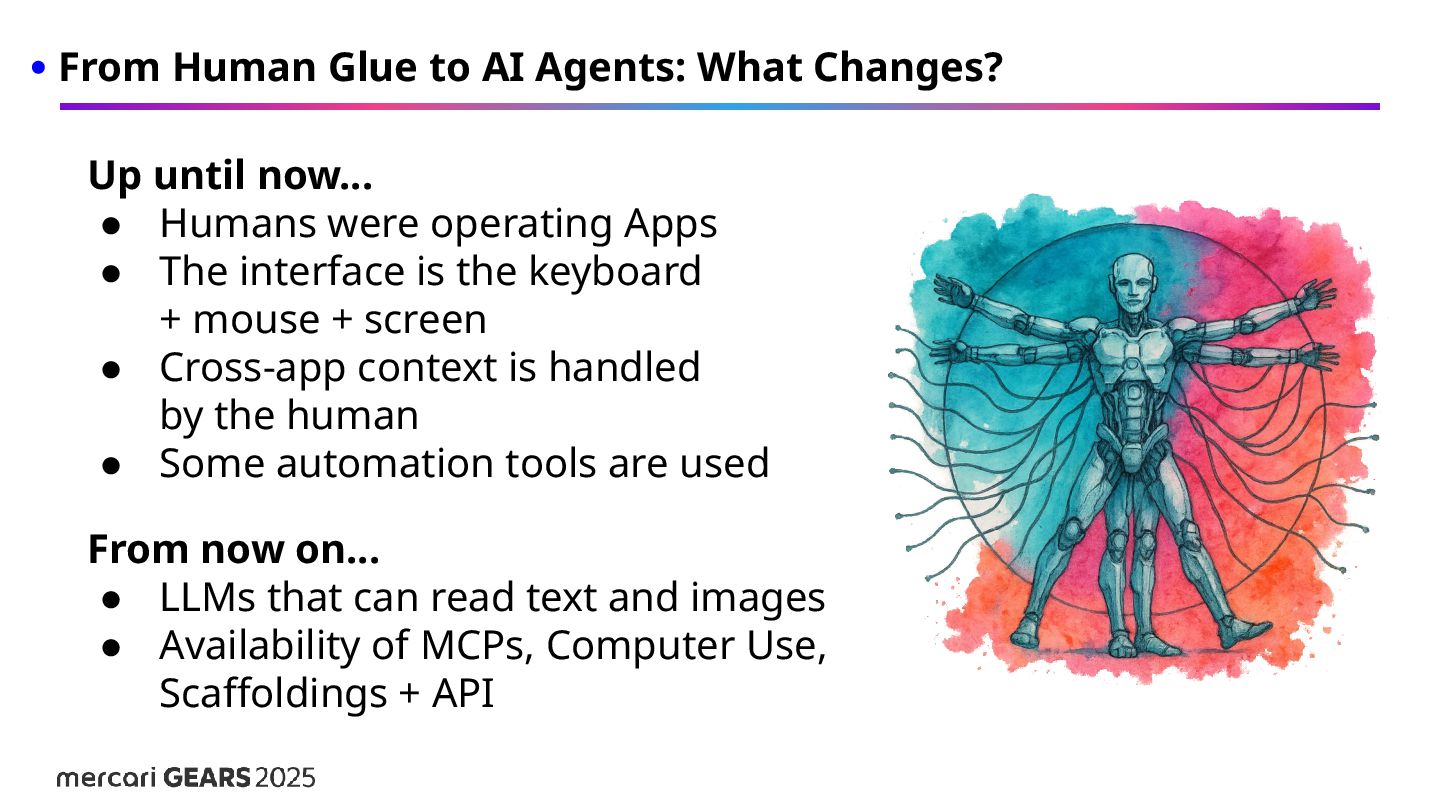
From Human Glue to AI Agents: What Changes? Up
until now… • Humans were operating Apps • The interface is the keyboard + mouse + screen • Cross-app context is handled by the human • Some automation tools are used From now on… • LLMs that can read text and images • Availability of MCPs, Computer Use, Scaffoldings + API -
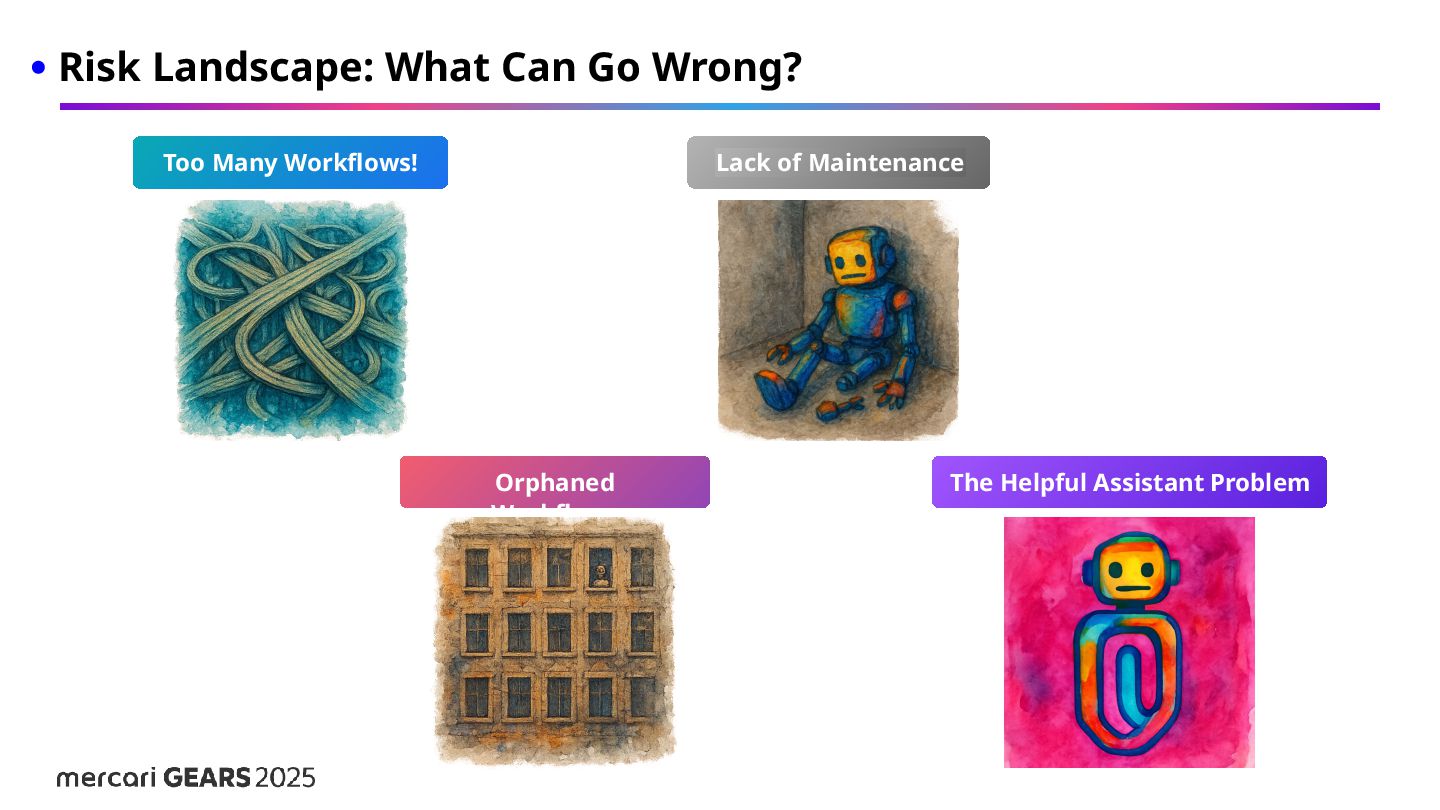
Risk Landscape: What Can Go Wrong? Too Many Workflows!
The Helpful Assistant Problem Orphaned Workflows Lack of Maintenance -
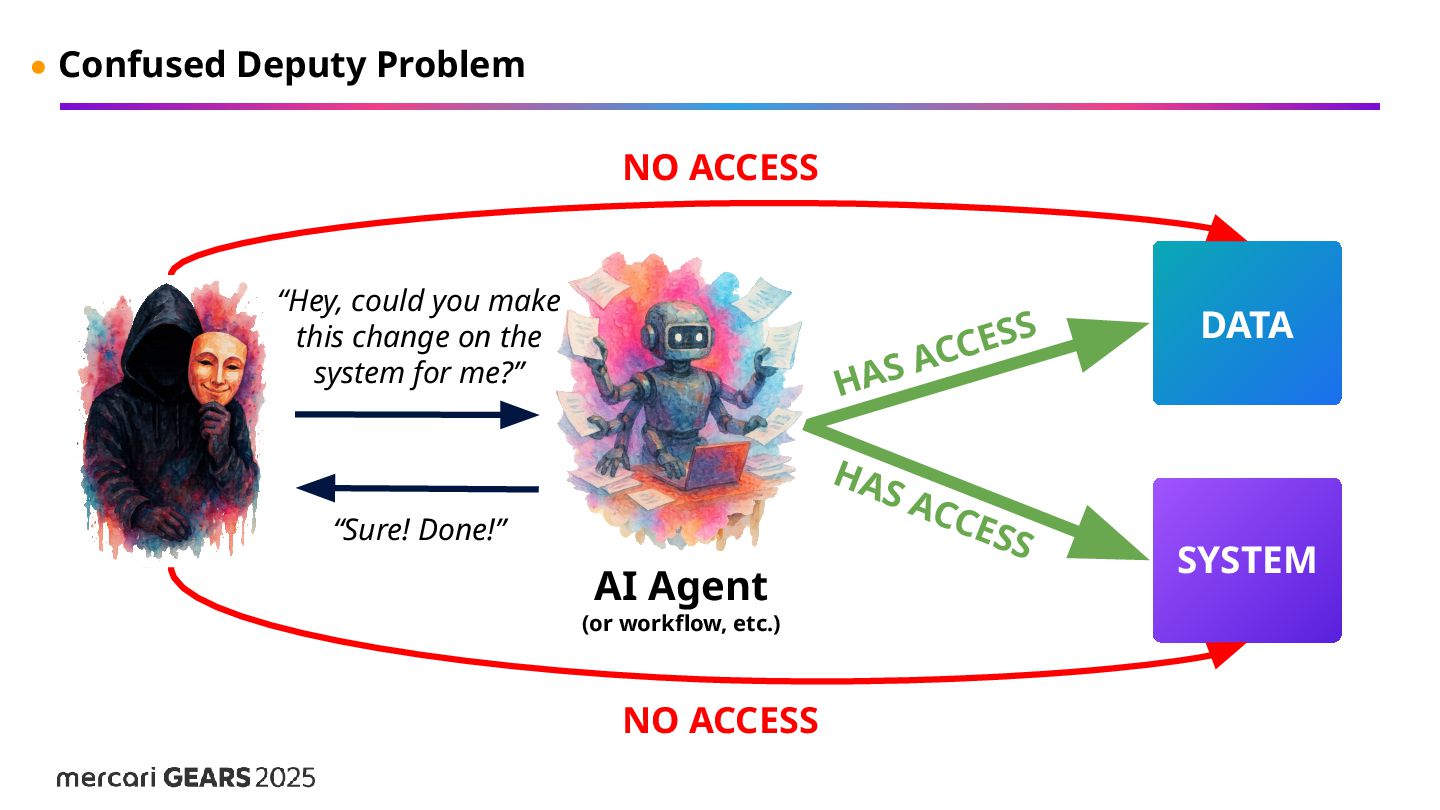
Confused Deputy Problem DATA SYSTEM HAS ACCESS NO ACCESS “Hey,
could you make this change on the system for me?” “Sure! Done!” AI Agent (or workflow, etc.) NO ACCESS HAS ACCESS -
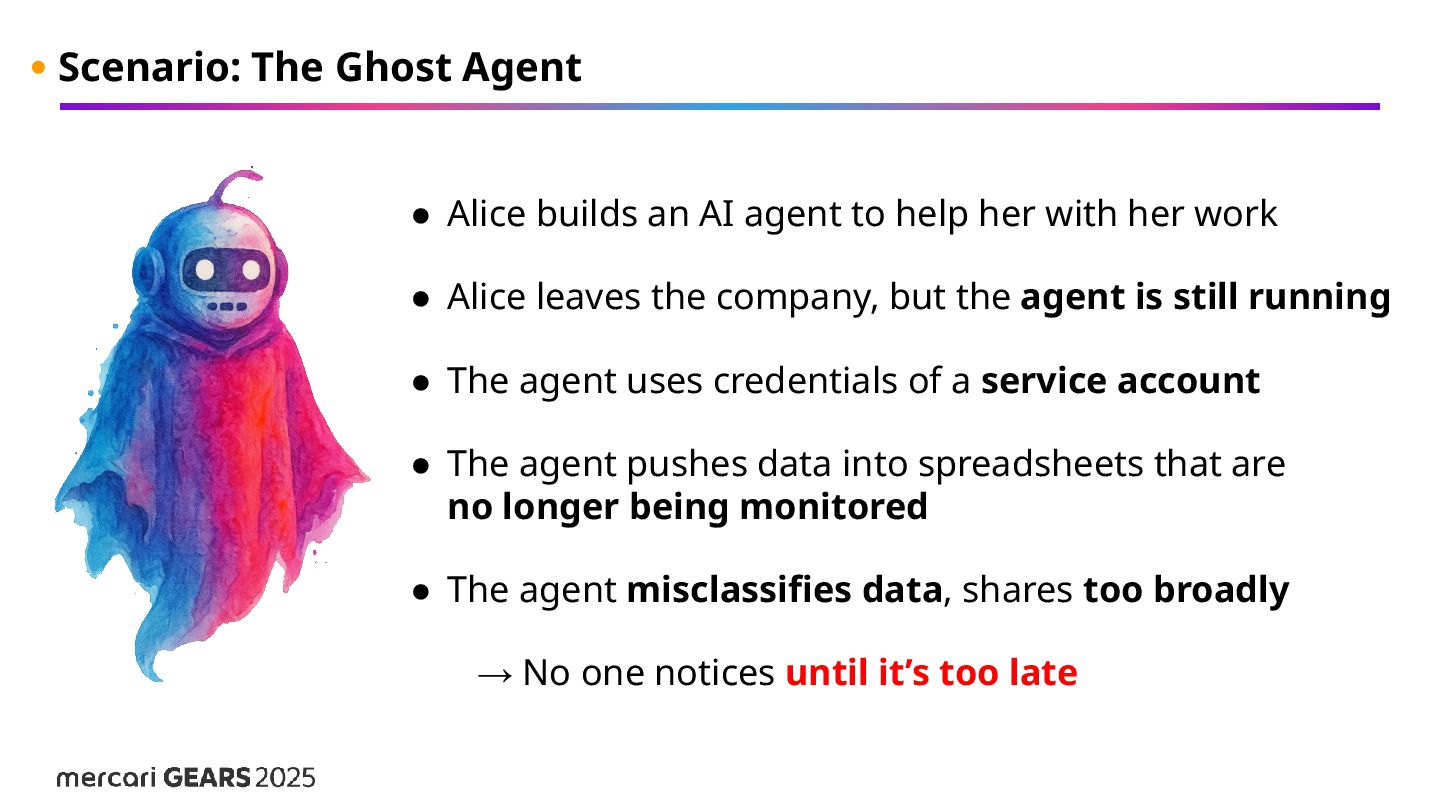
Scenario: The Ghost Agent • Alice builds an AI agent
to help her with her work • Alice leaves the company, but the agent is still running • The agent uses credentials of a service account • The agent pushes data into spreadsheets that are no longer being monitored • The agent misclassifies data, shares too broadly → No one notices until it’s too late -
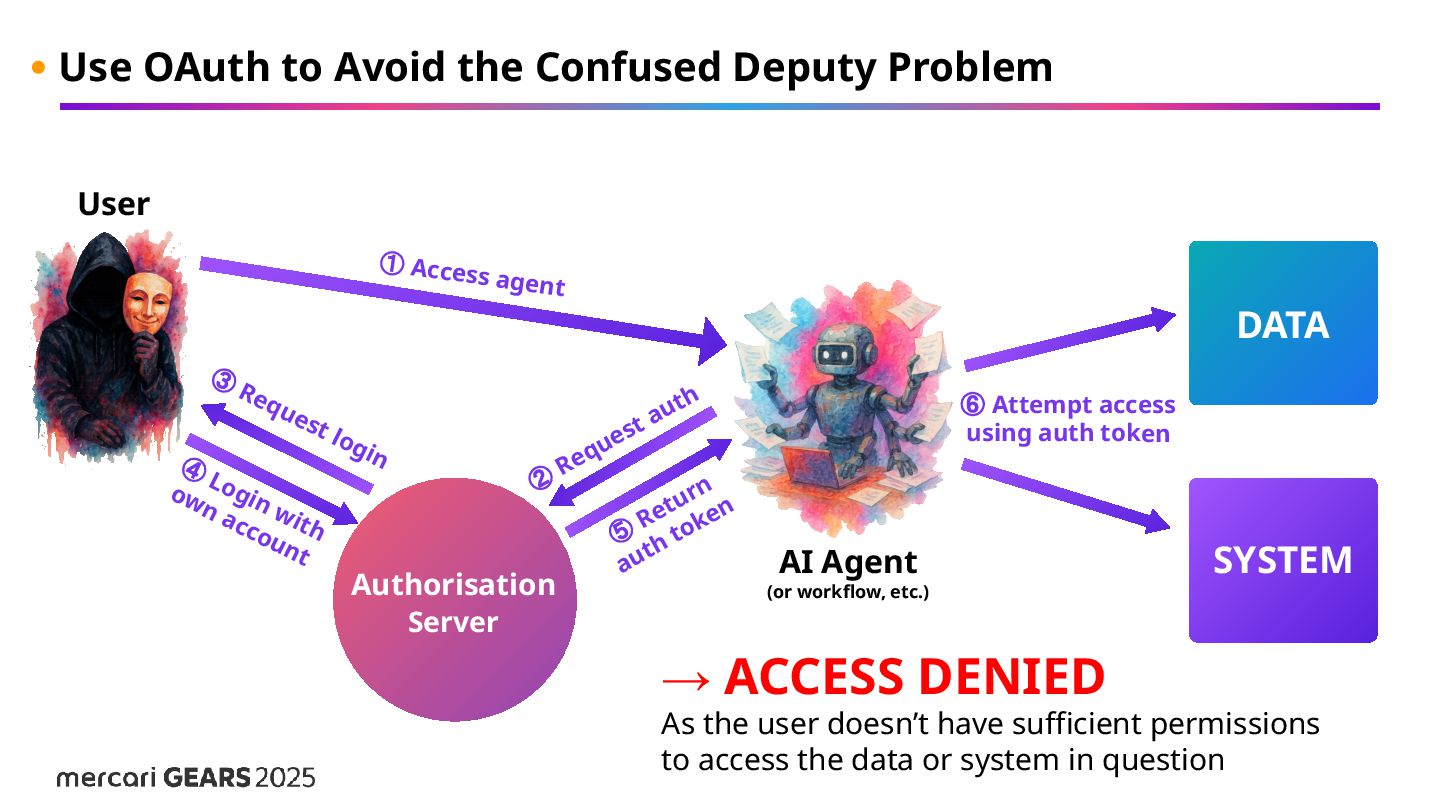
Use OAuth to Avoid the Confused Deputy Problem DATA SYSTEM
AI Agent (or workflow, etc.) Authorisation Server ① Access agent ② Request auth ③ Request login ④ Login with own account ⑤ Return auth token ⑥ Attempt access using auth token User → ACCESS DENIED As the user doesn’t have sufficient permissions to access the data or system in question -
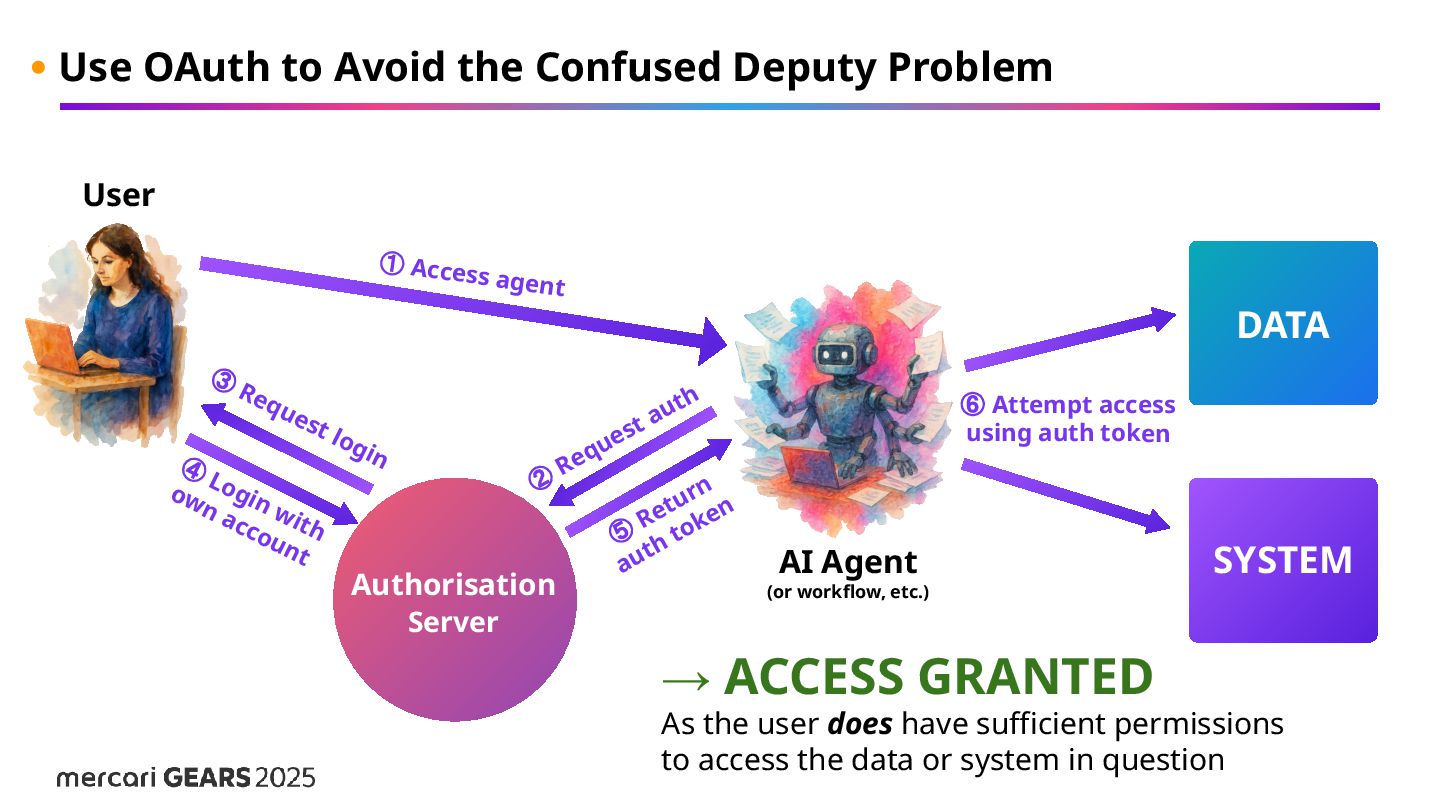
Use OAuth to Avoid the Confused Deputy Problem DATA
SYSTEM AI Agent (or workflow, etc.) Authorisation Server ① Access agent ② Request auth ③ Request login ④ Login with own account ⑤ Return auth token ⑥ Attempt access using auth token User → ACCESS GRANTED As the user does have sufficient permissions to access the data or system in question -
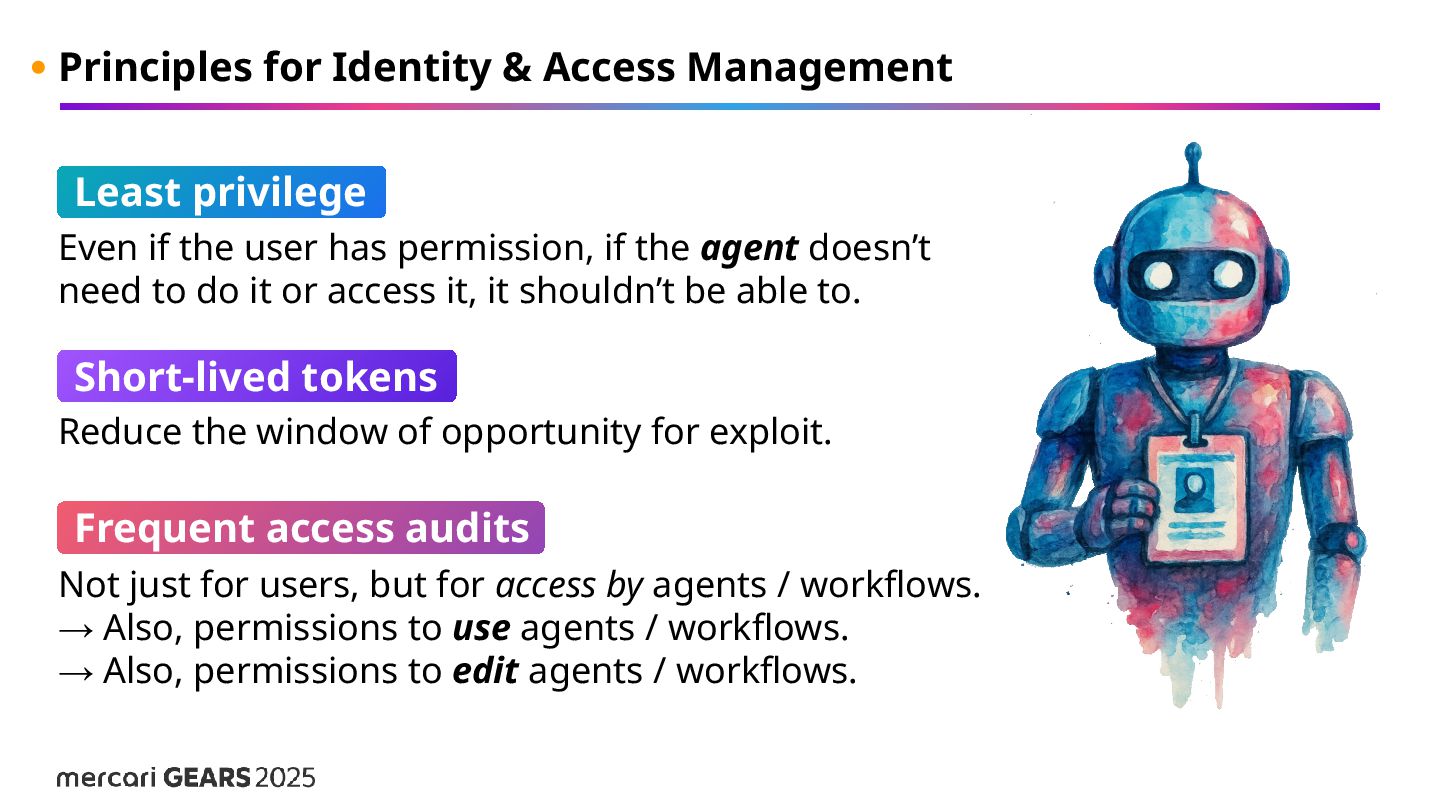
Principles for Identity & Access Management Least privilege Even
if the user has permission, if the agent doesn’t need to do it or access it, it shouldn’t be able to. Short-lived tokens Reduce the window of opportunity for exploit. Frequent access audits Not just for users, but for access by agents / workflows. → Also, permissions to use agents / workflows. → Also, permissions to edit agents / workflows. -
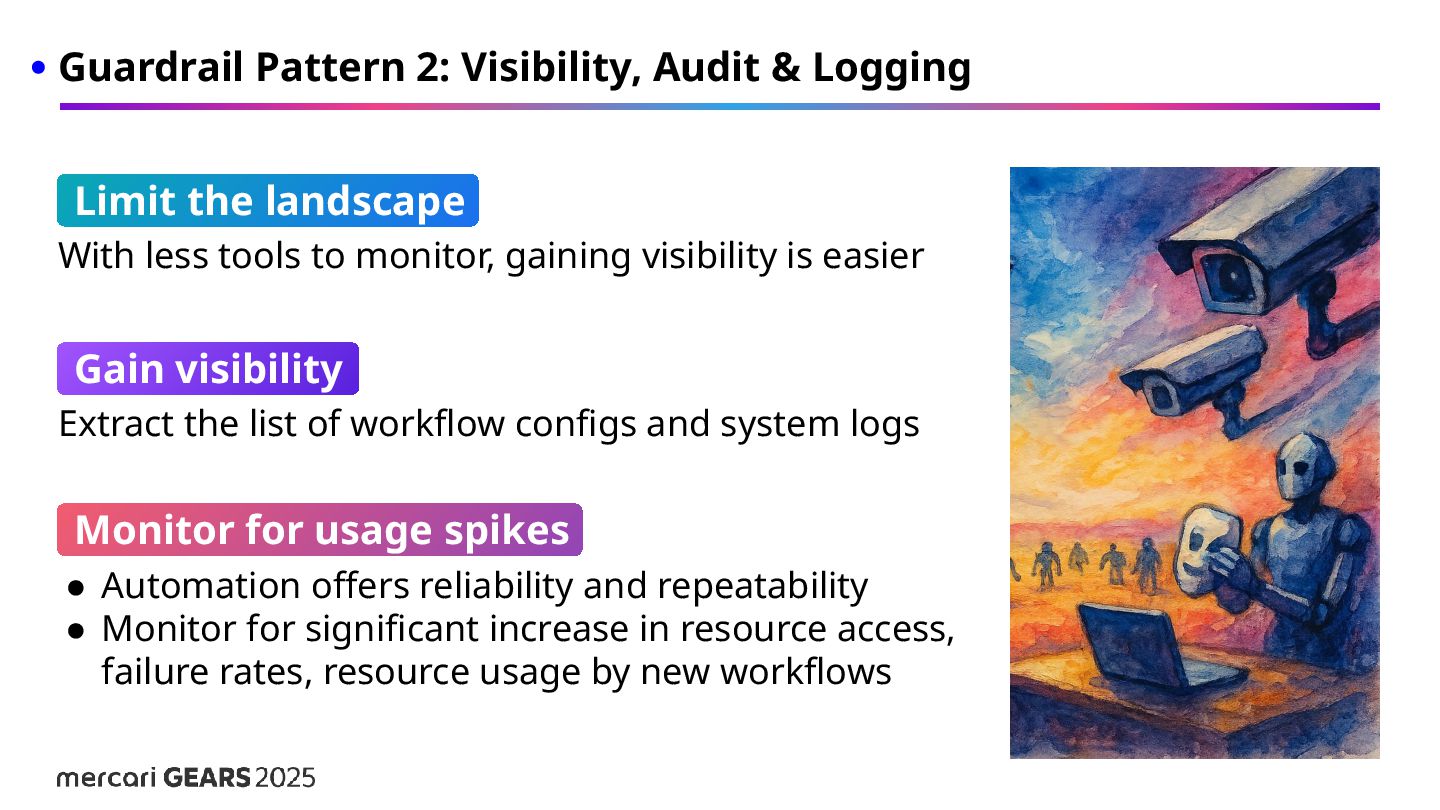
Guardrail Pattern 2: Visibility, Audit & Logging Limit the landscape
With less tools to monitor, gaining visibility is easier Gain visibility Extract the list of workflow configs and system logs Monitor for usage spikes • Automation offers reliability and repeatability • Monitor for significant increase in resource access, failure rates, resource usage by new workflows -
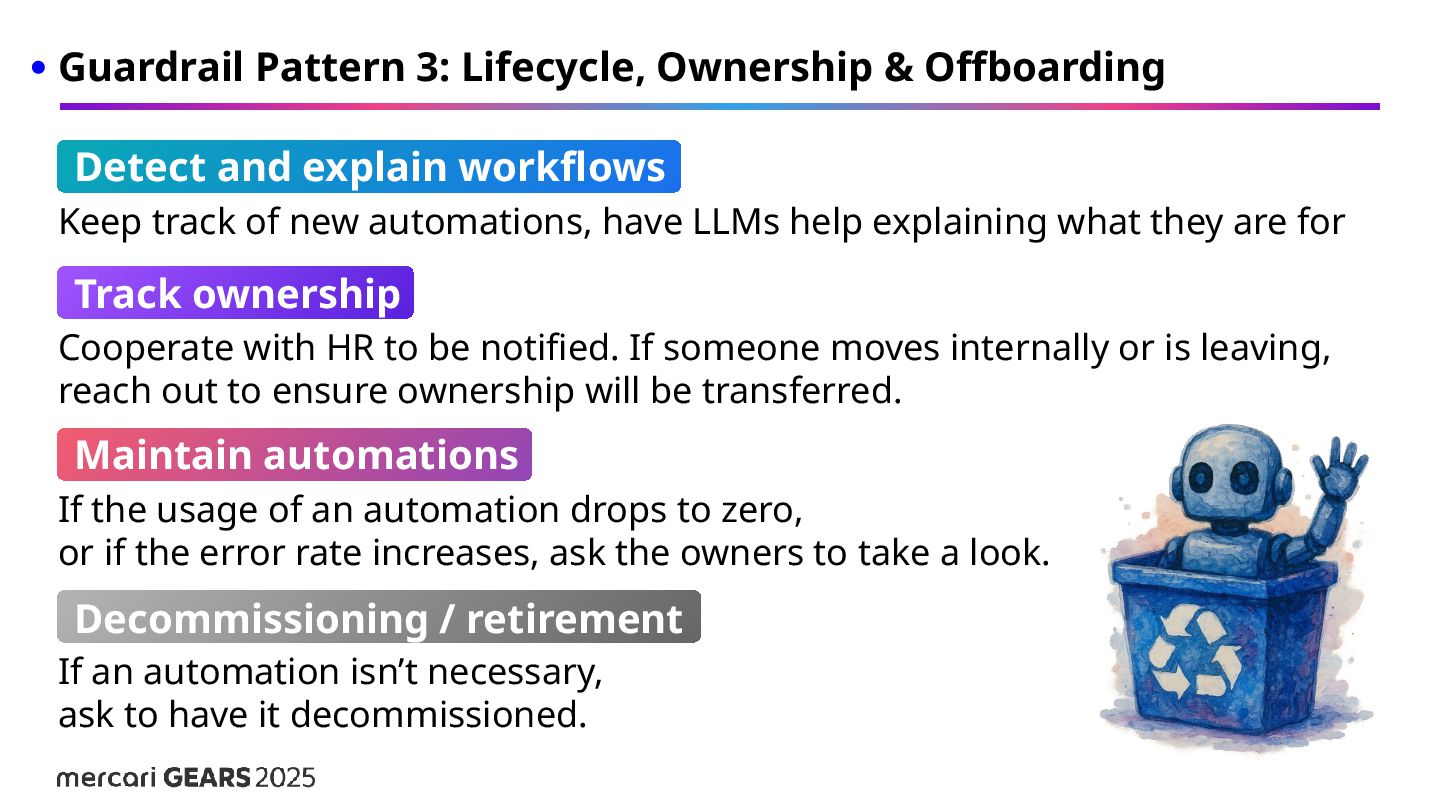
Guardrail Pattern 3: Lifecycle, Ownership & Offboarding Detect and
explain workflows Keep track of new automations, have LLMs help explaining what they are for Track ownership Cooperate with HR to be notified. If someone moves internally or is leaving, reach out to ensure ownership will be transferred. Maintain automations If the usage of an automation drops to zero, or if the error rate increases, ask the owners to take a look. Decommissioning / retirement If an automation isn’t necessary, ask to have it decommissioned. -
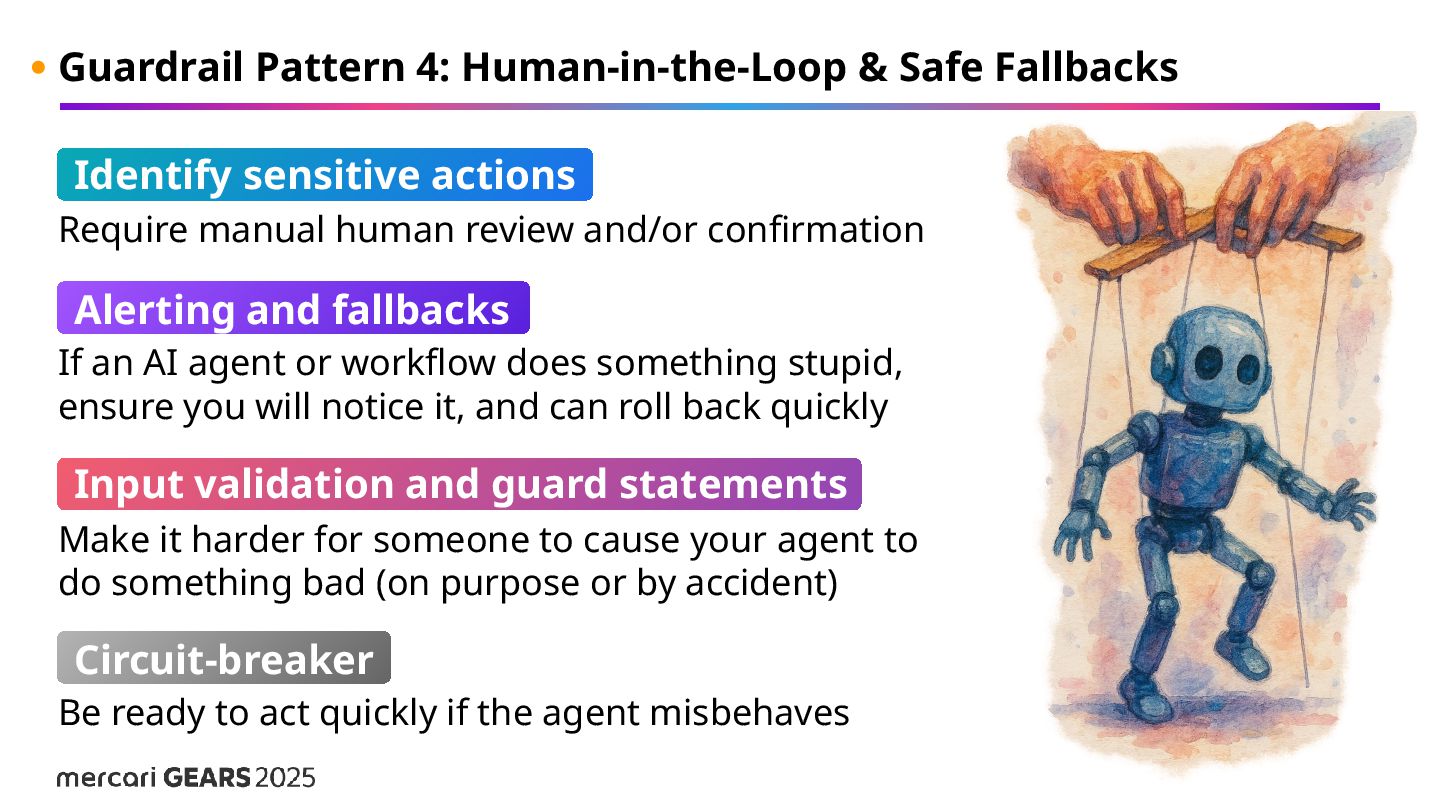
Guardrail Pattern 4: Human-in-the-Loop & Safe Fallbacks Identify sensitive
actions Require manual human review and/or confirmation Alerting and fallbacks If an AI agent or workflow does something stupid, ensure you will notice it, and can roll back quickly Input validation and guard statements Make it harder for someone to cause your agent to do something bad (on purpose or by accident) Circuit-breaker Be ready to act quickly if the agent misbehaves -
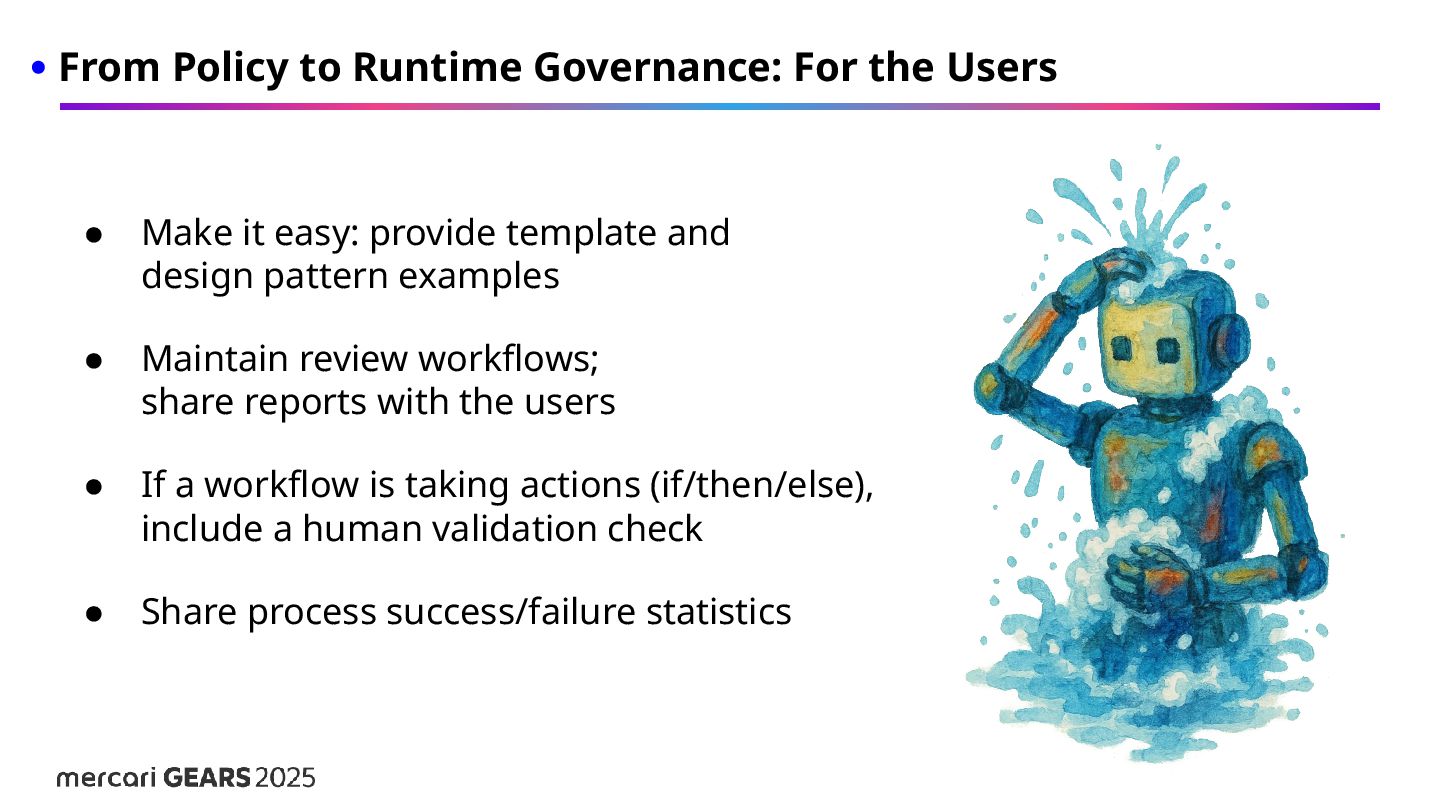
From Policy to Runtime Governance: For the Users •
Make it easy: provide template and design pattern examples • Maintain review workflows; share reports with the users • If a workflow is taking actions (if/then/else), include a human validation check • Share process success/failure statistics -
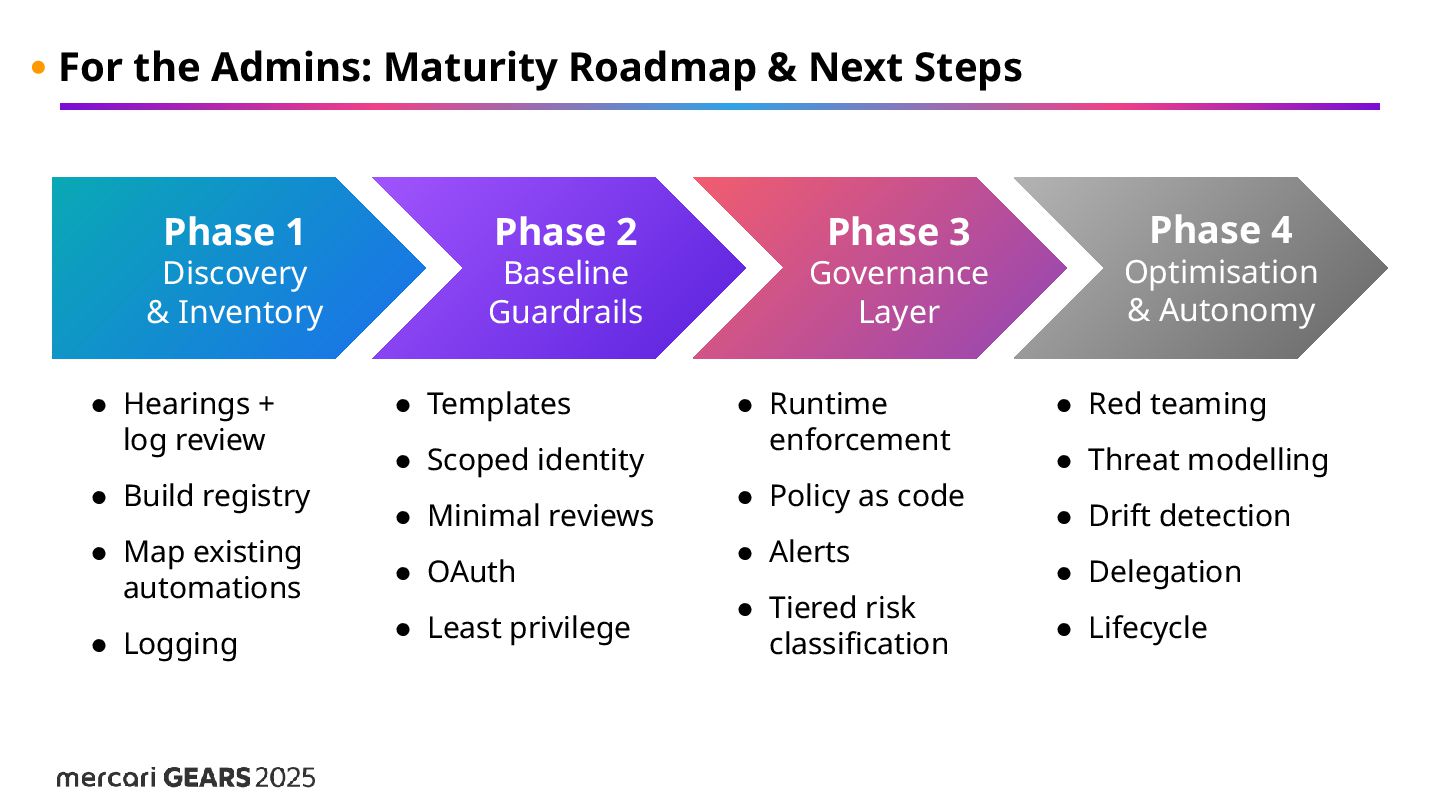
For the Admins: Maturity Roadmap & Next Steps •
Hearings + log review • Build registry • Map existing automations • Logging Phase 1 Discovery & Inventory Phase 2 Baseline Guardrails Phase 3 Governance Layer Phase 4 Optimisation & Autonomy • Templates • Scoped identity • Minimal reviews • OAuth • Least privilege • Runtime enforcement • Policy as code • Alerts • Tiered risk classification • Red teaming • Threat modelling • Drift detection • Delegation • Lifecycle -
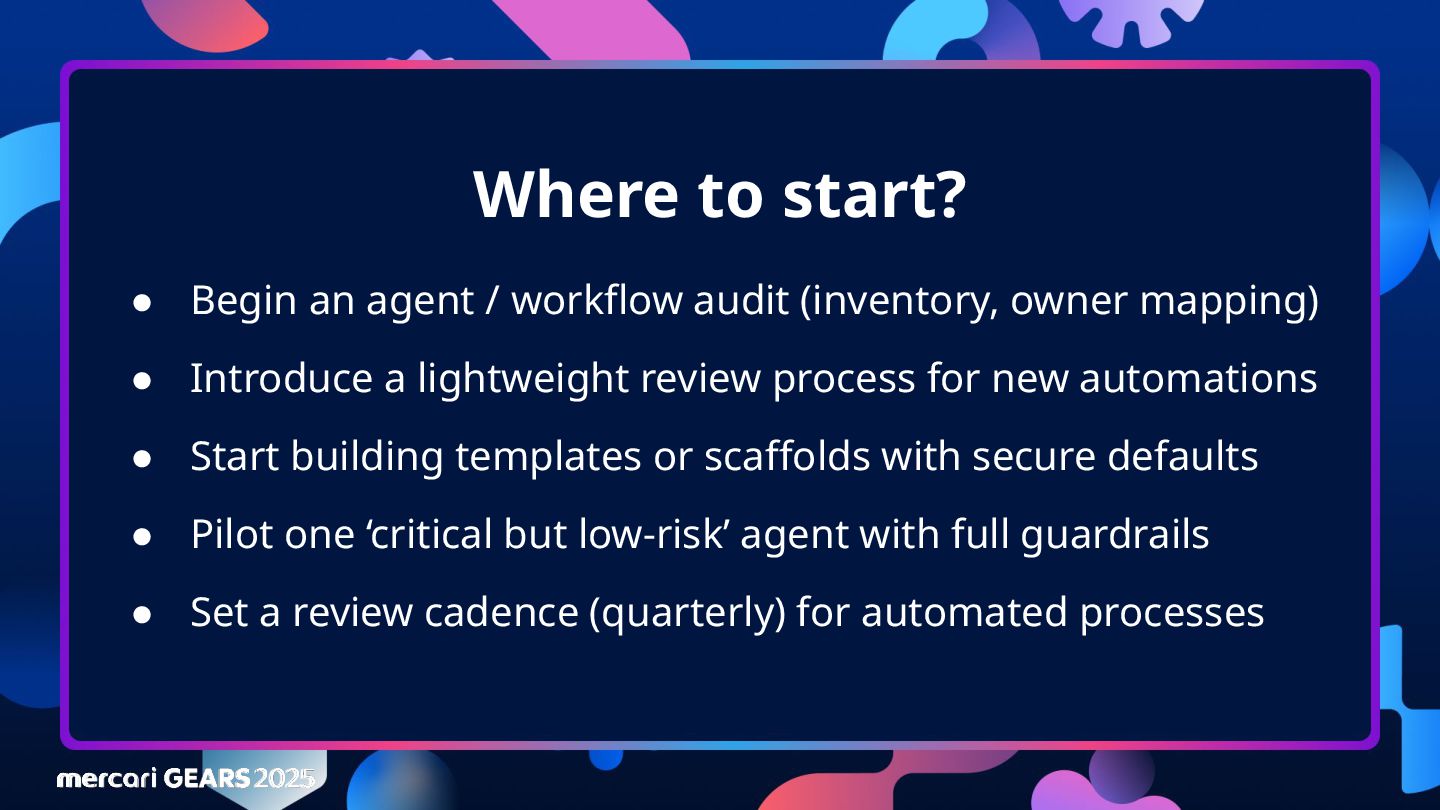
Where to start? • Begin an agent / workflow audit
(inventory, owner mapping) • Introduce a lightweight review process for new automations • Start building templates or scaffolds with secure defaults • Pilot one ‘critical but low-risk’ agent with full guardrails • Set a review cadence (quarterly) for automated processes