Upgrade to Pro
— share decks privately, control downloads, hide ads and more …
Speaker Deck
Sign up for free
Menu
Search
Features
All features
Private URLs
Password Protection
Custom URLS
Scheduled publishing
Remove Branding
Restrict embedding
Deck Collections
Notes
Features
All features
Private URLs
Password Protection
Custom URLS
Scheduled publishing
Remove Branding
Restrict embedding
Deck Collections
Notes
Explore
Featured decks
Featured speakers
Programming
Technology
Storyboards
Explore
Featured decks
Featured speakers
Programming
Technology
Storyboards
Pricing
Search
Sign in
Sign up for free
NSC AD 340 5210 - Week 8
Search
Nate Ebel
June 02, 2020
Programming
500
1
Share
Embed
Copy iframe code
Copy JS code
Copy link
Start on current slide
NSC AD 340 5210 - Week 8
Nate Ebel
June 02, 2020
More Decks by Nate Ebel
See All by Nate Ebel
Adopting Kotlin Multiplatform in Brownfield Applications - DCIT22
n8ebel
2
290
Adopting Kotlin Multiplatform in Brownfield Applications - DCNYC22
n8ebel
1
830
Demystify and Optimize Your Android Gradle Builds - Mobiconf 2021
n8ebel
2
530
Building an Android CI Pipeline with GitHub Actions - Chicago Roboto 2020
n8ebel
1
1.1k
Kotlin First - Taking Advantage of Kotlin for Android Development // 360AnDev 2020
n8ebel
0
530
NSC AD 340 5210 - Week 7
n8ebel
1
440
NSC AD 340 5210 - Week 6
n8ebel
1
380
NSC AD 340 5210 - Week 5
n8ebel
1
460
NSC AD 340 5210 - Week 4
n8ebel
2
550
Other Decks in Programming
See All in Programming
見えないものを探る要求要件定義に必要な基本的思考 / invisible-requirement-thinking
minodriven
15
8.6k
AWSに止められる覚悟してますか?
morizo_1984
2
540
當我們開始不讀 Code - AI Agent 時代,Code Review 與 Clean Code 還剩下什麼?
jame2408
1
290
No More NoSuchMethodError
exoego
1
110
【加筆修正版】Laravel のアプリケーションをどこにデプロイするか #phpcon_ehime
akase244
0
160
Kotlinの15年とServer-Side Kotlin
n_takehata
1
160
コードレビューのボトルネックを"する側"と"される側"の両面から解消する
yub0n
2
1.6k
AI時代のTerminal環境を UNIX哲学で設計・運用する
yasunori0418
1
140
なぜCTOを降りてFDEを選んだのか?〜なぜプロダクト企業がFDEで顧客の現場に踏み込むのか〜
gonta
1
220
全ての永続トークンを、生まれる前に消し去りたい!
sylph01
2
1.1k
phperだってパンチカードでコーディングしたい
o0h
PRO
0
370
GemmaをJevのように使ってみる / Use Gemma like Jev
kishida
5
820
Featured
See All Featured
Self-Hosted WebAssembly Runtime for Runtime-Neutral Checkpoint/Restore in Edge–Cloud Continuum
chikuwait
0
890
From π to Pie charts
rasagy
1
400
jQuery: Nuts, Bolts and Bling
dougneiner
66
8.6k
Design in an AI World
tapps
1
360
SEO for Brand Visibility & Recognition
aleyda
0
4.8k
Google's AI Overviews - The New Search
badams
0
1.6k
Producing Creativity
orderedlist
PRO
348
41k
Claude Code のすすめ
schroneko
67
230k
AI: The stuff that nobody shows you
jnunemaker
PRO
10
1.2k
AI Search: Where Are We & What Can We Do About It?
aleyda
0
8.1k
The Curious Case for Waylosing
cassininazir
1
570
Prompt Engineering for Job Search
mfonobong
0
530
Transcript
Week 8 Lecture ViewBinding, ViewModel and MVVM
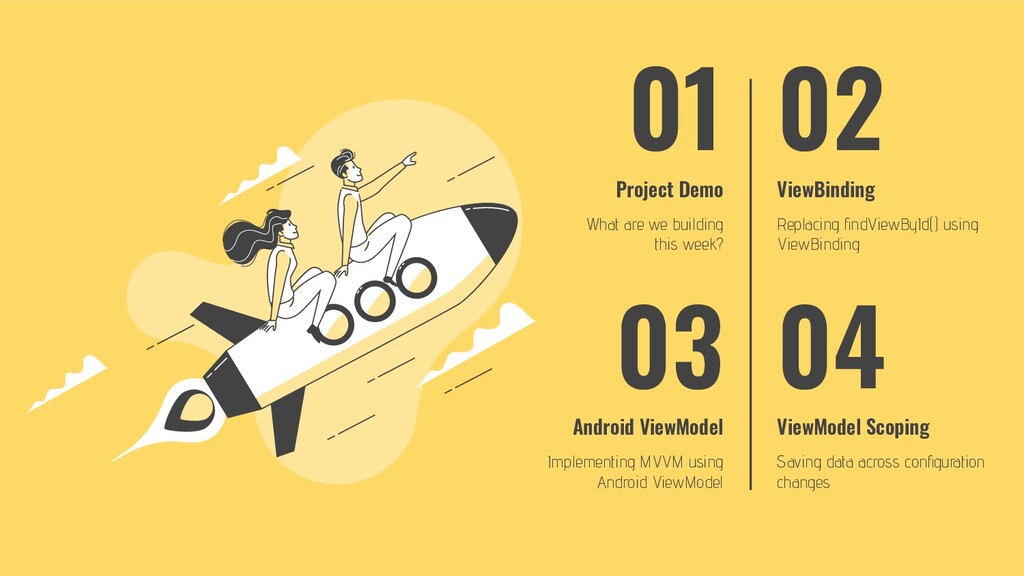
What are we building this week? Replacing findViewById() using ViewBinding
02 Project Demo ViewBinding 01 Saving data across configuration changes ViewModel Scoping 04 Android ViewModel Implementing MVVM using Android ViewModel 03
Project Demo What are we building this week?
Week 8 Project Updates • Refactoring ForecastDetailsFragment • Using ViewBinding
to replace calls to findViewById() • Using ViewModel to implement MVVM • Saving data across configuration changes using ViewModel scoping
ViewBinding Replacing calls to findViewById()
Generate statically typed view references Removes any need for findViewById()
Access Generated View Properties // inflate layout and get ViewBinding
reference val binding = FragmentForecastDetailsBinding.inflate(inflater, parent, false) // access null-safe properties to reference you views binding.descriptionText.text = viewState.description binding.dateText.text = viewState.date binding.forecastIcon.load(viewState.iconUrl)
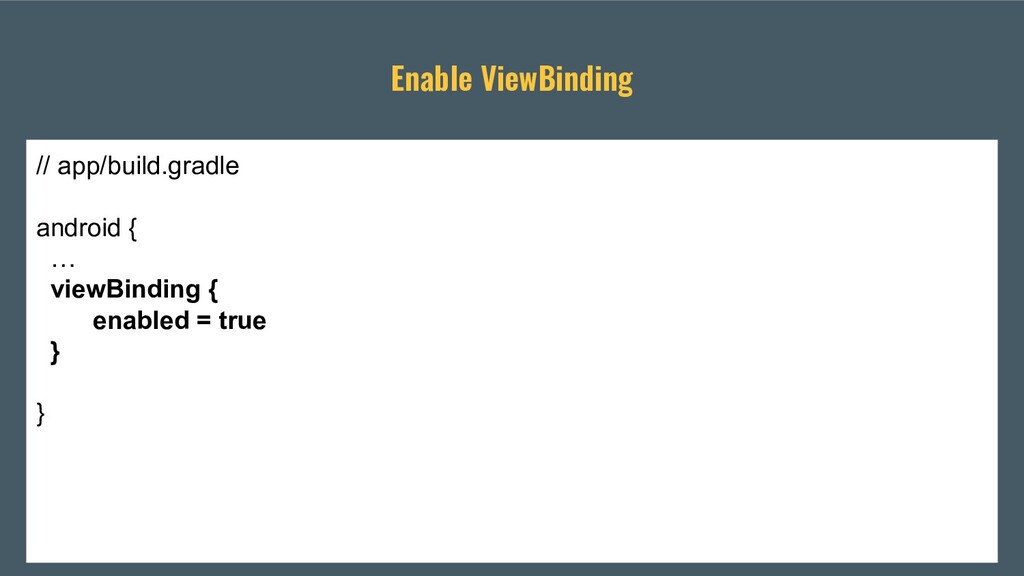
Enable ViewBinding // app/build.gradle android { … viewBinding { enabled
= true } }
ViewModel Separating business logic from UI presentation
“The ViewModel class is designed to store and manage UI-related
data in a lifecycle conscious way. The ViewModel class allows data to survive configuration changes such as screen rotations”
• Manage data sources • Format data • Save data
across configuration change • Expose data to be displayed in the UI Using ViewModel
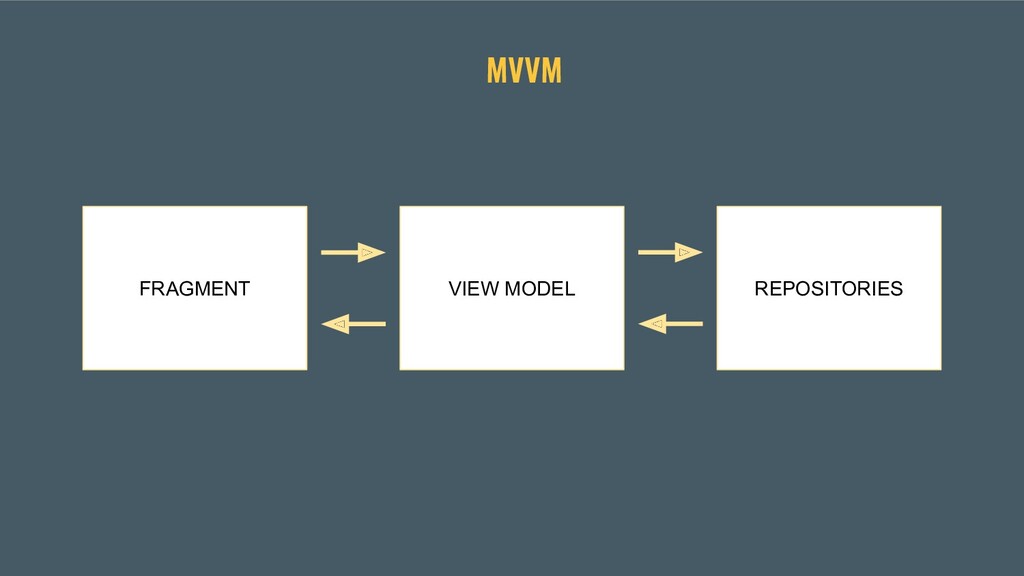
MVVM Separation of business logic and UI presentation
MVVM VIEW VIEW MODEL MODEL
MVVM FRAGMENT VIEW MODEL REPOSITORIES
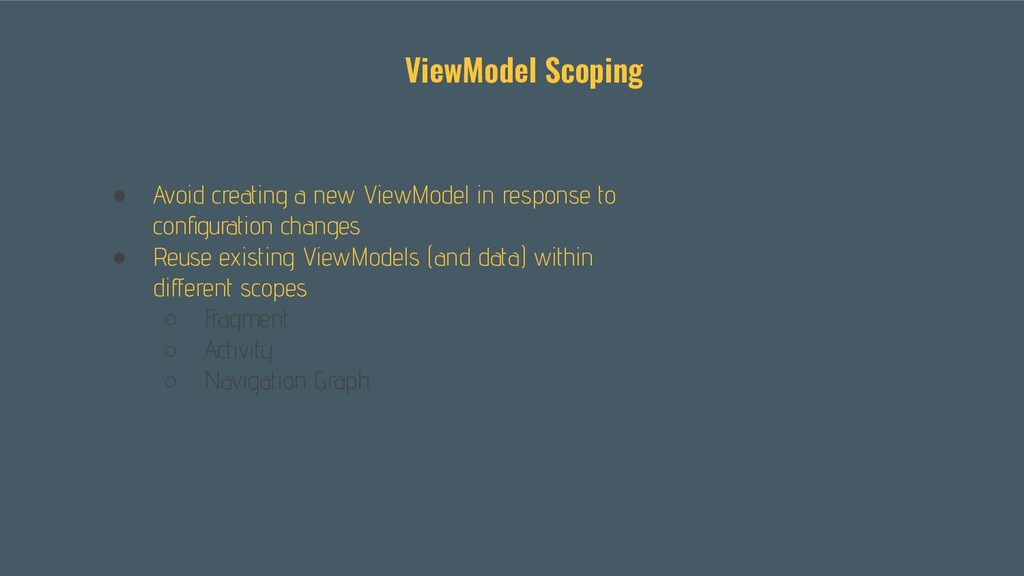
ViewModel Scoping Save data across configuration changes
• Avoid creating a new ViewModel in response to configuration
changes • Reuse existing ViewModels (and data) within different scopes ◦ Fragment ◦ Activity ◦ Navigation Graph ViewModel Scoping
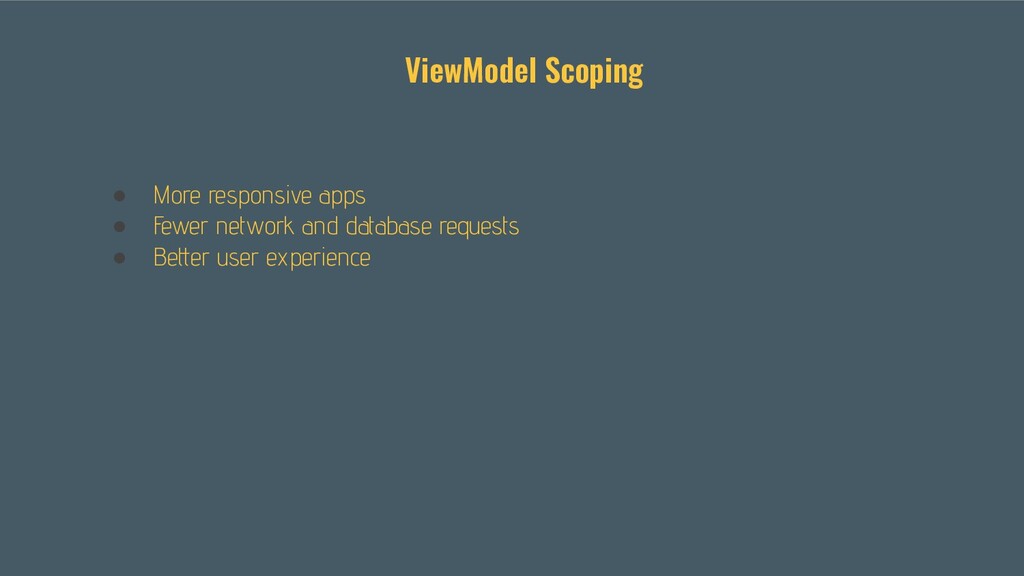
• More responsive apps • Fewer network and database requests
• Better user experience ViewModel Scoping
Demo


 n8ebel
 minodriven
 morizo_1984
 jame2408
 exoego
 akase244
 n_takehata
 yub0n
yub0n
 yasunori0418
 gonta
gonta
 sylph01
 o0h
o0h
 kishida
 chikuwait
 rasagy
 dougneiner
 tapps
tapps
 aleyda
 badams
 orderedlist
 schroneko
 jnunemaker
 cassininazir
 mfonobong