at MIERUNE Inc. GIS & web development. 3D WebGIS Point Cloud AWS Community Builder (AI Engineering) PLATEAU ADVOCATE / Cesium Certified Developer X: twitter.com/nokonoko̲1203 LinkedIn: linkedin.com/in/satoru-nishio
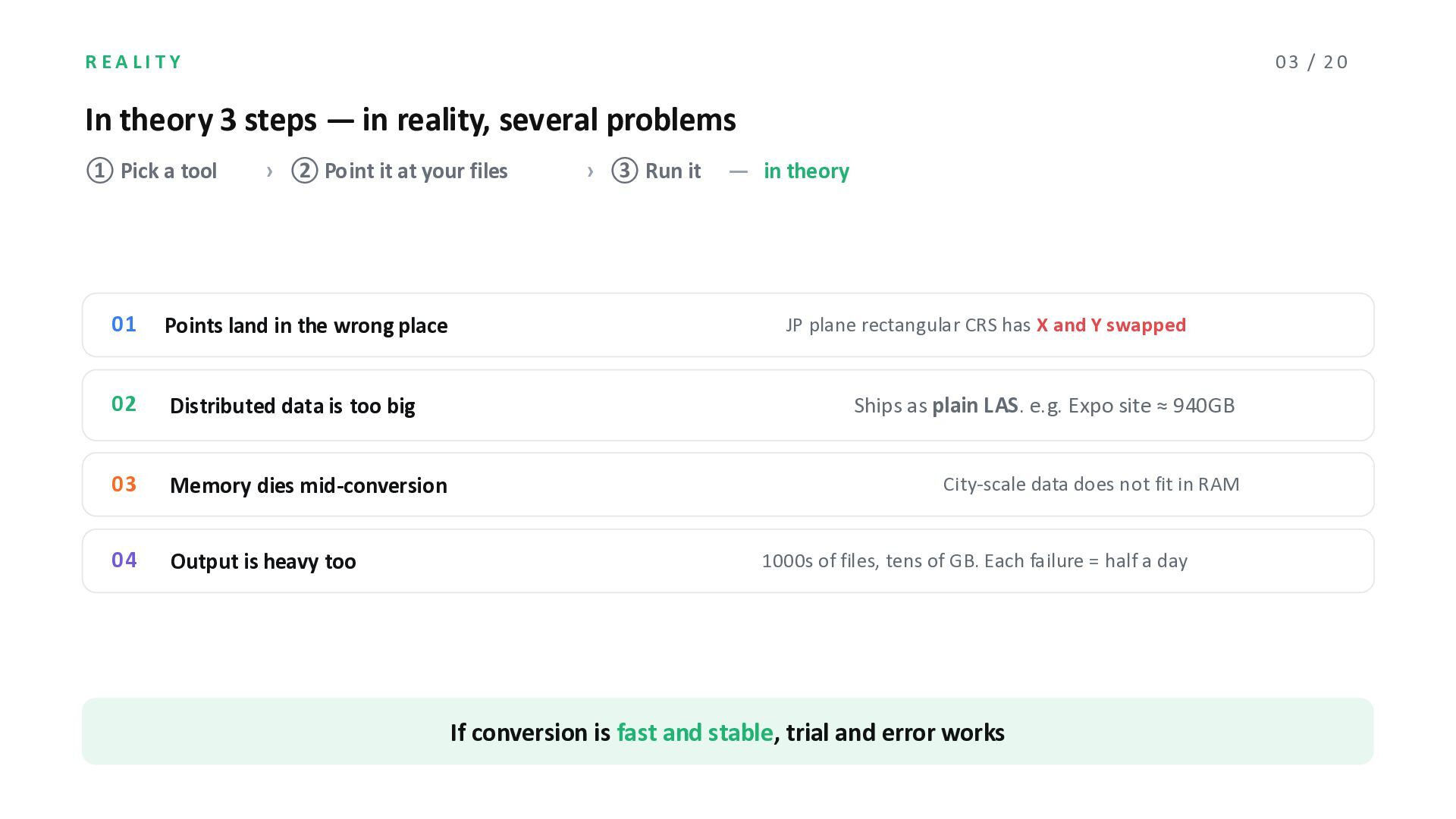
reality, several problems ① Pick a tool › ② Point it at your files › ③ Run it ̶ in theory 01 Points land in the wrong place 02 Distributed data is too big 03 Memory dies mid-conversion 04 Output is heavy too JP plane rectangular CRS has X and Y swapped Ships as plain LAS. e.g. Expo site ≈ 940GB City-scale data does not fit in RAM 1000s of files, tens of GB. Each failure = half a day If conversion is fast and stable, trial and error works
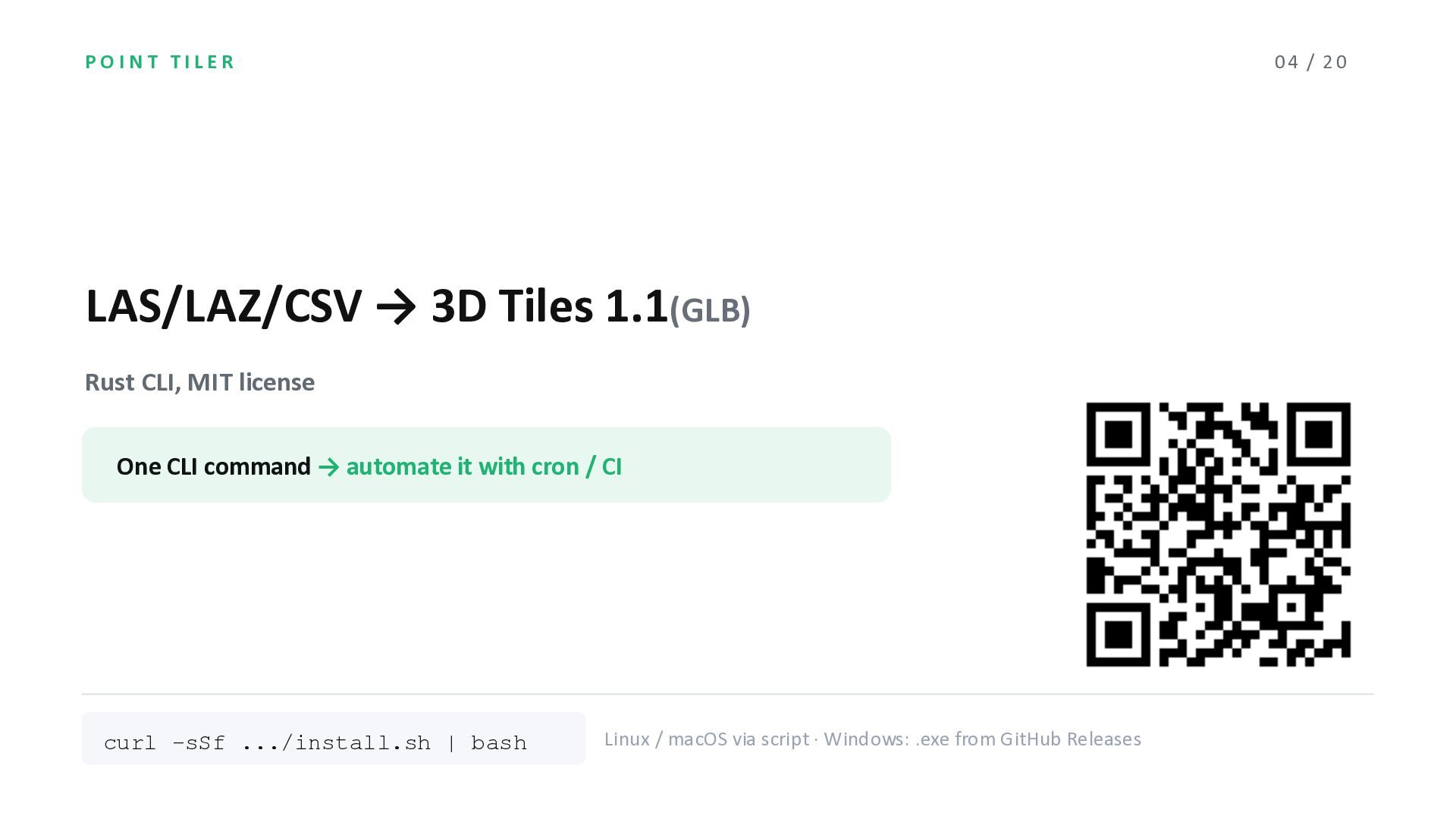
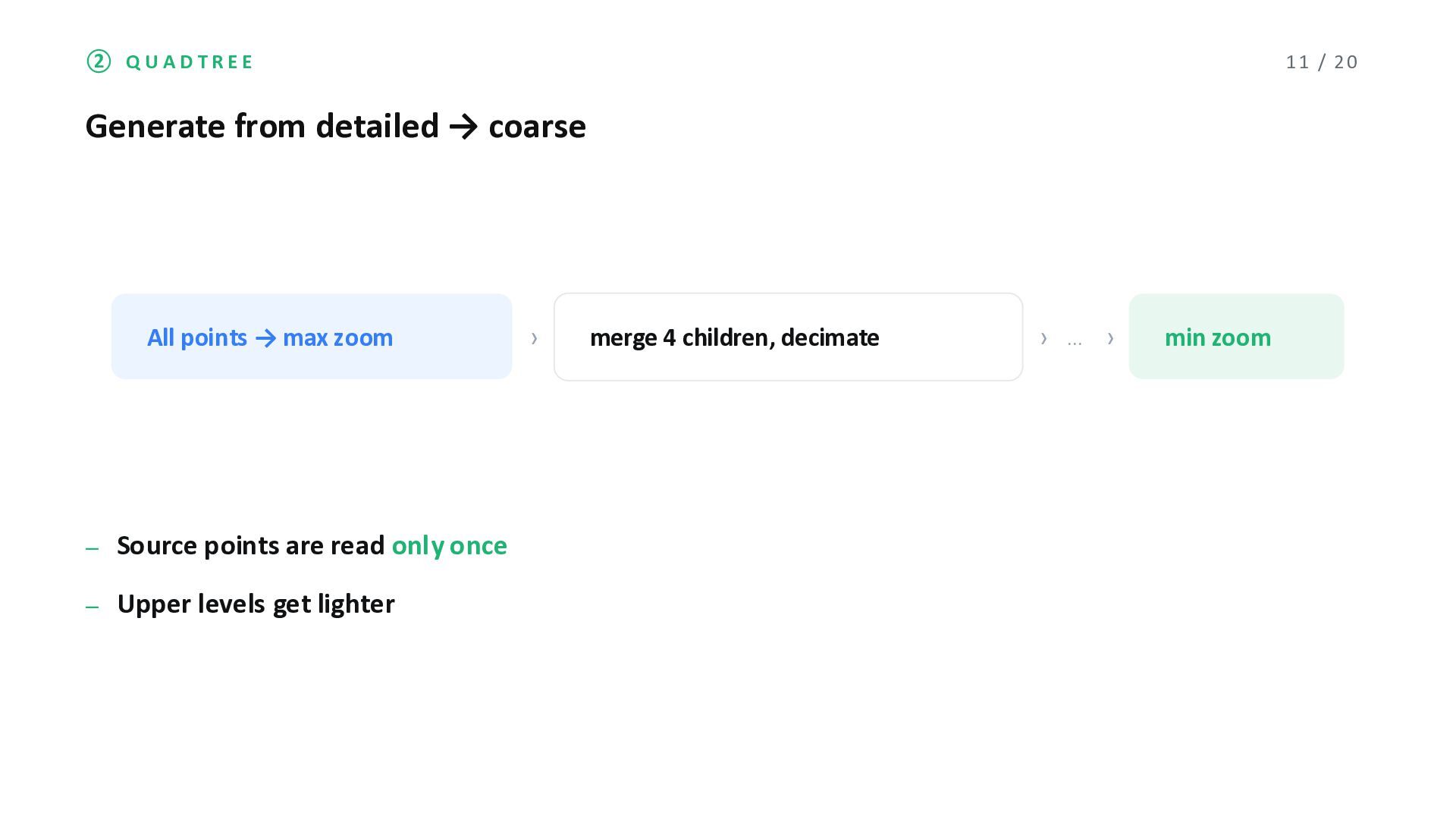
Rust CLI, MIT license One CLI command → automate it with cron / CI curl -sSf .../install.sh | bash Linux / macOS via script · Windows: .exe from GitHub Releases
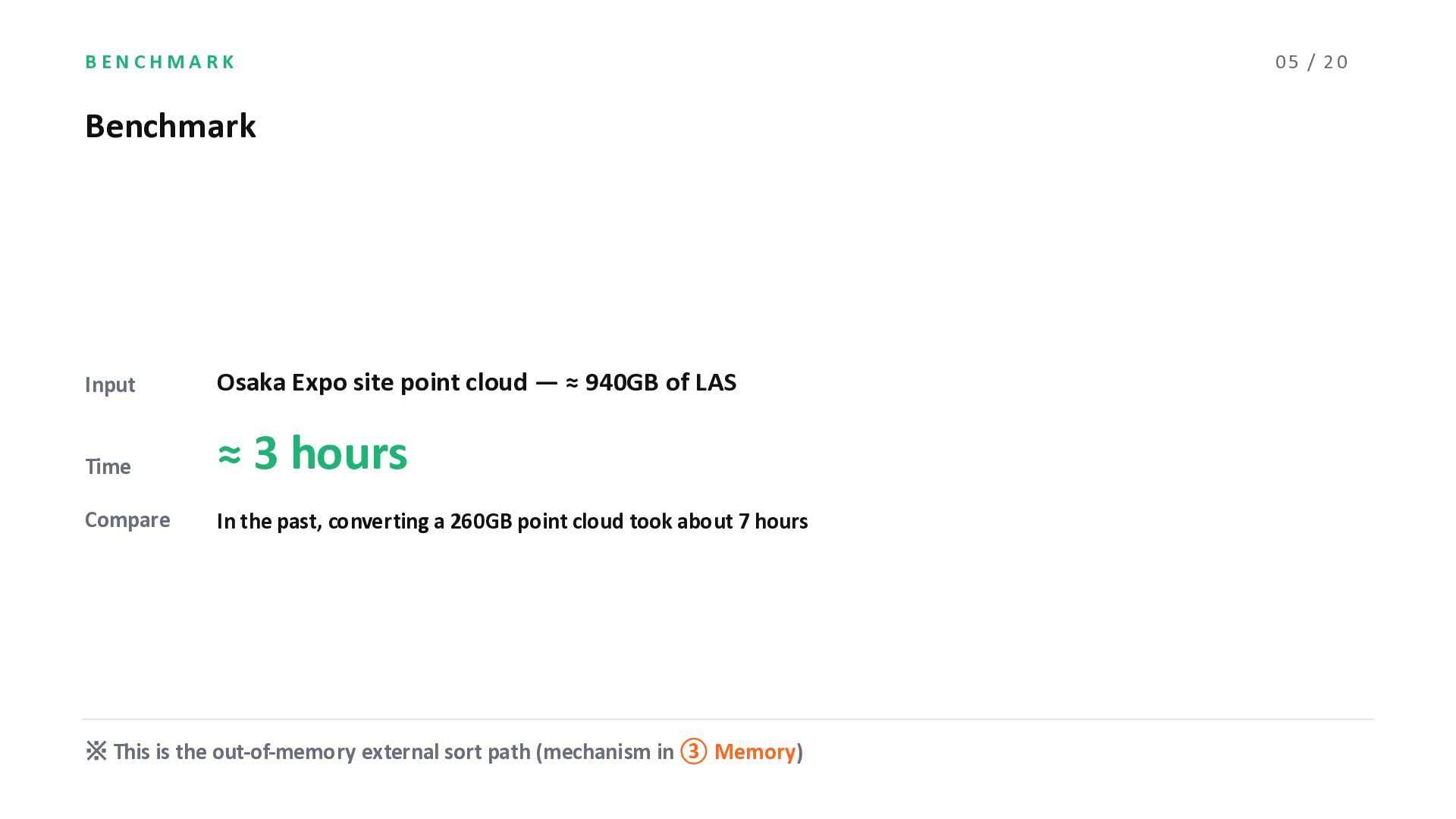
940GB of LAS Time ≈ 3 hours Compare In the past, converting a 260GB point cloud took about 7 hours ※ This is the out-of-memory external sort path (mechanism in ③ Memory) 05 / 20
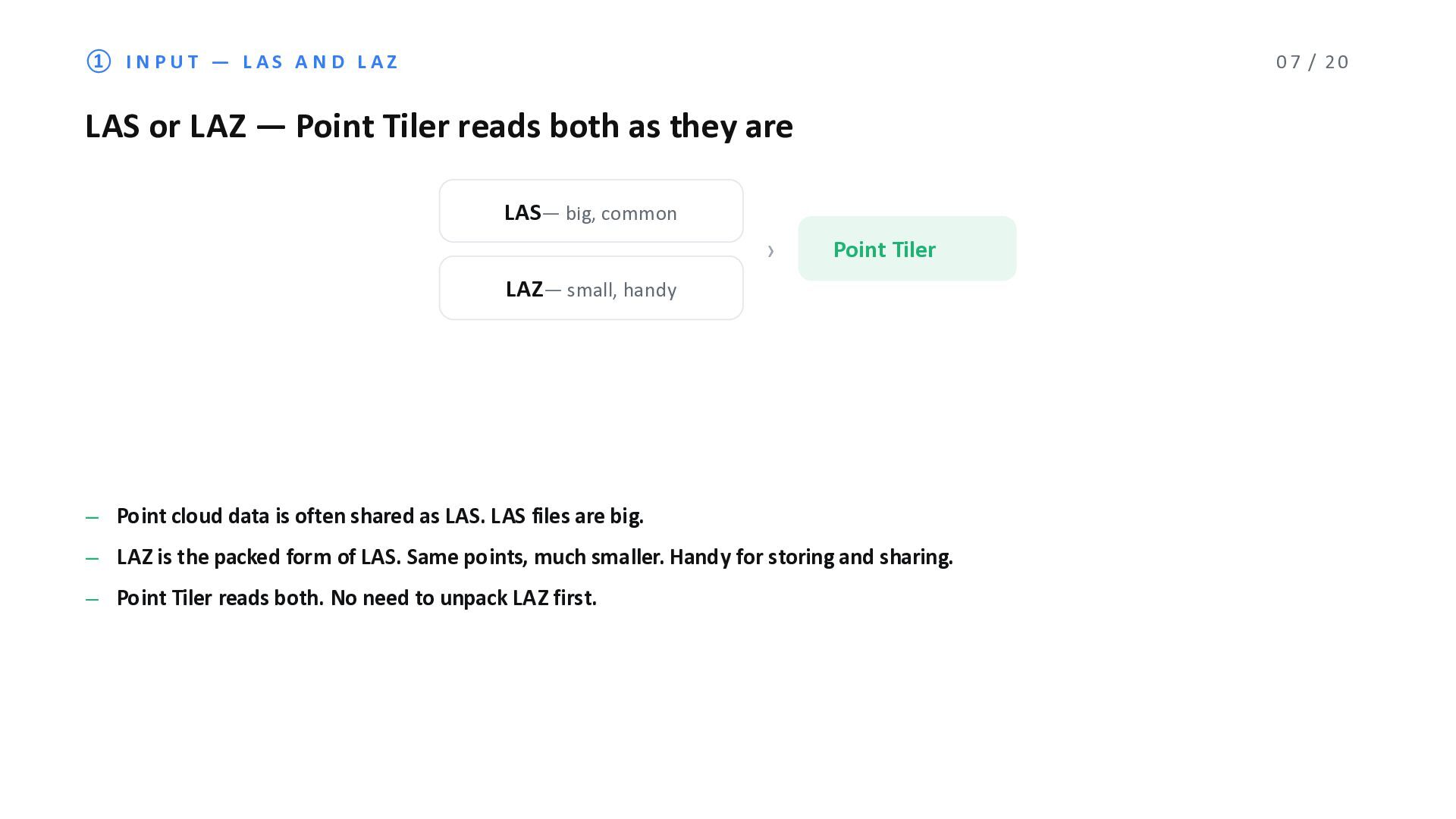
or LAZ ̶ Point Tiler reads both as they are LAS̶ big, common LAZ̶ small, handy › Point Tiler ̶ Point cloud data is often shared as LAS. LAS files are big. ̶ LAZ is the packed form of LAS. Same points, much smaller. Handy for storing and sharing. ̶ Point Tiler reads both. No need to unpack LAZ first.
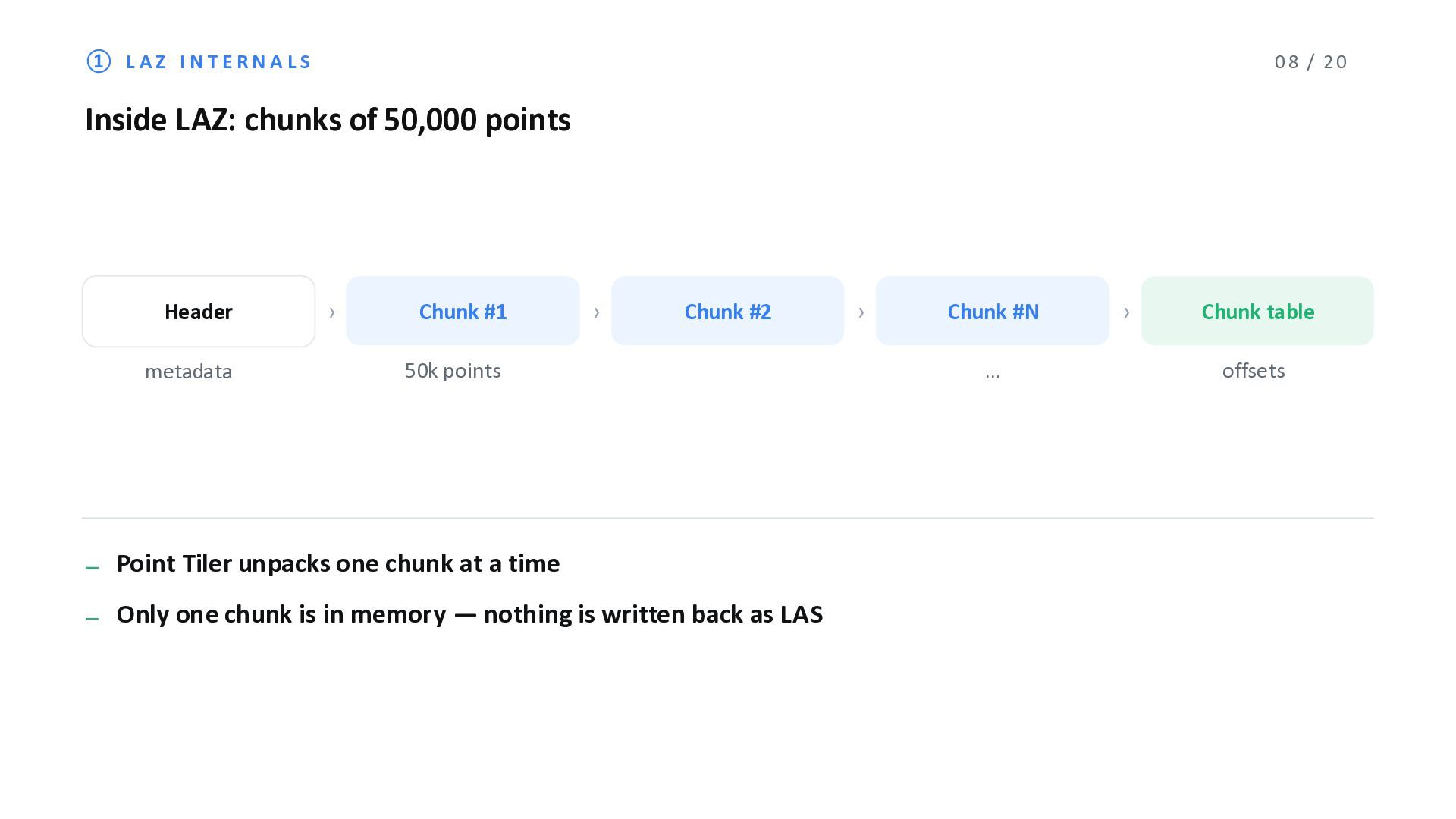
50,000 points Header metadata › Chunk #1 › Chunk #2 50k points › Chunk #N … ̶ Point Tiler unpacks one chunk at a time ̶ Only one chunk is in memory ̶ nothing is written back as LAS › Chunk table offsets
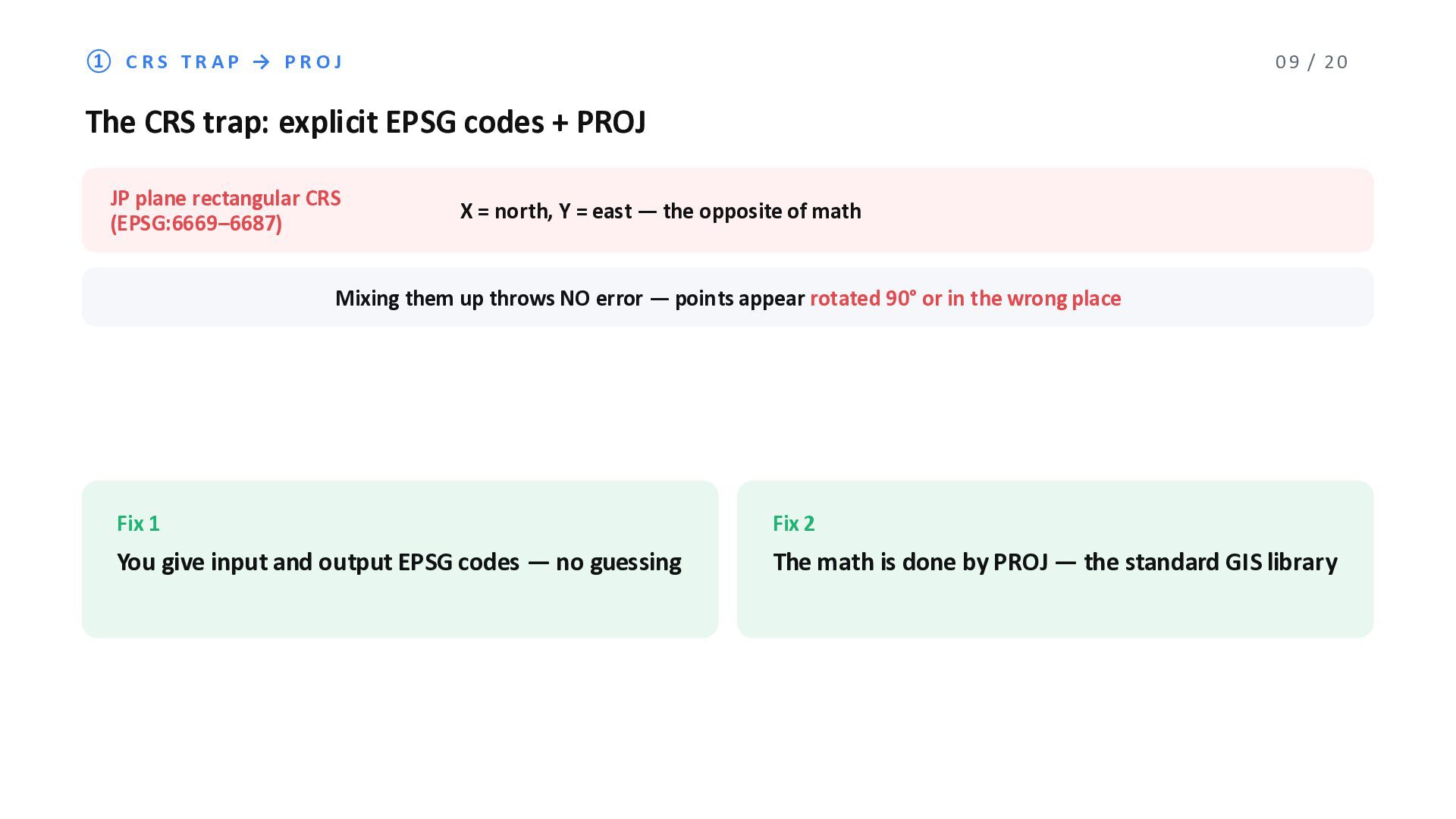
trap: explicit EPSG codes + PROJ JP plane rectangular CRS (EPSG:6669‒6687) X = north, Y = east ̶ the opposite of math Mixing them up throws NO error ̶ points appear rotated 90° or in the wrong place Fix 1 You give input and output EPSG codes ̶ no guessing Fix 2 The math is done by PROJ ̶ the standard GIS library
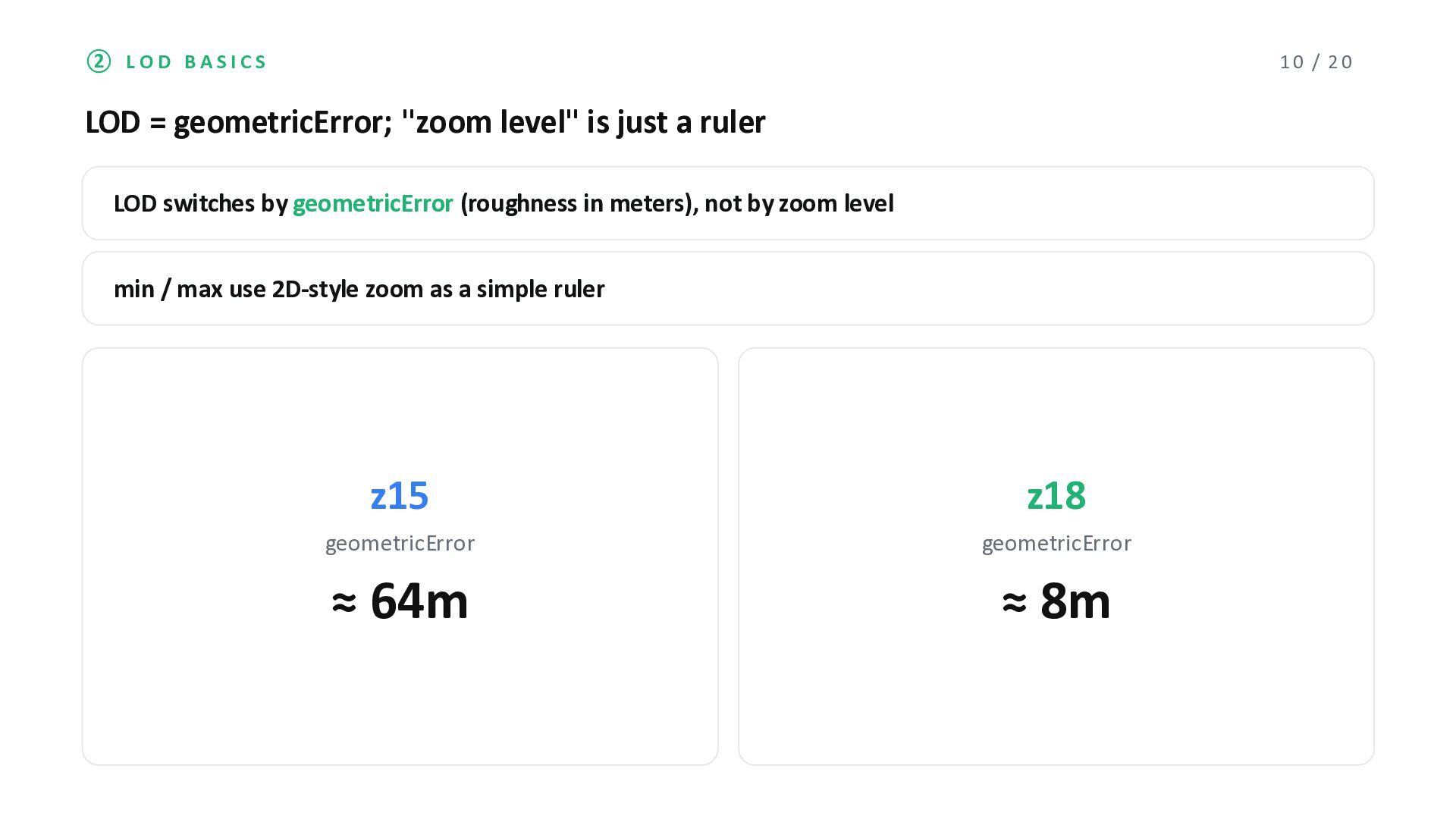
level" is just a ruler LOD switches by geometricError (roughness in meters), not by zoom level min / max use 2D-style zoom as a simple ruler z15 geometricError ≈ 64m z18 geometricError ≈ 8m
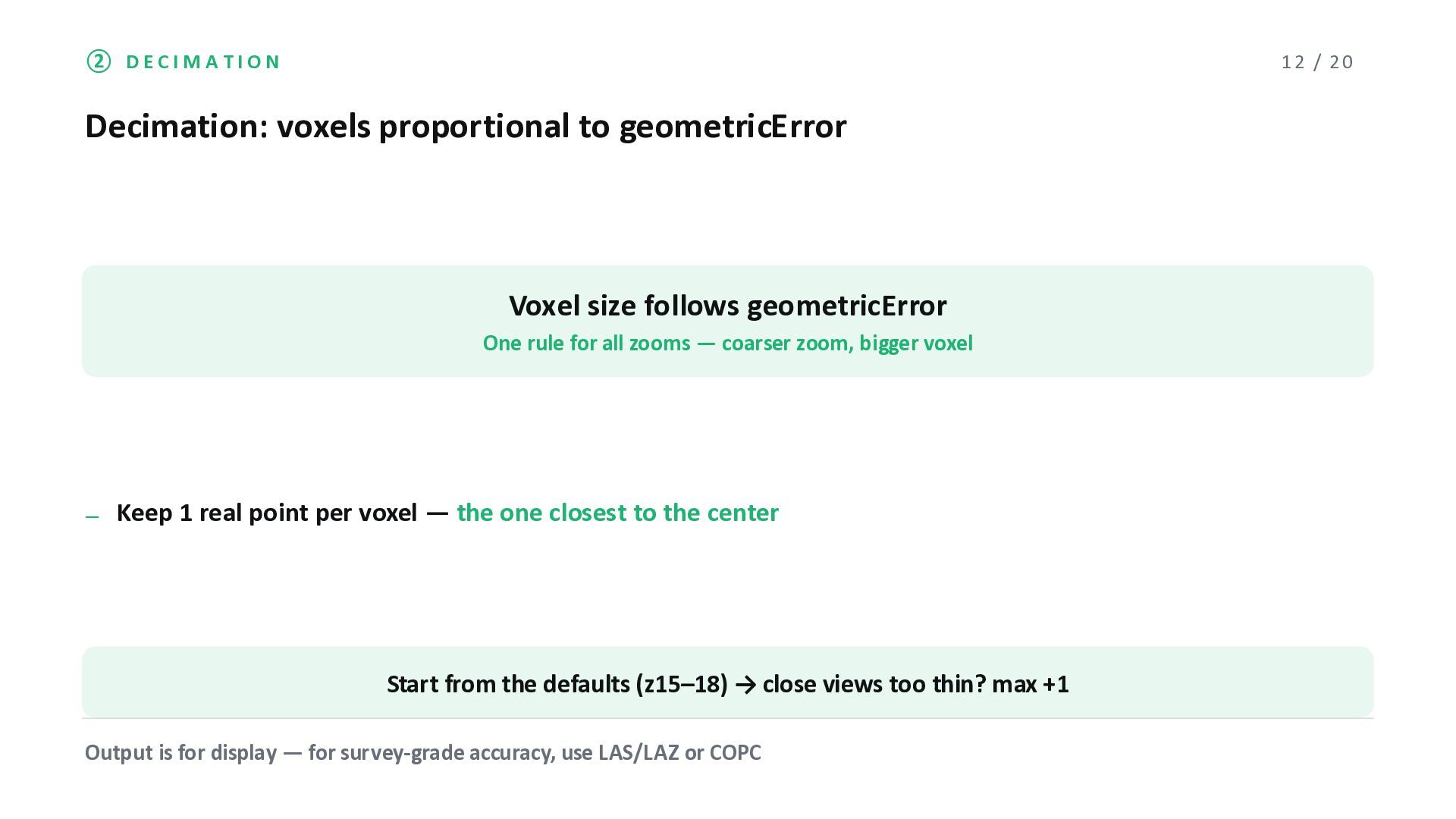
Voxel size follows geometricError One rule for all zooms ̶ coarser zoom, bigger voxel ̶ Keep 1 real point per voxel ̶ the one closest to the center Start from the defaults (z15‒18) → close views too thin? max +1 Output is for display ̶ for survey-grade accuracy, use LAS/LAZ or COPC
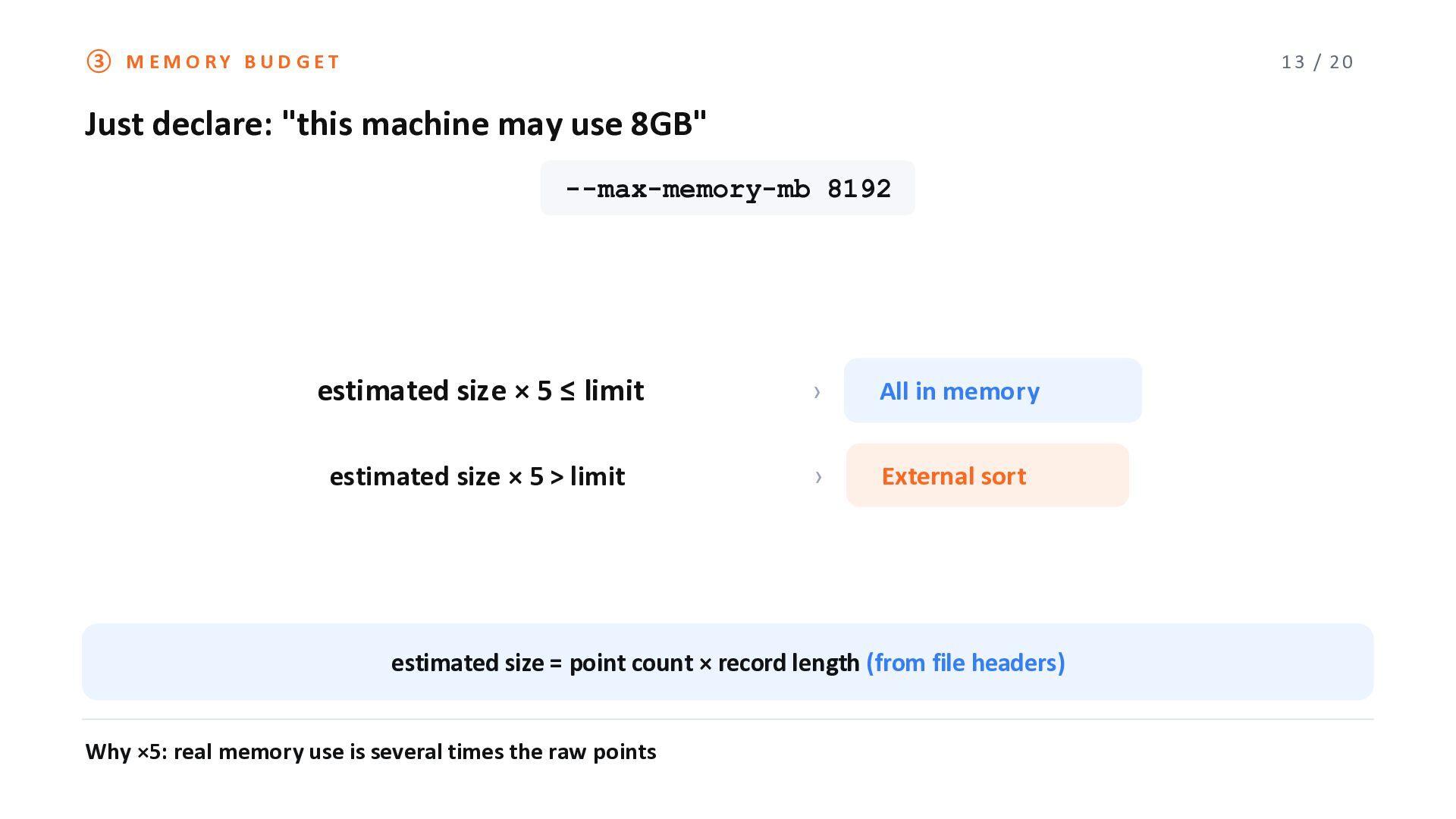
may use 8GB" --max-memory-mb 8192 estimated size × 5 ≤ limit › All in memory estimated size × 5 > limit › External sort estimated size = point count × record length (from file headers) Why ×5: real memory use is several times the raw points
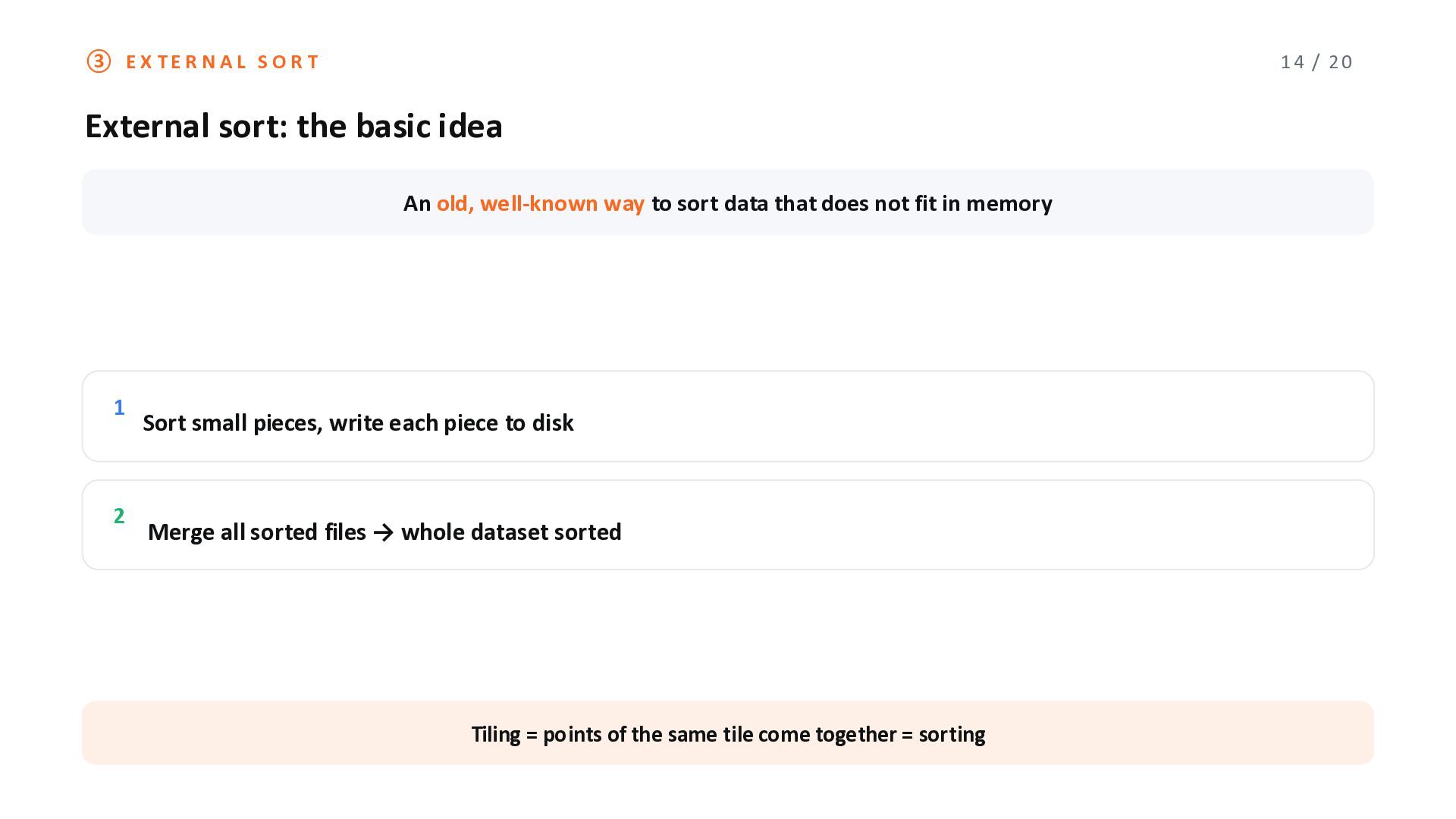
idea An old, well-known way to sort data that does not fit in memory 1 2 Sort small pieces, write each piece to disk Merge all sorted files → whole dataset sorted Tiling = points of the same tile come together = sorting
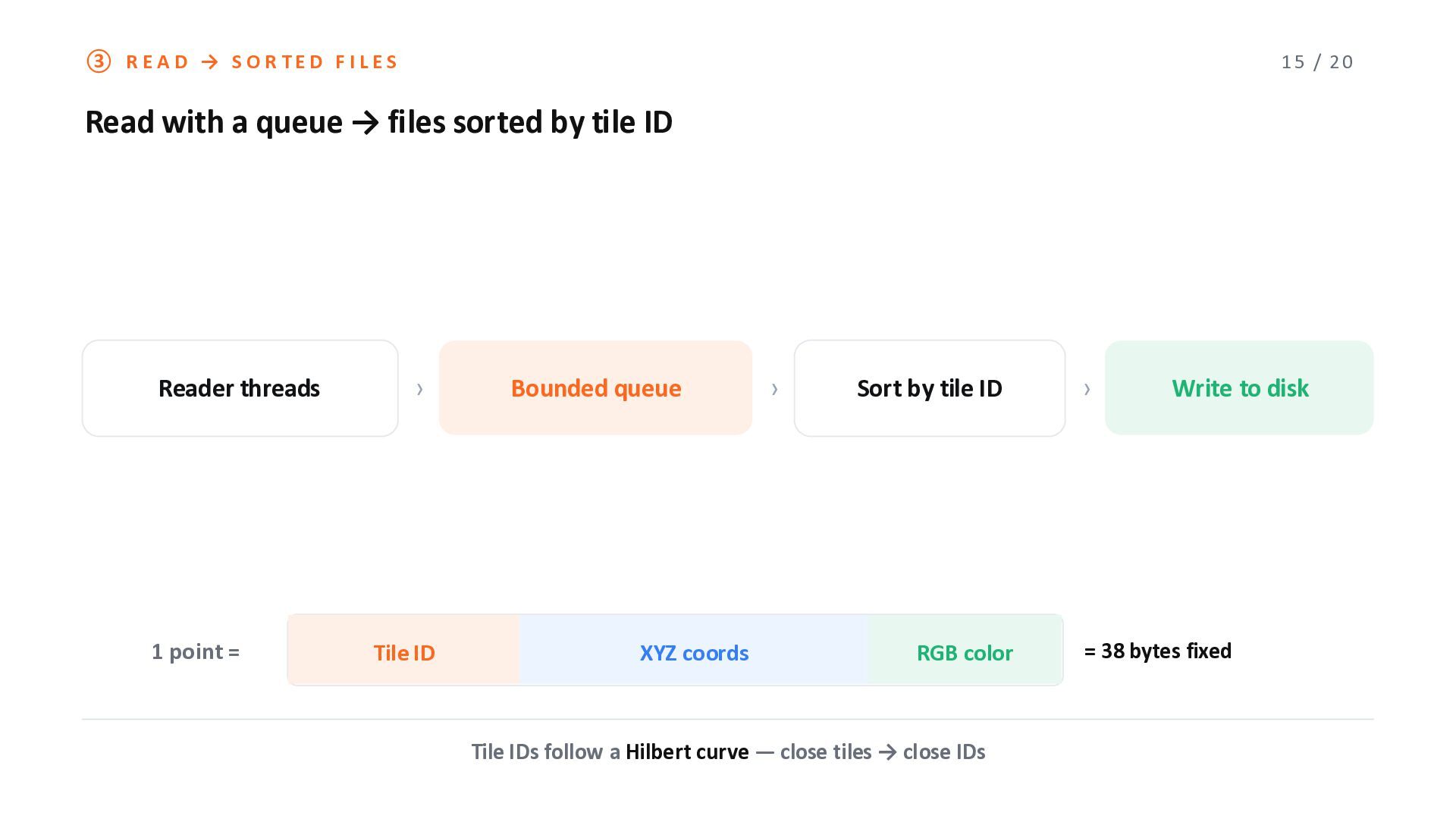
a queue → files sorted by tile ID Reader threads 1 point = › Tile ID Bounded queue XYZ coords › Sort by tile ID RGB color Tile IDs follow a Hilbert curve ̶ close tiles → close IDs › Write to disk = 38 bytes fixed
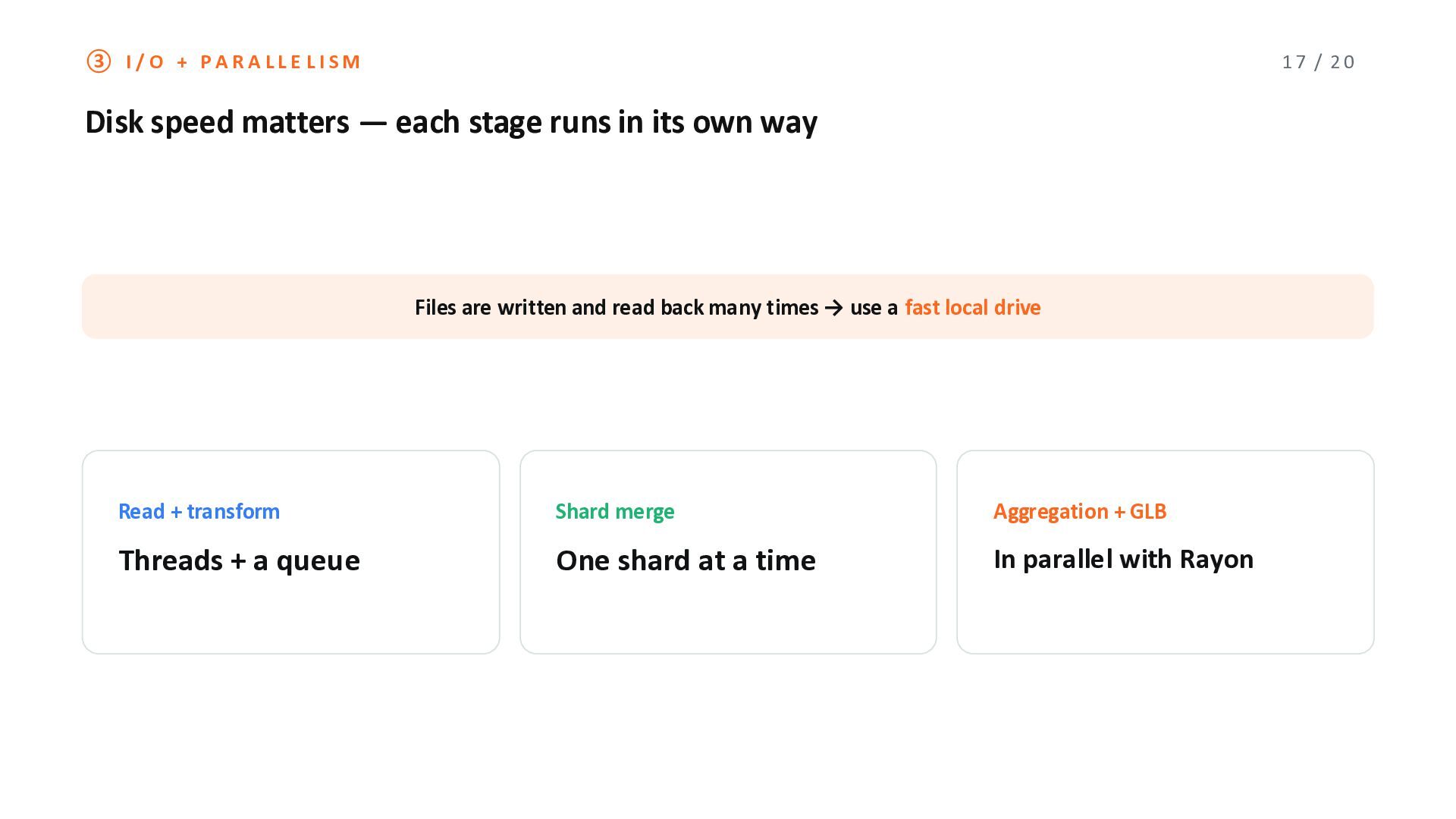
̶ each stage runs in its own way Files are written and read back many times → use a fast local drive Read + transform Shard merge Aggregation + GLB Threads + a queue One shard at a time In parallel with Rayon
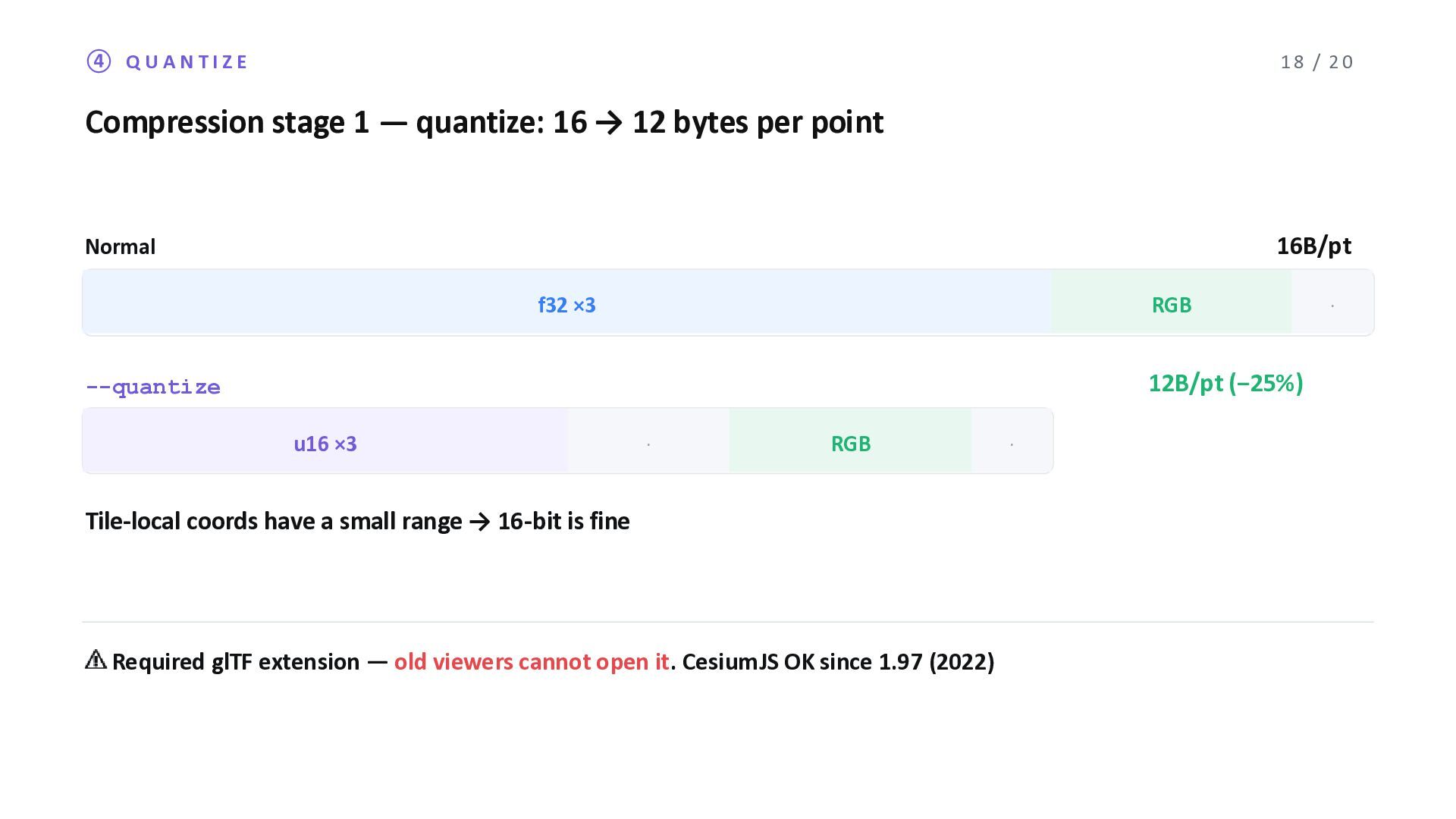
16 → 12 bytes per point 16B/pt Normal f32 ×3 RGB · 12B/pt (−25%) --quantize u16 ×3 · RGB · Tile-local coords have a small range → 16-bit is fine ⚠ Required glTF extension ̶ old viewers cannot open it. CesiumJS OK since 1.97 (2022)
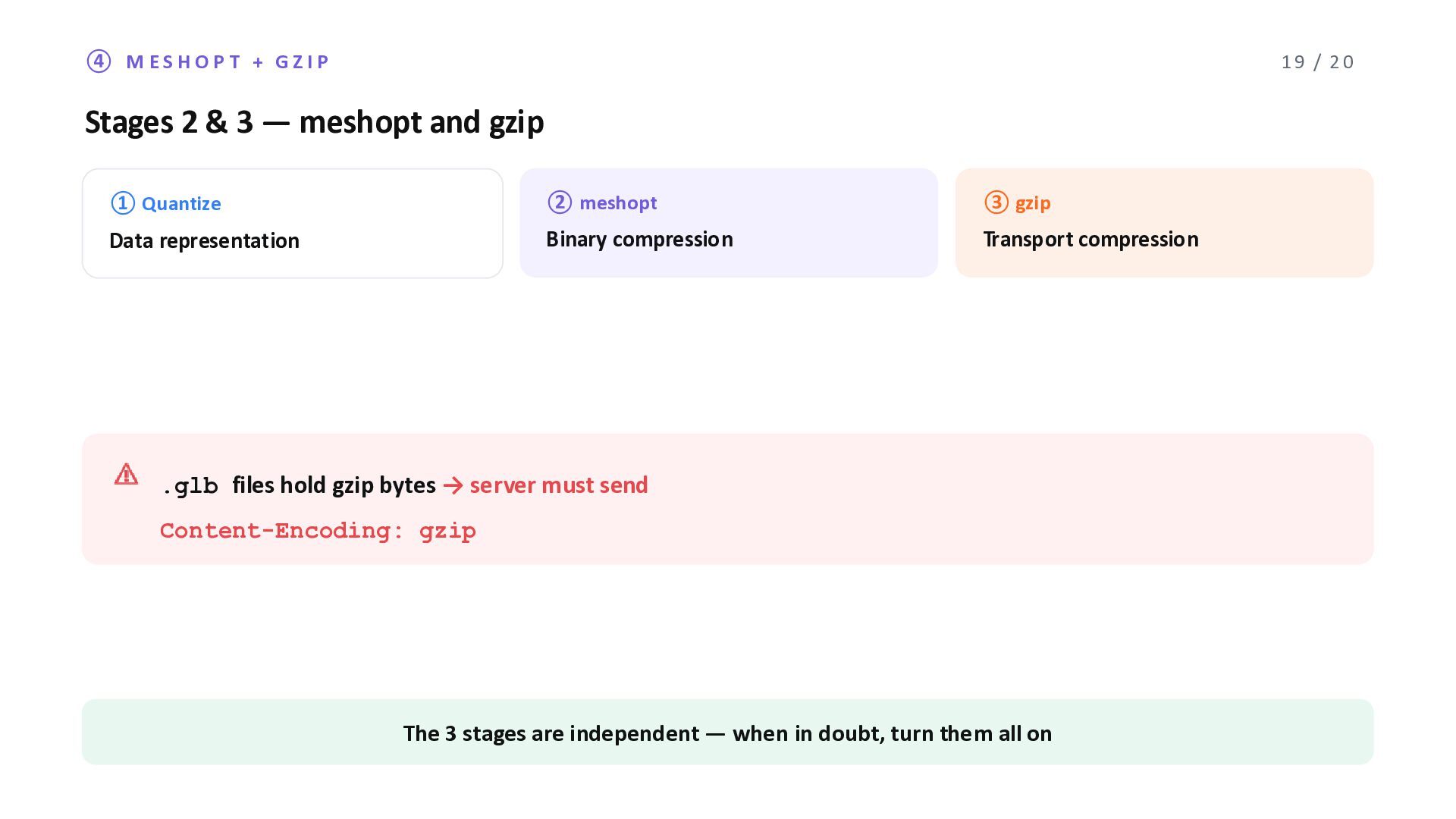
3 ̶ meshopt and gzip ① Quantize ② meshopt ③ gzip Data representation Binary compression Transport compression ⚠ .glb files hold gzip bytes → server must send Content-Encoding: gzip The 3 stages are independent ̶ when in doubt, turn them all on
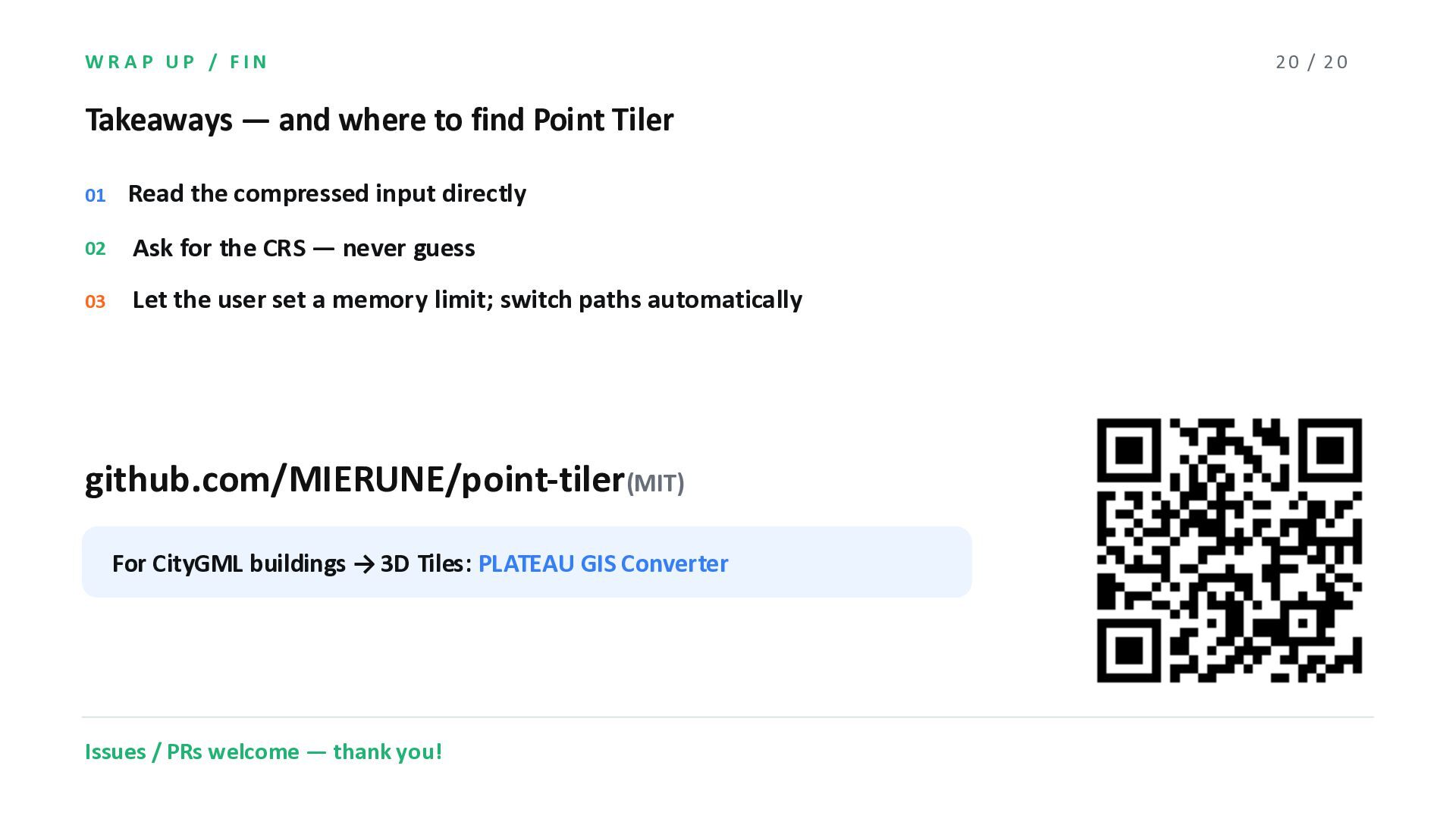
Point Tiler 01 Read the compressed input directly 02 Ask for the CRS ̶ never guess 03 Let the user set a memory limit; switch paths automatically github.com/MIERUNE/point-tiler(MIT) For CityGML buildings → 3D Tiles: PLATEAU GIS Converter Issues / PRs welcome ̶ thank you! 20 / 20


 nokonoko1203
 ks91
ks91
 addyosmani
 427marketing
 jlugia
 tammyeverts
 nmsamuel
 trallard
 madoxten
 mclloyd
 chikuwait
 inesmontani
 3n
3n