Upgrade to Pro
— share decks privately, control downloads, hide ads and more …
Speaker Deck
Features
Speaker Deck
PRO
Sign in
Sign up for free
Search
Search
RSCSS: Writing CSS without losing your sanity
Search
Rico Sta. Cruz
November 10, 2015
Technology
1.5k
7
Share
Embed
Copy iframe code
Copy JS code
Copy link
Start on current slide
RSCSS: Writing CSS without losing your sanity
First presented at MelbCSS Nov 2015.
Rico Sta. Cruz
November 10, 2015
More Decks by Rico Sta. Cruz
See All by Rico Sta. Cruz
Optimizing developer happiness
rstacruz
0
170
Agile sprint etiquette
rstacruz
1
410
Modular Future of CSS
rstacruz
7
760
Move fast, don't break things: how we built a solid tech infrastructure
rstacruz
3
310
Using CSS flexbox to save your sanity
rstacruz
10
1k
Why is it so hard to be a web developer?
rstacruz
8
1.1k
Js Camp Asia 2012 draft
rstacruz
0
210
Breaking instincts: how to fight bad design habits
rstacruz
1
290
Other Decks in Technology
See All in Technology
AIとペアプロを始める。人とのペアプロをやめる。ペアプロの良さを改めて知る。もっと好きになった。 / Rediscovering Pair Programming
honyanya
1
290
AI時代に、プロダクトの数だけ積み上がる所有コストをどうエンジニアリングするか / Engineering the Cost of Ownership
kzkmaeda
1
1.1k
Snowflakeのコスト最適化を支えるアーキテクチャ設計
ktatsuya
0
850
「図書館」という名前のままでいいのか -Code4Lib JAPANカンファレンス2026 アンカンファレンス報告- / Code4Lib JAPAN Conference 2026: Unconference Report
ykiyota
0
110
こんなアーキテクチャ図は嫌だ BEYOND THE TIME: 半年後の自分へ贈る15のメッセージ / 15 of Anti-pattern in AWS Architecture Diagrams
naospon
3
270
Multica × 長期記憶:40個のミニプロジェクト管理
eiei114
1
210
When Does a Local Qwen Start to Break
morshoto
0
190
GoにおけるFFIのこれまでとこれから
goccy
4
1.2k
少人数データチームのDevin活用実践事例
runandy16
2
460
深夜のクラウド懺悔室 1:29:300 or 1:0:0
kazzpapa3
0
190
振り返りこそエンジニアの本領
negima
0
340
Jetpack Compose で挑む新聞紙面UI ─ 複合ジェスチャー・ポリゴン記事領域・適応的ページ構成という3つの壁/droidkaigi2026
nikkei_engineer_recruiting
0
240
Featured
See All Featured
Beyond borders and beyond the search box: How to win the global "messy middle" with AI-driven SEO
davidcarrasco
3
230
Evolving SEO for Evolving Search Engines
ryanjones
0
280
The Curse of the Amulet
leimatthew05
2
14k
HU Berlin: Industrial-Strength Natural Language Processing with spaCy and Prodigy
inesmontani
PRO
0
690
Measuring & Analyzing Core Web Vitals
bluesmoon
9
990
[SF Ruby Conf 2025] Rails X
palkan
2
1.4k
Automating Front-end Workflow
addyosmani
1369
210k
Groundhog Day: Seeking Process in Gaming for Health
codingconduct
0
340
The Organizational Zoo: Understanding Human Behavior Agility Through Metaphoric Constructive Conversations (based on the works of Arthur Shelley, Ph.D)
kimpetersen
PRO
0
440
GraphQLとの向き合い方2022年版
quramy
50
15k
How to Grow Your eCommerce with AI & Automation
katarinadahlin
PRO
1
260
SEO for Brand Visibility & Recognition
aleyda
0
4.7k
Transcript
CSS is complicated. MYTH:
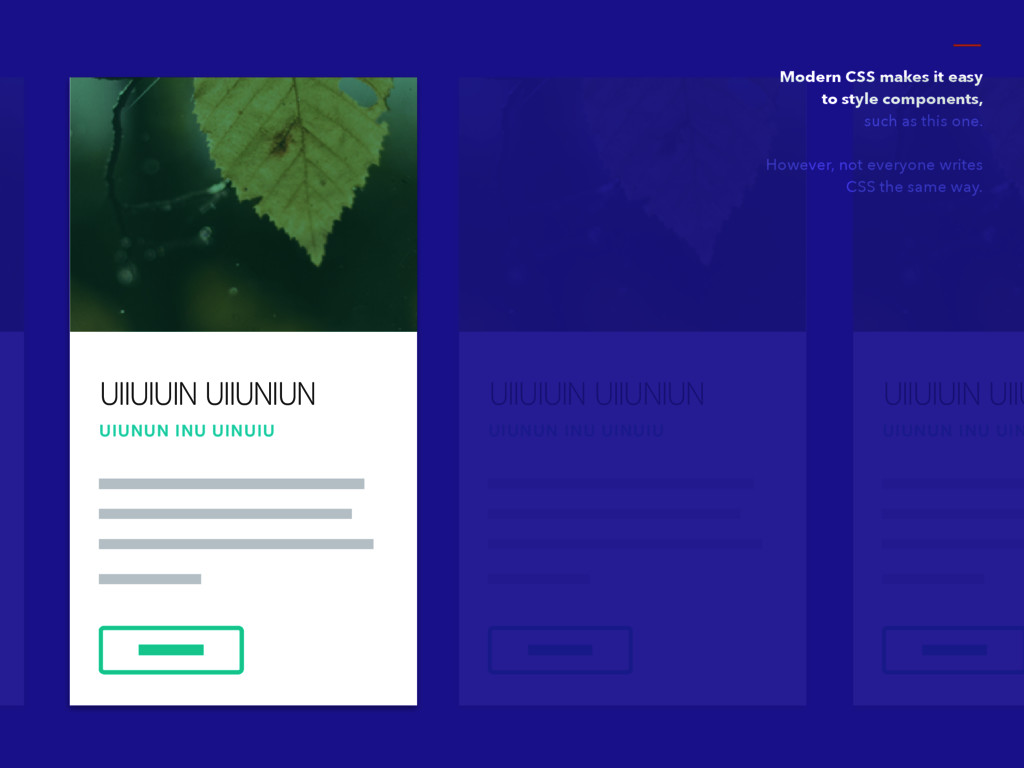
UIIUIUIN UIIUNIUN UIUNUN INU UINUIU Modern CSS makes it easy
to style components, such as this one. However, not everyone writes CSS the same way. UIIUIUIN UIIUNIUN UIUNUN INU UINUIU UIIUIUIN UIIU UIUNUN INU UIN
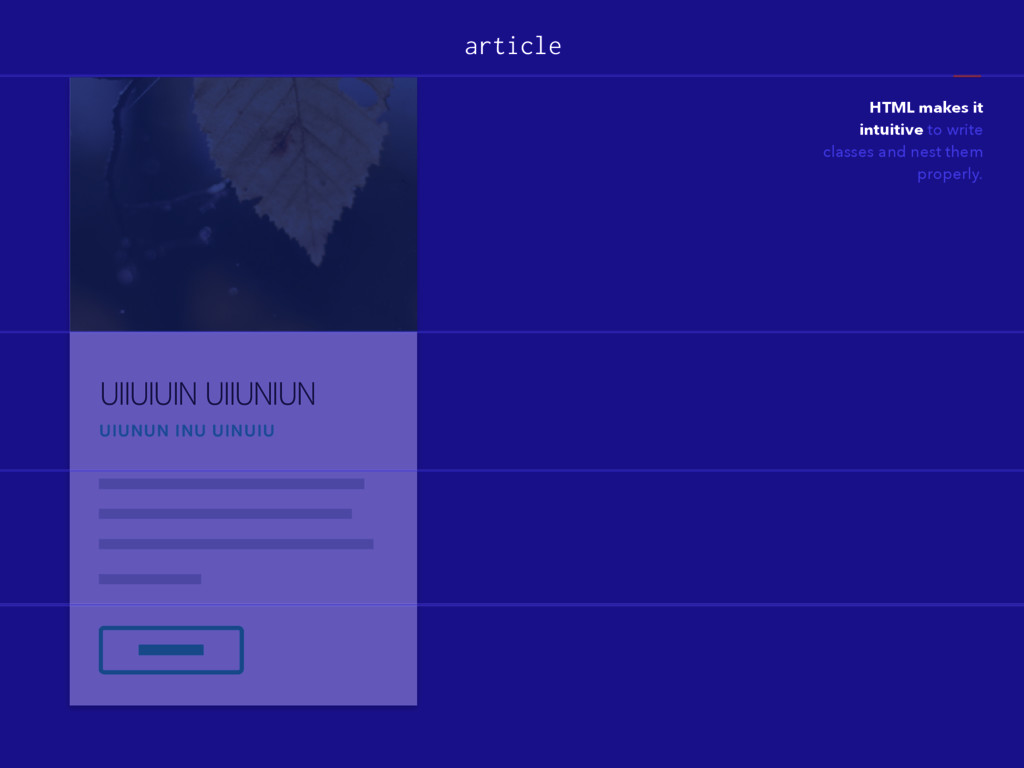
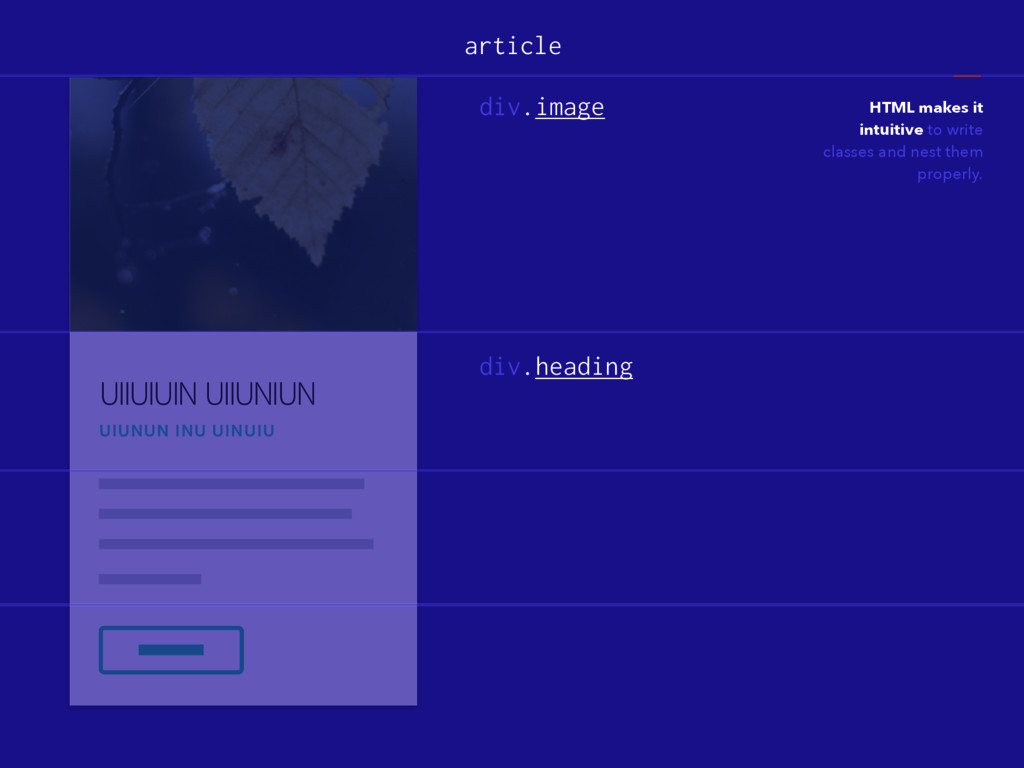
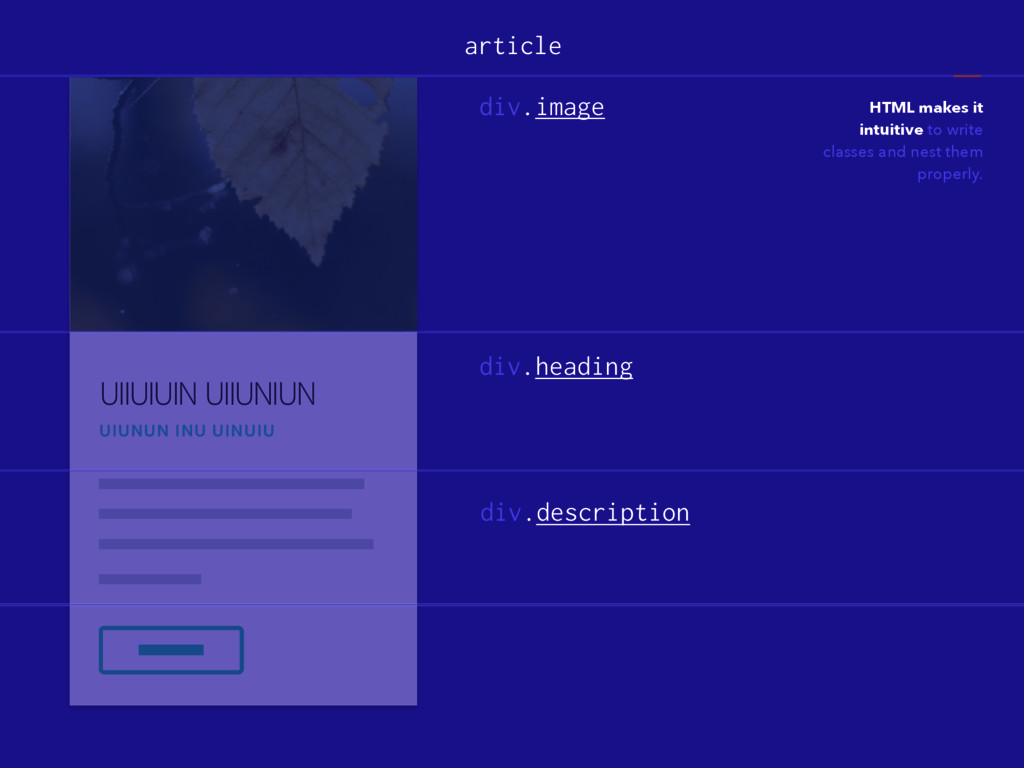
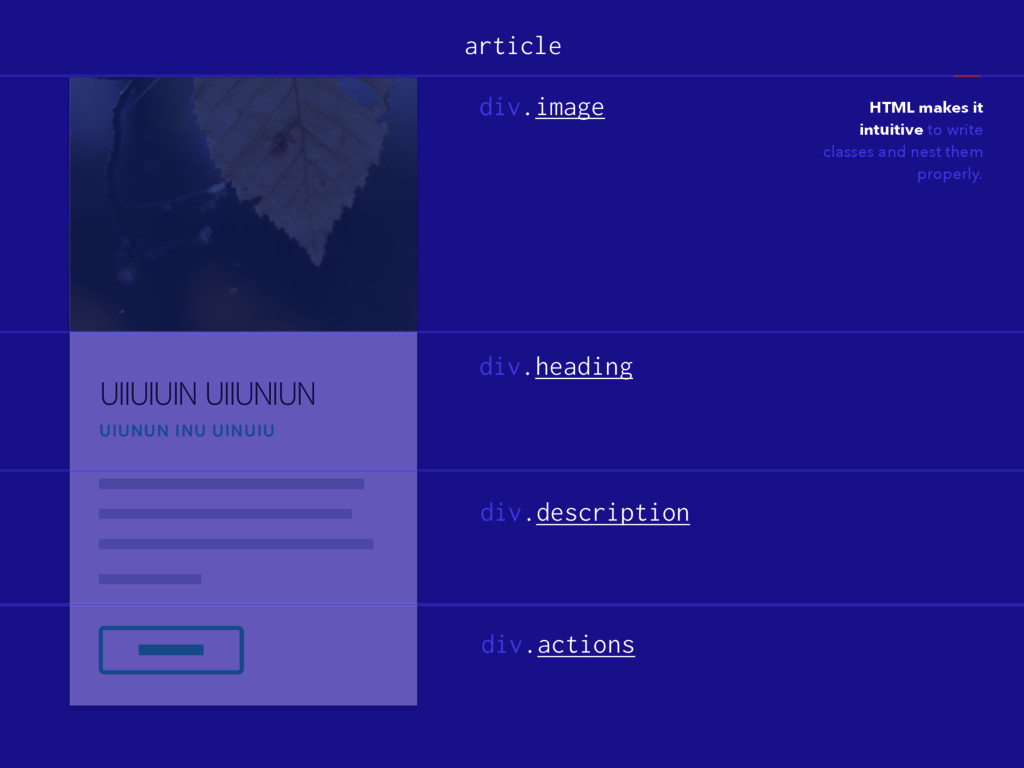
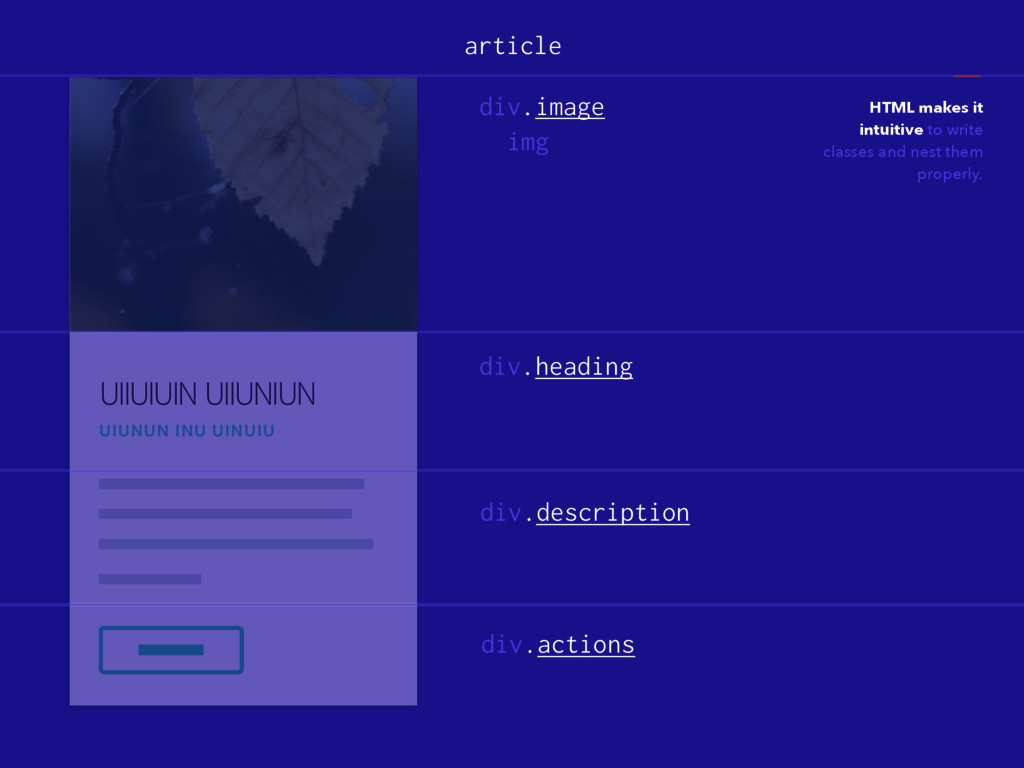
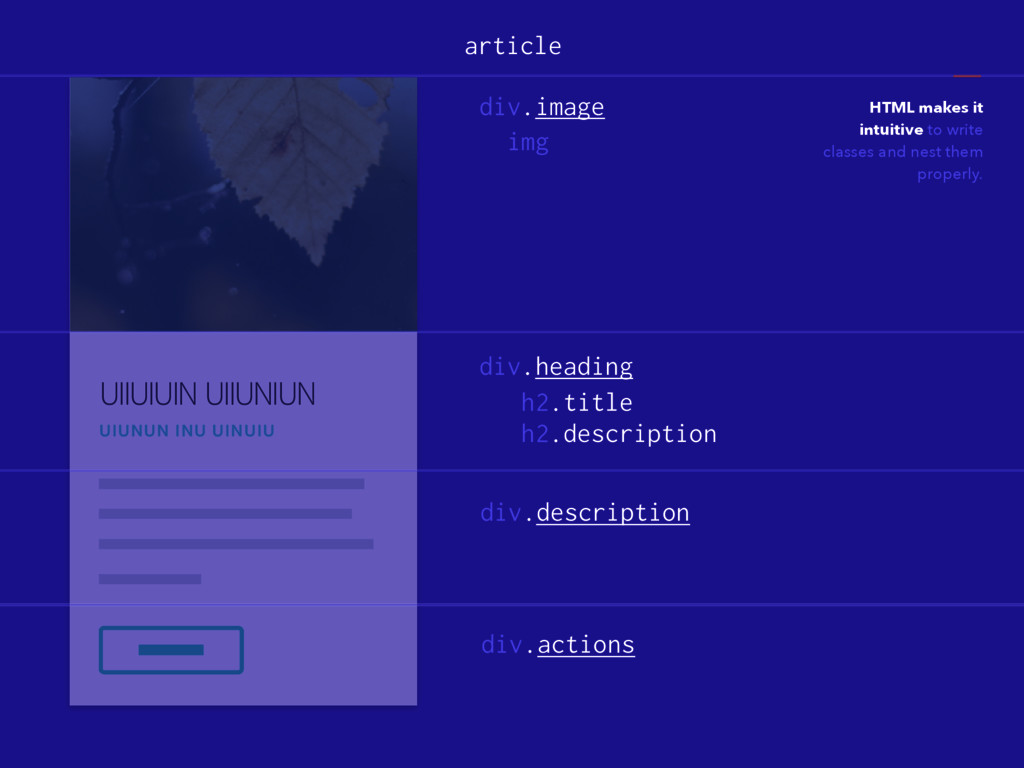
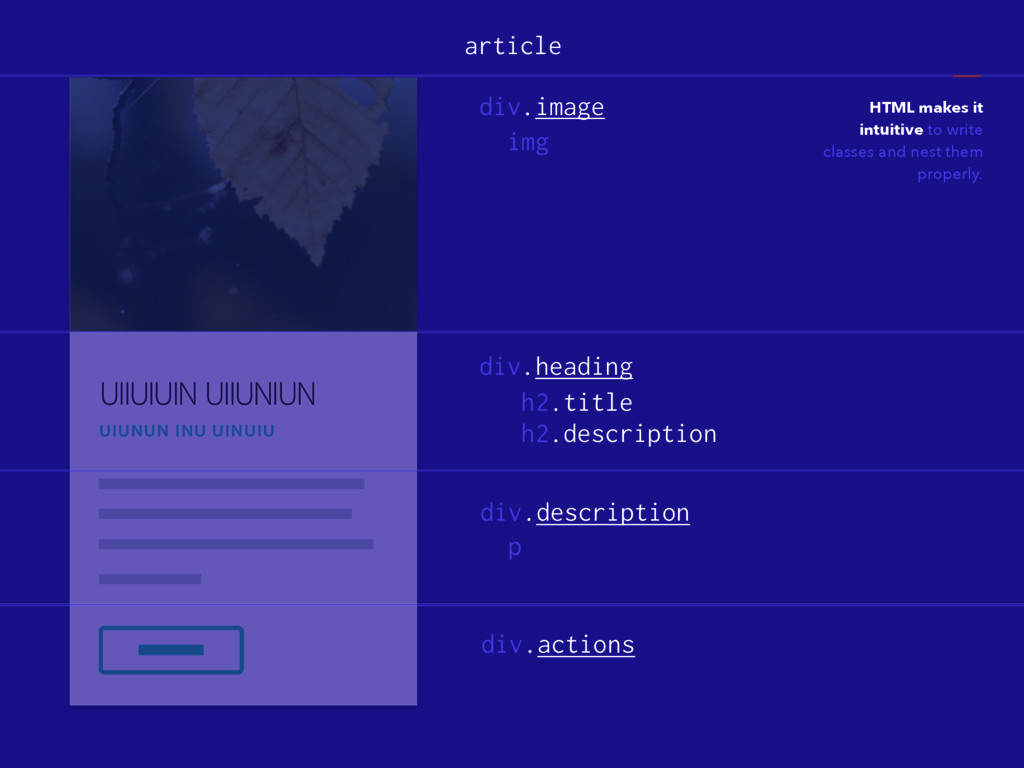
UIIUIUIN UIIUNIUN UIUNUN INU UINUIU HTML makes it intuitive to
write classes and nest them properly. article
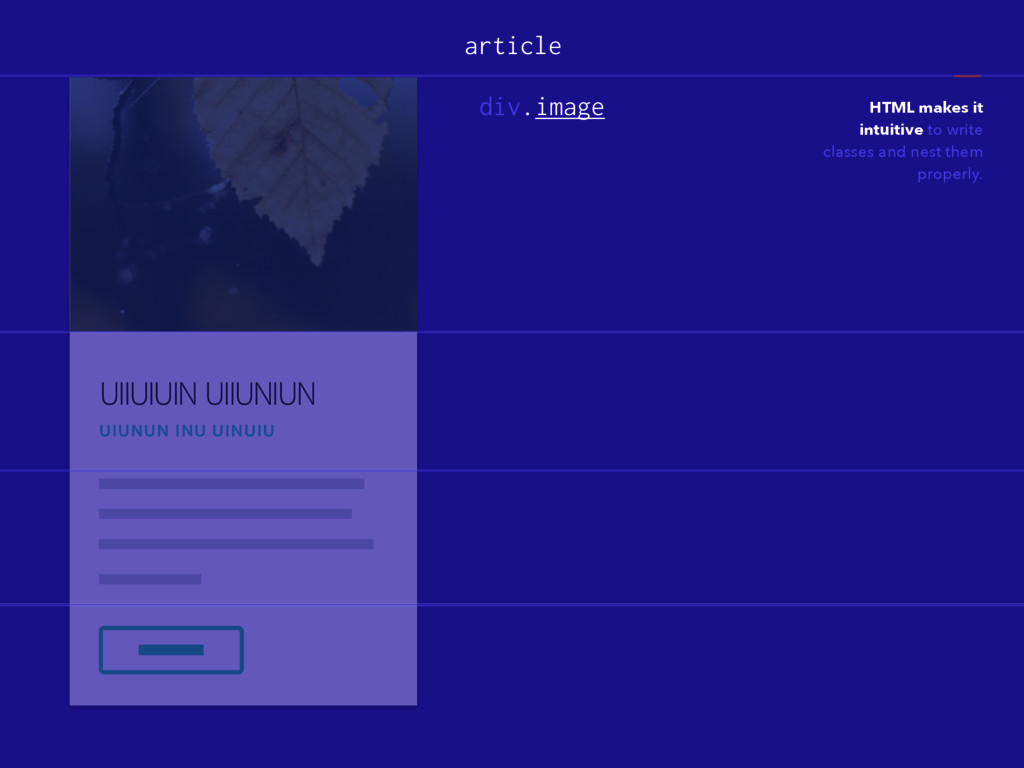
UIIUIUIN UIIUNIUN UIUNUN INU UINUIU HTML makes it intuitive to
write classes and nest them properly. article div.image
UIIUIUIN UIIUNIUN UIUNUN INU UINUIU HTML makes it intuitive to
write classes and nest them properly. article div.heading div.image
UIIUIUIN UIIUNIUN UIUNUN INU UINUIU HTML makes it intuitive to
write classes and nest them properly. article div.heading div.description div.image
UIIUIUIN UIIUNIUN UIUNUN INU UINUIU HTML makes it intuitive to
write classes and nest them properly. article div.heading div.description div.actions div.image
UIIUIUIN UIIUNIUN UIUNUN INU UINUIU HTML makes it intuitive to
write classes and nest them properly. article div.heading div.description div.actions div.image img
UIIUIUIN UIIUNIUN UIUNUN INU UINUIU HTML makes it intuitive to
write classes and nest them properly. article div.heading div.description div.actions div.image img h2.title h2.description
UIIUIUIN UIIUNIUN UIUNUN INU UINUIU HTML makes it intuitive to
write classes and nest them properly. article div.heading div.description div.actions div.image img h2.title h2.description p
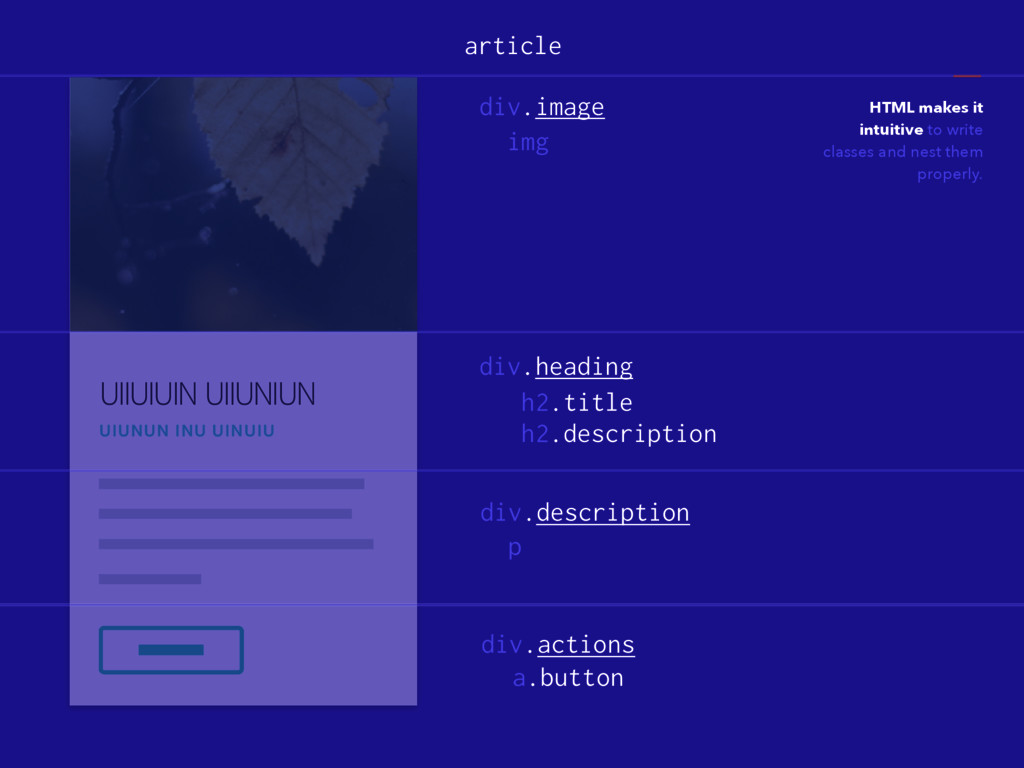
UIIUIUIN UIIUNIUN UIUNUN INU UINUIU HTML makes it intuitive to
write classes and nest them properly. article div.heading div.description div.actions div.image img h2.title h2.description p a.button
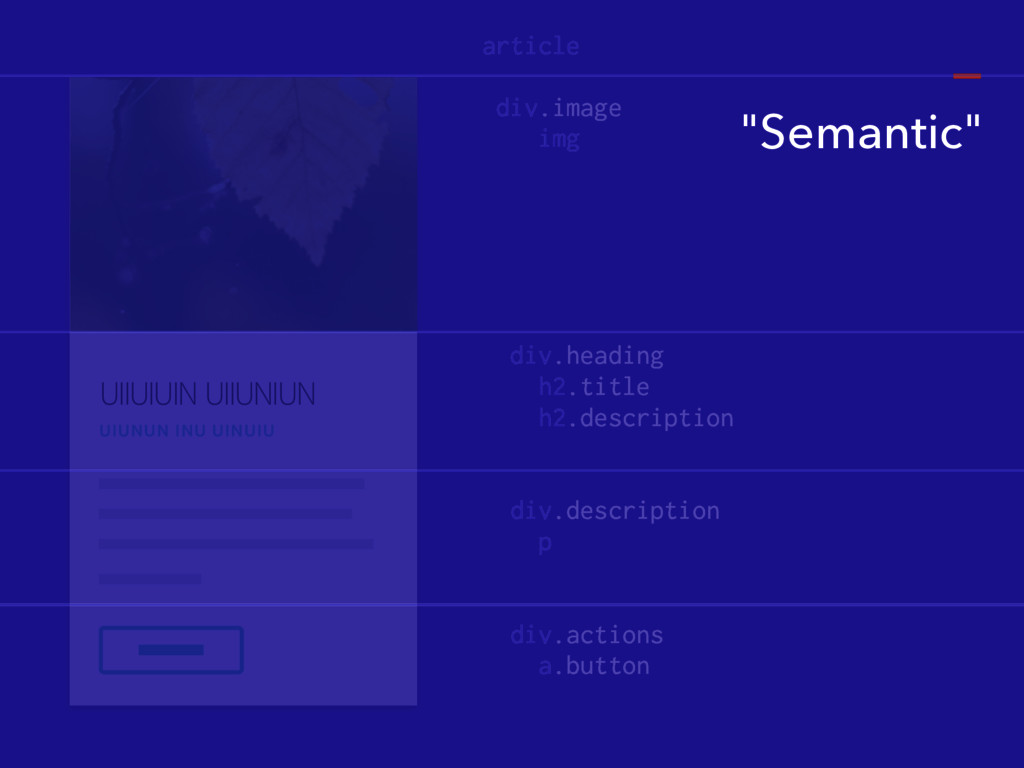
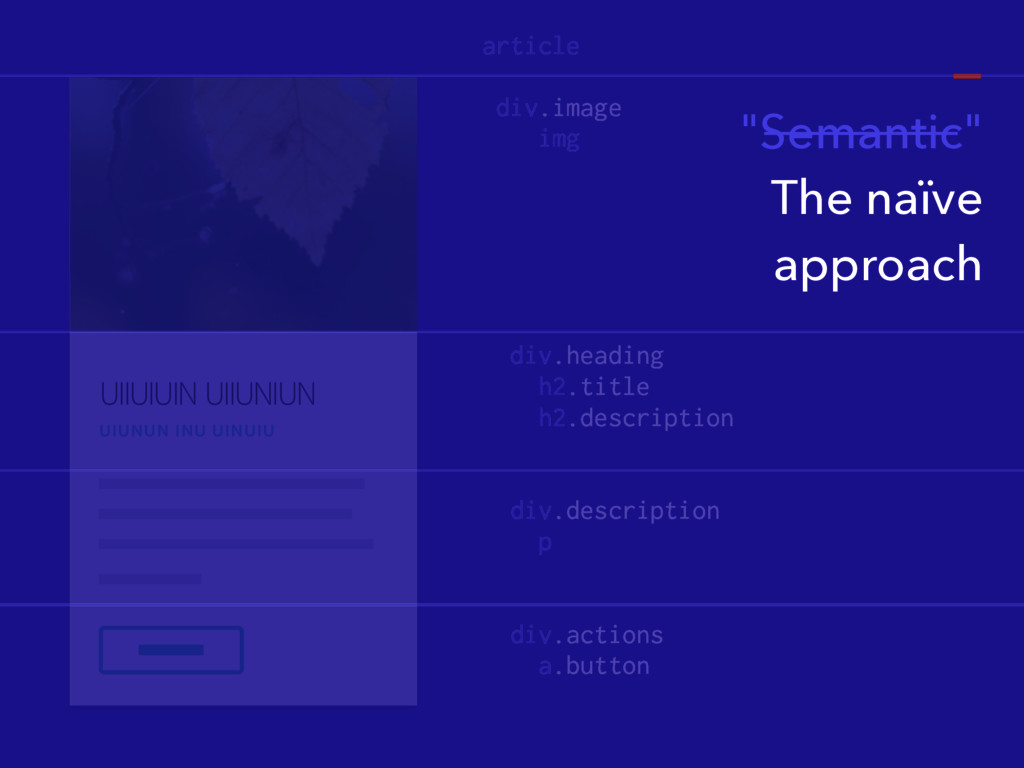
UIIUIUIN UIIUNIUN UIUNUN INU UINUIU article div.image img div.heading h2.title
h2.description div.description p div.actions a.button "Semantic"
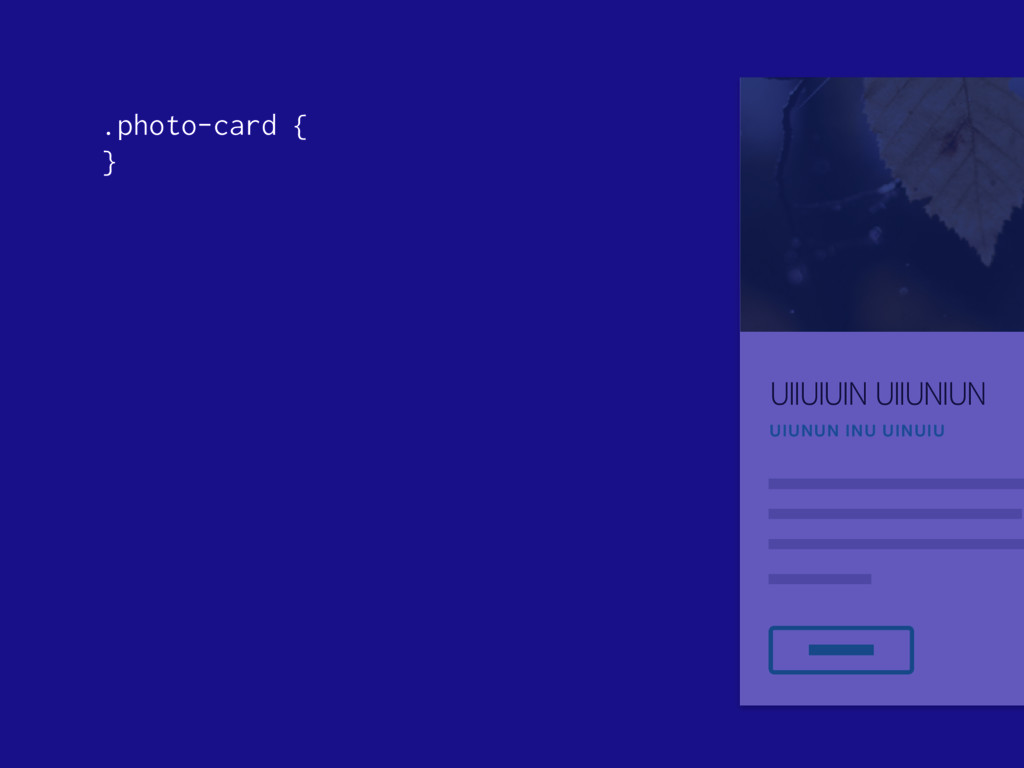
UIIUIUIN UIIUNIUN UIUNUN INU UINUIU .photo-card { }
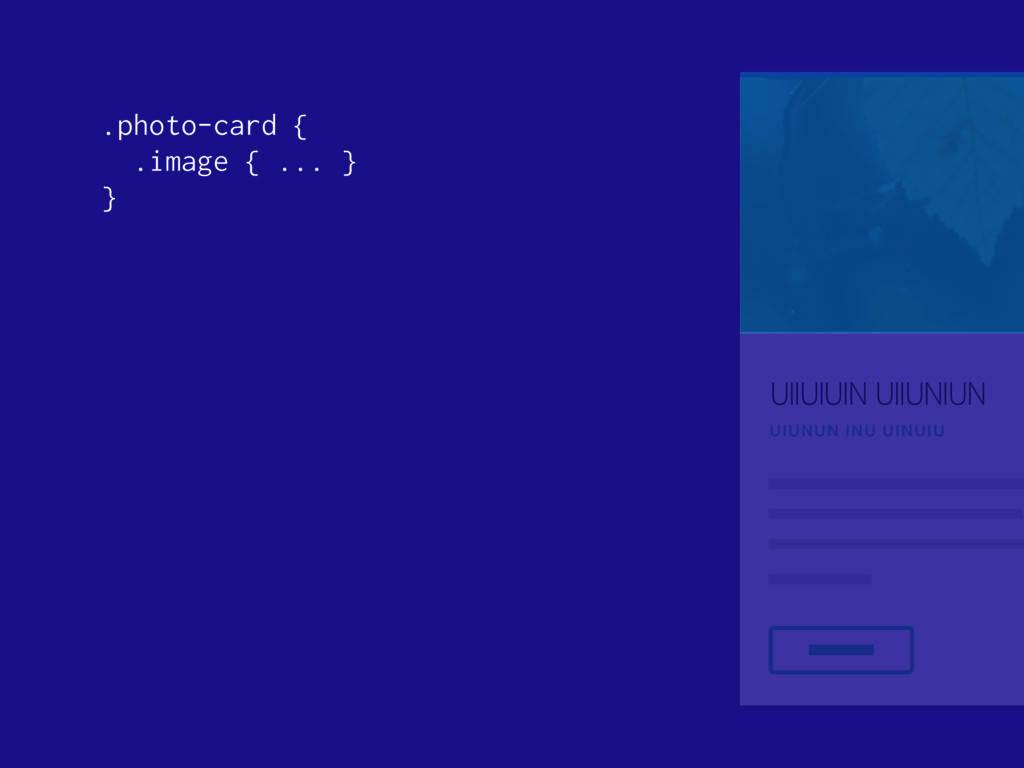
UIIUIUIN UIIUNIUN UIUNUN INU UINUIU .photo-card { .image { ...
} }
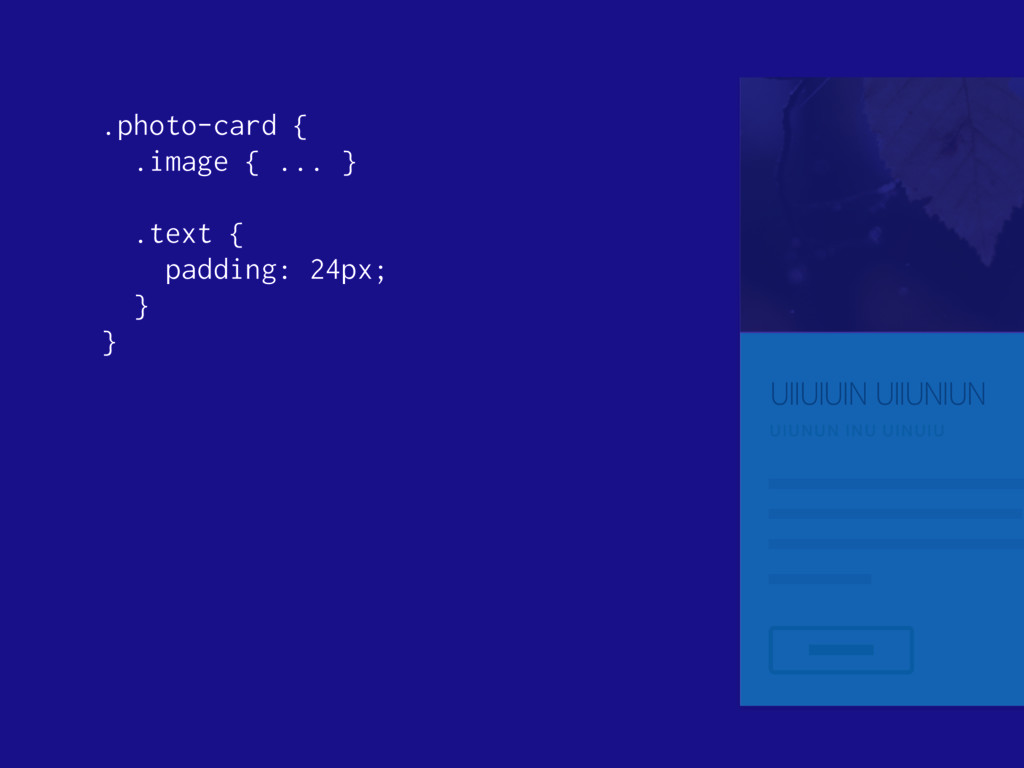
UIIUIUIN UIIUNIUN UIUNUN INU UINUIU .photo-card { .image { ...
} .text { padding: 24px; } }
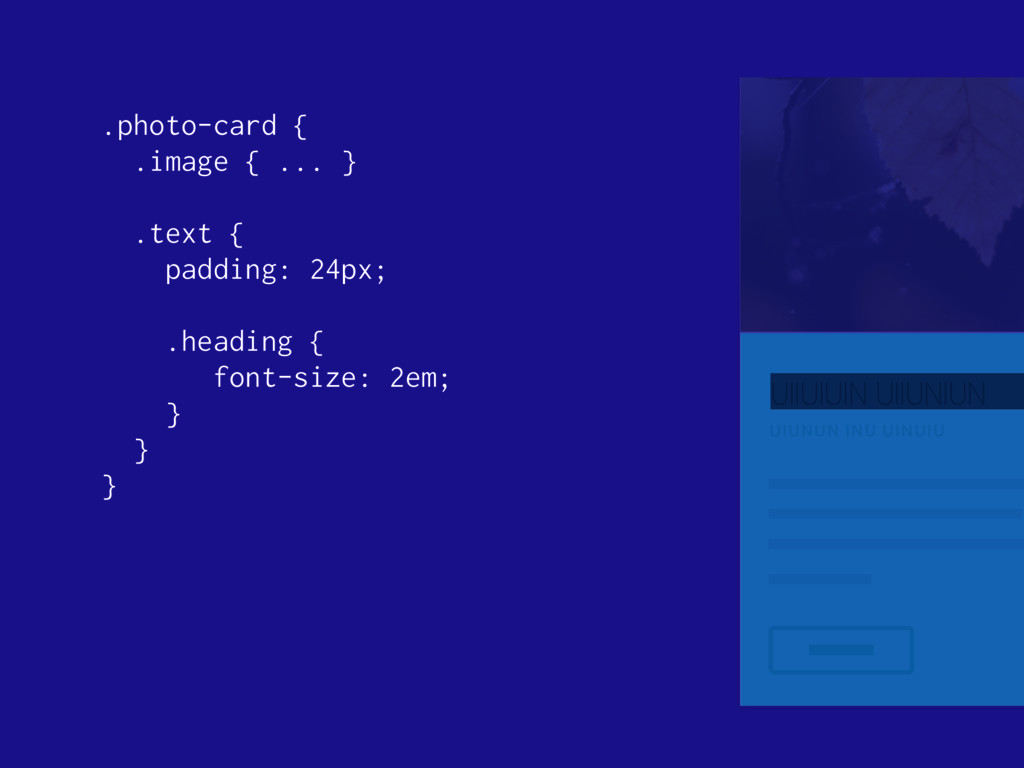
UIIUIUIN UIIUNIUN UIUNUN INU UINUIU .photo-card { .image { ...
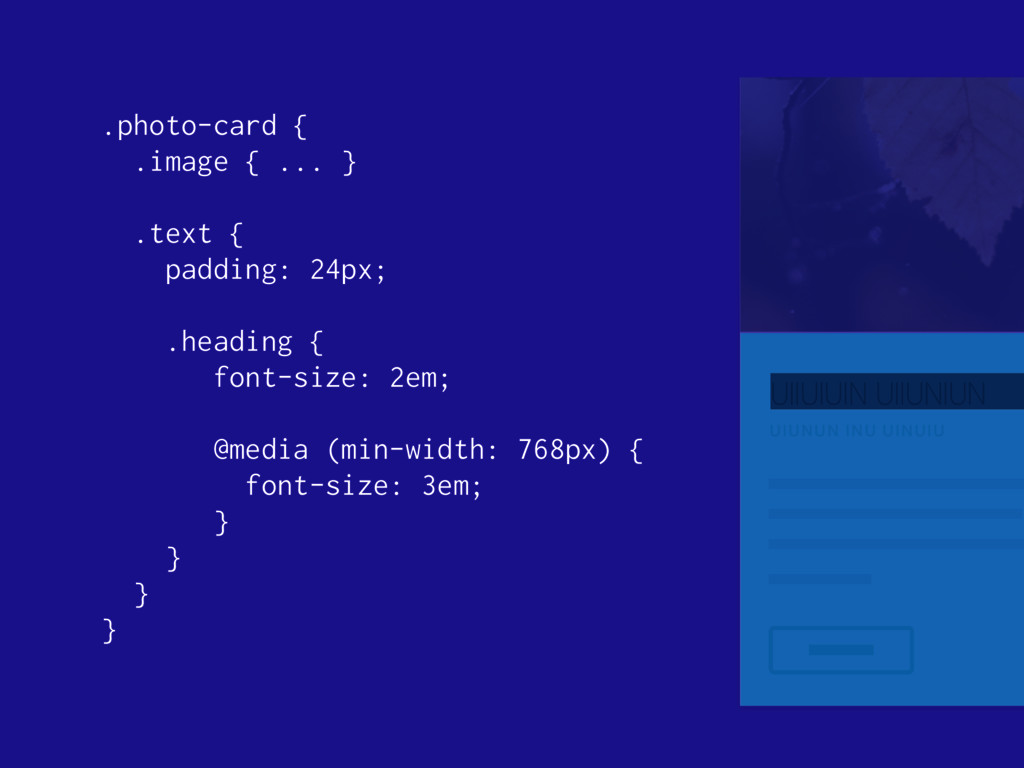
} .text { padding: 24px; .heading { font-size: 2em; } } }
UIIUIUIN UIIUNIUN UIUNUN INU UINUIU .photo-card { .image { ...
} .text { padding: 24px; .heading { font-size: 2em; @media (min-width: 768px) { font-size: 3em; } } } }
UIIUIUIN UIIUNIUN UIUNUN INU UINUIU .photo-card { .image { ...
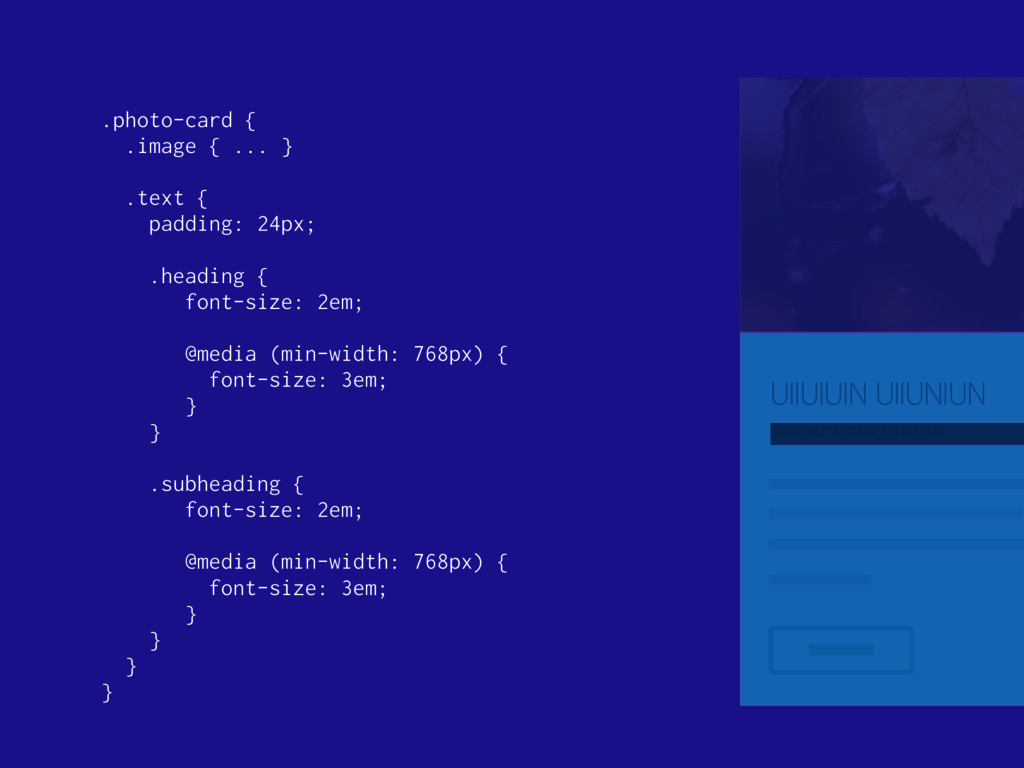
} .text { padding: 24px; .heading { font-size: 2em; @media (min-width: 768px) { font-size: 3em; } } .subheading { font-size: 2em; @media (min-width: 768px) { font-size: 3em; } } } }
UIIUIUIN UIIUNIUN UIUNUN INU UINUIU article div.image img div.heading h2.title
h2.description div.description p div.actions a.button "Semantic" The naïve approach
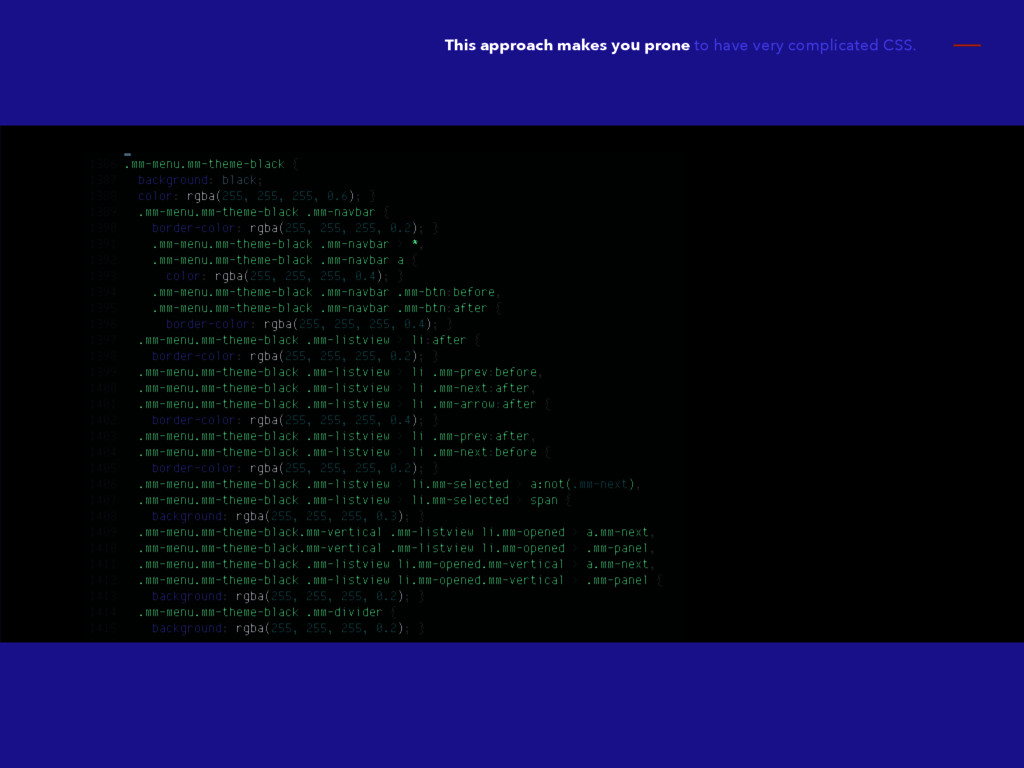
This approach makes you prone to have very complicated CSS.
CSS feels complicated. REALLY:
It doesn't have to. TRUTH:
@rstacruz Rico Sta. Cruz
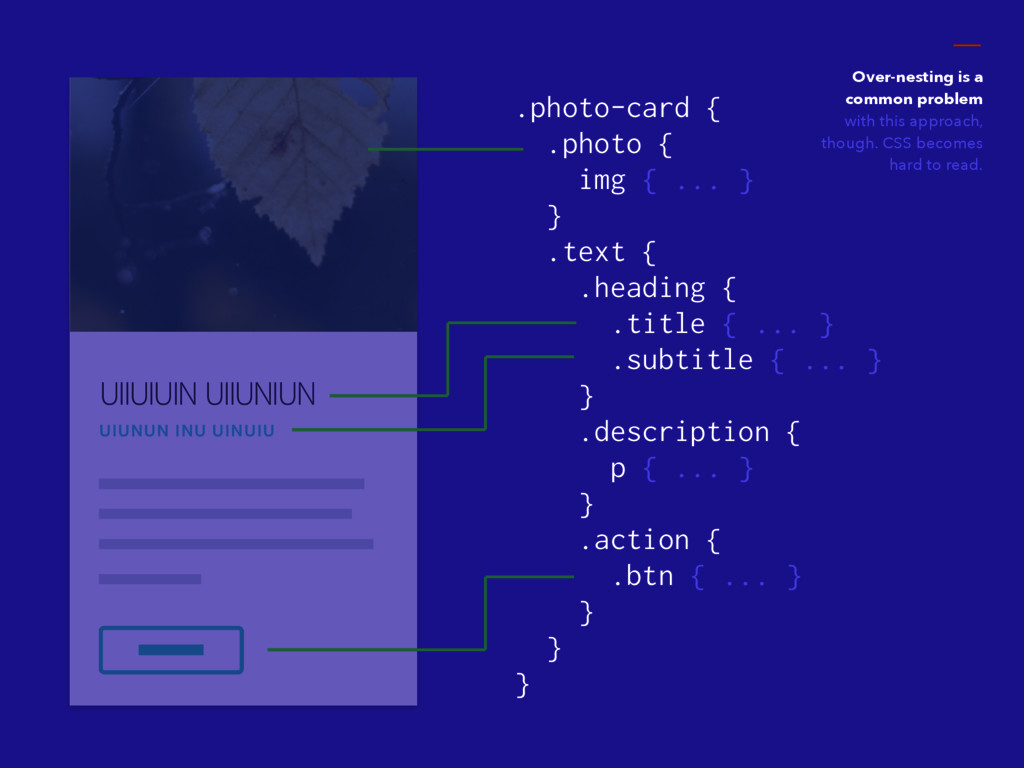
UIIUIUIN UIIUNIUN UIUNUN INU UINUIU .photo-card { .photo { img
{ ... } } .text { .heading { .title { ... } .subtitle { ... } } .description { p { ... } } .action { .btn { ... } } } } Over-nesting is a common problem with this approach, though. CSS becomes hard to read.
Block-element-modifier http://bem.info
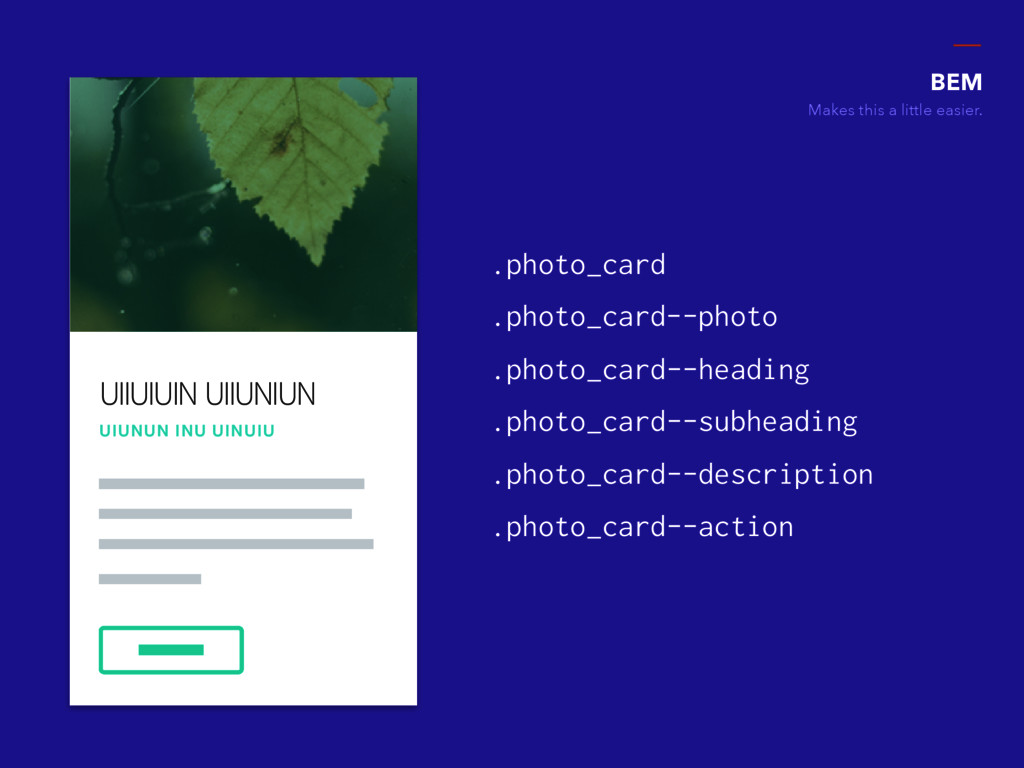
UIIUIUIN UIIUNIUN UIUNUN INU UINUIU BEM Makes this a little
easier. .photo_card .photo_card--photo .photo_card--heading .photo_card--subheading .photo_card--description .photo_card--action
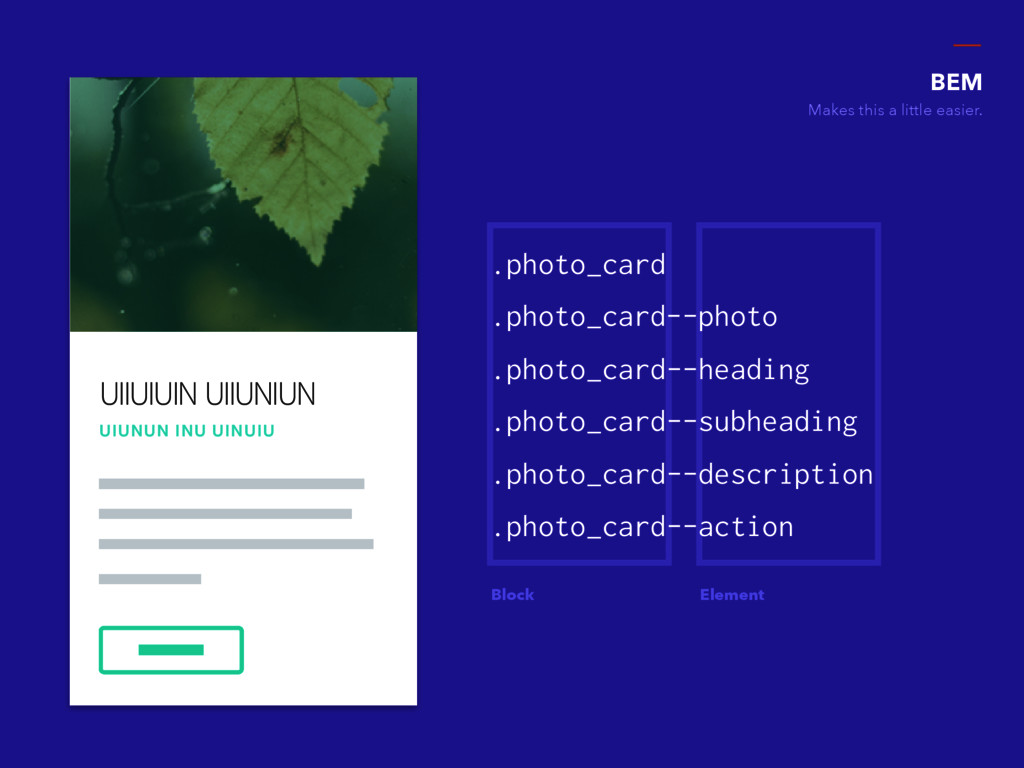
UIIUIUIN UIIUNIUN UIUNUN INU UINUIU BEM Makes this a little
easier. Block Element .photo_card .photo_card--photo .photo_card--heading .photo_card--subheading .photo_card--description .photo_card--action
UIIUIUIN UIIUNIUN UIUNUN INU UINUIU .photo_card { &--photo { ...
} &--heading { ... } &--subheading { ... } &--description { ... } &--action { ... } } BEM Makes this a little easier.
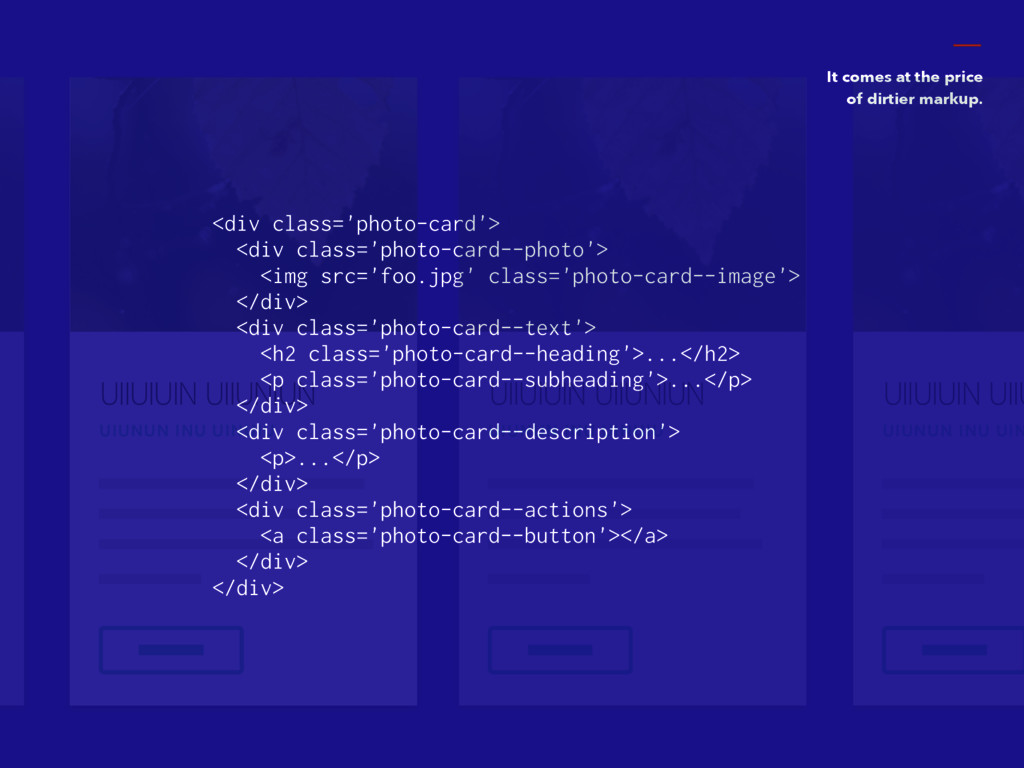
UIIUIUIN UIIUNIUN UIUNUN INU UINUIU It comes at the price
of dirtier markup. <div class='photo-card'> <div class='photo-card--photo'> <img src='foo.jpg' class='photo-card--image'> </div> <div class='photo-card--text'> <h2 class='photo-card--heading'>...</h2> <p class='photo-card--subheading'>...</p> </div> <div class='photo-card--description'> <p>...</p> </div> <div class='photo-card--actions'> <a class='photo-card--button'></a> </div> </div> UIIUIUIN UIIUNIUN UIUNUN INU UINUIU UIIUIUIN UIIU UIUNUN INU UIN
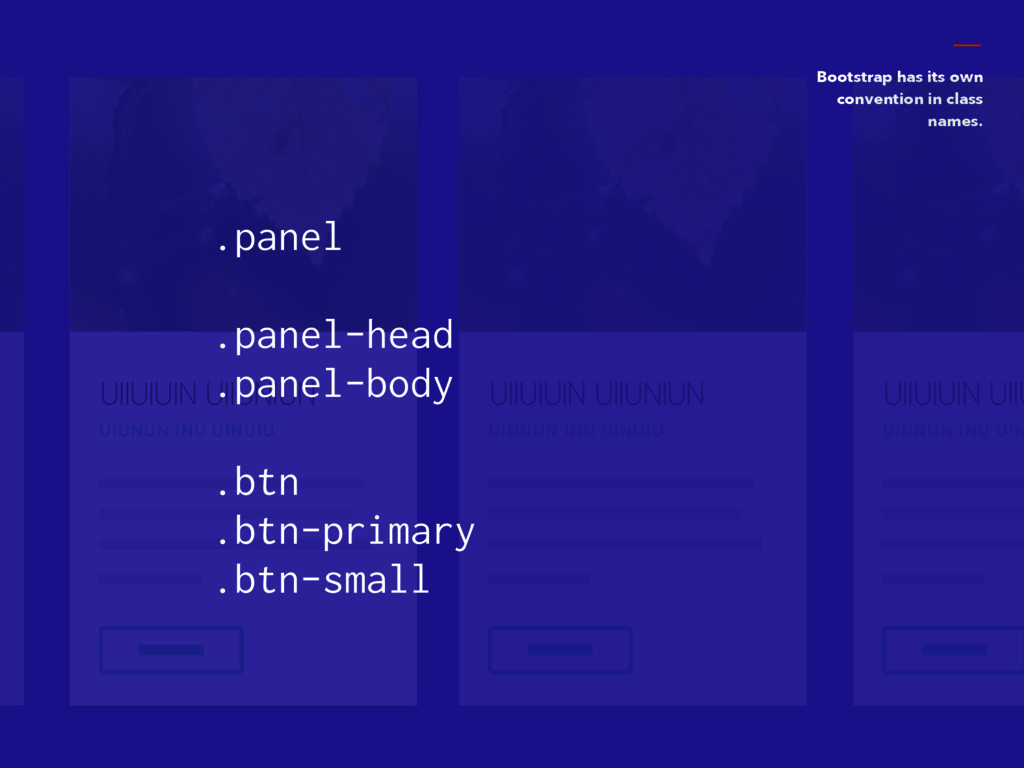
Bootstrap http://getbootstrap.com Bootstrap
UIIUIUIN UIIUNIUN UIUNUN INU UINUIU Bootstrap has its own convention
in class names. .panel .panel-head .panel-body .btn .btn-primary .btn-small UIIUIUIN UIIUNIUN UIUNUN INU UINUIU UIIUIUIN UIIU UIUNUN INU UIN
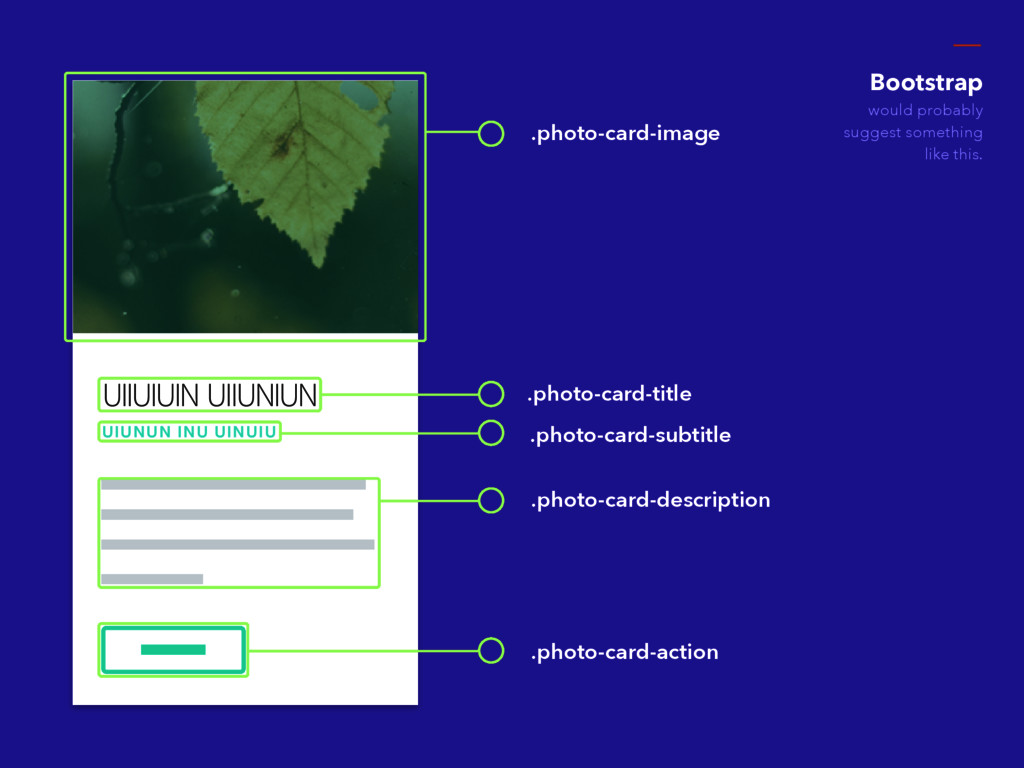
UIIUIUIN UIIUNIUN UIUNUN INU UINUIU .photo-card-image .photo-card-title .photo-card-subtitle .photo-card-description .photo-card-action
Bootstrap would probably suggest something like this.
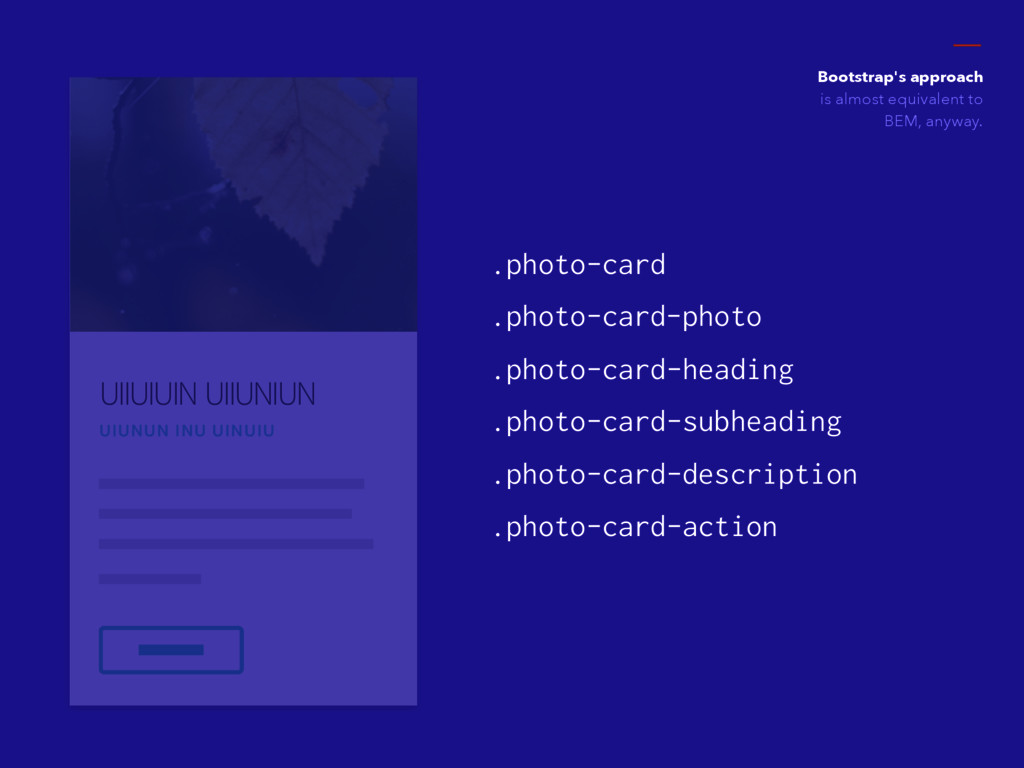
UIIUIUIN UIIUNIUN UIUNUN INU UINUIU Bootstrap's approach is almost equivalent
to BEM, anyway. .photo-card .photo-card-photo .photo-card-heading .photo-card-subheading .photo-card-description .photo-card-action
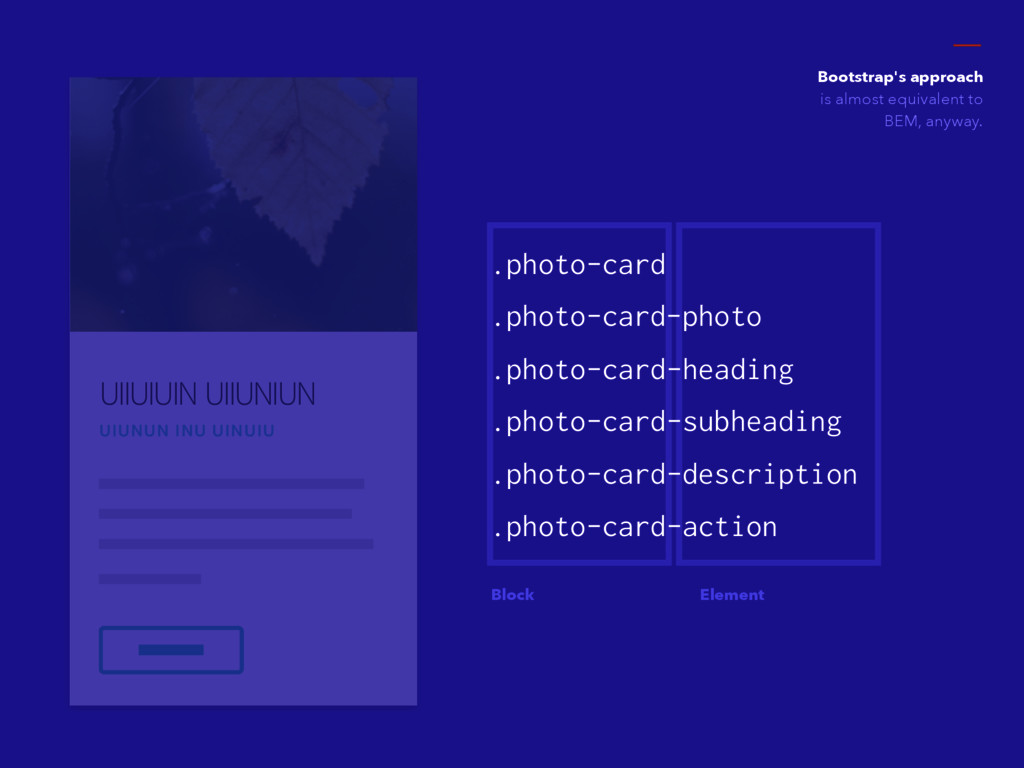
UIIUIUIN UIIUNIUN UIUNUN INU UINUIU Bootstrap's approach is almost equivalent
to BEM, anyway. Block Element .photo-card .photo-card-photo .photo-card-heading .photo-card-subheading .photo-card-description .photo-card-action
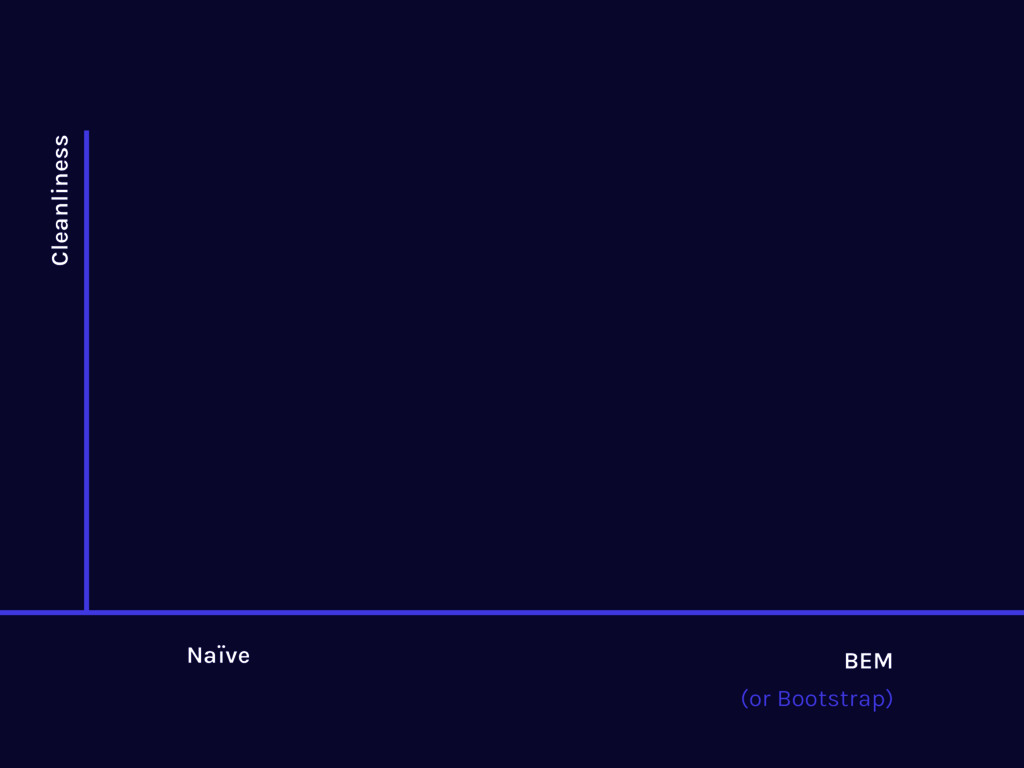
Naïve BEM Cleanliness (or Bootstrap)
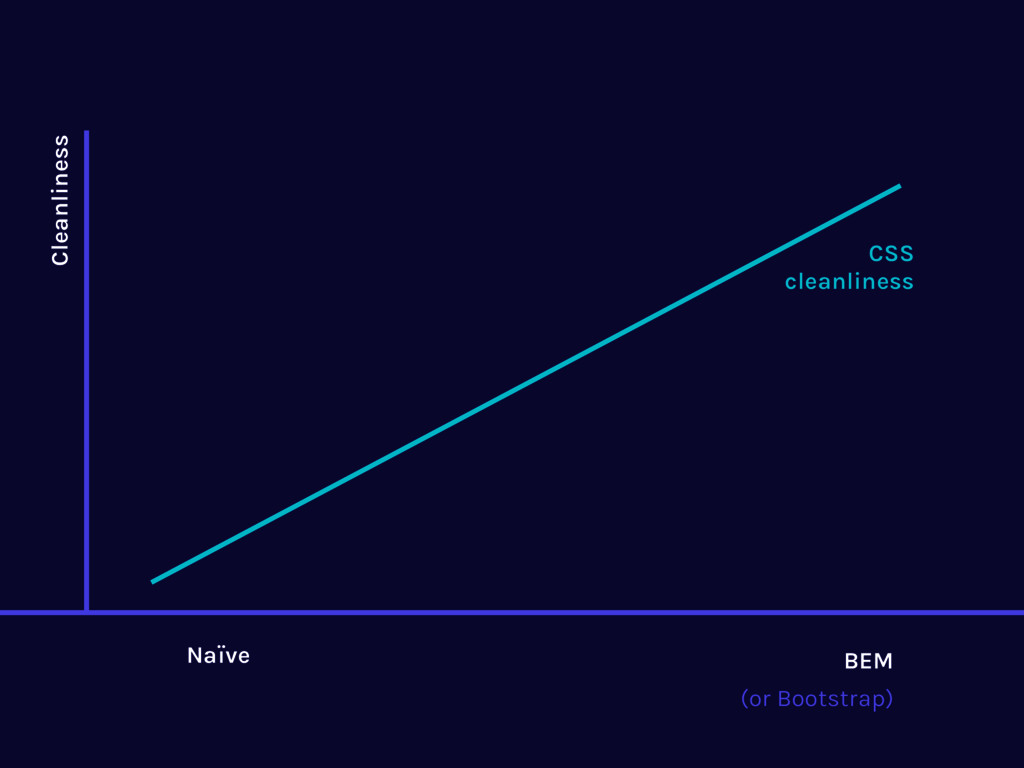
Naïve BEM Cleanliness CSS cleanliness (or Bootstrap)
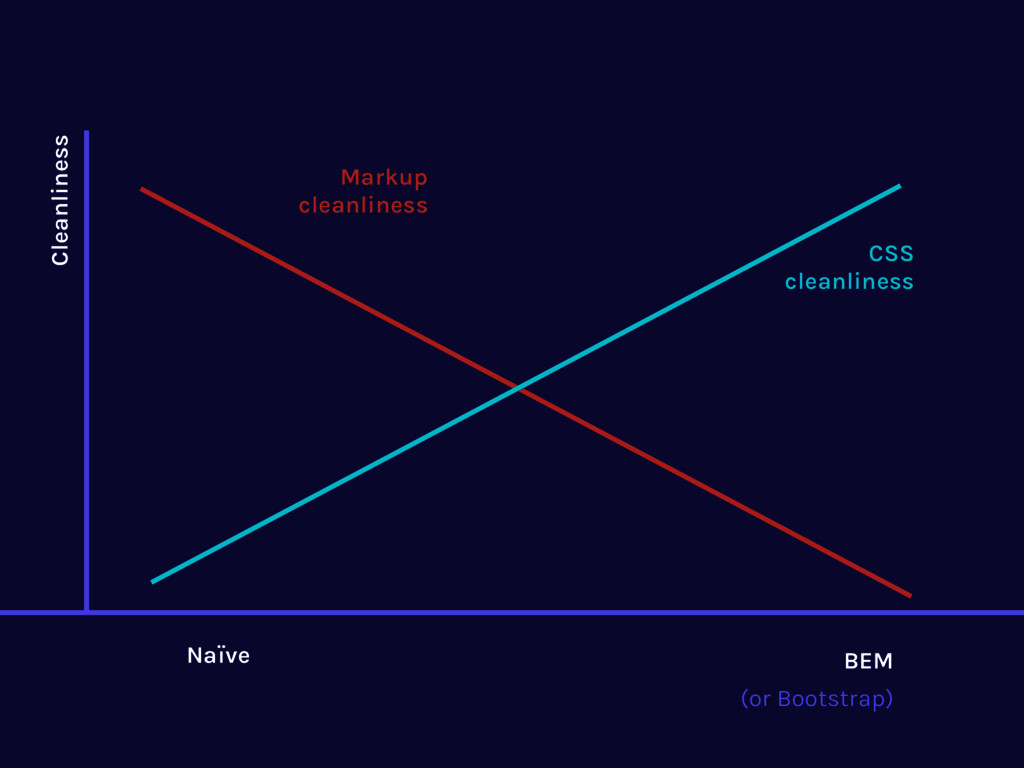
Naïve BEM Cleanliness Markup cleanliness CSS cleanliness (or Bootstrap)
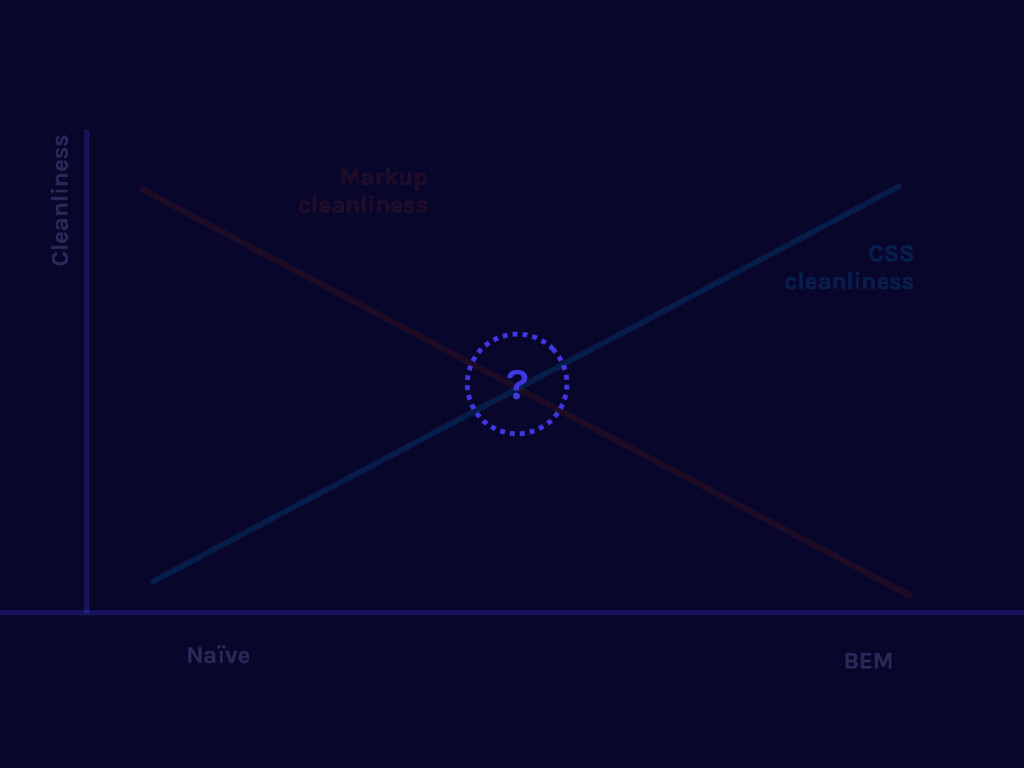
Naïve BEM Cleanliness Markup cleanliness CSS cleanliness ?
What if... there is a way to make a compromise
between both?
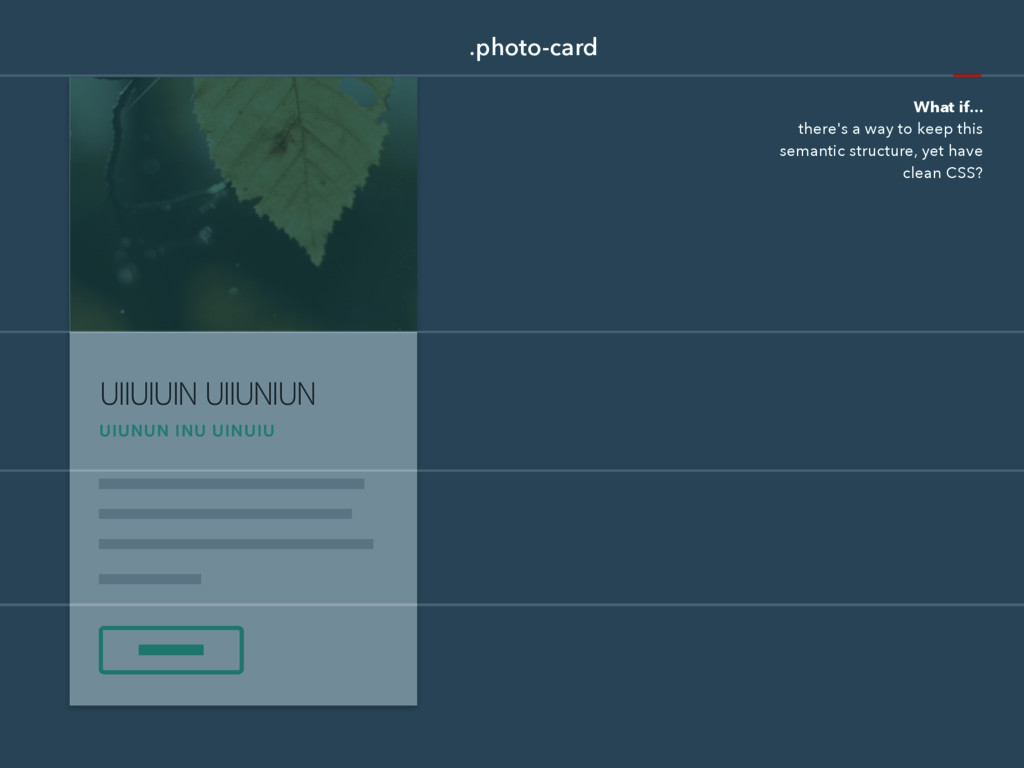
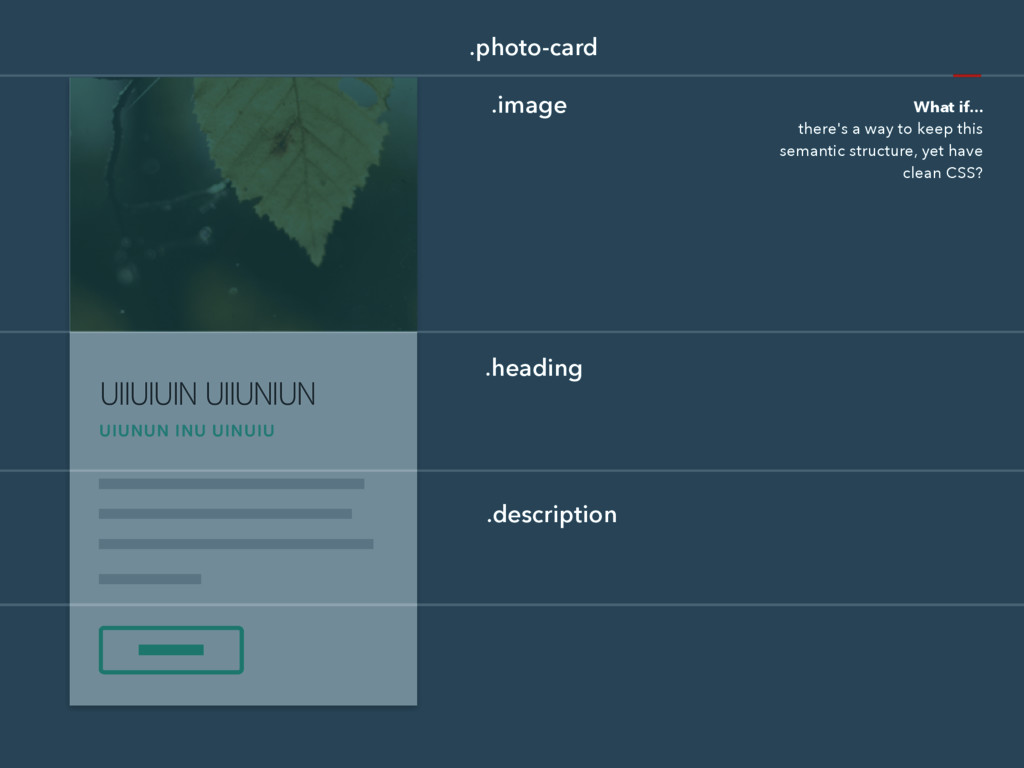
UIIUIUIN UIIUNIUN UIUNUN INU UINUIU .photo-card What if... there's a
way to keep this semantic structure, yet have clean CSS?
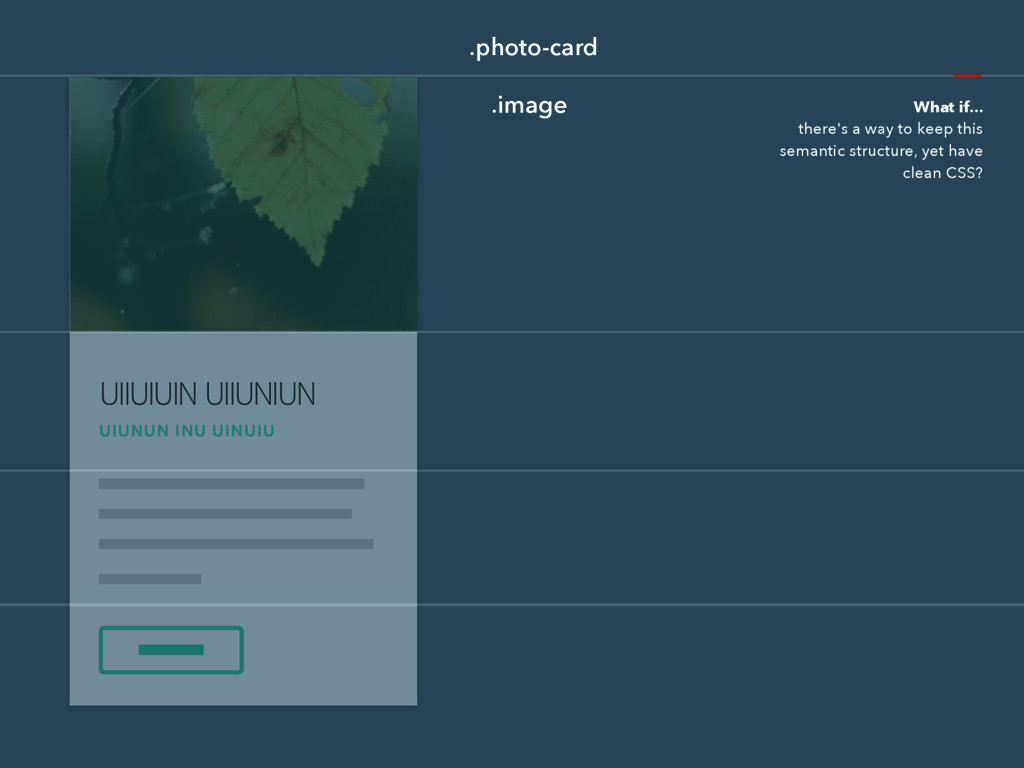
UIIUIUIN UIIUNIUN UIUNUN INU UINUIU .photo-card .image What if... there's
a way to keep this semantic structure, yet have clean CSS?
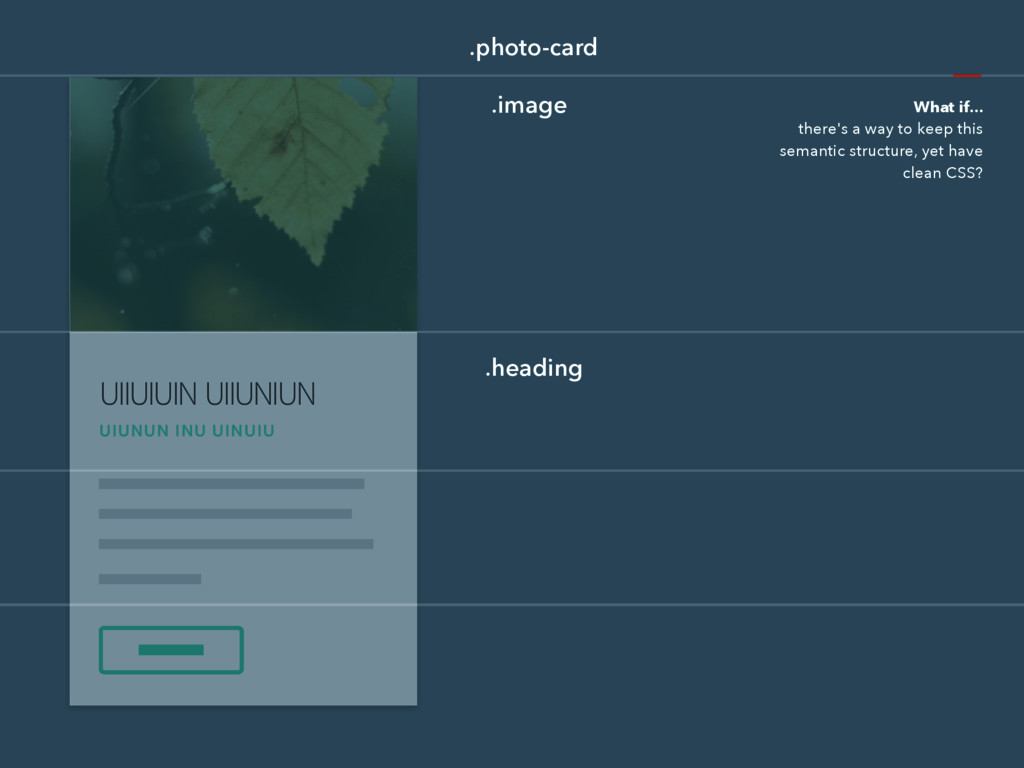
UIIUIUIN UIIUNIUN UIUNUN INU UINUIU .photo-card .heading .image What if...
there's a way to keep this semantic structure, yet have clean CSS?
UIIUIUIN UIIUNIUN UIUNUN INU UINUIU .photo-card .heading .description .image What
if... there's a way to keep this semantic structure, yet have clean CSS?
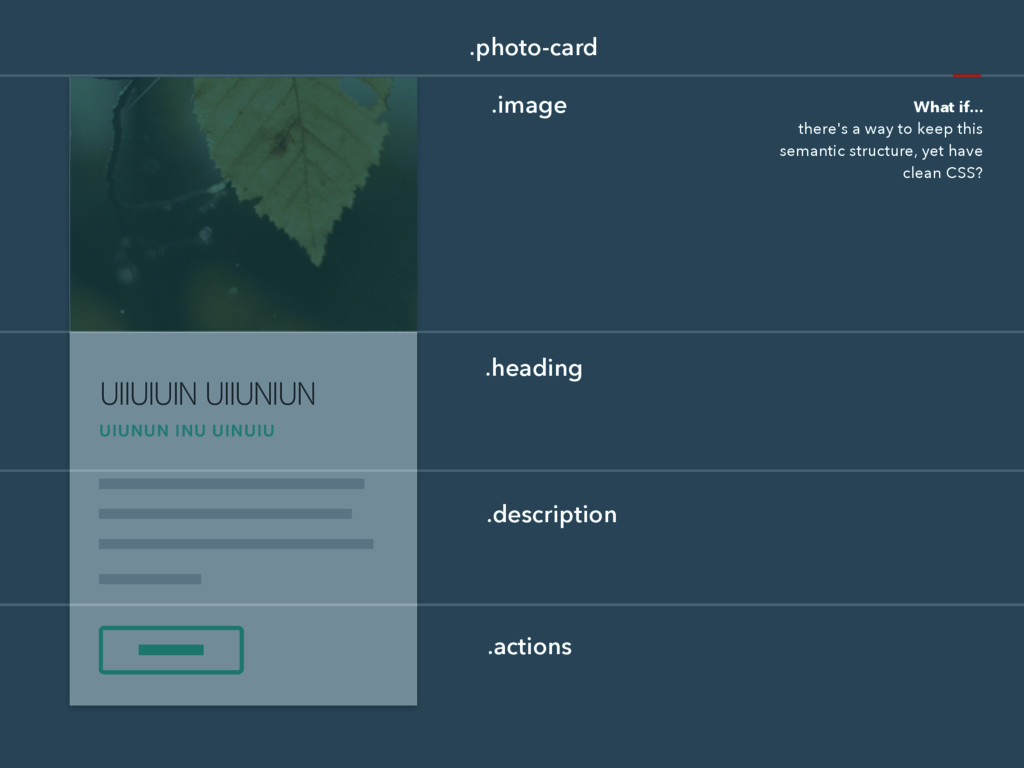
UIIUIUIN UIIUNIUN UIUNUN INU UINUIU .photo-card .heading .description .actions .image
What if... there's a way to keep this semantic structure, yet have clean CSS?
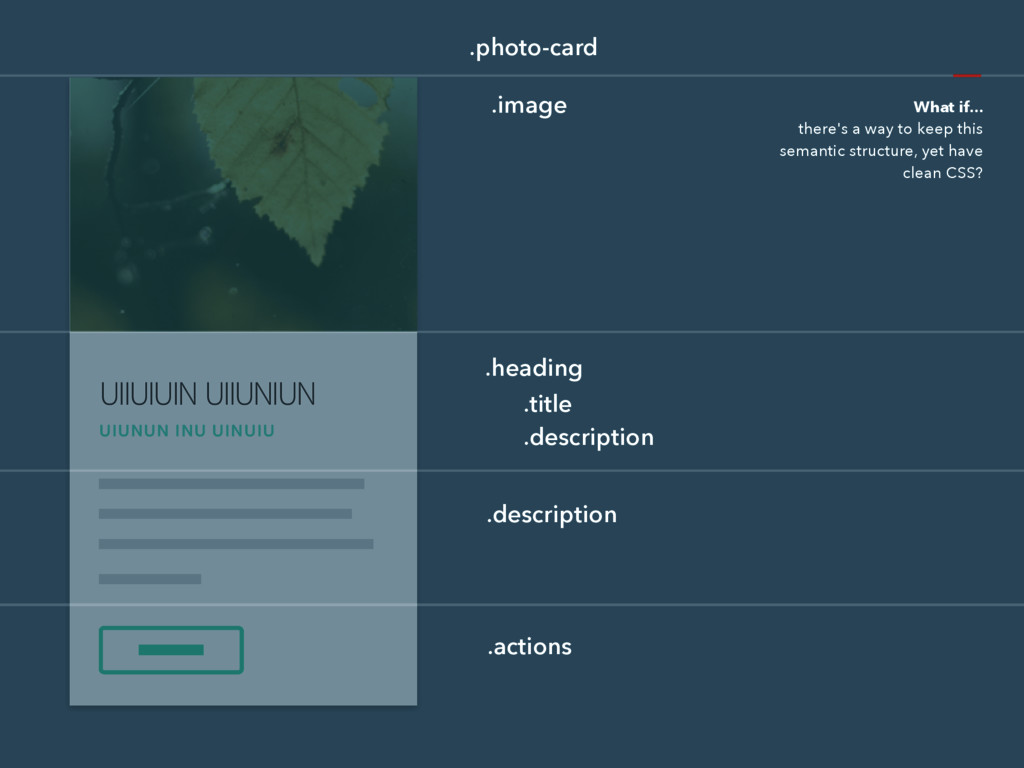
UIIUIUIN UIIUNIUN UIUNUN INU UINUIU .photo-card .heading .description .actions .image
.title .description What if... there's a way to keep this semantic structure, yet have clean CSS?
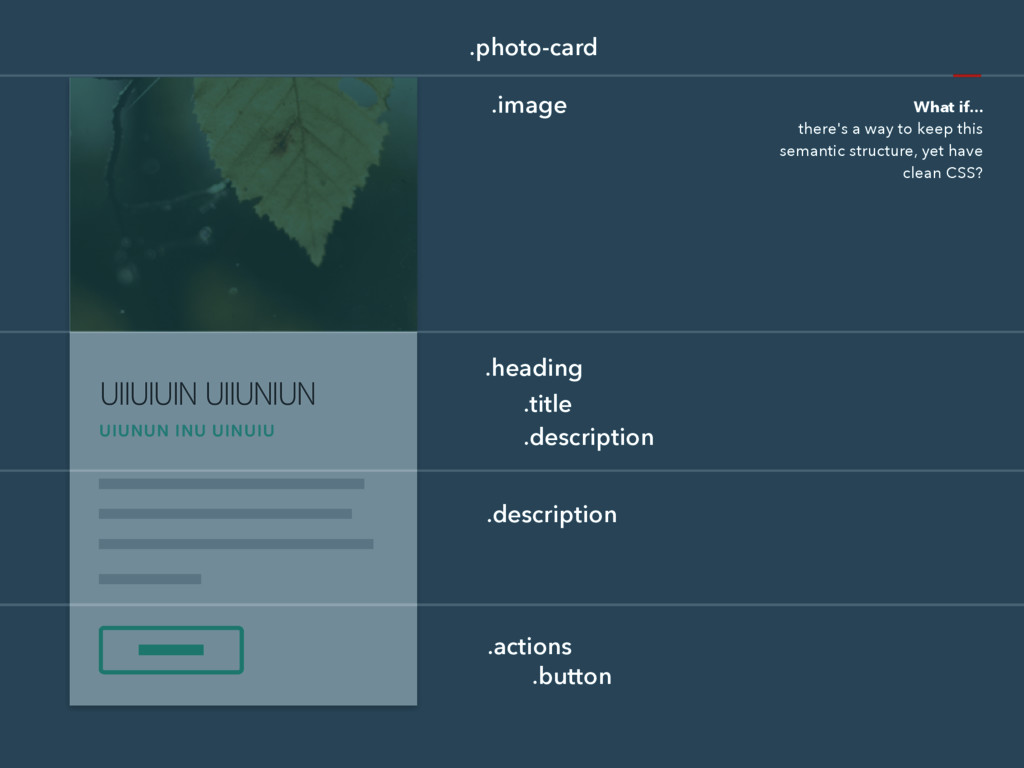
UIIUIUIN UIIUNIUN UIUNUN INU UINUIU .photo-card .heading .description .actions .image
.title .description .button What if... there's a way to keep this semantic structure, yet have clean CSS?
rscss Reasonable System for CSS Stylesheet Structure http://rscss.io
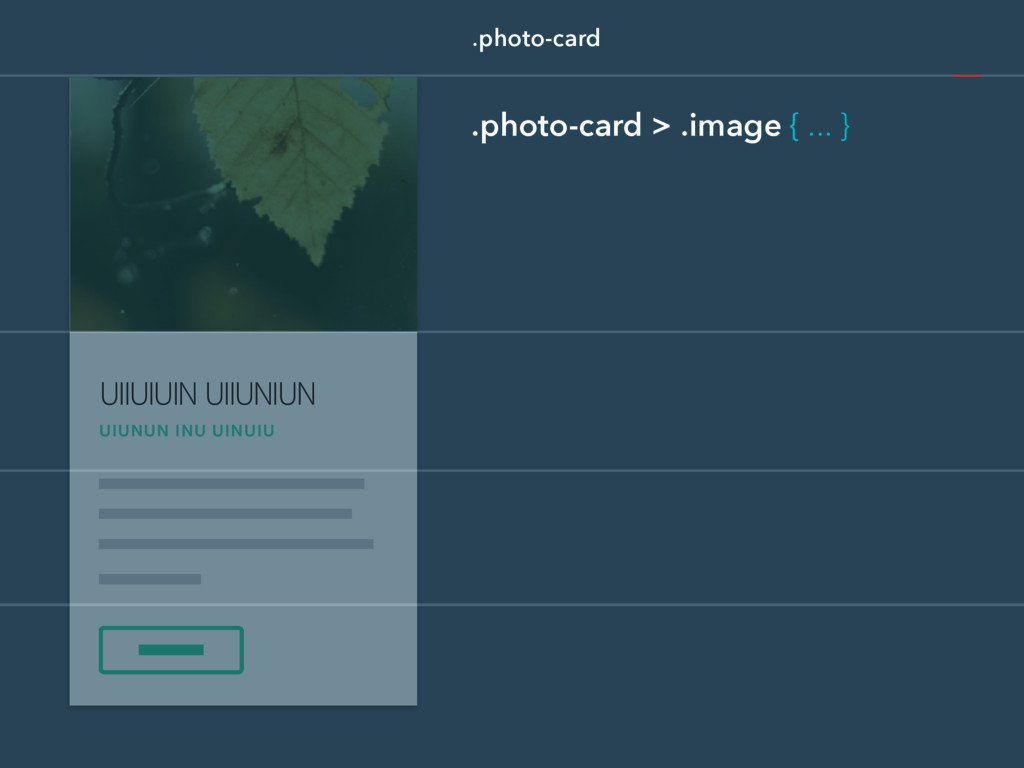
UIIUIUIN UIIUNIUN UIUNUN INU UINUIU .photo-card .photo-card > .image {
... }
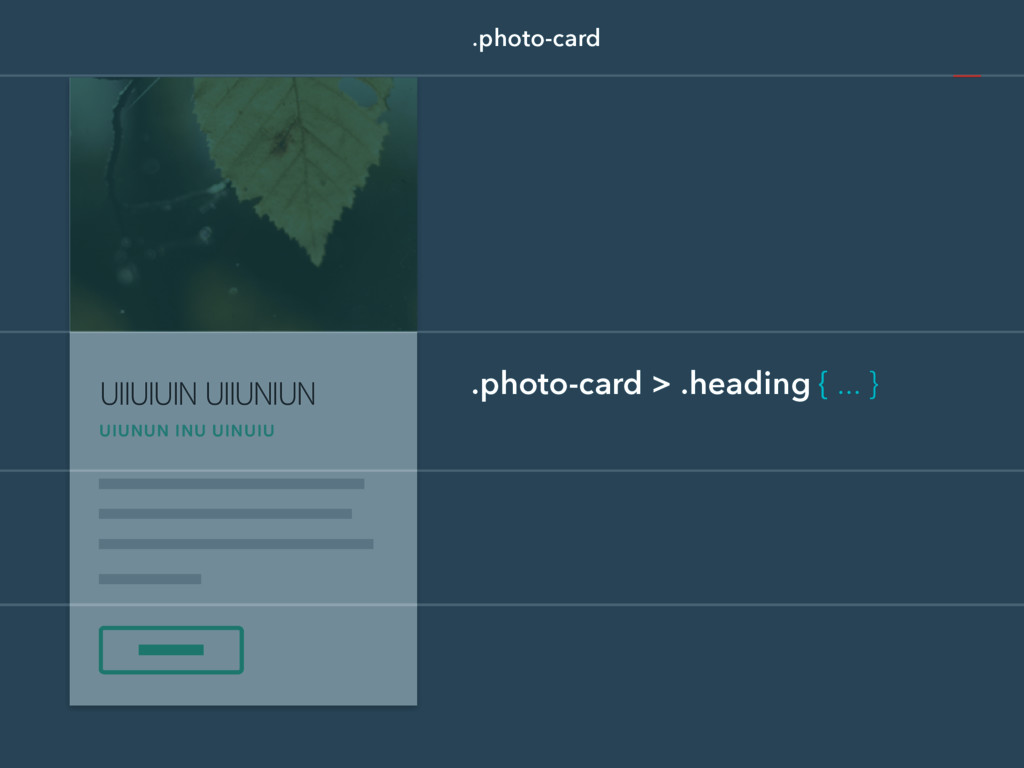
UIIUIUIN UIIUNIUN UIUNUN INU UINUIU .photo-card .photo-card > .heading {
... }
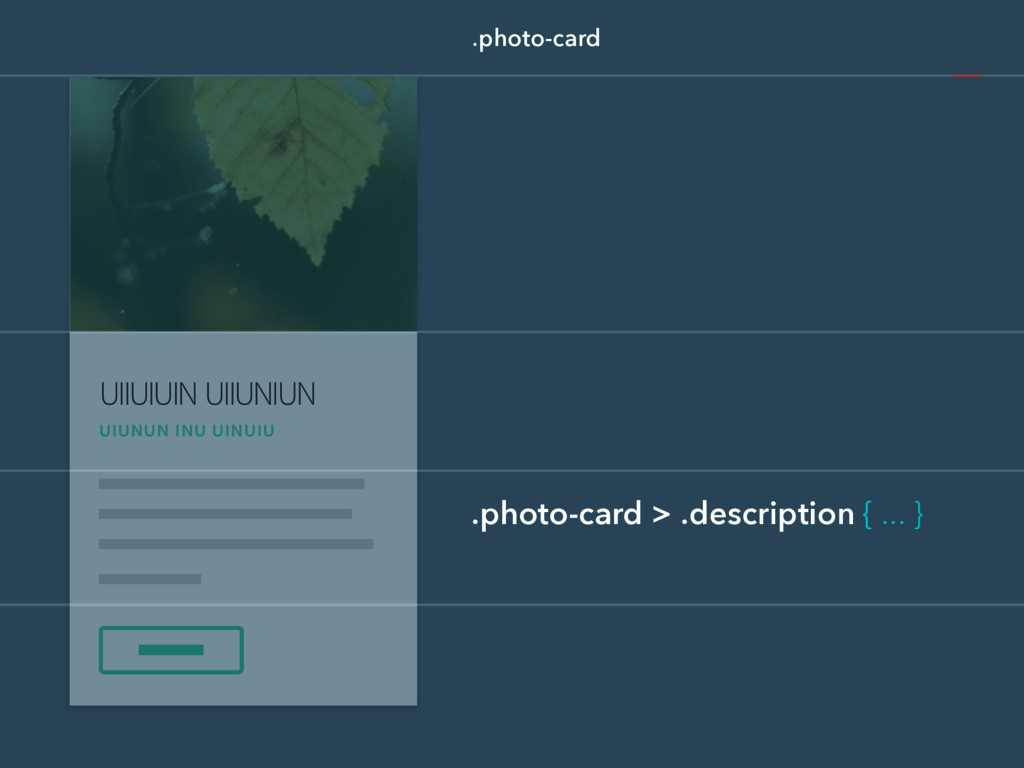
UIIUIUIN UIIUNIUN UIUNUN INU UINUIU .photo-card .photo-card > .description {
... }
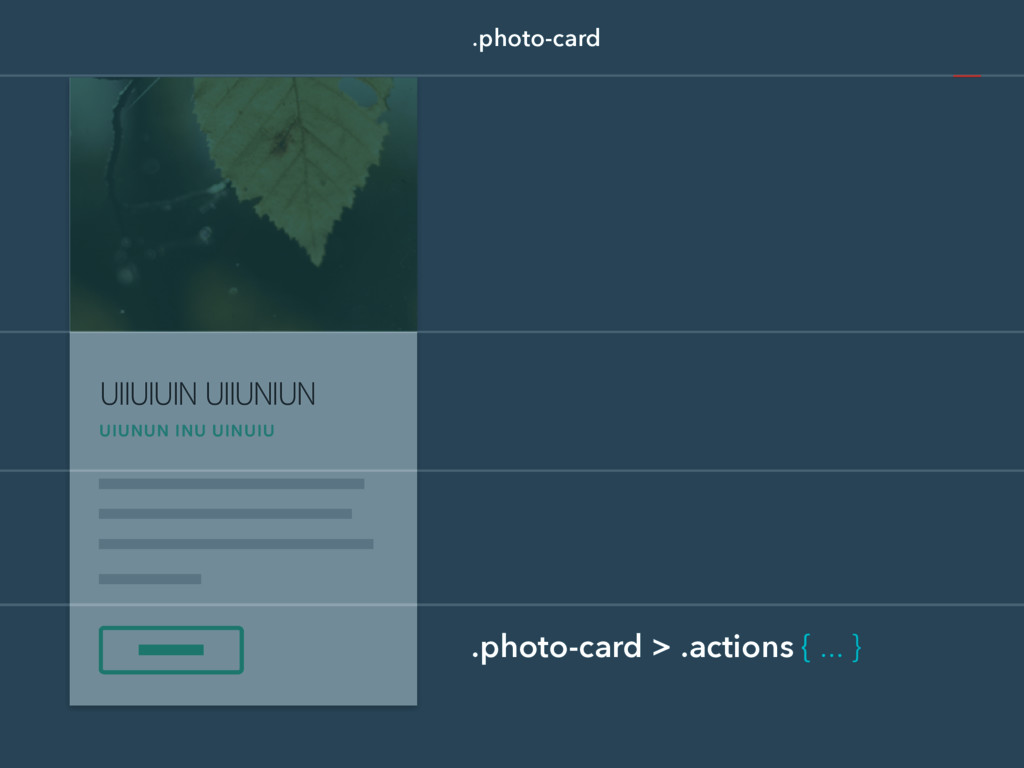
UIIUIUIN UIIUNIUN UIUNUN INU UINUIU .photo-card .photo-card > .actions {
... }
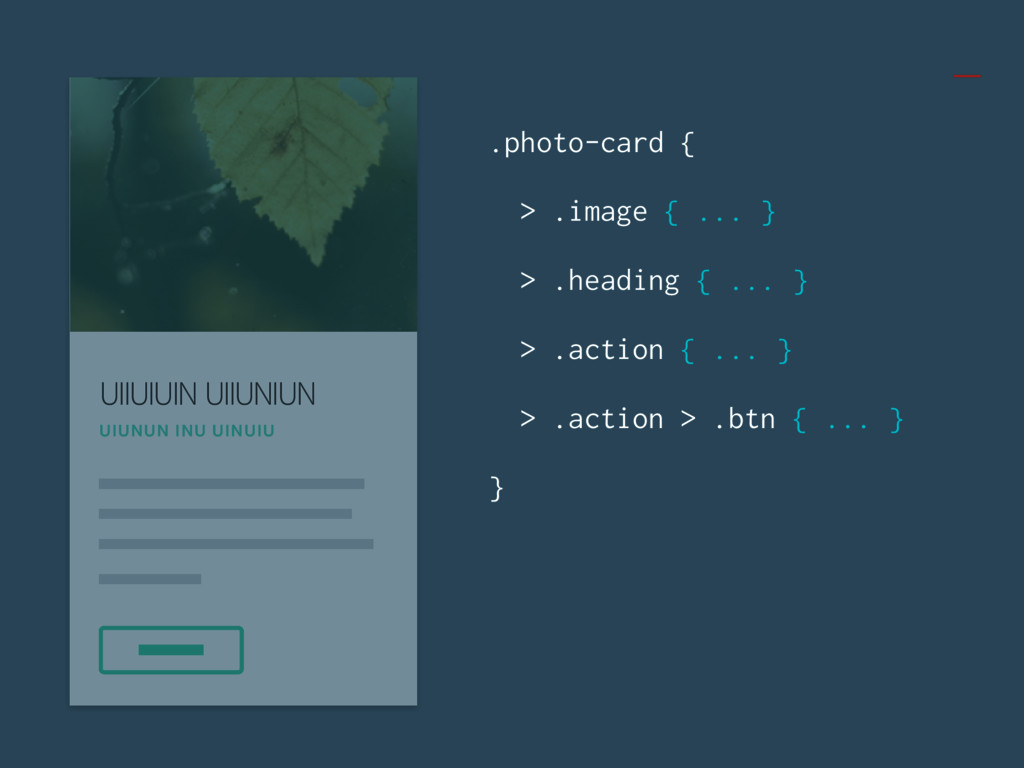
UIIUIUIN UIIUNIUN UIUNUN INU UINUIU .photo-card { > .image {
... } > .heading { ... } > .action { ... } > .action > .btn { ... } }
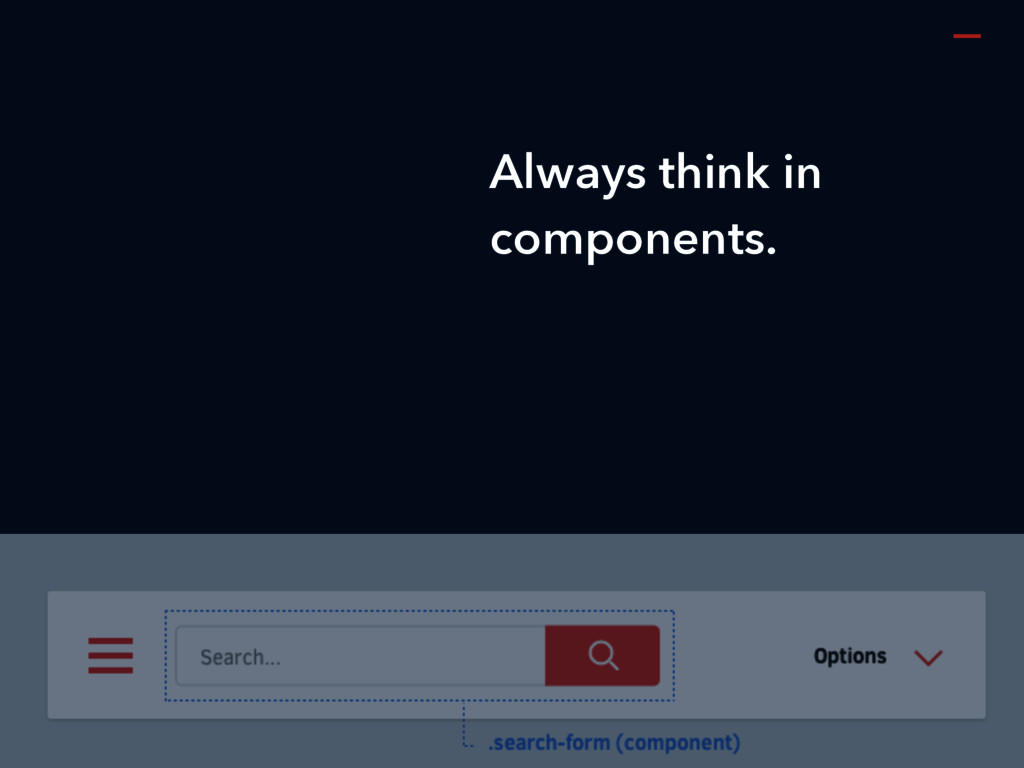
Always think in components.
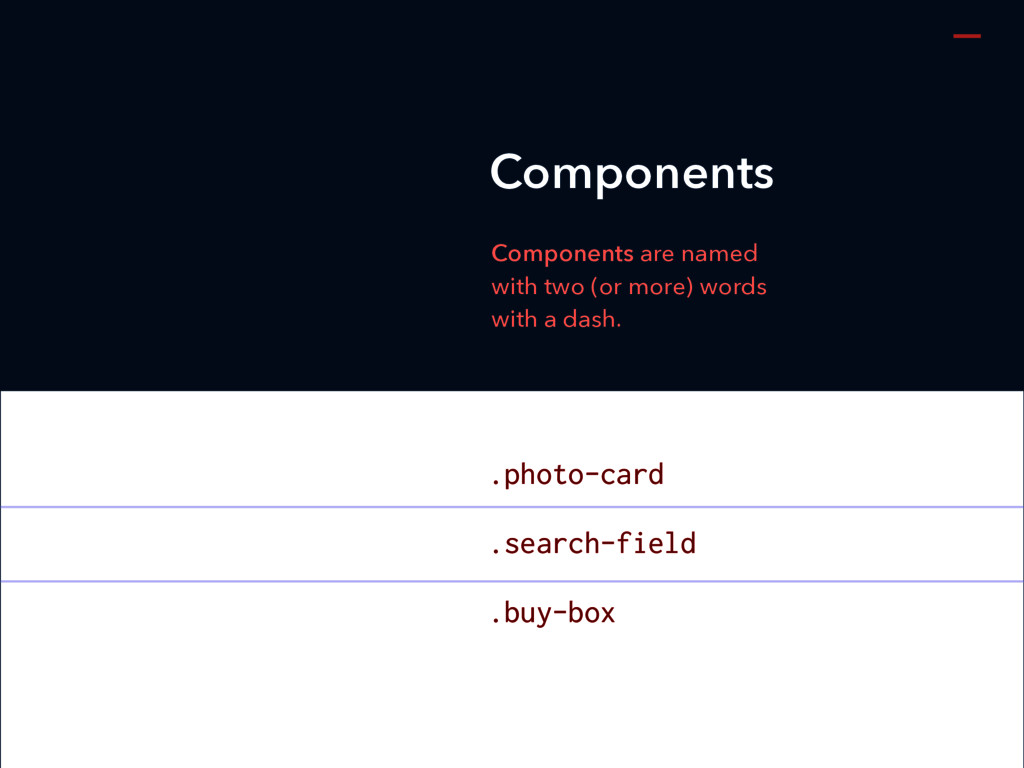
.photo-card .search-field .buy-box Components are named with two (or more)
words with a dash. Components
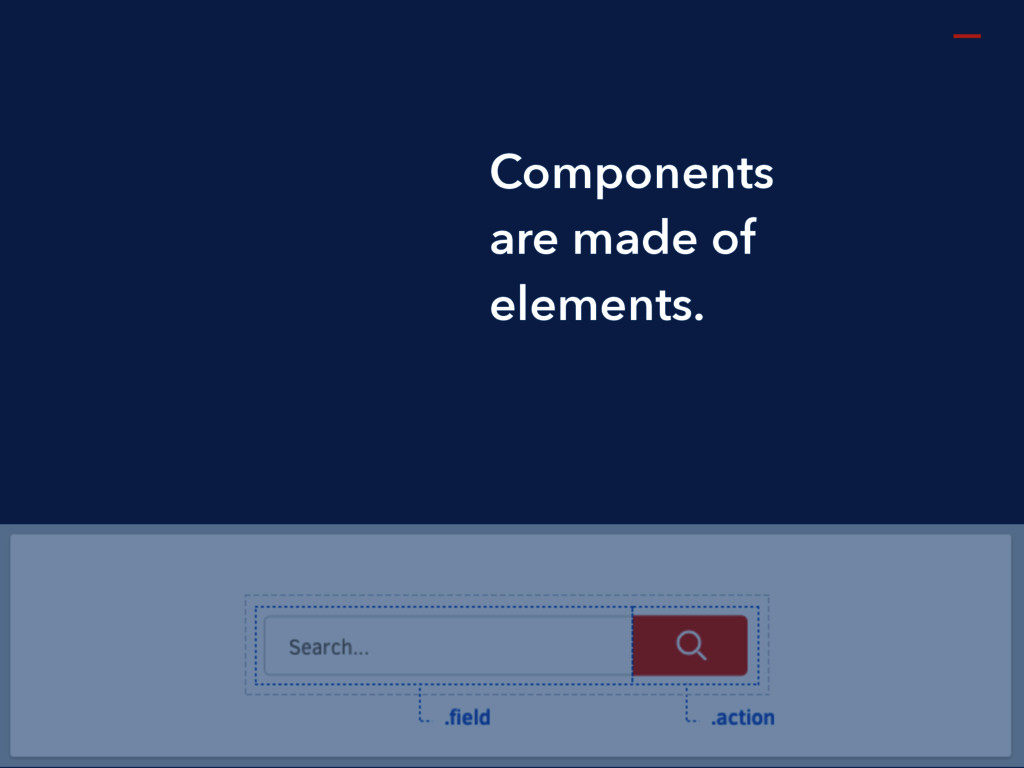
Components are made of elements.
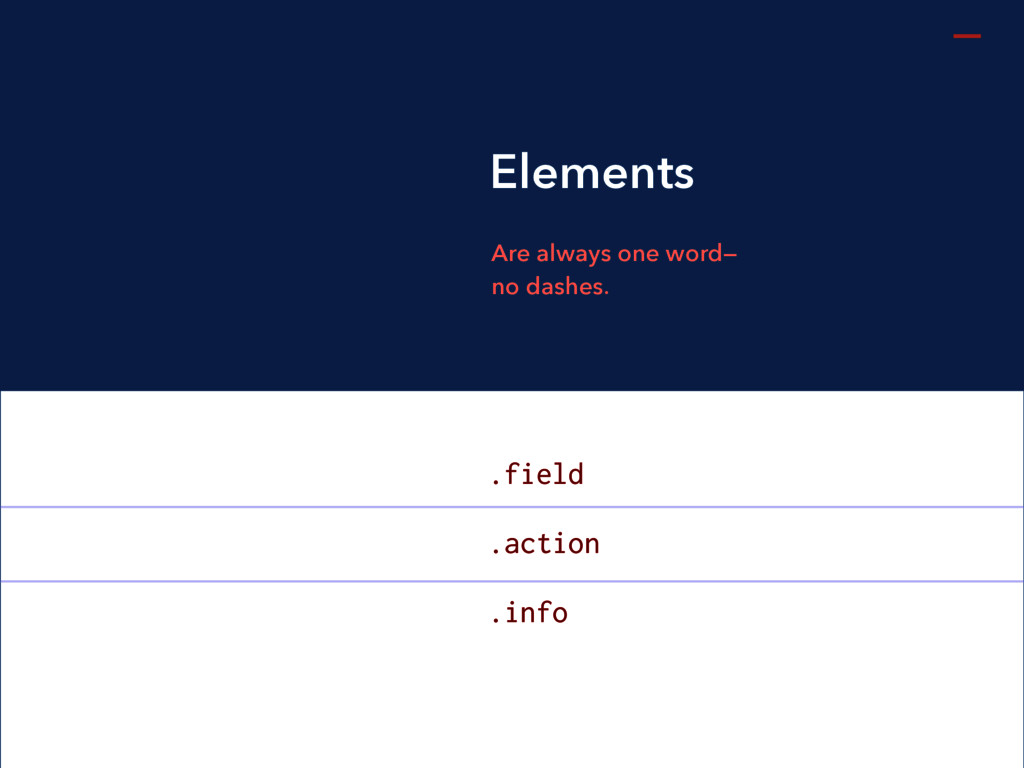
.field .action .info Are always one word— no dashes. Elements
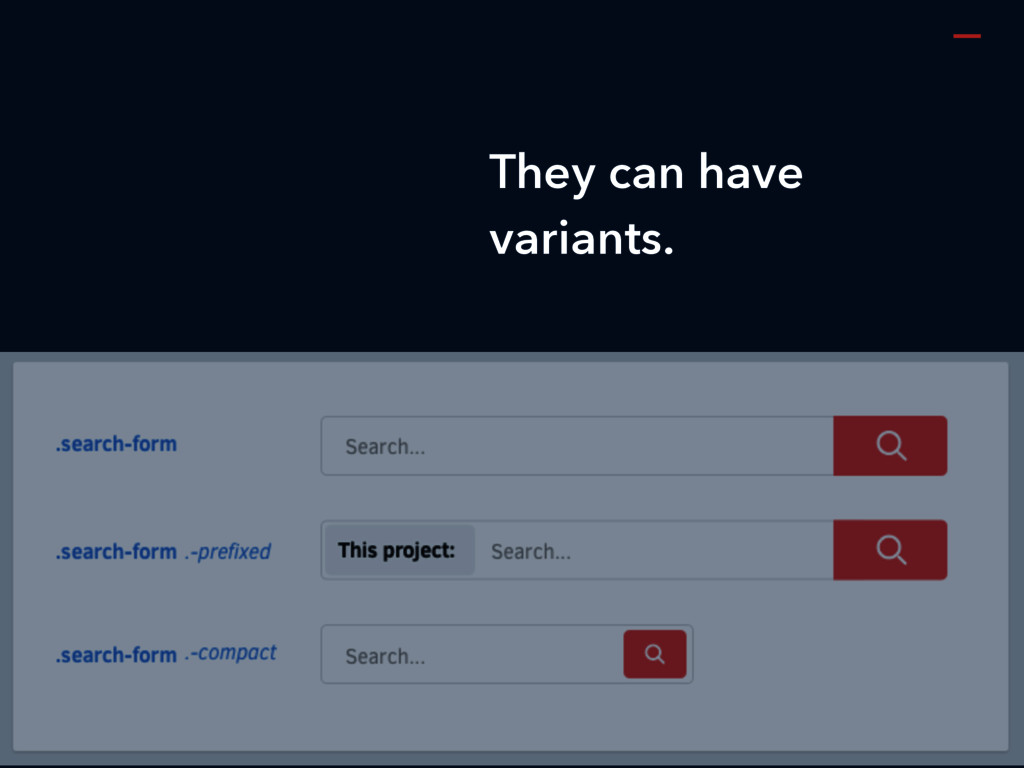
They can have variants.
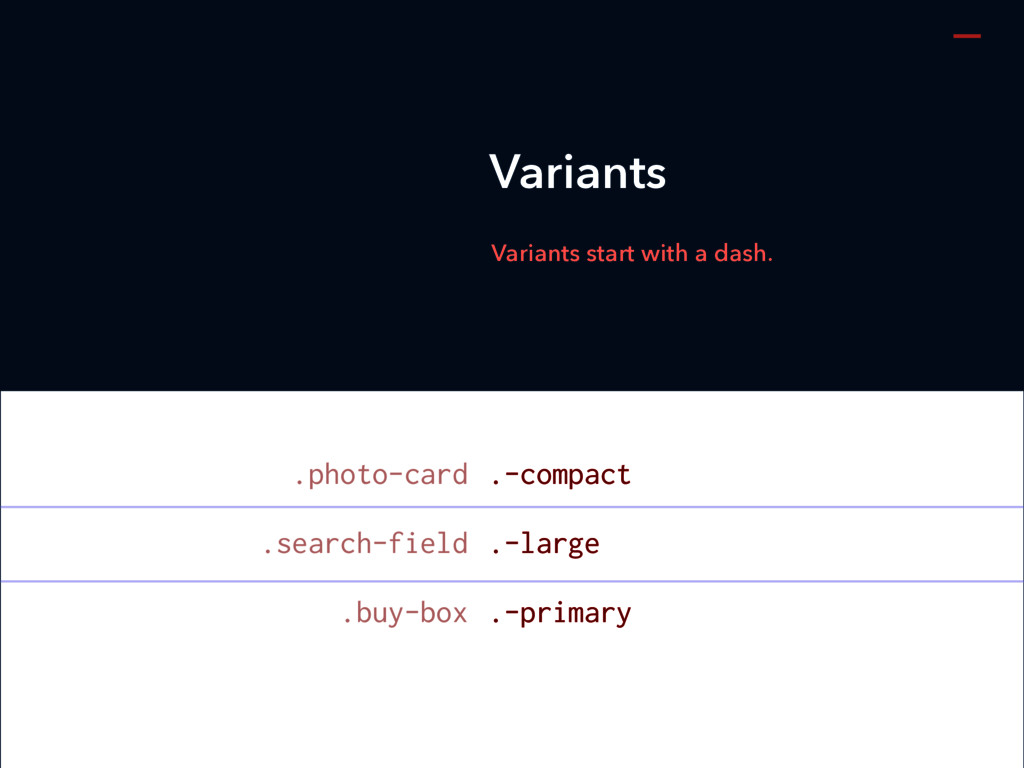
.-compact .-large .-primary Variants start with a dash. Variants .photo-card
.search-field .buy-box
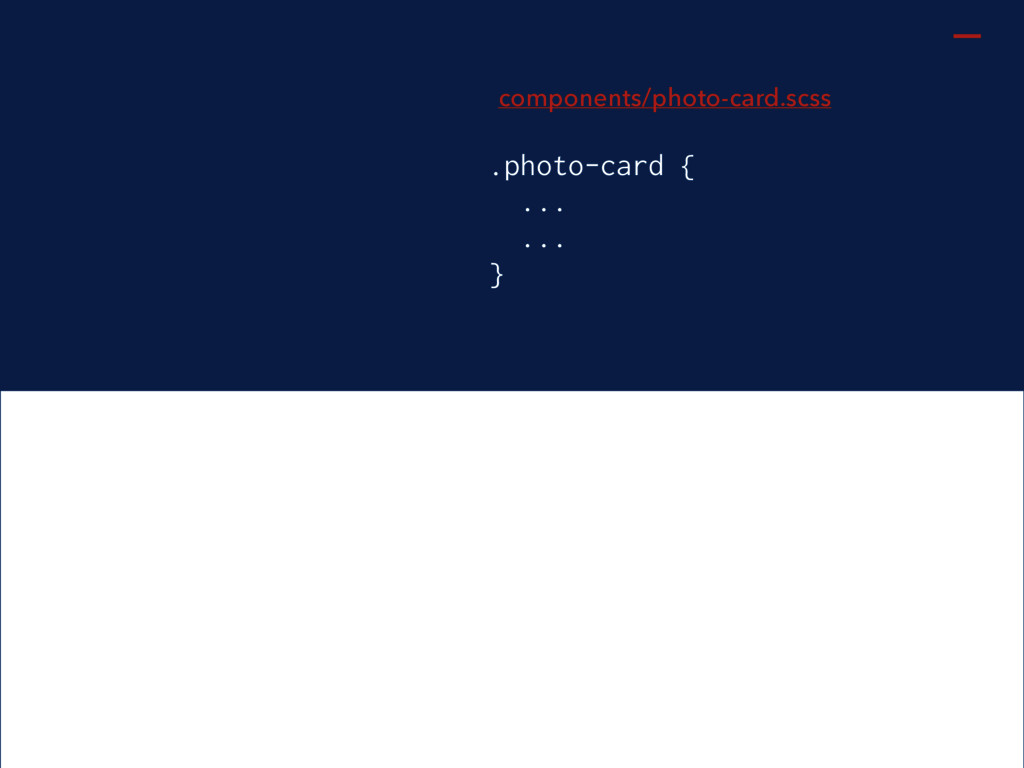
Place one component per file.
.photo-card { ... ... } components/photo-card.scss
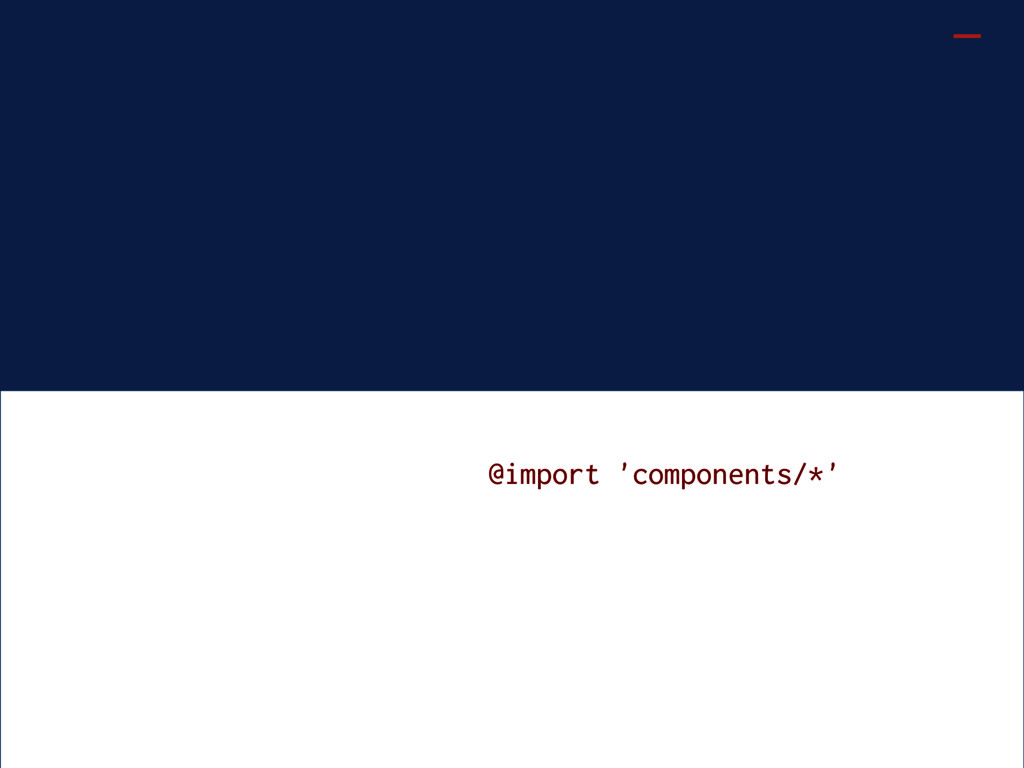
@import 'components/*'
@rstacruz Rico Sta. Cruz rscss.io


 rstacruz
 honyanya
 kzkmaeda
.jpg) ktatsuya
ktatsuya
 ykiyota
 naospon
 eiei114
 morshoto
 goccy
goccy
 runandy16
 kazzpapa3
 negima
 nikkei_engineer_recruiting
 davidcarrasco
 ryanjones
 leimatthew05
 inesmontani
 bluesmoon
 palkan
 addyosmani
 codingconduct
 kimpetersen
 quramy
 katarinadahlin
 aleyda