Share
Embed
Constraint Layout and Constraint sets
Constraint Layout is a new type of layout available in the Android Support repository for building flexible and efficient layouts. The Layout Editor uses constraints to determine the position of a UI element within the layout.
Learn how you can use Constraint Layout to build beautiful layouts with a flat hierarchy. We'll also explore Constraint Sets, which allow you to build smooth transition by using multiple Constraint Layout files.
Saurabh
August 25, 2018
Transcript
115 slides
-
Constraint Layout Constraint Layout RelativeLayout supercharged to the next level
Apply constraints with respect to each other 2 -
Constraint Layout Constraint Layout RelativeLayout supercharged to the next level
Apply constraints with respect to each other Helper views such as Barriers, Groups 2 -
Constraint Layout Constraint Layout RelativeLayout supercharged to the next level
Apply constraints with respect to each other Helper views such as Barriers, Groups Animation Support 2 -
Constraint Layout Constraint Layout RelativeLayout supercharged to the next level
Apply constraints with respect to each other Helper views such as Barriers, Groups Animation Support Keep a flat hierarchy of views 2 -
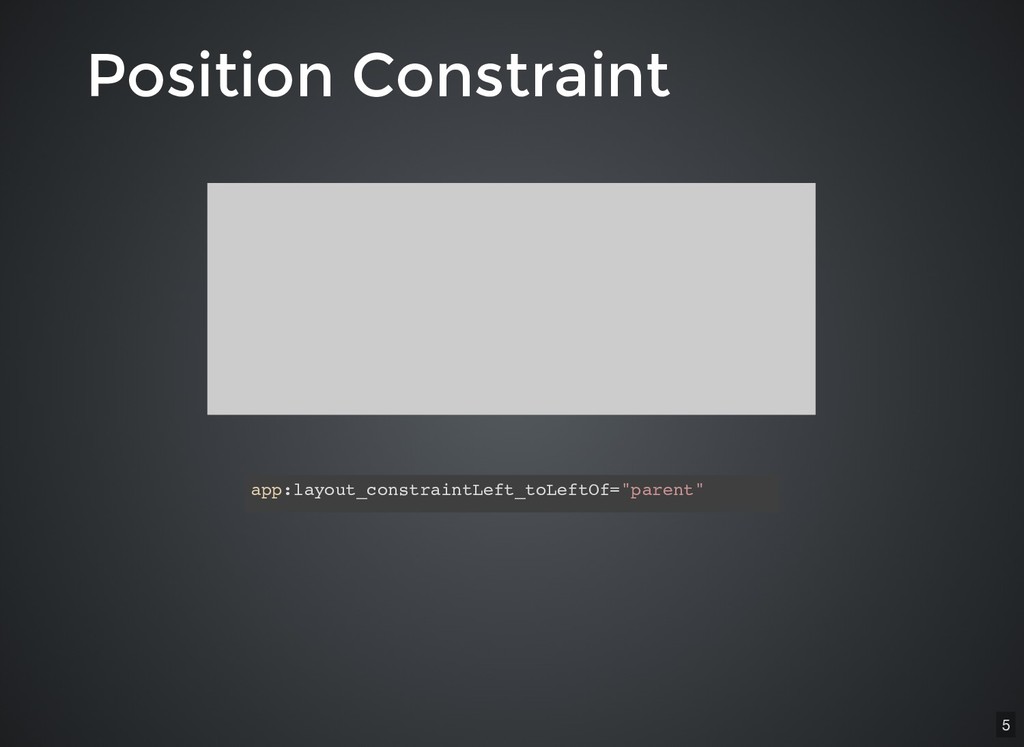
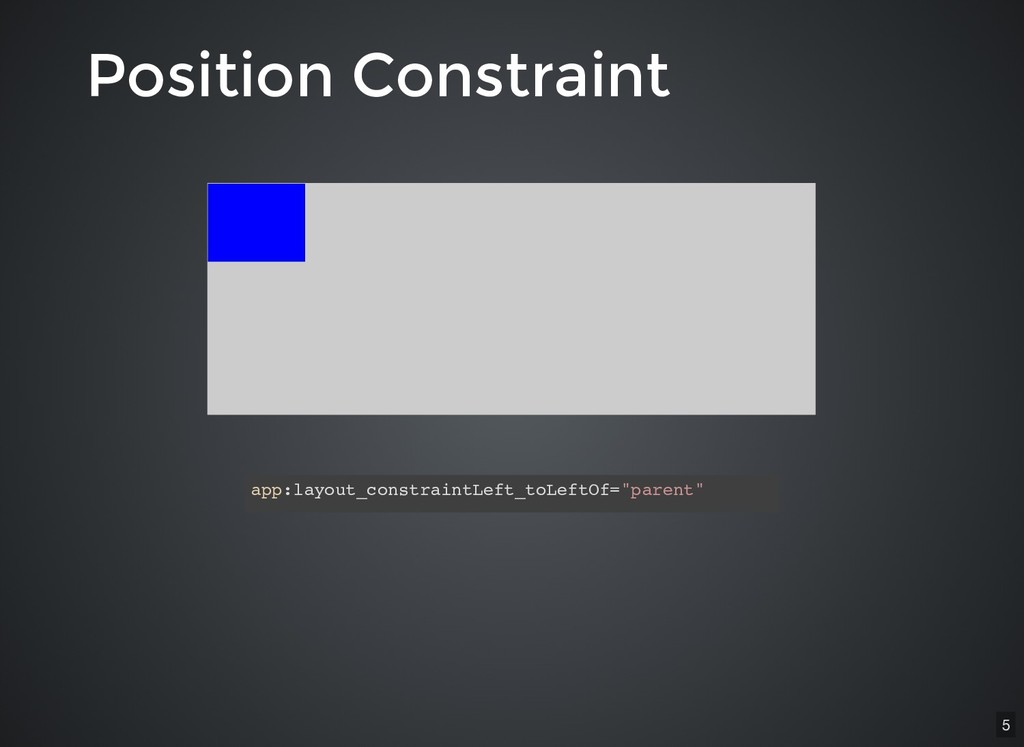
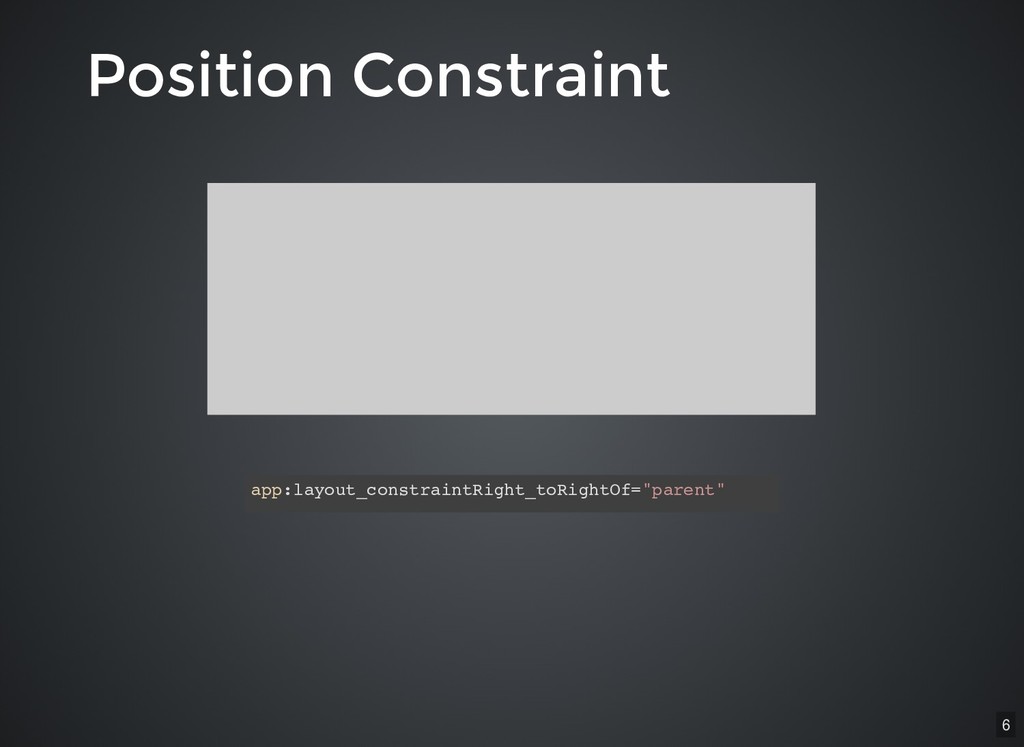
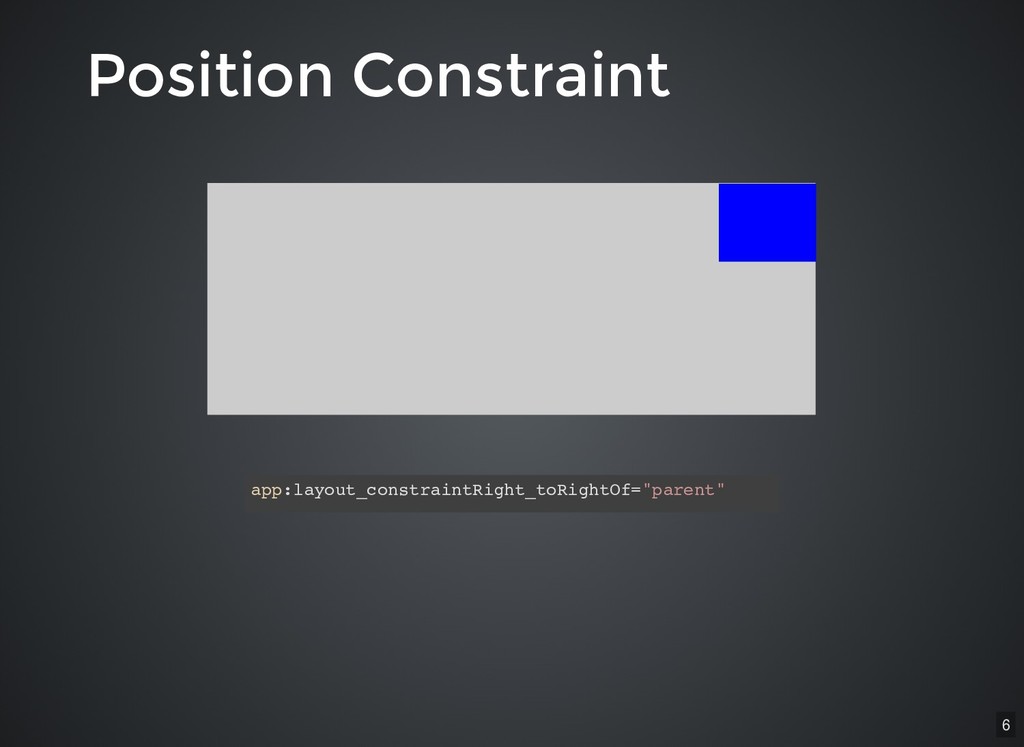
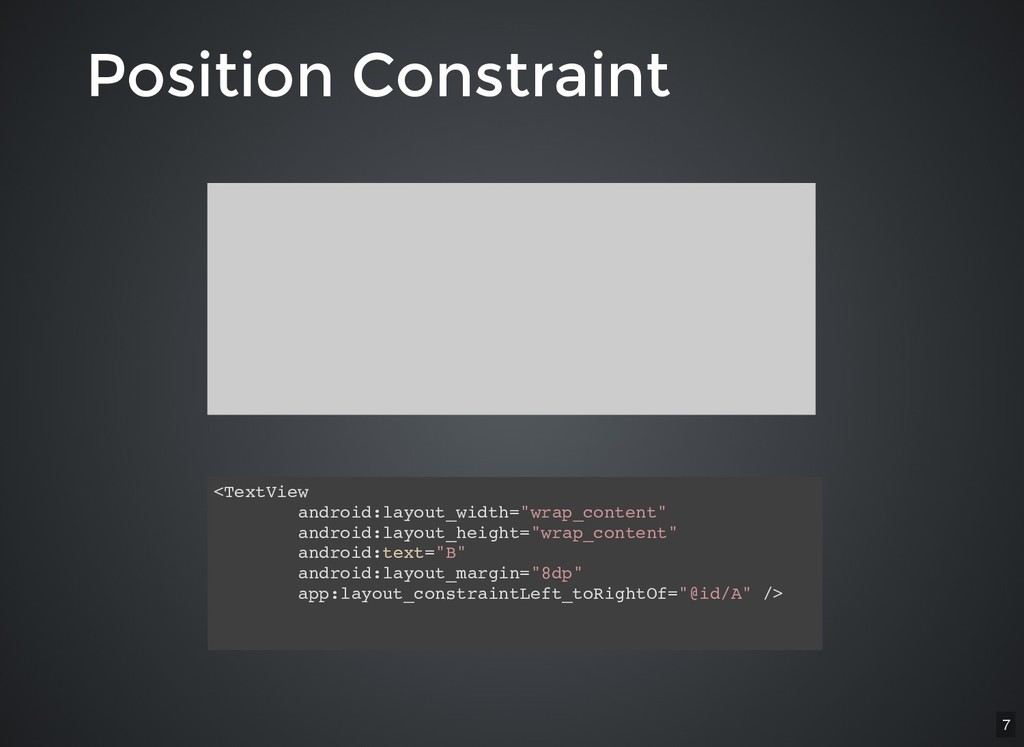
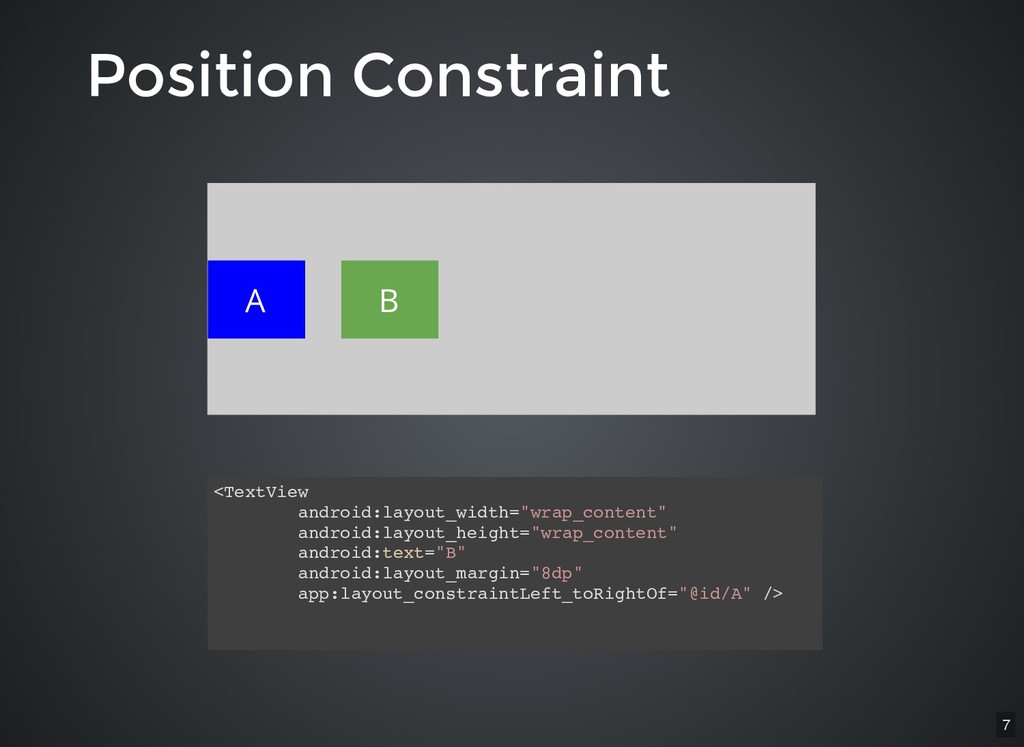
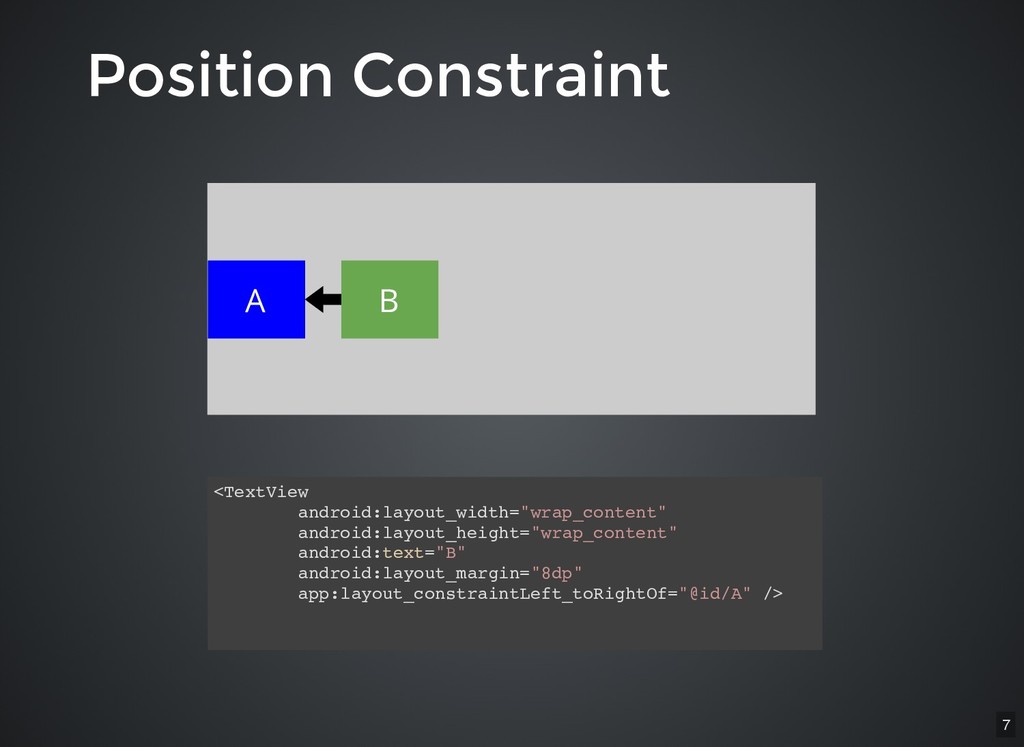
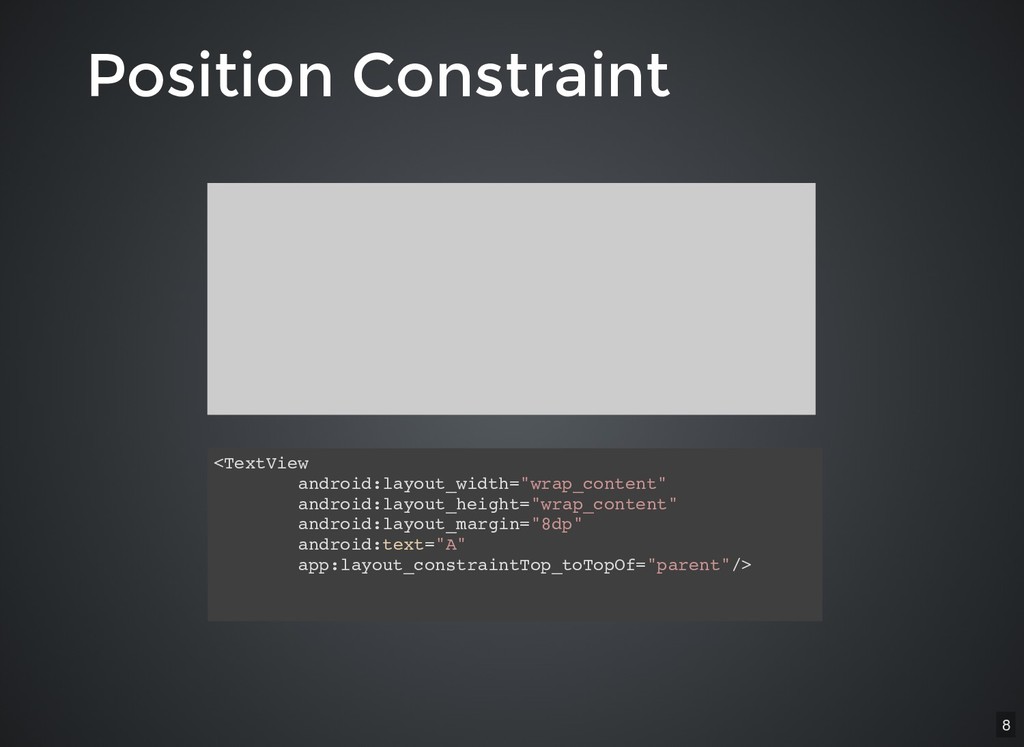
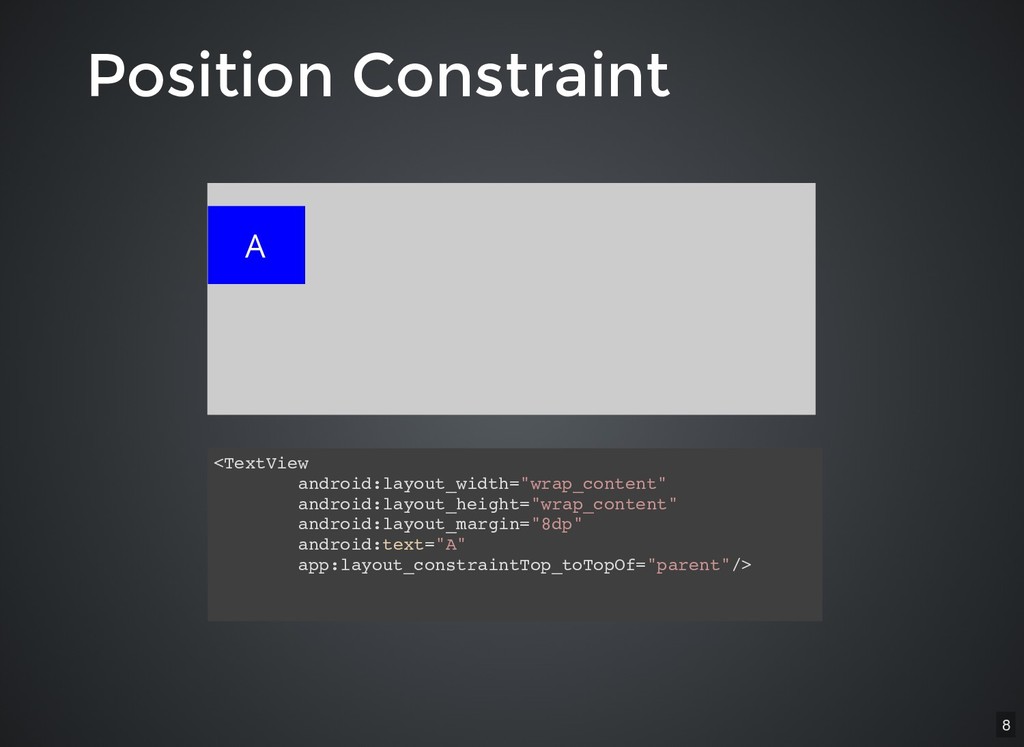
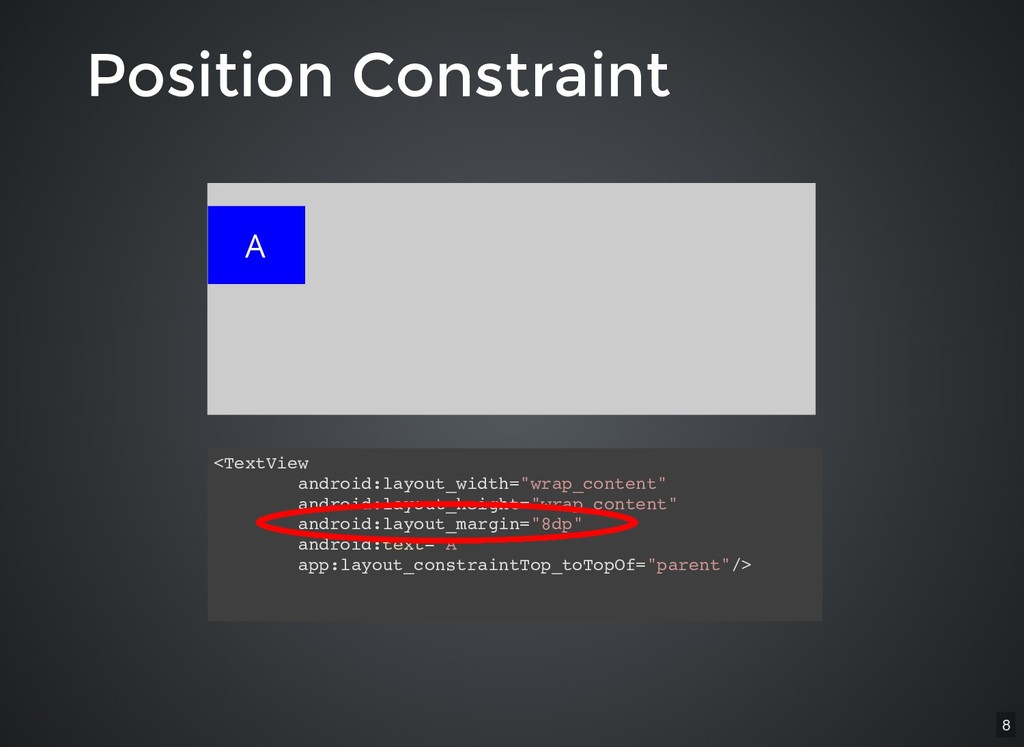
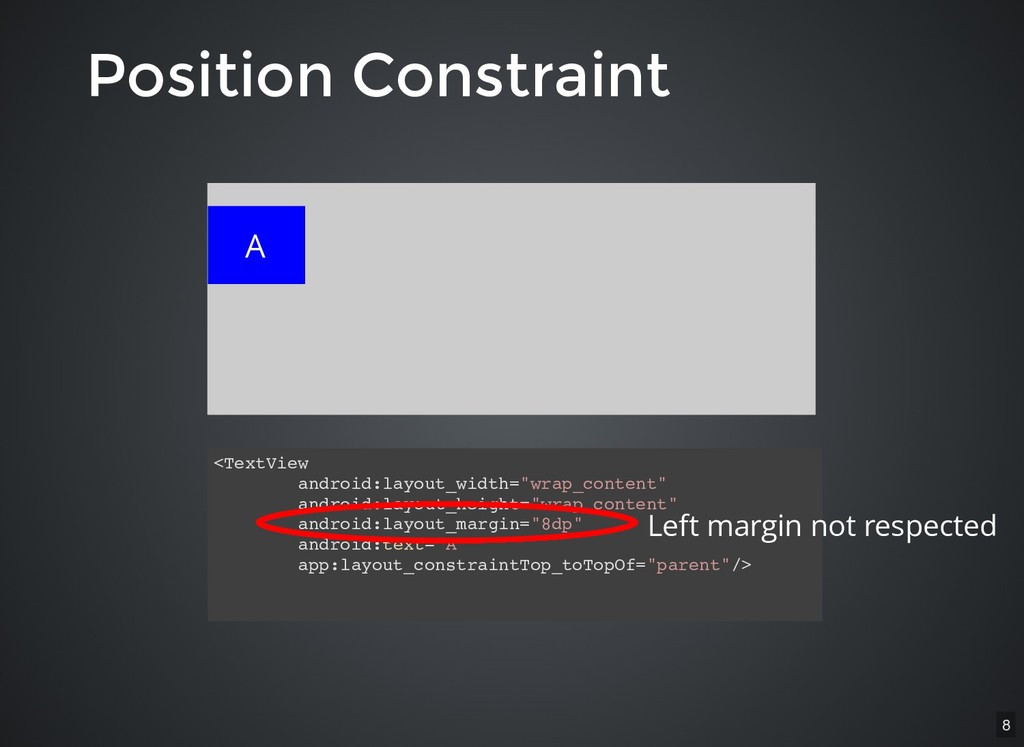
Position Constraint Position Constraint layout_constraintXXX_toXXXof Horizontal: Left, Right, Start, End
Vertical: Top, Bottom, Baseline 4 -
Position Constraint Position Constraint layout_constraintXXX_toXXXof Horizontal: Left, Right, Start, End
Vertical: Top, Bottom, Baseline w.r.t `parent` or another view 4 -
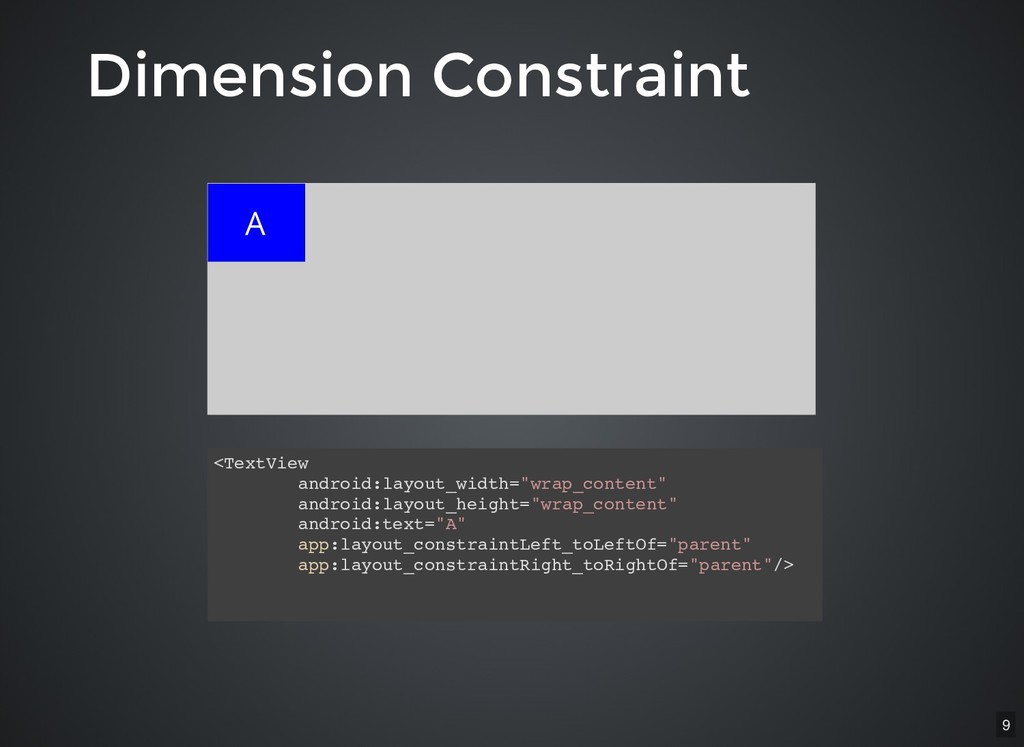
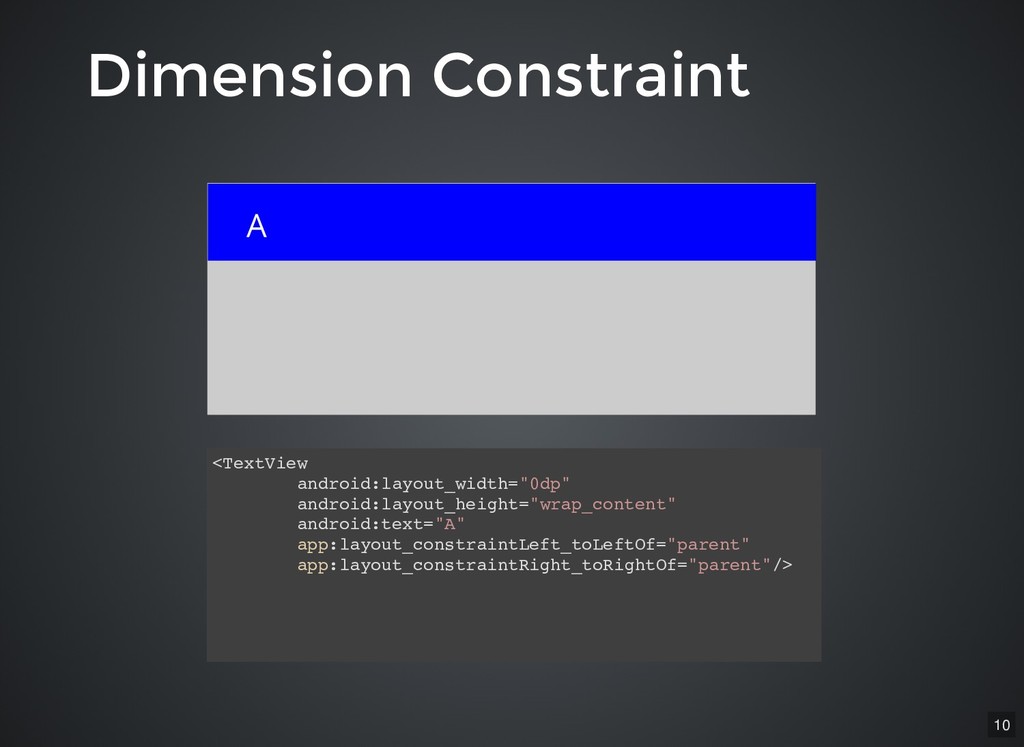
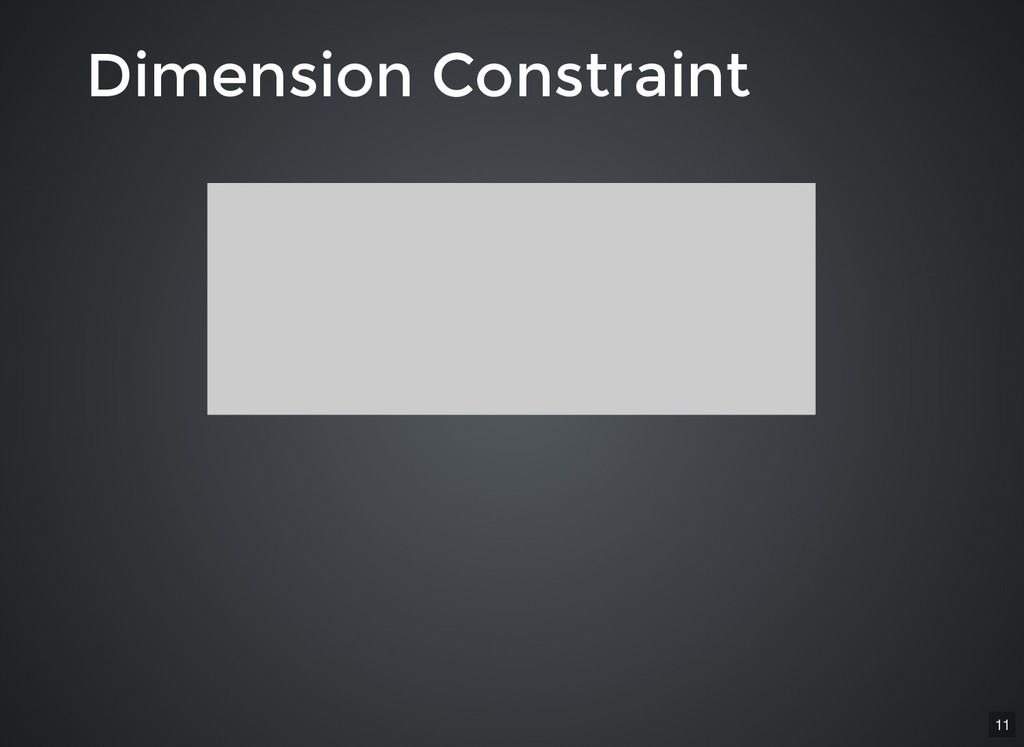
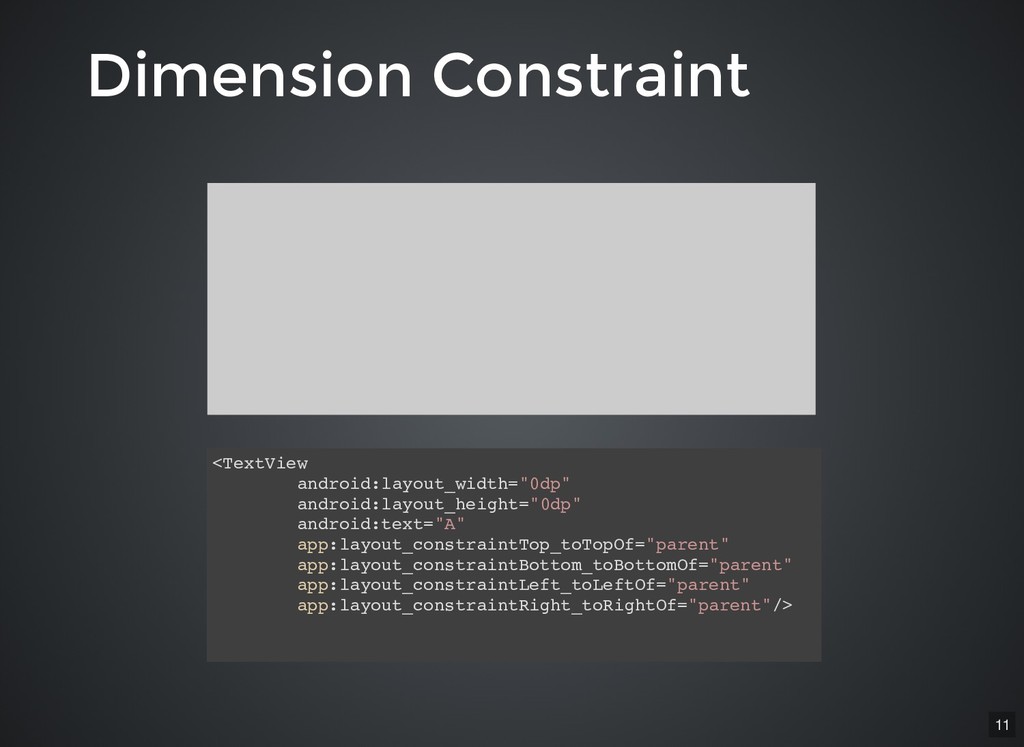
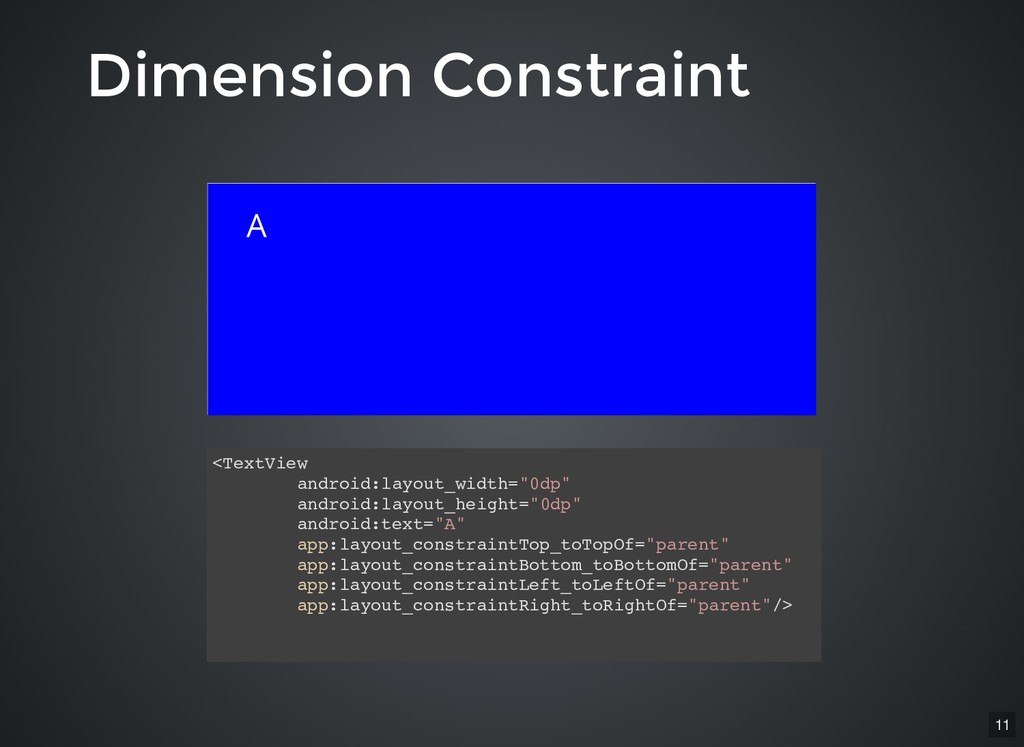
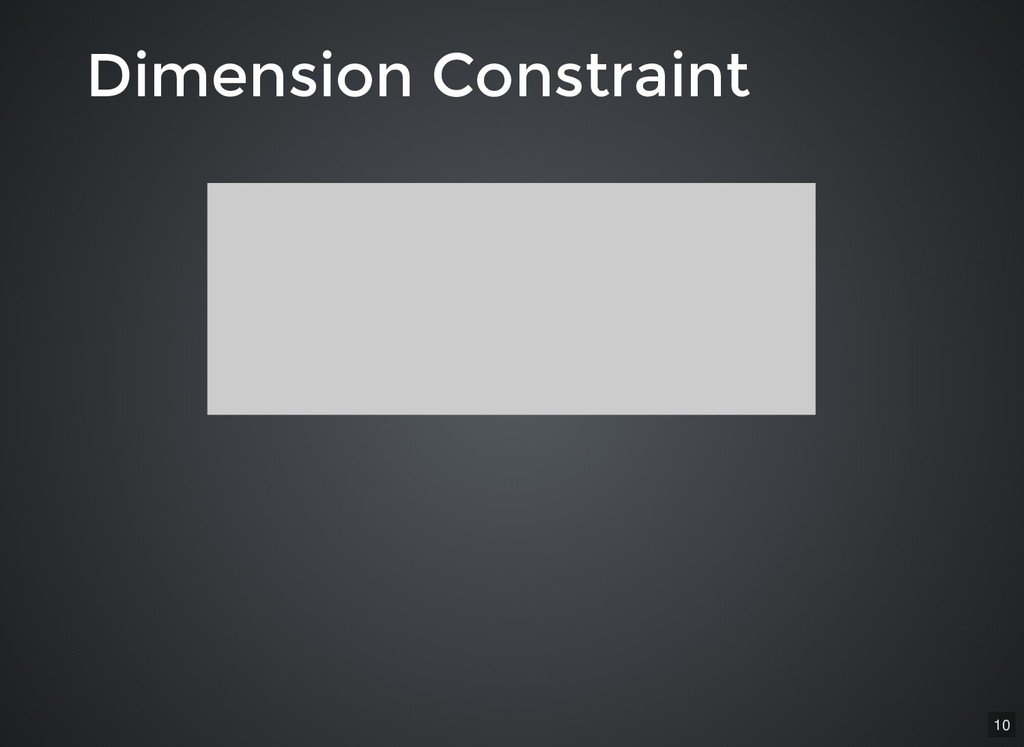
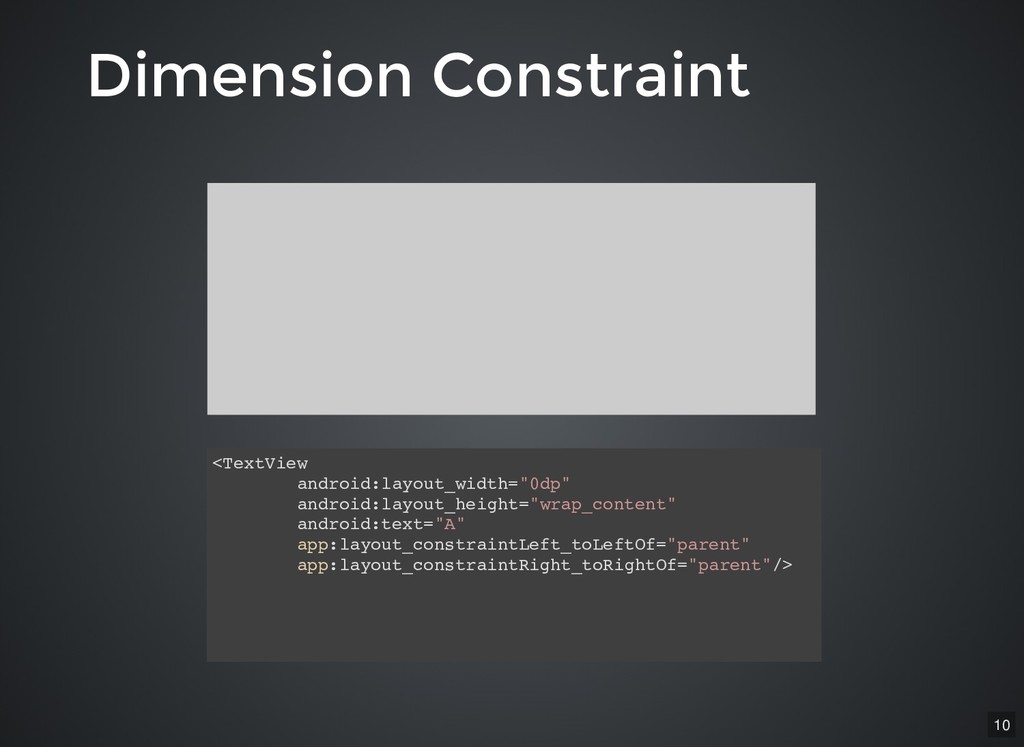
Dimension Constraint Dimension Constraint <TextView android:layout_width="0dp" android:layout_height="0dp" android:text="A" app:layout_constraintTop_toTopOf="parent" app:layout_constraintBottom_toBottomOf="parent"
app:layout_constraintLeft_toLeftOf="parent" app:layout_constraintRight_toRightOf="parent"/> 11 -
Dimension Constraint Dimension Constraint <TextView android:layout_width="0dp" android:layout_height="0dp" android:text="A" app:layout_constraintTop_toTopOf="parent" app:layout_constraintBottom_toBottomOf="parent"
app:layout_constraintLeft_toLeftOf="parent" app:layout_constraintRight_toRightOf="parent"/> A 11 -
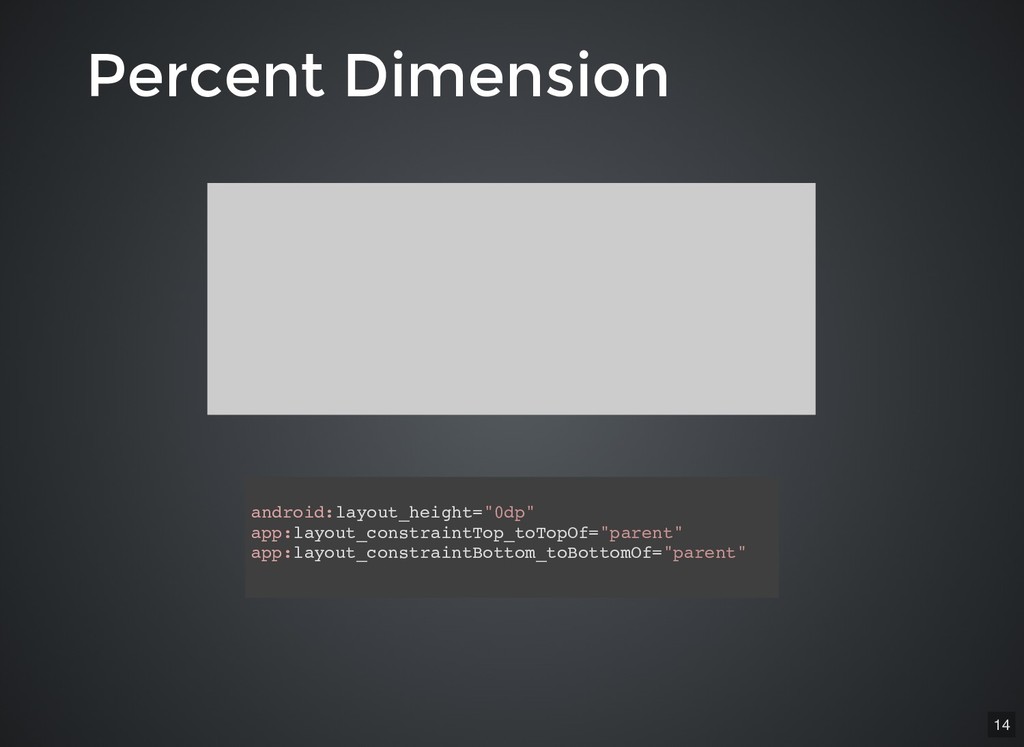
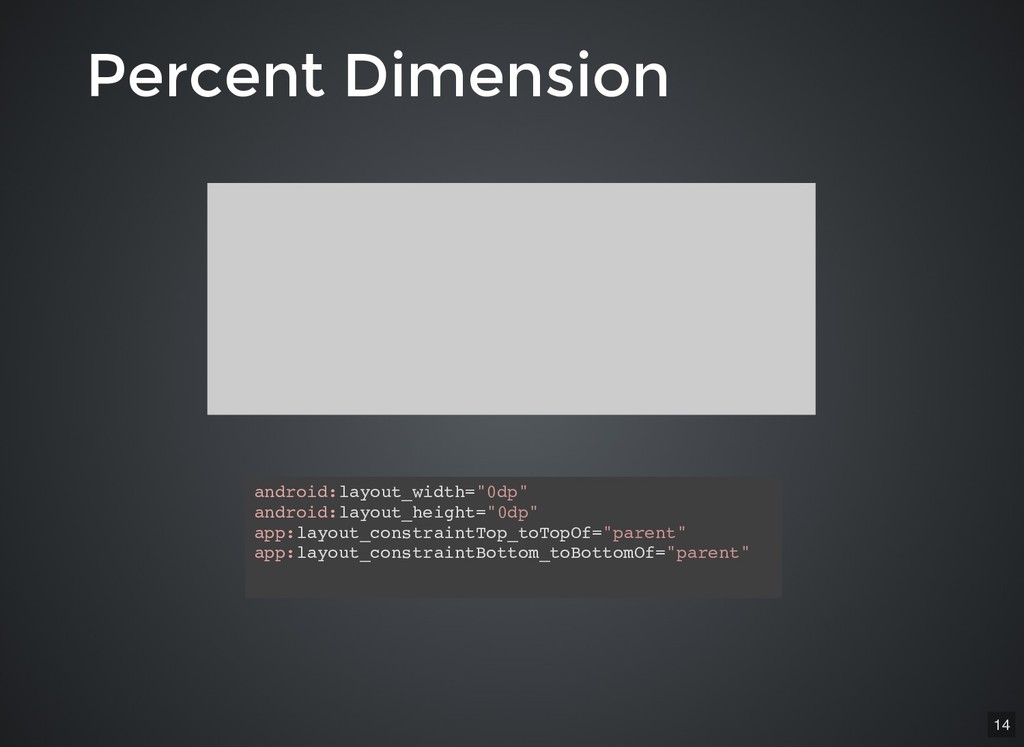
Percent Dimension Percent Dimension android:layout_height="0dp" app:layout_constraintTop_toTopOf="parent" app:layout_constraintBottom_toBottomOf="parent" android:layout_width="0dp" android:layout_height="0dp" app:layout_constraintTop_toTopOf="parent"
app:layout_constraintBottom_toBottomOf="parent" 14 -
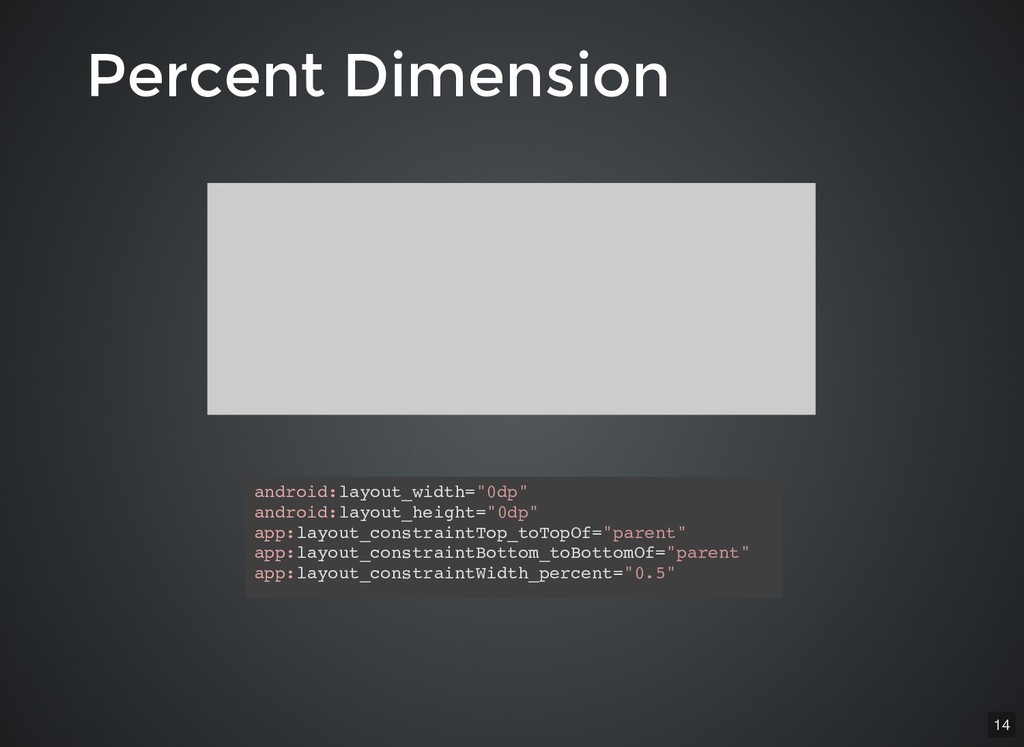
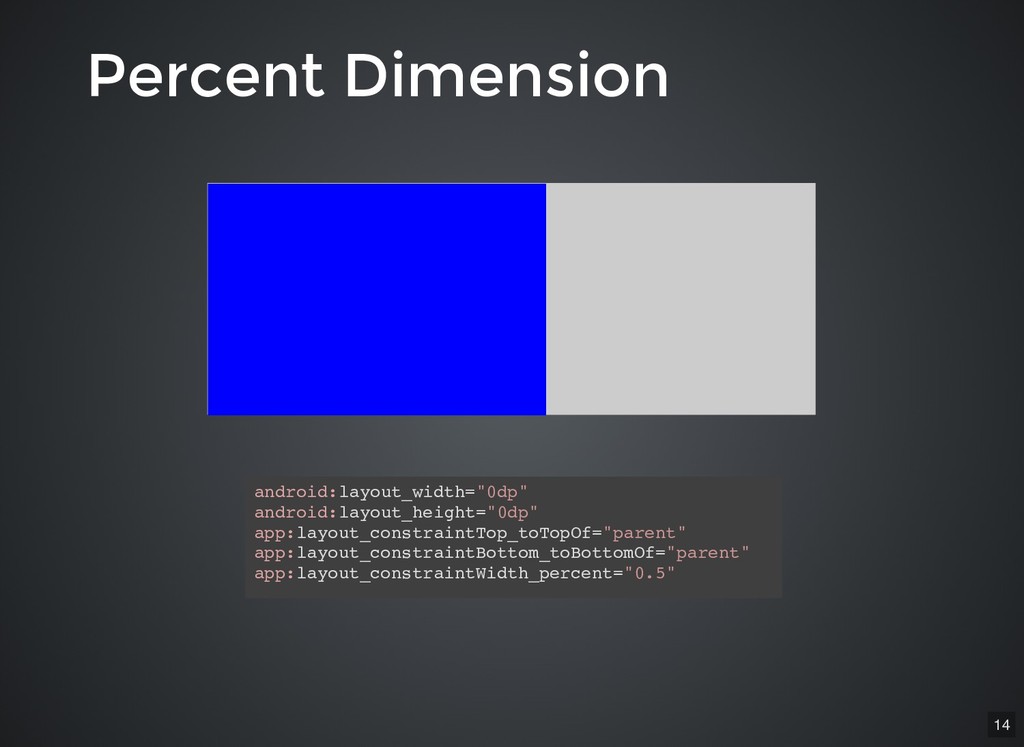
Percent Dimension Percent Dimension android:layout_height="0dp" app:layout_constraintTop_toTopOf="parent" app:layout_constraintBottom_toBottomOf="parent" android:layout_width="0dp" android:layout_height="0dp" app:layout_constraintTop_toTopOf="parent"
app:layout_constraintBottom_toBottomOf="parent" android:layout_width="0dp" android:layout_height="0dp" app:layout_constraintTop_toTopOf="parent" app:layout_constraintBottom_toBottomOf="parent" app:layout_constraintWidth_percent="0.5" 14 -
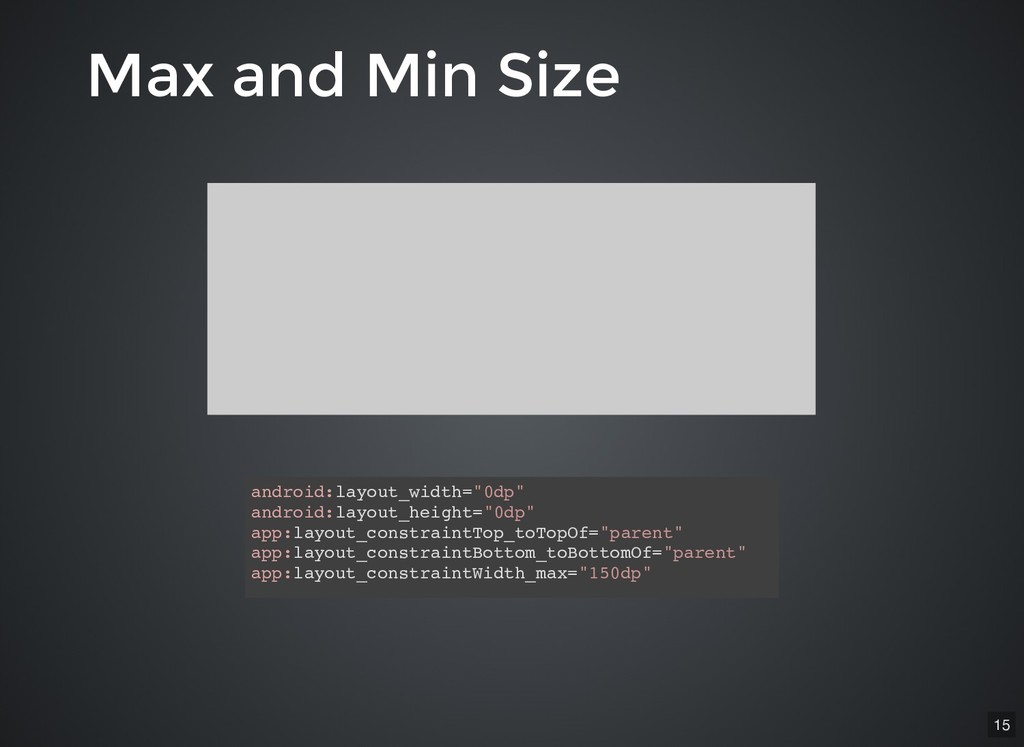
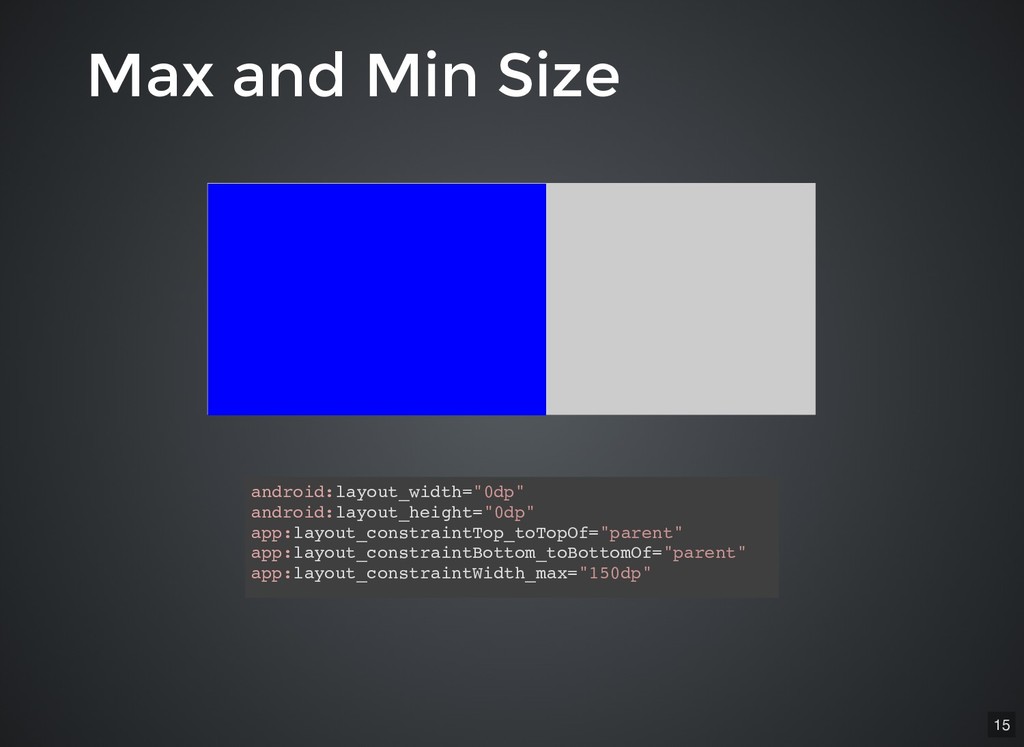
Max and Min Size Max and Min Size android:layout_width="0dp" android:layout_height="0dp"
app:layout_constraintTop_toTopOf="parent" app:layout_constraintBottom_toBottomOf="parent" app:layout_constraintWidth_max="150dp" 15 -
Max and Min Size Max and Min Size android:layout_width="0dp" android:layout_height="0dp"
app:layout_constraintTop_toTopOf="parent" app:layout_constraintBottom_toBottomOf="parent" app:layout_constraintWidth_max="150dp" 15 -
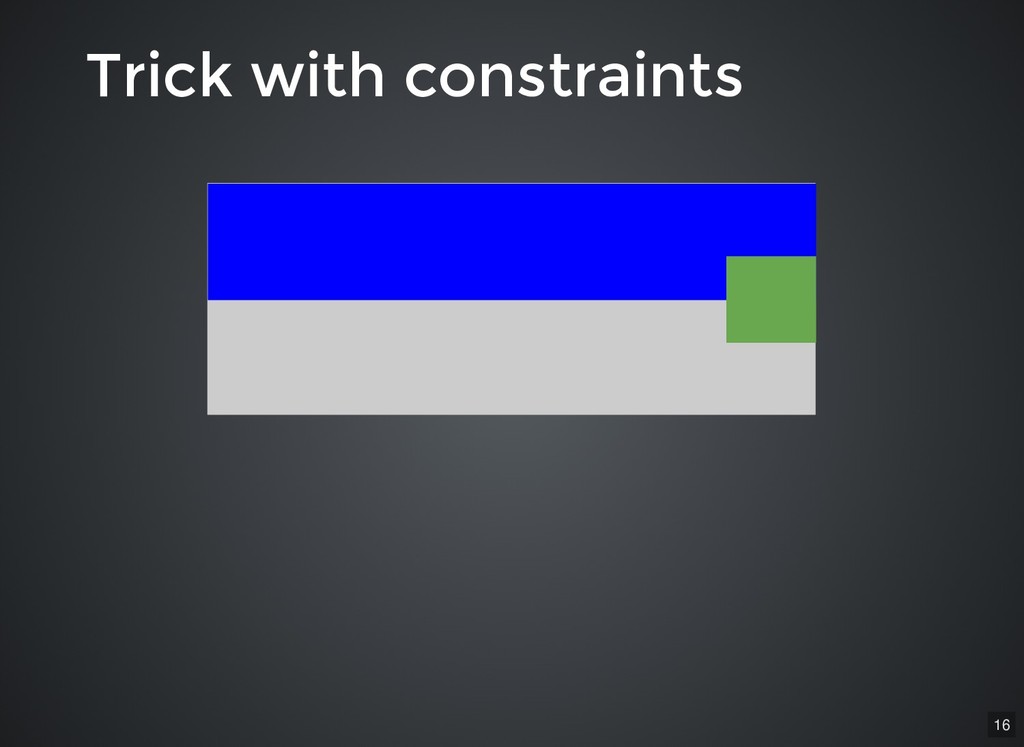
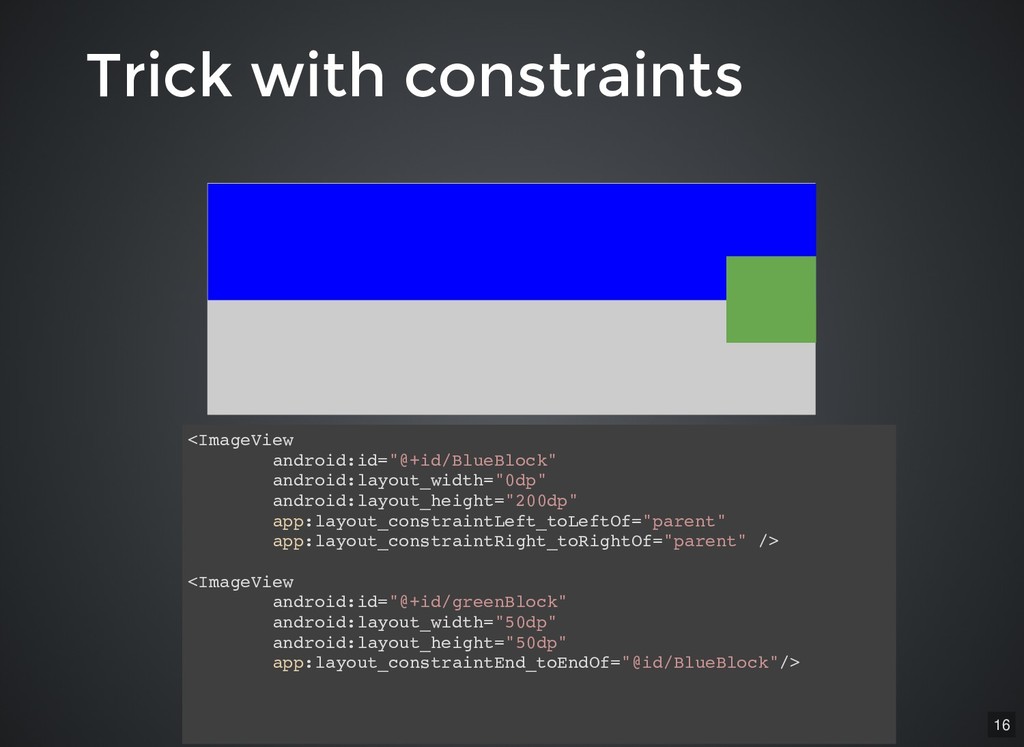
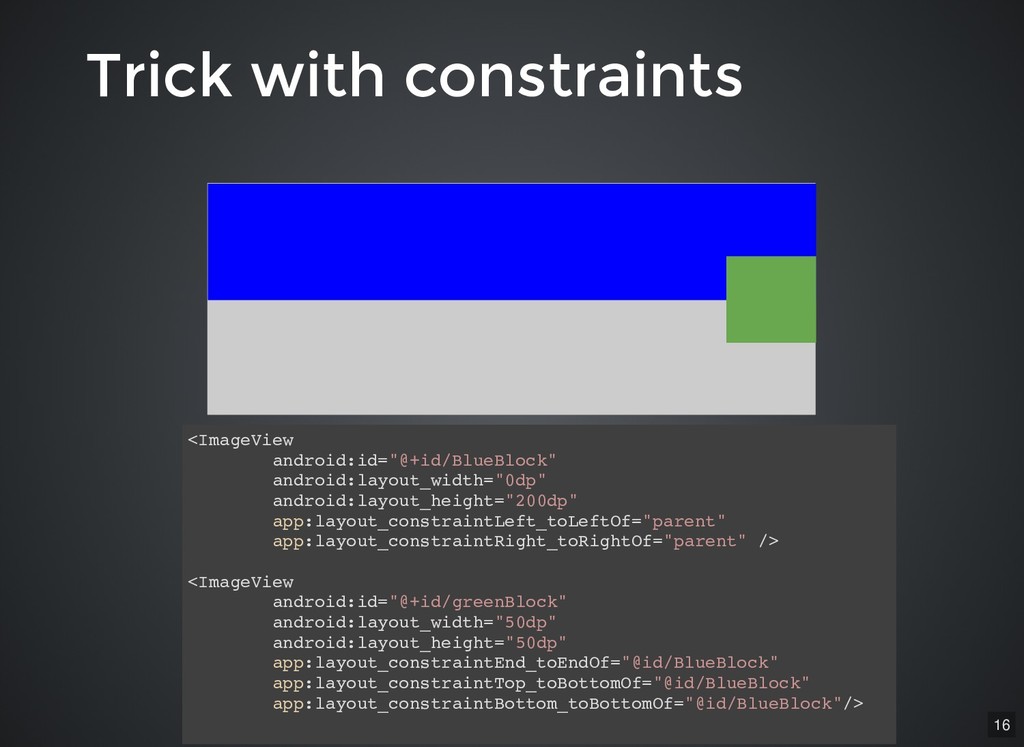
<ImageView android:id="@+id/BlueBlock" android:layout_width="0dp" android:layout_height="200dp" app:layout_constraintLeft_toLeftOf="parent" app:layout_constraintRight_toRightOf="parent" /> <ImageView android:id="@+id/greenBlock" android:layout_width="50dp"
android:layout_height="50dp" app:layout_constraintEnd_toEndOf="@id/BlueBlock"/> Trick with constraints Trick with constraints 16 -
<ImageView android:id="@+id/BlueBlock" android:layout_width="0dp" android:layout_height="200dp" app:layout_constraintLeft_toLeftOf="parent" app:layout_constraintRight_toRightOf="parent" /> <ImageView android:id="@+id/greenBlock" android:layout_width="50dp"
android:layout_height="50dp" app:layout_constraintEnd_toEndOf="@id/BlueBlock"/> <ImageView android:id="@+id/BlueBlock" android:layout_width="0dp" android:layout_height="200dp" app:layout_constraintLeft_toLeftOf="parent" app:layout_constraintRight_toRightOf="parent" /> <ImageView android:id="@+id/greenBlock" android:layout_width="50dp" android:layout_height="50dp" app:layout_constraintEnd_toEndOf="@id/BlueBlock" app:layout_constraintTop_toBottomOf="@id/BlueBlock" app:layout_constraintBottom_toBottomOf="@id/BlueBlock"/> Trick with constraints Trick with constraints 16 -
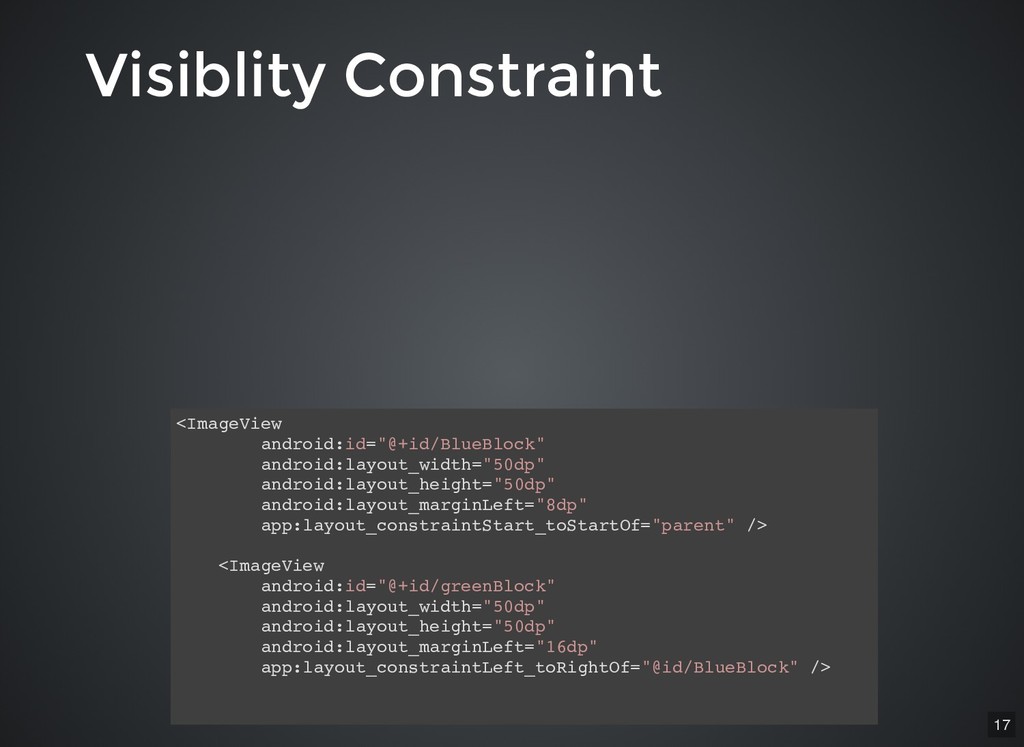
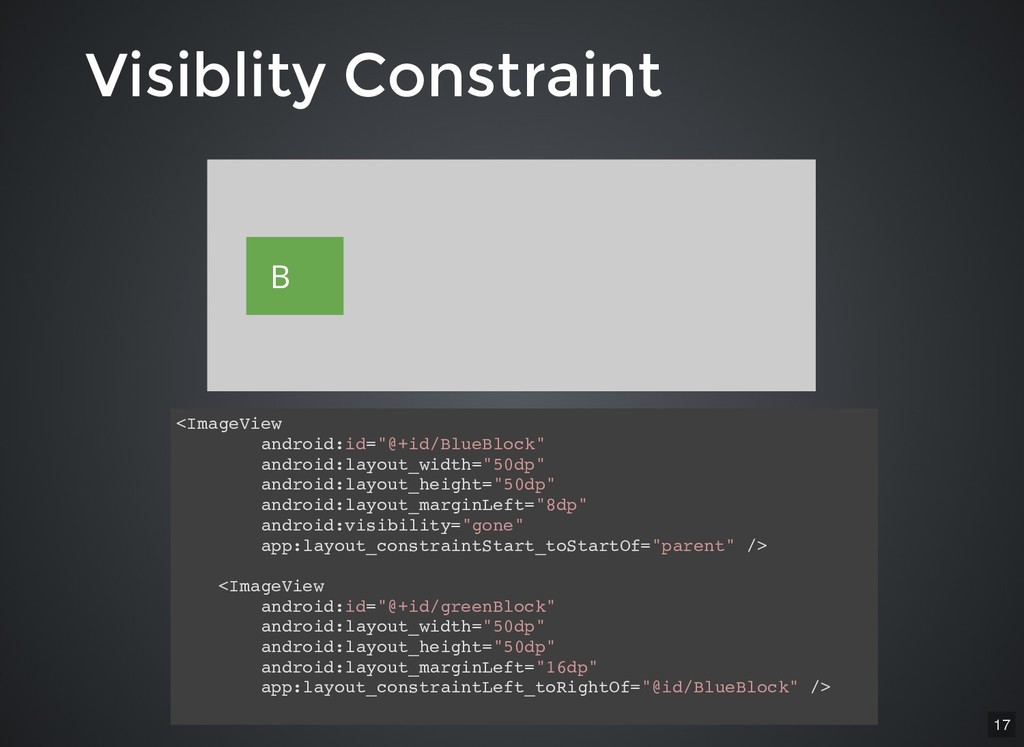
Visiblity Constraint Visiblity Constraint <ImageView android:id="@+id/BlueBlock" android:layout_width="50dp" android:layout_height="50dp" android:layout_marginLeft="8dp" app:layout_constraintStart_toStartOf="parent"
/> <ImageView android:id="@+id/greenBlock" android:layout_width="50dp" android:layout_height="50dp" android:layout_marginLeft="16dp" app:layout_constraintLeft_toRightOf="@id/BlueBlock" /> 17 -
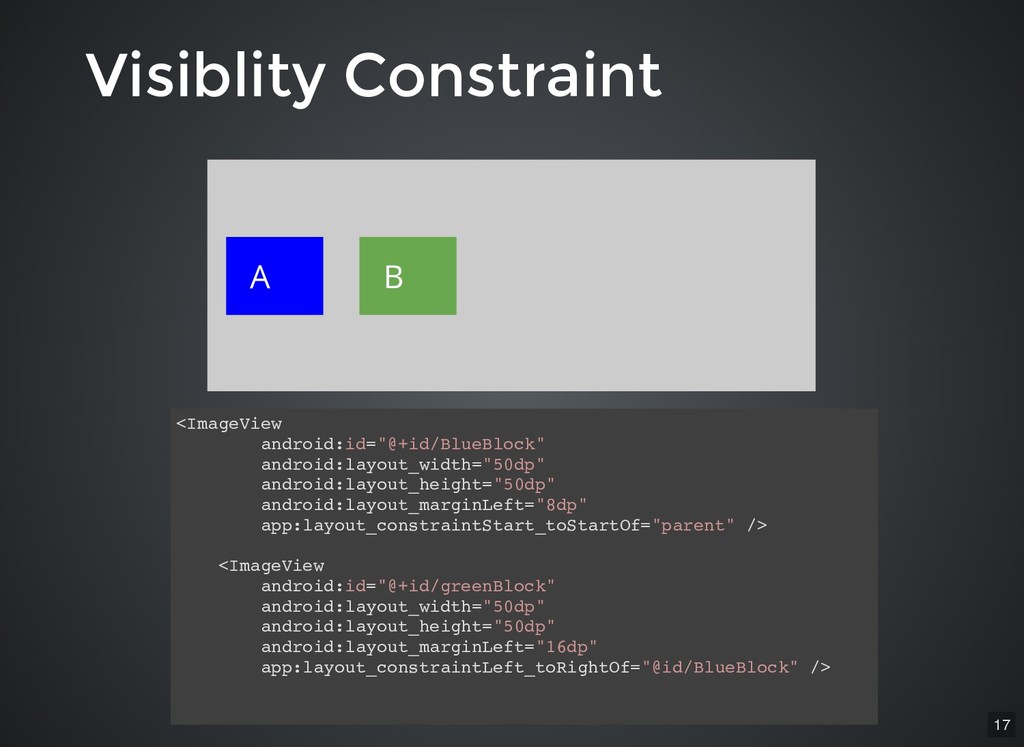
Visiblity Constraint Visiblity Constraint <ImageView android:id="@+id/BlueBlock" android:layout_width="50dp" android:layout_height="50dp" android:layout_marginLeft="8dp" app:layout_constraintStart_toStartOf="parent"
/> <ImageView android:id="@+id/greenBlock" android:layout_width="50dp" android:layout_height="50dp" android:layout_marginLeft="16dp" app:layout_constraintLeft_toRightOf="@id/BlueBlock" /> A B 17 -
Visiblity Constraint Visiblity Constraint <ImageView android:id="@+id/BlueBlock" android:layout_width="50dp" android:layout_height="50dp" android:layout_marginLeft="8dp" app:layout_constraintStart_toStartOf="parent"
/> <ImageView android:id="@+id/greenBlock" android:layout_width="50dp" android:layout_height="50dp" android:layout_marginLeft="16dp" app:layout_constraintLeft_toRightOf="@id/BlueBlock" /> A B <ImageView android:id="@+id/BlueBlock" android:layout_width="50dp" android:layout_height="50dp" android:layout_marginLeft="8dp" android:visibility="gone" app:layout_constraintStart_toStartOf="parent" /> <ImageView android:id="@+id/greenBlock" android:layout_width="50dp" android:layout_height="50dp" android:layout_marginLeft="16dp" app:layout_constraintLeft_toRightOf="@id/BlueBlock" /> B 17 -
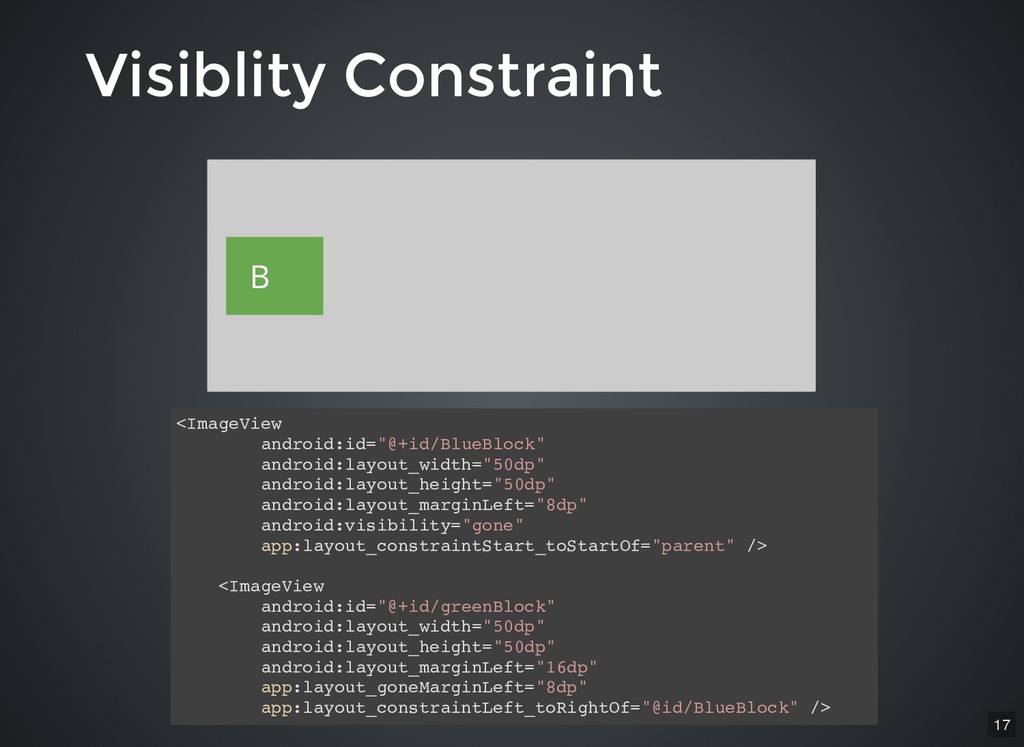
Visiblity Constraint Visiblity Constraint <ImageView android:id="@+id/BlueBlock" android:layout_width="50dp" android:layout_height="50dp" android:layout_marginLeft="8dp" app:layout_constraintStart_toStartOf="parent"
/> <ImageView android:id="@+id/greenBlock" android:layout_width="50dp" android:layout_height="50dp" android:layout_marginLeft="16dp" app:layout_constraintLeft_toRightOf="@id/BlueBlock" /> A B <ImageView android:id="@+id/BlueBlock" android:layout_width="50dp" android:layout_height="50dp" android:layout_marginLeft="8dp" android:visibility="gone" app:layout_constraintStart_toStartOf="parent" /> <ImageView android:id="@+id/greenBlock" android:layout_width="50dp" android:layout_height="50dp" android:layout_marginLeft="16dp" app:layout_constraintLeft_toRightOf="@id/BlueBlock" /> B <ImageView android:id="@+id/BlueBlock" android:layout_width="50dp" android:layout_height="50dp" android:layout_marginLeft="8dp" android:visibility="gone" app:layout_constraintStart_toStartOf="parent" /> <ImageView android:id="@+id/greenBlock" android:layout_width="50dp" android:layout_height="50dp" android:layout_marginLeft="16dp" app:layout_goneMarginLeft="8dp" app:layout_constraintLeft_toRightOf="@id/BlueBlock" /> B 17 -
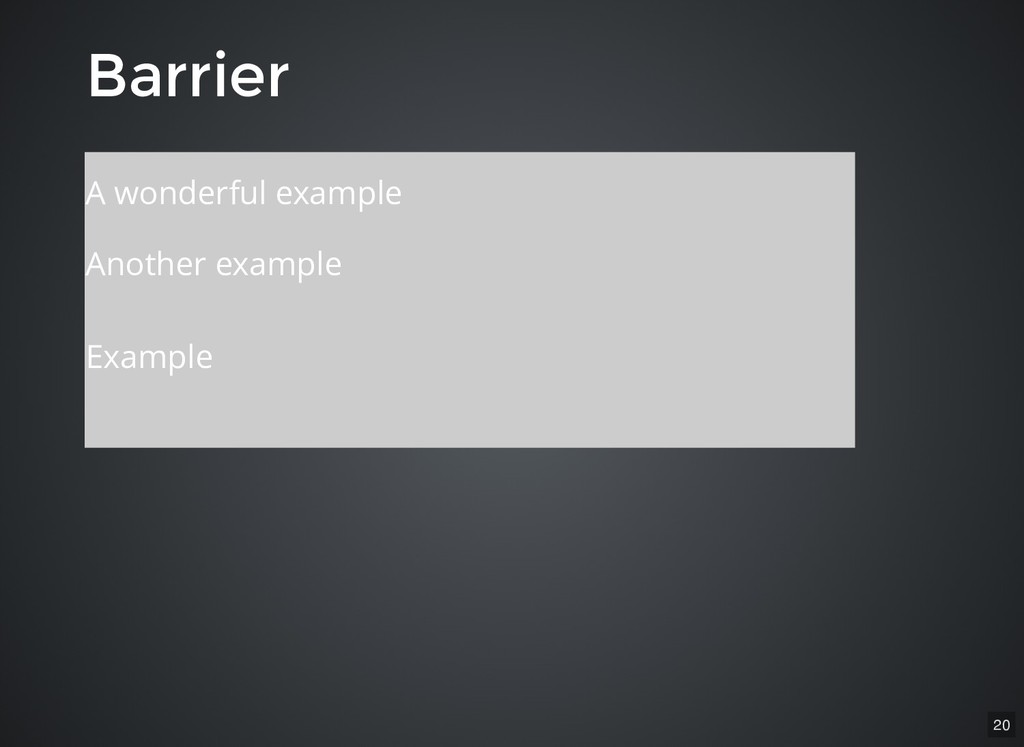
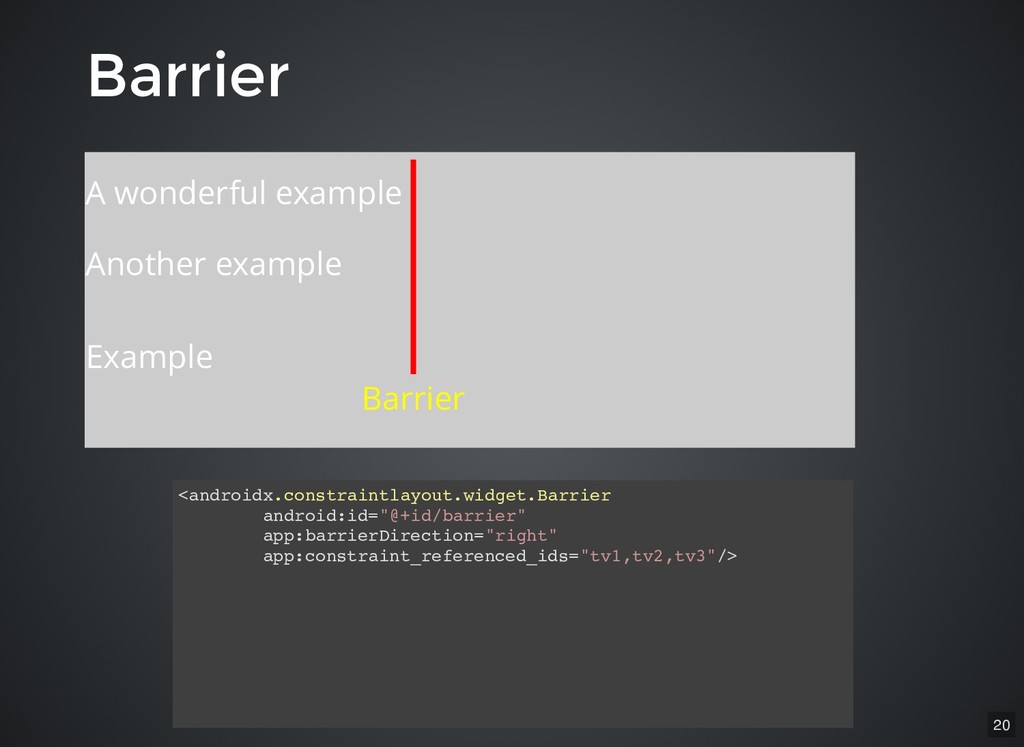
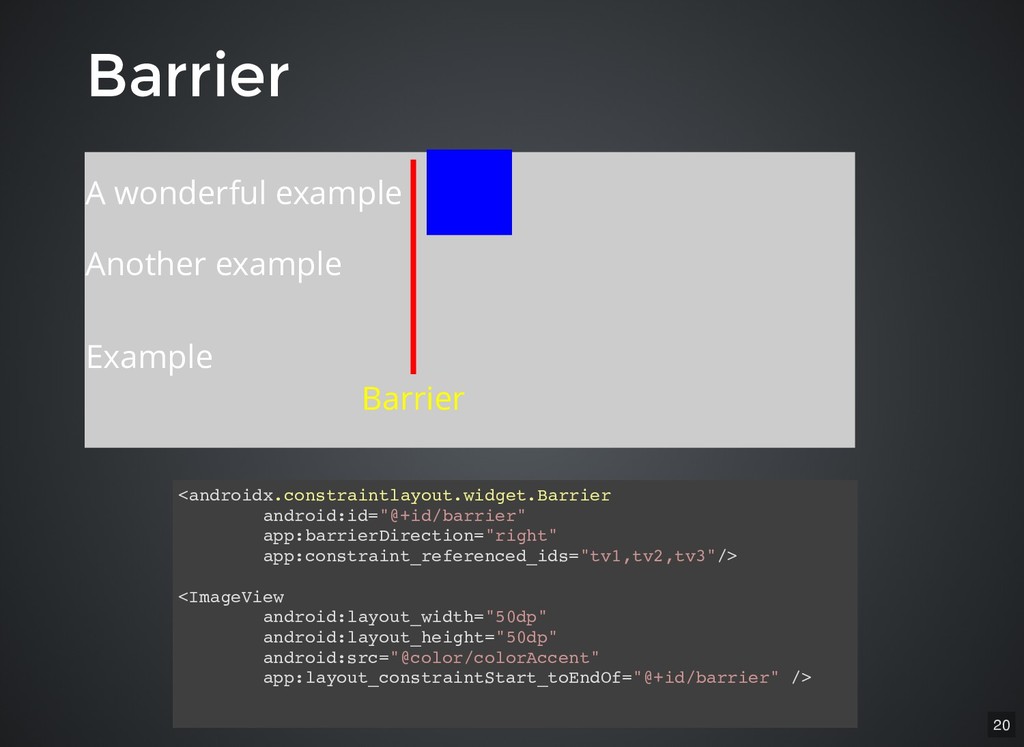
<androidx.constraintlayout.widget.Barrier android:id="@+id/barrier" app:barrierDirection="right" app:constraint_referenced_ids="tv1,tv2,tv3"/> <androidx.constraintlayout.widget.Barrier android:id="@+id/barrier" app:barrierDirection="right" app:constraint_referenced_ids="tv1,tv2,tv3"/> <ImageView android:layout_width="50dp"
android:layout_height="50dp" android:src="@color/colorAccent" app:layout_constraintStart_toEndOf="@+id/barrier" /> Barrier Barrier A wonderful example Another example Example Barrier 20 -
Guideline Guideline Just a vertical or horizontal line Marked as
Gone so not really shown to the user 21 -
Guideline Guideline Just a vertical or horizontal line Marked as
Gone so not really shown to the user Acts as a helper to place views 21 -
Guideline Guideline Just a vertical or horizontal line Marked as
Gone so not really shown to the user Acts as a helper to place views Can be in percent or fixed value 21 -
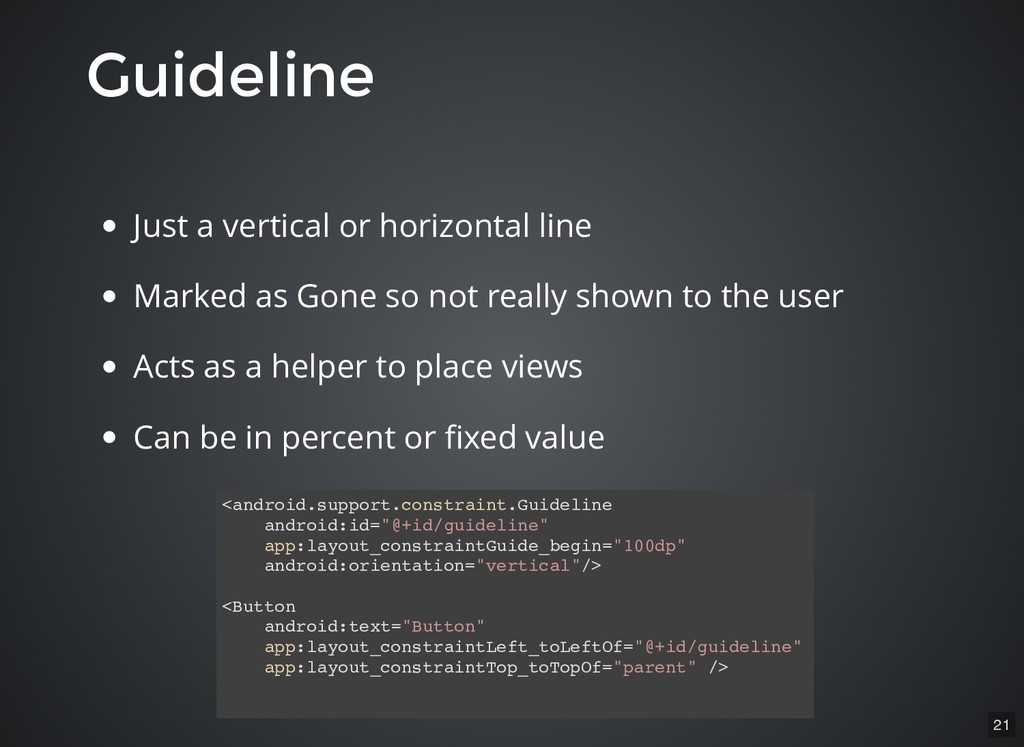
Guideline Guideline Just a vertical or horizontal line Marked as
Gone so not really shown to the user Acts as a helper to place views Can be in percent or fixed value <android.support.constraint.Guideline android:id="@+id/guideline" app:layout_constraintGuide_begin="100dp" android:orientation="vertical"/> <Button android:text="Button" app:layout_constraintLeft_toLeftOf="@+id/guideline" app:layout_constraintTop_toTopOf="parent" /> 21 -
Group Group Group views together Control their visibility Views can
belong to more than one group 22 -
Group Group Group views together Control their visibility Views can
belong to more than one group Last one in XML order wins 22 -
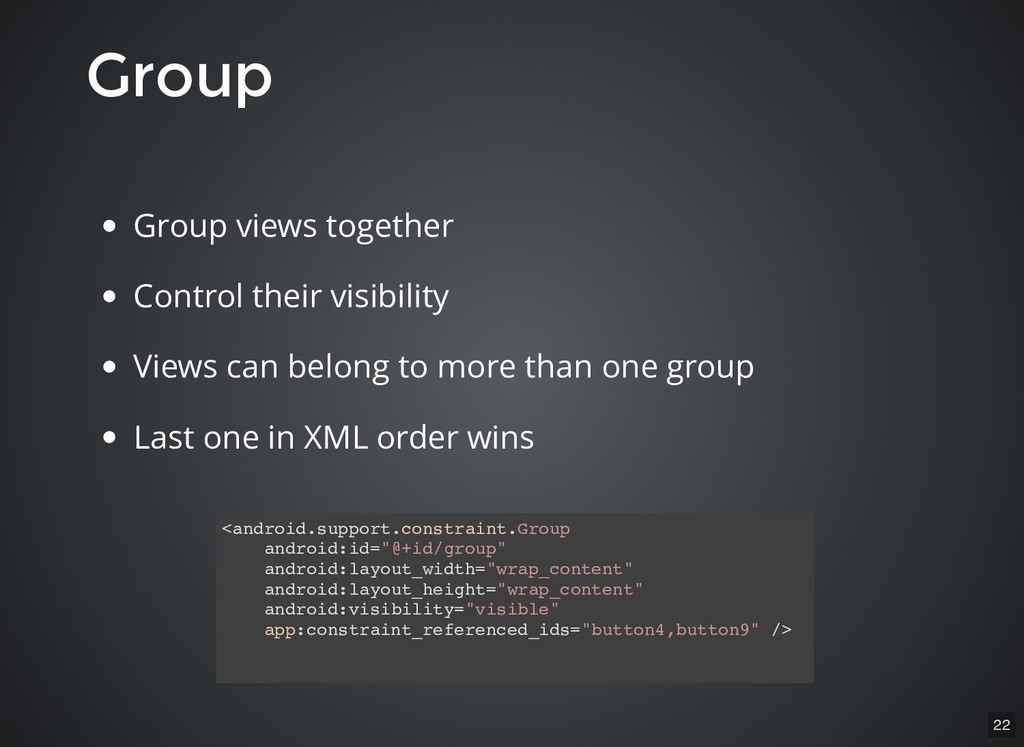
Group Group Group views together Control their visibility Views can
belong to more than one group Last one in XML order wins <android.support.constraint.Group android:id="@+id/group" android:layout_width="wrap_content" android:layout_height="wrap_content" android:visibility="visible" app:constraint_referenced_ids="button4,button9" /> 22 -
Constraint Set Constraint Set Defines the set of constraints applied
to views Can be applied to a ConstraintLayout 24 -
Constraint Set Constraint Set Defines the set of constraints applied
to views Can be applied to a ConstraintLayout Can be used to create animations 24 -
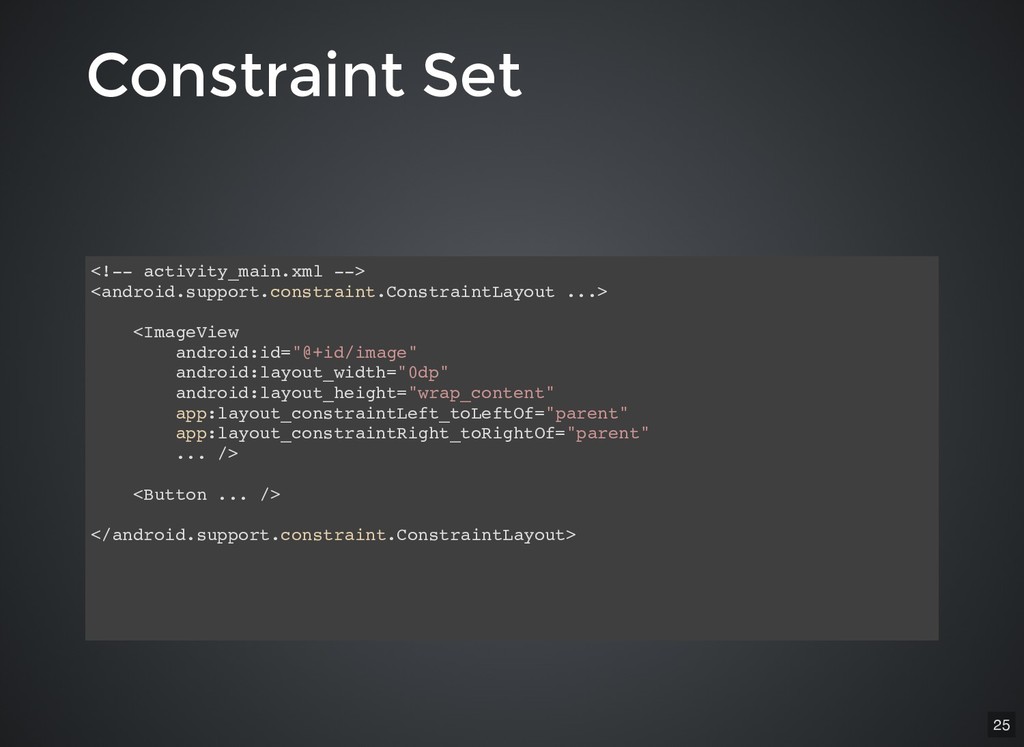
<!-- activity_main.xml --> <android.support.constraint.ConstraintLayout ...> <ImageView android:id="@+id/image" android:layout_width="0dp" android:layout_height="wrap_content" app:layout_constraintLeft_toLeftOf="parent"
app:layout_constraintRight_toRightOf="parent" ... /> <Button ... /> </android.support.constraint.ConstraintLayout> Constraint Set Constraint Set 25 -
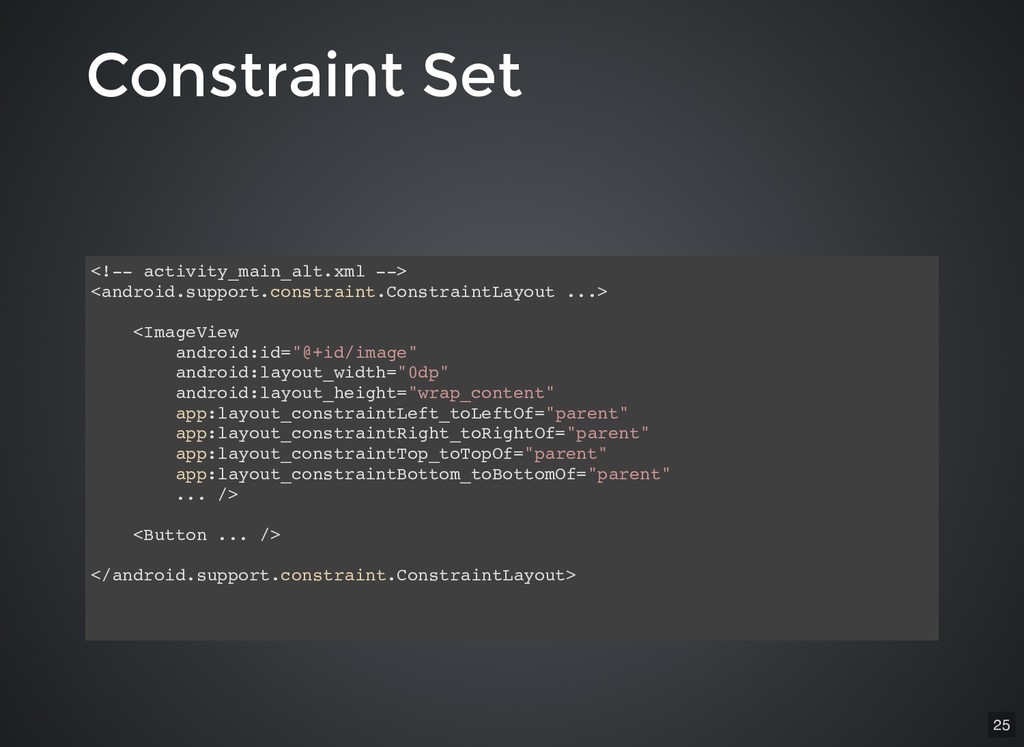
<!-- activity_main.xml --> <android.support.constraint.ConstraintLayout ...> <ImageView android:id="@+id/image" android:layout_width="0dp" android:layout_height="wrap_content" app:layout_constraintLeft_toLeftOf="parent"
app:layout_constraintRight_toRightOf="parent" ... /> <Button ... /> </android.support.constraint.ConstraintLayout> <!-- activity_main_alt.xml --> <android.support.constraint.ConstraintLayout ...> <ImageView android:id="@+id/image" android:layout_width="0dp" android:layout_height="wrap_content" app:layout_constraintLeft_toLeftOf="parent" app:layout_constraintRight_toRightOf="parent" app:layout_constraintTop_toTopOf="parent" app:layout_constraintBottom_toBottomOf="parent" ... /> <Button ... /> </android.support.constraint.ConstraintLayout> Constraint Set Constraint Set 25 -
<!-- activity_main.xml --> <android.support.constraint.ConstraintLayout ...> <ImageView android:id="@+id/image" android:layout_width="0dp" android:layout_height="wrap_content" app:layout_constraintLeft_toLeftOf="parent"
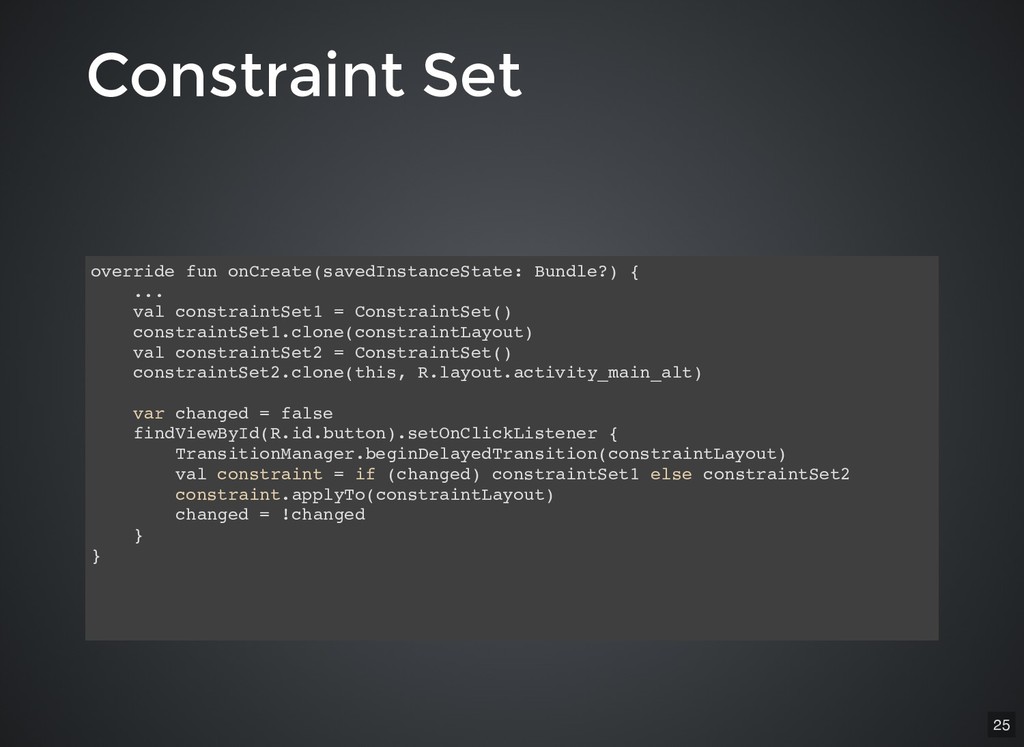
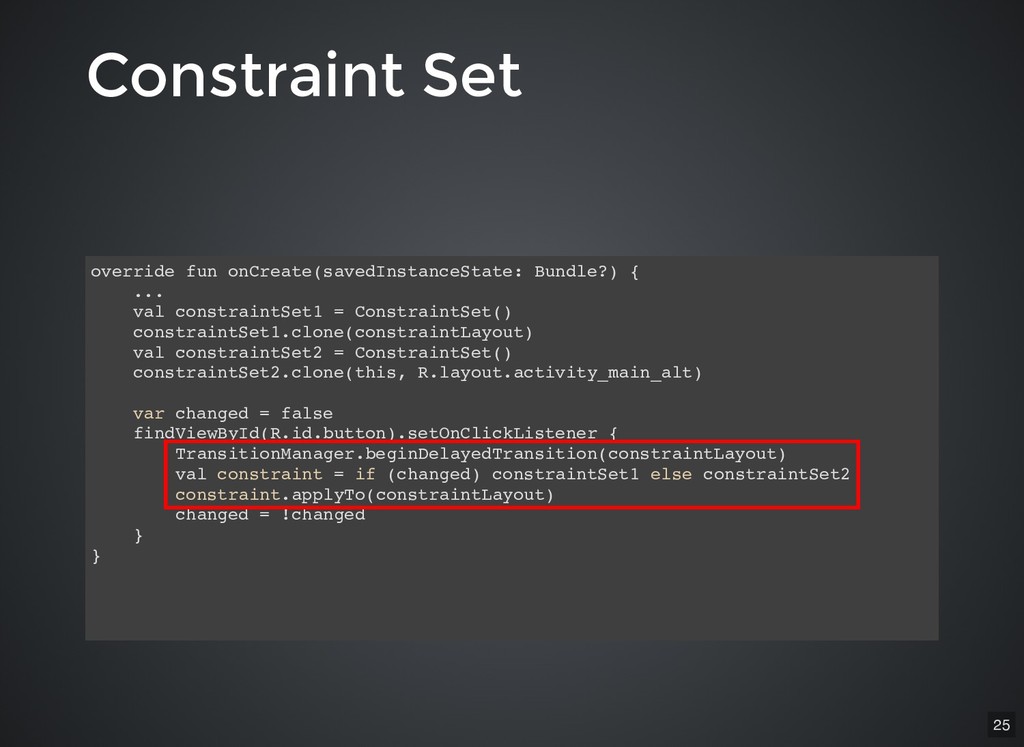
app:layout_constraintRight_toRightOf="parent" ... /> <Button ... /> </android.support.constraint.ConstraintLayout> <!-- activity_main_alt.xml --> <android.support.constraint.ConstraintLayout ...> <ImageView android:id="@+id/image" android:layout_width="0dp" android:layout_height="wrap_content" app:layout_constraintLeft_toLeftOf="parent" app:layout_constraintRight_toRightOf="parent" app:layout_constraintTop_toTopOf="parent" app:layout_constraintBottom_toBottomOf="parent" ... /> <Button ... /> </android.support.constraint.ConstraintLayout> Constraint Set Constraint Set override fun onCreate(savedInstanceState: Bundle?) { ... val constraintSet1 = ConstraintSet() constraintSet1.clone(constraintLayout) val constraintSet2 = ConstraintSet() constraintSet2.clone(this, R.layout.activity_main_alt) var changed = false findViewById(R.id.button).setOnClickListener { TransitionManager.beginDelayedTransition(constraintLayout) val constraint = if (changed) constraintSet1 else constraintSet2 constraint.applyTo(constraintLayout) changed = !changed } } 25 -
Constraint Set - Duplicate Constraint Set - Duplicate XML? XML?
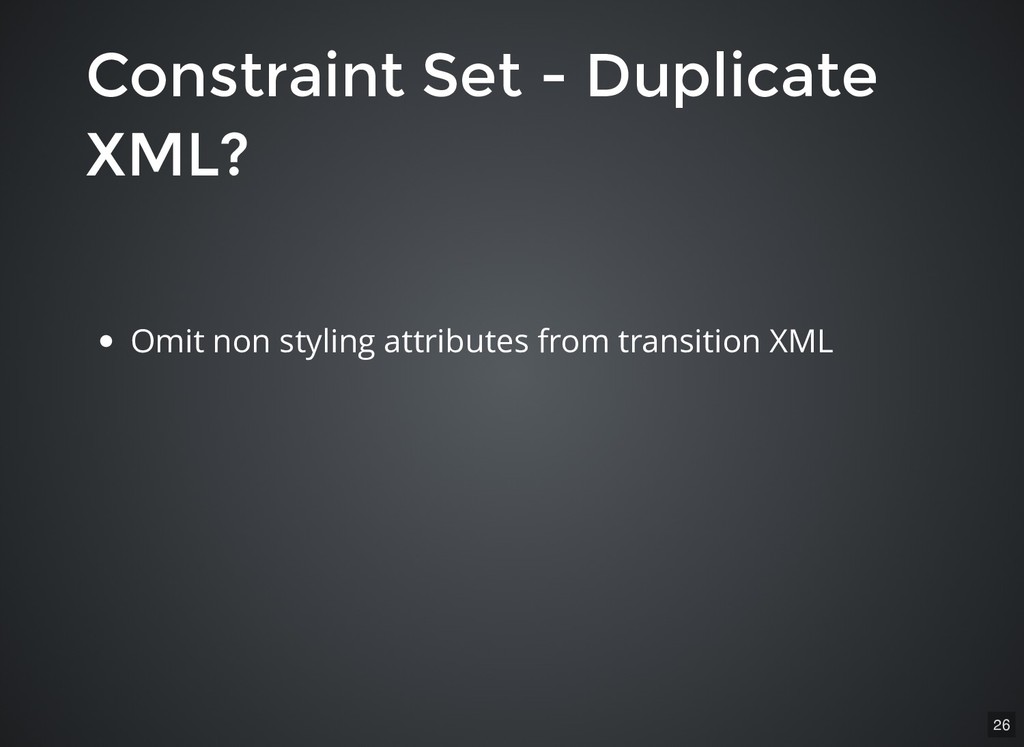
Omit non styling attributes from transition XML 26 -
Constraint Set - Duplicate Constraint Set - Duplicate XML? XML?
Omit non styling attributes from transition XML Constraint set works on constraints and not styles 26 -
Constraint Set - Duplicate Constraint Set - Duplicate XML? XML?
Omit non styling attributes from transition XML Constraint set works on constraints and not styles Create constraint set in code 26