Upgrade to Pro — share decks privately, control downloads, hide ads and more …

URL Inspection Checklist Before Requesting Inde...

URL Inspection Checklist Before Requesting Indexing

A seven-step URL Inspection checklist for Search Console: what to verify before you click “Request indexing”. Indexed verdict, live test, redirects, canonicals, sitemap and rendered HTML, so the request isn’t wasted on a page Google can’t index. Guide: https://en.speedyindex.com/reindex-website/

Avatar for Linda Bjorkvin

Linda Bjorkvin PRO

October 18, 2026

More Decks by Linda Bjorkvin

Other Decks in Marketing & SEO

Transcript

  1. Search Console URL inspection checklist before requesting indexing "Request indexing"

    is the most clicked button in Search Console and the least understood. It queues a crawl; it does not fix anything. Google limits how many requests a property can submit per day and says a request "does not guarantee that the page will appear in the Google Index." This checklist covers the seven things to verify so the request lands on a page Google can actually accept. 1 / 12
  2. Context Why the order matters Search Console refuses the request

    outright if the live test shows the page is not indexable. Anything short of that gets queued, including pages with problems the live test does not check. Google's own troubleshooting flow is: inspect, read the verdict, read the Page indexing section, test live, fix, then request. Requests on unfixed pages use the daily quota and teach nothing: the next verdict will match the last one. 2 / 12
  3. Step 1 Read the indexed verdict and the reason Start

    in the default indexed view, not the live test. The verdict tells you where the page stands: on Google, on Google with issues, not on Google, or an alternate version. If the verdict is "URL is not on Google," expand Page indexing and copy the reason text. That reason, not the verdict, is what you are fixing. An empty Last crawl date means Google has not found the page. That is a discovery problem, and a request may be the right move once the page is linked and in the sitemap. 3 / 12
  4. Step 2 Run the live test and read Availability The

    live test "confirms if Google-InspectionTool can access your page for indexing." Three fields matter: Crawl allowed?, Page fetch, Indexing allowed?. Crawl allowed = No: a robots.txt rule blocks the page. Fix the rule first; a request cannot bypass it. Page fetch = Failed: the server did not deliver the page (5xx, 404, redirect error). Fix the response first. Indexing allowed = No: a noindex directive is present in the HTML or the X-Robots-Tag header. Remove it, then retest. 4 / 12
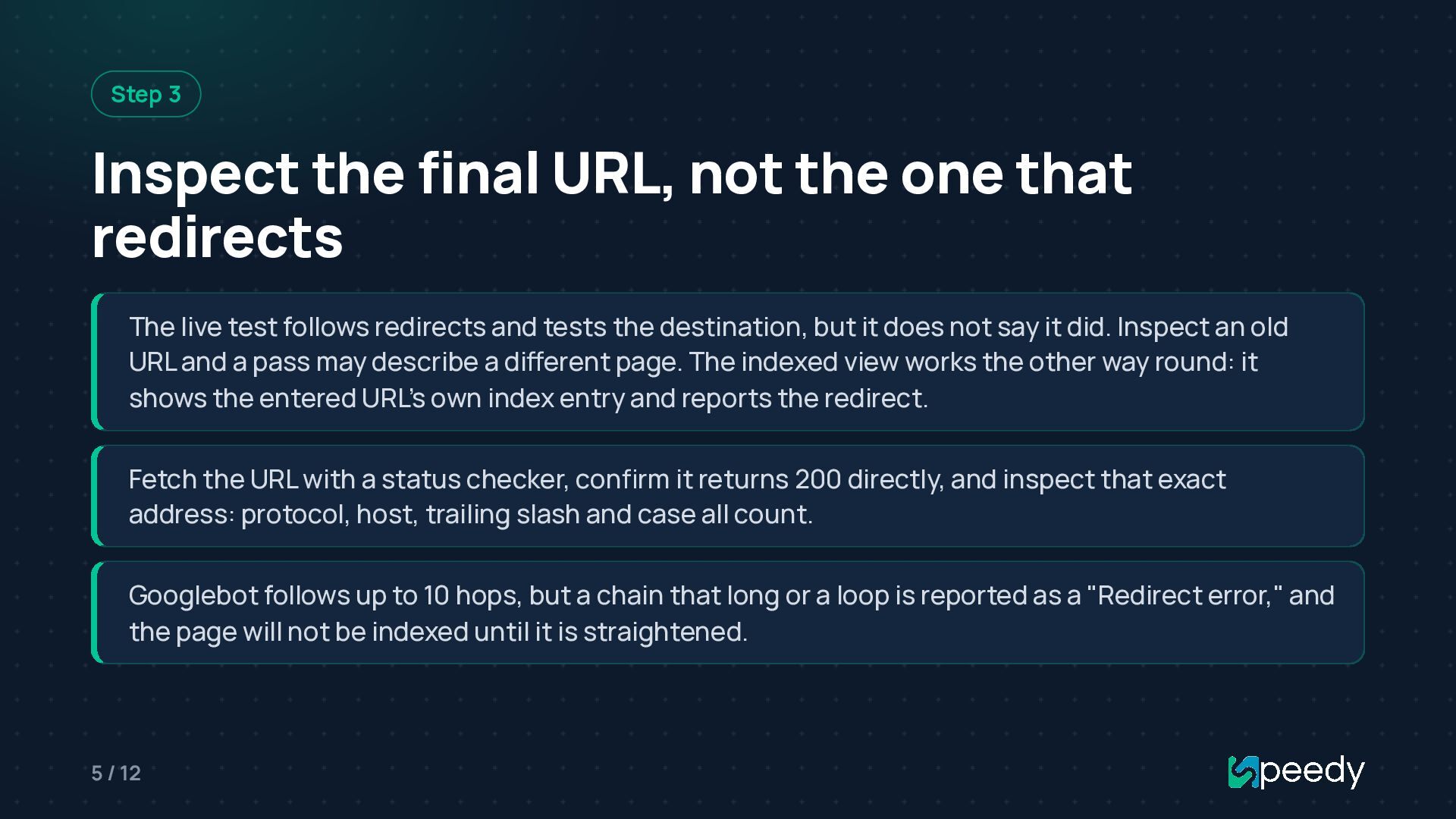
  5. Step 3 Inspect the final URL, not the one that

    redirects The live test follows redirects and tests the destination, but it does not say it did. Inspect an old URL and a pass may describe a different page. The indexed view works the other way round: it shows the entered URL's own index entry and reports the redirect. Fetch the URL with a status checker, confirm it returns 200 directly, and inspect that exact address: protocol, host, trailing slash and case all count. Googlebot follows up to 10 hops, but a chain that long or a loop is reported as a "Redirect error," and the page will not be indexed until it is straightened. 5 / 12
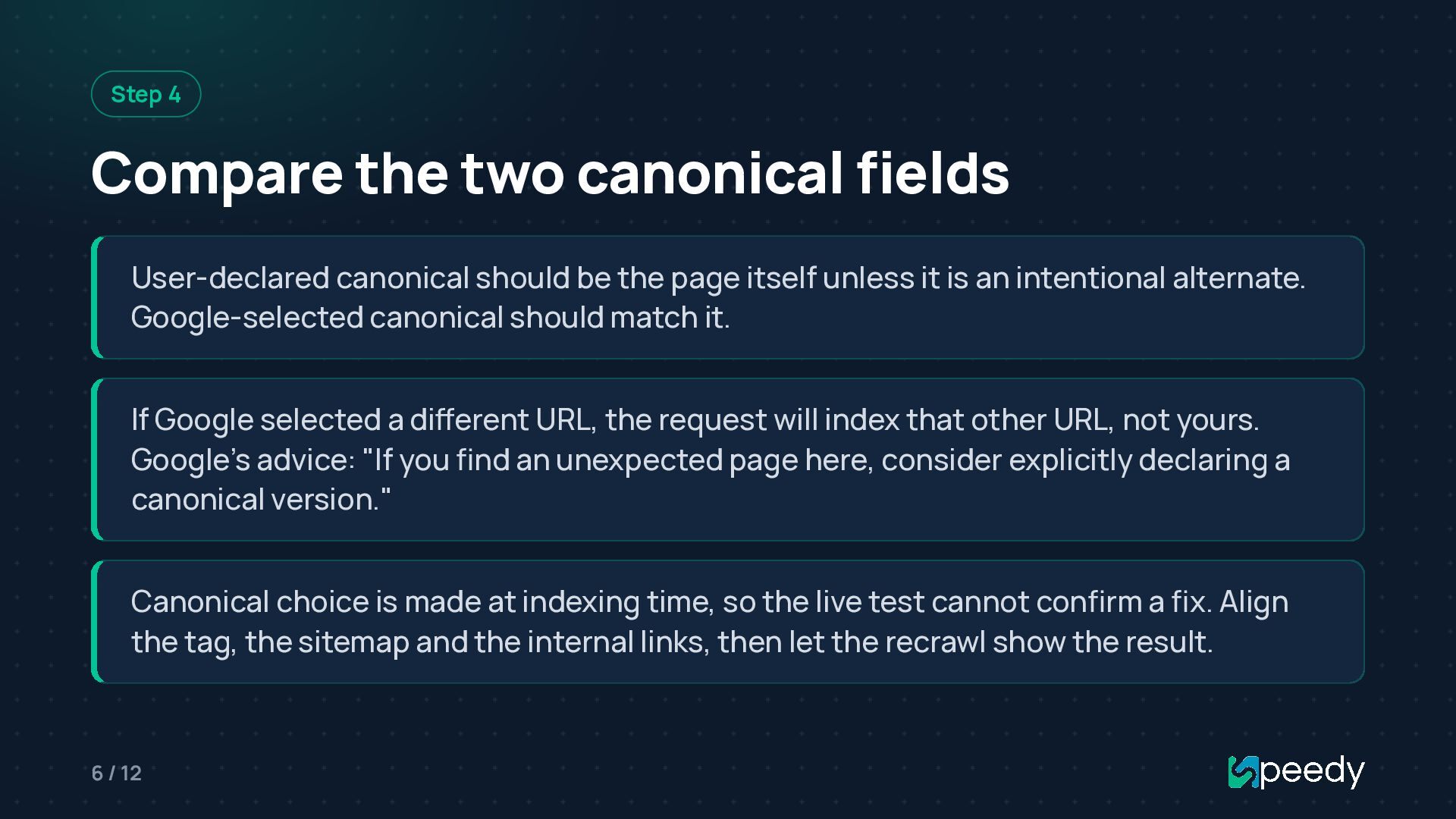
  6. Step 4 Compare the two canonical fields User-declared canonical should

    be the page itself unless it is an intentional alternate. Google-selected canonical should match it. If Google selected a different URL, the request will index that other URL, not yours. Google's advice: "If you find an unexpected page here, consider explicitly declaring a canonical version." Canonical choice is made at indexing time, so the live test cannot confirm a fix. Align the tag, the sitemap and the internal links, then let the recrawl show the result. 6 / 12
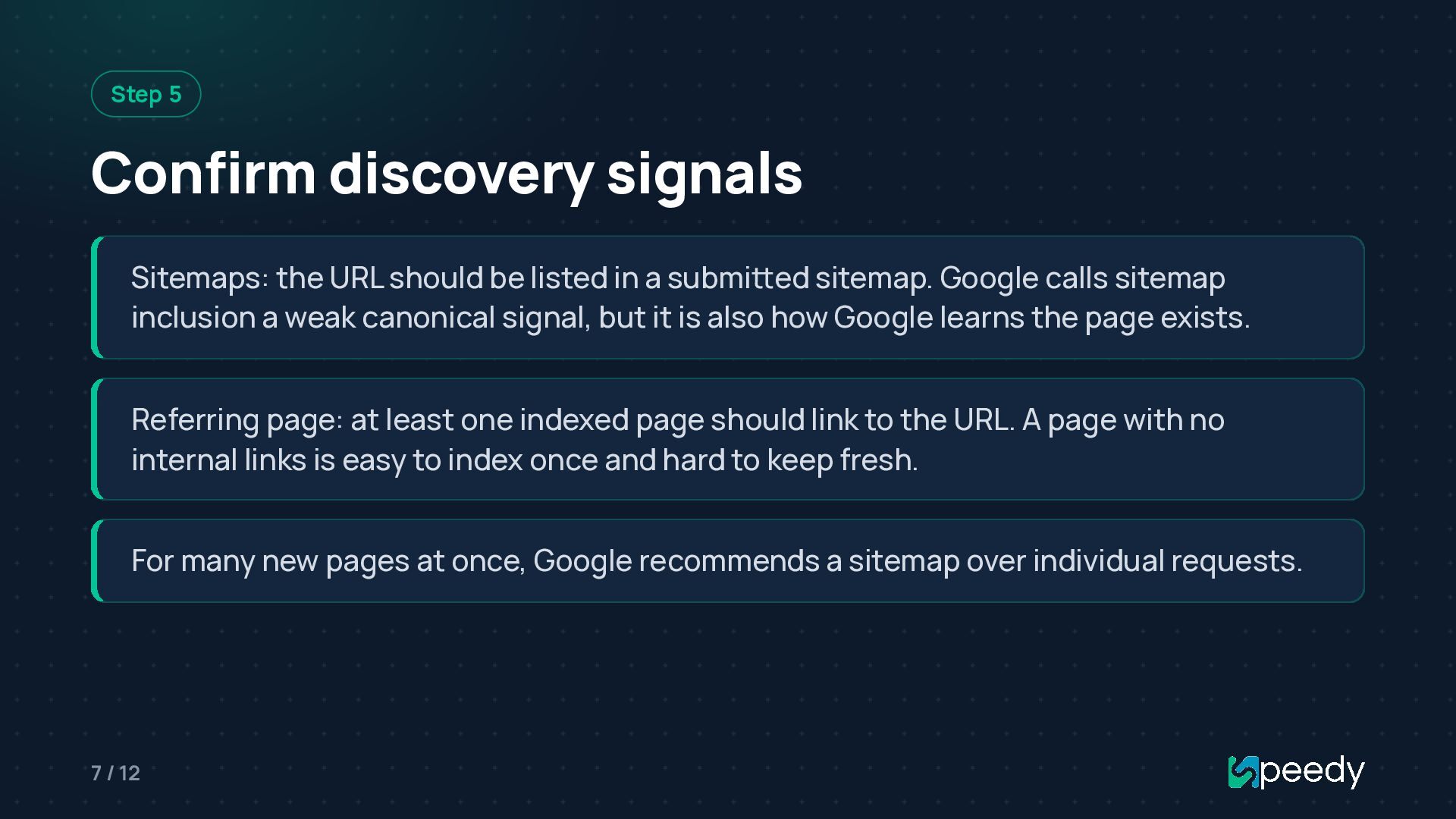
  7. Step 5 Confirm discovery signals Sitemaps: the URL should be

    listed in a submitted sitemap. Google calls sitemap inclusion a weak canonical signal, but it is also how Google learns the page exists. Referring page: at least one indexed page should link to the URL. A page with no internal links is easy to index once and hard to keep fresh. For many new pages at once, Google recommends a sitemap over individual requests. 7 / 12
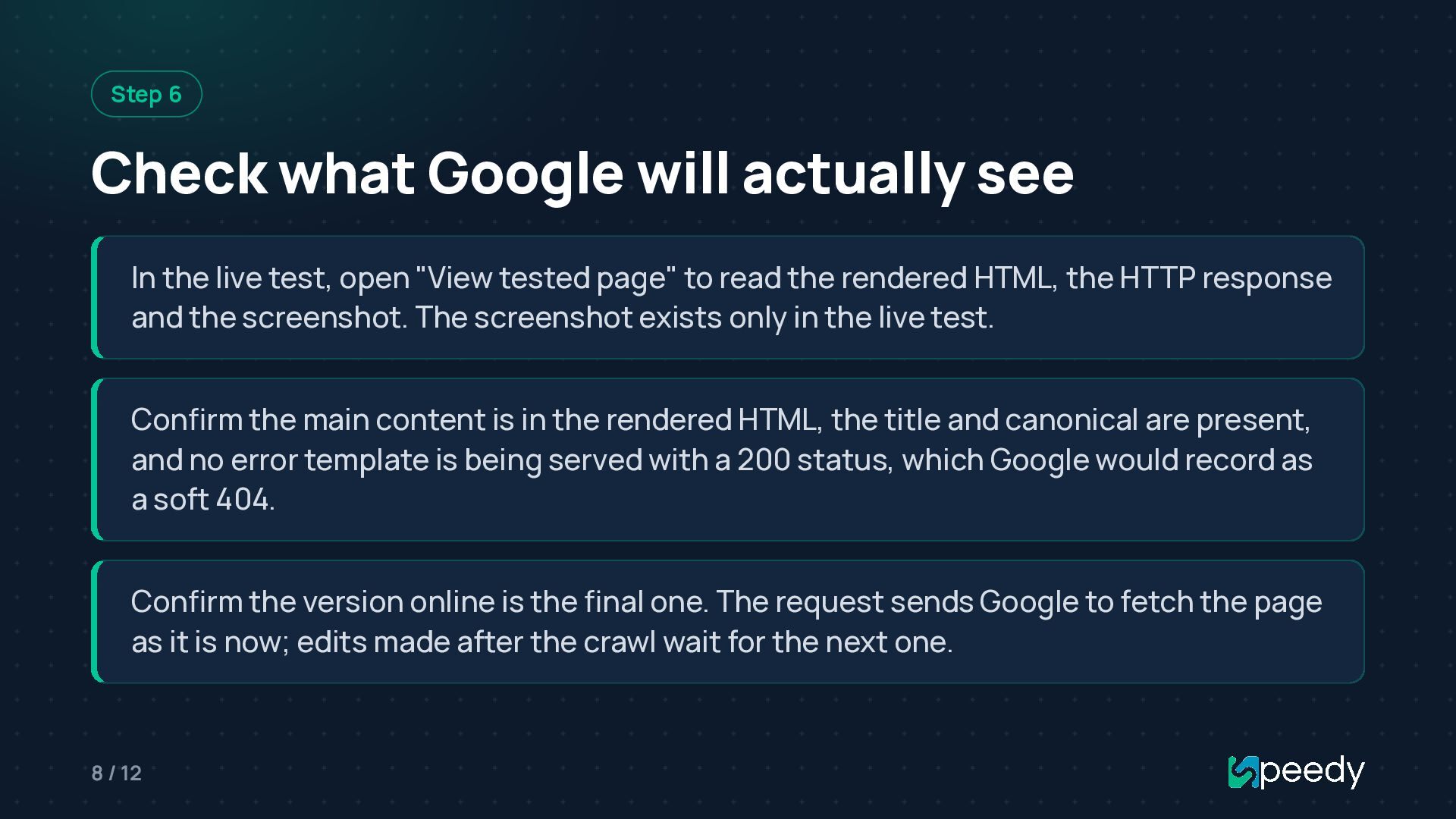
  8. Step 6 Check what Google will actually see In the

    live test, open "View tested page" to read the rendered HTML, the HTTP response and the screenshot. The screenshot exists only in the live test. Confirm the main content is in the rendered HTML, the title and canonical are present, and no error template is being served with a 200 status, which Google would record as a soft 404. Confirm the version online is the final one. The request sends Google to fetch the page as it is now; edits made after the crawl wait for the next one. 8 / 12
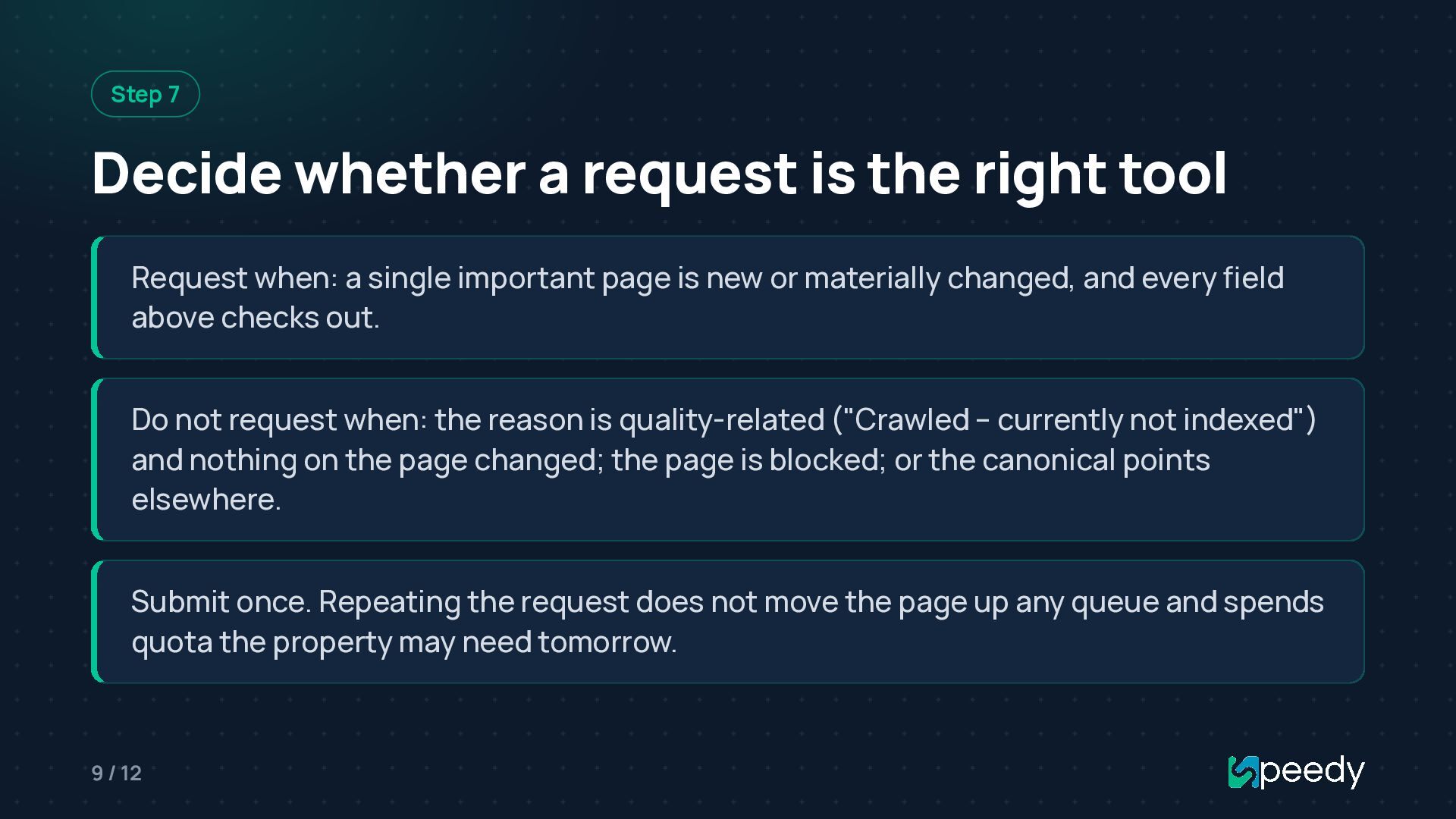
  9. Step 7 Decide whether a request is the right tool

    Request when: a single important page is new or materially changed, and every field above checks out. Do not request when: the reason is quality-related ("Crawled – currently not indexed") and nothing on the page changed; the page is blocked; or the canonical points elsewhere. Submit once. Repeating the request does not move the page up any queue and spends quota the property may need tomorrow. 9 / 12
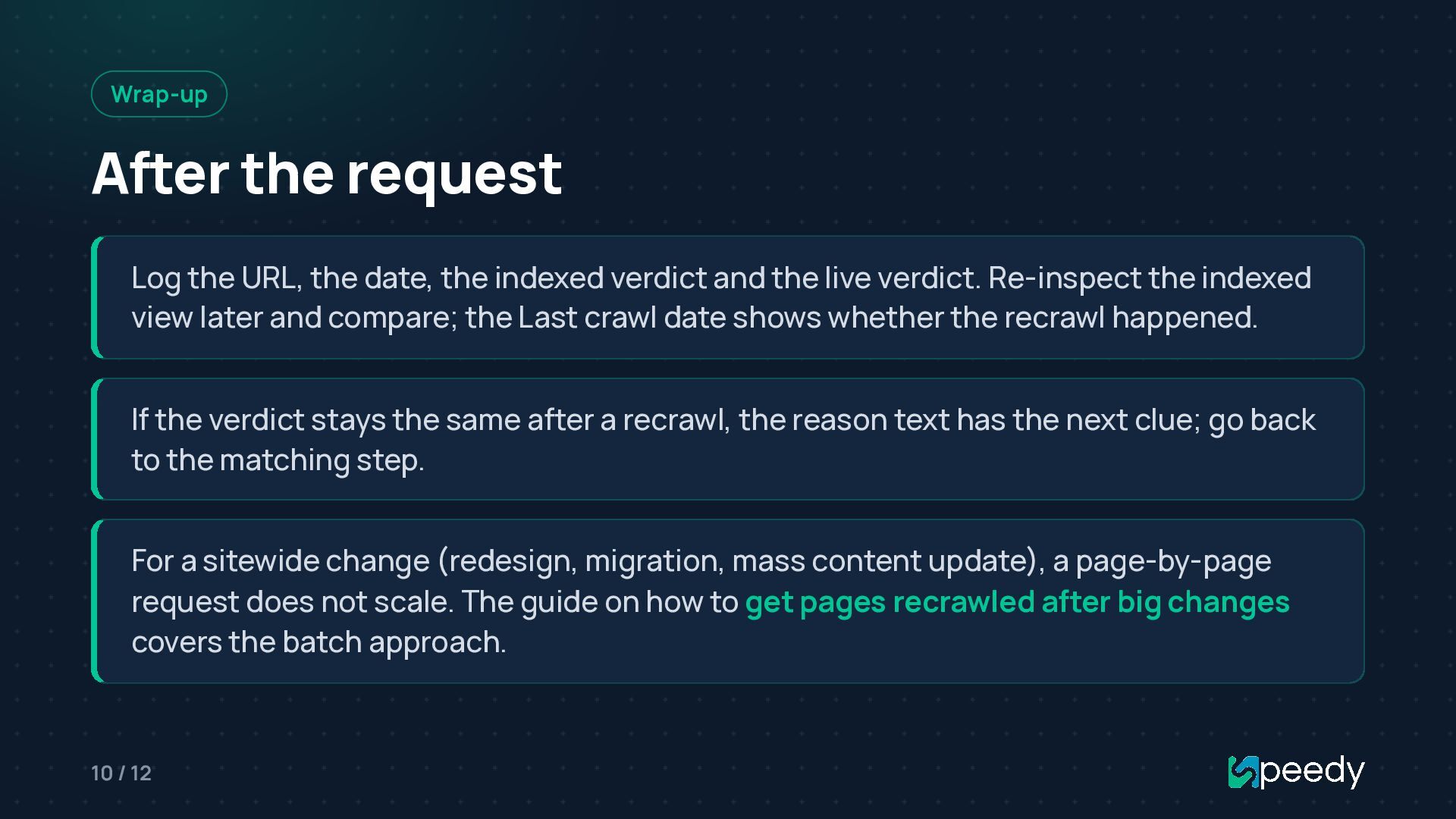
  10. Wrap-up After the request Log the URL, the date, the

    indexed verdict and the live verdict. Re-inspect the indexed view later and compare; the Last crawl date shows whether the recrawl happened. If the verdict stays the same after a recrawl, the reason text has the next clue; go back to the matching step. For a sitewide change (redesign, migration, mass content update), a page-by-page request does not scale. The guide on how to get pages recrawled after big changes covers the batch approach. 10 / 12
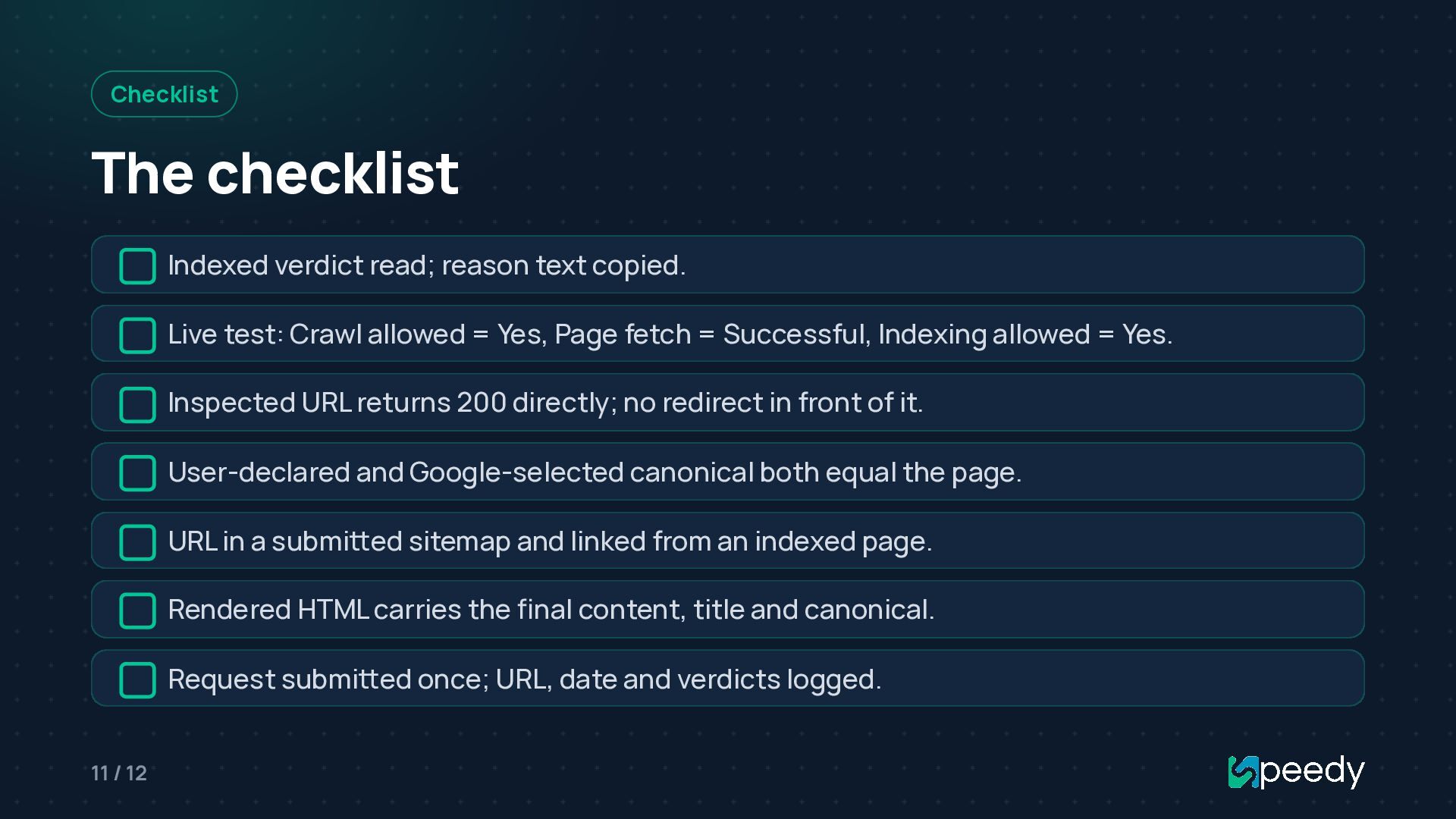
  11. Checklist The checklist Indexed verdict read; reason text copied. Live

    test: Crawl allowed = Yes, Page fetch = Successful, Indexing allowed = Yes. Inspected URL returns 200 directly; no redirect in front of it. User-declared and Google-selected canonical both equal the page. URL in a submitted sitemap and linked from an indexed page. Rendered HTML carries the final content, title and canonical. Request submitted once; URL, date and verdicts logged. 11 / 12
  12. Links SpeedyIndex Tools Guide to every URL Inspection verdict Recrawl

    for updated pages Link indexing and index checking service Telegram channel · Telegram bot X (Twitter) · Facebook · YouTube 12 / 12