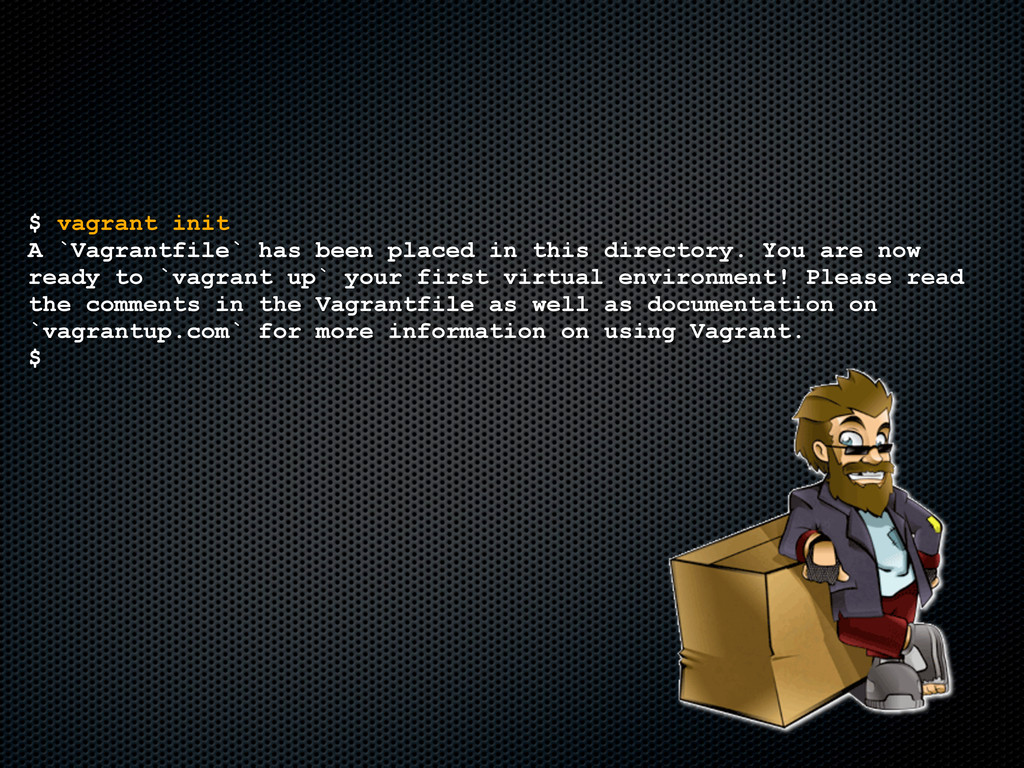
directory. You are now ready to `vagrant up` your first virtual environment! Please read the comments in the Vagrantfile as well as documentation on `vagrantup.com` for more information on using Vagrant. $
MAC address for NAT networking... [default] Clearing any previously set forwarded ports... [default] Forwarding ports... [default] -- 22 => 2222 (adapter 1) [default] Creating shared folders metadata... [default] Clearing any previously set network interfaces... [default] Booting VM... [default] Waiting for VM to boot. This can take a few minutes. [default] VM booted and ready for use! [default] Mounting shared folders... [default] -- v-root: /vagrant $ Und fertig :-)


 thorsten
 carta_engineering
 akhino
 minorun365
 tsukina_7mochi
 akitoshiga
 gree_tech
 teamlab
 gionn
gionn
 sh_fk2
 terapyon
 hiracky16
 x5gtrn
 dugsong
 palkan
 thirion
 rkendrick25
 popppiees
 bermonpainter
 gurzu
gurzu
 irinanazarova
 csswizardry
 stephaniewalter
 jct
jct
 lynnandtonic
















![$ vagrant box add base http://files.vagrantup.com/lucid32.box [vagrant] Downloading with Vagrant::Downloaders::HTTP...](https://files.speakerdeck.com/presentations/504a03a9c4cead0002007278/slide_18.jpg)
![$ vagrant up [default] Importing base box 'base'... [default] Matching](https://files.speakerdeck.com/presentations/504a03a9c4cead0002007278/slide_20.jpg)