Share
Embed
Managing Machine Learning Models in Production
Talk presented at PyCon UK 2017 (28 Oct 2017) and PyData Delhi (03 Sept 2017)
Links:
firefly - https://github.com/rorodata/firefly
rorodata - http://rorodata.com
Anand Chitipothu
September 03, 2017
Transcript
48 slides
-
Who is Speaking? Anand Chitipothu @anandology — Building a data
science platform at @rorodata — Advanced programming courses at @pipalacademy — Worked at Strand Life Sciences and Internet Archive 2 -
Outline — Challenges in managing ML in production — Our
approach — Summary 3 -
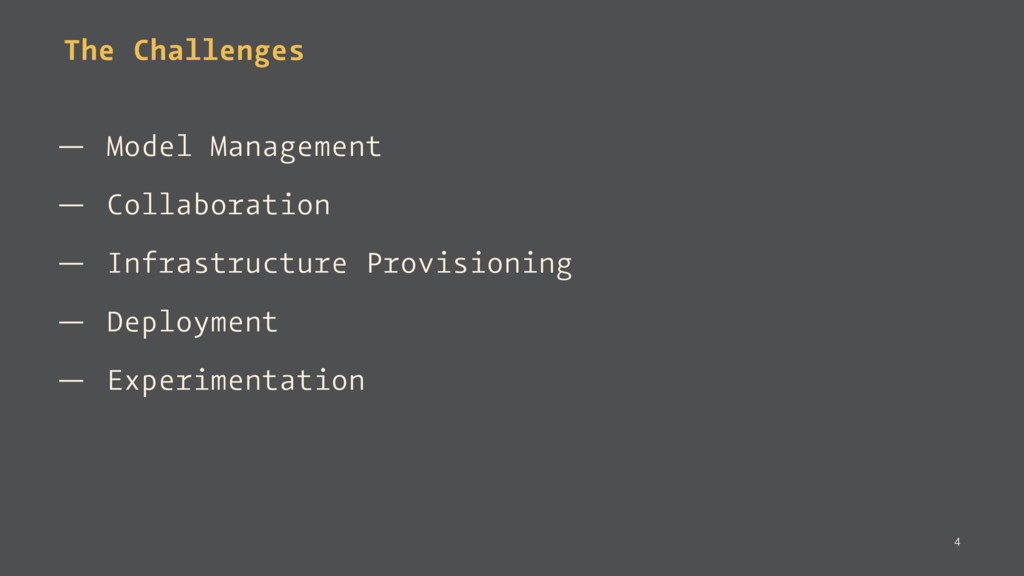
The Challenges — Model Management — Collaboration — Infrastructure Provisioning
— Deployment — Experimentation 4 -
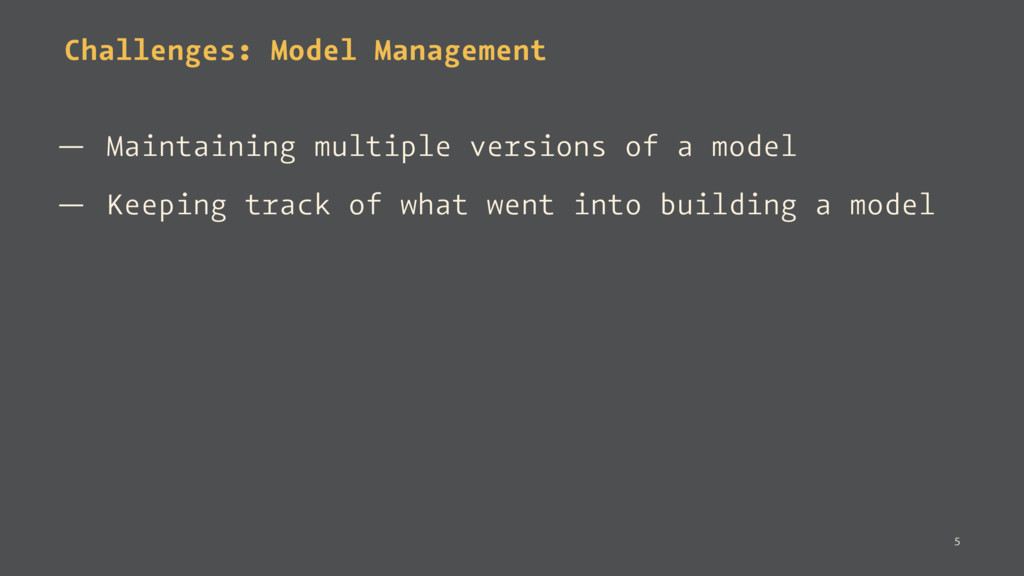
Challenges: Model Management — Maintaining multiple versions of a model
— Keeping track of what went into building a model 5 -
Challenges: Collaboration — Share models with others in the team
— Model reuse across the team — Access control 6 -
Challenges: Deployment — Deploy a model as a service —
Keeping track of usage and latencies 7 -
The pace of innovation of a data-driven business is limited
by the bottlenecks in their data science workflows 10 -
Our Approach We've built a data science platform to address
these issues. Key Elements: — Model versioning — Firefly - A tool to run python functions as RESTful API (open source) — Compute environment to deploy models, run 12 -
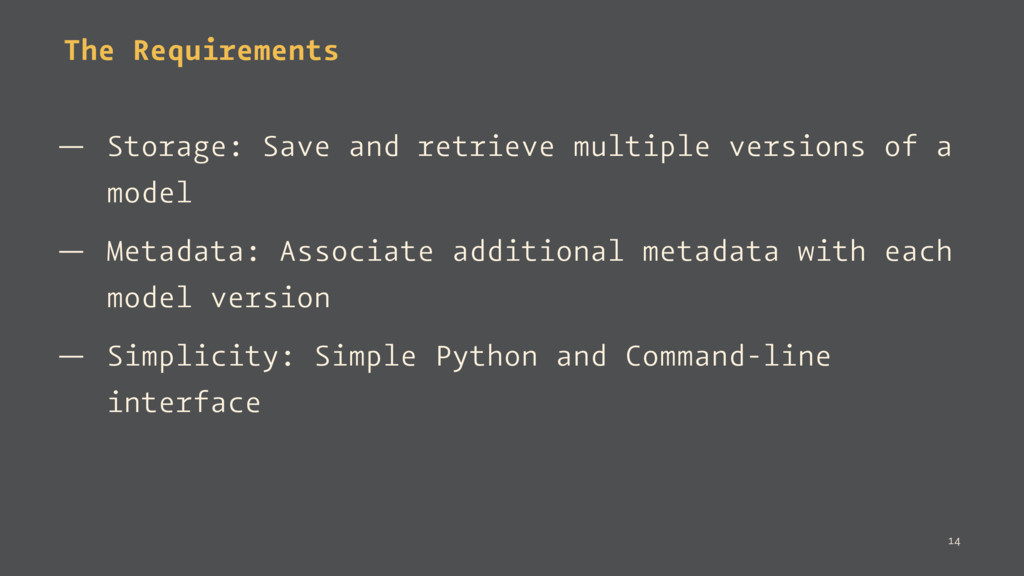
The Requirements — Storage: Save and retrieve multiple versions of
a model — Metadata: Associate additional metadata with each model version — Simplicity: Simple Python and Command-line interface 14 -
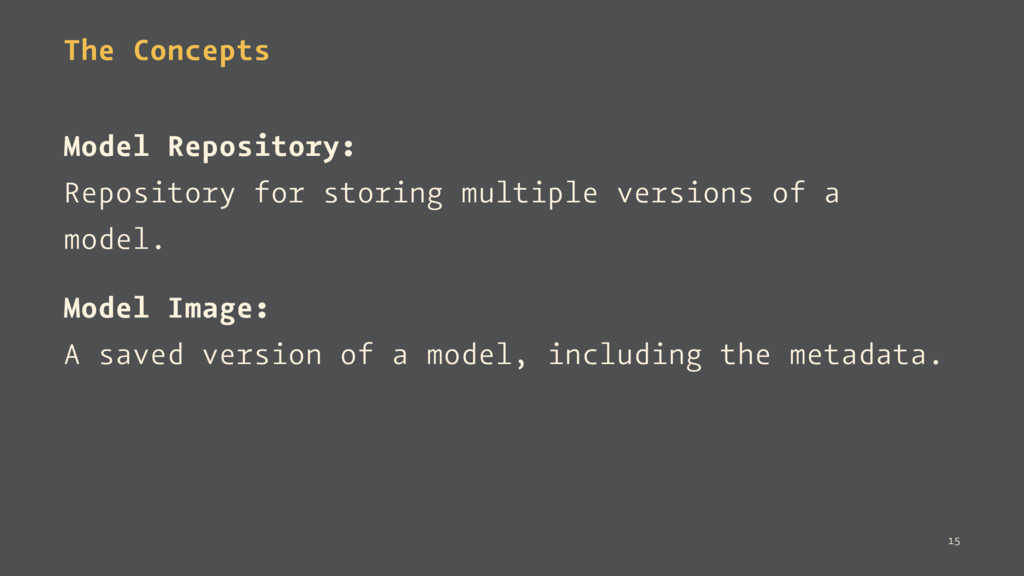
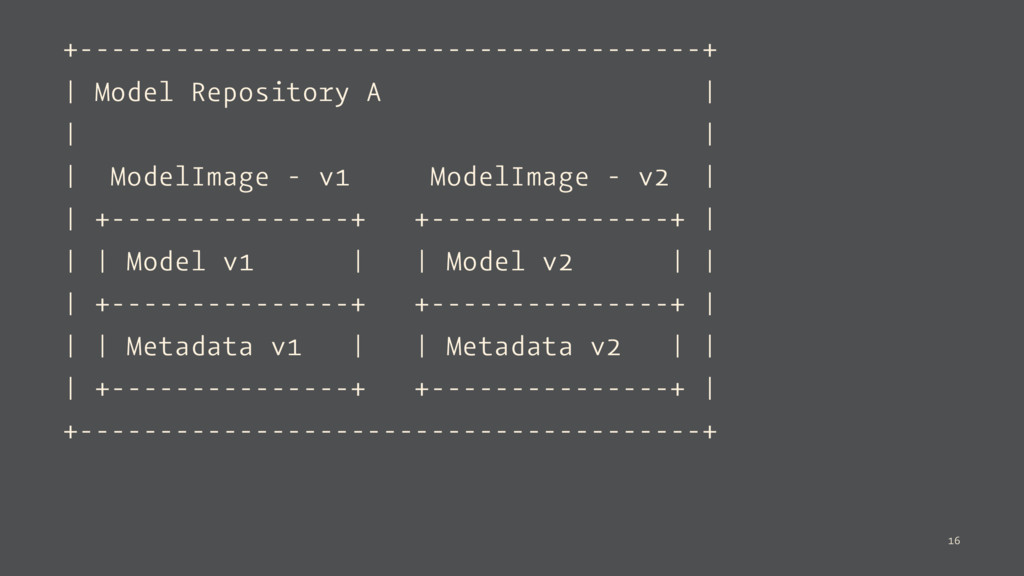
The Concepts Model Repository: Repository for storing multiple versions of
a model. Model Image: A saved version of a model, including the metadata. 15 -
+---------------------------------------+ | Model Repository A | | | | ModelImage
- v1 ModelImage - v2 | | +---------------+ +---------------+ | | | Model v1 | | Model v2 | | | +---------------+ +---------------+ | | | Metadata v1 | | Metadata v2 | | | +---------------+ +---------------+ | +---------------------------------------+ 16 -
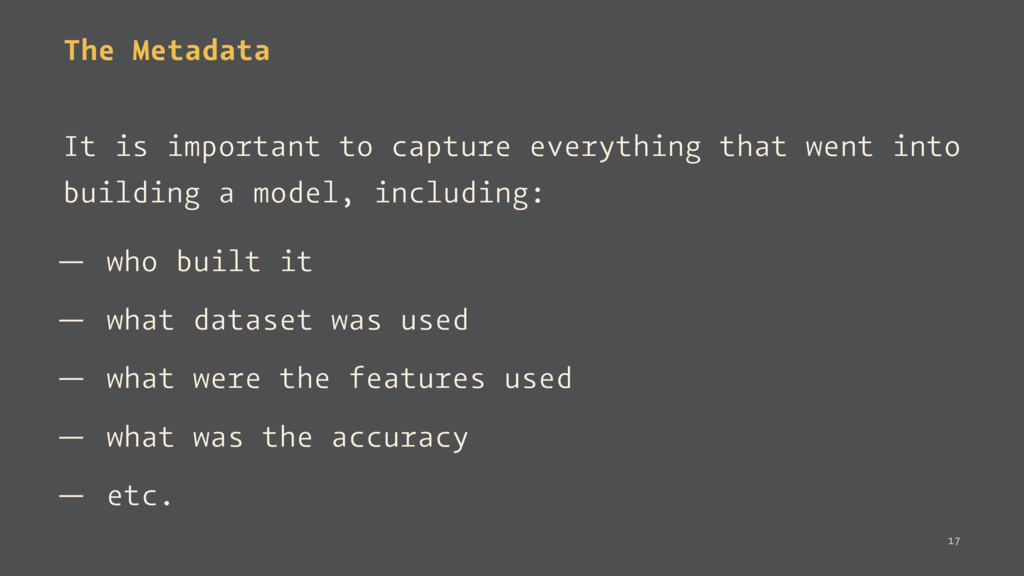
The Metadata It is important to capture everything that went
into building a model, including: — who built it — what dataset was used — what were the features used — what was the accuracy — etc. 17 -
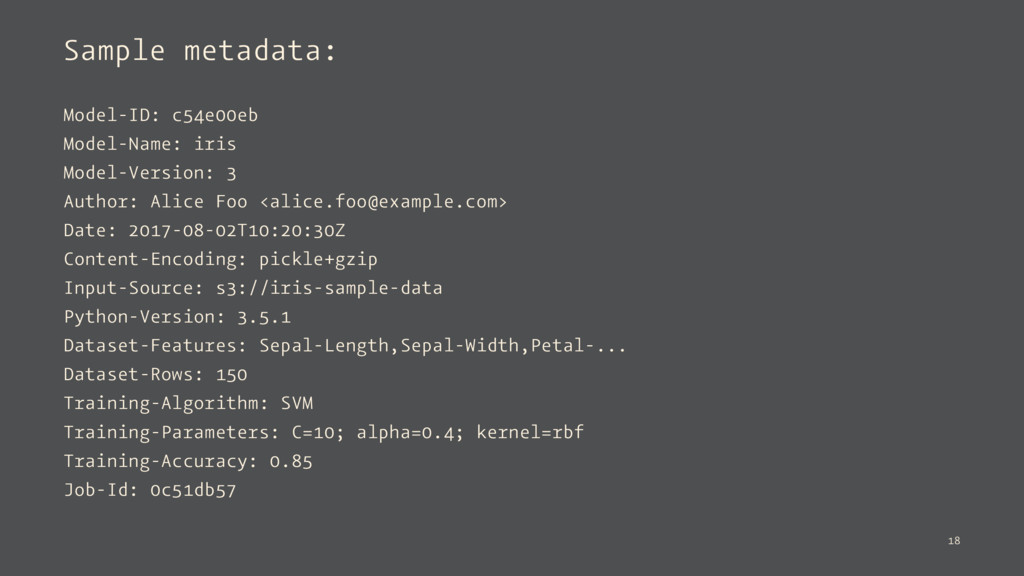
Sample metadata: Model-ID: c54e00eb Model-Name: iris Model-Version: 3 Author: Alice
Foo <[email protected]> Date: 2017-08-02T10:20:30Z Content-Encoding: pickle+gzip Input-Source: s3://iris-sample-data Python-Version: 3.5.1 Dataset-Features: Sepal-Length,Sepal-Width,Petal-... Dataset-Rows: 150 Training-Algorithm: SVM Training-Parameters: C=10; alpha=0.4; kernel=rbf Training-Accuracy: 0.85 Job-Id: 0c51db57 18 -
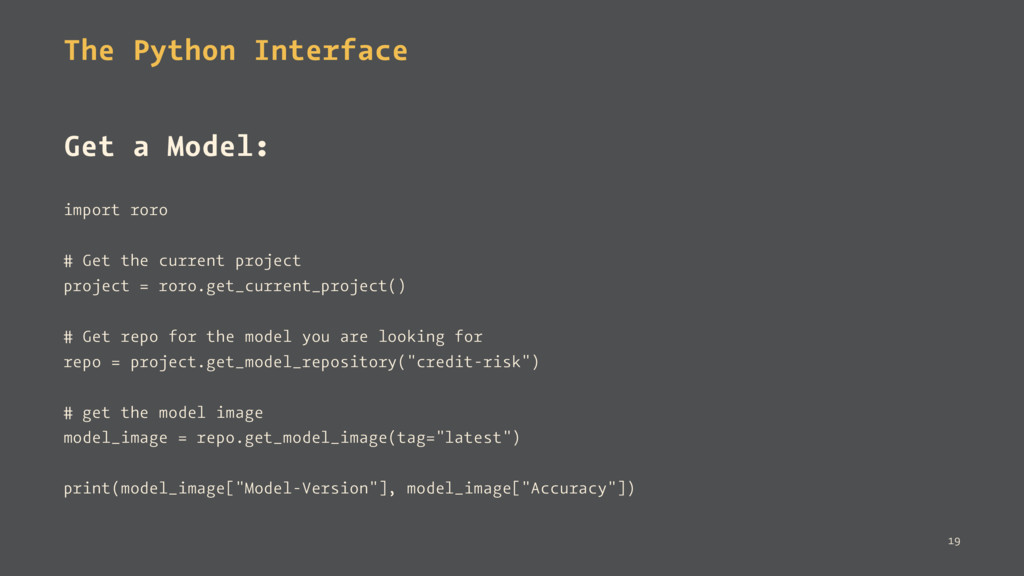
The Python Interface Get a Model: import roro # Get
the current project project = roro.get_current_project() # Get repo for the model you are looking for repo = project.get_model_repository("credit-risk") # get the model image model_image = repo.get_model_image(tag="latest") print(model_image["Model-Version"], model_image["Accuracy"]) 19 -
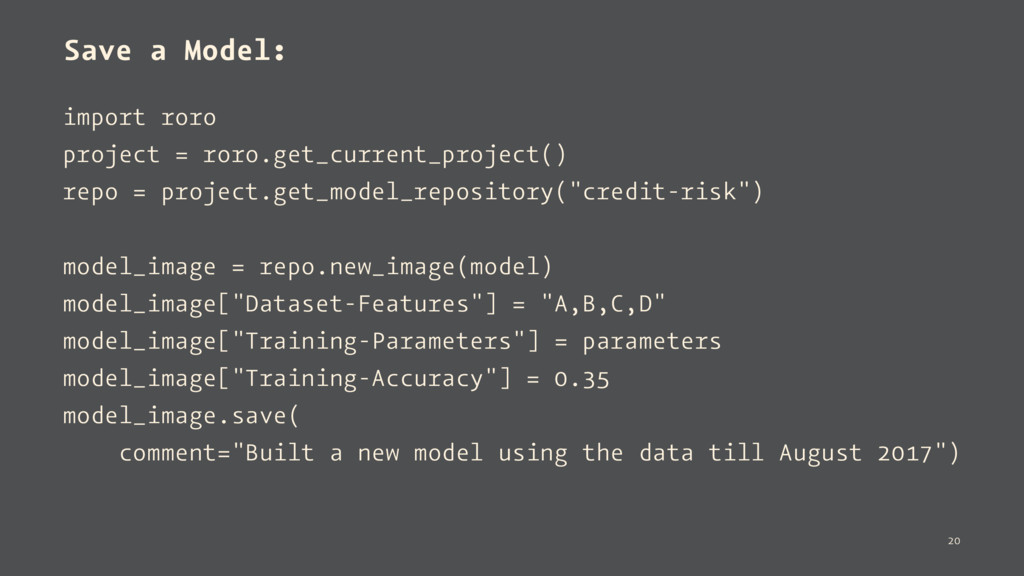
Save a Model: import roro project = roro.get_current_project() repo =
project.get_model_repository("credit-risk") model_image = repo.new_image(model) model_image["Dataset-Features"] = "A,B,C,D" model_image["Training-Parameters"] = parameters model_image["Training-Accuracy"] = 0.35 model_image.save( comment="Built a new model using the data till August 2017") 20 -
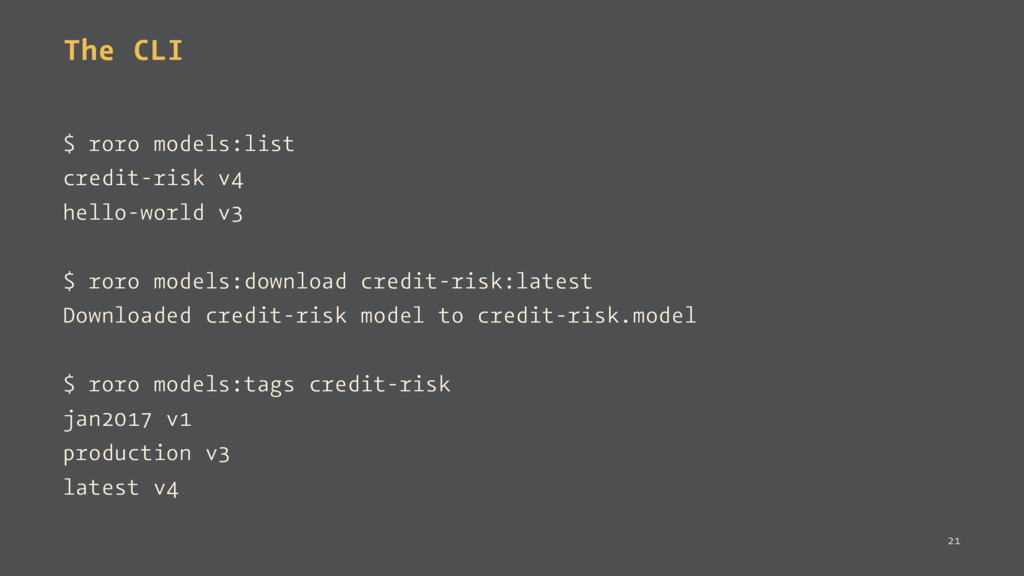
The CLI $ roro models:list credit-risk v4 hello-world v3 $
roro models:download credit-risk:latest Downloaded credit-risk model to credit-risk.model $ roro models:tags credit-risk jan2017 v1 production v3 latest v4 21 -
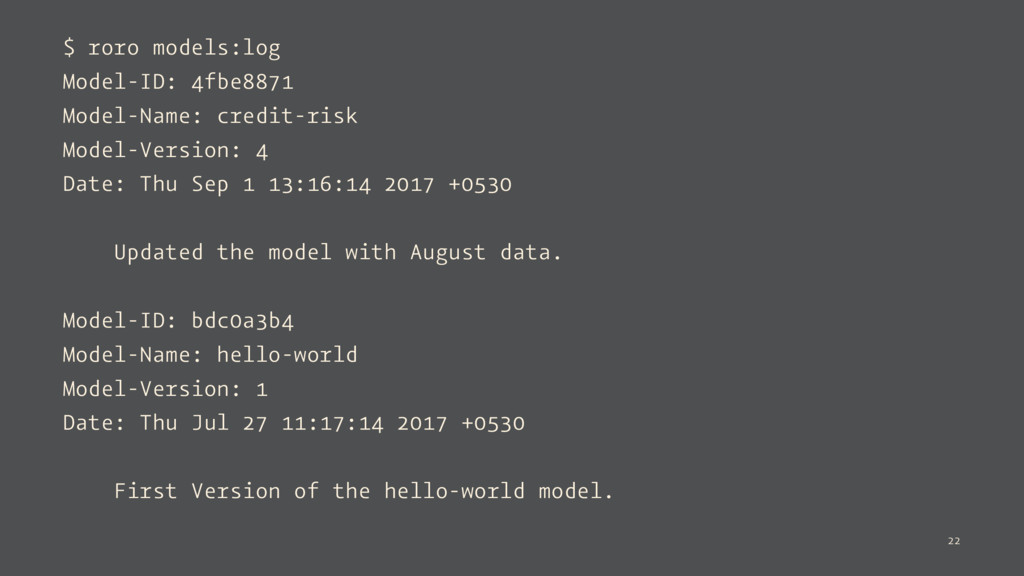
$ roro models:log Model-ID: 4fbe8871 Model-Name: credit-risk Model-Version: 4 Date:
Thu Sep 1 13:16:14 2017 +0530 Updated the model with August data. Model-ID: bdc0a3b4 Model-Name: hello-world Model-Version: 1 Date: Thu Jul 27 11:17:14 2017 +0530 First Version of the hello-world model. 22 -
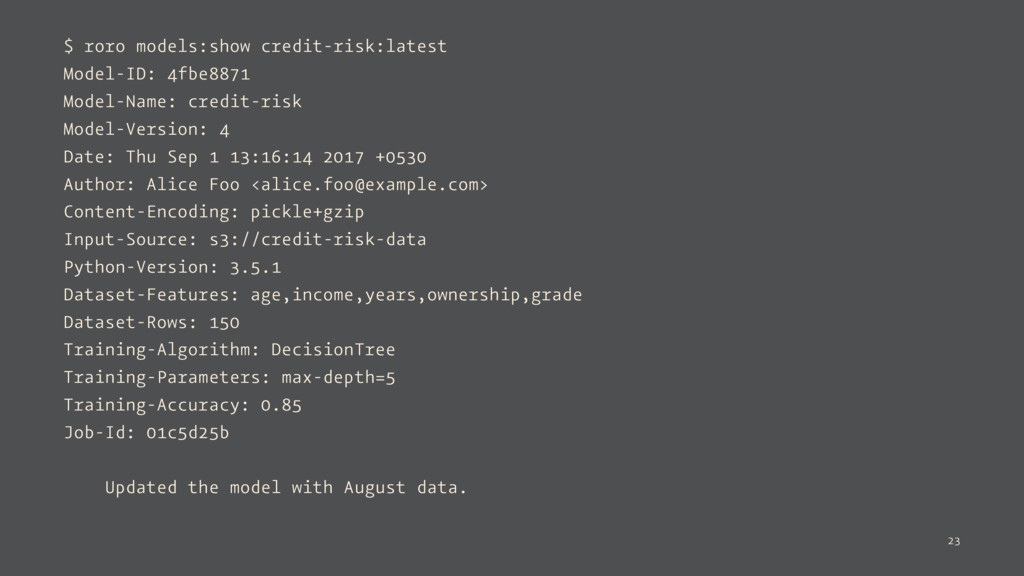
$ roro models:show credit-risk:latest Model-ID: 4fbe8871 Model-Name: credit-risk Model-Version: 4
Date: Thu Sep 1 13:16:14 2017 +0530 Author: Alice Foo <[email protected]> Content-Encoding: pickle+gzip Input-Source: s3://credit-risk-data Python-Version: 3.5.1 Dataset-Features: age,income,years,ownership,grade Dataset-Rows: 150 Training-Algorithm: DecisionTree Training-Parameters: max-depth=5 Training-Accuracy: 0.85 Job-Id: 01c5d25b Updated the model with August data. 23 -
The Problem How to expose an ML model an API
for others to use? Or How to expose a Python function as an API? 25 -
Challenges — Requires writing a web application — What about
authentication? — How to do data validation? — Need to write a client library too? 26 -
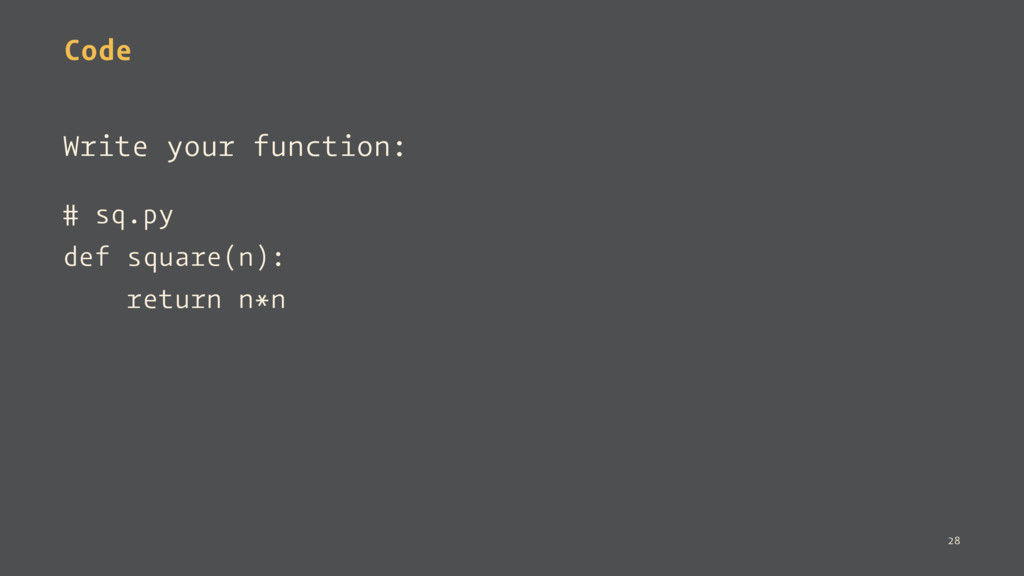
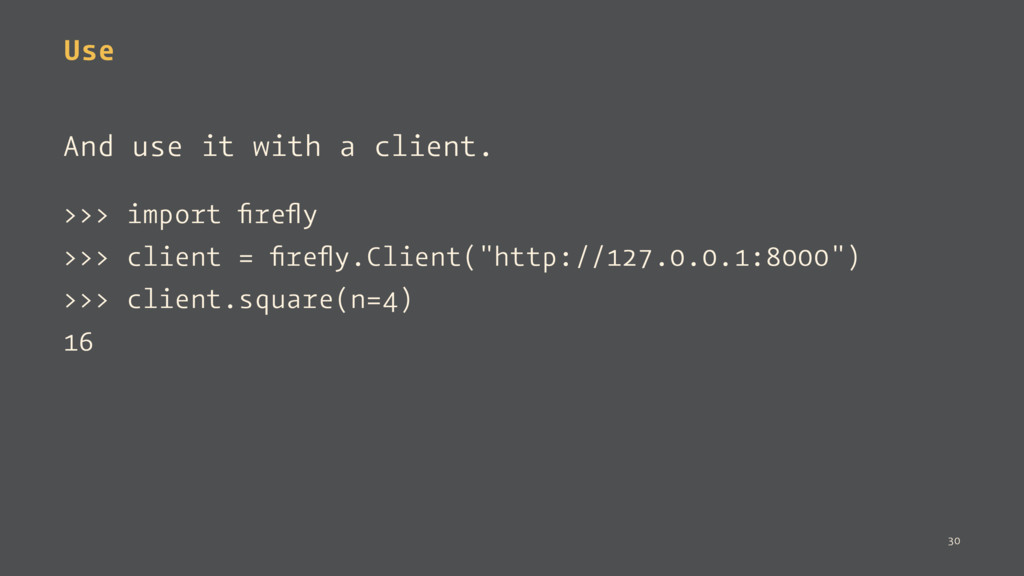
Use And use it with a client. >>> import firefly
>>> client = firefly.Client("http://127.0.0.1:8000") >>> client.square(n=4) 16 30 -
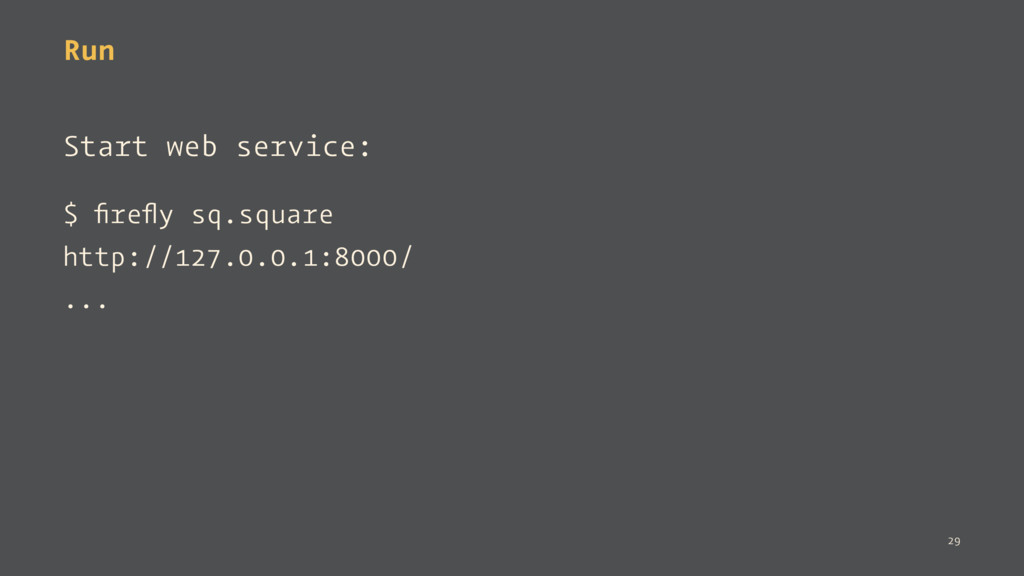
Behind the scenes, it is a RESTful API. $ curl
-d '{"n": 4}' http://127.0.0.1:8000/square 16 And supports any JSON-friendly datatype. 31 -
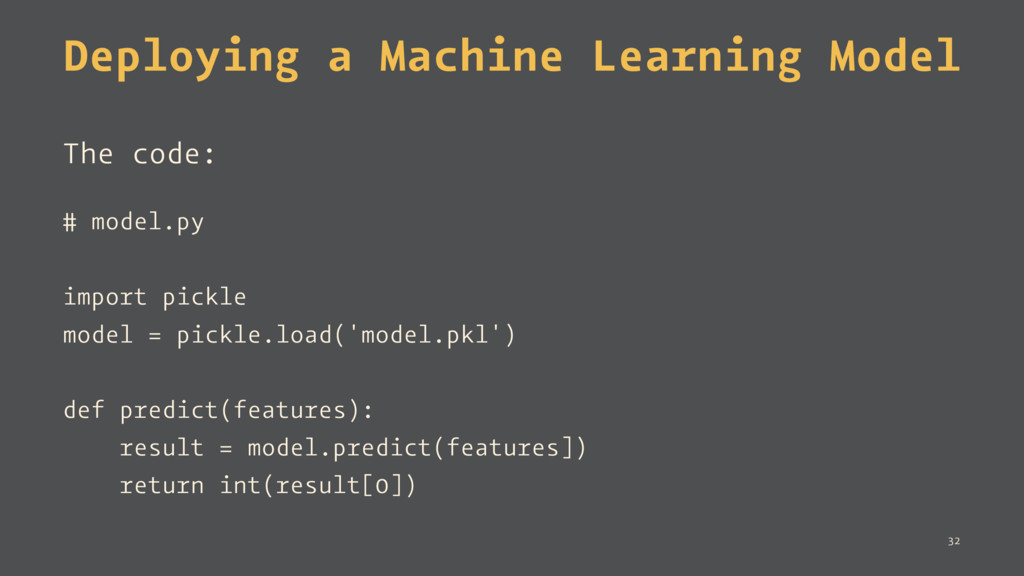
Deploying a Machine Learning Model The code: # model.py import
pickle model = pickle.load('model.pkl') def predict(features): result = model.predict(features]) return int(result[0]) 32 -
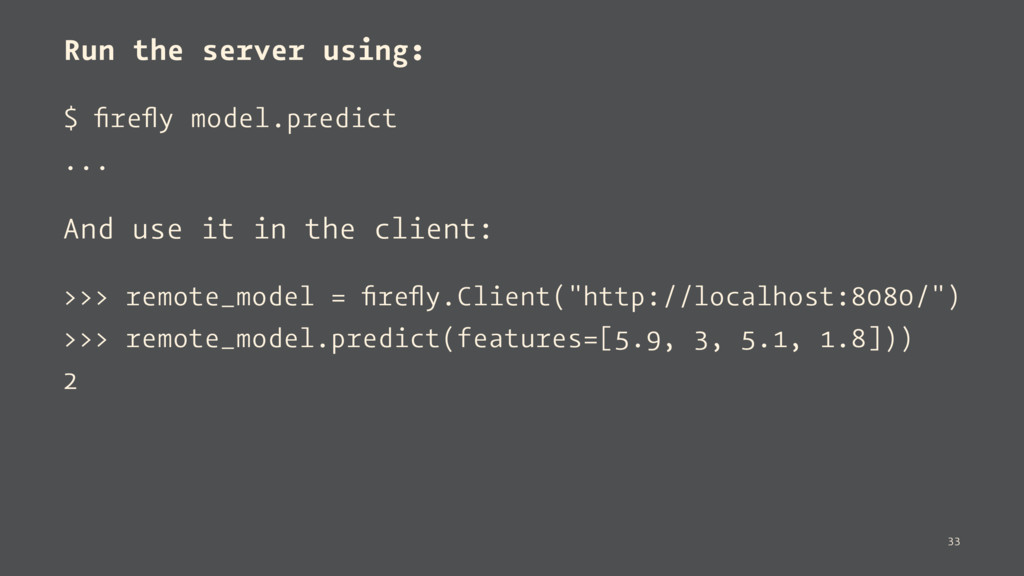
Run the server using: $ firefly model.predict ... And use
it in the client: >>> remote_model = firefly.Client("http://localhost:8080/") >>> remote_model.predict(features=[5.9, 3, 5.1, 1.8])) 2 33 -
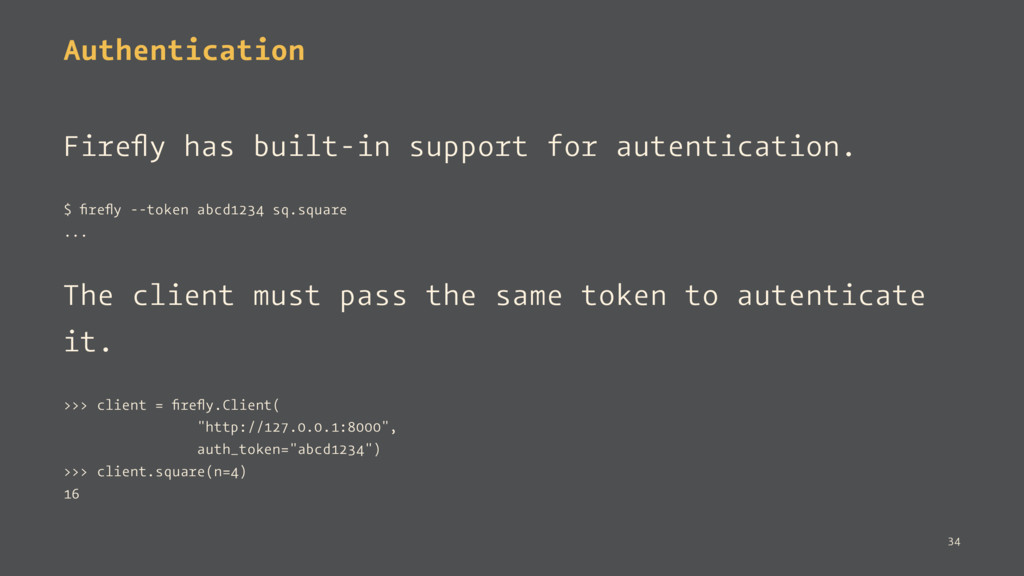
Authentication Firefly has built-in support for autentication. $ firefly --token
abcd1234 sq.square ... The client must pass the same token to autenticate it. >>> client = firefly.Client( "http://127.0.0.1:8000", auth_token="abcd1234") >>> client.square(n=4) 16 34 -
It's Open Source! Firefly is an open source project with
Apache 2 License. 35 -
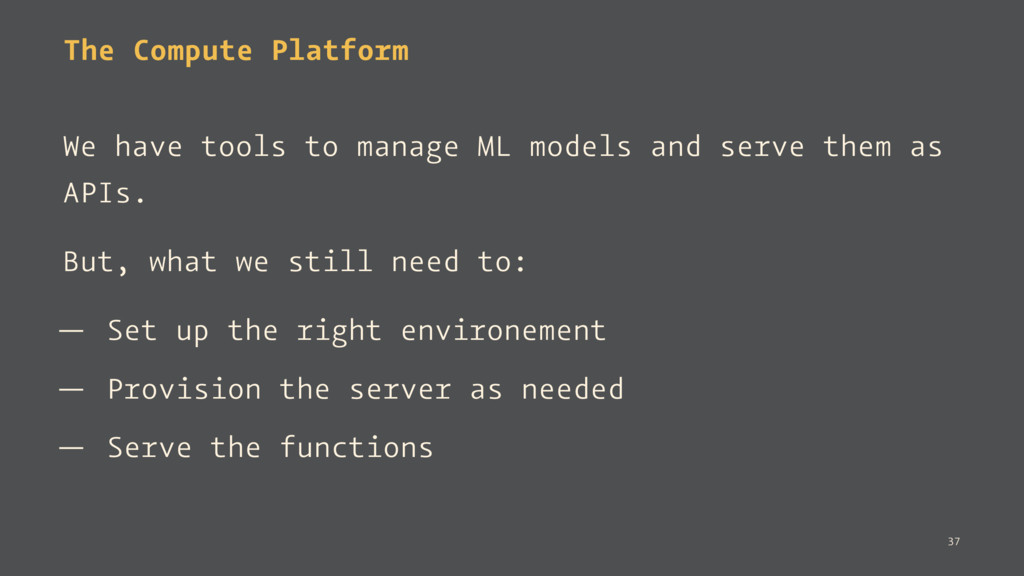
The Compute Platform We have tools to manage ML models
and serve them as APIs. But, what we still need to: — Set up the right environement — Provision the server as needed — Serve the functions 37 -
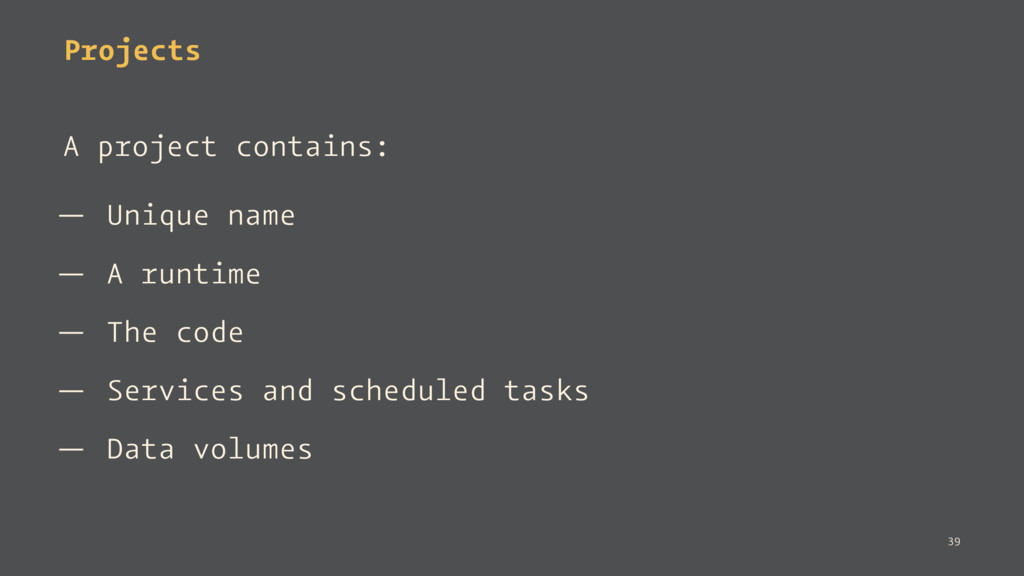
Projects A project contains: — Unique name — A runtime
— The code — Services and scheduled tasks — Data volumes 39 -
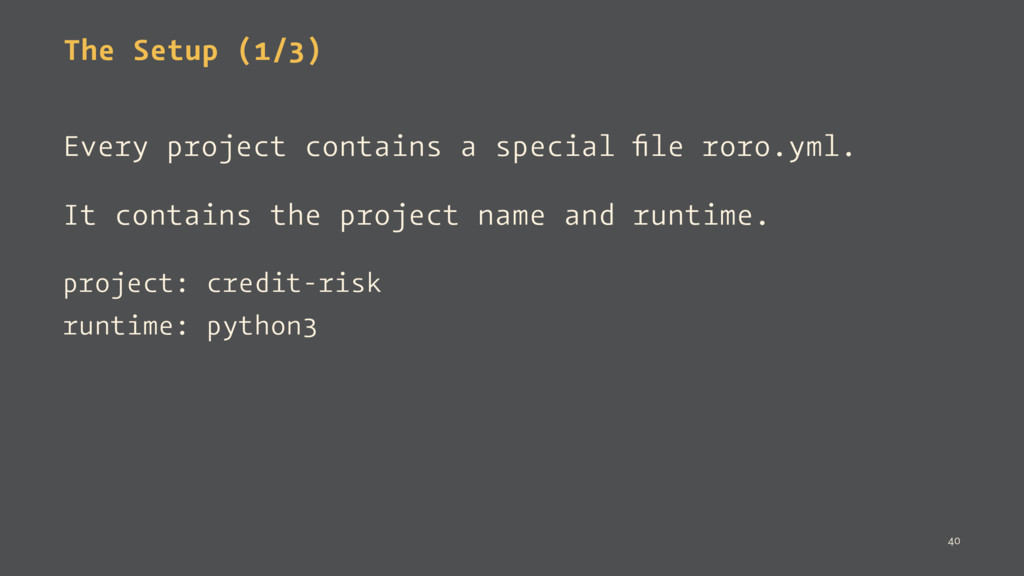
The Setup (1/3) Every project contains a special file roro.yml.
It contains the project name and runtime. project: credit-risk runtime: python3 40 -
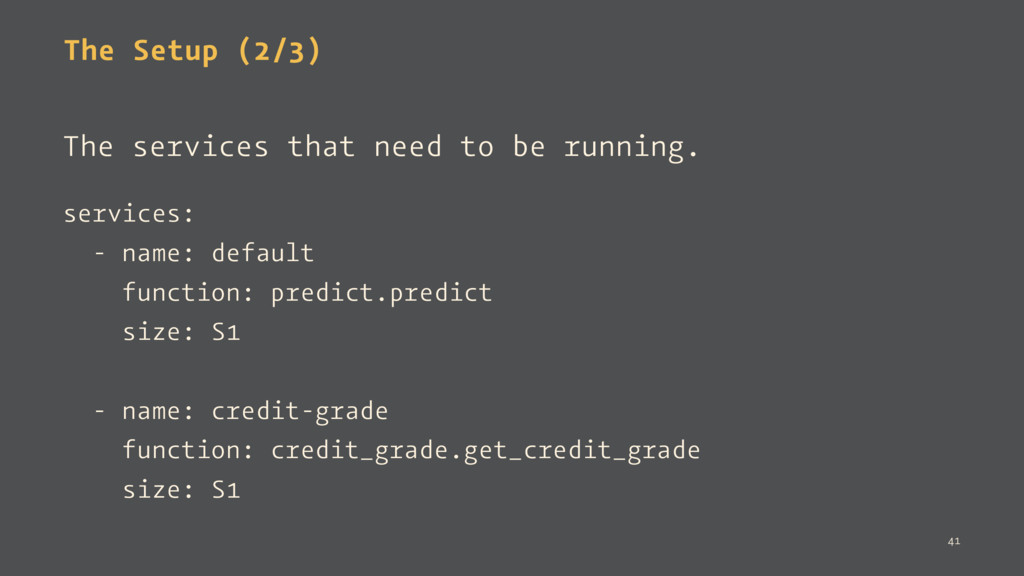
The Setup (2/3) The services that need to be running.
services: - name: default function: predict.predict size: S1 - name: credit-grade function: credit_grade.get_credit_grade size: S1 41 -
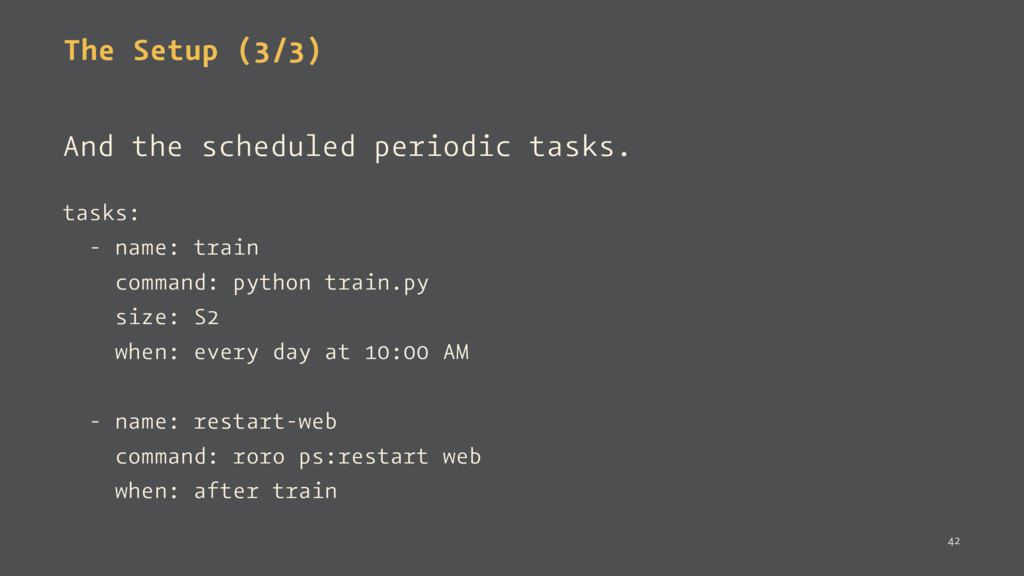
The Setup (3/3) And the scheduled periodic tasks. tasks: -
name: train command: python train.py size: S2 when: every day at 10:00 AM - name: restart-web command: roro ps:restart web when: after train 42 -
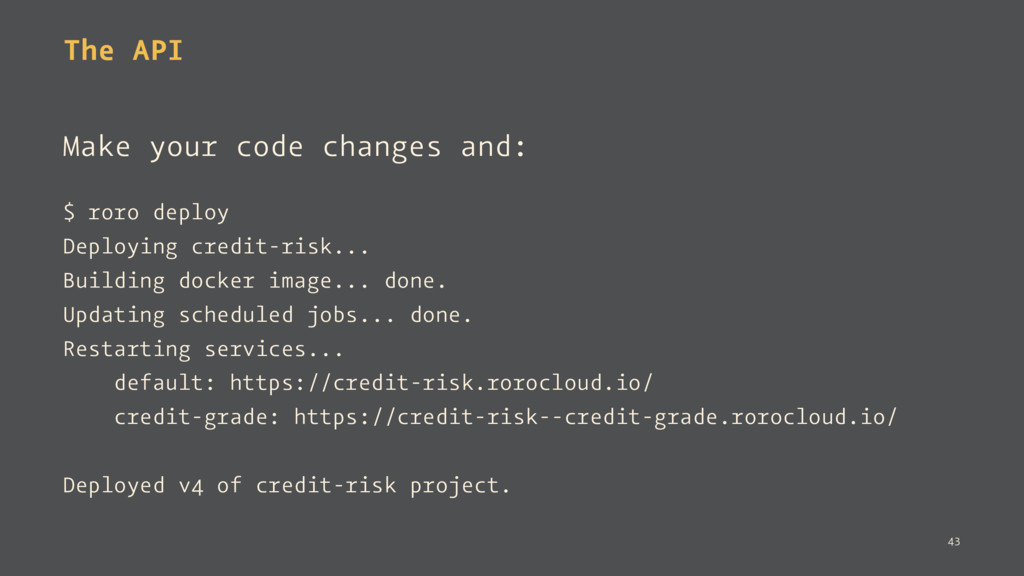
The API Make your code changes and: $ roro deploy
Deploying credit-risk... Building docker image... done. Updating scheduled jobs... done. Restarting services... default: https://credit-risk.rorocloud.io/ credit-grade: https://credit-risk--credit-grade.rorocloud.io/ Deployed v4 of credit-risk project. 43 -
Run scripts and notebooks. $ roro run -size C64 train.py
Created new job b42c12a0 $ roro run --gpu train.py Created new job b42c12a0 $ roro run:notebook Created new job 60984179 Jupyter notebook is available at: https://60984179-nb.rorocloud.io/?token=LNRZDpHdPhGLzf00 The jupyter notebook server can be stopped using: roro stop 60984179 44 -
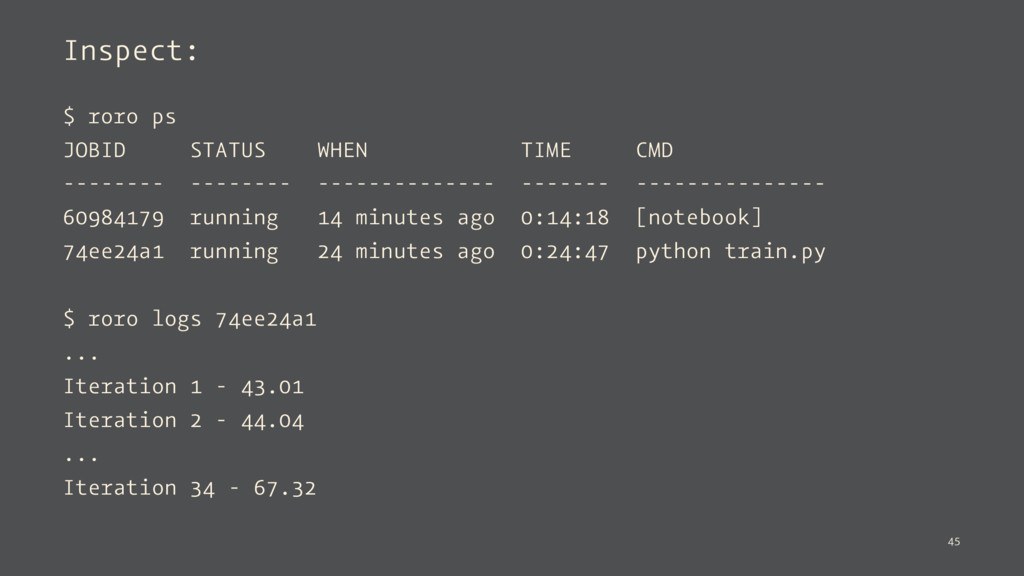
Inspect: $ roro ps JOBID STATUS WHEN TIME CMD --------
-------- -------------- ------- --------------- 60984179 running 14 minutes ago 0:14:18 [notebook] 74ee24a1 running 24 minutes ago 0:24:47 python train.py $ roro logs 74ee24a1 ... Iteration 1 - 43.01 Iteration 2 - 44.04 ... Iteration 34 - 67.32 45 -
Opportunities — Record and monitor model predictions and performance —
A/B testing of models 46 -
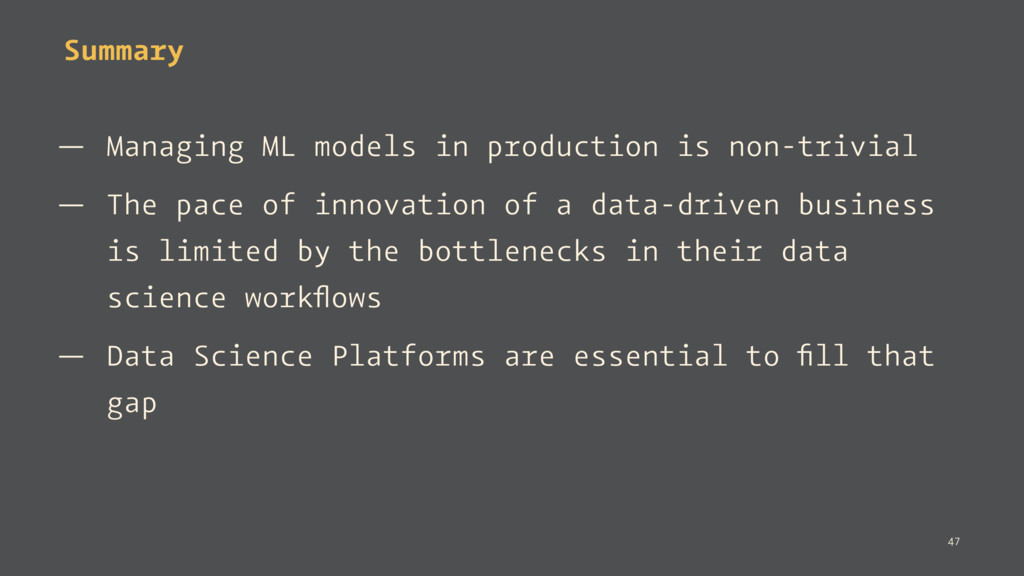
Summary — Managing ML models in production is non-trivial —
The pace of innovation of a data-driven business is limited by the bottlenecks in their data science workflows — Data Science Platforms are essential to fill that gap 47 -
Thank You! Links: slides - http://bit.ly/models0 firefly - https://github.com/rorodata/firefly rorodata
- http://rorodata.com/ 48