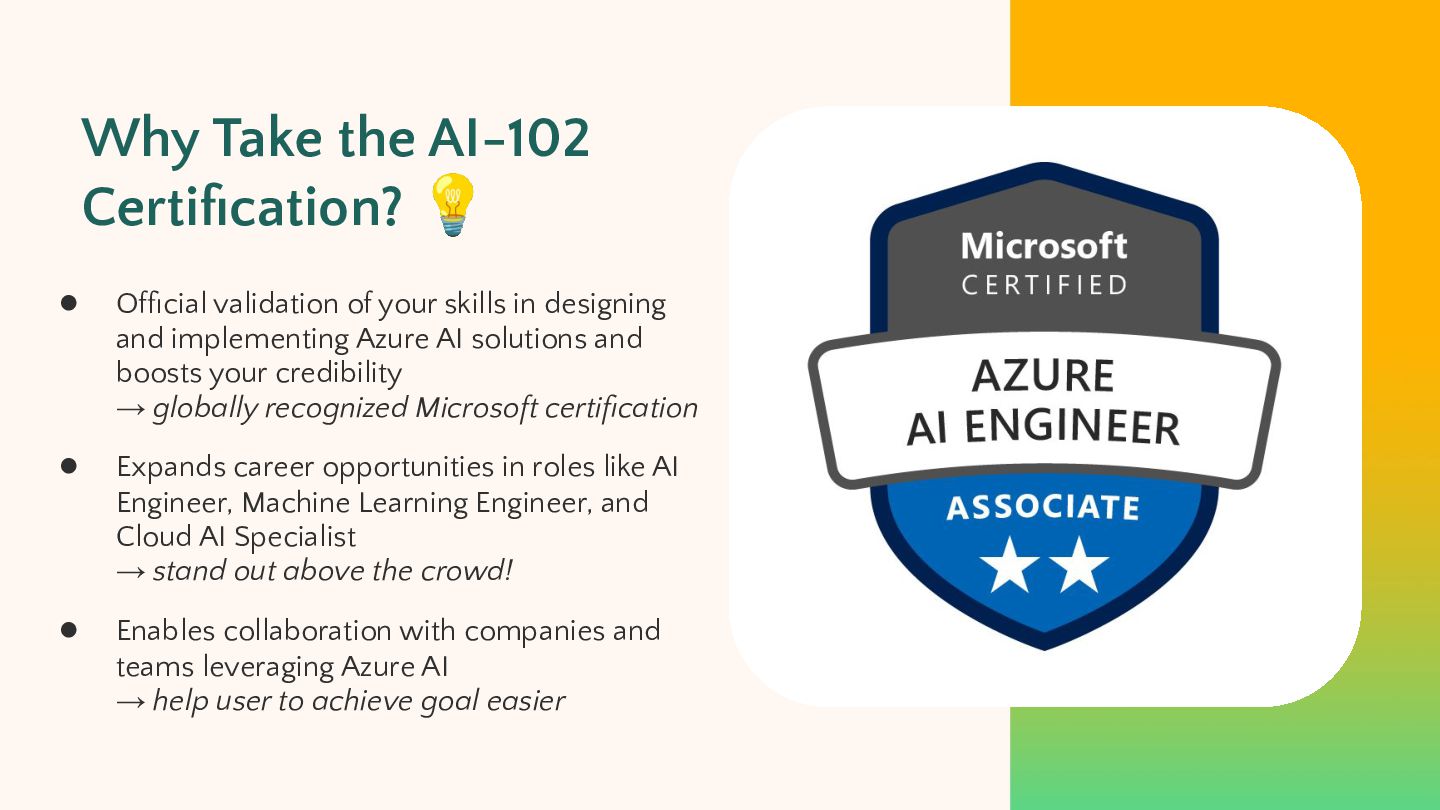
your skills in designing and implementing Azure AI solutions and boosts your credibility → globally recognized Microsoft certification • Expands career opportunities in roles like AI Engineer, Machine Learning Engineer, and Cloud AI Specialist → stand out above the crowd! • Enables collaboration with companies and teams leveraging Azure AI → help user to achieve goal easier
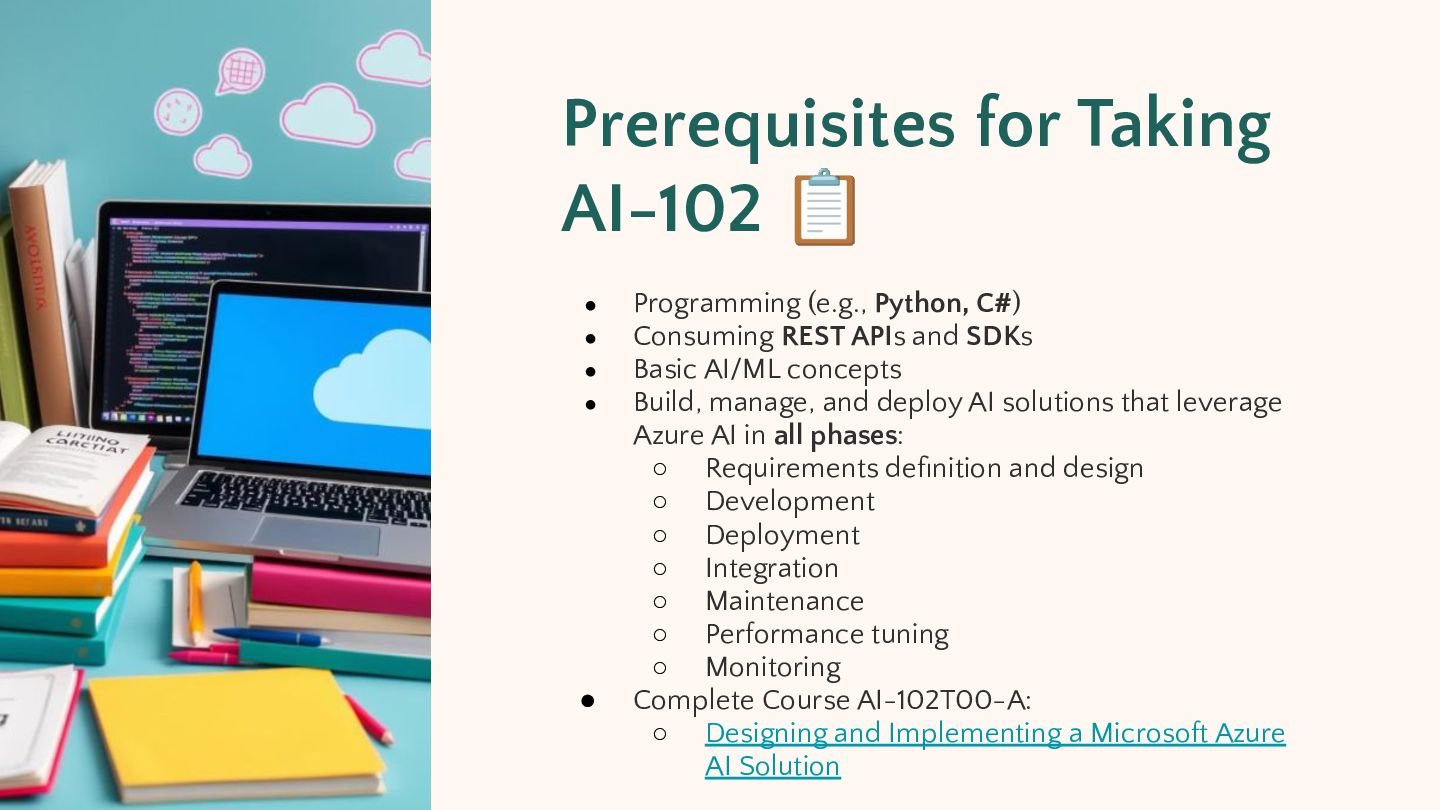
Programming (e.g., Python, C#) Consuming REST APIs and SDKs Basic AI/ML concepts Build, manage, and deploy AI solutions that leverage Azure AI in all phases: ◦ Requirements definition and design ◦ Development ◦ Deployment ◦ Integration ◦ Maintenance ◦ Performance tuning ◦ Monitoring Complete Course AI-102T00-A: ◦ Designing and Implementing a Microsoft Azure AI Solution
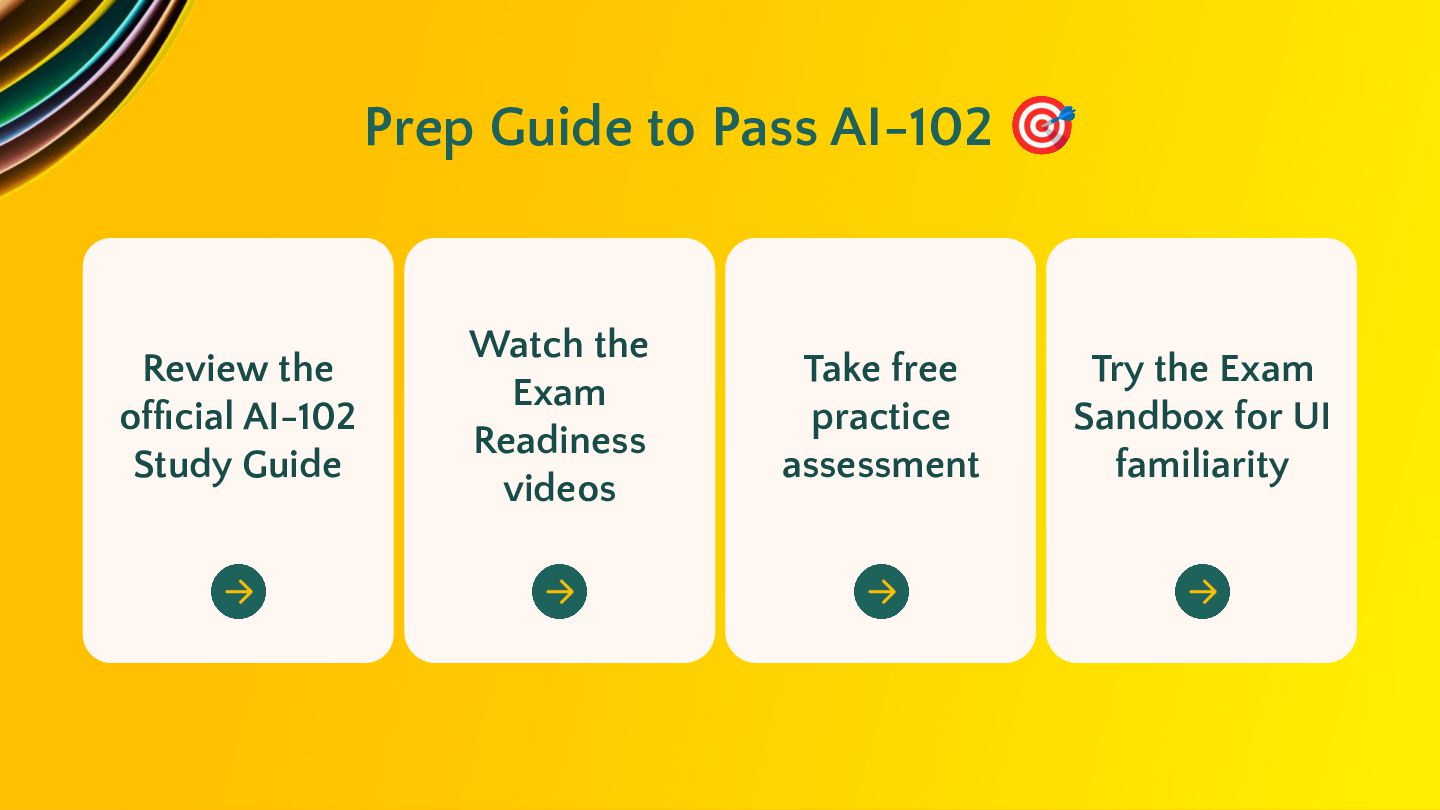
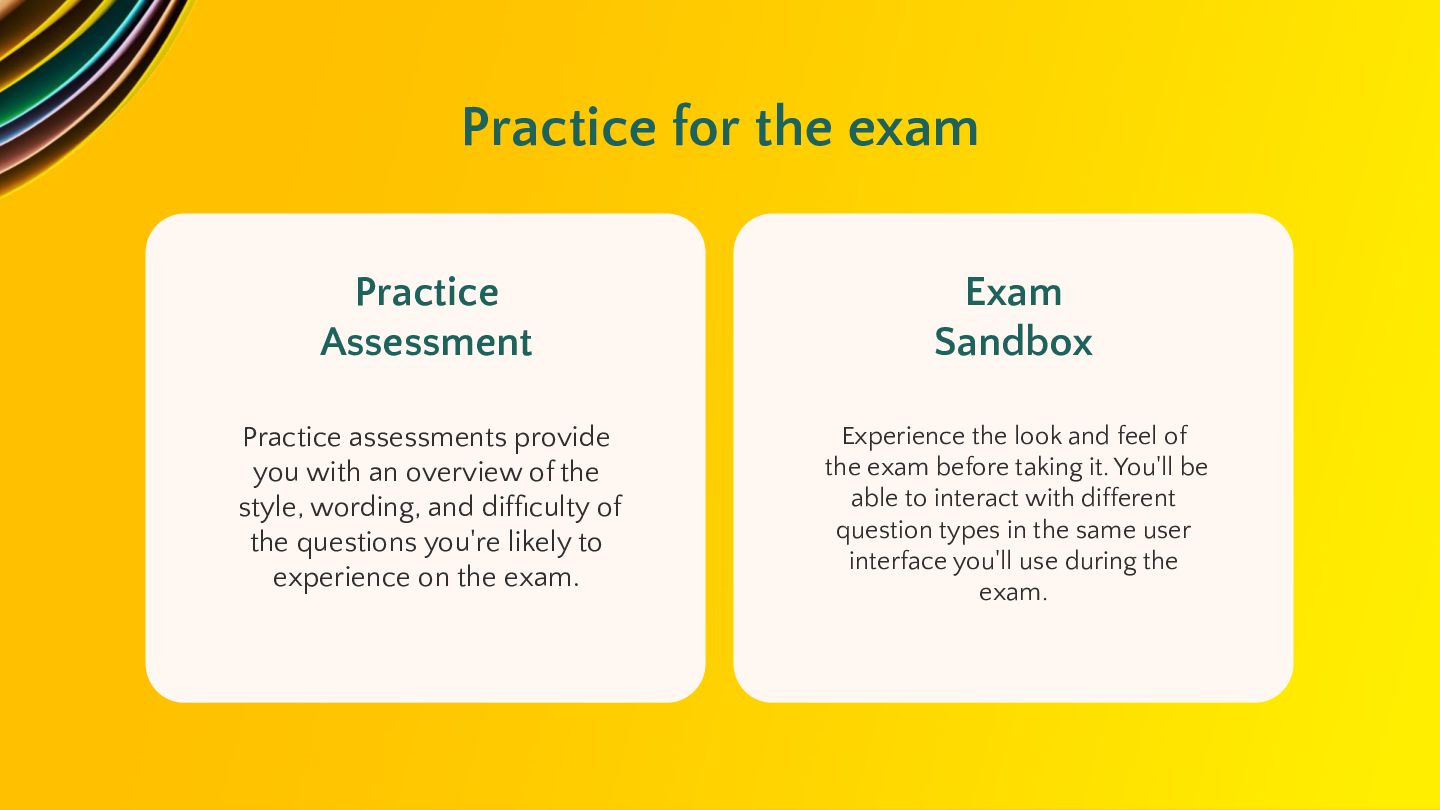
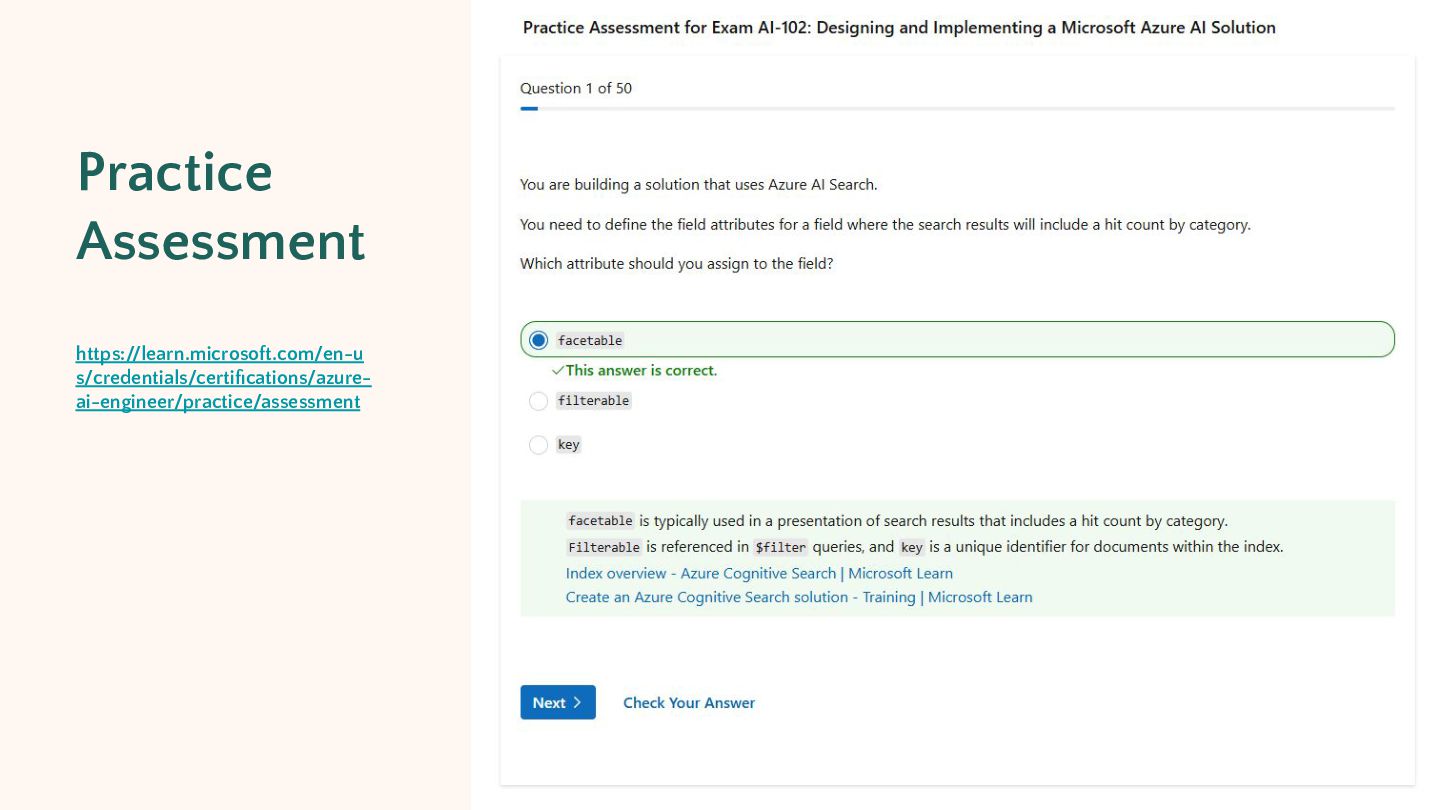
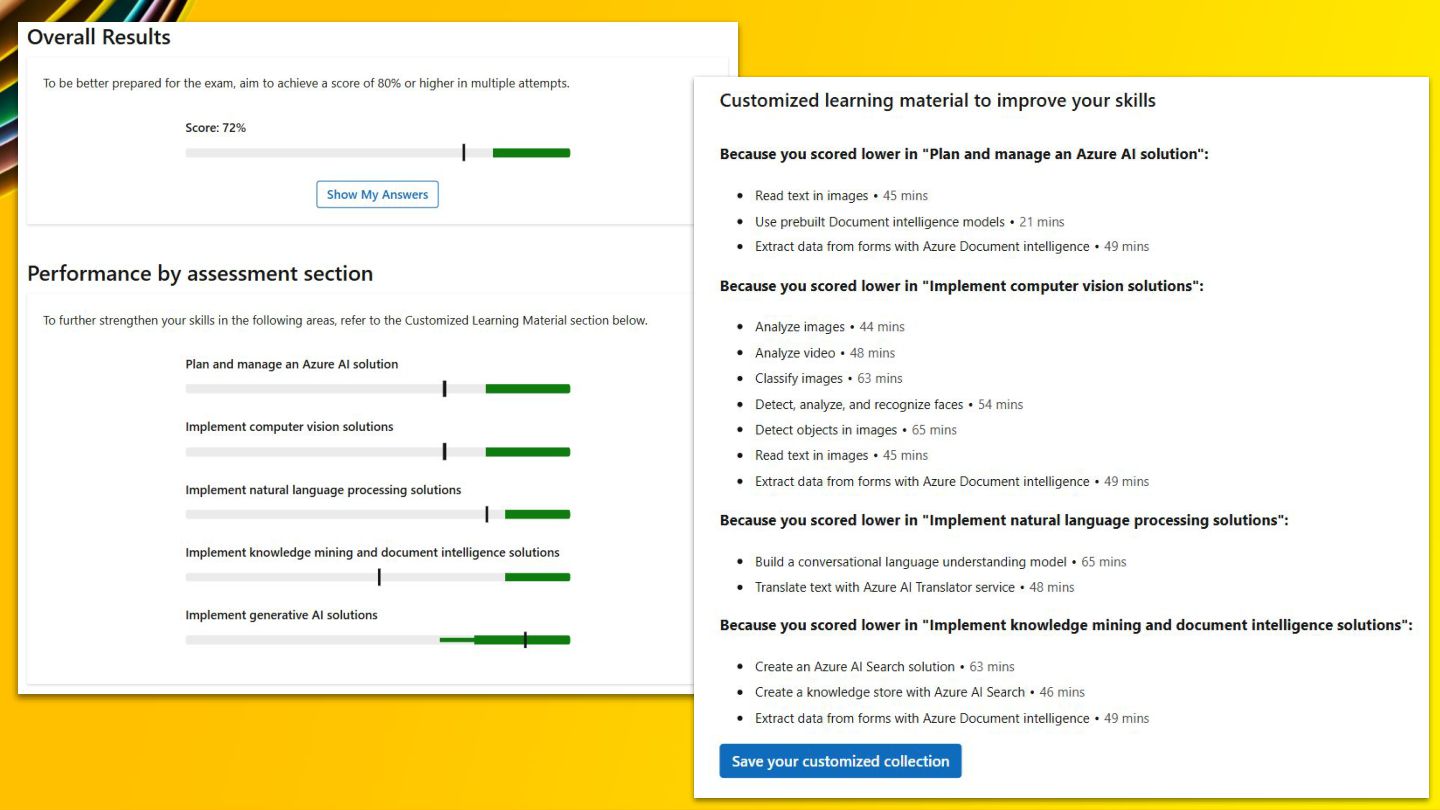
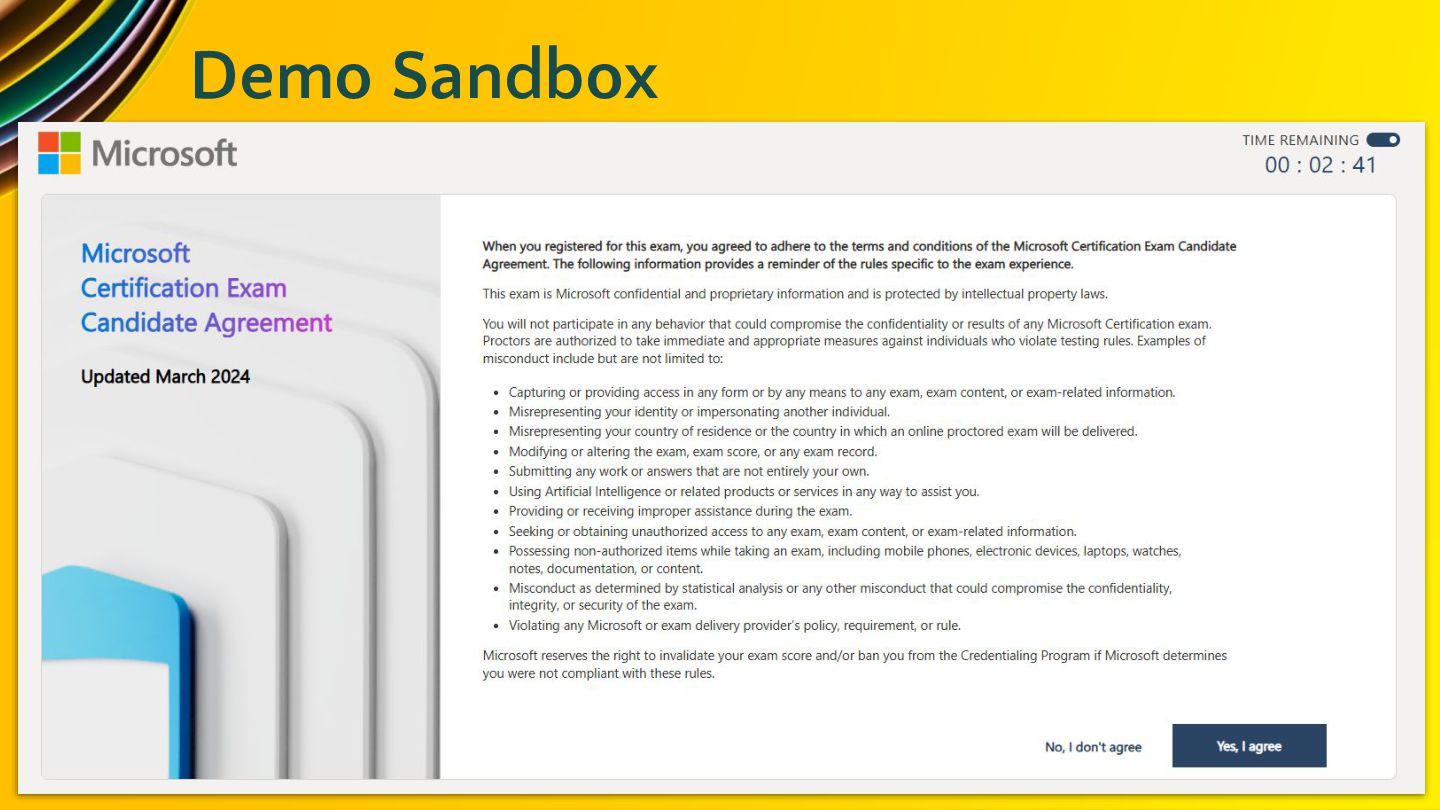
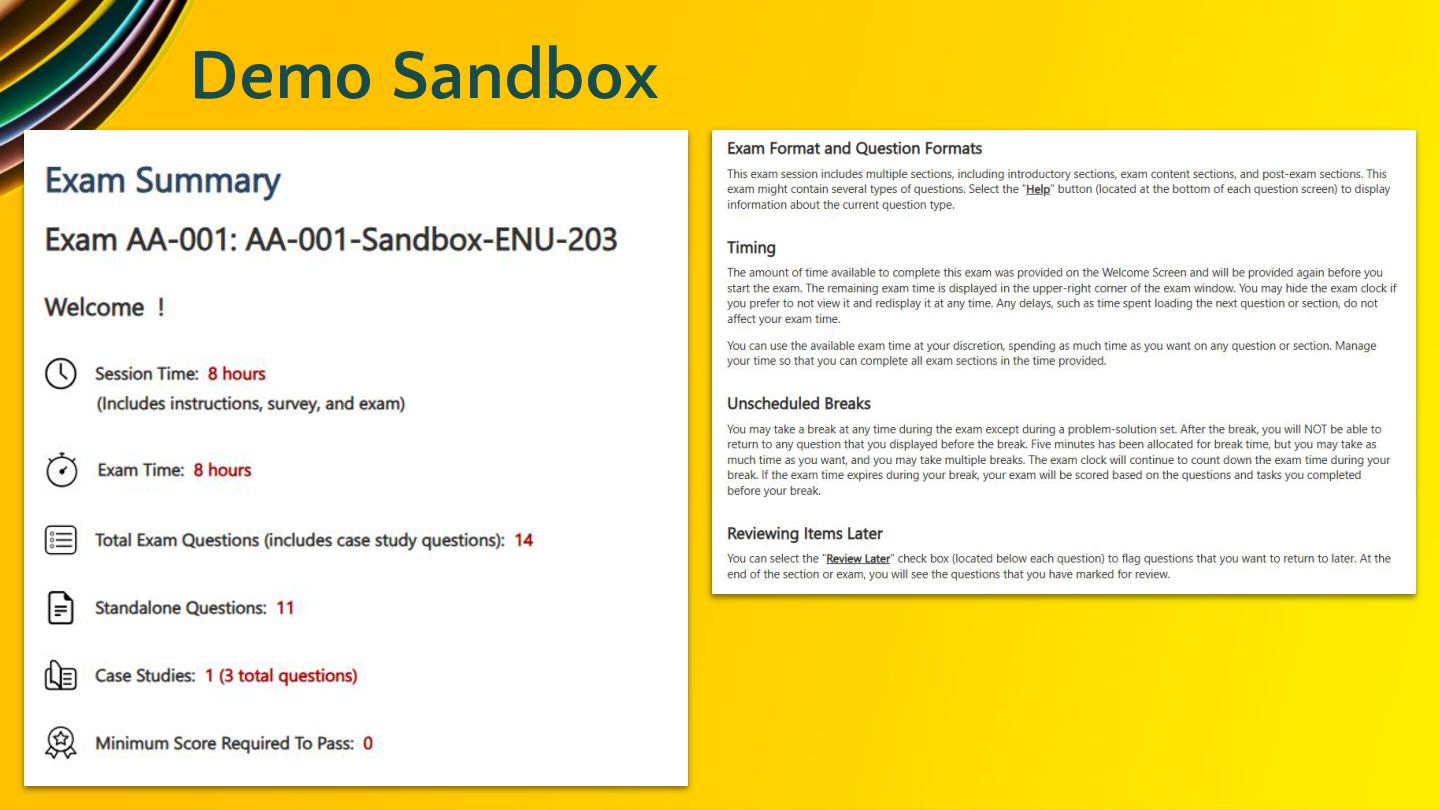
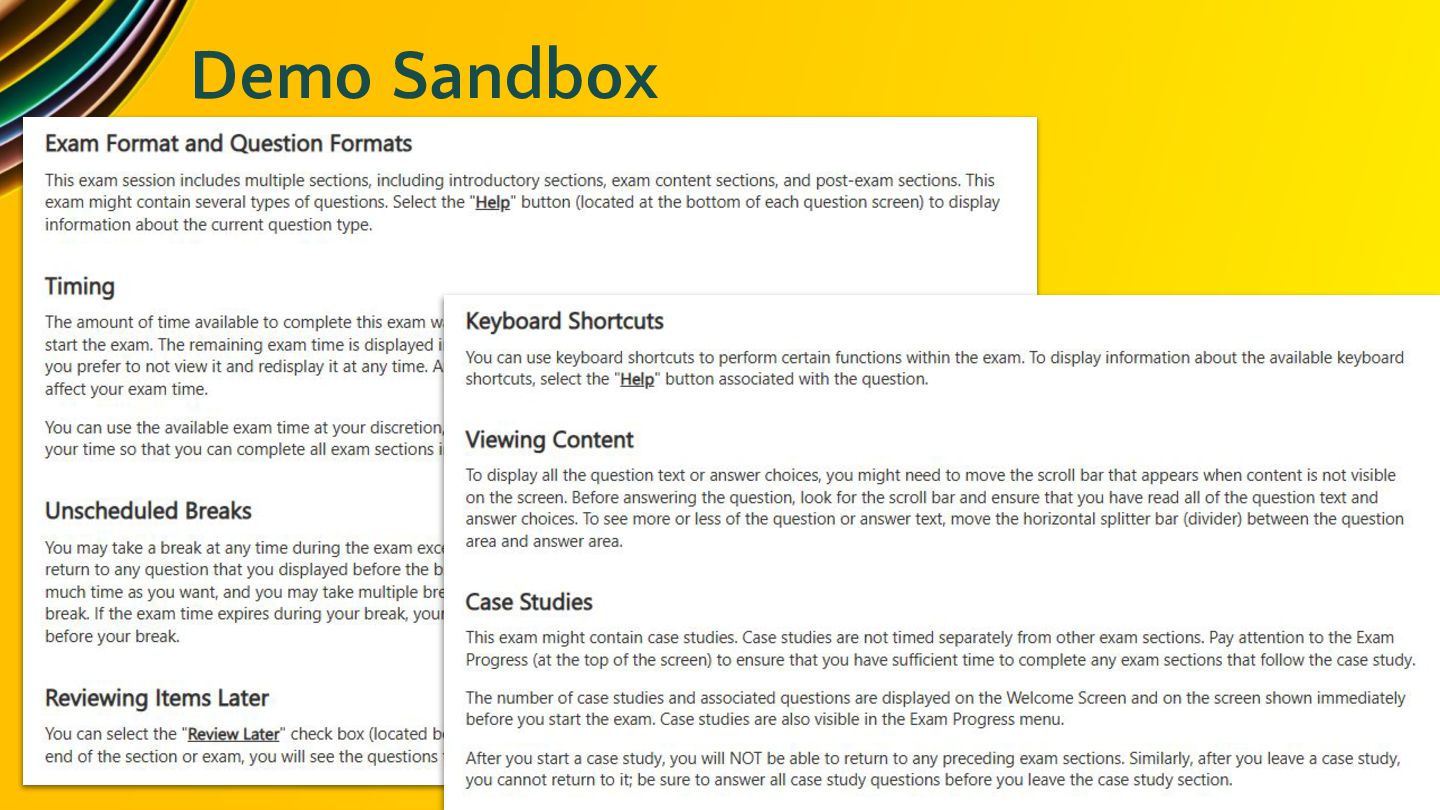
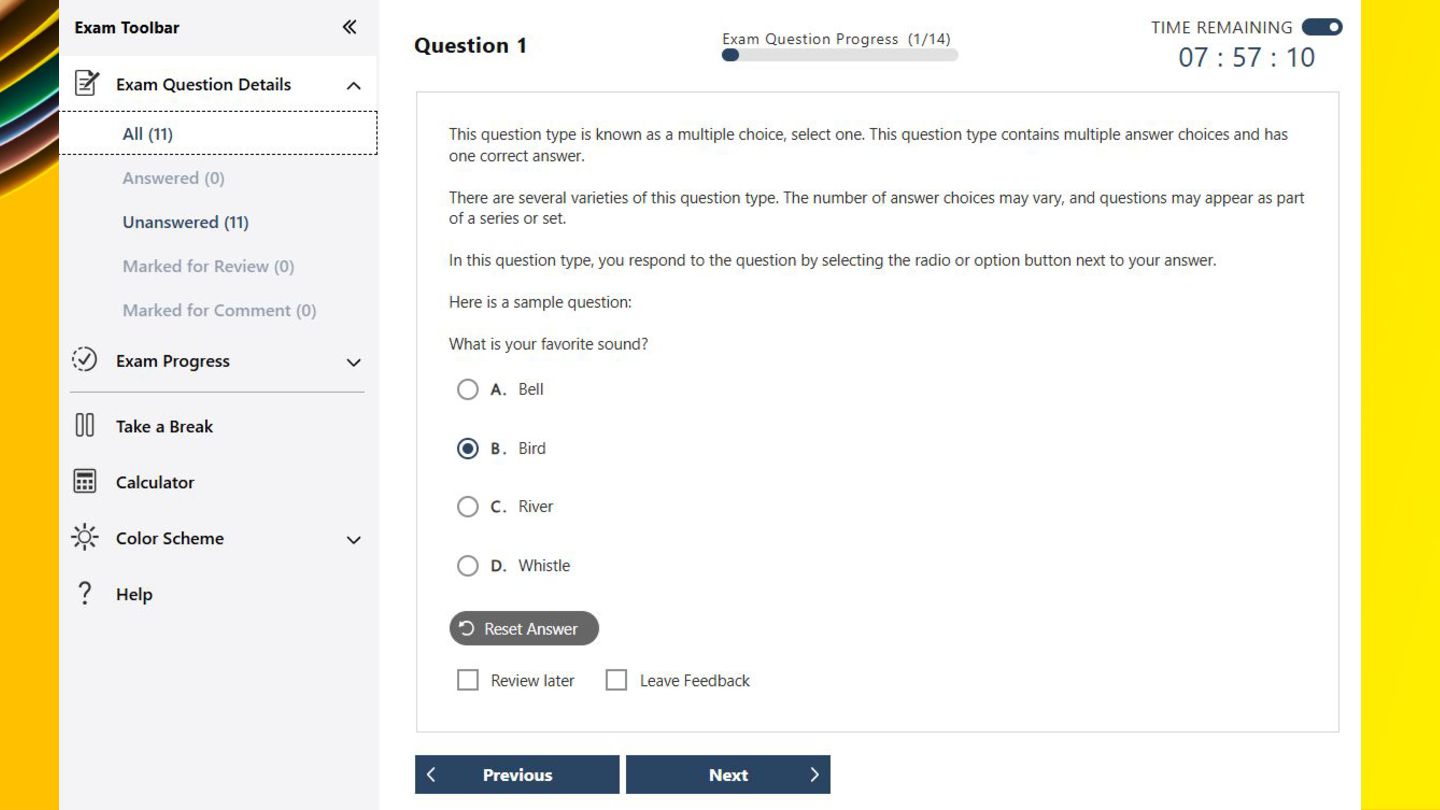
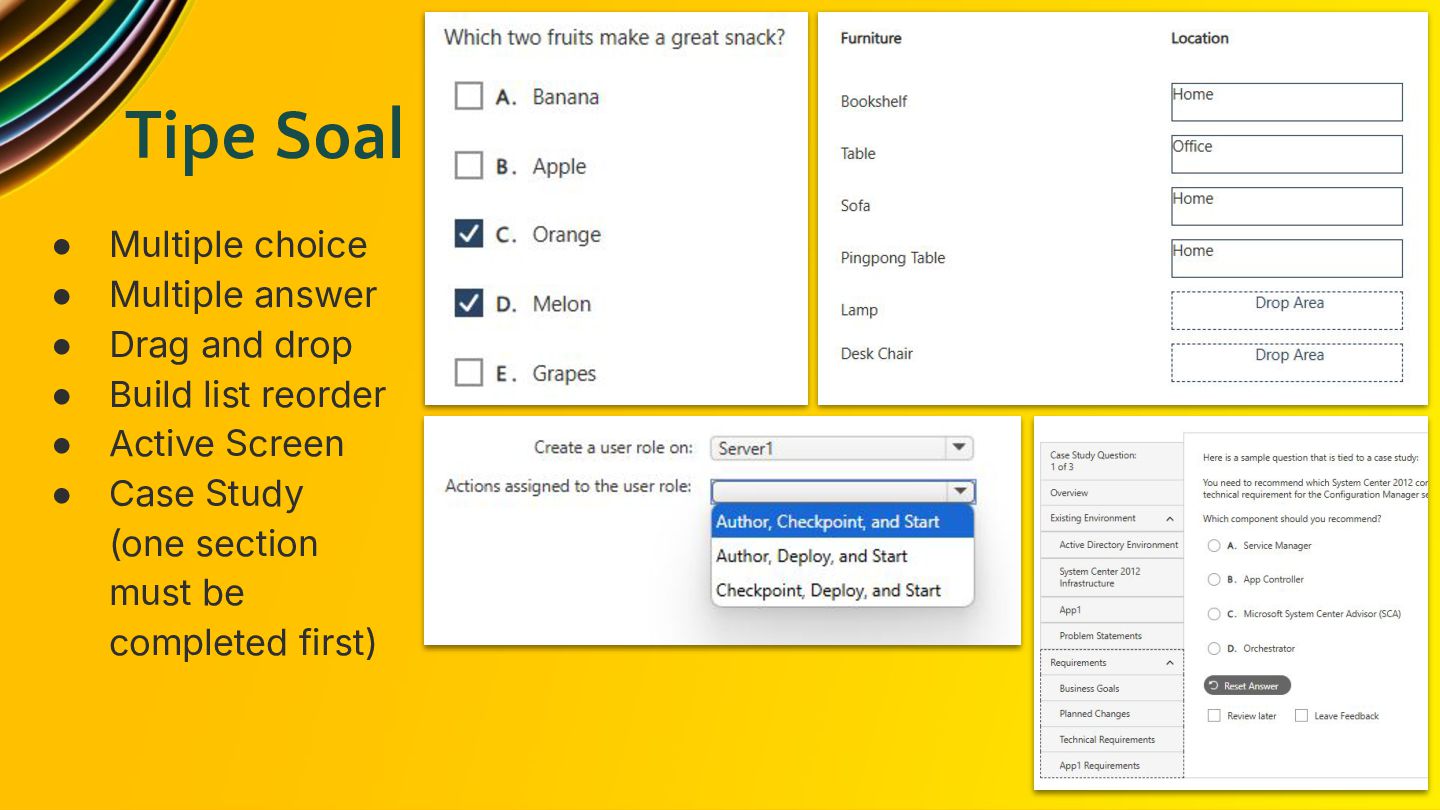
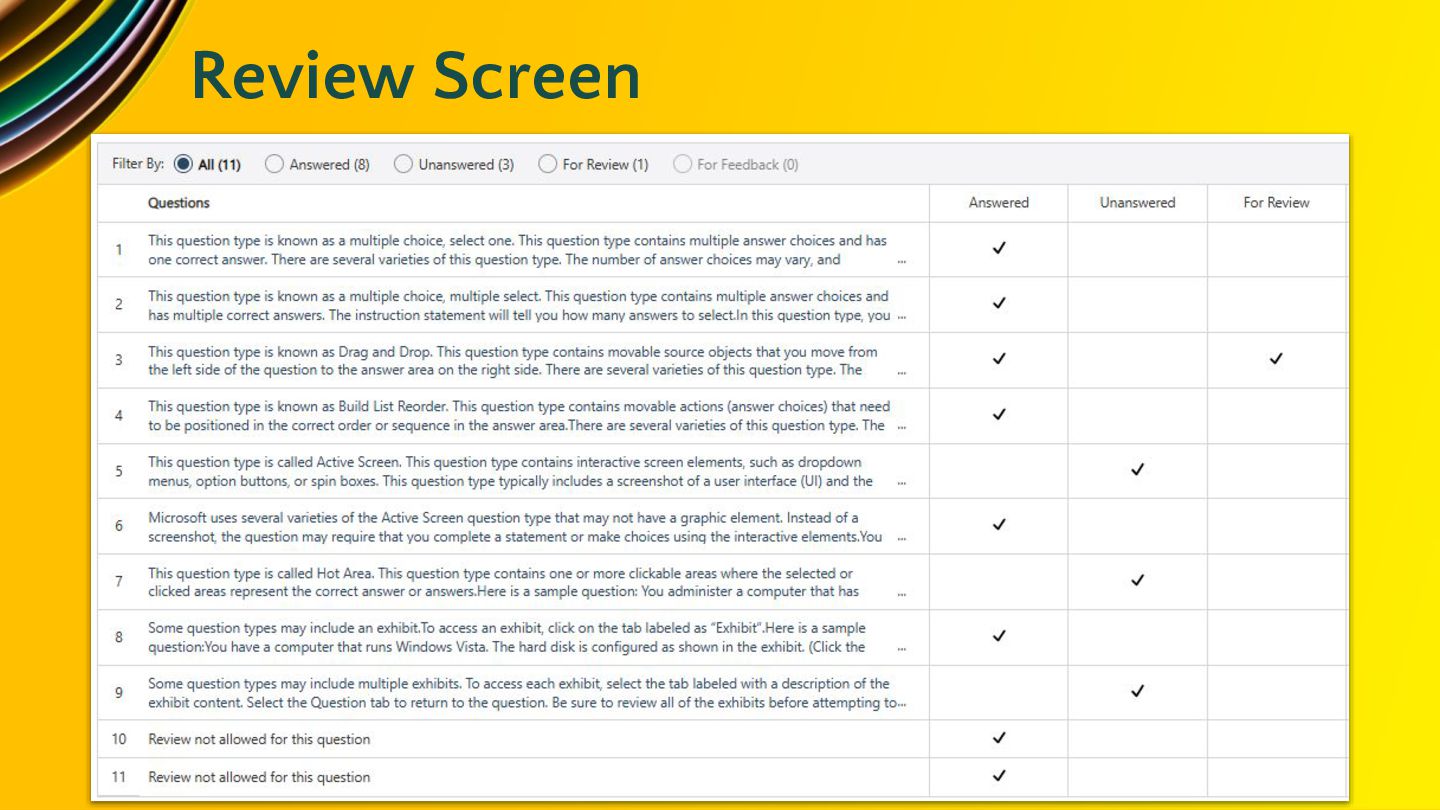
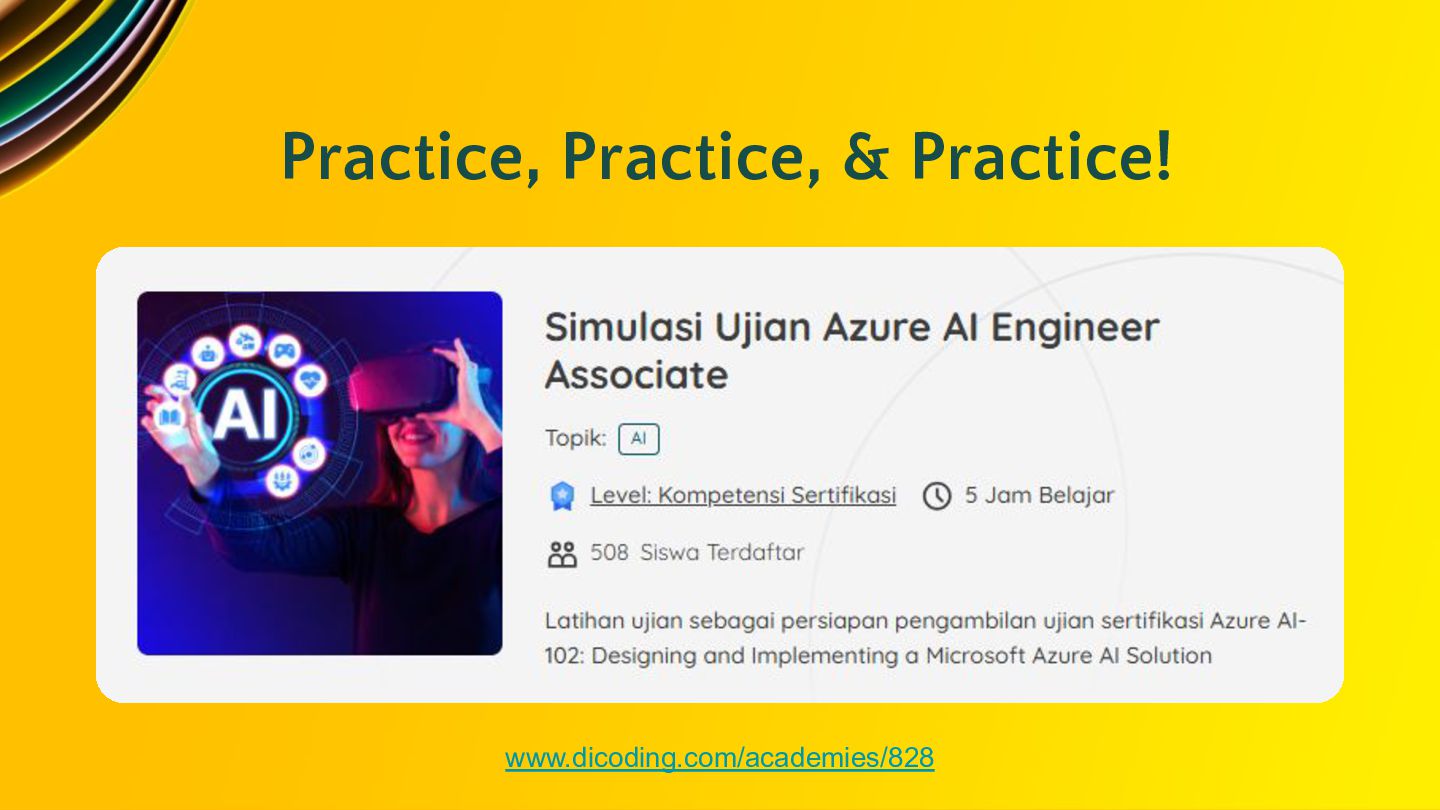
provide you with an overview of the style, wording, and difficulty of the questions you're likely to experience on the exam. Experience the look and feel of the exam before taking it. You'll be able to interact with different question types in the same user interface you'll use during the exam.
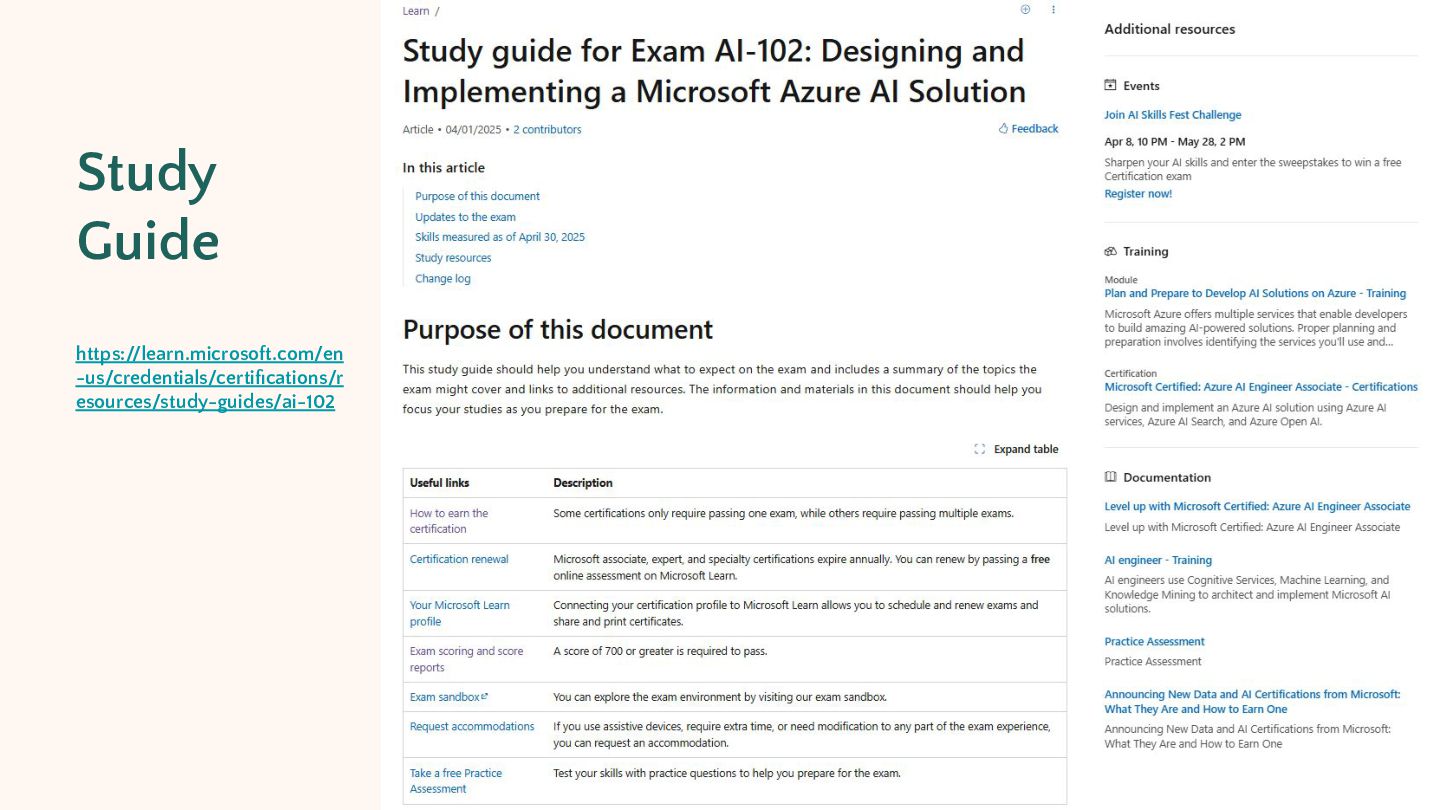
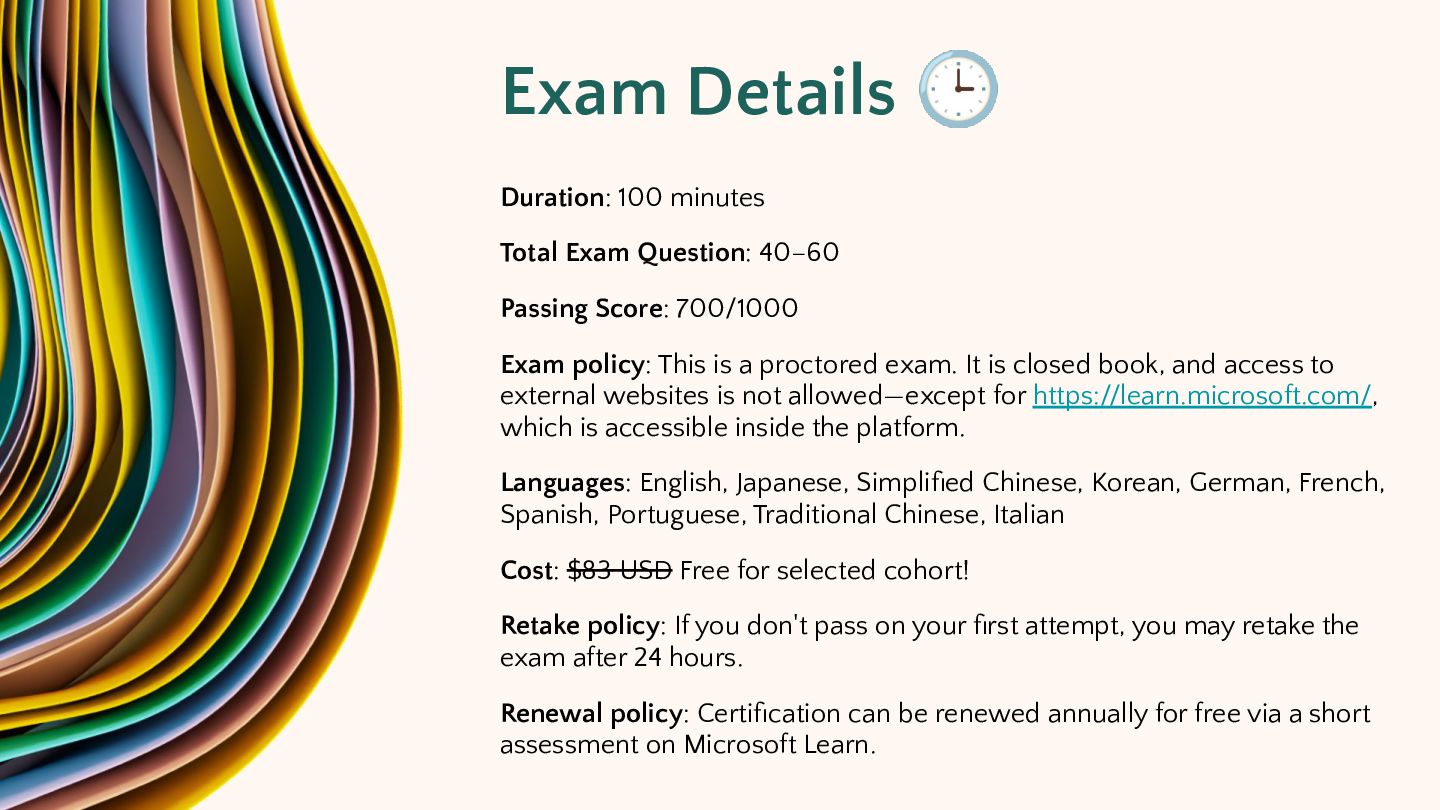
Passing Score: 700/1000 Exam policy: This is a proctored exam. It is closed book, and access to external websites is not allowed—except for https://learn.microsoft.com/, which is accessible inside the platform. Languages: English, Japanese, Simplified Chinese, Korean, German, French, Spanish, Portuguese, Traditional Chinese, Italian Cost: $83 USD Free for selected cohort! Retake policy: If you don't pass on your first attempt, you may retake the exam after 24 hours. Renewal policy: Certification can be renewed annually for free via a short assessment on Microsoft Learn.
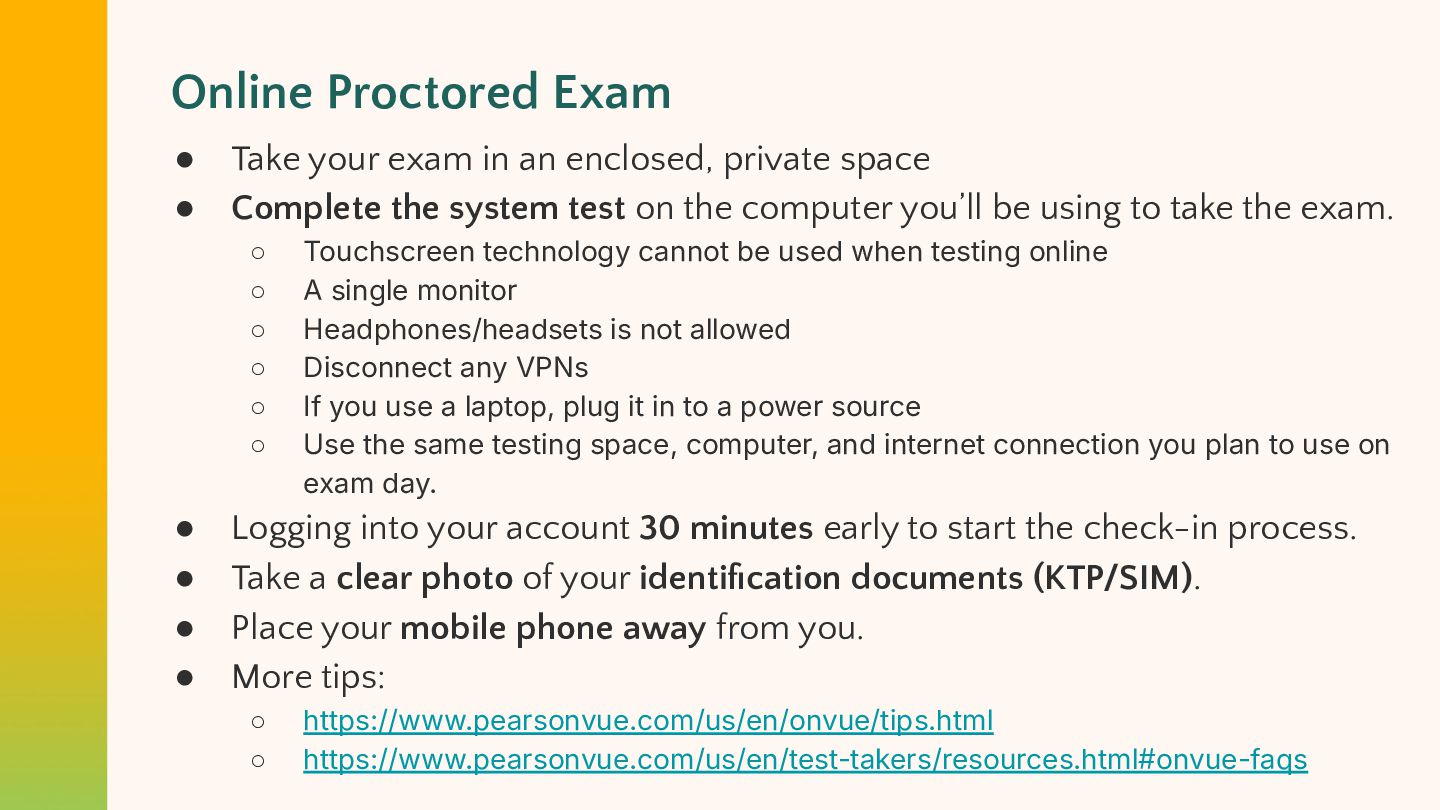
enclosed, private space Complete the system test on the computer you’ll be using to take the exam. ◦ ◦ ◦ ◦ ◦ ◦ • • • • Touchscreen technology cannot be used when testing online A single monitor Headphones/headsets is not allowed Disconnect any VPNs If you use a laptop, plug it in to a power source Use the same testing space, computer, and internet connection you plan to use on exam day. Logging into your account 30 minutes early to start the check-in process. Take a clear photo of your identification documents (KTP/SIM). Place your mobile phone away from you. More tips: ◦ ◦ https://www.pearsonvue.com/us/en/onvue/tips.html https://www.pearsonvue.com/us/en/test-takers/resources.html#onvue-faqs
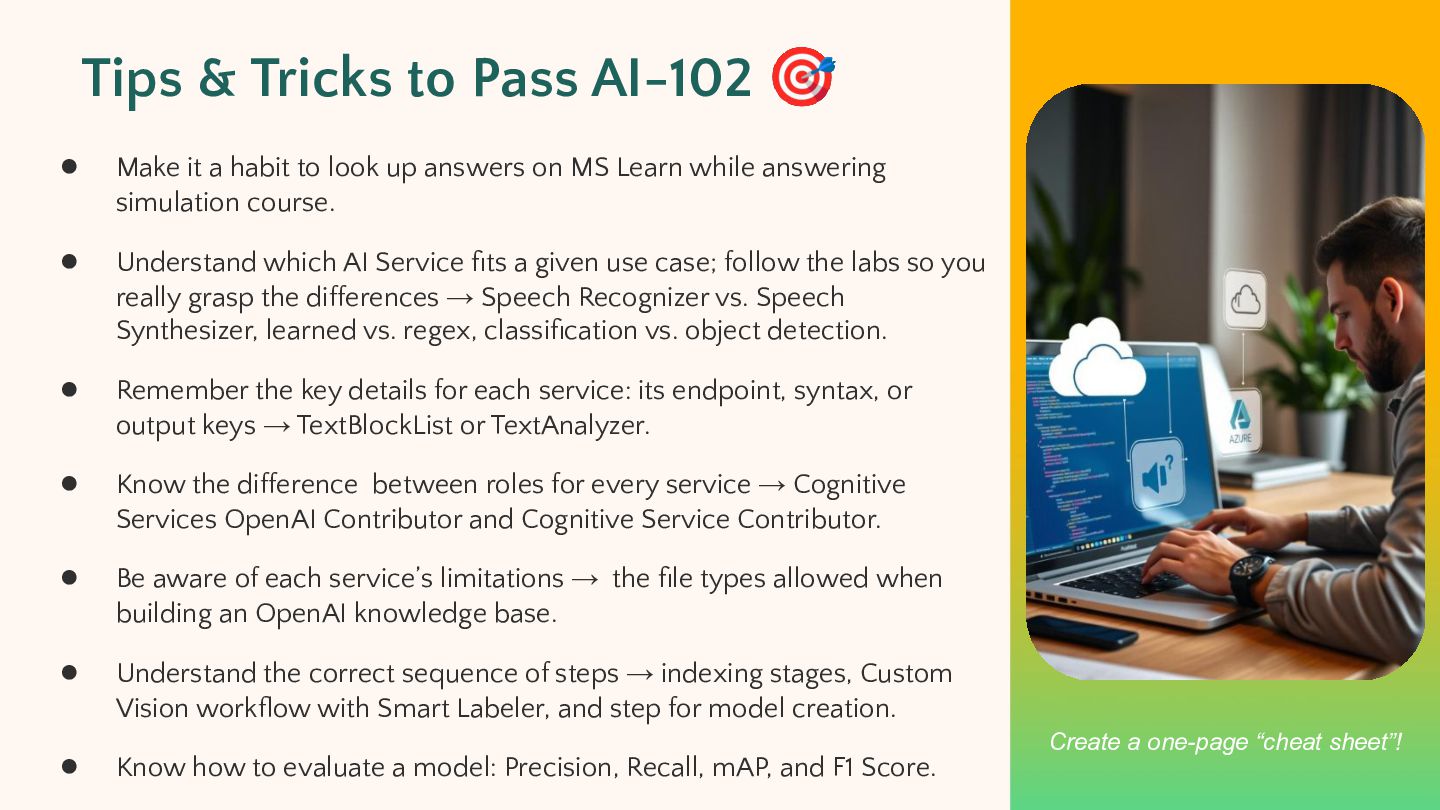
a habit to look up answers on MS Learn while answering simulation course. • Understand which AI Service fits a given use case; follow the labs so you really grasp the differences → Speech Recognizer vs. Speech Synthesizer, learned vs. regex, classification vs. object detection. • Remember the key details for each service: its endpoint, syntax, or output keys → TextBlockList or TextAnalyzer. • Know the difference between roles for every service → Cognitive Services OpenAI Contributor and Cognitive Service Contributor. • Be aware of each service’s limitations → the file types allowed when building an OpenAI knowledge base. • Understand the correct sequence of steps → indexing stages, Custom Vision workflow with Smart Labeler, and step for model creation. • Know how to evaluate a model: Precision, Recall, mAP, and F1 Score. Create a one-page “cheat sheet”!
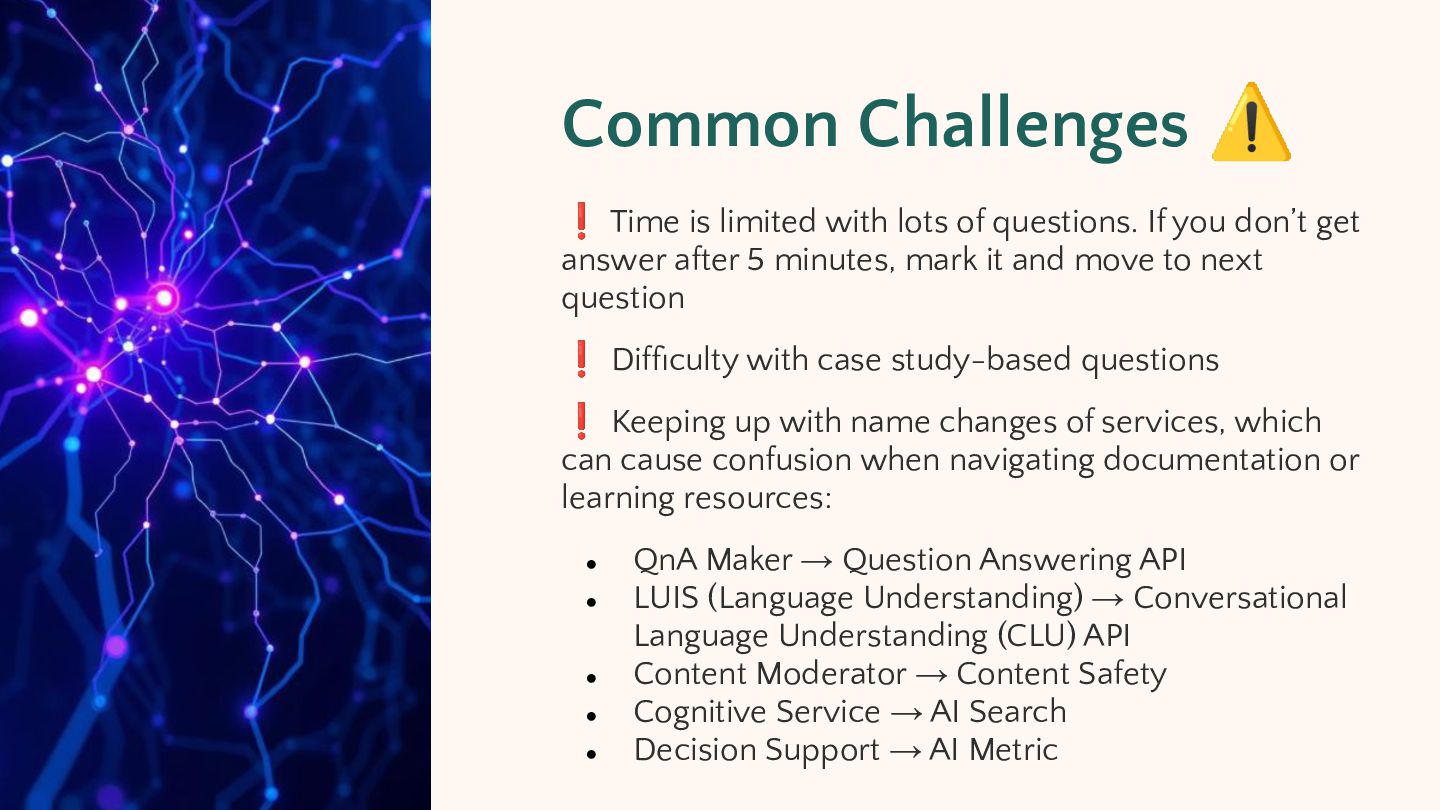
questions. If you don’t get answer after 5 minutes, mark it and move to next question ❗ Difficulty with case study-based questions ❗ Keeping up with name changes of services, which can cause confusion when navigating documentation or learning resources: • • • • • QnA Maker → Question Answering API LUIS (Language Understanding) → Conversational Language Understanding (CLU) API Content Moderator → Content Safety Cognitive Service → AI Search Decision Support → AI Metric
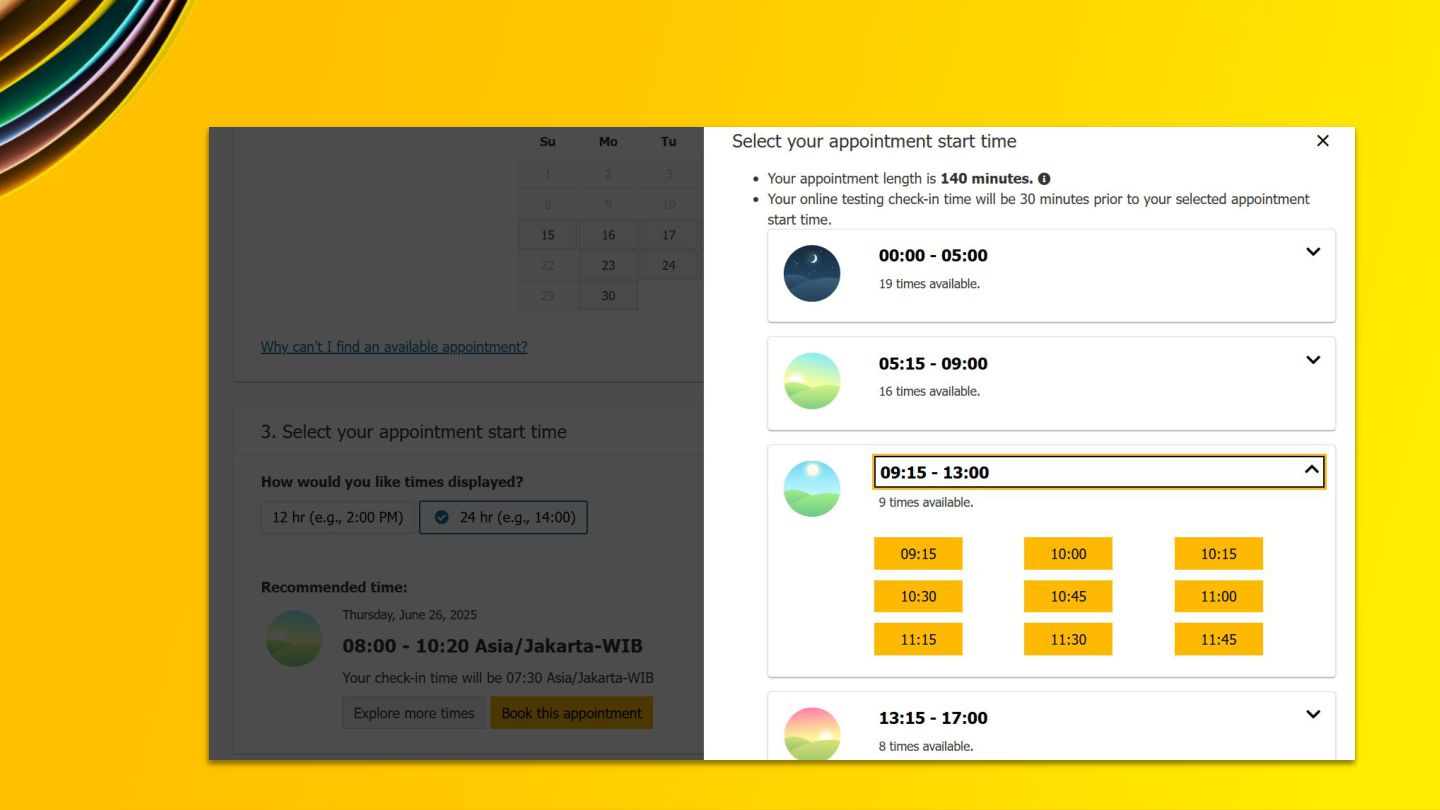
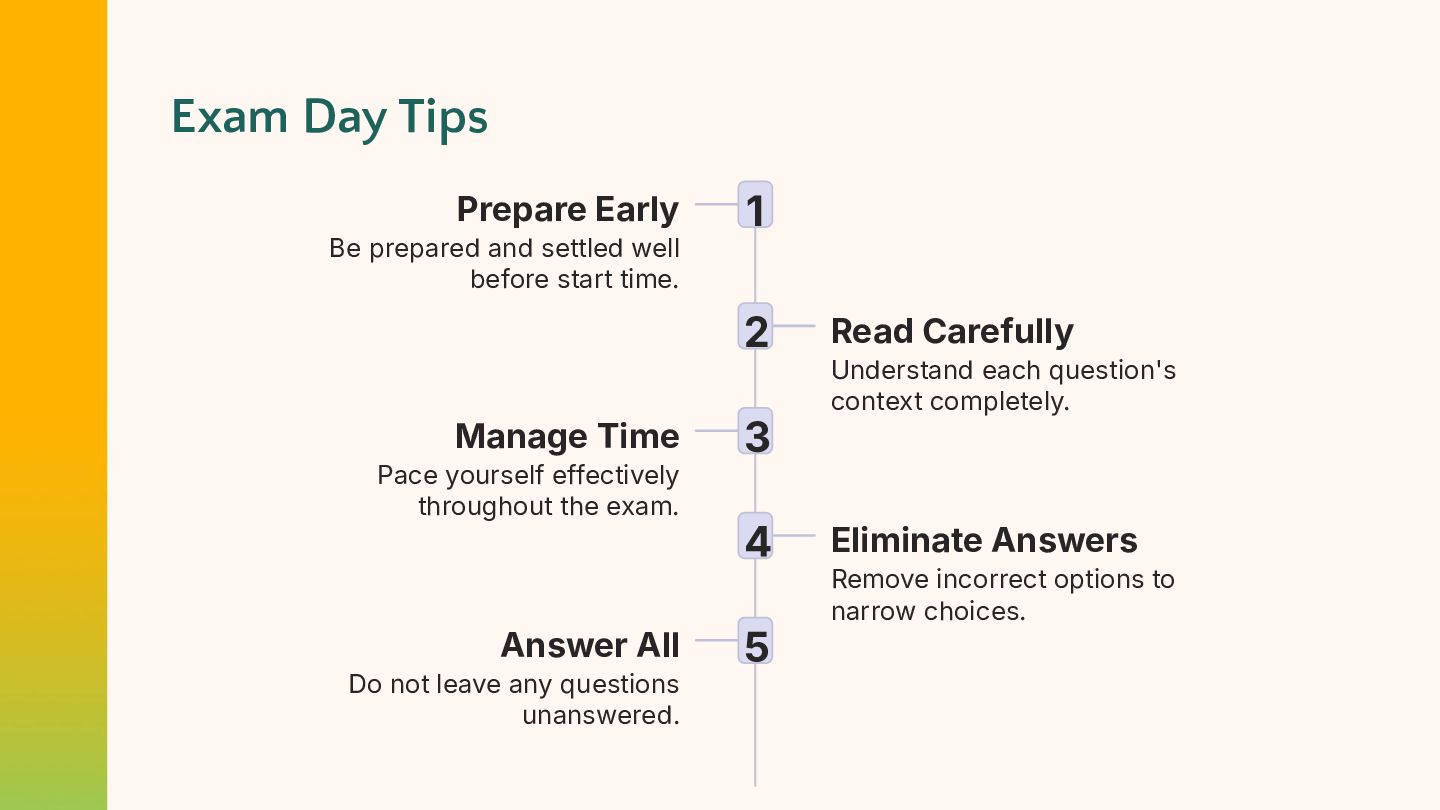
before start time. 1 2 Manage Time Pace yourself effectively throughout the exam. Answer All Do not leave any questions unanswered. 3 4 5 Read Carefully Understand each question's context completely. Eliminate Answers Remove incorrect options to narrow choices.
• • Online exam: Contact your proctor immediately via chat Disconnected? Rejoin as quickly as possible—exam will resume For escalations or after-exam issues: ◦ Contact Pearson VUE support [email protected] ◦ Reach out to Microsoft Certification Support: Certification Support


 arifaizin
 y_sera15
 shogo4131
 codmoninc
 pauli
pauli
 jozono
 mot_techtalk
 ymotongpoo
 hlum
hlum
 keeg
keeg
 iotengineer22
 brainpadpr
 philipz
 gurzu
gurzu
 chrislema
 hatefulcrawdad
 sabderemane
.jpg) cargoodrich
cargoodrich
 rocio
rocio
 inesmontani
 cassininazir
 vanstee
 aarron
 rkendrick25
 jonoalderson

![Thank You! Get in touch instagram.com/arif_faizin [email protected]](https://files.speakerdeck.com/presentations/b6a679ca95594239a2a45387893192d0/slide_27.jpg)