Upgrade to Pro
— share decks privately, control downloads, hide ads and more …
Speaker Deck
Sign up for free
Menu
Search
Features
All features
Private URLs
Password Protection
Custom URLS
Scheduled publishing
Remove Branding
Restrict embedding
Deck Collections
Notes
Features
All features
Private URLs
Password Protection
Custom URLS
Scheduled publishing
Remove Branding
Restrict embedding
Deck Collections
Notes
Explore
Featured decks
Featured speakers
Programming
Technology
Storyboards
Explore
Featured decks
Featured speakers
Programming
Technology
Storyboards
Pricing
Search
Sign in
Sign up for free
How to use an Internet sized computer
Search
Sponsored
·
Ship Features Fearlessly
Turn features on and off without deploys. Used by thousands of Ruby developers.
→
Ben Firshman
June 08, 2015
Technology
620
0
Share
Embed
Copy iframe code
Copy JS code
Copy link
Start on current slide
How to use an Internet sized computer
Ben Firshman
June 08, 2015
More Decks by Ben Firshman
See All by Ben Firshman
Building serverless apps with Docker
bfirsh
0
470
Docker Compose: More than just development environment
bfirsh
2
790
New things we're working on at Docker
bfirsh
2
1k
The Future of Single Page Apps – LNUG Feb 2013
bfirsh
2
780
Alternative Views
bfirsh
1
180
Other Decks in Technology
See All in Technology
Claude Designがめちゃくちゃ便利なので使ってほしい
diggymo
0
230
プラットフォームを「作る」、 チームに「入り込む」
sansantech
PRO
0
540
React Nativeでの OTA Updateって、 どう説明する?
ichiki1023
0
140
Claude起点の仕様駆動開発
tanakaseiya
0
300
【Findyテック文化祭ワークショップ】新卒エンジニア&採用担当と作る、 なりたい姿と今やるべき一歩
dip_tech
PRO
0
150
Swap and Memory Reclaim - Squeezing Out More RAM
ennael
PRO
1
1.5k
GitHub Agentic Workflows を触ってみる
htkym
2
920
[2026 Oracle Technical Deep Dive] オンプレミスDBのCloud移行アプローチ:移行計画に基づくメソッドとツールの選択 (2026年9月17日開催)
oracle4engineer
PRO
0
110
AIに書かせて、プラットフォームで縛る ― EKSプラットフォームで実践した責任境界と権限設計
elmodev09
1
1.1k
データ品質を壊しながらSnowflakeのAIに分析させてみた
kawanago
0
410
ビジネスを止めない技術的負債の返済のための戦略とその手法 - 技術的負債と向き合う / Complexity and Simplicity
soudai
PRO
3
480
Lambda MicroVMsが分からなすぎたので使い所を1から考えてみた
tsukuboshi
2
310
Featured
See All Featured
How to Grow Your eCommerce with AI & Automation
katarinadahlin
PRO
2
300
Rails Girls Zürich Keynote
gr2m
96
14k
Data-driven link building: lessons from a $708K investment (BrightonSEO talk)
szymonslowik
1
1.3k
"I'm Feeling Lucky" - Building Great Search Experiences for Today's Users (#IAC19)
danielanewman
230
23k
Odyssey Design
rkendrick25
PRO
2
850
The Director’s Chair: Orchestrating AI for Truly Effective Learning
tmiket
1
310
DevOps and Value Stream Thinking: Enabling flow, efficiency and business value
helenjbeal
1
390
Public Speaking Without Barfing On Your Shoes - THAT 2023
reverentgeek
1
580
Speed Design
sergeychernyshev
33
2.1k
The Web Performance Landscape in 2024 [PerfNow 2024]
tammyeverts
12
1.3k
Making the Leap to Tech Lead
cromwellryan
135
10k
Designing Experiences People Love
moore
143
24k
Transcript
None
None
None
None
No More Servers
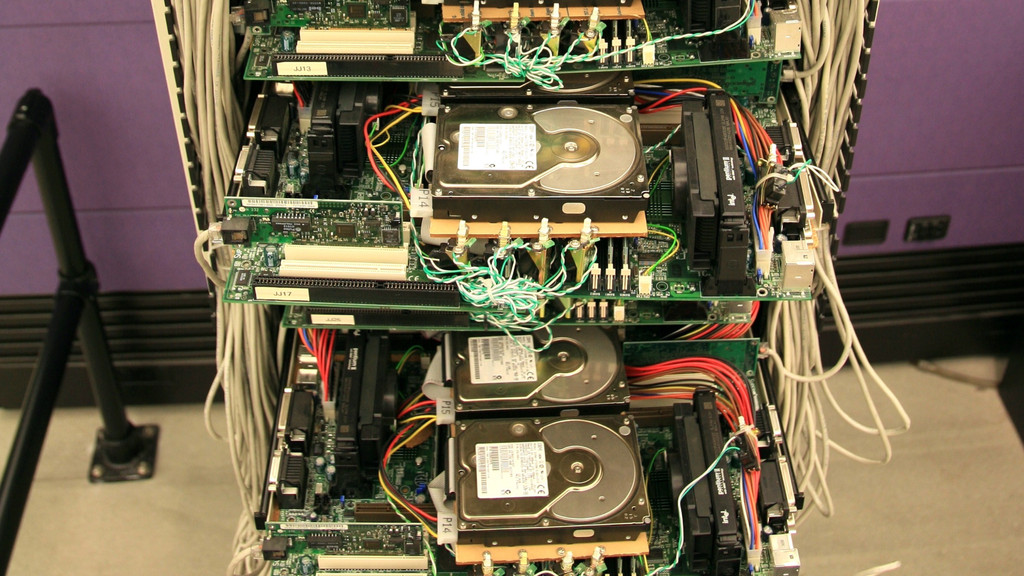
Big Computer
Containers
None
Cloud Computing
Containers + Cloud Computing
= Internet Sized Computer
How to use an Internet Sized Computer
Internet Sized Computers Suck
• Big chunks of your computer might disappear for no
reason • Your data might disappear • Your processes sometimes might not be able to communicate with each other
• Some bits of your computer might be on the
other side of the world • Some people might be man-in-the-middling bits of your computer
How to run a process
$ echo hello world
fork-exec
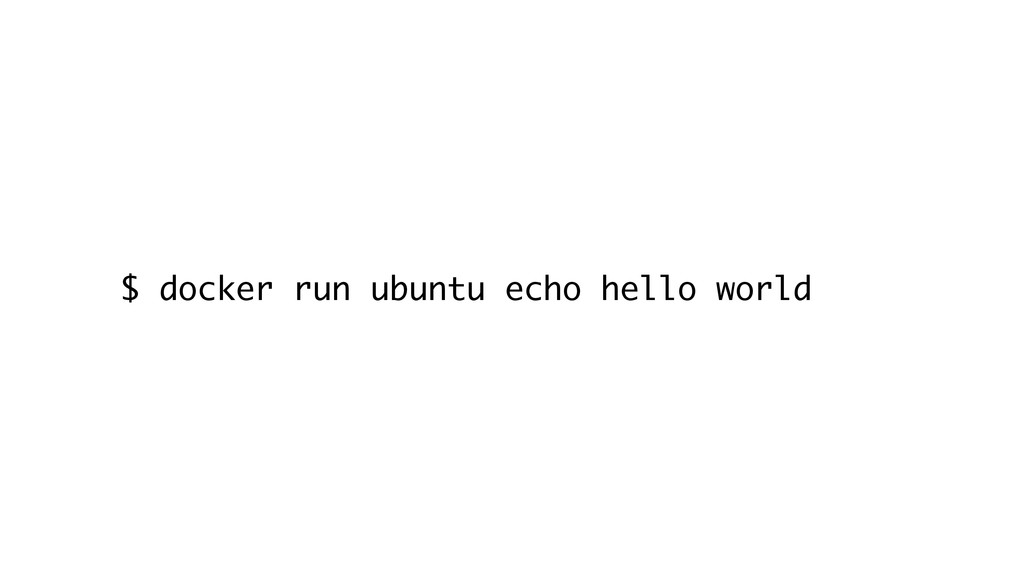
$ docker run ubuntu echo hello world
POST /containers/create HTTP/1.1 { "Image": “ubuntu", "Cmd": ["echo", "hello", “world"]
}
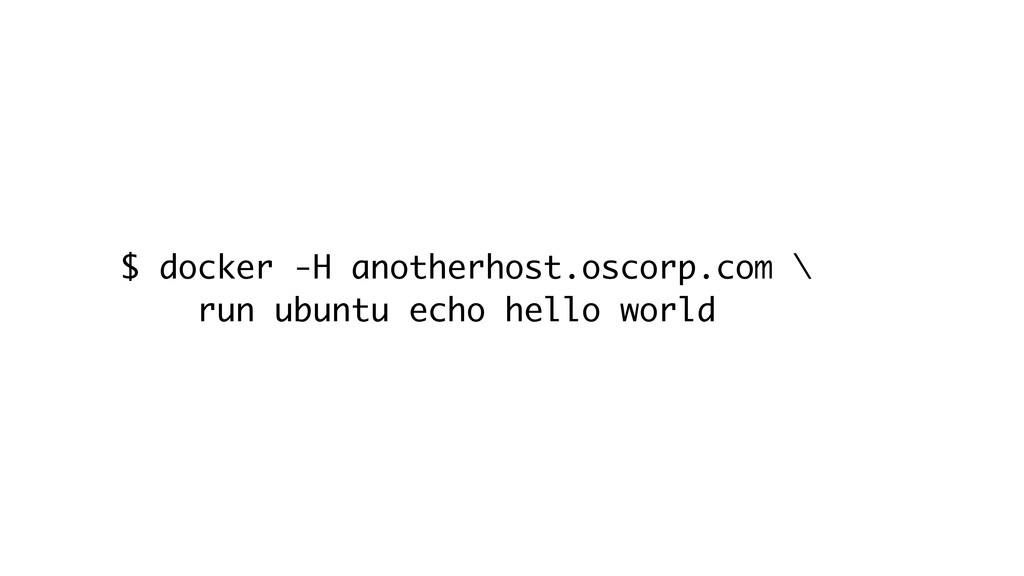
$ docker -H anotherhost.oscorp.com \ run ubuntu echo hello world
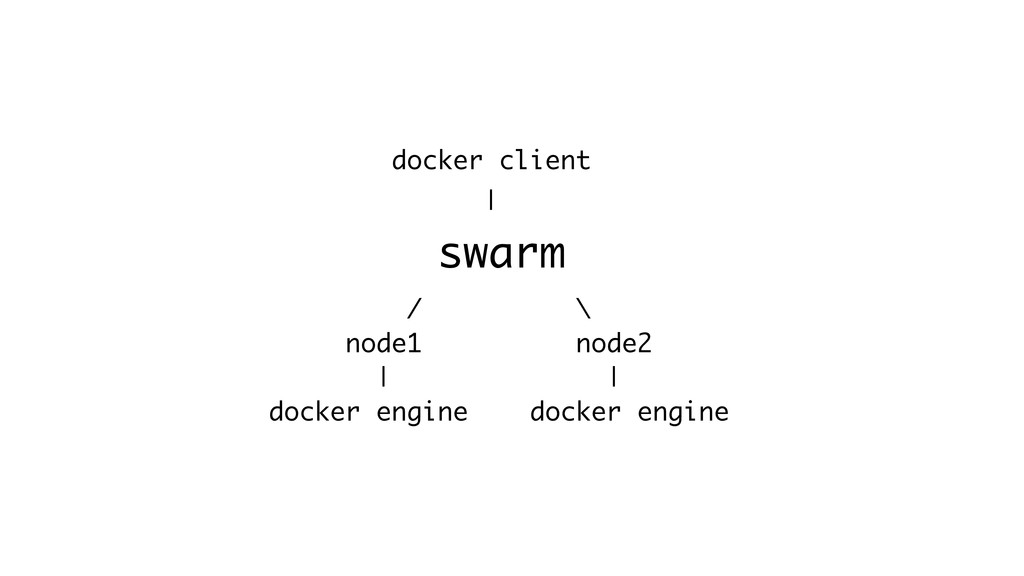
docker client | swarm / \ node1 node2 | |
docker engine docker engine
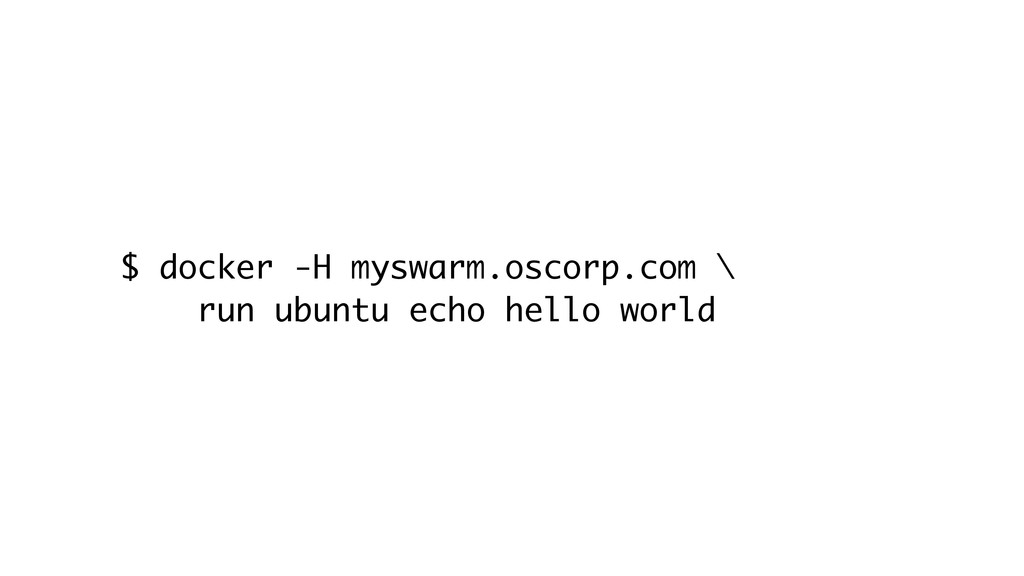
$ docker -H myswarm.oscorp.com \ run ubuntu echo hello world
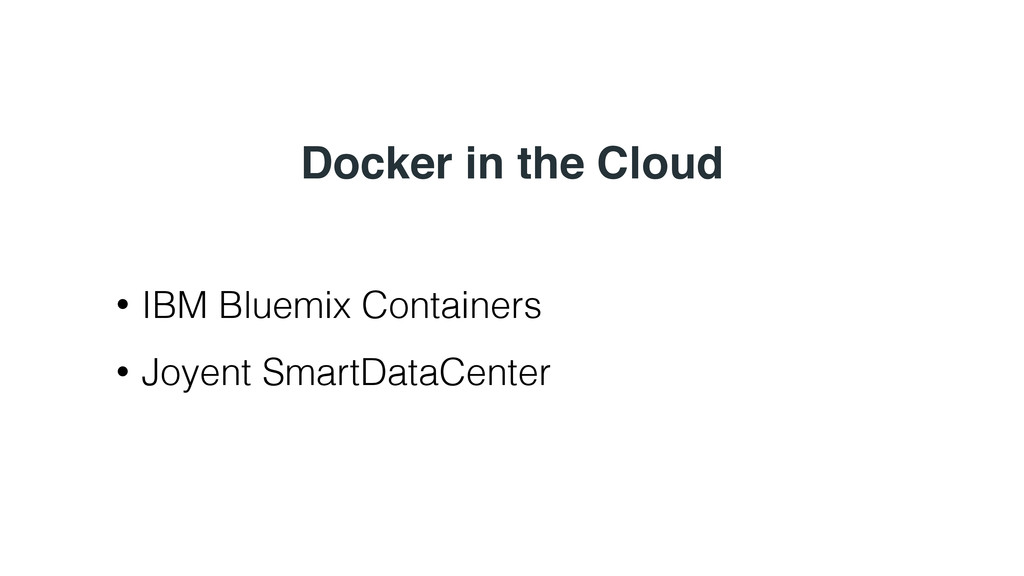
Docker in the Cloud • IBM Bluemix Containers • Joyent
SmartDataCenter
What can you do with it?
Find things that assume computers are slow to start and
can’t be thrown away
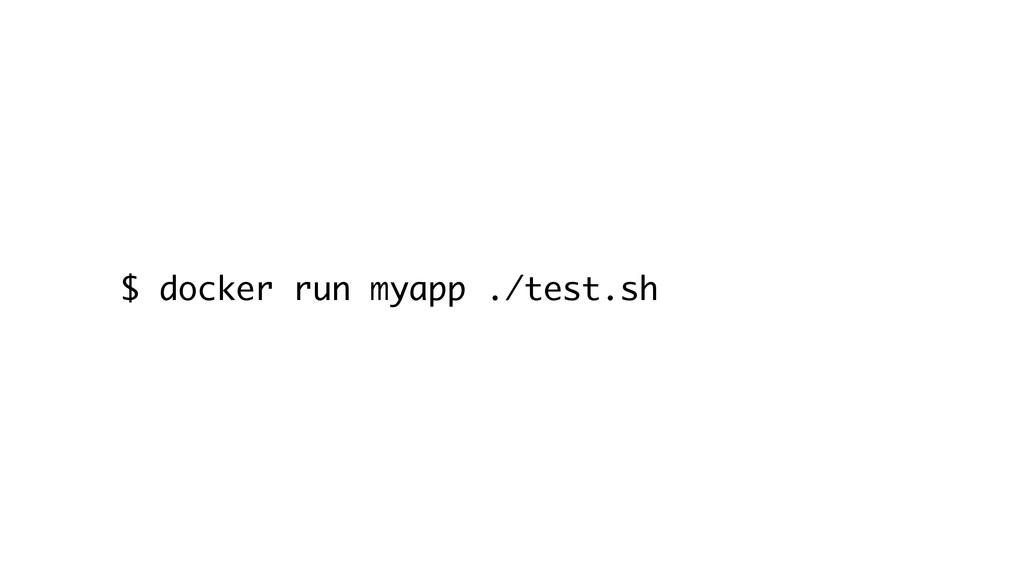
$ docker run myapp ./test.sh
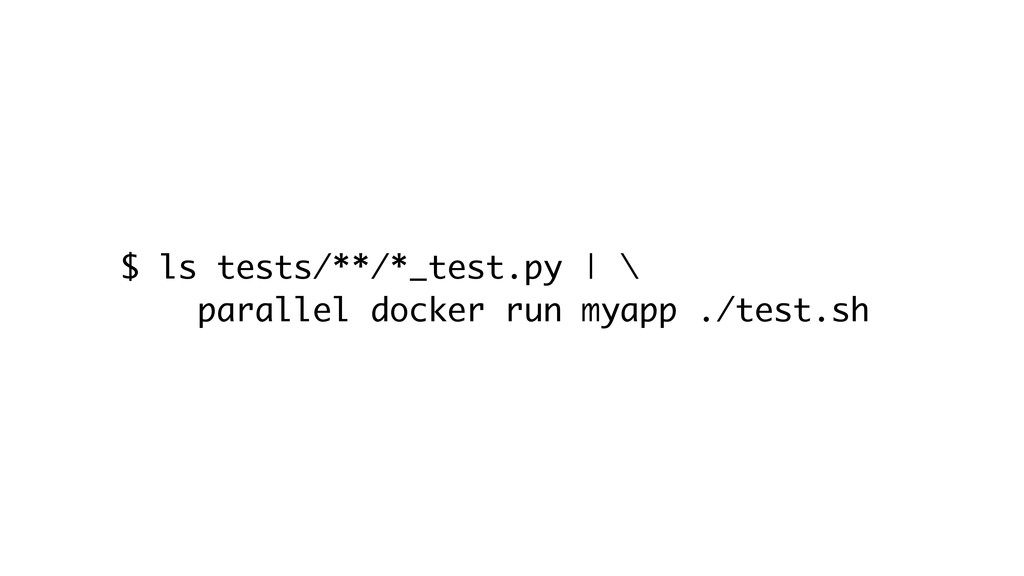
$ ls tests/**/*_test.py | \ parallel docker run myapp ./test.sh
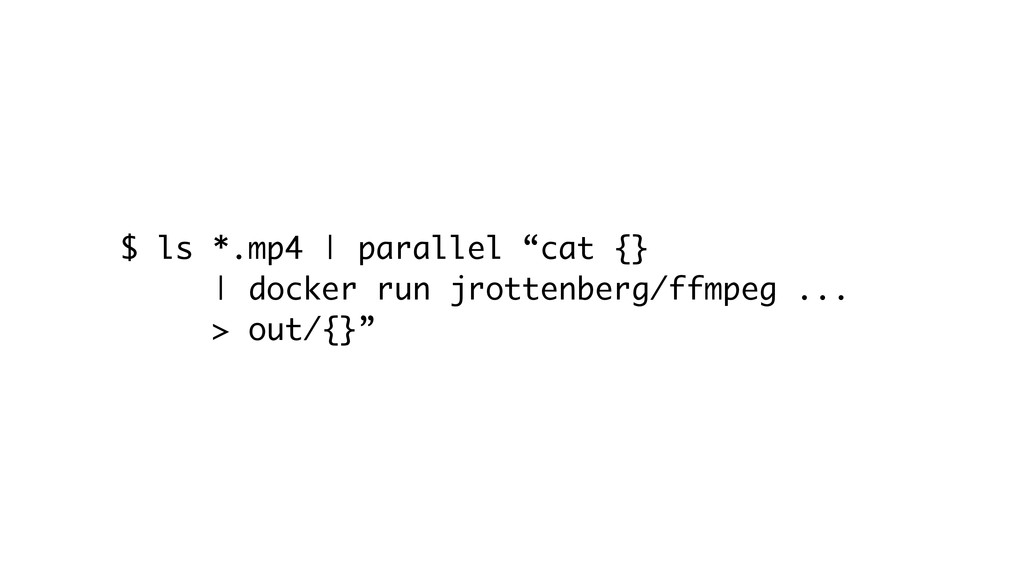
$ ls *.mp4 | parallel “cat {} | docker run
jrottenberg/ffmpeg ... > out/{}”
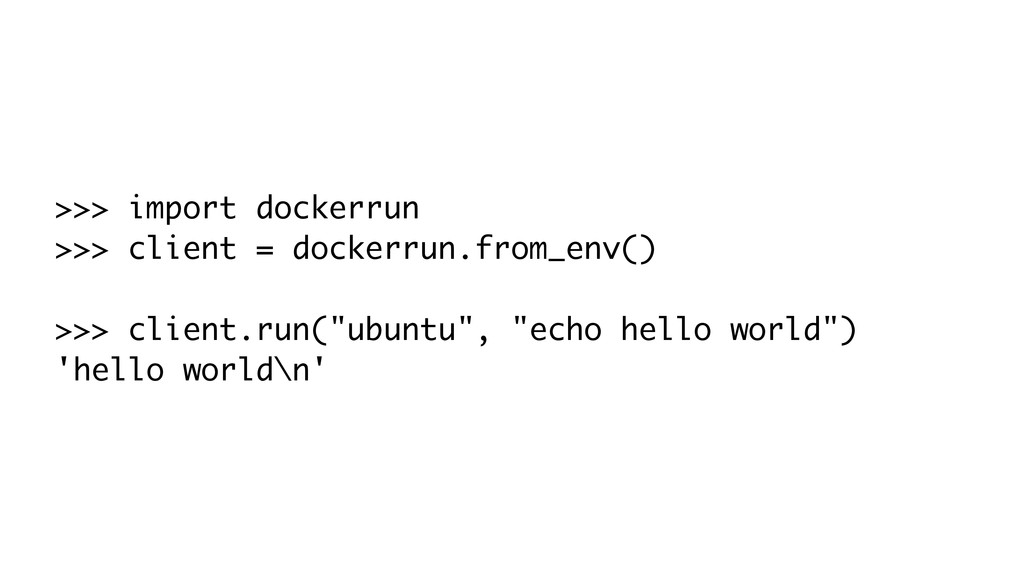
>>> import dockerrun >>> client = dockerrun.from_env() >>> client.run("ubuntu", "echo
hello world") 'hello world\n'
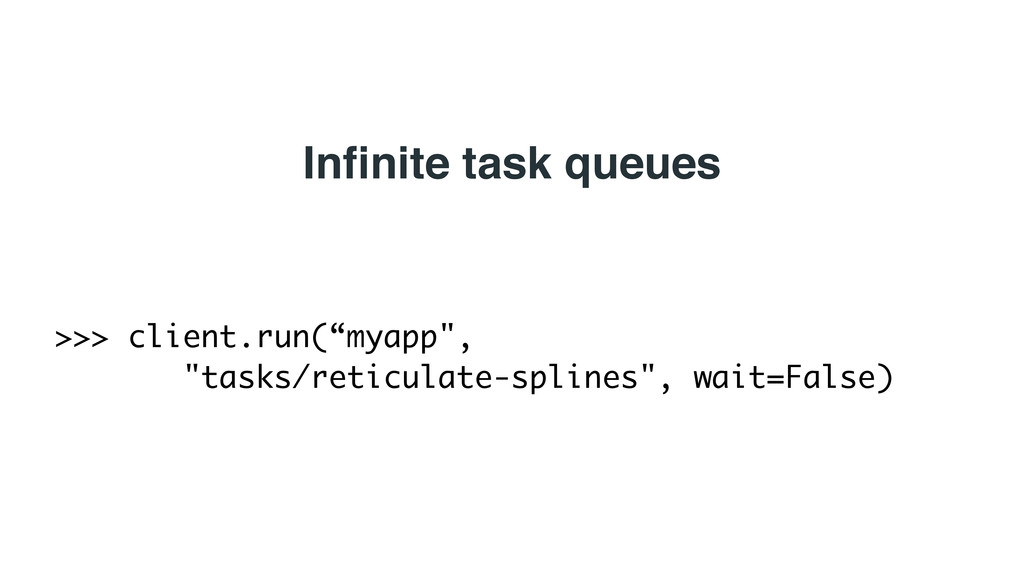
>>> client.run(“myapp", "tasks/reticulate-splines", wait=False) Infinite task queues
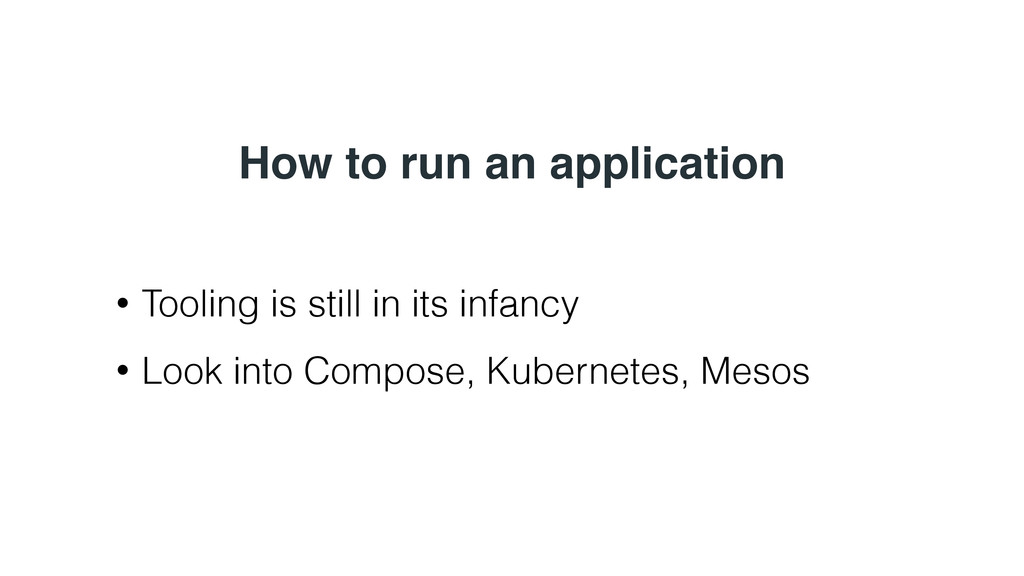
How to run an application • Tooling is still in
its infancy • Look into Compose, Kubernetes, Mesos
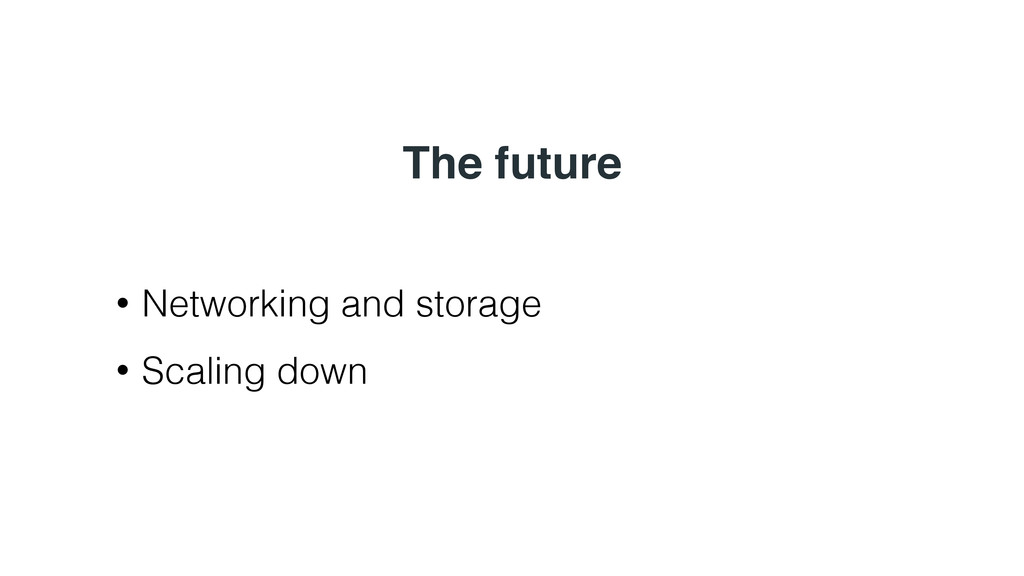
The future • Networking and storage • Scaling down
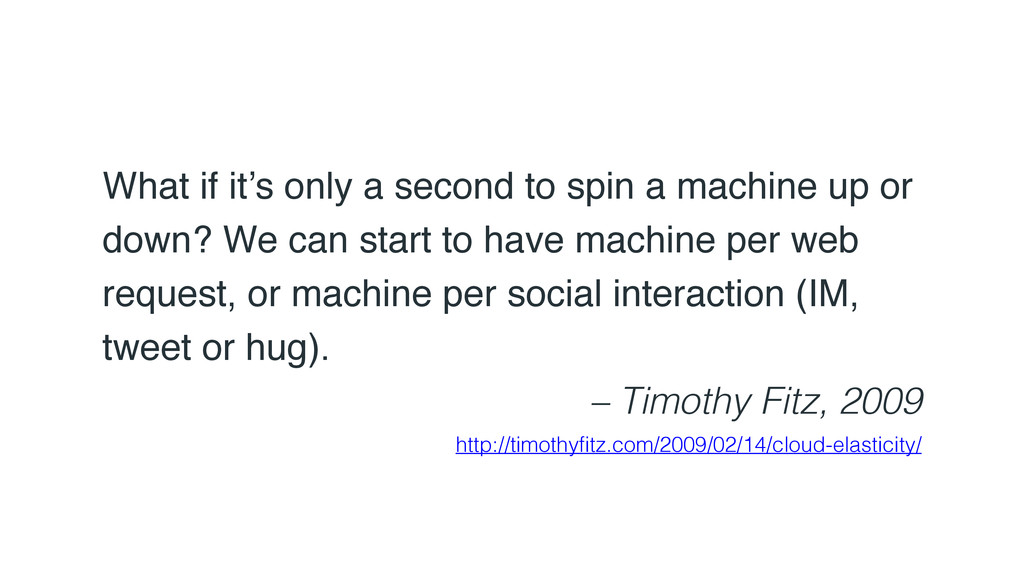
What if it’s only a second to spin a machine
up or down? We can start to have machine per web request, or machine per social interaction (IM, tweet or hug). – Timothy Fitz, 2009 http://timothyfitz.com/2009/02/14/cloud-elasticity/
Credits: https://www.flickr.com/photos/taylar/4616771574/ Thanks! @bfirsh
[email protected]


 bfirsh
 diggymo
 sansantech
 ichiki1023
 tanakaseiya
 dip_tech
 ennael
 htkym
htkym
 oracle4engineer
 elmodev09
 kawanago
 soudai
 tsukuboshi
 katarinadahlin
 gr2m
gr2m
 szymonslowik
 danielanewman
 rkendrick25
 tmiket
.png) helenjbeal
helenjbeal
 reverentgeek
 sergeychernyshev
 tammyeverts
 cromwellryan
 moore
moore














![POST /containers/create HTTP/1.1 { "Image": “ubuntu", "Cmd": ["echo", "hello", “world"]](https://files.speakerdeck.com/presentations/a431087c87b94b30be84662ed67deb6e/slide_19.jpg)


![Credits: https://www.flickr.com/photos/taylar/4616771574/ Thanks! @bfirsh [email protected]](https://files.speakerdeck.com/presentations/a431087c87b94b30be84662ed67deb6e/slide_34.jpg)