Upgrade to Pro — share decks privately, control downloads, hide ads and more …

FreeCAD 101 Lightning Talk

Sponsored · SiteGround - Reliable hosting with speed, security, and support you can count on. →

FreeCAD 101 Lightning Talk

A quick introduction to FreeCAD 1.0 for 3D printing!

Erika Heidi

August 09, 2025

Transcript

11 slides
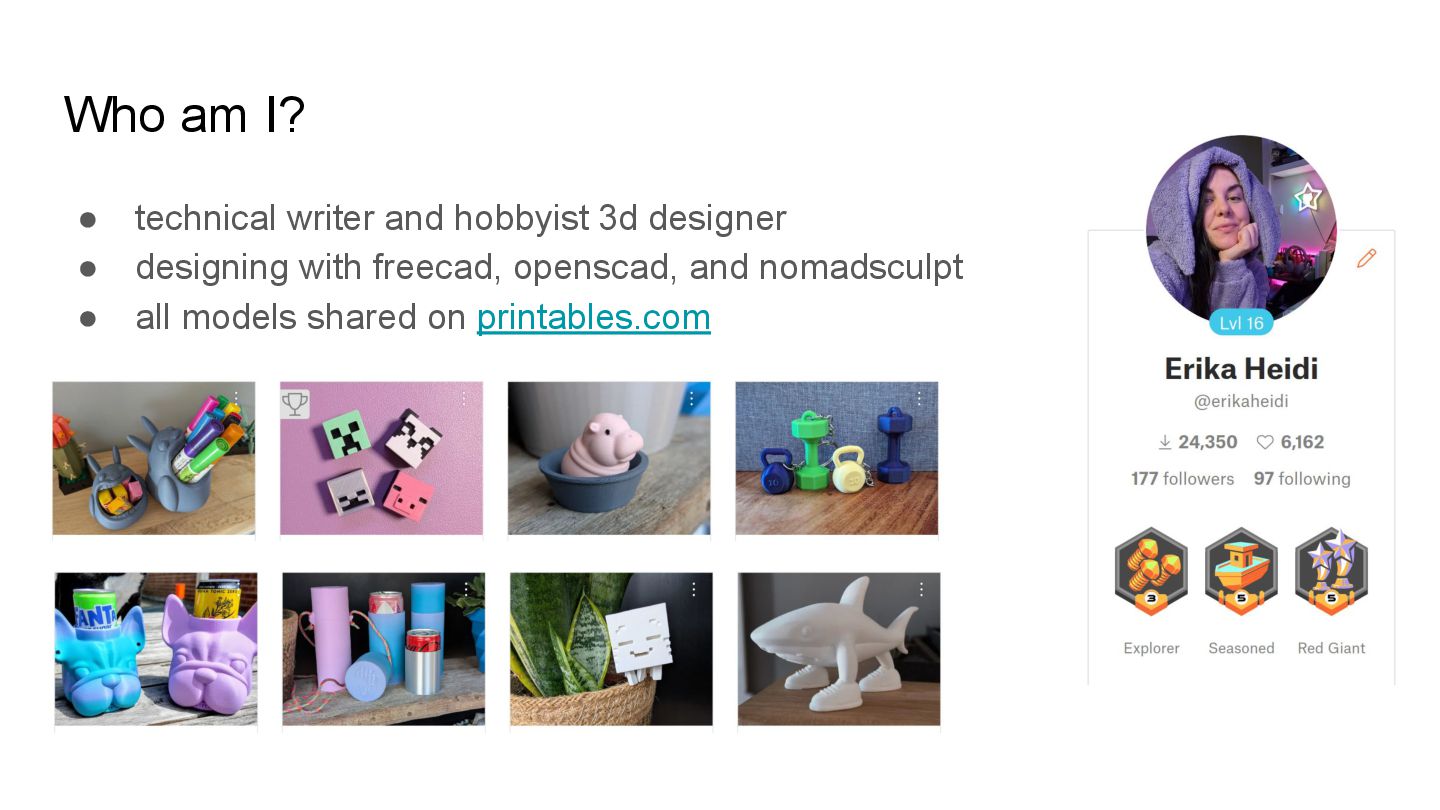
  1. Who am I? • technical writer and hobbyist 3d designer

    • designing with freecad, openscad, and nomadsculpt • all models shared on printables.com
  2. What is FreeCAD? • open-source parametric 3D modeler - no

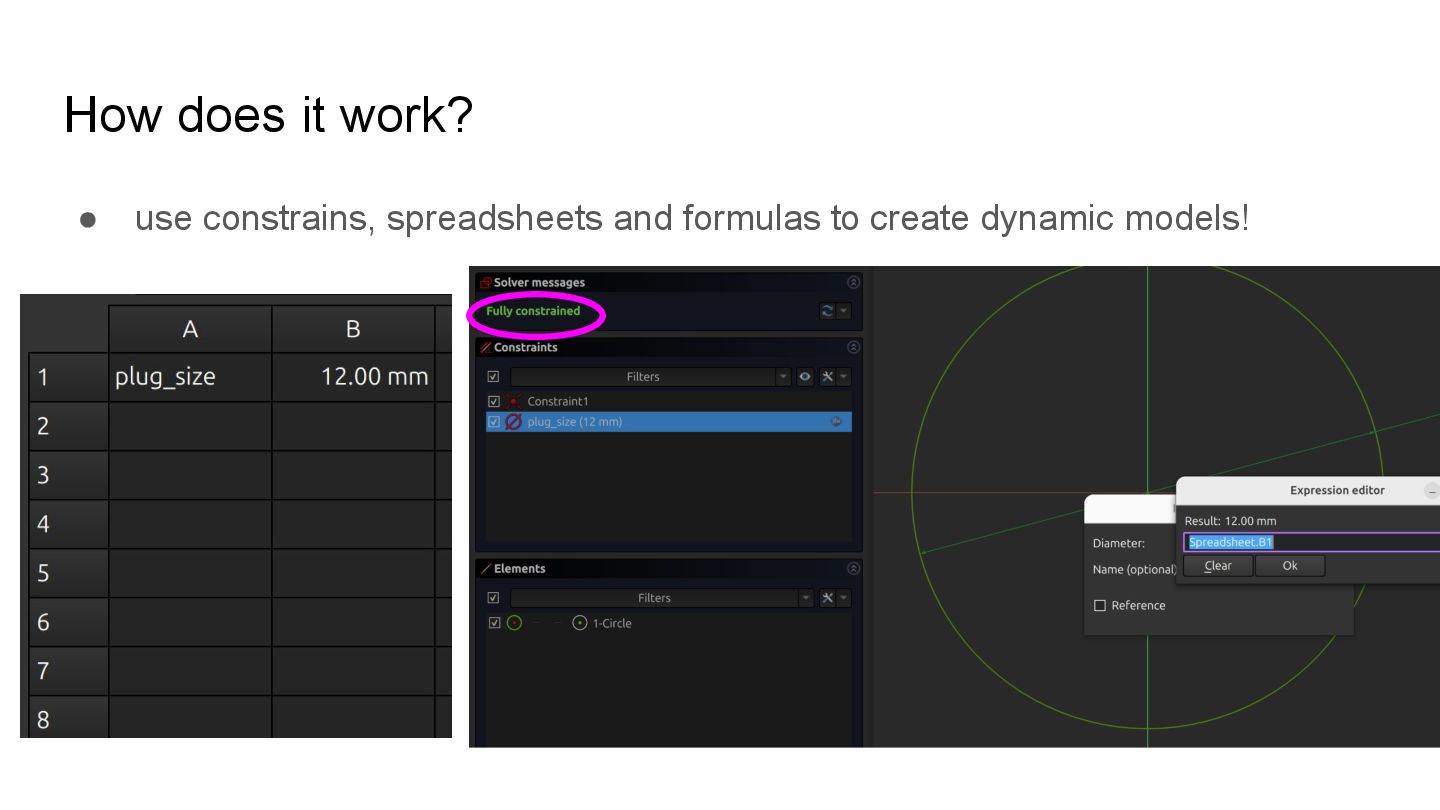
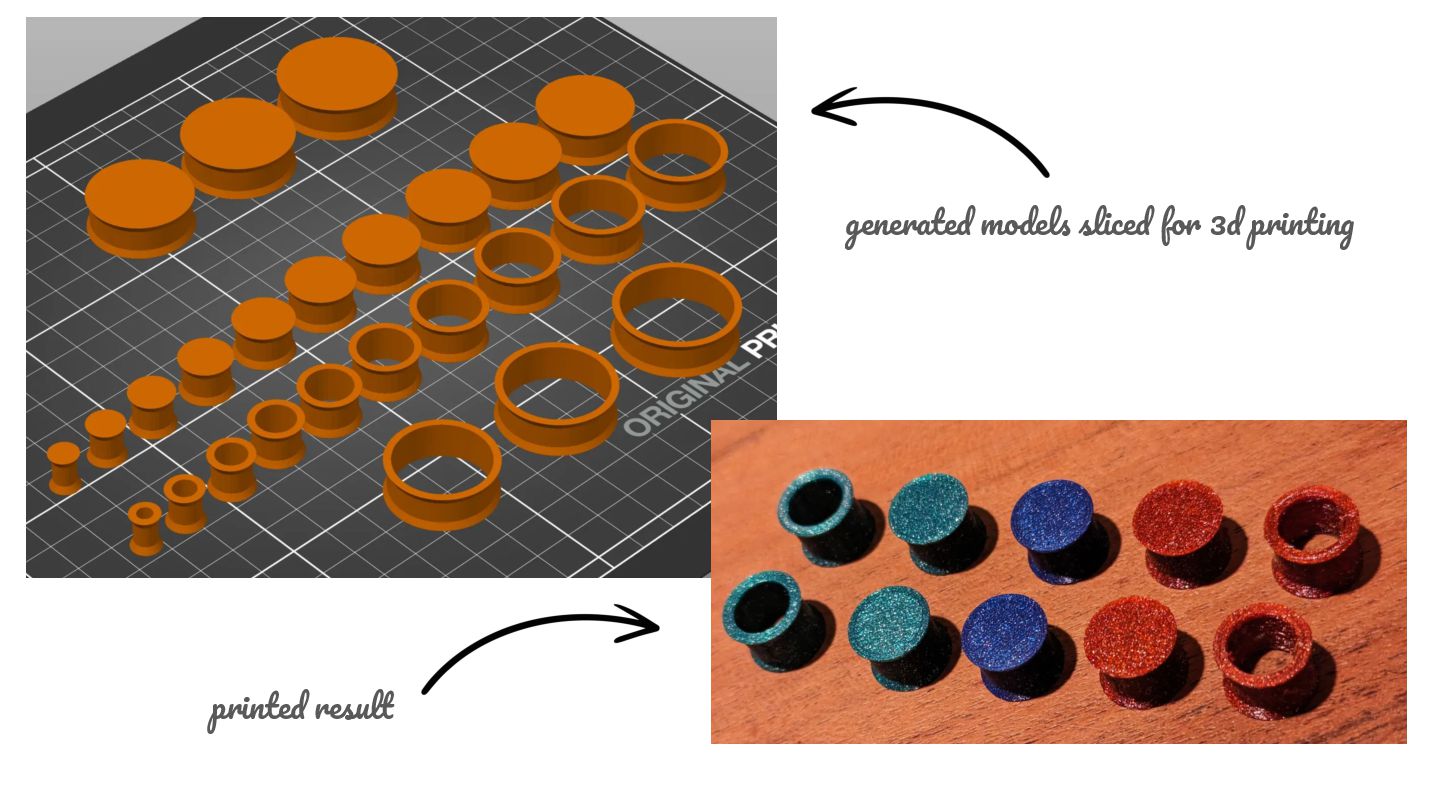
    sculpting! • over two decades old, but recently got a more stable 1.0 • powerful, precise, requires a bit more engineering but does the job well • can use formulas (spreadsheet style) for dynamic sized objects • 1 well-designed model can serve unlimited variations
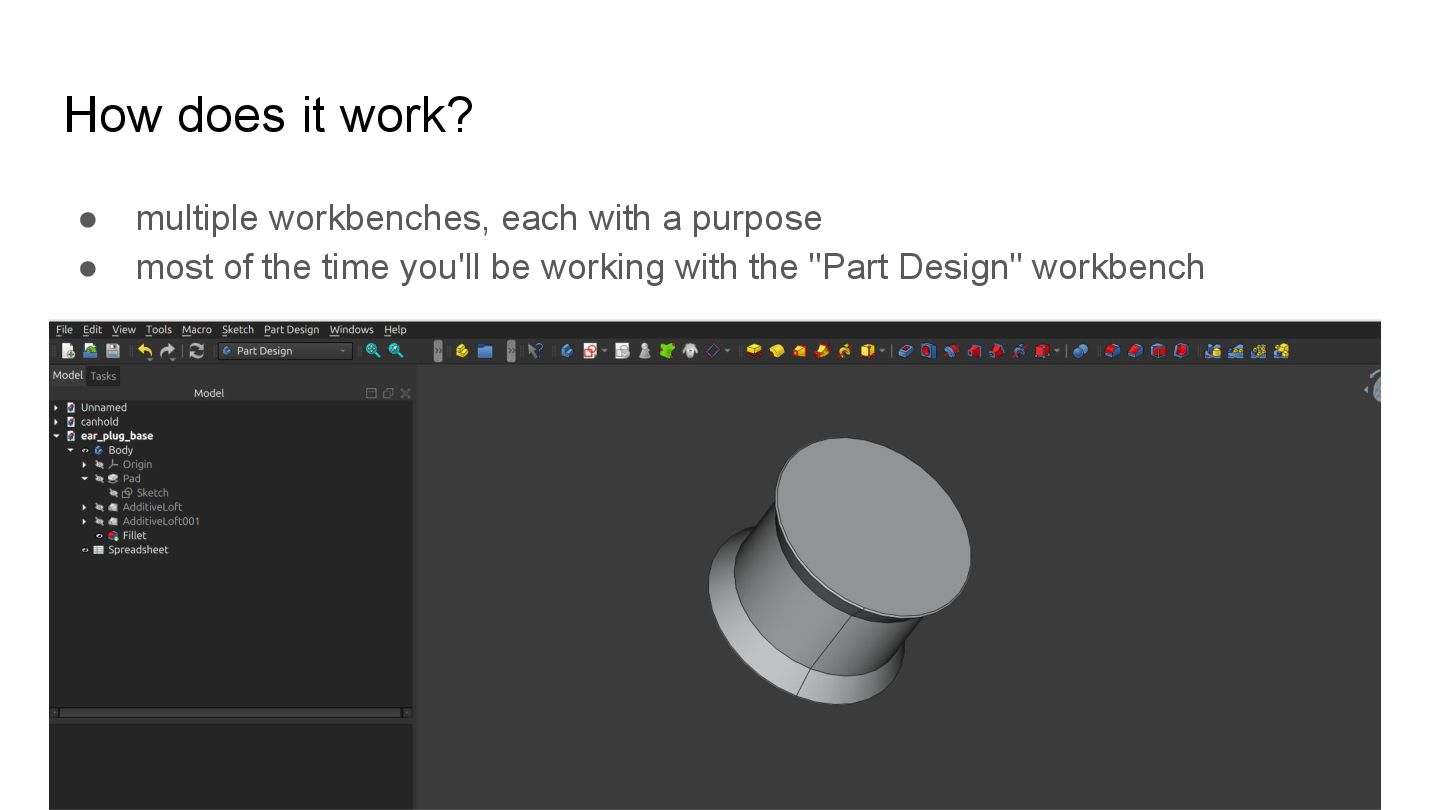
  3. How does it work? • multiple workbenches, each with a

    purpose • most of the time you'll be working with the "Part Design" workbench
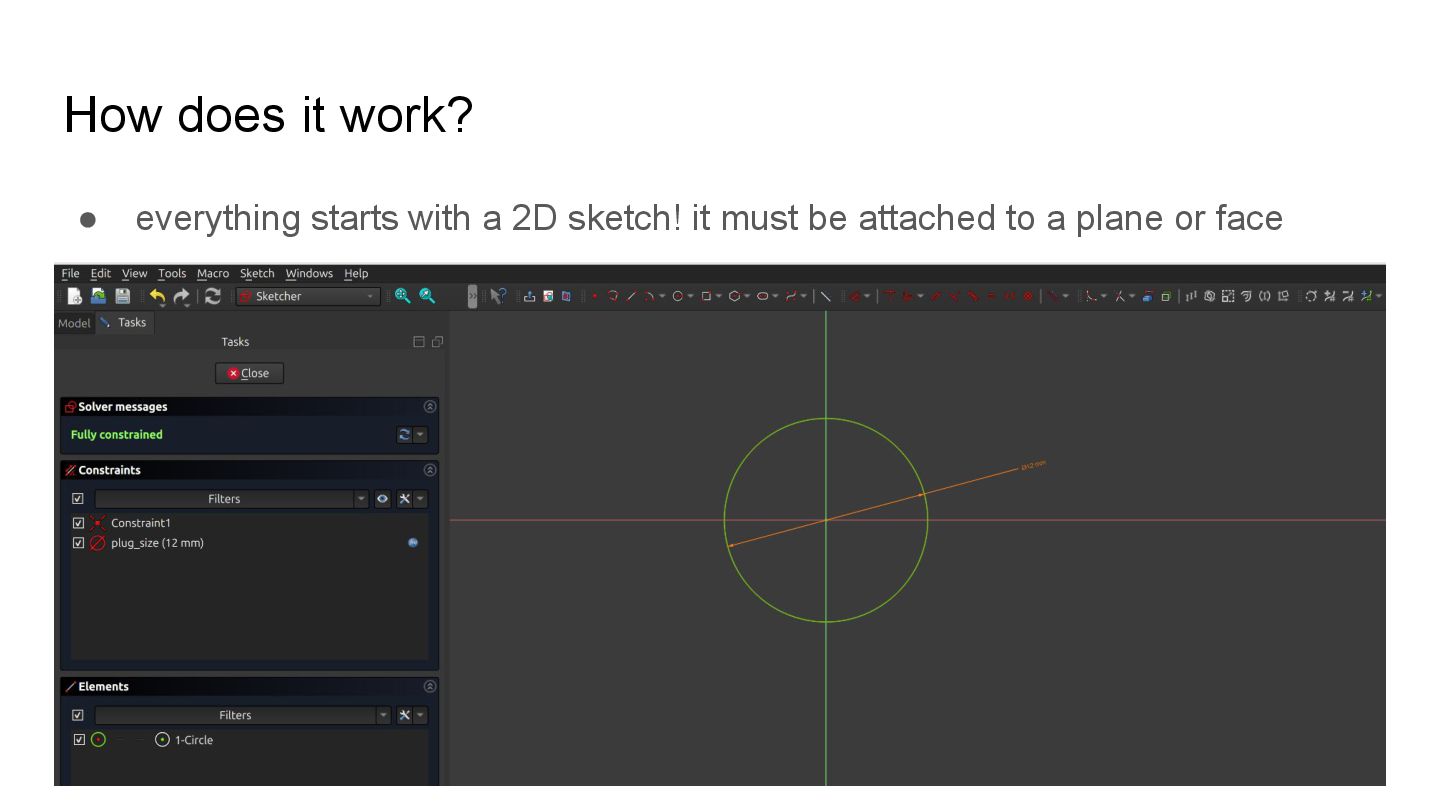
  4. How does it work? • everything starts with a 2D

    sketch! it must be attached to a plane or face
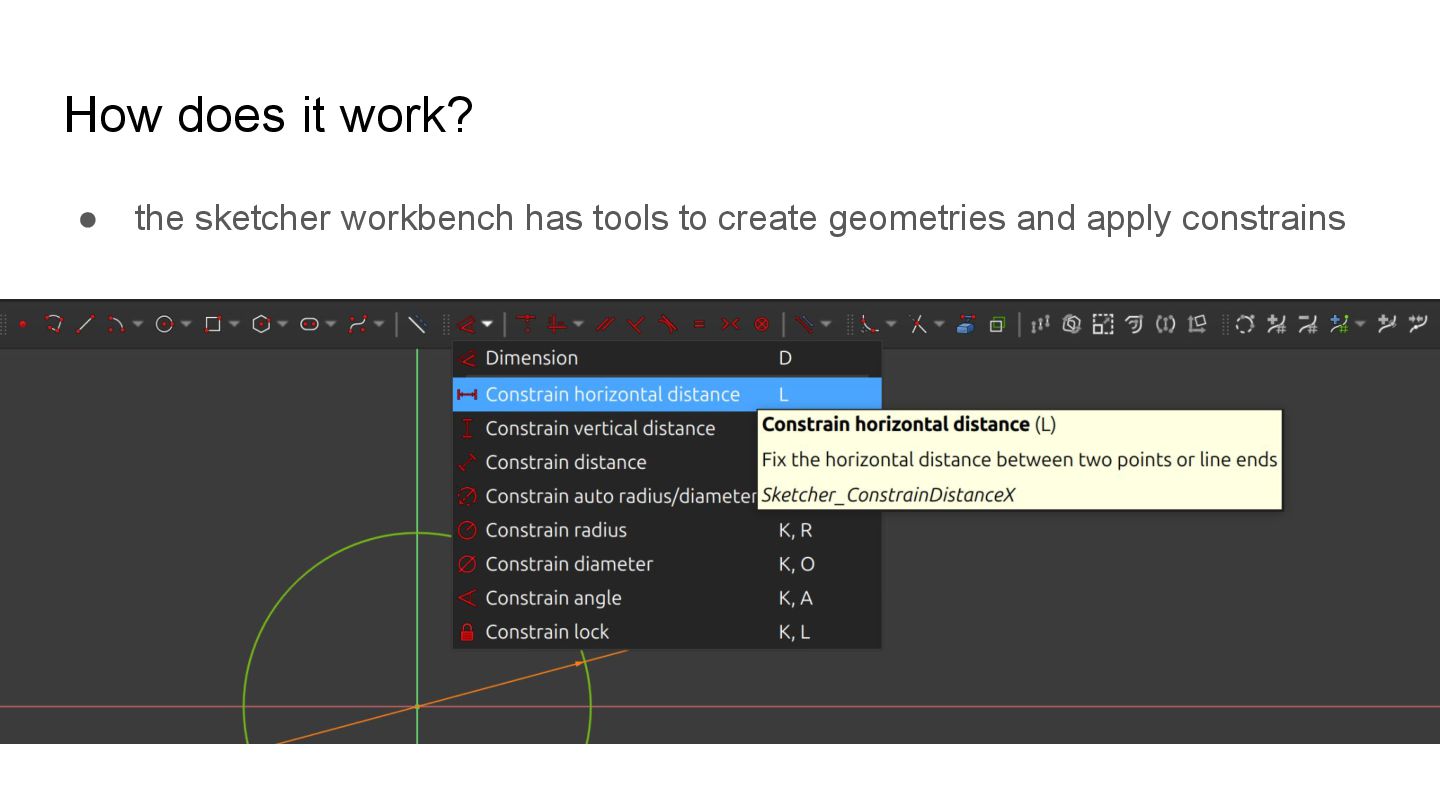
  5. How does it work? • the sketcher workbench has tools

    to create geometries and apply constrains
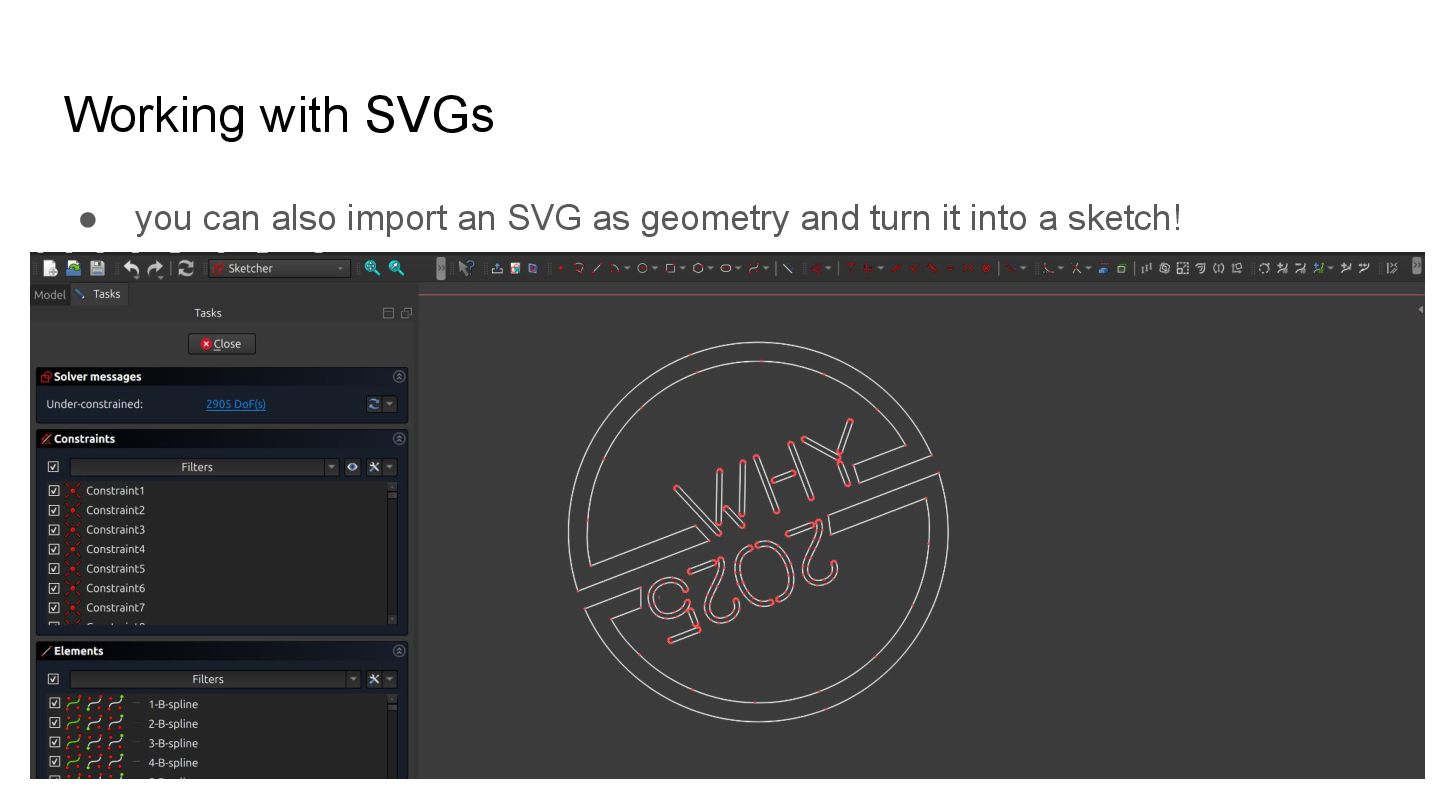
  6. Working with SVGs • you can also import an SVG

    as geometry and turn it into a sketch!

More Decks by Erika Heidi

Other Decks in Technology