Share
Embed
Query and Update Records with GraphQL Mutations in LWC
Learn how to query and modify records across sObjects with JavaScript using GraphQL. Build faster, simpler components while leveraging Lightning Data Service caching.
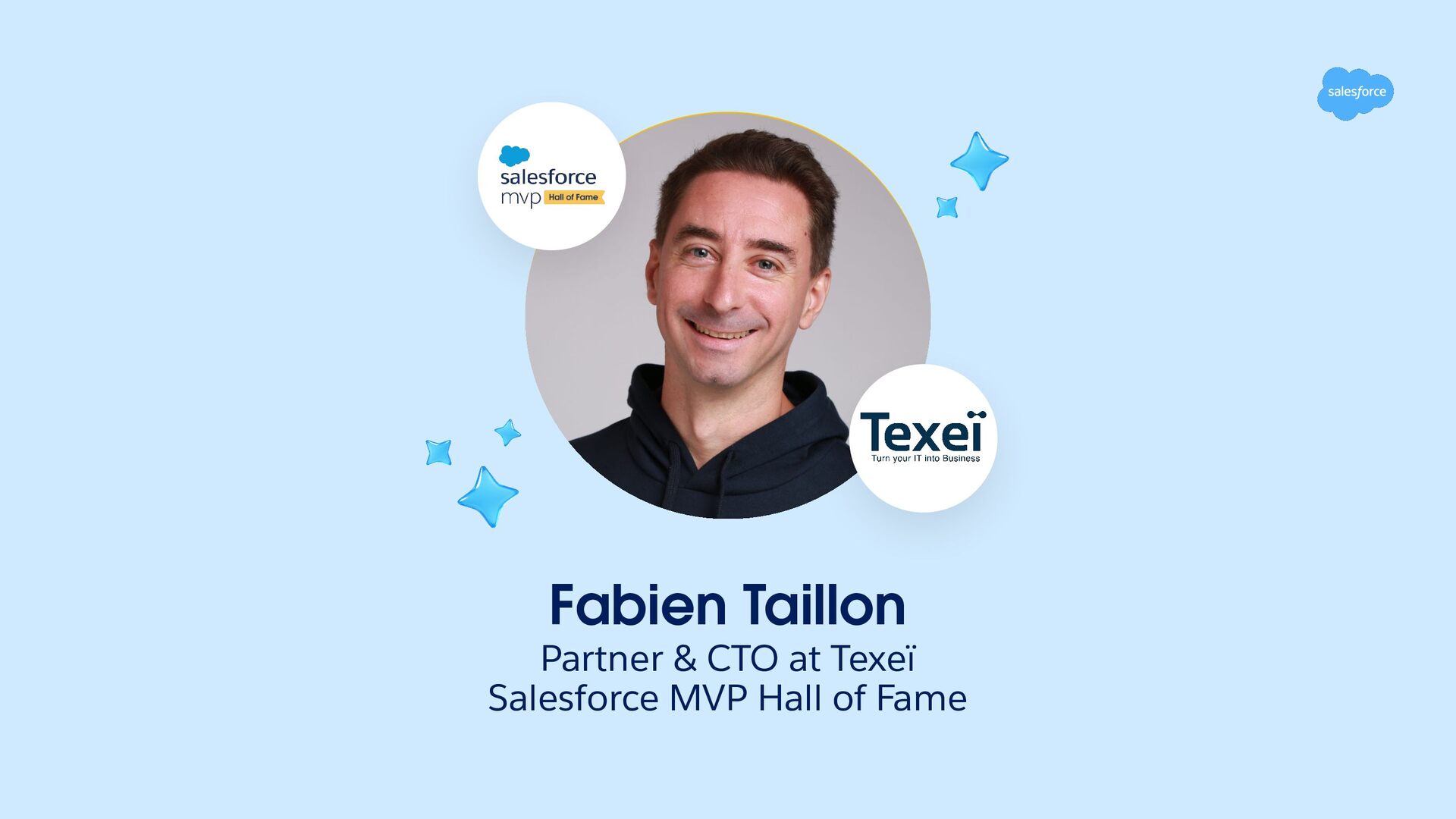
Fabien Taillon
September 15, 2026
Transcript
26 slides
-
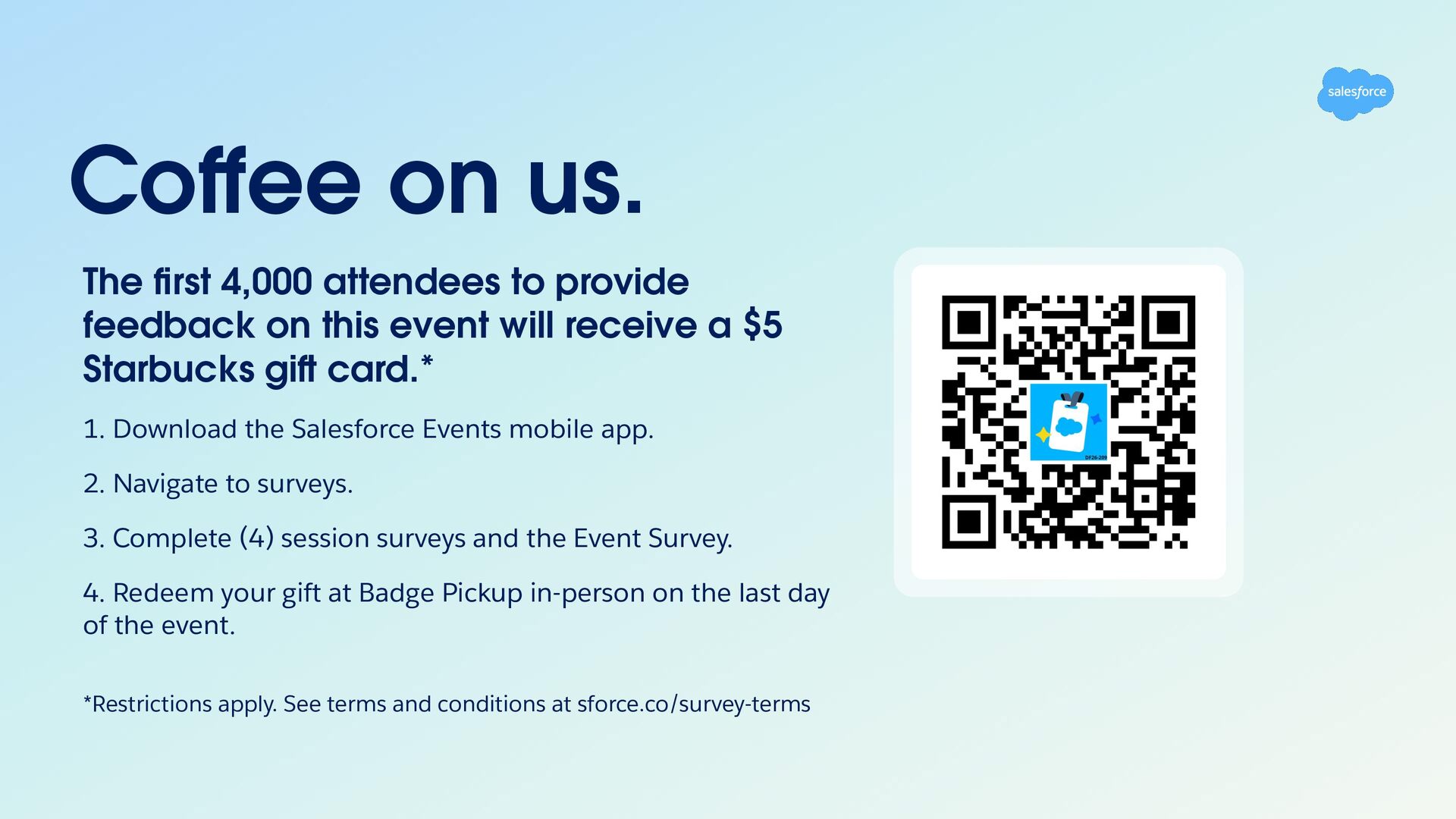
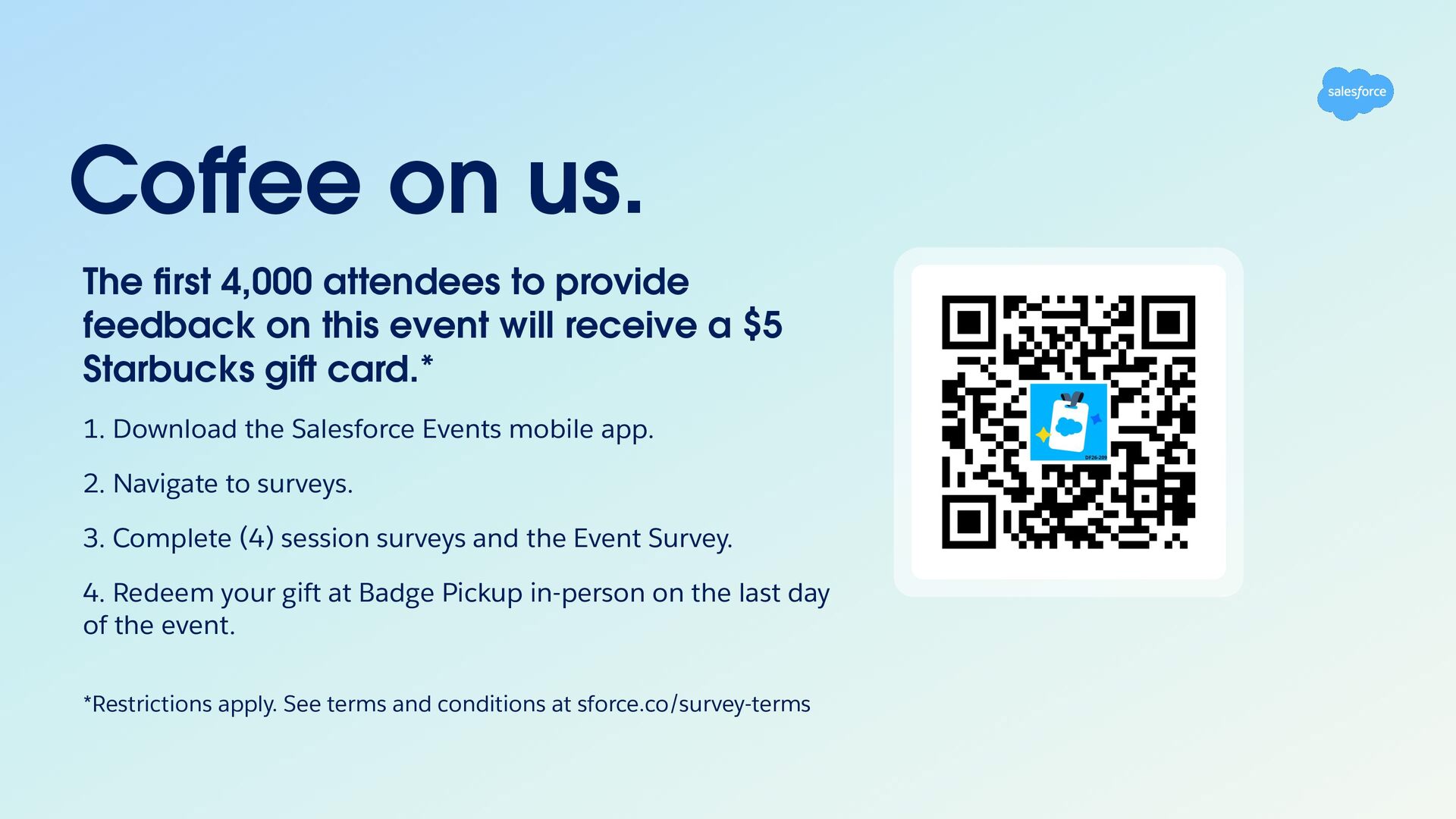
Coffee on us. The first 4,000 attendees to provide feedback
on this event will receive a $5 Starbucks gi card.* 1. Download the Salesforce Events mobile app. 2. Navigate to surveys. 3. Complete (4) session surveys and the Event Survey. 4. Redeem your gift at Badge Pickup in-person on the last day of the event. *Restrictions apply. See terms and conditions at sforce.co/survey-terms -
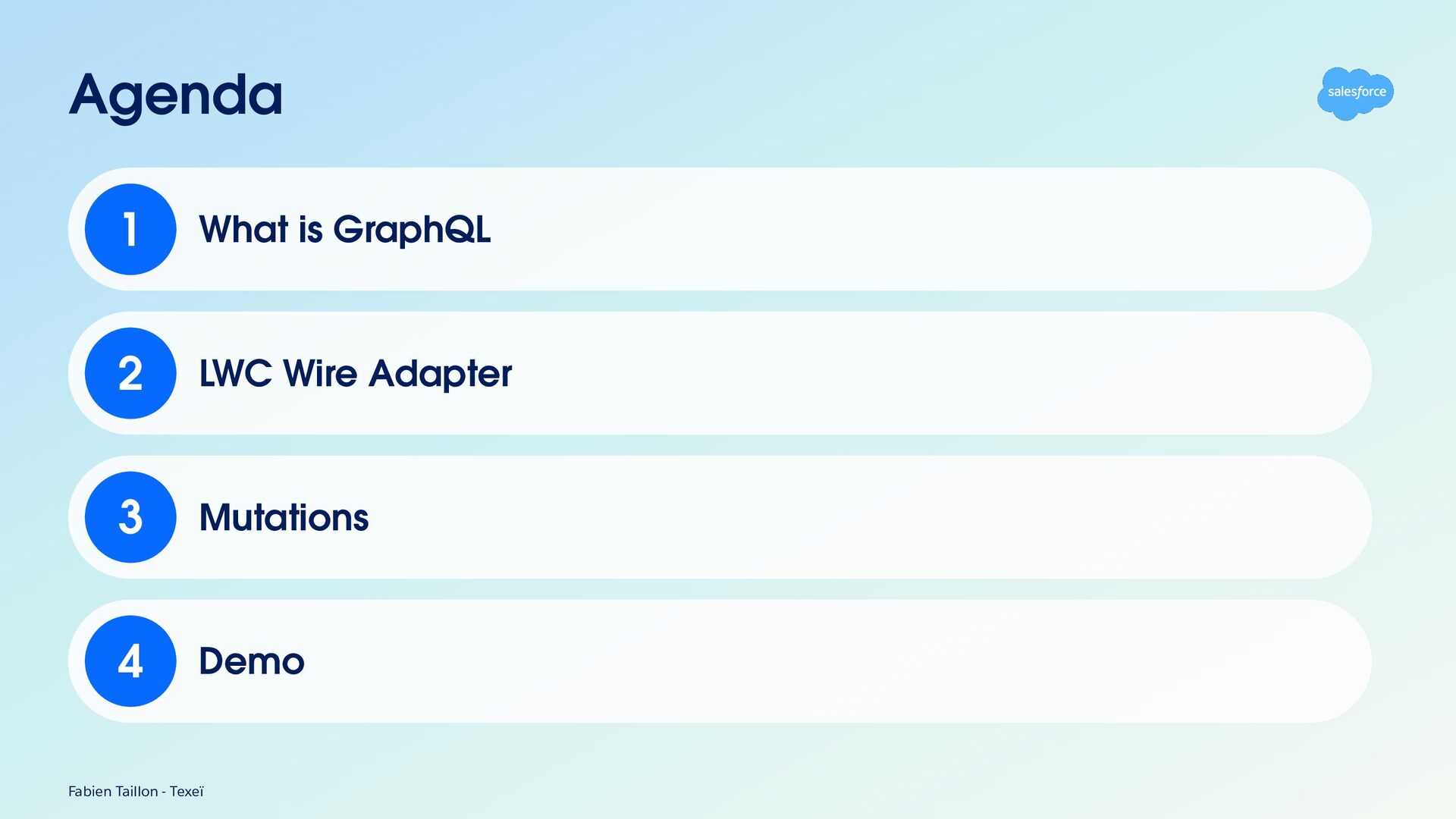
Agenda 1 What is GraphQL 2 LWC Wire Adapter 3
Mutations 4 Demo Fabien Taillon - Texeï -
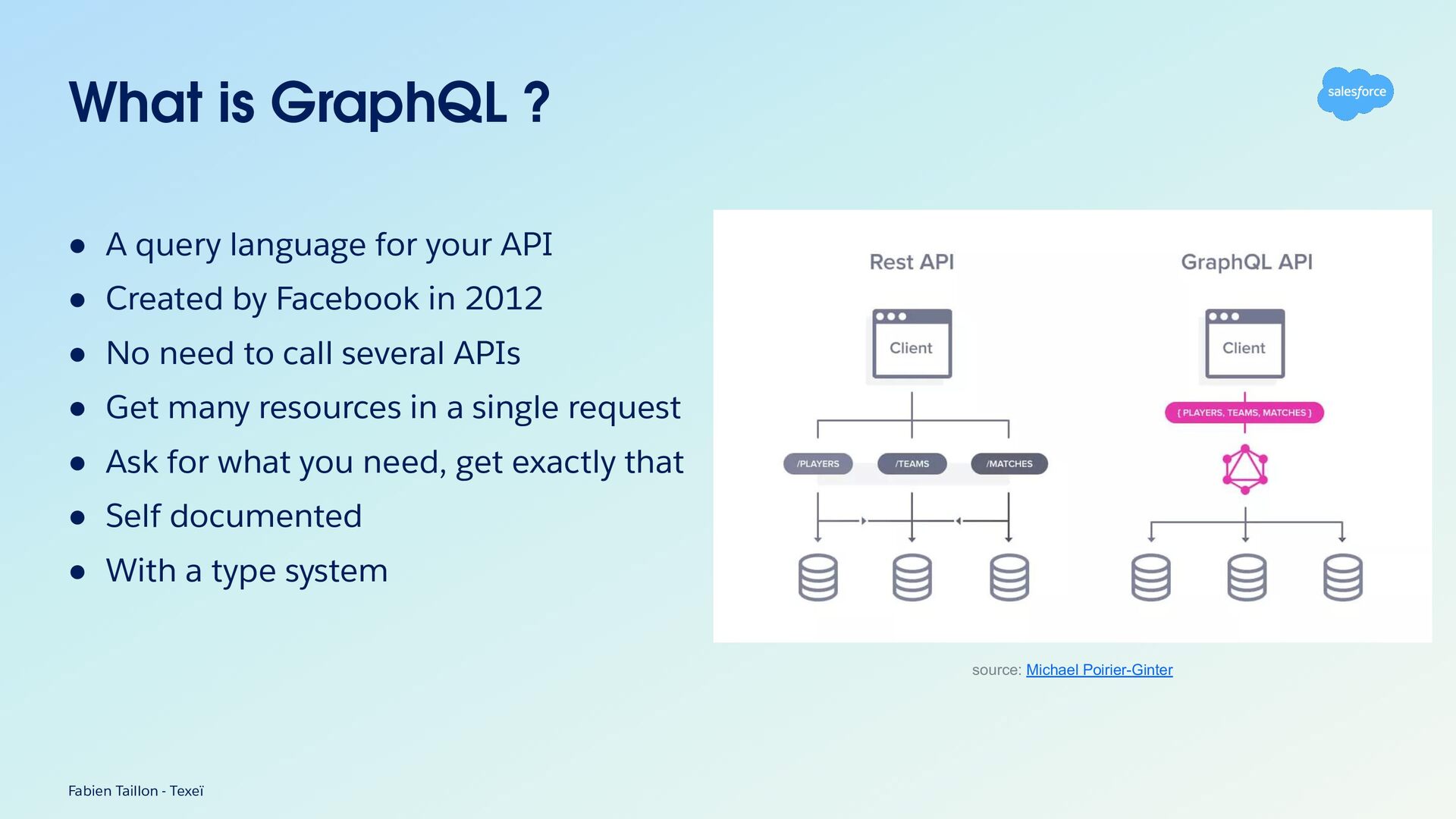
What is GraphQL ? • A query language for your
API • Created by Facebook in 2012 • No need to call several APIs • Get many resources in a single request • Ask for what you need, get exactly that • Self documented • With a type system source: Michael Poirier-Ginter Fabien Taillon - Texeï -
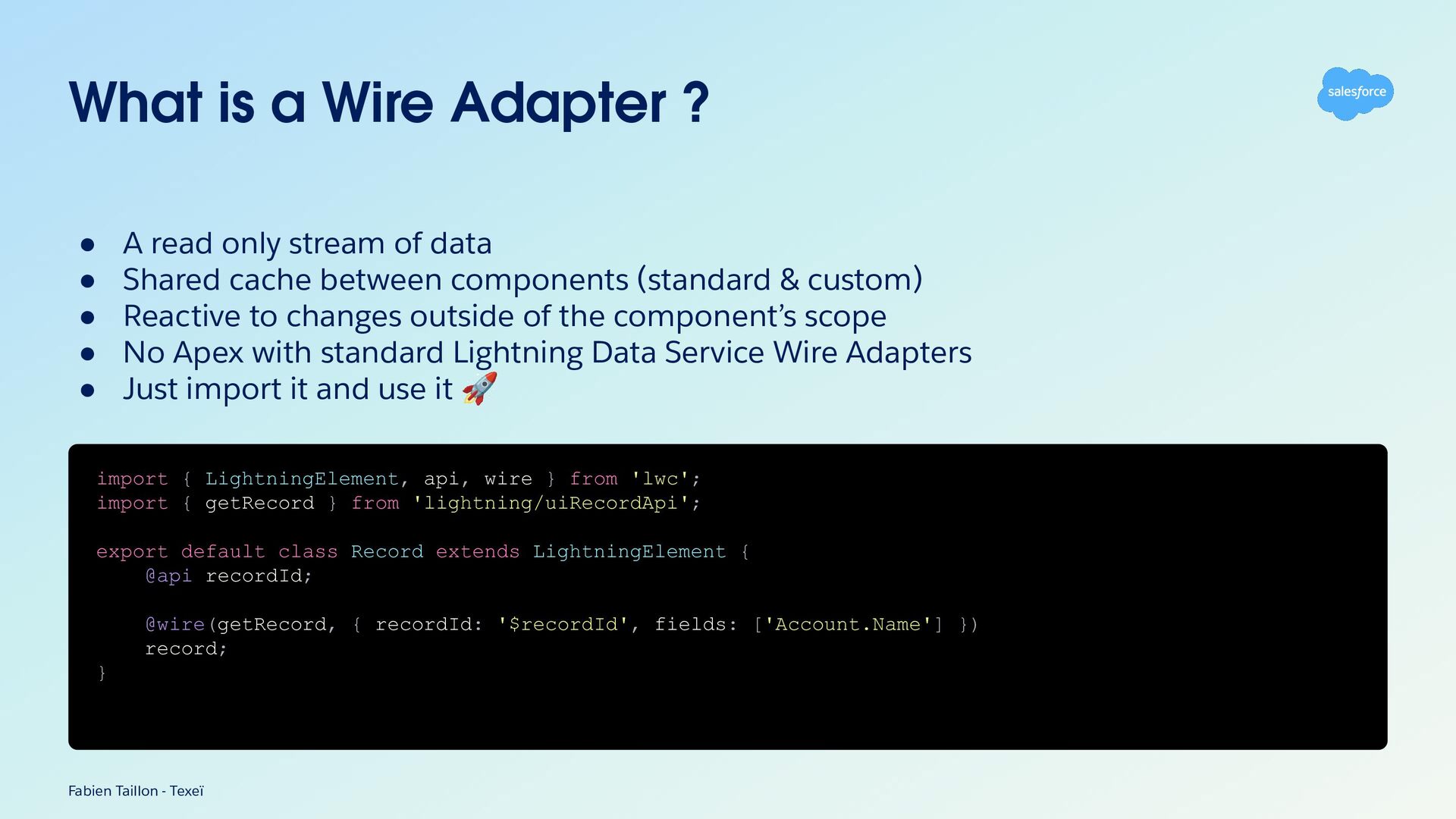
What is a Wire Adapter ? • • • •
• A read only stream of data Shared cache between components (standard & custom) Reactive to changes outside of the component’s scope No Apex with standard Lightning Data Service Wire Adapters Just import it and use it 🚀 import { LightningElement, api, wire } from 'lwc'; import { getRecord } from 'lightning/uiRecordApi'; export default class Record extends LightningElement { @api recordId; @wire(getRecord, { recordId: '$recordId', fields: ['Account.Name'] }) record; } Fabien Taillon - Texeï -
What is the GraphQL Wire Adapter A GAME CHANGER Fabien
Taillon - Texeï -
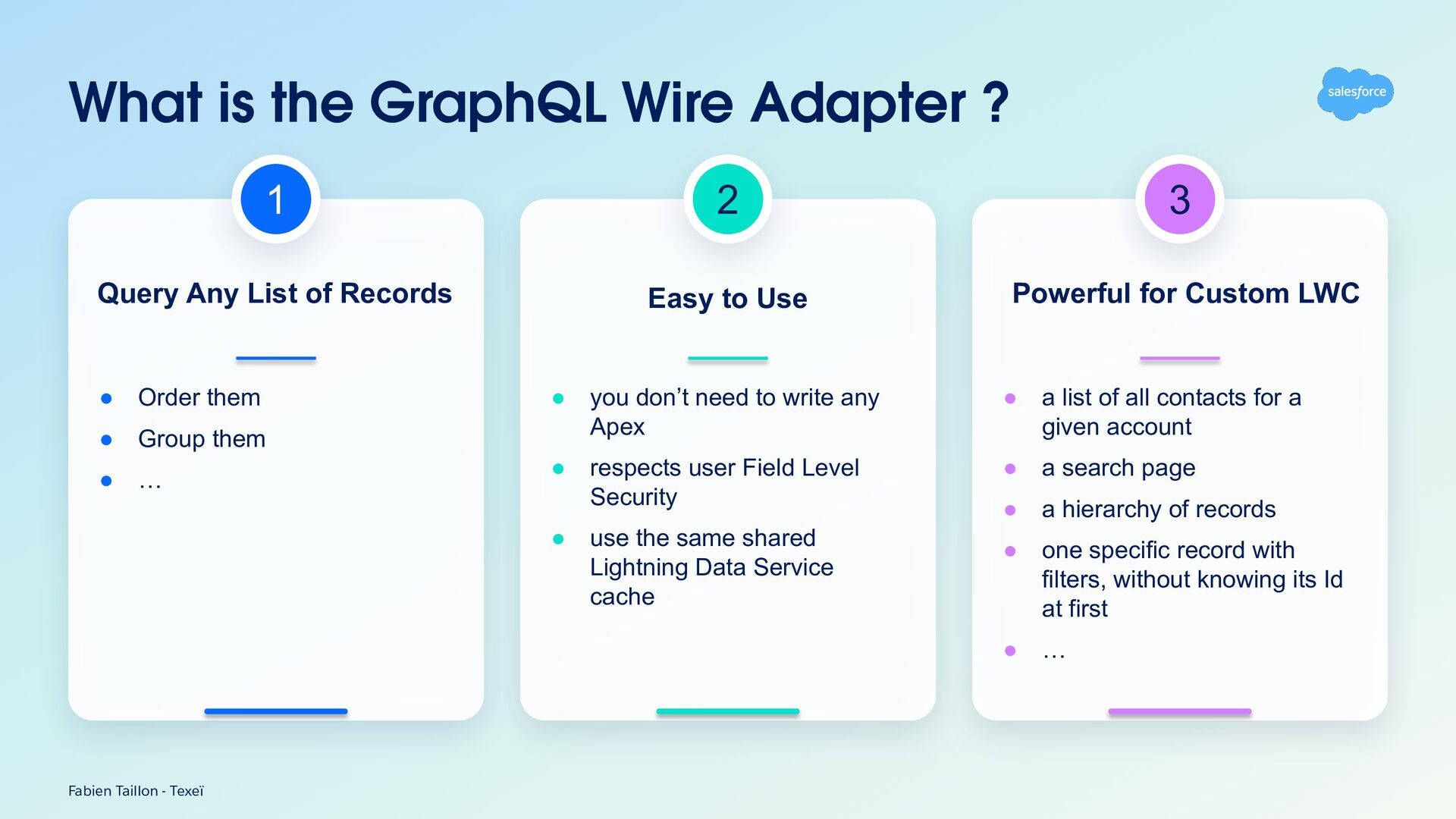
What is the GraphQL Wire Adapter ? 1 2 3
Query Any List of Records Easy to Use Powerful for Custom LWC • Order them • Group them • … • you don’t need to write any Apex • a list of all contacts for a given account • respects user Field Level Security • a search page • a hierarchy of records • one specific record with filters, without knowing its Id at first • … • Fabien Taillon - Texeï use the same shared Lightning Data Service cache -
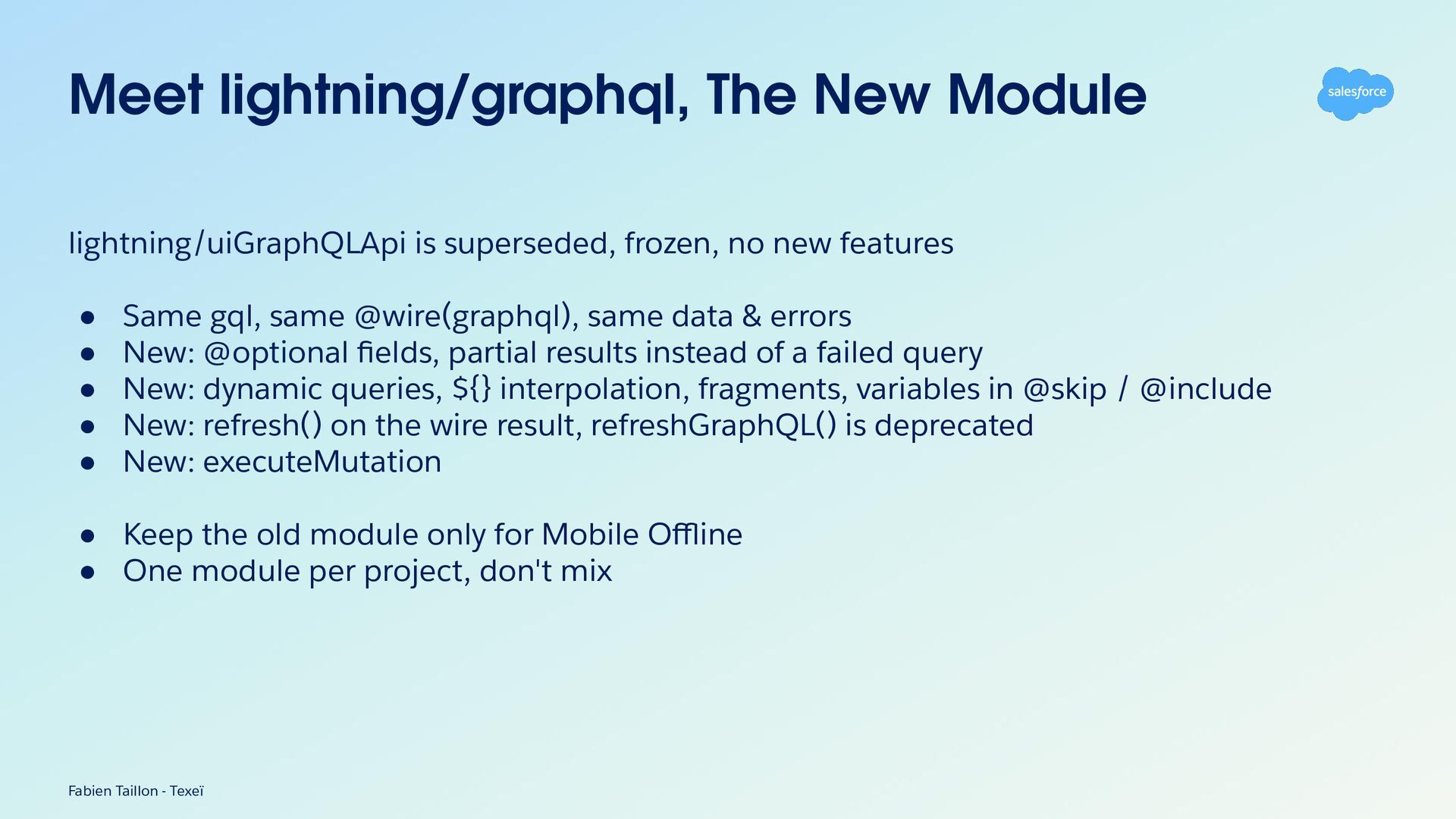
Meet lightning/graphql, The New Module lightning/uiGraphQLApi is superseded, frozen, no
new features • • • • • Same gql, same @wire(graphql), same data & errors New: @optional fields, partial results instead of a failed query New: dynamic queries, ${} interpolation, fragments, variables in @skip / @include New: refresh() on the wire result, refreshGraphQL() is deprecated New: executeMutation • Keep the old module only for Mobile Offline • One module per project, don't mix Fabien Taillon - Texeï -
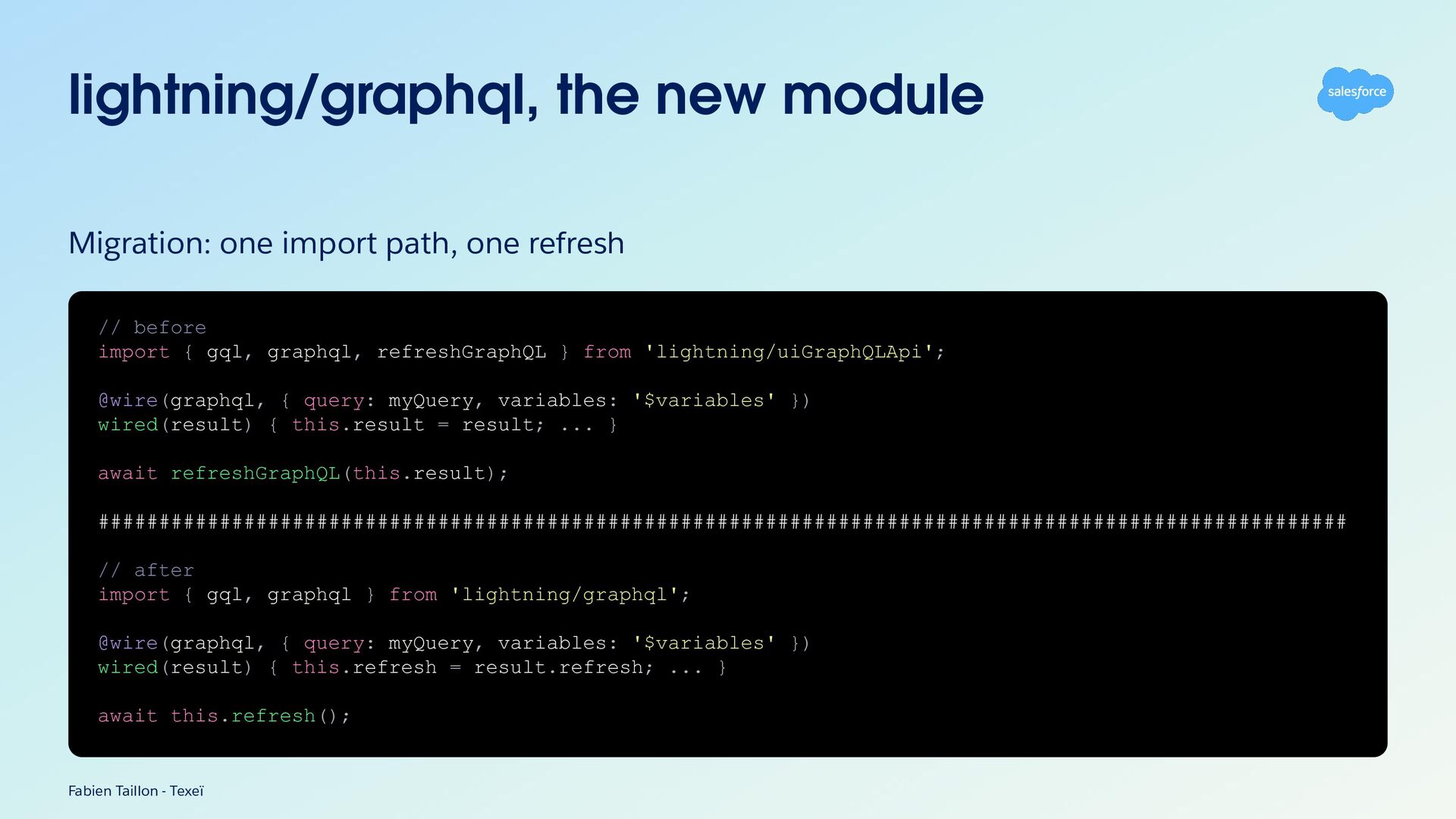
lightning/graphql, the new module Migration: one import path, one refresh
// before import { gql, graphql, refreshGraphQL } from 'lightning/uiGraphQLApi'; @wire(graphql, { query: myQuery, variables: '$variables' }) wired(result) { this.result = result; ... } await refreshGraphQL(this.result); ####################################################################################################### // after import { gql, graphql } from 'lightning/graphql'; @wire(graphql, { query: myQuery, variables: '$variables' }) wired(result) { this.refresh = result.refresh; ... } await this.refresh(); Fabien Taillon - Texeï -
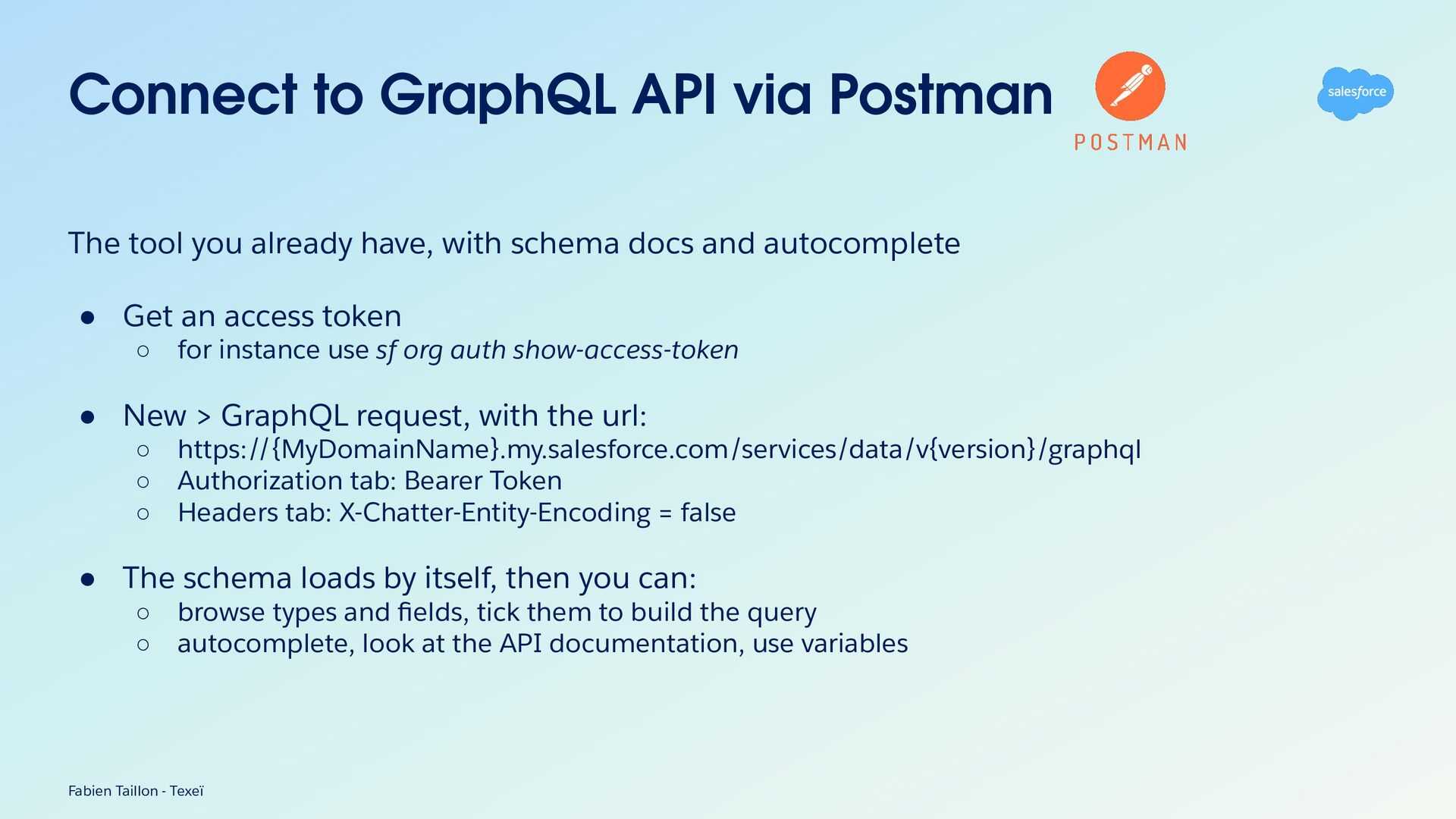
Connect to GraphQL API via Postman The tool you already
have, with schema docs and autocomplete • Get an access token ◦ for instance use sf org auth show-access-token • New > GraphQL request, with the url: ◦ https://{MyDomainName}.my.salesforce.com/services/data/v{version}/graphql ◦ Authorization tab: Bearer Token ◦ Headers tab: X-Chatter-Entity-Encoding = false • The schema loads by itself, then you can: ◦ browse types and fields, tick them to build the query ◦ autocomplete, look at the API documentation, use variables Fabien Taillon - Texeï -
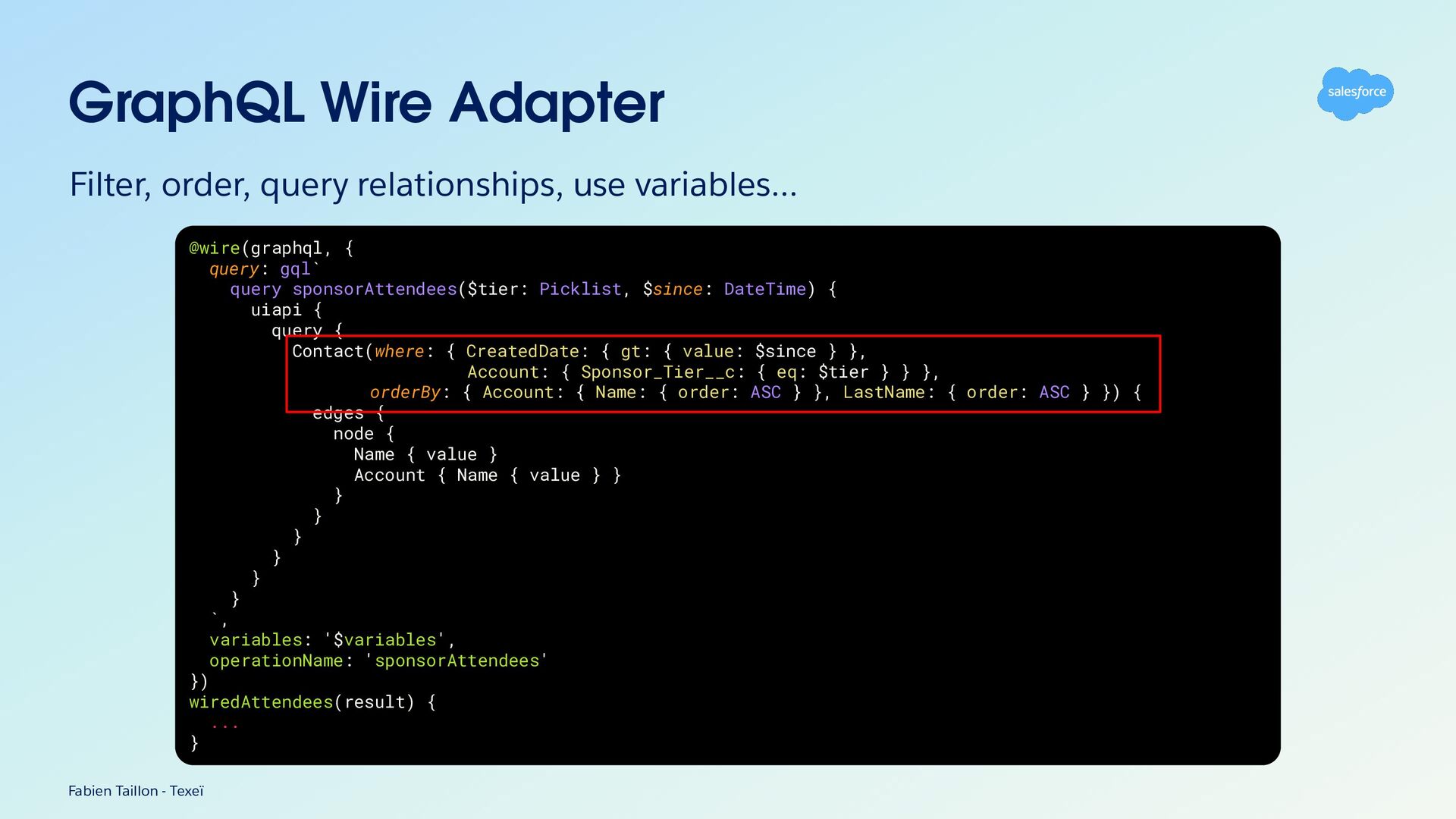
GraphQL Wire Adapter Filter, order, query relationships, use variables… @wire(graphql,
{ query: gql` query sponsorAttendees($tier: Picklist, $since: DateTime) { uiapi { query { Contact(where: { CreatedDate: { gt: { value: $since } }, Account: { Sponsor_Tier__c: { eq: $tier } } }, orderBy: { Account: { Name: { order: ASC } }, LastName: { order: ASC } }) { edges { node { Name { value } Account { Name { value } } } } } } } } `, variables: '$variables', operationName: 'sponsorAttendees' }) wiredAttendees(result) { ... } Fabien Taillon - Texeï -
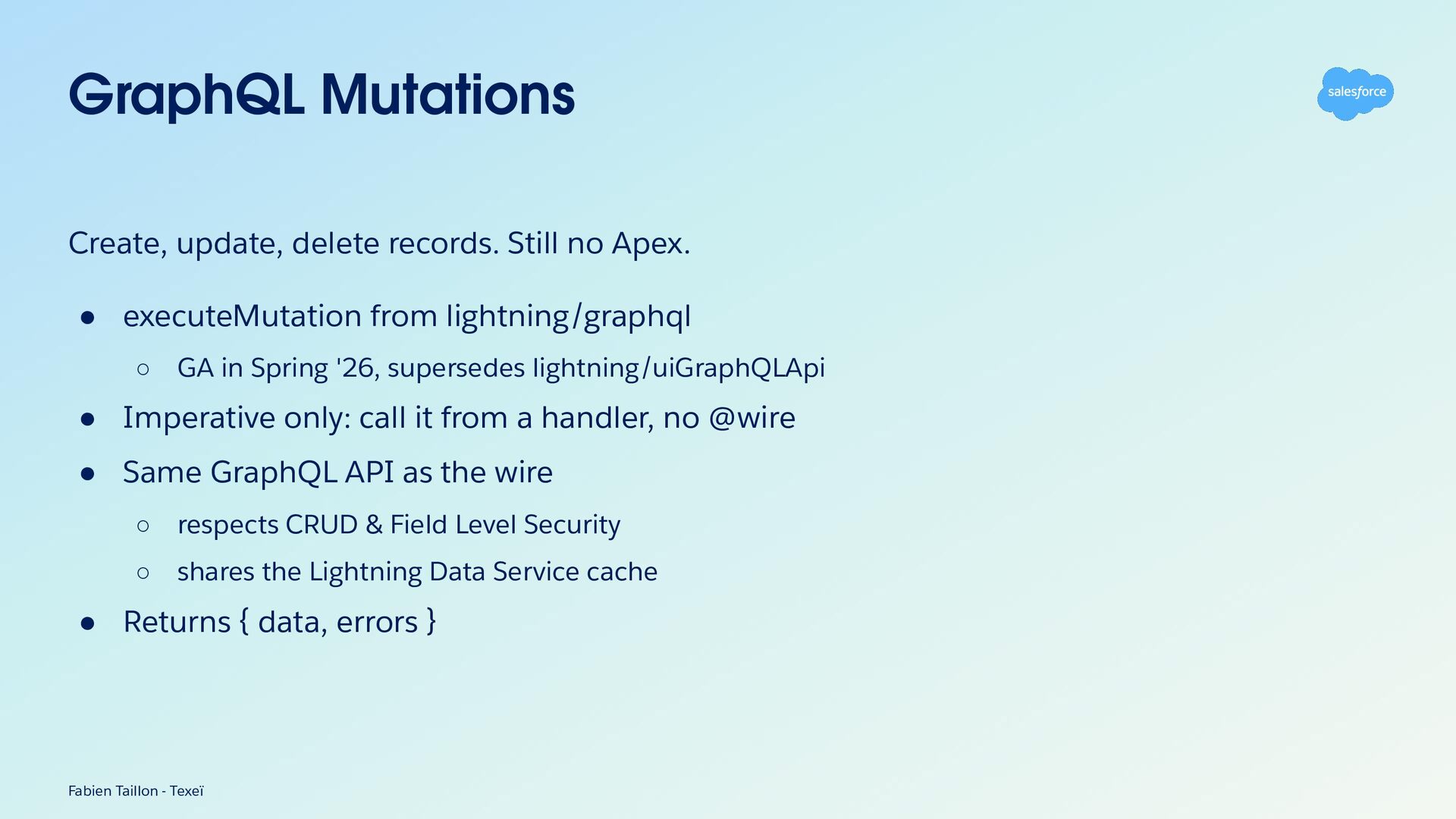
GraphQL Mutations Create, update, delete records. Still no Apex. •
executeMutation from lightning/graphql ◦ GA in Spring '26, supersedes lightning/uiGraphQLApi • Imperative only: call it from a handler, no @wire • Same GraphQL API as the wire ◦ respects CRUD & Field Level Security ◦ shares the Lightning Data Service cache • Returns { data, errors } Fabien Taillon - Texeï -
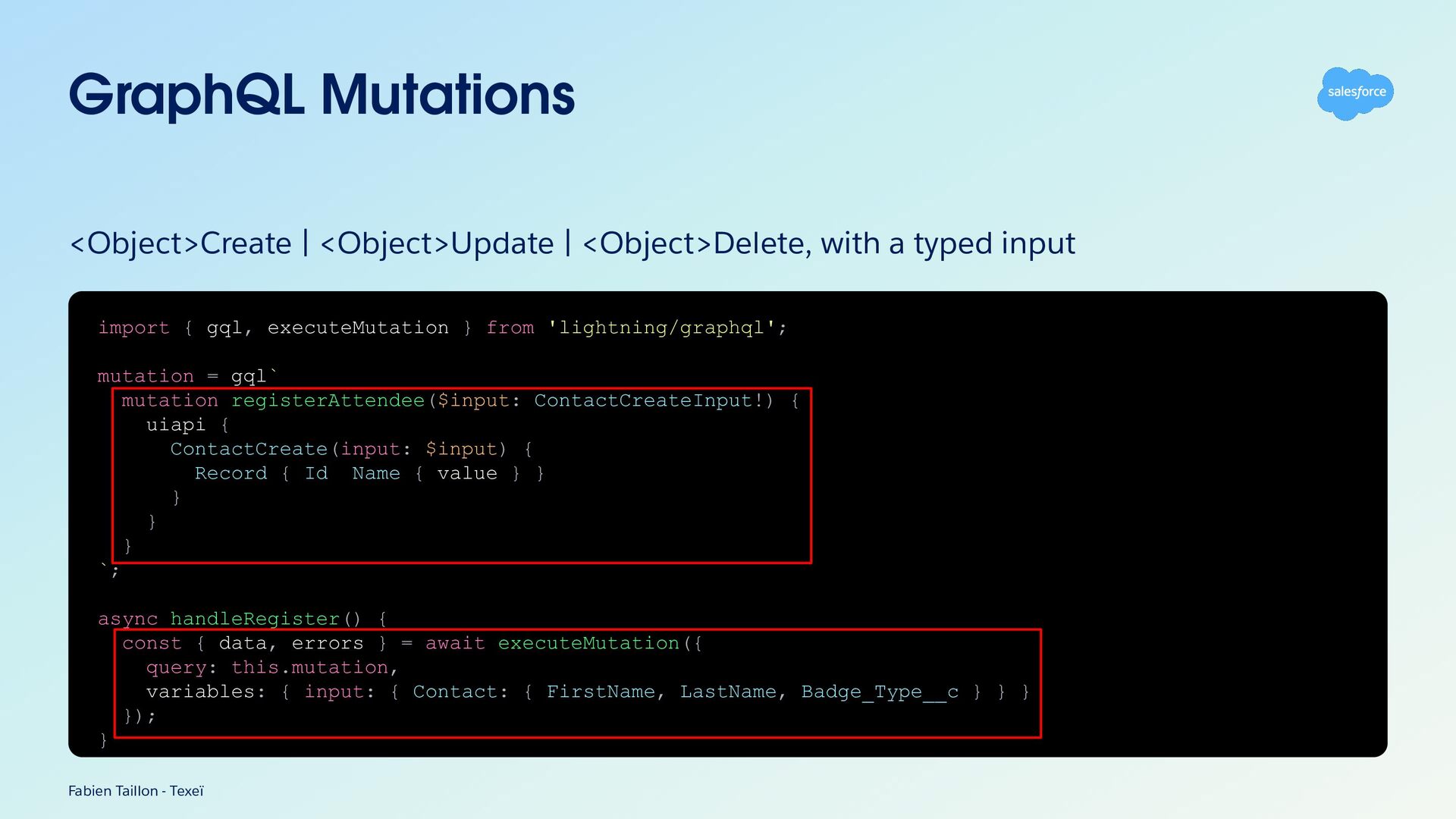
GraphQL Mutations <Object>Create | <Object>Update | <Object>Delete, with a typed
input import { gql, executeMutation } from 'lightning/graphql'; mutation = gql` mutation registerAttendee($input: ContactCreateInput!) { uiapi { ContactCreate(input: $input) { Record { Id Name { value } } } } } `; async handleRegister() { const { data, errors } = await executeMutation({ query: this.mutation, variables: { input: { Contact: { FirstName, LastName, Badge_Type__c } } } }); } Fabien Taillon - Texeï -
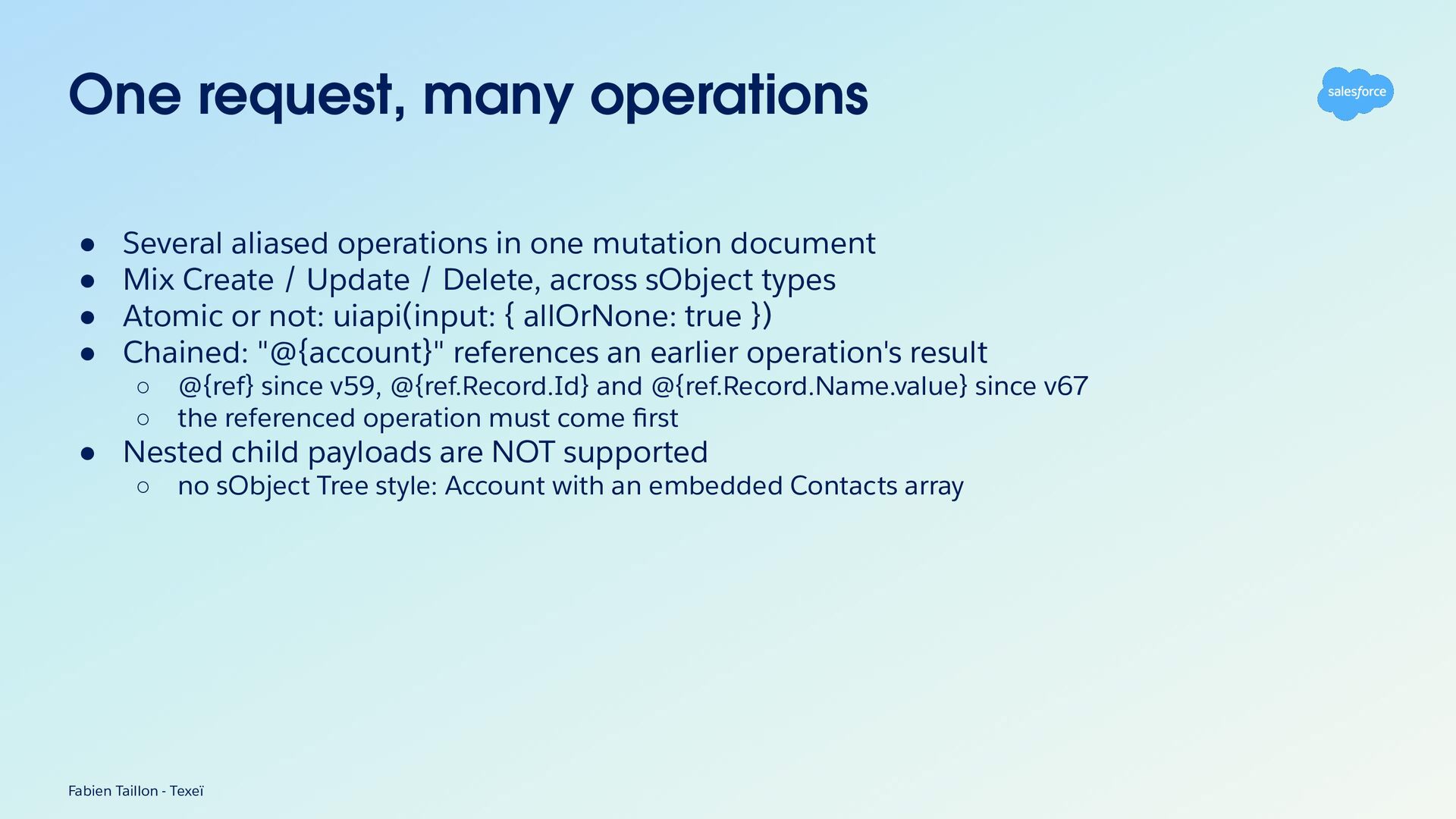
One request, many operations • • • • Several aliased
operations in one mutation document Mix Create / Update / Delete, across sObject types Atomic or not: uiapi(input: { allOrNone: true }) Chained: "@{account}" references an earlier operation's result ◦ @{ref} since v59, @{ref.Record.Id} and @{ref.Record.Name.value} since v67 ◦ the referenced operation must come first • Nested child payloads are NOT supported ◦ no sObject Tree style: Account with an embedded Contacts array Fabien Taillon - Texeï -
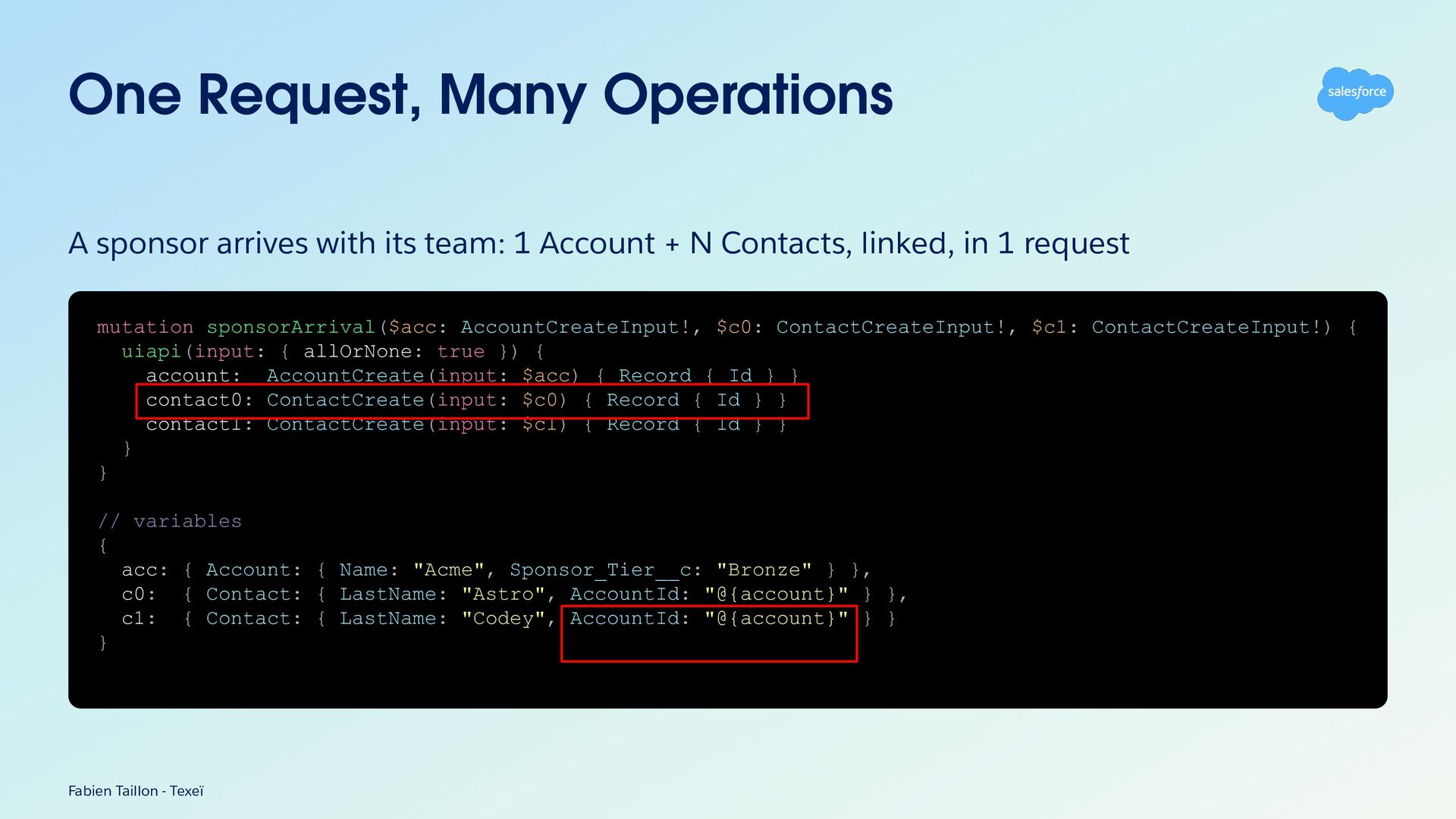
One Request, Many Operations A sponsor arrives with its team:
1 Account + N Contacts, linked, in 1 request mutation sponsorArrival($acc: AccountCreateInput!, $c0: ContactCreateInput!, $c1: ContactCreateInput!) { uiapi(input: { allOrNone: true }) { account: AccountCreate(input: $acc) { Record { Id } } contact0: ContactCreate(input: $c0) { Record { Id } } contact1: ContactCreate(input: $c1) { Record { Id } } } } // variables { acc: { Account: { Name: "Acme", Sponsor_Tier__c: "Bronze" } }, c0: { Contact: { LastName: "Astro", AccountId: "@{account}" } }, c1: { Contact: { LastName: "Codey", AccountId: "@{account}" } } } Fabien Taillon - Texeï -
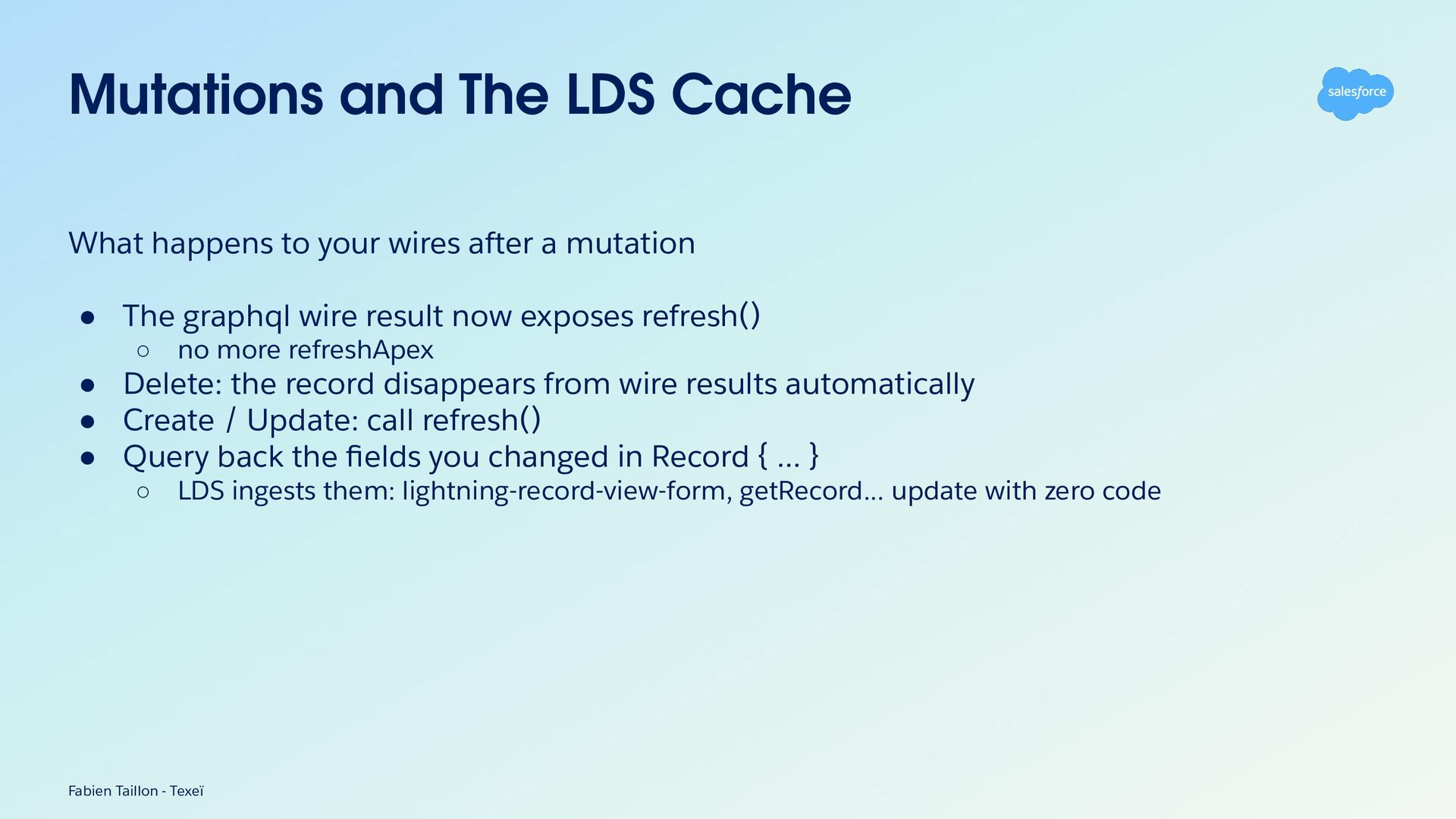
Mutations and The LDS Cache What happens to your wires
after a mutation • The graphql wire result now exposes refresh() ◦ no more refreshApex • Delete: the record disappears from wire results automatically • Create / Update: call refresh() • Query back the fields you changed in Record { ... } ◦ LDS ingests them: lightning-record-view-form, getRecord... update with zero code Fabien Taillon - Texeï -
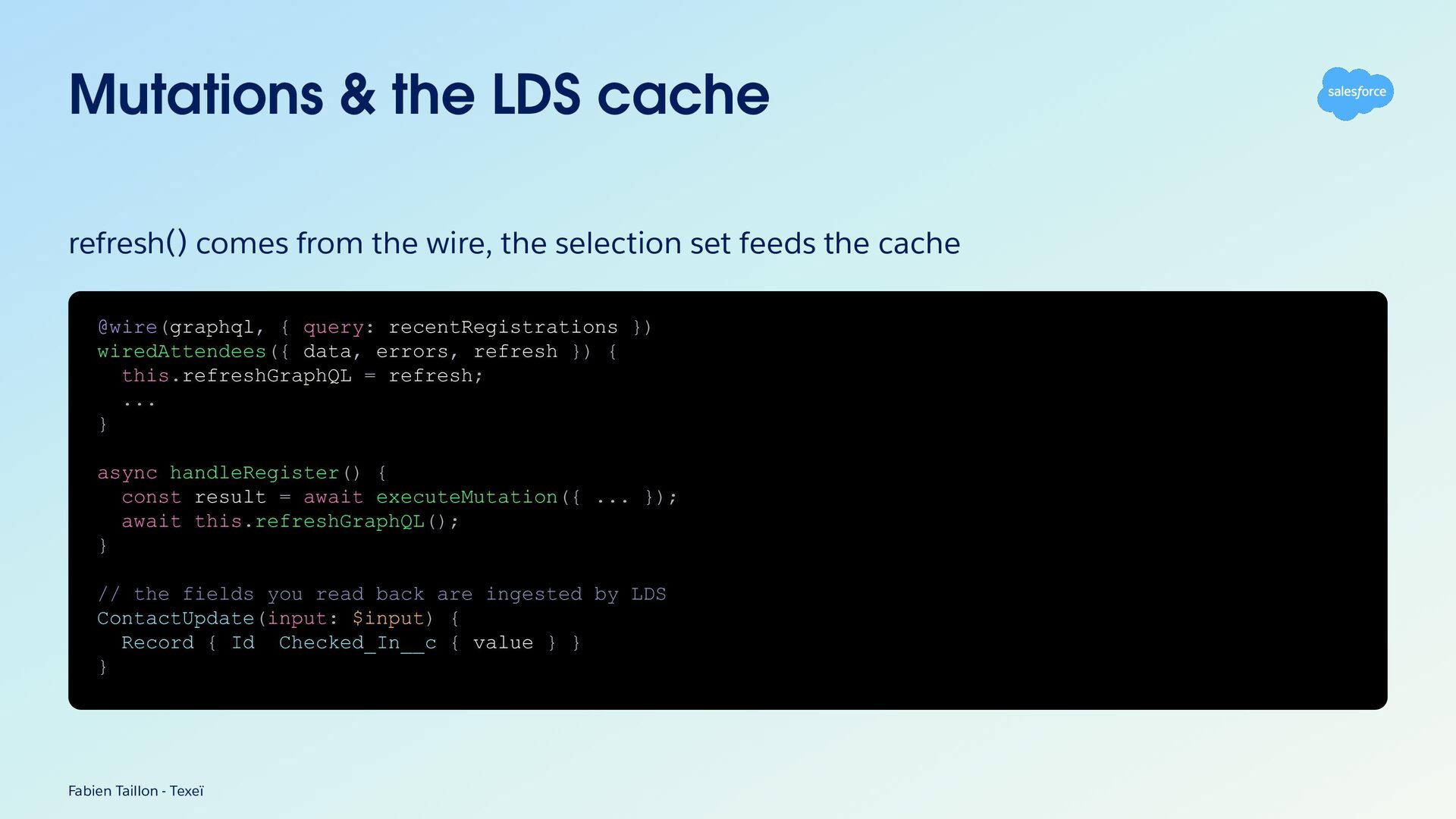
Mutations & the LDS cache refresh() comes from the wire,
the selection set feeds the cache @wire(graphql, { query: recentRegistrations }) wiredAttendees({ data, errors, refresh }) { this.refreshGraphQL = refresh; ... } async handleRegister() { const result = await executeMutation({ ... }); await this.refreshGraphQL(); } // the fields you read back are ingested by LDS ContactUpdate(input: $input) { Record { Id Checked_In__c { value } } } Fabien Taillon - Texeï -
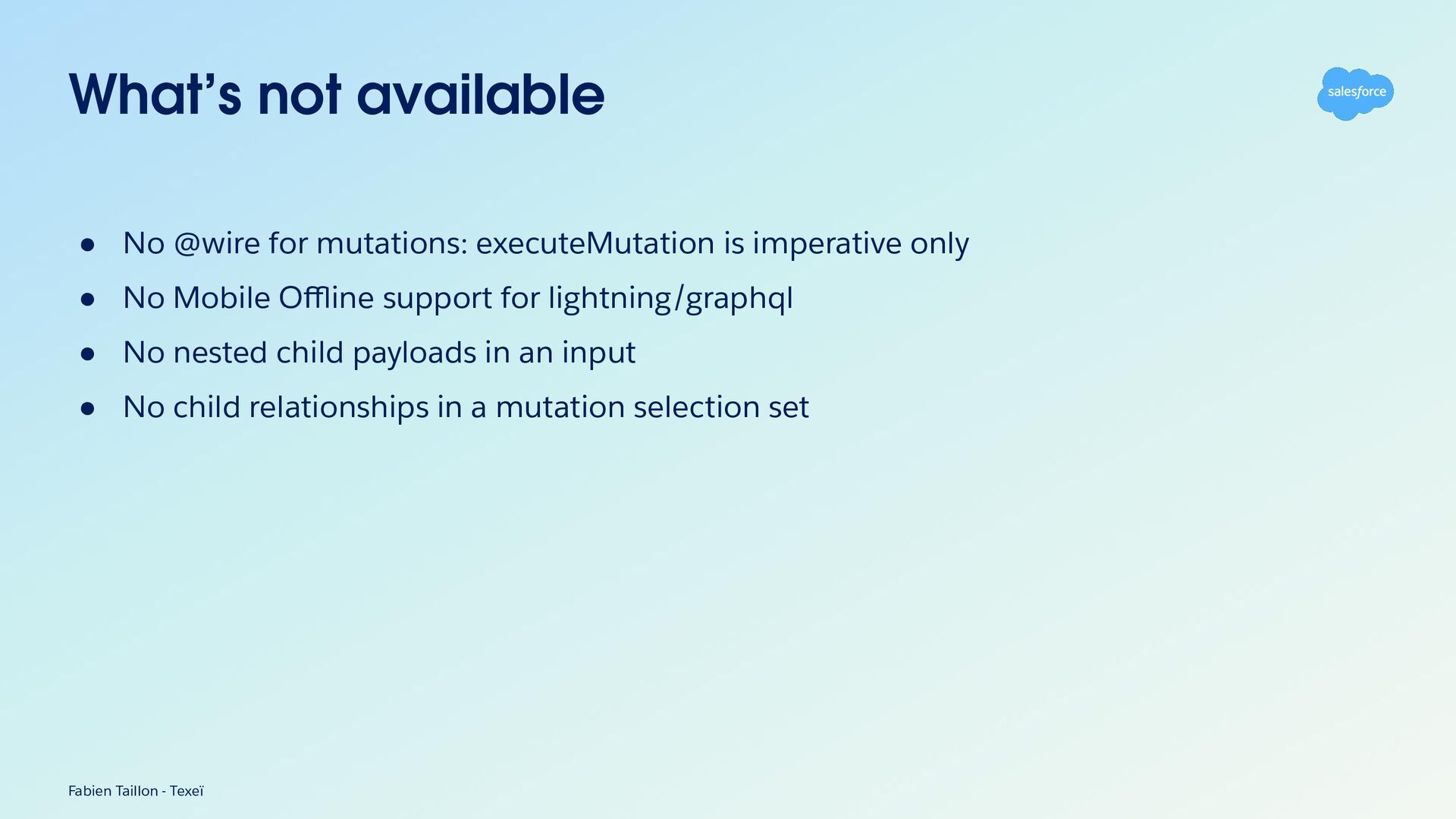
What’s not available • No @wire for mutations: executeMutation is
imperative only • No Mobile Offline support for lightning/graphql • No nested child payloads in an input • No child relationships in a mutation selection set Fabien Taillon - Texeï -
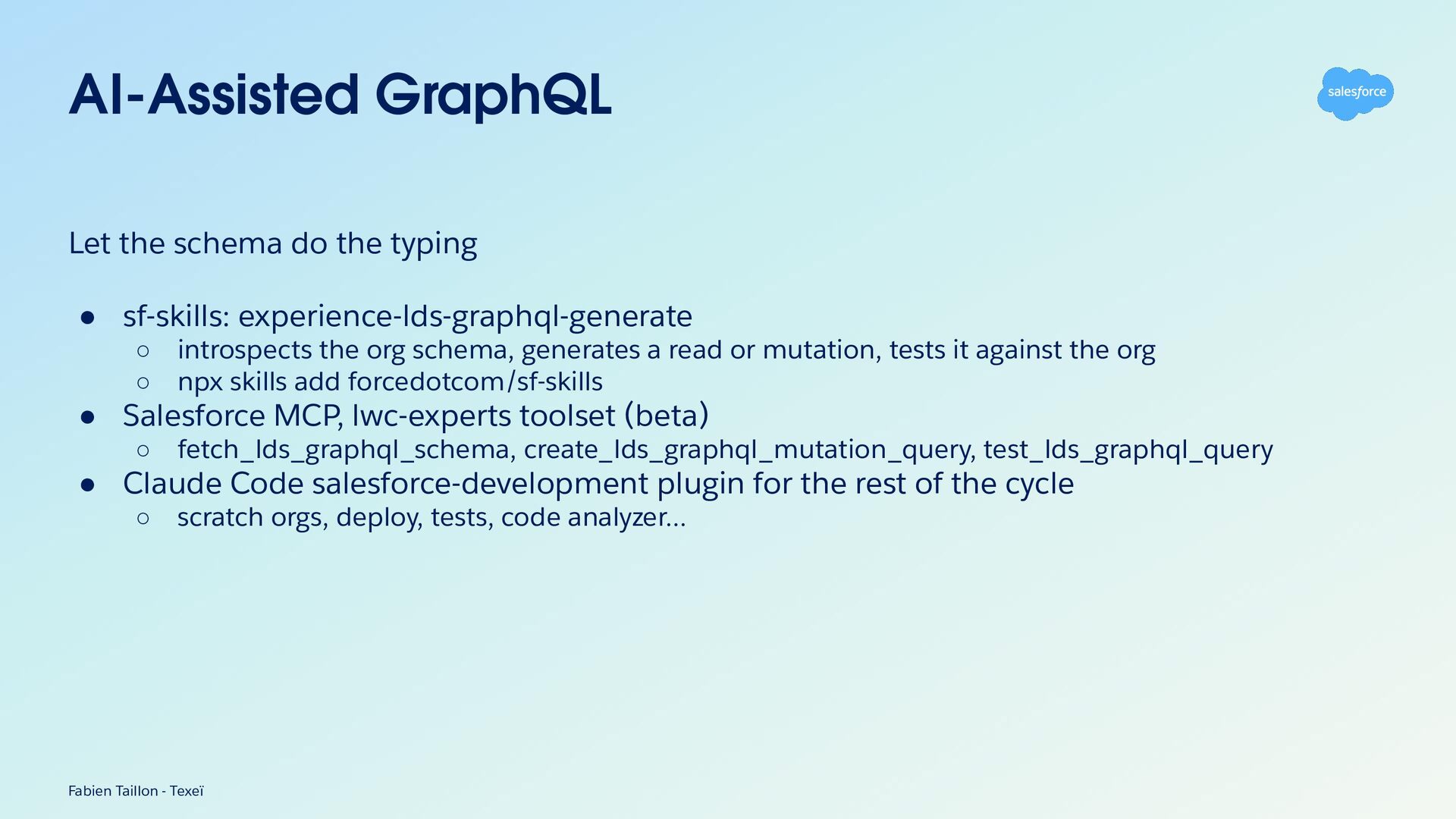
AI-Assisted GraphQL Let the schema do the typing • sf-skills:
experience-lds-graphql-generate ◦ introspects the org schema, generates a read or mutation, tests it against the org ◦ npx skills add forcedotcom/sf-skills • Salesforce MCP, lwc-experts toolset (beta) ◦ fetch_lds_graphql_schema, create_lds_graphql_mutation_query, test_lds_graphql_query • Claude Code salesforce-development plugin for the rest of the cycle ◦ scratch orgs, deploy, tests, code analyzer… Fabien Taillon - Texeï -
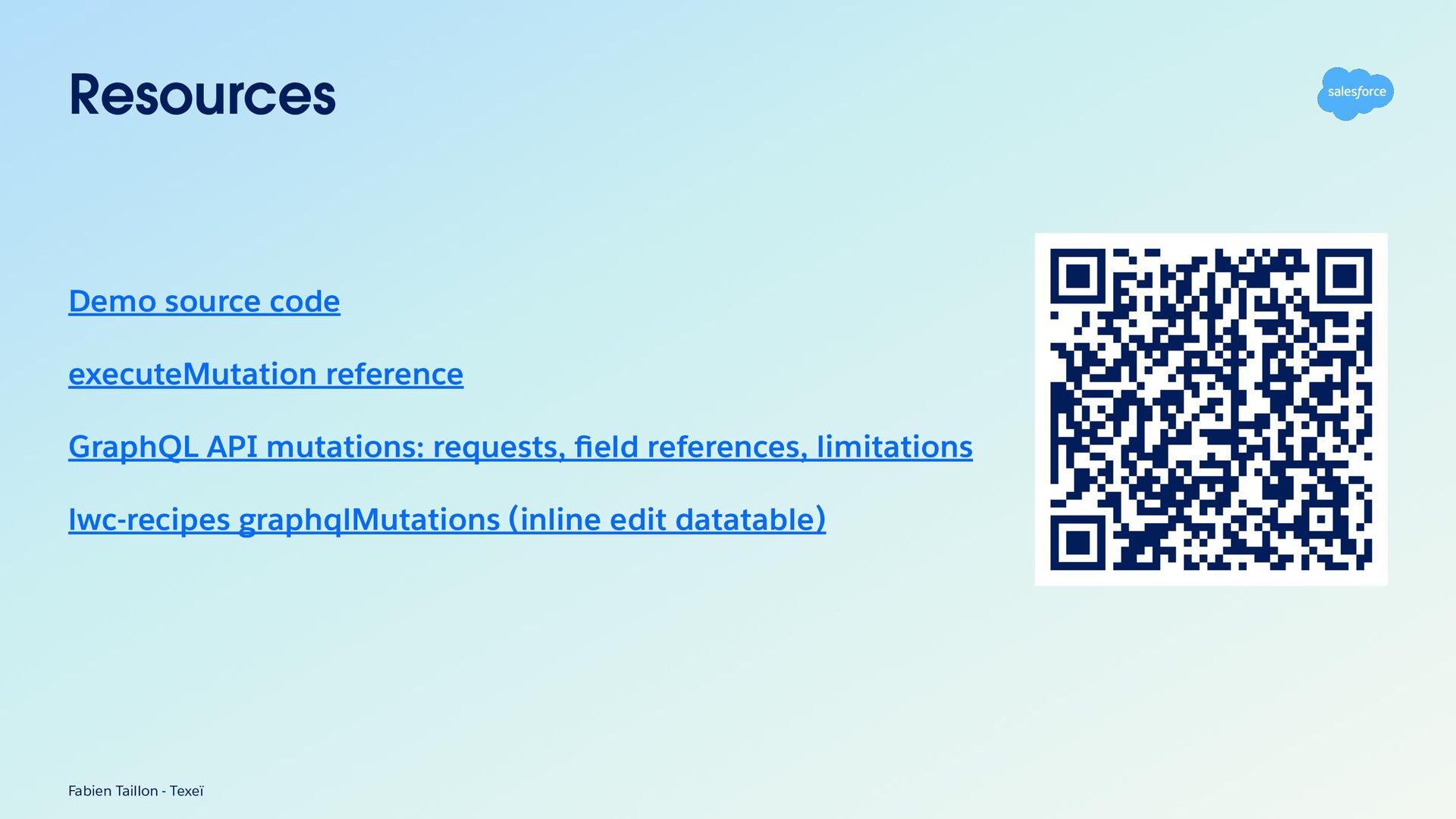
Resources Demo source code executeMutation reference GraphQL API mutations: requests,
field references, limitations lwc-recipes graphqlMutations (inline edit datatable) Fabien Taillon - Texeï -
Coffee on us. The first 4,000 attendees to provide feedback
on this event will receive a $5 Starbucks gi card.* 1. Download the Salesforce Events mobile app. 2. Navigate to surveys. 3. Complete (4) session surveys and the Event Survey. 4. Redeem your gift at Badge Pickup in-person on the last day of the event. *Restrictions apply. See terms and conditions at sforce.co/survey-terms -
Session summaries available soon A short recap of this session
is on its way. You’ll find it later today in the Salesforce Events mobile app or online on the sessions page.