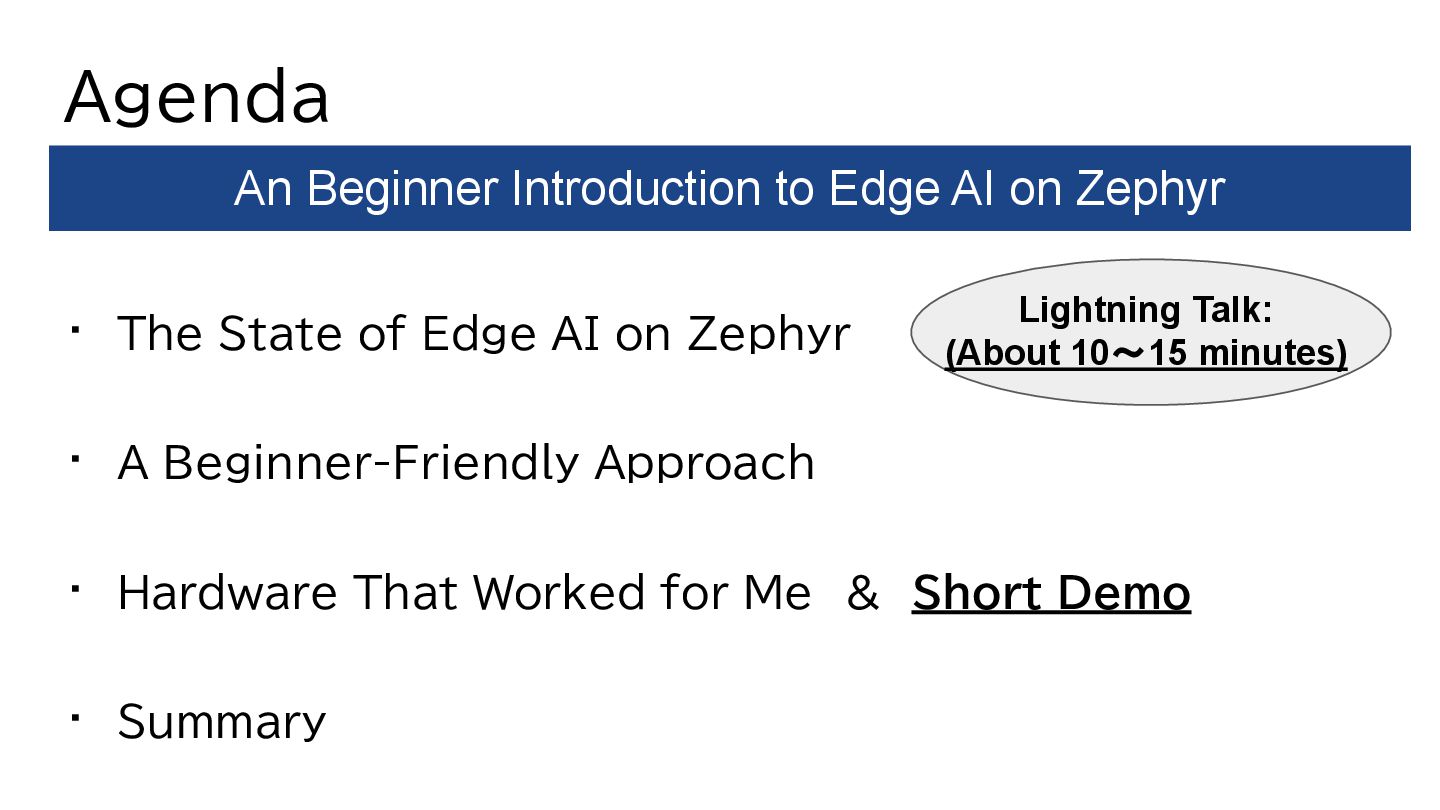
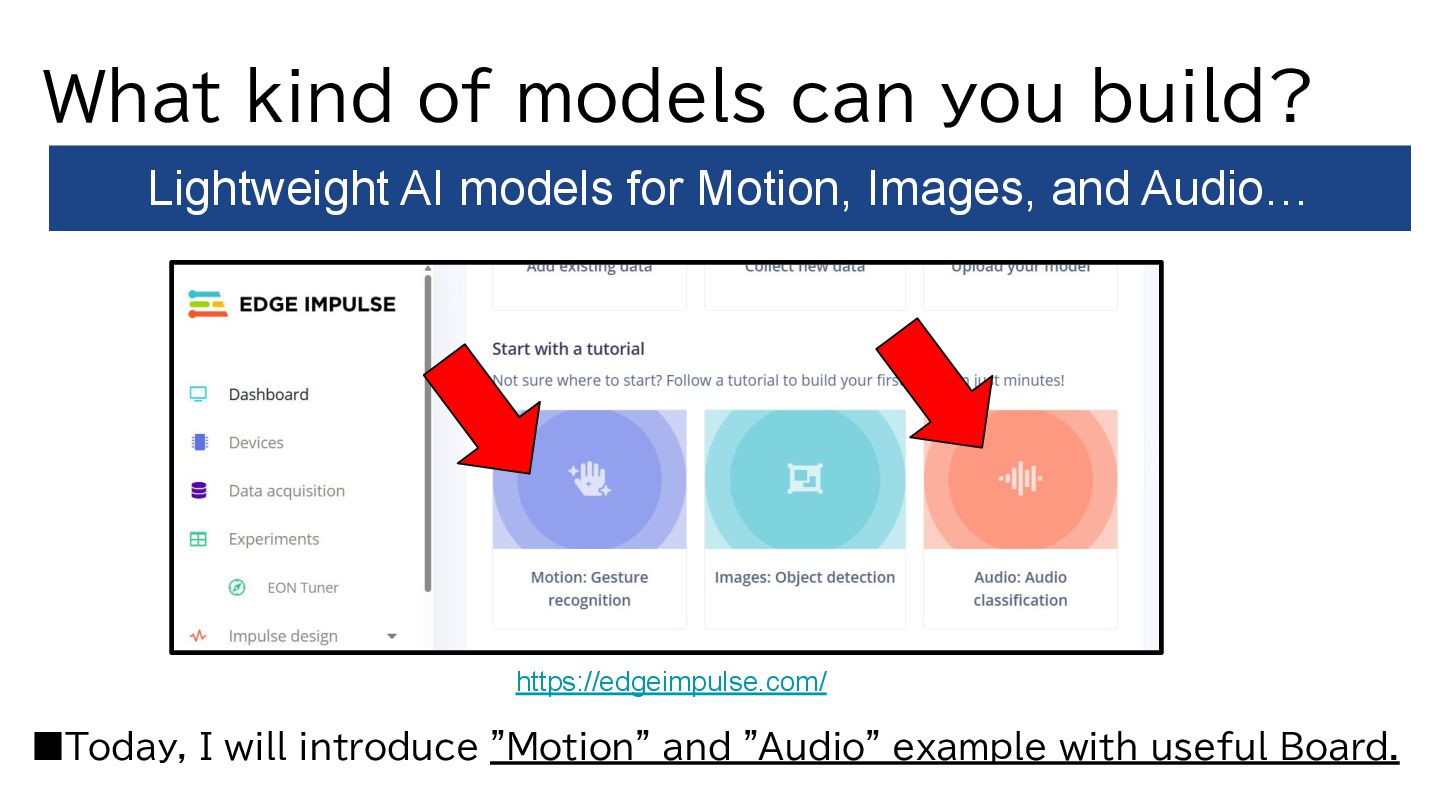
A Beginner-Friendly Approach • Hardware That Worked for Me & Short Demo • Summary An Beginner Introduction to Edge AI on Zephyr Lightning Talk: (About 10~15 minutes)
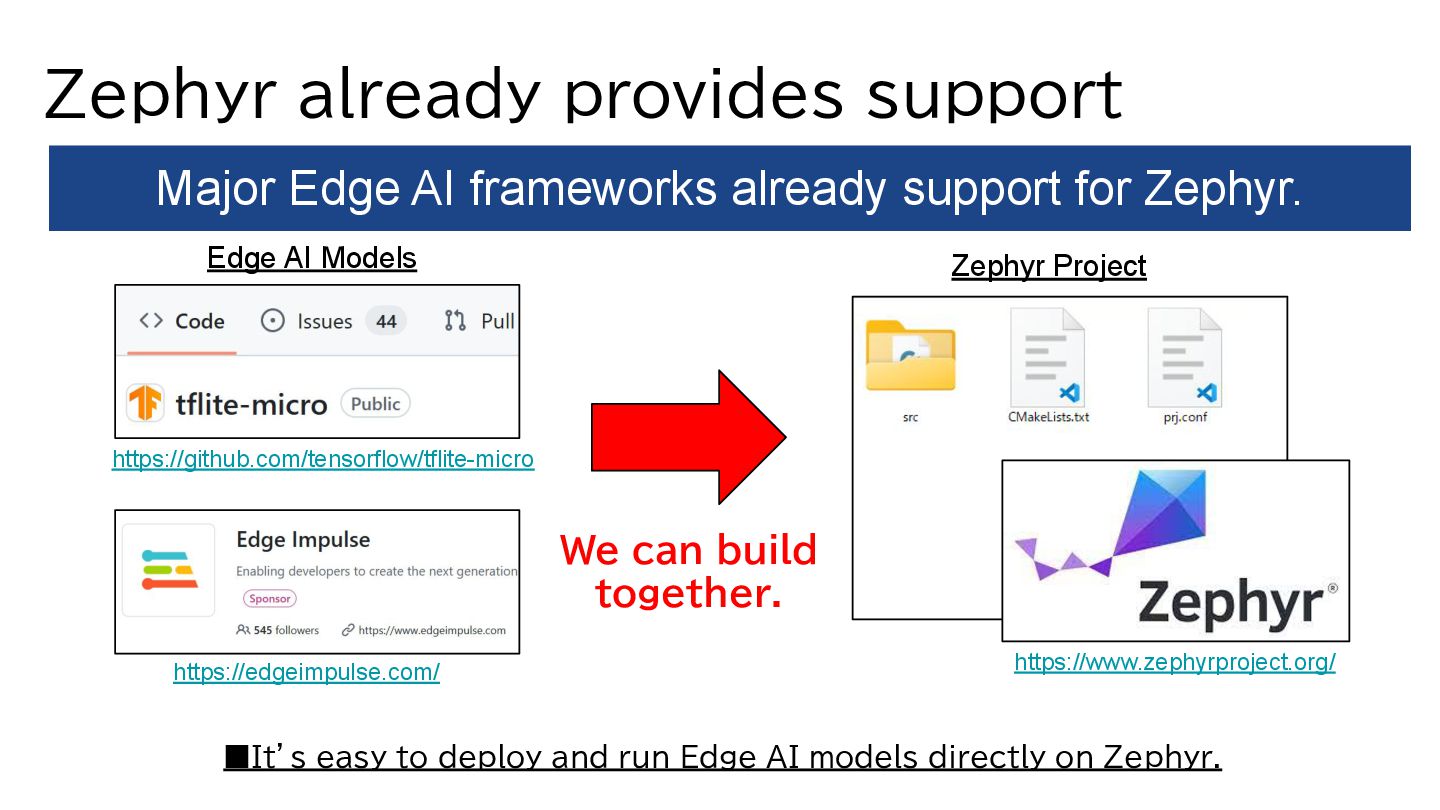
Edge AI models directly on Zephyr. Major Edge AI frameworks already support for Zephyr. https://edgeimpulse.com/ https://www.zephyrproject.org/ Just Build it all together. https://github.com/tensorflow/tflite-micro Zephyr Project We can build together. Edge AI Models
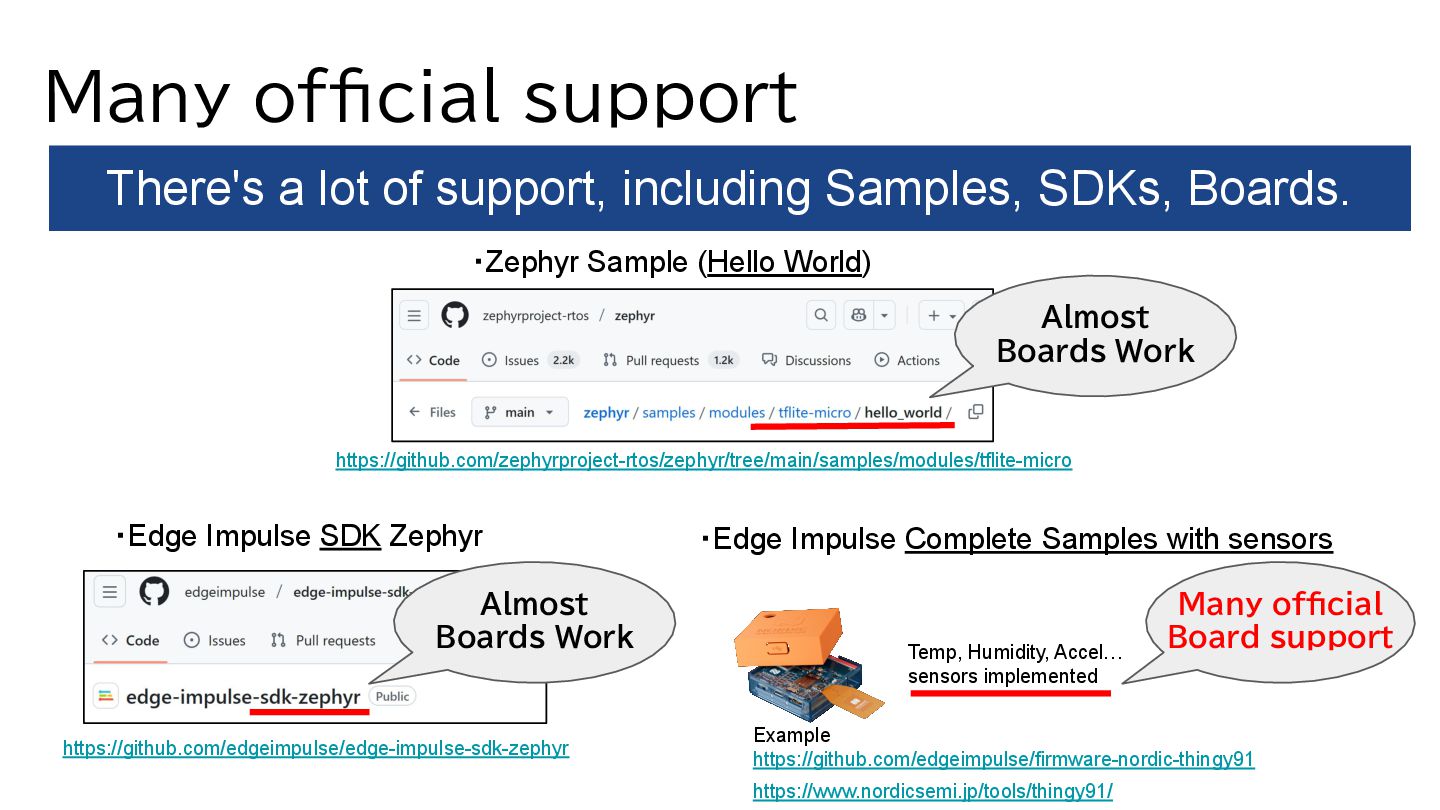
SDKs, Boards. ・Zephyr Sample (Hello World) ・Edge Impulse SDK Zephyr Almost Boards Work https://github.com/zephyrproject-rtos/zephyr/tree/main/samples/modules/tflite-micro https://github.com/edgeimpulse/edge-impulse-sdk-zephyr ・Edge Impulse Complete Samples with sensors Example https://github.com/edgeimpulse/firmware-nordic-thingy91 Almost Boards Work Many official Board support Temp, Humidity, Accel… sensors implemented https://www.nordicsemi.jp/tools/thingy91/
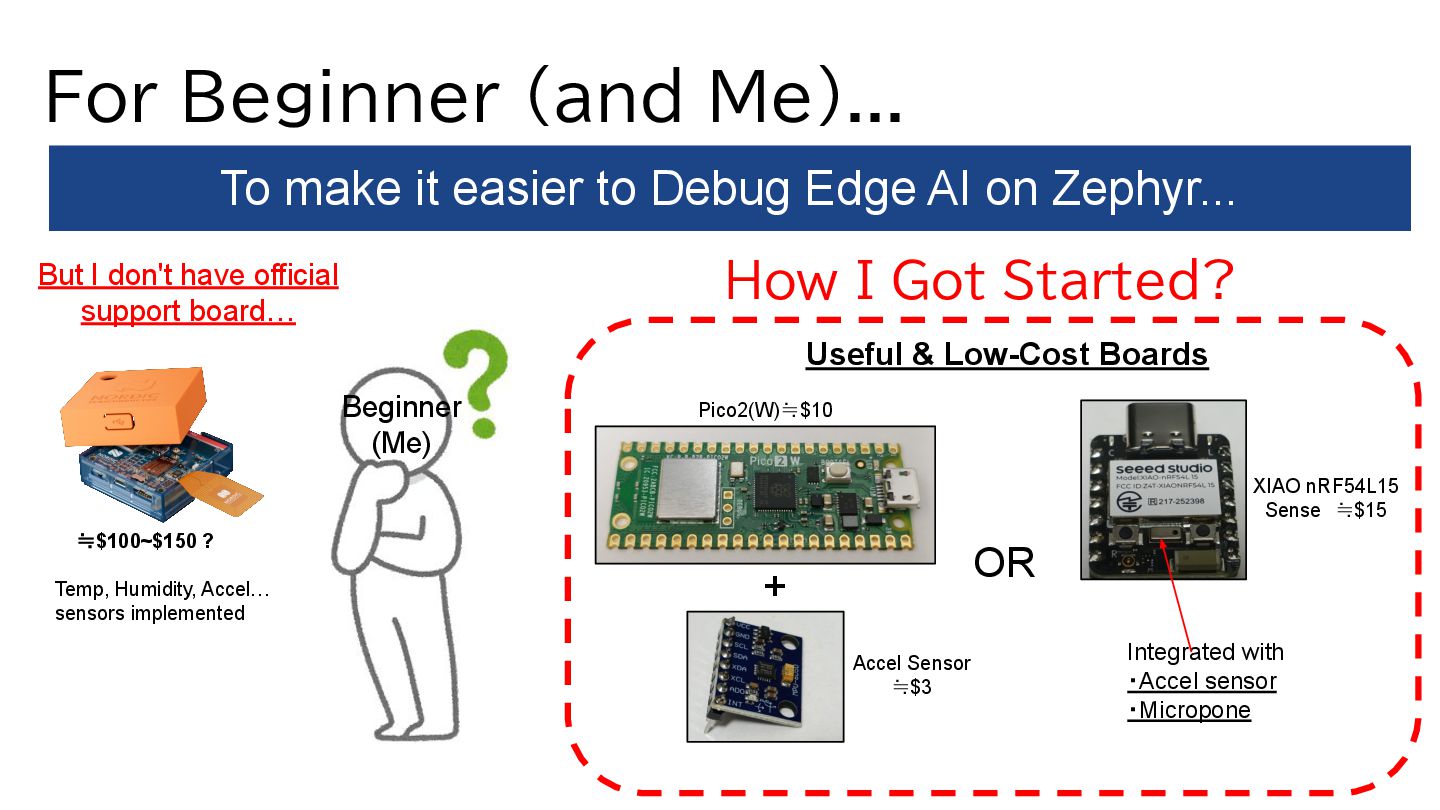
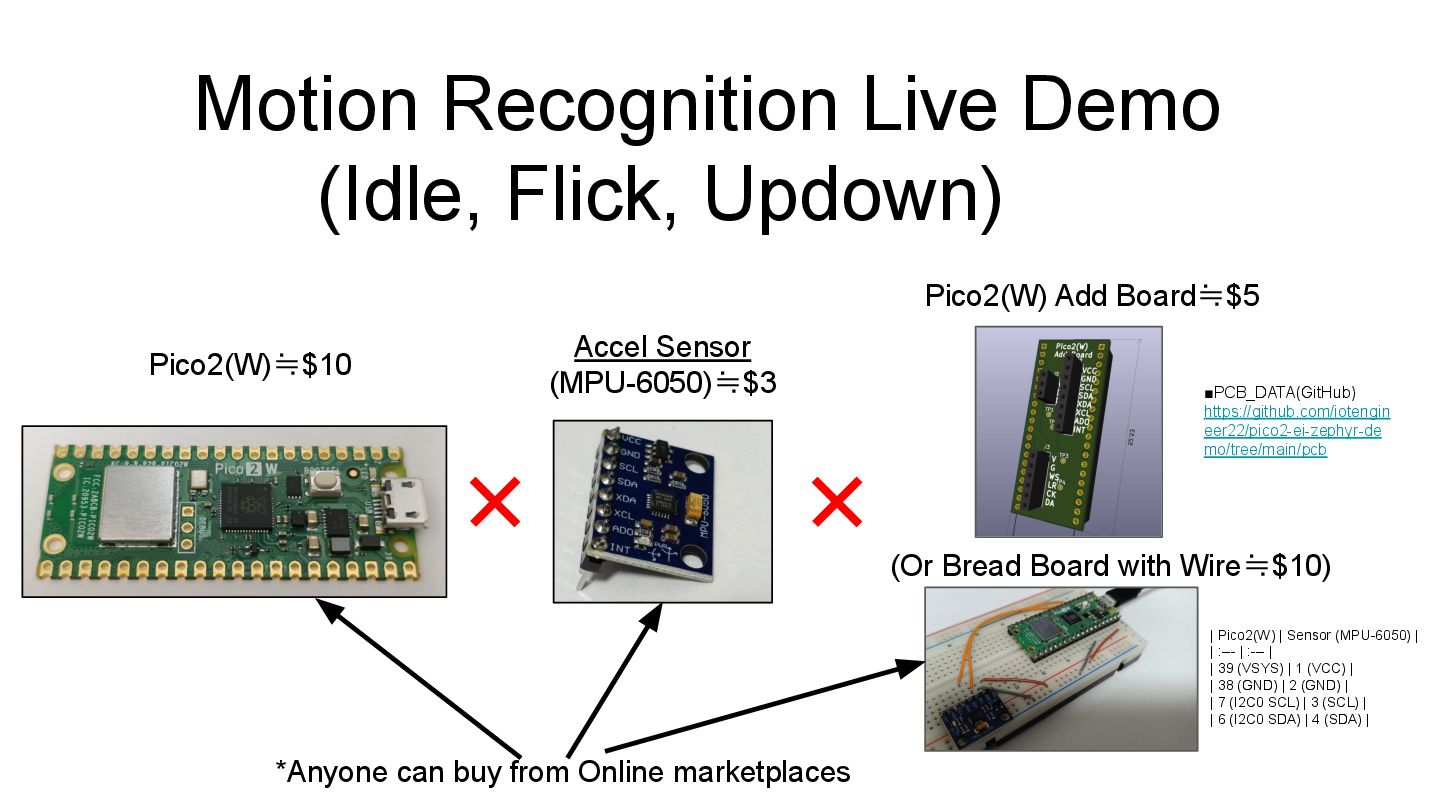
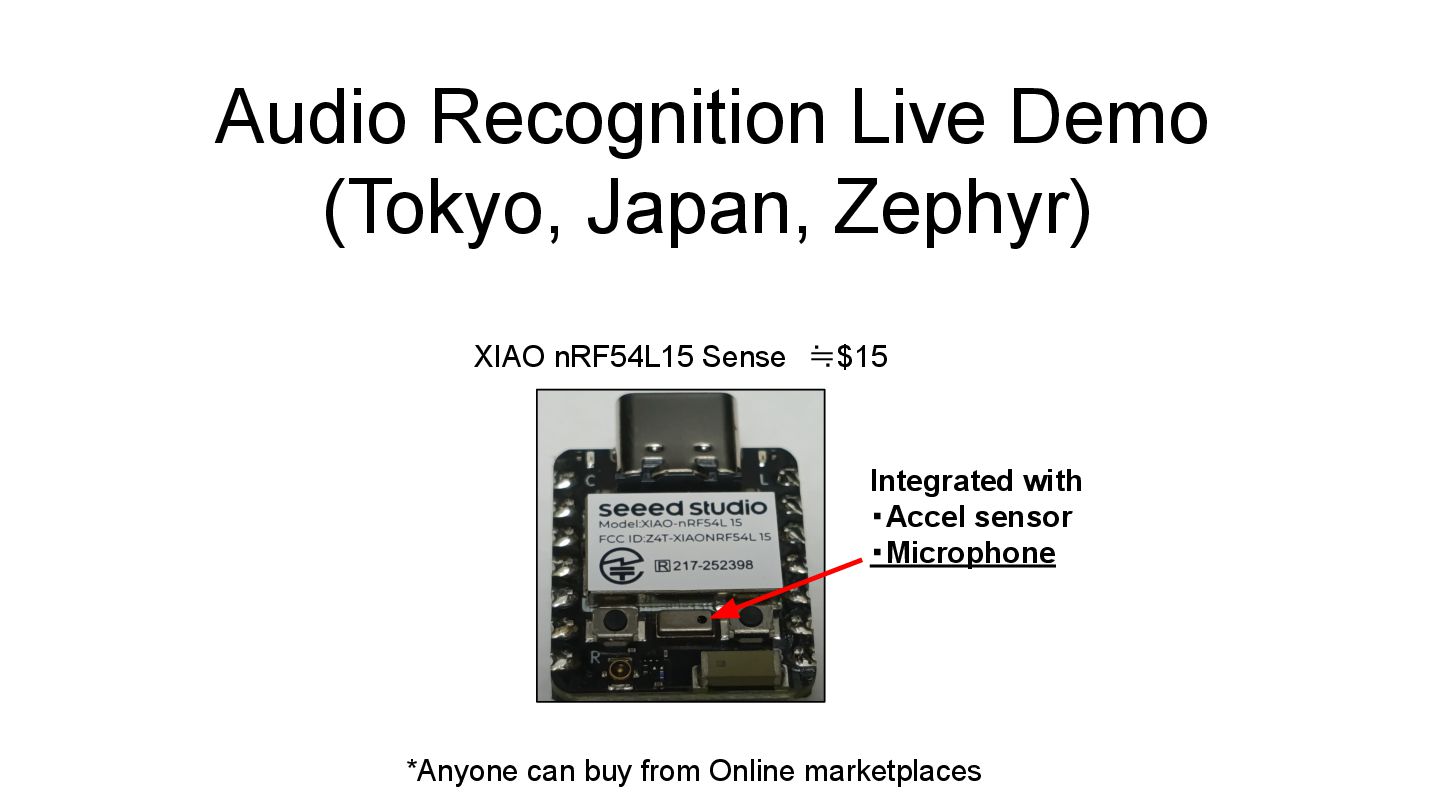
Edge AI on Zephyr... But I don't have official support board… How I Got Started? Beginner (Me) Useful & Low-Cost Boards Temp, Humidity, Accel… sensors implemented Accel Sensor ≒$3 Pico2(W)≒$10 ≒$100~$150 ? OR XIAO nRF54L15 Sense ≒$15 Integrated with ・Accel sensor ・Micropone +
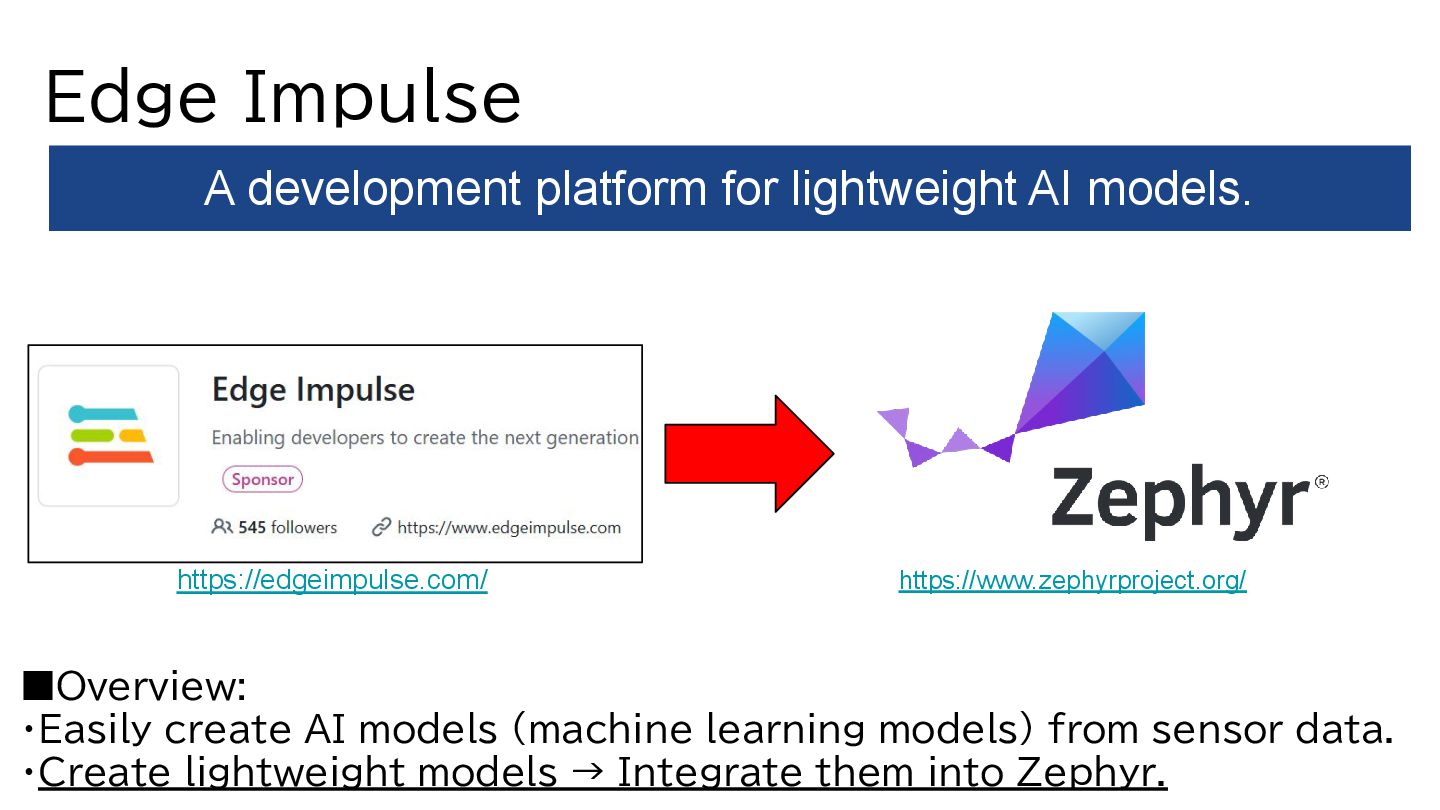
from sensor data. ・Create lightweight models → Integrate them into Zephyr. A development platform for lightweight AI models. https://www.zephyrproject.org/ https://edgeimpulse.com/
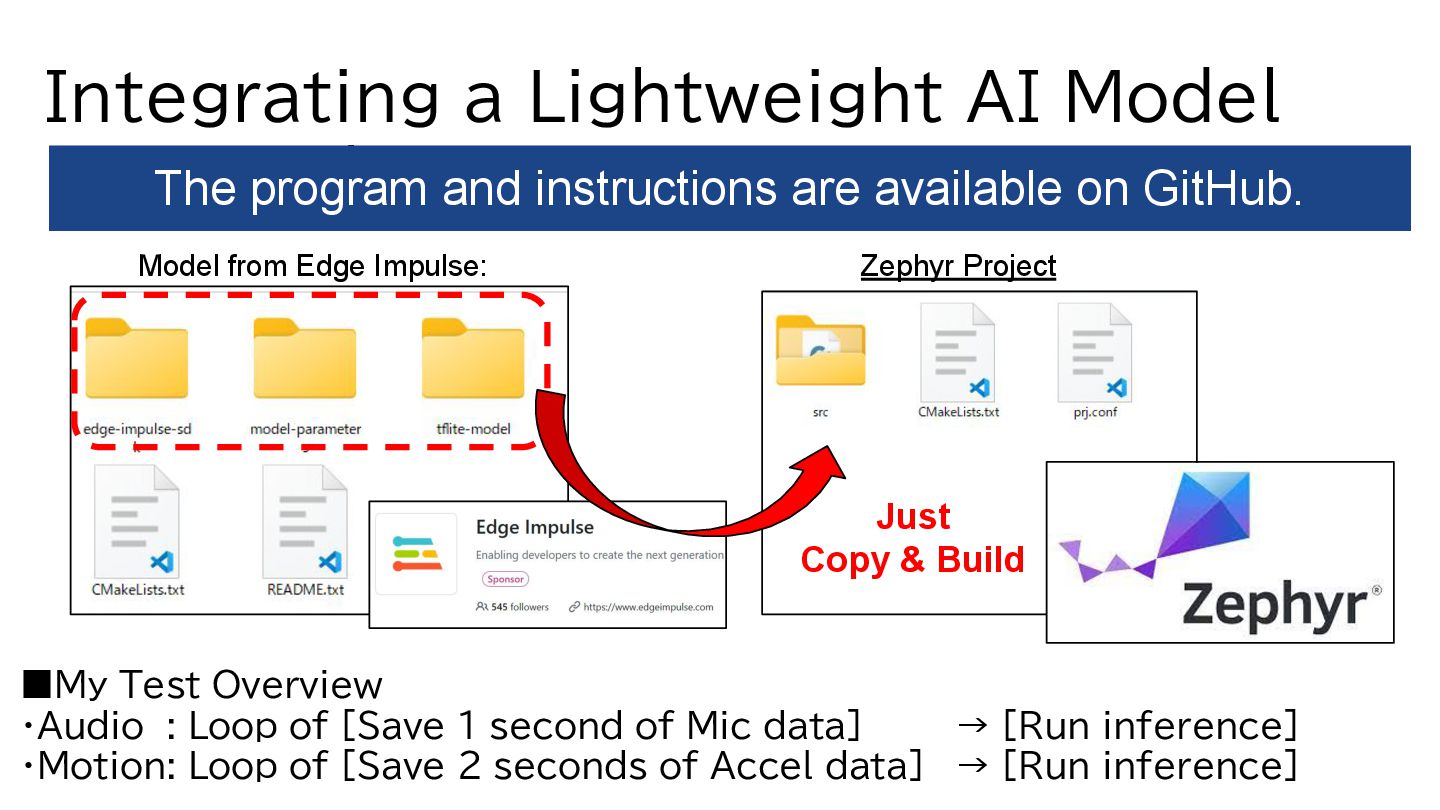
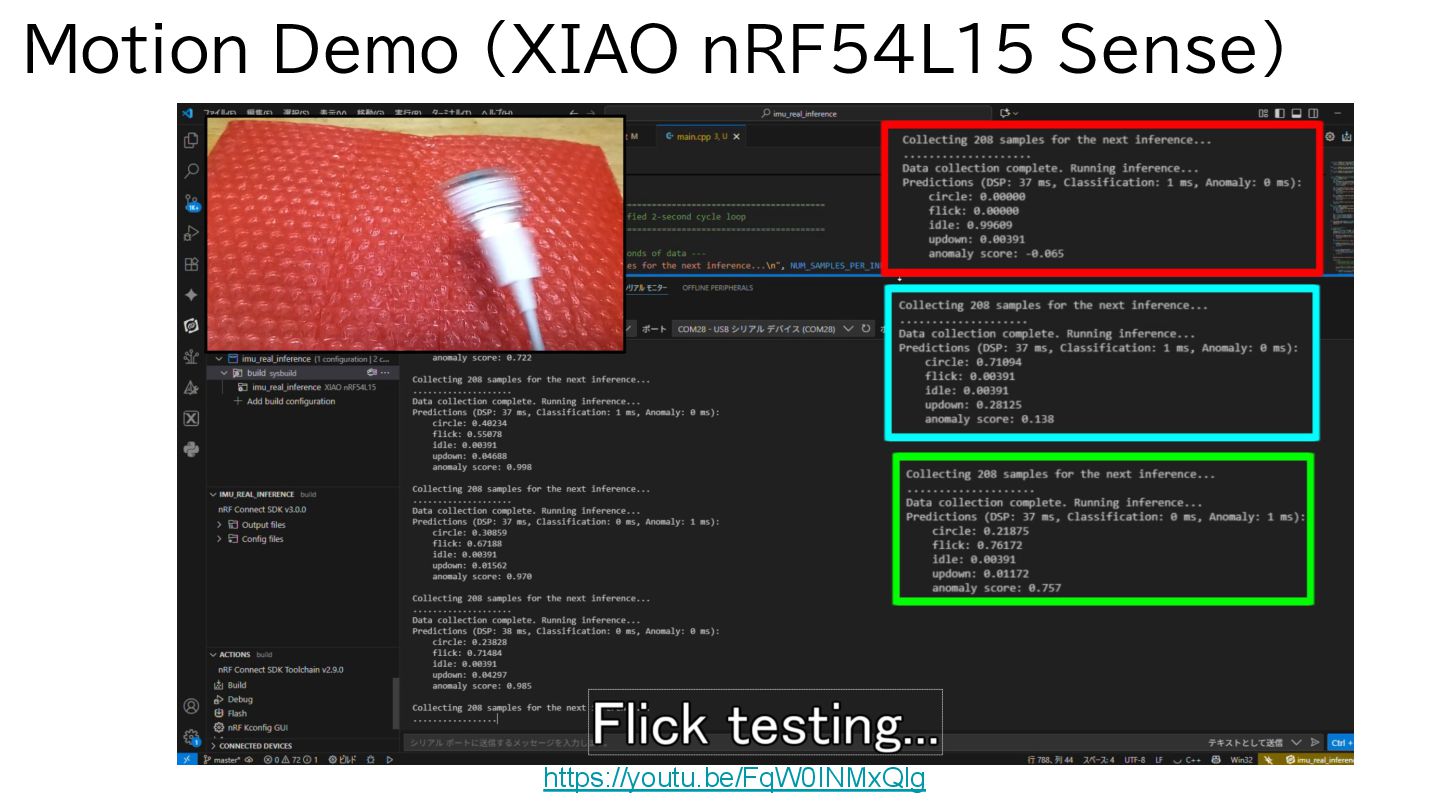
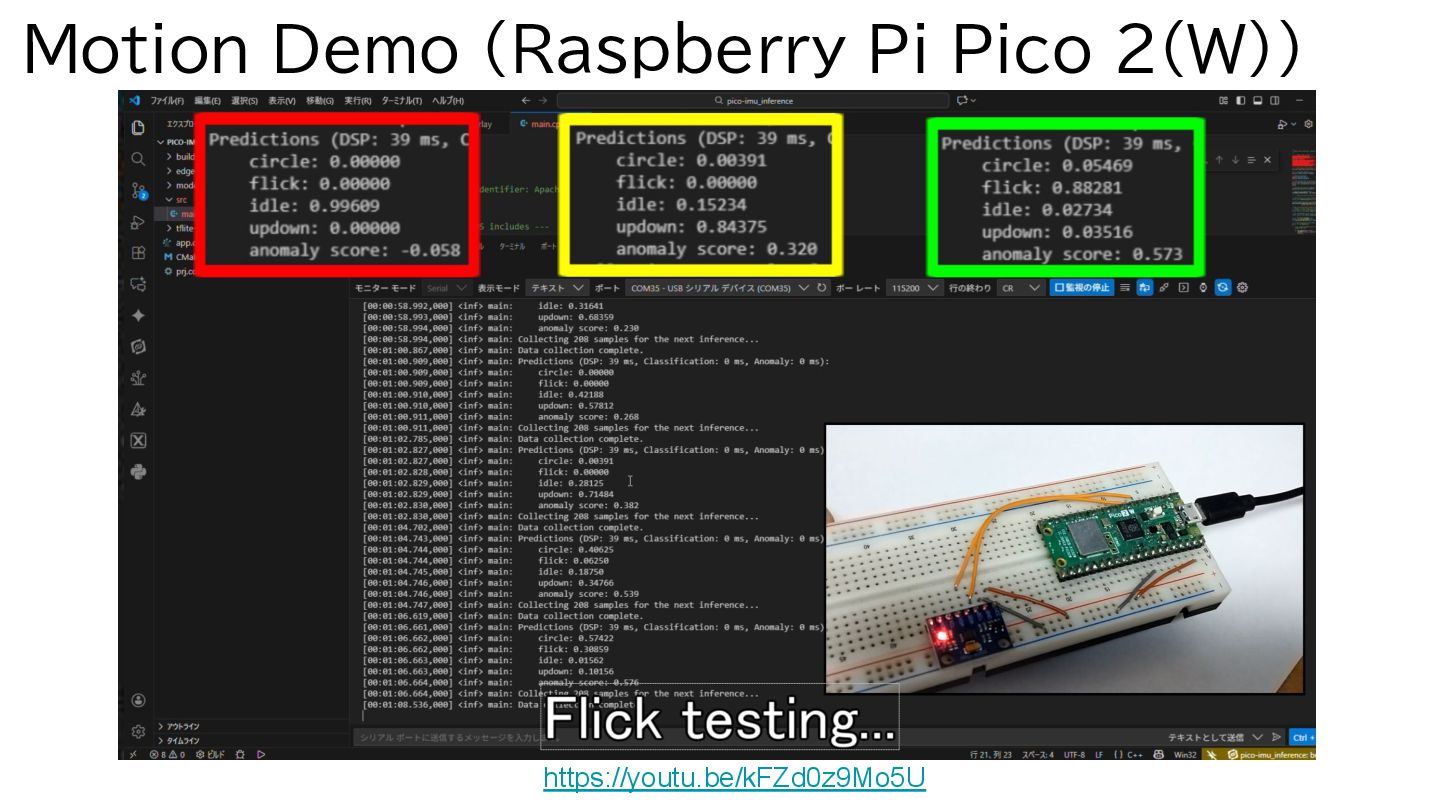
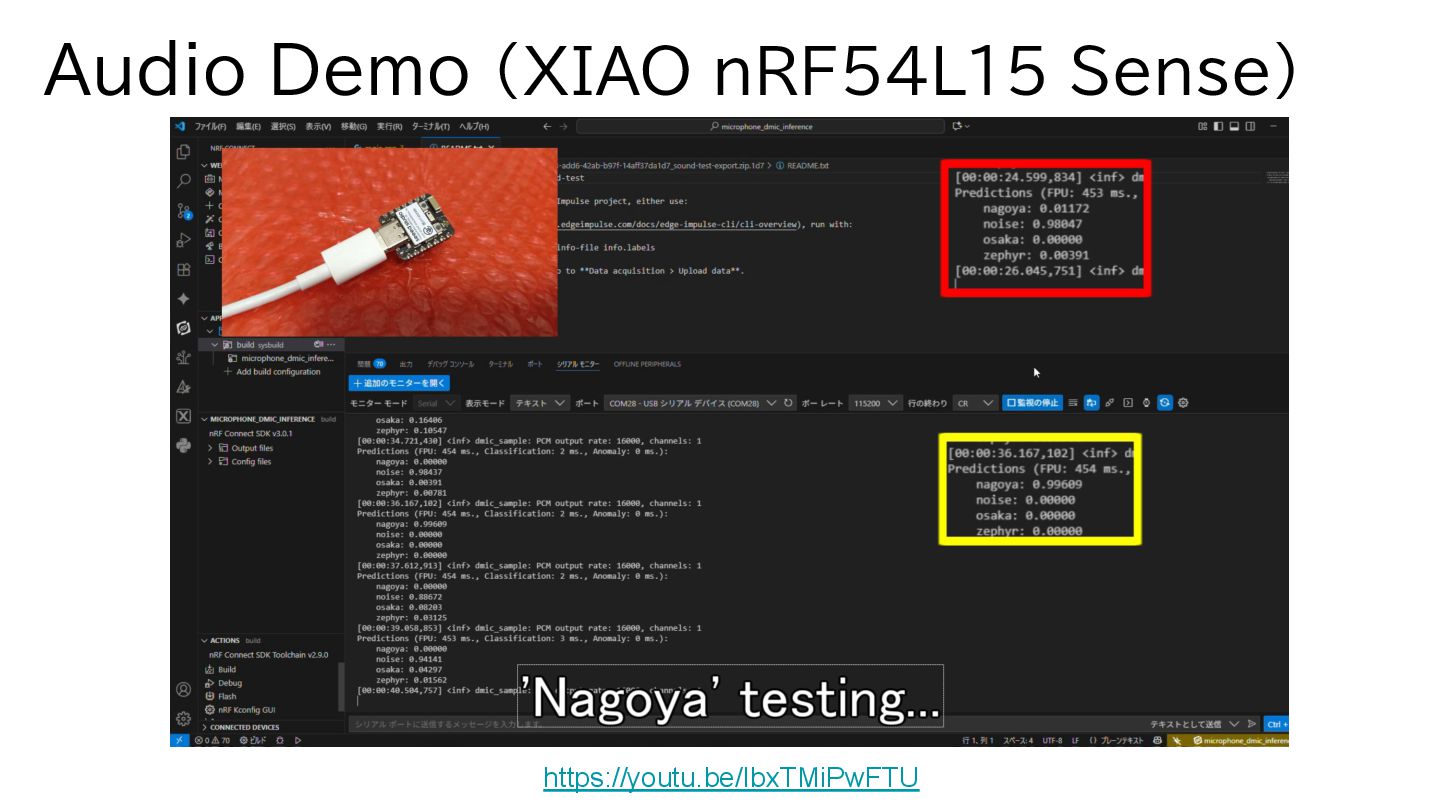
・Audio : Loop of [Save 1 second of Mic data] → [Run inference] ・Motion: Loop of [Save 2 seconds of Accel data] → [Run inference] The program and instructions are available on GitHub. Model from Edge Impulse: Just Copy & Build Zephyr Project
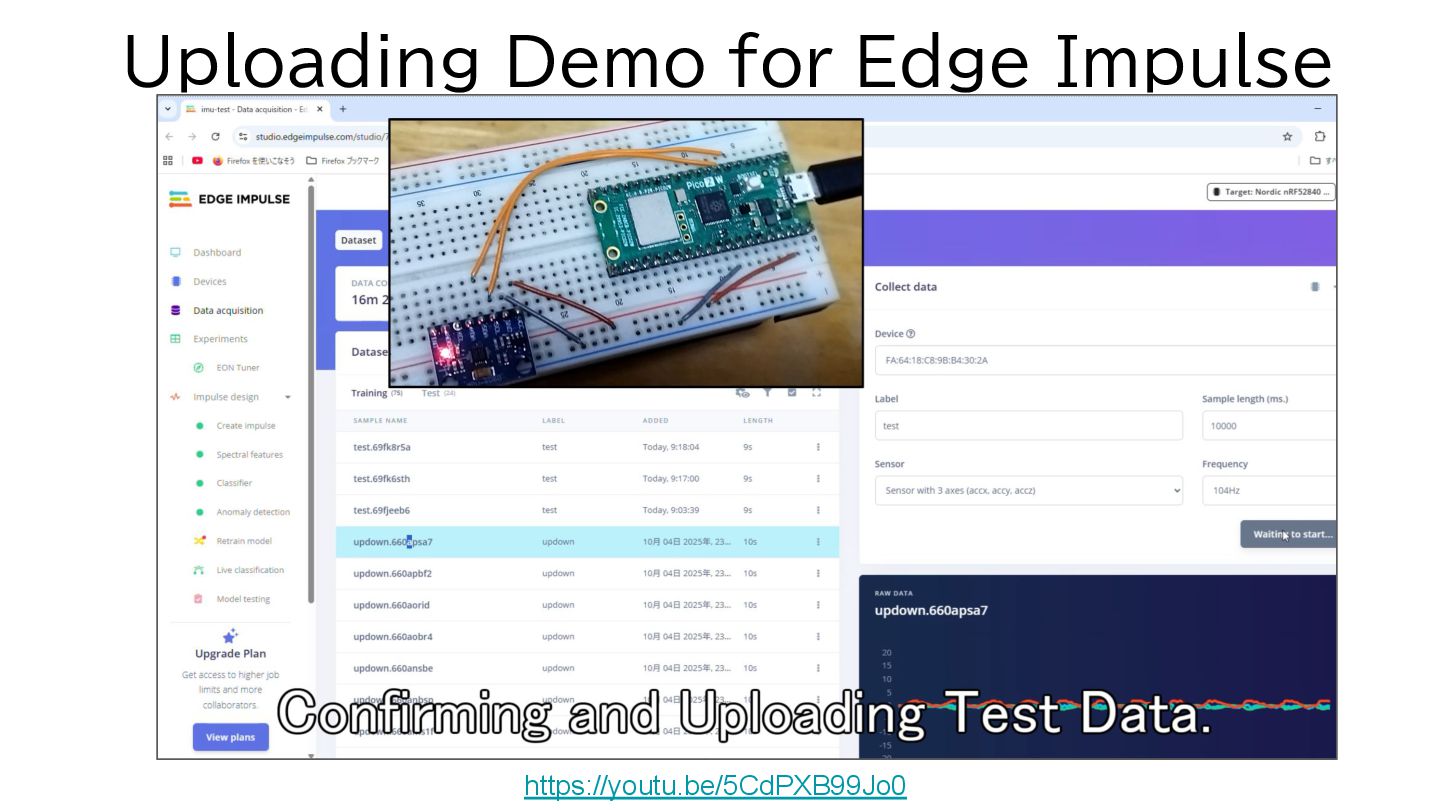
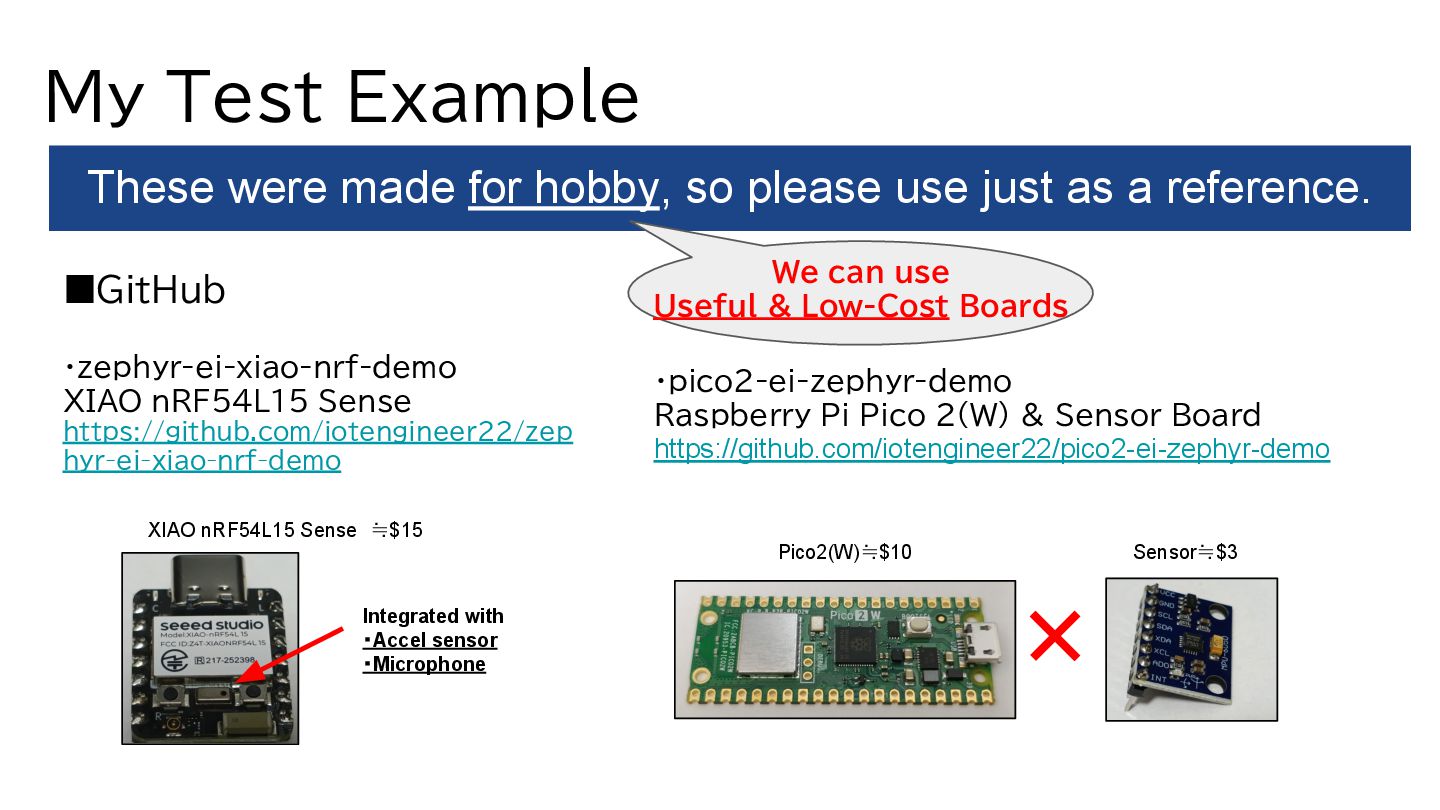
a reference. ・pico2-ei-zephyr-demo Raspberry Pi Pico 2(W) & Sensor Board https://github.com/iotengineer22/pico2-ei-zephyr-demo My Test Example ▪GitHub ・zephyr-ei-xiao-nrf-demo XIAO nRF54L15 Sense https://github.com/iotengineer22/zep hyr-ei-xiao-nrf-demo XIAO nRF54L15 Sense ≒$15 Integrated with ・Accel sensor ・Microphone We can use Useful & Low-Cost Boards + Sensor≒$3 Pico2(W)≒$10
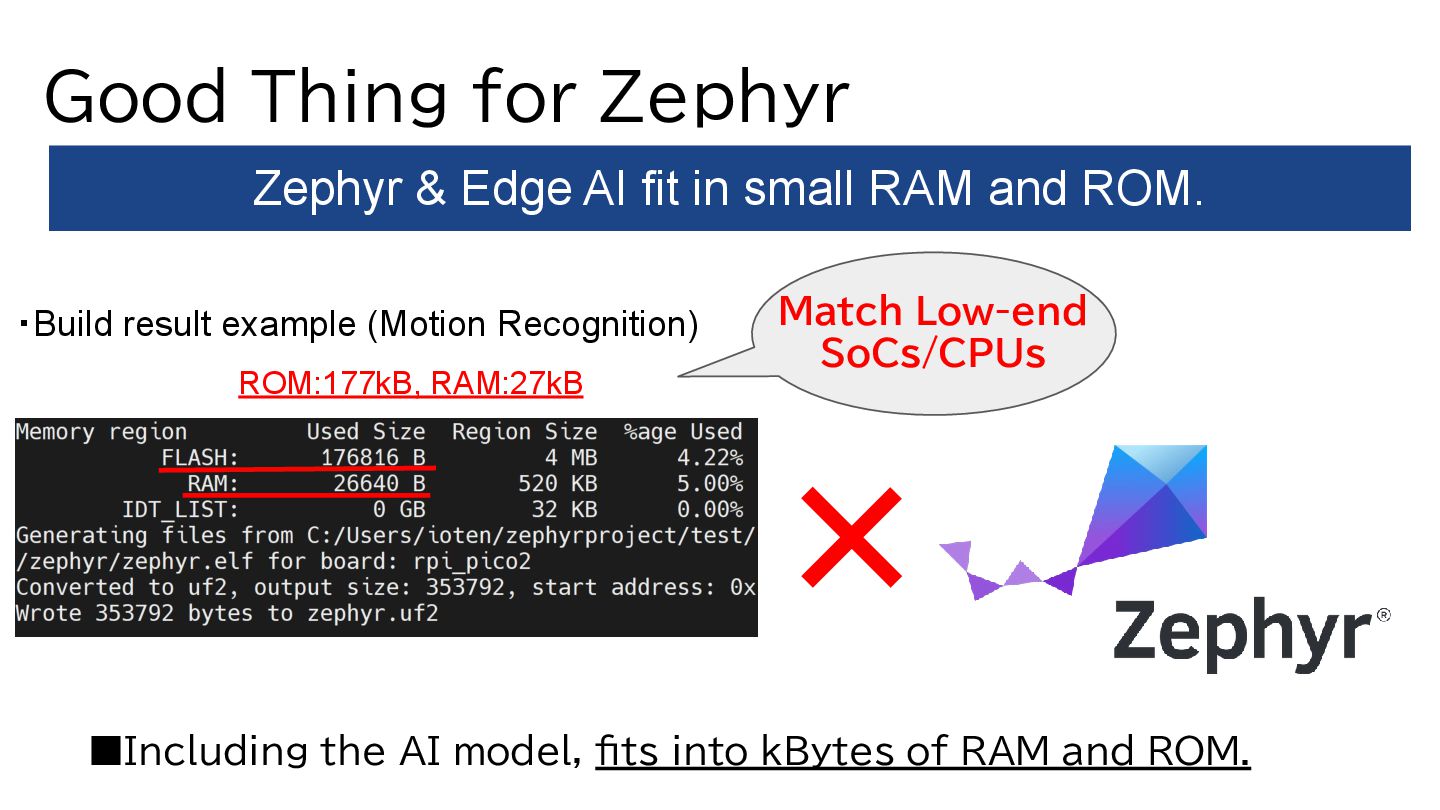
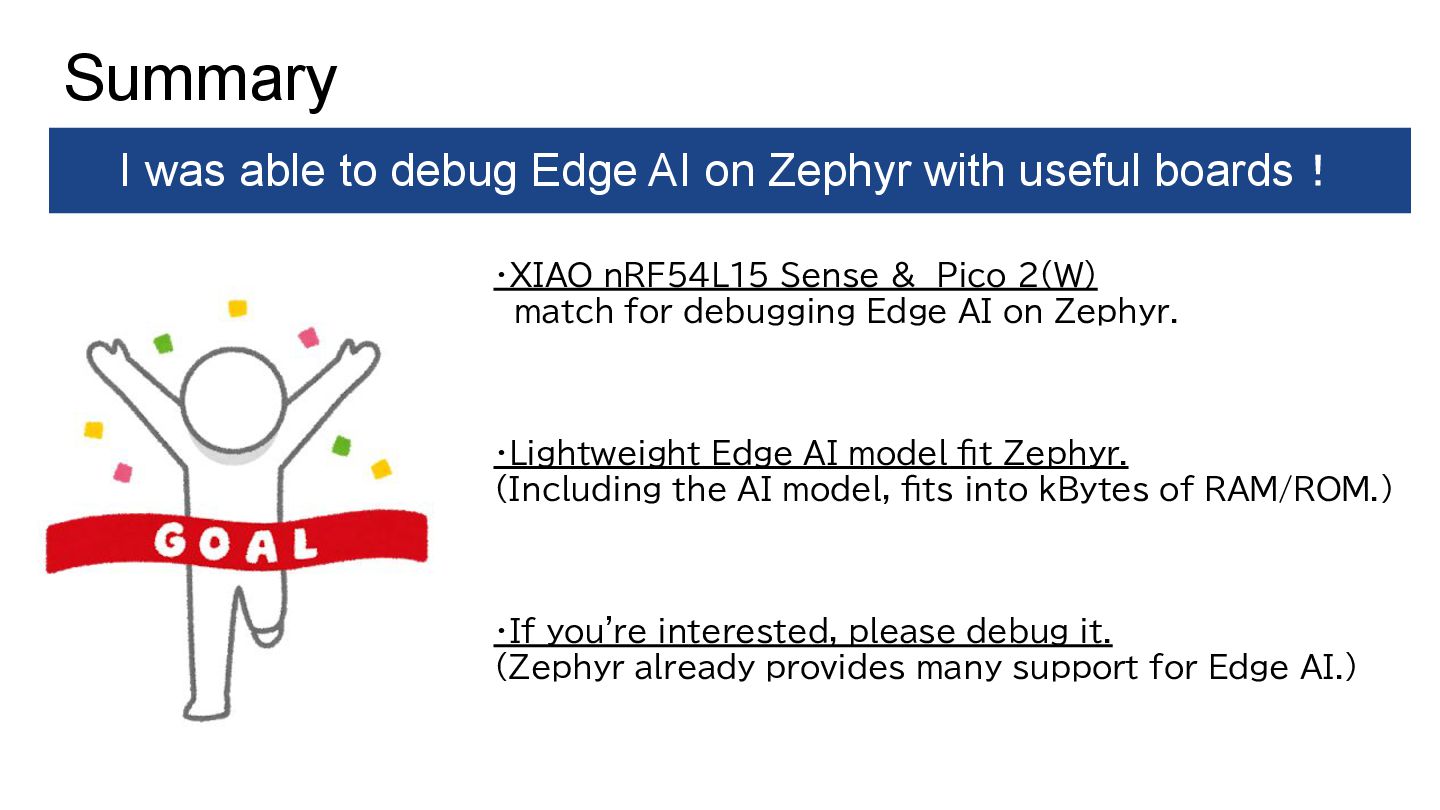
AI on Zephyr. ・Lightweight Edge AI model fit Zephyr. (Including the AI model, fits into kBytes of RAM/ROM.) ・If you're interested, please debug it. (Zephyr already provides many support for Edge AI.) Summary I was able to debug Edge AI on Zephyr with useful boards!
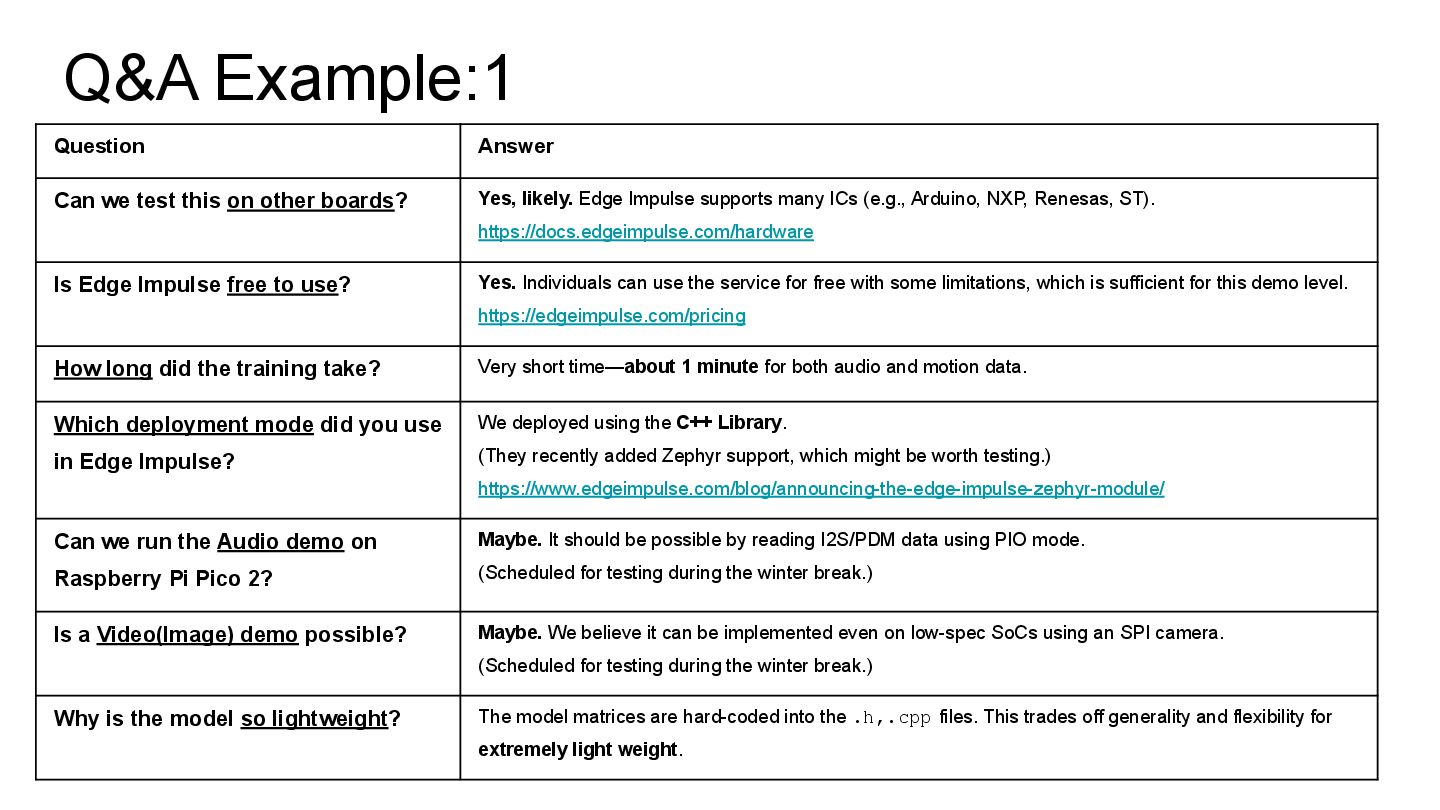
boards? Yes, likely. Edge Impulse supports many ICs (e.g., Arduino, NXP, Renesas, ST). https://docs.edgeimpulse.com/hardware Is Edge Impulse free to use? Yes. Individuals can use the service for free with some limitations, which is sufficient for this demo level. https://edgeimpulse.com/pricing How long did the training take? Very short time—about 1 minute for both audio and motion data. Which deployment mode did you use in Edge Impulse? We deployed using the C++ Library. (They recently added Zephyr support, which might be worth testing.) https://www.edgeimpulse.com/blog/announcing-the-edge-impulse-zephyr-module/ Can we run the Audio demo on Raspberry Pi Pico 2? Maybe. It should be possible by reading I2S/PDM data using PIO mode. (Scheduled for testing during the winter break.) Is a Video(Image) demo possible? Maybe. We believe it can be implemented even on low-spec SoCs using an SPI camera. (Scheduled for testing during the winter break.) Why is the model so lightweight? The model matrices are hard-coded into the .h,.cpp files. This trades off generality and flexibility for extremely light weight.
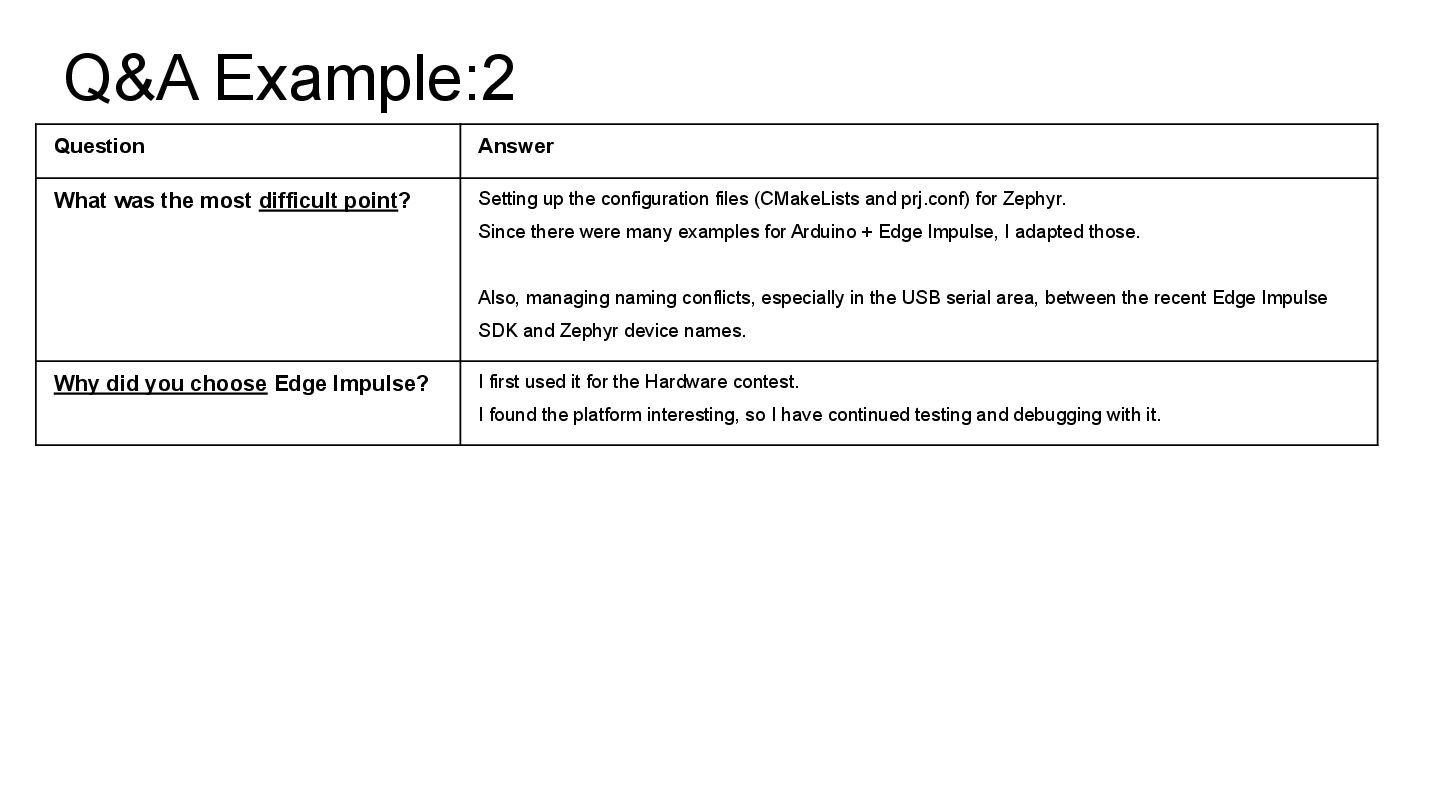
Setting up the configuration files (CMakeLists and prj.conf) for Zephyr. Since there were many examples for Arduino + Edge Impulse, I adapted those. Also, managing naming conflicts, especially in the USB serial area, between the recent Edge Impulse SDK and Zephyr device names. Why did you choose Edge Impulse? I first used it for the Hardware contest. I found the platform interesting, so I have continued testing and debugging with it.


 iotengineer22
 yama3133
 hacobu
 ennael
 dada4386
 mot_techtalk
 pauli
pauli
 mtpooh
 toru_kubota
 chack411
 pei0804
 furuton
 shisyu_gaku
 minecr
 sarafernandez
 chrislema
 lara
lara
 denniskardys
 techseoconnect
 aarron
 akihiro_kokubo
 keithpitt
 marcduiker
 kimpetersen
 jonoalderson