Upgrade to Pro — share decks privately, control downloads, hide ads and more …

Mapping the Evolution of ODF with LibreOffice

Sponsored · SiteGround - Reliable hosting with speed, security, and support you can count on.

Mapping the Evolution of ODF with LibreOffice

This presentation explores how ODF evolved from Version 1.2 to Version 1.4 using LibreOffice Calc, LLM-assisted analysis, and a knowledge graph.

The project compares specification changes, application support, and interoperability issues while keeping verified results in an open and reusable form. It also shows how LibreOffice Calc, LLMs, and Neo4j can play different roles: extracting candidate information, validating and storing evidence, and exploring relationships across versions and applications.

Presented at LibreOffice Conference 2026 in Pordenone, Italy.

Avatar for Koji Annoura
Koji Annoura

September 11, 2026

More Decks by Koji Annoura

Other Decks in Technology

Transcript

  1. Mapping the Evolution of ODF with LibreOffice Versions, Applications, Interoperability,

    and Structured Knowledge Koji Annoura September 11, 2026, 15:00–15:30, Track Room 1
  2. Who Am I? • Koji Annoura Working with graph databases

    and knowledge graphs • Co-founder of the Neo4j Users Group Tokyo • Founder of the Apache Hop User Group Japan • Interested in open standards and structured knowledge •
  3. The Starting Question How did ODF change from Version 1.2

    to Version 1.4? • How can we compare any two versions? • How can we keep the evidence usable? •
  4. Where Should Verified Knowledge Live? An LLM can help us

    read specifications and find possible changes. • However, the verified results need a stable and open place. • We need to inspect, update, and reuse them later. • In this project, that place is a LibreOffice Calc workbook. •
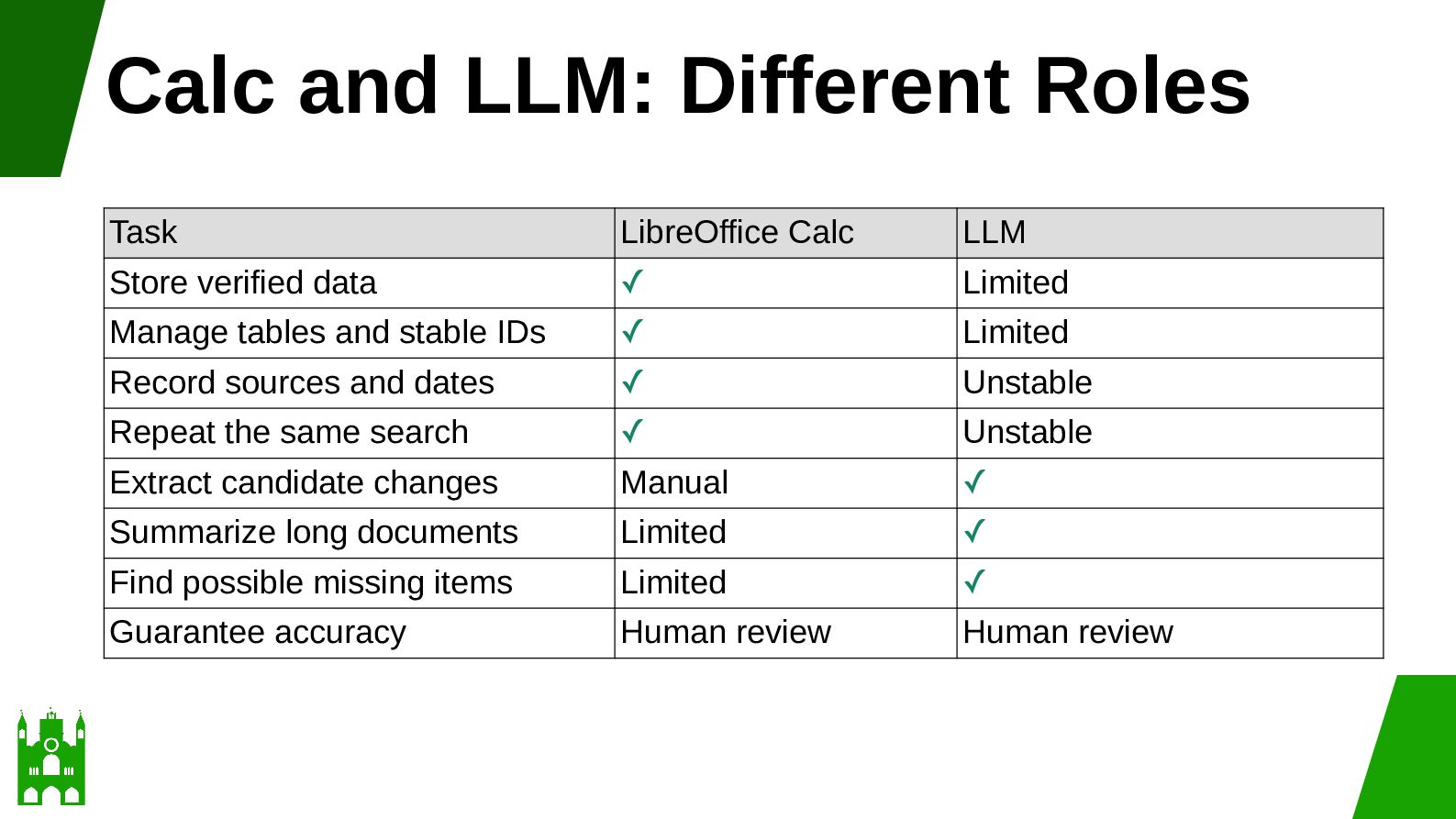
  5. Calc and LLM: Different Roles Task LibreOffice Calc LLM Store

    verified data ✓ Limited Manage tables and stable IDs ✓ Limited Record sources and dates ✓ Unstable Repeat the same search ✓ Unstable Extract candidate changes Manual ✓ Summarize long documents Limited ✓ Find possible missing items Limited ✓ Guarantee accuracy Human review Human review
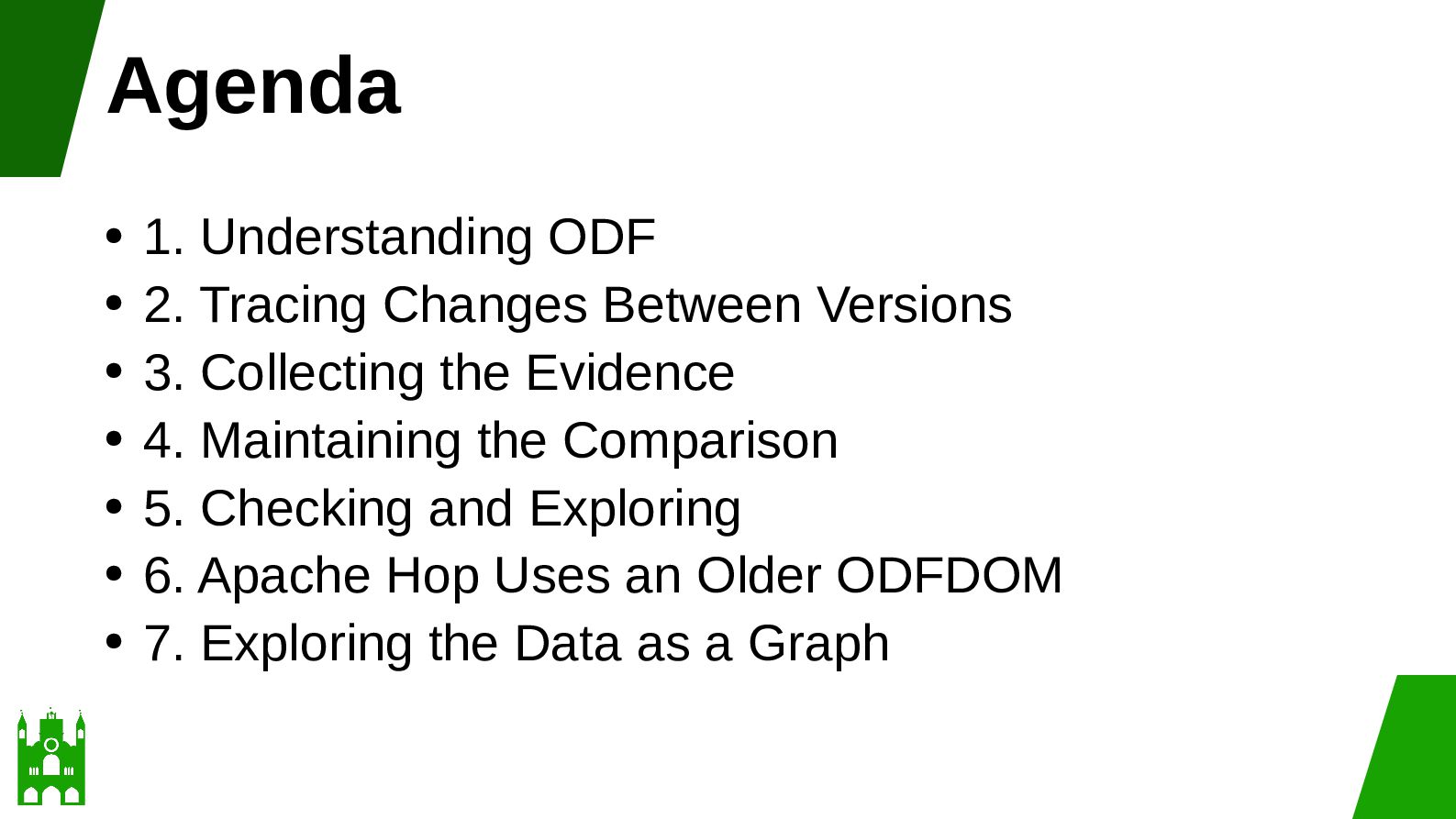
  6. Agenda 1. Understanding ODF • 2. Tracing Changes Between Versions

    • 3. Collecting the Evidence • 4. Maintaining the Comparison • 5. Checking and Exploring • 6. Apache Hop Uses an Older ODFDOM • 7. Exploring the Data as a Graph •
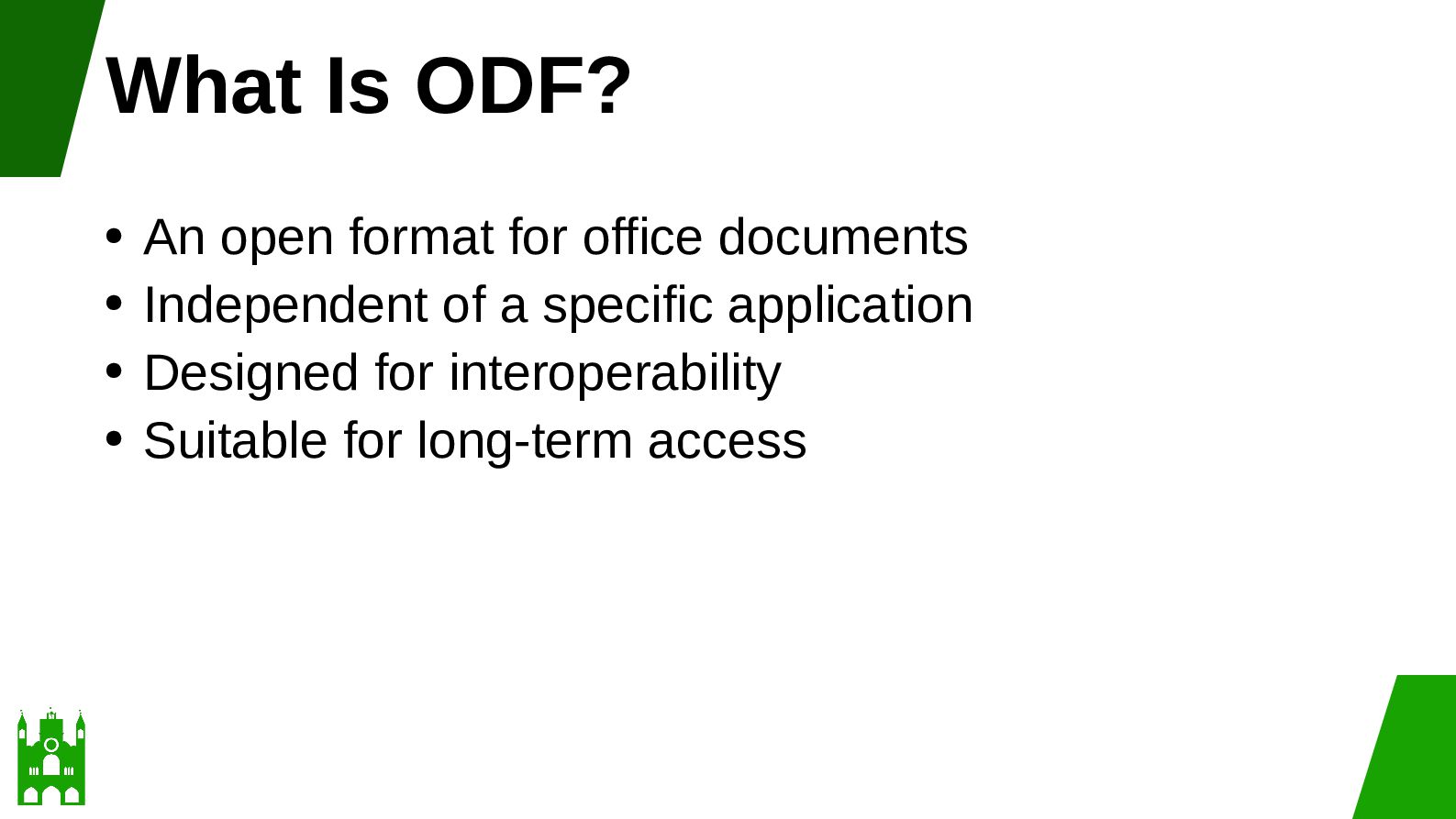
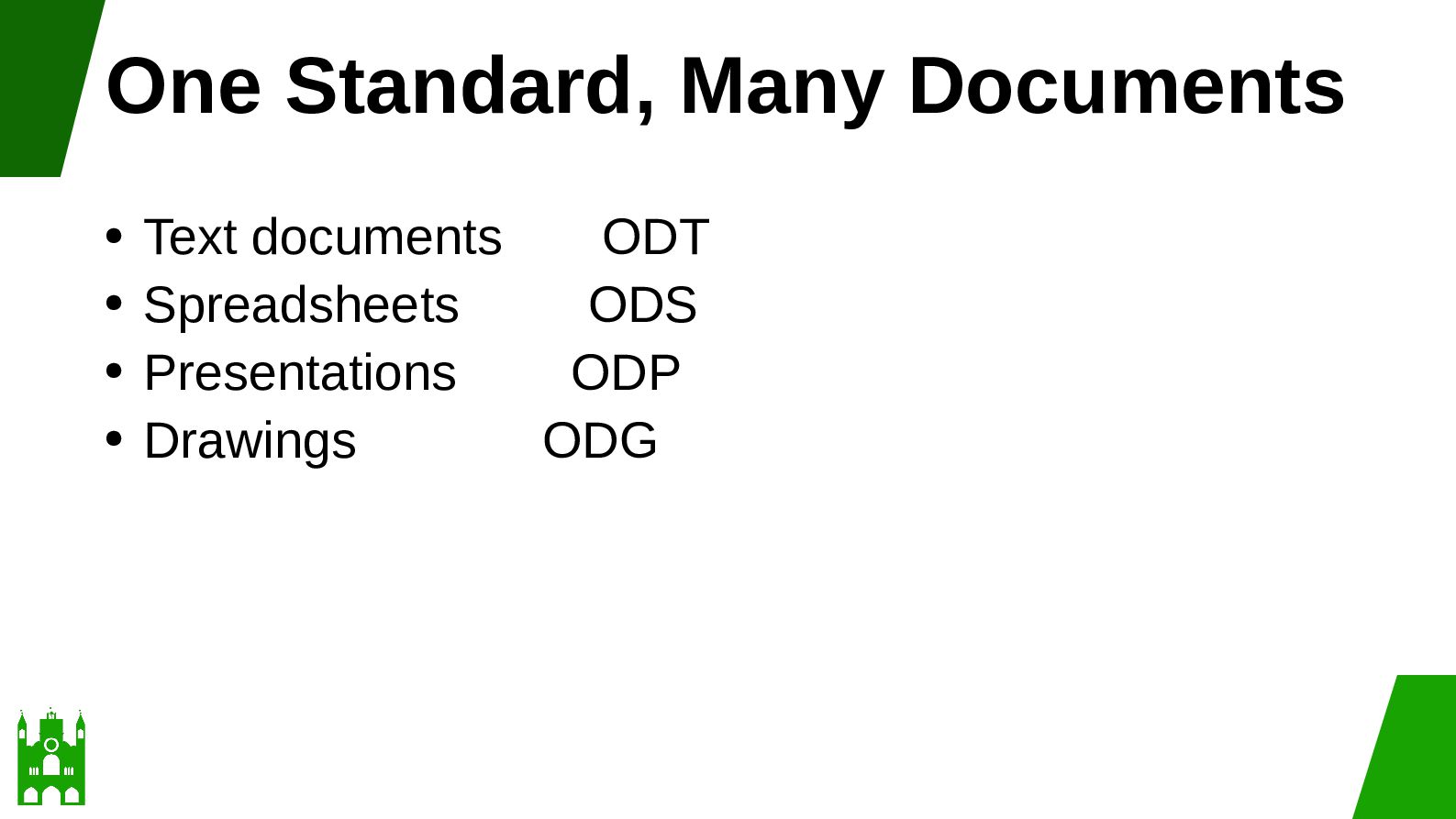
  7. What Is ODF? An open format for office documents •

    Independent of a specific application • Designed for interoperability • Suitable for long-term access •
  8. Why ODF Matters • Documents must remain usable across: •

    Many years • Different applications • Different systems • Different organizations
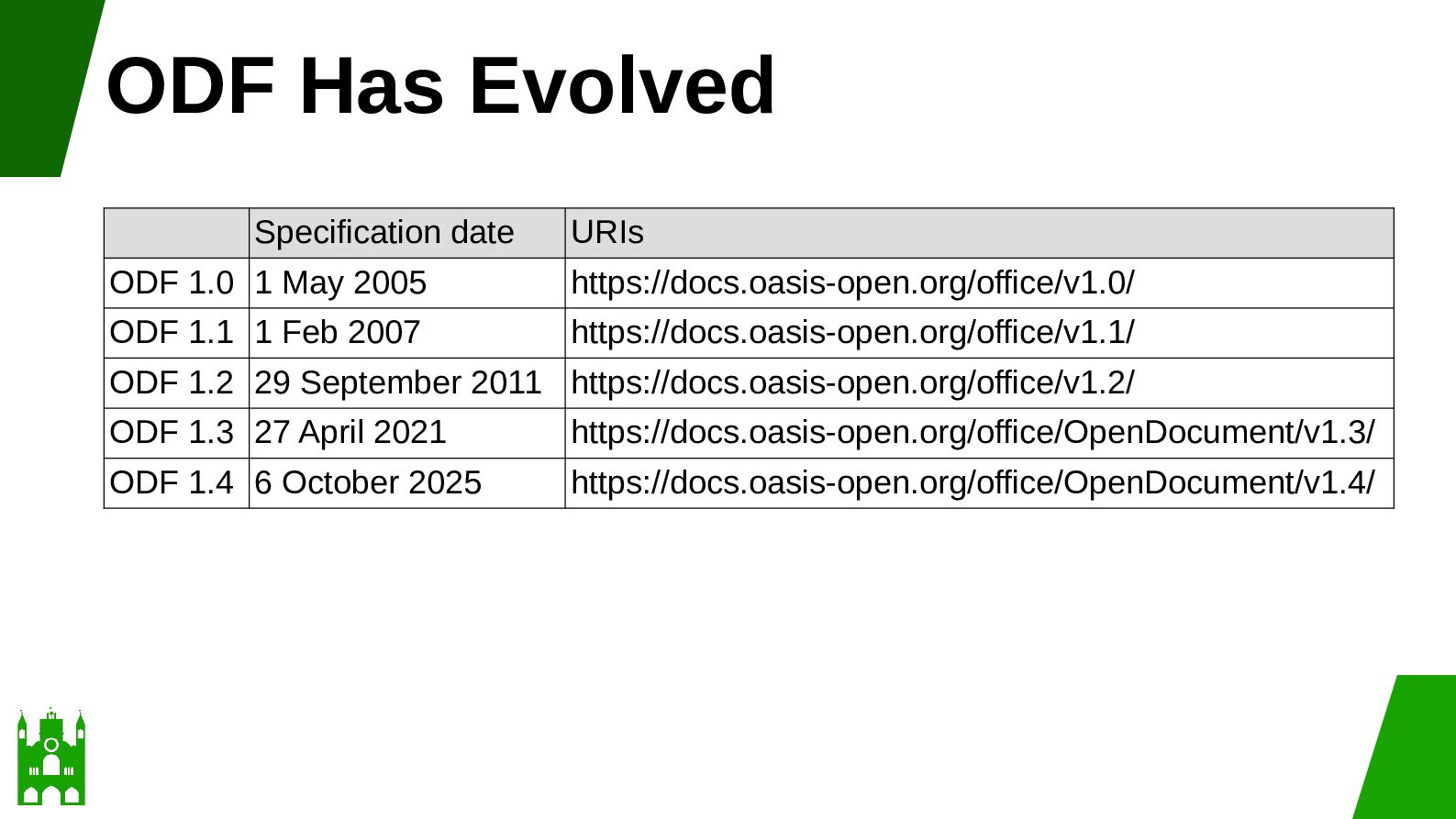
  9. ODF Has Evolved Specification date URIs ODF 1.0 1 May

    2005 https://docs.oasis-open.org/office/v1.0/ ODF 1.1 1 Feb 2007 https://docs.oasis-open.org/office/v1.1/ ODF 1.2 29 September 2011 https://docs.oasis-open.org/office/v1.2/ ODF 1.3 27 April 2021 https://docs.oasis-open.org/office/OpenDocument/v1.3/ ODF 1.4 6 October 2025 https://docs.oasis-open.org/office/OpenDocument/v1.4/
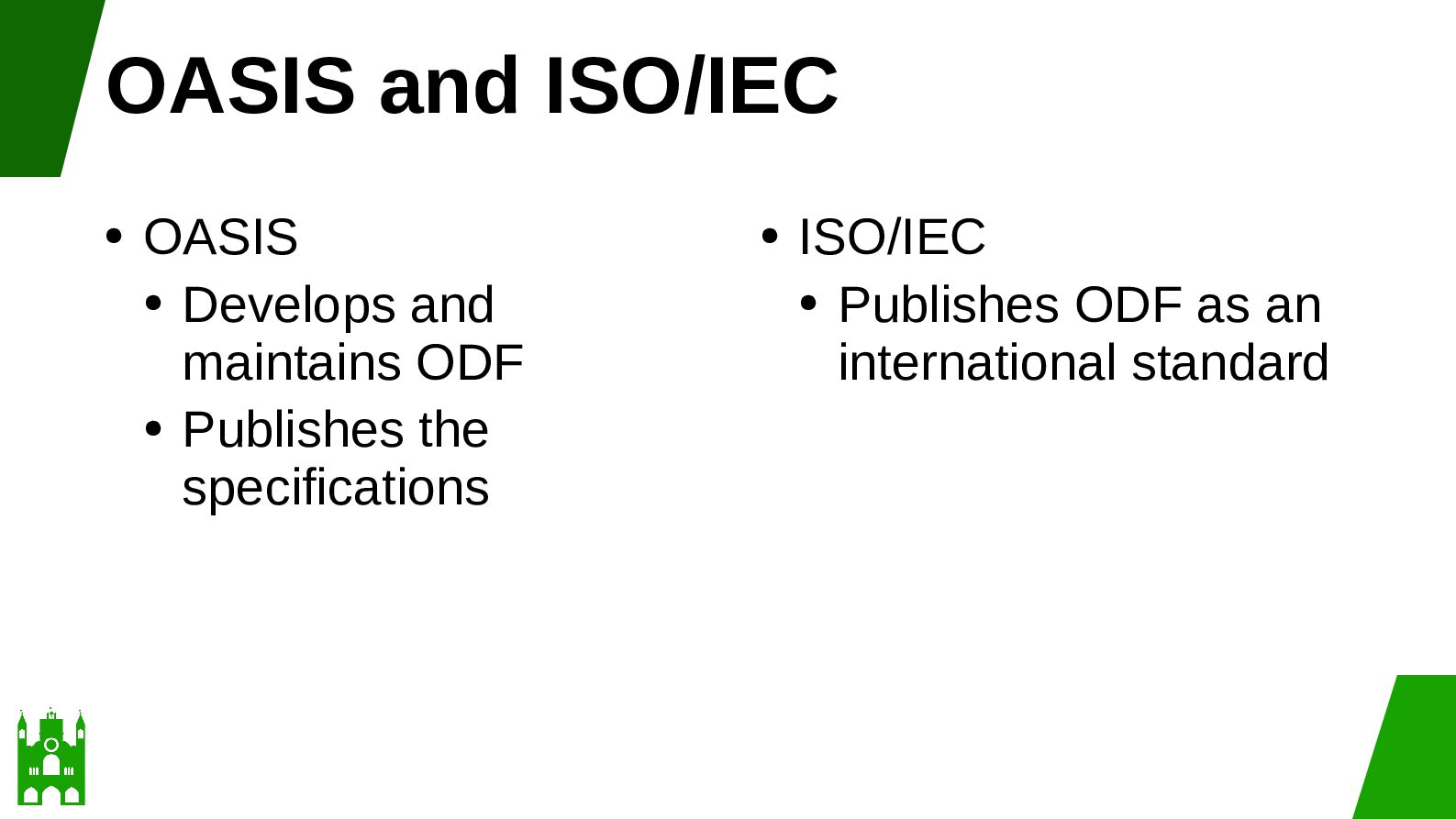
  10. OASIS and ISO/IEC • OASIS • Develops and maintains ODF

    • Publishes the specifications • ISO/IEC • Publishes ODF as an international standard
  11. Why Versions Matter “Supports ODF” is not enough. • We

    also need: • The ODF version • The application version • The operation • The supporting source •
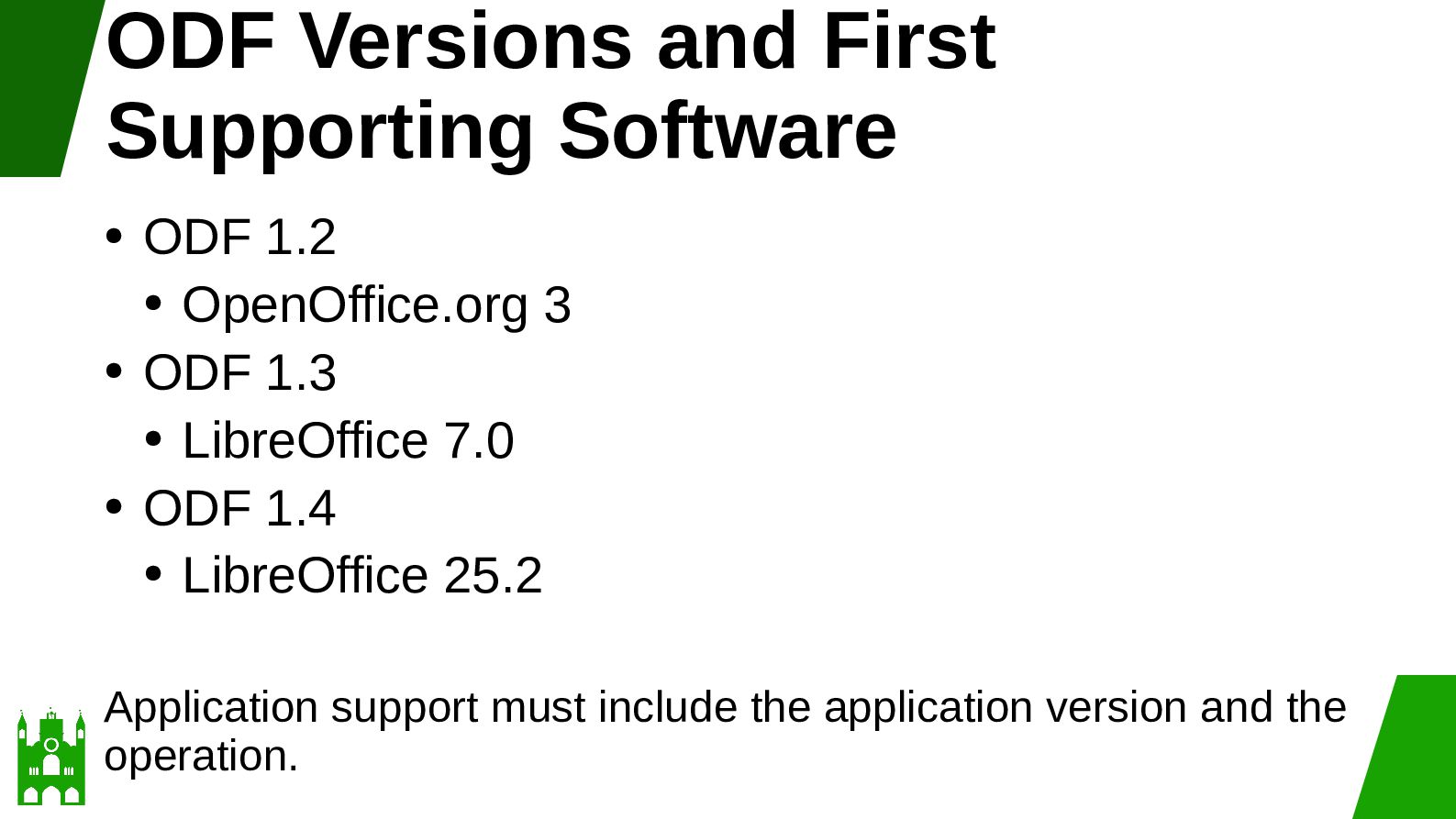
  12. ODF Versions and First Supporting Software ODF 1.2 • OpenOffice.org

    3 • ODF 1.3 • LibreOffice 7.0 • ODF 1.4 • LibreOffice 25.2 • Application support must include the application version and the operation.
  13. Scope of the Comparison Main example • ODF 1.3 and

    ODF 1.4 • Longer comparison • ODF 1.2, ODF 1.3, and ODF 1.4 •
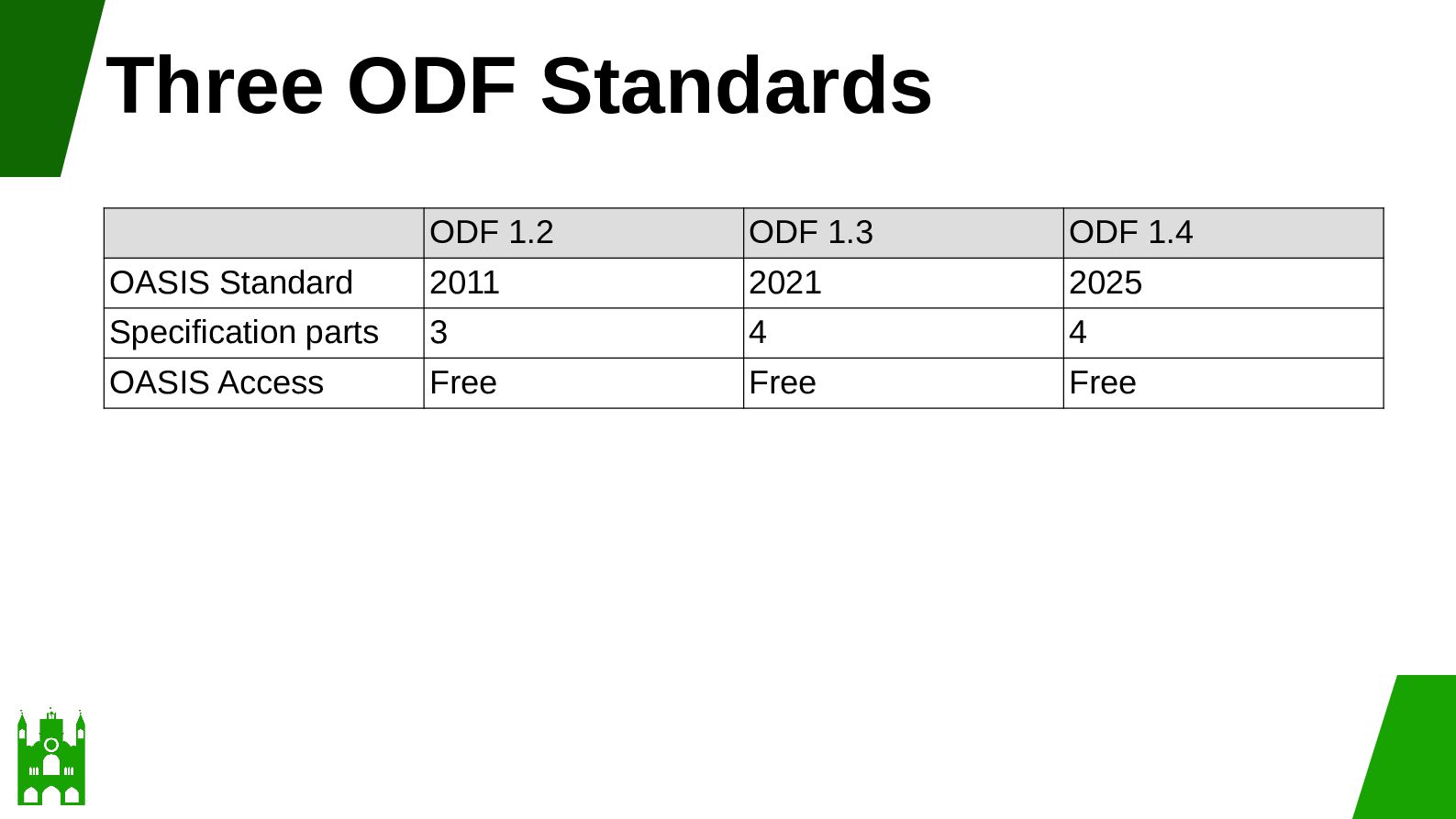
  14. Three ODF Standards ODF 1.2 ODF 1.3 ODF 1.4 OASIS

    Standard 2011 2021 2025 Specification parts 3 4 4 OASIS Access Free Free Free
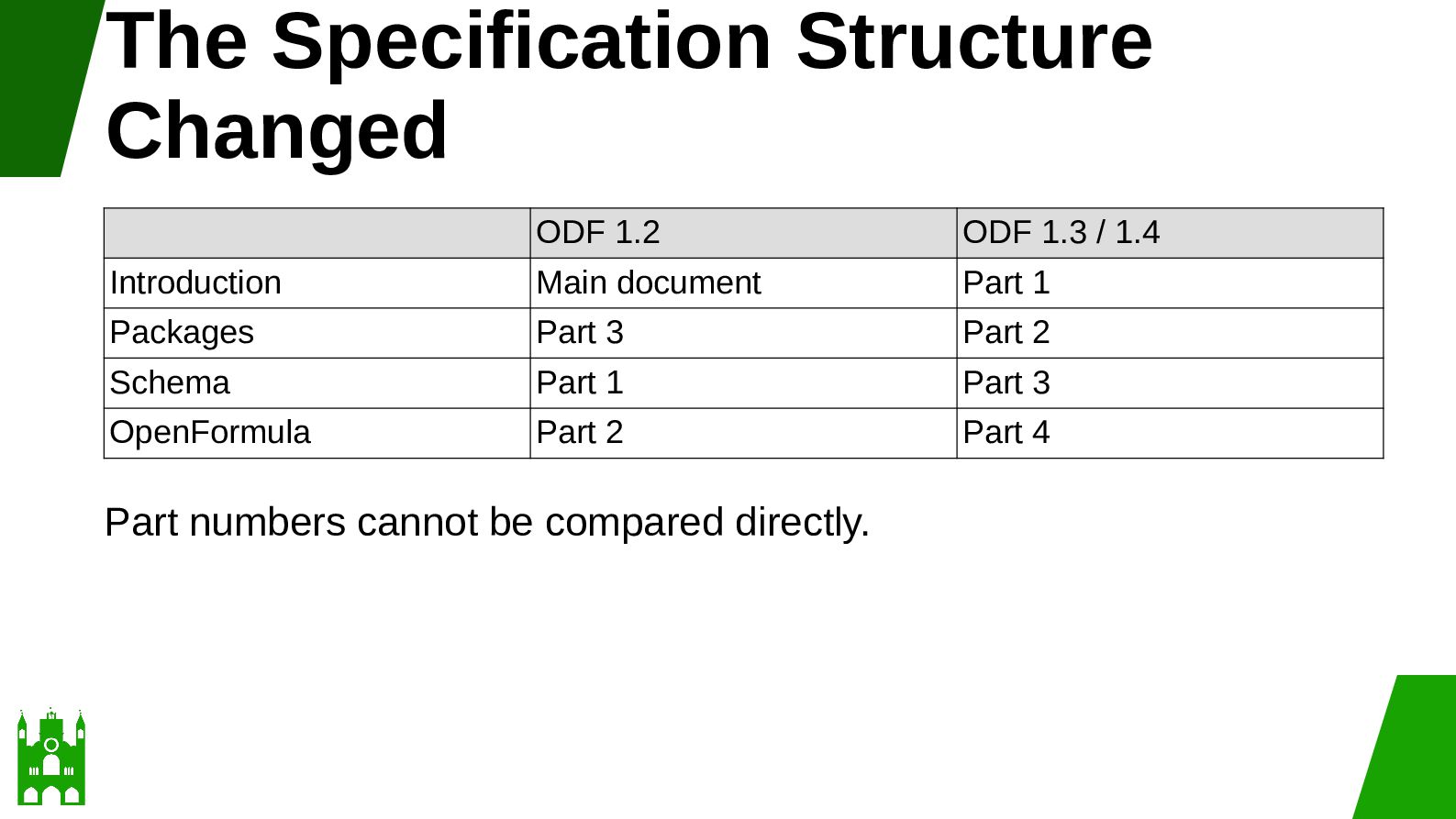
  15. The Specification Structure Changed ODF 1.2 ODF 1.3 / 1.4

    Introduction Main document Part 1 Packages Part 3 Part 2 Schema Part 1 Part 3 OpenFormula Part 2 Part 4 Part numbers cannot be compared directly.
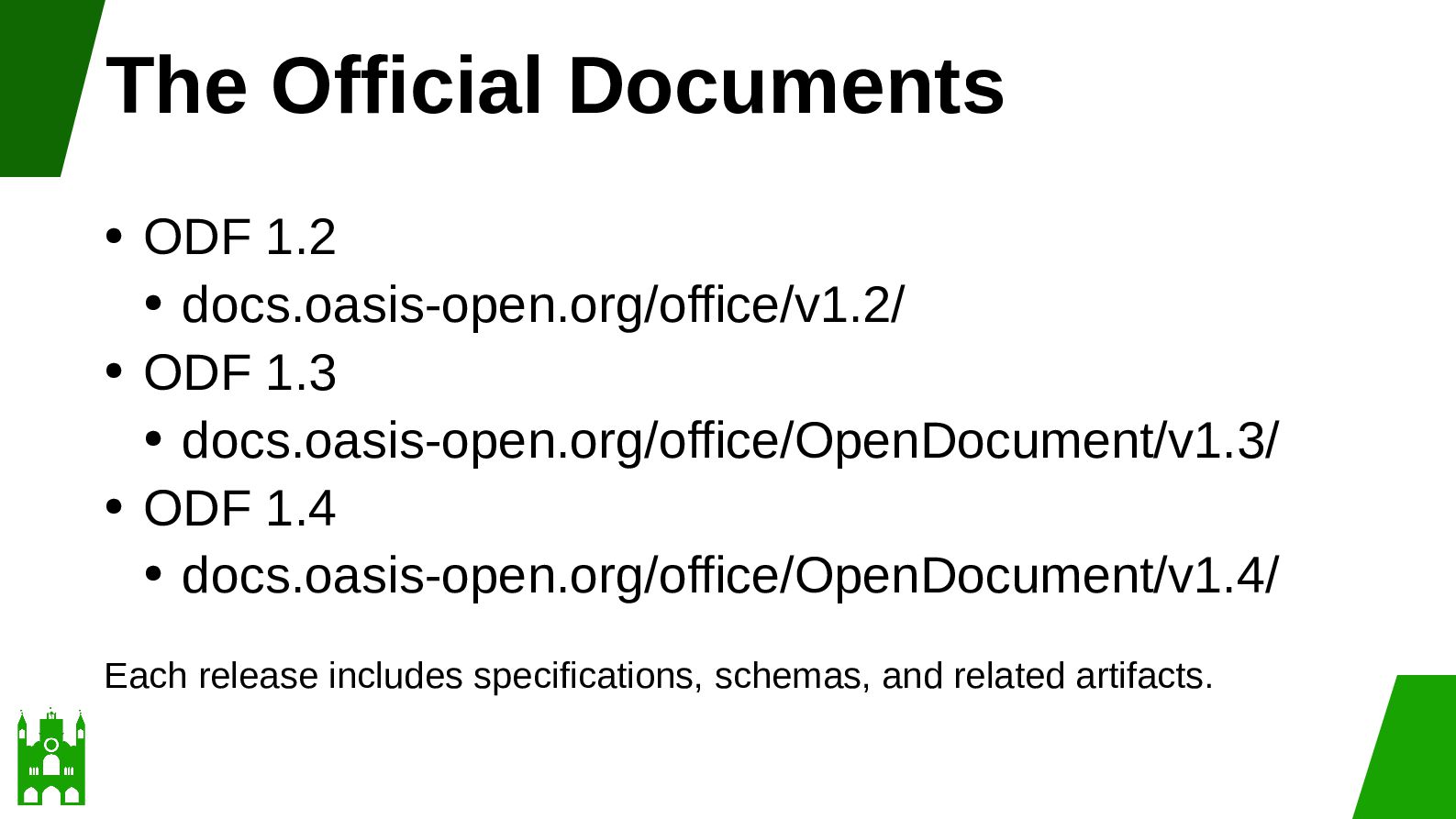
  16. The Official Documents ODF 1.2 • docs.oasis-open.org/office/v1.2/ • ODF 1.3

    • docs.oasis-open.org/office/OpenDocument/v1.3/ • ODF 1.4 • docs.oasis-open.org/office/OpenDocument/v1.4/ • Each release includes specifications, schemas, and related artifacts.
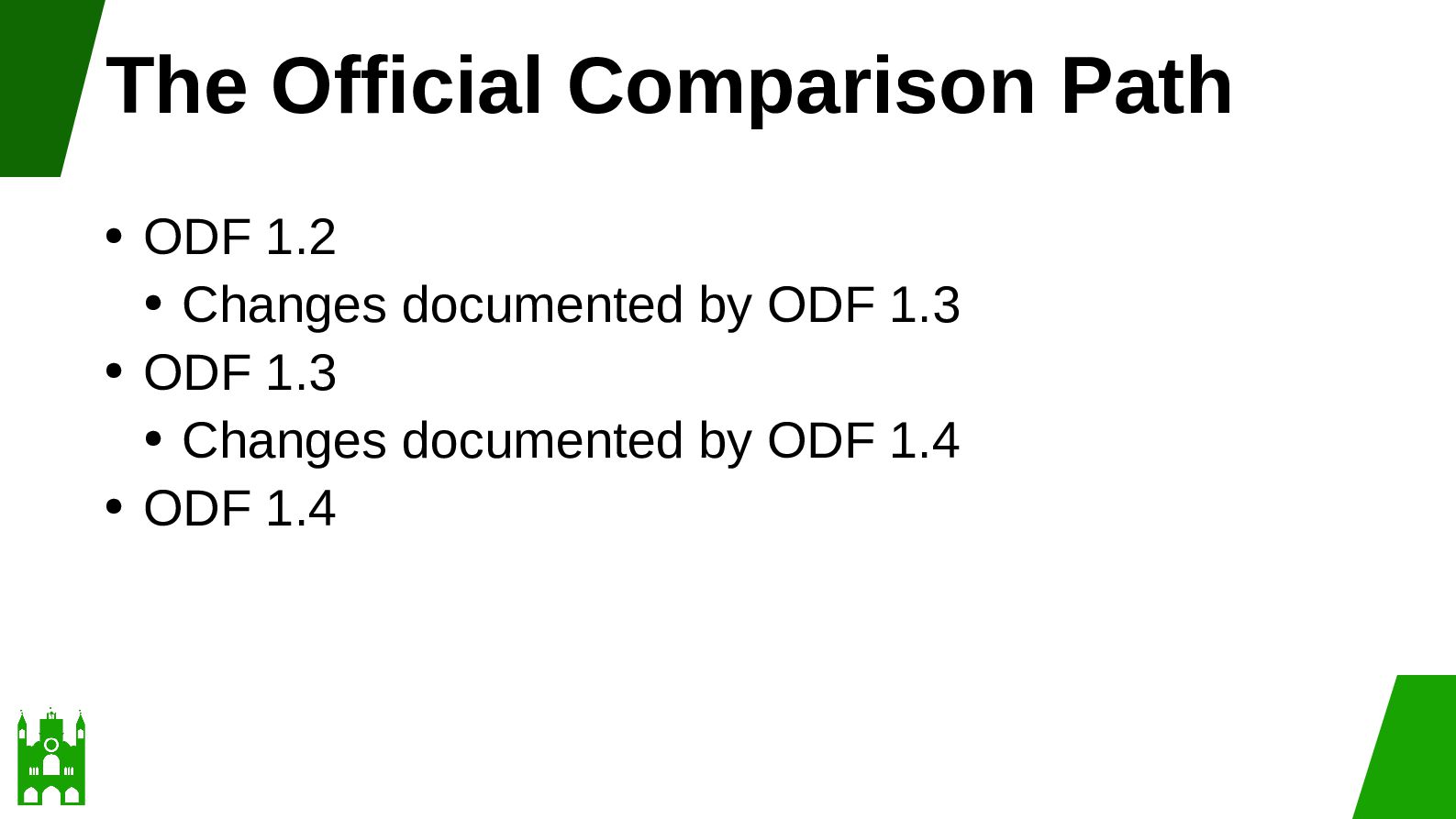
  17. The Official Comparison Path ODF 1.2 • Changes documented by

    ODF 1.3 • ODF 1.3 • Changes documented by ODF 1.4 • ODF 1.4 •
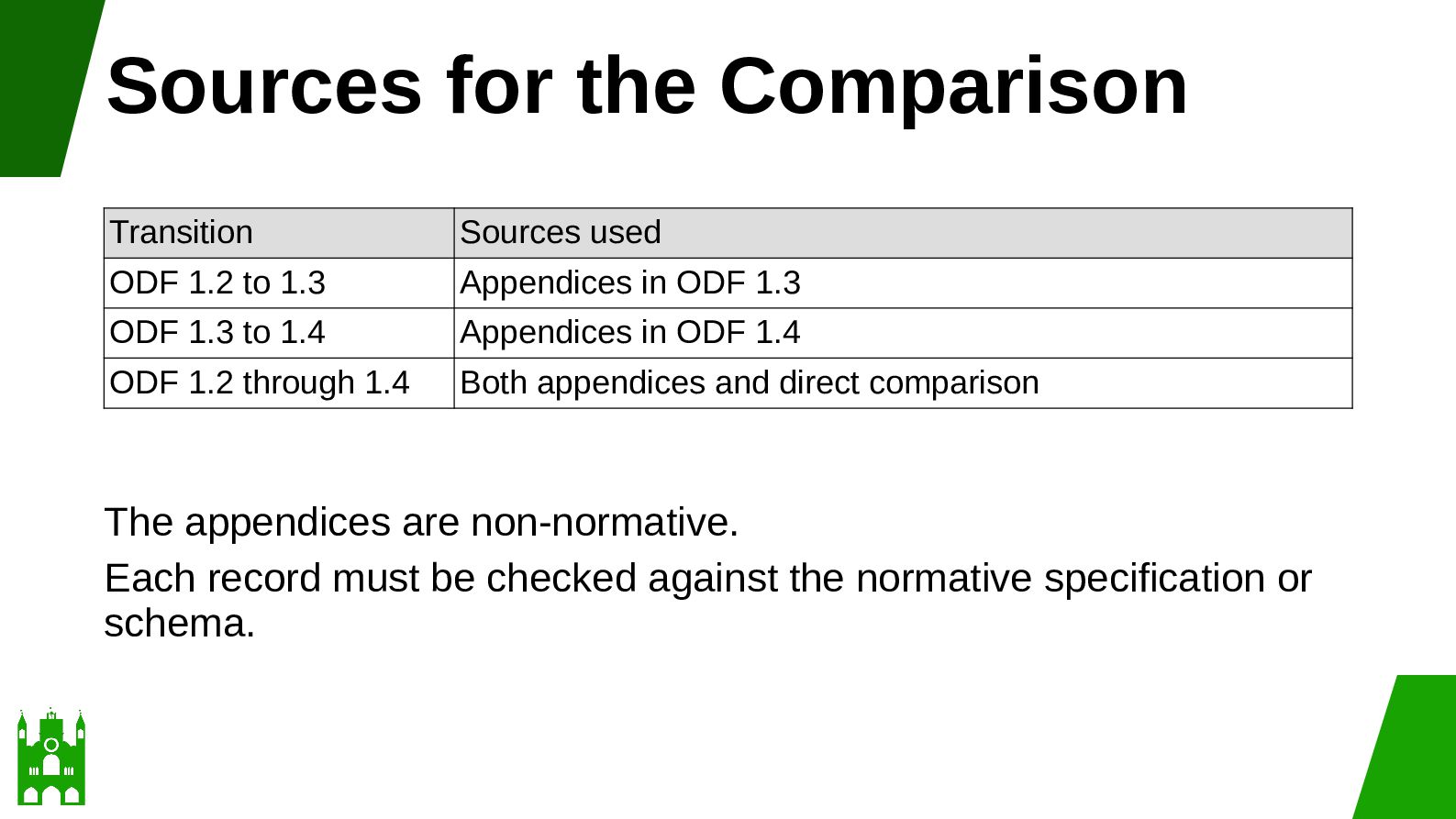
  18. Sources for the Comparison Transition Sources used ODF 1.2 to

    1.3 Appendices in ODF 1.3 ODF 1.3 to 1.4 Appendices in ODF 1.4 ODF 1.2 through 1.4 Both appendices and direct comparison The appendices are non-normative. Each record must be checked against the normative specification or schema.
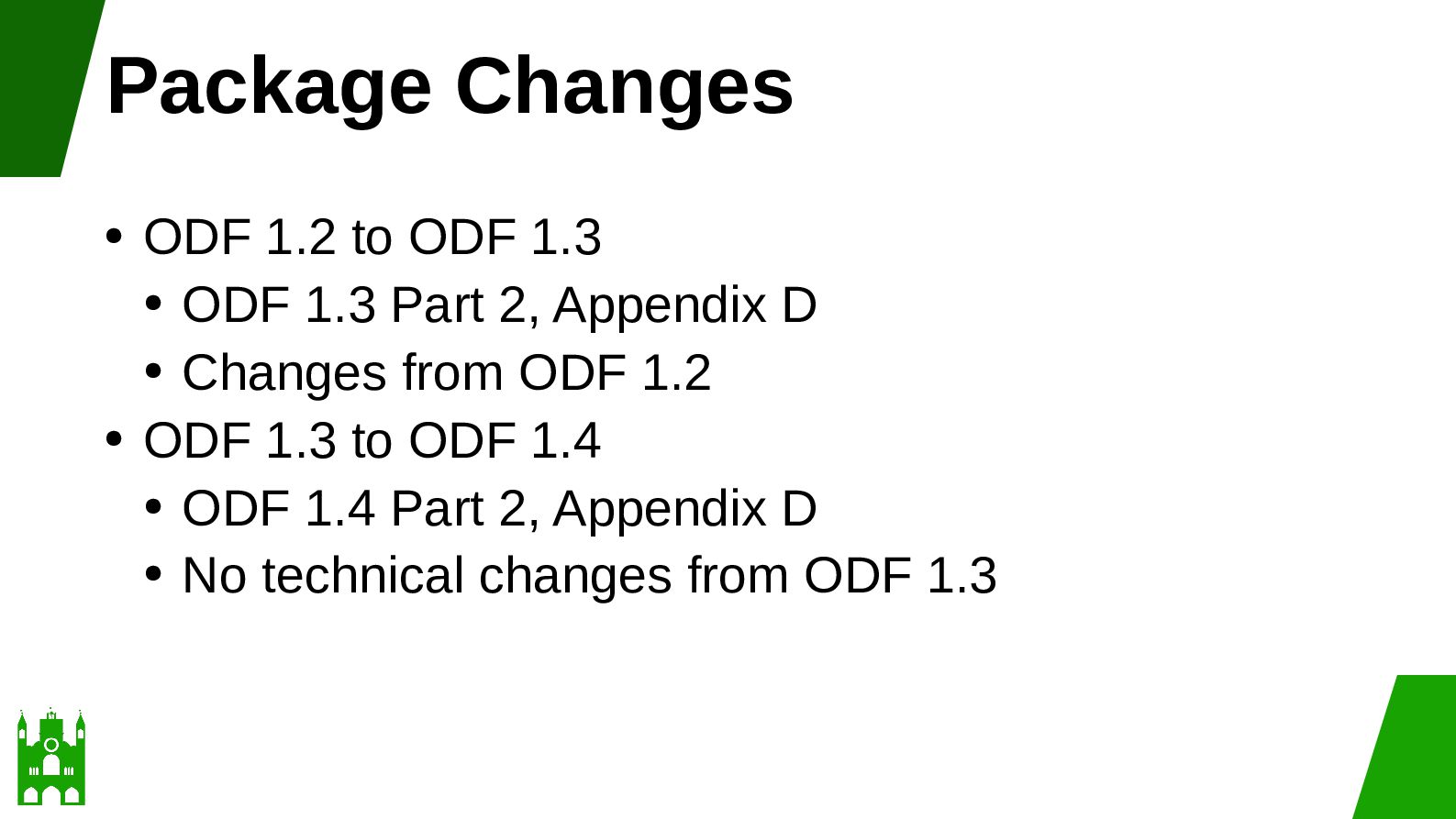
  19. Package Changes ODF 1.2 to ODF 1.3 • ODF 1.3

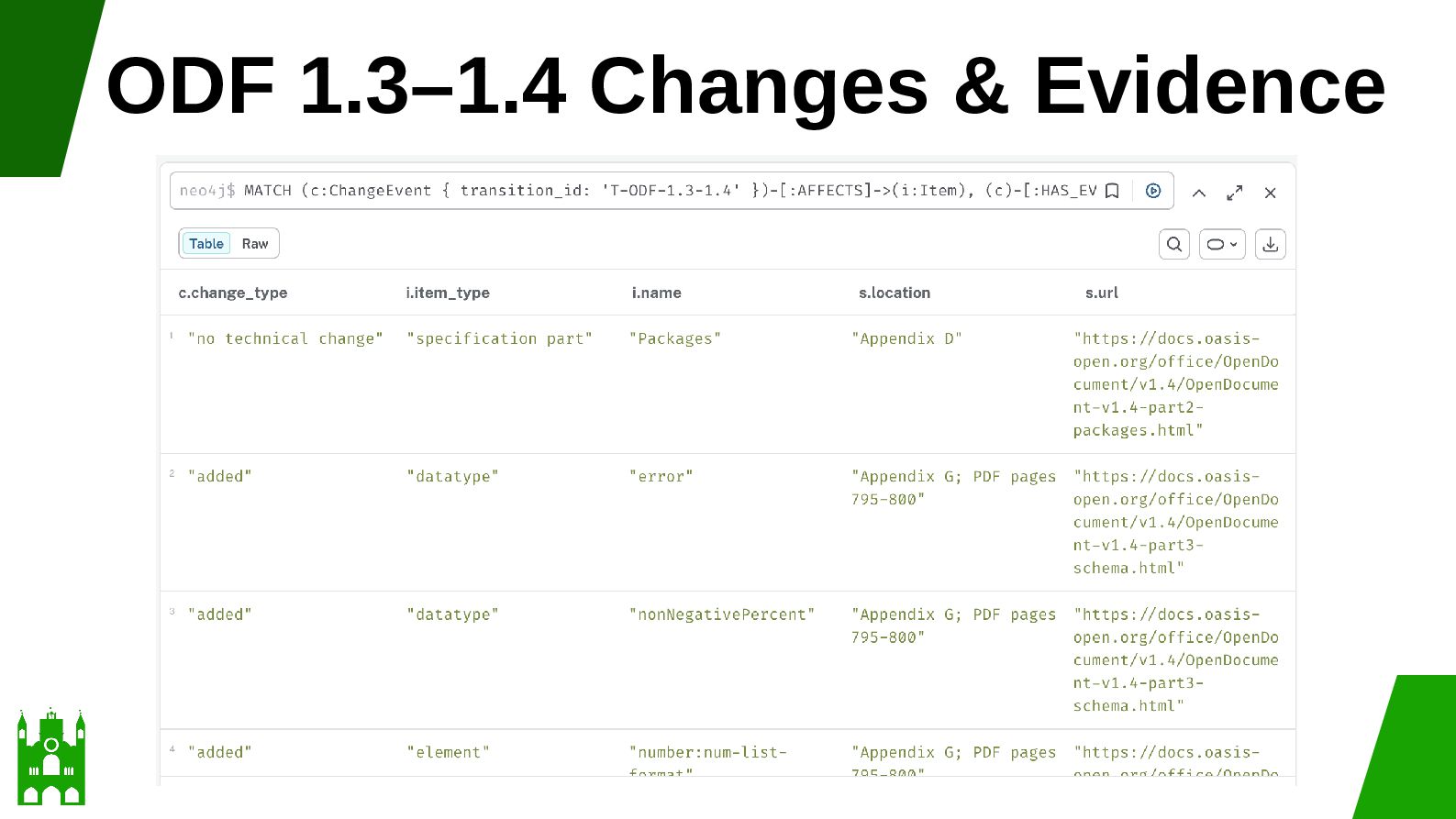
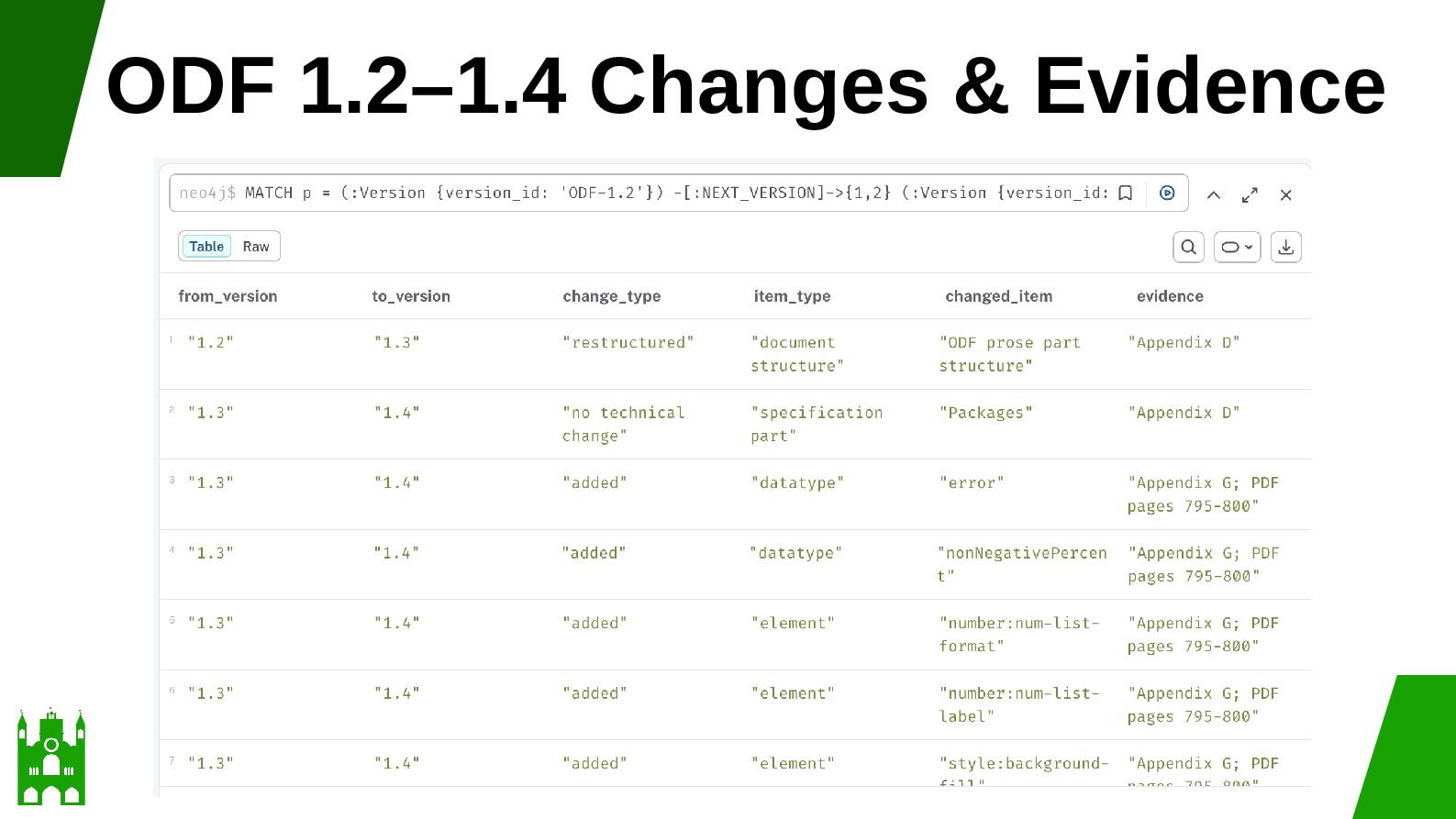
    Part 2, Appendix D • Changes from ODF 1.2 • ODF 1.3 to ODF 1.4 • ODF 1.4 Part 2, Appendix D • No technical changes from ODF 1.3 •
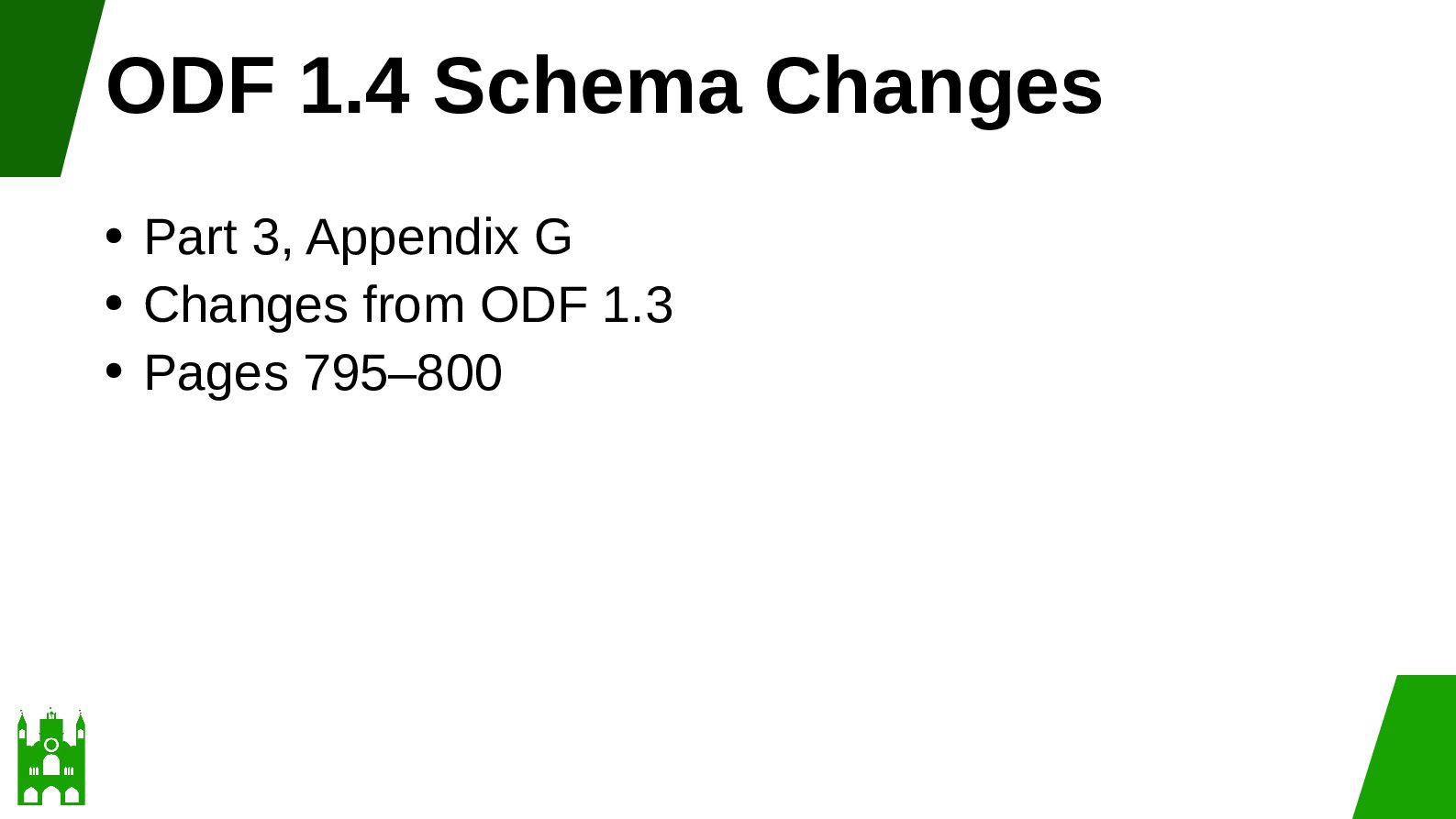
  20. ODF 1.4 Schema Changes Part 3, Appendix G • Changes

    from ODF 1.3 • Pages 795–800 •
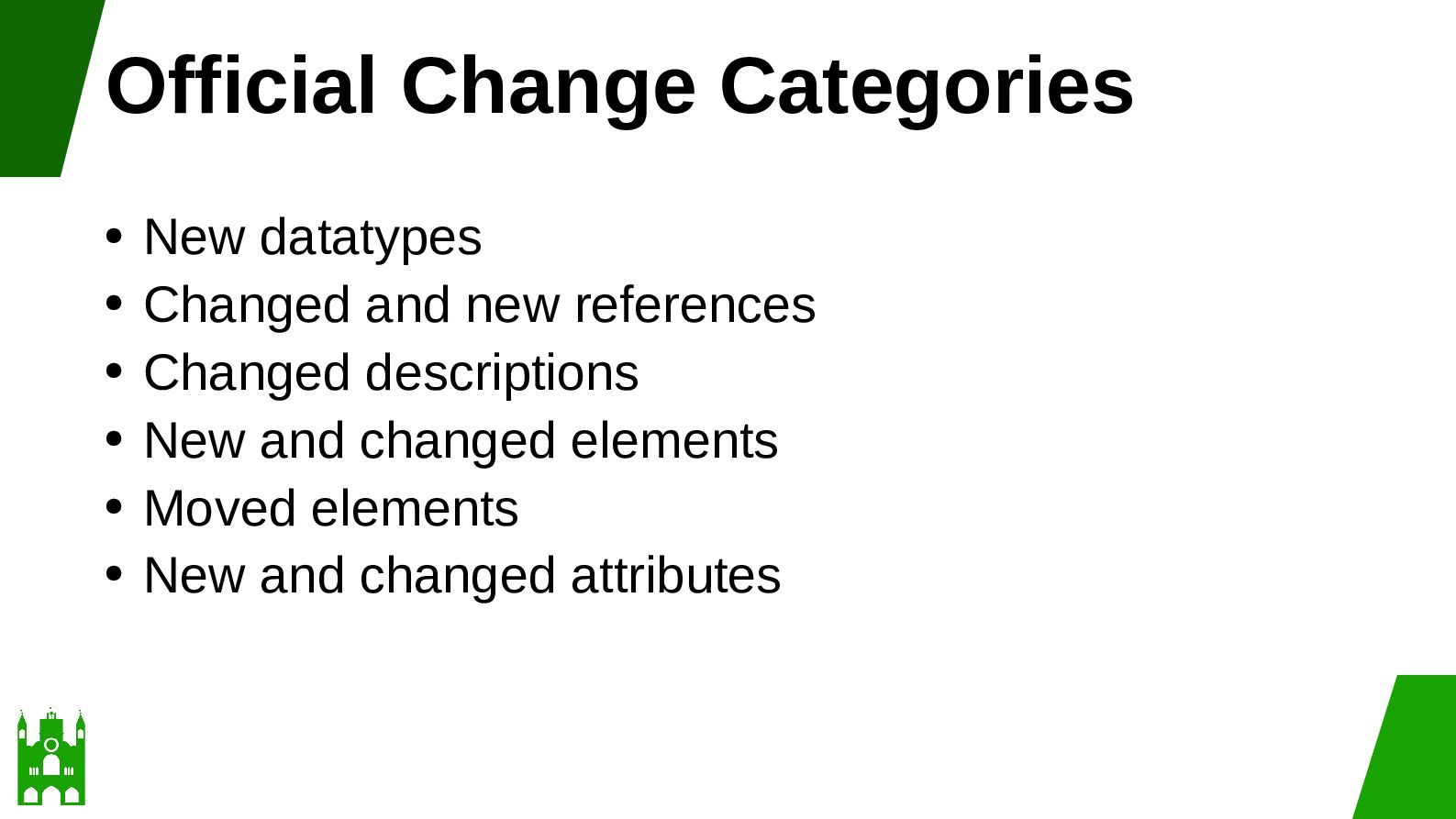
  21. Official Change Categories New datatypes • Changed and new references

    • Changed descriptions • New and changed elements • Moved elements • New and changed attributes •
  22. Examples from Part 3 Type Item Section Issue New datatype

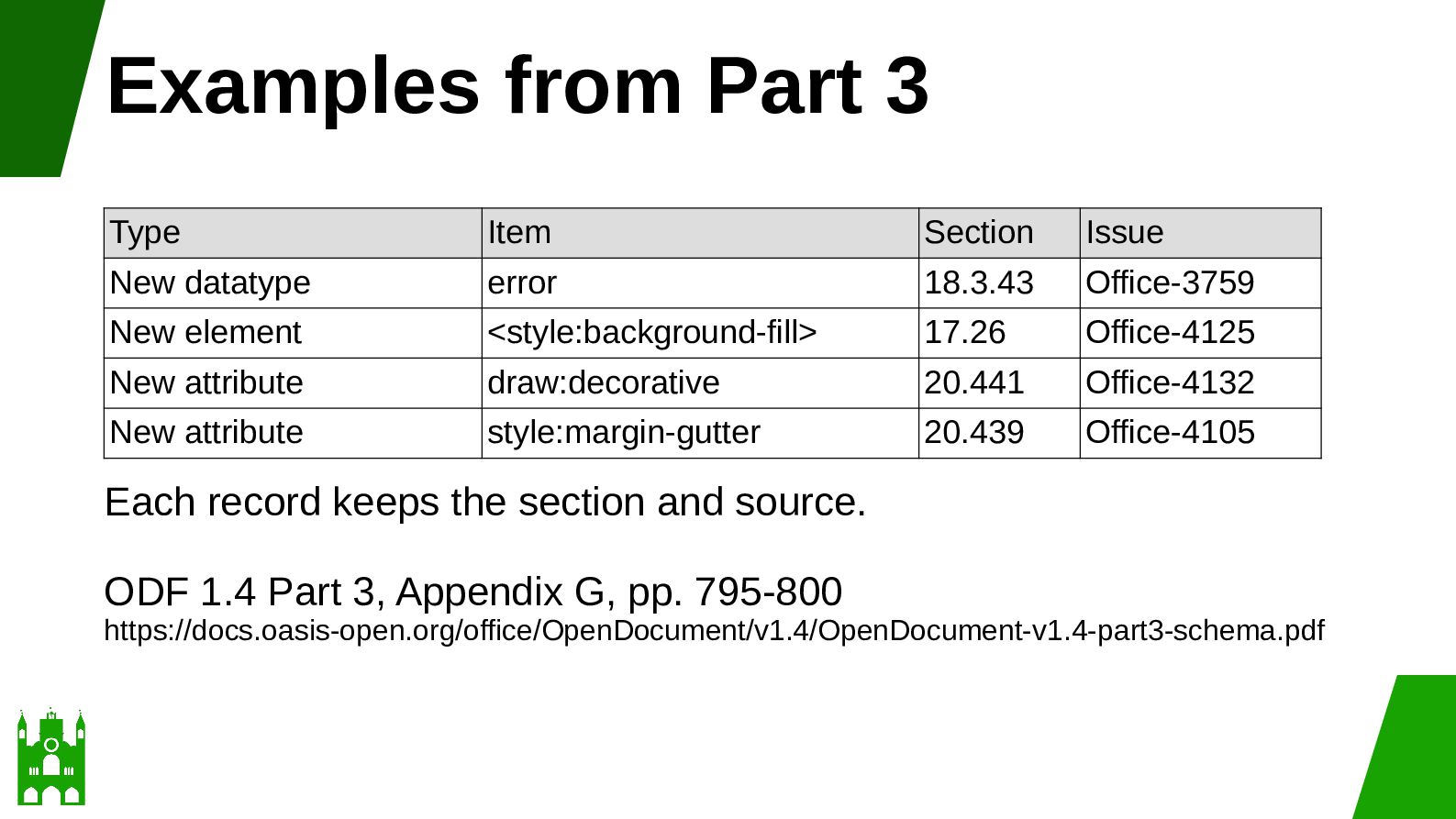
    error 18.3.43 Office-3759 New element <style:background-fill> 17.26 Office-4125 New attribute draw:decorative 20.441 Office-4132 New attribute style:margin-gutter 20.439 Office-4105 Each record keeps the section and source. ODF 1.4 Part 3, Appendix G, pp. 795-800 https://docs.oasis-open.org/office/OpenDocument/v1.4/OpenDocument-v1.4-part3-schema.pdf
  23. Part 4: OpenFormula New function • EASTERSUNDAY • Section 6.10.8

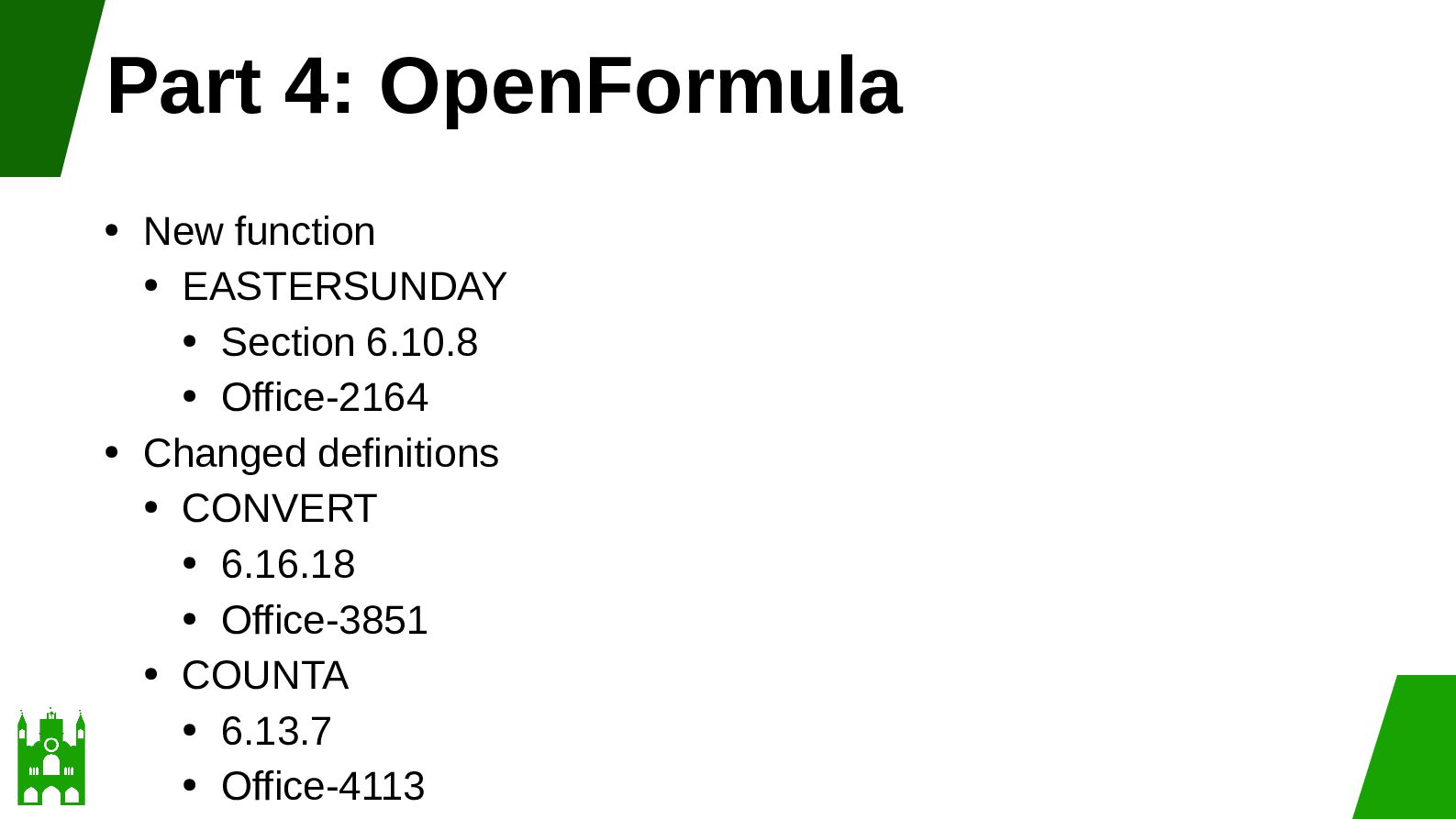
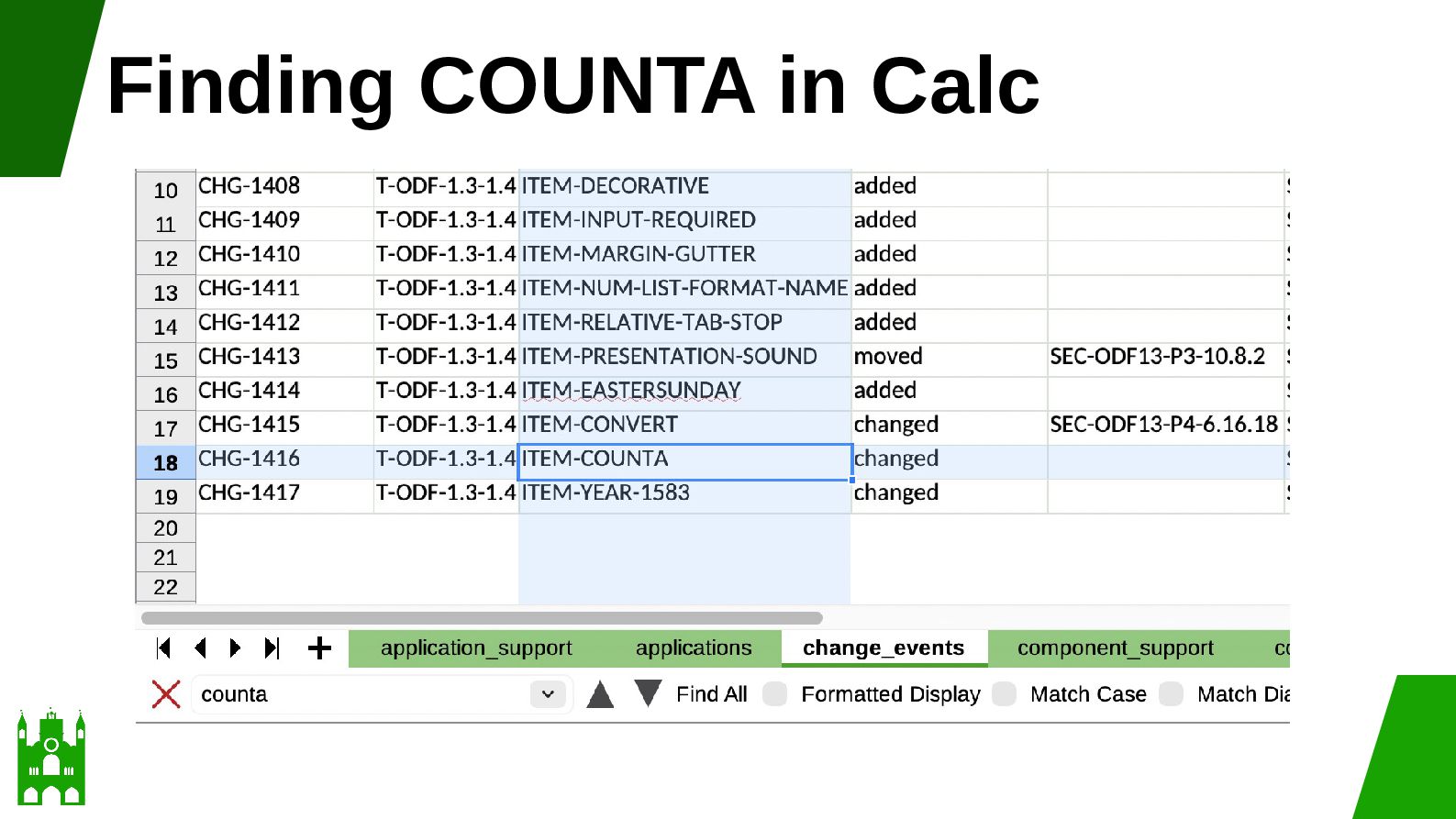
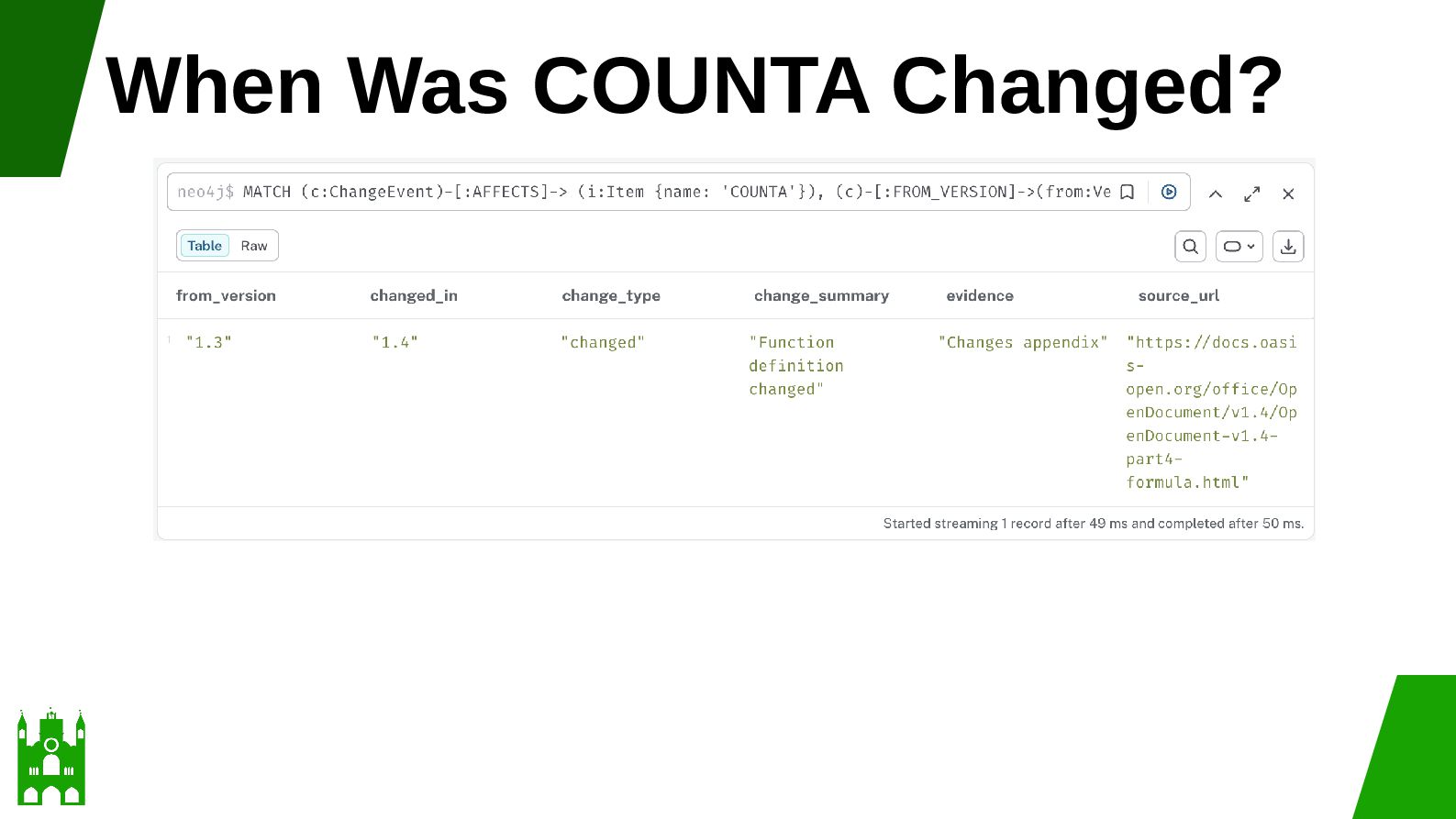
    • Office-2164 • Changed definitions • CONVERT • 6.16.18 • Office-3851 • COUNTA • 6.13.7 • Office-4113 •
  24. Change History and Final Difference Question Method How did ODF

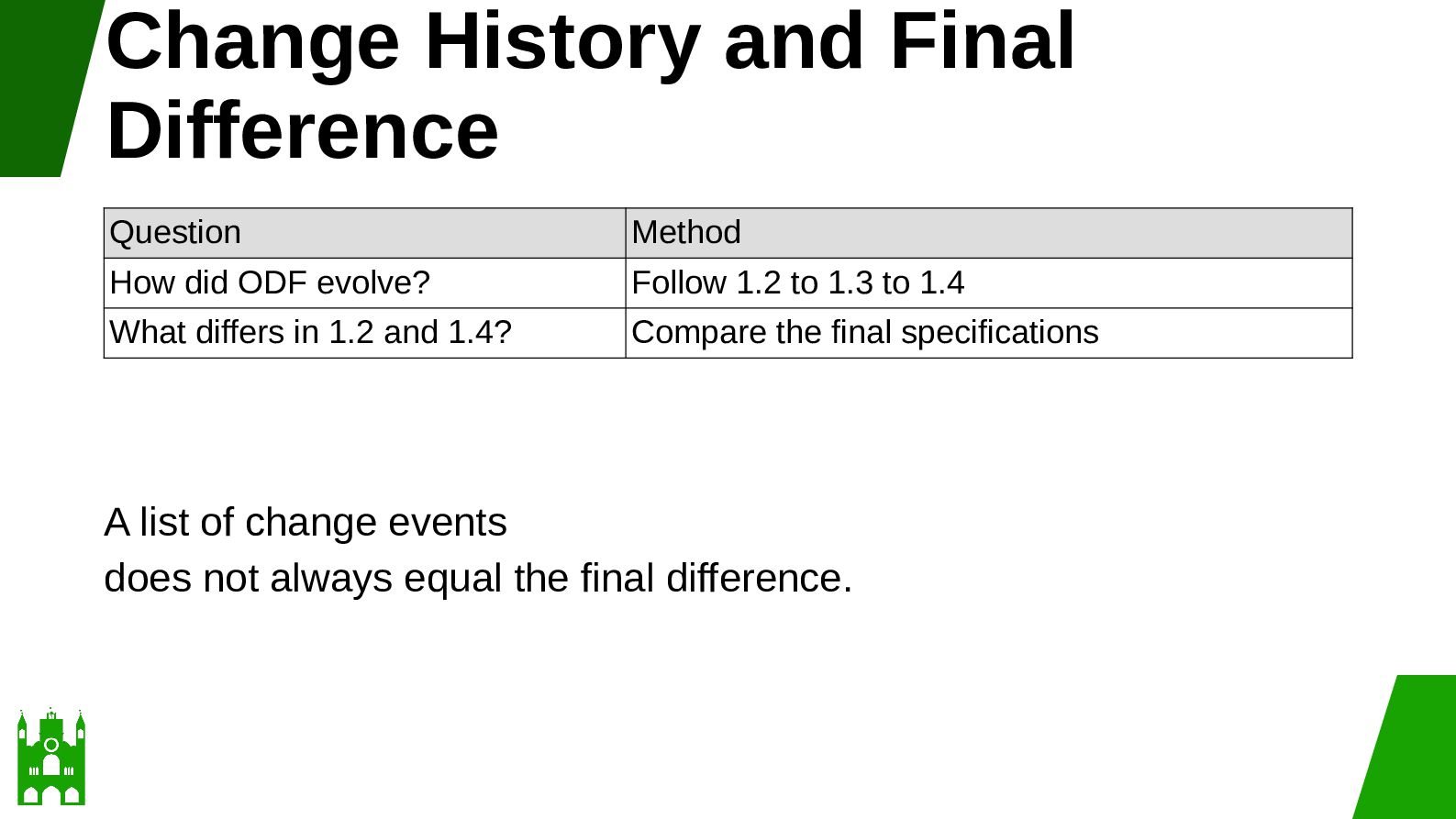
    evolve? Follow 1.2 to 1.3 to 1.4 What differs in 1.2 and 1.4? Compare the final specifications A list of change events does not always equal the final difference.
  25. Direct Schema Comparison • RELAX NG schemas can identify: •

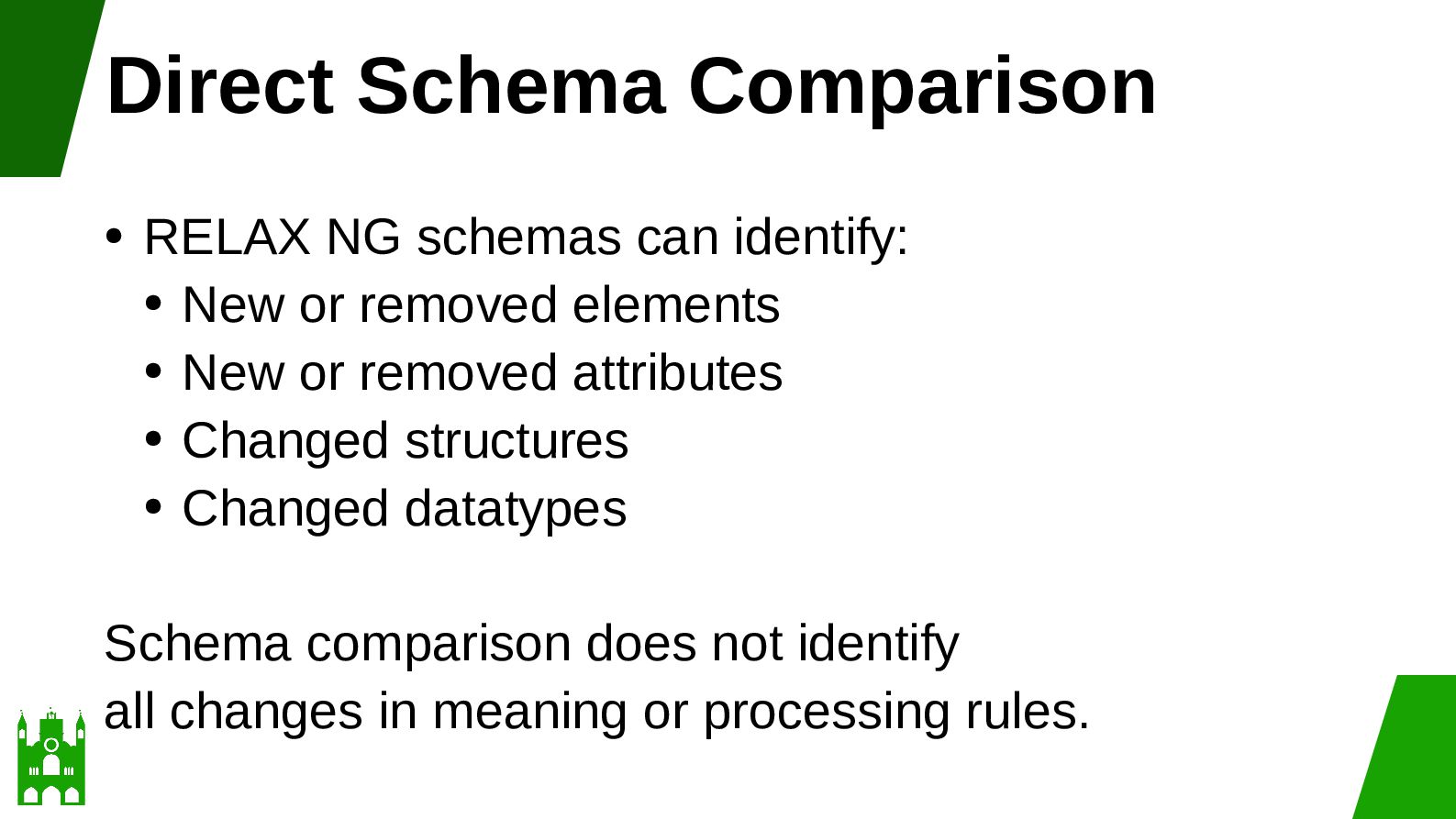
    New or removed elements • New or removed attributes • Changed structures • Changed datatypes Schema comparison does not identify all changes in meaning or processing rules.
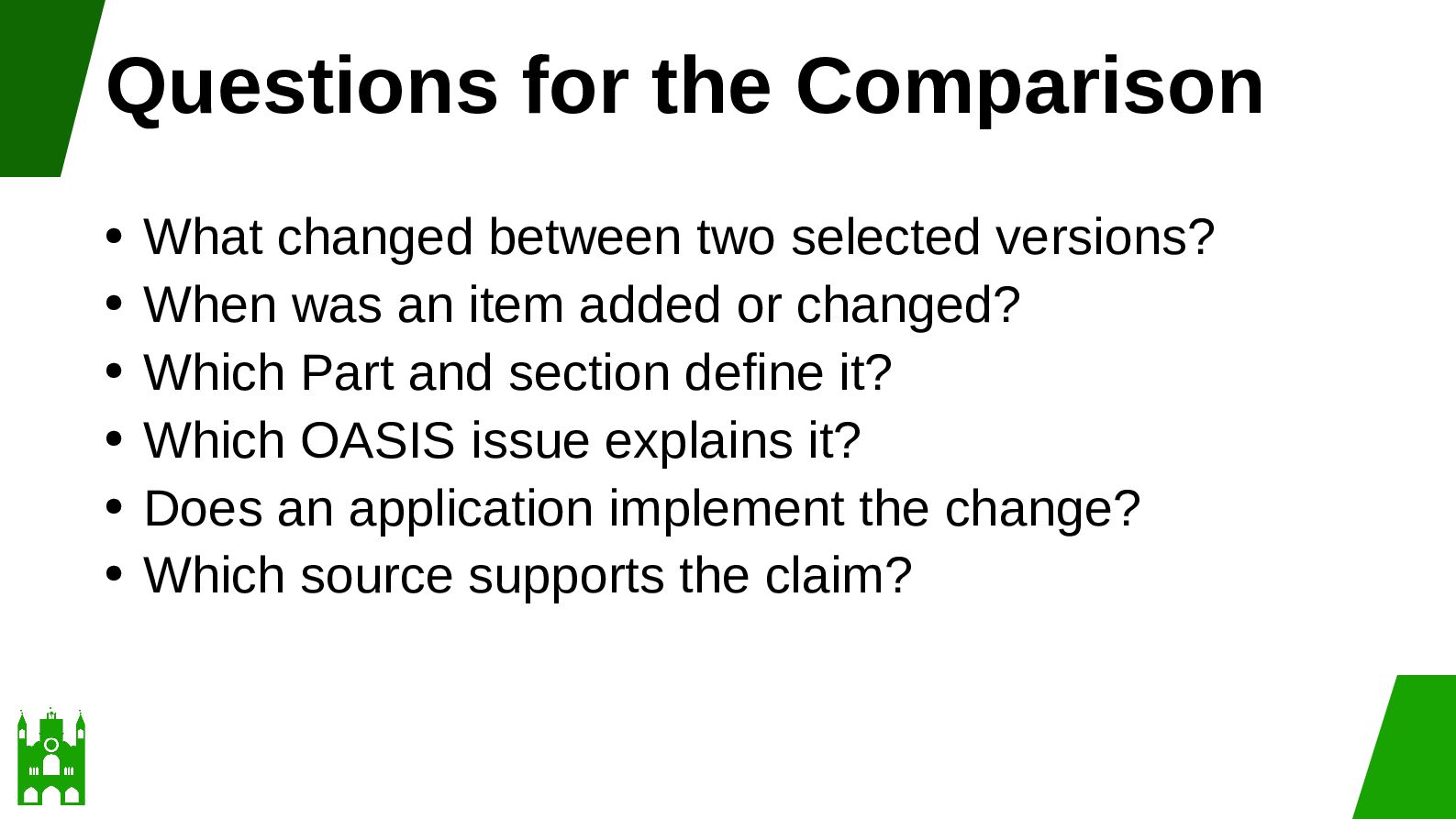
  26. Questions for the Comparison What changed between two selected versions?

    • When was an item added or changed? • Which Part and section define it? • Which OASIS issue explains it? • Does an application implement the change? • Which source supports the claim? •
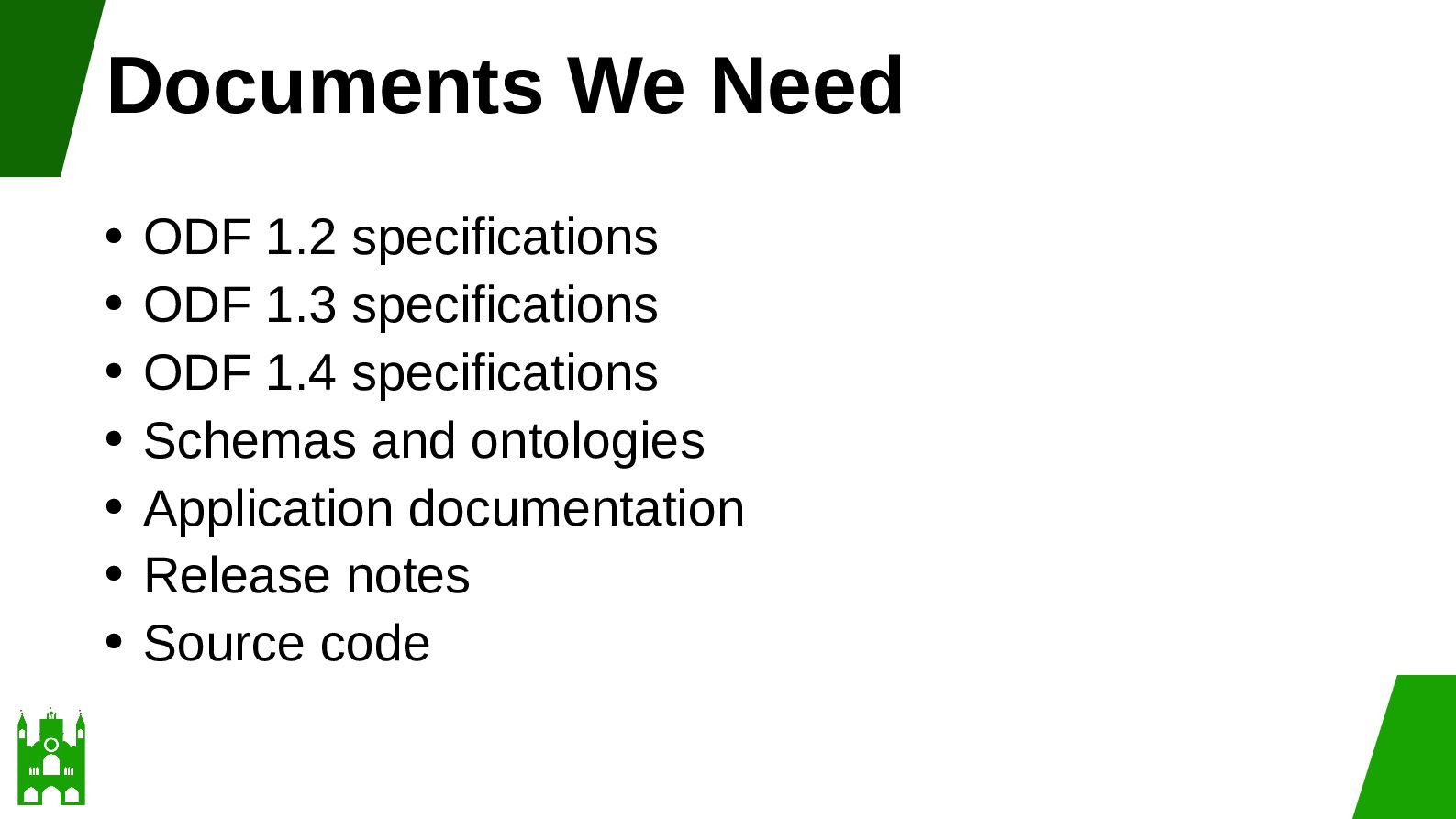
  27. Documents We Need ODF 1.2 specifications • ODF 1.3 specifications

    • ODF 1.4 specifications • Schemas and ontologies • Application documentation • Release notes • Source code •
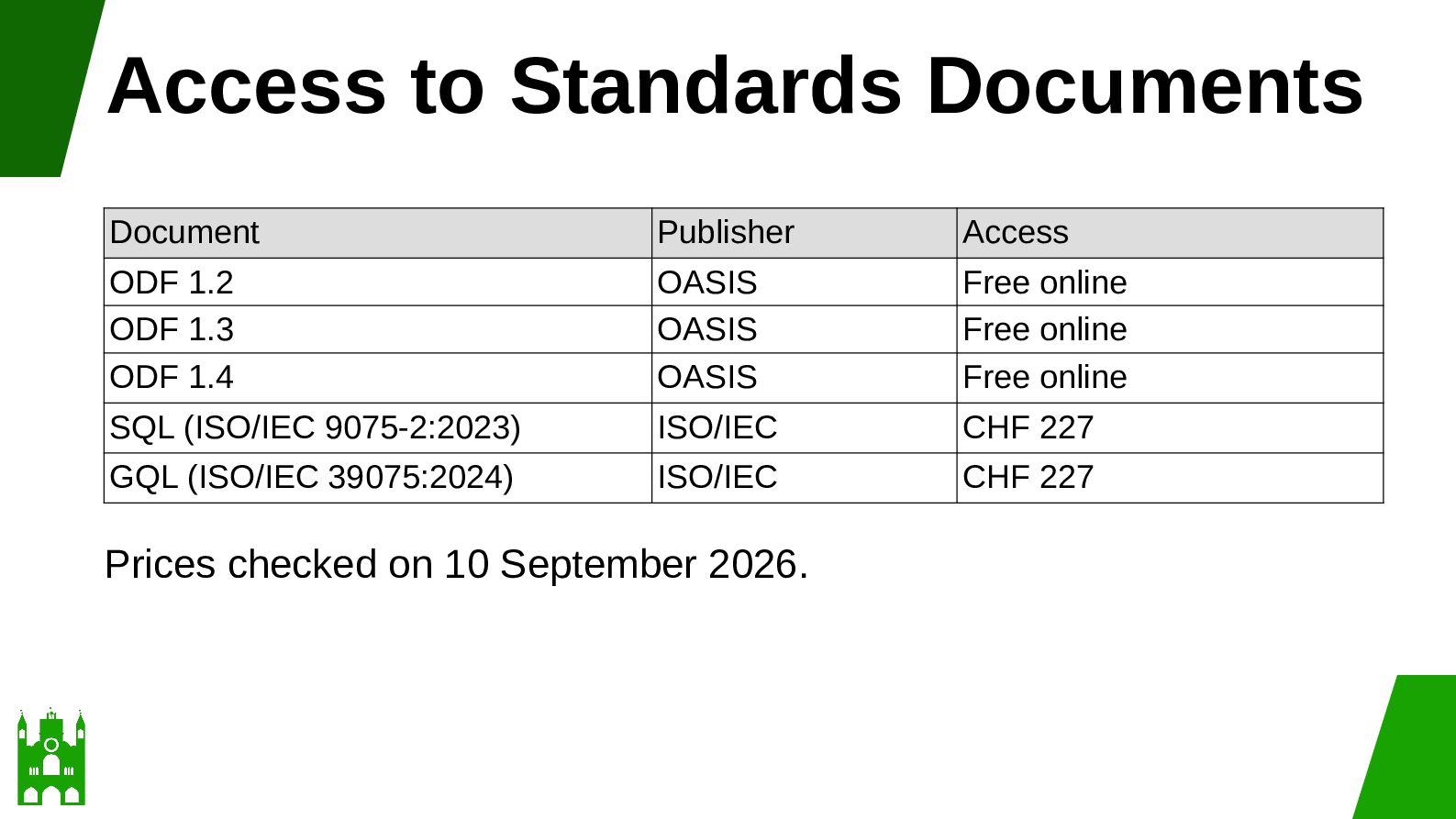
  28. Access to Standards Documents Document Publisher Access ODF 1.2 ODF

    1.3 ODF 1.4 OASIS OASIS OASIS Free online Free online Free online SQL (ISO/IEC 9075-2:2023) ISO/IEC CHF 227 GQL (ISO/IEC 39075:2024) ISO/IEC CHF 227 Prices checked on 10 September 2026.
  29. Price Is an Offer Document • Seller • Format •

    Licence • Currency • Price • Checked date •
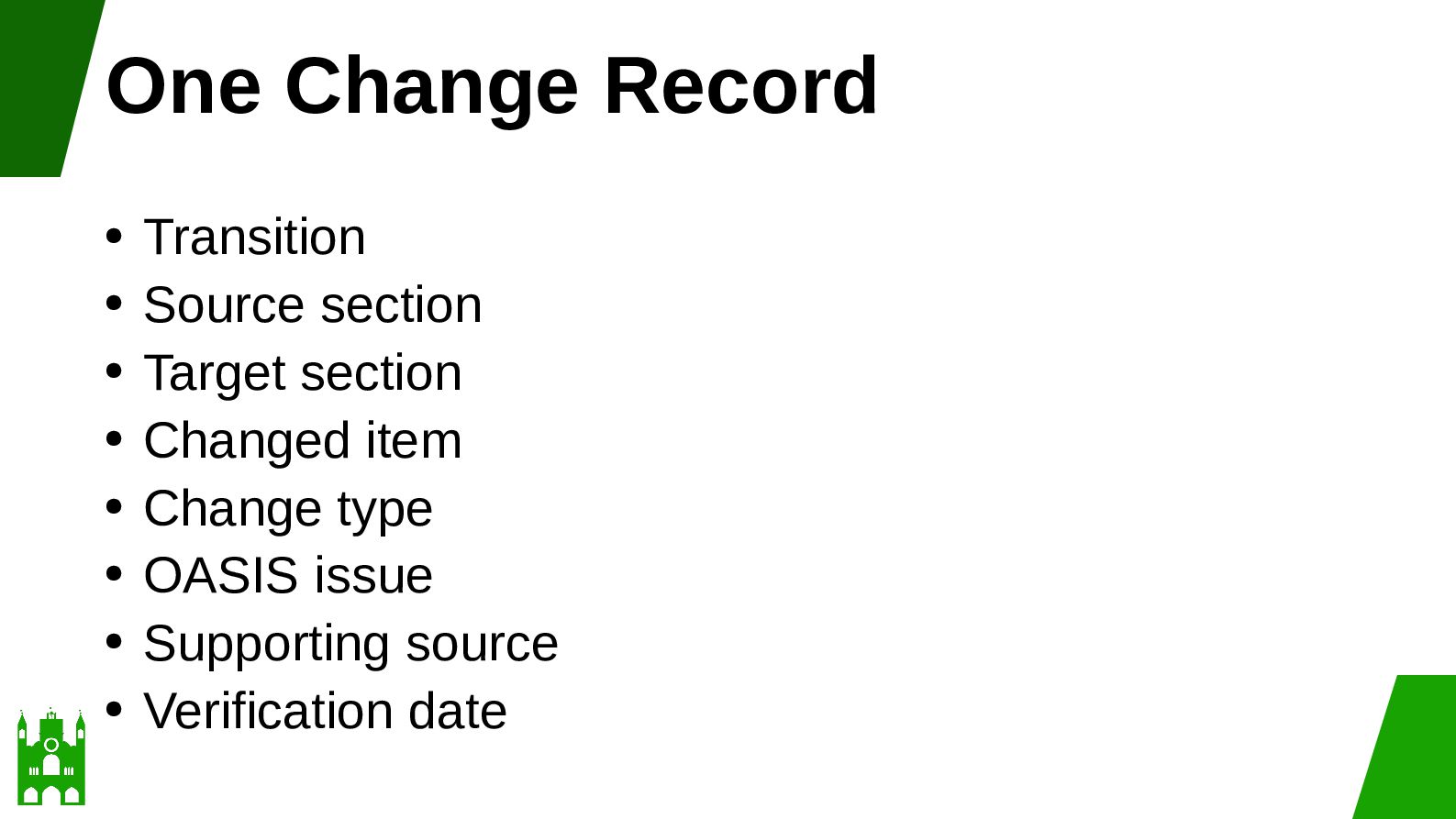
  30. One Change Record Transition • Source section • Target section

    • Changed item • Change type • OASIS issue • Supporting source • Verification date •
  31. Design Sheets as Tables One sheet, one table • One

    row, one record • One column, one attribute • One stable ID for each record •
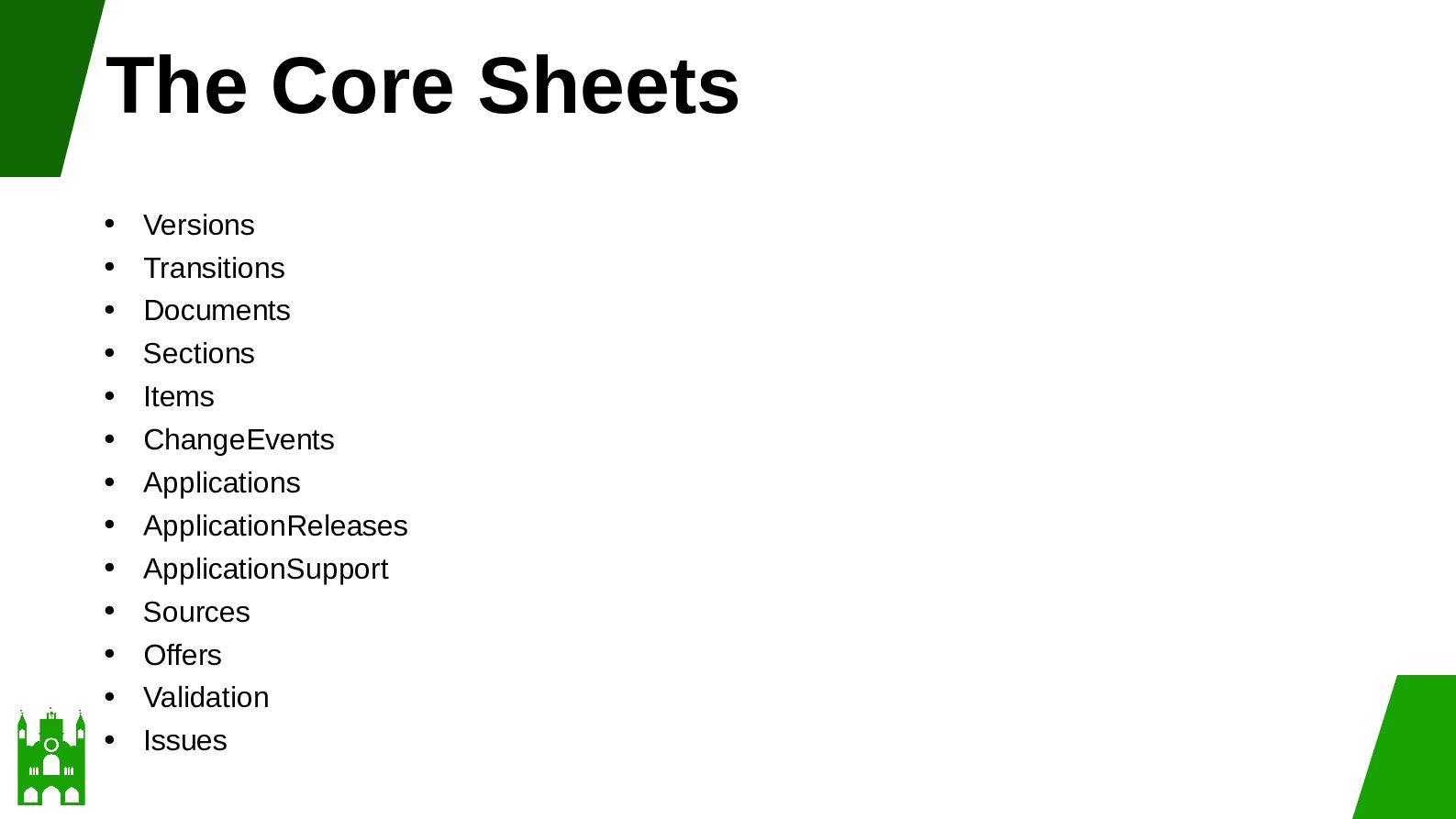
  32. The Core Sheets • • • • • • •

    • • • • • • Versions Transitions Documents Sections Items ChangeEvents Applications ApplicationReleases ApplicationSupport Sources Offers Validation Issues
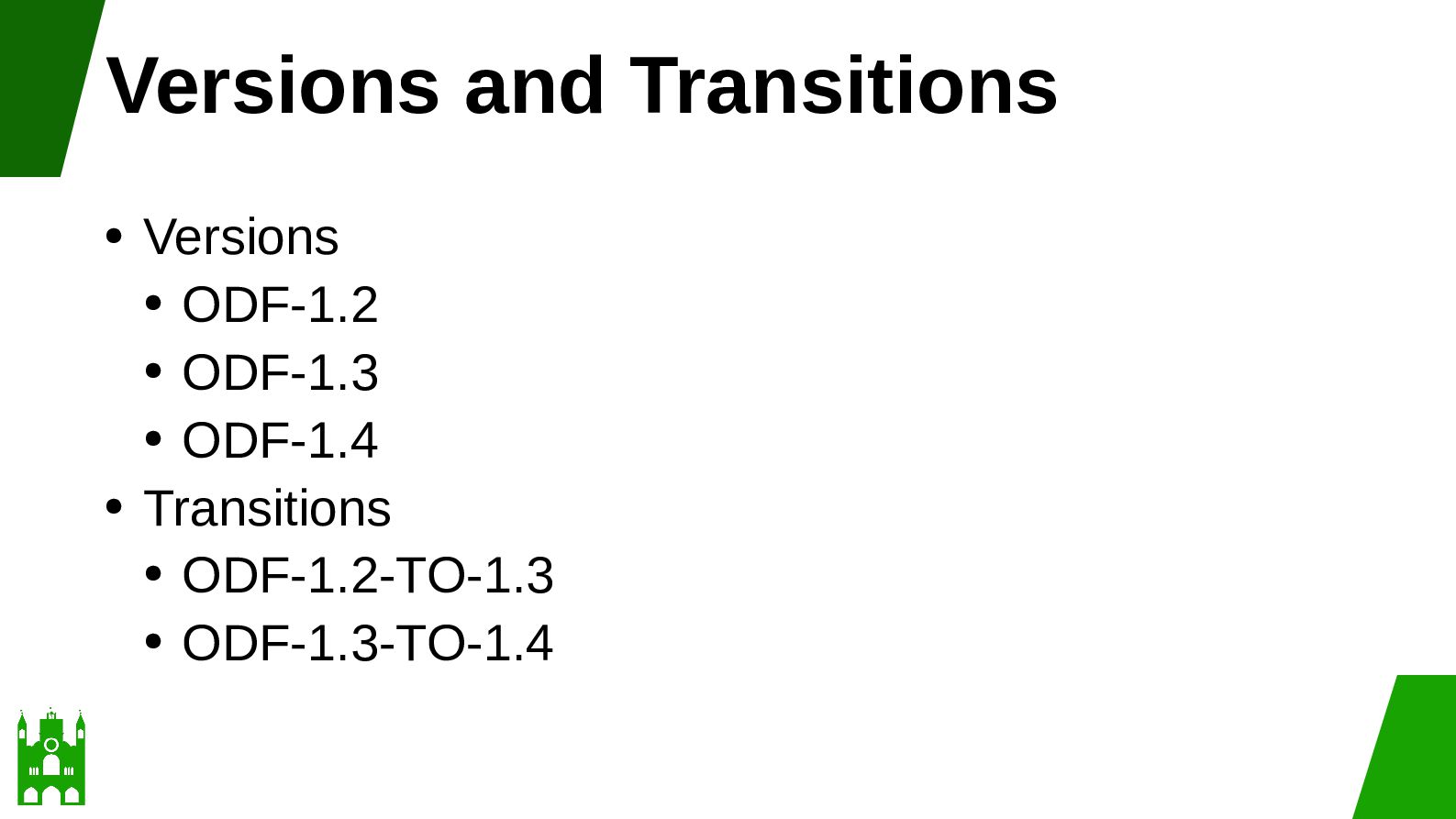
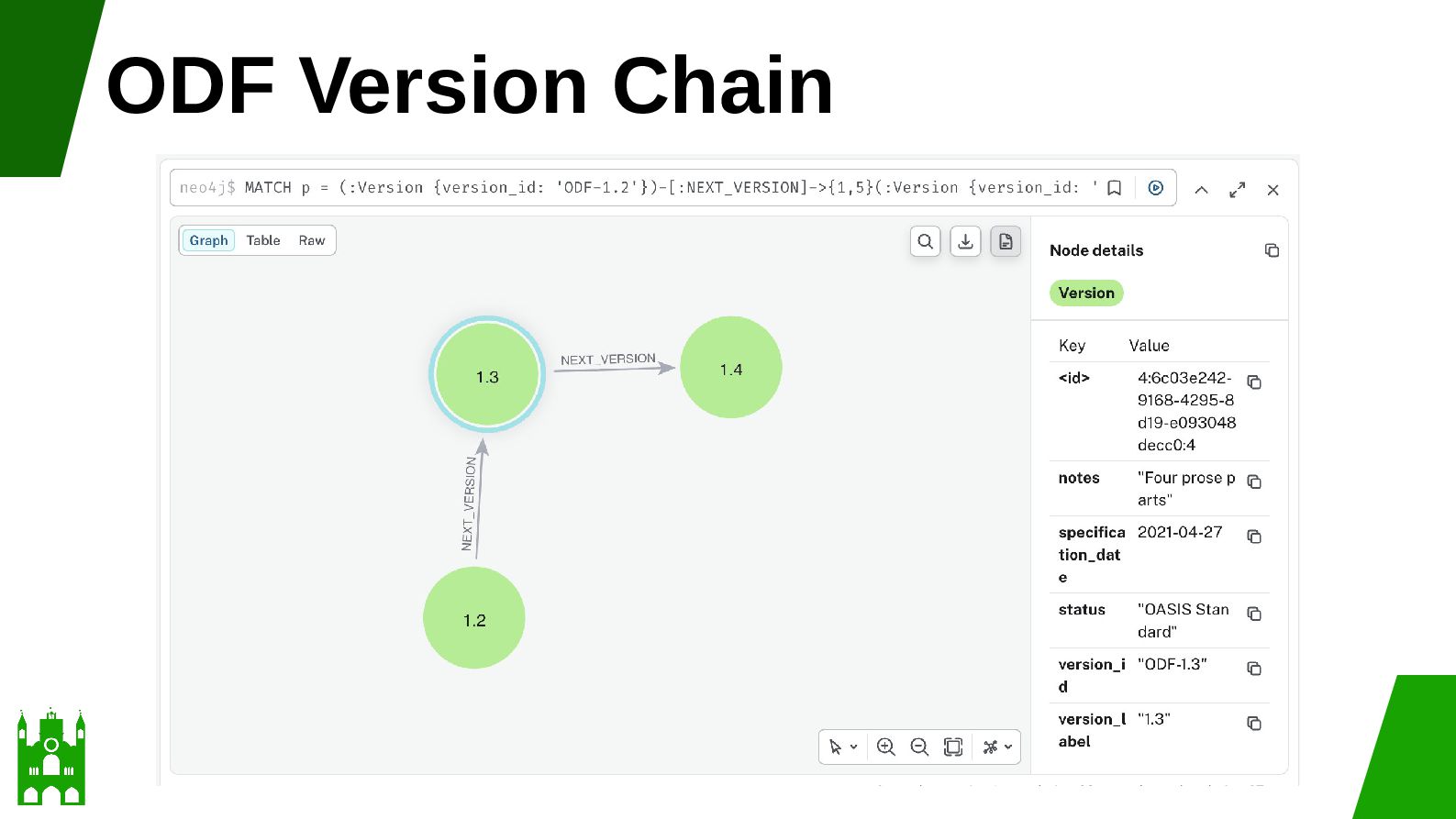
  33. Versions and Transitions Versions • ODF-1.2 • ODF-1.3 • ODF-1.4

    • Transitions • ODF-1.2-TO-1.3 • ODF-1.3-TO-1.4 •
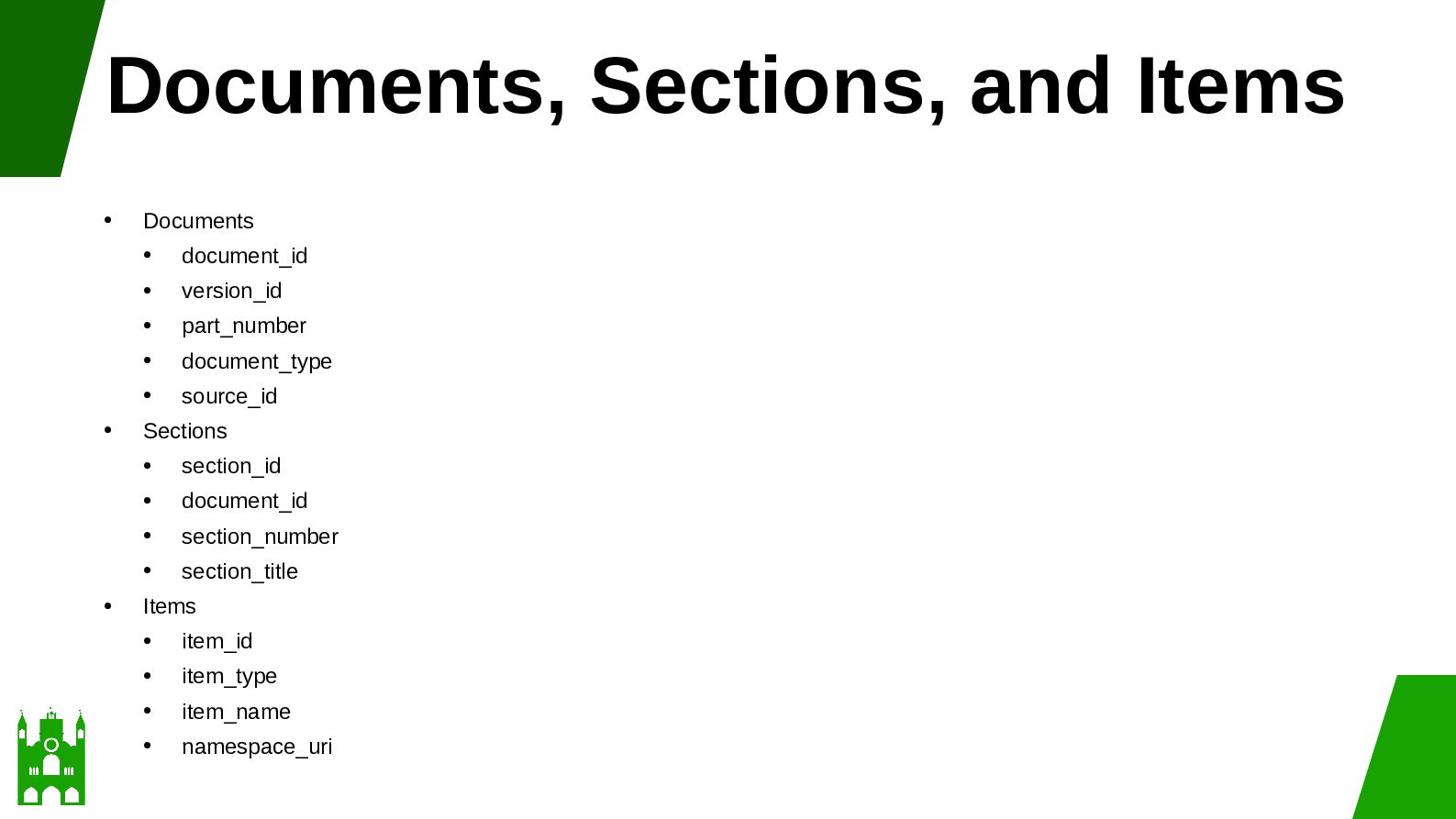
  34. Documents, Sections, and Items • • • Documents • document_id

    • version_id • part_number • document_type • source_id Sections • section_id • document_id • section_number • section_title Items • item_id • item_type • item_name • namespace_uri
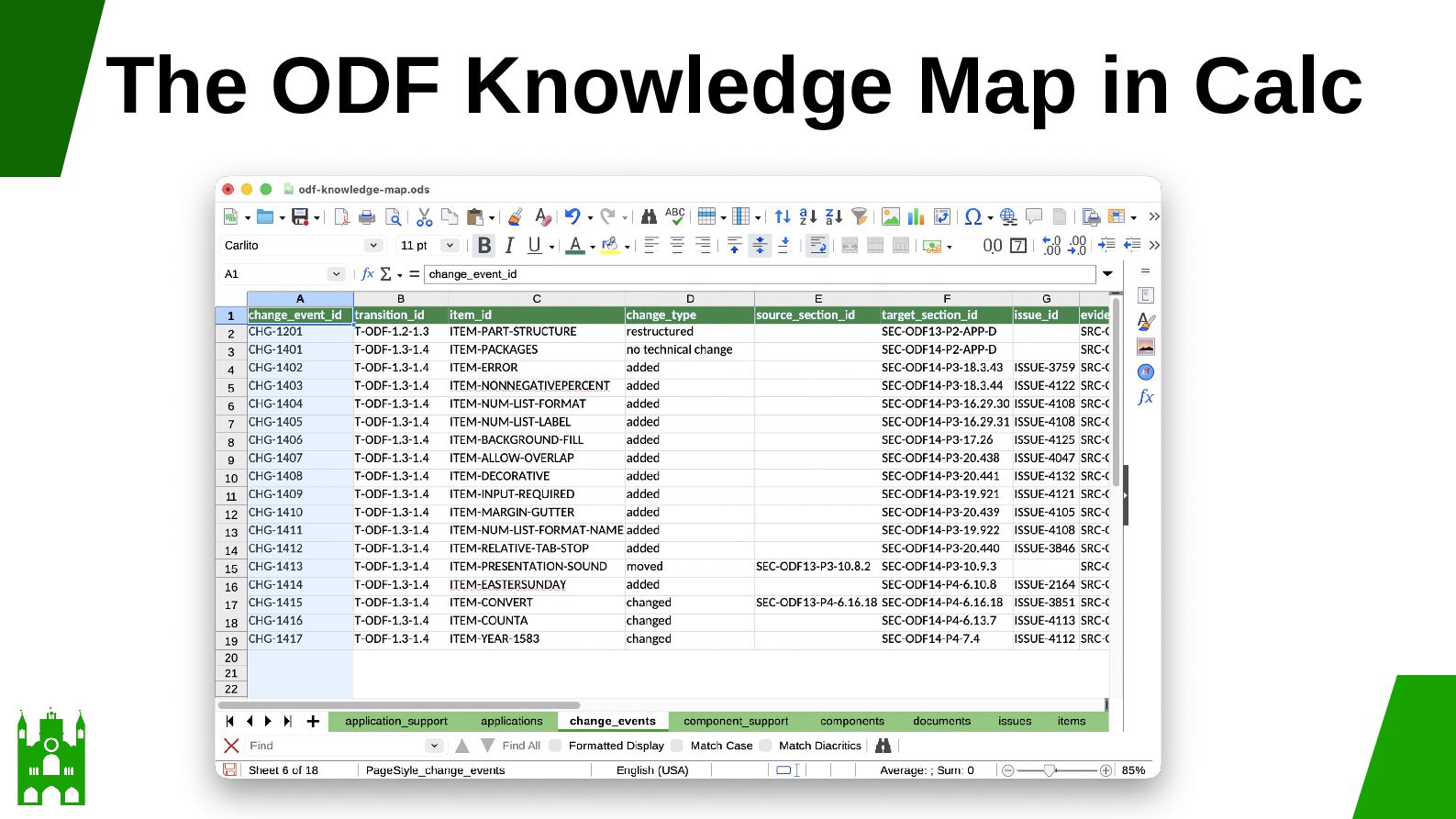
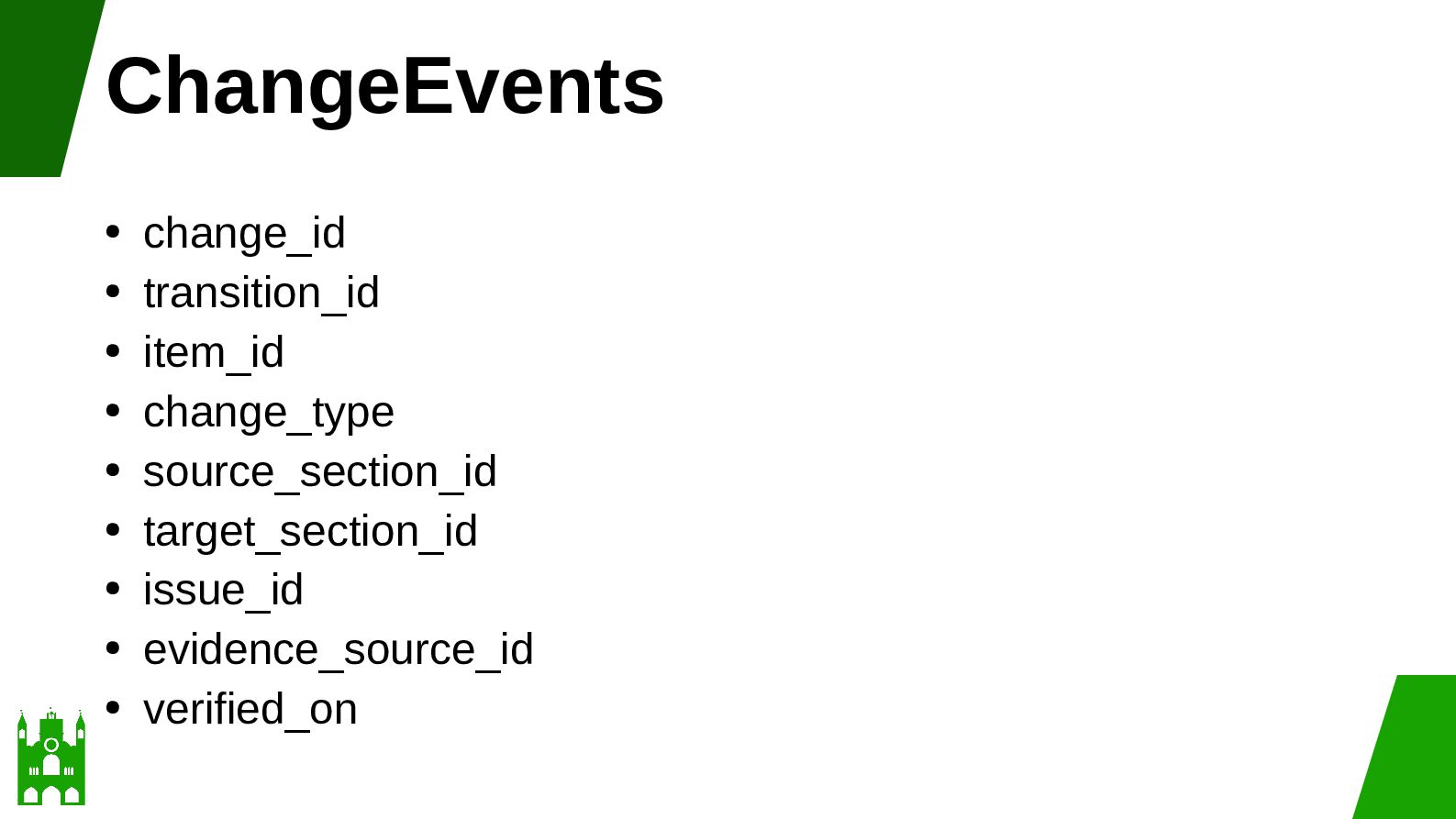
  35. ChangeEvents change_id • transition_id • item_id • change_type • source_section_id

    • target_section_id • issue_id • evidence_source_id • verified_on •
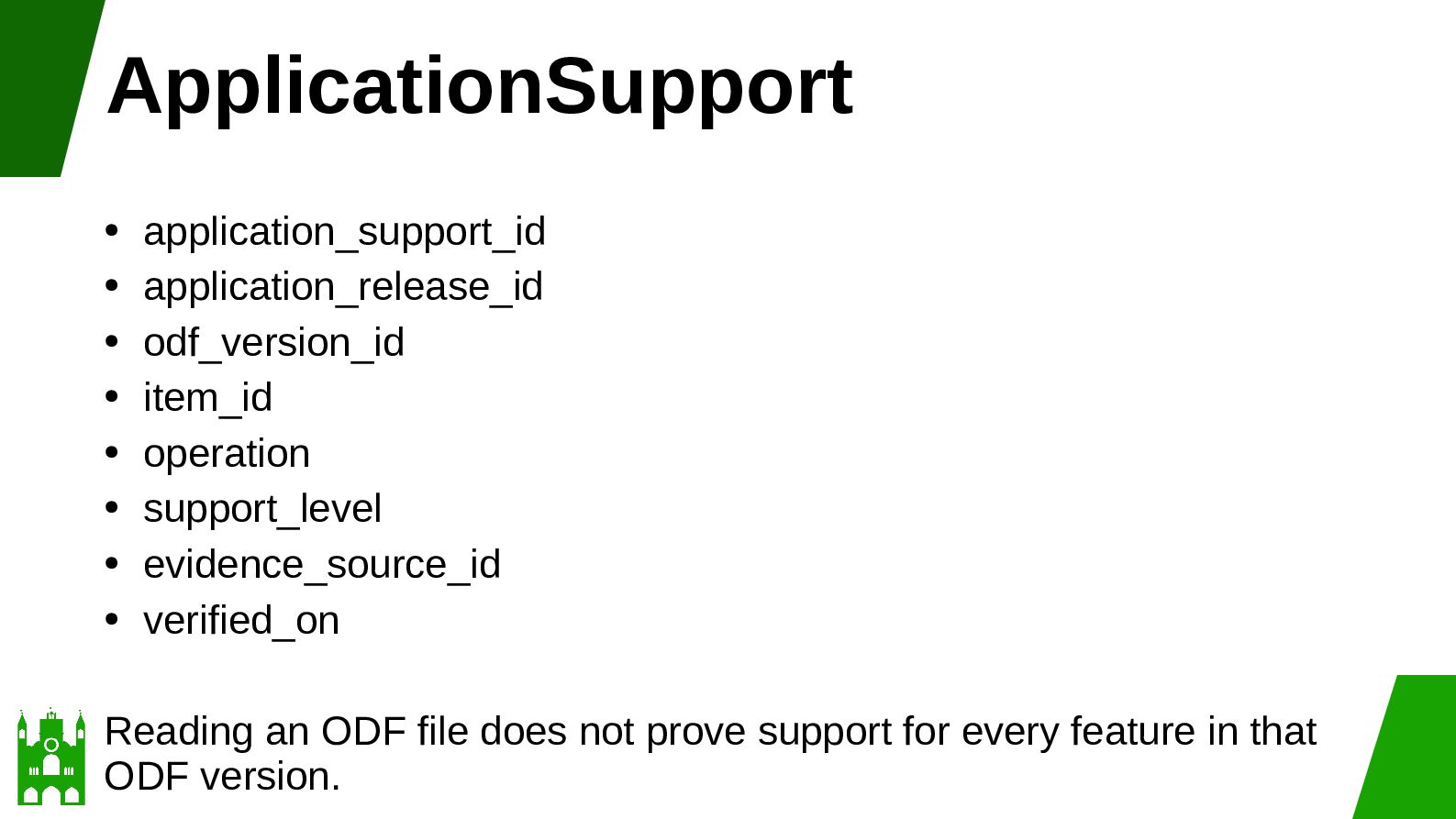
  36. ApplicationSupport application_support_id • application_release_id • odf_version_id • item_id • operation

    • support_level • evidence_source_id • verified_on • Reading an ODF file does not prove support for every feature in that ODF version.
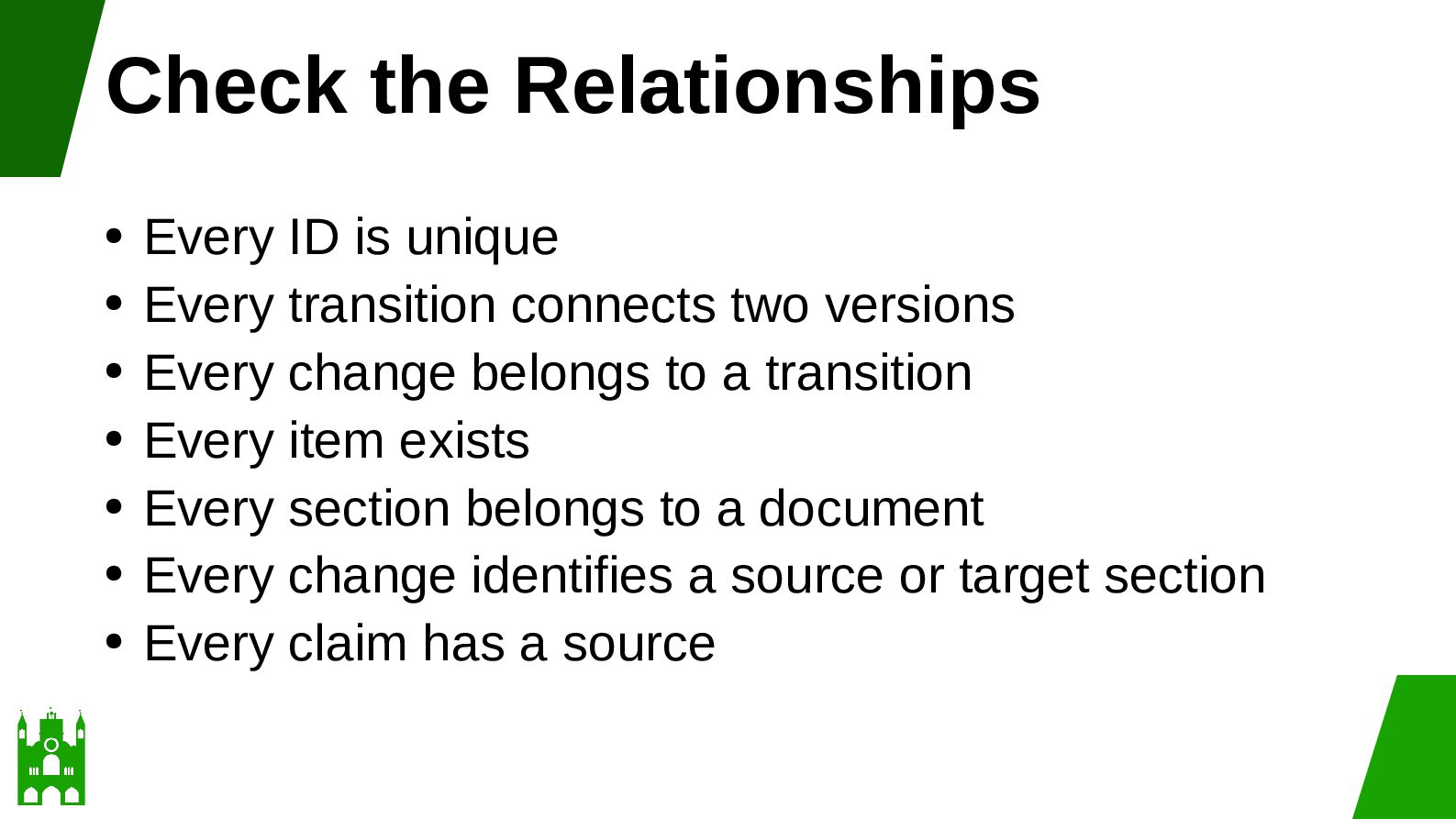
  37. Check the Relationships Every ID is unique • Every transition

    connects two versions • Every change belongs to a transition • Every item exists • Every section belongs to a document • Every change identifies a source or target section • Every claim has a source •
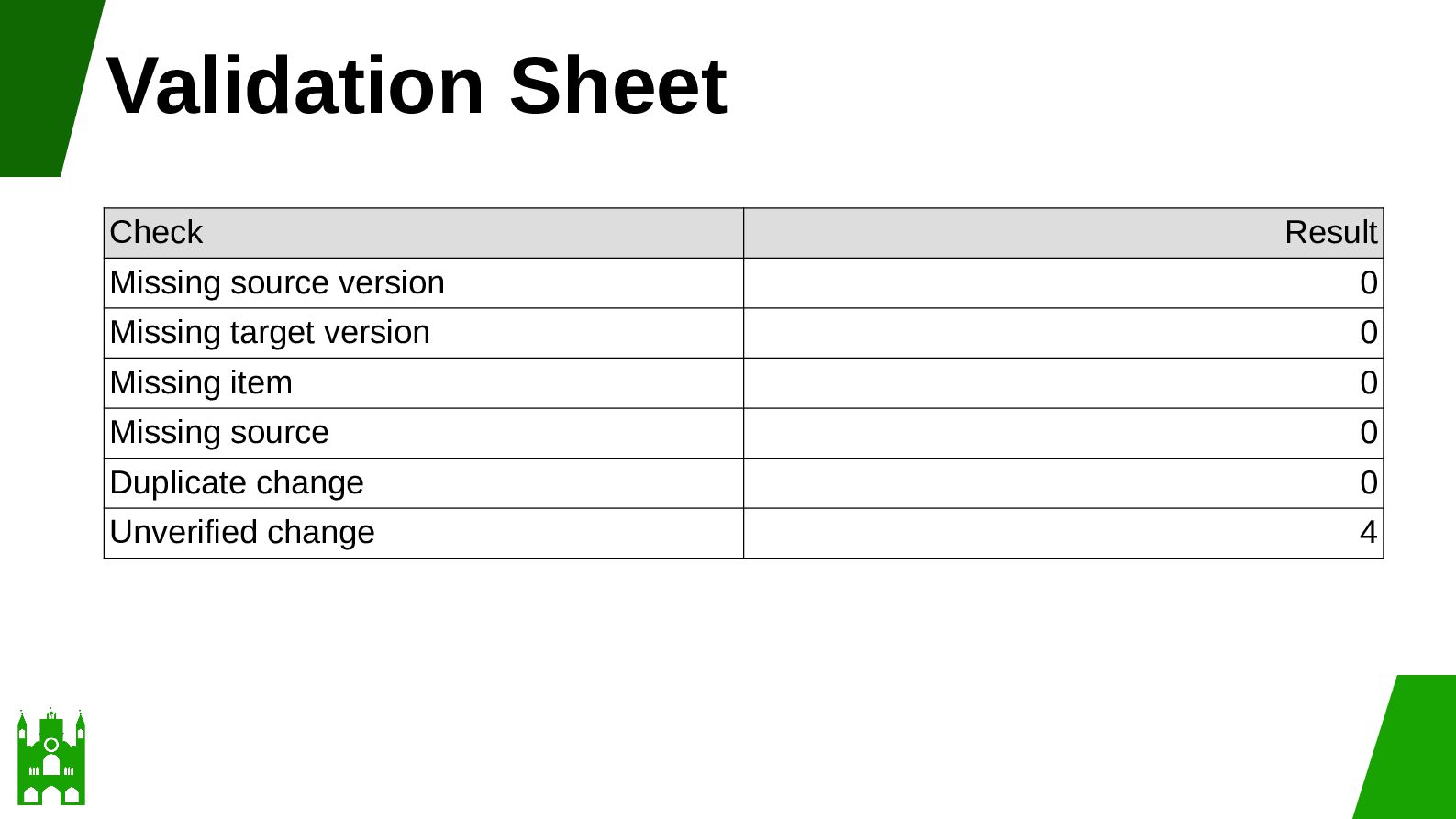
  38. Validation Sheet Check Result Missing source version 0 Missing target

    version 0 Missing item 0 Missing source 0 Duplicate change 0 Unverified change 4
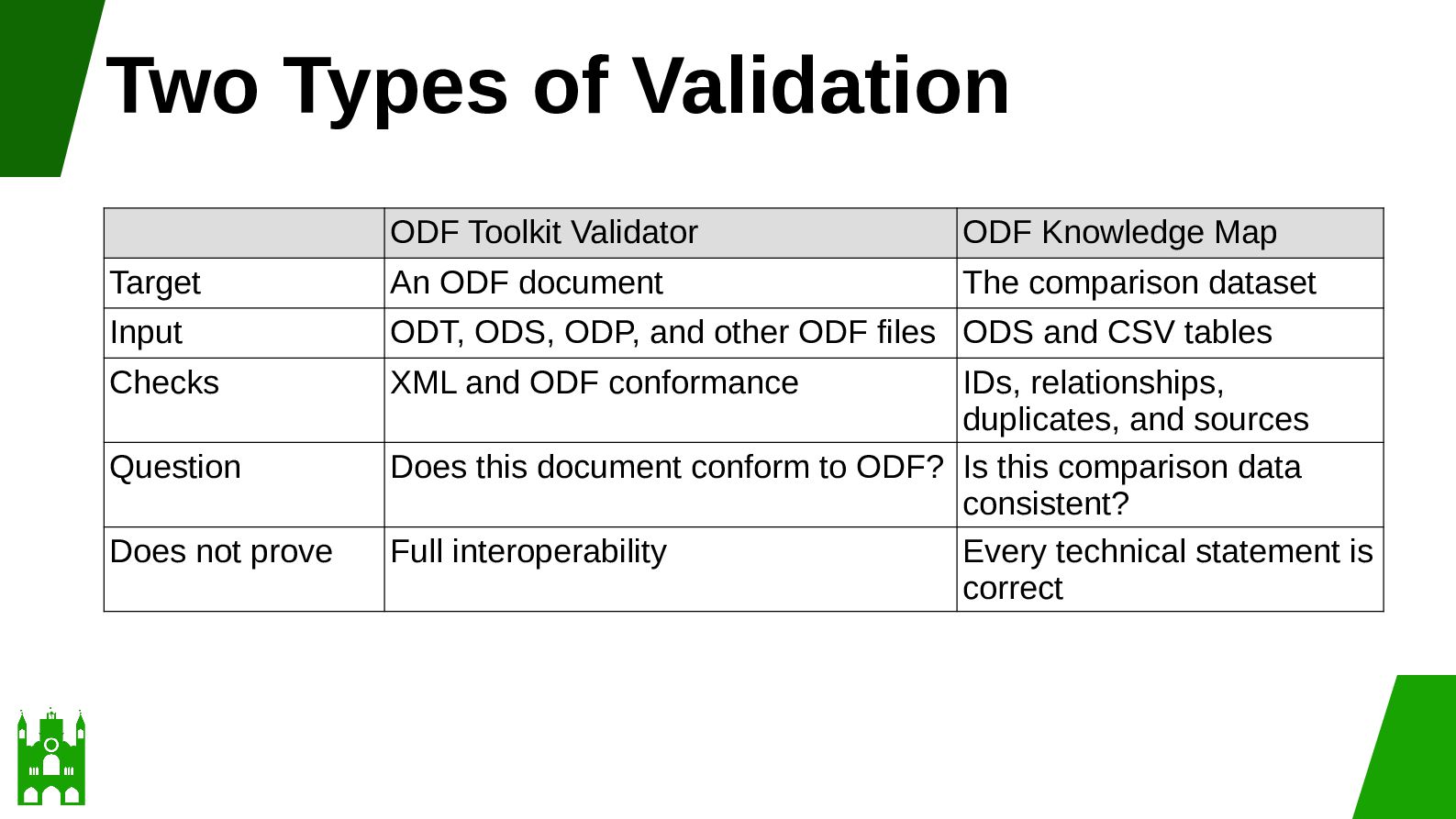
  39. Two Types of Validation ODF Toolkit Validator ODF Knowledge Map

    Target An ODF document The comparison dataset Input ODT, ODS, ODP, and other ODF files ODS and CSV tables Checks XML and ODF conformance Question Does not prove IDs, relationships, duplicates, and sources Does this document conform to ODF? Is this comparison data consistent? Full interoperability Every technical statement is correct
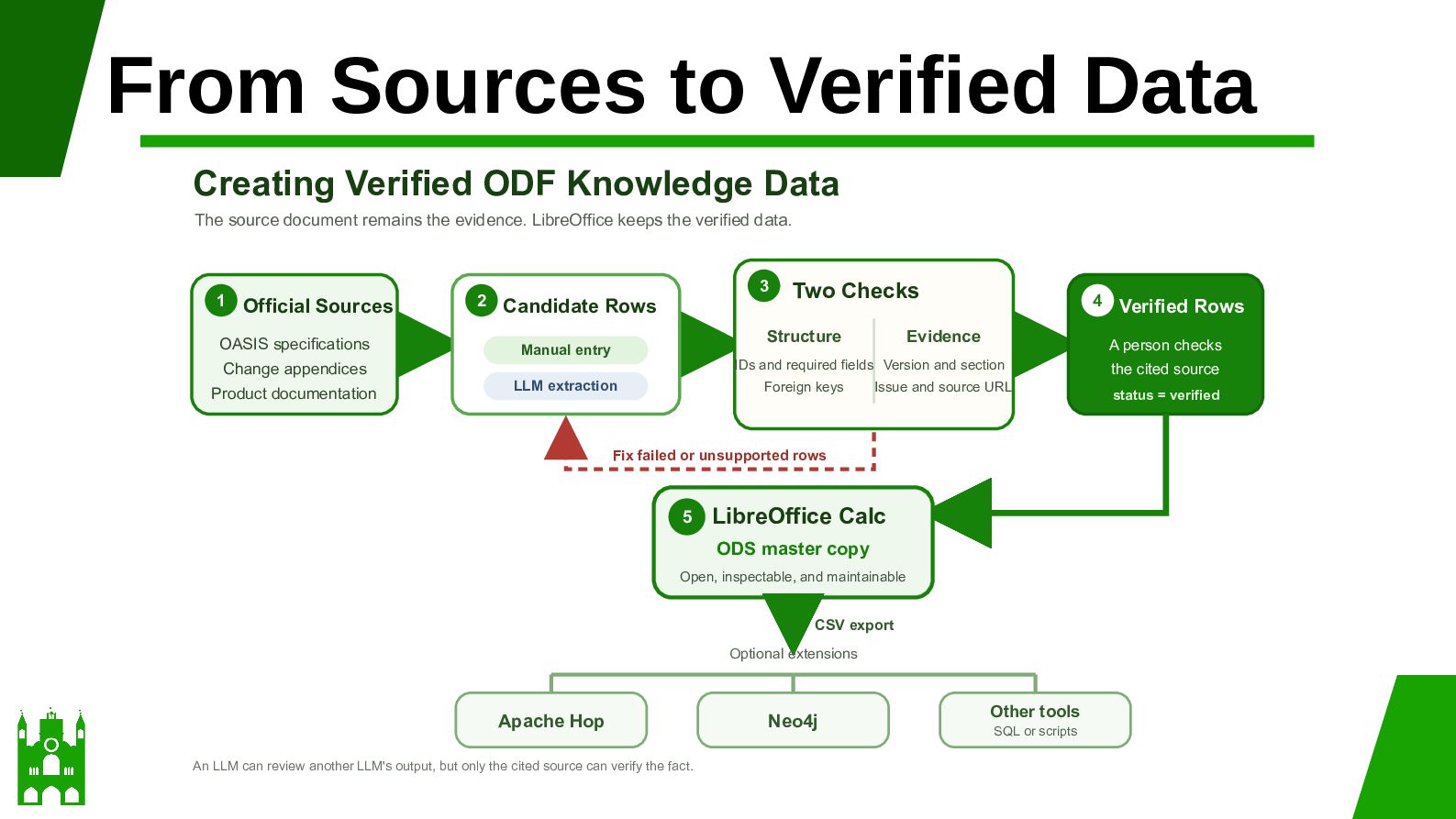
  40. From Sources to Verified Data Creating Verified ODF Knowledge Data

    The source document remains the evidence. LibreOffice keeps the verified data. 1 Official Sources OASIS specifications 2 3 Candidate Rows Structure Manual entry 4 Evidence LLM extraction Foreign keys Issue and source URL Fix failed or unsupported rows 5 LibreOffice Calc ODS master copy Open, inspectable, and maintainable CSV export Optional extensions Apache Hop An LLM can review another LLM's output, but only the cited source can verify the fact. Neo4j Verified Rows A person checks IDs and required fields Version and section Change appendices Product documentation Two Checks Other tools SQL or scripts the cited source status = verified
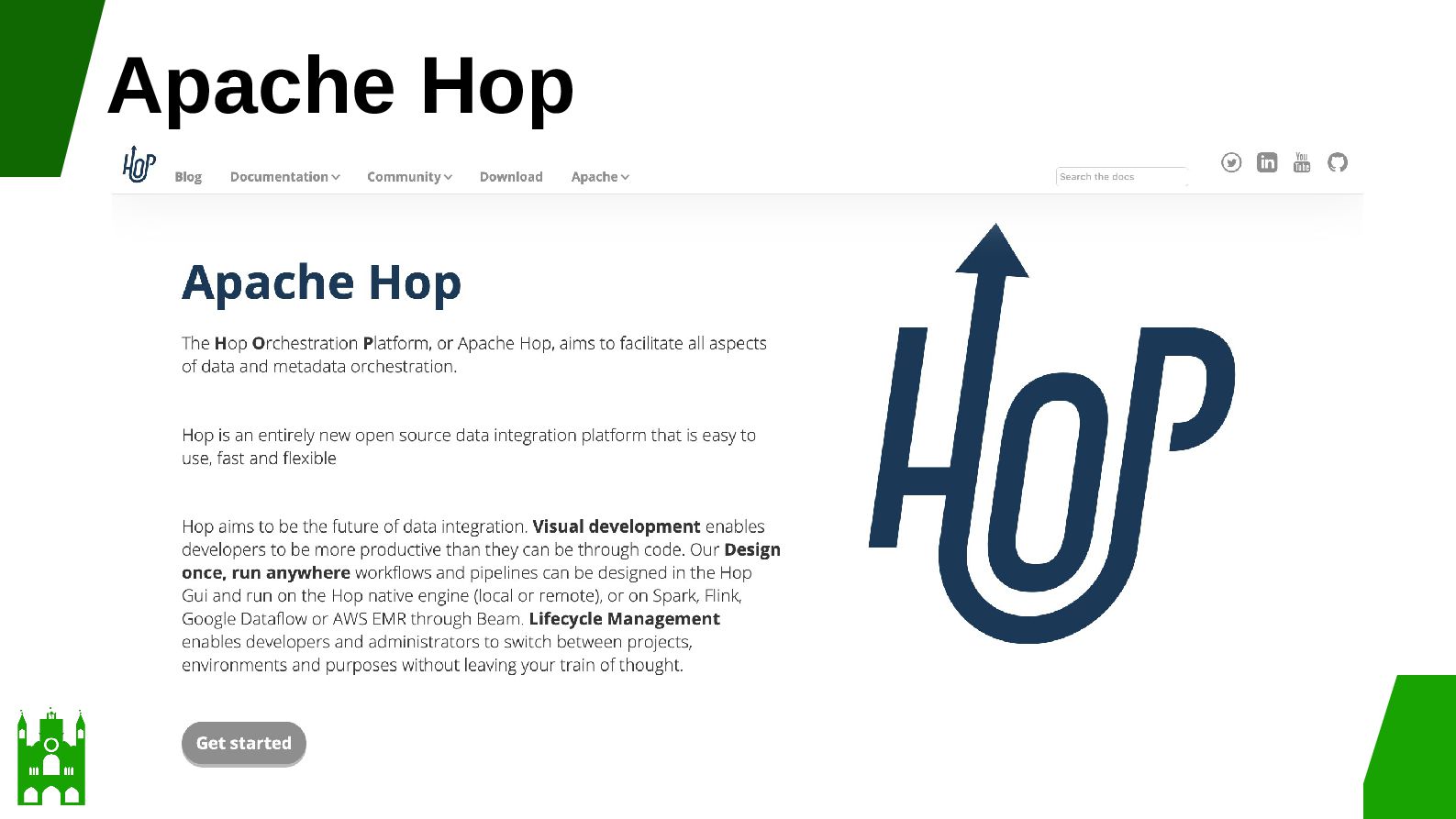
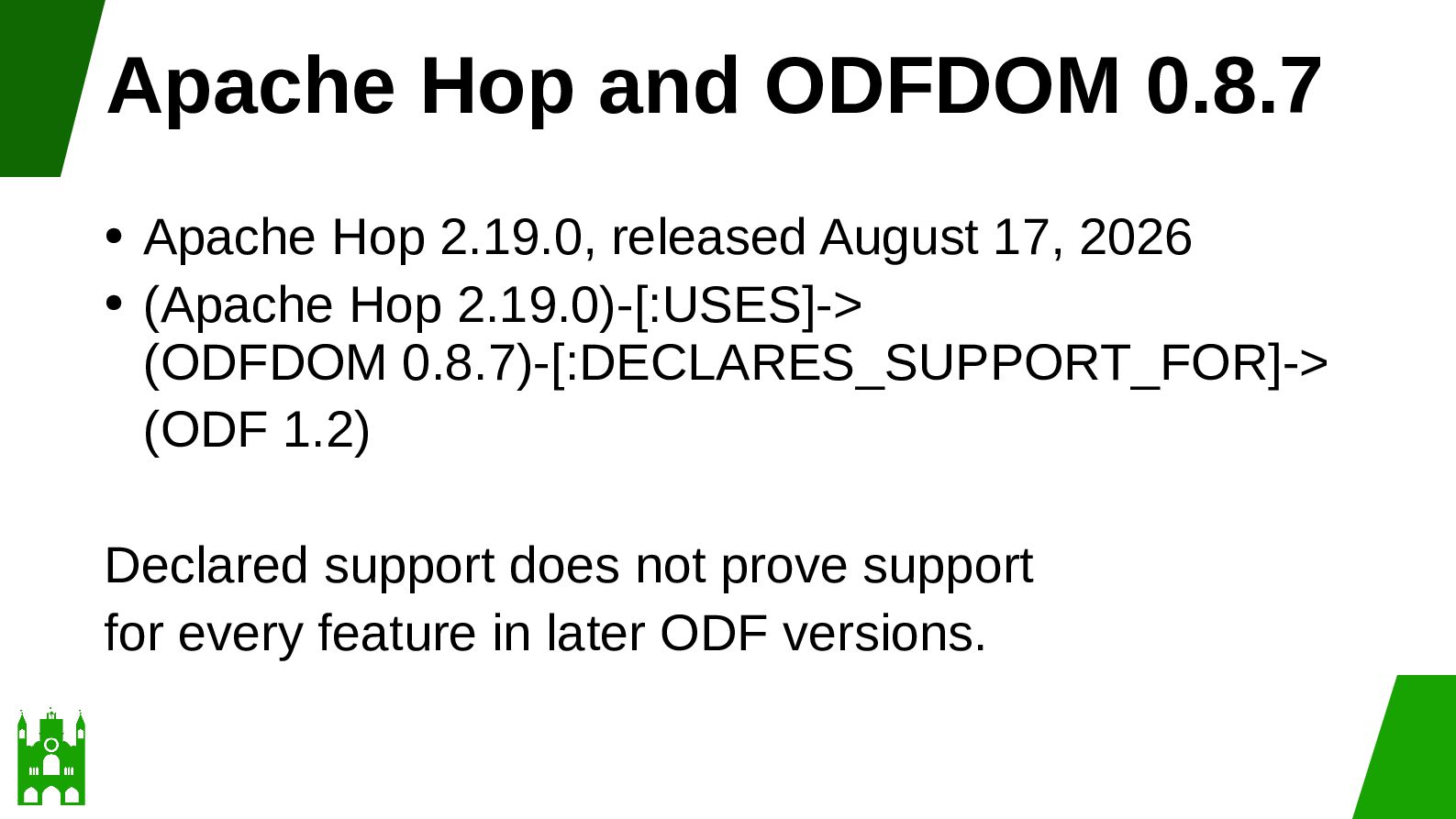
  41. Apache Hop and ODFDOM 0.8.7 Apache Hop 2.19.0, released August

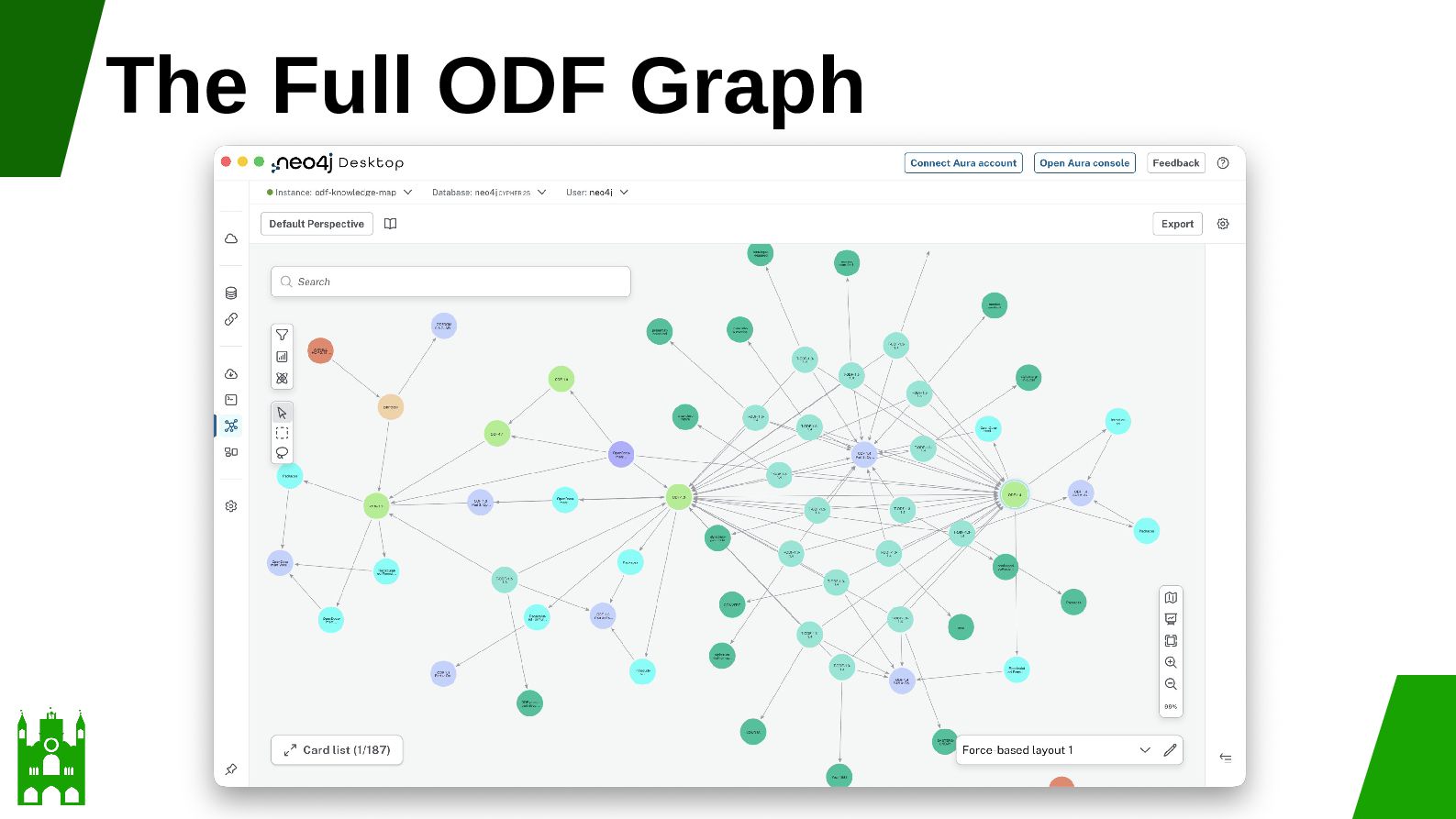
    17, 2026 • (Apache Hop 2.19.0)-[:USES]-> (ODFDOM 0.8.7)-[:DECLARES_SUPPORT_FOR]-> (ODF 1.2) • Declared support does not prove support for every feature in later ODF versions.
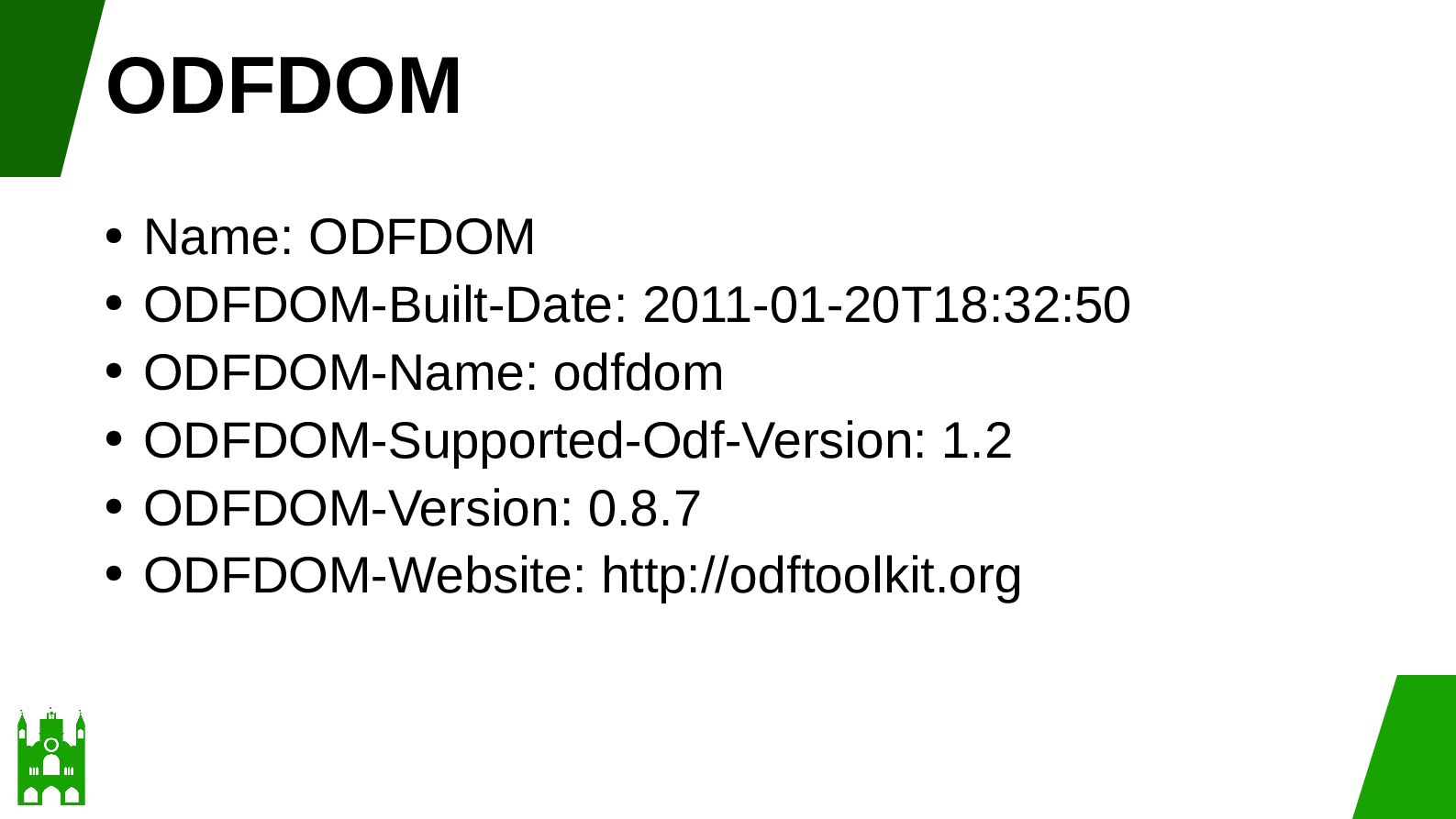
  42. ODFDOM Name: ODFDOM • ODFDOM-Built-Date: 2011-01-20T18:32:50 • ODFDOM-Name: odfdom •

    ODFDOM-Supported-Odf-Version: 1.2 • ODFDOM-Version: 0.8.7 • ODFDOM-Website: http://odftoolkit.org •
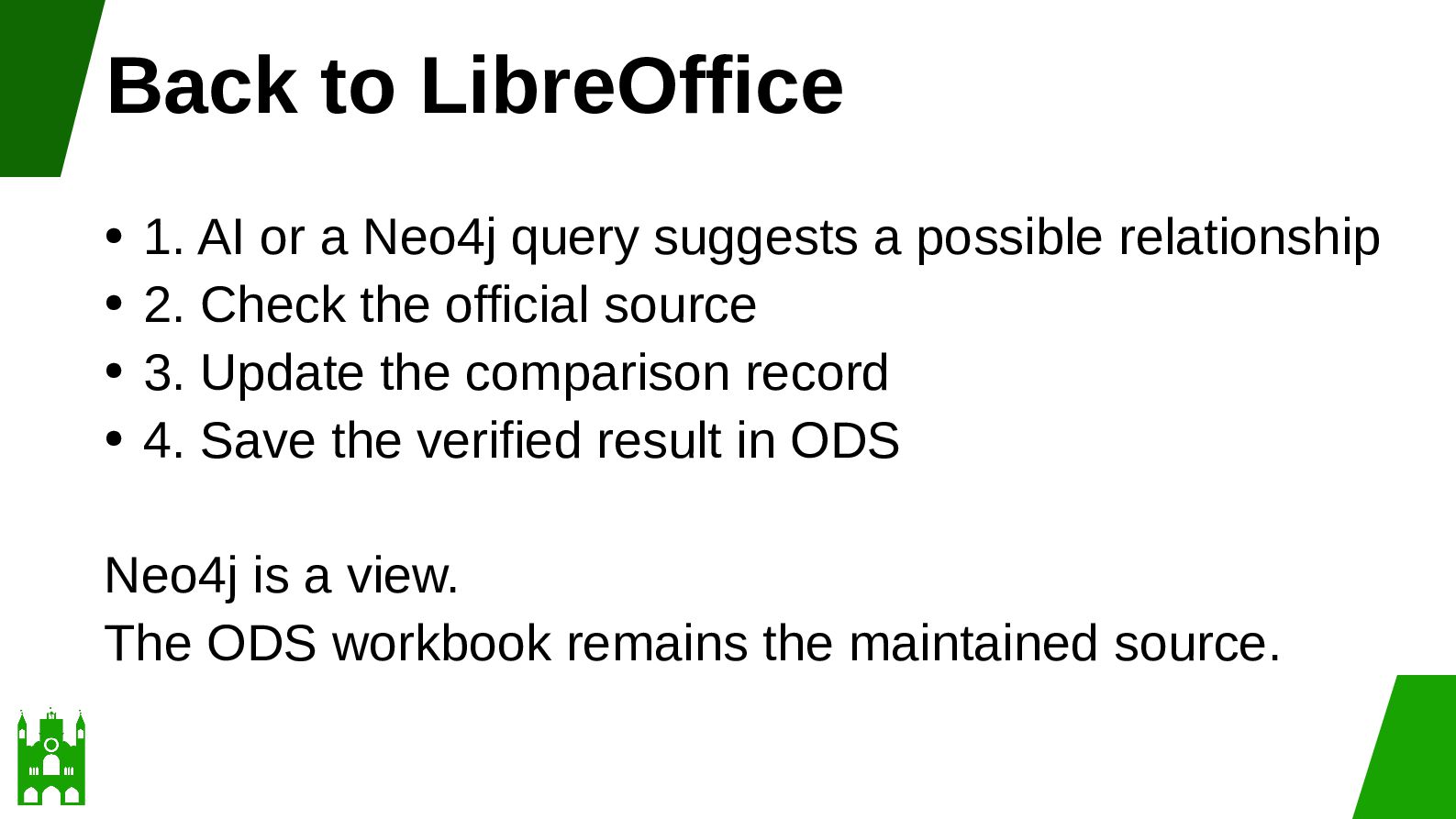
  43. Back to LibreOffice 1. AI or a Neo4j query suggests

    a possible relationship • 2. Check the official source • 3. Update the comparison record • 4. Save the verified result in ODS • Neo4j is a view. The ODS workbook remains the maintained source.
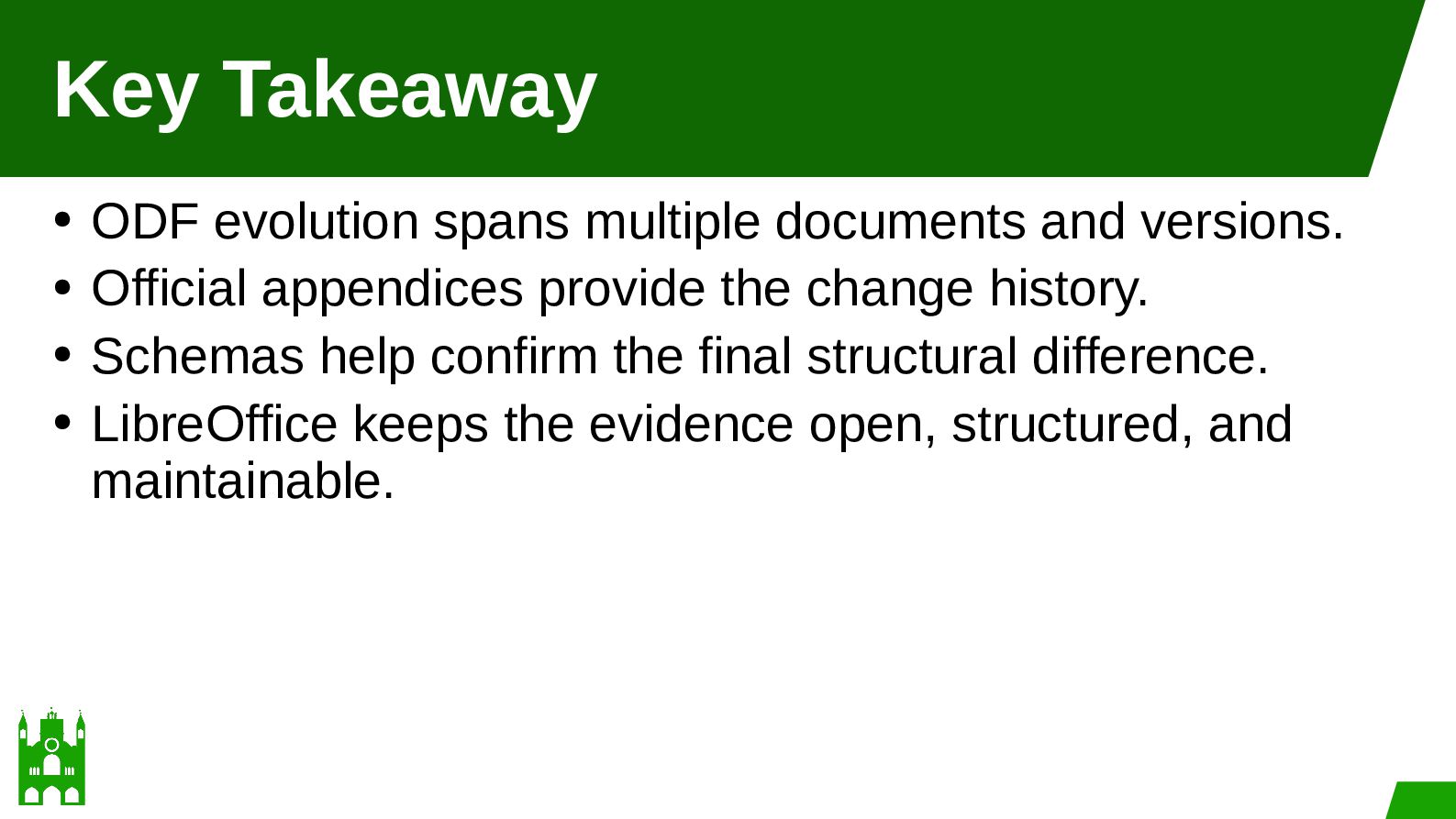
  44. Key Takeaway ODF evolution spans multiple documents and versions. •

    Official appendices provide the change history. • Schemas help confirm the final structural difference. • LibreOffice keeps the evidence open, structured, and maintainable. •