Upgrade to Pro
— share decks privately, control downloads, hide ads and more …
Speaker Deck
Sign up for free
Menu
Search
Features
All features
Private URLs
Password Protection
Custom URLS
Scheduled publishing
Remove Branding
Restrict embedding
Deck Collections
Notes
Features
All features
Private URLs
Password Protection
Custom URLS
Scheduled publishing
Remove Branding
Restrict embedding
Deck Collections
Notes
Explore
Featured decks
Featured speakers
Programming
Technology
Storyboards
Explore
Featured decks
Featured speakers
Programming
Technology
Storyboards
Pricing
Search
Sign in
Sign up for free
Nacho Soto's Slides at NSSpain 2013
Search
Luis Ascorbe
September 17, 2013
Programming
150
4
Share
Embed
Copy iframe code
Copy JS code
Copy link
Start on current slide
Nacho Soto's Slides at NSSpain 2013
NSSpain is an iOS & OSX developers conference in Spain.
More info:
http://nsspain.com
Luis Ascorbe
September 17, 2013
More Decks by Luis Ascorbe
See All by Luis Ascorbe
Snapshot Testing at CMD+U Conf
lascorbe
2
170
Dave Verwer's Slides at NSSpain 2014
lascorbe
0
140
Andrew Yates' Slides at NSSpain 2014
lascorbe
0
130
Alberto Lopez's Slides at NSSpain 2014
lascorbe
0
54
Erik Erice's Slides at NSSpain 2014
lascorbe
0
110
Krzysztof Zabłocki's Slides at NSSpain 2013
lascorbe
8
470
Luis Solano's Slides at NSSpain 2013
lascorbe
3
150
Daniel Eggert's Slides at NSSpain 2013
lascorbe
8
230
Other Decks in Programming
See All in Programming
Kotlinの15年とServer-Side Kotlin
n_takehata
1
170
sbt 2.0: takeoff
eed3si9n
0
170
個人開発者よ、Honoを使え(おじさんver)
tanahiro2010
2
280
npm との違いを手がかりにGo の依存管理を理解したい
optim
0
1.1k
React Native에 현대적인 빌드 도구 더하기: Rollipop 구현기
leegeunhyeok
0
150
自作Discord音声botをLambda MicroVMsに移行した話 / Migrating My Discord Voice Bot to Lambda MicroVMs
akihisaikeda
0
150
dotNET_vulnclicker_intro.pdf
deka_morita
0
150
ChromeでローカルLLM
ryu1013
0
160
Vapor Mode でアクセシビリティは 壊れないか検証した話
fuqda
1
160
Optunaを作ったときにやりたかったこと、その後 (2026/10/16, Optuna Meetup #3)
iwiwi
4
1.3k
パスワード再設定メールのURLについて知っておこう
uyuki234
0
190
Snowflake Openflow Connector利用の勘所 / 20261024developersio2026tokyo-snowflake-openflow
kasacchiful
PRO
0
190
Featured
See All Featured
Building Better People: How to give real-time feedback that sticks.
wjessup
371
20k
How STYLIGHT went responsive
nonsquared
100
6.3k
Agile Leadership in an Agile Organization
kimpetersen
PRO
0
290
Become a Pro
speakerdeck
PRO
31
6.3k
How To Stay Up To Date on Web Technology
chriscoyier
790
250k
Learning to Love Humans: Emotional Interface Design
aarron
275
41k
Put a Button on it: Removing Barriers to Going Fast.
kastner
60
4.6k
Building Adaptive Systems
keathley
44
3.3k
Visual Storytelling: How to be a Superhuman Communicator
reverentgeek
2
720
Rebuilding a faster, lazier Slack
samanthasiow
85
9.7k
So, you think you're a good person
axbom
PRO
2
2.2k
DevOps and Value Stream Thinking: Enabling flow, efficiency and business value
helenjbeal
2
410
Transcript
CREATING ANIMATIONS WITH CORE ANIMATION & CORE GRAPHICS Mobile Lead,
MindSnacks Inc. Creator of Sayonara app. Nacho Soto
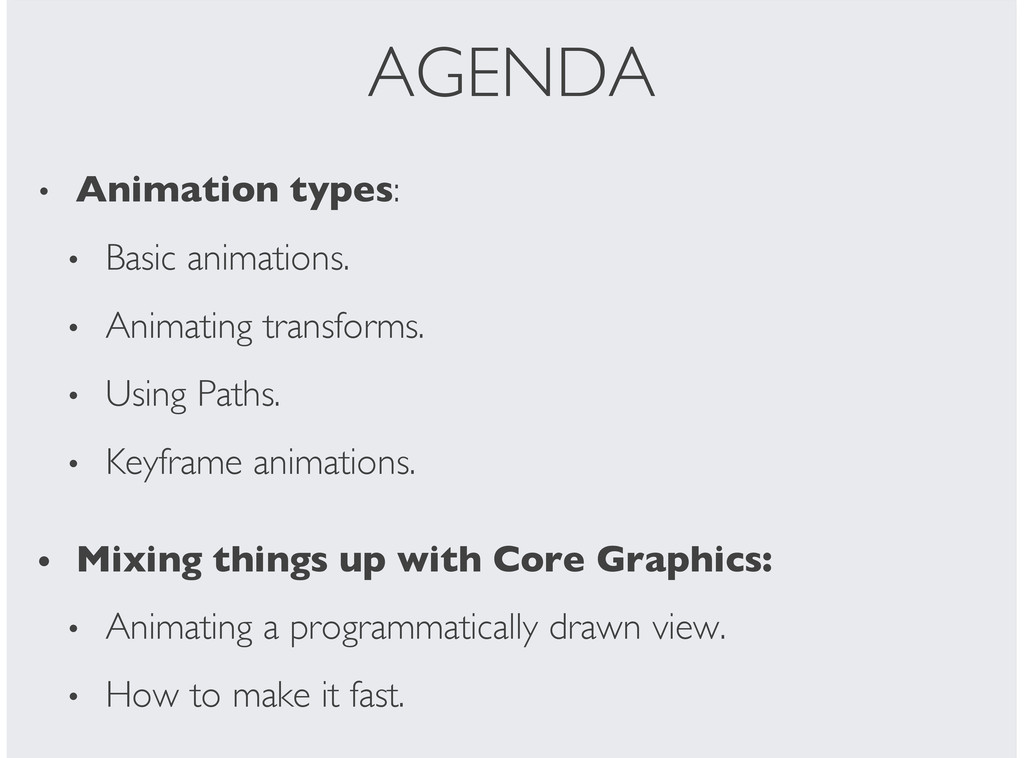
AGENDA Animation types: Basic animations. Animating transforms. Using Paths. Keyframe
animations. Mixing things up with Core Graphics: Animating a programmatically drawn view. How to make it fast. • • • • • • • •
CABasicAnimation *animation = [CABasicAnimation animationWithKeyPath:NSStringFromSelector(@selector(opacity))]; animation.fromValue = @0.0f; animation.toValue =
@1.0f; animation.duration = 5; [layer addAnimation:animation forKey:animation.keyPath]; BASIC ANIMATION
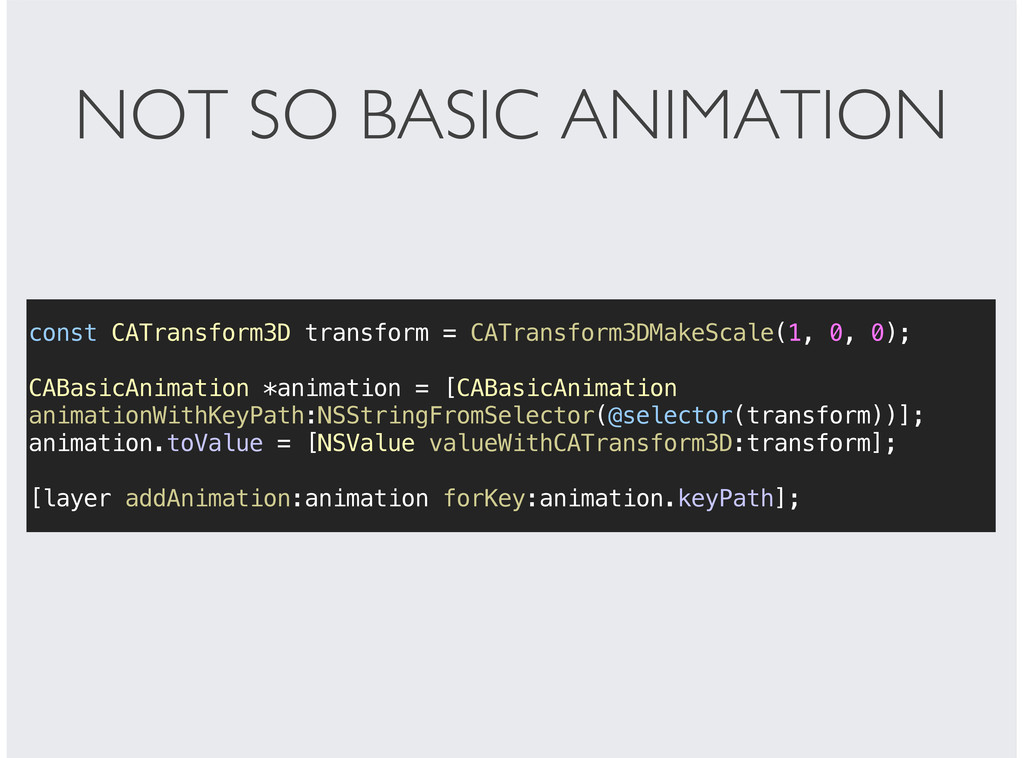
const CATransform3D transform = CATransform3DMakeScale(1, 0, 0); CABasicAnimation *animation =
[CABasicAnimation animationWithKeyPath:NSStringFromSelector(@selector(transform))]; animation.toValue = [NSValue valueWithCATransform3D:transform]; [layer addAnimation:animation forKey:animation.keyPath]; NOT SO BASIC ANIMATION
UIBezierPath *bezierPath = [UIBezierPath bezierPathWithRect:rect]; CAKeyframeAnimation *pathAnimation = [CAKeyframeAnimation animationWithKeyPath:NSStringFromSelector(@selector(position))];
pathAnimation.path = bezierPath.CGPath; [layer addAnimation:pathAnimation forKey:pathAnimation.keyPath]; PATH ANIMATIONS
KEYFRAME ANIMATIONS CAKeyframeAnimation *animation = [CAKeyframeAnimation animationWithKeyPath:@"position.x"]; animation.values = [[NSArray
arrayWithRange:NSMakeRange(0, 100)] mapUsingBlock:^(NSNumber *number) { return @(pow(number.unsignedIntegerValue, 3) / 3000.f); }];
CORE ANIMATION + CORE GRAPHICS
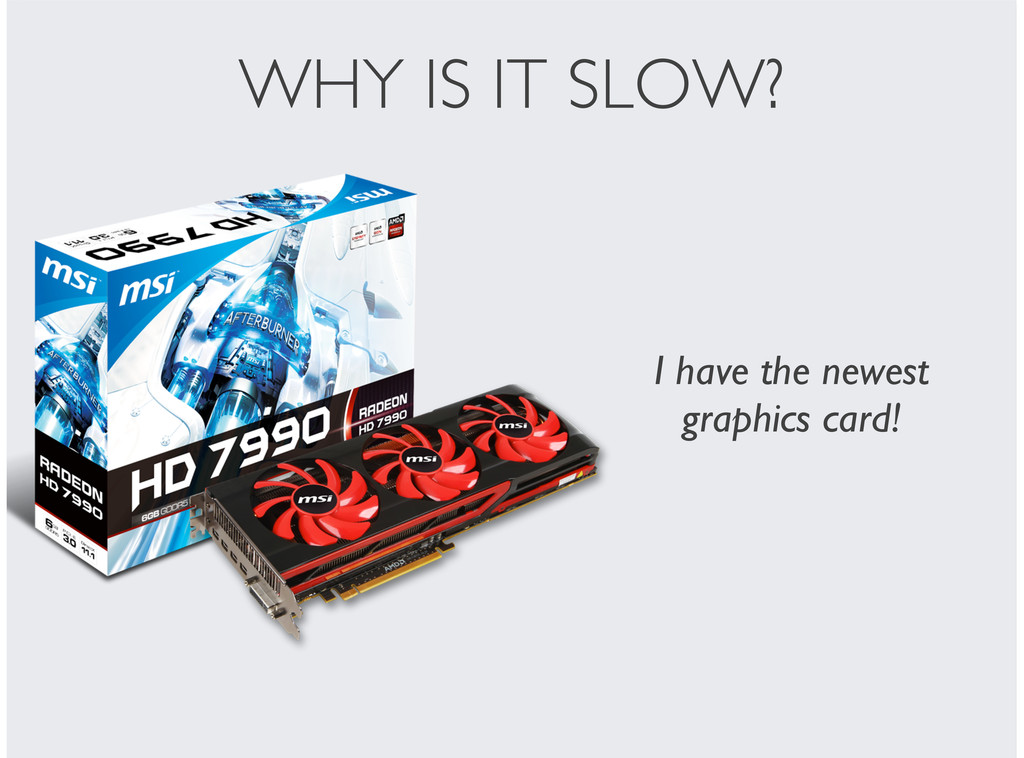
WHY IS IT SLOW? I have the newest graphics card!
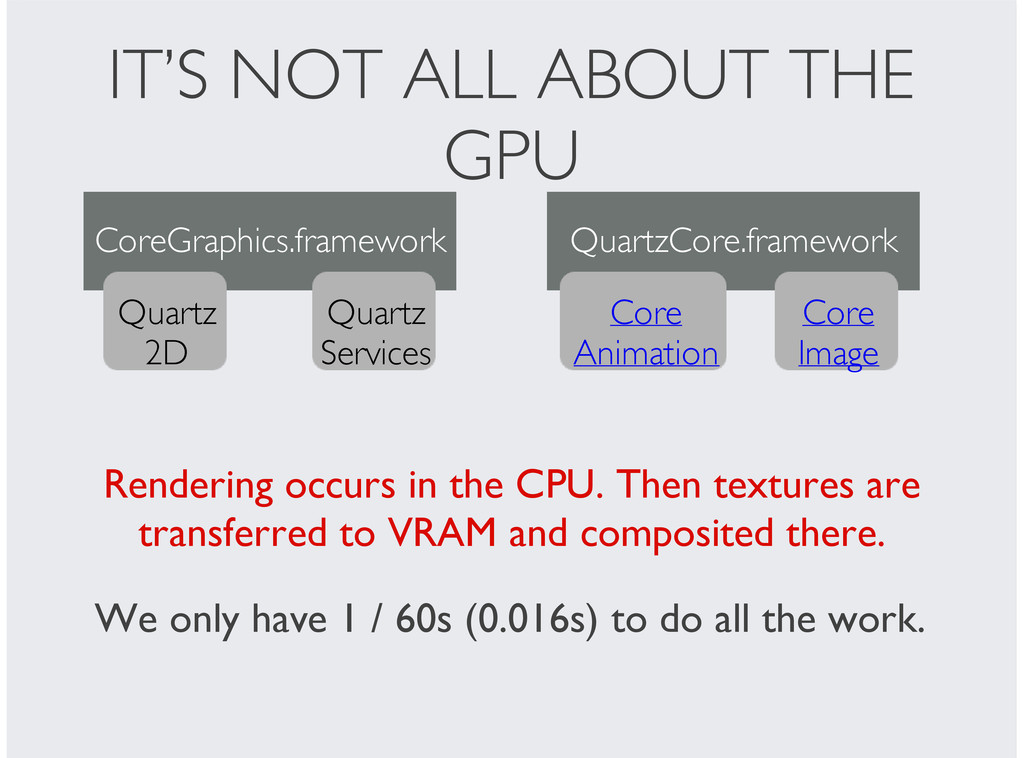
IT’S NOT ALL ABOUT THE GPU CoreGraphics.framework Quartz 2D Quartz
Services QuartzCore.framework Core Animation Core Image Rendering occurs in the CPU. Then textures are transferred to VRAM and composited there. We only have 1 / 60s (0.016s) to do all the work.
SO HOW DO WE MAKE RENDERING FASTER? DO NOT RENDER
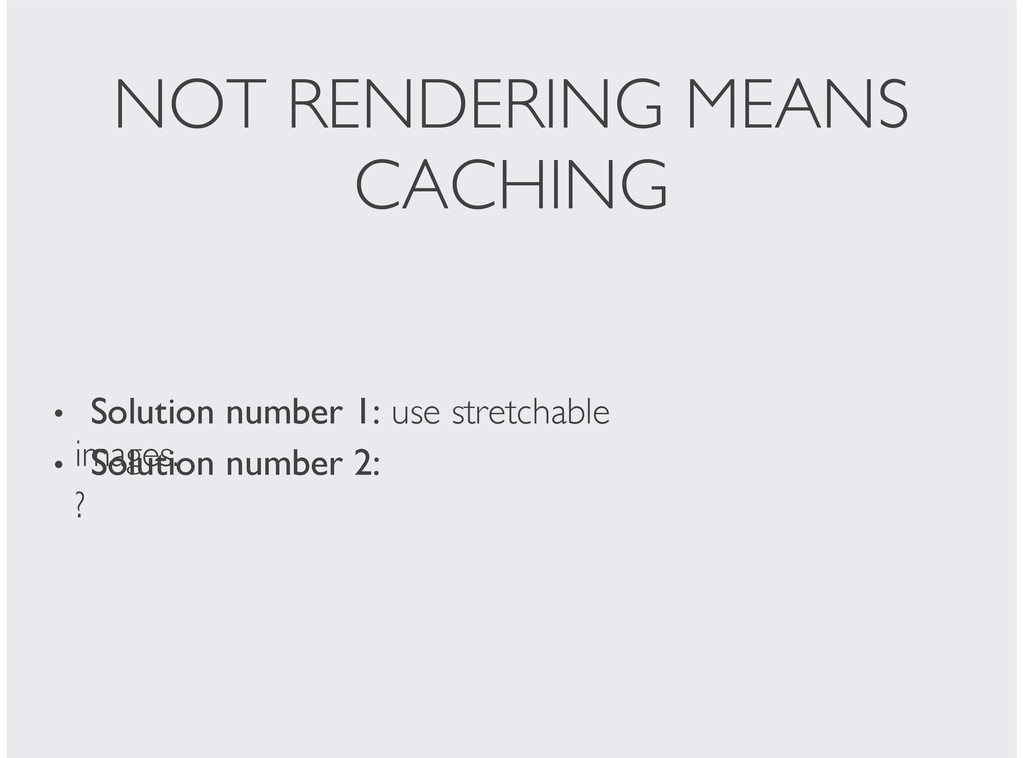
NOT RENDERING MEANS CACHING Solution number 1: use stretchable images.
• Solution number 2: ? •
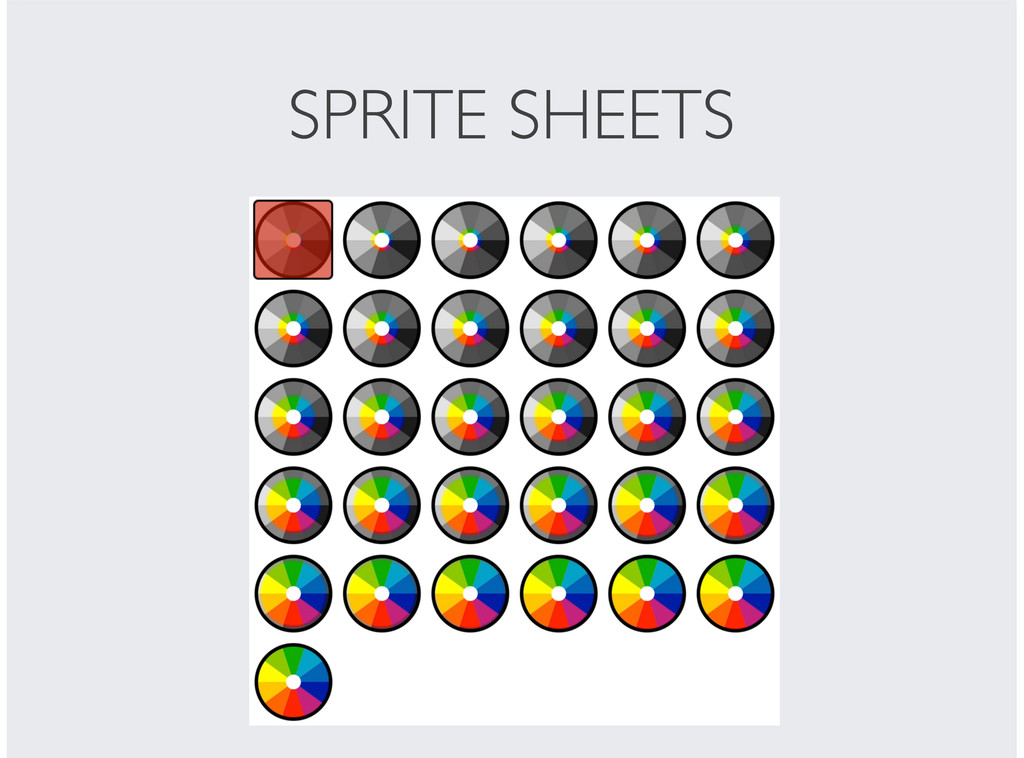
IDEA: Let’s render all the frames in advance. But, how
do we update the layer each frame?
SPRITE SHEETS
ABOUT ME Currently: Mobile Lead, MindSnacks Inc. Created Sayonara app.
Previously: Web and iOS developer at Ticketea.
[email protected]


 lascorbe
 n_takehata
 eed3si9n
 tanahiro2010
 optim
optim
 leegeunhyeok
 akihisaikeda
 deka_morita
 ryu1013
 fuqda
fuqda
 iwiwi
iwiwi
 uyuki234
 kasacchiful
 wjessup
 nonsquared
 kimpetersen
 speakerdeck
 chriscoyier
 aarron
 kastner
 keathley
 reverentgeek
 samanthasiow
 axbom
axbom
.png) helenjbeal
helenjbeal
![CABasicAnimation *animation = [CABasicAnimation animationWithKeyPath:NSStringFromSelector(@selector(opacity))]; animation.fromValue = @0.0f; animation.toValue =](https://files.speakerdeck.com/presentations/3a0f92d01028013127e6621c917568d7/slide_2.jpg)
![UIBezierPath *bezierPath = [UIBezierPath bezierPathWithRect:rect]; CAKeyframeAnimation *pathAnimation = [CAKeyframeAnimation animationWithKeyPath:NSStringFromSelector(@selector(position))];](https://files.speakerdeck.com/presentations/3a0f92d01028013127e6621c917568d7/slide_4.jpg)
![KEYFRAME ANIMATIONS CAKeyframeAnimation *animation = [CAKeyframeAnimation animationWithKeyPath:@"position.x"]; animation.values = [[NSArray](https://files.speakerdeck.com/presentations/3a0f92d01028013127e6621c917568d7/slide_5.jpg)