Share
Embed

Transcript
54 slides
-
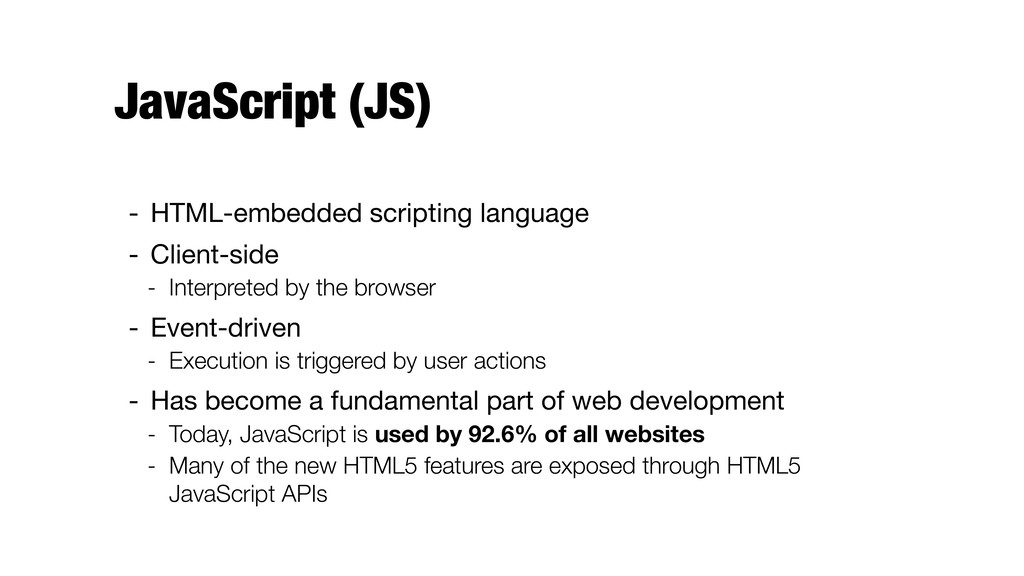
JavaScript (JS) - HTML-embedded scripting language - Client-side - Interpreted
by the browser - Event-driven - Execution is triggered by user actions - Has become a fundamental part of web development - Today, JavaScript is used by 92.6% of all websites - Many of the new HTML5 features are exposed through HTML5 JavaScript APIs -
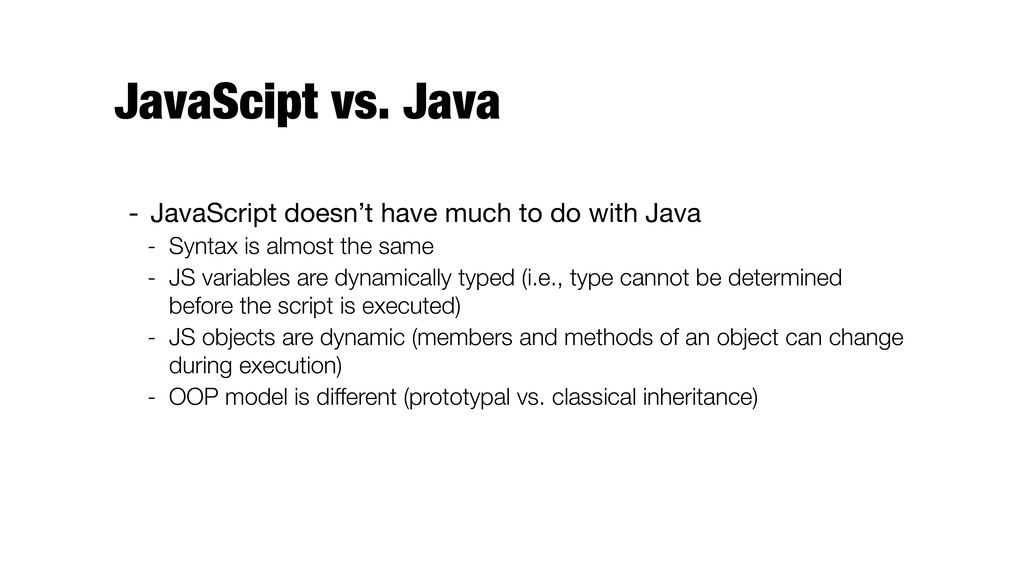
JavaScipt vs. Java - JavaScript doesn’t have much to do
with Java - Syntax is almost the same - JS variables are dynamically typed (i.e., type cannot be determined before the script is executed) - JS objects are dynamic (members and methods of an object can change during execution) - OOP model is different (prototypal vs. classical inheritance) -
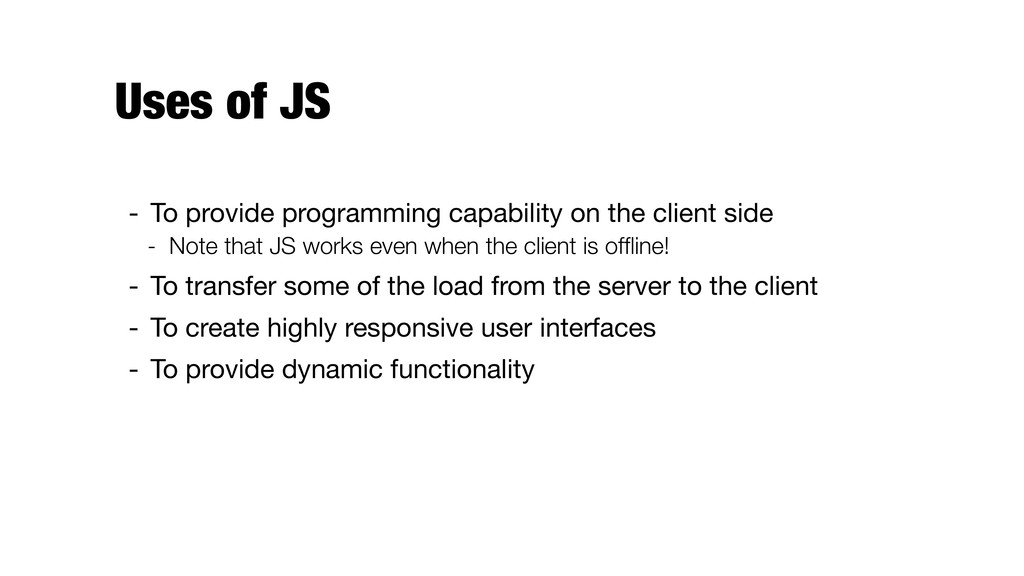
Uses of JS - To provide programming capability on the
client side - Note that JS works even when the client is offline! - To transfer some of the load from the server to the client - To create highly responsive user interfaces - To provide dynamic functionality -
Outline for today - Embedding - Syntax - Types and
variables - Objects and functions -
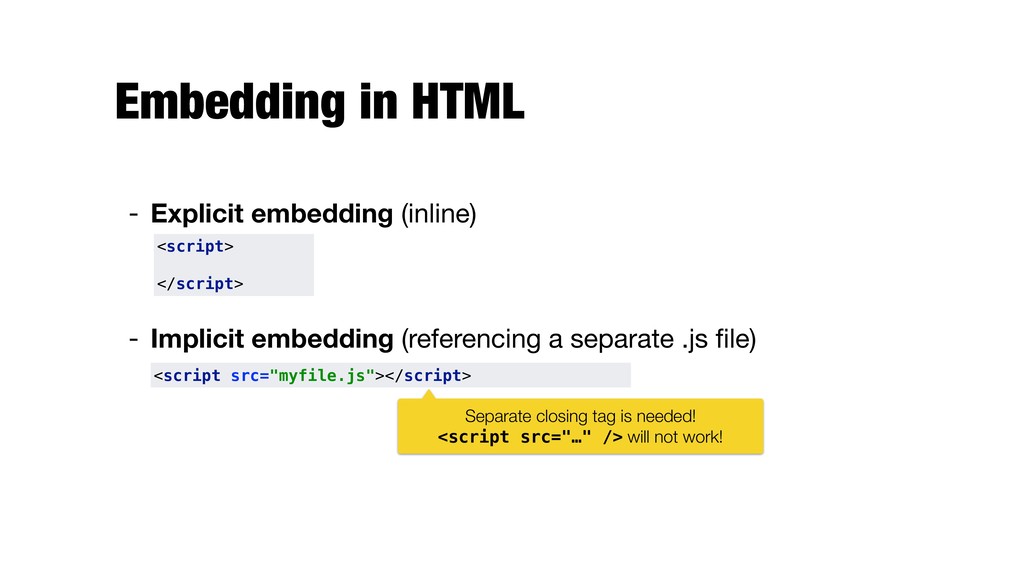
Embedding in HTML - Explicit embedding (inline) - Implicit embedding
(referencing a separate .js file) <script> </script> <script src="myfile.js"></script> Separate closing tag is needed! <script src="…" /> will not work! -
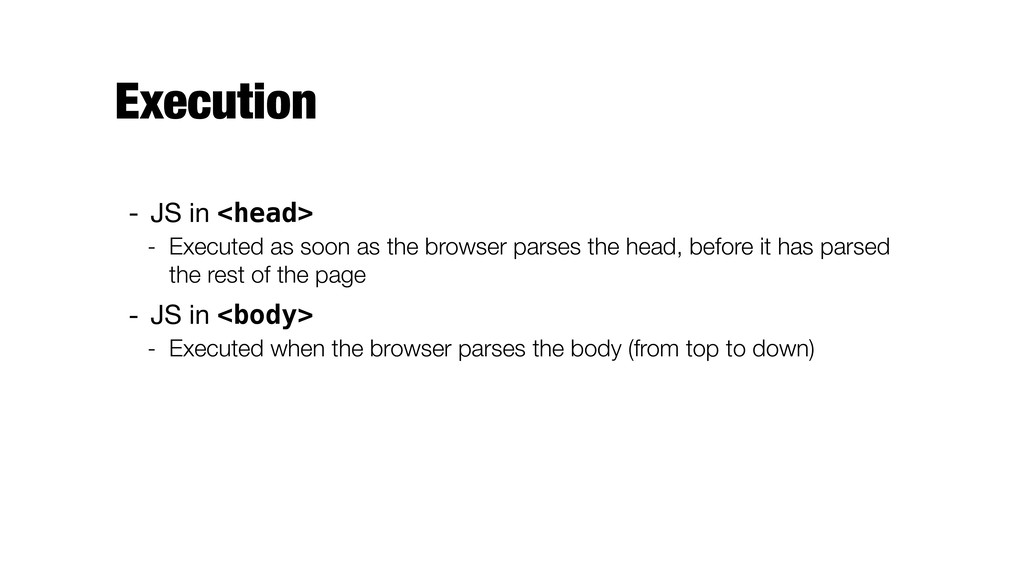
Execution - JS in <head> - Executed as soon as
the browser parses the head, before it has parsed the rest of the page - JS in <body> - Executed when the browser parses the body (from top to down) -
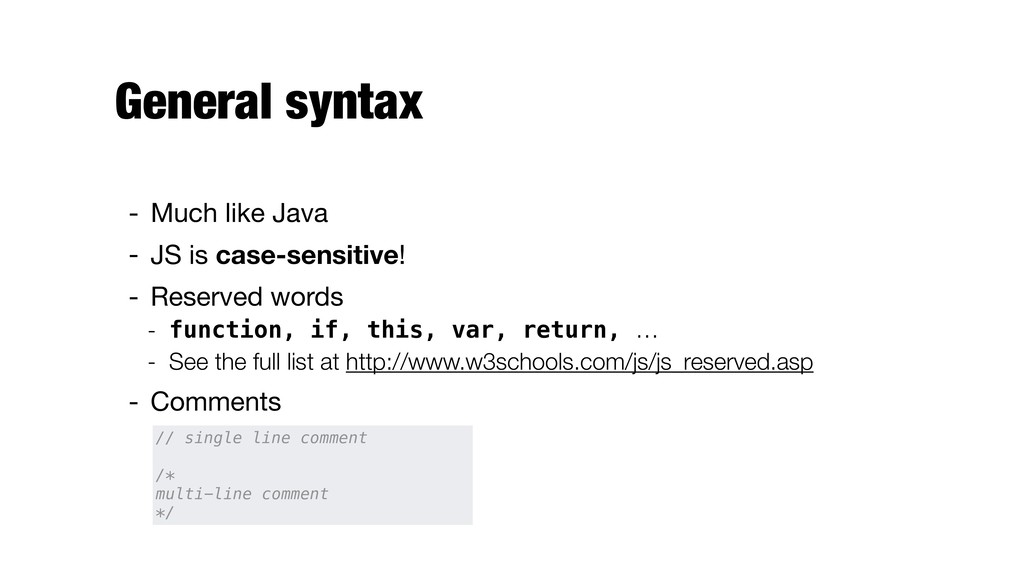
General syntax - Much like Java - JS is case-sensitive!
- Reserved words - function, if, this, var, return, … - See the full list at http://www.w3schools.com/js/js_reserved.asp - Comments // single line comment /* multi-line comment */ -
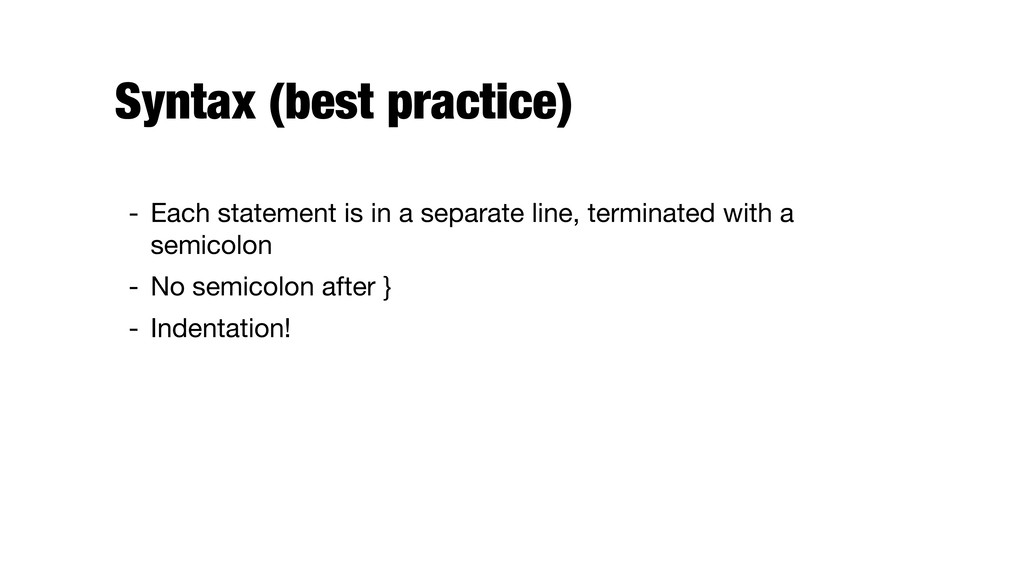
Syntax (best practice) - Each statement is in a separate
line, terminated with a semicolon - No semicolon after } - Indentation! -
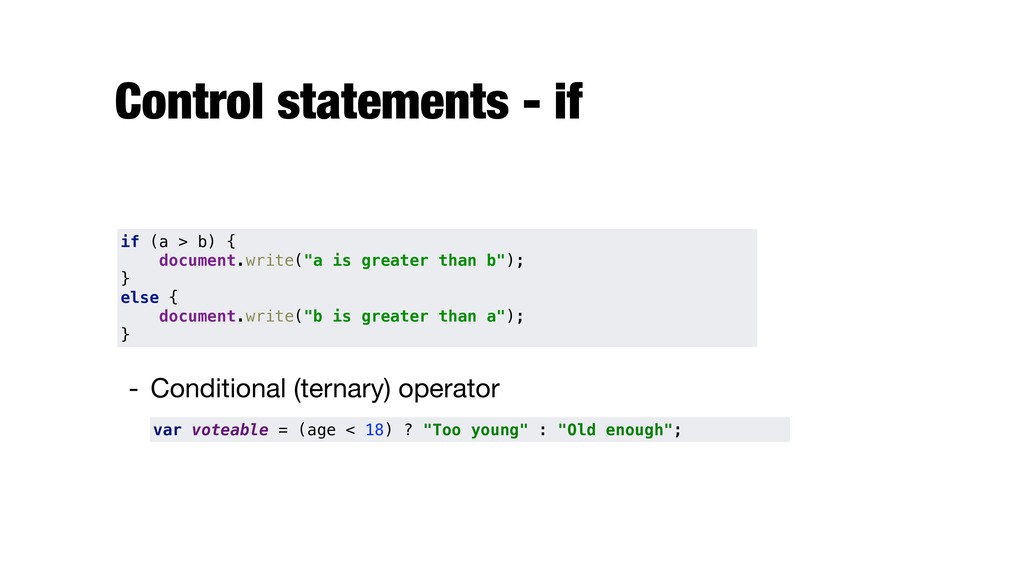
Control statements - if if (a > b) { document.write("a
is greater than b"); } else { document.write("b is greater than a"); } - Conditional (ternary) operator var voteable = (age < 18) ? "Too young" : "Old enough"; -
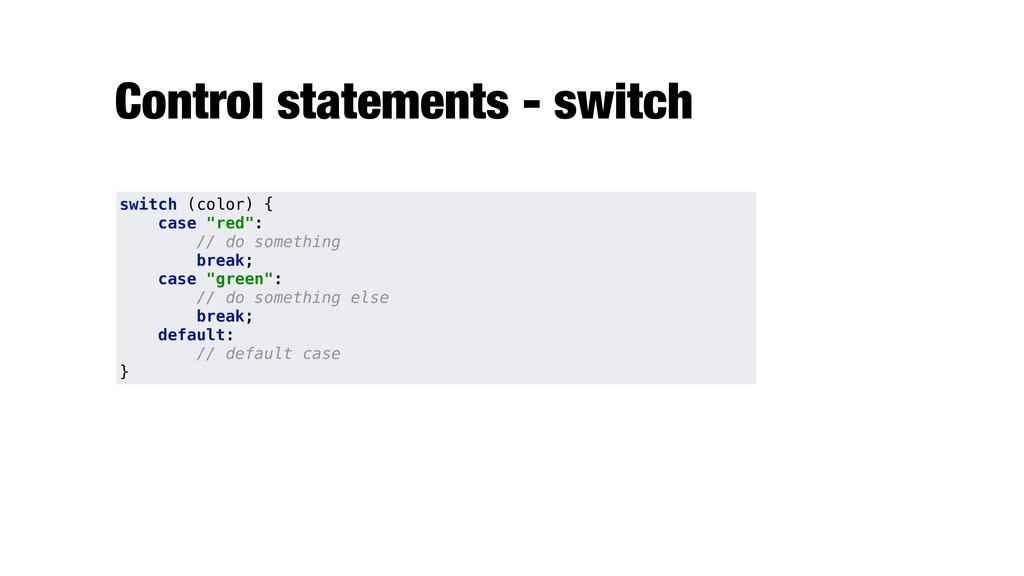
Control statements - switch switch (color) { case "red": //
do something break; case "green": // do something else break; default: // default case } -
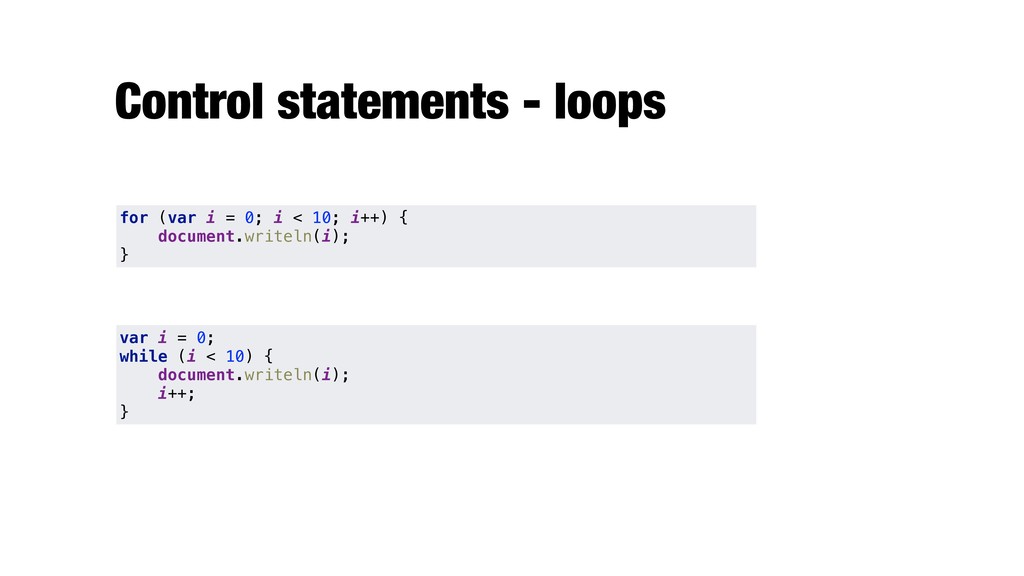
Control statements - loops for (var i = 0; i
< 10; i++) { document.writeln(i); } var i = 0; while (i < 10) { document.writeln(i); i++; } -
Break and continue - They work the same way as
in Java - break; "jumps out" of a loop - continue; "jumps over" one iteration in the loop -
Display possibilities - JS can "display" data in different ways:
- Writing into the browser console, using console.log() - Writing into an alert box, using window.alert() - Writing into the HTML output using document.write() - Writing into an HTML element, using innerHTML - Setting the value of a HTML form element using element.value -
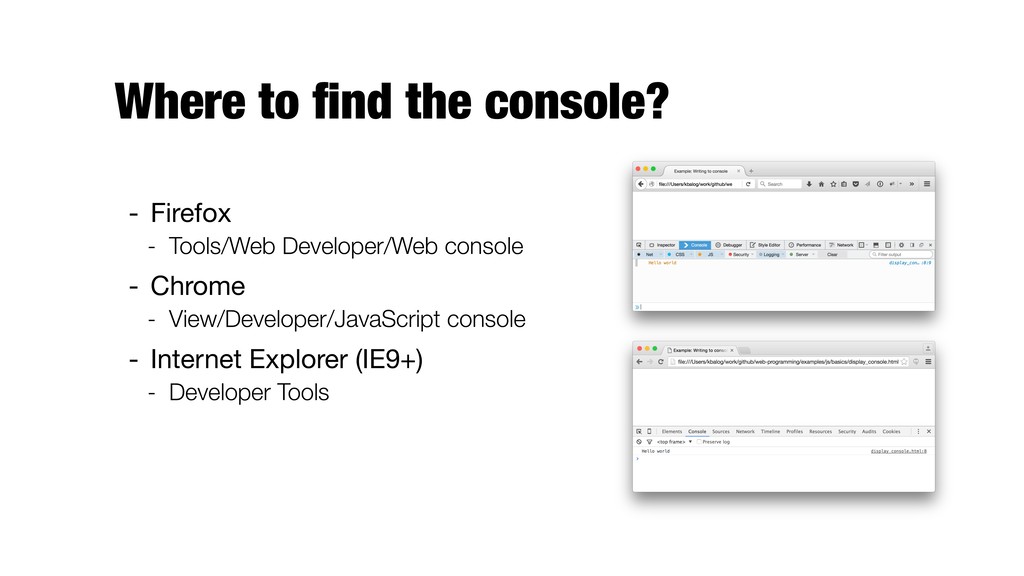
Where to find the console? - Firefox - Tools/Web Developer/Web
console - Chrome - View/Developer/JavaScript console - Internet Explorer (IE9+) - Developer Tools -
Declaring variables - Implicitly, by assigning it a value -
Explicitly, using a declaration statement (recommended) - Declaring many variables in one statement: - JS is loosely typed - Type is determined by the interpreter - A variable can change its data type name = "John"; var name = "John"; var name = "John", age = 23, car = "Audi A4"; -
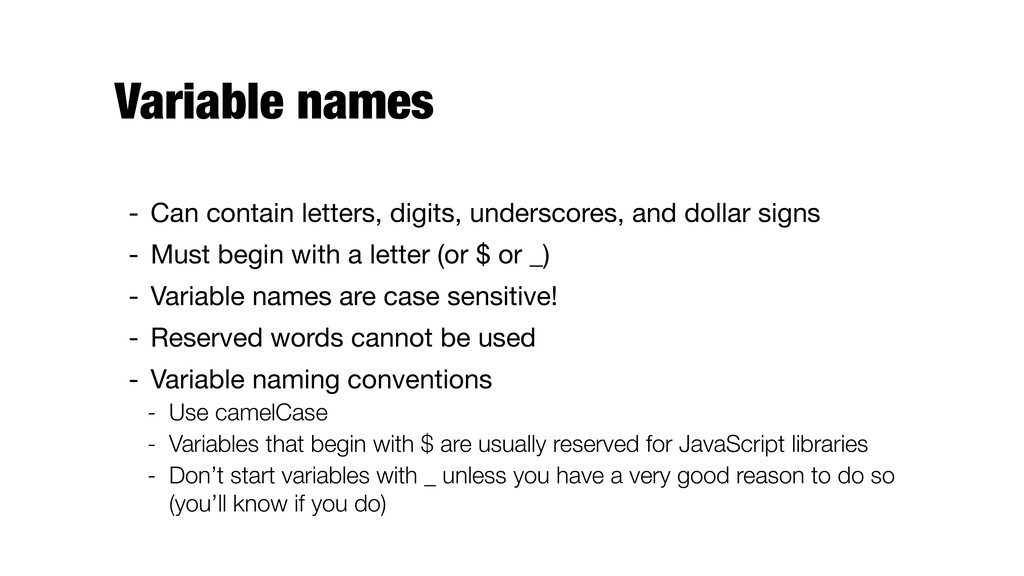
Variable names - Can contain letters, digits, underscores, and dollar
signs - Must begin with a letter (or $ or _) - Variable names are case sensitive! - Reserved words cannot be used - Variable naming conventions - Use camelCase - Variables that begin with $ are usually reserved for JavaScript libraries - Don’t start variables with _ unless you have a very good reason to do so (you’ll know if you do) -
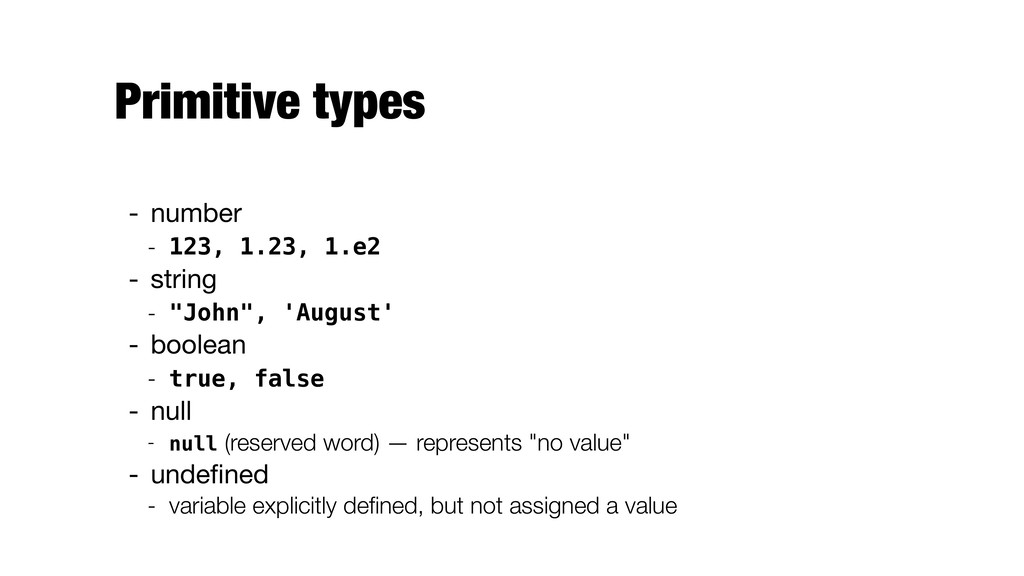
Primitive types - number - 123, 1.23, 1.e2 - string
- "John", 'August' - boolean - true, false - null - null (reserved word) — represents "no value" - undefined - variable explicitly defined, but not assigned a value -
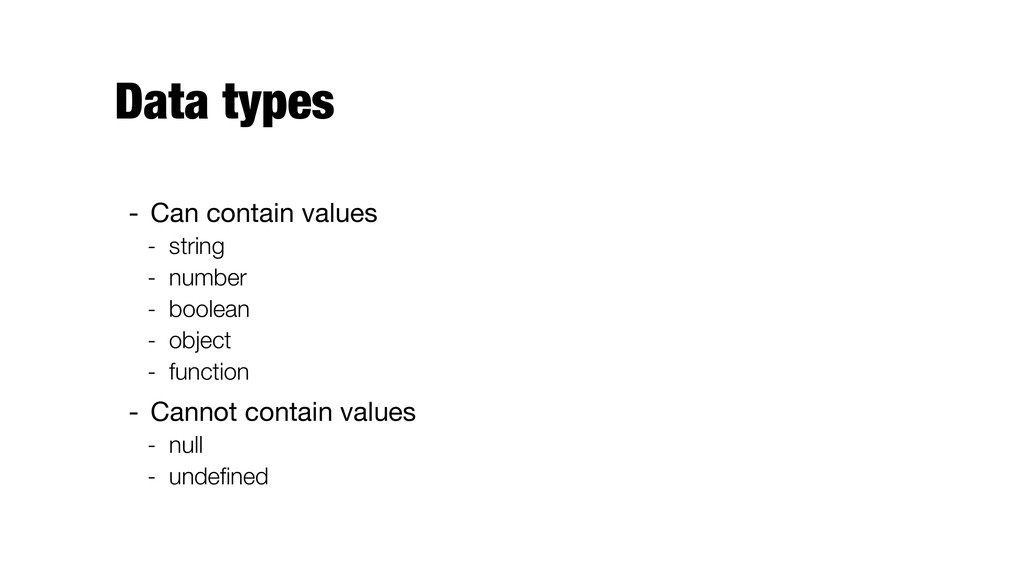
Data types - Can contain values - string - number
- boolean - object - function - Cannot contain values - null - undefined -
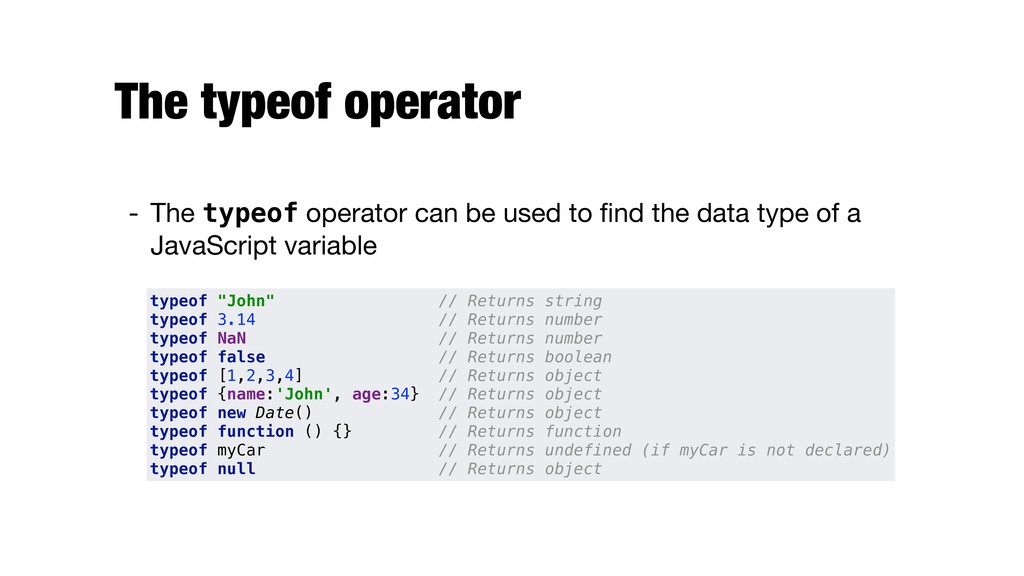
The typeof operator - The typeof operator can be used
to find the data type of a JavaScript variable typeof "John" // Returns string typeof 3.14 // Returns number typeof NaN // Returns number typeof false // Returns boolean typeof [1,2,3,4] // Returns object typeof {name:'John', age:34} // Returns object typeof new Date() // Returns object typeof function () {} // Returns function typeof myCar // Returns undefined (if myCar is not declared) typeof null // Returns object -
Implicit type conversions - Interpreter performs several different implicit type
conversions (called coercions) - When JavaScript tries to operate on a "wrong" data type, it will try to convert the value to a "right" type - The result is not always what you would expect 5 + null // returns 5 because null is converted to 0 "5" + null // returns "5null" because null is converted to "null" "5" + 2 // returns 52 because 2 is converted to "2" "5" - 2 // returns 3 because "5" is converted to 5 "5" * "2" // returns 10 because "5" and "2" are converted to 5 and 2 "August" + 1997 // returns "August1997" 1997 + "August" // returns NaN -
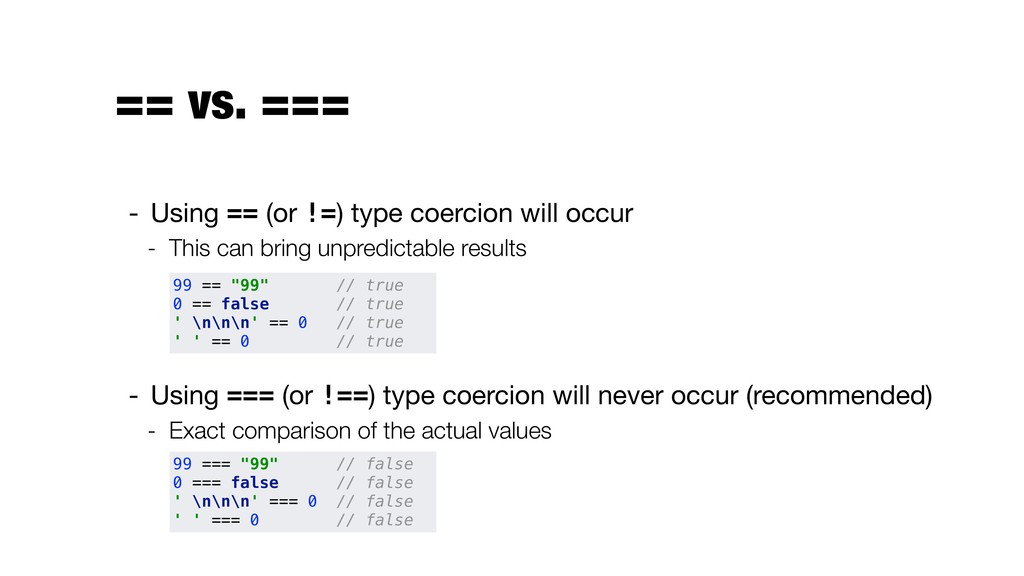
== vs. === - Using == (or !=) type coercion
will occur - This can bring unpredictable results - Using === (or !==) type coercion will never occur (recommended) - Exact comparison of the actual values 99 == "99" // true 0 == false // true ' \n\n\n' == 0 // true ' ' == 0 // true 99 === "99" // false 0 === false // false ' \n\n\n' === 0 // false ' ' === 0 // false -
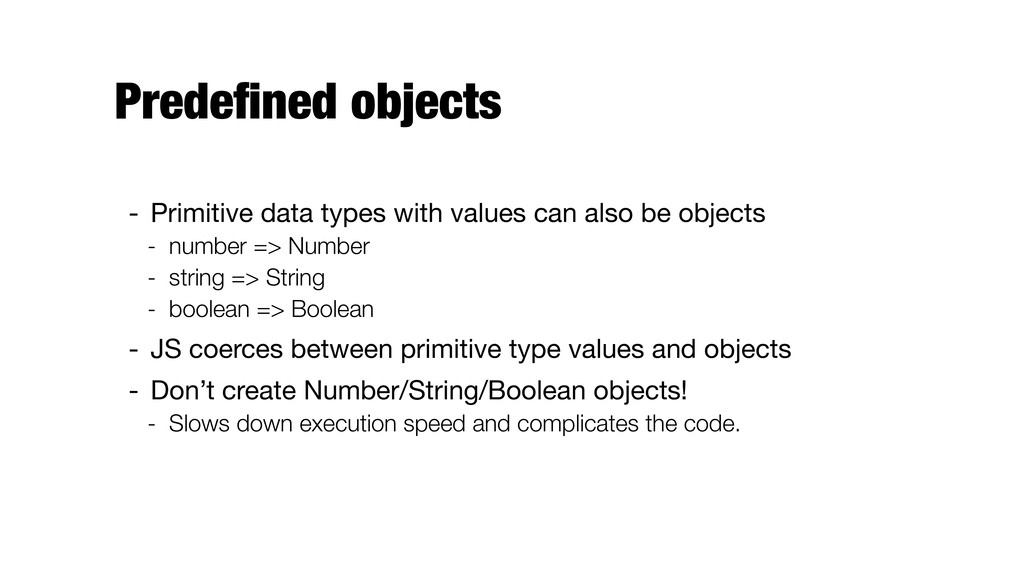
Predefined objects - Primitive data types with values can also
be objects - number => Number - string => String - boolean => Boolean - JS coerces between primitive type values and objects - Don’t create Number/String/Boolean objects! - Slows down execution speed and complicates the code. -
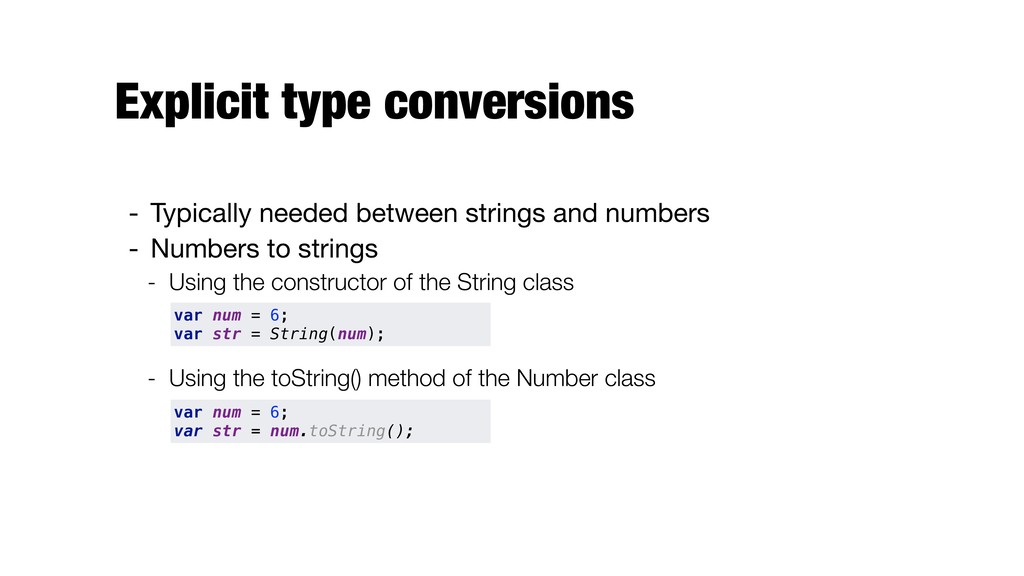
Explicit type conversions - Typically needed between strings and numbers
- Numbers to strings - Using the constructor of the String class - Using the toString() method of the Number class var num = 6; var str = String(num); var num = 6; var str = num.toString(); -
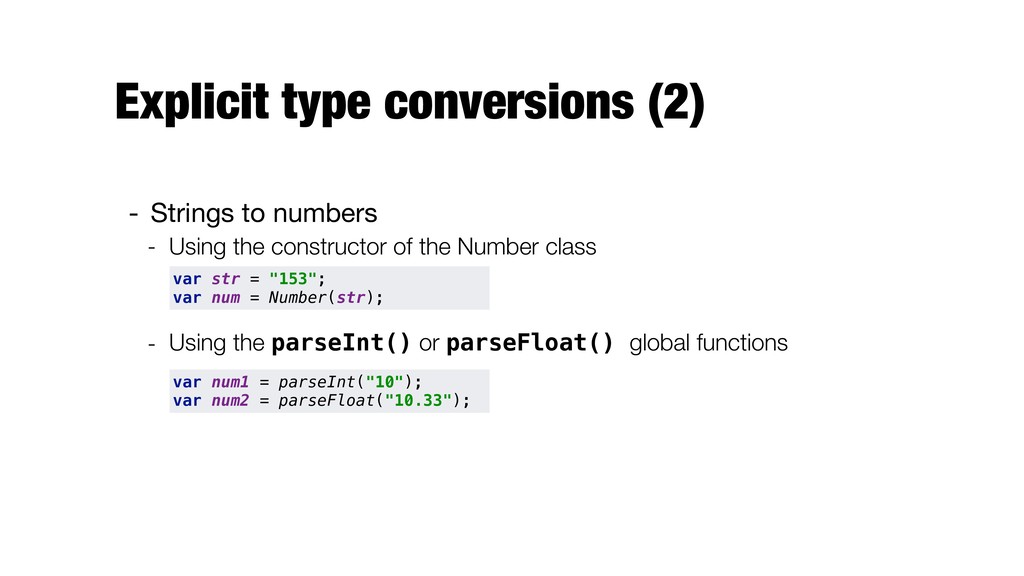
Explicit type conversions (2) - Strings to numbers - Using
the constructor of the Number class - Using the parseInt() or parseFloat() global functions var str = "153"; var num = Number(str); var num1 = parseInt("10"); var num2 = parseFloat("10.33"); -
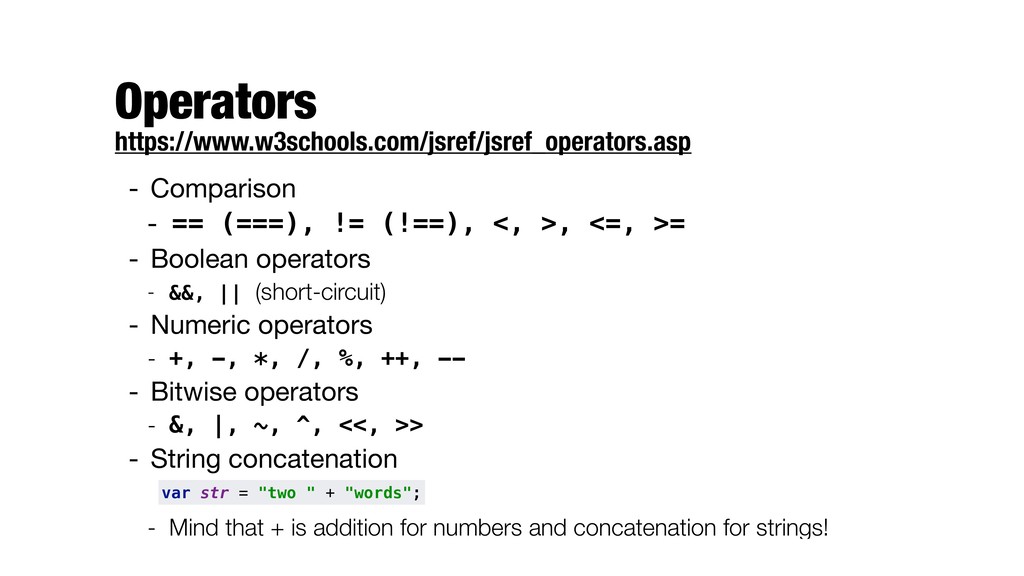
- Comparison - == (===), != (!==), <, >, <=,
>= - Boolean operators - &&, || (short-circuit) - Numeric operators - +, -, *, /, %, ++, -- - Bitwise operators - &, |, ~, ^, <<, >> - String concatenation - Mind that + is addition for numbers and concatenation for strings! var str = "two " + "words"; Operators https://www.w3schools.com/jsref/jsref_operators.asp -
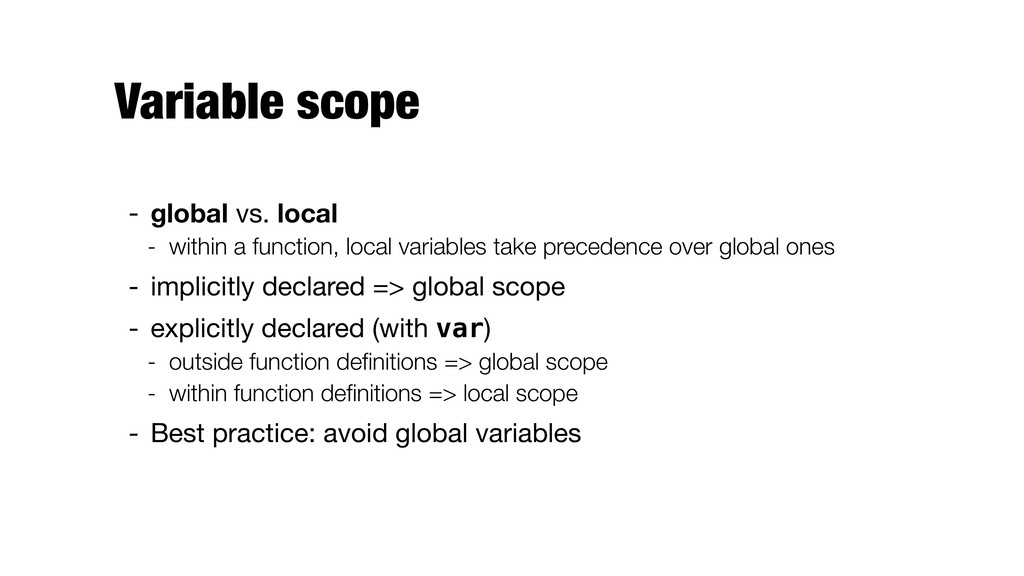
Variable scope - global vs. local - within a function,
local variables take precedence over global ones - implicitly declared => global scope - explicitly declared (with var) - outside function definitions => global scope - within function definitions => local scope - Best practice: avoid global variables -
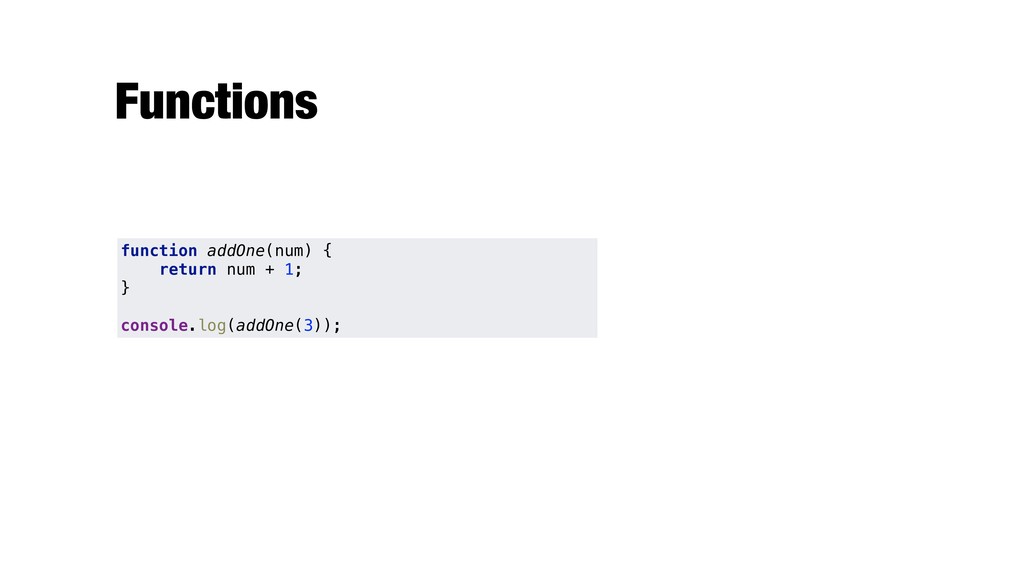
Functions function addOne(num) { return num + 1; }
console.log(addOne(3)); -
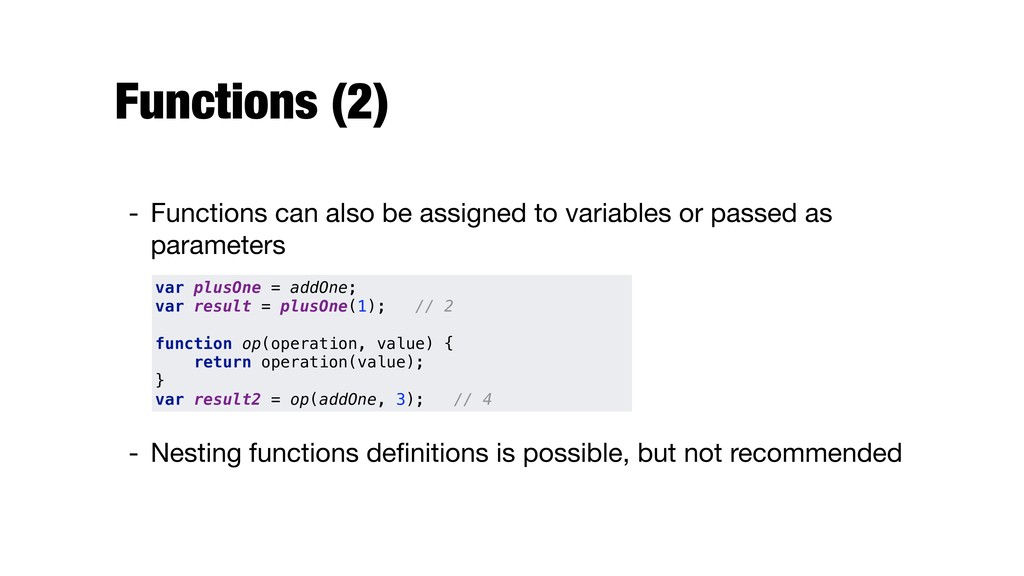
Functions (2) - Functions can also be assigned to variables
or passed as parameters - Nesting functions definitions is possible, but not recommended var plusOne = addOne; var result = plusOne(1); // 2 function op(operation, value) { return operation(value); } var result2 = op(addOne, 3); // 4 -
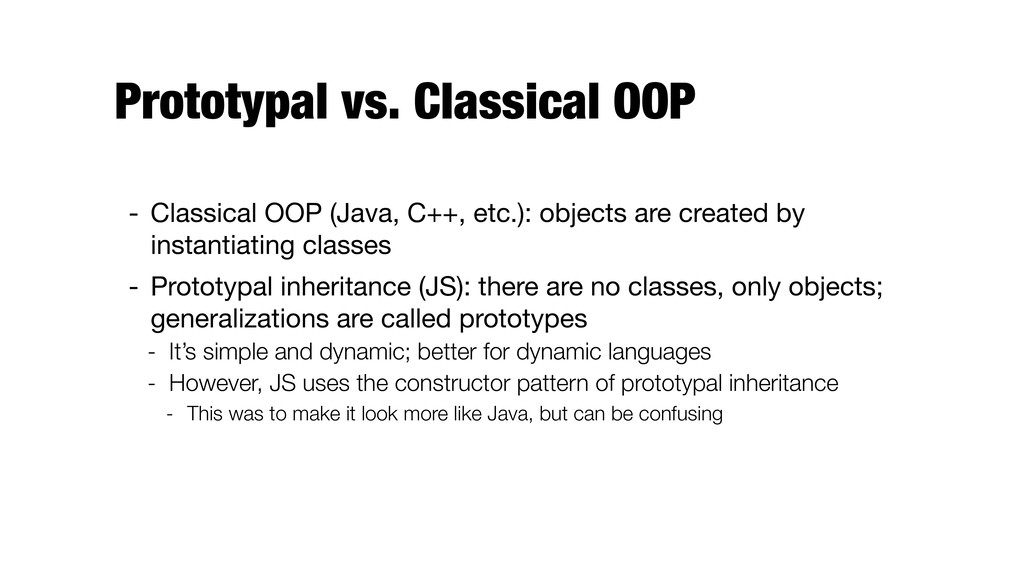
Prototypal vs. Classical OOP - Classical OOP (Java, C++, etc.):
objects are created by instantiating classes - Prototypal inheritance (JS): there are no classes, only objects; generalizations are called prototypes - It’s simple and dynamic; better for dynamic languages - However, JS uses the constructor pattern of prototypal inheritance - This was to make it look more like Java, but can be confusing -
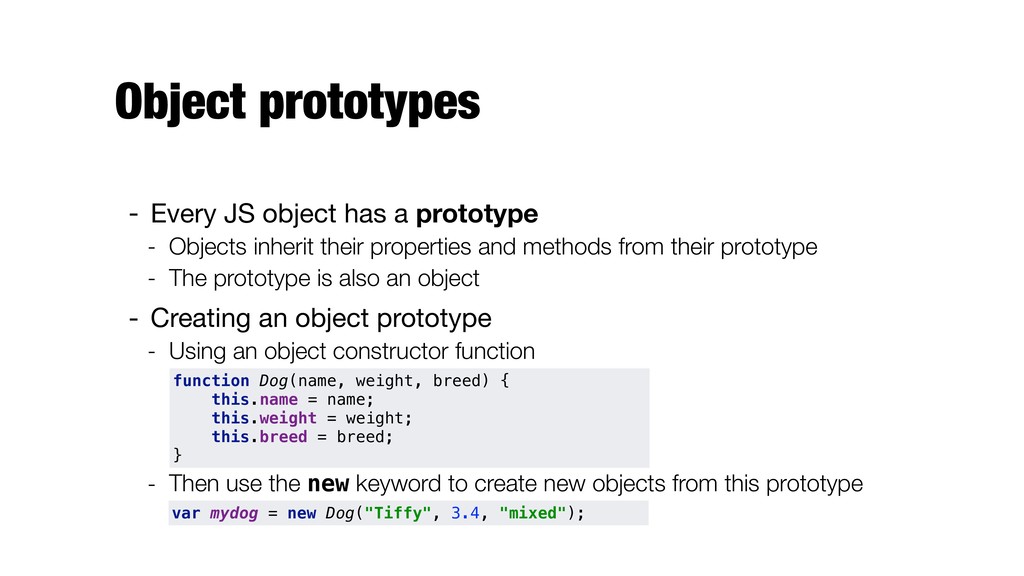
Object prototypes - Every JS object has a prototype -
Objects inherit their properties and methods from their prototype - The prototype is also an object - Creating an object prototype - Using an object constructor function - Then use the new keyword to create new objects from this prototype function Dog(name, weight, breed) { this.name = name; this.weight = weight; this.breed = breed; } var mydog = new Dog("Tiffy", 3.4, "mixed"); -
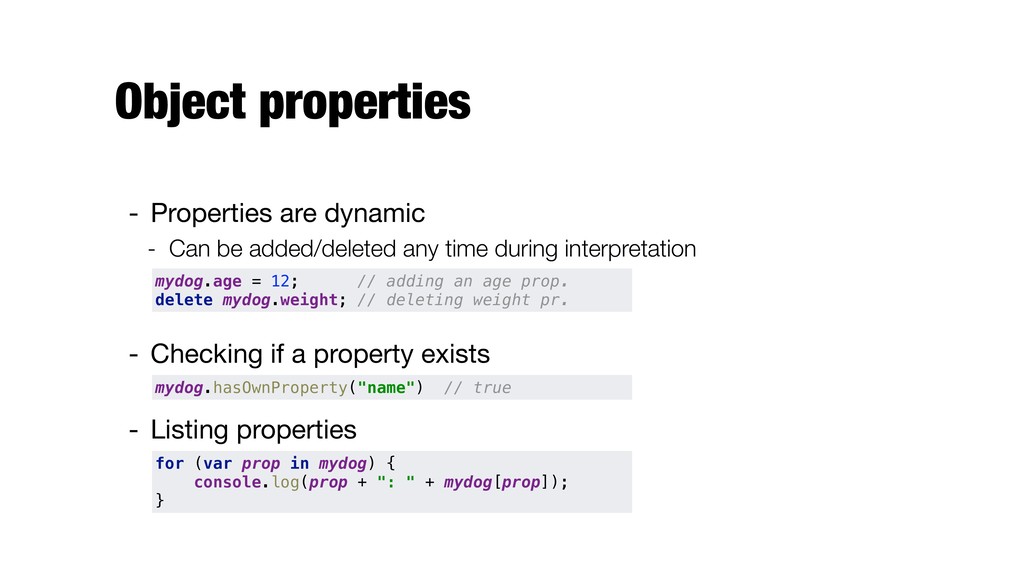
Object properties - Properties are dynamic - Can be added/deleted
any time during interpretation - Checking if a property exists - Listing properties mydog.age = 12; // adding an age prop. delete mydog.weight; // deleting weight pr. mydog.hasOwnProperty("name") // true for (var prop in mydog) { console.log(prop + ": " + mydog[prop]); } -
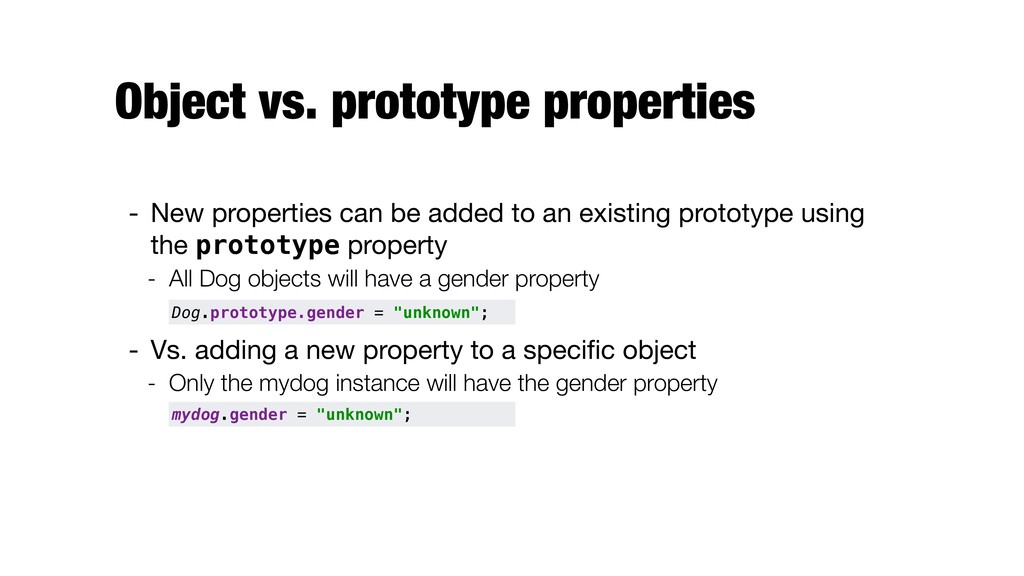
Object vs. prototype properties - New properties can be added
to an existing prototype using the prototype property - All Dog objects will have a gender property - Vs. adding a new property to a specific object - Only the mydog instance will have the gender property mydog.gender = "unknown"; Dog.prototype.gender = "unknown"; -
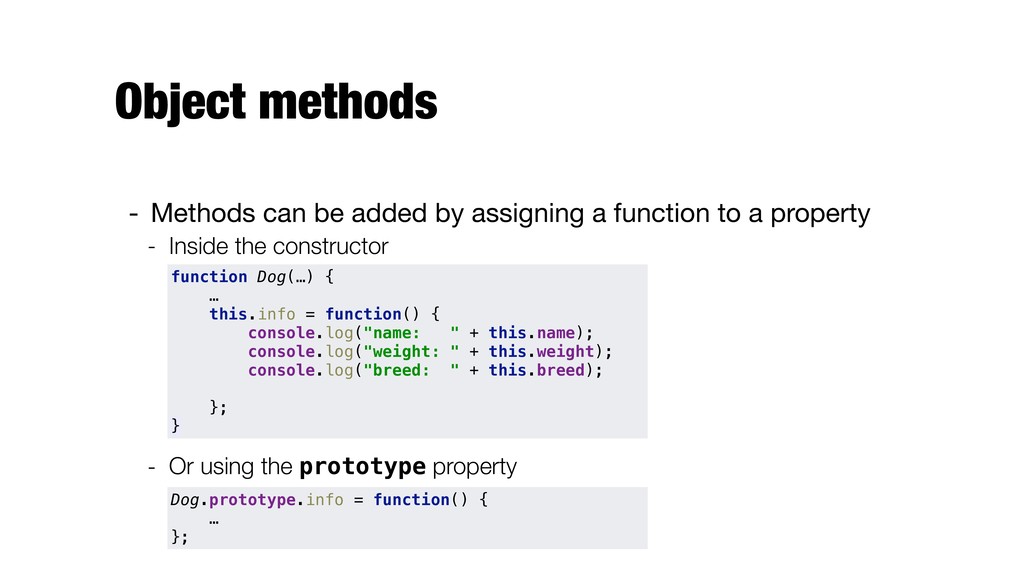
Object methods - Methods can be added by assigning a
function to a property - Inside the constructor - Or using the prototype property function Dog(…) { … this.info = function() { console.log("name: " + this.name); console.log("weight: " + this.weight); console.log("breed: " + this.breed); }; } Dog.prototype.info = function() { … }; -
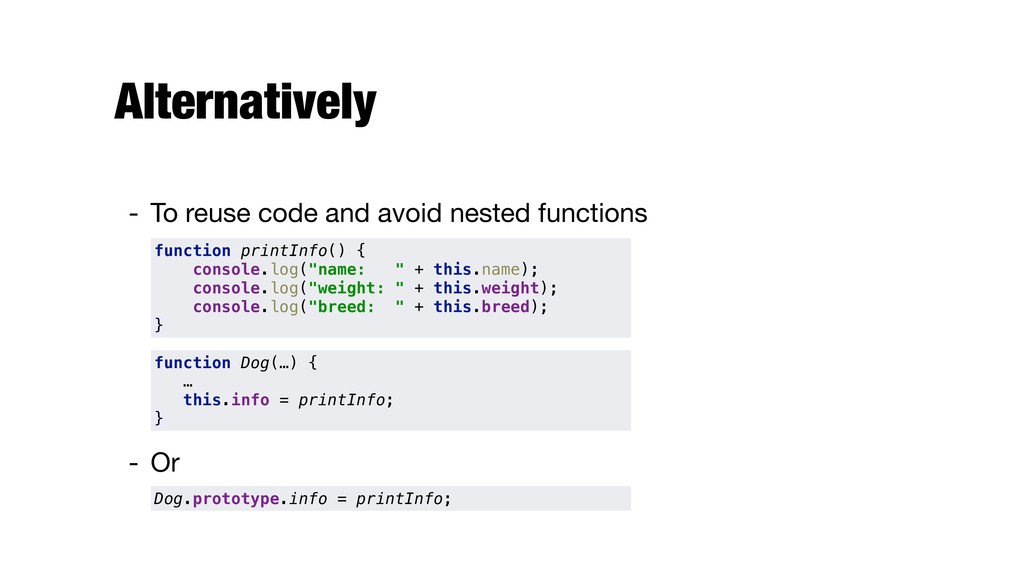
Alternatively - To reuse code and avoid nested functions -
Or function printInfo() { console.log("name: " + this.name); console.log("weight: " + this.weight); console.log("breed: " + this.breed); } Dog.prototype.info = printInfo; function Dog(…) { … this.info = printInfo; } -
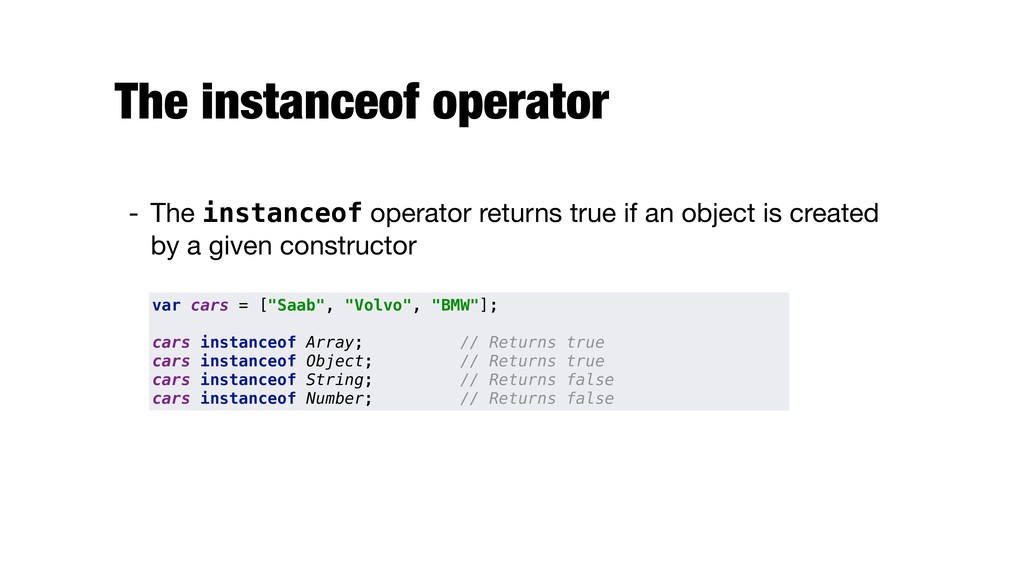
The instanceof operator - The instanceof operator returns true if
an object is created by a given constructor var cars = ["Saab", "Volvo", "BMW"]; cars instanceof Array; // Returns true cars instanceof Object; // Returns true cars instanceof String; // Returns false cars instanceof Number; // Returns false -
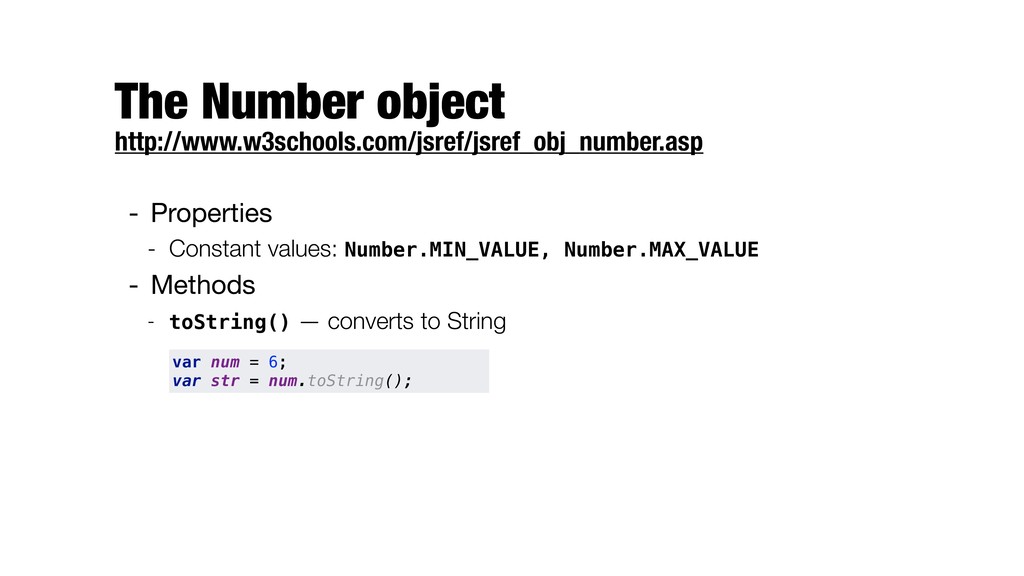
The Number object http://www.w3schools.com/jsref/jsref_obj_number.asp - Properties - Constant values: Number.MIN_VALUE,
Number.MAX_VALUE - Methods - toString() — converts to String var num = 6; var str = num.toString(); -
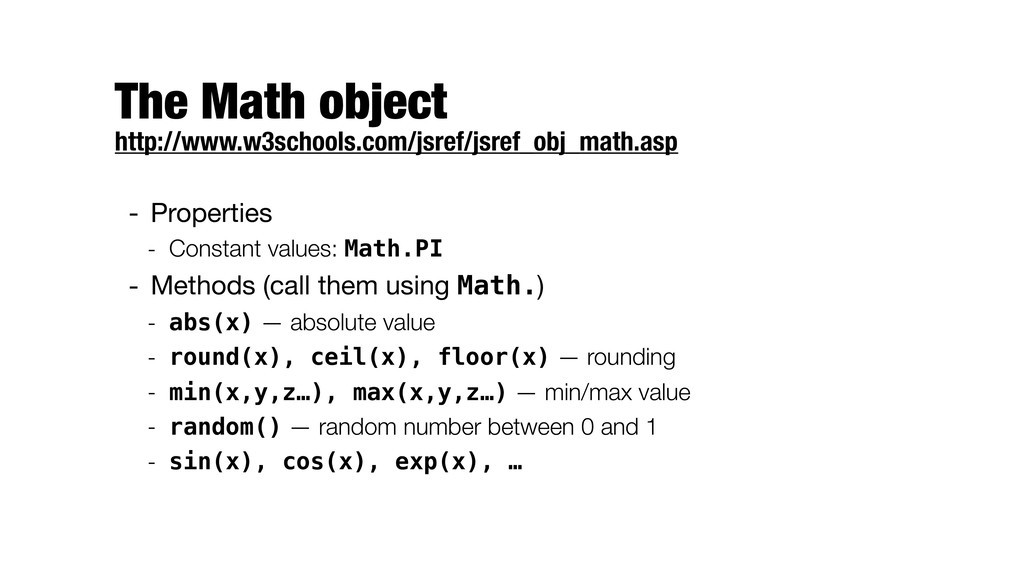
The Math object http://www.w3schools.com/jsref/jsref_obj_math.asp - Properties - Constant values: Math.PI
- Methods (call them using Math.) - abs(x) — absolute value - round(x), ceil(x), floor(x) — rounding - min(x,y,z…), max(x,y,z…) — min/max value - random() — random number between 0 and 1 - sin(x), cos(x), exp(x), … -
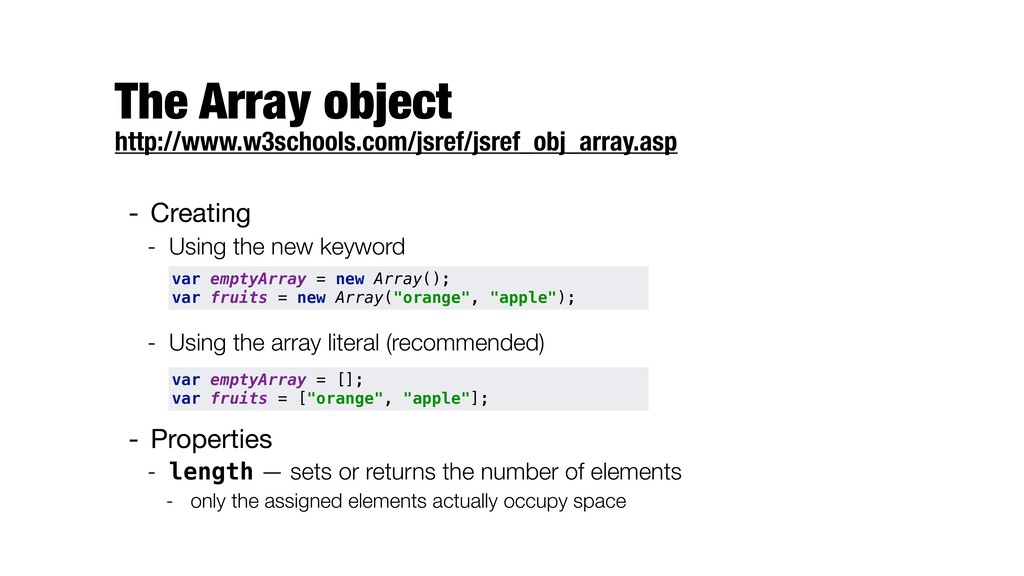
The Array object http://www.w3schools.com/jsref/jsref_obj_array.asp - Creating - Using the new
keyword - Using the array literal (recommended) - Properties - length — sets or returns the number of elements - only the assigned elements actually occupy space var emptyArray = new Array(); var fruits = new Array("orange", "apple"); var emptyArray = []; var fruits = ["orange", "apple"]; -
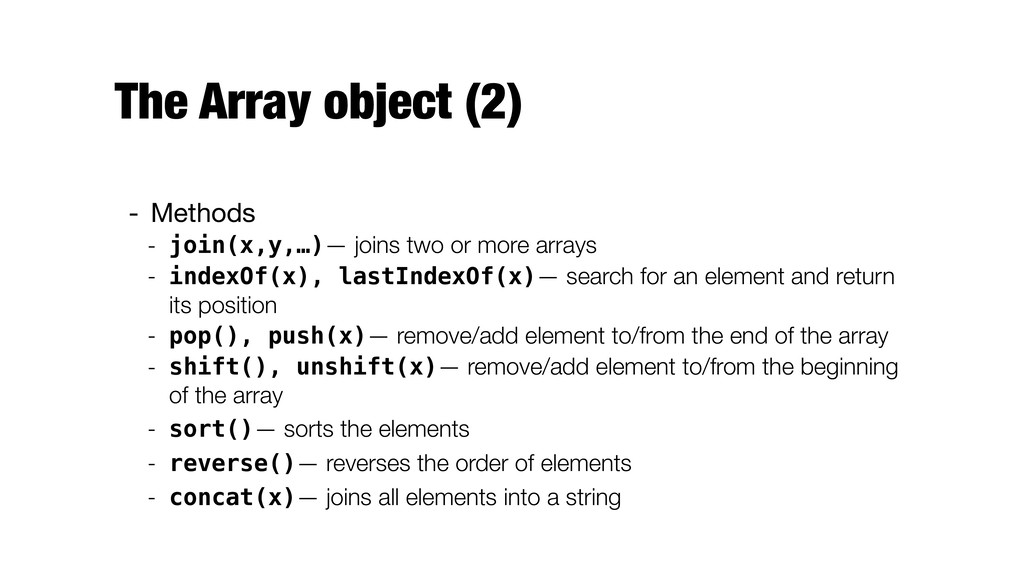
The Array object (2) - Methods - join(x,y,…)— joins two
or more arrays - indexOf(x), lastIndexOf(x)— search for an element and return its position - pop(), push(x)— remove/add element to/from the end of the array - shift(), unshift(x)— remove/add element to/from the beginning of the array - sort()— sorts the elements - reverse()— reverses the order of elements - concat(x)— joins all elements into a string -
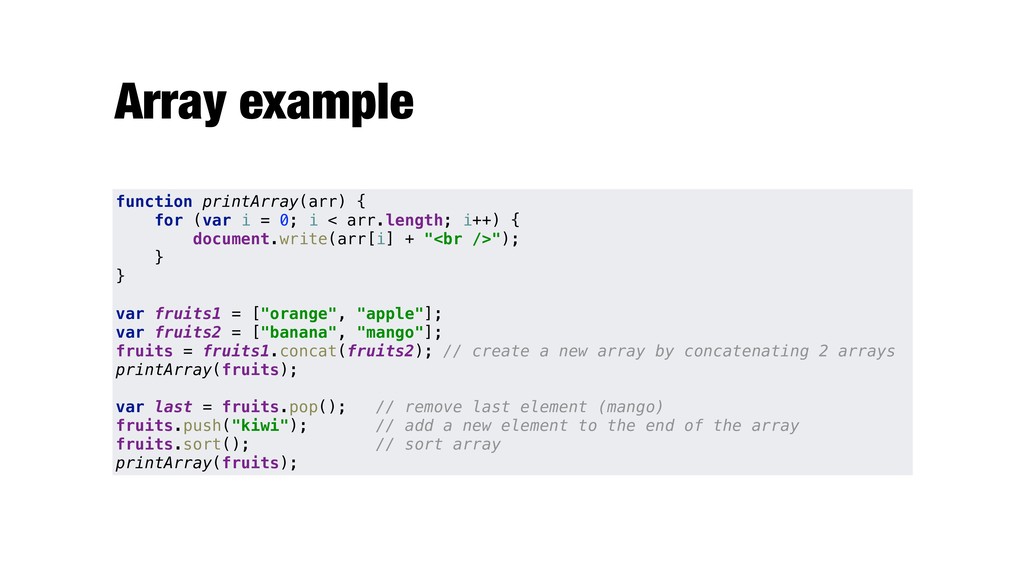
Array example function printArray(arr) { for (var i = 0;
i < arr.length; i++) { document.write(arr[i] + "<br />"); } } var fruits1 = ["orange", "apple"]; var fruits2 = ["banana", "mango"]; fruits = fruits1.concat(fruits2); // create a new array by concatenating 2 arrays printArray(fruits); var last = fruits.pop(); // remove last element (mango) fruits.push("kiwi"); // add a new element to the end of the array fruits.sort(); // sort array printArray(fruits); -
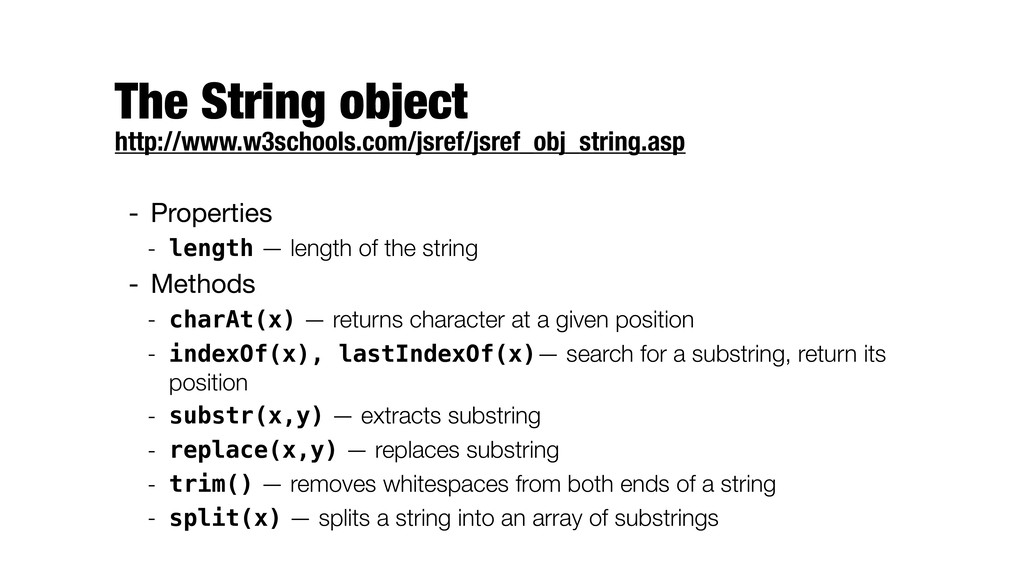
The String object http://www.w3schools.com/jsref/jsref_obj_string.asp - Properties - length — length
of the string - Methods - charAt(x) — returns character at a given position - indexOf(x), lastIndexOf(x)— search for a substring, return its position - substr(x,y) — extracts substring - replace(x,y) — replaces substring - trim() — removes whitespaces from both ends of a string - split(x) — splits a string into an array of substrings -
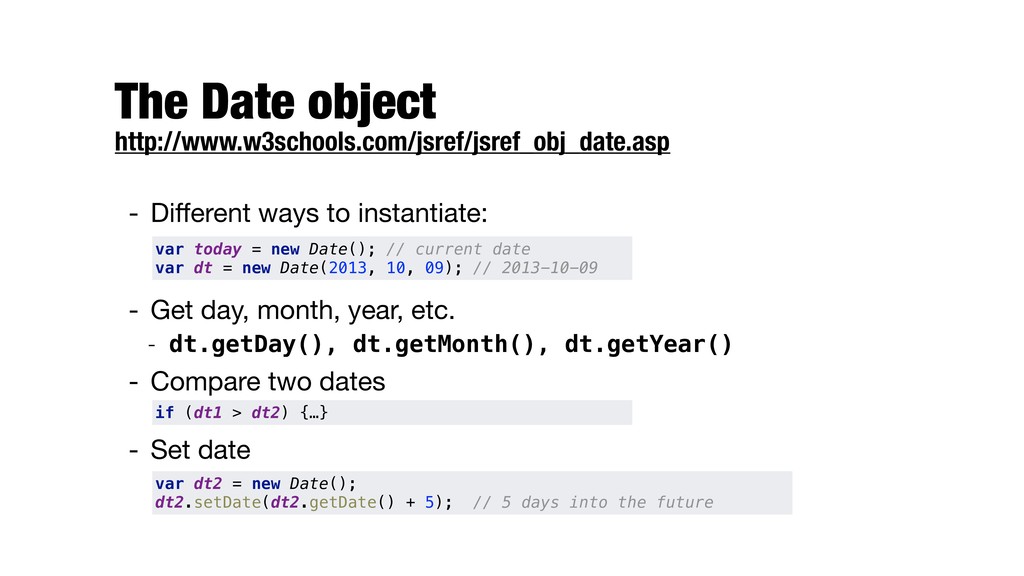
The Date object http://www.w3schools.com/jsref/jsref_obj_date.asp - Different ways to instantiate: -
Get day, month, year, etc. - dt.getDay(), dt.getMonth(), dt.getYear() - Compare two dates - Set date var today = new Date(); // current date var dt = new Date(2013, 10, 09); // 2013-10-09 if (dt1 > dt2) {…} var dt2 = new Date(); dt2.setDate(dt2.getDate() + 5); // 5 days into the future -
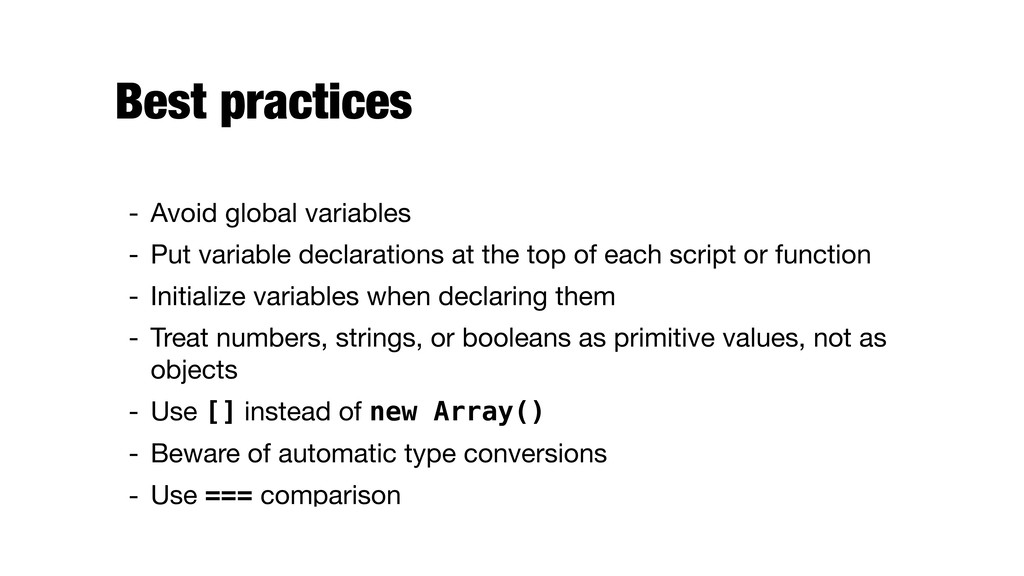
Best practices - Avoid global variables - Put variable declarations
at the top of each script or function - Initialize variables when declaring them - Treat numbers, strings, or booleans as primitive values, not as objects - Use [] instead of new Array() - Beware of automatic type conversions - Use === comparison -
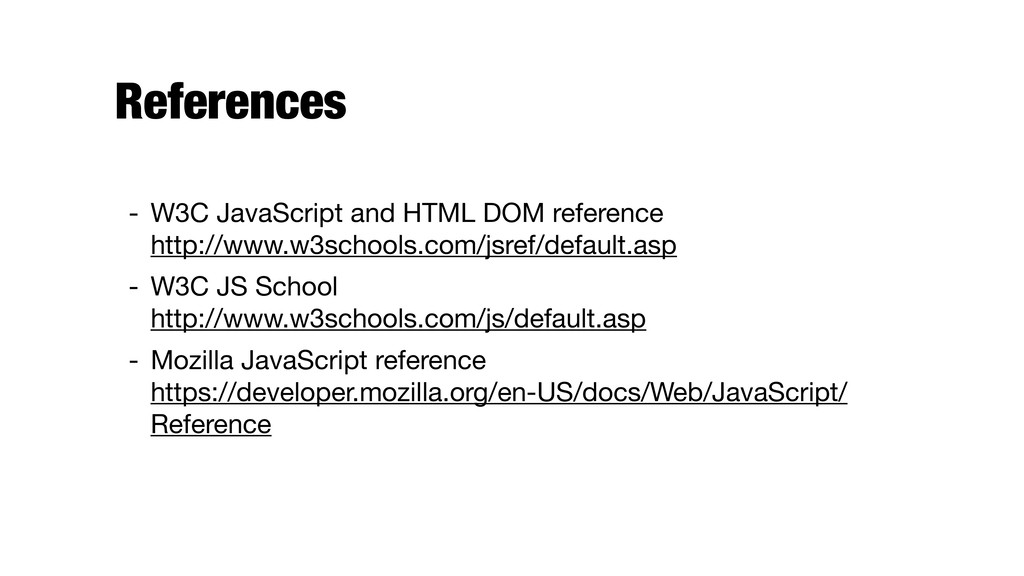
References - W3C JavaScript and HTML DOM reference http://www.w3schools.com/jsref/default.asp -
W3C JS School http://www.w3schools.com/js/default.asp - Mozilla JavaScript reference https://developer.mozilla.org/en-US/docs/Web/JavaScript/ Reference
 ljehl
 yatabe
 gmoriki
 signer
 matleenalaakso
 hiola
 adeputra13
 pawan_pharm
 kaityo256
 2720japanoke
 ainischool
 ipullrank
 smashingmag
 csswizardry
 addyosmani
 tessaabrams
 marketingsoph
 hatefulcrawdad
 bermonpainter
 rocio
 michaelherold
 elsirapls