Upgrade to Pro — share decks privately, control downloads, hide ads and more …

Machine Vision for Automated Inspection: ML-Bas...

Machine Vision for Automated Inspection: ML-Based Quality Control

Explores machine vision and machine learning for automated quality inspection, covering image preprocessing, feature extraction, defect classification, object detection, anomaly detection, and industrial case studies.

Avatar for Madhuri Mahawar

Madhuri Mahawar

October 05, 2026

More Decks by Madhuri Mahawar

Other Decks in Education

Transcript

  1. Machine Learning (MDMK424) Unit V: MACHINE LEARNING APPLICATIONS AND CASE

    STUDIES IN MECHATRONICS Machine Vision for Automated Inspection Dr. Madhuri Mahawar Department of Mechatonics Engineering Sanjivani College of Engineering, Kopargaon
  2. Unit V: MACHINE LEARNING APPLICATIONS AND CASE STUDIES IN MECHATRONICS

    Contents: Machine Vision for Automated Inspection, Predictive Maintenance and Condition Monitoring, Intelligent Robotics and Autonomous Systems, Smart Manufacturing and Industrial Automation, Case Studies in Mechatronics using Machine Learning (including Digital Twins and Industrial IoT)
  3. What is Machine Vision? • Machine Vision is the use

    of cameras, lighting, image-processing techniques, and computational algorithms to allow a machine to capture, analyze, and interpret visual information. • In industrial automation, machine vision can be used to: • Inspect products • Detect defects • Measure dimensions • Identify objects • Verify assembly • Guide robots • Sort products • Basic idea: Physical Object → Camera → Image → Processing → Decision → Action
  4. Why Do We Need Automated Inspection? • Traditional manual inspection

    has several limitations: • Human fatigue • Inspection speed limitations • Subjective decisions • Difficulty detecting very small defects • Variation between inspectors • Difficulty inspecting hazardous environments • Limited ability to continuously monitor production
  5. Why Do We Need Automated Inspection? • Automated inspection provides

    • High-speed inspection • Consistent decisions • 24×7 operation • Objective measurements • Early defect detection • Integration with production lines
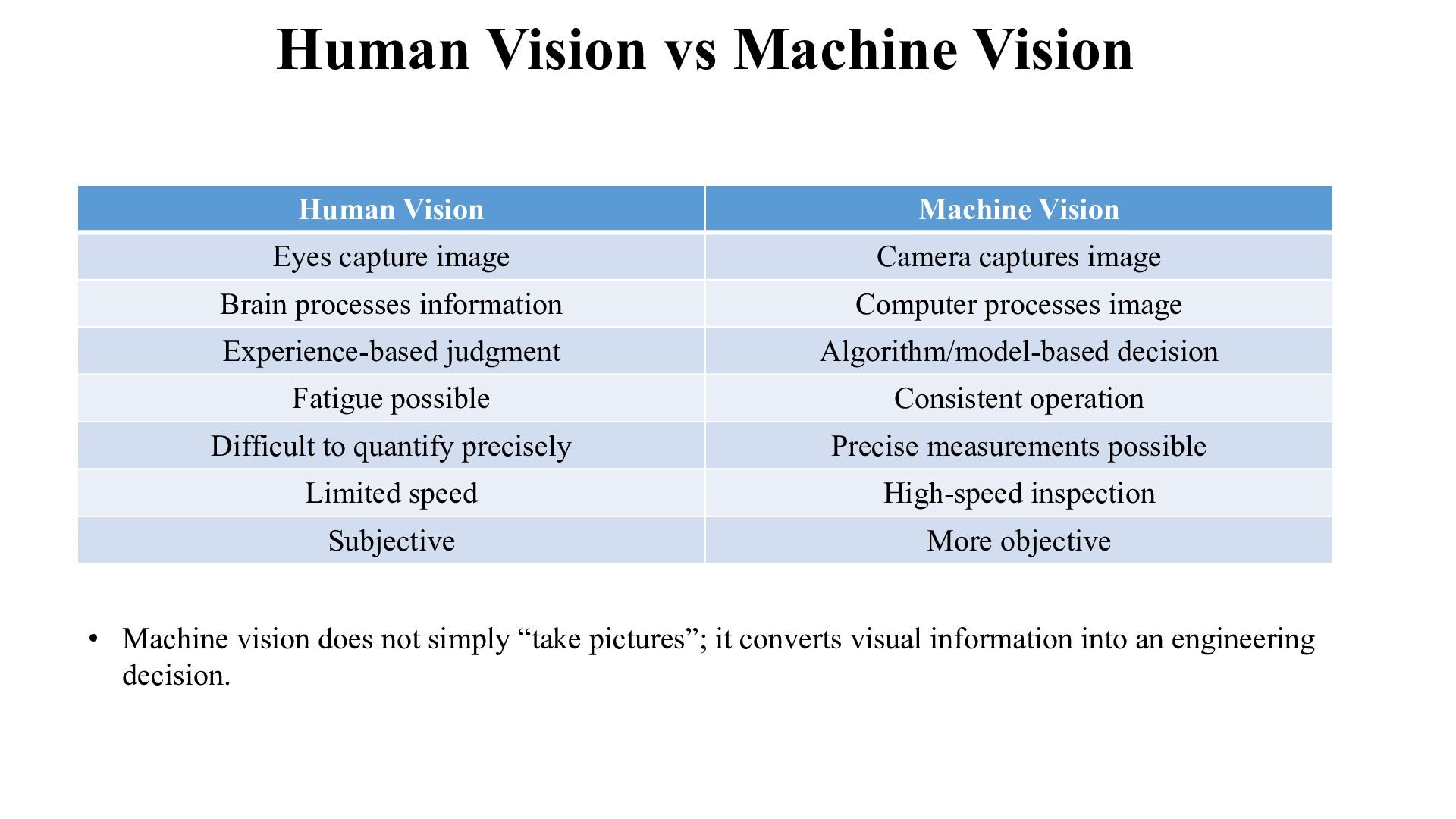
  6. Human Vision vs Machine Vision Human Vision Machine Vision Eyes

    capture image Camera captures image Brain processes information Computer processes image Experience-based judgment Algorithm/model-based decision Fatigue possible Consistent operation Difficult to quantify precisely Precise measurements possible Limited speed High-speed inspection Subjective More objective • Machine vision does not simply “take pictures”; it converts visual information into an engineering decision.
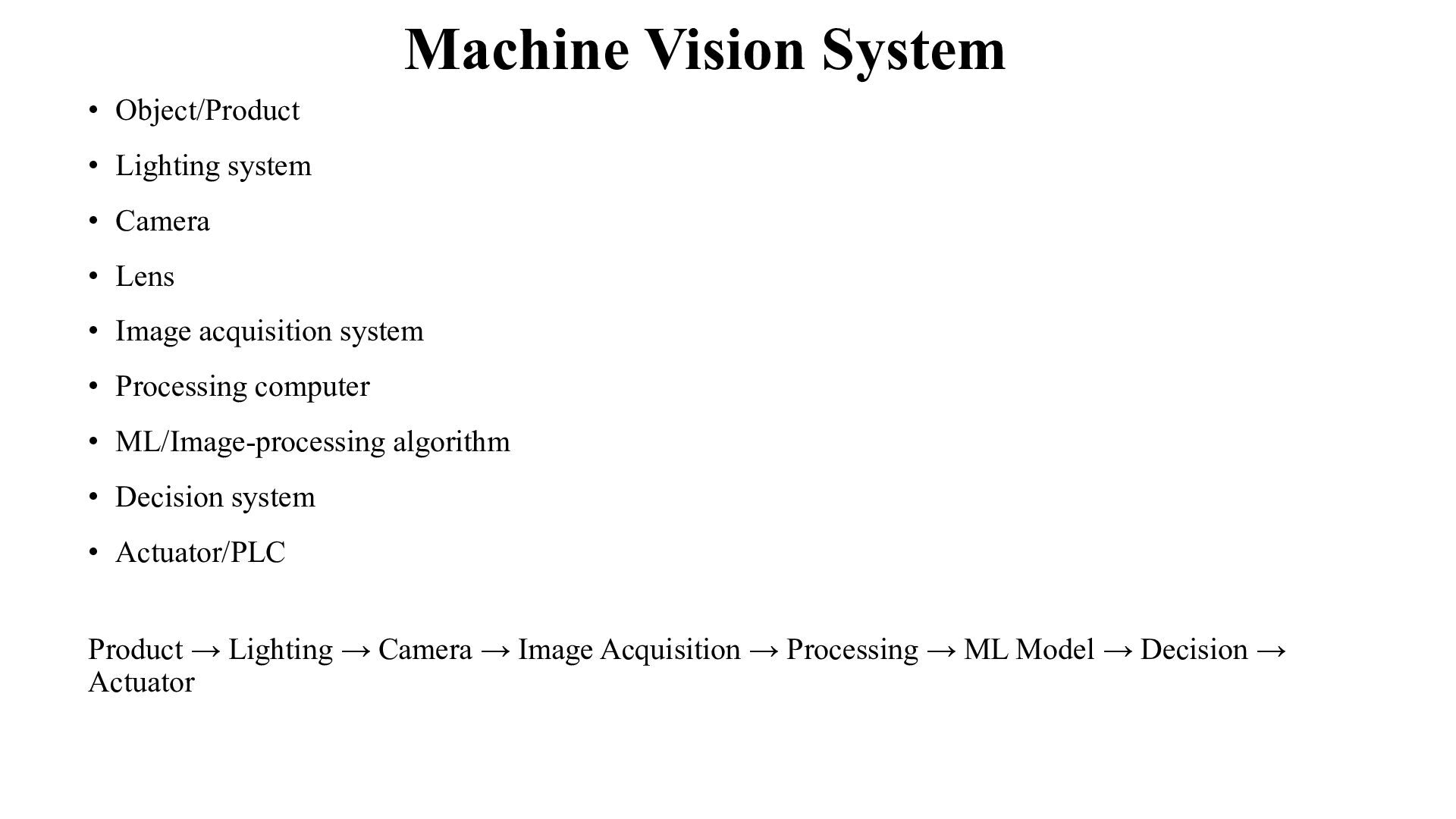
  7. Machine Vision System • Object/Product • Lighting system • Camera

    • Lens • Image acquisition system • Processing computer • ML/Image-processing algorithm • Decision system • Actuator/PLC Product → Lighting → Camera → Image Acquisition → Processing → ML Model → Decision → Actuator
  8. Role of Lighting • Lighting is one of the most

    important parts of machine vision. • The same object can appear very different under different lighting conditions. • Good lighting should: • Highlight the region of interest • Reduce shadows • Improve contrast • Minimize reflections • Make defects visible • Examples • Surface inspection → diffuse lighting • Edge detection → backlighting • Cylindrical objects → controlled directional lighting • Printed characters → uniform illumination • Poor lighting can make even a good ML model perform poorly.
  9. Camera and Lens • Camera The camera converts light into

    a digital image. • Important characteristics: • Resolution • Frame rate • Sensor type • Exposure • Shutter speed • Dynamic range
  10. Camera and Lens • Lens • The lens determines: •

    Field of view • Magnification • Focus • Perspective • Industrial Requirement: The camera must capture the information necessary for the inspection task.
  11. Image Acquisition • The process of obtaining a digital image

    of the product. • Typical sequence: Object arrives → Trigger generated → Camera captures image → Image transferred to computer • Trigger Sources • Photoelectric sensor • Proximity sensor • Encoder • PLC signal • Timer
  12. Machine Vision Inspection Pipeline • Image Acquisition • Image Preprocessing

    • Region of Interest Selection • Feature Extraction / Representation • Inspection / ML Model • Decision • Actuation
  13. Image Preprocessing • Raw images may contain: • Noise •

    Uneven illumination • Blur • Unwanted background • Variations in brightness
  14. Image Preprocessing • Common preprocessing operations • Resizing • Grayscale

    conversion • Noise removal • Contrast enhancement • Normalization • Thresholding • Image segmentation • Purpose: Convert the raw image into a form suitable for analysis.
  15. Grayscale Image • A color image usually contains: • Red

    channel • Green channel • Blue channel • For some inspection tasks, color information is unnecessary. • Grayscale • Each pixel represents intensity. • Black → Low intensity • White → High intensity • Advantages • Lower computational complexity • Easier processing • Useful for shape and edge analysis
  16. Image Segmentation • Segmentation separates the object or region of

    interest from the background. • Example: Product image • Background | Product | Defect • After segmentation: • Product region → analyzed separately • Common approaches • Thresholding • Edge-based segmentation • Region-based methods • Color-based segmentation
  17. Feature Extraction • After preprocessing, useful information must be extracted.

    • Possible features • Shape • Area • Perimeter • Circularity • Aspect ratio • Texture • Surface roughness • Patterns • Local intensity variations
  18. Feature Extraction • Possible features • Color • RGB values

    • Hue • Saturation • Geometric • Length • Width • Diameter • Orientation
  19. What Can an Inspection System Decide? • Classification • Is

    the product GOOD or DEFECTIVE? • Measurement • Is the diameter within tolerance? • Detection • Where is the defect? • Verification • Is the correct component installed? • Counting • How many components are present? • Sorting • Which category does the product belong to?
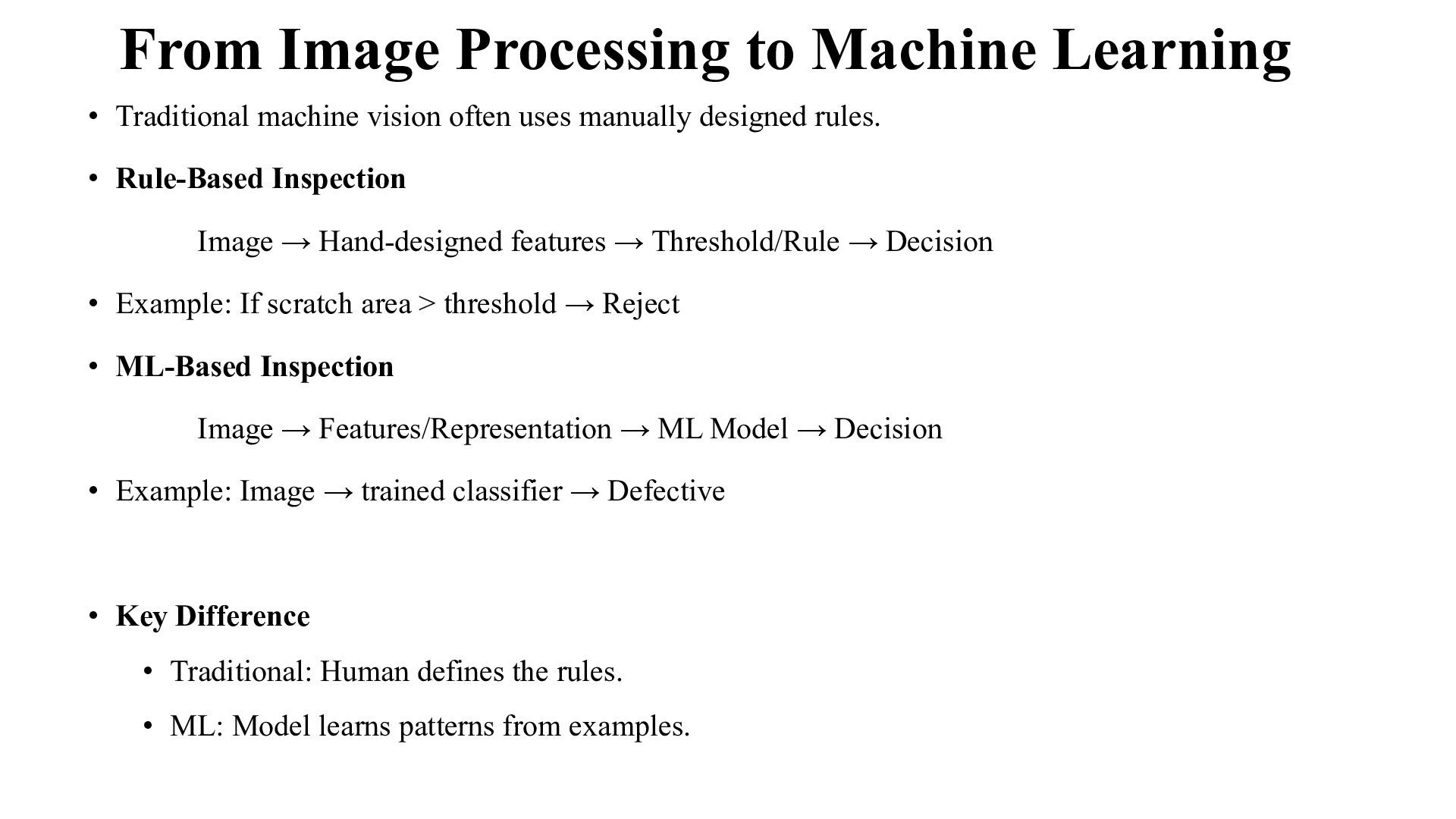
  20. From Image Processing to Machine Learning • Traditional machine vision

    often uses manually designed rules. • Rule-Based Inspection Image → Hand-designed features → Threshold/Rule → Decision • Example: If scratch area > threshold → Reject • ML-Based Inspection Image → Features/Representation → ML Model → Decision • Example: Image → trained classifier → Defective • Key Difference • Traditional: Human defines the rules. • ML: Model learns patterns from examples.
  21. Why Use Machine Learning? • Traditional rules become difficult when:

    • Defect shapes vary • Lighting changes • Surface appearance varies • Multiple defect types exist • Object orientation changes • Defects are difficult to describe mathematically • ML Approach • Learn the patterns from inspection examples.
  22. ML-Based Machine Vision Workflow • Training Phase • Images of

    Products • Label Images • Preprocess • Extract/learn features • Train ML Model • Evaluate Model
  23. ML-Based Machine Vision Workflow • Deployment Phase • New Product

    • Camera • Preprocessing • Trained Model • Prediction • Accept / Reject
  24. DATA FOR ML INSPECTION • Building an Inspection Dataset •

    Data Labeling • Training and Testing
  25. Types of ML-Based Visual Inspection • Classification • What is

    it? • Object Detection • What is it and where is it? • Segmentation • Which pixels belong to the defect? • Anomaly Detection • Is this product significantly different from normal products?
  26. Classification-Based Inspection • Example: Classify components as: • Good •

    Scratch • Crack • Dent • ML Task • Input: Image/features • Output: Class • Possible Models • Logistic Regression • KNN • Decision Tree • SVM • Random Forest • AdaBoost
  27. Defect Detection • Classification answers: What is the defect? •

    Detection additionally answers: Where is the defect? • Output • Defect class • Location • Bounding box • Example Crack → upper-right region • Useful for: • Rework • Repair • Automated rejection • Further analysis
  28. Defect Segmentation • Detection: Identifies the approximate defect location. •

    Segmentation: Identifies the exact defect region • The highlighted pixels represent the defective region. • Applications • Crack area measurement • Corrosion • Surface damage • Weld inspection
  29. Anomaly Detection • Sometimes defective products are rare. • Example:

    • 10,000 normal products • 20 defective products • There may not be enough examples of every possible defect. • Approach • Train mainly using normal products. • The model learns: What does normal look like? • A significant deviation is flagged as an anomaly.
  30. Case Study 1: Metal Surface Defect Inspection • Problem •

    A company manufactures metal components. • Possible defects: • Scratches • Cracks • Dents • Surface marks • Objective • Automatically identify defective components.
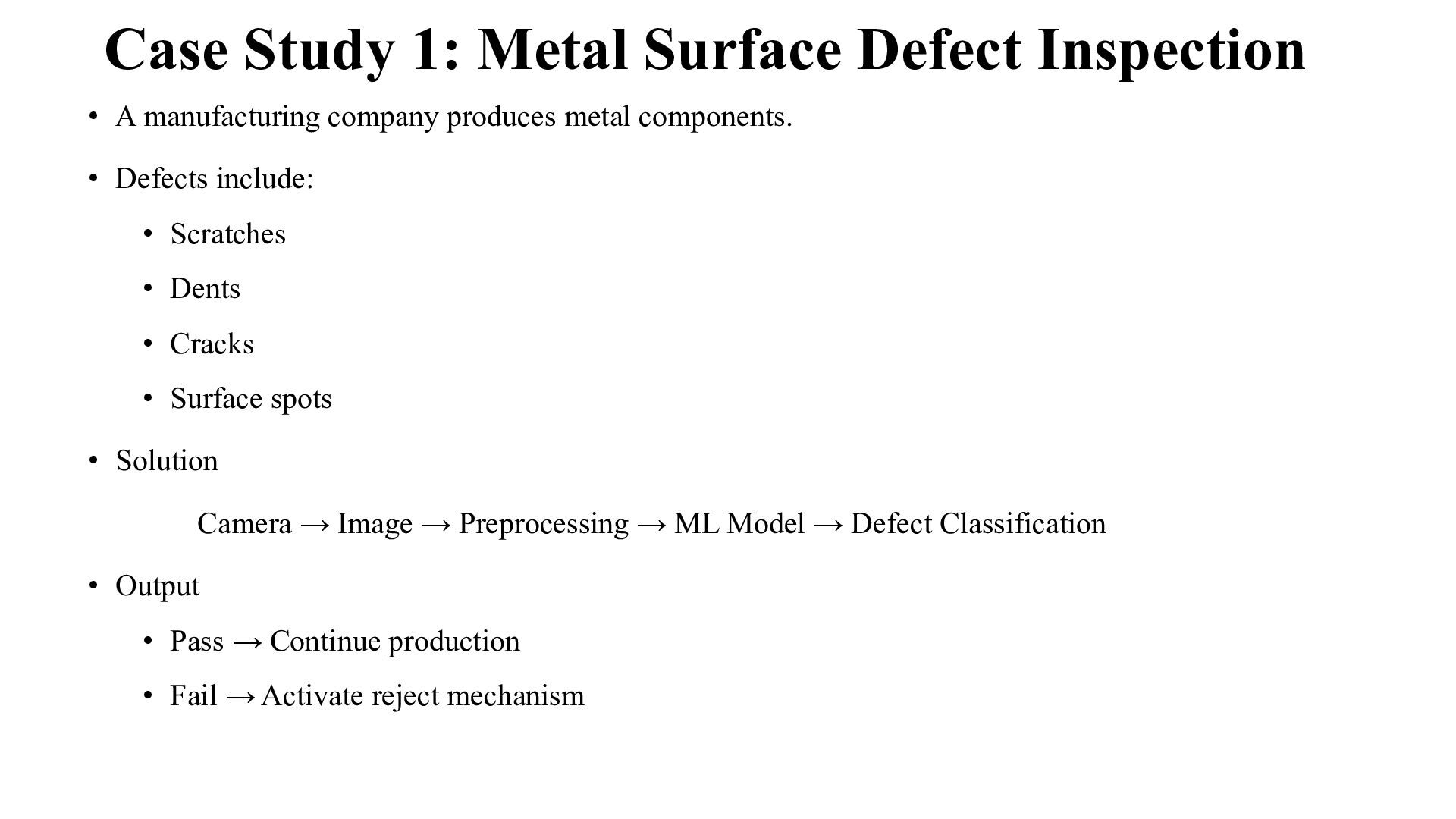
  31. Case Study 1: Metal Surface Defect Inspection • A manufacturing

    company produces metal components. • Defects include: • Scratches • Dents • Cracks • Surface spots • Solution Camera → Image → Preprocessing → ML Model → Defect Classification • Output • Pass → Continue production • Fail → Activate reject mechanism
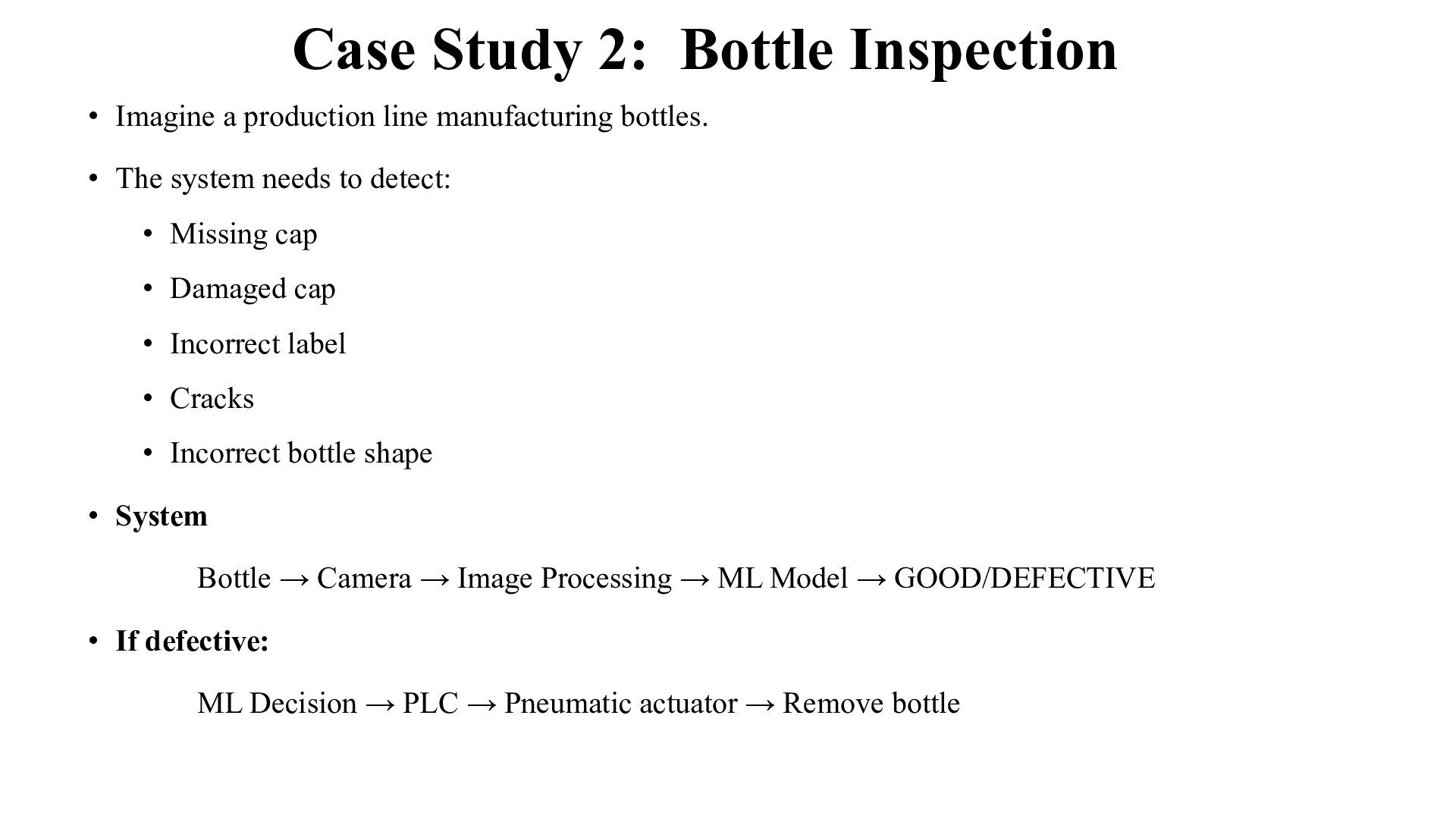
  32. Case Study 2: Bottle Inspection • Imagine a production line

    manufacturing bottles. • The system needs to detect: • Missing cap • Damaged cap • Incorrect label • Cracks • Incorrect bottle shape • System Bottle → Camera → Image Processing → ML Model → GOOD/DEFECTIVE • If defective: ML Decision → PLC → Pneumatic actuator → Remove bottle