Share
Embed
アナウンス向けにミニマリスト向け ActivityPub Server の snac を利用
発表:: 鹿児島Linux勉強会 2025.10(オンライン開催) https://kagolug.connpass.com/event/371989/
source:: https://codeberg.org/matoken/kagolug-2025.10/src/branch/main/slide/slide.adoc
Kenichiro MATOHARA
October 19, 2025
Transcript
44 slides
-
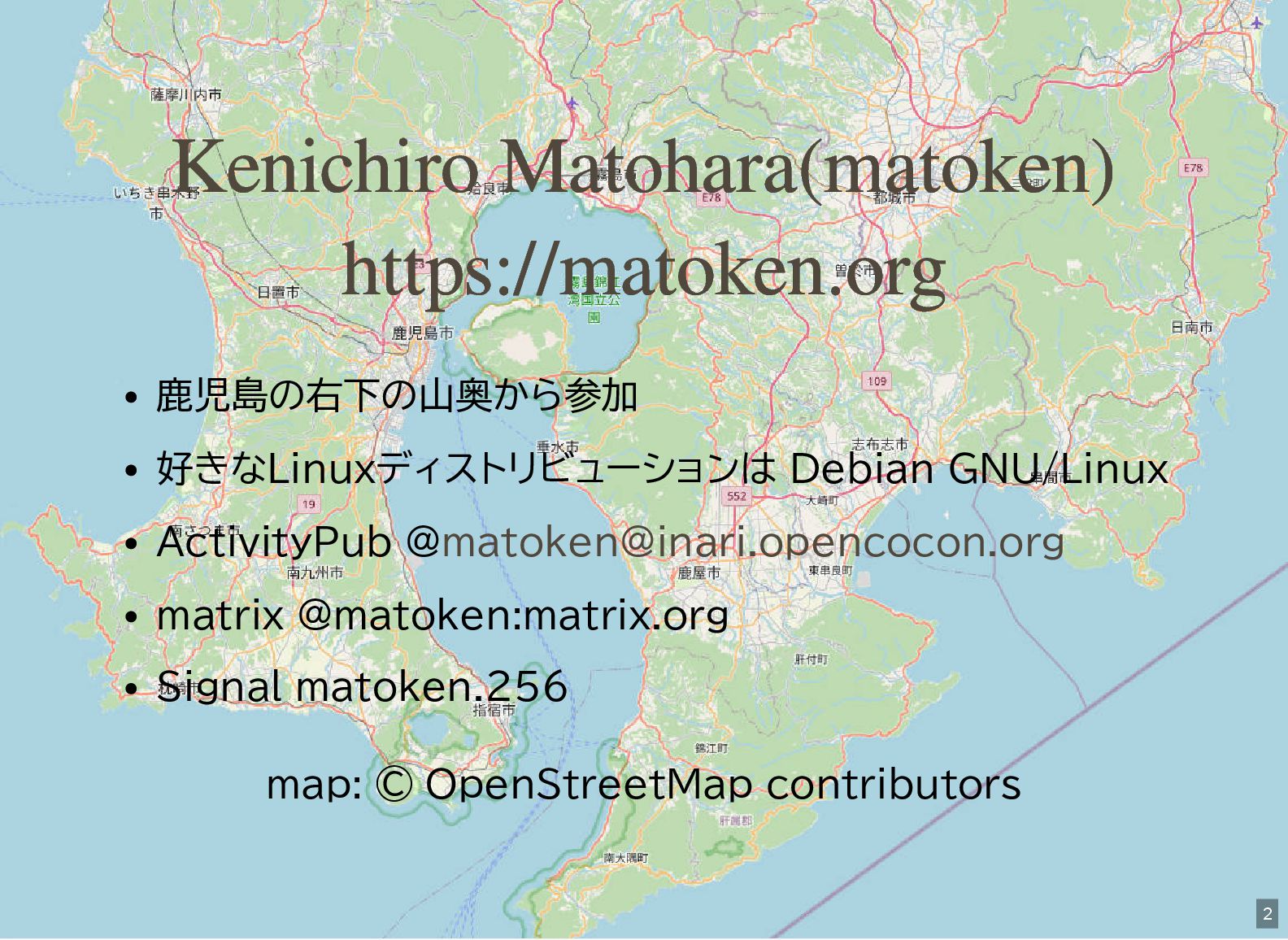
鹿児島の右下の山奥から参加 好きなLinuxディストリビューションは Debian GNU/Linux ActivityPub @ matrix @matoken:matrix.org Signal matoken.256
map: © OpenStreetMap contributors Kenichiro Matohara(matoken) https://matoken.org [email protected] 2 -
SNS でのアナウンス 最近のSNS はアカウントを取得してログインしていないと確認できな いことが多い オープンな環境を使いたい Matrix / ActivityPub あたりは規格がオープンで実装も複数あ
る 一般にアカウント取得を開放しているインスタンスを利用すること は可能 できれば自前でホストしたい 5 -
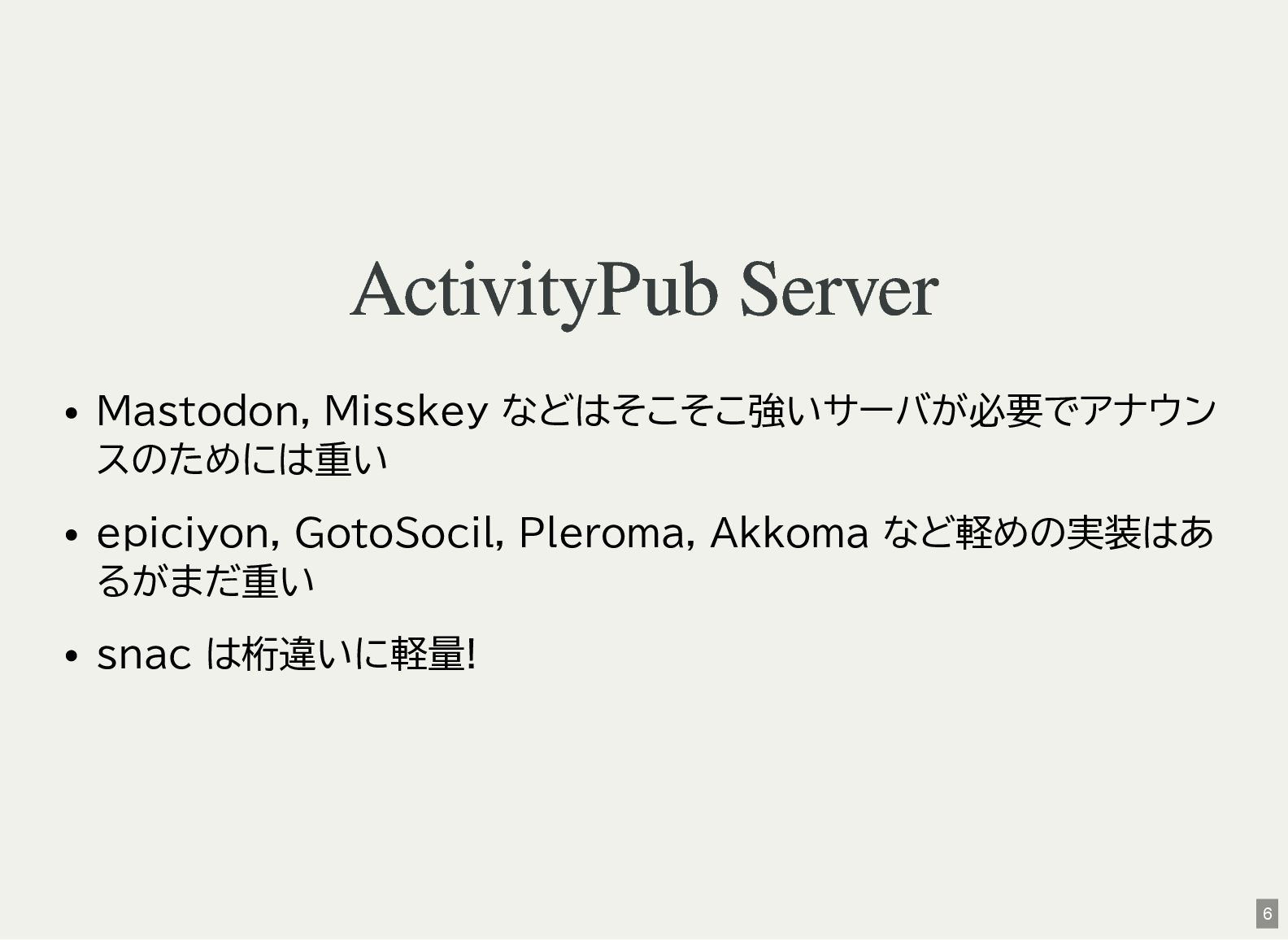
ActivityPub Server Mastodon, Misskey などはそこそこ強いサーバが必要でアナウン スのためには重い epiciyon, GotoSocil, Pleroma, Akkoma
など軽めの実装はあ るがまだ重い snac は桁違いに軽量! 6 -
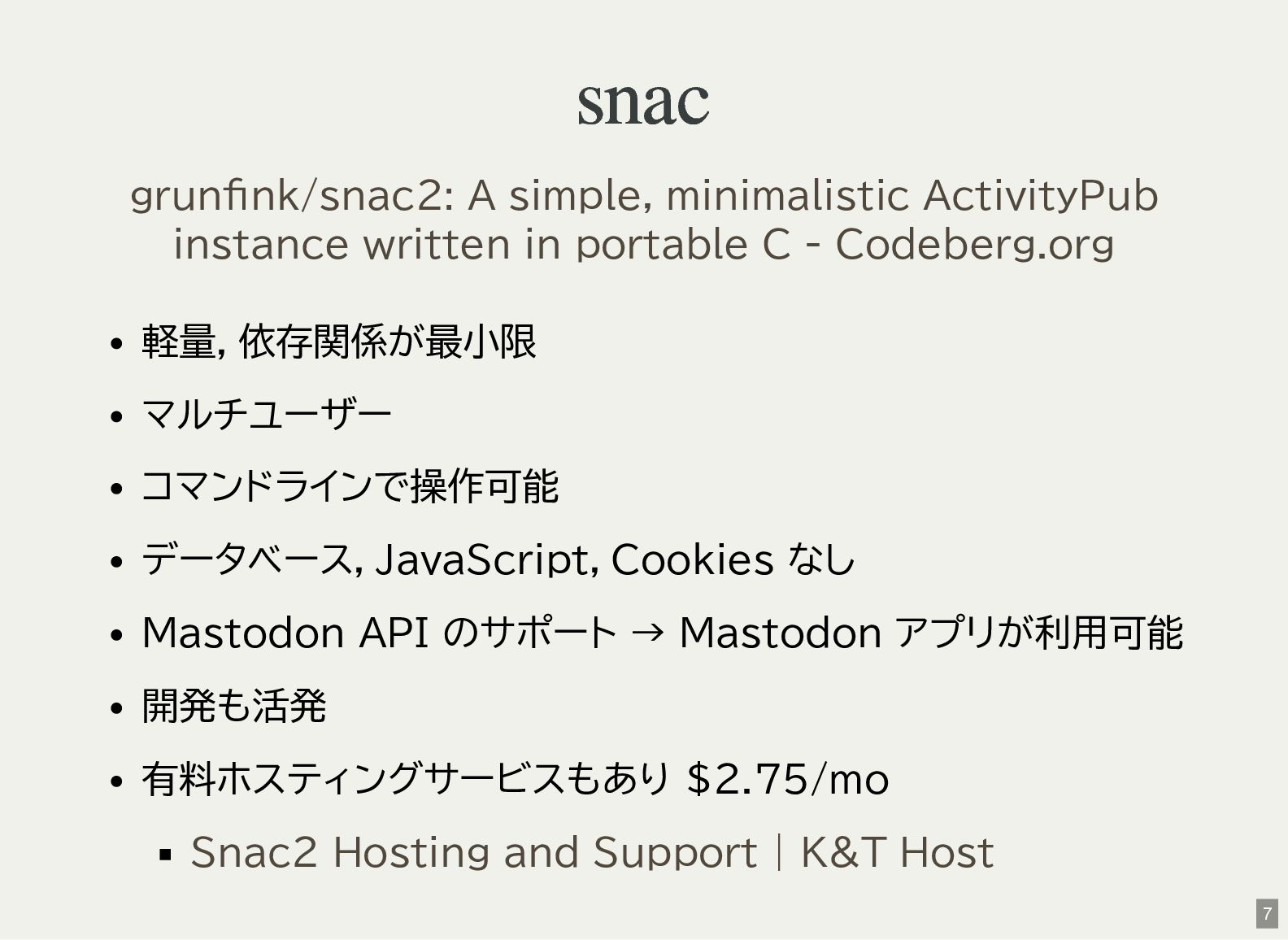
snac 軽量,依存関係が最小限 マルチユーザー コマンドラインで操作可能 データベース,JavaScript,Cookies なし Mastodon API のサポート →
Mastodon アプリが利用可能 開発も活発 有料ホスティングサービスもあり $2.75/mo grunfink/snac2: A simple, minimalistic ActivityPub instance written in portable C - Codeberg.org Snac2 Hosting and Support | K&T Host 7 -
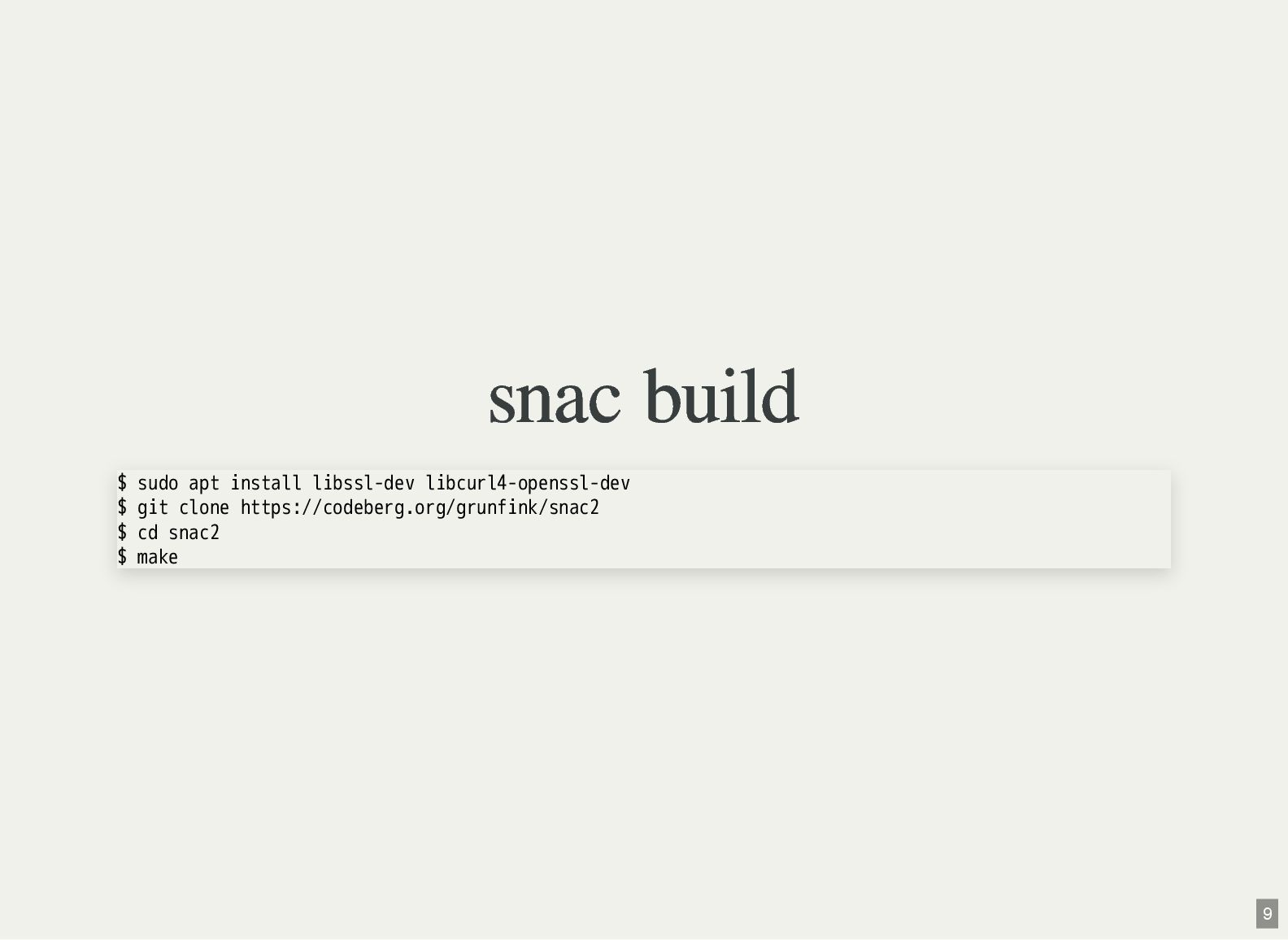
snac build $ sudo apt install libssl-dev libcurl4-openssl-dev $ git
clone https://codeberg.org/grunfink/snac2 $ cd snac2 $ make 9 -
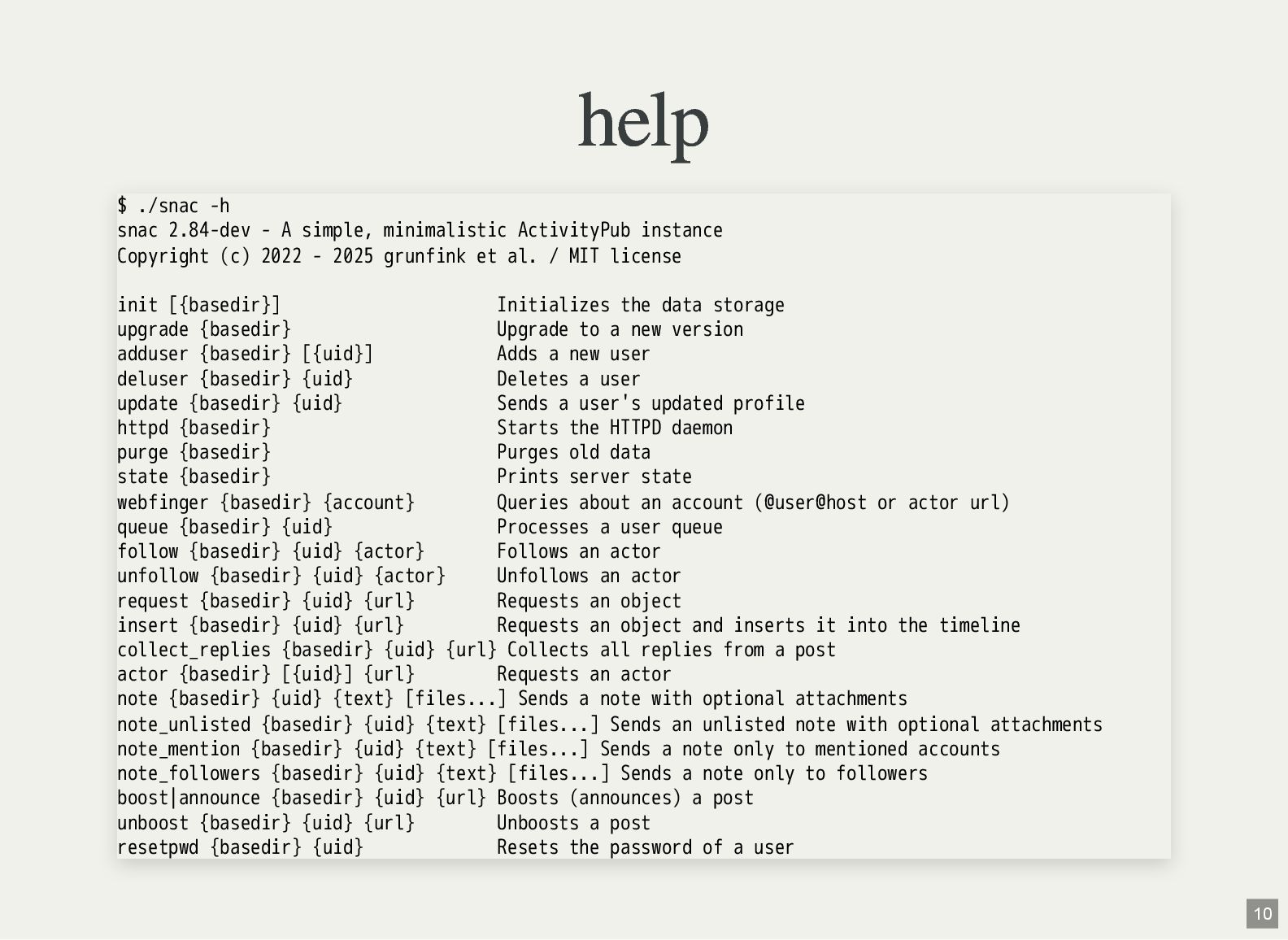
help $ ./snac -h snac 2.84-dev - A simple, minimalistic
ActivityPub instance Copyright (c) 2022 - 2025 grunfink et al. / MIT license init [{basedir}] Initializes the data storage upgrade {basedir} Upgrade to a new version adduser {basedir} [{uid}] Adds a new user deluser {basedir} {uid} Deletes a user update {basedir} {uid} Sends a user's updated profile httpd {basedir} Starts the HTTPD daemon purge {basedir} Purges old data state {basedir} Prints server state webfinger {basedir} {account} Queries about an account (@user@host or actor url) queue {basedir} {uid} Processes a user queue follow {basedir} {uid} {actor} Follows an actor unfollow {basedir} {uid} {actor} Unfollows an actor request {basedir} {uid} {url} Requests an object insert {basedir} {uid} {url} Requests an object and inserts it into the timeline collect_replies {basedir} {uid} {url} Collects all replies from a post actor {basedir} [{uid}] {url} Requests an actor note {basedir} {uid} {text} [files...] Sends a note with optional attachments note_unlisted {basedir} {uid} {text} [files...] Sends an unlisted note with optional attachments note_mention {basedir} {uid} {text} [files...] Sends a note only to mentioned accounts note_followers {basedir} {uid} {text} [files...] Sends a note only to followers boost|announce {basedir} {uid} {url} Boosts (announces) a post unboost {basedir} {uid} {url} Unboosts a post resetpwd {basedir} {uid} Resets the password of a user 10 -
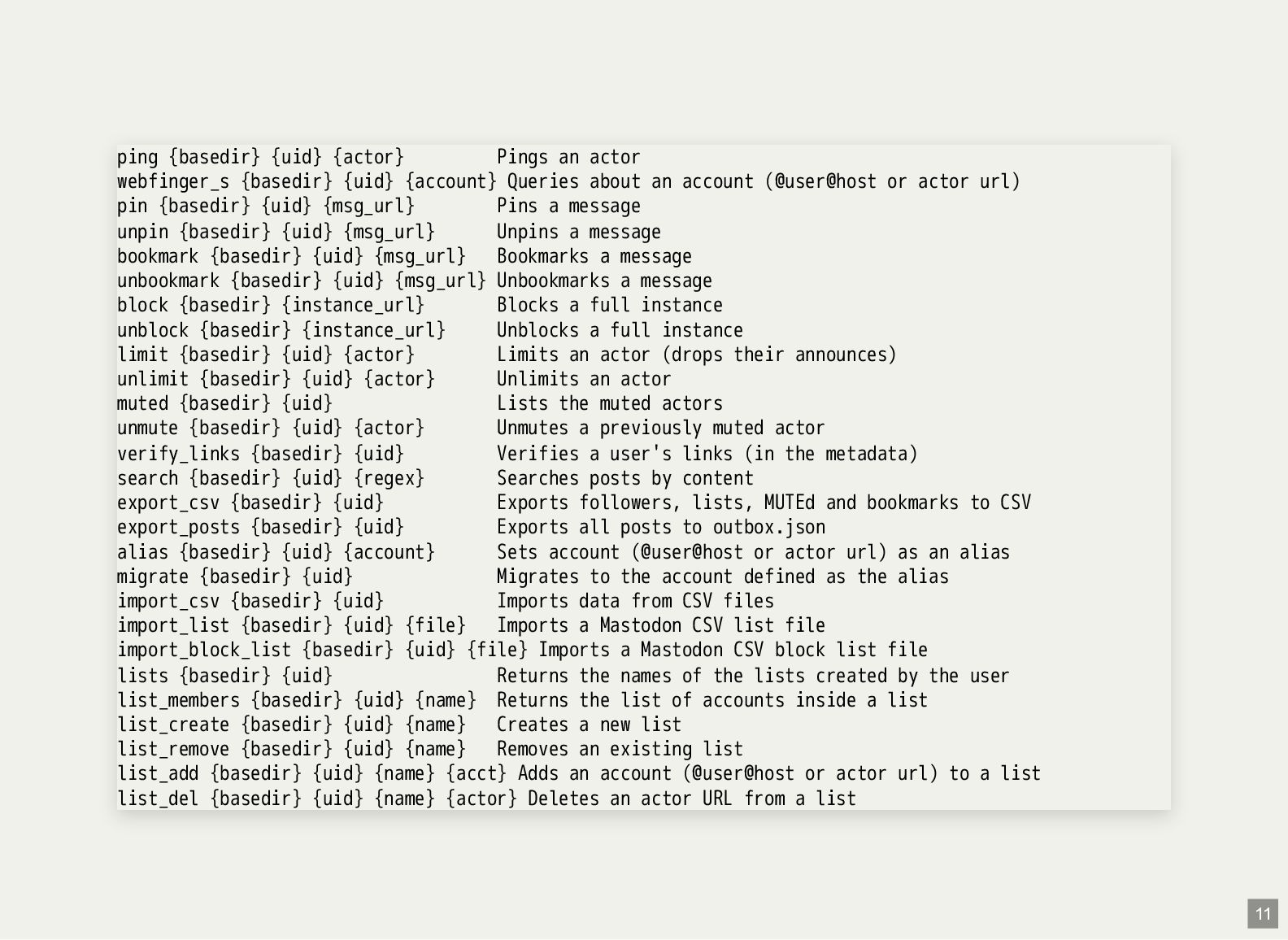
ping {basedir} {uid} {actor} Pings an actor webfinger_s {basedir} {uid}
{account} Queries about an account (@user@host or actor url) pin {basedir} {uid} {msg_url} Pins a message unpin {basedir} {uid} {msg_url} Unpins a message bookmark {basedir} {uid} {msg_url} Bookmarks a message unbookmark {basedir} {uid} {msg_url} Unbookmarks a message block {basedir} {instance_url} Blocks a full instance unblock {basedir} {instance_url} Unblocks a full instance limit {basedir} {uid} {actor} Limits an actor (drops their announces) unlimit {basedir} {uid} {actor} Unlimits an actor muted {basedir} {uid} Lists the muted actors unmute {basedir} {uid} {actor} Unmutes a previously muted actor verify_links {basedir} {uid} Verifies a user's links (in the metadata) search {basedir} {uid} {regex} Searches posts by content export_csv {basedir} {uid} Exports followers, lists, MUTEd and bookmarks to CSV export_posts {basedir} {uid} Exports all posts to outbox.json alias {basedir} {uid} {account} Sets account (@user@host or actor url) as an alias migrate {basedir} {uid} Migrates to the account defined as the alias import_csv {basedir} {uid} Imports data from CSV files import_list {basedir} {uid} {file} Imports a Mastodon CSV list file import_block_list {basedir} {uid} {file} Imports a Mastodon CSV block list file lists {basedir} {uid} Returns the names of the lists created by the user list_members {basedir} {uid} {name} Returns the list of accounts inside a list list_create {basedir} {uid} {name} Creates a new list list_remove {basedir} {uid} {name} Removes an existing list list_add {basedir} {uid} {name} {acct} Adds an account (@user@host or actor url) to a list list_del {basedir} {uid} {name} {actor} Deletes an actor URL from a list 11 -
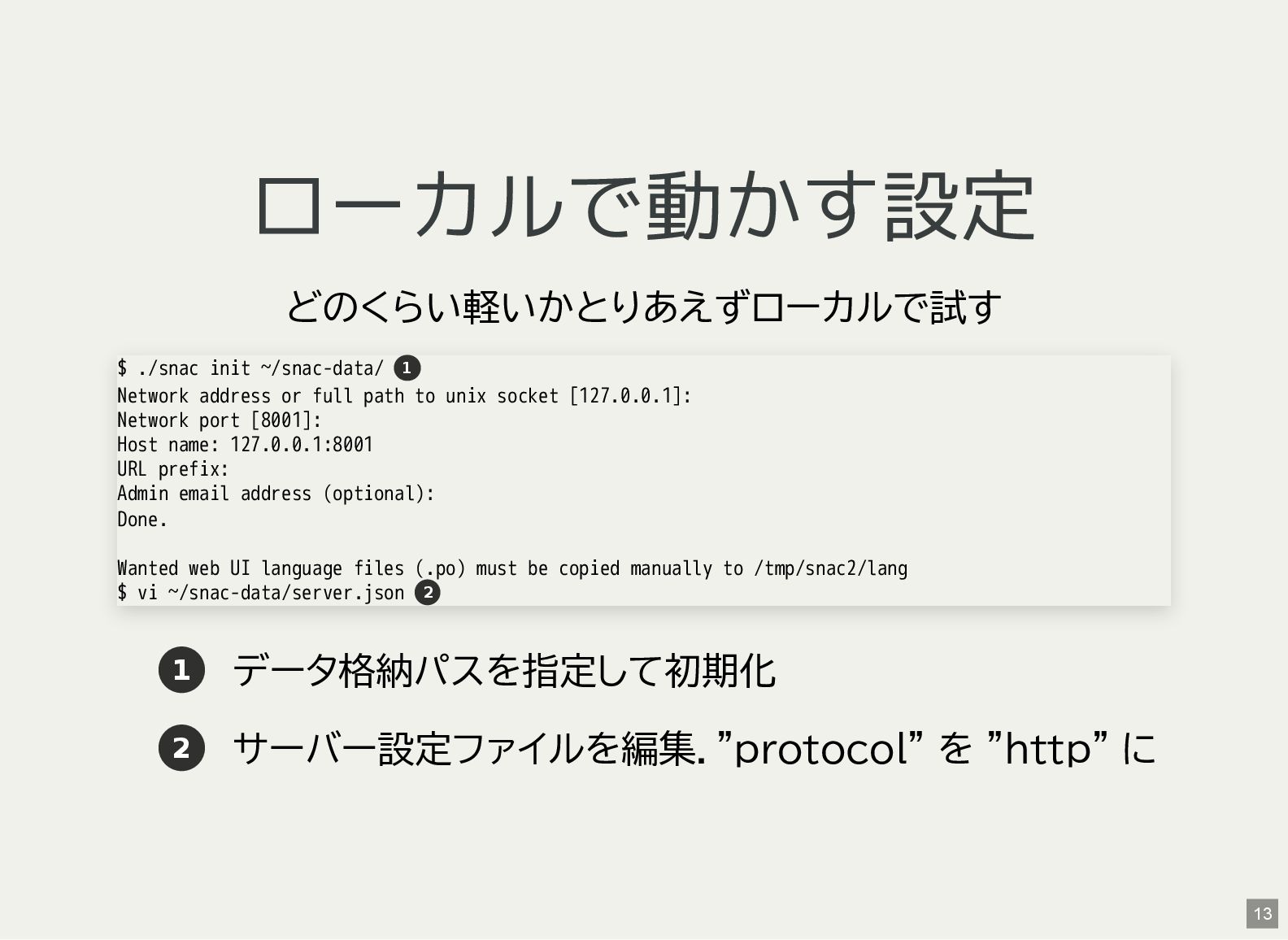
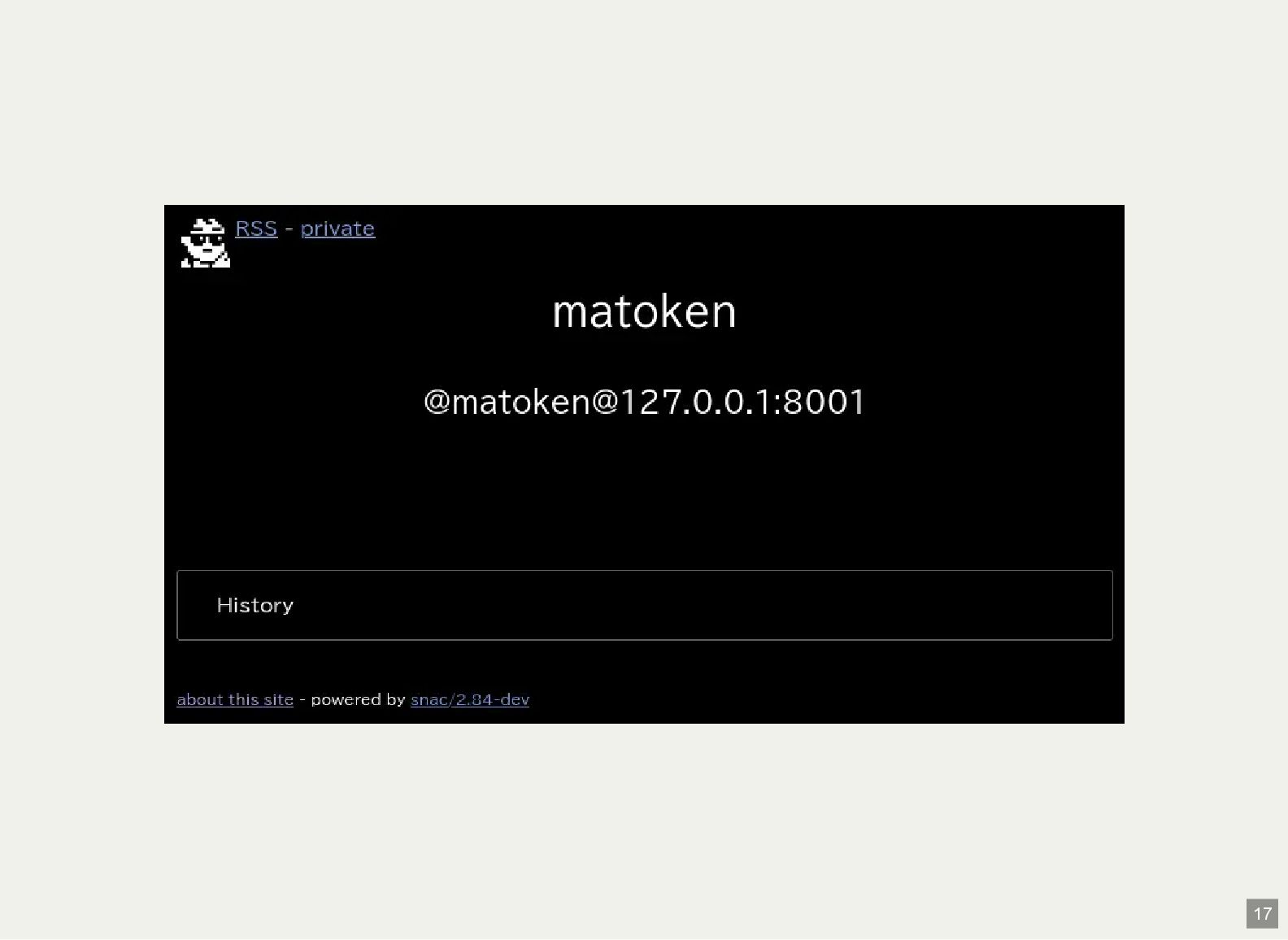
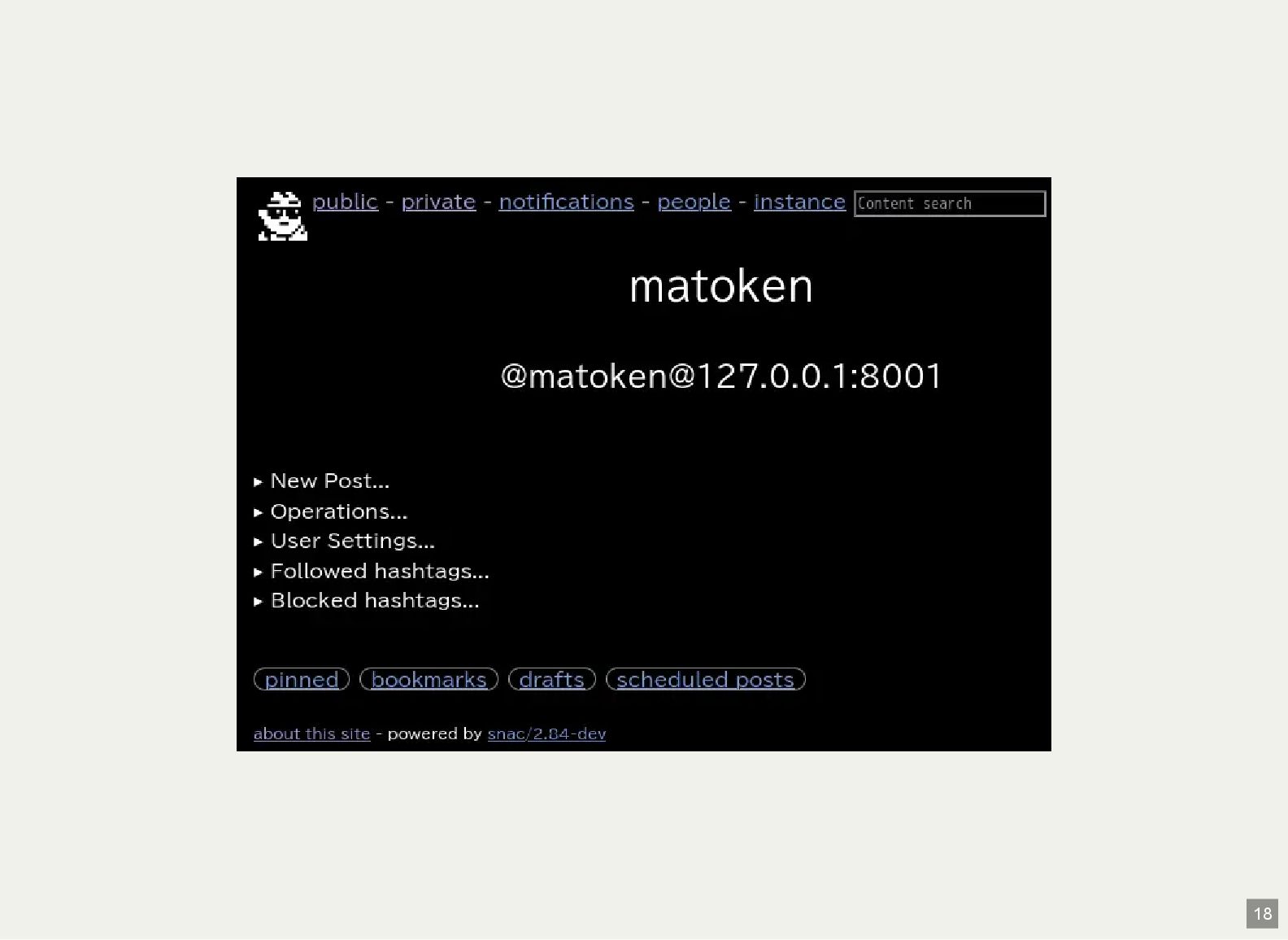
ローカルで動かす設定 どのくらい軽いかとりあえずローカルで試す 1 データ格納パスを指定して初期化 2 サーバー設定ファイルを編集."protocol" を "http" に $
./snac init ~/snac-data/ Network address or full path to unix socket [127.0.0.1]: Network port [8001]: Host name: 127.0.0.1:8001 URL prefix: Admin email address (optional): Done. Wanted web UI language files (.po) must be copied manually to /tmp/snac2/lang $ vi ~/snac-data/server.json 1 2 13 -
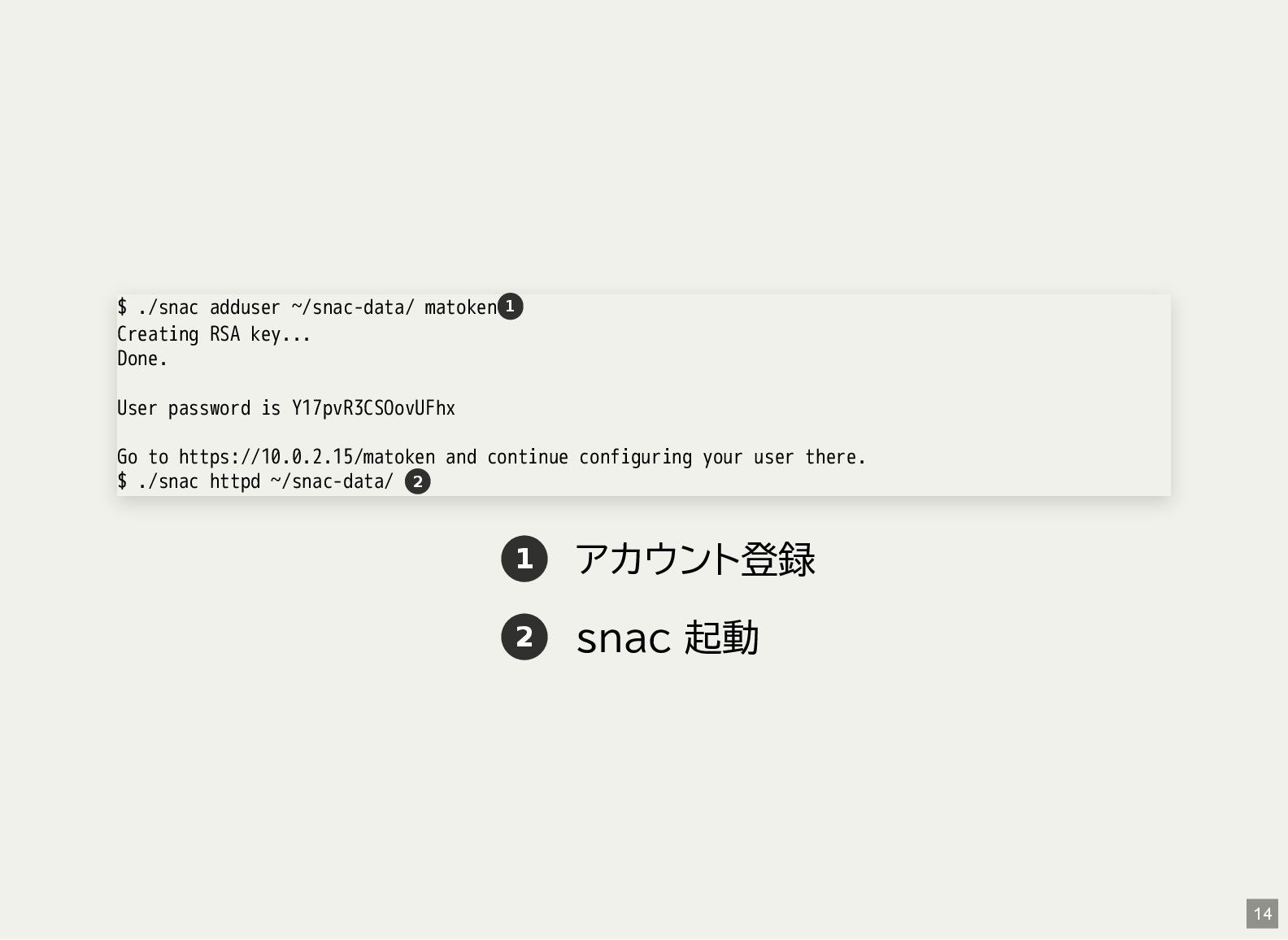
1 アカウント登録 2 snac 起動 $ ./snac adduser ~/snac-data/ matoken
Creating RSA key... Done. User password is Y17pvR3CSOovUFhx Go to https://10.0.2.15/matoken and continue configuring your user there. $ ./snac httpd ~/snac-data/ 1 2 14 -
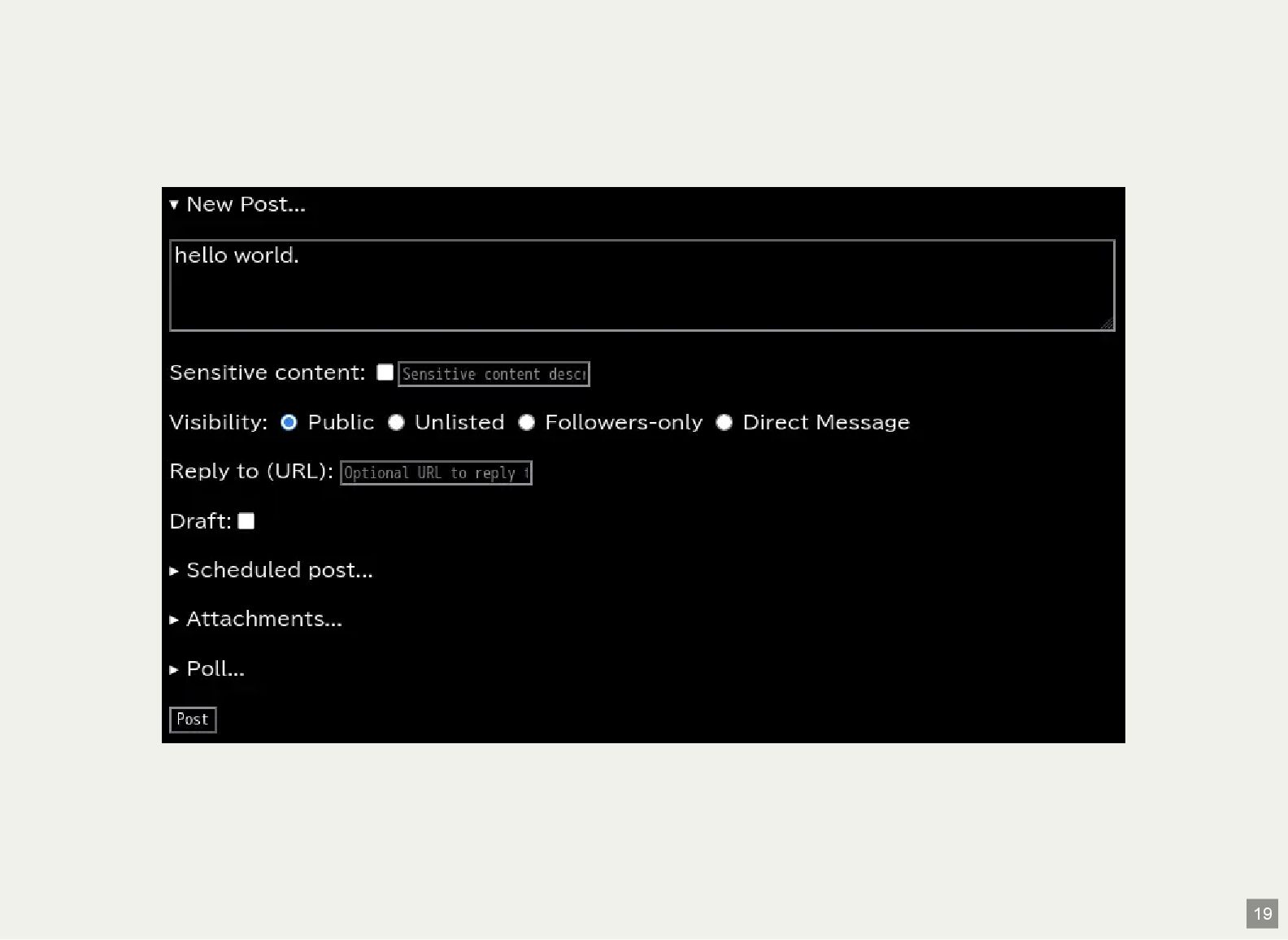
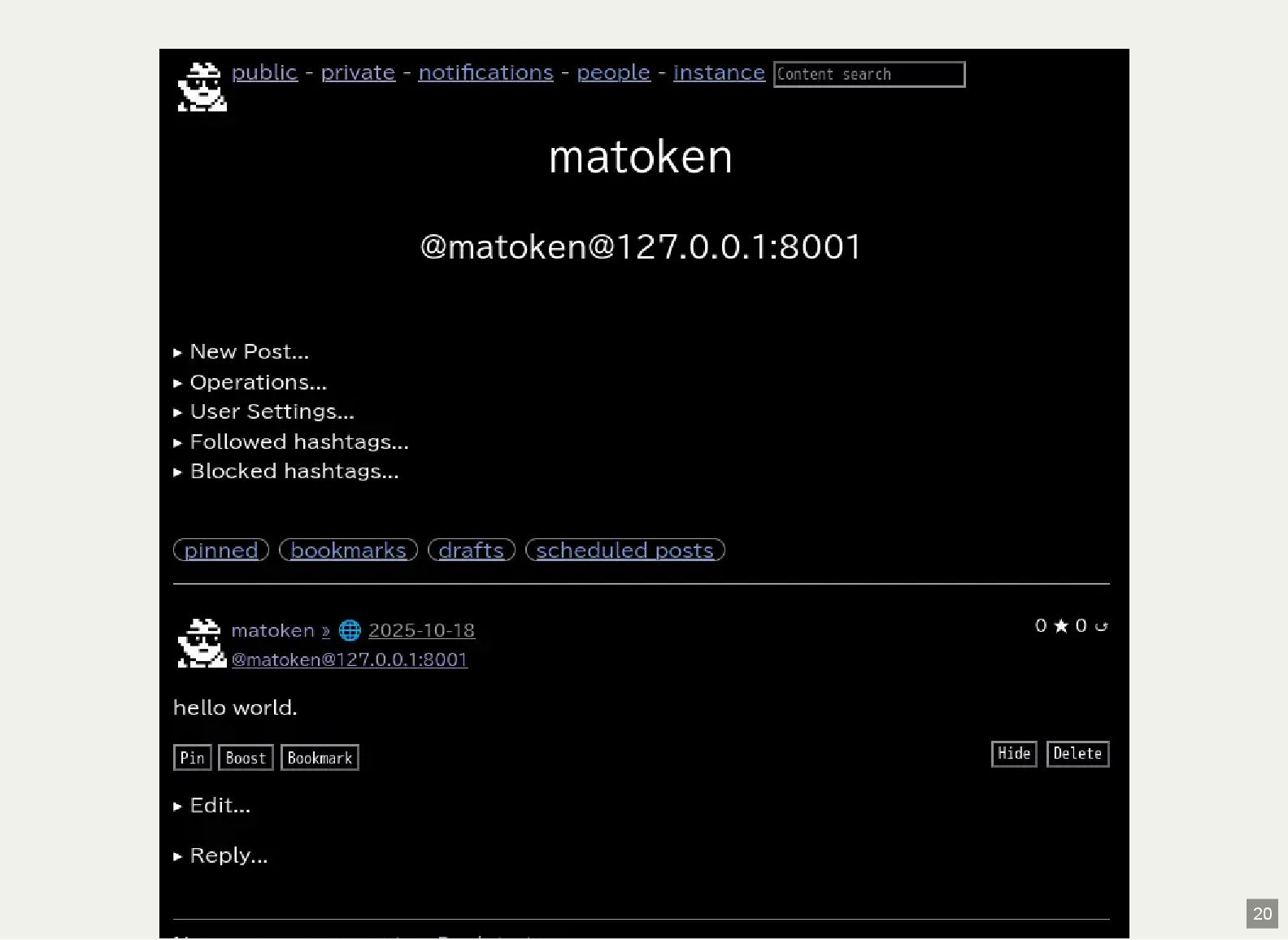
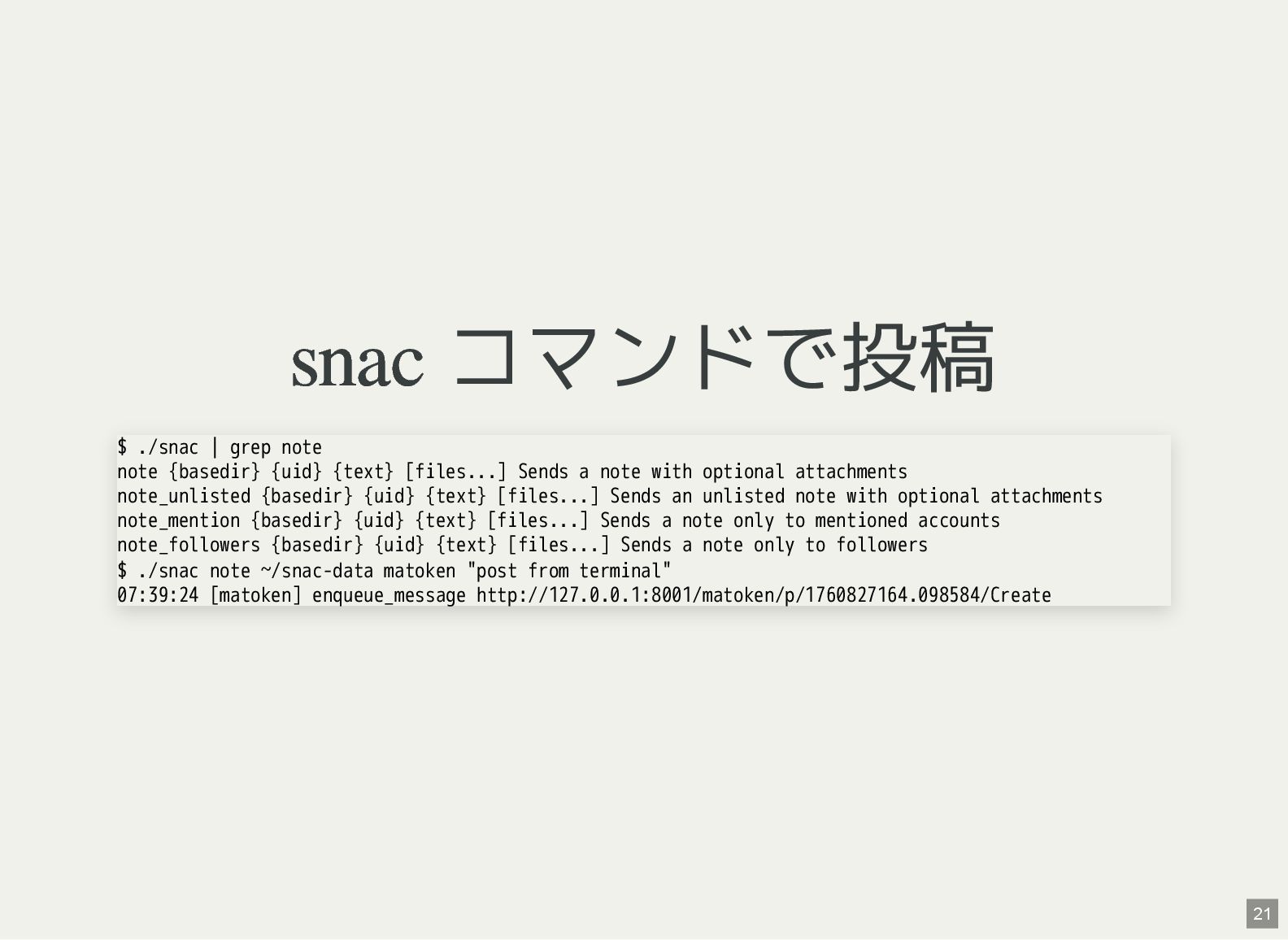
snac コマンドで投稿 $ ./snac | grep note note {basedir} {uid}
{text} [files...] Sends a note with optional attachments note_unlisted {basedir} {uid} {text} [files...] Sends an unlisted note with optional attachments note_mention {basedir} {uid} {text} [files...] Sends a note only to mentioned accounts note_followers {basedir} {uid} {text} [files...] Sends a note only to followers $ ./snac note ~/snac-data matoken "post from terminal" 07:39:24 [matoken] enqueue_message http://127.0.0.1:8001/matoken/p/1760827164.098584/Create 21 -
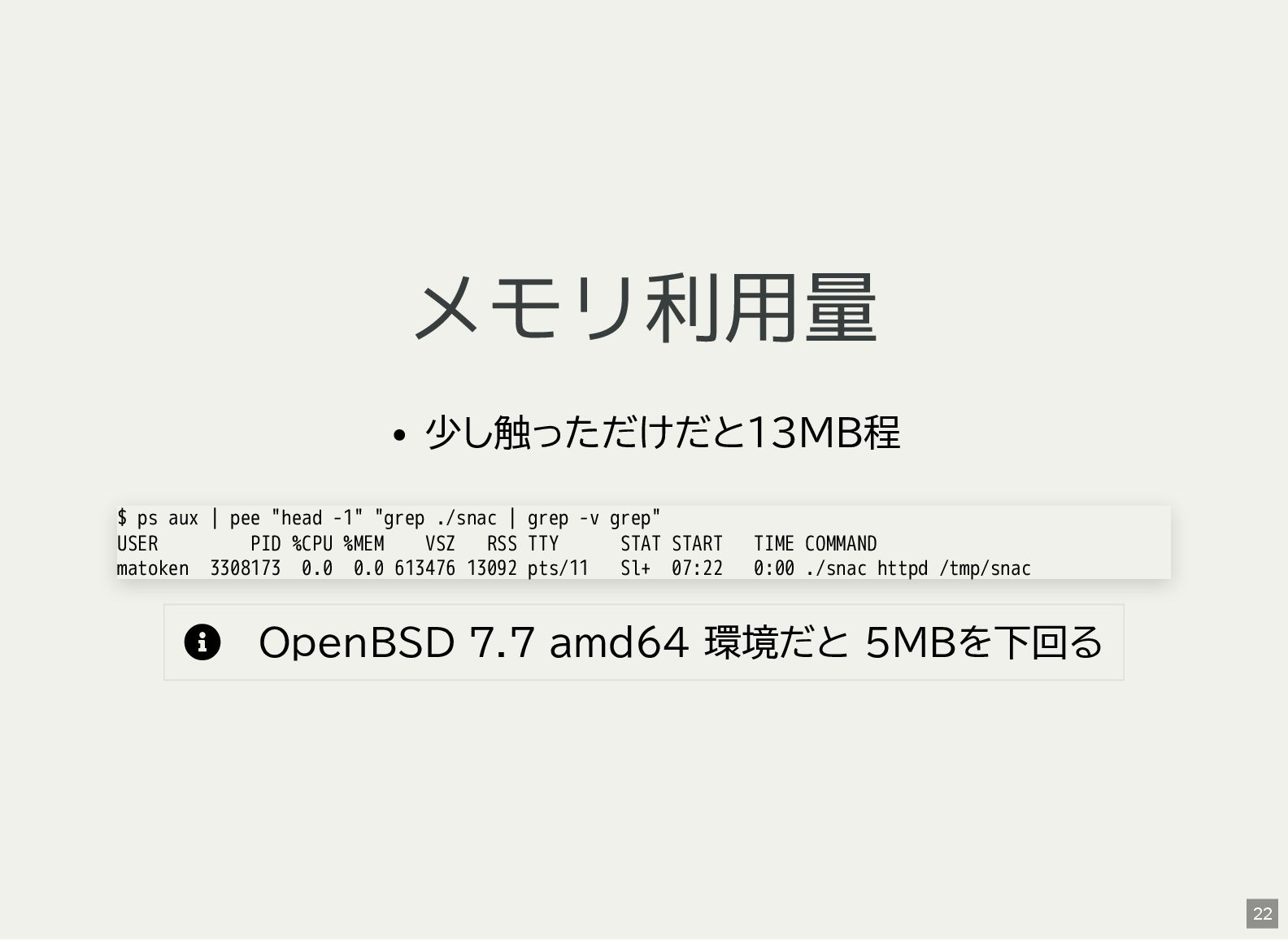
メモリ利用量 少し触っただけだと13MB程 OpenBSD 7.7 amd64 環境だと 5MBを下回る $ ps
aux | pee "head -1" "grep ./snac | grep -v grep" USER PID %CPU %MEM VSZ RSS TTY STAT START TIME COMMAND matoken 3308173 0.0 0.0 613476 13092 pts/11 Sl+ 07:22 0:00 ./snac httpd /tmp/snac 22 -
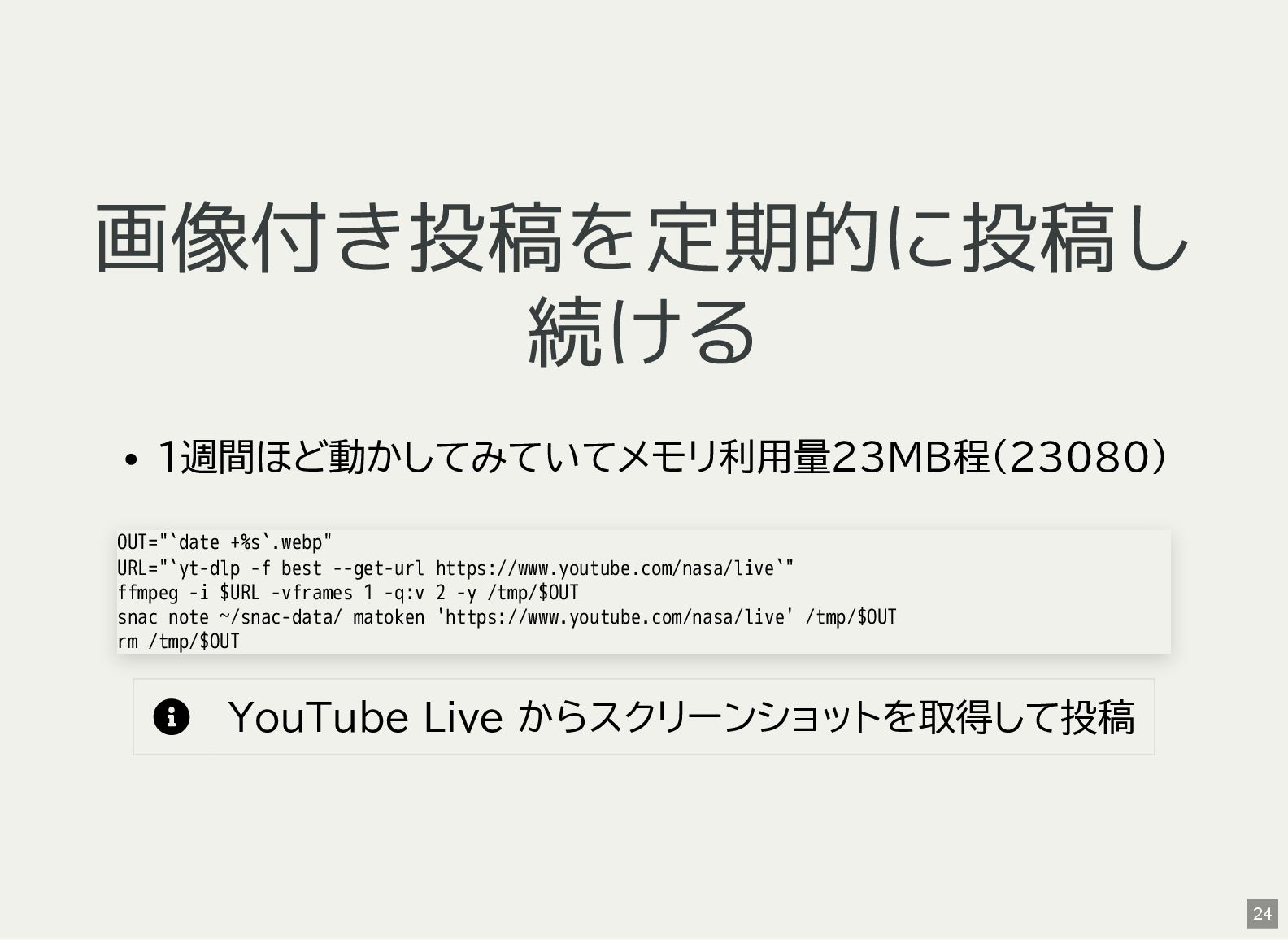
画像付き投稿を定期的に投稿し 続ける 1週間ほど動かしてみていてメモリ利用量23MB程(23080) YouTube Live からスクリーンショットを取得して投稿 OUT="`date +%s`.webp" URL="`yt-dlp
-f best --get-url https://www.youtube.com/nasa/live`" ffmpeg -i $URL -vframes 1 -q:v 2 -y /tmp/$OUT snac note ~/snac-data/ matoken 'https://www.youtube.com/nasa/live' /tmp/$OUT rm /tmp/$OUT 24 -
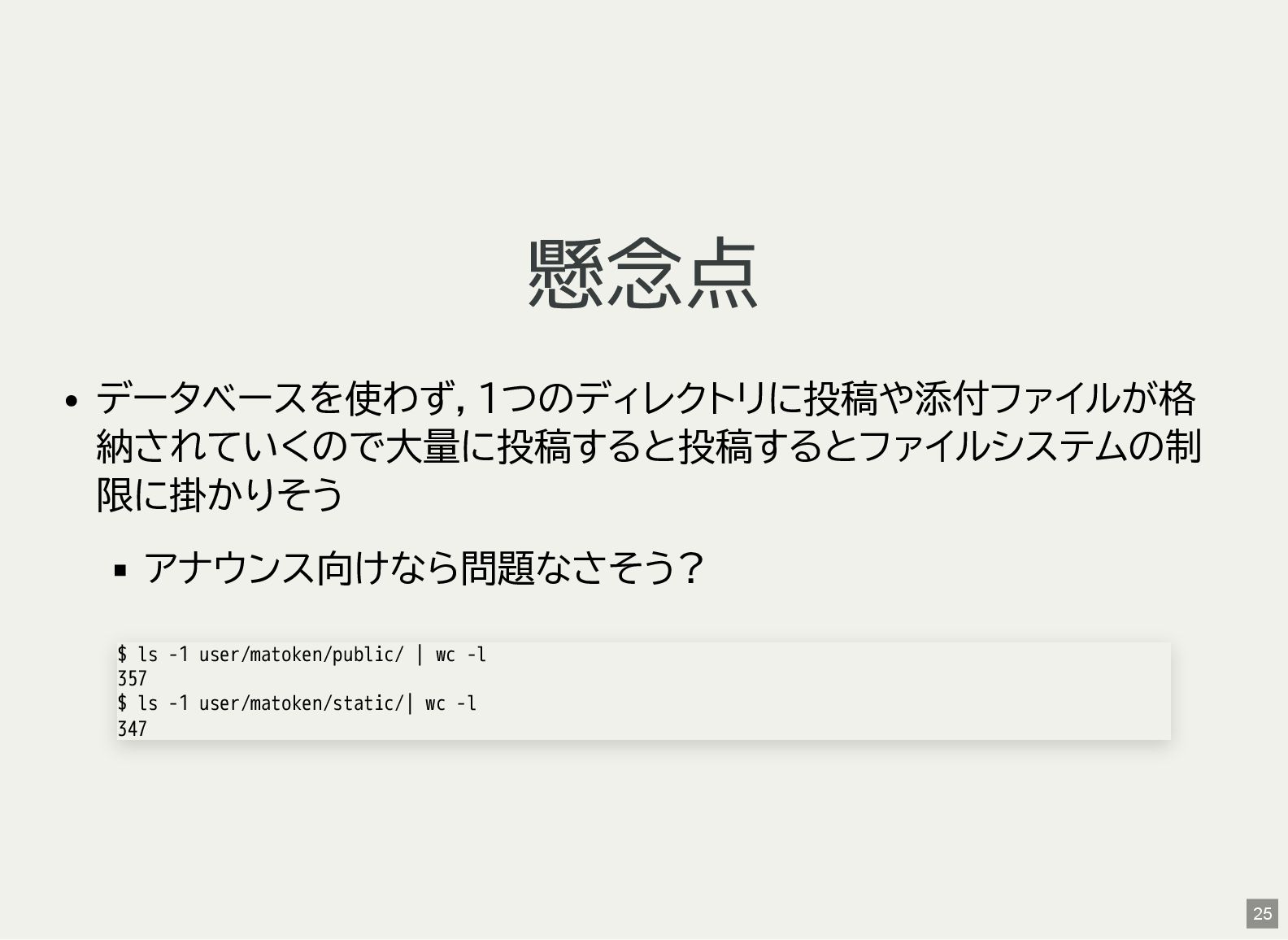
懸念点 データベースを使わず,1つのディレクトリに投稿や添付ファイルが格 納されていくので大量に投稿すると投稿するとファイルシステムの制 限に掛かりそう アナウンス向けなら問題なさそう? $ ls -1 user/matoken/public/ |
wc -l 357 $ ls -1 user/matoken/static/| wc -l 347 25 -
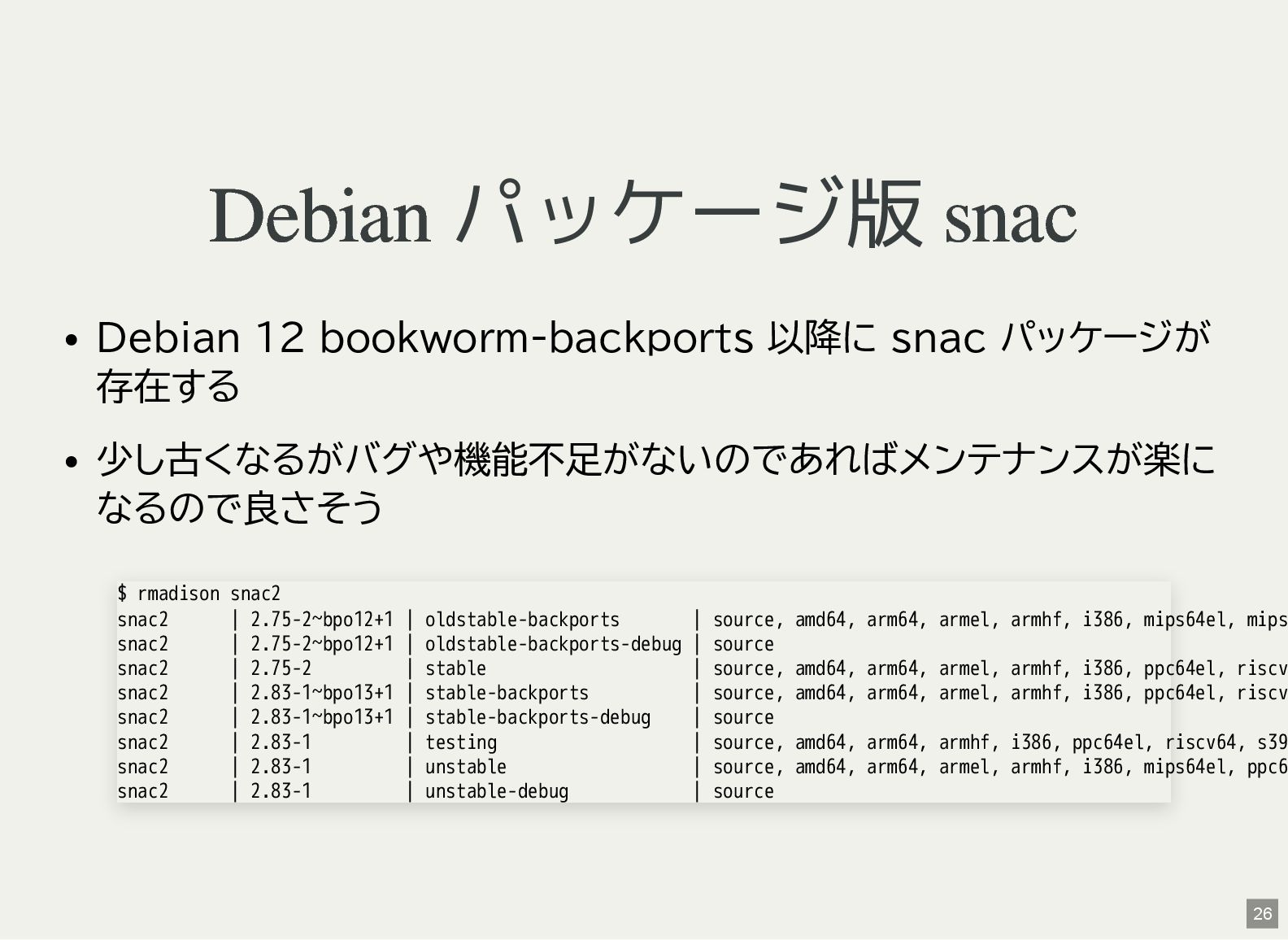
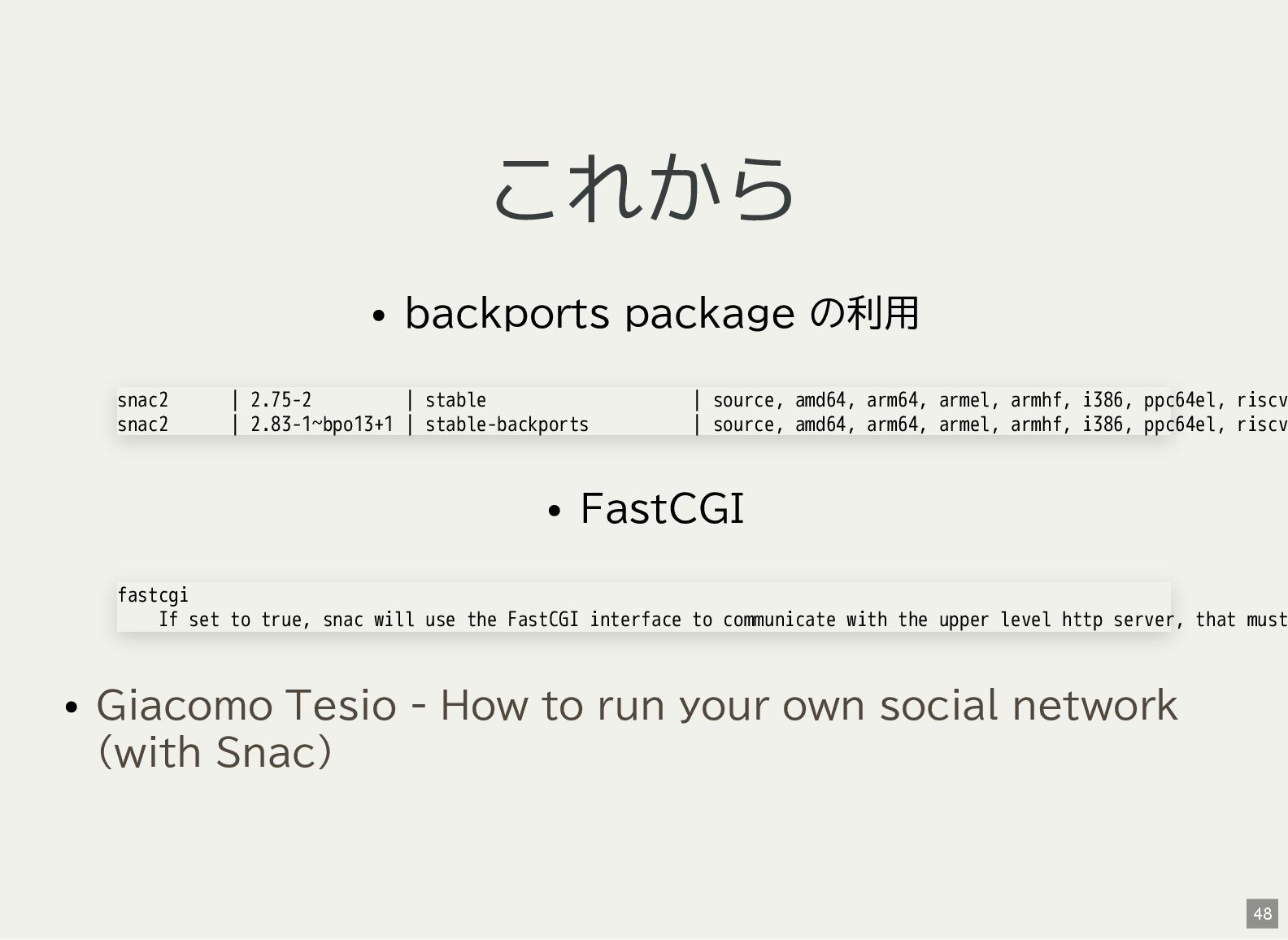
Debian パッケージ版 snac Debian 12 bookworm-backports 以降に snac パッケージが 存在する
少し古くなるがバグや機能不足がないのであればメンテナンスが楽に なるので良さそう $ rmadison snac2 snac2 | 2.75-2~bpo12+1 | oldstable-backports | source, amd64, arm64, armel, armhf, i386, mips64el, mips snac2 | 2.75-2~bpo12+1 | oldstable-backports-debug | source snac2 | 2.75-2 | stable | source, amd64, arm64, armel, armhf, i386, ppc64el, riscv snac2 | 2.83-1~bpo13+1 | stable-backports | source, amd64, arm64, armel, armhf, i386, ppc64el, riscv snac2 | 2.83-1~bpo13+1 | stable-backports-debug | source snac2 | 2.83-1 | testing | source, amd64, arm64, armhf, i386, ppc64el, riscv64, s39 snac2 | 2.83-1 | unstable | source, amd64, arm64, armel, armhf, i386, mips64el, ppc6 snac2 | 2.83-1 | unstable-debug | source 26 -
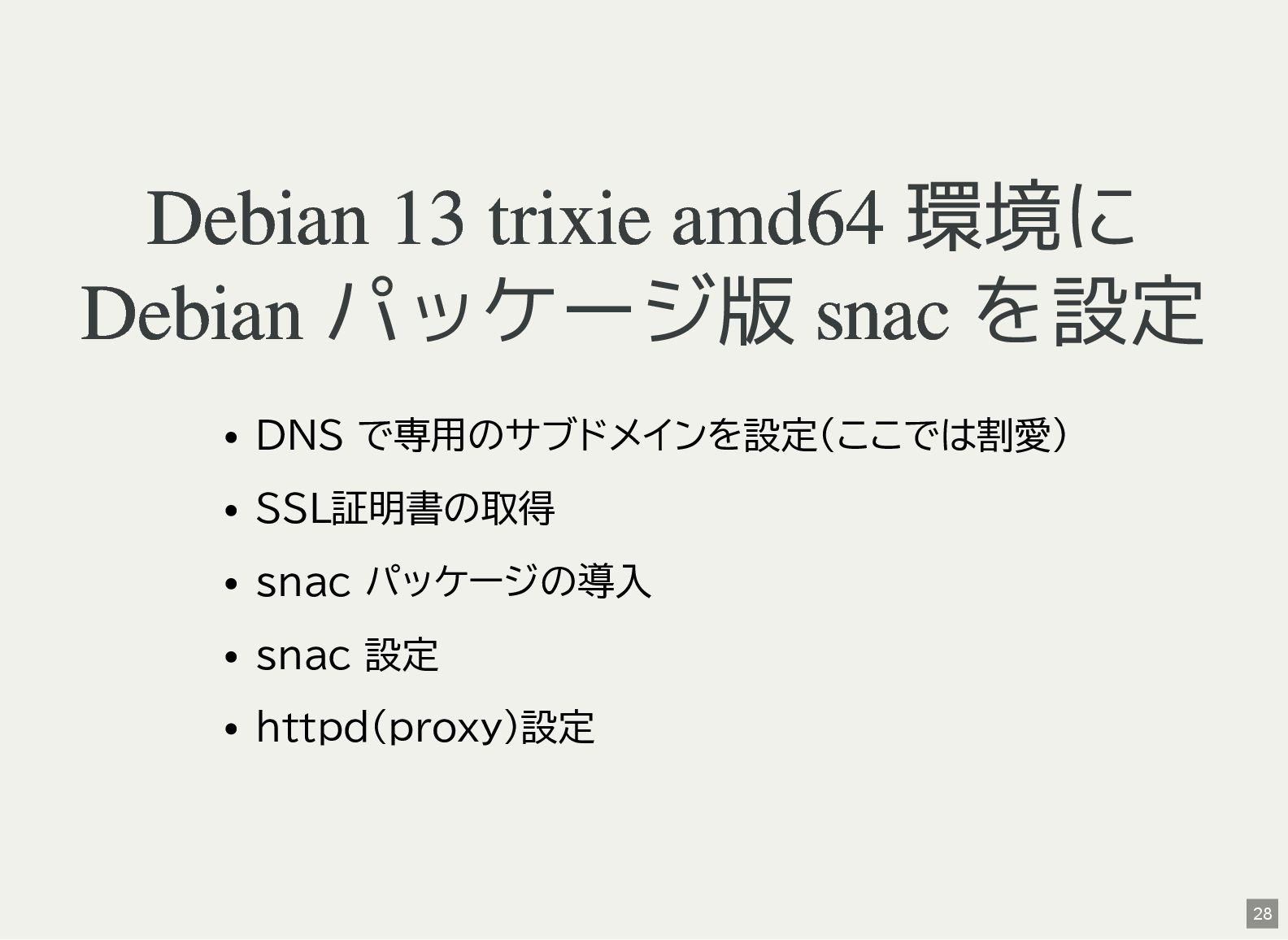
Debian 13 trixie amd64 環境に Debian パッケージ版 snac を設定 DNS
で専用のサブドメインを設定(ここでは割愛) SSL証明書の取得 snac パッケージの導入 snac 設定 httpd(proxy)設定 28 -
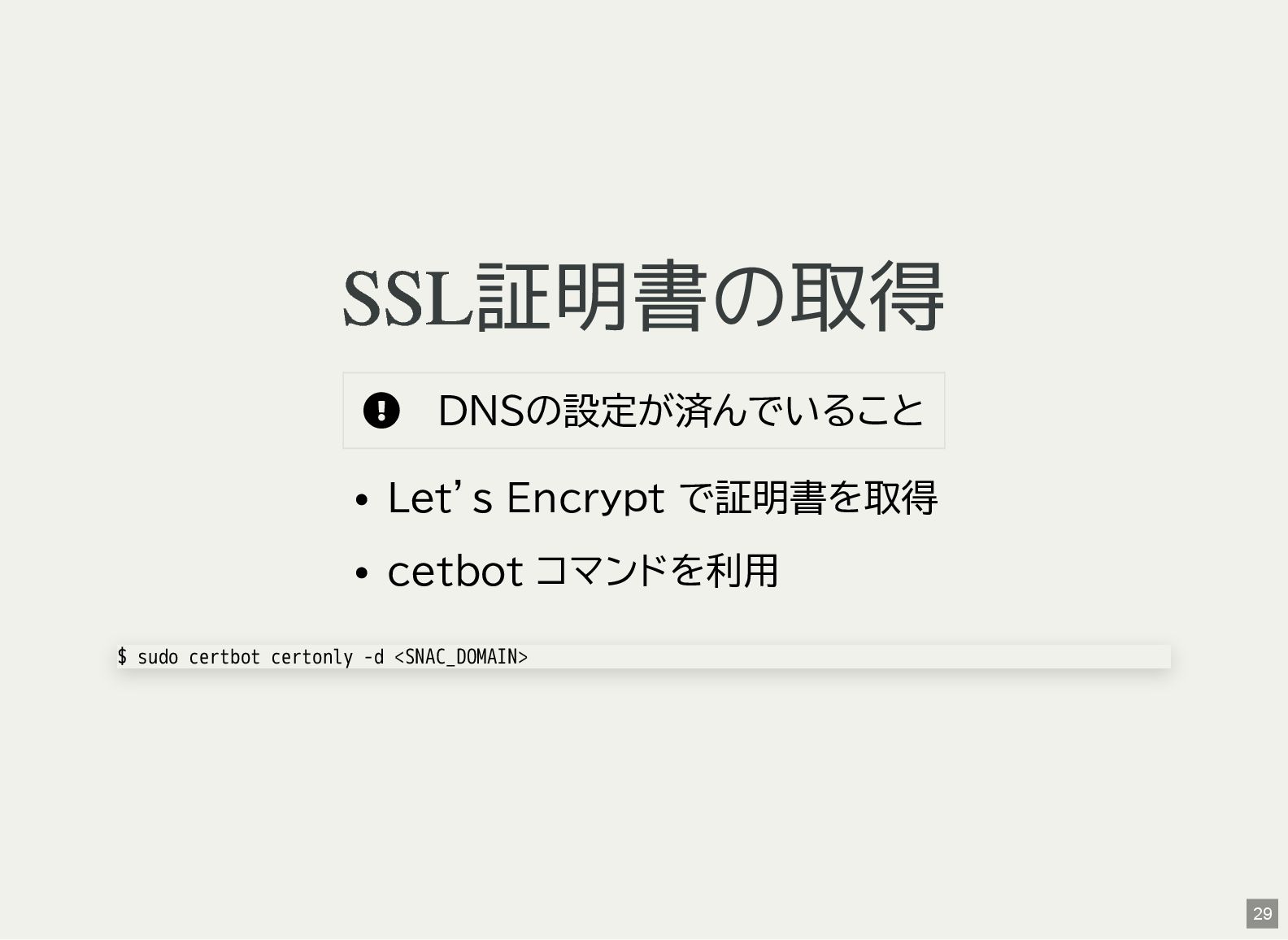
SSL証明書の取得 DNSの設定が済んでいること Let’s Encrypt で証明書を取得 cetbot コマンドを利用 $ sudo
certbot certonly -d <SNAC_DOMAIN> 29 -
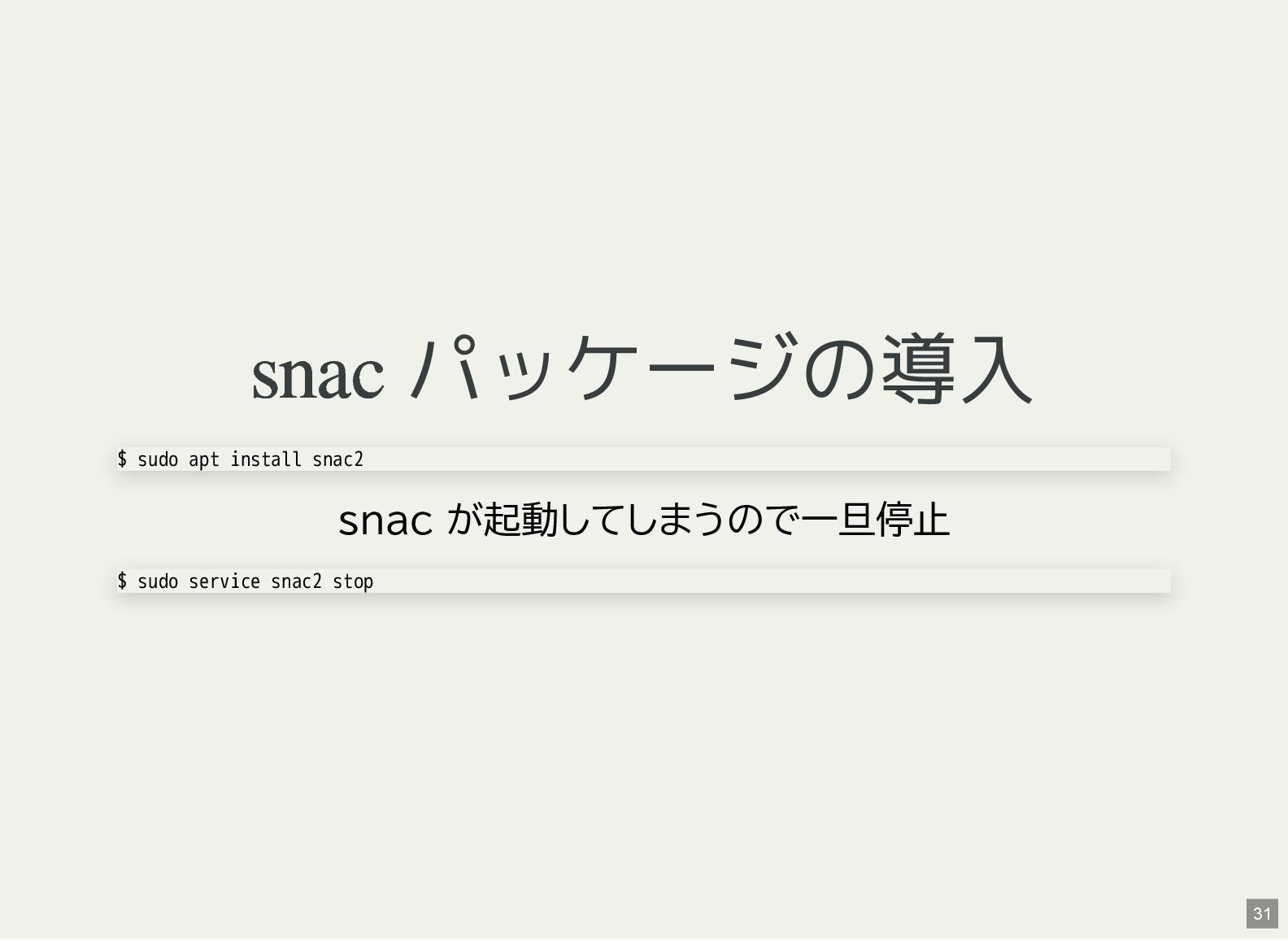
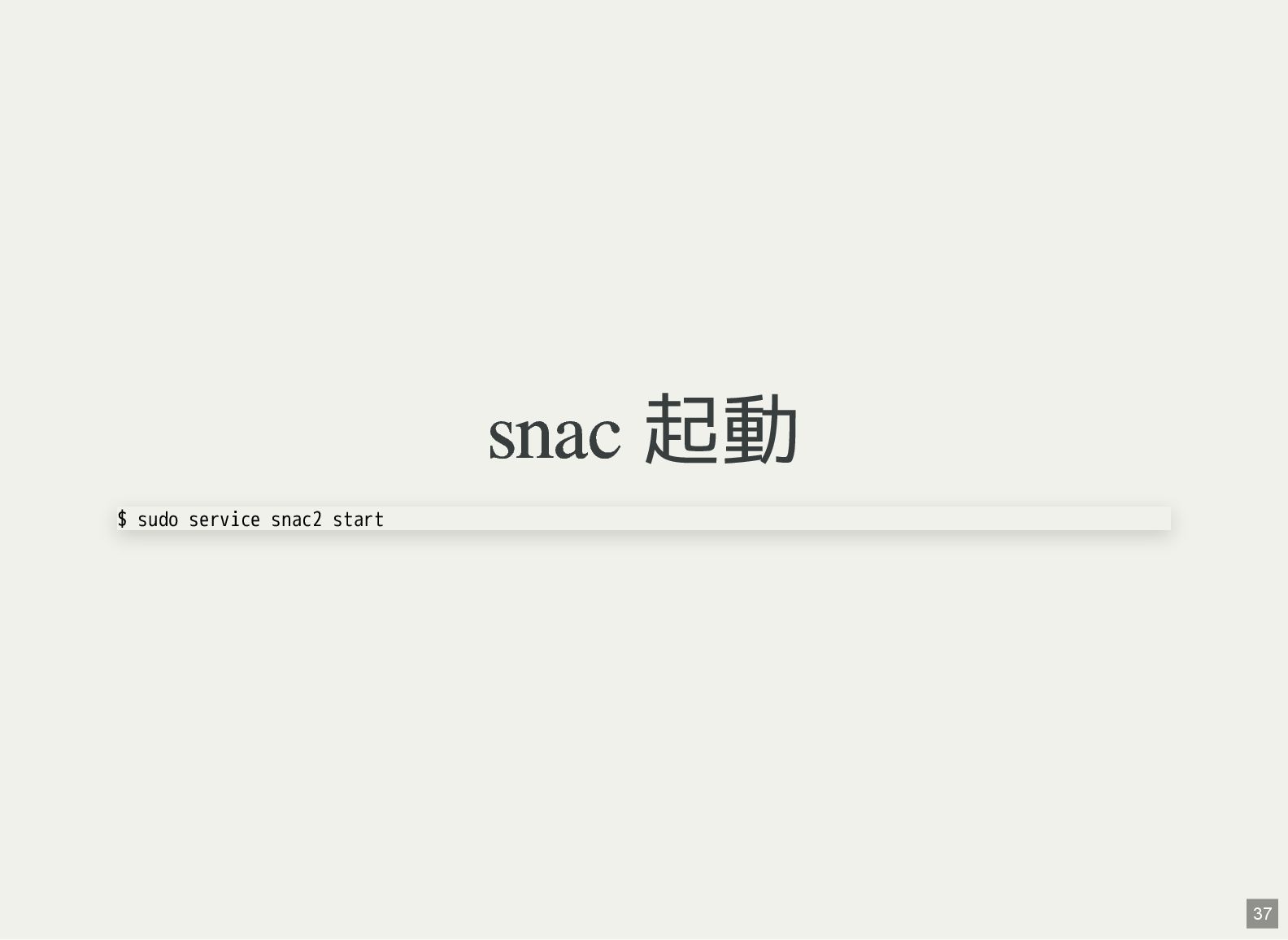
snac パッケージの導入 snac が起動してしまうので一旦停止 $ sudo apt install snac2 $
sudo service snac2 stop 31 -
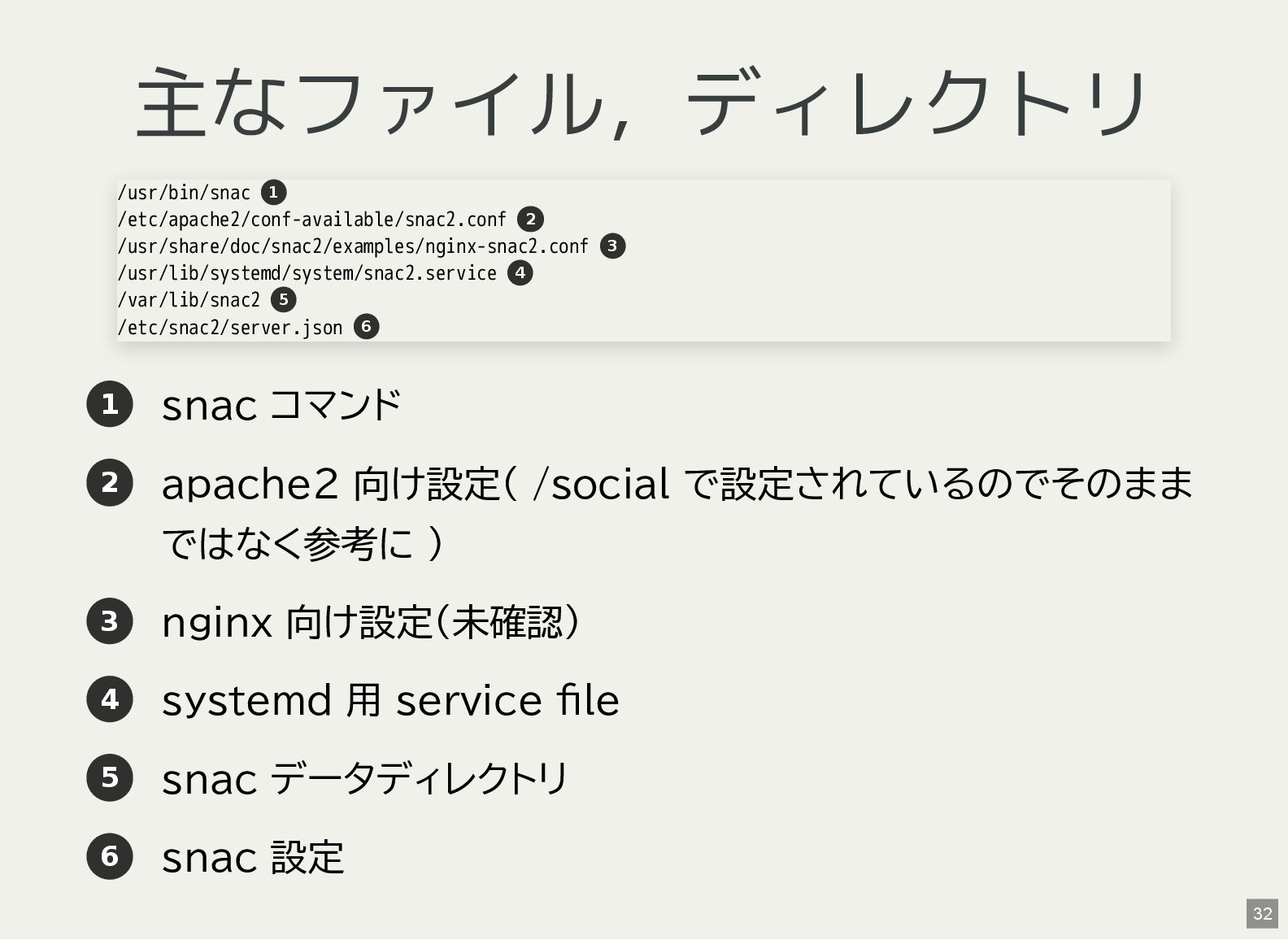
主なファイル,ディレクトリ 1 snac コマンド 2 apache2 向け設定( /social で設定されているのでそのまま ではなく参考に
) 3 nginx 向け設定(未確認) 4 systemd 用 service file 5 snac データディレクトリ 6 snac 設定 /usr/bin/snac /etc/apache2/conf-available/snac2.conf /usr/share/doc/snac2/examples/nginx-snac2.conf /usr/lib/systemd/system/snac2.service /var/lib/snac2 /etc/snac2/server.json 1 2 3 4 5 6 32 -
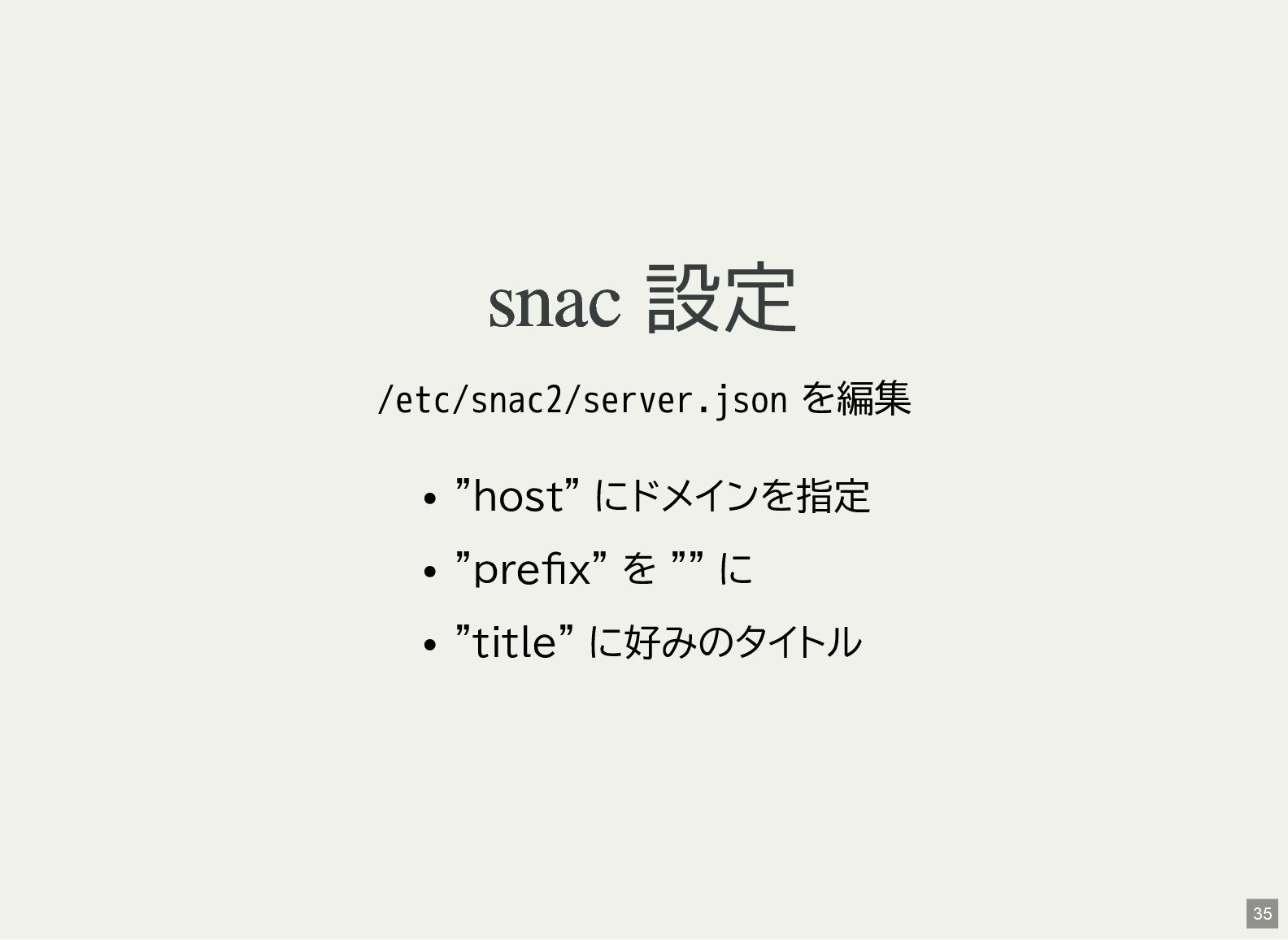
snac 設定 /etc/snac2/server.json を編集 "host" にドメインを指定 "prefix" を "" に
"title" に好みのタイトル 35 -
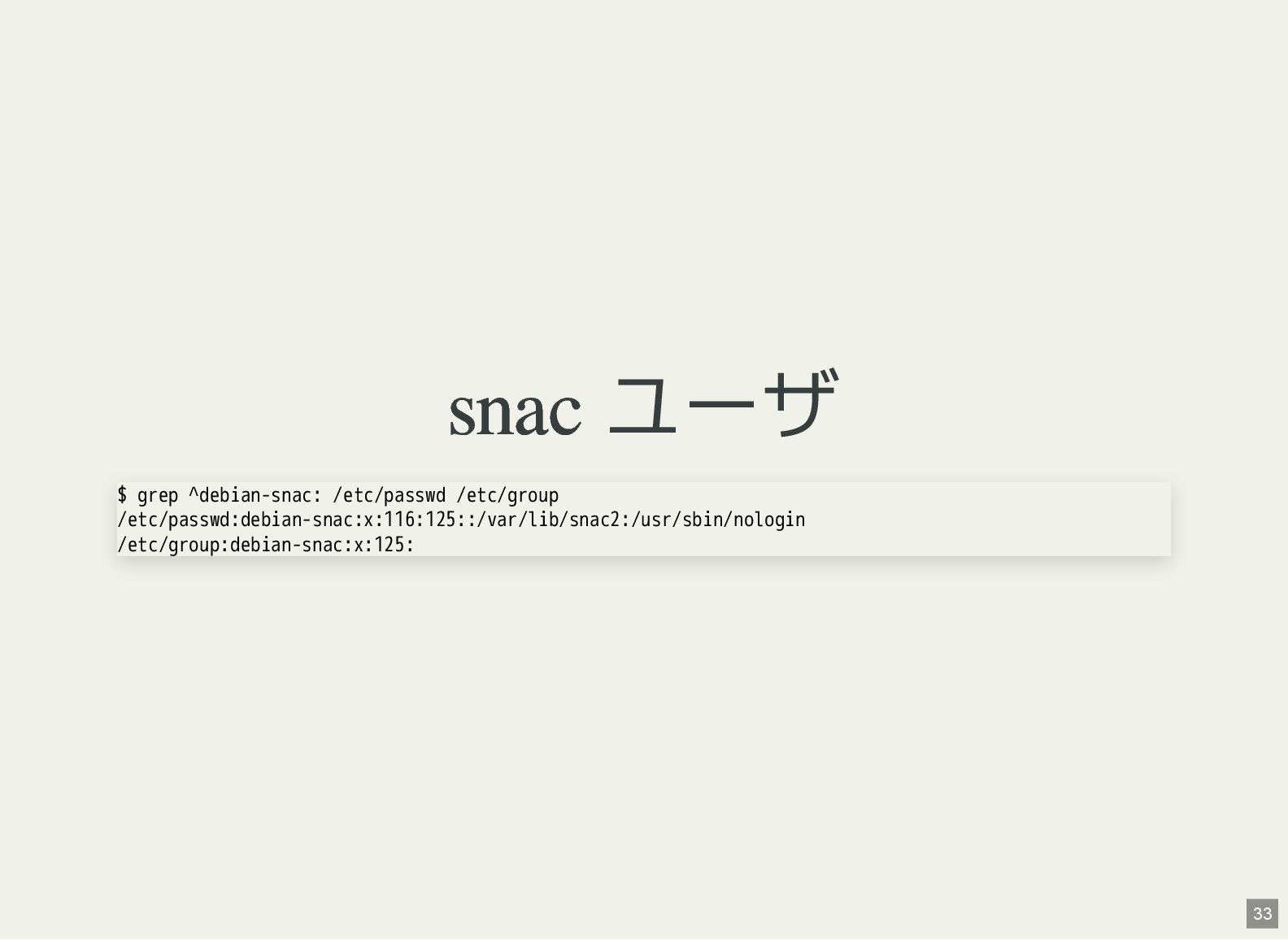
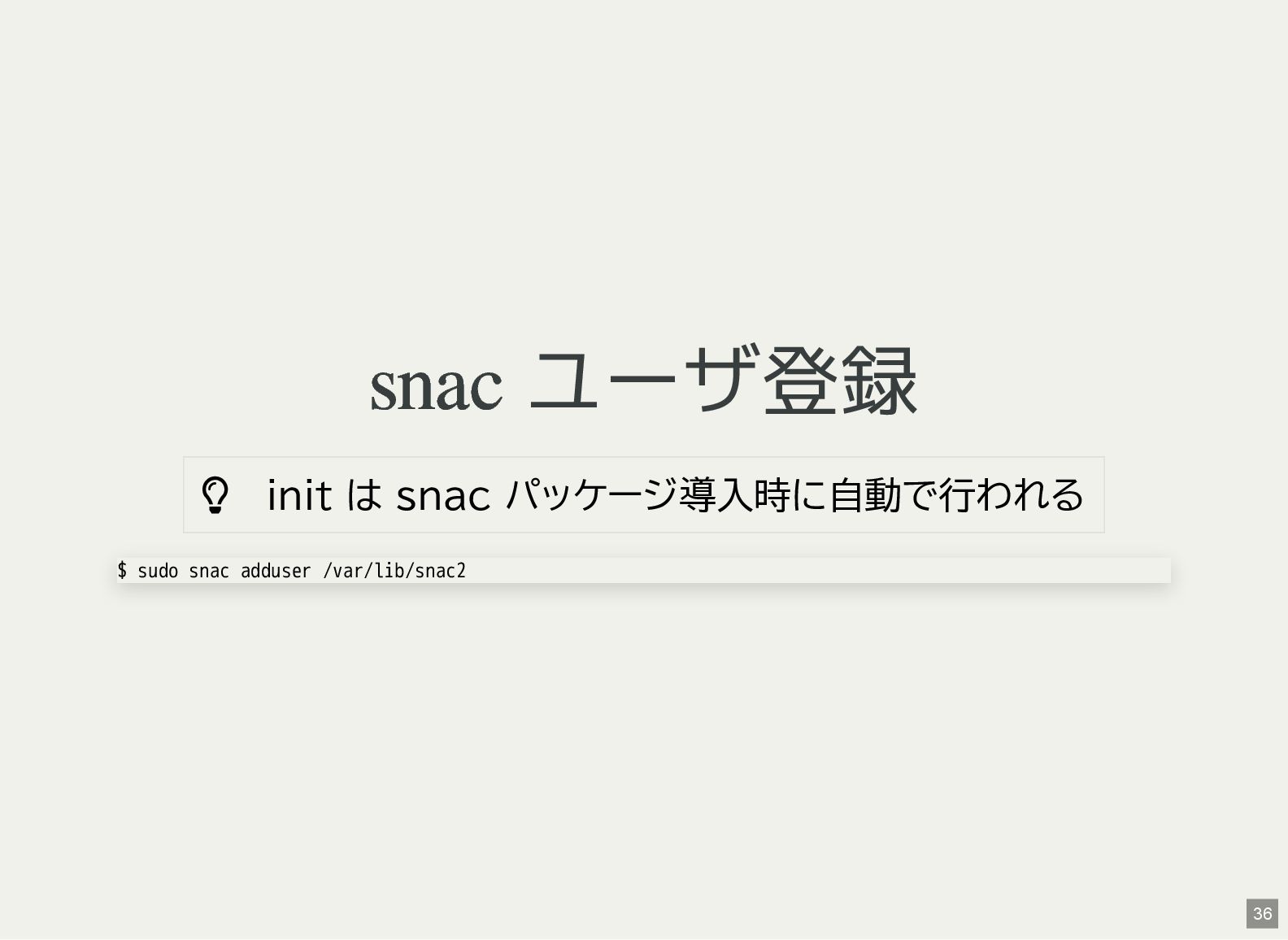
snac ユーザ登録 init は snac パッケージ導入時に自動で行われる $ sudo snac
adduser /var/lib/snac2 36 -
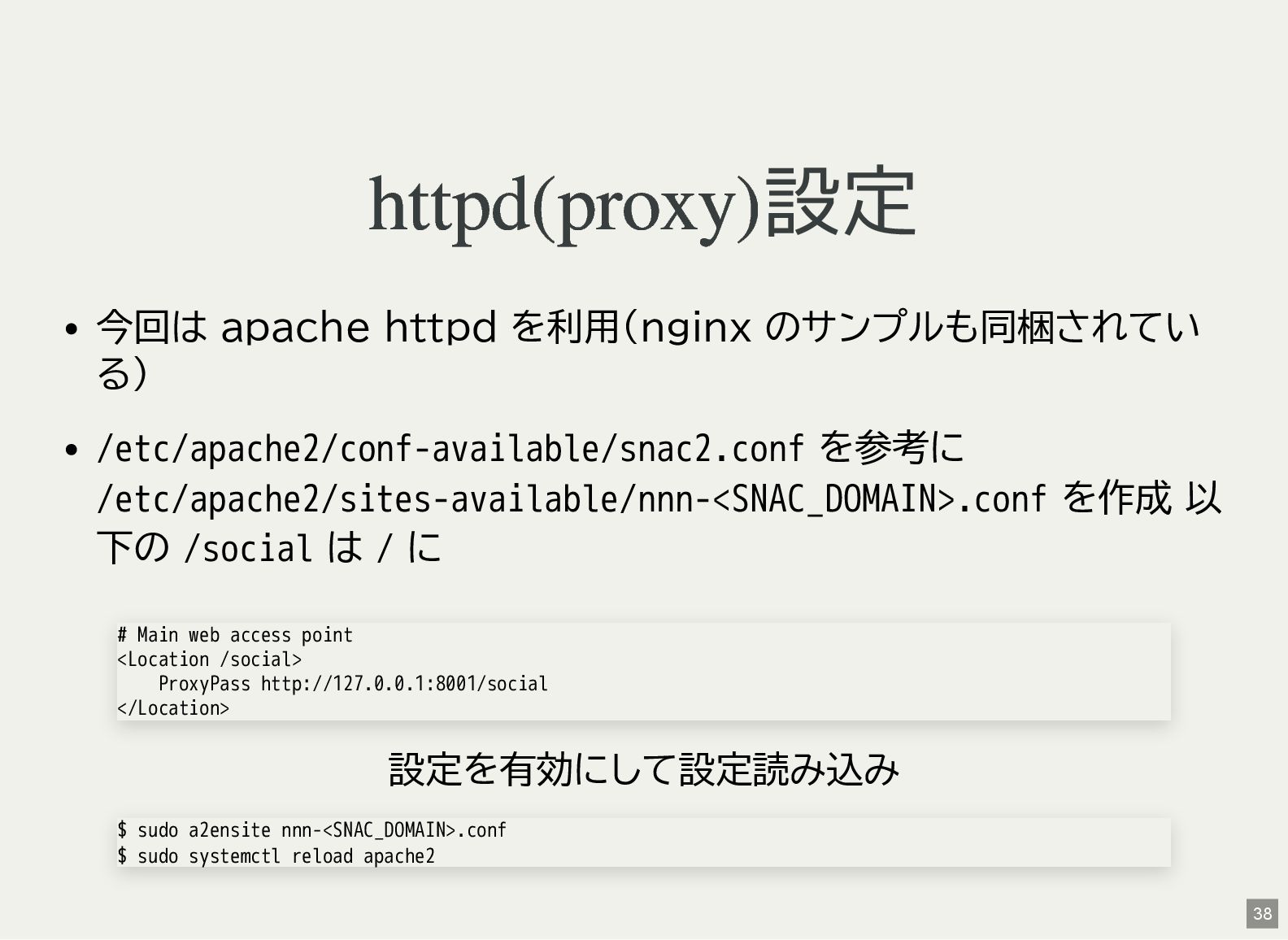
httpd(proxy)設定 今回は apache httpd を利用(nginx のサンプルも同梱されてい る) /etc/apache2/conf-available/snac2.conf を参考に /etc/apache2/sites-available/nnn-<SNAC_DOMAIN>.conf
を作成 以 下の /social は / に 設定を有効にして設定読み込み # Main web access point <Location /social> ProxyPass http://127.0.0.1:8001/social </Location> $ sudo a2ensite nnn-<SNAC_DOMAIN>.conf $ sudo systemctl reload apache2 38 -
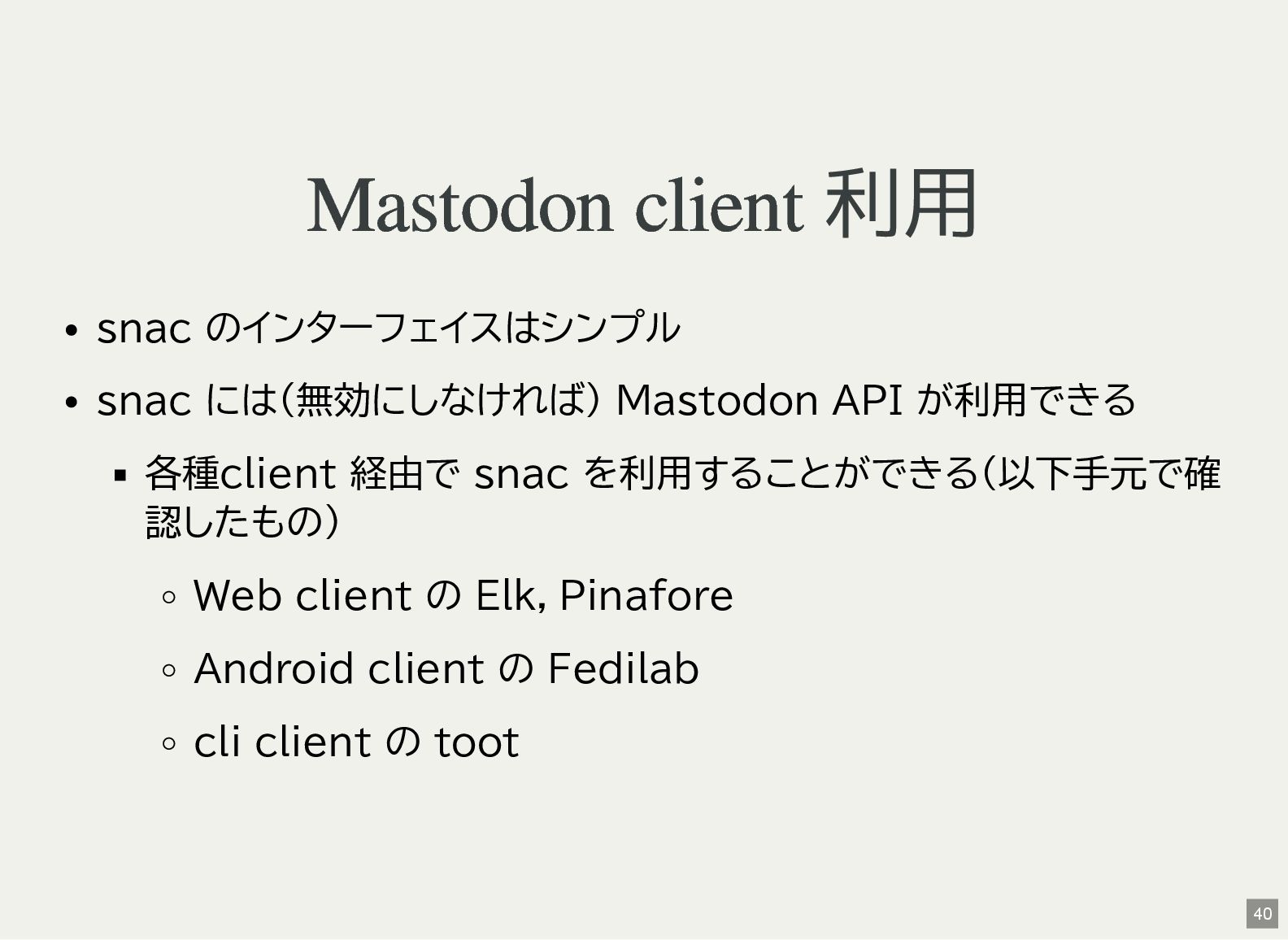
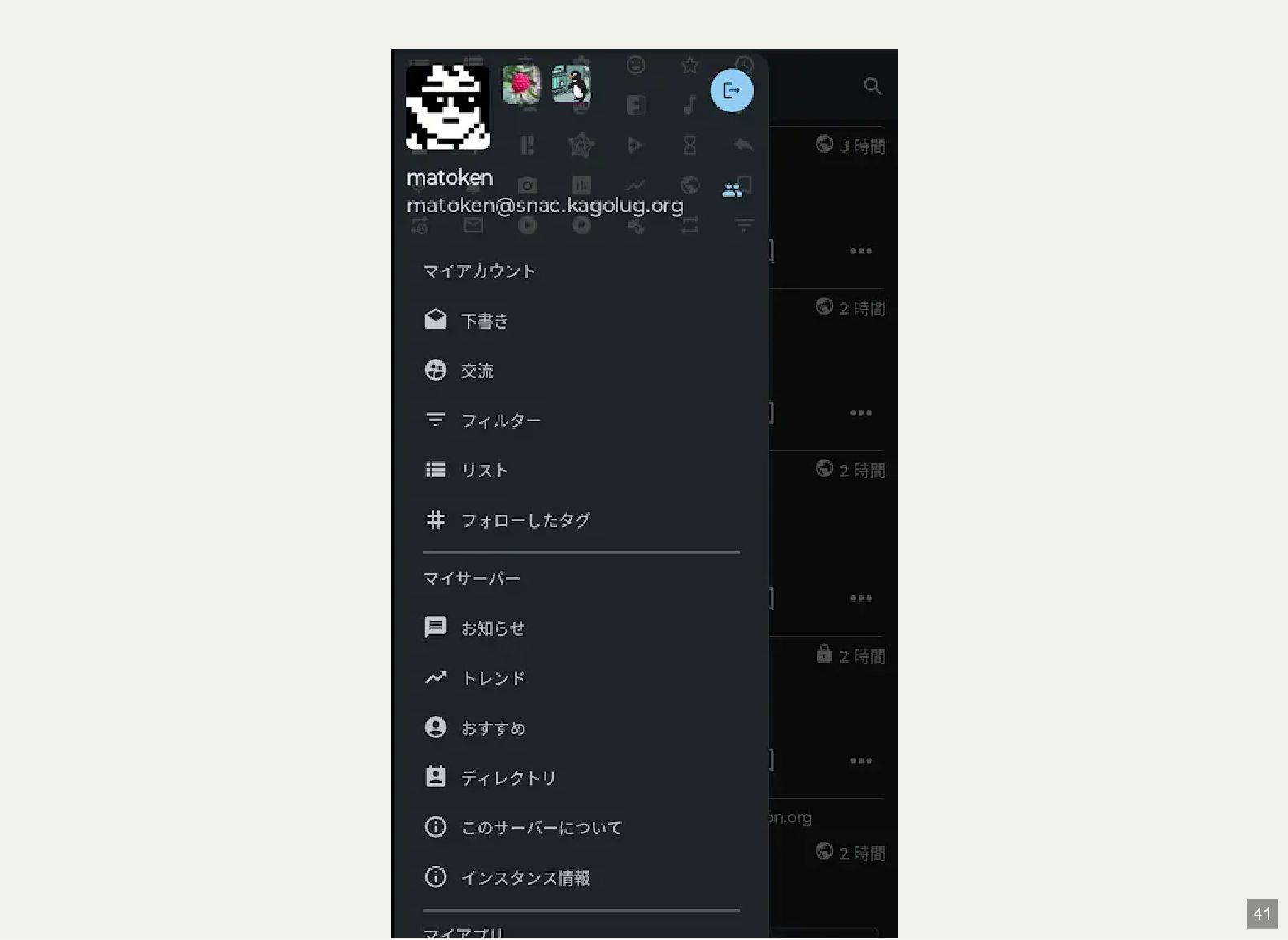
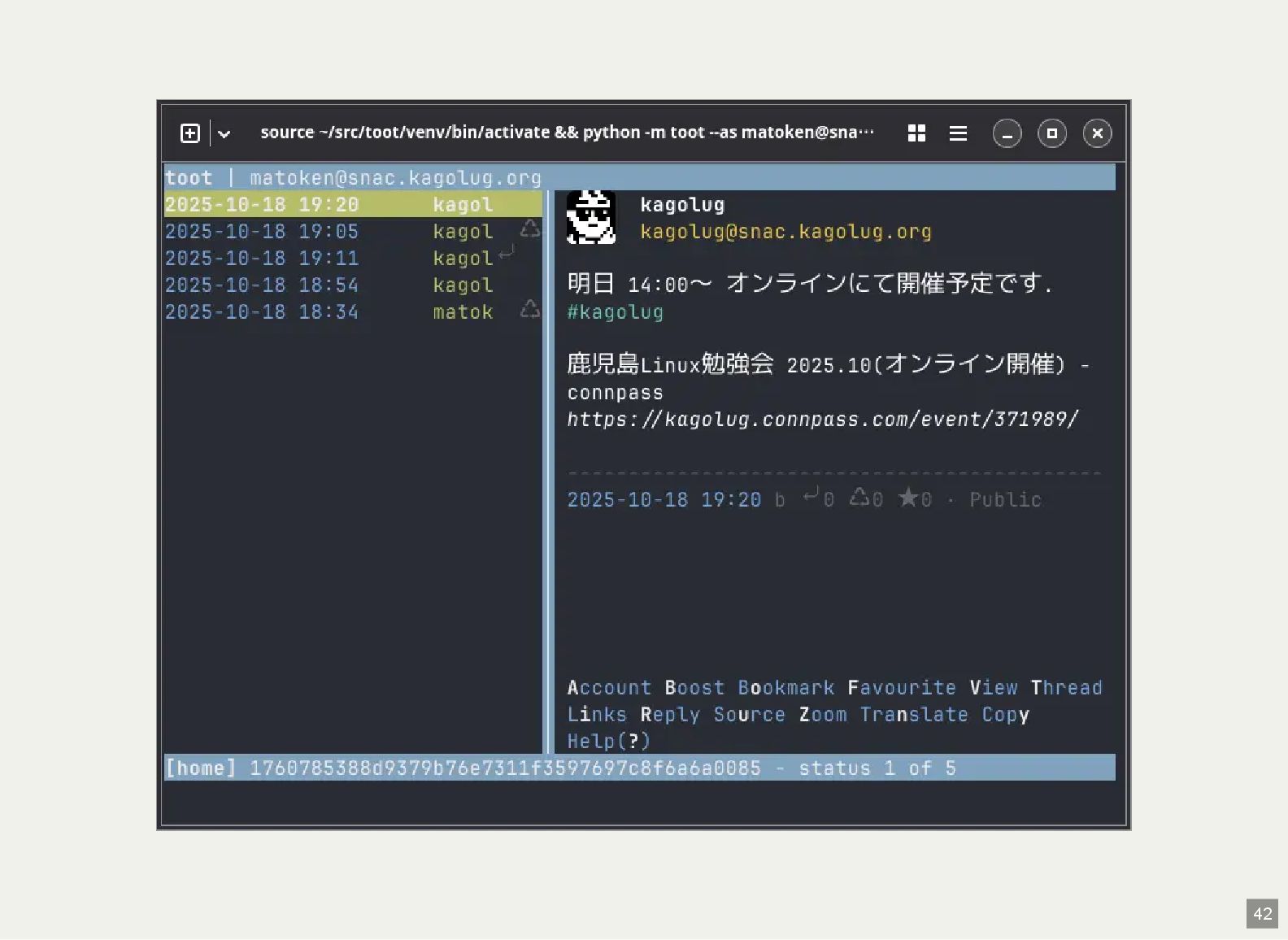
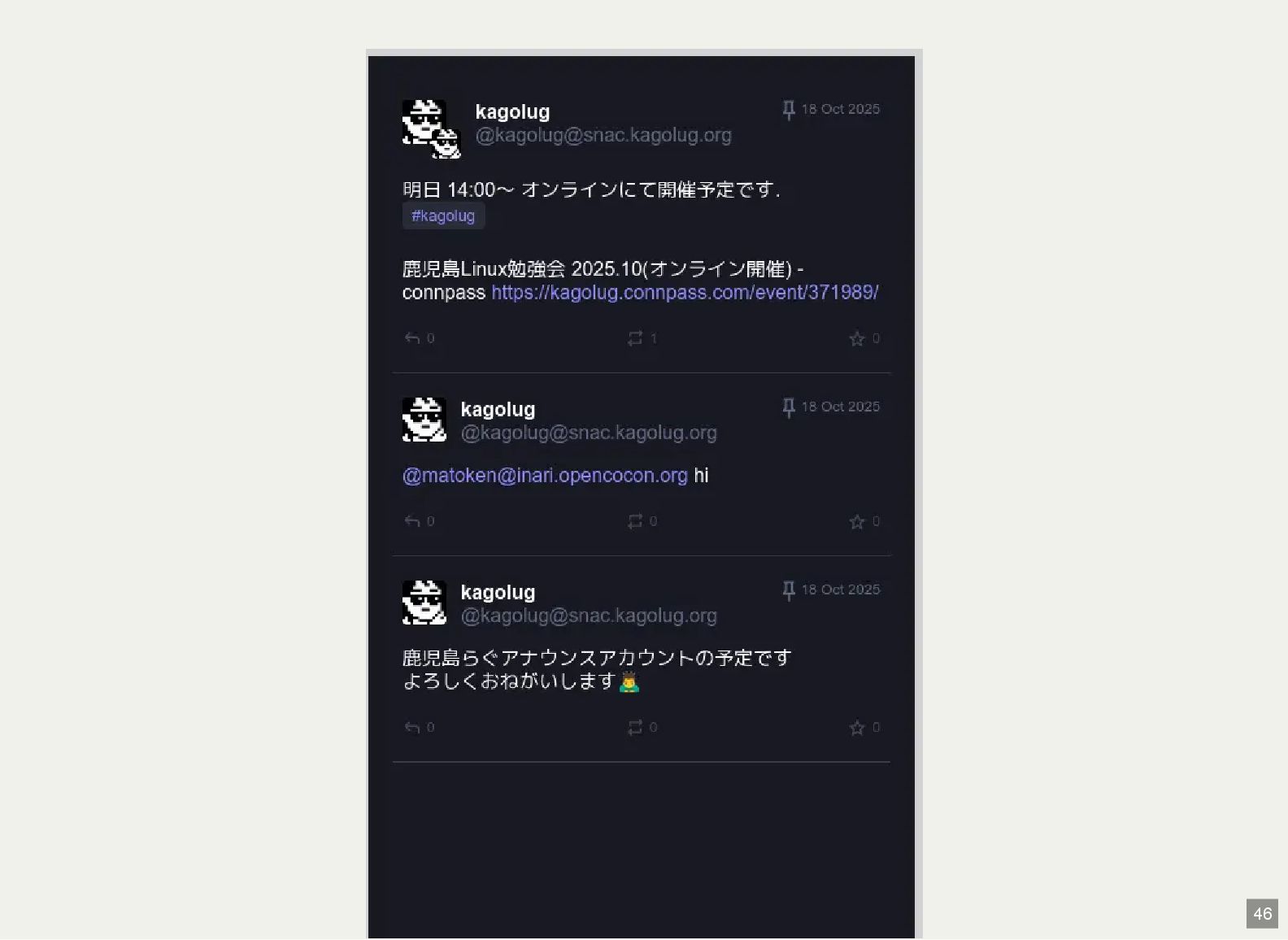
Mastodon client 利用 snac のインターフェイスはシンプル snac には(無効にしなければ) Mastodon API が利用できる
各種client 経由で snac を利用することができる(以下手元で確 認したもの) Web client の Elk,Pinafore Android client の Fedilab cli client の toot 40 -
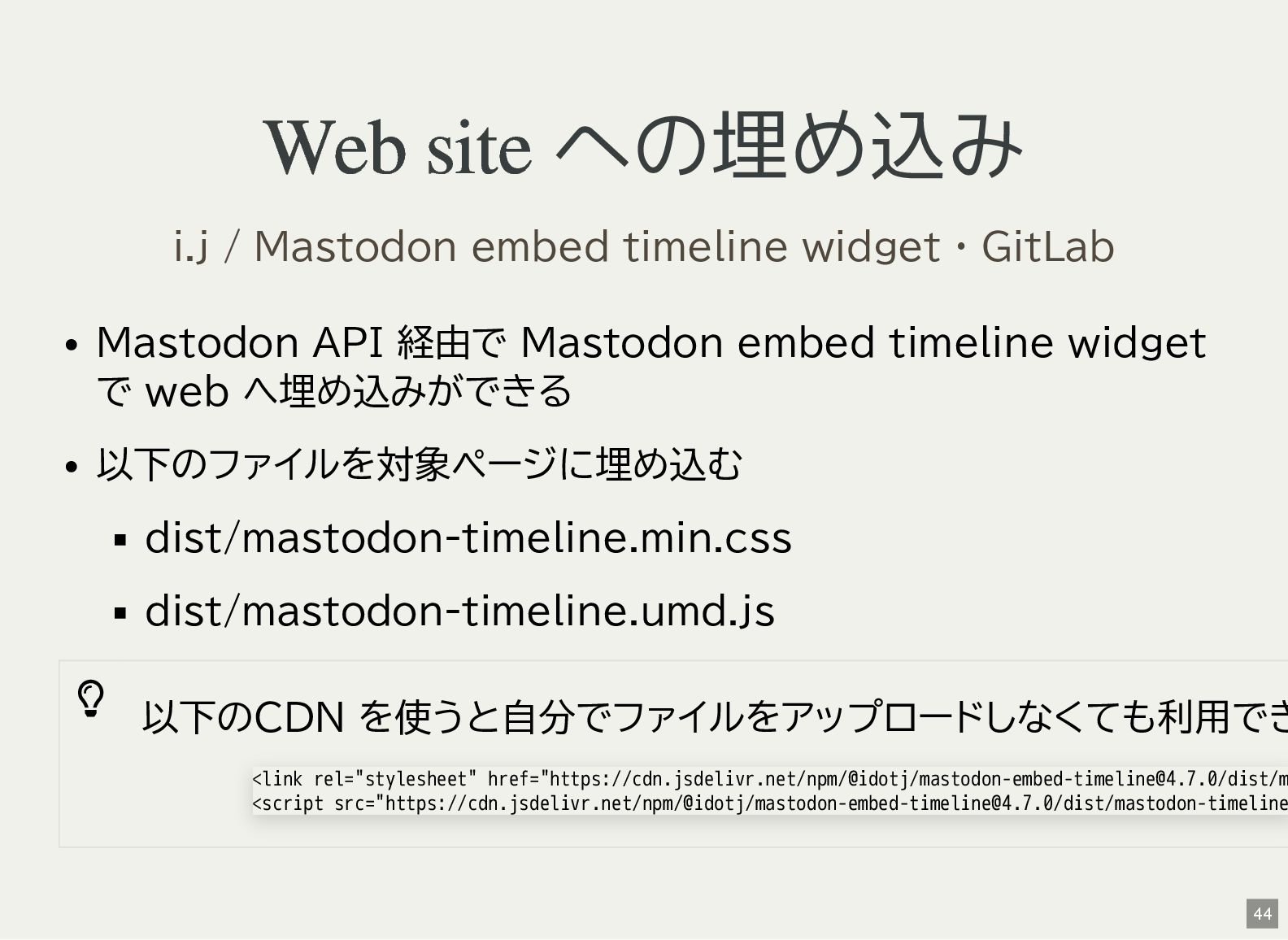
Web site への埋め込み Mastodon API 経由で Mastodon embed timeline widget
で web へ埋め込みができる 以下のファイルを対象ページに埋め込む dist/mastodon-timeline.min.css dist/mastodon-timeline.umd.js 以下のCDN を使うと自分でファイルをアップロードしなくても利用でき i.j / Mastodon embed timeline widget · GitLab <link rel="stylesheet" href="https://cdn.jsdelivr.net/npm/@idotj/[email protected]/dist/m <script src="https://cdn.jsdelivr.net/npm/@idotj/[email protected]/dist/mastodon-timeline 44 -
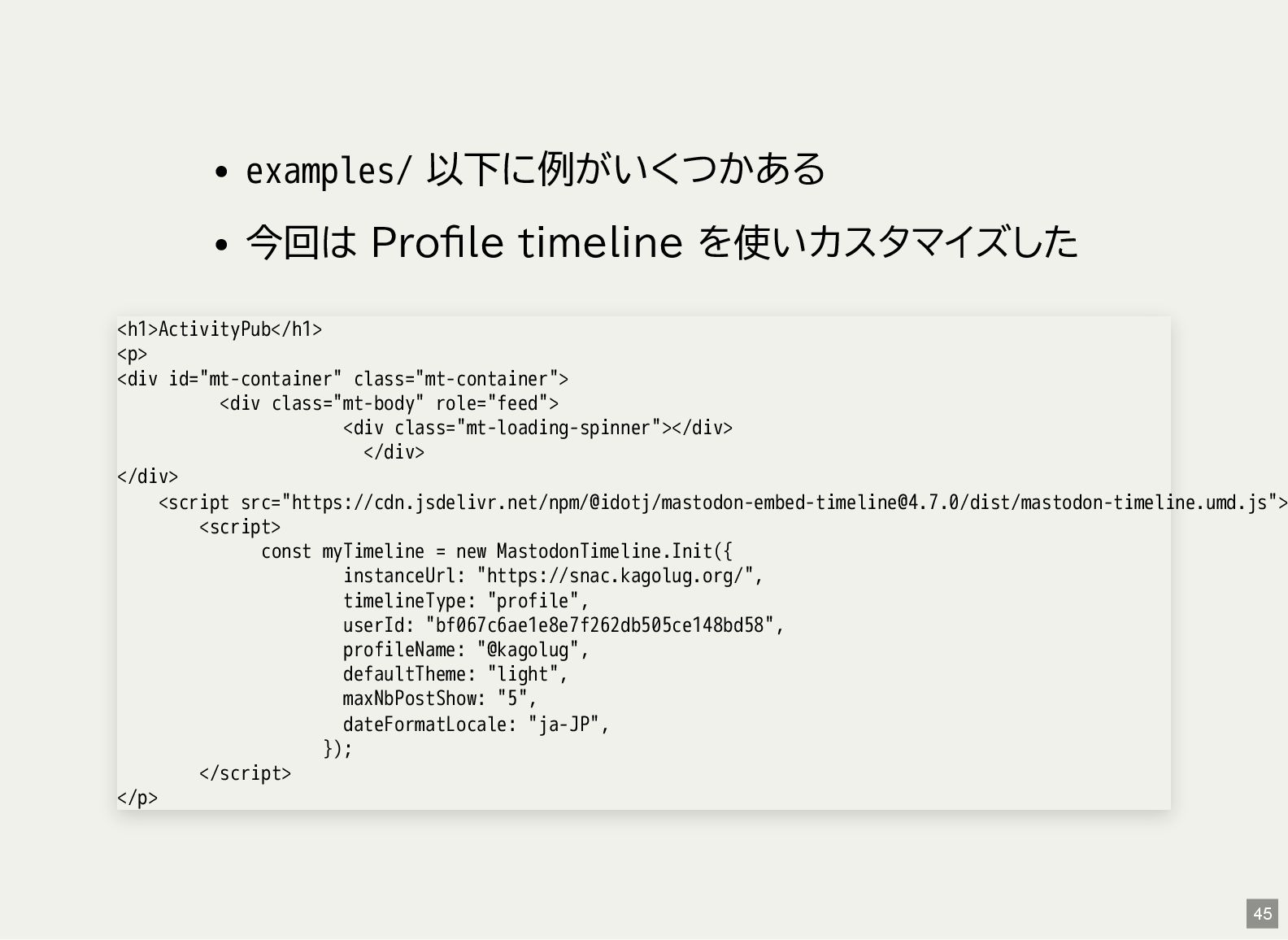
examples/ 以下に例がいくつかある 今回は Profile timeline を使いカスタマイズした <h1>ActivityPub</h1> <p> <div id="mt-container"
class="mt-container"> <div class="mt-body" role="feed"> <div class="mt-loading-spinner"></div> </div> </div> <script src="https://cdn.jsdelivr.net/npm/@idotj/[email protected]/dist/mastodon-timeline.umd.js"> <script> const myTimeline = new MastodonTimeline.Init({ instanceUrl: "https://snac.kagolug.org/", timelineType: "profile", userId: "bf067c6ae1e8e7f262db505ce148bd58", profileName: "@kagolug", defaultTheme: "light", maxNbPostShow: "5", dateFormatLocale: "ja-JP", }); </script> </p> 45 -
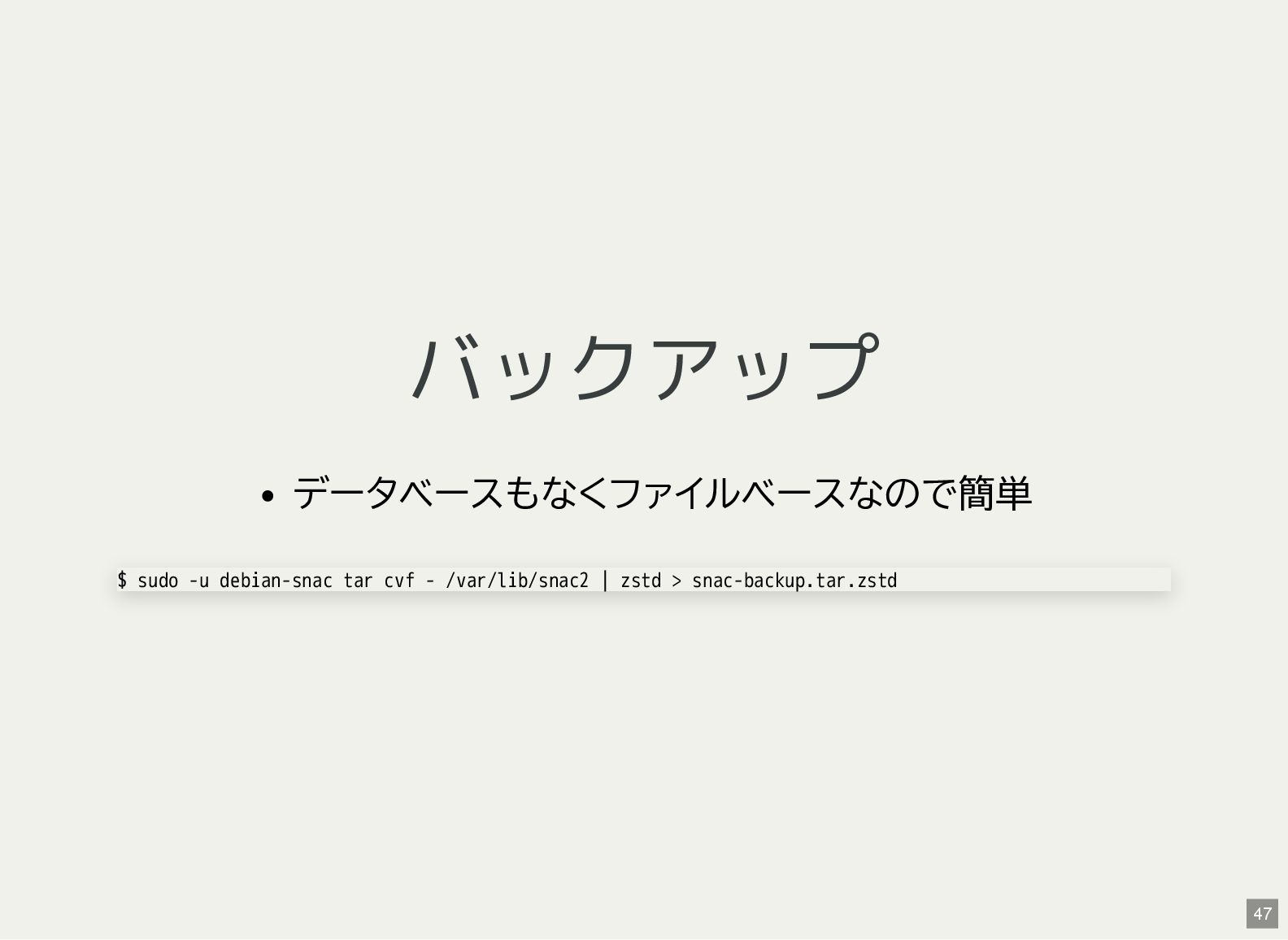
バックアップ データベースもなくファイルベースなので簡単 $ sudo -u debian-snac tar cvf - /var/lib/snac2
| zstd > snac-backup.tar.zstd 47 -
これから backports package の利用 FastCGI snac2 | 2.75-2 | stable
| source, amd64, arm64, armel, armhf, i386, ppc64el, riscv snac2 | 2.83-1~bpo13+1 | stable-backports | source, amd64, arm64, armel, armhf, i386, ppc64el, riscv fastcgi If set to true, snac will use the FastCGI interface to communicate with the upper level http server, that must Giacomo Tesio - How to run your own social network (with Snac) 48 -
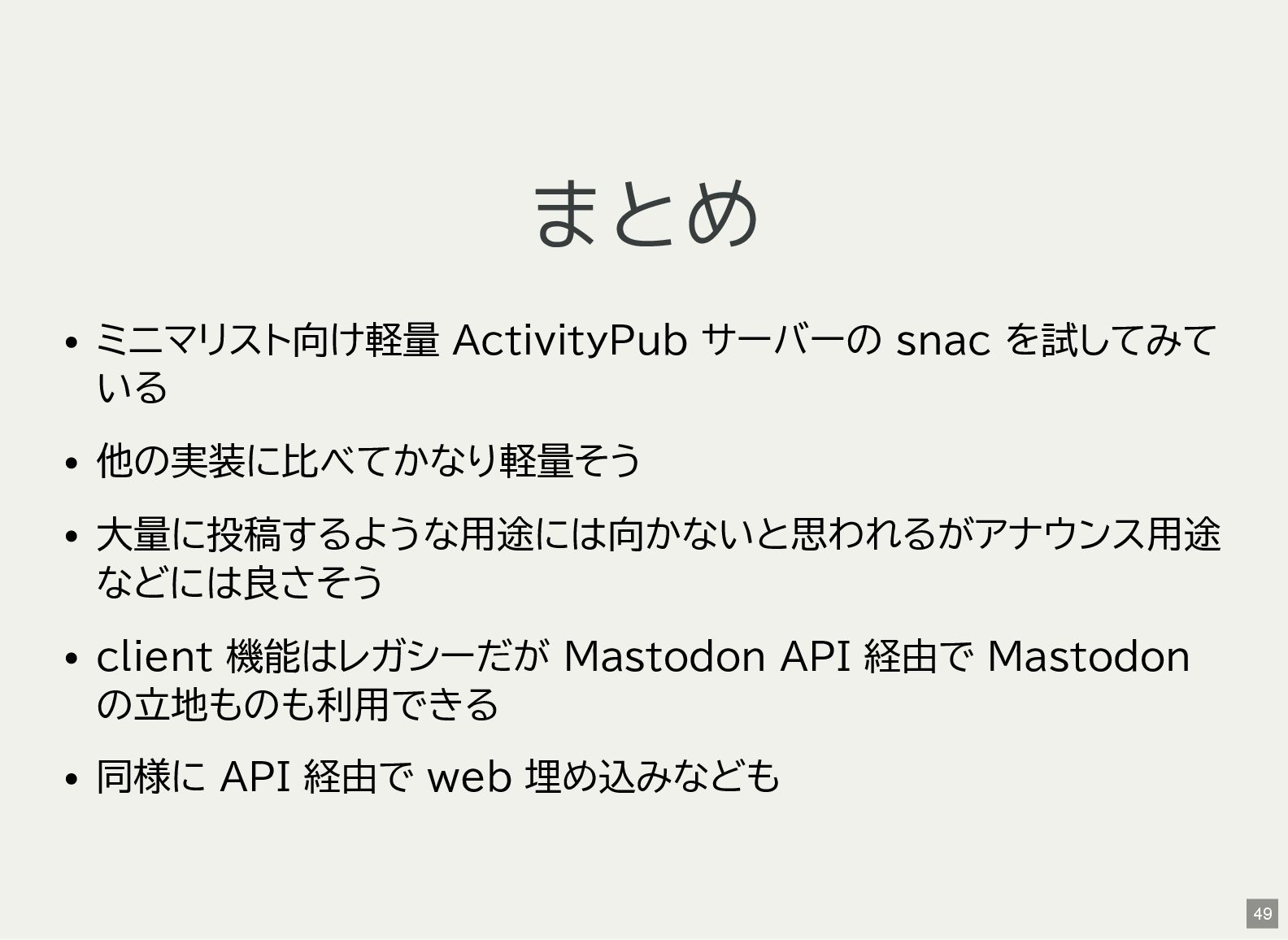
まとめ ミニマリスト向け軽量 ActivityPub サーバーの snac を試してみて いる 他の実装に比べてかなり軽量そう 大量に投稿するような用途には向かないと思われるがアナウンス用途 などには良さそう
client 機能はレガシーだが Mastodon API 経由で Mastodon の立地ものも利用できる 同様に API 経由で web 埋め込みなども 49 -
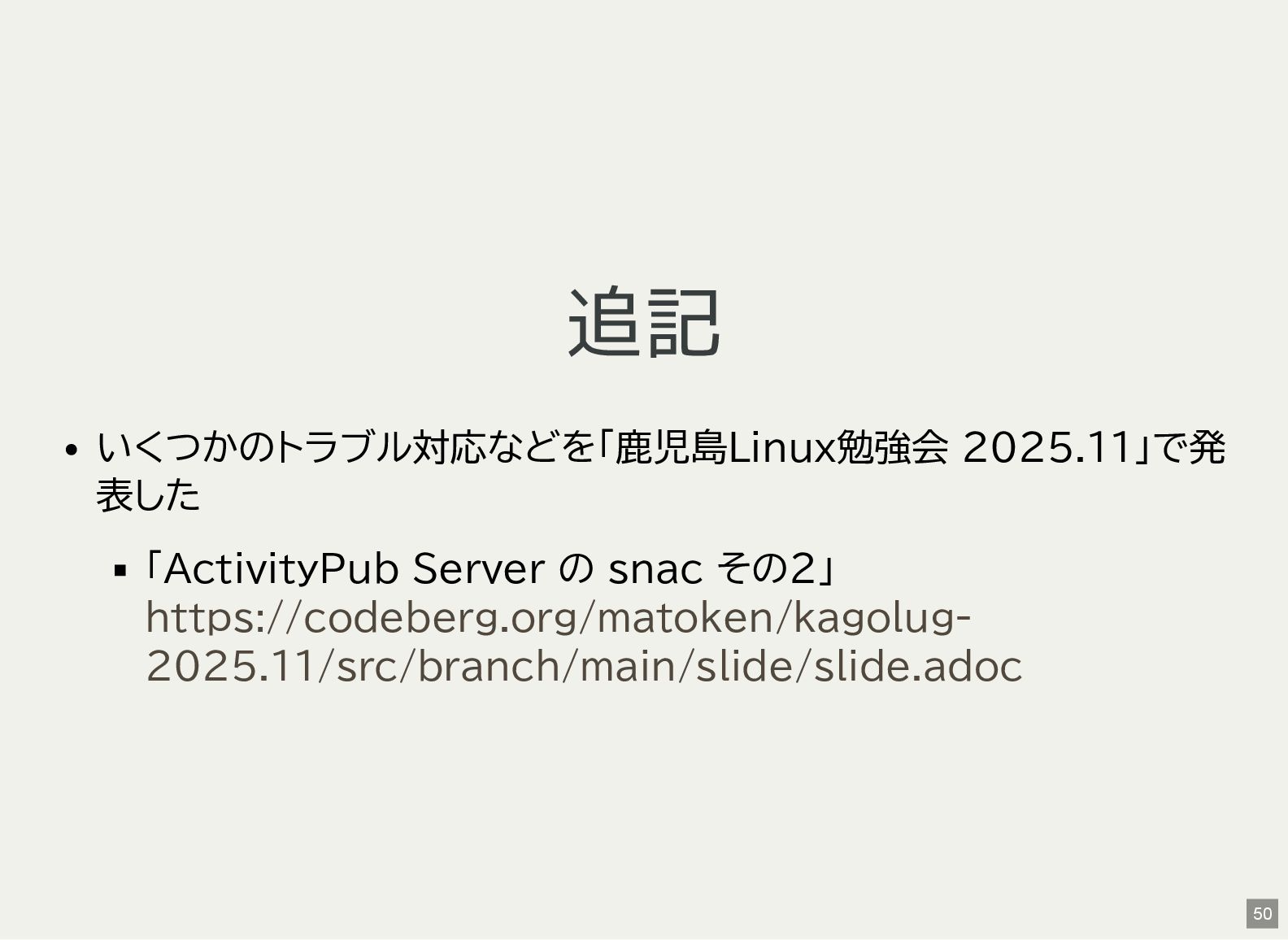
追記 いくつかのトラブル対応などを「鹿児島Linux勉強会 2025.11」で発 表した 「ActivityPub Server の snac その2」 https://codeberg.org/matoken/kagolug-
2025.11/src/branch/main/slide/slide.adoc 50 -
奥付 発表 2025-10- 19(sun) 発表者 利用ソフトウェア NeoVim + textlint +
ライセンス 鹿児島Linux勉強会 2025.10(オンライン開催) Kenichiro Matohara(matoken) Asciidoctor Reveal.js CC BY 4.0 51