Share
Embed
[mercari GEARS 2025] Mercari’s CDN Migration from Fastly to Cloudflare
Transcript
35 slides
-
Mercari’s CDN Migration from Fastly to Cloudflare Hatappi Mercari /
Software Engineer -
Hatappi • Joined Mercari in 2019 • Led
CDN migration from Fastly to Cloudflare on Platform Network team • Now SRE in Cross-border team, driving global expansion Software Engineer -
Key Takeaways for Today 1. Motivation for migrating to Cloudflare
2. How we approached the Migration 3. How development experience changed -
Agenda 1. Why we migrated to Cloudflare 2. How we
migrated 3. Building toward CDN as a Service 4. How developer experience changed -
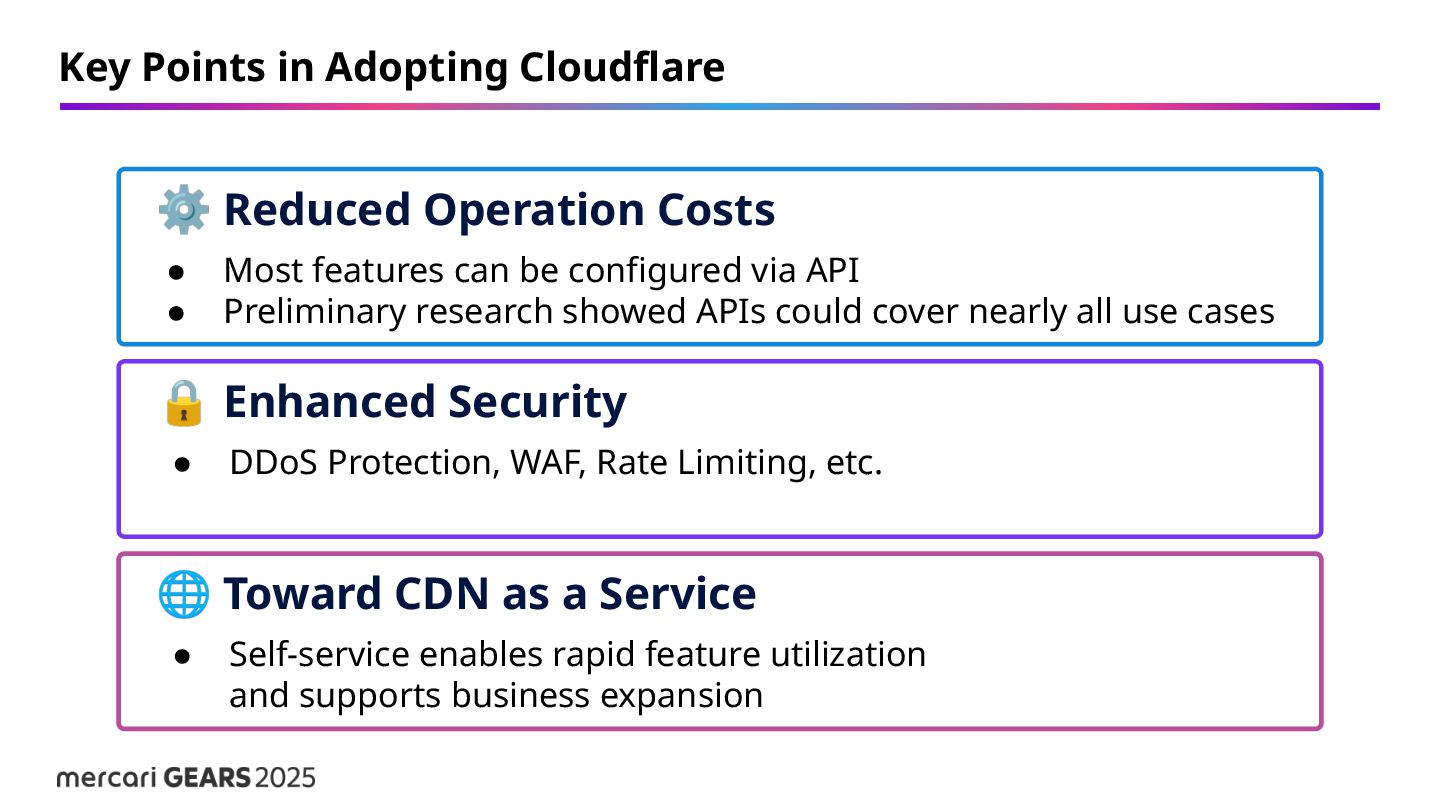
Key Points in Adopting Cloudflare ⚙ Reduced Operation Costs •
Most features can be configured via API • Preliminary research showed APIs could cover nearly all use cases 🔒 Enhanced Security • DDoS Protection, WAF, Rate Limiting, etc. 🌐 Toward CDN as a Service • Self-service enables rapid feature utilization and supports business expansion -
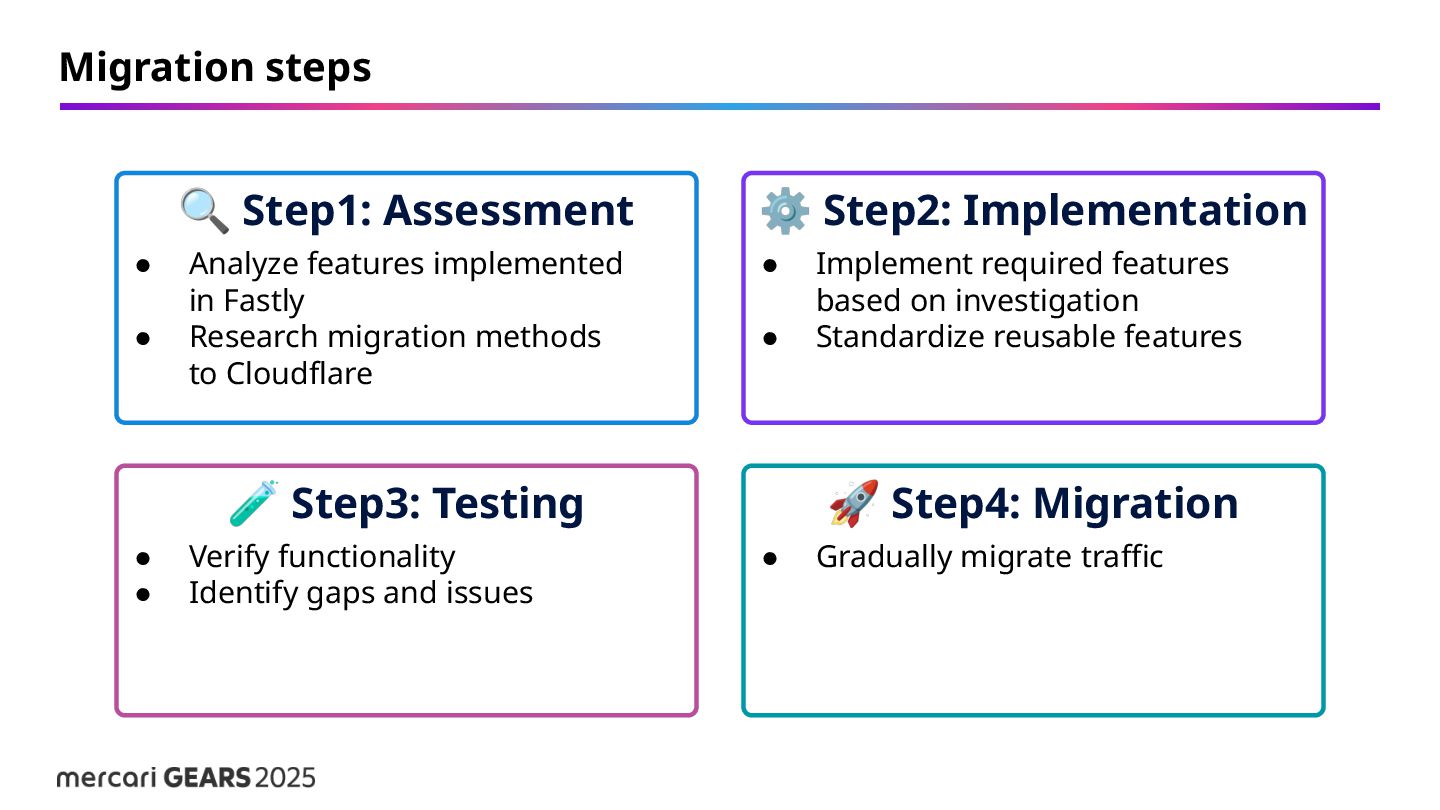
Migration steps 🔍 Step1: Assessment • Analyze features implemented in
Fastly • Research migration methods to Cloudflare ⚙ Step2: Implementation • Implement required features based on investigation • Standardize reusable features 🧪 Step3: Testing • Verify functionality • Identify gaps and issues 🚀 Step4: Migration • Gradually migrate traffic -
🔍 Step 1: Assessment Examples • Vary header ◦ Fastly:
Supported ◦ Cloudflare: Only supported for image (as of Sep 2025) • Default cache TTL on CDN ◦ Fastly: Supported ◦ Cloudflare: Not configurable (as of Sep 2025) There are differences between Fastly and Cloudflare. In particular, cache-related behavior requires careful attention. -
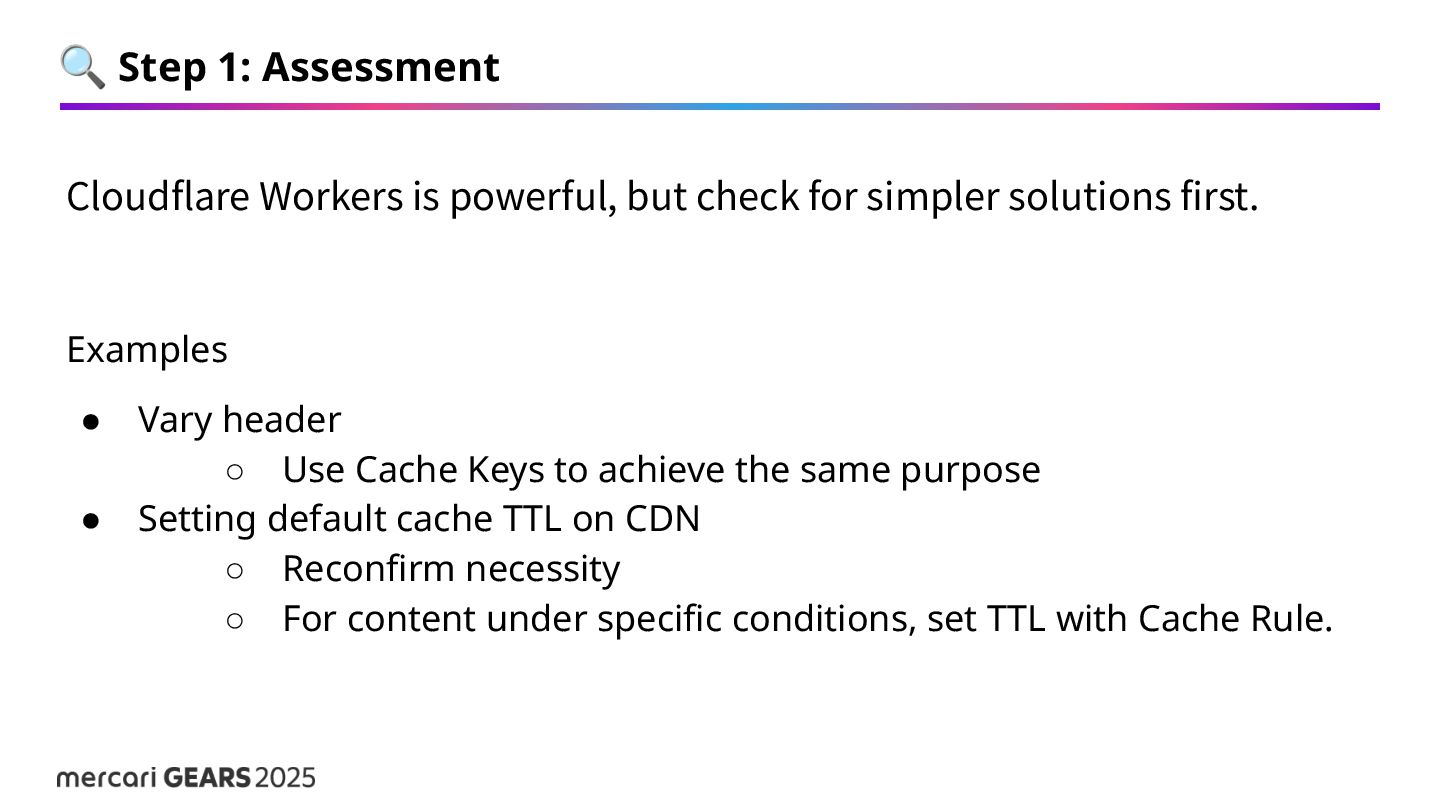
🔍 Step 1: Assessment Examples • Vary header ◦ Use
Cache Keys to achieve the same purpose • Setting default cache TTL on CDN ◦ Reconfirm necessity ◦ For content under specific conditions, set TTL with Cache Rule. Cloudflare Workers is powerful, but check for simpler solutions first. -
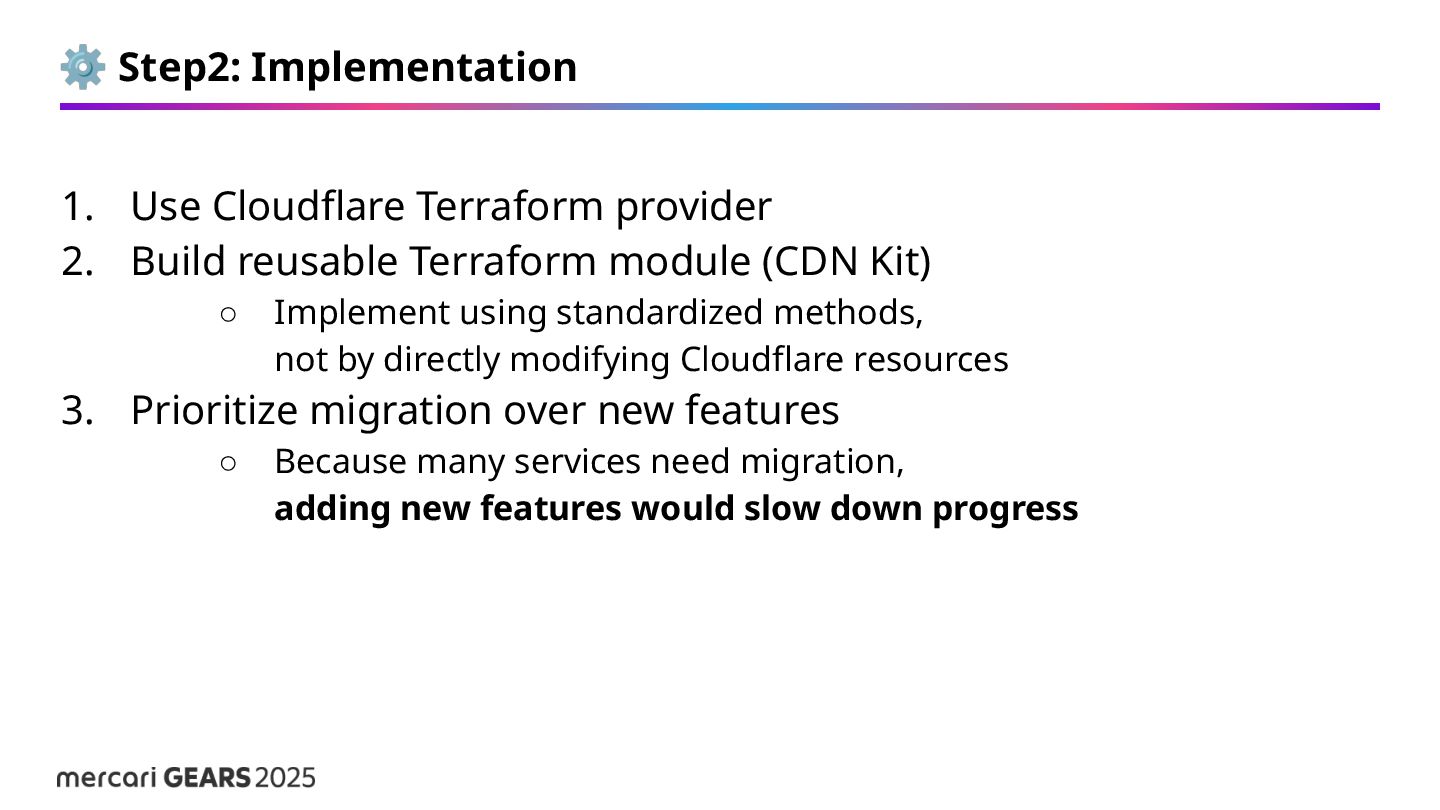
⚙ Step2: Implementation 1. Use Cloudflare Terraform provider 2. Build
reusable Terraform module (CDN Kit) ◦ Implement using standardized methods, not by directly modifying Cloudflare resources 3. Prioritize migration over new features ◦ Because many services need migration, adding new features would slow down progress -
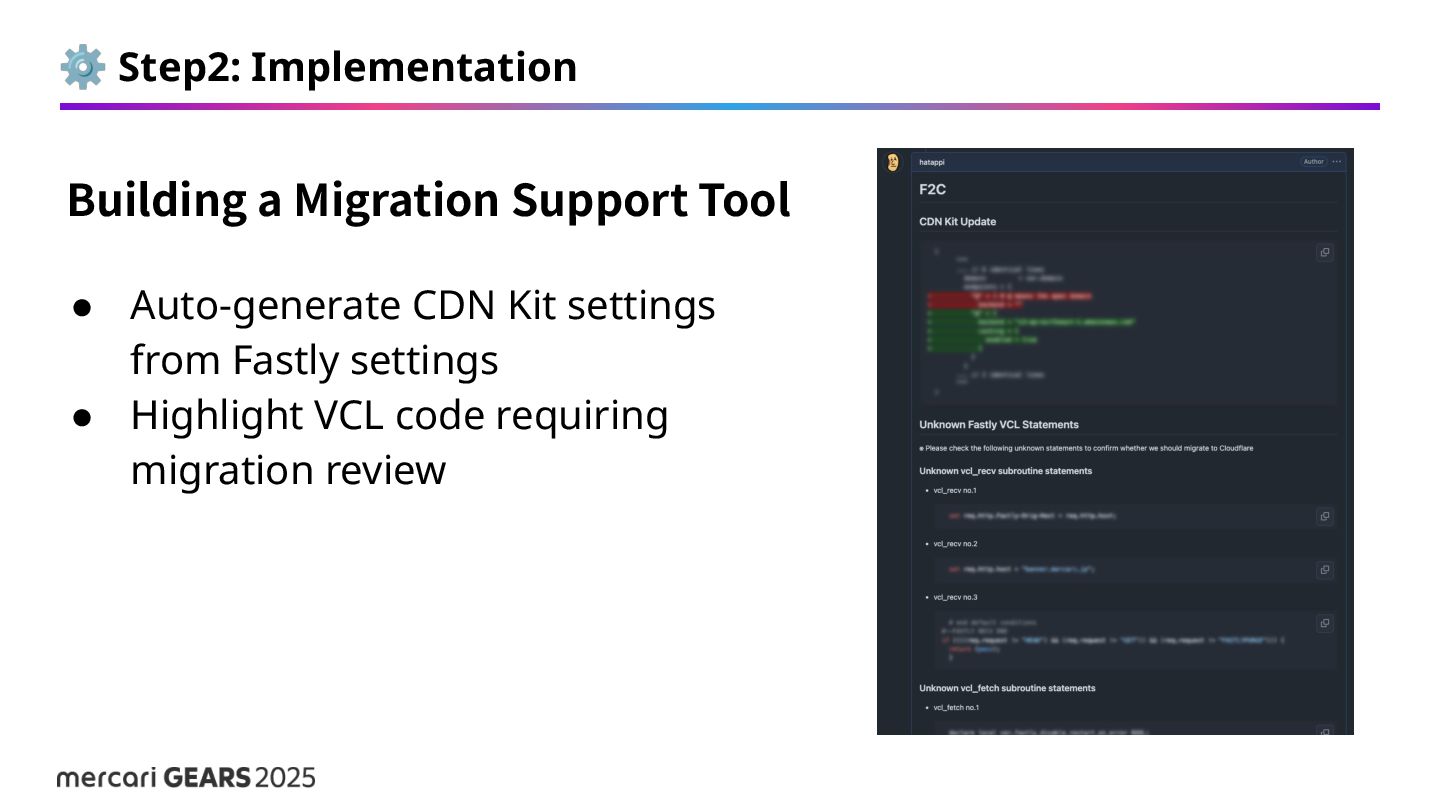
⚙ Step2: Implementation • Auto-generate CDN Kit settings from Fastly
settings • Highlight VCL code requiring migration review Building a Migration Support Tool -
🚀 Step4: Migration • Gradual traffic migration ◦ limit potential
impact of issues • Smooth rollback ◦ quickly revert if issues occur, minimize business impact To ensure safe and smooth migration -
🚀 Step4: Migration • Adjust DNS weights to shift traffic
step by step • Short TTLs ensure quick reflection of changes • Rollback is simple by just reverting the weight DNS Weighted Routing for Gradual Migration -
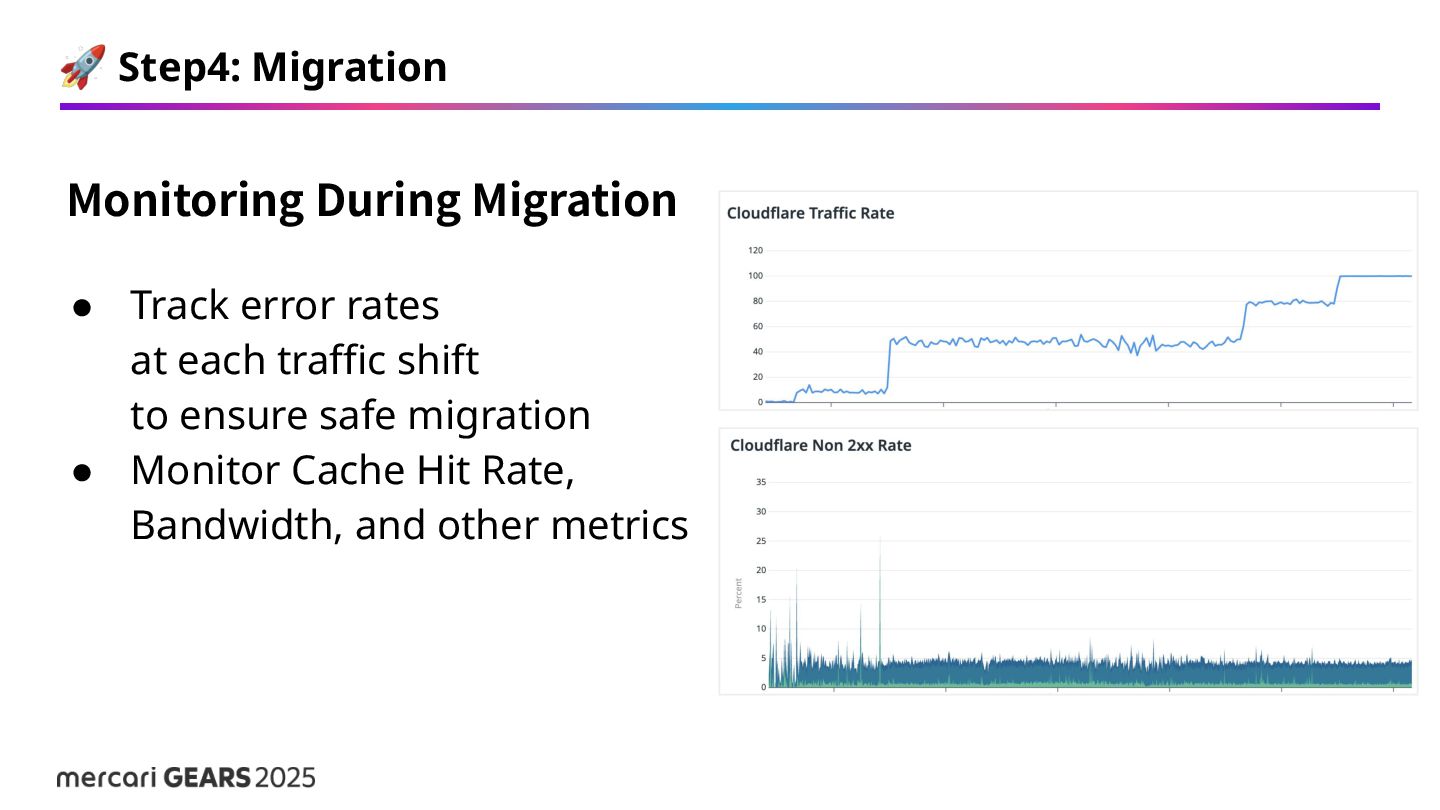
🚀 Step4: Migration • Track error rates at each traffic
shift to ensure safe migration • Monitor Cache Hit Rate, Bandwidth, and other metrics Monitoring During Migration -
Building CDN as a Service CDN Kit Mercari standardized
Terraform module for CDN configuration CF IAM Automated permission management for Cloudflare Dashboard -
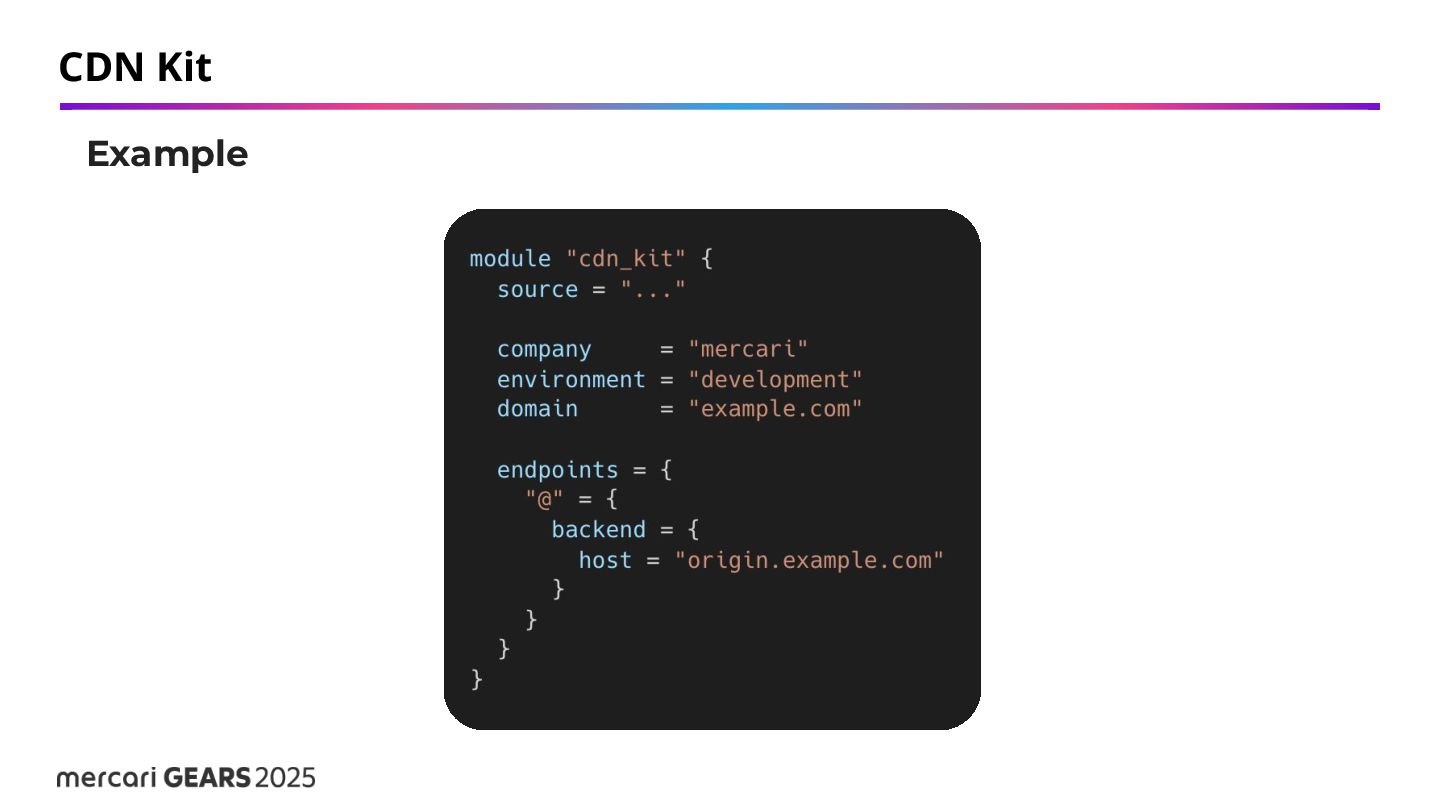
CDN Kit 🔧 Provide a unified Terraform module for Cloudflare
at Mercari 🎯 Simplify configuration to reduce developer burden ✨ With minimal configuration, developers can: • Configure DNS, WAF, and other resources • Export access logs seamlessly to BigQuery • Auto-generate Datadog monitors Mercari standardized Terraform module for CDN configuration -
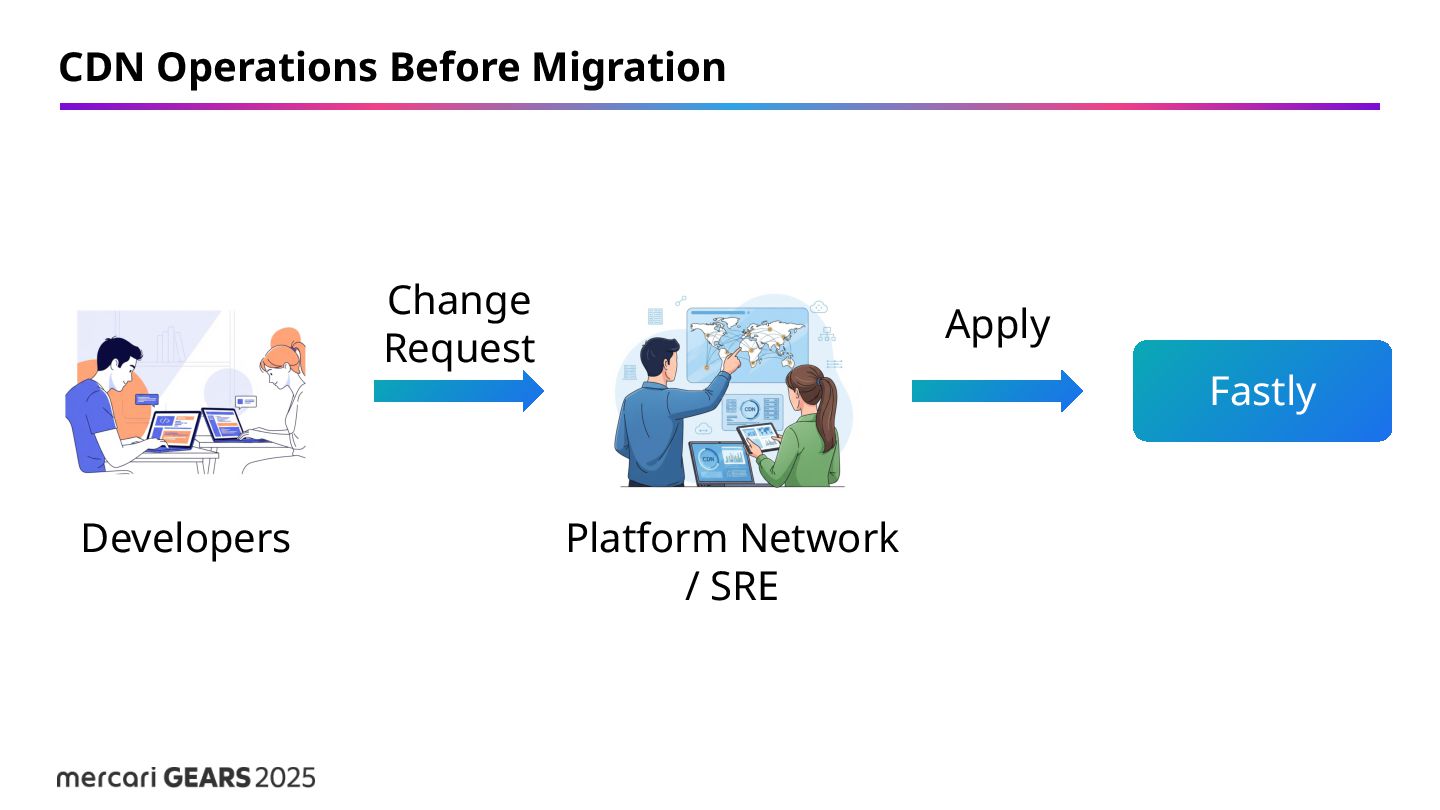
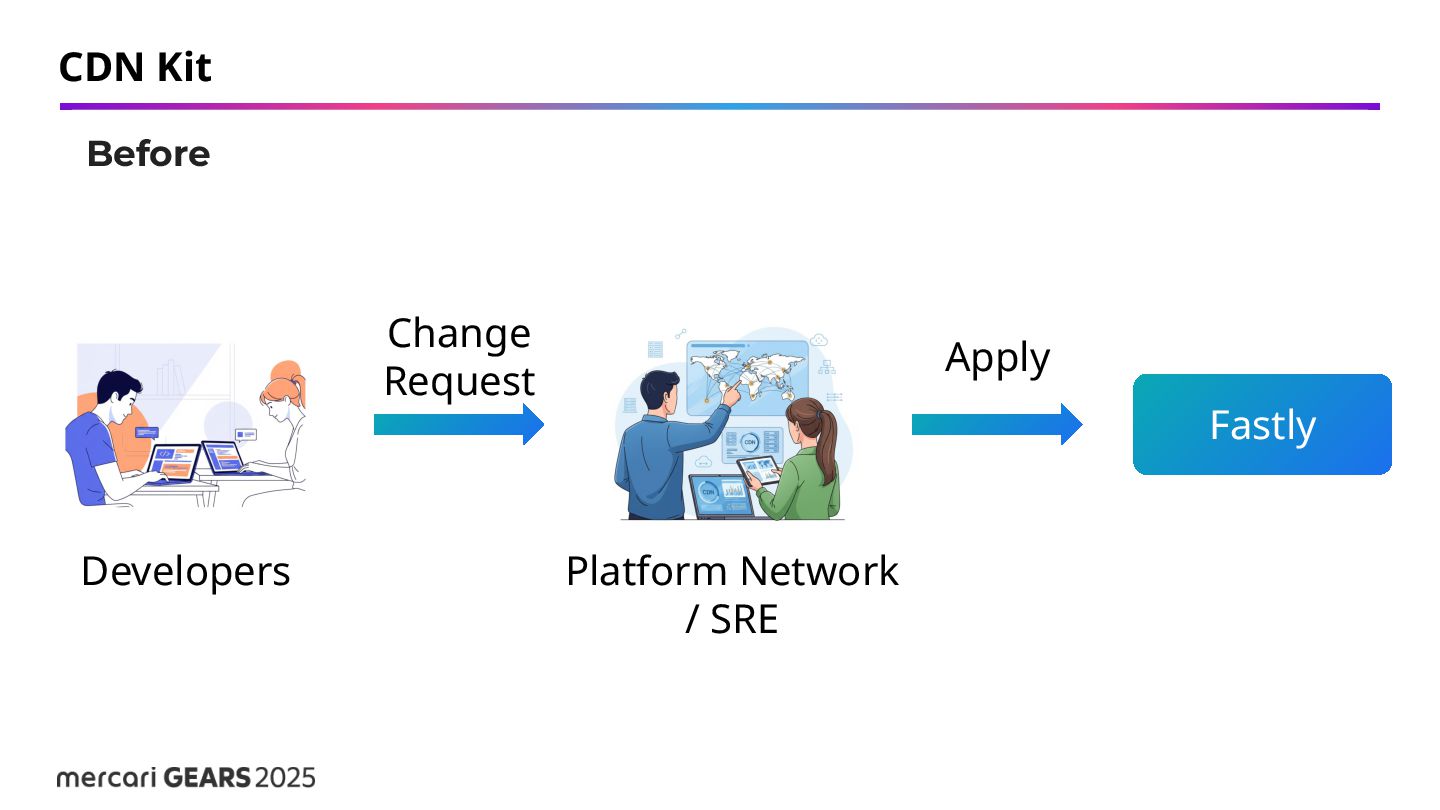
CDN Kit Update their own zones anytime Cloudflare Developers /
SRE Platform Network After CDN Kit Implements common settings and best practices -
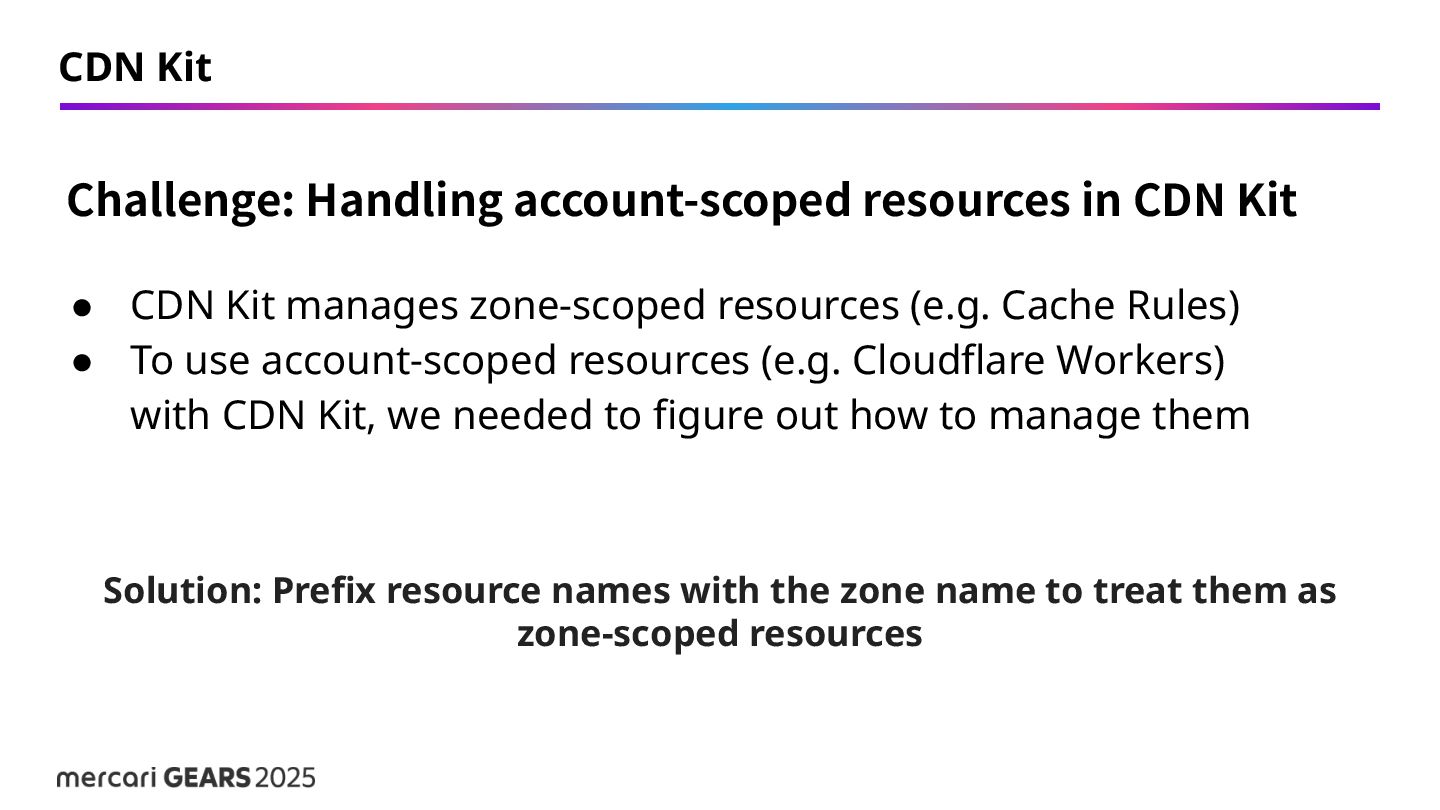
CDN Kit • CDN Kit manages zone-scoped resources (e.g.
Cache Rules) • To use account-scoped resources (e.g. Cloudflare Workers) with CDN Kit, we needed to figure out how to manage them Challenge: Handling account-scoped resources in CDN Kit Solution: Prefix resource names with the zone name to treat them as zone-scoped resources -
CF IAM Automating Permission Management for Cloudflare Dashboard
🧭 Provide a more intuitive workflow than raw log analysis 🔐 Enable controlled access for incident investigations 🚦 Detect and verify blocked traffic to ensure legitimate requests -
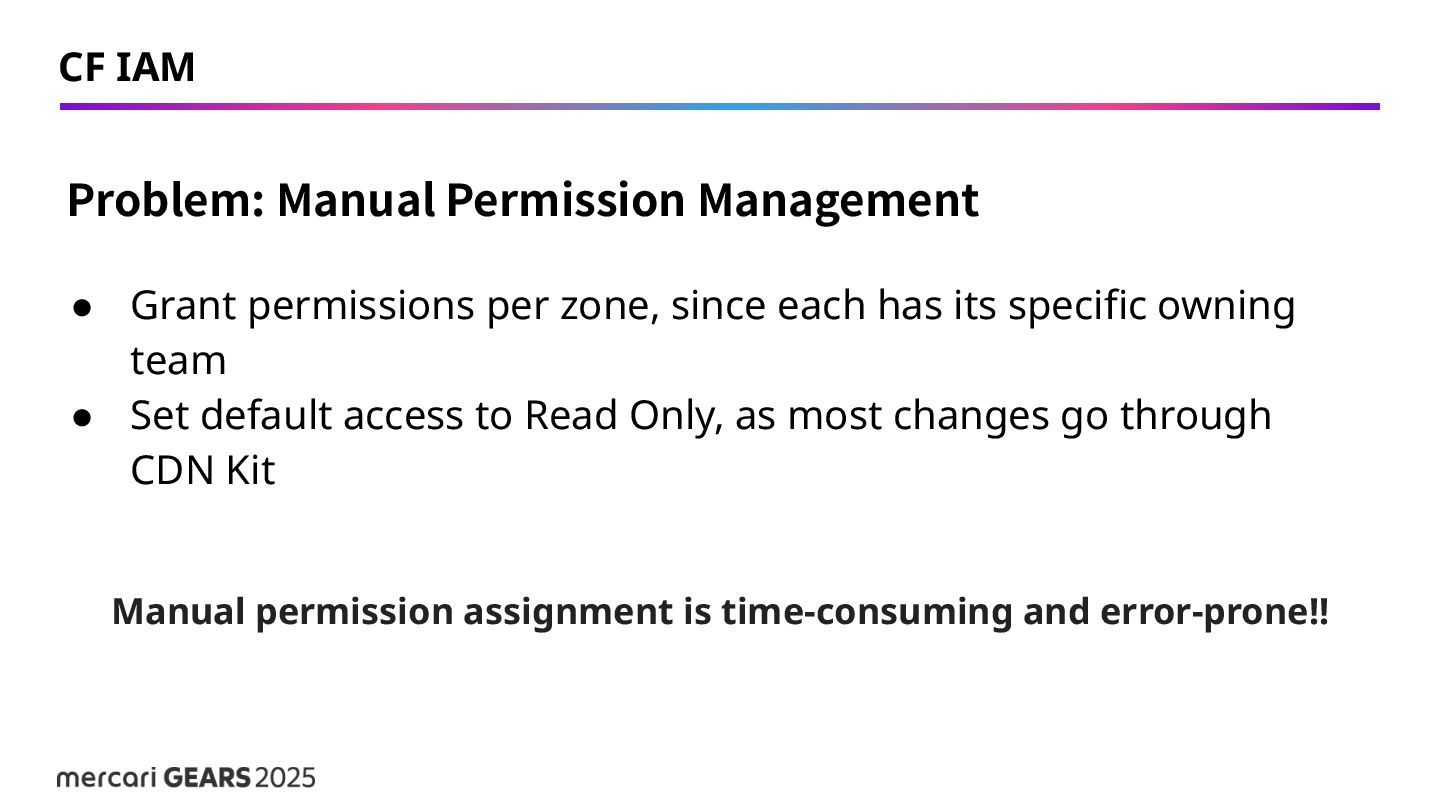
CF IAM • Grant permissions per zone, since
each has its specific owning team • Set default access to Read Only, as most changes go through CDN Kit Problem: Manual Permission Management Manual permission assignment is time-consuming and error-prone!! -
CF IAM CDN Kit settings are defined under
each service • Each service defines its owner team, mapped to its Cloudflare zones • Team members are managed in the same repository via Team Kit, the Terraform module ├── service-a │ ├── development │ │ └── cdn │ │ └── a.example.com │ │ └── cdn_kit.tf │ └── production │ └── cdn │ └── b.example.com │ └── cdn_kit.tf └── service-b └── production └── cdn └── c.example.com └── cdn_kit.tf -
CF IAM We already have all the necessary
information… Looks like we can automate it !! -
• Detect changes in CDN Kit / Team Kit
• Trigger GitHub Actions to update permissions • Restore correct state if permissions are modified manually CF IAM -
How Developer Experience Changed • 70%+ PRs released without
Platform Network team involvement • Most PRs merged within 1 day ◦ Previously it took 2–5 business days • Developers investigate incidents using Cloudflare Dashboard without involving the Platform Network team • Inquiries evolved into higher-value discussions ◦ e.g. Cloudflare utilization & design -
Conclusion 🌐 Migrated to Cloudflare and standardized CDN
configuration • Built internal Terraform module (CDN Kit) • Automated dashboard permission management ⚙ Realized CDN as a Service • Enabled developers to autonomously manage CDN Developer experience improved ◦ 70%+ PRs released without Platform Network involvement ◦ Inquiries shifted to higher-value discussions ◦ Developers can independently investigate incidents