saving • automatically concatenate + minify your js/css upon saving • automatically compile your sass/less/stylus to css upon saving • refresh your web browser for you upon saving • automatically run jslint on your code • automatically run tests
function that accepts a single “grunt” parameter • Three main components ◦ Configuration: grunt.initConfig(config) ◦ Plugins: grunt.loadNpmTasks(pluginName) ◦ Tasks: grunt.registerTask(name, def) Gruntfile.js Architecture
• Normally maps to one specific job ◦ e.g. Compile stylus to css upon saving • You can write up a custom task yourself • More commonly, you can use a pre-built tasks from the grunt ecosystem • Most tasks (especially pre-built ones) have options that can be configured ◦ e.g. Compile all .styl files in /stylus to *.css in /public/assets/css
• Install a pre-built task (via NPM) ◦ e.g. npm install grunt-contrib-uglify --save-dev • Loading it in Gruntfile.js ◦ grunt.loadNpmTasks(‘grunt-contrib-uglify’); • Once loaded, its available for “registering”
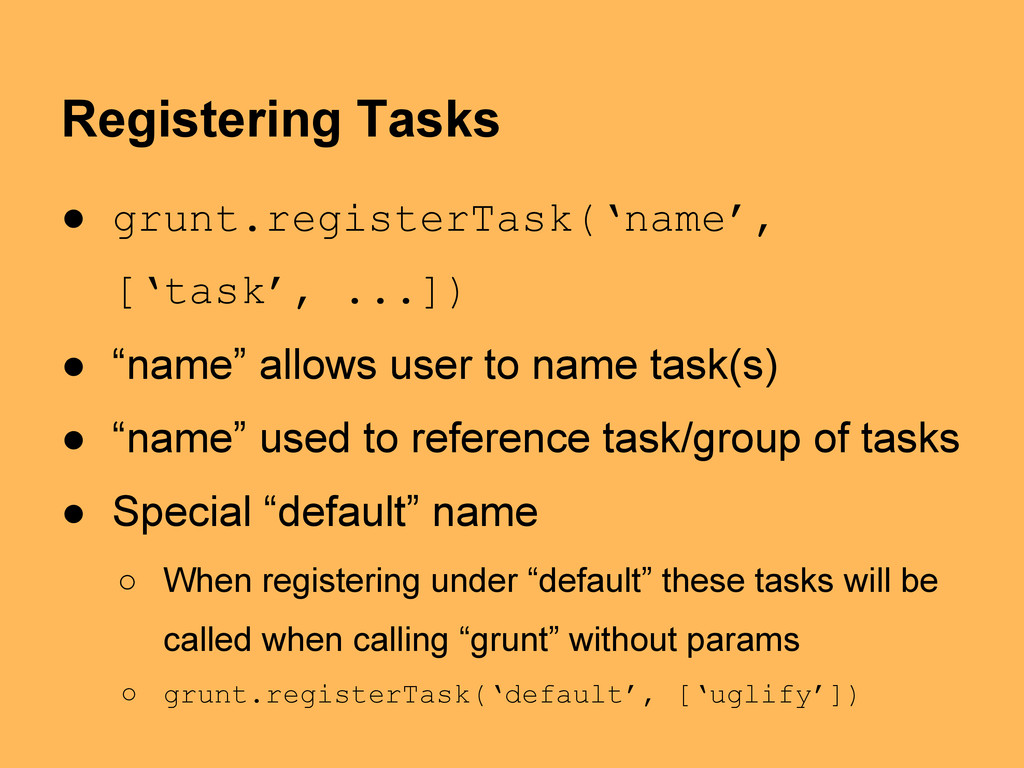
task(s) • “name” used to reference task/group of tasks • Special “default” name ◦ When registering under “default” these tasks will be called when calling “grunt” without params ◦ grunt.registerTask(‘default’, [‘uglify’]) Registering Tasks
Tasks are like normal tasks except they can have multiple “targets” • E.g. “concat” used to concat css and js files ◦ Wouldn’t want concat them together though ◦ We set up separate targets: one js and one css • Registered via registerMultiTask with the same syntax of registerTask
all tasks happens in one place – grunt.initConfig(config) • Config is an Object literal • Config is broken up into ◦ Regular Tasks {“task”: { … } ◦ Multi Tasks {“task”: “targets”: { … }}
custom options available to the task... will change from task to task ◦ src, dest, files – ways to specify files the task will work with... supports globbing and filtering ◦ filter – filter out source files based on callback • Config support template strings ◦ e.g. option: { name: “<%= foo.name %>” }} Configuring Tasks
• From within our project directory can run ◦ grunt ▪ Will run any tasks we’ve registered under “default” ◦ grunt task ▪ Will run only tasks registered under “task” ▪ Will run all targets underneath “task” ◦ grunt task:target ▪ Will only run “target” underneath “task”
◦ grunt.log.error(“Write a scary error message”) • grunt.file.* ◦ Clean support for stuff like file name globbing • grunt.event.* ◦ EventEmitter like interface • grunt.util.* ◦ Handy utility helpers • See http://gruntjs.com/api
Grunt with other languages, frameworks, non-code projects ◦ Auto compile restart a Go web server on save ◦ Have it convert your markdown files to pretty HTML or PDF on save and deploy it to a static web server ◦ Rebuild a visualization automatically when CSV file containing data is updated
“Yeoman” family ◦ yo – project scaffolding (think rails generate) ◦ grunt – we just met ◦ bower – client side pkg mgmt (think front-end NPM) • Beyond scope of this talk • Definitely worth checking out • http://yeoman.io


 nategood
 kota2and3kan
 munenick
 ginjihayashi
 ballas_inc
 yuutosi
 silmin_
 jirtosterone
 pipepasta
 inariku
 harutiro
 falken
 tnir
 destraynor
 samtorres
 ipullrank
 eileencodes
 thekraken
 badams
 zakiyama
 tamaranovitovic
 brad_frost
 aleyda
 lara
 holman