• Work: Freelance web developer (Rails) • Activities: Kaigi on Rails, Alba, etc. • Hobbies: Coffee, learning languages including Chinese • Development environment: Neovim, iTerm2, zsh
• Instance methods including `setup` are de fi ned, no class methods are de fi ned • All instance methods whose name start with `test_` are recognized as test methods • Inside test methods there are assertion methods • When assertion methods are executed it stores results, and when the result is failure the execution stops • It produces some outputs like "2 runs, 3 assertions, 0 failures"
There's no explicit step to create an instance of the test class • Not all methods are test methods • Tests whose name do not start with `test_` are simply helper methods • It needs to collection results
• Alternatively, we can use `ObjectSpace` module to get all classes with `Test` suf fi x, but this is much more complicated • Inside `at_exit` hook we can create an instance of the test class • We can use `method_added` hook to check the name and if it matches `test_` pre fi x it's marked as a test method. • We can store results in an instance variable
class • The argument can be a String instead of a block, but block form is often preferred • Useful if we want to do a lot of thing for that class • https://docs.ruby-lang.org/en/master/Module.html#method-i- class_eval
behavior • `subclass` argument is a `Class` object, so we can call `class_eval`, `include` or `extend` on it • Don’t forget to call `super` • https://docs.ruby-lang.org/en/master/Class.html#method-i- inherited
be used when we want to categorize methods, treat some methods as special ones, and customize each method • When customize, it’s often used with `method` and `de fi ne_method` method • https://docs.ruby-lang.org/en/master/Module.html#method-i- method_added
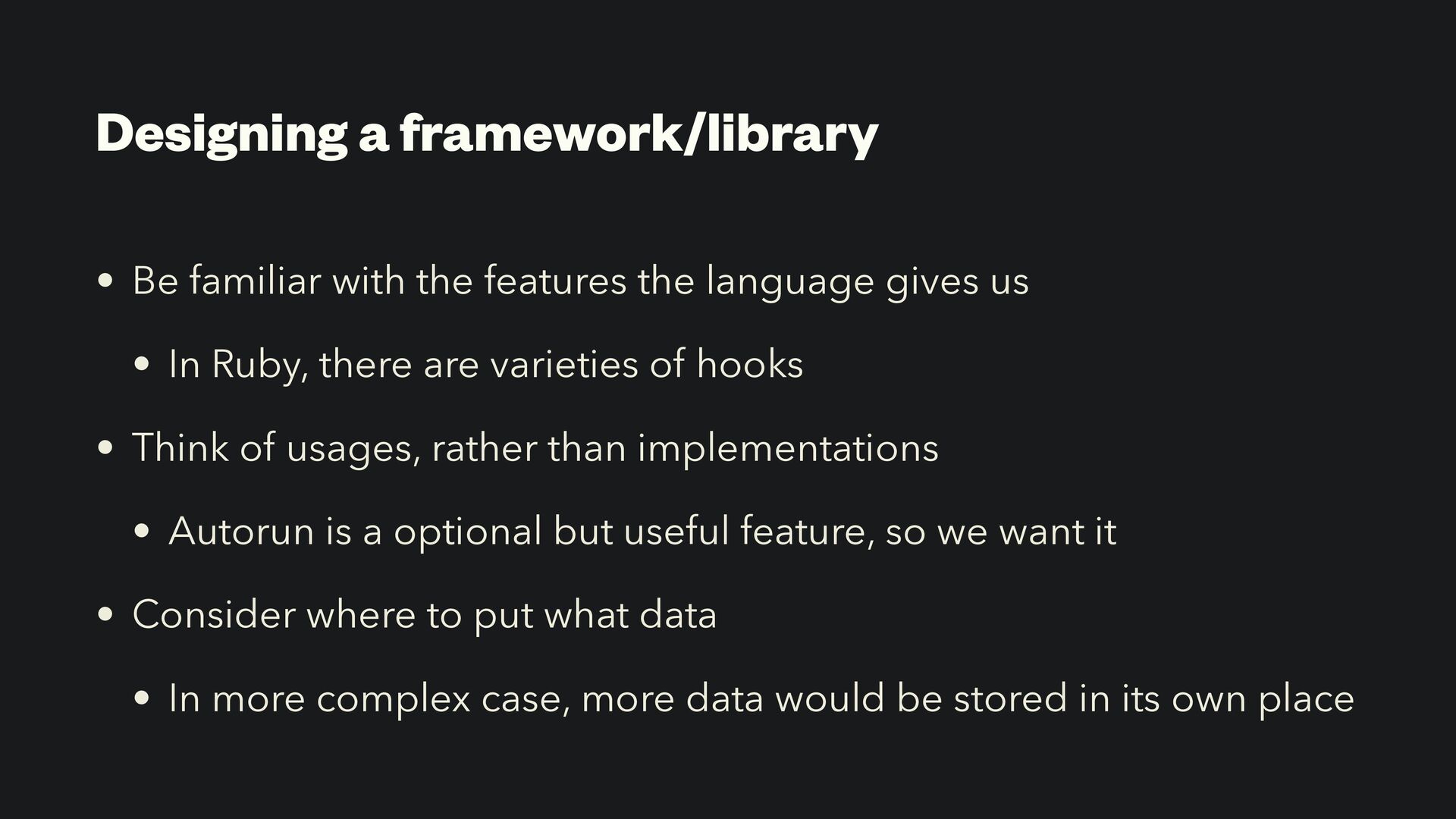
language gives us • In Ruby, there are varieties of hooks • Think of usages, rather than implementations • Autorun is a optional but useful feature, so we want it • Consider where to put what data • In more complex case, more data would be stored in its own place

 SiteGround - Reliable hosting with speed, security, and support you can count on.


 okuramasafumi
 y0hgi
y0hgi
 koher
koher
 reimaru
 kntkymt
 palkan
 448jp
448jp
 takaidohigasi
 ken_tunc
 ayumu_yamaguchi
 satoshi256kbyte
 curekoshimizu
 ktcryomm
 sferik
 tammyeverts
 rkendrick25
 inesmontani
 lauravandoore
 csswizardry
 akademiya2063
 reverentgeek
 auna
auna