Upgrade to Pro — share decks privately, control downloads, hide ads and more …

Let the Agent Drive: QA on Android with Trailbl...

Sponsored · Ship Features Fearlessly Turn features on and off without deploys. Used by thousands of Ruby developers. →

Let the Agent Drive: QA on Android with Trailblaze and the Android CLI

Validating a Jira ticket on a real Android device takes thirty minutes on a good day but can be days of hands-on testing when every edge case matters. What if the agent could do it for you?

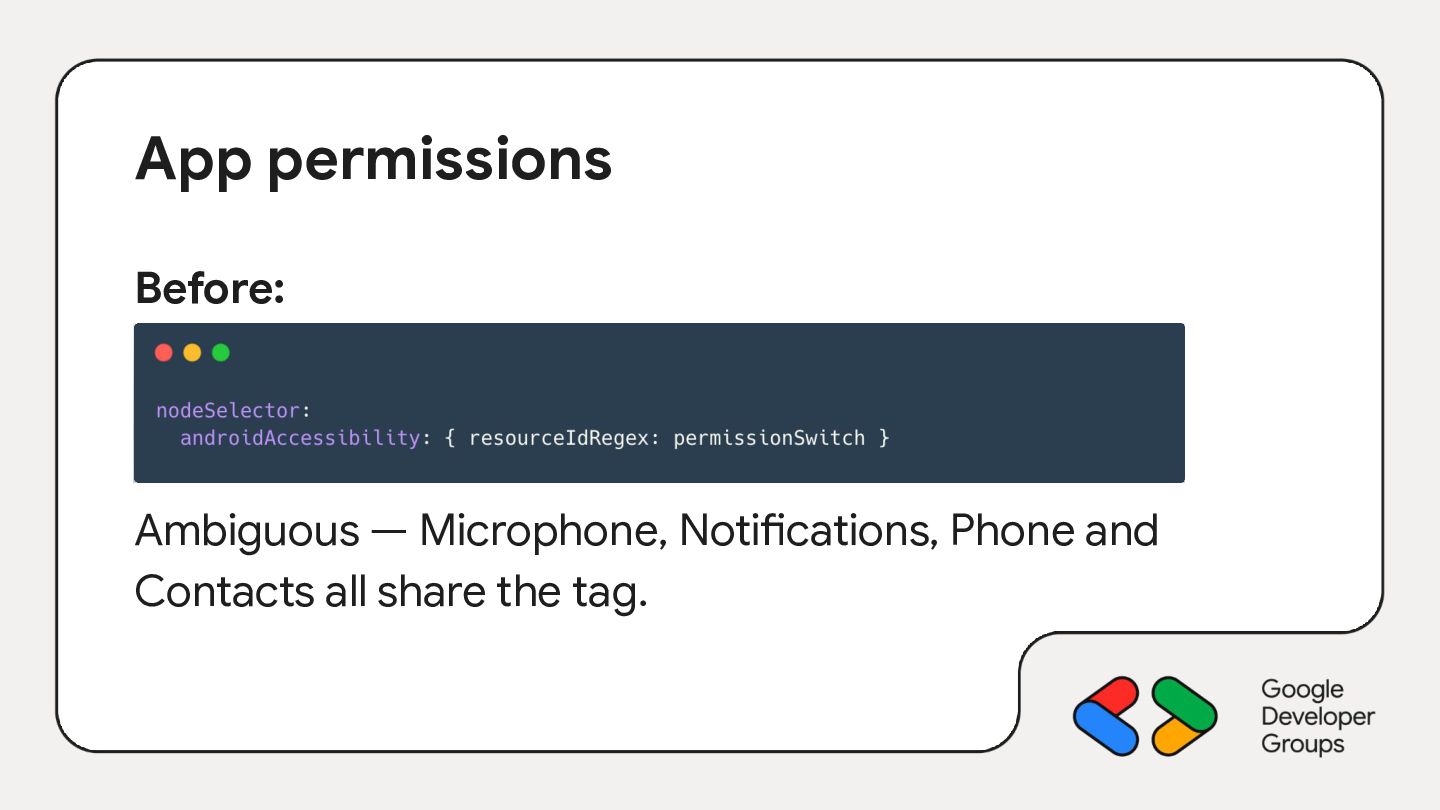
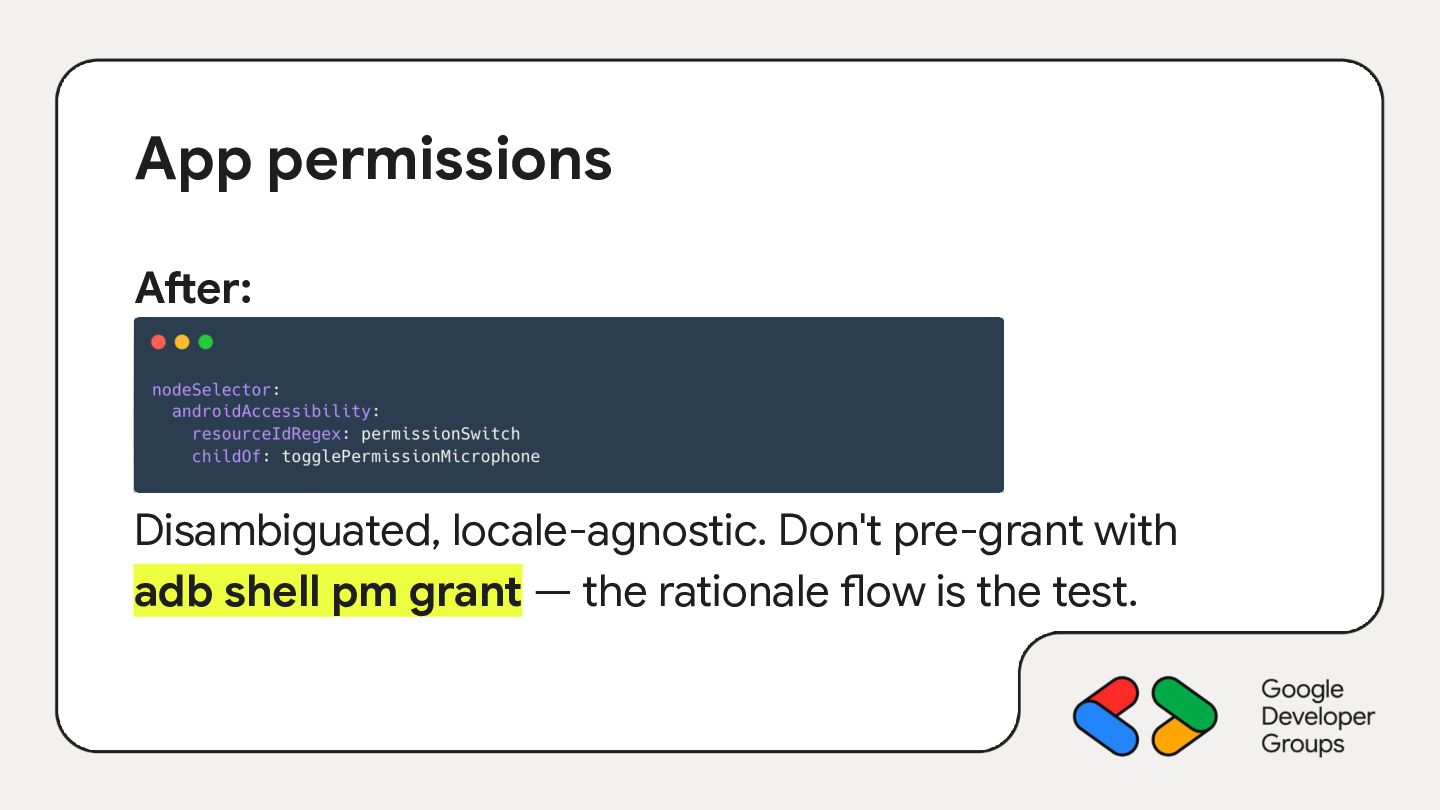
In this session, we'll explore two brand-new tools that make agent-driven Android QA real today: Trailblaze, Block's open-source AI automation framework, and Google's Android CLI v1.0, stable since I/O 2026. We'll see how to chain them with any LLM agent to read a Jira ticket and drive a real device end-to-end like handling Chrome Custom Tabs, app permissions or icon-only buttons along the way.

Can it cover everything? Can it really retire manual QA? Let's plug in a Pixel and see how far we get 🤖

Avatar for Julien Salvi

Julien Salvi

November 05, 2026

More Decks by Julien Salvi

Other Decks in Programming
Transcript

  1. Modena 2026 Let the Agent Drive: QA on Android with

    Trailblaze and Android CLI Julien Salvi Android @ Aircall
  2. Validating a Jira ticket on a device might be quite
    time consuming. It can be days of hands-on testing when every edge case matters. 🥲
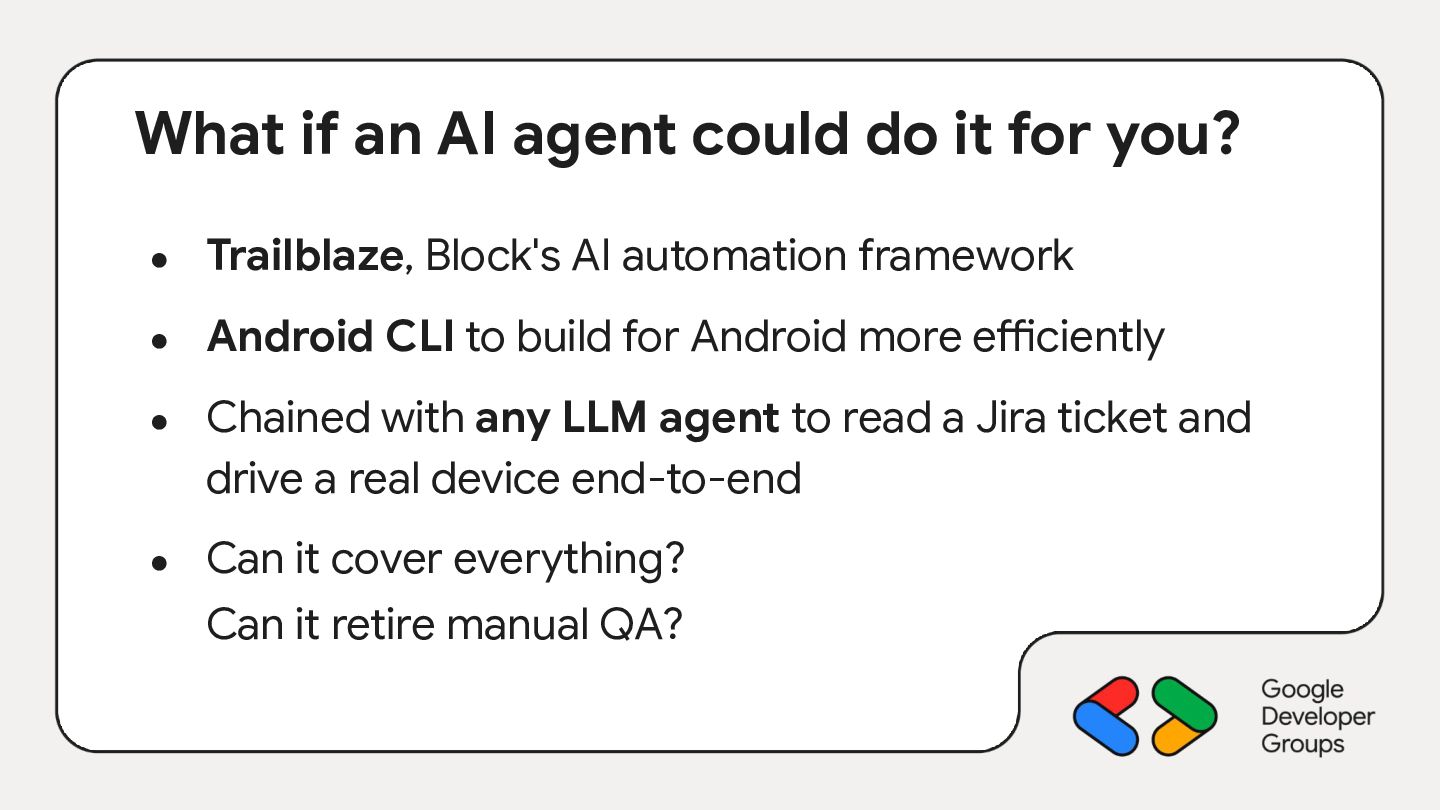
  3. What if an AI agent could do it for you?

    • Trailblaze, Block's AI automation framework • Android CLI to build for Android more efficiently • • Chained with any LLM agent to read a Jira ticket and drive a real device end-to-end Can it cover everything? Can it retire manual QA?
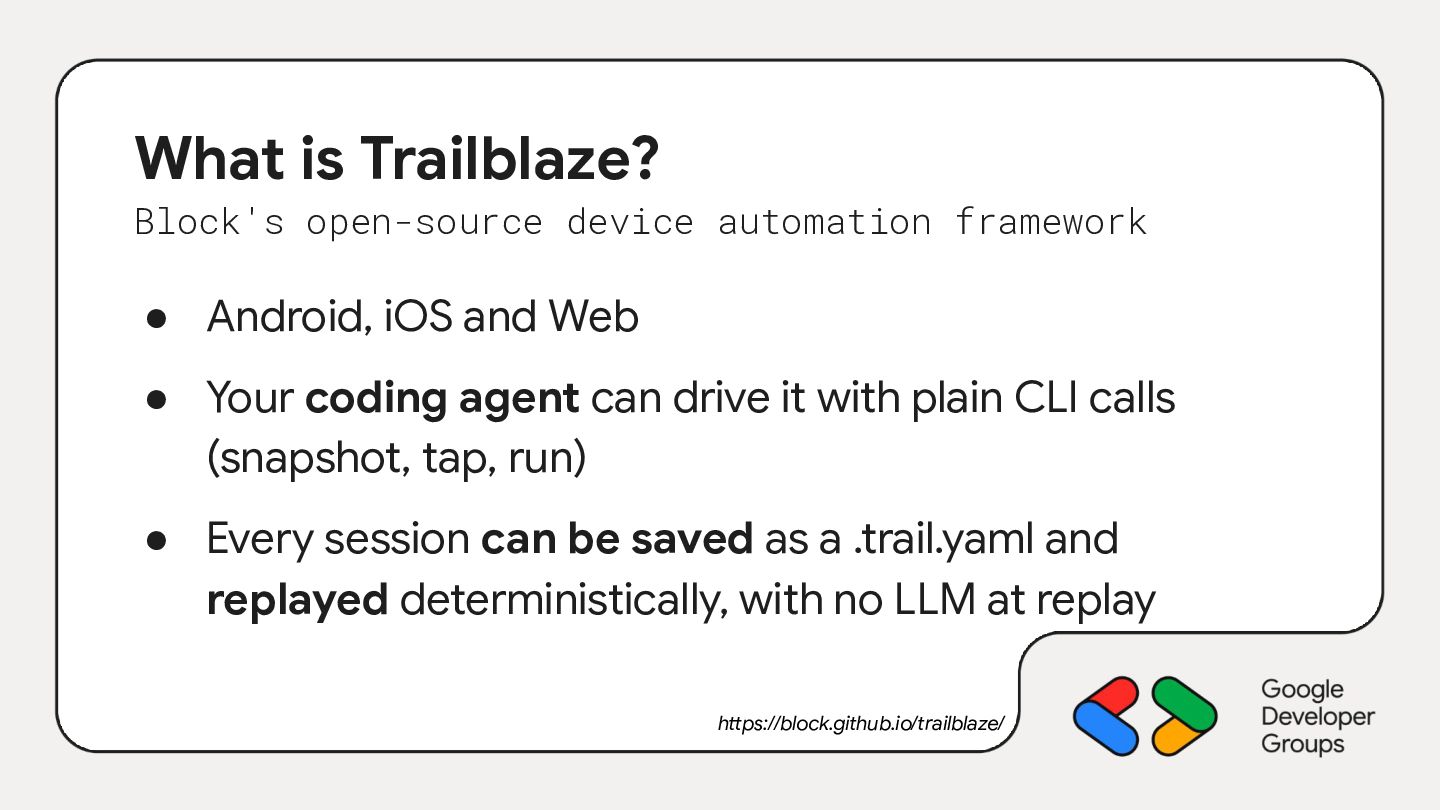
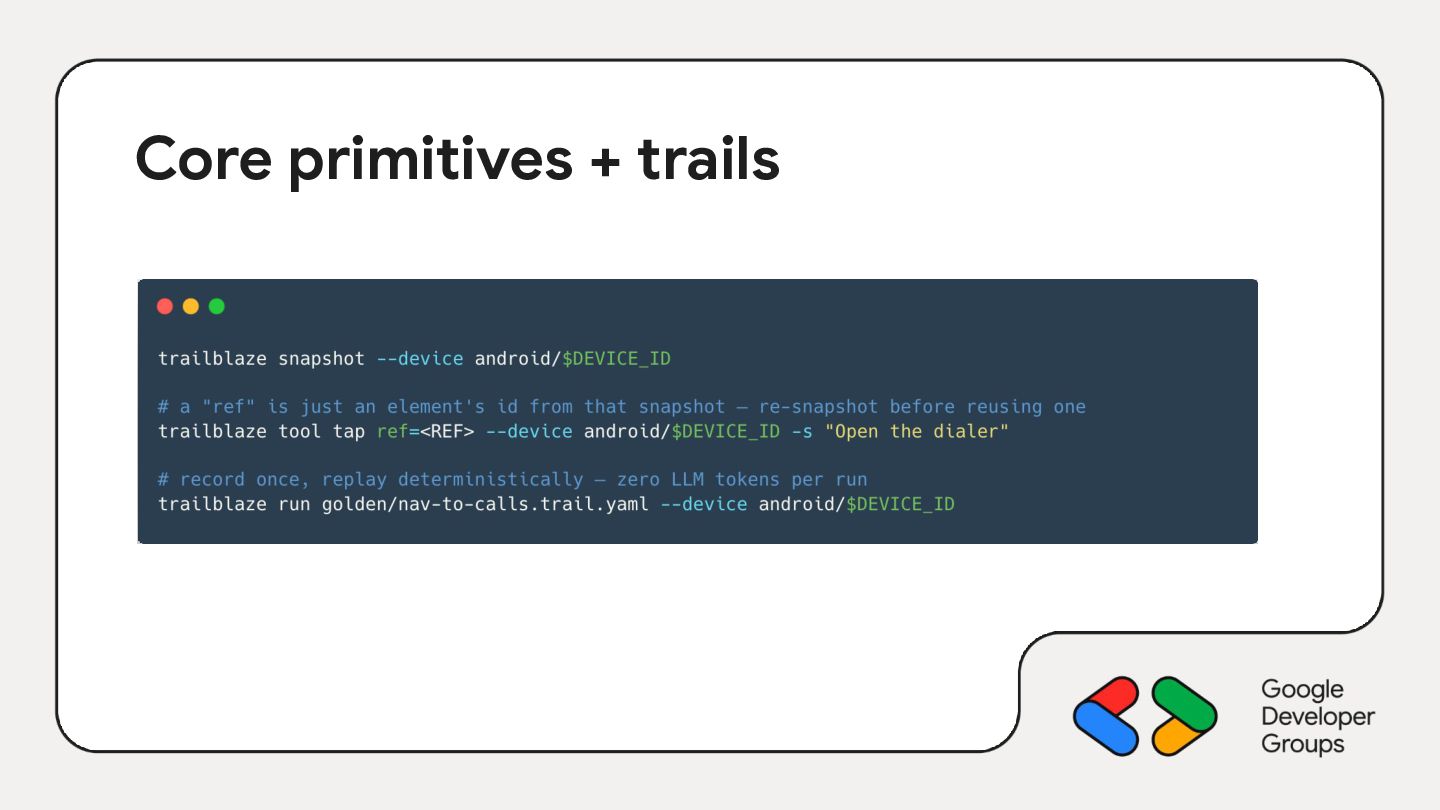
  4. What is Trailblaze? Block's open-source device automation framework • Android,

    iOS and Web • Your coding agent can drive it with plain CLI calls (snapshot, tap, run) • Every session can be saved as a .trail.yaml and replayed deterministically, with no LLM at replay https://block.github.io/trailblaze/
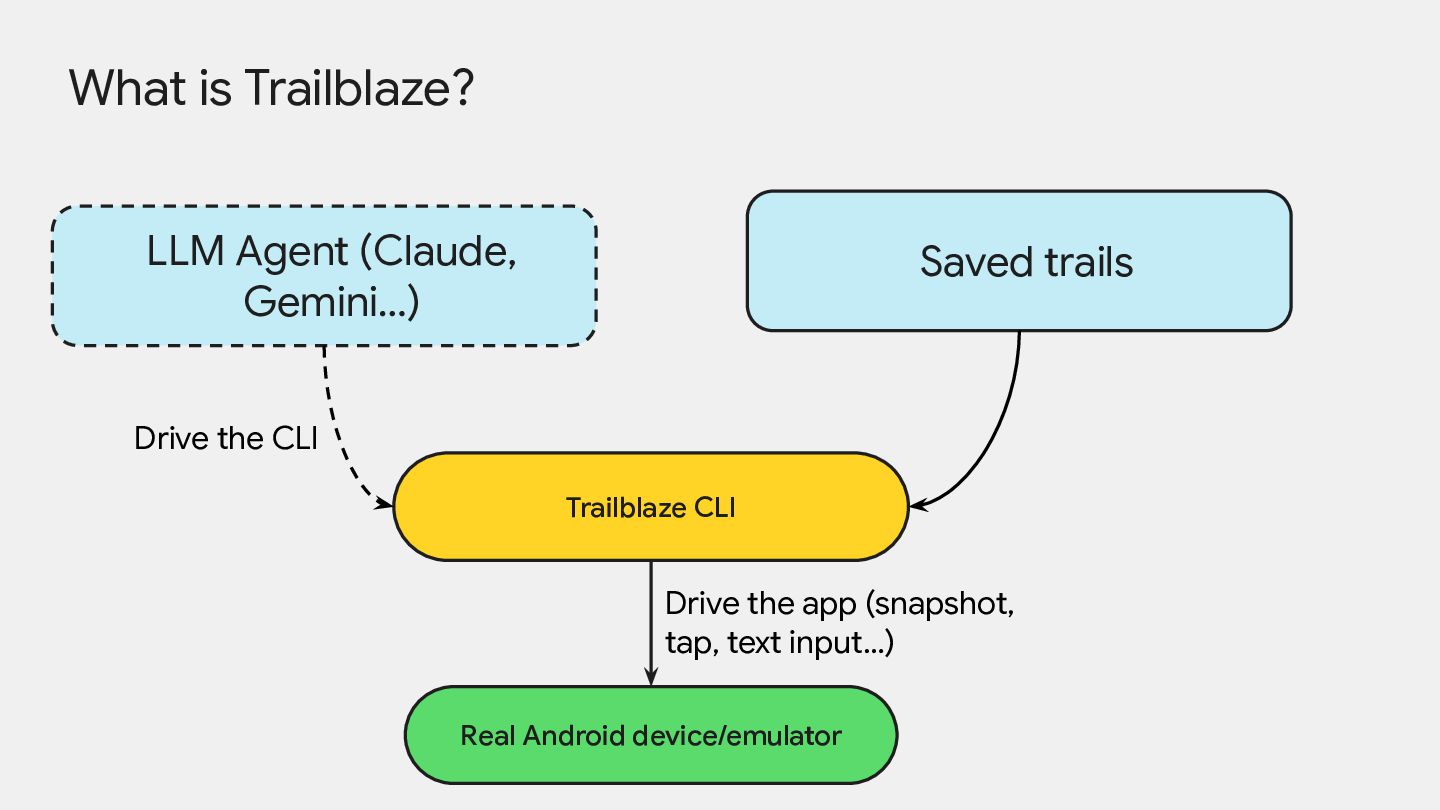
  5. What is Trailblaze? LLM Agent (Claude, Gemini…) Saved trails Drive

    the CLI Trailblaze CLI Drive the app (snapshot, tap, text input…) Real Android device/emulator
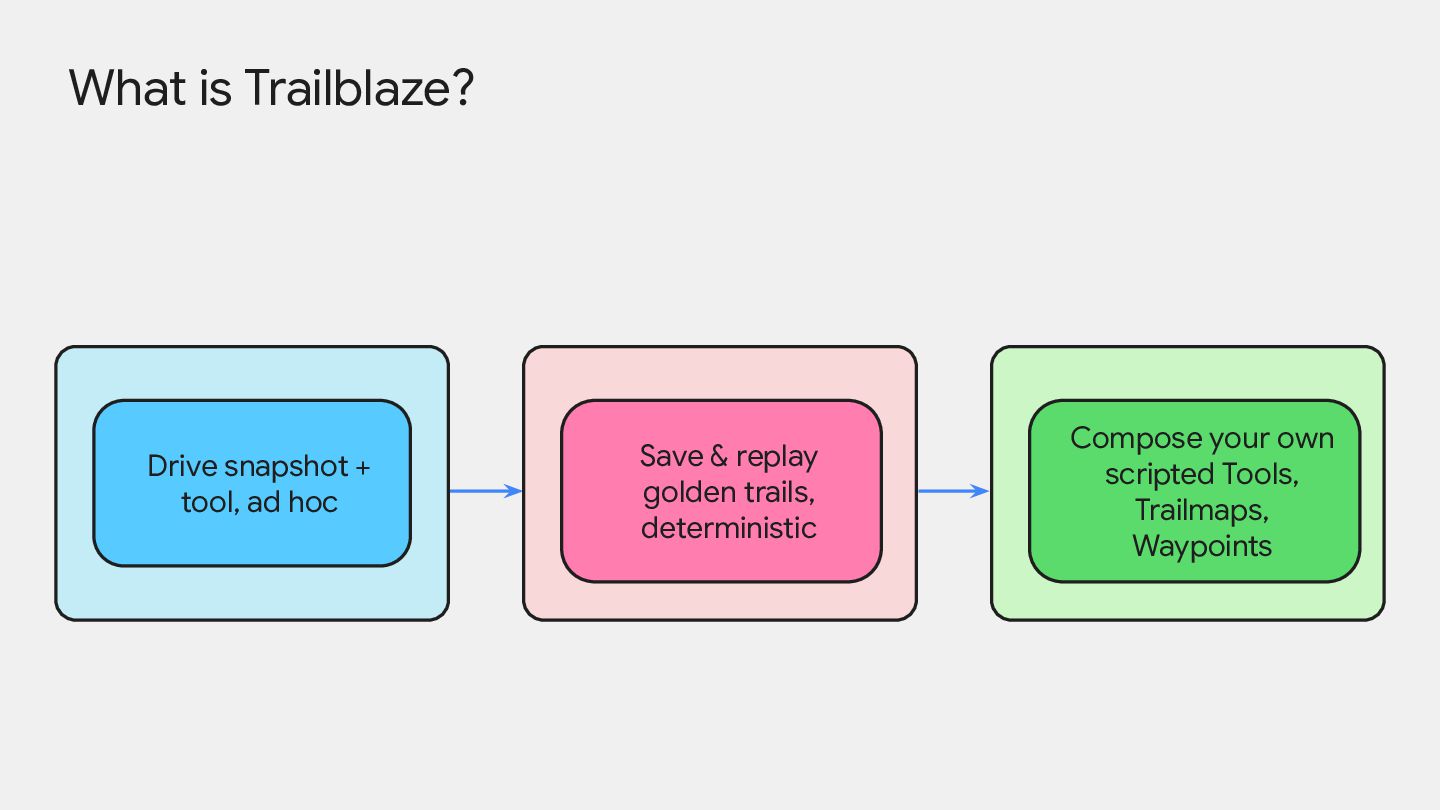
  6. What is Trailblaze? Drive snapshot + tool, ad hoc Save

    & replay golden trails, deterministic Compose your own scripted Tools, Trailmaps, Waypoints
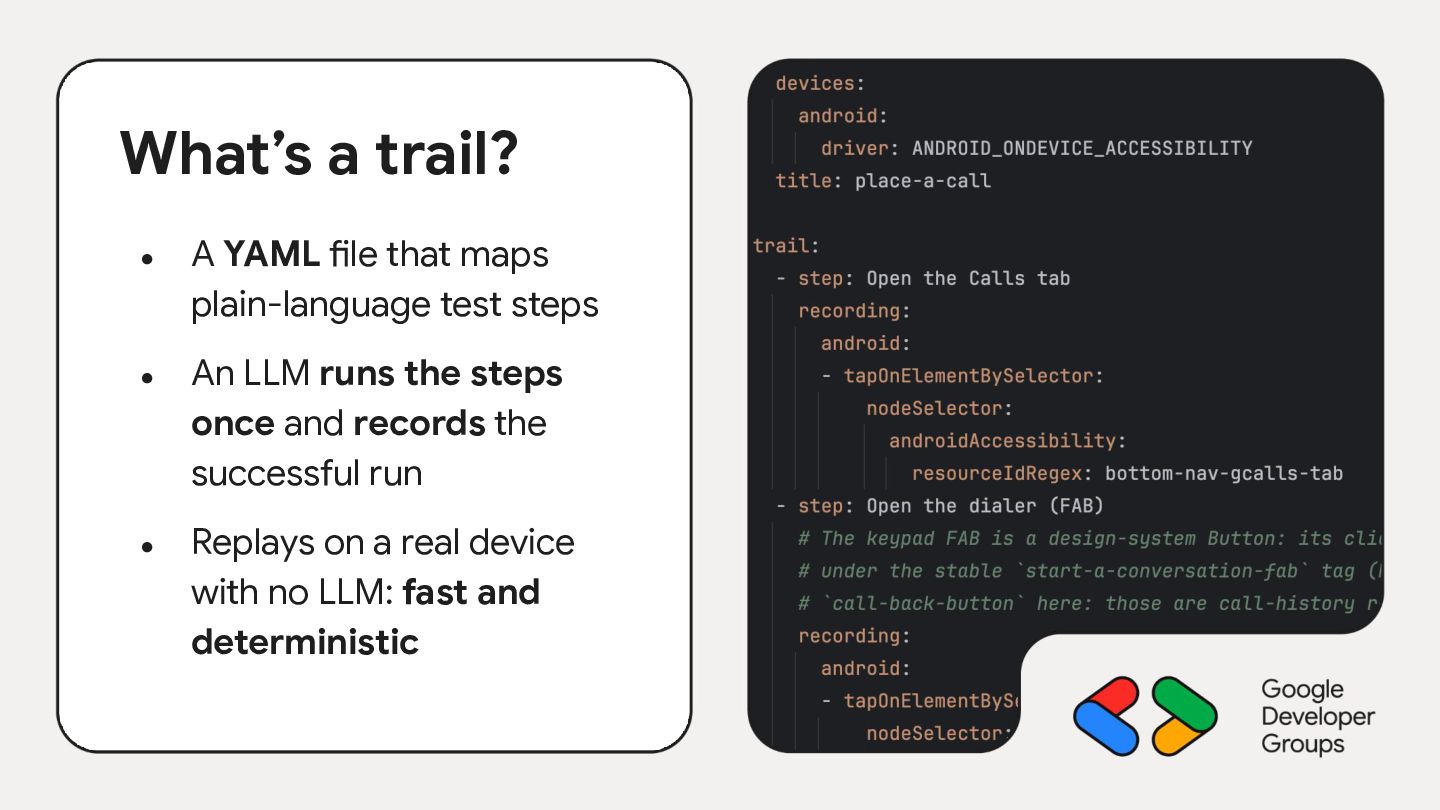
  7. What’s a trail? • • • A YAML file that

    maps plain-language test steps An LLM runs the steps once and records the successful run Replays on a real device with no LLM: fast and deterministic
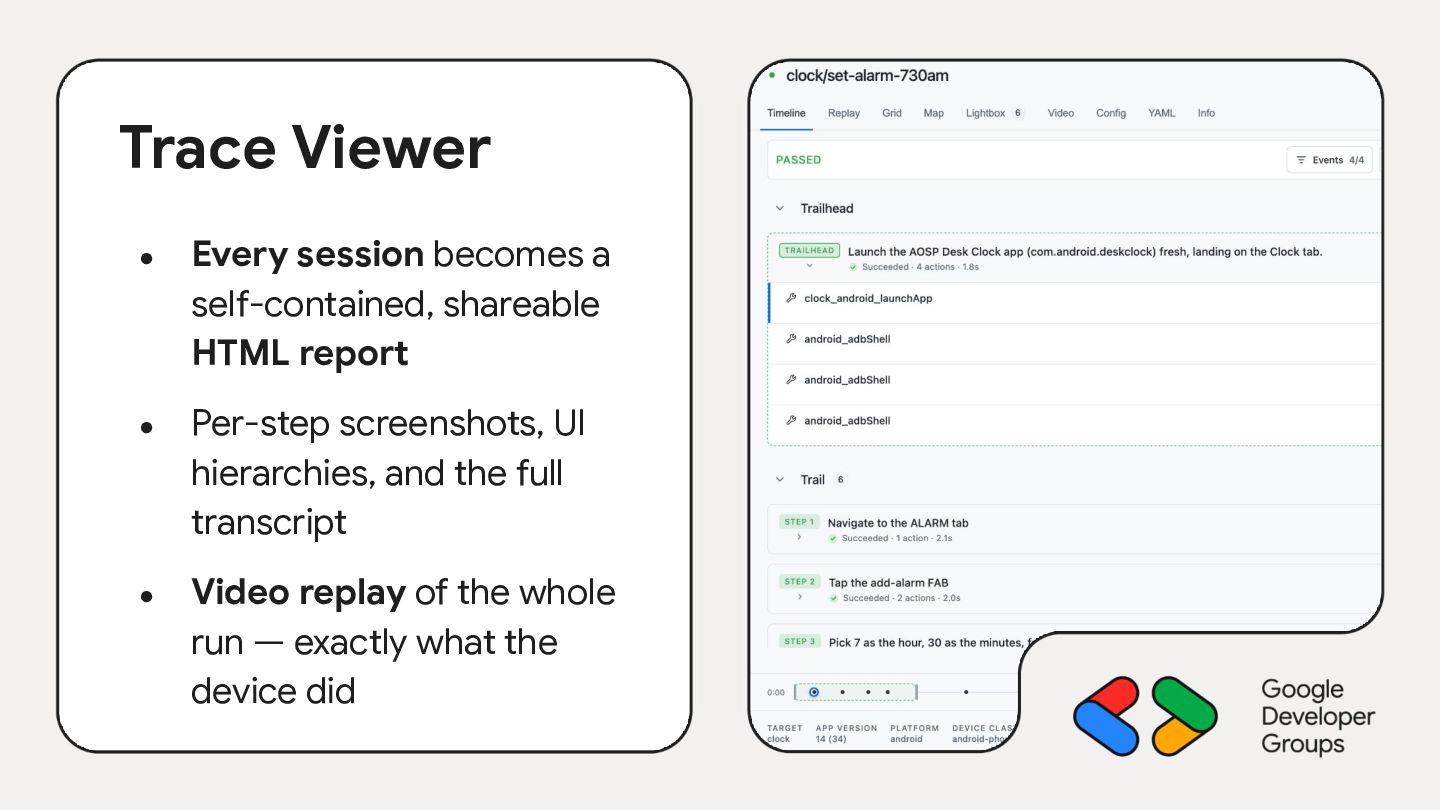
  8. Trace Viewer • • • Every session becomes a self-contained,

    shareable HTML report Per-step screenshots, UI hierarchies, and the full transcript Video replay of the whole run — exactly what the device did
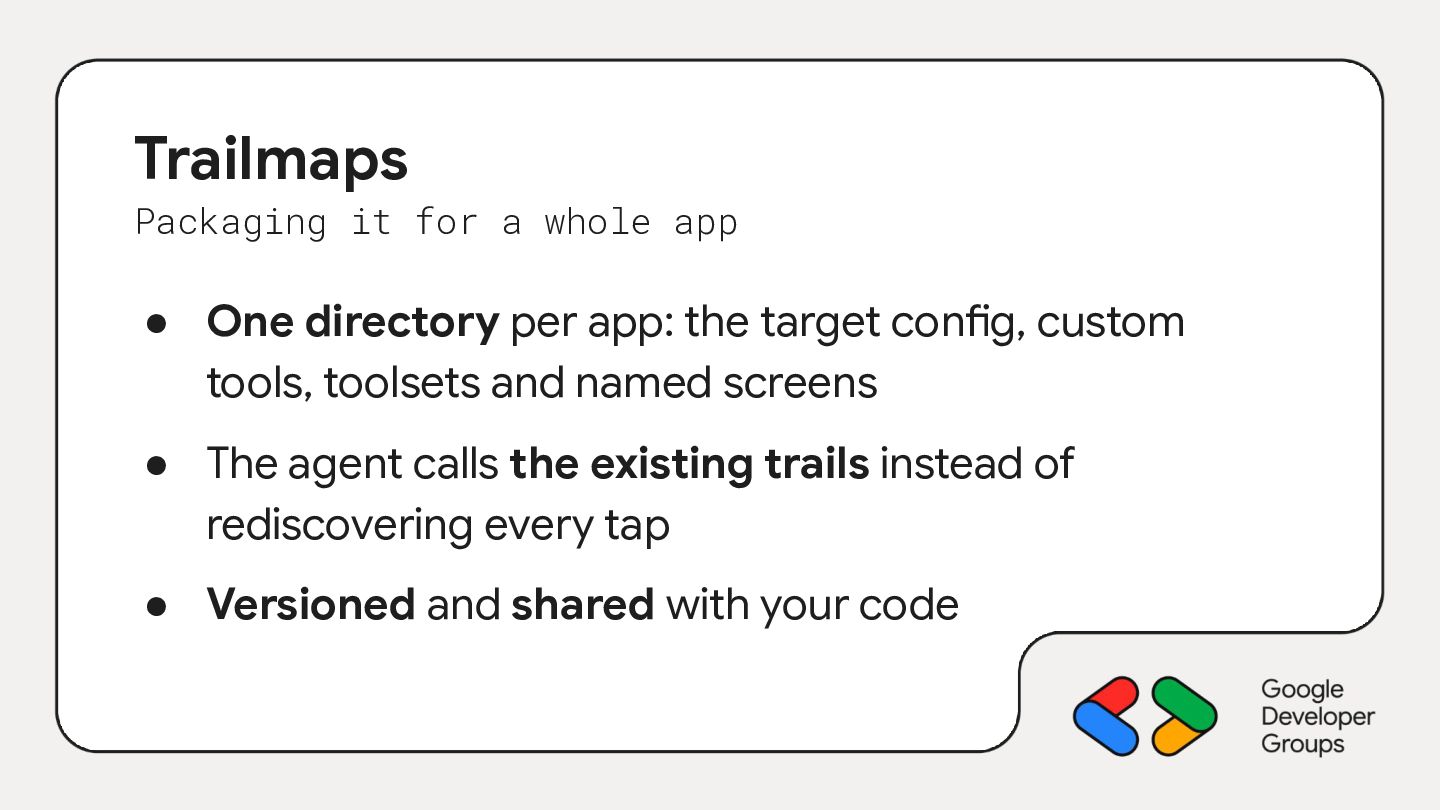
  9. Trailmaps Packaging it for a whole app • One directory

    per app: the target config, custom tools, toolsets and named screens • The agent calls the existing trails instead of rediscovering every tap • Versioned and shared with your code
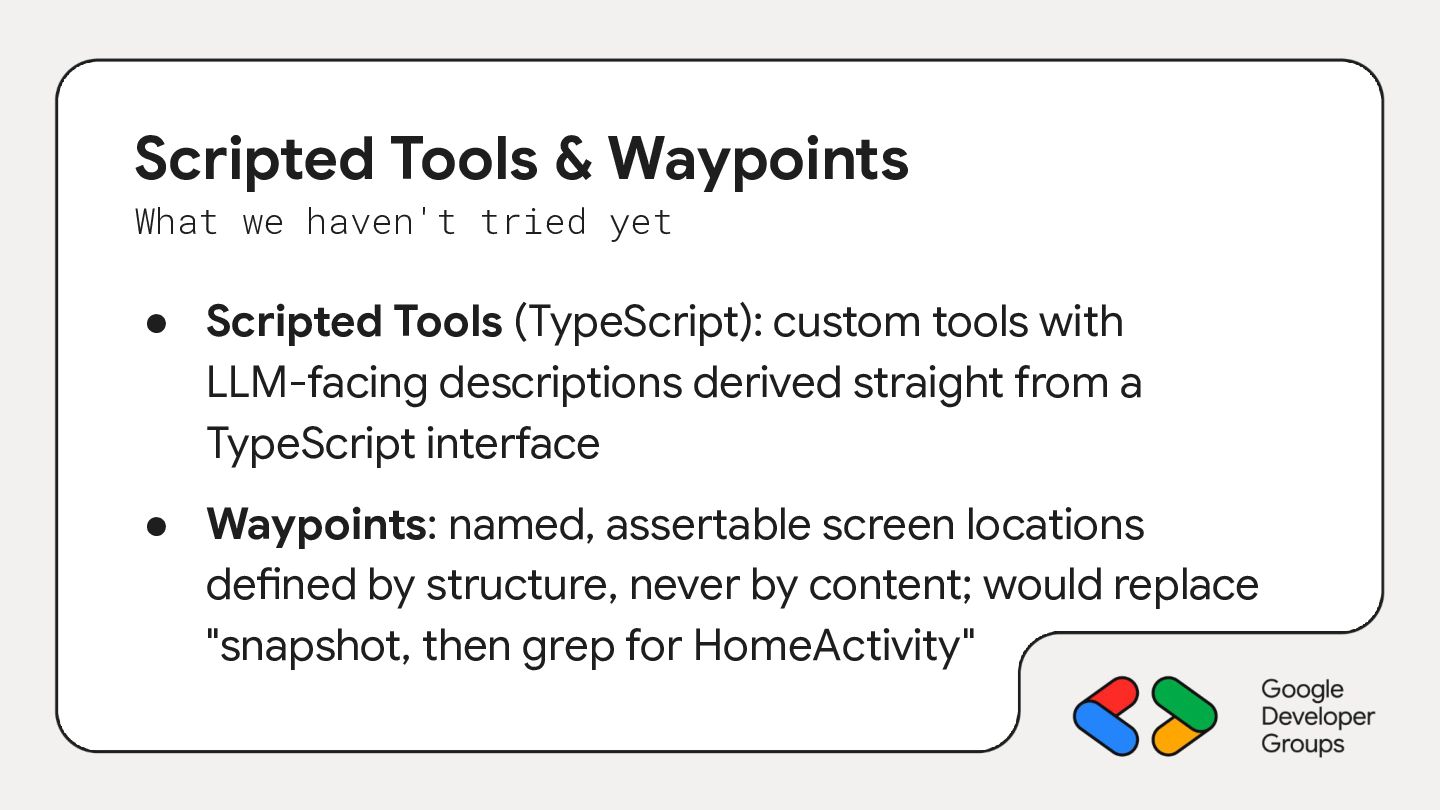
  10. Scripted Tools & Waypoints What we haven't tried yet •

    Scripted Tools (TypeScript): custom tools with LLM-facing descriptions derived straight from a TypeScript interface • Waypoints: named, assertable screen locations defined by structure, never by content; would replace "snapshot, then grep for HomeActivity"
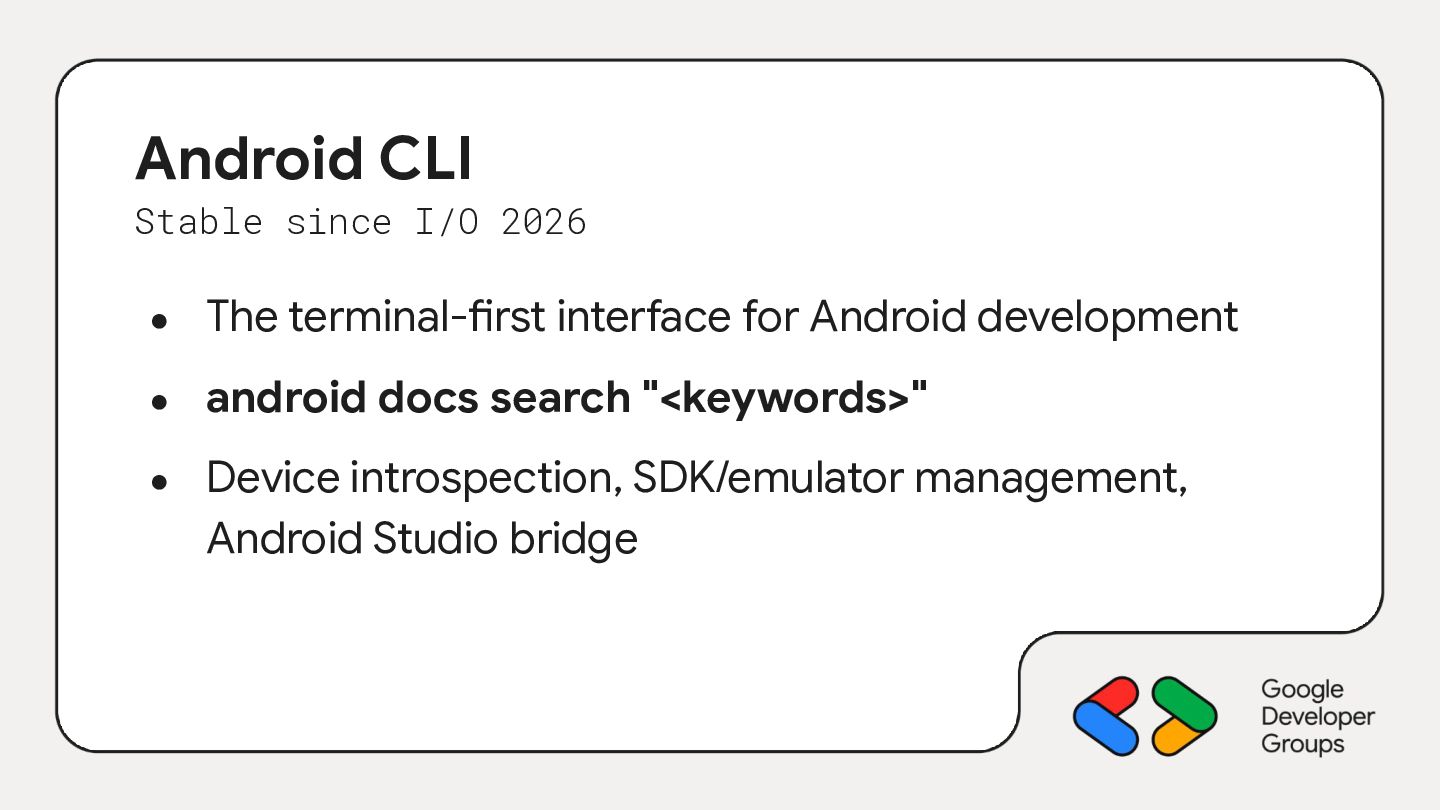
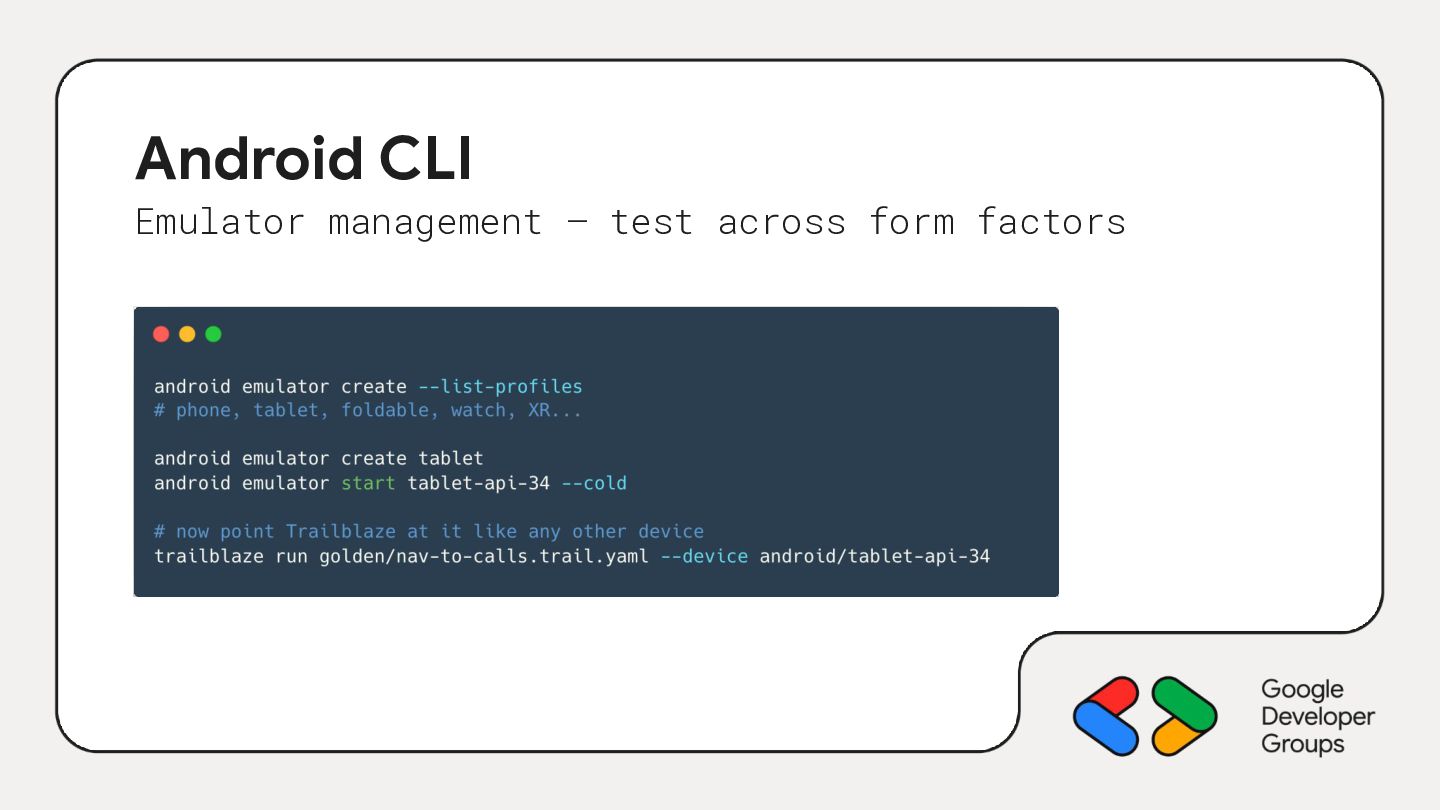
  11. Android CLI Stable since I/O 2026 • The terminal-first interface

    for Android development • android docs search "<keywords>" • Device introspection, SDK/emulator management, Android Studio bridge
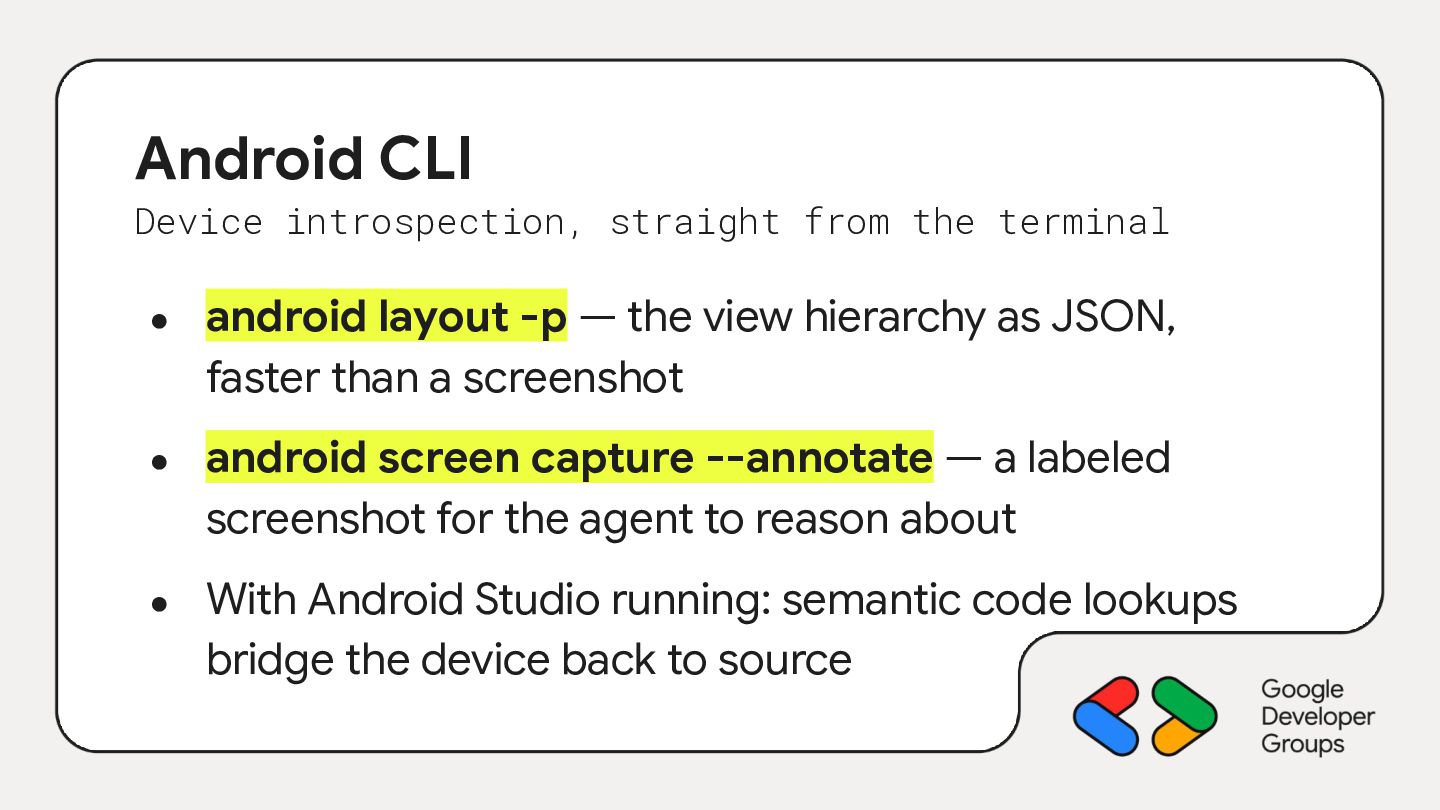
  12. Android CLI Device introspection, straight from the terminal • •

    • android layout -p — the view hierarchy as JSON, faster than a screenshot android screen capture --annotate — a labeled screenshot for the agent to reason about With Android Studio running: semantic code lookups bridge the device back to source
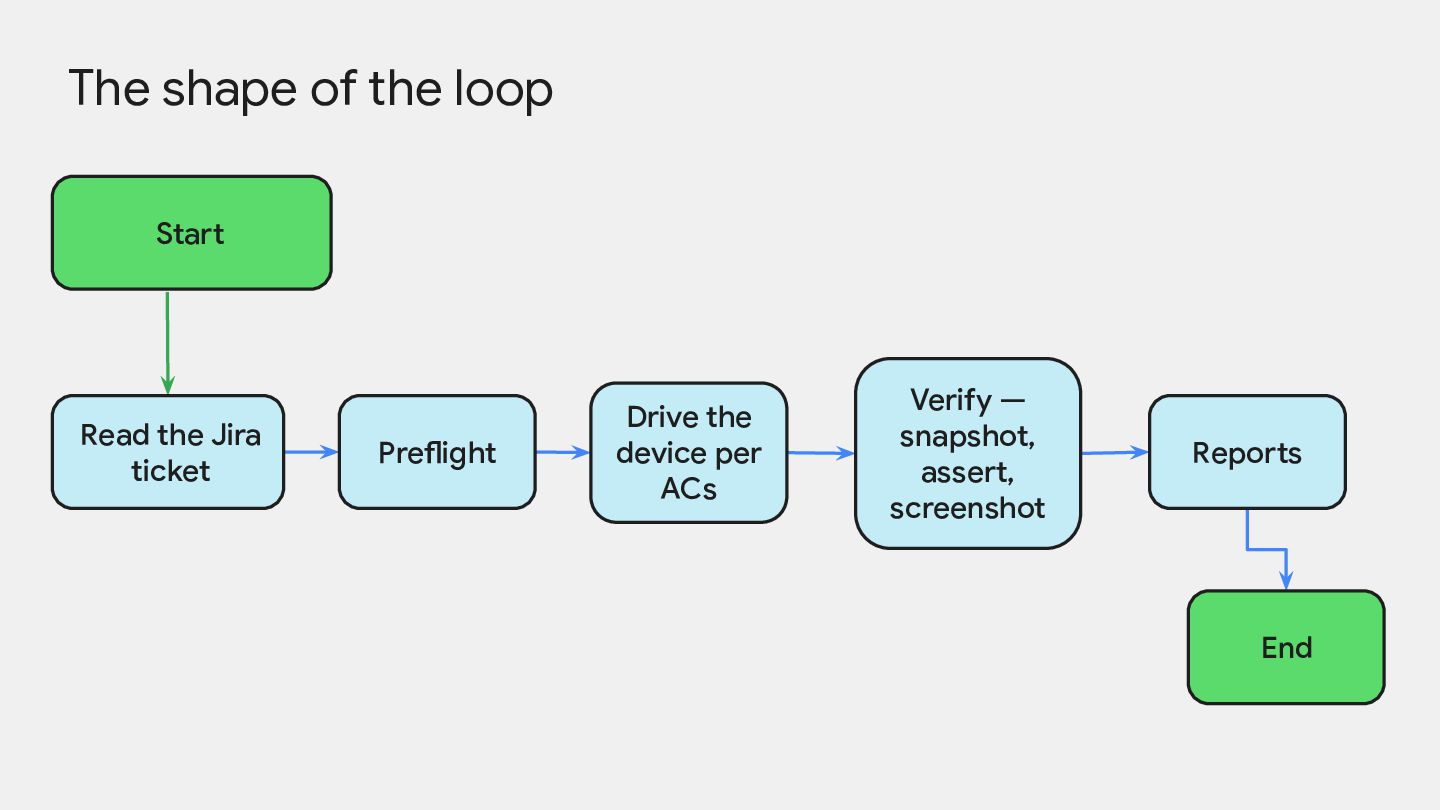
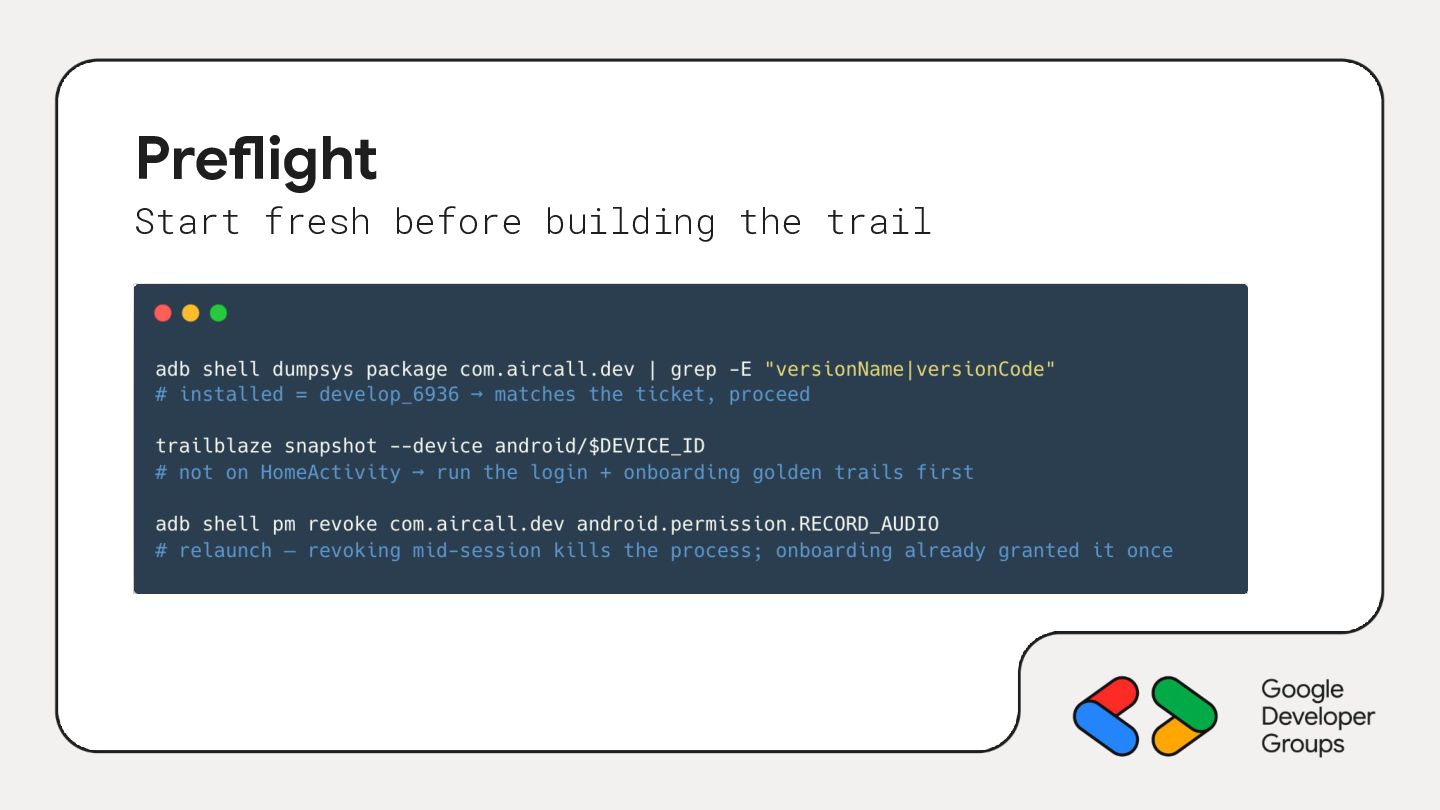
  13. The shape of the loop Start Read the Jira ticket

    Preflight Drive the device per ACs Verify — snapshot, assert, screenshot Reports End
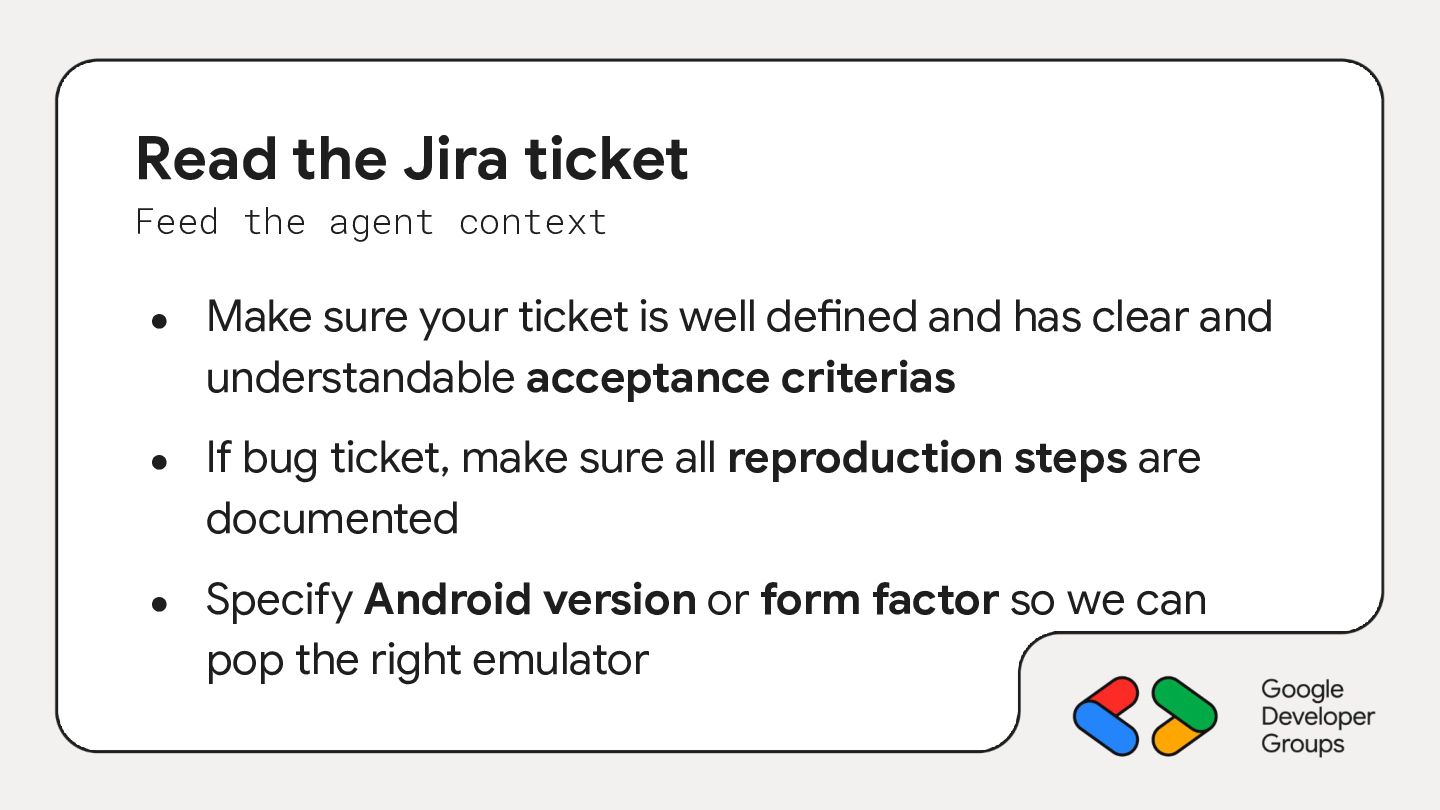
  14. Read the Jira ticket Feed the agent context • •

    • Make sure your ticket is well defined and has clear and understandable acceptance criterias If bug ticket, make sure all reproduction steps are documented Specify Android version or form factor so we can pop the right emulator
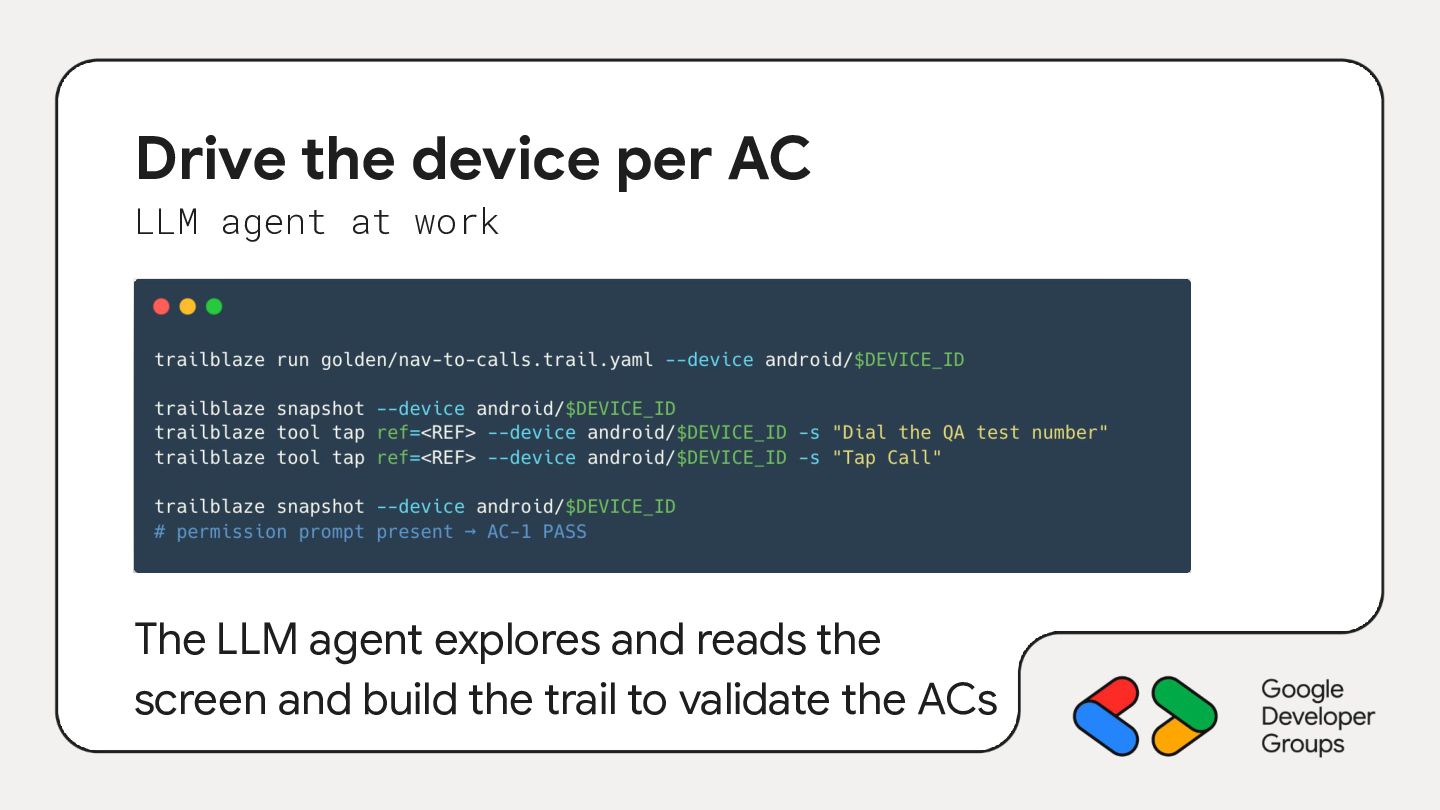
  15. Drive the device per AC LLM agent at work The

    LLM agent explores and reads the screen and build the trail to validate the ACs
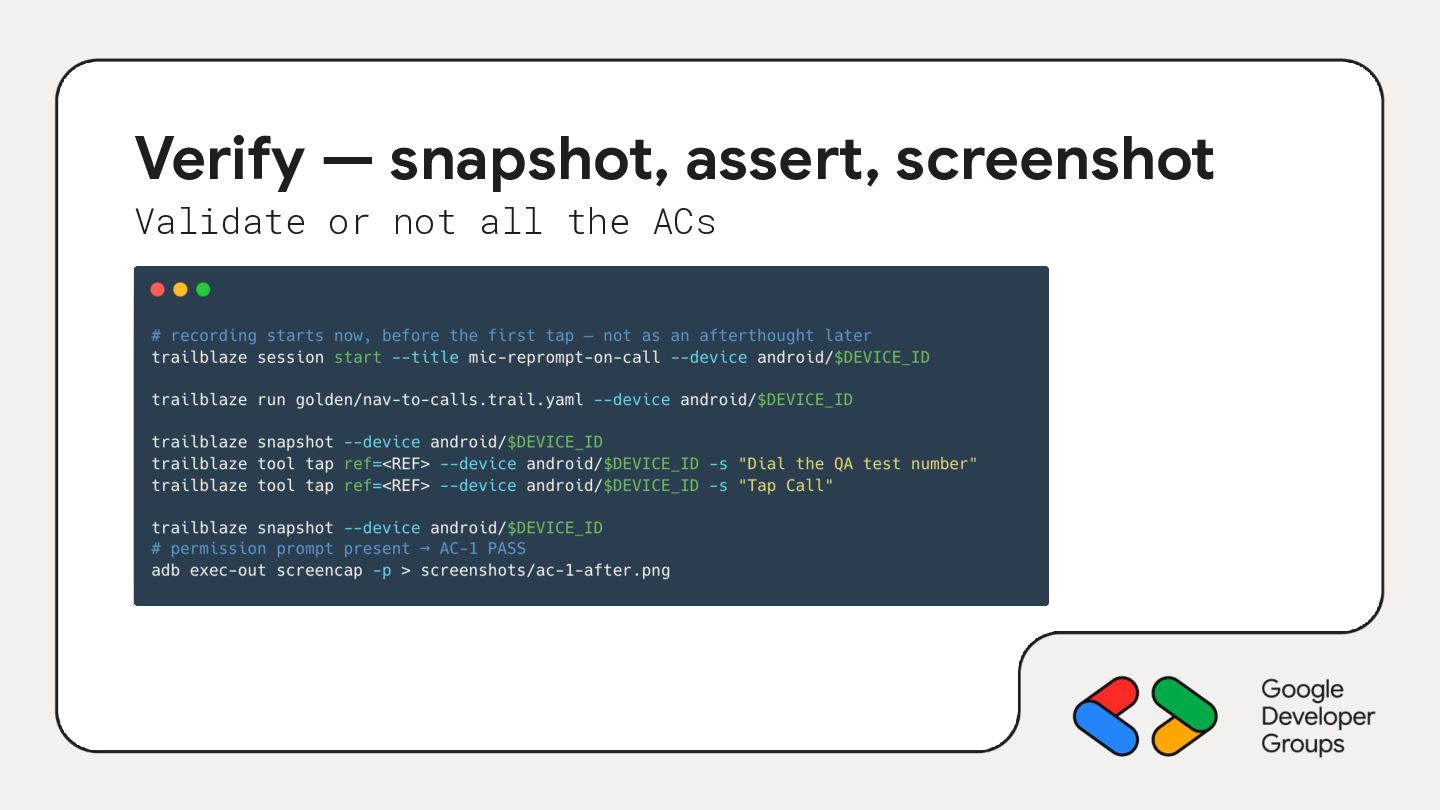
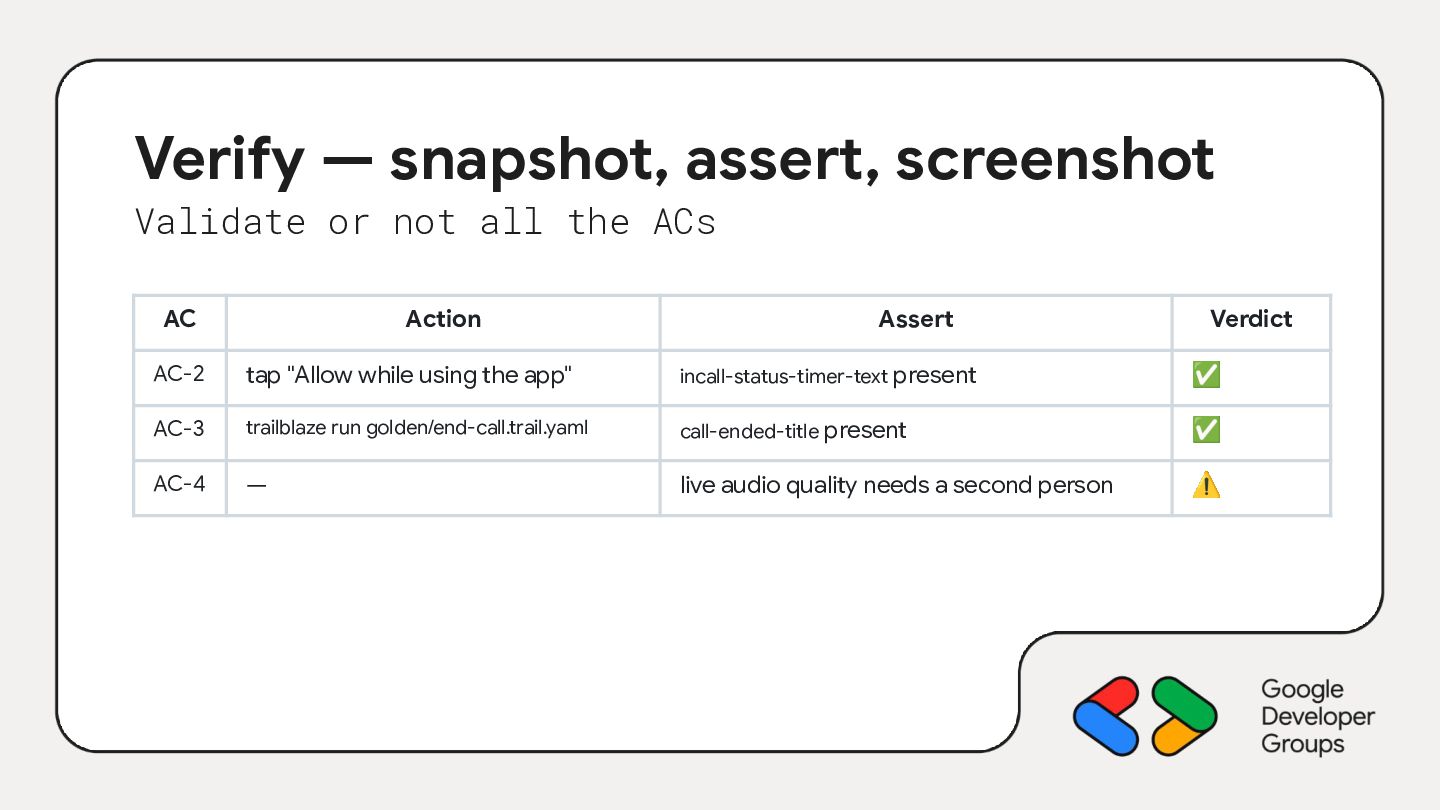
  16. Verify — snapshot, assert, screenshot Validate or not all the

    ACs AC Action Assert Verdict AC-2 tap "Allow while using the app" incall-status-timer-text present ✅ AC-3 trailblaze run golden/end-call.trail.yaml call-ended-title present ✅ AC-4 — live audio quality needs a second person ⚠
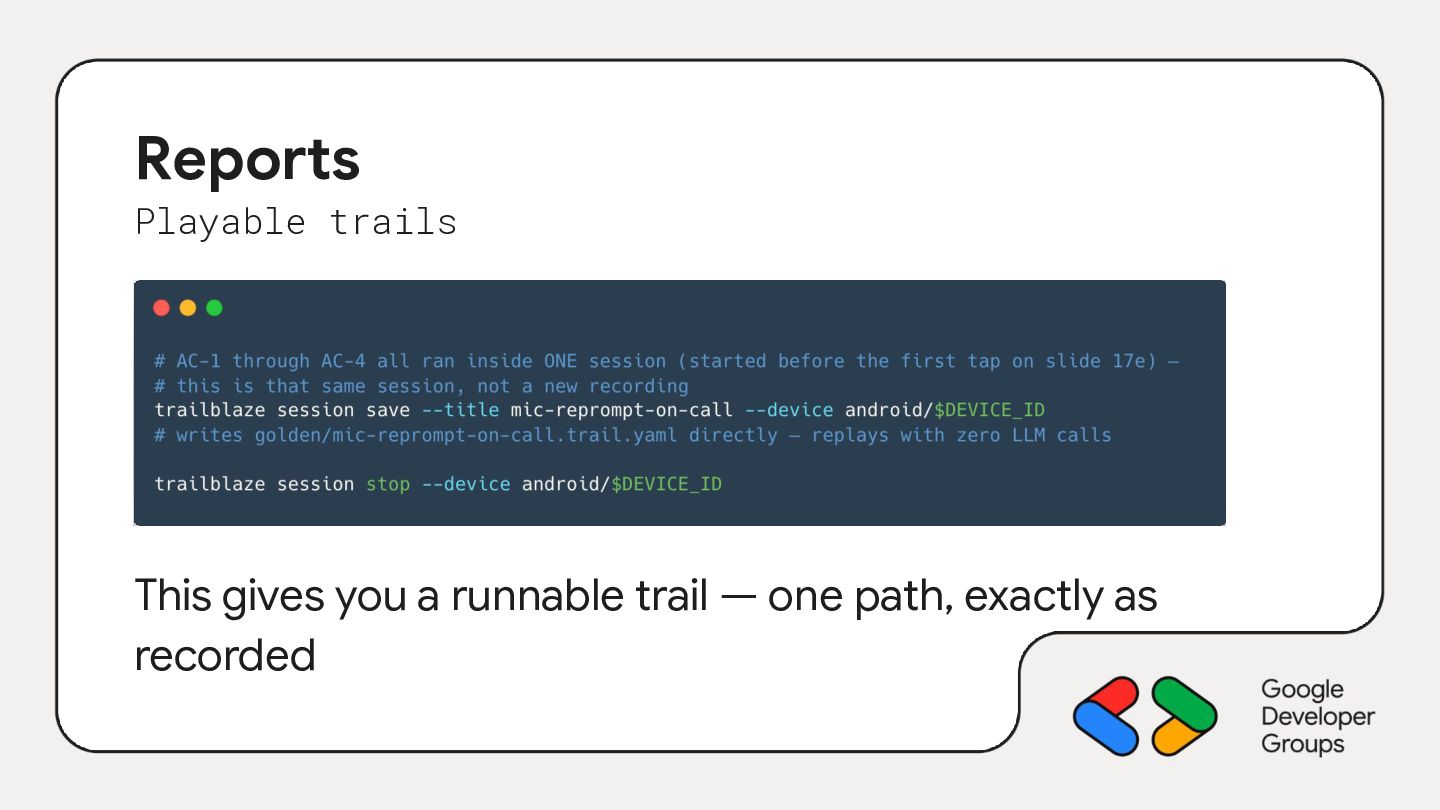
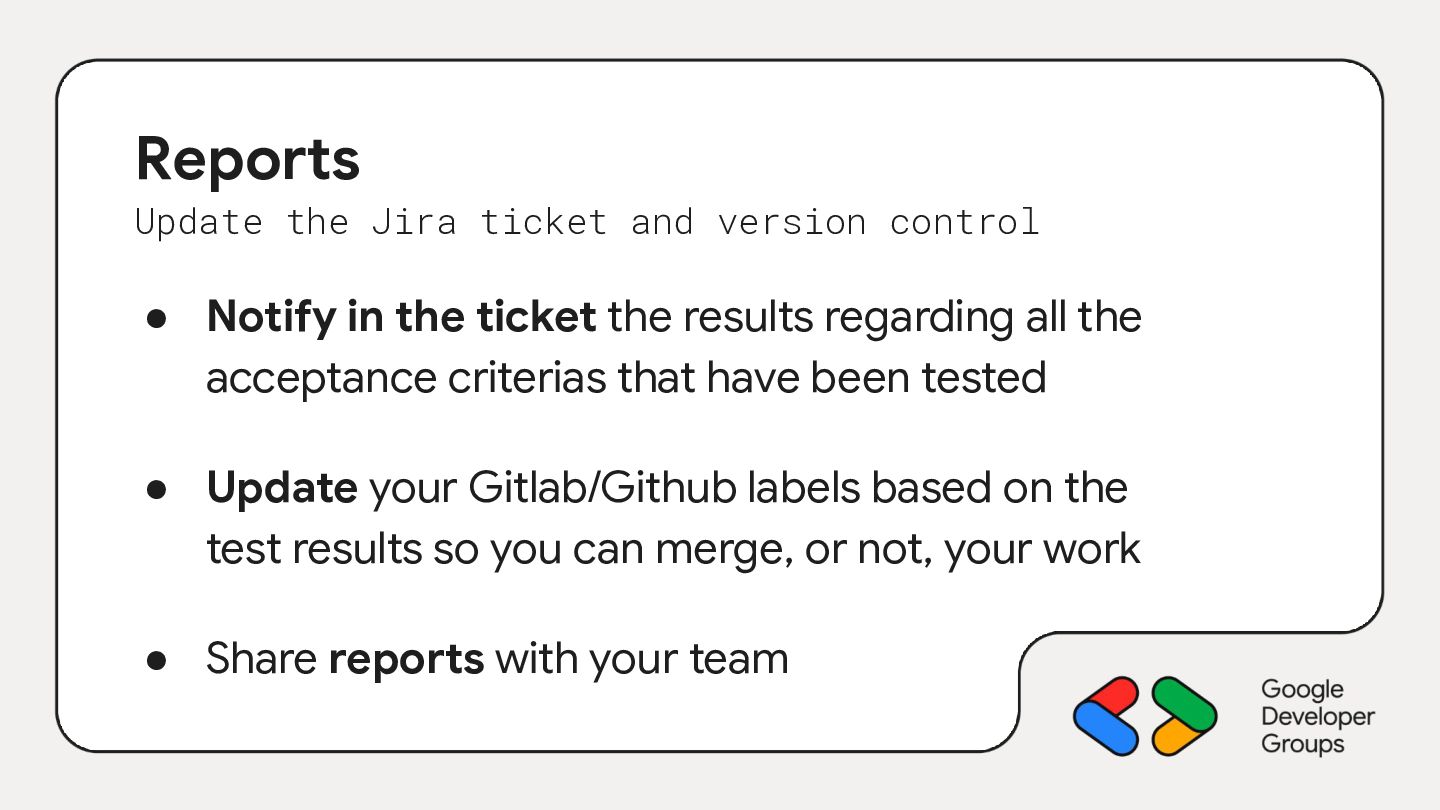
  17. Reports Update the Jira ticket and version control • Notify

    in the ticket the results regarding all the acceptance criterias that have been tested • Update your Gitlab/Github labels based on the test results so you can merge, or not, your work • Share reports with your team
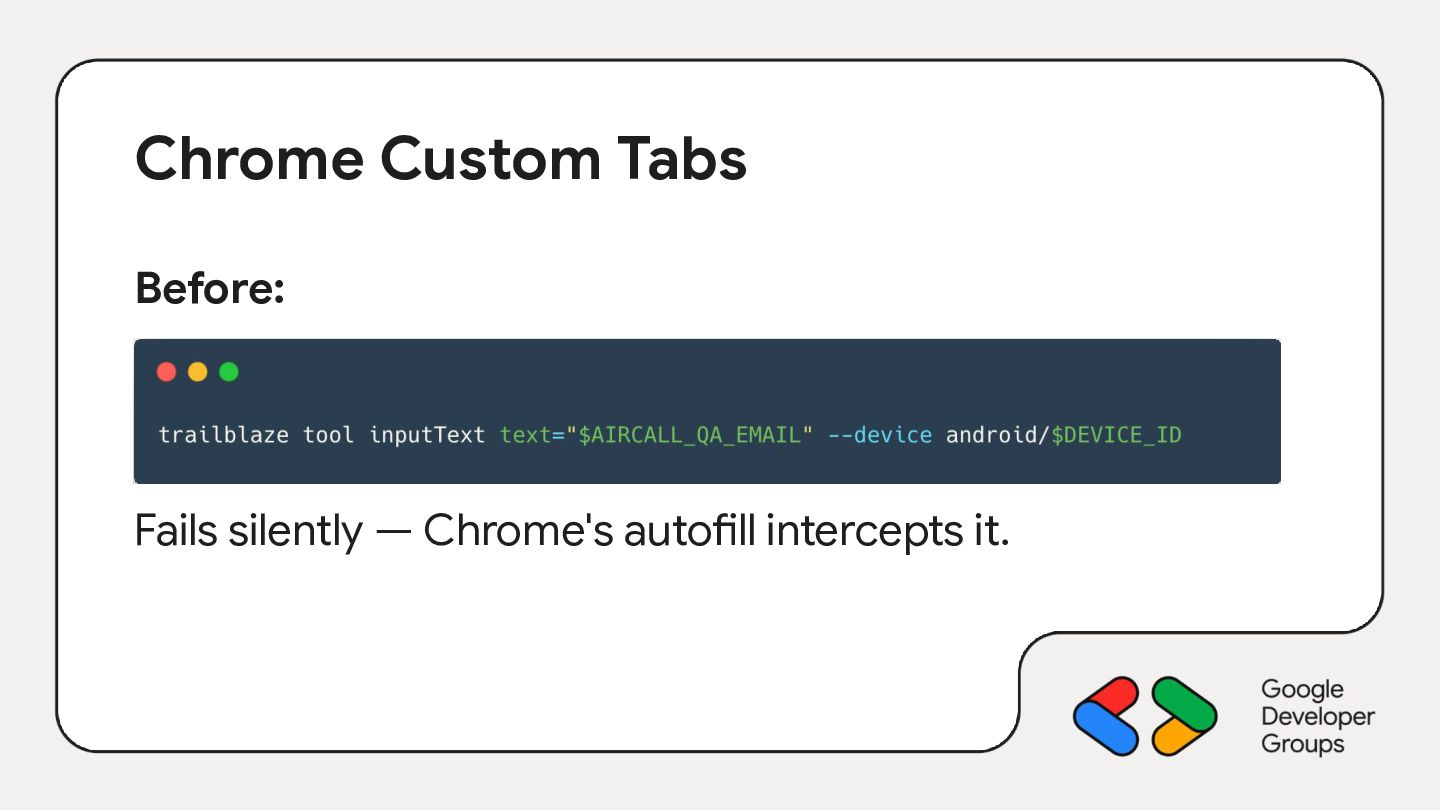
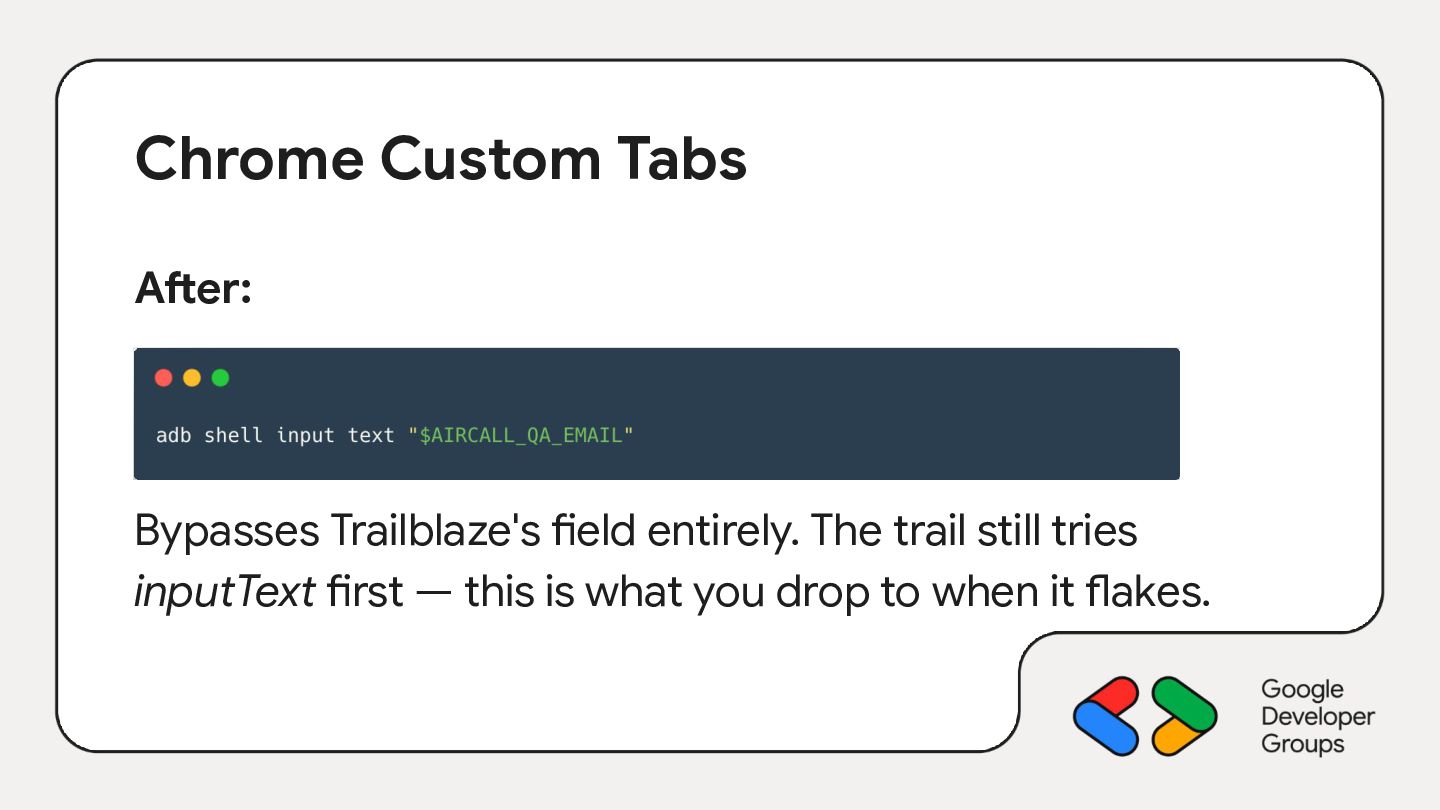
  18. Chrome Custom Tabs After: Bypasses Trailblaze's field entirely. The trail

    still tries inputText first — this is what you drop to when it flakes.
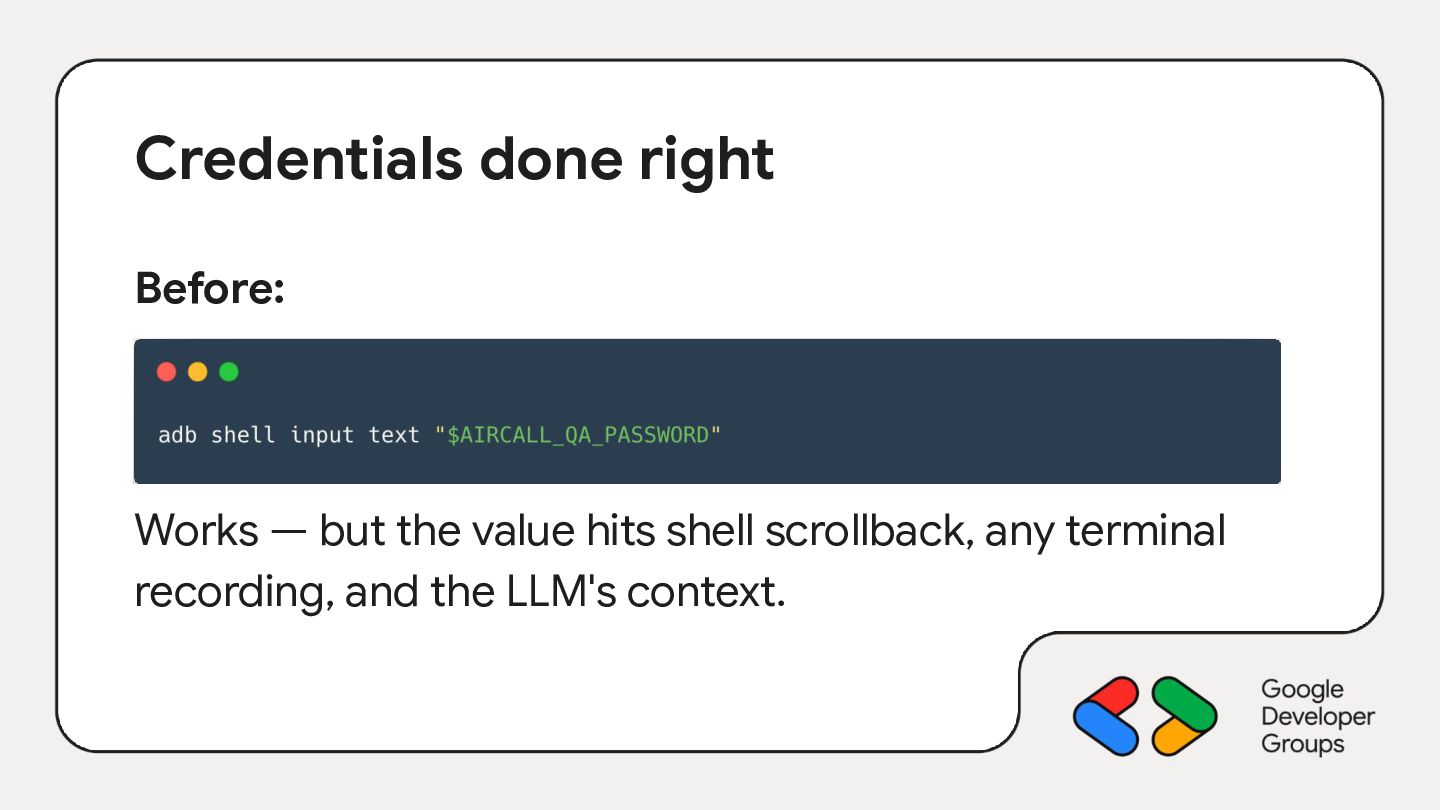
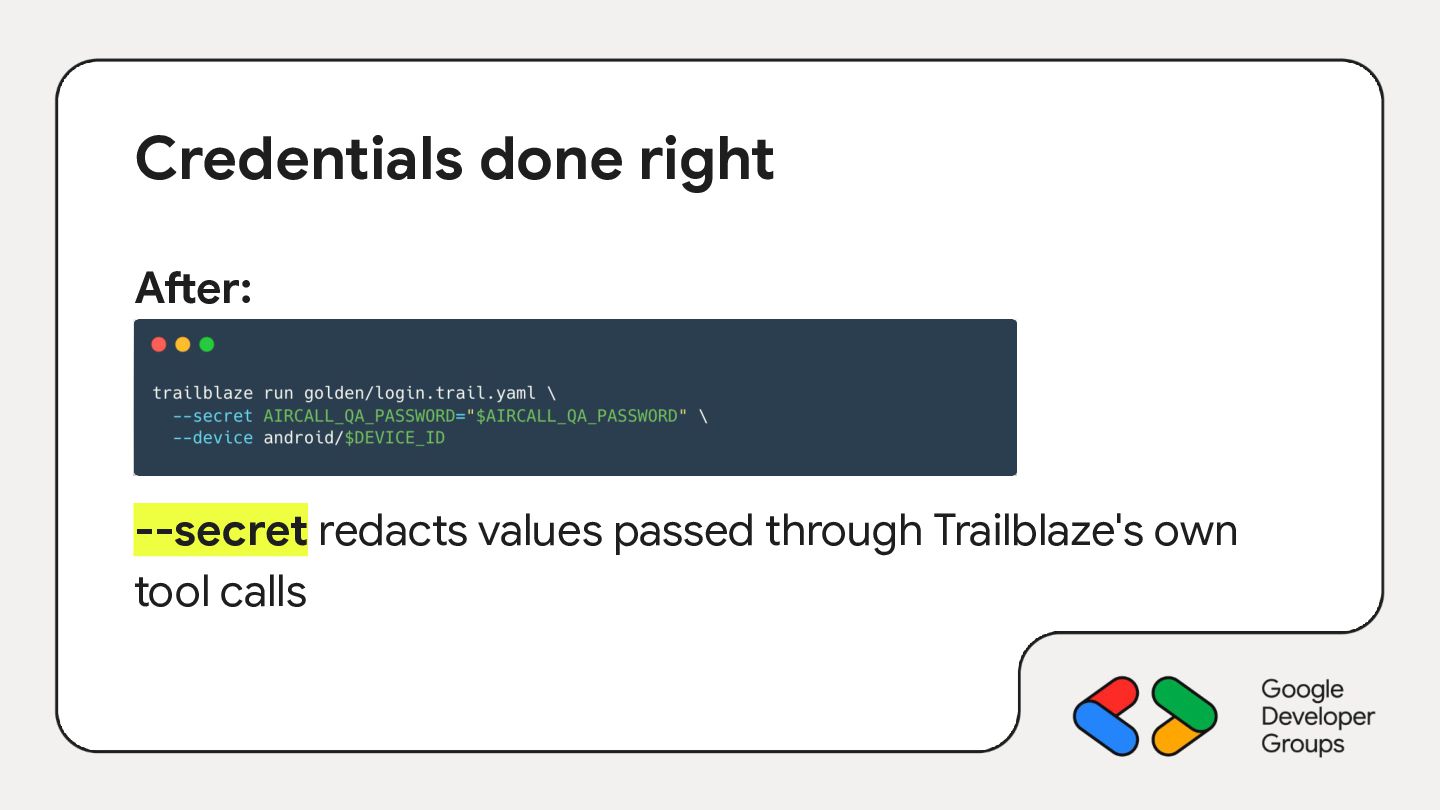
  19. Credentials done right Before: Works — but the value hits

    shell scrollback, any terminal recording, and the LLM's context.
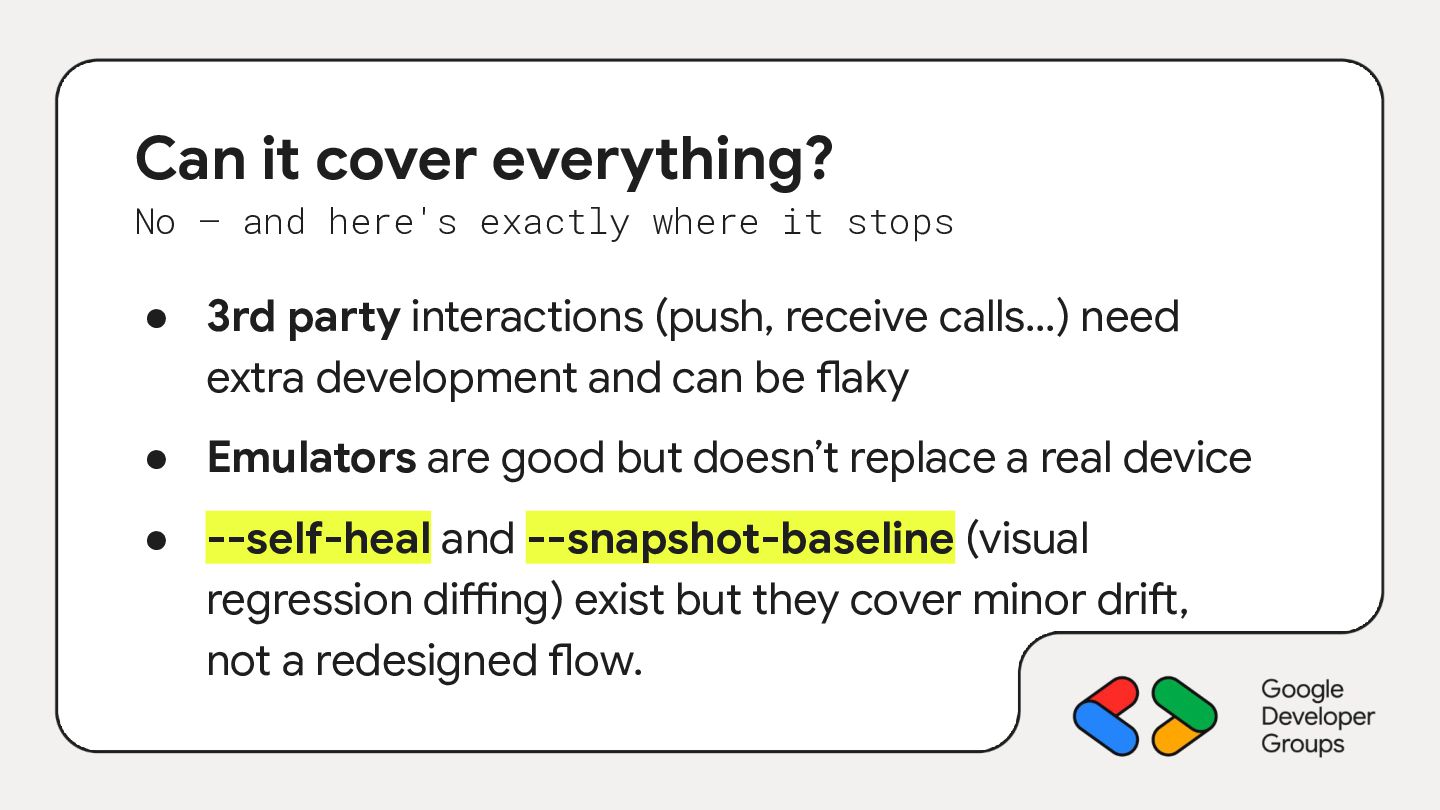
  20. Can it cover everything? No — and here's exactly where

    it stops • 3rd party interactions (push, receive calls…) need extra development and can be flaky • Emulators are good but doesn’t replace a real device • --self-heal and --snapshot-baseline (visual regression diffing) exist but they cover minor drift, not a redesigned flow.
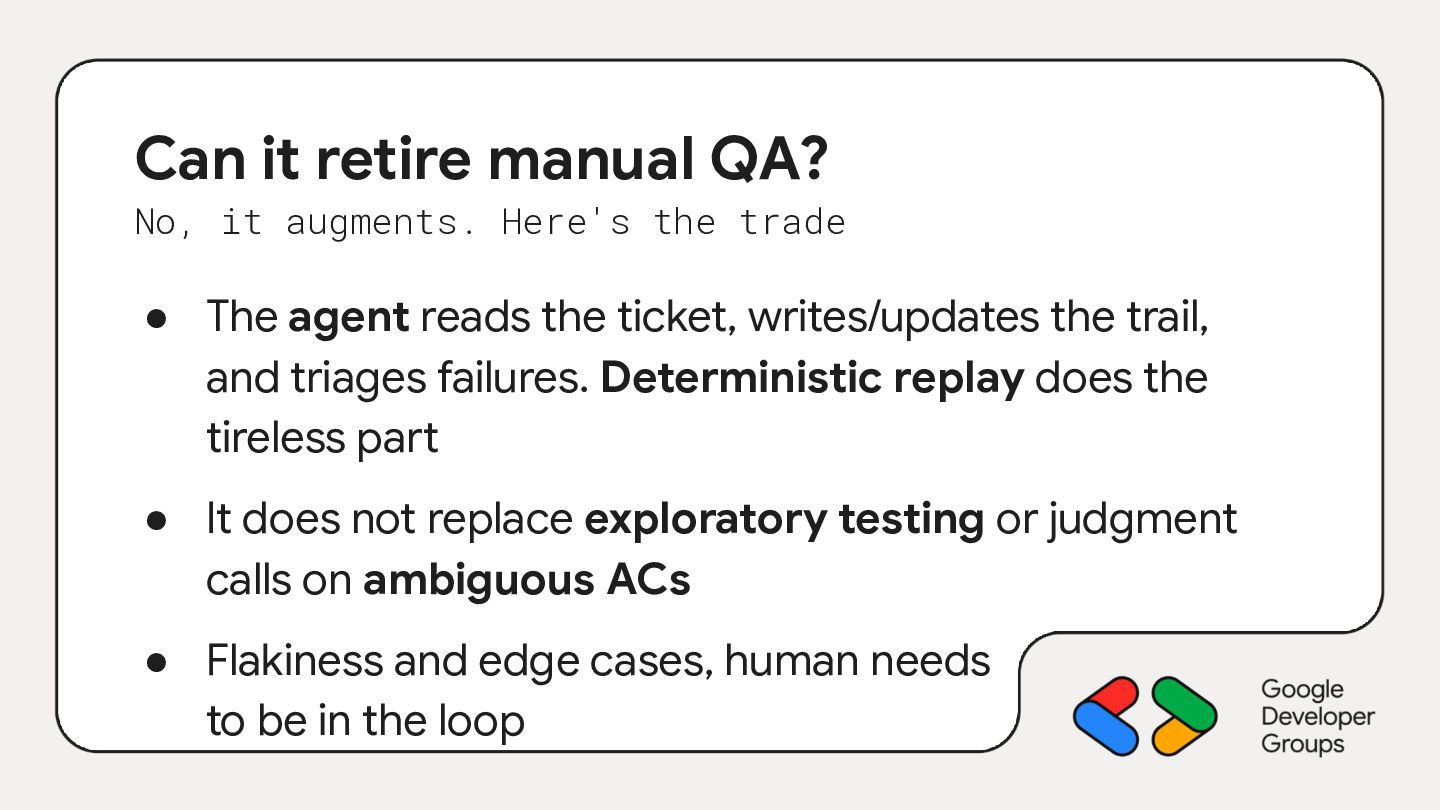
  21. Can it retire manual QA? No, it augments. Here's the

    trade • The agent reads the ticket, writes/updates the trail, and triages failures. Deterministic replay does the tireless part • It does not replace exploratory testing or judgment calls on ambiguous ACs • Flakiness and edge cases, human needs to be in the loop
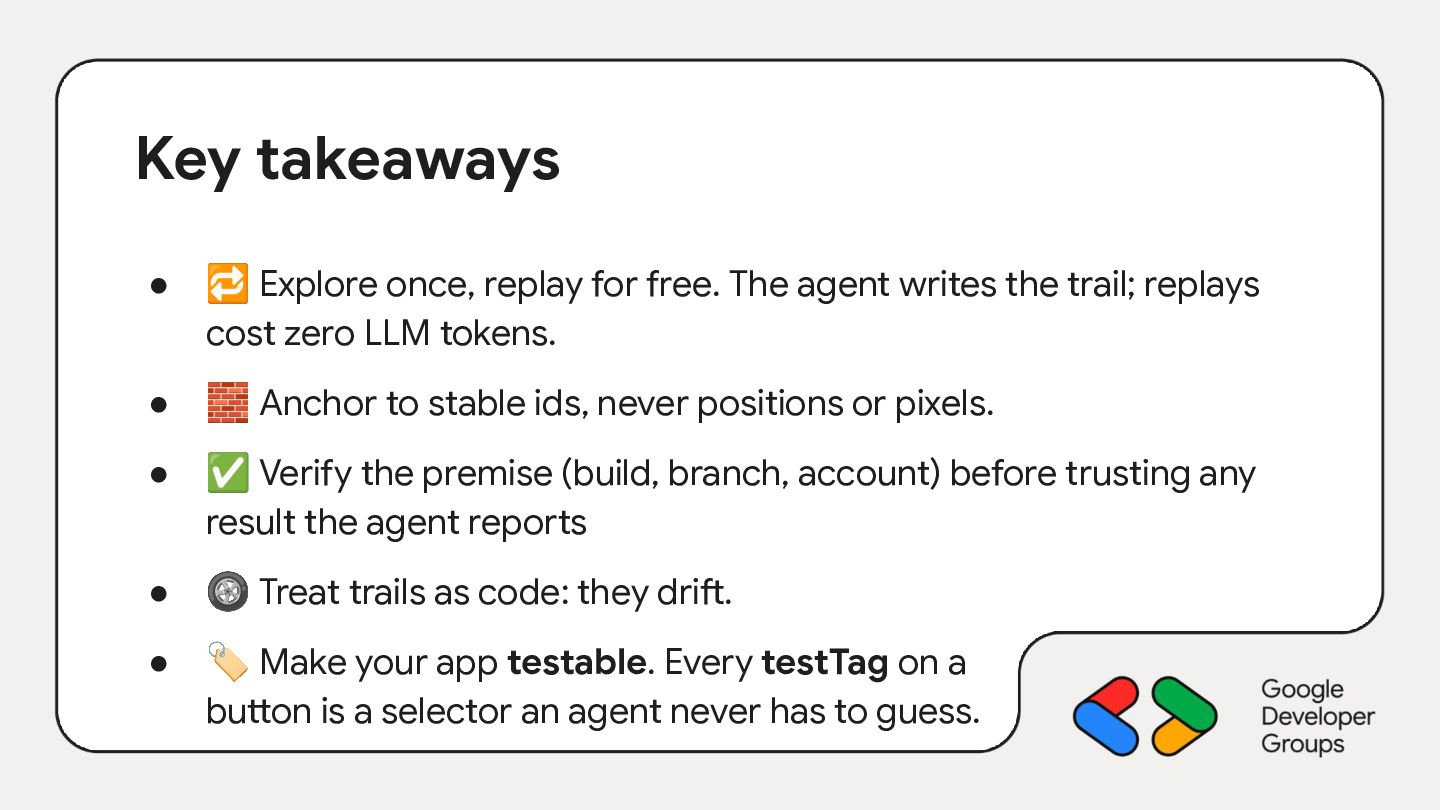
  22. Key takeaways • 🔁 Explore once, replay for free. The

    agent writes the trail; replays cost zero LLM tokens. • 🧱 Anchor to stable ids, never positions or pixels. • ✅ Verify the premise (build, branch, account) before trusting any result the agent reports • 🛞 Treat trails as code: they drift. • 🏷 Make your app testable. Every testTag on a button is a selector an agent never has to guess.
  23. Modena Thanks a lot! Time to level up your QA!

    Julien Salvi Android @ Aircall