Upgrade to Pro — share decks privately, control downloads, hide ads and more …

Building and presenting slide decks with rst2pdf

Sponsored · SiteGround - Reliable hosting with speed, security, and support you can count on. →

Building and presenting slide decks with rst2pdf

I've recently used rst2pdf for building presentation slides. This short talk will show some examples of how I built and presented a slide deck using reStructuredText and rst2pdf.

https://www.oliverdavies.uk/talks/building-presenting-slide-decks-rst2pdf

Avatar for Oliver Davies

Oliver Davies

January 28, 2021

More Decks by Oliver Davies

Other Decks in Technology

Transcript

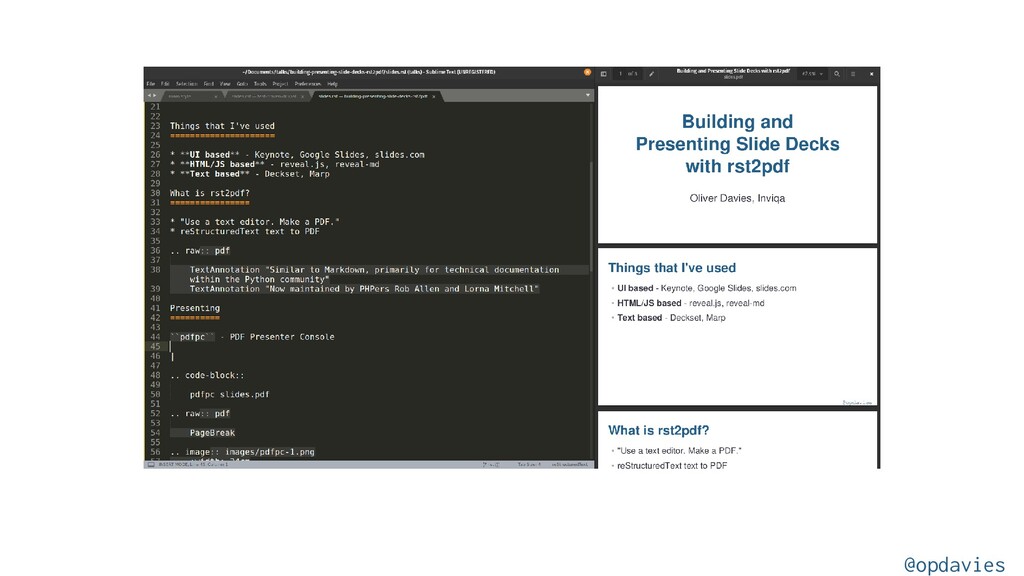
  1. What have I used before? • UI based: Keynote, Google

    Slides, slides.com • HTML/JavaScript: reveal.js • Markdown: Deckset, Marp, reveal-md @opdavies
  2. What is rst2pdf? • "Use a text editor. Make a

    PDF." • reStructuredText to PDF • Each slide is a page • Page templates for layouts • Not just for slide decks • Table of contents, page numbers, headers, footers @opdavies
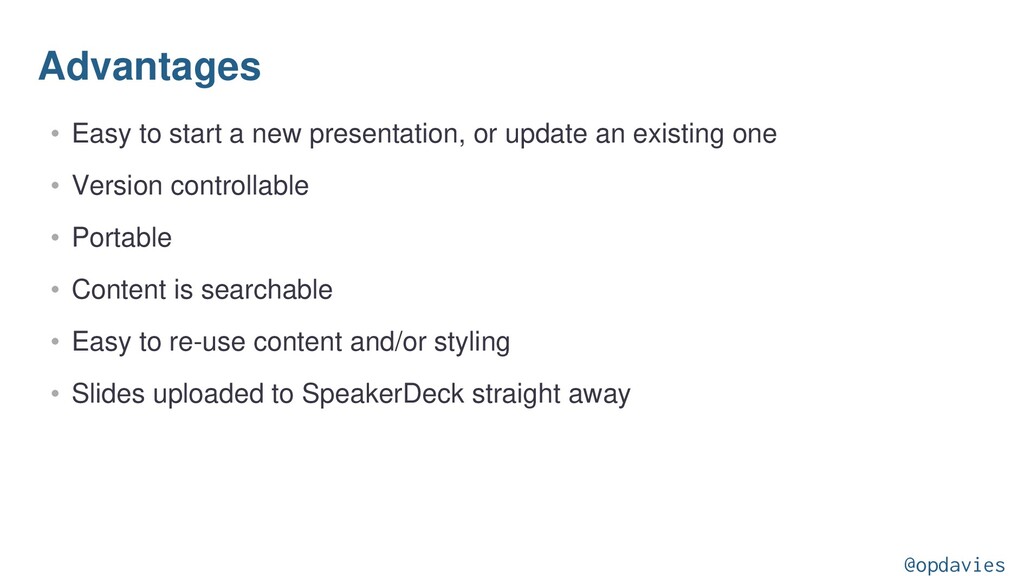
  3. Advantages • Easy to start a new presentation, or update

    an existing one • Version controllable • Portable • Content is searchable • Easy to re-use content and/or styling • Slides uploaded to SpeakerDeck straight away @opdavies
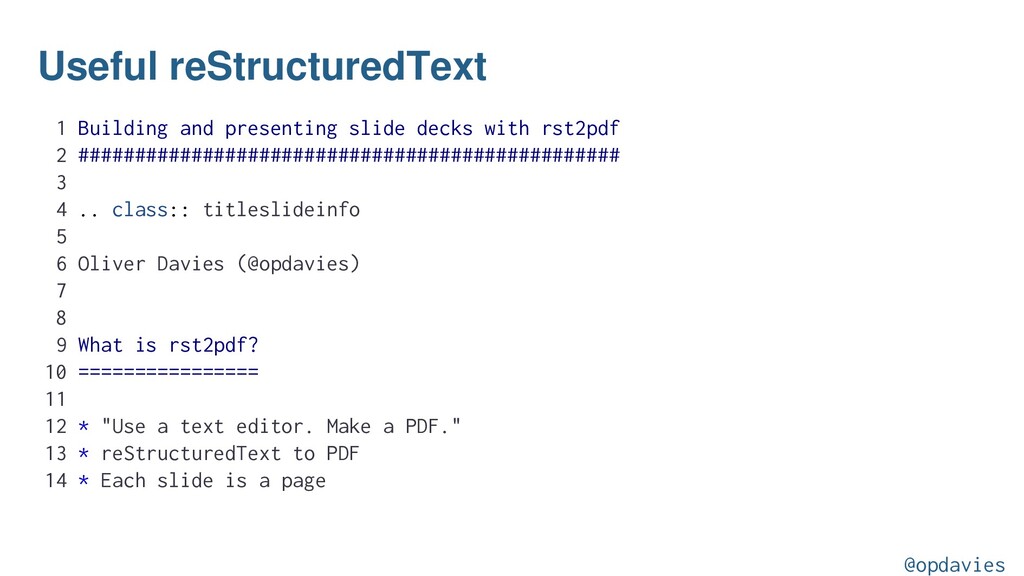
  4. Useful reStructuredText 1 Building and presenting slide decks with rst2pdf

    2 ################################################ 3 4 .. class:: titleslideinfo 5 6 Oliver Davies (@opdavies) 7 8 9 What is rst2pdf? 10 ================ 11 12 * "Use a text editor. Make a PDF." 13 * reStructuredText to PDF 14 * Each slide is a page @opdavies
  5. Useful reStructuredText 1 .. image:: images/editing.png 2 :width: 20cm 3

    4 5 .. code-block:: php 6 :startinline: true 7 :linenos: 8 9 echo 'Hello world!'; 10 11 12 .. raw:: pdf 13 14 TextAnnotation "This is a speaker note." @opdavies
  6. Page Templates main.style: pageTemplates: standardPage: frames: [] [3%, 3%, 92%,

    92%] showFooter: true showHeader: false slides.rst: .. raw:: pdf PageBreak standardPage @opdavies
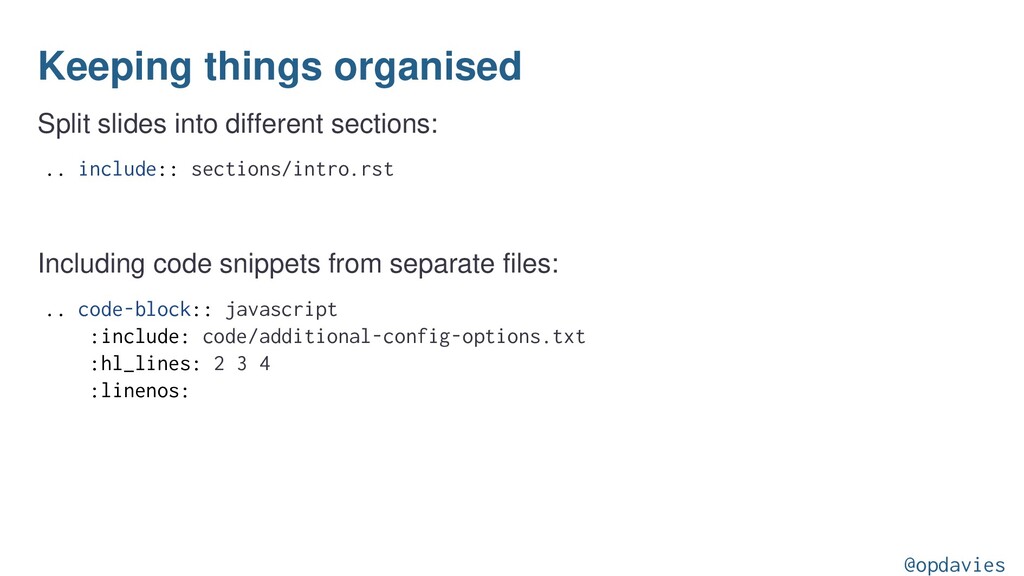
  7. Keeping things organised Split slides into different sections: .. include::

    sections/intro.rst Including code snippets from separate files: .. code-block:: javascript :include: code/additional-config-options.txt :hl_lines: 2 3 4 :linenos: @opdavies
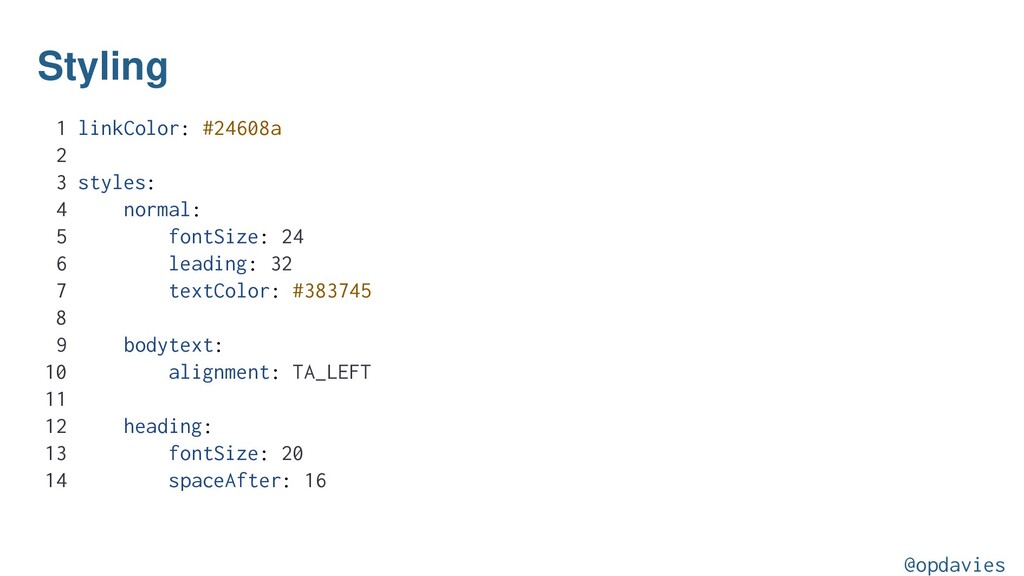
  8. Styling 1 linkColor: #24608a 2 3 styles: 4 normal: 5

    fontSize: 24 6 leading: 32 7 textColor: #383745 8 9 bodytext: 10 alignment: TA_LEFT 11 12 heading: 13 fontSize: 20 14 spaceAfter: 16 @opdavies
  9. 15 textColor: #24608a 16 17 title: 18 fontSize: 300% 19

    parent: heading 20 textColor: white 21 22 bullet-list: 23 commands: [] 24 [LEFTPADDING, [0, 0], [1, -1], 10] 25 [RIGHTPADDING, [0, 0], [1, -1], 0] 26 [VALIGN, [0, 0], [-1, -1], TOP] 27 colWidths: ["20", null] 28 textColor: #aaaaaa @opdavies
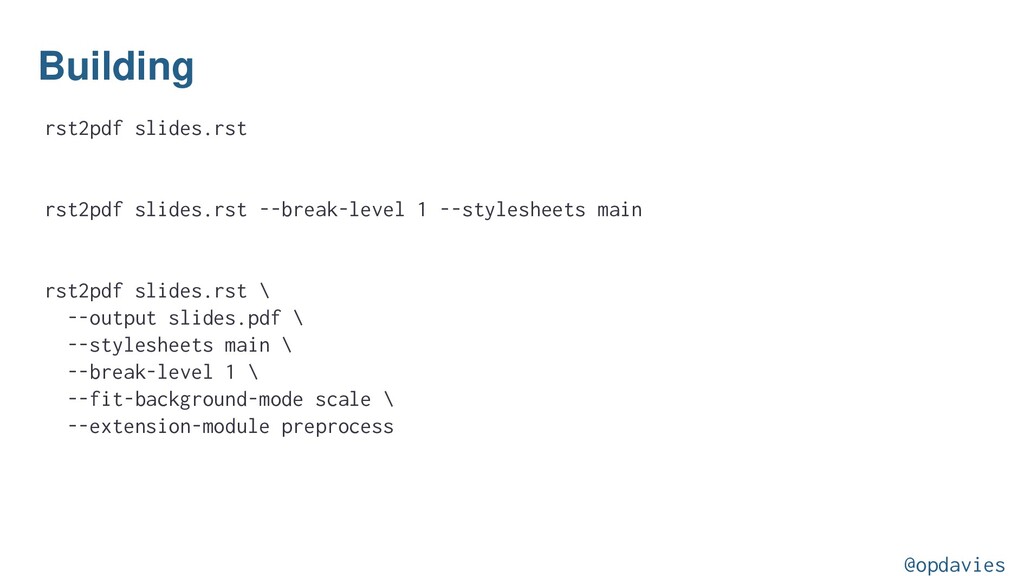
  10. Building rst2pdf slides.rst rst2pdf slides.rst --break-level 1 --stylesheets main rst2pdf

    slides.rst \ --output slides.pdf \ --stylesheets main \ --break-level 1 \ --fit-background-mode scale \ --extension-module preprocess @opdavies
  11. Watching Re-compiling when something changes. nodemon --ext rst,style,txt --exec "

    rst2pdf slides.rst \ --output slides.pdf \ --stylesheets main \ --break-level 1 \ --fit-background-mode scale \ --extension-module preprocess " @opdavies