Upgrade to Pro — share decks privately, control downloads, hide ads and more …

AWS × LINE で始める FinOps ~Terraform を添えて~

Avatar for ryu-ki ryu-ki
March 13, 2026
48

AWS × LINE で始める FinOps ~Terraform を添えて~

Avatar for ryu-ki

ryu-ki

March 13, 2026
Tweet

More Decks by ryu-ki

Transcript

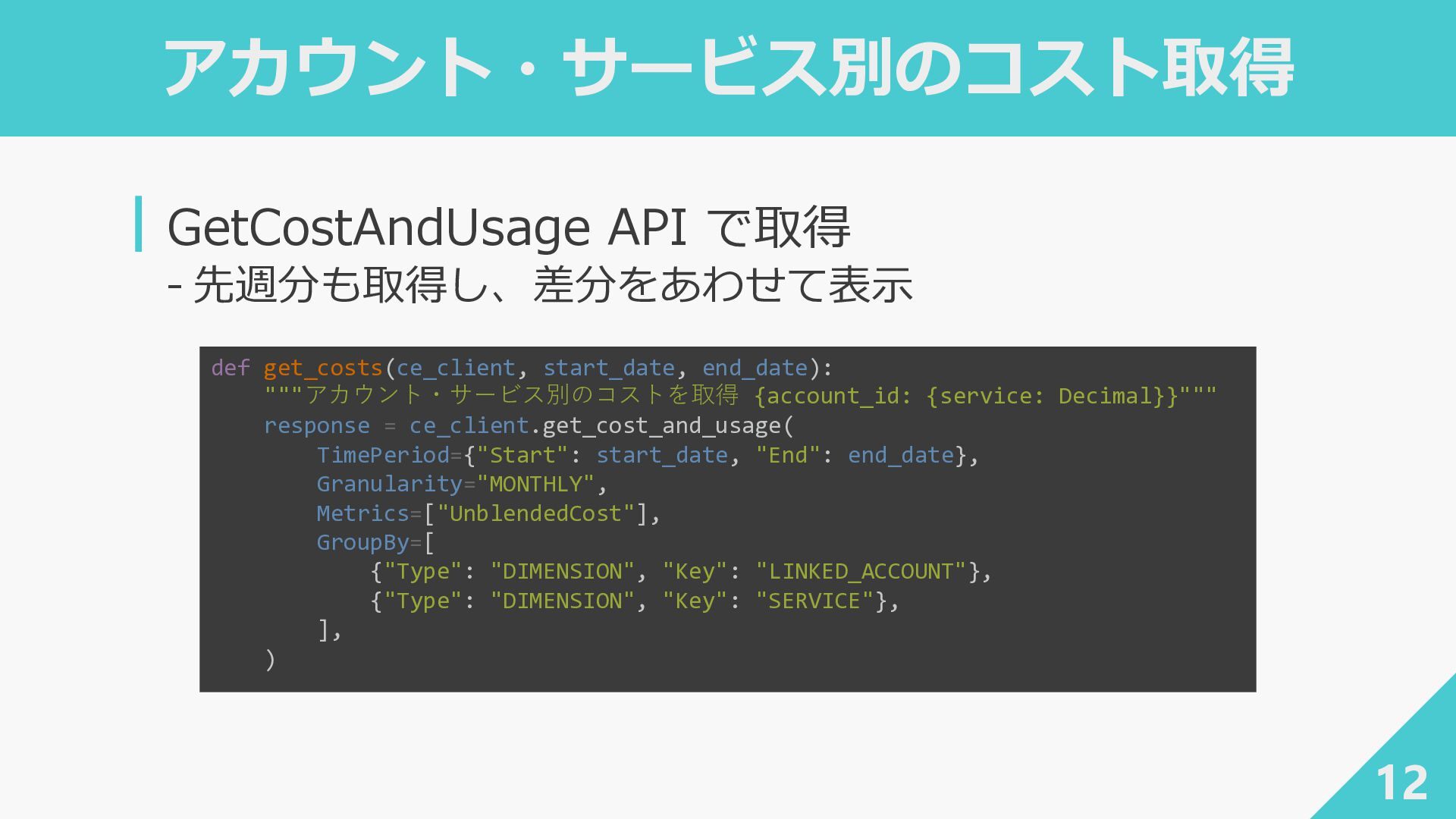
  1. アカウント・サービス別のコスト取得 12 ┃GetCostAndUsage API で取得 ‐ 先週分も取得し、差分をあわせて表示 def get_costs(ce_client, start_date,

    end_date): """アカウント・サービス別のコストを取得 {account_id: {service: Decimal}}""" response = ce_client.get_cost_and_usage( TimePeriod={"Start": start_date, "End": end_date}, Granularity="MONTHLY", Metrics=["UnblendedCost"], GroupBy=[ {"Type": "DIMENSION", "Key": "LINKED_ACCOUNT"}, {"Type": "DIMENSION", "Key": "SERVICE"}, ], )
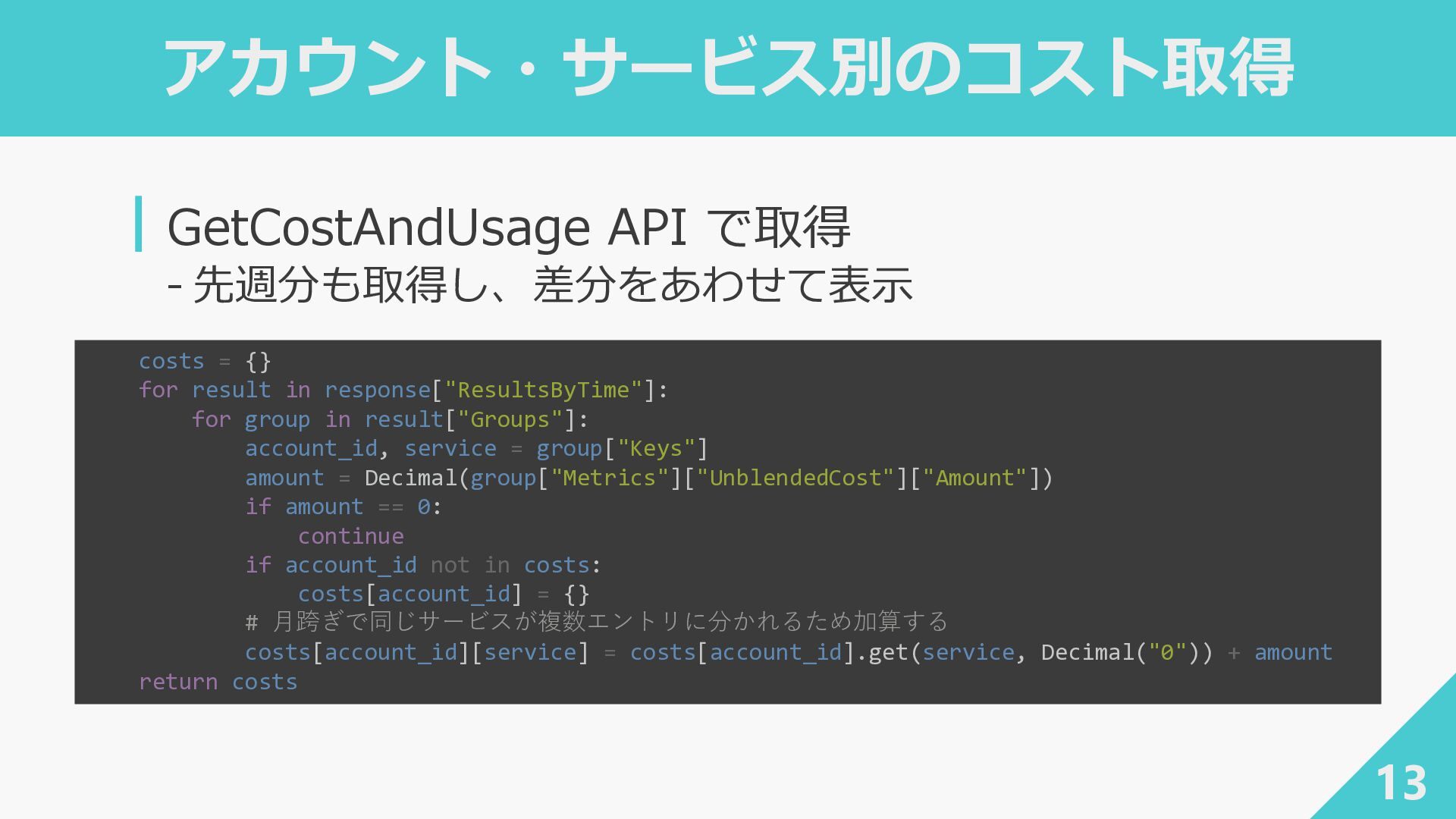
  2. アカウント・サービス別のコスト取得 13 ┃GetCostAndUsage API で取得 ‐ 先週分も取得し、差分をあわせて表示 costs = {}

    for result in response["ResultsByTime"]: for group in result["Groups"]: account_id, service = group["Keys"] amount = Decimal(group["Metrics"]["UnblendedCost"]["Amount"]) if amount == 0: continue if account_id not in costs: costs[account_id] = {} # 月跨ぎで同じサービスが複数エントリに分かれるため加算する costs[account_id][service] = costs[account_id].get(service, Decimal("0")) + amount return costs
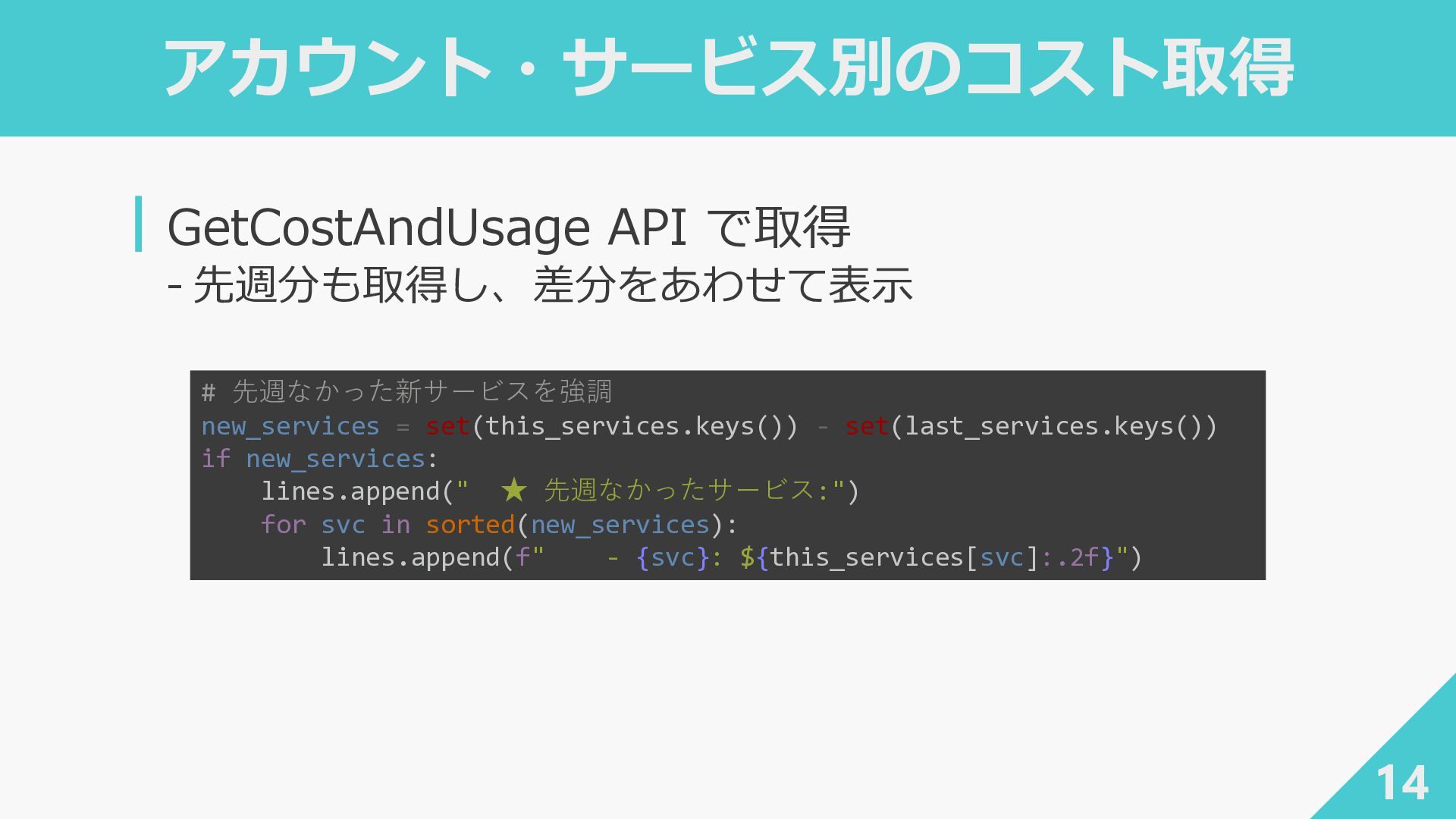
  3. アカウント・サービス別のコスト取得 14 ┃GetCostAndUsage API で取得 ‐ 先週分も取得し、差分をあわせて表示 # 先週なかった新サービスを強調 new_services

    = set(this_services.keys()) - set(last_services.keys()) if new_services: lines.append(" ★ 先週なかったサービス:") for svc in sorted(new_services): lines.append(f" - {svc}: ${this_services[svc]:.2f}")
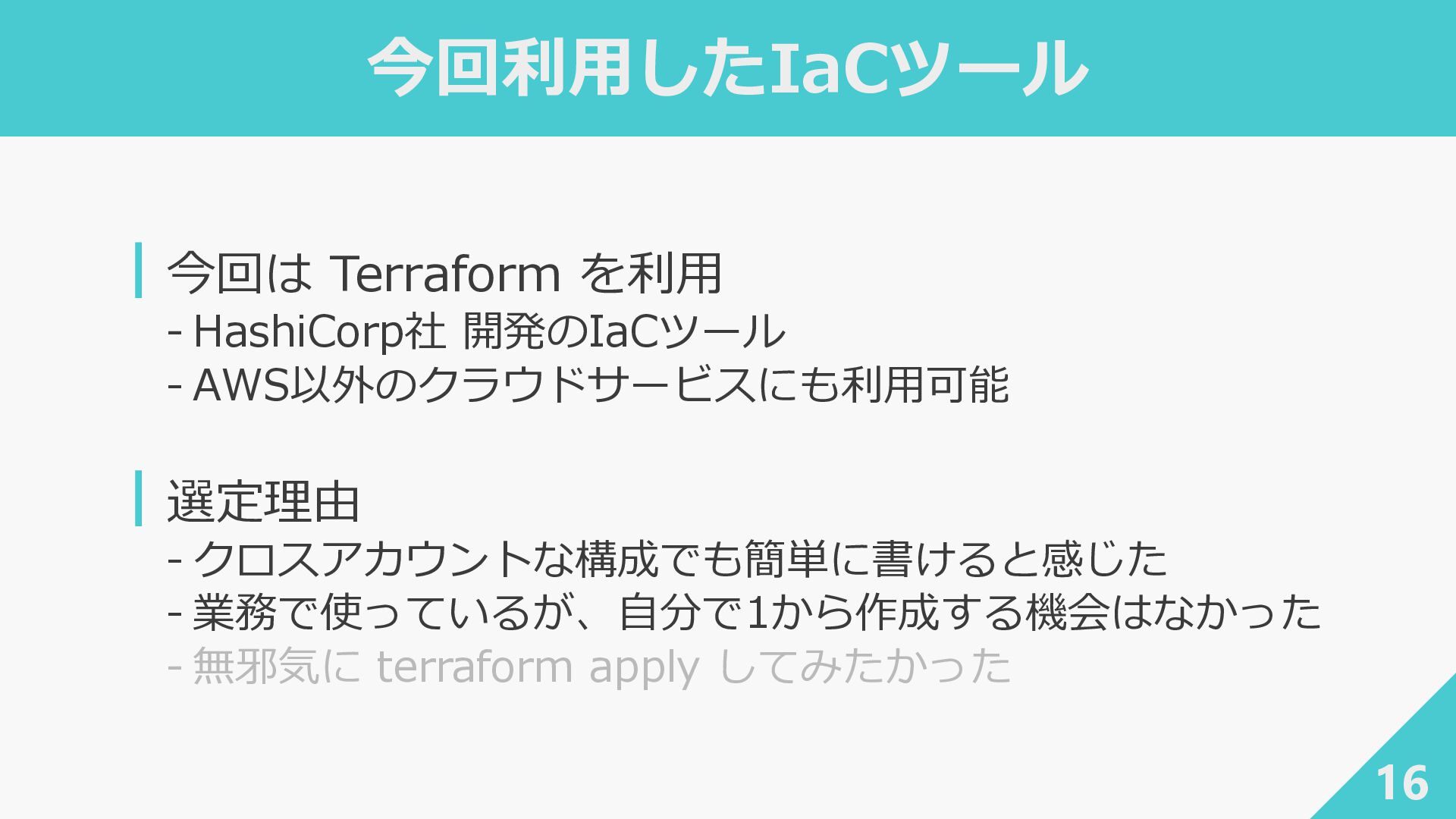
  4. 今回利用したIaCツール ┃今回は Terraform を利用 ‐ HashiCorp社 開発のIaCツール ‐ AWS以外のクラウドサービスにも利用可能 ┃選定理由

    ‐ クロスアカウントな構成でも簡単に書けると感じた ‐ 業務で使っているが、自分で1から作成する機会はなかった ‐ 無邪気に terraform apply してみたかった 16
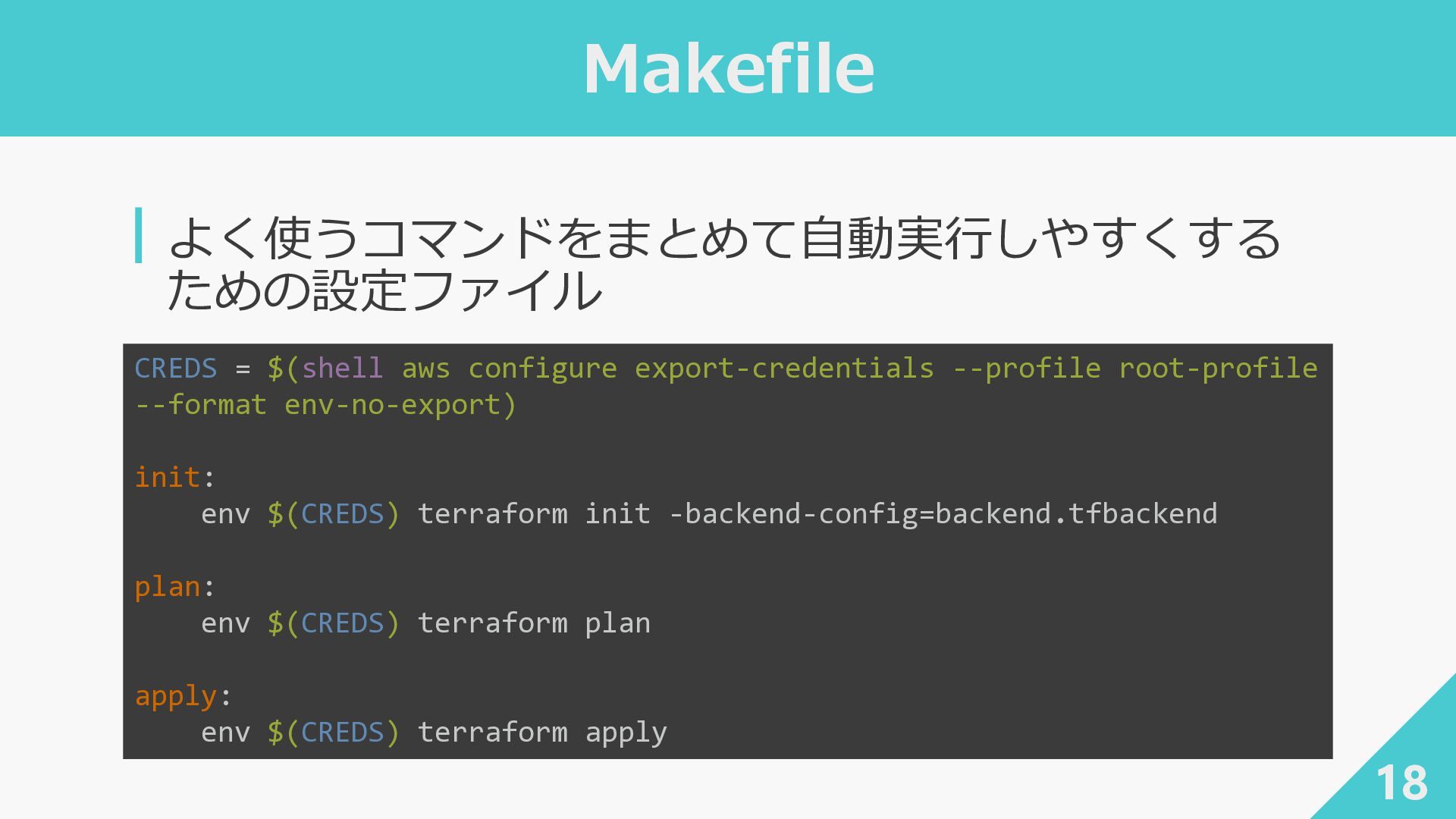
  5. Makefile ┃よく使うコマンドをまとめて自動実行しやすくする ための設定ファイル 18 CREDS = $(shell aws configure export-credentials

    --profile root-profile --format env-no-export) init: env $(CREDS) terraform init -backend-config=backend.tfbackend plan: env $(CREDS) terraform plan apply: env $(CREDS) terraform apply
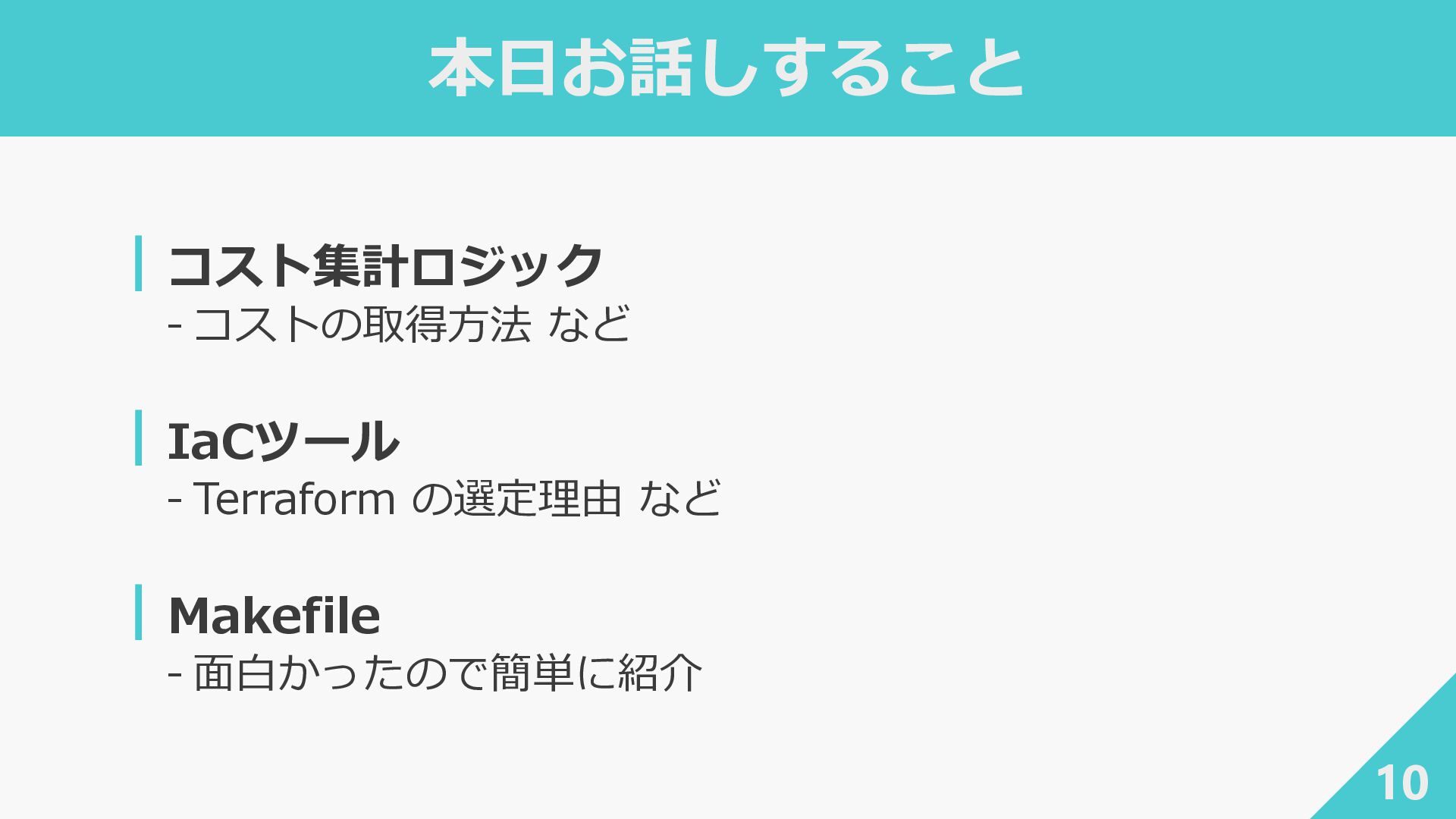
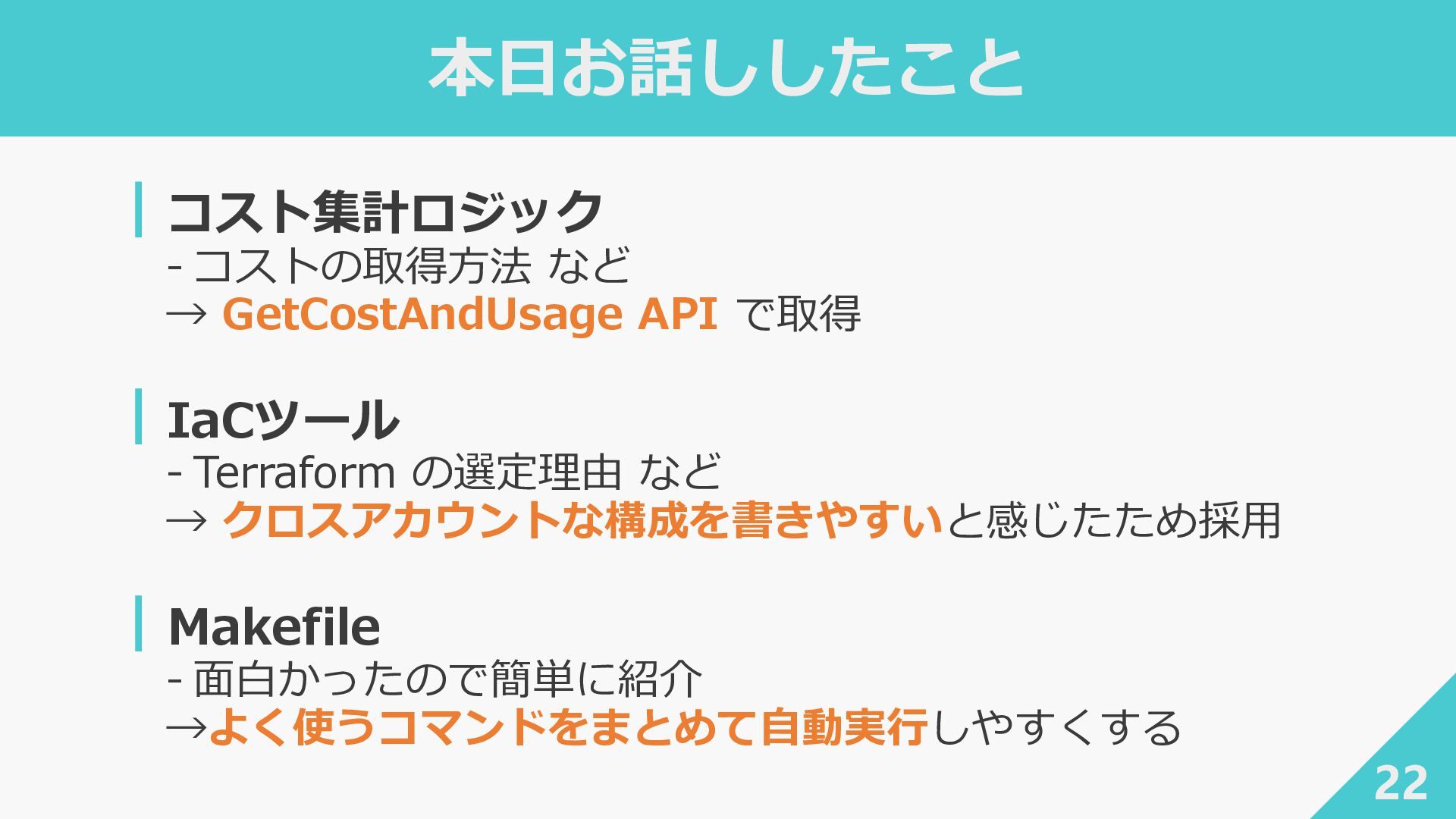
  6. 本日お話ししたこと ┃コスト集計ロジック ‐ コストの取得方法 など → GetCostAndUsage API で取得 ┃IaCツール

    ‐ Terraform の選定理由 など → クロスアカウントな構成を書きやすいと感じたため採用 ┃Makefile ‐ 面白かったので簡単に紹介 →よく使うコマンドをまとめて自動実行しやすくする 22
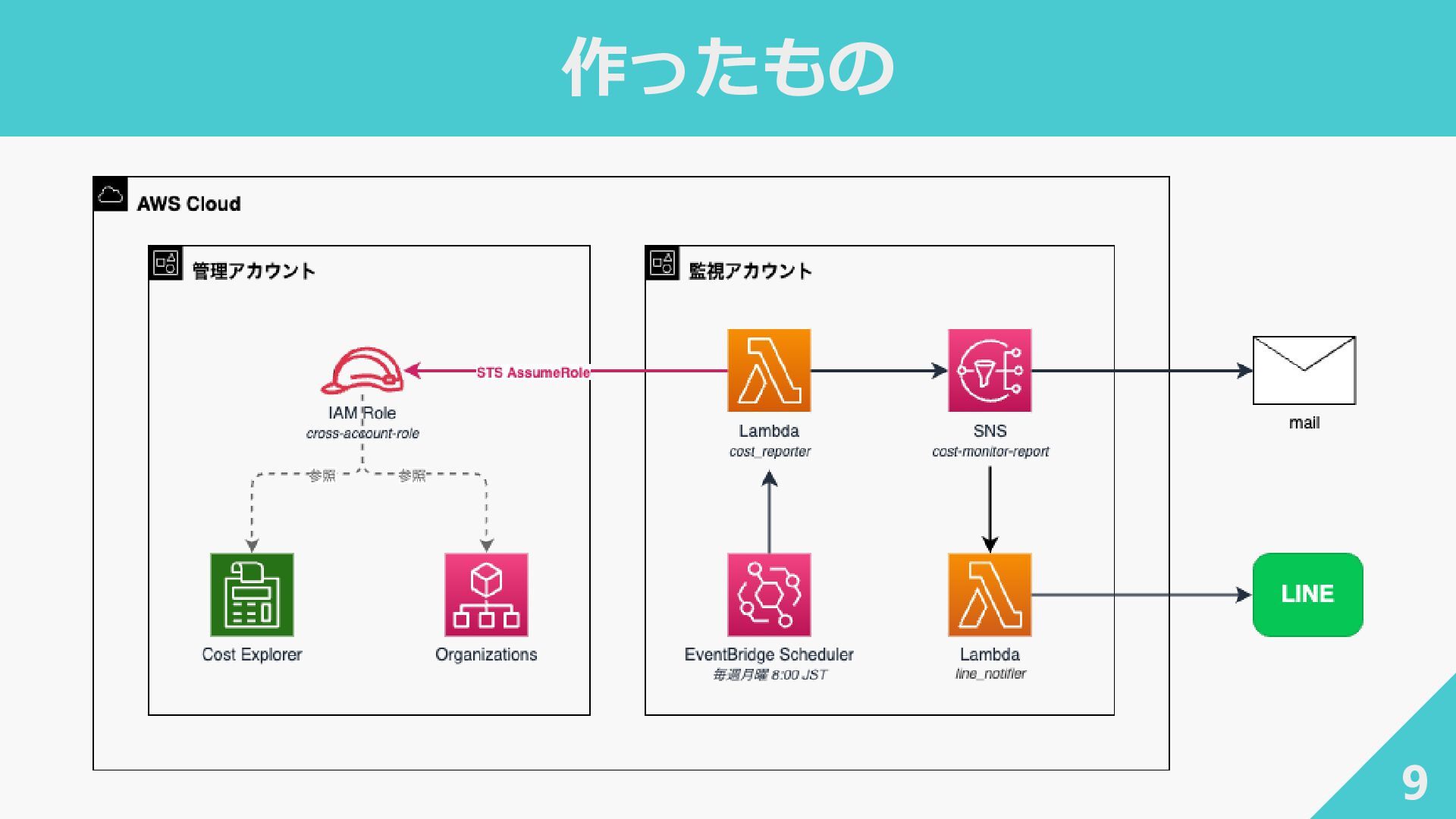
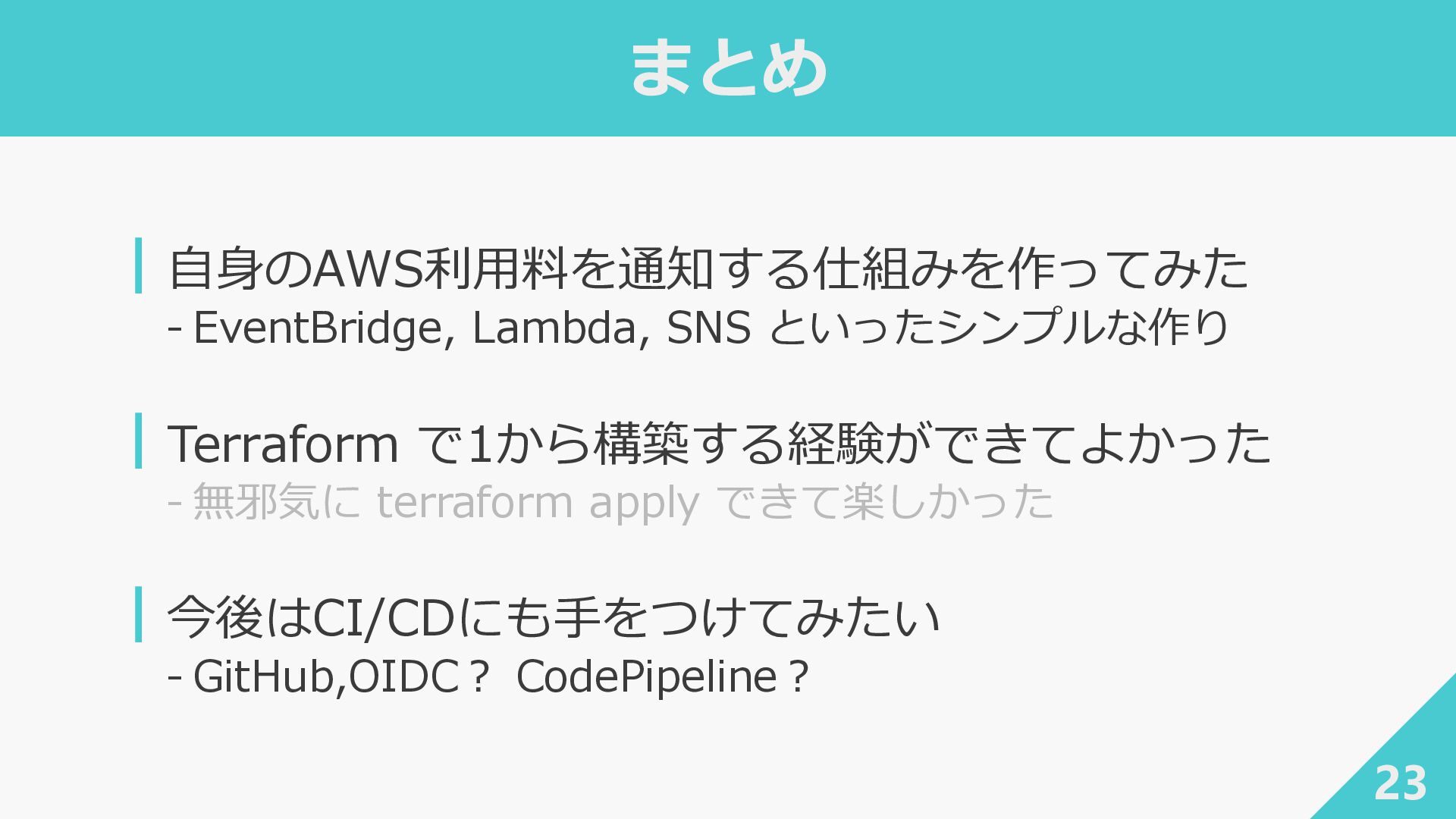
  7. まとめ ┃自身のAWS利用料を通知する仕組みを作ってみた ‐ EventBridge, Lambda, SNS といったシンプルな作り ┃Terraform で1から構築する経験ができてよかった ‐

    無邪気に terraform apply できて楽しかった ┃今後はCI/CDにも手をつけてみたい ‐ GitHub,OIDC? CodePipeline? 23
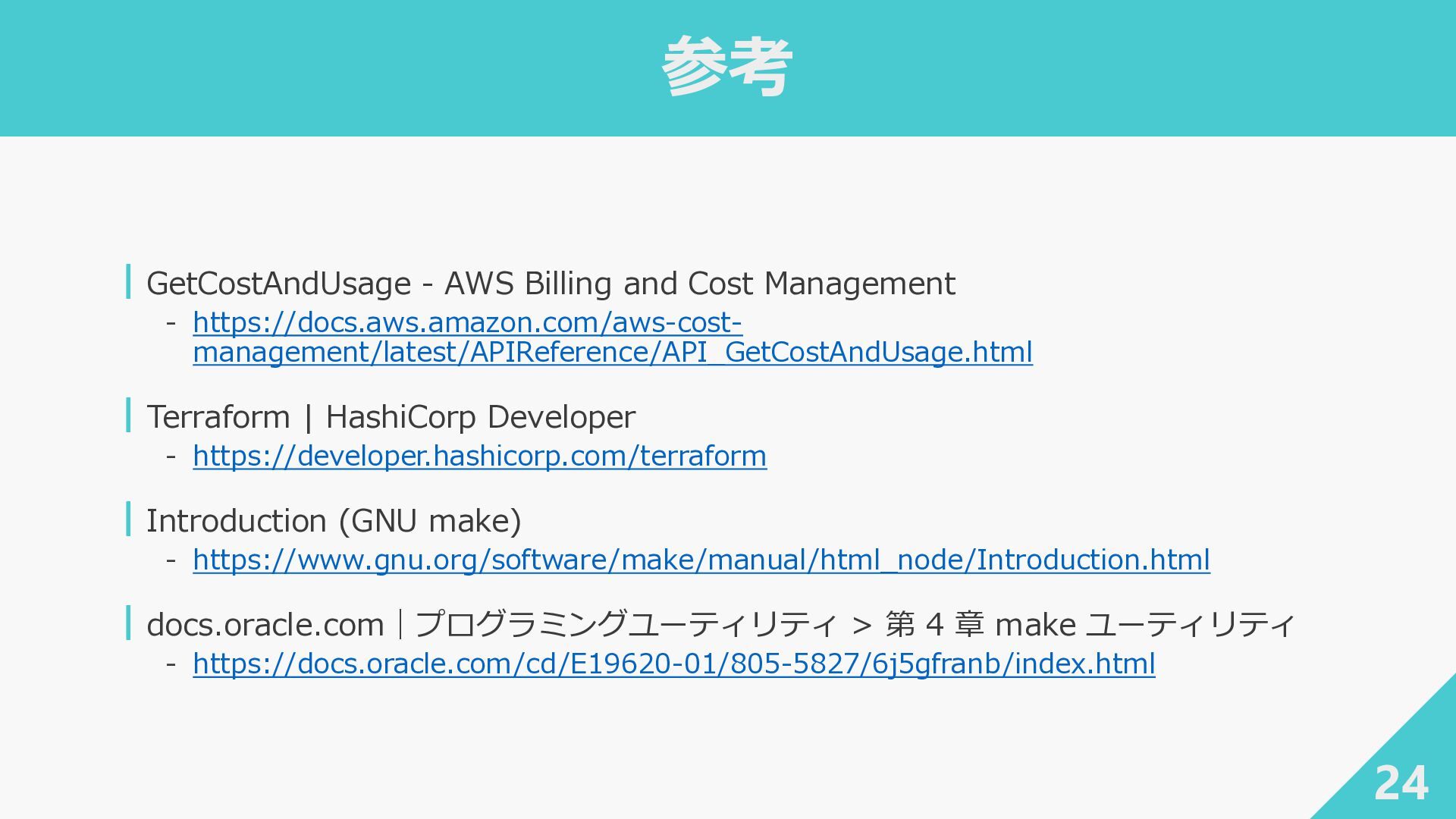
  8. 参考 24 ┃GetCostAndUsage - AWS Billing and Cost Management ‐

    https://docs.aws.amazon.com/aws-cost- management/latest/APIReference/API_GetCostAndUsage.html ┃Terraform | HashiCorp Developer ‐ https://developer.hashicorp.com/terraform ┃Introduction (GNU make) ‐ https://www.gnu.org/software/make/manual/html_node/Introduction.html ┃docs.oracle.com|プログラミングユーティリティ > 第 4 章 make ユーティリティ ‐ https://docs.oracle.com/cd/E19620-01/805-5827/6j5gfranb/index.html