Upgrade to Pro — share decks privately, control downloads, hide ads and more …

iOSアプリでフロントエンドと仲良くする

Sponsored · Ship Features Fearlessly Turn features on and off without deploys. Used by thousands of Ruby developers.

 iOSアプリでフロントエンドと仲良くする

frontend.stmn#3の登壇資料です

Avatar for Ryu-nakayama

Ryu-nakayama

January 30, 2026
Tweet

More Decks by Ryu-nakayama

Other Decks in Programming

Transcript

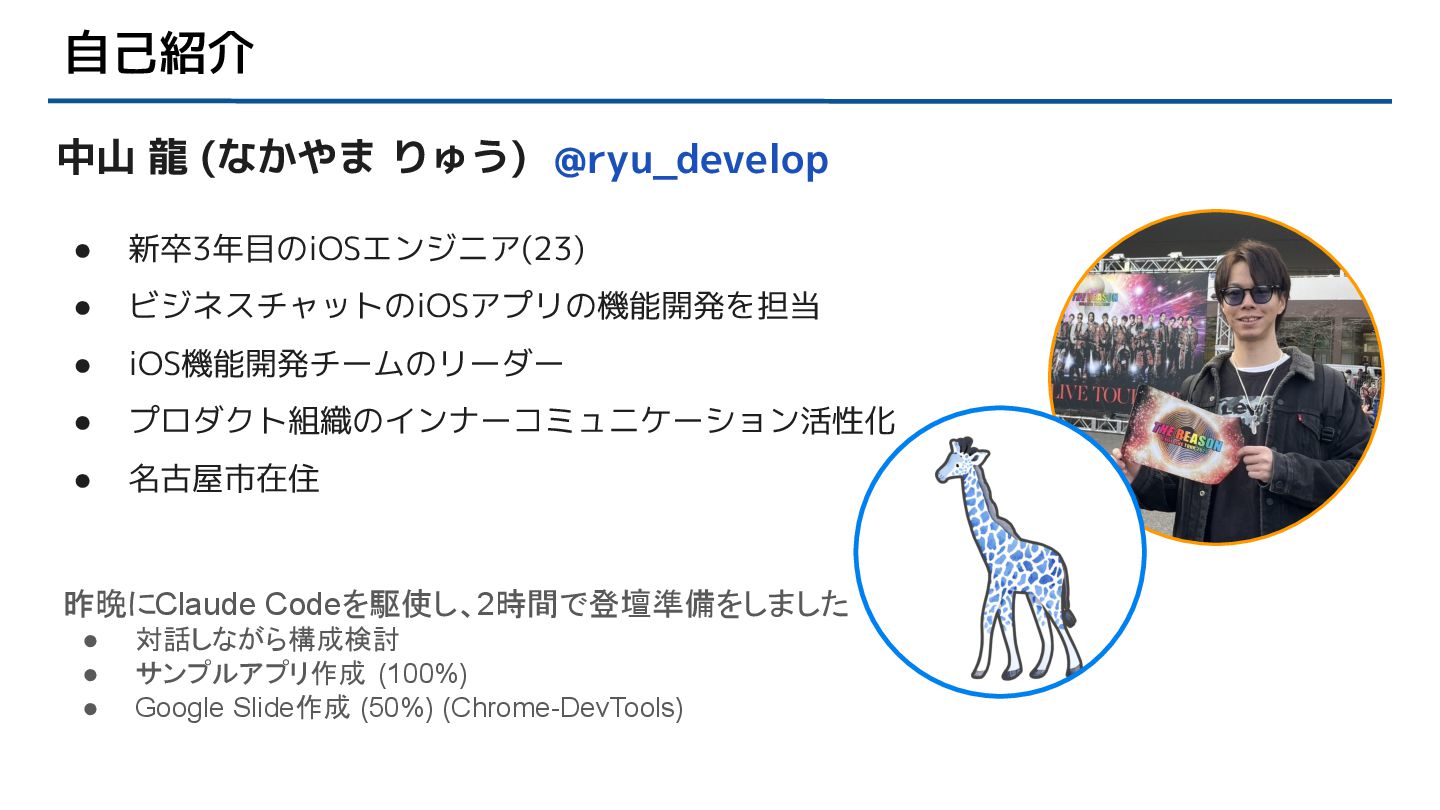
  1. 自己紹介 中山 龍 (なかやま りゅう) • 新卒3年目のiOSエンジニア(23) • ビジネスチャットのiOSアプリの機能開発を担当 •

    iOS機能開発チームのリーダー • プロダクト組織のインナーコミュニケーション活性化 • 名古屋市在住 @ryu_develop 昨晩にClaude Codeを駆使し、2時間で登壇準備をしました • 対話しながら構成検討 • サンプルアプリ作成 (100%) • Google Slide作成 (50%) (Chrome-DevTools)
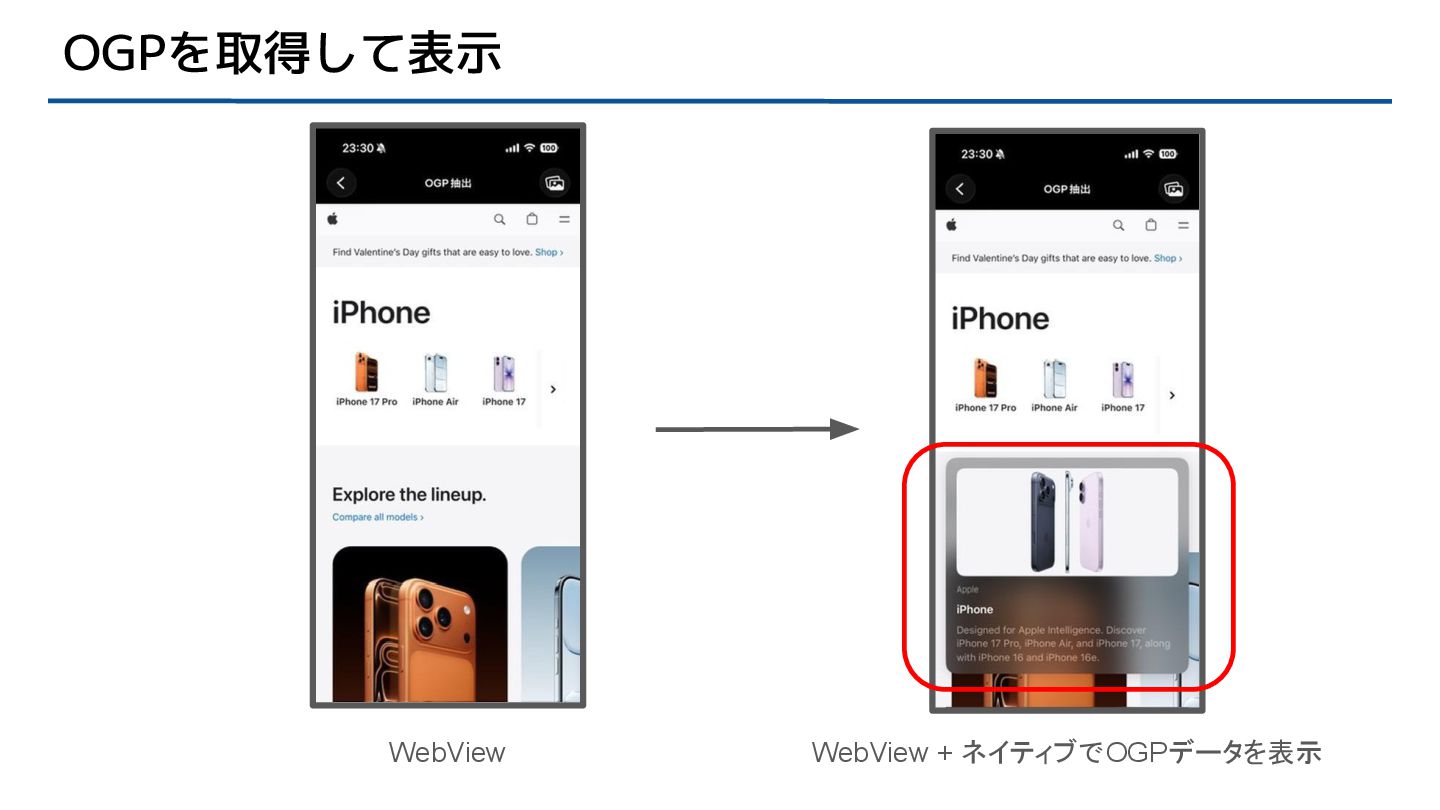
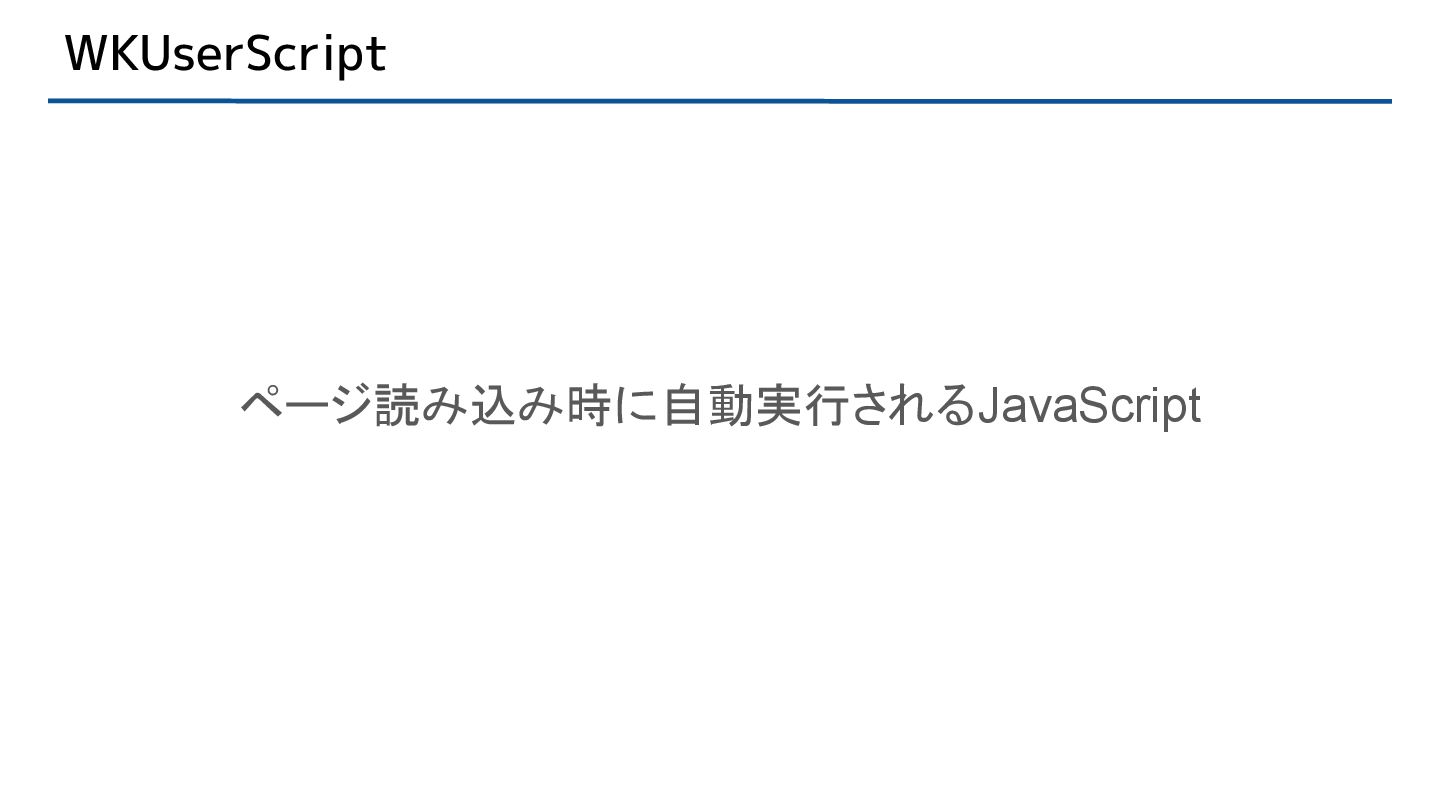
  2. WKUserScript ページ読み込み時にOGPメタタグを自動で読み取るためのJavaScriptを定義 var userScripts: [WKUserScript] { let js = """

    (function() { const getContent = (property) => { const el = document.querySelector(`meta[property="${property}"]`); return el ? el.getAttribute('content') : null; }; ~~~ OGPデータを取得する処理 ~~~ window.webkit.messageHandlers.ogpHandler.postMessage(data); })(); """ return [WKUserScript(source: js, injectionTime: .atDocumentEnd, forMainFrameOnly: true)] } userScripts
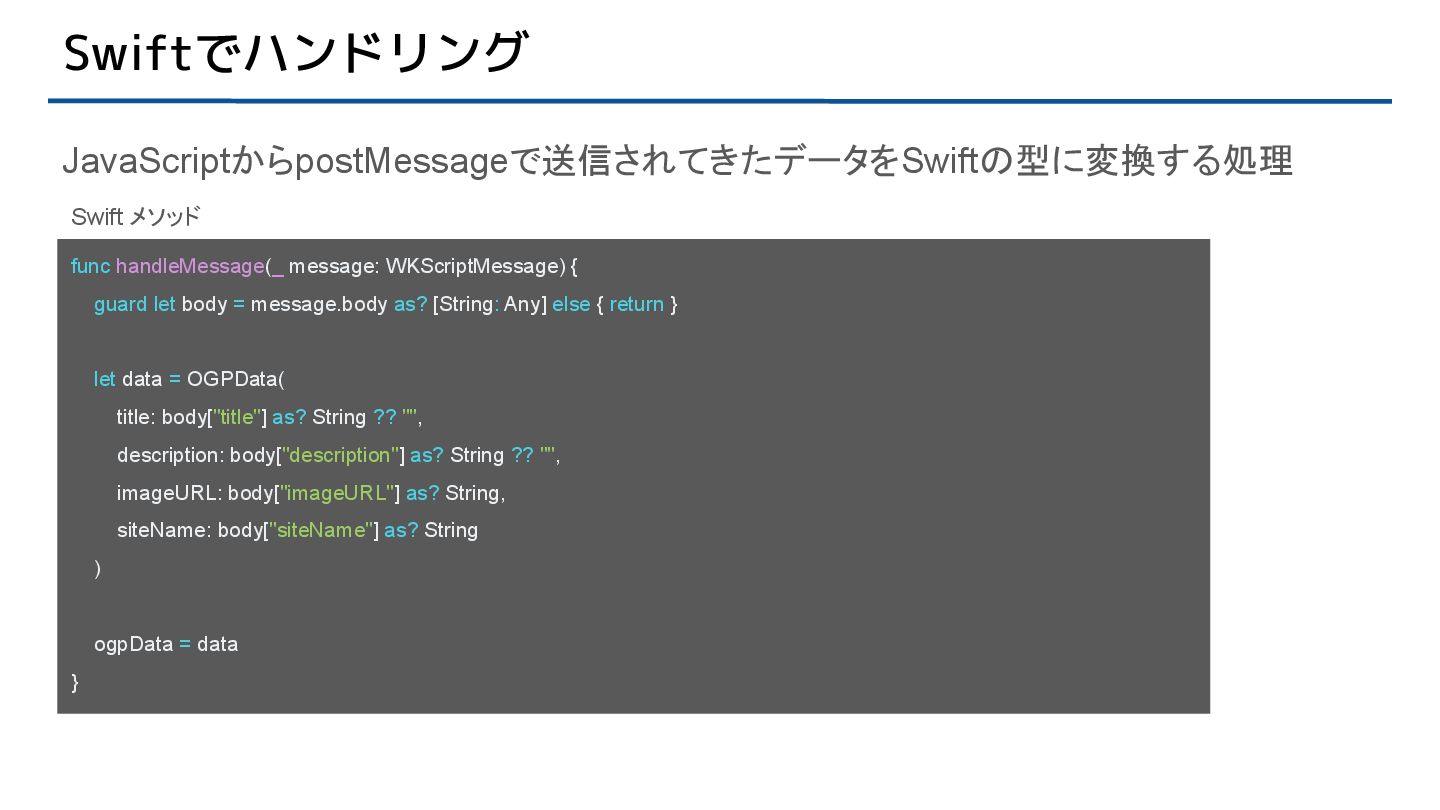
  3. Swiftでハンドリング JavaScriptからpostMessageで送信されてきたデータをSwiftの型に変換する処理 func handleMessage(_ message: WKScriptMessage) { guard let body

    = message.body as? [String: Any] else { return } let data = OGPData( title: body["title"] as? String ?? "", description: body["description"] as? String ?? "", imageURL: body["imageURL"] as? String, siteName: body["siteName"] as? String ) ogpData = data } Swift メソッド
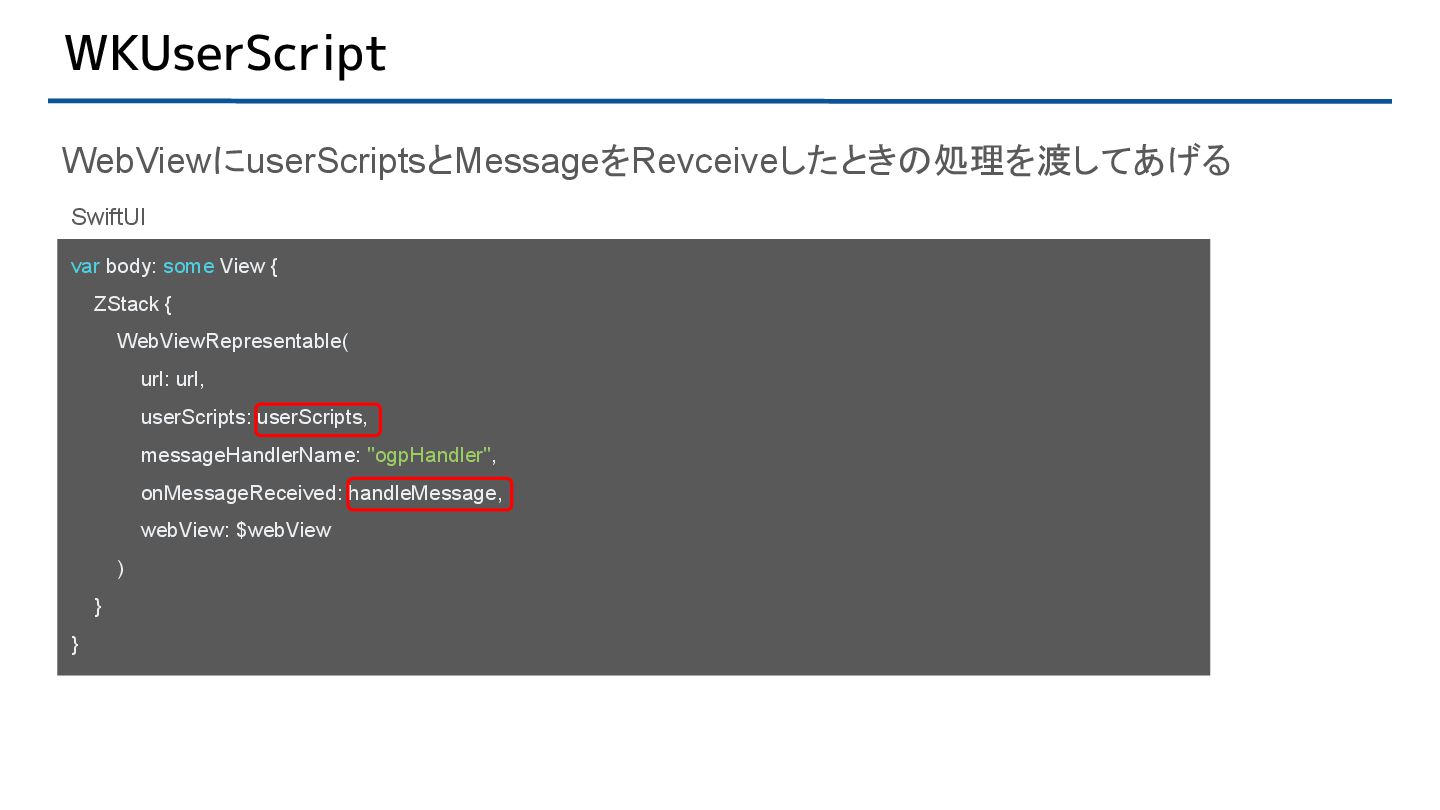
  4. WKUserScript WebViewにuserScriptsとMessageをRevceiveしたときの処理を渡してあげる var body: some View { ZStack { WebViewRepresentable(

    url: url, userScripts: userScripts, messageHandlerName: "ogpHandler", onMessageReceived: handleMessage, webView: $webView ) } } SwiftUI
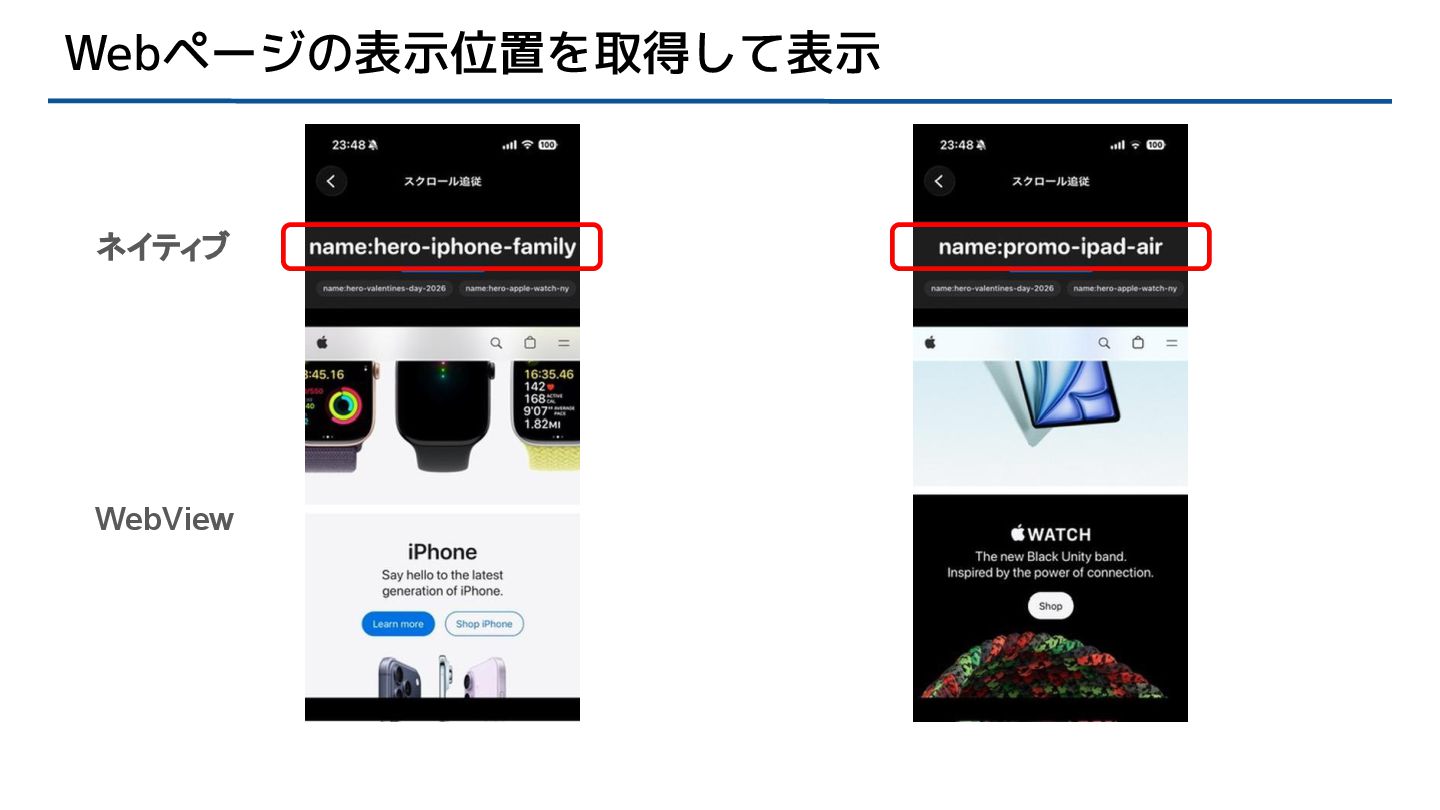
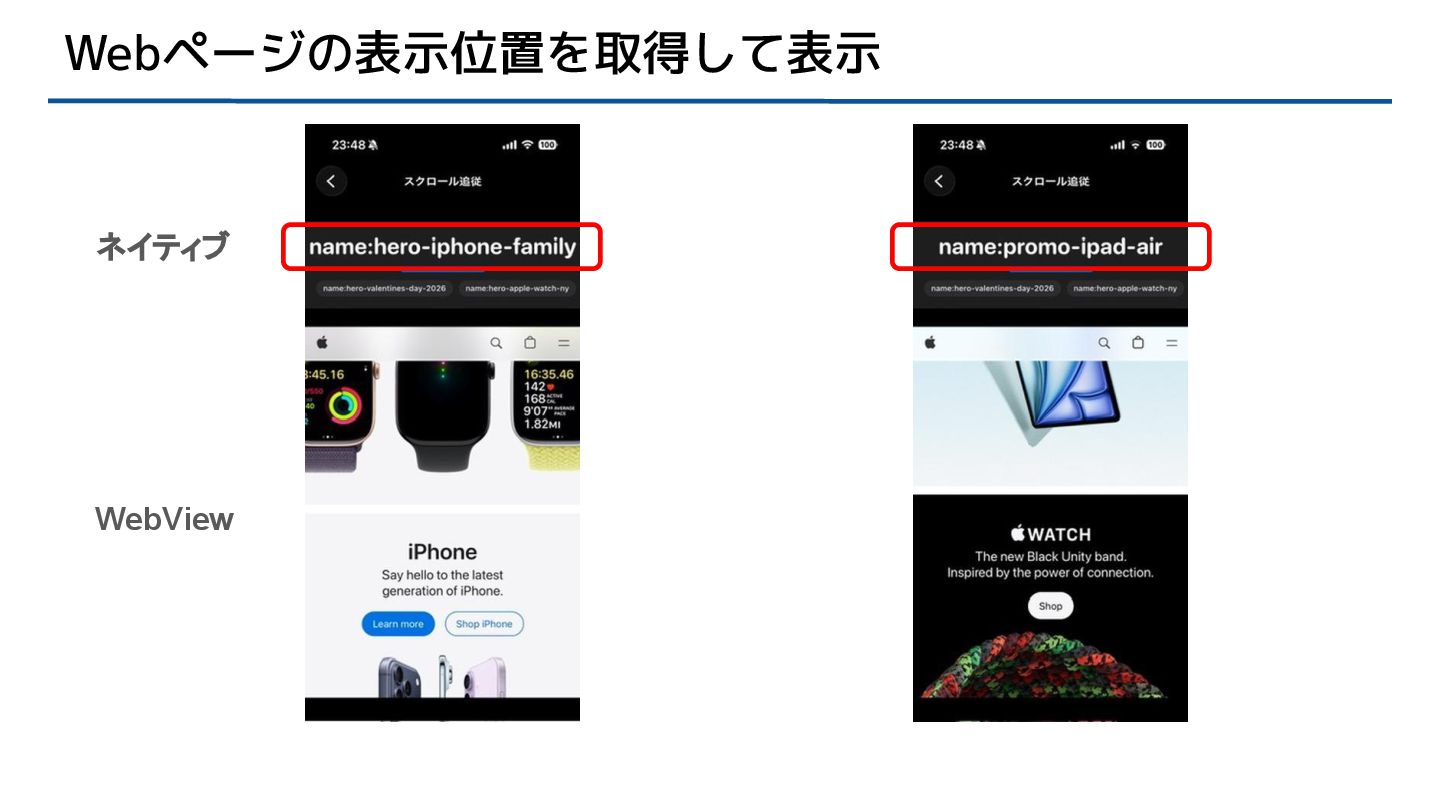
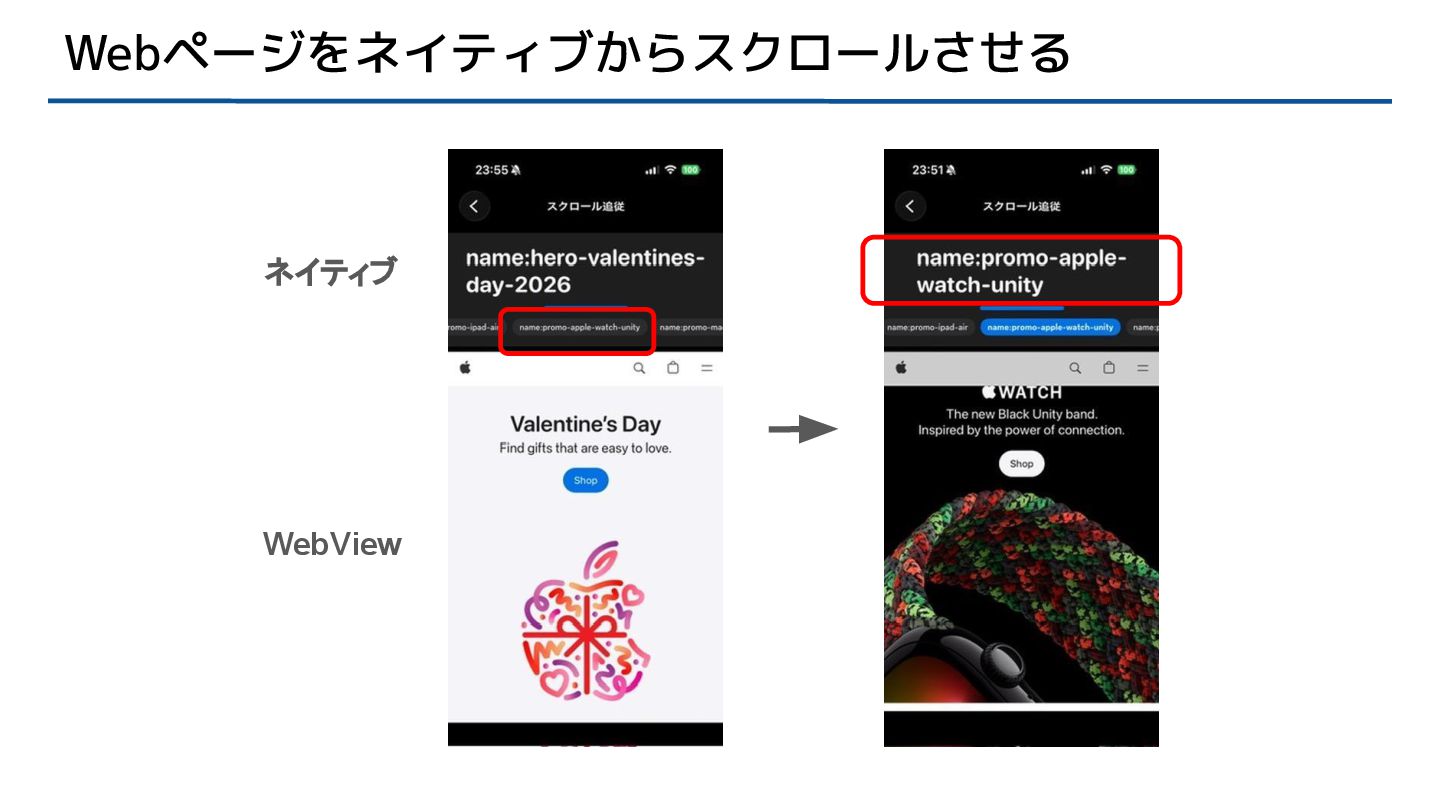
  5. WKUserScript ページ読み込み時にIntersectionObserverJavaScriptを定義 private var userScripts: [WKUserScript] { let js =

    """ (function() { ~~~ 省略 ~~~ const observer = new IntersectionObserver((entries) => { ~~~ 表示中のセクションを監視し、postMessageで送信 ~~~ }, { threshold: [0.3, 0.5] }); ~~~ 省略 ~~~ })(); """ return [WKUserScript(source: js, injectionTime: .atDocumentEnd, forMainFrameOnly: true)] } userScripts
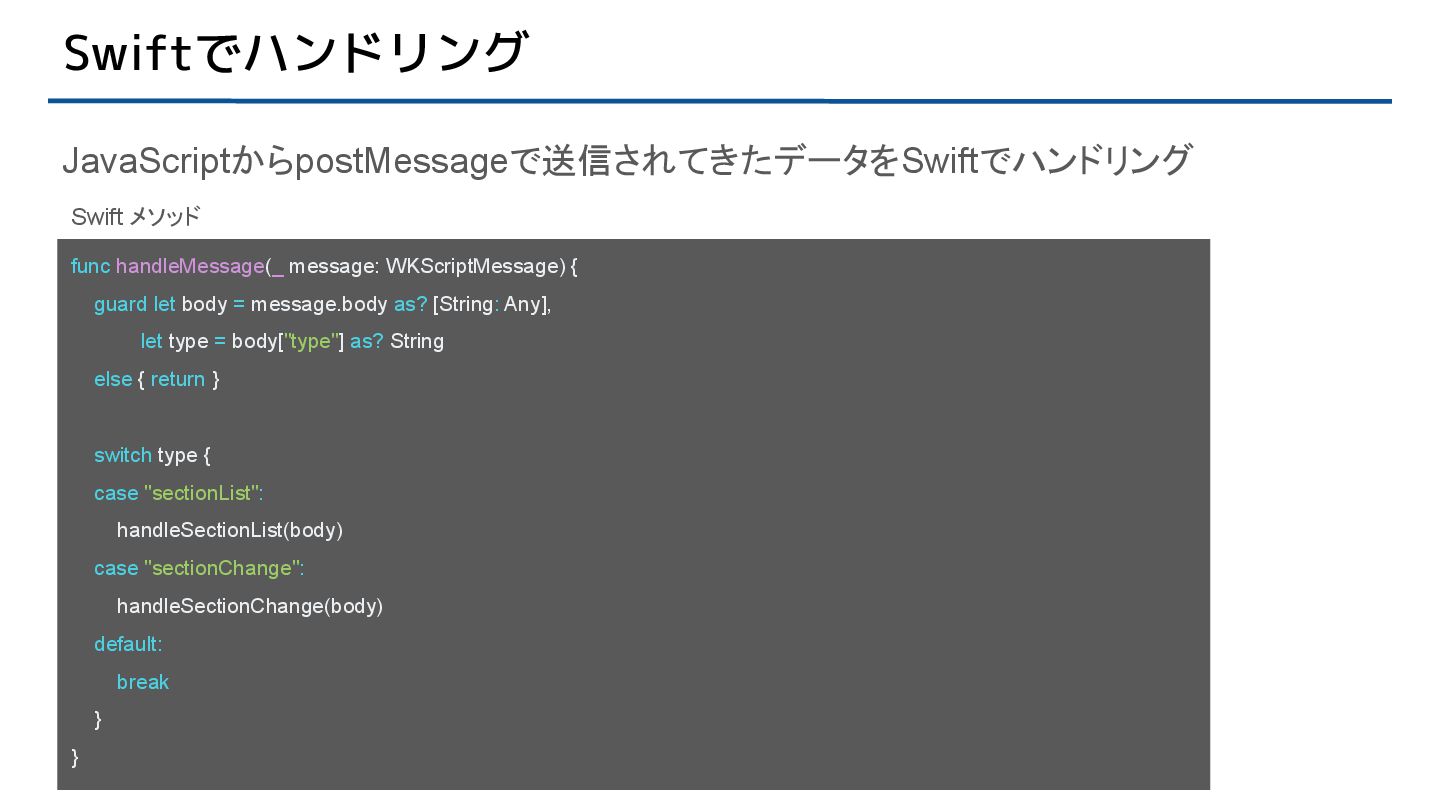
  6. Swiftでハンドリング JavaScriptからpostMessageで送信されてきたデータをSwiftでハンドリング func handleMessage(_ message: WKScriptMessage) { guard let body

    = message.body as? [String: Any], let type = body["type"] as? String else { return } switch type { case "sectionList": handleSectionList(body) case "sectionChange": handleSectionChange(body) default: break } } Swift メソッド
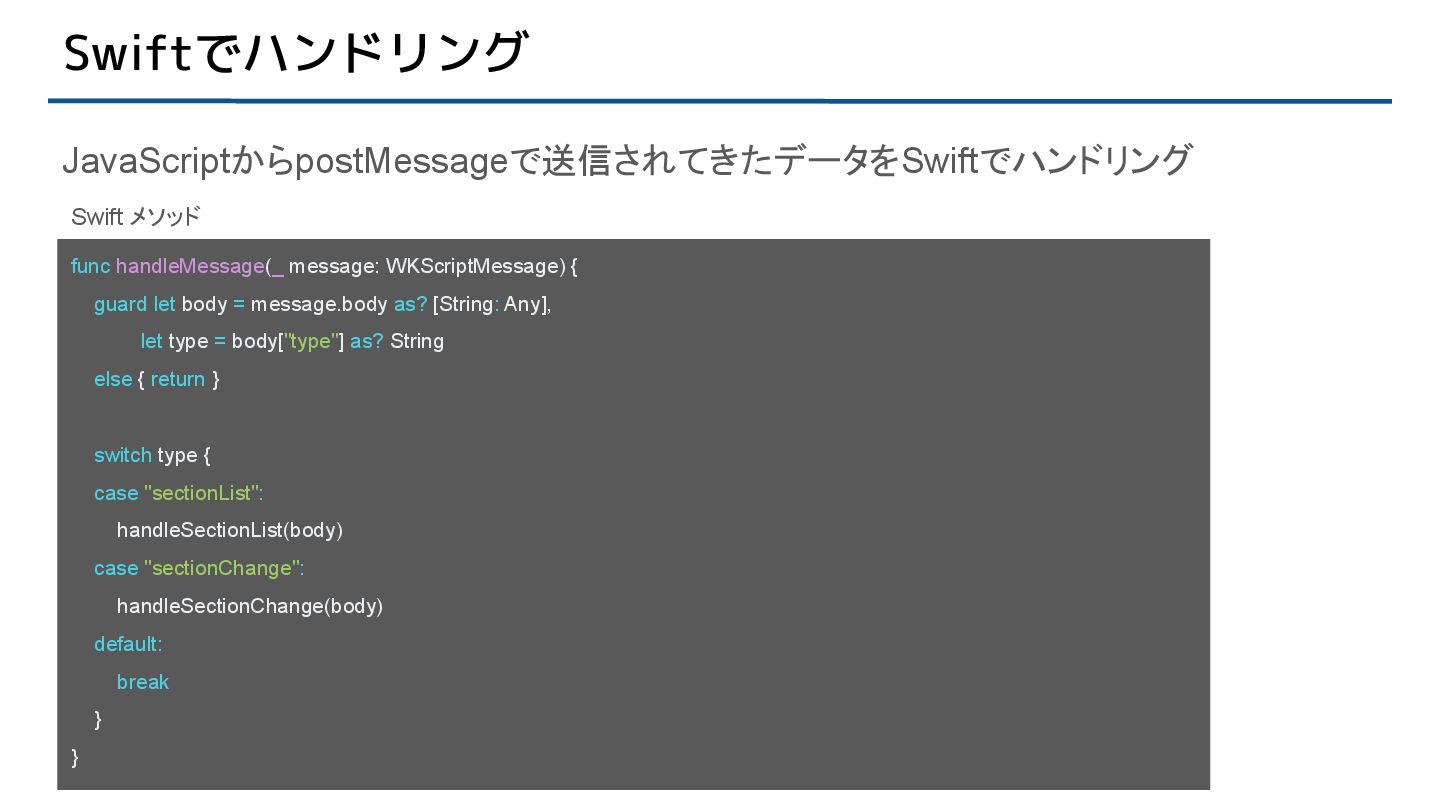
  7. Swiftでハンドリング JavaScriptからpostMessageで送信されてきたデータをSwiftでハンドリング func handleMessage(_ message: WKScriptMessage) { guard let body

    = message.body as? [String: Any], let type = body["type"] as? String else { return } switch type { case "sectionList": handleSectionList(body) case "sectionChange": handleSectionChange(body) default: break } } Swift メソッド
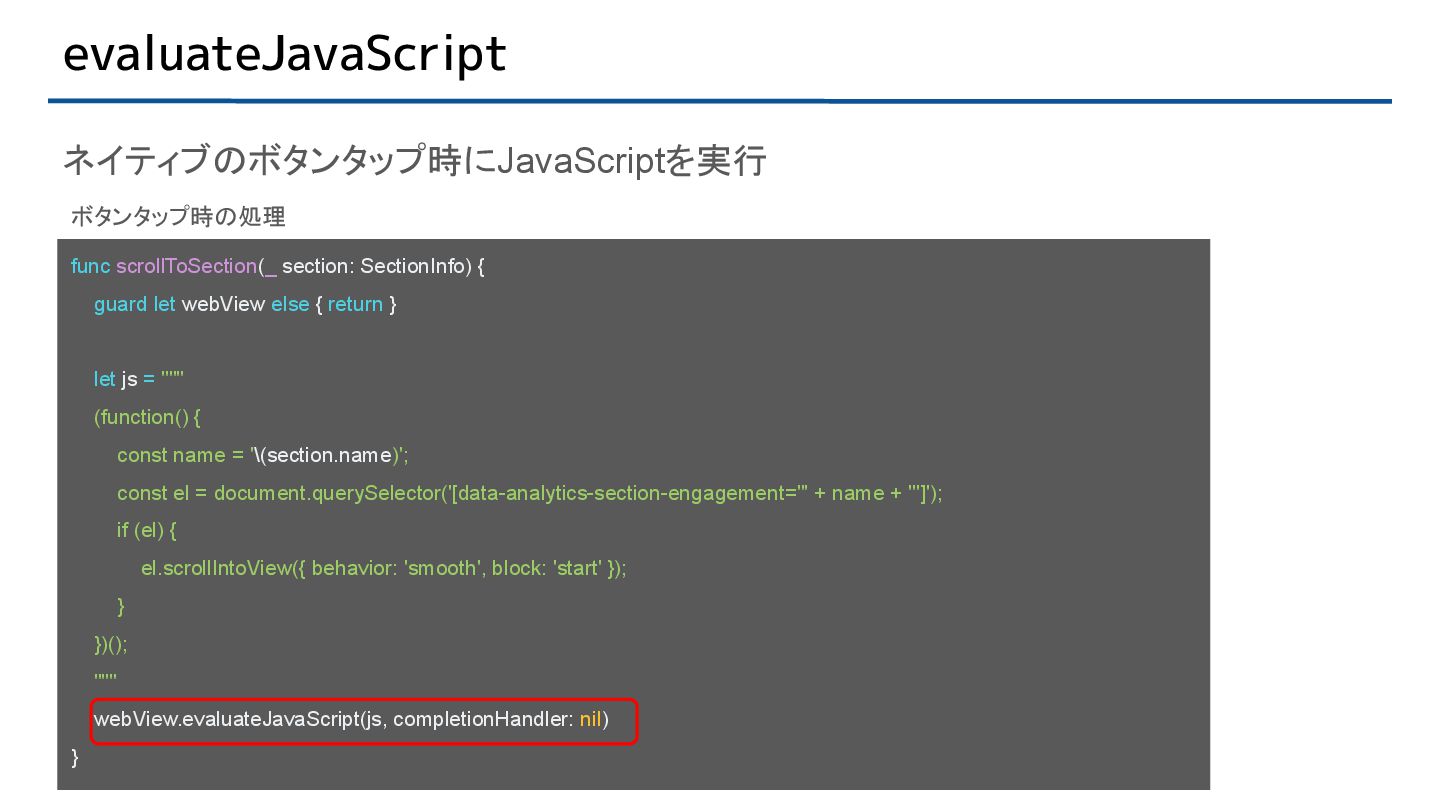
  8. evaluateJavaScript ネイティブのボタンタップ時にJavaScriptを実行 func scrollToSection(_ section: SectionInfo) { guard let webView

    else { return } let js = """ (function() { const name = '\(section.name)'; const el = document.querySelector('[data-analytics-section-engagement="' + name + '"]'); if (el) { el.scrollIntoView({ behavior: 'smooth', block: 'start' }); } })(); """ webView.evaluateJavaScript(js, completionHandler: nil) } ボタンタップ時の処理
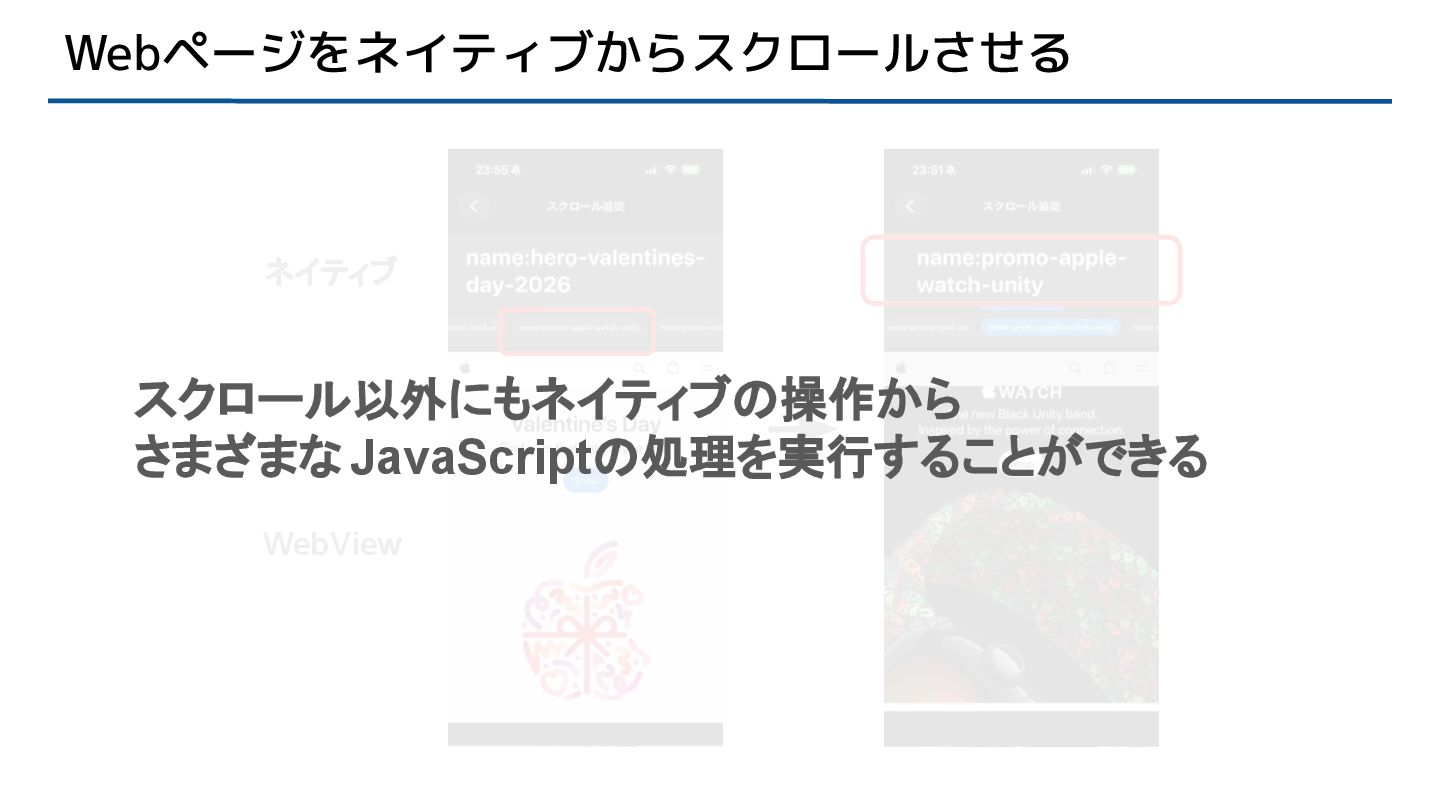
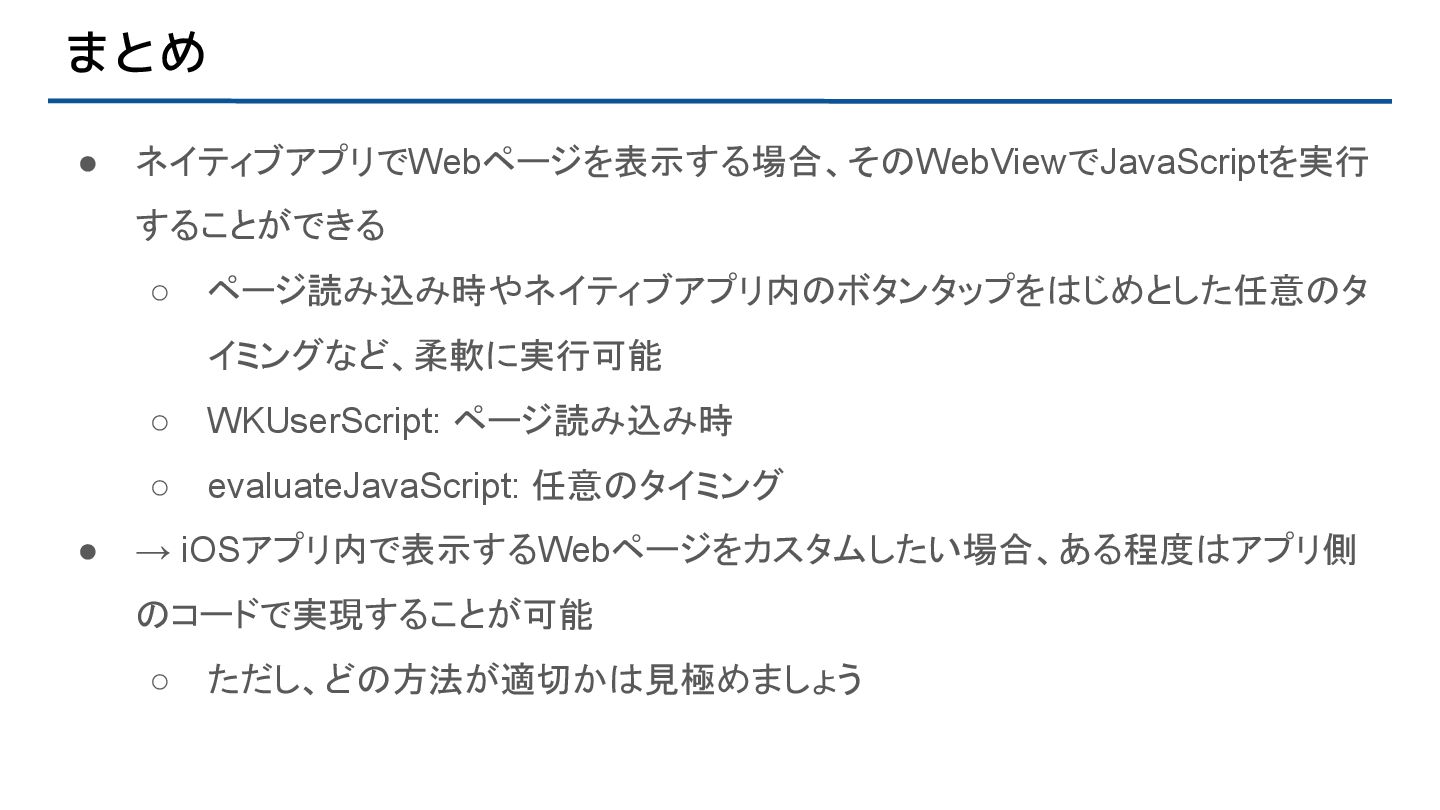
  9. まとめ • ネイティブアプリでWebページを表示する場合、そのWebViewでJavaScriptを実行 することができる ◦ ページ読み込み時やネイティブアプリ内のボタンタップをはじめとした任意のタ イミングなど、柔軟に実行可能 ◦ WKUserScript: ページ読み込み時

    ◦ evaluateJavaScript: 任意のタイミング • → iOSアプリ内で表示するWebページをカスタムしたい場合、ある程度はアプリ側 のコードで実現することが可能 ◦ ただし、どの方法が適切かは見極めましょう