Upgrade to Pro — share decks privately, control downloads, hide ads and more …

日本だけで解禁されているアプリ起動の方法

Avatar for Ryu-nakayama Ryu-nakayama
February 13, 2026

 日本だけで解禁されているアプリ起動の方法

mobile.stmn#16

Avatar for Ryu-nakayama

Ryu-nakayama

February 13, 2026
Tweet

More Decks by Ryu-nakayama

Other Decks in Programming

Transcript

  1. 2 中山 龍 (なかやま りゅう) • 株式会社kubell ◦ 新卒3年目のiOSエンジニア(23) ◦

    「Chatwork」アプリの機能開発を担当 ◦ 機能開発チーム(愛称: Ciel) リーダー • 愛知県在住 自己紹介 @ryu_develop 予定されているイベント一覧 - EM Conf (3/4) - スクラムフェス名古屋 (3/28) - Nagoya.swift #2 (4/25 運営) - フロントエンドカンファレンス名古屋 (5/9 当日スタッフ)
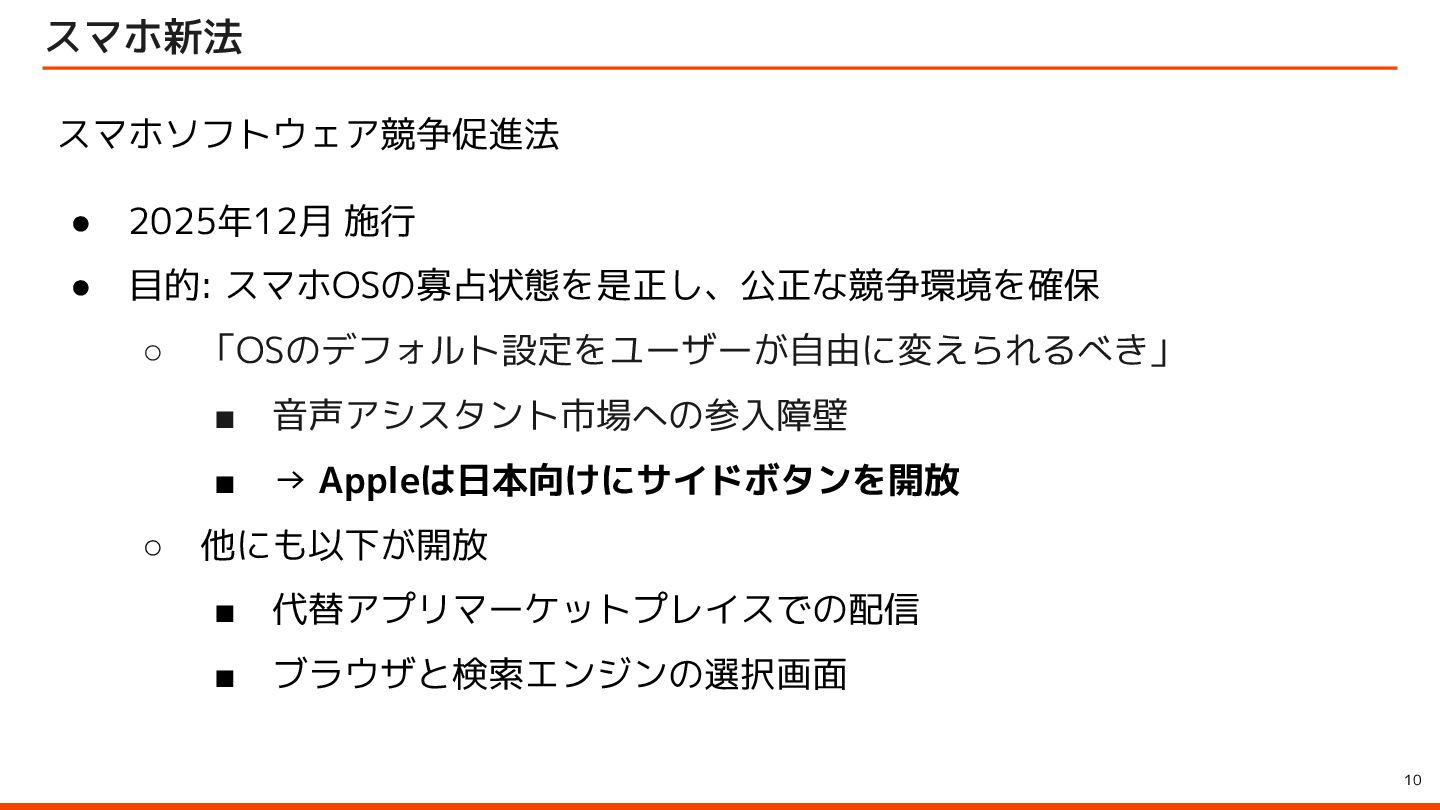
  2. 10 スマホ新法 スマホソフトウェア競争促進法 • 2025年12月 施行 • 目的: スマホOSの寡占状態を是正し、公正な競争環境を確保 ◦

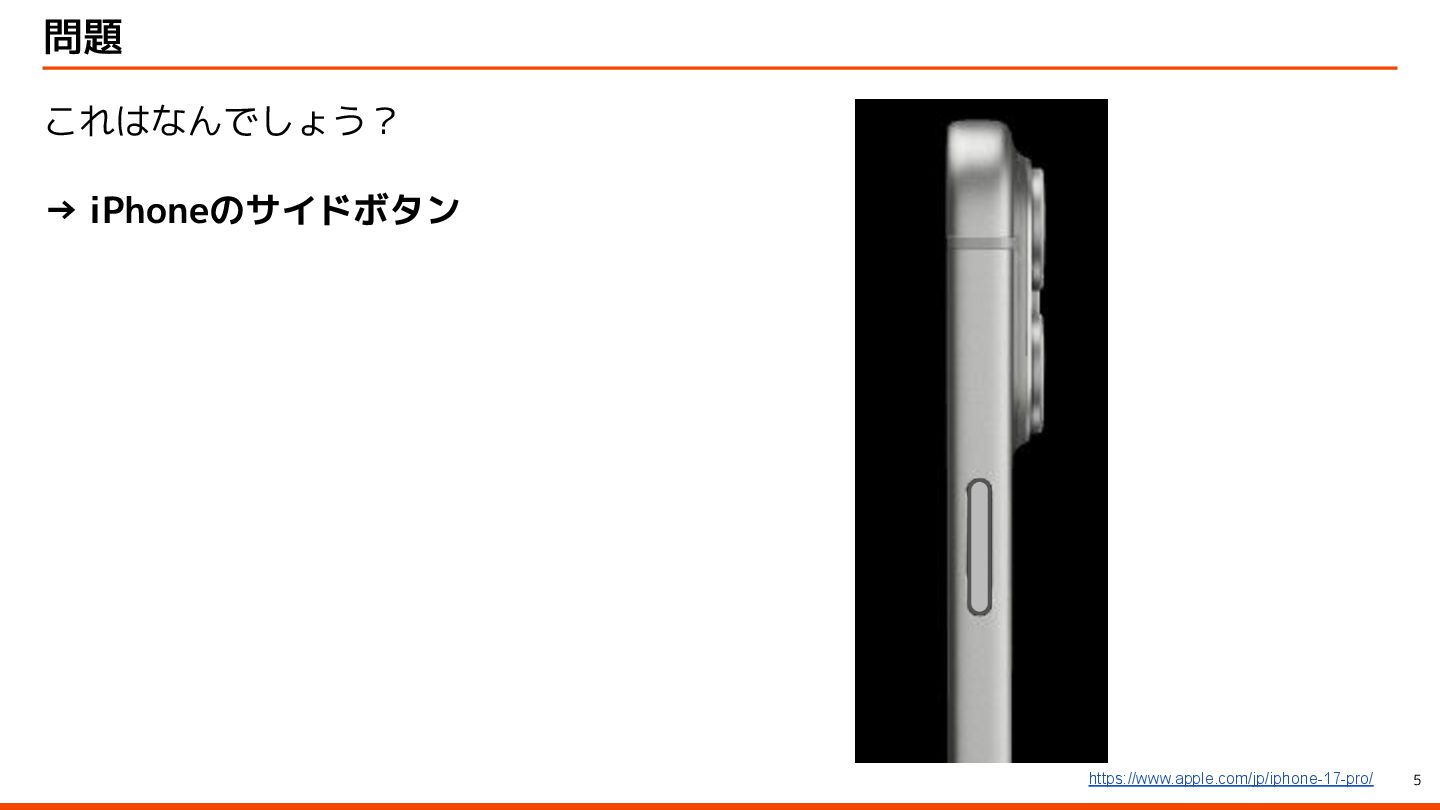
    「OSのデフォルト設定をユーザーが自由に変えられるべき」 ▪ 音声アシスタント市場への参入障壁 ▪ → Appleは日本向けにサイドボタンを開放 ◦ 他にも以下が開放 ▪ 代替アプリマーケットプレイスでの配信 ▪ ブラウザと検索エンジンの選択画面
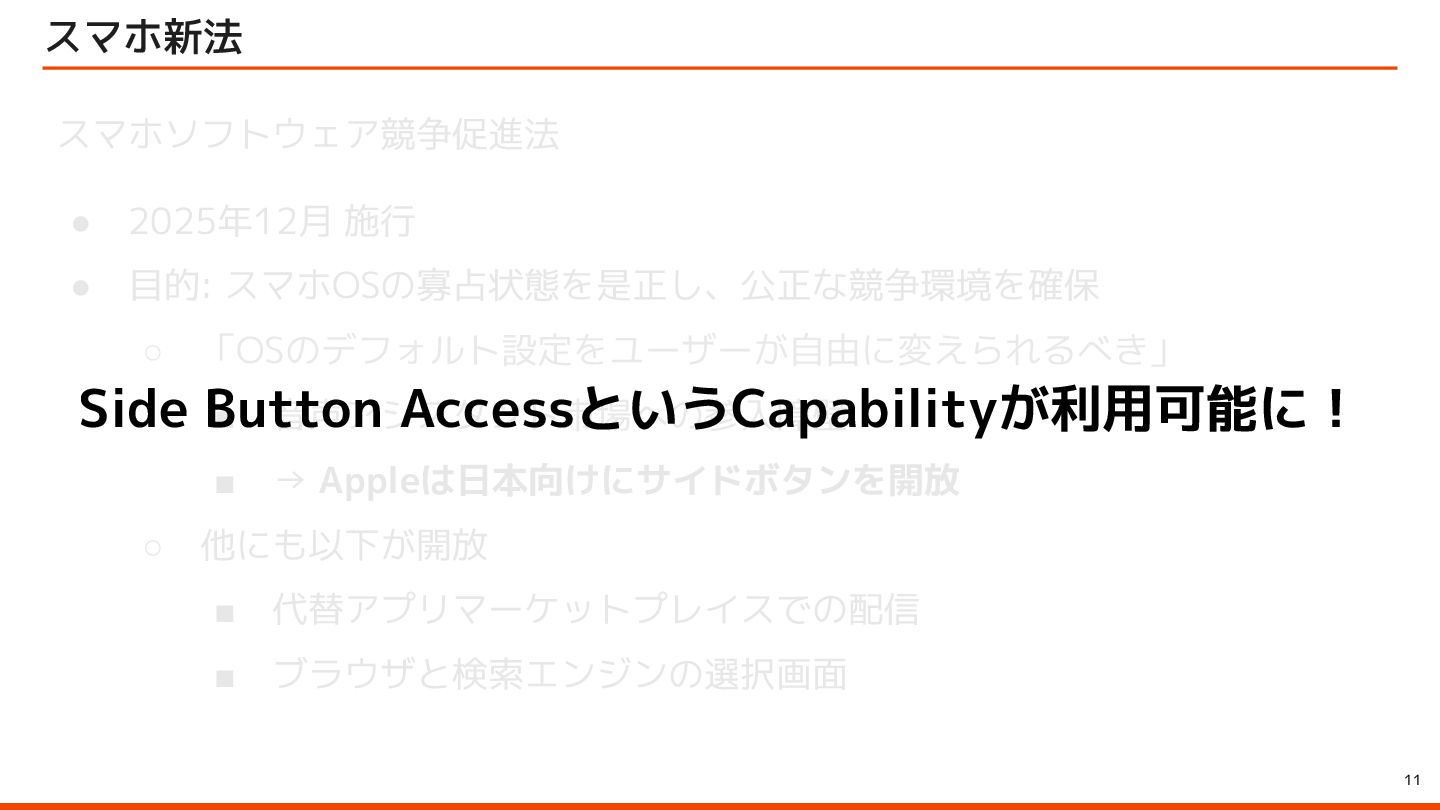
  3. 11 スマホ新法 スマホソフトウェア競争促進法 • 2025年12月 施行 • 目的: スマホOSの寡占状態を是正し、公正な競争環境を確保 ◦

    「OSのデフォルト設定をユーザーが自由に変えられるべき」 ▪ 音声アシスタント市場への参入障壁 ▪ → Appleは日本向けにサイドボタンを開放 ◦ 他にも以下が開放 ▪ 代替アプリマーケットプレイスでの配信 ▪ ブラウザと検索エンジンの選択画面 Side Button AccessというCapabilityが利用可能に!
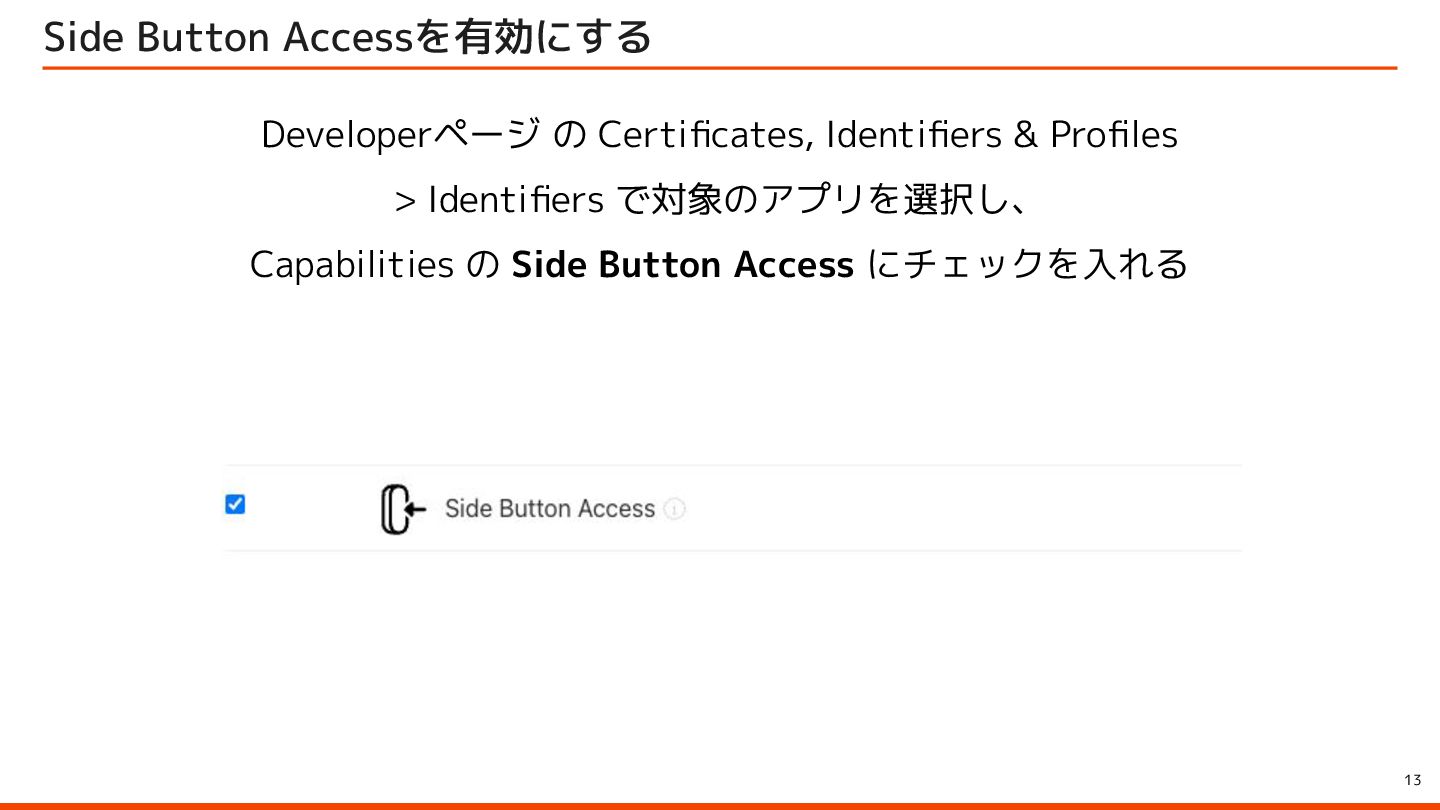
  4. 13 Side Button Accessを有効にする Developerページ の Certificates, Identifiers & Profiles

    > Identifiers で対象のアプリを選択し、 Capabilities の Side Button Access にチェックを入れる
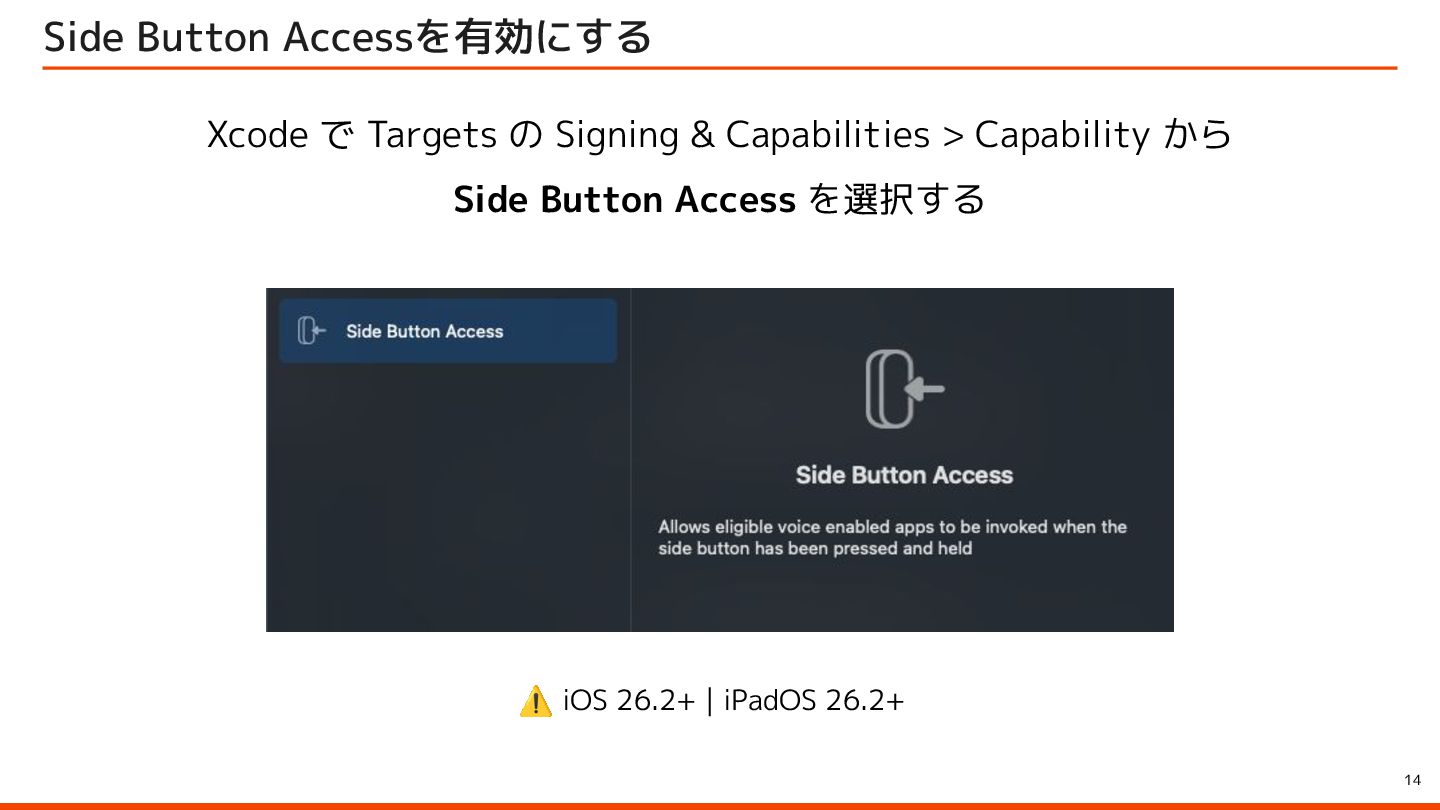
  5. 14 Side Button Accessを有効にする Xcode で Targets の Signing &

    Capabilities > Capability から Side Button Access を選択する ⚠ iOS 26.2+ | iPadOS 26.2+
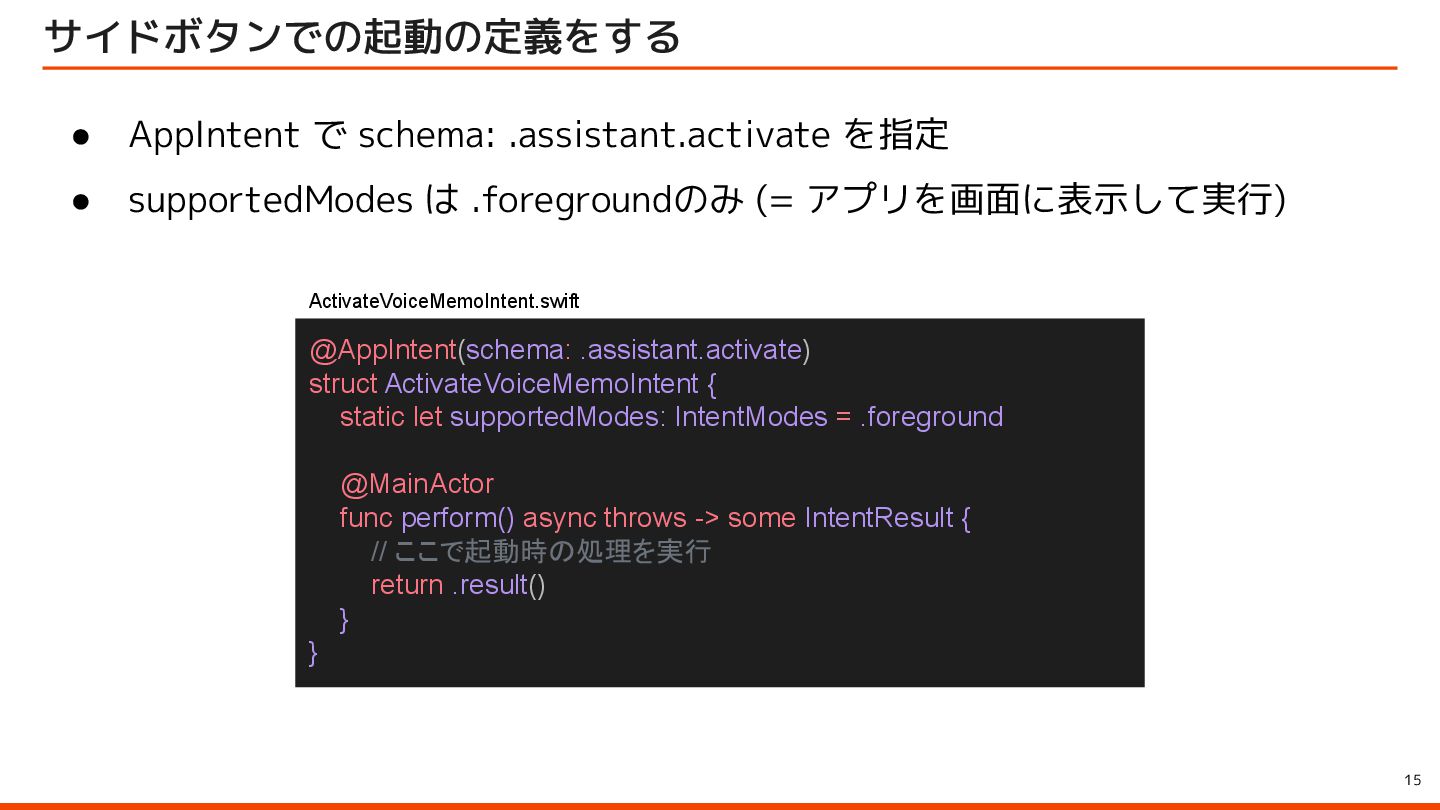
  6. 15 サイドボタンでの起動の定義をする @AppIntent(schema: .assistant.activate) struct ActivateVoiceMemoIntent { static let supportedModes:

    IntentModes = .foreground @MainActor func perform() async throws -> some IntentResult { // ここで起動時の処理を実行 return .result() } } • AppIntent で schema: .assistant.activate を指定 • supportedModes は .foregroundのみ (= アプリを画面に表示して実行) ActivateVoiceMemoIntent.swift
  7. 16 サイドボタンでの起動の定義をする @AppIntent(schema: .assistant.activate) struct ActivateVoiceMemoIntent { static let supportedModes:

    IntentModes = .foreground @MainActor func perform() async throws -> some IntentResult { // ここで起動時の処理を実行 return .result() } } • AppIntent で schema: .assistant.activate を指定 • supportedModes は .foregroundのみ (= アプリを画面に表示して実行) ActivateVoiceMemoIntent.swift
  8. 17 注意 原文 > People expect the voice-based conversational functionality

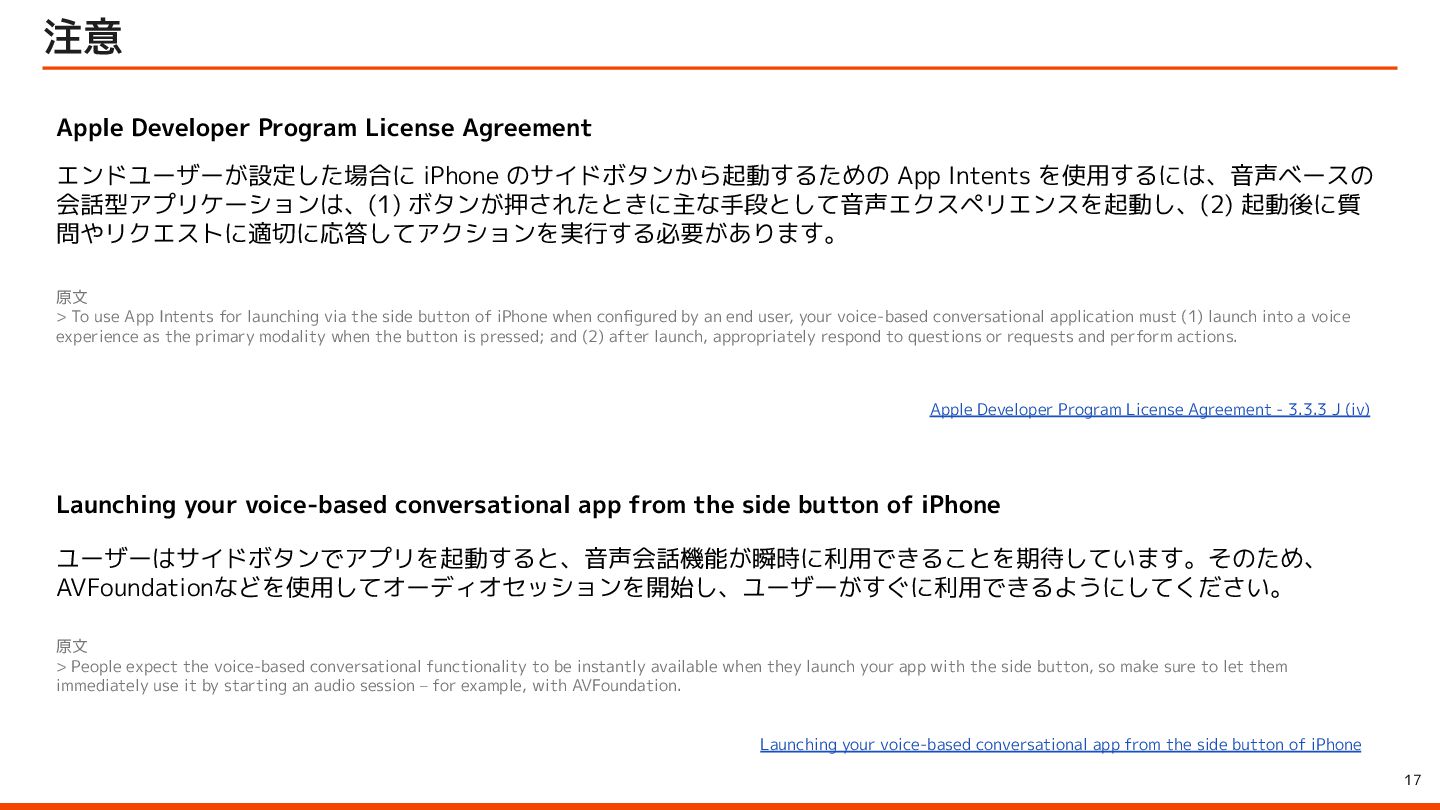
    to be instantly available when they launch your app with the side button, so make sure to let them immediately use it by starting an audio session – for example, with AVFoundation. ユーザーはサイドボタンでアプリを起動すると、音声会話機能が瞬時に利用できることを期待しています。そのため、 AVFoundationなどを使用してオーディオセッションを開始し、ユーザーがすぐに利用できるようにしてください。 Launching your voice-based conversational app from the side button of iPhone Apple Developer Program License Agreement 原文 > To use App Intents for launching via the side button of iPhone when configured by an end user, your voice-based conversational application must (1) launch into a voice experience as the primary modality when the button is pressed; and (2) after launch, appropriately respond to questions or requests and perform actions. エンドユーザーが設定した場合に iPhone のサイドボタンから起動するための App Intents を使用するには、音声ベースの 会話型アプリケーションは、(1) ボタンが押されたときに主な手段として音声エクスペリエンスを起動し、(2) 起動後に質 問やリクエストに適切に応答してアクションを実行する必要があります。 Apple Developer Program License Agreement - 3.3.3 J (iv) Launching your voice-based conversational app from the side button of iPhone
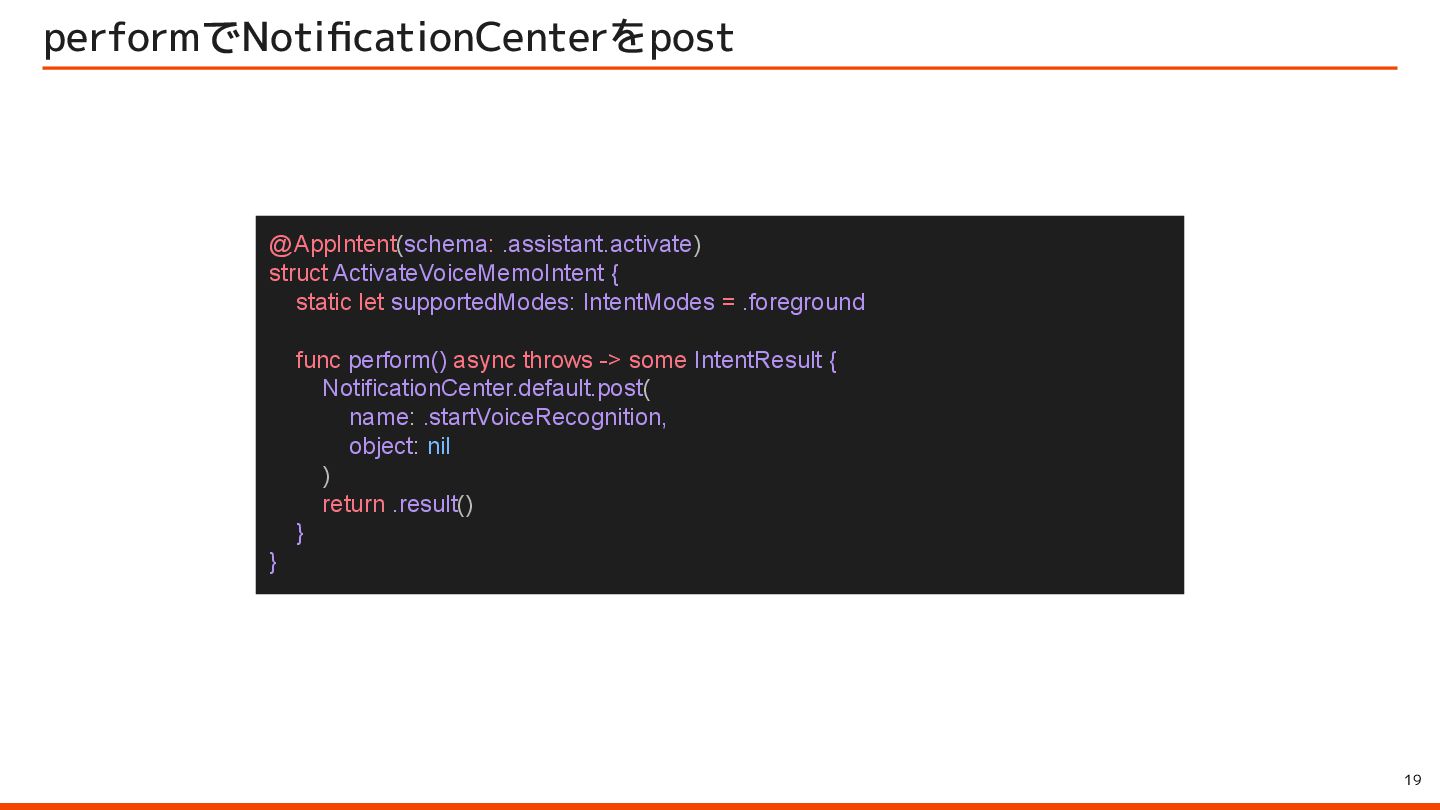
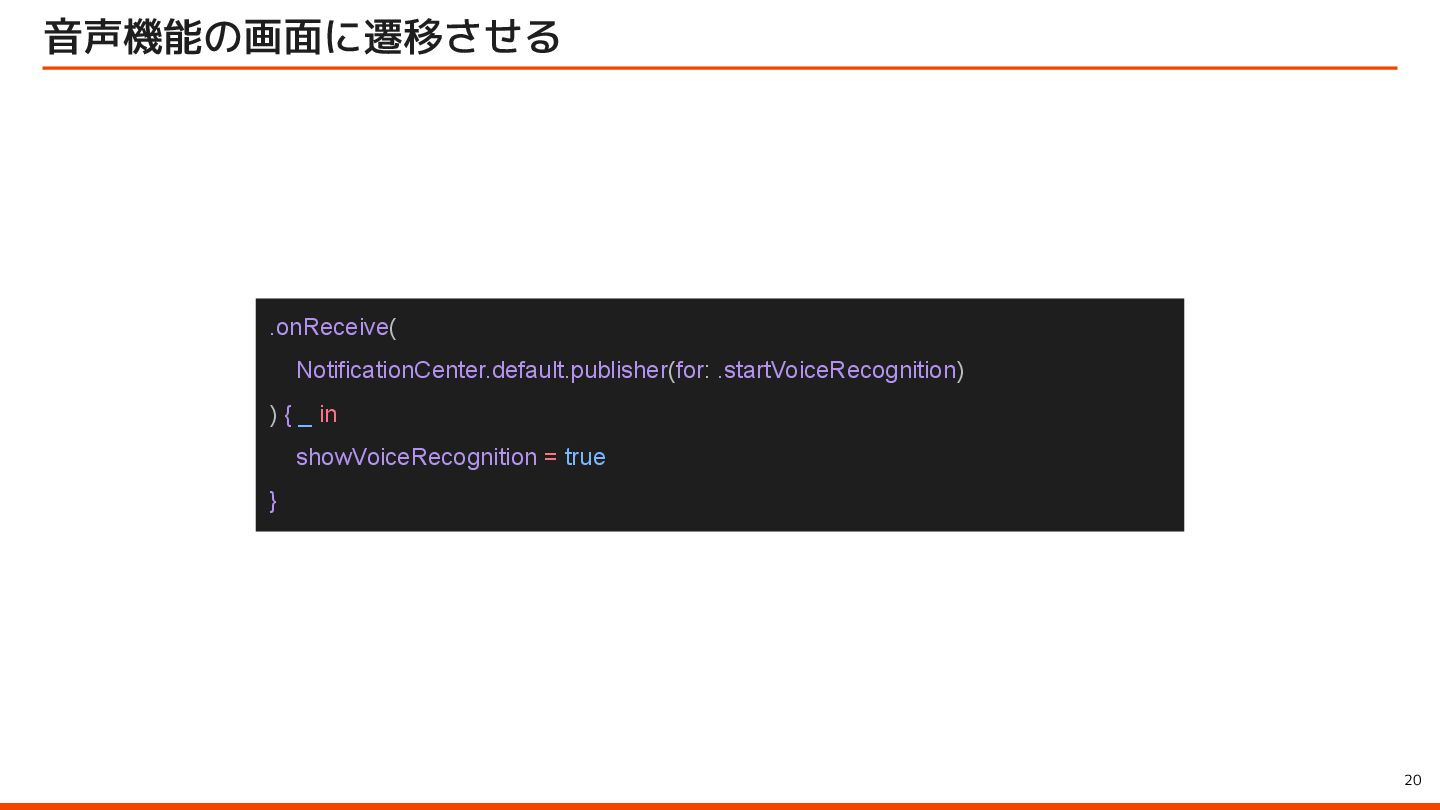
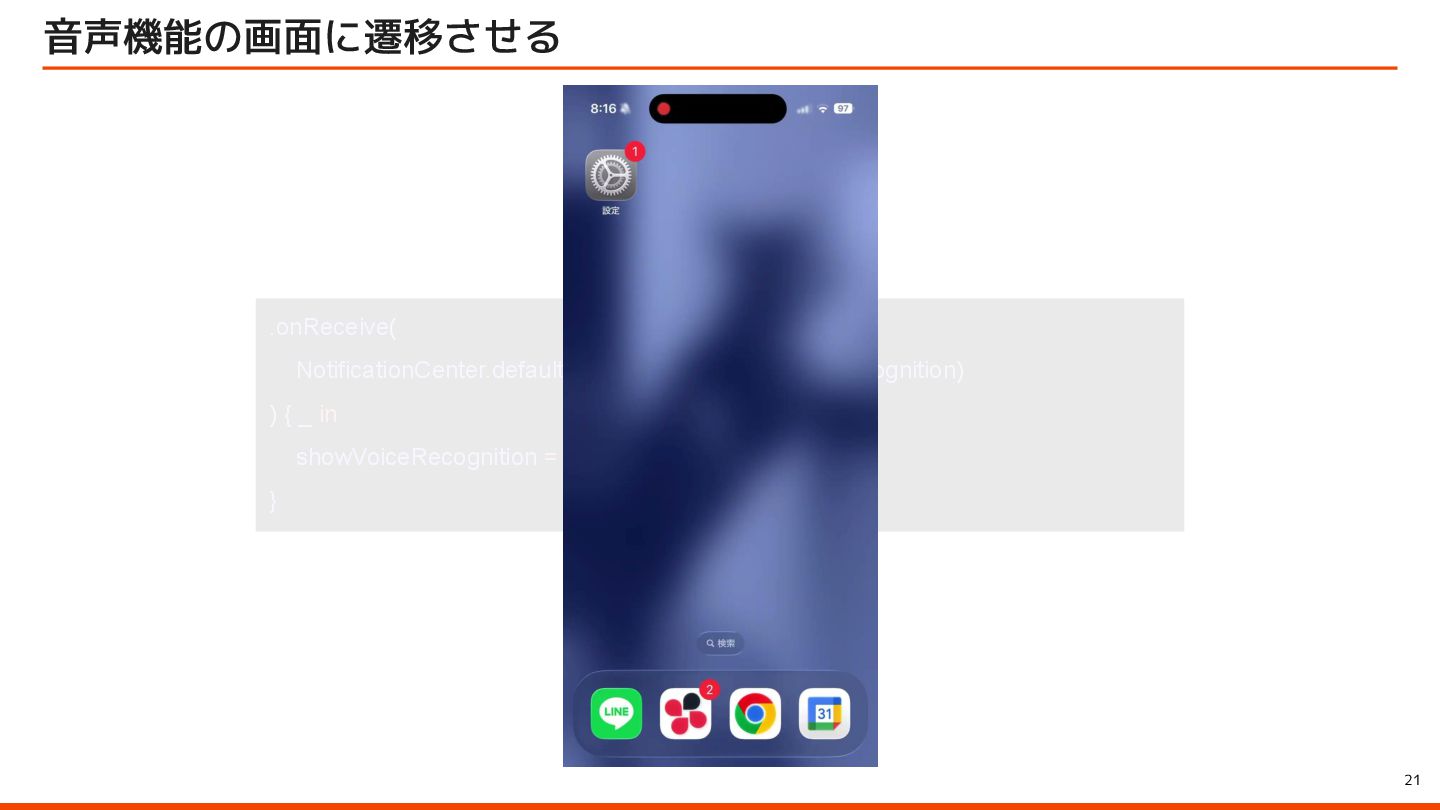
  9. 19 performでNotificationCenterをpost @AppIntent(schema: .assistant.activate) struct ActivateVoiceMemoIntent { static let supportedModes:

    IntentModes = .foreground func perform() async throws -> some IntentResult { NotificationCenter.default.post( name: .startVoiceRecognition, object: nil ) return .result() } }
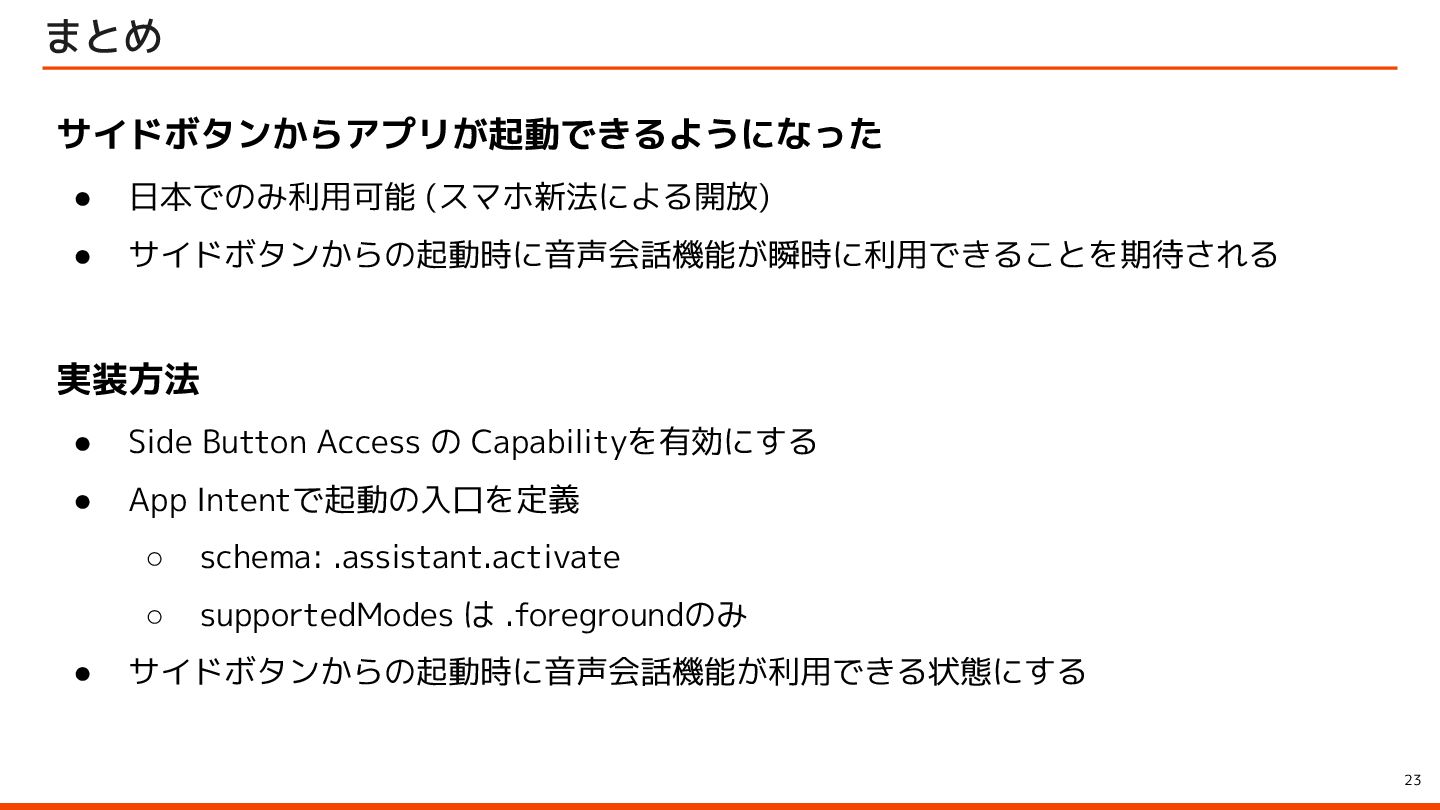
  10. 23 まとめ サイドボタンからアプリが起動できるようになった • 日本でのみ利用可能 (スマホ新法による開放) • サイドボタンからの起動時に音声会話機能が瞬時に利用できることを期待される 実装方法 •

    Side Button Access の Capabilityを有効にする • App Intentで起動の入口を定義 ◦ schema: .assistant.activate ◦ supportedModes は .foregroundのみ • サイドボタンからの起動時に音声会話機能が利用できる状態にする