Share
Embed
Developing Backbone.js Applications on OpenShift
Shekhar Gulati
February 23, 2013
Transcript
35 slides
-
1 Developing Single Page Web Applications with Backbone.js, MongoDB and
OpenShift Shekhar Gulati @shekhargulati OpenShift Evangelist, Red Hat -
2 About Me ➢ OpenShift Developer Evangelist at Red Hat
➢ Hands-on Developer ➢ Active blogger, speaker, and writer ➢ Twitter Handle : shekhargulati -
3 Agenda • Introducing backbone.js • Developing backbone.js application •
Introducing OpenShift • Writing server side code • Deploying application on OpenShift -
5 Backbone.js ➔ Lightweight JavaScript library ~ 6.3kb ➔ Brings
structure to your application ➔ Brings MVC on client side – model, view, collections, router ➔ One hard dependency underscore.js ➔ For RESTful persistence and DOM manipulation , include json2.js, and either jQuery ( >= 1.7.0) or Zepto. ➔ Used by LinkedIn, Foursquare, WunderKit, Groupon,etc. More at http://backbonejs.org/#examples -
6 Why backbone.js? ➔ Lightweight library not a framework, and
does not have any opinions. ➔ Provides helpful methods to manipulate and query your data. ➔ Backbone does not force you to use a single template engine. ➔ Scales well eg. disqus widget and usatoday.com ➔ Works well with other libraries Get more information at http://backbonejs.org/#FAQ-why-backbone -
7 Backbone.js Architecture Backbone.js gives structure to web applications by
providing models with key-value binding and custom events, collections with a rich API of enumerable functions, views with declarative event handling, and connects it all to your existing API over a RESTful JSON interface. -
8 Backbone.js Application Components ➔ Model ➔ Collection ➔ View
➔ Templates ➔ Router -
9 Model ✔ Data holder – contains an array of
attributes ✔ Core of Backbone.js ✔ Handles persistence ✔ Listen for events Look at model.html Book = Backbone.Model.extend({ defaults : { title : 'Effective Java', author : 'Joshua Bloch' }, initialize : function(){ console.log(' In initialize()....'); this.on('change',function(){ console.log('Something changed...'); }); } }); -
10 Collection ✔ A list of models ✔ Add, push,
pop etc. ✔ Built on underscore.js Look at collection.html Books = Backbone.Collection.extend({ localStorage : new Store('books-collection'), model : Book }) var books = new Books(); books.push(new Book()); -
11 Views ✔ Views displays model ✔ Views are not
HTML ✔ HTML comes from templates. ✔ Works with any template library ✔ Manipulates a DOM ✔ Has a Model / Collection look at view.html BooksView = Backbone.View.extend({ el : $('#main'), initialize : function(){ this.books = new Books(); this.books.on('all',this.render,this); this.books.fetch(); }, render : function(){ this.$el.html(this.template(this)); return this; } }); -
12 Router ✔ Maps URLs to functions ✔ Enable history
and bookmarking ✔ Starting point of application Router = Backbone.Router.extend( routes : { "" : "index", }, index : function(){ console.log('in index()....'); var booksView = new BooksView(); this.el.empty(); this.el.append(booksView.render().el); }}); var router = new Router({el : $($('#main'))}); Backbone.history.start(); -
14 Cloud Service Models STORAGE (RHS) HARDWARE (x86, Power, S/390)
VIRTUALIZATION (RHEV) OPERATING SYSTEM (RHEL) APPLICATION PLATFORM (JBOSS, PHP, RUBY, ETC) APPLICATION Automated and Managed by the Public or Private Cloud Offering Managed and Controlled by Customer (IT, Dev, or User) IaaS PaaS SaaS Increased Control Increased Automation -
16 PaaS = Platform as a Service A Cloud Application
Platform Code Deploy Enjoy Save Time and Money Code your app Push-button Deploy, and your App is running in the Cloud! -
18 Why PaaS? Lets developer focus on his job
i.e. to write code. You develop “Cloud Aware” applications from the beginning. Improves developer productivity. Reduces cost and time to market. Brings agility to product development. Gives developers the power to prototype their ideas rapidly. -
19 OpenShift is PaaS by Red Hat Multi-language, Auto-Scaling, Self-service,
Elastic, Cloud Application Platform -
20 Developers Choose How To Work with OpenShift Developer IDE
Integrations Web Browser Console Command Line Tooling REST APIs -
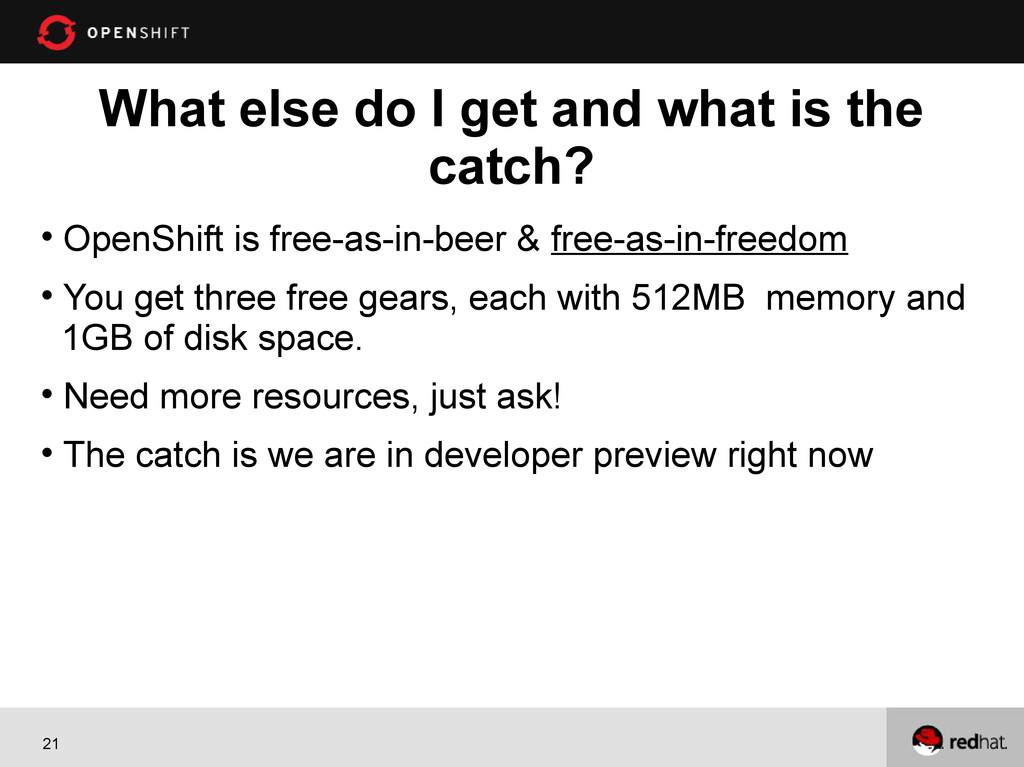
21 What else do I get and what is the
catch? OpenShift is free-as-in-beer & free-as-in-freedom You get three free gears, each with 512MB memory and 1GB of disk space. Need more resources, just ask! The catch is we are in developer preview right now -
22 1. Developing Bookshop application https://bookshop-cix.rhcloud.com/ Note : The promo
code is DELHI.FEB Demo -
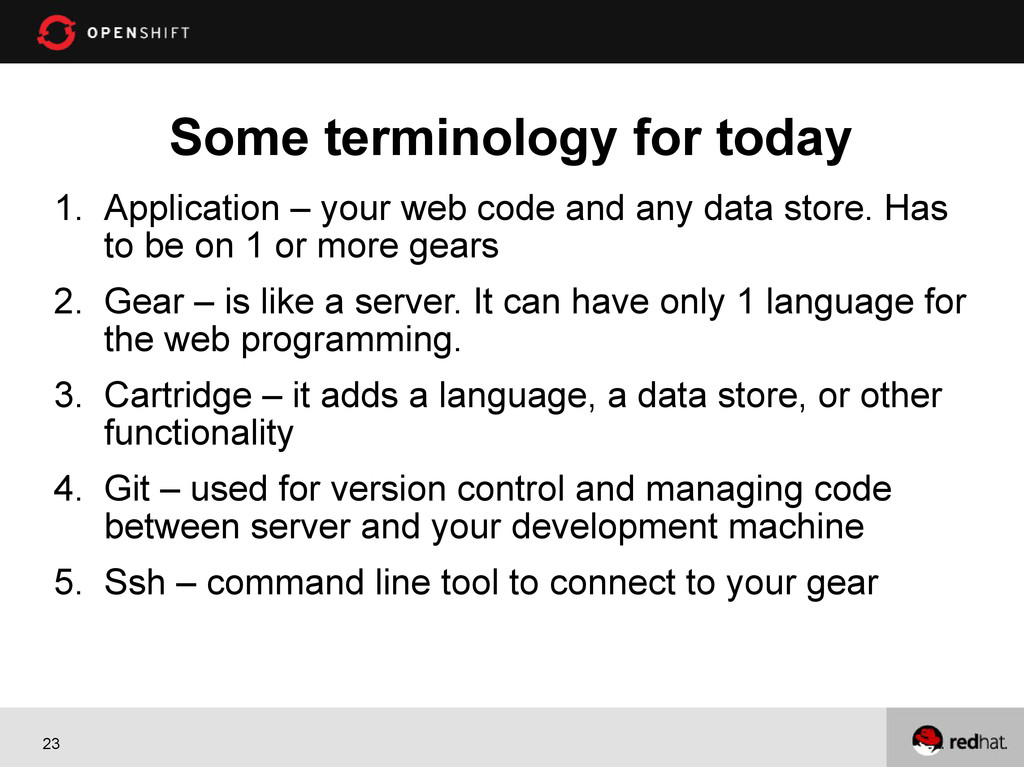
23 Some terminology for today 1. Application – your web
code and any data store. Has to be on 1 or more gears 2. Gear – is like a server. It can have only 1 language for the web programming. 3. Cartridge – it adds a language, a data store, or other functionality 4. Git – used for version control and managing code between server and your development machine 5. Ssh – command line tool to connect to your gear -
26 Installing Client Tools Install Ruby 1.8.7 or greater Install
Git Install rhc OpenShift gem Refer to documentation -
27 Setup your OpenShift Environment rhc setup -l <openshift_login> ->
ask for namespace -> ask to upload ssh keys -
30 Application Deployments Options OpenShift supports two types of deployment
options 1) Source code deployment 2) Binary deployment – war,ear -
31 Play with MongoDB running in the Cloud ssh into
instance Type mongo on the shell Create a sample db Insert some documents in the collection Run some queries -
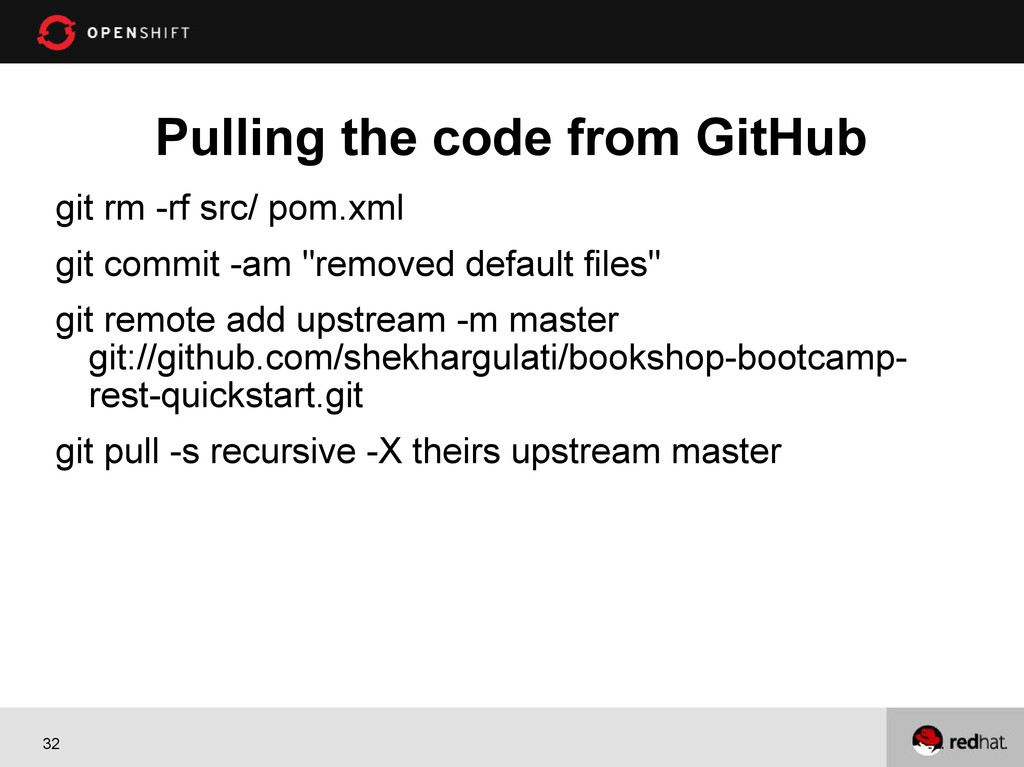
32 Pulling the code from GitHub git rm -rf src/
pom.xml git commit -am "removed default files" git remote add upstream -m master git://github.com/shekhargulati/bookshop-bootcamp- rest-quickstart.git git pull -s recursive -X theirs upstream master -
35 1. OpenShift makes life great for you 2. The
tools are easy to use 3. You should be ready to write services 4. Almost anything you need on a server 5. Did I mention – Free 6. Source code https://github.com/shekhargulati/bookshop-bootcamp- rest-quickstart Conclusion