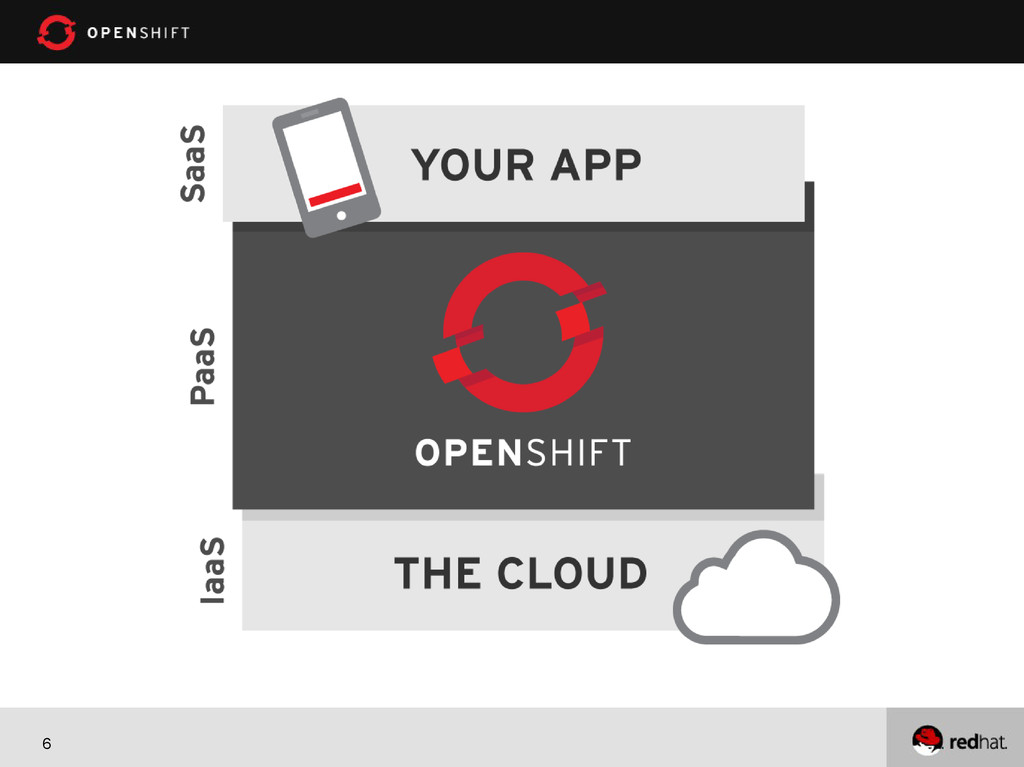
VIRTUALIZATION (RHEV) OPERATING SYSTEM (RHEL) APPLICATION PLATFORM (JBOSS, PHP, RUBY, ETC) APPLICATION Automated and Managed by the Public or Private Cloud Offering Managed and Controlled by Customer (IT, Dev, or User) IaaS PaaS SaaS Increased Control Increased Automation
Build an App: 1. Have Idea 2. Get Budget 3. Code 4. Test 5. Launch 6. Automatically Scale How to Build an App: 1. Have Idea 2. Get Budget 3. Submit VM Request request 4. Wait 5. Deploy framework/appserver 6. Deploy testing tools 7. Test testing tools 8. Code 9. Configure Prod VMs 10. Push to Prod 11. Launch 12. Request More Prod VMs to meet demand 13. Wait 14. Deploy app to new VMs 15. Etc. Today How to Build an App: 1. Have Idea 2. Get Budget 3. Submit hardware acquisition request 4. Wait 5. Get Hardware 6. Rack and Stack Hardware 7. Install Operating System 8. Install Operating System Patches/Fix-Packs 9. Create user Accounts 10. Deploy framework/appserver 11. Deploy testing tools 12. Test testing tools 13. Code 14. Configure Prod servers (and buy them if needed) 15. Push to Prod 16. Launch 17. Order more servers to meet demand 18. Wait… 19. Deploy new servers 20. Etc. Yesterday “The use of Platform-as-a-Service technologies will enable IT organizations to become more agile and more responsive to the business needs.” –Gartner*
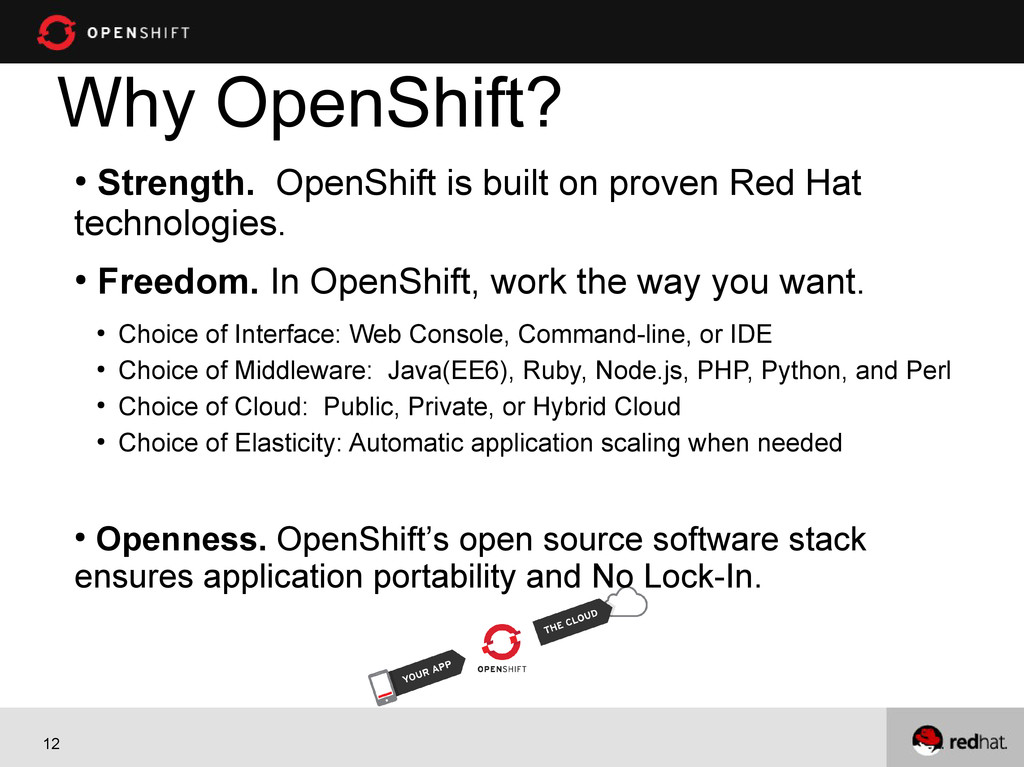
Red Hat technologies. • Freedom. In OpenShift, work the way you want. • Choice of Interface: Web Console, Command-line, or IDE • Choice of Middleware: Java(EE6), Ruby, Node.js, PHP, Python, and Perl • Choice of Cloud: Public, Private, or Hybrid Cloud • Choice of Elasticity: Automatic application scaling when needed • Openness. OpenShift’s open source software stack ensures application portability and No Lock-In.
catch? OpenShift is free-as-in-beer & free-as-in-freedom You get three free gears, each with 512MB memory and 1GB of disk space. Need more resources, just ask! The catch is we are in developer preview right now
code and any data store. Has to be on 1 or more gears 2. Gear – is like a server. It can have only 1 language for the web programming. 3. Cartridge – it adds a language, a data store, or other functionality 4. Git – used for version control and managing code between server and your development machine 5. Ssh – command line tool to connect to your gear
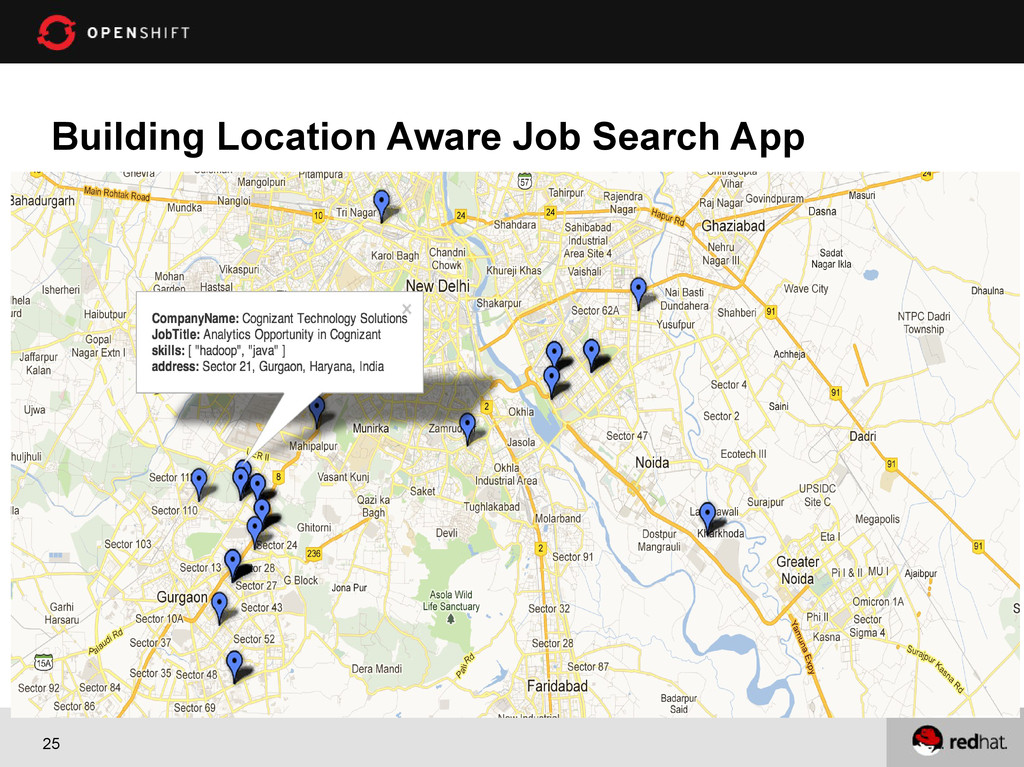
able to find all the jobs. As a User, I should be able to find all the jobs near to my location. As a User, I should be able to find all MongoDB (or any skill) jobs near to my location. As a User, I should be able to find all the MongoDB (or any other skill) jobs near to my location with distance.
Find all the MongoDB jobs near me – Proximity Queries Find all the MongoDB jobs within Bangalore – Bounded Queries Find all the MongoDB job at this location – Exact Queries • Supports only two dimensional indexes. You can only have one geospatial index per collection. By default, 2d geospatial indexes assume longitude and latitude have boundaries of -180 inclusive and 180 non-inclusive (i.e. [-180, 180))
into an array { loc : [ 50 , 30 ] } //SUGGESTED OPTION { loc : { x : 50 , y : 30 } } { loc : { foo : 50 , y : 30 } } 1) { loc : { lon : 40.739037, lat: 73.992964 } } 2) Make a 2d index db.places.ensureIndex( { loc : "2d" } ) 3) If you use latitude and longitude as your coordinate system, always store longitude first. MongoDB’s 2d spherical index operators only recognize [ longitude, latitude] ordering.
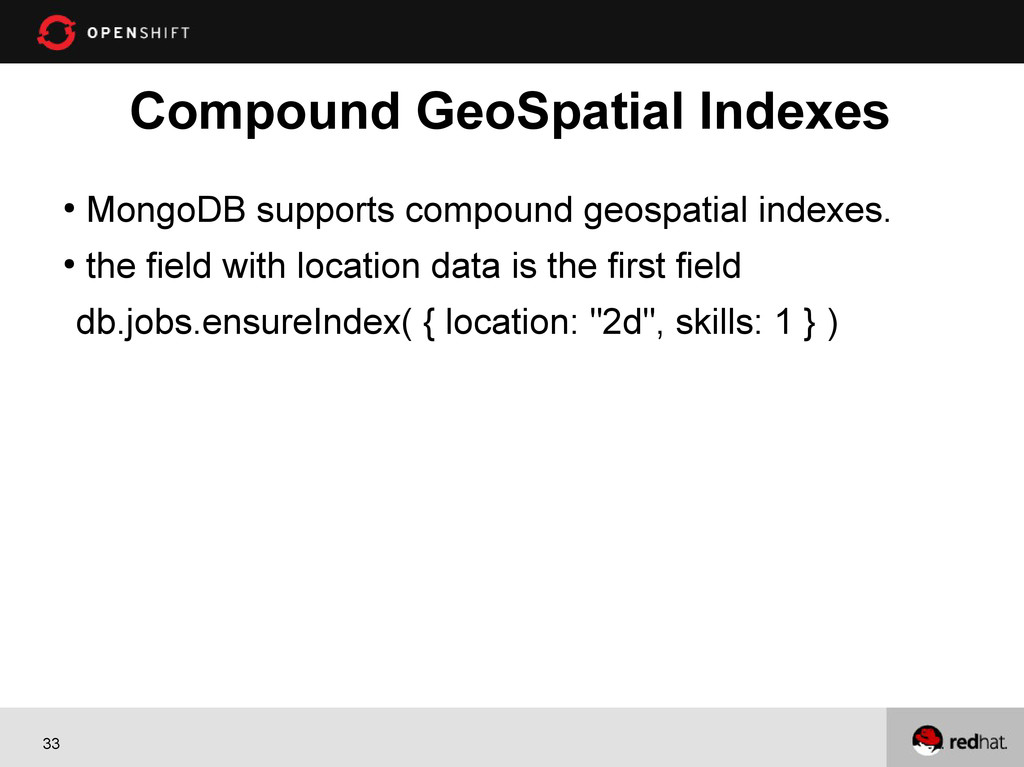
location data to binary geohash values and calculates these values using the location data and the index’s location range • Geohashes have a precision that is determined by the number of bits in the hash. Default value 26 • More bits allow the index to provide results with greater precision • You can configure number of bits at index creation db.collection.ensureIndex( {<location field>: "2d"} , { bits: <bit precision> } )
Git 1. Git add . (means add all new files as being tracked in the local repository) 2. Git commit –am “your message” (means commit all my changes to the local repository with this message) 3. Git push (means push from your local repository to the repository on your OpenShift gear)
tools are easy to use 3. MongoDB makes writing location aware apps very easy 4. Did I mention – Free 5. Source code https://github.com/shekhargulati/localjobs Conclusion
OpenShift Blogs https://openshift.redhat.com/community/blogs Follow @OpenShift on twitter https://twitter.com/openshift Get your app in OpenShift Application Gallery https://openshift.redhat.com/community/developer-spotlight


 shekhargulati
 jacopen
 daitak
 a_suenami
 _awache
 everpeace
 hatahata021
 imuta
 knwoop
 rfdnxbro
 gokken
 kaminashi
 minorun365
 samanthasiow
 watany
 marktimemedia
 jonyablonski
 mongodb
 garrettdimon
 bkeepers
 portentint
 lindahogenes
 marketingsoph
 3n
 bethany