Upgrade to Pro
— share decks privately, control downloads, hide ads and more …
Speaker Deck
Sign up for free
Menu
Search
Features
All features
Private URLs
Password Protection
Custom URLS
Scheduled publishing
Remove Branding
Restrict embedding
Deck Collections
Notes
Features
All features
Private URLs
Password Protection
Custom URLS
Scheduled publishing
Remove Branding
Restrict embedding
Deck Collections
Notes
Explore
Featured decks
Featured speakers
Programming
Technology
Storyboards
Explore
Featured decks
Featured speakers
Programming
Technology
Storyboards
Pricing
Search
Sign in
Sign up for free
NLUUG 2014: Zero to Docker in 20s
Search
Steeve Morin
May 15, 2014
Technology
59
0
Share
Embed
Copy iframe code
Copy JS code
Copy link
Start on current slide
NLUUG 2014: Zero to Docker in 20s
Steeve Morin
May 15, 2014
More Decks by Steeve Morin
See All by Steeve Morin
BazelCon 2019 - Bazel & Kubernetes: Develop like it’s production
steeve
0
140
boot2docker: Zero to Docker in 20s
steeve
2
430
boot2docker at the Paris Docker Meetup
steeve
7
3.6k
XBMCtorrent: Torrent Streaming for XBMC - Paris Tech Talks
steeve
0
1.2k
Other Decks in Technology
See All in Technology
外国人エンジニアがVueプロトタイプで仕様を合わせている話 / Vue Fes Japan 2026 LT
eluwing
0
370
reInvent2026stby LT00 "Change your life!"
shinichirokawano
1
530
Agent 活用環境の構築・運用のための AWS サービスのご紹介/agentcore-for-building-and-operating-agents
ren8k
1
310
Flutter Widget Previewerで始めるUIプレビューとVRTの自動化
sakusaku3939
0
190
攻撃 3 時間 vs 復旧 10 時間。アクセスキー流出の非対称性を体感するために CTF を作った話
kazzpapa3
1
130
AI秘書と毎日働くのはもう当たり前。開発以外の業務に足りない機能をどう埋める?
minorun365
PRO
4
2.2k
cdk deployとcdkd deploy、実際にデプロイして5倍速近くの差を実測した
yama3133
1
160
デザインレビューは自動化できるのか?─ Flutter × Figma で UI 品質保証を考える
techiro
2
730
基本から分かる!AWSセキュリティ運用の考え方と任せ方
cmusudakeisuke
1
340
新卒エンジニア、 介護士になる
ryu1013
1
670
2拠点SRE活動始めてみた | sogaoh's LT @ ホンマでっかSRE勉強会 #3
sogaoh
PRO
0
230
Maestro MCPとClaude Code Skillsによる自律的なE2Eテスト支援
asmz
0
400
Featured
See All Featured
Context Engineering - Making Every Token Count
addyosmani
9
1.3k
Designing Dashboards & Data Visualisations in Web Apps
destraynor
232
55k
Bridging the Design Gap: How Collaborative Modelling removes blockers to flow between stakeholders and teams @FastFlow conf
baasie
0
750
Performance Is Good for Brains [We Love Speed 2024]
tammyeverts
12
1.9k
Self-Hosted WebAssembly Runtime for Runtime-Neutral Checkpoint/Restore in Edge–Cloud Continuum
chikuwait
0
910
The Language of Interfaces
destraynor
162
27k
Prompt Engineering for Job Search
mfonobong
0
570
Leadership Guide Workshop - DevTernity 2021
reverentgeek
1
410
Designing Experiences People Love
moore
143
24k
Mozcon NYC 2025: Stop Losing SEO Traffic
samtorres
1
590
Optimising Largest Contentful Paint
csswizardry
37
4k
Bash Introduction
62gerente
615
220k
Transcript
BOOT2DOCKER Zero to Docker in 20s Steeve Morin @steeve
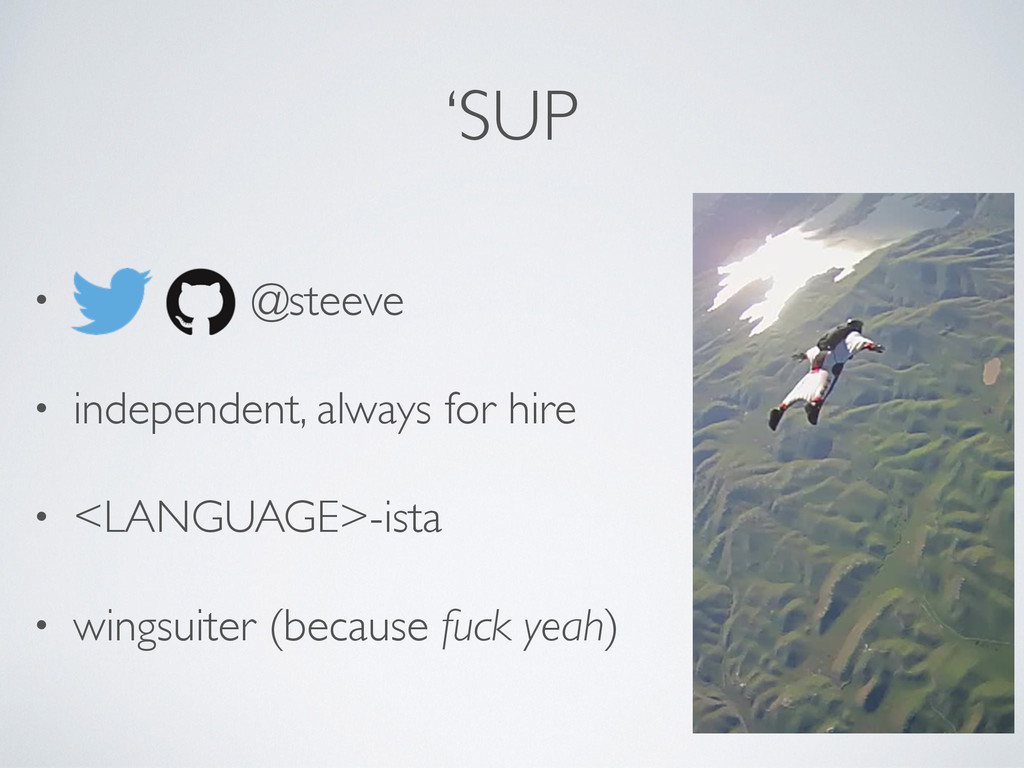
‘SUP • @steeve • independent, always for hire • <LANGUAGE>-ista
• wingsuiter (because fuck yeah)
None
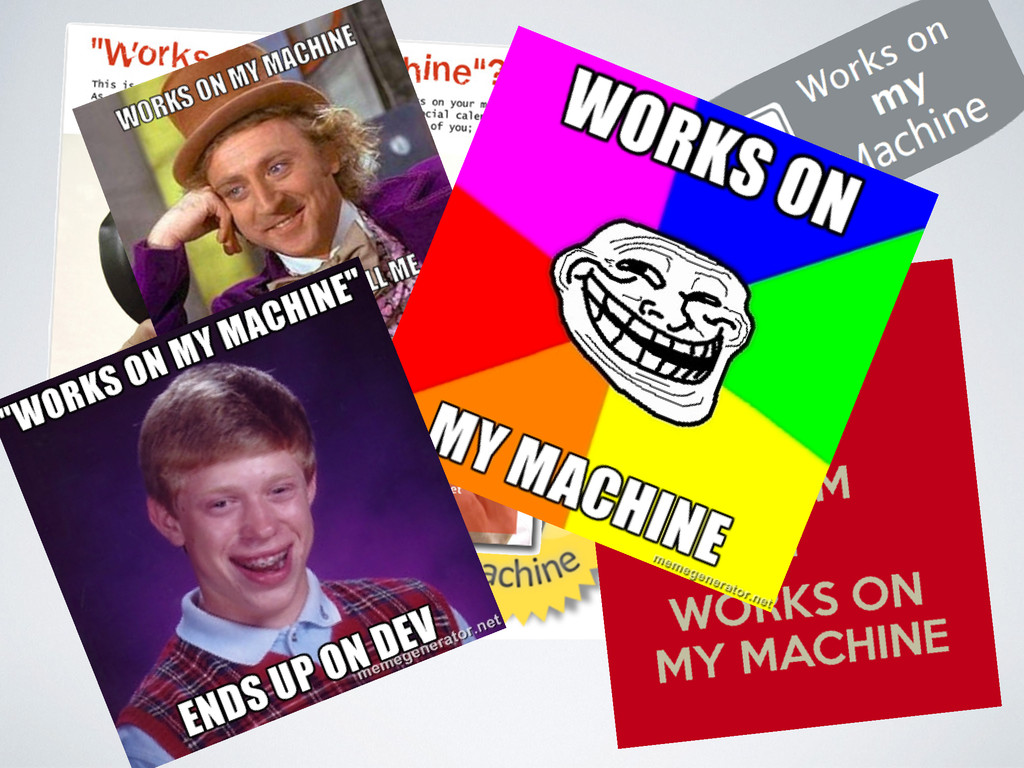
–Every developer ever “Works on my machine.”
None
It’s a pretty big problem.
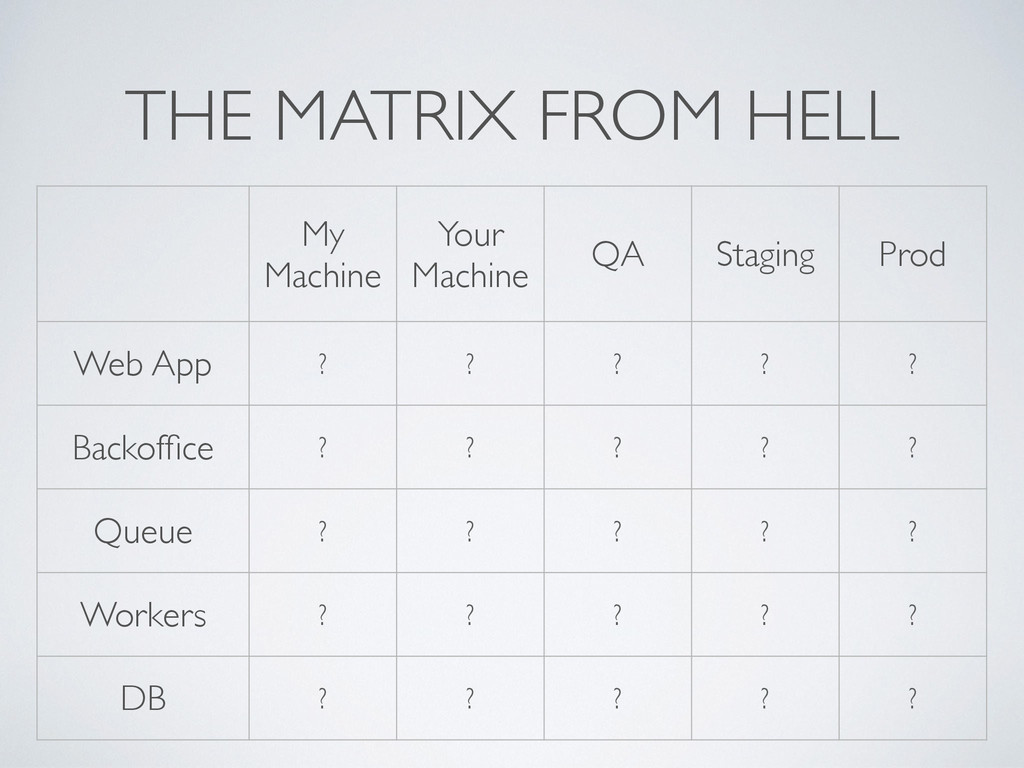
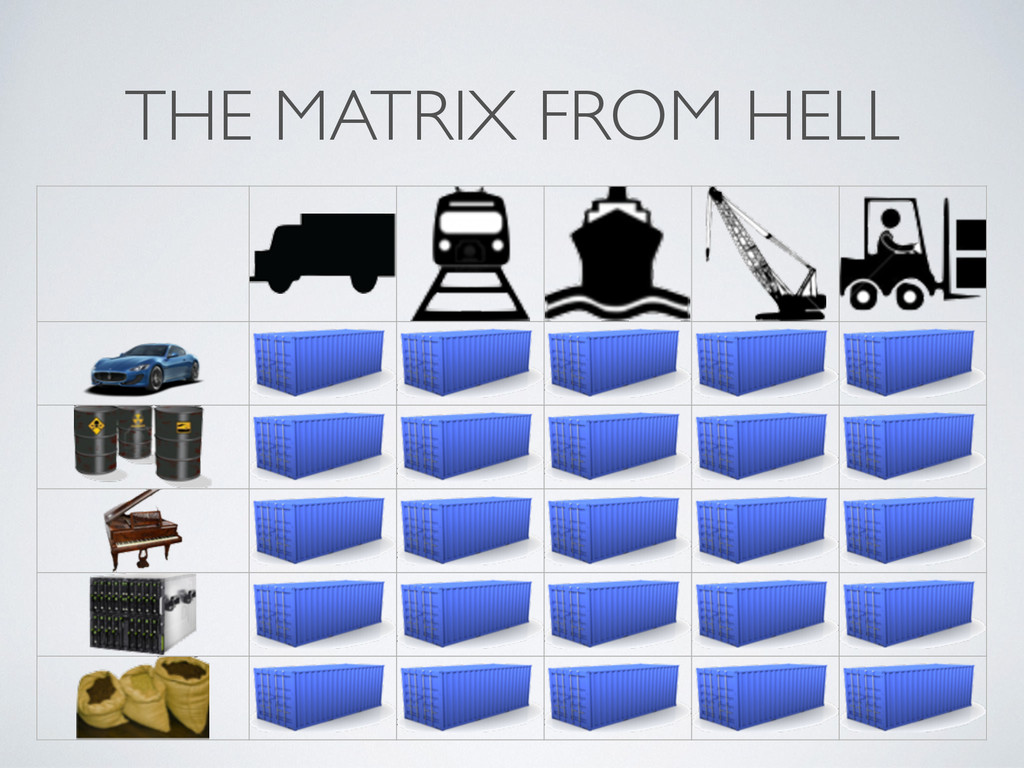
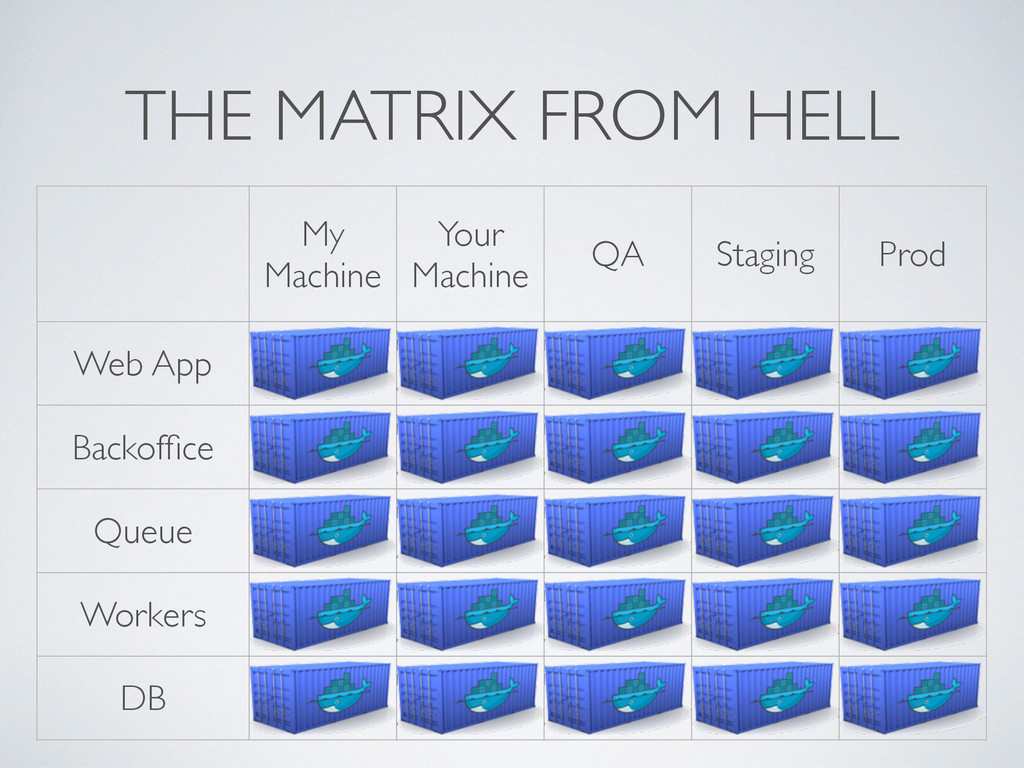
THE MATRIX FROM HELL My Machine Your Machine QA Staging
Prod Web App ? ? ? ? ? Backoffice ? ? ? ? ? Queue ? ? ? ? ? Workers ? ? ? ? ? DB ? ? ? ? ?
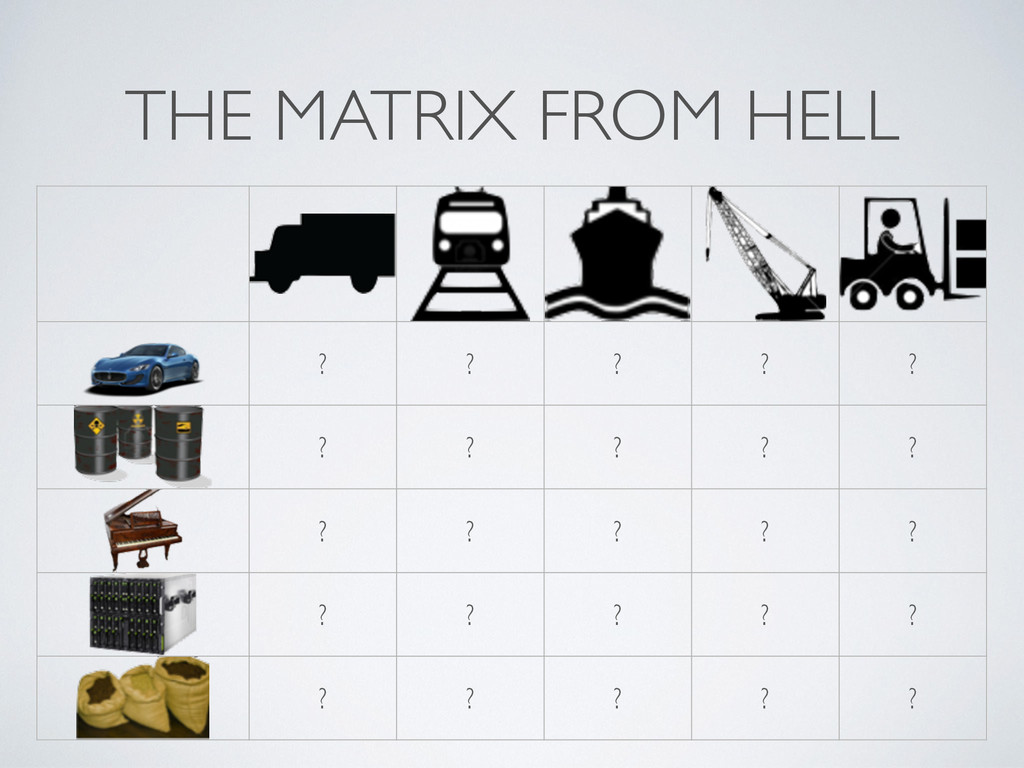
THE MATRIX FROM HELL ? ? ? ? ? ?
? ? ? ? ? ? ? ? ? ? ? ? ? ? ? ? ? ? ?
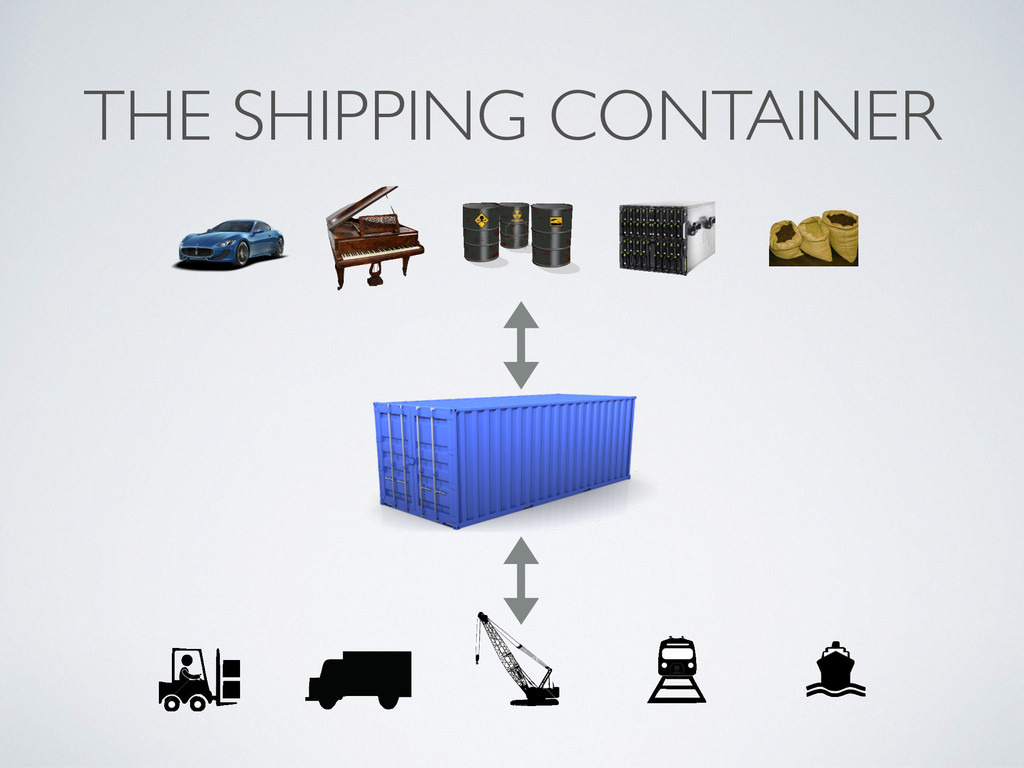
THE SHIPPING CONTAINER
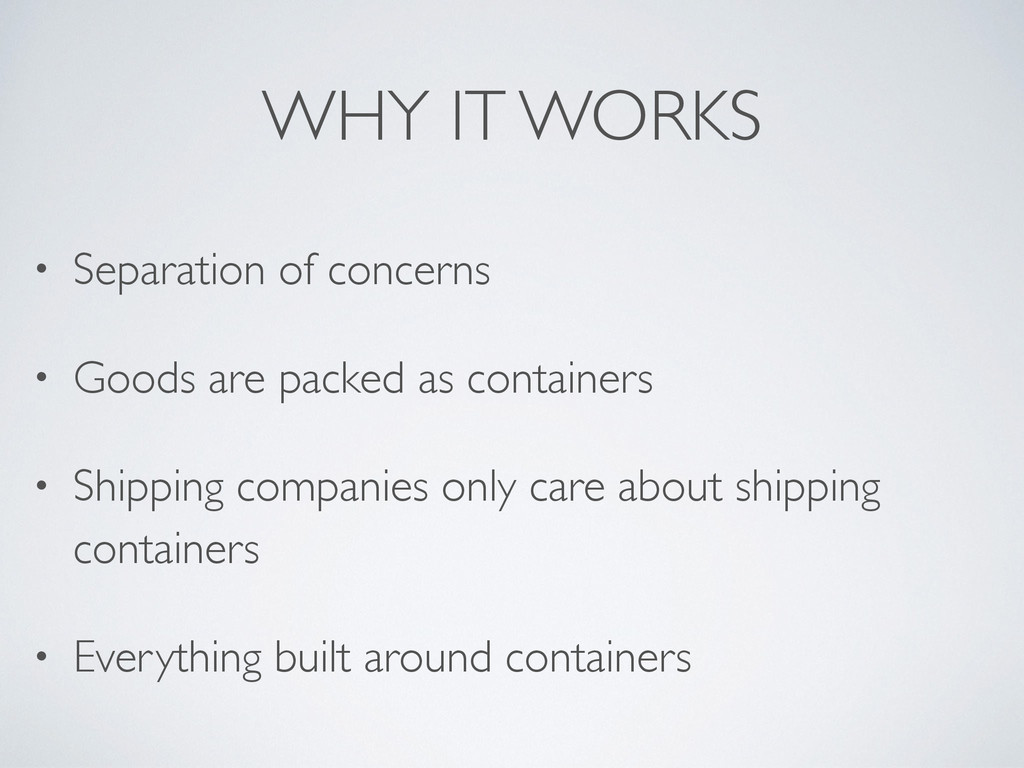
WHY IT WORKS • Separation of concerns • Goods are
packed as containers • Shipping companies only care about shipping containers • Everything built around containers
THE MATRIX FROM HELL
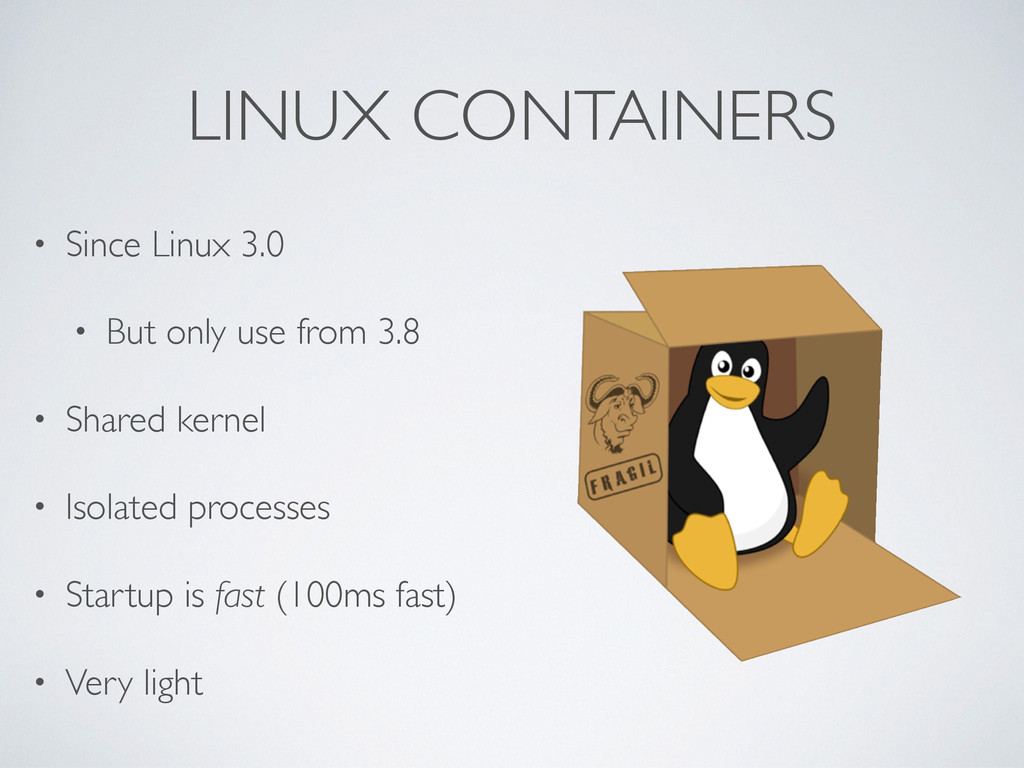
LINUX CONTAINERS • Since Linux 3.0 • But only use
from 3.8 • Shared kernel • Isolated processes • Startup is fast (100ms fast) • Very light
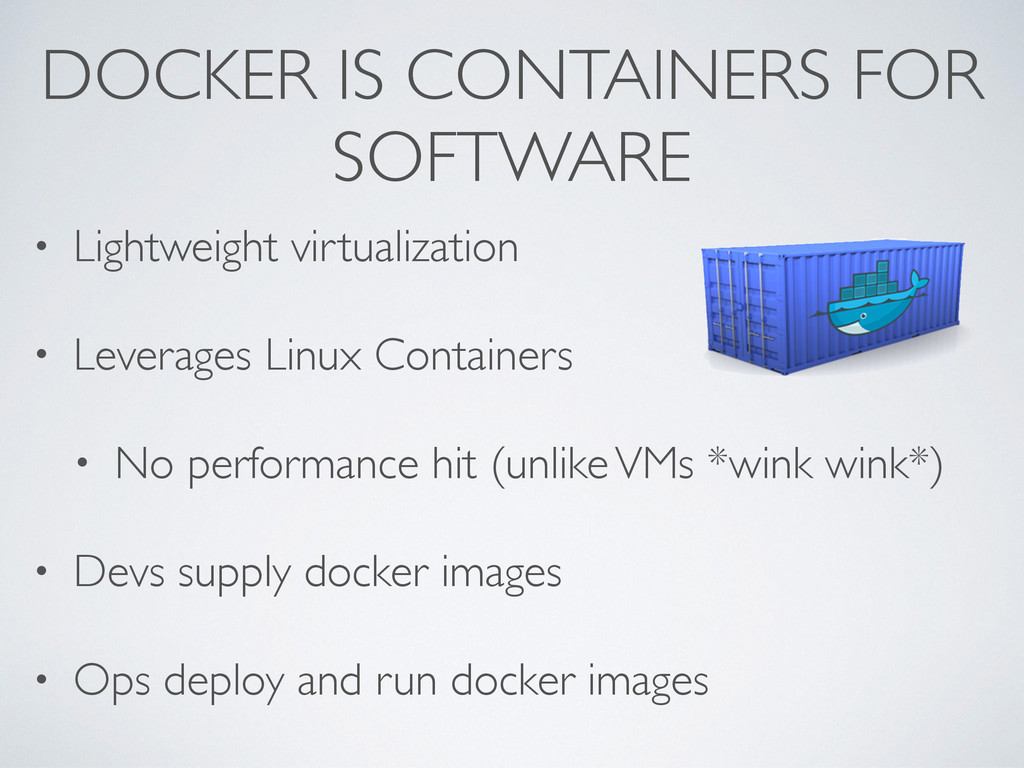
DOCKER IS CONTAINERS FOR SOFTWARE • Lightweight virtualization • Leverages
Linux Containers • No performance hit (unlike VMs *wink wink*) • Devs supply docker images • Ops deploy and run docker images
THE MATRIX FROM HELL My Machine Your Machine QA Staging
Prod Web App Backoffice Queue Workers DB
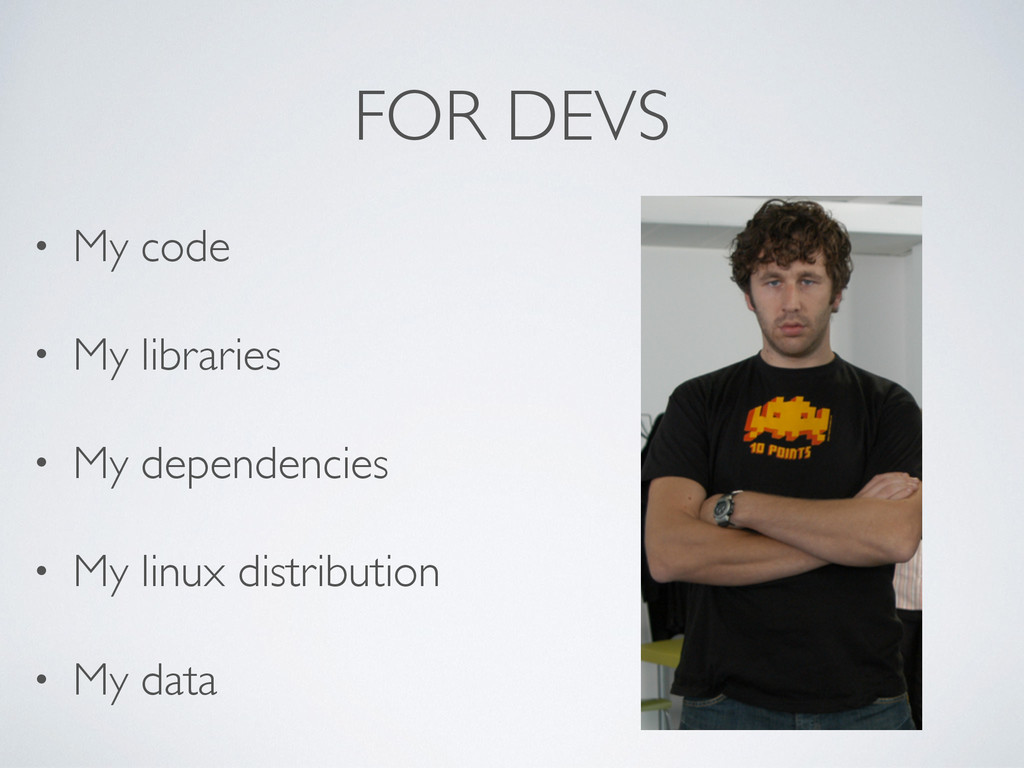
FOR DEVS • My code • My libraries • My
dependencies • My linux distribution • My data
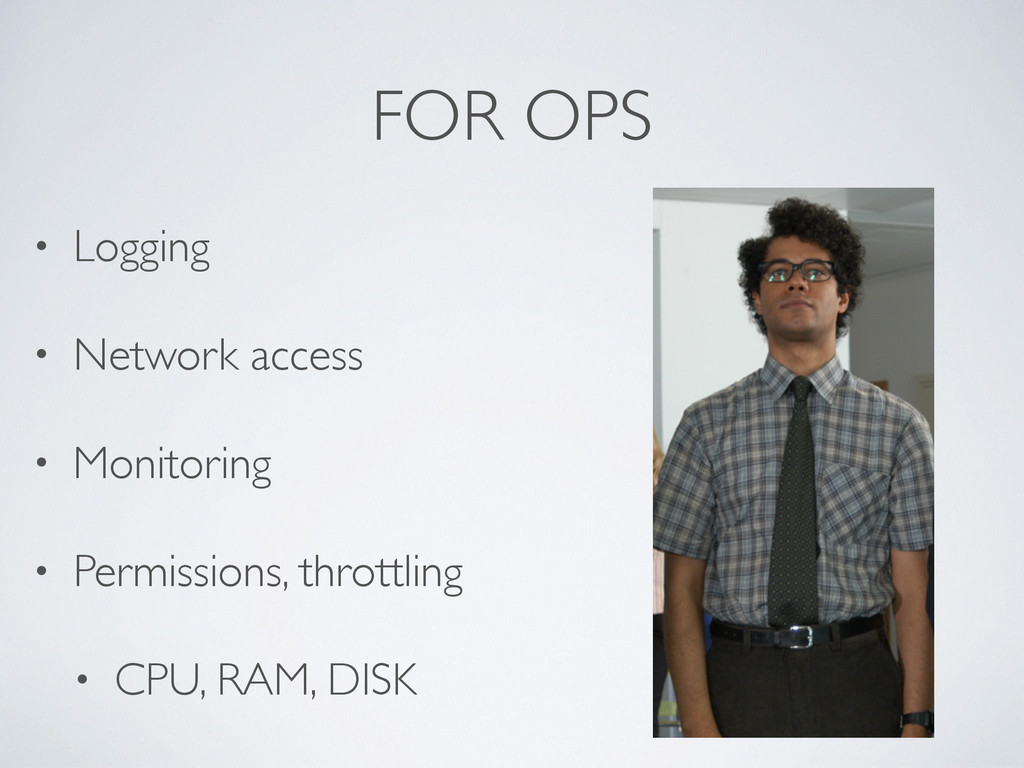
FOR OPS • Logging • Network access • Monitoring •
Permissions, throttling • CPU, RAM, DISK
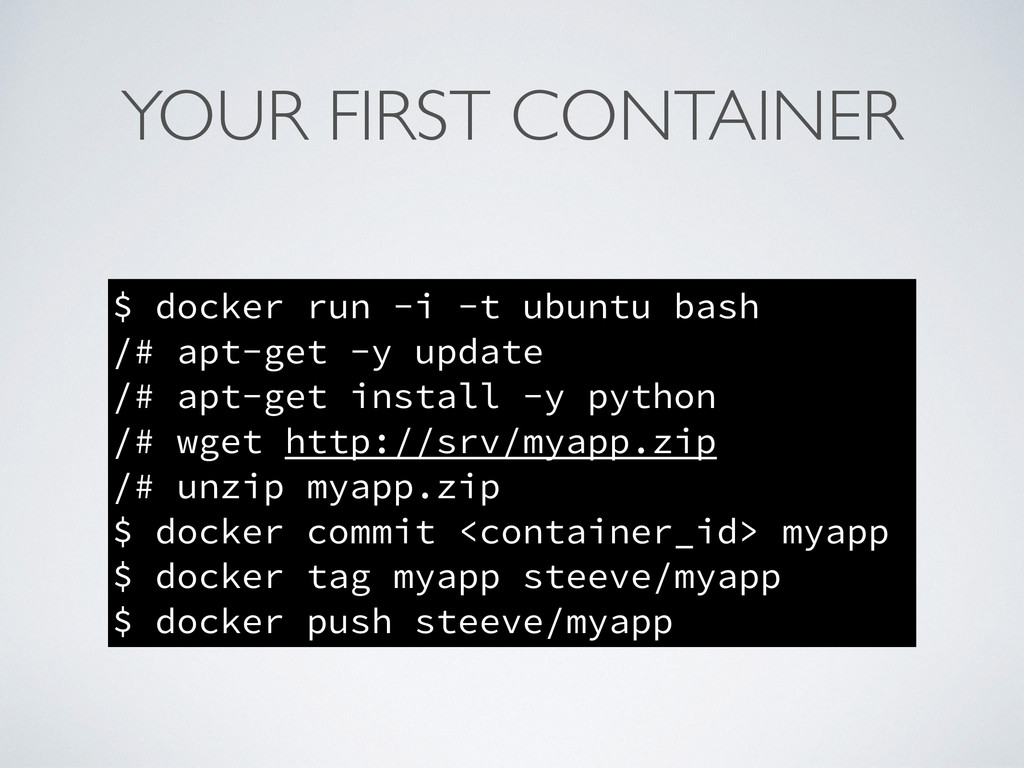
WORKFLOW • git like (commit, tag, push, pull) • Run
image in container • Modify container as needed • Commit container as new image • Tag complete image • Push image when ready
YOUR FIRST CONTAINER $ docker run -i -t ubuntu bash
/# apt-get -y update /# apt-get install -y python /# wget http://srv/myapp.zip /# unzip myapp.zip $ docker commit <container_id> myapp $ docker tag myapp steeve/myapp $ docker push steeve/myapp
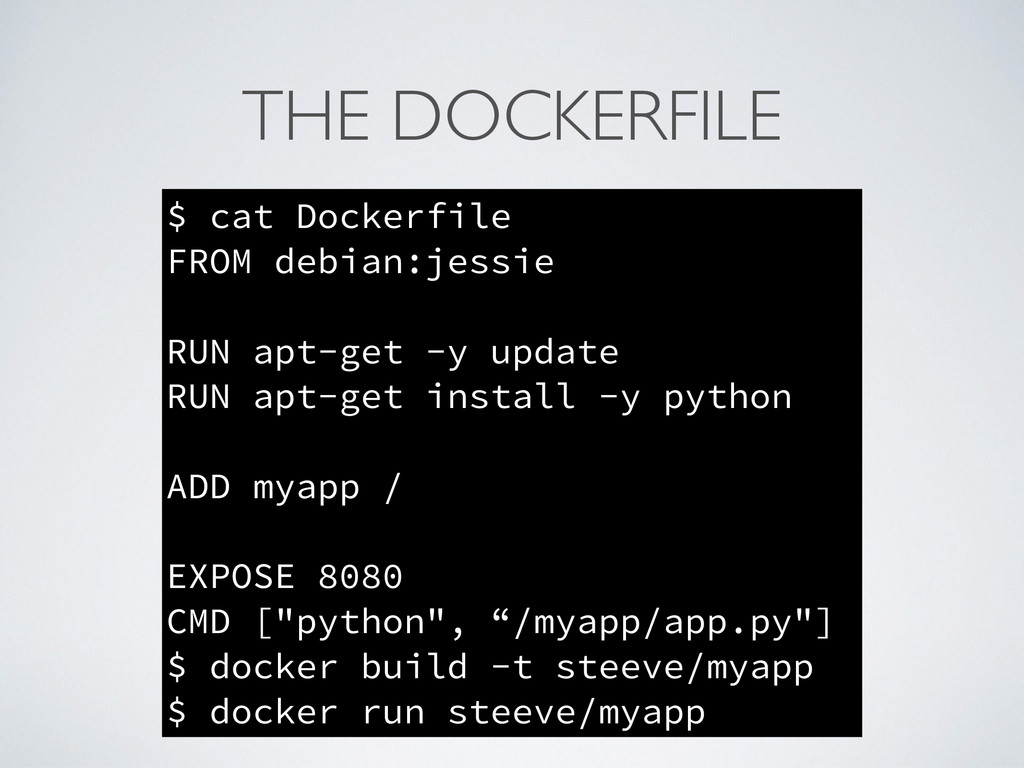
THE DOCKERFILE • A standard way to build Docker images
• Very simple syntax and limited scope • It’s simply run/commit ! • The whole environment in one file
THE DOCKERFILE $ cat Dockerfile FROM debian:jessie ! RUN apt-get
-y update RUN apt-get install -y python ! ADD myapp / ! EXPOSE 8080 CMD ["python", “/myapp/app.py"] $ docker build -t steeve/myapp $ docker run steeve/myapp
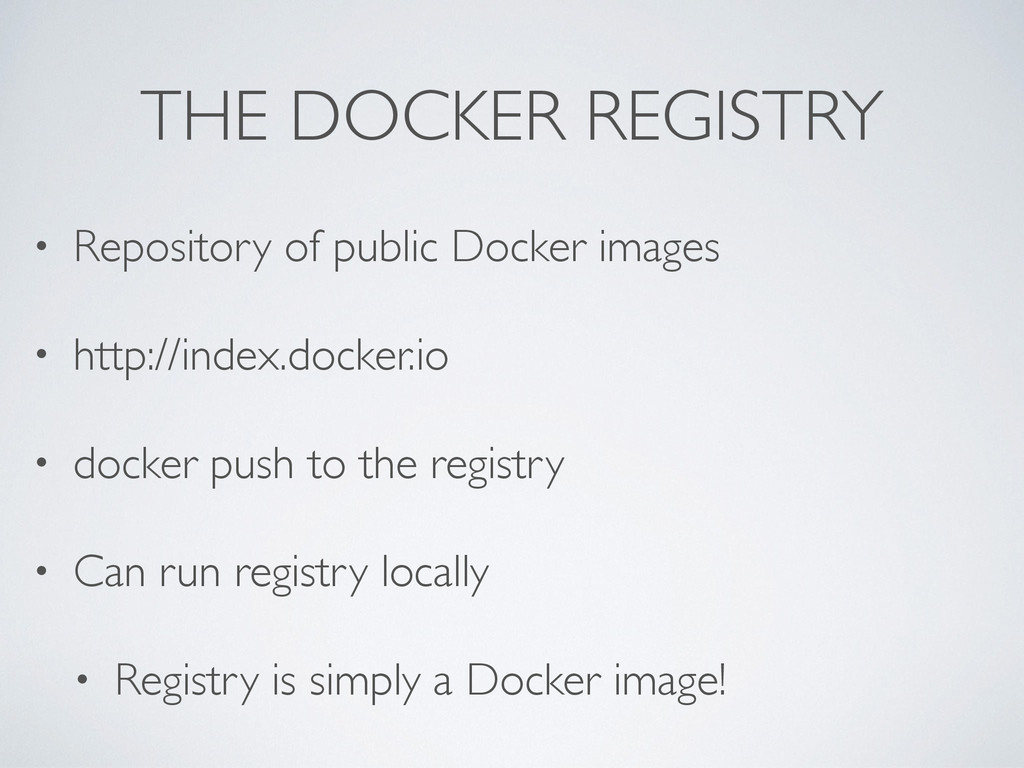
THE DOCKER REGISTRY • Repository of public Docker images •
http://index.docker.io • docker push to the registry • Can run registry locally • Registry is simply a Docker image!
BOOT2DOCKER
–Steeve Morin “When you think about it, the host system
is redundant to the Docker image… Right?”
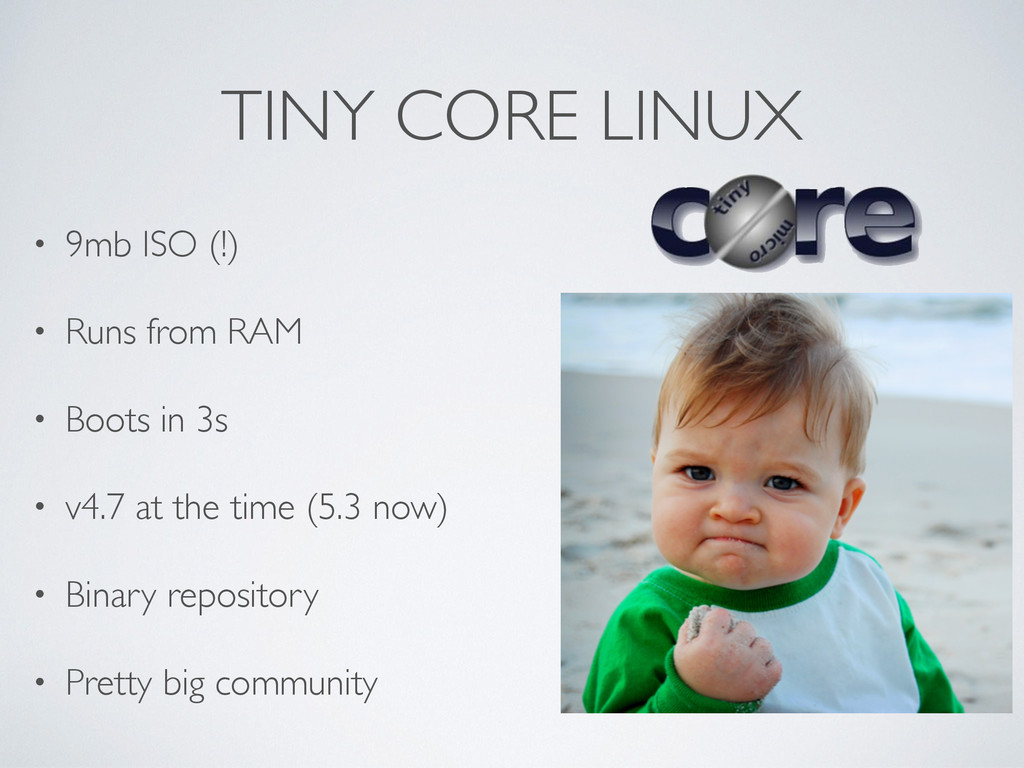
TINY CORE LINUX • 9mb ISO (!) • Runs from
RAM • Boots in 3s • v4.7 at the time (5.3 now) • Binary repository • Pretty big community
DOCKER ON TCL • First try, July 2013 • Linux
Kernel 3.0 x86 without AUFS? • Custom Linux 3.10 with AUFS • Missing critical packages? • Cross compilation FTW • docker version works!!!
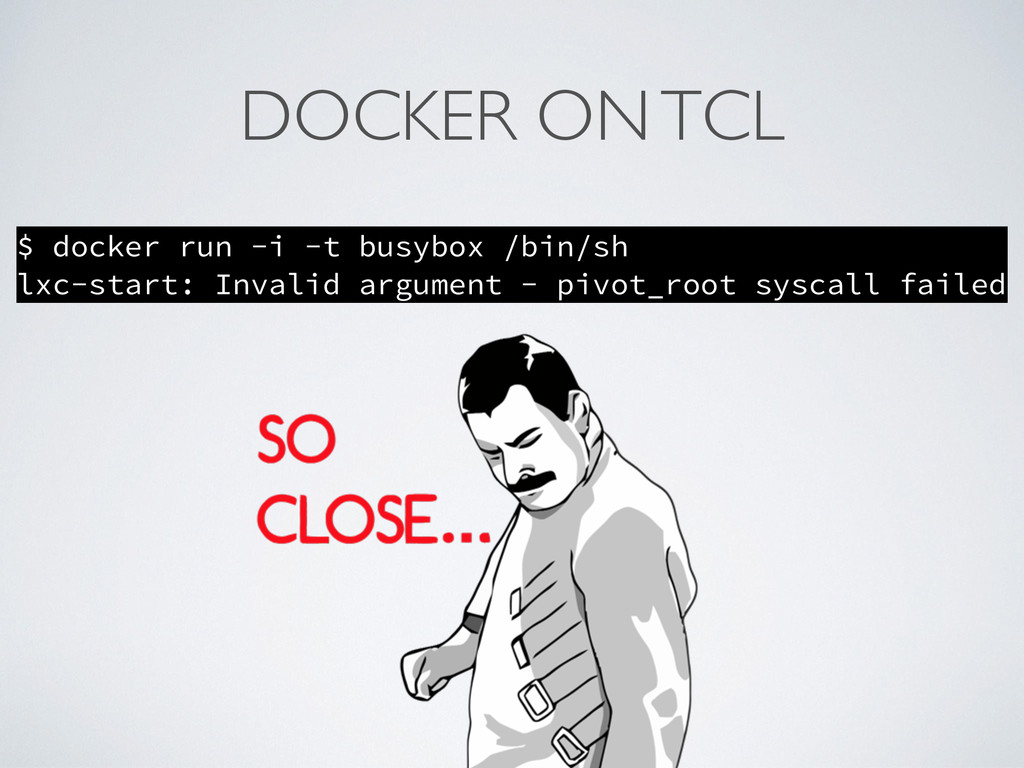
DOCKER ON TCL $ docker run -i -t busybox /bin/sh
lxc-start: Invalid argument - pivot_root syscall failed
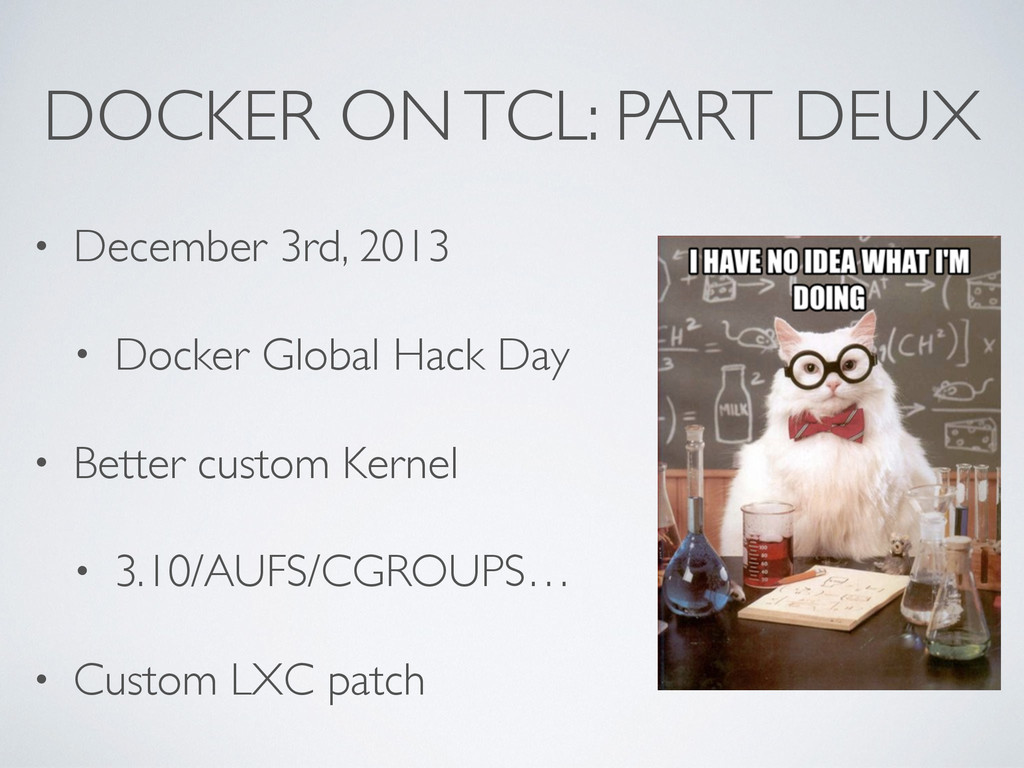
DOCKER ON TCL: PART DEUX • December 3rd, 2013 •
Docker Global Hack Day • Better custom Kernel • 3.10/AUFS/CGROUPS… • Custom LXC patch
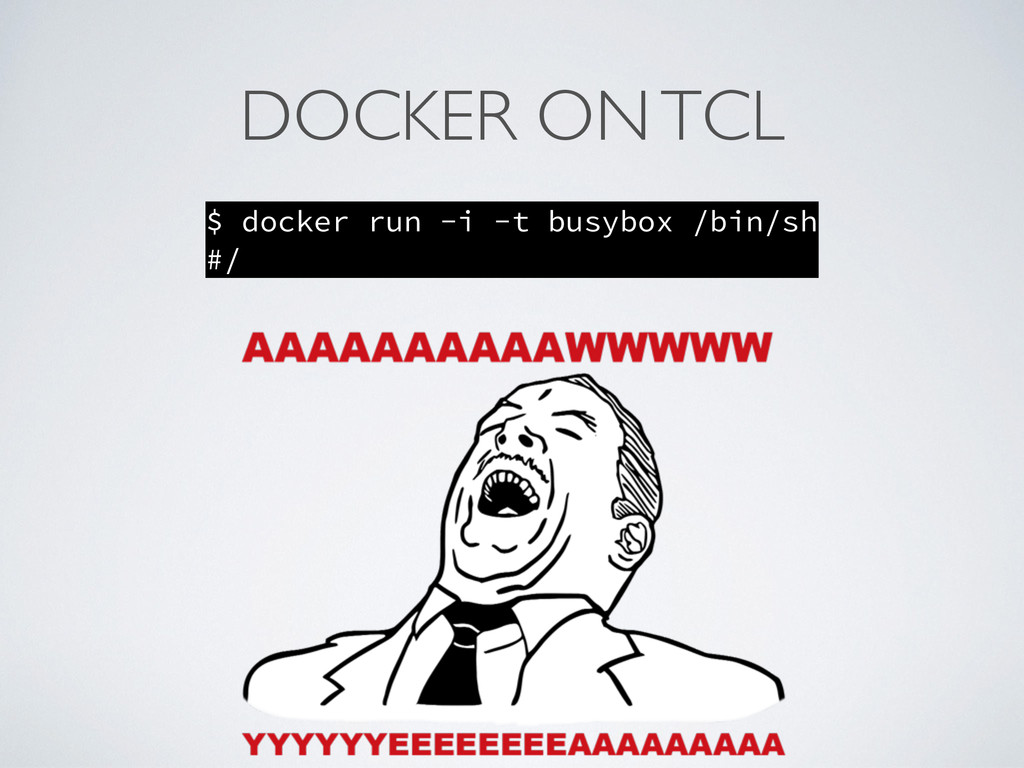
DOCKER ON TCL $ docker run -i -t busybox /bin/sh
#/
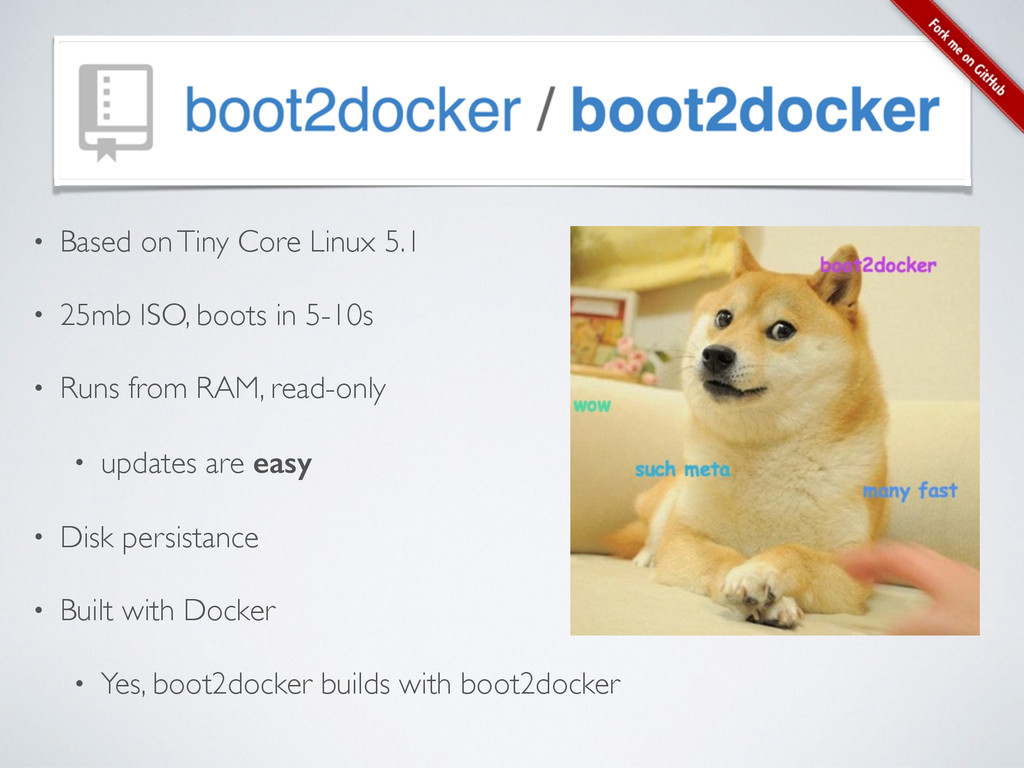
• Based on Tiny Core Linux 5.1 • 25mb ISO,
boots in 5-10s • Runs from RAM, read-only • updates are easy • Disk persistance • Built with Docker • Yes, boot2docker builds with boot2docker
0.9.1 (just released)
None
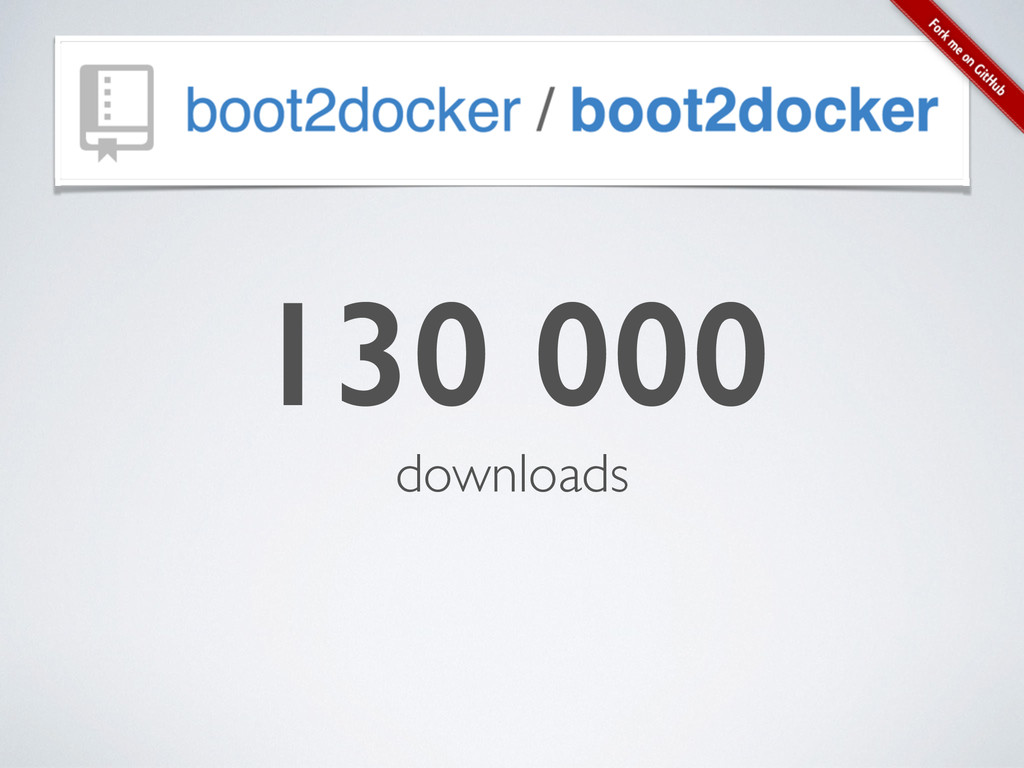
130 000 downloads
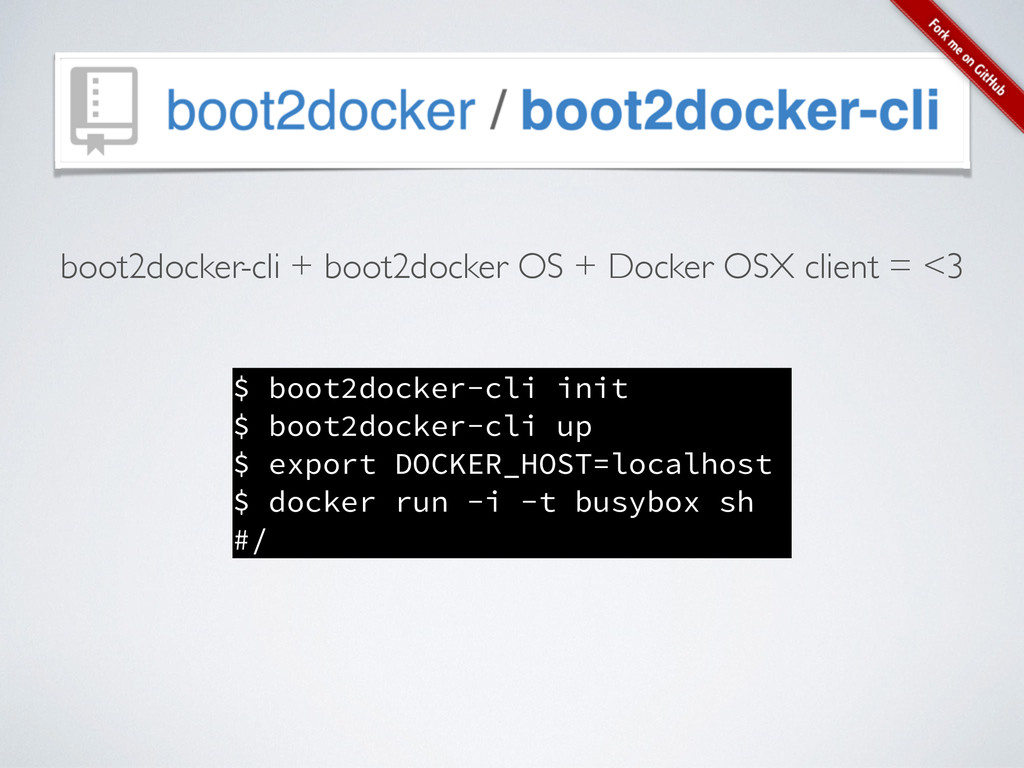
$ boot2docker-cli init $ boot2docker-cli up $ export DOCKER_HOST=localhost $
docker run -i -t busybox sh #/ boot2docker-cli + boot2docker OS + Docker OSX client = <3
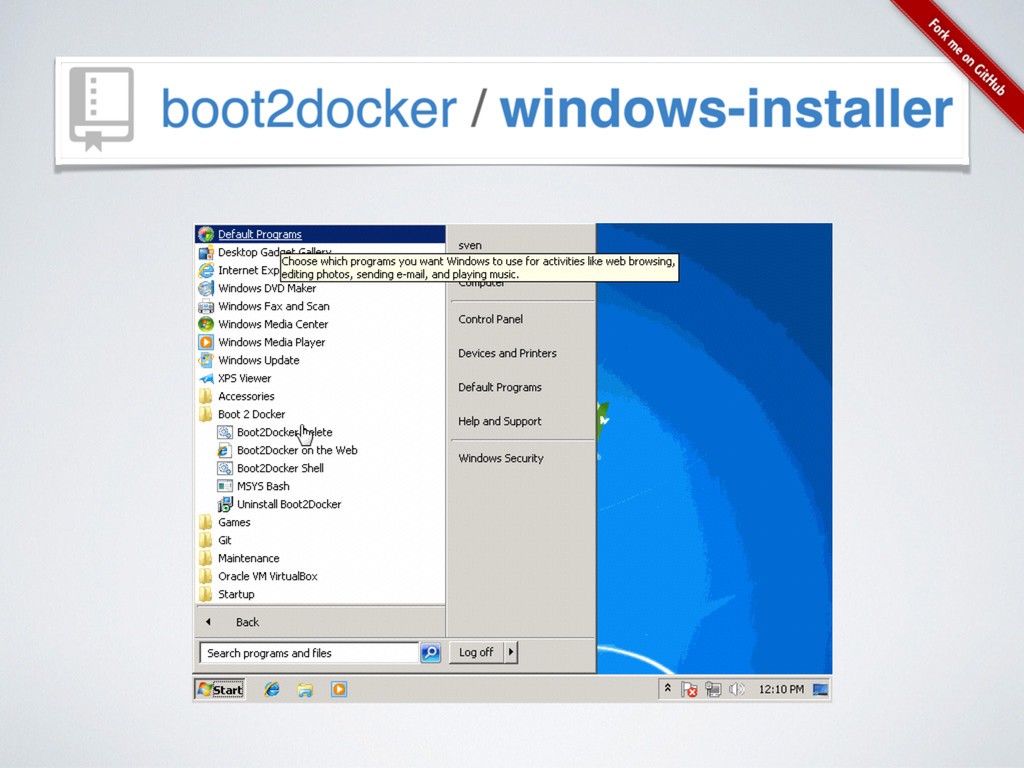
None
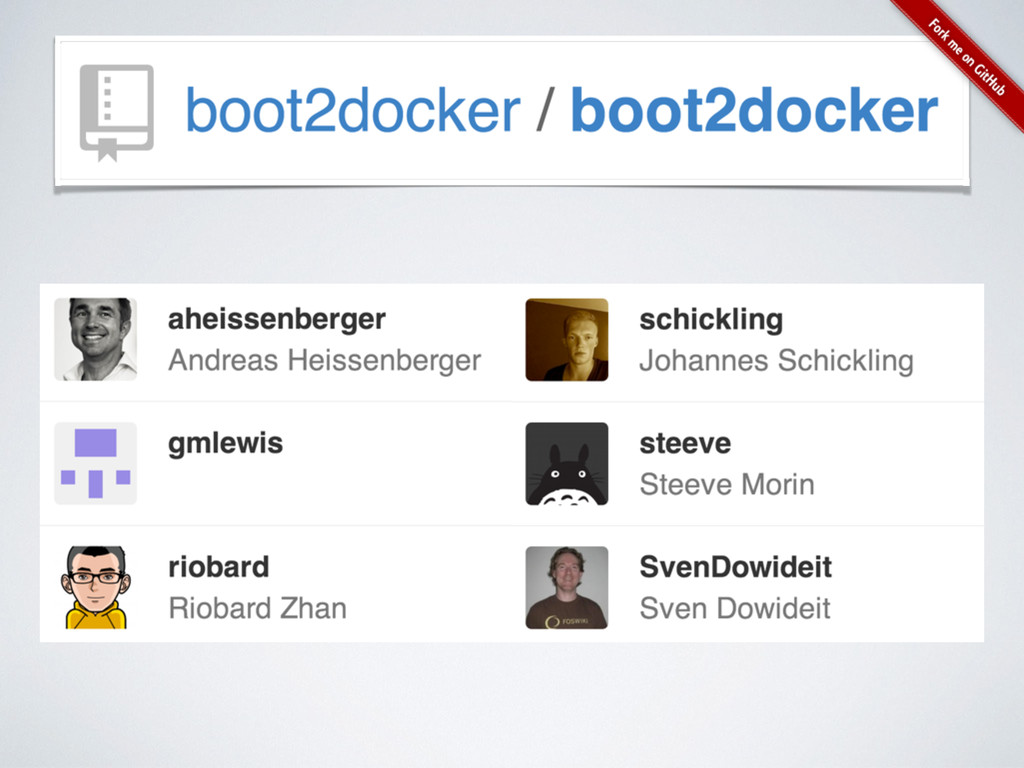
None
None
THANK YOU github.com/boot2docker/boot2docker @steeve


 steeve
 eluwing
 shinichirokawano
 ren8k
ren8k
 sakusaku3939
 kazzpapa3
 minorun365
 yama3133
 techiro
 cmusudakeisuke
 ryu1013
 sogaoh
 asmz
asmz
 addyosmani
 destraynor
 baasie
 tammyeverts
 chikuwait
 mfonobong
 reverentgeek
 moore
moore
 samtorres
 csswizardry
 62gerente