Share
Embed
Fundamentals of 3D Graphics Programming with Metal
This was a half-day workshop delivered as part of the One More Thing conference in Cupertino, CA in the run-up to WWDC 2025. It tries to offer a low-level—but very gentle—introduction to graphics programming via the Metal API, covering the basics of the render pipeline, shader programming, and basic lighting models.
Warren Moore
June 07, 2025
Transcript
109 slides
-
Warren Moore One More Thing Conference June 7, 2025 3D
Graphics Programming with Metal bit.ly/metal-omt -
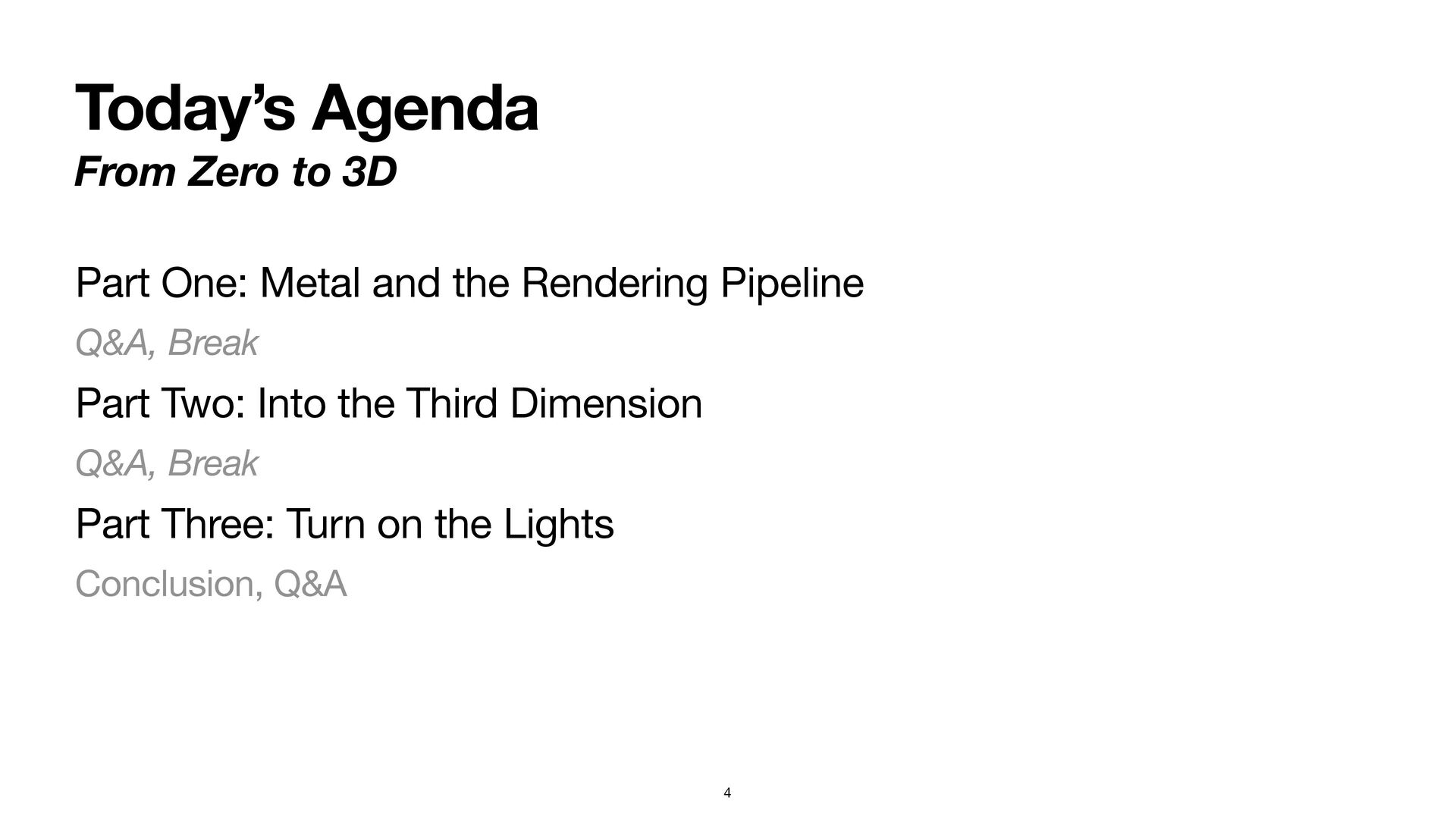
Today’s Agenda From Zero to 3D Part One: Metal and
the Rendering Pipeline Q&A, Break Part Two: Into the Third Dimension Q&A, Break Part Three: Turn on the Lights Conclusion, Q&A 4 -
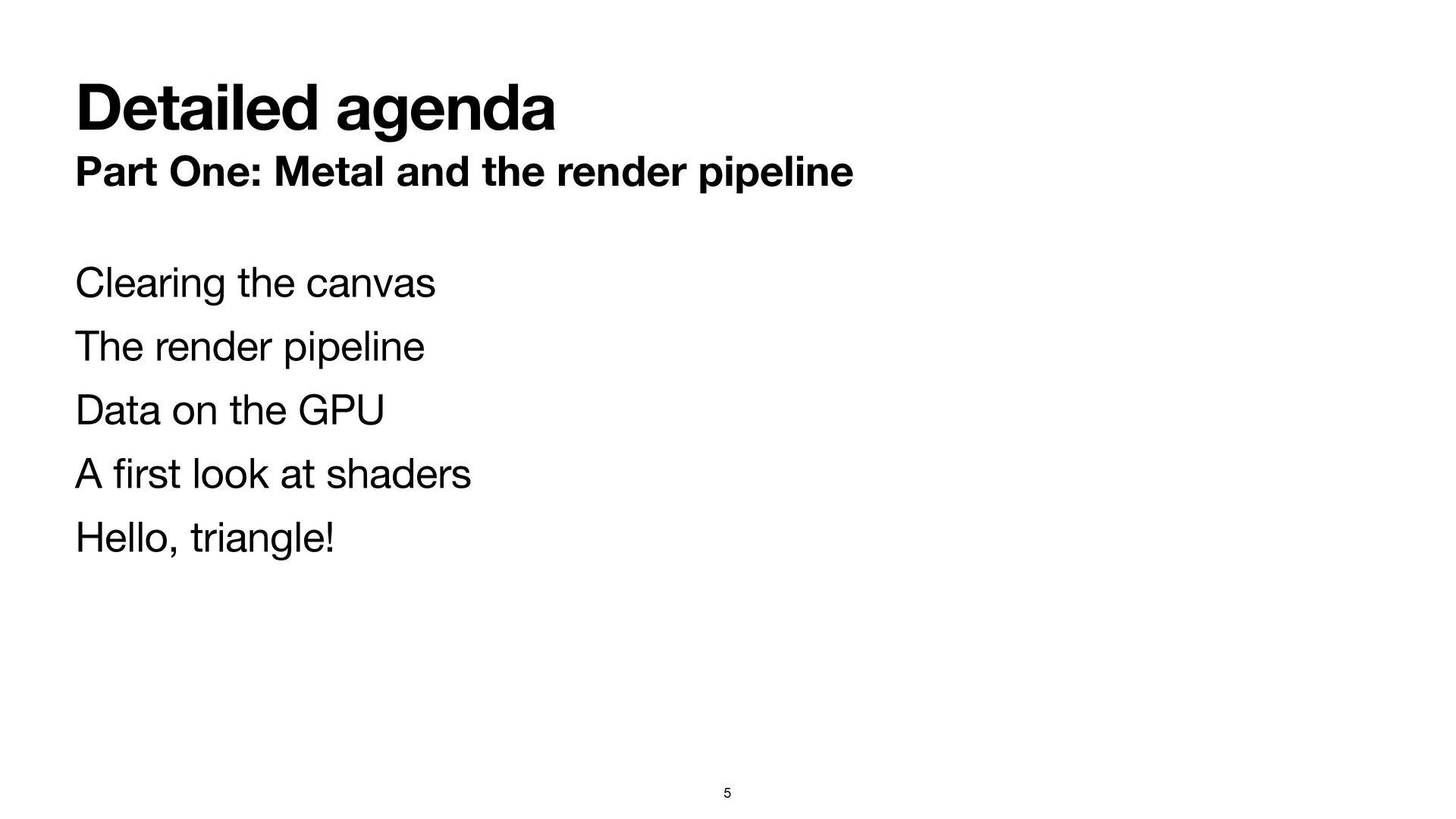
Detailed agenda Part One: Metal and the render pipeline Clearing
the canvas The render pipeline Data on the GPU A fi rst look at shaders Hello, triangle! 5 -
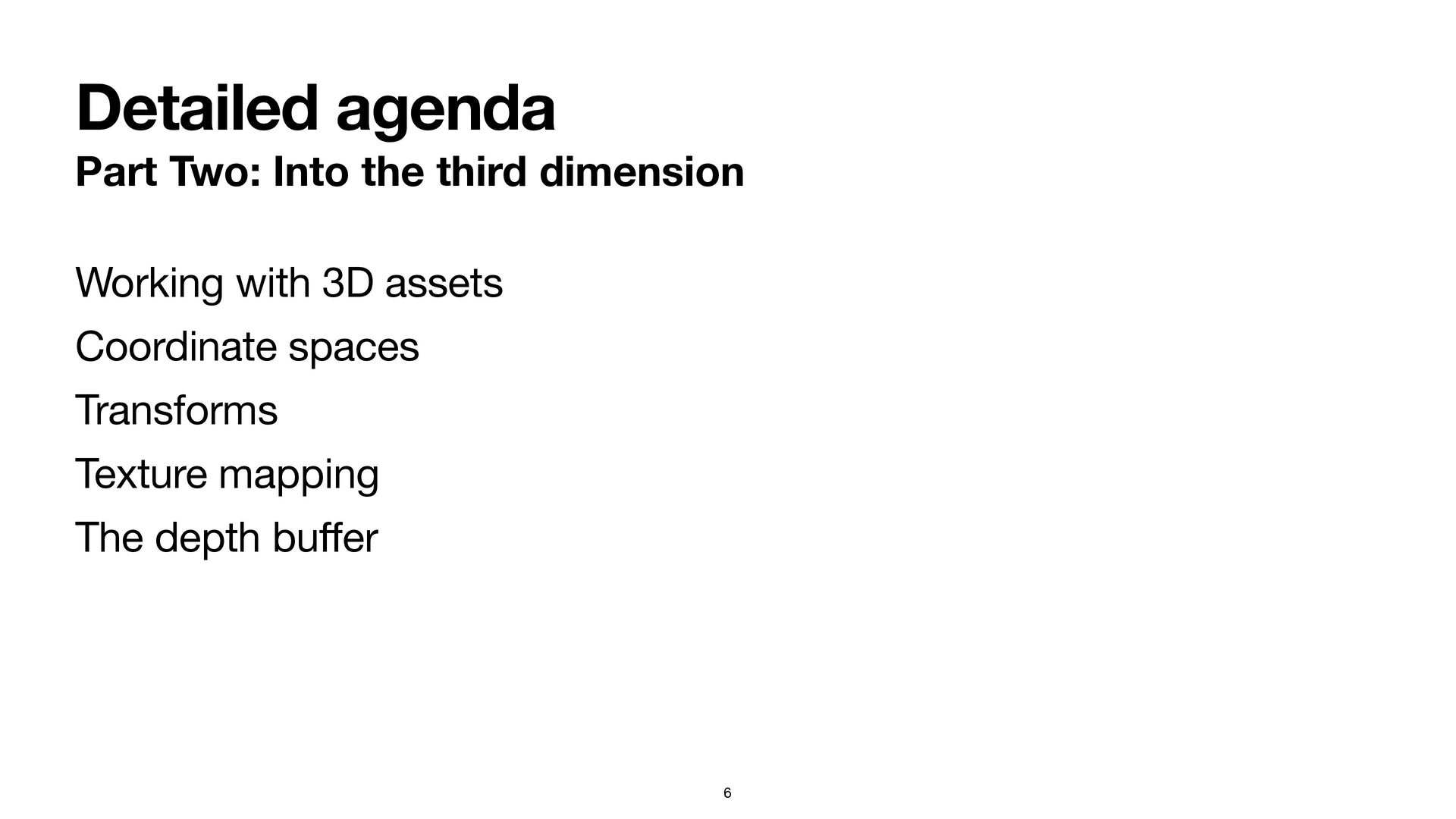
Detailed agenda Part Two: Into the third dimension 6 Working
with 3D assets Coordinate spaces Transforms Texture mapping The depth bu ff er -
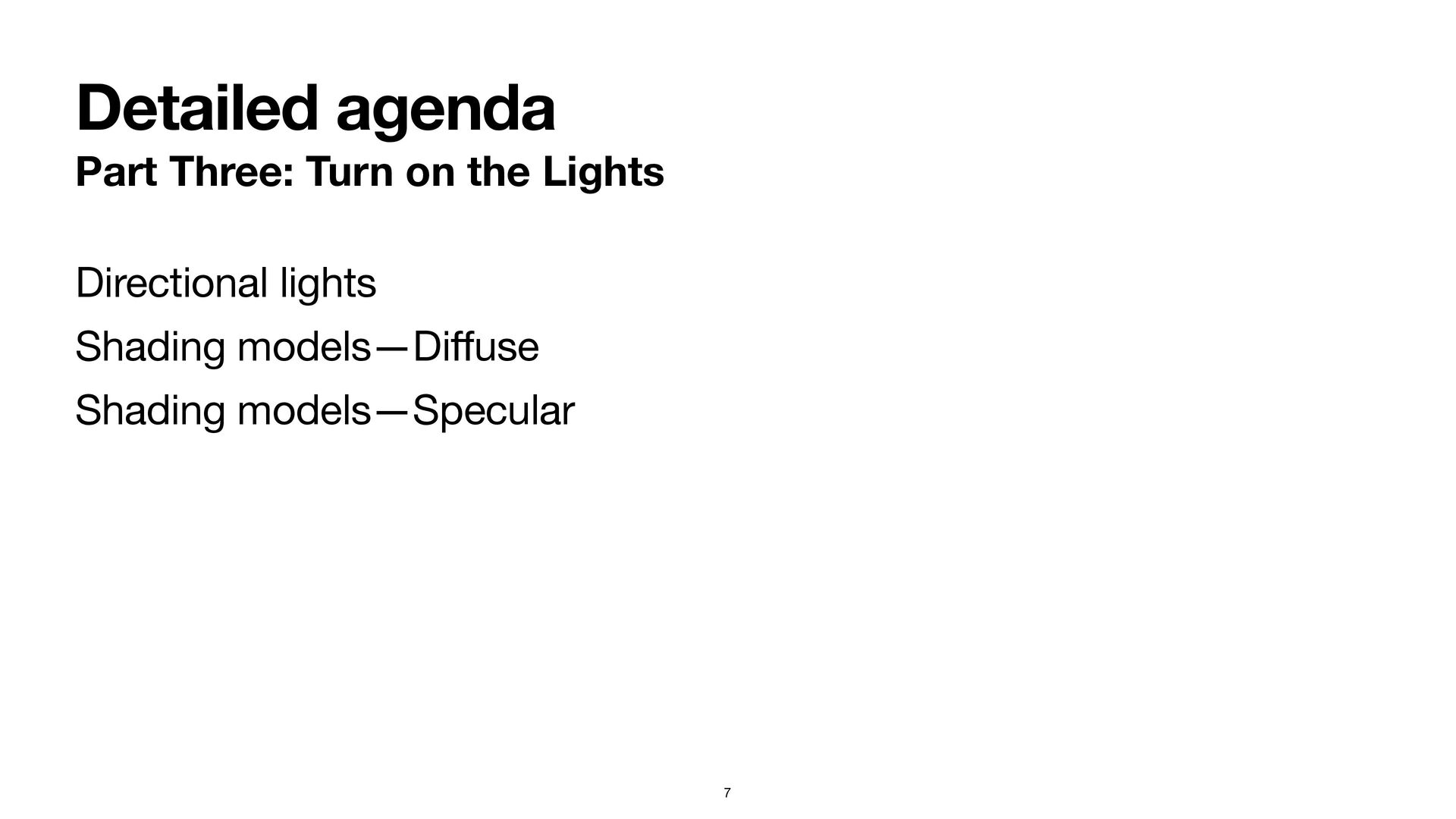
Detailed agenda Part Three: Turn on the Lights Directional lights
Shading models—Di ff use Shading models—Specular 7 -
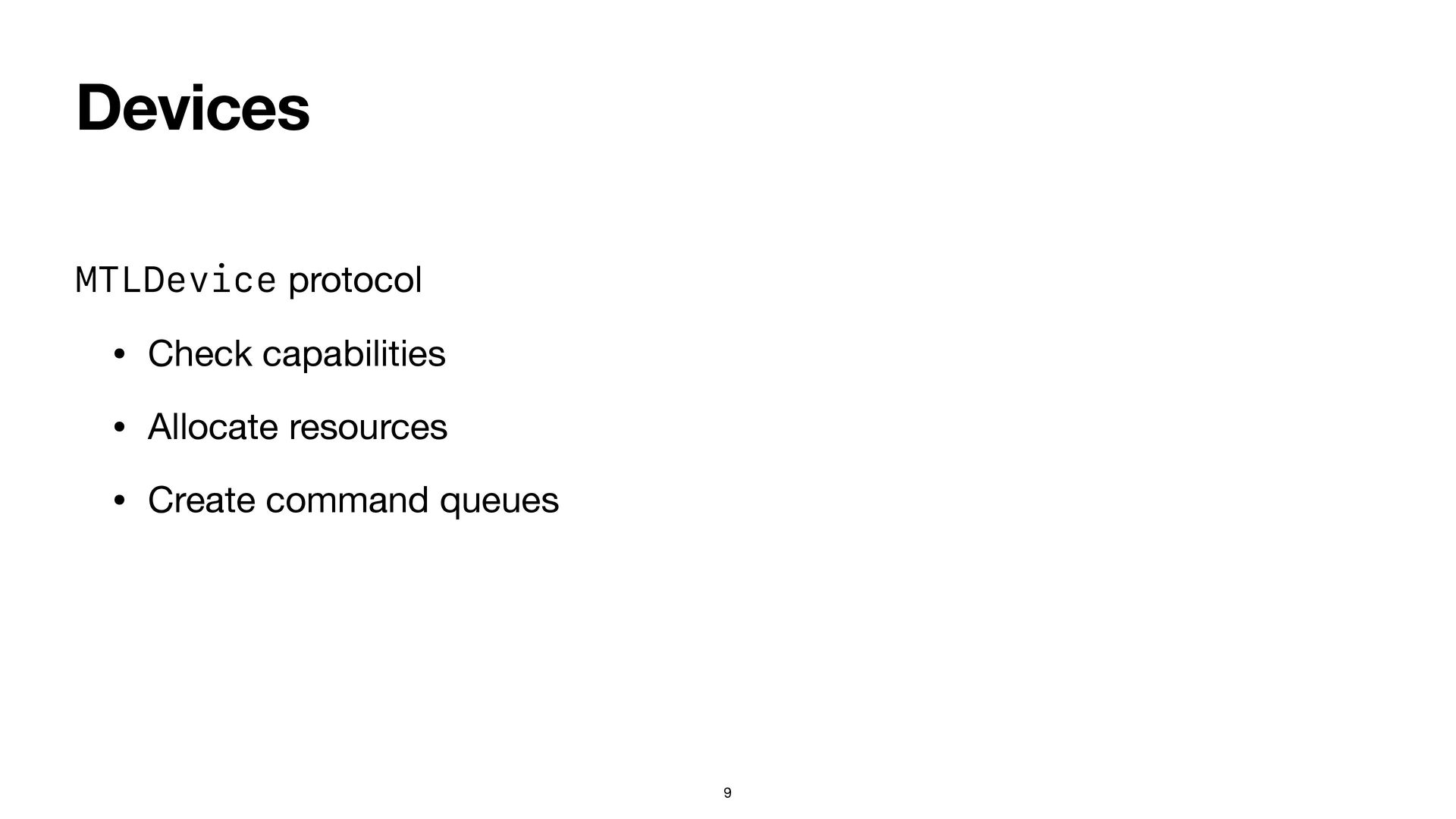
Devices MTLDevice protocol • Check capabilities • Allocate resources •
Create command queues 9 -
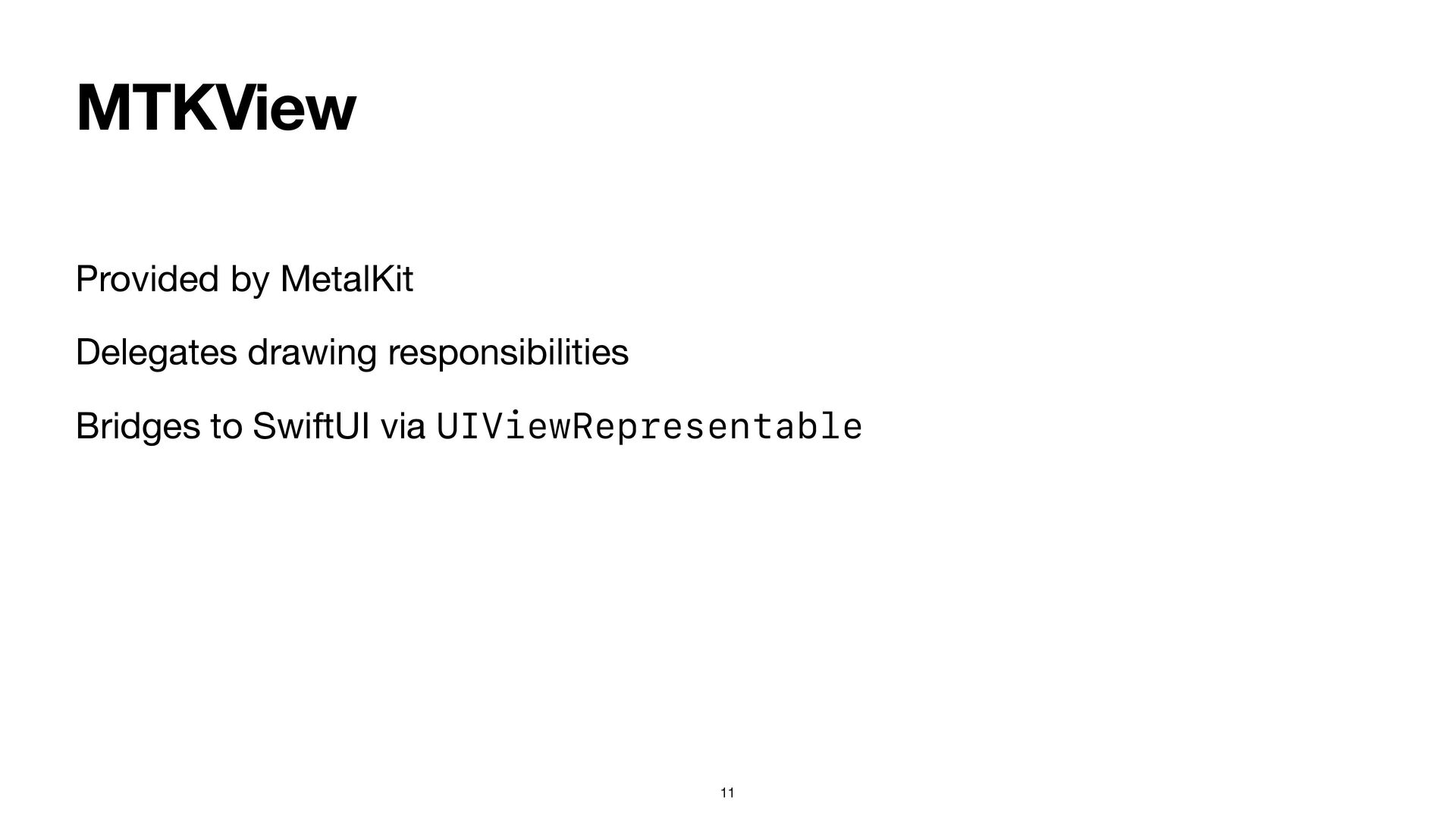
MTKView Provided by MetalKit Delegates drawing responsibilities Bridges to SwiftUI
via UIViewRepresentable 11 -
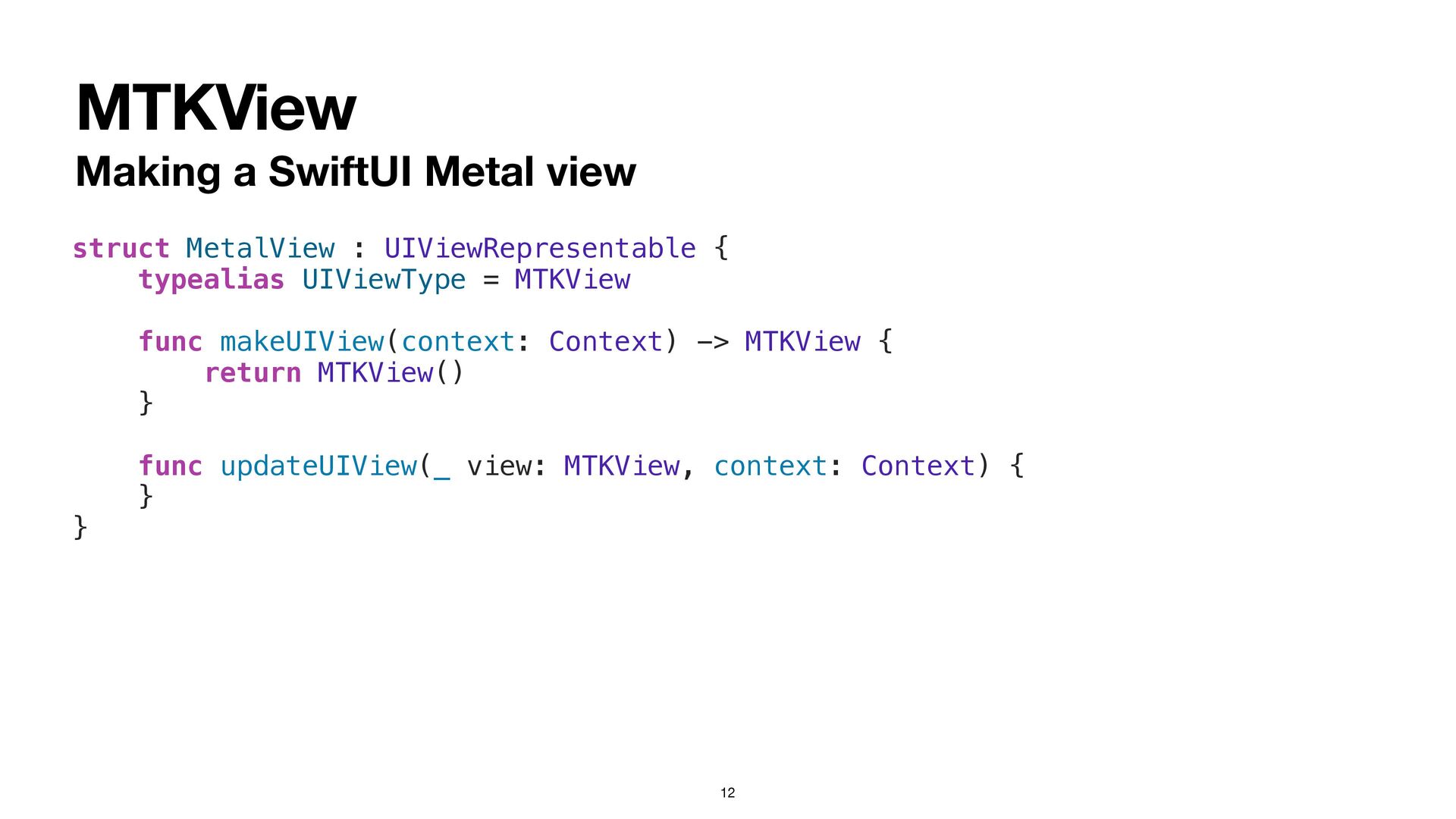
MTKView Making a SwiftUI Metal view 12 struct MetalView :
UIViewRepresentable { typealias UIViewType = MTKView func makeUIView(context: Context) -> MTKView { return MTKView() } func updateUIView(_ view: MTKView, context: Context) { } } -
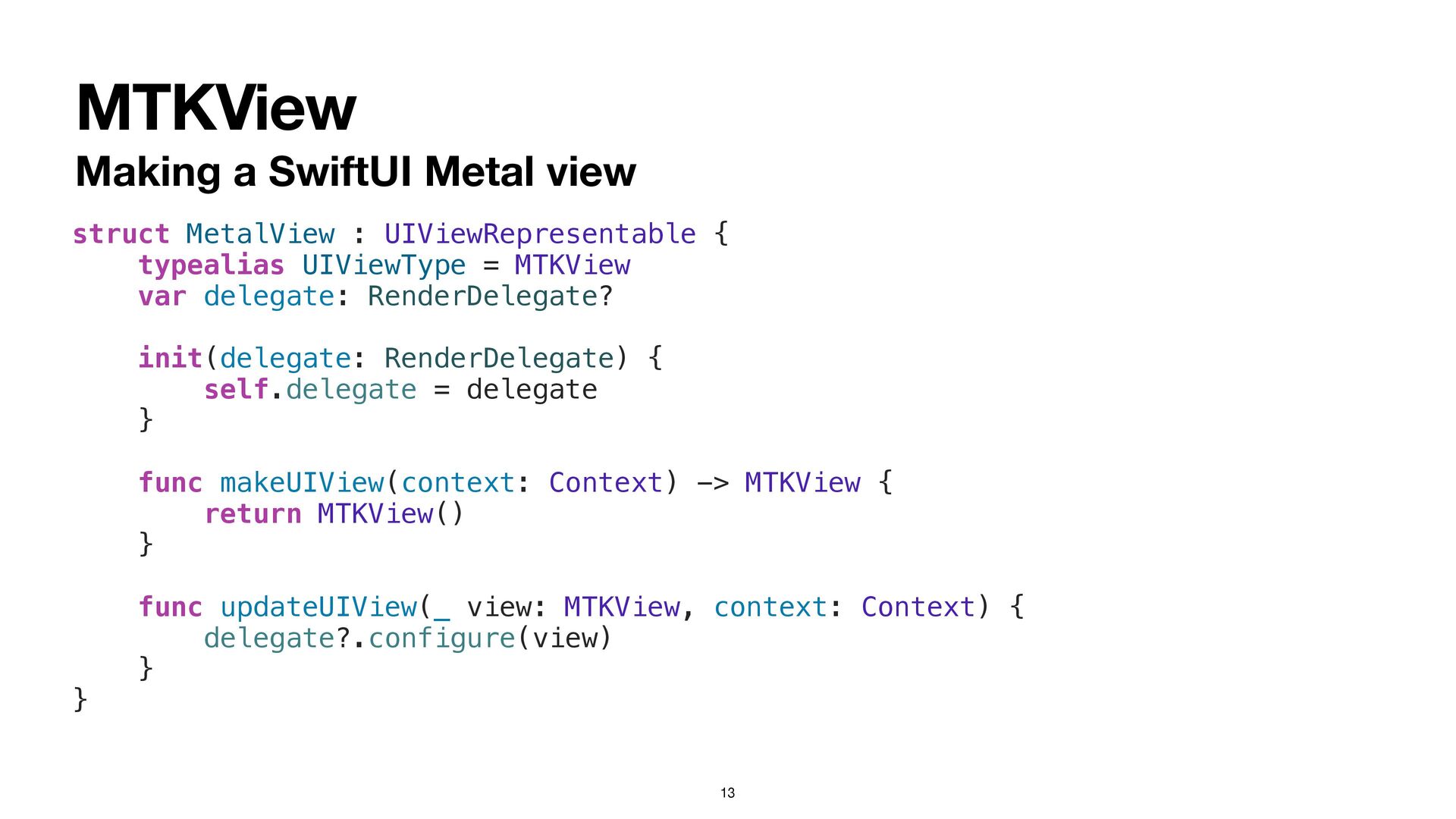
MTKView Making a SwiftUI Metal view 13 struct MetalView :
UIViewRepresentable { typealias UIViewType = MTKView var delegate: RenderDelegate? init(delegate: RenderDelegate) { self.delegate = delegate } func makeUIView(context: Context) -> MTKView { return MTKView() } func updateUIView(_ view: MTKView, context: Context) { delegate?.configure(view) } } -
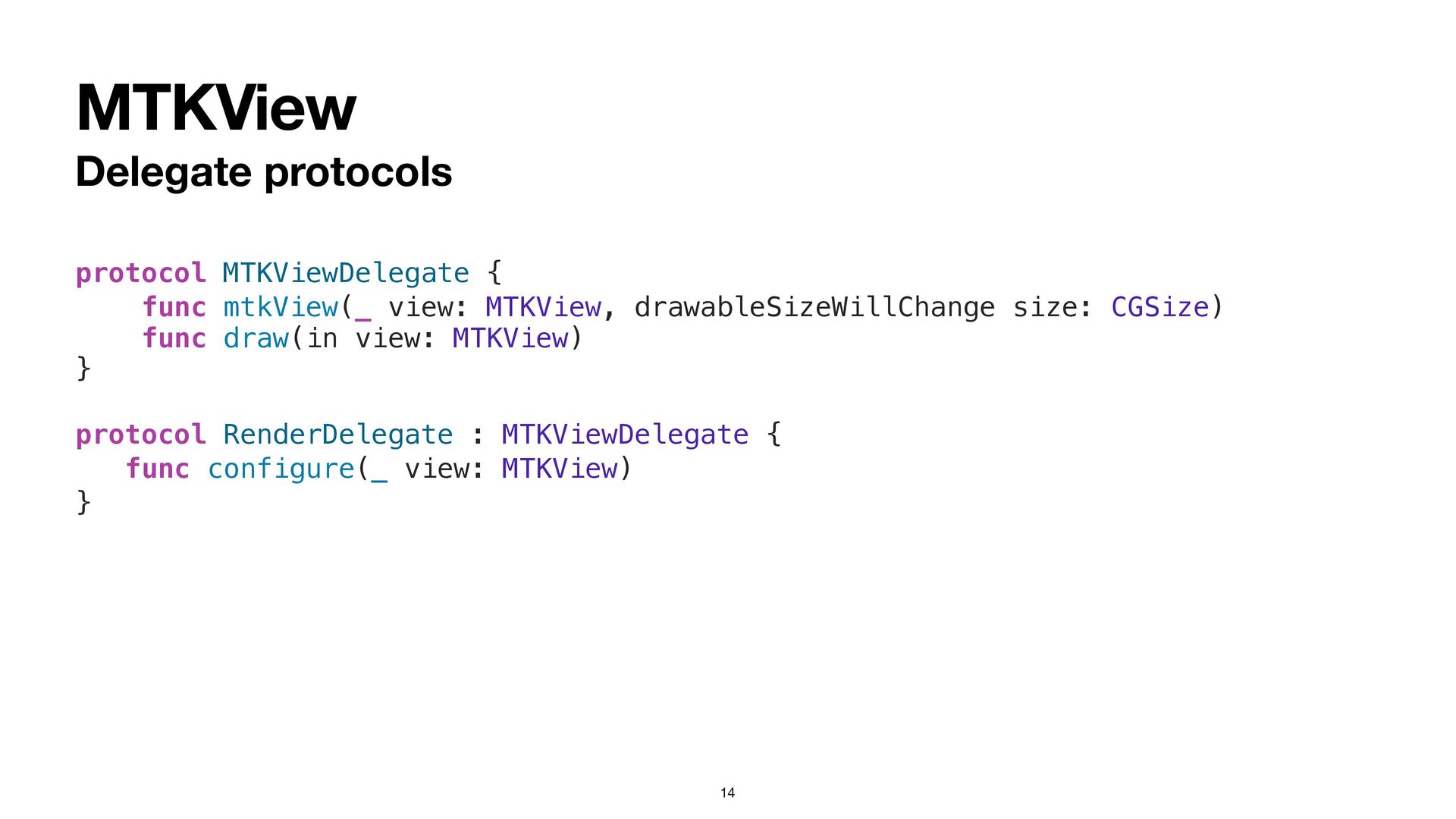
MTKView Delegate protocols 14 protocol MTKViewDelegate { func mtkView(_ view:
MTKView, drawableSizeWillChange size: CGSize) func draw(in view: MTKView) } protocol RenderDelegate : MTKViewDelegate { func configure(_ view: MTKView) } -
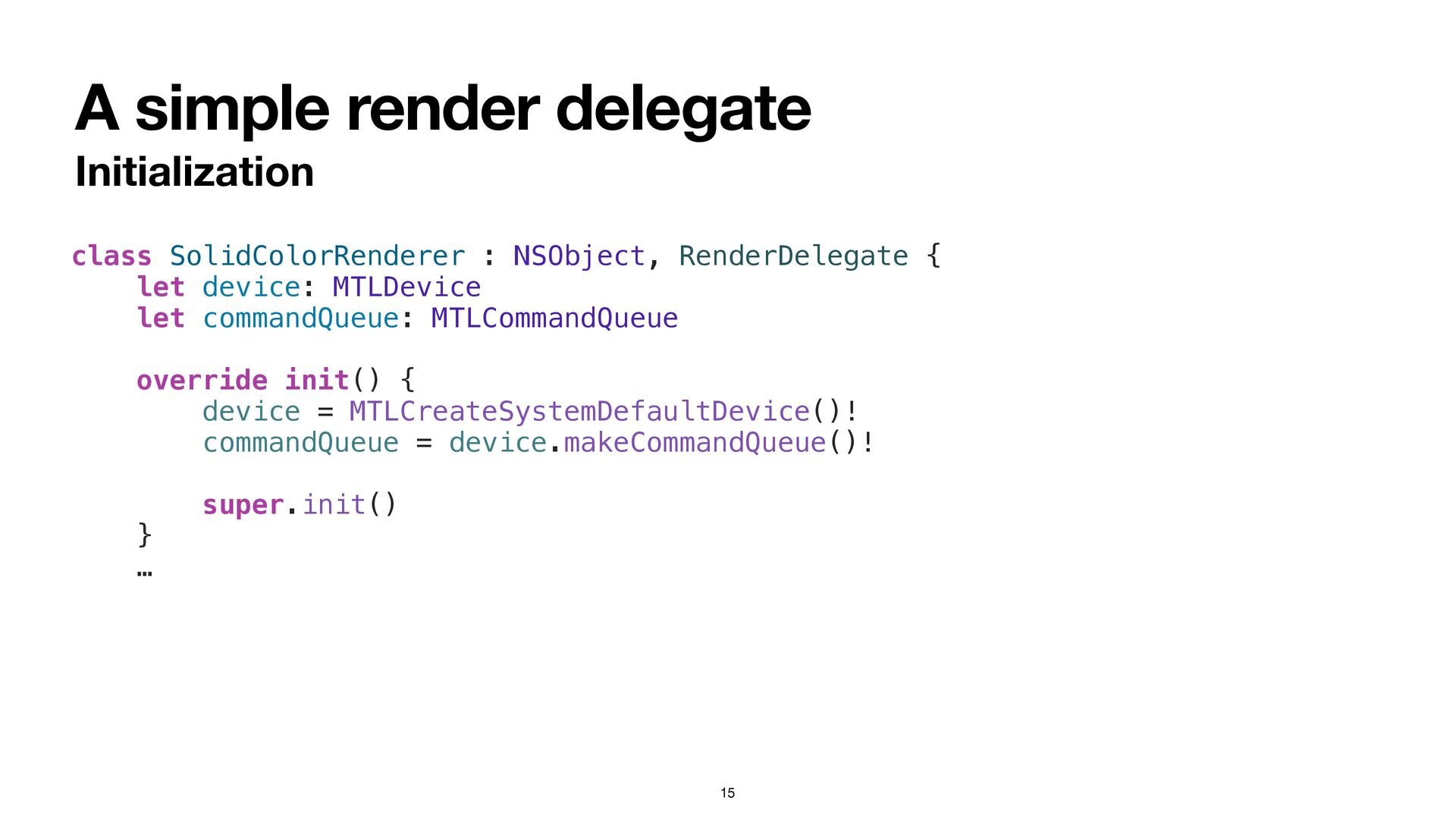
A simple render delegate Initialization 15 class SolidColorRenderer : NSObject,
RenderDelegate { let device: MTLDevice let commandQueue: MTLCommandQueue override init() { device = MTLCreateSystemDefaultDevice()! commandQueue = device.makeCommandQueue()! super.init() } … -
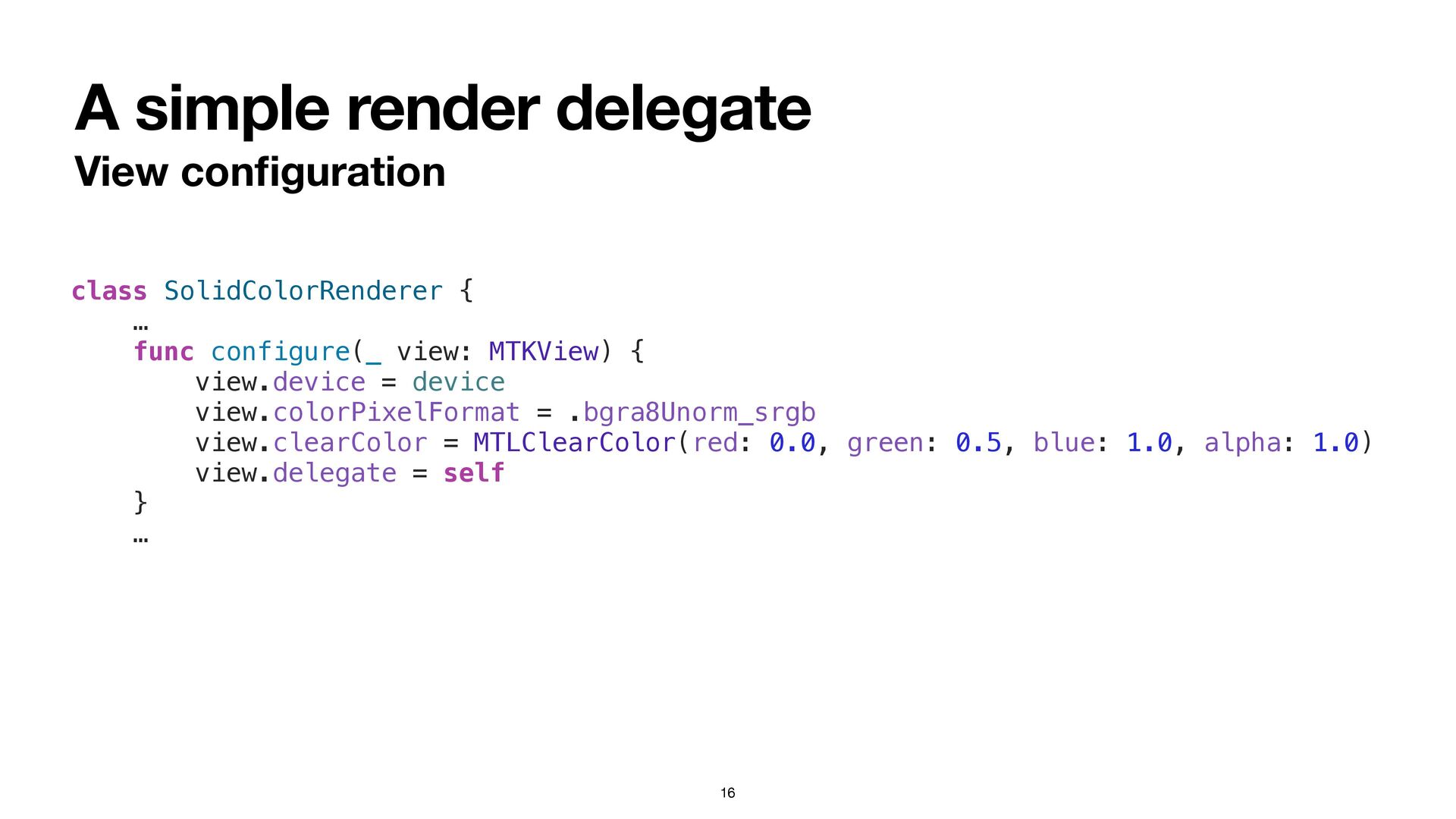
A simple render delegate View con fi guration 16 class
SolidColorRenderer { … func configure(_ view: MTKView) { view.device = device view.colorPixelFormat = .bgra8Unorm_srgb view.clearColor = MTLClearColor(red: 0.0, green: 0.5, blue: 1.0, alpha: 1.0) view.delegate = self } … -
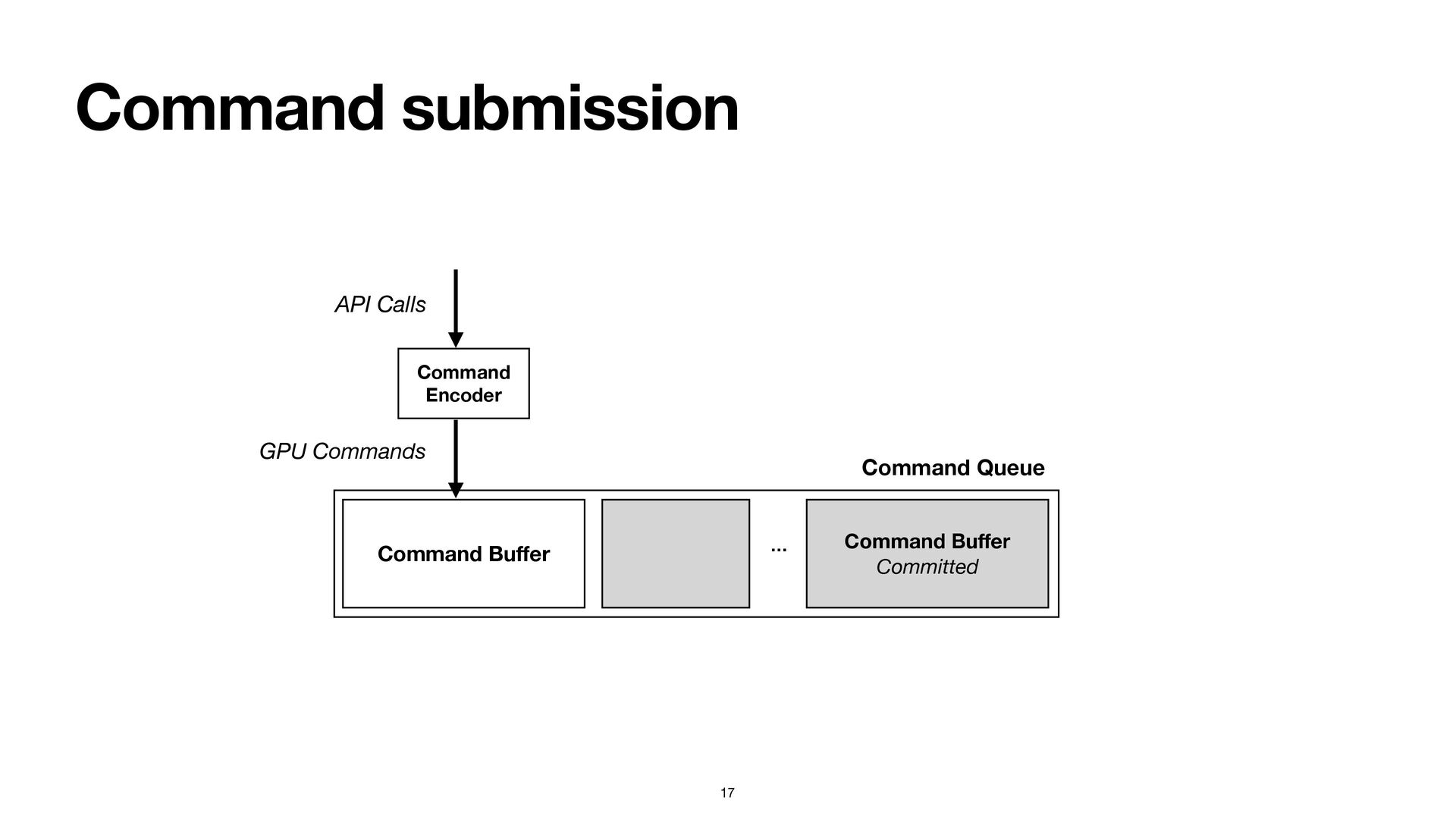
Command submission 17 Command Bu ff er Command Bu ff
er Committed … Command Encoder API Calls GPU Commands Command Queue -
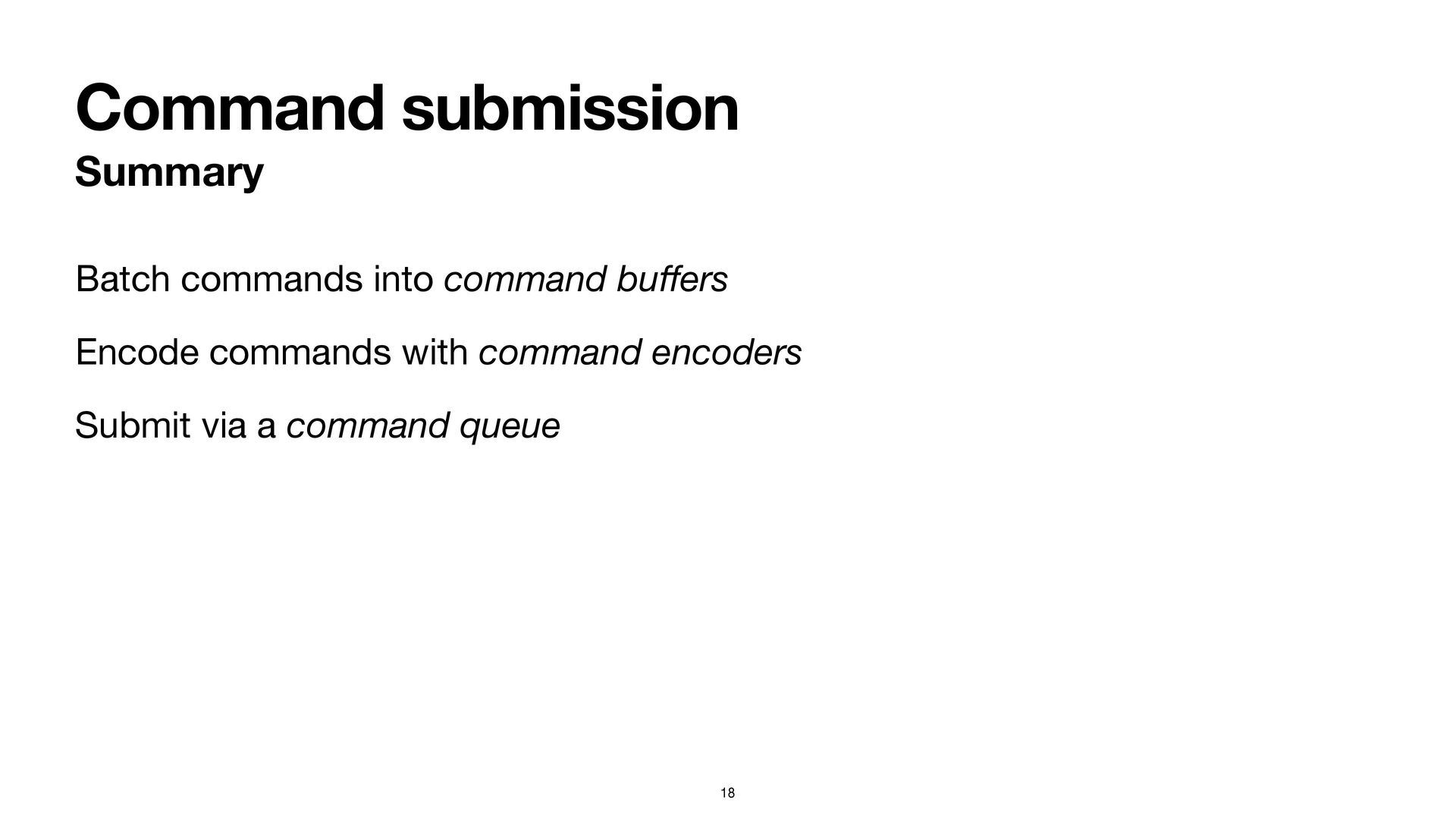
Command submission Summary Batch commands into command bu ff ers
Encode commands with command encoders Submit via a command queue 18 -
Presentation Submit content for compositing by the system If you
don’t, you won’t see anything! 19 -
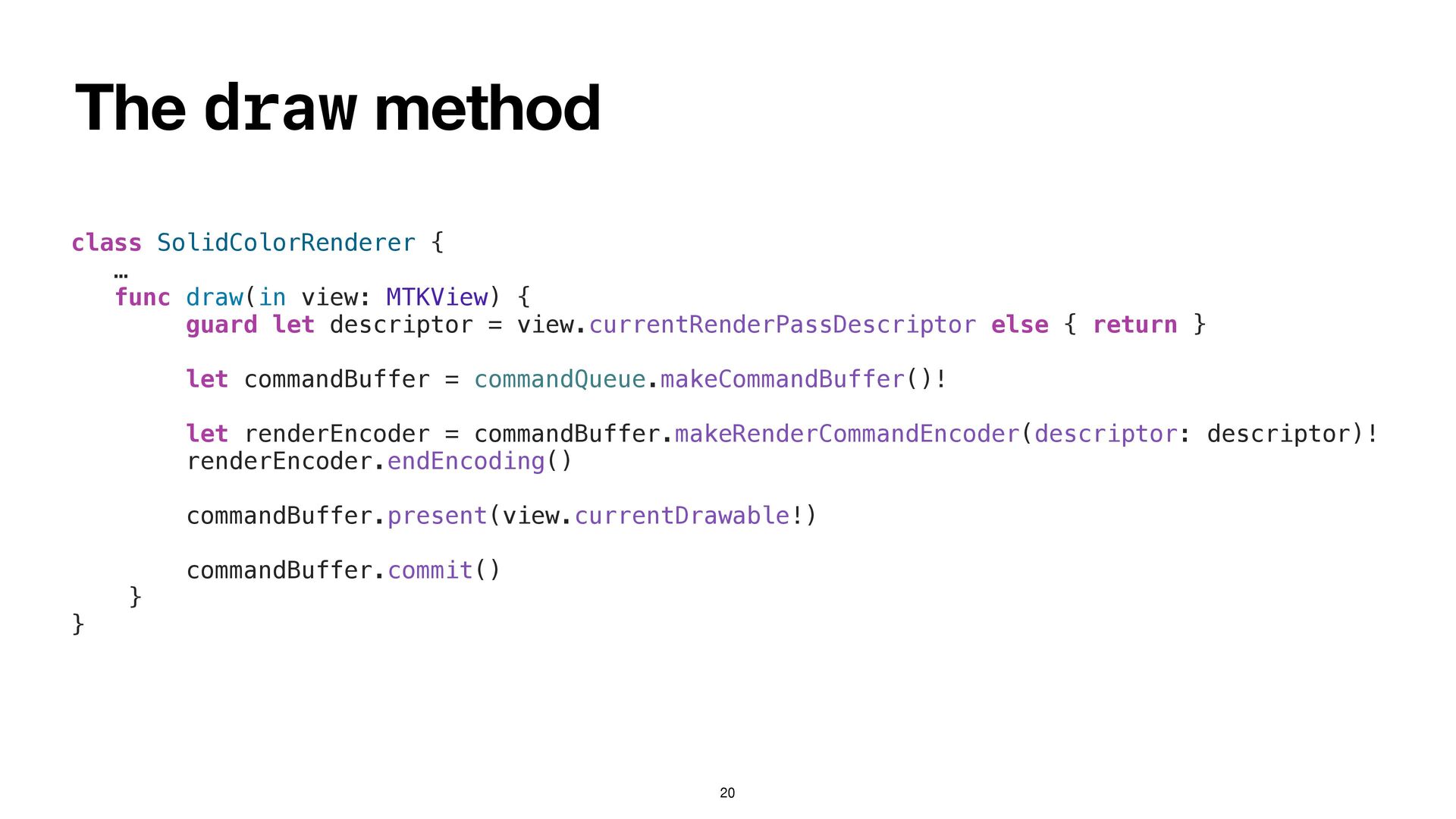
The draw method 20 class SolidColorRenderer { … func draw(in
view: MTKView) { guard let descriptor = view.currentRenderPassDescriptor else { return } let commandBuffer = commandQueue.makeCommandBuffer()! let renderEncoder = commandBuffer.makeRenderCommandEncoder(descriptor: descriptor)! renderEncoder.endEncoding() commandBuffer.present(view.currentDrawable!) commandBuffer.commit() } } -
Clearing the canvas Create an MTKView Set its clear color
Tell Metal to clear it 22 -
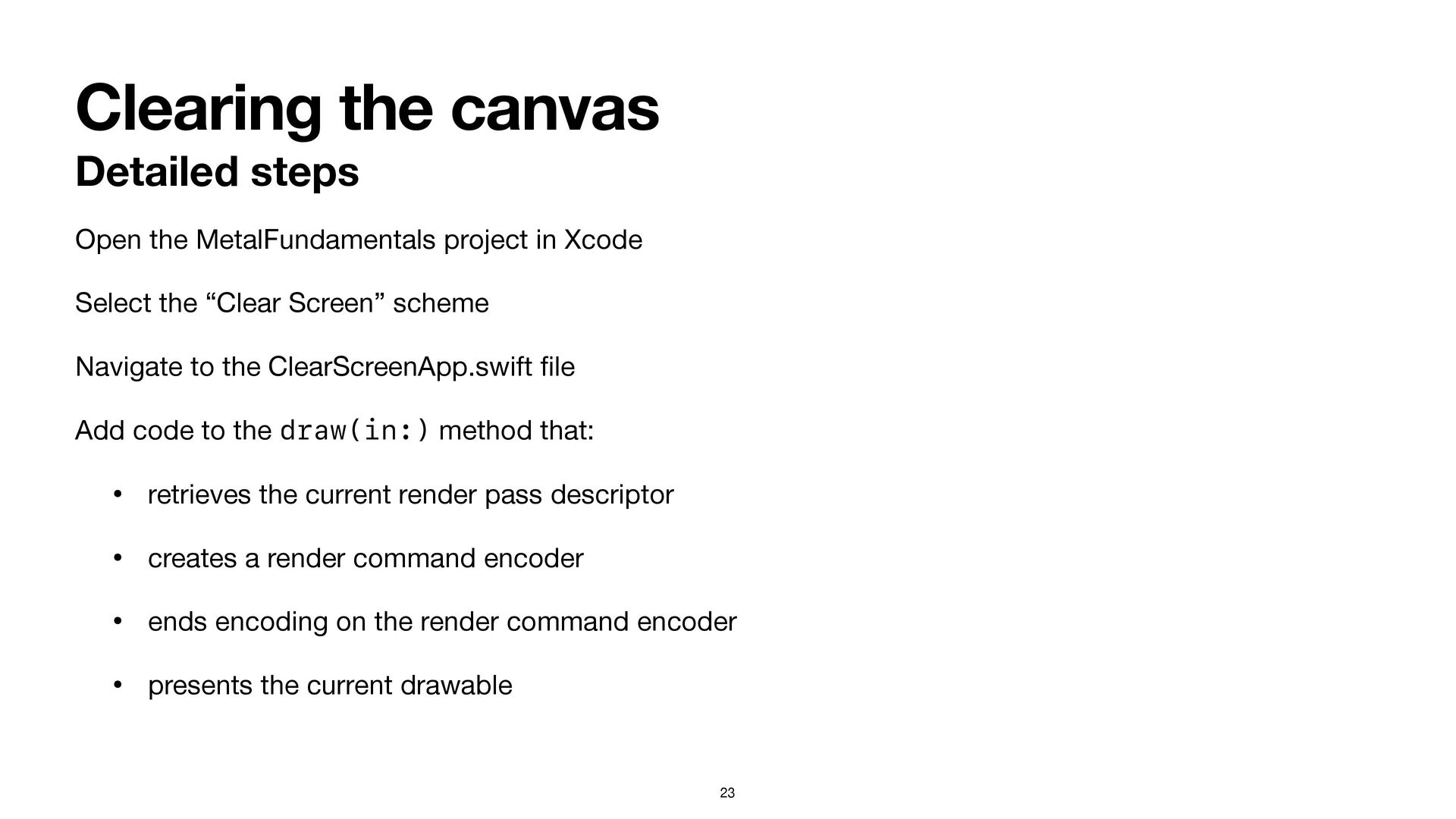
Clearing the canvas Detailed steps Open the MetalFundamentals project in
Xcode Select the “Clear Screen” scheme Navigate to the ClearScreenApp.swift fi le Add code to the draw(in:) method that: • retrieves the current render pass descriptor • creates a render command encoder • ends encoding on the render command encoder • presents the current drawable 23 -
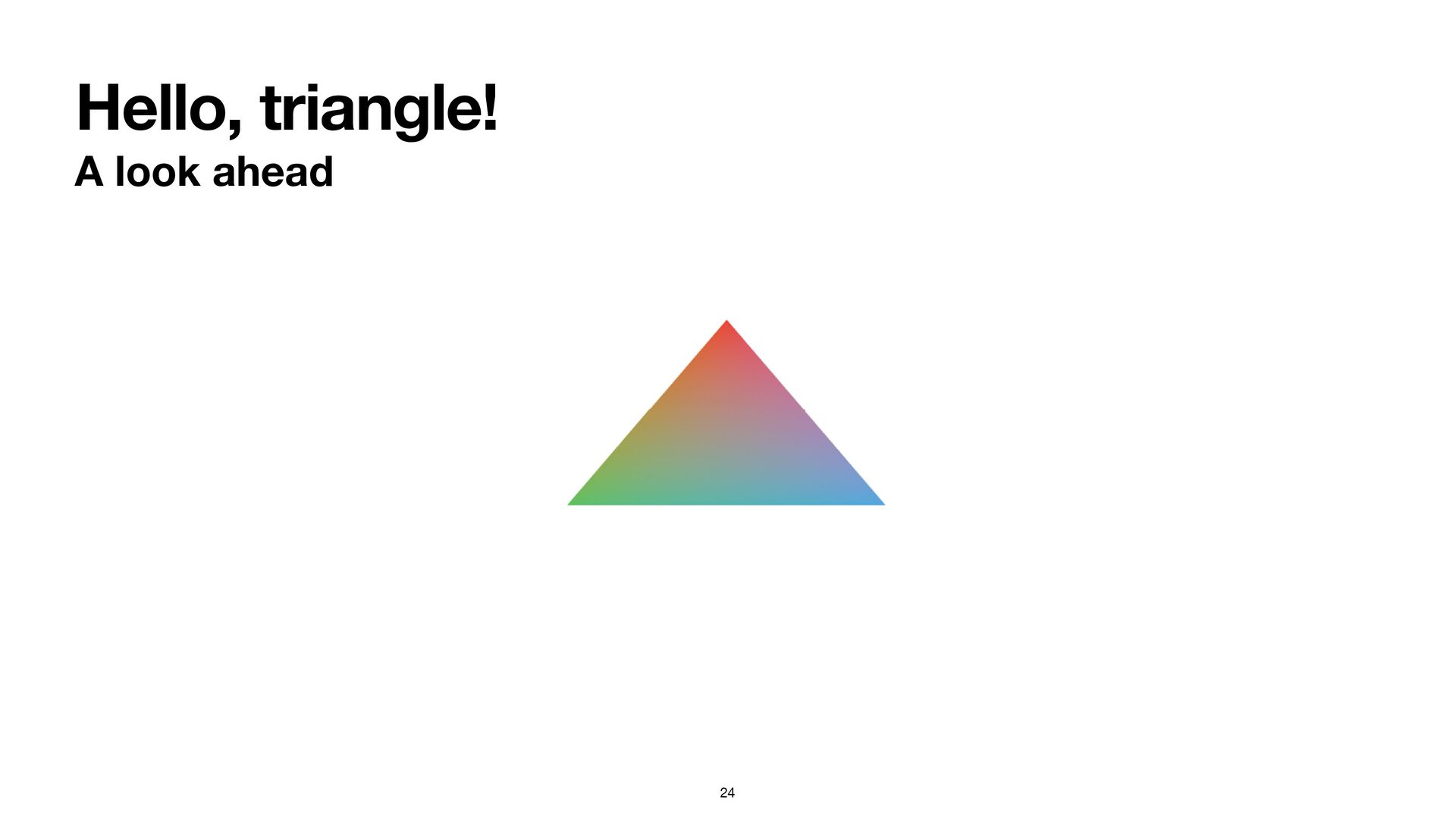
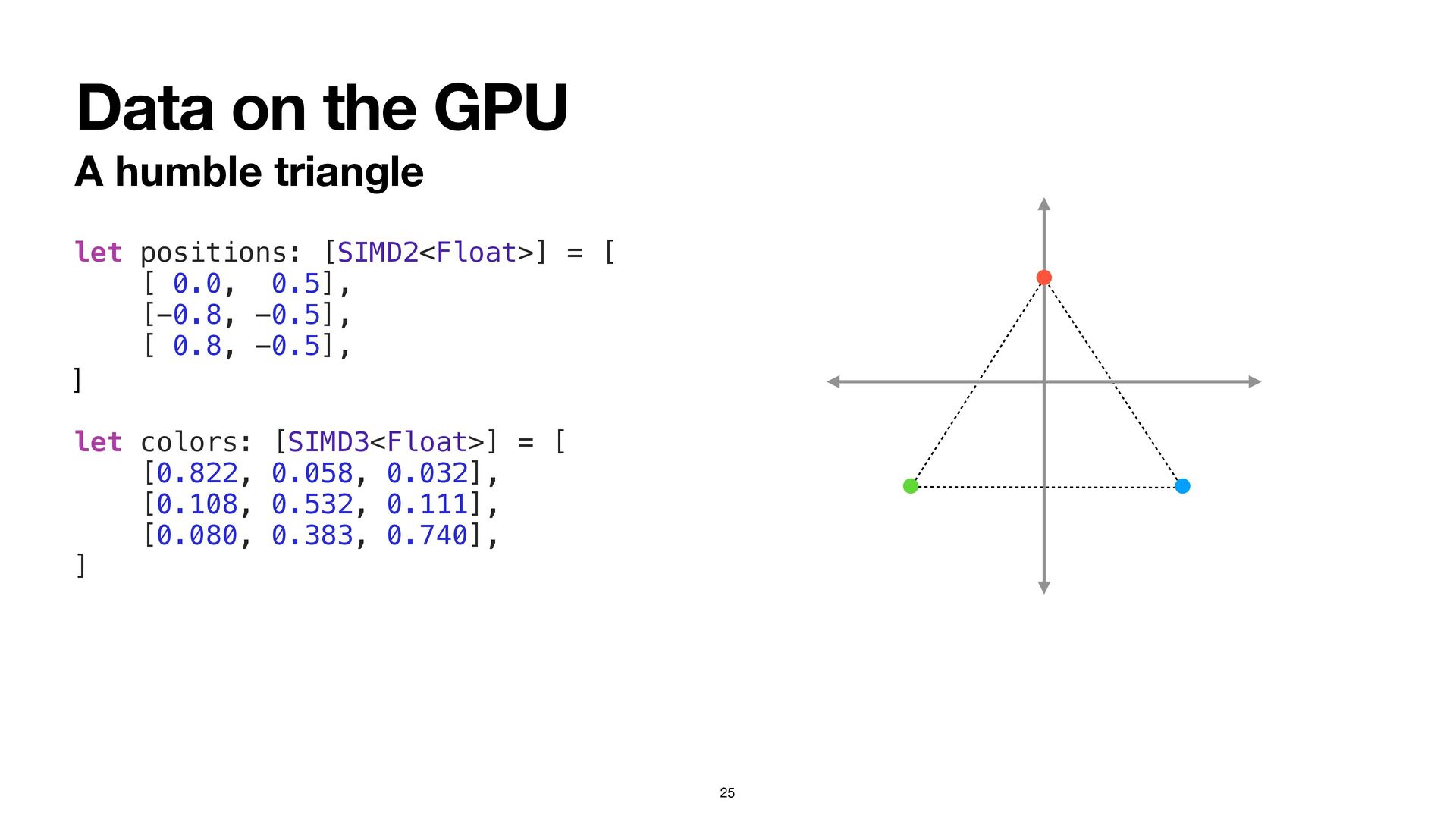
Data on the GPU A humble triangle 25 let positions:
[SIMD2<Float>] = [ [ 0.0, 0.5], [-0.8, -0.5], [ 0.8, -0.5], ] let colors: [SIMD3<Float>] = [ [0.822, 0.058, 0.032], [0.108, 0.532, 0.111], [0.080, 0.383, 0.740], ] -
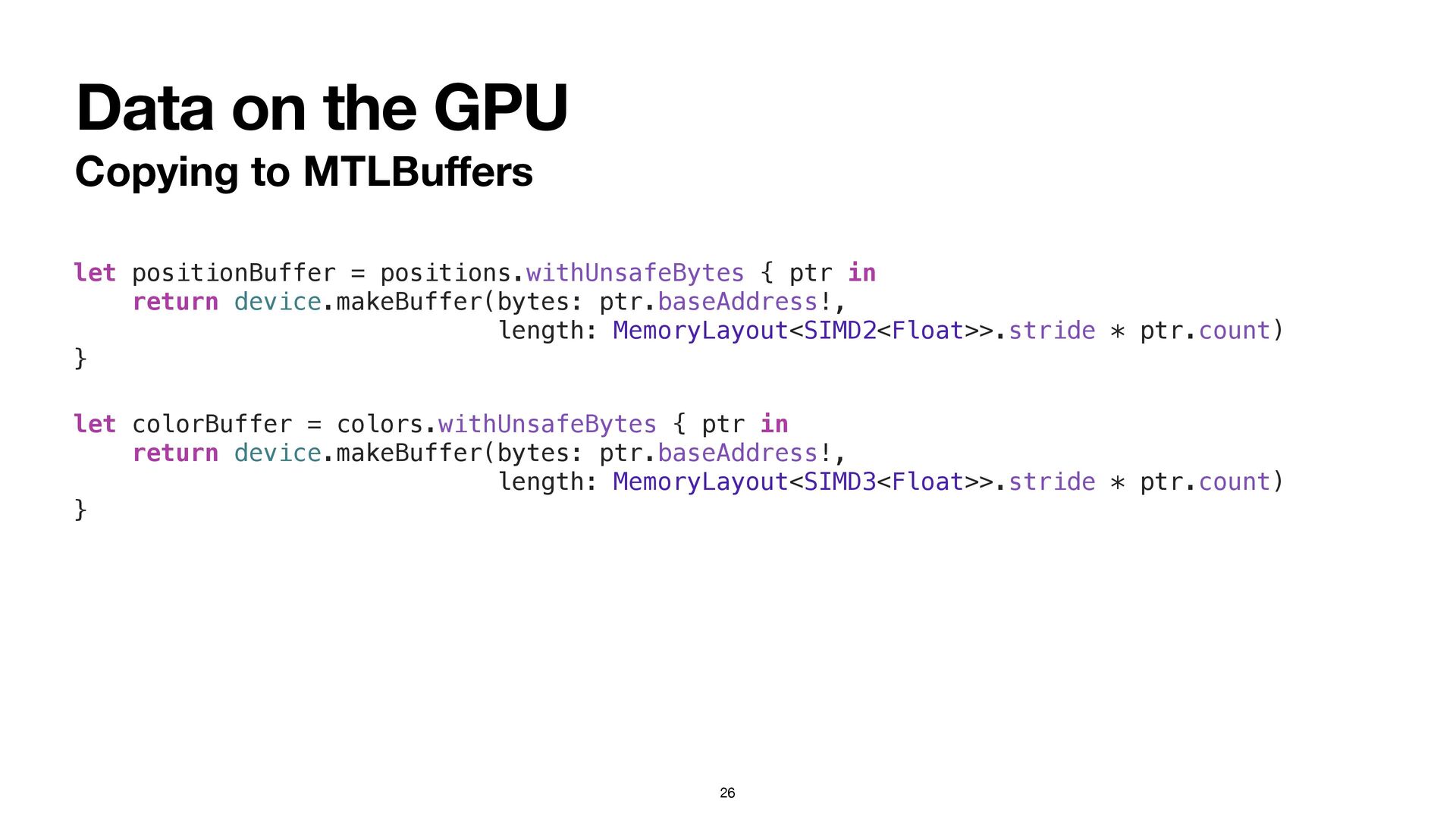
Data on the GPU Copying to MTLBu ff ers 26
let positionBuffer = positions.withUnsafeBytes { ptr in return device.makeBuffer(bytes: ptr.baseAddress!, length: MemoryLayout<SIMD2<Float>>.stride * ptr.count) } let colorBuffer = colors.withUnsafeBytes { ptr in return device.makeBuffer(bytes: ptr.baseAddress!, length: MemoryLayout<SIMD3<Float>>.stride * ptr.count) } -
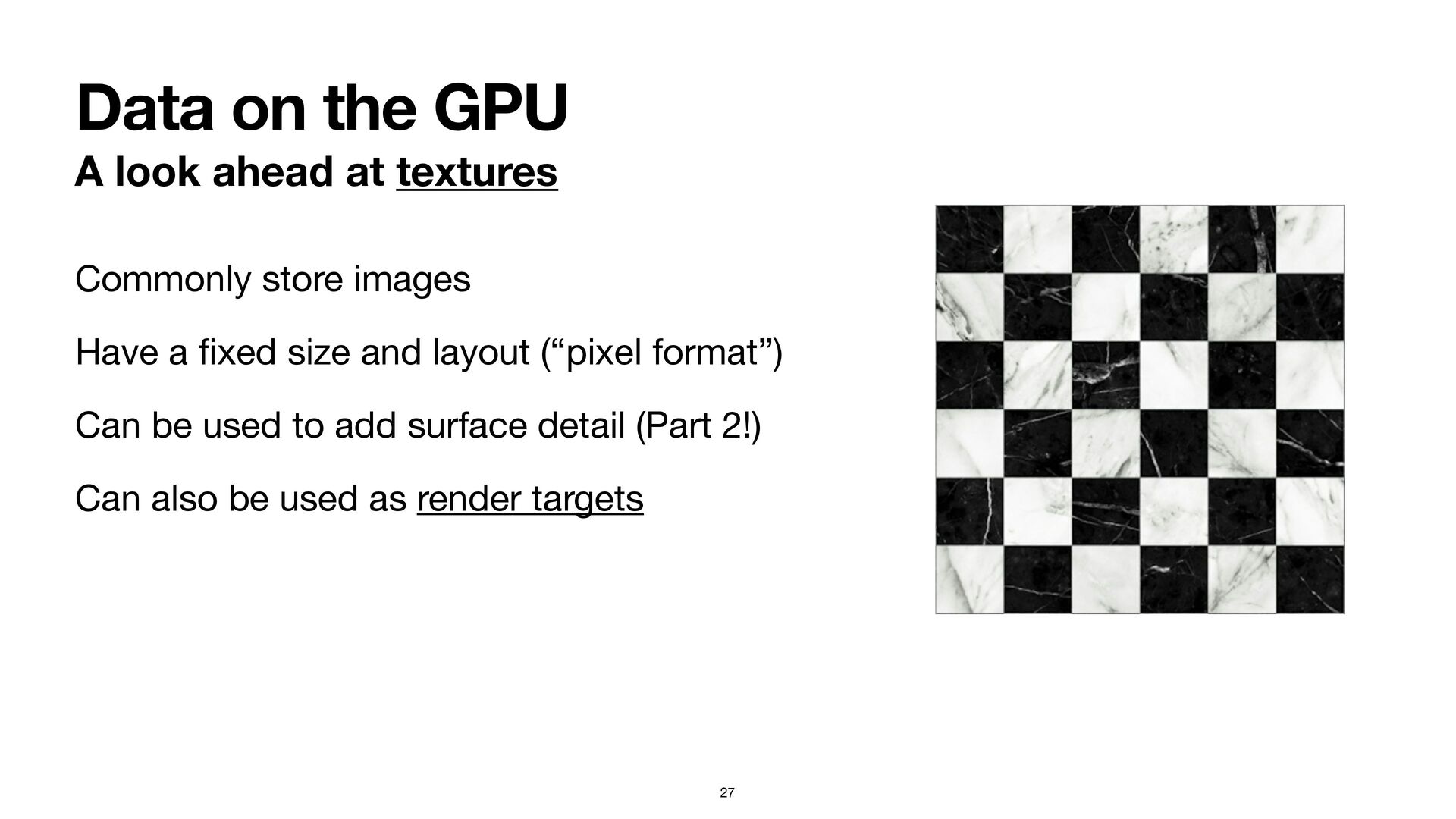
Data on the GPU A look ahead at textures 27
Commonly store images Have a fi xed size and layout (“pixel format”) Can be used to add surface detail (Part 2!) Can also be used as render targets -
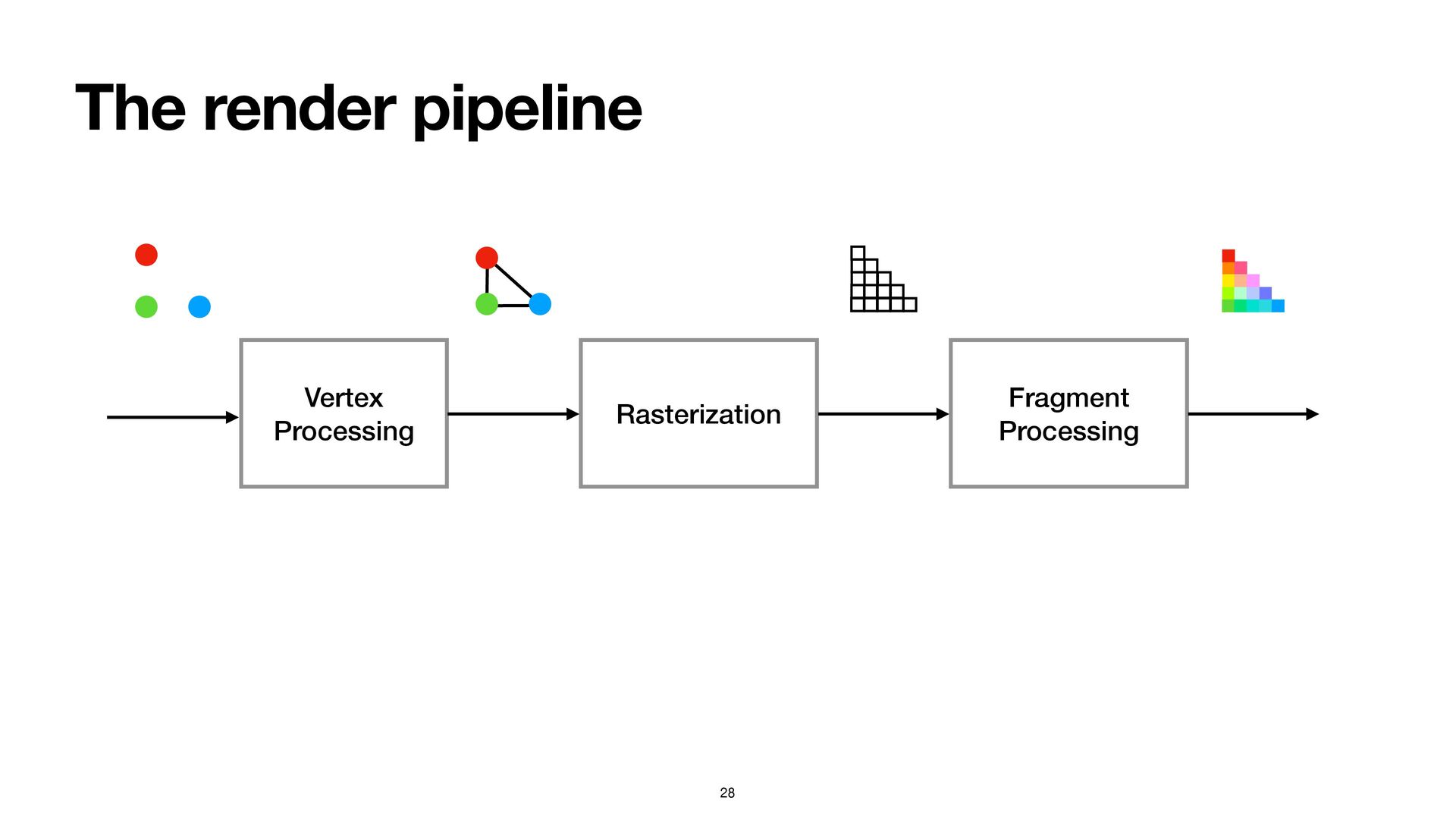
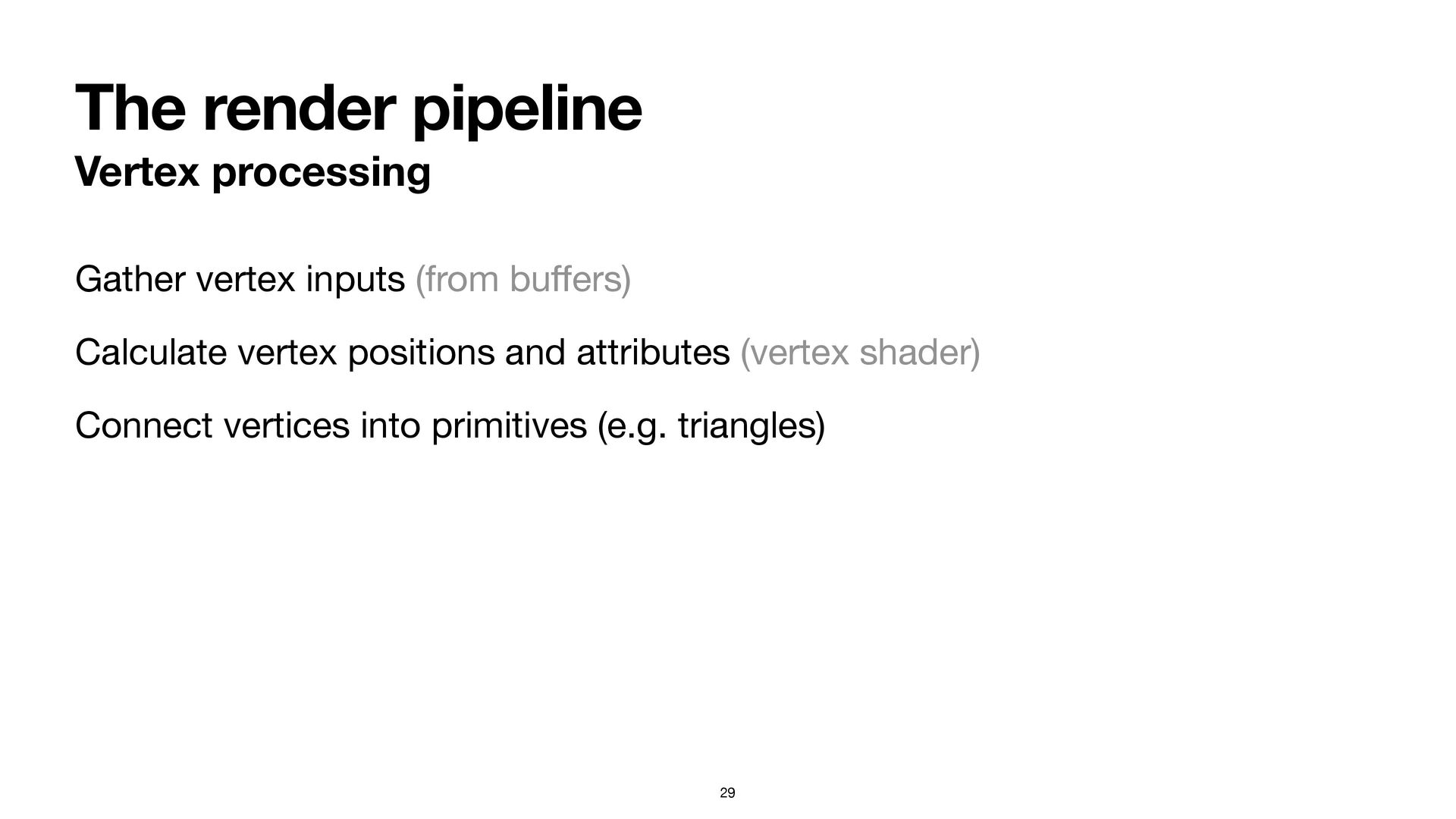
The render pipeline Vertex processing Gather vertex inputs (from bu
ff ers) Calculate vertex positions and attributes (vertex shader) Connect vertices into primitives (e.g. triangles) 29 -
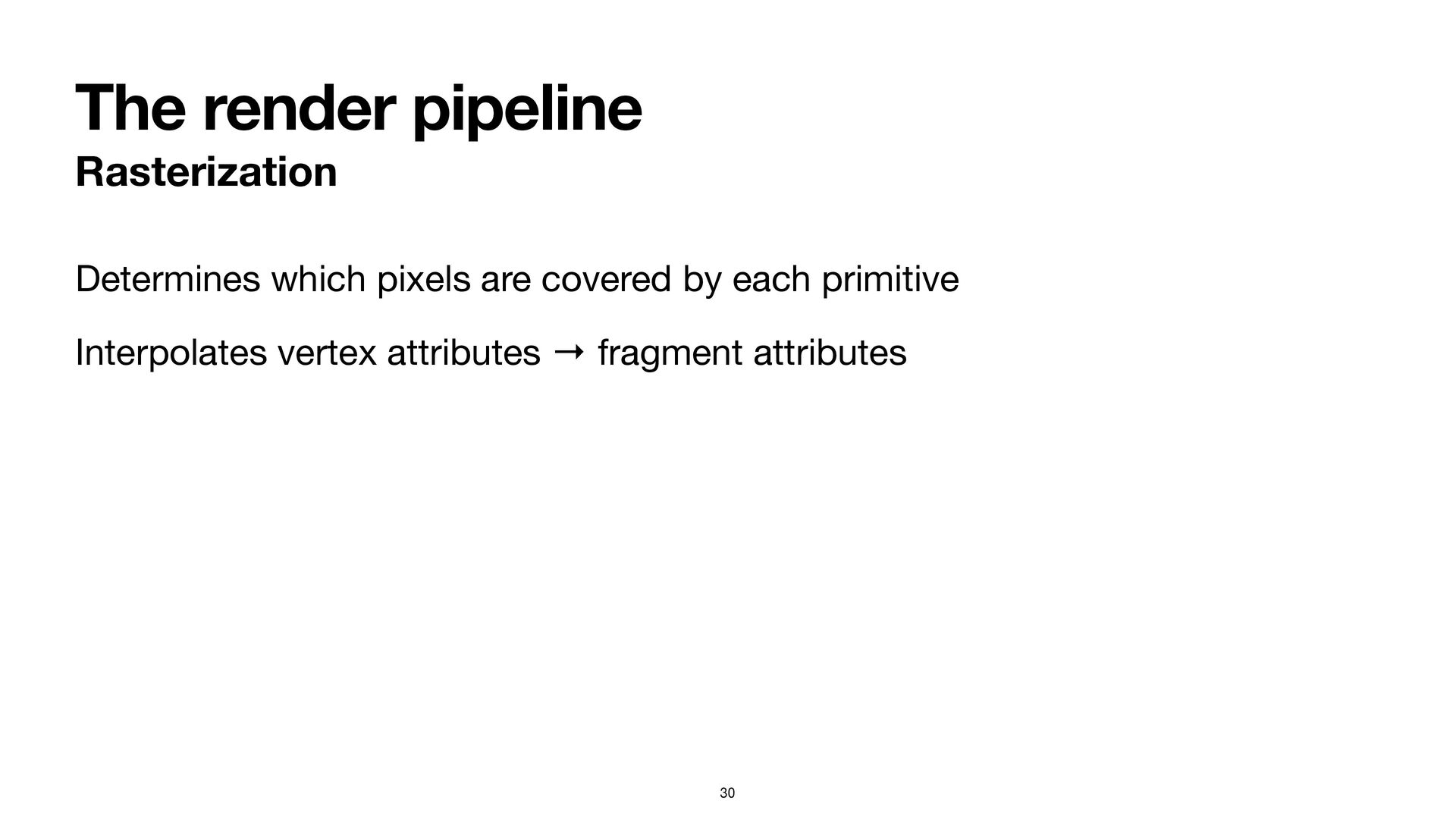
The render pipeline Rasterization Determines which pixels are covered by
each primitive Interpolates vertex attributes → fragment attributes 30 -
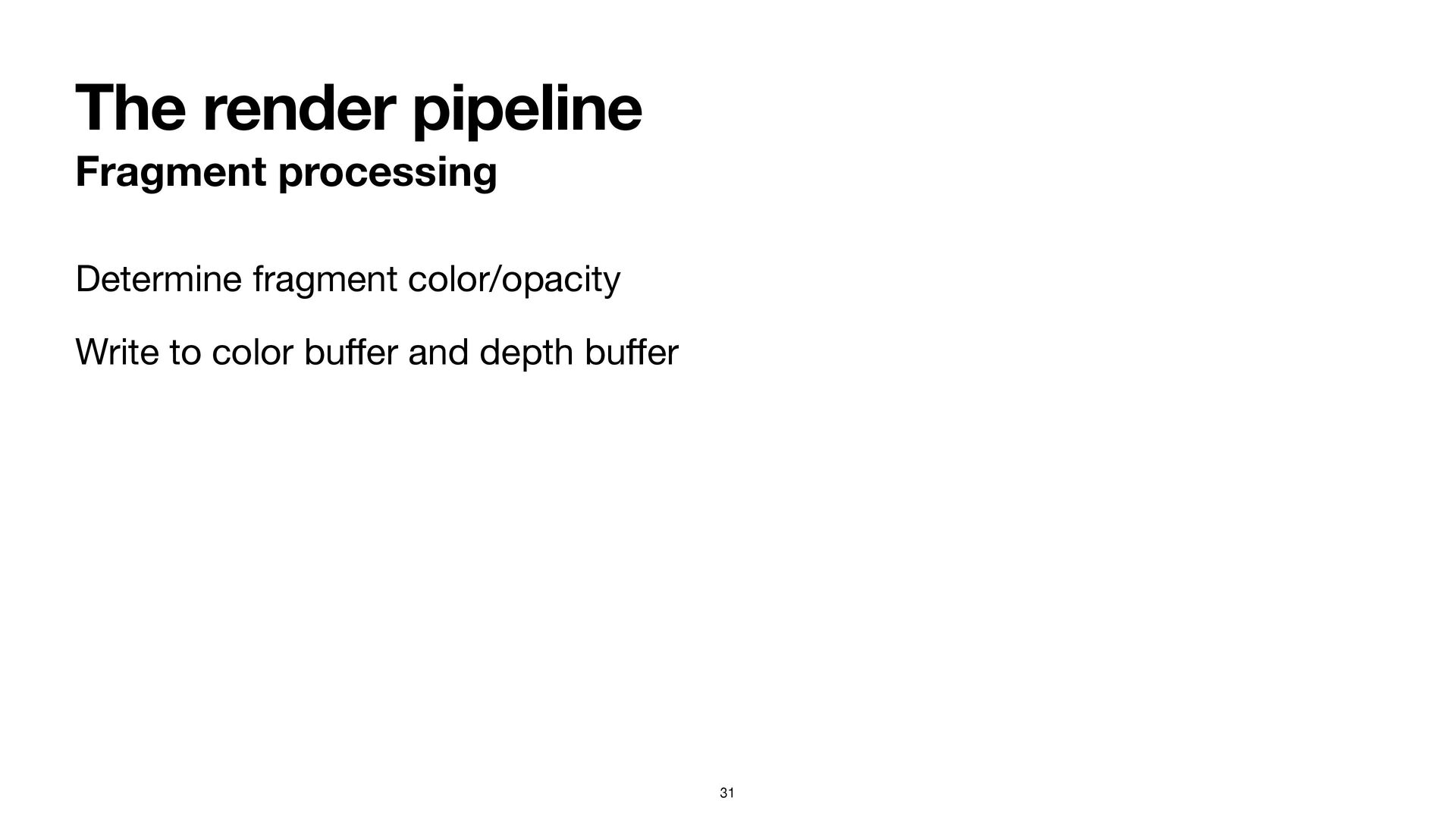
The render pipeline Fragment processing Determine fragment color/opacity Write to
color bu ff er and depth bu ff er 31 -
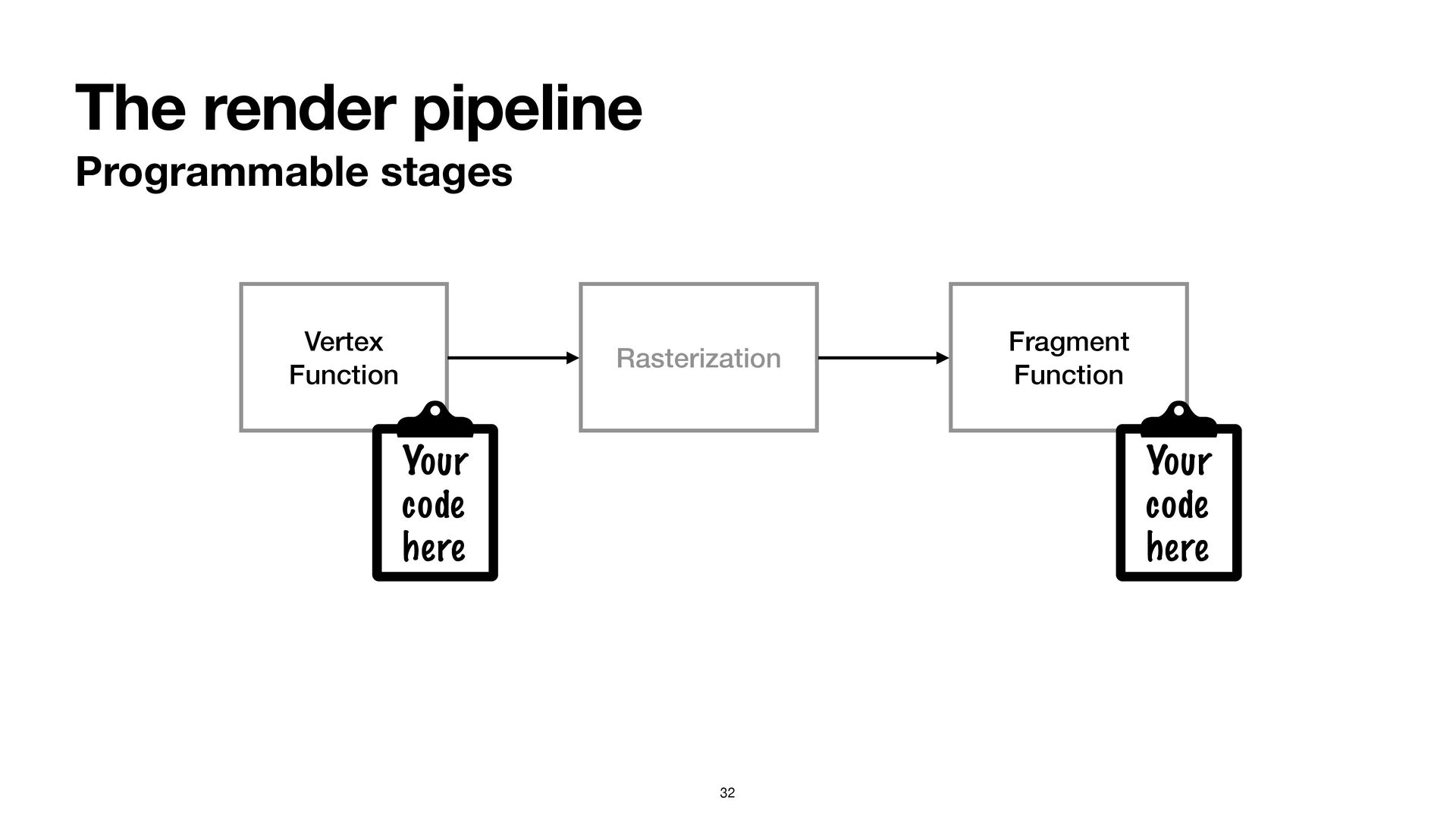
The render pipeline Programmable stages 32 Rasterization Vertex Function Fragment
Function Your code here Your code here -
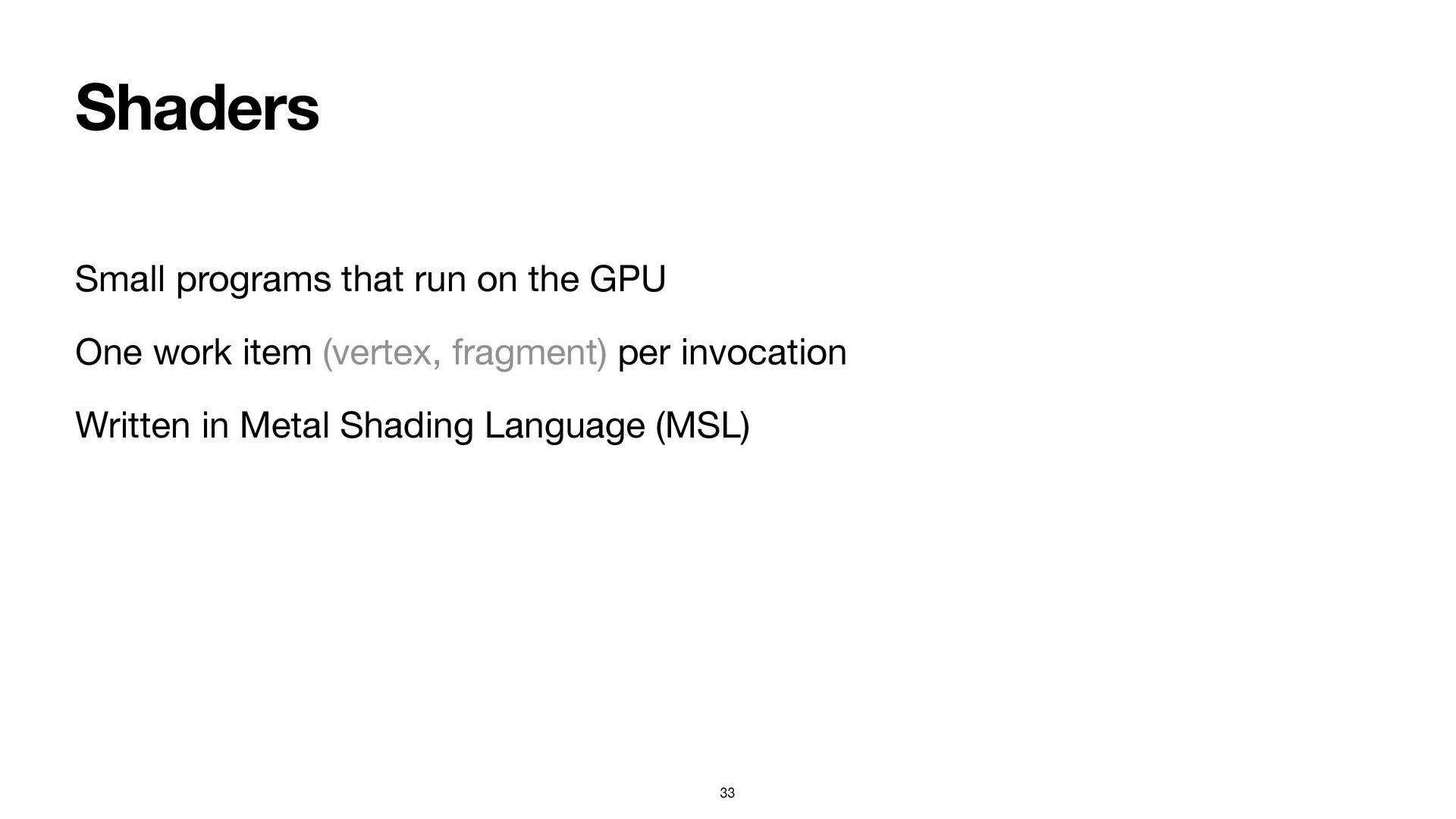
Shaders Small programs that run on the GPU One work
item (vertex, fragment) per invocation Written in Metal Shading Language (MSL) 33 -
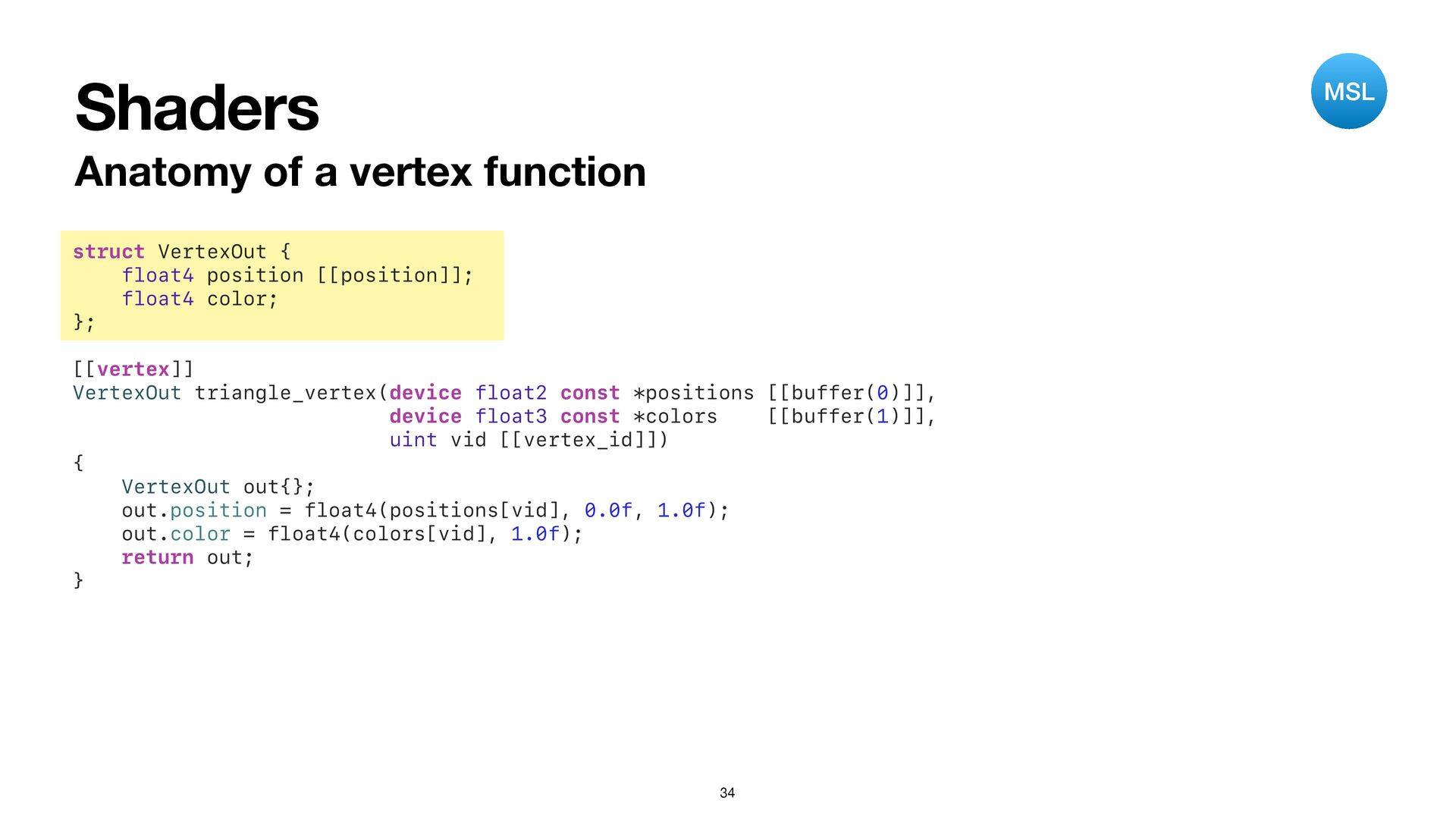
Shaders Anatomy of a vertex function 34 struct VertexOut {
float4 position [[position]]; float4 color; }; [[vertex]] VertexOut triangle_vertex(device float2 const *positions [[buffer(0)]], device float3 const *colors [[buffer(1)]], uint vid [[vertex_id]]) { VertexOut out{}; out.position = float4(positions[vid], 0.0f, 1.0f); out.color = float4(colors[vid], 1.0f); return out; } MSL -
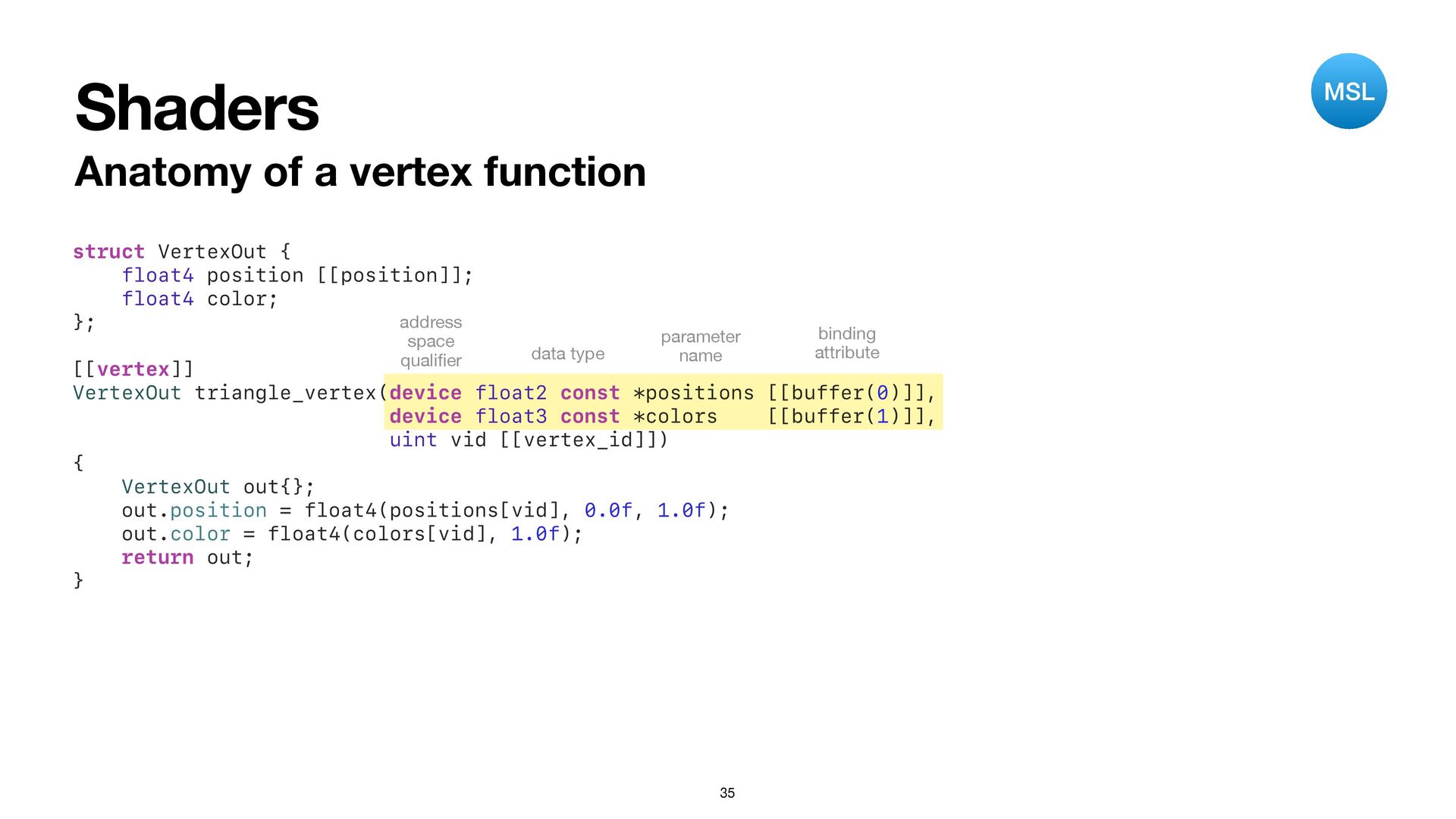
Shaders Anatomy of a vertex function 35 struct VertexOut {
float4 position [[position]]; float4 color; }; [[vertex]] VertexOut triangle_vertex(device float2 const *positions [[buffer(0)]], device float3 const *colors [[buffer(1)]], uint vid [[vertex_id]]) { VertexOut out{}; out.position = float4(positions[vid], 0.0f, 1.0f); out.color = float4(colors[vid], 1.0f); return out; } address space quali fi er data type parameter name binding attribute MSL -
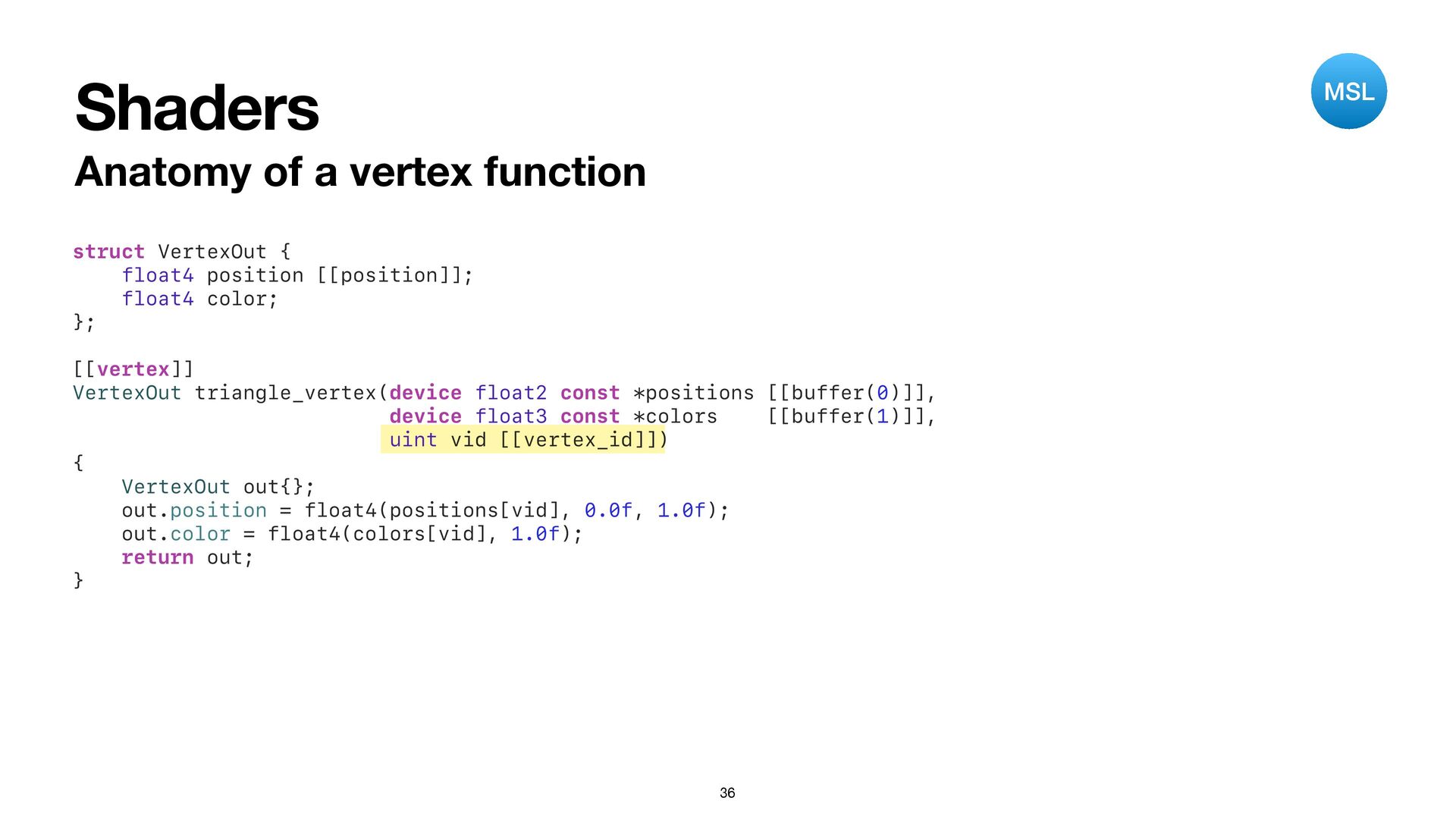
Shaders Anatomy of a vertex function 36 struct VertexOut {
float4 position [[position]]; float4 color; }; [[vertex]] VertexOut triangle_vertex(device float2 const *positions [[buffer(0)]], device float3 const *colors [[buffer(1)]], uint vid [[vertex_id]]) { VertexOut out{}; out.position = float4(positions[vid], 0.0f, 1.0f); out.color = float4(colors[vid], 1.0f); return out; } MSL -
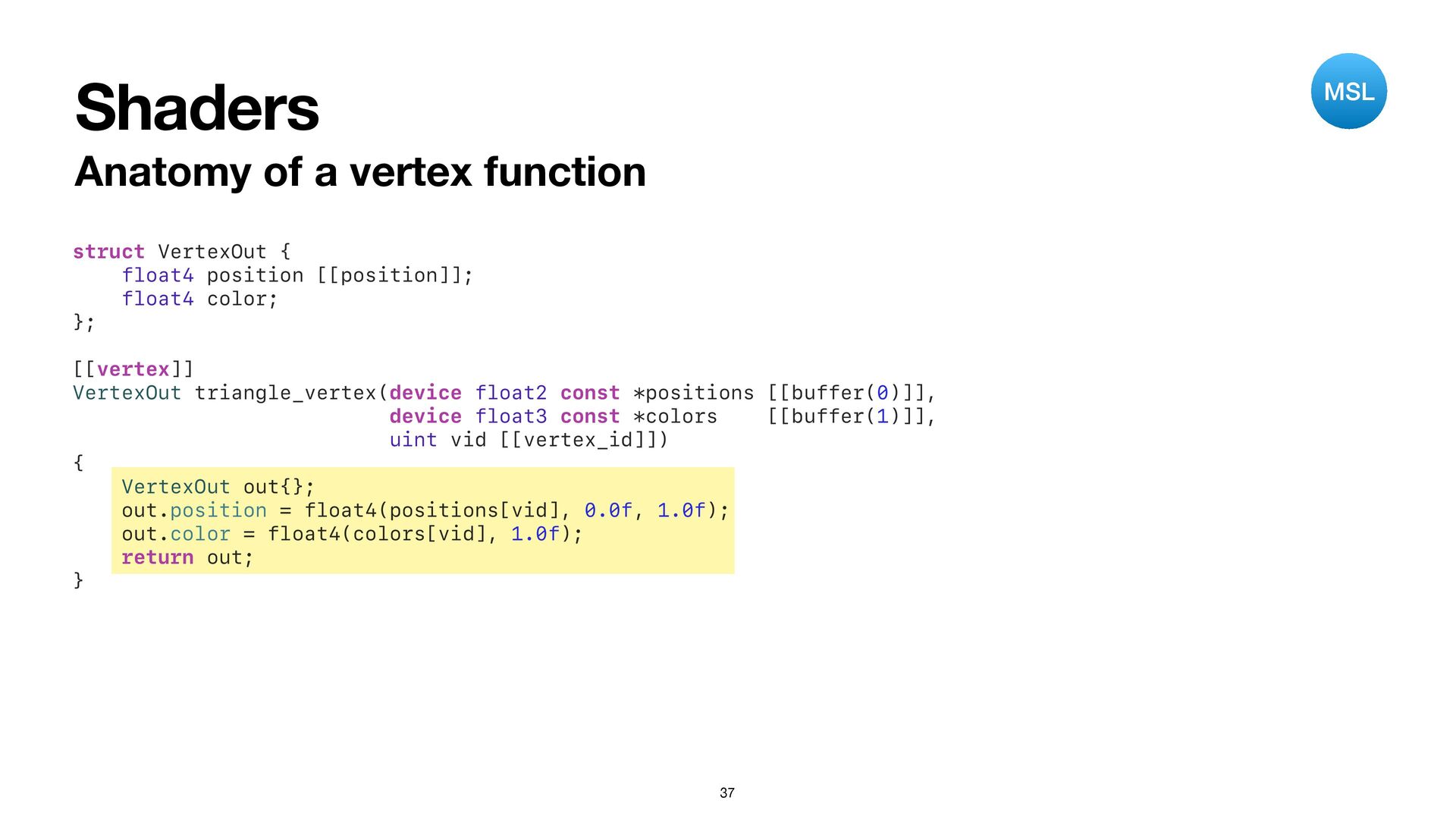
Shaders Anatomy of a vertex function 37 struct VertexOut {
float4 position [[position]]; float4 color; }; [[vertex]] VertexOut triangle_vertex(device float2 const *positions [[buffer(0)]], device float3 const *colors [[buffer(1)]], uint vid [[vertex_id]]) { VertexOut out{}; out.position = float4(positions[vid], 0.0f, 1.0f); out.color = float4(colors[vid], 1.0f); return out; } MSL -
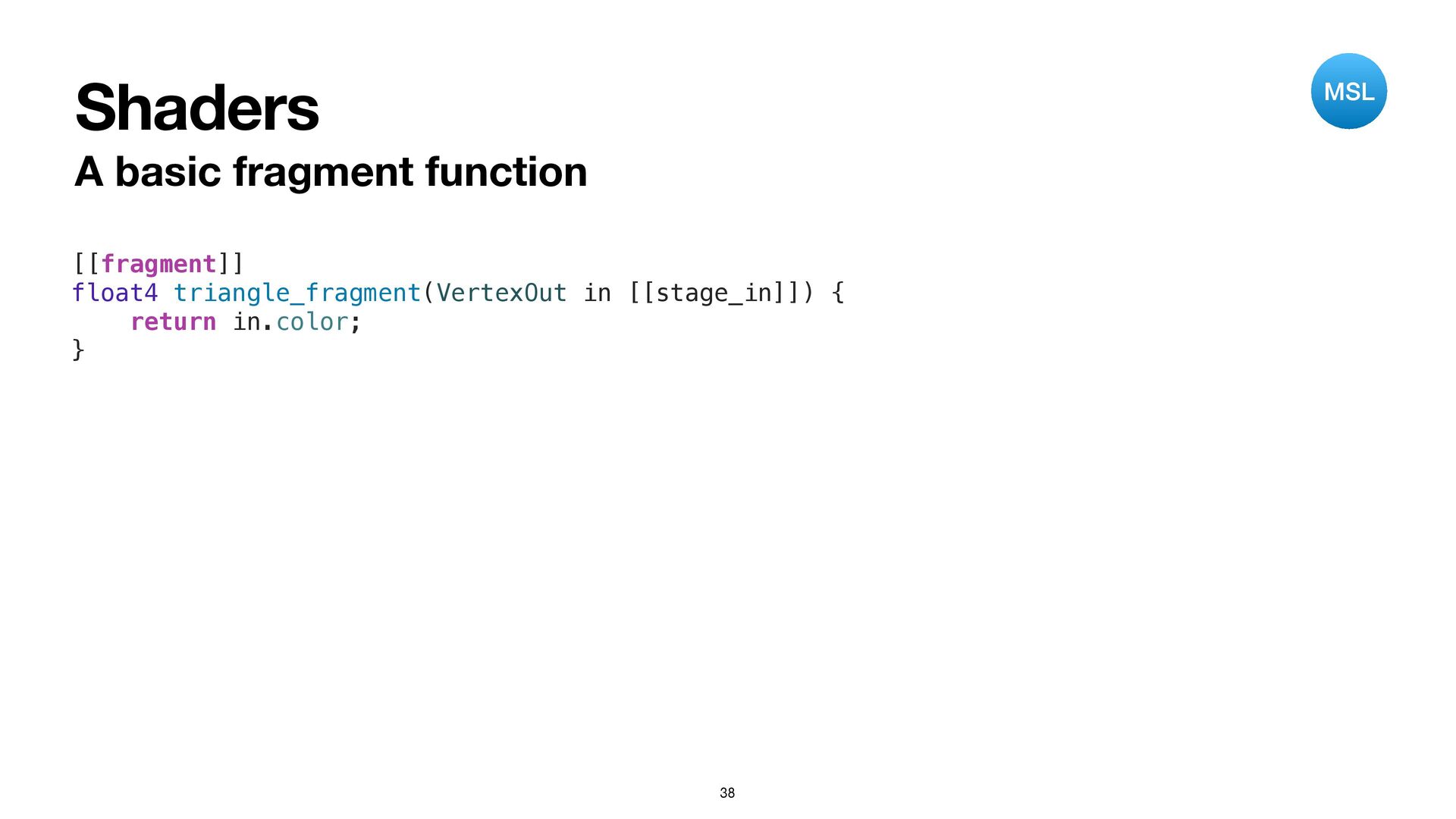
Shaders A basic fragment function 38 [[fragment]] float4 triangle_fragment(VertexOut in
[[stage_in]]) { return in.color; } MSL -
Libraries Compiled from .metal fi les Can contain any number
of functions Functions are (further) compiled into pipeline states 39 -
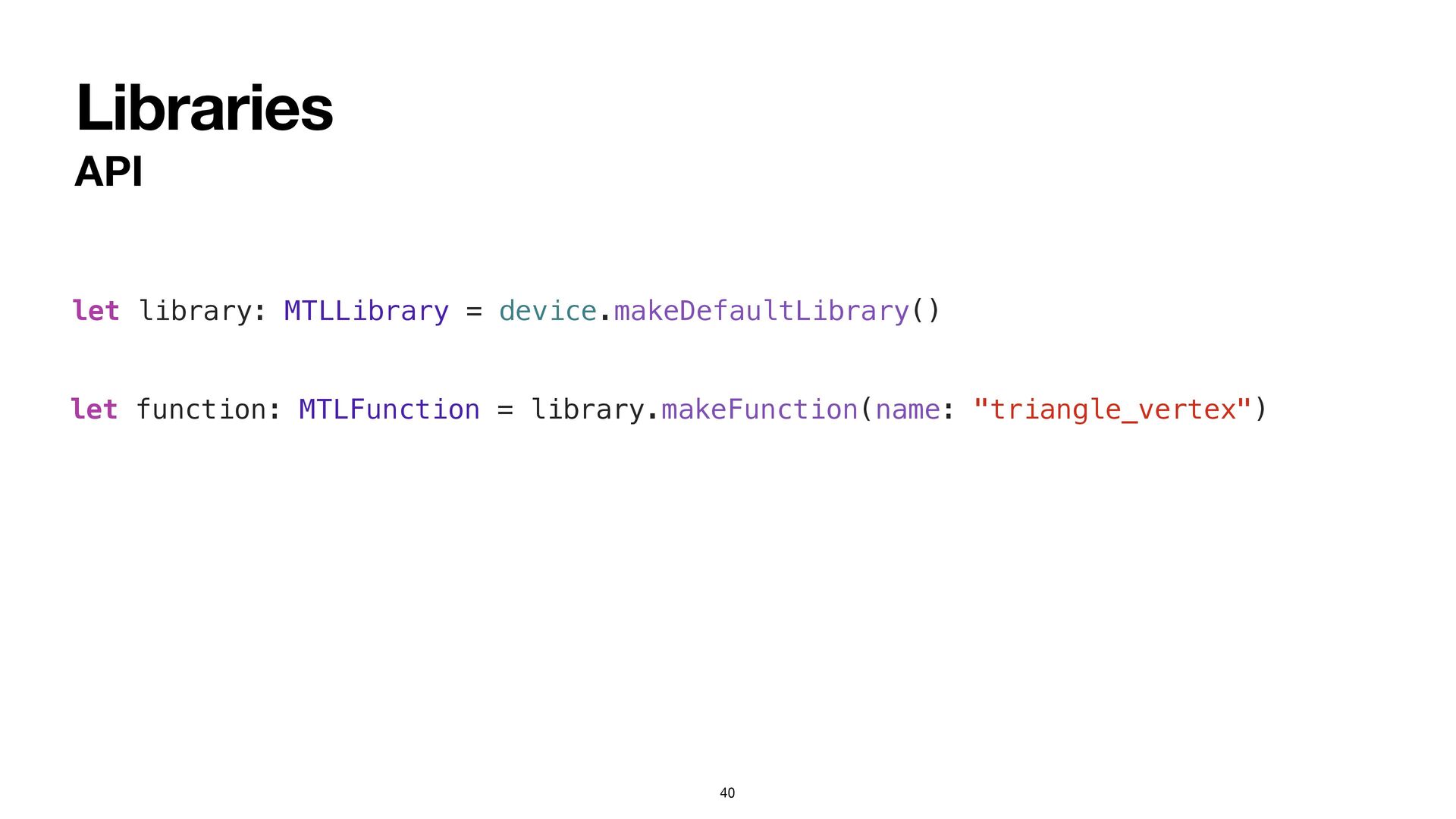
Libraries API 40 let library: MTLLibrary = device.makeDefaultLibrary() let function:
MTLFunction = library.makeFunction(name: "triangle_vertex") -
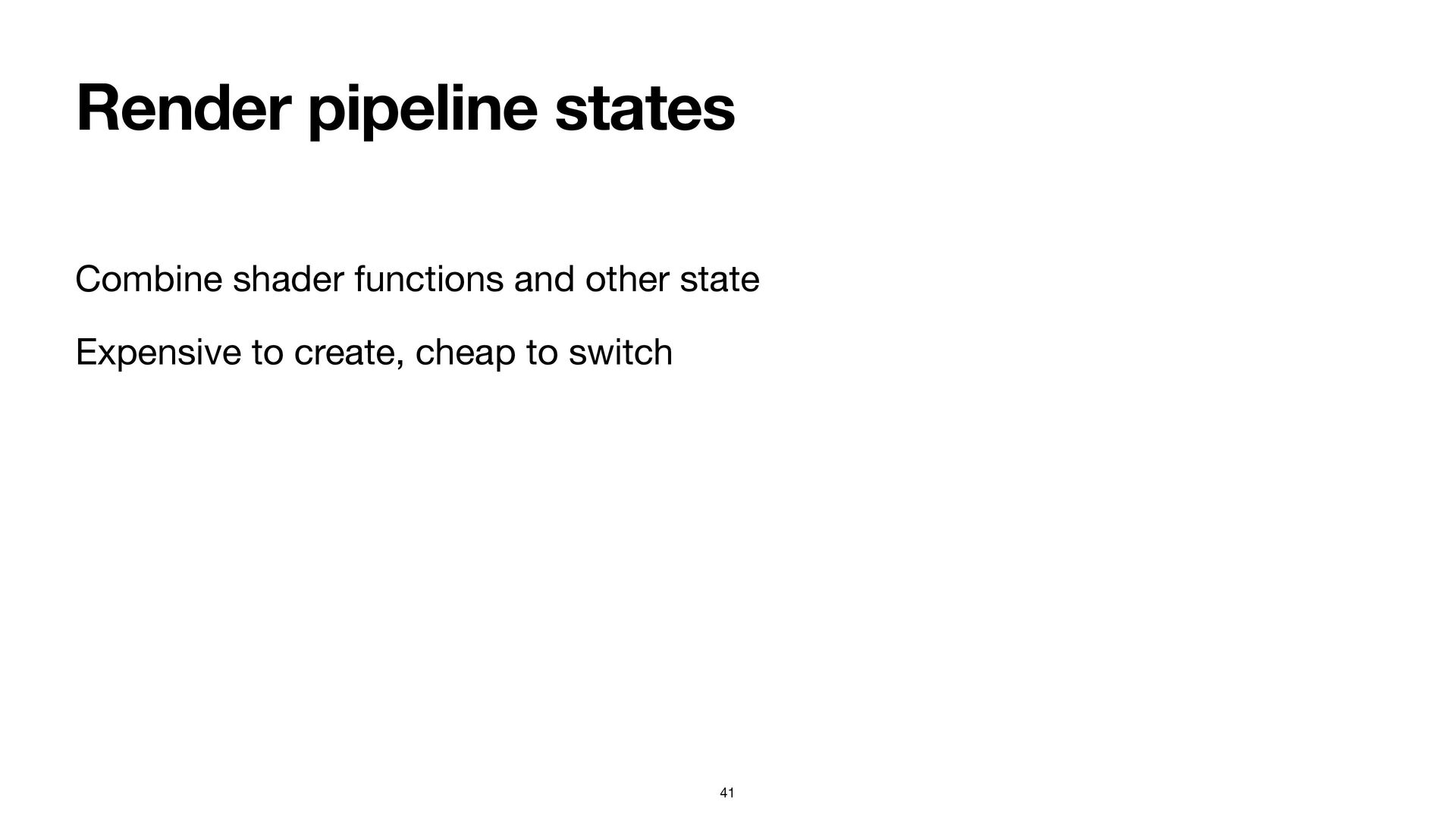
Render pipeline states Combine shader functions and other state Expensive
to create, cheap to switch 41 -
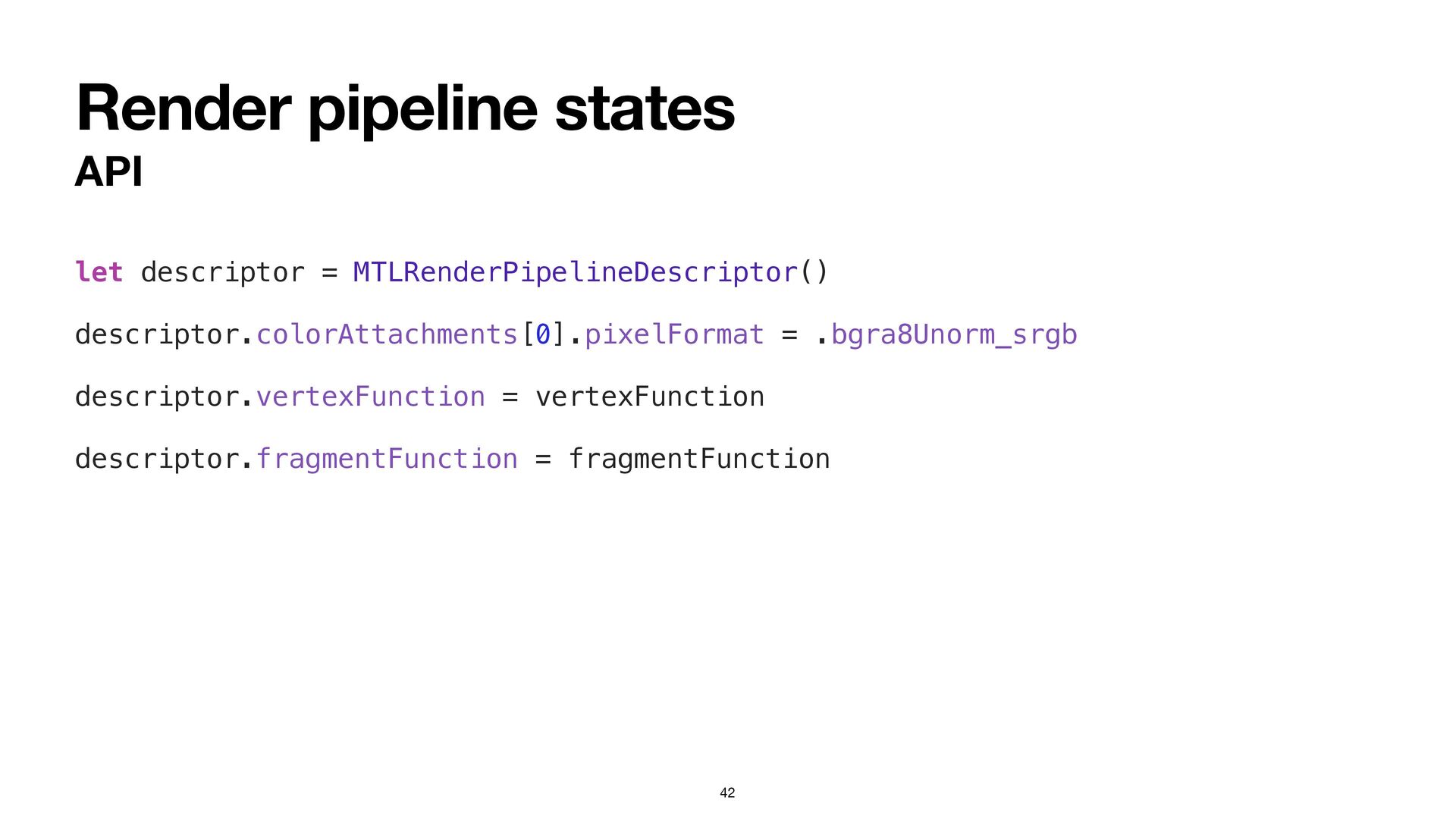
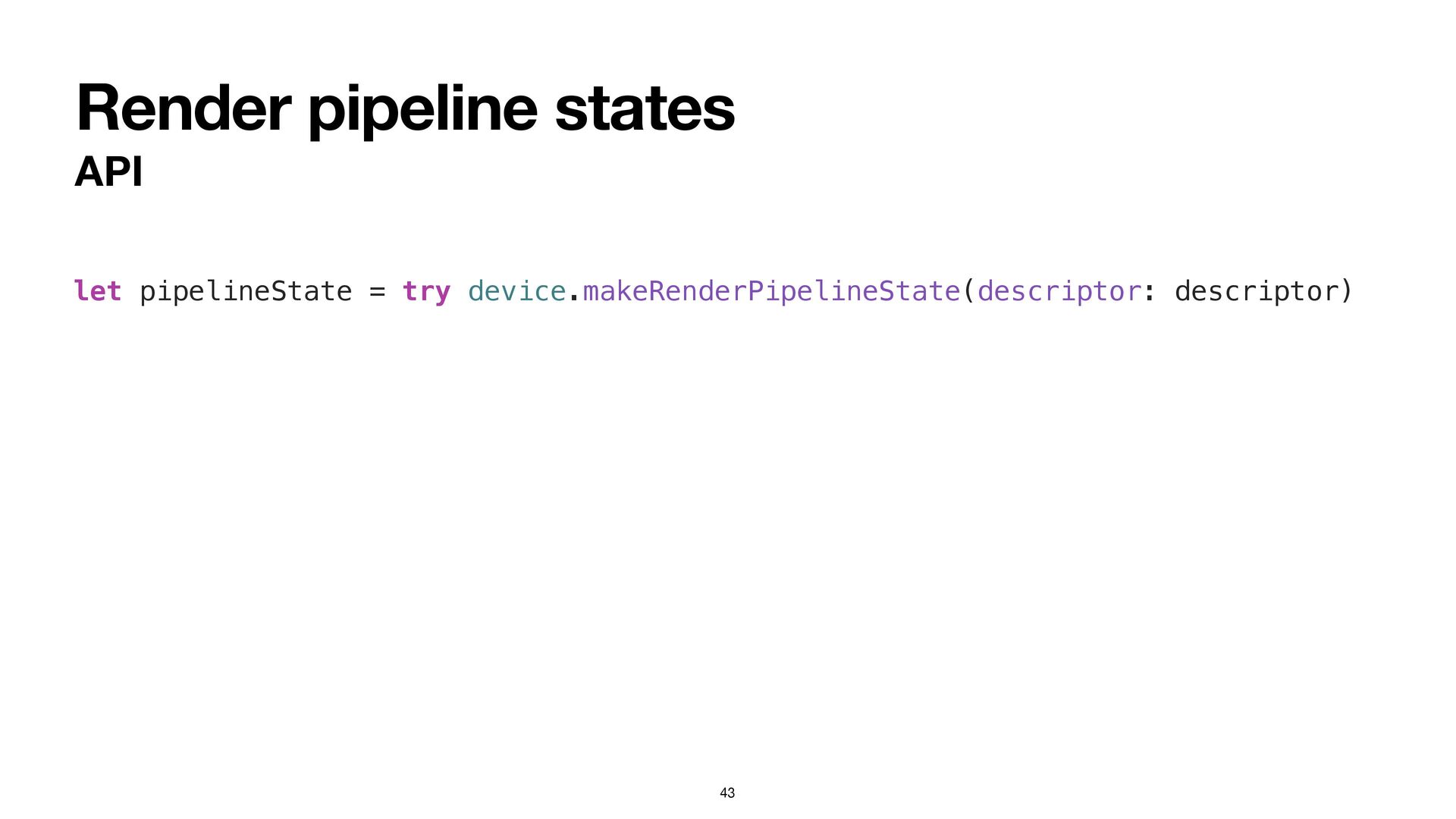
Render pipeline states API 42 let descriptor = MTLRenderPipelineDescriptor() descriptor.colorAttachments[0].pixelFormat
= .bgra8Unorm_srgb descriptor.vertexFunction = vertexFunction descriptor.fragmentFunction = fragmentFunction -
Preparing to draw Create command bu ff er Create command
encoder Bind render pipeline state Bind resources 44 -
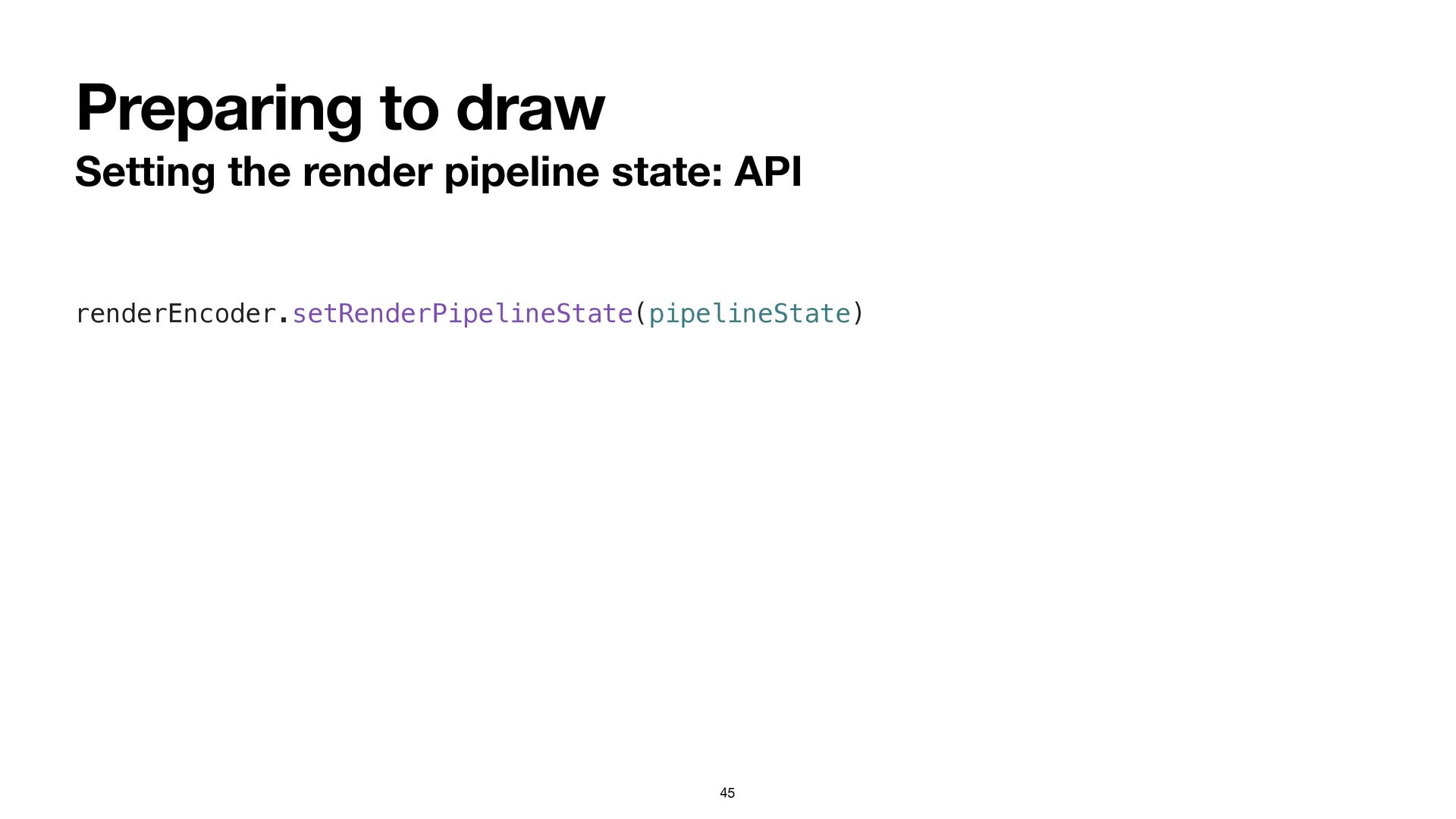
Preparing to draw Setting the render pipeline state: API 45
renderEncoder.setRenderPipelineState(pipelineState) -
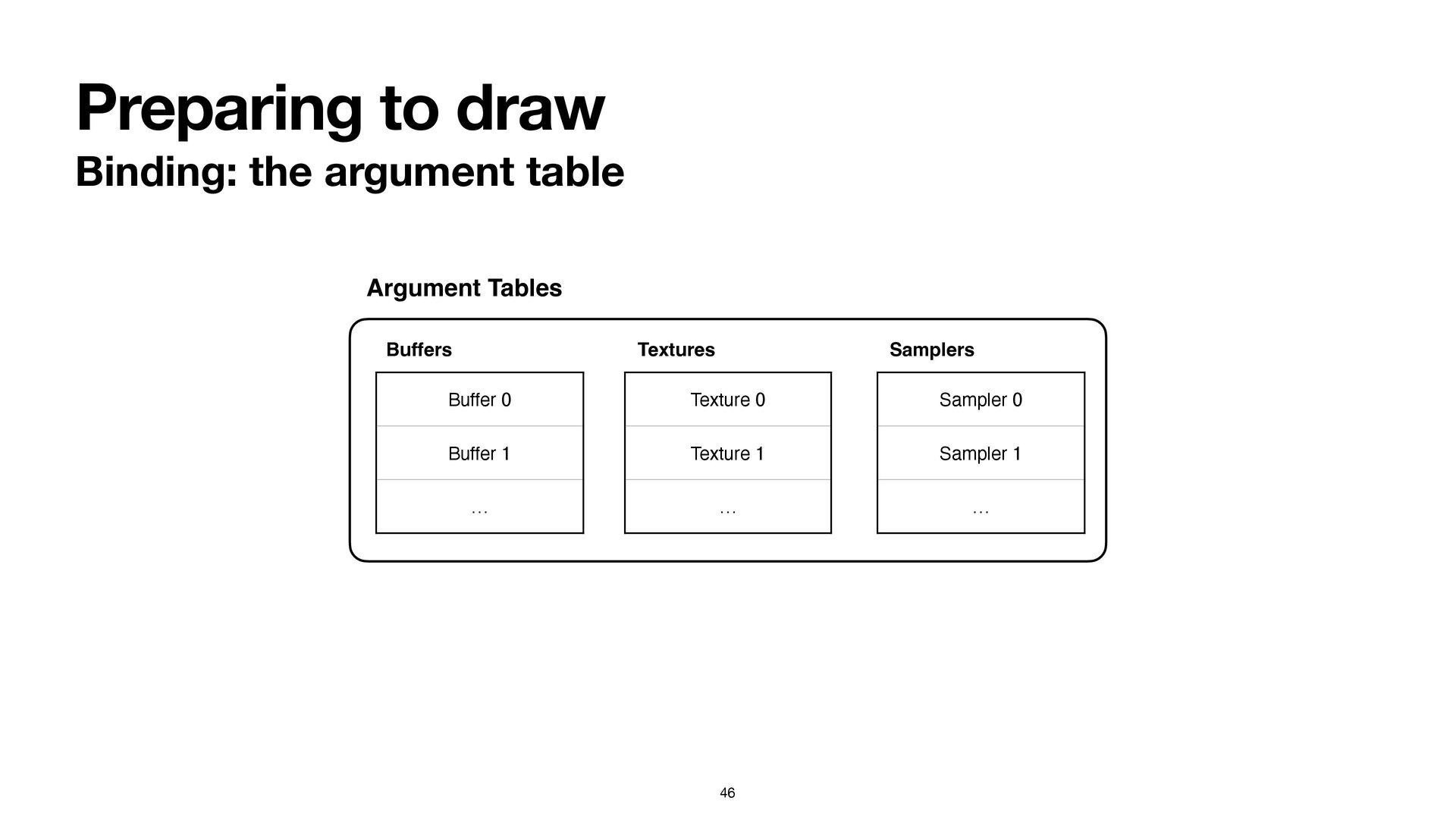
Preparing to draw Binding: the argument table 46 Argument Tables
Buffer 0 Buffer 1 … Buffers Texture 0 Texture 1 … Textures Sampler 0 Sampler 1 … Samplers -
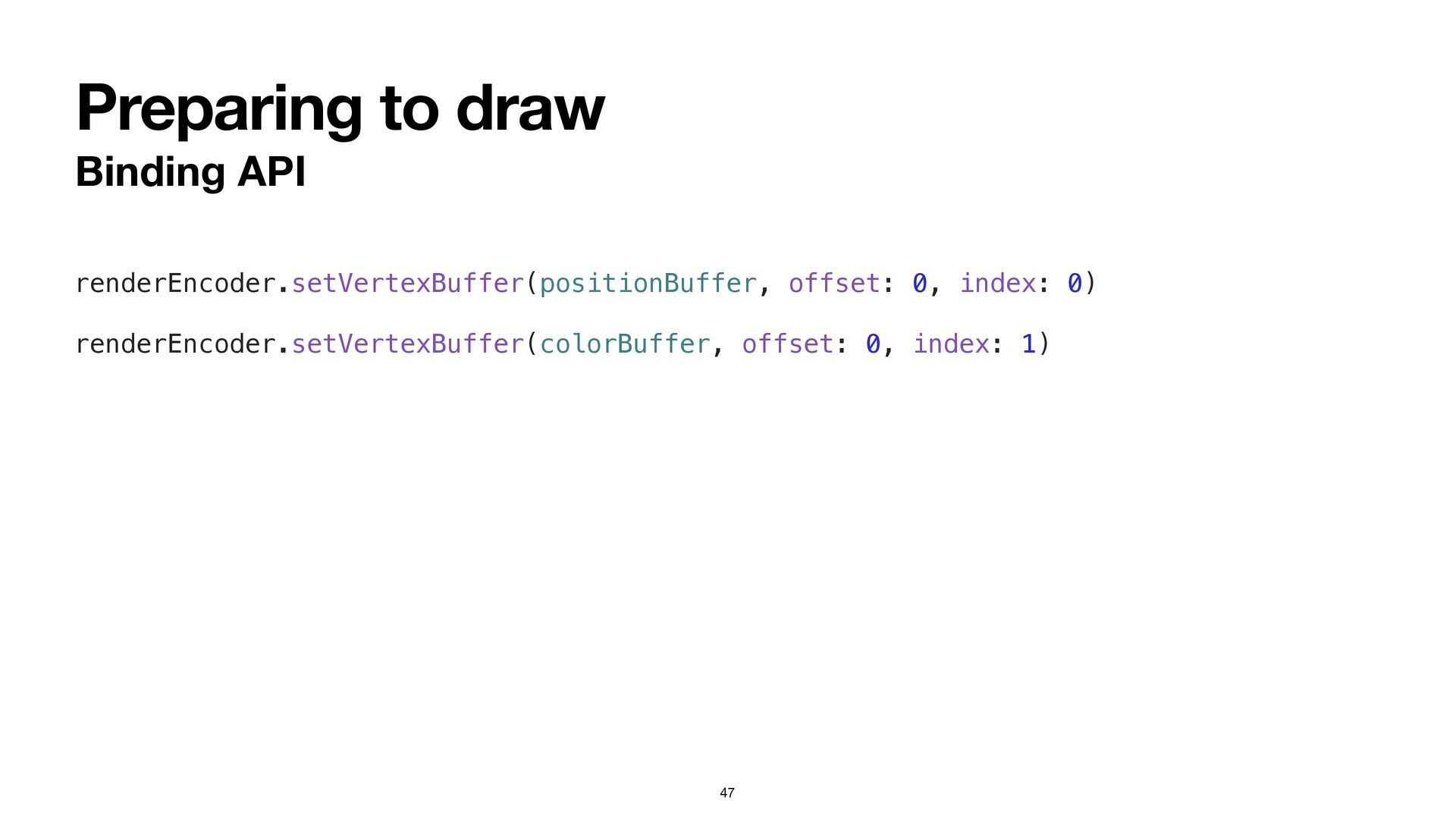
Preparing to draw Binding API 47 renderEncoder.setVertexBuffer(positionBuffer, offset: 0, index:
0) renderEncoder.setVertexBuffer(colorBuffer, offset: 0, index: 1) -
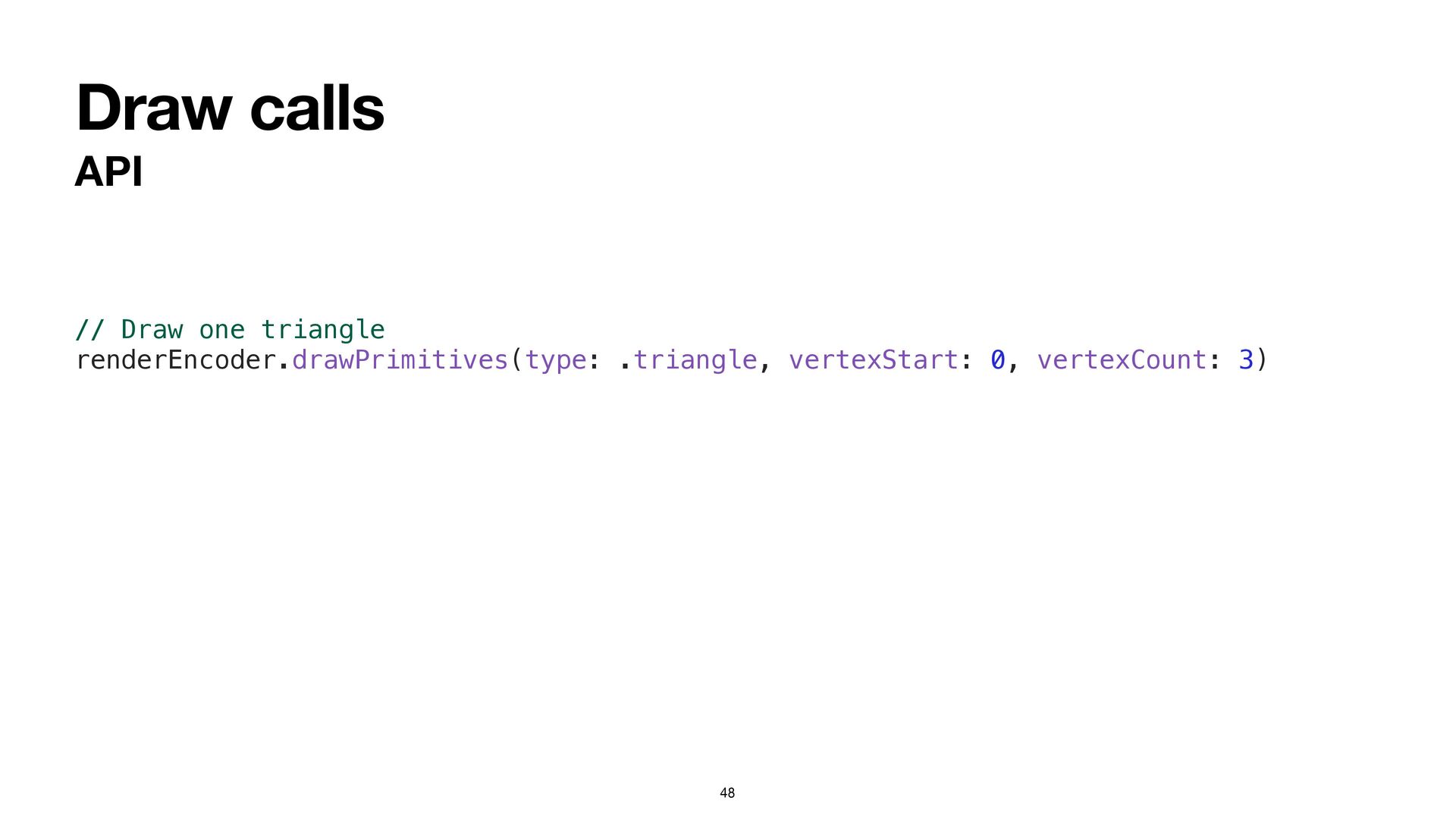
Draw calls API 48 // Draw one triangle renderEncoder.drawPrimitives(type: .triangle,
vertexStart: 0, vertexCount: 3) -
Hello, triangle Detailed steps Select the “Hello Triangle” scheme Navigate
to the HelloTriangleApp.swift fi le Add code to the draw(in:) method that: • sets the render pipeline • binds the vertex bu ff ers • issues one draw call 50 -
Into the third dimension Agenda Working with 3D assets Coordinate
spaces Transforms Texture mapping The depth bu ff er 53 -
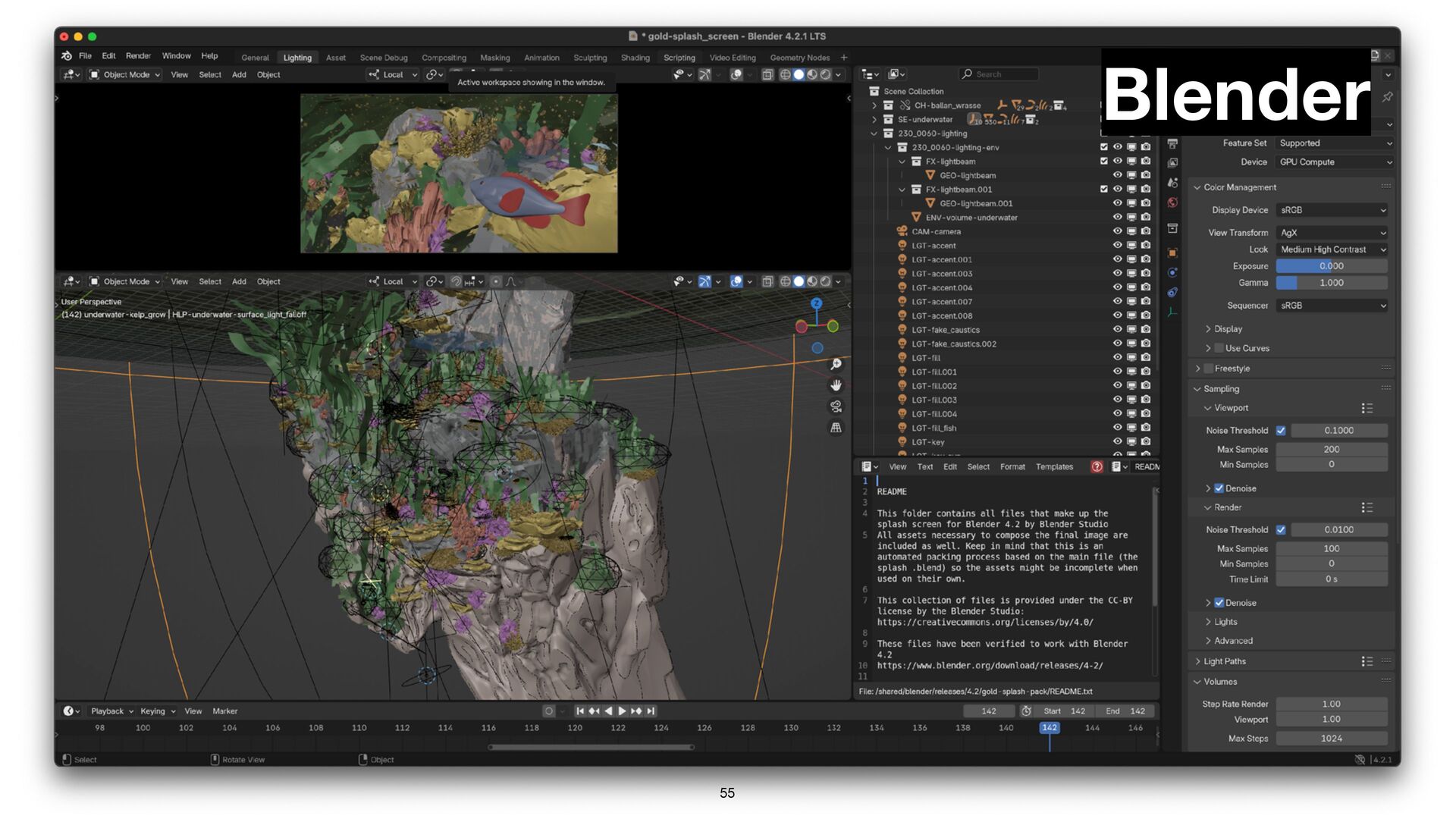
Working with 3D Assets What is an asset? A fi
le (or collection of fi les) containing • Geometry (meshes, point clouds, curves…) • Materials • Lights & cameras • Animations • Hierarchy 54 -
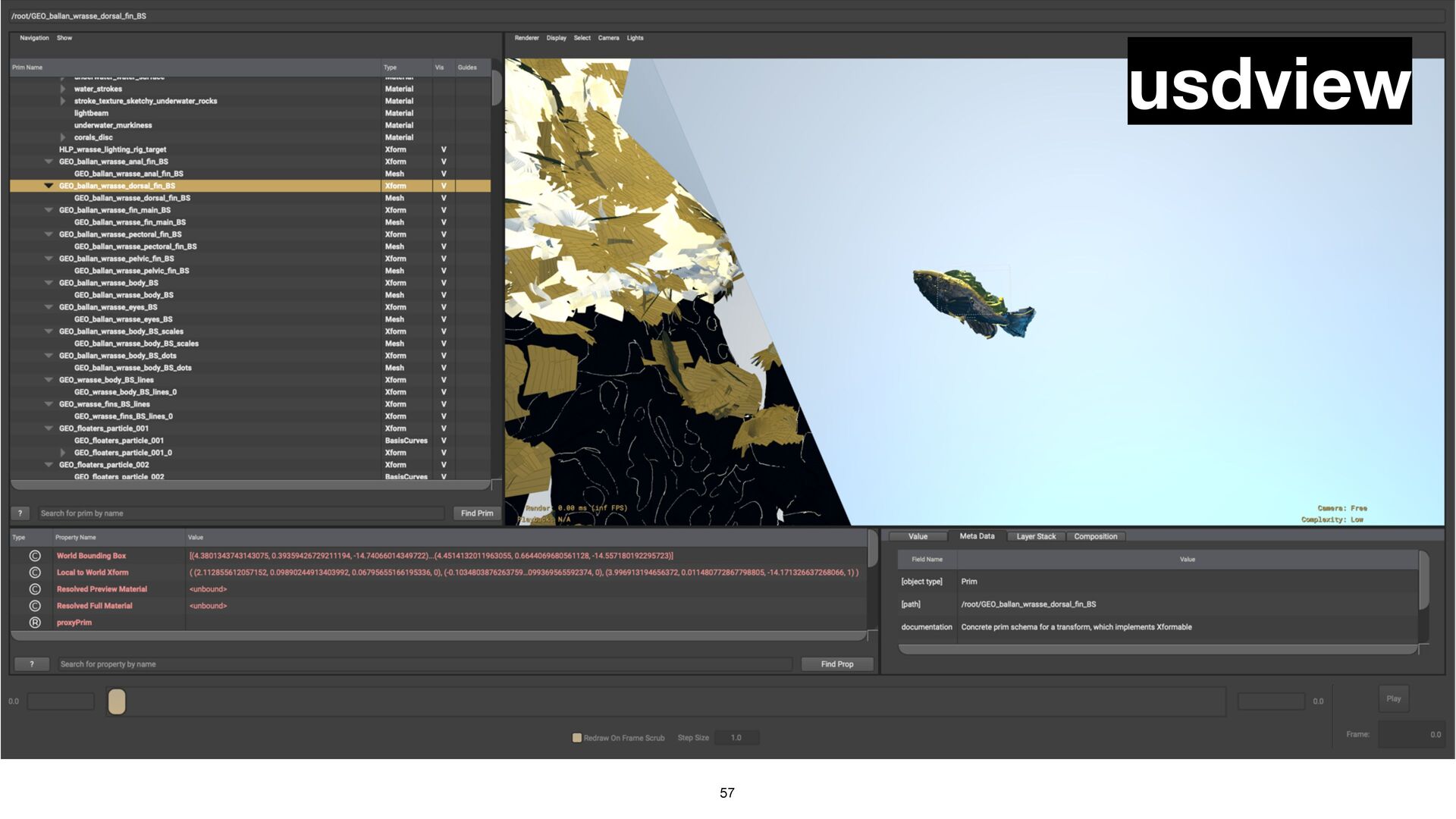
What is USD? USD = Universal Scene Description • A
composable, extensible scene description format/ecosystem • Initially developed by Pixar • USDZ jointly developed with Apple • Open-source tools (including usdview) 56 -
What’s in a mesh? Vertex attributes visualized 58 + +
= positions normals texture coordinates mesh -
Vertex descriptors Bu ff ers contain bytes, not objects How
do we know what’s in a vertex bu ff er? Vertex descriptors! • Attributes describe the where and what • Layouts describe the distance (“stride”) between instances 59 -
Vertex descriptors Interleaved layout 60 x y z nx ny
nz u v x y z nx ny nz u v … x y z nx ny nz … bu ff er 0 position normal tex. coords vertex 0 vertex 1 stride -
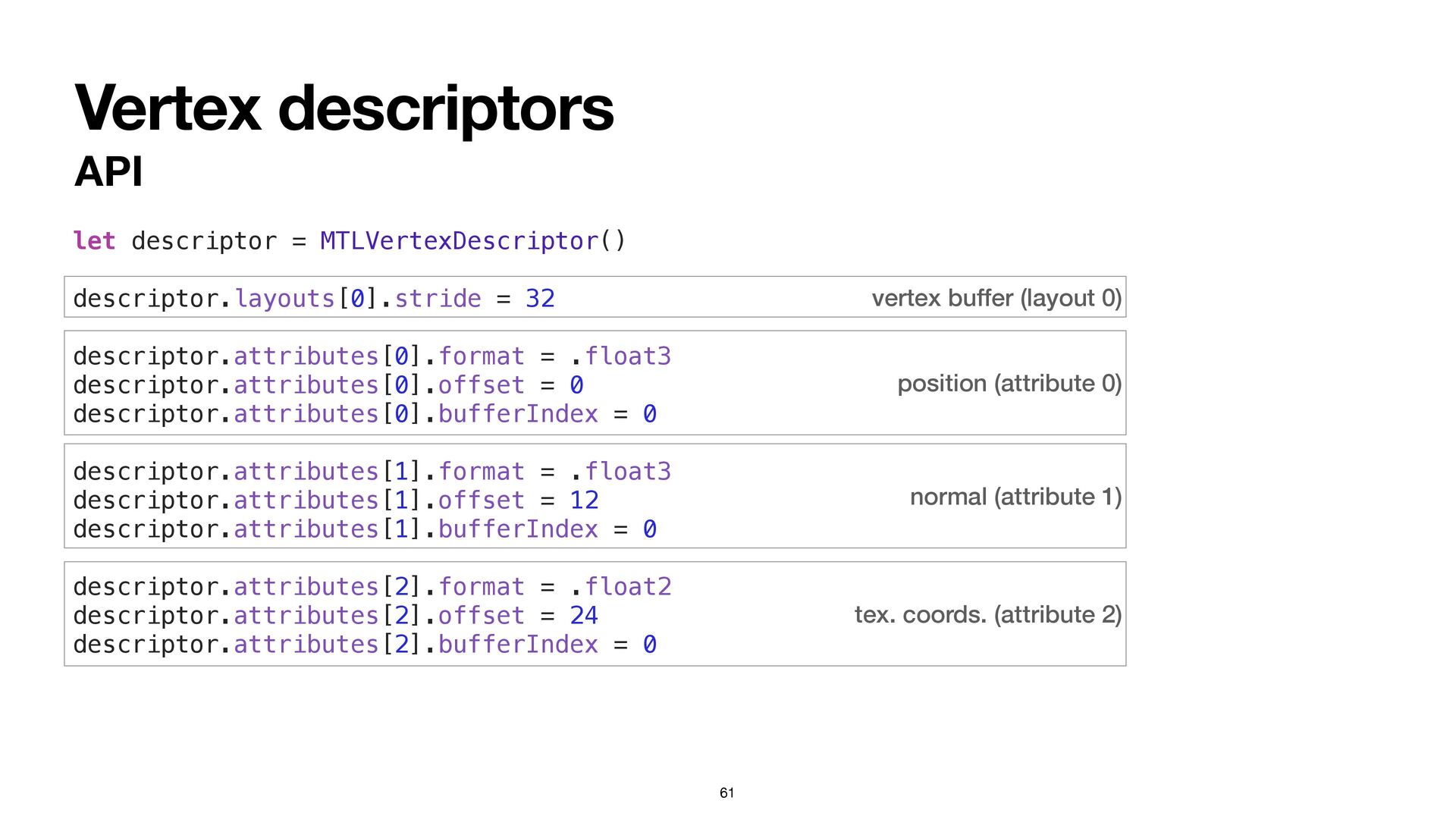
position (attribute 0) normal (attribute 1) tex. coords. (attribute 2)
vertex buffer (layout 0) Vertex descriptors API 61 let descriptor = MTLVertexDescriptor() descriptor.layouts[0].stride = 32 descriptor.attributes[0].format = .float3 descriptor.attributes[0].offset = 0 descriptor.attributes[0].bufferIndex = 0 descriptor.attributes[1].format = .float3 descriptor.attributes[1].offset = 12 descriptor.attributes[1].bufferIndex = 0 descriptor.attributes[2].format = .float2 descriptor.attributes[2].offset = 24 descriptor.attributes[2].bufferIndex = 0 -
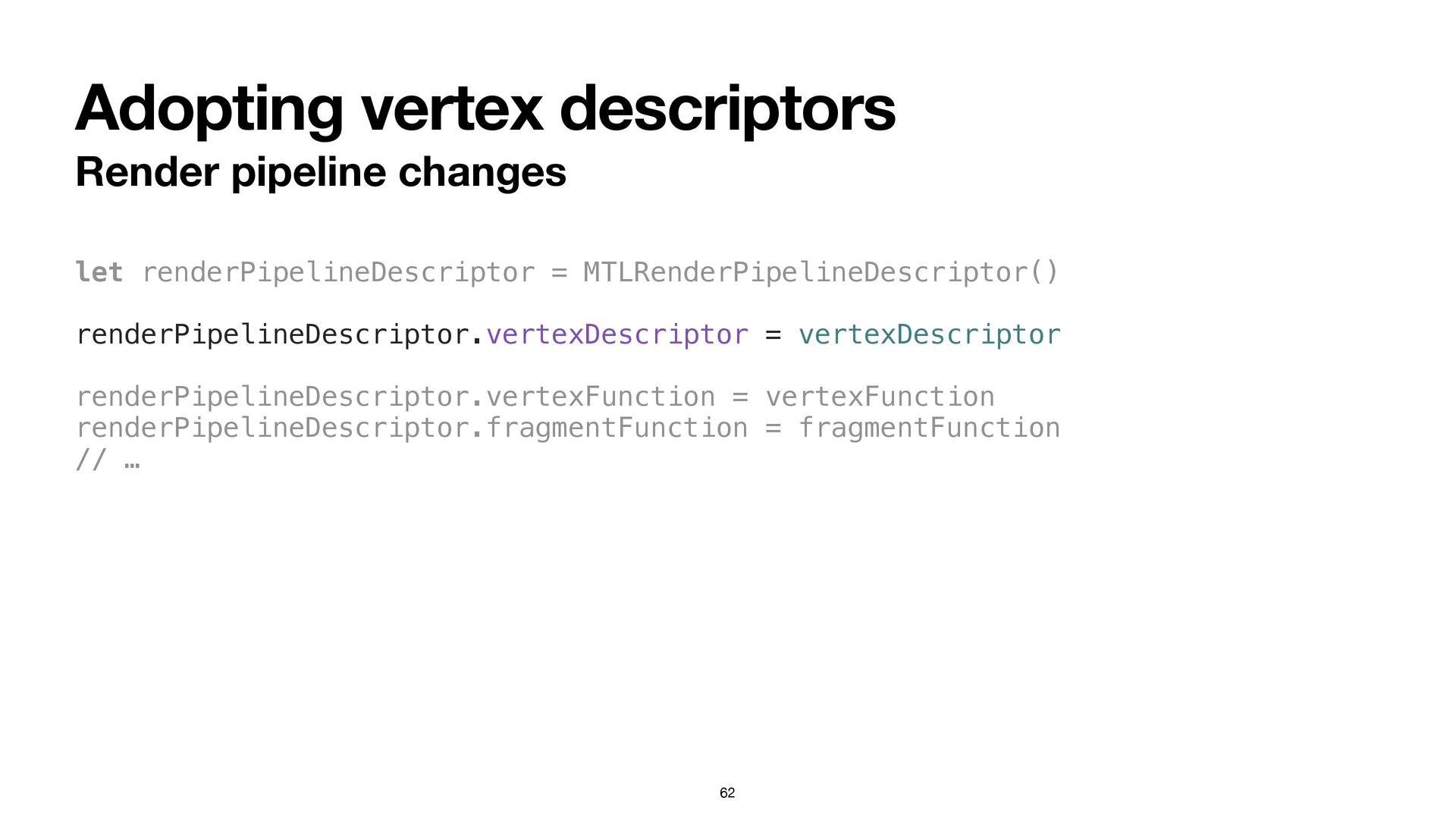
Adopting vertex descriptors Render pipeline changes let renderPipelineDescriptor = MTLRenderPipelineDescriptor()
renderPipelineDescriptor.vertexDescriptor = vertexDescriptor renderPipelineDescriptor.vertexFunction = vertexFunction renderPipelineDescriptor.fragmentFunction = fragmentFunction // … 62 -
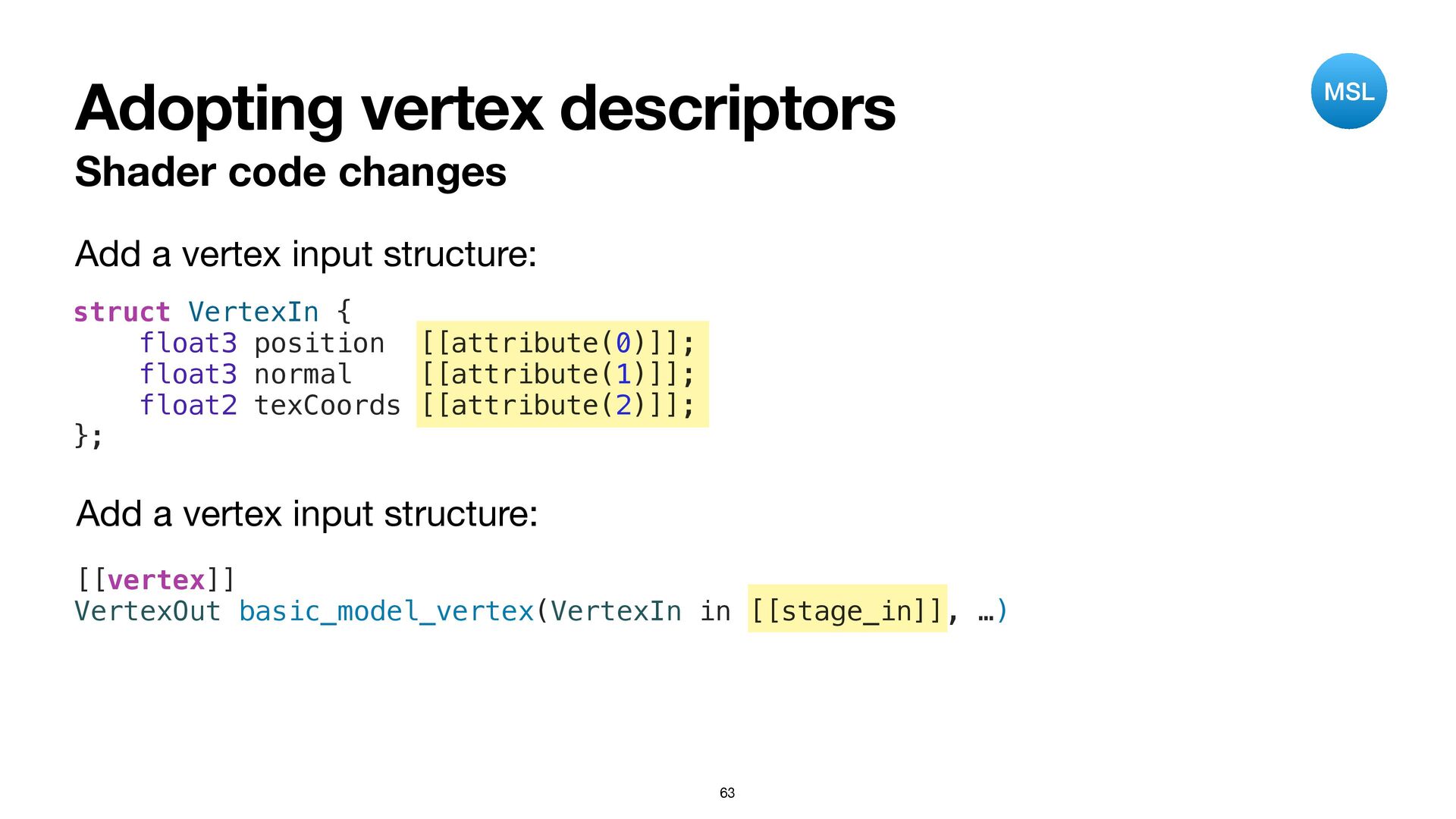
Adopting vertex descriptors Shader code changes struct VertexIn { float3
position [[attribute(0)]]; float3 normal [[attribute(1)]]; float2 texCoords [[attribute(2)]]; }; Add a vertex input structure: [[vertex]] VertexOut basic_model_vertex(VertexIn in [[stage_in]], …) Add a vertex input structure: 63 MSL -
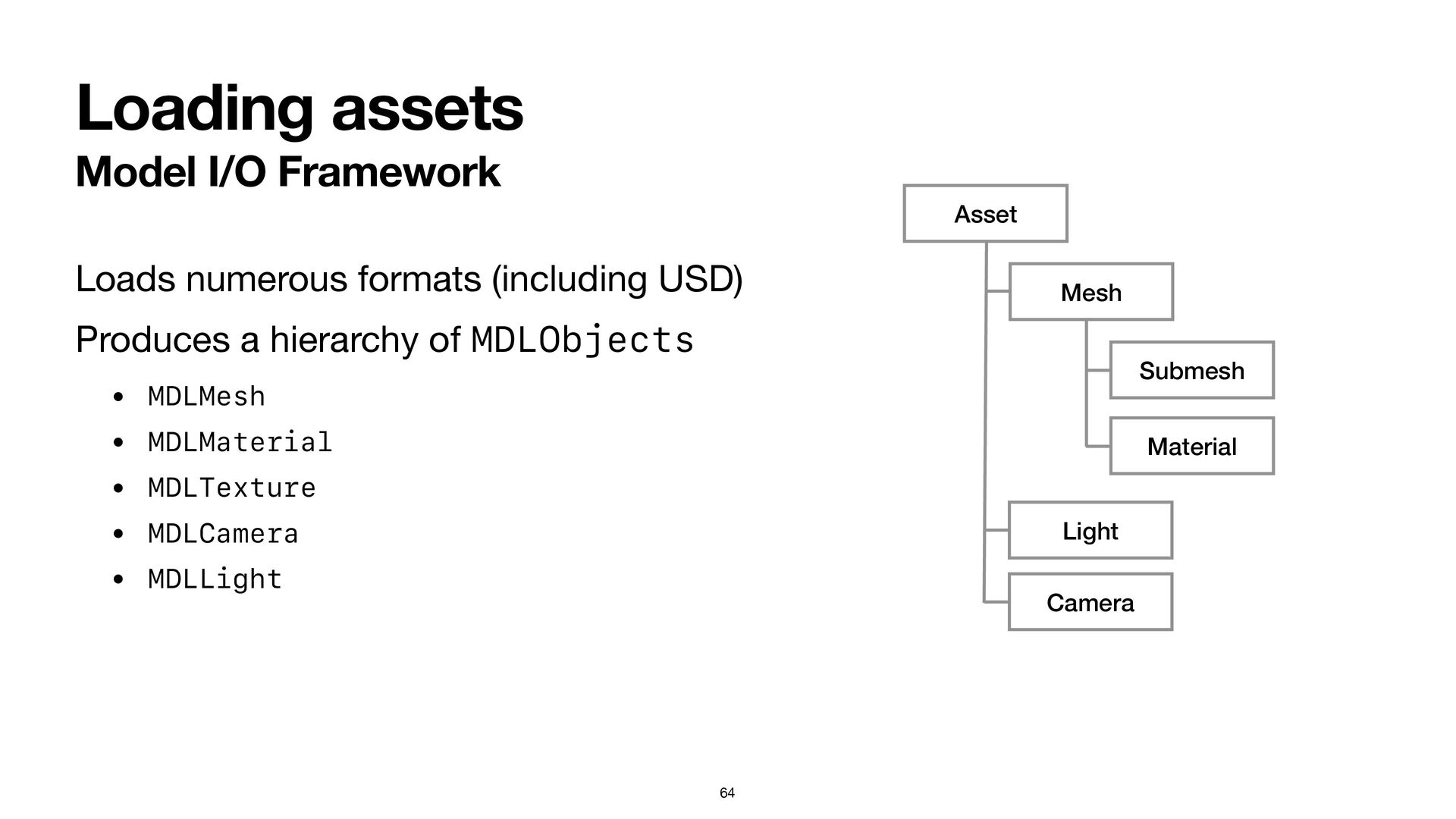
Loading assets Model I/O Framework Loads numerous formats (including USD)
Produces a hierarchy of MDLObjects • MDLMesh • MDLMaterial • MDLTexture • MDLCamera • MDLLight 64 Asset Mesh Material Light Camera Submesh -
Designing a basic model type Essential features: • Hold one
or more vertex bu ff ers • Hold one or more indexed submeshes • Hold one or more materials 65 -
Designing a basic model type The MTKMesh API 66 class
MTKMeshBuffer { var buffer: MTLBuffer var offset: Int } class MTKSubmesh { var primitiveType: MTLPrimitiveType var indexType: MTLIndexType var indexBuffer: MTKMeshBuffer var indexCount: Int } class MTKMesh { var vertexBuffers: [MTKMeshBuffer] var vertexDescriptor: MDLVertexDescriptor var submeshes: [MTKSubmesh] } -
Designing a basic model type 67 class BasicMaterial { var
baseColorTexture: MTLTexture? } class BasicModel { var mesh: MTKMesh var materials: [BasicMaterial] var modelMatrix: simd_float4x4 = matrix_identity_float4x4 init(mesh: MTKMesh, materials: [BasicMaterial]) { self.mesh = mesh self.materials = materials } } MTKMesh is a good start. Let’s add some materials and a transform: -
Transformations Model transforms TRS = a combination of scaling, rotation,
and translation Can be represented by a single matrix: Called a “model” or “modeling” transform M = T × R × S 69 -
Transformations Spatial API 70 let transform = AffineTransform3D(scale: Size3D(vector: scaleFactors),
rotation: Rotation3D(orientation), translation: Vector3D(vector: position)) Abstraction for spatial operations Interoperates with SIMD types (simd_float4x4, etc.) let matrix = simd_float4x4(transform) -
Transformations World space Each object has a transform The shared
space they inhabit is called world space 71 world origin object object -
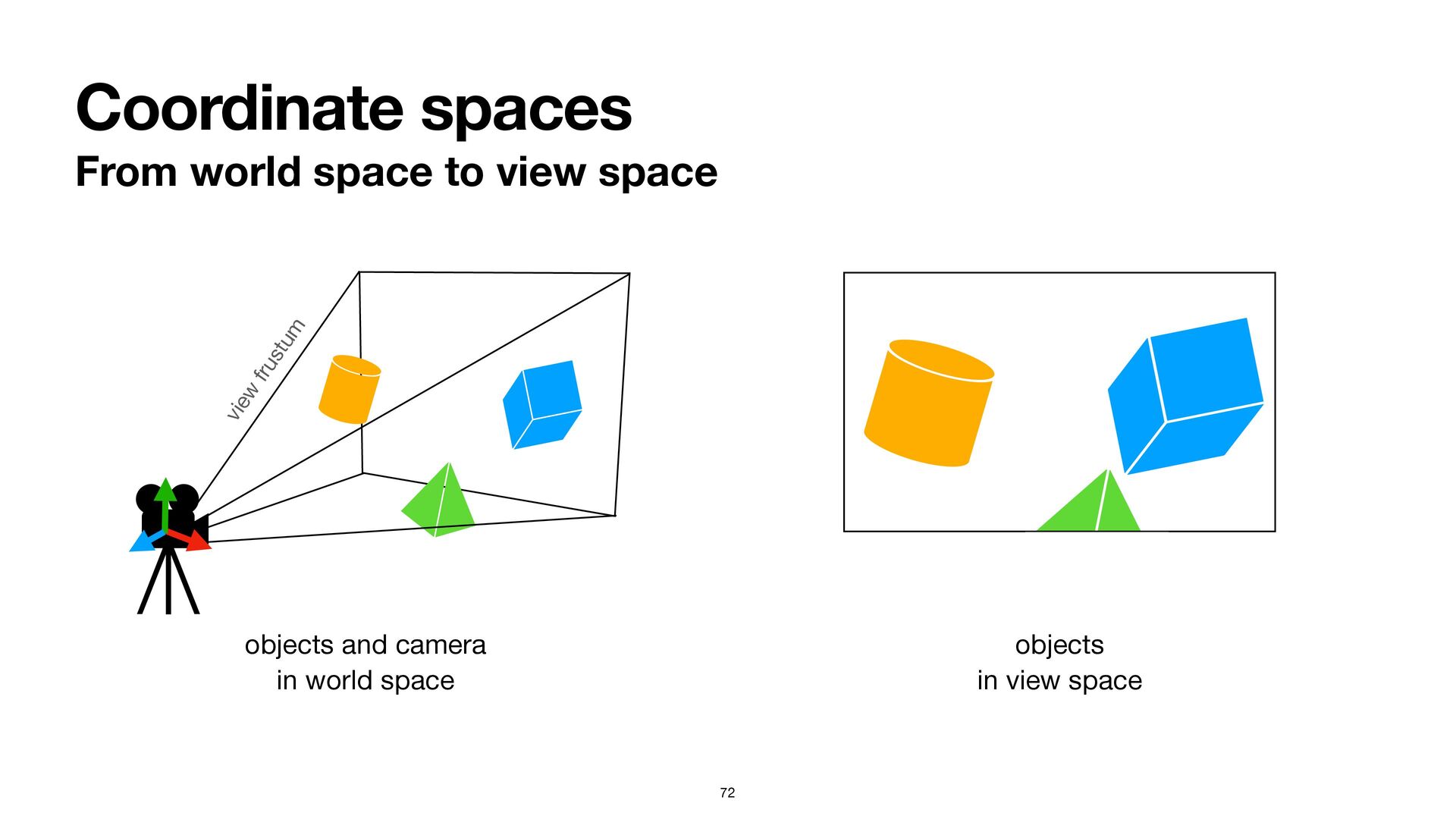
Coordinate spaces From world space to view space 72 objects
and camera in world space objects in view space view frustum -
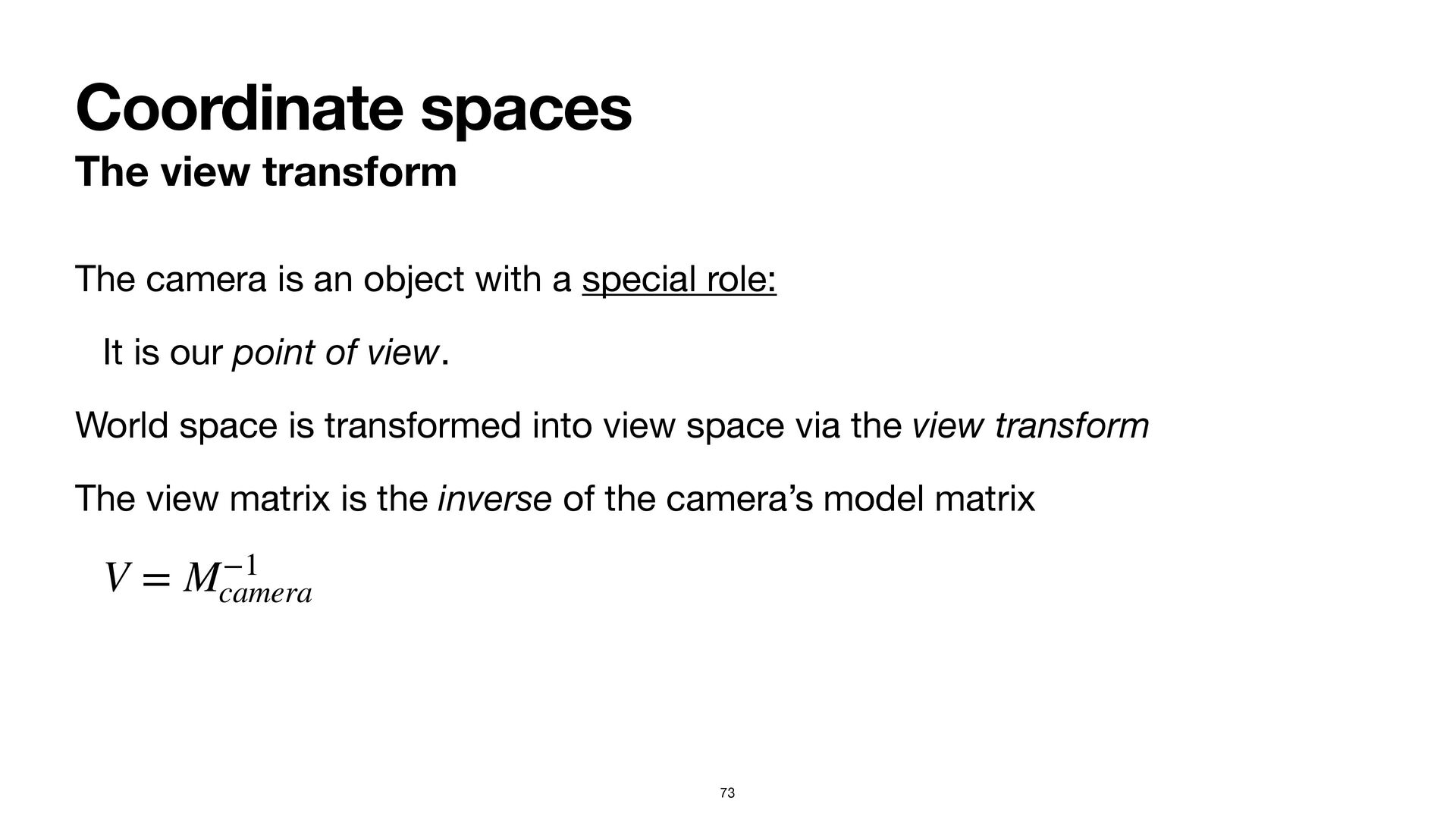
Coordinate spaces The view transform 73 The camera is an
object with a special role: It is our point of view. World space is transformed into view space via the view transform The view matrix is the inverse of the camera’s model matrix V = M−1 camera -
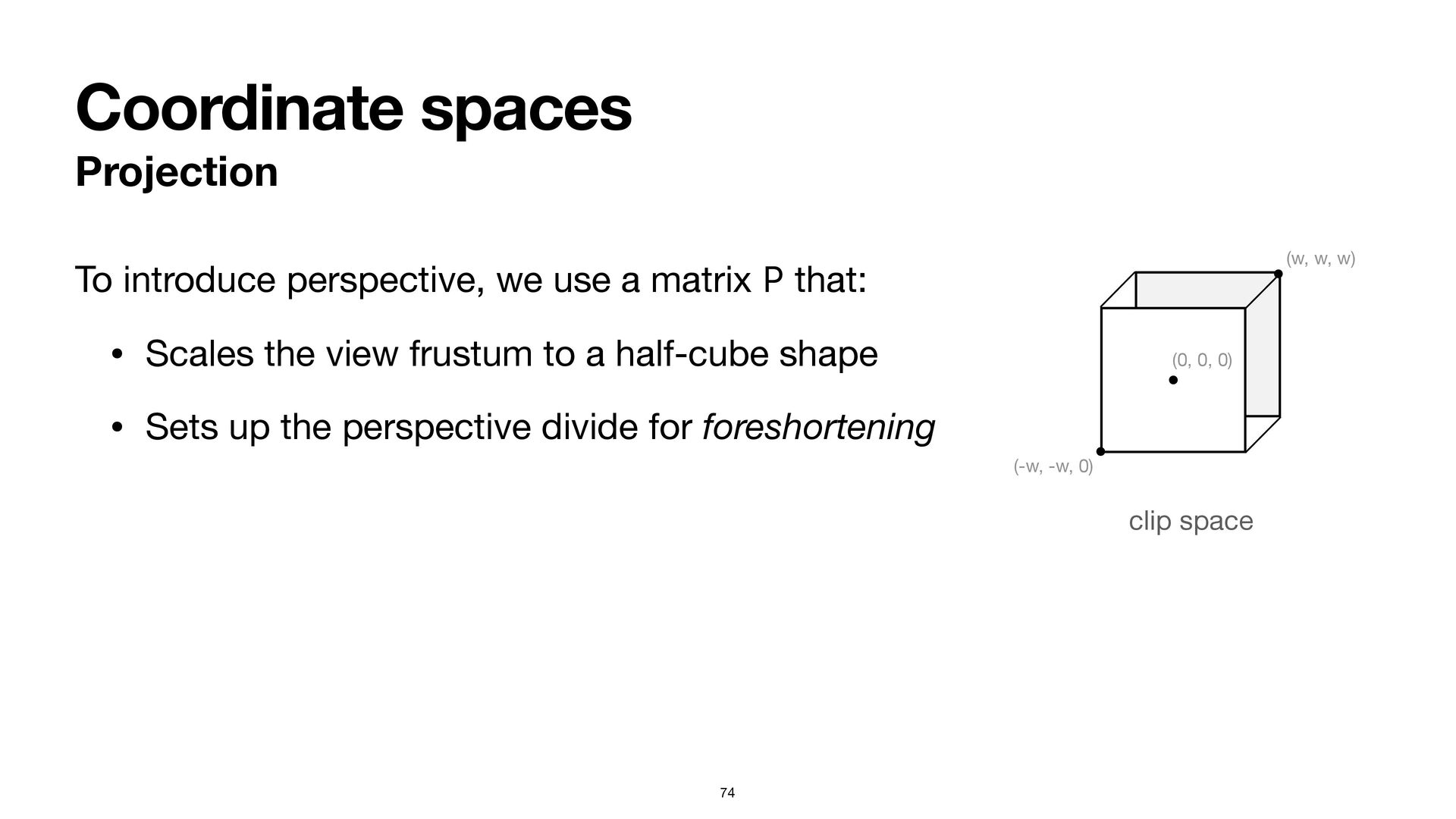
Coordinate spaces Projection 74 To introduce perspective, we use a
matrix P that: • Scales the view frustum to a half-cube shape • Sets up the perspective divide for foreshortening (0, 0, 0) (w, w, w) (-w, -w, 0) clip space -
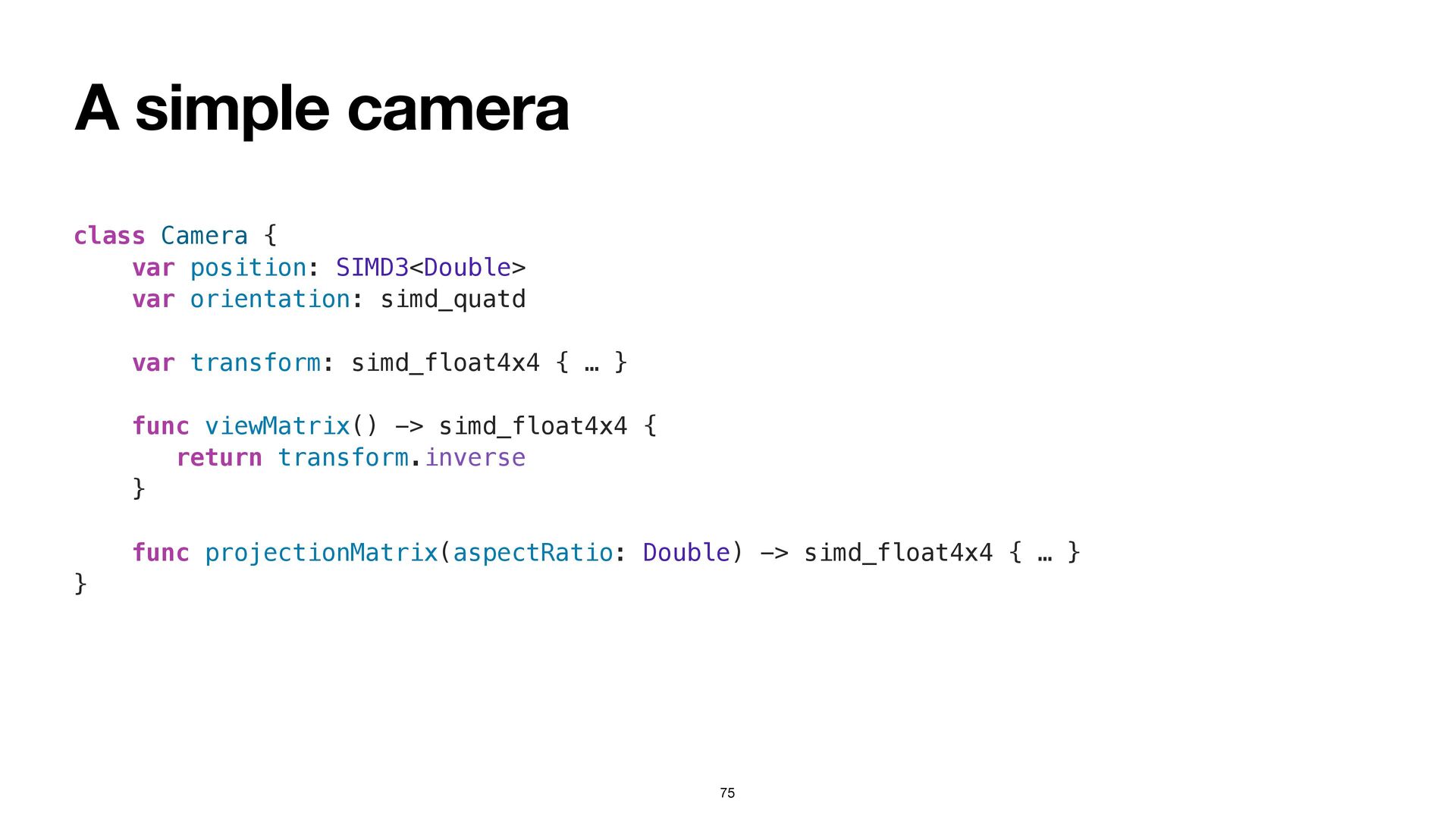
A simple camera 75 class Camera { var position: SIMD3<Double>
var orientation: simd_quatd var transform: simd_float4x4 { … } func viewMatrix() -> simd_float4x4 { return transform.inverse } func projectionMatrix(aspectRatio: Double) -> simd_float4x4 { … } } -
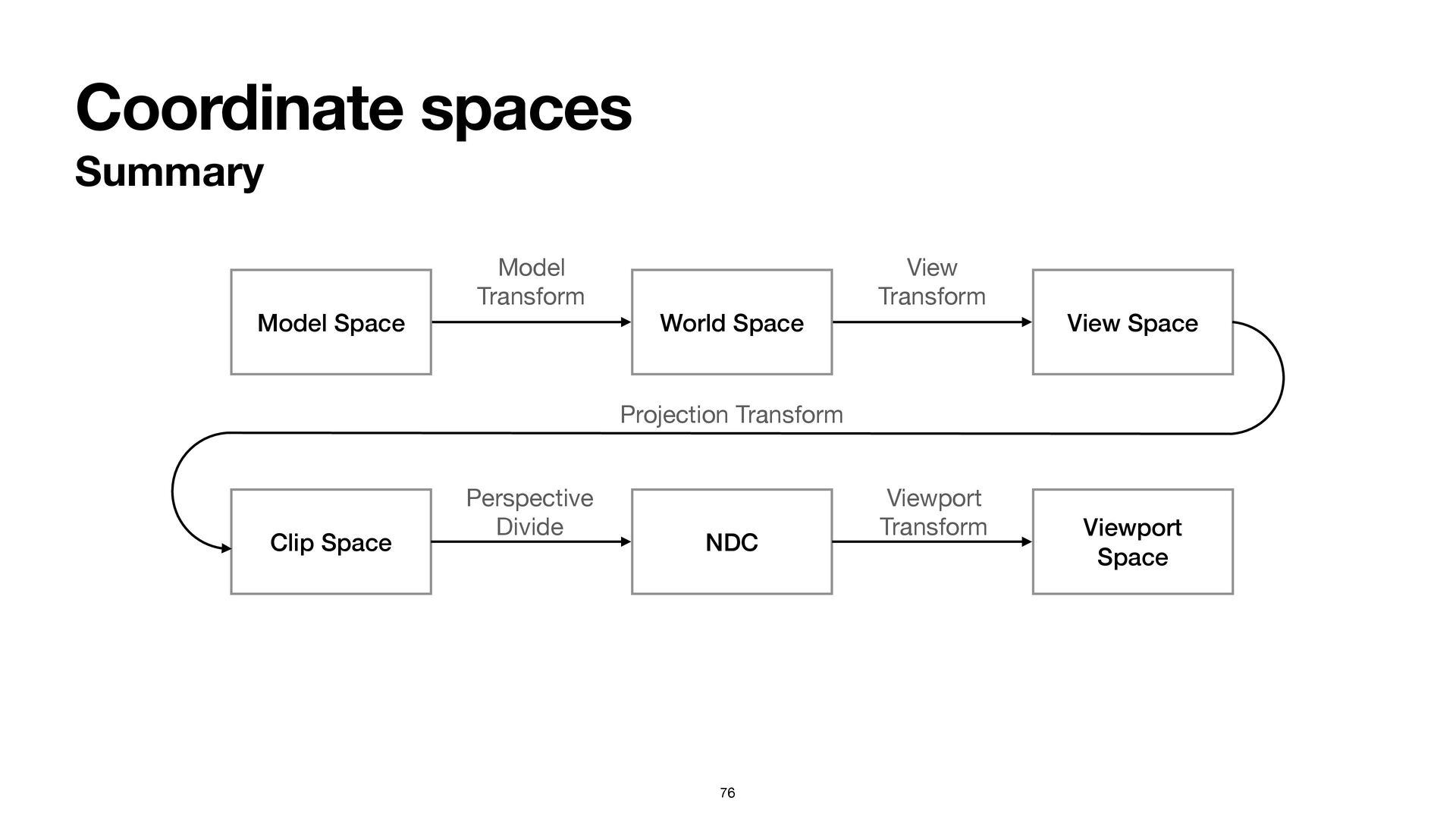
Coordinate spaces Summary 76 Model Space World Space View Space
Clip Space NDC Viewport Space Model Transform View Transform Projection Transform Perspective Divide Viewport Transform -
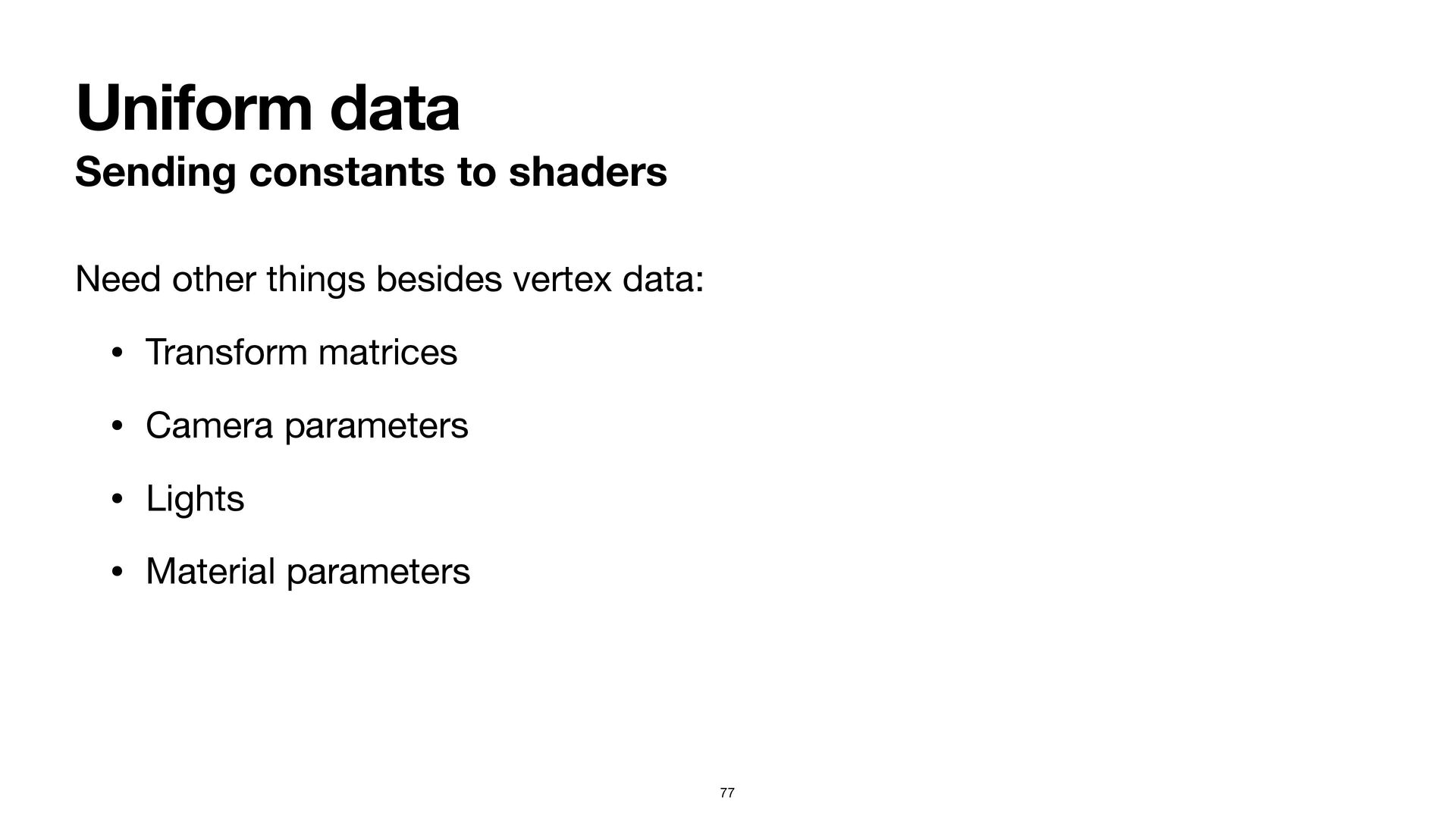
Uniform data Sending constants to shaders 77 Need other things
besides vertex data: • Transform matrices • Camera parameters • Lights • Material parameters -
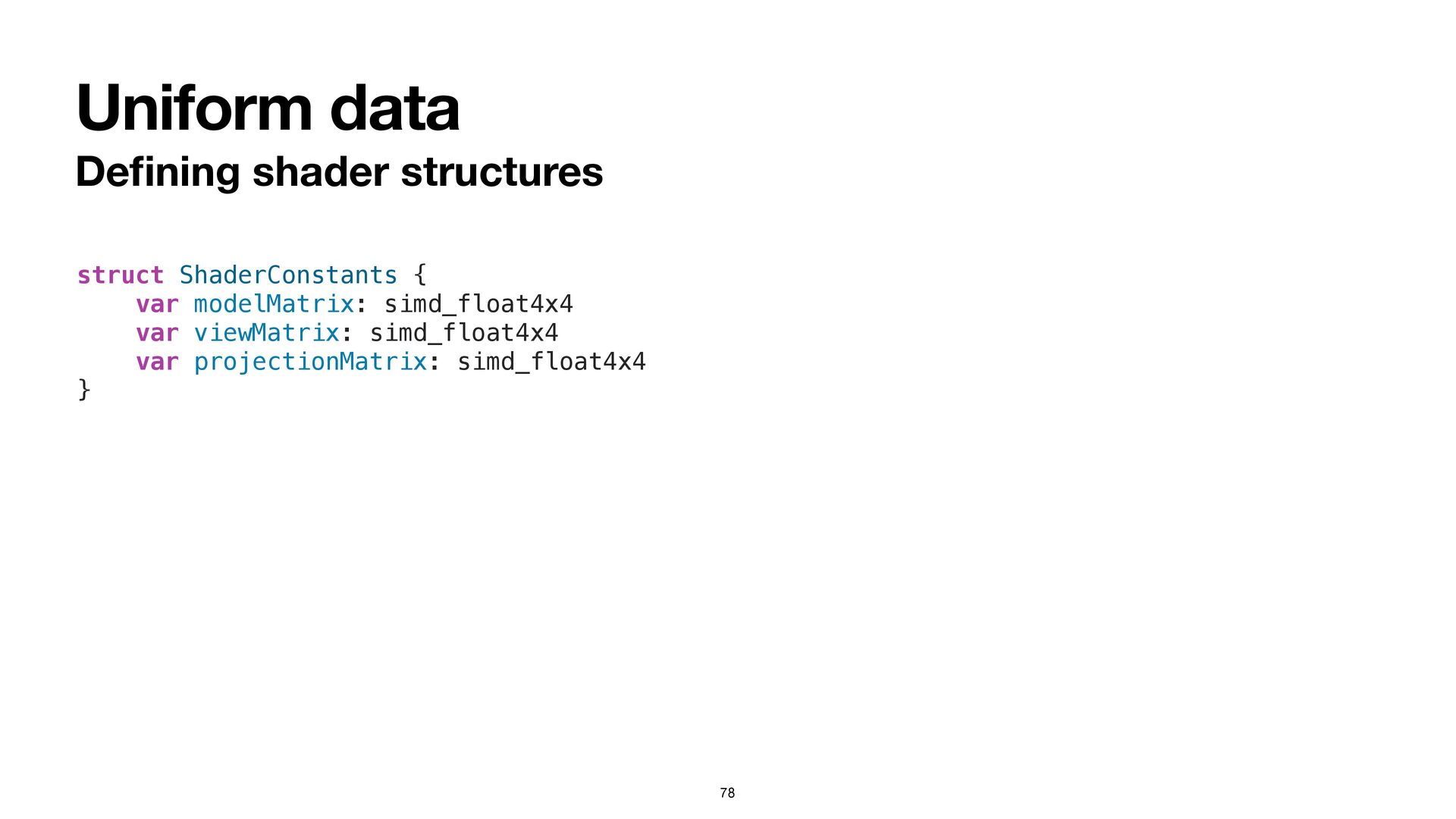
Uniform data De fi ning shader structures 78 struct ShaderConstants
{ var modelMatrix: simd_float4x4 var viewMatrix: simd_float4x4 var projectionMatrix: simd_float4x4 } -
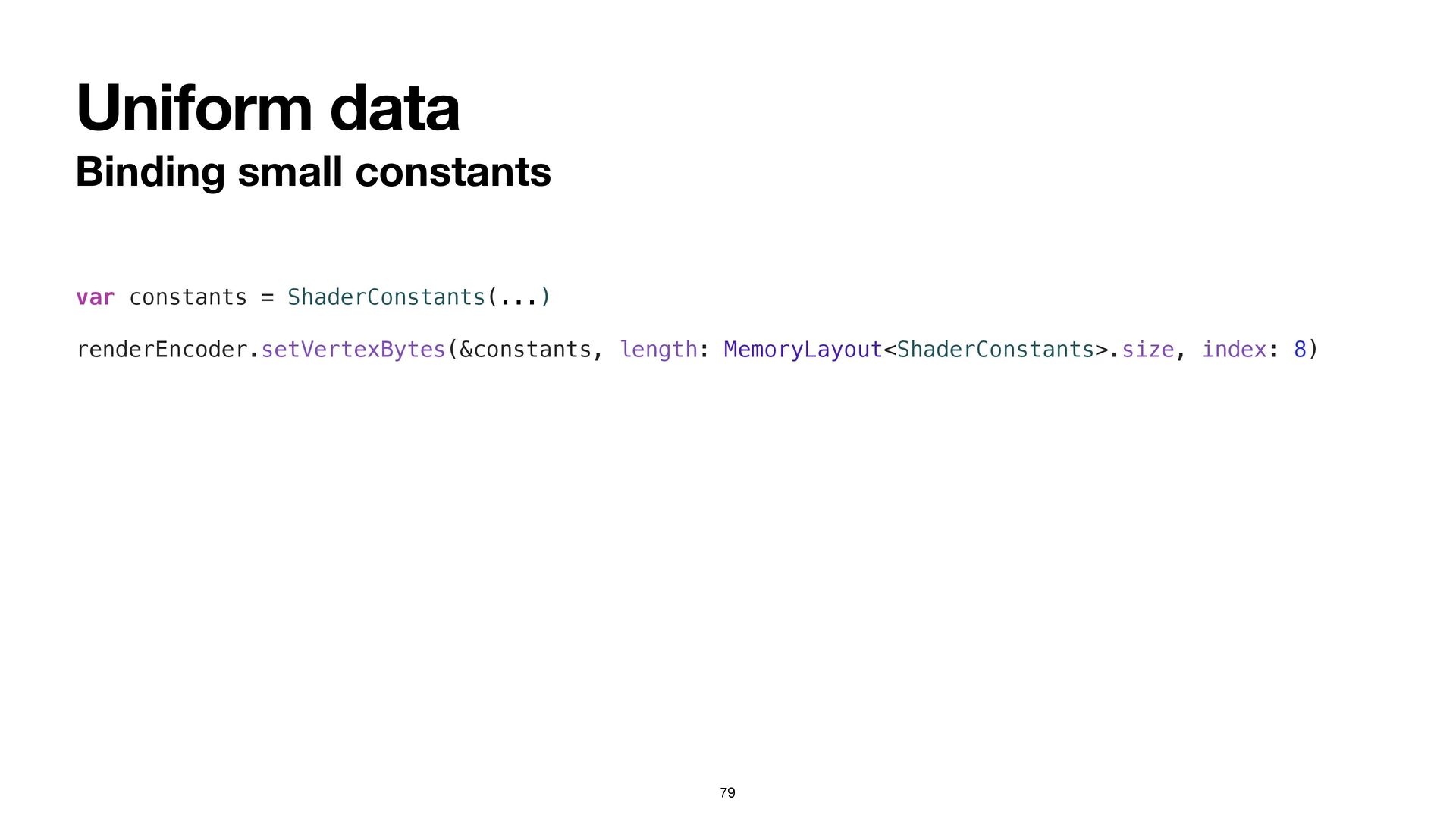
Uniform data Binding small constants 79 var constants = ShaderConstants(...)
renderEncoder.setVertexBytes(&constants, length: MemoryLayout<ShaderConstants>.size, index: 8) -
Drawing in 3D Detailed steps Select the “Hello3D” scheme Navigate
to the Hello3DApp.swift fi le Add code to the draw(in:) method that: • binds transform constants Add code to the vertex shader that: • combines the model, view, and projection matrices • produces a clip-space vertex position 81 -
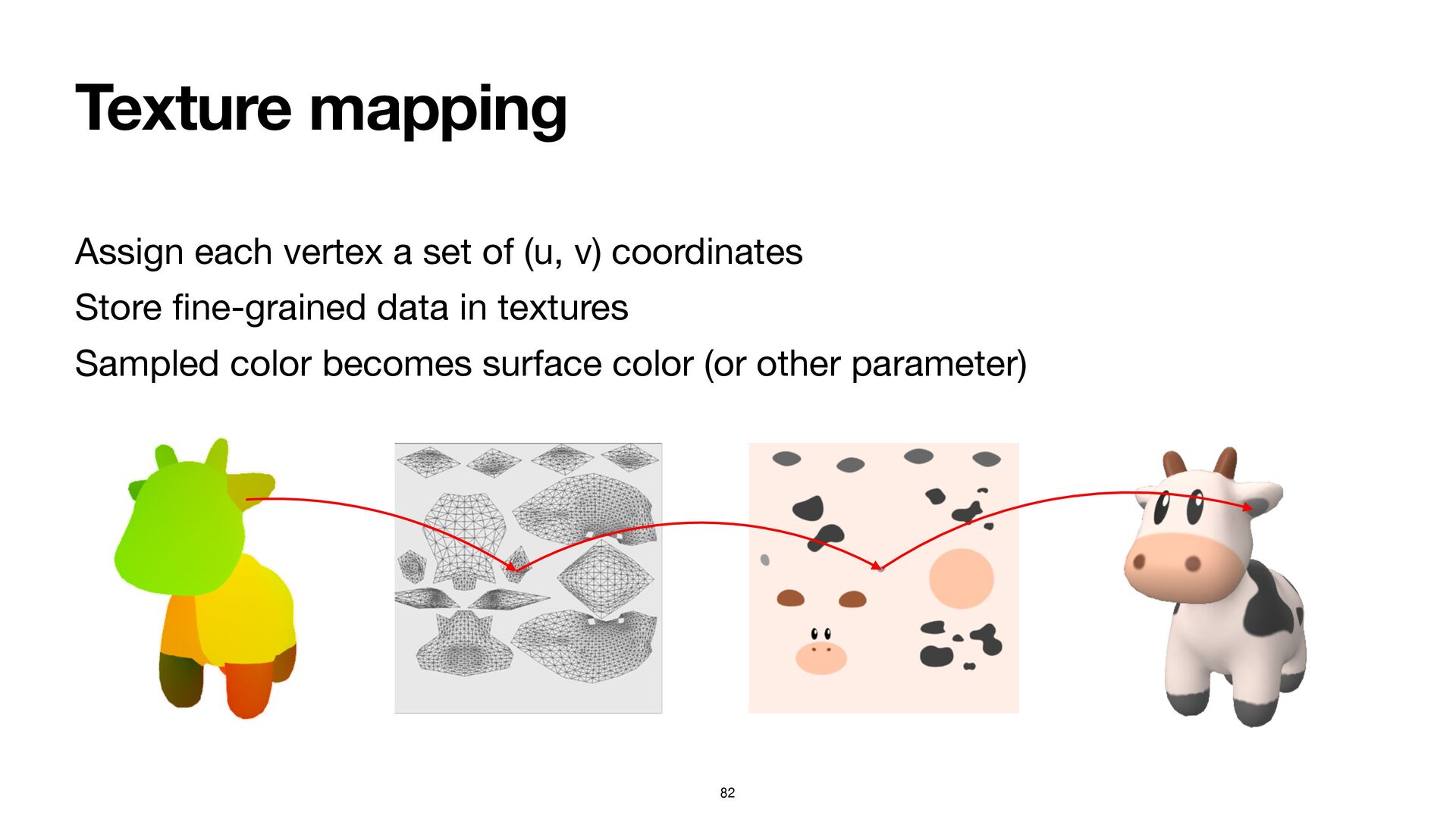
Texture mapping 82 Assign each vertex a set of (u,
v) coordinates Store fi ne-grained data in textures Sampled color becomes surface color (or other parameter) -
Texture sampling API Supports a large variety of image formats
Interoperates with Model I/O: let options: [MTKTextureLoader.Option : Any] = [ .generateMipmaps : true, .textureStorageMode : MTLStorageMode.private.rawValue ] let texture = try textureLoader.newTexture(texture: mdlTexture, options: options) 83 -
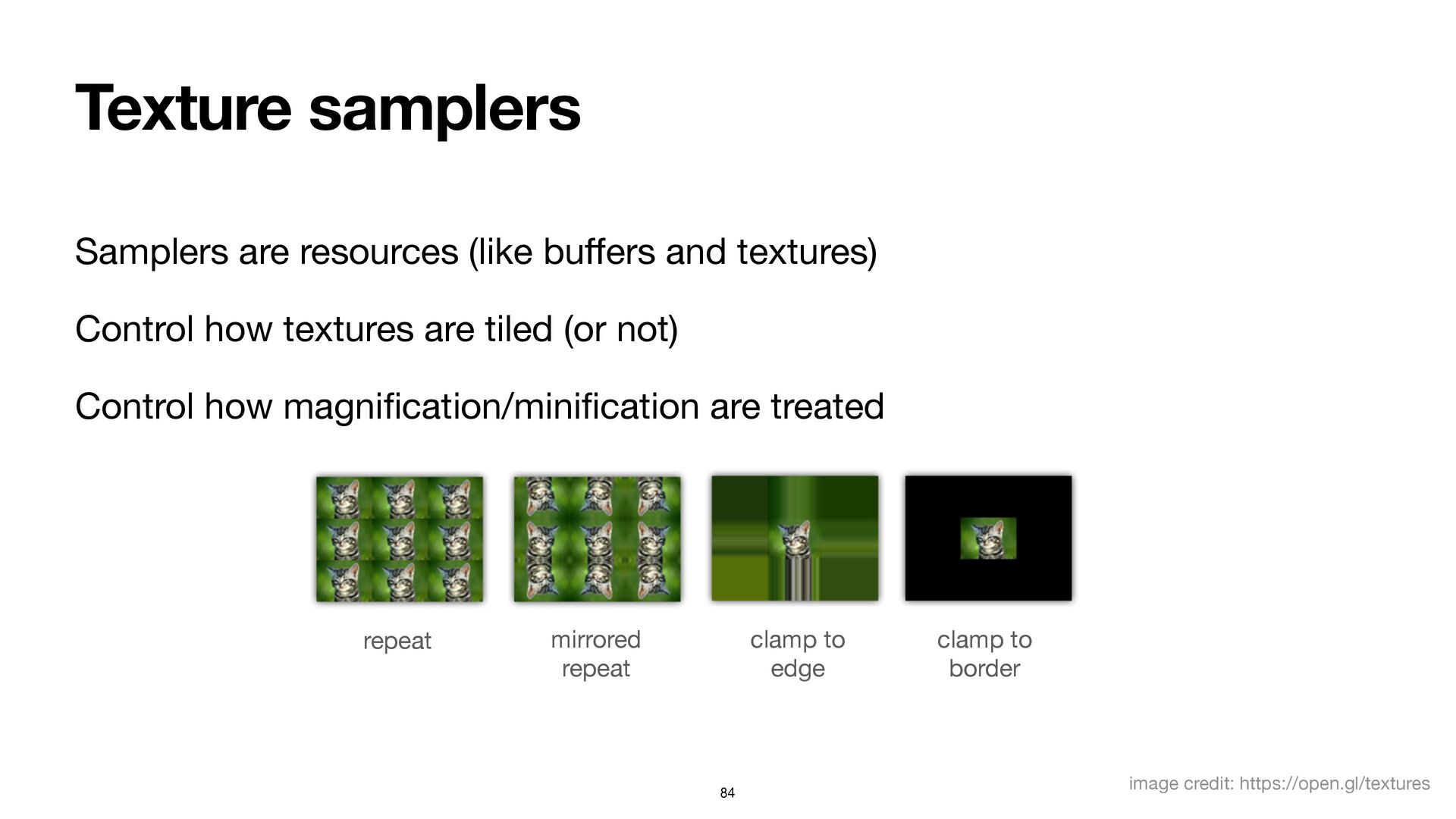
Texture samplers Samplers are resources (like bu ff ers and
textures) Control how textures are tiled (or not) Control how magni fi cation/mini fi cation are treated repeat mirrored repeat clamp to edge clamp to border image credit: https://open.gl/textures 84 -
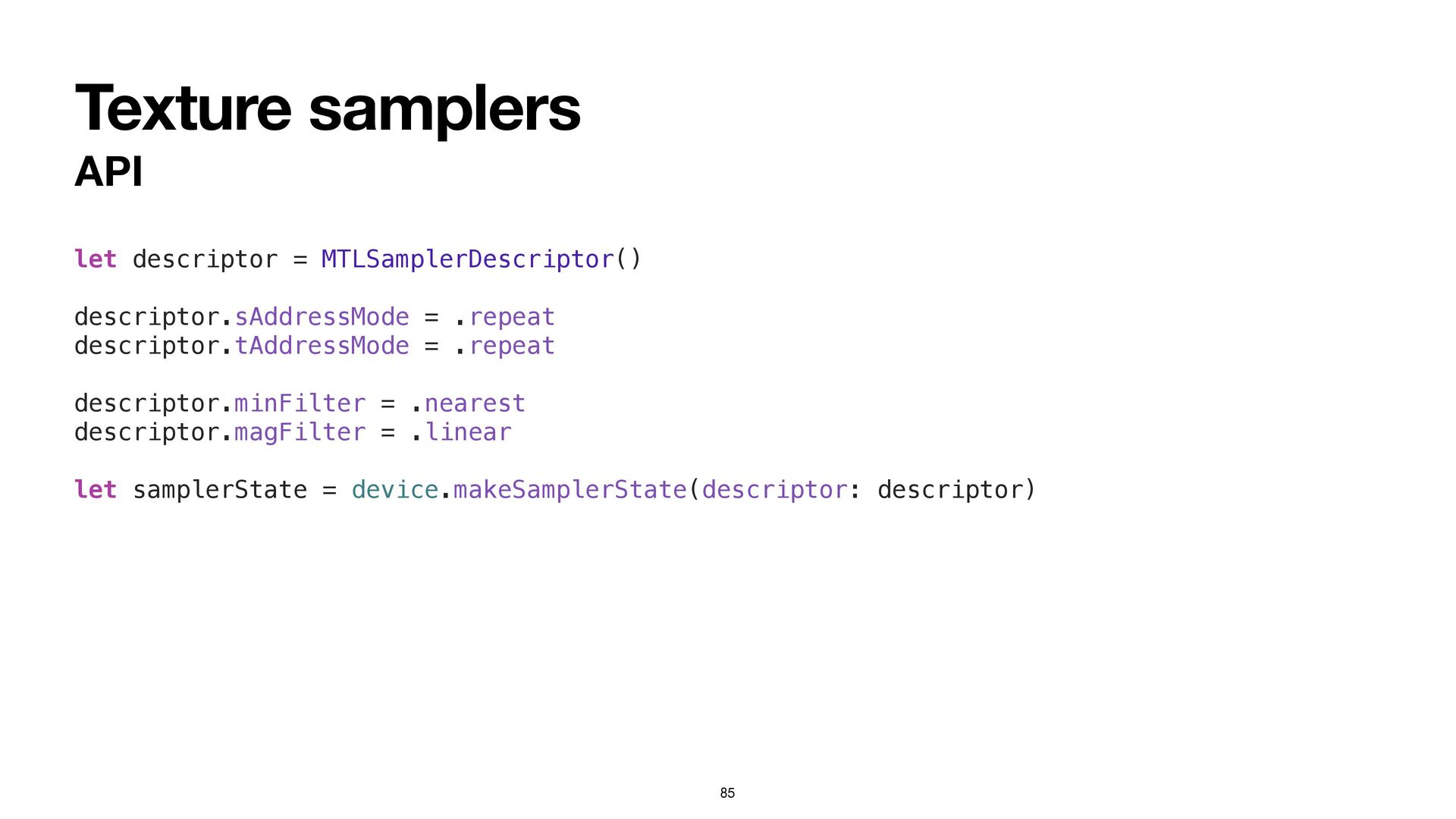
Texture samplers API let descriptor = MTLSamplerDescriptor() descriptor.sAddressMode = .repeat
descriptor.tAddressMode = .repeat descriptor.minFilter = .nearest descriptor.magFilter = .linear let samplerState = device.makeSamplerState(descriptor: descriptor) 85 -
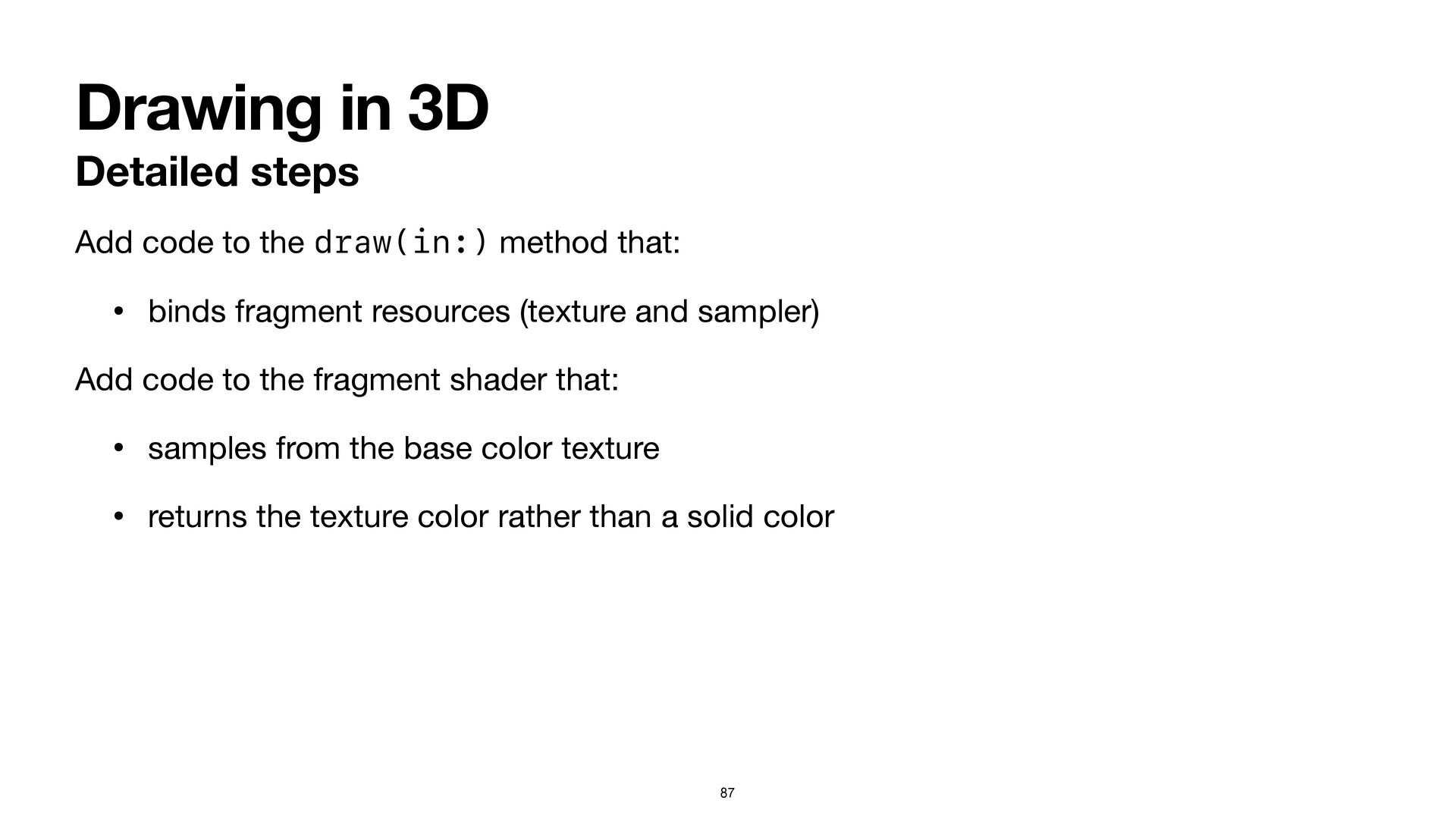
Drawing in 3D Detailed steps Add code to the draw(in:)
method that: • binds fragment resources (texture and sampler) Add code to the fragment shader that: • samples from the base color texture • returns the texture color rather than a solid color 87 -
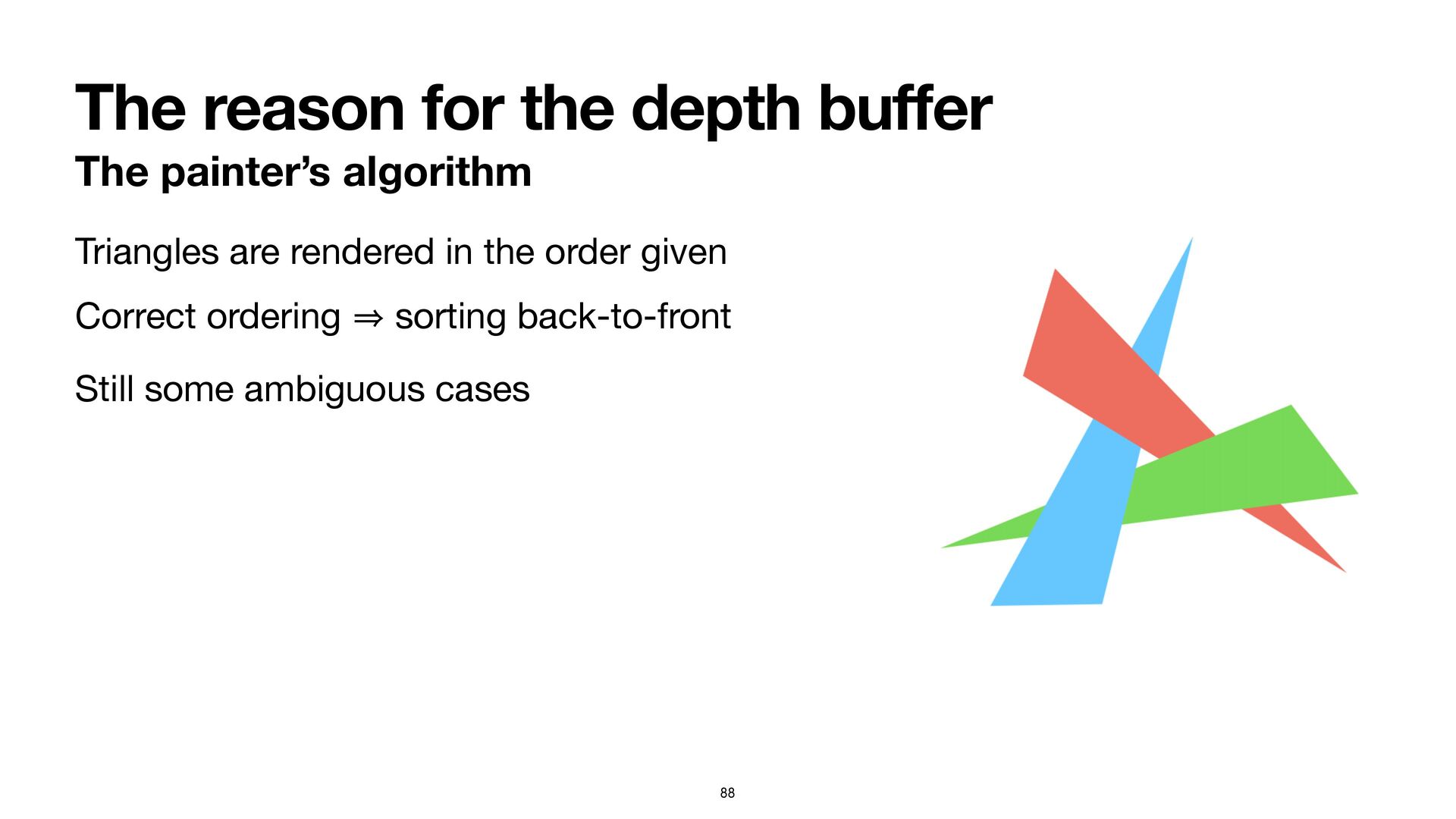
The reason for the depth bu ff er The painter’s
algorithm Triangles are rendered in the order given Correct ordering 㱺 sorting back-to-front Still some ambiguous cases 88 -
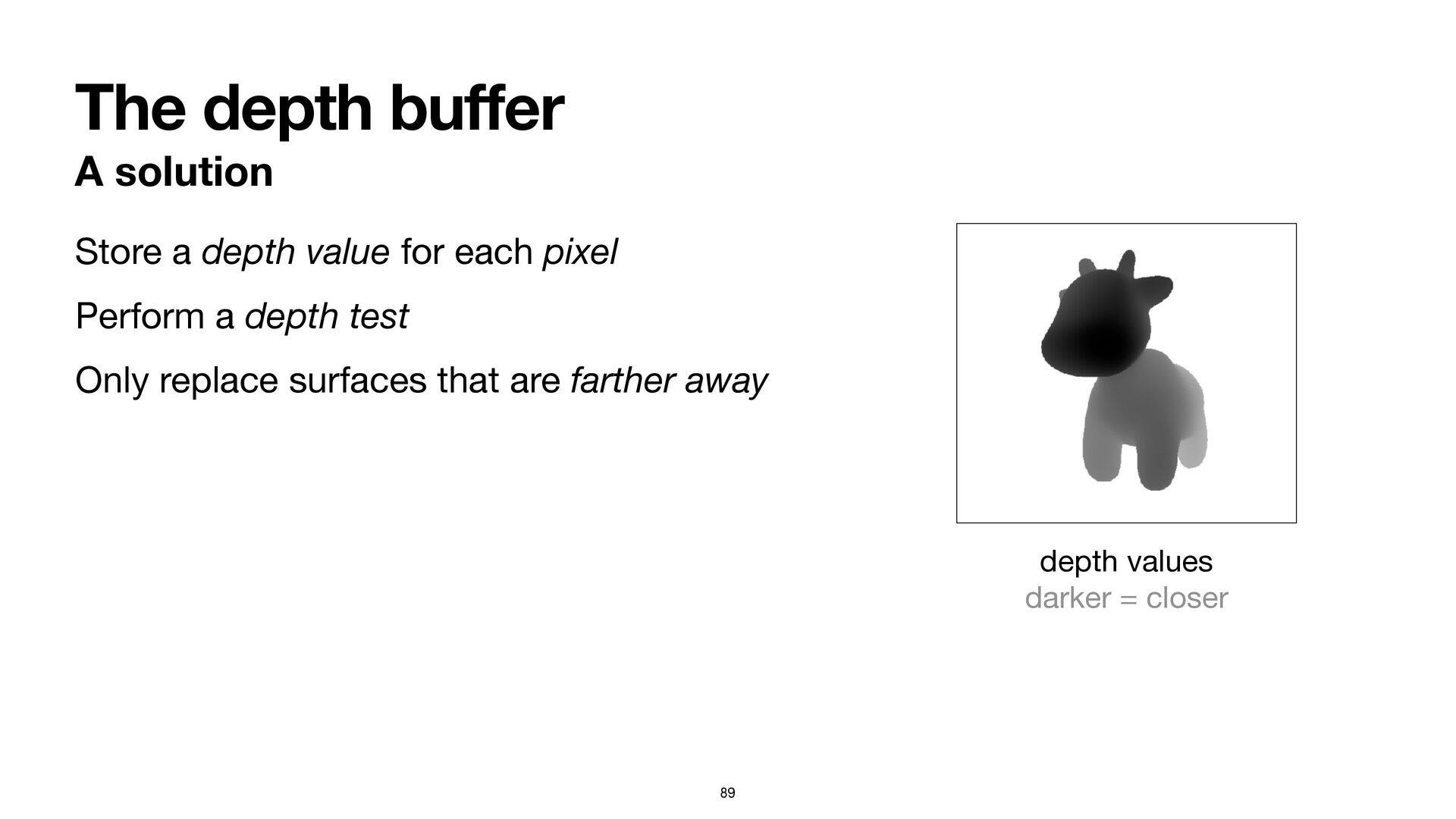
The depth bu ff er A solution Store a depth
value for each pixel Perform a depth test Only replace surfaces that are farther away 89 depth values darker = closer -
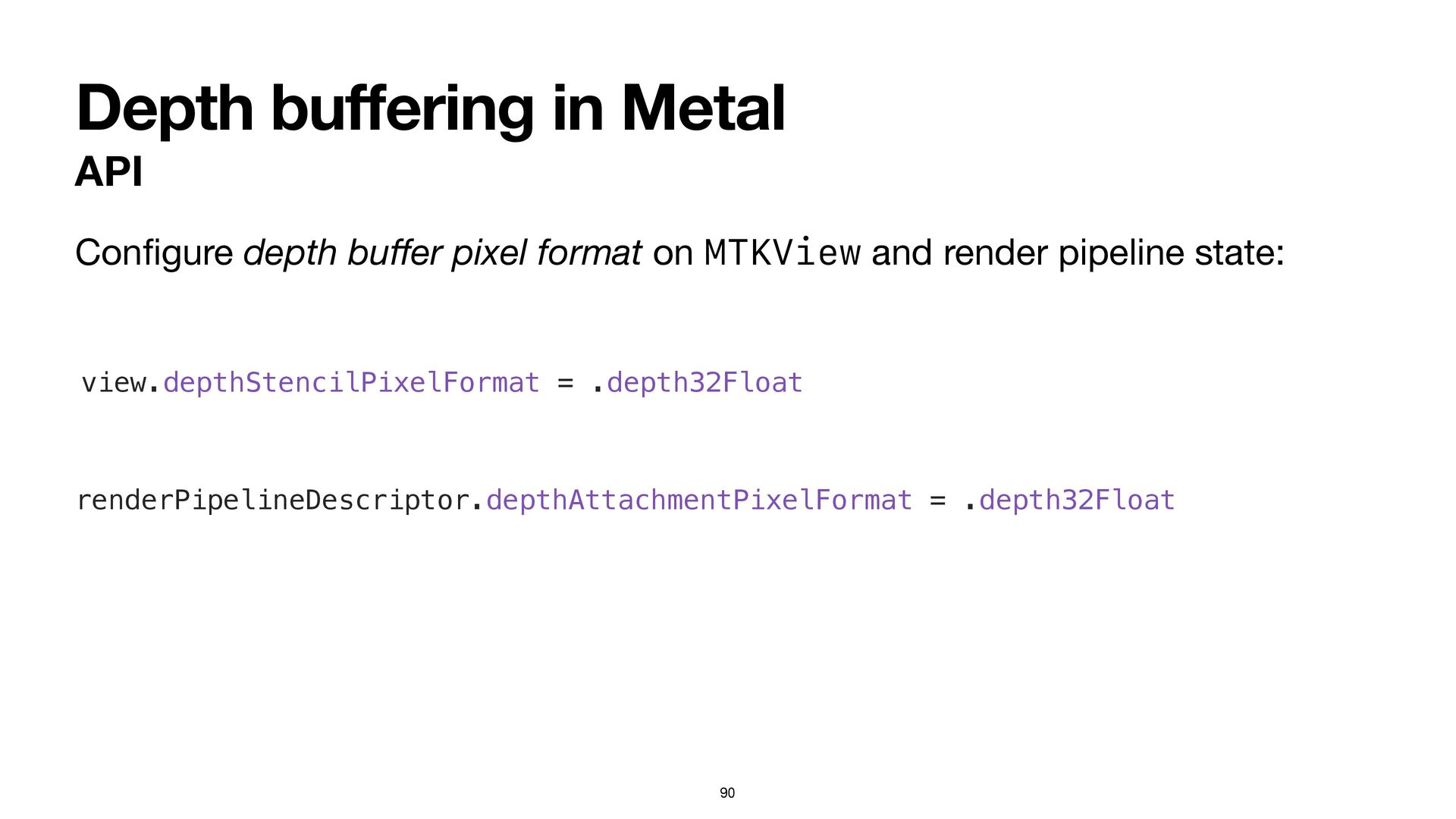
Depth bu ff ering in Metal API Con fi gure
depth bu ff er pixel format on MTKView and render pipeline state: 90 renderPipelineDescriptor.depthAttachmentPixelFormat = .depth32Float view.depthStencilPixelFormat = .depth32Float -
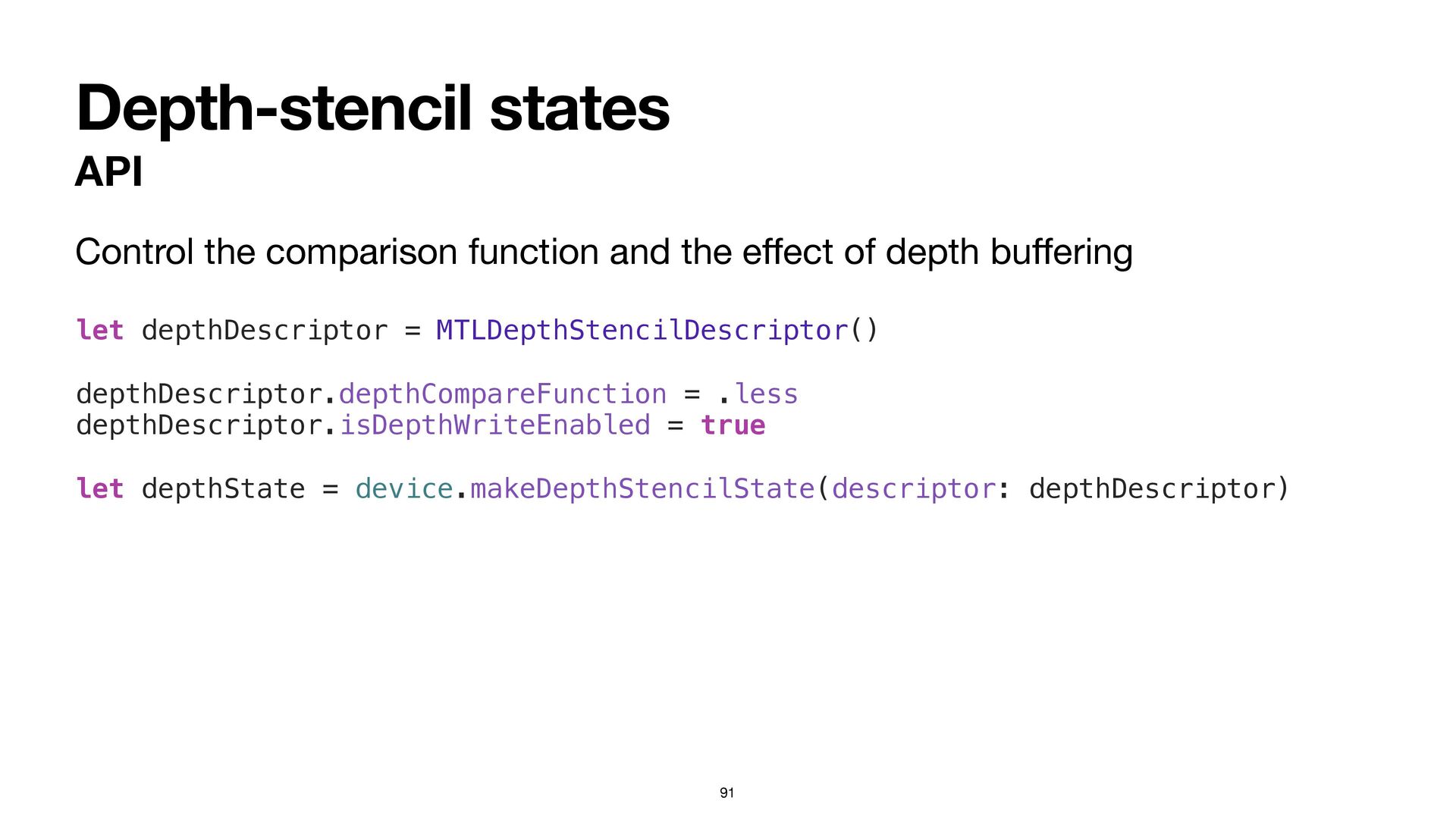
Depth-stencil states API Control the comparison function and the e
ff ect of depth bu ff ering 91 let depthDescriptor = MTLDepthStencilDescriptor() depthDescriptor.depthCompareFunction = .less depthDescriptor.isDepthWriteEnabled = true let depthState = device.makeDepthStencilState(descriptor: depthDescriptor) -
Drawing in 3D Detailed steps Add code to the draw(in:)
method that: • binds the depth-stencil state 93 -
Turn on the lights Agenda Directional lights Shading models—Di ff
use Shading models—Specular 95 -
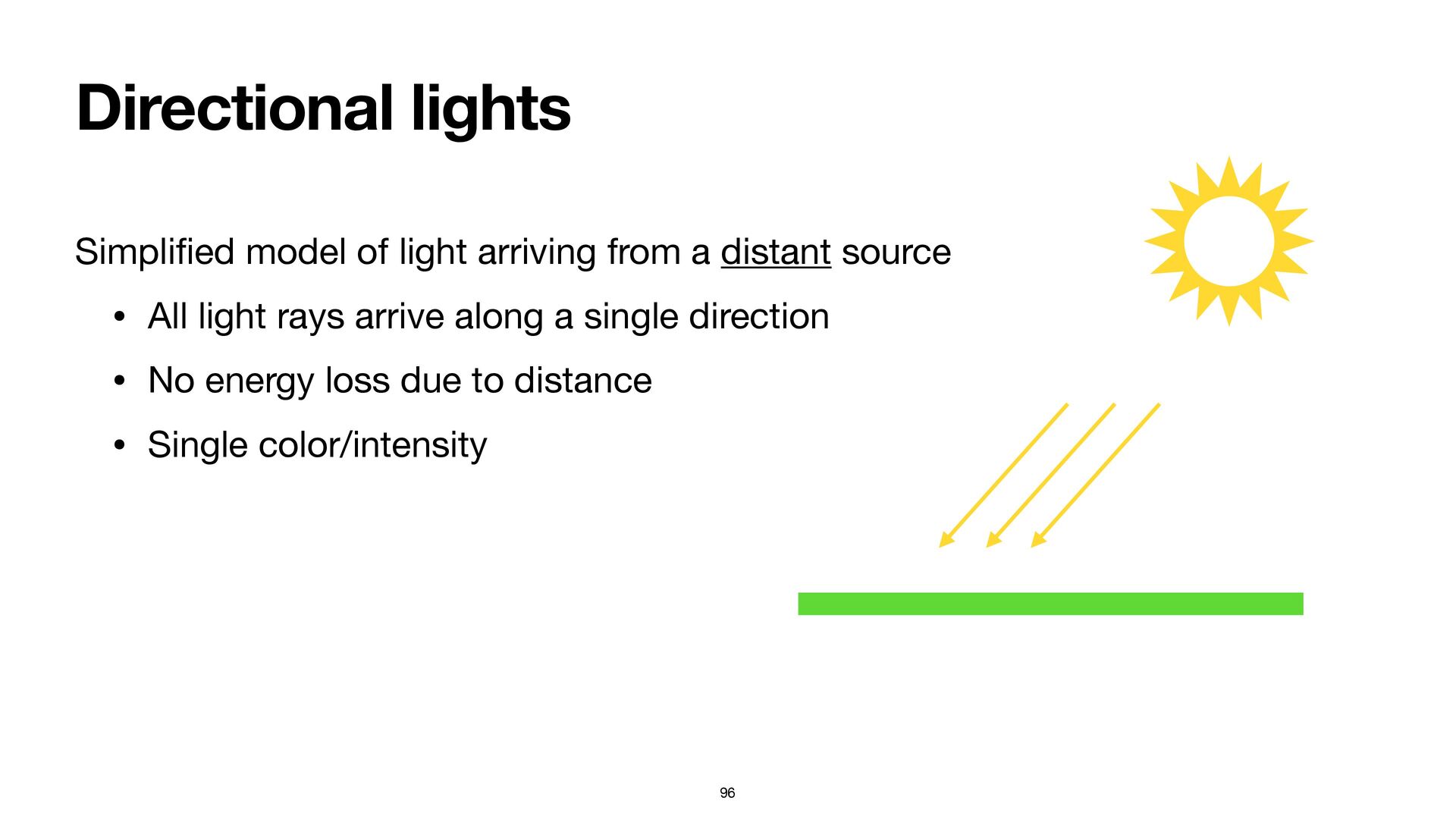
Directional lights Simpli fi ed model of light arriving from
a distant source • All light rays arrive along a single direction • No energy loss due to distance • Single color/intensity 96 -
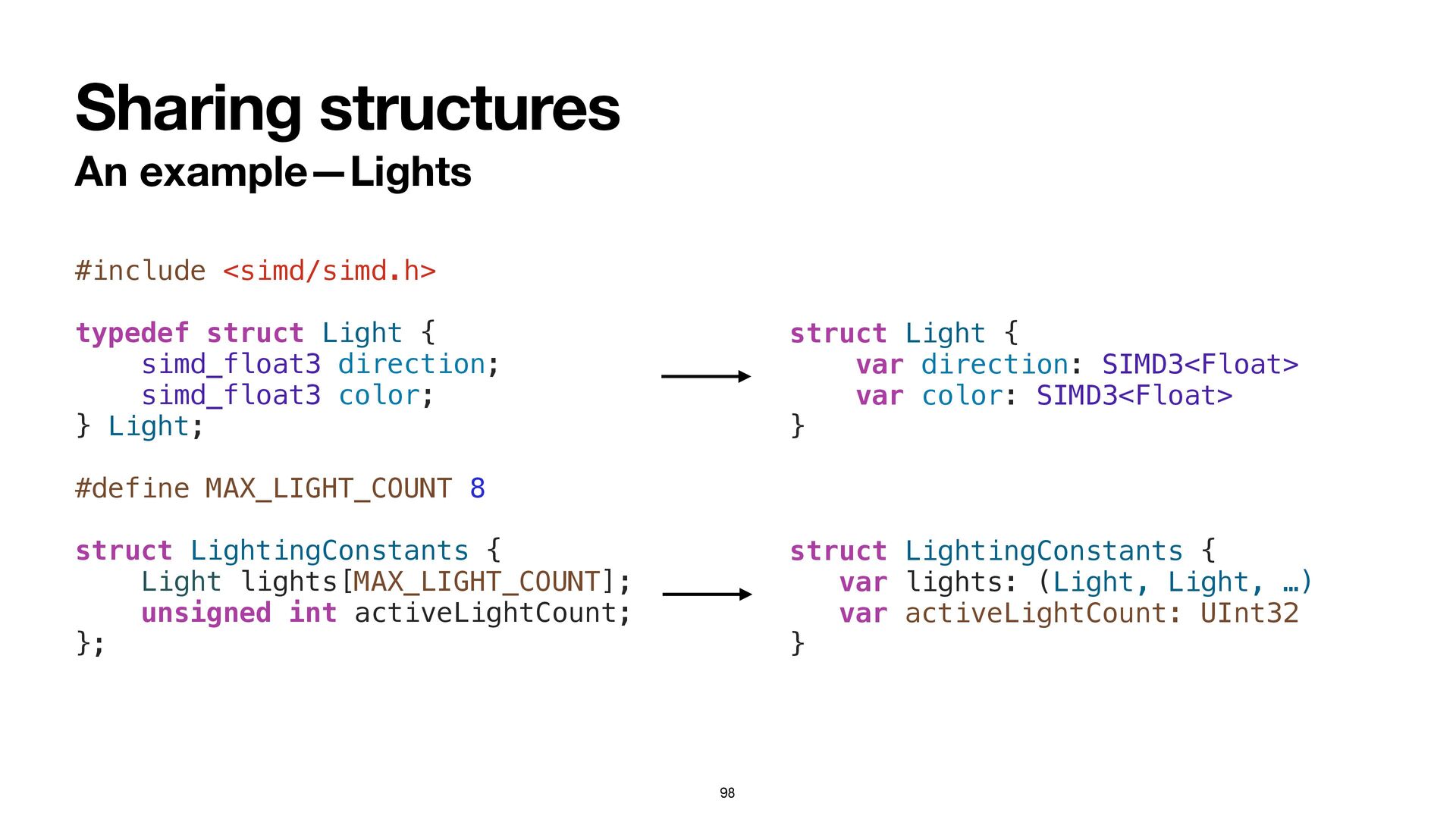
Sharing structures Between Swift and shaders 97 Redundancy between Swift
and shader code → bugs 🐞 Solution: Shared headers • Move shader structures to a C header (ShaderStructures.h) • Add an Objective-C bridging header • #include the shared header -
Sharing structures An example—Lights 98 #include <simd/simd.h> typedef struct Light
{ simd_float3 direction; simd_float3 color; } Light; #define MAX_LIGHT_COUNT 8 struct LightingConstants { Light lights[MAX_LIGHT_COUNT]; unsigned int activeLightCount; }; struct Light { var direction: SIMD3<Float> var color: SIMD3<Float> } struct LightingConstants { var lights: (Light, Light, …) var activeLightCount: UInt32 } -
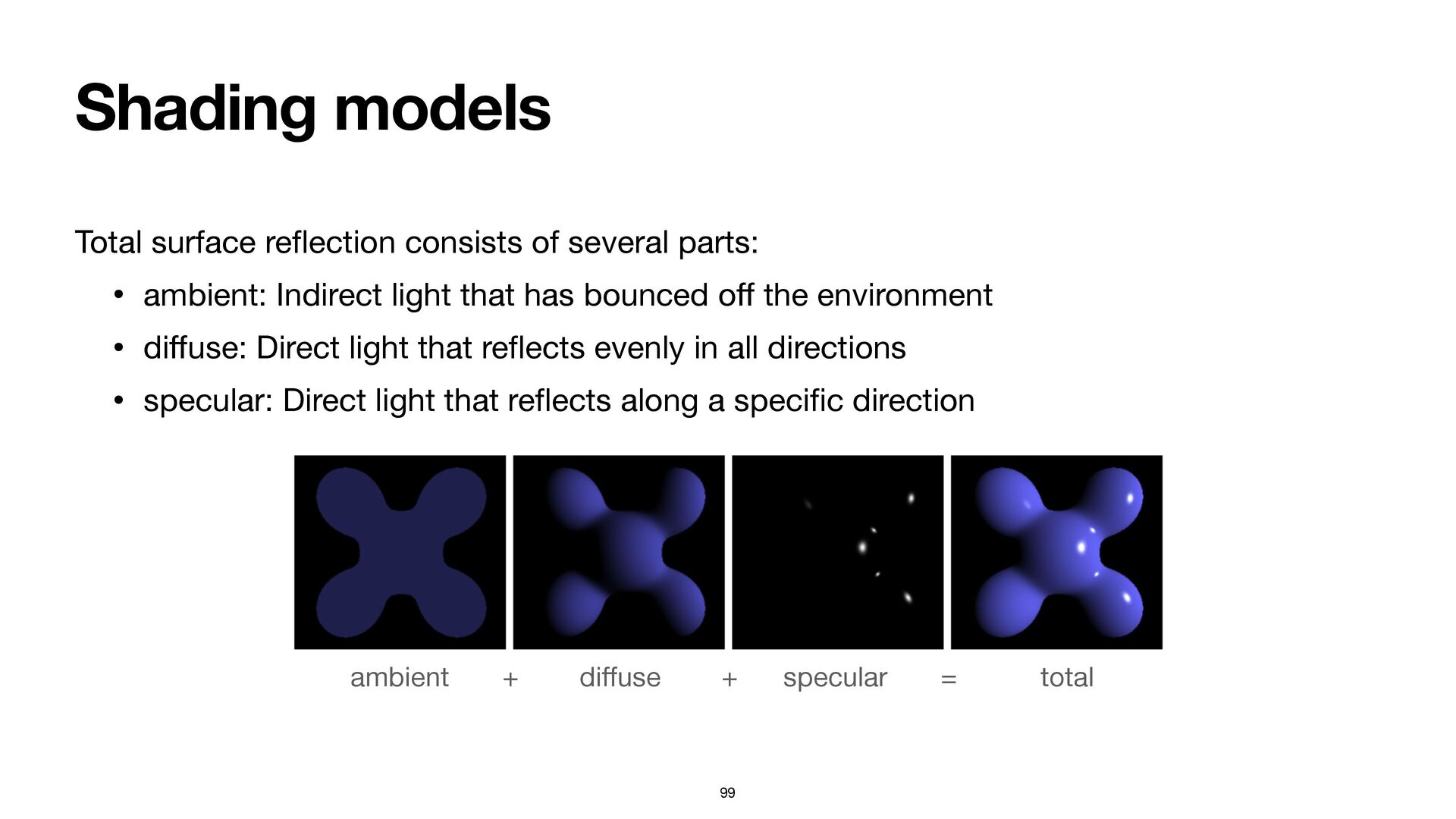
Shading models 99 Total surface re fl ection consists of
several parts: • ambient: Indirect light that has bounced o ff the environment • di ff use: Direct light that re fl ects evenly in all directions • specular: Direct light that re fl ects along a speci fi c direction ambient + di ff use + specular = total -
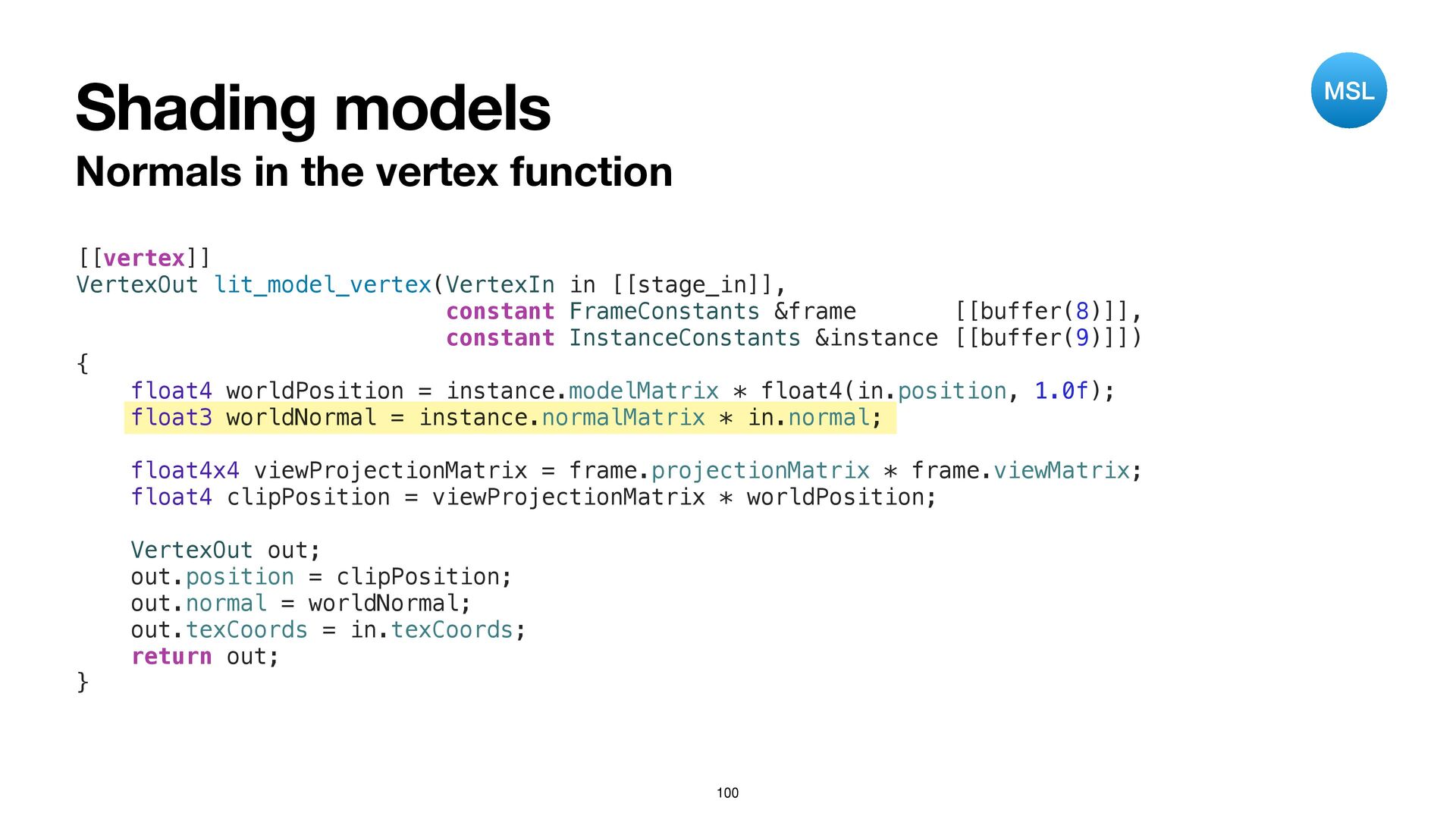
Shading models 100 Normals in the vertex function [[vertex]] VertexOut
lit_model_vertex(VertexIn in [[stage_in]], constant FrameConstants &frame [[buffer(8)]], constant InstanceConstants &instance [[buffer(9)]]) { float4 worldPosition = instance.modelMatrix * float4(in.position, 1.0f); float3 worldNormal = instance.normalMatrix * in.normal; float4x4 viewProjectionMatrix = frame.projectionMatrix * frame.viewMatrix; float4 clipPosition = viewProjectionMatrix * worldPosition; VertexOut out; out.position = clipPosition; out.normal = worldNormal; out.texCoords = in.texCoords; return out; } MSL -
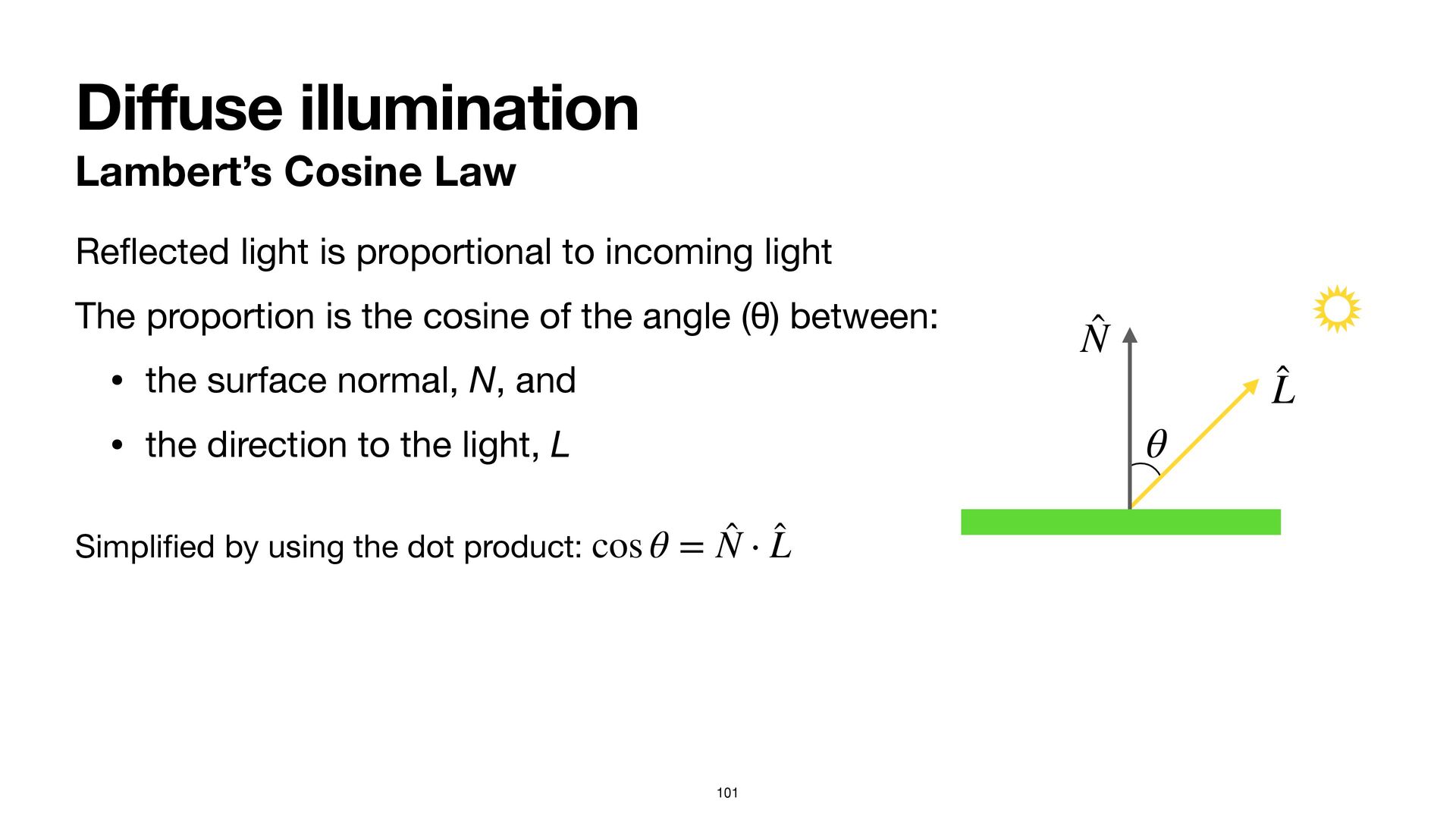
Di ff use illumination Lambert’s Cosine Law 101 Re fl
ected light is proportional to incoming light The proportion is the cosine of the angle (θ) between: • the surface normal, N, and • the direction to the light, L Simpli fi ed by using the dot product: cos θ = ̂ N ⋅ ̂ L ̂ N ̂ L θ -
Di ff use illumination Algorithm 102 To fi nd the
total outgoing light from a surface point: For each light, calculate its di ff use contribution, by multiplying the surface color, the light intensity, and the Lambert cosine factor. -
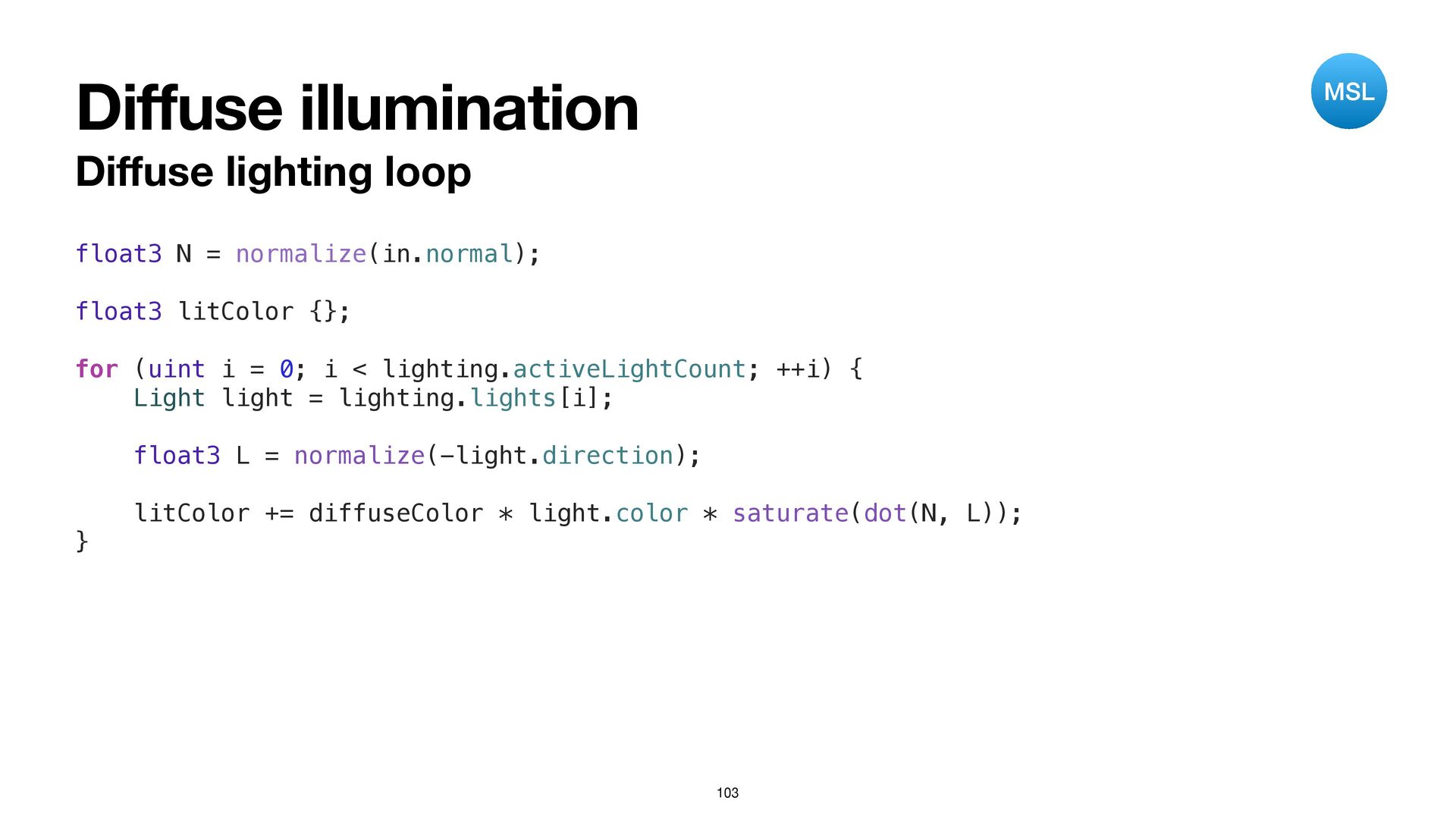
Di ff use illumination Di ff use lighting loop 103
float3 N = normalize(in.normal); float3 litColor {}; for (uint i = 0; i < lighting.activeLightCount; ++i) { Light light = lighting.lights[i]; float3 L = normalize(-light.direction); litColor += diffuseColor * light.color * saturate(dot(N, L)); } MSL -
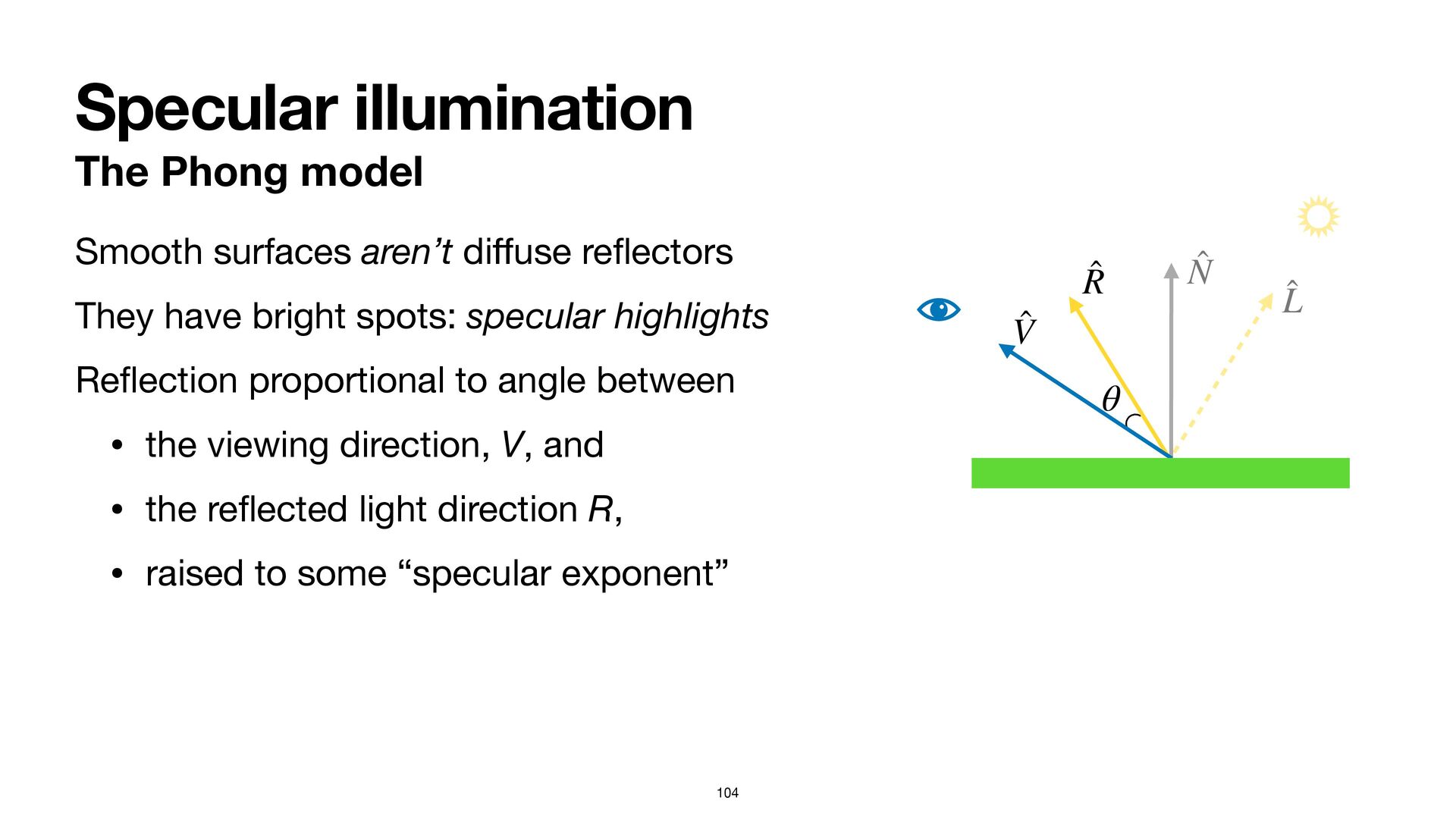
Specular illumination The Phong model 104 Smooth surfaces aren’t di
ff use re fl ectors They have bright spots: specular highlights Re fl ection proportional to angle between • the viewing direction, V, and • the re fl ected light direction R, • raised to some “specular exponent” ̂ N ̂ L ̂ R θ ̂ V -
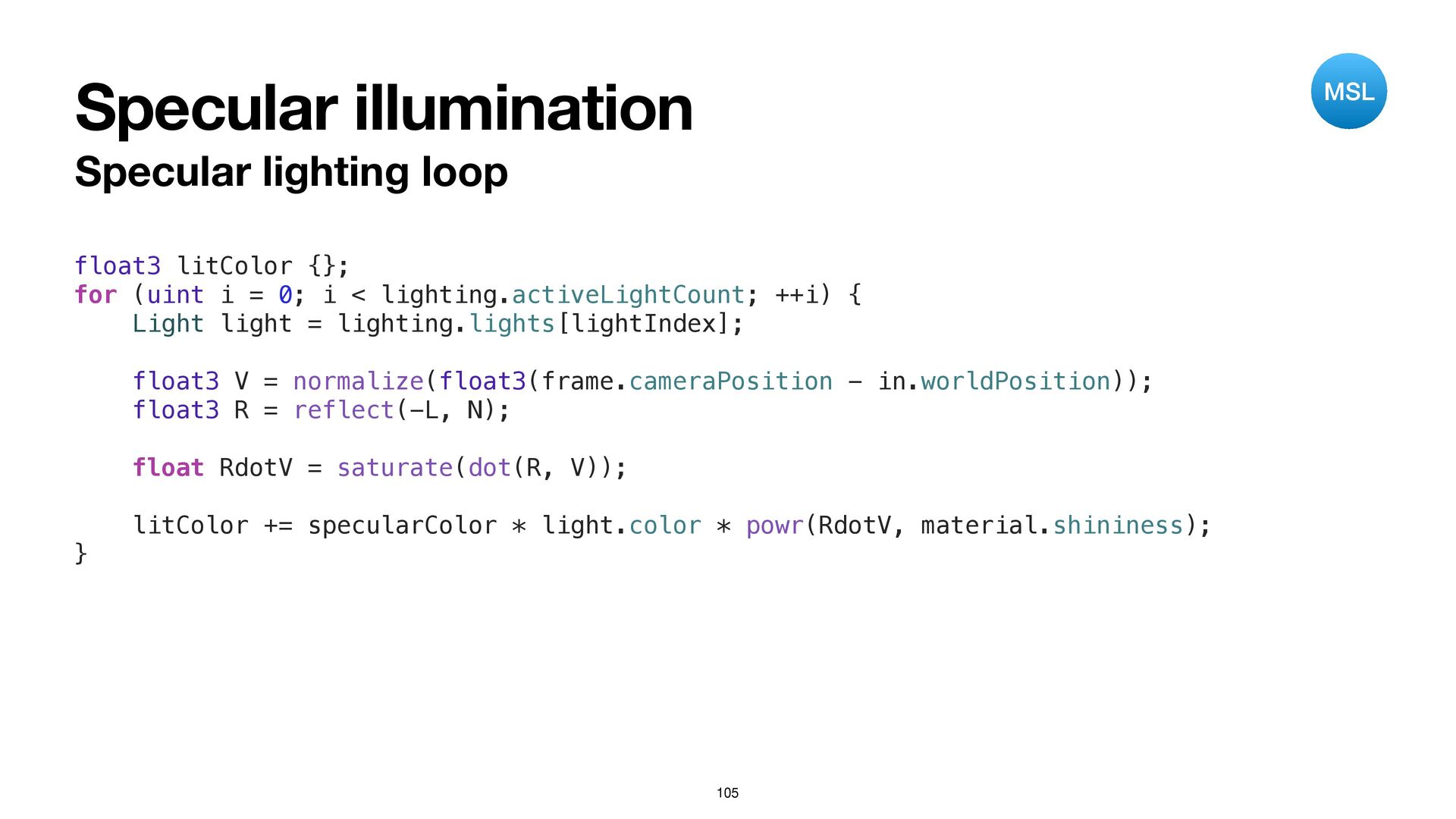
Specular illumination Specular lighting loop 105 float3 litColor {}; for
(uint i = 0; i < lighting.activeLightCount; ++i) { Light light = lighting.lights[lightIndex]; float3 V = normalize(float3(frame.cameraPosition - in.worldPosition)); float3 R = reflect(-L, N); float RdotV = saturate(dot(R, V)); litColor += specularColor * light.color * powr(RdotV, material.shininess); } MSL -
Turn on the lights Detailed steps Select the Lighting scheme
Navigate to Shaders.metal Add code to the fragment function that, for each light: • adds the di ff use contribution • adds the specular contribution 107