Share
Embed
Low-Level ARKit: Rendering with Metal
This course will be a deep-dive into advanced rendering techniques in Metal applied to ARKit. We will start with an introduction to AR concepts and ARKit fundamentals, including how SceneKit interoperates with ARKit. We will continue with a brief tour of the Metal API and shading language, and then proceed to write a custom 3D renderer for Metal. By the end of the training, attendees will have all the knowledge necessary to harness the power of Metal and ARKit in building their own awesome ARKit experiences.
Warren Moore
August 26, 2018
Transcript
84 slides
-
AGENDA Introduction to AR Using ARKit and SceneKit Stretch Break
Introduction to Metal Stretch Break Metal Rendering for ARKit Conclusion, Q&A !2 -
SAMPLE CODE github.com/warrenm/ARKitOnMetal !3 Two sample projects: SceneKit and Metal
Requires Xcode 10 beta Requires actual hardware to run; no Simulator -
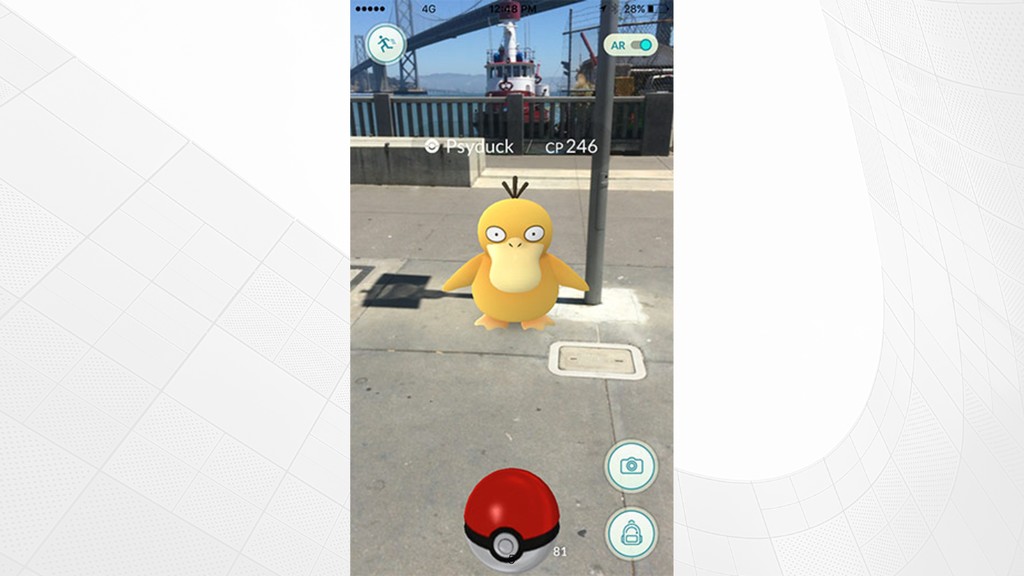
WHAT IS AR? !4 “[Placing] digital or computer-generated information, whether
it be images, audio, video, and touch or haptic sensations [in] a real-time environment” Kipper, Greg; Rampolla, Joseph. Augmented Reality: An Emerging Technologies Guide to AR -
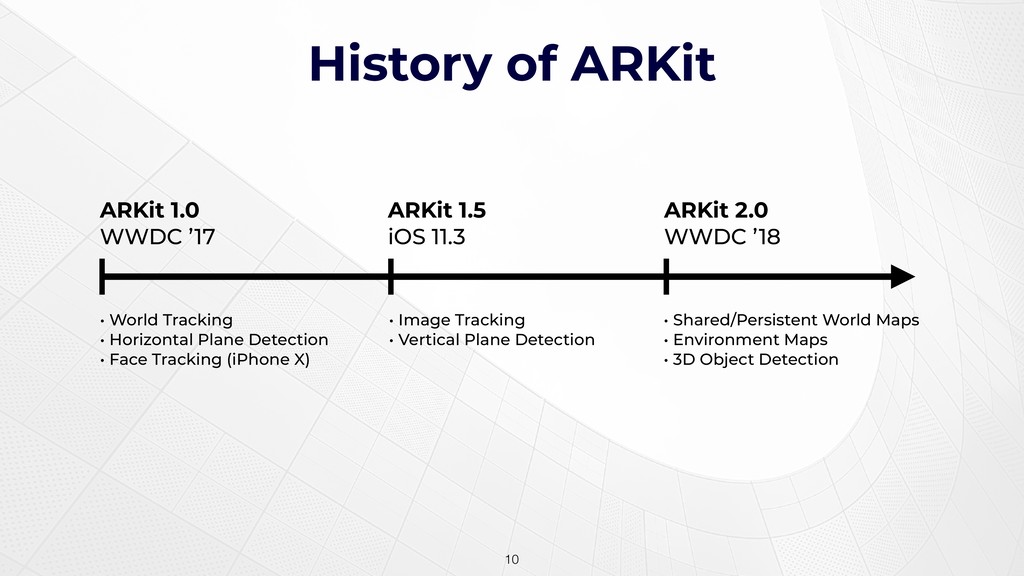
History of ARKit !10 • World Tracking • Horizontal Plane
Detection • Face Tracking (iPhone X) ARKit 1.0 WWDC ’17 ARKit 1.5 iOS 11.3 ARKit 2.0 WWDC ’18 • Image Tracking • Vertical Plane Detection • Shared/Persistent World Maps • Environment Maps • 3D Object Detection -
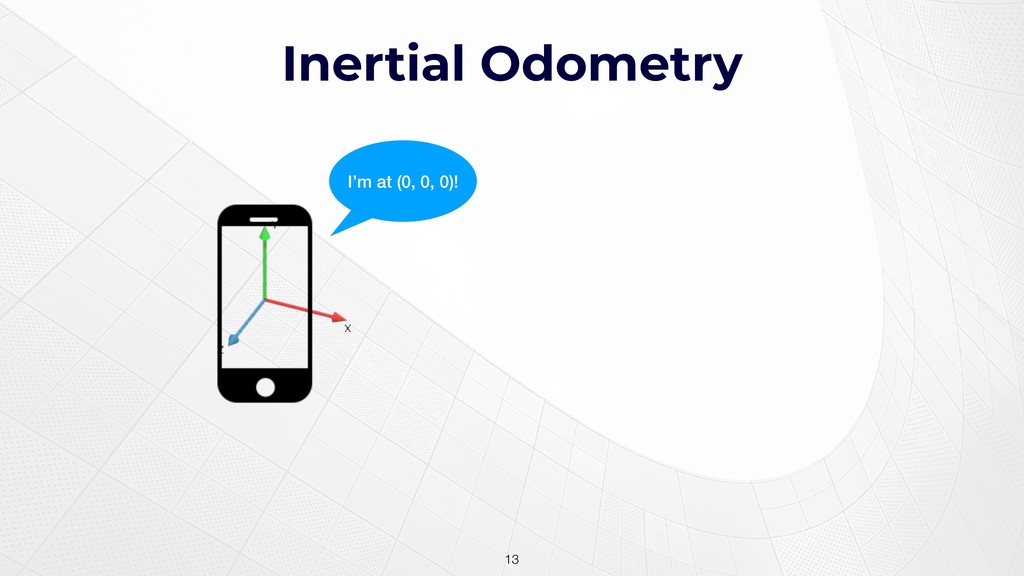
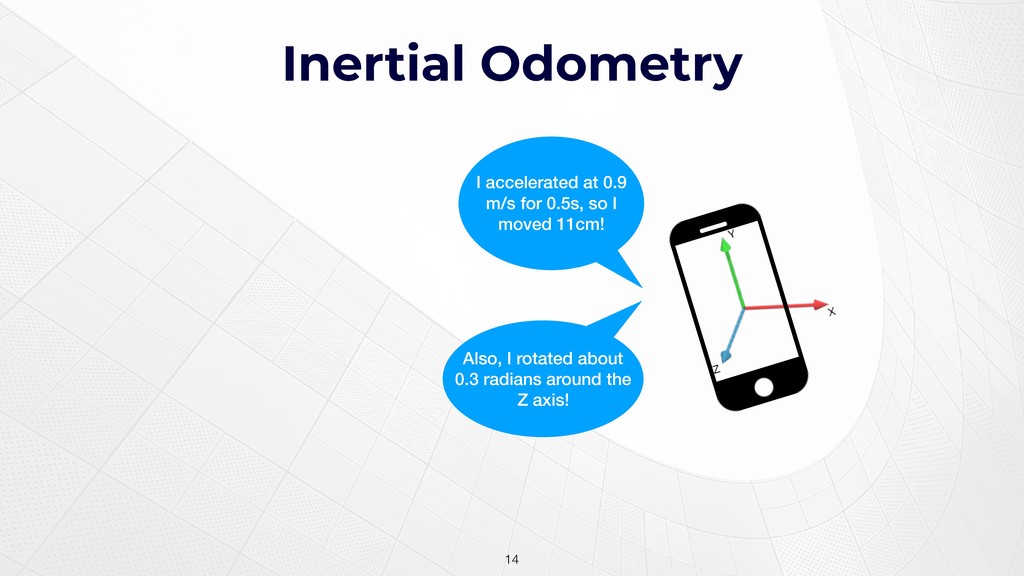
Inertial Odometry !14 I accelerated at 0.9 m/s for 0.5s,
so I moved 11cm! Also, I rotated about 0.3 radians around the Z axis! -
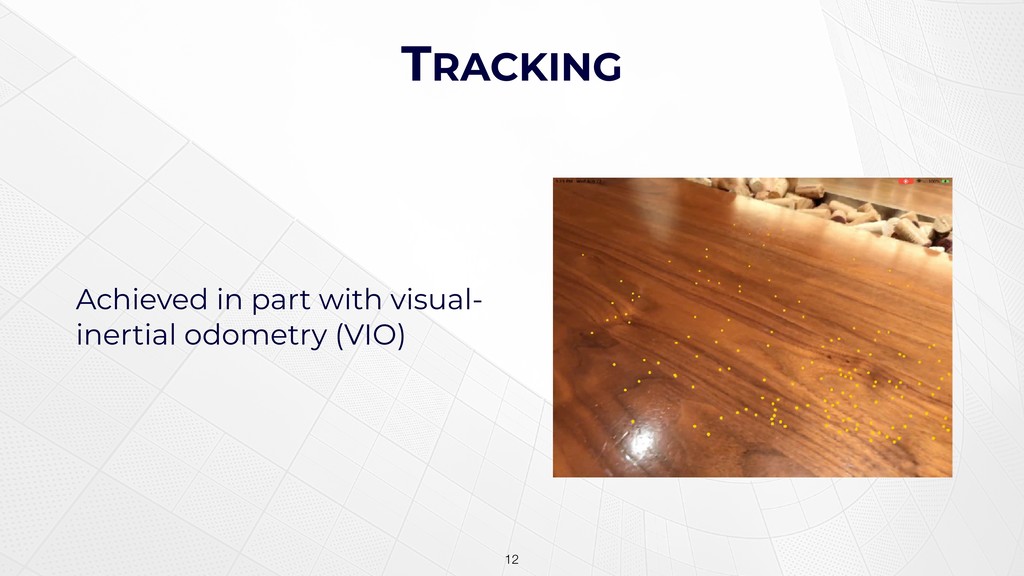
Getting Visual Integrating acceleration alone is subject to drift Fortunately,
it’s only half of the visual-inertial odometry puzzle The other half, naturally, is visual !15 -
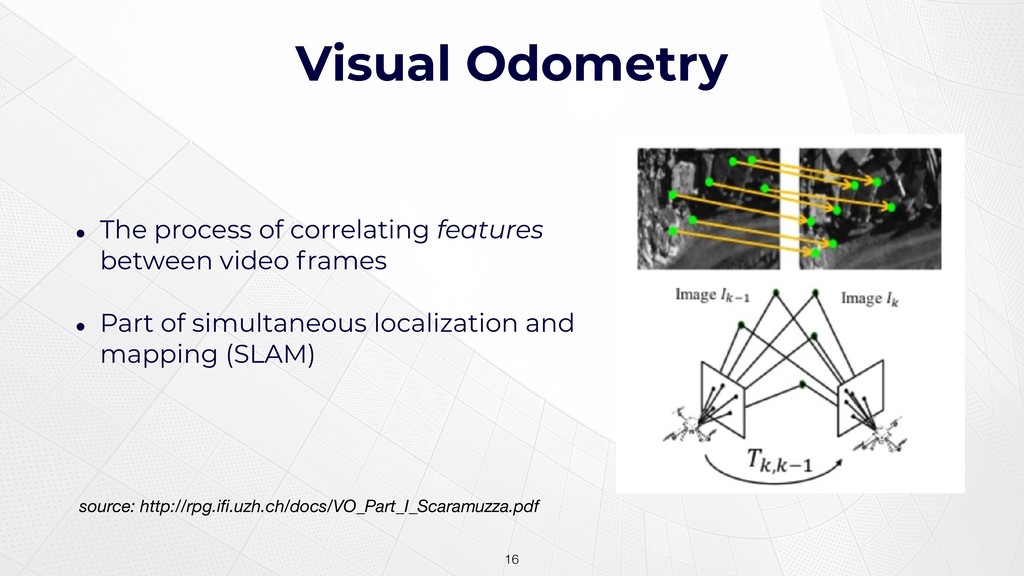
Visual Odometry • The process of correlating features between video
frames • Part of simultaneous localization and mapping (SLAM) !16 source: http://rpg.ifi.uzh.ch/docs/VO_Part_I_Scaramuzza.pdf -
SCENE UNDERSTANDING The ability to make sense of the world
via object and image recognition • Horizontal and vertical planes • Faces • Registered images and scanned objects !17 -
RENDERING Utilities for interoperating with game/rendering frameworks • SpriteKite •
SceneKit • Metal* !18 -
SESSIONS AND CONFIGURATIONS • ARSession: a context object that manages
underlying AVFoundation and CoreMotion sessions, and holds the state of the tracked world • ARConfiguration: a descriptor object containing properties that control which tracking features are active !20 -
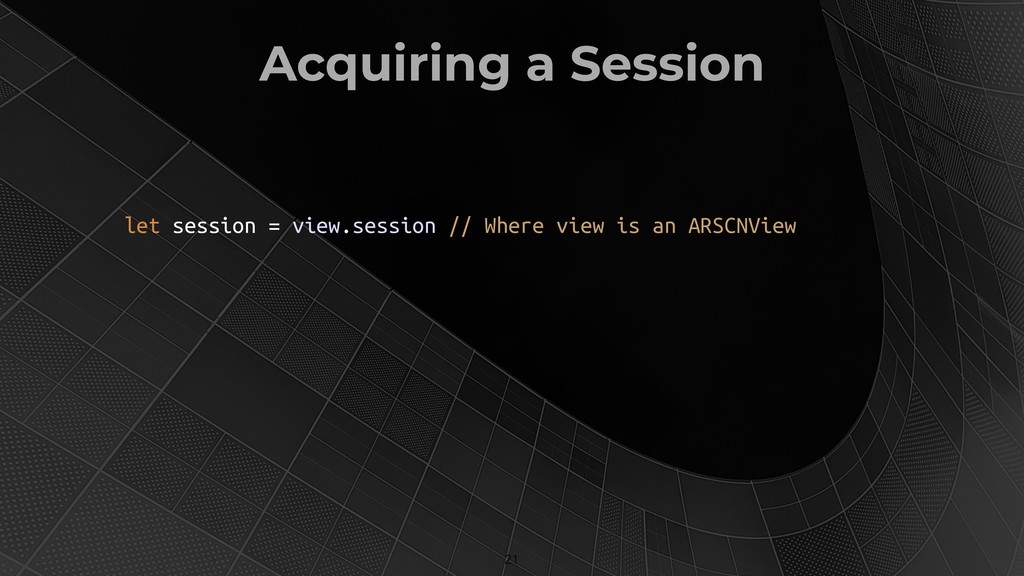
Acquiring a Session !21 let session = view.session // Where
view is an ARSCNView -
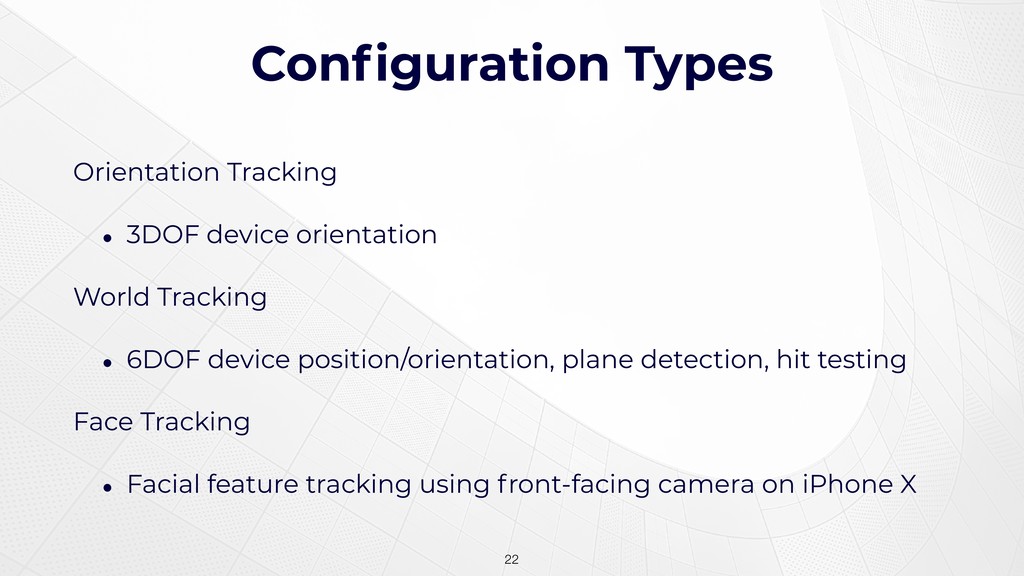
Configuration Types Orientation Tracking • 3DOF device orientation World Tracking
• 6DOF device position/orientation, plane detection, hit testing Face Tracking • Facial feature tracking using front-facing camera on iPhone X !22 -
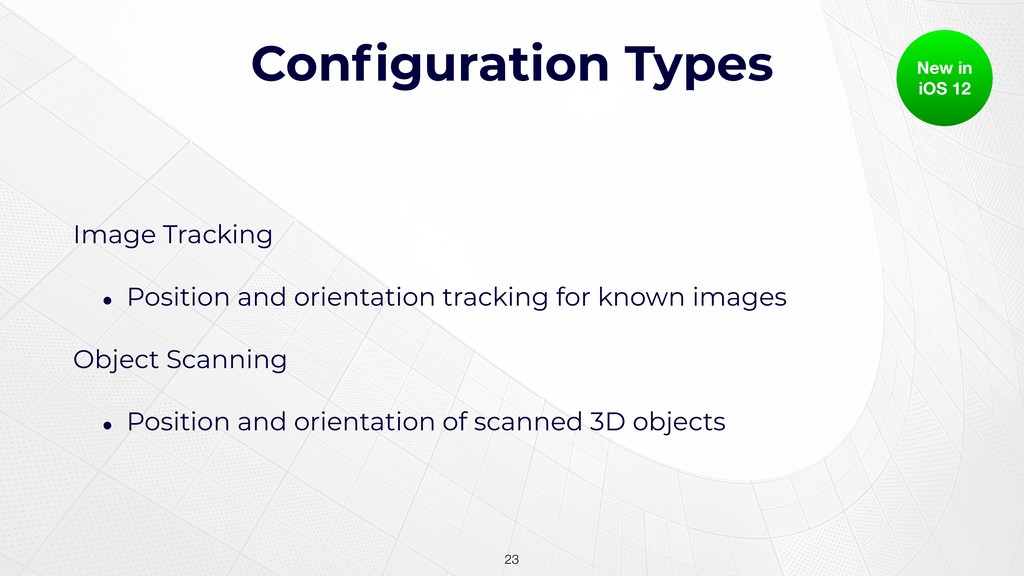
Configuration Types Image Tracking • Position and orientation tracking for
known images Object Scanning • Position and orientation of scanned 3D objects !23 New in iOS 12 -
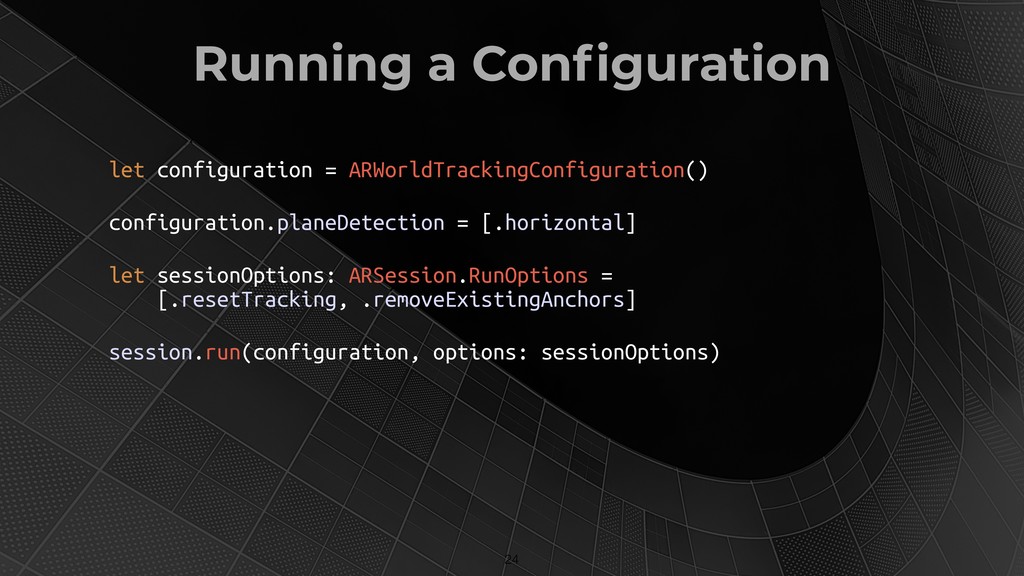
Running a Configuration !24 let configuration = ARWorldTrackingConfiguration() configuration.planeDetection =
[.horizontal] let sessionOptions: ARSession.RunOptions = [.resetTracking, .removeExistingAnchors] session.run(configuration, options: sessionOptions) -
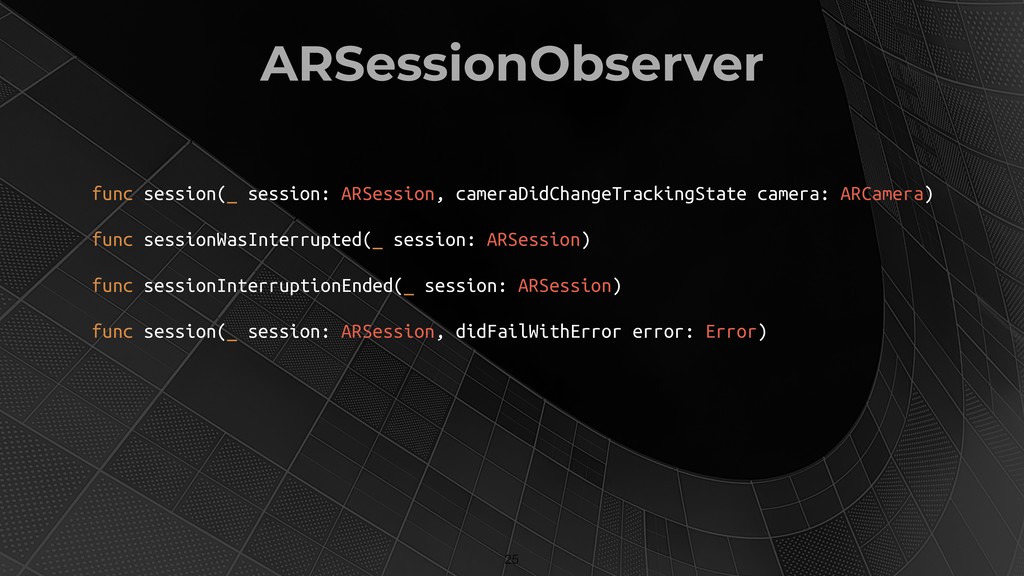
ARSessionObserver !25 func session(_ session: ARSession, cameraDidChangeTrackingState camera: ARCamera) func
sessionWasInterrupted(_ session: ARSession) func sessionInterruptionEnded(_ session: ARSession) func session(_ session: ARSession, didFailWithError error: Error) -
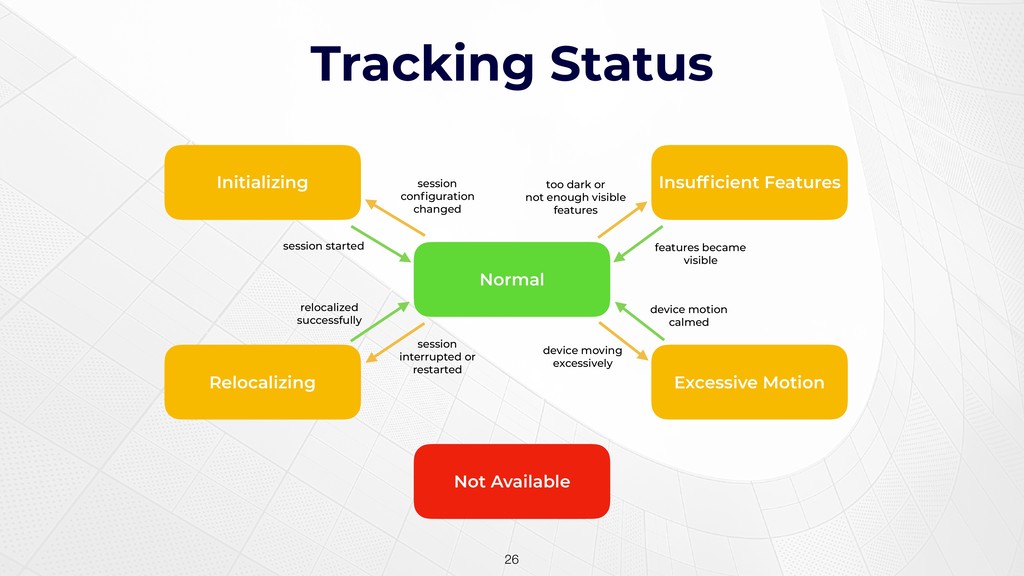
Tracking Status !26 Initializing Normal Excessive Motion Insufficient Features Not
Available Relocalizing session configuration changed session started relocalized successfully session interrupted or restarted too dark or not enough visible features features became visible device motion calmed device moving excessively -
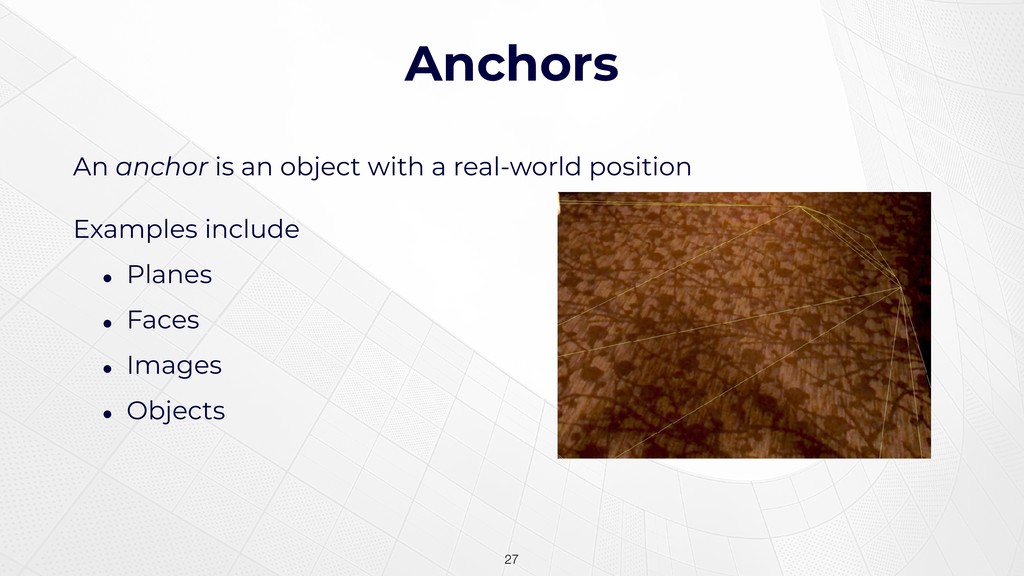
Anchors An anchor is an object with a real-world position
Examples include • Planes • Faces • Images • Objects !27 -
ARSCNView Subclass of SCNView • Responsible for rendering a scene
• Also associates nodes to anchors !28 -
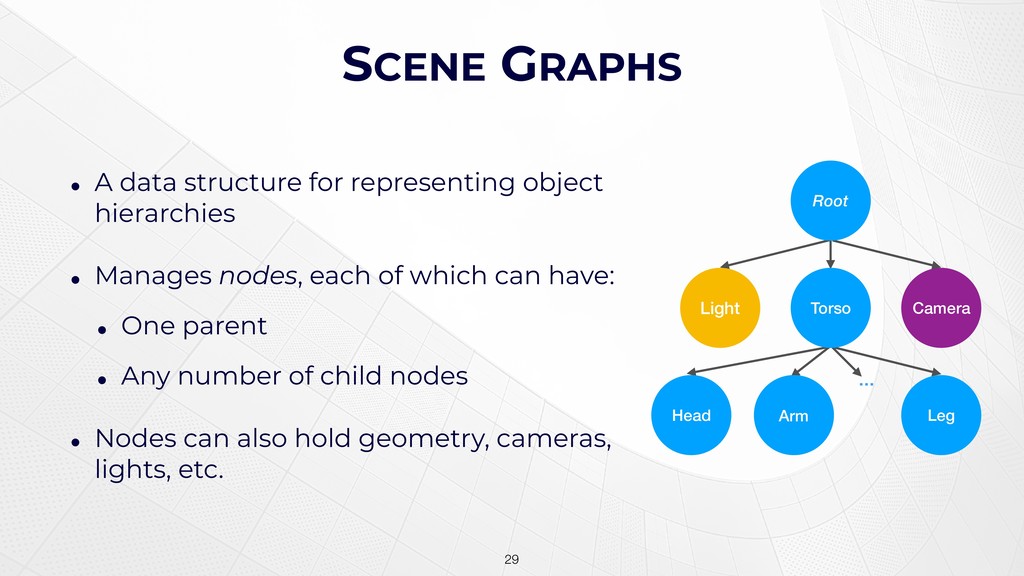
SCENE GRAPHS • A data structure for representing object hierarchies
• Manages nodes, each of which can have: • One parent • Any number of child nodes • Nodes can also hold geometry, cameras, lights, etc. !29 Root Light Camera Torso Arm Head Leg … -
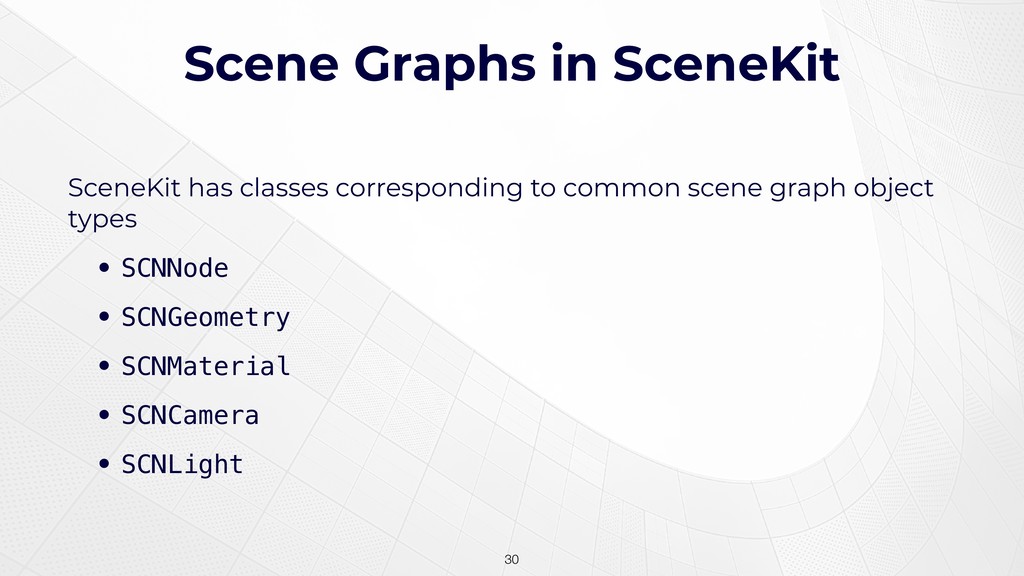
Scene Graphs in SceneKit SceneKit has classes corresponding to common
scene graph object types • SCNNode • SCNGeometry • SCNMaterial • SCNCamera • SCNLight !30 -
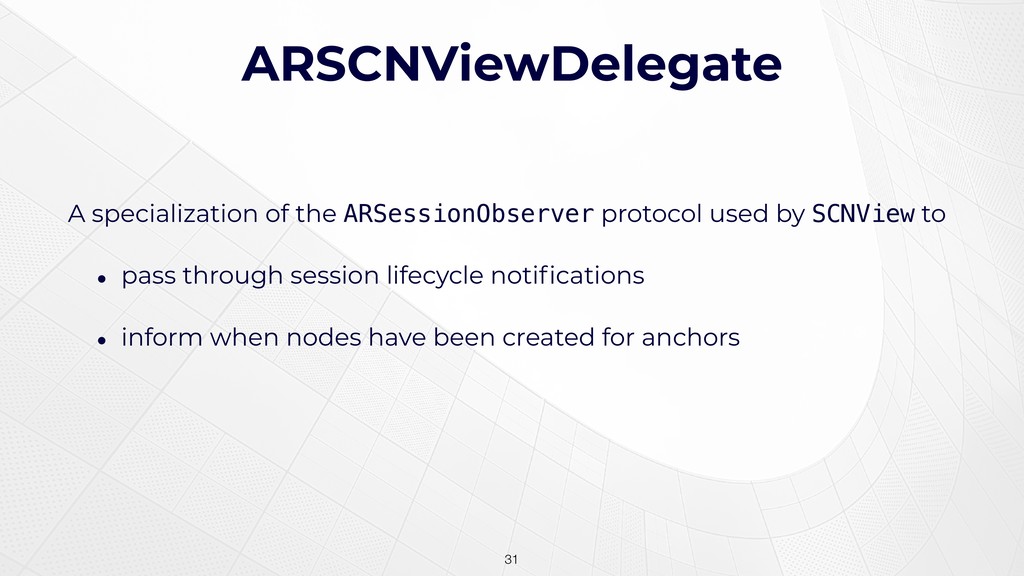
ARSCNViewDelegate A specialization of the ARSessionObserver protocol used by SCNView
to • pass through session lifecycle notifications • inform when nodes have been created for anchors !31 -
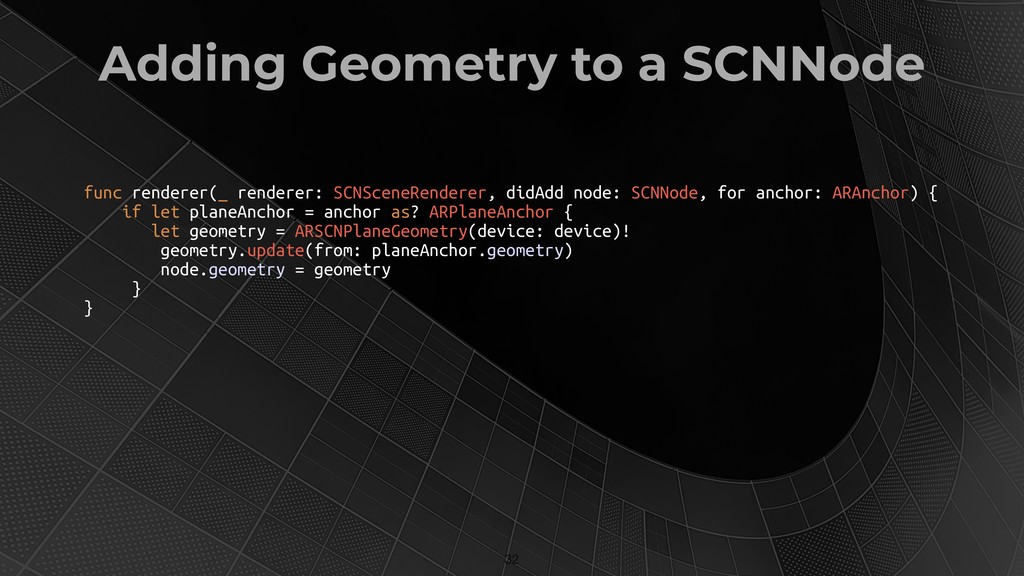
Adding Geometry to a SCNNode !32 func renderer(_ renderer: SCNSceneRenderer,
didAdd node: SCNNode, for anchor: ARAnchor) { if let planeAnchor = anchor as? ARPlaneAnchor { let geometry = ARSCNPlaneGeometry(device: device)! geometry.update(from: planeAnchor.geometry) node.geometry = geometry } } -
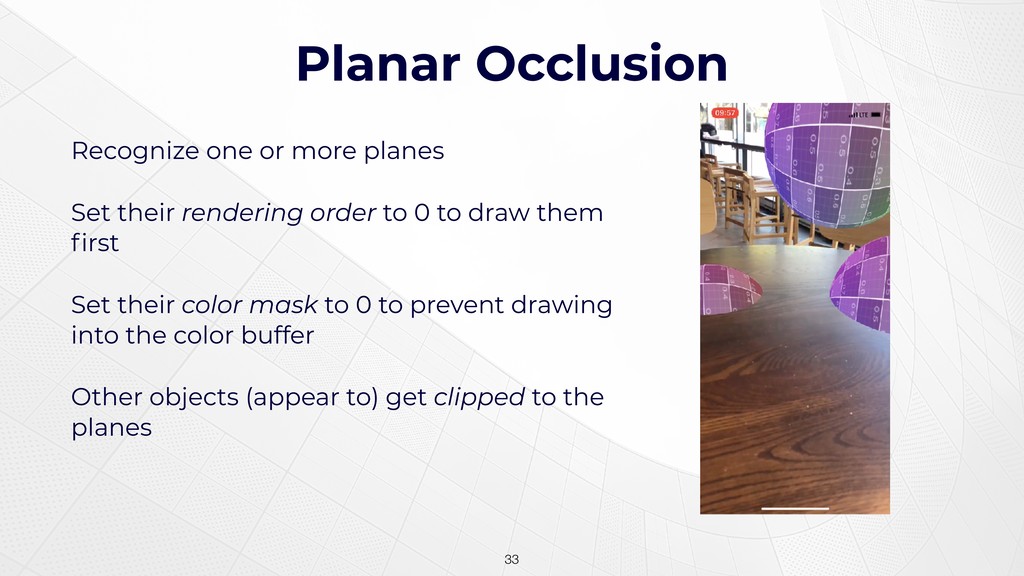
Planar Occlusion !33 Recognize one or more planes Set their
rendering order to 0 to draw them first Set their color mask to 0 to prevent drawing into the color buffer Other objects (appear to) get clipped to the planes -
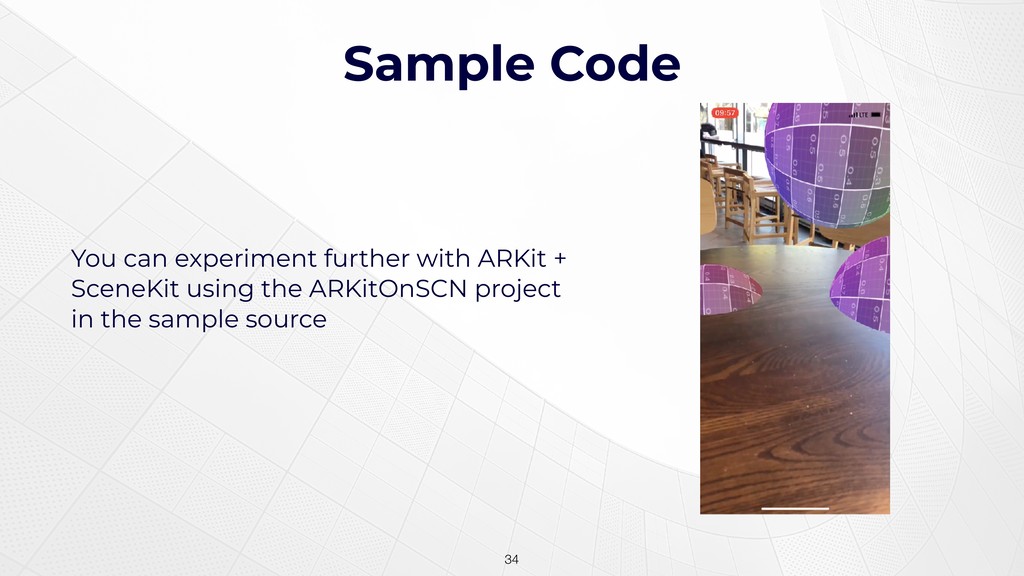
Sample Code !34 You can experiment further with ARKit +
SceneKit using the ARKitOnSCN project in the sample source -
WHAT IS METAL? • A low-level graphics and compute API
• Introduced in iOS 8 in 2014; introduced in macOS El Capitan • A spiritual successor to OpenGL (ES) • Designed to work well with Apple GPUs !36 -
Metal as Platform Enabler Metal now underlies many Apple frameworks
• Core Graphics • Core Animation / macOS Window Server • SceneKit • SpriteKit • CoreML / Vision (where applicable) • OpenGL (!) !37 -
FUNDAMENTALS OF 3D GRAPHICS • Representing Objects with Vertices •
Coordinate Spaces • Transformations • The Metal API • Shaders and Pipelines • Lighting and Texturing !38 -
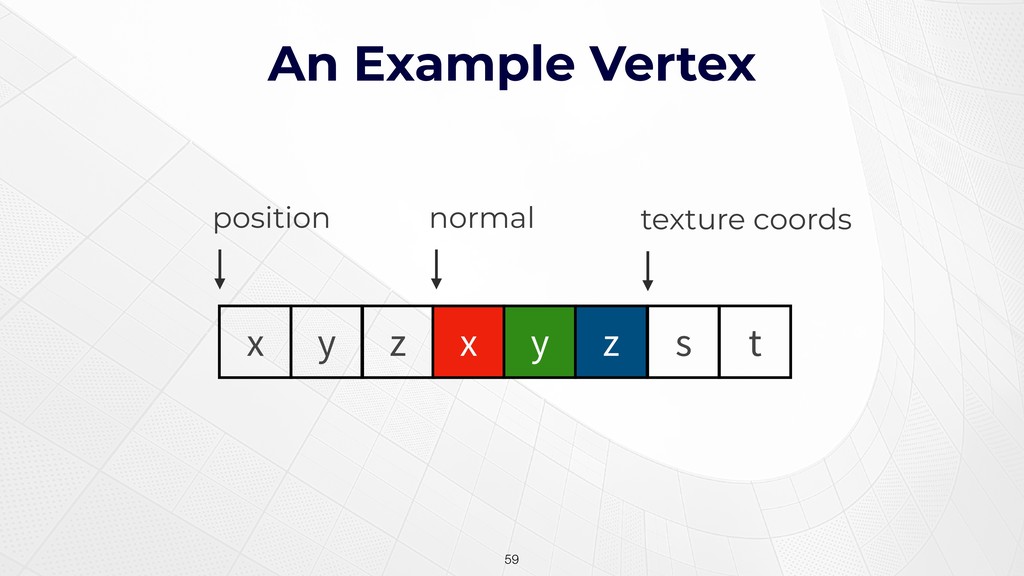
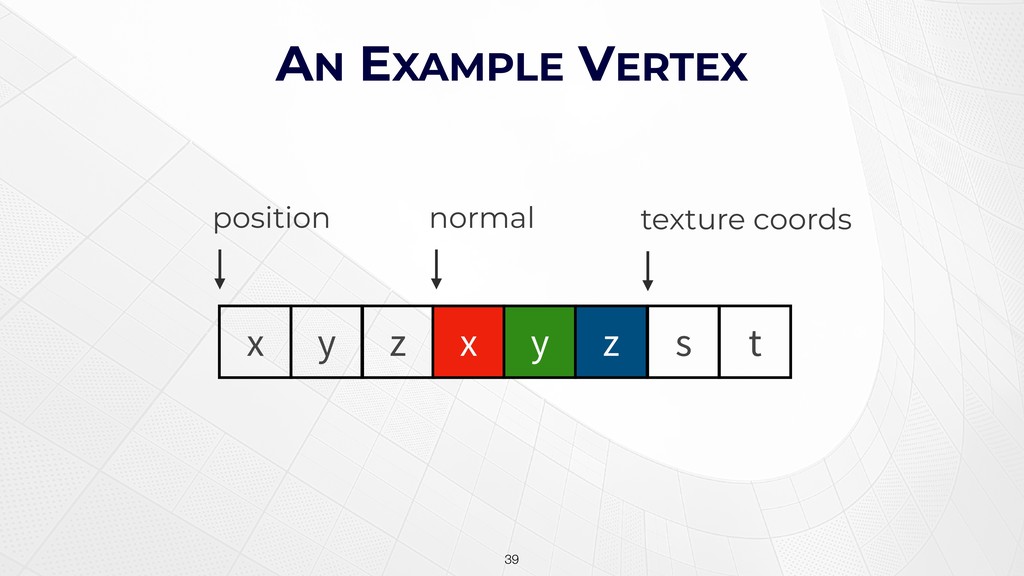
AN EXAMPLE VERTEX !39 x y z x y z
position normal s t texture coords -
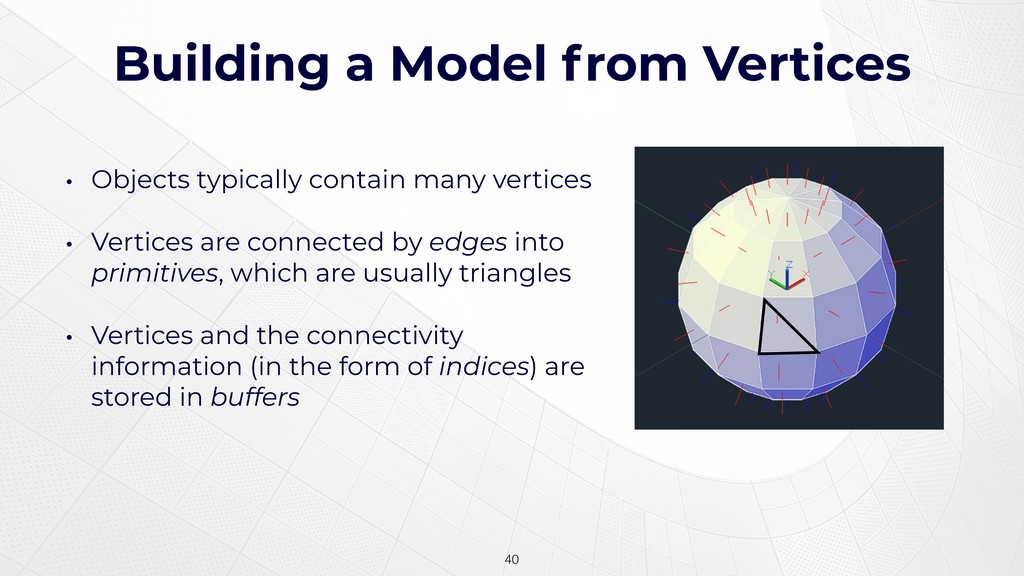
Building a Model from Vertices !40 • Objects typically contain
many vertices • Vertices are connected by edges into primitives, which are usually triangles • Vertices and the connectivity information (in the form of indices) are stored in buffers -
Coordinate Systems • When rendering, our aim is to produce
an image of a scene from a point of view • Objects are modeled relative to some natural origin • We need to transform from this model space into a consistent eye space, the coordinate system of our virtual camera !41 -
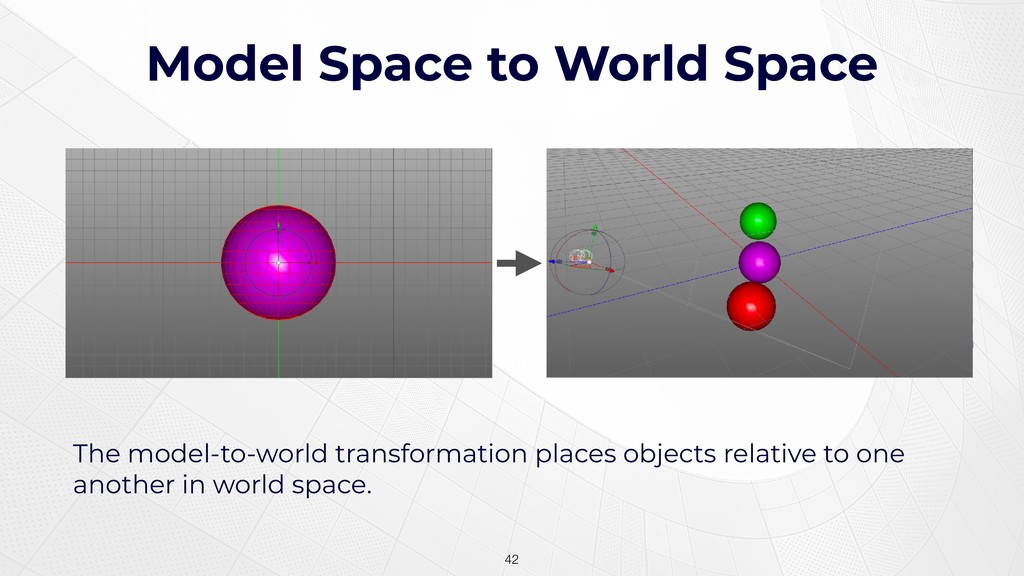
Model Space to World Space !42 The model-to-world transformation places
objects relative to one another in world space. -
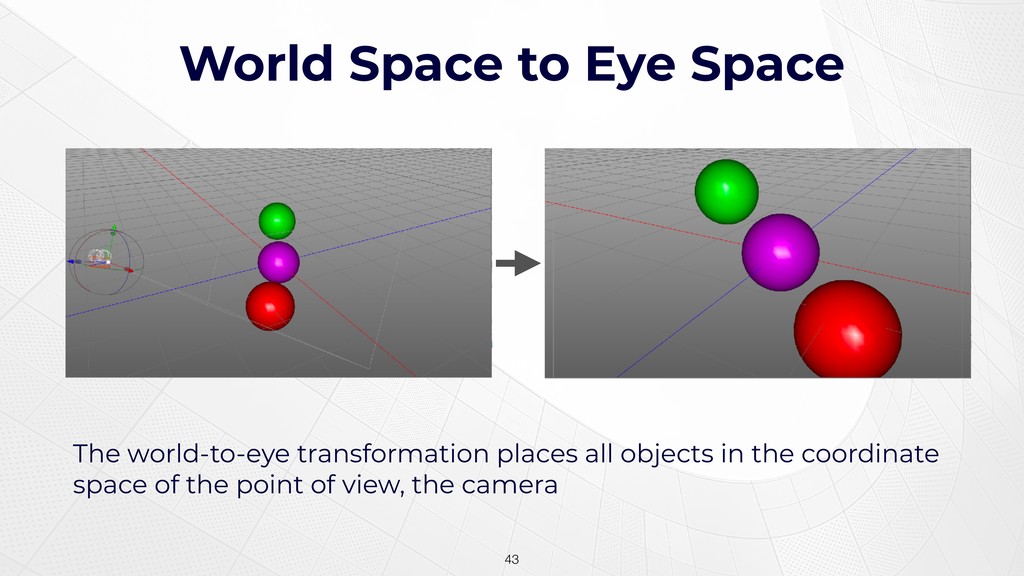
World Space to Eye Space !43 The world-to-eye transformation places
all objects in the coordinate space of the point of view, the camera -
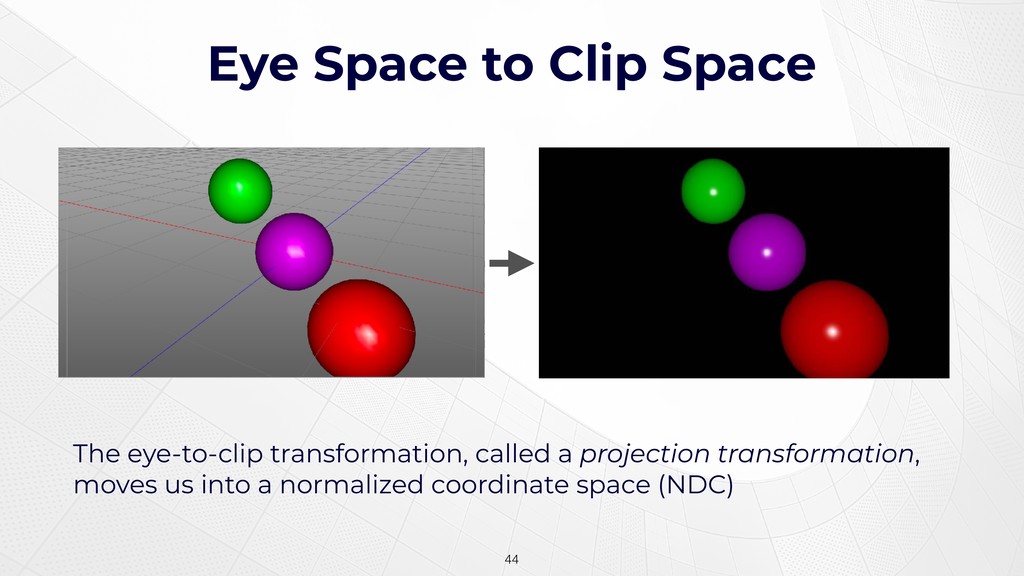
Eye Space to Clip Space !44 The eye-to-clip transformation, called
a projection transformation, moves us into a normalized coordinate space (NDC) -
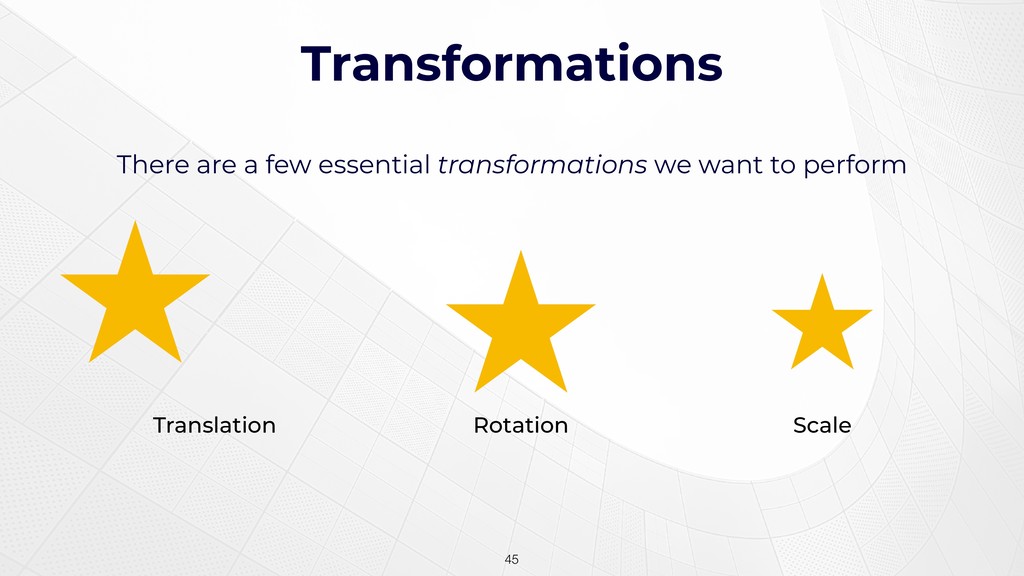
Transformations There are a few essential transformations we want to
perform !45 Translation Rotation Scale -
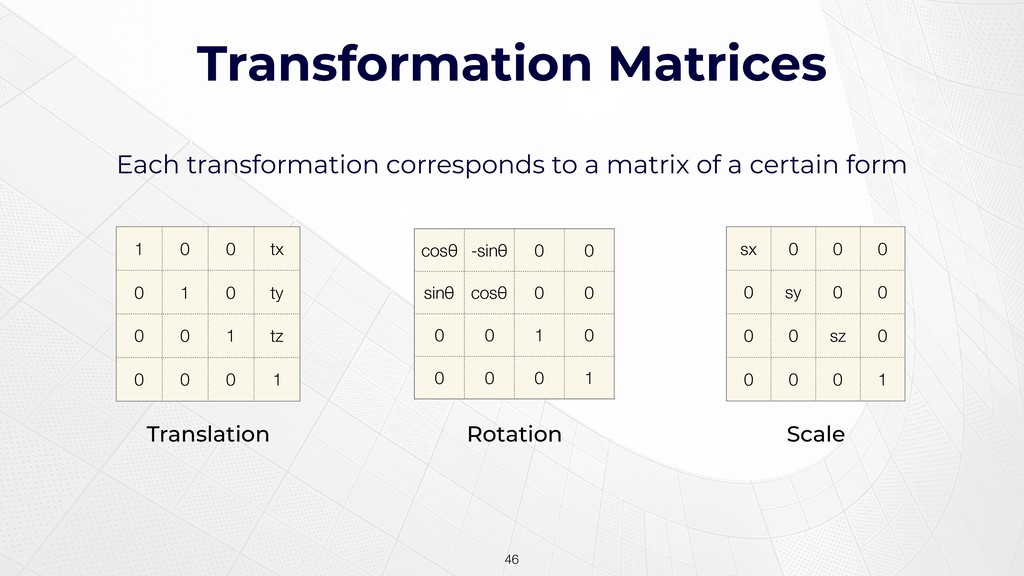
Transformation Matrices Each transformation corresponds to a matrix of a
certain form !46 Translation Rotation Scale 1 0 0 tx 0 1 0 ty 0 0 1 tz 0 0 0 1 cosθ -sinθ 0 0 sinθ cosθ 0 0 0 0 1 0 0 0 0 1 sx 0 0 0 0 sy 0 0 0 0 sz 0 0 0 0 1 -
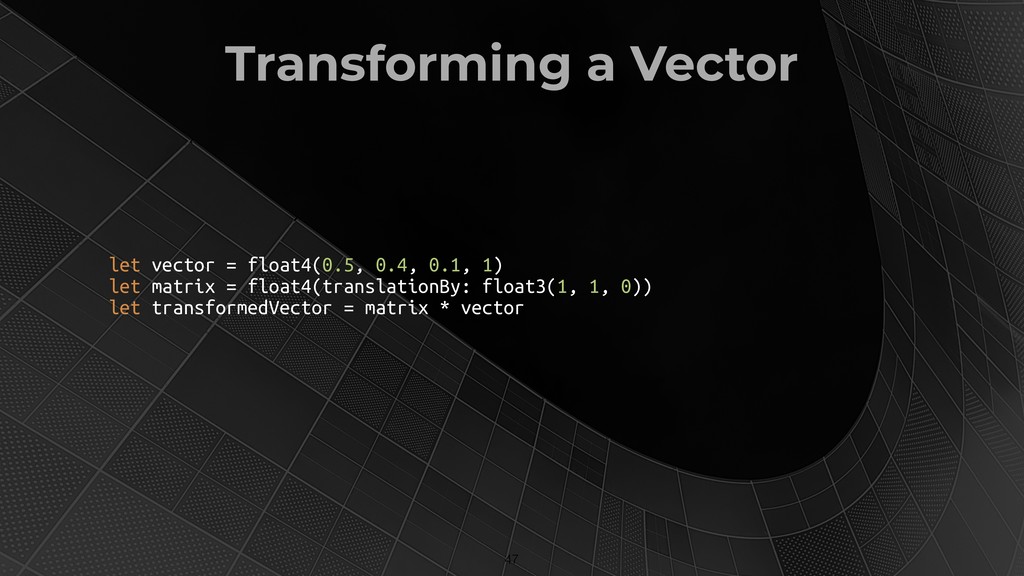
Transforming a Vector !47 let vector = float4(0.5, 0.4, 0.1,
1) let matrix = float4(translationBy: float3(1, 1, 0)) let transformedVector = matrix * vector -
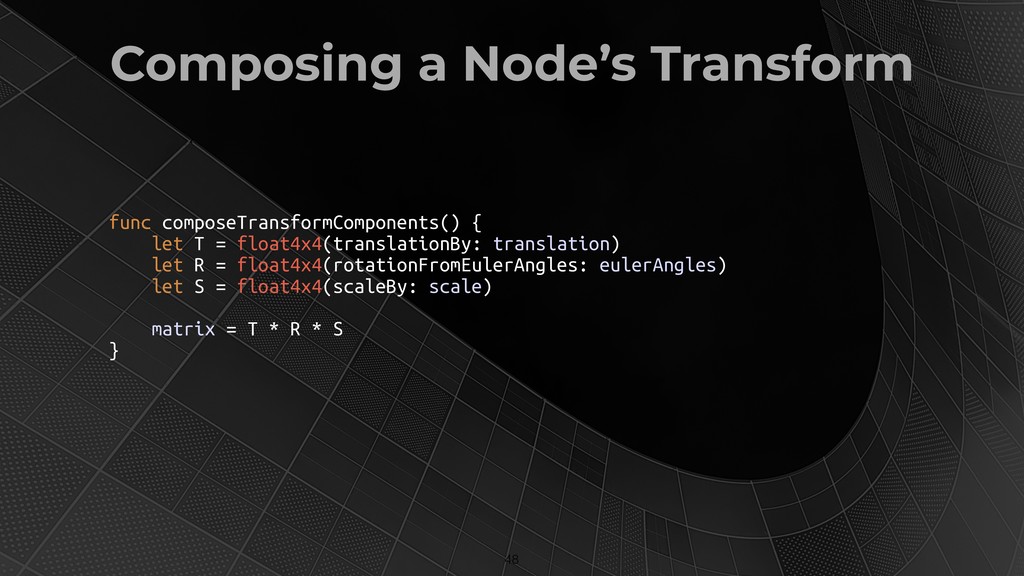
Composing a Node’s Transform !48 func composeTransformComponents() { let T
= float4x4(translationBy: translation) let R = float4x4(rotationFromEulerAngles: eulerAngles) let S = float4x4(scaleBy: scale) matrix = T * R * S } -
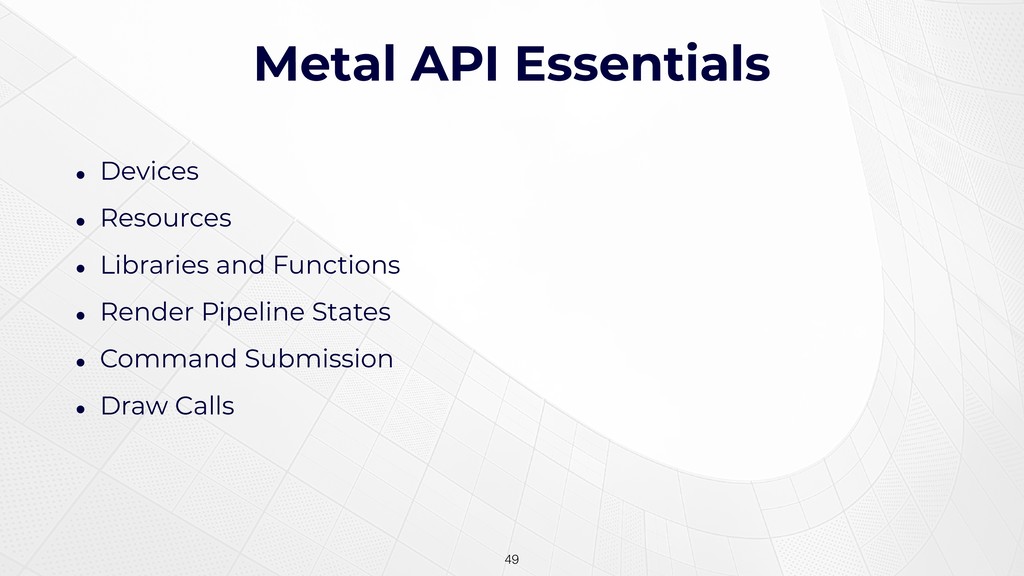
Metal API Essentials • Devices • Resources • Libraries and
Functions • Render Pipeline States • Command Submission • Draw Calls !49 -
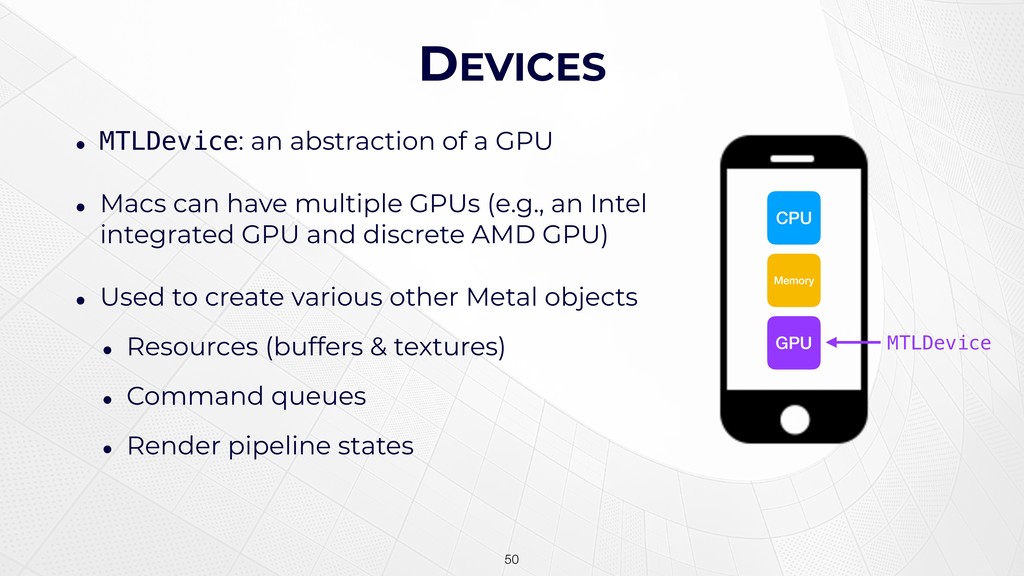
DEVICES • MTLDevice: an abstraction of a GPU • Macs
can have multiple GPUs (e.g., an Intel integrated GPU and discrete AMD GPU) • Used to create various other Metal objects • Resources (buffers & textures) • Command queues • Render pipeline states !50 CPU Memory GPU MTLDevice -
RESOURCES • All data used for rendering has to exist
in GPU-accessible resources • This includes geometric data like vertex positions, texture coordinates, normals, etc. • Again, these are stored in buffers • It also includes image data, stored as textures !51 -
SHADERS • Colloquially, a shader is a small program that
runs on the GPU • Metal doesn’t expressly use this term • Vertex and fragment functions are written in Metal Shading Language, a dialect of C++. !52 -
Vertex Functions • A vertex function… • runs once* for
each vertex in each triangle • reads data from buffers (and potentially textures) • produces a vertex whose position is in clip space !53 -
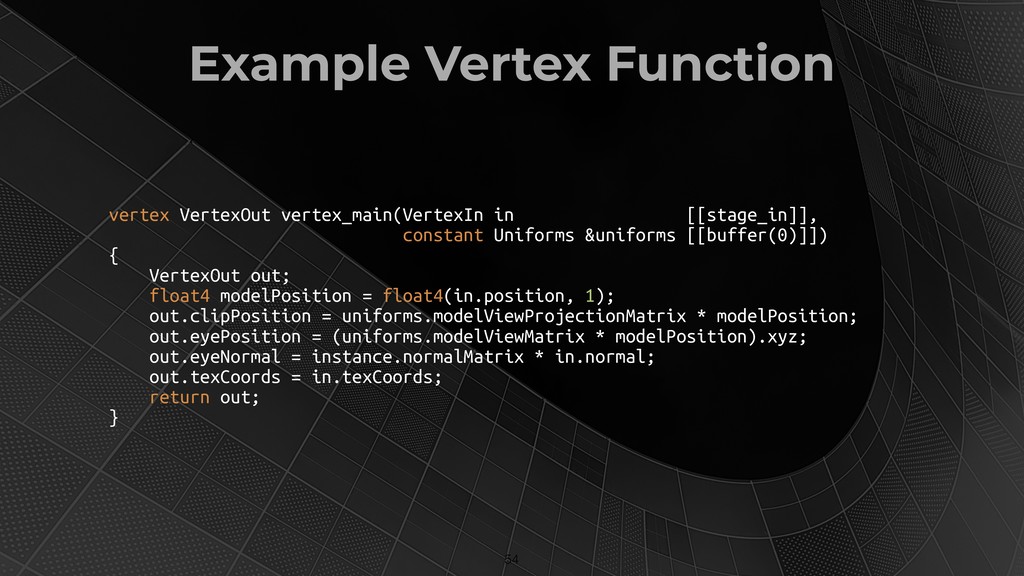
Example Vertex Function !54 vertex VertexOut vertex_main(VertexIn in [[stage_in]], constant
Uniforms &uniforms [[buffer(0)]]) { VertexOut out; float4 modelPosition = float4(in.position, 1); out.clipPosition = uniforms.modelViewProjectionMatrix * modelPosition; out.eyePosition = (uniforms.modelViewMatrix * modelPosition).xyz; out.eyeNormal = instance.normalMatrix * in.normal; out.texCoords = in.texCoords; return out; } -
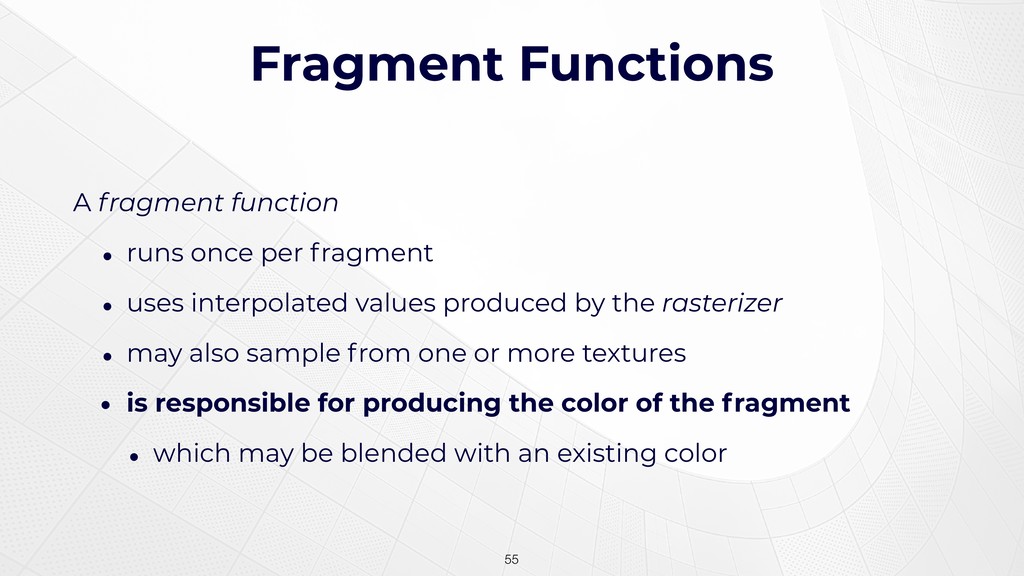
Fragment Functions A fragment function • runs once per fragment
• uses interpolated values produced by the rasterizer • may also sample from one or more textures • is responsible for producing the color of the fragment • which may be blended with an existing color !55 -
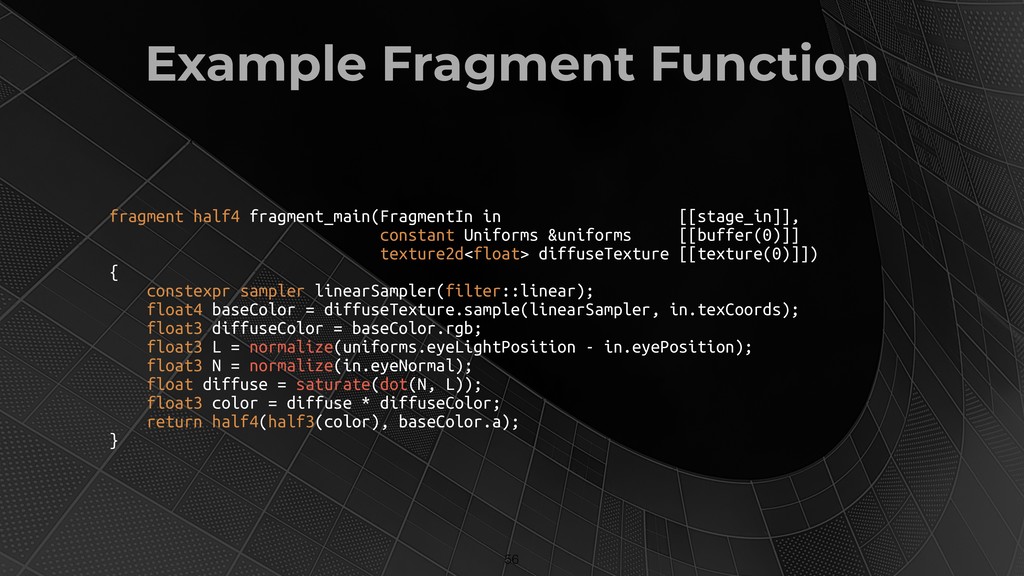
Example Fragment Function !56 fragment half4 fragment_main(FragmentIn in [[stage_in]], constant
Uniforms &uniforms [[buffer(0)]] texture2d<float> diffuseTexture [[texture(0)]]) { constexpr sampler linearSampler(filter::linear); float4 baseColor = diffuseTexture.sample(linearSampler, in.texCoords); float3 diffuseColor = baseColor.rgb; float3 L = normalize(uniforms.eyeLightPosition - in.eyePosition); float3 N = normalize(in.eyeNormal); float diffuse = saturate(dot(N, L)); float3 color = diffuse * diffuseColor; return half4(half3(color), baseColor.a); } -
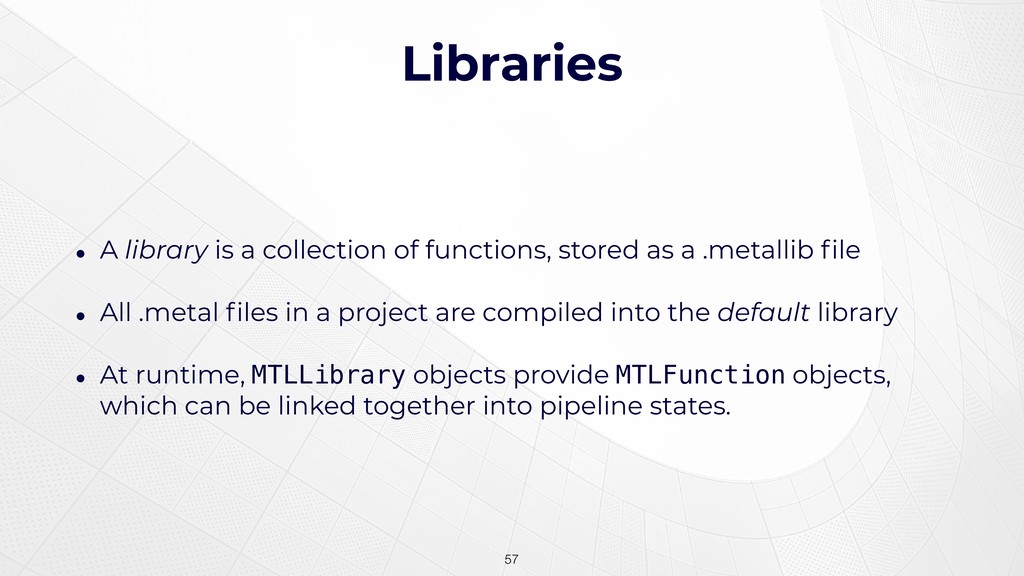
Libraries • A library is a collection of functions, stored
as a .metallib file • All .metal files in a project are compiled into the default library • At runtime, MTLLibrary objects provide MTLFunction objects, which can be linked together into pipeline states. !57 -
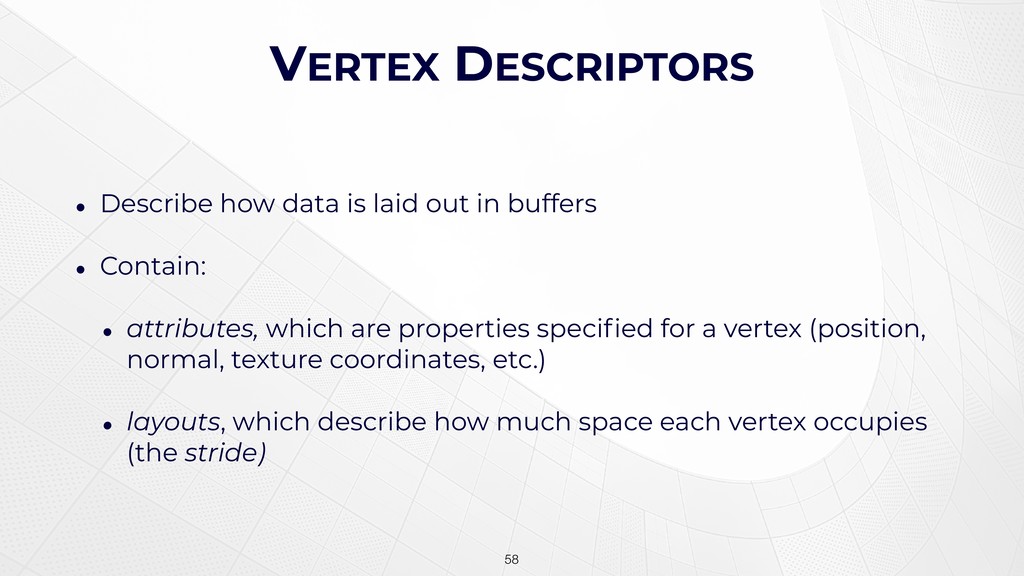
VERTEX DESCRIPTORS • Describe how data is laid out in
buffers • Contain: • attributes, which are properties specified for a vertex (position, normal, texture coordinates, etc.) • layouts, which describe how much space each vertex occupies (the stride) !58 -
An Example Vertex !59 x y z x y z
position normal s t texture coords -
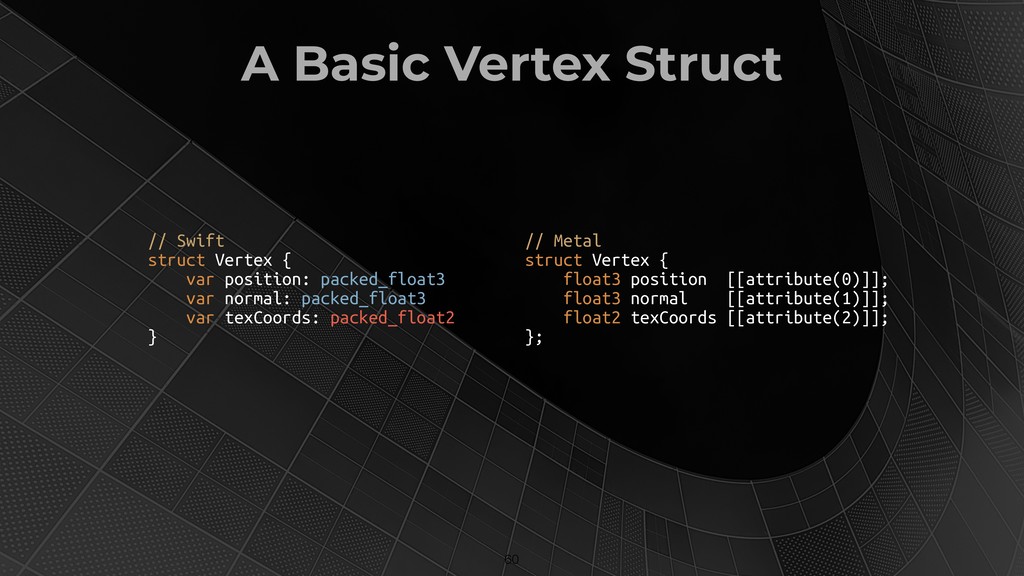
A Basic Vertex Struct !60 // Swift struct Vertex {
var position: packed_float3 var normal: packed_float3 var texCoords: packed_float2 } // Metal struct Vertex { float3 position [[attribute(0)]]; float3 normal [[attribute(1)]]; float2 texCoords [[attribute(2)]]; }; -
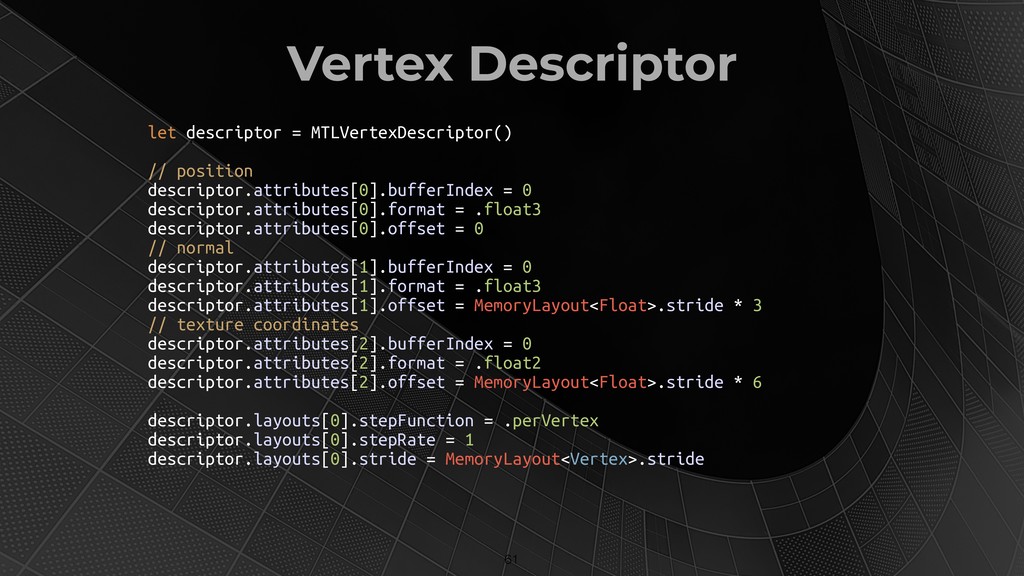
Vertex Descriptor !61 let descriptor = MTLVertexDescriptor() // position descriptor.attributes[0].bufferIndex
= 0 descriptor.attributes[0].format = .float3 descriptor.attributes[0].offset = 0 // normal descriptor.attributes[1].bufferIndex = 0 descriptor.attributes[1].format = .float3 descriptor.attributes[1].offset = MemoryLayout<Float>.stride * 3 // texture coordinates descriptor.attributes[2].bufferIndex = 0 descriptor.attributes[2].format = .float2 descriptor.attributes[2].offset = MemoryLayout<Float>.stride * 6 descriptor.layouts[0].stepFunction = .perVertex descriptor.layouts[0].stepRate = 1 descriptor.layouts[0].stride = MemoryLayout<Vertex>.stride -
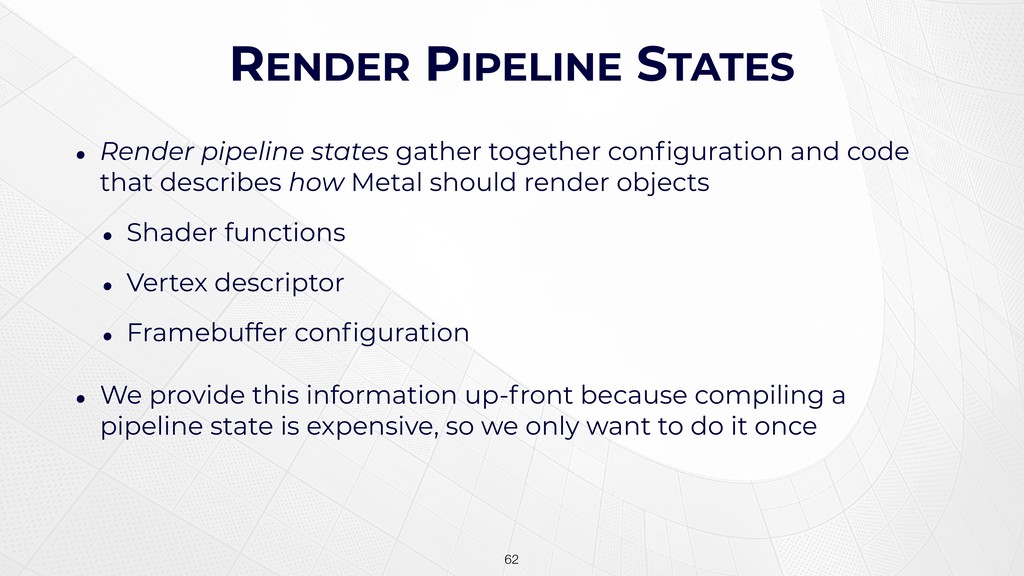
RENDER PIPELINE STATES • Render pipeline states gather together configuration
and code that describes how Metal should render objects • Shader functions • Vertex descriptor • Framebuffer configuration • We provide this information up-front because compiling a pipeline state is expensive, so we only want to do it once !62 -
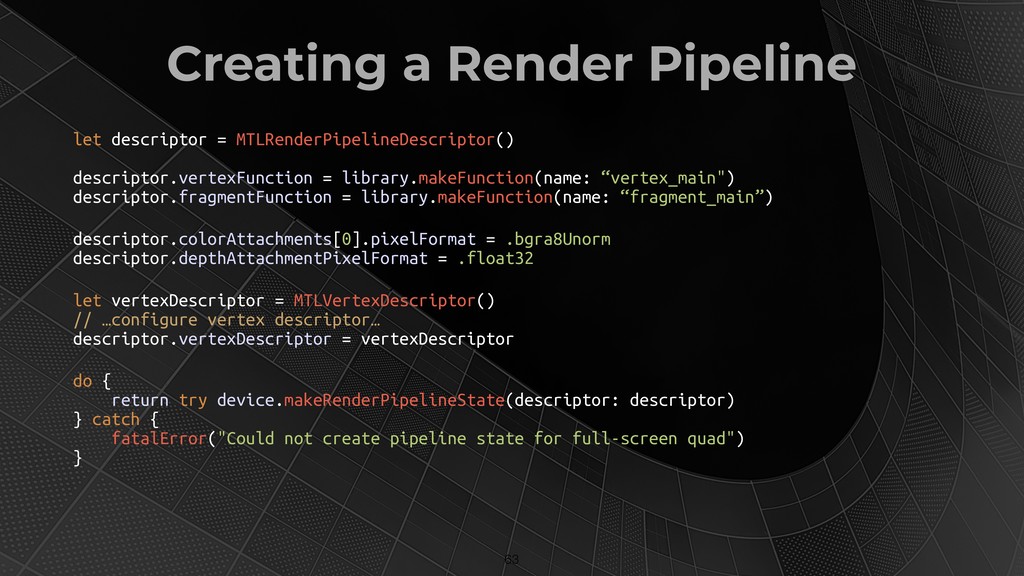
Creating a Render Pipeline !63 let descriptor = MTLRenderPipelineDescriptor() descriptor.vertexFunction
= library.makeFunction(name: “vertex_main") descriptor.fragmentFunction = library.makeFunction(name: “fragment_main”) descriptor.colorAttachments[0].pixelFormat = .bgra8Unorm descriptor.depthAttachmentPixelFormat = .float32 let vertexDescriptor = MTLVertexDescriptor() // …configure vertex descriptor… descriptor.vertexDescriptor = vertexDescriptor do { return try device.makeRenderPipelineState(descriptor: descriptor) } catch { fatalError("Could not create pipeline state for full-screen quad") } -
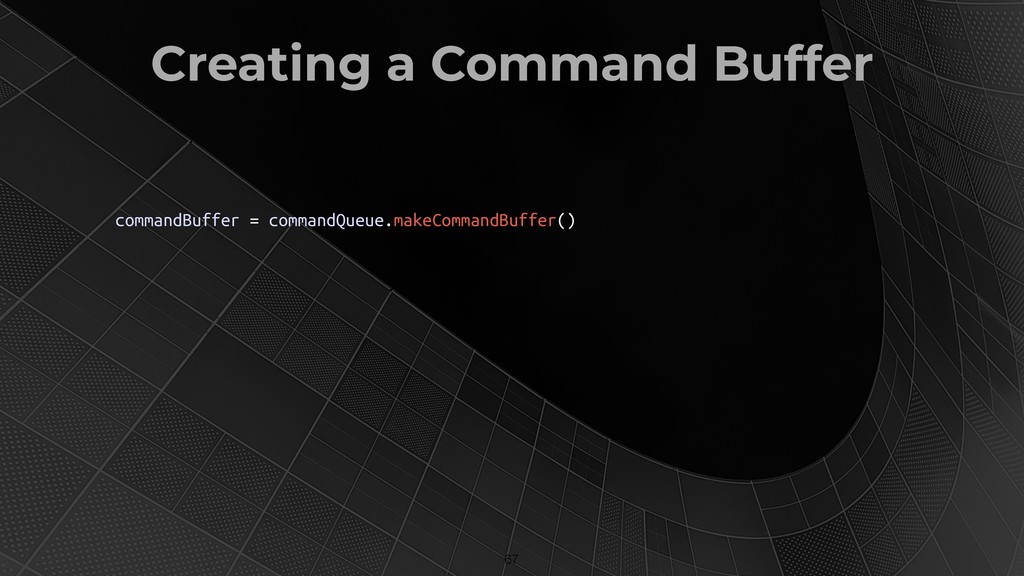
COMMAND SUBMISSION • Commands in Metal are submitted to command
queues • Command queues allow ordered execution of GPU commands • Commands are written into command buffers, which are then enqueued on a queue • Commands are written by command encoders, which have API for setting state and performing draw calls !64 -
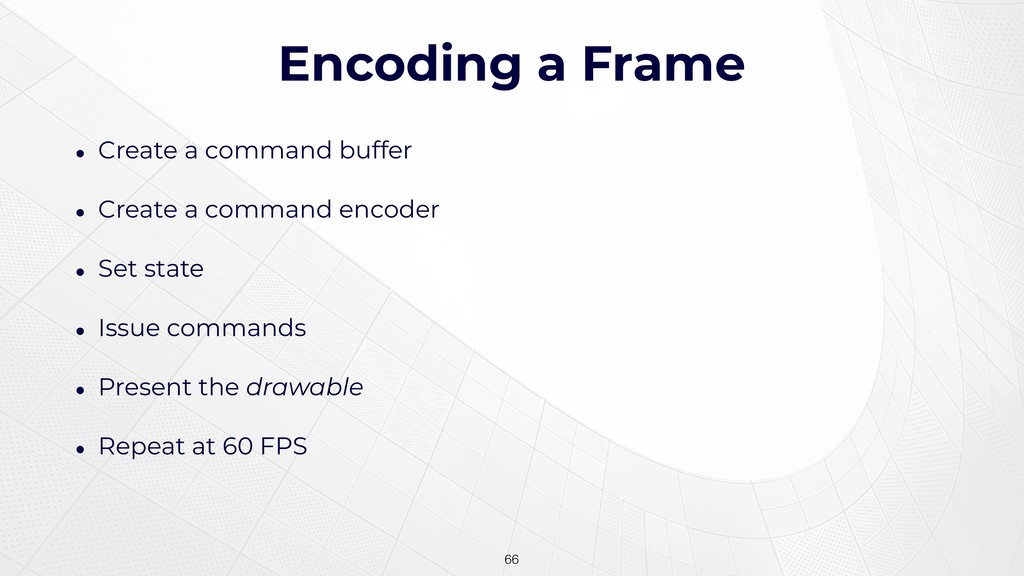
Encoding a Frame !66 • Create a command buffer •
Create a command encoder • Set state • Issue commands • Present the drawable • Repeat at 60 FPS -
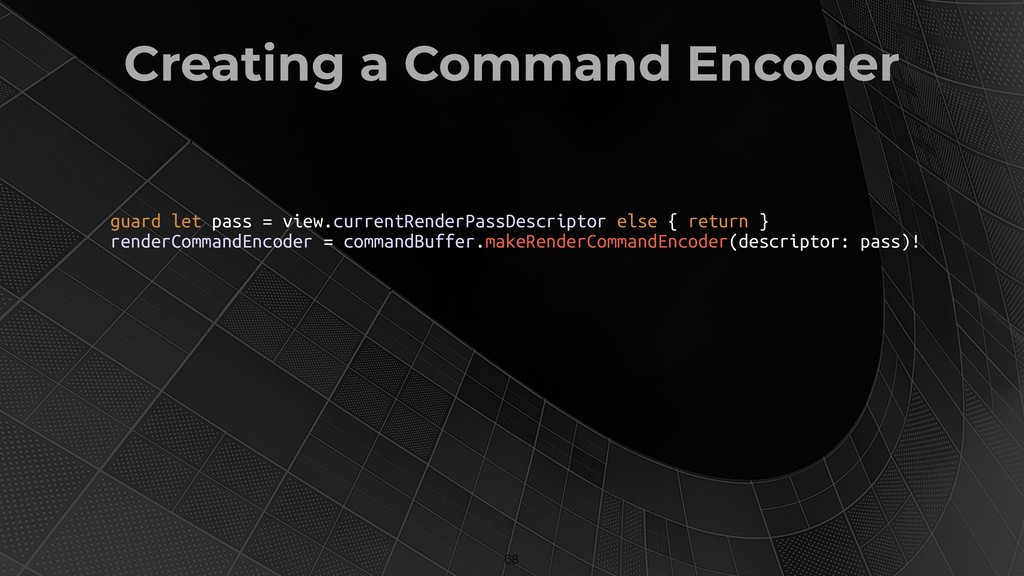
Creating a Command Encoder !68 guard let pass = view.currentRenderPassDescriptor
else { return } renderCommandEncoder = commandBuffer.makeRenderCommandEncoder(descriptor: pass)! -
Setting State !69 • Setting vertex buffers and textures •
Setting fragment buffers and textures -
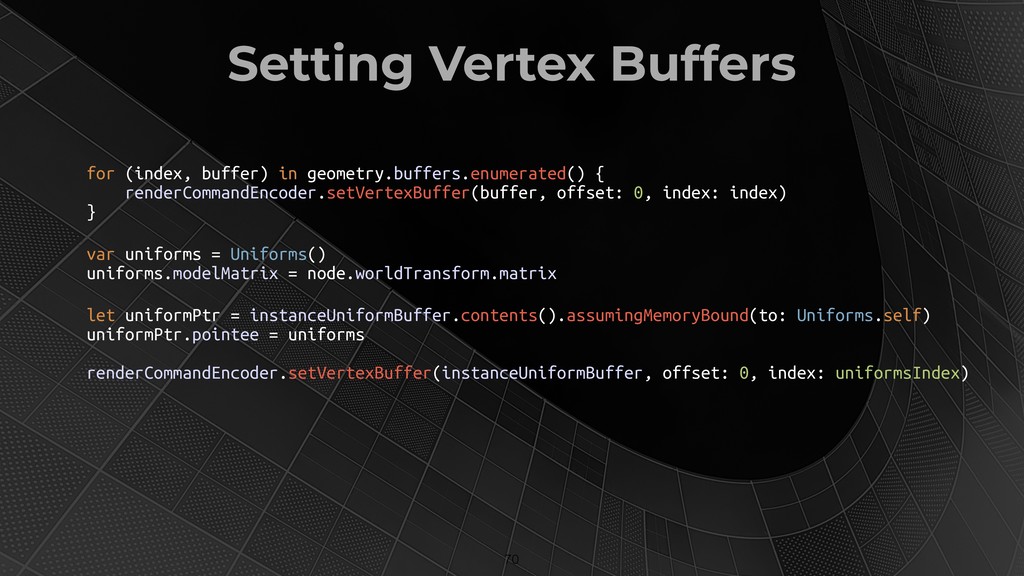
Setting Vertex Buffers !70 for (index, buffer) in geometry.buffers.enumerated() {
renderCommandEncoder.setVertexBuffer(buffer, offset: 0, index: index) } var uniforms = Uniforms() uniforms.modelMatrix = node.worldTransform.matrix let uniformPtr = instanceUniformBuffer.contents().assumingMemoryBound(to: Uniforms.self) uniformPtr.pointee = uniforms renderCommandEncoder.setVertexBuffer(instanceUniformBuffer, offset: 0, index: uniformsIndex) -
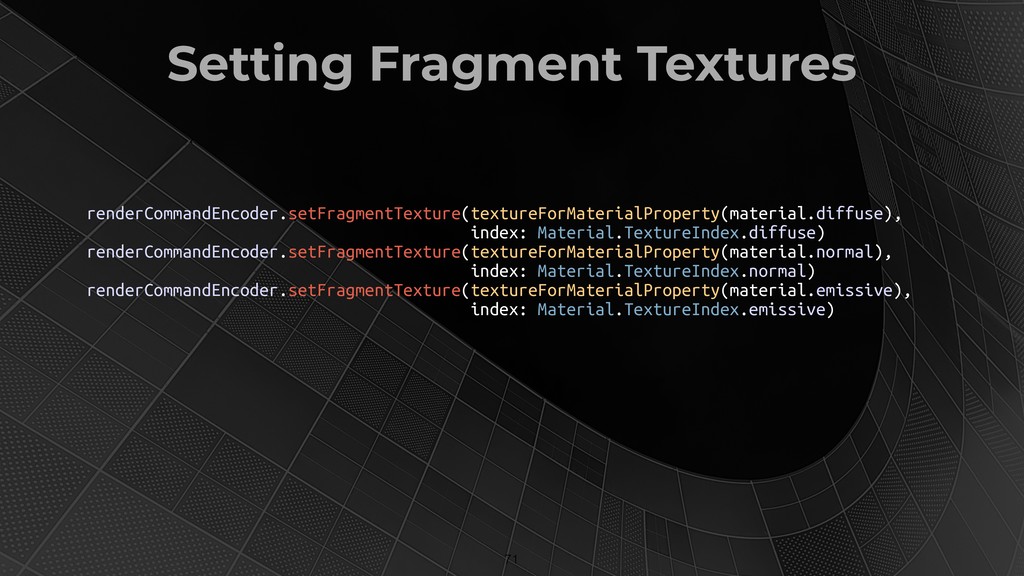
Setting Fragment Textures !71 renderCommandEncoder.setFragmentTexture(textureForMaterialProperty(material.diffuse), index: Material.TextureIndex.diffuse) renderCommandEncoder.setFragmentTexture(textureForMaterialProperty(material.normal), index: Material.TextureIndex.normal)
renderCommandEncoder.setFragmentTexture(textureForMaterialProperty(material.emissive), index: Material.TextureIndex.emissive) -
Draw Calls So, we’ve set a lot of state, but
how do we actually draw stuff? !72 -
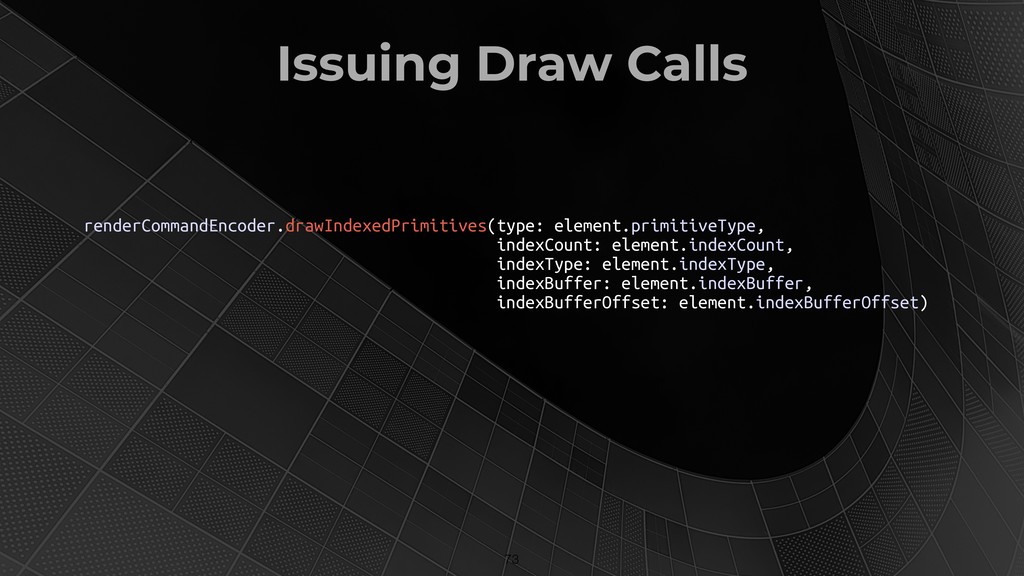
Issuing Draw Calls !73 renderCommandEncoder.drawIndexedPrimitives(type: element.primitiveType, indexCount: element.indexCount, indexType: element.indexType,
indexBuffer: element.indexBuffer, indexBufferOffset: element.indexBufferOffset) -
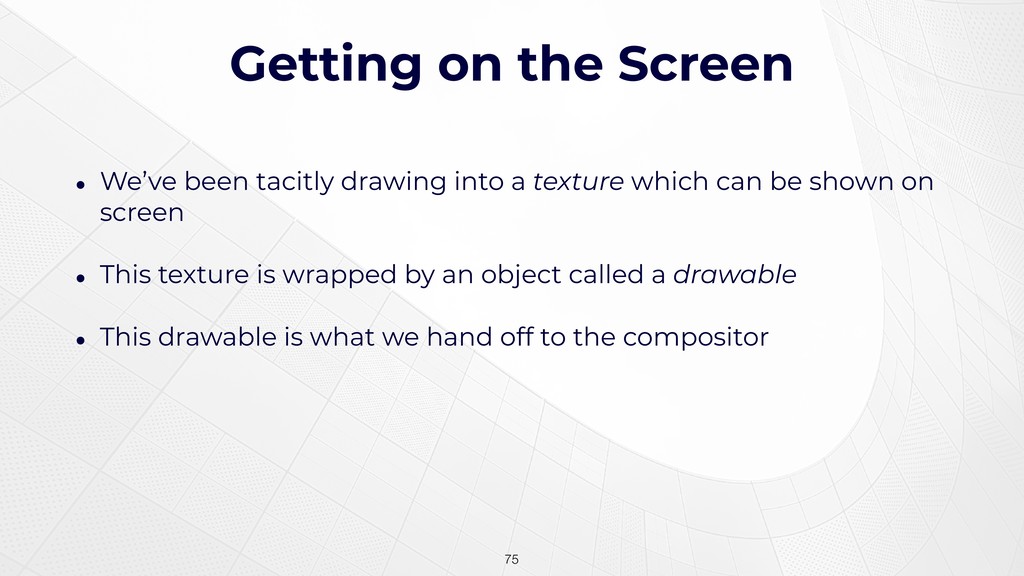
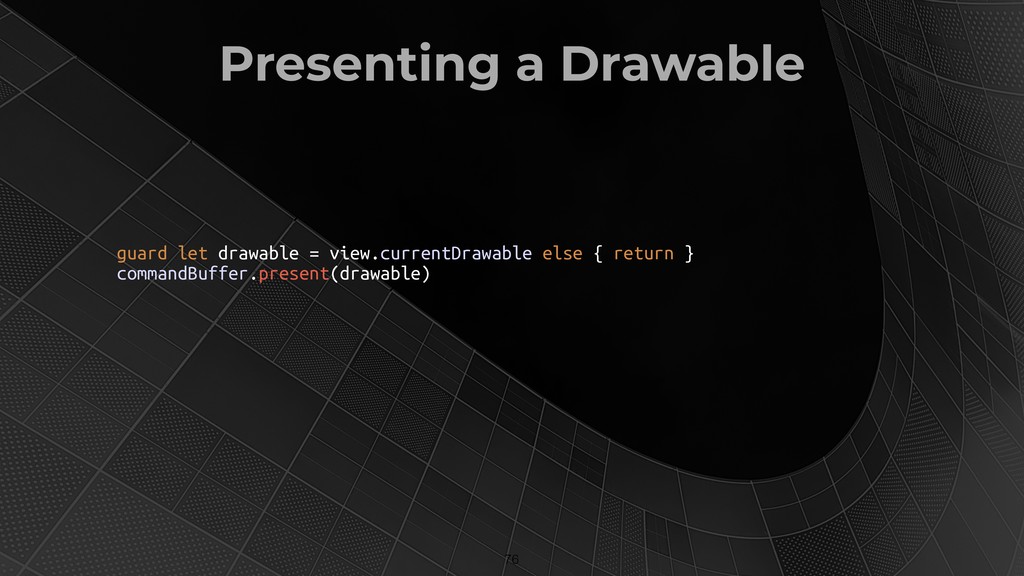
Getting on the Screen • We’ve been tacitly drawing into
a texture which can be shown on screen • This texture is wrapped by an object called a drawable • This drawable is what we hand off to the compositor !75 -
Presenting a Drawable !76 guard let drawable = view.currentDrawable else
{ return } commandBuffer.present(drawable) -
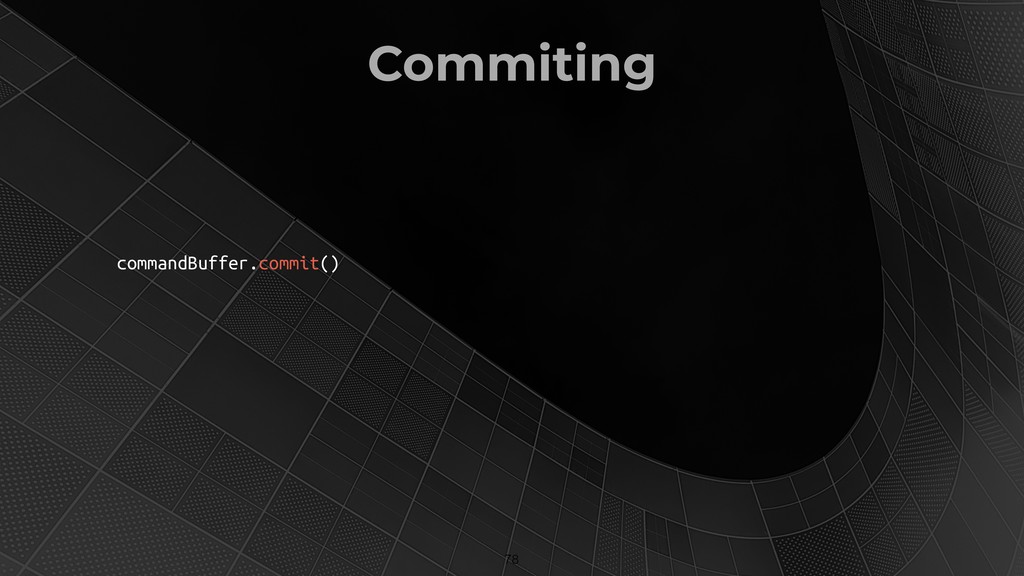
Finishing the Frame Now that all the work is encoded,
we need to tell the GPU to execute it !77 -
AN ENGINE FOR METAL AR We want to build an
extensible engine like SceneKit No big deal, right? We just need: • Scenes, nodes, cameras, materials, lights, shading models, multipass rendering with postprocessing, model loaders, physics, animations, hit-testing, audio… !80 -
Hands-On with the Engine Let’s take a detailed look at
various aspects of the source • Scenes and Nodes • Cameras and Lights • Geometry and Materials • ARMTKView • The Renderer !81 -
FUTURE DIRECTIONS Much, much more to do! • Light and
shadow (Directional lights, contact shadows, SH) • Animation, face morph targets and weights • Object and image recognition • Integration with CoreLocation, CoreML, Vision, etc. • Physics • Audio but we’re off to a good start !83