Share
Embed
Spatial Rendering for Apple Vision Pro
This talk was delivered to the joint Swift Language User Group and Cocoaheads meetup in San Francisco on December 12, 2024. It covers low-level topics in spatial rendering, including ARKit on visionOS, Metal, and Compositor Services.
Warren Moore
December 12, 2024
Transcript
91 slides
-
Warren Moore December 12, 2024 Spatial Rendering for Apple Vision
Pro with ARKit, Metal, and Compositor Services Metal is a registered trademark of Apple Inc. Apple Vision Pro is a trademark of Apple Inc. -
About me Worked at Apple (2013–2014; 2016–2017) Wrote Metal by
Example Last spoke at SLUG ten years ago (!) @warrenm @warrenm.bsky.social 3 -
Sample code 4,000 lines of spatial goodness Physically based rendering
engine in Metal Hand tracking and rendering Basic spatial interaction Scene reconstruction and occlusion …and more! 4 github.com/metal-by-example/ spatial-rendering -
ARKit for visionOS Topics Scene understanding Poses and transforms Data
providers Running a session Handling updates 8 -
Scene understanding Building a map of the real world with
cameras and sensors Anchors • Have a pose relative to ARKit ’ s origin • Represent an image, a hand, a surface, etc. • Each anchor type is generated by a different data provider 9 -
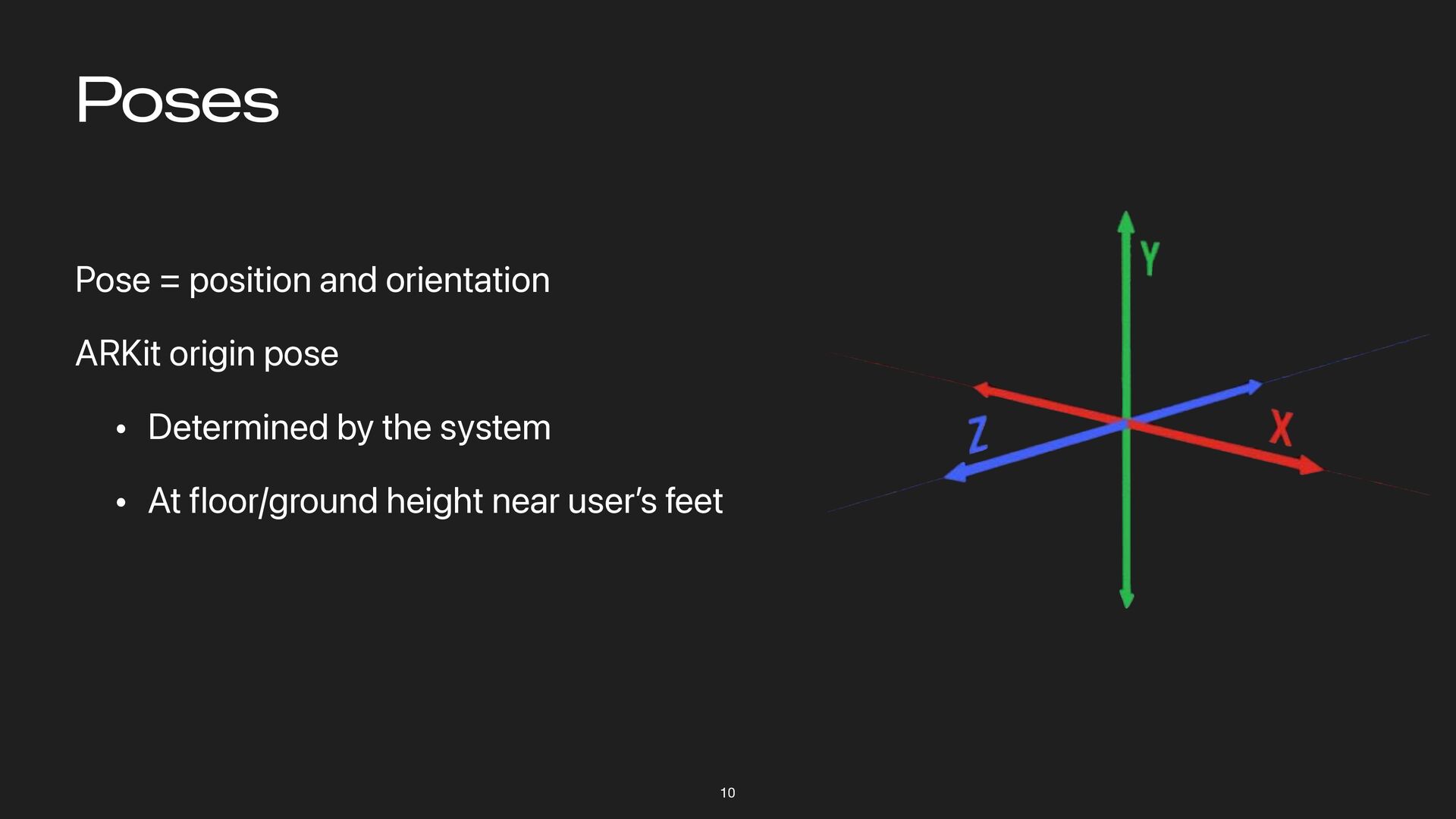
Poses 10 Pose = position and orientation ARKit origin pose
• Determined by the system • At floor/ground height near user ’ s feet -
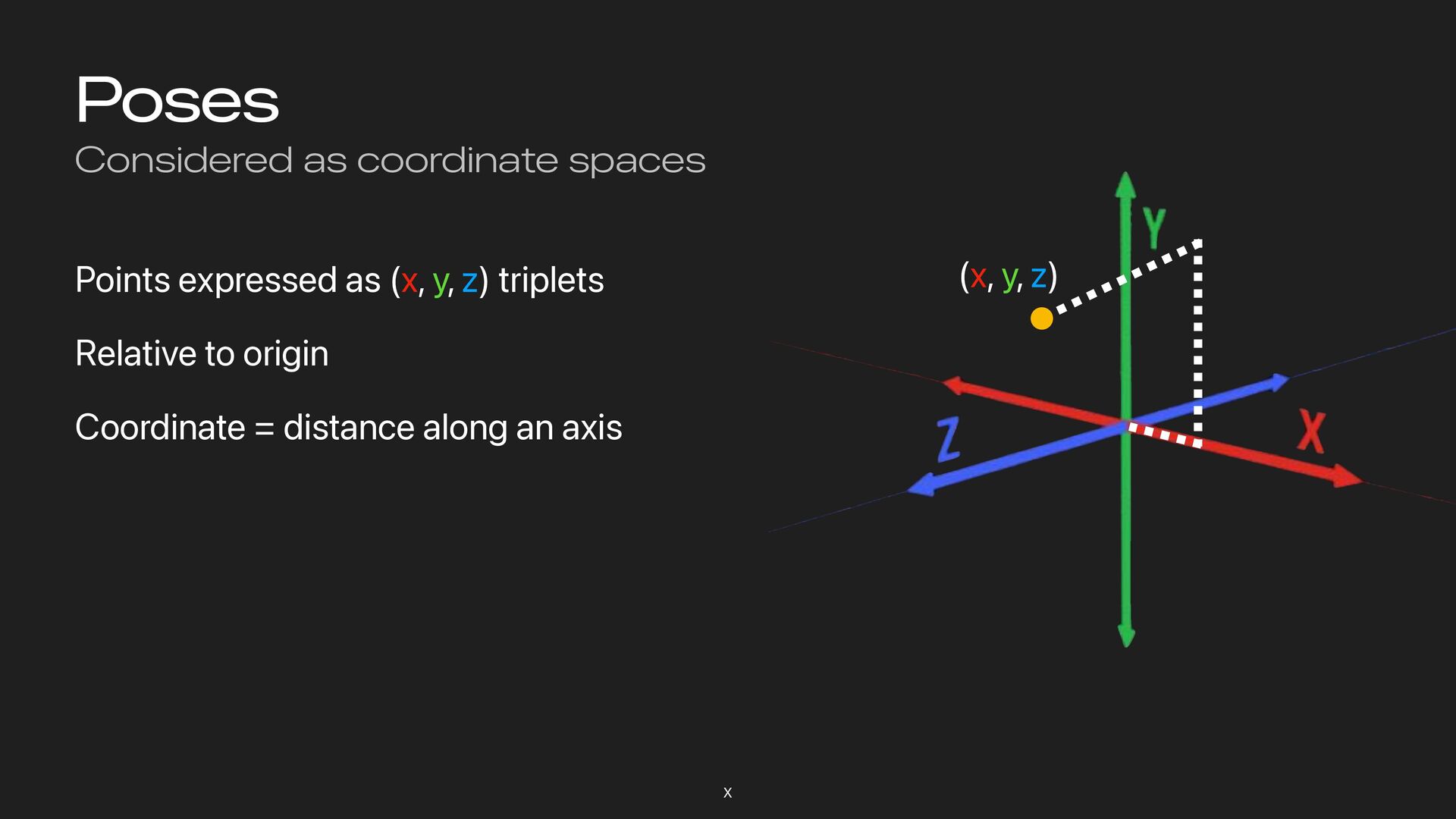
Poses Considered as coordinate spaces X Points expressed as (x,
y, z) triplets Relative to origin Coordinate = distance along an axis (x, y, z) -
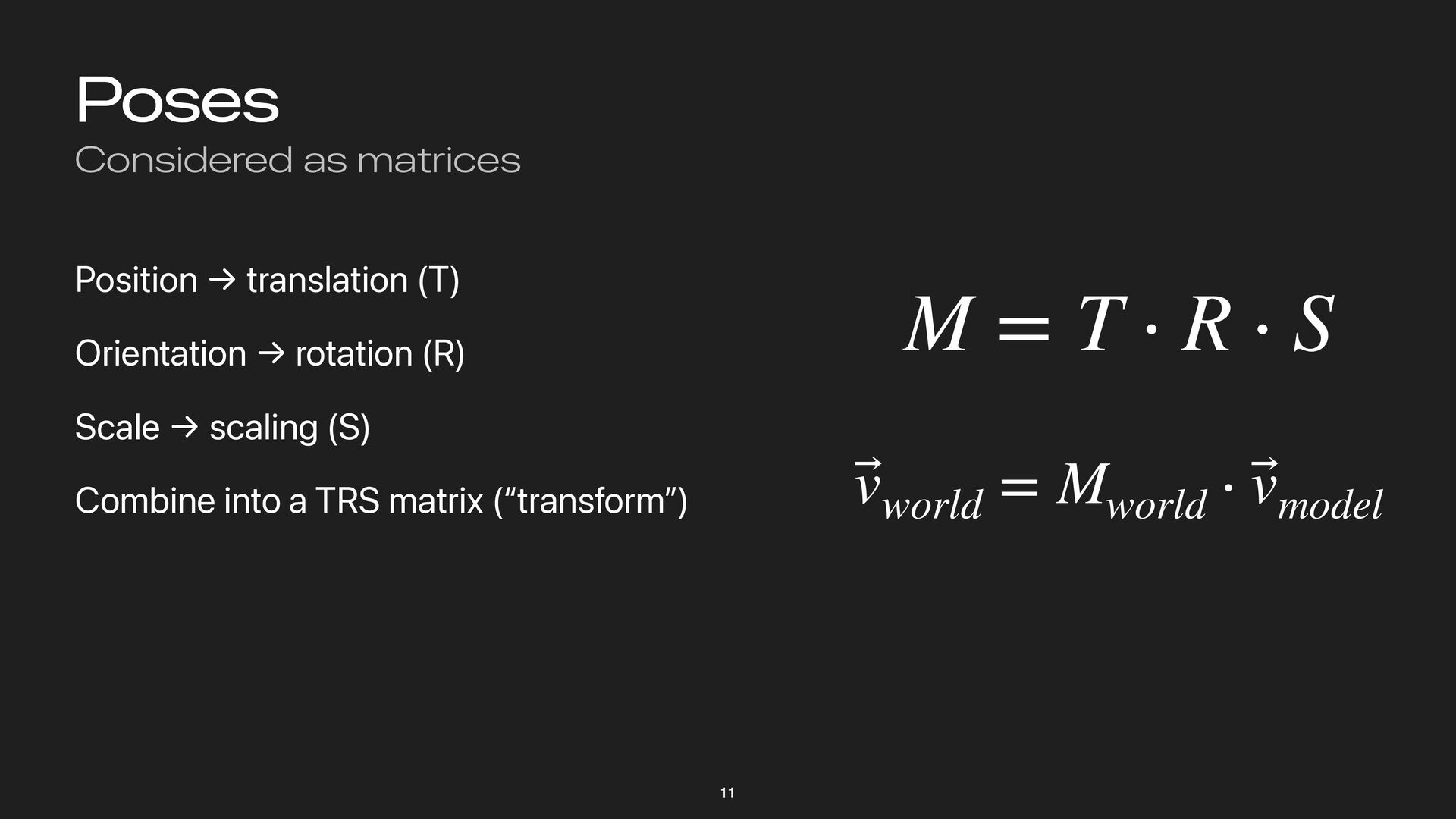
Poses Considered as matrices 11 Position → translation (T) Orientation
→ rotation (R) Scale → scaling (S) Combine into a TRS matrix (“transform”) ⃗ vworld = Mworld ⋅ ⃗ vmodel M = T ⋅ R ⋅ S -
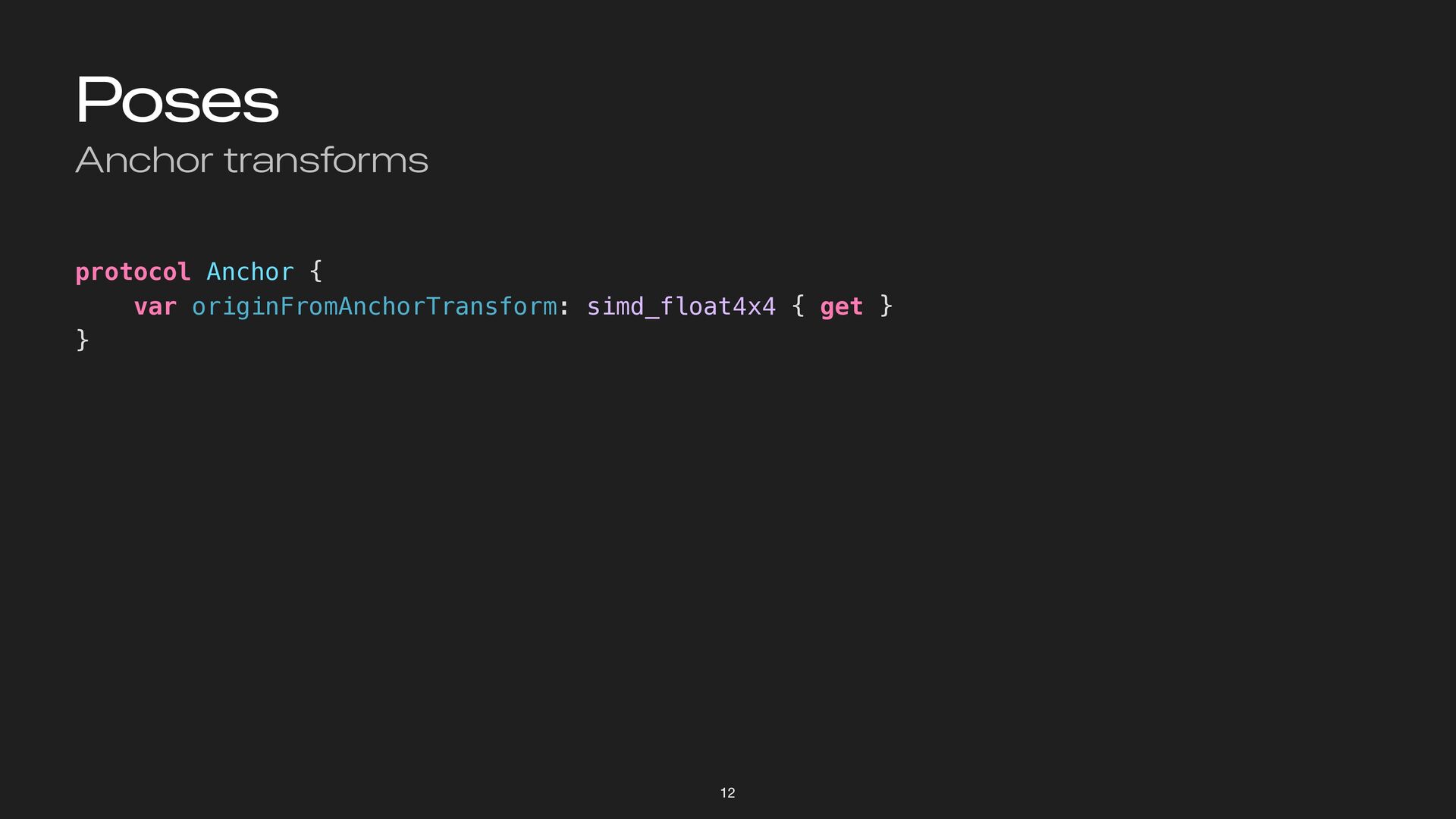
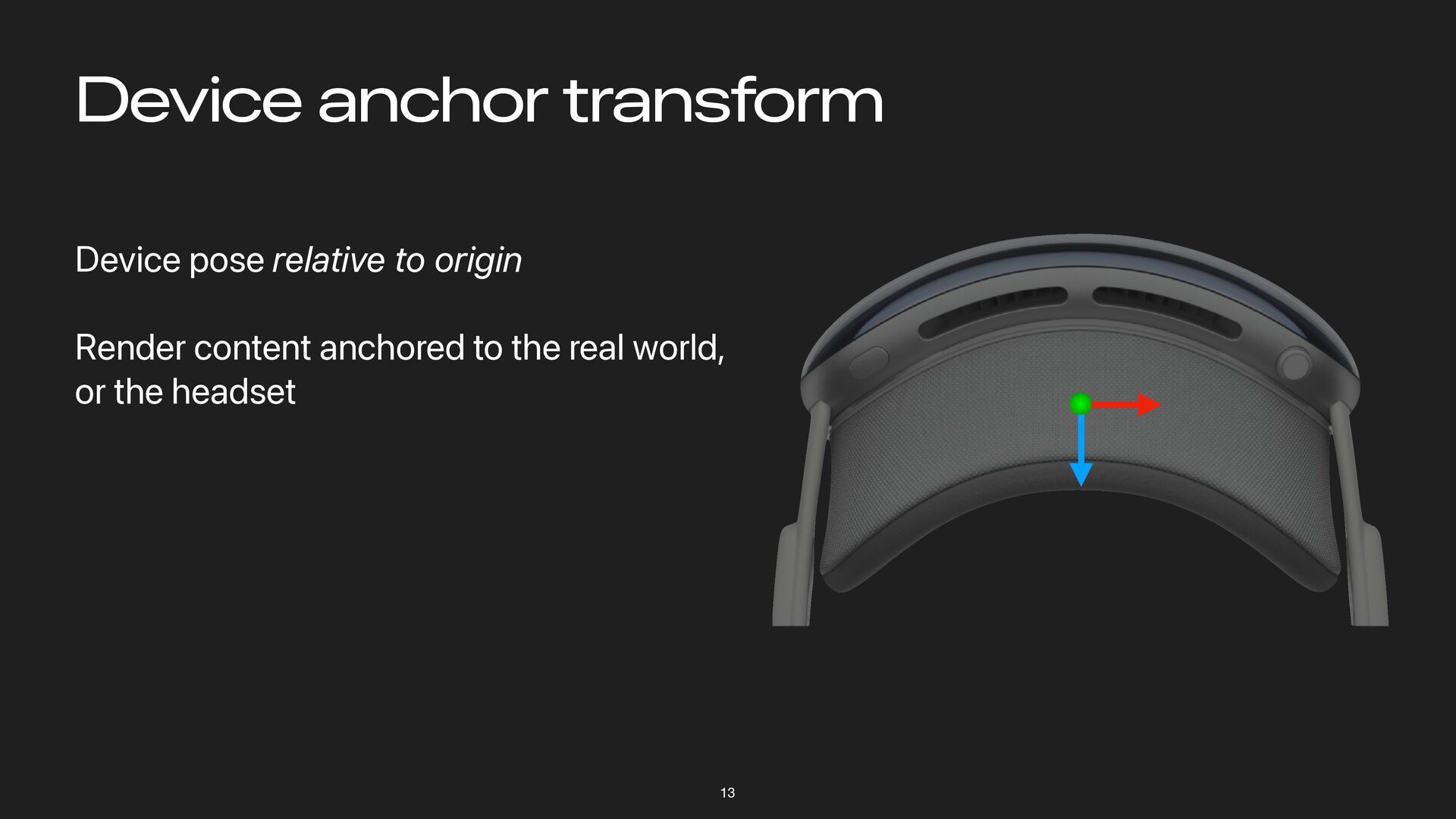
Device anchor transform 13 Device pose relative to origin Render
content anchored to the real world, or the headset -
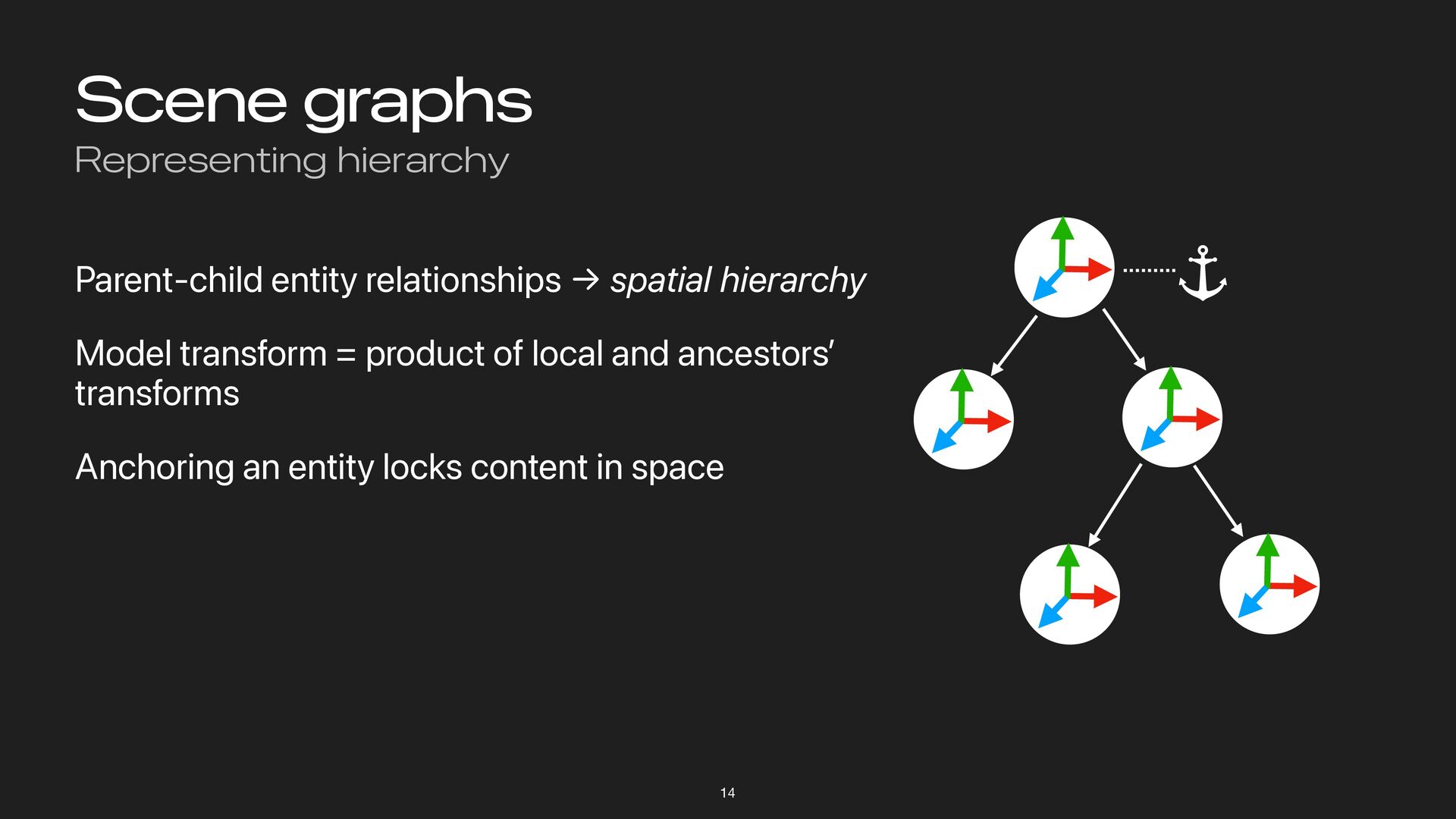
Scene graphs Representing hierarchy 14 Parent-child entity relationships → spatial
hierarchy Model transform = product of local and ancestors ’ transforms Anchoring an entity locks content in space -
Data providers Ten types as of visionOS 2.0 We ’
ll focus on a few: • World tracking • Hand tracking • Plane tracking • Scene reconstruction 15 -
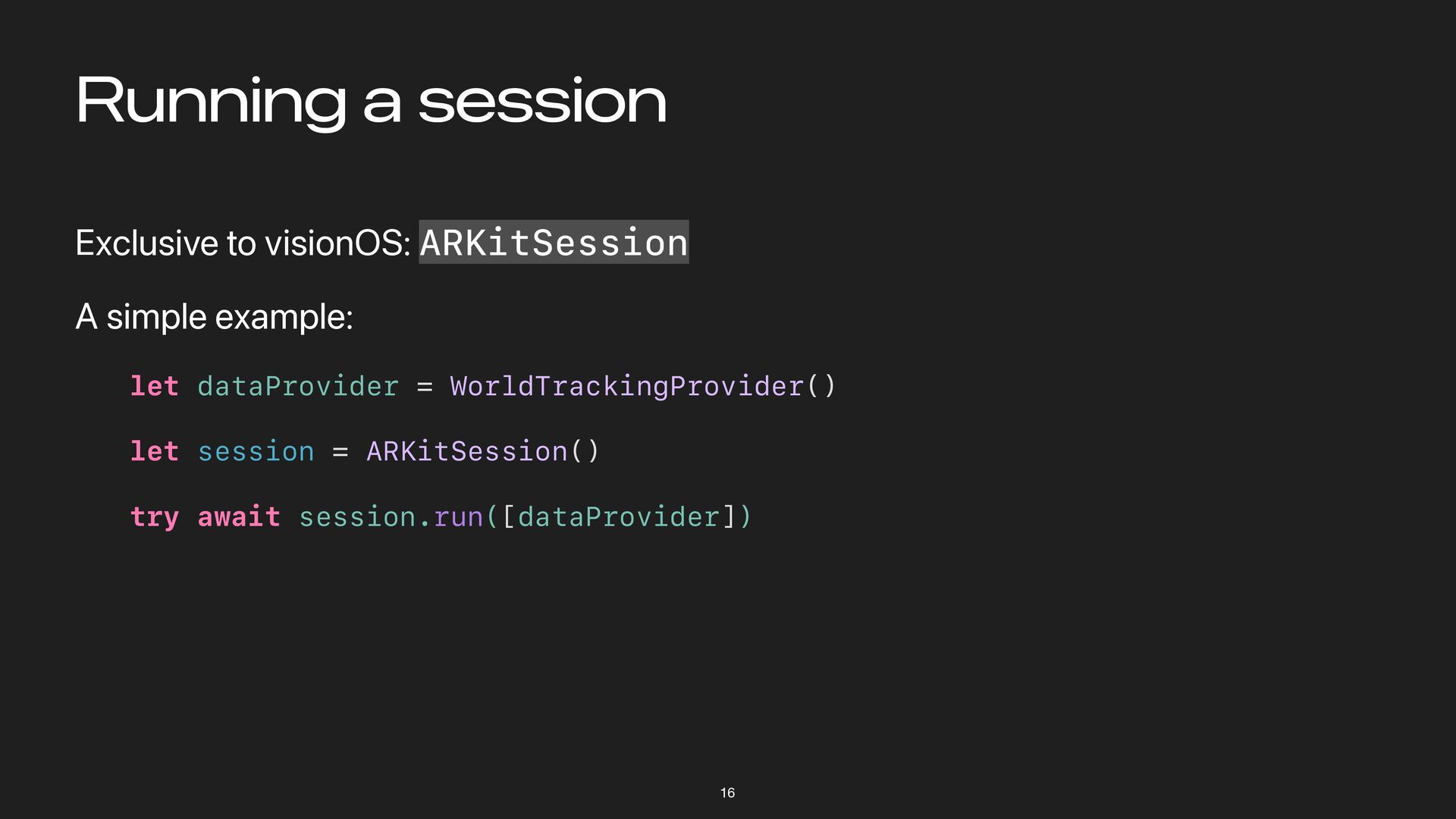
Running a session Exclusive to visionOS: ARKitSession A simple example:
let dataProvider = WorldTrackingProvider() let session = ARKitSession() try await session.run([dataProvider]) 16 -
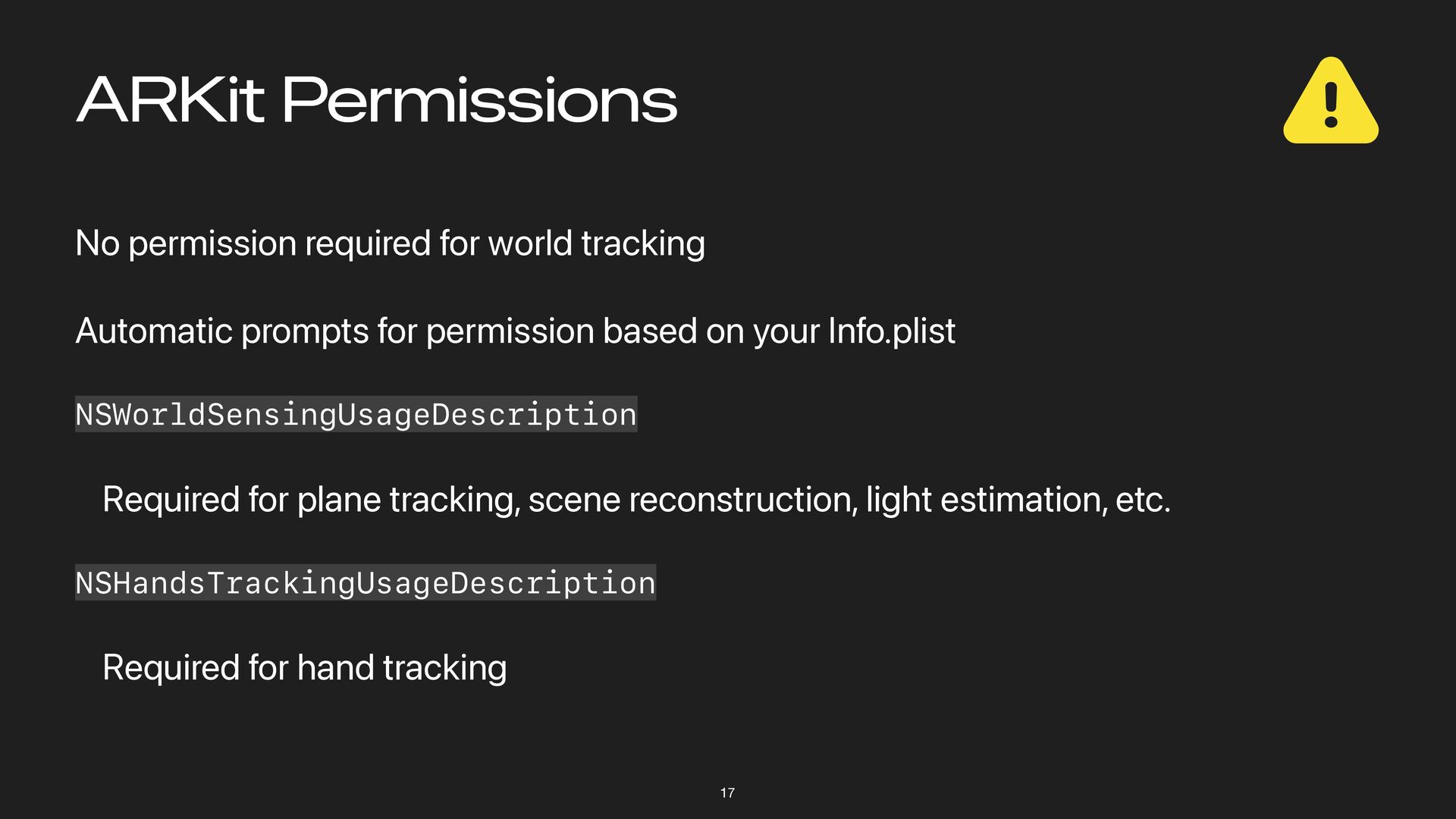
ARKit Permissions No permission required for world tracking Automatic prompts
for permission based on your Info.plist NSWorldSensingUsageDescription Required for plane tracking, scene reconstruction, light estimation, etc. NSHandsTrackingUsageDescription Required for hand tracking 17 -
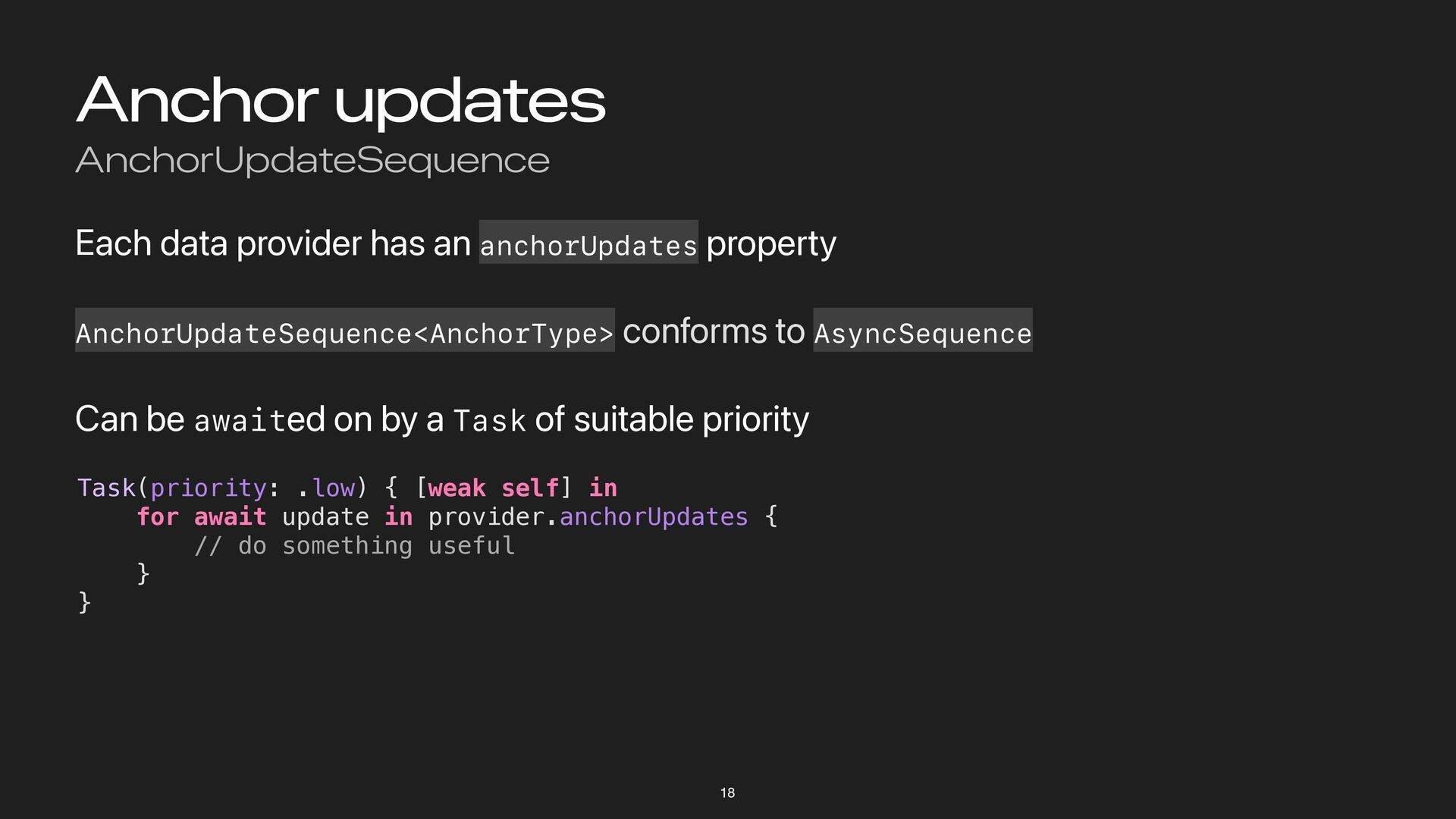
Anchor updates AnchorUpdateSequence Each data provider has an anchorUpdates property
AnchorUpdateSequence<AnchorType> conforms to AsyncSequence Can be awaited on by a Task of suitable priority Task(priority: .low) { [weak self] in for await update in provider.anchorUpdates { // do something useful } } 18 -
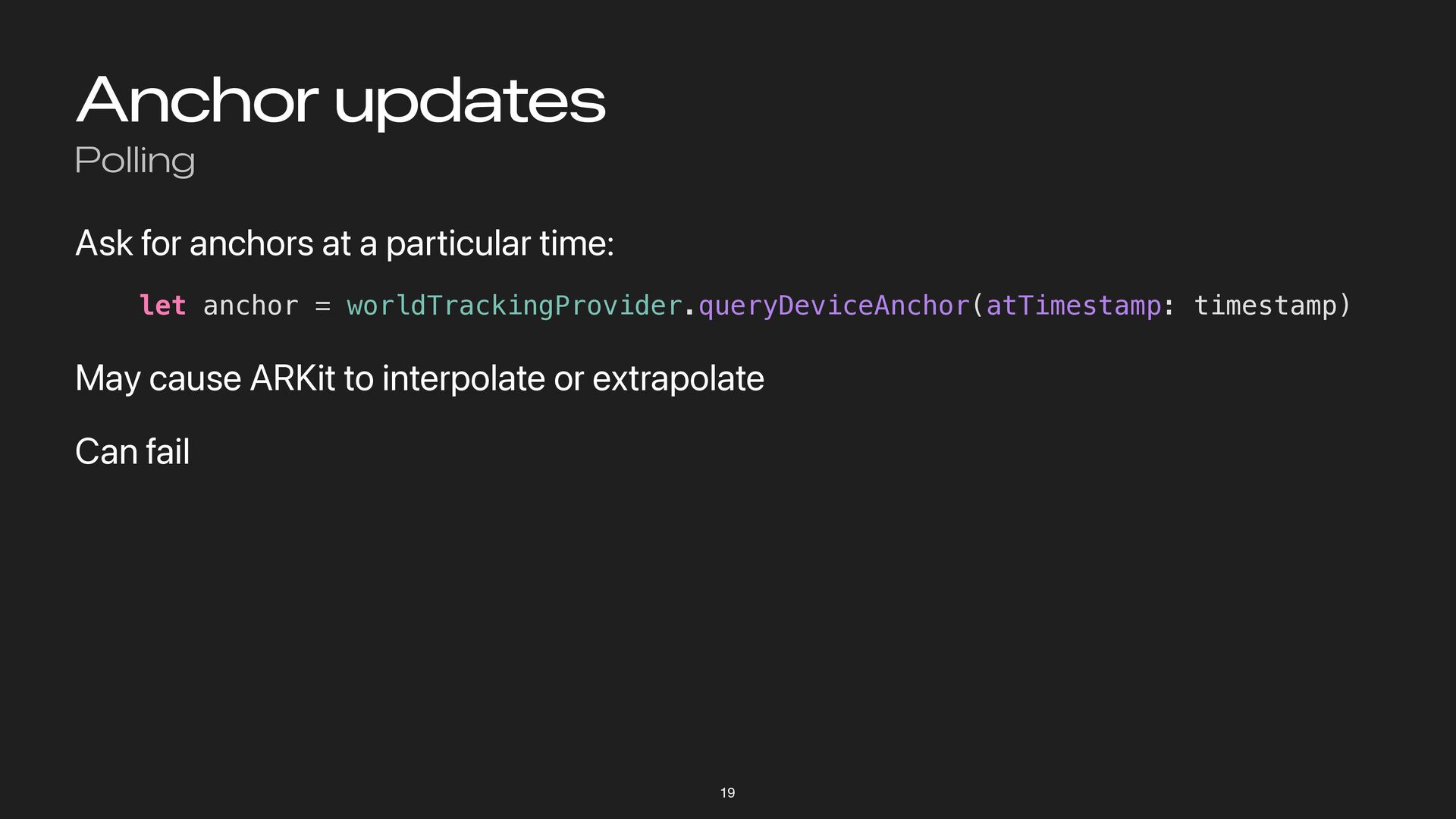
Anchor updates Polling Ask for anchors at a particular time:
let anchor = worldTrackingProvider.queryDeviceAnchor(atTimestamp: timestamp) May cause ARKit to interpolate or extrapolate Can fail 19 -
Concepts in 3D Rendering Topics Data on the GPU The
render pipeline Coordinate spaces 21 -
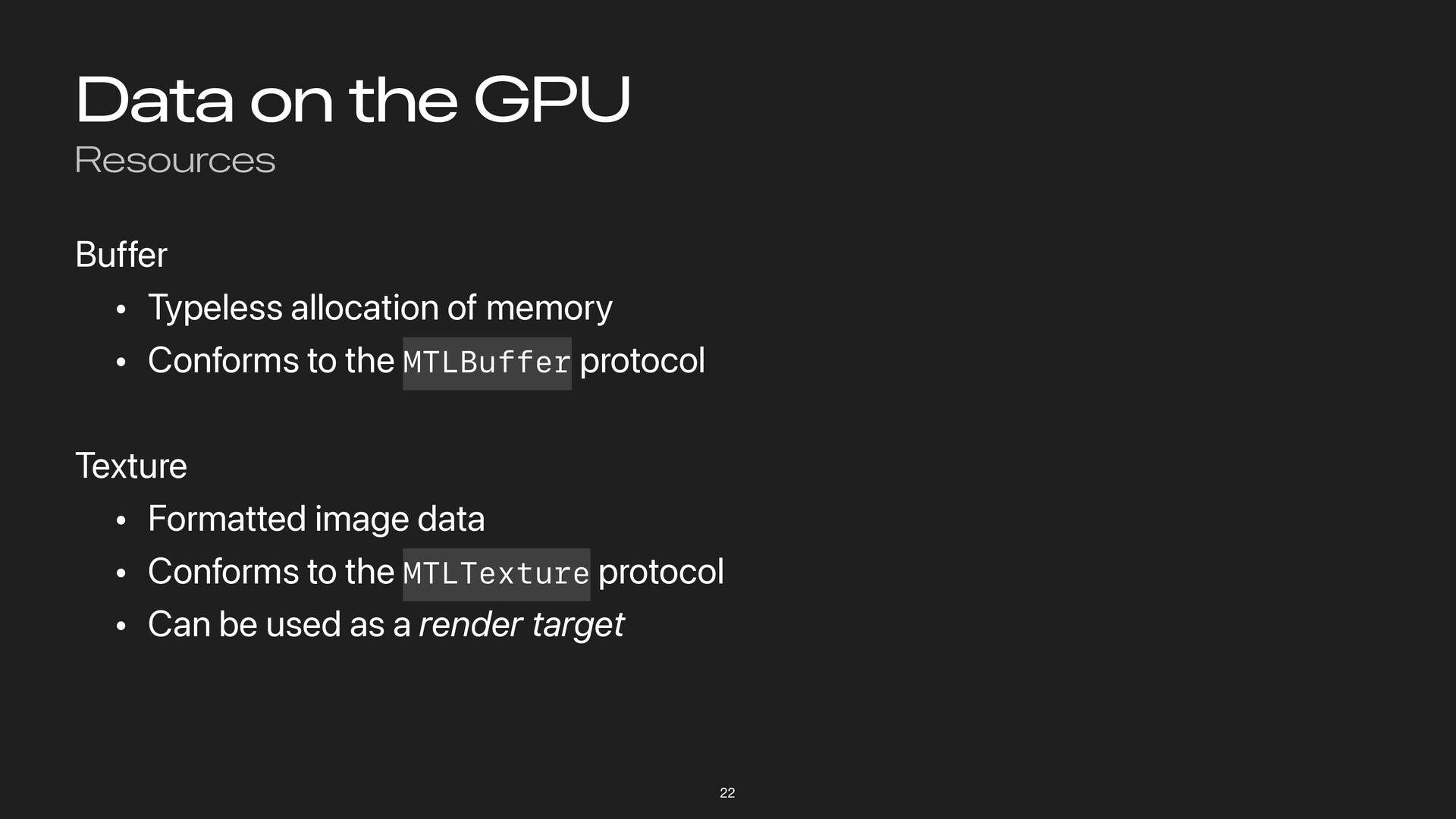
Data on the GPU Resources Buffer • Typeless allocation of
memory • Conforms to the MTLBuffer protocol Texture • Formatted image data • Conforms to the MTLTexture protocol • Can be used as a render target 22 -
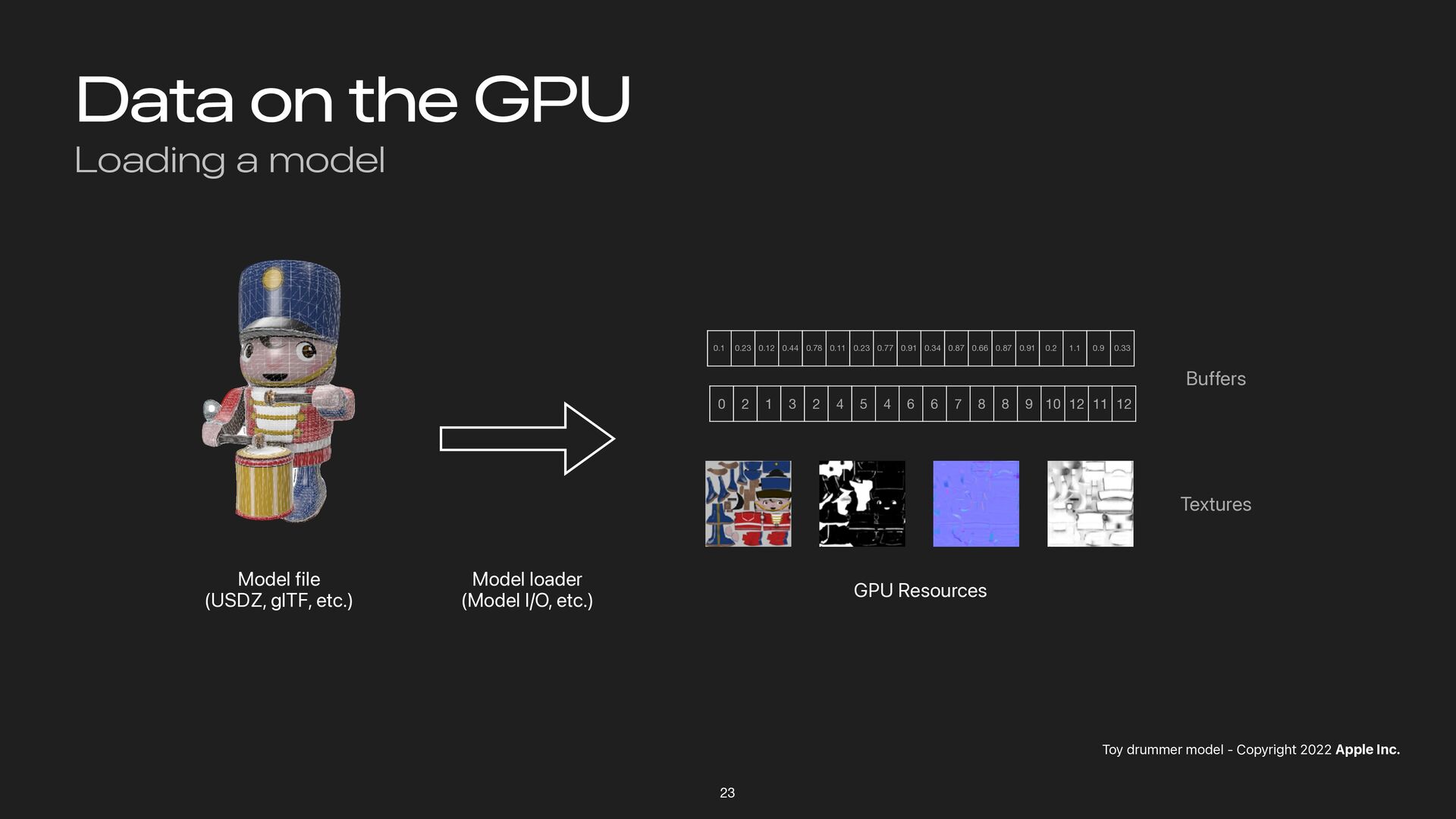
Data on the GPU Loading a model 23 Toy drummer
model - Copyright 2022 Apple Inc. Model file (USDZ, glTF, etc.) Model loader (Model I/O, etc.) 0.1 0.23 0.12 0.44 0.78 0.11 0.23 0.77 0.91 0.34 0.87 0.66 0.87 0.91 0.2 1.1 0.9 0.33 0 2 1 3 2 4 5 4 6 6 7 8 8 9 10 12 11 12 GPU Resources Buffers Textures -
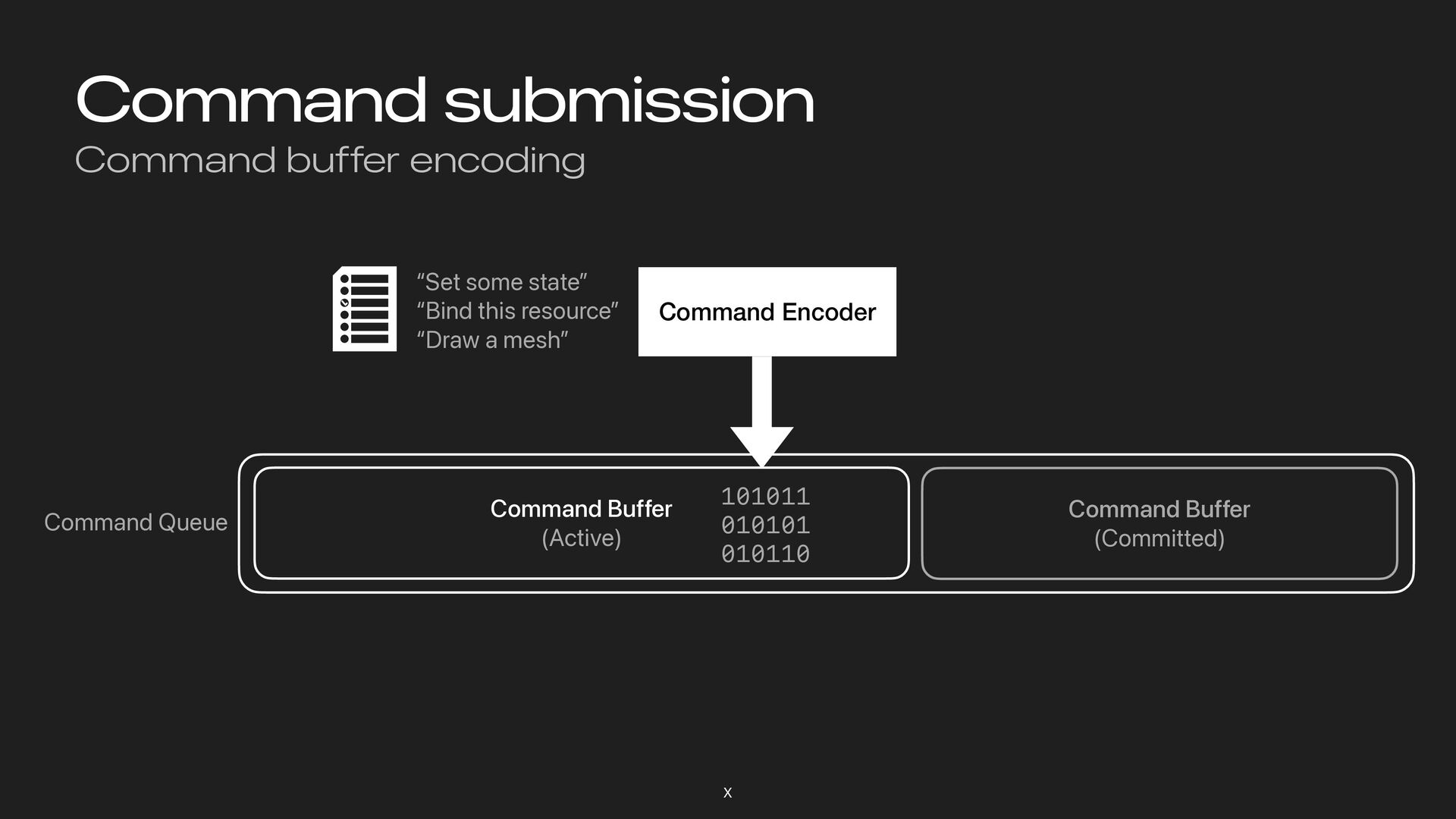
Command submission Introduction Commands are batched into command buffers, via
command encoders Command buffers are created by command queues Command submission follows a fire-and-forget pattern X -
Command submission Command buffer encoding X Command Buffer (Active) Command
Buffer (Committed) Command Encoder Command Queue “Set some state” “Bind this resource” “Draw a mesh” 101011 010101 010110 101011 010101 010110 -
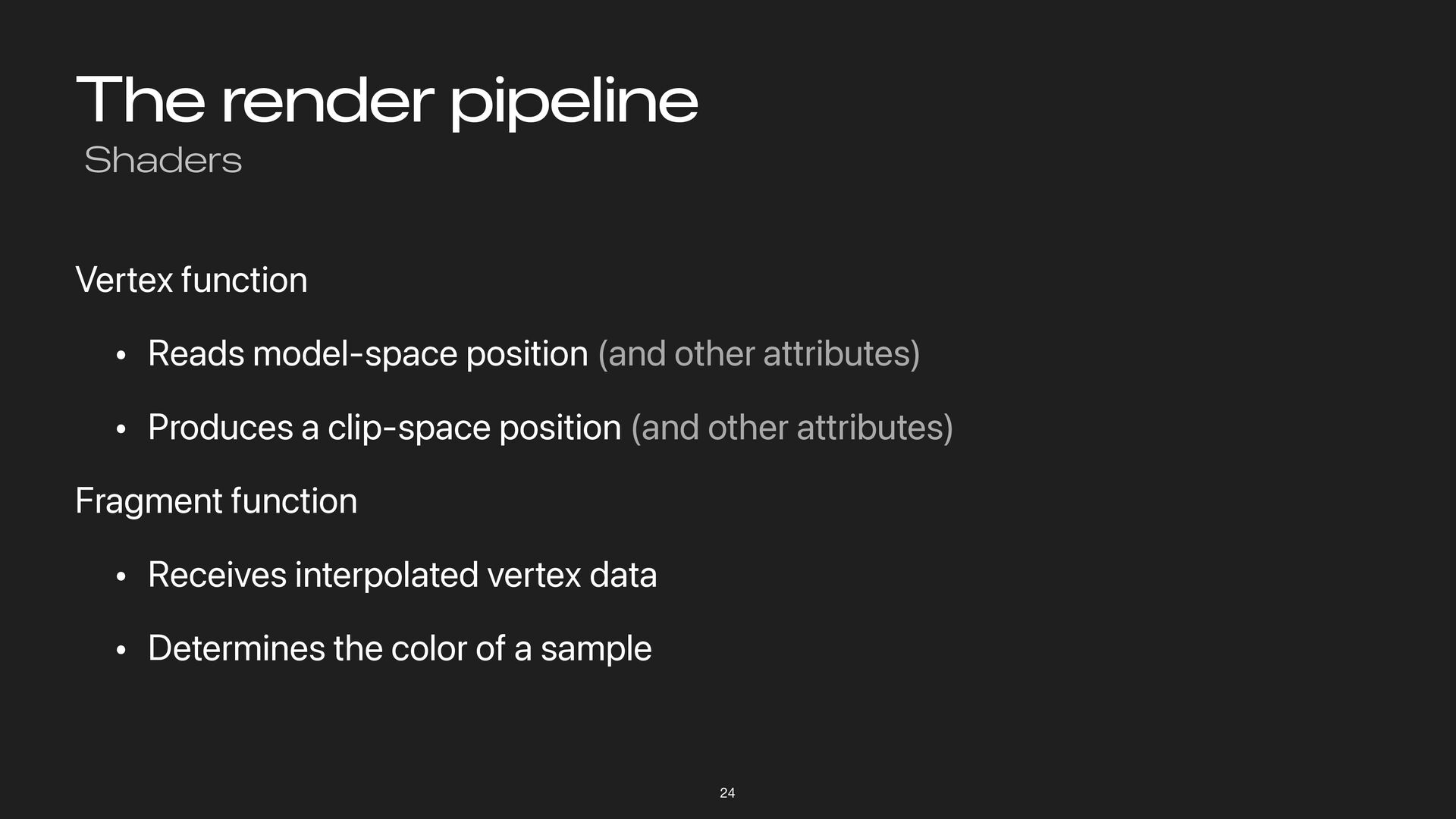
The render pipeline Shaders Vertex function • Reads model-space position
(and other attributes) • Produces a clip-space position (and other attributes) Fragment function • Receives interpolated vertex data • Determines the color of a sample 24 -
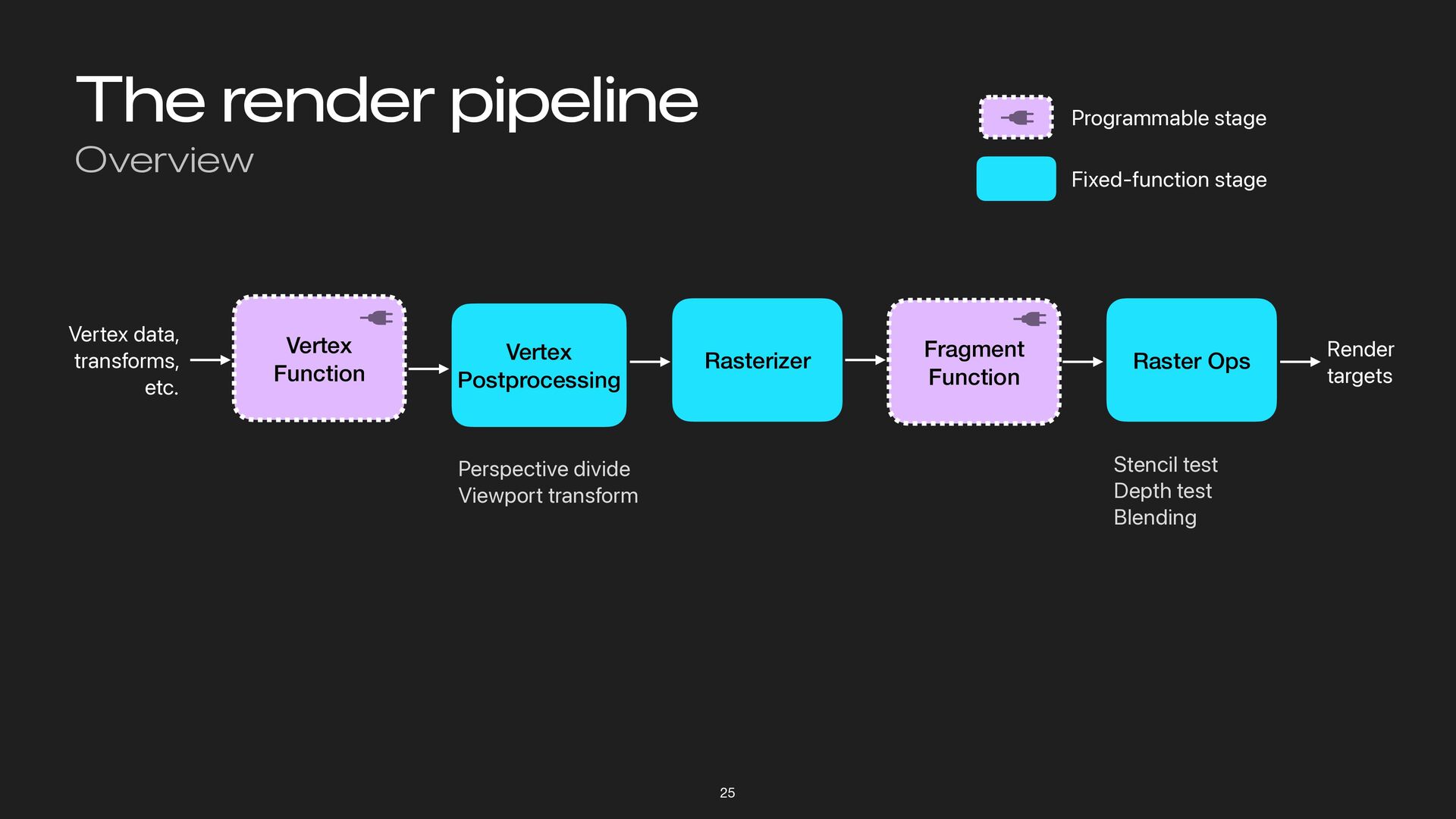
The render pipeline Overview 25 Raster Ops Stencil test Depth
test Blending Render targets Rasterizer Perspective divide Viewport transform Vertex Postprocessing Programmable stage Fixed-function stage Vertex Function Vertex data, transforms, etc. Fragment Function -
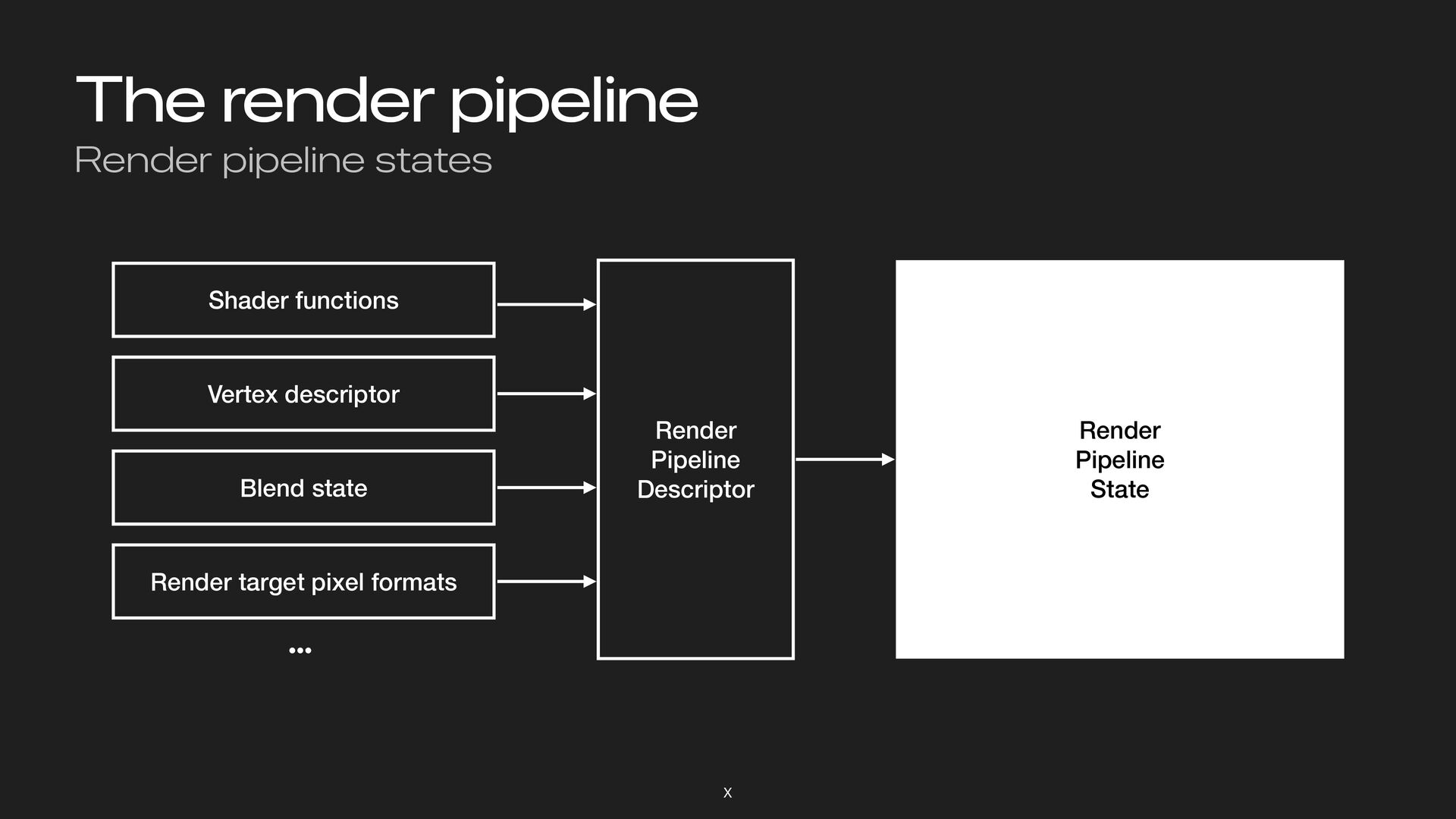
The render pipeline Render pipeline states X Render Pipeline Descriptor
Shader functions Vertex descriptor Blend state Render target pixel formats Render Pipeline State … -
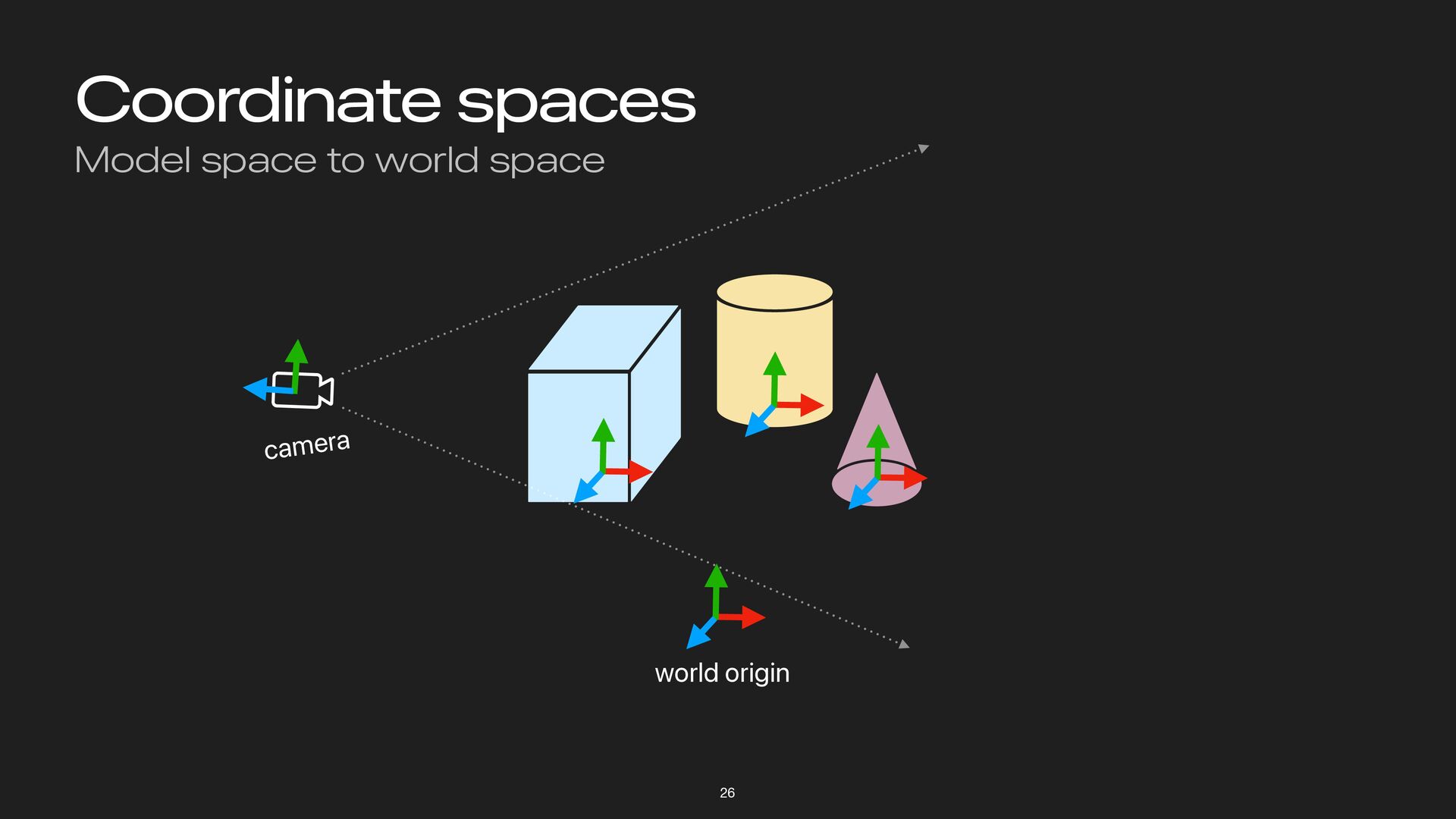
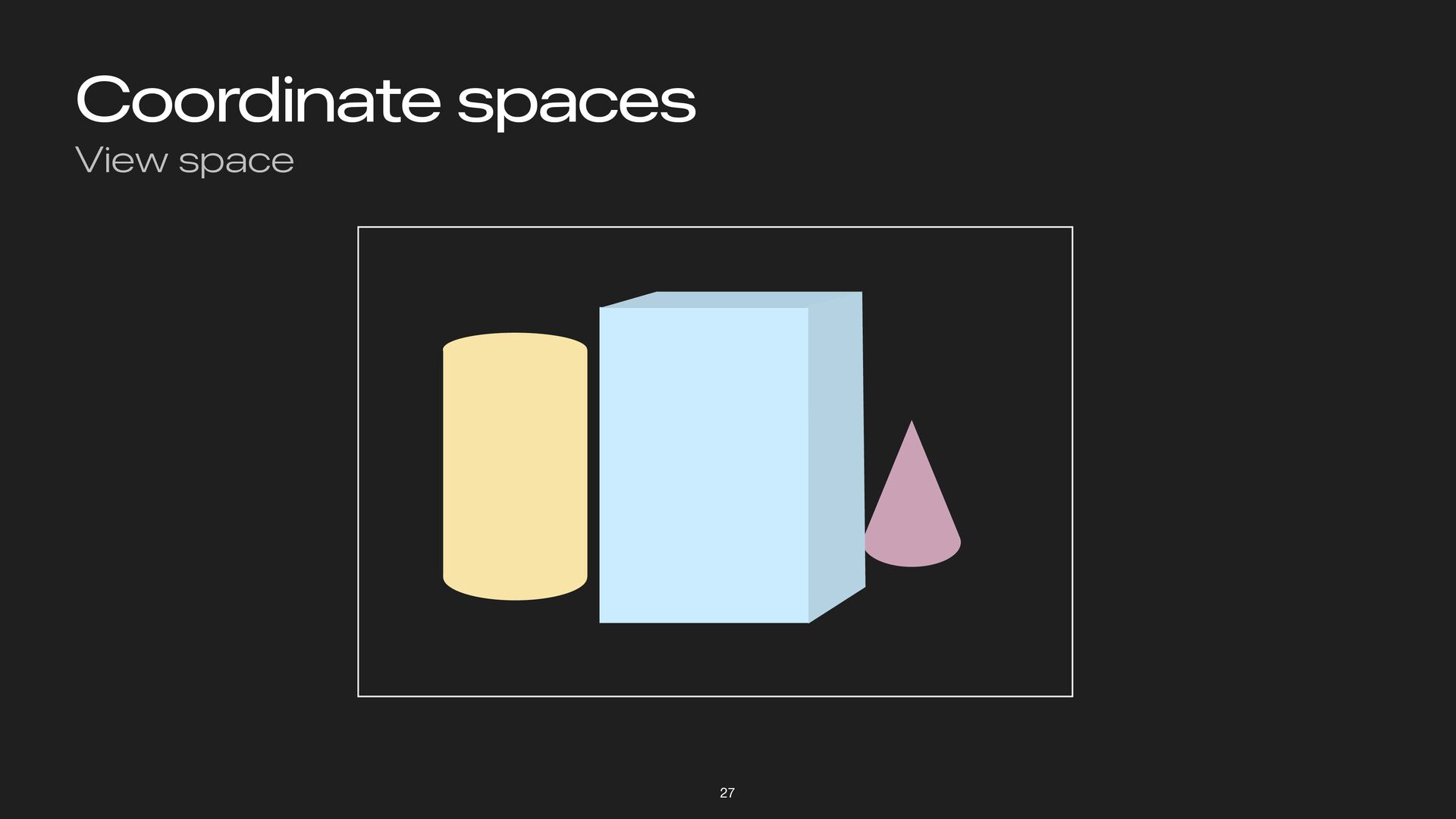
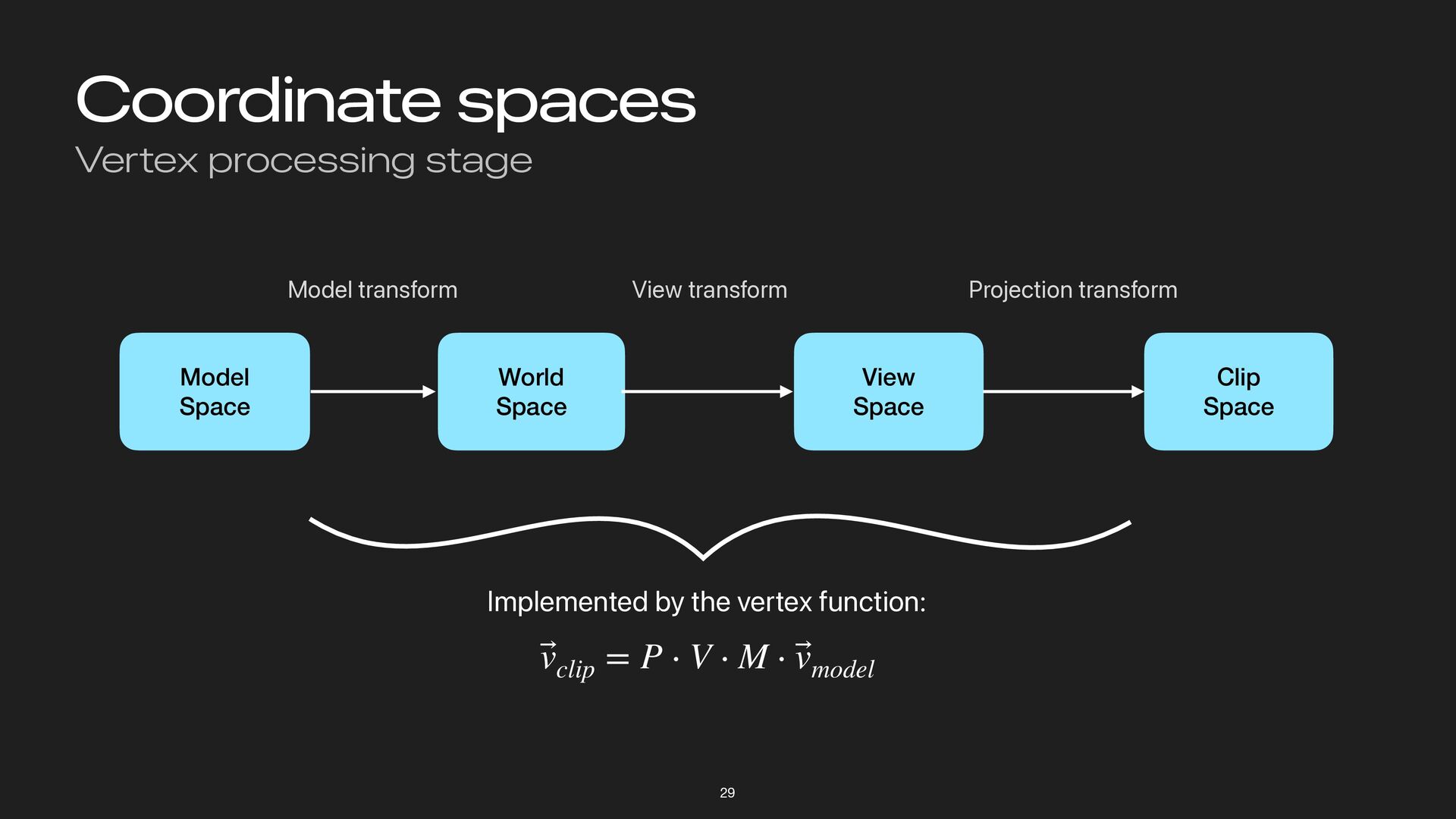
Coordinate spaces Vertex processing stage 29 Model Space World Space
View Space Clip Space Model transform View transform Projection transform Implemented by the vertex function: ⃗ vclip = P ⋅ V ⋅ M ⋅ ⃗ vmodel -
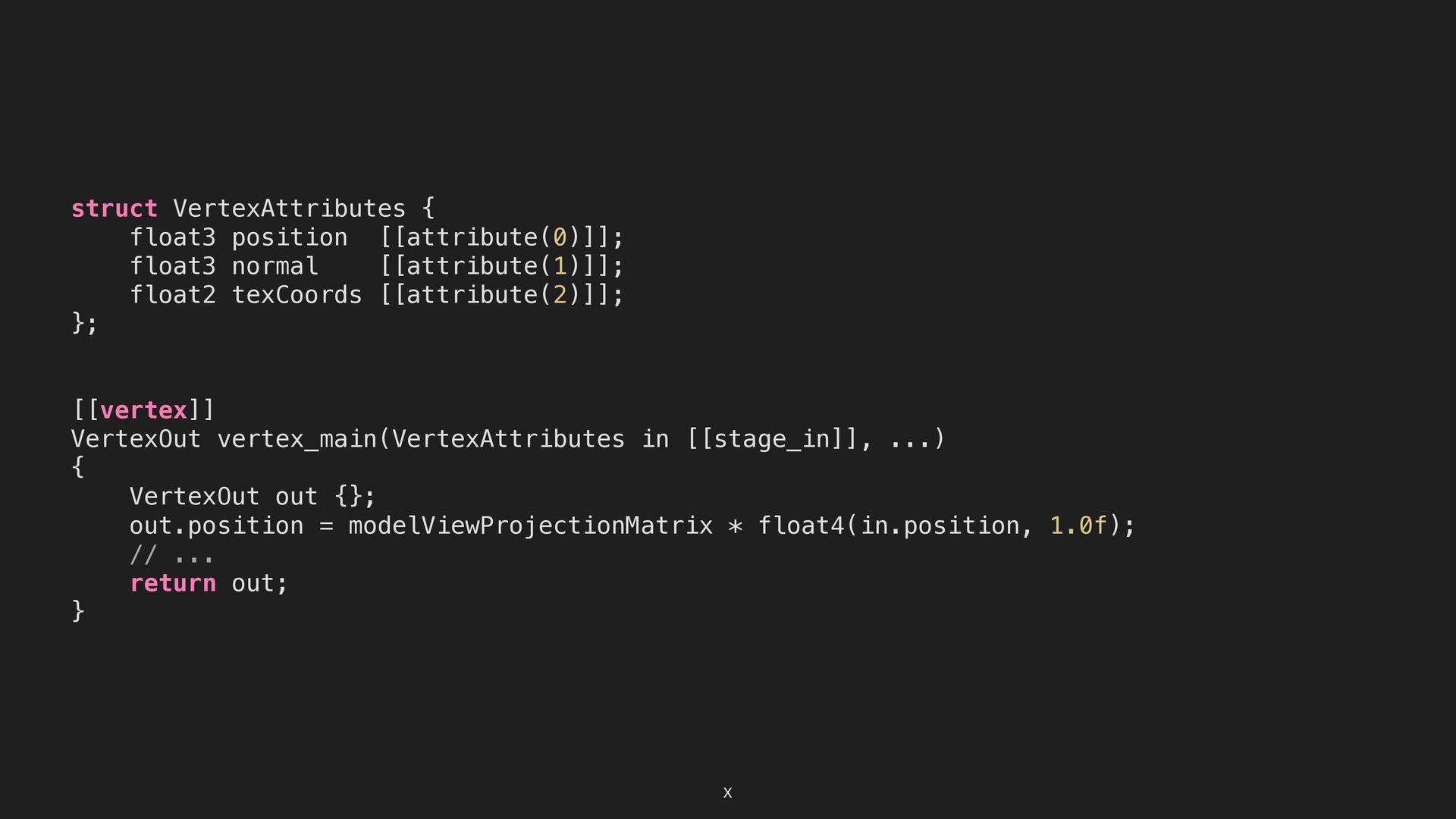
X struct VertexAttributes { float3 position [[attribute(0)]]; float3 normal [[attribute(1)]];
float2 texCoords [[attribute(2)]]; }; [[vertex]] VertexOut vertex_main(VertexAttributes in [[stage_in]], ...) { VertexOut out {}; out.position = modelViewProjectionMatrix * float4(in.position, 1.0f); // ... return out; } -
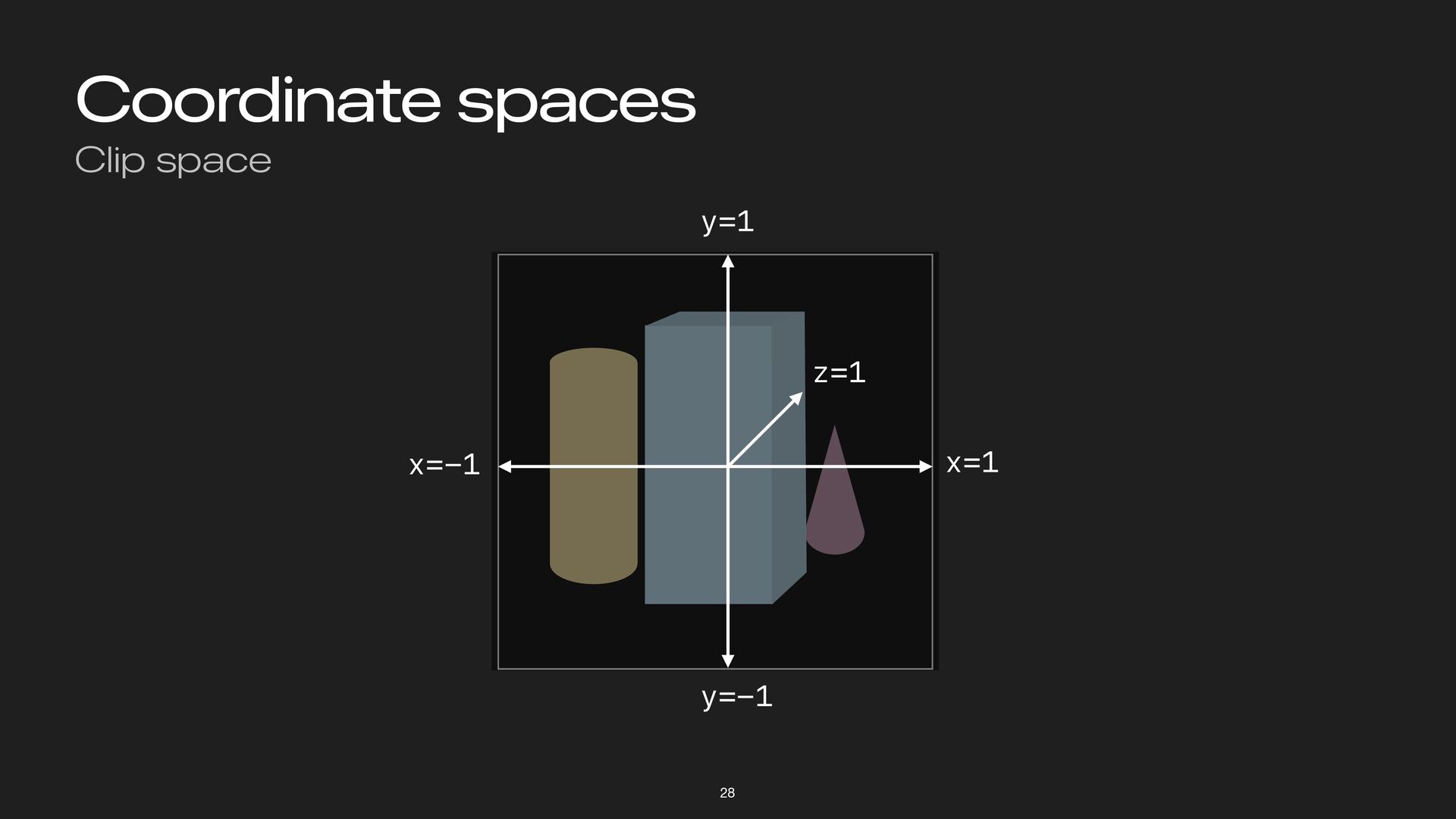
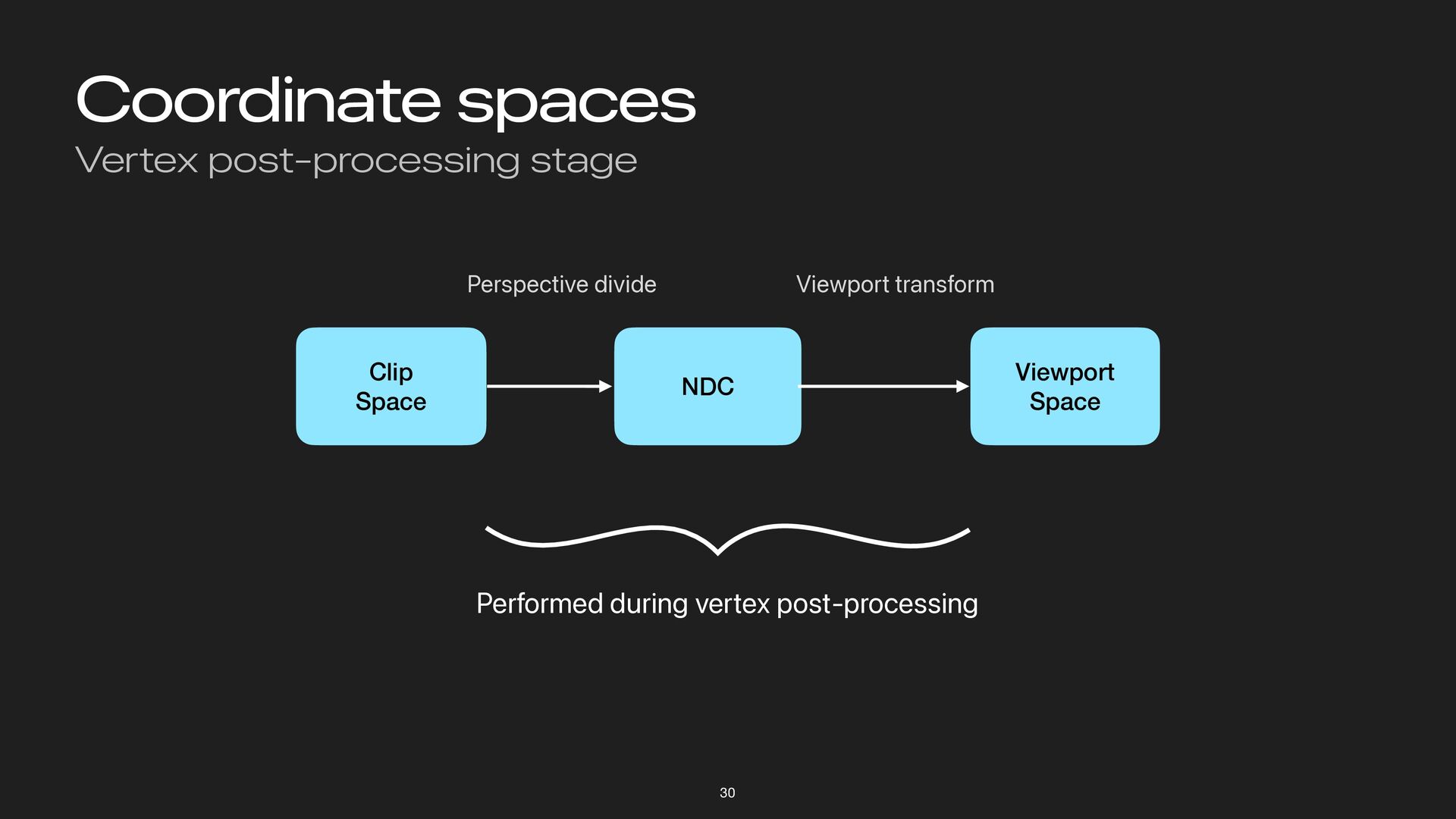
Coordinate spaces Vertex post-processing stage 30 Clip Space NDC Viewport
Space Perspective divide Viewport transform Performed during vertex post-processing -
Concepts in 3D Rendering Recap Load model data into GPU-resident
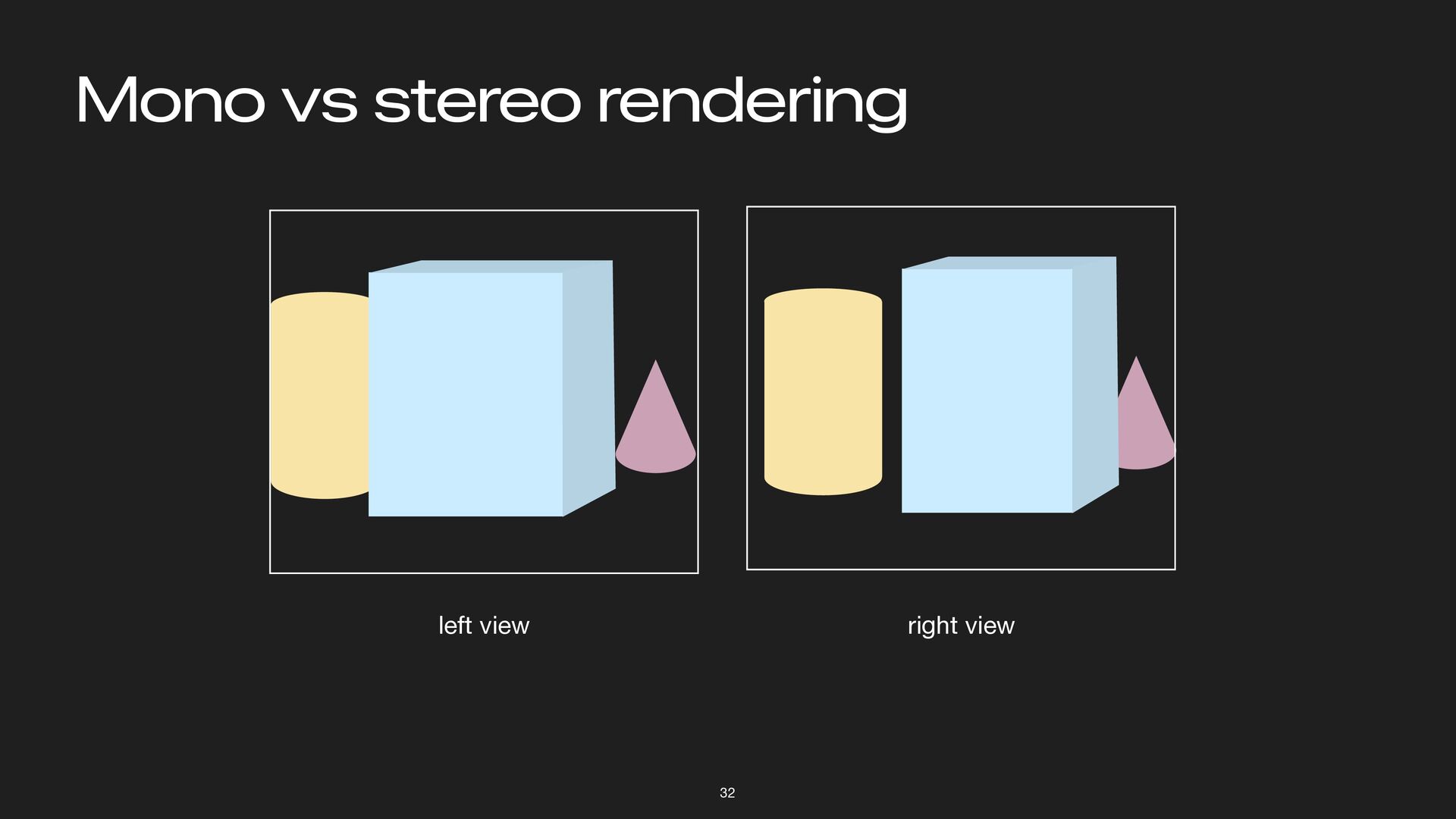
resources Write shaders to transform vertices and perform lighting & shading Stereo rendering = render the same thing from different viewpoints 34 -
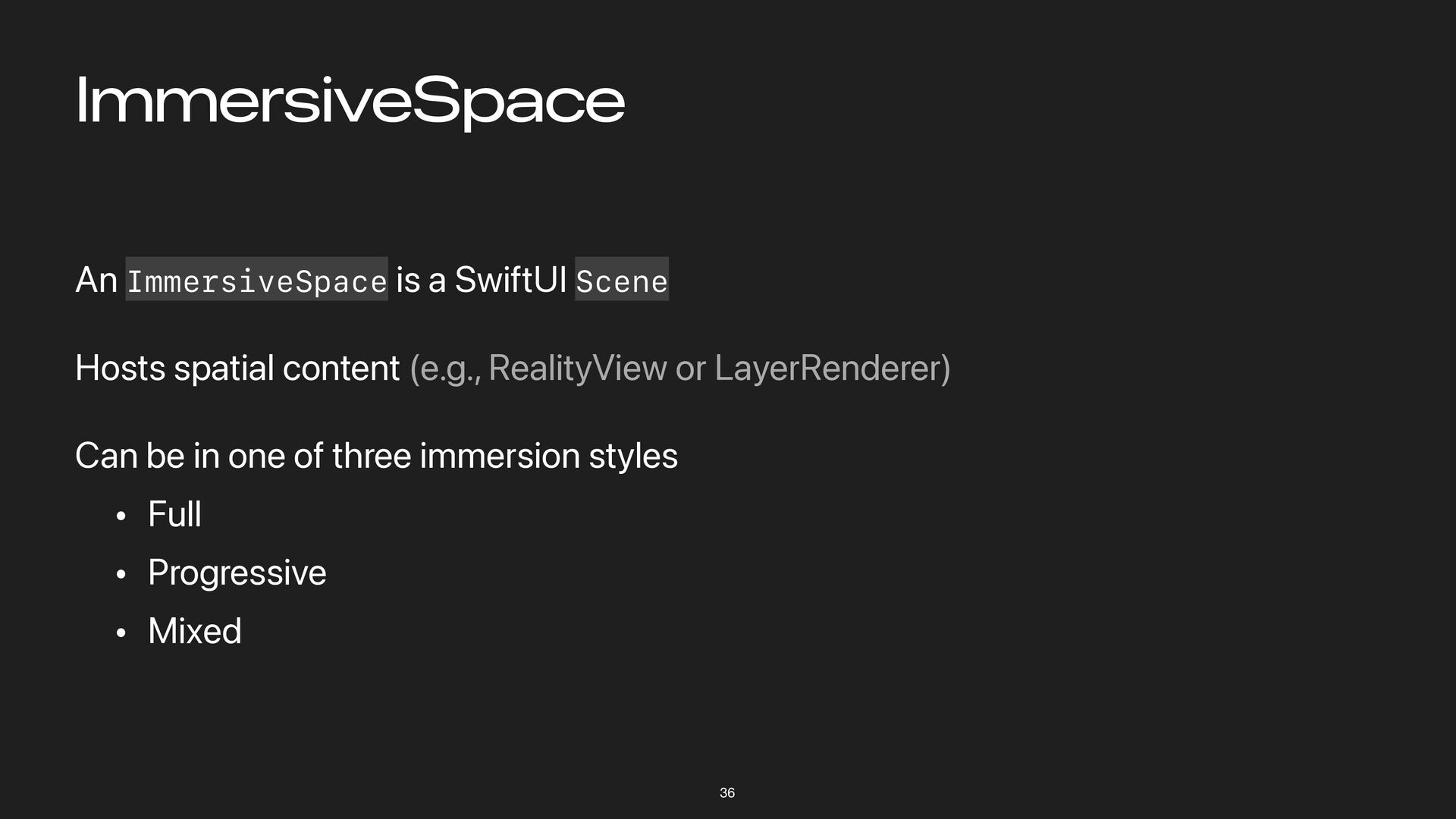
ImmersiveSpace 36 An ImmersiveSpace is a SwiftUI Scene Hosts spatial
content (e.g., RealityView or LayerRenderer) Can be in one of three immersion styles • Full • Progressive • Mixed -
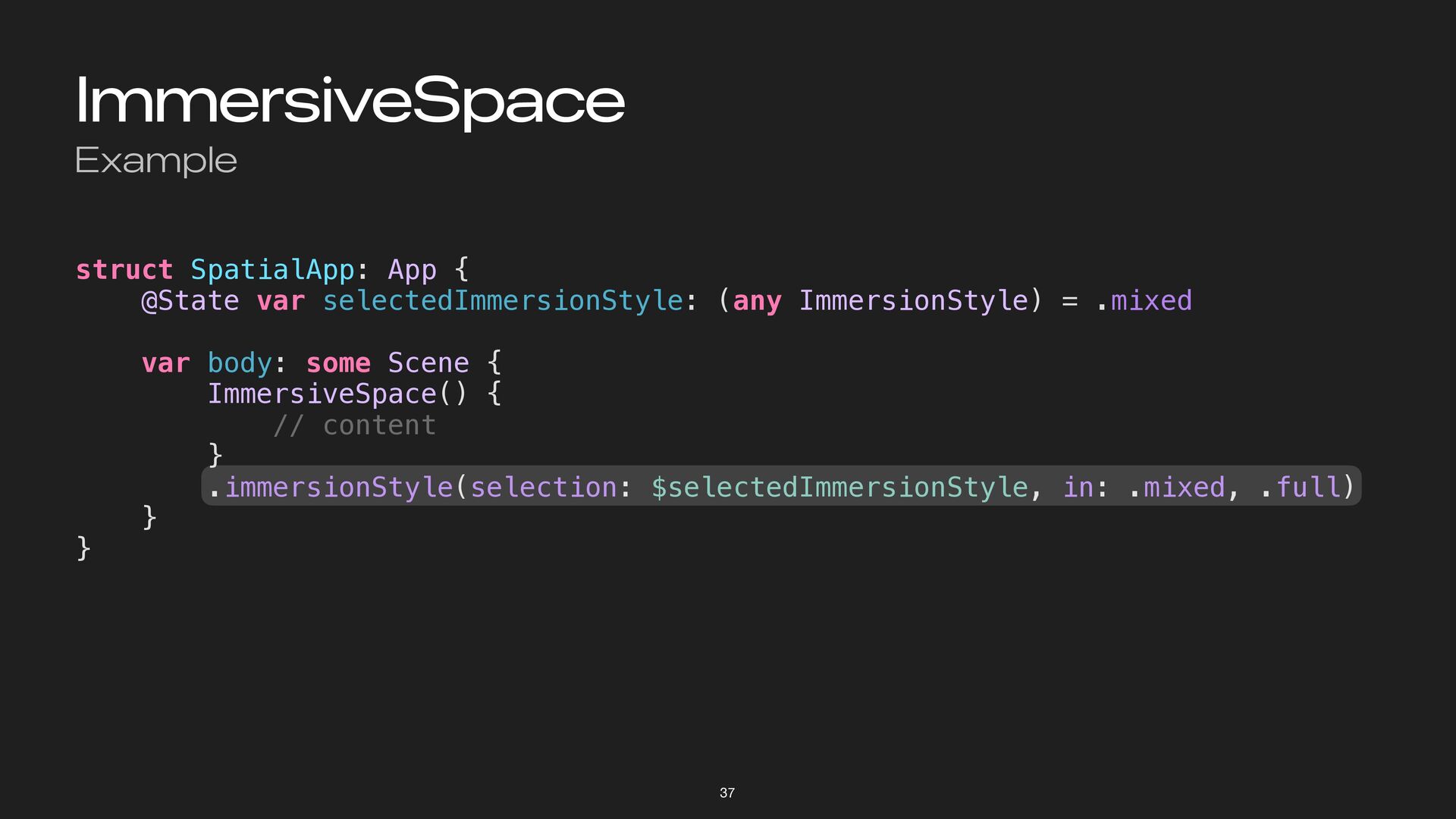
ImmersiveSpace Example 37 struct SpatialApp: App { @State var selectedImmersionStyle:
(any ImmersionStyle) = .mixed var body: some Scene { ImmersiveSpace() { // content } .immersionStyle(selection: $selectedImmersionStyle, in: .mixed, .full) } } -
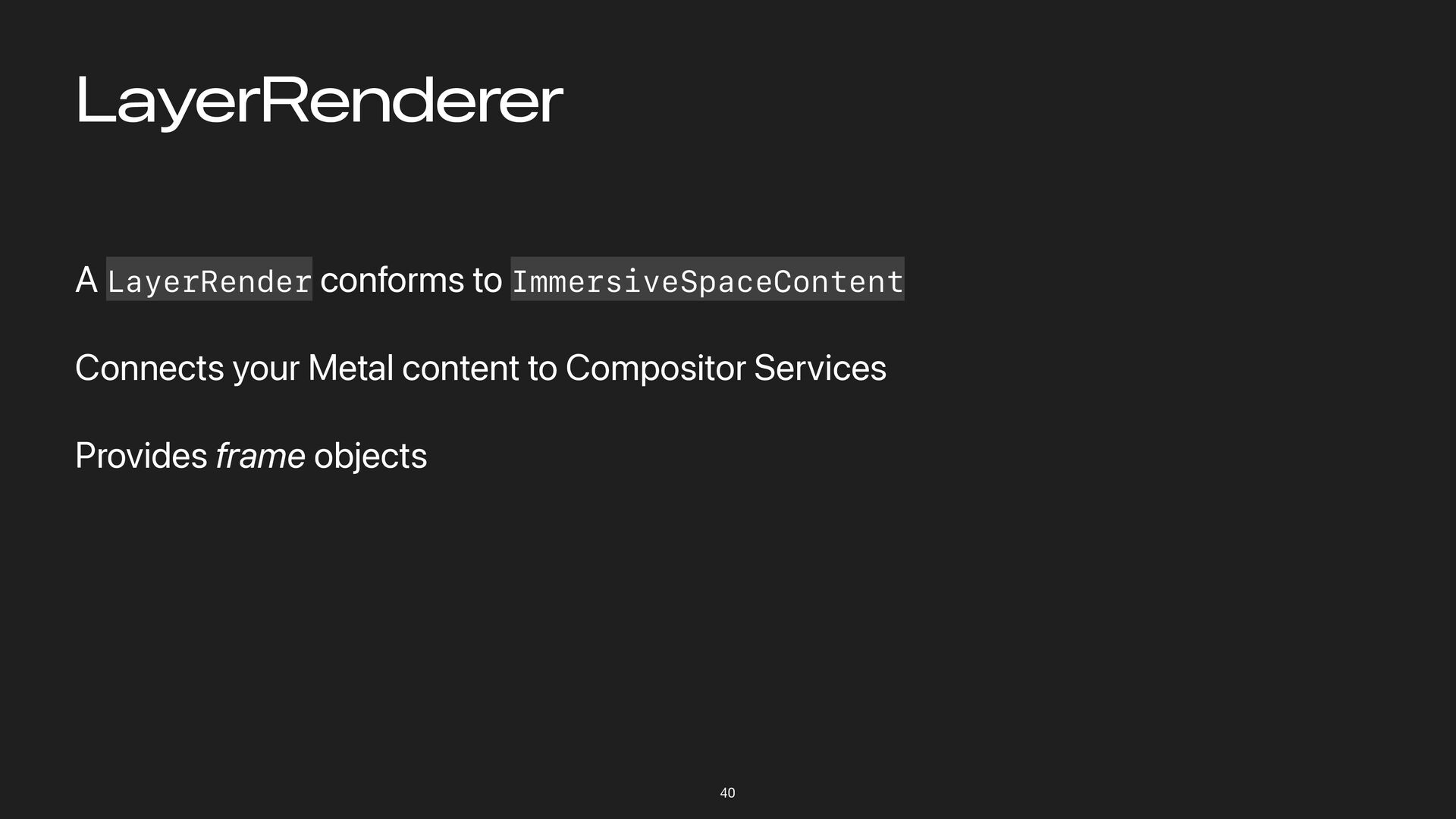
LayerRenderer 40 A LayerRender conforms to ImmersiveSpaceContent Connects your Metal
content to Compositor Services Provides frame objects -
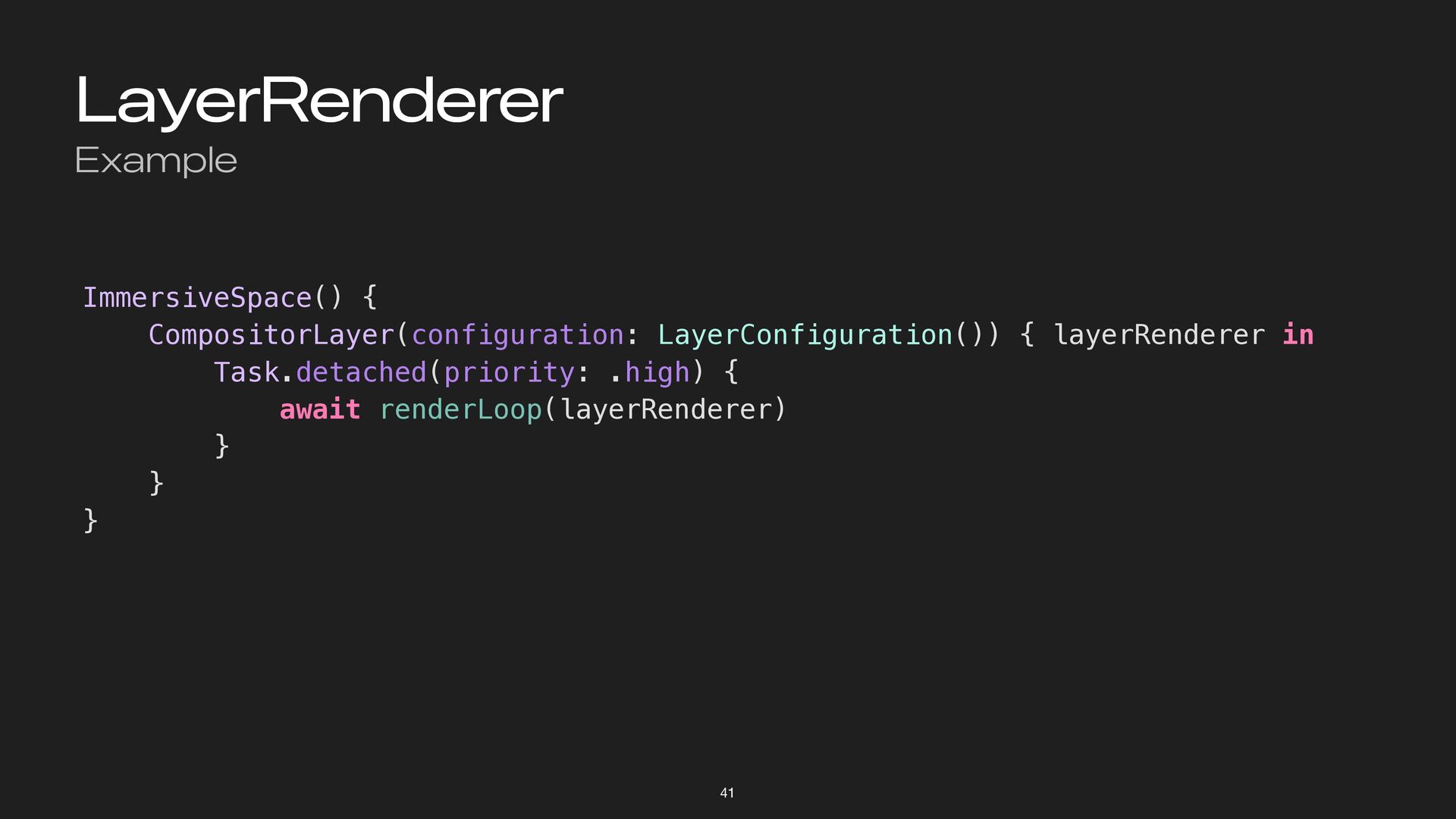
LayerRenderer Example 41 ImmersiveSpace() { CompositorLayer(configuration: LayerConfiguration()) { layerRenderer in
Task.detached(priority: .high) { await renderLoop(layerRenderer) } } } -
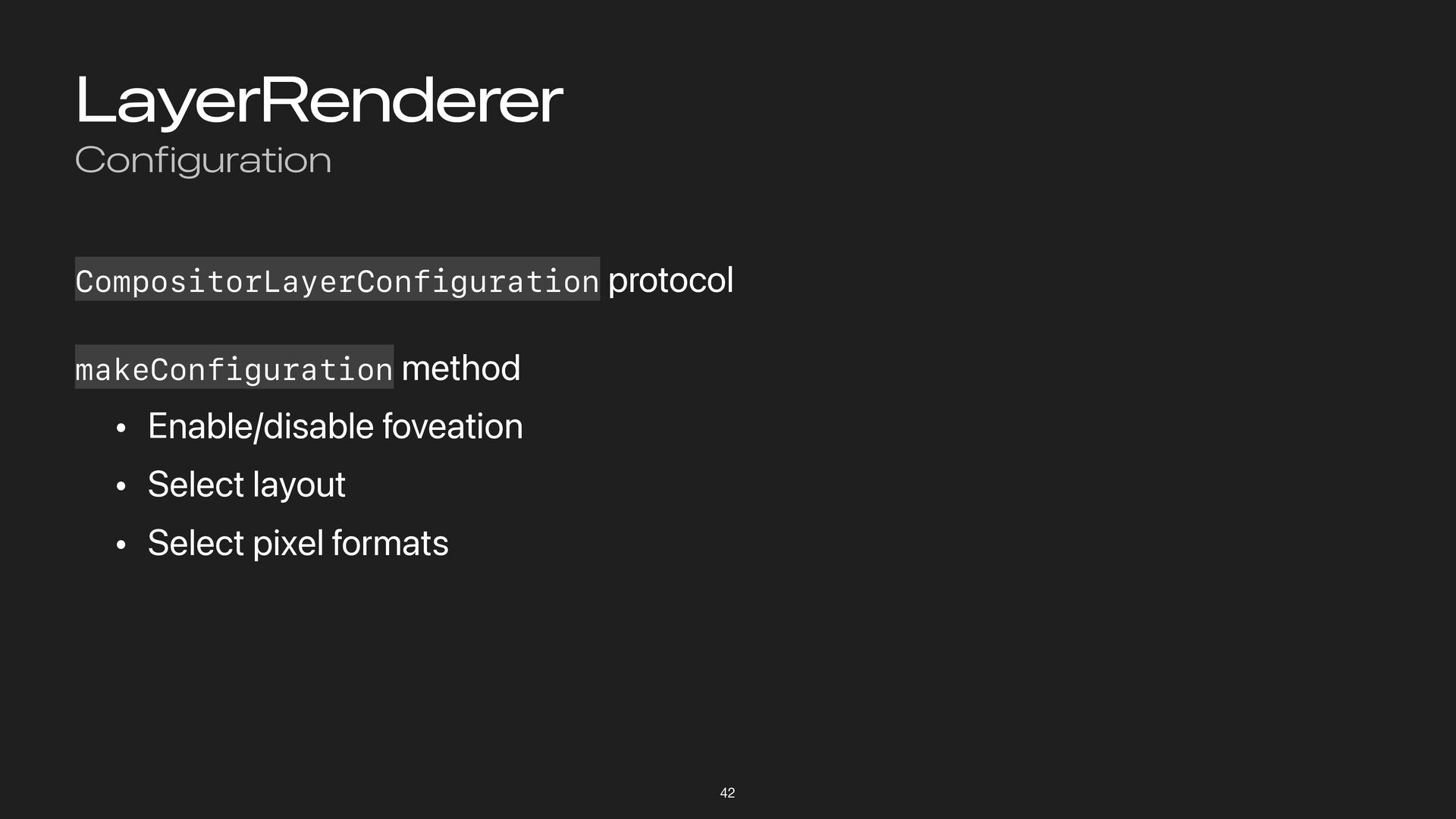
LayerRenderer Configuration 42 CompositorLayerConfiguration protocol makeConfiguration method • Enable/disable foveation
• Select layout • Select pixel formats -
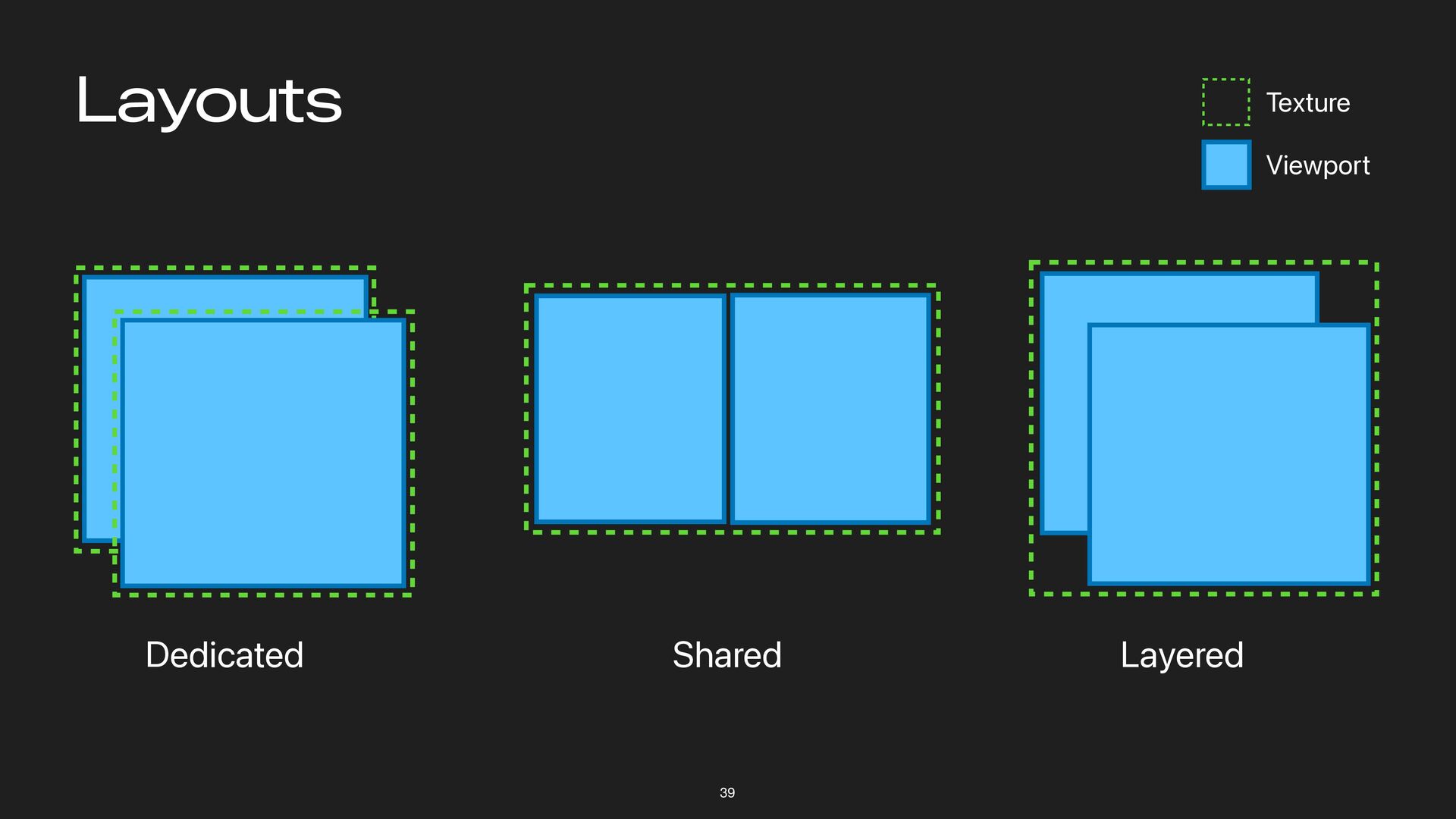
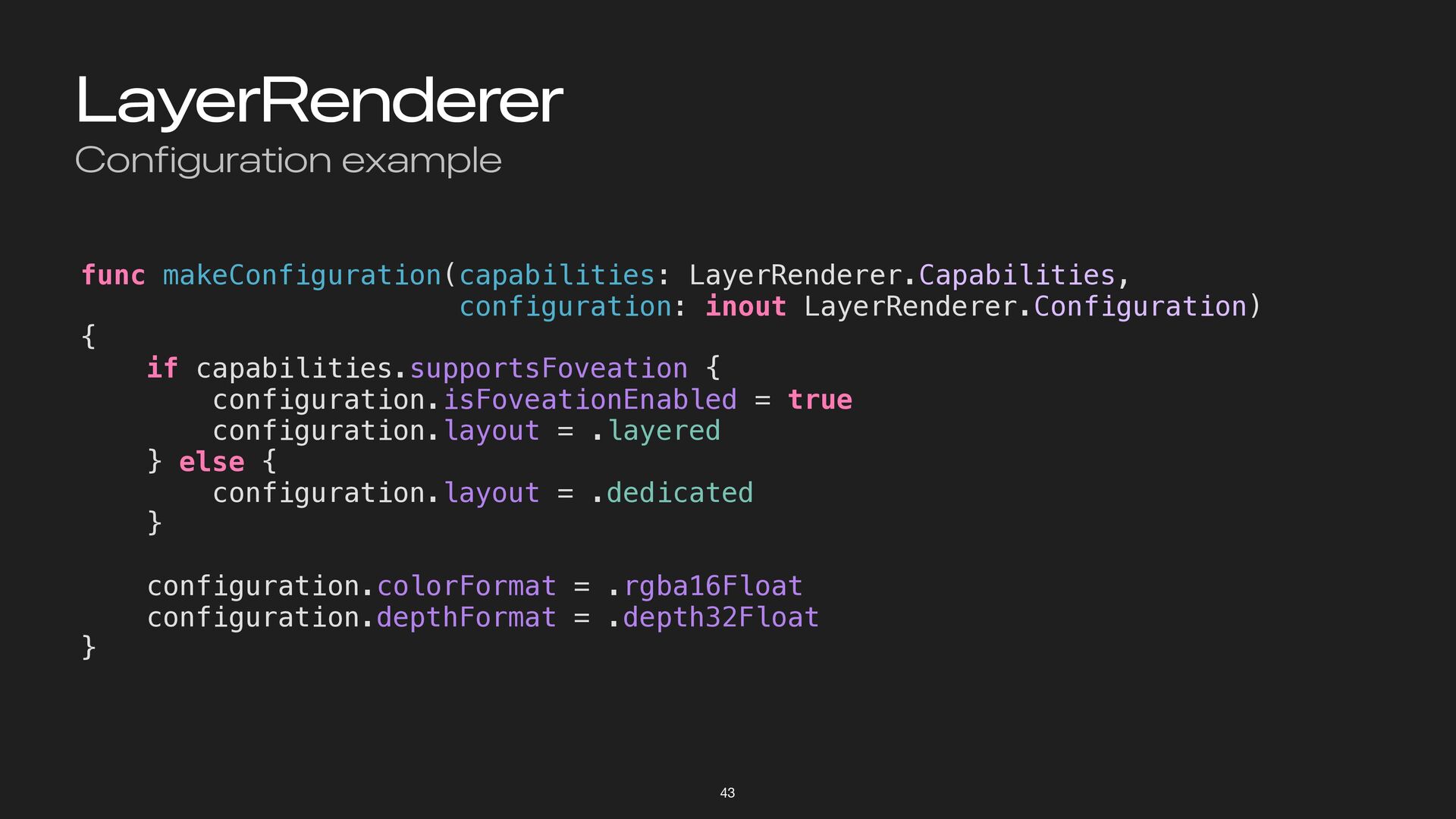
LayerRenderer Configuration example 43 func makeConfiguration(capabilities: LayerRenderer.Capabilities, configuration: inout LayerRenderer.Configuration)
{ if capabilities.supportsFoveation { configuration.isFoveationEnabled = true configuration.layout = .layered } else { configuration.layout = .dedicated } configuration.colorFormat = .rgba16Float configuration.depthFormat = .depth32Float } -
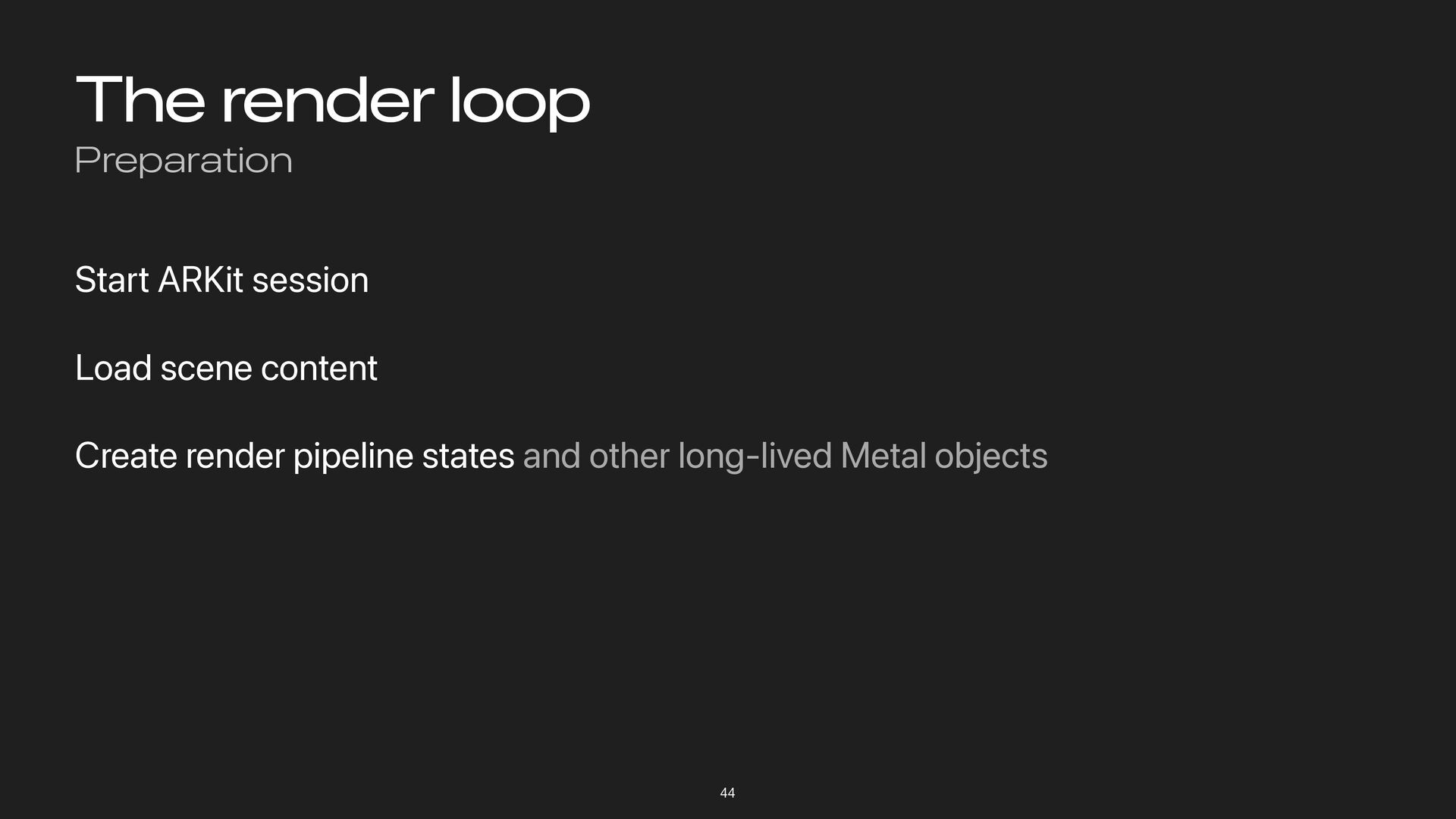
The render loop Preparation 44 Start ARKit session Load scene
content Create render pipeline states and other long-lived Metal objects -
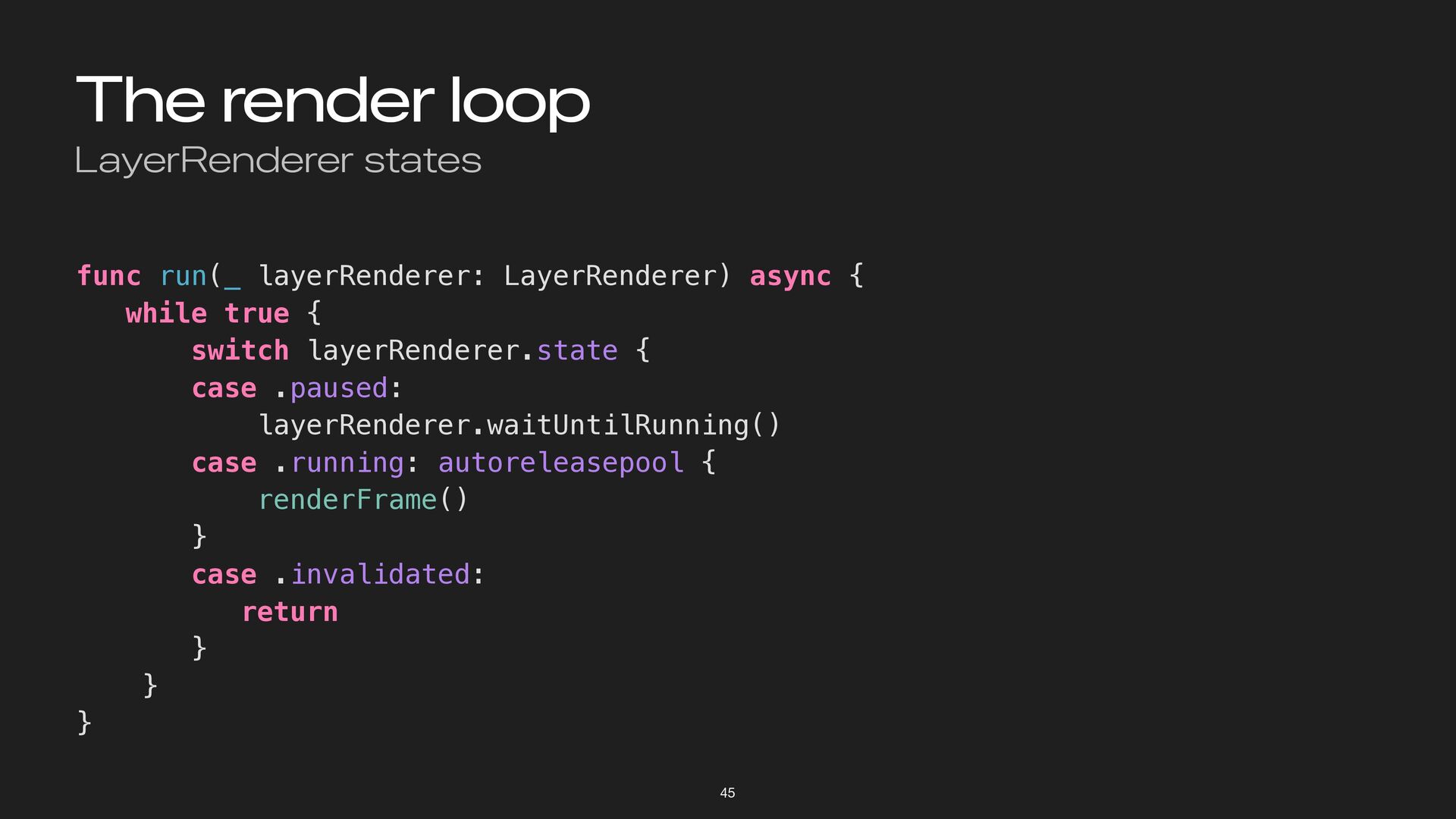
The render loop LayerRenderer states 45 func run(_ layerRenderer: LayerRenderer)
async { while true { switch layerRenderer.state { case .paused: layerRenderer.waitUntilRunning() case .running: autoreleasepool { renderFrame() } case .invalidated: return } } } -
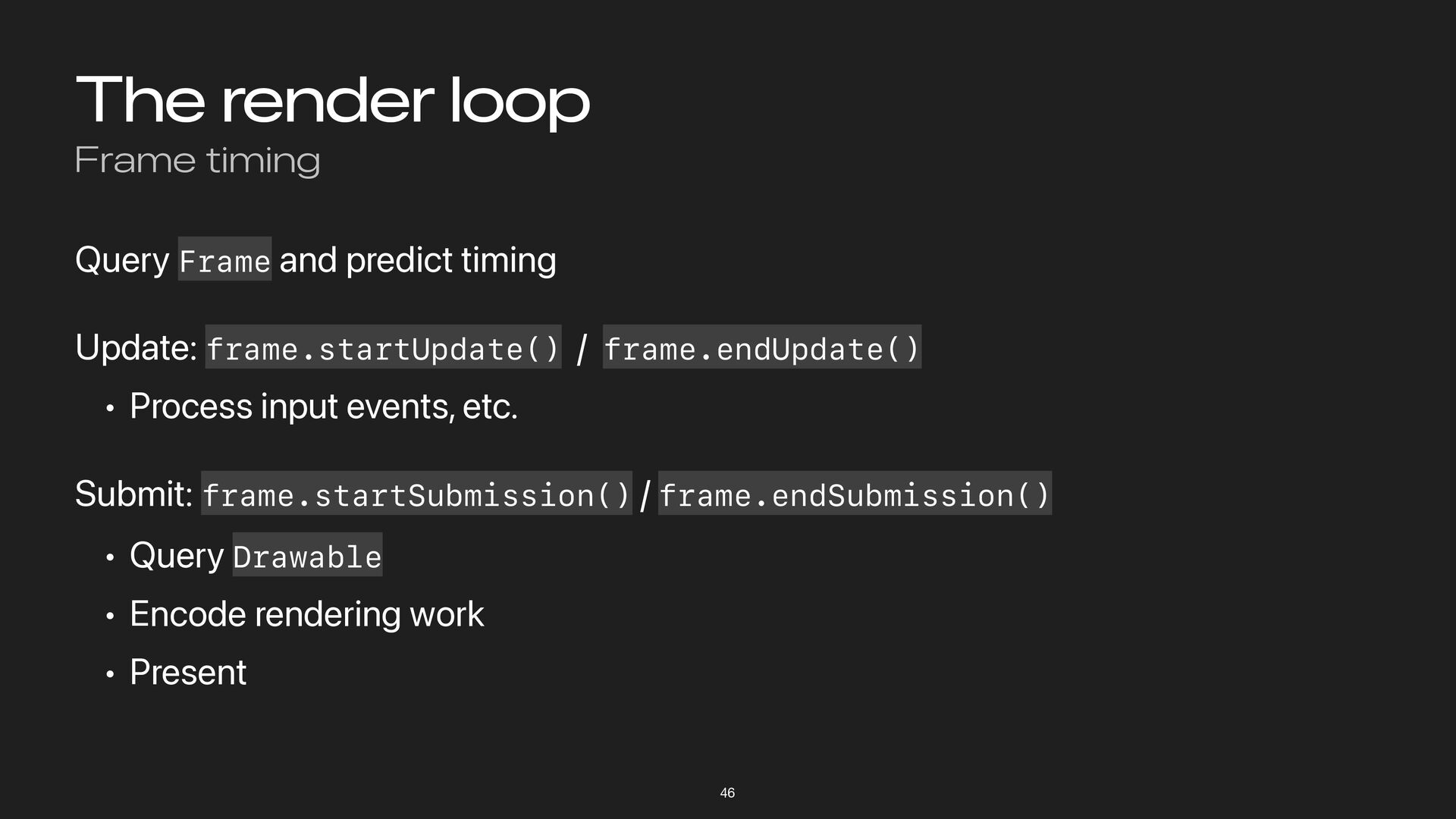
The render loop Frame timing 46 Query Frame and predict
timing Update: frame.startUpdate() / frame.endUpdate() • Process input events, etc. Submit: frame.startSubmission() / frame.endSubmission() • Query Drawable • Encode rendering work • Present -
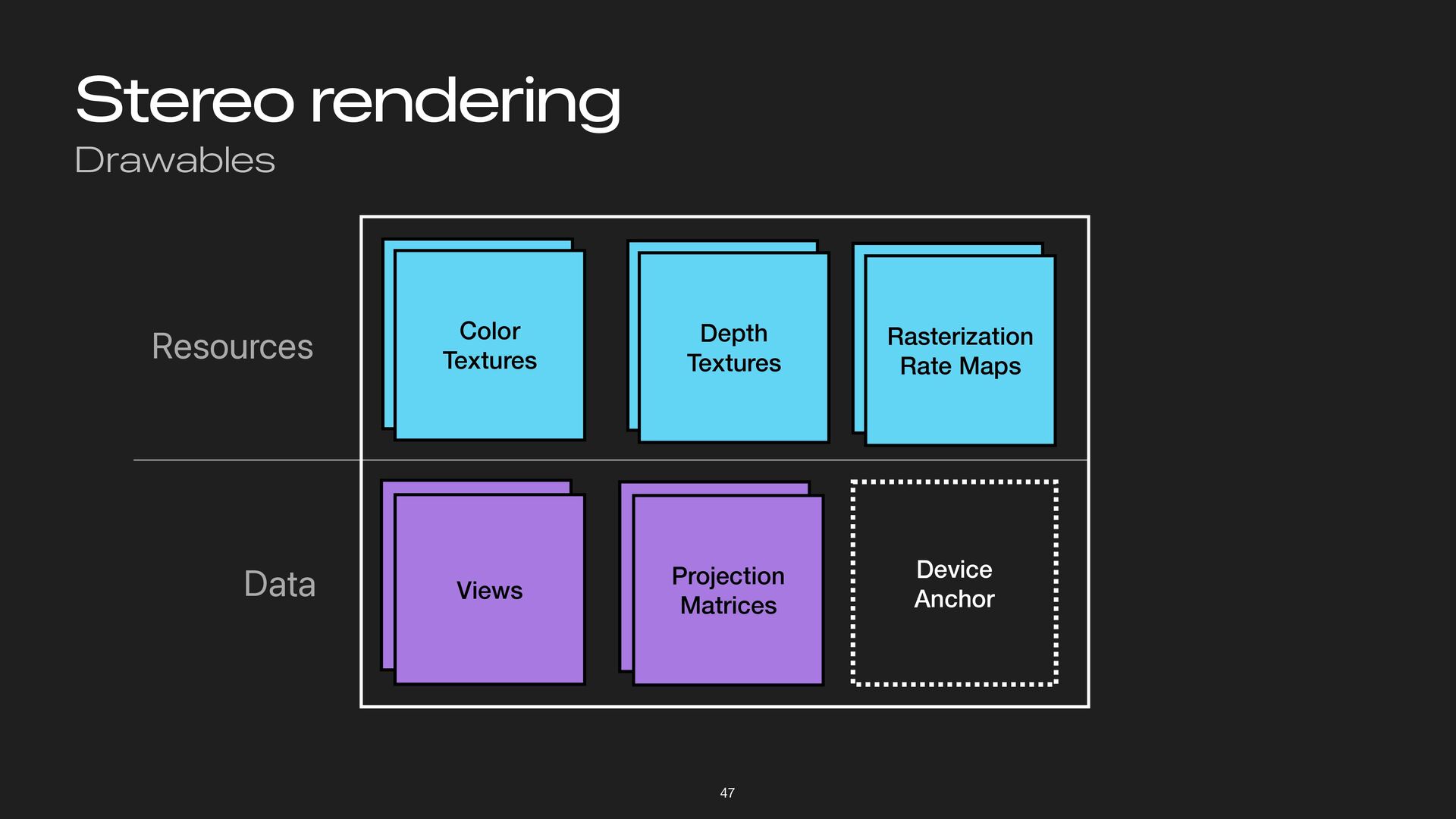
Stereo rendering Drawables 47 Views Color Textures Depth Textures Rasterization
Rate Maps Projection Matrices Device Anchor Resources Data -
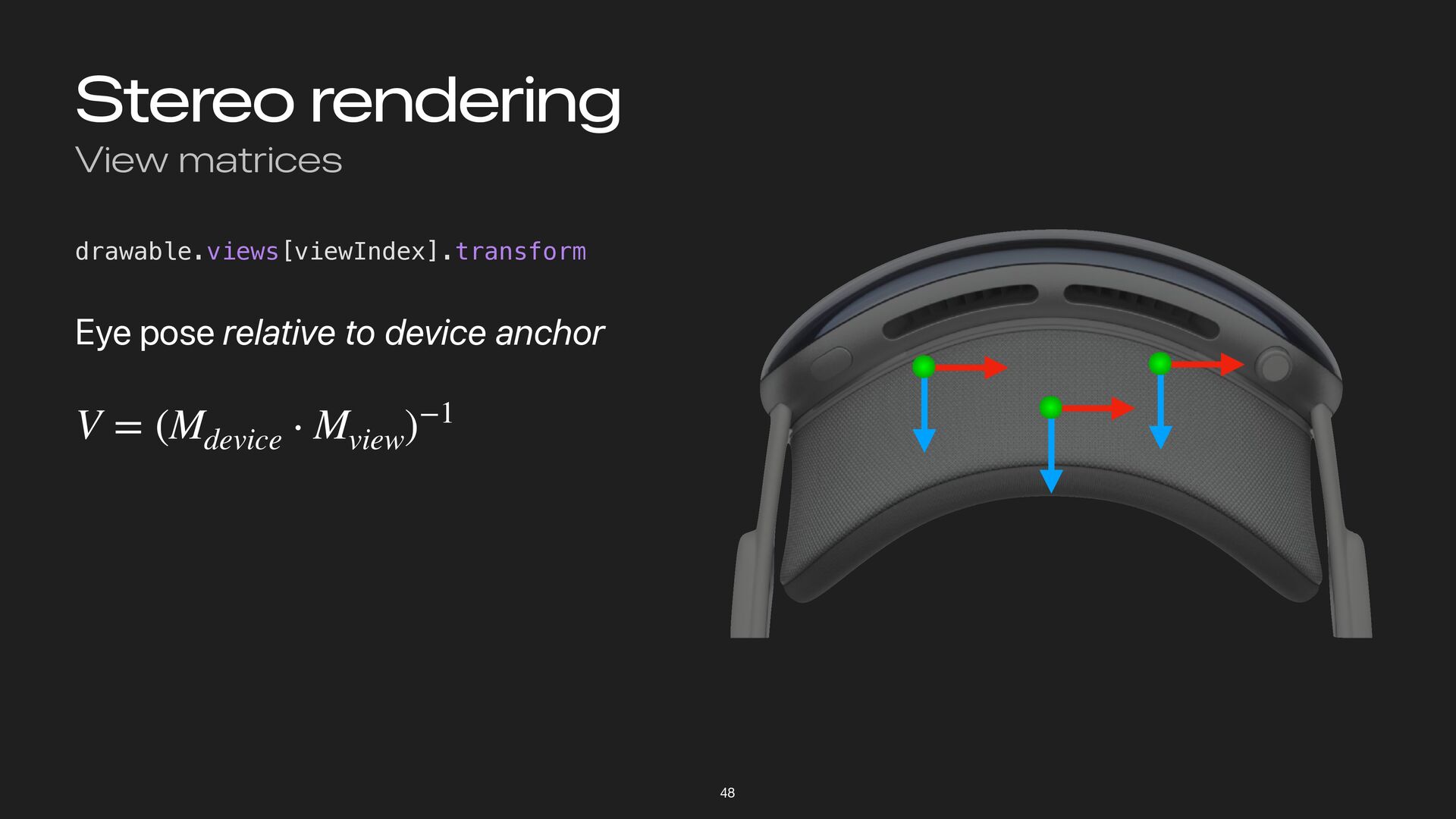
Stereo rendering View matrices 48 drawable.views[viewIndex].transform Eye pose relative to
device anchor V = (Mdevice ⋅ Mview )−1 -
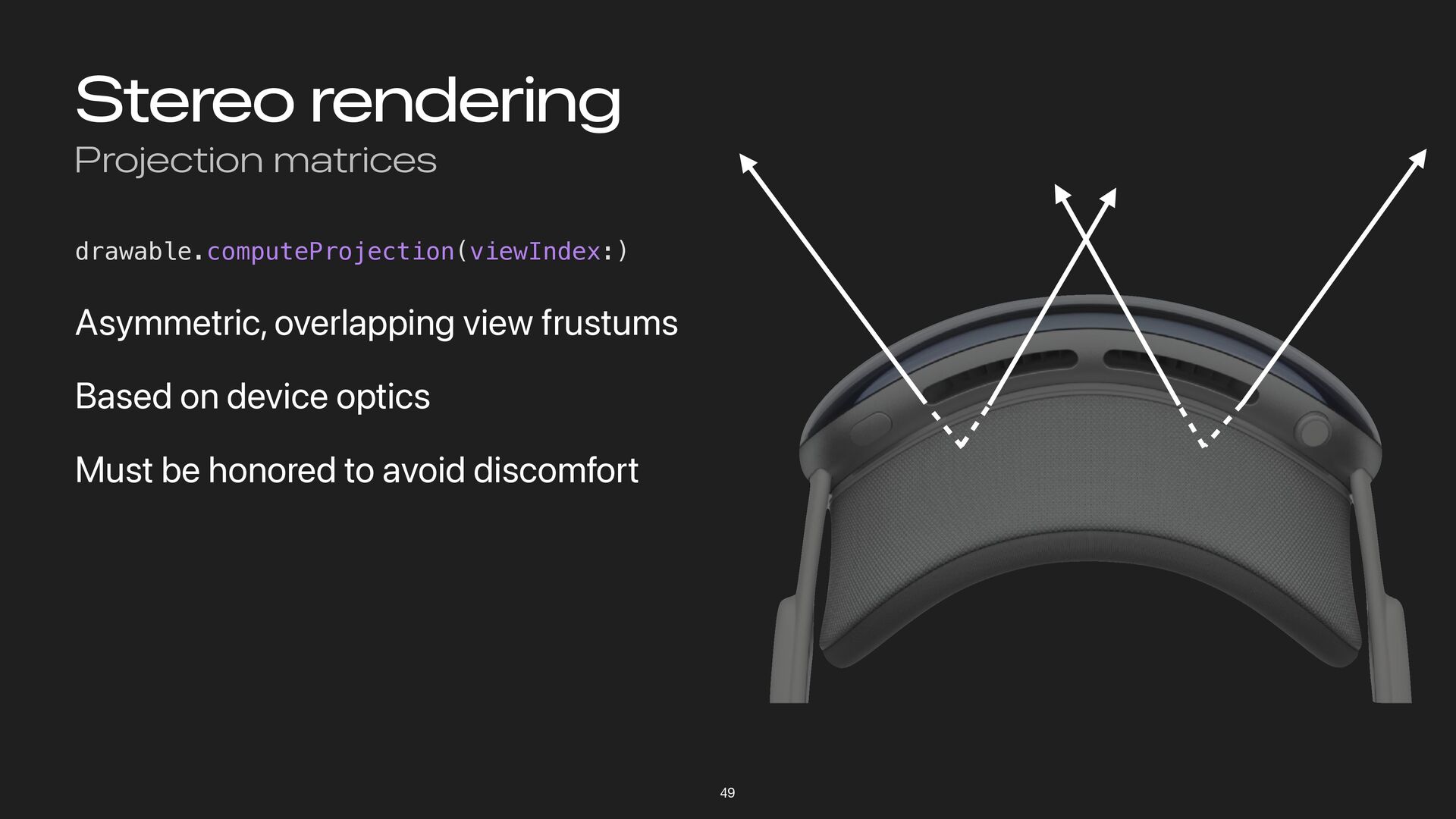
Stereo rendering Projection matrices 49 drawable.computeProjection(viewIndex:) Asymmetric, overlapping view frustums
Based on device optics Must be honored to avoid discomfort -
Stereo rendering Dedicated layout 50 Render one pass per eye
Not very efficient • Render target changes • No shared work between eyes (twice the draw calls) -
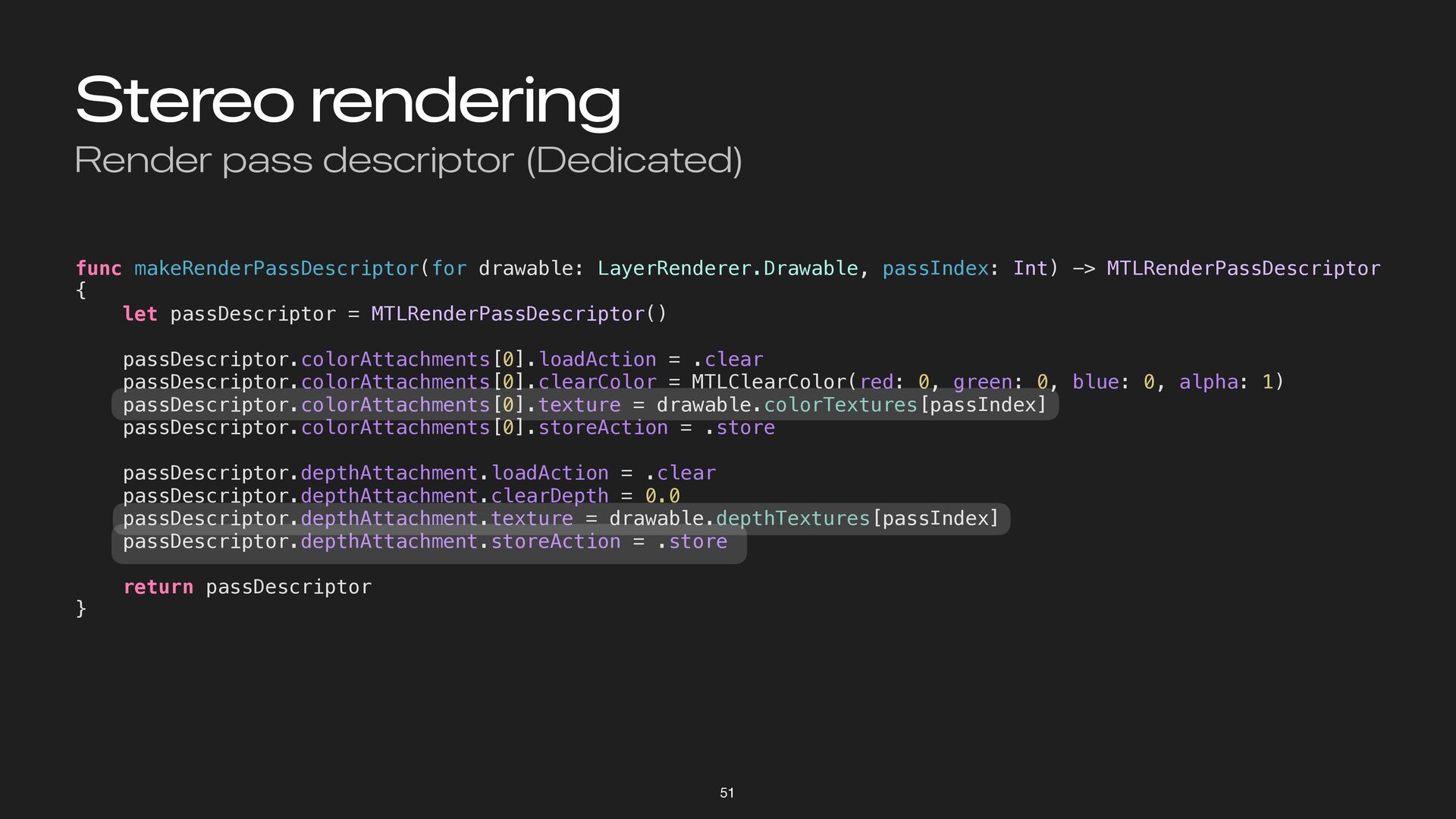
Stereo rendering Render pass descriptor (Dedicated) 51 func makeRenderPassDescriptor(for drawable:
LayerRenderer.Drawable, passIndex: Int) -> MTLRenderPassDescriptor { let passDescriptor = MTLRenderPassDescriptor() passDescriptor.colorAttachments[0].loadAction = .clear passDescriptor.colorAttachments[0].clearColor = MTLClearColor(red: 0, green: 0, blue: 0, alpha: 1) passDescriptor.colorAttachments[0].texture = drawable.colorTextures[passIndex] passDescriptor.colorAttachments[0].storeAction = .store passDescriptor.depthAttachment.loadAction = .clear passDescriptor.depthAttachment.clearDepth = 0.0 passDescriptor.depthAttachment.texture = drawable.depthTextures[passIndex] passDescriptor.depthAttachment.storeAction = .store return passDescriptor } -
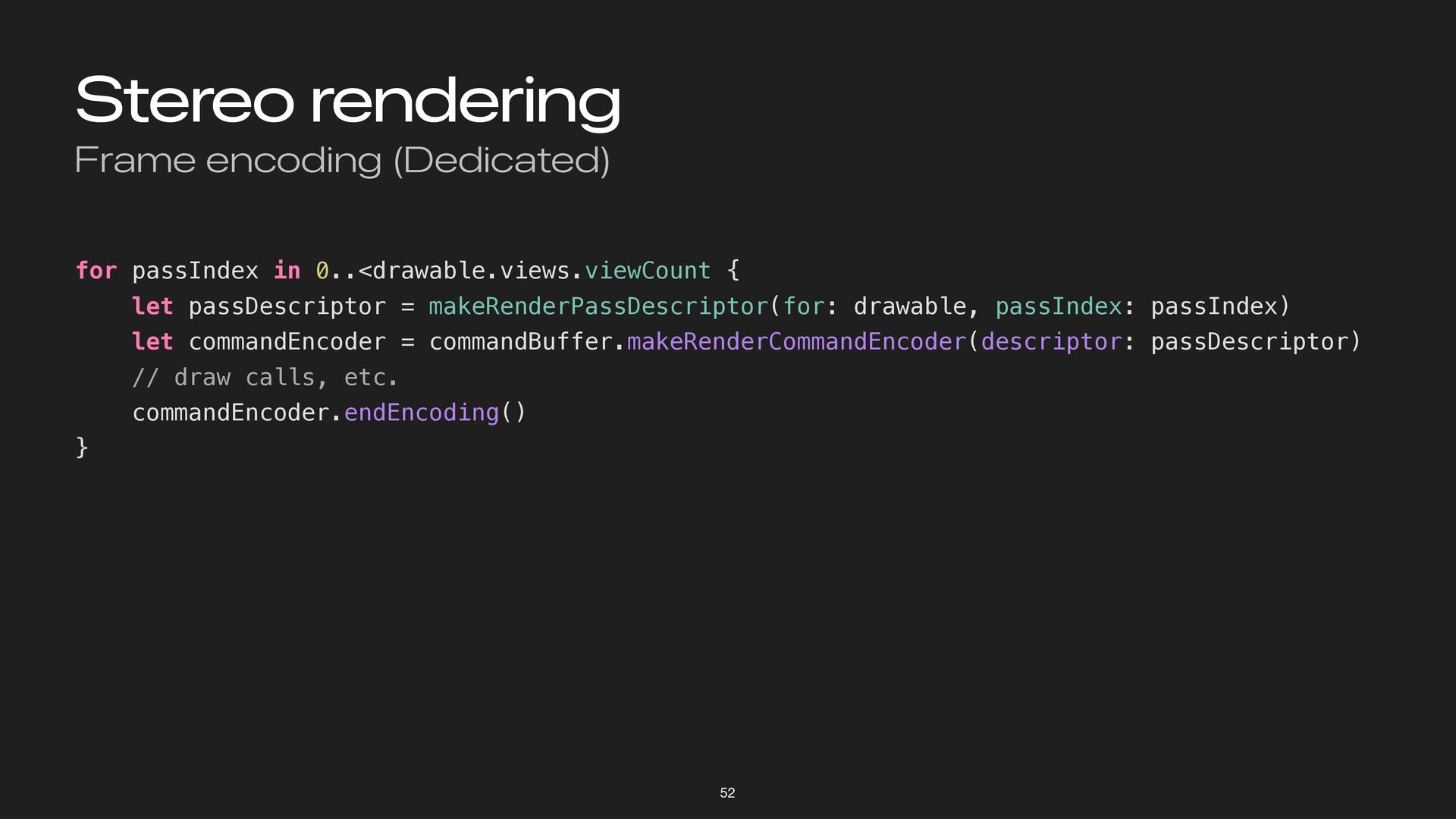
Stereo rendering Frame encoding (Dedicated) 52 for passIndex in 0..<drawable.views.viewCount
{ let passDescriptor = makeRenderPassDescriptor(for: drawable, passIndex: passIndex) let commandEncoder = commandBuffer.makeRenderCommandEncoder(descriptor: passDescriptor) // draw calls, etc. commandEncoder.endEncoding() } -
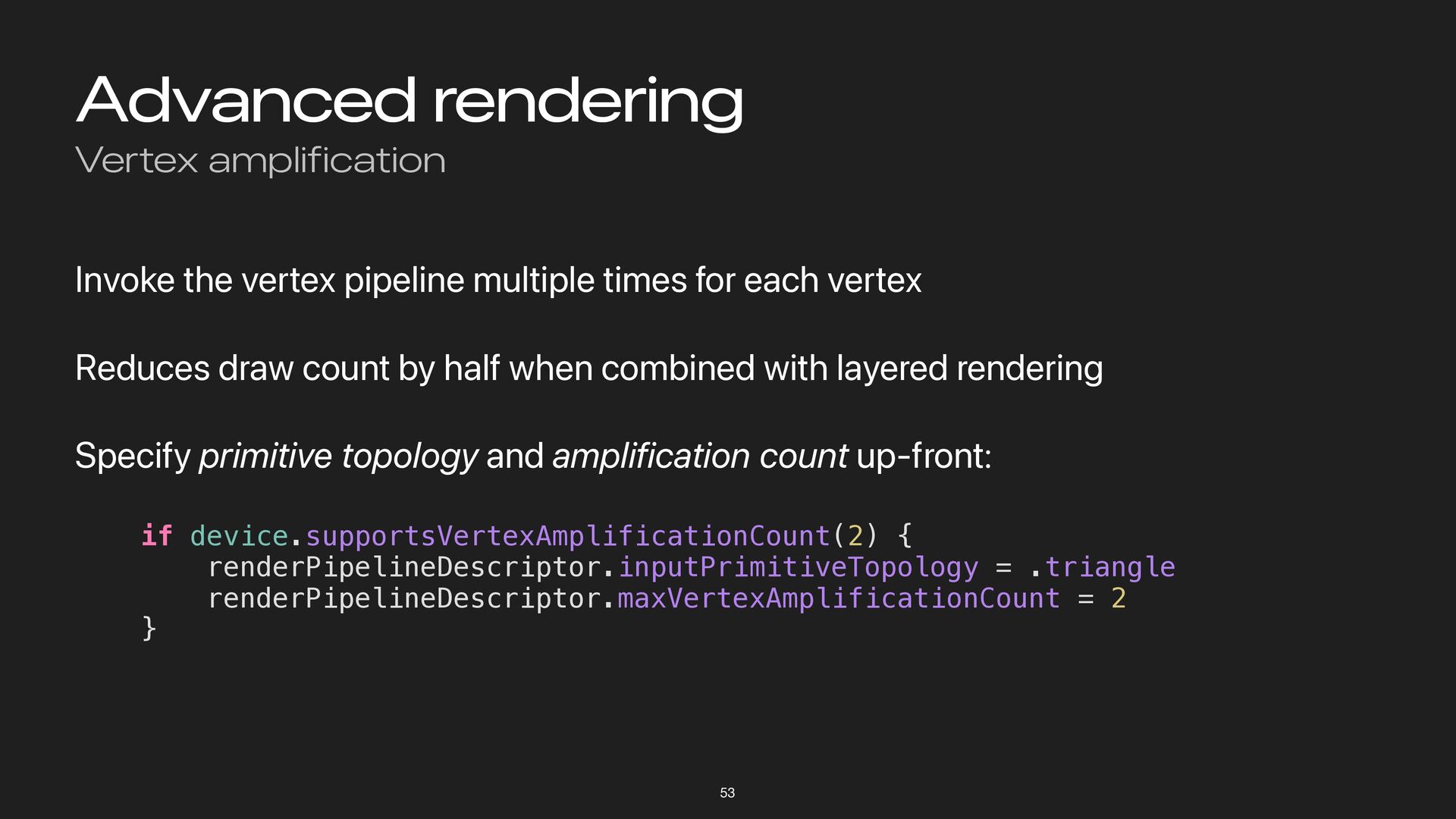
Advanced rendering Vertex amplification 53 Invoke the vertex pipeline multiple
times for each vertex Reduces draw count by half when combined with layered rendering Specify primitive topology and amplification count up-front: if device.supportsVertexAmplificationCount(2) { renderPipelineDescriptor.inputPrimitiveTopology = .triangle renderPipelineDescriptor.maxVertexAmplificationCount = 2 } -
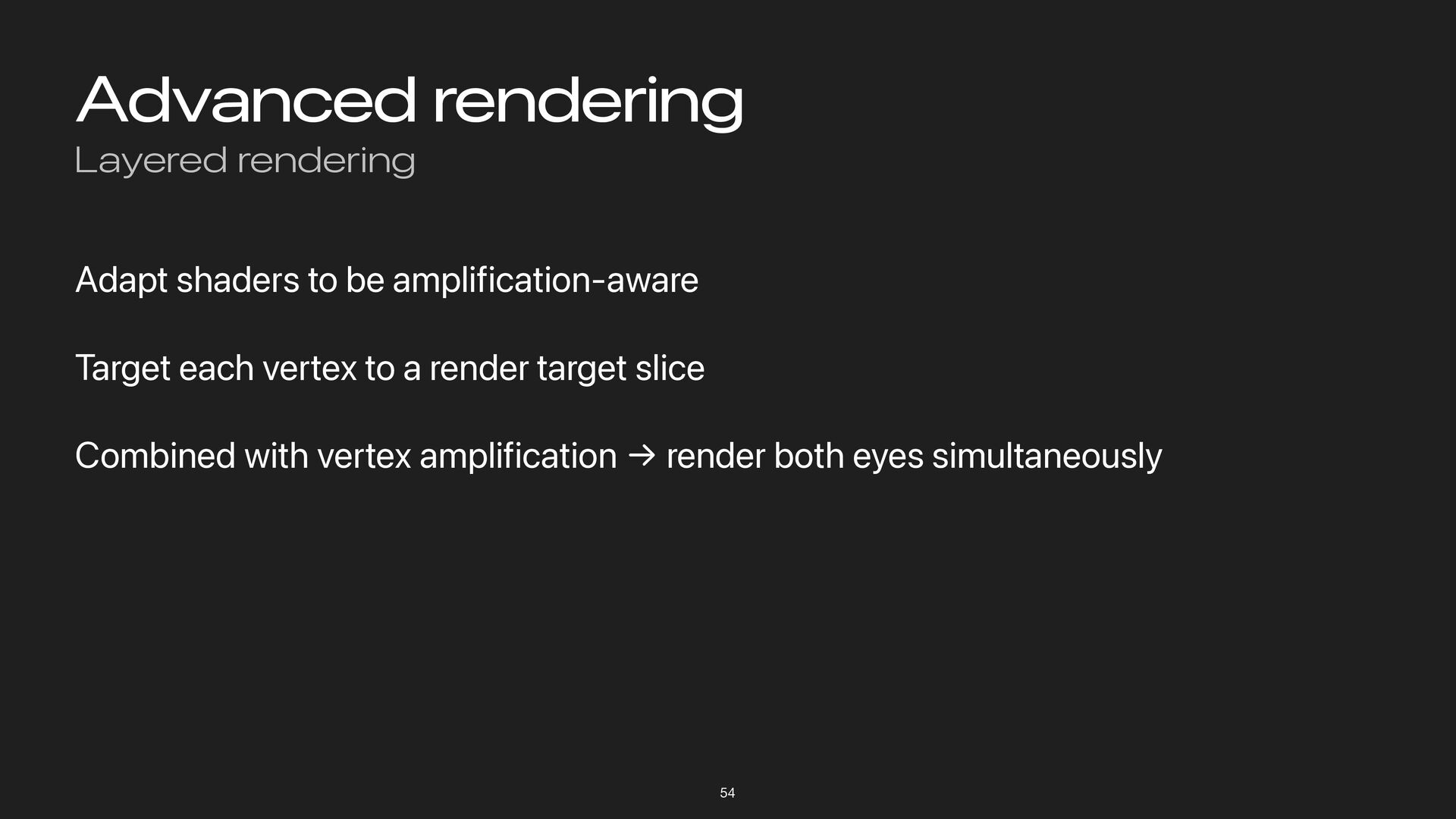
Advanced rendering Layered rendering 54 Adapt shaders to be amplification-aware
Target each vertex to a render target slice Combined with vertex amplification → render both eyes simultaneously -
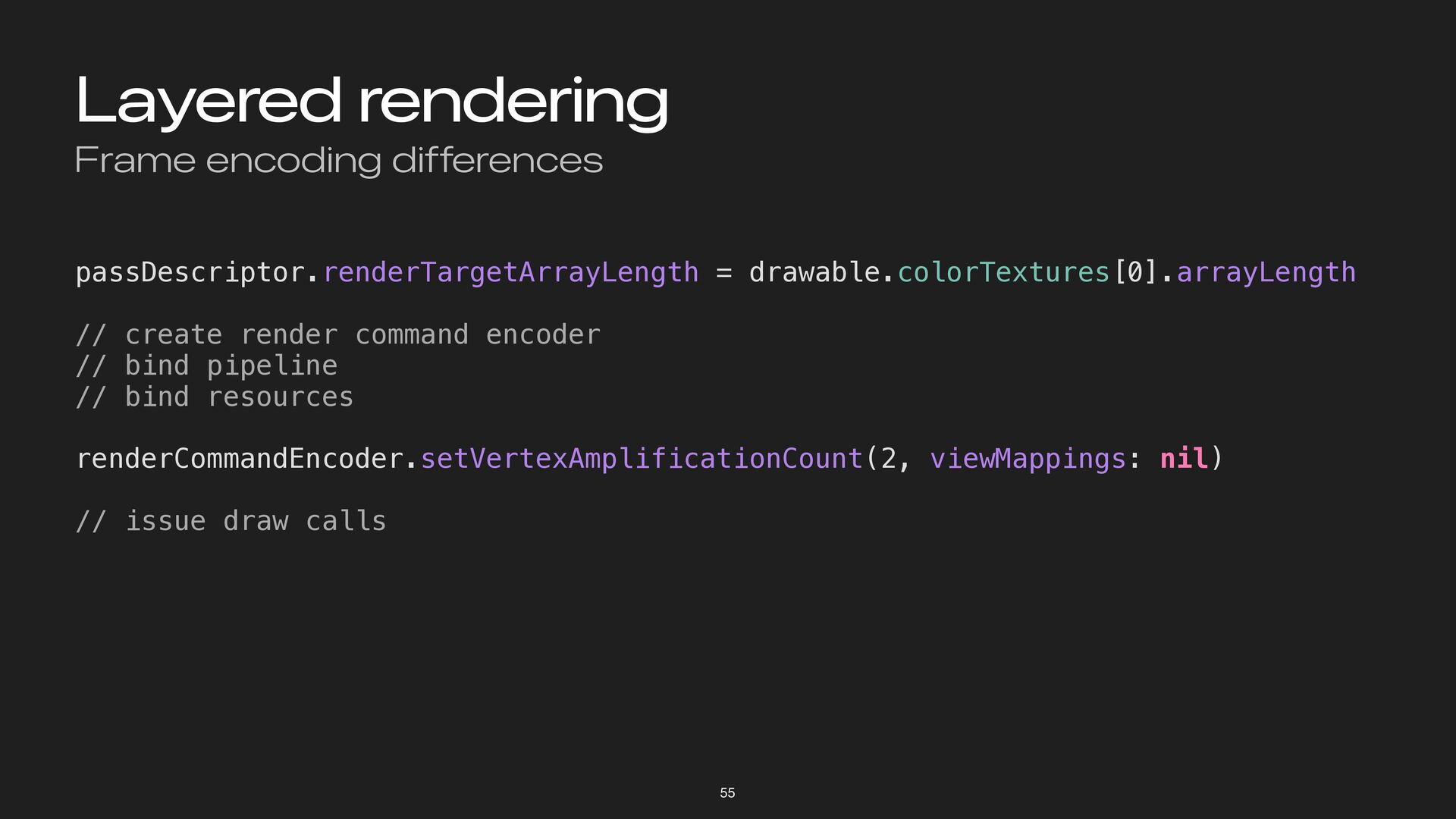
Layered rendering Frame encoding differences 55 passDescriptor.renderTargetArrayLength = drawable.colorTextures[0].arrayLength //
create render command encoder // bind pipeline // bind resources renderCommandEncoder.setVertexAmplificationCount(2, viewMappings: nil) // issue draw calls -
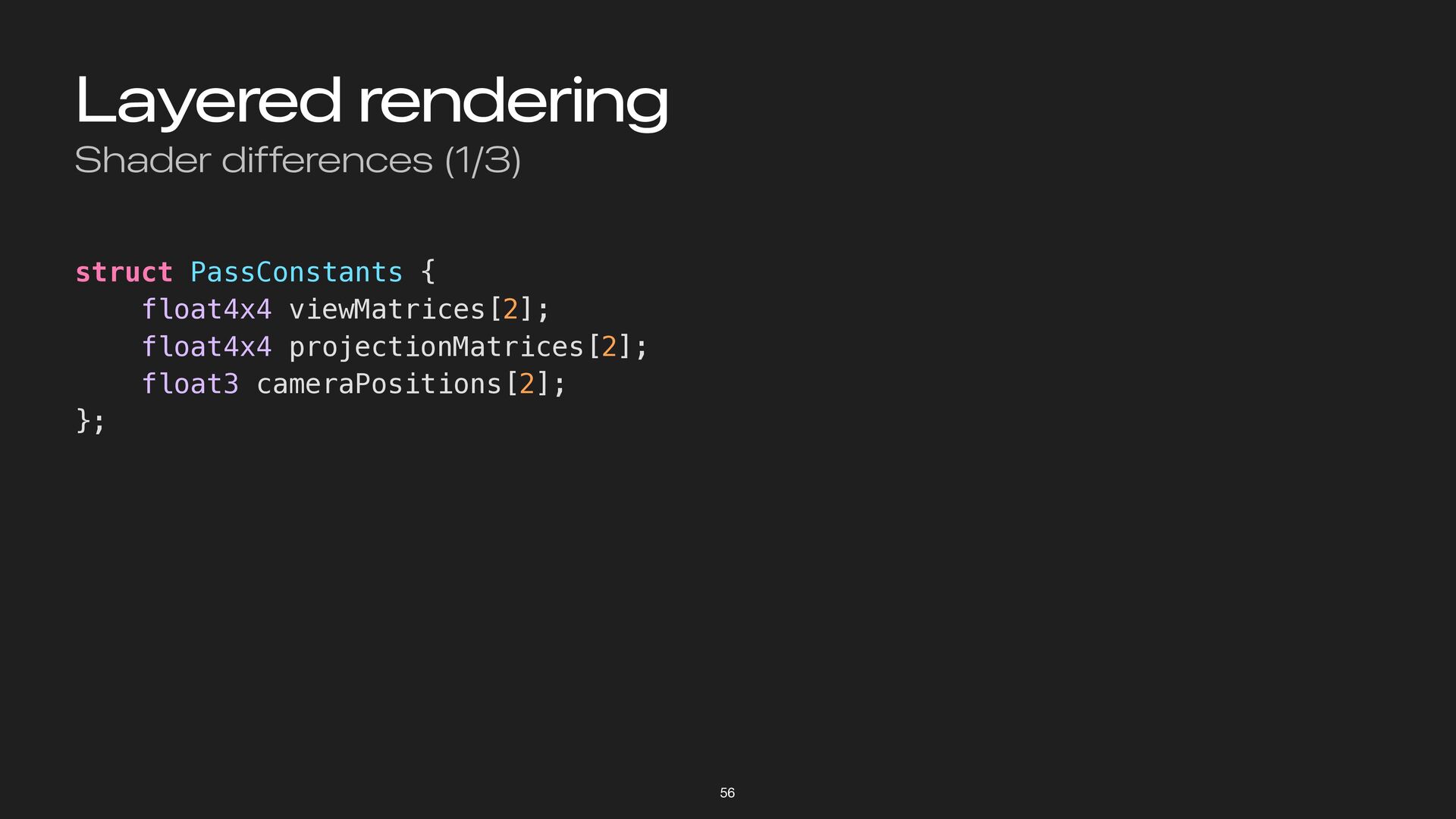
Layered rendering Shader differences (1/3) 56 struct PassConstants { float4x4
viewMatrices[2]; float4x4 projectionMatrices[2]; float3 cameraPositions[2]; }; -
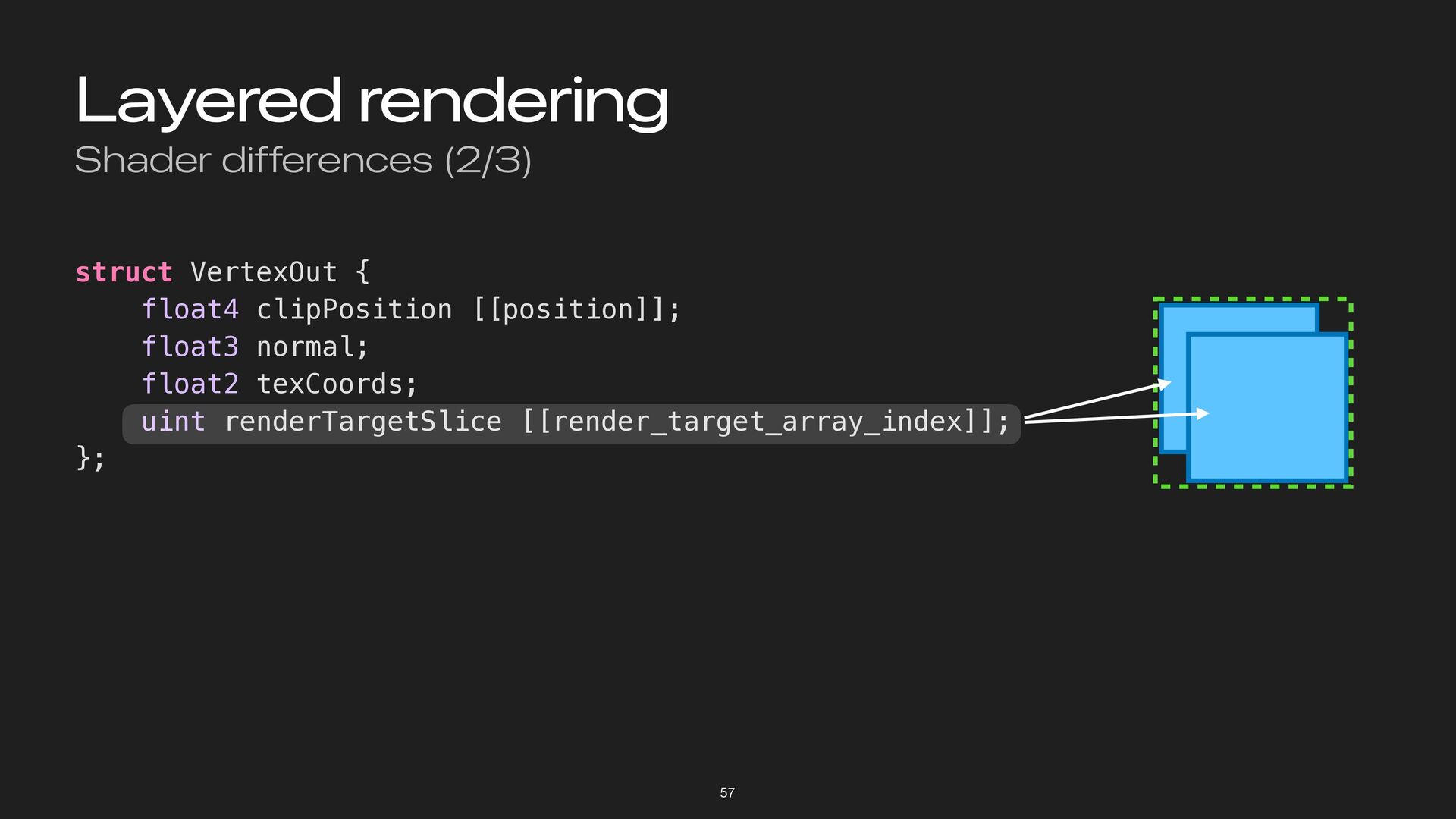
Layered rendering Shader differences (2/3) 57 struct VertexOut { float4
clipPosition [[position]]; float3 normal; float2 texCoords; uint renderTargetSlice [[render_target_array_index]]; }; slice 1 slice 0 -
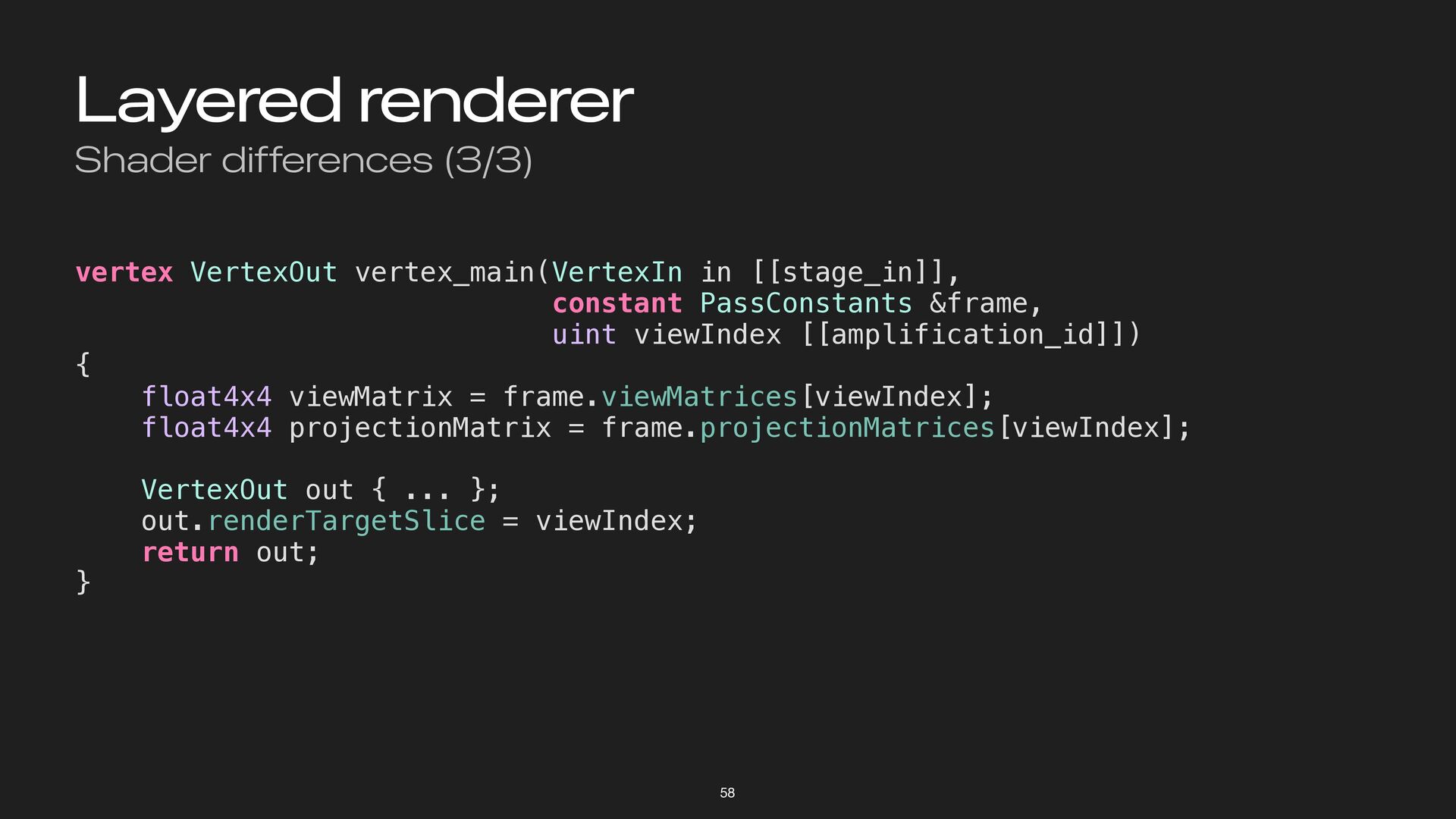
Layered renderer Shader differences (3/3) 58 vertex VertexOut vertex_main(VertexIn in
[[stage_in]], constant PassConstants &frame, uint viewIndex [[amplification_id]]) { float4x4 viewMatrix = frame.viewMatrices[viewIndex]; float4x4 projectionMatrix = frame.projectionMatrices[viewIndex]; VertexOut out { ... }; out.renderTargetSlice = viewIndex; return out; } -
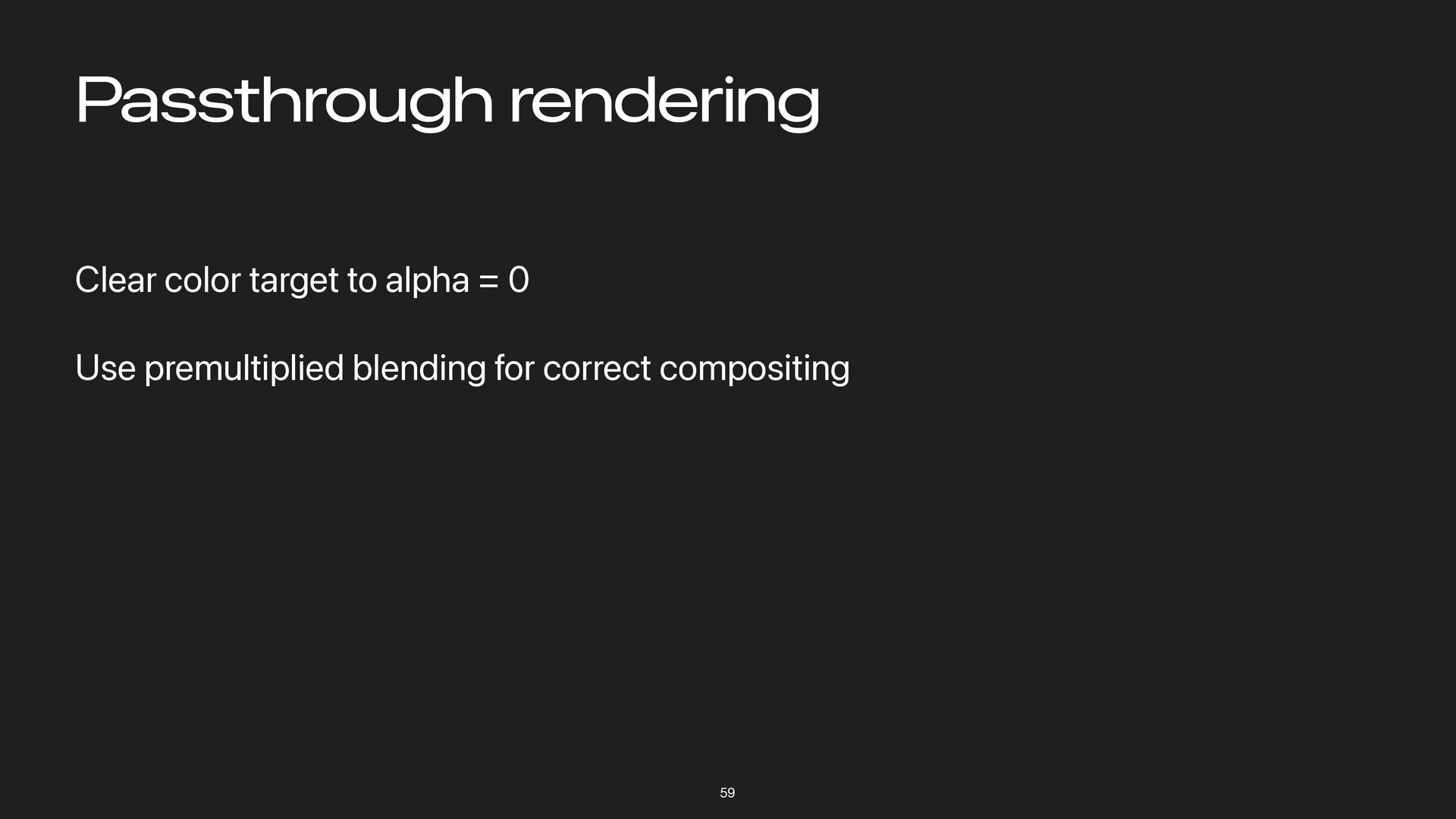
Passthrough rendering 59 Clear color target to alpha = 0
Use premultiplied blending for correct compositing -
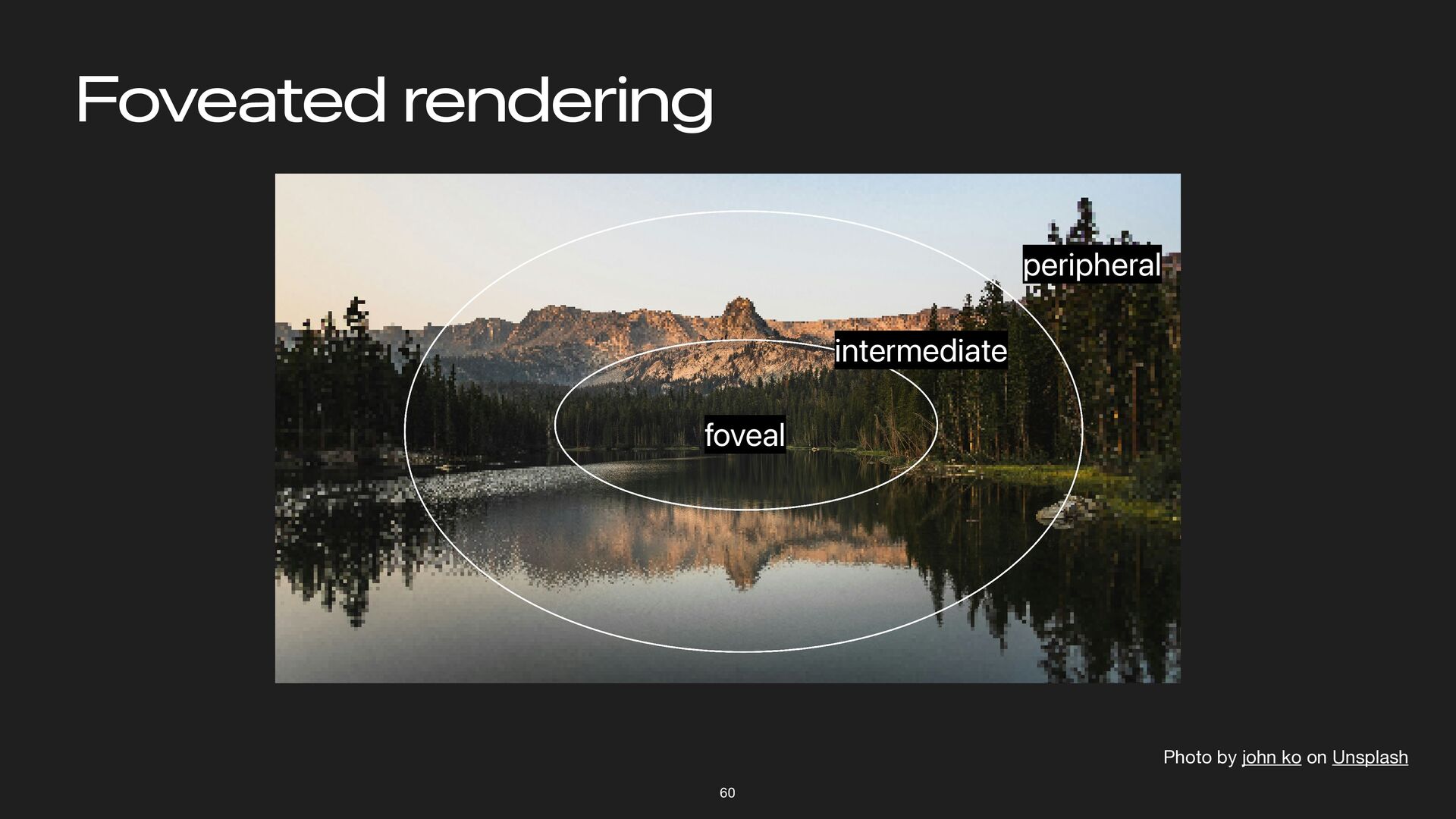
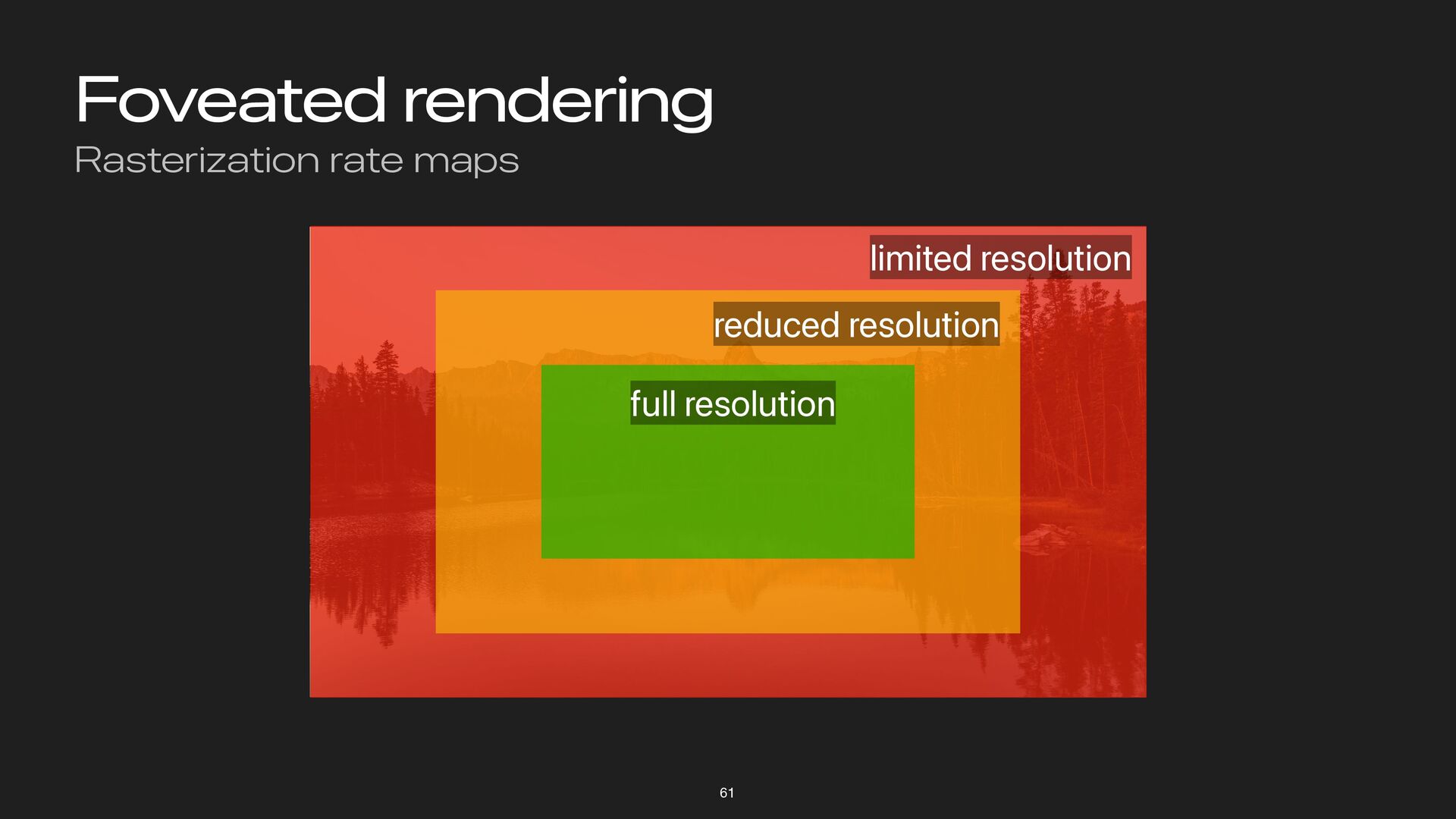
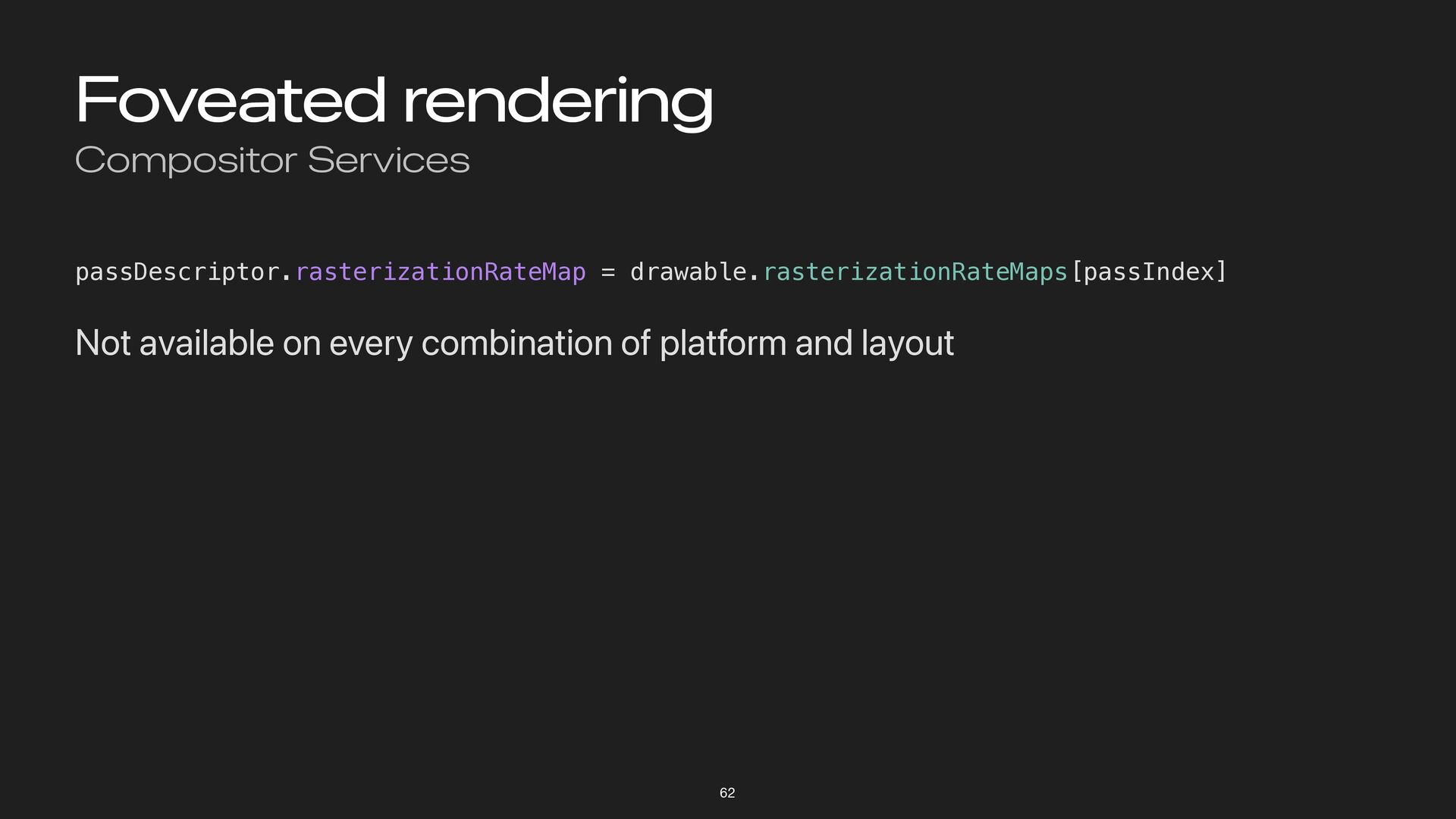
Foveated rendering Compositor Services 62 passDescriptor.rasterizationRateMap = drawable.rasterizationRateMaps[passIndex] Not available
on every combination of platform and layout -
Compositor Services Recap Present immersive content with LayerRenderer Chose a
layout that works with your engine—prefer layered Work with Compositor Services to time your frame submission Use Metal features like vertex amplification and rasterization rate maps 63 -
Interaction & Immersion Topics Spatial gestures Hand tracking and rendering
Scene reconstruction and occlusion Physics 65 -
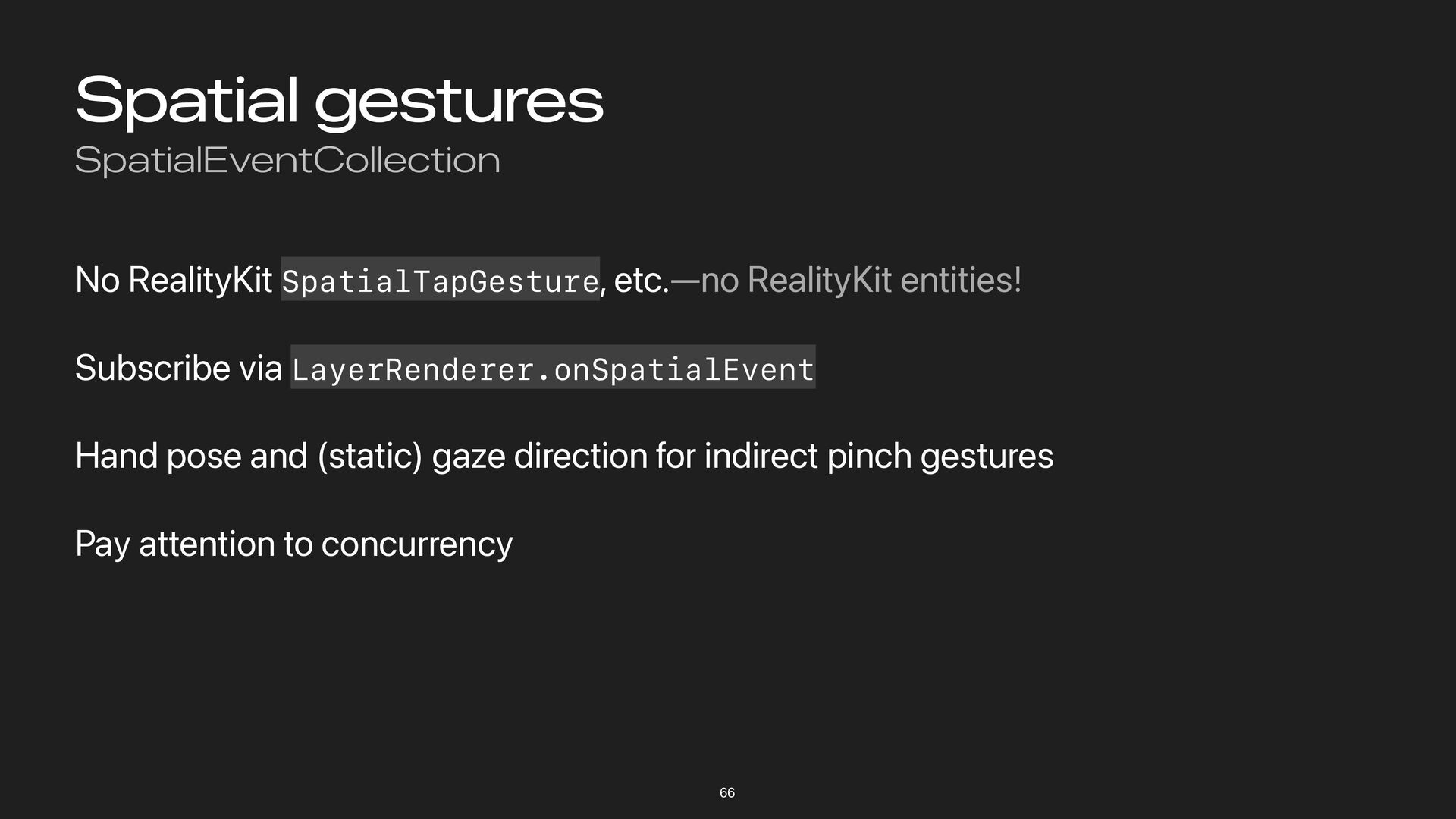
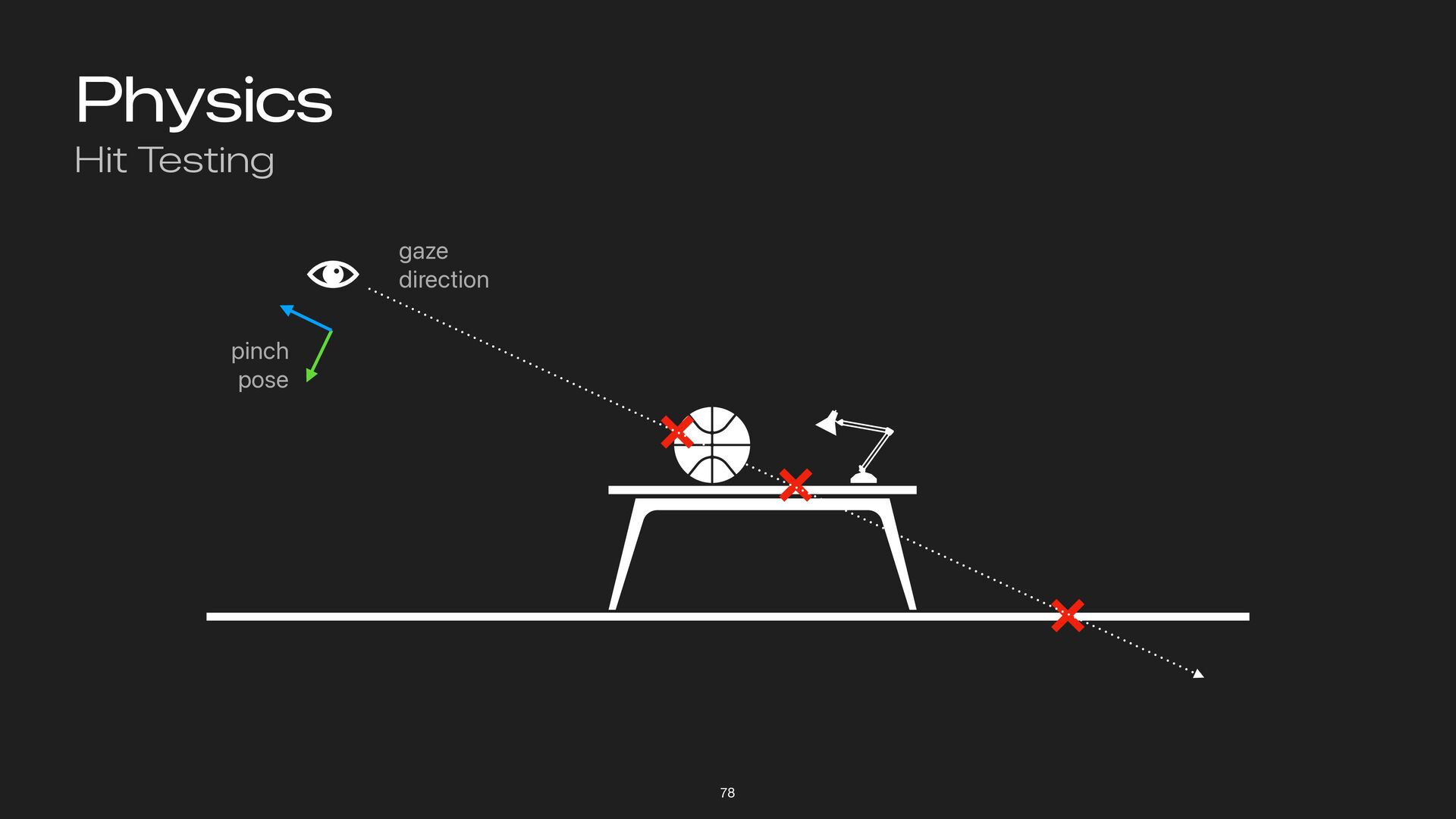
Spatial gestures SpatialEventCollection No RealityKit SpatialTapGesture, etc.—no RealityKit entities! Subscribe
via LayerRenderer.onSpatialEvent Hand pose and (static) gaze direction for indirect pinch gestures Pay attention to concurrency 66 -
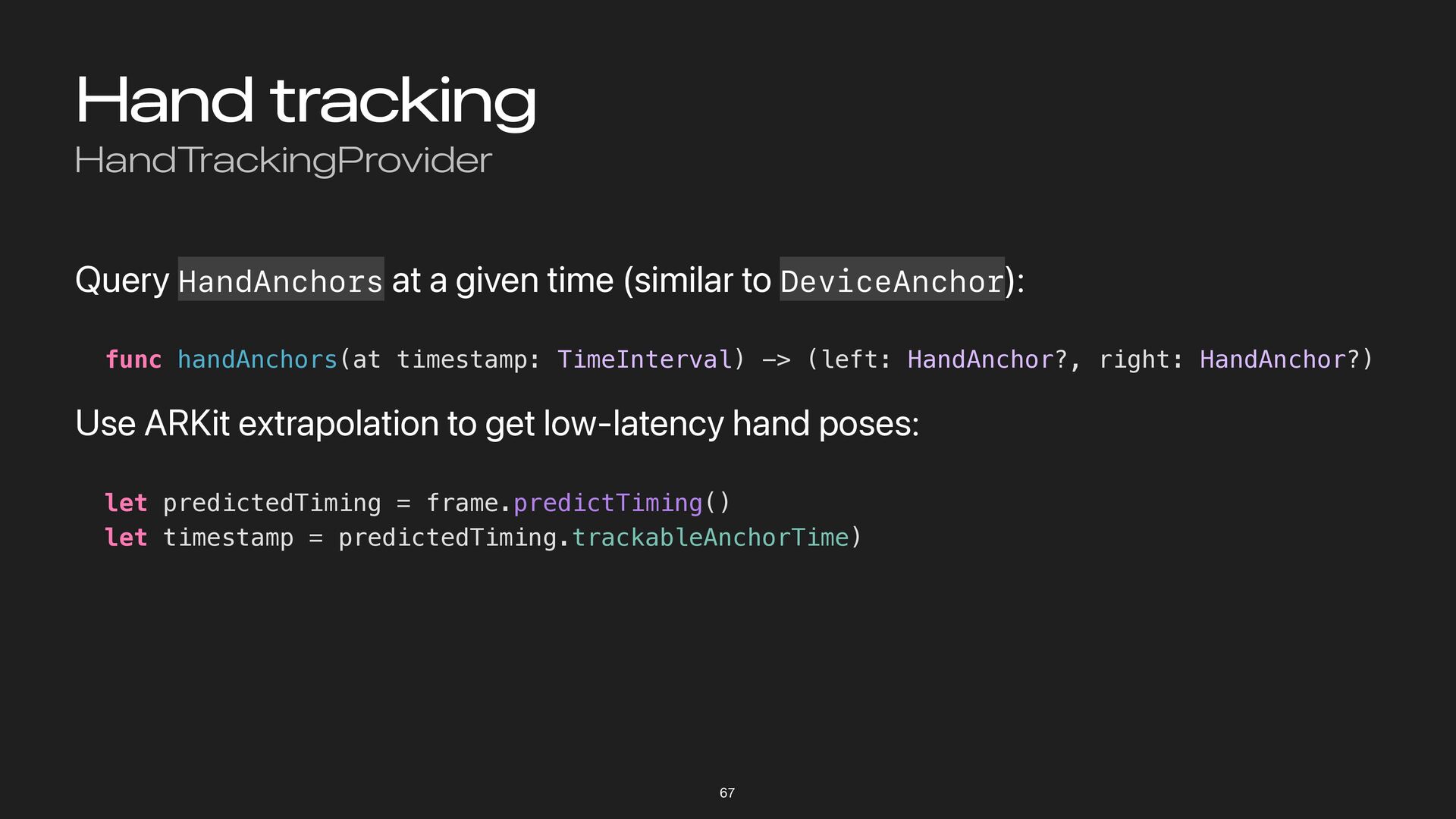
Hand tracking HandTrackingProvider Query HandAnchors at a given time (similar
to DeviceAnchor): func handAnchors(at timestamp: TimeInterval) -> (left: HandAnchor?, right: HandAnchor?) Use ARKit extrapolation to get low-latency hand poses: let predictedTiming = frame.predictTiming() let timestamp = predictedTiming.trackableAnchorTime) 67 -
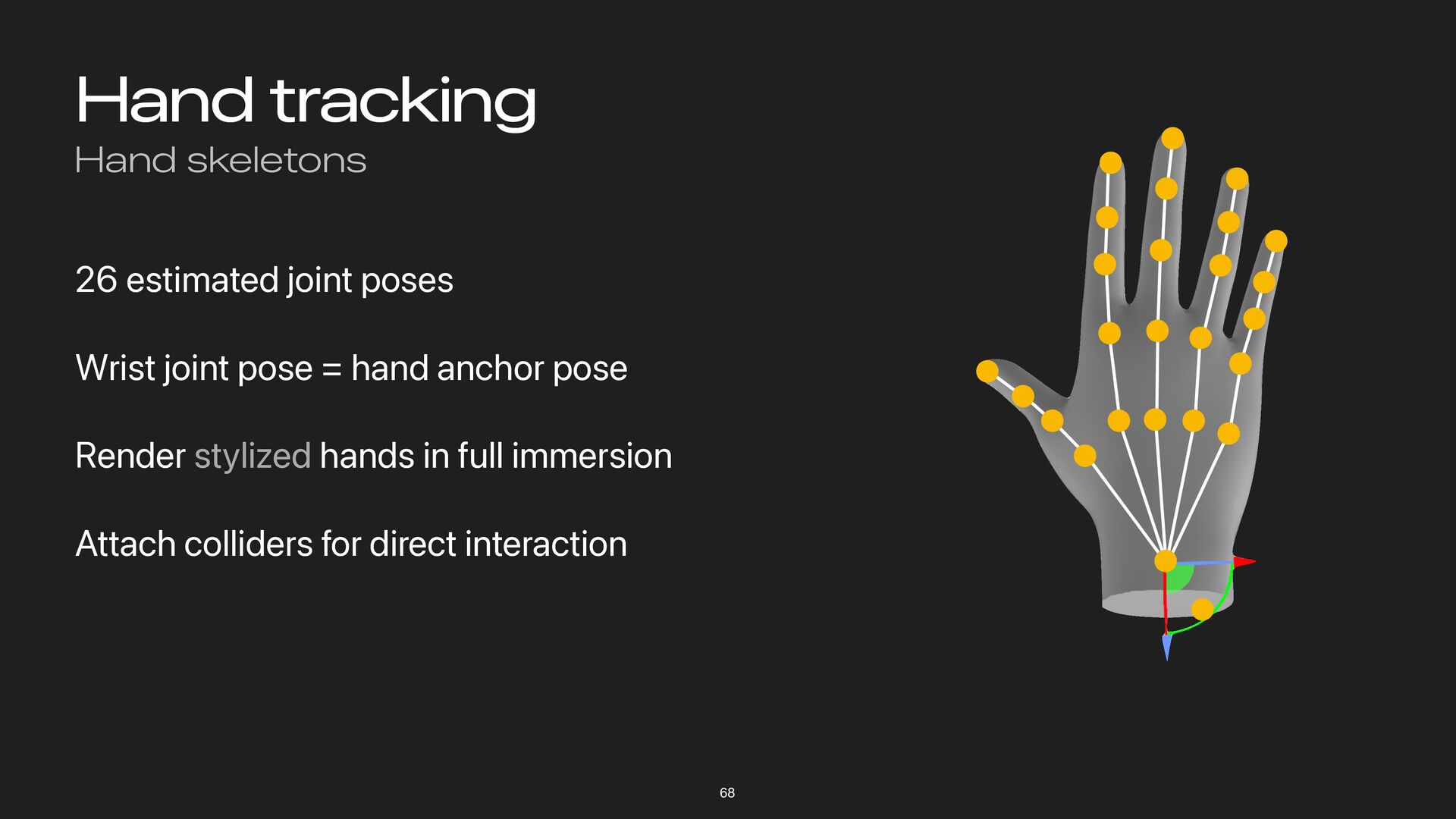
Hand tracking Hand skeletons 26 estimated joint poses Wrist joint
pose = hand anchor pose Render stylized hands in full immersion Attach colliders for direct interaction 68 -
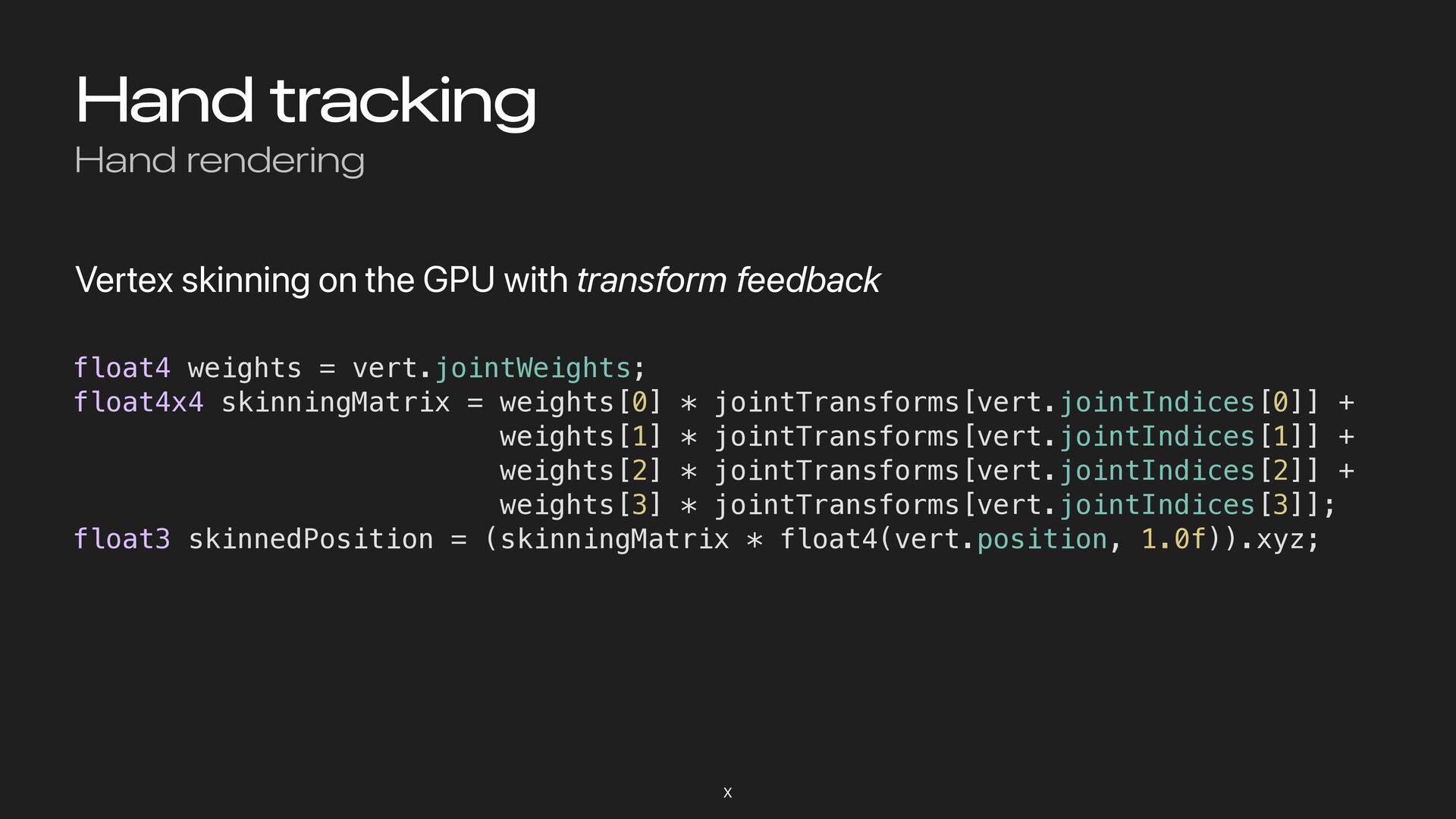
Hand tracking Hand rendering Vertex skinning on the GPU with
transform feedback X float4 weights = vert.jointWeights; float4x4 skinningMatrix = weights[0] * jointTransforms[vert.jointIndices[0]] + weights[1] * jointTransforms[vert.jointIndices[1]] + weights[2] * jointTransforms[vert.jointIndices[2]] + weights[3] * jointTransforms[vert.jointIndices[3]]; float3 skinnedPosition = (skinningMatrix * float4(vert.position, 1.0f)).xyz; -
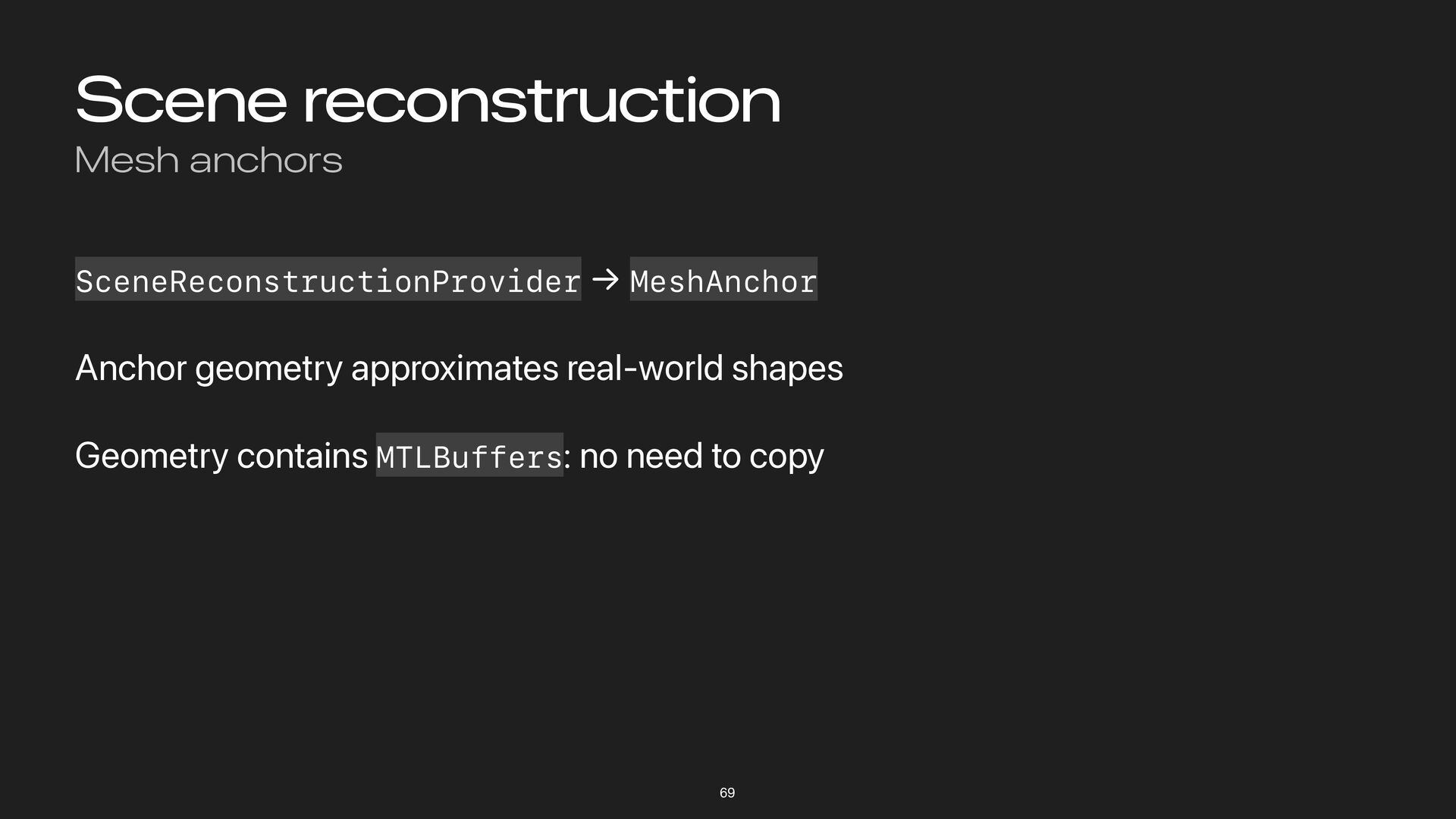
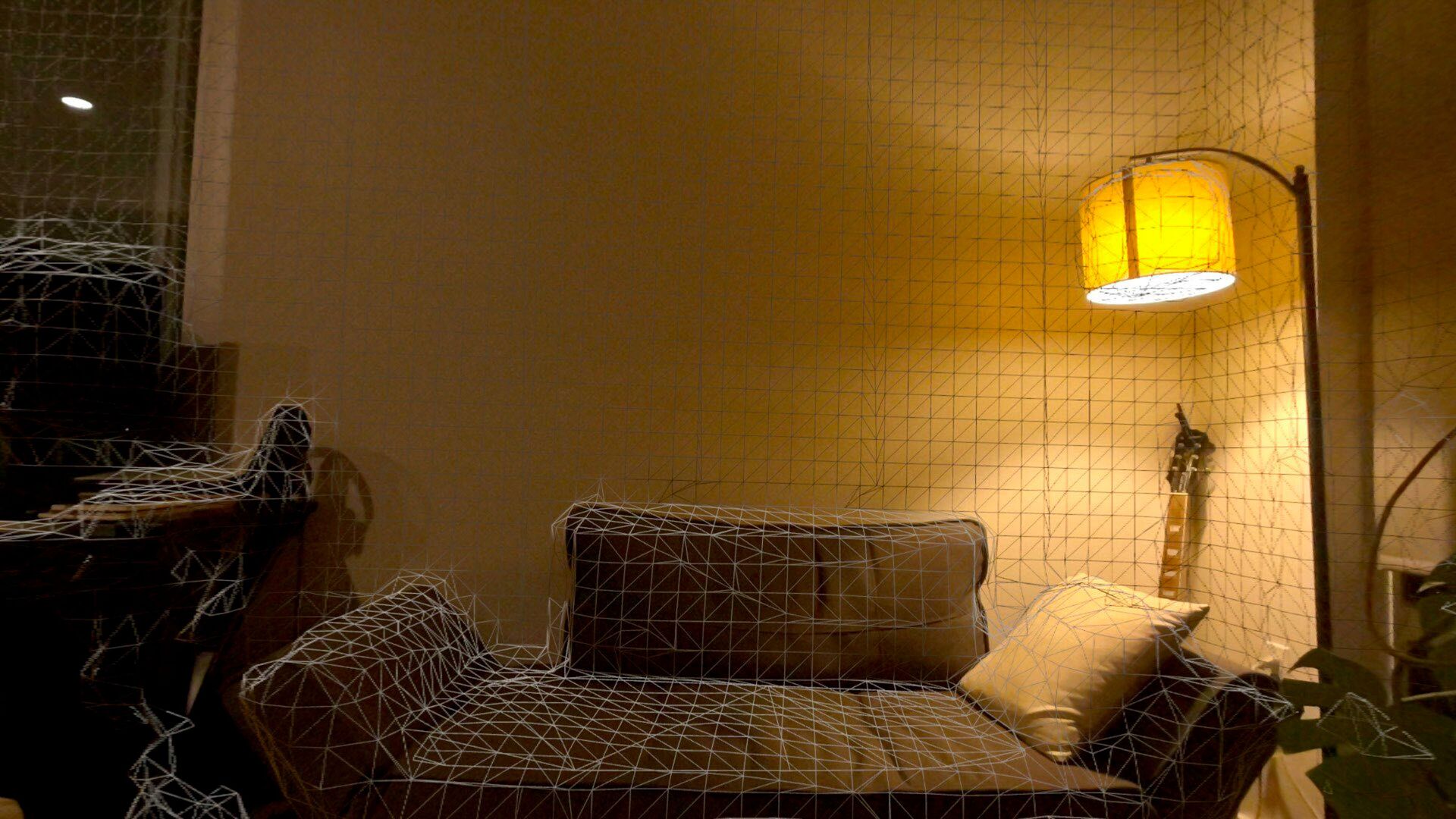
Scene reconstruction Mesh anchors SceneReconstructionProvider → MeshAnchor Anchor geometry approximates
real-world shapes Geometry contains MTLBuffers: no need to copy 69 -
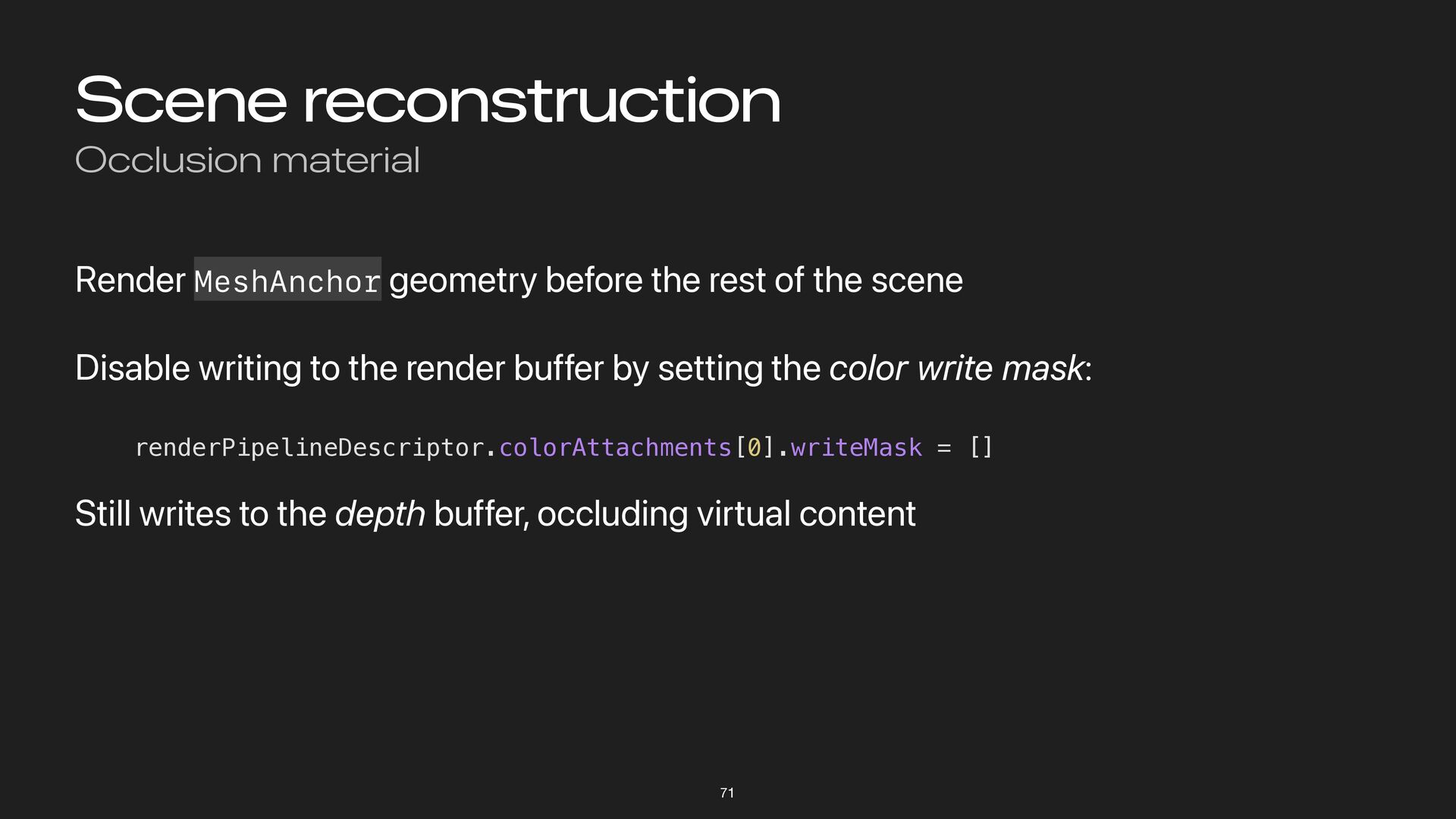
Scene reconstruction Occlusion material Render MeshAnchor geometry before the rest
of the scene Disable writing to the render buffer by setting the color write mask: renderPipelineDescriptor.colorAttachments[0].writeMask = [] Still writes to the depth buffer, occluding virtual content 71 -
Scene reconstruction Going further with shadows Mesh anchor geometry is
a great “shadow catcher” Return black (or other shadow color) from fragment function alpha = shadow intensity X -
Physics Looking to the Horizon 72 All content, games titles,
trade names, trademarks, artwork and associated imagery are trademarks and/or copyright material of their respective owners. -
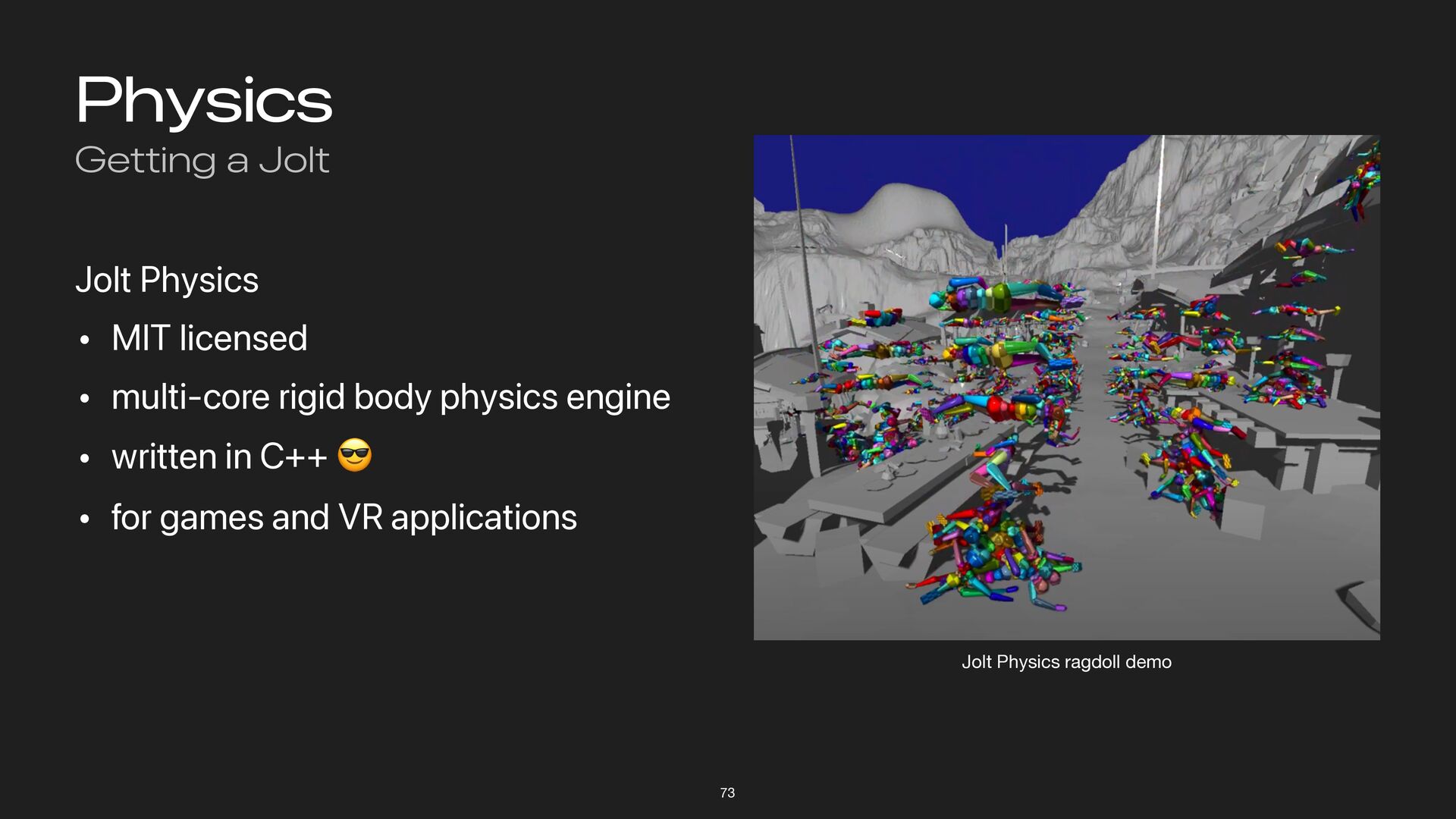
Physics Getting a Jolt 73 Jolt Physics • MIT licensed
• multi-core rigid body physics engine • written in C++ 😎 • for games and VR applications Jolt Physics ragdoll demo -
Physics Topics 74 Physics shapes and bodies Coupling the scene
graph and simulation Interaction via hit-testing -
Physics Shapes 75 Simplified geometric representation of a mesh Can
be idealized (sphere, box, capsule) Or a convex hull or general polyhedron -
Physics Bodies 76 Hold properties like mass, friction, restitution Static
bodies • Not simulated, don ’ t collide, can be collided with Dynamic bodies • Simulated, subject to forces, collide with all other bodies Kinematic bodies • Driven by user input or animations • Don ’ t respond to collisions or forces -
Physics Coupling 77 During update phase Copy kinematic transforms to
physics world Run physics simulation steps Copy transforms of moved objects back to scene graph -
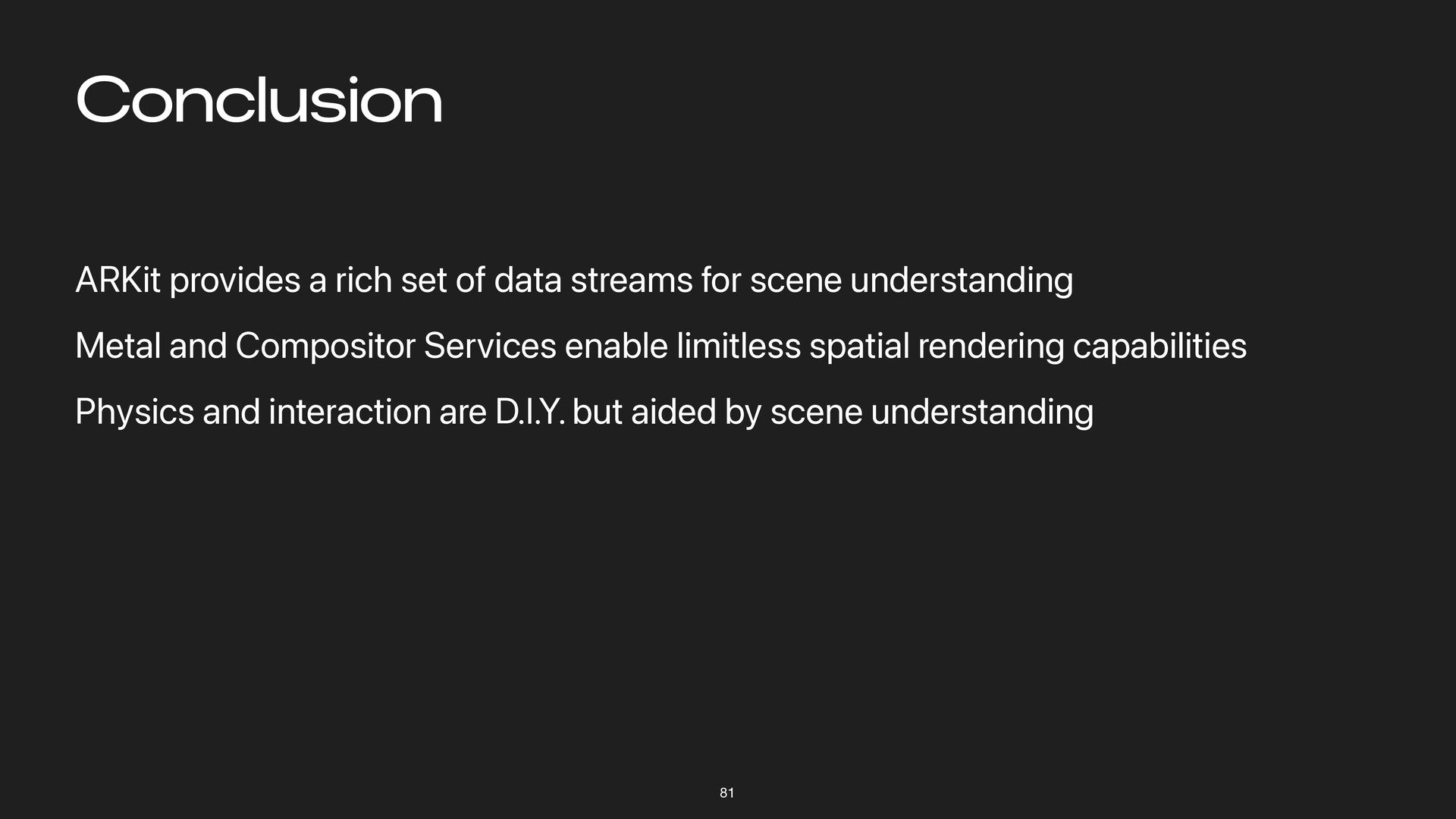
Conclusion ARKit provides a rich set of data streams for
scene understanding Metal and Compositor Services enable limitless spatial rendering capabilities Physics and interaction are D.I.Y. but aided by scene understanding 81 -
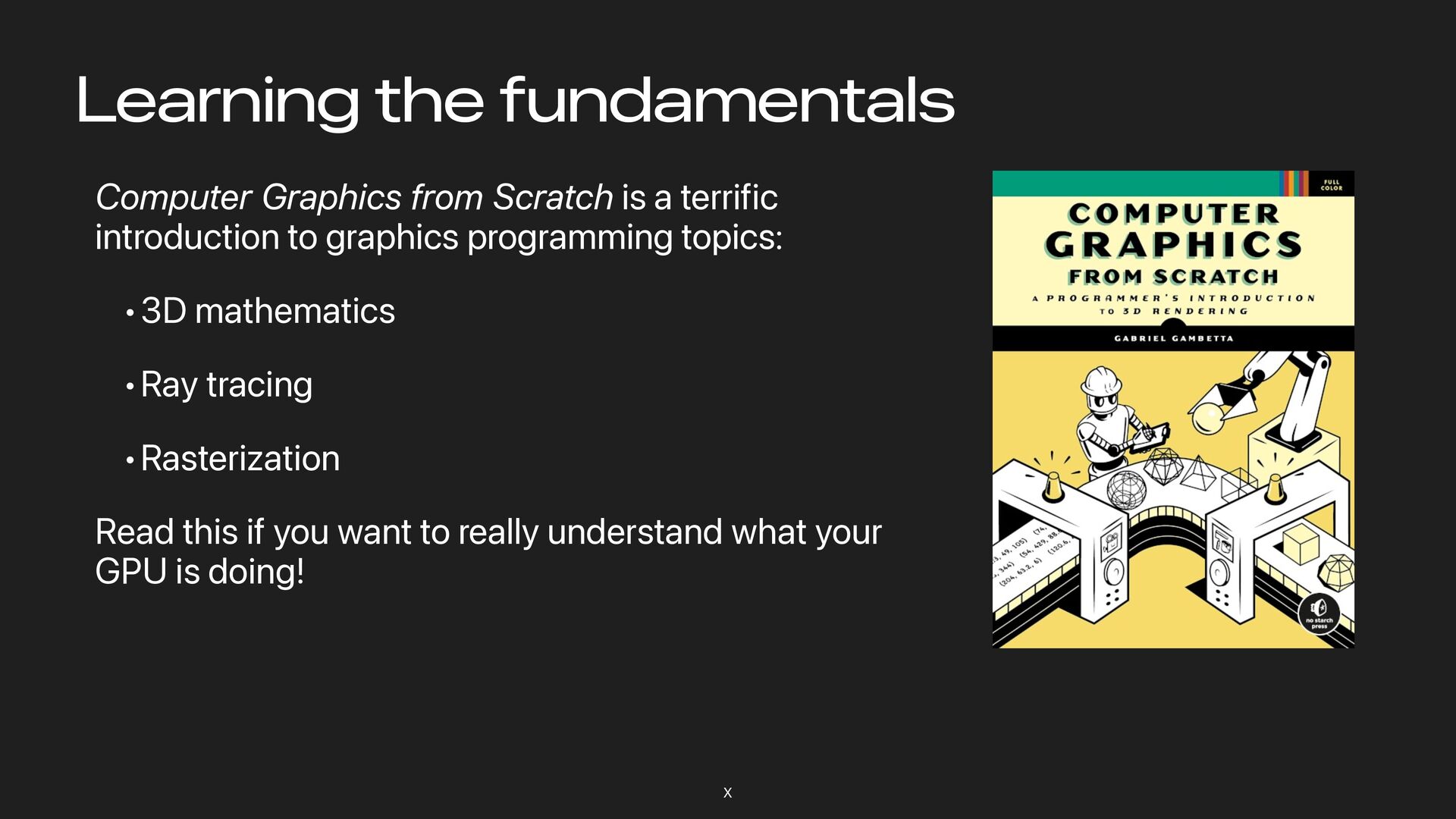
Computer Graphics from Scratch is a terrific introduction to graphics
programming topics: •3D mathematics •Ray tracing •Rasterization Read this if you want to really understand what your GPU is doing! Learning the fundamentals X