Share
Embed
Transcript
78 slides
-
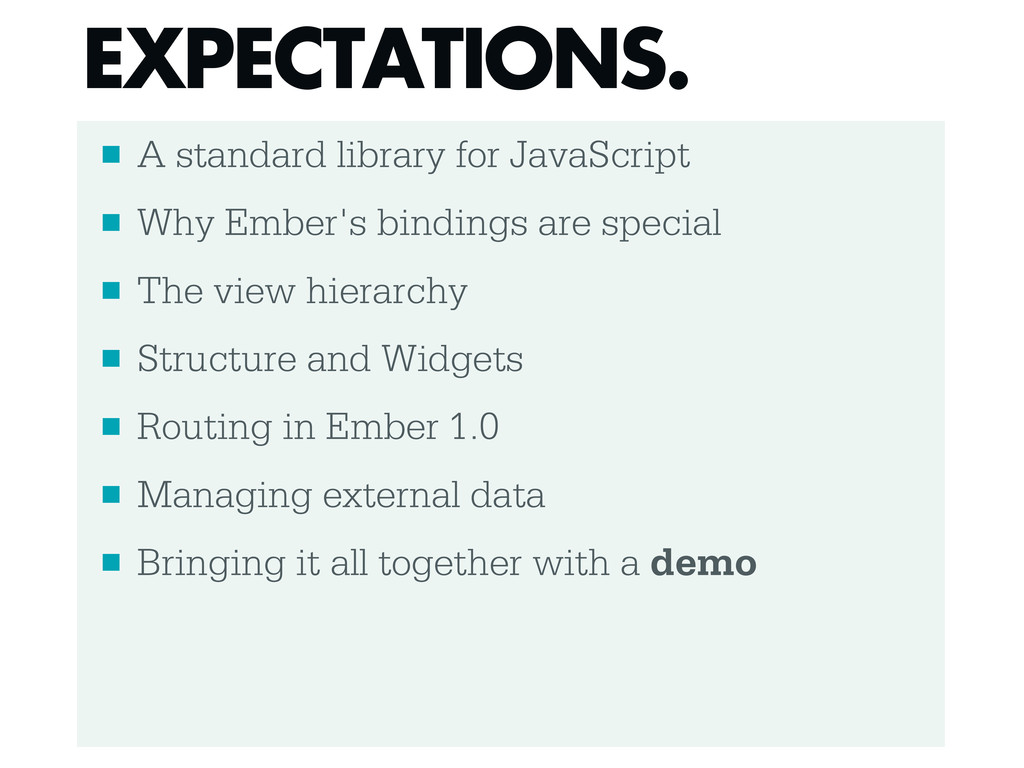
▪ A standard library for JavaScript ▪ Why Ember's bindings
are special ▪ The view hierarchy ▪ Structure and Widgets ▪ Routing in Ember 1.0 ▪ Managing external data ▪ Bringing it all together with a demo EXPECTATIONS. -
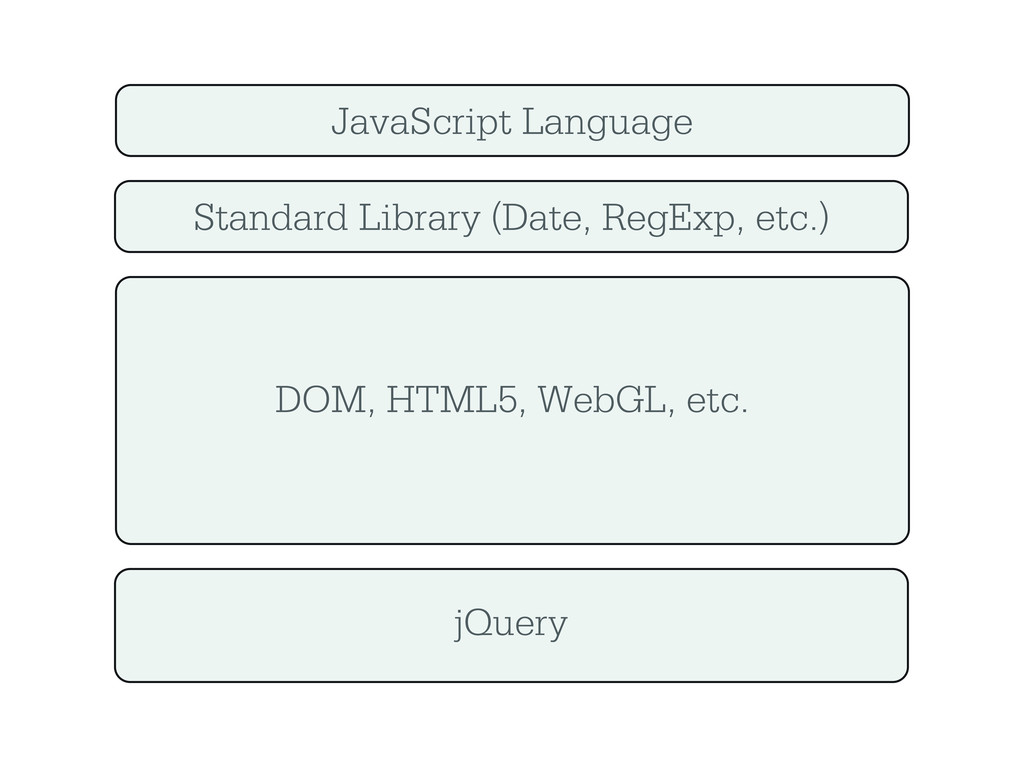
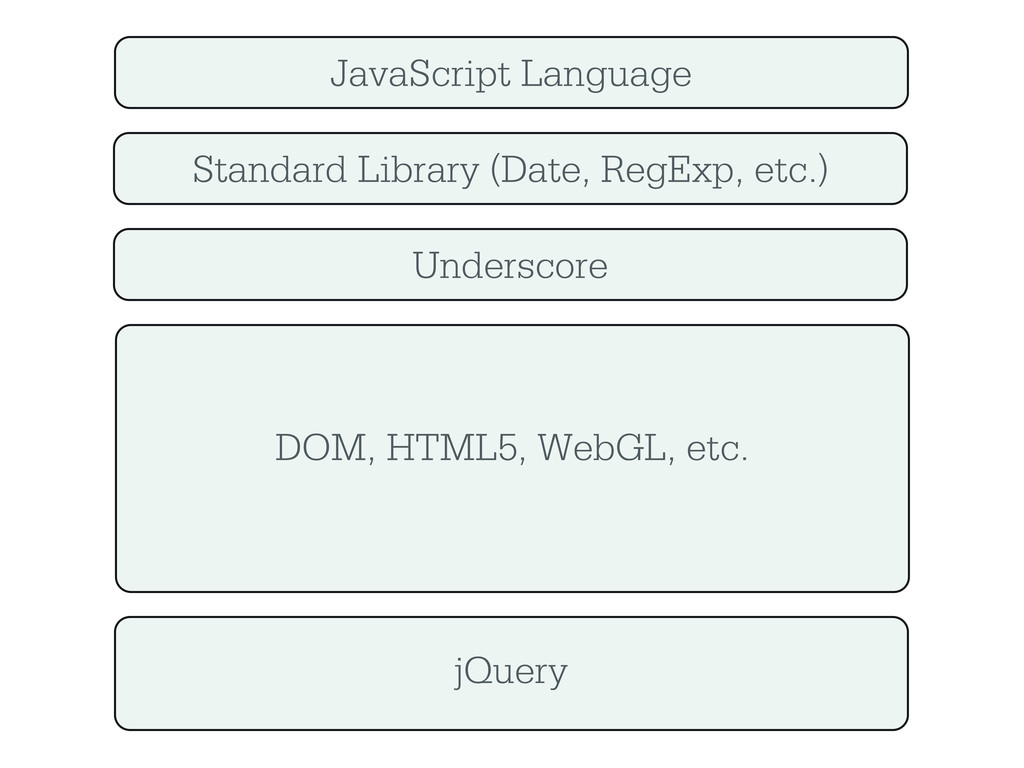
JavaScript Language Standard Library (Date, RegExp, etc.) DOM, HTML5, WebGL,
etc. jQuery Underscore -
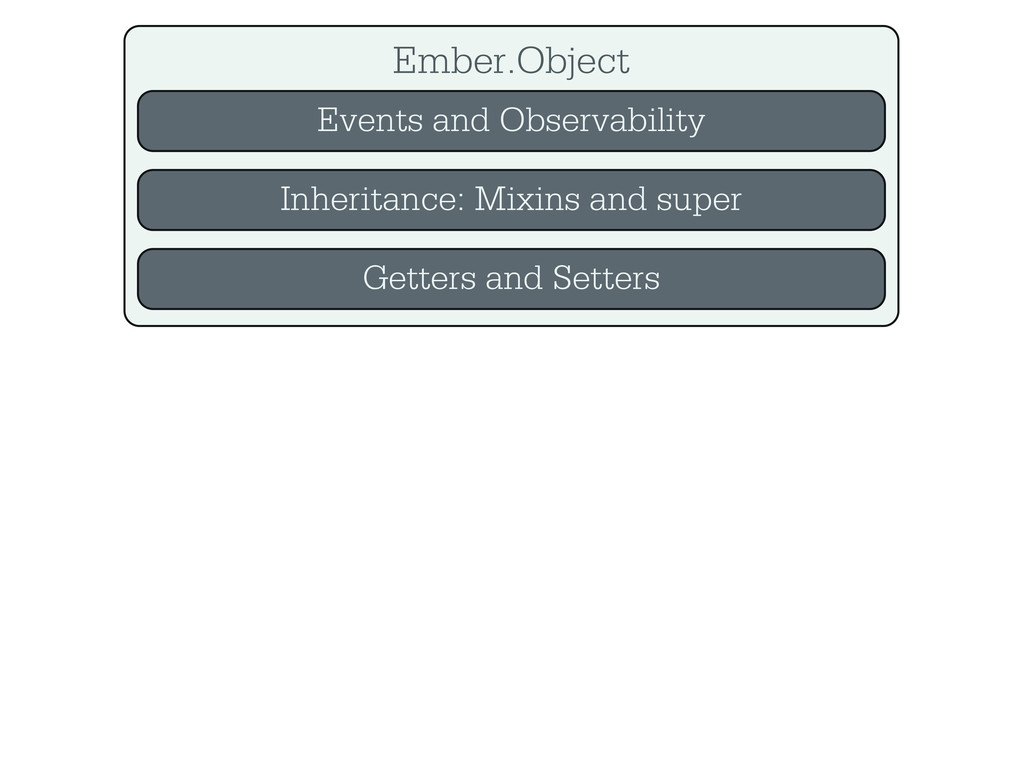
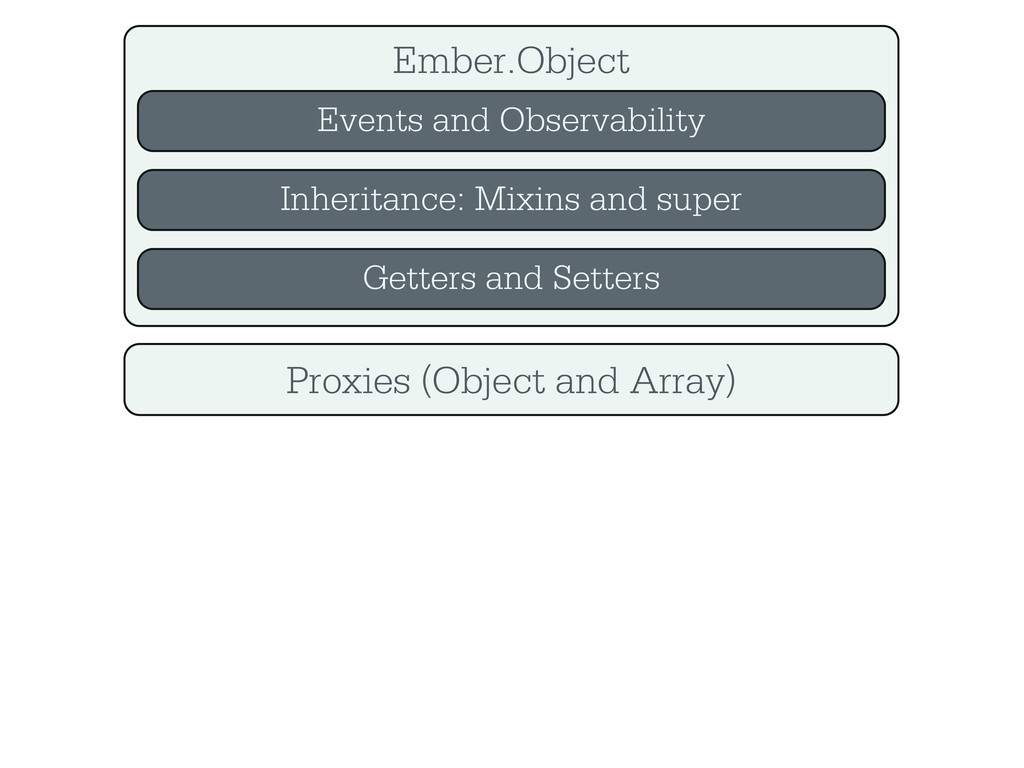
Ember.Object Events and Observability Inheritance: Mixins and super Getters and
Setters Proxies (Object and Array) -
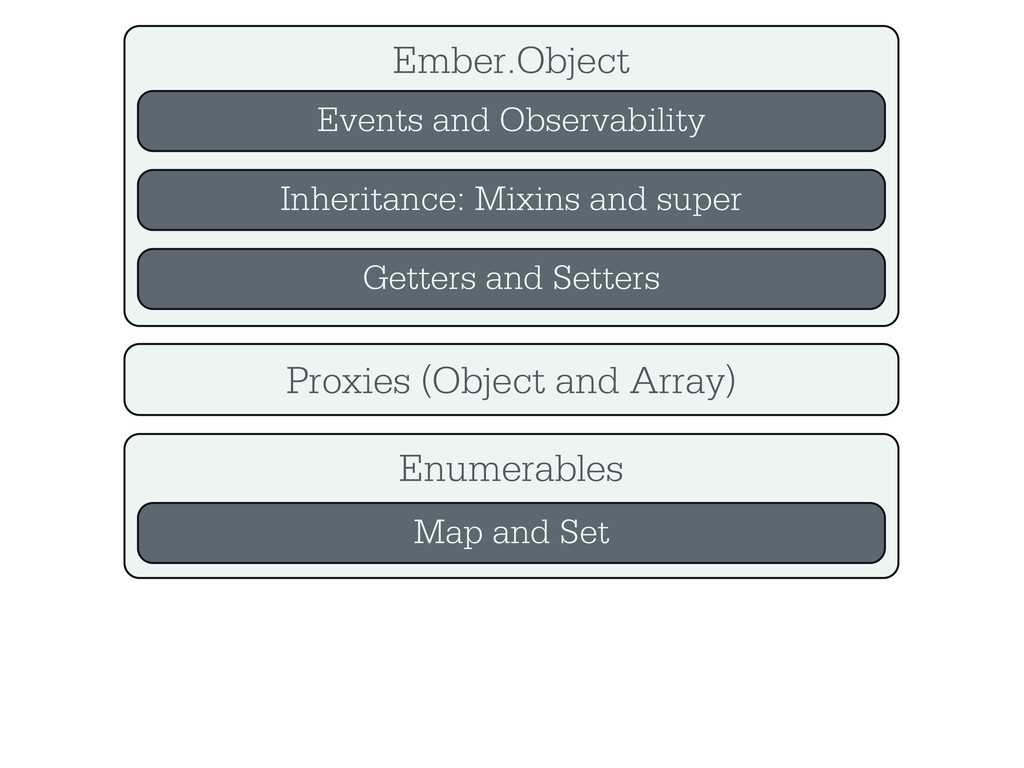
Ember.Object Events and Observability Inheritance: Mixins and super Getters and
Setters Proxies (Object and Array) Enumerables Map and Set -
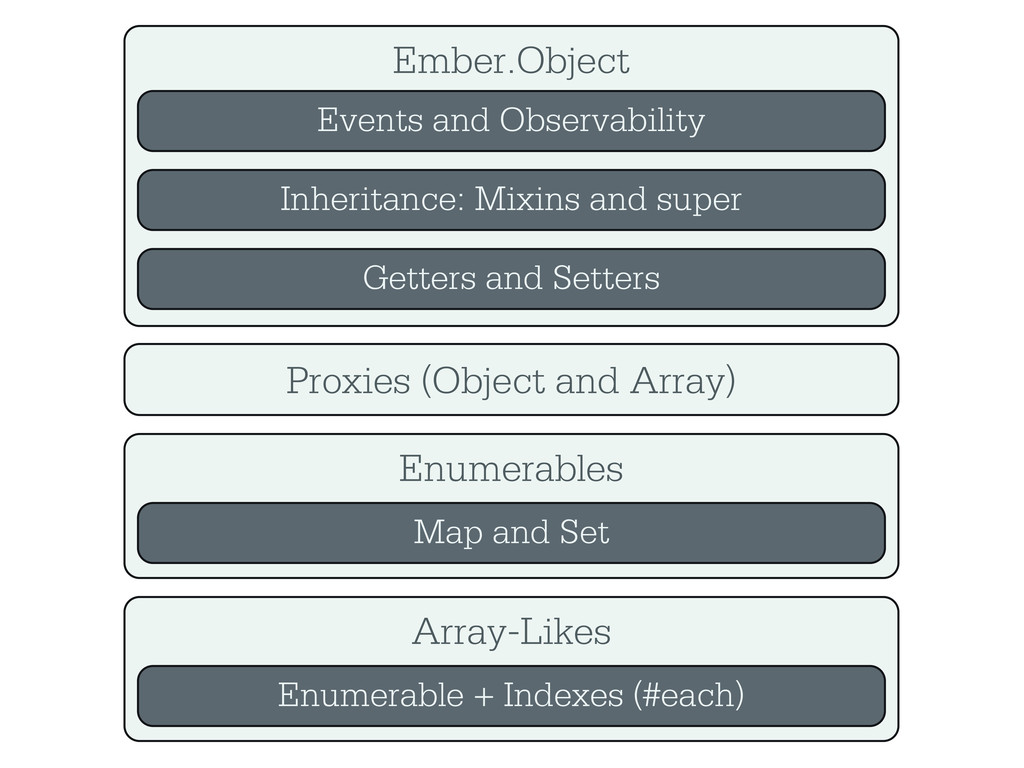
Ember.Object Events and Observability Inheritance: Mixins and super Getters and
Setters Proxies (Object and Array) Enumerables Map and Set Array-Likes Enumerable + Indexes (#each) -
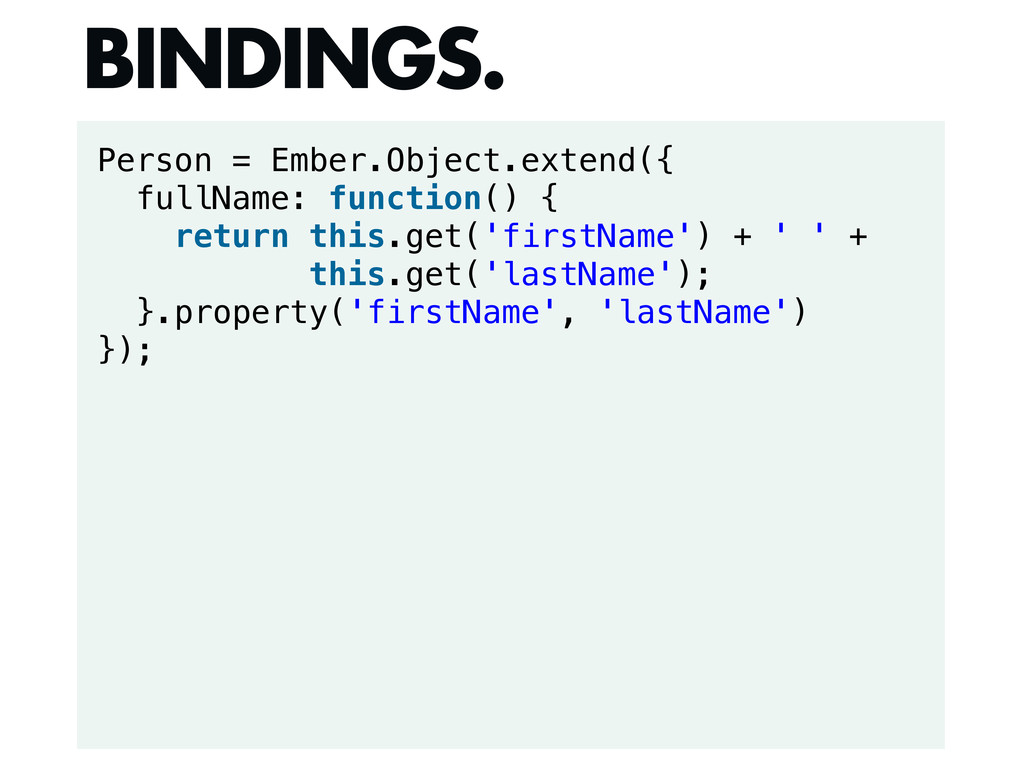
Person = Ember.Object.extend({ fullName: function() { return this.get('firstName') + '
' + this.get('lastName'); }.property('firstName', 'lastName') }); BINDINGS. -
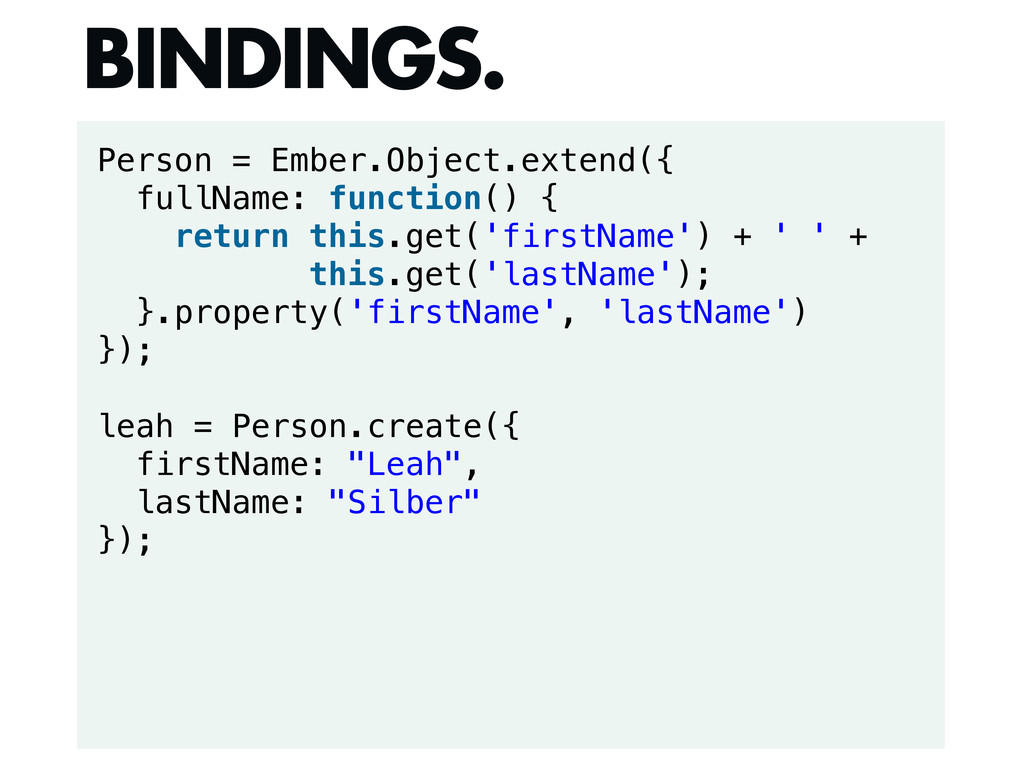
Person = Ember.Object.extend({ fullName: function() { return this.get('firstName') + '
' + this.get('lastName'); }.property('firstName', 'lastName') }); leah = Person.create({ firstName: "Leah", lastName: "Silber" }); BINDINGS. -
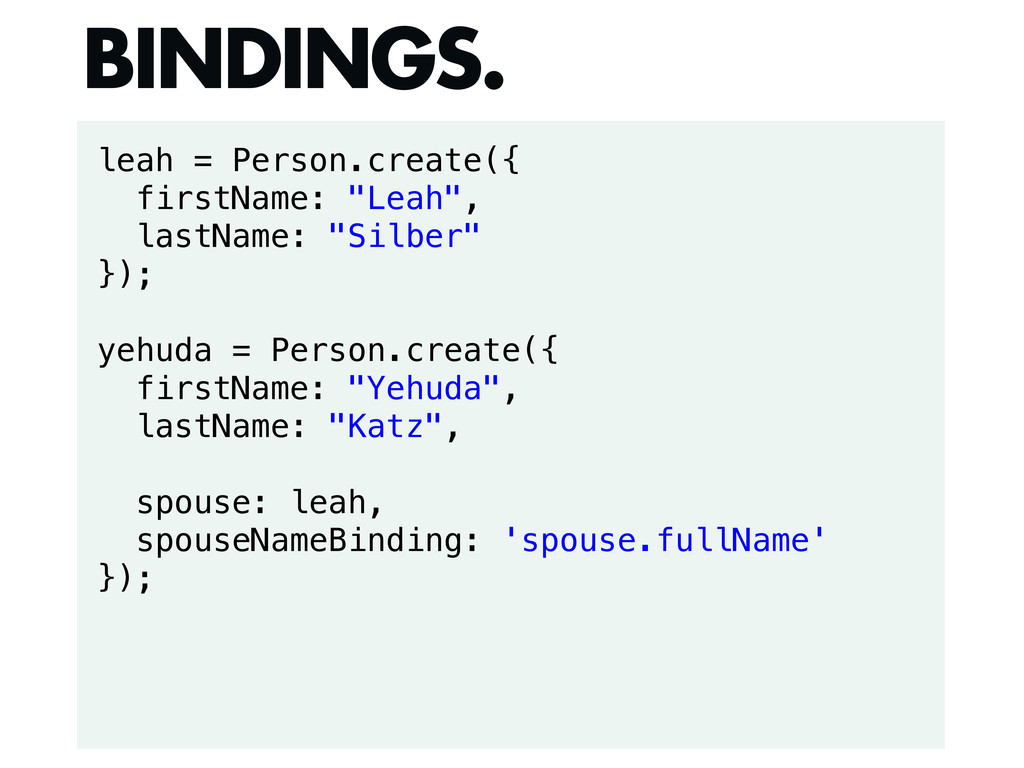
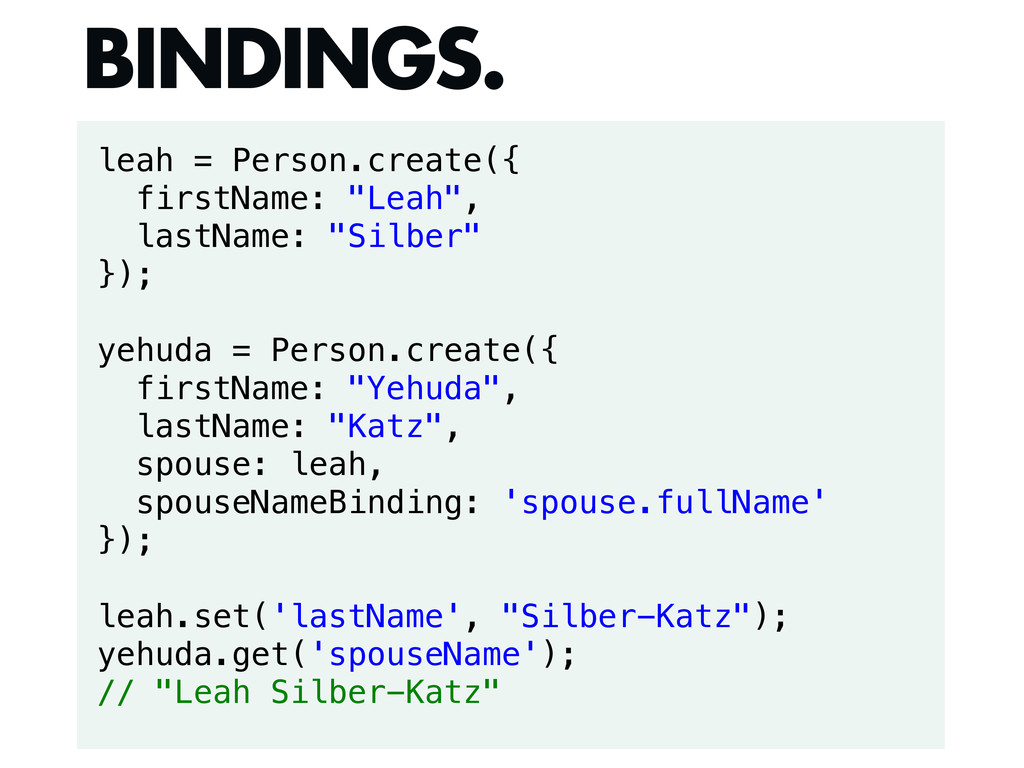
leah = Person.create({ firstName: "Leah", lastName: "Silber" }); yehuda =
Person.create({ firstName: "Yehuda", lastName: "Katz", spouse: leah, spouseNameBinding: 'spouse.fullName' }); BINDINGS. -
leah = Person.create({ firstName: "Leah", lastName: "Silber" }); yehuda =
Person.create({ firstName: "Yehuda", lastName: "Katz", spouse: leah, spouseNameBinding: 'spouse.fullName' }); leah.set('lastName', "Silber-Katz"); yehuda.get('spouseName'); // "Leah Silber-Katz" BINDINGS. -
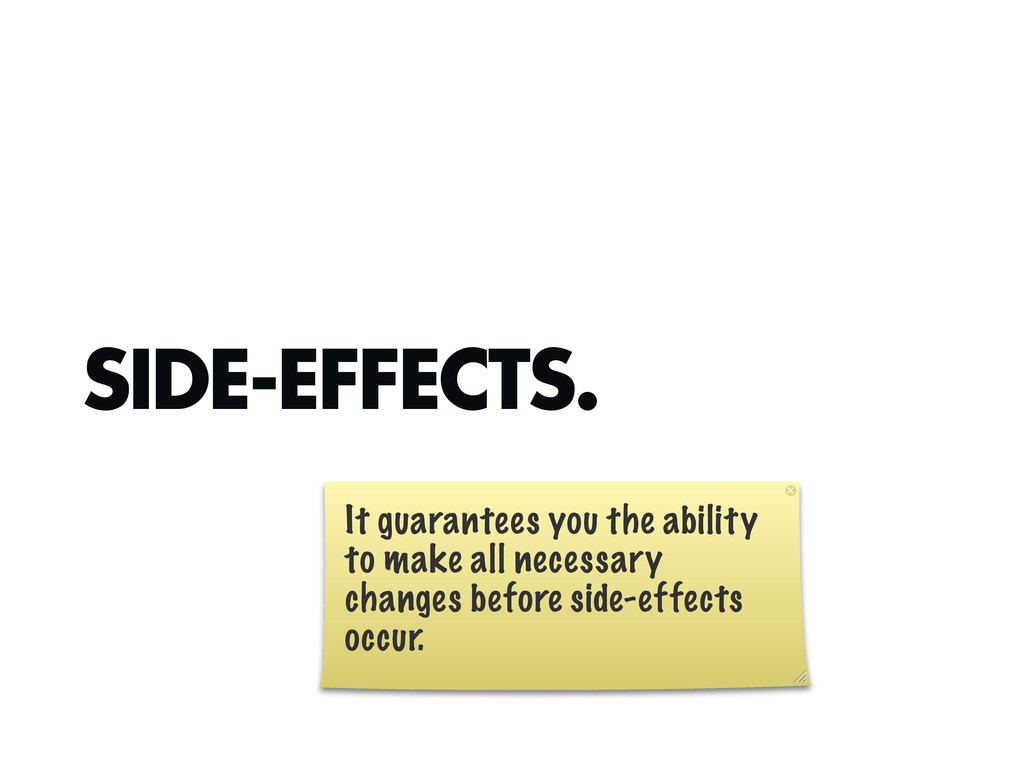
SIDE-EFFECTS. It guarantees you the ability to make all necessary
changes before side-effects occur. -
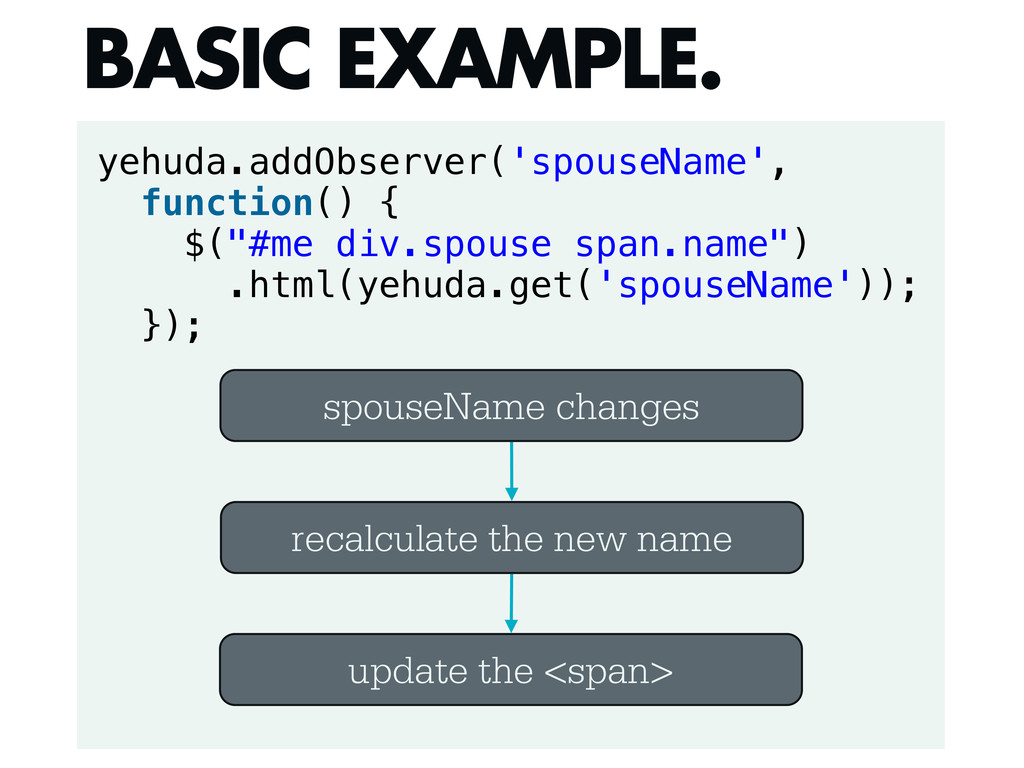
yehuda.addObserver('spouseName', function() { $("#me div.spouse span.name") .html(yehuda.get('spouseName')); }); BASIC EXAMPLE.
spouseName changes recalculate the new name update the <span> -
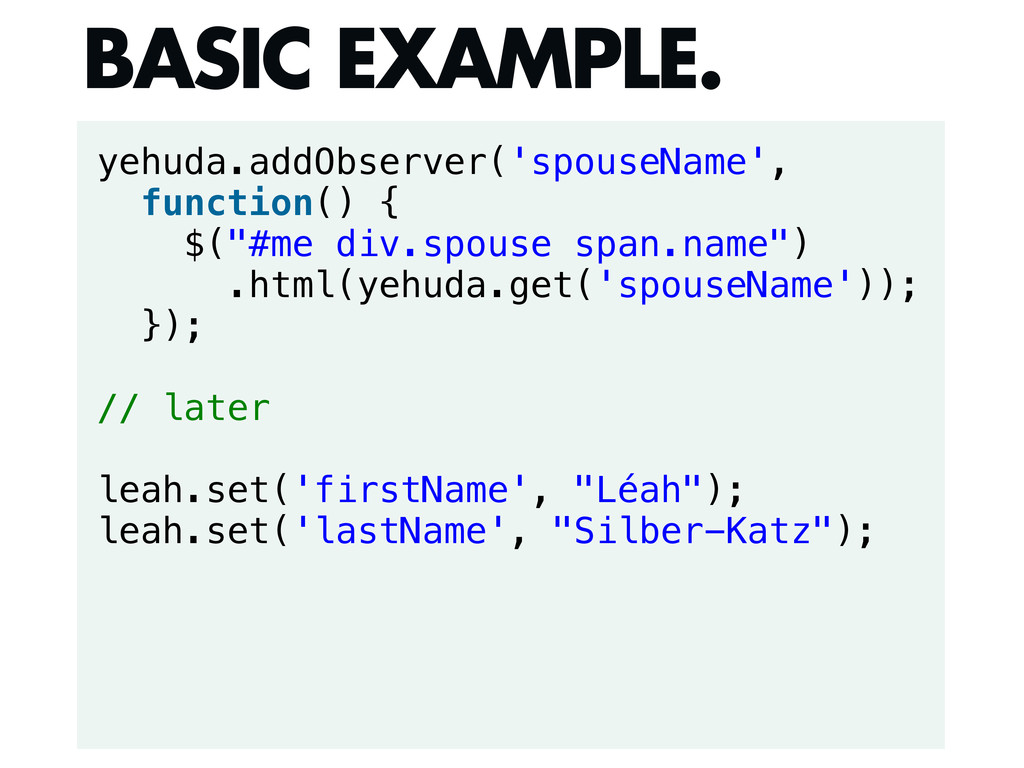
yehuda.addObserver('spouseName', function() { $("#me div.spouse span.name") .html(yehuda.get('spouseName')); }); // later
leah.set('firstName', "Léah"); leah.set('lastName', "Silber-Katz"); BASIC EXAMPLE. -
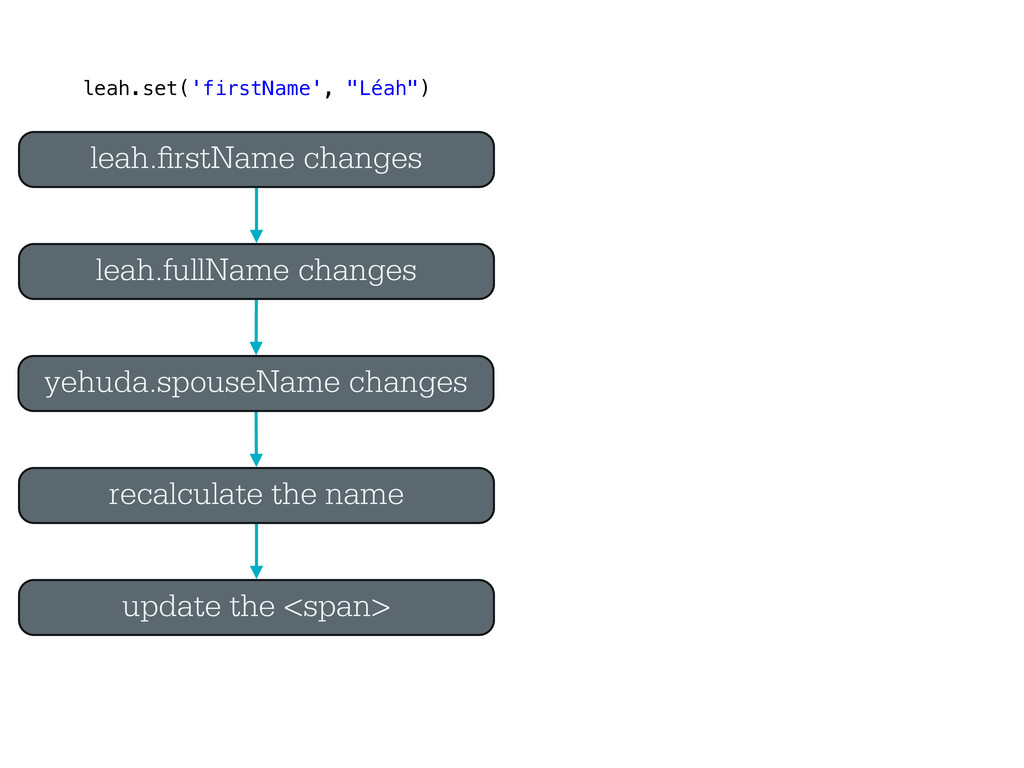
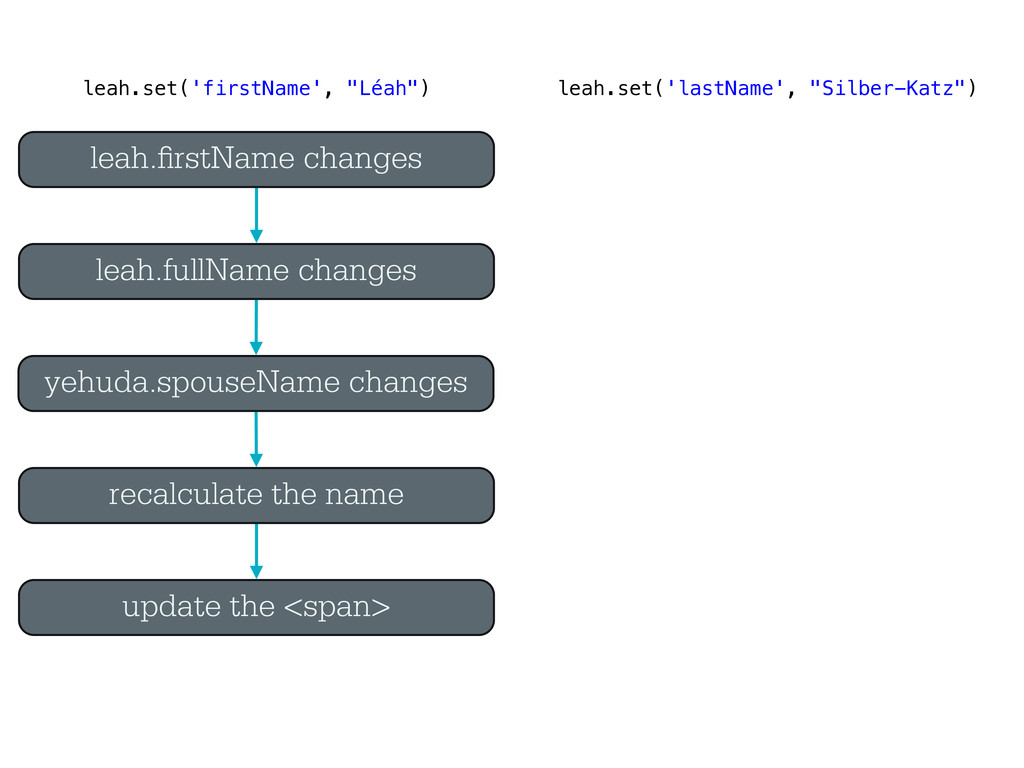
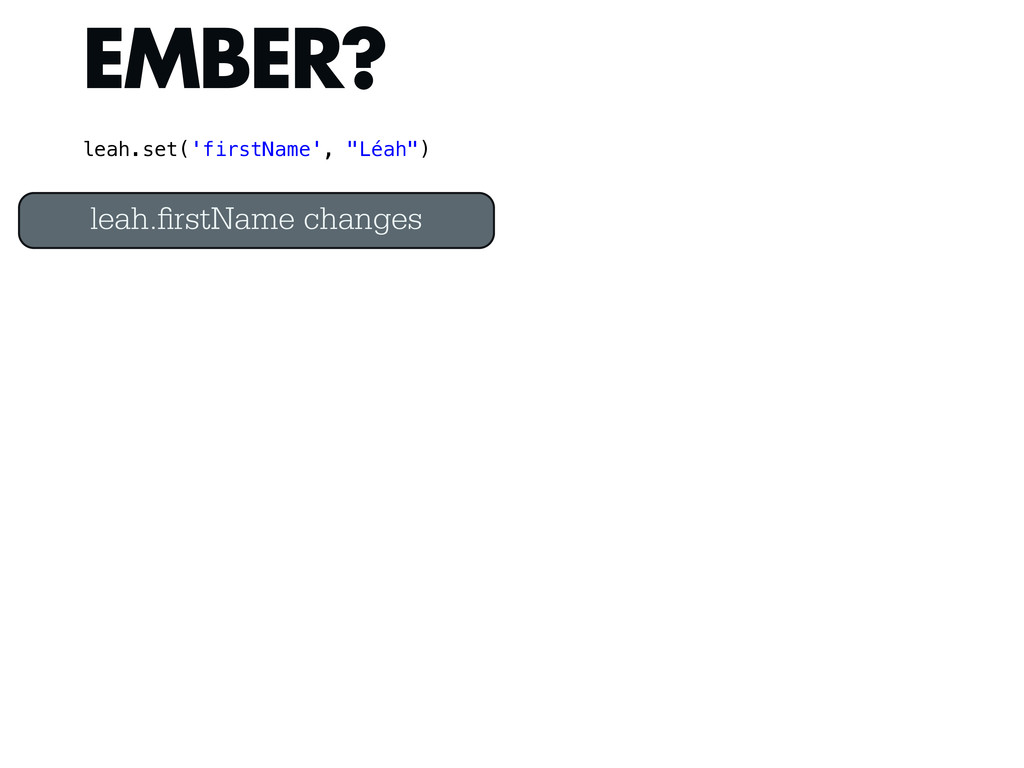
yehuda.spouseName changes recalculate the name update the <span> leah. rstName
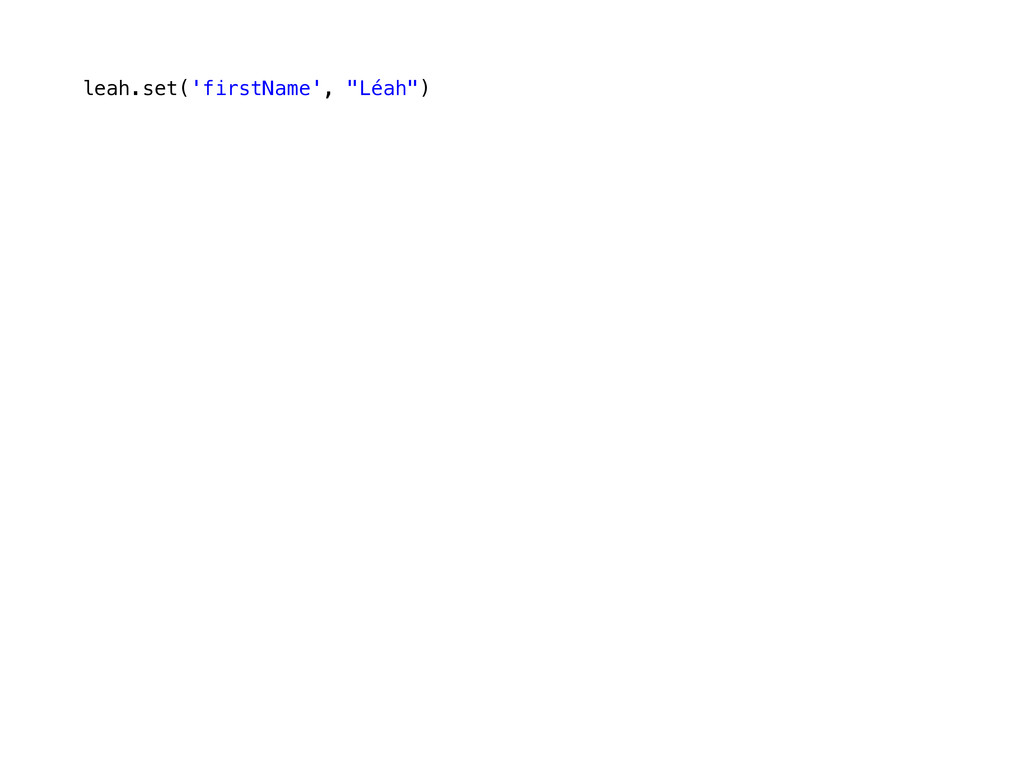
changes leah.fullName changes leah.set('firstName', "Léah") -
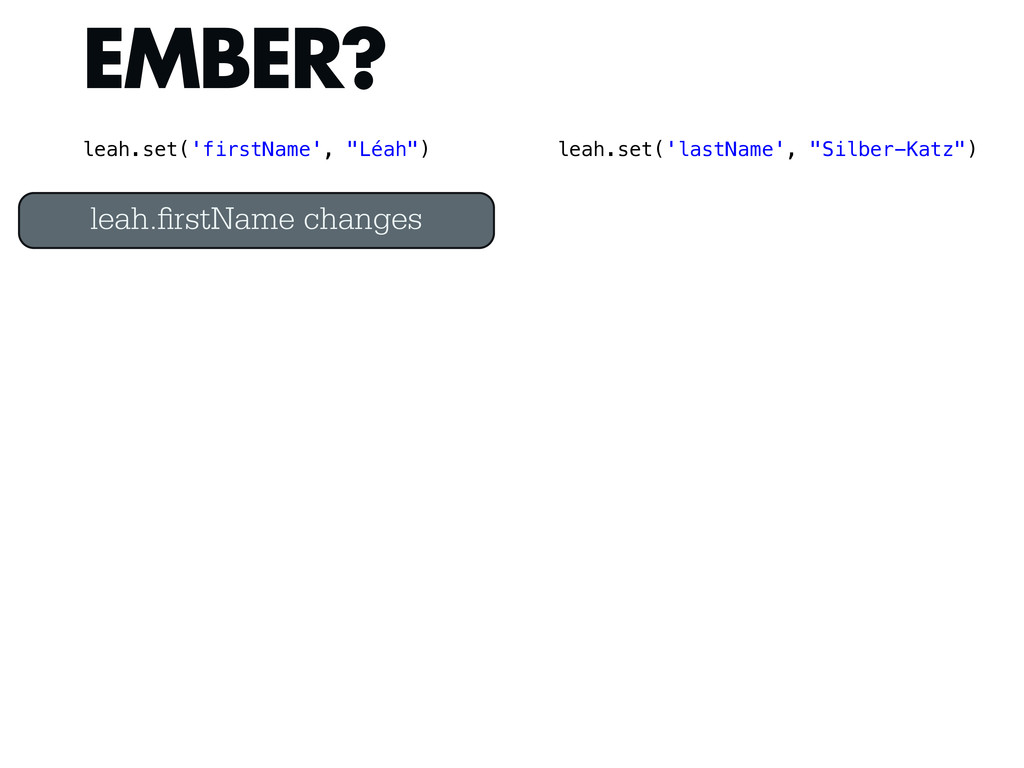
yehuda.spouseName changes recalculate the name update the <span> leah. rstName
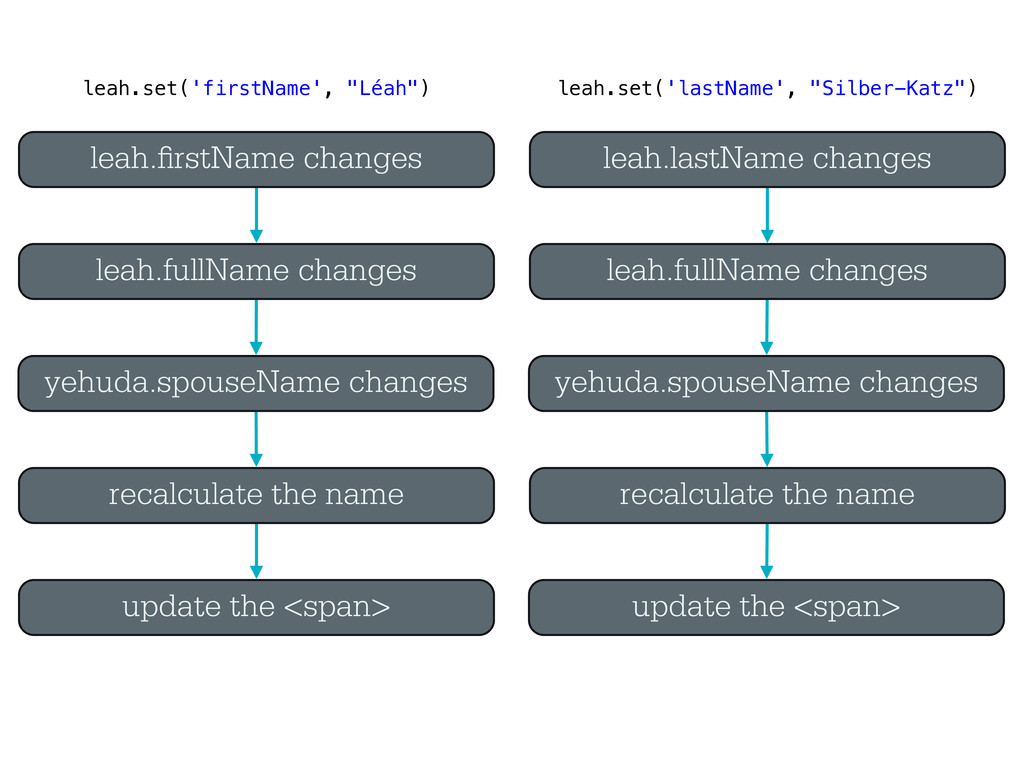
changes leah.fullName changes leah.set('firstName', "Léah") leah.set('lastName', "Silber-Katz") -
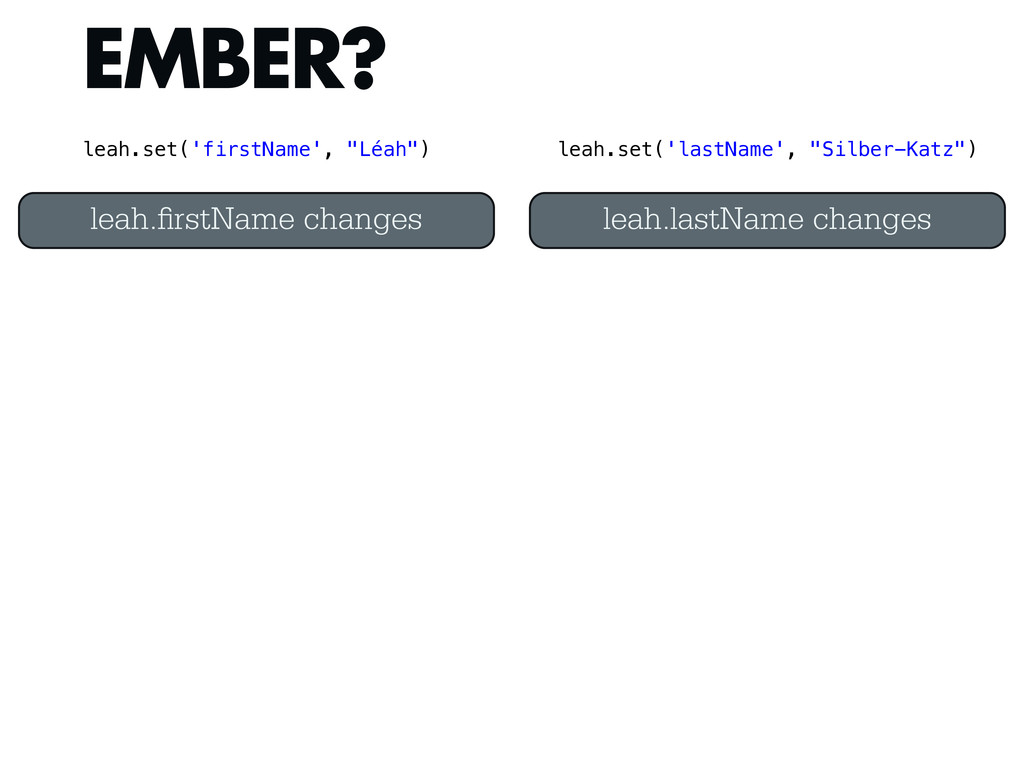
yehuda.spouseName changes recalculate the name update the <span> leah. rstName
changes leah.fullName changes yehuda.spouseName changes recalculate the name update the <span> leah.lastName changes leah.fullName changes leah.set('firstName', "Léah") leah.set('lastName', "Silber-Katz") -
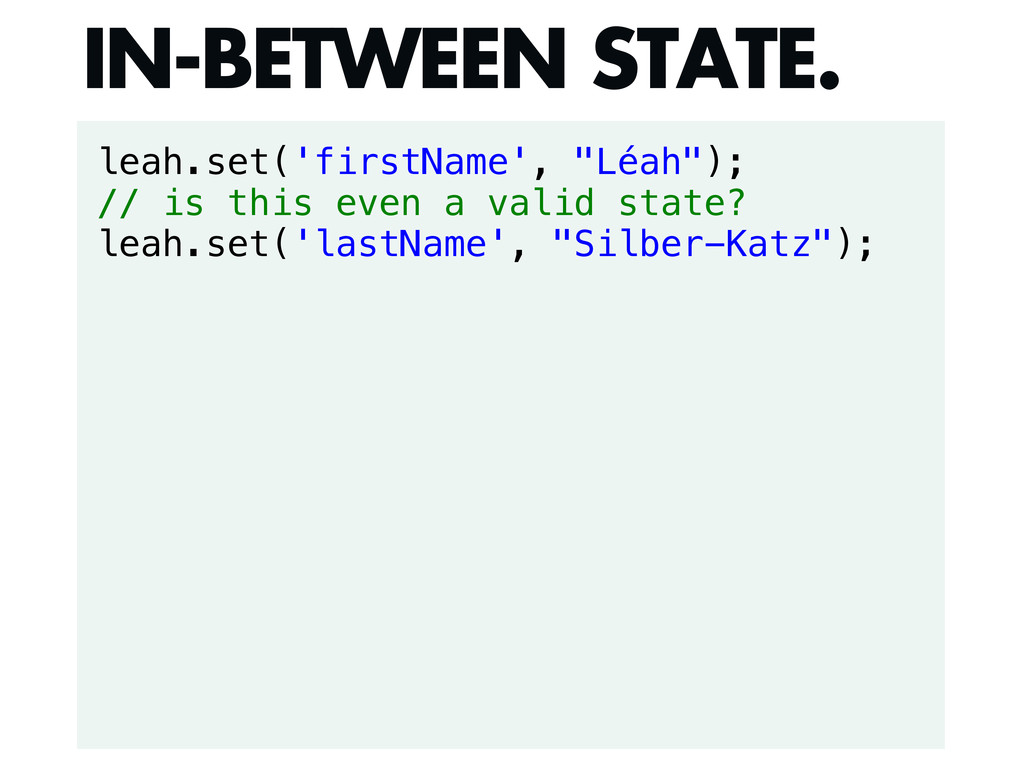
leah.set('firstName', "Léah"); // is this even a valid state? leah.set('lastName',
"Silber-Katz"); IN-BETWEEN STATE. -
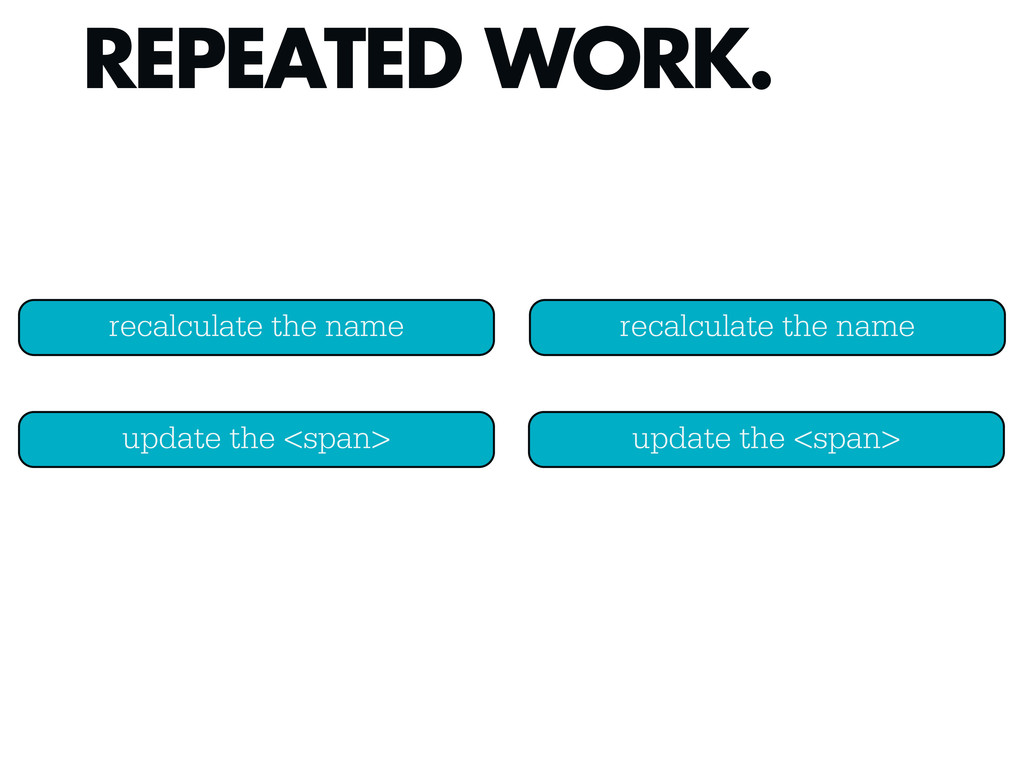
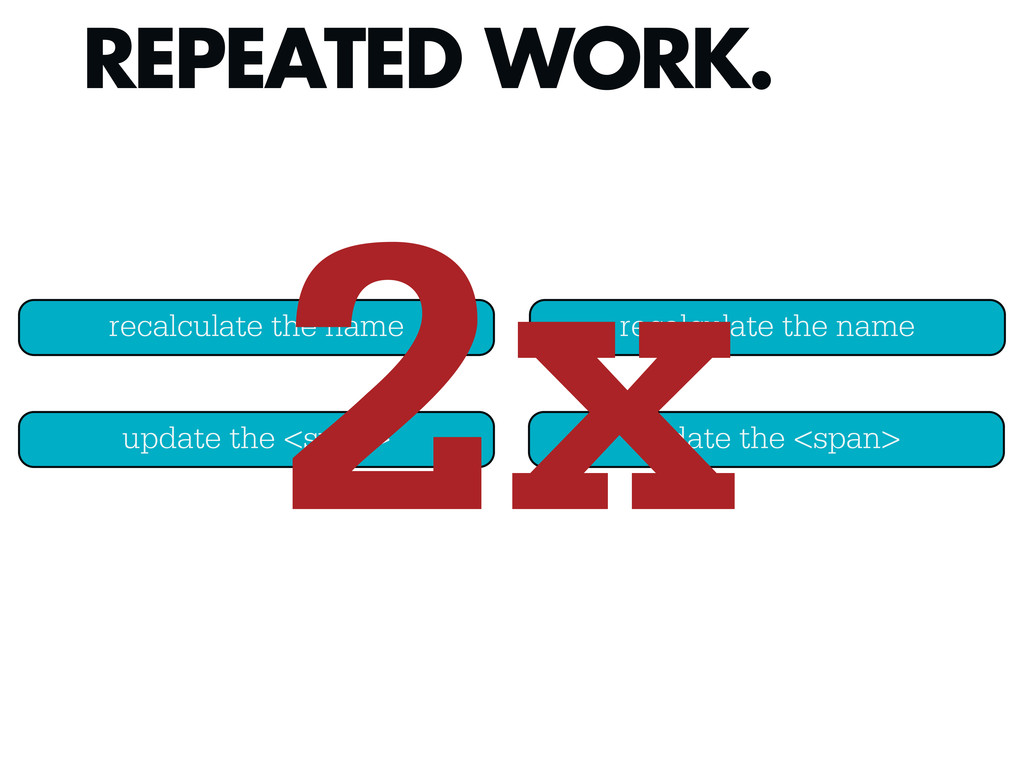
REPEATED WORK. recalculate the name update the <span> recalculate the
name update the <span> -
REPEATED WORK. recalculate the name update the <span> recalculate the
name update the <span> 2x -
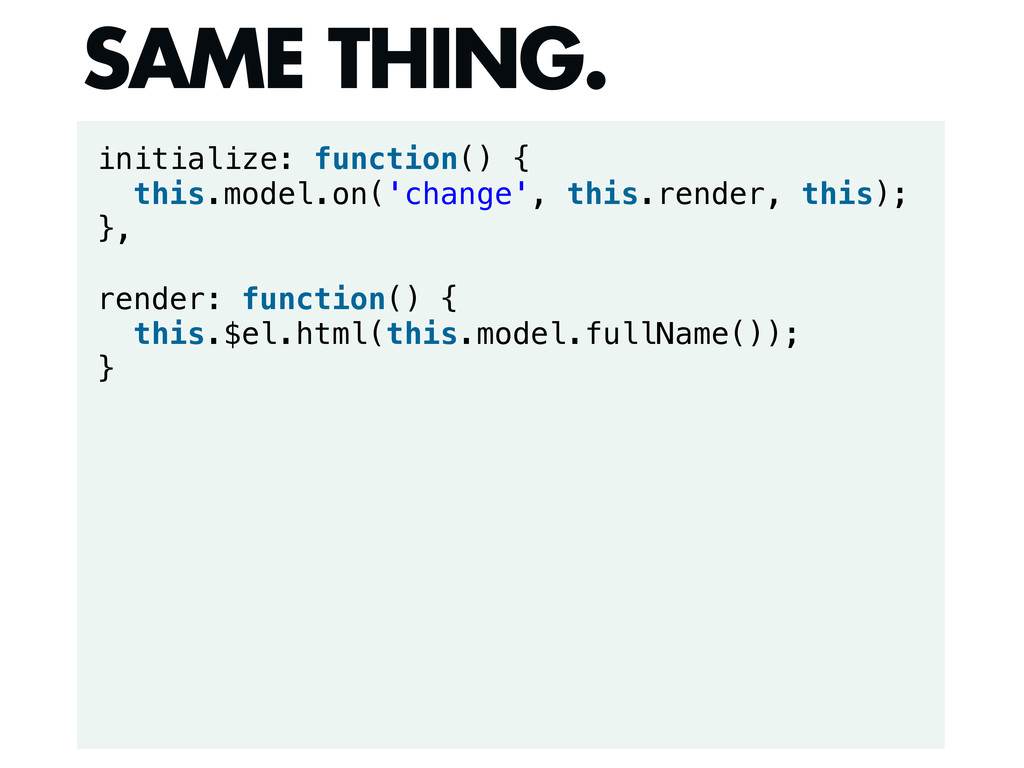
initialize: function() { this.model.on('change', this.render, this); }, render: function() {
this.$el.html(this.model.fullName()); } SAME THING. -
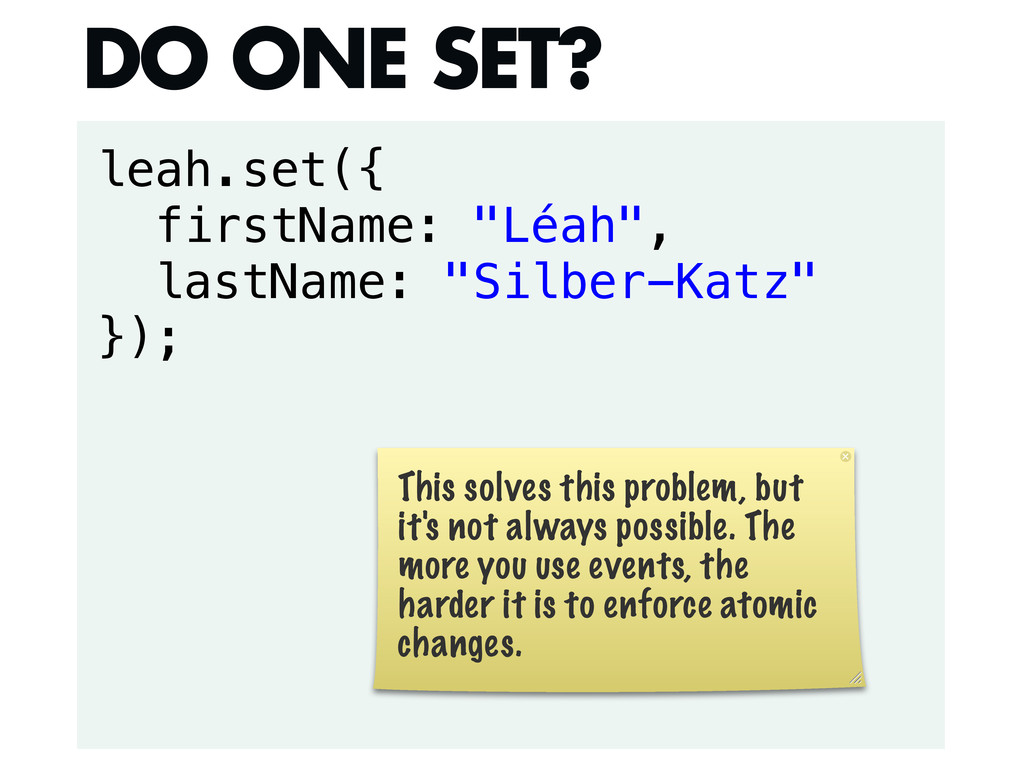
leah.set({ firstName: "Léah", lastName: "Silber-Katz" }); DO ONE SET? This
solves this problem, but it's not always possible. The more you use events, the harder it is to enforce atomic changes. -
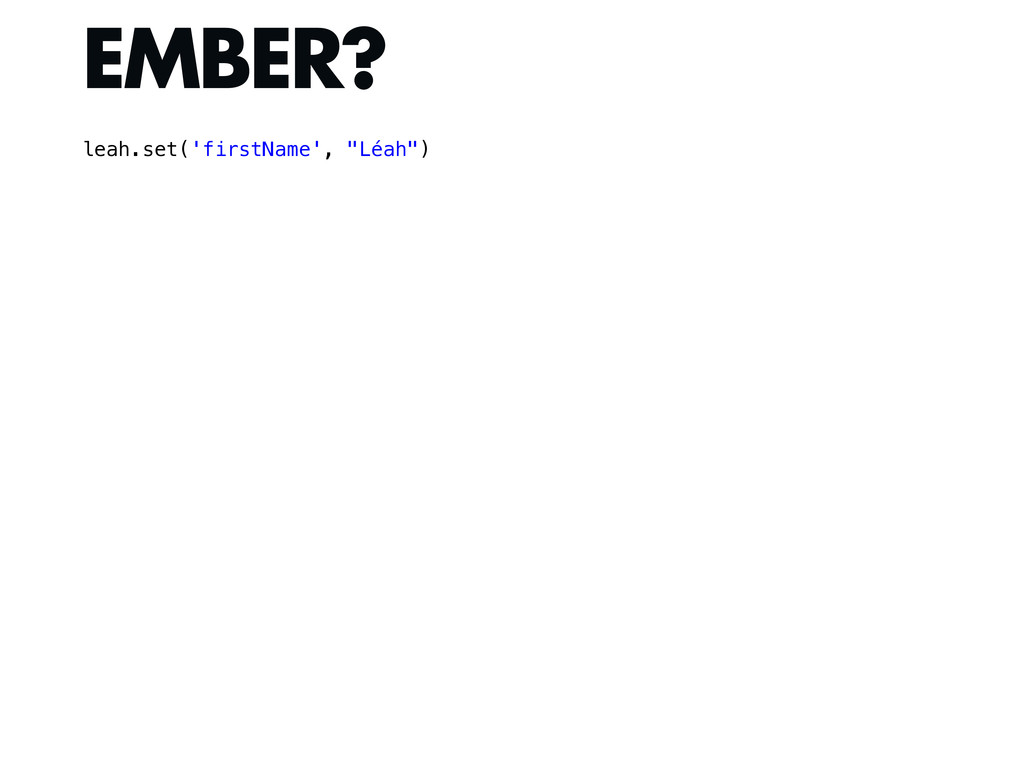
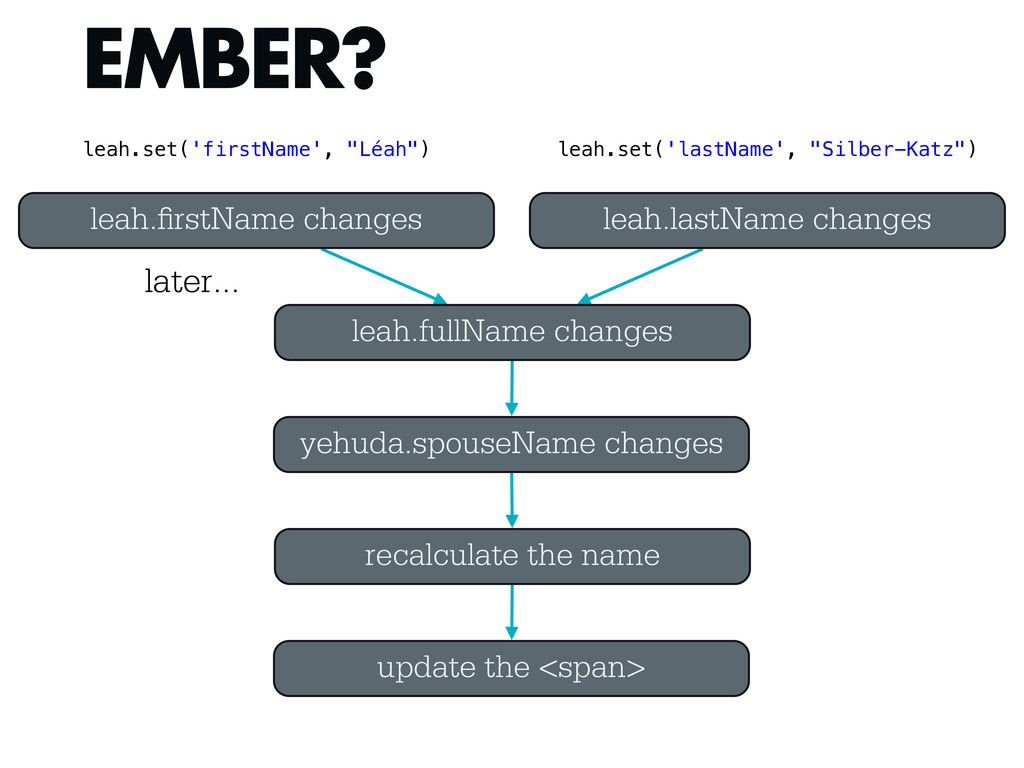
EMBER? leah. rstName changes yehuda.spouseName changes recalculate the name update
the <span> leah.lastName changes leah.fullName changes leah.set('firstName', "Léah") leah.set('lastName', "Silber-Katz") later... -
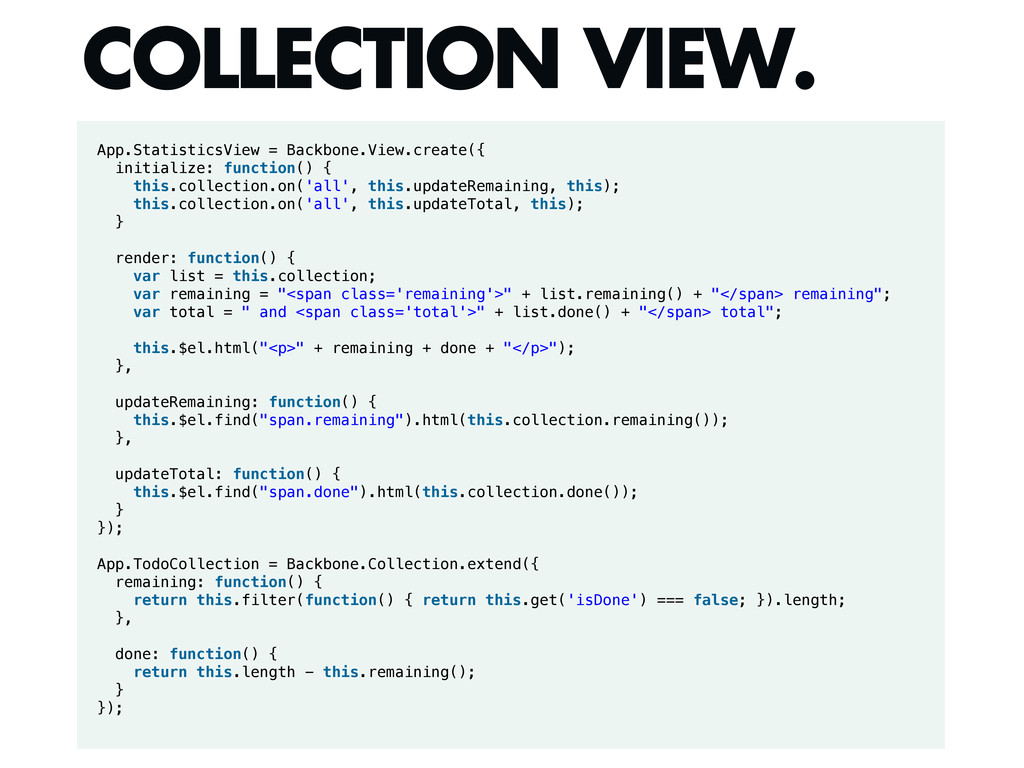
App.StatisticsView = Backbone.View.create({ initialize: function() { this.collection.on('all', this.updateRemaining, this); this.collection.on('all',
this.updateTotal, this); } render: function() { var list = this.collection; var remaining = "<span class='remaining'>" + list.remaining() + "</span> remaining"; var total = " and <span class='total'>" + list.done() + "</span> total"; this.$el.html("<p>" + remaining + done + "</p>"); }, updateRemaining: function() { this.$el.find("span.remaining").html(this.collection.remaining()); }, updateTotal: function() { this.$el.find("span.done").html(this.collection.done()); } }); App.TodoCollection = Backbone.Collection.extend({ remaining: function() { return this.filter(function() { return this.get('isDone') === false; }).length; }, done: function() { return this.length - this.remaining(); } }); COLLECTION VIEW. -
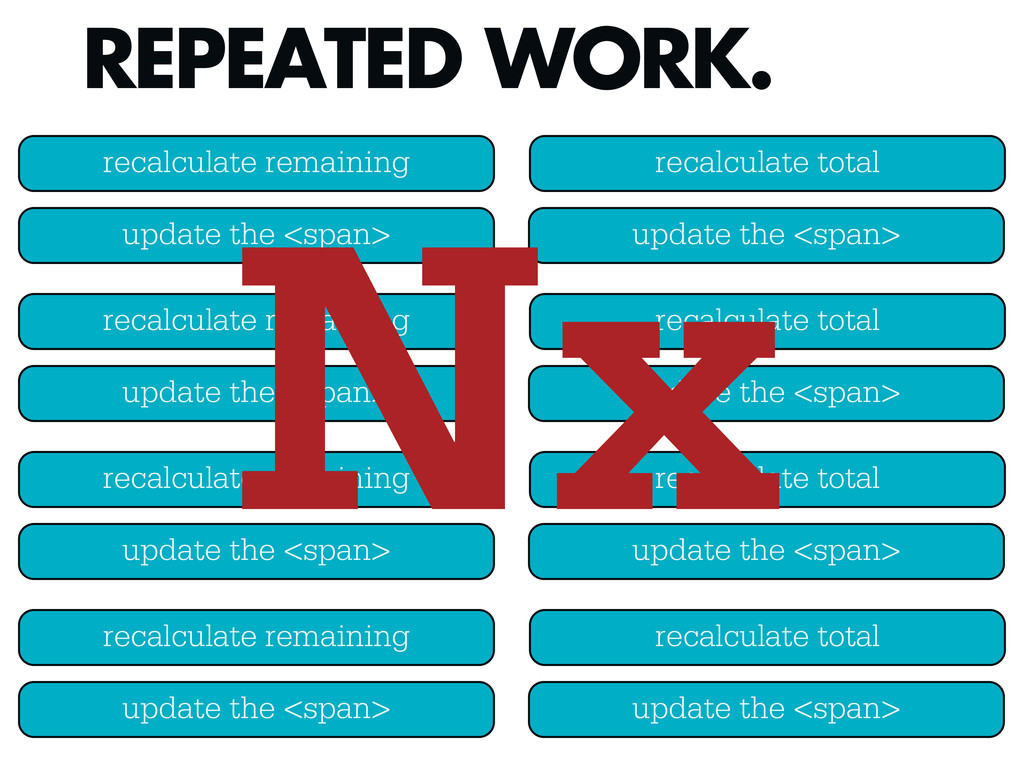
REPEATED WORK. recalculate remaining update the <span> recalculate total update
the <span> recalculate remaining update the <span> recalculate total update the <span> recalculate remaining update the <span> recalculate total update the <span> recalculate remaining update the <span> recalculate total update the <span> Nx -
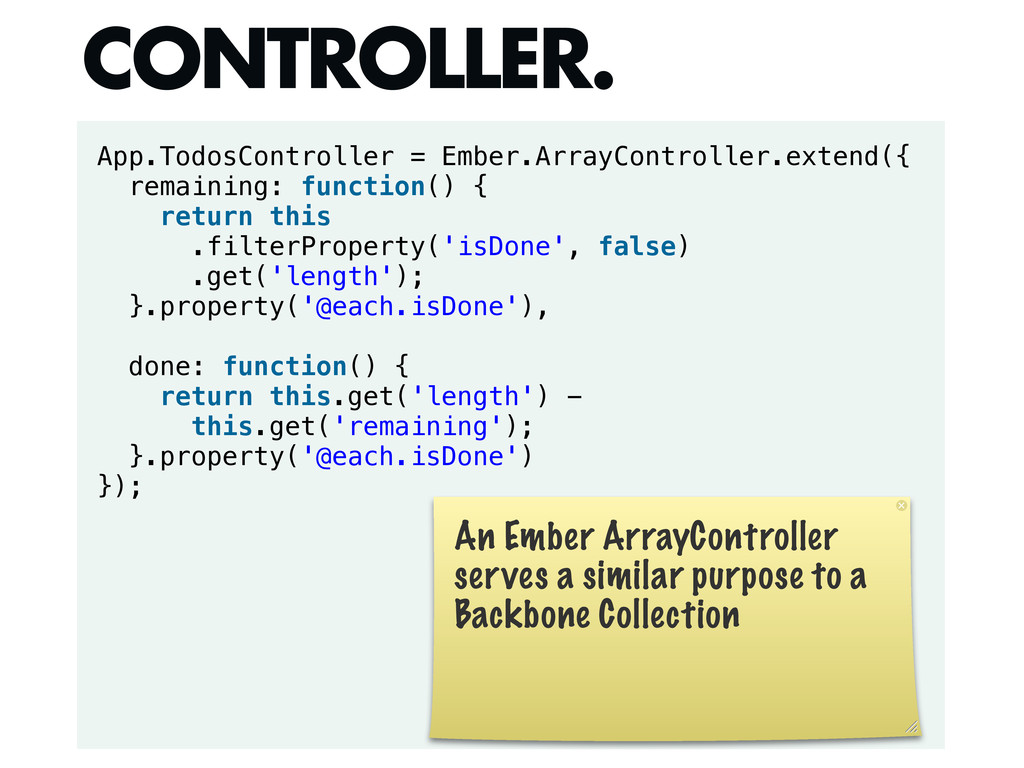
App.TodosController = Ember.ArrayController.extend({ remaining: function() { return this .filterProperty('isDone', false)
.get('length'); }.property('@each.isDone'), done: function() { return this.get('length') - this.get('remaining'); }.property('@each.isDone') }); CONTROLLER. An Ember ArrayController serves a similar purpose to a Backbone Collection -
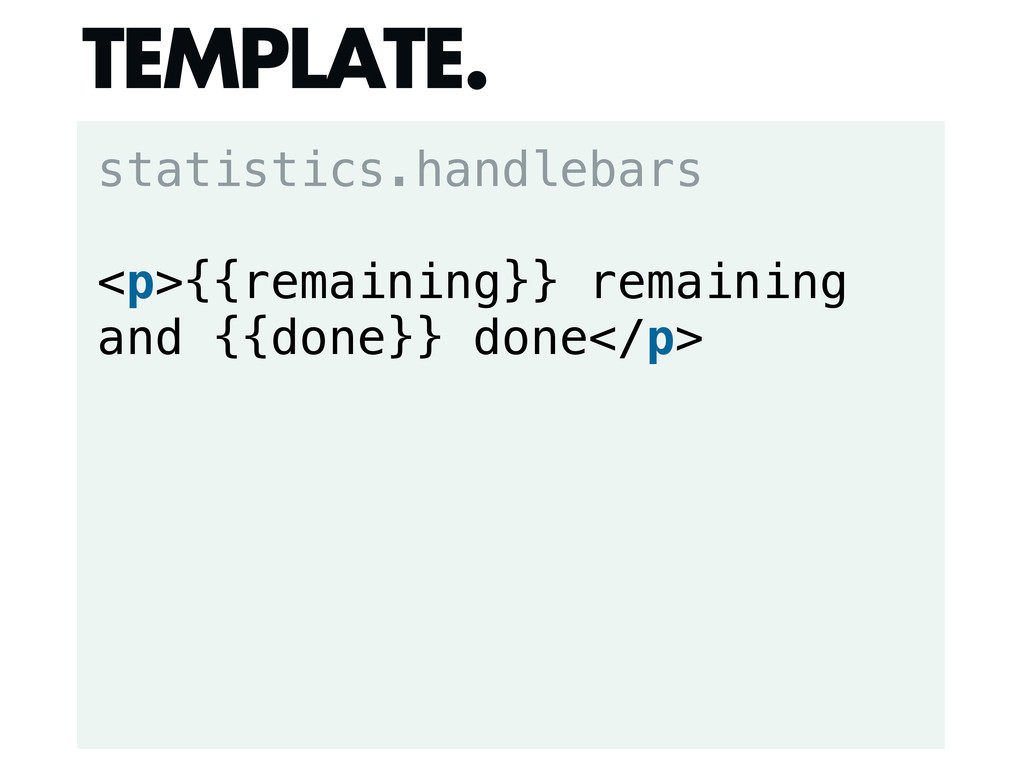
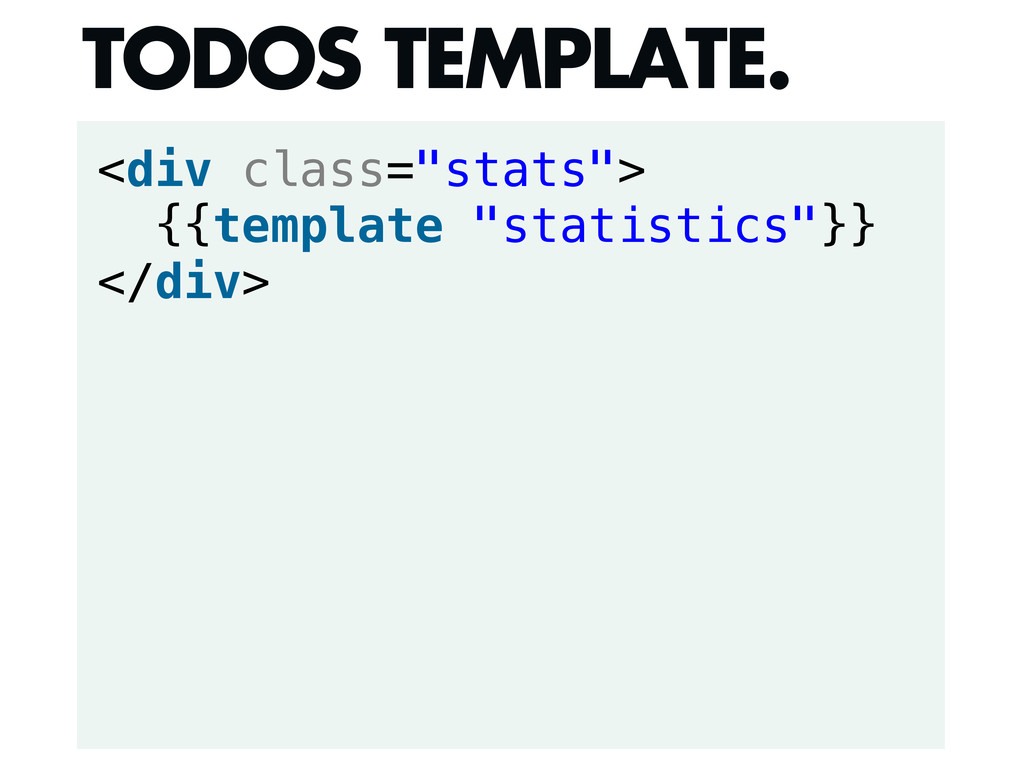
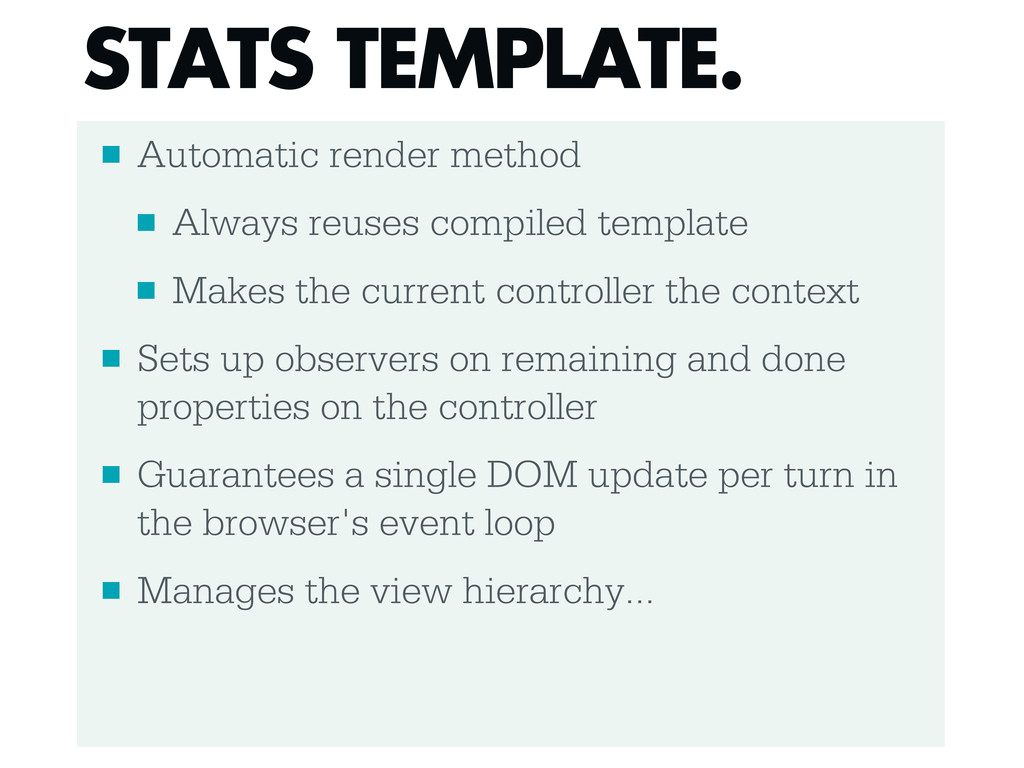
▪ Automatic render method ▪ Always reuses compiled template ▪
Makes the current controller the context ▪ Sets up observers on remaining and done properties on the controller ▪ Guarantees a single DOM update per turn in the browser's event loop ▪ Manages the view hierarchy... STATS TEMPLATE. -
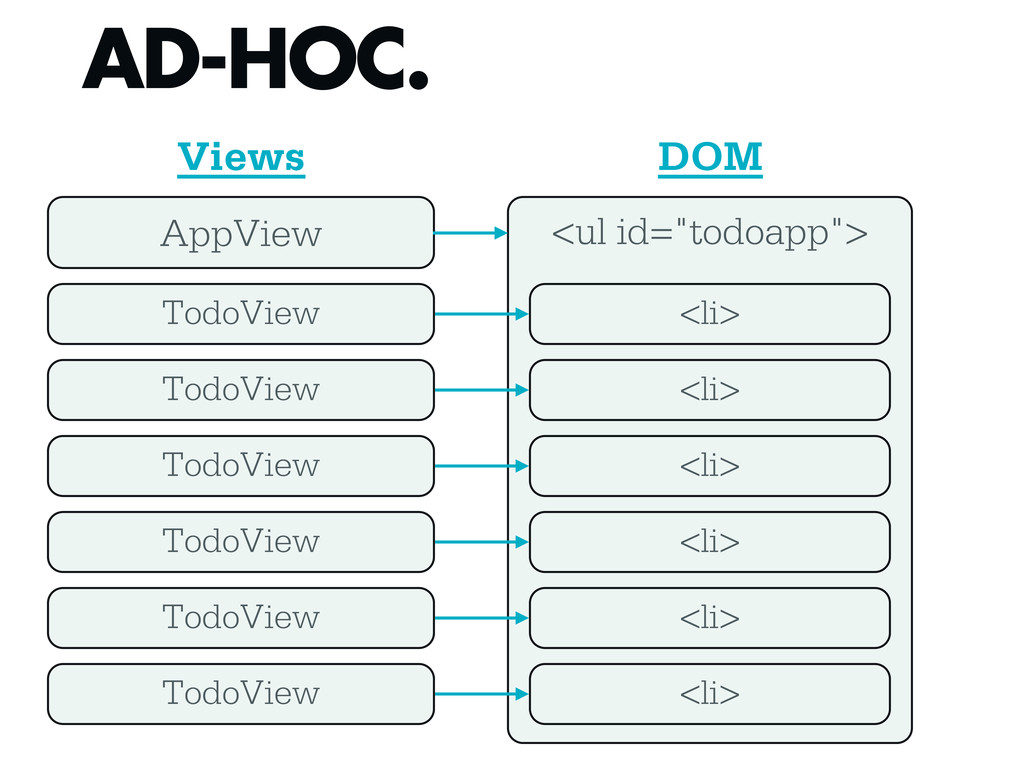
<ul id="todoapp"> AD-HOC. AppView TodoView TodoView TodoView <li> <li> <li>
TodoView <li> TodoView <li> TodoView <li> Views DOM -
Support.CompositeView = function(options) { this.children = _([]); Backbone.View.apply(this, [options]); };
_.extend(Support.CompositeView.prototype, Backbone.View.prototype, { leave: function() { this.unbind(); this.remove(); this._leaveChildren(); this._removeFromParent(); }, renderChild: function(view) { view.render(); this.children.push(view); view.parent = this; }, appendChild: function(view) { this.renderChild(view); $(this.el).append(view.el); }, renderChildInto: function(view, cont) { this.renderChild(view); $(cont).empty().append(view.el); }, _leaveChildren: function() { this.children.chain().clone() .each(function(view) { if (view.leave) view.leave(); }); }, _removeFromParent: function() { if (this.parent) this.parent._removeChild(this); }, _removeChild: function(view) { var index = this.children.indexOf(view); this.children.splice(index, 1); } }); Support.CompositeView.extend = Backbone.View.extend; COMPOSITEVIEW. -
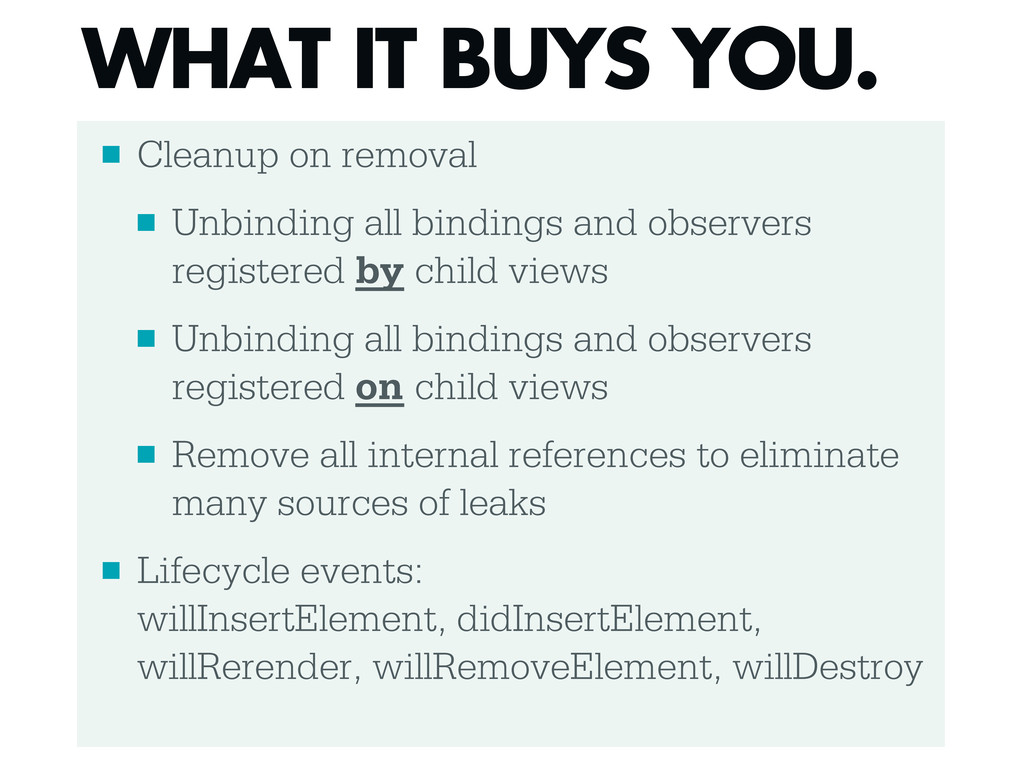
▪ Cleanup on removal ▪ Unbinding all bindings and observers
registered by child views ▪ Unbinding all bindings and observers registered on child views ▪ Remove all internal references to eliminate many sources of leaks ▪ Lifecycle events: willInsertElement, didInsertElement, willRerender, willRemoveElement, willDestroy WHAT IT BUYS YOU. -
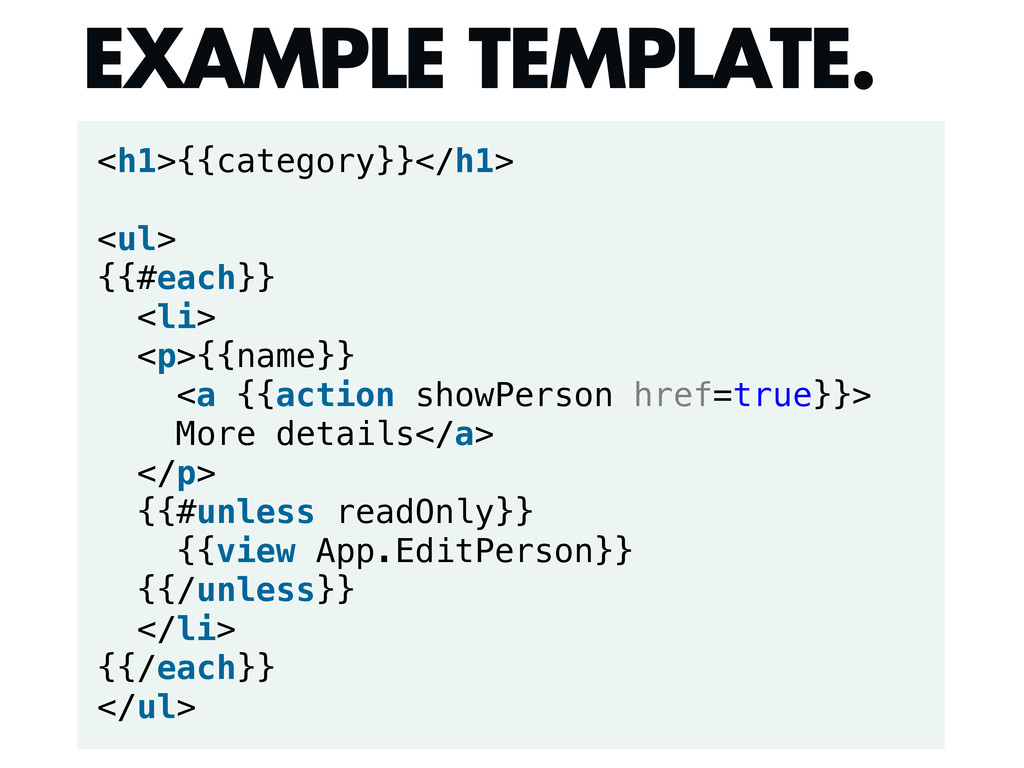
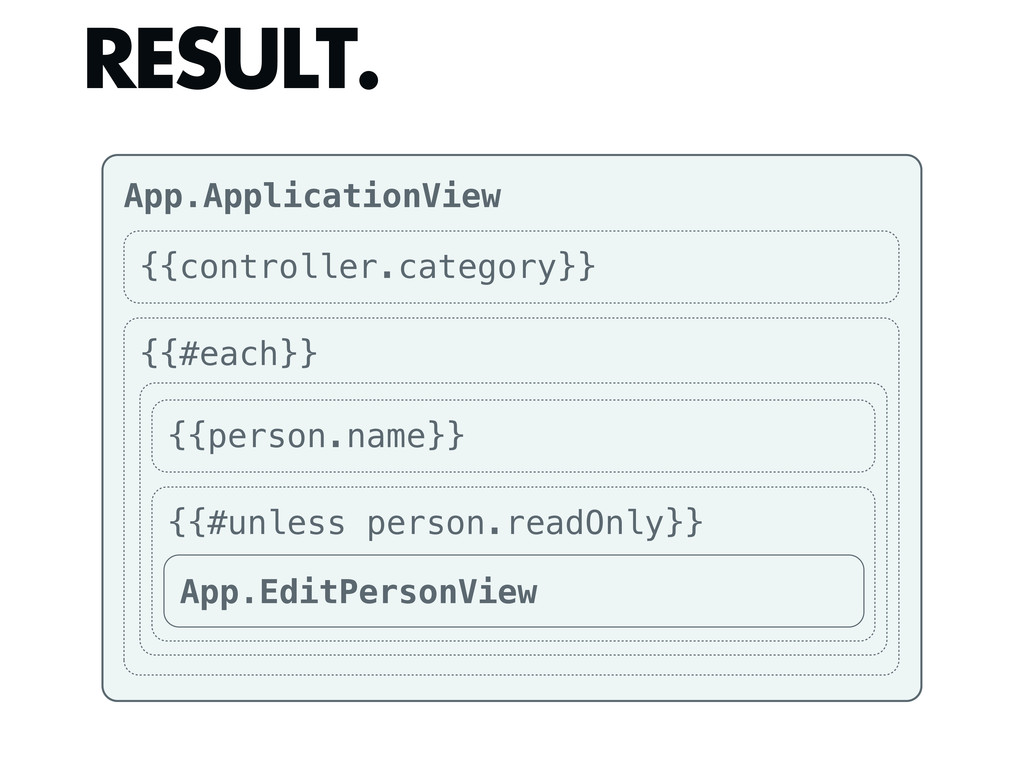
<h1>{{category}}</h1> <ul> {{#each}} <li> <p>{{name}} <a {{action showPerson href=true}}> More
details</a> </p> {{#unless readOnly}} {{view App.EditPerson}} {{/unless}} </li> {{/each}} </ul> EXAMPLE TEMPLATE. -
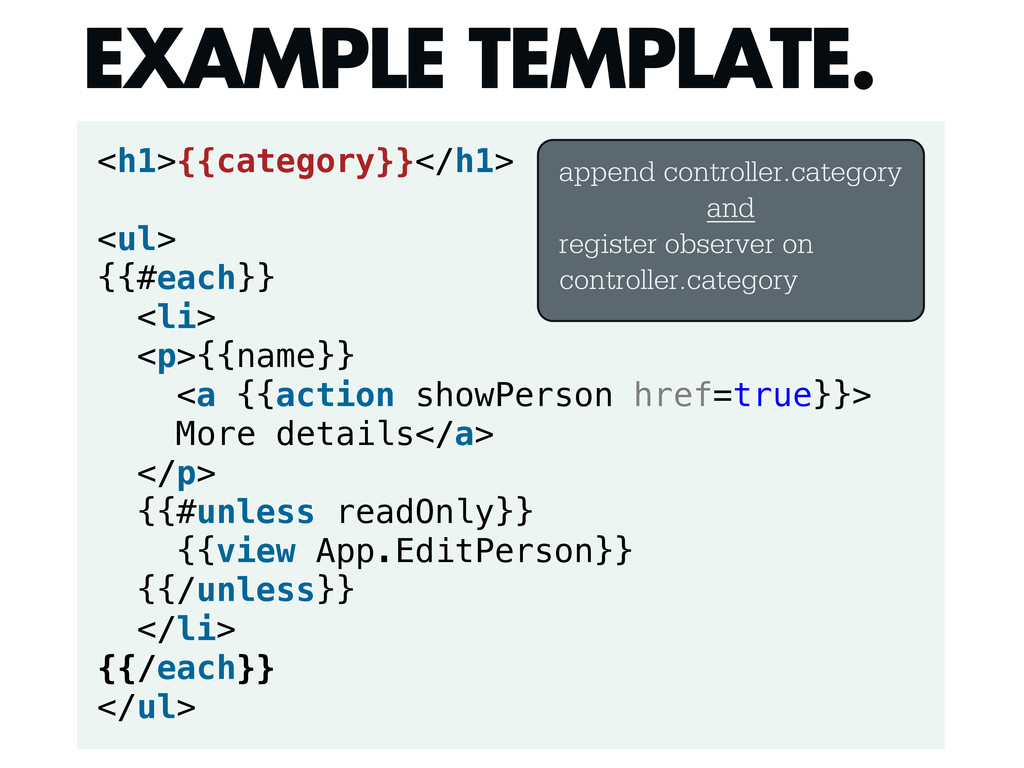
<h1>{{category}}</h1> <ul> {{#each}} <li> <p>{{name}} <a {{action showPerson href=true}}> More
details</a> </p> {{#unless readOnly}} {{view App.EditPerson}} {{/unless}} </li> {{/each}} </ul> EXAMPLE TEMPLATE. append controller.category and register observer on controller.category -
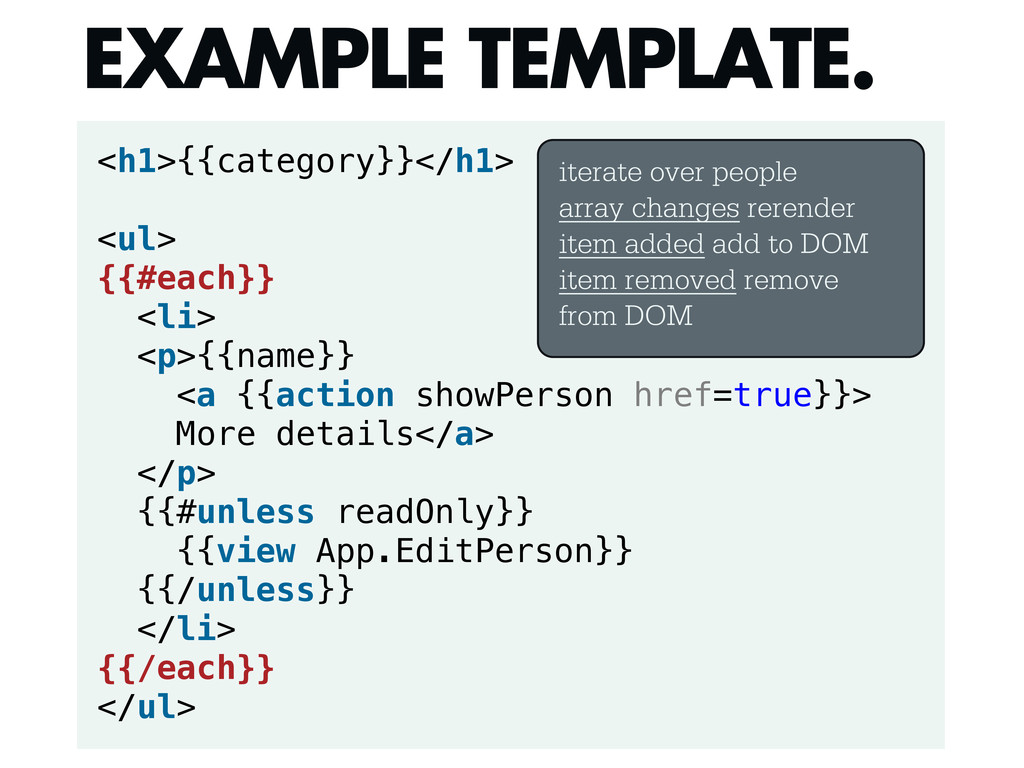
<h1>{{category}}</h1> <ul> {{#each}} <li> <p>{{name}} <a {{action showPerson href=true}}> More
details</a> </p> {{#unless readOnly}} {{view App.EditPerson}} {{/unless}} </li> {{/each}} </ul> EXAMPLE TEMPLATE. iterate over people array changes rerender item added add to DOM item removed remove from DOM -
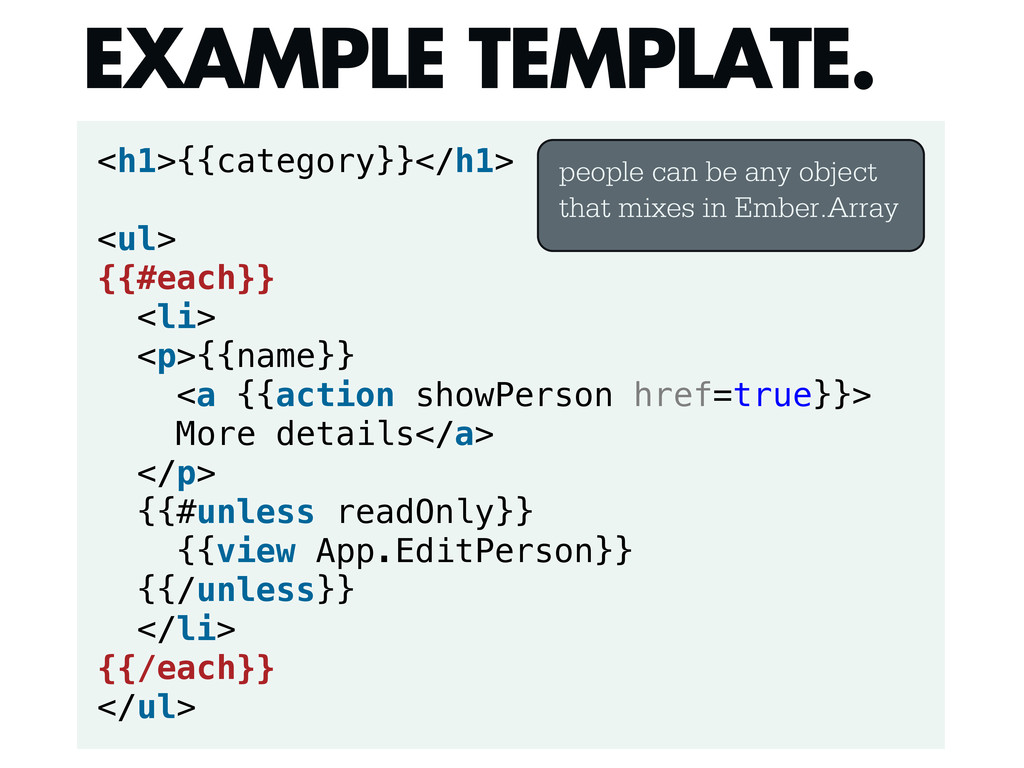
<h1>{{category}}</h1> <ul> {{#each}} <li> <p>{{name}} <a {{action showPerson href=true}}> More
details</a> </p> {{#unless readOnly}} {{view App.EditPerson}} {{/unless}} </li> {{/each}} </ul> EXAMPLE TEMPLATE. people can be any object that mixes in Ember.Array -
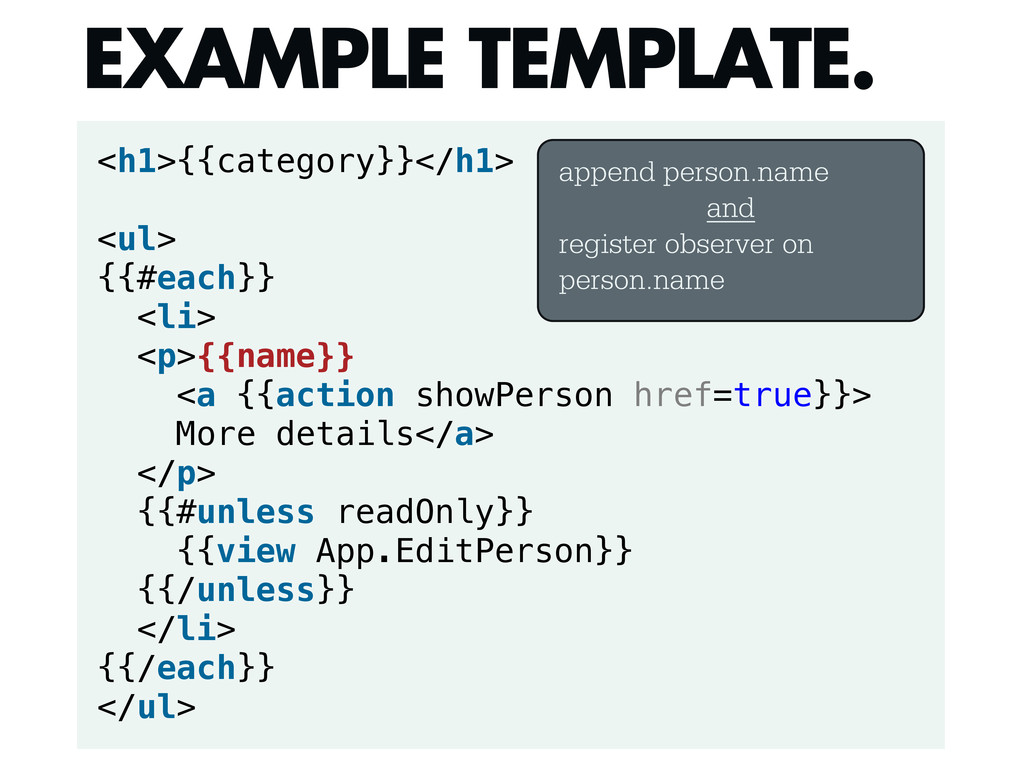
<h1>{{category}}</h1> <ul> {{#each}} <li> <p>{{name}} <a {{action showPerson href=true}}> More
details</a> </p> {{#unless readOnly}} {{view App.EditPerson}} {{/unless}} </li> {{/each}} </ul> EXAMPLE TEMPLATE. append person.name and register observer on person.name -
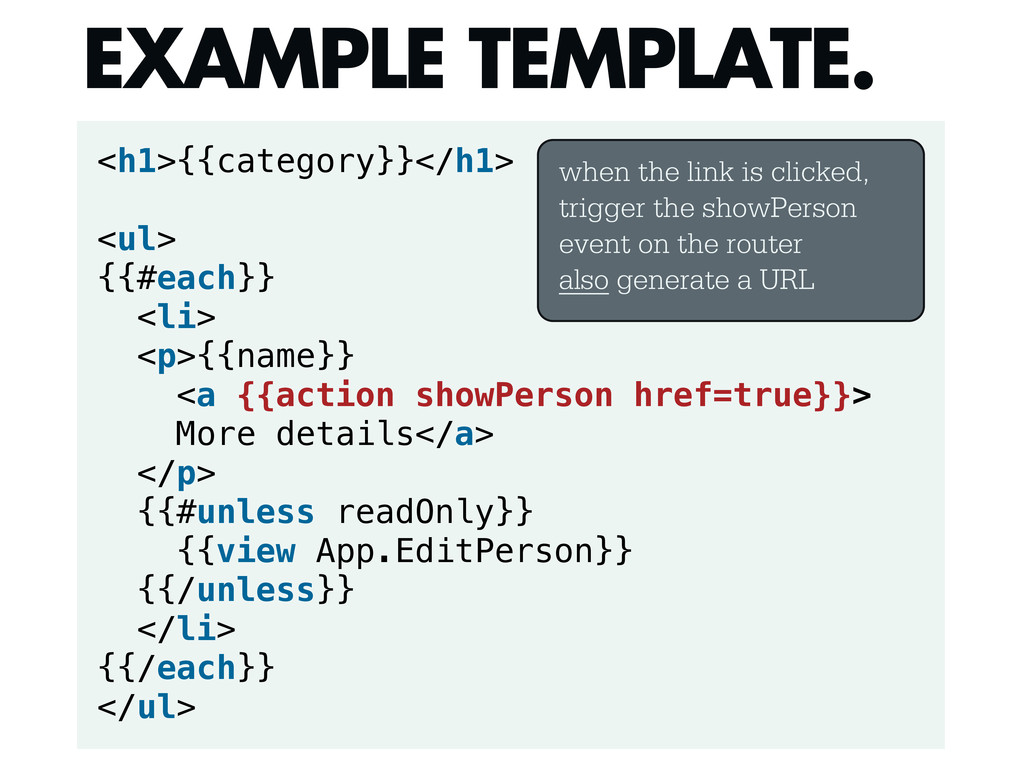
<h1>{{category}}</h1> <ul> {{#each}} <li> <p>{{name}} <a {{action showPerson href=true}}> More
details</a> </p> {{#unless readOnly}} {{view App.EditPerson}} {{/unless}} </li> {{/each}} </ul> EXAMPLE TEMPLATE. when the link is clicked, trigger the showPerson event on the router also generate a URL -
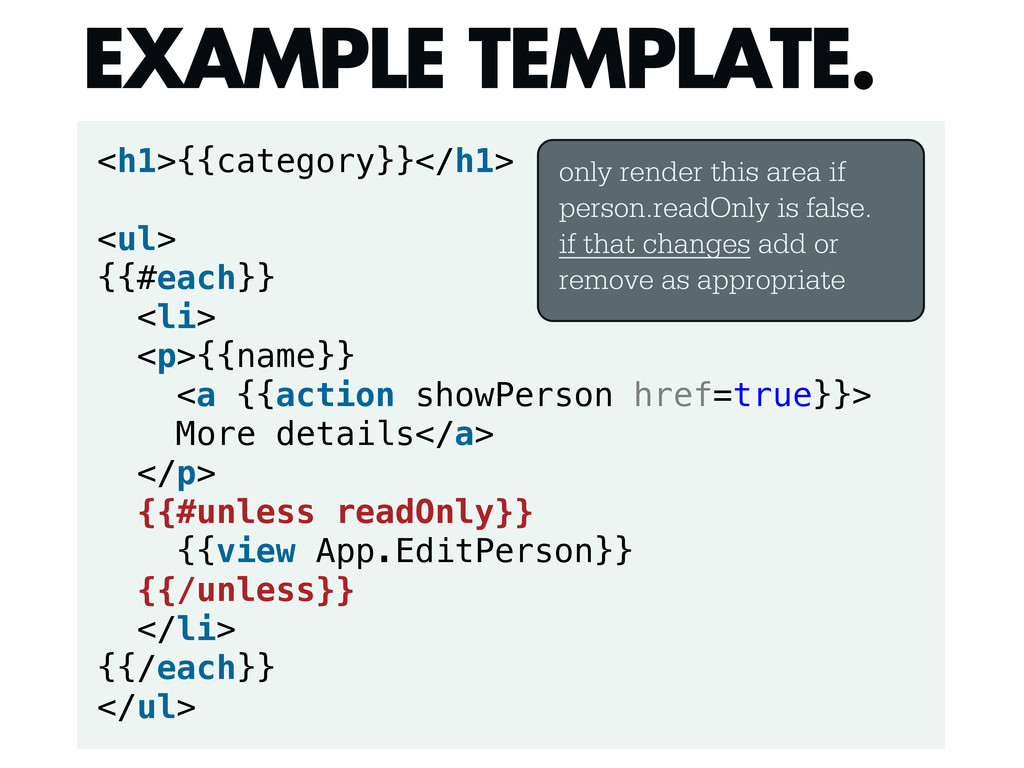
<h1>{{category}}</h1> <ul> {{#each}} <li> <p>{{name}} <a {{action showPerson href=true}}> More
details</a> </p> {{#unless readOnly}} {{view App.EditPerson}} {{/unless}} </li> {{/each}} </ul> EXAMPLE TEMPLATE. only render this area if person.readOnly is false. if that changes add or remove as appropriate -
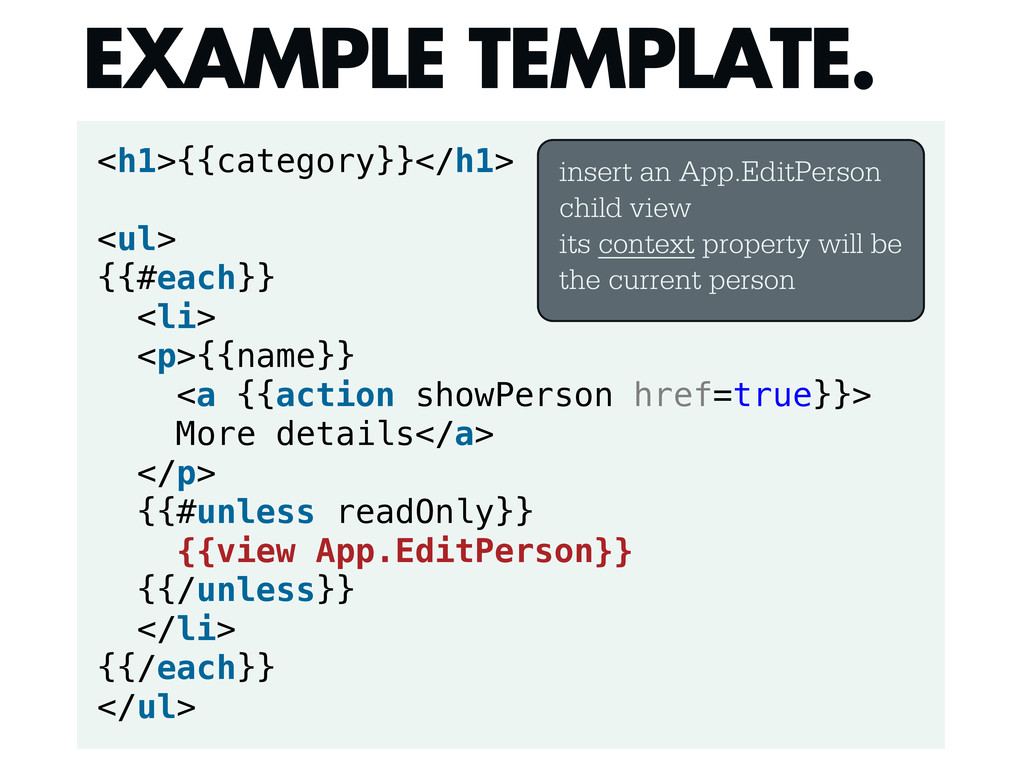
<h1>{{category}}</h1> <ul> {{#each}} <li> <p>{{name}} <a {{action showPerson href=true}}> More
details</a> </p> {{#unless readOnly}} {{view App.EditPerson}} {{/unless}} </li> {{/each}} </ul> EXAMPLE TEMPLATE. insert an App.EditPerson child view its context property will be the current person -
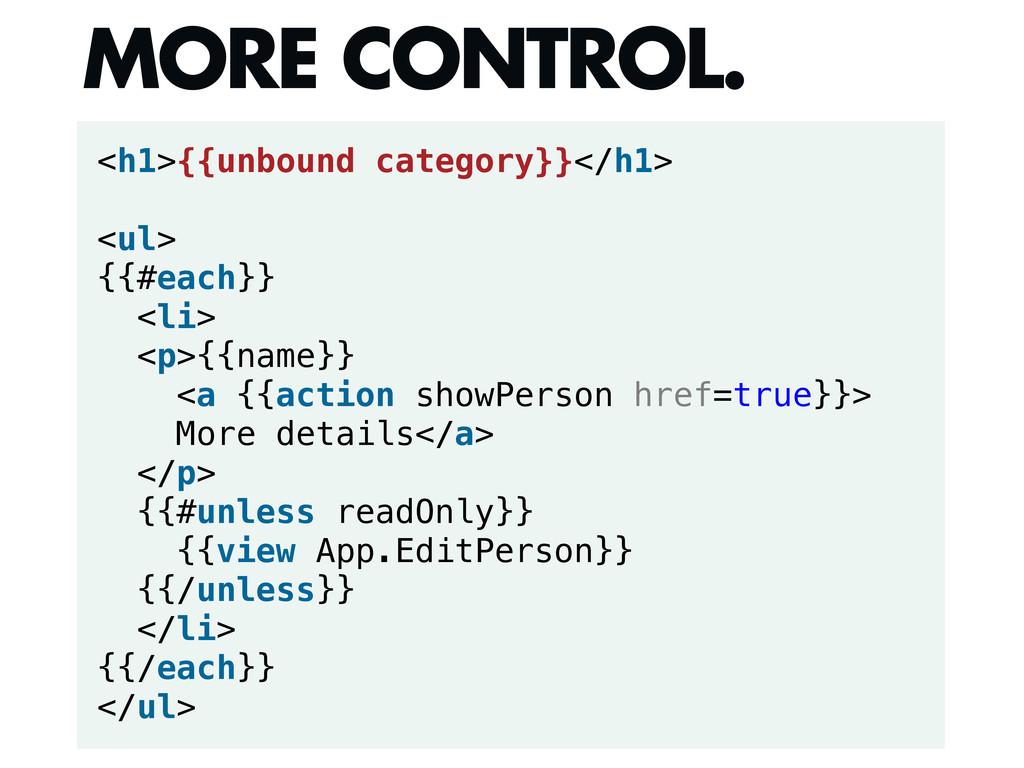
<h1>{{unbound category}}</h1> <ul> {{#each}} <li> <p>{{name}} <a {{action showPerson href=true}}>
More details</a> </p> {{#unless readOnly}} {{view App.EditPerson}} {{/unless}} </li> {{/each}} </ul> MORE CONTROL. -
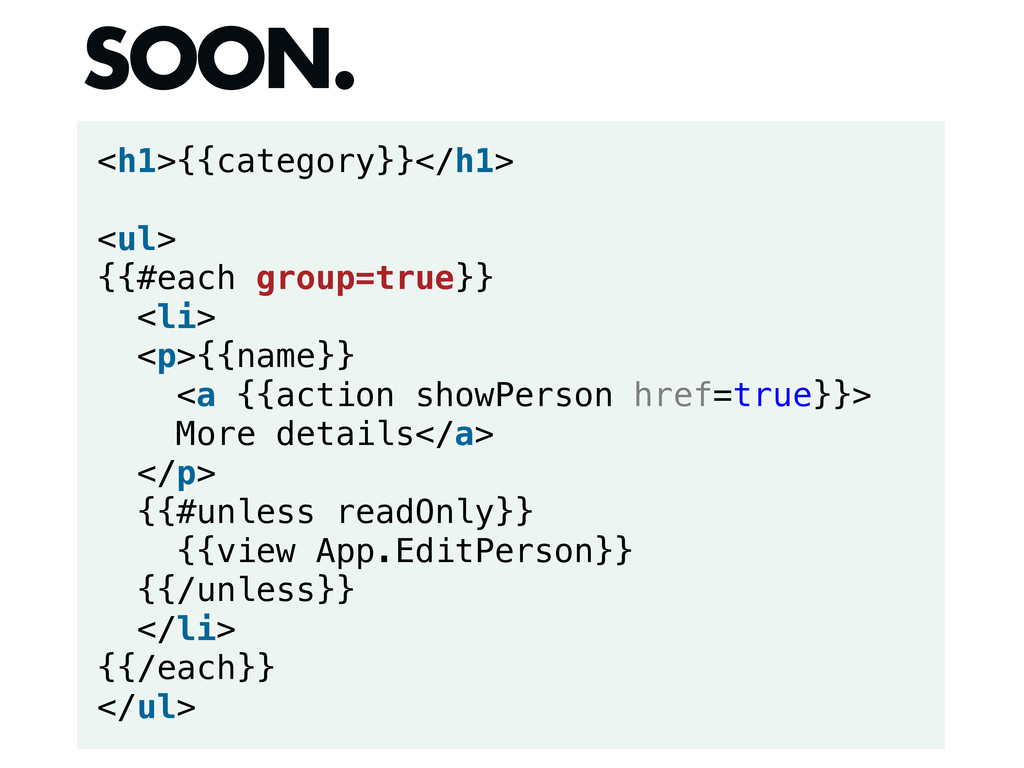
<h1>{{category}}</h1> <ul> {{#each group=true}} <li> <p>{{name}} <a {{action showPerson href=true}}>
More details</a> </p> {{#unless readOnly}} {{view App.EditPerson}} {{/unless}} </li> {{/each}} </ul> SOON. -
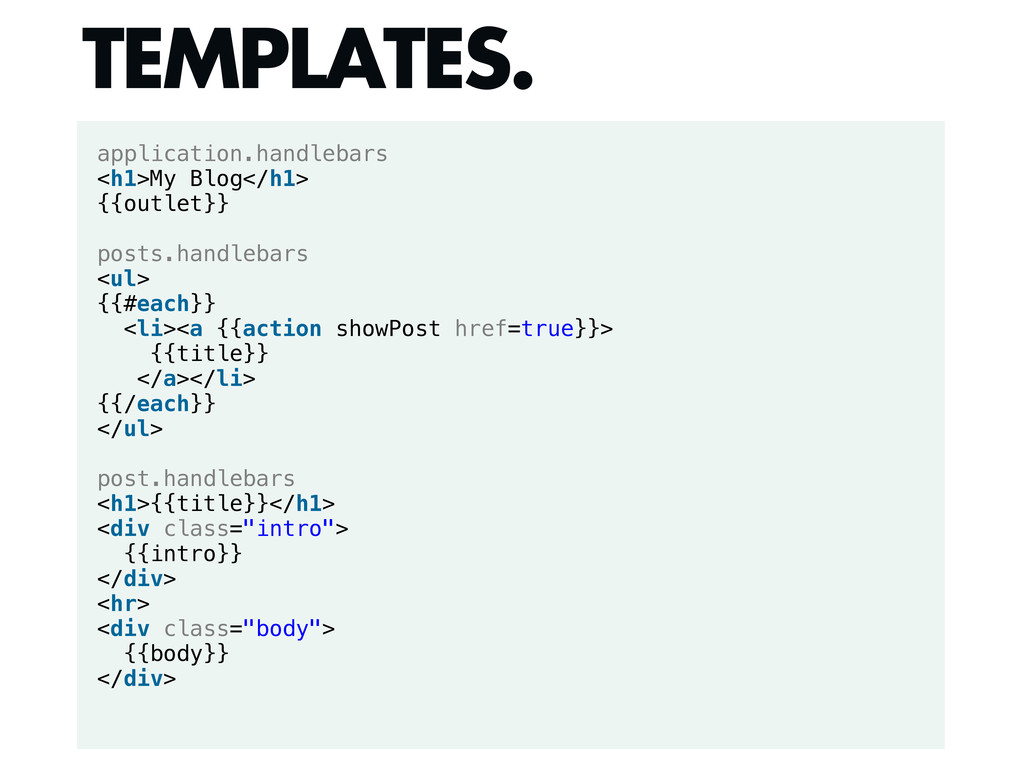
application.handlebars <h1>My Blog</h1> {{outlet}} posts.handlebars <ul> {{#each}} <li><a {{action showPost
href=true}}> {{title}} </a></li> {{/each}} </ul> post.handlebars <h1>{{title}}</h1> <div class="intro"> {{intro}} </div> <hr> <div class="body"> {{body}} </div> TEMPLATES. -
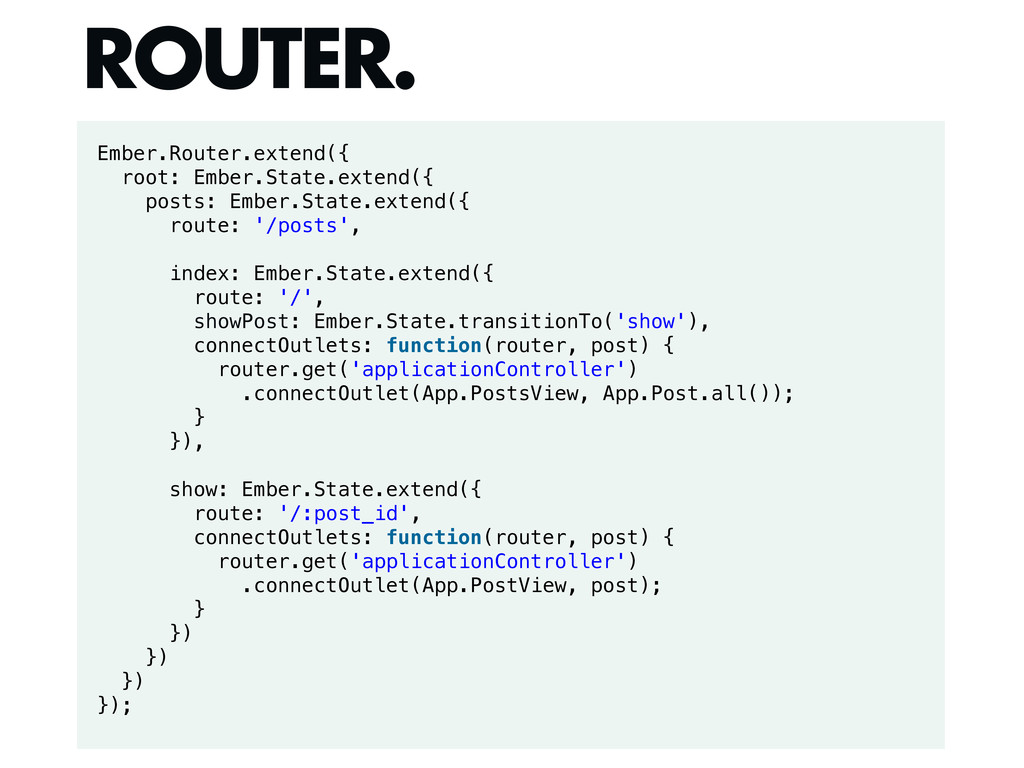
Ember.Router.extend({ root: Ember.State.extend({ posts: Ember.State.extend({ route: '/posts', index: Ember.State.extend({ route:
'/', showPost: Ember.State.transitionTo('show'), connectOutlets: function(router, post) { router.get('applicationController') .connectOutlet(App.PostsView, App.Post.all()); } }), show: Ember.State.extend({ route: '/:post_id', connectOutlets: function(router, post) { router.get('applicationController') .connectOutlet(App.PostView, post); } }) }) }) }); ROUTER. -
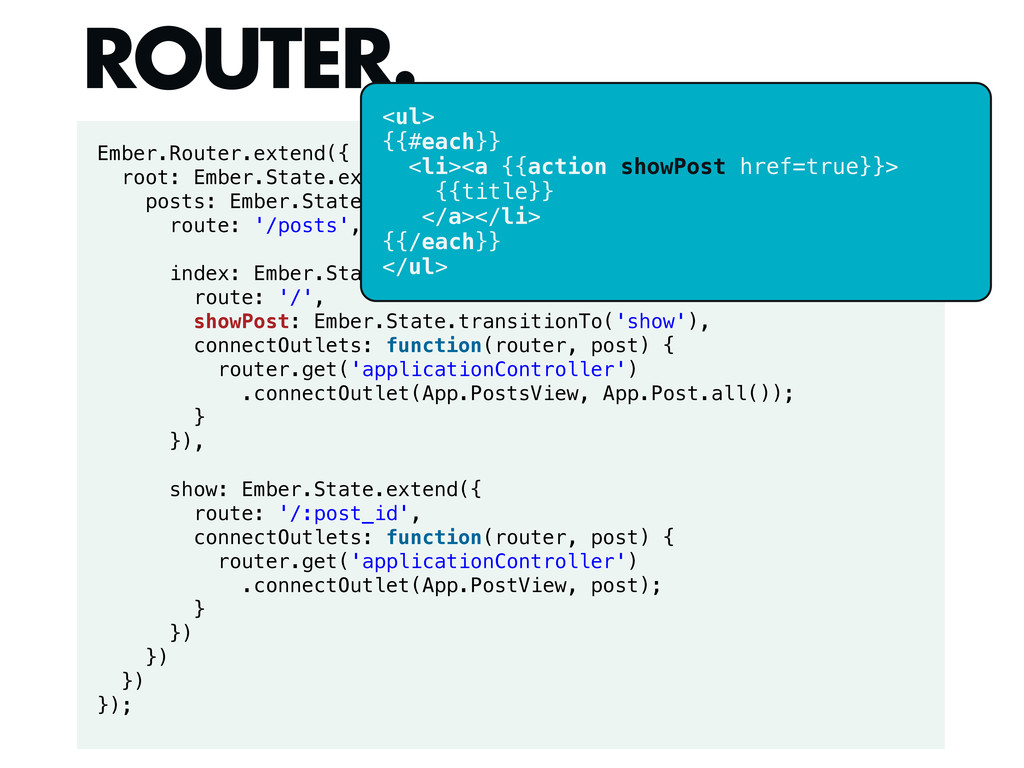
Ember.Router.extend({ root: Ember.State.extend({ posts: Ember.State.extend({ route: '/posts', index: Ember.State.extend({ route:
'/', showPost: Ember.State.transitionTo('show'), connectOutlets: function(router, post) { router.get('applicationController') .connectOutlet(App.PostsView, App.Post.all()); } }), show: Ember.State.extend({ route: '/:post_id', connectOutlets: function(router, post) { router.get('applicationController') .connectOutlet(App.PostView, post); } }) }) }) }); ROUTER. <ul> {{#each}} <li><a {{action showPost href=true}}> {{title}} </a></li> {{/each}} </ul> -
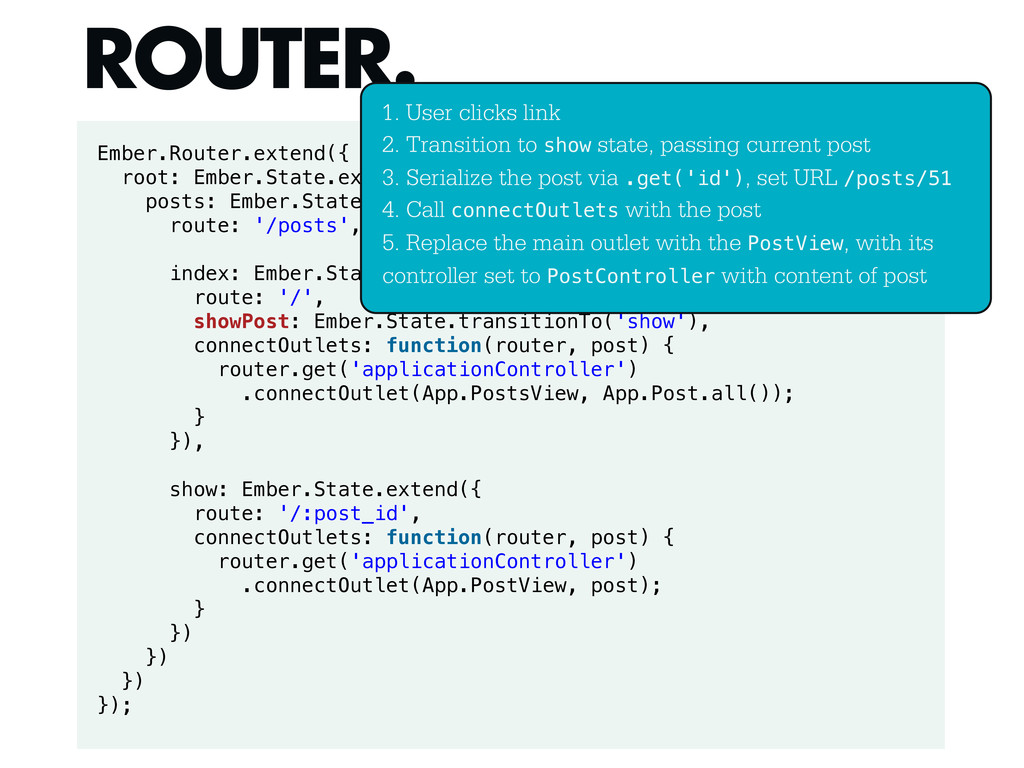
Ember.Router.extend({ root: Ember.State.extend({ posts: Ember.State.extend({ route: '/posts', index: Ember.State.extend({ route:
'/', showPost: Ember.State.transitionTo('show'), connectOutlets: function(router, post) { router.get('applicationController') .connectOutlet(App.PostsView, App.Post.all()); } }), show: Ember.State.extend({ route: '/:post_id', connectOutlets: function(router, post) { router.get('applicationController') .connectOutlet(App.PostView, post); } }) }) }) }); ROUTER. 1. User clicks link 2. Transition to show state, passing current post 3. Serialize the post via .get('id'), set URL /posts/51 4. Call connectOutlets with the post 5. Replace the main outlet with the PostView, with its controller set to PostController with content of post -
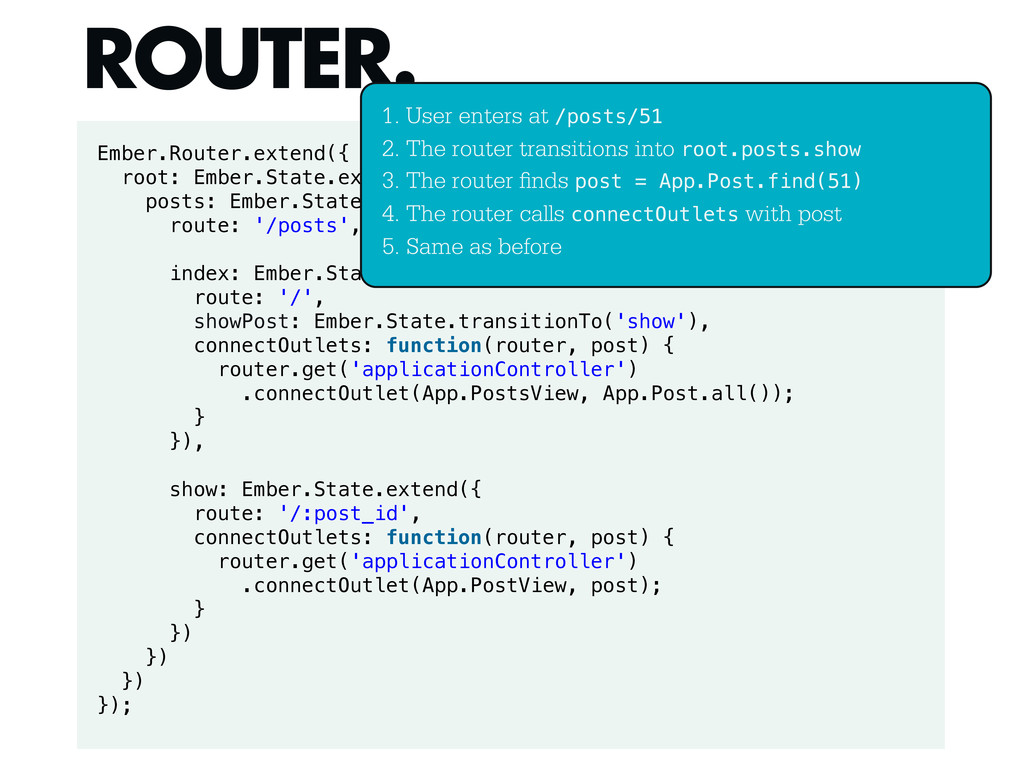
Ember.Router.extend({ root: Ember.State.extend({ posts: Ember.State.extend({ route: '/posts', index: Ember.State.extend({ route:
'/', showPost: Ember.State.transitionTo('show'), connectOutlets: function(router, post) { router.get('applicationController') .connectOutlet(App.PostsView, App.Post.all()); } }), show: Ember.State.extend({ route: '/:post_id', connectOutlets: function(router, post) { router.get('applicationController') .connectOutlet(App.PostView, post); } }) }) }) }); ROUTER. 1. User enters at /posts/51 2. The router transitions into root.posts.show 3. The router nds post = App.Post.find(51) 4. The router calls connectOutlets with post 5. Same as before