Upgrade to Pro — share decks privately, control downloads, hide ads and more …

CISA Series Part 6 Domain 5

Sponsored · Ship Features Fearlessly Turn features on and off without deploys. Used by thousands of Ruby developers.

CISA Series Part 6 Domain 5

CISA Series Part 6: Protection of Information Assets

Welcome to Part 6 of the CISA Made Easy Series, where we take a deep dive into one of the most important domains in the exam:
Domain 5 – Protection of Information Assets

This part brings everything together — moving from governance and design…
into how organisations actually protect, detect, and respond to threats in real-world environments.

Avatar for Alison

Alison PRO

May 04, 2026

Video

More Decks by Alison

Other Decks in Business

Transcript

  1. CISA Series – Part 6 Domain 5: Protection of Information

    Assets © Alison Wickens | Management System Insights CISA Series 2026 Not affiliated with ISACA. Redistribution or commercial use prohibited
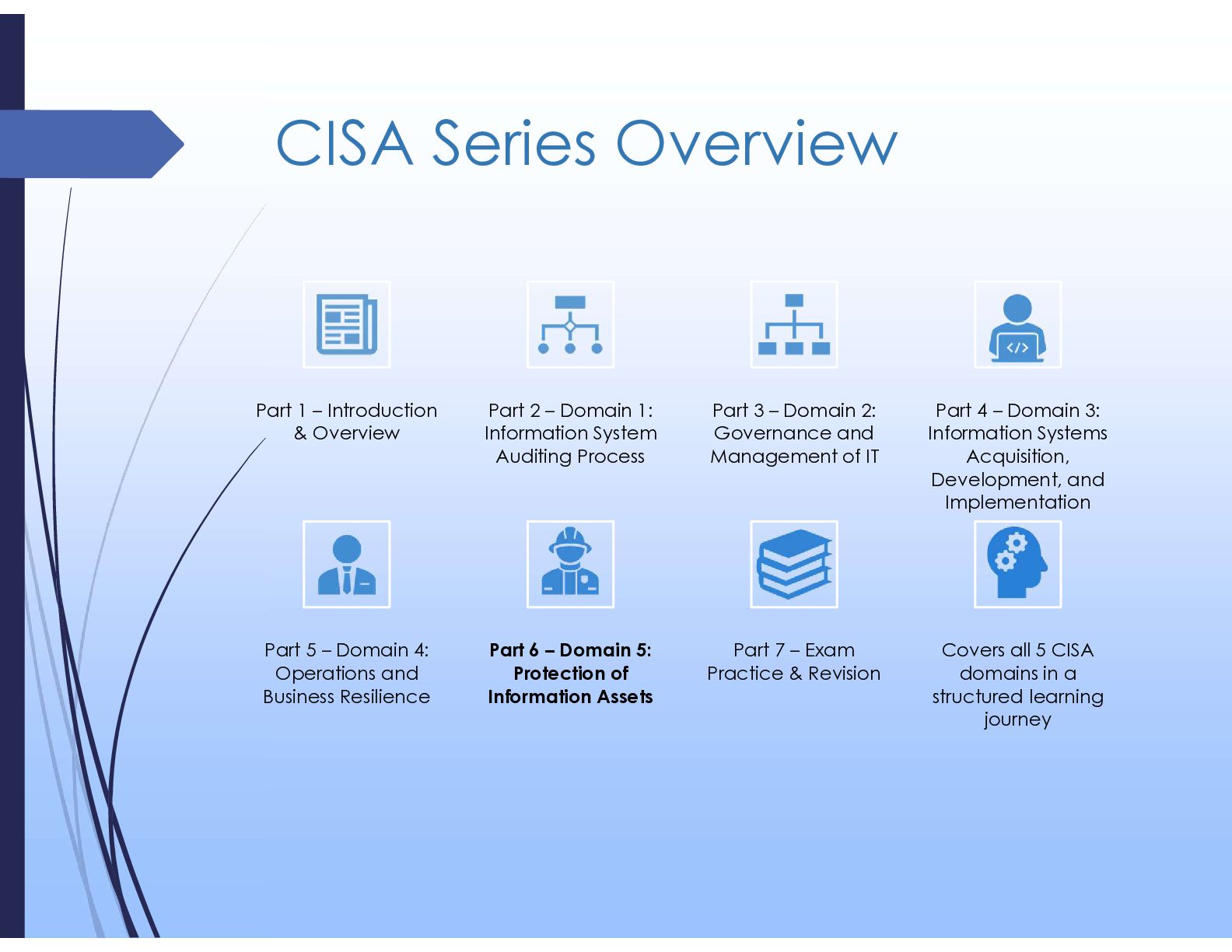
  2. CISA Series Overview Part 1 – Introduction & Overview Part

    2 – Domain 1: Information System Auditing Process Part 3 – Domain 2: Governance and Management of IT Part 4 – Domain 3: Information Systems Acquisition, Development, and Implementation Part 5 – Domain 4: Operations and Business Resilience Part 6 – Domain 5: Protection of Information Assets Part 7 – Exam Practice & Revision Covers all 5 CISA domains in a structured learning journey
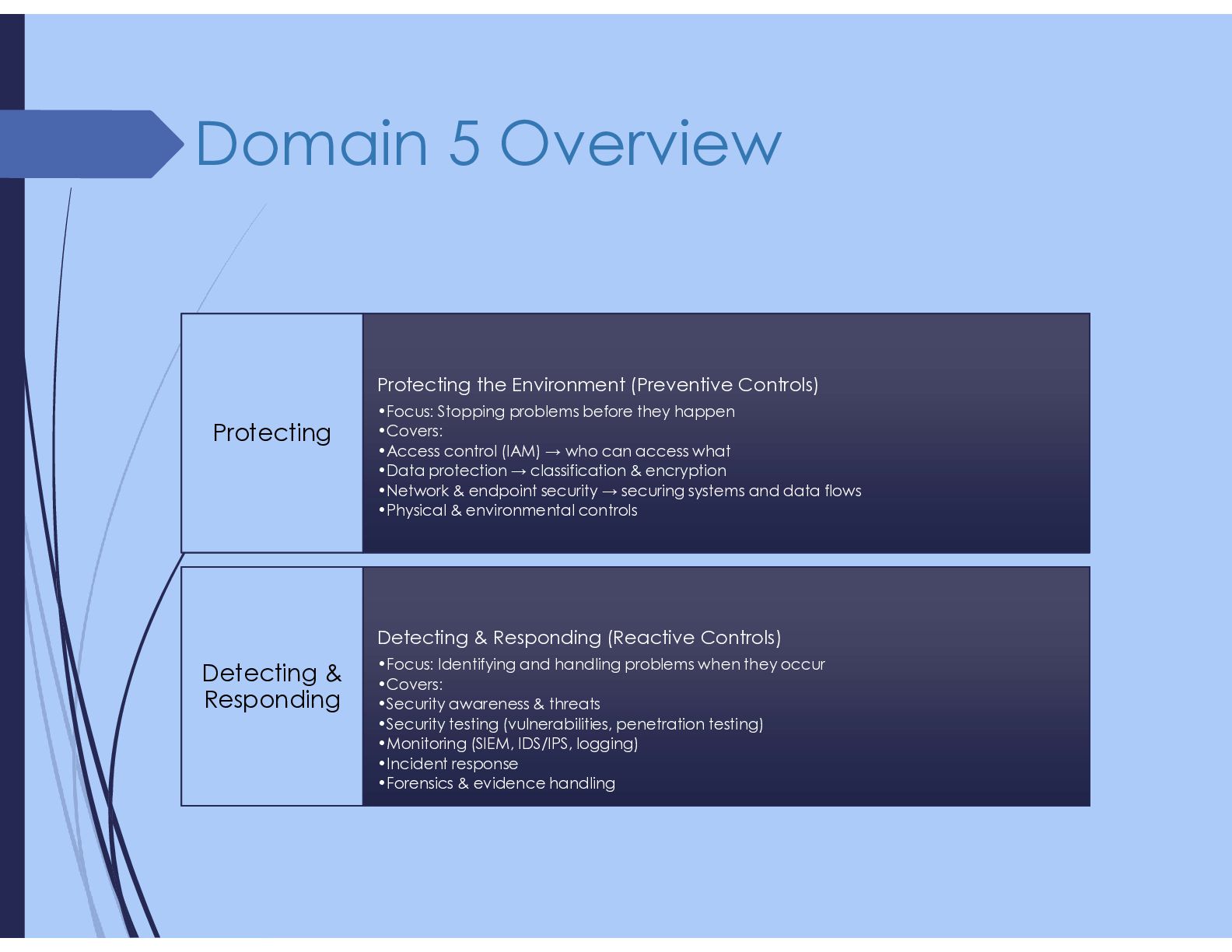
  3. Domain 5 Overview Protecting the Environment (Preventive Controls) •Focus: Stopping

    problems before they happen •Covers: •Access control (IAM) → who can access what •Data protection → classification & encryption •Network & endpoint security → securing systems and data flows •Physical & environmental controls Protecting Detecting & Responding (Reactive Controls) •Focus: Identifying and handling problems when they occur •Covers: •Security awareness & threats •Security testing (vulnerabilities, penetration testing) •Monitoring (SIEM, IDS/IPS, logging) •Incident response •Forensics & evidence handling Detecting & Responding
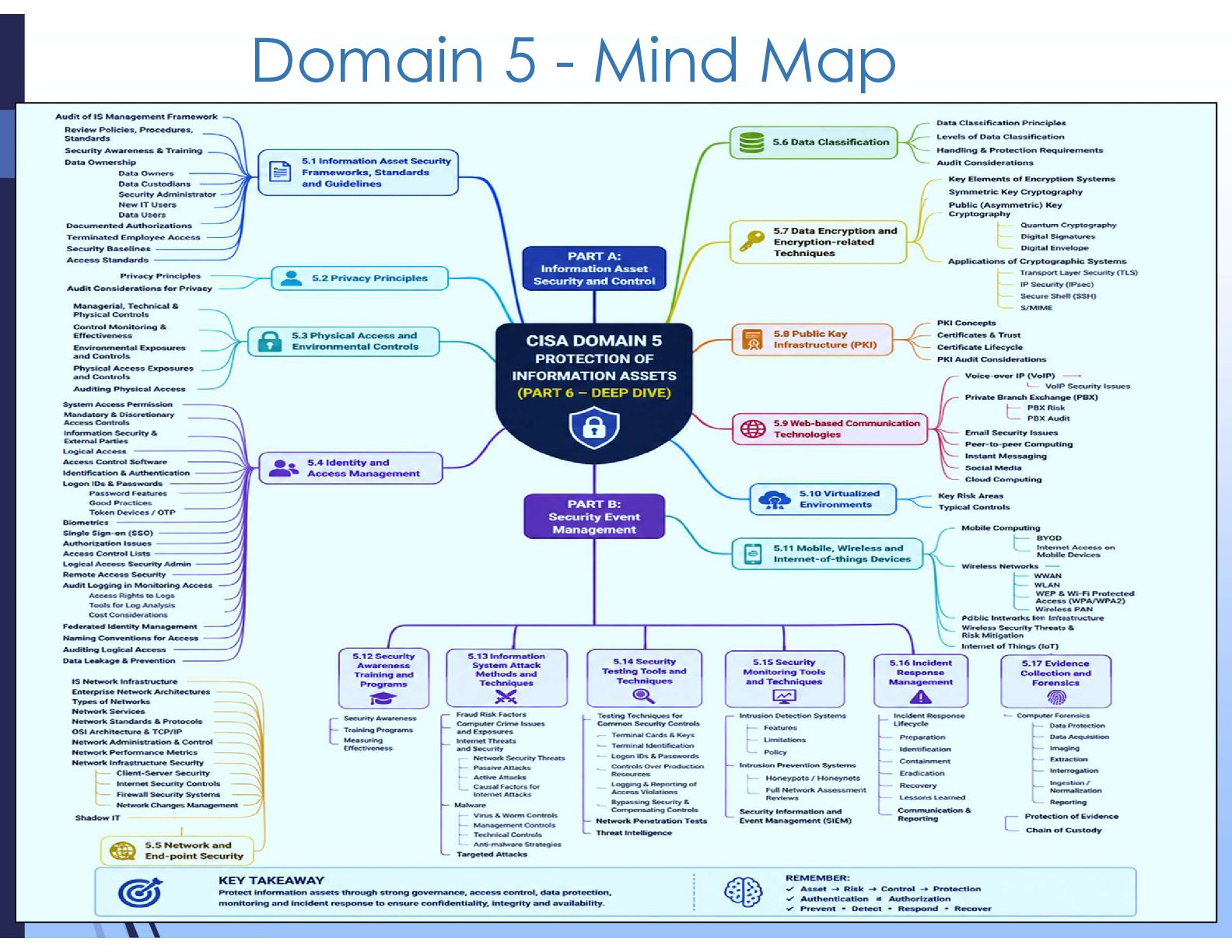
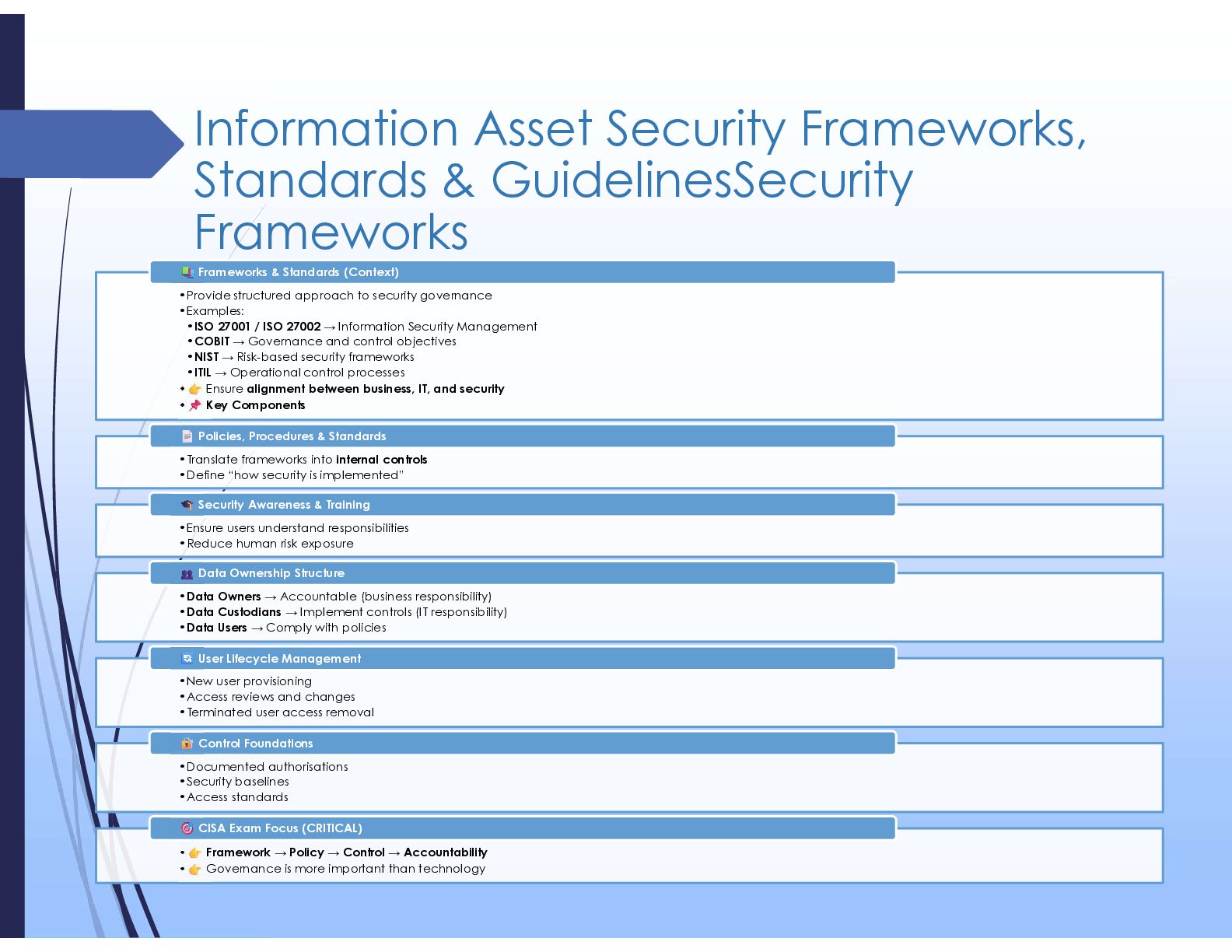
  4. Information Asset Security Frameworks, Standards & GuidelinesSecurity Frameworks •Provide structured

    approach to security governance •Examples: •ISO 27001 / ISO 27002 → Information Security Management •COBIT → Governance and control objectives •NIST → Risk-based security frameworks •ITIL → Operational control processes • Ensure alignment between business, IT, and security • Key Components Frameworks & Standards (Context) •Translate frameworks into internal controls •Define “how security is implemented” Policies, Procedures & Standards •Ensure users understand responsibilities •Reduce human risk exposure Security Awareness & Training •Data Owners → Accountable (business responsibility) •Data Custodians → Implement controls (IT responsibility) •Data Users → Comply with policies Data Ownership Structure •New user provisioning •Access reviews and changes •Terminated user access removal User Lifecycle Management •Documented authorisations •Security baselines •Access standards Control Foundations • Framework → Policy → Control → Accountability • Governance is more important than technology CISA Exam Focus (CRITICAL)
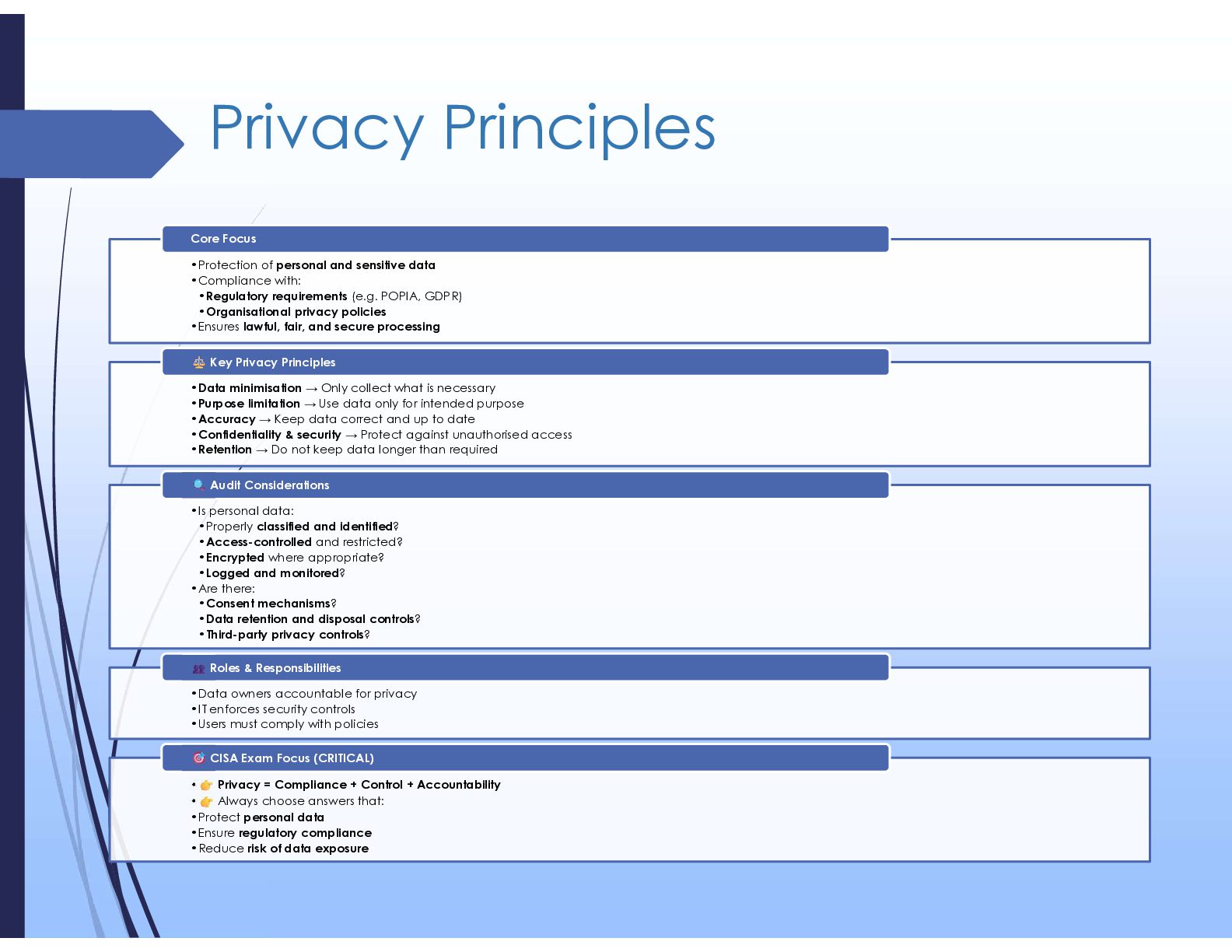
  5. Privacy Principles •Protection of personal and sensitive data •Compliance with:

    •Regulatory requirements (e.g. POPIA, GDPR) •Organisational privacy policies •Ensures lawful, fair, and secure processing Core Focus •Data minimisation → Only collect what is necessary •Purpose limitation → Use data only for intended purpose •Accuracy → Keep data correct and up to date •Confidentiality & security → Protect against unauthorised access •Retention → Do not keep data longer than required Key Privacy Principles •Is personal data: •Properly classified and identified? •Access-controlled and restricted? •Encrypted where appropriate? •Logged and monitored? •Are there: •Consent mechanisms? •Data retention and disposal controls? •Third-party privacy controls? Audit Considerations •Data owners accountable for privacy •IT enforces security controls •Users must comply with policies Roles & Responsibilities • Privacy = Compliance + Control + Accountability • Always choose answers that: •Protect personal data •Ensure regulatory compliance •Reduce risk of data exposure CISA Exam Focus (CRITICAL)
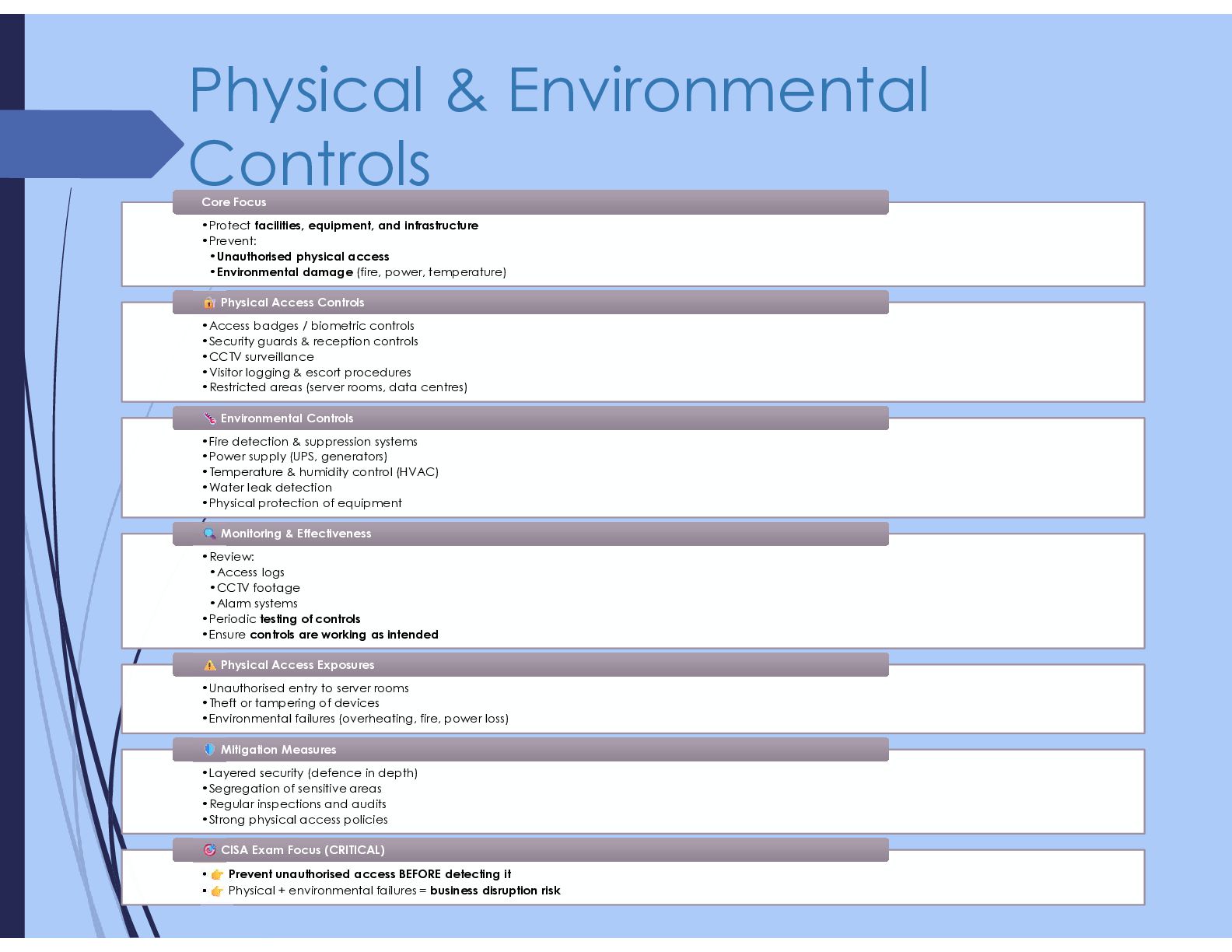
  6. Physical & Environmental Controls •Protect facilities, equipment, and infrastructure •Prevent:

    •Unauthorised physical access •Environmental damage (fire, power, temperature) •Protect facilities, equipment, and infrastructure •Prevent: •Unauthorised physical access •Environmental damage (fire, power, temperature) Core Focus Core Focus •Access badges / biometric controls •Security guards & reception controls •CCTV surveillance •Visitor logging & escort procedures •Restricted areas (server rooms, data centres) •Access badges / biometric controls •Security guards & reception controls •CCTV surveillance •Visitor logging & escort procedures •Restricted areas (server rooms, data centres) Physical Access Controls Physical Access Controls •Fire detection & suppression systems •Power supply (UPS, generators) •Temperature & humidity control (HVAC) •Water leak detection •Physical protection of equipment •Fire detection & suppression systems •Power supply (UPS, generators) •Temperature & humidity control (HVAC) •Water leak detection •Physical protection of equipment Environmental Controls Environmental Controls •Review: •Access logs •CCTV footage •Alarm systems •Periodic testing of controls •Ensure controls are working as intended •Review: •Access logs •CCTV footage •Alarm systems •Periodic testing of controls •Ensure controls are working as intended Monitoring & Effectiveness Monitoring & Effectiveness •Unauthorised entry to server rooms •Theft or tampering of devices •Environmental failures (overheating, fire, power loss) •Unauthorised entry to server rooms •Theft or tampering of devices •Environmental failures (overheating, fire, power loss) Physical Access Exposures Physical Access Exposures •Layered security (defence in depth) •Segregation of sensitive areas •Regular inspections and audits •Strong physical access policies •Layered security (defence in depth) •Segregation of sensitive areas •Regular inspections and audits •Strong physical access policies Mitigation Measures Mitigation Measures • Prevent unauthorised access BEFORE detecting it • Physical + environmental failures = business disruption risk • Prevent unauthorised access BEFORE detecting it • Physical + environmental failures = business disruption risk CISA Exam Focus (CRITICAL) CISA Exam Focus (CRITICAL)
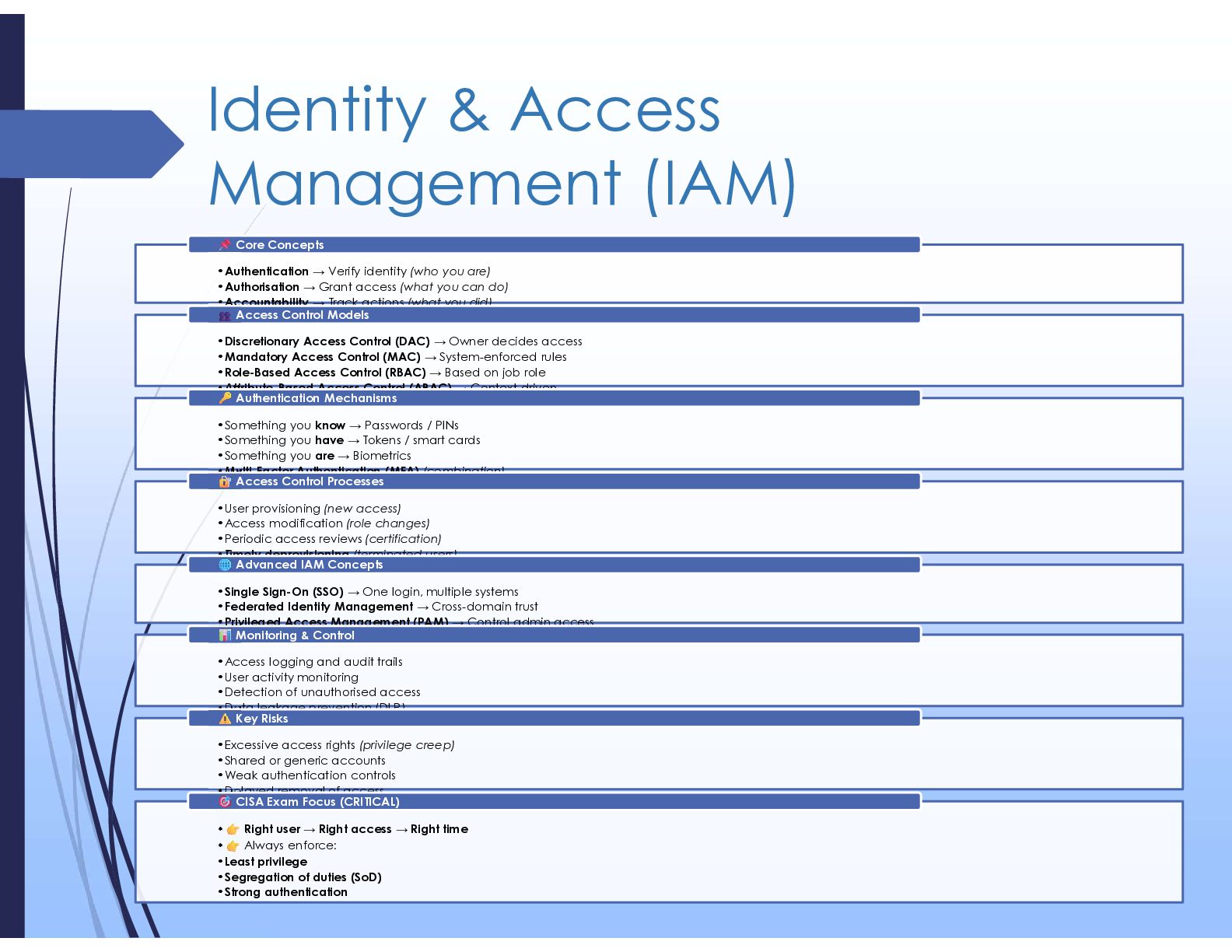
  7. Identity & Access Management (IAM) •Authentication → Verify identity (who

    you are) •Authorisation → Grant access (what you can do) •Accountability → Track actions (what you did) Core Concepts •Discretionary Access Control (DAC) → Owner decides access •Mandatory Access Control (MAC) → System-enforced rules •Role-Based Access Control (RBAC) → Based on job role •Attribute-Based Access Control (ABAC) → Context-driven Access Control Models •Something you know → Passwords / PINs •Something you have → Tokens / smart cards •Something you are → Biometrics •Multi-Factor Authentication (MFA) (combination) Authentication Mechanisms •User provisioning (new access) •Access modification (role changes) •Periodic access reviews (certification) •Timely deprovisioning (terminated users) Access Control Processes •Single Sign-On (SSO) → One login, multiple systems •Federated Identity Management → Cross-domain trust •Privileged Access Management (PAM) → Control admin access Advanced IAM Concepts •Access logging and audit trails •User activity monitoring •Detection of unauthorised access •Data leakage prevention (DLP) Monitoring & Control •Excessive access rights (privilege creep) •Shared or generic accounts •Weak authentication controls •Delayed removal of access Key Risks • Right user → Right access → Right time • Always enforce: •Least privilege •Segregation of duties (SoD) •Strong authentication CISA Exam Focus (CRITICAL)
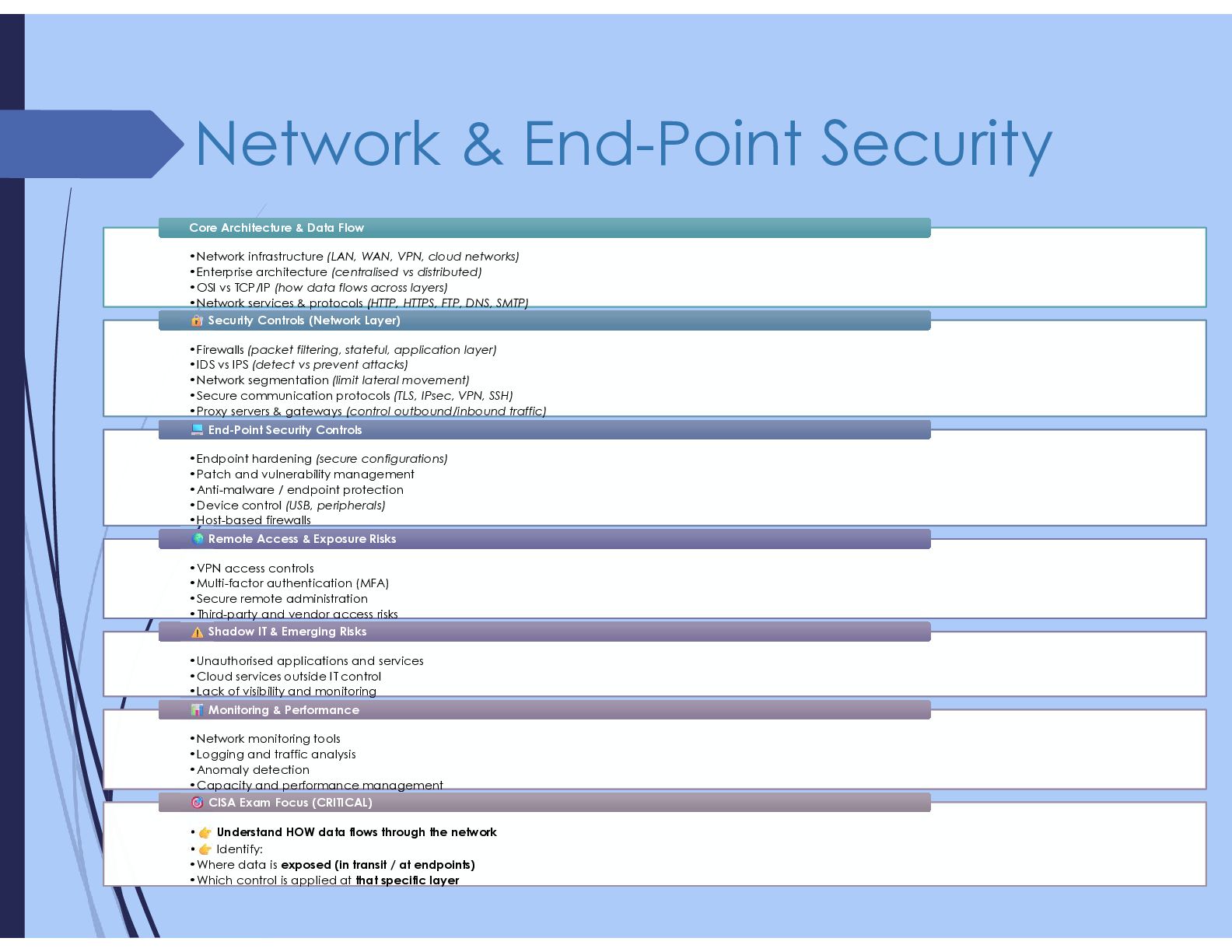
  8. Network & End-Point Security •Network infrastructure (LAN, WAN, VPN, cloud

    networks) •Enterprise architecture (centralised vs distributed) •OSI vs TCP/IP (how data flows across layers) •Network services & protocols (HTTP, HTTPS, FTP, DNS, SMTP) •Network infrastructure (LAN, WAN, VPN, cloud networks) •Enterprise architecture (centralised vs distributed) •OSI vs TCP/IP (how data flows across layers) •Network services & protocols (HTTP, HTTPS, FTP, DNS, SMTP) Core Architecture & Data Flow Core Architecture & Data Flow •Firewalls (packet filtering, stateful, application layer) •IDS vs IPS (detect vs prevent attacks) •Network segmentation (limit lateral movement) •Secure communication protocols (TLS, IPsec, VPN, SSH) •Proxy servers & gateways (control outbound/inbound traffic) •Firewalls (packet filtering, stateful, application layer) •IDS vs IPS (detect vs prevent attacks) •Network segmentation (limit lateral movement) •Secure communication protocols (TLS, IPsec, VPN, SSH) •Proxy servers & gateways (control outbound/inbound traffic) Security Controls (Network Layer) Security Controls (Network Layer) •Endpoint hardening (secure configurations) •Patch and vulnerability management •Anti-malware / endpoint protection •Device control (USB, peripherals) •Host-based firewalls •Endpoint hardening (secure configurations) •Patch and vulnerability management •Anti-malware / endpoint protection •Device control (USB, peripherals) •Host-based firewalls End-Point Security Controls End-Point Security Controls •VPN access controls •Multi-factor authentication (MFA) •Secure remote administration •Third-party and vendor access risks •VPN access controls •Multi-factor authentication (MFA) •Secure remote administration •Third-party and vendor access risks Remote Access & Exposure Risks Remote Access & Exposure Risks •Unauthorised applications and services •Cloud services outside IT control •Lack of visibility and monitoring •Unauthorised applications and services •Cloud services outside IT control •Lack of visibility and monitoring Shadow IT & Emerging Risks Shadow IT & Emerging Risks •Network monitoring tools •Logging and traffic analysis •Anomaly detection •Capacity and performance management •Network monitoring tools •Logging and traffic analysis •Anomaly detection •Capacity and performance management Monitoring & Performance Monitoring & Performance • Understand HOW data flows through the network • Identify: •Where data is exposed (in transit / at endpoints) •Which control is applied at that specific layer • Understand HOW data flows through the network • Identify: •Where data is exposed (in transit / at endpoints) •Which control is applied at that specific layer CISA Exam Focus (CRITICAL) CISA Exam Focus (CRITICAL)
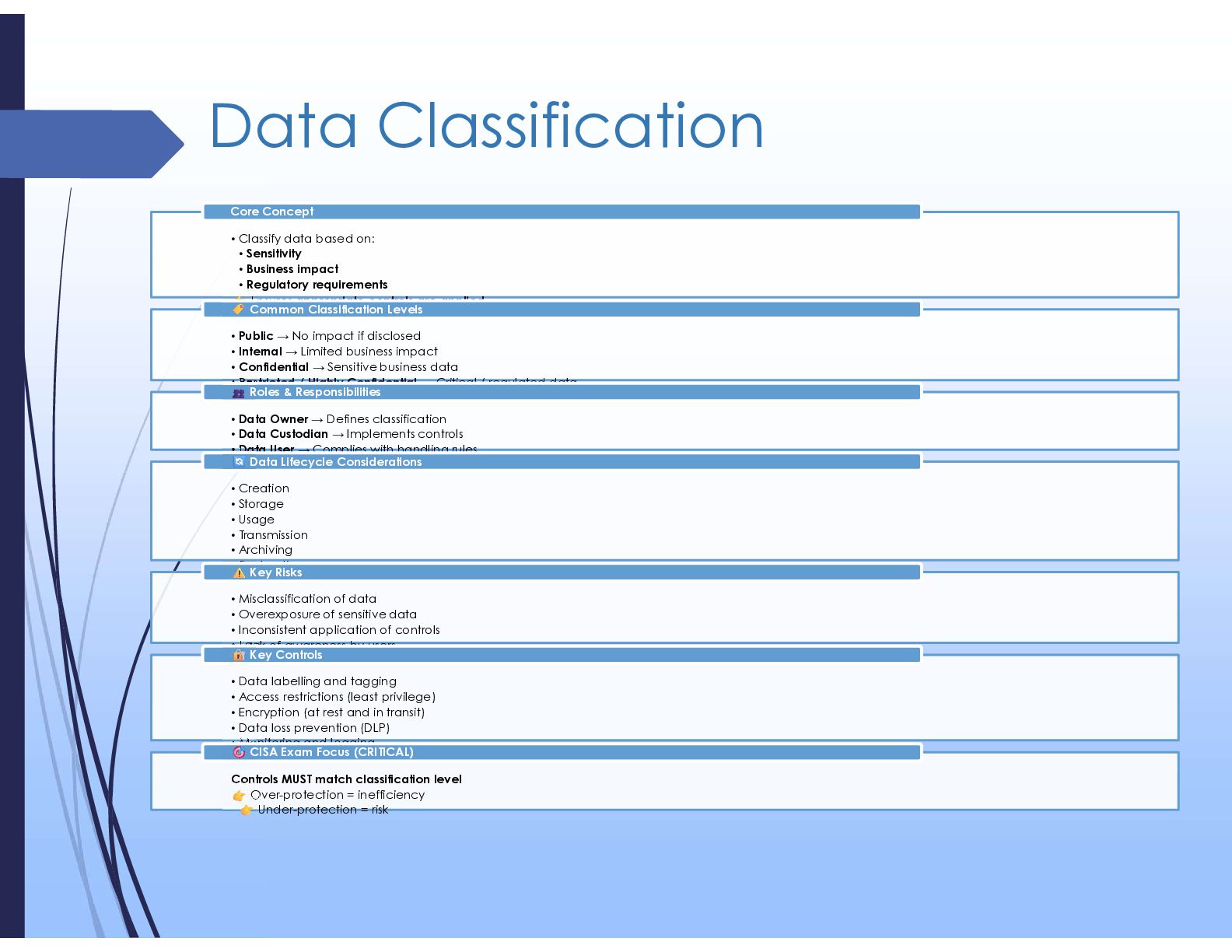
  9. Data Classification • Classify data based on: • Sensitivity •

    Business impact • Regulatory requirements Ensures appropriate controls are applied Core Concept • Public → No impact if disclosed • Internal → Limited business impact • Confidential → Sensitive business data • Restricted / Highly Confidential → Critical / regulated data Common Classification Levels • Data Owner → Defines classification • Data Custodian → Implements controls • Data User → Complies with handling rules Roles & Responsibilities • Creation • Storage • Usage • Transmission • Archiving • Destruction Data Lifecycle Considerations • Misclassification of data • Overexposure of sensitive data • Inconsistent application of controls • Lack of awareness by users Key Risks • Data labelling and tagging • Access restrictions (least privilege) • Encryption (at rest and in transit) • Data loss prevention (DLP) • Monitoring and logging Key Controls Controls MUST match classification level Over-protection = inefficiency Under-protection = risk CISA Exam Focus (CRITICAL)
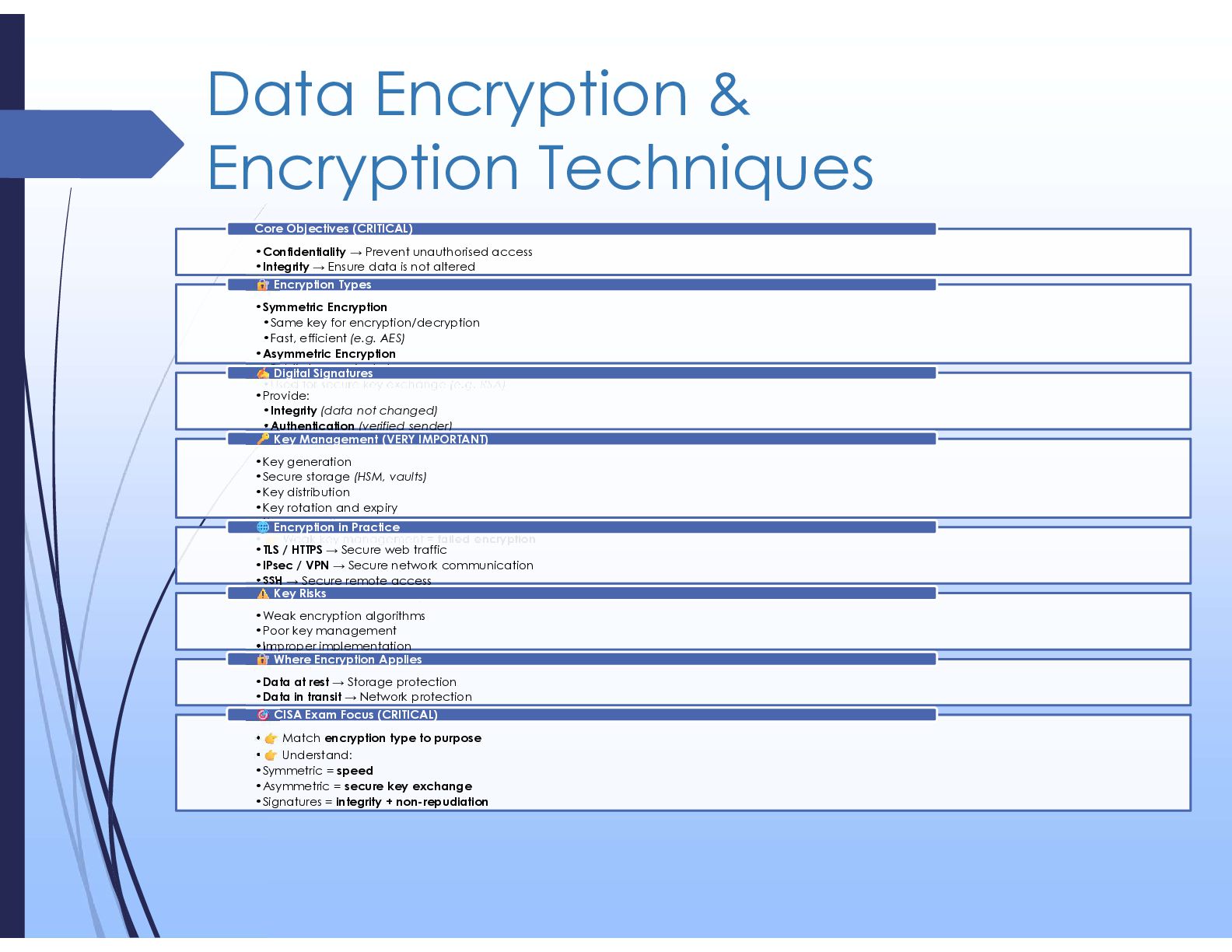
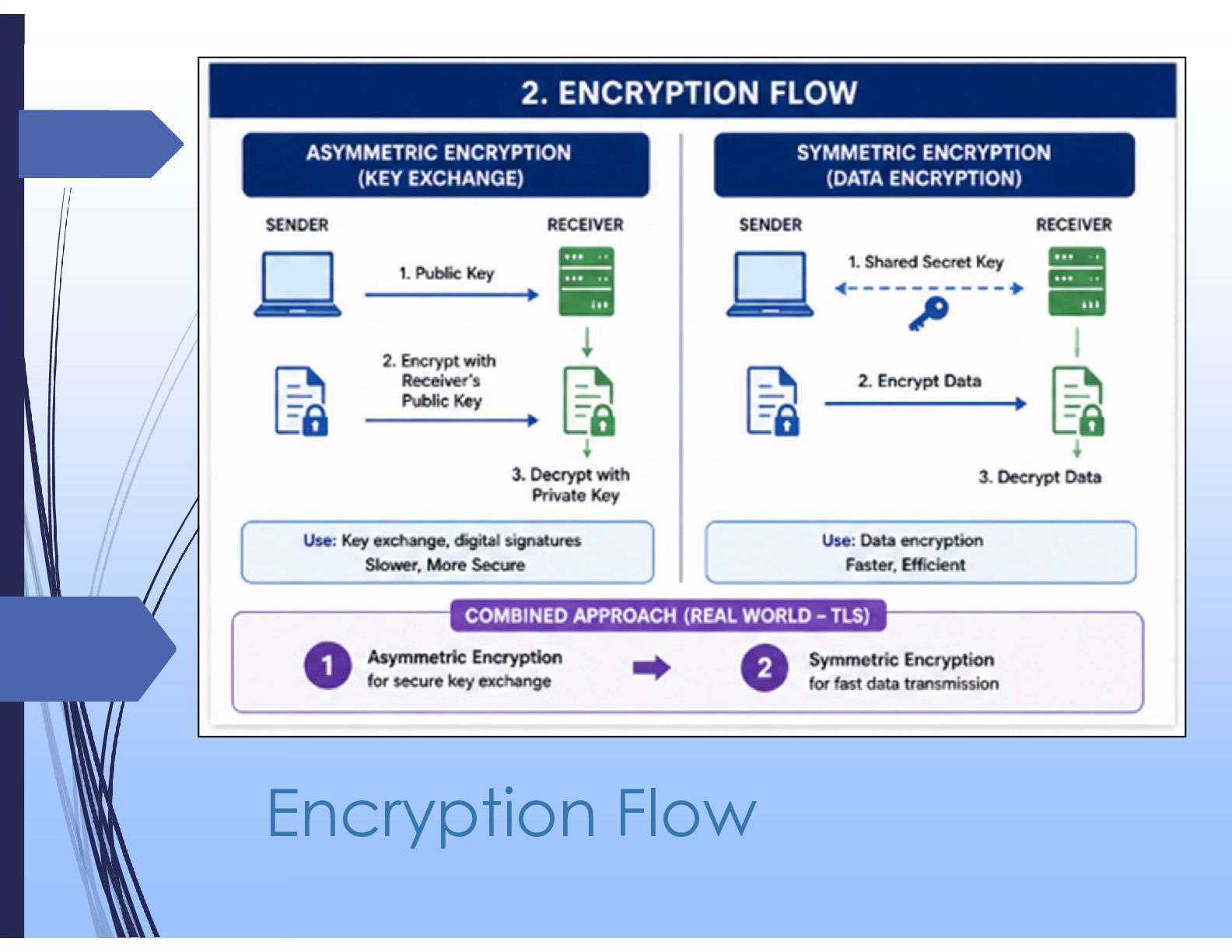
  10. Data Encryption & Encryption Techniques •Confidentiality → Prevent unauthorised access

    •Integrity → Ensure data is not altered •Non-repudiation → Prove origin and prevent denial Core Objectives (CRITICAL) •Symmetric Encryption •Same key for encryption/decryption •Fast, efficient (e.g. AES) •Asymmetric Encryption •Public key + private key •Used for secure key exchange (e.g. RSA) Encryption Types •Provide: •Integrity (data not changed) •Authentication (verified sender) •*Non-repudiation Digital Signatures •Key generation •Secure storage (HSM, vaults) •Key distribution •Key rotation and expiry •Key revocation • Weak key management = failed encryption Key Management (VERY IMPORTANT) •TLS / HTTPS → Secure web traffic •IPsec / VPN → Secure network communication •SSH → Secure remote access •Secure email (S/MIME, PGP) Encryption in Practice •Weak encryption algorithms •Poor key management •Improper implementation •Data exposed in transit or at rest Key Risks •Data at rest → Storage protection •Data in transit → Network protection •Data in use (limited but emerging) Where Encryption Applies • Match encryption type to purpose • Understand: •Symmetric = speed •Asymmetric = secure key exchange •Signatures = integrity + non-repudiation CISA Exam Focus (CRITICAL)
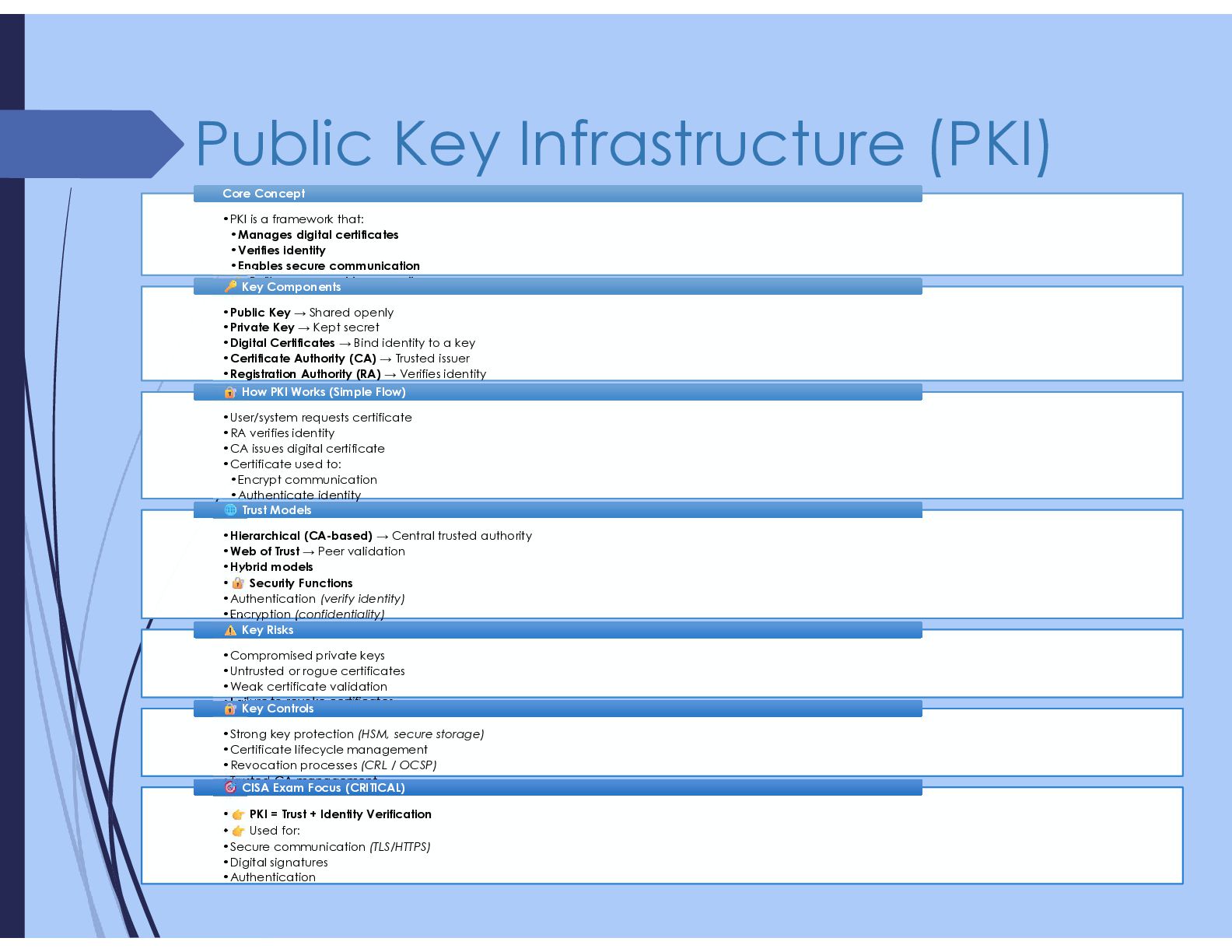
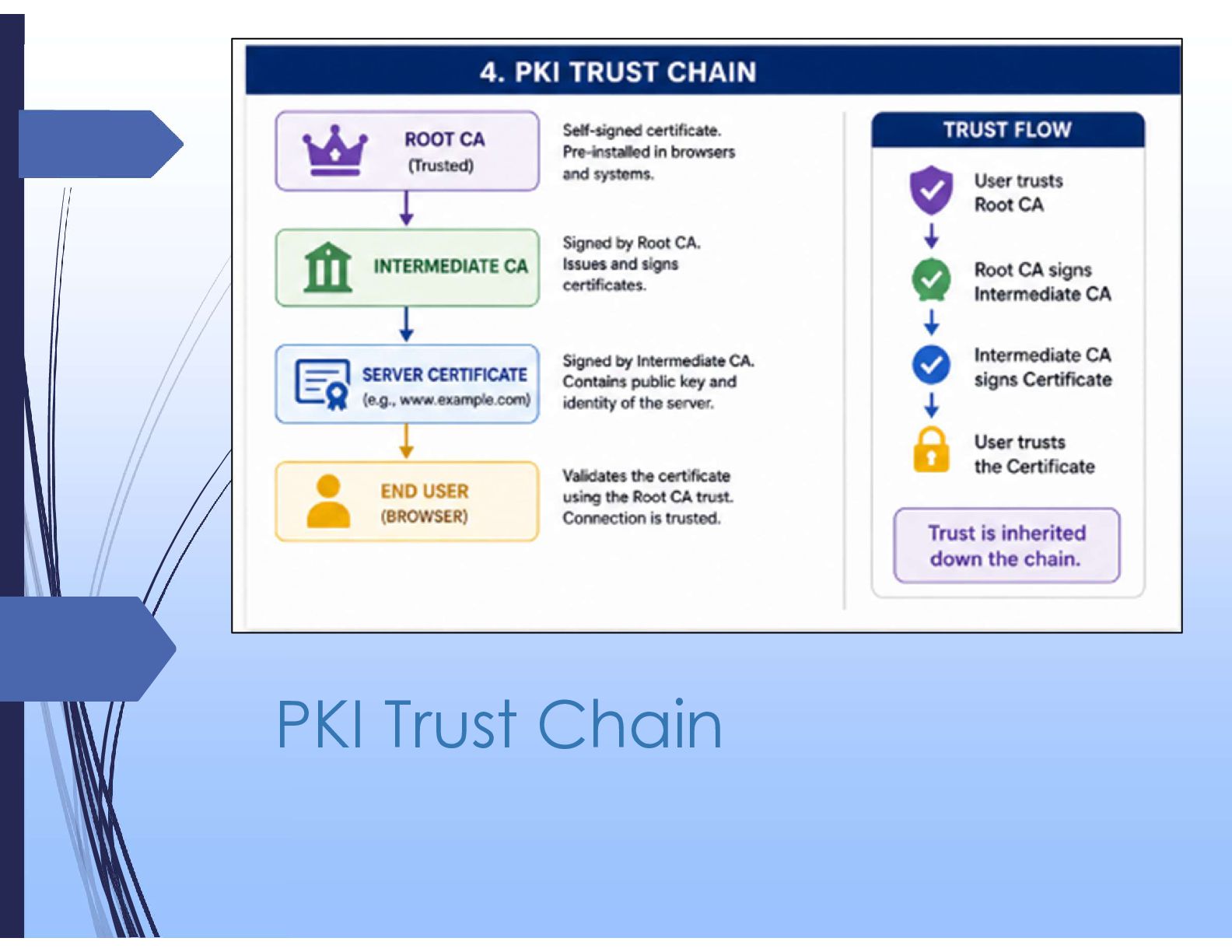
  11. Public Key Infrastructure (PKI) •PKI is a framework that: •Manages

    digital certificates •Verifies identity •Enables secure communication • Built on asymmetric encryption •PKI is a framework that: •Manages digital certificates •Verifies identity •Enables secure communication • Built on asymmetric encryption Core Concept Core Concept •Public Key → Shared openly •Private Key → Kept secret •Digital Certificates → Bind identity to a key •Certificate Authority (CA) → Trusted issuer •Registration Authority (RA) → Verifies identity •Certificate Revocation List (CRL) → Invalid certificates •Public Key → Shared openly •Private Key → Kept secret •Digital Certificates → Bind identity to a key •Certificate Authority (CA) → Trusted issuer •Registration Authority (RA) → Verifies identity •Certificate Revocation List (CRL) → Invalid certificates Key Components Key Components •User/system requests certificate •RA verifies identity •CA issues digital certificate •Certificate used to: •Encrypt communication •Authenticate identity •Sign data •User/system requests certificate •RA verifies identity •CA issues digital certificate •Certificate used to: •Encrypt communication •Authenticate identity •Sign data How PKI Works (Simple Flow) How PKI Works (Simple Flow) •Hierarchical (CA-based) → Central trusted authority •Web of Trust → Peer validation •Hybrid models • Security Functions •Authentication (verify identity) •Encryption (confidentiality) •Digital signatures (integrity + non-repudiation) •Hierarchical (CA-based) → Central trusted authority •Web of Trust → Peer validation •Hybrid models • Security Functions •Authentication (verify identity) •Encryption (confidentiality) •Digital signatures (integrity + non-repudiation) Trust Models Trust Models •Compromised private keys •Untrusted or rogue certificates •Weak certificate validation •Failure to revoke certificates •Compromised private keys •Untrusted or rogue certificates •Weak certificate validation •Failure to revoke certificates Key Risks Key Risks •Strong key protection (HSM, secure storage) •Certificate lifecycle management •Revocation processes (CRL / OCSP) •Trusted CA management •Strong key protection (HSM, secure storage) •Certificate lifecycle management •Revocation processes (CRL / OCSP) •Trusted CA management Key Controls Key Controls • PKI = Trust + Identity Verification • Used for: •Secure communication (TLS/HTTPS) •Digital signatures •Authentication • PKI = Trust + Identity Verification • Used for: •Secure communication (TLS/HTTPS) •Digital signatures •Authentication CISA Exam Focus (CRITICAL) CISA Exam Focus (CRITICAL)
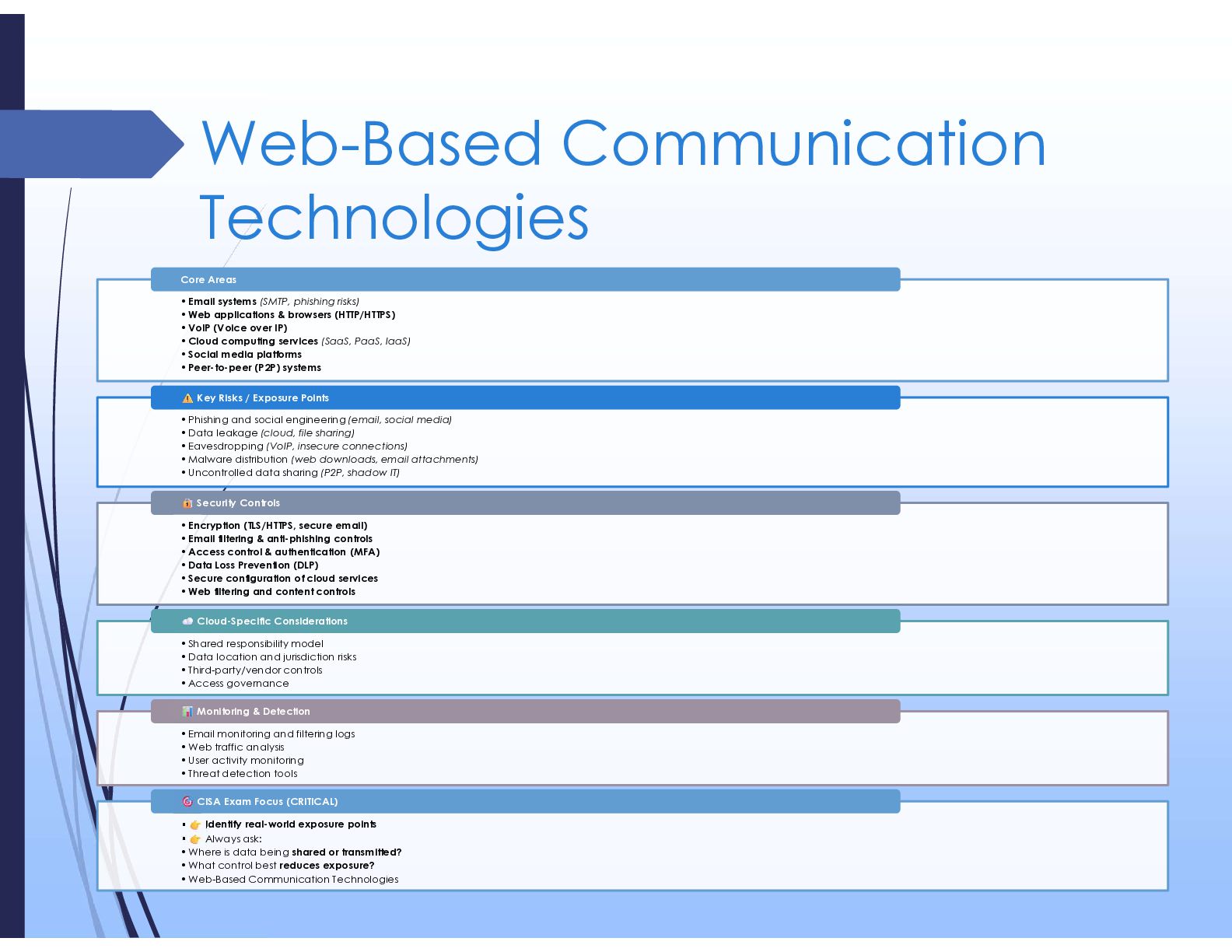
  12. Web-Based Communication Technologies •Email systems (SMTP, phishing risks) •Web applications

    & browsers (HTTP/HTTPS) •VoIP (Voice over IP) •Cloud computing services (SaaS, PaaS, IaaS) •Social media platforms •Peer-to-peer (P2P) systems Core Areas •Phishing and social engineering (email, social media) •Data leakage (cloud, file sharing) •Eavesdropping (VoIP, insecure connections) •Malware distribution (web downloads, email attachments) •Uncontrolled data sharing (P2P, shadow IT) Key Risks / Exposure Points •Encryption (TLS/HTTPS, secure email) •Email filtering & anti-phishing controls •Access control & authentication (MFA) •Data Loss Prevention (DLP) •Secure configuration of cloud services •Web filtering and content controls Security Controls •Shared responsibility model •Data location and jurisdiction risks •Third-party/vendor controls •Access governance Cloud-Specific Considerations •Email monitoring and filtering logs •Web traffic analysis •User activity monitoring •Threat detection tools Monitoring & Detection • Identify real-world exposure points • Always ask: •Where is data being shared or transmitted? •What control best reduces exposure? •Web-Based Communication Technologies CISA Exam Focus (CRITICAL)
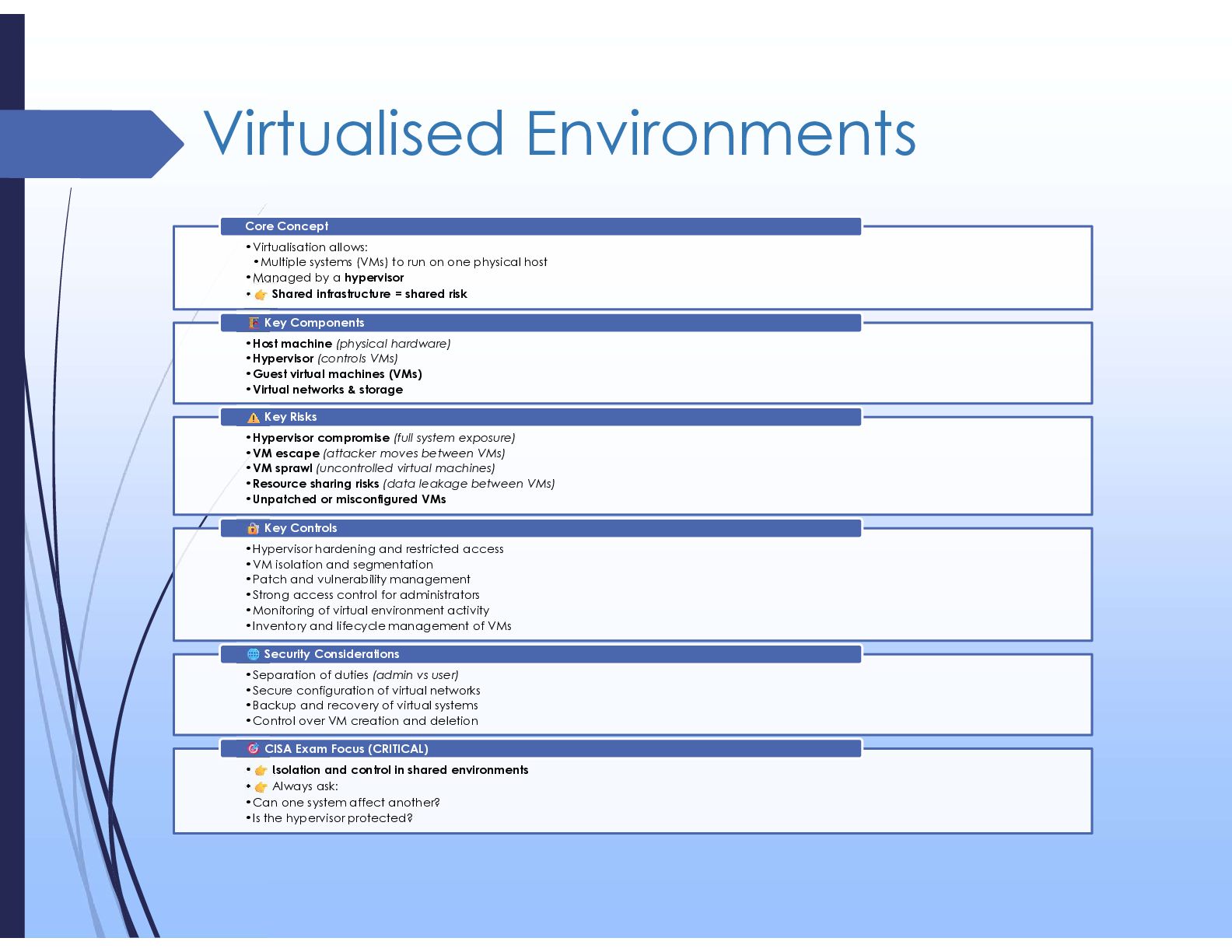
  13. Virtualised Environments •Virtualisation allows: •Multiple systems (VMs) to run on

    one physical host •Managed by a hypervisor • Shared infrastructure = shared risk Core Concept •Host machine (physical hardware) •Hypervisor (controls VMs) •Guest virtual machines (VMs) •Virtual networks & storage Key Components •Hypervisor compromise (full system exposure) •VM escape (attacker moves between VMs) •VM sprawl (uncontrolled virtual machines) •Resource sharing risks (data leakage between VMs) •Unpatched or misconfigured VMs Key Risks •Hypervisor hardening and restricted access •VM isolation and segmentation •Patch and vulnerability management •Strong access control for administrators •Monitoring of virtual environment activity •Inventory and lifecycle management of VMs Key Controls •Separation of duties (admin vs user) •Secure configuration of virtual networks •Backup and recovery of virtual systems •Control over VM creation and deletion Security Considerations • Isolation and control in shared environments • Always ask: •Can one system affect another? •Is the hypervisor protected? CISA Exam Focus (CRITICAL)
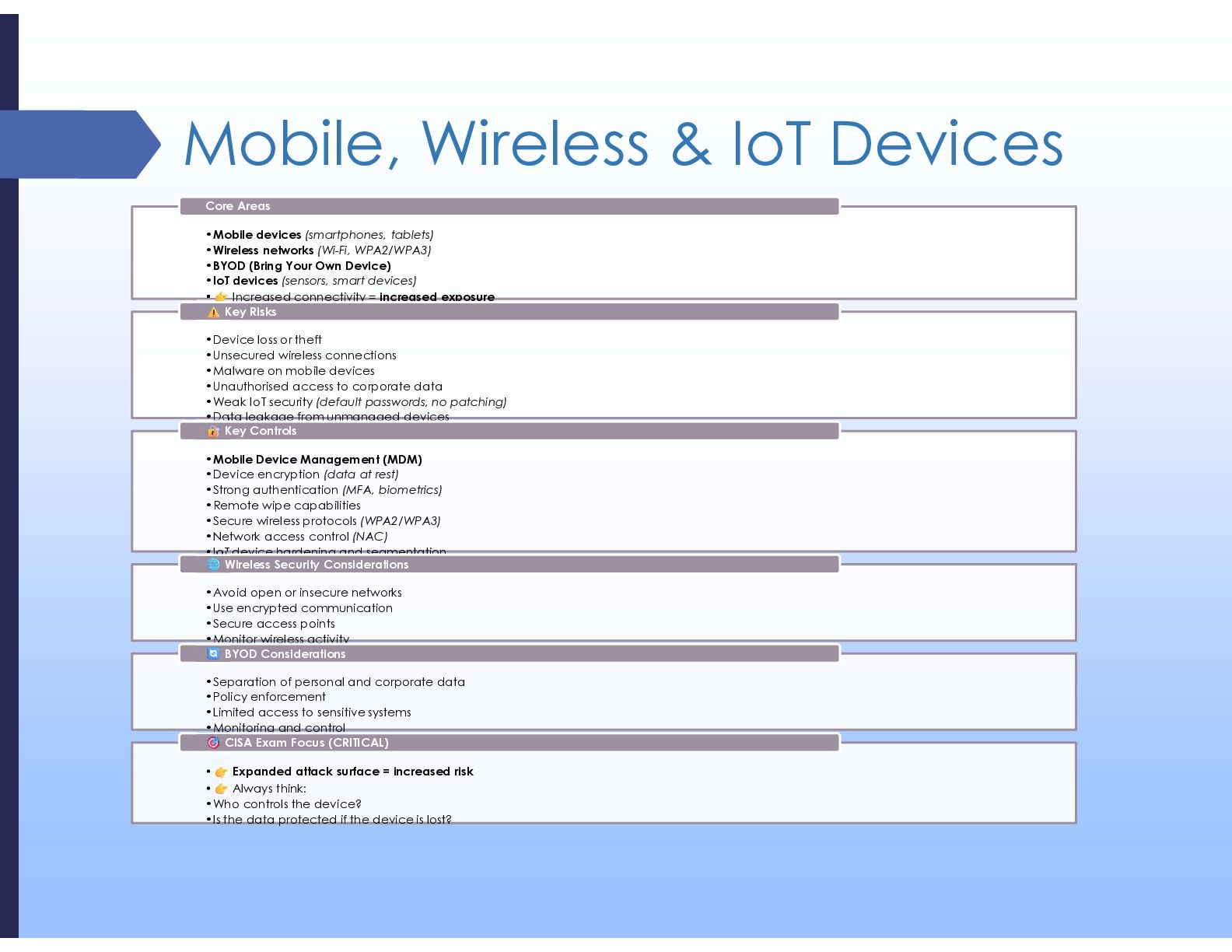
  14. Mobile, Wireless & IoT Devices •Mobile devices (smartphones, tablets) •Wireless

    networks (Wi-Fi, WPA2/WPA3) •BYOD (Bring Your Own Device) •IoT devices (sensors, smart devices) • Increased connectivity = increased exposure Core Areas •Device loss or theft •Unsecured wireless connections •Malware on mobile devices •Unauthorised access to corporate data •Weak IoT security (default passwords, no patching) •Data leakage from unmanaged devices Key Risks •Mobile Device Management (MDM) •Device encryption (data at rest) •Strong authentication (MFA, biometrics) •Remote wipe capabilities •Secure wireless protocols (WPA2/WPA3) •Network access control (NAC) •IoT device hardening and segmentation Key Controls •Avoid open or insecure networks •Use encrypted communication •Secure access points •Monitor wireless activity Wireless Security Considerations •Separation of personal and corporate data •Policy enforcement •Limited access to sensitive systems •Monitoring and control BYOD Considerations • Expanded attack surface = increased risk • Always think: •Who controls the device? •Is the data protected if the device is lost? CISA Exam Focus (CRITICAL)
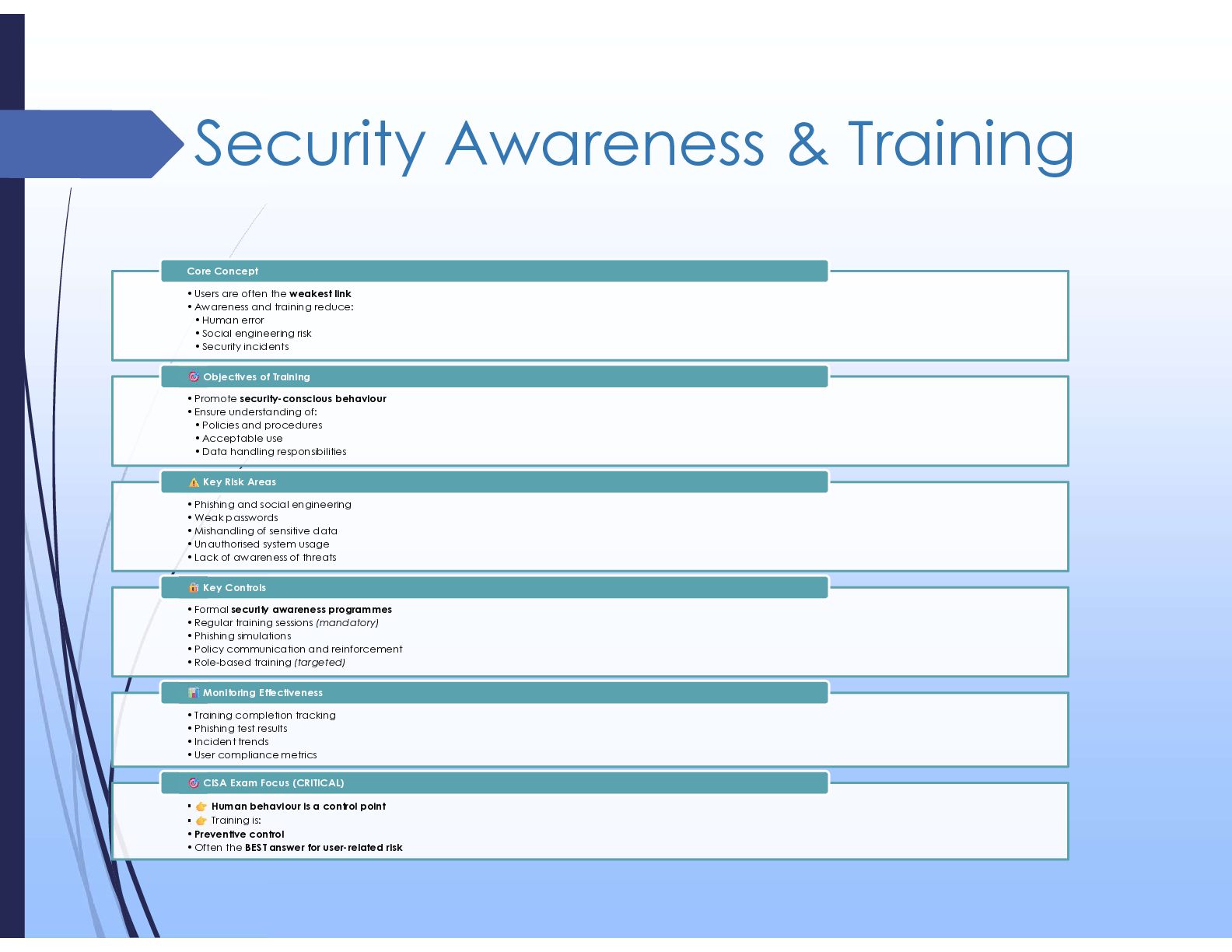
  15. Security Awareness & Training •Users are often the weakest link

    •Awareness and training reduce: • Human error • Social engineering risk • Security incidents Core Concept •Promote security-conscious behaviour •Ensure understanding of: • Policies and procedures • Acceptable use • Data handling responsibilities Objectives of Training •Phishing and social engineering •Weak passwords •Mishandling of sensitive data •Unauthorised system usage •Lack of awareness of threats Key Risk Areas •Formal security awareness programmes •Regular training sessions (mandatory) •Phishing simulations •Policy communication and reinforcement •Role-based training (targeted) Key Controls •Training completion tracking •Phishing test results •Incident trends •User compliance metrics Monitoring Effectiveness • Human behaviour is a control point • Training is: •Preventive control •Often the BEST answer for user-related risk CISA Exam Focus (CRITICAL)
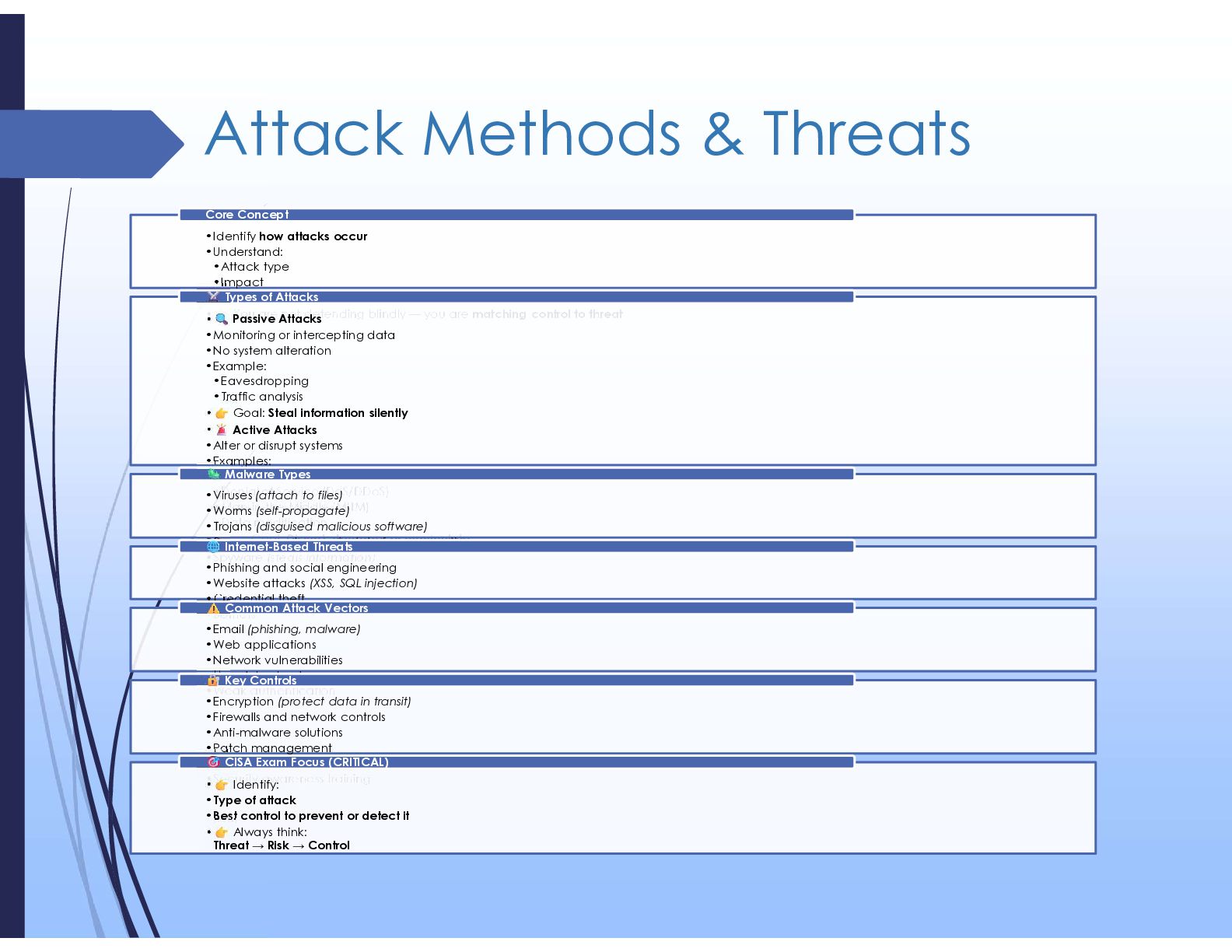
  16. Attack Methods & Threats •Identify how attacks occur •Understand: •Attack

    type •Impact •Appropriate control • You are not defending blindly — you are matching control to threat Core Concept • Passive Attacks •Monitoring or intercepting data •No system alteration •Example: •Eavesdropping •Traffic analysis • Goal: Steal information silently • Active Attacks •Alter or disrupt systems •Examples: •Malware •Denial of Service (DoS/DDoS) •Man-in-the-Middle (MITM) •Data modification • Goal: Disrupt, damage, or manipulate Types of Attacks •Viruses (attach to files) •Worms (self-propagate) •Trojans (disguised malicious software) •Ransomware (encrypts data for payment) •Spyware (steals information) Malware Types •Phishing and social engineering •Website attacks (XSS, SQL injection) •Credential theft •Botnets Internet-Based Threats •Email (phishing, malware) •Web applications •Network vulnerabilities •Unpatched systems •Weak authentication Common Attack Vectors •Encryption (protect data in transit) •Firewalls and network controls •Anti-malware solutions •Patch management •Strong authentication (MFA) •Security awareness training Key Controls • Identify: •Type of attack •Best control to prevent or detect it • Always think: Threat → Risk → Control CISA Exam Focus (CRITICAL)
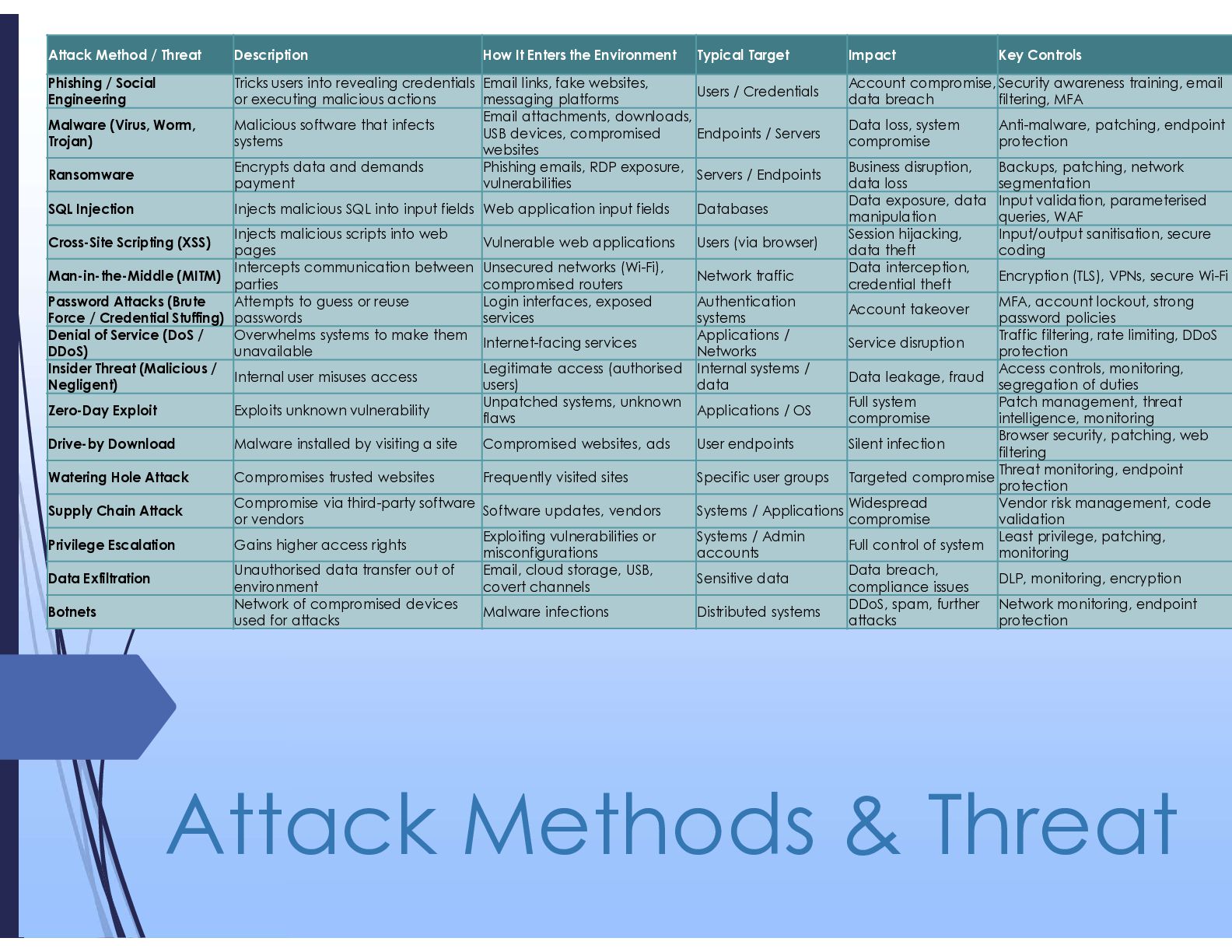
  17. Attack Methods & Threat Key Controls Impact Typical Target How

    It Enters the Environment Description Attack Method / Threat Security awareness training, email filtering, MFA Account compromise, data breach Users / Credentials Email links, fake websites, messaging platforms Tricks users into revealing credentials or executing malicious actions Phishing / Social Engineering Anti-malware, patching, endpoint protection Data loss, system compromise Endpoints / Servers Email attachments, downloads, USB devices, compromised websites Malicious software that infects systems Malware (Virus, Worm, Trojan) Backups, patching, network segmentation Business disruption, data loss Servers / Endpoints Phishing emails, RDP exposure, vulnerabilities Encrypts data and demands payment Ransomware Input validation, parameterised queries, WAF Data exposure, data manipulation Databases Web application input fields Injects malicious SQL into input fields SQL Injection Input/output sanitisation, secure coding Session hijacking, data theft Users (via browser) Vulnerable web applications Injects malicious scripts into web pages Cross-Site Scripting (XSS) Encryption (TLS), VPNs, secure Wi-Fi Data interception, credential theft Network traffic Unsecured networks (Wi-Fi), compromised routers Intercepts communication between parties Man-in-the-Middle (MITM) MFA, account lockout, strong password policies Account takeover Authentication systems Login interfaces, exposed services Attempts to guess or reuse passwords Password Attacks (Brute Force / Credential Stuffing) Traffic filtering, rate limiting, DDoS protection Service disruption Applications / Networks Internet-facing services Overwhelms systems to make them unavailable Denial of Service (DoS / DDoS) Access controls, monitoring, segregation of duties Data leakage, fraud Internal systems / data Legitimate access (authorised users) Internal user misuses access Insider Threat (Malicious / Negligent) Patch management, threat intelligence, monitoring Full system compromise Applications / OS Unpatched systems, unknown flaws Exploits unknown vulnerability Zero-Day Exploit Browser security, patching, web filtering Silent infection User endpoints Compromised websites, ads Malware installed by visiting a site Drive-by Download Threat monitoring, endpoint protection Targeted compromise Specific user groups Frequently visited sites Compromises trusted websites Watering Hole Attack Vendor risk management, code validation Widespread compromise Systems / Applications Software updates, vendors Compromise via third-party software or vendors Supply Chain Attack Least privilege, patching, monitoring Full control of system Systems / Admin accounts Exploiting vulnerabilities or misconfigurations Gains higher access rights Privilege Escalation DLP, monitoring, encryption Data breach, compliance issues Sensitive data Email, cloud storage, USB, covert channels Unauthorised data transfer out of environment Data Exfiltration Network monitoring, endpoint protection DDoS, spam, further attacks Distributed systems Malware infections Network of compromised devices used for attacks Botnets
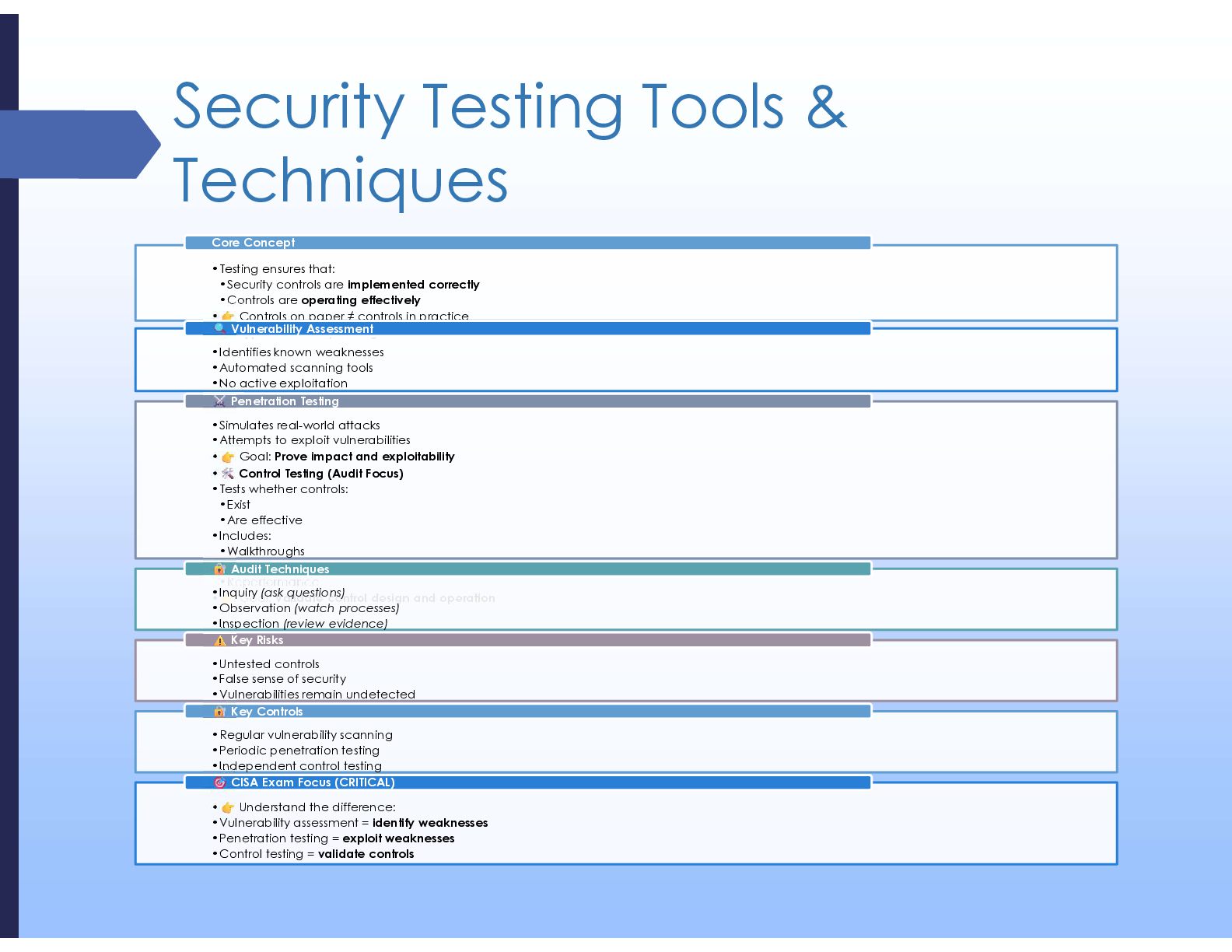
  18. Security Testing Tools & Techniques •Testing ensures that: •Security controls

    are implemented correctly •Controls are operating effectively • Controls on paper ≠ controls in practice • Types of Security Testing Core Concept •Identifies known weaknesses •Automated scanning tools •No active exploitation • Goal: Find weaknesses Vulnerability Assessment •Simulates real-world attacks •Attempts to exploit vulnerabilities • Goal: Prove impact and exploitability • Control Testing (Audit Focus) •Tests whether controls: •Exist •Are effective •Includes: •Walkthroughs •Inspection •Reperformance • Goal: Validate control design and operation Penetration Testing •Inquiry (ask questions) •Observation (watch processes) •Inspection (review evidence) •Reperformance (re-test controls) Audit Techniques •Untested controls •False sense of security •Vulnerabilities remain undetected •Poor test coverage Key Risks •Regular vulnerability scanning •Periodic penetration testing •Independent control testing •Remediation tracking Key Controls • Understand the difference: •Vulnerability assessment = identify weaknesses •Penetration testing = exploit weaknesses •Control testing = validate controls CISA Exam Focus (CRITICAL)
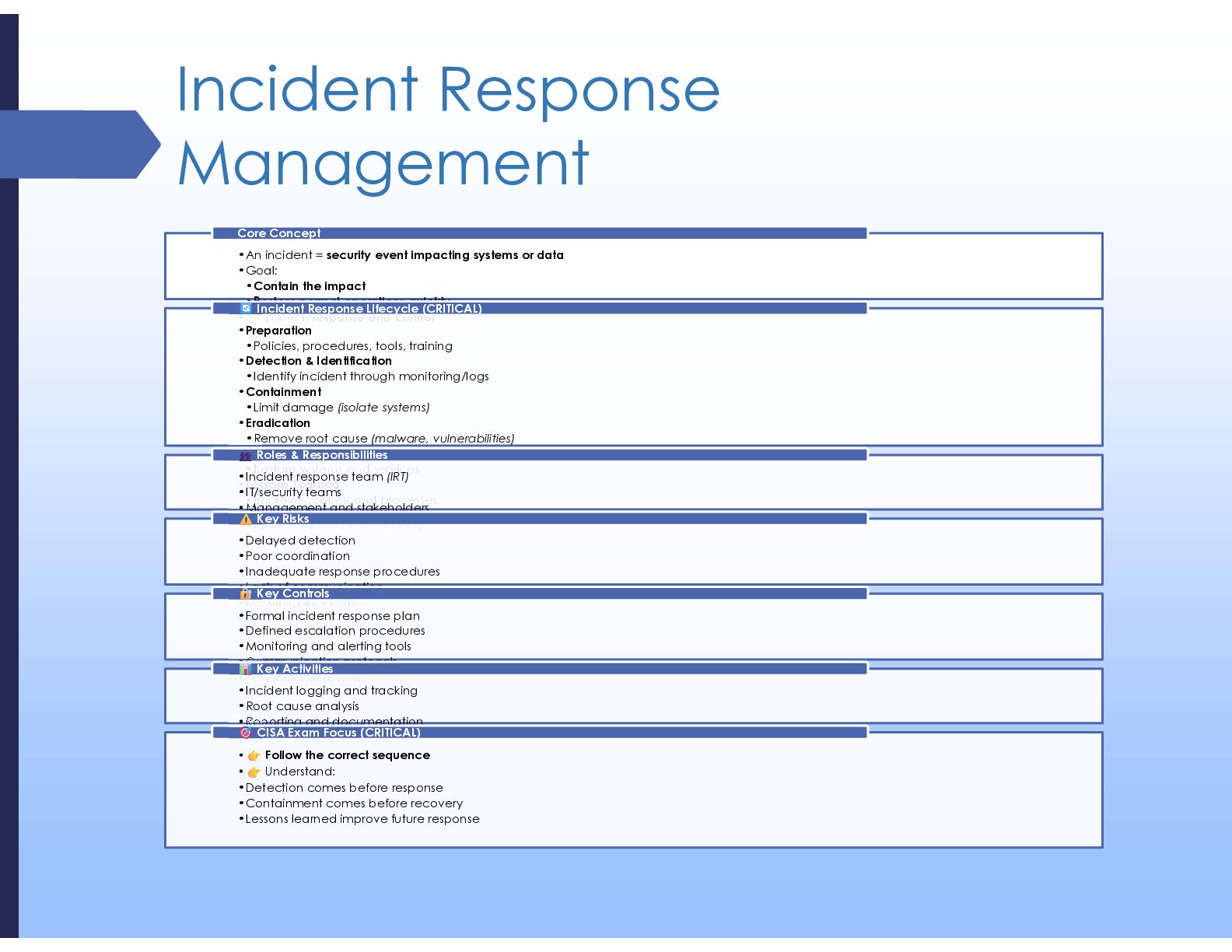
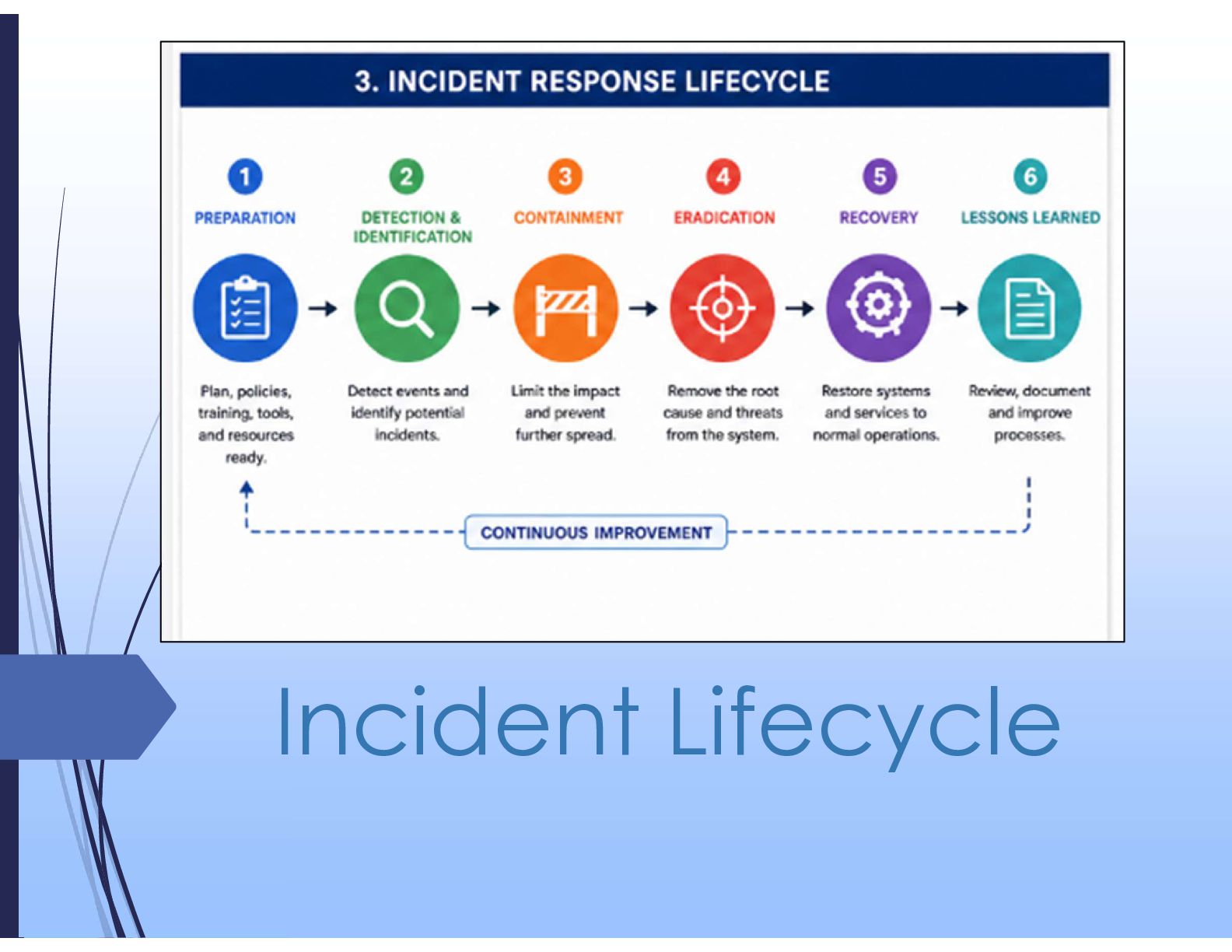
  19. Incident Response Management •An incident = security event impacting systems

    or data •Goal: •Contain the impact •Restore normal operations quickly • Focus is response and control Core Concept •Preparation •Policies, procedures, tools, training •Detection & Identification •Identify incident through monitoring/logs •Containment •Limit damage (isolate systems) •Eradication •Remove root cause (malware, vulnerabilities) •Recovery •Restore systems and services •Lessons Learned •Improve controls and processes Incident Response Lifecycle (CRITICAL) •Incident response team (IRT) •IT/security teams •Management and stakeholders •Legal/compliance (if required) Roles & Responsibilities •Delayed detection •Poor coordination •Inadequate response procedures •Lack of communication •Recurring incidents Key Risks •Formal incident response plan •Defined escalation procedures •Monitoring and alerting tools •Communication protocols •Post-incident review Key Controls •Incident logging and tracking •Root cause analysis •Reporting and documentation •Continuous improvement Key Activities • Follow the correct sequence • Understand: •Detection comes before response •Containment comes before recovery •Lessons learned improve future response CISA Exam Focus (CRITICAL)
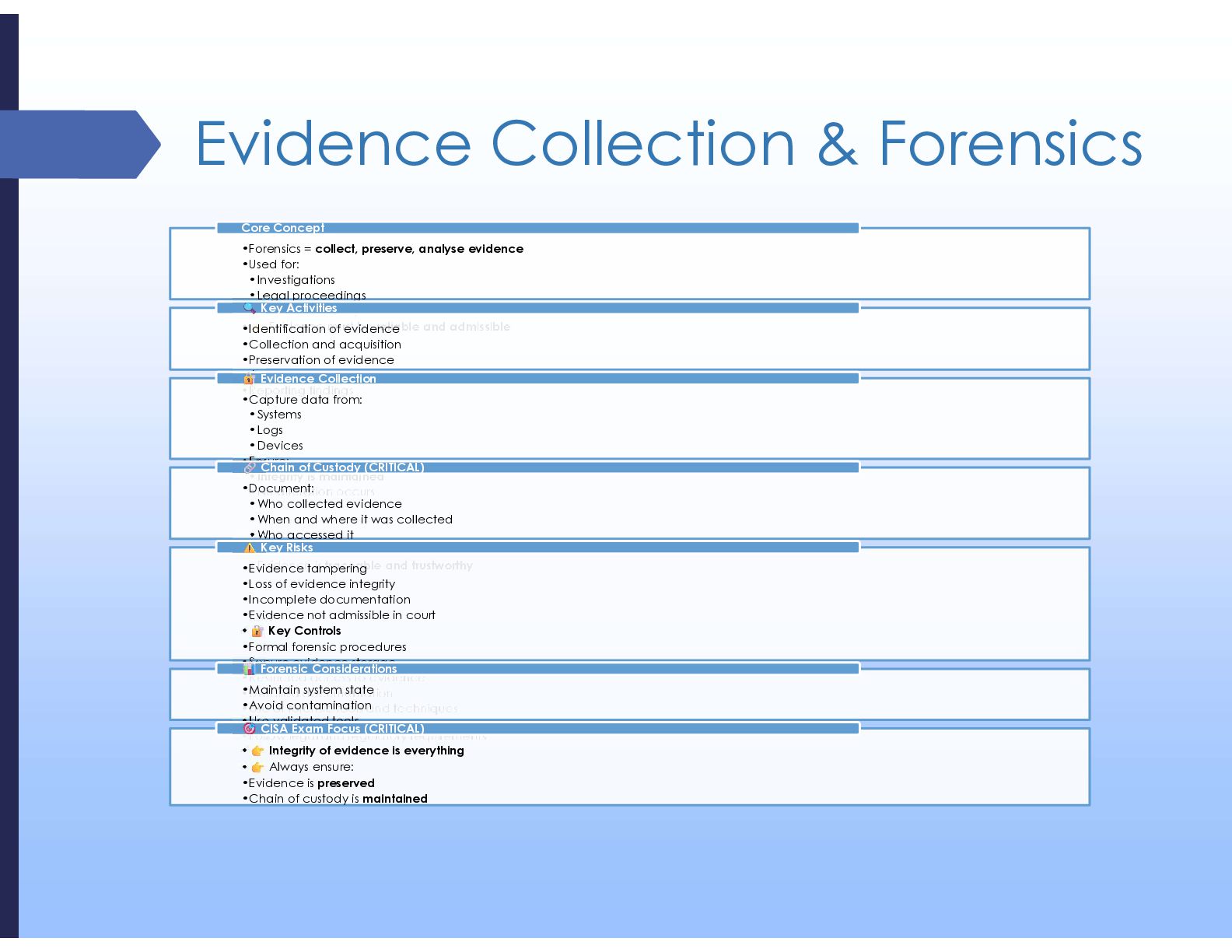
  20. Evidence Collection & Forensics •Forensics = collect, preserve, analyse evidence

    •Used for: •Investigations •Legal proceedings •Root cause analysis • Evidence must be reliable and admissible Core Concept •Identification of evidence •Collection and acquisition •Preservation of evidence •Analysis and investigation •Reporting findings Key Activities •Capture data from: •Systems •Logs •Devices •Ensure: •Integrity is maintained •No alteration occurs Evidence Collection •Document: •Who collected evidence •When and where it was collected •Who accessed it •Ensures: •Evidence is traceable and trustworthy Chain of Custody (CRITICAL) •Evidence tampering •Loss of evidence integrity •Incomplete documentation •Evidence not admissible in court • Key Controls •Formal forensic procedures •Secure evidence storage •Restricted access to evidence •Detailed documentation •Use of forensic tools and techniques Key Risks •Maintain system state •Avoid contamination •Use validated tools •Follow legal and regulatory requirements Forensic Considerations • Integrity of evidence is everything • Always ensure: •Evidence is preserved •Chain of custody is maintained CISA Exam Focus (CRITICAL)
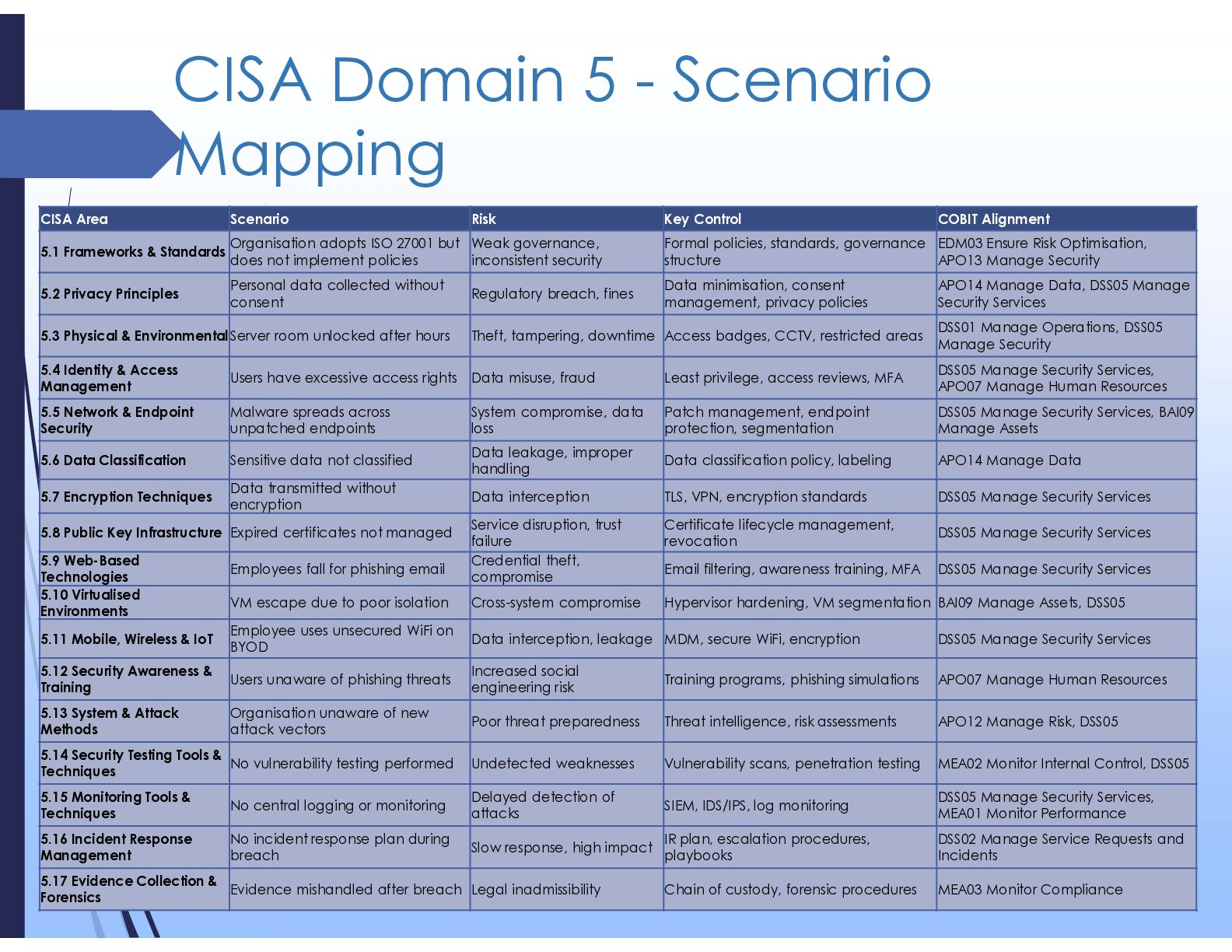
  21. CISA Domain 5 - Scenario Mapping COBIT Alignment Key Control

    Risk Scenario CISA Area EDM03 Ensure Risk Optimisation, APO13 Manage Security Formal policies, standards, governance structure Weak governance, inconsistent security Organisation adopts ISO 27001 but does not implement policies 5.1 Frameworks & Standards APO14 Manage Data, DSS05 Manage Security Services Data minimisation, consent management, privacy policies Regulatory breach, fines Personal data collected without consent 5.2 Privacy Principles DSS01 Manage Operations, DSS05 Manage Security Access badges, CCTV, restricted areas Theft, tampering, downtime Server room unlocked after hours 5.3 Physical & Environmental DSS05 Manage Security Services, APO07 Manage Human Resources Least privilege, access reviews, MFA Data misuse, fraud Users have excessive access rights 5.4 Identity & Access Management DSS05 Manage Security Services, BAI09 Manage Assets Patch management, endpoint protection, segmentation System compromise, data loss Malware spreads across unpatched endpoints 5.5 Network & Endpoint Security APO14 Manage Data Data classification policy, labeling Data leakage, improper handling Sensitive data not classified 5.6 Data Classification DSS05 Manage Security Services TLS, VPN, encryption standards Data interception Data transmitted without encryption 5.7 Encryption Techniques DSS05 Manage Security Services Certificate lifecycle management, revocation Service disruption, trust failure Expired certificates not managed 5.8 Public Key Infrastructure DSS05 Manage Security Services Email filtering, awareness training, MFA Credential theft, compromise Employees fall for phishing email 5.9 Web-Based Technologies BAI09 Manage Assets, DSS05 Hypervisor hardening, VM segmentation Cross-system compromise VM escape due to poor isolation 5.10 Virtualised Environments DSS05 Manage Security Services MDM, secure WiFi, encryption Data interception, leakage Employee uses unsecured WiFi on BYOD 5.11 Mobile, Wireless & IoT APO07 Manage Human Resources Training programs, phishing simulations Increased social engineering risk Users unaware of phishing threats 5.12 Security Awareness & Training APO12 Manage Risk, DSS05 Threat intelligence, risk assessments Poor threat preparedness Organisation unaware of new attack vectors 5.13 System & Attack Methods MEA02 Monitor Internal Control, DSS05 Vulnerability scans, penetration testing Undetected weaknesses No vulnerability testing performed 5.14 Security Testing Tools & Techniques DSS05 Manage Security Services, MEA01 Monitor Performance SIEM, IDS/IPS, log monitoring Delayed detection of attacks No central logging or monitoring 5.15 Monitoring Tools & Techniques DSS02 Manage Service Requests and Incidents IR plan, escalation procedures, playbooks Slow response, high impact No incident response plan during breach 5.16 Incident Response Management MEA03 Monitor Compliance Chain of custody, forensic procedures Legal inadmissibility Evidence mishandled after breach 5.17 Evidence Collection & Forensics
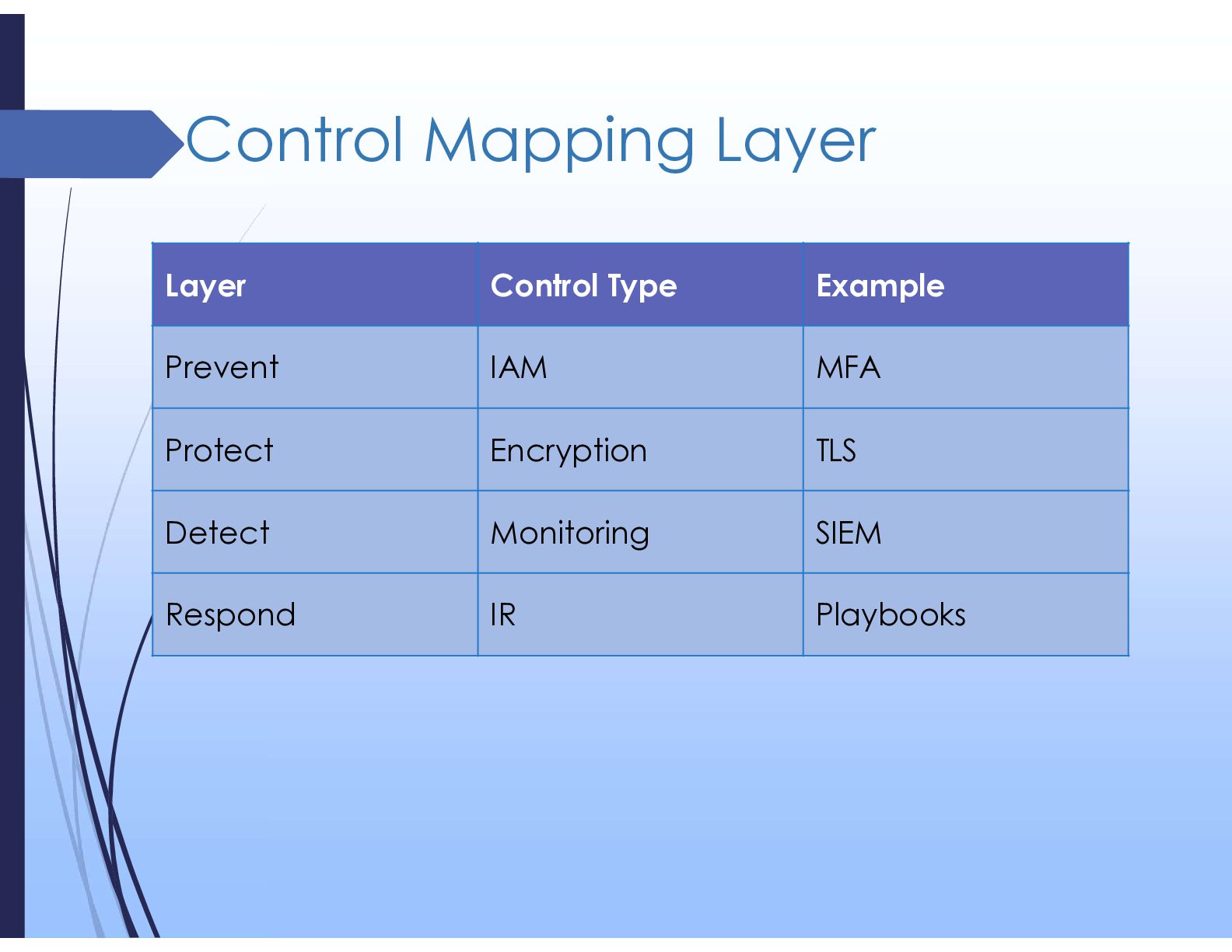
  22. Control Mapping Layer Example Control Type Layer MFA IAM Prevent

    TLS Encryption Protect SIEM Monitoring Detect Playbooks IR Respond
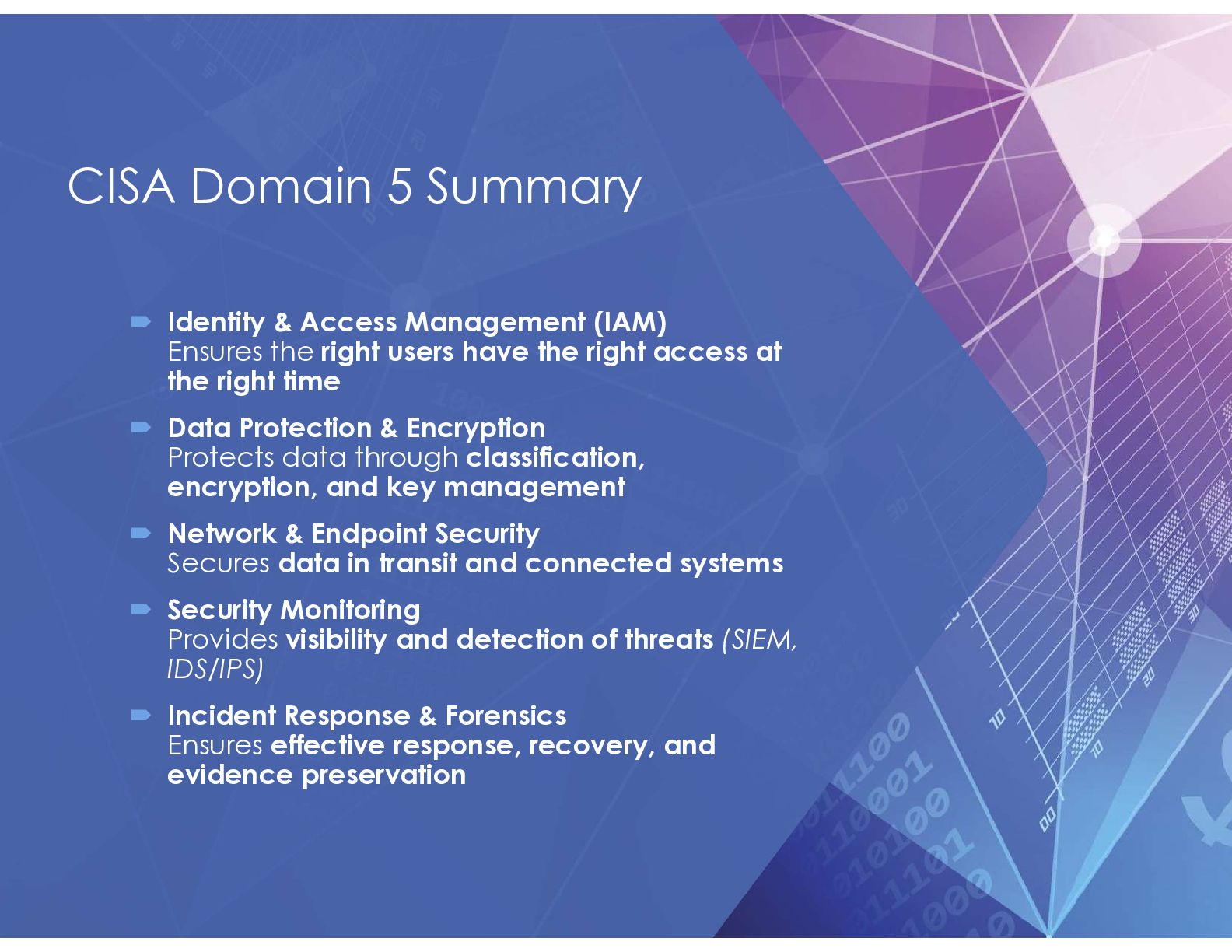
  23. CISA Domain 5 Summary  Identity & Access Management (IAM)

    Ensures the right users have the right access at the right time  Data Protection & Encryption Protects data through classification, encryption, and key management  Network & Endpoint Security Secures data in transit and connected systems  Security Monitoring Provides visibility and detection of threats (SIEM, IDS/IPS)  Incident Response & Forensics Ensures effective response, recovery, and evidence preservation
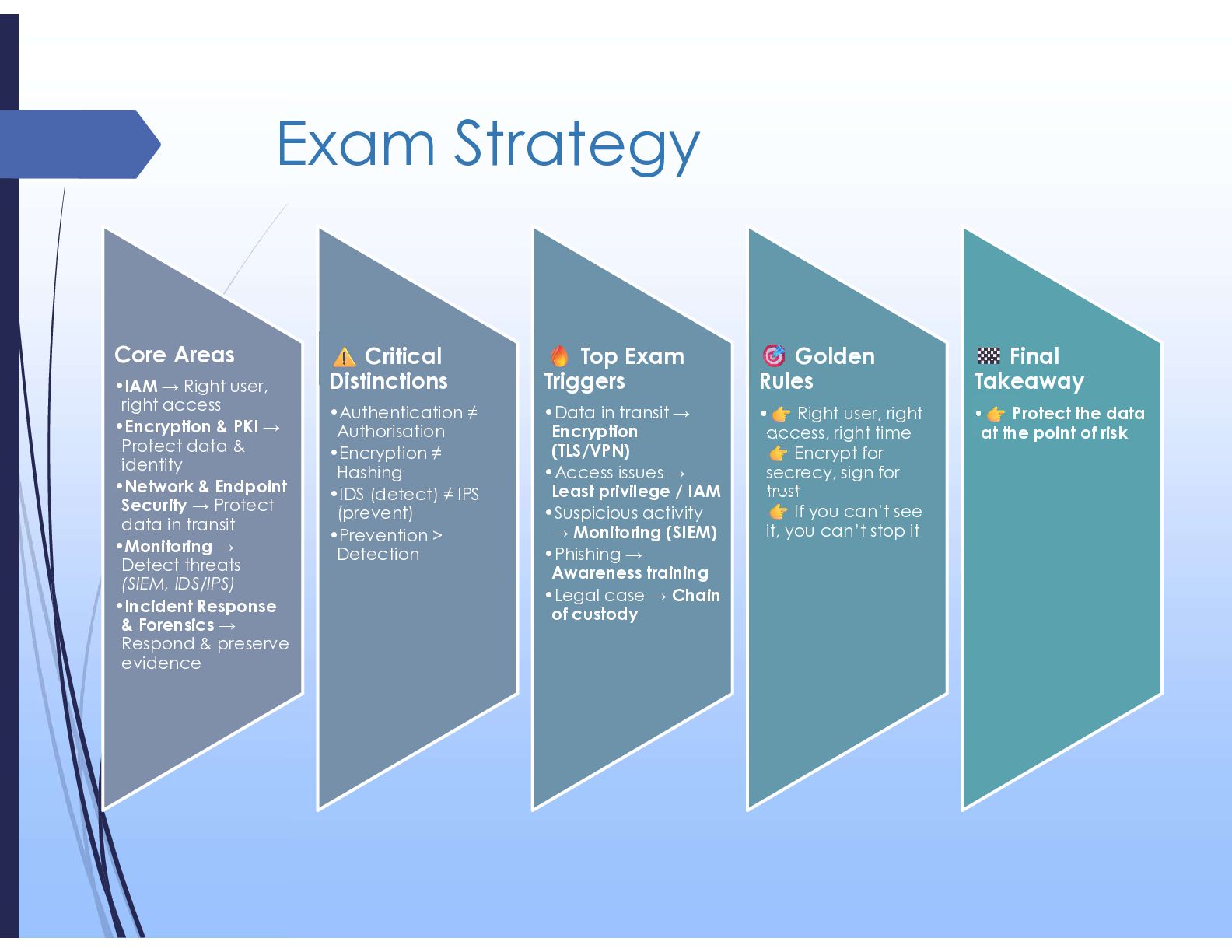
  24. Exam Strategy Core Areas •IAM → Right user, right access

    •Encryption & PKI → Protect data & identity •Network & Endpoint Security → Protect data in transit •Monitoring → Detect threats (SIEM, IDS/IPS) •Incident Response & Forensics → Respond & preserve evidence Critical Distinctions •Authentication ≠ Authorisation •Encryption ≠ Hashing •IDS (detect) ≠ IPS (prevent) •Prevention > Detection Top Exam Triggers •Data in transit → Encryption (TLS/VPN) •Access issues → Least privilege / IAM •Suspicious activity → Monitoring (SIEM) •Phishing → Awareness training •Legal case → Chain of custody Golden Rules • Right user, right access, right time Encrypt for secrecy, sign for trust If you can’t see it, you can’t stop it Final Takeaway • Protect the data at the point of risk
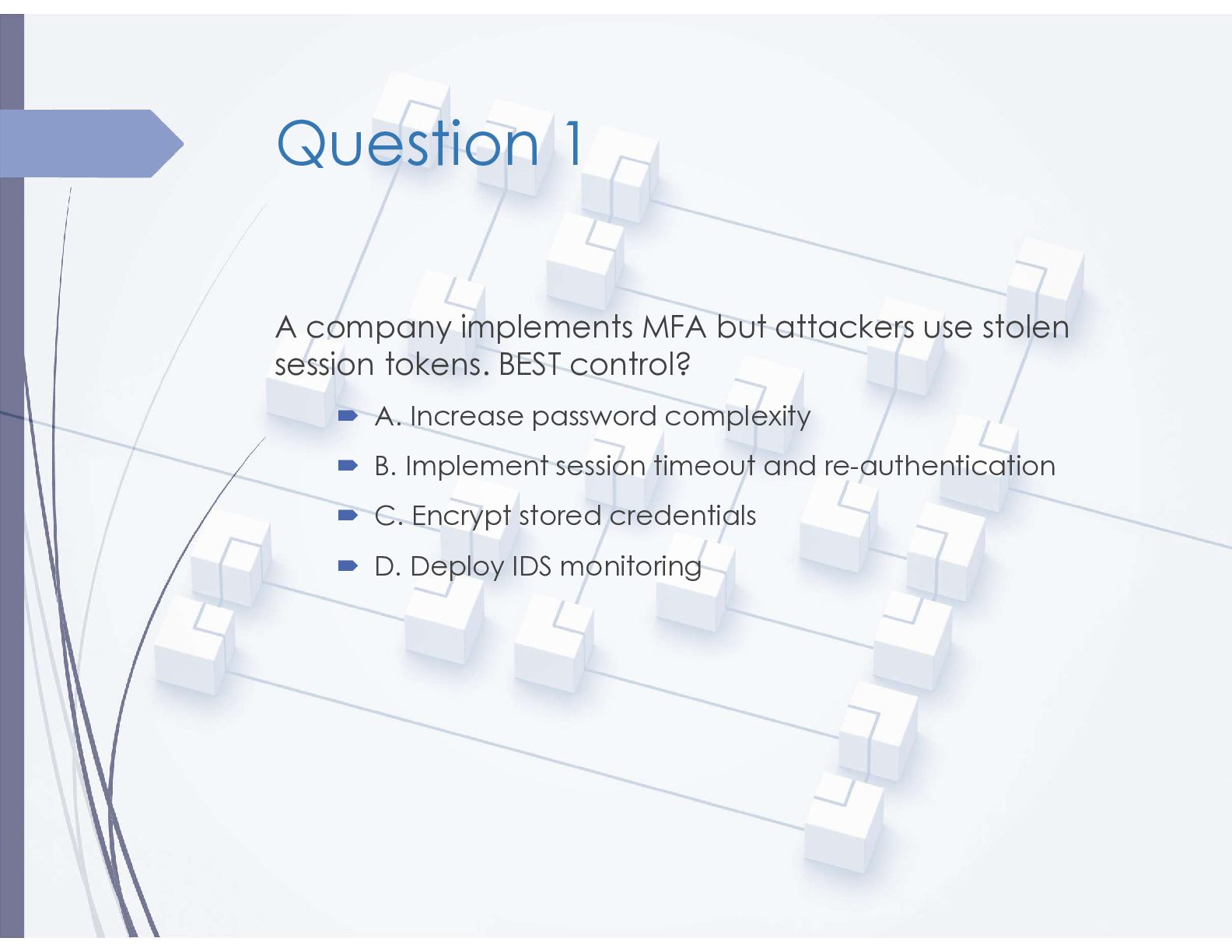
  25. Question 1 A company implements MFA but attackers use stolen

    session tokens. BEST control?  A. Increase password complexity  B. Implement session timeout and re-authentication  C. Encrypt stored credentials  D. Deploy IDS monitoring
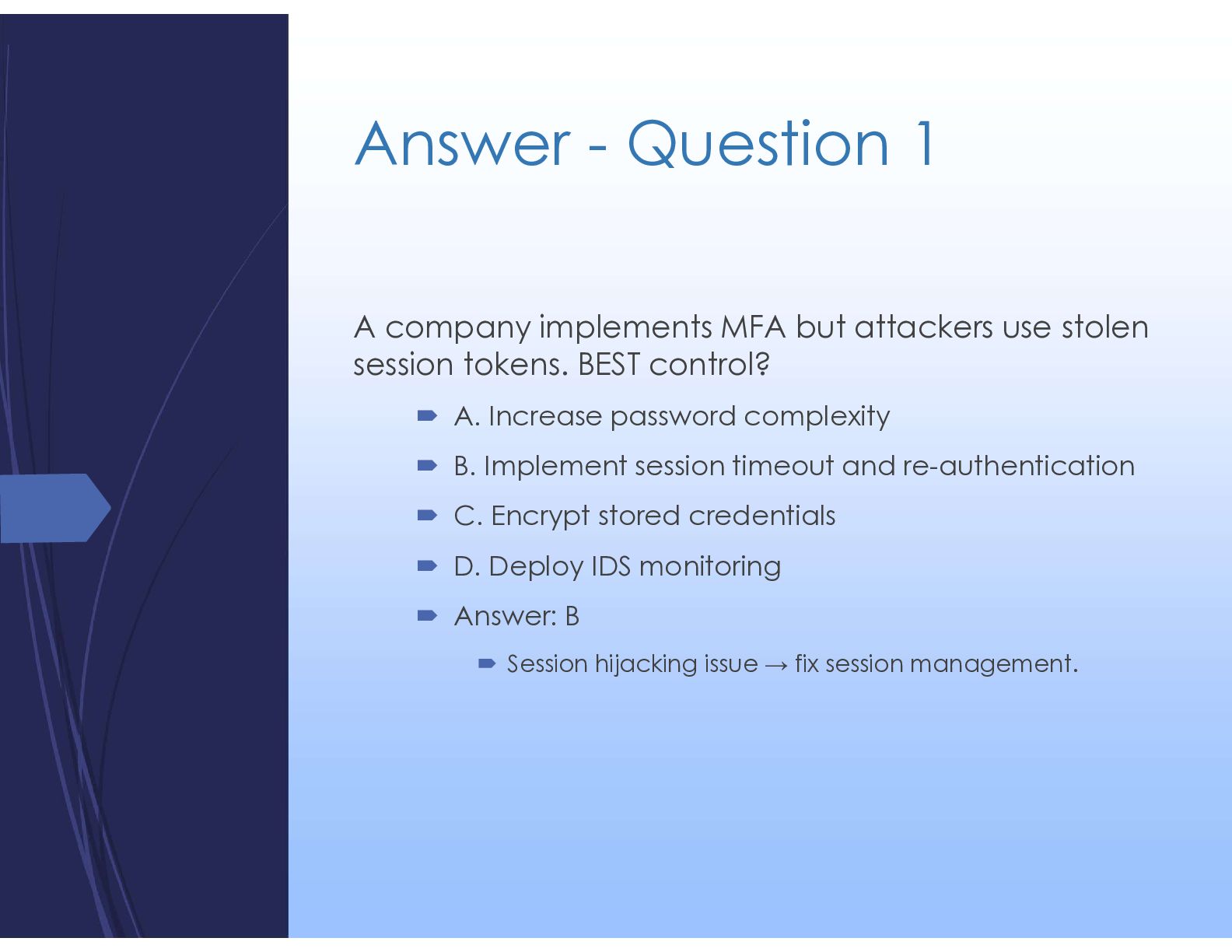
  26. Answer - Question 1 A company implements MFA but attackers

    use stolen session tokens. BEST control?  A. Increase password complexity  B. Implement session timeout and re-authentication  C. Encrypt stored credentials  D. Deploy IDS monitoring  Answer: B  Session hijacking issue → fix session management.
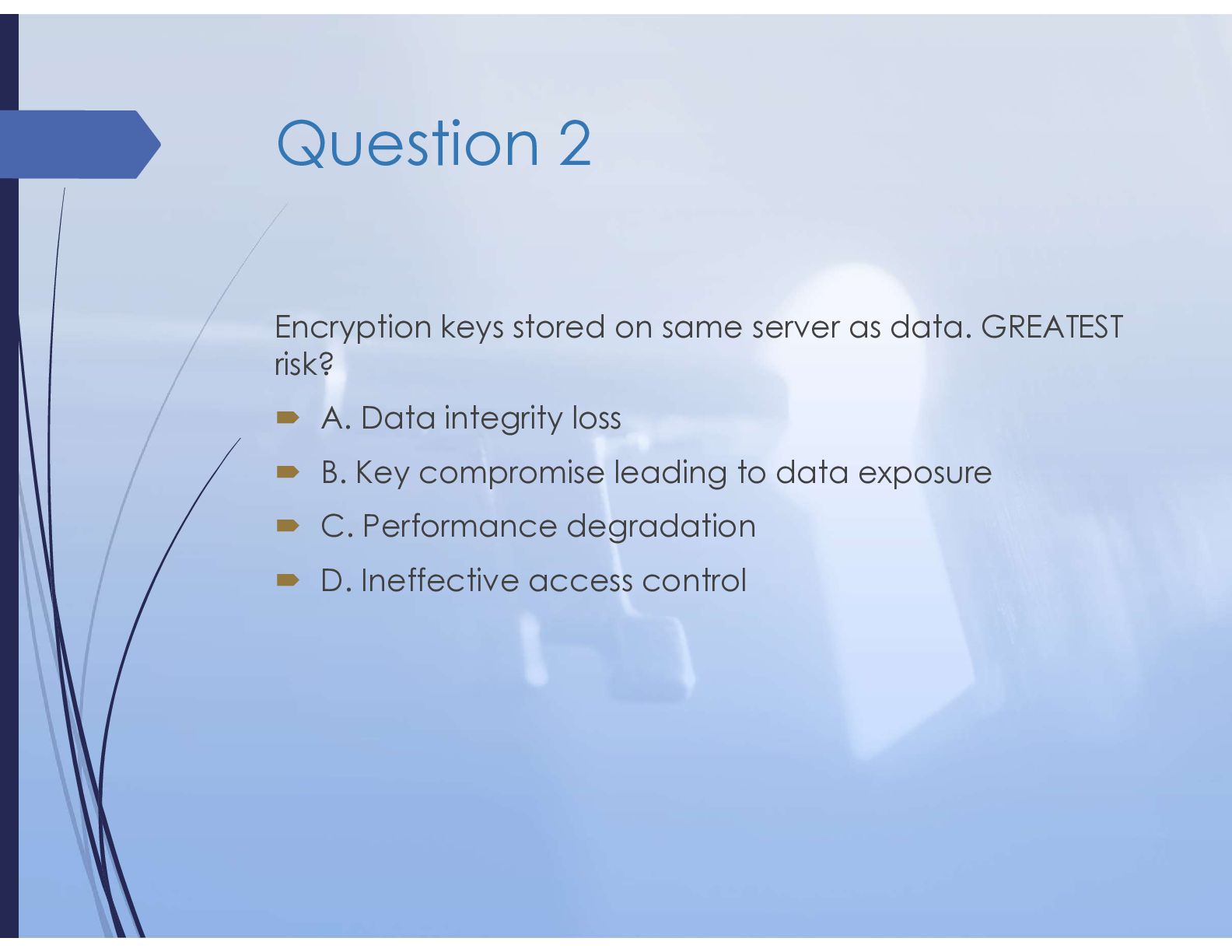
  27. Question 2 Encryption keys stored on same server as data.

    GREATEST risk?  A. Data integrity loss  B. Key compromise leading to data exposure  C. Performance degradation  D. Ineffective access control
  28. Answer - Question 2 Encryption keys stored on same server

    as data. GREATEST risk?  A. Data integrity loss  B. Key compromise leading to data exposure  C. Performance degradation  D. Ineffective access control  Answer: B  Weak key management makes encryption ineffective.
  29. Question 3 Data exfiltration via encrypted outbound traffic. BEST control?

     A. Disable outbound traffic  B. Implement DLP  C. Increase firewall rules  D. Deploy IDS
  30. Answer - Question 3 Data exfiltration via encrypted outbound traffic.

    BEST control?  A. Disable outbound traffic  B. Implement DLP  C. Increase firewall rules  D. Deploy IDS  Answer: B  DLP monitors data movement.
  31. Question 4 Test identifies vulnerabilities but no exploitation. Type? 

    A. White-box  B. Vulnerability assessment  C. Black-box  D. Red team
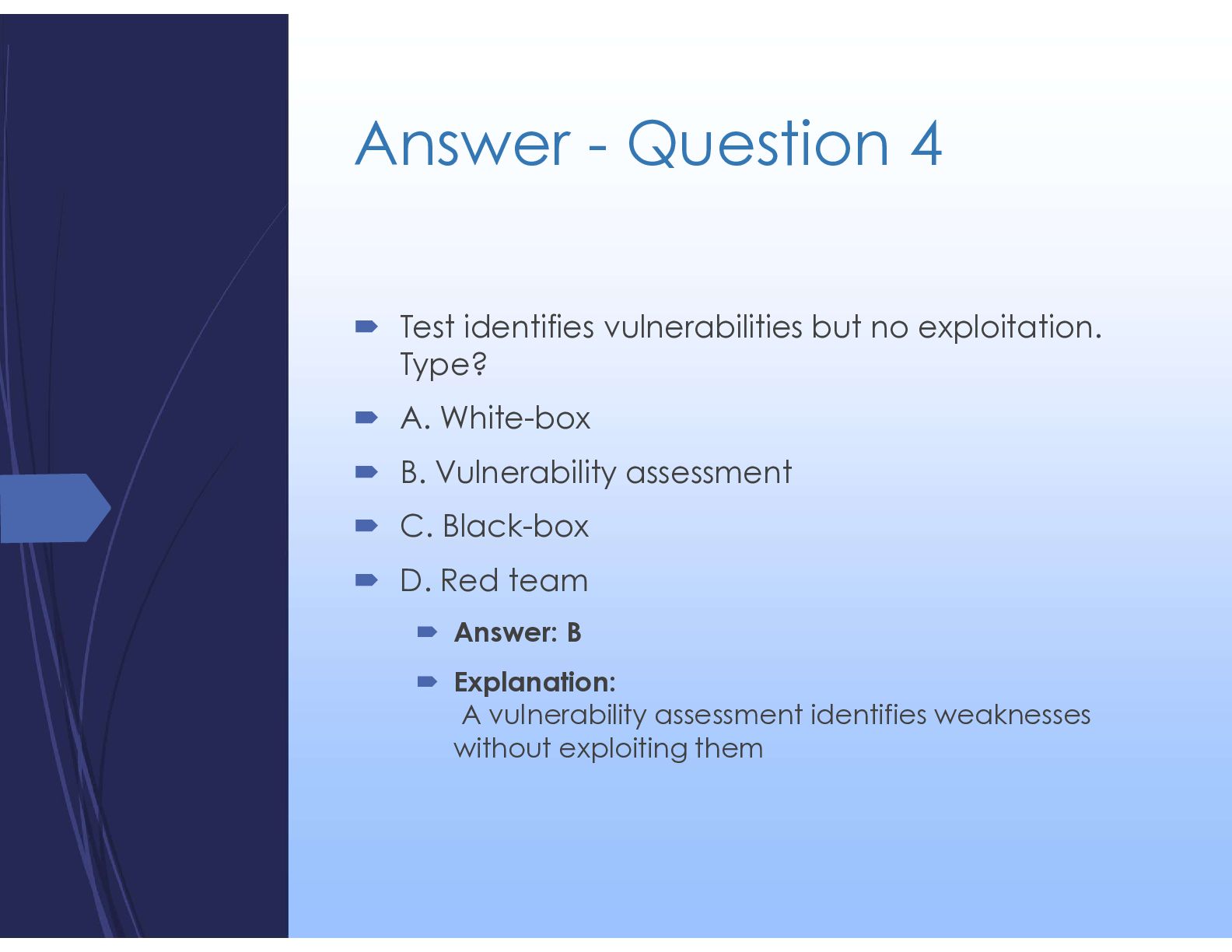
  32. Answer - Question 4  Test identifies vulnerabilities but no

    exploitation. Type?  A. White-box  B. Vulnerability assessment  C. Black-box  D. Red team  Answer: B  Explanation: A vulnerability assessment identifies weaknesses without exploiting them
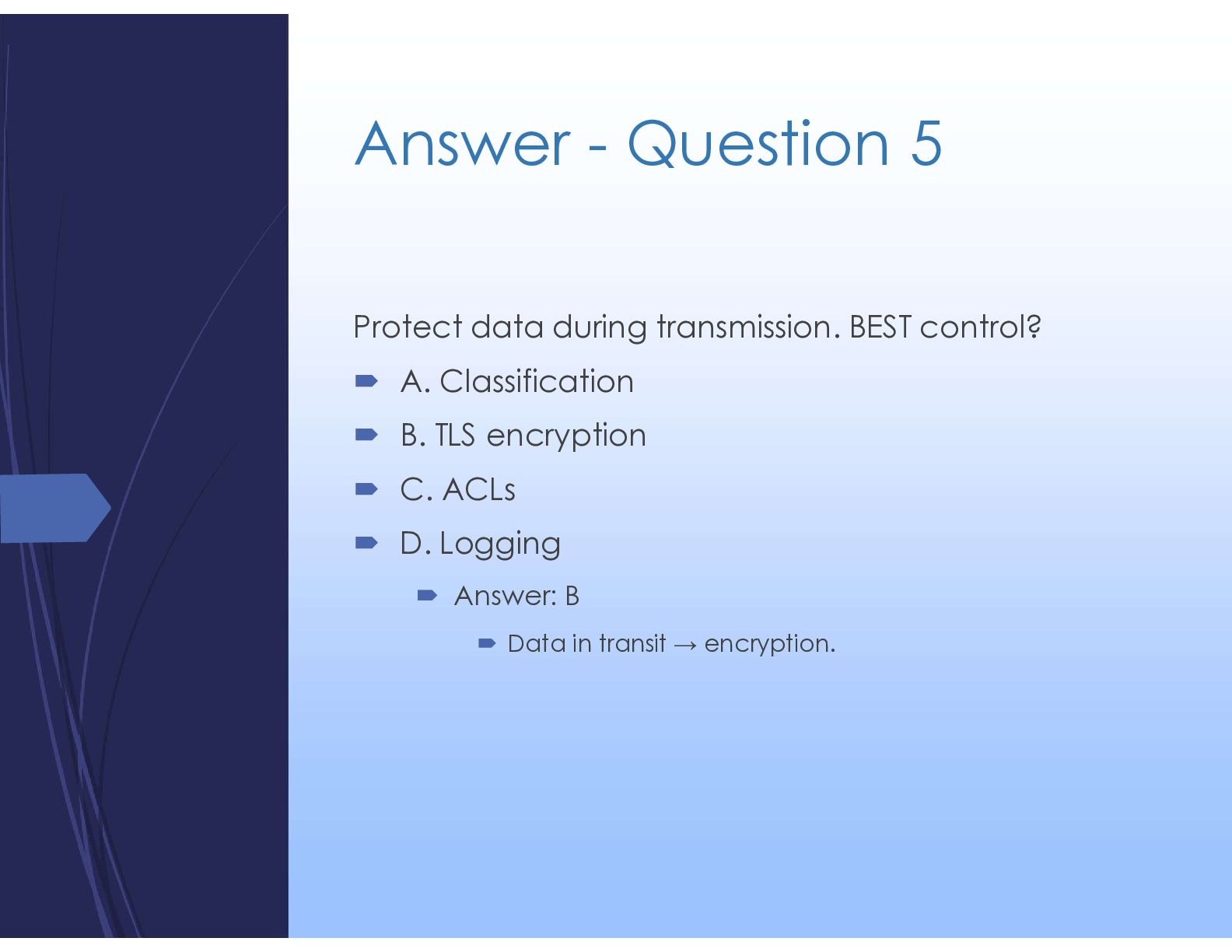
  33. Answer - Question 5 Protect data during transmission. BEST control?

     A. Classification  B. TLS encryption  C. ACLs  D. Logging
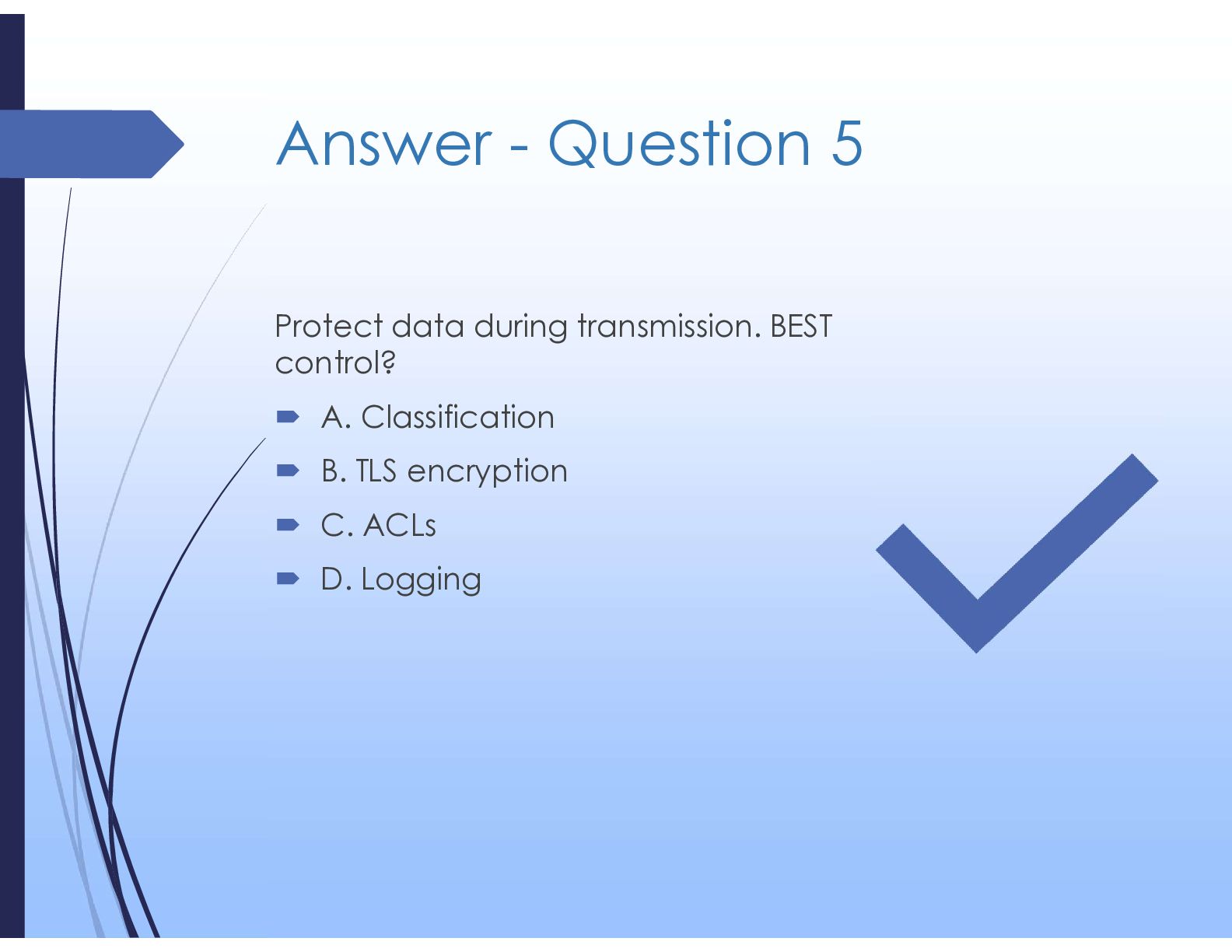
  34. Answer - Question 5 Protect data during transmission. BEST control?

     A. Classification  B. TLS encryption  C. ACLs  D. Logging  Answer: B  Data in transit → encryption.
  35. Question 6 User modifies data due to excessive access. BEST

    prevention?  A. Logging  B. Encryption  C. Least privilege  D. Backup
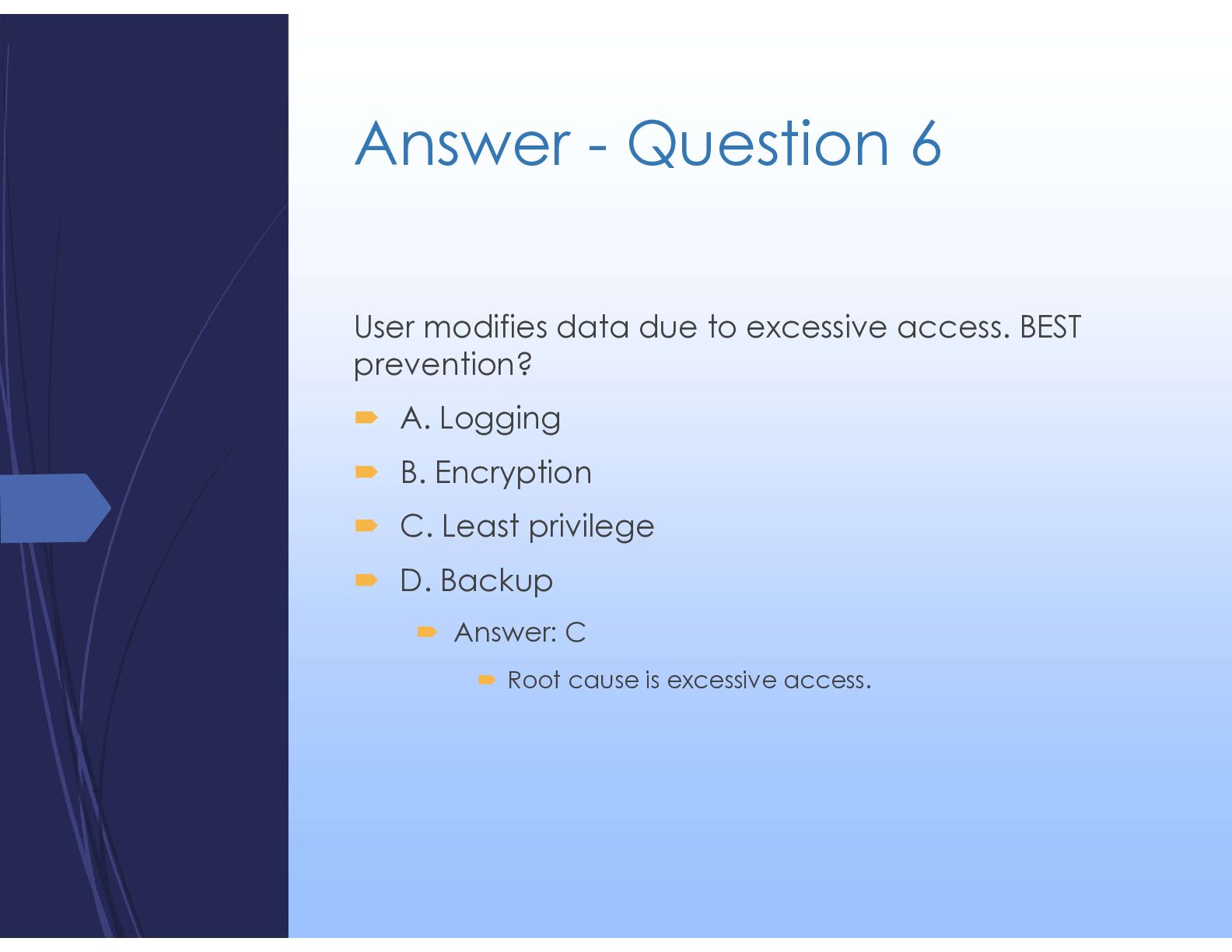
  36. Answer - Question 6 User modifies data due to excessive

    access. BEST prevention?  A. Logging  B. Encryption  C. Least privilege  D. Backup  Answer: C  Root cause is excessive access.
  37. Question 7 SIEM produces false positives. BEST action?  A.

    Disable alerts  B. Tune correlation rules  C. Add logs  D. Increase storage
  38. Answer - Question 7 SIEM produces false positives. BEST action?

     A. Disable alerts  B. Tune correlation rules  C. Add logs  D. Increase storage  Answer: B  Improve detection accuracy.
  39. Question 8  Risk of biometric authentication?  A. Slow

    speed  B. Credential reuse  C. Cannot revoke  D. Storage cost
  40. Answer - Question 8 Risk of biometric authentication?  A.

    Slow speed  B. Credential reuse  C. Cannot revoke  D. Storage cost  Answer: C  Biometrics cannot be changed.
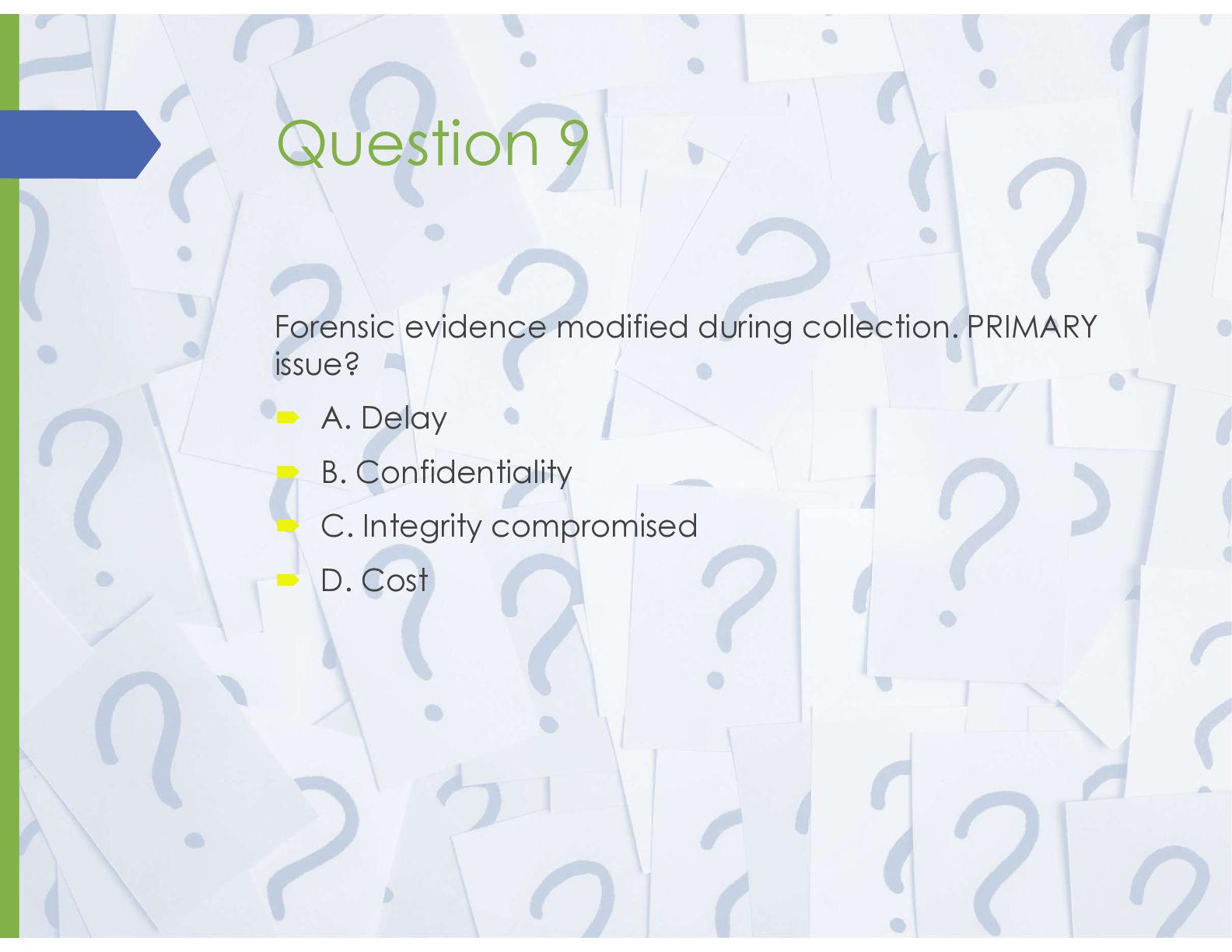
  41. Question 9 Forensic evidence modified during collection. PRIMARY issue? 

    A. Delay  B. Confidentiality  C. Integrity compromised  D. Cost
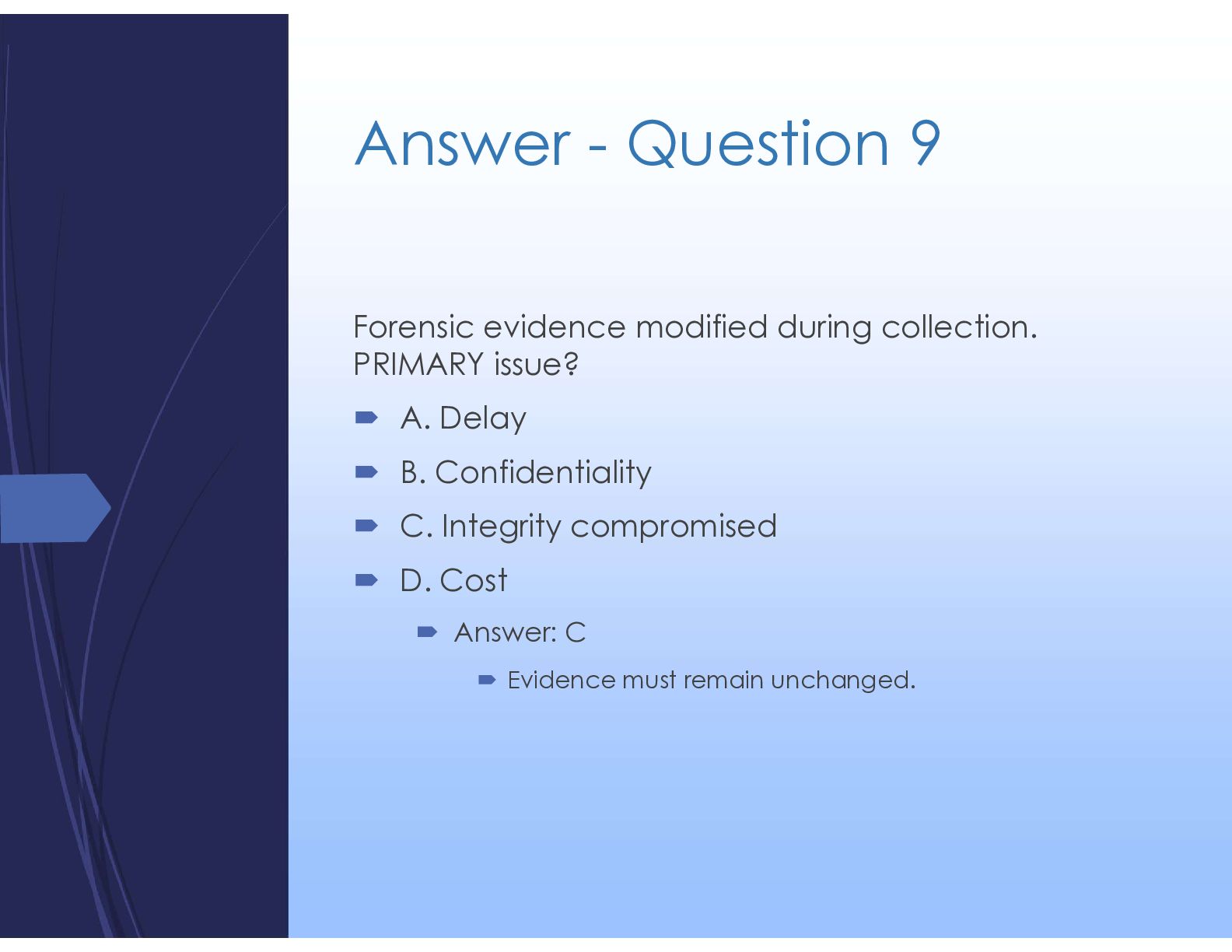
  42. Answer - Question 9 Forensic evidence modified during collection. PRIMARY

    issue?  A. Delay  B. Confidentiality  C. Integrity compromised  D. Cost  Answer: C  Evidence must remain unchanged.
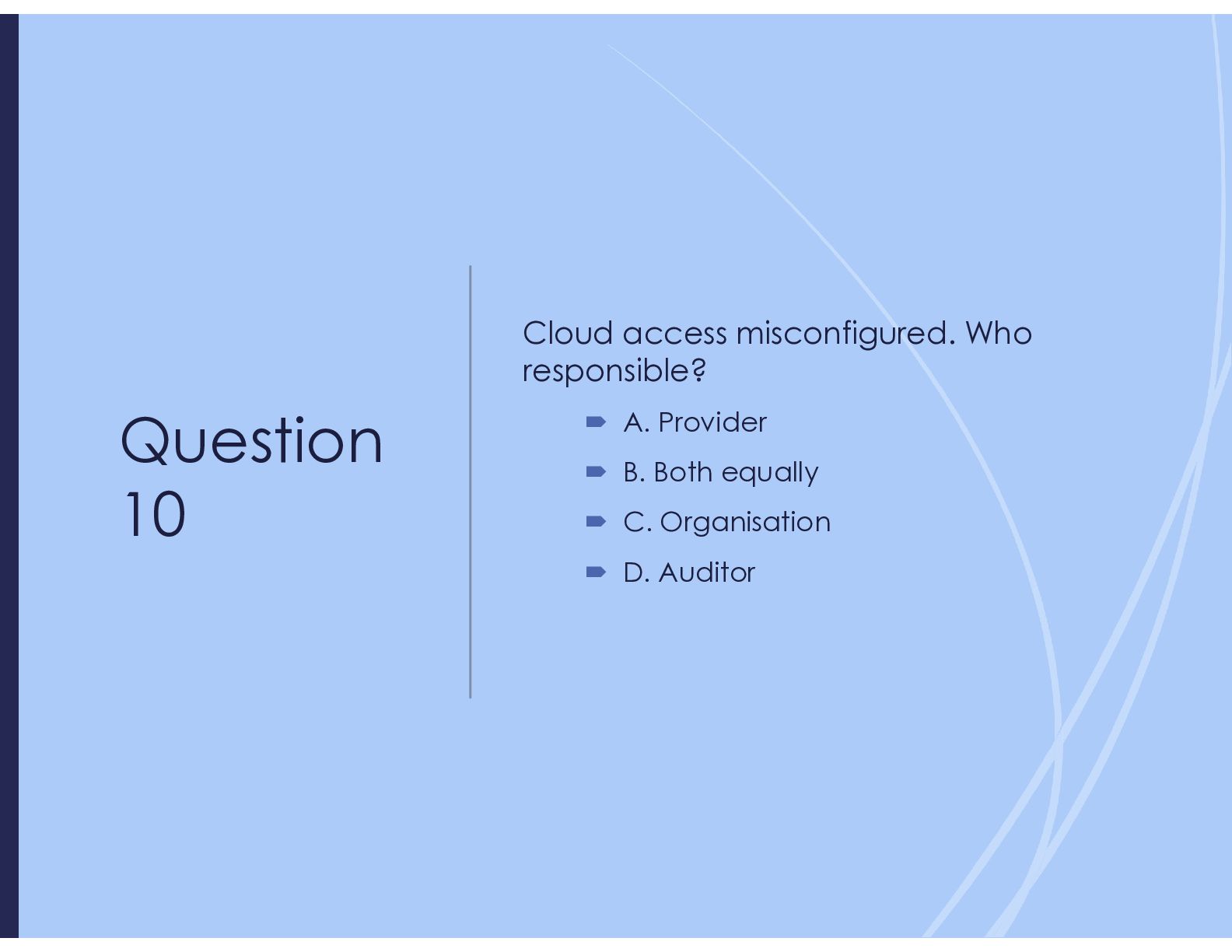
  43. Question 10 Cloud access misconfigured. Who responsible?  A. Provider

     B. Both equally  C. Organisation  D. Auditor
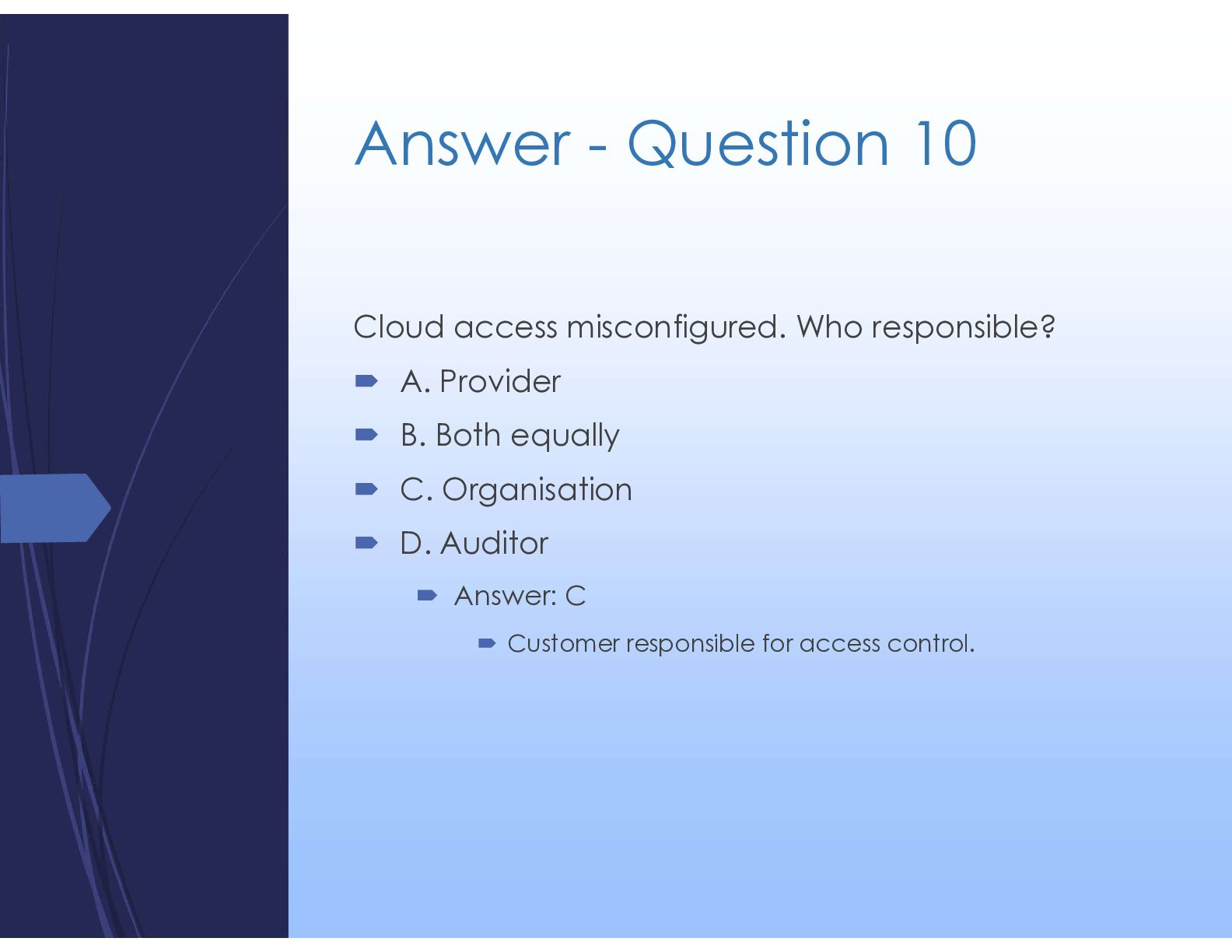
  44. Answer - Question 10 Cloud access misconfigured. Who responsible? 

    A. Provider  B. Both equally  C. Organisation  D. Auditor  Answer: C  Customer responsible for access control.
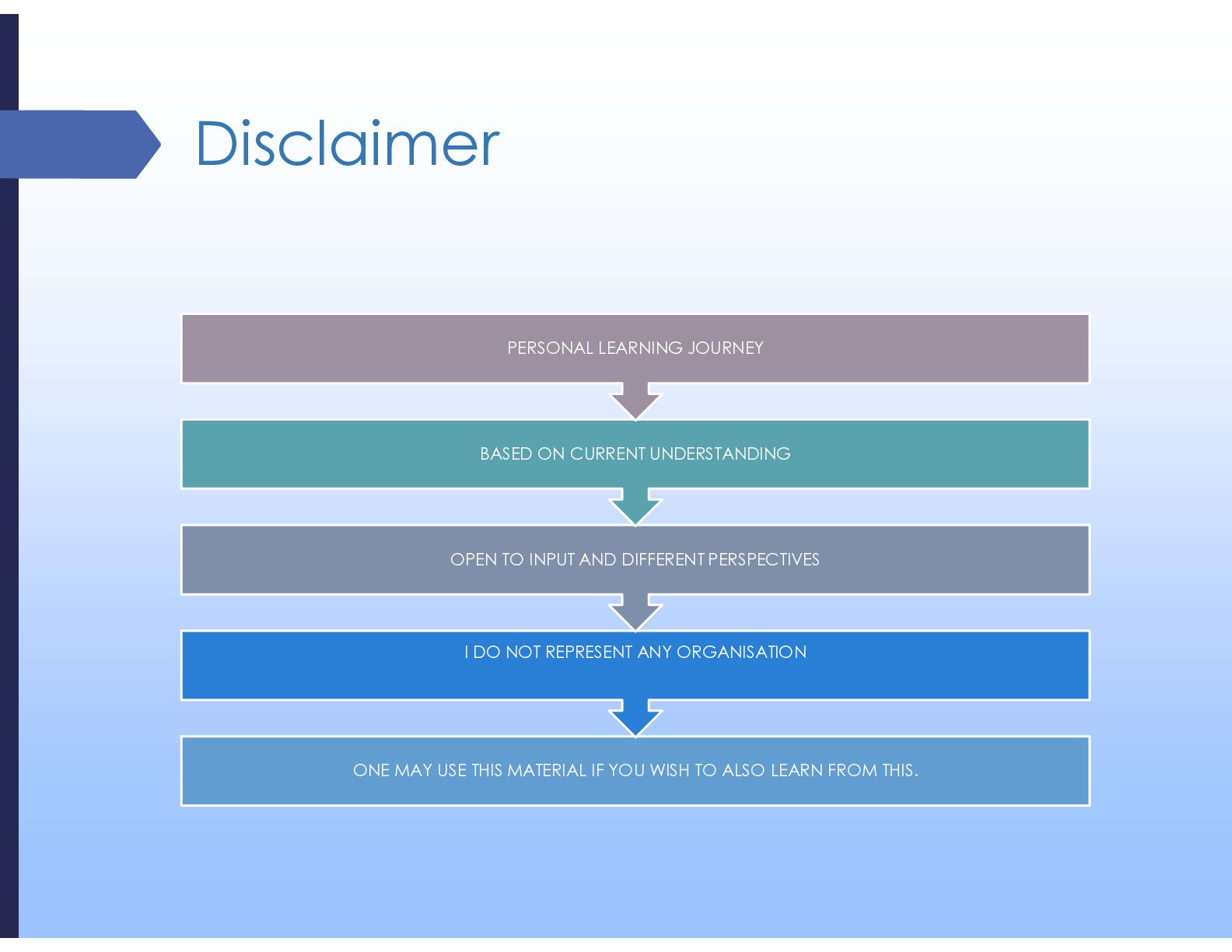
  45. Disclaimer ONE MAY USE THIS MATERIAL IF YOU WISH TO

    ALSO LEARN FROM THIS. I DO NOT REPRESENT ANY ORGANISATION OPEN TO INPUT AND DIFFERENT PERSPECTIVES BASED ON CURRENT UNDERSTANDING PERSONAL LEARNING JOURNEY