developer •Developer Evangelist @ Microsoft •Live in Austin, TX •<3 JavaScript •Passionate about tech community. All community. •I tweet a lot. @atxryan •When not tweeting, you can find me across the entire internet by searching ‘atxryan’
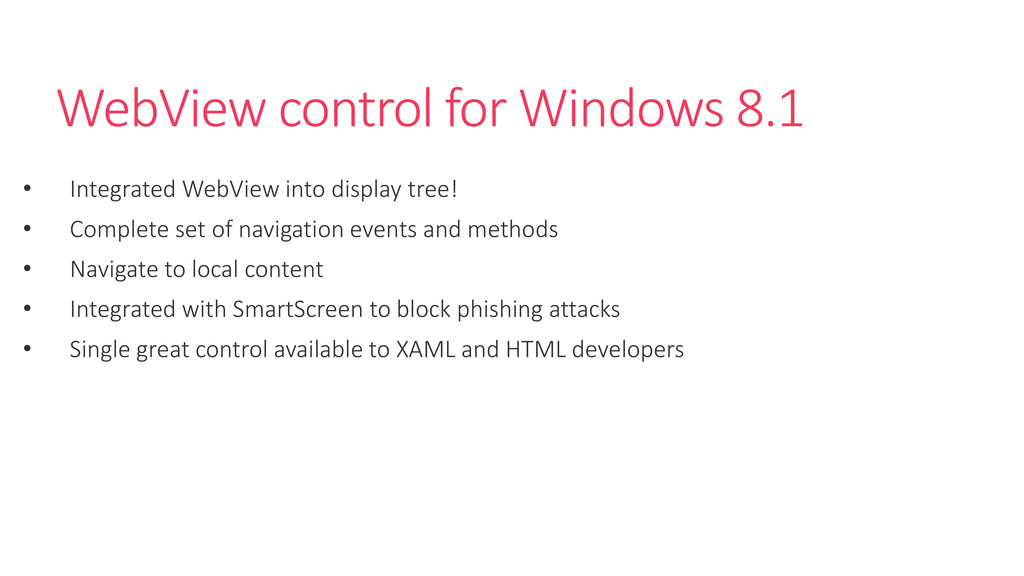
tree! • Complete set of navigation events and methods • Navigate to local content • Integrated with SmartScreen to block phishing attacks • Single great control available to XAML and HTML developers
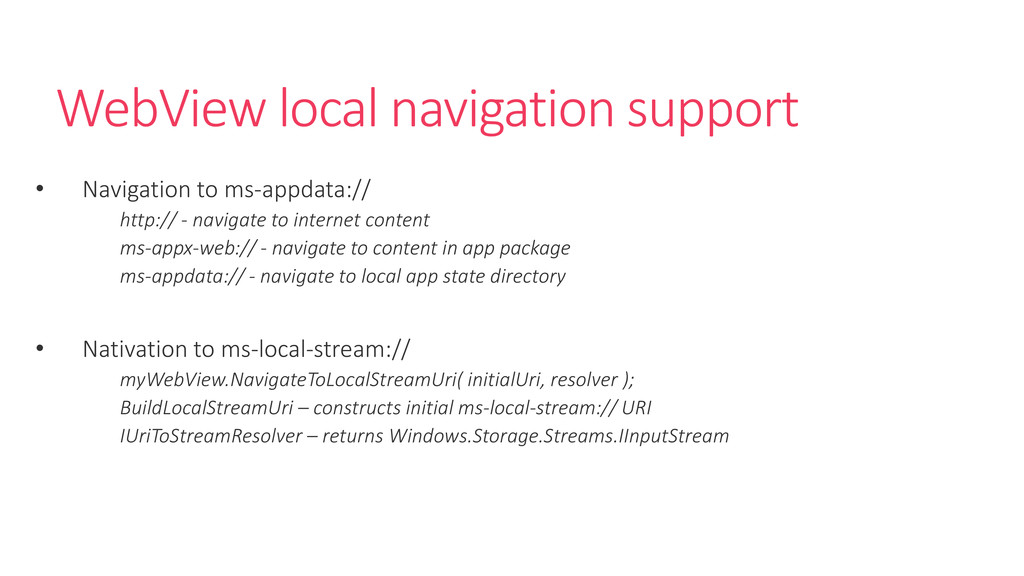
navigate to internet content ms-appx-web:// - navigate to content in app package ms-appdata:// - navigate to local app state directory • Nativation to ms-local-stream:// myWebView.NavigateToLocalStreamUri( initialUri, resolver ); BuildLocalStreamUri – constructs initial ms-local-stream:// URI IUriToStreamResolver – returns Windows.Storage.Streams.IInputStream


 atxryan
 aoshi
 sms_tech
 t0yohei
 leegeunhyeok
 quramy
 l2hyunwoo
 simas
 takateeen_knj
 yuuu
 dalinaum
 rkaga
 inesmontani
 yeseniaperezcruz
 frankvandijk
 reverentgeek
 jnunemaker
 katarinadahlin
 szymonslowik
 ryanjones
 kastner
 cassininazir