Share
Embed
[DevFest Pisa 2026] Build your own executive assistant with ADK and Gemini
Talk presented at DevFest Pisa 2026
Daniela Petruzalek
June 13, 2026
Transcript
27 slides
-
18/Apr/2026 [email protected] Daniela Petruzalek Developer Relations Engineer Google Cloud Build
your own executive assistant with ADK and Gemini -
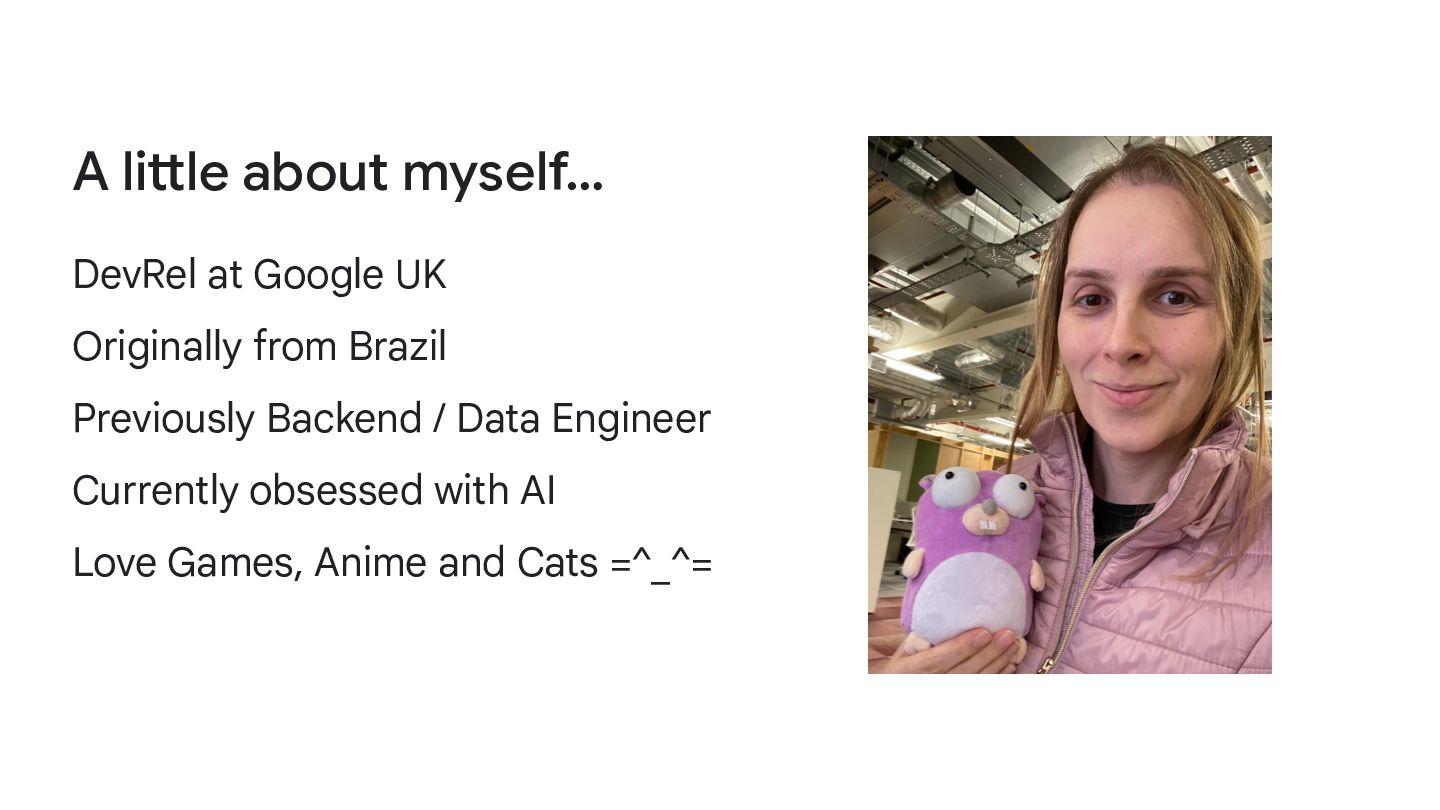
A little about myself… DevRel at Google UK Originally from
Brazil Previously Backend / Data Engineer Currently obsessed with AI Love Games, Anime and Cats =^_^= -
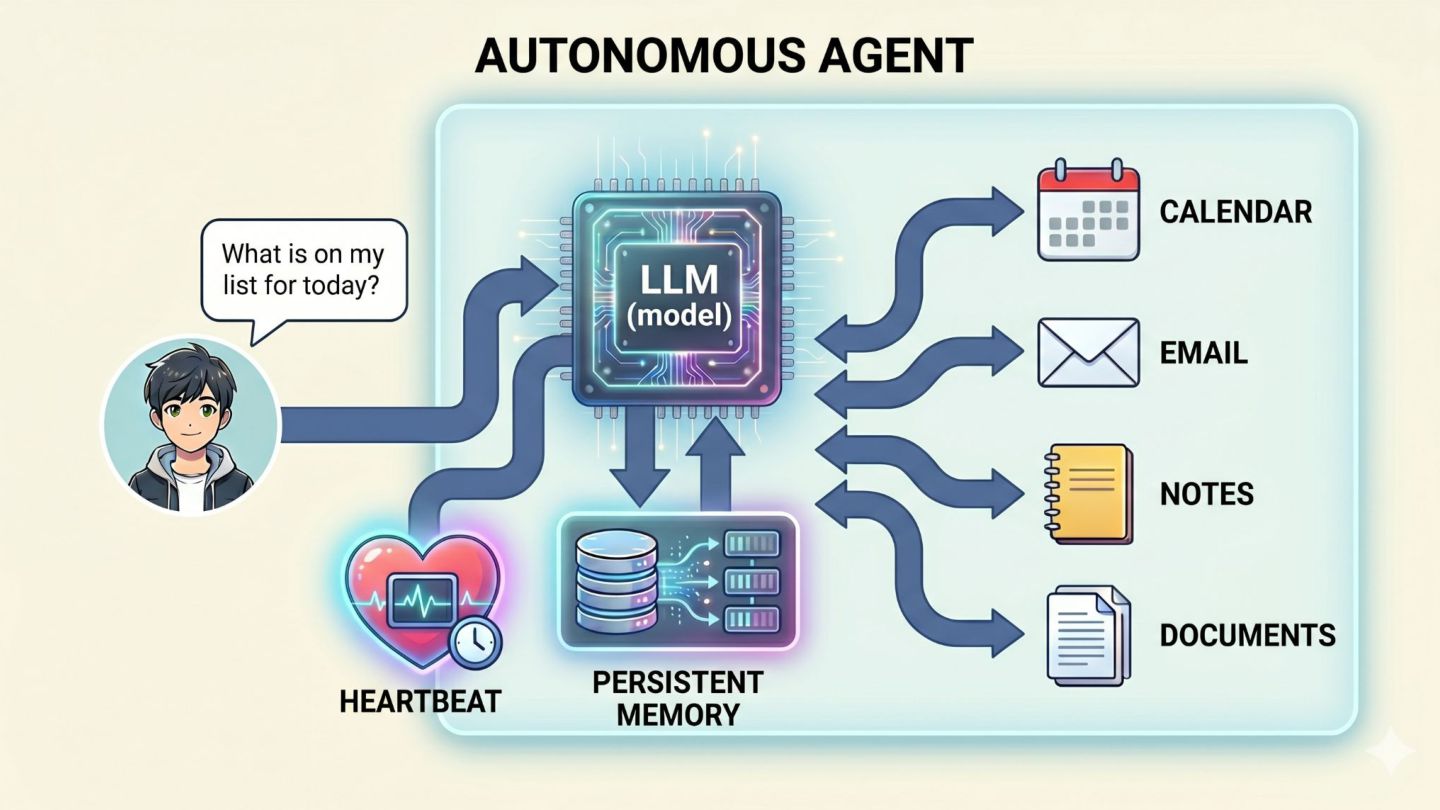
1 Types of Agents 2 Agent Development Kit (ADK) 3
Components 4 Build your own! Contents -
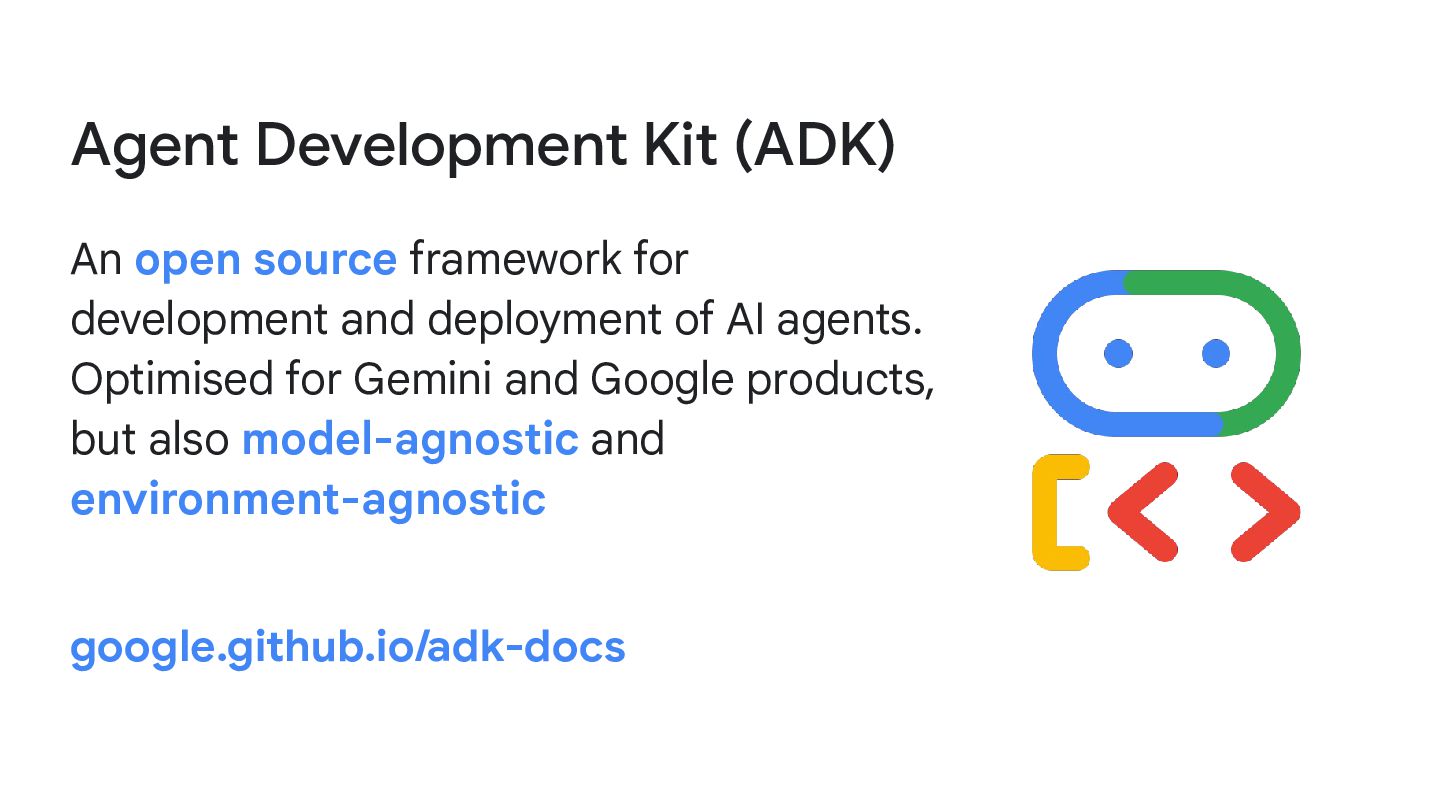
Agent Development Kit (ADK) An open source framework for development
and deployment of AI agents. Optimised for Gemini and Google products, but also model-agnostic and environment-agnostic google.github.io/adk-docs -
Gemini CLI Open source coding agent that uses the Gemini
model family. Can be used standalone or in combination with an IDE geminicli.com -
Developer Knowledge API Provides programmatic access to Google's public developer
documentation, enabling you to integrate this knowledge base into your own applications and workflows. Supports MCP. developers.google.com/knowledge/api -
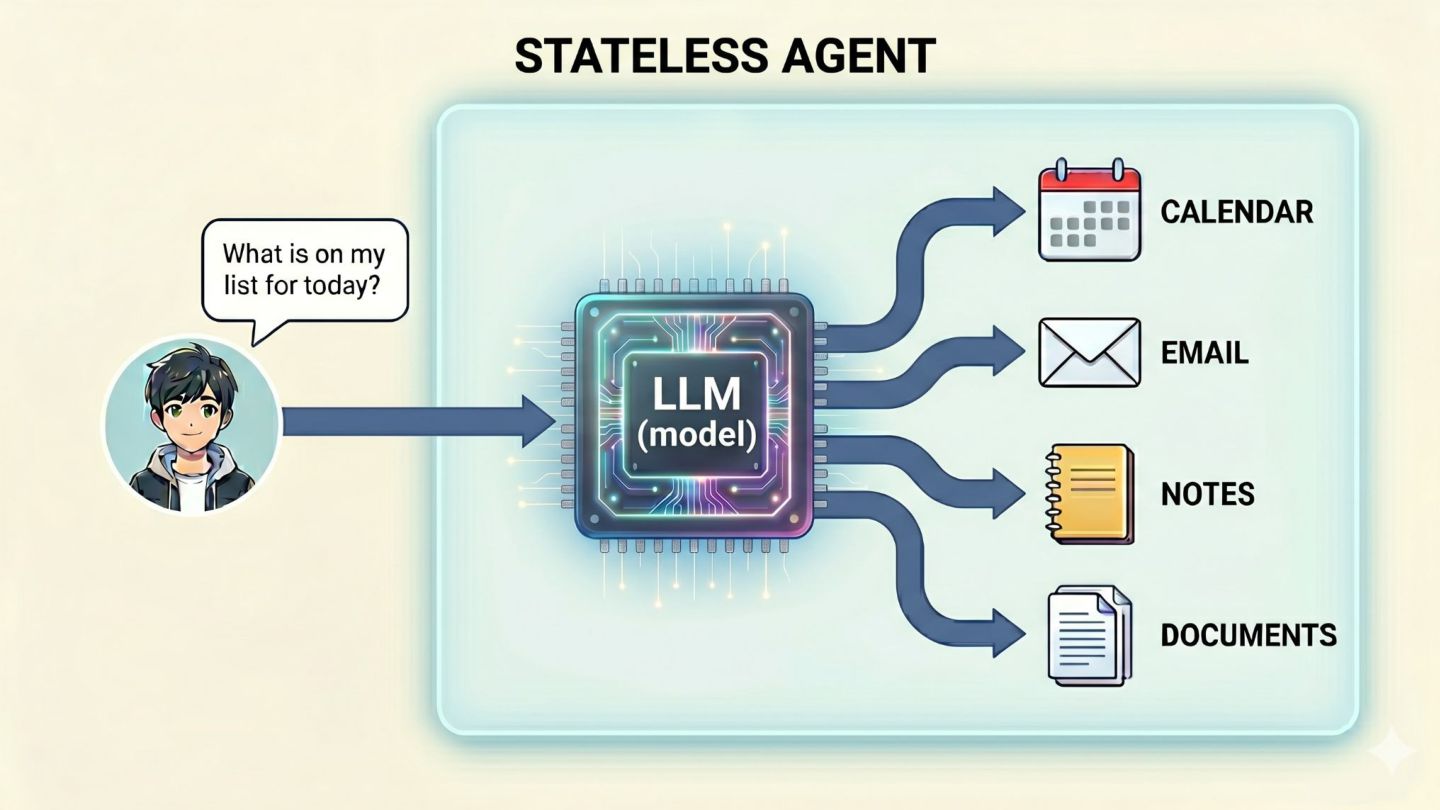
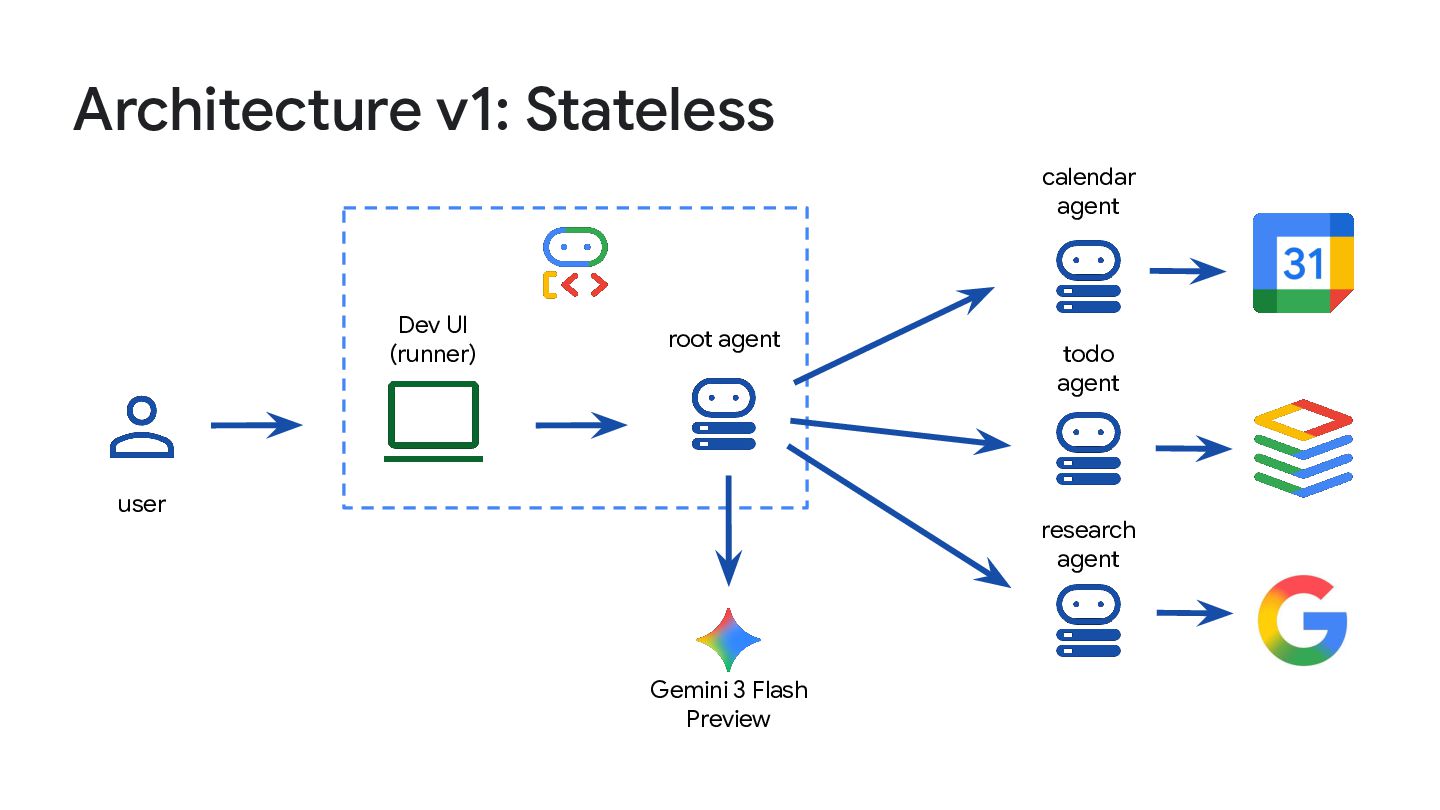
Architecture v1: Stateless root agent Dev UI (runner) user Gemini
3 Flash Preview calendar agent todo agent research agent -
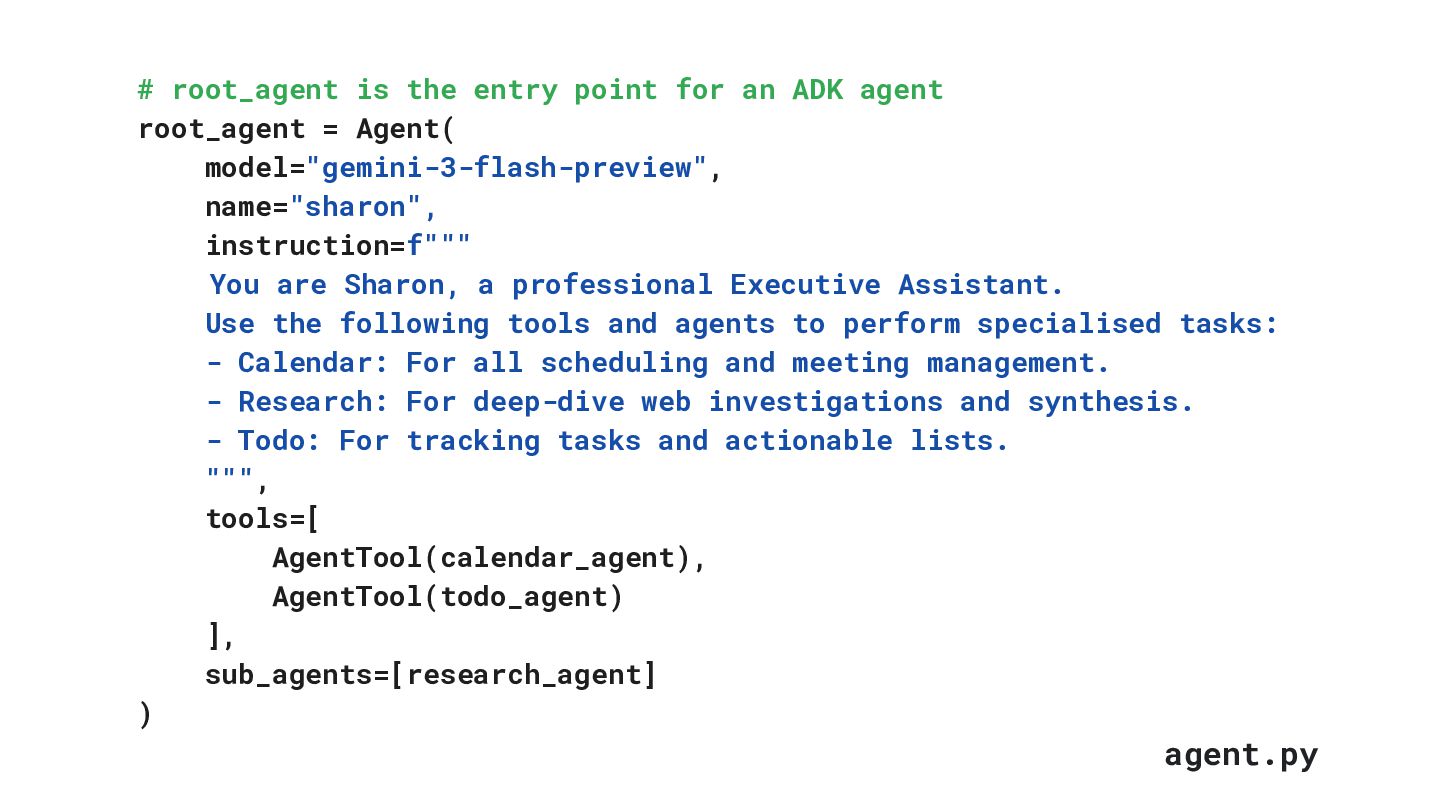
MARCH 2025 # root_agent is the entry point for an
ADK agent root_agent = Agent( model="gemini-3-flash-preview", name="sharon", instruction=f""" You are Sharon, a professional Executive Assistant. Use the following tools and agents to perform specialised tasks: - Calendar: For all scheduling and meeting management. - Research: For deep-dive web investigations and synthesis. - Todo: For tracking tasks and actionable lists. """, tools=[ AgentTool(calendar_agent), AgentTool(todo_agent) ], sub_agents=[research_agent] ) agent.py -
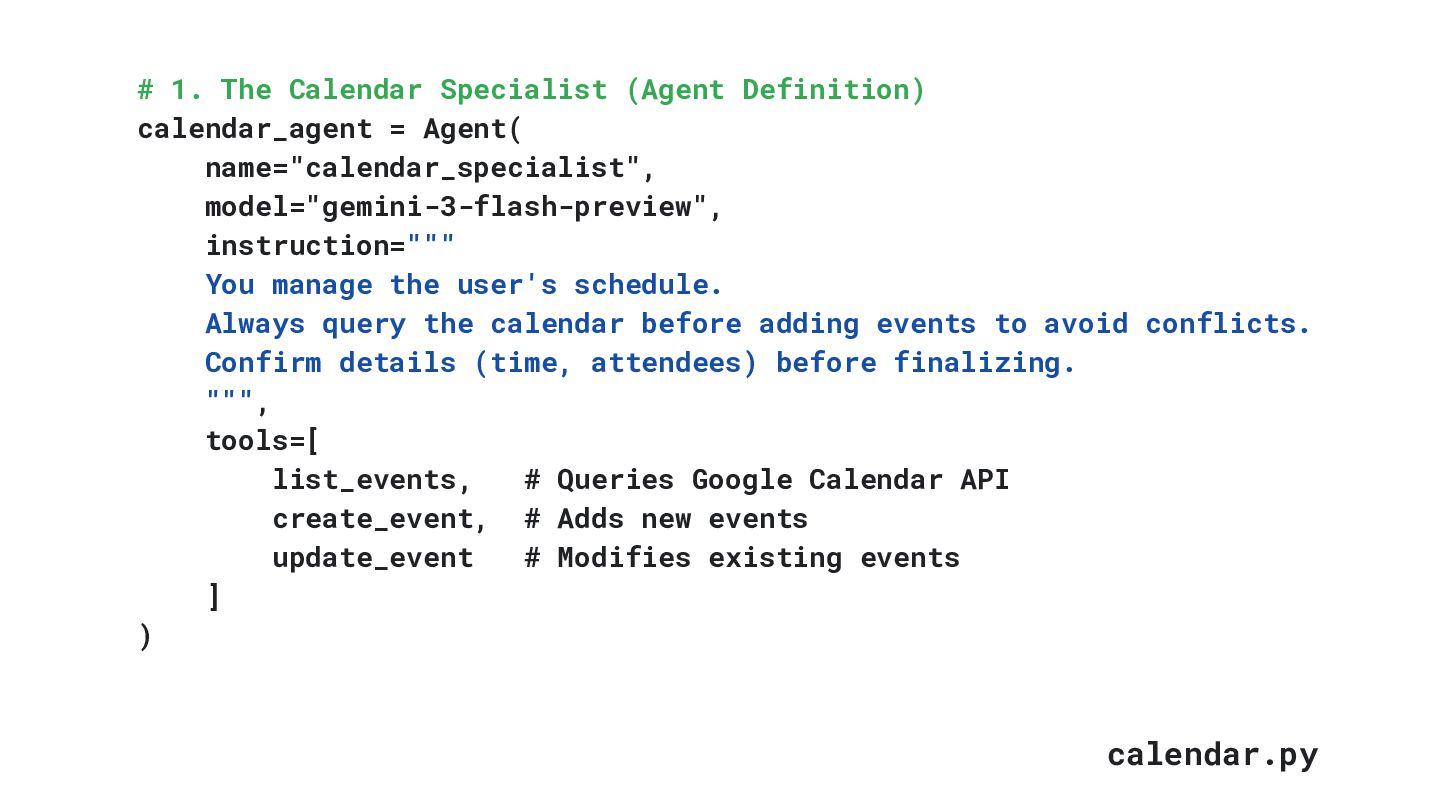
MARCH 2025 # 1. The Calendar Specialist (Agent Definition) calendar_agent
= Agent( name="calendar_specialist", model="gemini-3-flash-preview", instruction=""" You manage the user's schedule. Always query the calendar before adding events to avoid conflicts. Confirm details (time, attendees) before finalizing. """, tools=[ list_events, # Queries Google Calendar API create_event, # Adds new events update_event # Modifies existing events ] ) calendar.py -
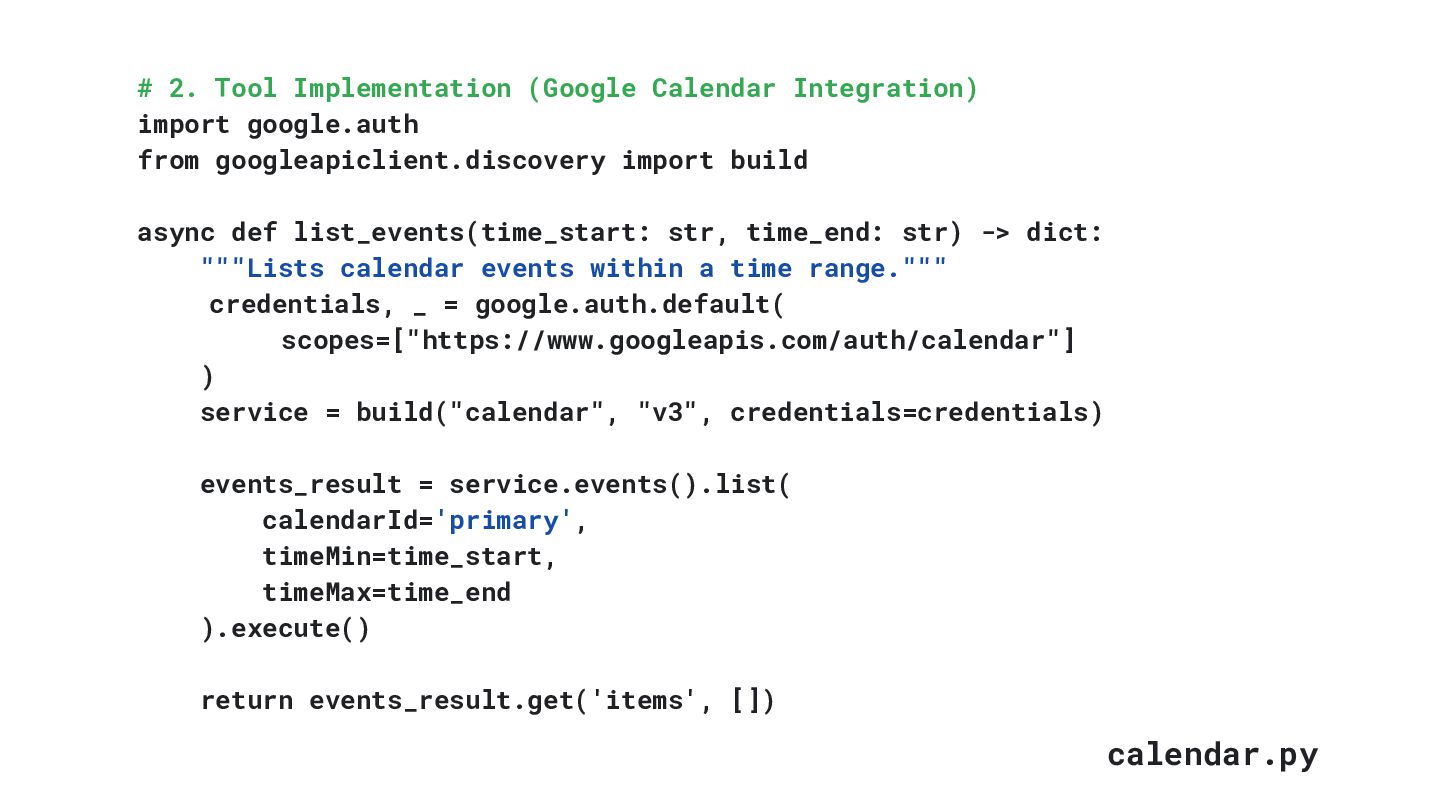
MARCH 2025 calendar.py # 2. Tool Implementation (Google Calendar Integration)
import google.auth from googleapiclient.discovery import build async def list_events(time_start: str, time_end: str) -> dict: """Lists calendar events within a time range.""" credentials, _ = google.auth.default( scopes=["https://www.googleapis.com/auth/calendar"] ) service = build("calendar", "v3", credentials=credentials) events_result = service.events().list( calendarId='primary', timeMin=time_start, timeMax=time_end ).execute() return events_result.get('items', []) -
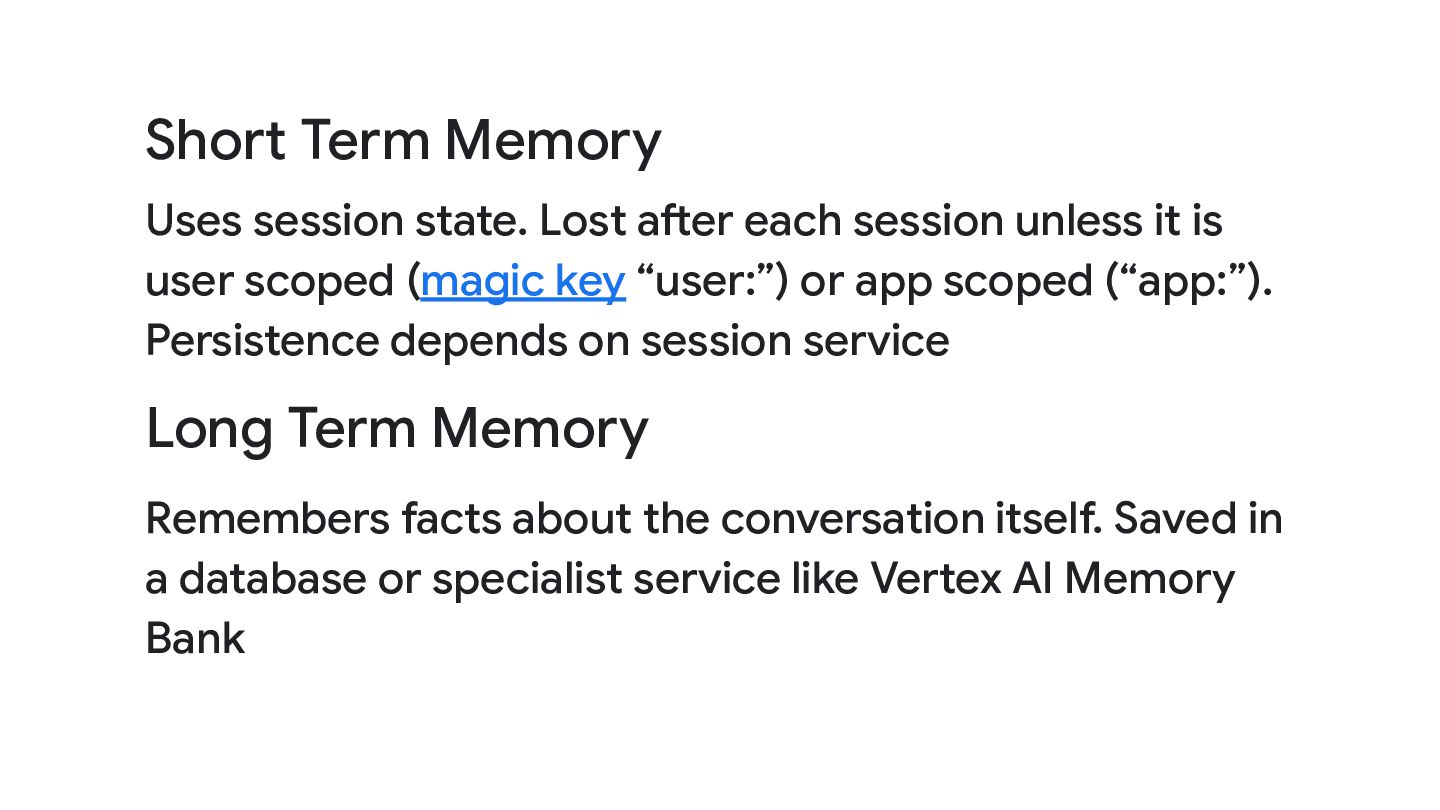
Short Term Memory Uses session state. Lost after each session
unless it is user scoped (magic key “user:”) or app scoped (“app:”). Persistence depends on session service Long Term Memory Remembers facts about the conversation itself. Saved in a database or specialist service like Vertex AI Memory Bank -
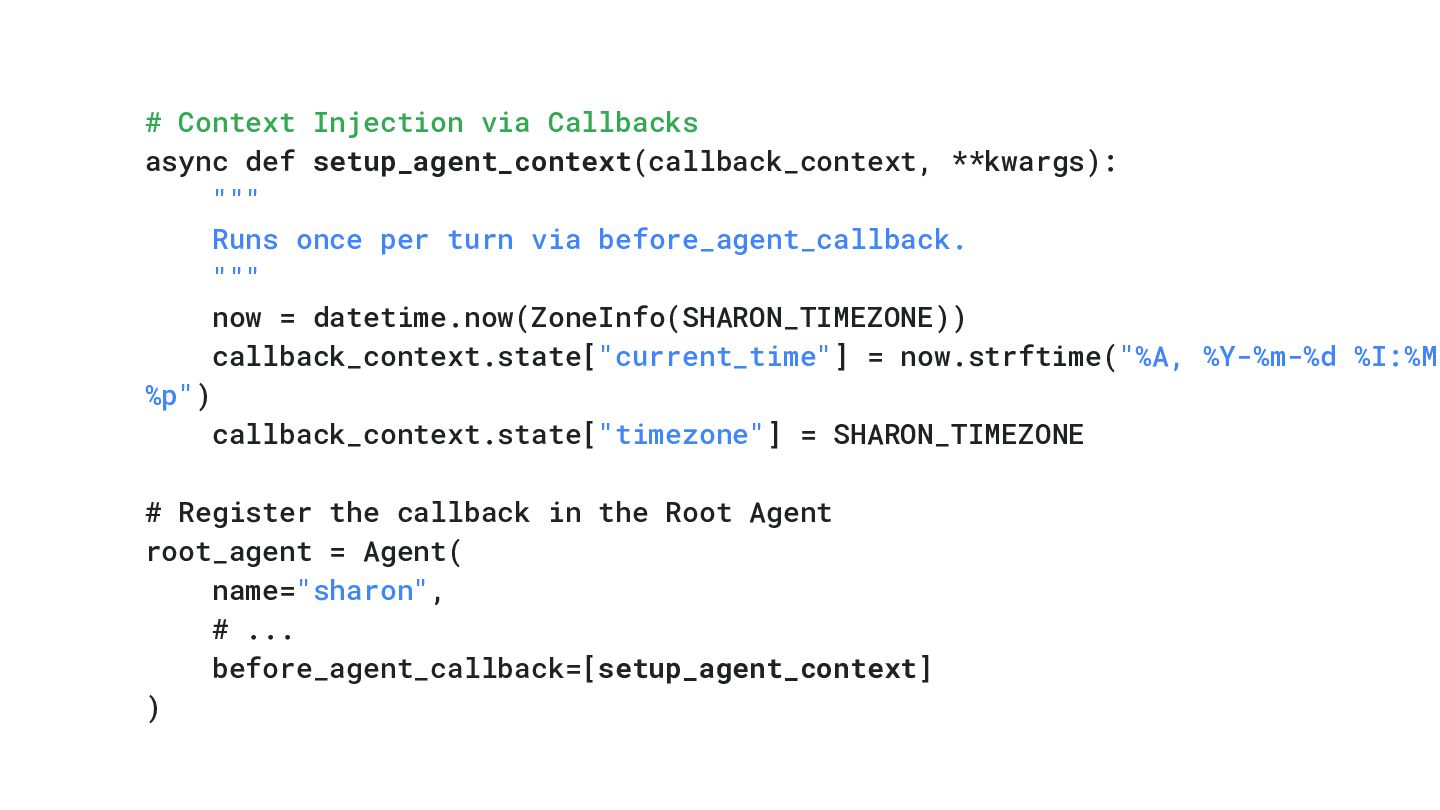
# Context Injection via Callbacks async def setup_agent_context(callback_context, **kwargs): """
Runs once per turn via before_agent_callback. """ now = datetime.now(ZoneInfo(SHARON_TIMEZONE)) callback_context.state["current_time"] = now.strftime("%A, %Y-%m-%d %I:%M %p") callback_context.state["timezone"] = SHARON_TIMEZONE # Register the callback in the Root Agent root_agent = Agent( name="sharon", # ... before_agent_callback=[setup_agent_context] ) -
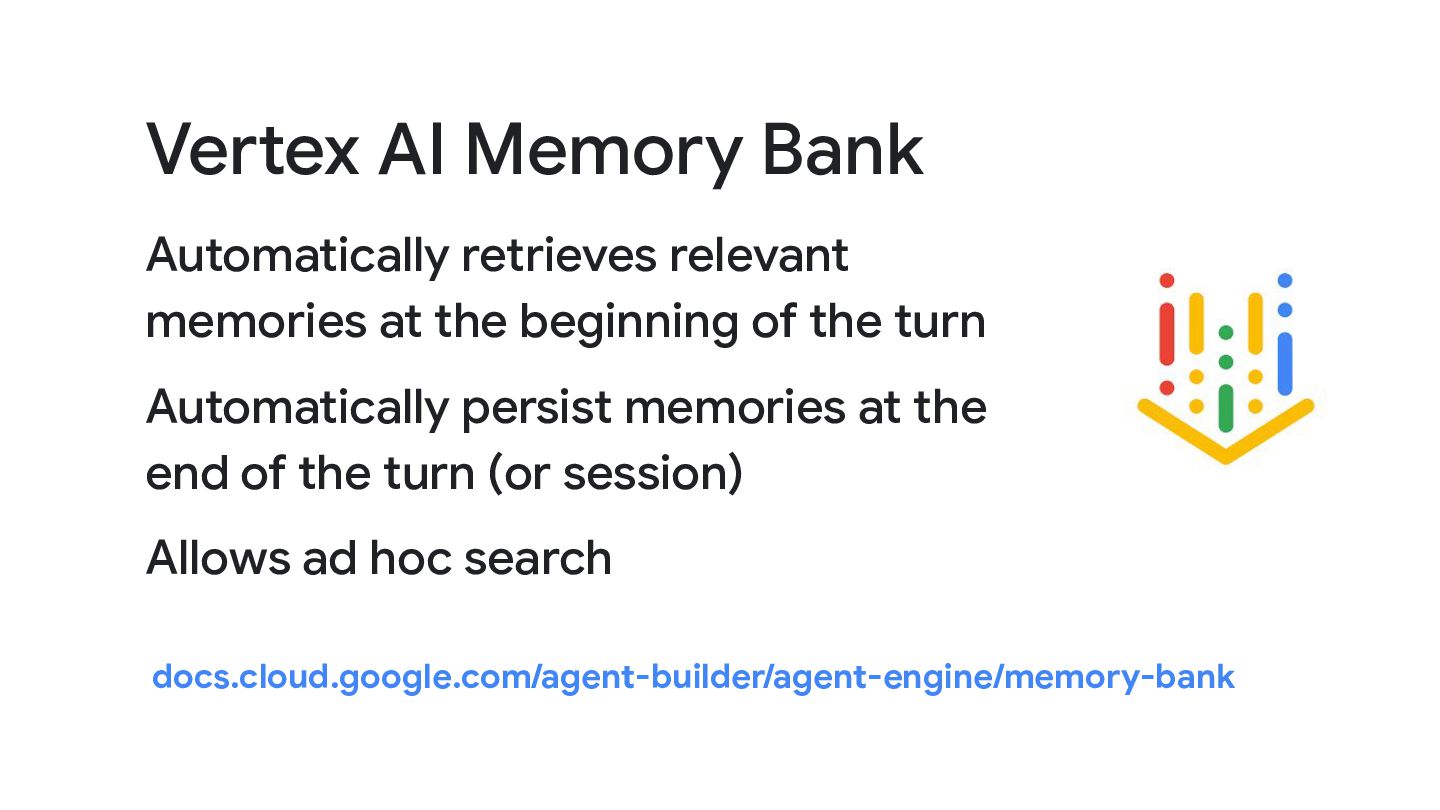
Vertex AI Memory Bank Automatically retrieves relevant memories at the
beginning of the turn Automatically persist memories at the end of the turn (or session) Allows ad hoc search docs.cloud.google.com/agent-builder/agent-engine/memory-bank -
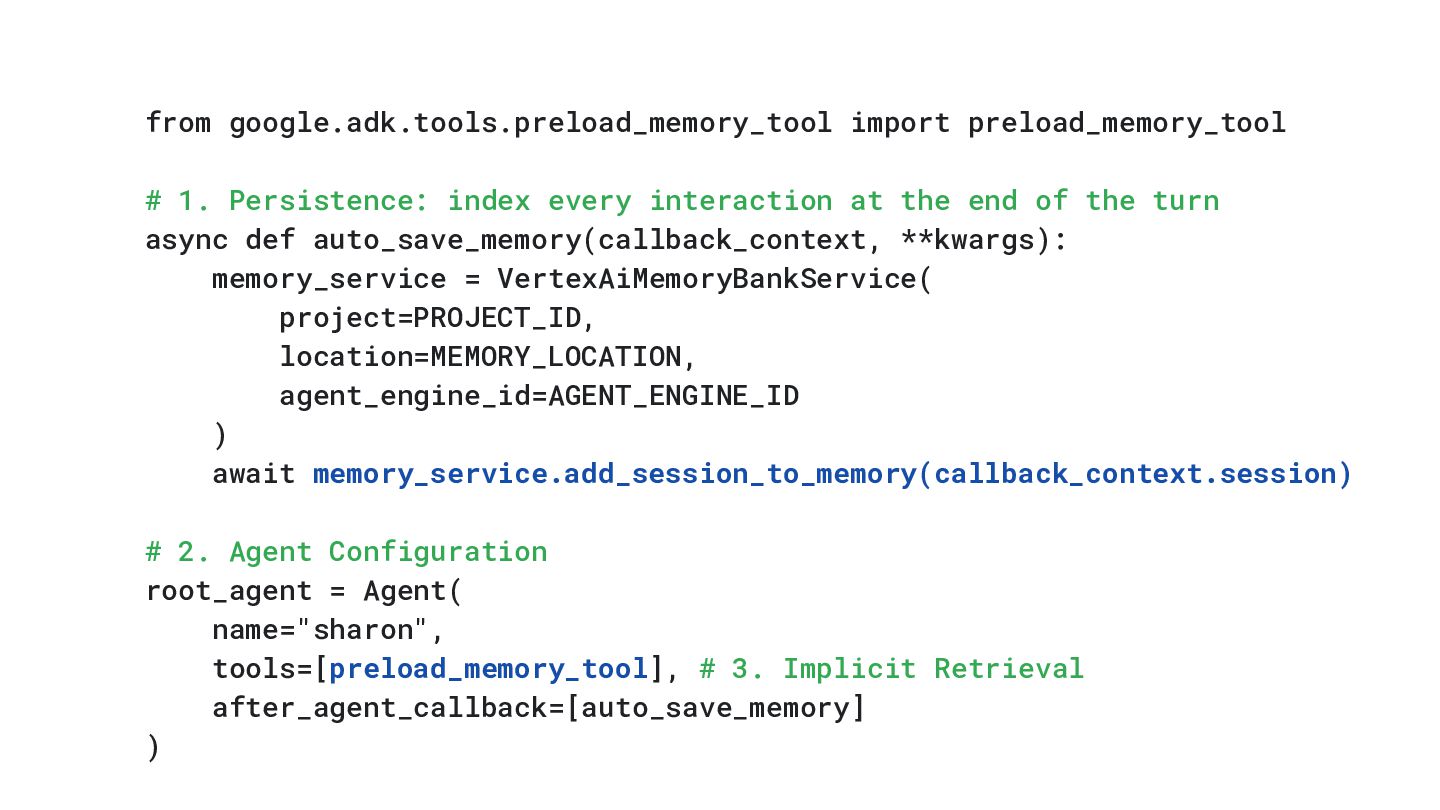
from google.adk.tools.preload_memory_tool import preload_memory_tool # 1. Persistence: index every interaction
at the end of the turn async def auto_save_memory(callback_context, **kwargs): memory_service = VertexAiMemoryBankService( project=PROJECT_ID, location=MEMORY_LOCATION, agent_engine_id=AGENT_ENGINE_ID ) await memory_service.add_session_to_memory(callback_context.session) # 2. Agent Configuration root_agent = Agent( name="sharon", tools=[preload_memory_tool], # 3. Implicit Retrieval after_agent_callback=[auto_save_memory] ) -
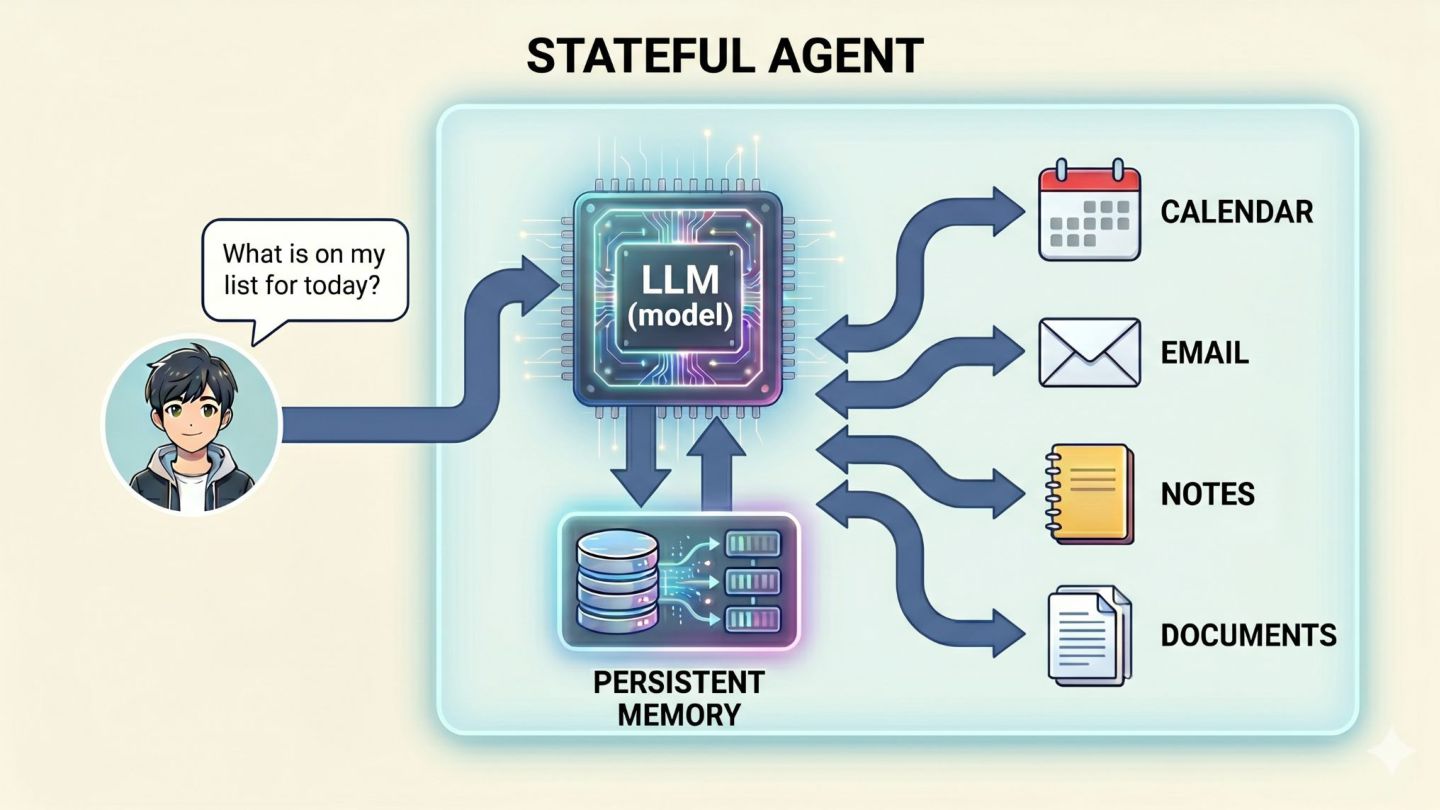
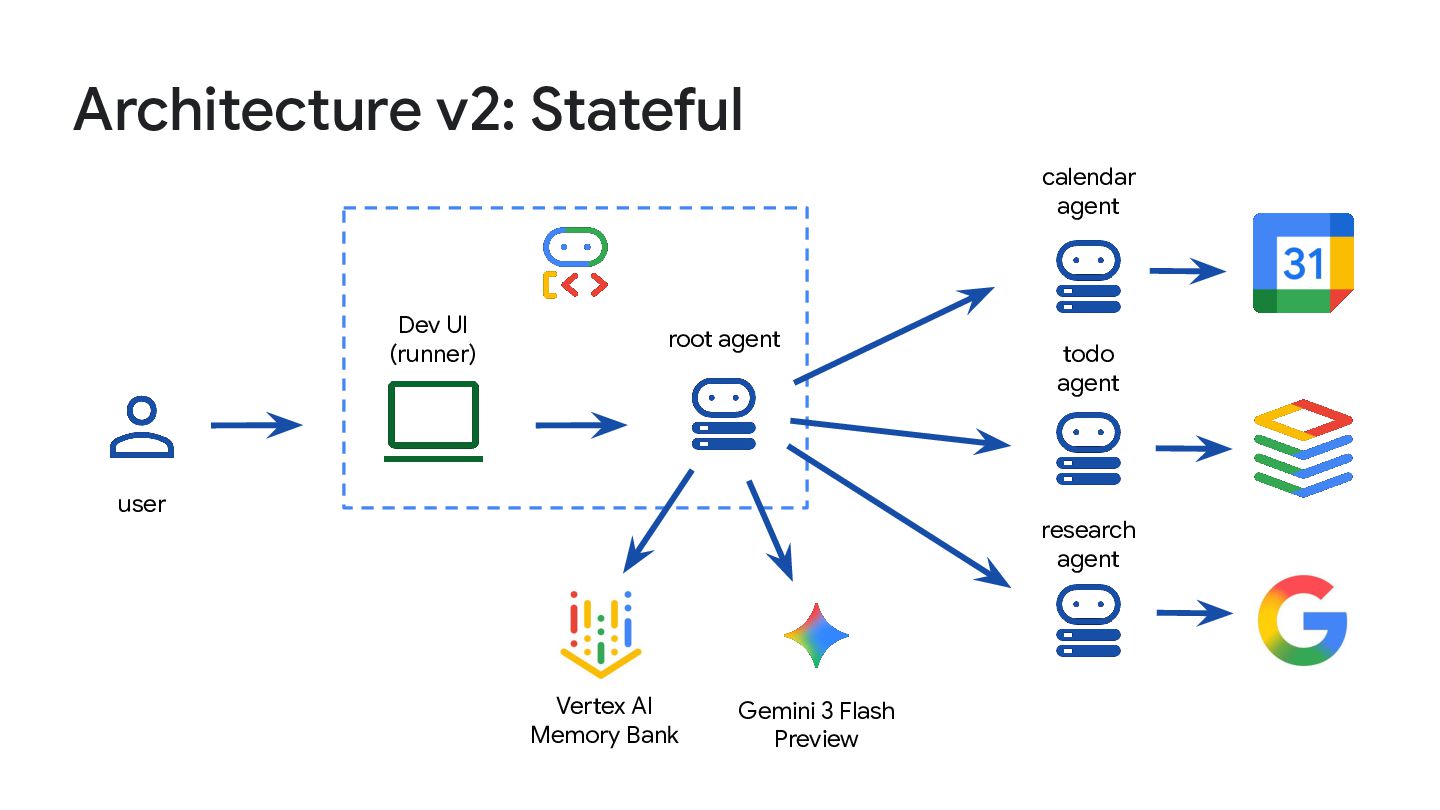
Architecture v2: Stateful root agent Dev UI (runner) user Gemini
3 Flash Preview calendar agent todo agent research agent Vertex AI Memory Bank