Upgrade to Pro — share decks privately, control downloads, hide ads and more …

Kotlin/Wasm – Finally, the missing piece for a ...

Kotlin/Wasm – Finally, the missing piece for a full stack Kotlin webapp!

Building a full stack webapp entirely using Jetbrains frameworks and Kotlin has long been a dream of mine. If you’re like me (a longtime Android and backend developer), you want to write everything in Kotlin including the front end, but doing that has historically been the hardest, trickiest part. While there are some frameworks that can help bridge the gap, it’s always felt a little disjointed when integrating them with the rest of the stack.

But no longer! With Kotlin/Wasm reaching Beta and having full support in modern browsers, we finally have the missing piece to do everything in our webapp using Kotlin and Jetbrains’ well-supported frameworks in a performant, pixel-perfect way. We’ll walk through building a full stack webapp from top to bottom using Kotlin/Wasm + Compose Multiplatform + Coroutines + Exposed + Ktor, finally uniting the UI, business logic, database, and server. Through code examples and contextual discussion you’ll get a solid introduction on how to use Kotlin and its frameworks at every level of the stack, why that’s so desirable, why Kotlin/Wasm is a key unlock, as well as an introduction to frameworks you might not have used yet but should consider (Exposed, Ktor). Let’s go spin up some fully Kotlinized webapps!

Avatar for Dan Kim

Dan Kim

May 21, 2026

More Decks by Dan Kim

Other Decks in Programming

Transcript

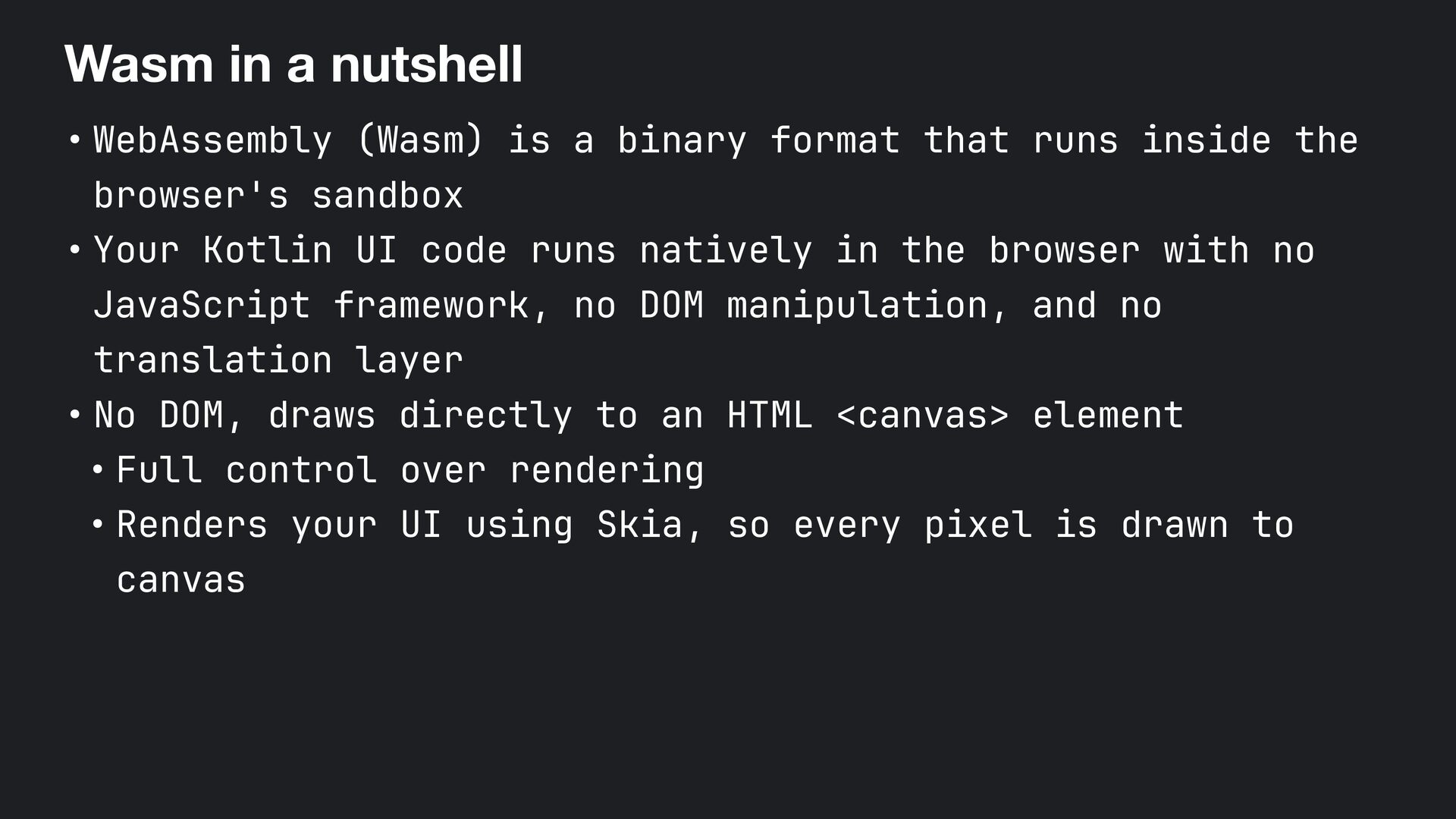
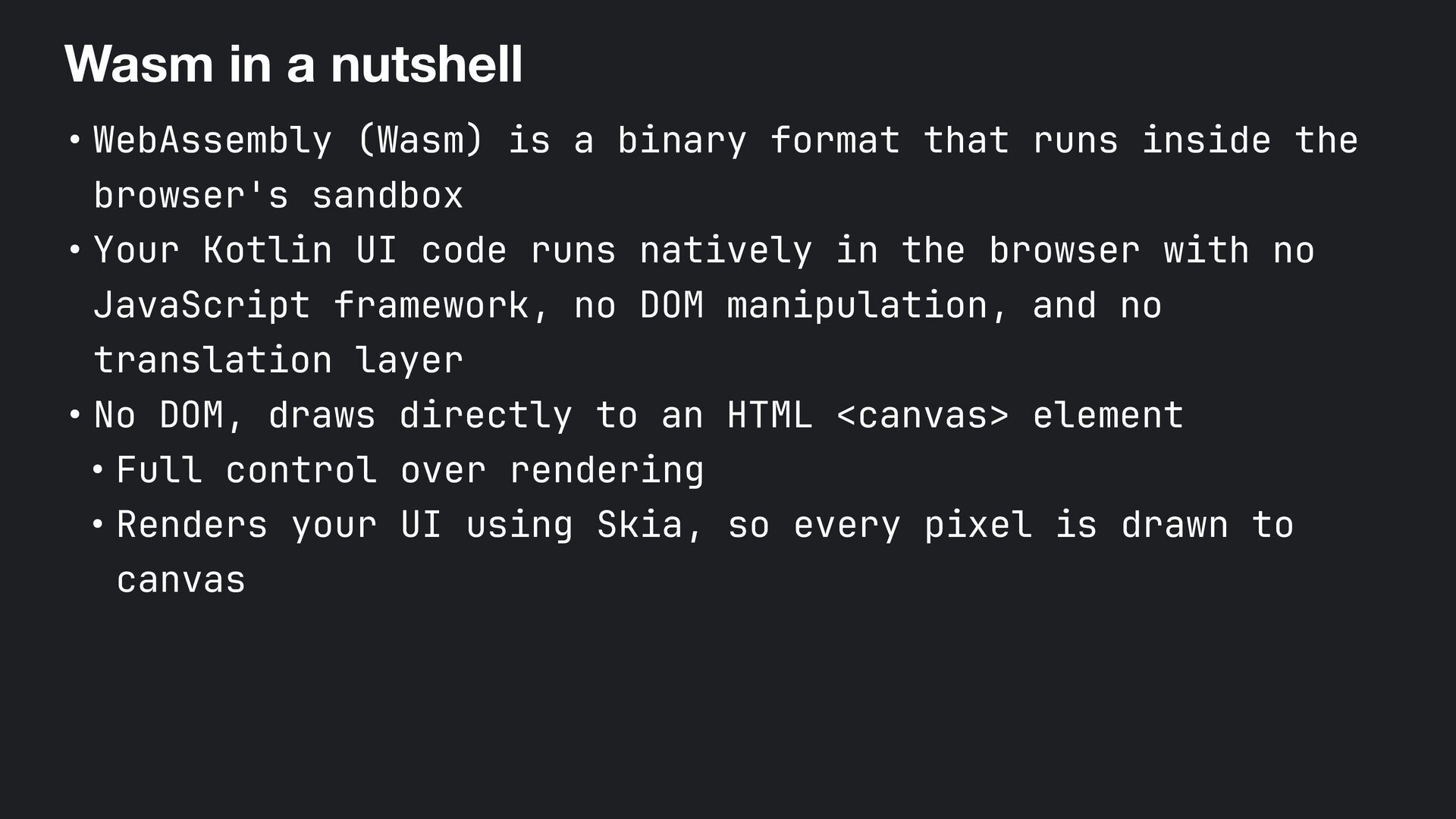
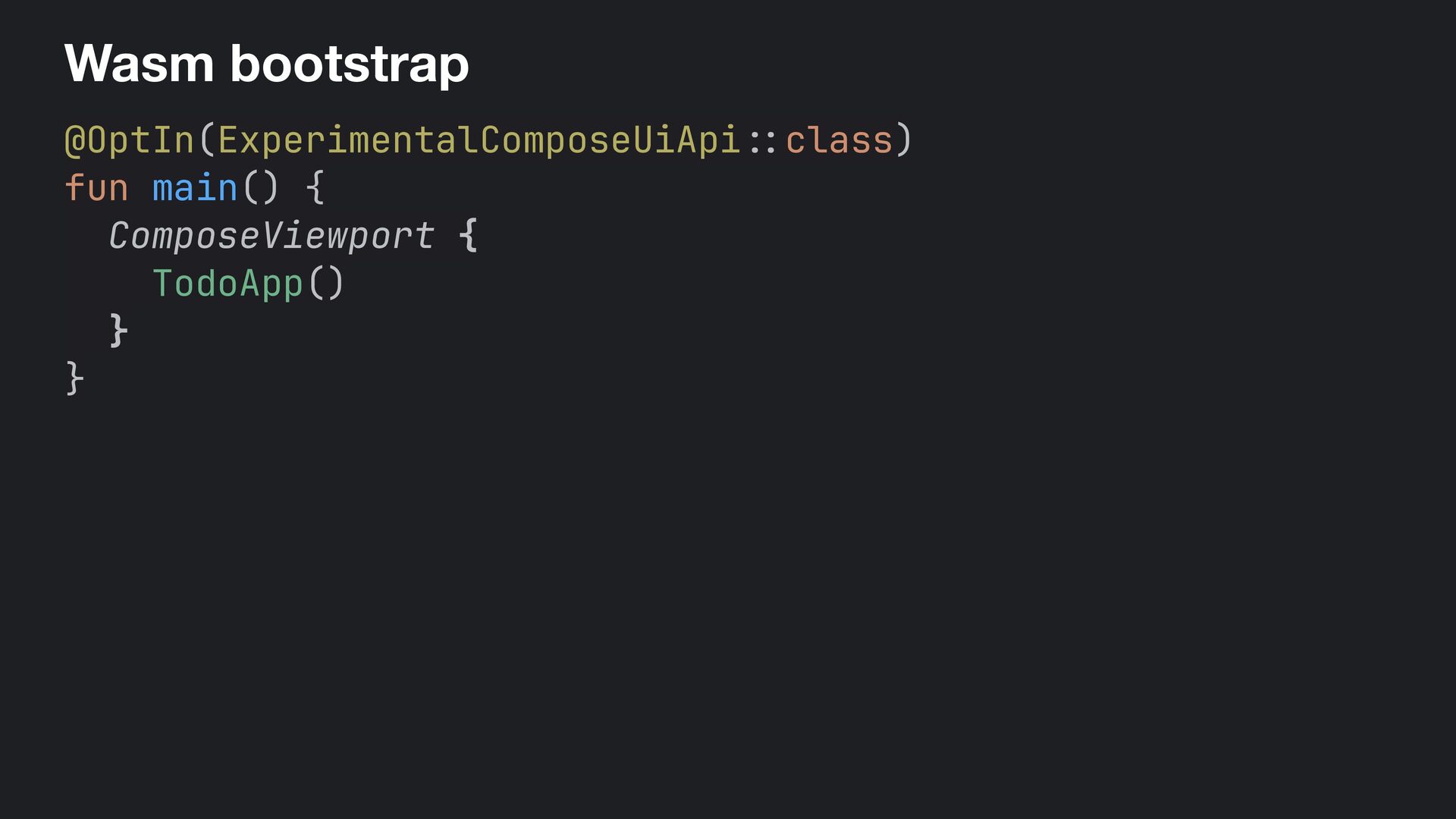
  1. Wasm in a nutshell • WebAssembly (Wasm) is a binary

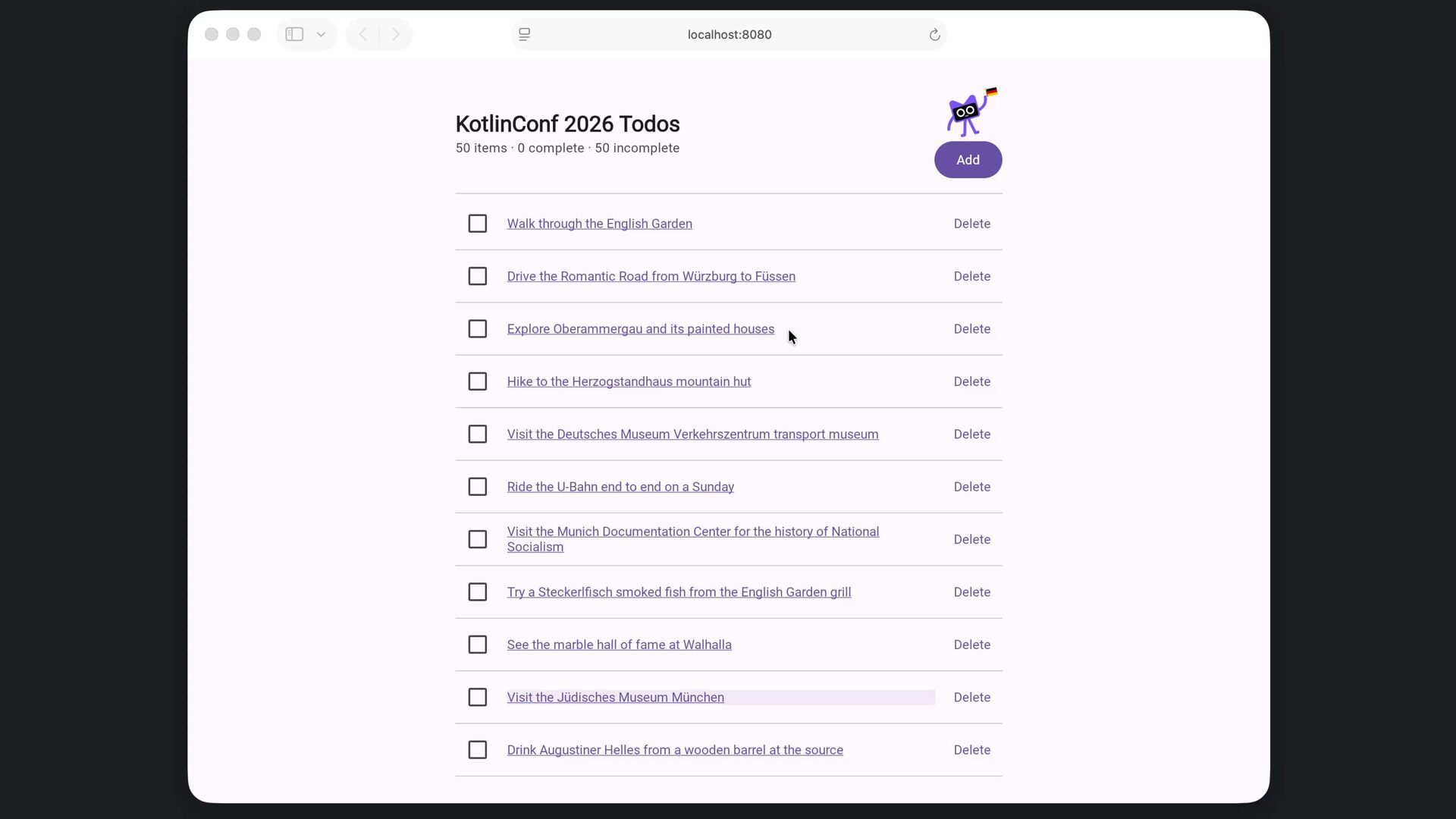
    format that runs inside the browser's sandbox • Your Kotlin UI code runs natively in the browser with no JavaScript framework, no DOM manipulation, and no translation layer • No DOM, draws directly to an HTML <canvas> element • Full control over rendering • Renders your UI using Skia, so every pixel is drawn to canvas
  2. Goals •See what's possible with lightweight, unified tools and frameworks

    works designed to work together (Kotlin + JetBrains libs) •Get you excited about Wasm! •Get you thinking about how you can use some or all of these in your projects!
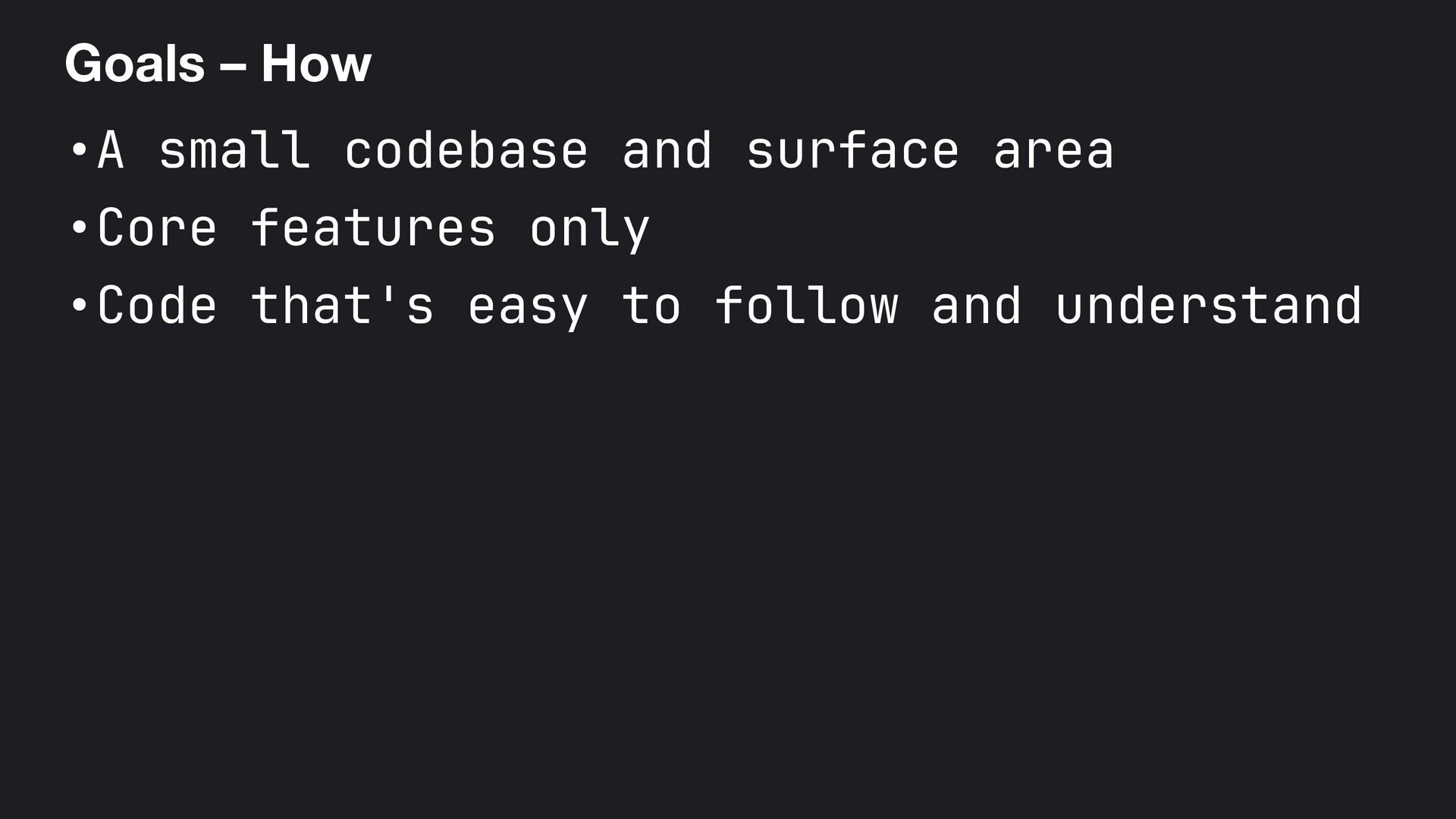
  3. Goals – How •A small codebase and surface area •Core

    features only •Code that's easy to follow and understand
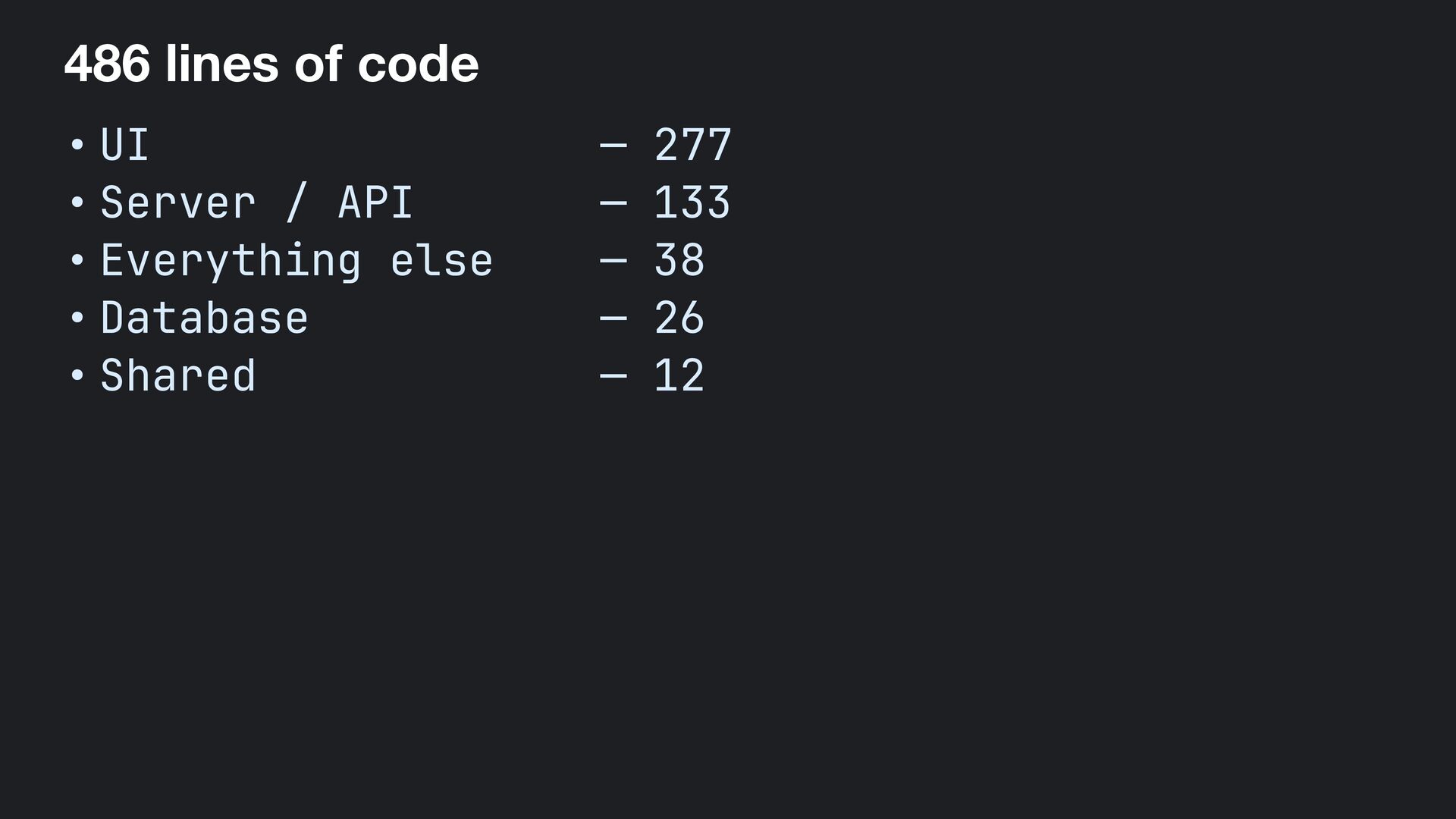
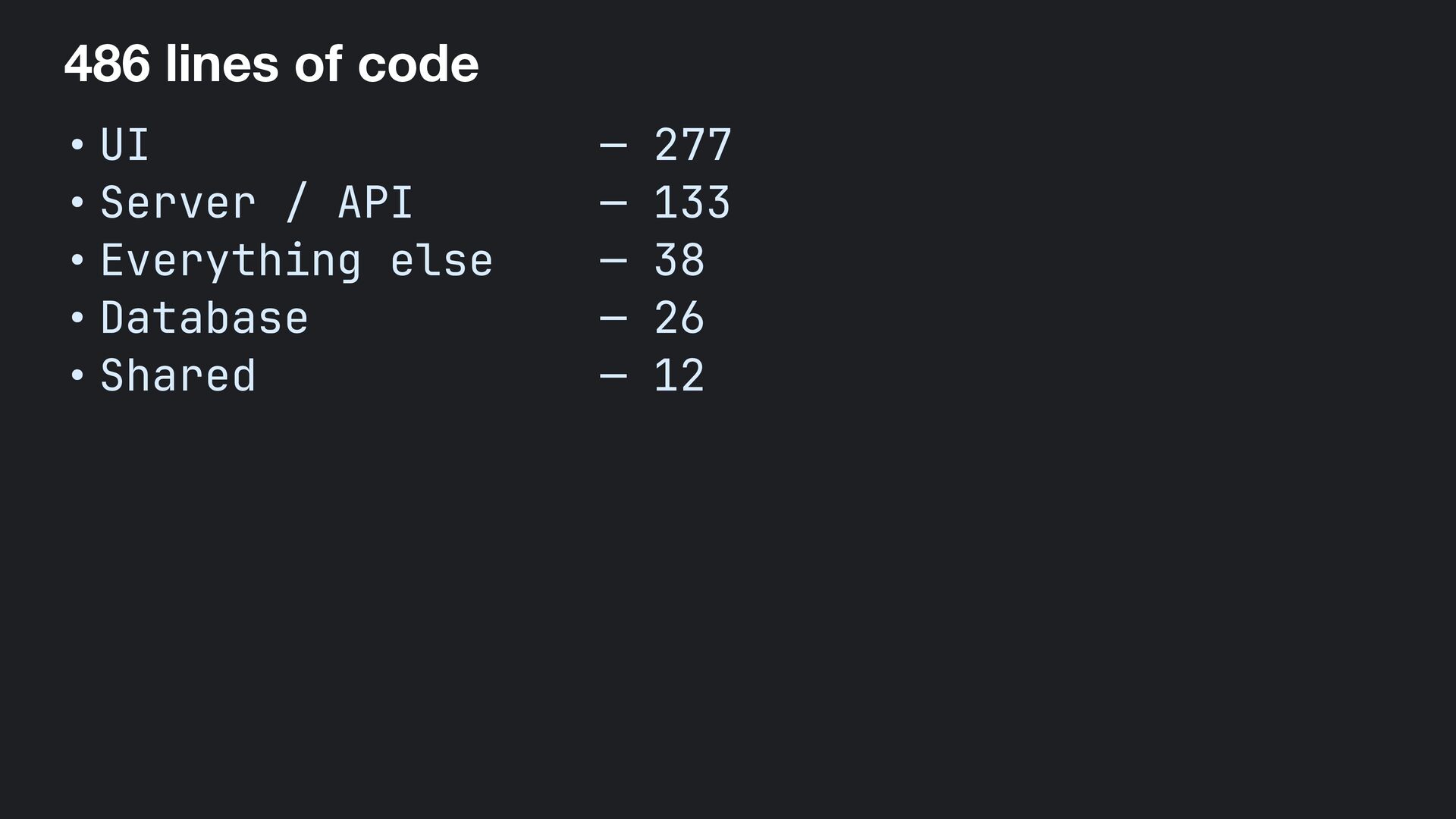
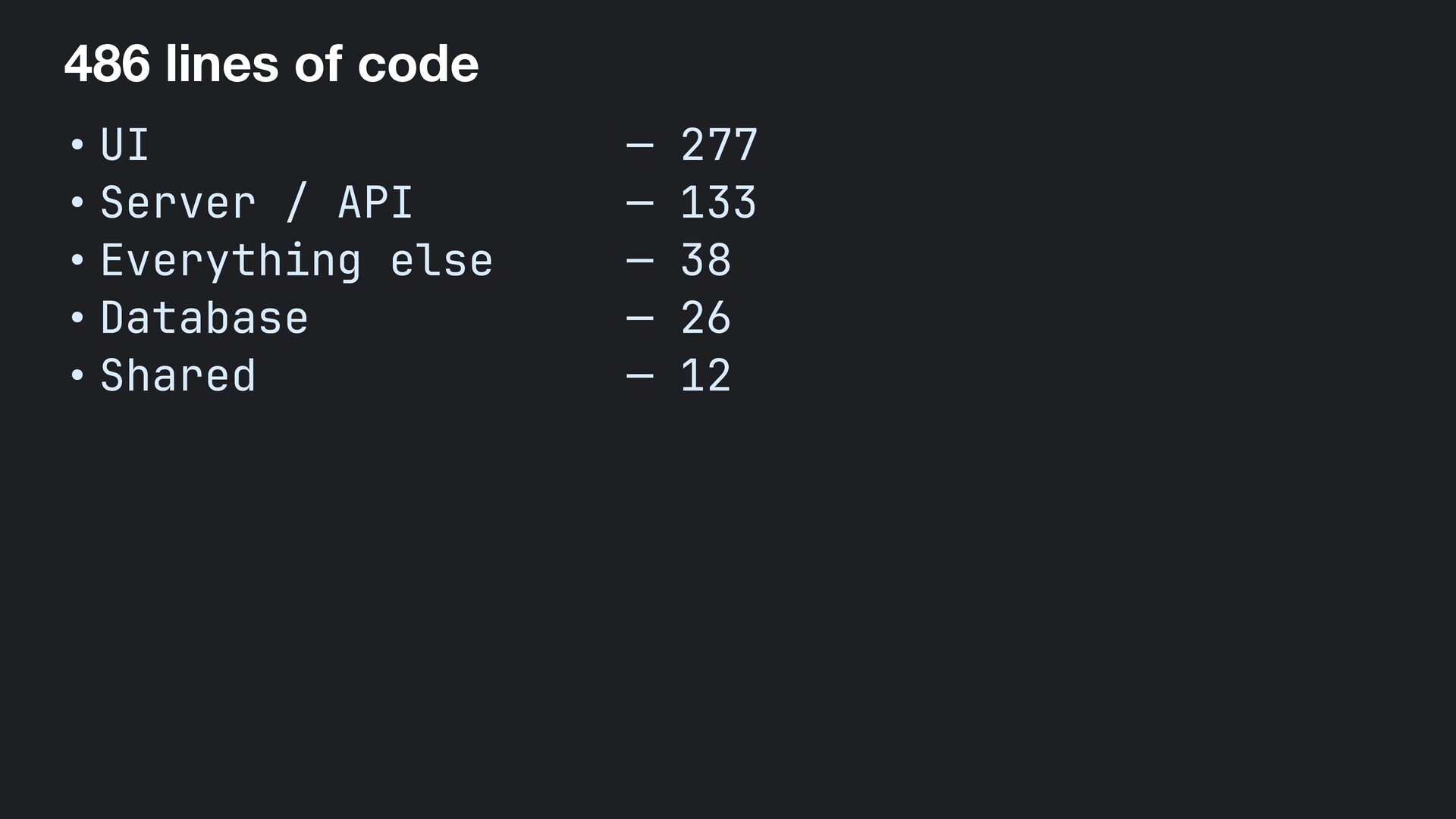
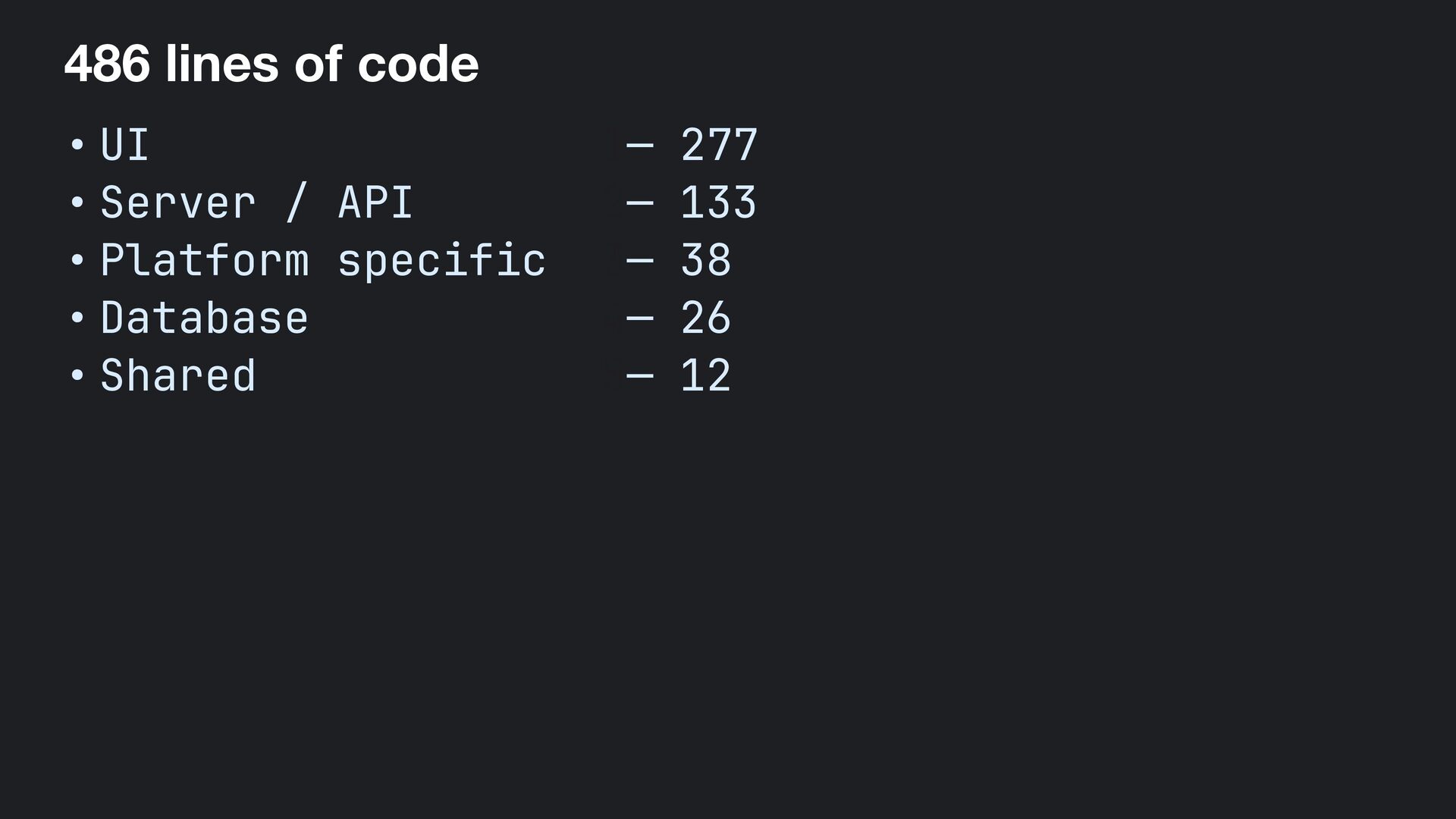
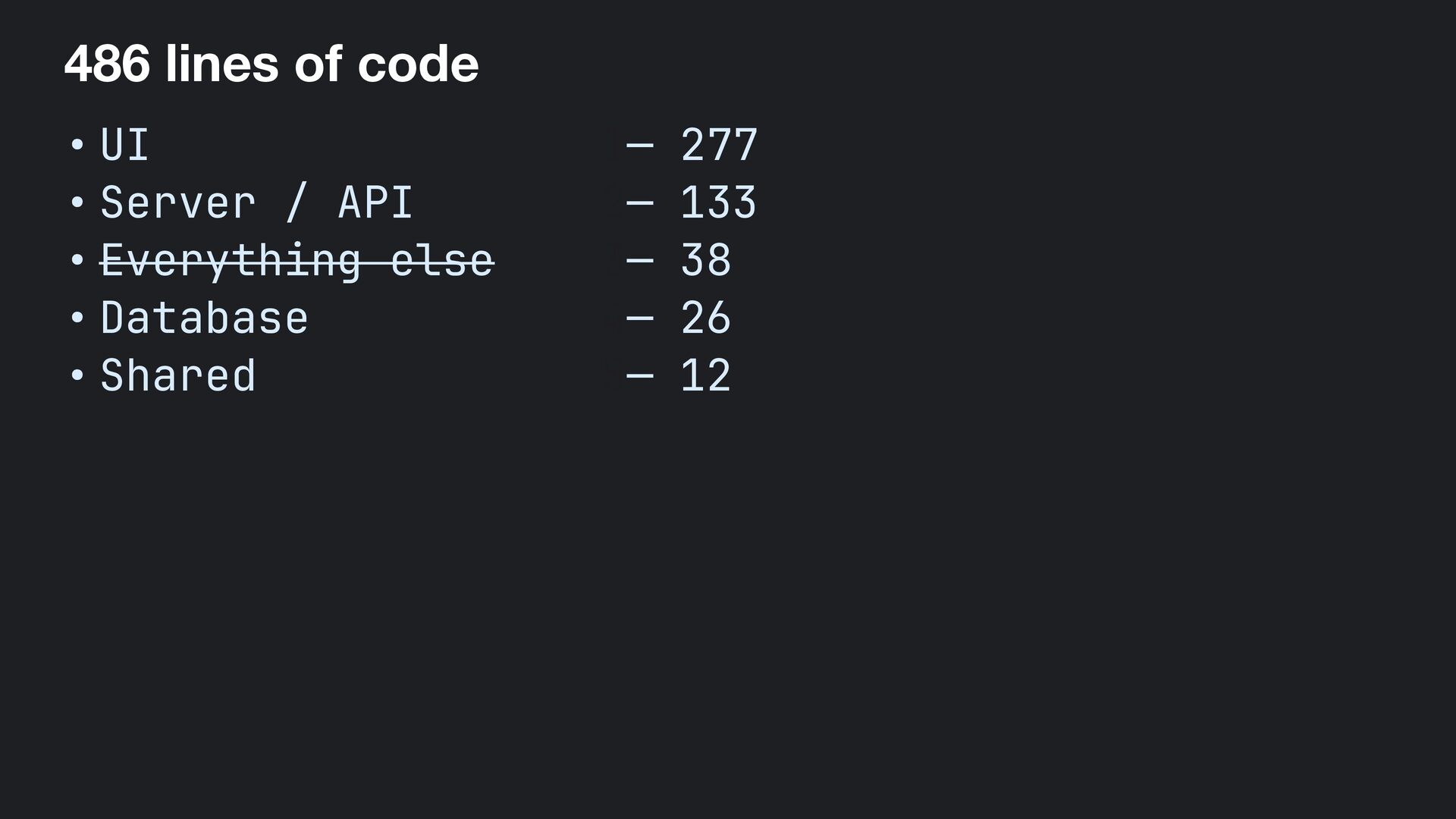
  4. 486 lines of code • UI — 277 • Server

    / API — 133 • Everything else — 38 • Database — 26 • Shared — 12
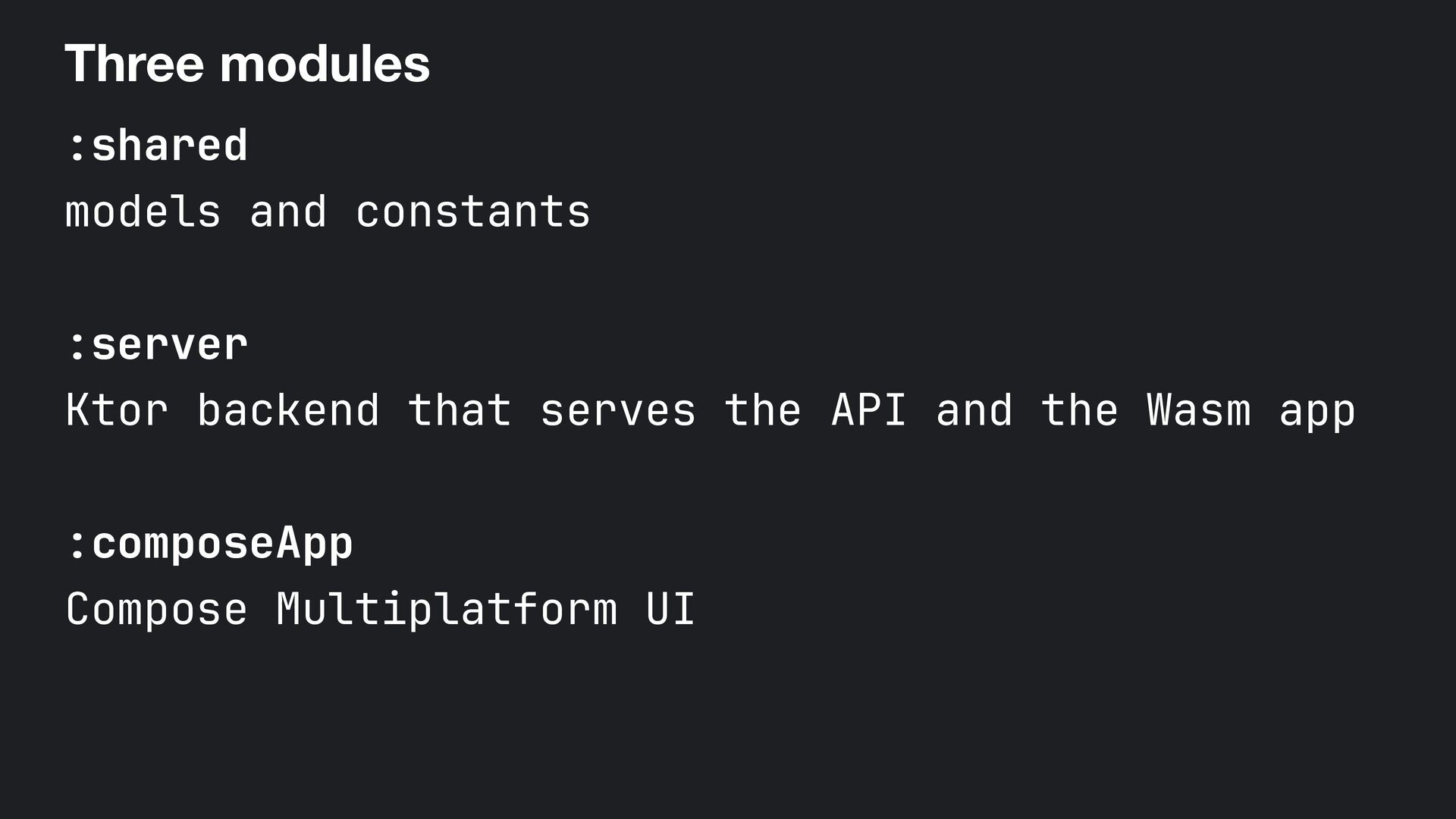
  5. Three modules :shared models and constants :server Ktor backend that

    serves the API and the Wasm app :composeApp Compose Multiplatform UI
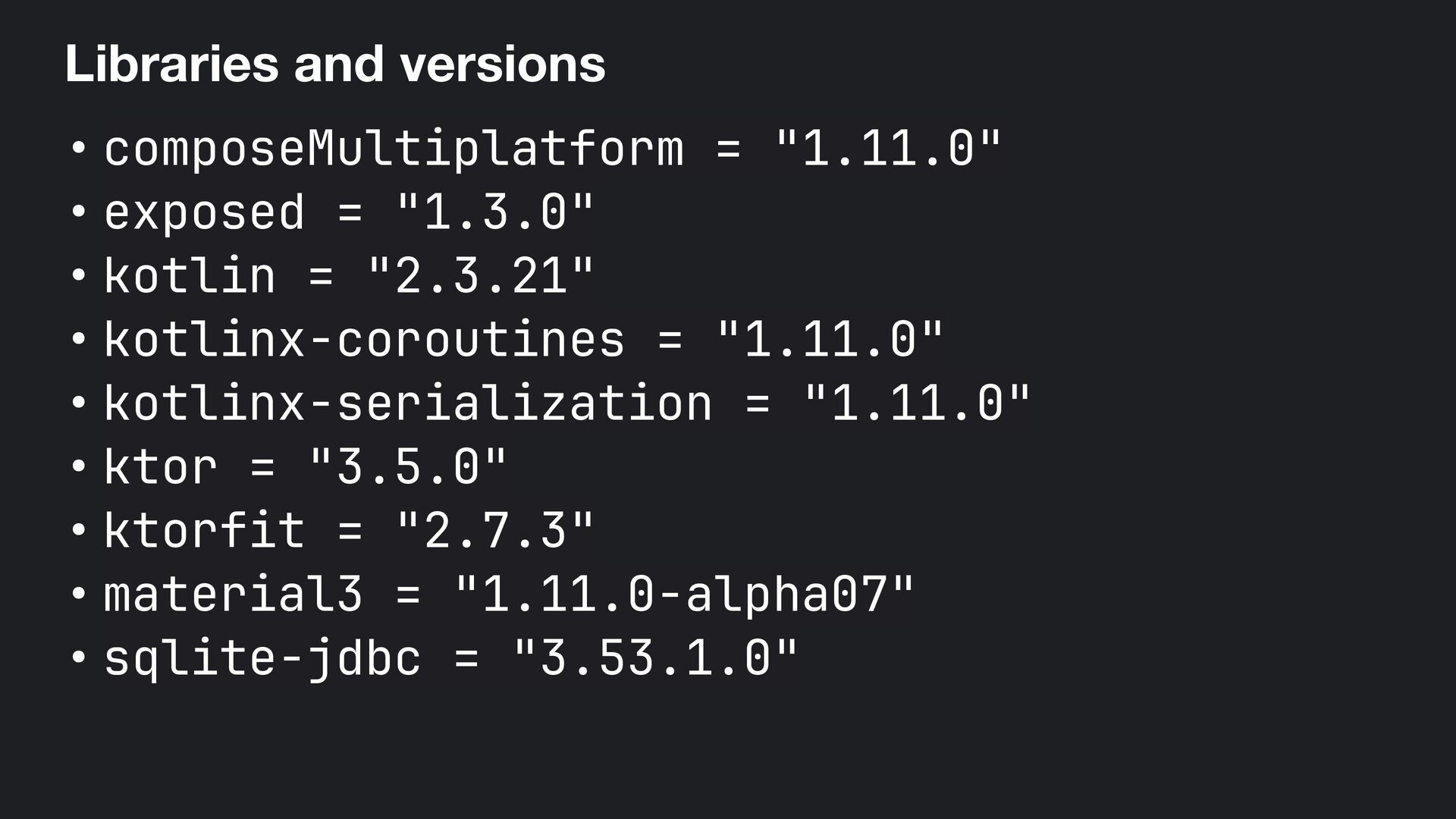
  6. Libraries and versions • composeMultiplatform = "1.11.0" • exposed =

    "1.3.0" • kotlin = "2.3.21" • kotlinx-coroutines = "1.11.0" • kotlinx-serialization = "1.11.0" • ktor = "3.5.0" • ktorfit = "2.7.3" • material3 = "1.11.0-alpha07" • sqlite-jdbc = "3.53.1.0"
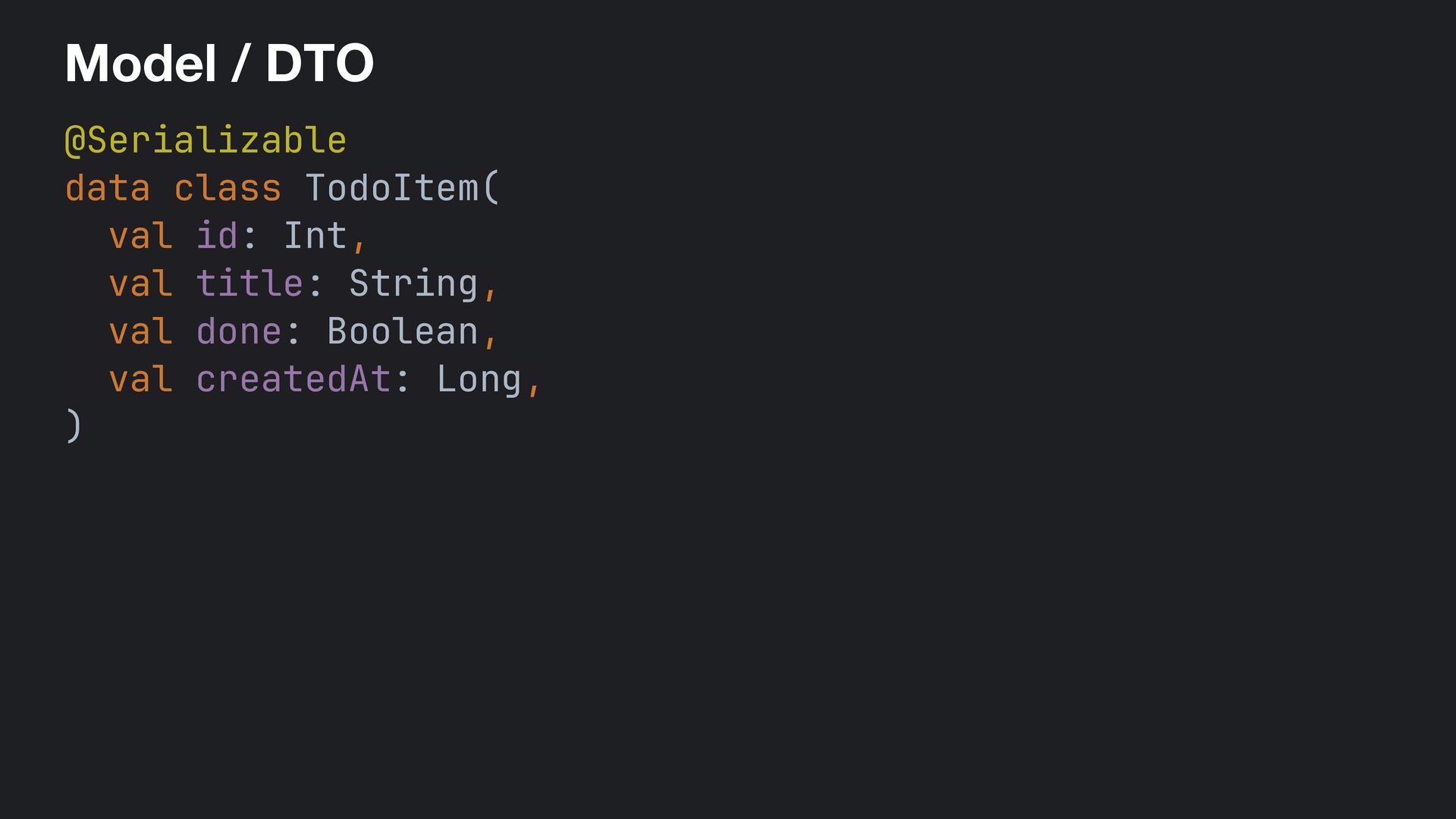
  7. Model / DTO @Serializable data class TodoItem( val id: Int,

    val title: String, val done: Boolean, val createdAt: Long, )
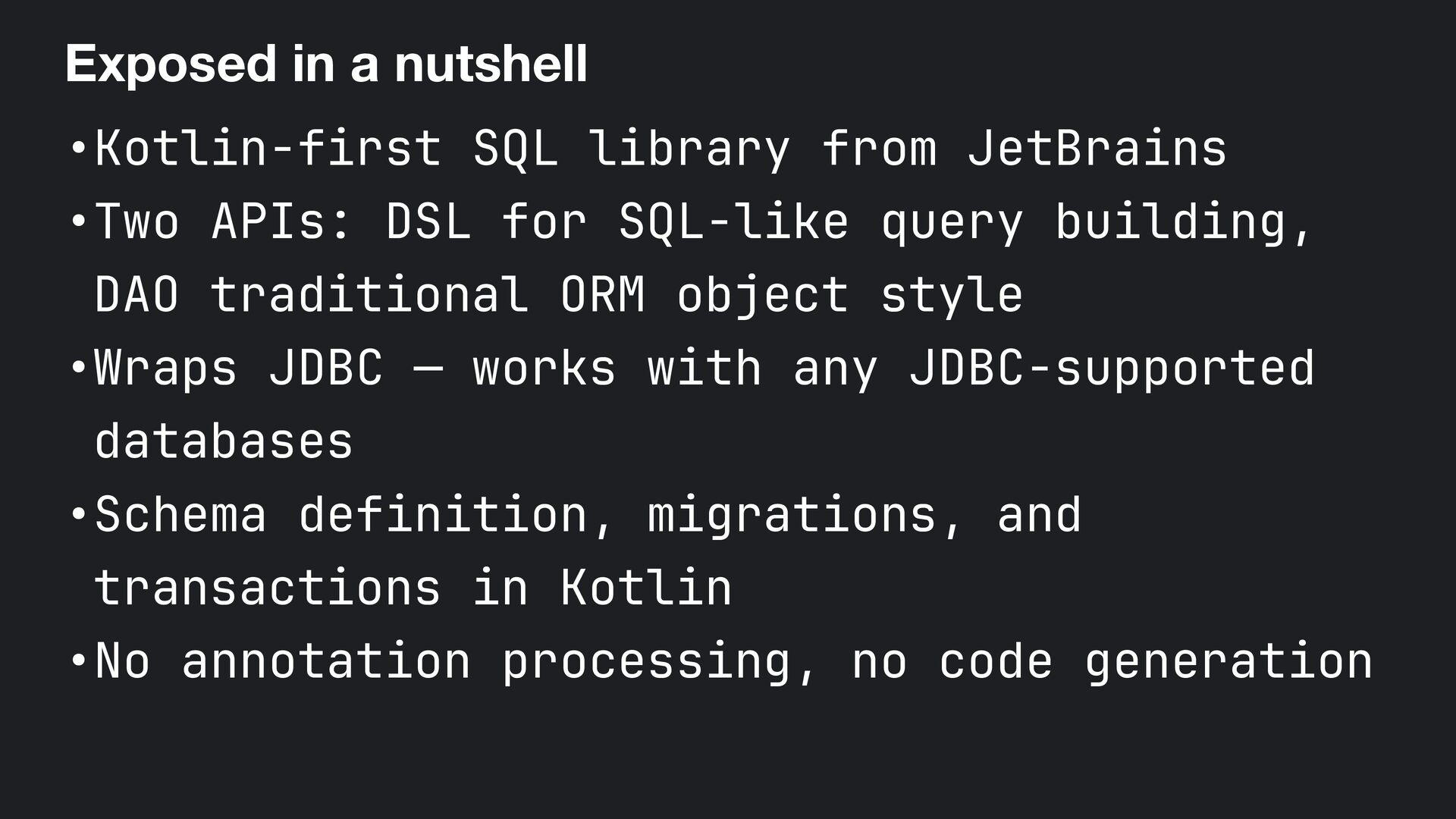
  8. Exposed in a nutshell •Kotlin-first SQL library from JetBrains •Two

    APIs: DSL for SQL-like query building, DAO traditional ORM object style •Wraps JDBC — works with any JDBC-supported databases •Schema definition, migrations, and transactions in Kotlin •No annotation processing, no code generation
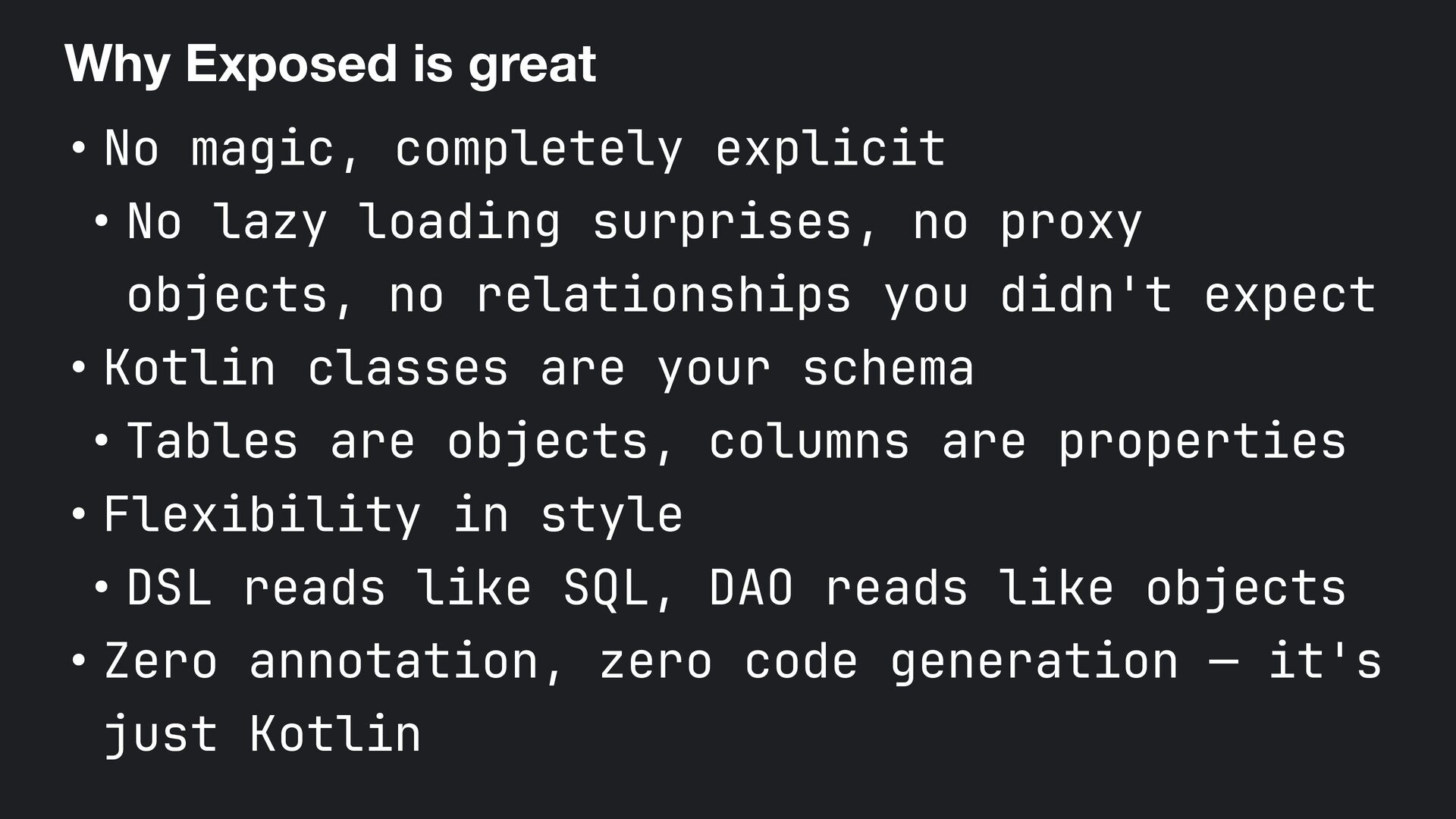
  9. Why Exposed is great • No magic, completely explicit •

    No lazy loading surprises, no proxy objects, no relationships you didn't expect • Kotlin classes are your schema • Tables are objects, columns are properties • Flexibility in style • DSL reads like SQL, DAO reads like objects • Zero annotation, zero code generation — it's just Kotlin
  10. Exposed doesn't try to hide the database away. It makes

    working with one more enjoyable because you're just writing idiomatic Kotlin.
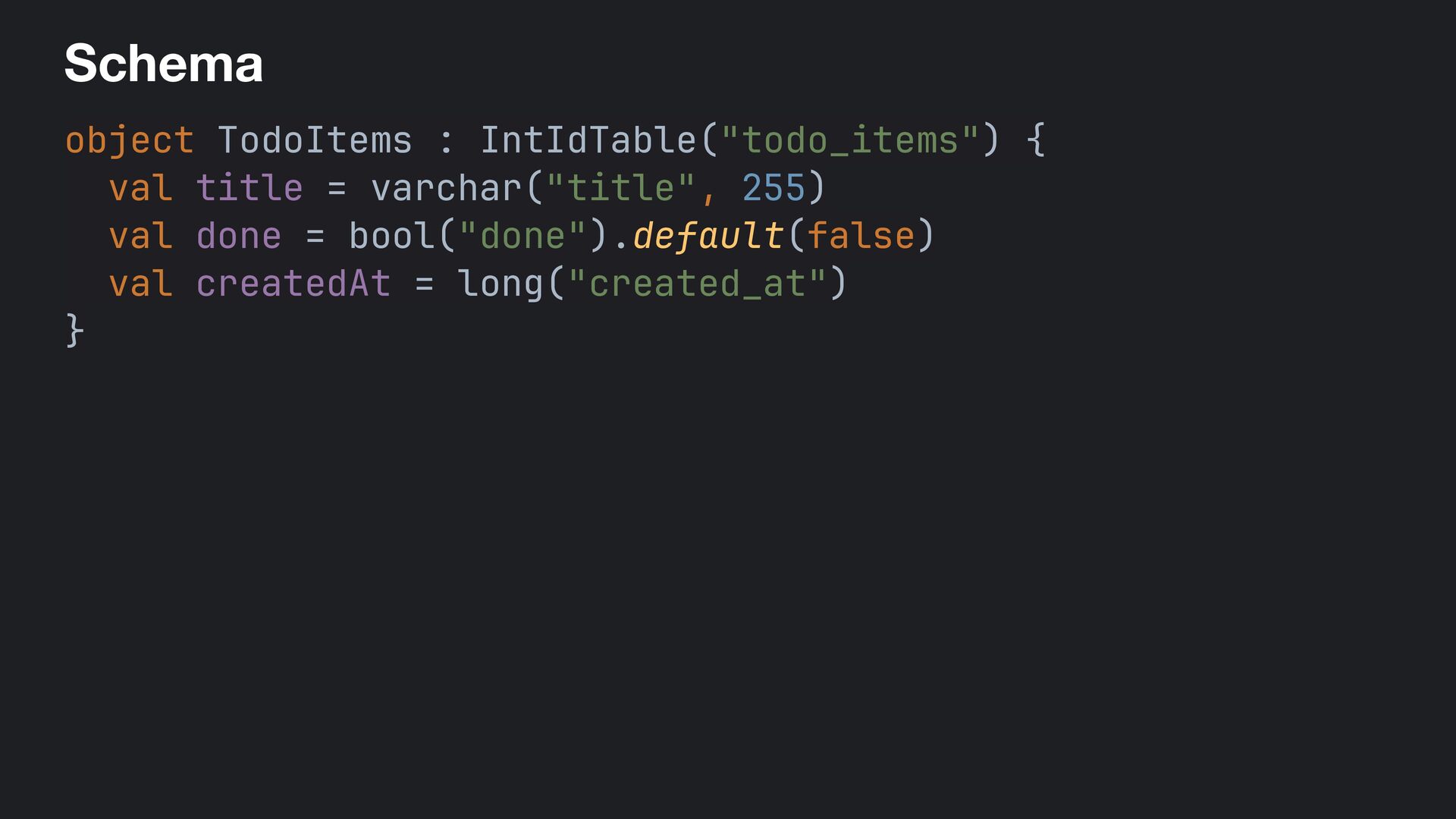
  11. Schema object TodoItems : IntIdTable("todo_items") { val title = varchar("title",

    255) val done = bool("done").default(false) val createdAt = long("created_at") }
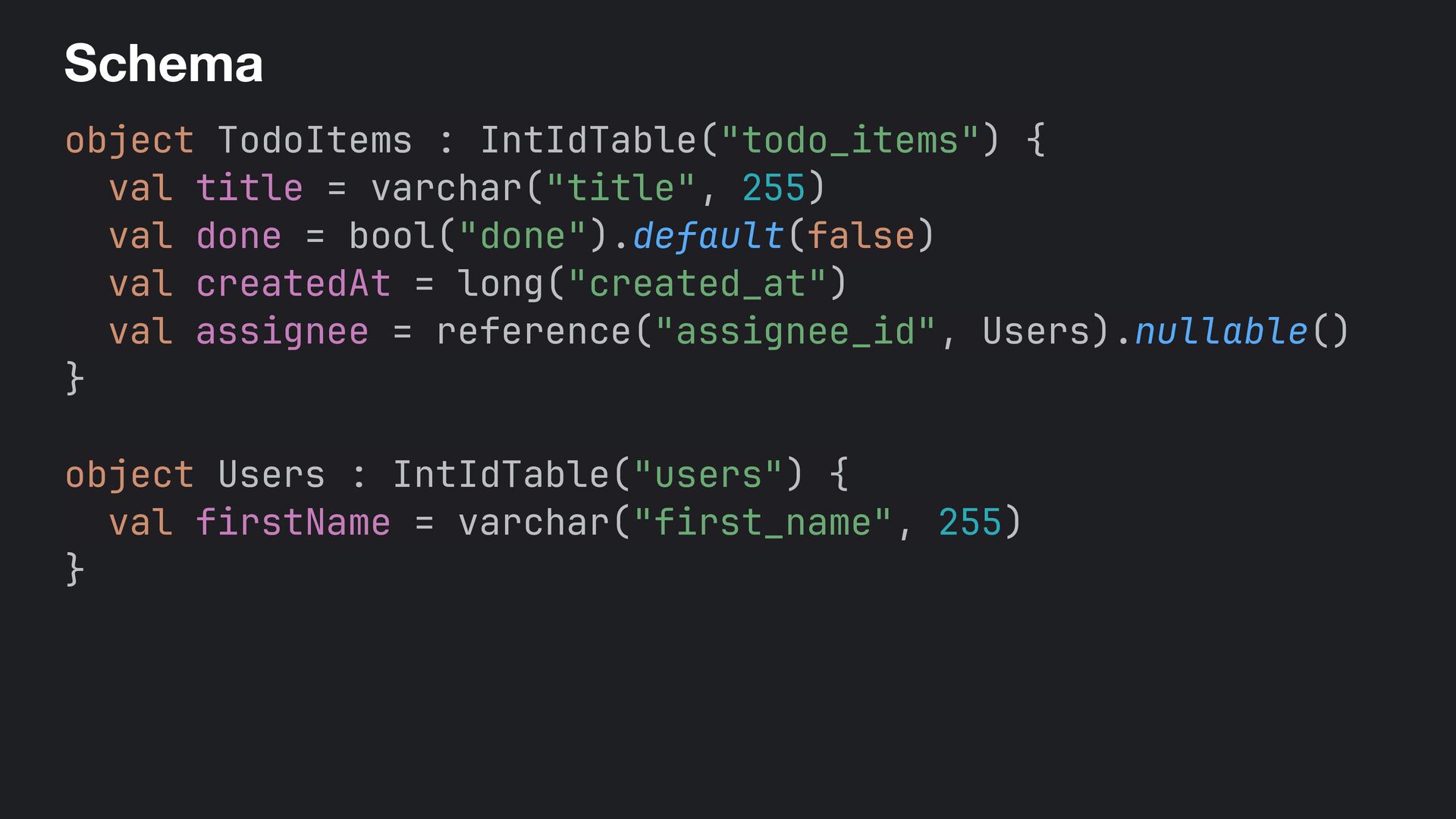
  12. Schema object TodoItems : IntIdTable("todo_items") { val title = varchar("title",

    255) val done = bool("done").default(false) val createdAt = long("created_at") val assignee = reference("assignee_id", Users).nullable() } object Users : IntIdTable("users") { val firstName = varchar("first_name", 255) }
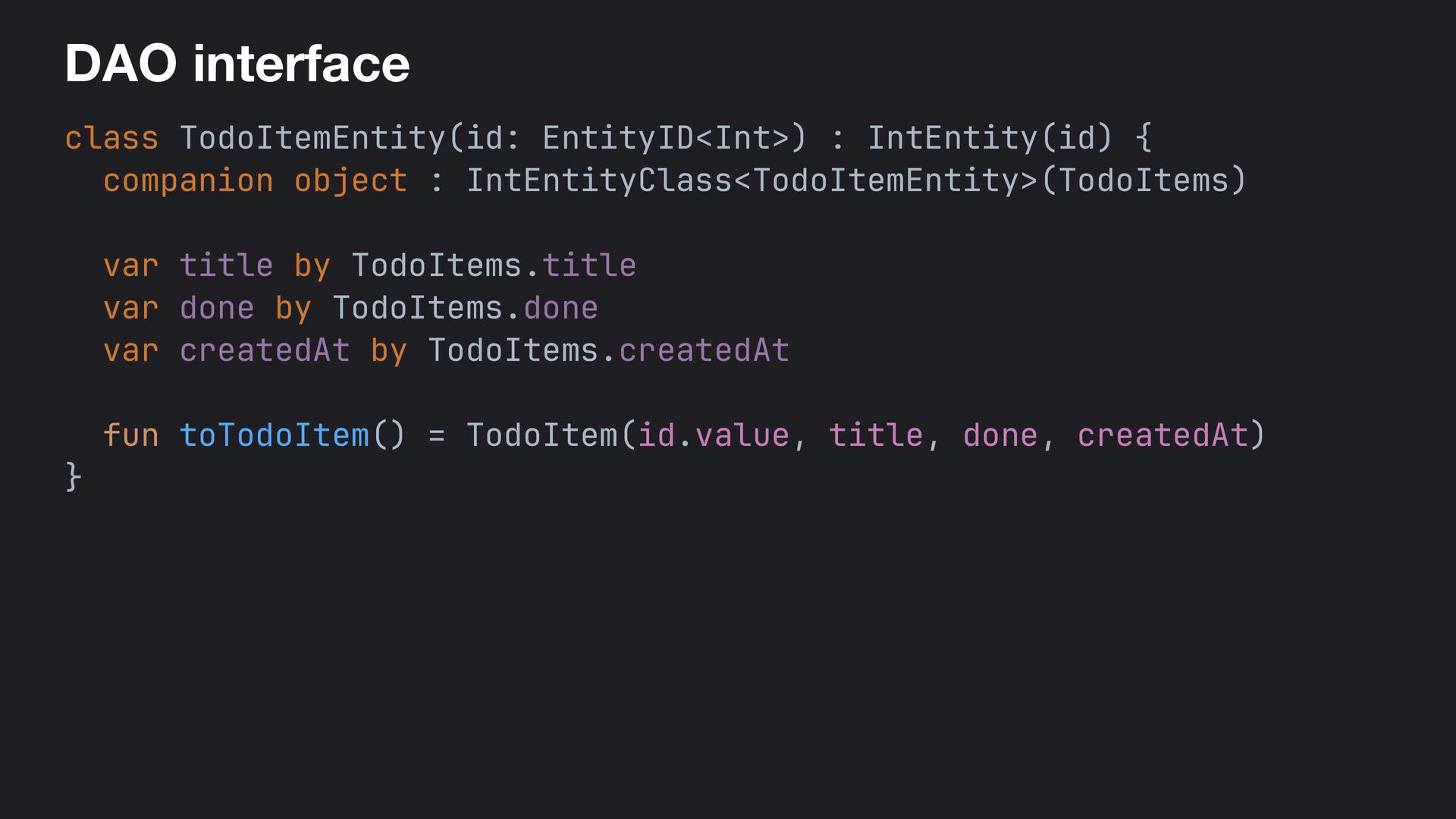
  13. DAO interface class TodoItemEntity(id: EntityID<Int>) : IntEntity(id) { companion object

    : IntEntityClass<TodoItemEntity>(TodoItems) var title by TodoItems.title var done by TodoItems.done var createdAt by TodoItems.createdAt fun toTodoItem() = TodoItem(id.value, title, done, createdAt) }
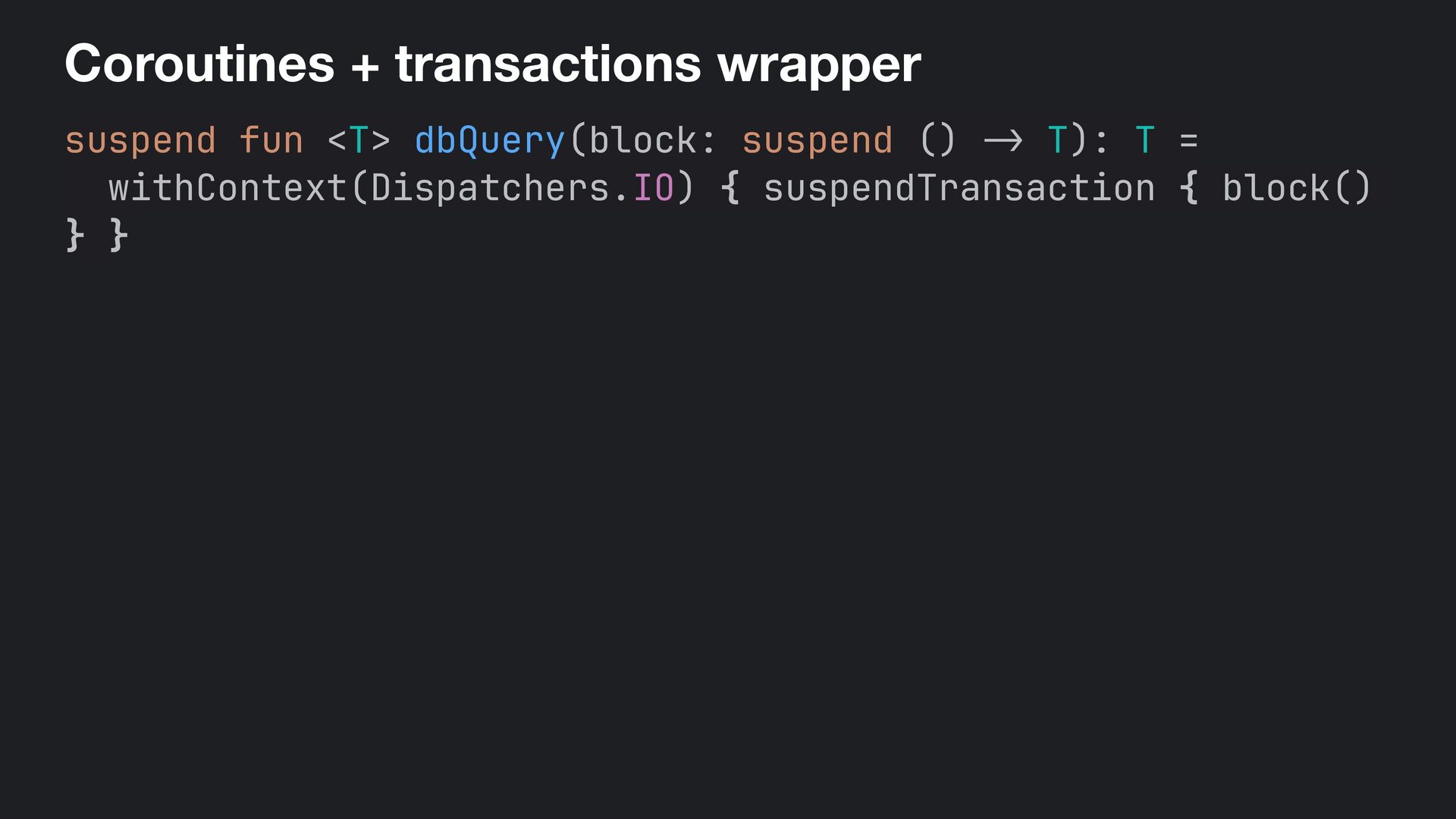
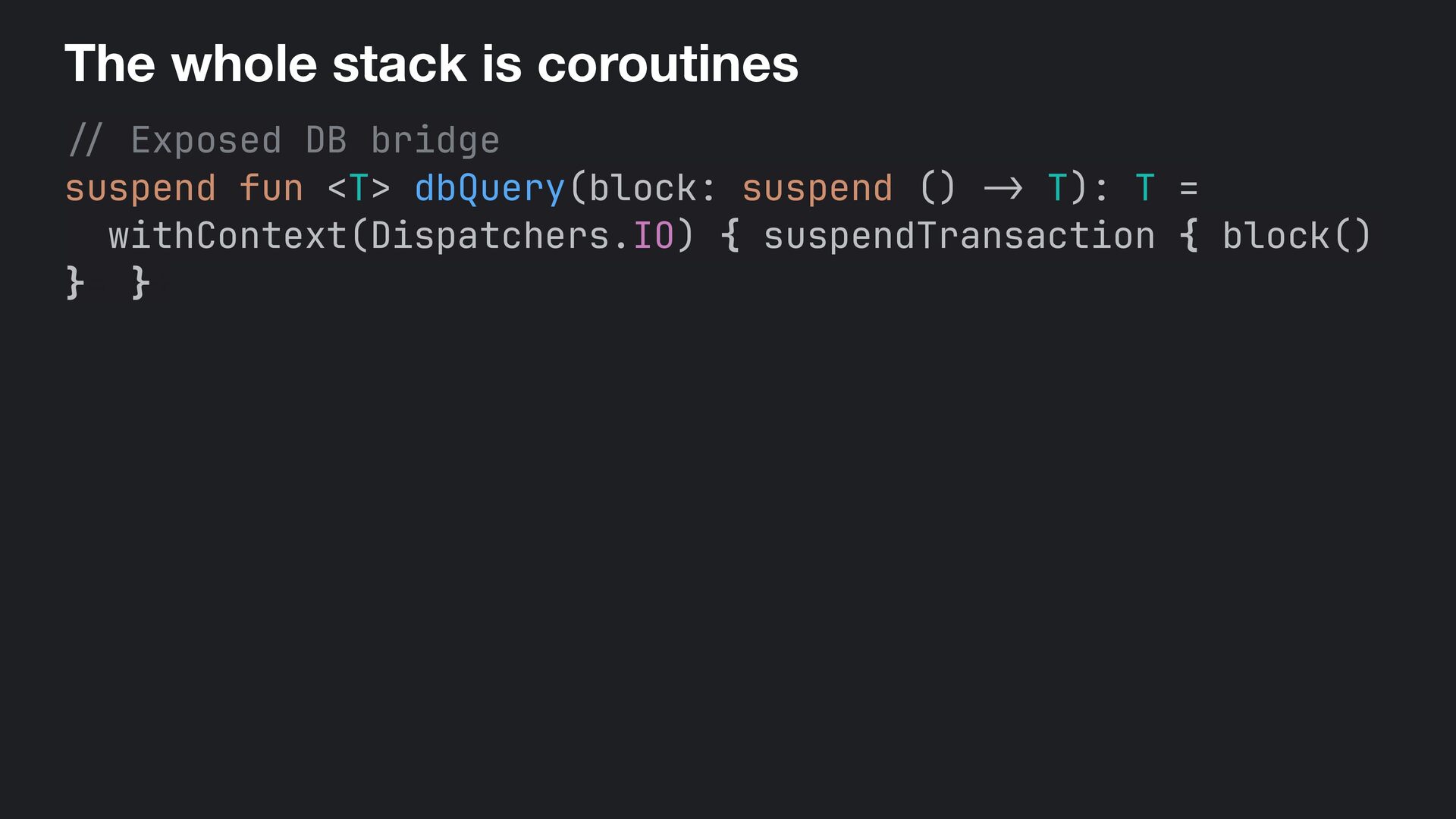
  14. Coroutines + transactions wrapper suspend fun <T> dbQuery(block: suspend ()

    - > T): T = withContext(Dispatchers.IO) { suspendTransaction { block() } }
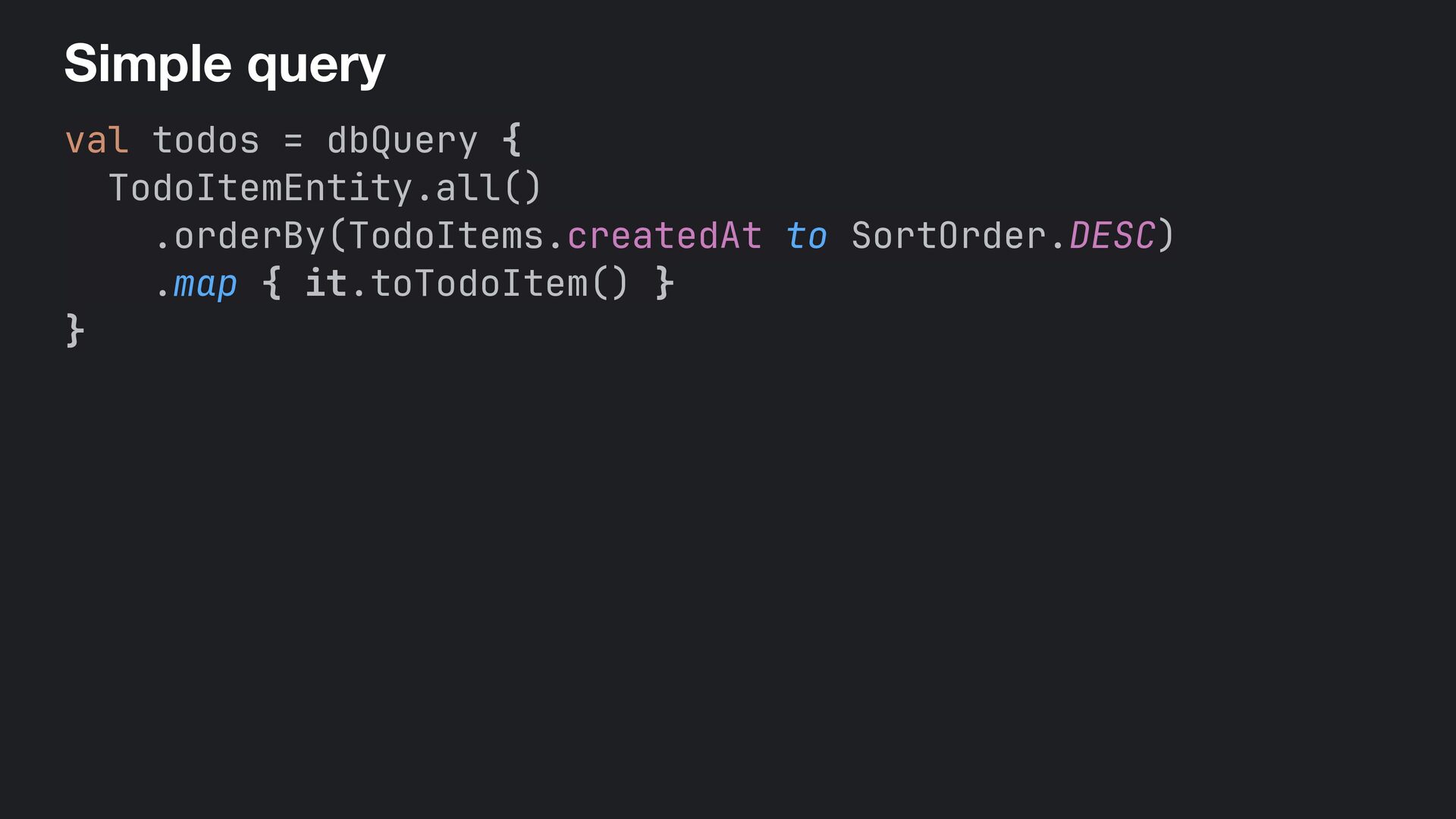
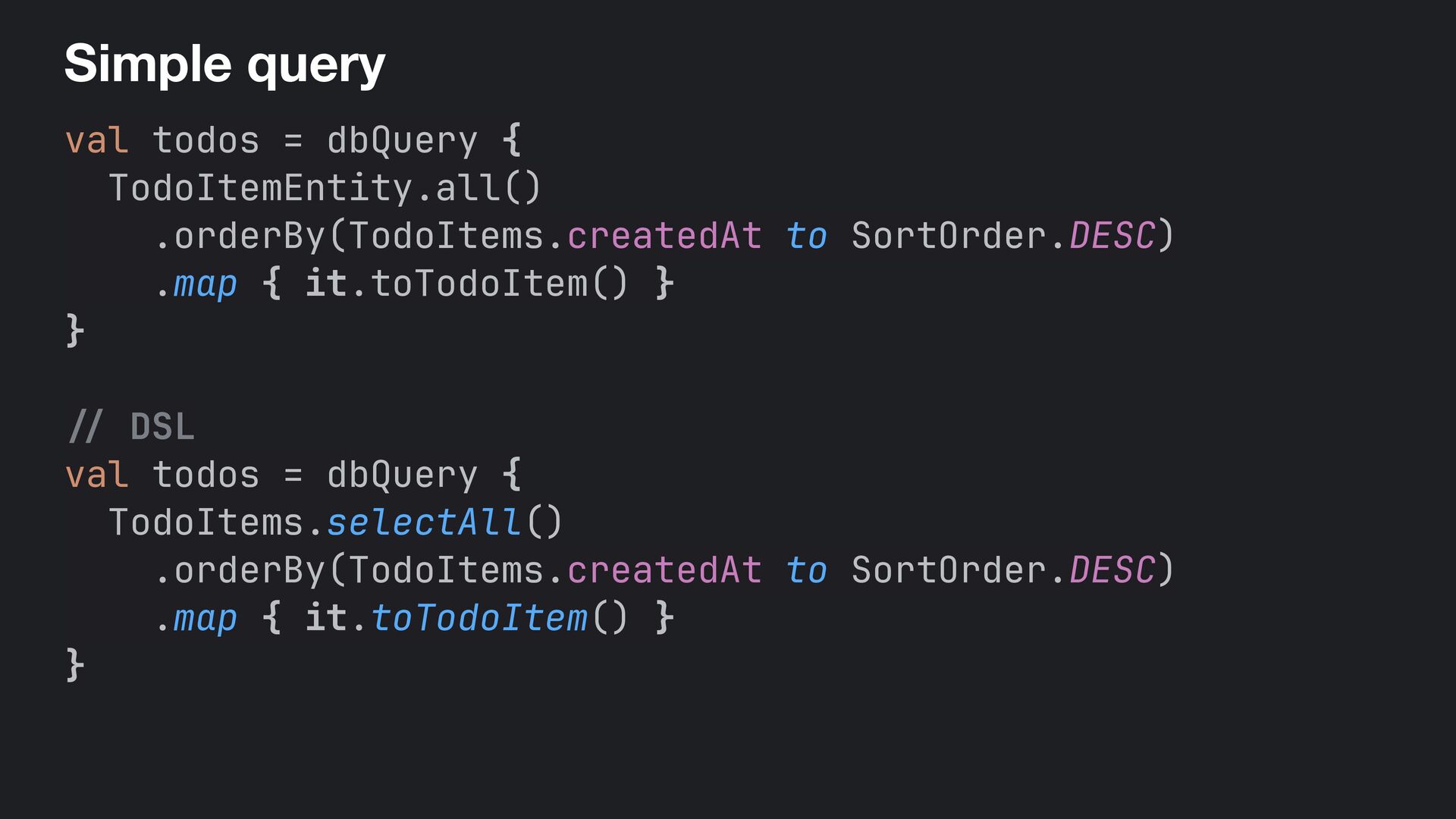
  15. Simple query val todos = dbQuery { TodoItemEntity.all() .orderBy(TodoItems.createdAt to

    SortOrder.DESC) .map { it.toTodoItem() } } / / DSL val todos = dbQuery { TodoItems.selectAll() .orderBy(TodoItems.createdAt to SortOrder.DESC) .map { it.toTodoItem() } }
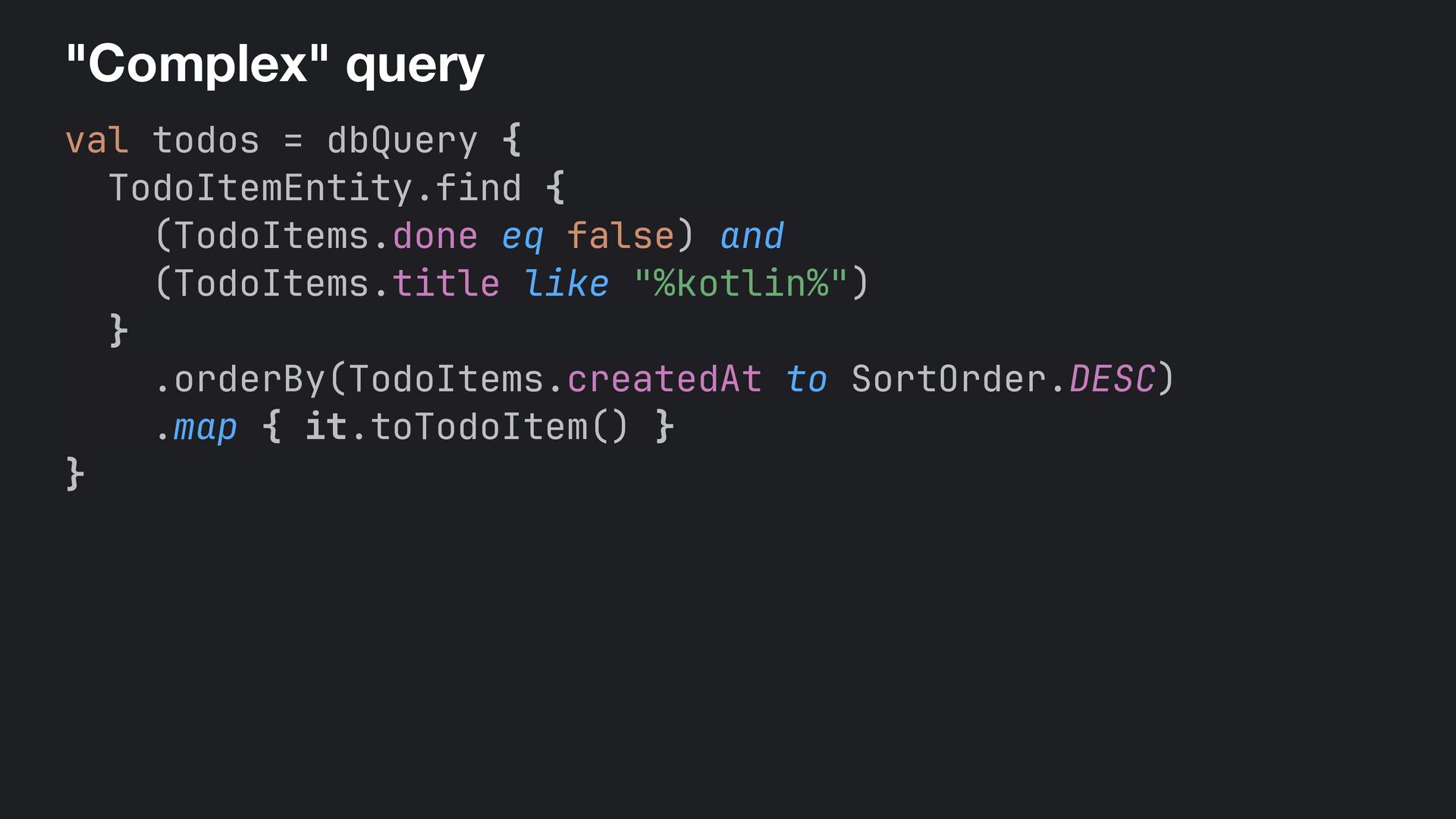
  16. "Complex" query val todos = dbQuery { TodoItemEntity.find { (TodoItems.done

    eq false) and (TodoItems.title like "%kotlin%") } .orderBy(TodoItems.createdAt to SortOrder.DESC) .map { it.toTodoItem() } }
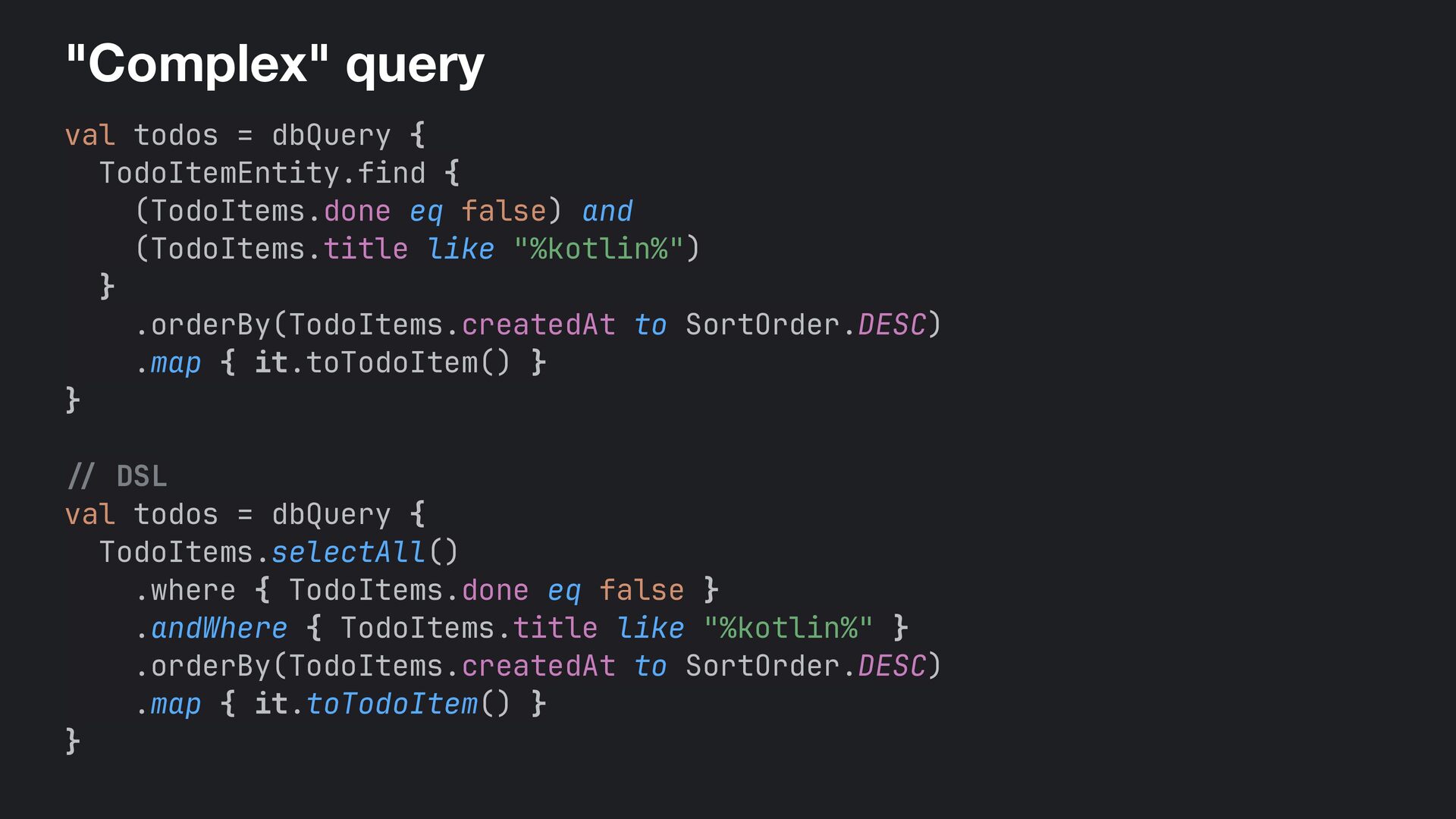
  17. "Complex" query val todos = dbQuery { TodoItemEntity.find { (TodoItems.done

    eq false) and (TodoItems.title like "%kotlin%") } .orderBy(TodoItems.createdAt to SortOrder.DESC) .map { it.toTodoItem() } } // DSL val todos = dbQuery { TodoItems.selectAll() .where { TodoItems.done eq false } .andWhere { TodoItems.title like "%kotlin%" } .orderBy(TodoItems.createdAt to SortOrder.DESC) .map { it.toTodoItem() } }
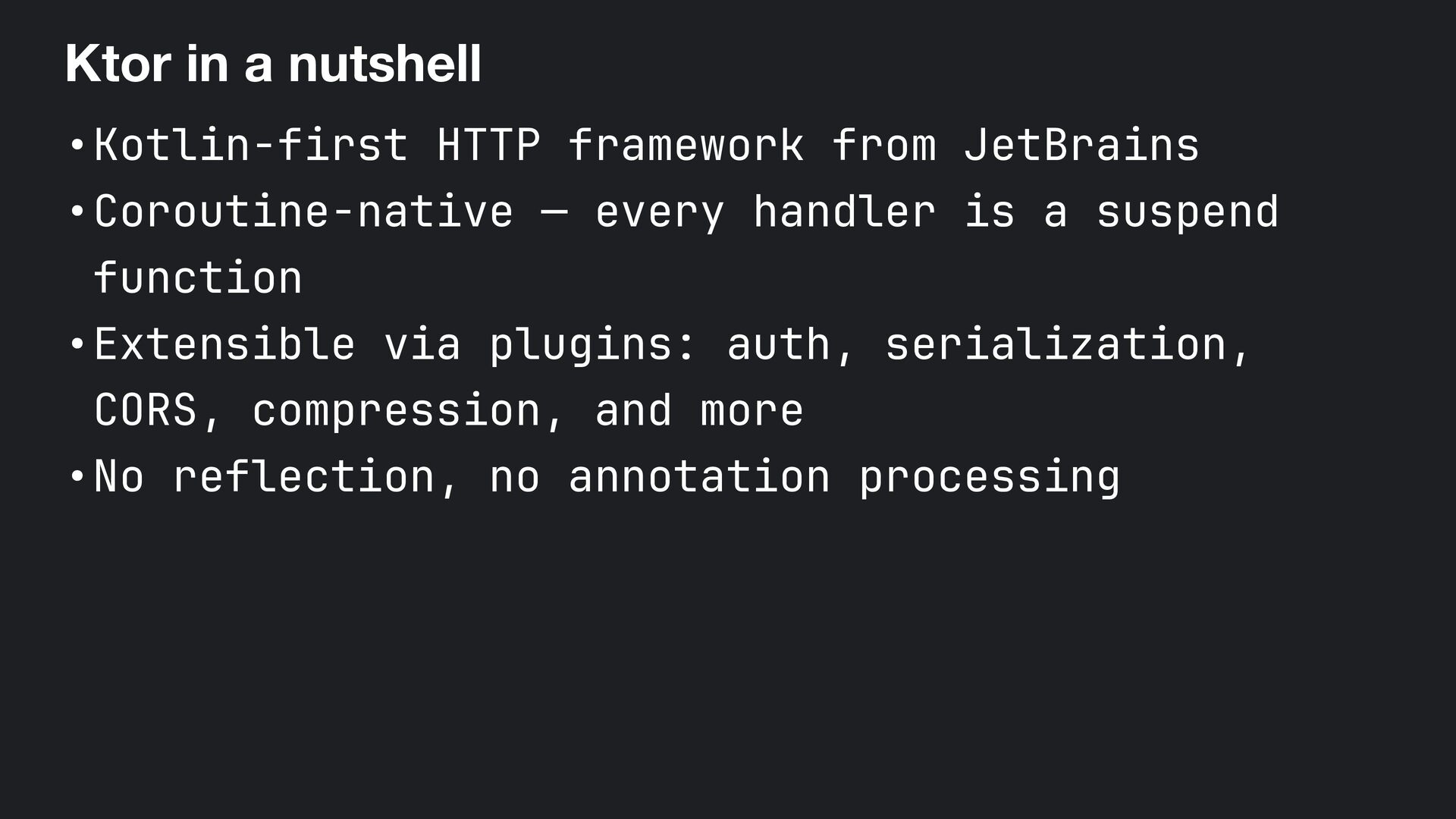
  18. Ktor in a nutshell •Kotlin-first HTTP framework from JetBrains •Coroutine-native

    — every handler is a suspend function •Extensible via plugins: auth, serialization, CORS, compression, and more •No reflection, no annotation processing
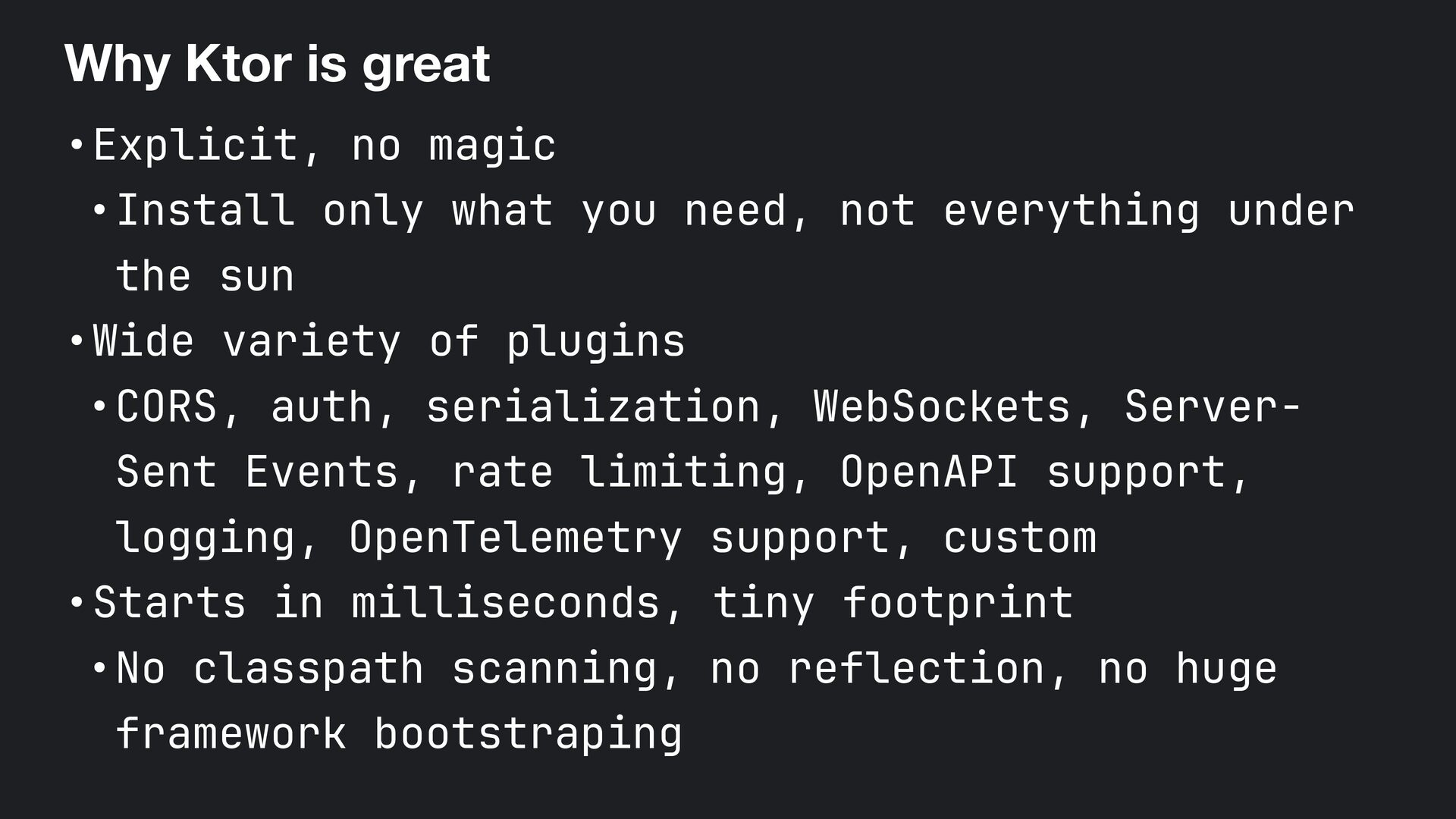
  19. Why Ktor is great •Explicit, no magic •Install only what

    you need, not everything under the sun •Wide variety of plugins •CORS, auth, serialization, WebSockets, Server- Sent Events, rate limiting, OpenAPI support, logging, OpenTelemetry support, custom •Starts in milliseconds, tiny footprint •No classpath scanning, no reflection, no huge framework bootstraping
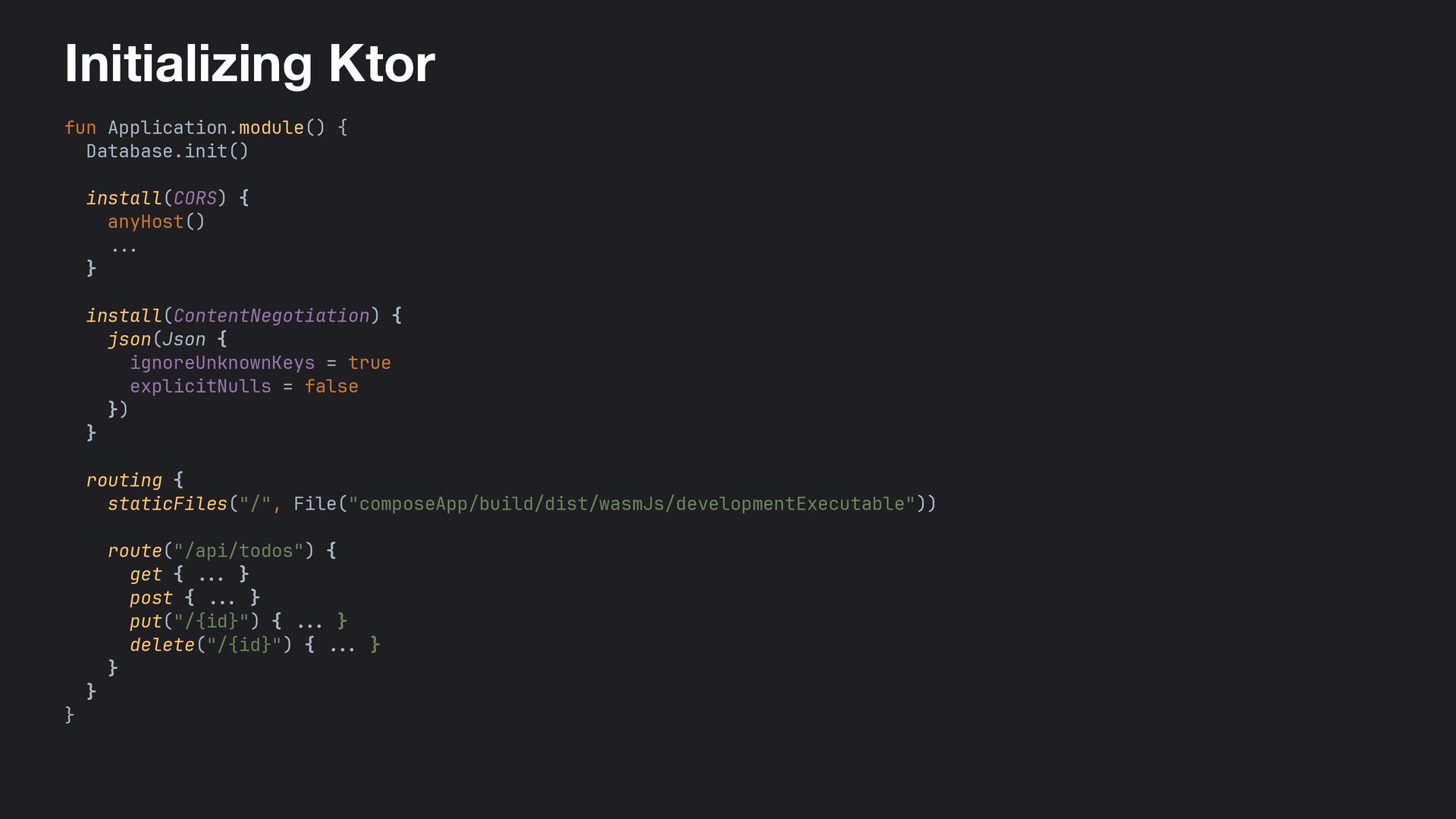
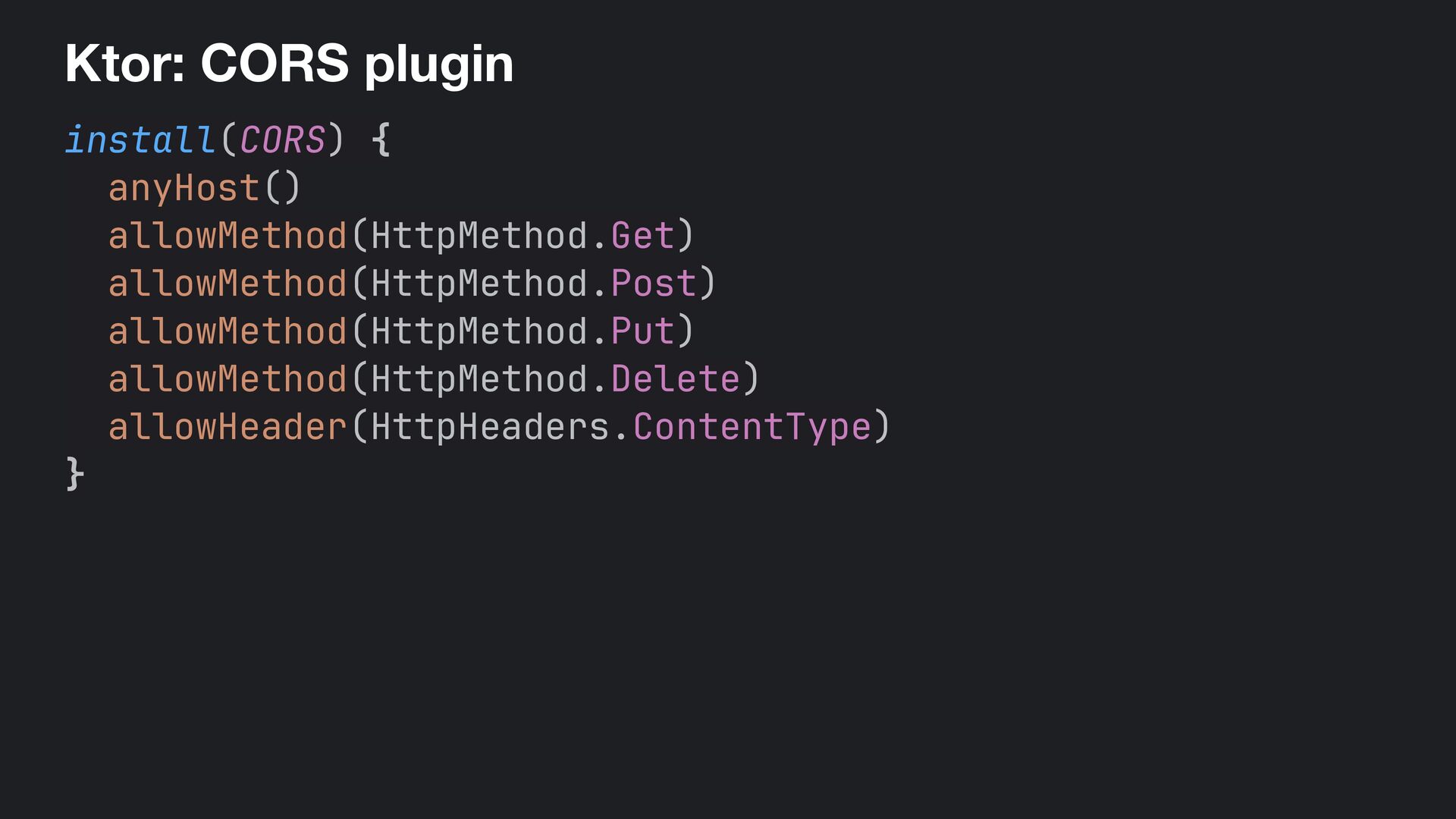
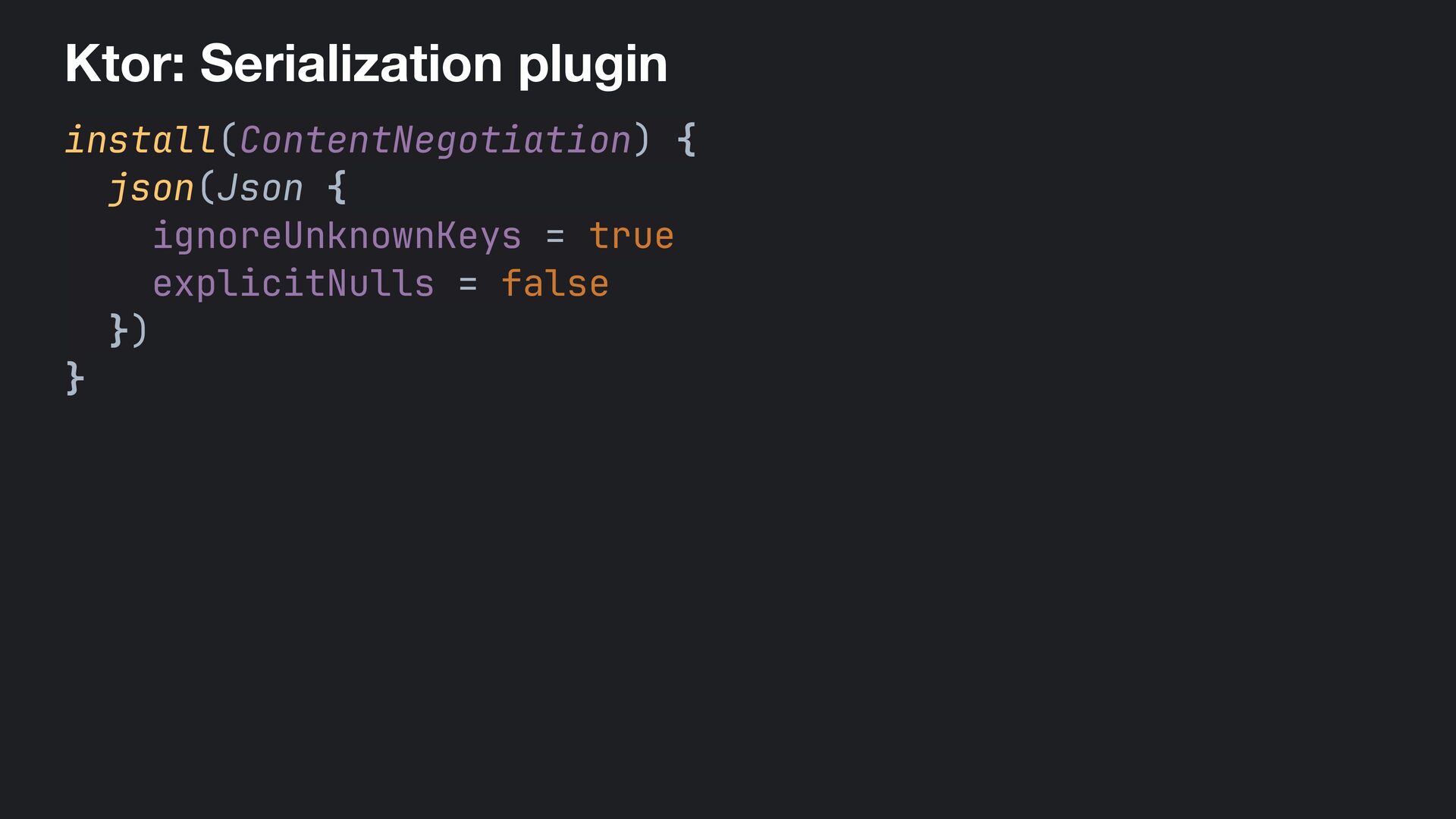
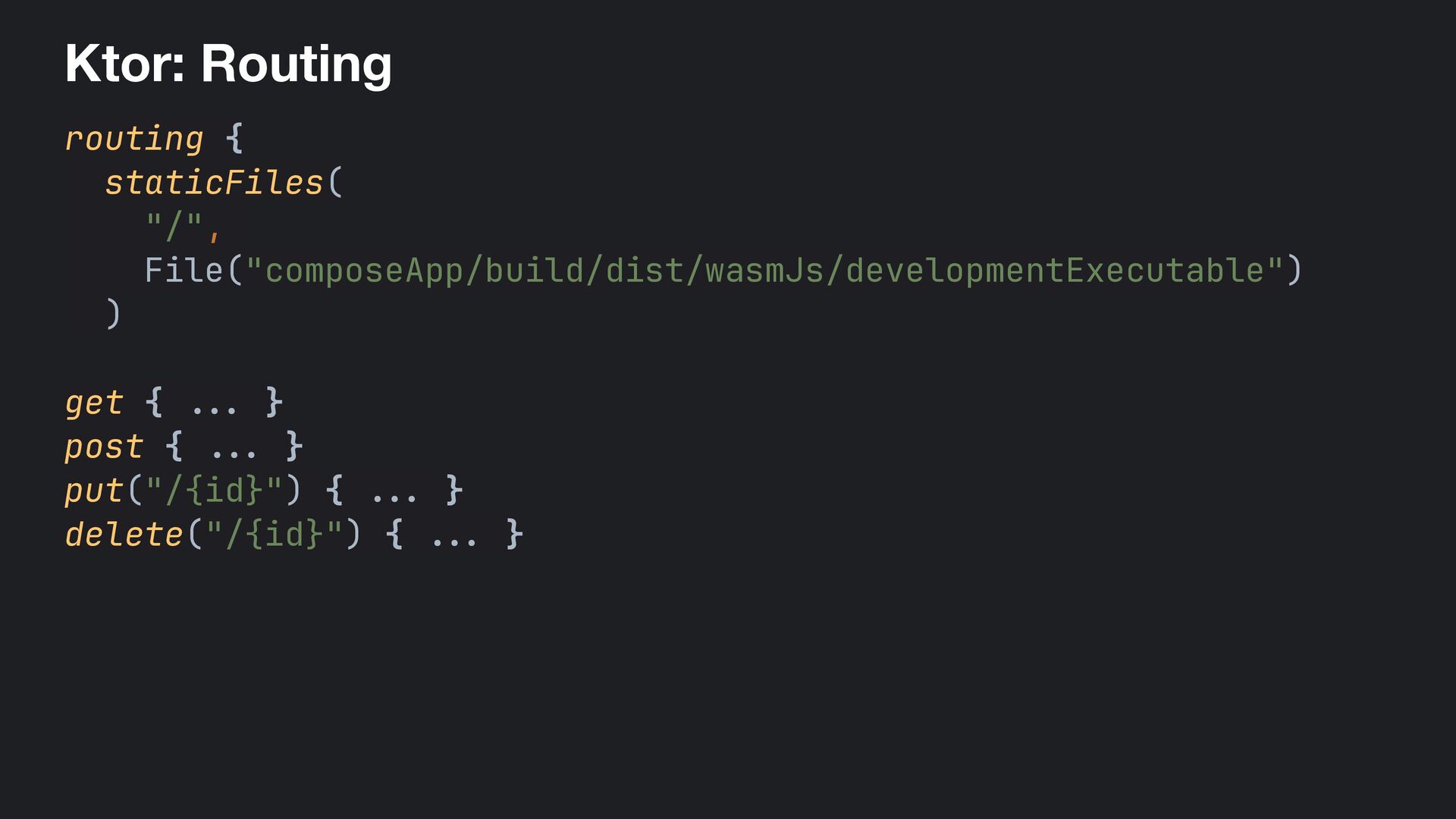
  20. Initializing Ktor fun Application.module() { Database.init() install(CORS) { anyHost() ...

    } install(ContentNegotiation) { json(Json { ignoreUnknownKeys = true explicitNulls = false }) } routing { staticFiles("/", File("composeApp/build/dist/wasmJs/developmentExecutable")) route("/api/todos") { get { . .. } post { ... } put("/{id}") { . .. } delete("/{id}") { ... } } } }
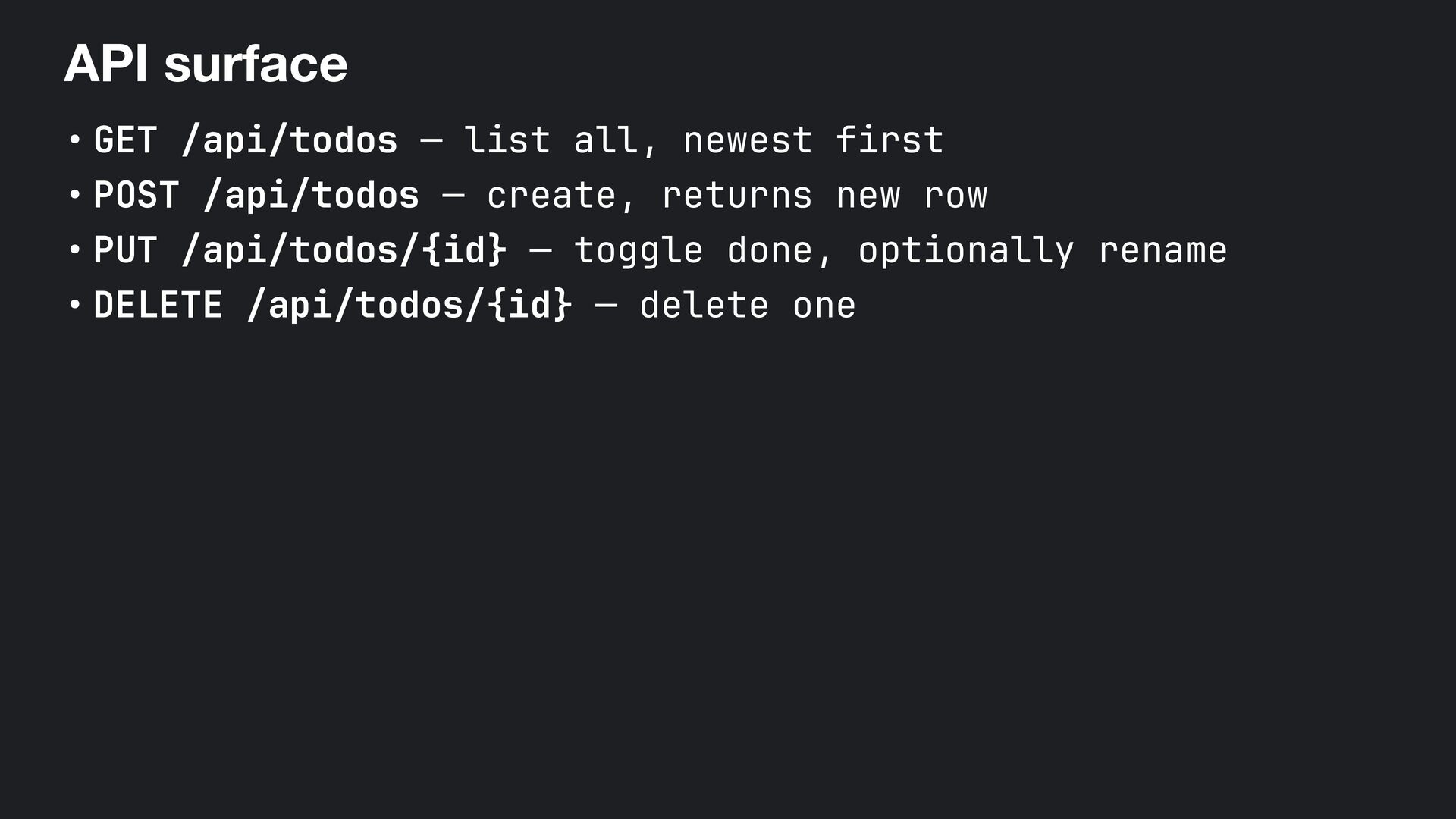
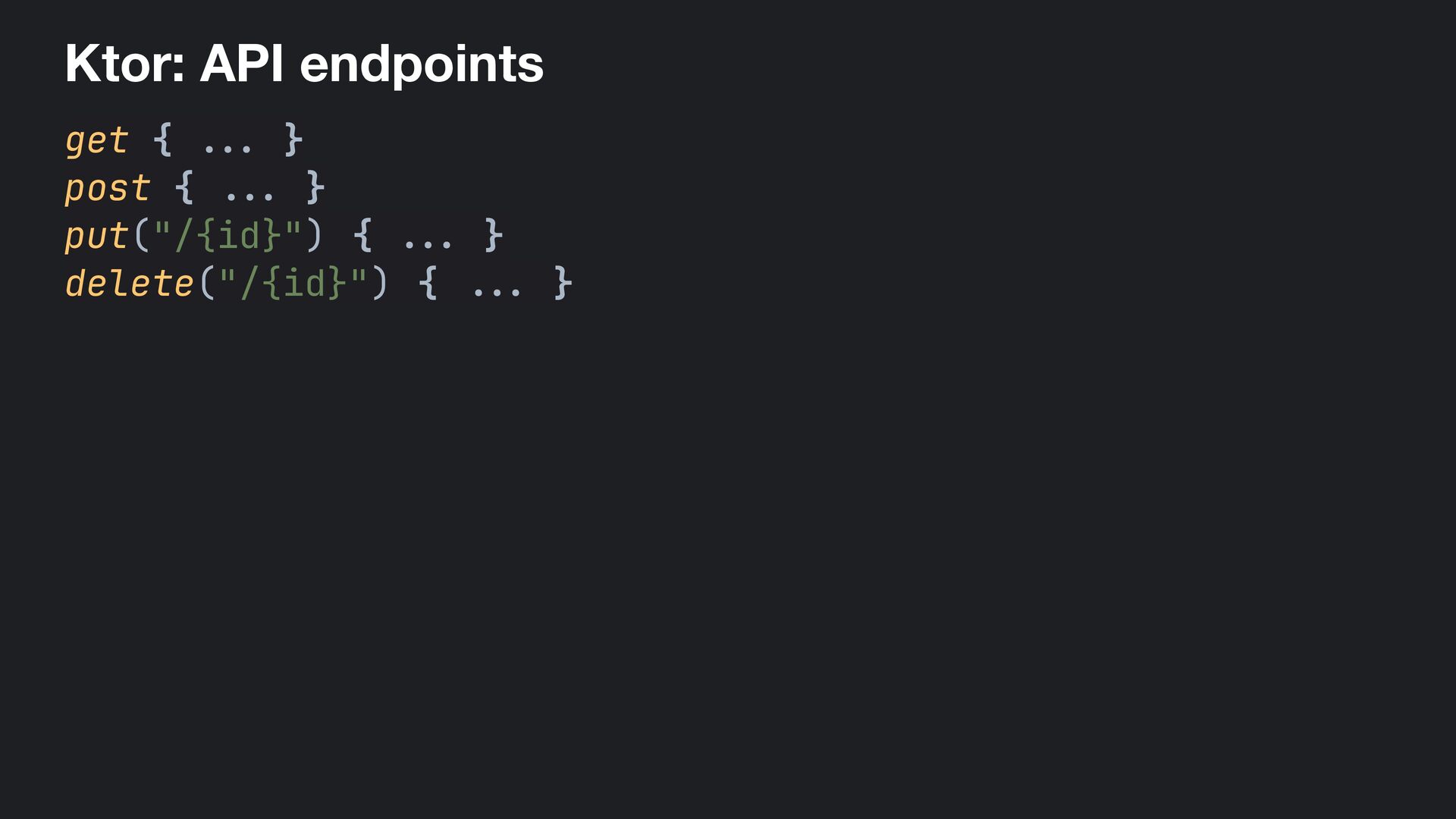
  21. API surface • GET /api/todos — list all, newest first

    • POST /api/todos — create, returns new row • PUT /api/todos/{id} — toggle done, optionally rename • DELETE /api/todos/{id} — delete one
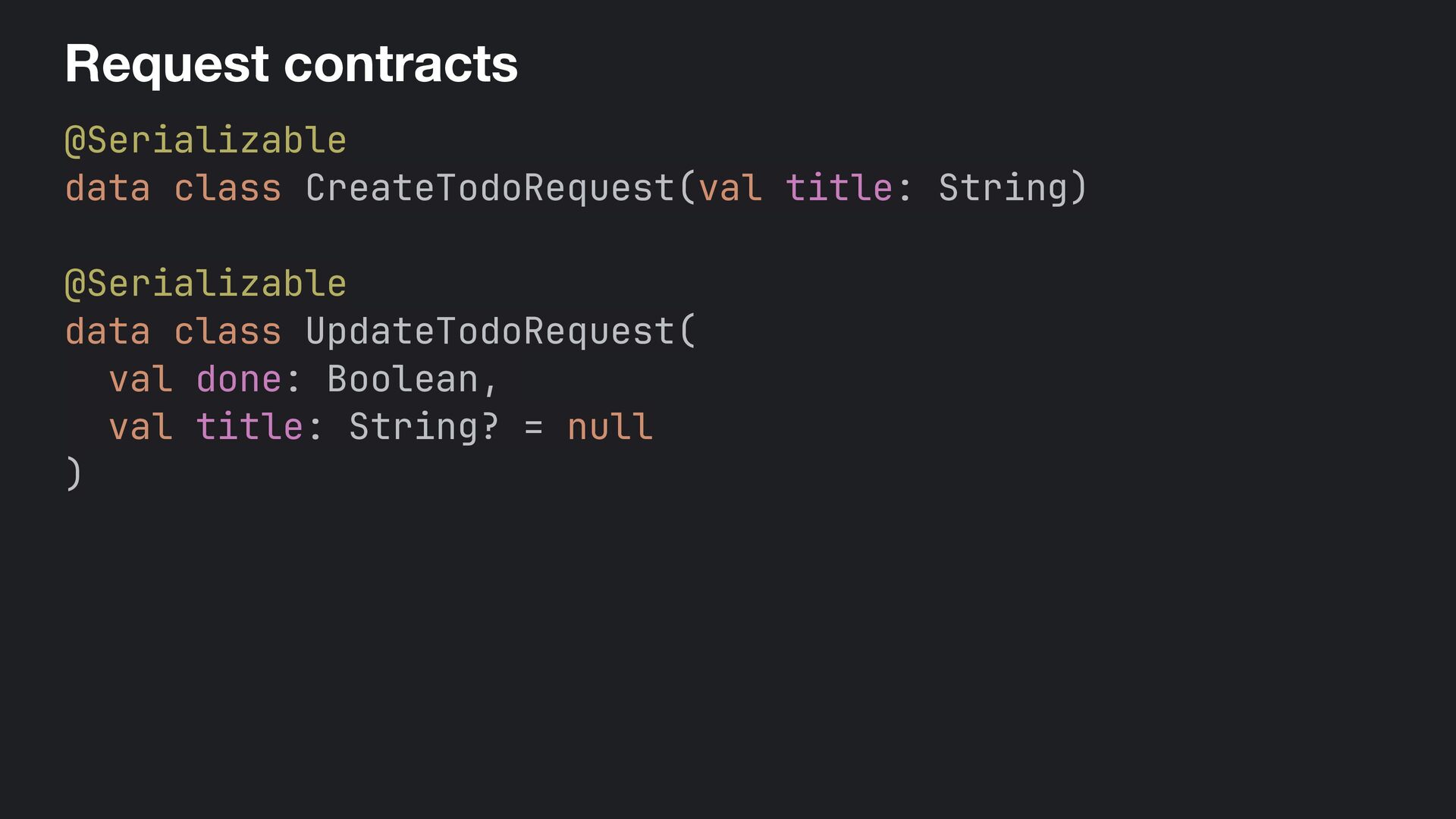
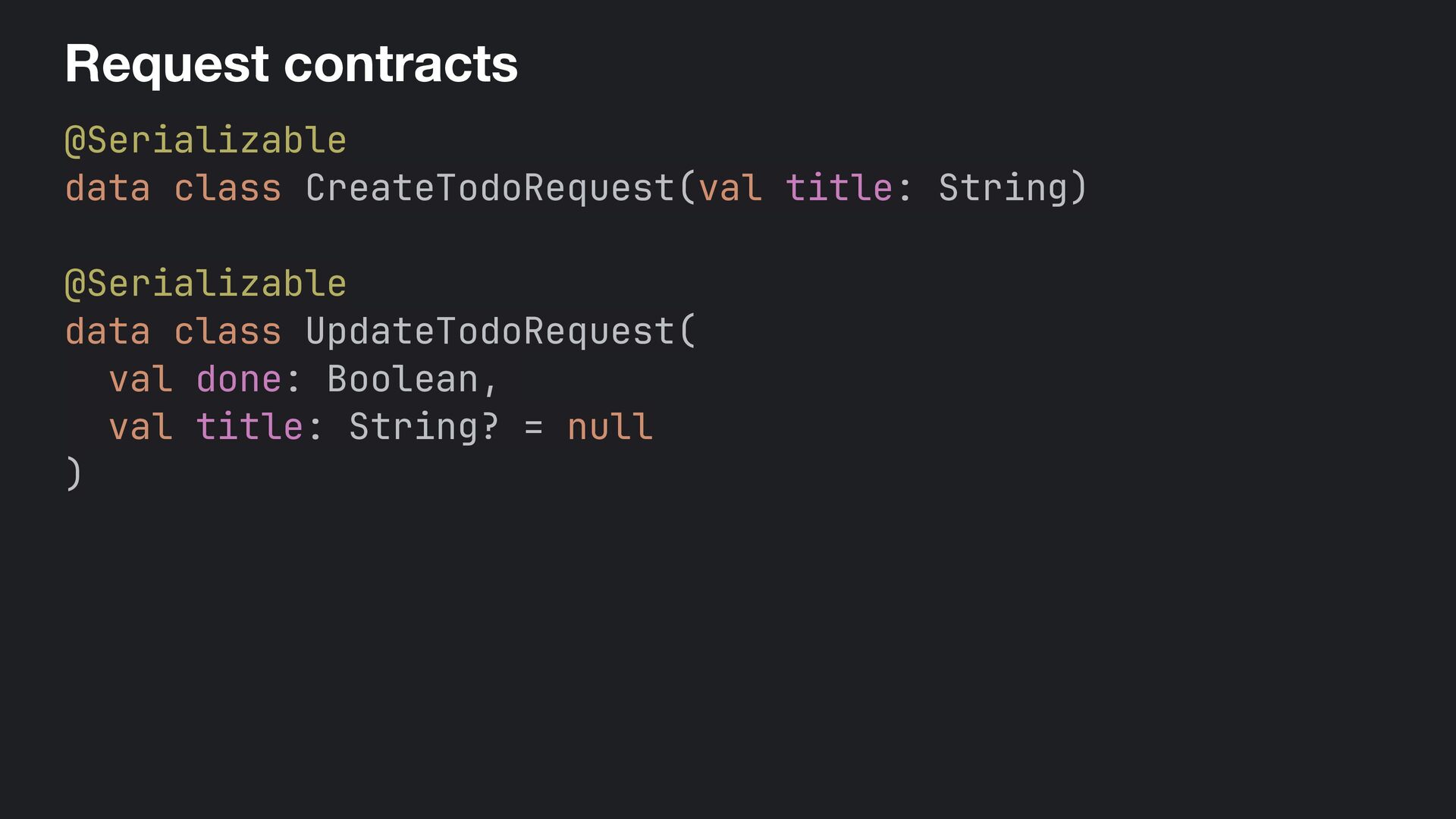
  22. Request contracts @Serializable data class CreateTodoRequest(val title: String) @Serializable data

    class UpdateTodoRequest( val done: Boolean, val title: String? = null )
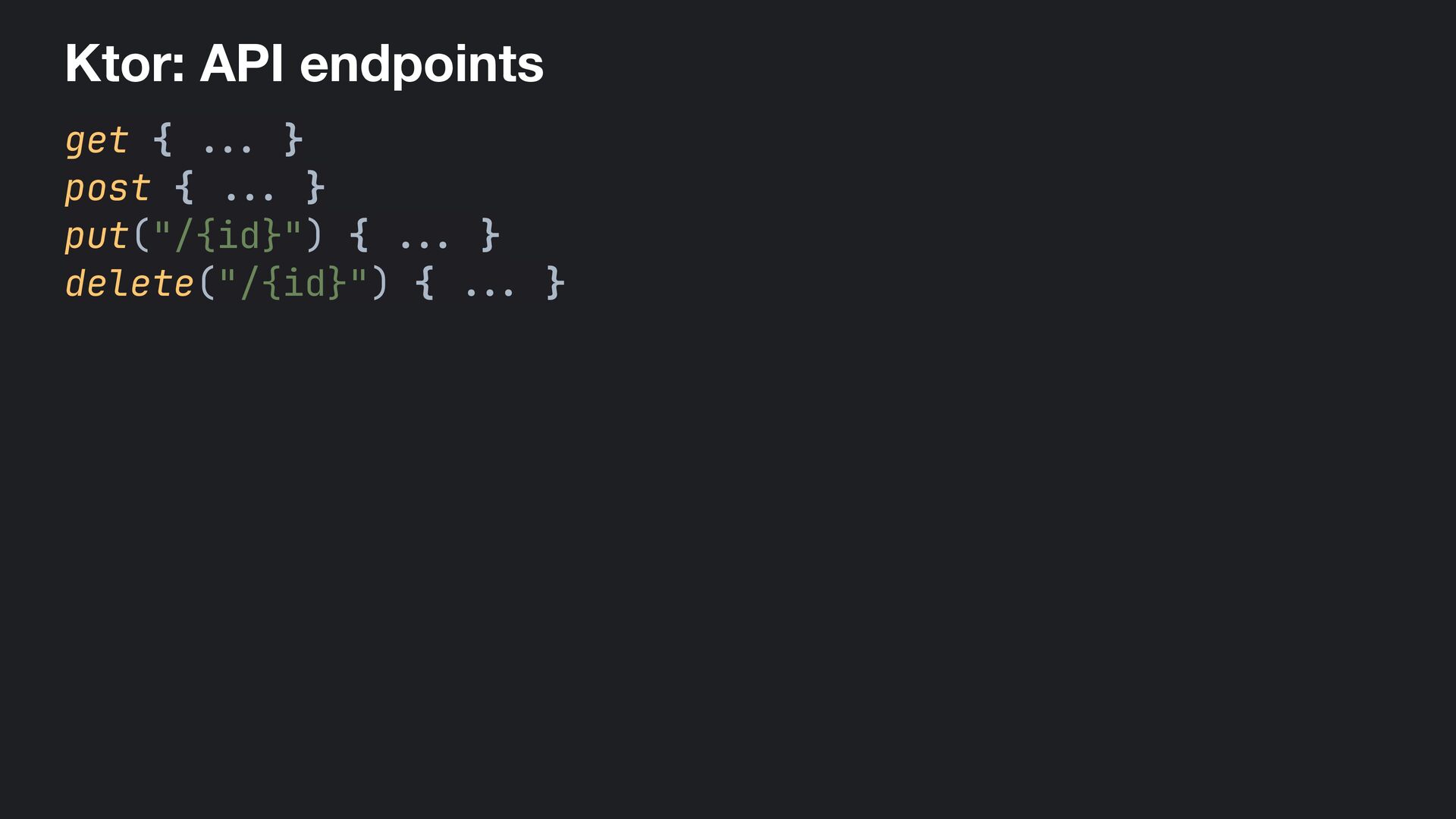
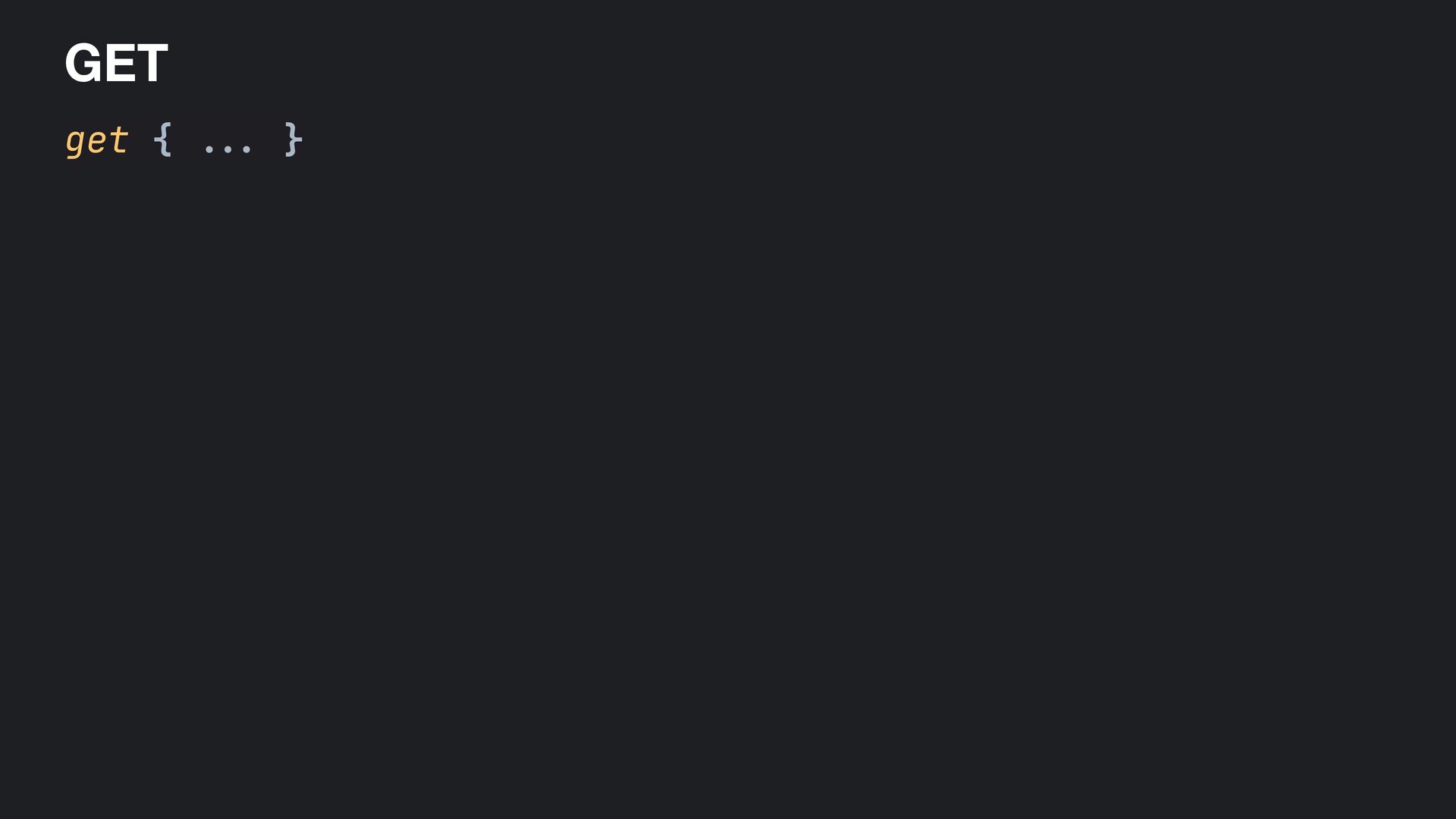
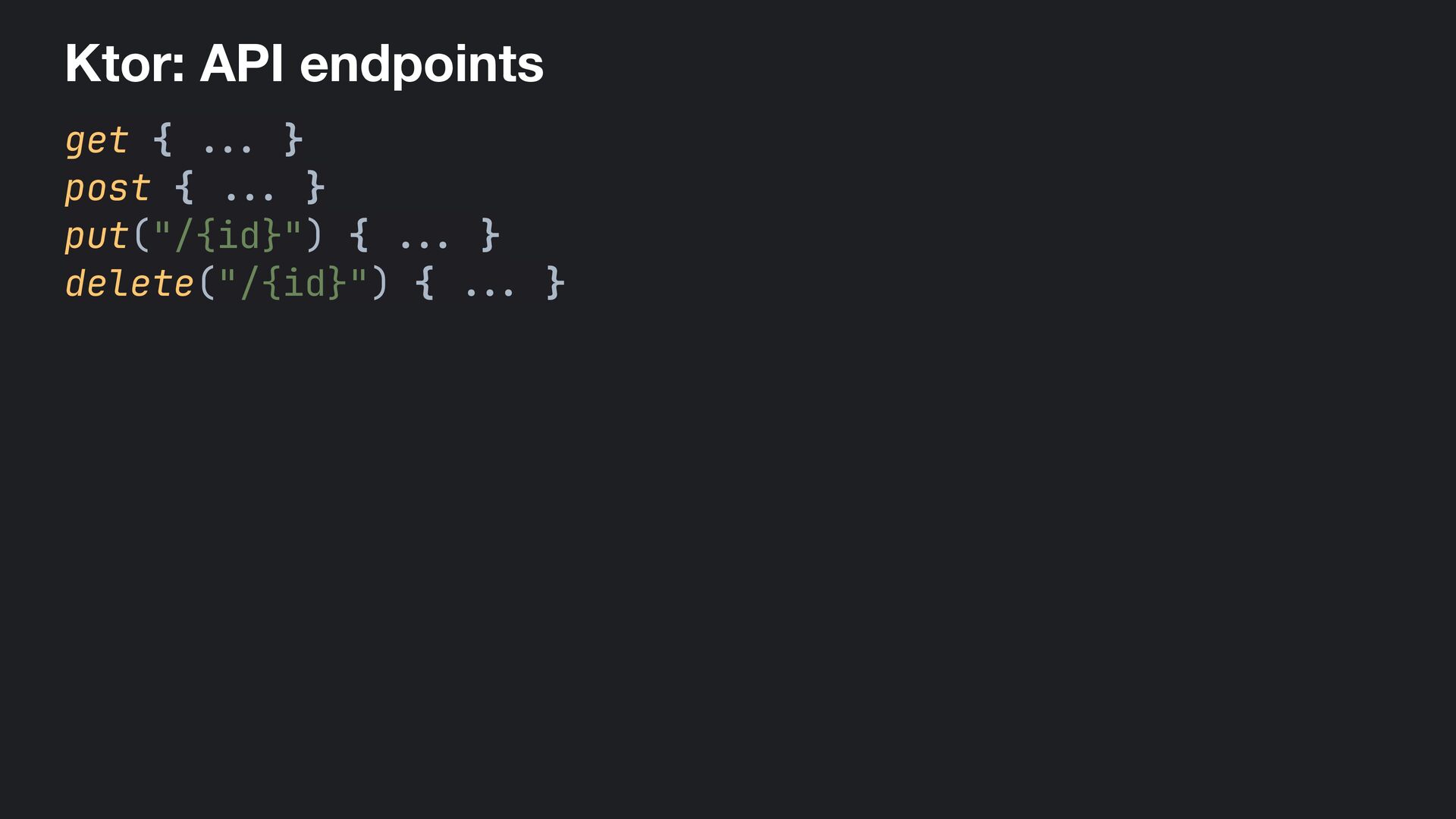
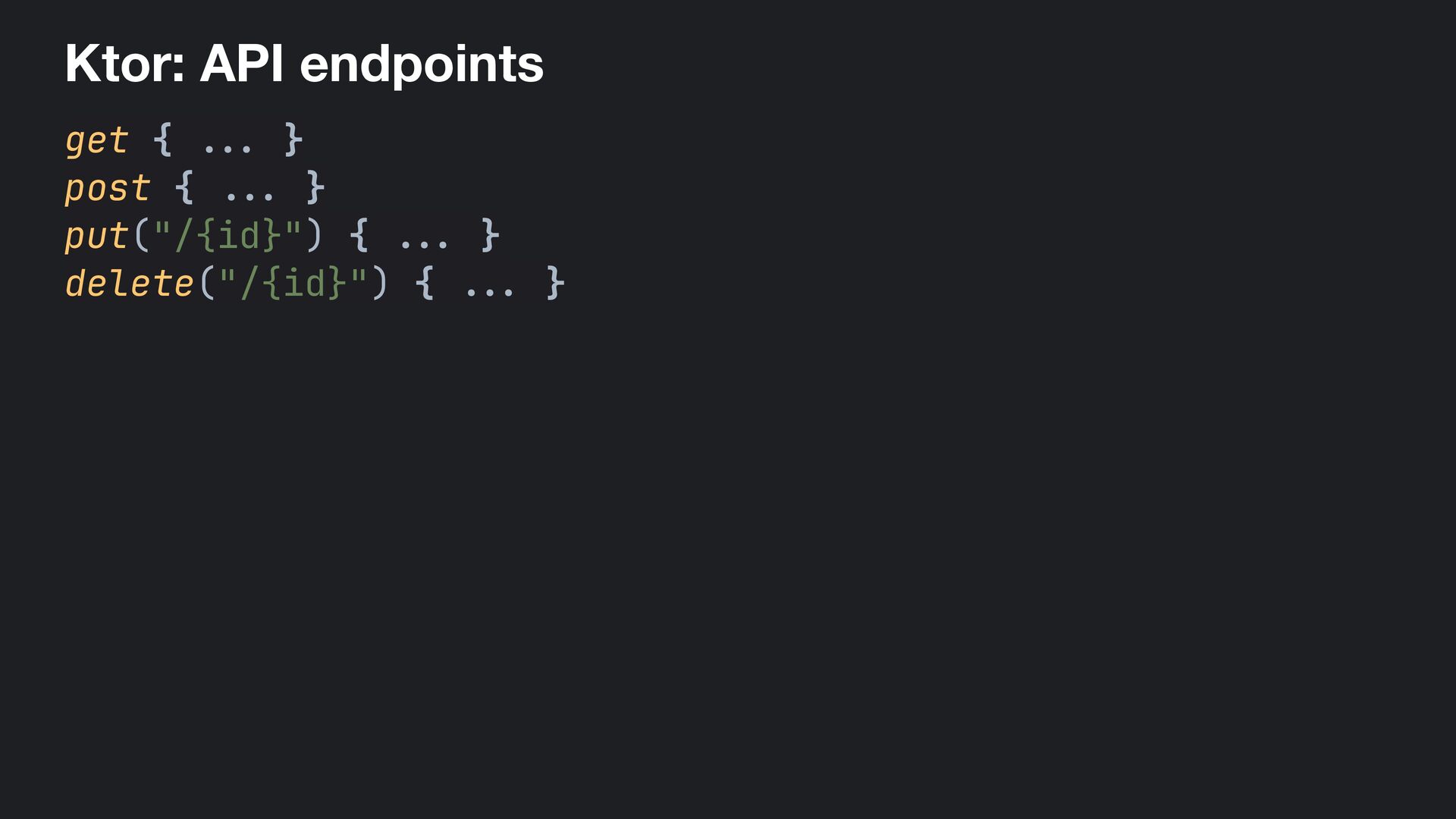
  23. Ktor: API endpoints get { . . . } post

    { . .. } put("/{id}") { ... } delete("/{id}") { . .. }
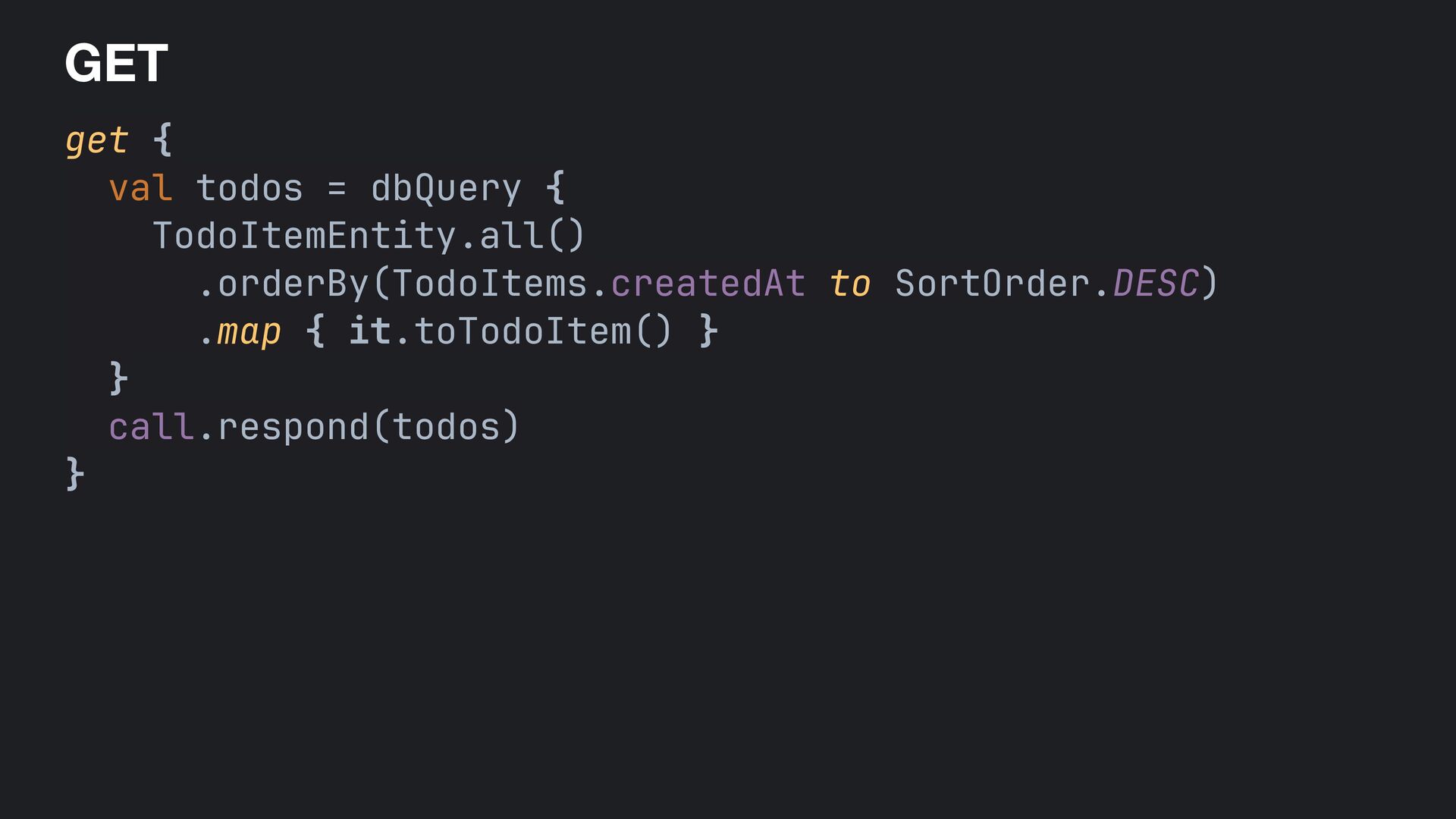
  24. GET get { val todos = dbQuery { TodoItemEntity.all() .orderBy(TodoItems.createdAt

    to SortOrder.DESC) .map { it.toTodoItem() } } call.respond(todos) }
  25. Ktor: API endpoints get { . . . } post

    { . .. } put("/{id}") { ... } delete("/{id}") { . .. }
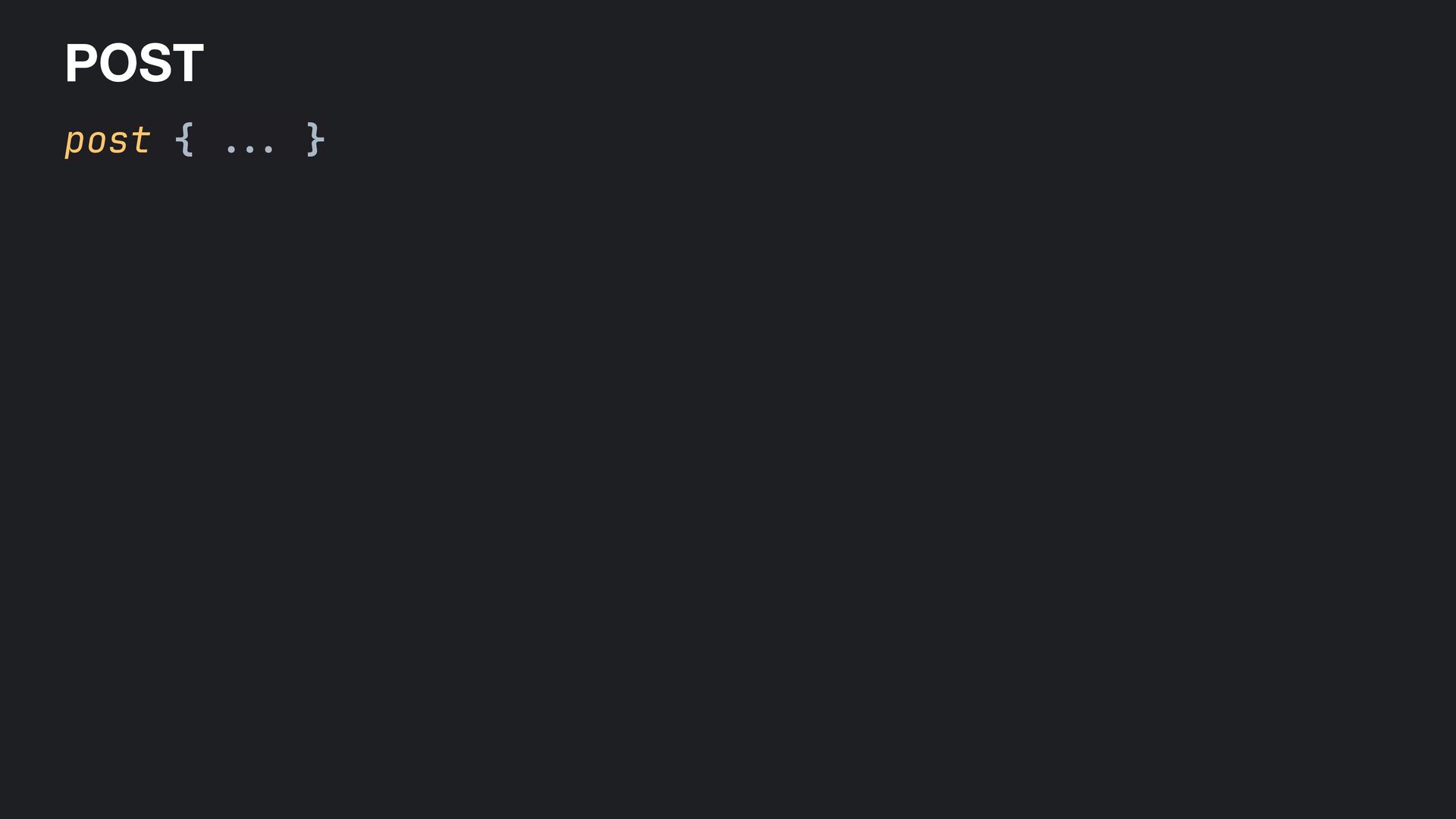
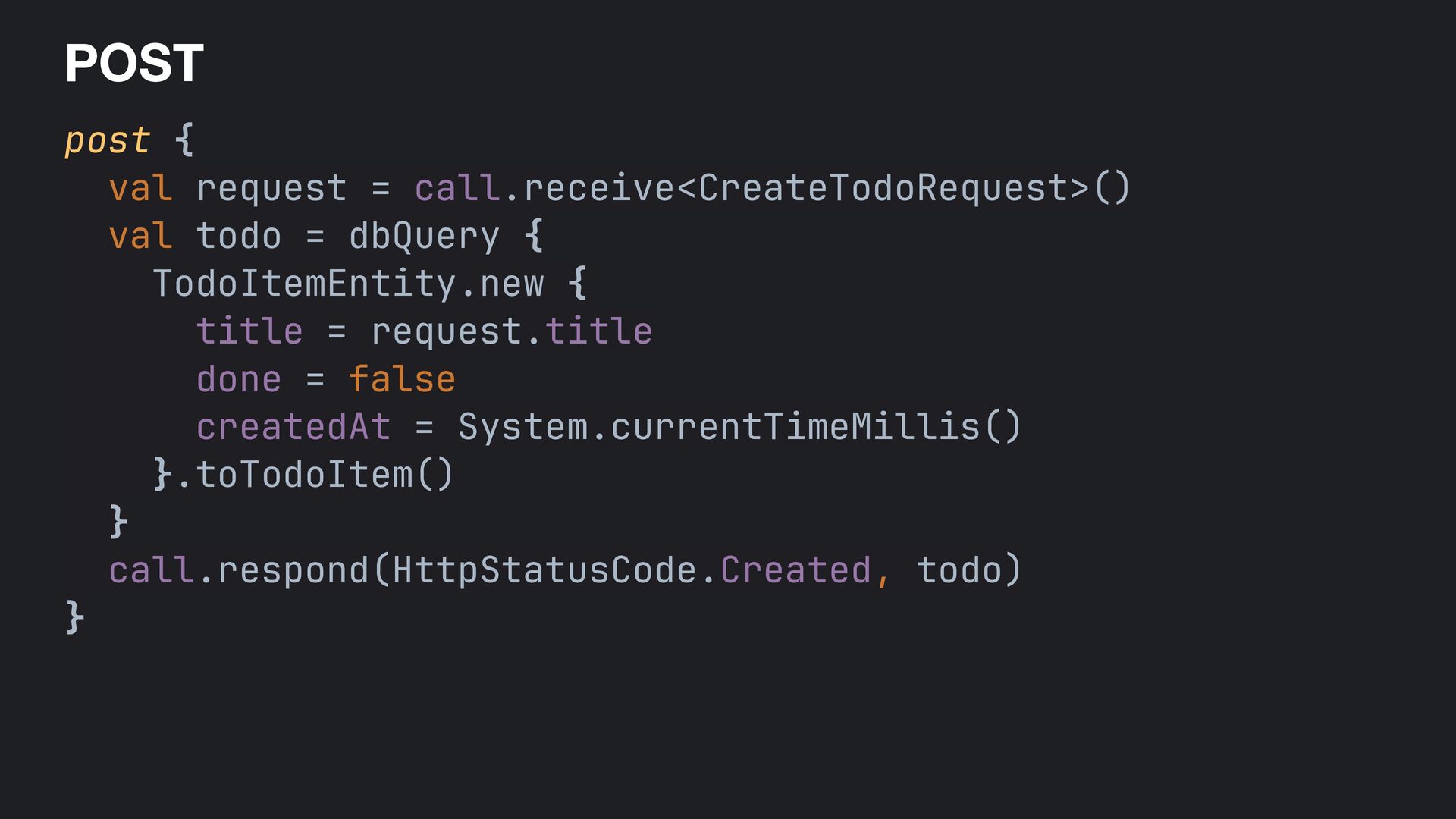
  26. POST post { val request = call.receive<CreateTodoRequest>() val todo =

    dbQuery { TodoItemEntity.new { title = request.title done = false createdAt = System.currentTimeMillis() }.toTodoItem() } call.respond(HttpStatusCode.Created, todo) }
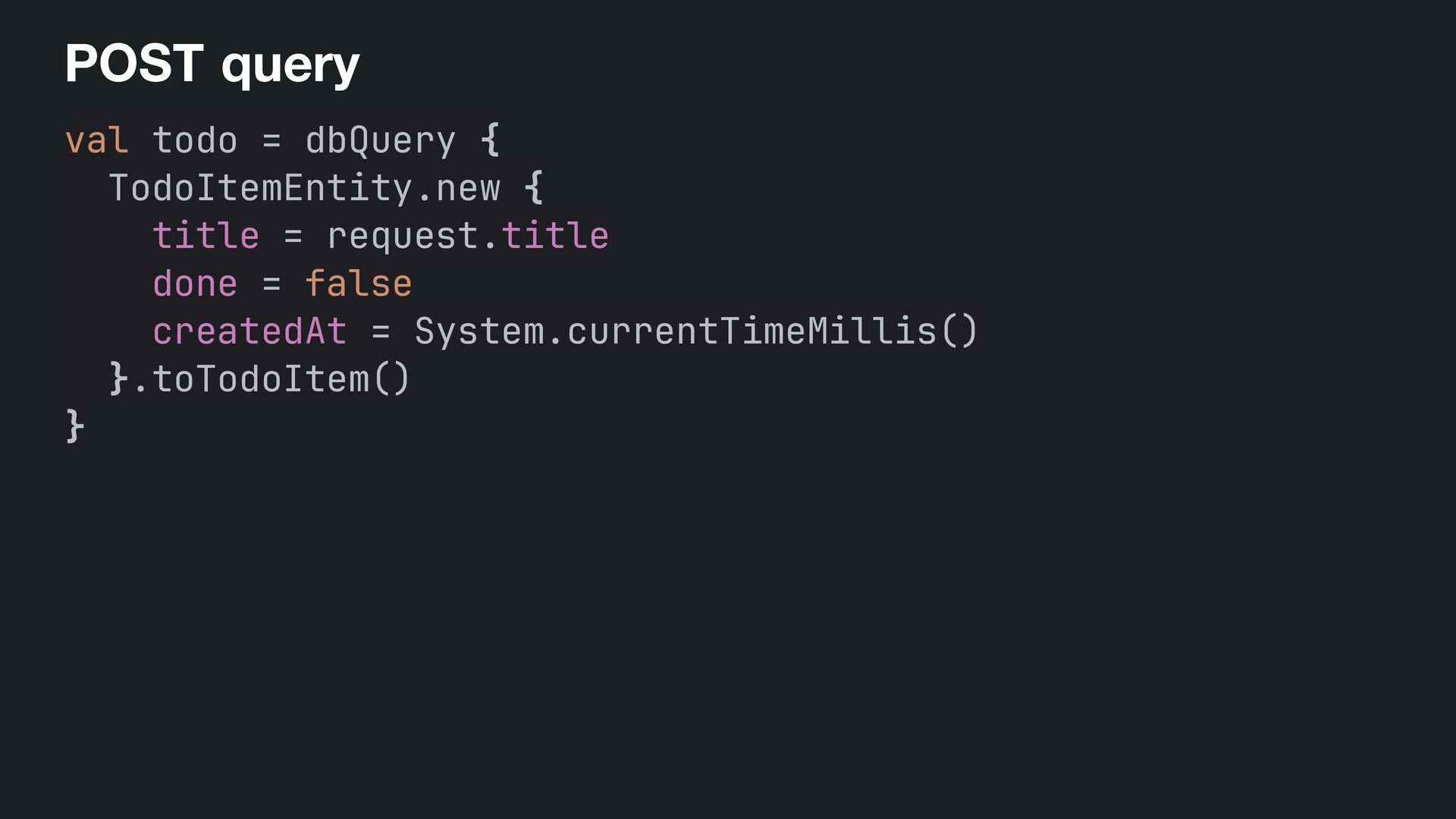
  27. POST + query val todo = dbQuery { TodoItemEntity.new {

    title = request.title done = false createdAt = System.currentTimeMillis() }.toTodoItem() }
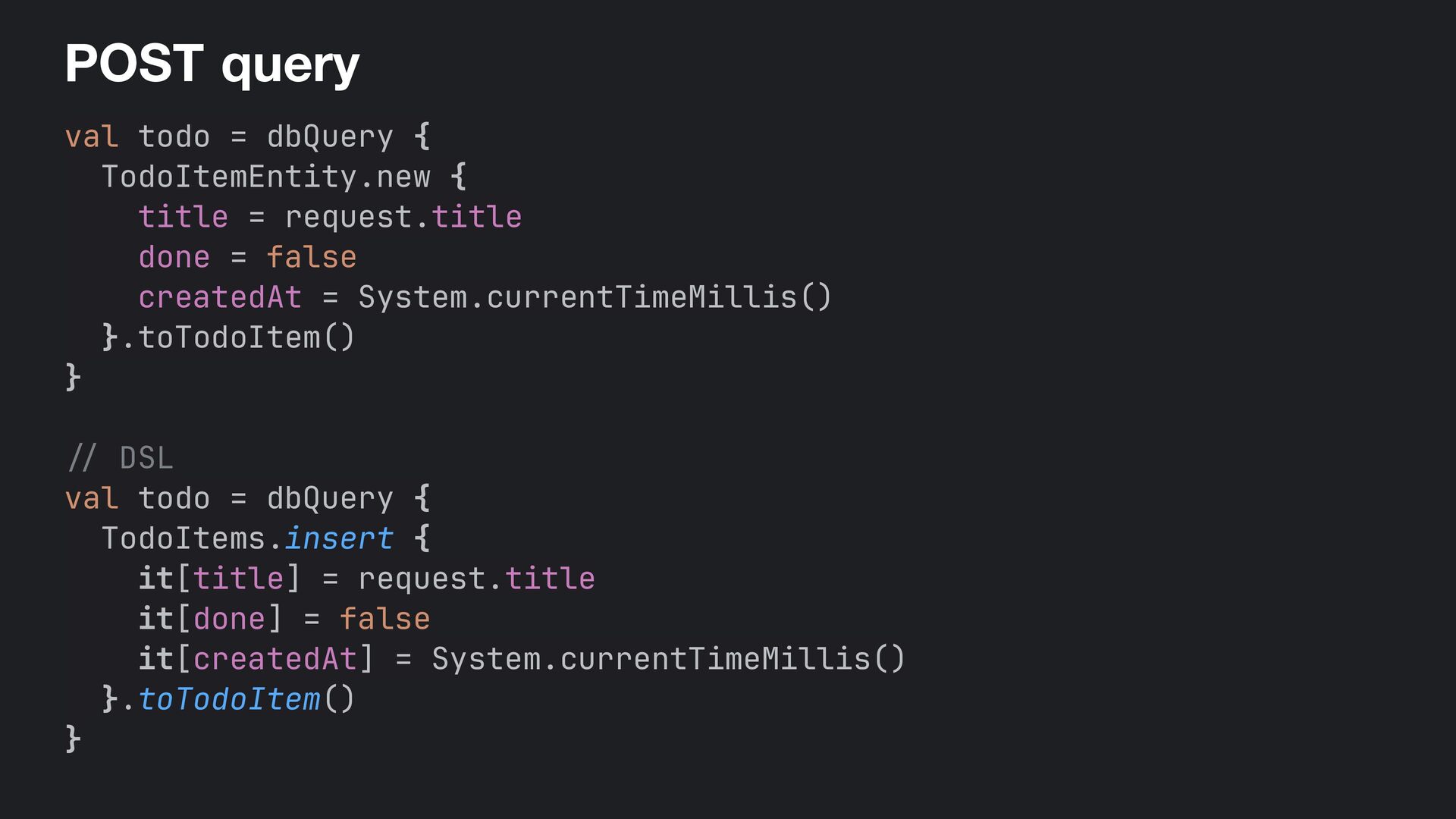
  28. POST + query val todo = dbQuery { TodoItemEntity.new {

    title = request.title done = false createdAt = System.currentTimeMillis() }.toTodoItem() } // DSL val todo = dbQuery { TodoItems.insert { it[title] = request.title it[done] = false it[createdAt] = System.currentTimeMillis() }.toTodoItem() }
  29. Ktor: API endpoints get { . . . } post

    { . .. } put("/{id}") { ... } delete("/{id}") { . .. }
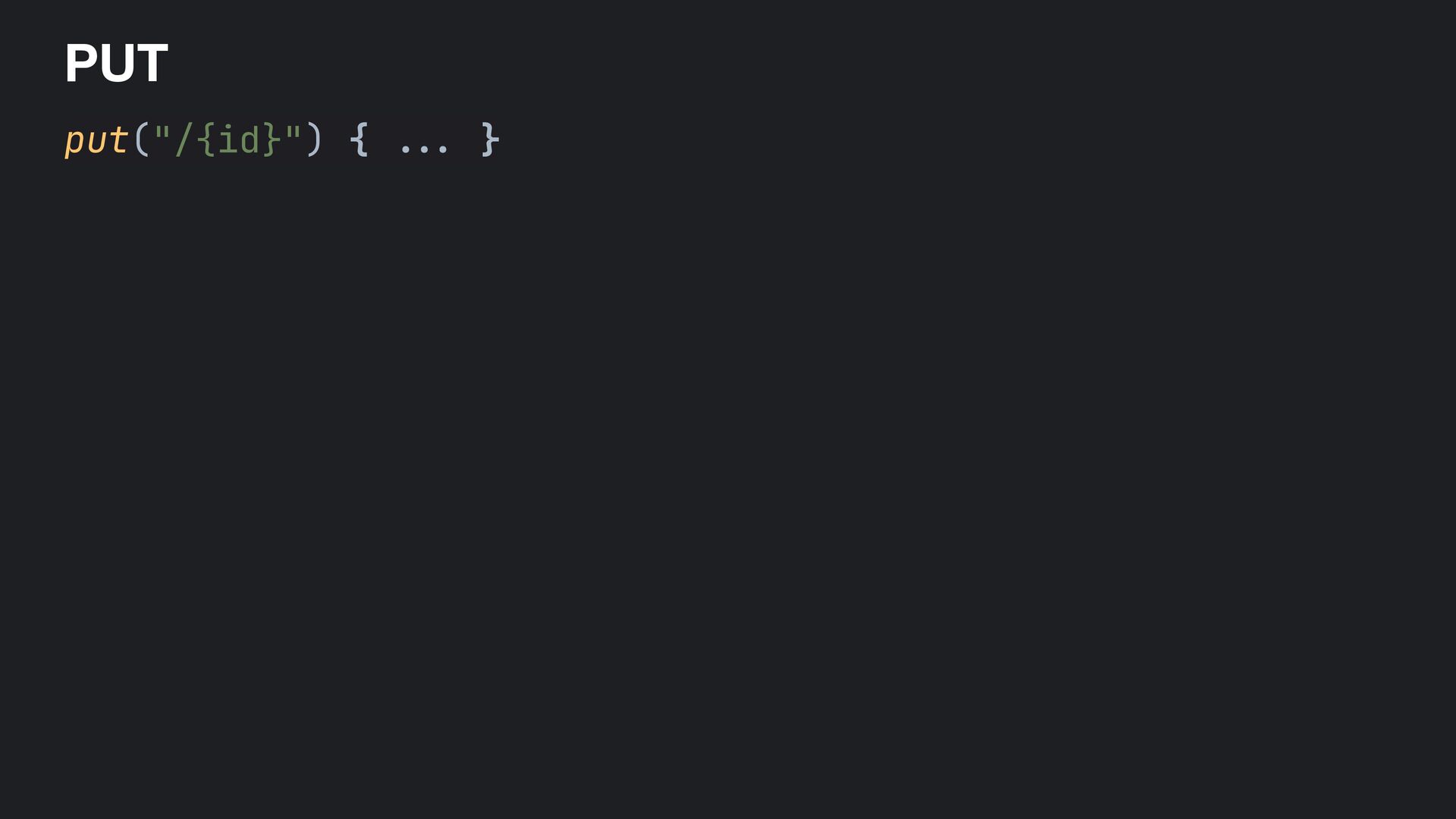
  30. PUT put("/{id}") { val id = call.parameters["id"] ?. toIntOrNull() ?:

    return@put call.respond(HttpStatusCode.BadRequest) val request = call.receive<UpdateTodoRequest>() val todo = dbQuery { TodoItemEntity.findById(id) ? . apply { done = request.done request.title ?. let { title = it } } ?. toTodoItem() } if (todo != null) call.respond(todo) else call.respond(HttpStatusCode.NotFound) }
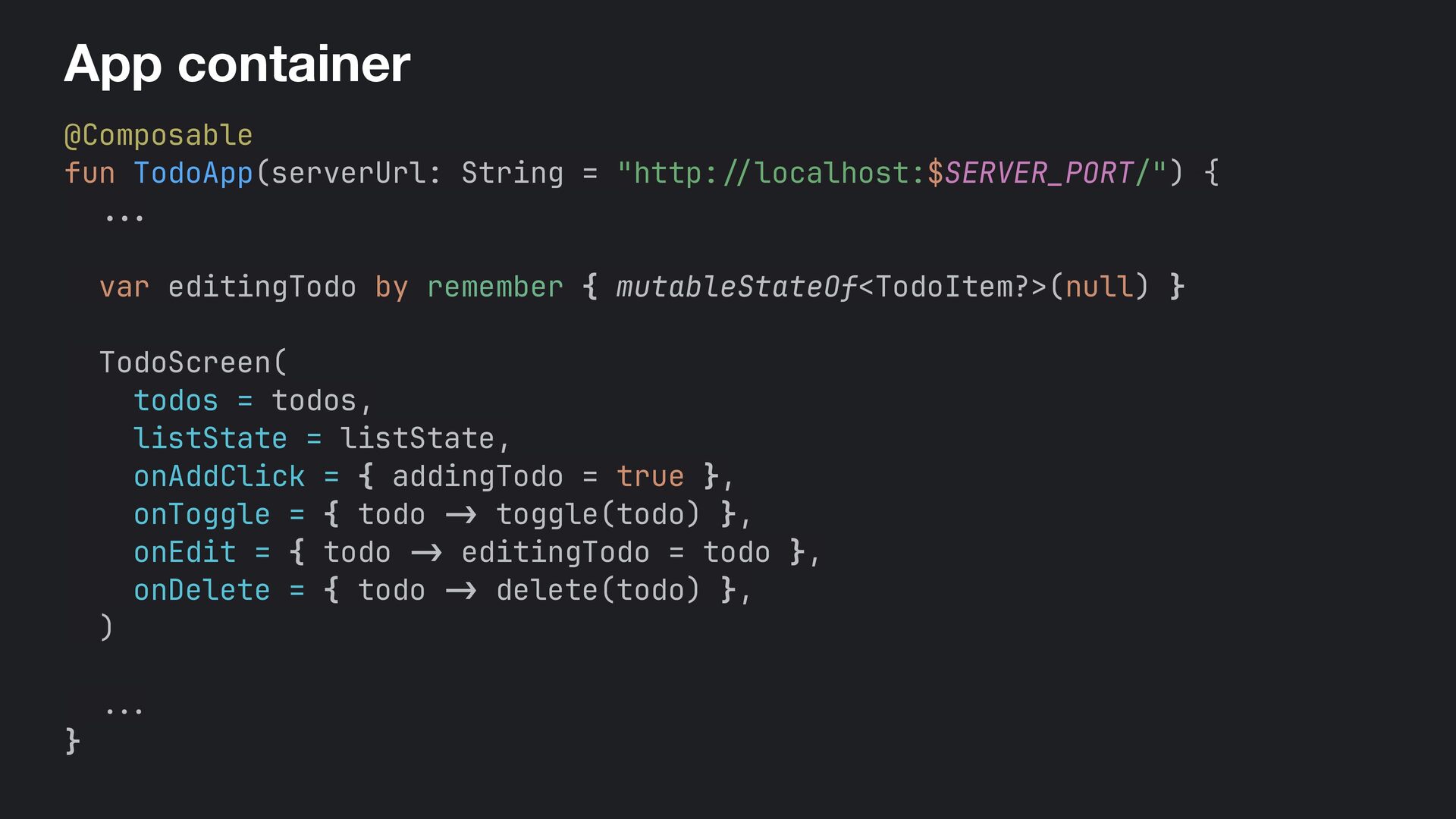
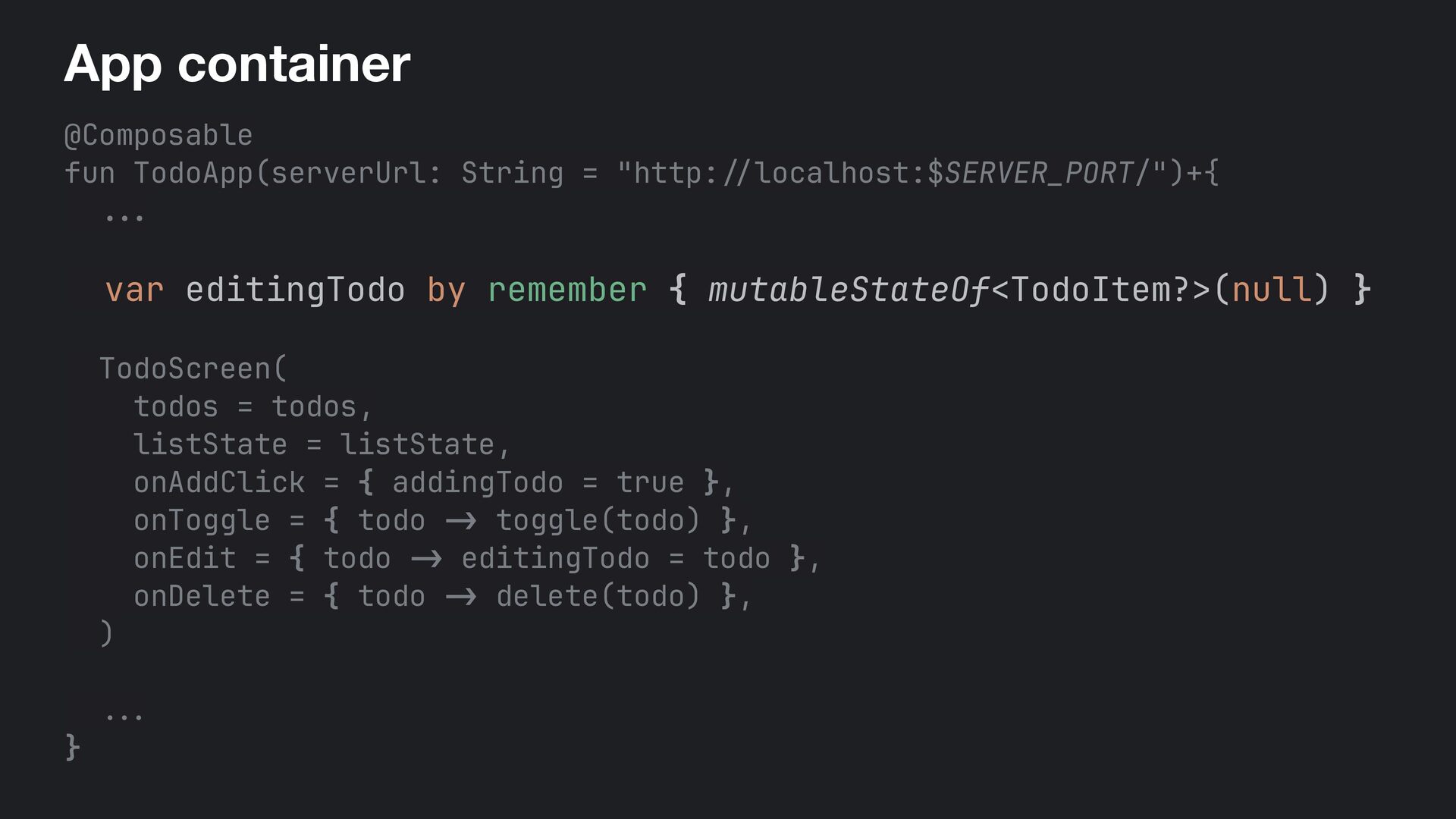
  31. Ktor: API endpoints get { . . . } post

    { . .. } put("/{id}") 1 { .. . } 2 delete("/{id}") 3 { 4 .. . } 4
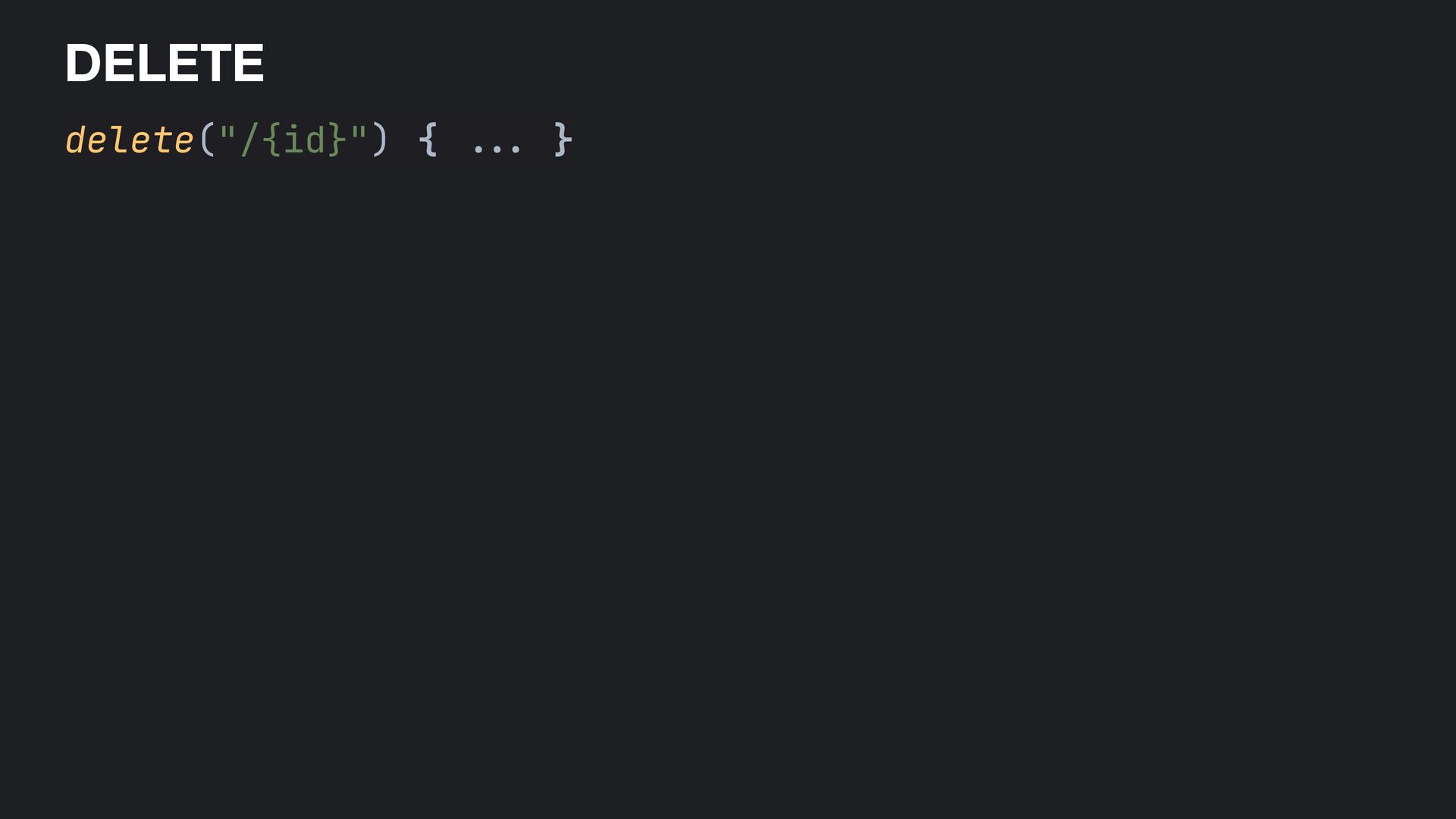
  32. DELETE delete("/{id}") { val id = call.parameters["id"] ?. toIntOrNull() ?:

    return@delete call.respond(HttpStatusCode.BadRequest) val deleted = dbQuery { TodoItemEntity.findById(id) ? . delete() ! = null } if (deleted) call.respond(HttpStatusCode.NoContent) else call.respond(HttpStatusCode.NotFound) }
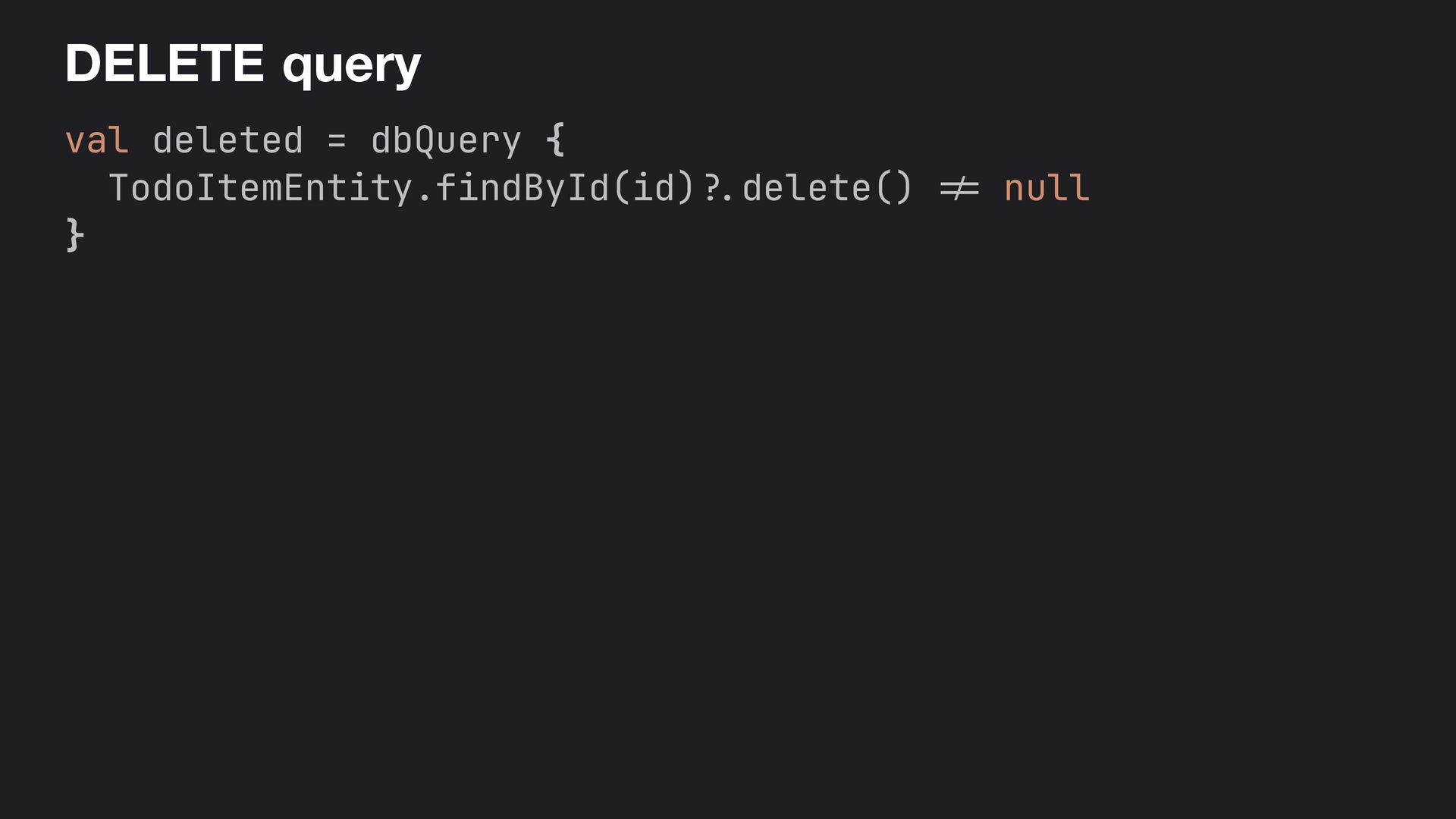
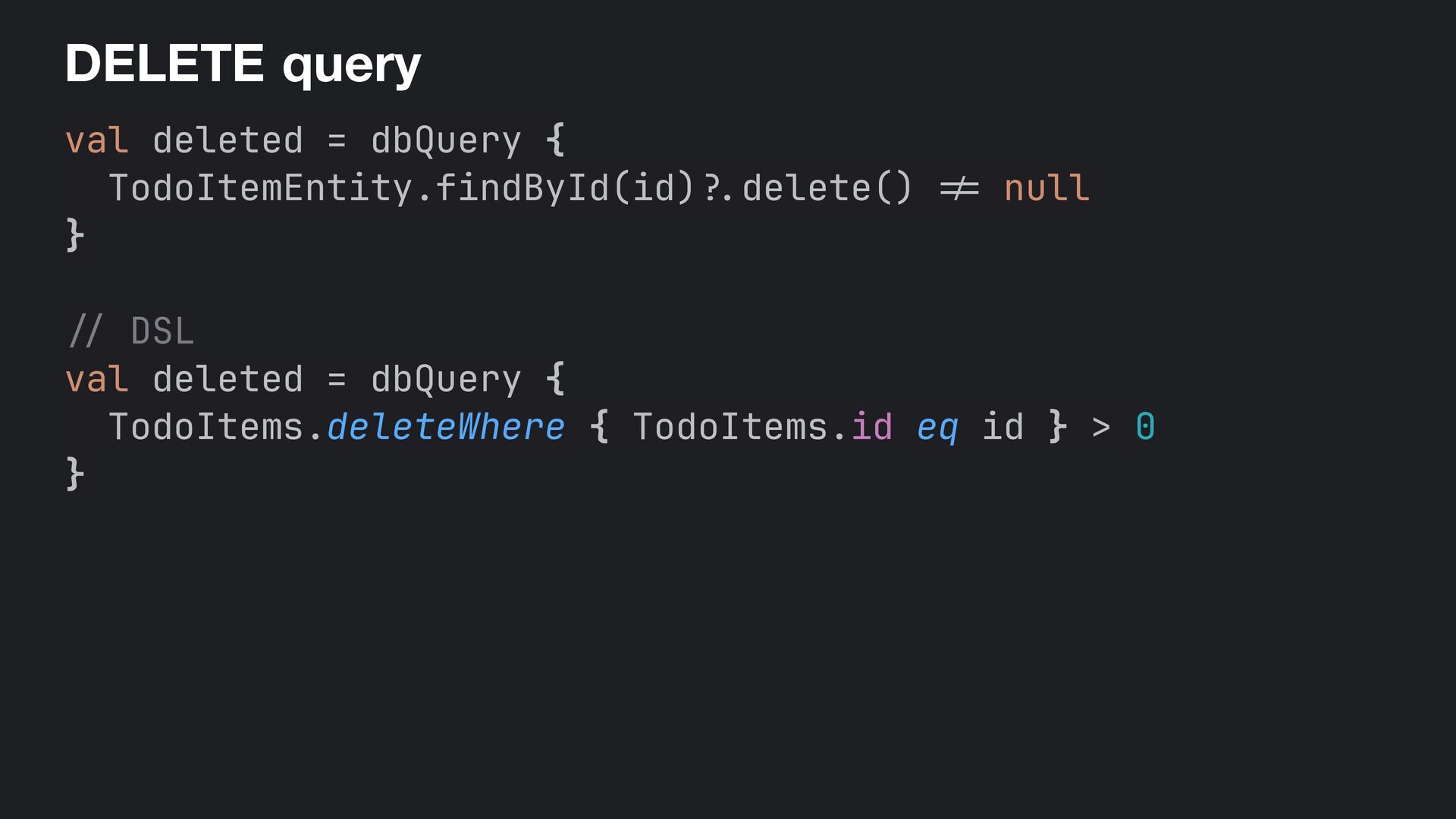
  33. DELETE + query val deleted = dbQuery { TodoItemEntity.findById(id) ?.

    delete() != null } / / DSL val deleted = dbQuery { TodoItems.deleteWhere { TodoItems.id eq id } > 0 }
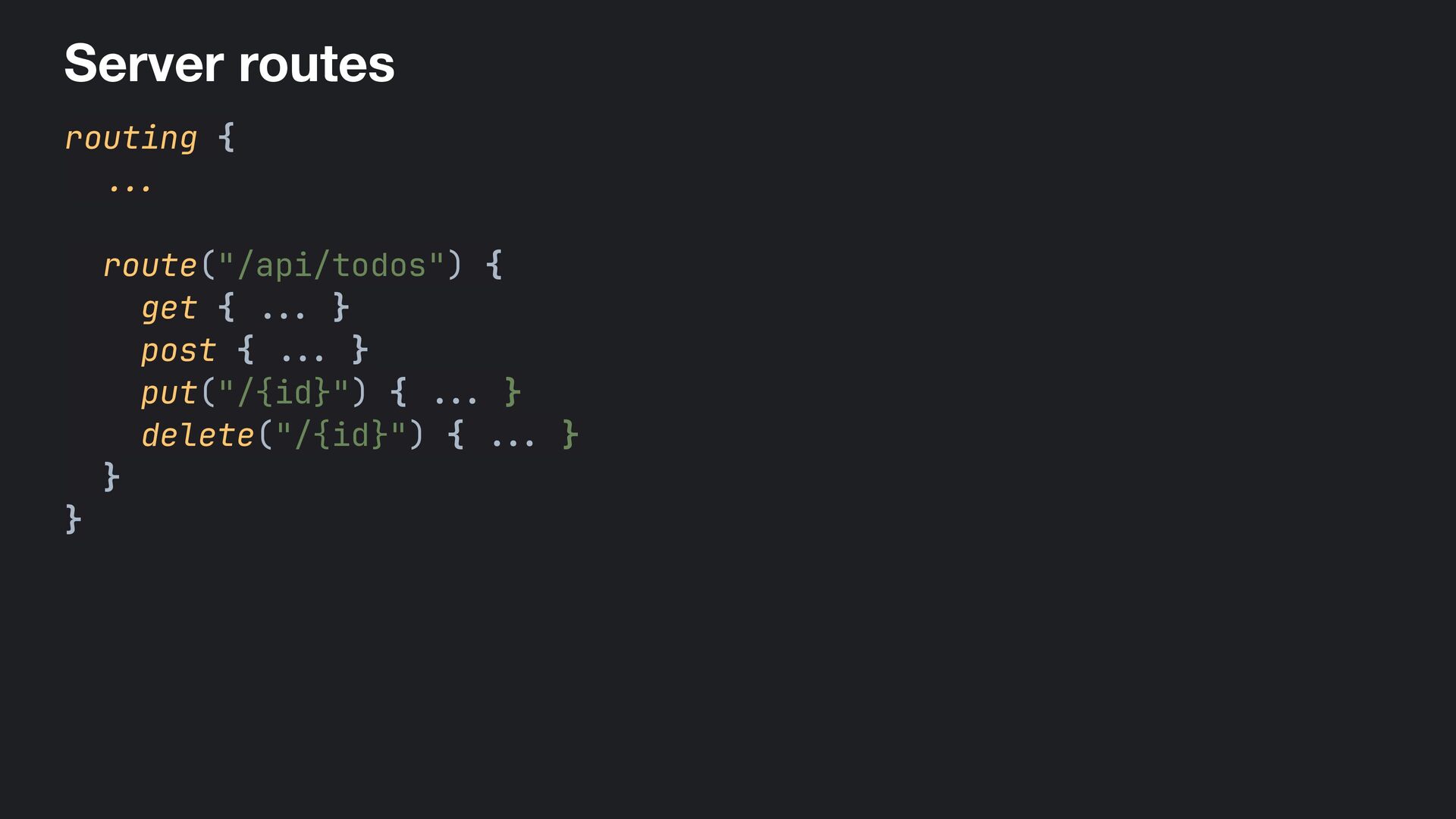
  34. Server routes routing { ... route("/api/todos") { get { ...

    } post { .. . } put("/{id}") { ... } delete("/{id}") { .. . } } }
  35. Request contracts @Serializable data class CreateTodoRequest(val title: String) @Serializable data

    class UpdateTodoRequest( val done: Boolean, val title: String? = null )
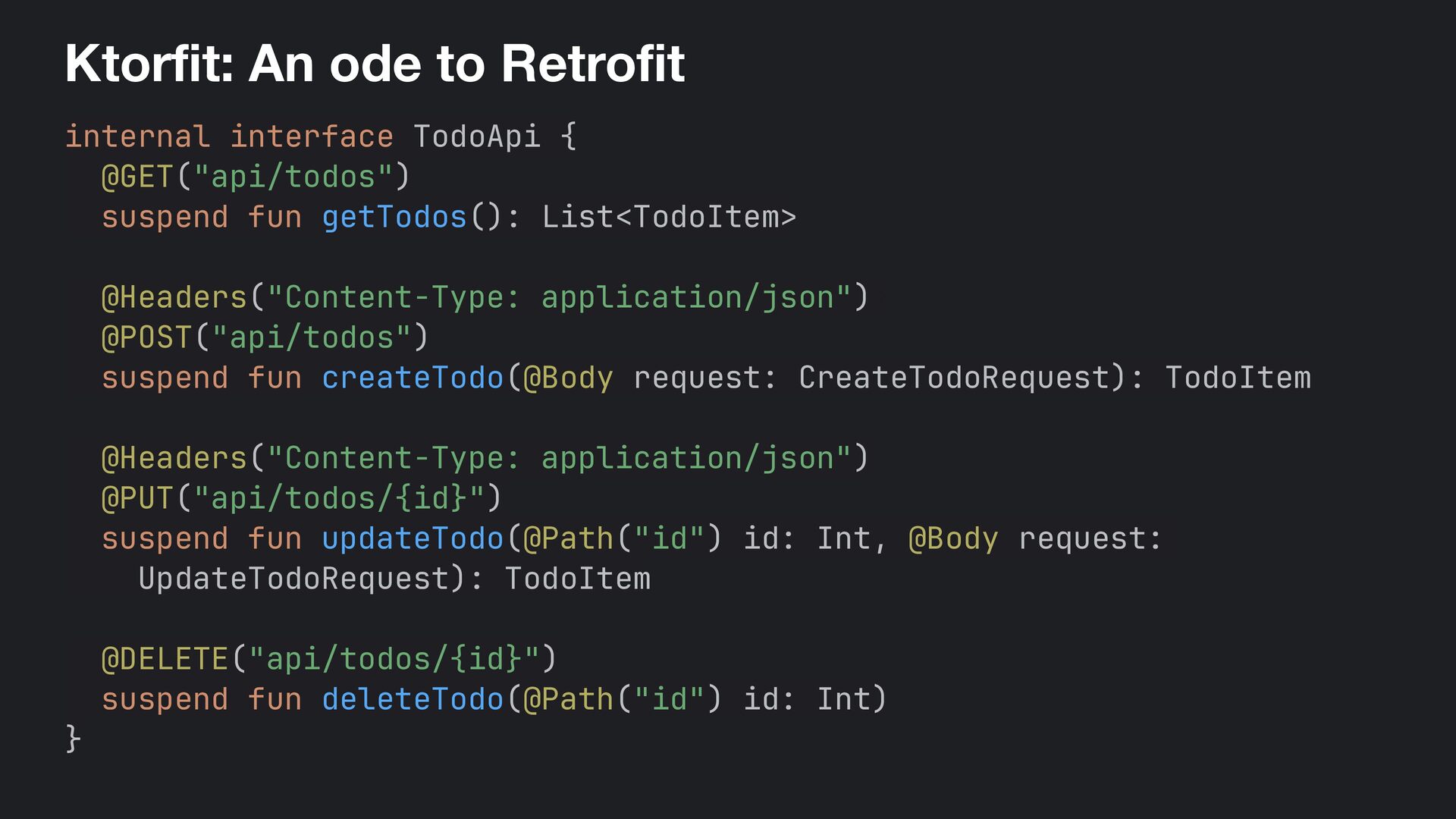
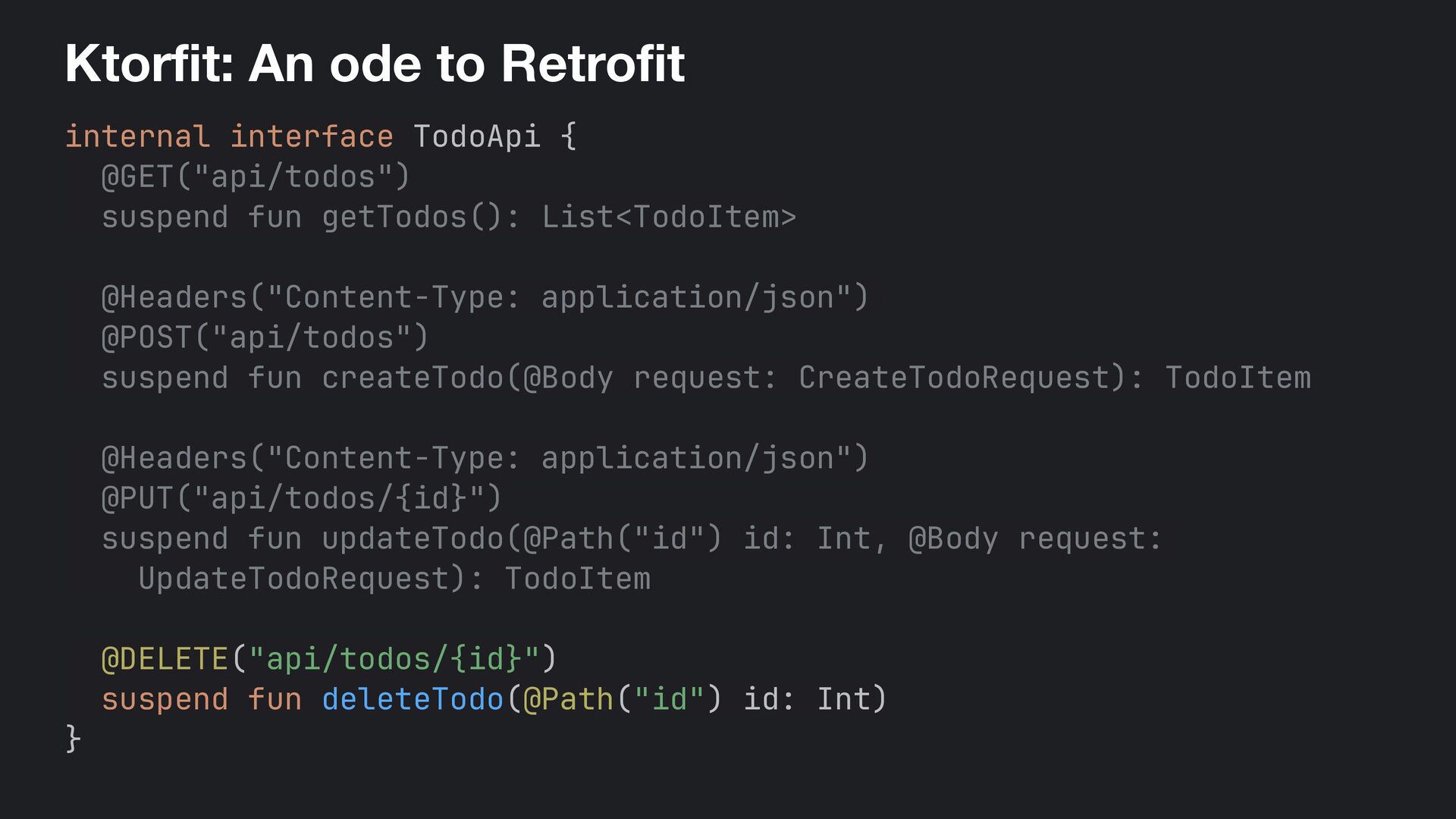
  36. Ktorfit: An ode to Retrofit internal interface TodoApi { @GET("api/todos")
    suspend fun getTodos(): List<TodoItem> @Headers("Content-Type: application/json")+ @POST("api/todos") suspend fun createTodo(@Body request: CreateTodoRequest): TodoItem @Headers("Content-Type: application/json") @PUT("api/todos/{id}") suspend fun updateTodo(@Path("id") id: Int, @Body request: UpdateTodoRequest): TodoItem @DELETE("api/todos/{id}") suspend fun deleteTodo(@Path("id") id: Int) }
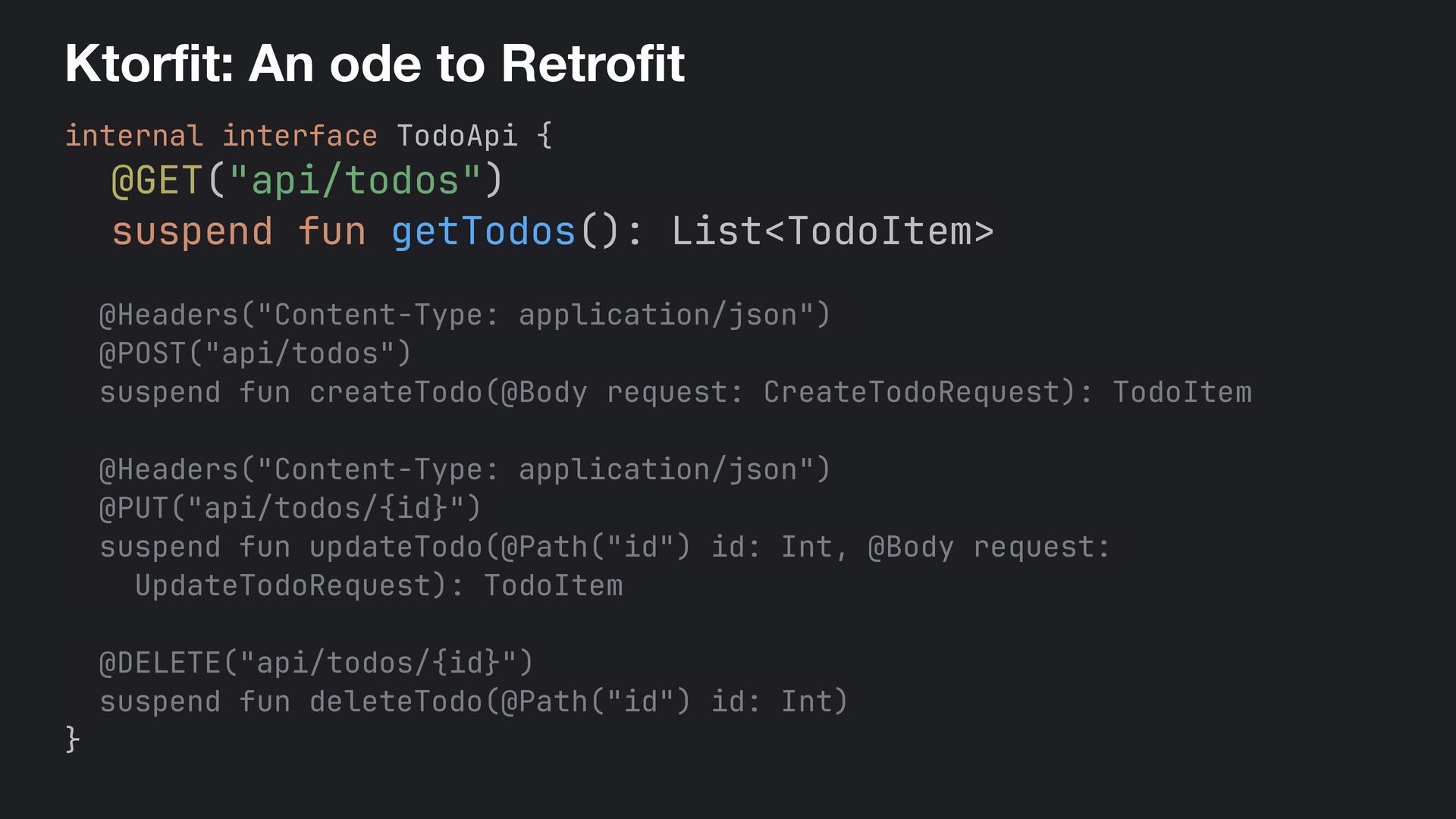
  37. Ktorfit: An ode to Retrofit internal interface TodoApi { @GET("api/todos")

    suspend fun getTodos(): List<TodoItem> @Headers("Content-Type: application/json")+ @POST("api/todos") suspend fun createTodo(@Body request: CreateTodoRequest): TodoItem @Headers("Content-Type: application/json") @PUT("api/todos/{id}") suspend fun updateTodo(@Path("id") id: Int, @Body request: UpdateTodoRequest): TodoItem @DELETE("api/todos/{id}") suspend fun deleteTodo(@Path("id") id: Int) }
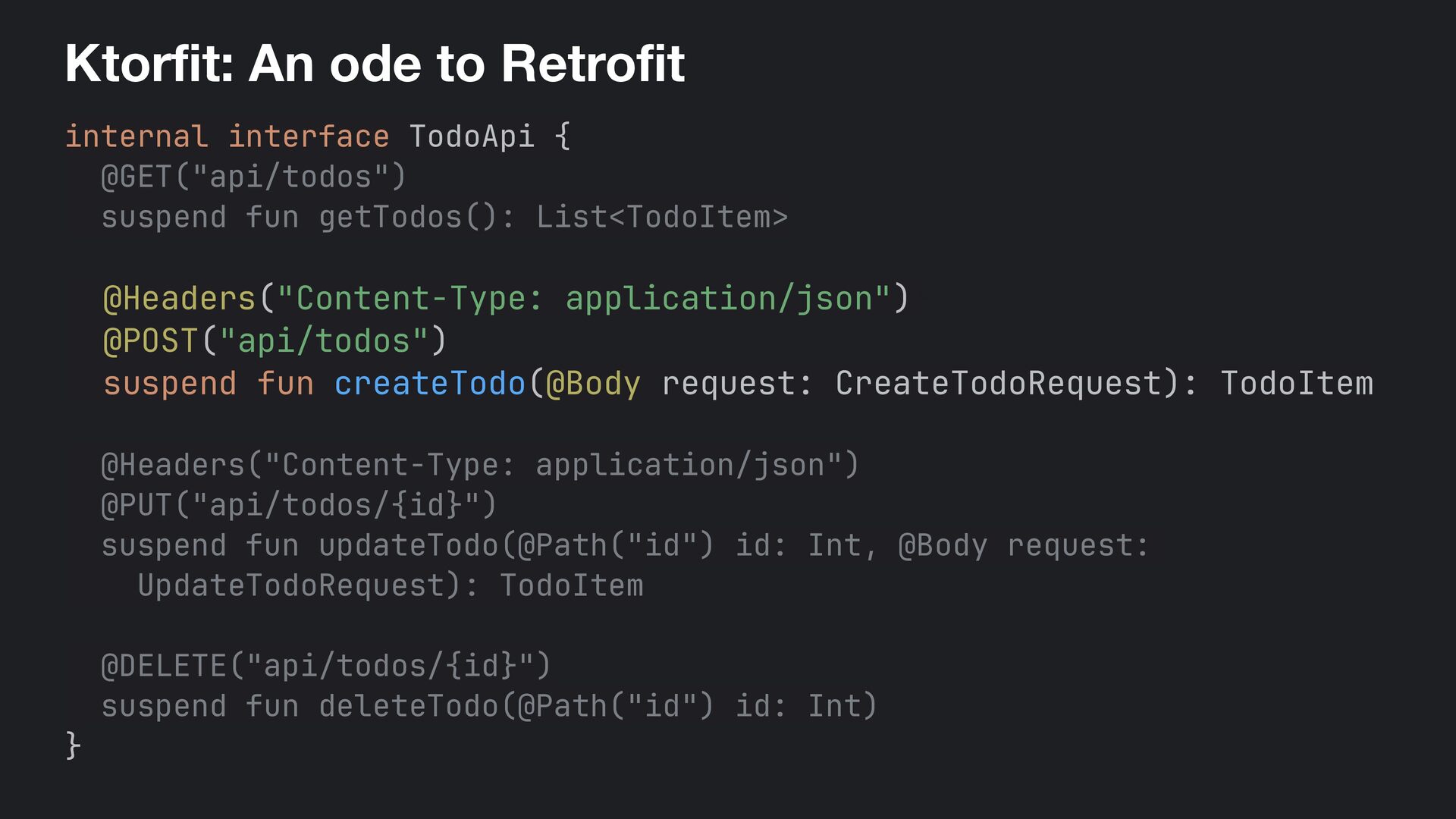
  38. Ktorfit: An ode to Retrofit internal interface TodoApi { @GET("api/todos")

    suspend fun getTodos(): List<TodoItem> @Headers("Content-Type: application/json")+ @POST("api/todos") suspend fun createTodo(@Body request: CreateTodoRequest): TodoItem @Headers("Content-Type: application/json") @PUT("api/todos/{id}") suspend fun updateTodo(@Path("id") id: Int, @Body request: UpdateTodoRequest): TodoItem @DELETE("api/todos/{id}") suspend fun deleteTodo(@Path("id") id: Int) }
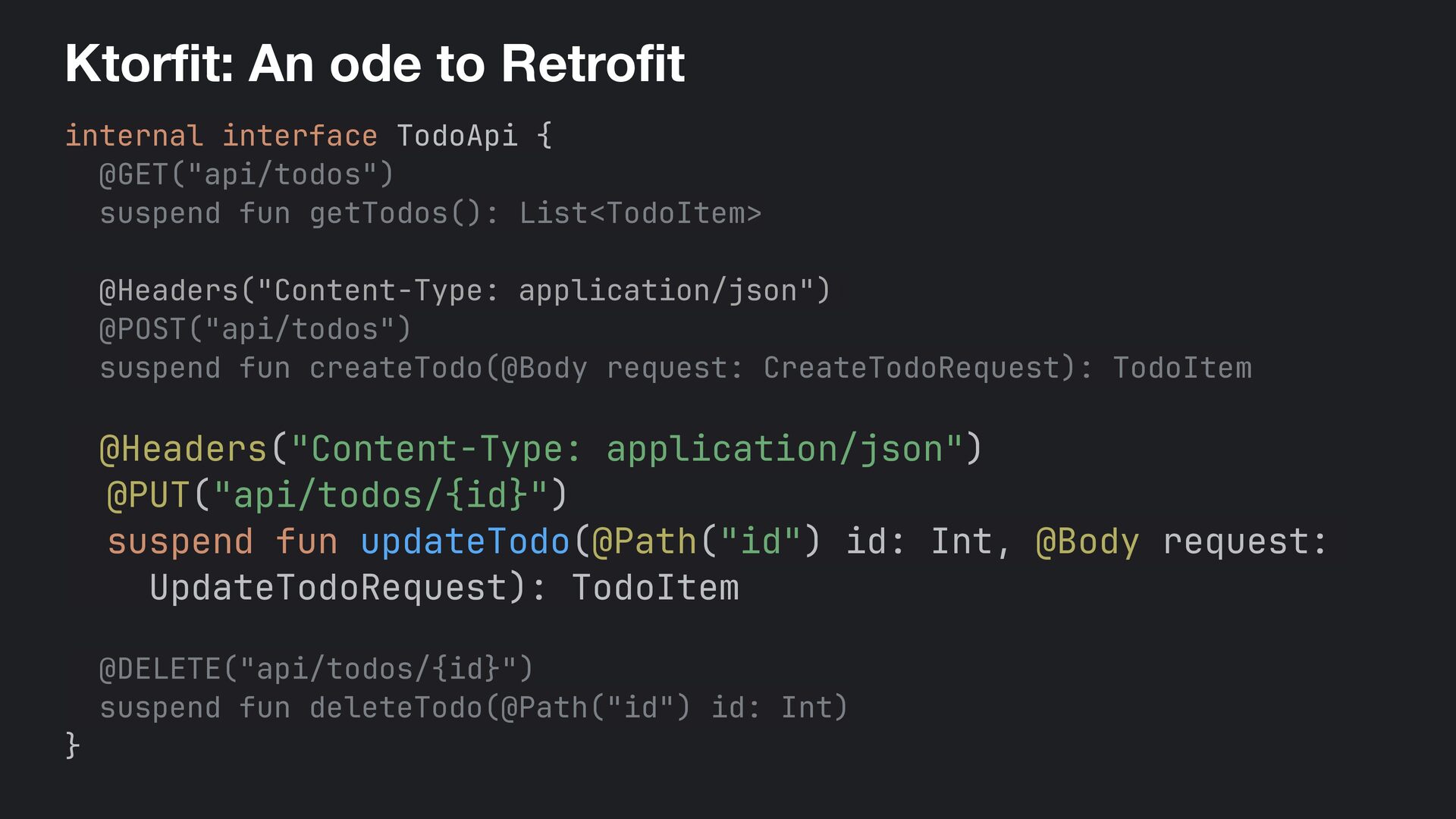
  39. Ktorfit: An ode to Retrofit internal interface TodoApi { @GET("api/todos")

    suspend fun getTodos(): List<TodoItem> @Headers("Content-Type: application/json")+ @POST("api/todos") suspend fun createTodo(@Body request: CreateTodoRequest): TodoItem @Headers("Content-Type: application/json") @PUT("api/todos/{id}") suspend fun updateTodo(@Path("id") id: Int, @Body request: UpdateTodoRequest): TodoItem @DELETE("api/todos/{id}") suspend fun deleteTodo(@Path("id") id: Int) }
  40. Ktorfit: An ode to Retrofit internal interface TodoApi { @GET("api/todos")

    suspend fun getTodos(): List<TodoItem> @Headers("Content-Type: application/json")+ @POST("api/todos") suspend fun createTodo(@Body request: CreateTodoRequest): TodoItem @Headers("Content-Type: application/json") @PUT("api/todos/{id}") suspend fun updateTodo(@Path("id") id: Int, @Body request: UpdateTodoRequest): TodoItem @DELETE("api/todos/{id}") suspend fun deleteTodo(@Path("id") id: Int) }
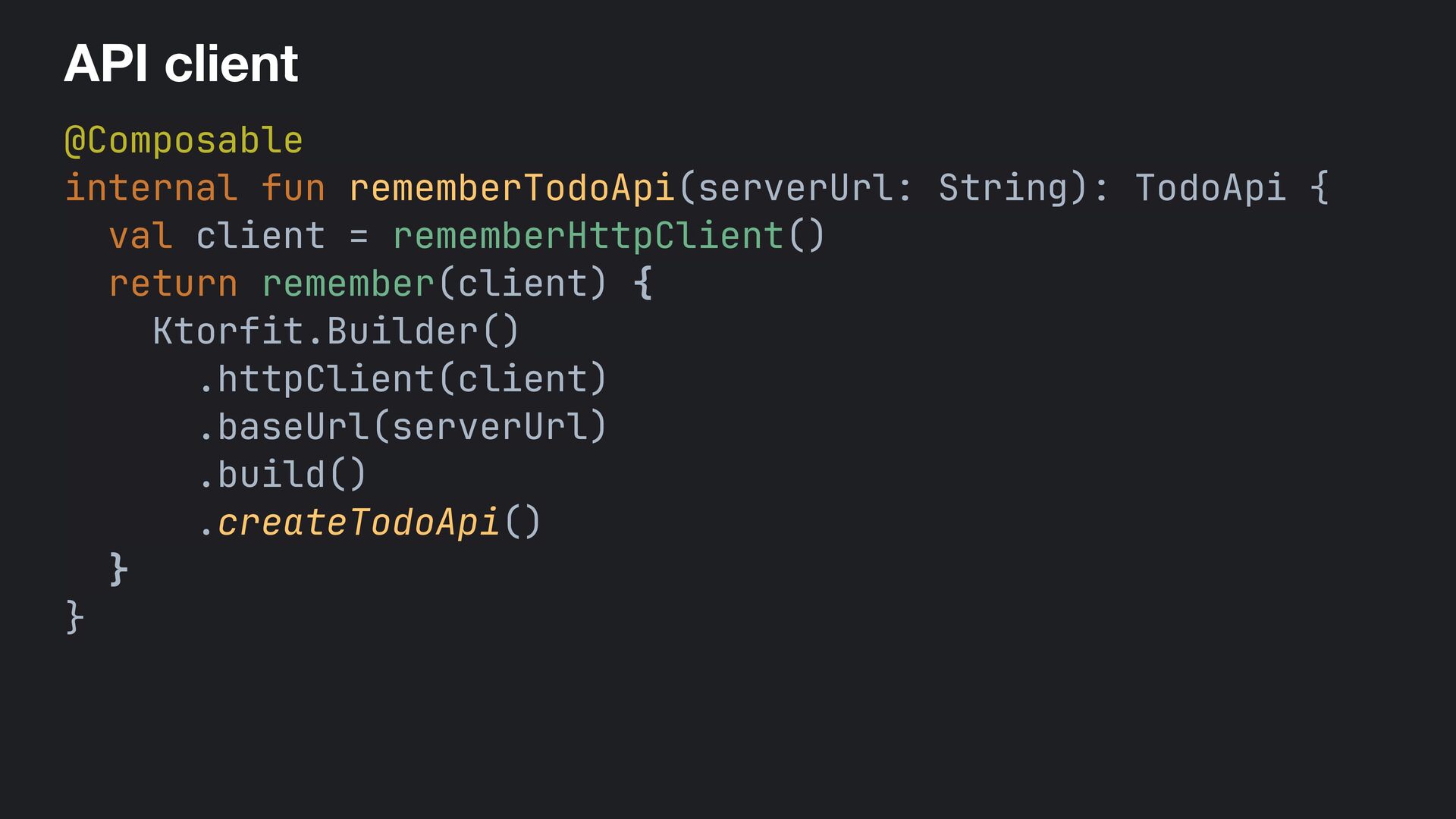
  41. API client @Composable internal fun rememberTodoApi(serverUrl: String): TodoApi { val

    client = rememberHttpClient() return remember(client) { Ktorfit.Builder() .httpClient(client) .baseUrl(serverUrl) .build() .createTodoApi() } }
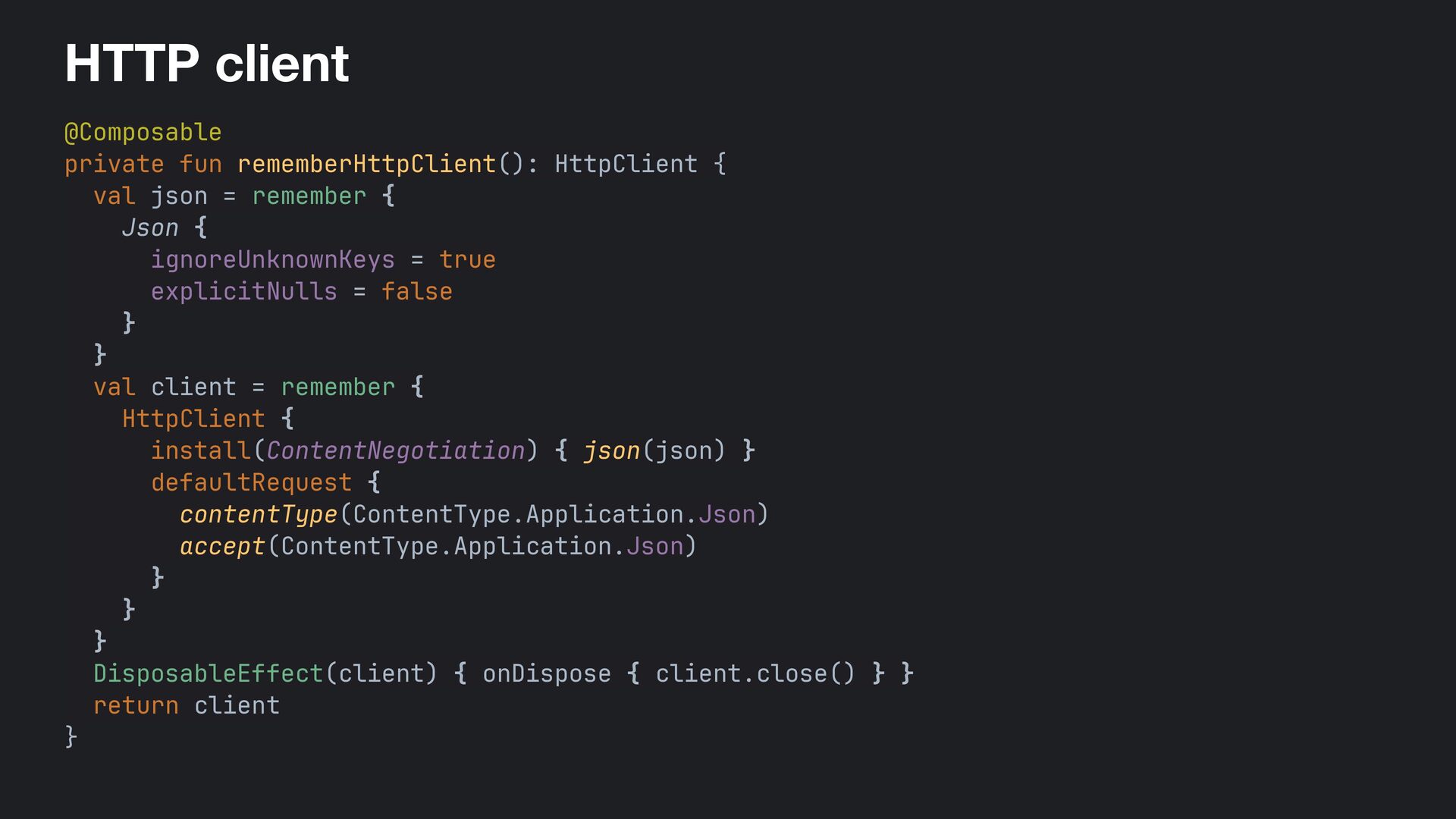
  42. HTTP client @Composable private fun rememberHttpClient(): HttpClient { val json

    = remember { Json { ignoreUnknownKeys = true explicitNulls = false } } val client = remember { HttpClient { install(ContentNegotiation) { json(json) } defaultRequest { contentType(ContentType.Application.Json) accept(ContentType.Application.Json) } } } DisposableEffect(client) { onDispose { client.close() } } return client }
  43. The whole stack is coroutines / / Exposed DB bridge

    suspend fun <T> dbQuery(block: suspend () - > T): T = withContext(Dispatchers.IO) { suspendTransaction { block() }= }+
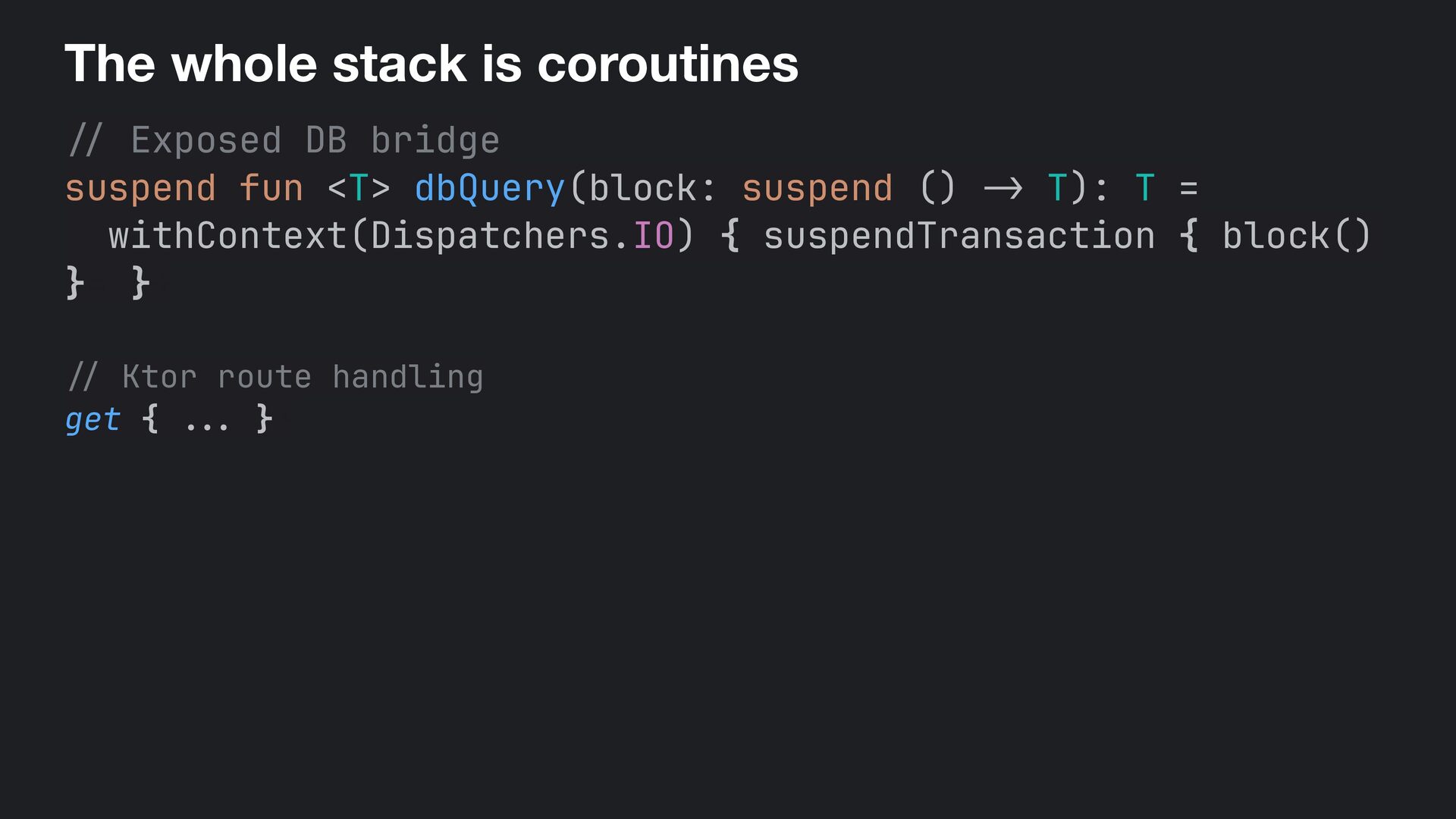
  44. The whole stack is coroutines / / Exposed DB bridge

    suspend fun <T> dbQuery(block: suspend () - > T): T = withContext(Dispatchers.IO) { suspendTransaction { block() }= }+ // Ktor route handling get { . .. }+
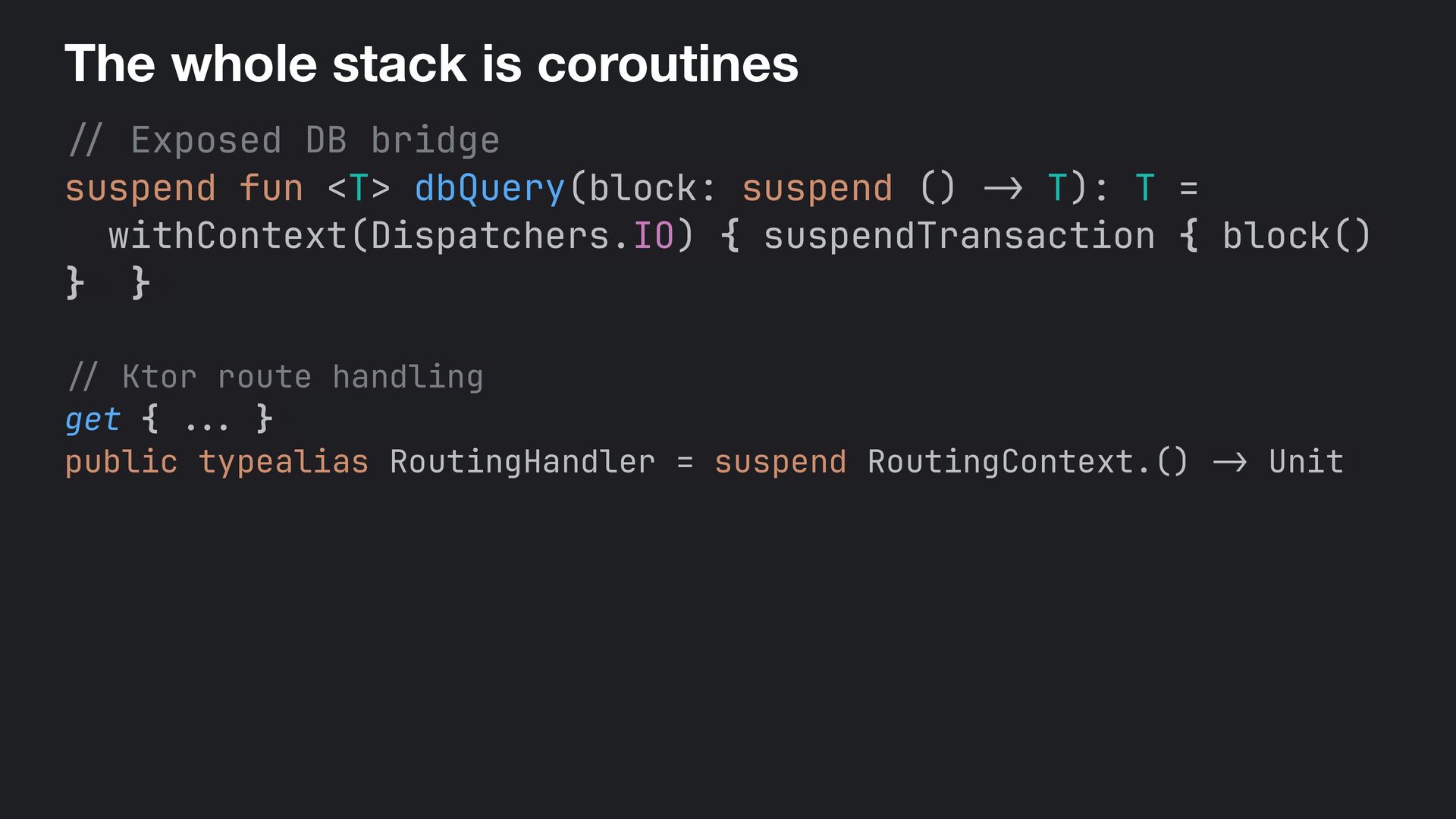
  45. The whole stack is coroutines / / Exposed DB bridge

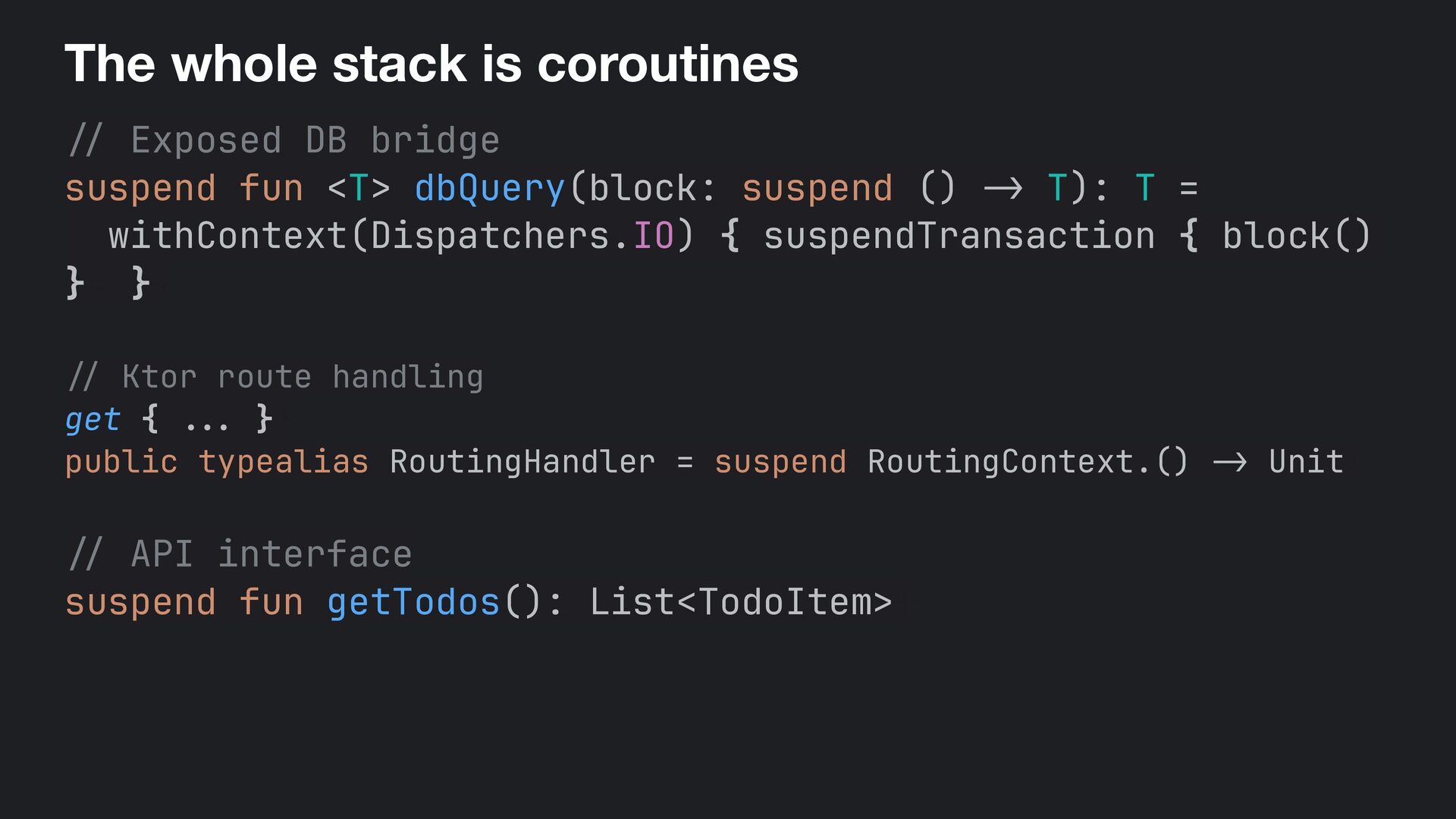
    suspend fun <T> dbQuery(block: suspend () - > T): T = withContext(Dispatchers.IO) { suspendTransaction { block() }= }+ // Ktor route handling get { . .. }+ public typealias RoutingHandler = suspend RoutingContext.() -> Unit+
  46. The whole stack is coroutines / / Exposed DB bridge

    suspend fun <T> dbQuery(block: suspend () - > T): T = withContext(Dispatchers.IO) { suspendTransaction { block() }= }+ // Ktor route handling get { . .. }+ public typealias RoutingHandler = suspend RoutingContext.() -> Unit+ / / API interface suspend fun getTodos(): List<TodoItem>+
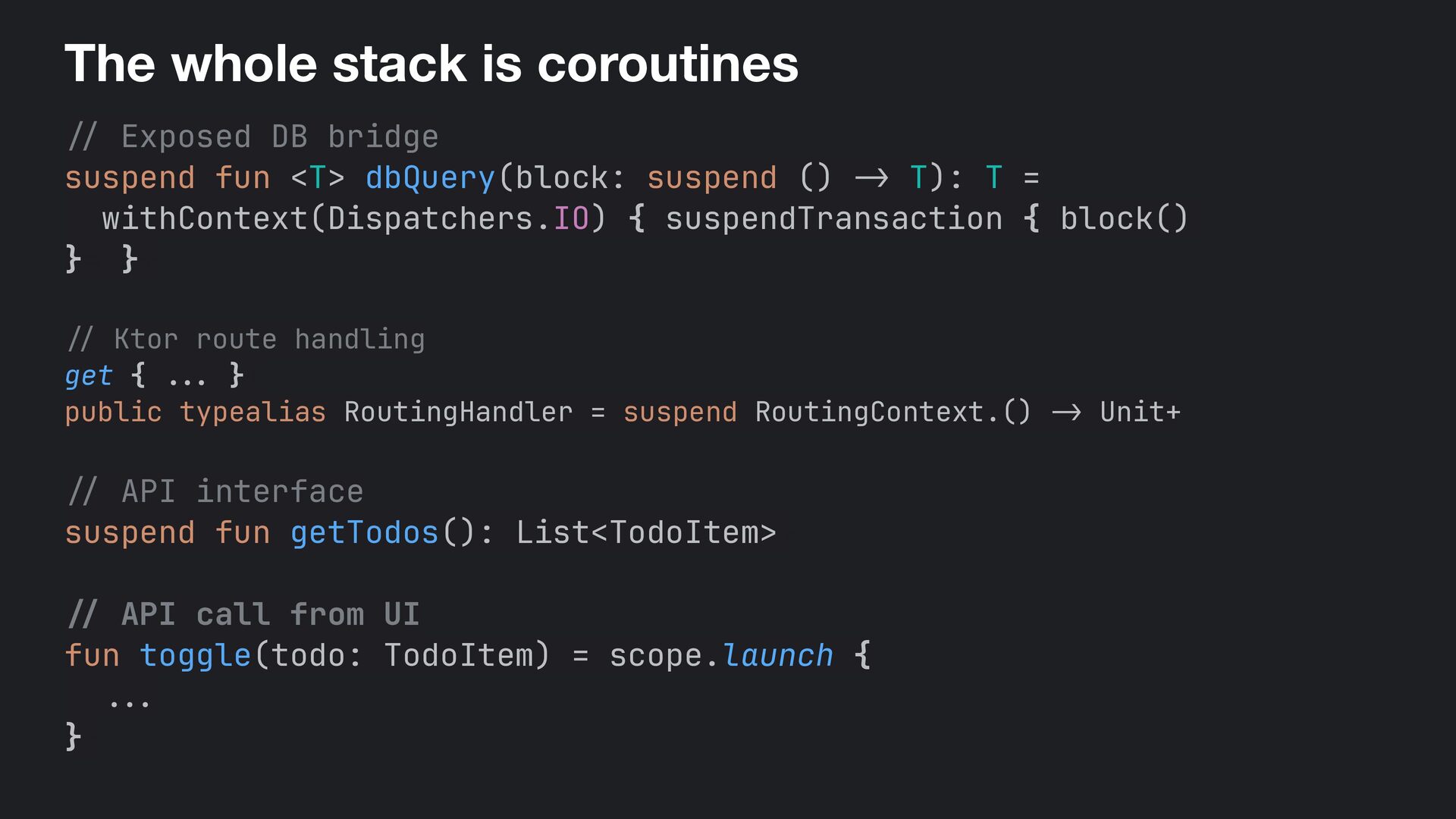
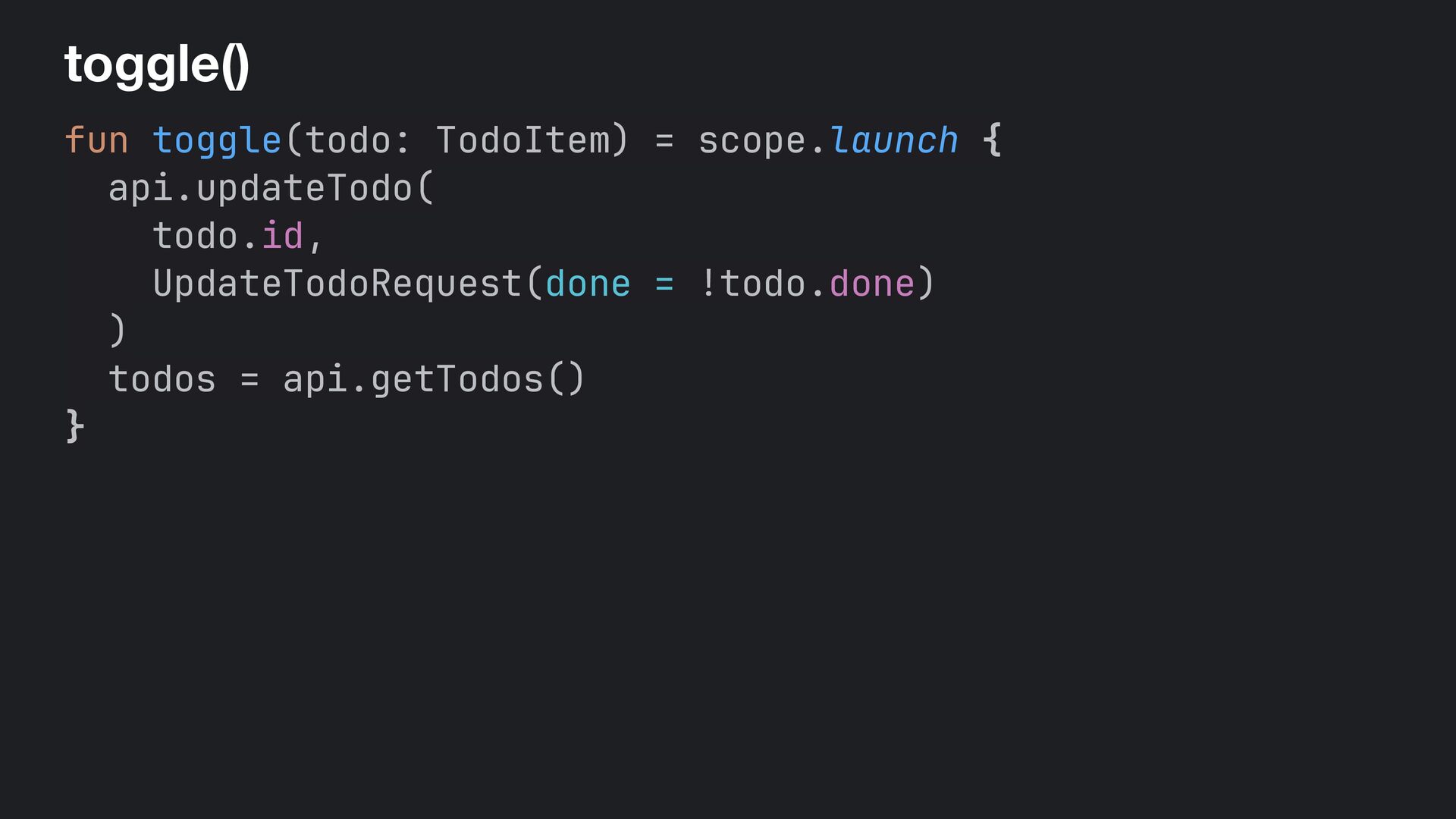
  47. The whole stack is coroutines / / Exposed DB bridge

    suspend fun <T> dbQuery(block: suspend () - > T): T = withContext(Dispatchers.IO) { suspendTransaction { block() }= }+ // Ktor route handling get { . . . }+ public typealias RoutingHandler = suspend RoutingContext.() -> Unit+ / / API interface suspend fun getTodos(): List<TodoItem>+ / / API call from UI fun toggle(todo: TodoItem) = scope.launch { .. . }-
  48. Wasm in a nutshell • WebAssembly (Wasm) is a binary

    format that runs inside the browser's sandbox • Your Kotlin UI code runs natively in the browser with no JavaScript framework, no DOM manipulation, and no translation layer • No DOM, draws directly to an HTML <canvas> element • Full control over rendering • Renders your UI using Skia, so every pixel is drawn to canvas
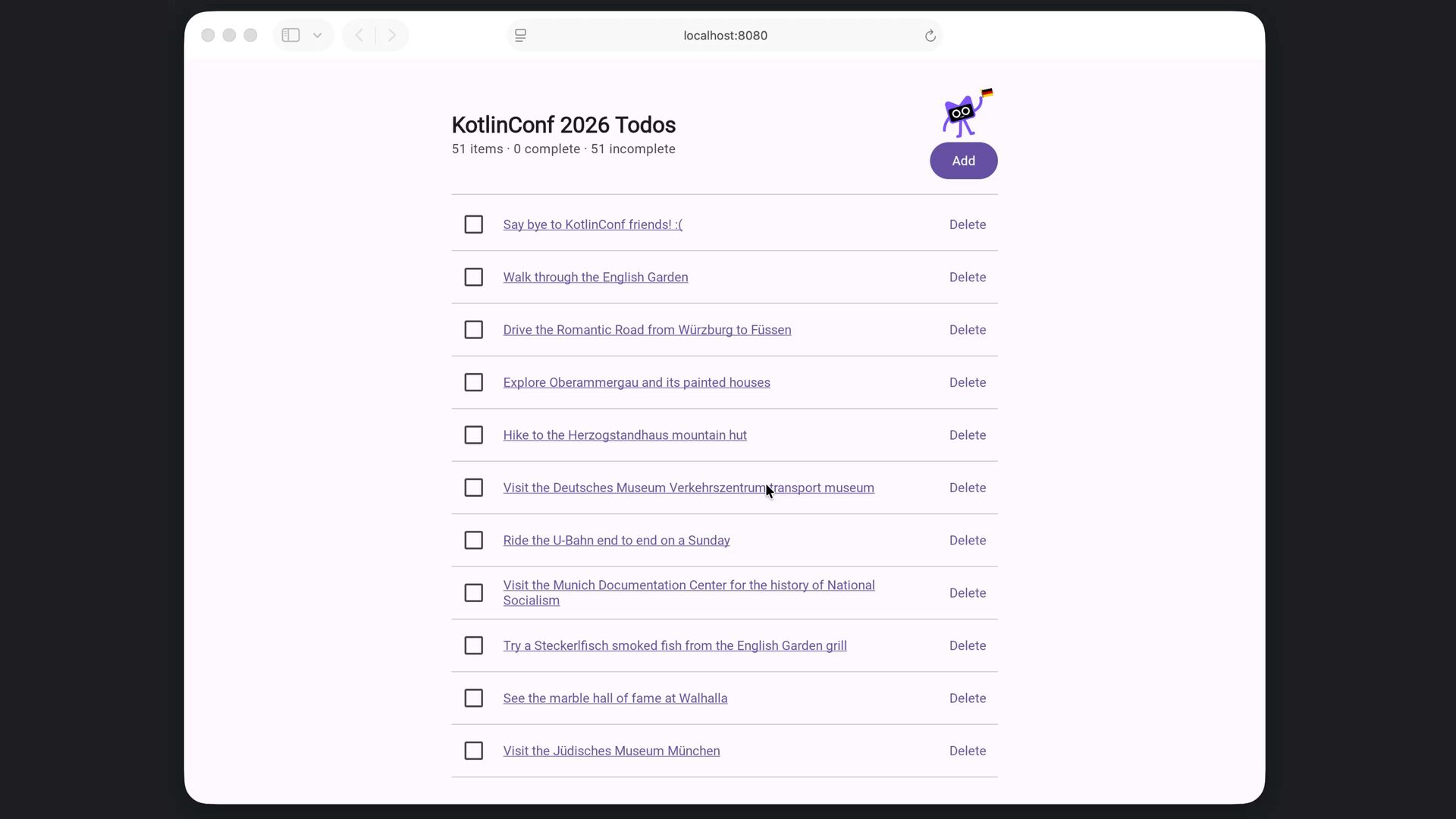
  49. Why Wasm is great • Because you can write a

    web UI with Kotlin! • Lines of CSS you have to write: 0 • Lines of JavaScript you have to write: 0 • Wasm runs at near-native speed since it's a compiled binary • Skia renders pixel perfect UI the same way on every browser, every OS
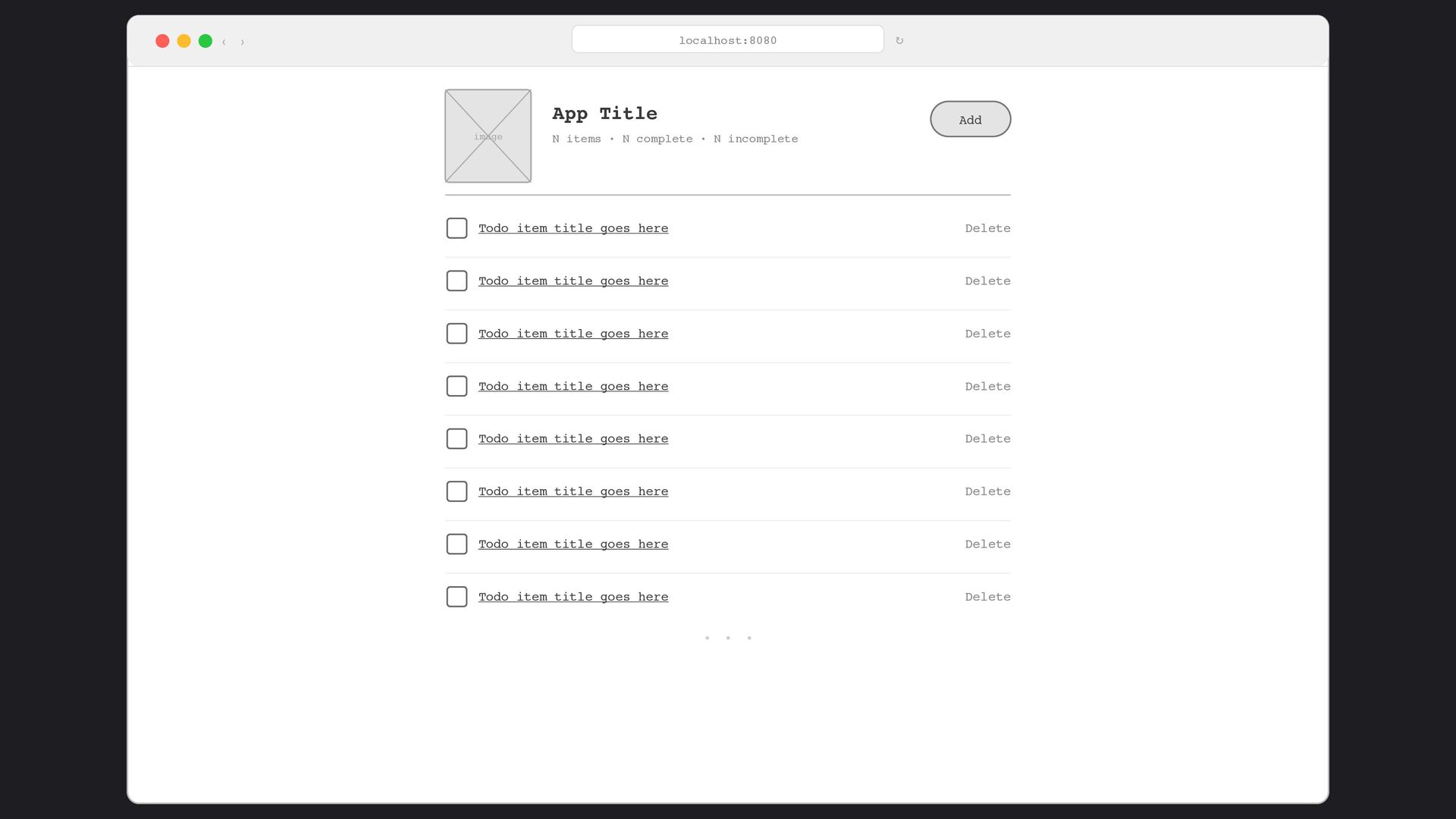
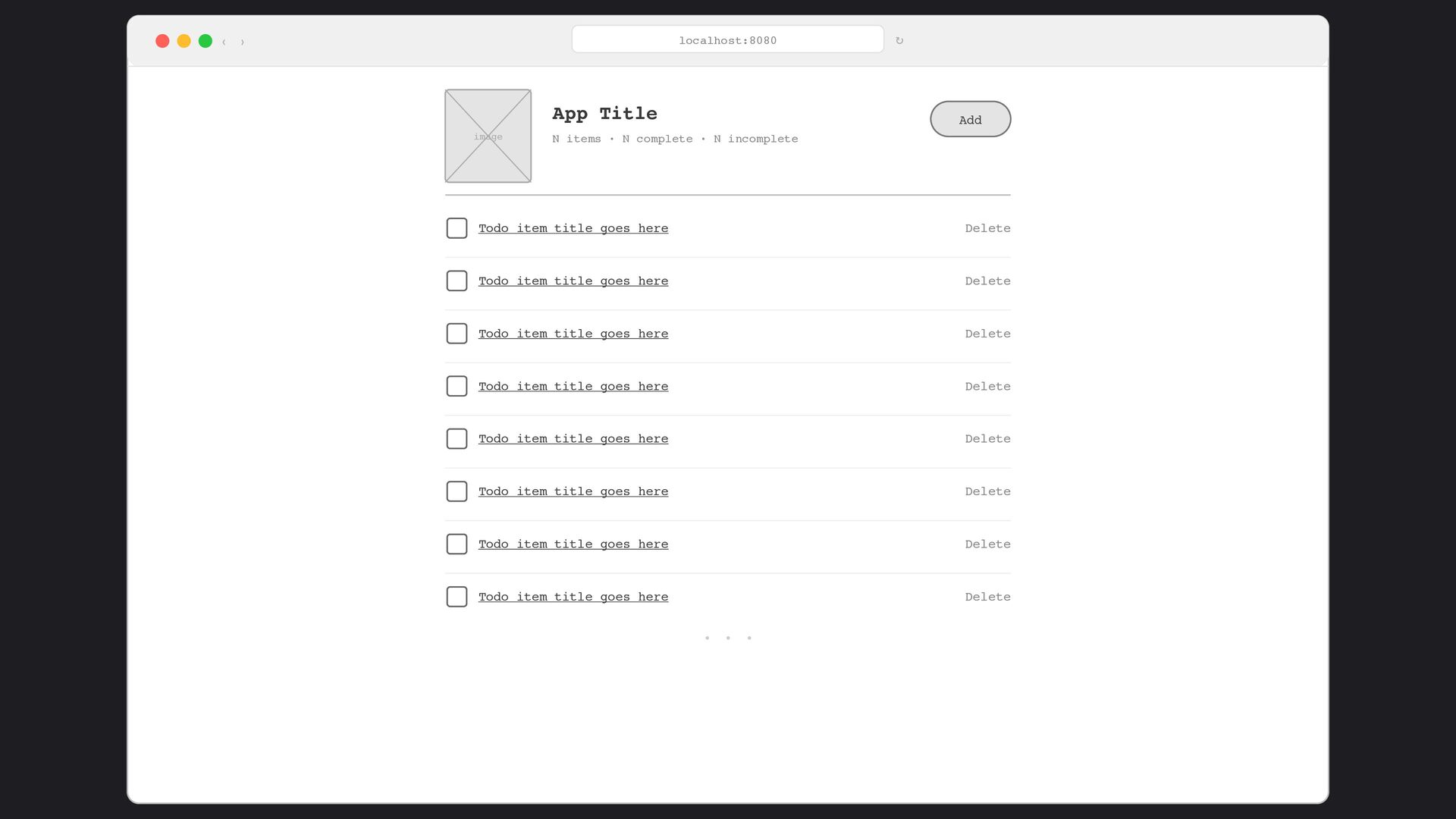
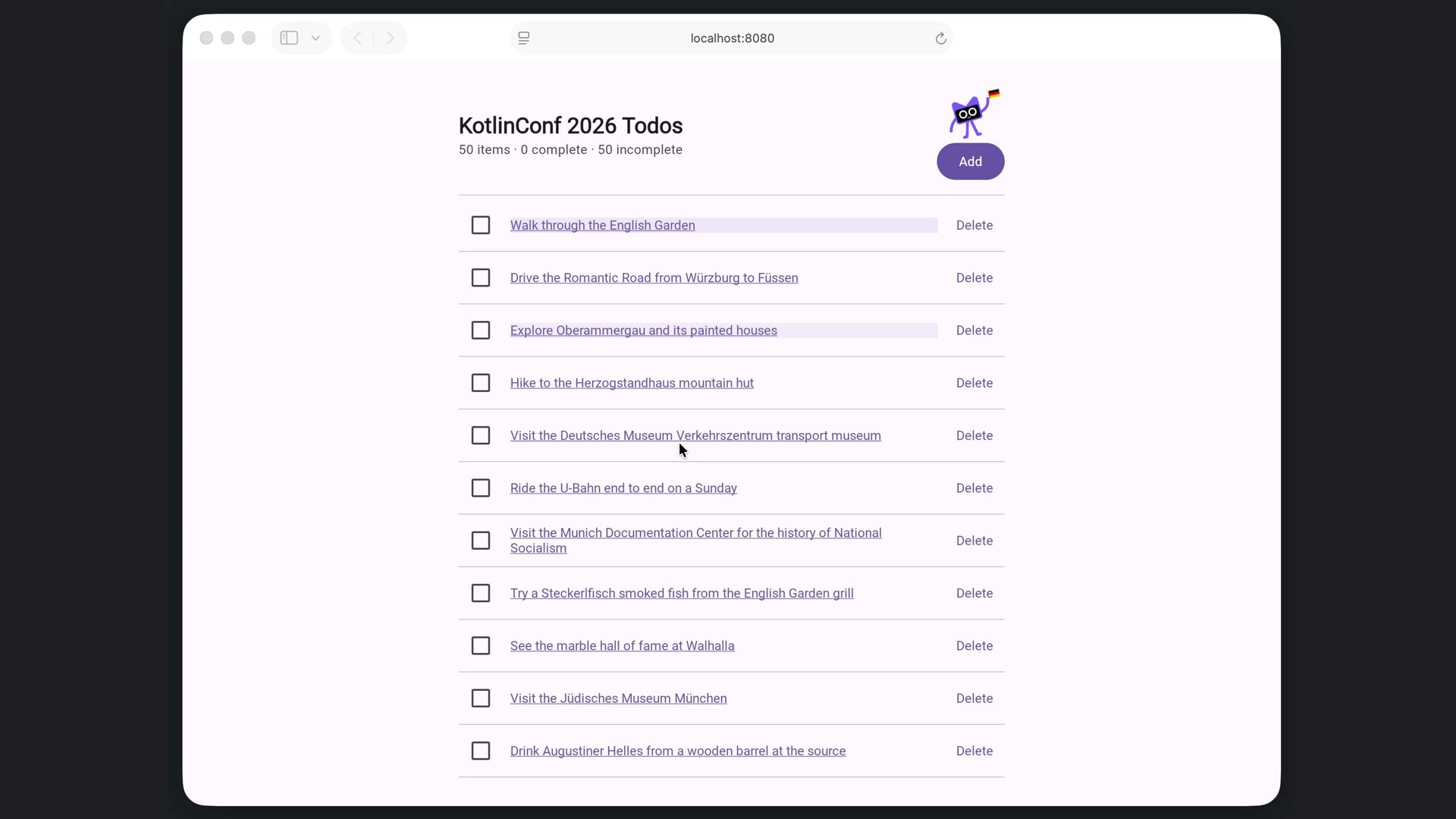
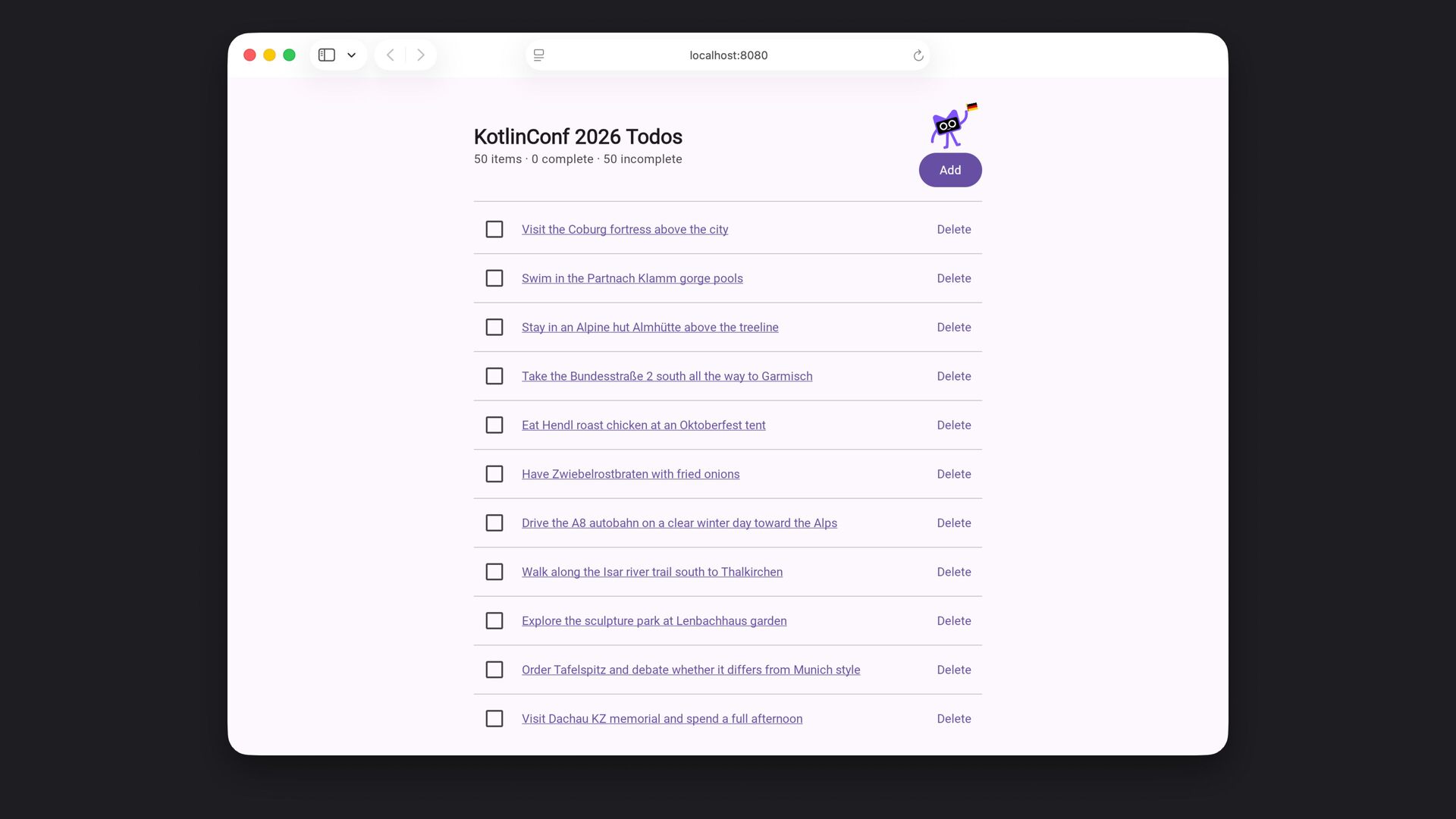
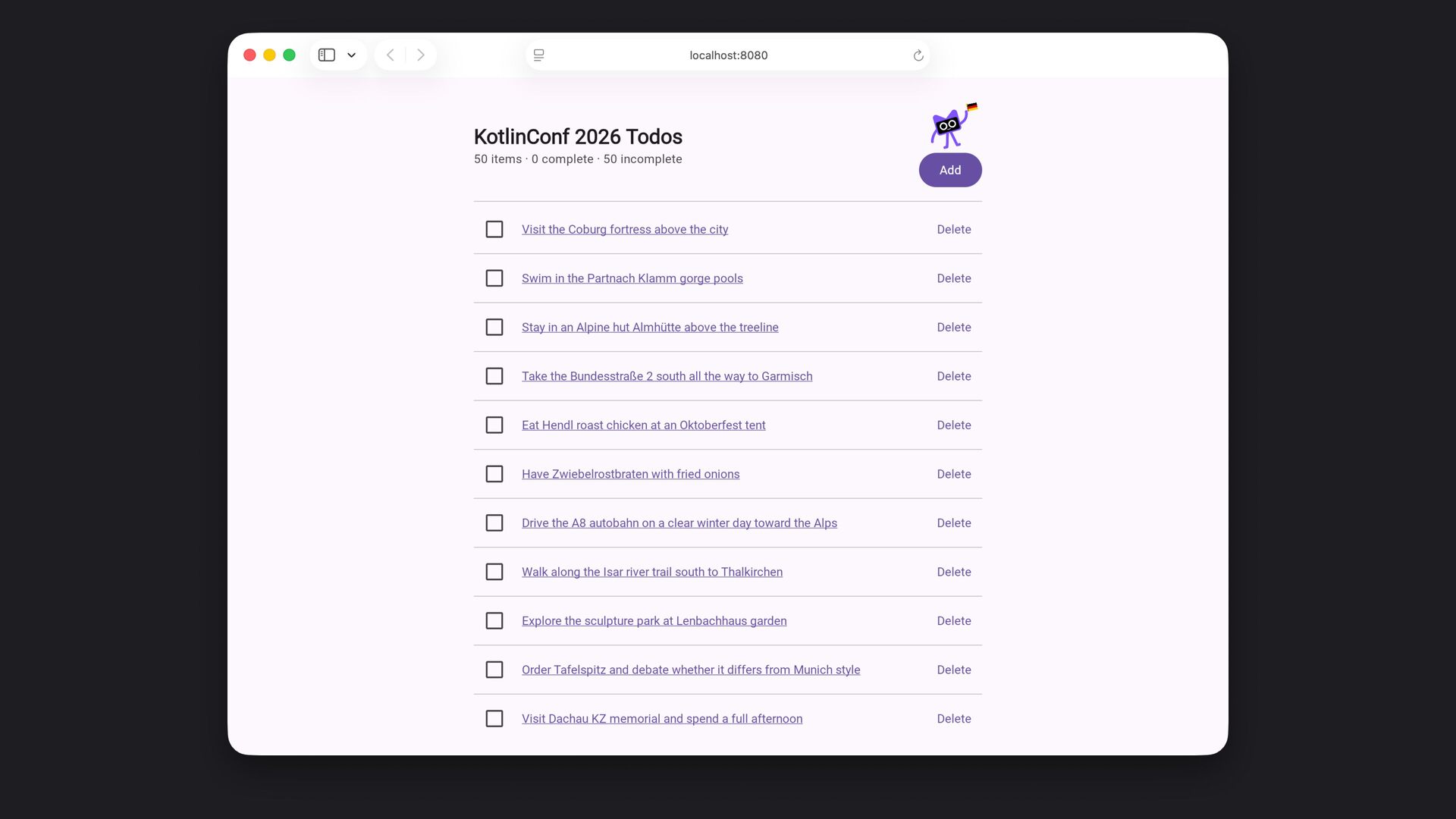
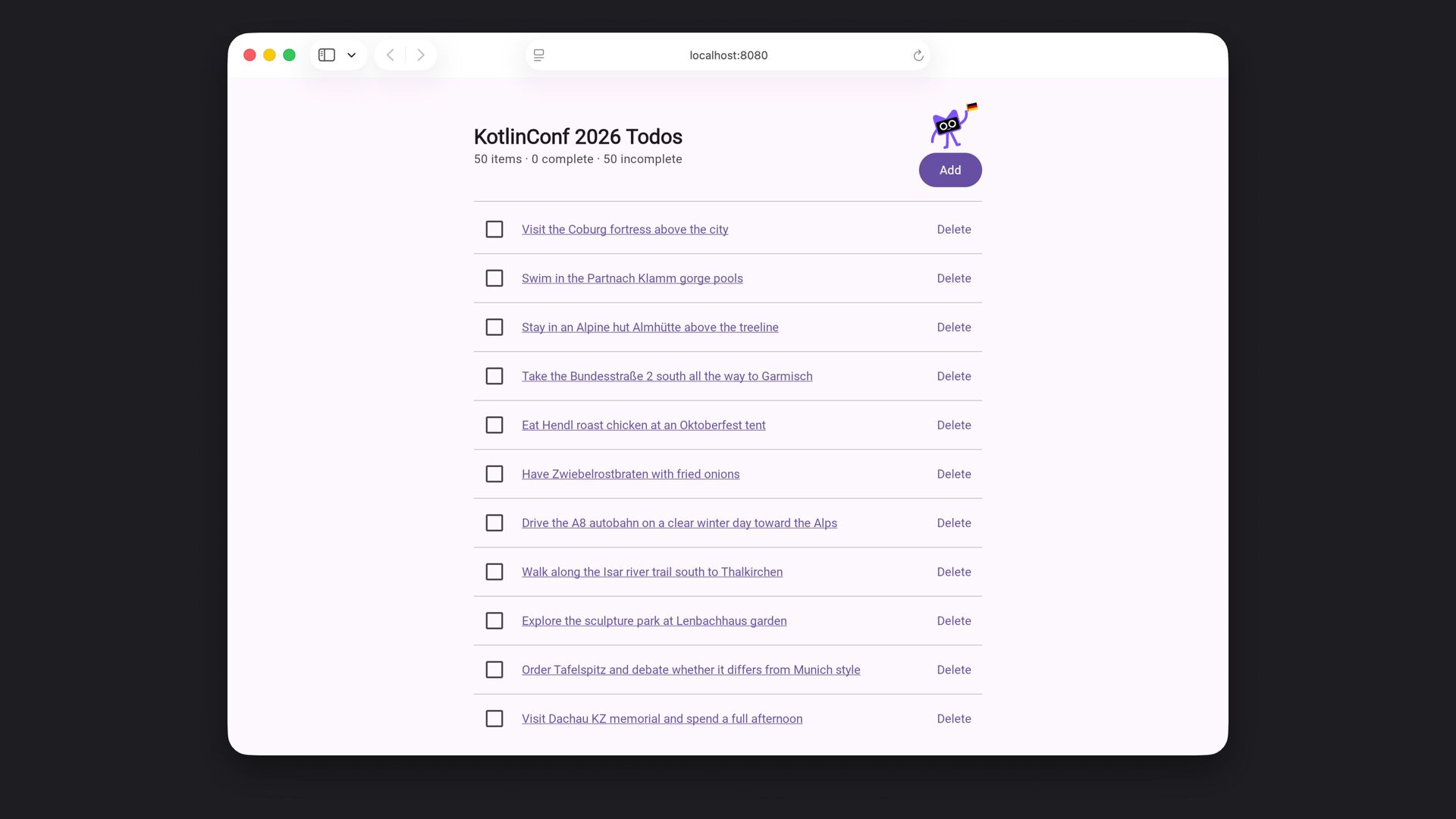
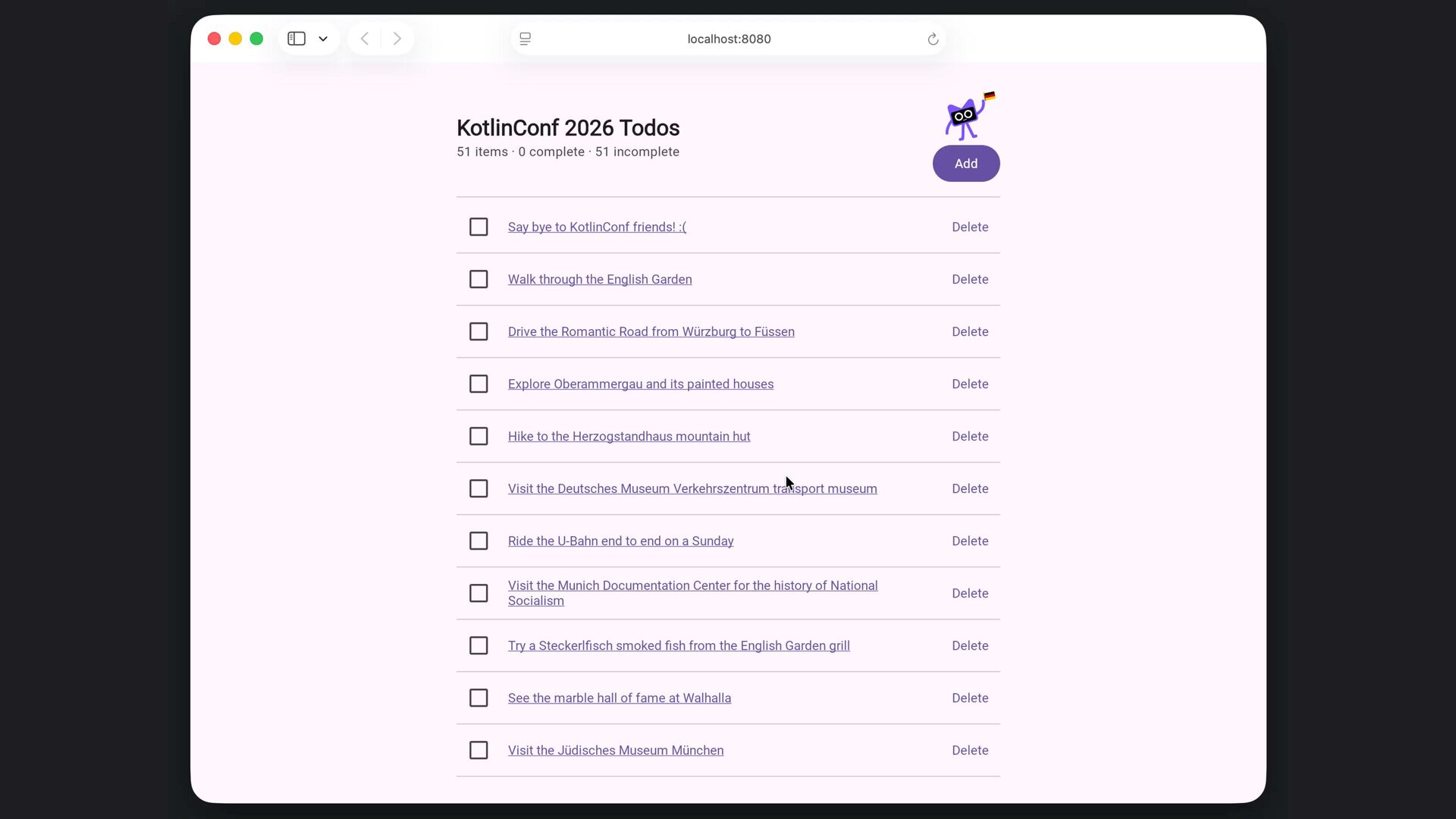
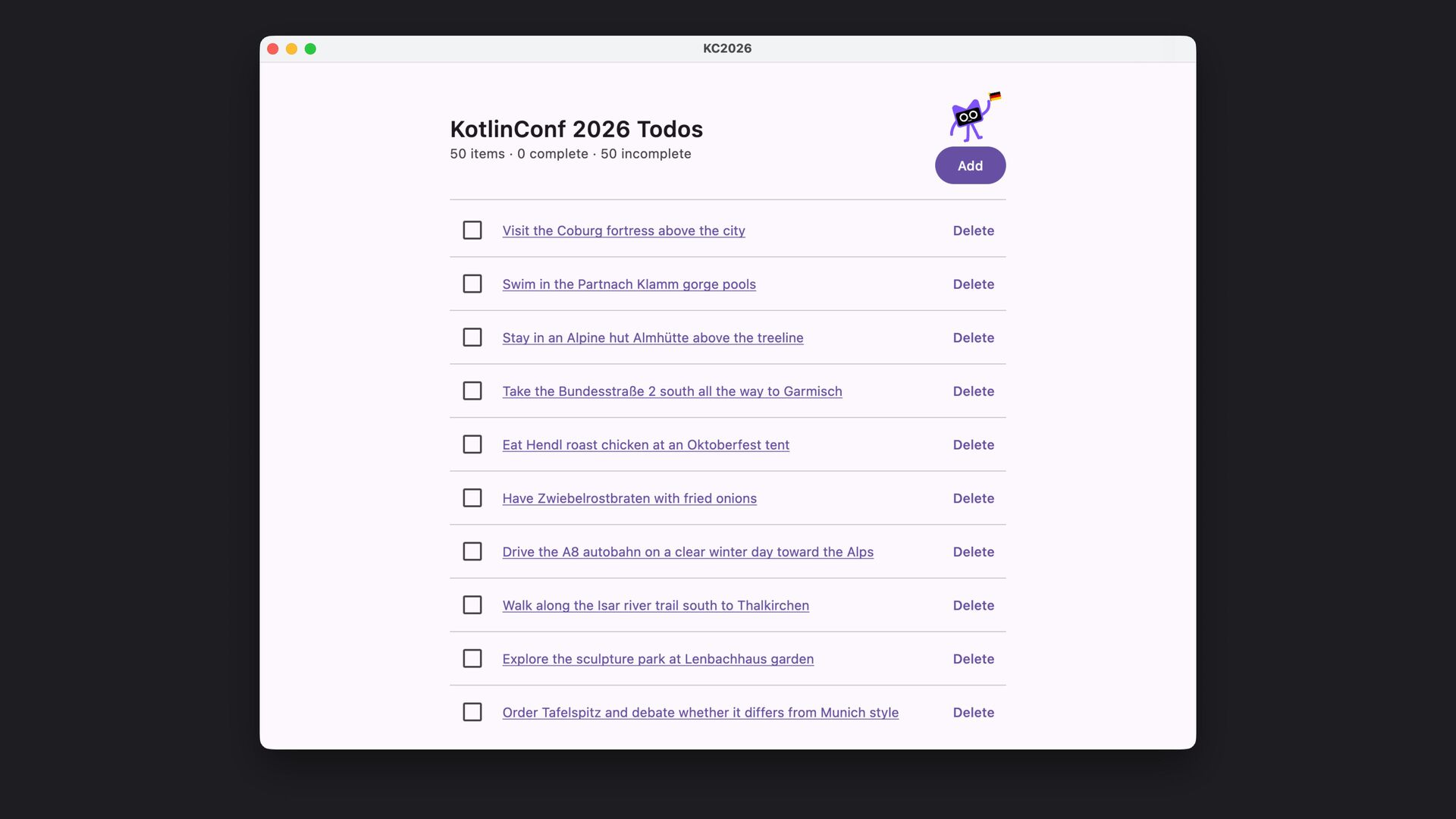
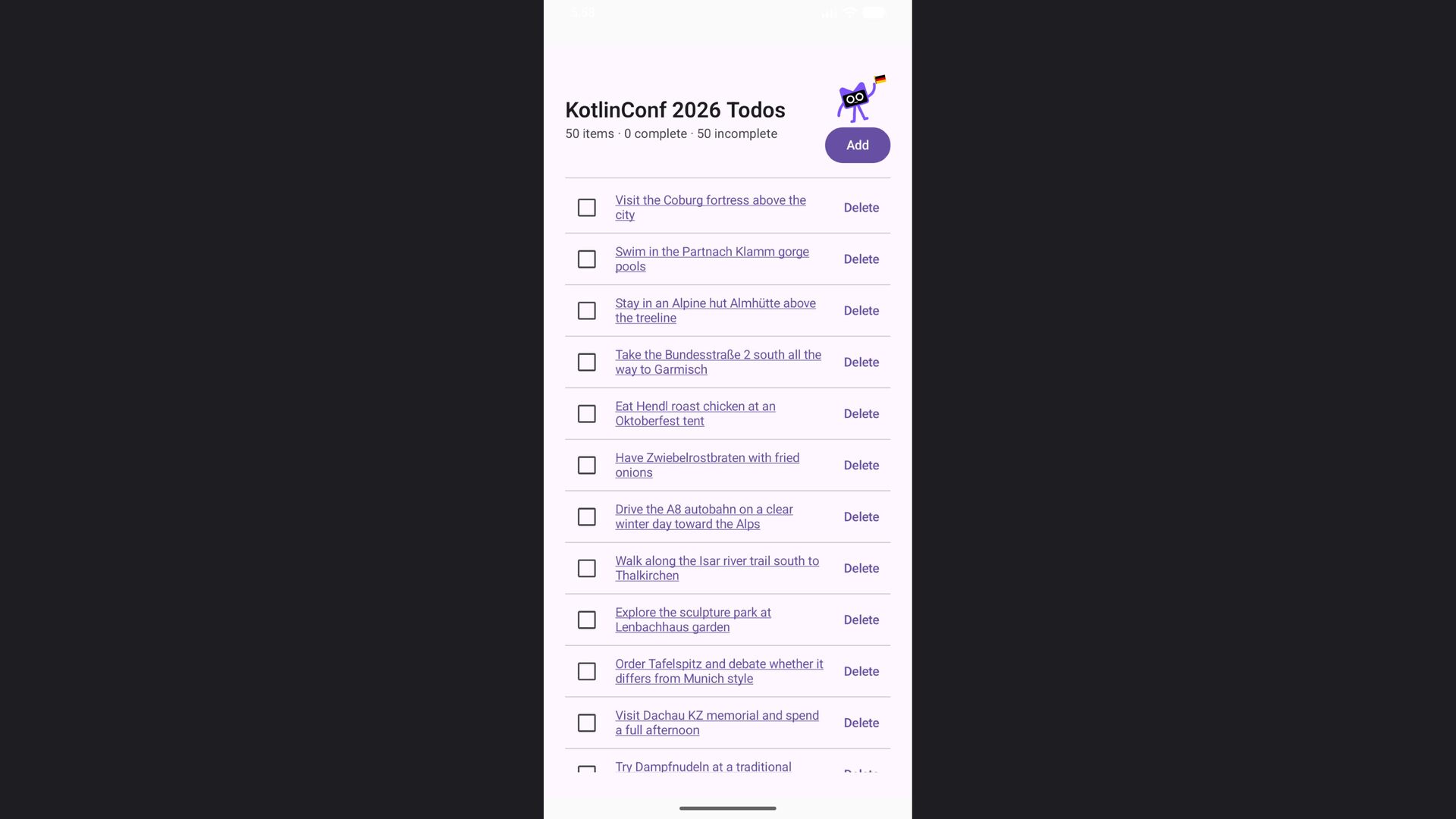
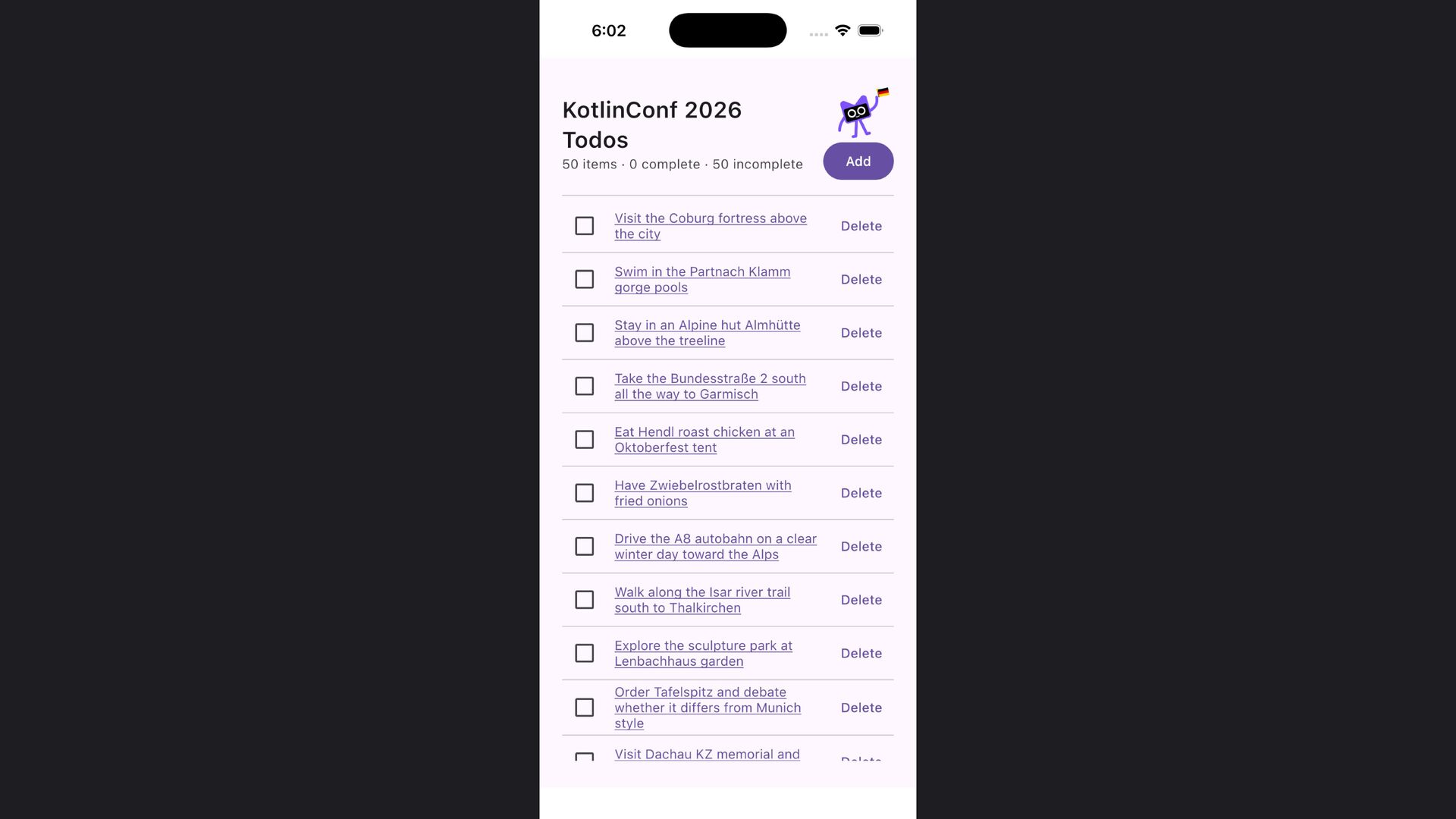
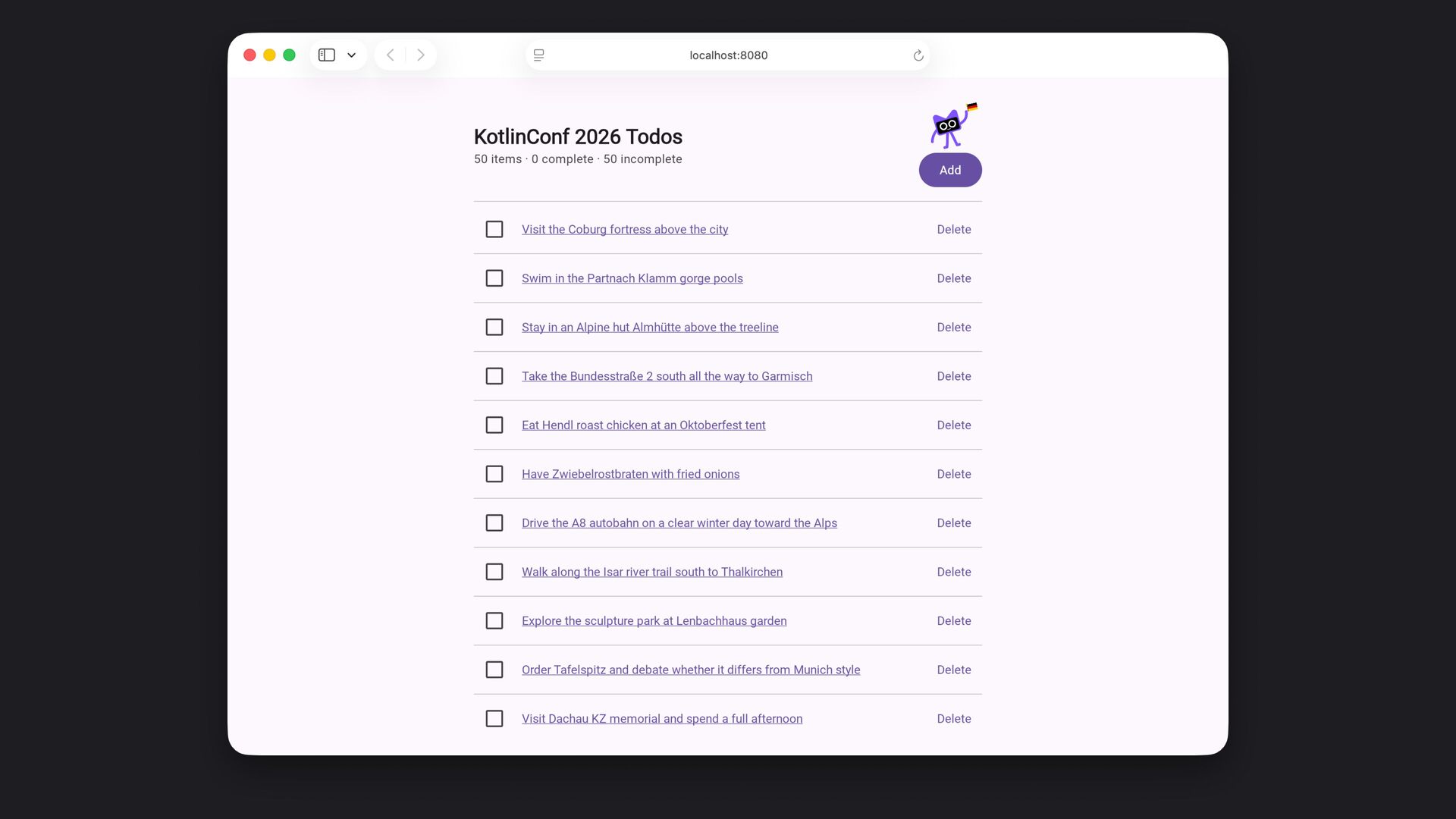
  50. ‹ › localhost:8080 ↻ image App Title N items ·

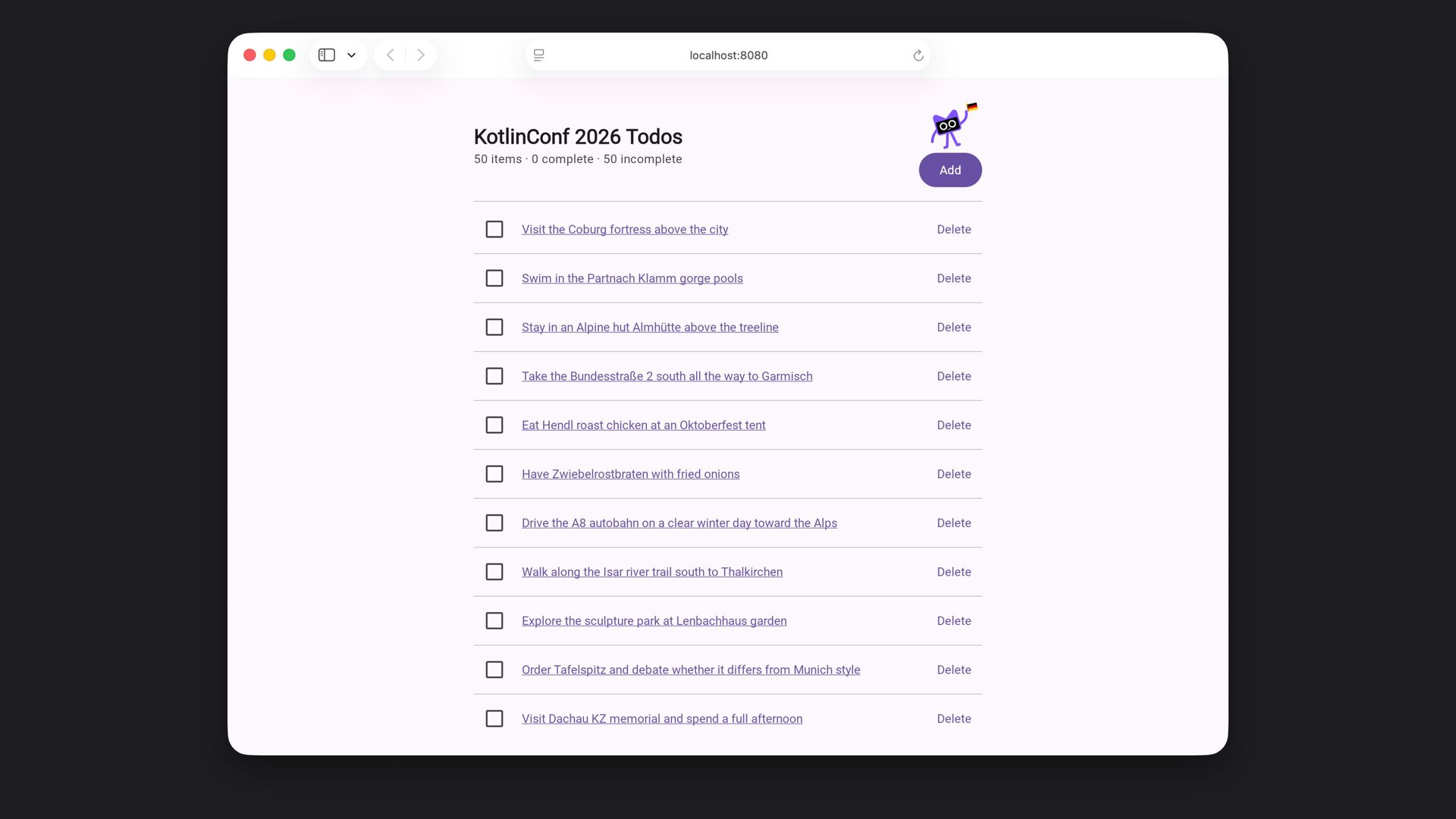
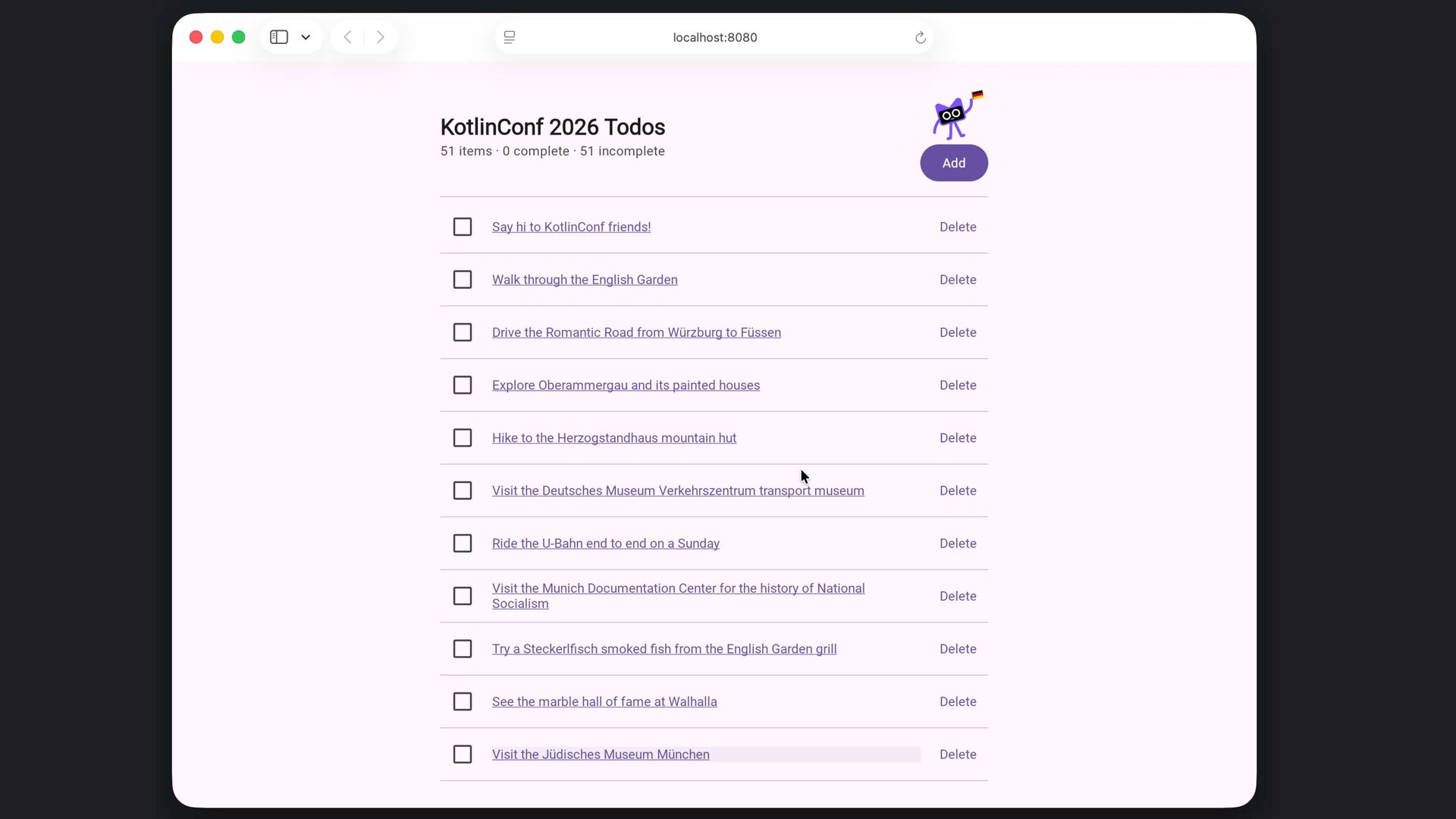
    N complete · N incomplete Add Todo item title goes here Delete Todo item title goes here Delete Todo item title goes here Delete Todo item title goes here Delete Todo item title goes here Delete Todo item title goes here Delete Todo item title goes here Delete Todo item title goes here Delete · · ·
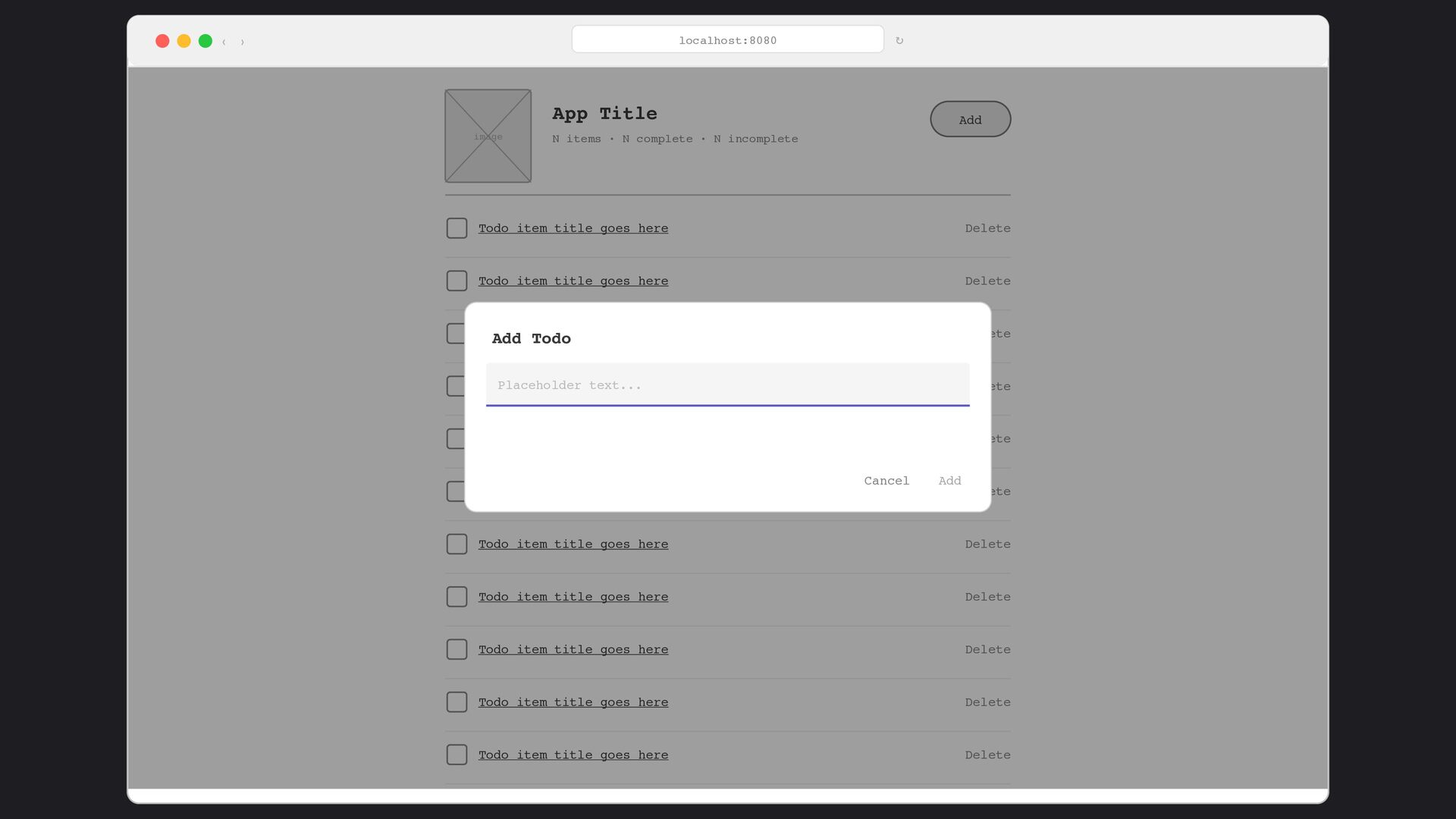
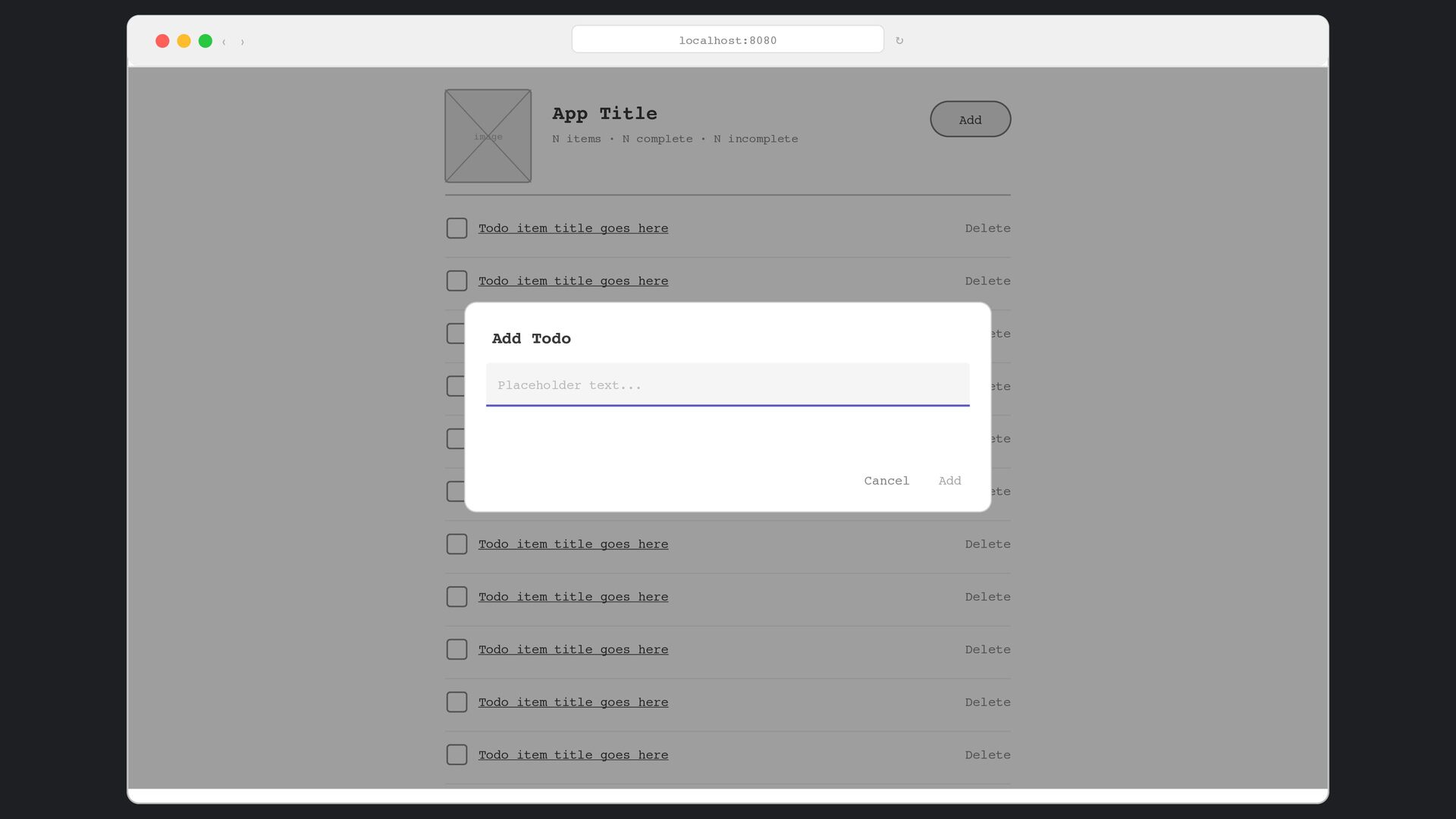
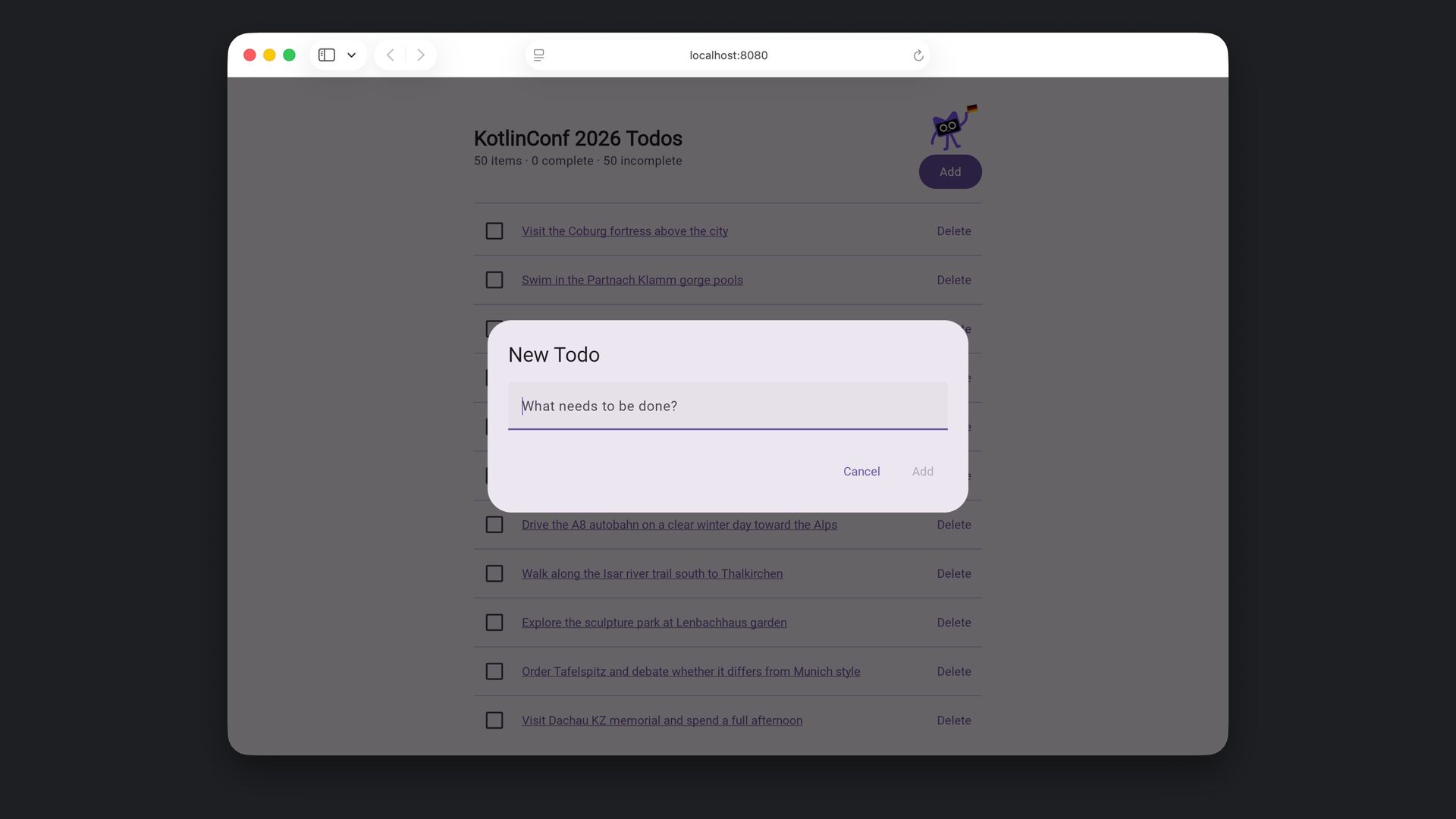
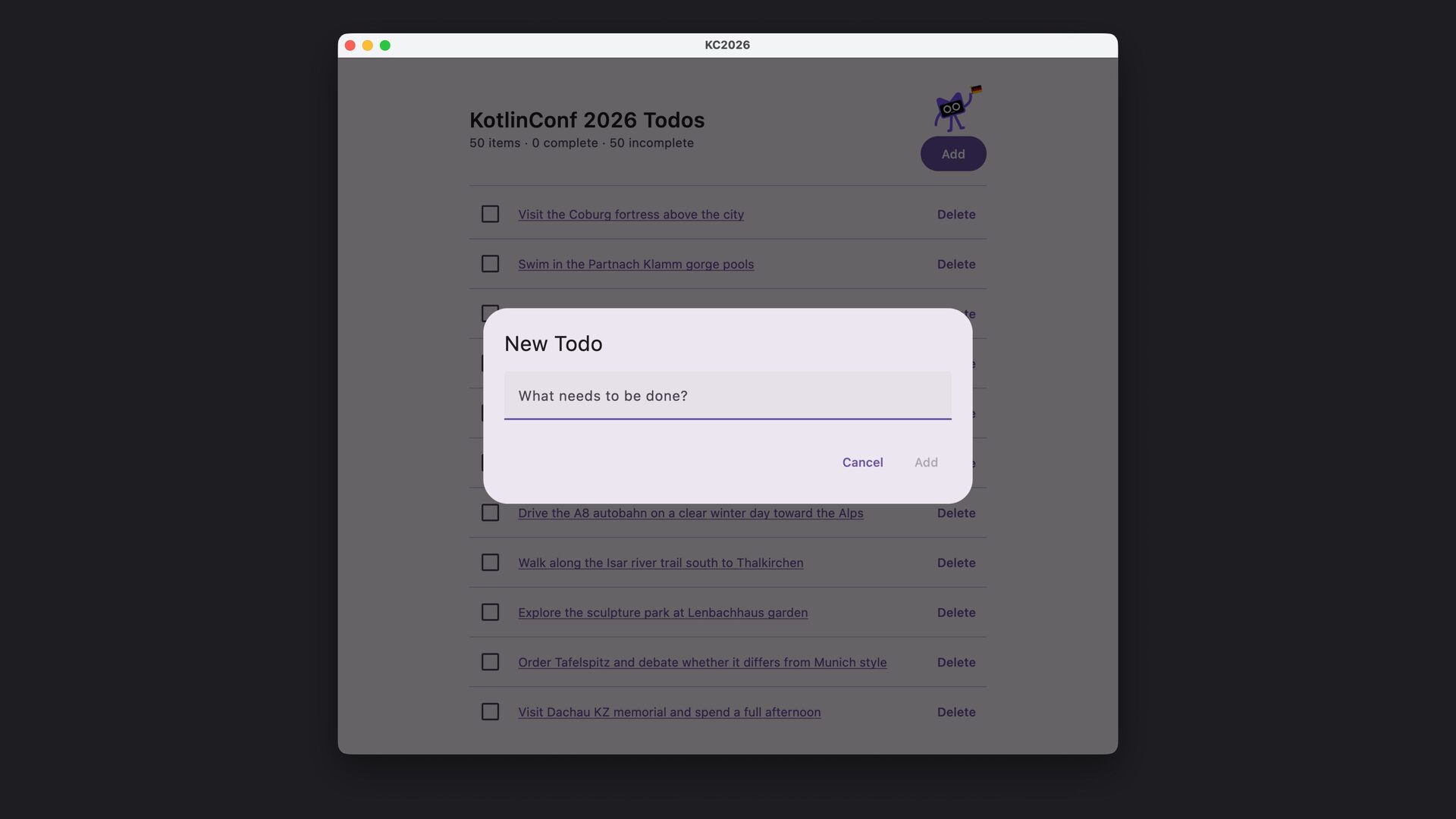
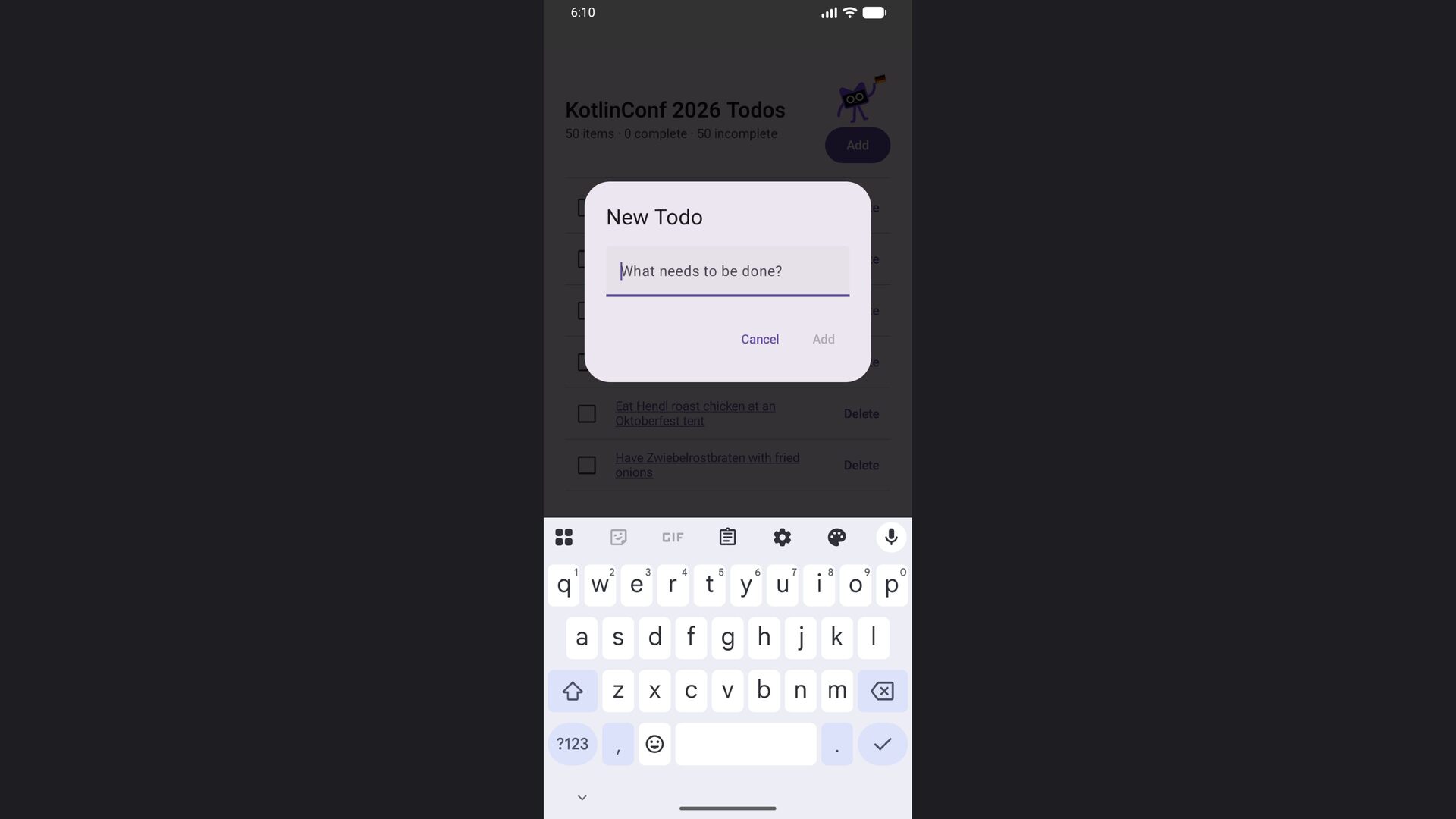
  51. ‹ › localhost:8080 ↻ image App Title N items ·

    N complete · N incomplete Add Todo item title goes here Delete Todo item title goes here Delete Todo item title goes here Delete Todo item title goes here Delete Todo item title goes here Delete Todo item title goes here Delete Todo item title goes here Delete Todo item title goes here Delete Todo item title goes here Delete Todo item title goes here Delete Todo item title goes here Delete Add Todo Placeholder text... Cancel Add
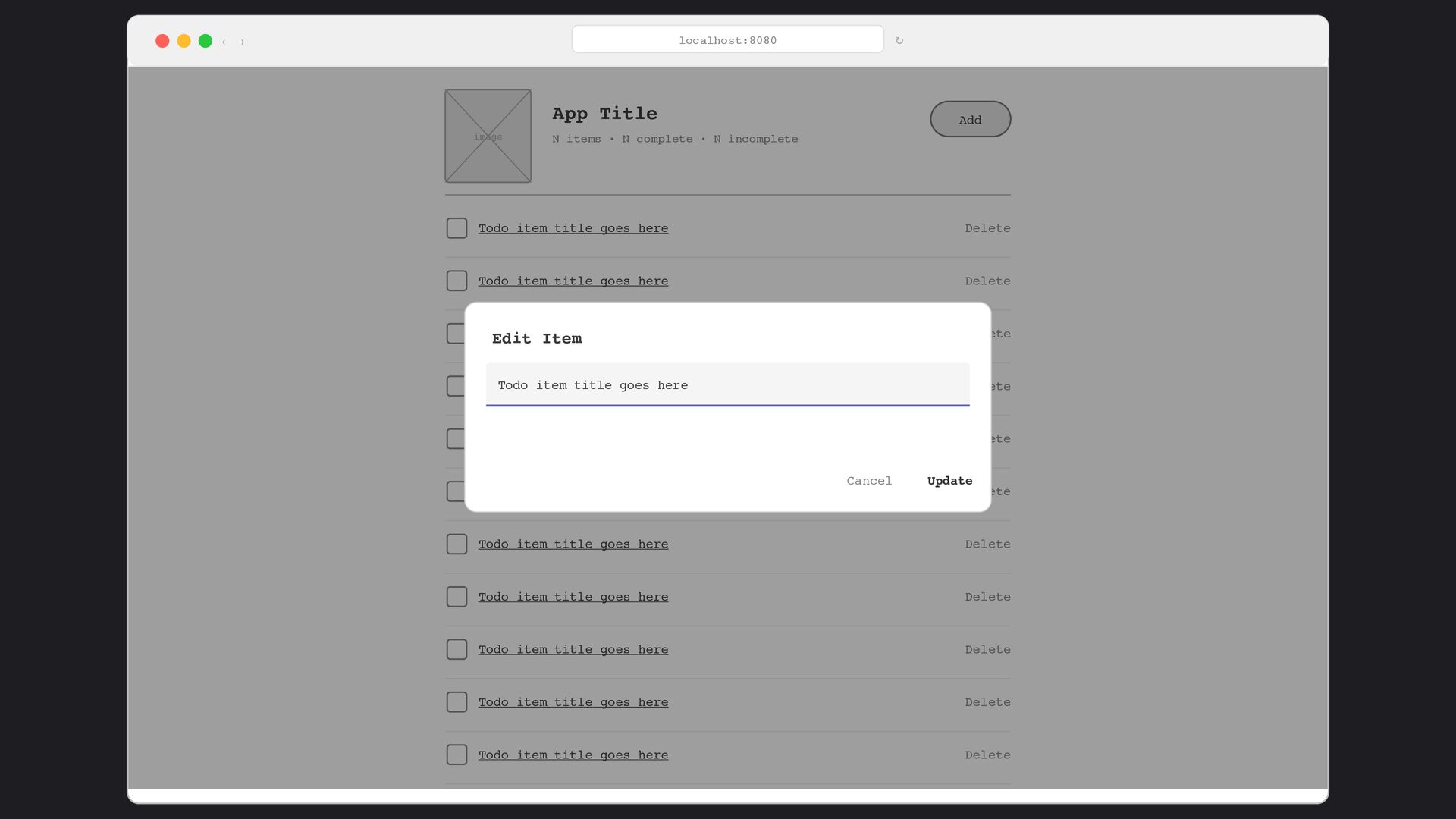
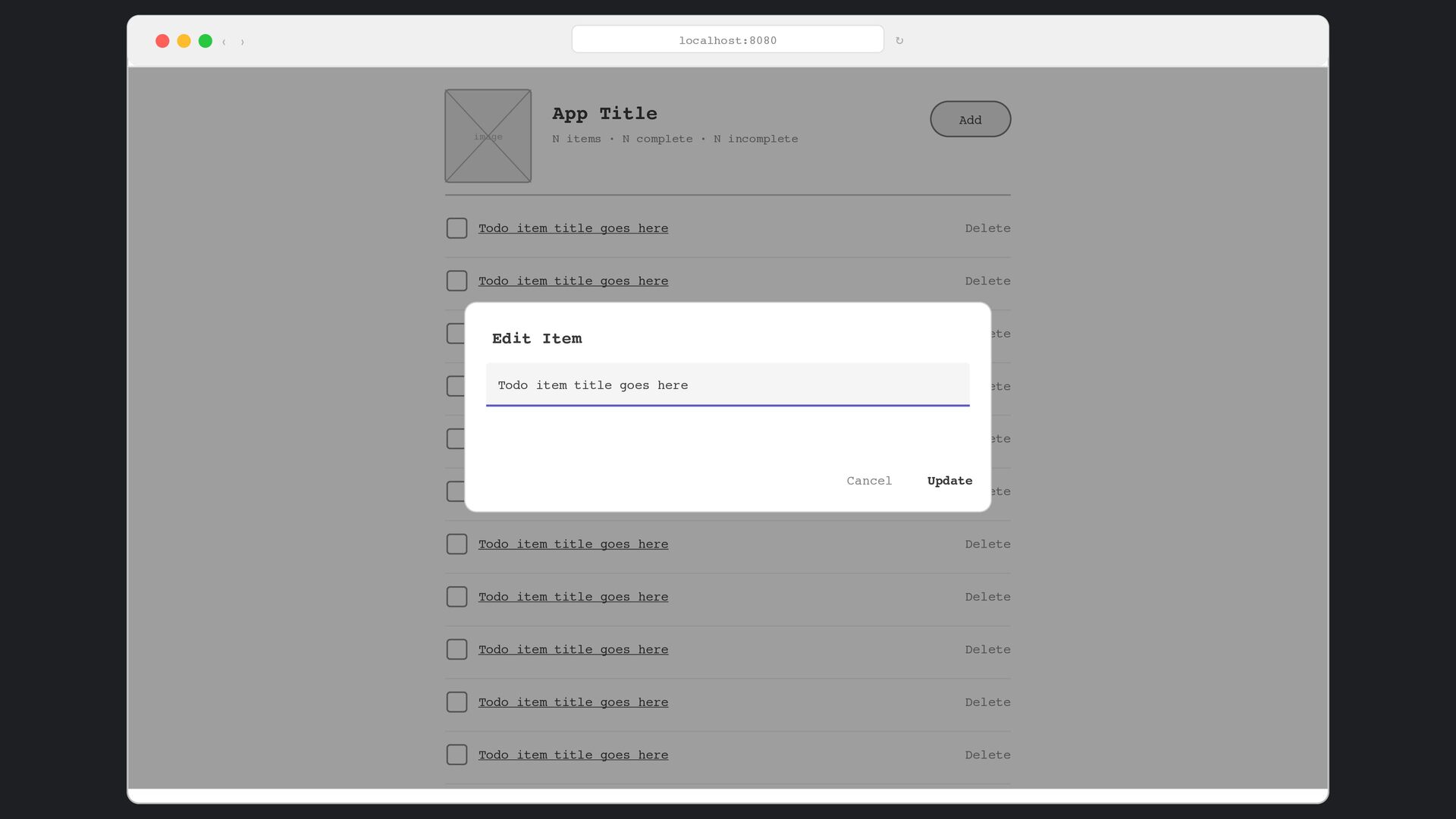
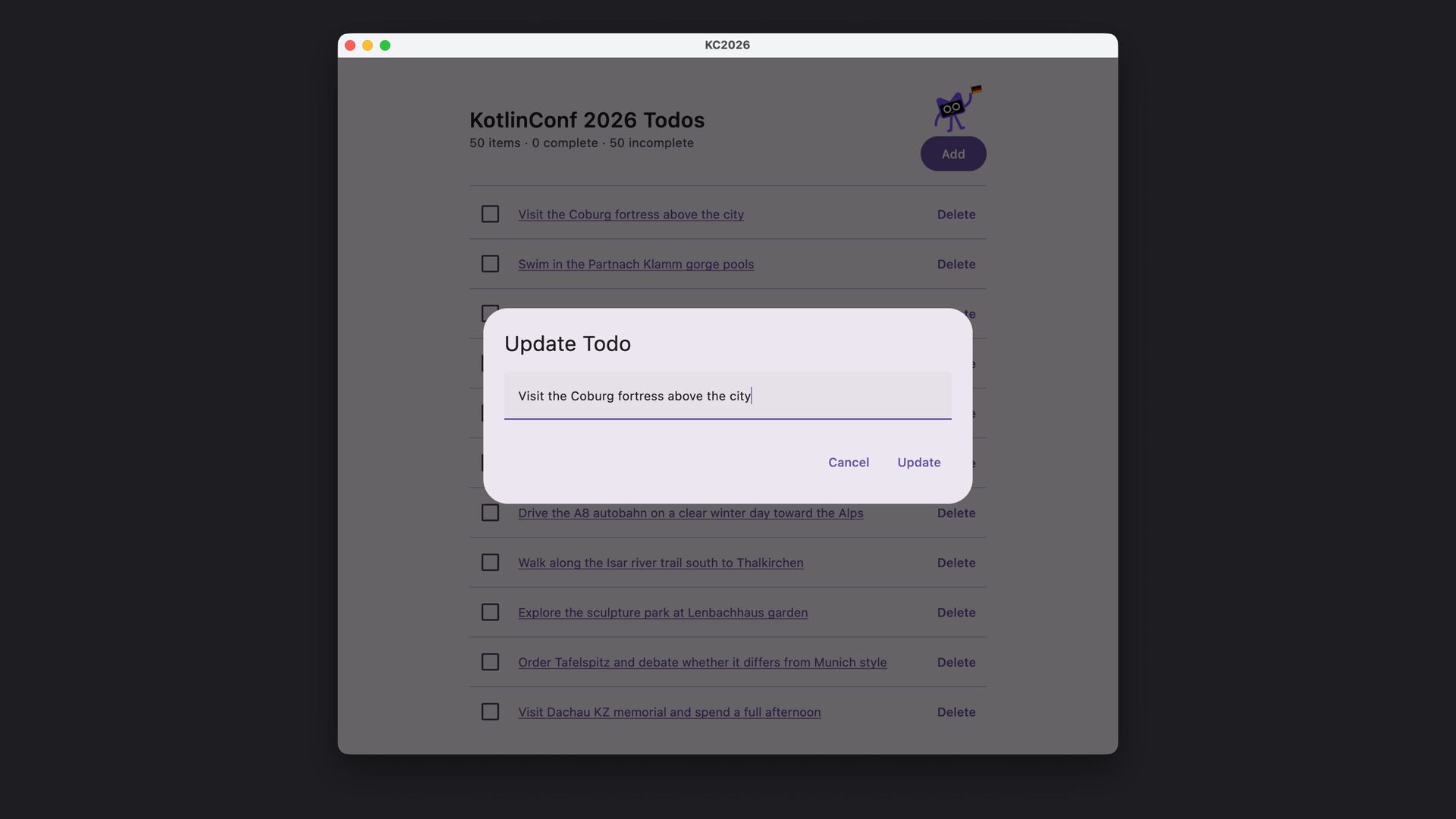
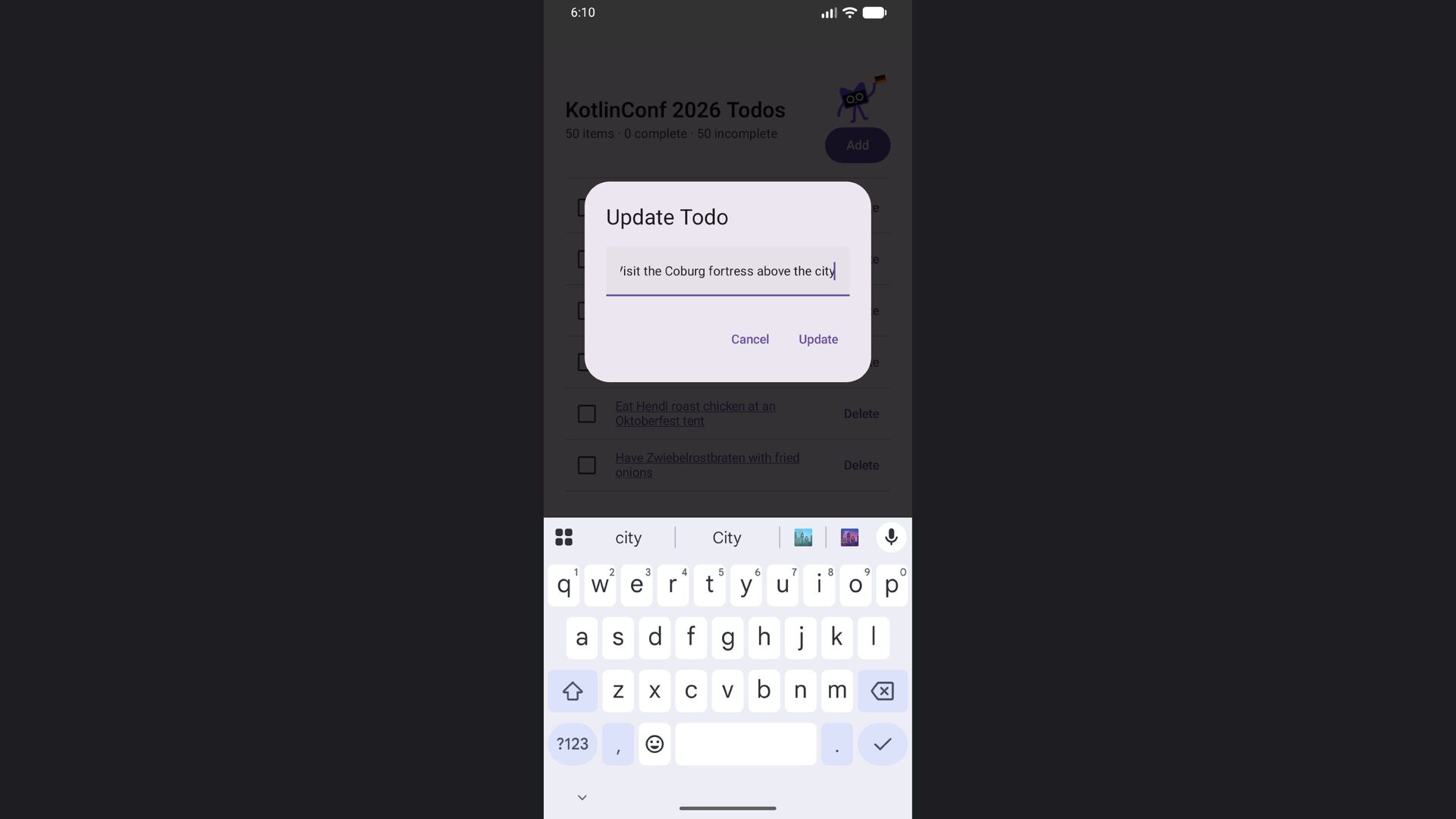
  52. ‹ › localhost:8080 ↻ image App Title N items ·

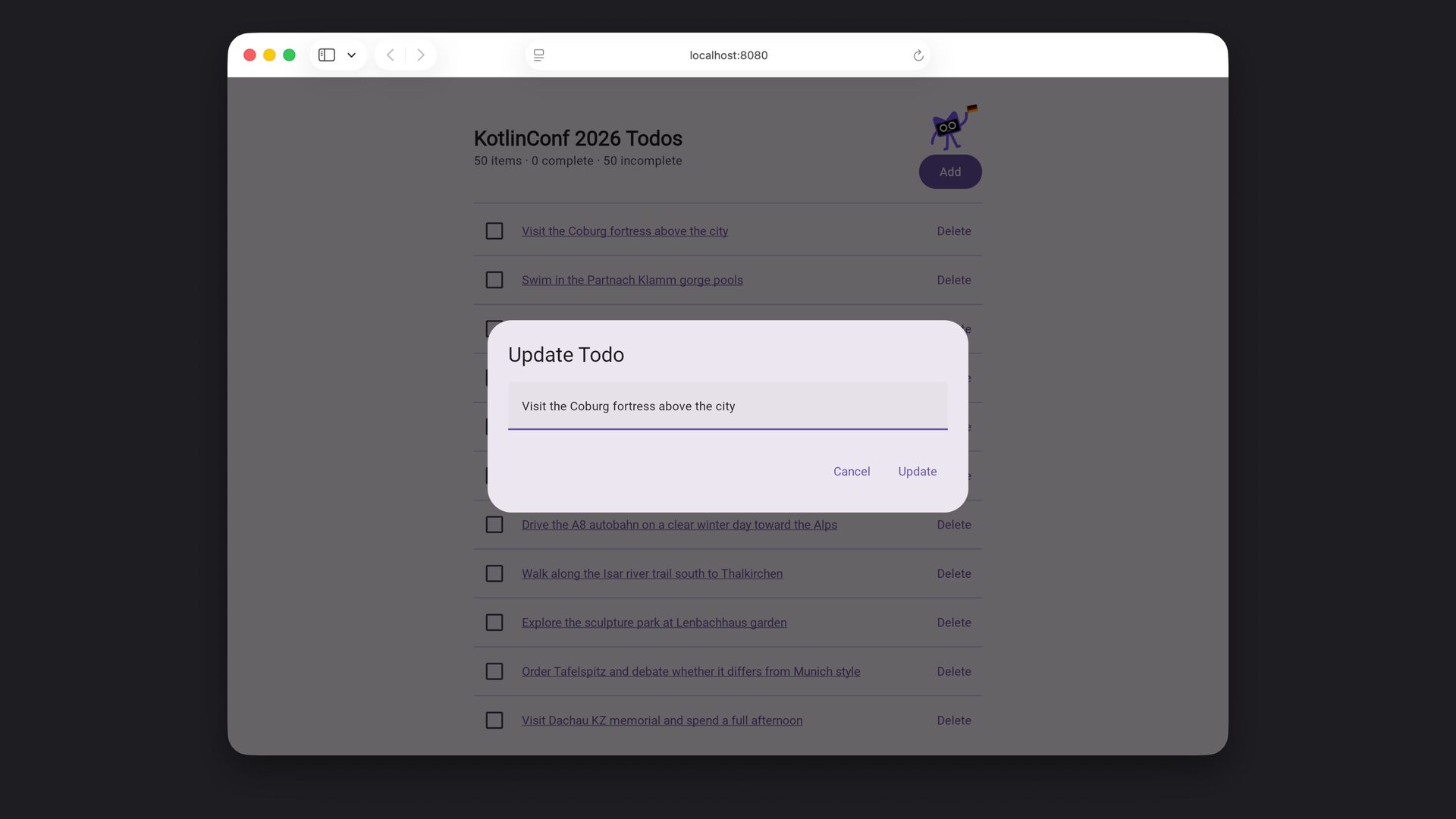
    N complete · N incomplete Add Todo item title goes here Delete Todo item title goes here Delete Todo item title goes here Delete Todo item title goes here Delete Todo item title goes here Delete Todo item title goes here Delete Todo item title goes here Delete Todo item title goes here Delete Todo item title goes here Delete Todo item title goes here Delete Todo item title goes here Delete Edit Item Todo item title goes here Cancel Update
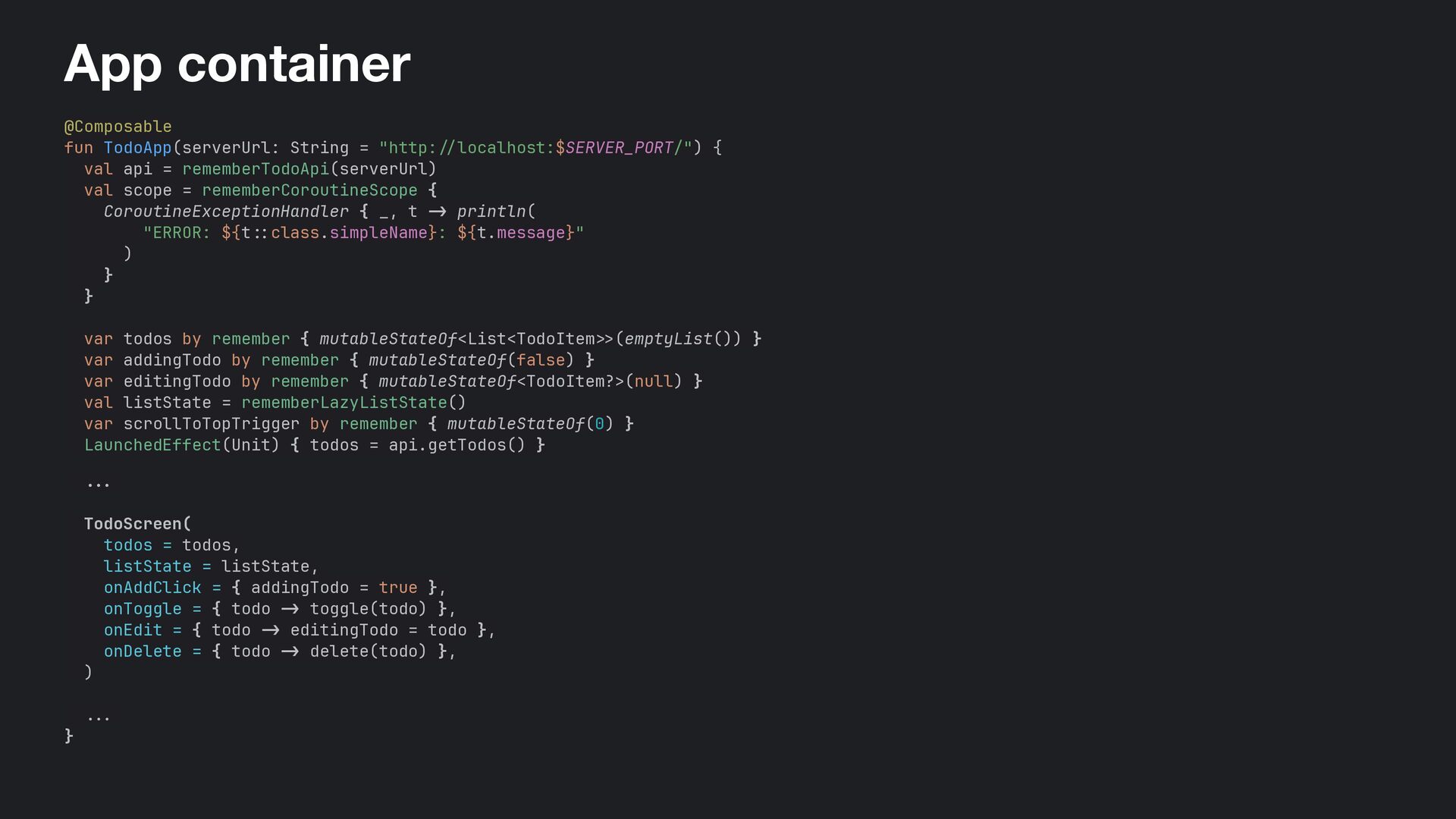
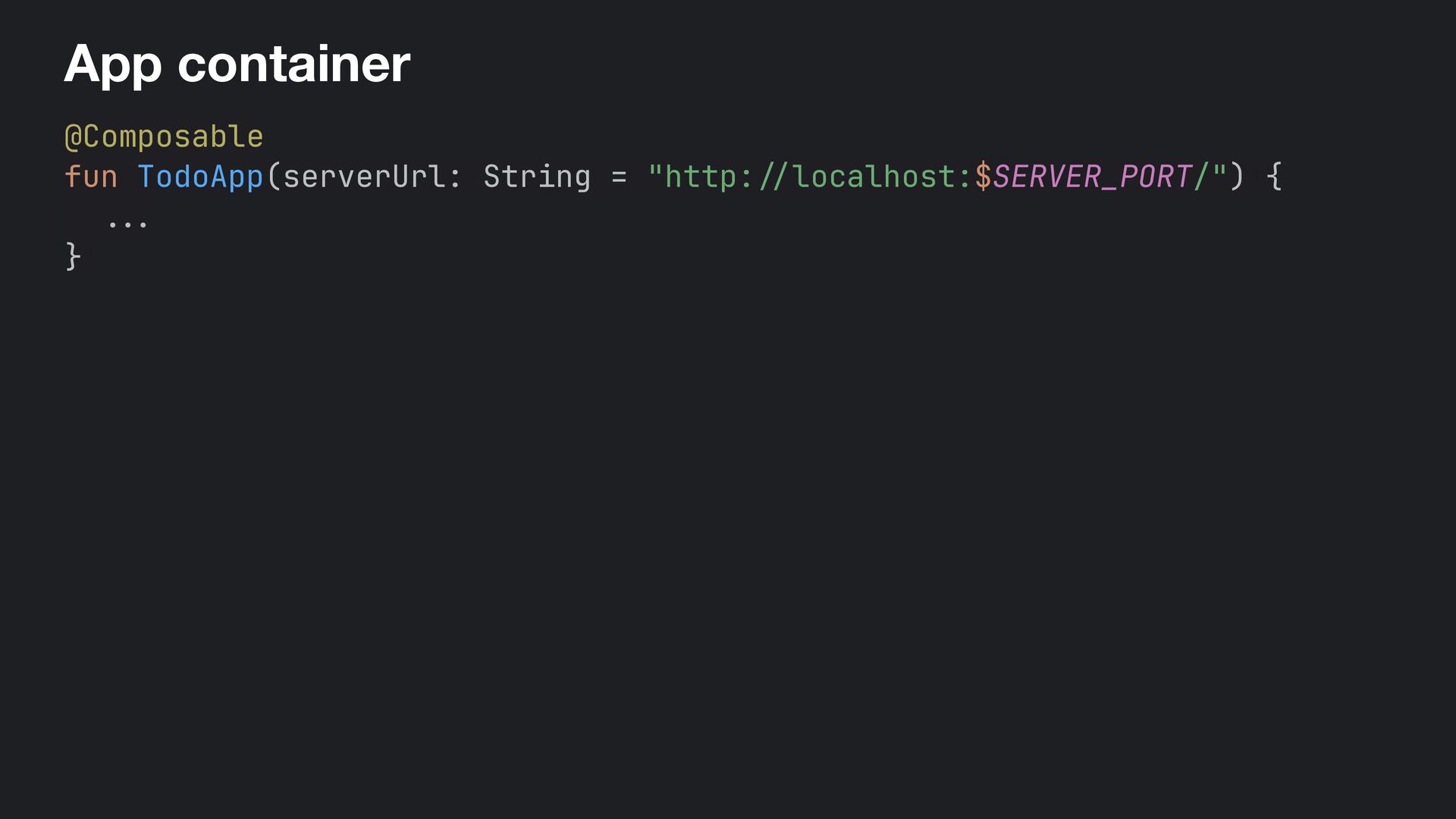
  53. App container @Composable fun TodoApp(serverUrl: String = "http: / /

    localhost:$SERVER_PORT/")+{ val api = rememberTodoApi(serverUrl) val scope = rememberCoroutineScope { CoroutineExceptionHandler { _, t -> println( "ERROR: ${t :: class.simpleName}: ${t.message}" ) } } var todos by remember { mutableStateOf<List<TodoItem >> (emptyList()) } var addingTodo by remember { mutableStateOf(false) } var editingTodo by remember { mutableStateOf<TodoItem?>(null) } val listState = rememberLazyListState() var scrollToTopTrigger by remember { mutableStateOf(0) } LaunchedEffect(Unit) { todos = api.getTodos() } ... + TodoScreen( todos = todos, listState = listState, onAddClick = { addingTodo = true }, onToggle = { todo -> toggle(todo) }, onEdit = { todo - > editingTodo = todo }, onDelete = { todo -> delete(todo) }, ) ... + }
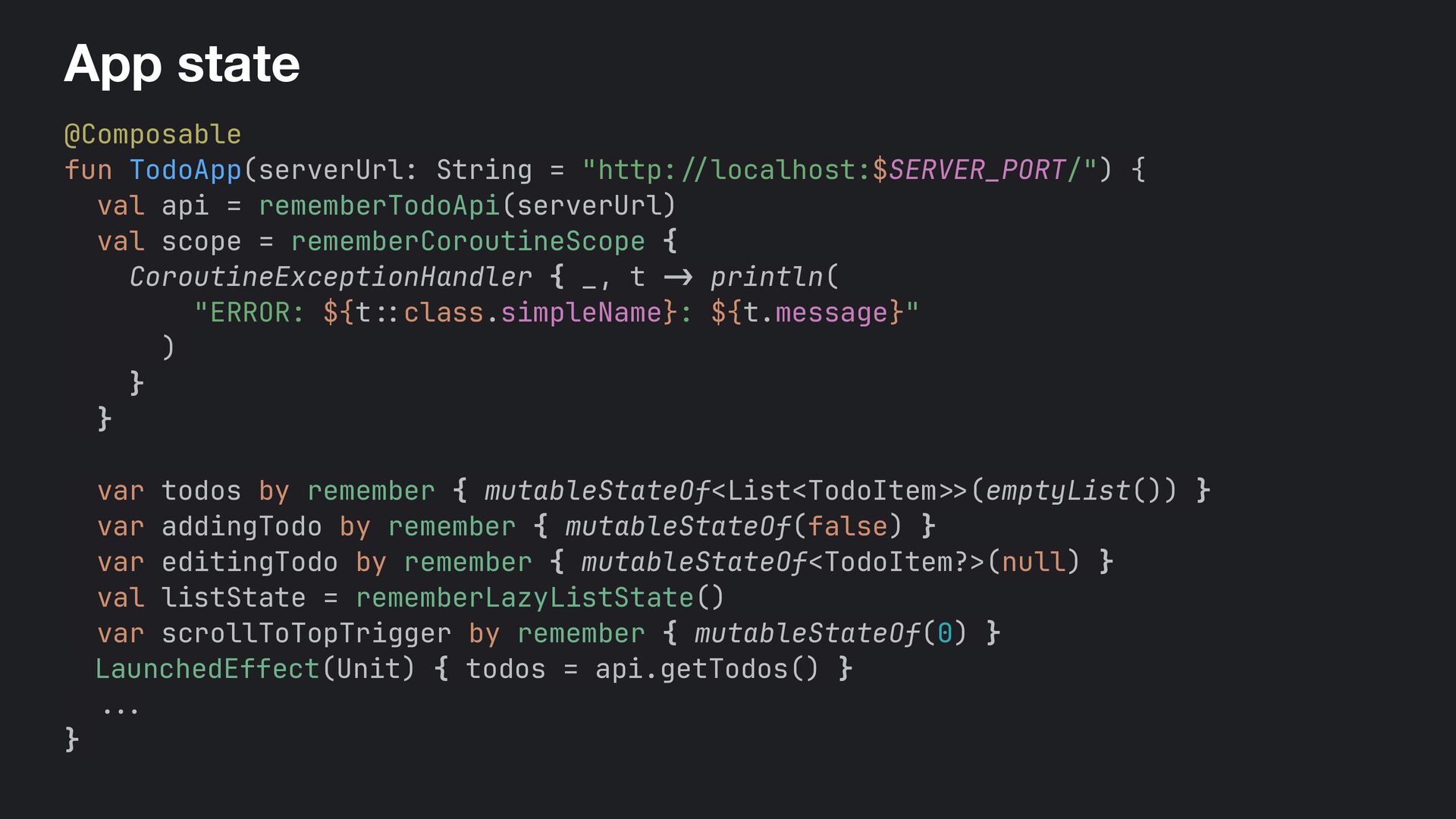
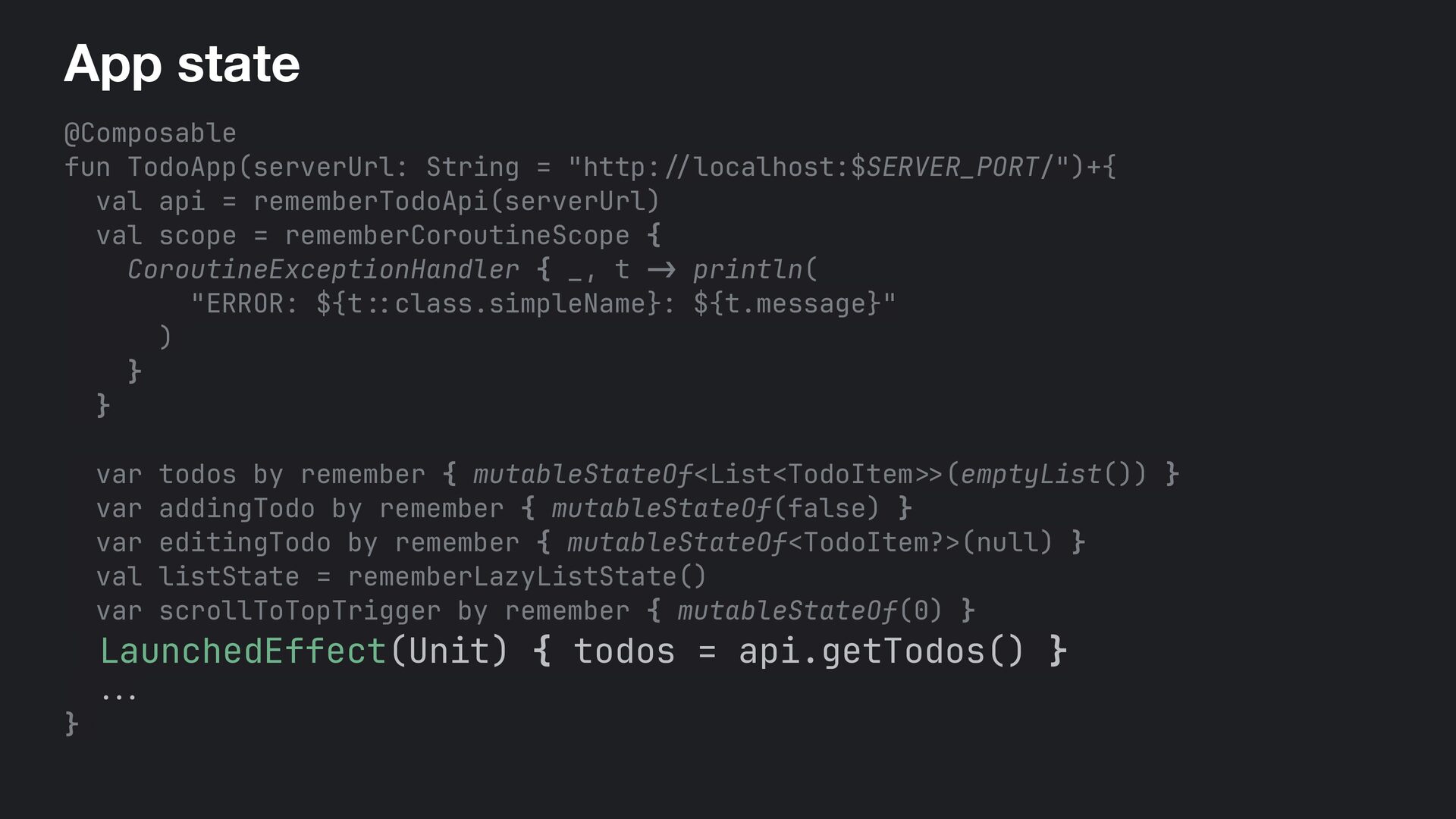
  54. App state @Composable fun TodoApp(serverUrl: String = "http: / /

    localhost:$SERVER_PORT/")+{ val api = rememberTodoApi(serverUrl) val scope = rememberCoroutineScope { CoroutineExceptionHandler { _, t - > println( "ERROR: ${t : : class.simpleName}: ${t.message}" ) } } var todos by remember { mutableStateOf<List<TodoItem >> (emptyList()) } var addingTodo by remember { mutableStateOf(false) } var editingTodo by remember { mutableStateOf<TodoItem?>(null) } val listState = rememberLazyListState() var scrollToTopTrigger by remember { mutableStateOf(0) } LaunchedEffect(Unit) { todos = api.getTodos() } . .. }+
  55. App state @Composable fun TodoApp(serverUrl: String = "http: / /

    localhost:$SERVER_PORT/")+{ val api = rememberTodoApi(serverUrl) val scope = rememberCoroutineScope { CoroutineExceptionHandler { _, t -> println( "ERROR: ${t :: class.simpleName}: ${t.message}" ) } } var todos by remember { mutableStateOf<List<TodoItem >> (emptyList()) } var addingTodo by remember { mutableStateOf(false) } var editingTodo by remember { mutableStateOf<TodoItem?>(null) } val listState = rememberLazyListState() var scrollToTopTrigger by remember { mutableStateOf(0) } LaunchedEffect(Unit) { todos = api.getTodos() } . . . }+
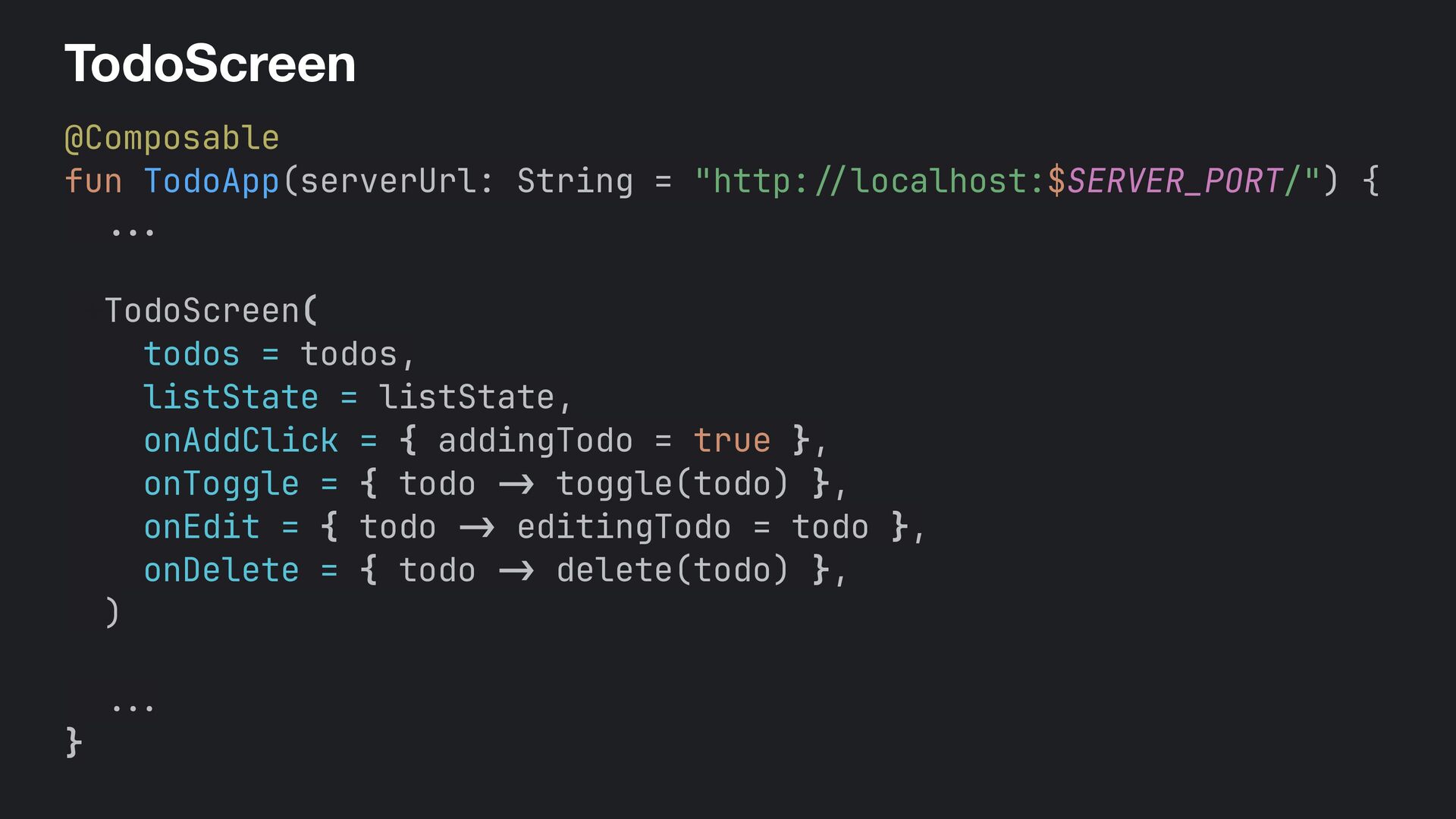
  56. TodoScreen @Composable fun TodoApp(serverUrl: String = "http: / / localhost:$SERVER_PORT/")

    { . . . +TodoScreen( todos = todos, listState = listState, onAddClick = { addingTodo = true }, onToggle = { todo -> toggle(todo) }, onEdit = { todo -> editingTodo = todo }, onDelete = { todo -> delete(todo) }, ) . . . }
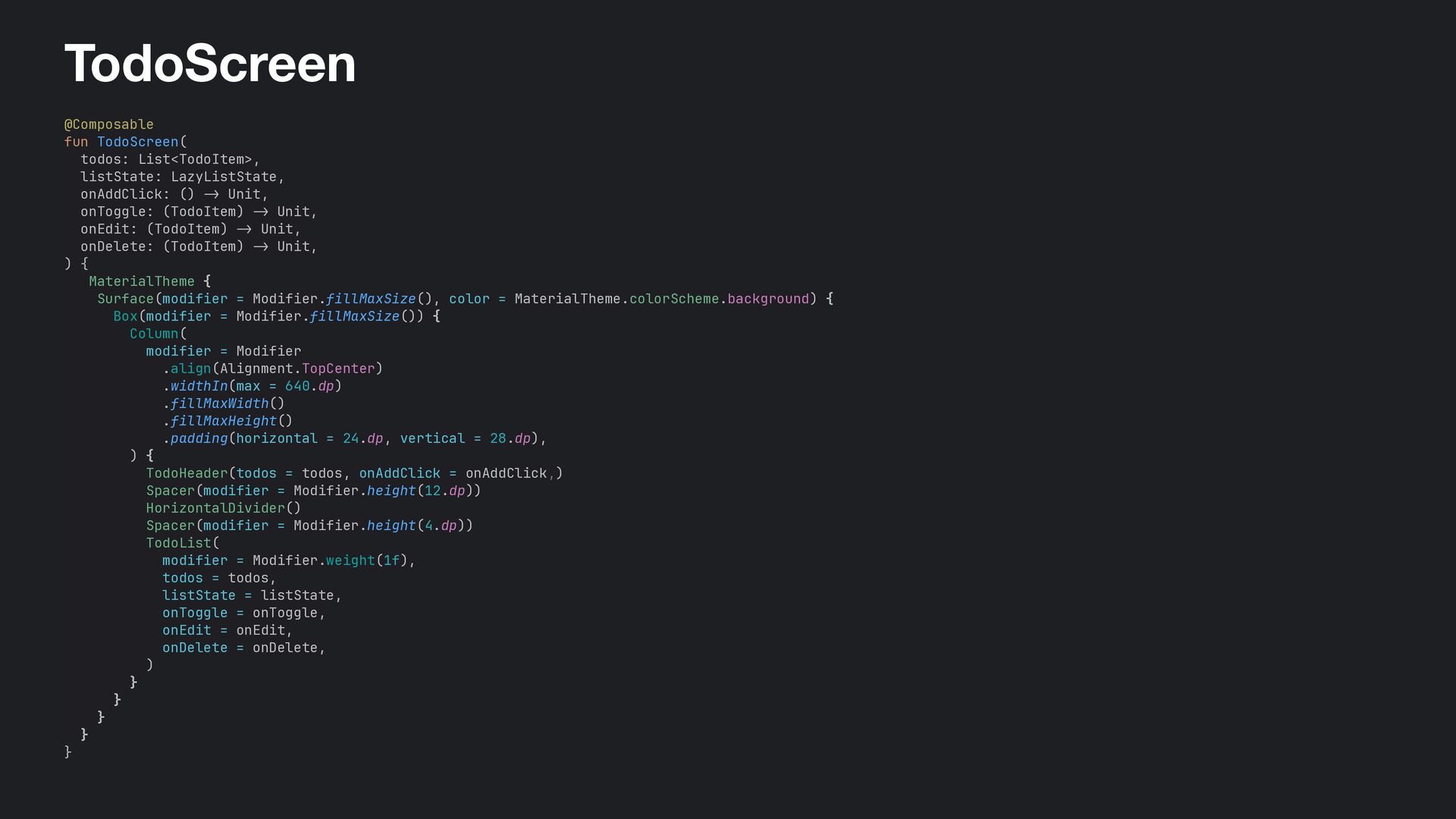
  57. TodoScreen @Composable fun+TodoScreen( todos: List<TodoItem>, listState: LazyListState, onAddClick: () ->

    Unit, onToggle: (TodoItem) -> Unit, onEdit: (TodoItem) - > Unit, onDelete: (TodoItem) -> Unit, )+{ +MaterialTheme { Surface(modifier+= Modifier.fillMaxSize(), color = MaterialTheme.colorScheme.background) { Box(modifier+= Modifier.fillMaxSize()) { Column( modifier+= Modifier .align(Alignment.TopCenter) .widthIn(max = 640.dp) .fillMaxWidth() .fillMaxHeight() .padding(horizontal = 24.dp, vertical = 28.dp), ) { +TodoHeader(todos = todos, onAddClick = onAddClick,) Spacer(modifier = Modifier.height(12.dp)) HorizontalDivider() Spacer(modifier = Modifier.height(4.dp)) TodoList( modifier = Modifier.weight(1f), todos = todos, listState = listState, onToggle = onToggle, onEdit = onEdit, onDelete = onDelete, ) } } } } }
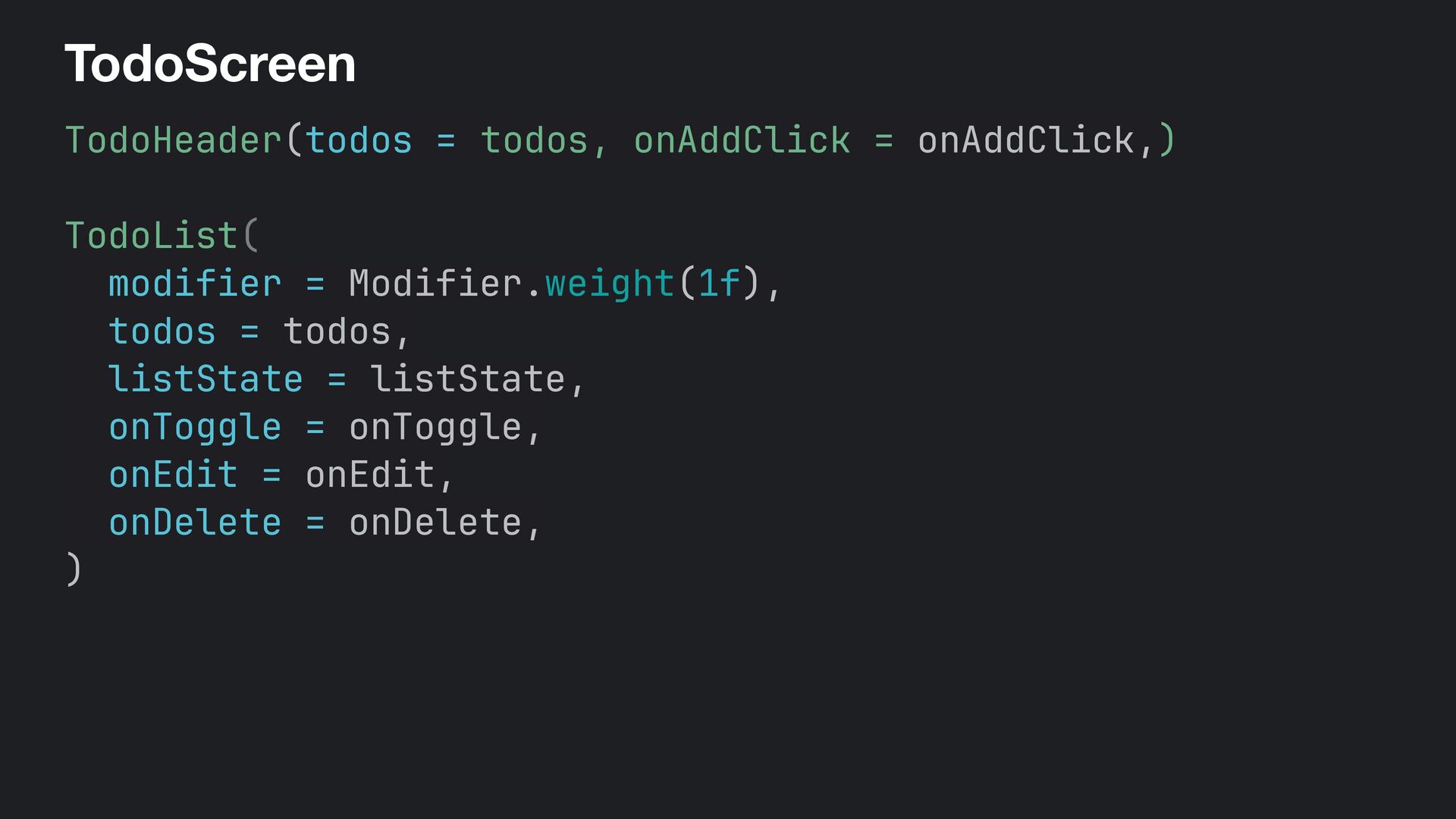
  58. TodoScreen TodoHeader(todos = ! todos, onAddClick = onAddClick,) TodoList( modifier

    = Modifier.weight(1f), todos = todos, listState = listState, onToggle = onToggle, onEdit = onEdit, onDelete = onDelete, )
  59. ‹ › localhost:8080 ↻ image App Title N items ·

    N complete · N incomplete Add Todo item title goes here Delete Todo item title goes here Delete Todo item title goes here Delete Todo item title goes here Delete Todo item title goes here Delete Todo item title goes here Delete Todo item title goes here Delete Todo item title goes here Delete · · ·
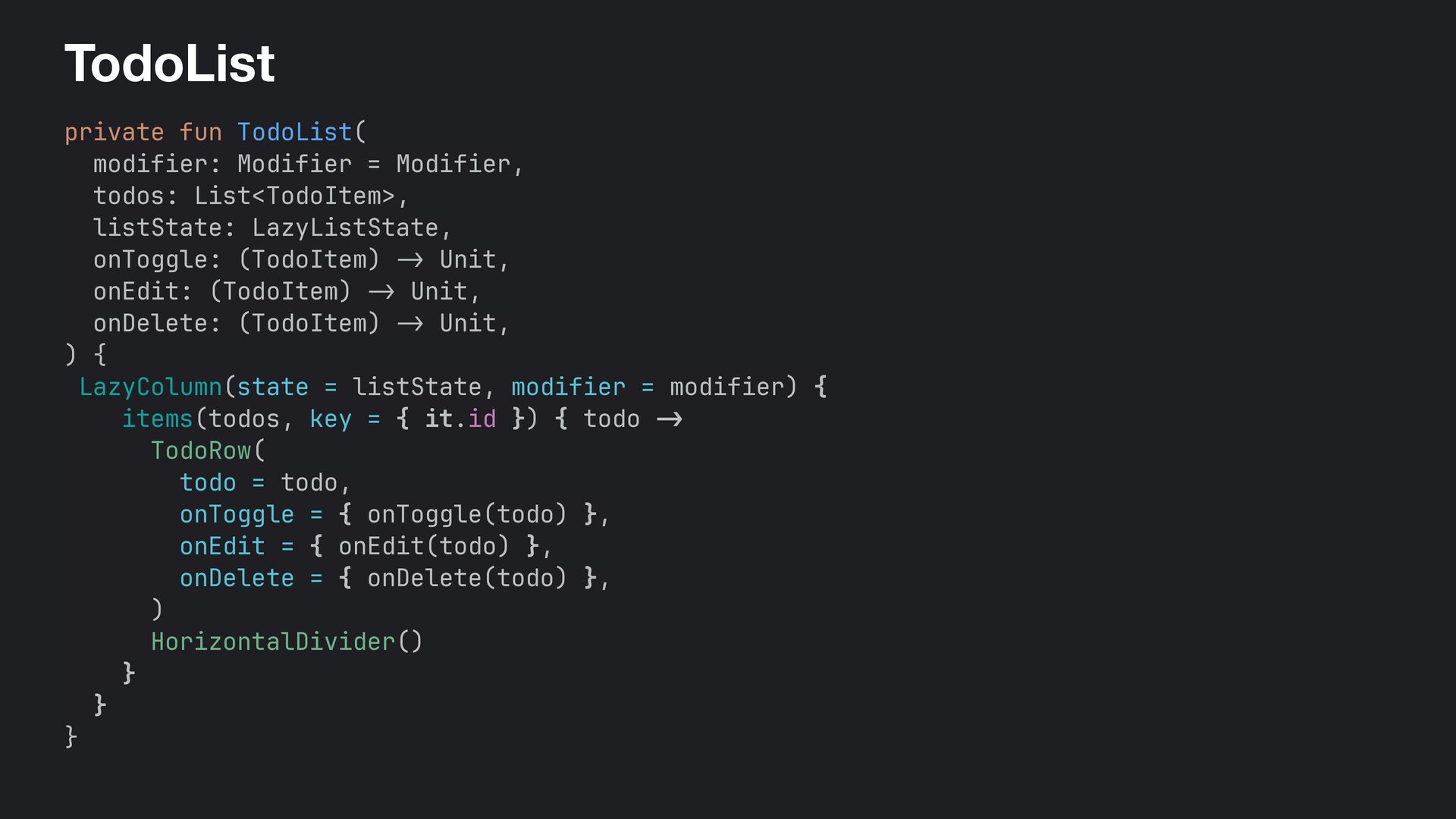
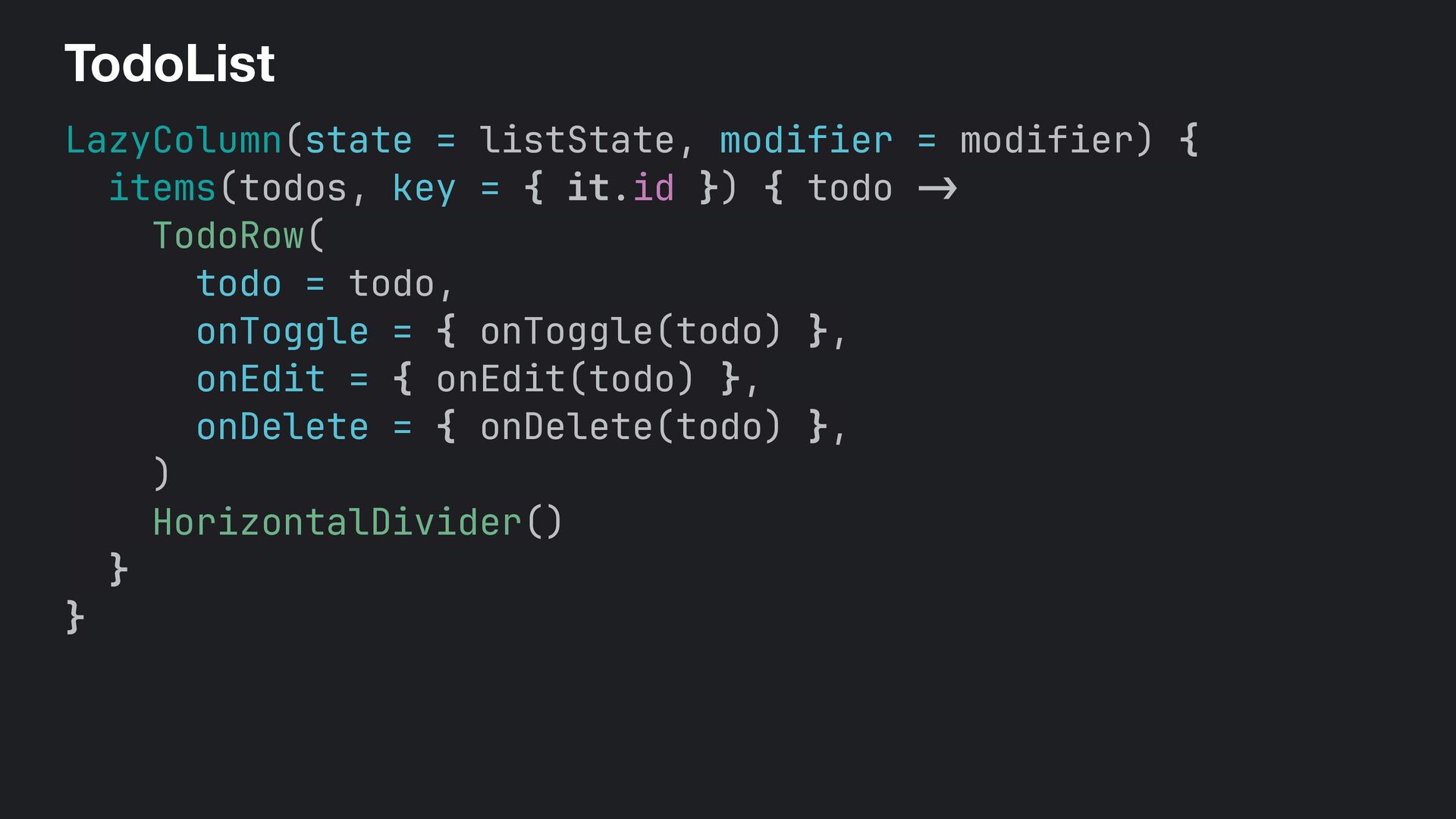
  60. TodoList private fun TodoList( modifier: Modifier = Modifier, todos: List<TodoItem>,

    listState: LazyListState, onToggle: (TodoItem) -> Unit, onEdit: (TodoItem) -> Unit, onDelete: (TodoItem) -> Unit, ) { LazyColumn(state = listState, modifier = modifier) { items(todos, key = { it.id }) { todo - > TodoRow( todo = todo, onToggle = { onToggle(todo) }, onEdit = { onEdit(todo) }, onDelete = { onDelete(todo) }, ) HorizontalDivider() } } }
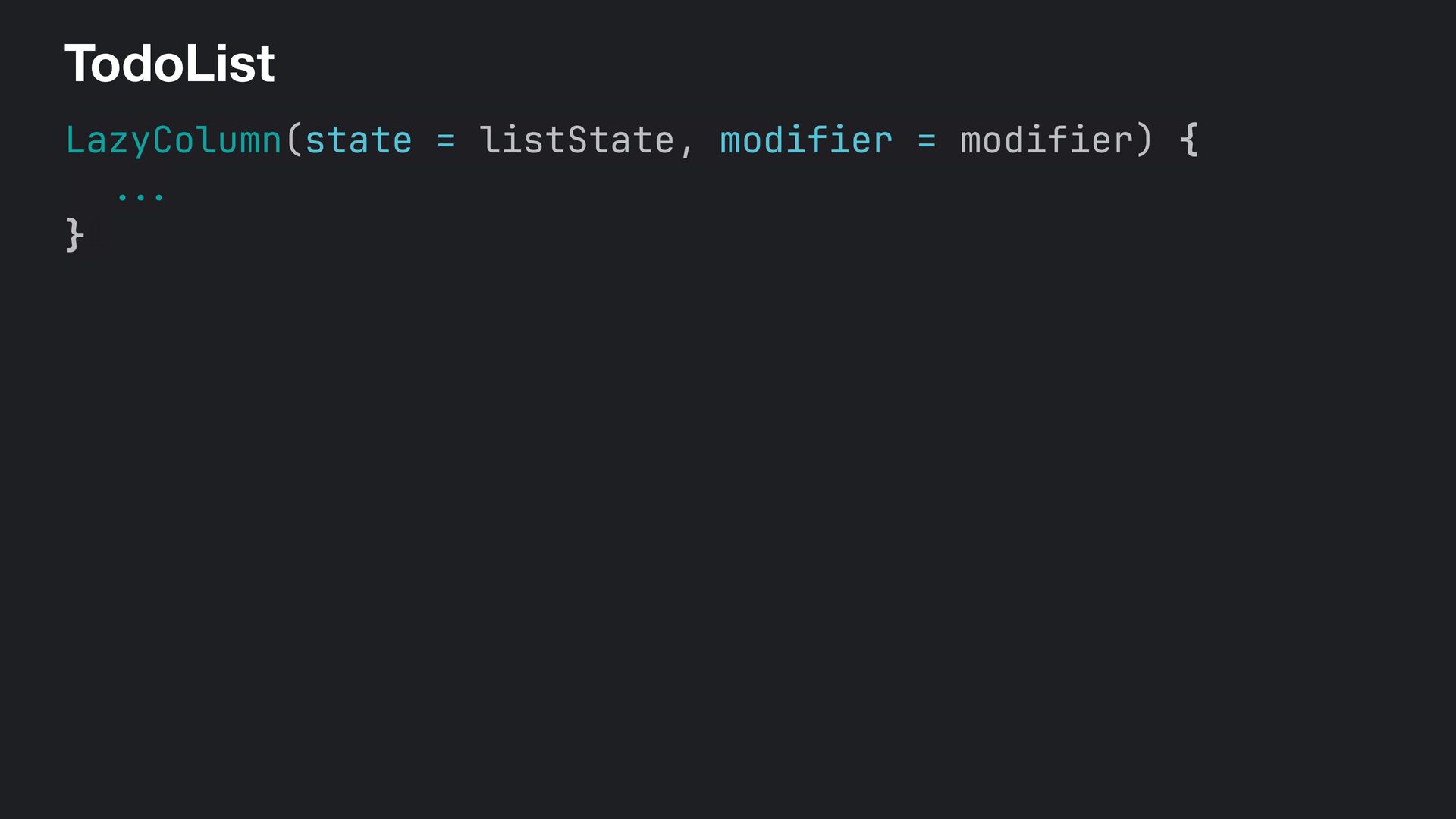
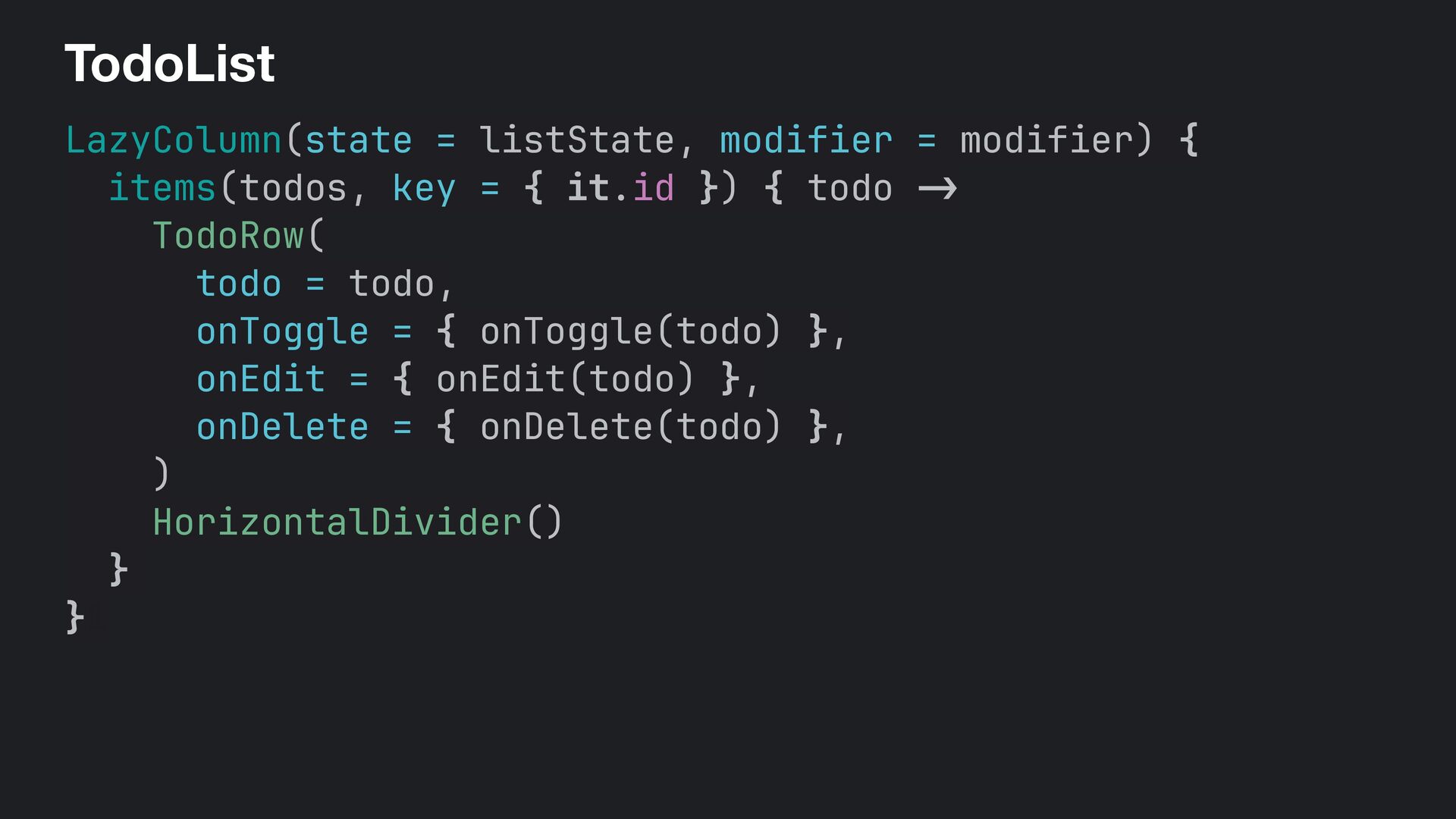
  61. TodoList LazyColumn(state = listState, modifier = modifier) { items(todos, key

    = { it.id }) { todo -> TodoRow( todo = todo, onToggle = { onToggle(todo) }, onEdit = { onEdit(todo) }, onDelete = { onDelete(todo) }, ) HorizontalDivider() } }1
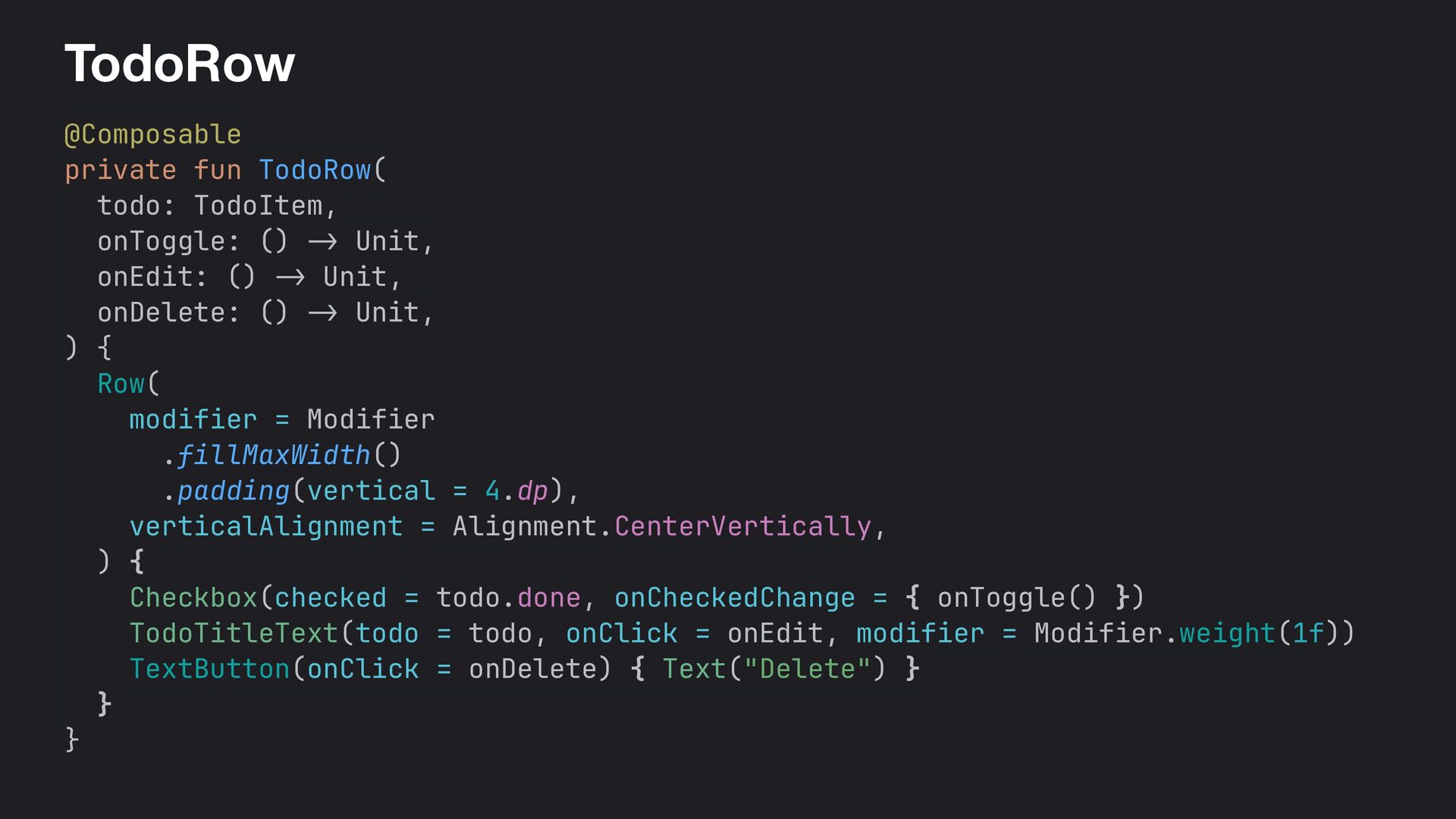
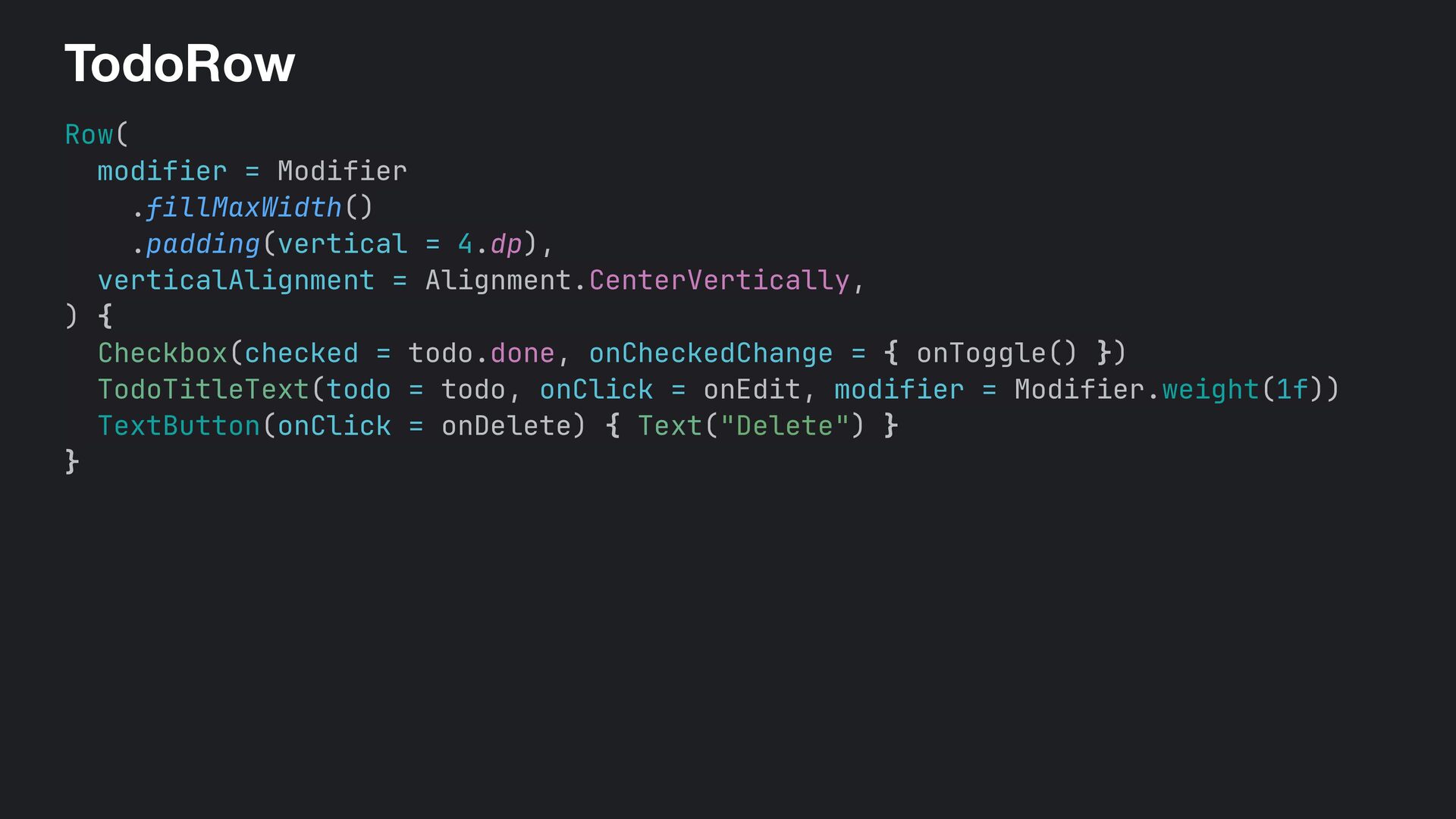
  62. TodoRow @Composable private fun TodoRow( todo: TodoItem, onToggle: () -

    > Unit, onEdit: () -> Unit, onDelete: () - > Unit, ) { Row( modifier = Modifier .fillMaxWidth() .padding(vertical = 4.dp), verticalAlignment = Alignment.CenterVertically, ) { Checkbox(checked = todo.done, onCheckedChange = { onToggle() }) TodoTitleText(todo = todo, onClick = onEdit, modifier = Modifier.weight(1f)) TextButton(onClick = onDelete) { Text("Delete") } } }
  63. ‹ › localhost:8080 ↻ image App Title N items ·

    N complete · N incomplete Add Todo item title goes here Delete Todo item title goes here Delete Todo item title goes here Delete Todo item title goes here Delete Todo item title goes here Delete Todo item title goes here Delete Todo item title goes here Delete Todo item title goes here Delete Todo item title goes here Delete Todo item title goes here Delete Todo item title goes here Delete Add Todo Placeholder text... Cancel Add
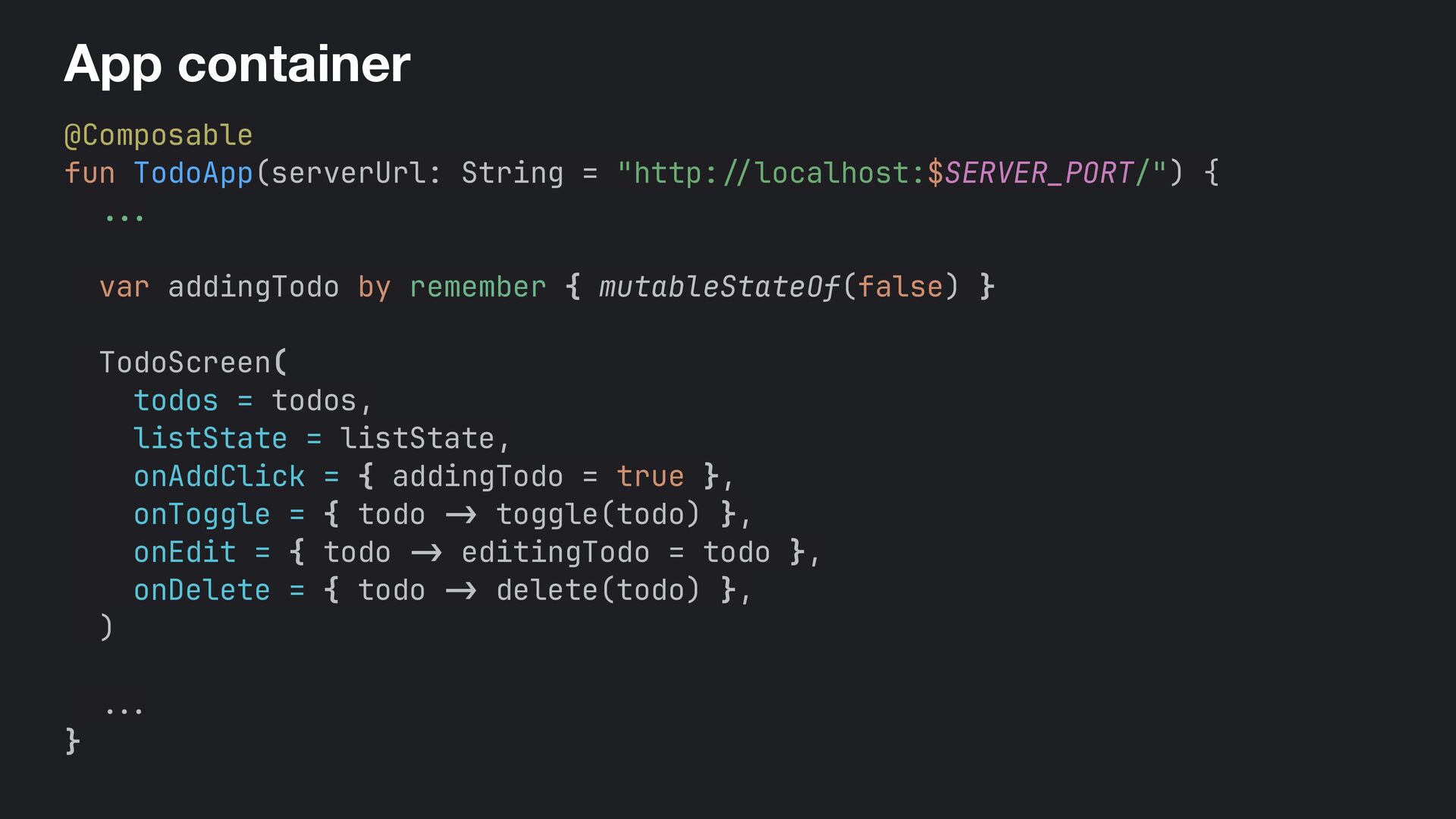
  64. App container @Composable fun TodoApp(serverUrl: String = "http: // localhost:$SERVER_PORT/")+{

    ... var addingTodo by remember { mutableStateOf(false) } TodoScreen( todos = todos, listState = listState, onAddClick = { addingTodo = true }, onToggle = { todo -> toggle(todo) }, onEdit = { todo - > editingTodo = todo }, onDelete = { todo -> delete(todo) }, ) ... }
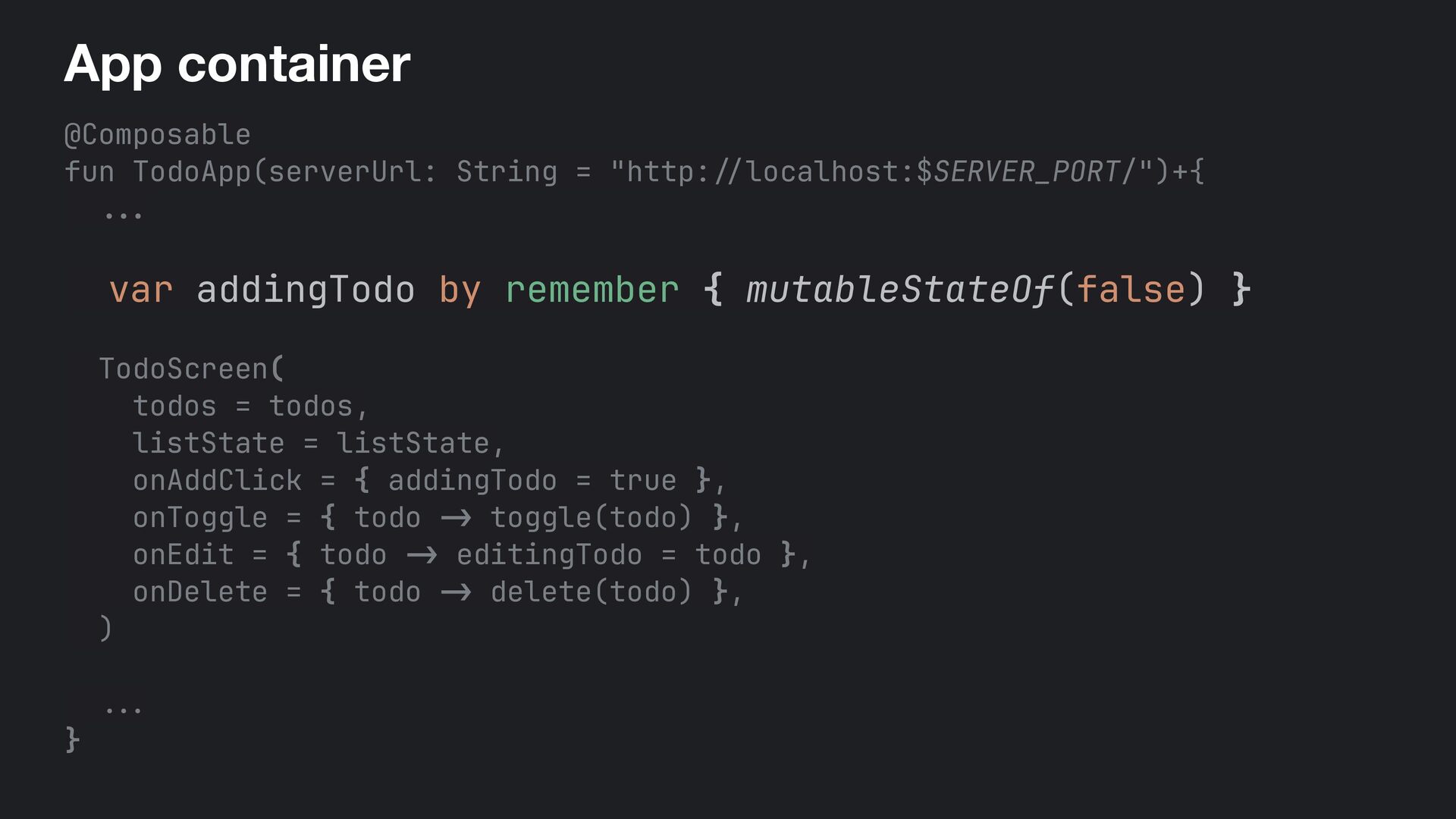
  65. App container @Composable fun TodoApp(serverUrl: String = "http: // localhost:$SERVER_PORT/")+{

    ... var addingTodo by remember { mutableStateOf(false) } TodoScreen( todos = todos, listState = listState, onAddClick = { addingTodo = true }, onToggle = { todo -> toggle(todo) }, onEdit = { todo - > editingTodo = todo }, onDelete = { todo -> delete(todo) }, ) ... }
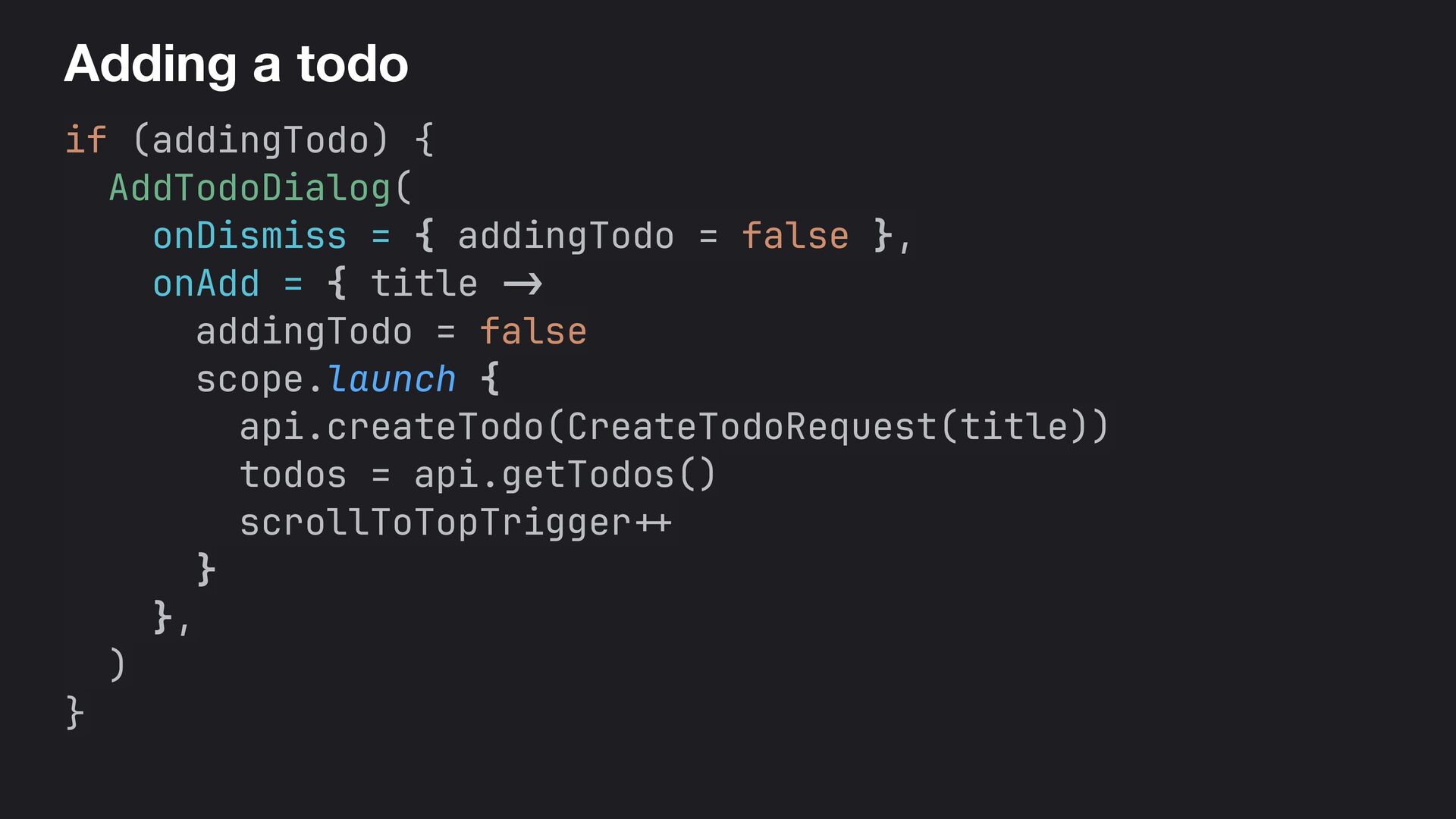
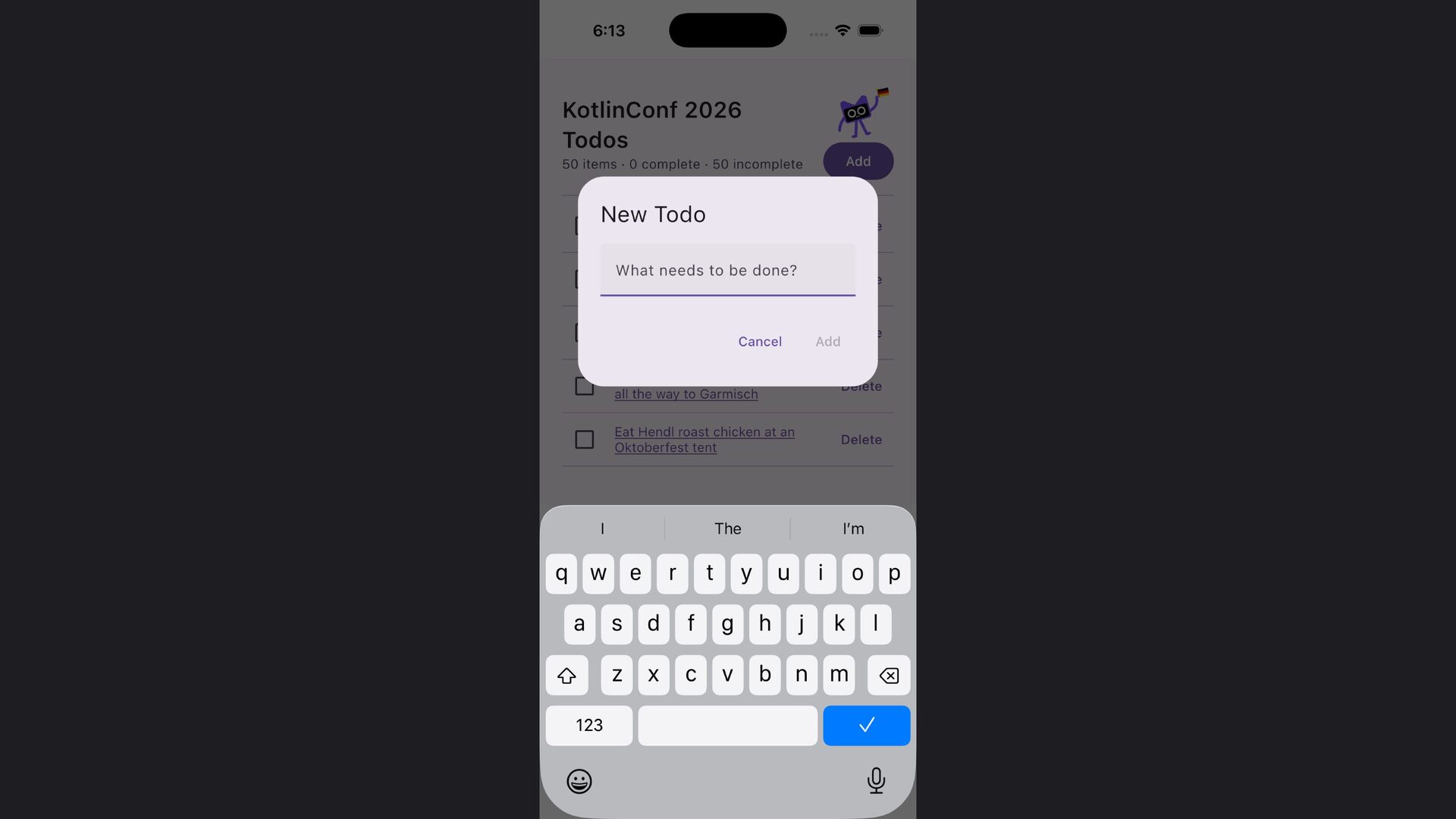
  66. Adding a todo if (addingTodo) { AddTodoDialog( onDismiss = {

    addingTodo = false }, onAdd = { title -> addingTodo = false scope.launch { api.createTodo(CreateTodoRequest(title)) todos = api.getTodos() scrollToTopTrigger + + } }, ) }
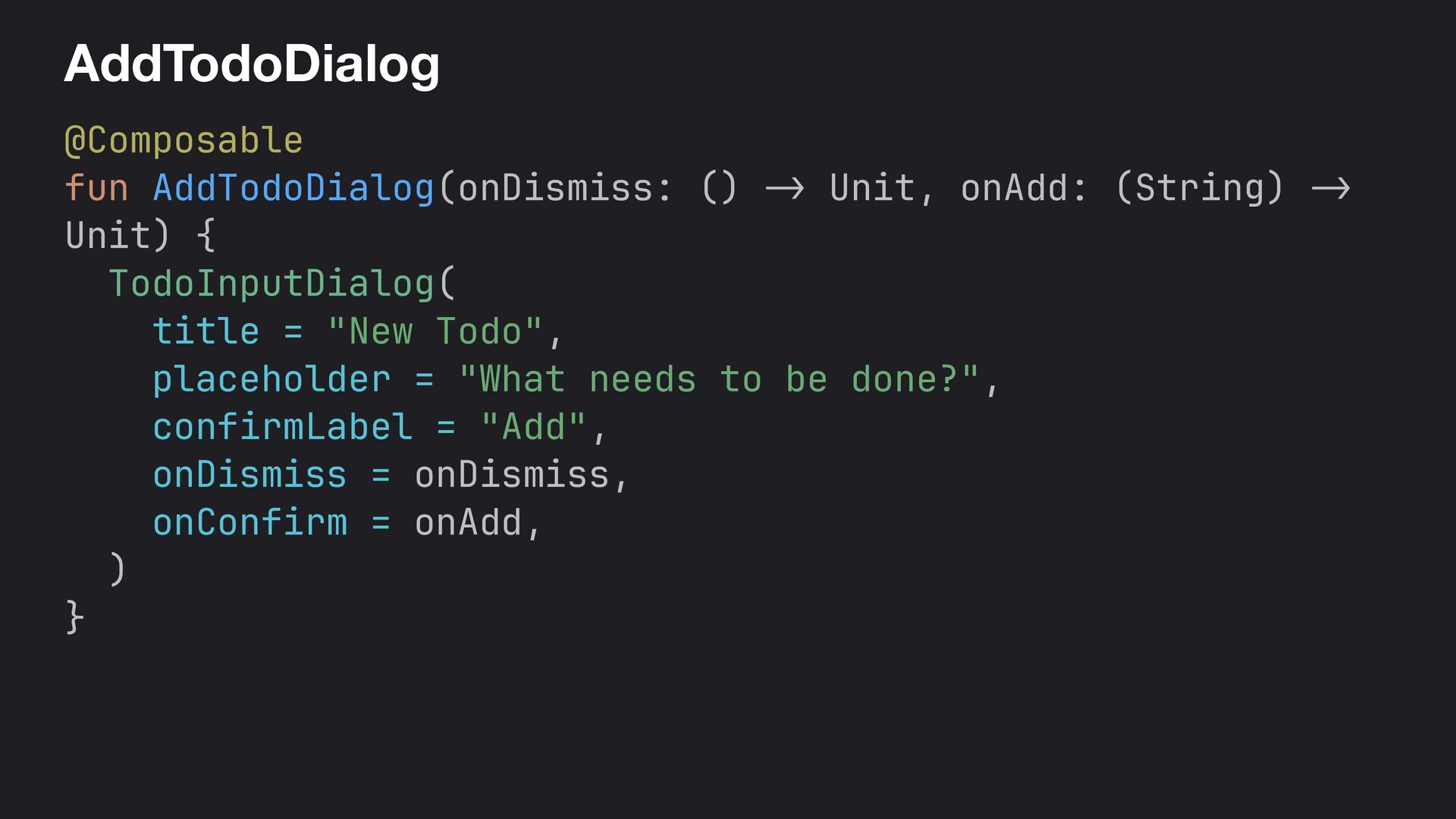
  67. AddTodoDialog @Composable fun AddTodoDialog(onDismiss: () -> Unit, onAdd: (String) -

    > Unit) { TodoInputDialog( title = "New Todo", placeholder = "What needs to be done?", confirmLabel = "Add", onDismiss = onDismiss, onConfirm = onAdd, ) }
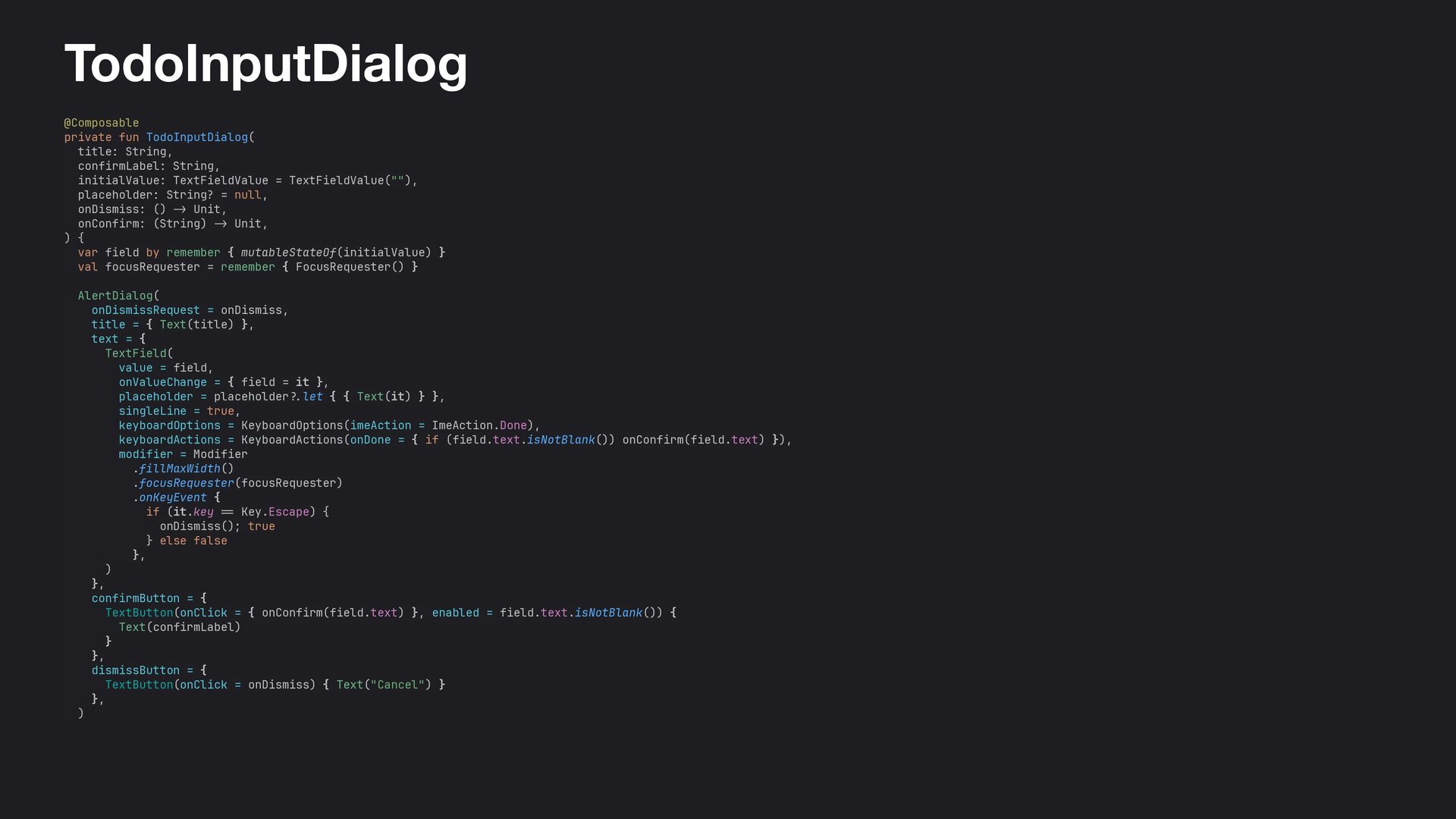
  68. TodoInputDialog @Composable private fun TodoInputDialog( title: String, confirmLabel: String, initialValue:

    TextFieldValue = TextFieldValue(""), placeholder: String? = null, onDismiss: () - > Unit, onConfirm: (String) -> Unit, ) { var field by remember { mutableStateOf(initialValue) } val focusRequester = remember { FocusRequester() } AlertDialog( onDismissRequest = onDismiss, title = { Text(title) }, text = { TextField( value = field, onValueChange = { field = it }, placeholder = placeholder ? . let { { Text(it) } }, singleLine = true, keyboardOptions = KeyboardOptions(imeAction = ImeAction.Done), keyboardActions = KeyboardActions(onDone = { if (field.text.isNotBlank()) onConfirm(field.text) }), modifier = Modifier .fillMaxWidth() .focusRequester(focusRequester) .onKeyEvent { if (it.key == Key.Escape) { onDismiss(); true } else false }, ) }, confirmButton = { TextButton(onClick = { onConfirm(field.text) }, enabled = field.text.isNotBlank()) { Text(confirmLabel) } }, dismissButton = { TextButton(onClick = onDismiss) { Text("Cancel") } }, )
  69. ‹ › localhost:8080 ↻ image App Title N items ·

    N complete · N incomplete Add Todo item title goes here Delete Todo item title goes here Delete Todo item title goes here Delete Todo item title goes here Delete Todo item title goes here Delete Todo item title goes here Delete Todo item title goes here Delete Todo item title goes here Delete Todo item title goes here Delete Todo item title goes here Delete Todo item title goes here Delete Edit Item Todo item title goes here Cancel Update
  70. TodoList LazyColumn(state = listState, modifier = modifier) { items(todos, key

    = { it.id }) { todo -> TodoRow( todo = todo, onToggle = { onToggle(todo) }, onEdit = { onEdit(todo) }, onDelete = { onDelete(todo) }, ) HorizontalDivider() } }
  71. App container @Composable fun TodoApp(serverUrl: String = "http: // localhost:$SERVER_PORT/")+{

    ... var editingTodo by remember { mutableStateOf<TodoItem?>(null) } TodoScreen( todos = todos, listState = listState, onAddClick = { addingTodo = true }, onToggle = { todo -> toggle(todo) }, onEdit = { todo - > editingTodo = todo }, onDelete = { todo -> delete(todo) }, ) ... }
  72. App container @Composable fun TodoApp(serverUrl: String = "http: // localhost:$SERVER_PORT/")+{

    ... var editingTodo by remember { mutableStateOf<TodoItem?>(null) } TodoScreen( todos = todos, listState = listState, onAddClick = { addingTodo = true }, onToggle = { todo -> toggle(todo) }, onEdit = { todo - > editingTodo = todo }, onDelete = { todo -> delete(todo) }, ) ... }
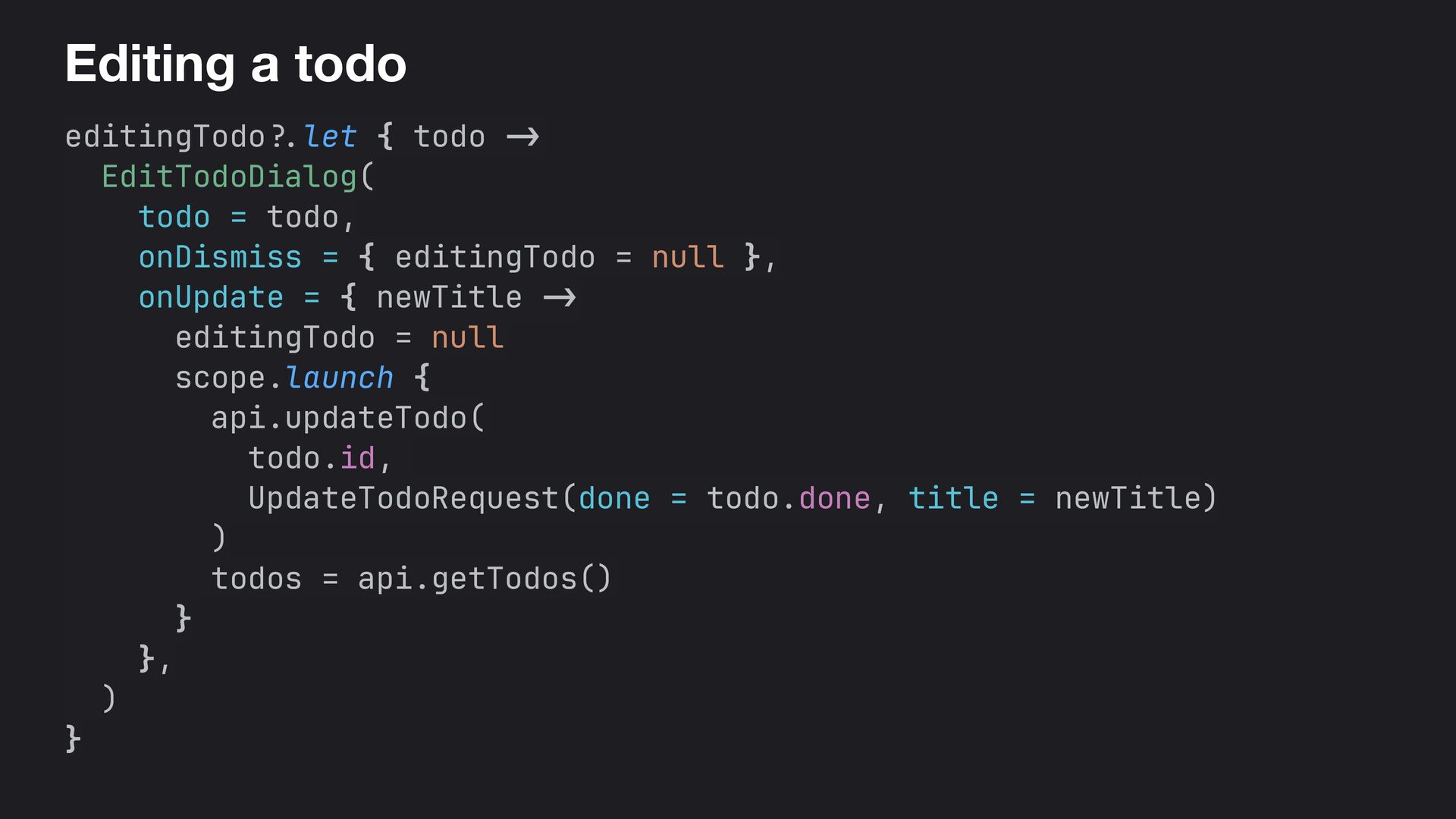
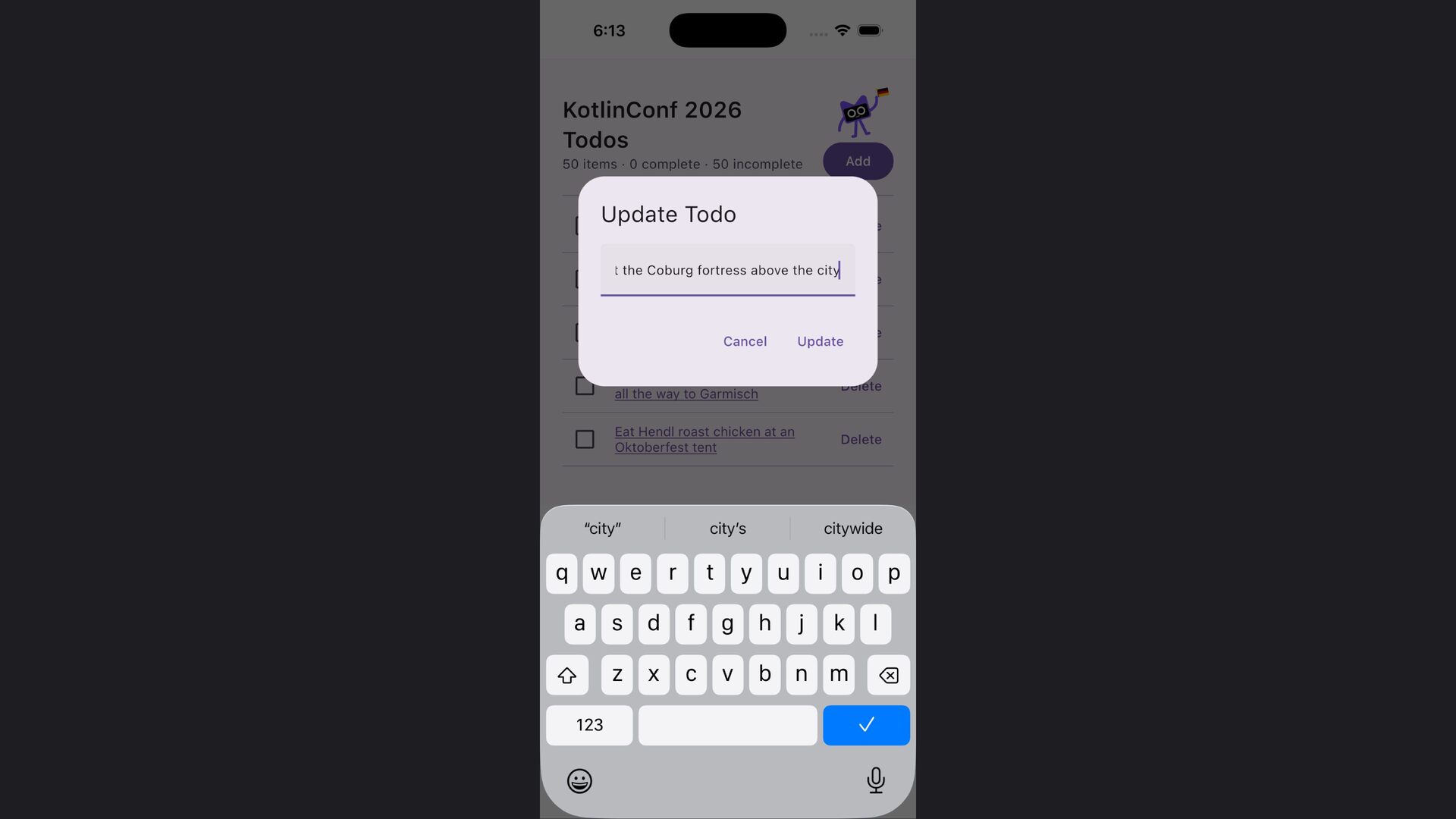
  73. Editing a todo editingTodo ?. let { todo - >

    EditTodoDialog( todo = todo, onDismiss = { editingTodo = null }, onUpdate = { newTitle - > editingTodo = null scope.launch { api.updateTodo( todo.id, UpdateTodoRequest(done = todo.done, title = newTitle) ) todos = api.getTodos() } }, ) }
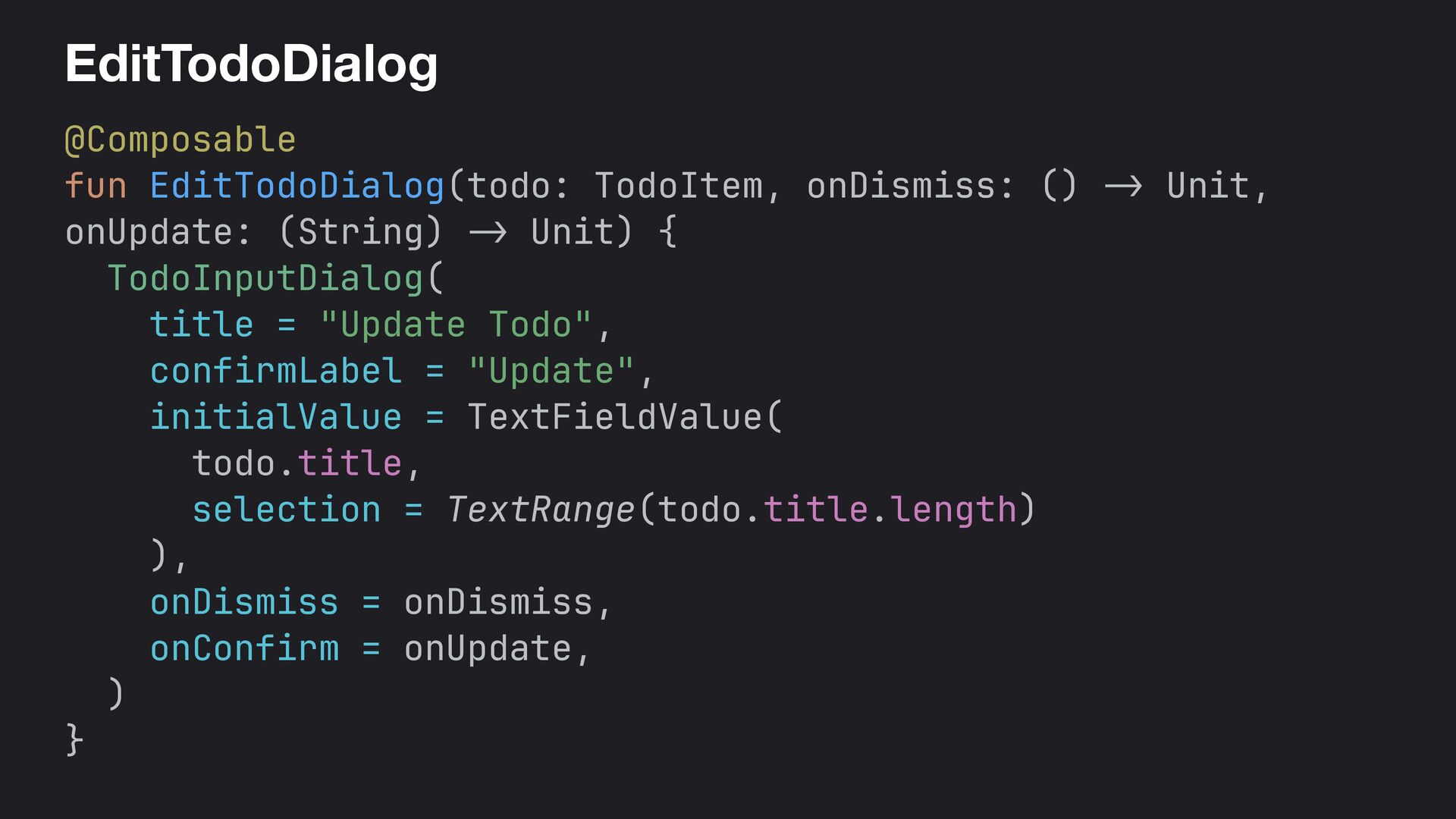
  74. EditTodoDialog @Composable fun EditTodoDialog(todo: TodoItem, onDismiss: () - > Unit,

    onUpdate: (String) - > Unit) { TodoInputDialog( title = "Update Todo", confirmLabel = "Update", initialValue = TextFieldValue( todo.title, selection = TextRange(todo.title.length) ), onDismiss = onDismiss, onConfirm = onUpdate, ) }
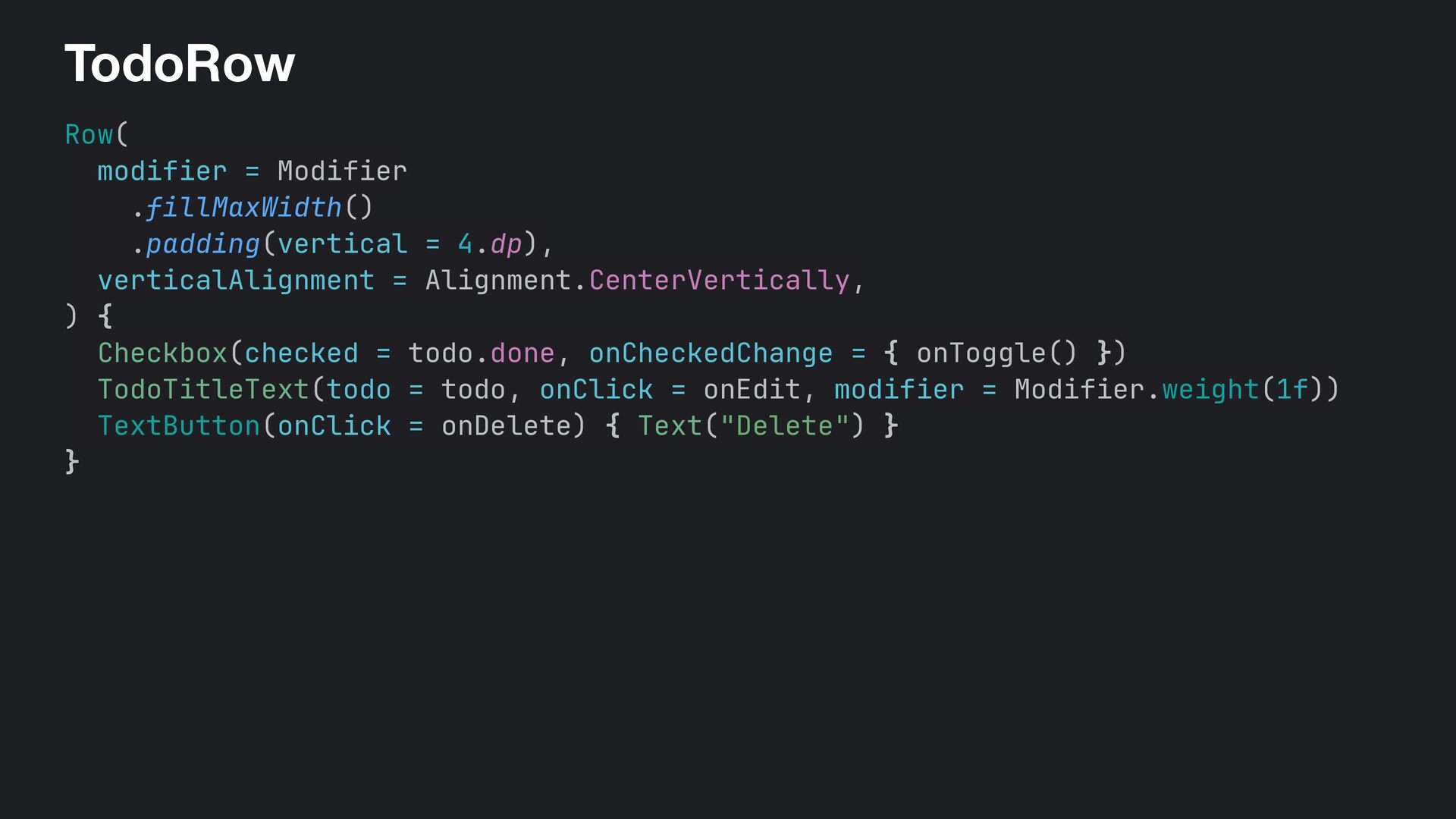
  75. TodoRow Row( modifier = Modifier .fillMaxWidth() .padding(vertical = 4.dp), verticalAlignment

    = Alignment.CenterVertically, ) { Checkbox(checked = todo.done, onCheckedChange = { onToggle() }) TodoTitleText(todo = todo, onClick = onEdit, modifier = Modifier.weight(1f)) TextButton(onClick = onDelete) { Text("Delete") } }
  76. TodoRow Row( modifier = Modifier .fillMaxWidth() .padding(vertical = 4.dp), verticalAlignment

    = Alignment.CenterVertically, ) { Checkbox(checked = todo.done, onCheckedChange = { onToggle() }) TodoTitleText(todo = todo, onClick = onEdit, modifier = Modifier.weight(1f)) TextButton(onClick = onDelete) { Text("Delete") } }
  77. 486 lines of code • UI — 277 • Server

    / API — 133 • Everything else — 38 • Database — 26 • Shared — 12
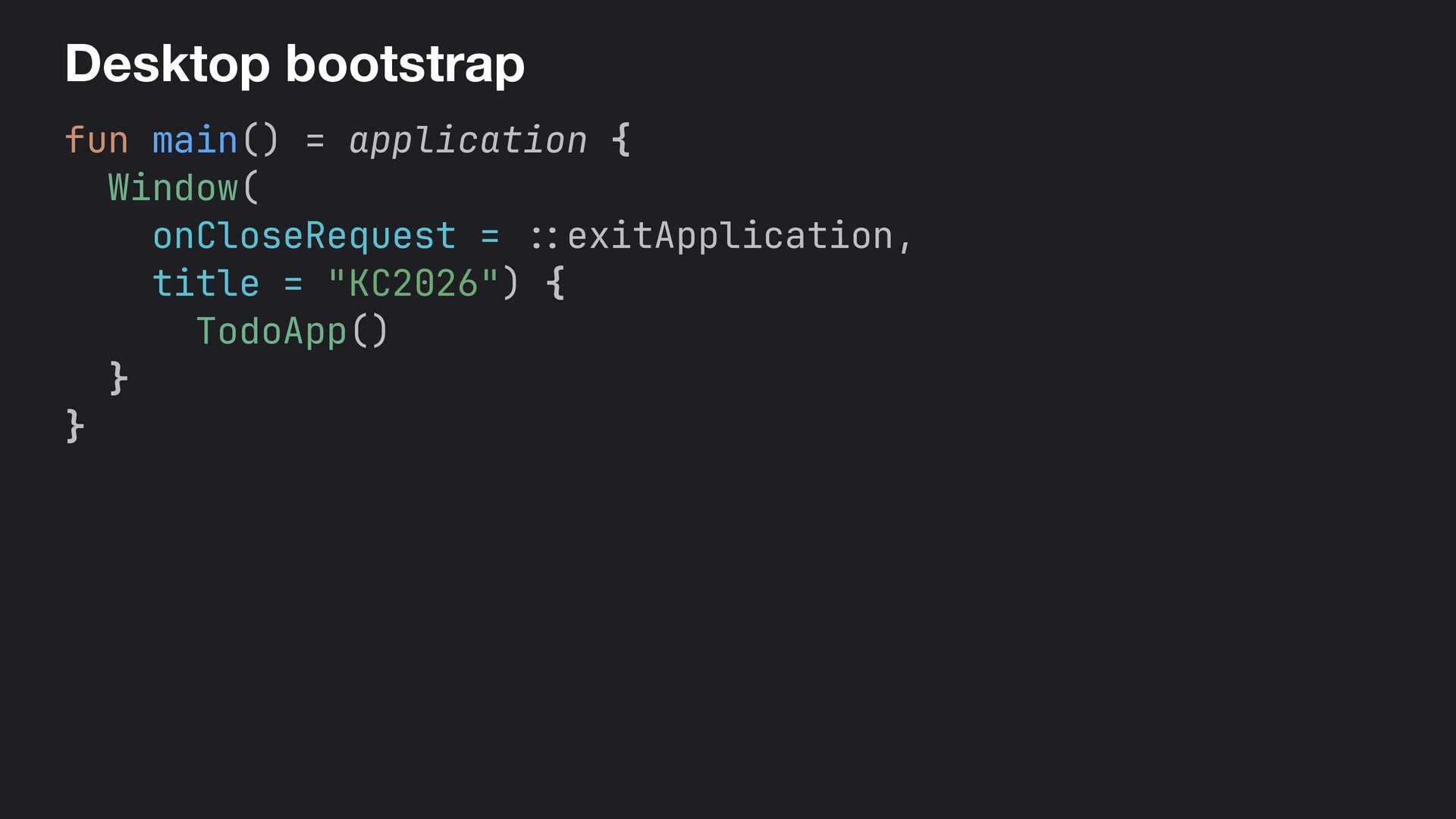
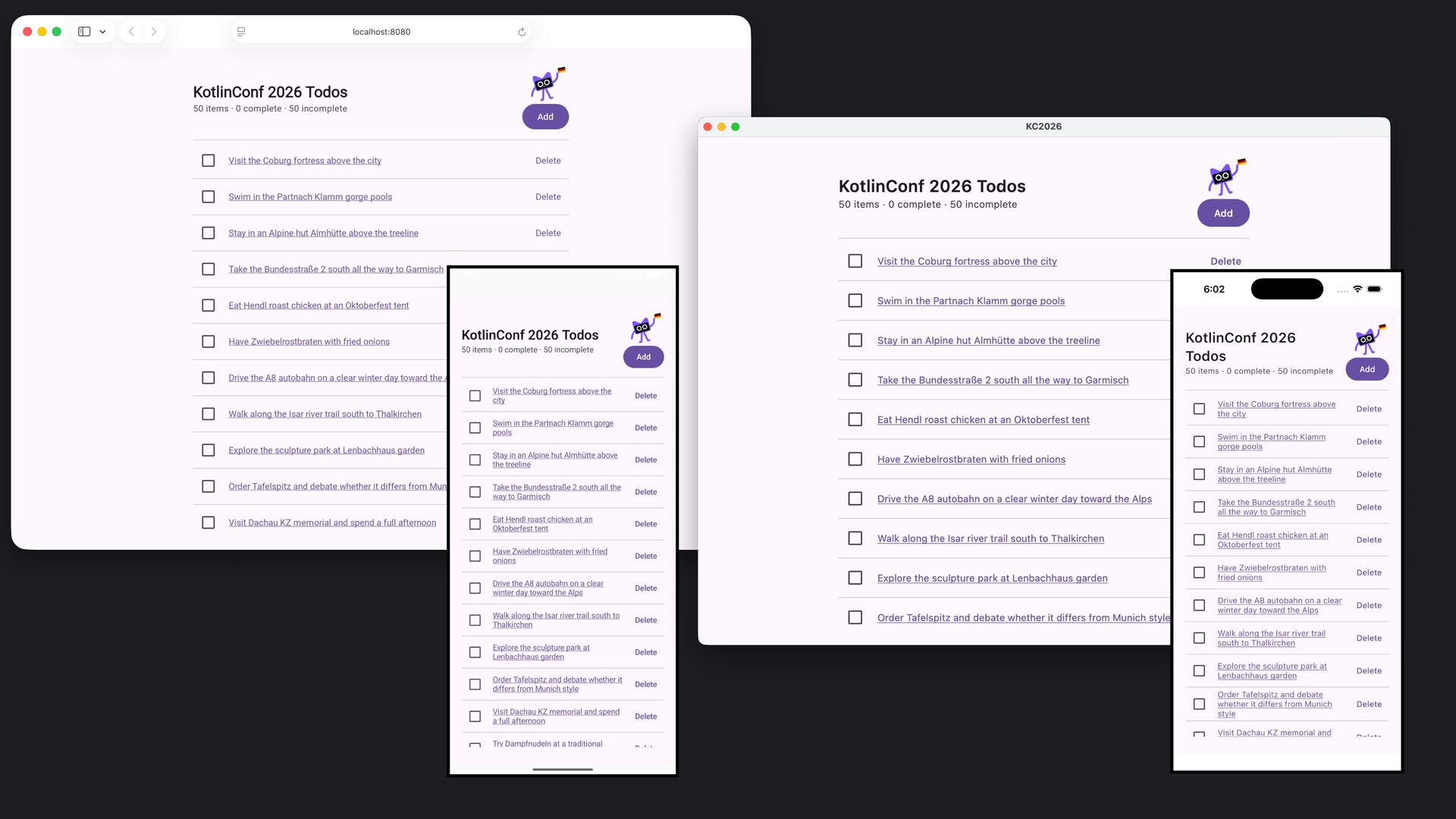
  78. Desktop bootstrap fun main() = application { Window( onCloseRequest =

    : : exitApplication, title = "KC2026") { TodoApp() } }
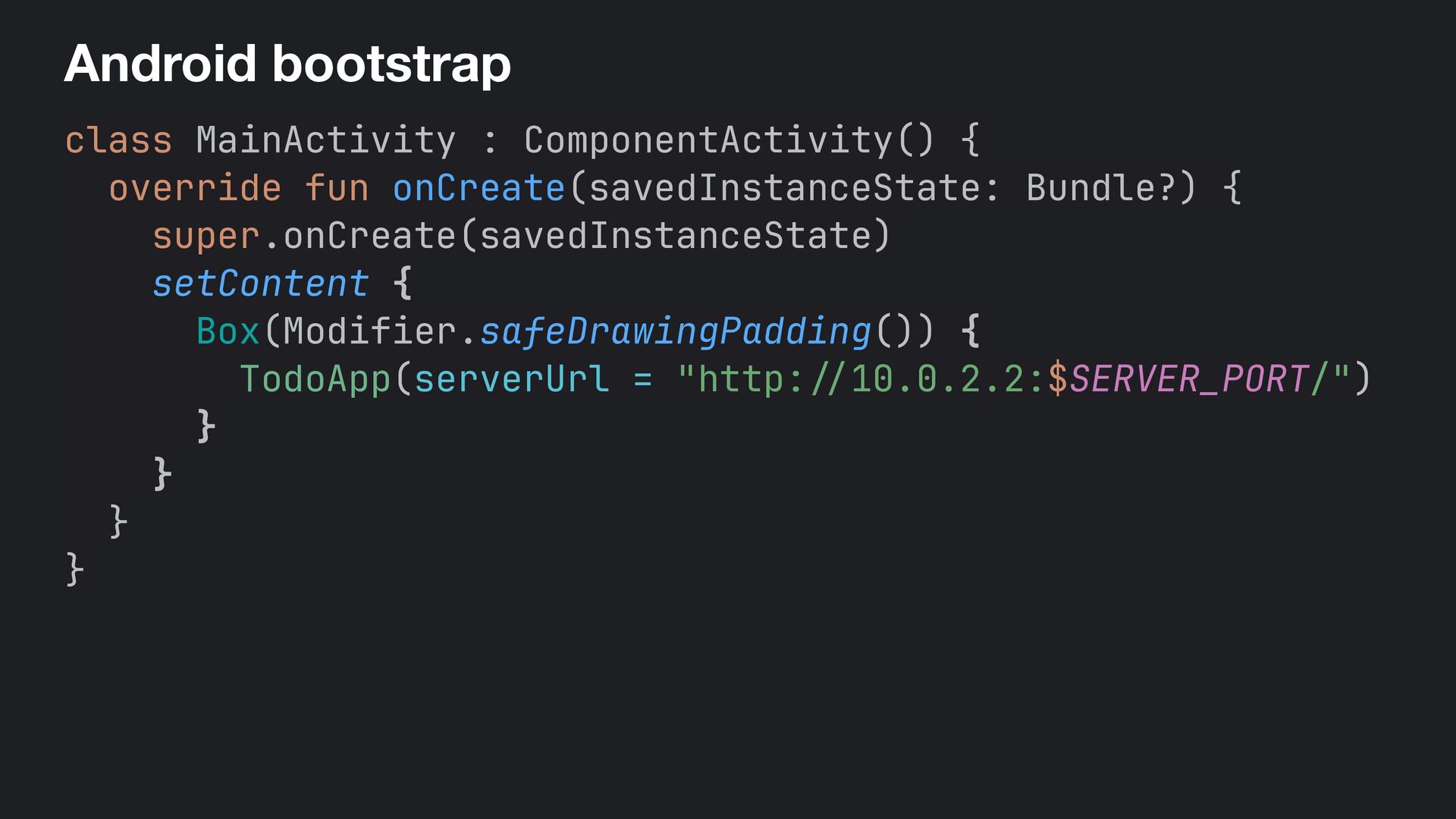
  79. Android bootstrap class MainActivity : ComponentActivity() { override fun onCreate(savedInstanceState:

    Bundle?) { super.onCreate(savedInstanceState) setContent { Box(Modifier.safeDrawingPadding()) { TodoApp(serverUrl = "http: // 10.0.2.2:$SERVER_PORT/") } } } }
  80. iOS

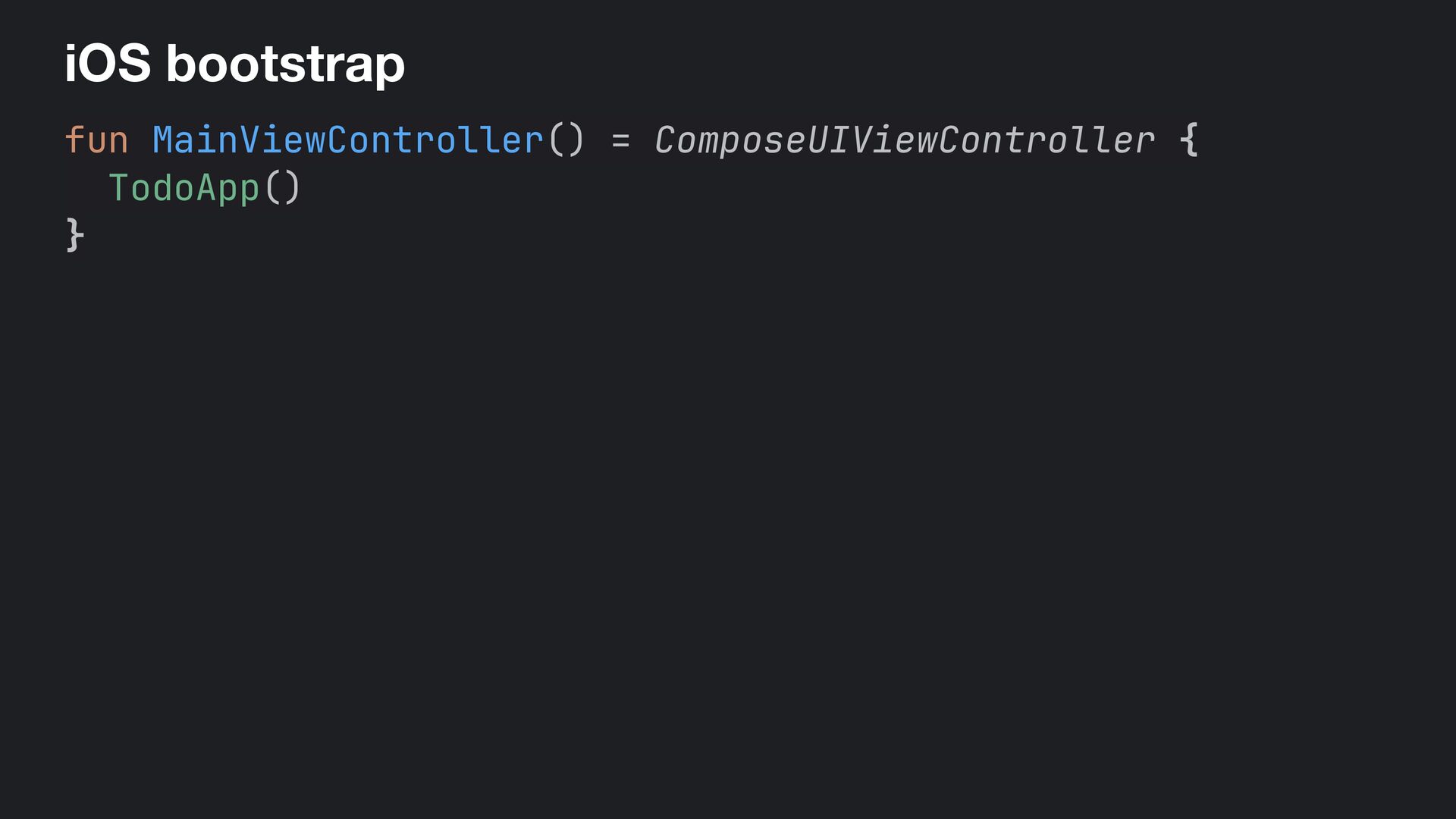
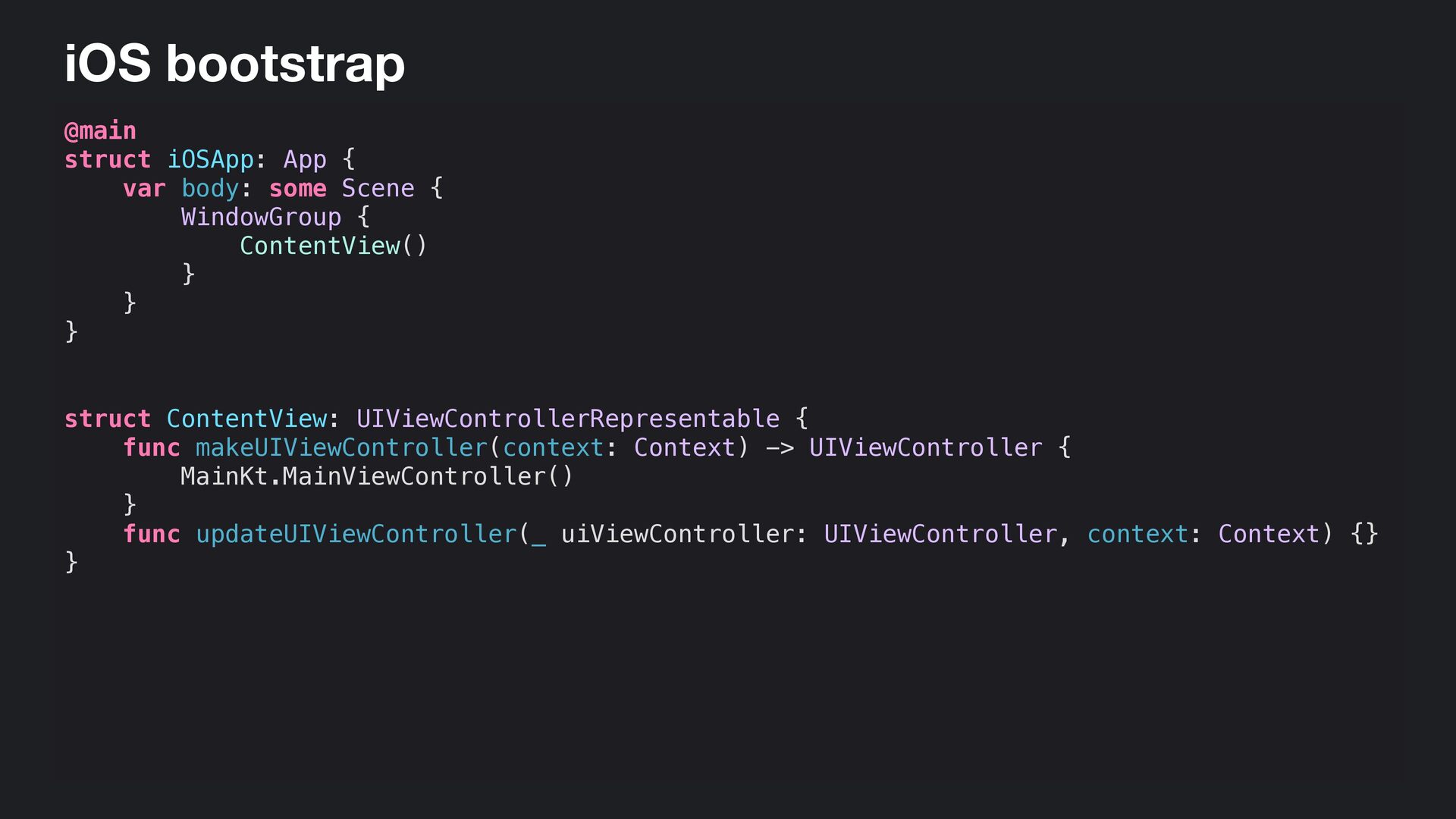
  81. iOS bootstrap @main struct iOSApp: App { var body: some

    Scene { WindowGroup { ContentView() } } } struct ContentView: UIViewControllerRepresentable { func makeUIViewController(context: Context) -> UIViewController { MainKt.MainViewController() } func updateUIViewController(_ uiViewController: UIViewController, context: Context) {} }
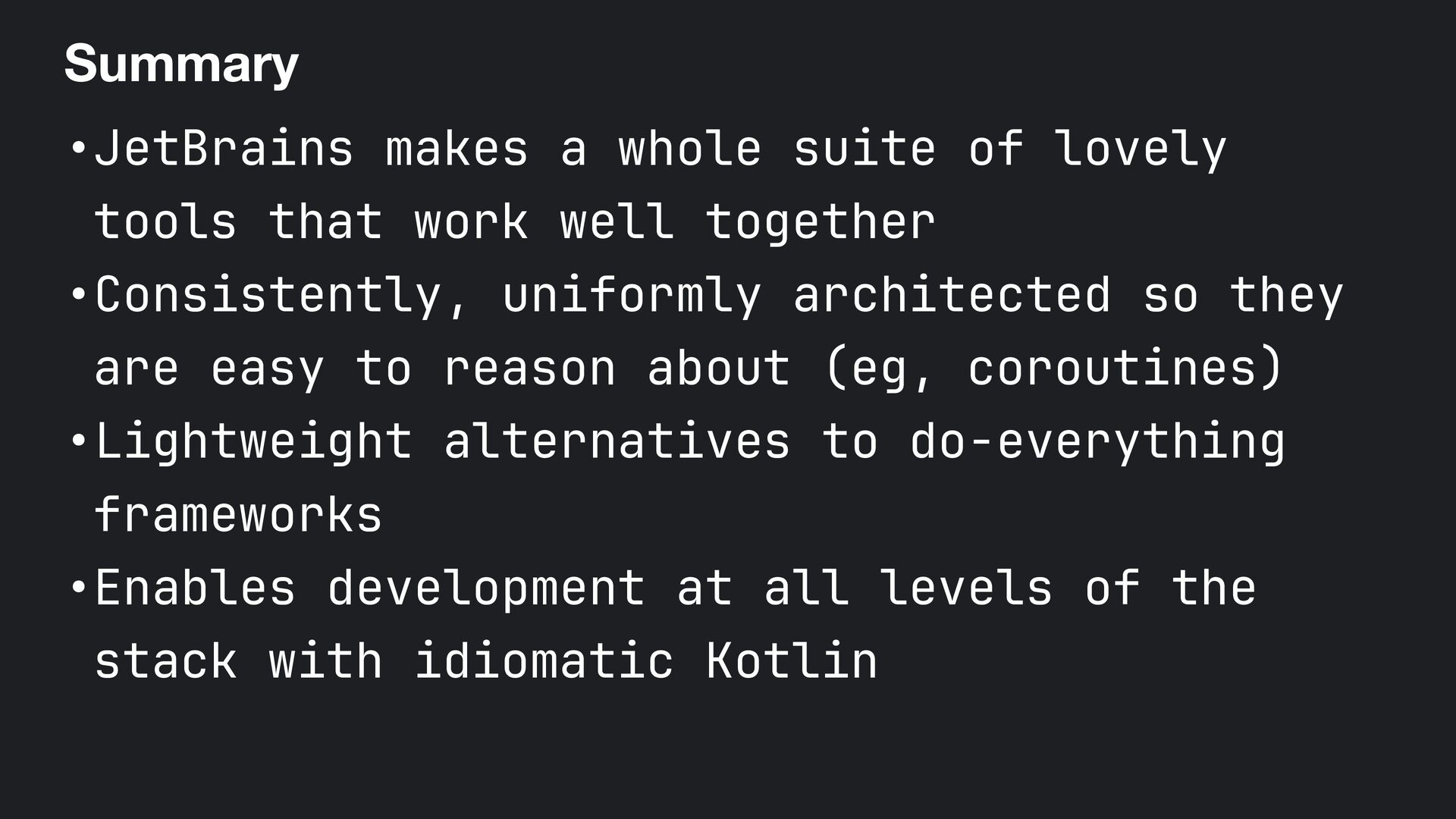
  82. Summary •JetBrains makes a whole suite of lovely tools that

    work well together •Consistently, uniformly architected so they are easy to reason about (eg, coroutines) •Lightweight alternatives to do-everything frameworks •Enables development at all levels of the stack with idiomatic Kotlin
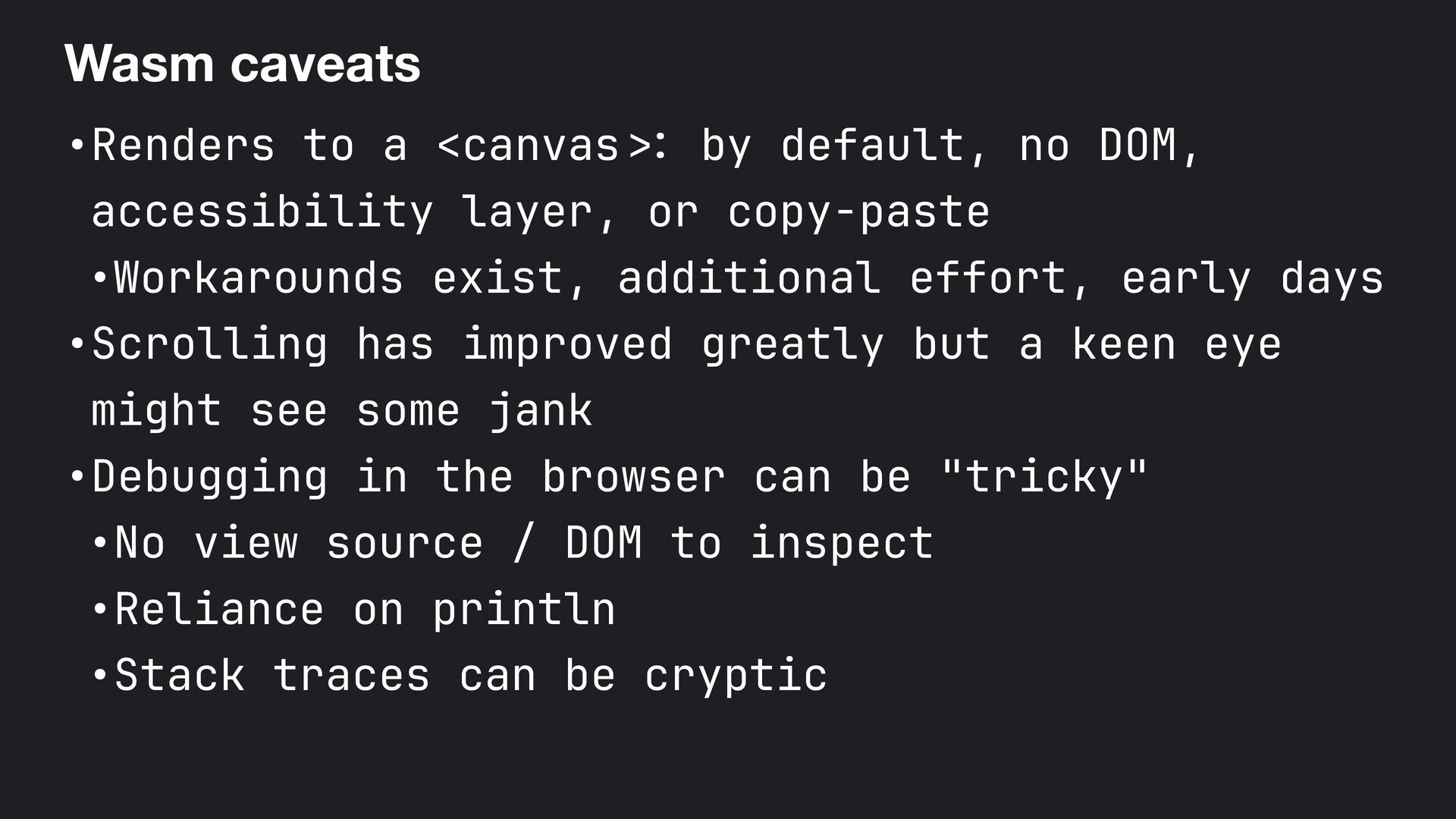
  83. Wasm caveats •Renders to a <canvas >: by default, no

    DOM, accessibility layer, or copy-paste •Workarounds exist, additional effort, early days •Scrolling has improved greatly but a keen eye might see some jank •Debugging in the browser can be "tricky" •No view source / DOM to inspect •Reliance on println •Stack traces can be cryptic
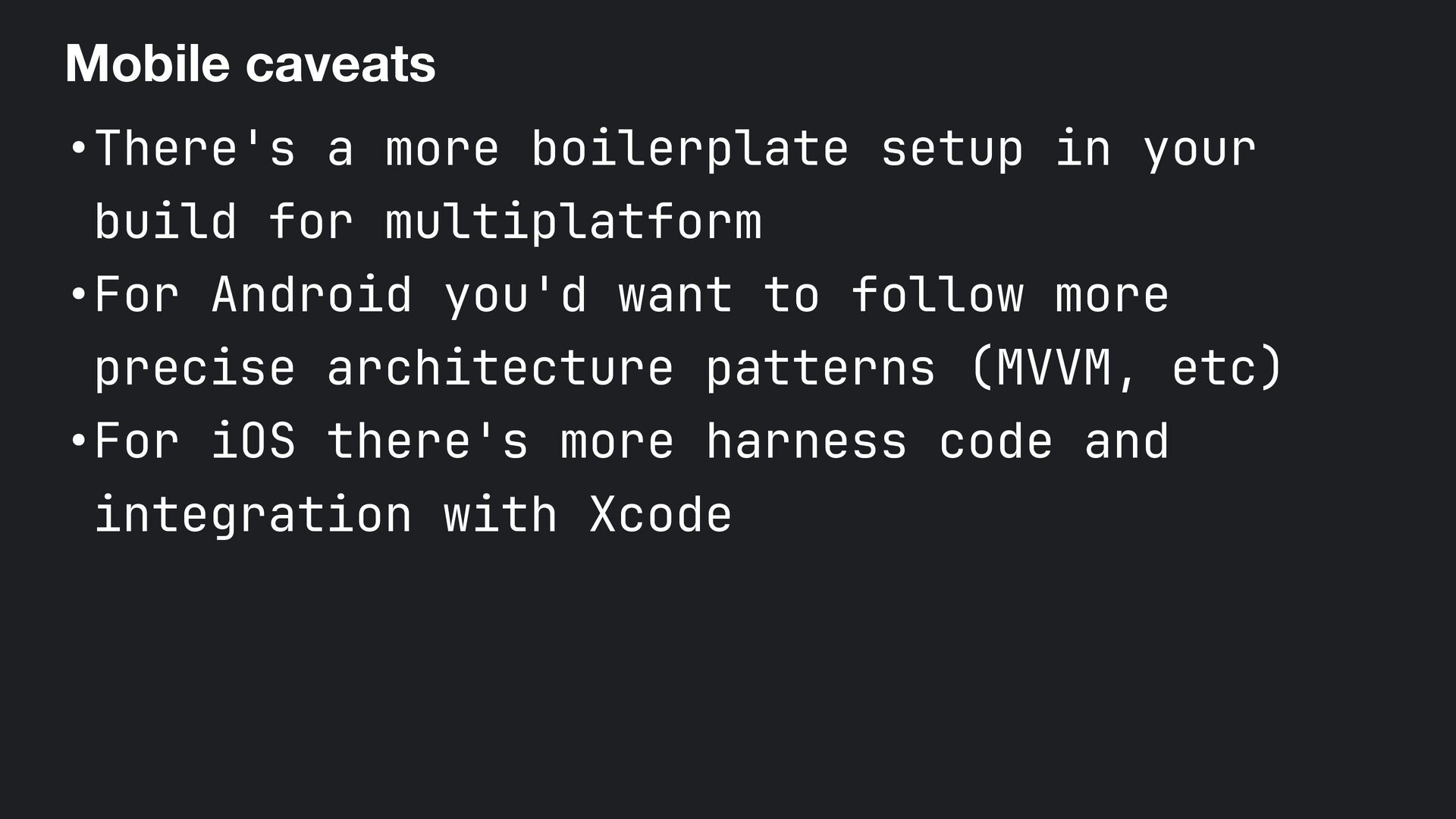
  84. Mobile caveats •There's a more boilerplate setup in your build

    for multiplatform •For Android you'd want to follow more precise architecture patterns (MVVM, etc) •For iOS there's more harness code and integration with Xcode
  85. 486 lines of code • UI 1— 277 • Server

    / API 2— 133 • Everything else 3— 38 • Database 4— 26 • Shared 5— 12
  86. 486 lines of code • UI 1— 277 • Server

    / API 2— 133 • Everything else 3— 38 • Database 4— 26 • Shared 5— 12
  87. 486 lines of code • UI 1— 277 • Server

    / API 2— 133 • Platform specific 3— 38 • Database 4— 26 • Shared 5— 12