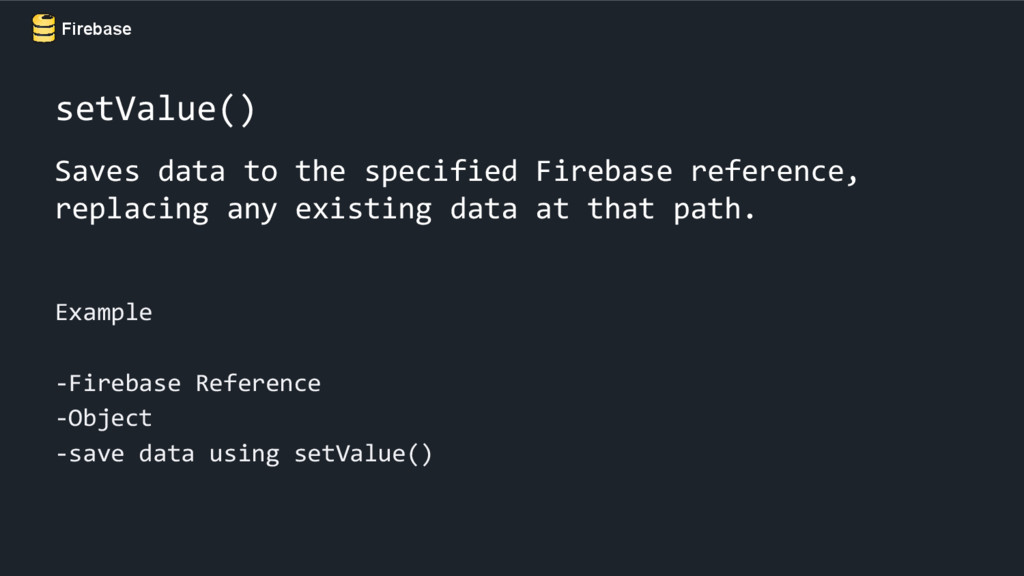
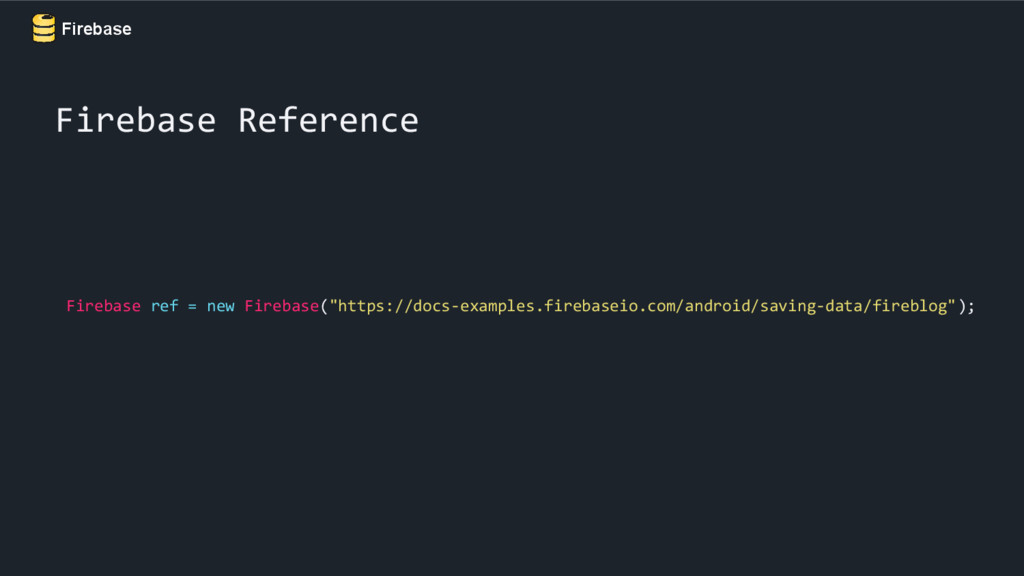
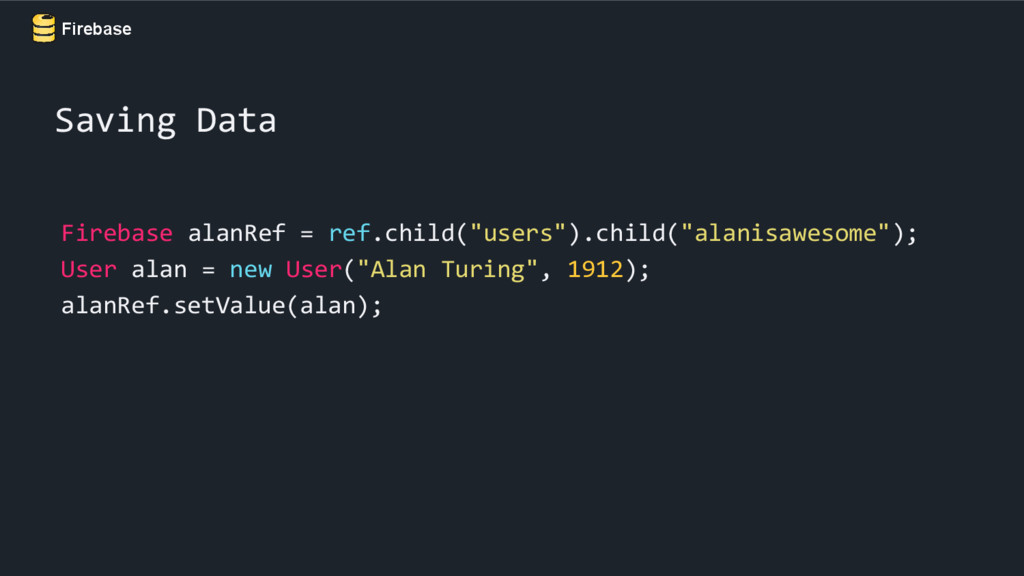
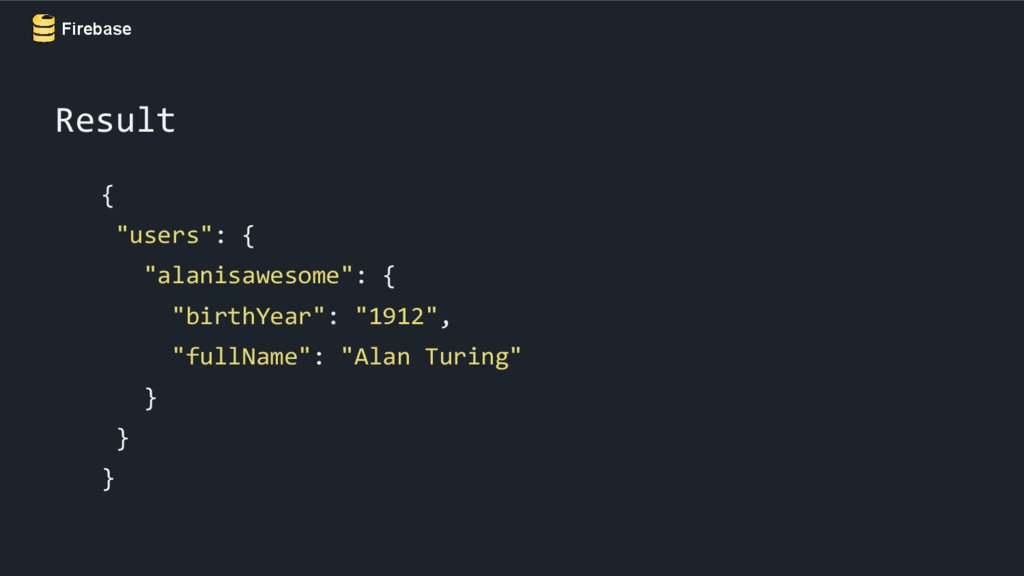
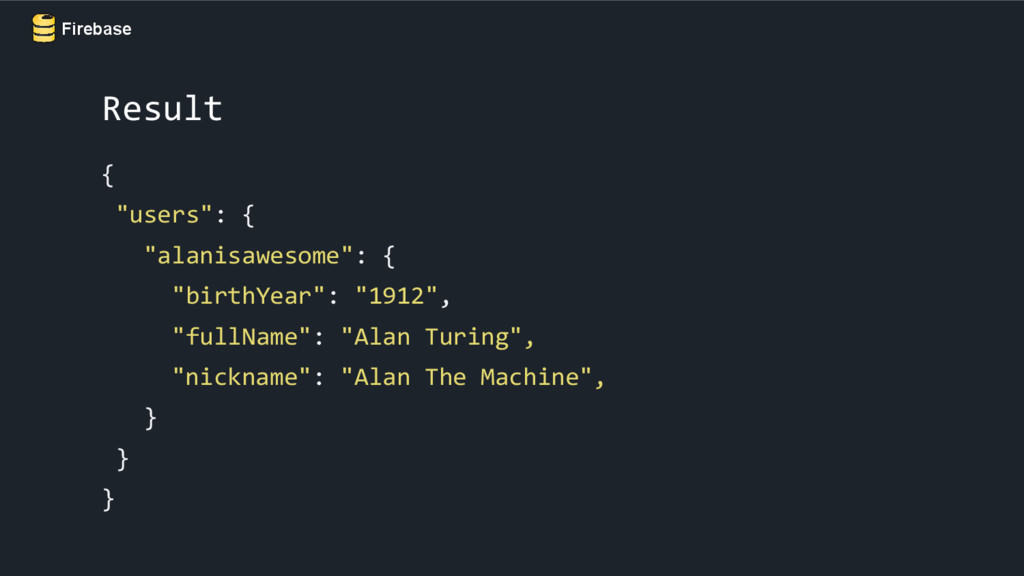
fullName; public User() {} public User(String fullName, int birthYear) { this.fullName = fullName; this.birthYear = birthYear; } public long getBirthYear() { return birthYear; } public String getFullName() { return fullName; } } Creating an Object
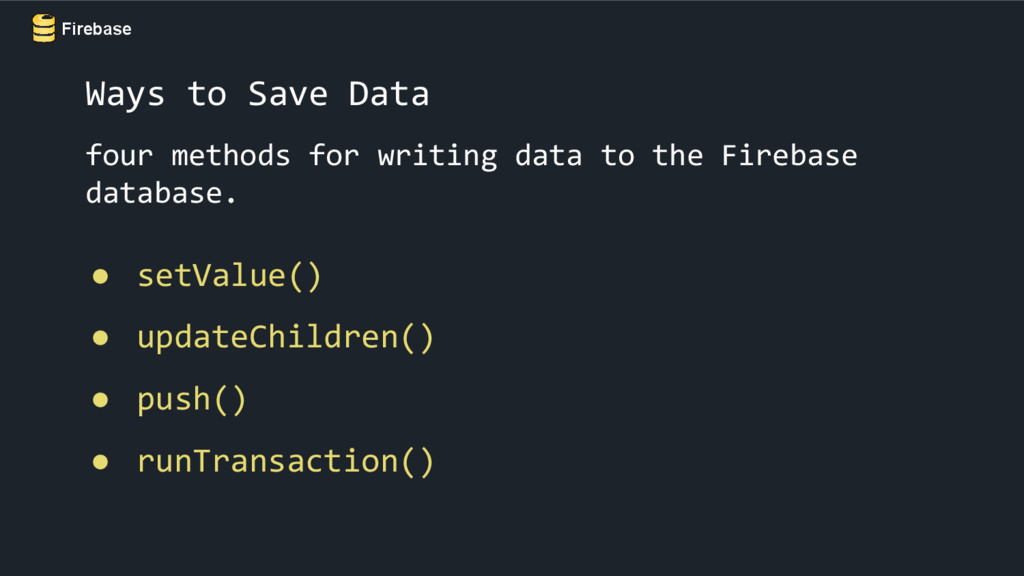
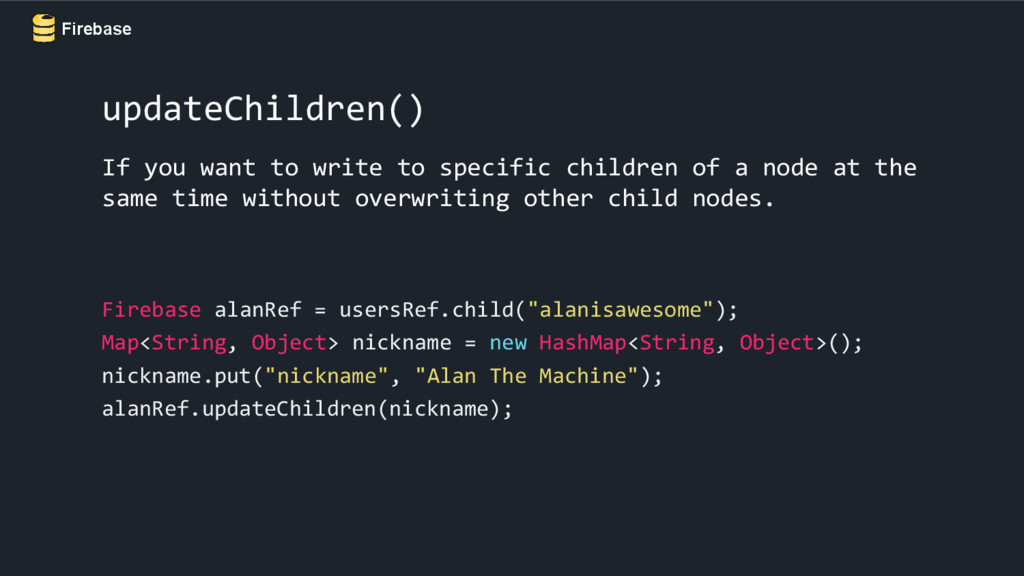
of a node at the same time without overwriting other child nodes. Firebase alanRef = usersRef.child("alanisawesome"); Map<String, Object> nickname = new HashMap<String, Object>(); nickname.put("nickname", "Alan The Machine"); alanRef.updateChildren(nickname);
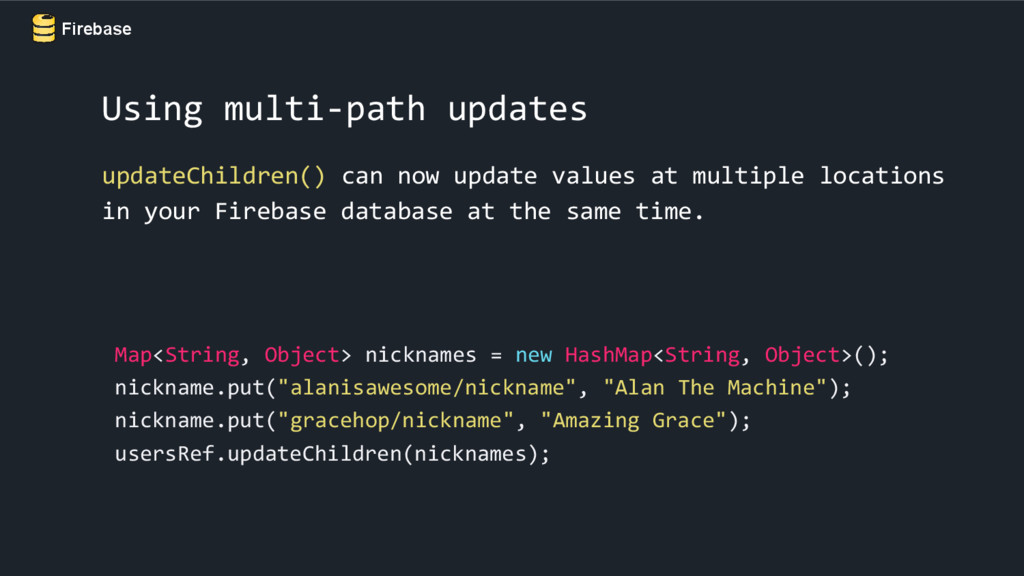
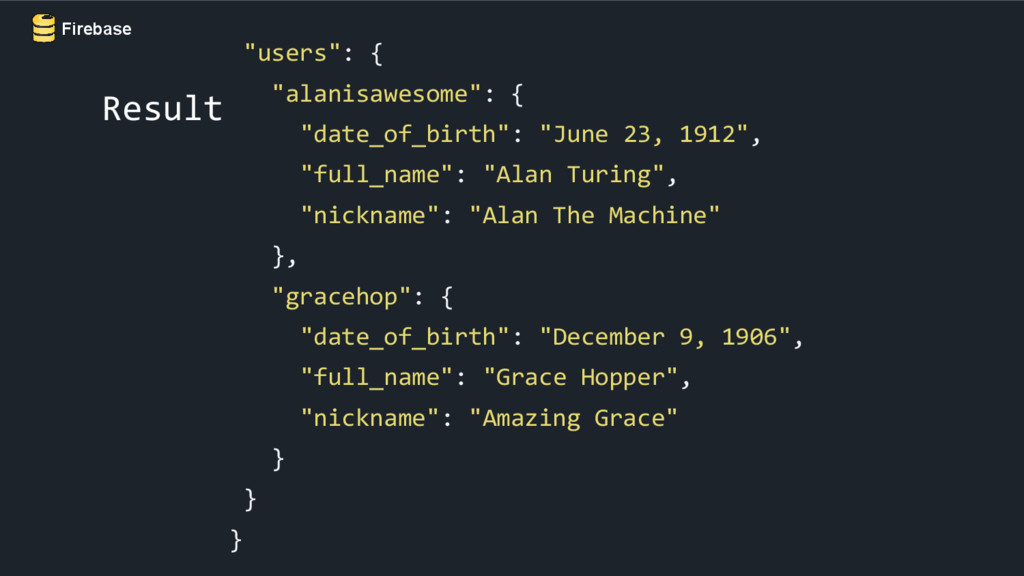
multiple locations in your Firebase database at the same time. Map<String, Object> nicknames = new HashMap<String, Object>(); nickname.put("alanisawesome/nickname", "Alan The Machine"); nickname.put("gracehop/nickname", "Amazing Grace"); usersRef.updateChildren(nicknames);
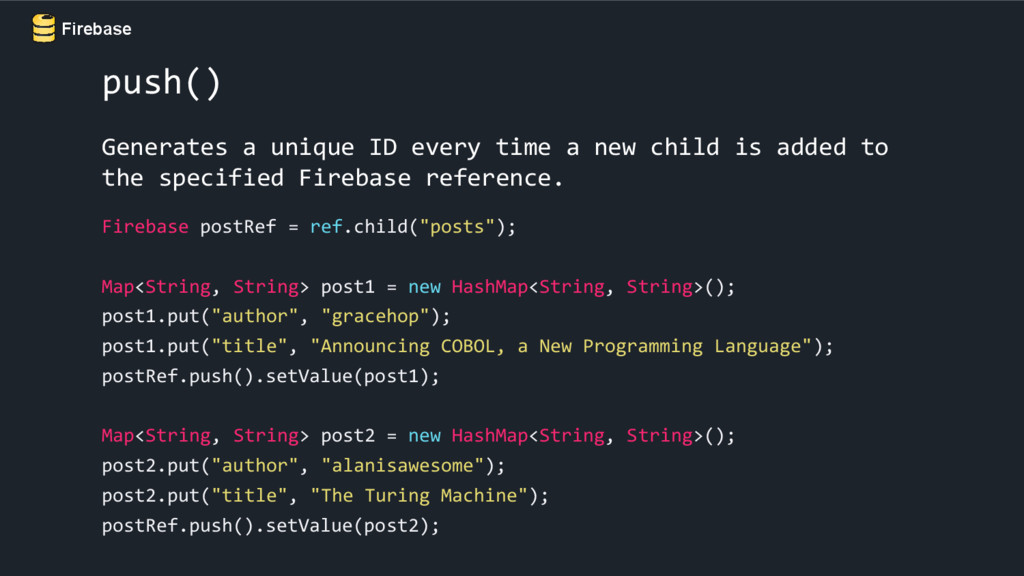
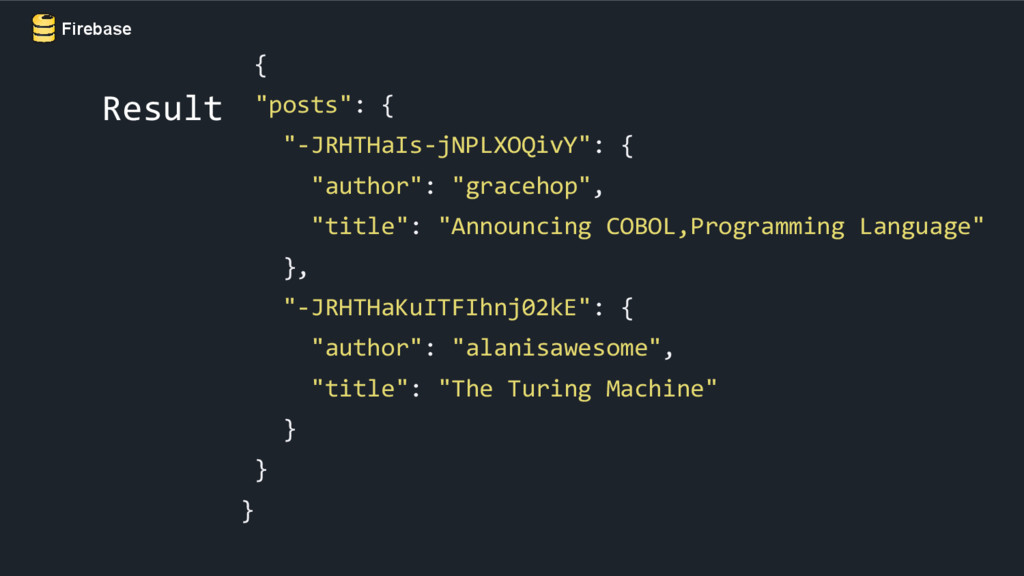
child is added to the specified Firebase reference. Firebase postRef = ref.child("posts"); Map<String, String> post1 = new HashMap<String, String>(); post1.put("author", "gracehop"); post1.put("title", "Announcing COBOL, a New Programming Language"); postRef.push().setValue(post1); Map<String, String> post2 = new HashMap<String, String>(); post2.put("author", "alanisawesome"); post2.put("title", "The Turing Machine"); postRef.push().setValue(post2);
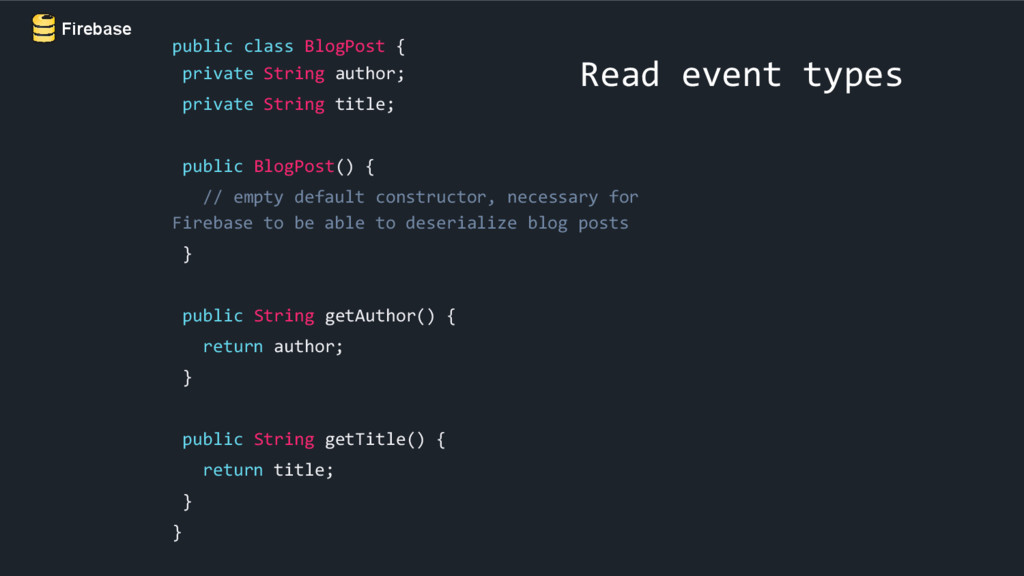
author; private String title; public BlogPost() { // empty default constructor, necessary for Firebase to be able to deserialize blog posts } public String getAuthor() { return author; } public String getTitle() { return title; } }
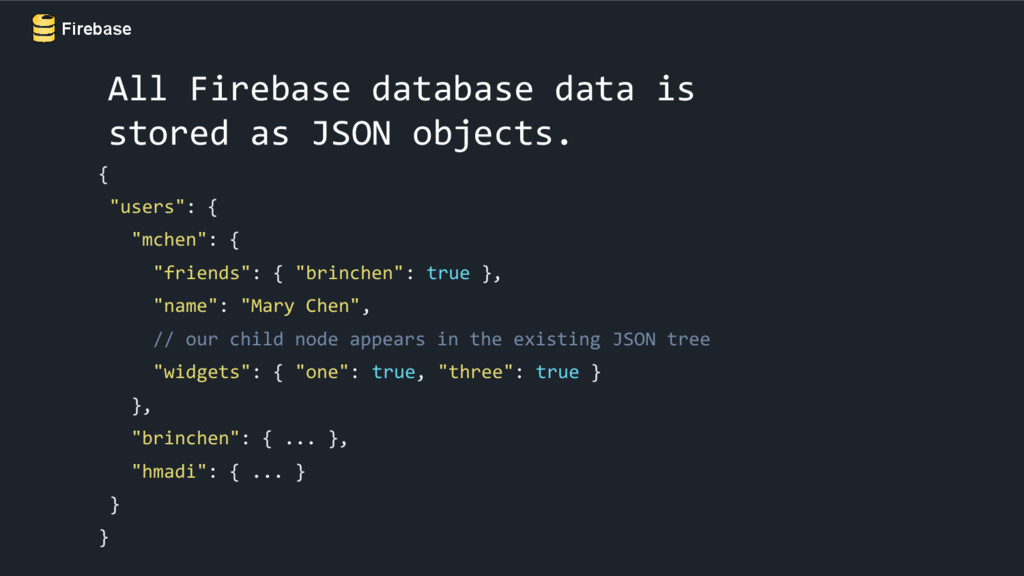
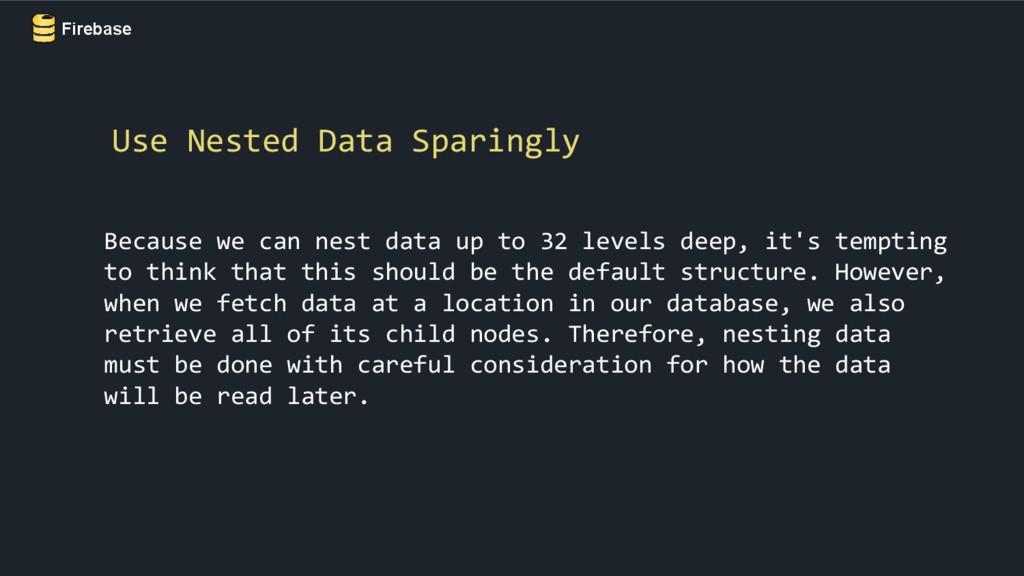
deep, it's tempting to think that this should be the default structure. However, when we fetch data at a location in our database, we also retrieve all of its child nodes. Therefore, nesting data must be done with careful consideration for how the data will be read later. Use Nested Data Sparingly
existing login server, or authenticate users with only client-side code. It has built-in functionality for email & password, and third-party providers such as Facebook, Twitter, GitHub, and Google. Authentication
Cached data will still be available while offline and your writes will be resent when network connectivity is recovered. Enabling disk persistence allows our app to also keep all of its state even after an app restart. We can enable disk persistence with just one line of code. Firebase.getDefaultConfig().setPersistenceEnabled(true); Disk Persistence


 erikjhordan_rey
 y0hgi
y0hgi
 kishida
 oga5
oga5
 soyuka
 atsuki_seo
 yusuga
 sts11142
 j341nono
 drumath2237
 kanfab1
 ken_tunc
 ivargrimstad
 mfonobong
 lindahogenes
 techseoconnect
 aleyda
 honzajavorek
 geshan
 reverentgeek
 kneath
 stuffmc
 gurzu
gurzu
 inesmontani
 addyosmani