Upgrade to Pro — share decks privately, control downloads, hide ads and more …

The Day Kiro Stood Still— For One Person —

Sponsored · SiteGround - Reliable hosting with speed, security, and support you can count on.

The Day Kiro Stood Still— For One Person —

The Day Kiro Stood Still— For One Person —

This slide is an English translation of the slide at the following URL.
https://speakerdeck.com/hideg/ichinin-dake-kiro-ga-seishi-suru-hi

Avatar for Hideyuki Nagata

Hideyuki Nagata

September 13, 2026

More Decks by Hideyuki Nagata

Other Decks in Programming

Transcript

  1. The Day Kiro Stood Still — For One Person —

    Hideyuki Nagata / 【関西開催】Amazon Quick & Kiro Festival!! / 2026-09-10
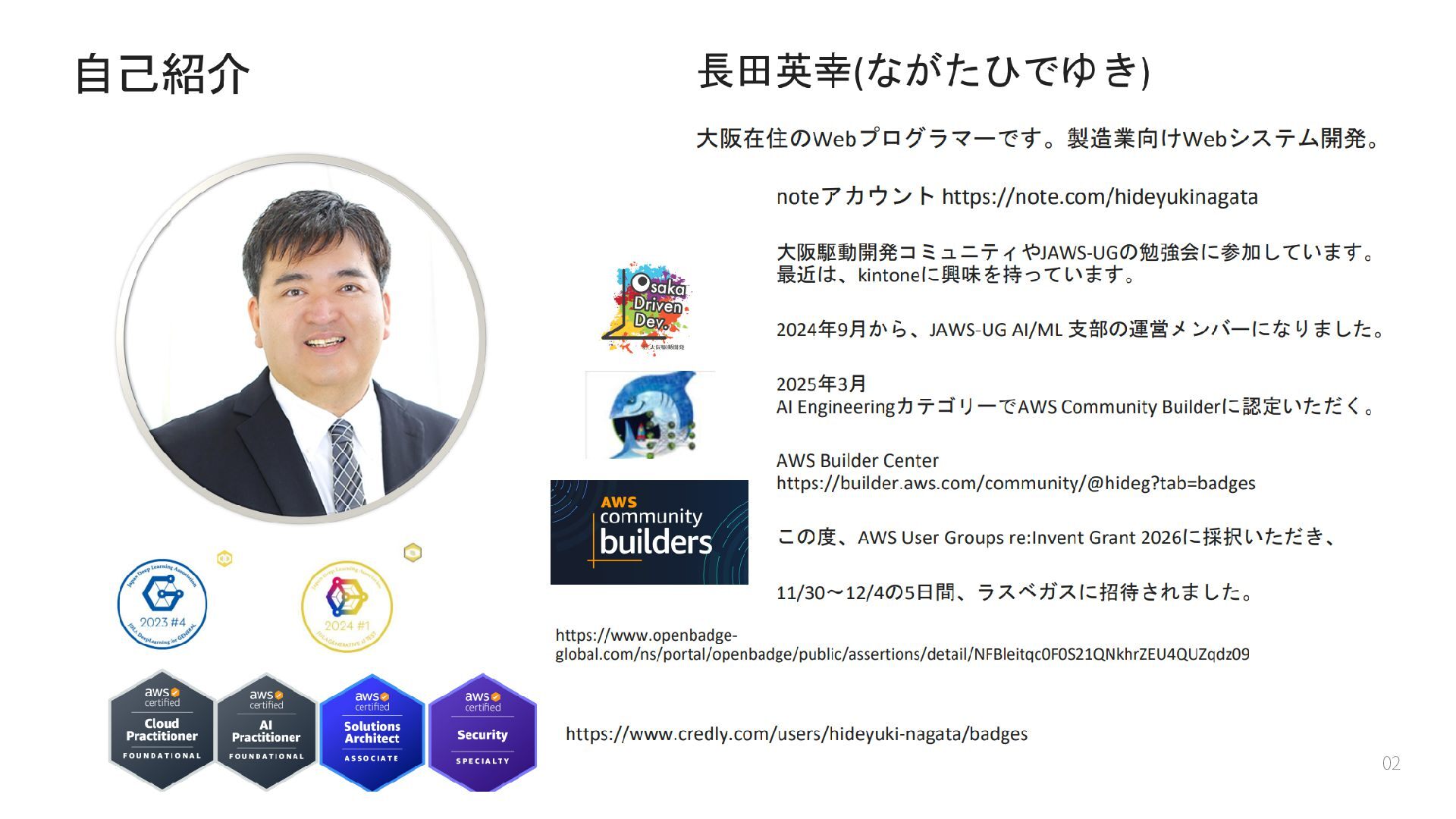
  2. 02

  3. About This Talk A record of a small company that

    had no choice but to lean on generative AI for development. While getting Kiro's cost management in order, we fell into a pitfall — and climbed back out. This isn't a flashy tech talk. It's an operations story: we learned about a spec we didn't know, at the worst possible moment. 03
  4. Background — We Can't Hire Engineers, So We Rely on

    AI We're a small company. We post job openings for engineers, but hiring rarely works out. If headcount won't grow, the members we have must master generative AI. That mood formed naturally inside the company. Kiro was centrally managed company-wide via IAM Identity Center — we started from a state where the company could see who used which account and how many credits they consumed. 04
  5. The Trigger — "This Month's AWS Bill Is Way Too

    High!" One month a voice went up: "Isn't this month's AWS bill too high?" I was told to monitor Kiro credit usage. But the Kiro page in the console wouldn't let me drill down to each employee (per Kiro account). Total consumption was visible, but "who used how much" was not. I was told to monitor — yet the crucial granularity was missing. 05
  6. The Fix — Collect the Usage CSV and Auto-Report It

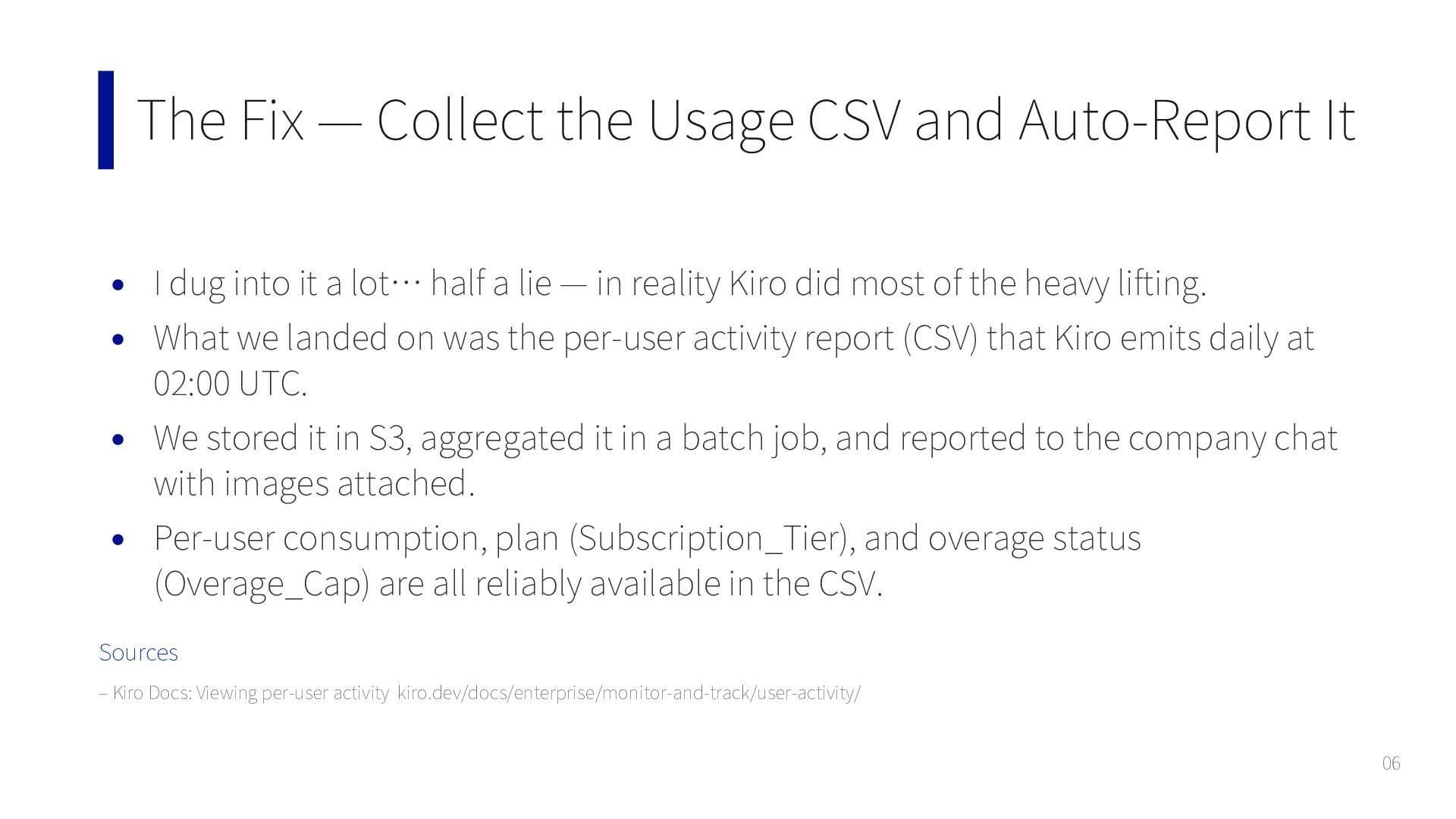
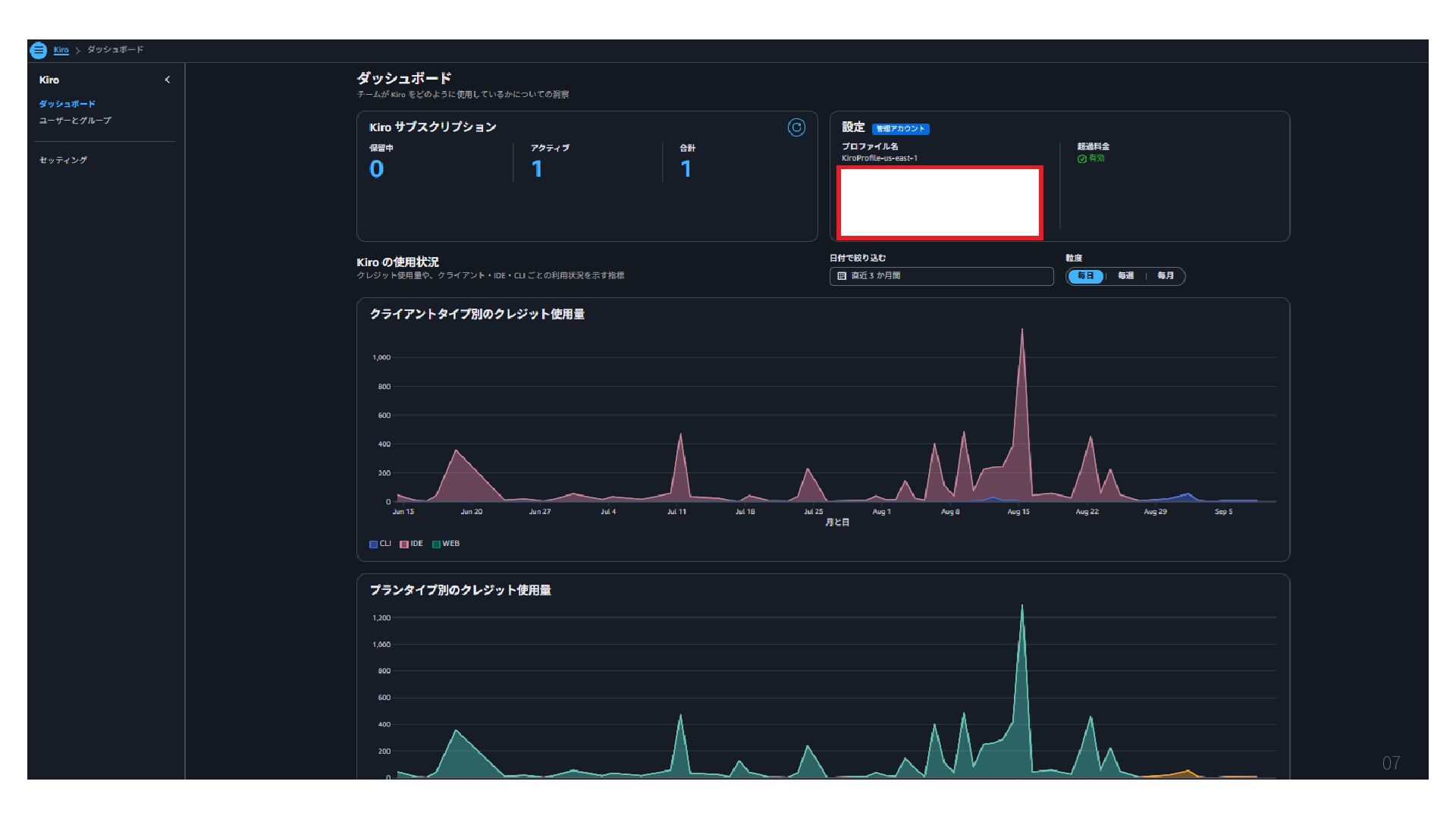
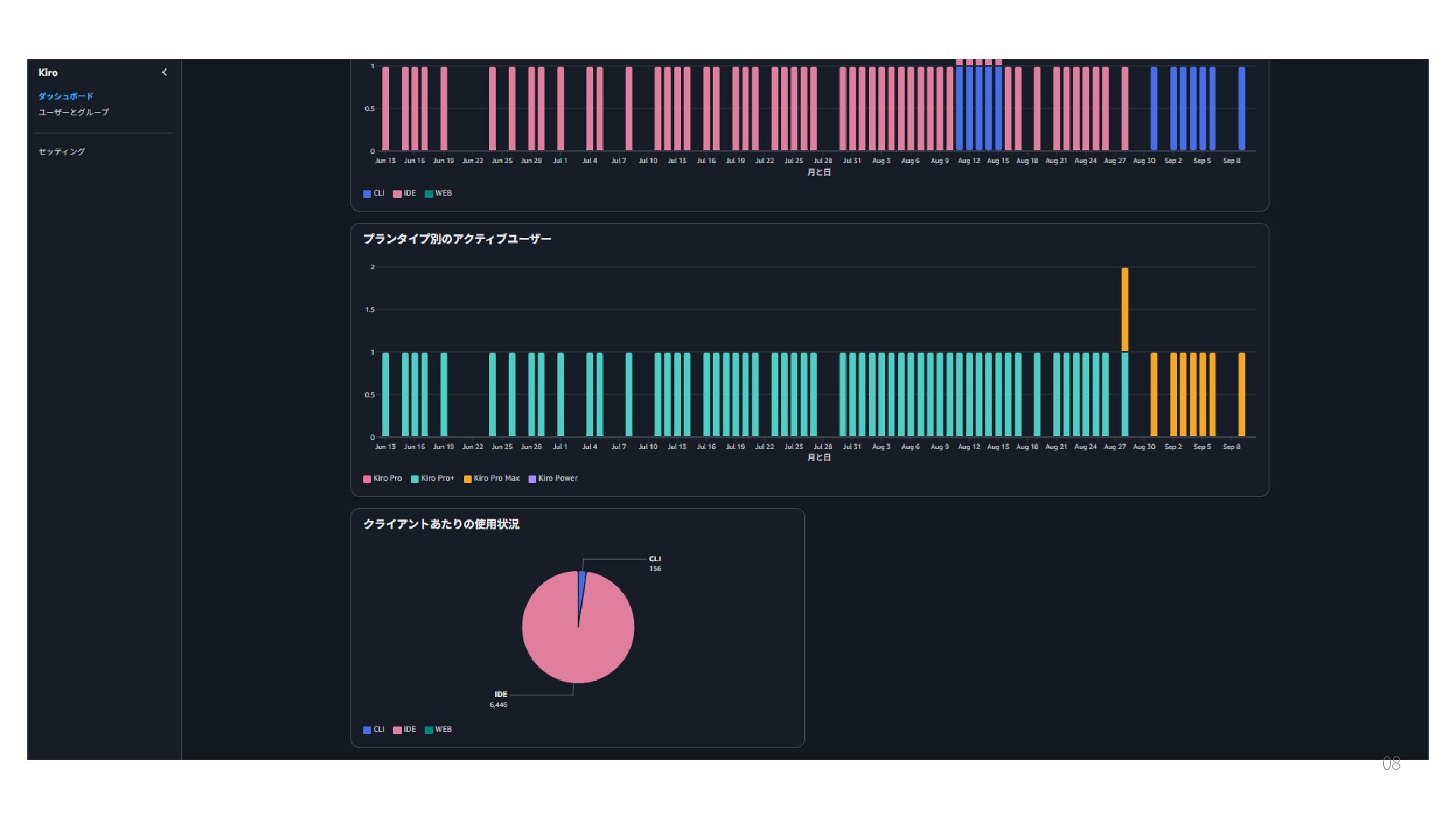
    I dug into it a lot… half a lie — in reality Kiro did most of the heavy lifting. What we landed on was the per-user activity report (CSV) that Kiro emits daily at 02:00 UTC. We stored it in S3, aggregated it in a batch job, and reported to the company chat with images attached. Per-user consumption, plan (Subscription_Tier), and overage status (Overage_Cap) are all reliably available in the CSV. Sources – Kiro Docs: Viewing per-user activity kiro.dev/docs/enterprise/monitor-and-track/user-activity/ 06
  7. 07

  8. 08

  9. Notification Design — Every Morning, and at the Start of

    Each Week We decided how the bot behaves by consulting Kiro, too. To me personally — usage arrives at the start of each workday, every morning. To the company group chat — a summary arrives at the first business day of the week (the start of the week). Instead of people "going to look," the notifications "come to you." At this point, honestly, I thought "now we're safe." 09
  10. The Incident — One Morning at Month-End, "Kiro Won't Run!"

    One morning as month-end loomed, the first words of an engineer who came in were "Kiro won't run!" Of all times, month-end. Luckily it was a long-term project, so month-end wasn't a delivery deadline — a small relief. And it wasn't everyone who was stopped — just that one person. At first, I had no idea what was happening. 10
  11. The Culprit — Even the Overage Had a Further Cap

    Kiro's overage usage has a cap managed via Service Quotas. That engineer was on the top plan, had used up the plan credits, and kept burning overage on top. When that overage reached the cap, that one person alone was suspended. "There's a further limit on top of exceeding the limit" — I learned this structure for the first time then. Sources – Kiro Changelog: Custom Overage Caps via Service Quotas kiro.dev/changelog/general/custom-overage-caps-via-service-quotas/ 11
  12. Where It Snagged — It Didn't Get Raised Right Away

    Consulting Kiro frantically, I requested a Service Quotas limit increase. But it didn't take effect immediately. Surprisingly, it went to operator (support) handling. I filed an AWS Support case, asked in English too, and one case even got closed midway — it was not straightforward. That day, the engineer couldn't code in Kiro and switched to preparing documents and such. Later I learned this is standard Service Quotas behavior — small increases are automatic, large ones go to support and take time. Filing for the first time in a month-end rush hit us hardest. 12
  13. The Key Misconception — The Cap Applies "Per Person" The

    cap is a single value set on the account. Yet officially it means "the maximum allowed overage for every user in the profile." "Even if many cheap-plan employees use it, no one stops as long as the total stays under the cap" — this is a misconception. In reality each person hits the cap individually, and only the one who hits it stops. It is not a mechanism that caps the company-wide total at a single number. As headcount grows, the whole company's overage can swell in proportion. The cap is a "runaway safety valve," not a "lid on the whole company budget." That was the key. (Source: Kiro Docs) 13
  14. Lessons, and the Road Ahead Notice the day overage "rises

    from zero." Don't panic after hitting the cap — raise it while you still have room. Set the monitoring threshold before 100%, not at it. After this episode, we added cap status to our notifications. We shifted to an operation that watches "how close each person is to their own cap." We rely on AI because headcount won't grow — that choice won't change. That's exactly why we'll keep building, in small steps, the operations that keep AI from "stopping." So that the morning one person stood still, that month-end, never happens a second time. 14