Upgrade to Pro
— share decks privately, control downloads, hide ads and more …
Speaker Deck
Sign up for free
Menu
Search
Features
All features
Private URLs
Password Protection
Custom URLS
Scheduled publishing
Remove Branding
Restrict embedding
Deck Collections
Notes
Features
All features
Private URLs
Password Protection
Custom URLS
Scheduled publishing
Remove Branding
Restrict embedding
Deck Collections
Notes
Explore
Featured decks
Featured speakers
Programming
Technology
Storyboards
Explore
Featured decks
Featured speakers
Programming
Technology
Storyboards
Pricing
Search
Sign in
Sign up for free
Atom.io Quick Scripting
Search
Tomokazu Kiyohara
May 17, 2014
Technology
160
0
Share
Embed
Copy iframe code
Copy JS code
Copy link
Start on current slide
Atom.io Quick Scripting
Atom.io の紹介と、"Script" plugin を使った Quick Scripting の話。
kanazawa.rb meetup 21 発表資料。
Tomokazu Kiyohara
May 17, 2014
More Decks by Tomokazu Kiyohara
See All by Tomokazu Kiyohara
AI Agent に GitHub の鍵を渡しっぱなしにしない
kiyohara
0
41
1Password 認証を MCP の起動単位にする
kiyohara
0
36
読めるかな?ちょっとレアなRubyの記法
kiyohara
0
110
Lightning Talk イベント運営を いいがにやりたい
kiyohara
0
150
首負担皆無!ゼログラビティ プログラミングスタイル
kiyohara
0
440
北陸で Ruby なお仕事に携わるための3つの戦略
kiyohara
1
1.8k
Algolia in CAMPFIRE
kiyohara
0
4.2k
地方エンジニアの日常 - 業務からコミュニティ活動まで
kiyohara
0
360
Web to macOS native app
kiyohara
0
470
Other Decks in Technology
See All in Technology
go-sqletch
moznion
0
130
AI駆動開発の時代になったのでトヨタ生産方式から見直す
terurou
7
5.7k
実践!Cloud Run ハンズオン!! / Cloud Run handson
y0hgi
0
190
More Freedom on the Same Shared GPU Cluster: A Small Team’s Experience with vCluster
nttcom
0
150
DWH の限界突破! AI エージェント向け爆速リアルタイムデータ基盤 ClickHouse
jozono
1
370
事業活動を AI Ready にする攻めと守りのデータエンジニアリング / data-engineering-for-ai-ready-business
pei0804
7
2.5k
自主式軟體工廠
philipz
0
250
二歩目のフロントエンド・ウェブアクセシビリティ
camiha
2
360
AI時代だからこそ推したい!Gitコマンド再入門
munakata
0
170
ファミコンでPHPを動かす / PHP on the Famicom side b
tomzoh
0
140
継続的なAIコスト最適化
bgpat
1
280
「事実」を「計測」して、「解釈」する 〜AWS Lambdaのメモリ最適解の見つけ方〜
maimyyym
0
130
Featured
See All Featured
Crafting Experiences
bethany
1
380
<Decoding/> the Language of Devs - We Love SEO 2024
nikkihalliwell
1
350
The Psychology of Web Performance [Beyond Tellerrand 2023]
tammyeverts
49
3.6k
Measuring & Analyzing Core Web Vitals
bluesmoon
9
1k
WCS-LA-2024
lcolladotor
0
870
SERP Conf. Vienna - Web Accessibility: Optimizing for Inclusivity and SEO
sarafernandez
2
1.6k
Design in an AI World
tapps
1
350
Self-Hosted WebAssembly Runtime for Runtime-Neutral Checkpoint/Restore in Edge–Cloud Continuum
chikuwait
0
870
Avoiding the “Bad Training, Faster” Trap in the Age of AI
tmiket
0
270
The AI Search Optimization Roadmap by Aleyda Solis
aleyda
2
6.3k
GitHub's CSS Performance
jonrohan
1033
470k
Building a A Zero-Code AI SEO Workflow
portentint
PRO
0
770
Transcript
Atom.io Quick Scripting 2014/05/17! Kanazawa.rb meetup 21
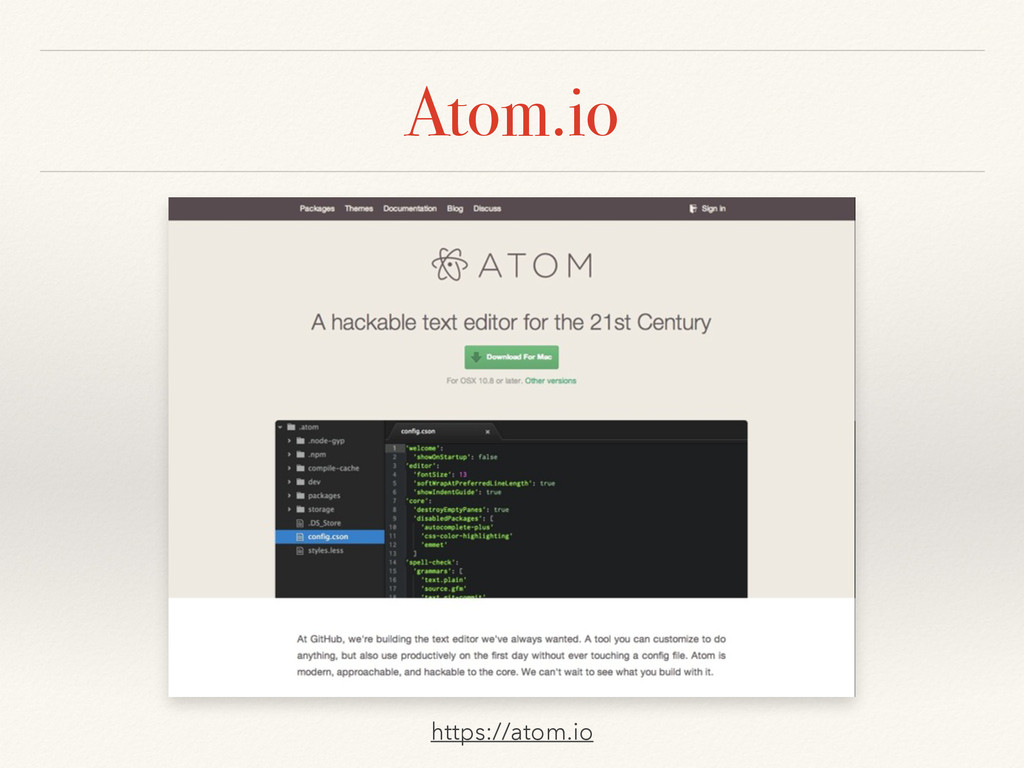
Atom.io https://atom.io
Atom.io ❖ A hackable text editor for the 21st Century!
❖ Modern UI! ❖ Many plugins! ❖ Corder friendly functions by GitHub, Inc.
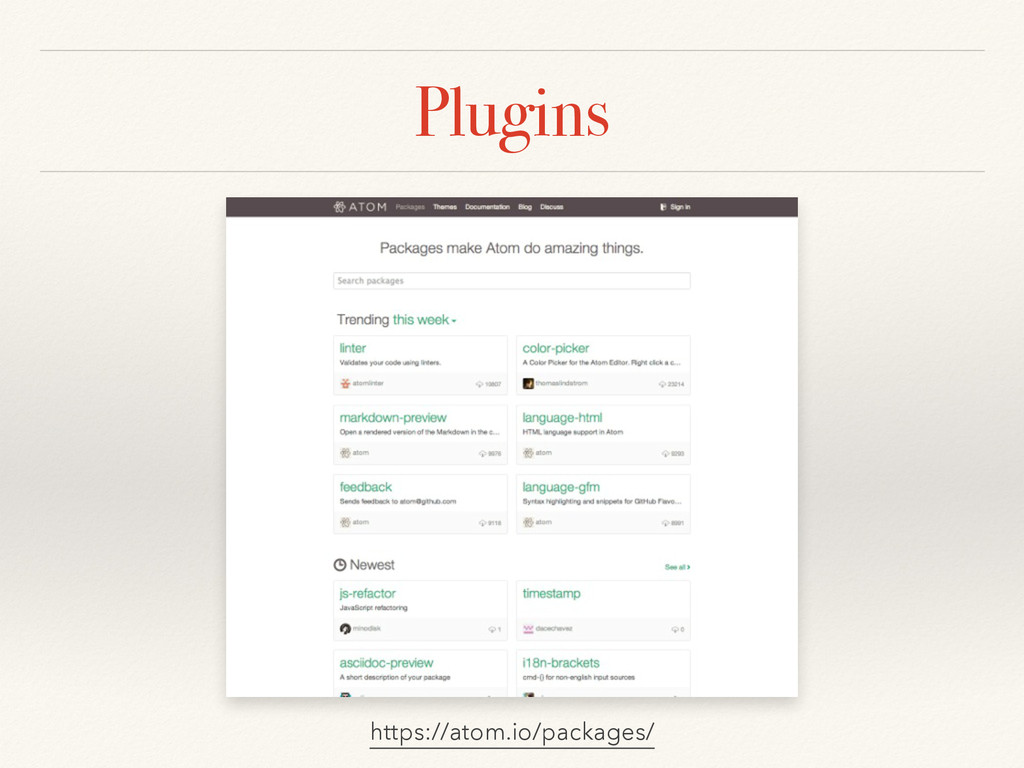
Plugins https://atom.io/packages/
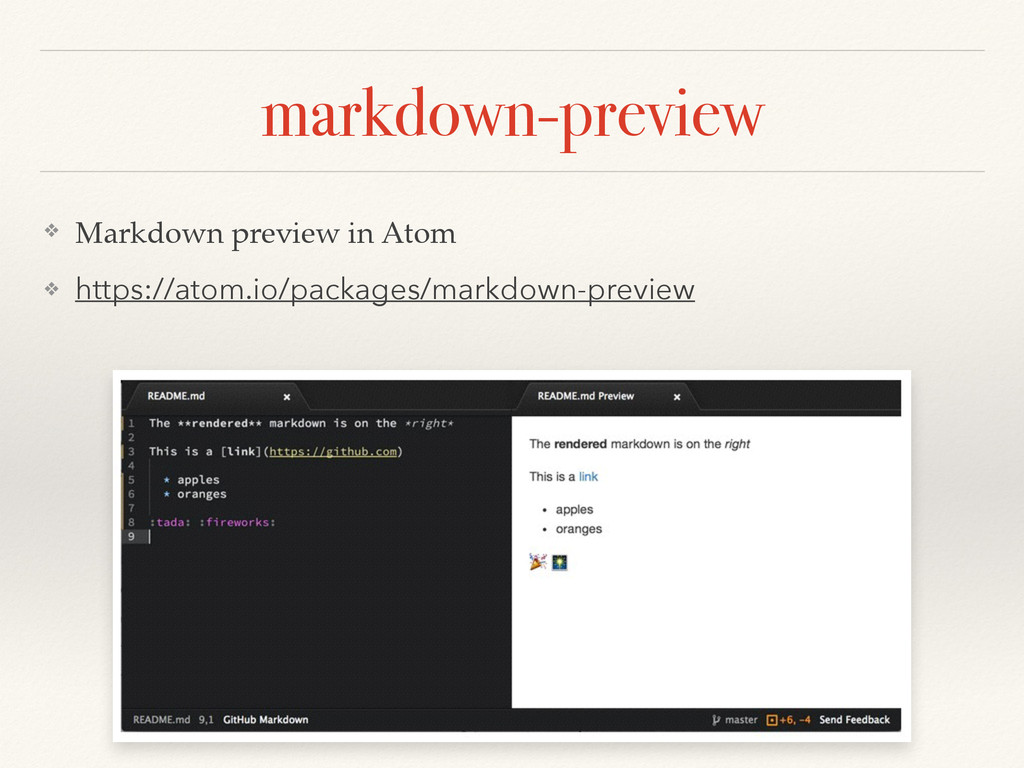
markdown-preview ❖ Markdown preview in Atom! ❖ https://atom.io/packages/markdown-preview
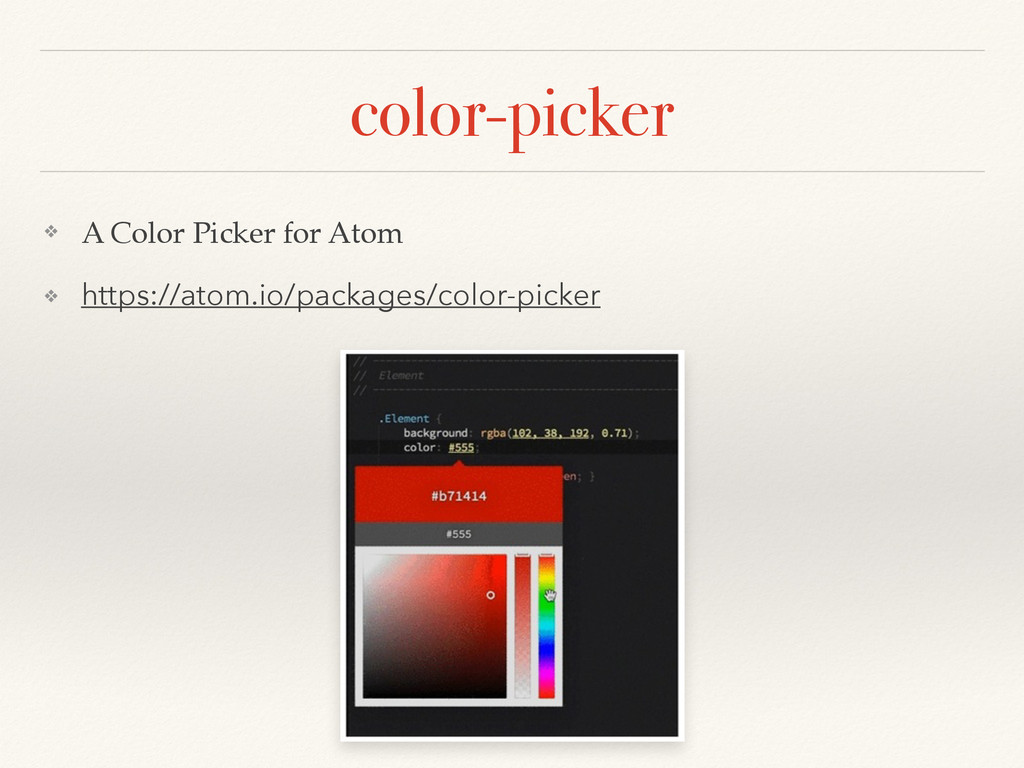
color-picker ❖ A Color Picker for Atom! ❖ https://atom.io/packages/color-picker
Quick Scripting
Quick Scripting ❖ Run editing code in The editor! ❖
Checking code behavior (or syntax)! ❖ Execute small small program! ! ❖ Immediately!!
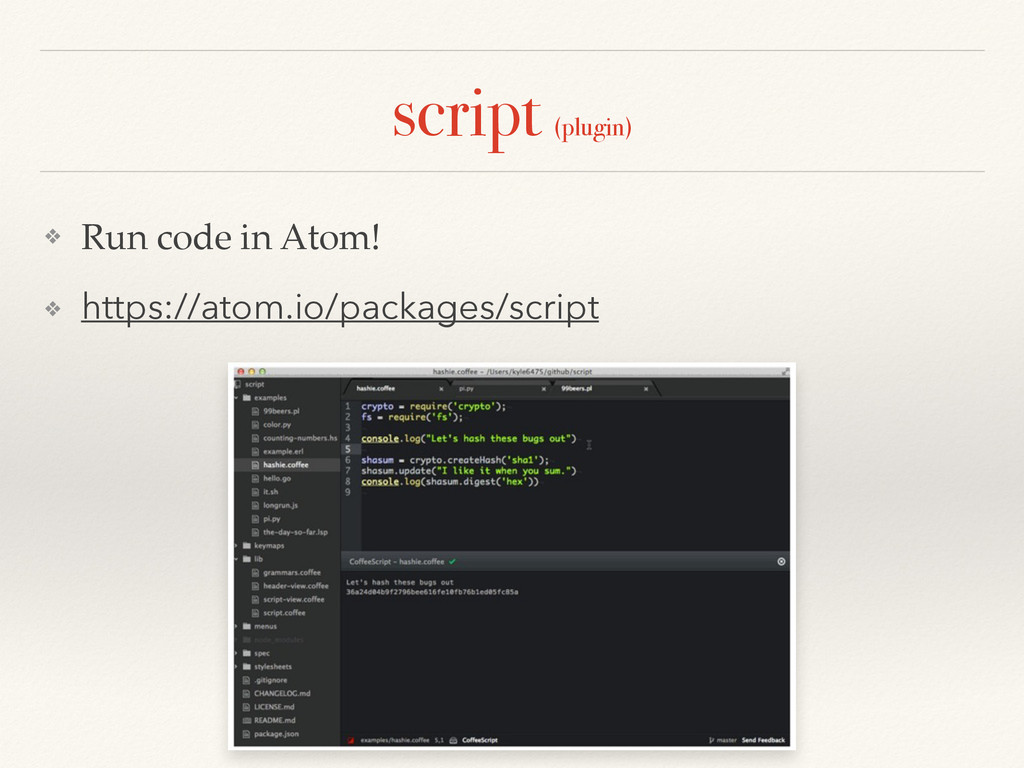
script (plugin) ❖ Run code in Atom!! ❖ https://atom.io/packages/script
Demo
How to Setup (Atom ver. 0.95.0)
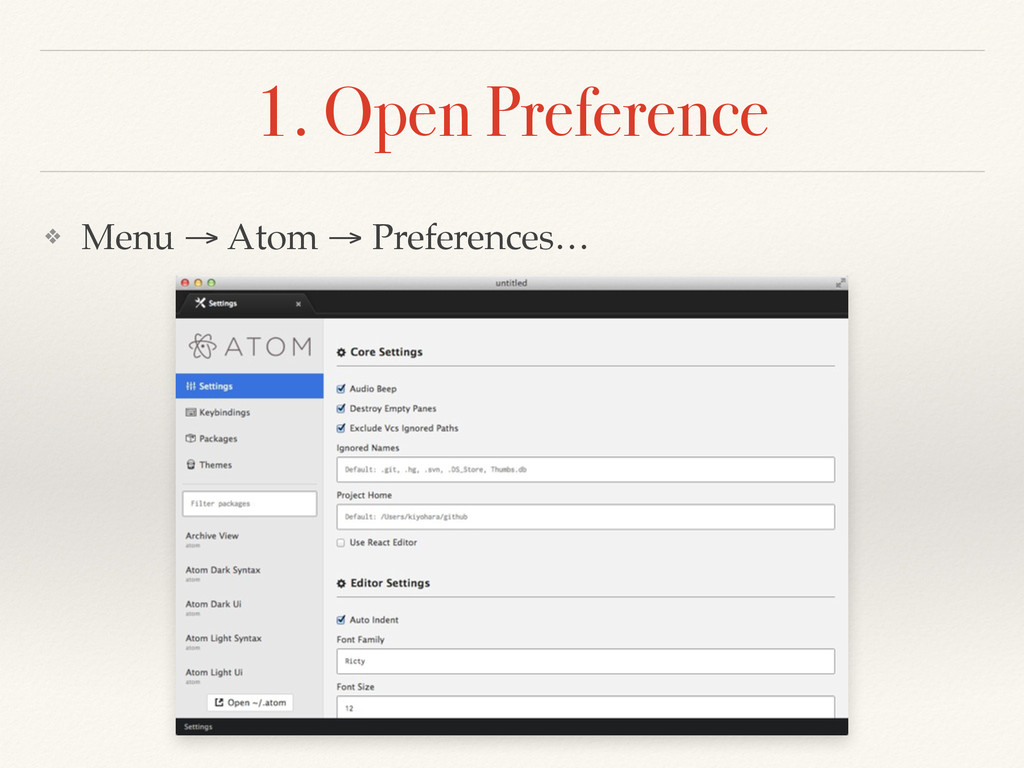
1. Open Preference ❖ Menu → Atom → Preferences…
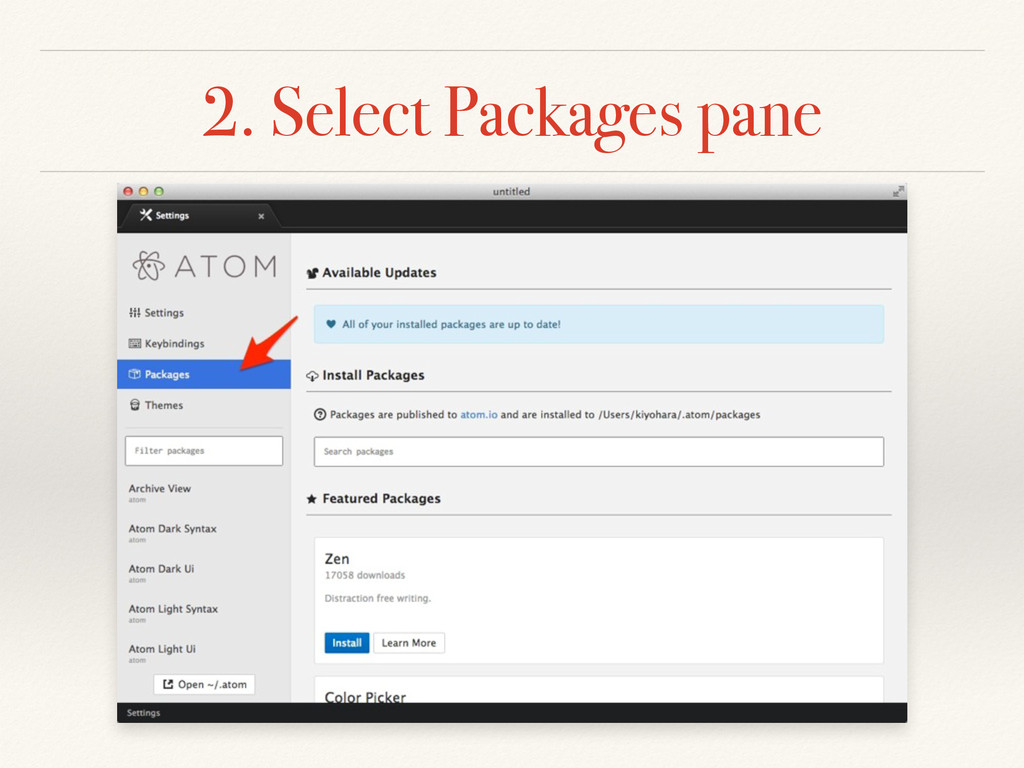
2. Select Packages pane
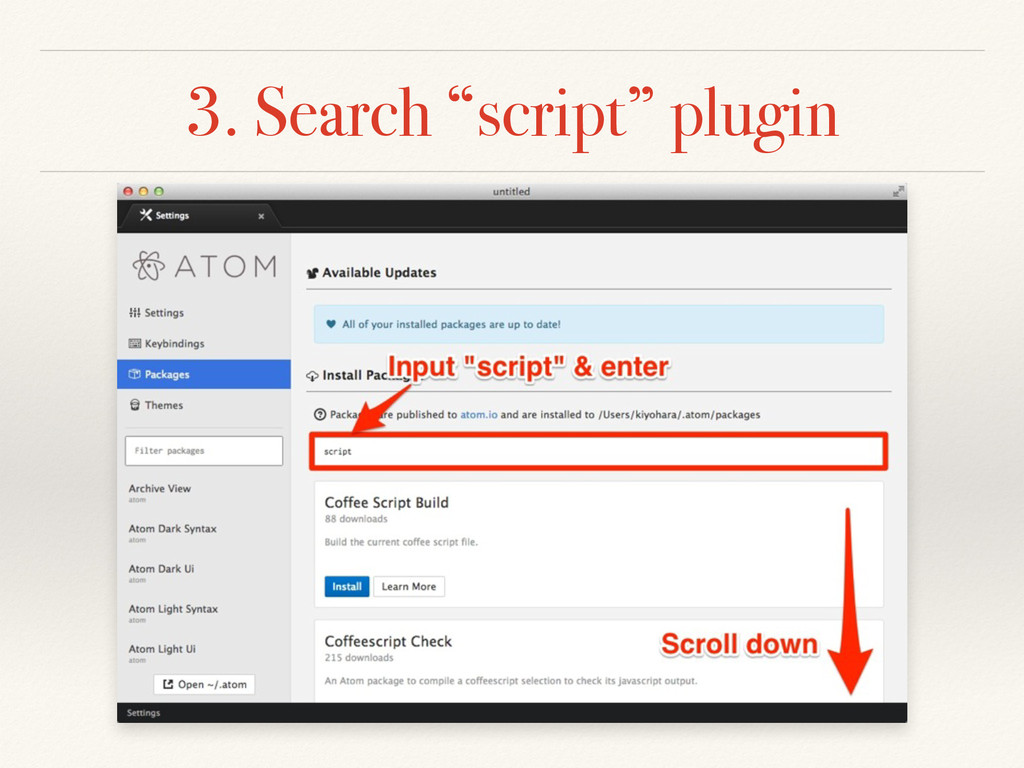
3. Search “script” plugin
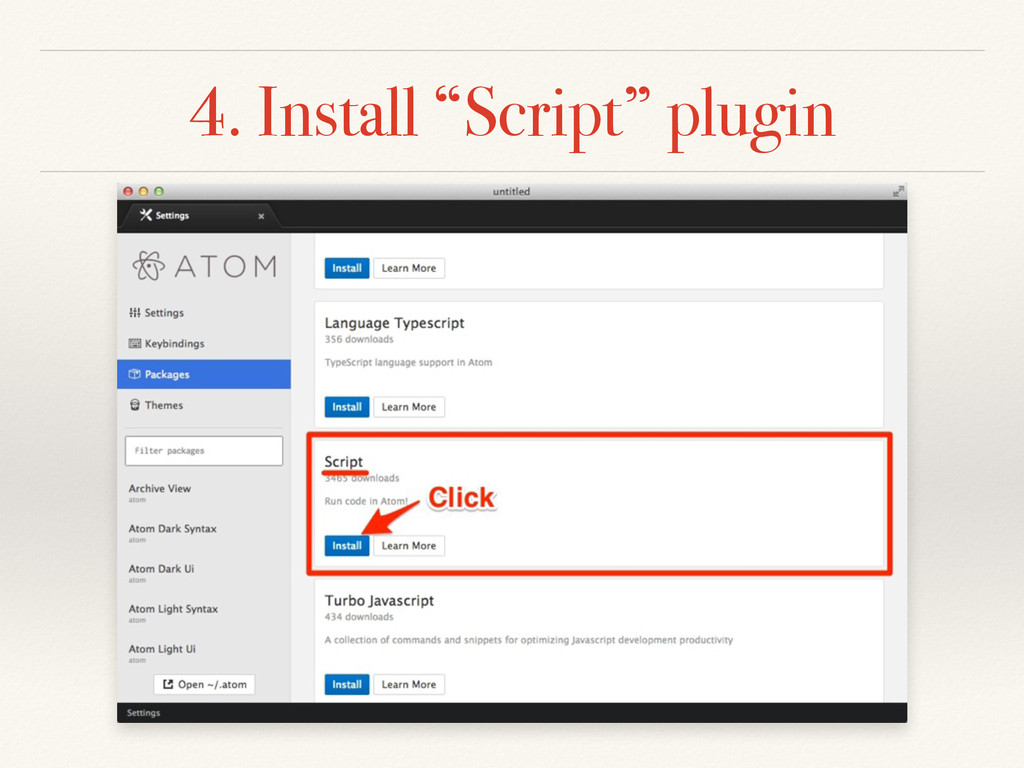
4. Install “Script” plugin
Usage (Script ver. 2.3.7)
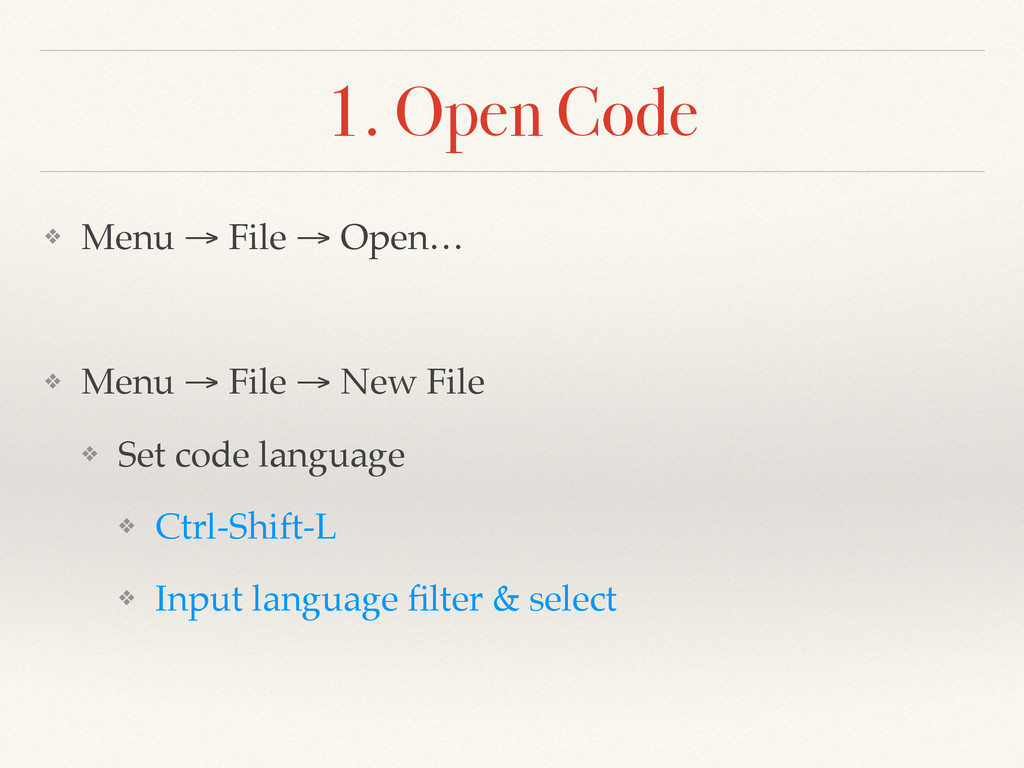
1. Open Code ❖ Menu → File → Open…! !
❖ Menu → File → New File! ❖ Set code language! ❖ Ctrl-Shift-L! ❖ Input language filter & select
2. Run! ❖ Menu → Packages → Script → Run
Script! ! ❖ ⌘-i
Tips
Env ❖ PATH env … ?! ❖ rvm, nvm …
?! ! ❖ write ENV settings “.bash_profile (.zshenv)”! ❖ NOT “.bashrc (.zshrc)”! ! ❖ .bash_profile! ❖ PATH=${PATH}:/opt/local/bin! ❖ source $HOME/.rvm/scripts/rvm
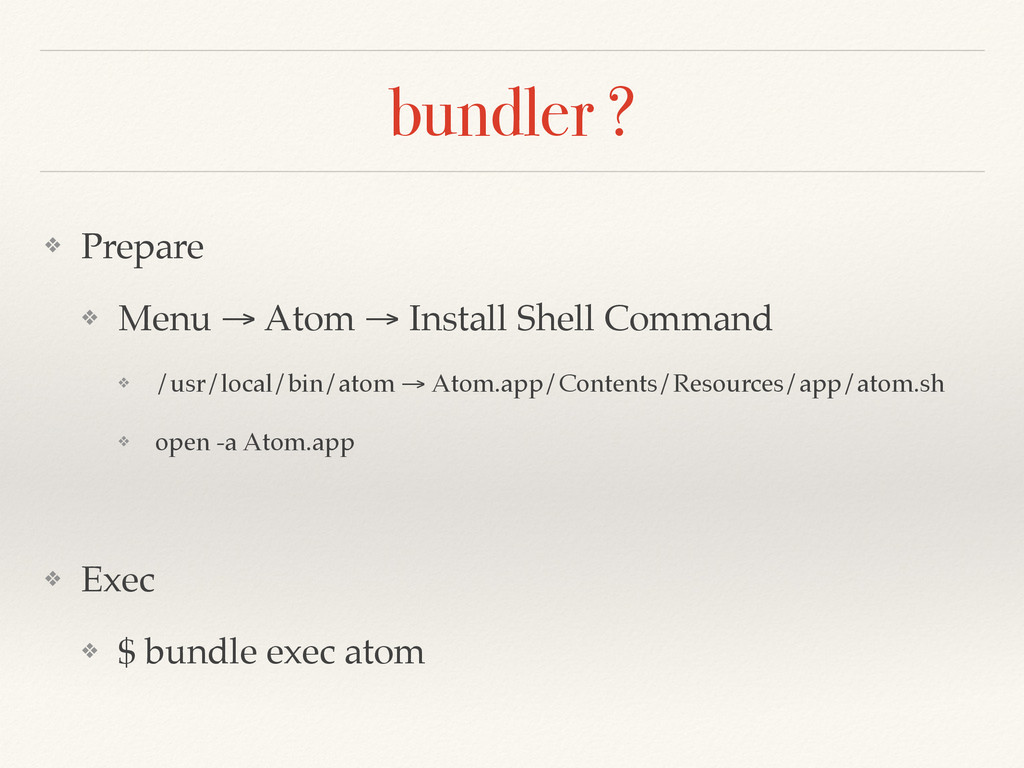
bundler ? ❖ Prepare! ❖ Menu → Atom → Install
Shell Command! ❖ /usr/local/bin/atom → Atom.app/Contents/Resources/app/atom.sh! ❖ open -a Atom.app! ! ❖ Exec! ❖ $ bundle exec atom
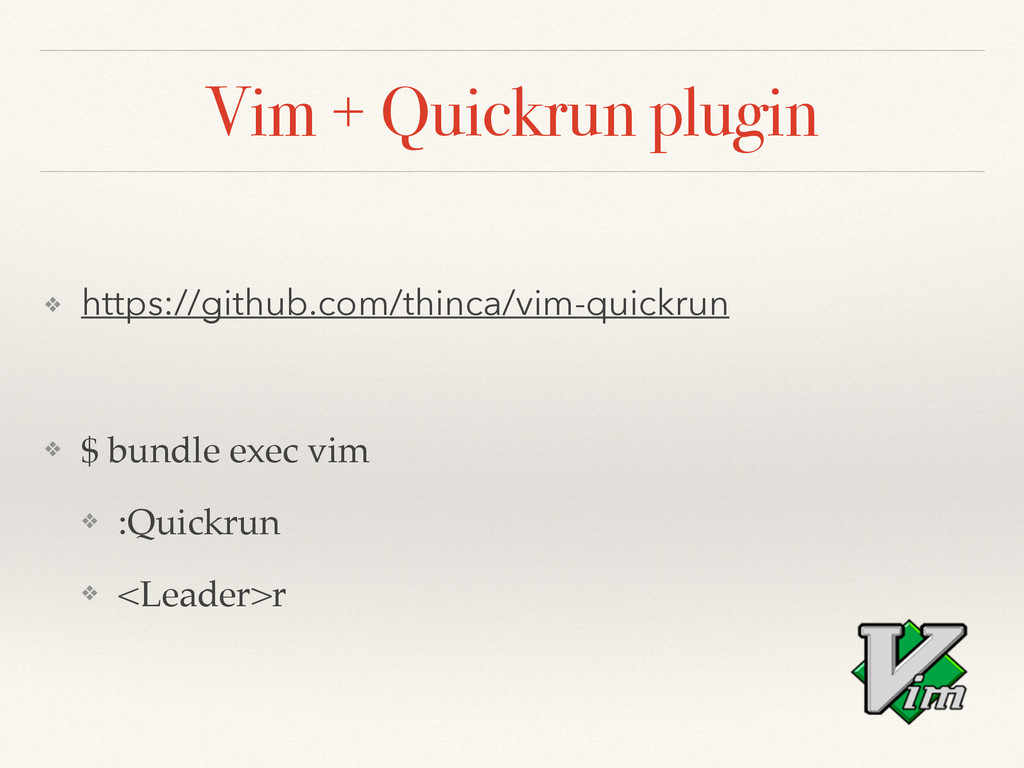
Vim + Quickrun plugin ❖ https://github.com/thinca/vim-quickrun ! ❖ $ bundle
exec vim! ❖ :Quickrun! ❖ <Leader>r
Thank you Tomokazu Kiyohara http://github.com/kiyohara http://facebook.com/tomokazu.kiyohara


 kiyohara
 moznion
 terurou
 y0hgi
y0hgi
 nttcom
 jozono
 pei0804
 philipz
 camiha
 munakata
 tomzoh
 bgpat
bgpat
 maimyyym
 bethany
 nikkihalliwell
 tammyeverts
 bluesmoon
 lcolladotor
 sarafernandez
 tapps
tapps
 chikuwait
 tmiket
 aleyda
 jonrohan
 portentint