HMRC — UX Writer • Questions — Use the BlueJean chat box moderated by Rachel — Post your questions after the talk in the Write The Docs slack channel #north-england — Tweet me @LauraParkerUX • Please mute your microphone • All research is linked so you can explore in your own time • Slides will be posted on speaker deck afterwards
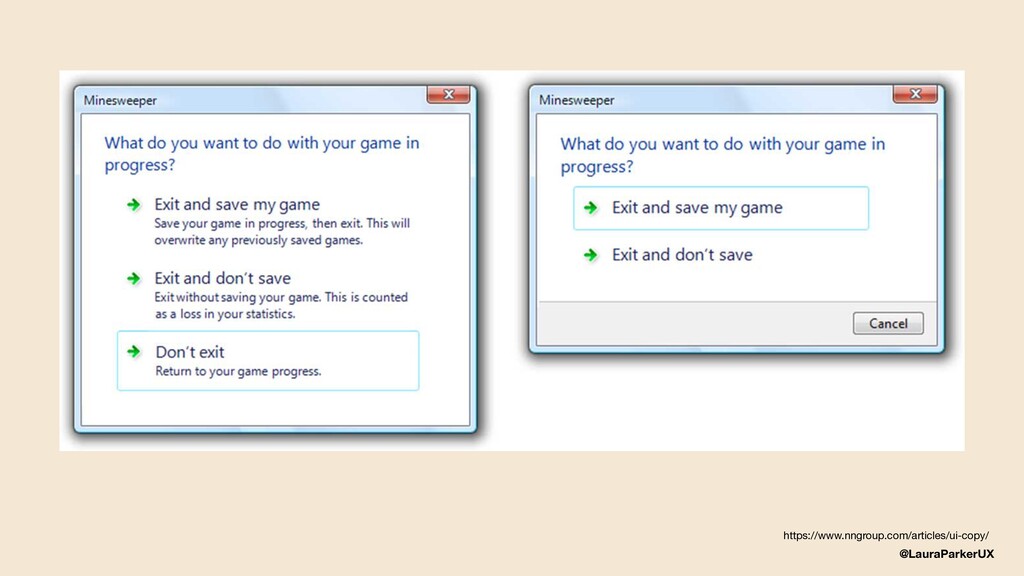
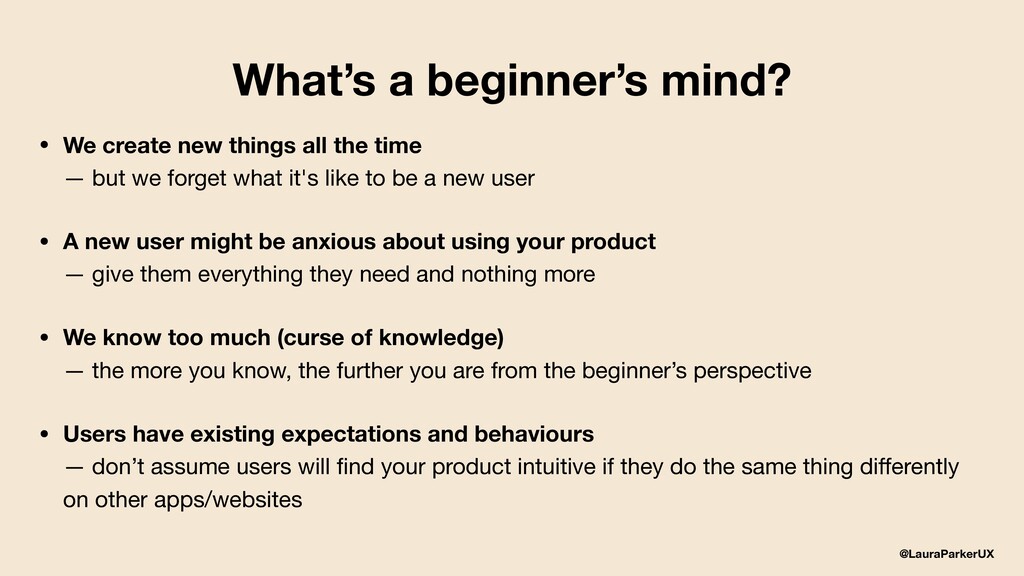
all the time — but we forget what it's like to be a new user • A new user might be anxious about using your product — give them everything they need and nothing more • We know too much (curse of knowledge) — the more you know, the further you are from the beginner’s perspective • Users have existing expectations and behaviours — don’t assume users will find your product intuitive if they do the same thing differently on other apps/websites
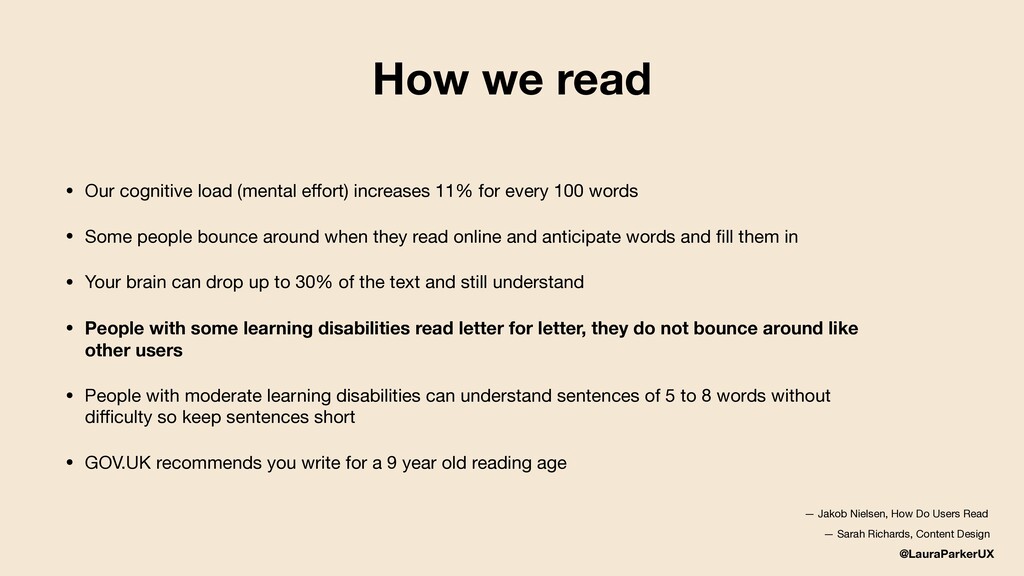
increases 11% for every 100 words • Some people bounce around when they read online and anticipate words and fill them in • Your brain can drop up to 30% of the text and still understand • People with some learning disabilities read letter for letter, they do not bounce around like other users • People with moderate learning disabilities can understand sentences of 5 to 8 words without difficulty so keep sentences short • GOV.UK recommends you write for a 9 year old reading age — Jakob Nielsen, How Do Users Read — Sarah Richards, Content Design
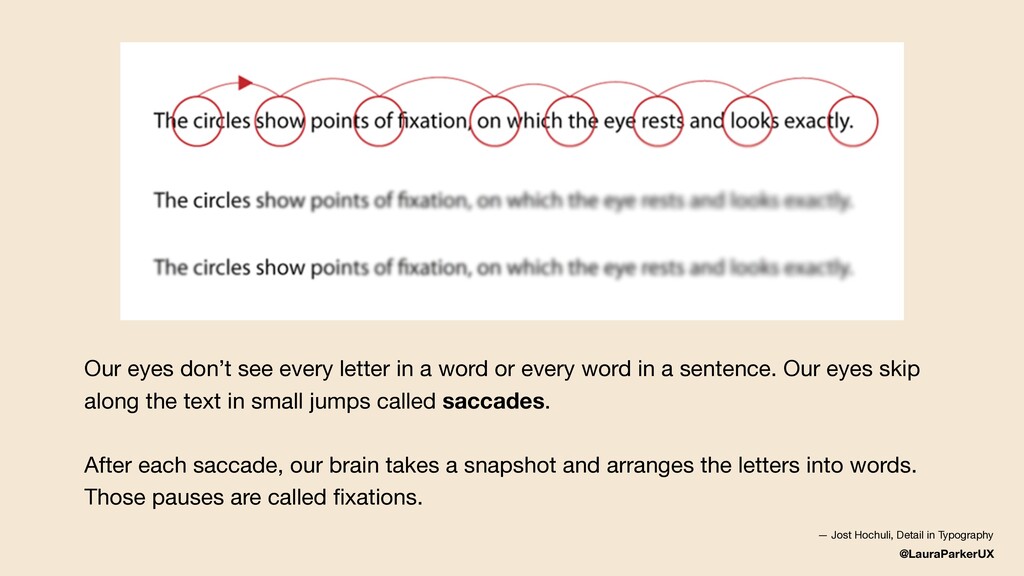
or every word in a sentence. Our eyes skip along the text in small jumps called saccades. After each saccade, our brain takes a snapshot and arranges the letters into words. Those pauses are called fixations. — Jost Hochuli, Detail in Typography
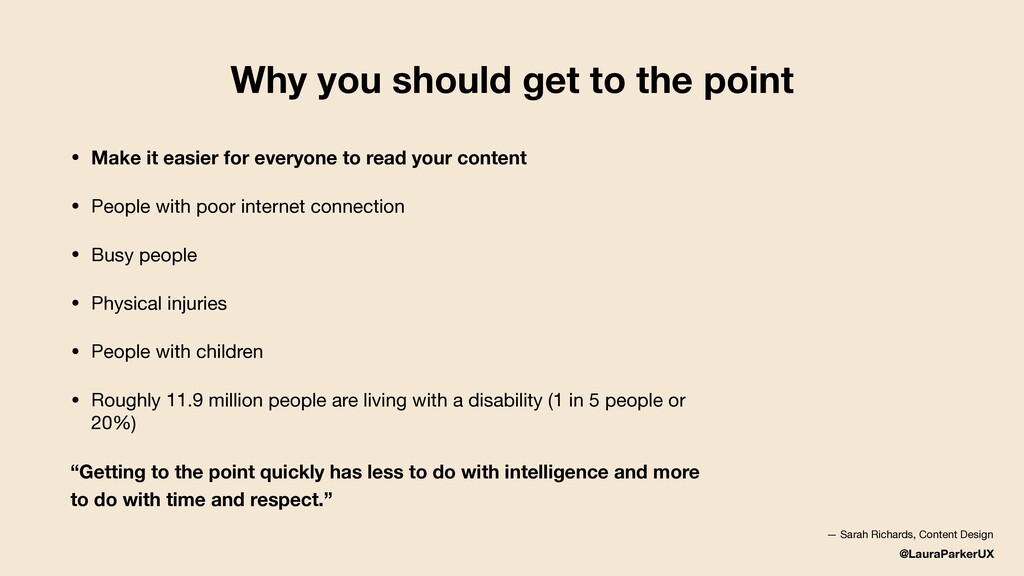
it easier for everyone to read your content • People with poor internet connection • Busy people • Physical injuries • People with children • Roughly 11.9 million people are living with a disability (1 in 5 people or 20%) “Getting to the point quickly has less to do with intelligence and more to do with time and respect.” — Sarah Richards, Content Design
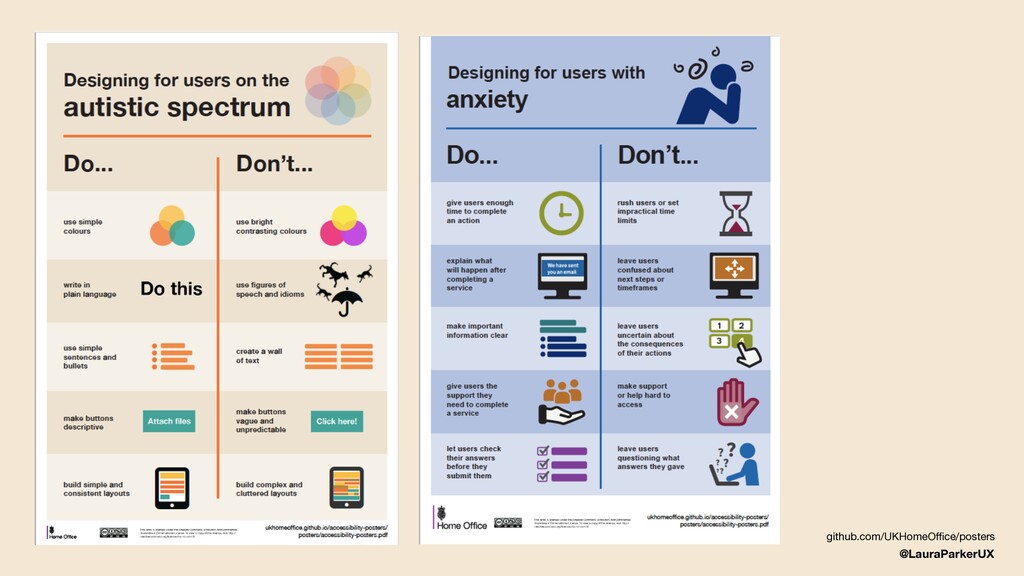
the reader — use empathy to find when a user is having a moment, and be a part of it • Keep a beginner’s mind — skip the what and go directly to the why • Use simple, everyday language — it helps everyone, especially those with a visual impairment, dyslexia or anxiety • People don’t find the same things funny — humour is risky
moments of doubt and anxiety to deal with, especially when using a product or service you’re not familiar with • “Do I remember my password? Did that web app really save my changes? Was my shared document sent? Where did that notification disappear to? How do I get it back?” • It's our responsibility to make this process easy to understand and delight users, as long as it doesn't get in the way of clarity https://medium.com/movingui/building-brand-loyalty-and-reducing-anxiety-with-ui-animation-1cf6d6307033
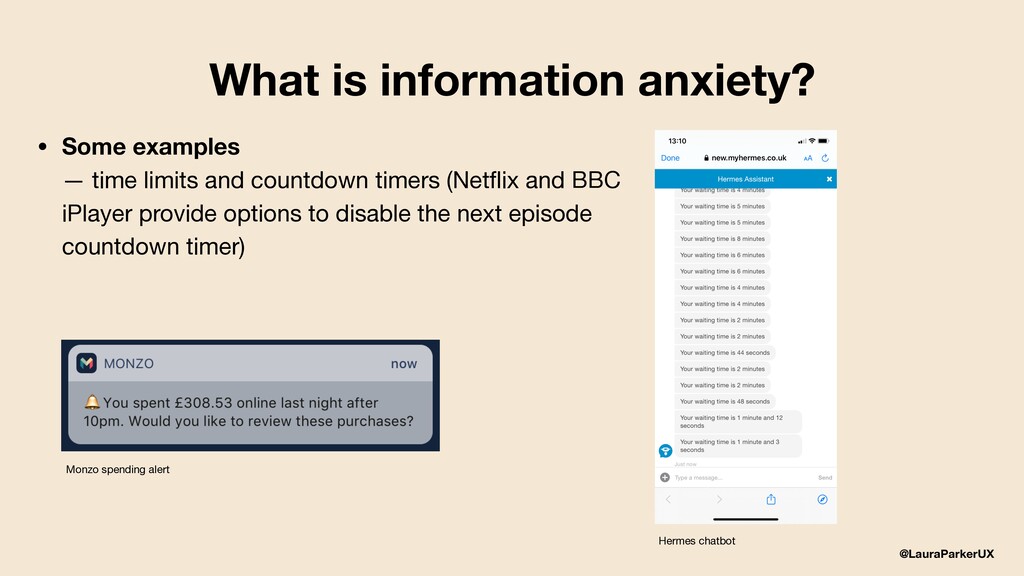
time limits and countdown timers (Netflix and BBC iPlayer provide options to disable the next episode countdown timer) Monzo spending alert Hermes chatbot
audience you should know: — how they behave, what they’re interested in or worried about - so your writing will catch their attention and answer their questions — their vocabulary - so that you can use the same terms and phrases they’ll use to search for content • Check Google Trends and forums to see how people are talking about your product or service https://www.gov.uk/guidance/content-design/writing-for-gov-uk
according to GOV.UK research, people understand complex specialist language, but do not want to read it if there’s an alternative • Technical terms — technical terms are not considered jargon but you should explain what they mean • People with the greatest expertise tend to have the most to read — make sure your content is helpful and easy to scan https://www.gov.uk/guidance/content-design/writing-for-gov-uk
“I need answers to this, this and this before I can start.” • You ask (roughly) the same questions — “Who am I writing/designing for? What’s the purpose? Brand guidelines?” • And, you make things together
copy in advance — think about the design deadline too • Try using a different word processor — most designers don’t use MS Word every day, look for alternatives • Ask for feedback (content crits and design labs) — feedback can only improve your work • Celebrate their moments of greatness — some designers can write well
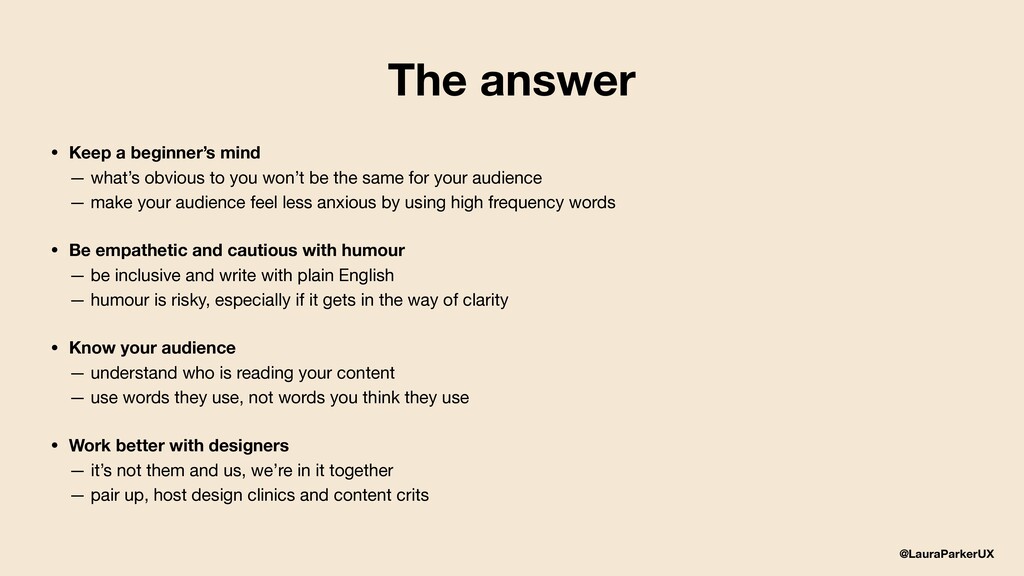
you won’t be the same for your audience — make your audience feel less anxious by using high frequency words • Be empathetic and cautious with humour — be inclusive and write with plain English — humour is risky, especially if it gets in the way of clarity • Know your audience — understand who is reading your content — use words they use, not words you think they use • Work better with designers — it’s not them and us, we’re in it together — pair up, host design clinics and content crits The answer
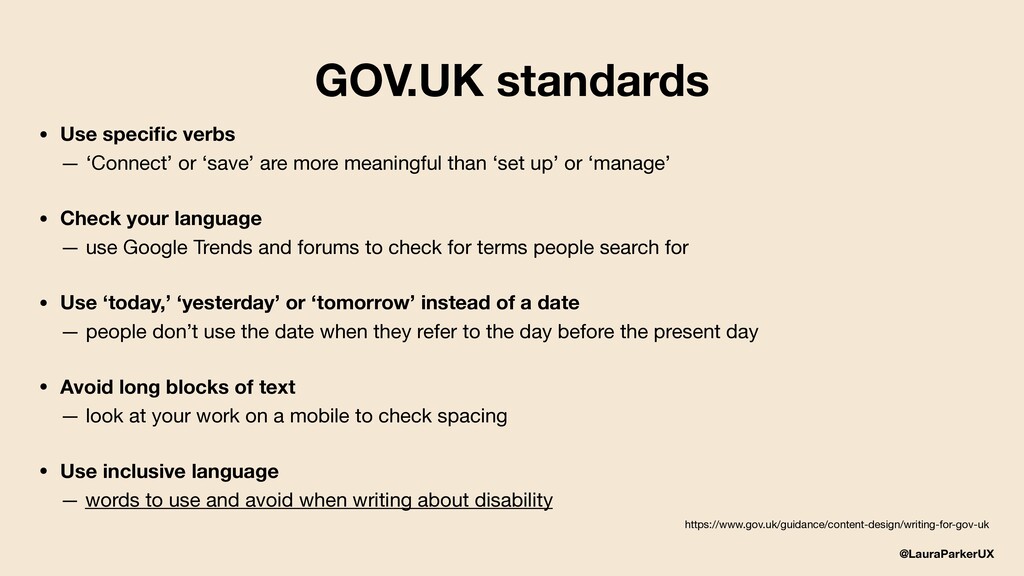
or ‘save’ are more meaningful than ‘set up’ or ‘manage’ • Check your language — use Google Trends and forums to check for terms people search for • Use ‘today,’ ‘yesterday’ or ‘tomorrow’ instead of a date — people don’t use the date when they refer to the day before the present day • Avoid long blocks of text — look at your work on a mobile to check spacing • Use inclusive language — words to use and avoid when writing about disability https://www.gov.uk/guidance/content-design/writing-for-gov-uk


 laurawritesux
 vivion
 dmattsun
 abokadotyann
 terencebasart
 yamasaku
 wjw100788
 aikautau
 findyinc
 garyuten
 klemens
 shosira
 littlebusters
 axbom
axbom
 skipperchong
 addyosmani
 holman
 chriscoyier
 soudai
 ryanjones
 cassininazir
 nikkihalliwell
 uxyall
 danielanewman
 apolaine









![@LauraParkerUX Web lauramarieparker.com Email [email protected] Twitter @LauraParkerUX](https://files.speakerdeck.com/presentations/575e0887c7644c4aae3475906e9af654/slide_29.jpg)