Upgrade to Pro — share decks privately, control downloads, hide ads and more …

Best Practices From the Field - The MDE Cases

Best Practices From the Field - The MDE Cases

Avatar for Intune Italian User Group

Intune Italian User Group

February 27, 2026
Tweet

More Decks by Intune Italian User Group

Other Decks in Technology

Transcript

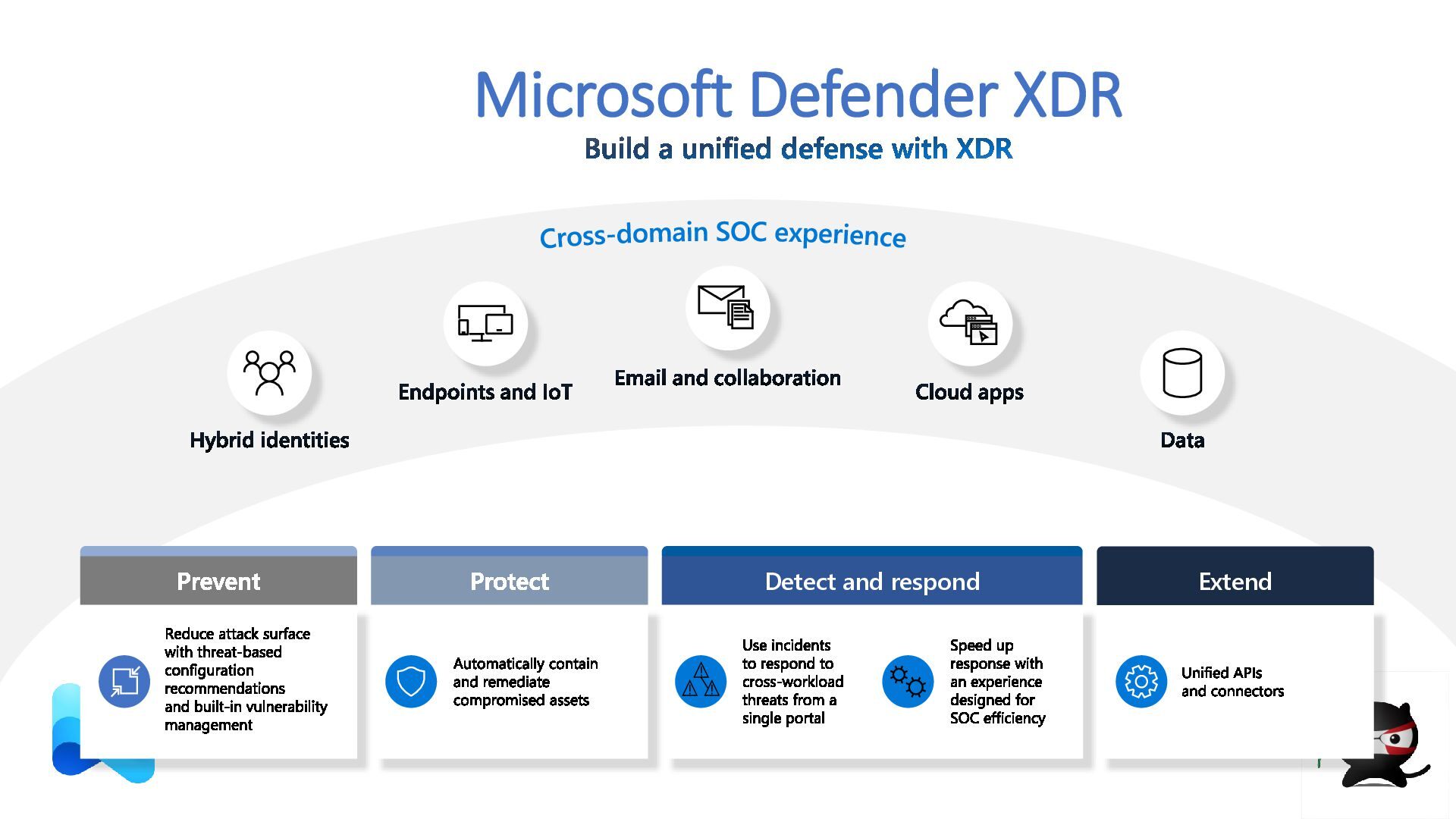
  1. Microsoft Defender XDR Build a unified defense with XDR Cross-domain

    SOC experience Hybrid identities Endpoints and IoT Email and collaboration Cloud apps Data Prevent Reduce attack surface with threat-based configuration recommendations and built-in vulnerability management Protect Automatically contain and remediate compromised assets Detect and respond Use incidents to respond to cross-workload threats from a single portal Speed up response with an experience designed for SOC efficiency Extend Unified APIs and connectors
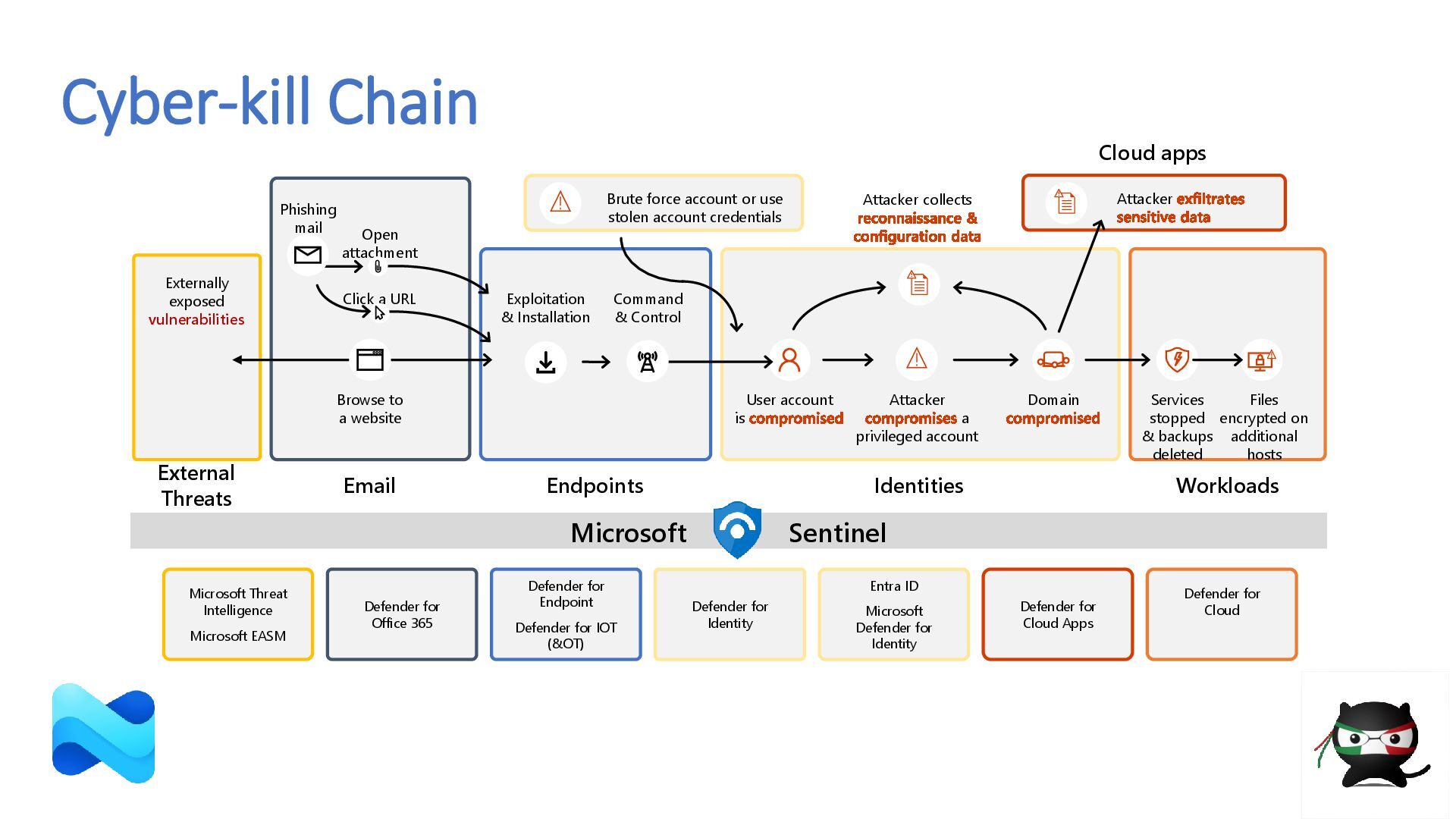
  2. Cyber-kill Chain Cloud apps Services stopped & backups deleted Files

    encrypted on additional hosts Browse to a website Phishing mail Open attachment Click a URL Command & Control User account is compromised Brute force account or use stolen account credentials Attacker compromises a privileged account Domain compromised Attacker exfiltrates sensitive data Attacker collects reconnaissance & configuration data Email Endpoints Identities Workloads Exploitation & Installation External Threats Externally exposed vulnerabilities Microsoft Threat Intelligence Microsoft EASM Defender for Office 365 Defender for Endpoint Defender for IOT (&OT) Defender for Cloud Defender for Identity Defender for Cloud Apps Entra ID Microsoft Defender for Identity Sentinel Microsoft
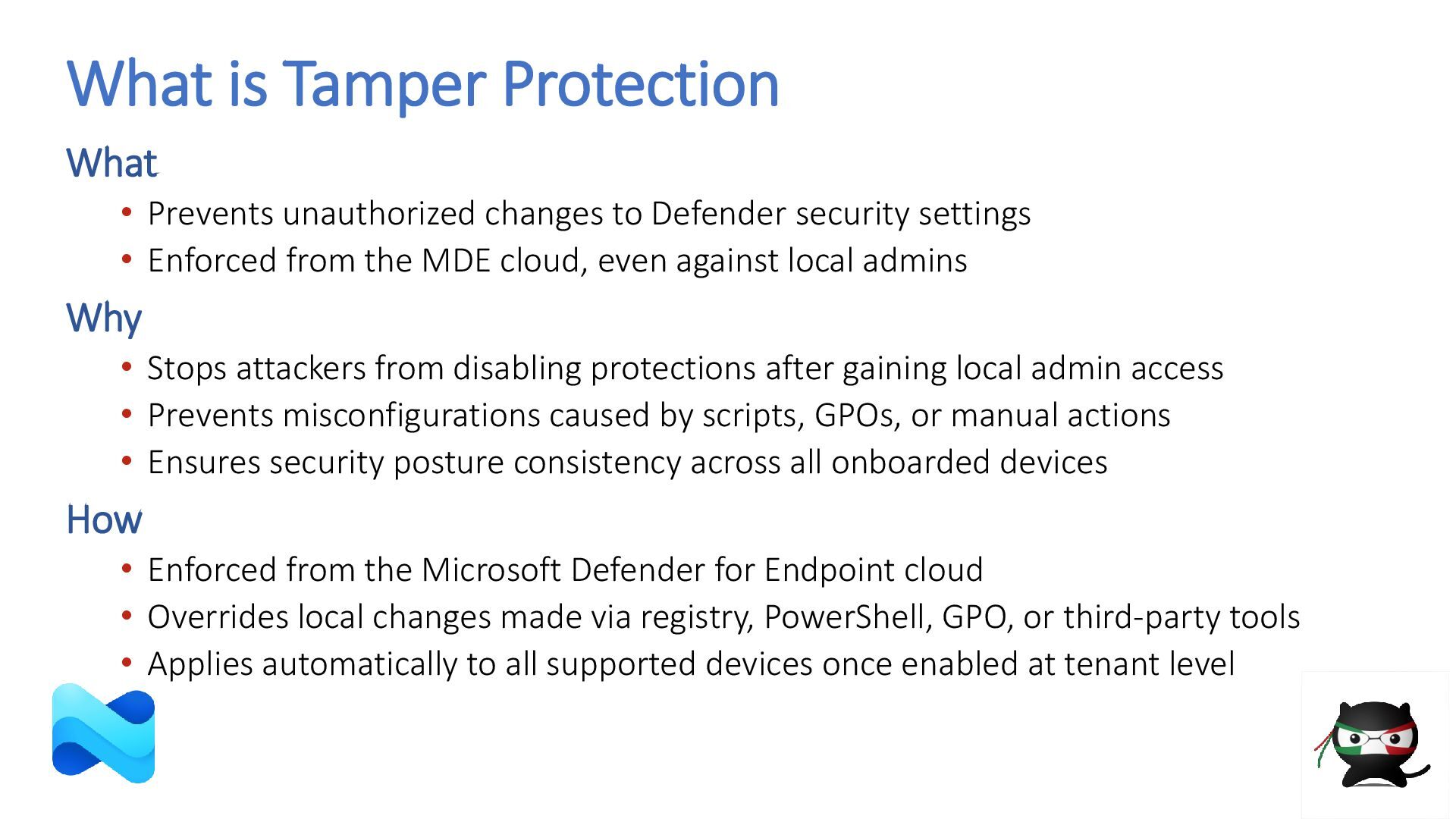
  3. What is Tamper Protection What • Prevents unauthorized changes to

    Defender security settings • Enforced from the MDE cloud, even against local admins Why • Stops attackers from disabling protections after gaining local admin access • Prevents misconfigurations caused by scripts, GPOs, or manual actions • Ensures security posture consistency across all onboarded devices How • Enforced from the Microsoft Defender for Endpoint cloud • Overrides local changes made via registry, PowerShell, GPO, or third-party tools • Applies automatically to all supported devices once enabled at tenant level
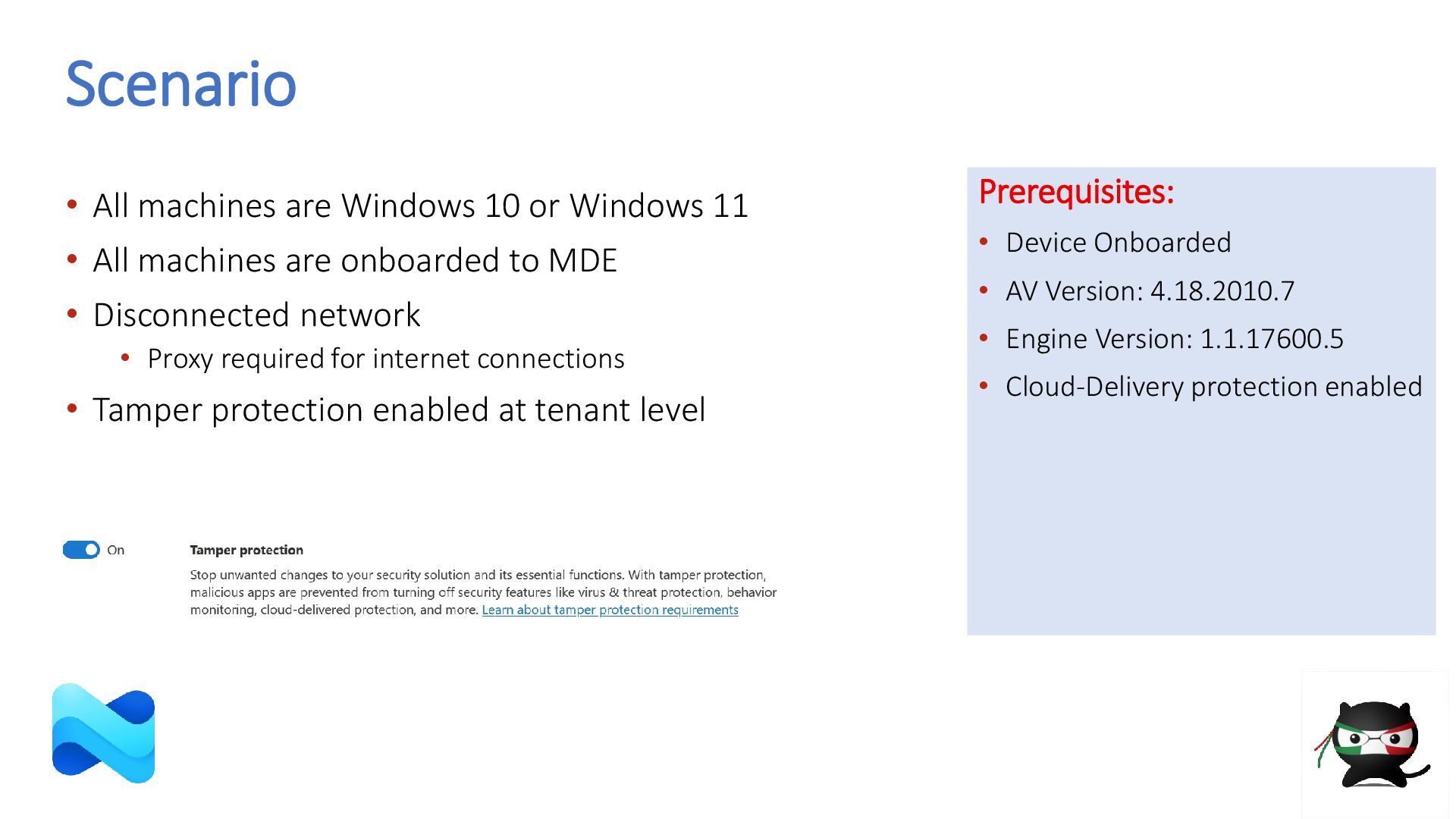
  4. Scenario • All machines are Windows 10 or Windows 11

    • All machines are onboarded to MDE • Disconnected network • Proxy required for internet connections • Tamper protection enabled at tenant level Prerequisites: • Device Onboarded • AV Version: 4.18.2010.7 • Engine Version: 1.1.17600.5 • Cloud-Delivery protection enabled
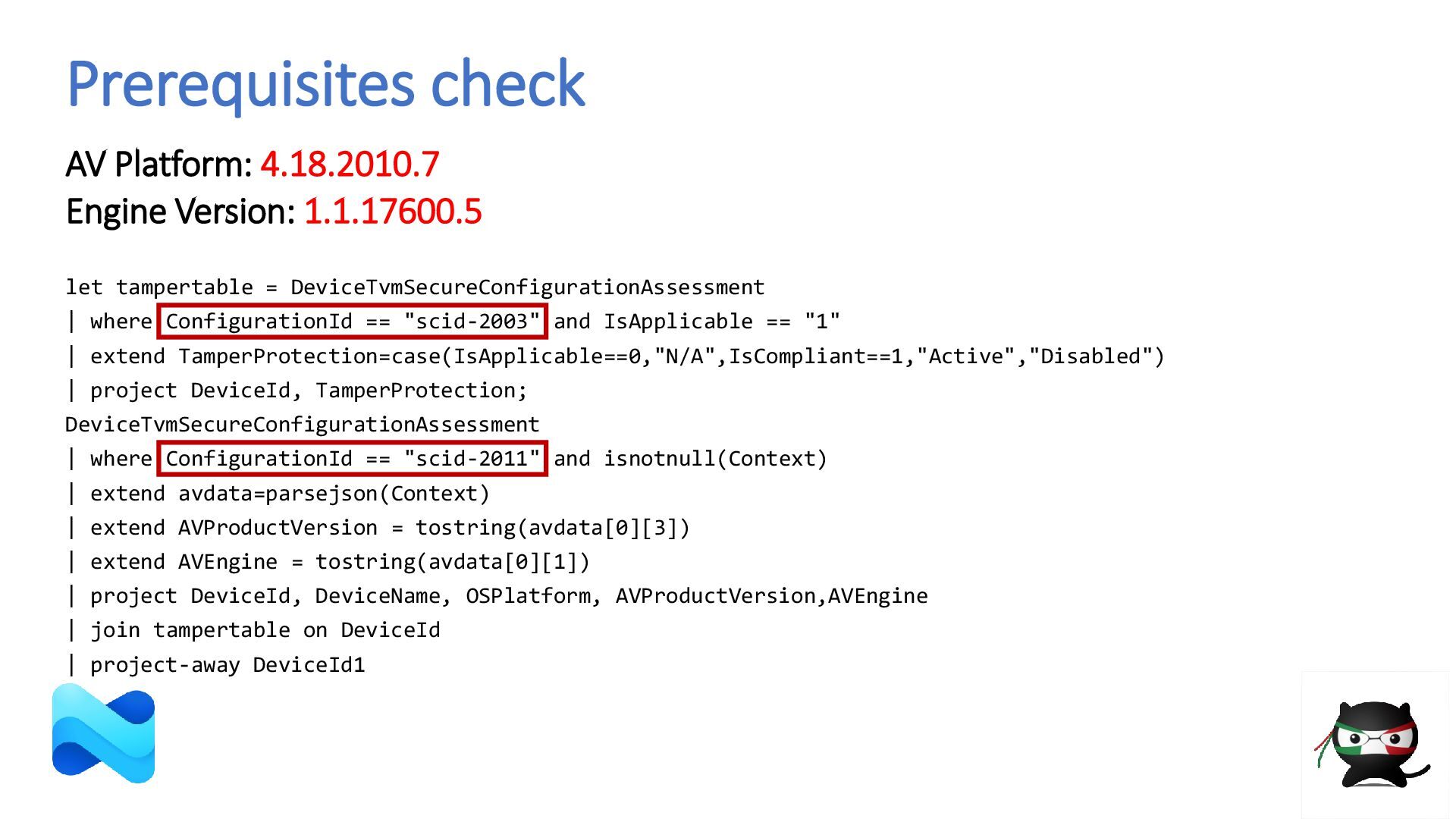
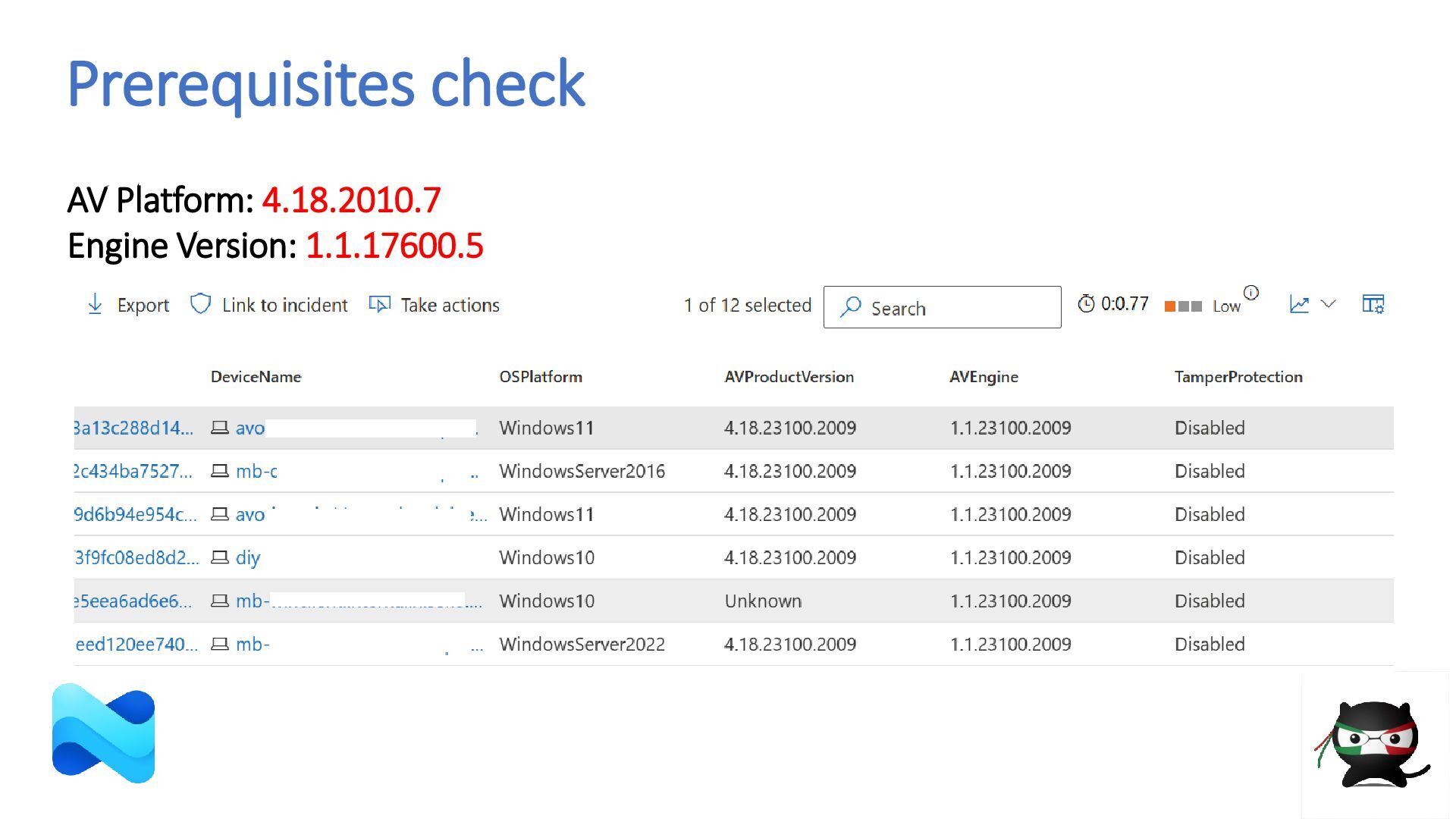
  5. Prerequisites check AV Platform: 4.18.2010.7 Engine Version: 1.1.17600.5 let tampertable

    = DeviceTvmSecureConfigurationAssessment | where ConfigurationId == "scid-2003" and IsApplicable == "1" | extend TamperProtection=case(IsApplicable==0,"N/A",IsCompliant==1,"Active","Disabled") | project DeviceId, TamperProtection; DeviceTvmSecureConfigurationAssessment | where ConfigurationId == "scid-2011" and isnotnull(Context) | extend avdata=parsejson(Context) | extend AVProductVersion = tostring(avdata[0][3]) | extend AVEngine = tostring(avdata[0][1]) | project DeviceId, DeviceName, OSPlatform, AVProductVersion,AVEngine | join tampertable on DeviceId | project-away DeviceId1
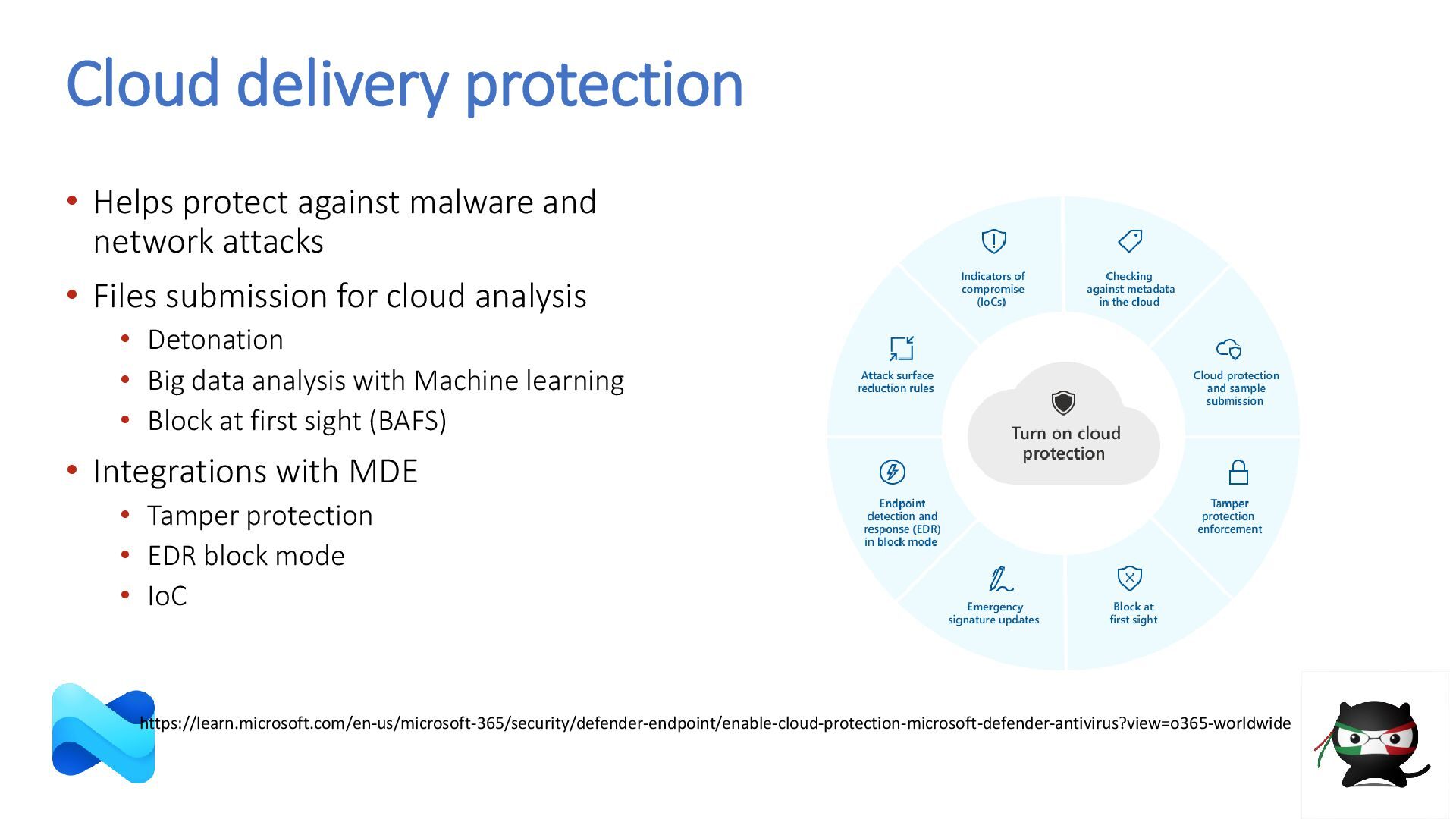
  6. Cloud delivery protection • Helps protect against malware and network

    attacks • Files submission for cloud analysis • Detonation • Big data analysis with Machine learning • Block at first sight (BAFS) • Integrations with MDE • Tamper protection • EDR block mode • IoC https://learn.microsoft.com/en-us/microsoft-365/security/defender-endpoint/enable-cloud-protection-microsoft-defender-antivirus?view=o365-worldwide
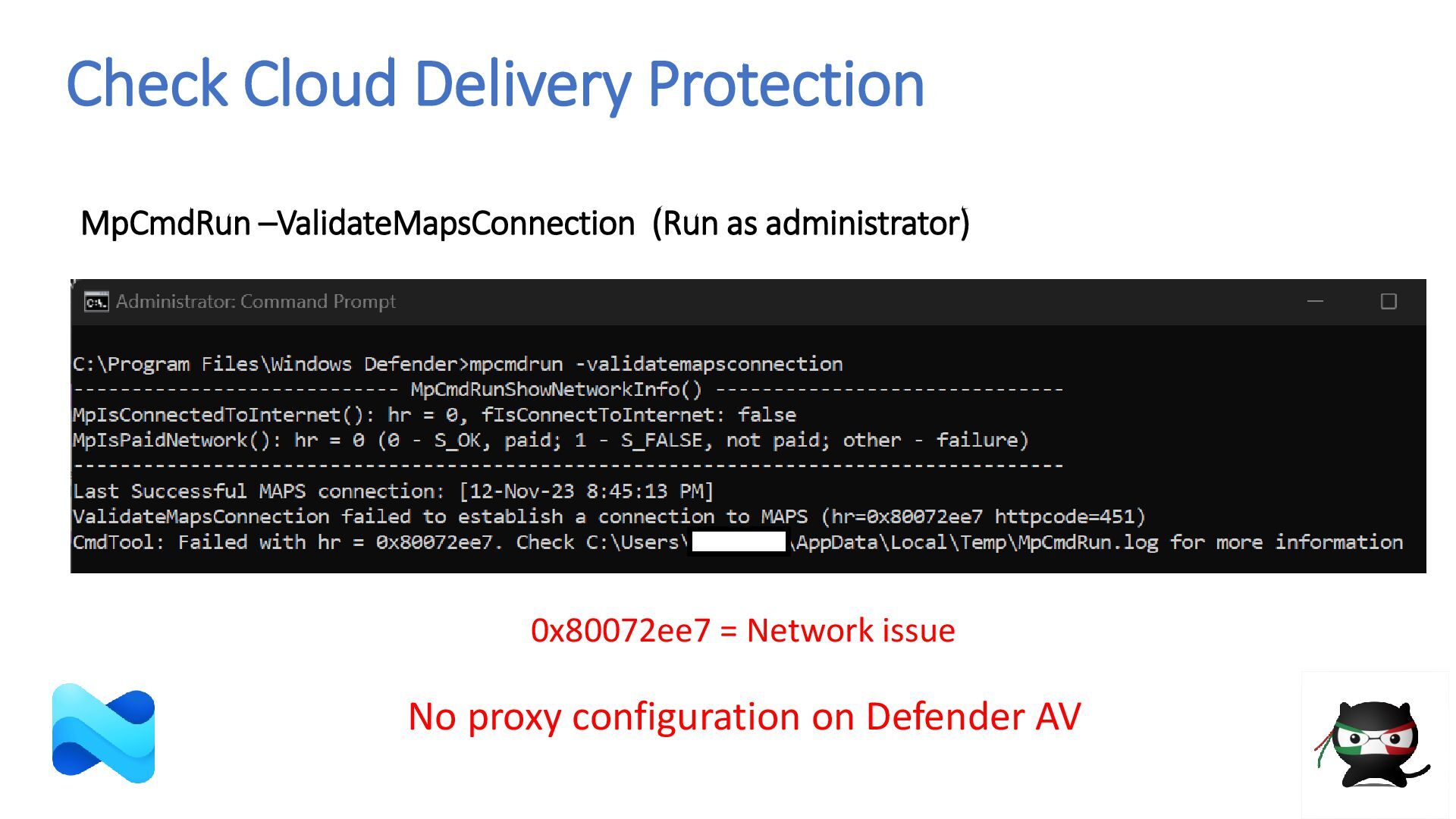
  7. Check Cloud Delivery Protection 0x80072ee7 = Network issue MpCmdRun –ValidateMapsConnection

    (Run as administrator) No proxy configuration on Defender AV
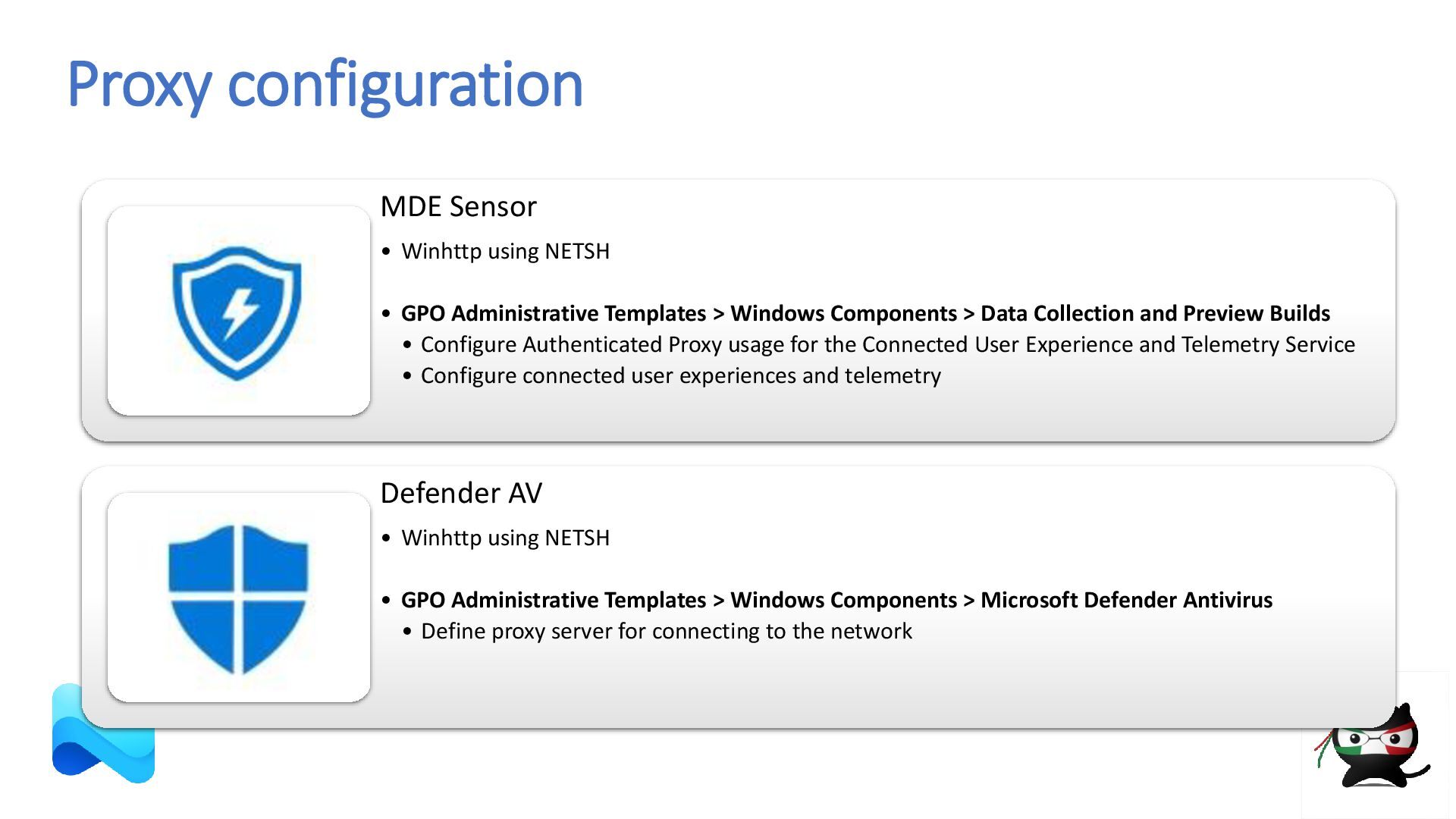
  8. Proxy configuration MDE Sensor • Winhttp using NETSH • GPO

    Administrative Templates > Windows Components > Data Collection and Preview Builds • Configure Authenticated Proxy usage for the Connected User Experience and Telemetry Service • Configure connected user experiences and telemetry Defender AV • Winhttp using NETSH • GPO Administrative Templates > Windows Components > Microsoft Defender Antivirus • Define proxy server for connecting to the network
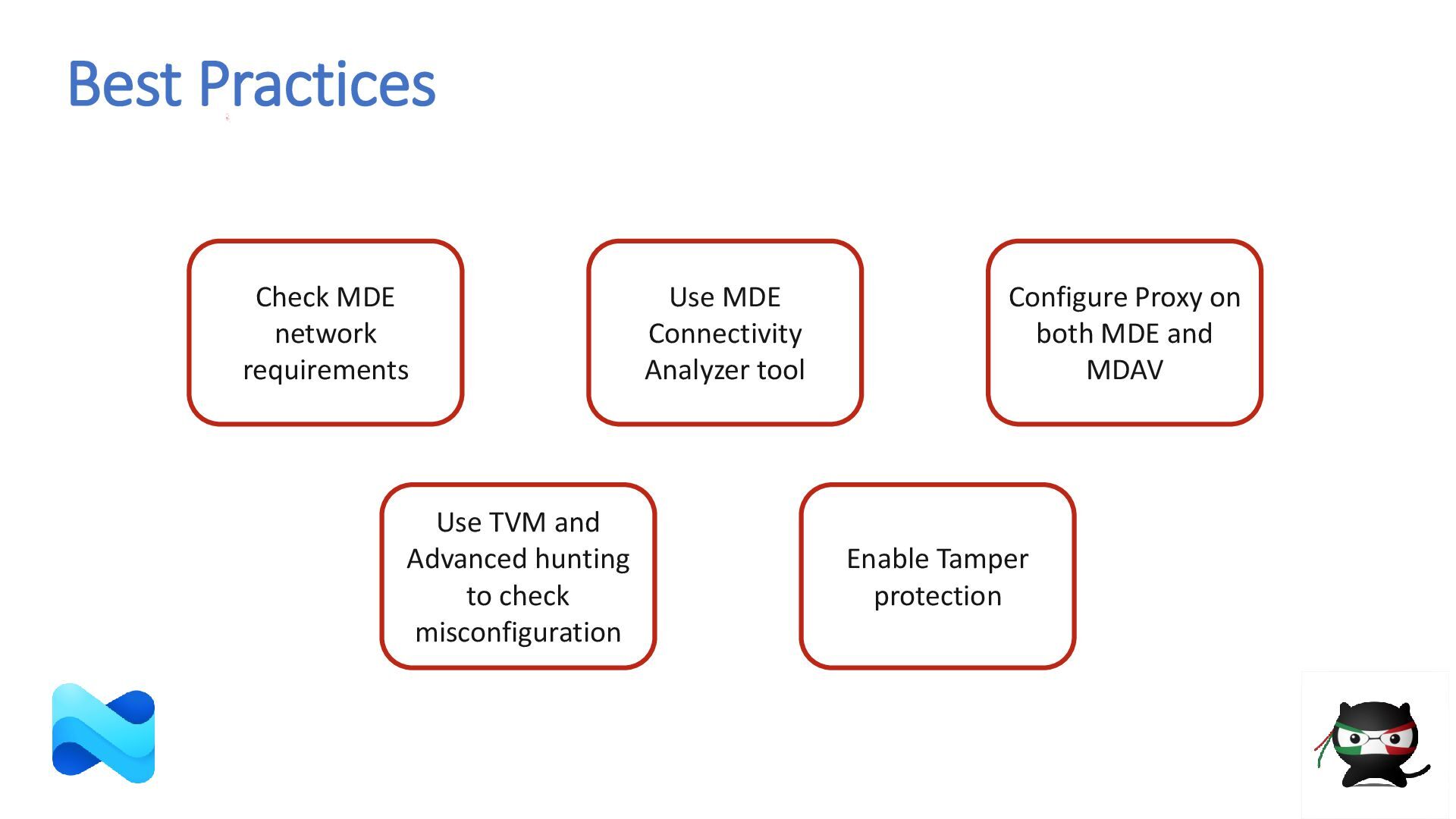
  9. Best Practices Use TVM and Advanced hunting to check misconfiguration

    Enable Tamper protection Configure Proxy on both MDE and MDAV Use MDE Connectivity Analyzer tool Check MDE network requirements
  10. Scenario • Malevolent Autorun.inf is not blocked on USB devices

    • Microsoft Defender Antivirus is enabled • We suspect USB Device Control is not properly configured
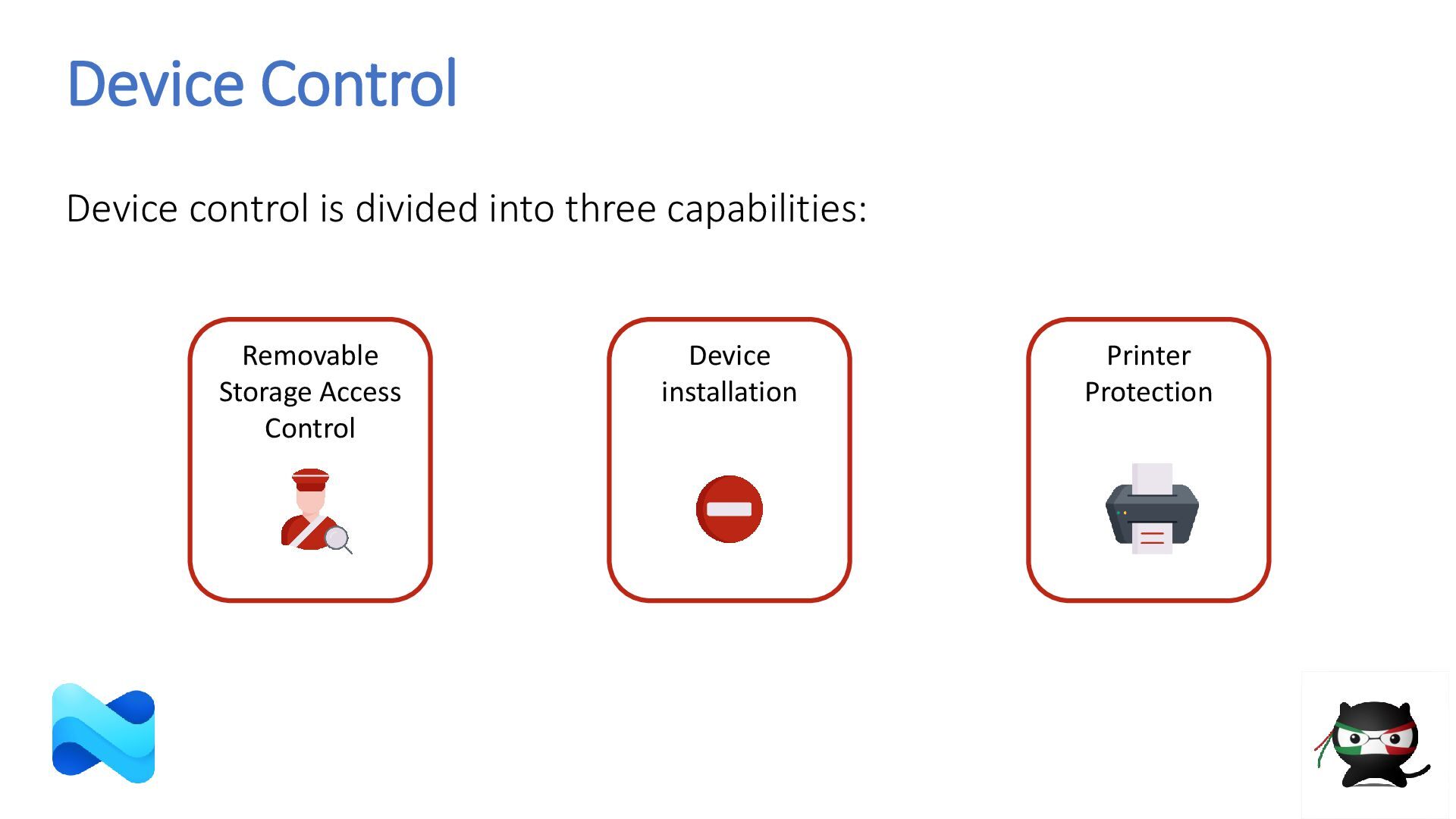
  11. Device Control Device control is divided into three capabilities: Printer

    Protection Device installation Removable Storage Access Control
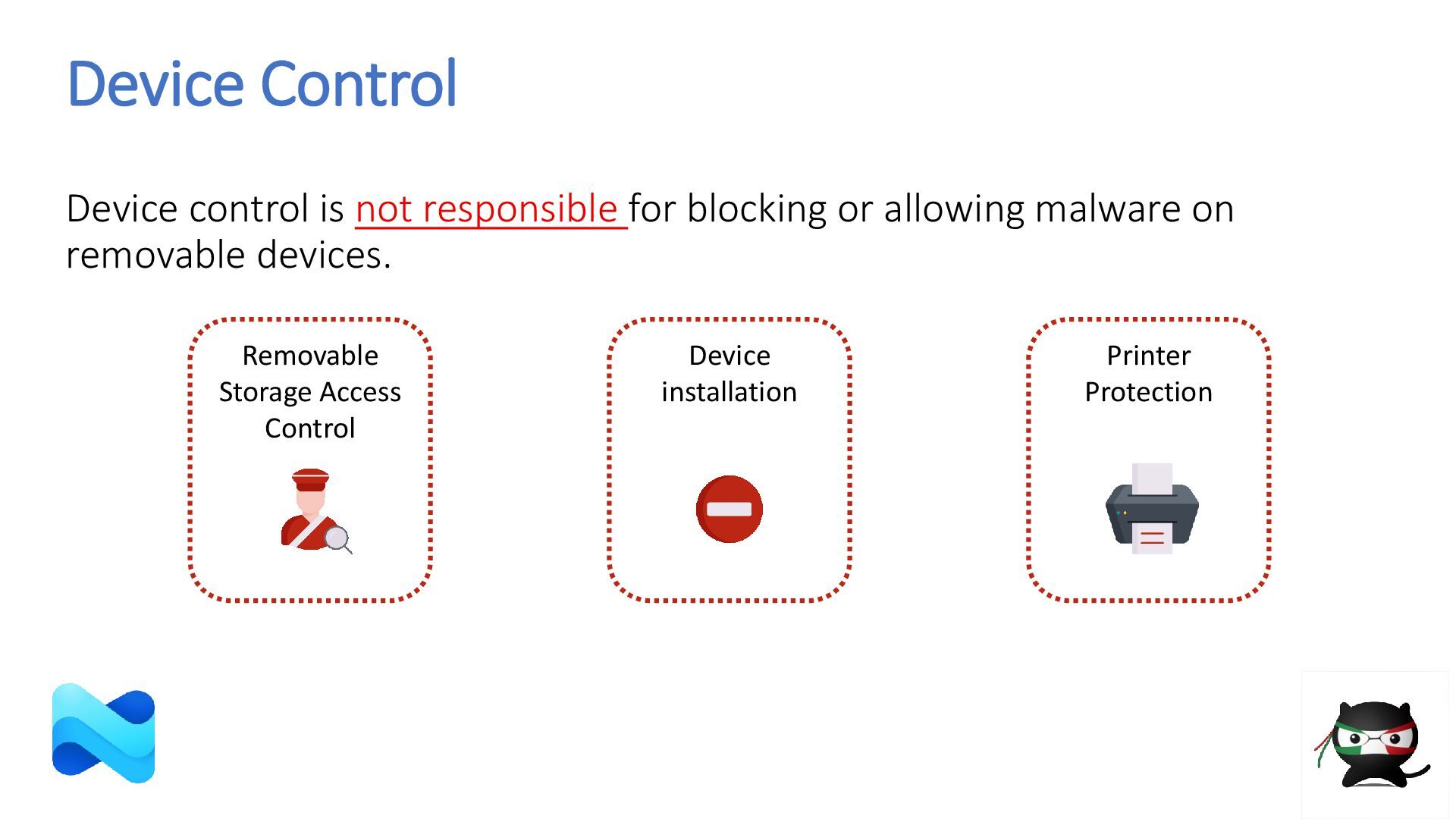
  12. Device Control Device control is not responsible for blocking or

    allowing malware on removable devices. Printer Protection Device installation Removable Storage Access Control
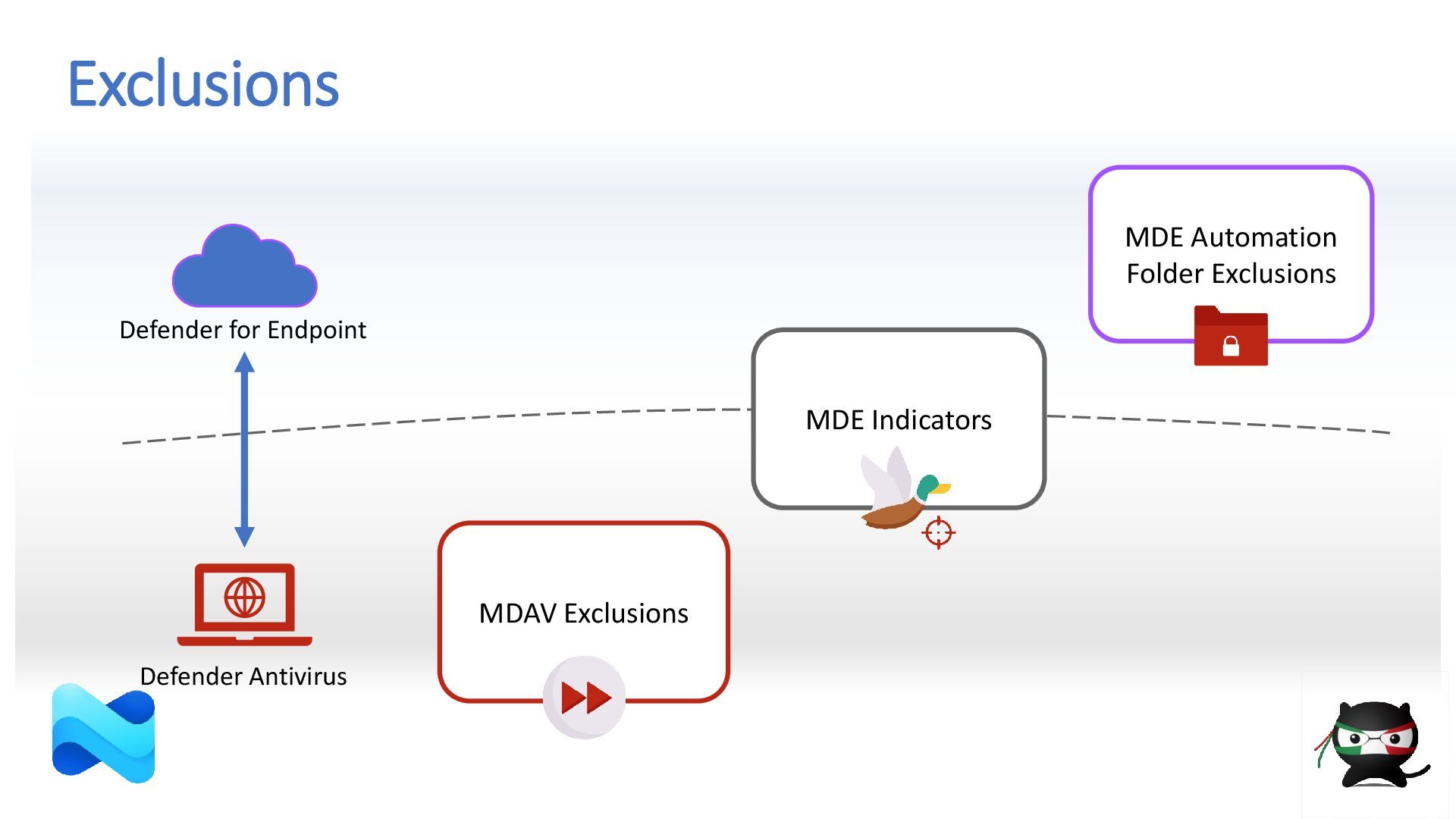
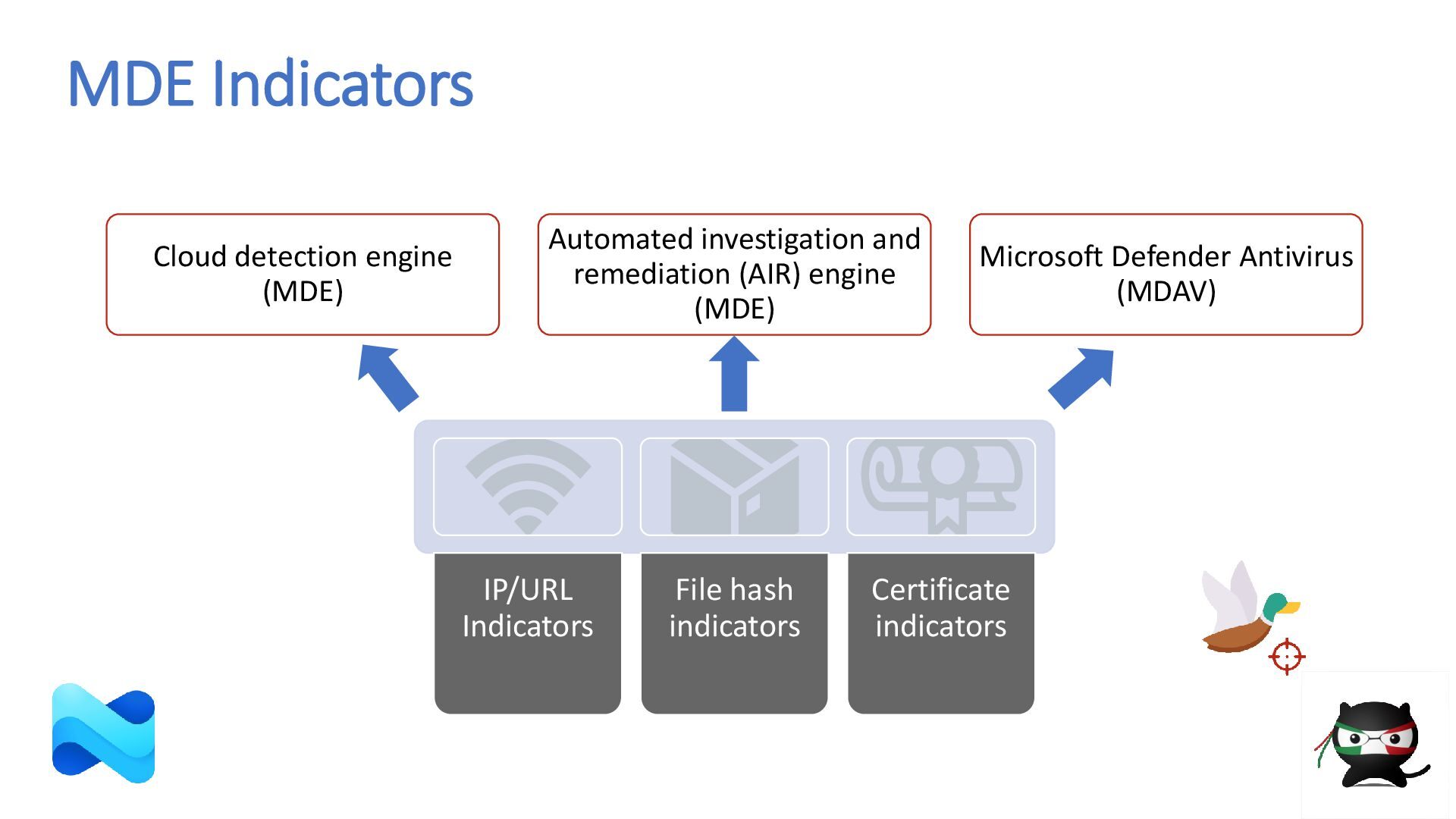
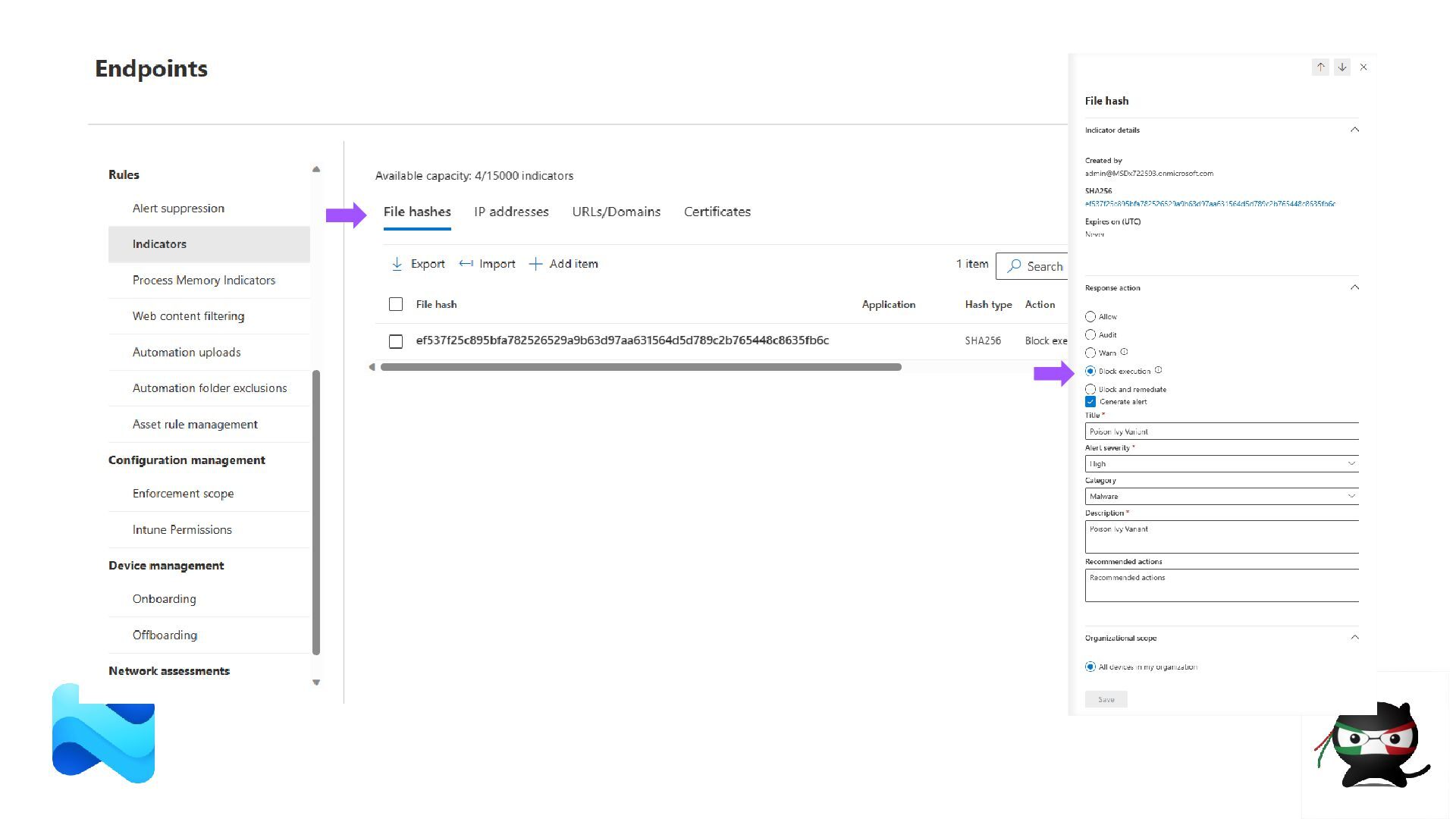
  13. MDE Indicators IP/URL Indicators File hash indicators Certificate indicators Cloud

    detection engine (MDE) Automated investigation and remediation (AIR) engine (MDE) Microsoft Defender Antivirus (MDAV)
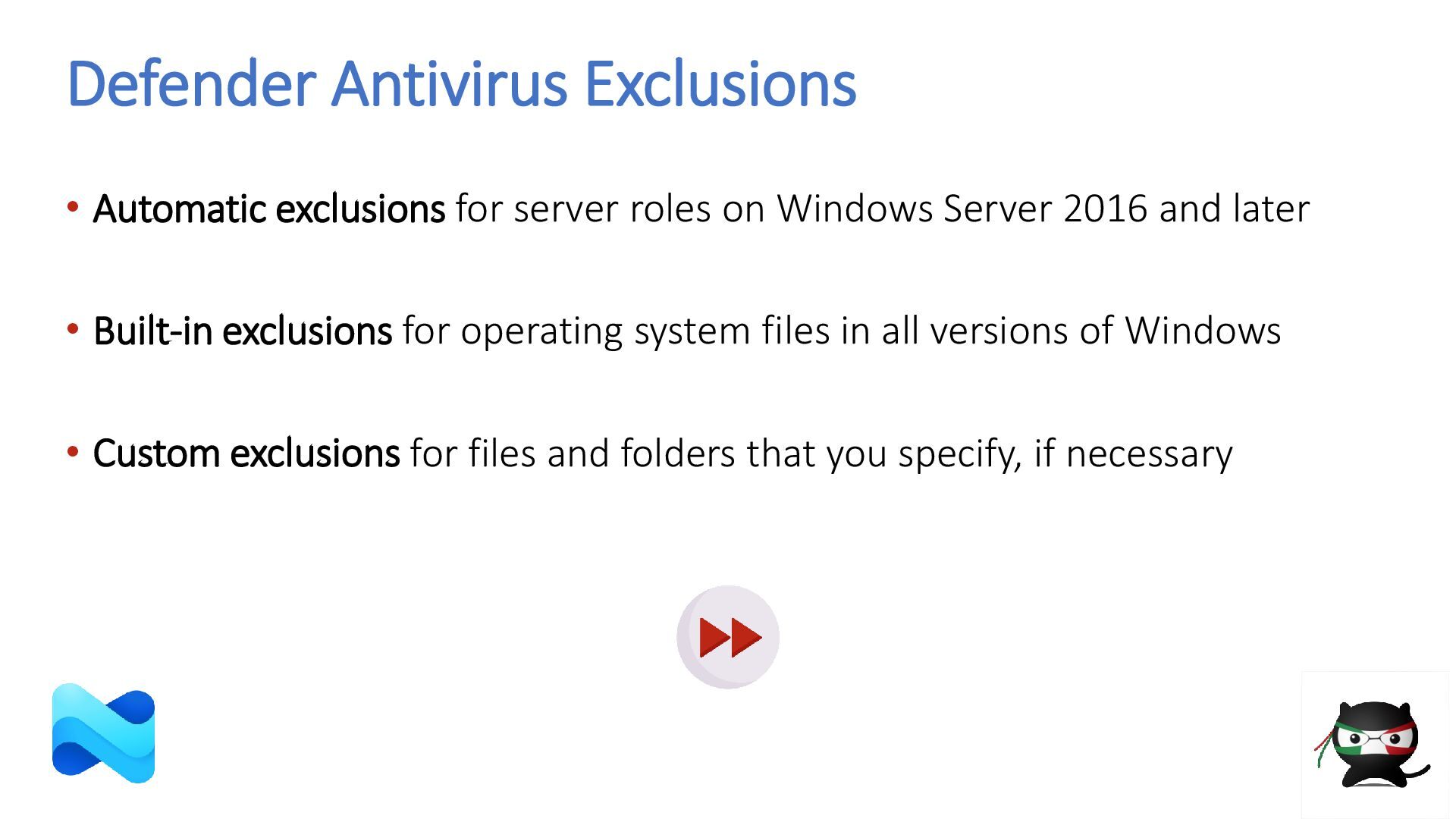
  14. Defender Antivirus Exclusions • Automatic exclusions for server roles on

    Windows Server 2016 and later • Built-in exclusions for operating system files in all versions of Windows • Custom exclusions for files and folders that you specify, if necessary
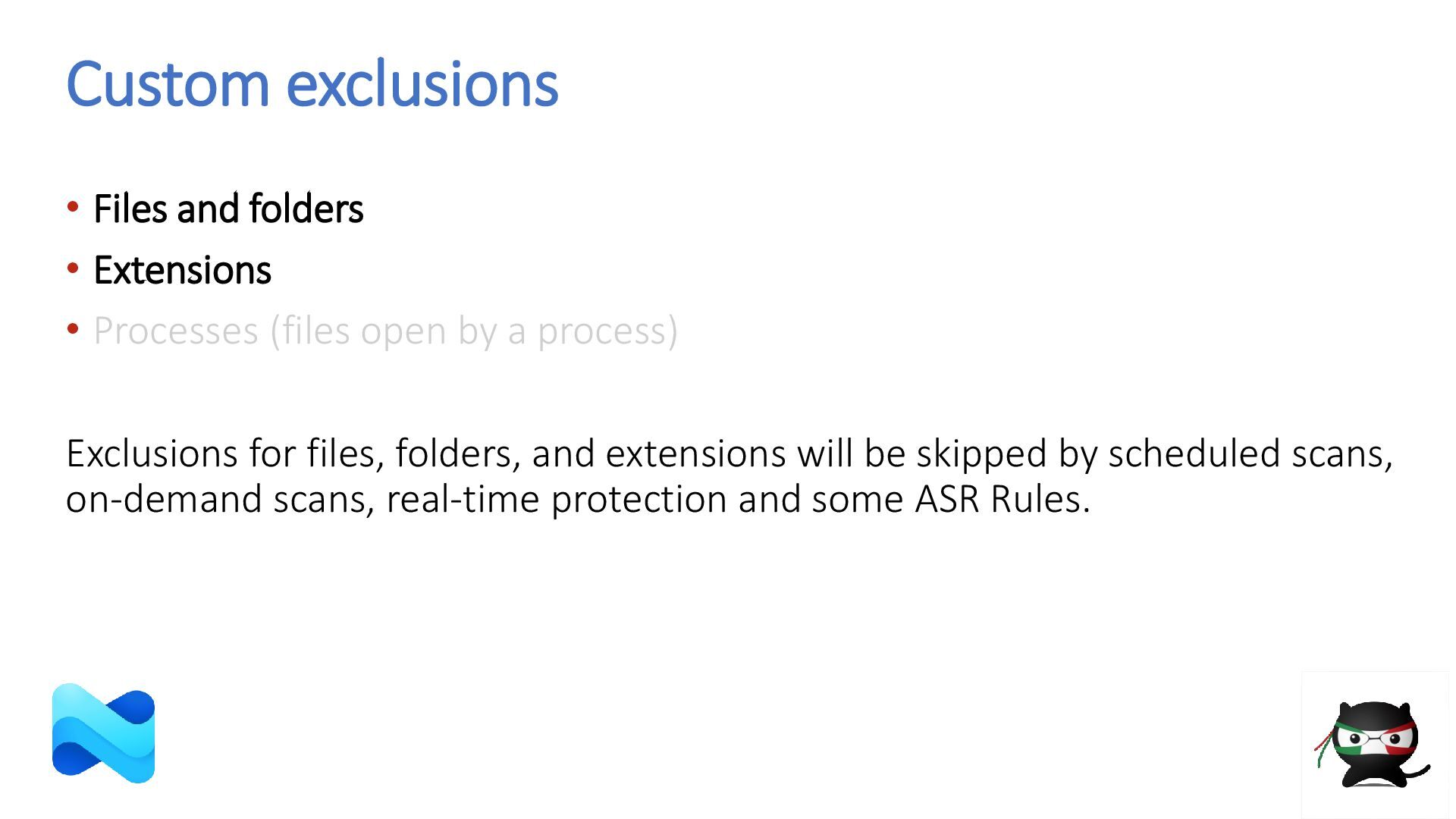
  15. Custom exclusions • Files and folders • Extensions • Processes

    (files open by a process) Exclusions for files, folders, and extensions will be skipped by scheduled scans, on-demand scans, real-time protection and some ASR Rules.
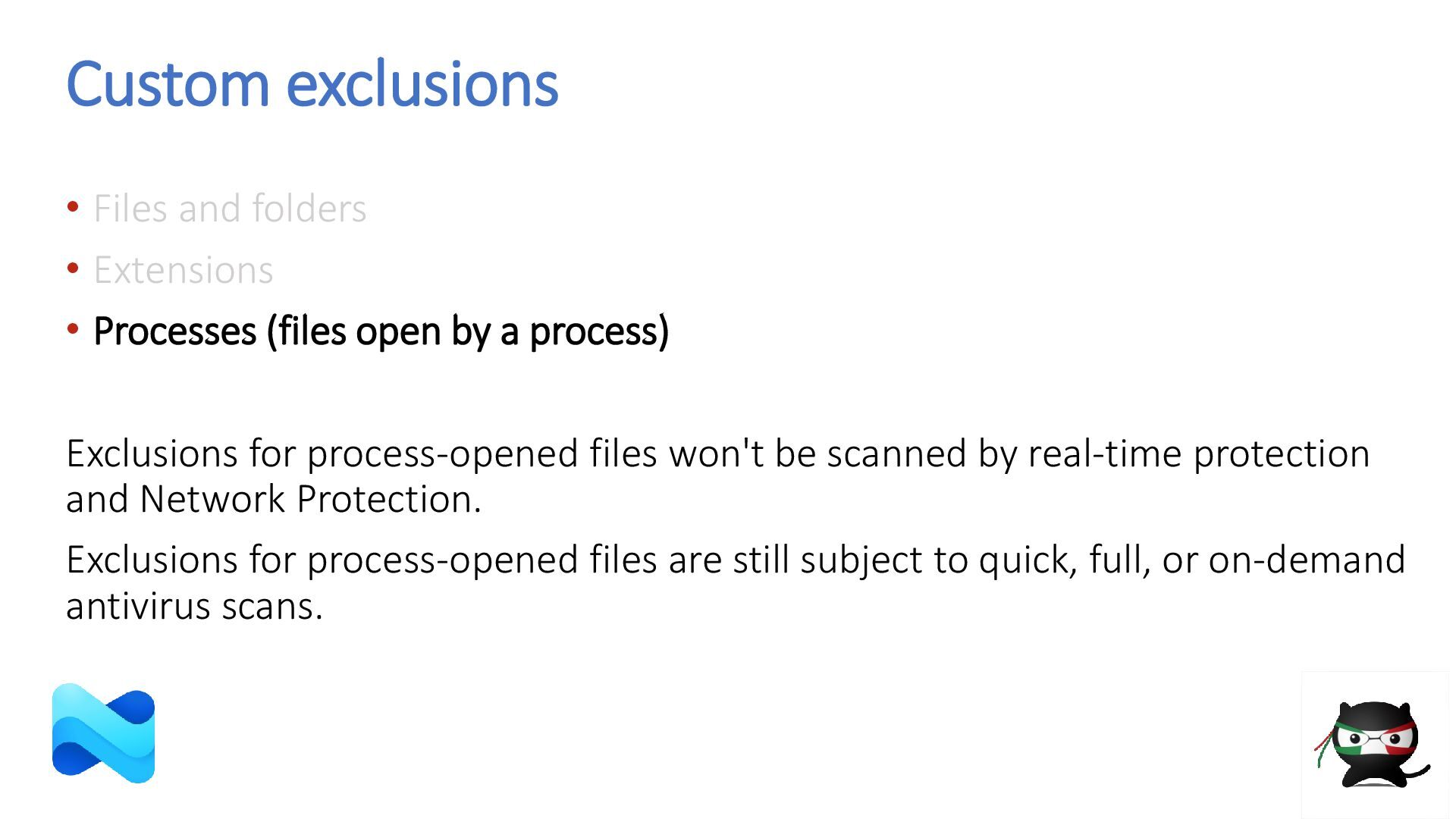
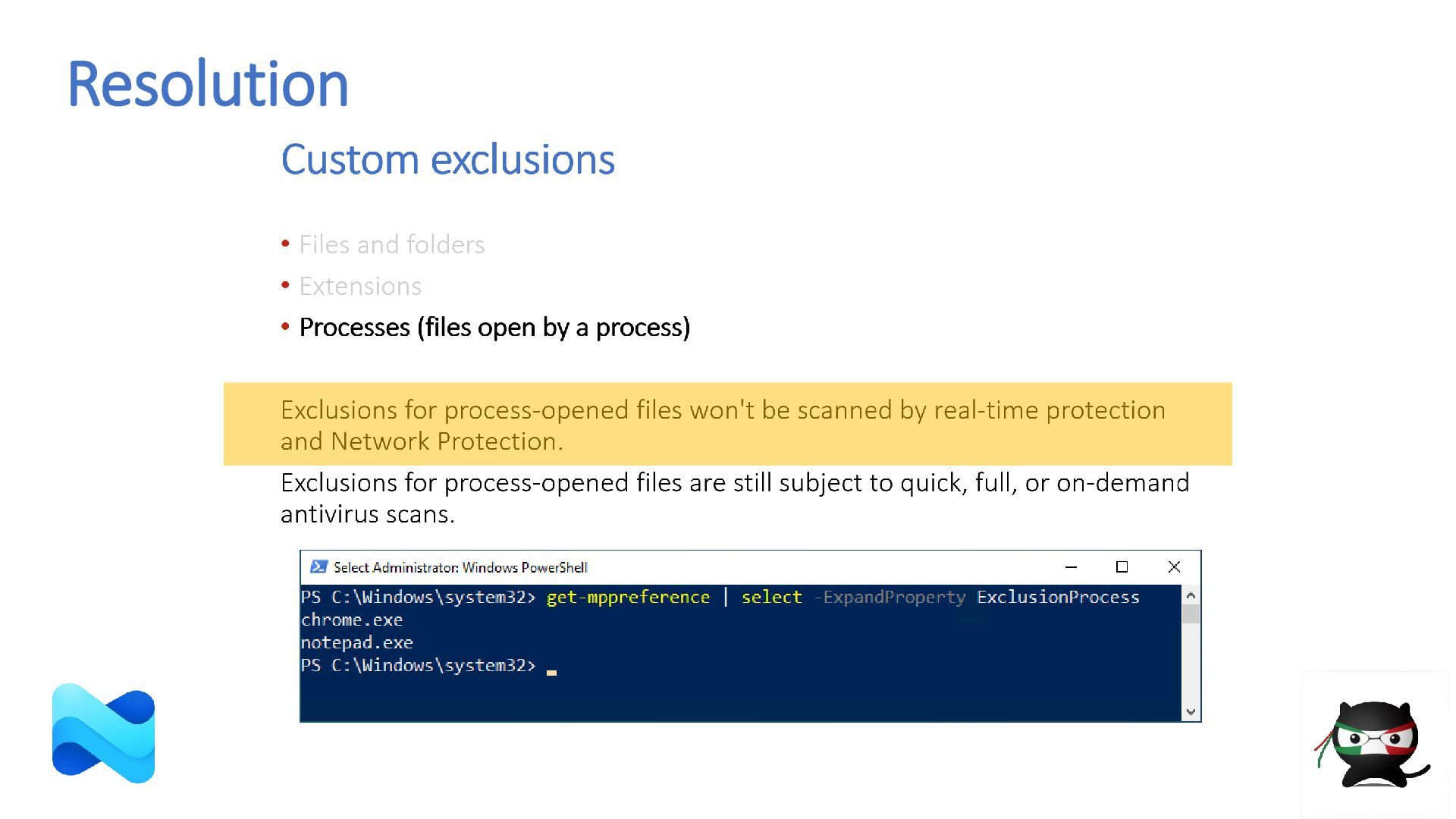
  16. Custom exclusions • Files and folders • Extensions • Processes

    (files open by a process) Exclusions for process-opened files won't be scanned by real-time protection and Network Protection. Exclusions for process-opened files are still subject to quick, full, or on-demand antivirus scans.
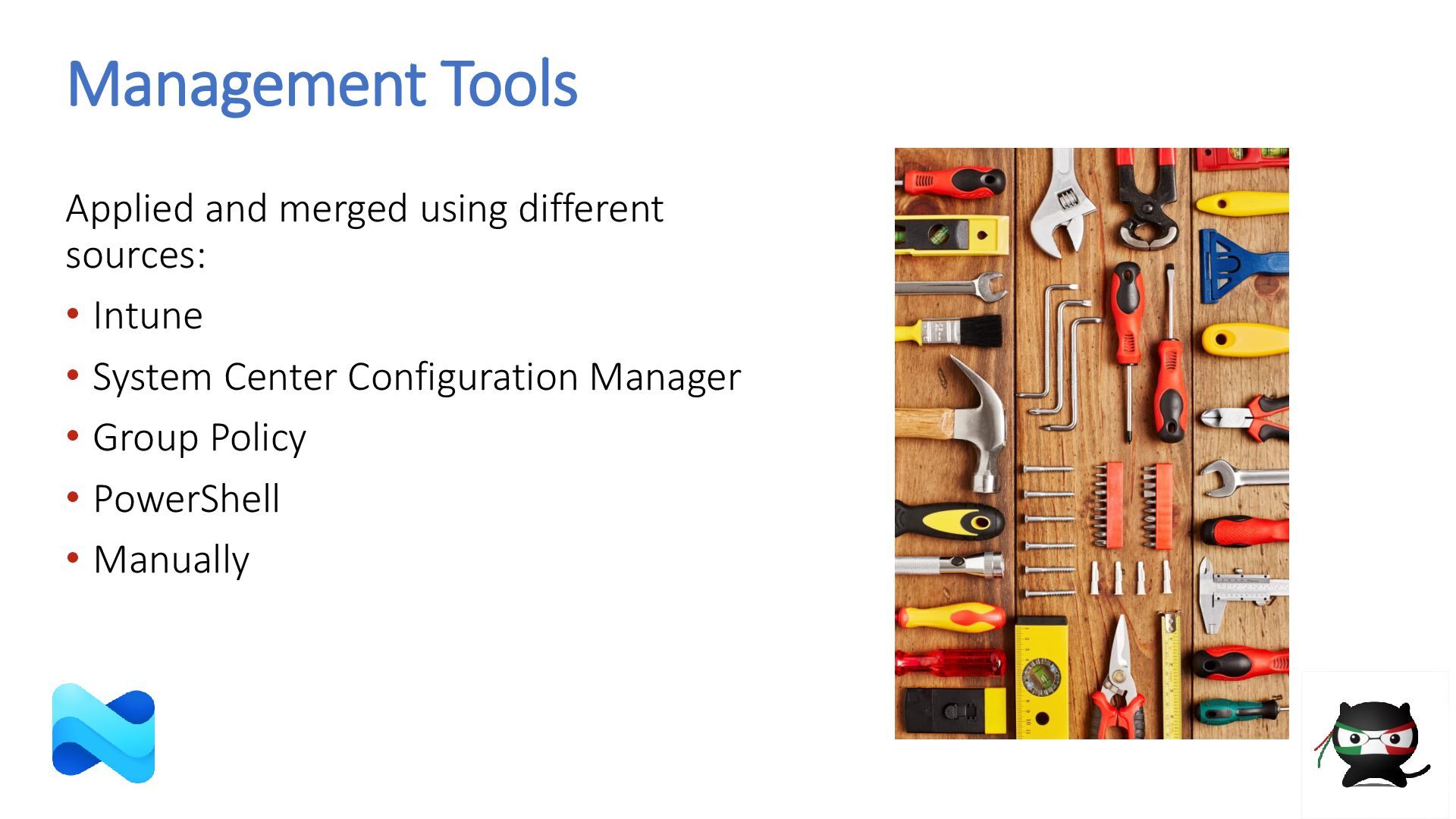
  17. Management Tools Applied and merged using different sources: • Intune

    • System Center Configuration Manager • Group Policy • PowerShell • Manually
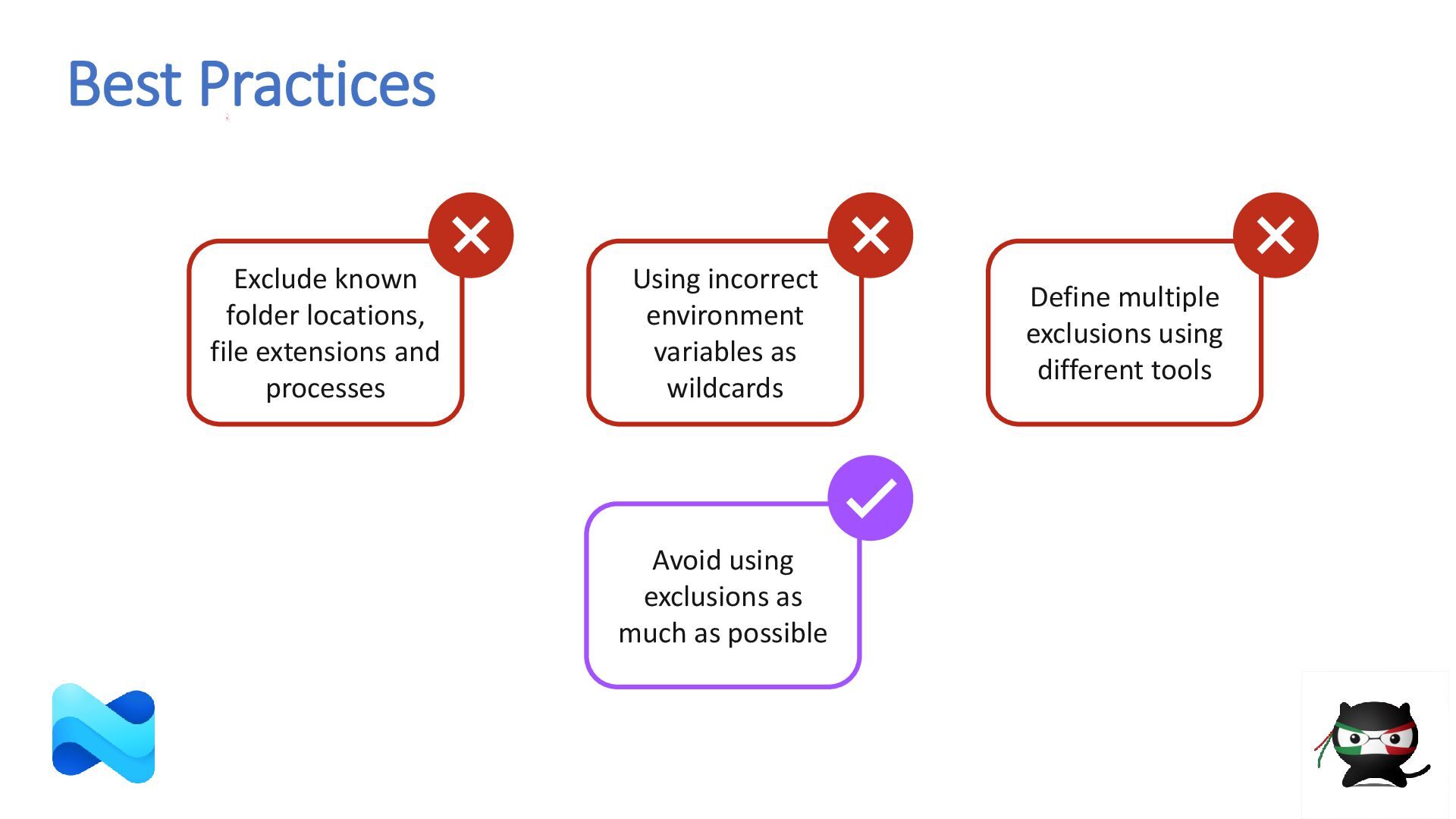
  18. Best Practices Avoid using exclusions as much as possible Define

    multiple exclusions using different tools Using incorrect environment variables as wildcards Exclude known folder locations, file extensions and processes
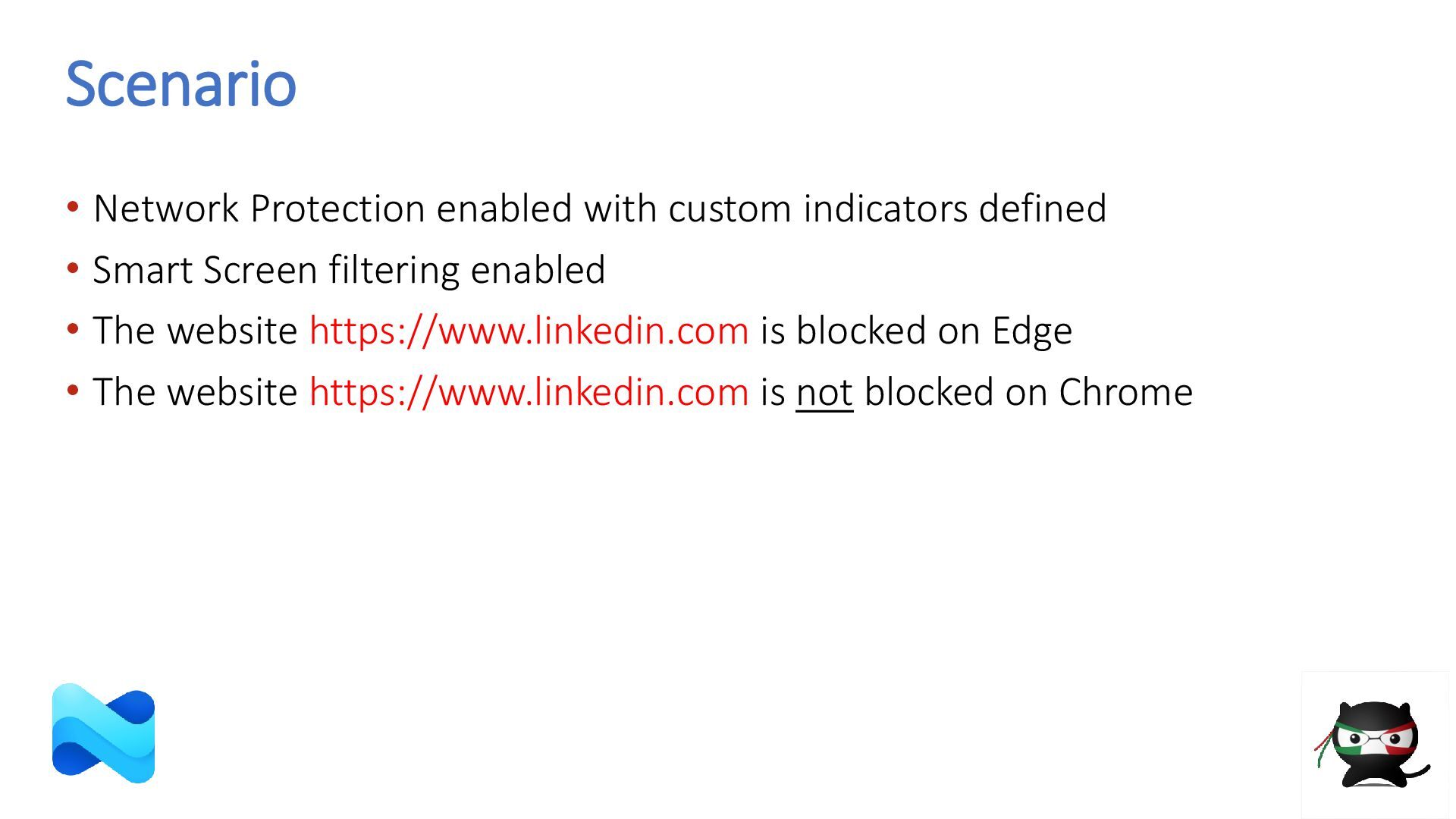
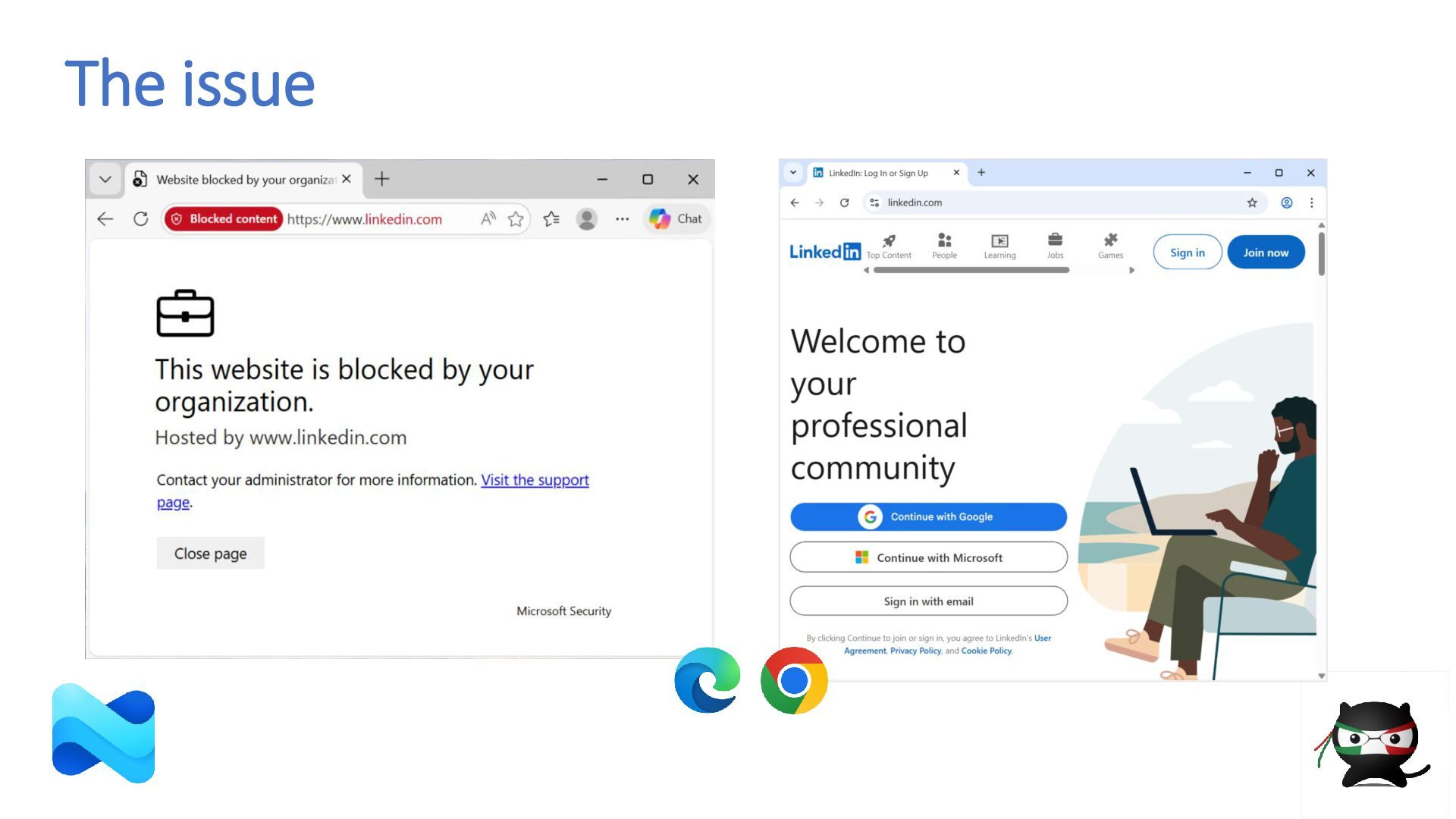
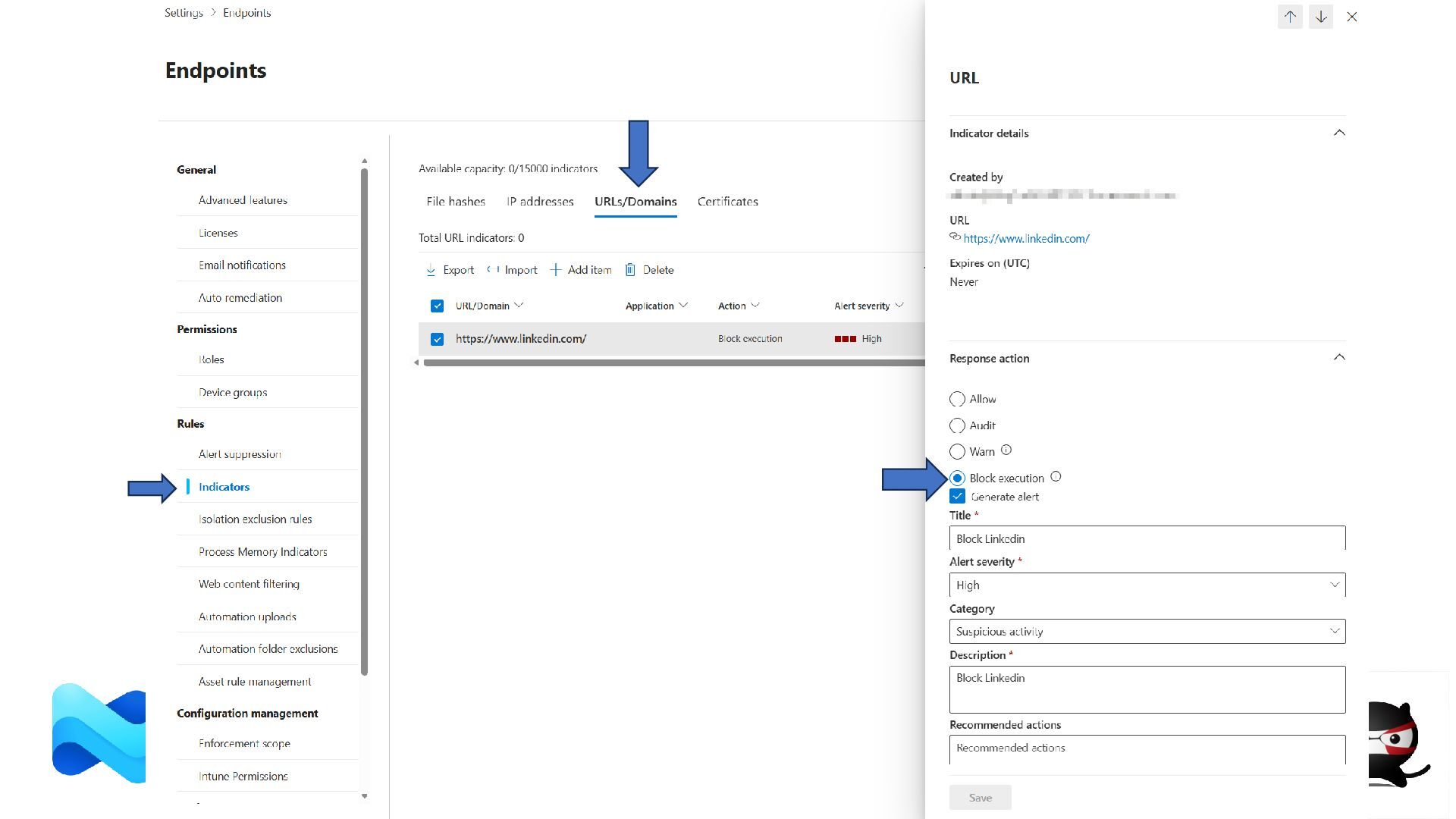
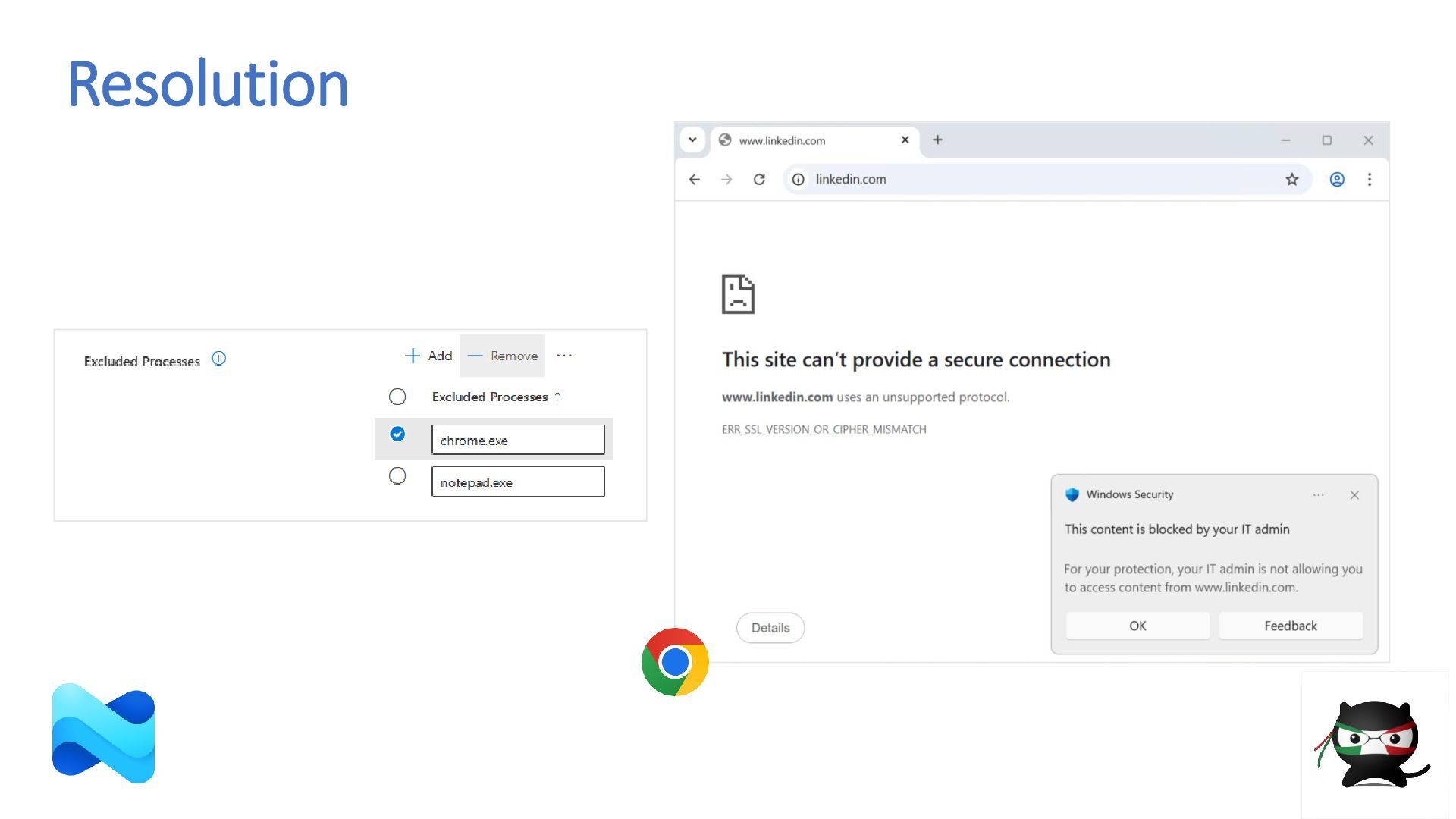
  19. Scenario • Network Protection enabled with custom indicators defined •

    Smart Screen filtering enabled • The website https://www.linkedin.com is blocked on Edge • The website https://www.linkedin.com is not blocked on Chrome
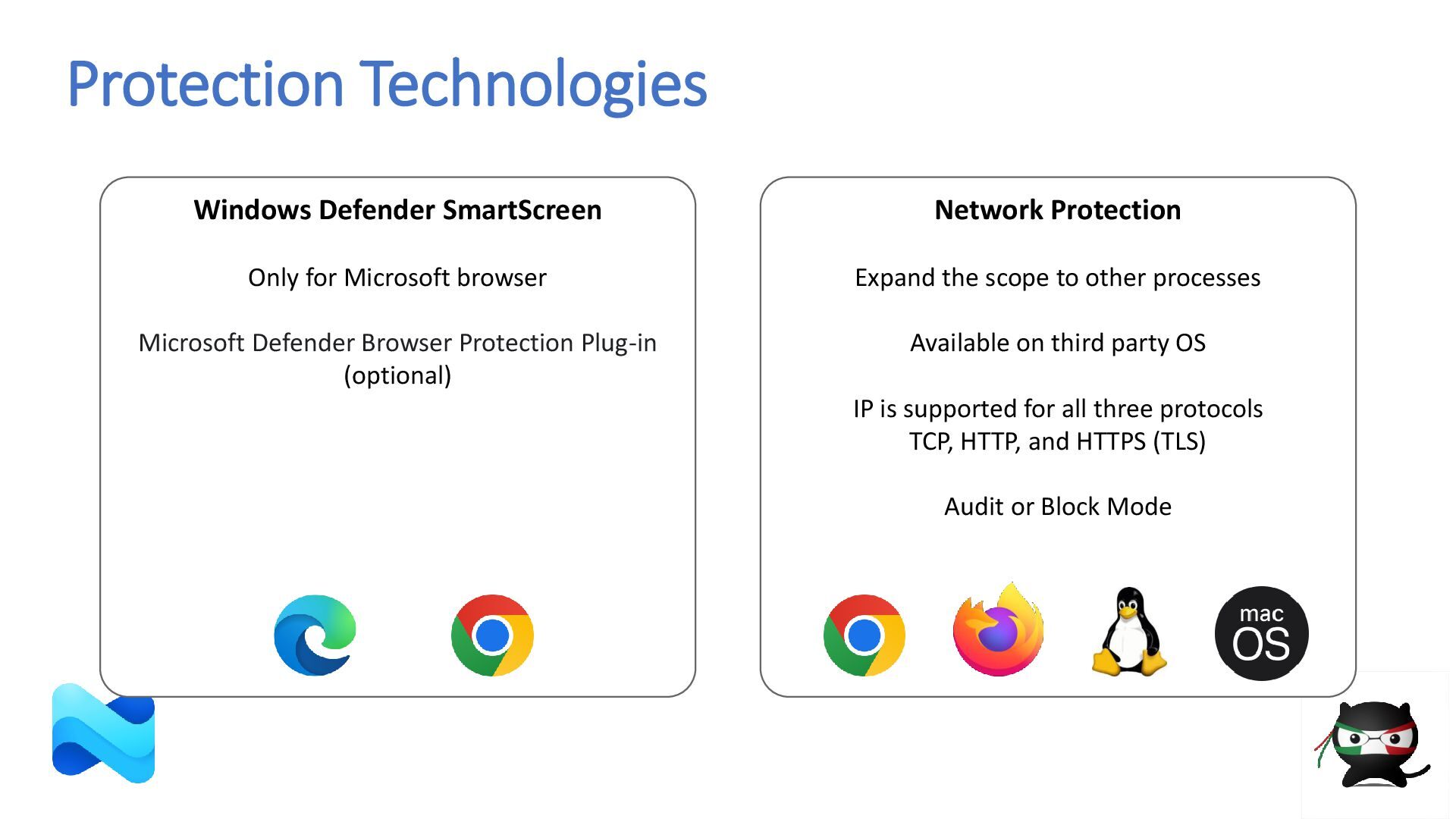
  20. Protection Technologies Network Protection Expand the scope to other processes

    Available on third party OS IP is supported for all three protocols TCP, HTTP, and HTTPS (TLS) Audit or Block Mode Windows Defender SmartScreen Only for Microsoft browser Microsoft Defender Browser Protection Plug-in (optional)
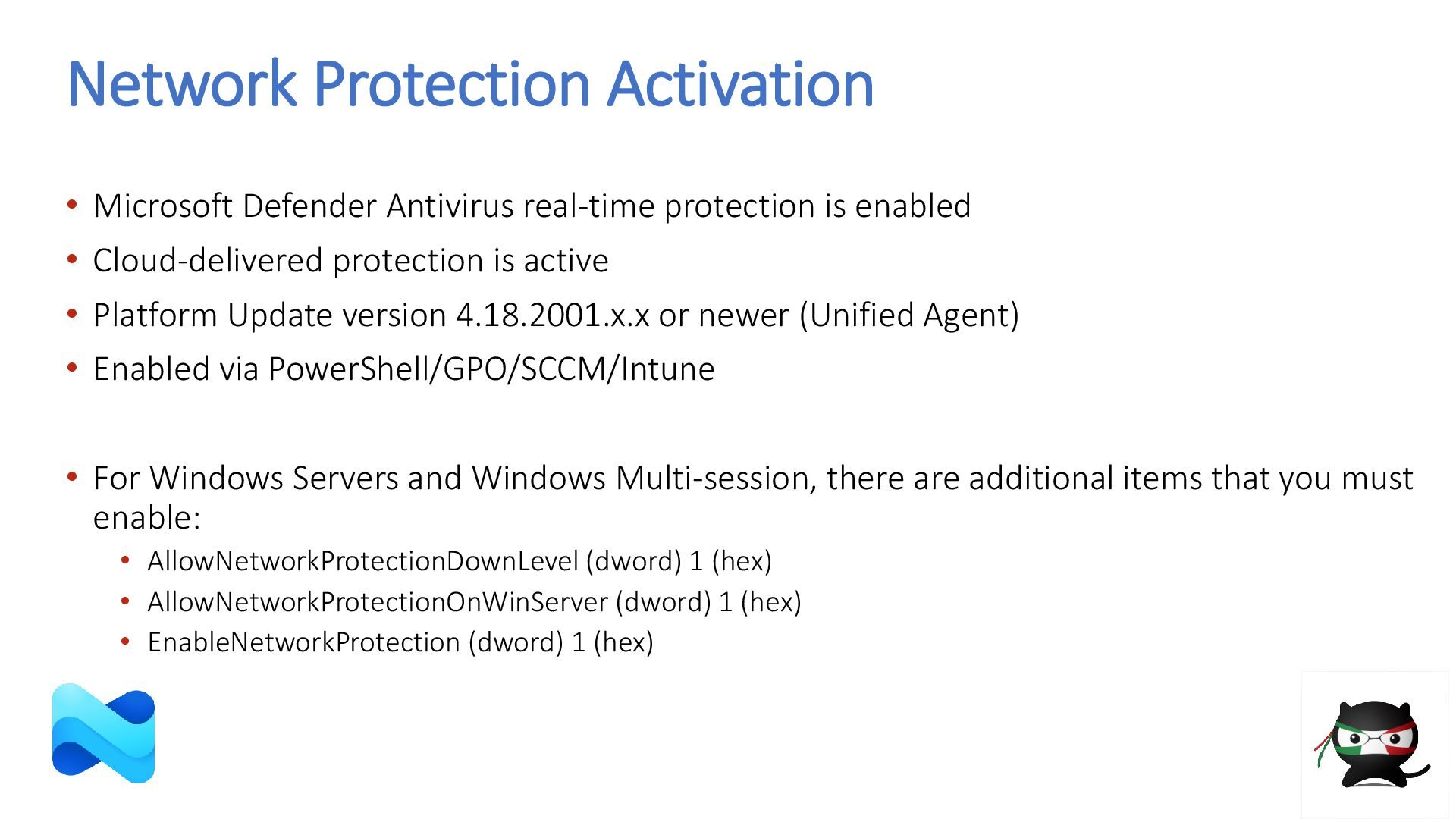
  21. Network Protection Activation • Microsoft Defender Antivirus real-time protection is

    enabled • Cloud-delivered protection is active • Platform Update version 4.18.2001.x.x or newer (Unified Agent) • Enabled via PowerShell/GPO/SCCM/Intune • For Windows Servers and Windows Multi-session, there are additional items that you must enable: • AllowNetworkProtectionDownLevel (dword) 1 (hex) • AllowNetworkProtectionOnWinServer (dword) 1 (hex) • EnableNetworkProtection (dword) 1 (hex)
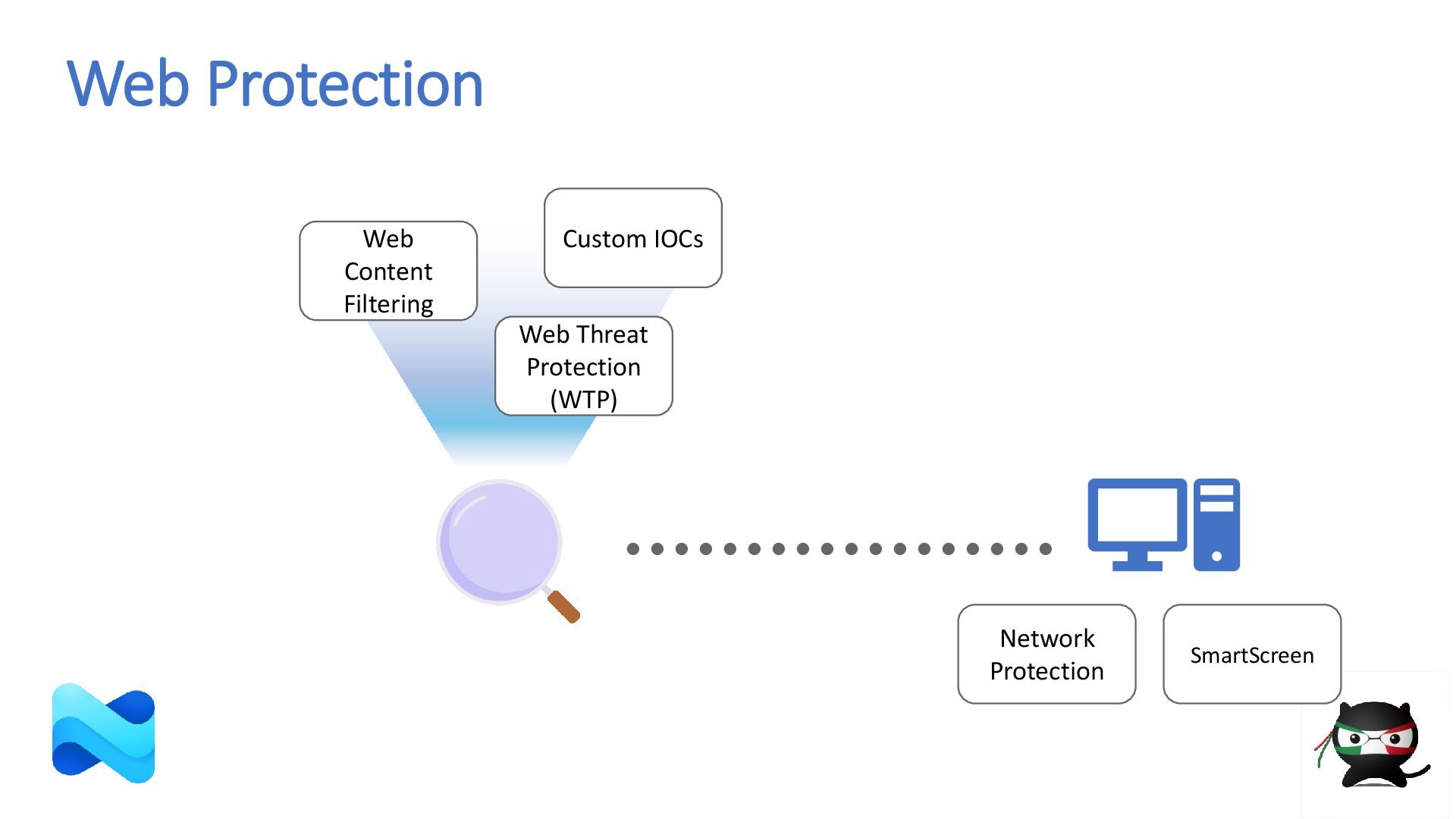
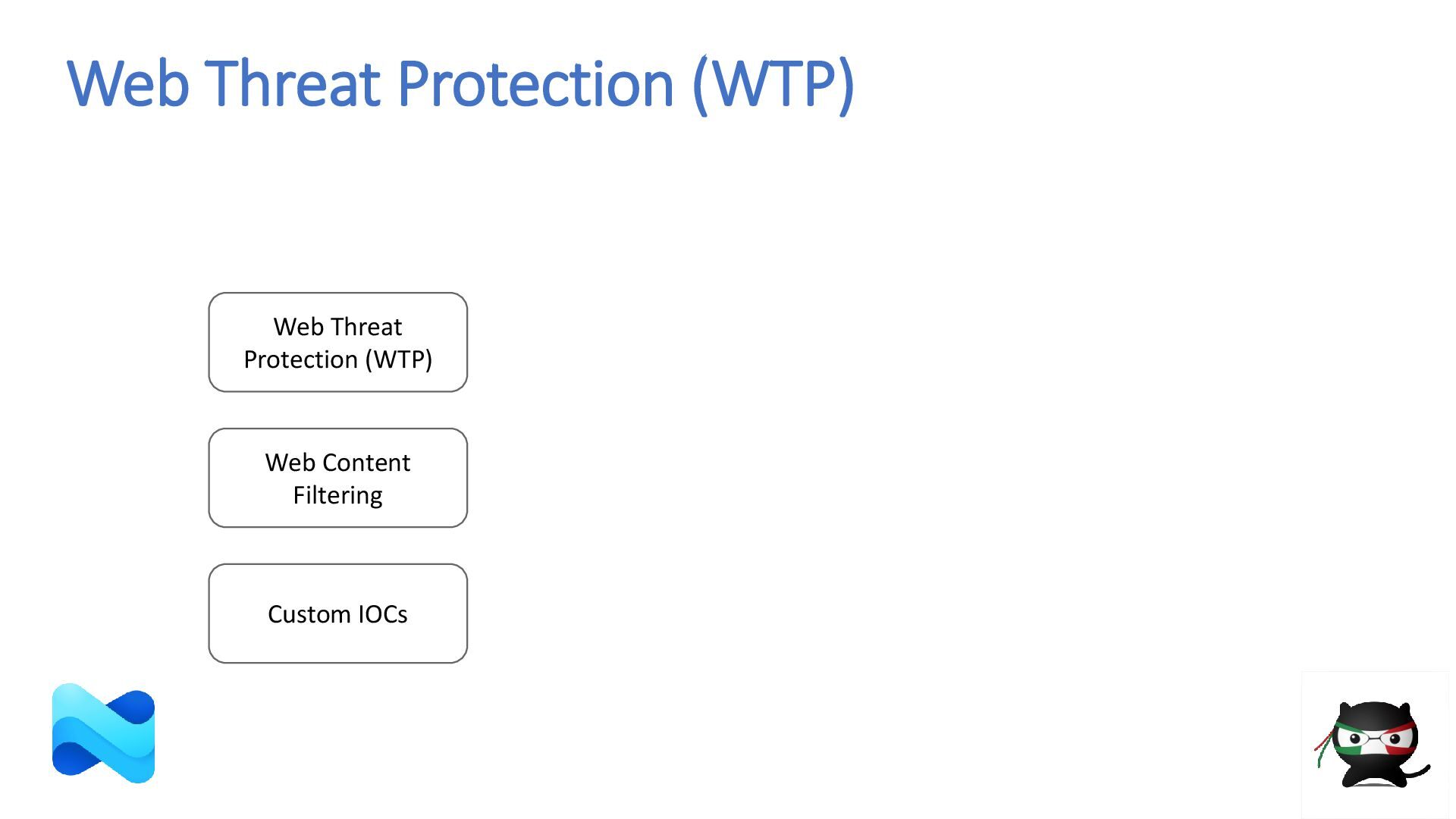
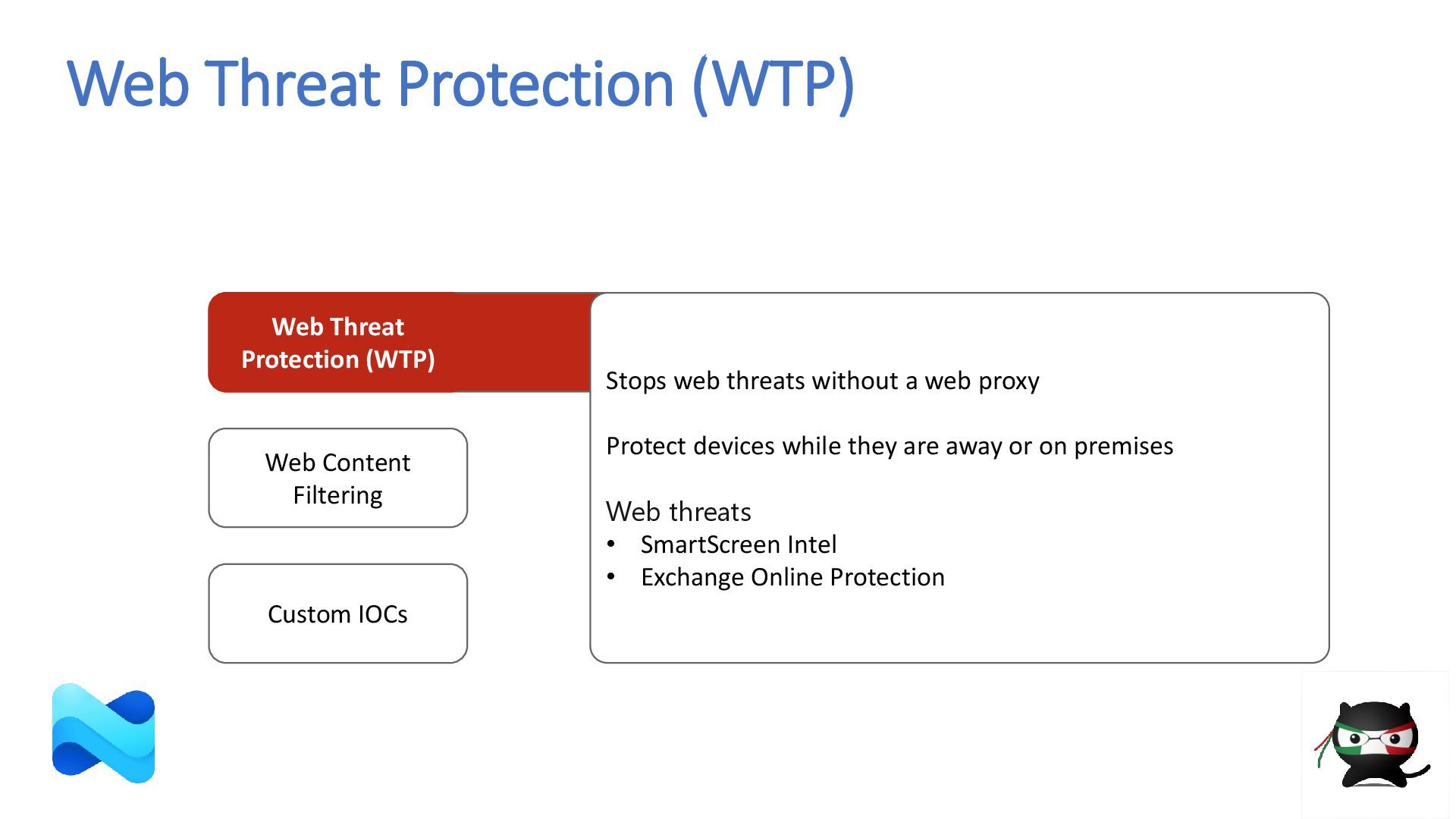
  22. Web Threat Protection (WTP) Custom IOCs Web Threat Protection (WTP)

    Web Content Filtering Stops web threats without a web proxy Protect devices while they are away or on premises Web threats • SmartScreen Intel • Exchange Online Protection
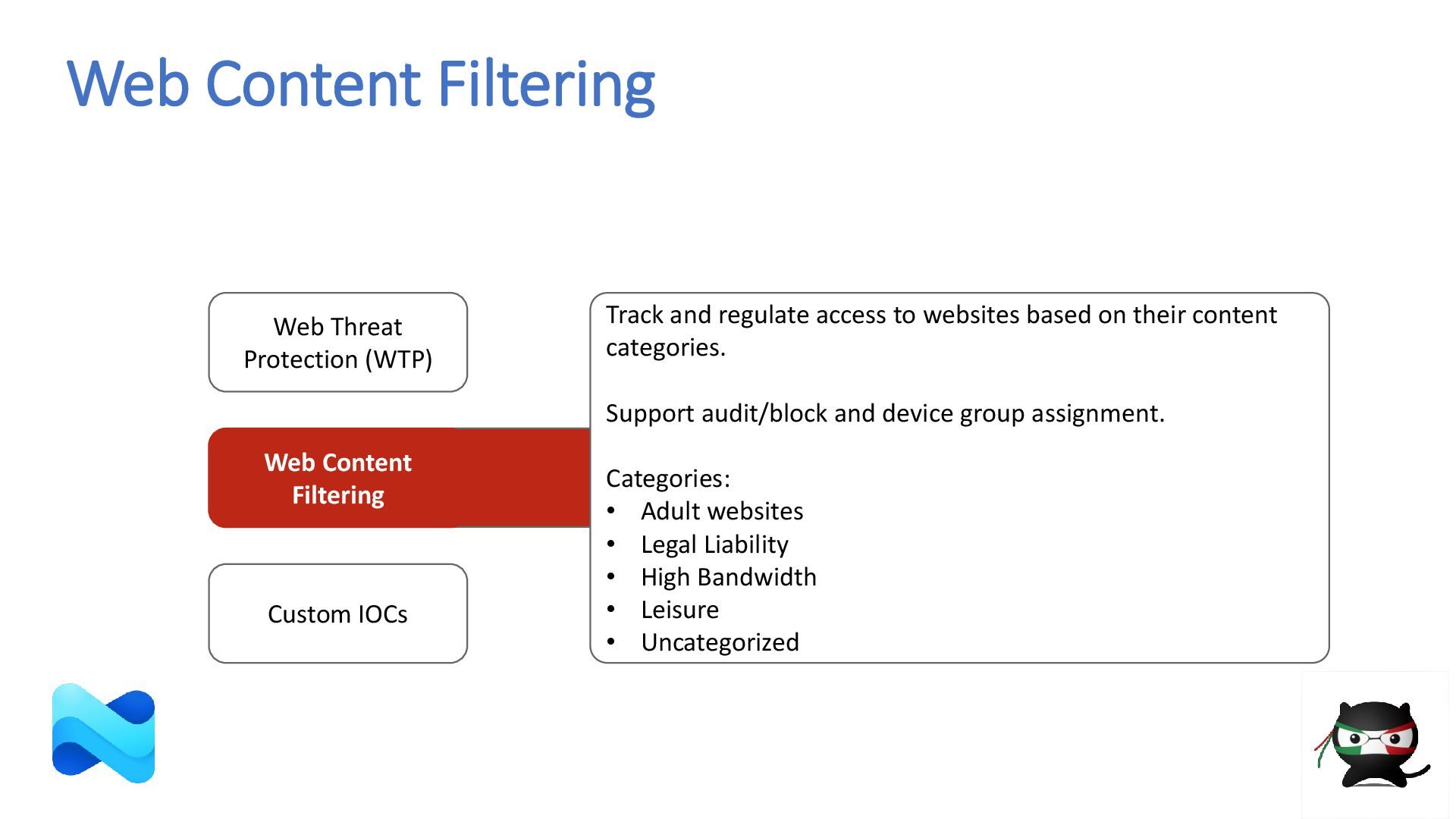
  23. Web Content Filtering Custom IOCs Web Threat Protection (WTP) Track

    and regulate access to websites based on their content categories. Support audit/block and device group assignment. Categories: • Adult websites • Legal Liability • High Bandwidth • Leisure • Uncategorized Web Content Filtering
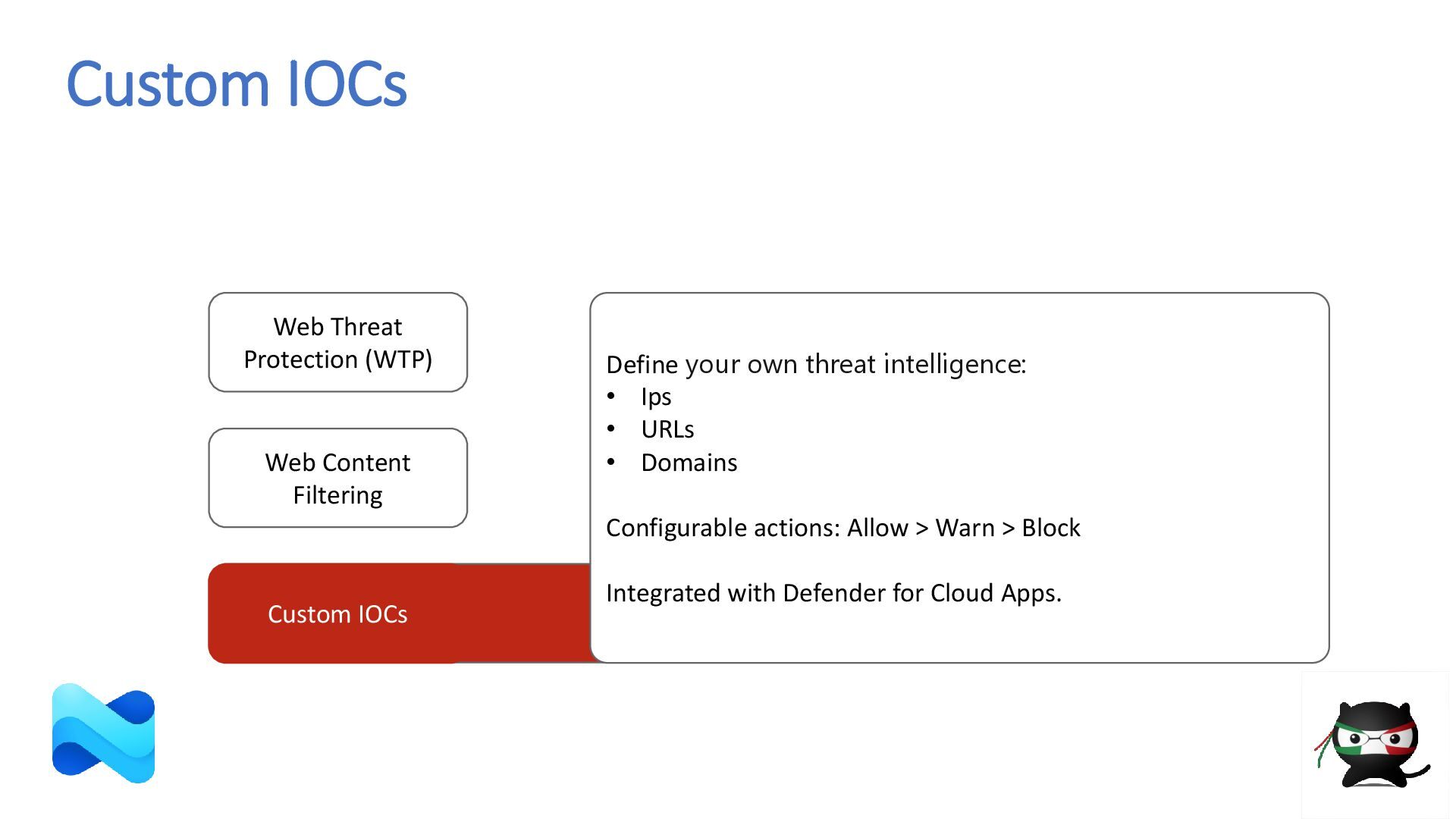
  24. Custom IOCs Web Threat Protection (WTP) Web Content Filtering Define

    your own threat intelligence: • Ips • URLs • Domains Configurable actions: Allow > Warn > Block Integrated with Defender for Cloud Apps. Custom IOCs
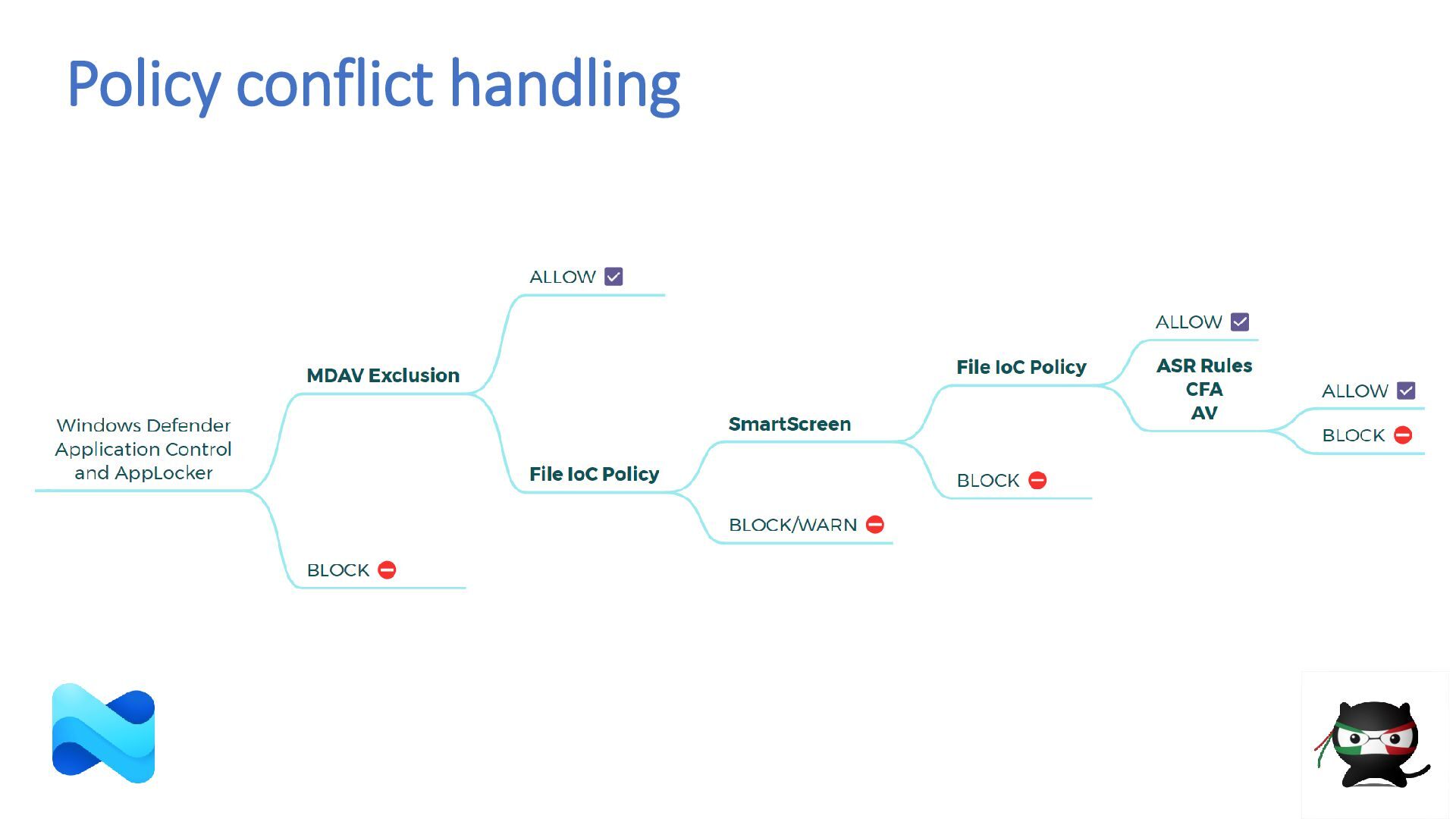
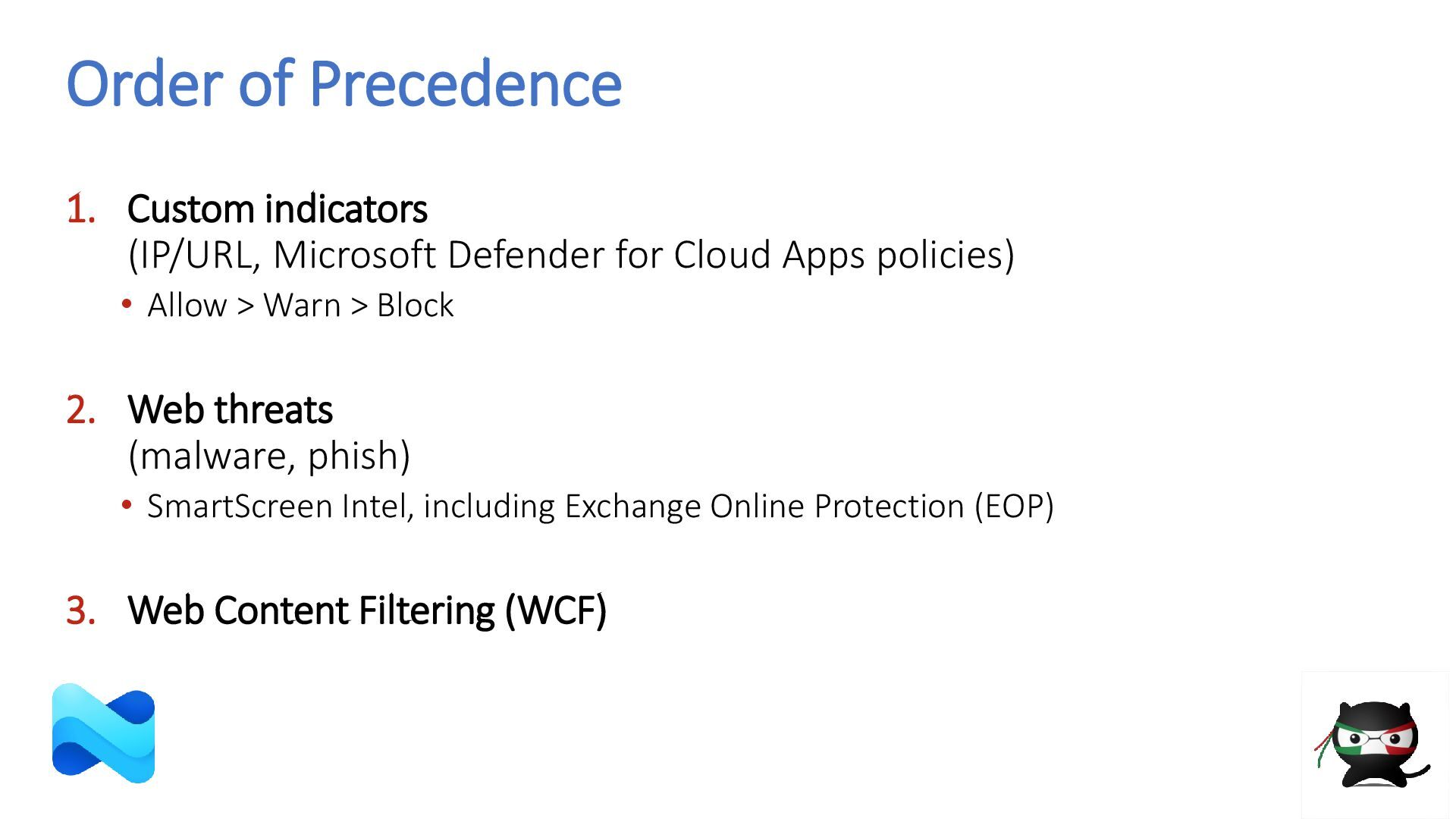
  25. Order of Precedence 1. Custom indicators (IP/URL, Microsoft Defender for

    Cloud Apps policies) • Allow > Warn > Block 2. Web threats (malware, phish) • SmartScreen Intel, including Exchange Online Protection (EOP) 3. Web Content Filtering (WCF)
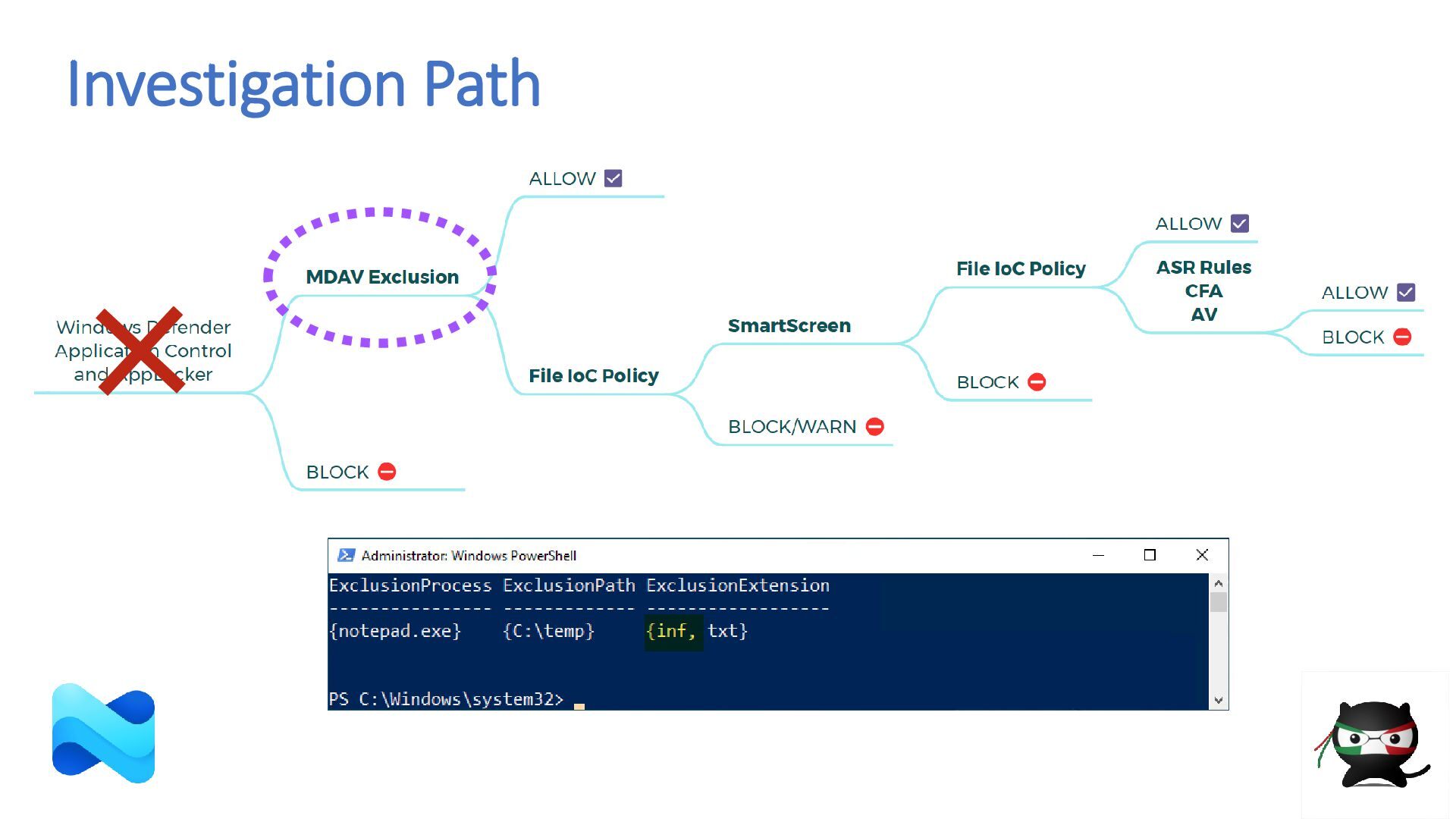
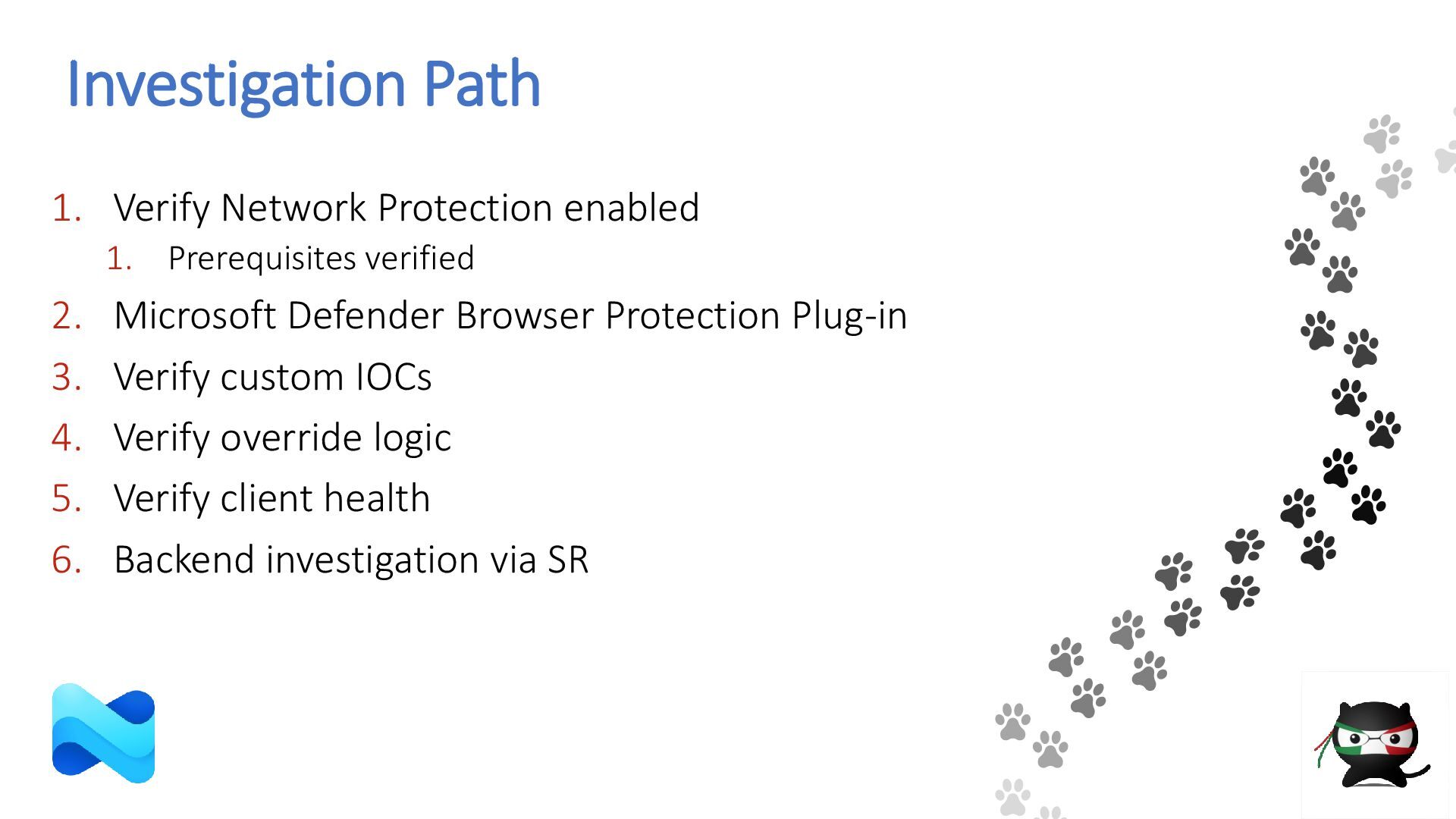
  26. Investigation Path 1. Verify Network Protection enabled 1. Prerequisites verified

    2. Microsoft Defender Browser Protection Plug-in 3. Verify custom IOCs 4. Verify override logic 5. Verify client health 6. Backend investigation via SR
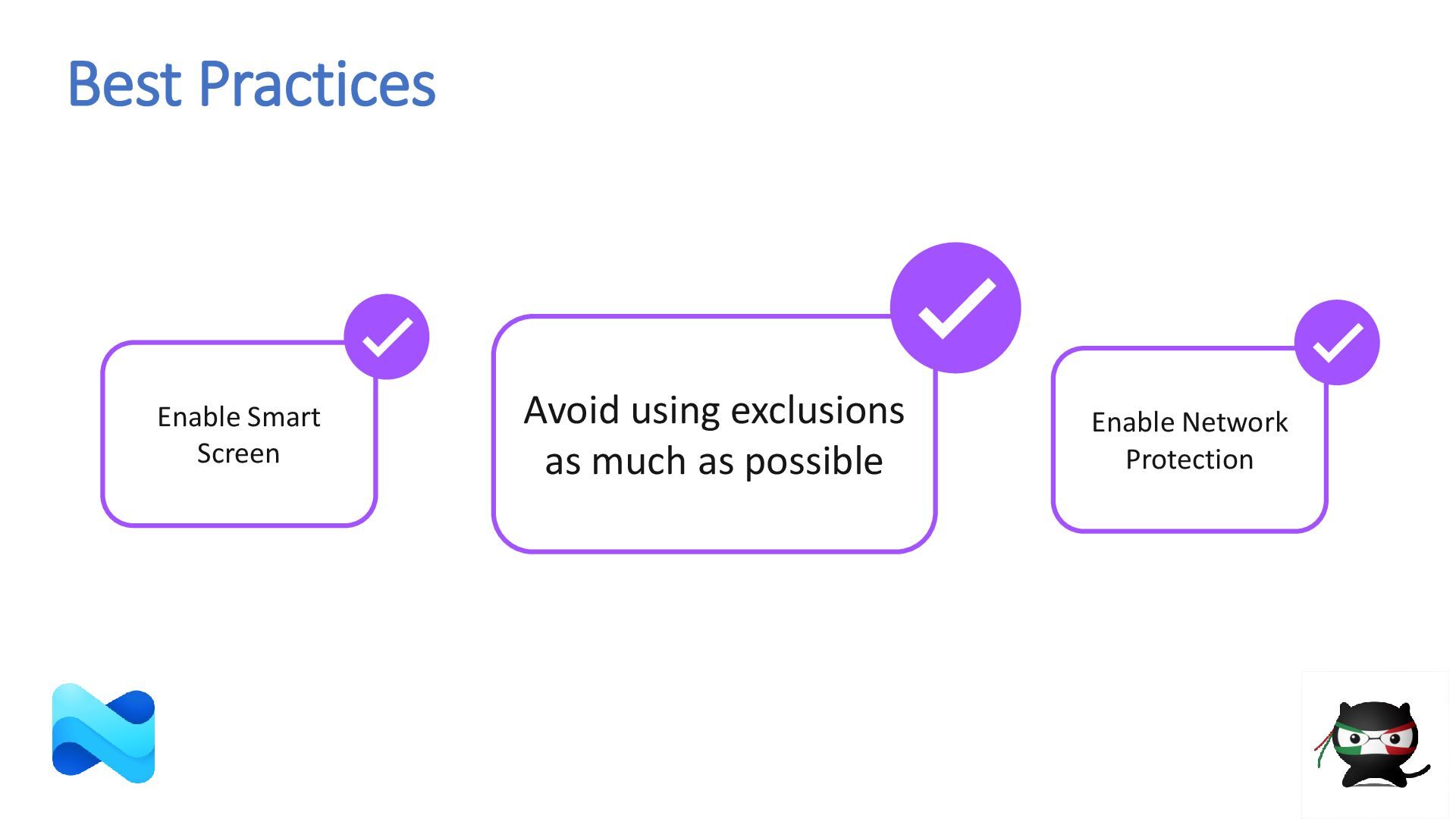
  27. Avoid using exclusions as much as possible Enable Smart Screen

    Enable Network Protection Best Practices
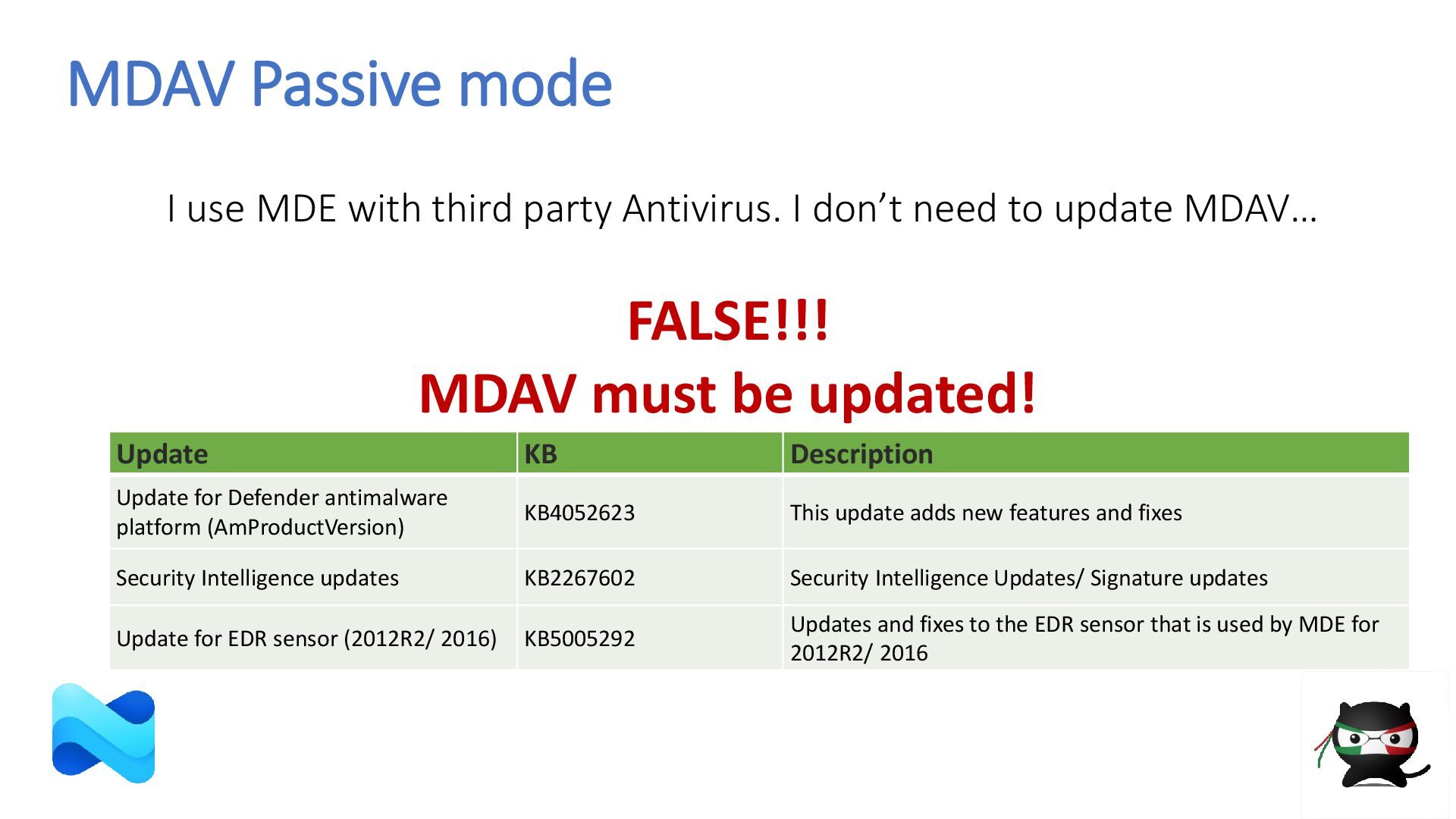
  28. MDAV Passive mode I use MDE with third party Antivirus.

    I don’t need to update MDAV… Update KB Description Update for Defender antimalware platform (AmProductVersion) KB4052623 This update adds new features and fixes Security Intelligence updates KB2267602 Security Intelligence Updates/ Signature updates Update for EDR sensor (2012R2/ 2016) KB5005292 Updates and fixes to the EDR sensor that is used by MDE for 2012R2/ 2016 FALSE!!! MDAV must be updated!
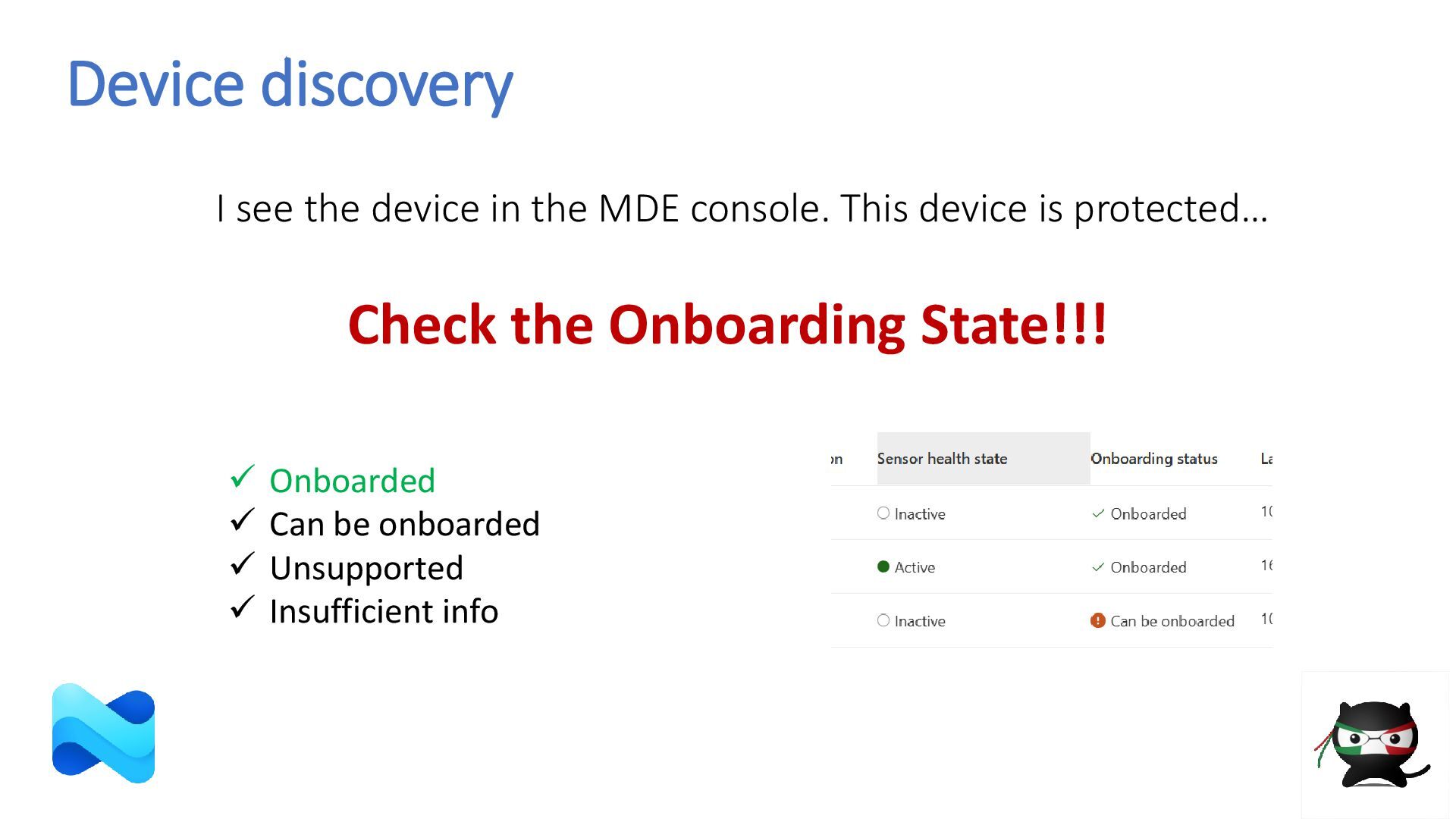
  29. Device discovery I see the device in the MDE console.

    This device is protected… Check the Onboarding State!!! ✓ Onboarded ✓ Can be onboarded ✓ Unsupported ✓ Insufficient info
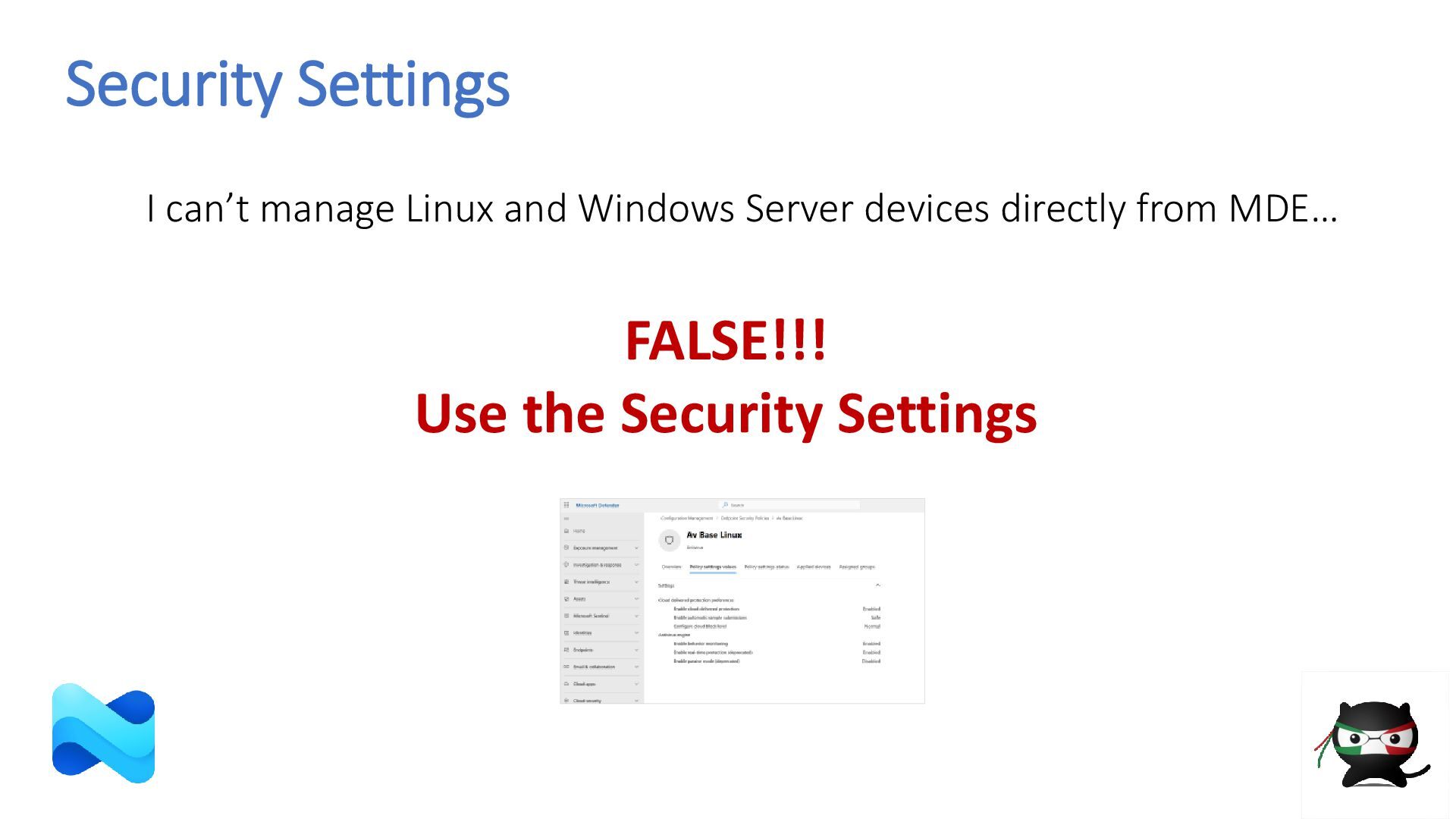
  30. Security Settings I can’t manage Linux and Windows Server devices

    directly from MDE… FALSE!!! Use the Security Settings
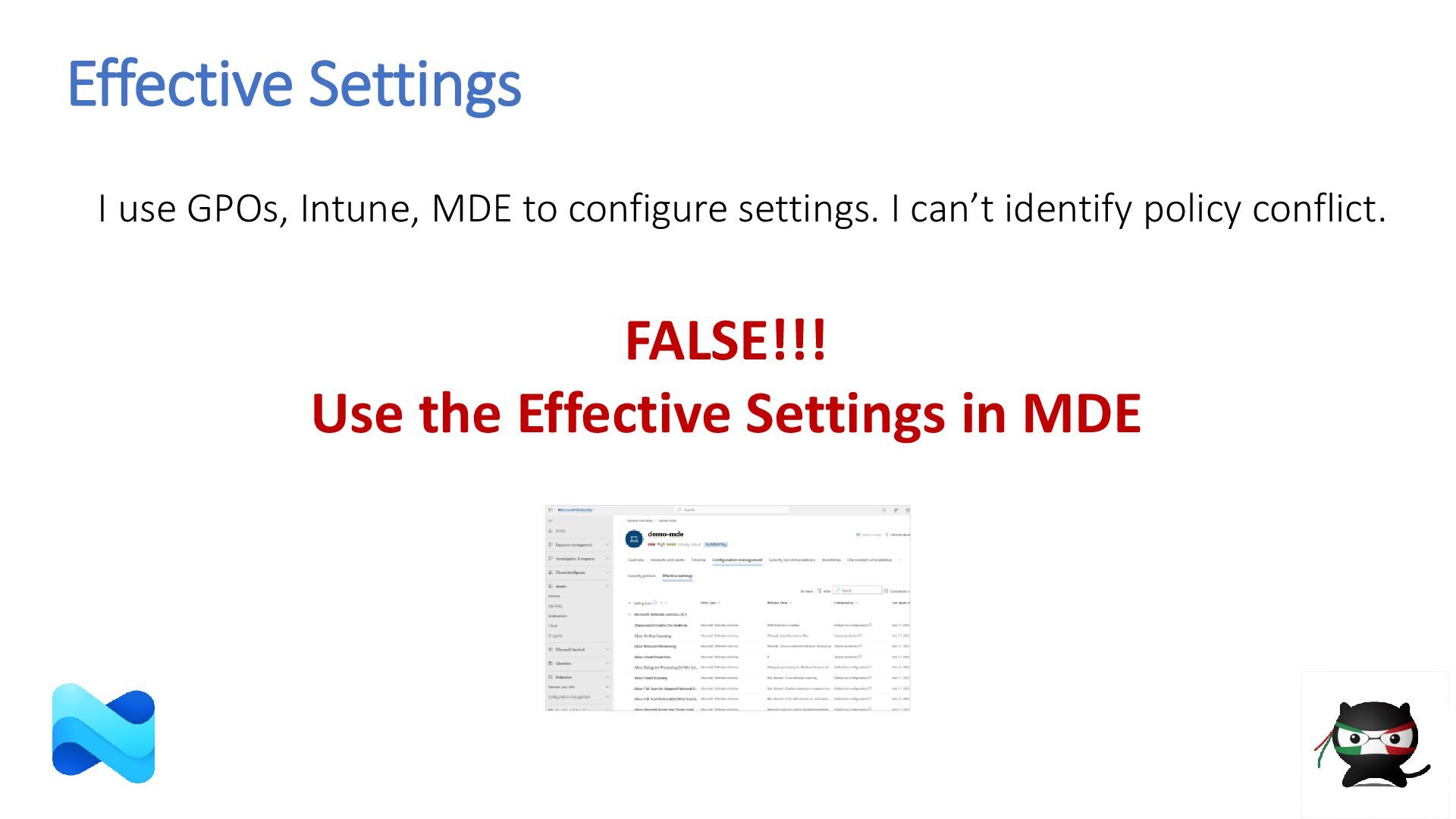
  31. Effective Settings I use GPOs, Intune, MDE to configure settings.

    I can’t identify policy conflict. FALSE!!! Use the Effective Settings in MDE
  32. This presentation is an evolving document developed collaboratively over time

    and may be updated as needed. It has been prepared for educational and informational purposes only. In the event of any discrepancy between the content of this presentation and official documentation, the official documentation shall take precedence.