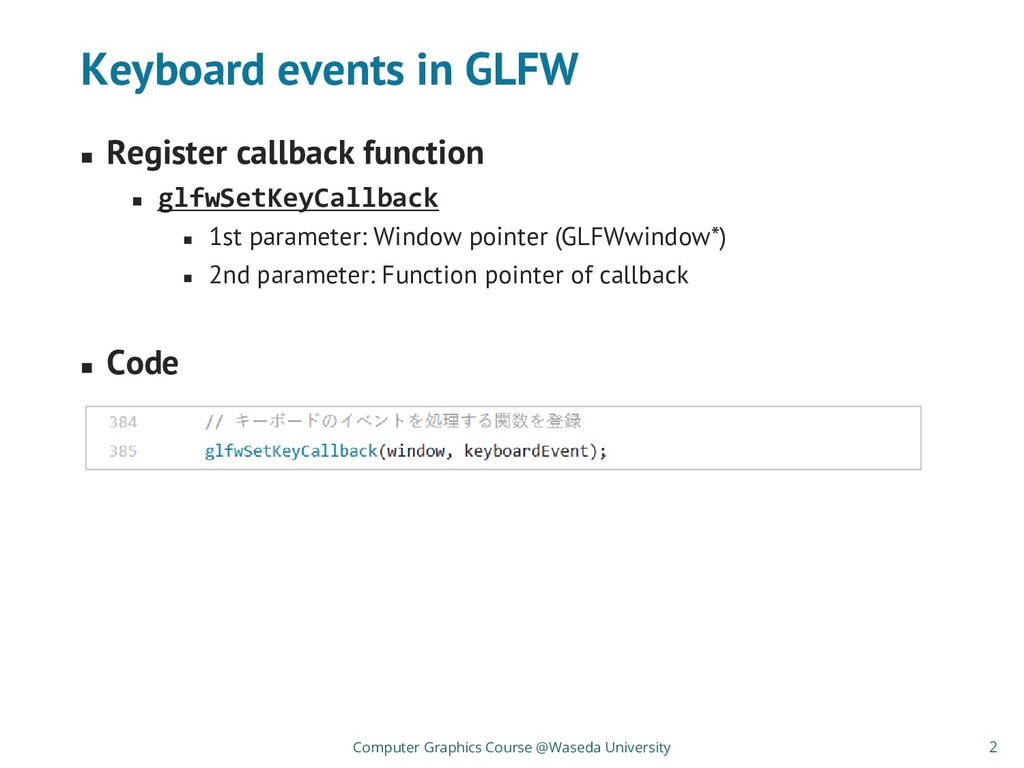
◼ 1st: Window pointer ◼ 2nd: Key type (ASCII code is stored) ◼ 3rd: Platform-dependent scan code (not used) ◼ 4th: Key is pressed or released? ◼ 5th: Status of special keys (Shift, Ctrl, Alt) ◼ Code Computer Graphics Course @Waseda University (Simple key press and print its type and action) 3
is defined as an enumeration. ◼ e.g.) “A” → GLFW_KEY_A, “1” → GLFW_KEY_1 ◼ GLFW_KEY_X is defined by ASCII codes(*1) ◼ e.g.) GLFW_KEY_A → 0x41, GLFW_KEY_1 → 0x31 Computer Graphics Course @Waseda University *1) ASCII - Wikipedia https://en.wikipedia.org/wiki/ASCII By converting to char type, it can be printed as a character. 4
◼ Any key is pressed → GLFW_PRESS ◼ Any key is released → GLFW_RELEASE ◼ When key is kept pressed, key-pressed event is repeatedly detected. Computer Graphics Course @Waseda University 5
Shift key → GLFW_MOD_SHIFT (0x01) ◼ Ctrl key → GLFW_MOD_CONTROL (0x02) ◼ Alt key (Option in MacOS) → GLFW_MOD_ALT (0x04) ◼ Super key → GLFW_MOD_SUPER (0x08) (Super key = Windows key for Windows, Command key for MacOS) Computer Graphics Course @Waseda University Special key is defined as a bit mask. 6
callback with glfwSetMouseButtonCallback ◼ Parameters for callback function ◼ 1st: Window on which event is detected ◼ 2nd: Button type ◼ 3rd: Whether key is pressed or released ◼ 4th: Status of special keys ◼ Mouse move events ◼ Set callback with glfwSetCursorPosCallback ◼ Parameters for callback function ◼ 1st: Window on which event is detected ◼ 2nd: X-coordinate to which mouse moved ◼ 3rd: Y-coordinate to which mouse moved Computer Graphics Course @Waseda University 7
drag = mouse press + mouse move (before mouse release) ◼ Check mouse is keep pressed and then check it moves. ◼ ToDo ◼ Prepare a bool (global variable) to represent whether mouse button is pressed or not ◼ If button is pressed, set the bool as “true”. If button is released, set the button as “false”. ◼ If cursor position callback is called while the button is pressed, then the event is “drag”. Computer Graphics Course @Waseda University 10


 tatsy
tatsy
 pfn
pfn
 yama3133
 iktakahiro
 ama_ch
 recruitengineers
 colopl
 yamahiro
 occhi
occhi
 kaminashi
 cmusudakeisuke
 greenmidori
 chrislema
 marcelosomers
 baasie
 chriscoyier
 morganepeng
 mza
mza
 garrettdimon
 marcduiker
 kimpetersen
 sergeychernyshev
 portentint
 marktimemedia