Upgrade to Pro
— share decks privately, control downloads, hide ads and more …
Speaker Deck
Sign up for free
Menu
Search
Features
All features
Private URLs
Password Protection
Custom URLS
Scheduled publishing
Remove Branding
Restrict embedding
Deck Collections
Notes
Features
All features
Private URLs
Password Protection
Custom URLS
Scheduled publishing
Remove Branding
Restrict embedding
Deck Collections
Notes
Explore
Featured decks
Featured speakers
Programming
Technology
Storyboards
Explore
Featured decks
Featured speakers
Programming
Technology
Storyboards
Pricing
Search
Sign in
Sign up for free
私のRails開発環境
Search
Yasuo Honda
November 29, 2025
Technology
280
0
Share
Embed
Copy iframe code
Copy JS code
Copy link
Start on current slide
私のRails開発環境
Yasuo Honda
November 29, 2025
Transcript
16 slides
私の Rails 開発環境 Yasuo Honda TokyuRuby 会議 16 - Nov
29, 2025 #tqrk16 1
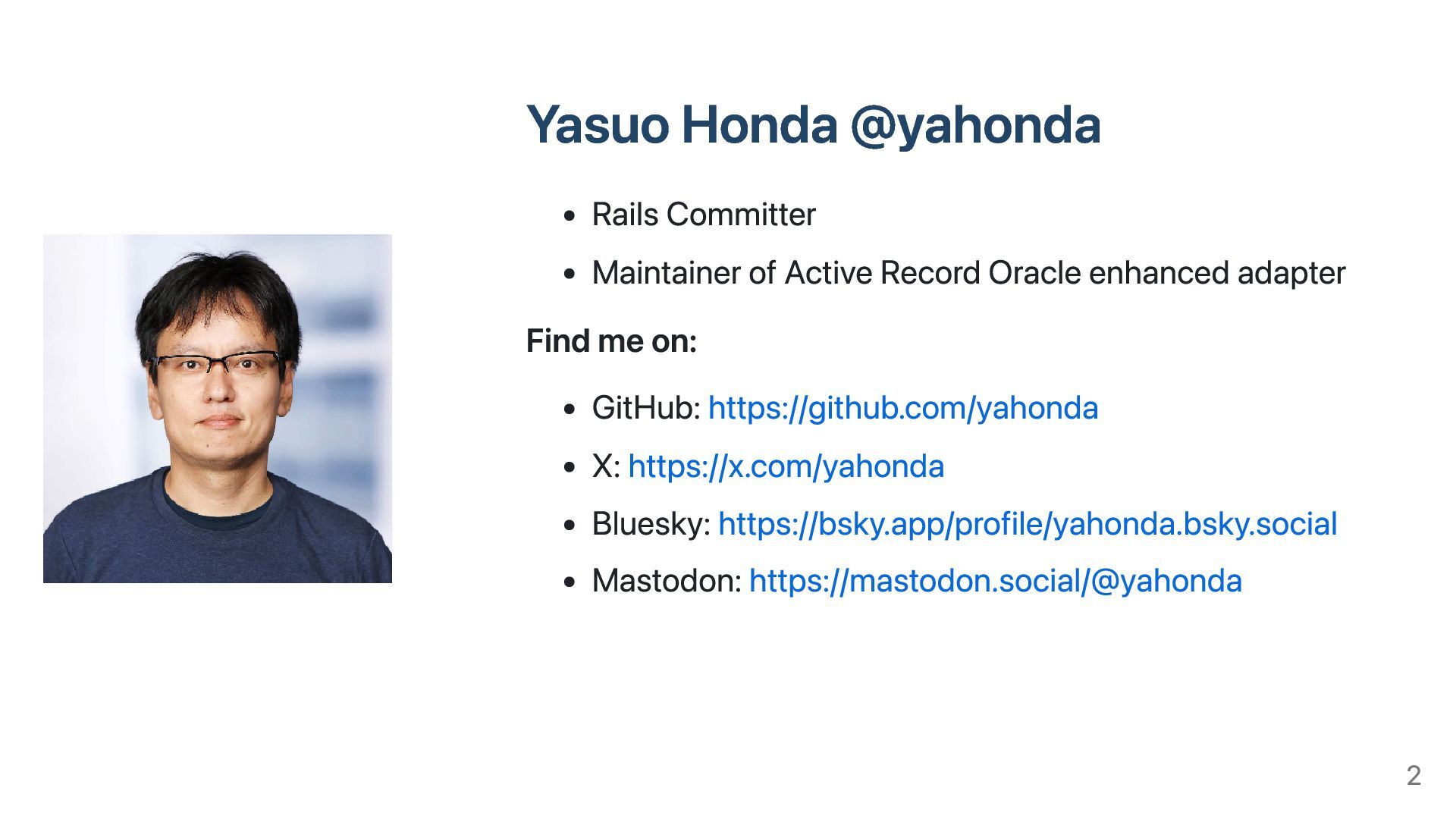
Yasuo Honda @yahonda Rails Committer Maintainer of Active Record Oracle
enhanced adapter Find me on: GitHub: https://github.com/yahonda X: https://x.com/yahonda Bluesky: https://bsky.app/profile/yahonda.bsky.social Mastodon: https://mastodon.social/@yahonda 2
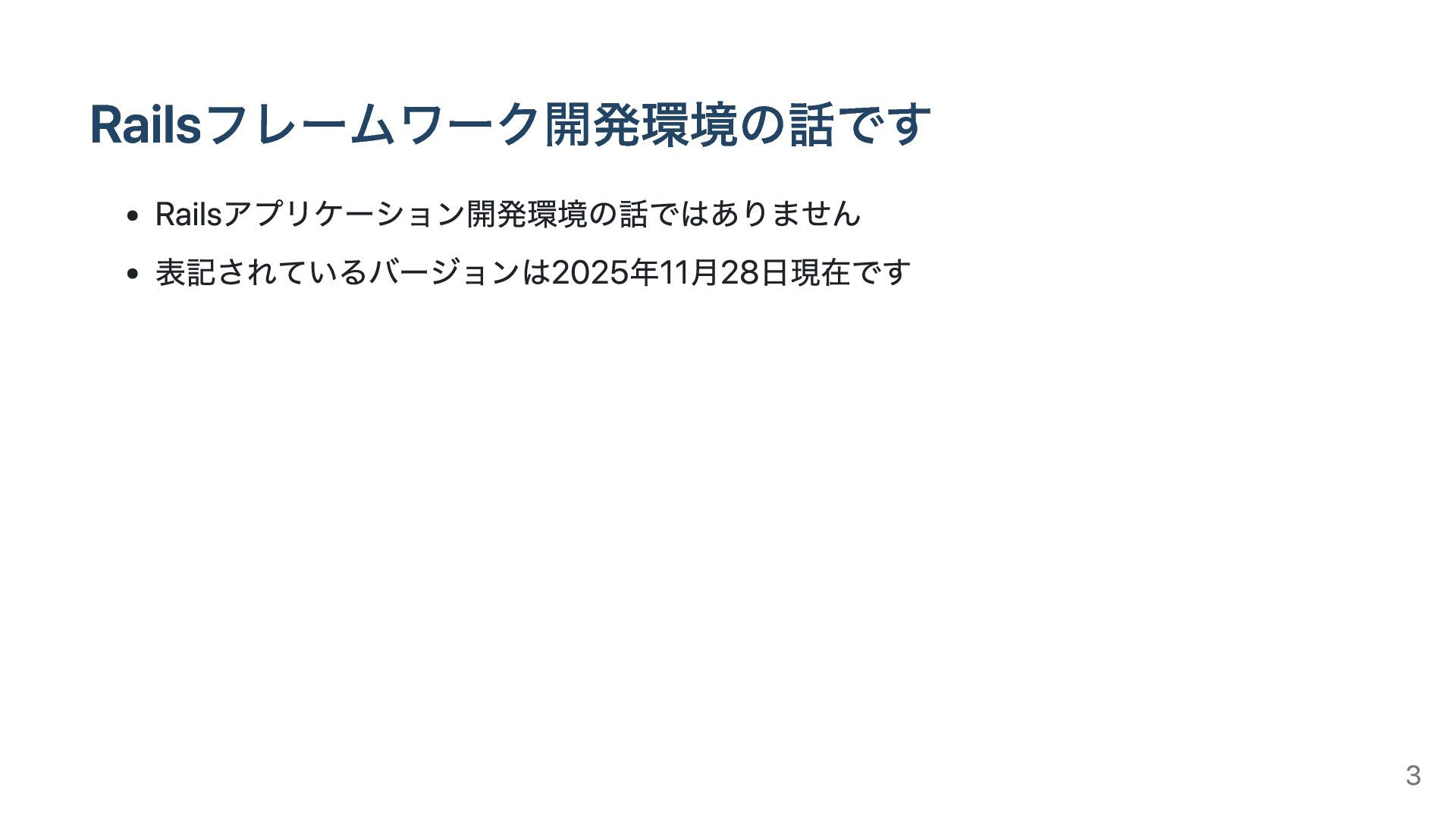
Railsフレームワーク開発環境の話です Railsアプリケーション開発環境の話ではありません 表記されているバージョンは2025年11月28日現在です 3
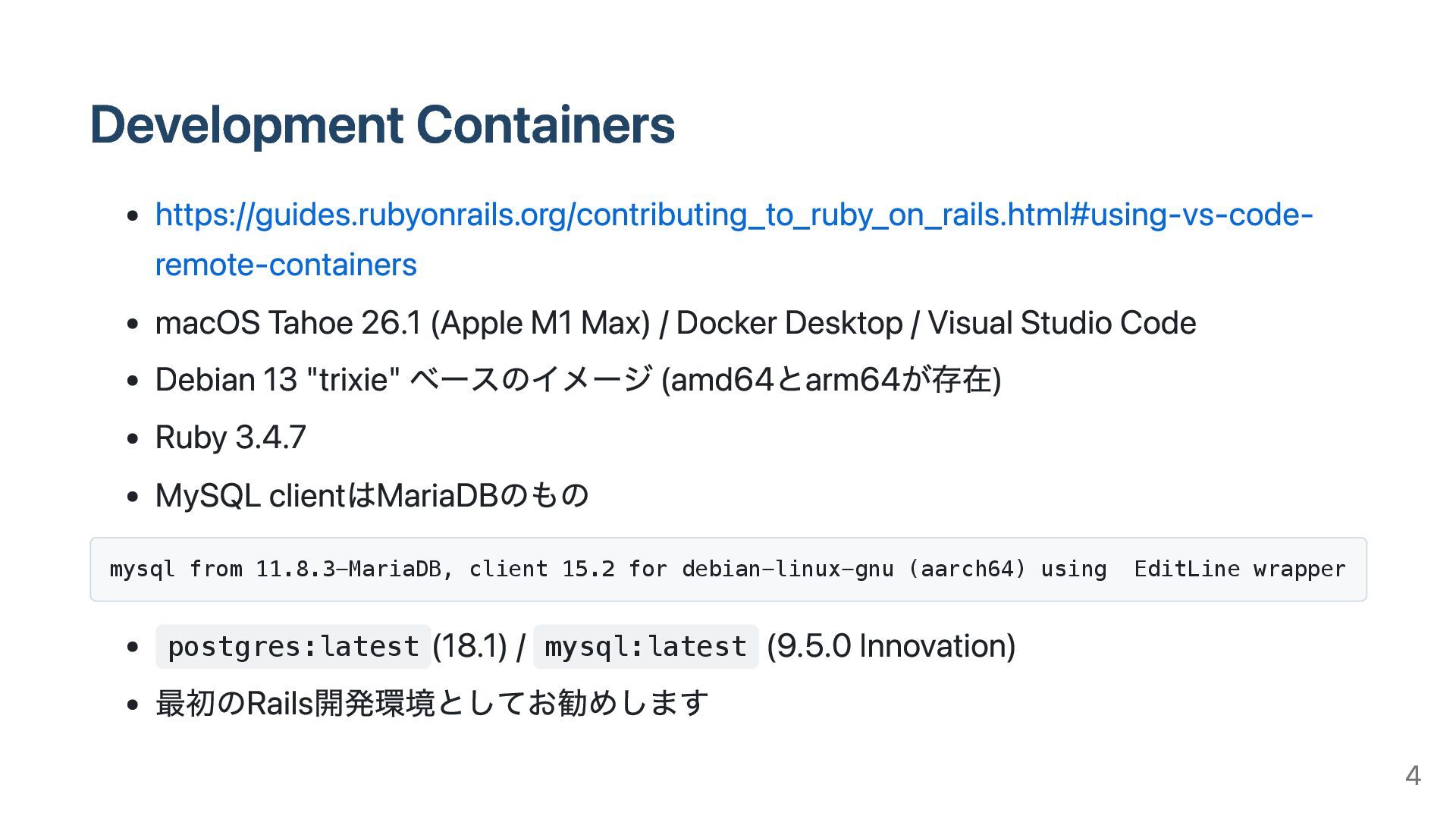
Development Containers https://guides.rubyonrails.org/contributing_to_ruby_on_rails.html#using-vs-code- remote-containers macOS Tahoe 26.1 (Apple M1 Max)
/ Docker Desktop / Visual Studio Code Debian 13 "trixie" ベースのイメージ (amd64とarm64が存在) Ruby 3.4.7 MySQL clientはMariaDBのもの mysql from 11.8.3-MariaDB, client 15.2 for debian-linux-gnu (aarch64) using EditLine wrapper postgres:latest (18.1) / mysql:latest (9.5.0 Innovation) 最初のRails開発環境としてお勧めします 4
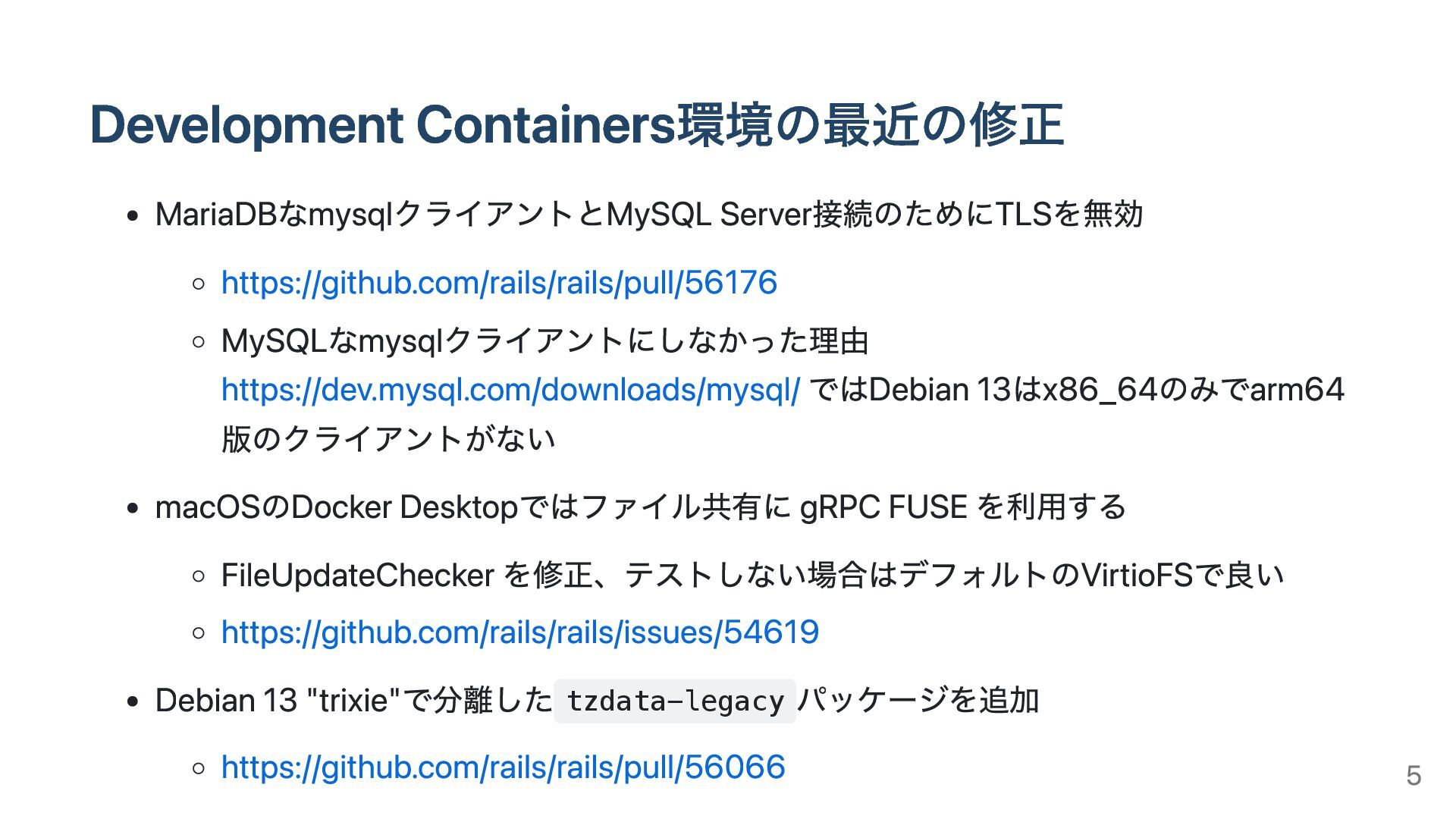
Development Containers環境の最近の修正 MariaDBなmysqlクライアントとMySQL Server接続のためにTLSを無効 https://github.com/rails/rails/pull/56176 MySQLなmysqlクライアントにしなかった理由 https://dev.mysql.com/downloads/mysql/ ではDebian 13はx86_64のみでarm64 版のクライアントがない
macOSのDocker Desktopではファイル共有に gRPC FUSE を利用する FileUpdateChecker を修正、テストしない場合はデフォルトのVirtioFSで良い https://github.com/rails/rails/issues/54619 Debian 13 "trixie"で分離した tzdata-legacy パッケージを追加 https://github.com/rails/rails/pull/56066 5
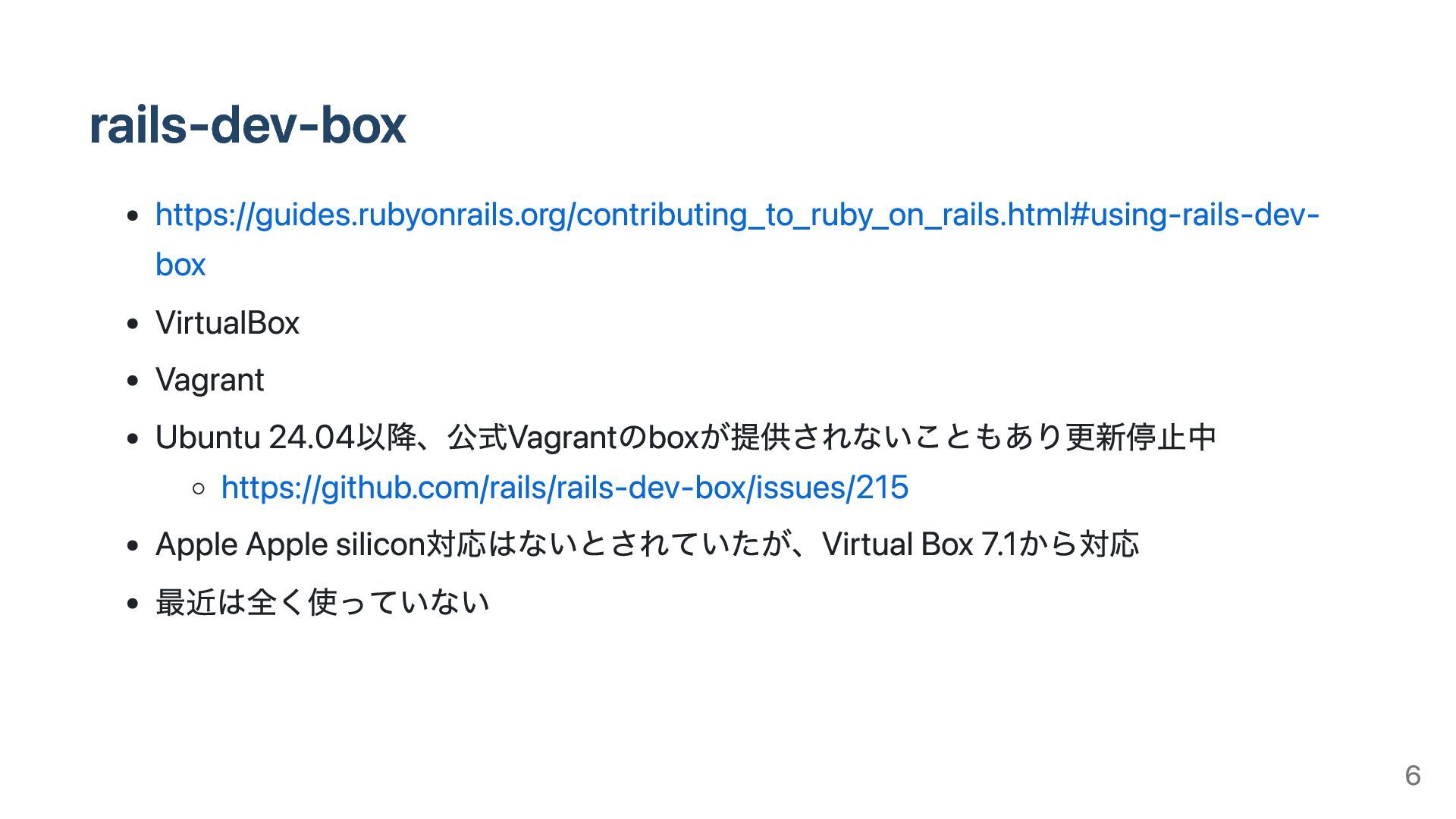
rails-dev-box https://guides.rubyonrails.org/contributing_to_ruby_on_rails.html#using-rails-dev- box VirtualBox Vagrant Ubuntu 24.04以降、公式Vagrantのboxが提供されないこともあり更新停止中 https://github.com/rails/rails-dev-box/issues/215 Apple Apple
silicon対応はないとされていたが、Virtual Box 7.1から対応 最近は全く使っていない 6
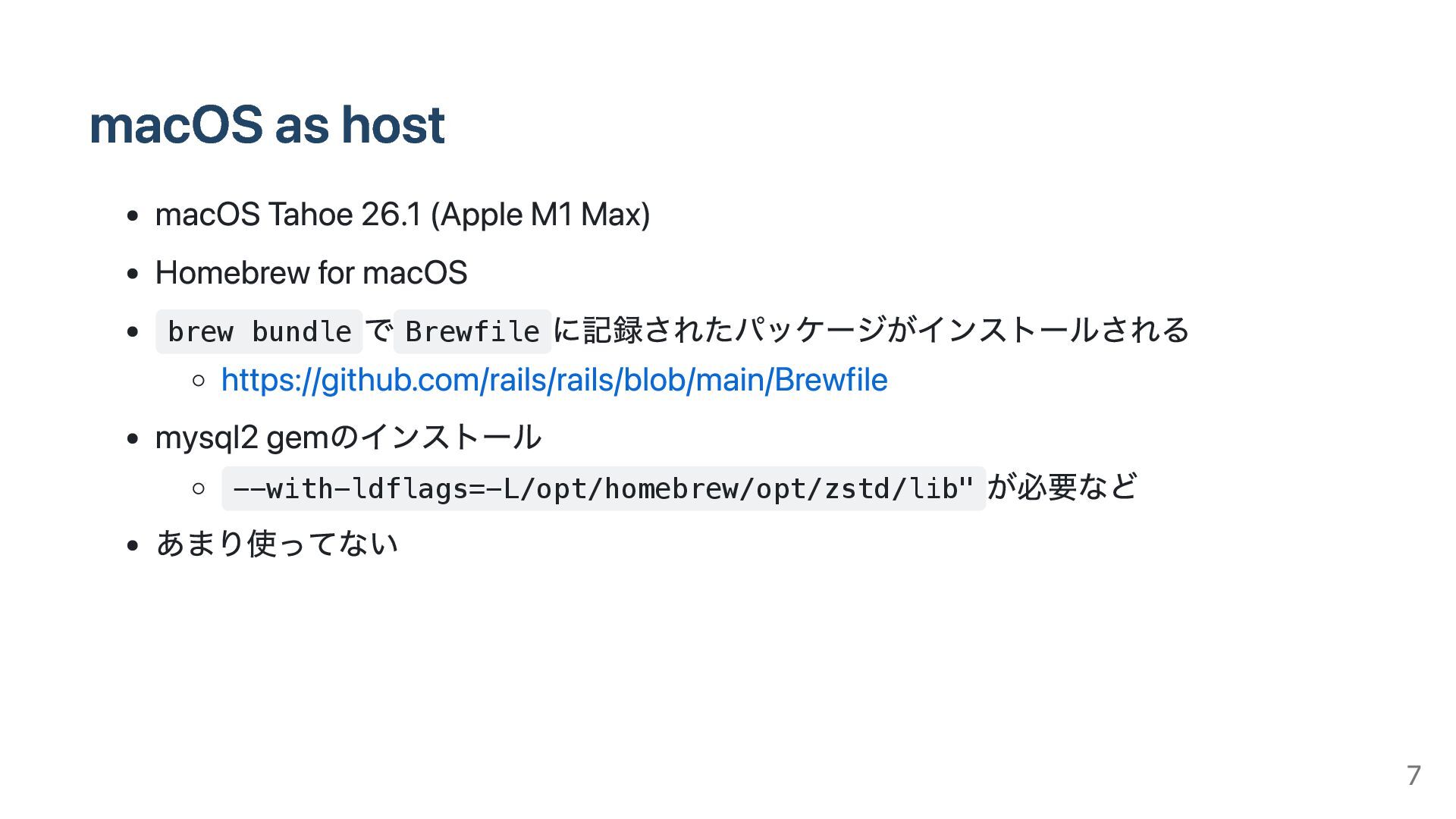
macOS as host macOS Tahoe 26.1 (Apple M1 Max) Homebrew
for macOS brew bundle で Brewfile に記録されたパッケージがインストールされる https://github.com/rails/rails/blob/main/Brewfile mysql2 gemのインストール --with-ldflags=-L/opt/homebrew/opt/zstd/lib" が必要など あまり使ってない 7
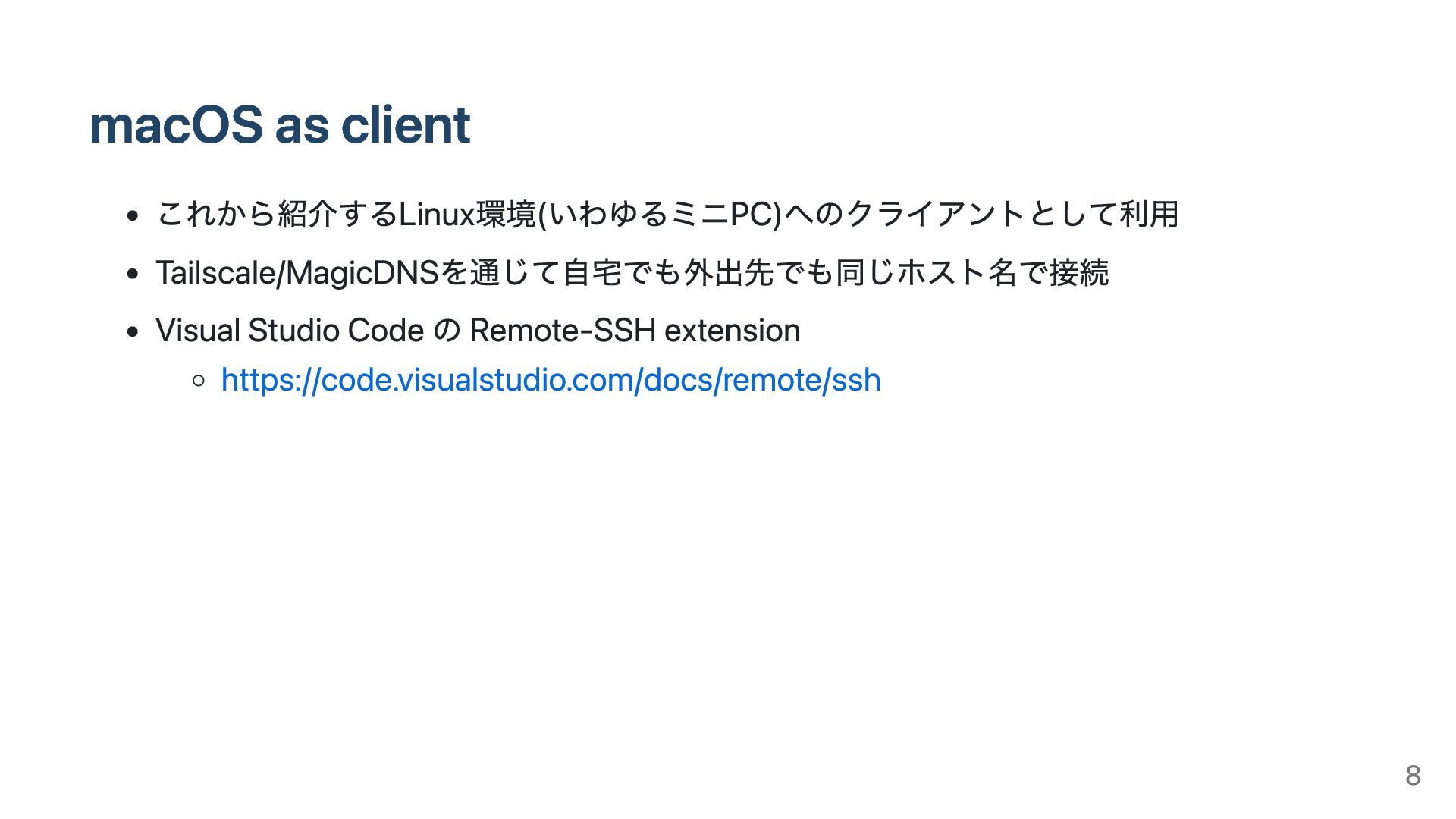
macOS as client これから紹介するLinux環境(いわゆるミニPC)へのクライアントとして利用 Tailscale/MagicDNSを通じて自宅でも外出先でも同じホスト名で接続 Visual Studio Code の Remote-SSH
extension https://code.visualstudio.com/docs/remote/ssh 8
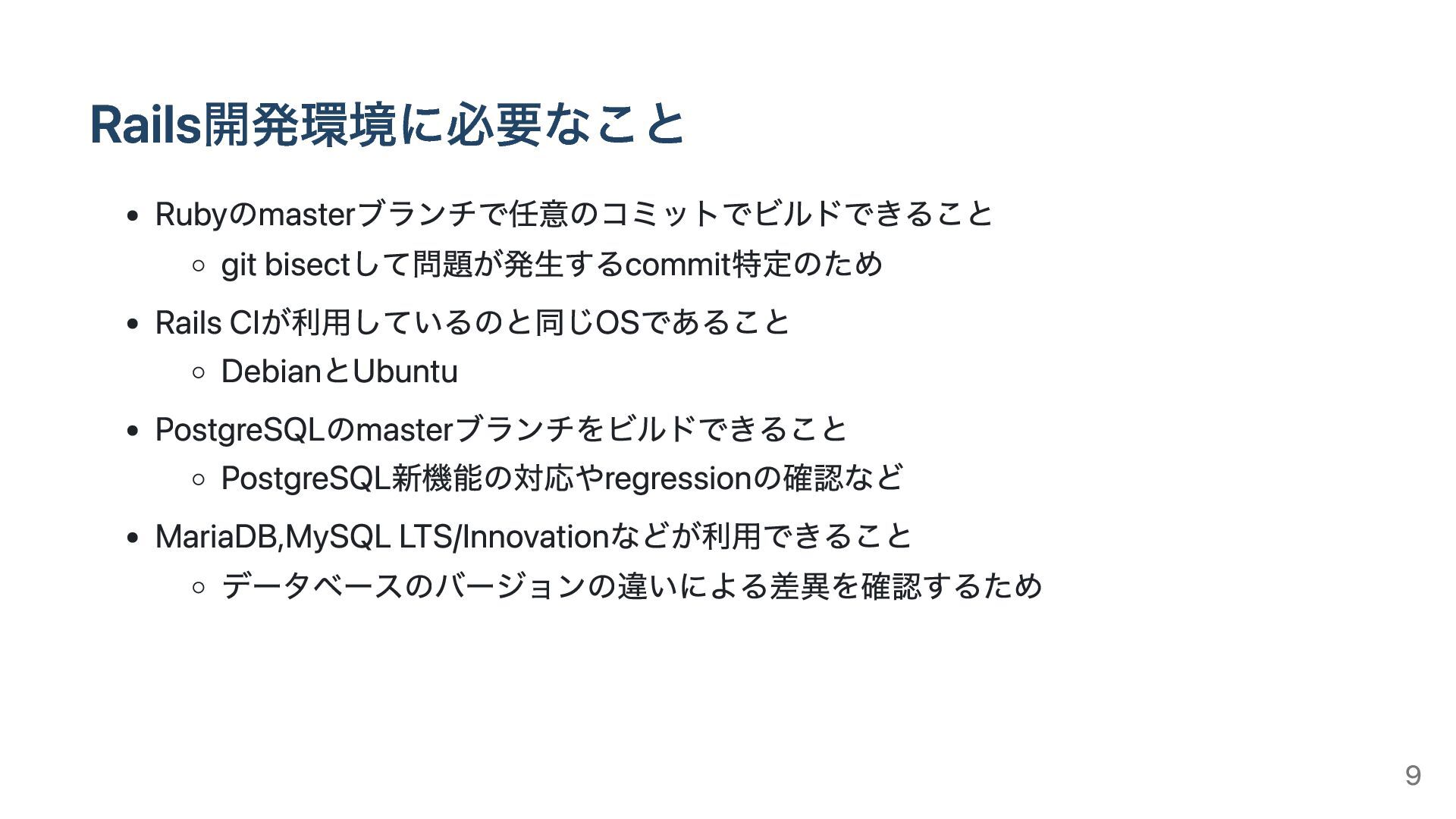
Rails開発環境に必要なこと Rubyのmasterブランチで任意のコミットでビルドできること git bisectして問題が発生するcommit特定のため Rails CIが利用しているのと同じOSであること DebianとUbuntu PostgreSQLのmasterブランチをビルドできること PostgreSQL新機能の対応やregressionの確認など MariaDB,MySQL
LTS/Innovationなどが利用できること データベースのバージョンの違いによる差異を確認するため 9
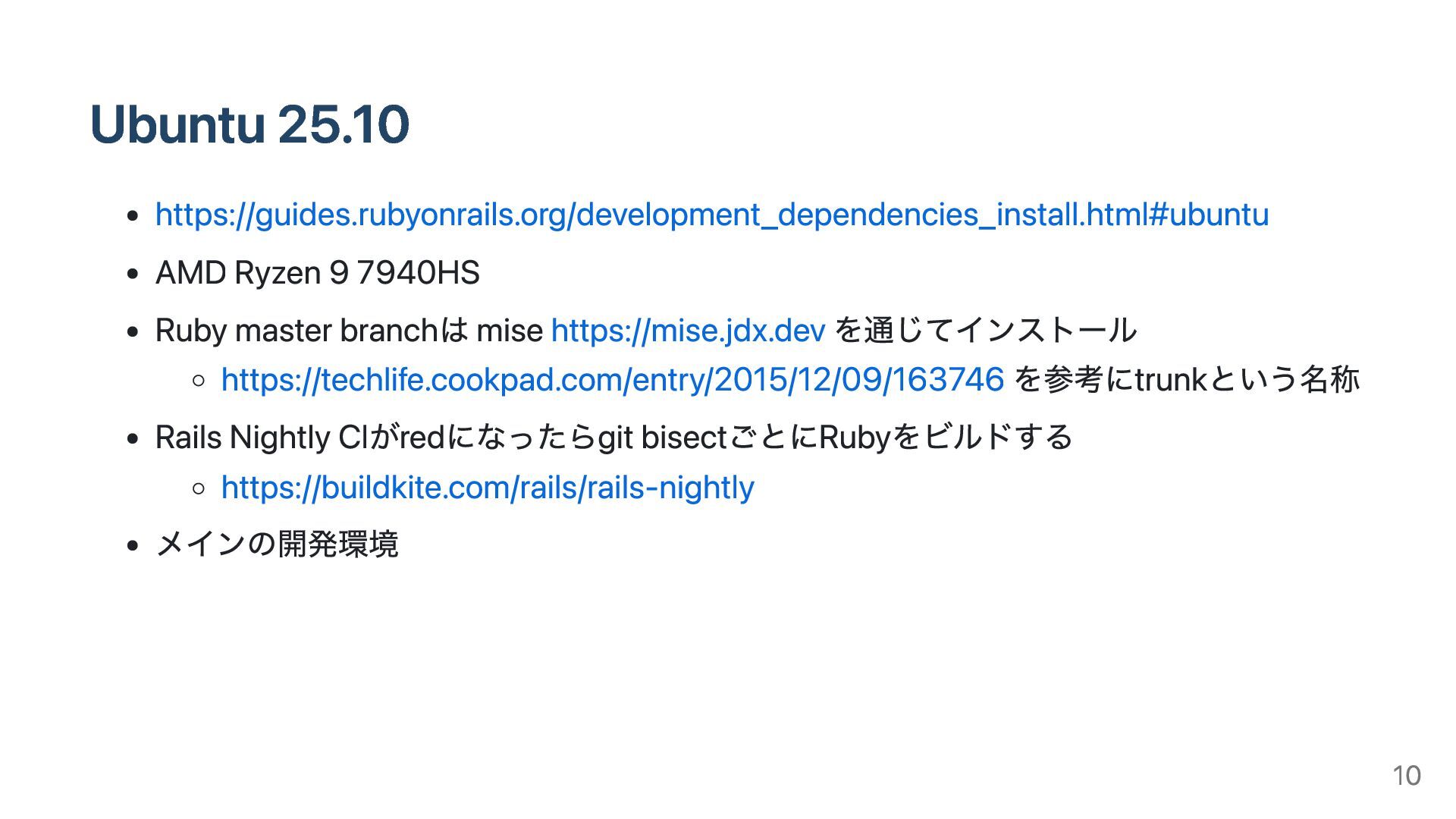
Ubuntu 25.10 https://guides.rubyonrails.org/development_dependencies_install.html#ubuntu AMD Ryzen 9 7940HS Ruby master branchは
mise https://mise.jdx.dev を通じてインストール https://techlife.cookpad.com/entry/2015/12/09/163746 を参考にtrunkという名称 Rails Nightly CIがredになったらgit bisectごとにRubyをビルドする https://buildkite.com/rails/rails-nightly メインの開発環境 10
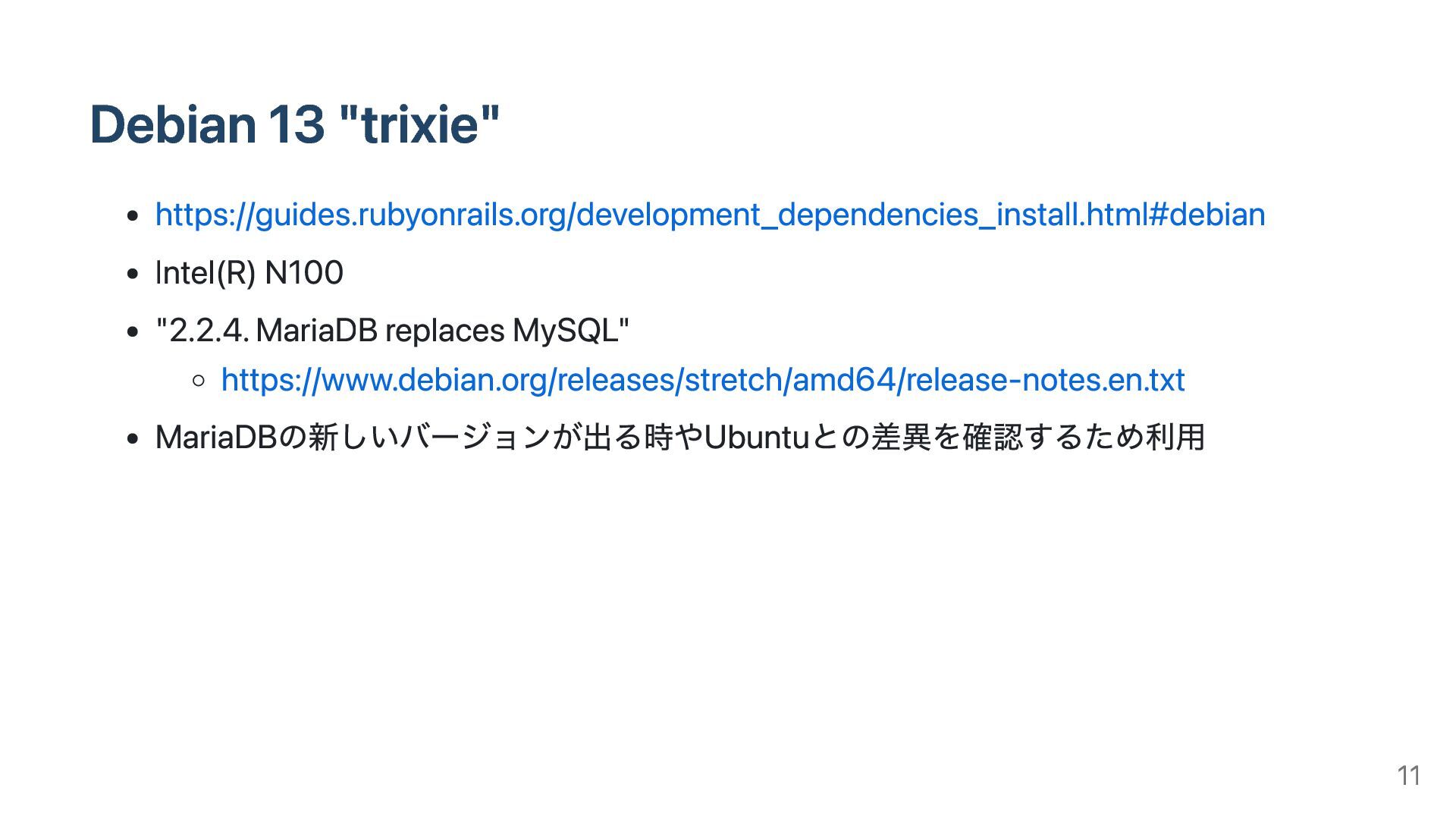
Debian 13 "trixie" https://guides.rubyonrails.org/development_dependencies_install.html#debian Intel(R) N100 "2.2.4. MariaDB replaces MySQL"
https://www.debian.org/releases/stretch/amd64/release-notes.en.txt MariaDBの新しいバージョンが出る時やUbuntuとの差異を確認するため利用 11
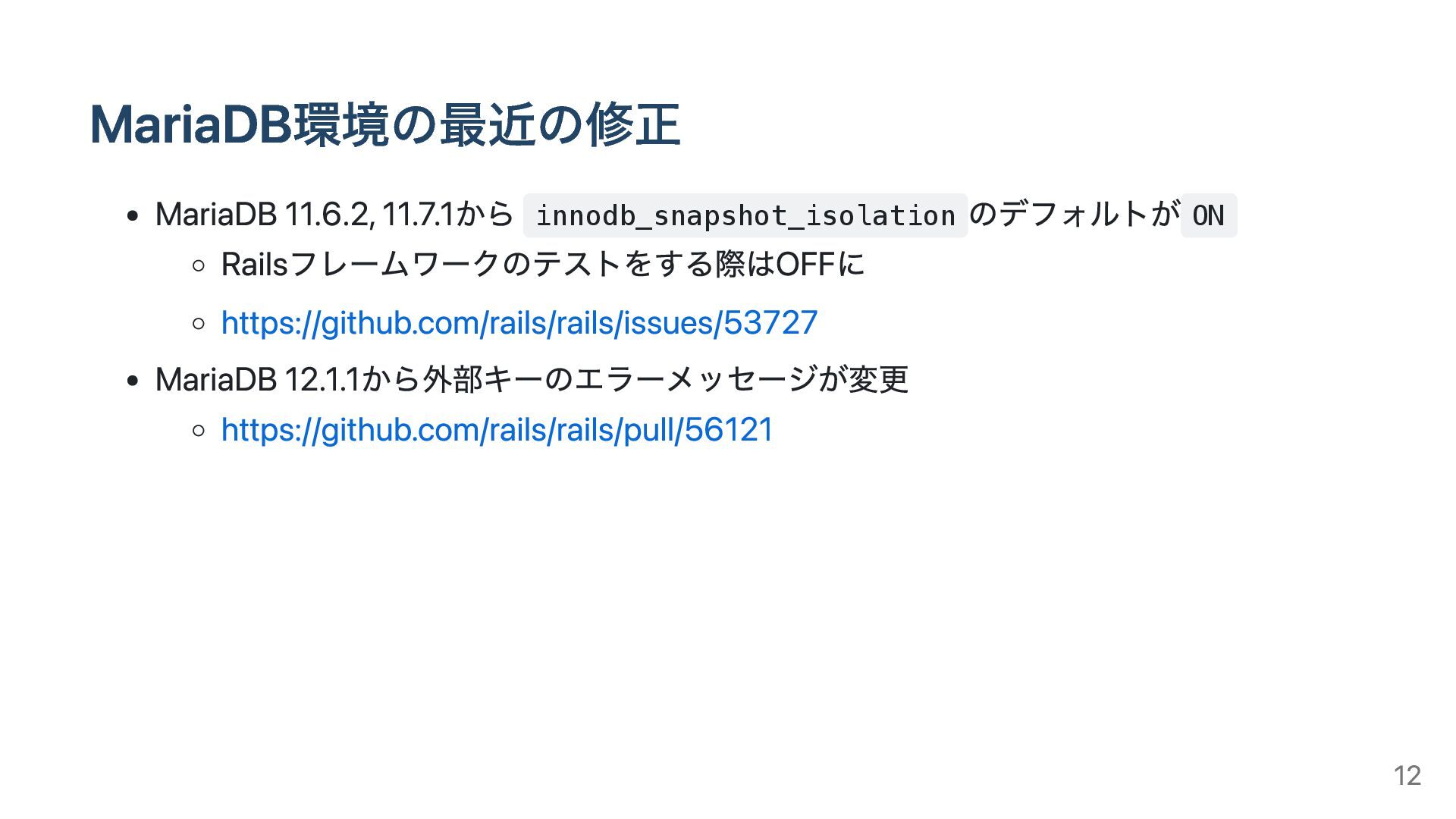
MariaDB環境の最近の修正 MariaDB 11.6.2, 11.7.1から innodb_snapshot_isolation のデフォルトが ON Railsフレームワークのテストをする際はOFFに https://github.com/rails/rails/issues/53727 MariaDB
12.1.1から外部キーのエラーメッセージが変更 https://github.com/rails/rails/pull/56121 12
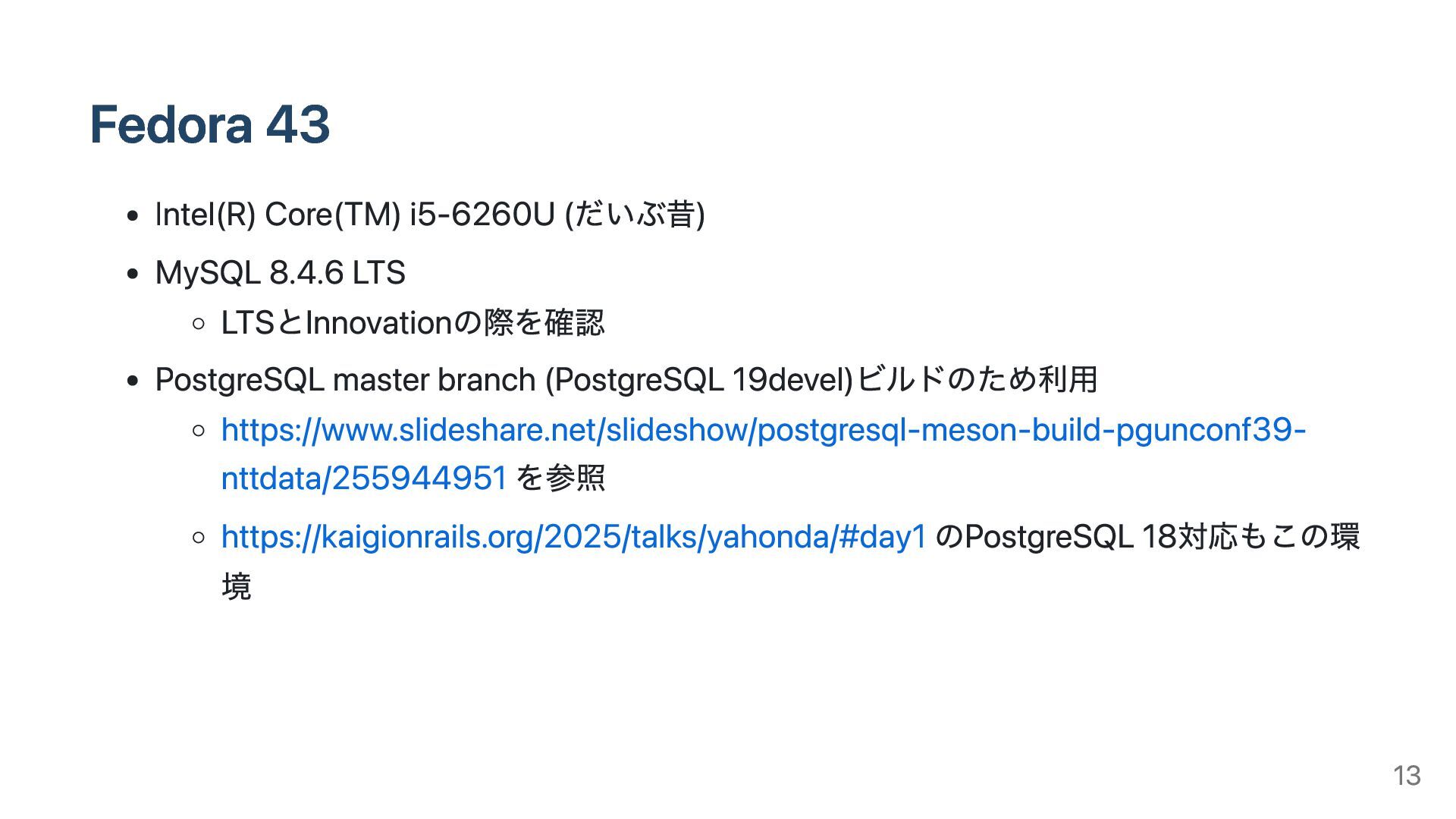
Fedora 43 Intel(R) Core(TM) i5-6260U (だいぶ昔) MySQL 8.4.6 LTS LTSとInnovationの際を確認
PostgreSQL master branch (PostgreSQL 19devel)ビルドのため利用 https://www.slideshare.net/slideshow/postgresql-meson-build-pgunconf39- nttdata/255944951 を参照 https://kaigionrails.org/2025/talks/yahonda/#day1 のPostgreSQL 18対応もこの環 境 13
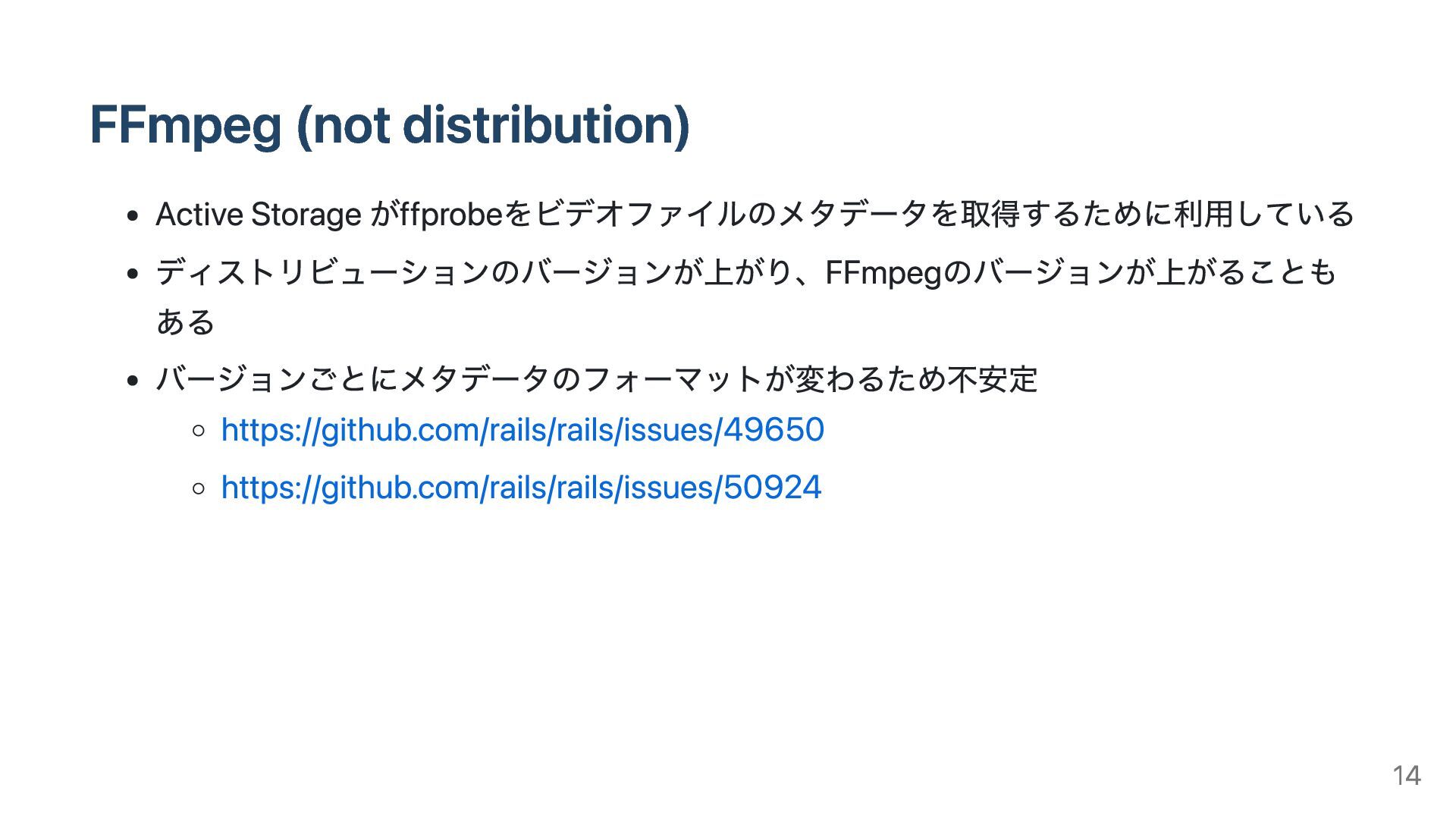
FFmpeg (not distribution) Active Storage がffprobeをビデオファイルのメタデータを取得するために利用している ディストリビューションのバージョンが上がり、FFmpegのバージョンが上がることも ある バージョンごとにメタデータのフォーマットが変わるため不安定 https://github.com/rails/rails/issues/49650
https://github.com/rails/rails/issues/50924 14
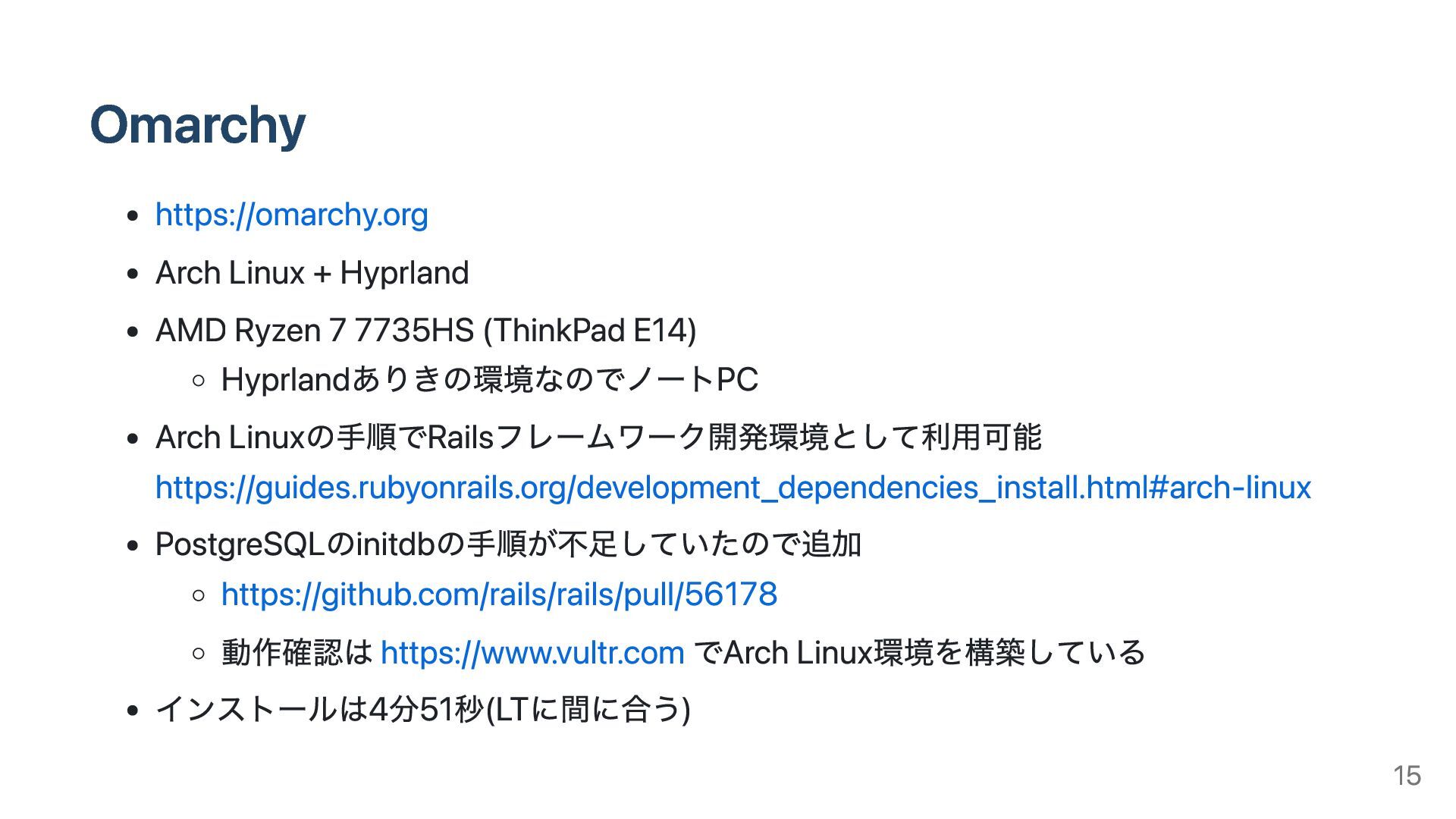
Omarchy https://omarchy.org Arch Linux + Hyprland AMD Ryzen 7 7735HS
(ThinkPad E14) Hyprlandありきの環境なのでノートPC Arch Linuxの手順でRailsフレームワーク開発環境として利用可能 https://guides.rubyonrails.org/development_dependencies_install.html#arch-linux PostgreSQLのinitdbの手順が不足していたので追加 https://github.com/rails/rails/pull/56178 動作確認は https://www.vultr.com でArch Linux環境を構築している インストールは4分51秒(LTに間に合う) 15
End 16
More Decks by Yasuo Honda
See All by Yasuo Honda
大江戸Ruby会議でデータベース クライアントの話をするのは 間違っているだろうか
yahonda
1
140
Active Record Connection Adaptersにおける長年の課題に再び取り組む
yahonda
0
3.5k
PostgreSQL 18のNOT ENFORCEDな制約とDEFERRABLEの関係
yahonda
1
480
Railsの話をしよう
yahonda
0
330
RailsのPostgreSQL 18対応
yahonda
0
4.4k
Contributing to Rails? Start with the Gems You Already Use
yahonda
2
280
PostgreSQL 18 cancel request key長の変更とRailsへの関連
yahonda
0
360
extensionとschema
yahonda
1
390
NOT VALIDな検査制約 / check constraint that is not valid
yahonda
1
340
Other Decks in Technology
See All in Technology
cdkdがどんだけ早いか、実際に動かして見てみよう
smt7174
1
120
3文字略語に騙されない! 世界一わかりやすい『EDR』超入門
kamadamakoto
1
250
Quick Automate | 目指せ Quick マスター 12
inariku
PRO
1
130
HTTP通信に使おうとすると実はめんどくさいfile_get_contents
maguroalternative
0
200
E2E Test というハーネス — AI時代の自動テスト民主化
daishukojima
10
5.4k
【Oracle AI SPOTLIGHT ウェビナー】【特別開催:日本語で解説!】Oracle AI World 2026 最新情報フィードバック
oracle4engineer
PRO
1
270
BALLAS Technology Deck
ballas_inc
0
840
業務の傍らで進める改善ループエンジニアリング
bengo4com
1
180
Oracle Base Database Service 技術詳細
oracle4engineer
PRO
17
120k
文書画像からの情報抽出を行うエージェントを、軌跡の正解データ無しで作れるか
sansantech
PRO
2
180
ラクスル会社紹介資料|エンジニア向け / RAKSUL Introduction for Engineers
raksulrecruiting
0
130
こんなに変わった! AWSネットワークの常識
shotashiratori
16
9.8k
Featured
See All Featured
The Curse of the Amulet
leimatthew05
4
17k
Put a Button on it: Removing Barriers to Going Fast.
kastner
60
4.6k
How To Stay Up To Date on Web Technology
chriscoyier
790
250k
ラッコキーワード サービス紹介資料
rakko
5
5.9M
[RailsConf 2023 Opening Keynote] The Magic of Rails
eileencodes
31
10k
Lightning Talk: Beautiful Slides for Beginners
inesmontani
PRO
2
840
Taking LLMs out of the black box: A practical guide to human-in-the-loop distillation
inesmontani
PRO
3
2.5k
Designing Experiences People Love
moore
143
24k
The Organizational Zoo: Understanding Human Behavior Agility Through Metaphoric Constructive Conversations (based on the works of Arthur Shelley, Ph.D)
kimpetersen
PRO
0
540
Leveraging LLMs for student feedback in introductory data science courses - posit::conf(2025)
minecr
1
480
More Than Pixels: Becoming A User Experience Designer
marktimemedia
3
620
Dealing with People You Can't Stand - Big Design 2015
cassininazir
367
27k


 yahonda
 smt7174
 kamadamakoto
 inariku
 maguroalternative
 daishukojima
 oracle4engineer
 ballas_inc
 bengo4com
 sansantech
 raksulrecruiting
 shotashiratori
 leimatthew05
 kastner
 chriscoyier
 rakko
 eileencodes
 inesmontani
 moore
 kimpetersen
 minecr
 marktimemedia
 cassininazir