Upgrade to Pro — share decks privately, control downloads, hide ads and more …

What's New in Compose Multiplatform (next app d...

What's New in Compose Multiplatform (next app dev con Berlin 2026)

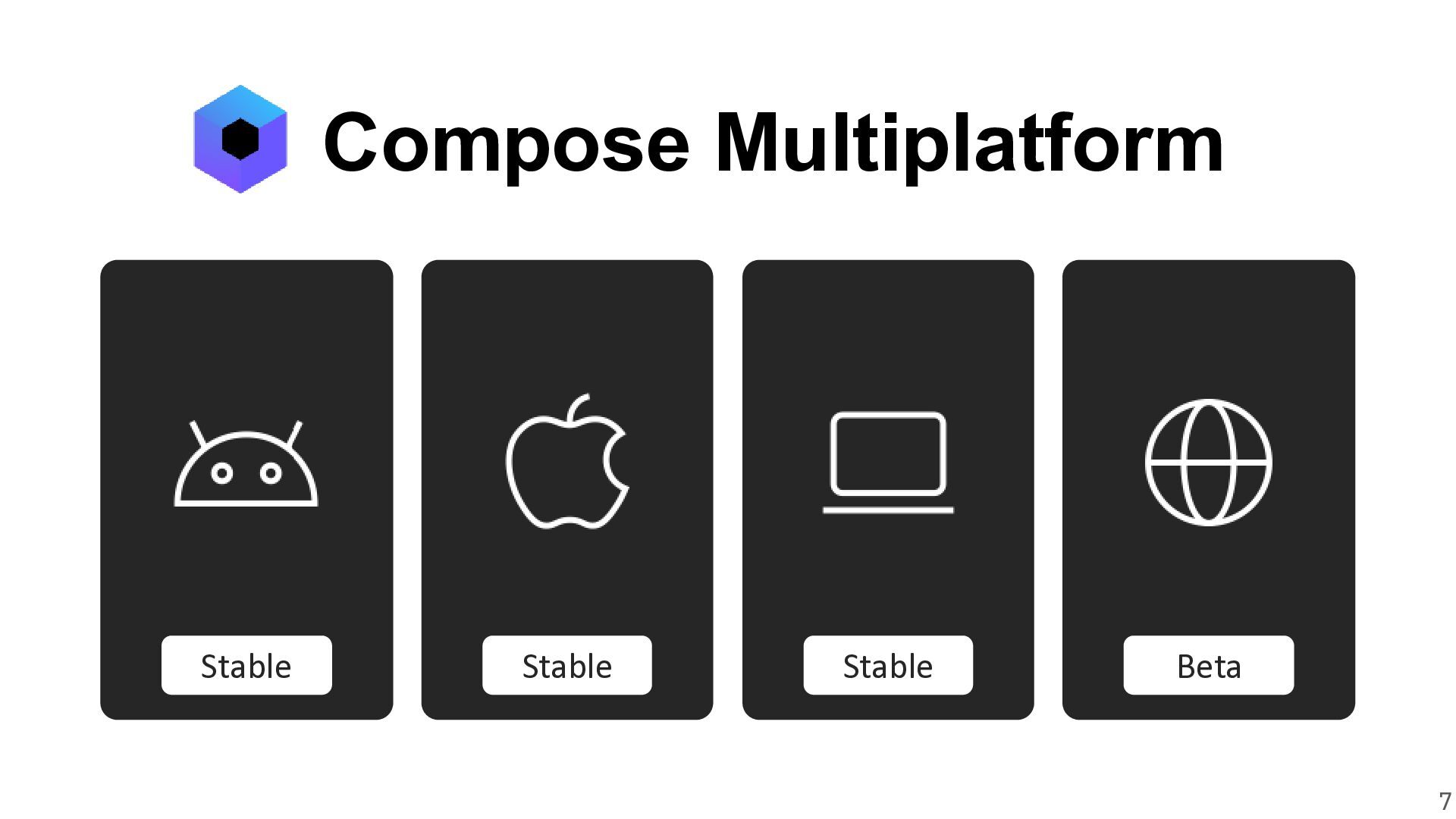
Compose Multiplatform lets you build beautiful UI with idiomatic Kotlin for Android, iOS, Desktop, and Web apps! It’s stable, production-ready, constantly evolving, and it already powers the experiences of millions of users every day. Its declarative nature also makes it a perfect fit for building cross-platform apps in the age of agentic development.

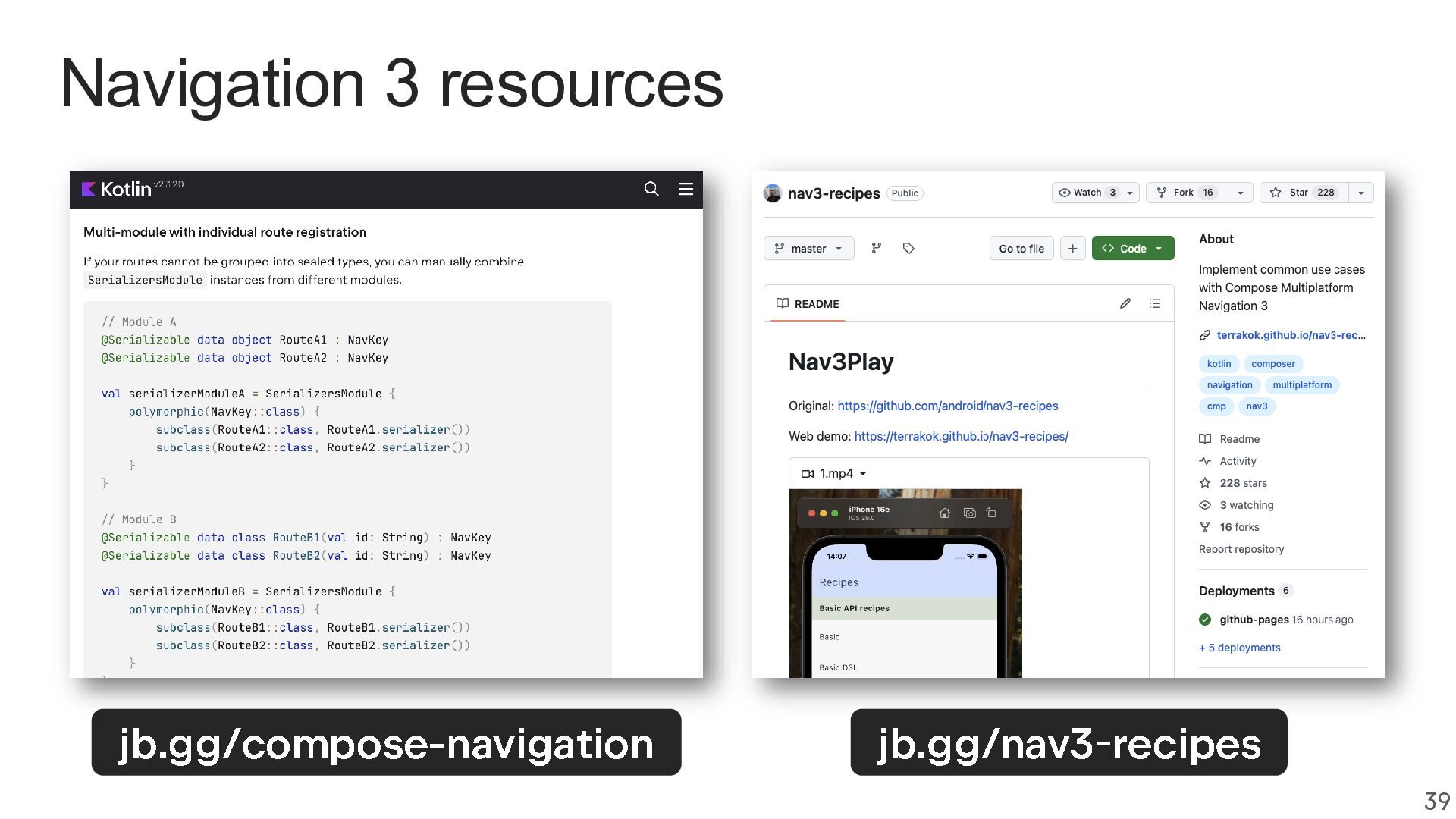
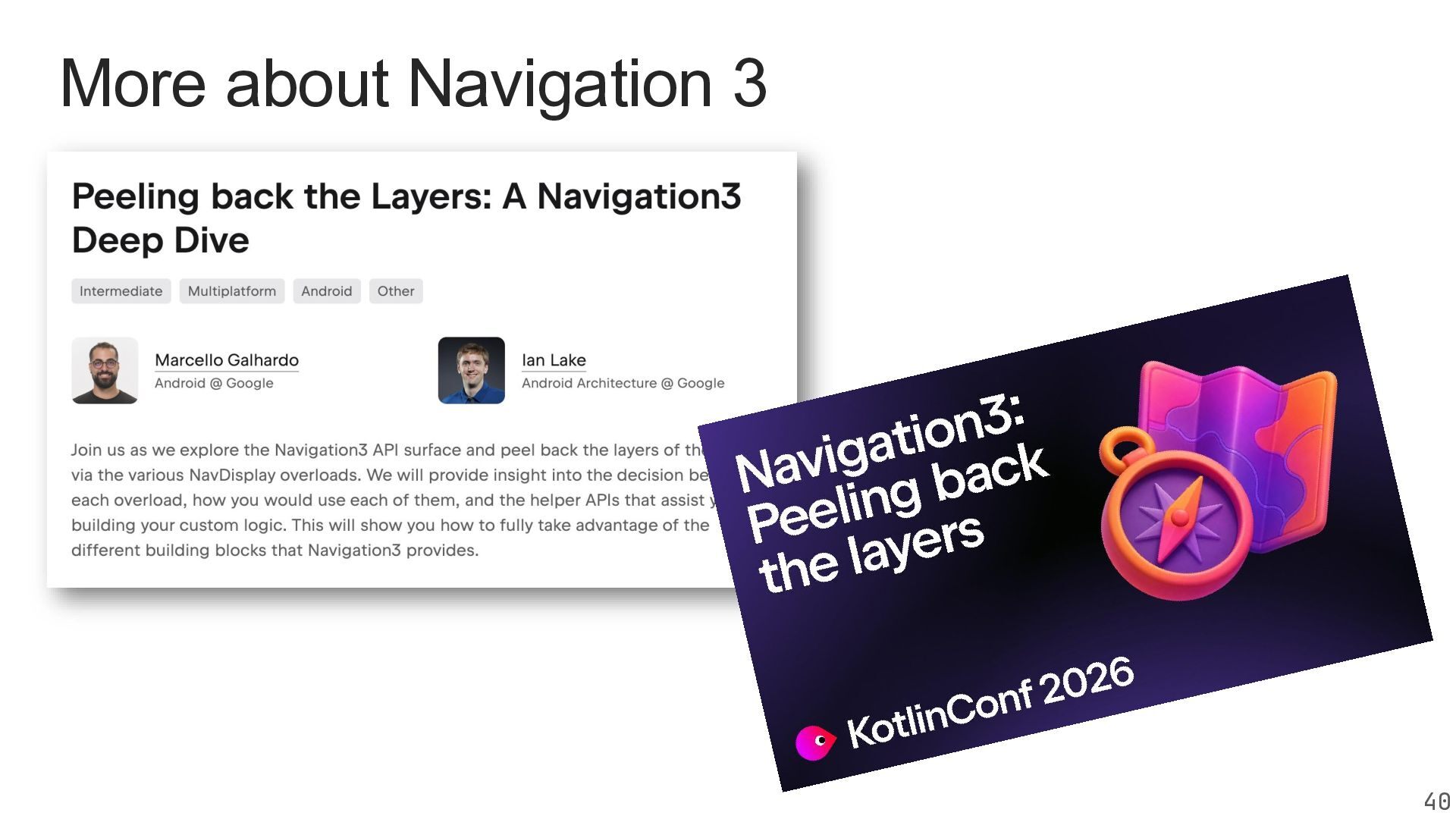
As a framework that can be adopted incrementally rather than requiring a full rewrite, you can start using it risk-free even in existing apps. Your Android skills seamlessly transfer to other platforms, with tools like Navigation 3 already available for Compose Multiplatform.

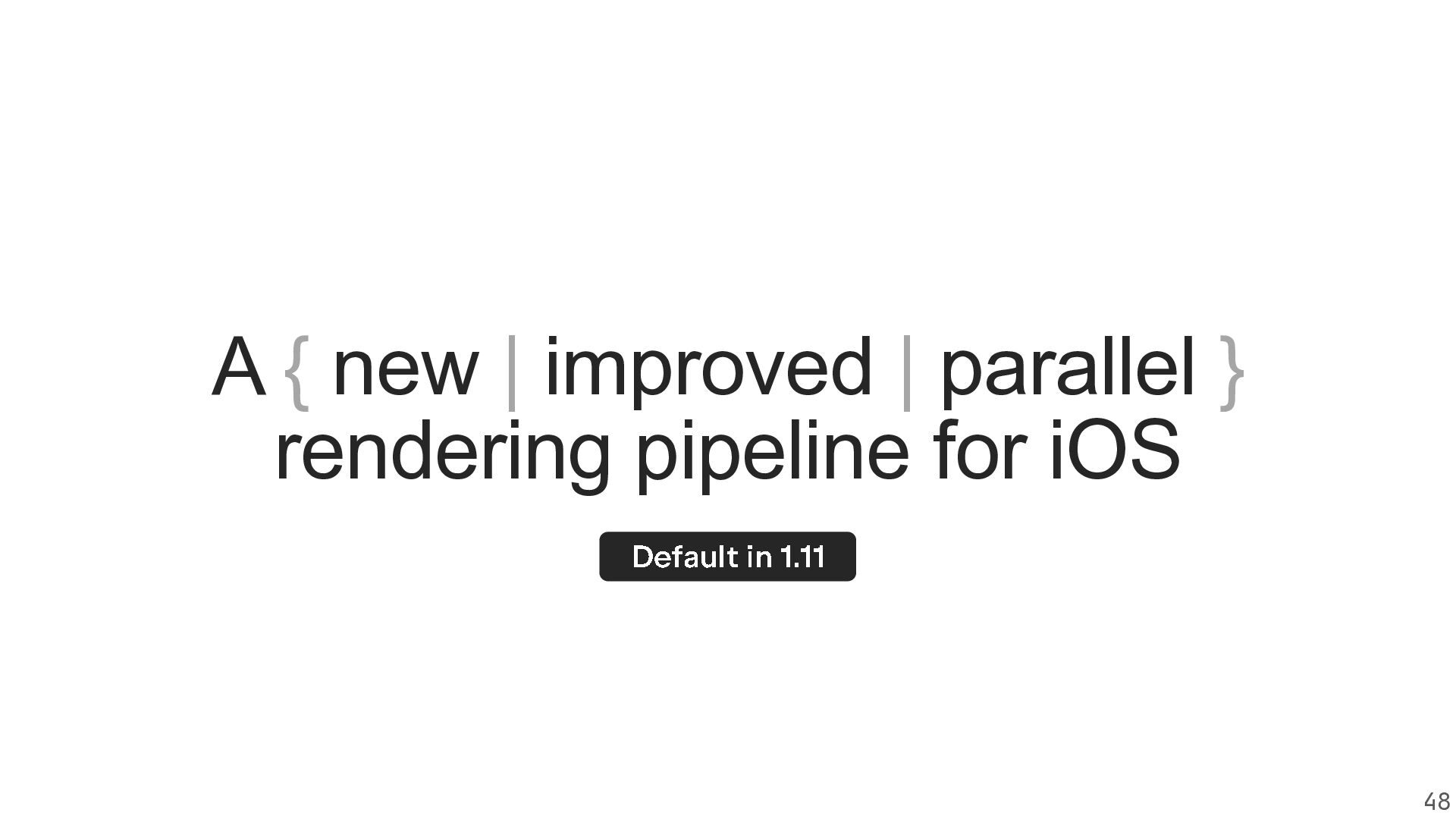
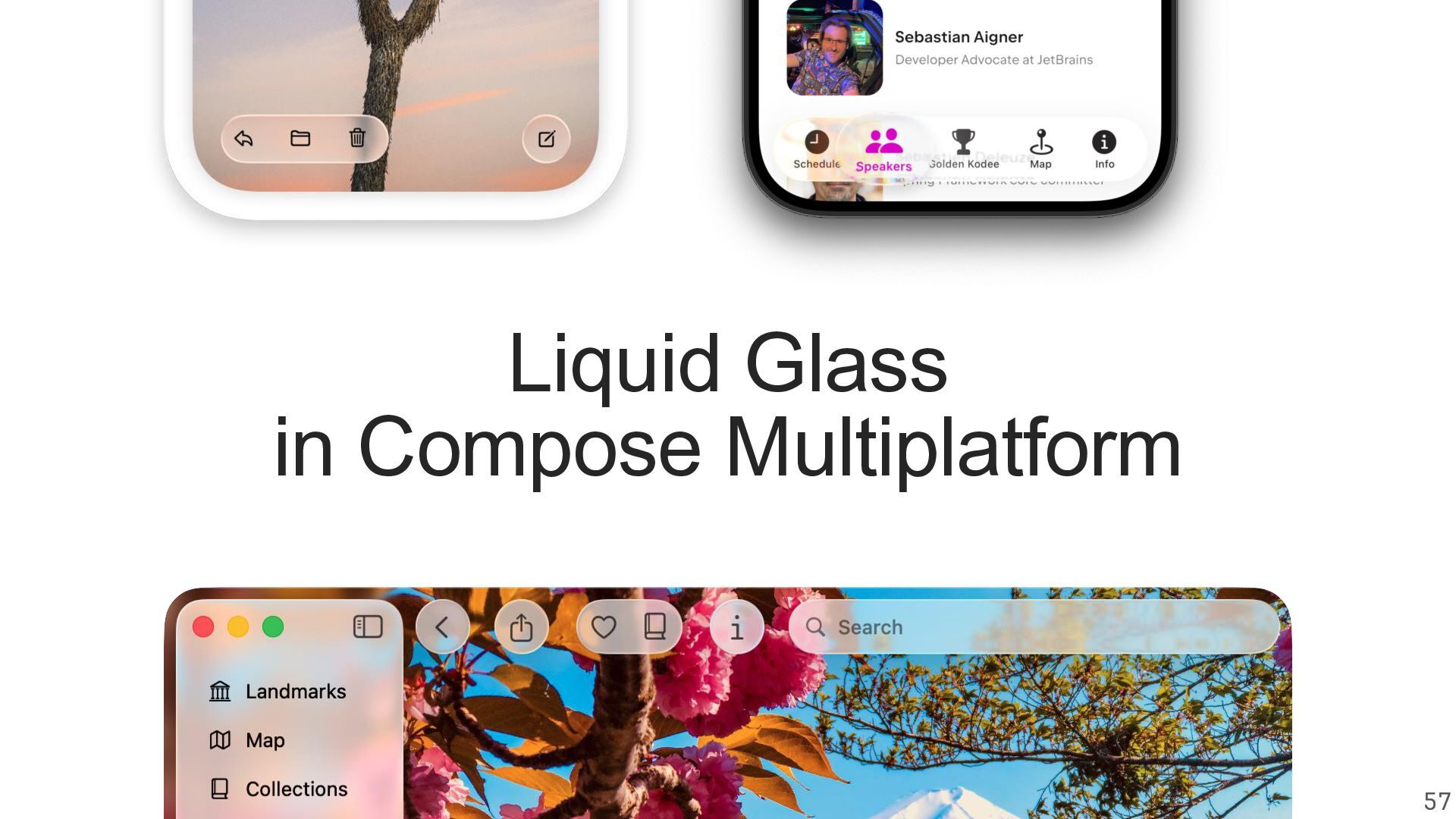
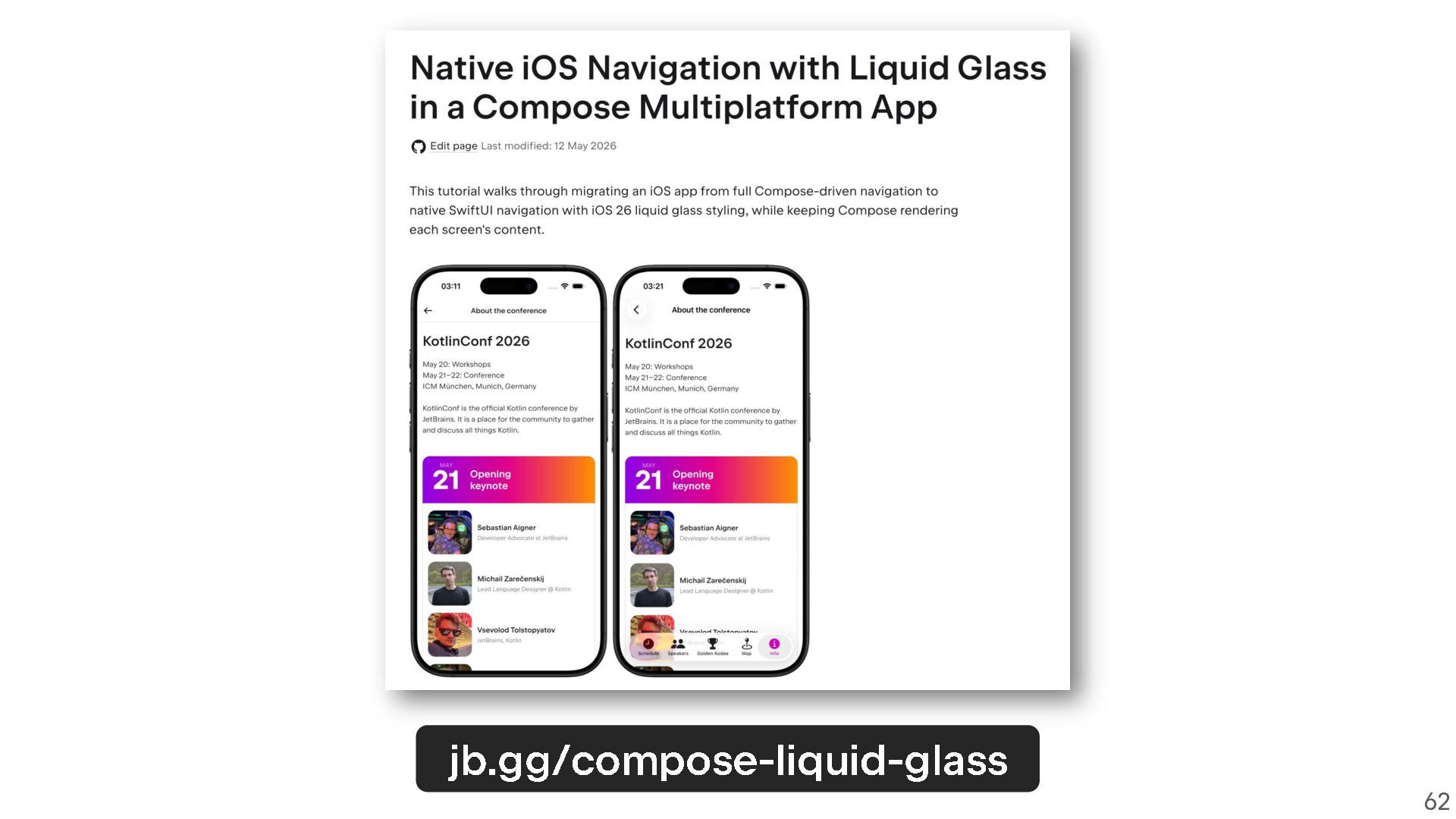
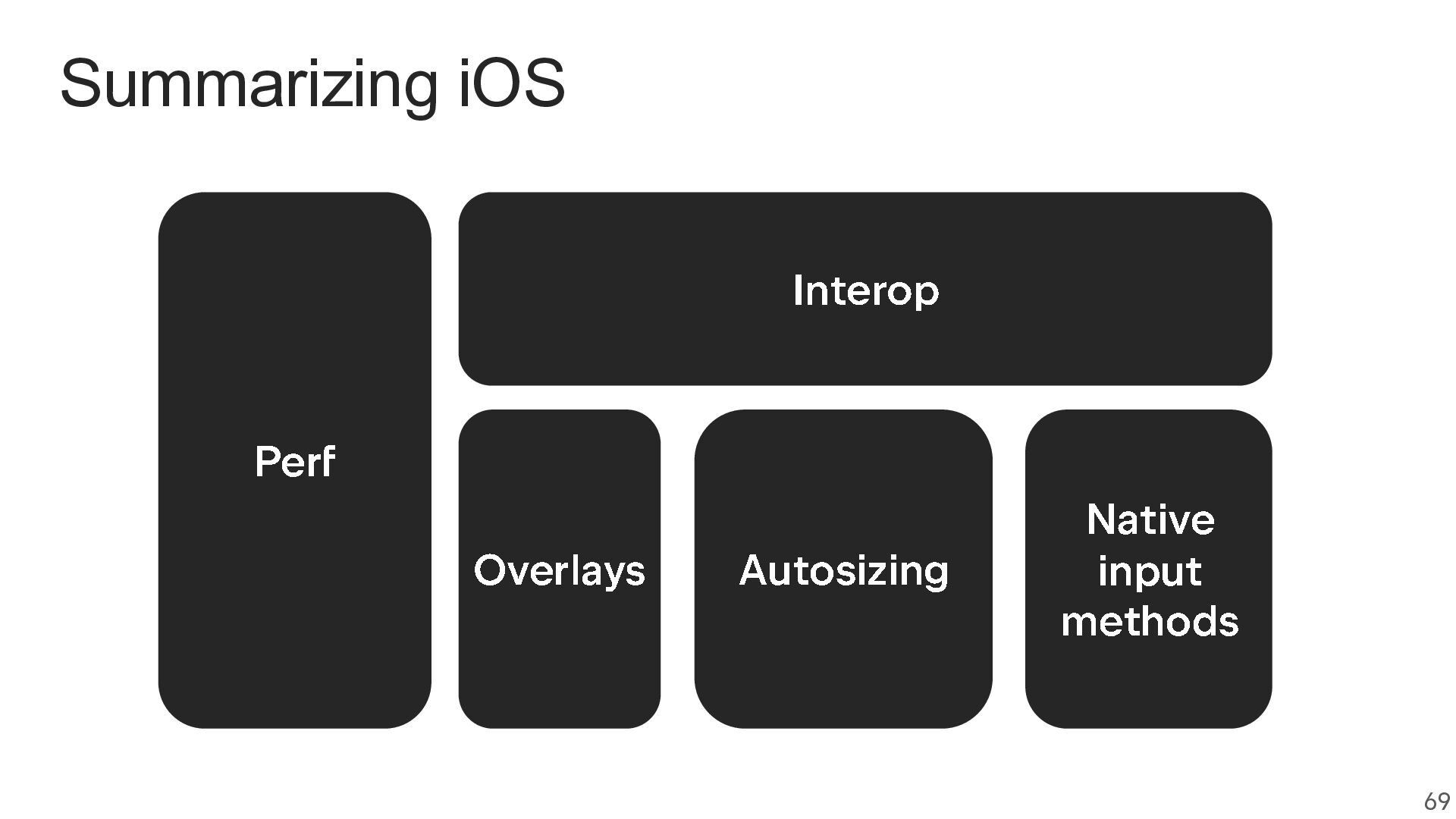
In this talk, we’ll take a hands-on look at everything that’s new and exciting. iOS improvements like faster rendering, enhanced input handling, and better interop that enables the use of Liquid Glass elements. Web features including accessibility, interop, and other improvements.

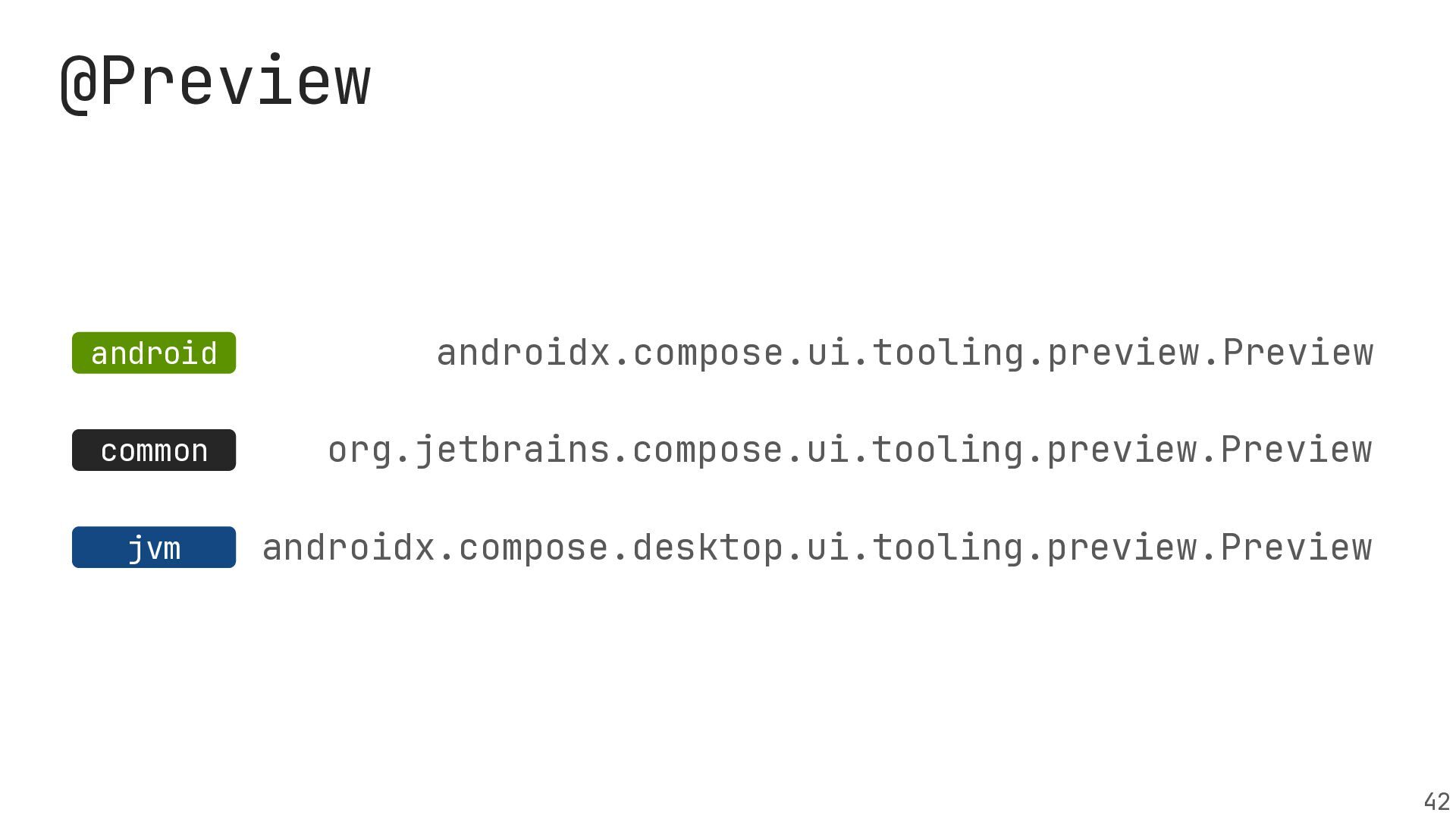
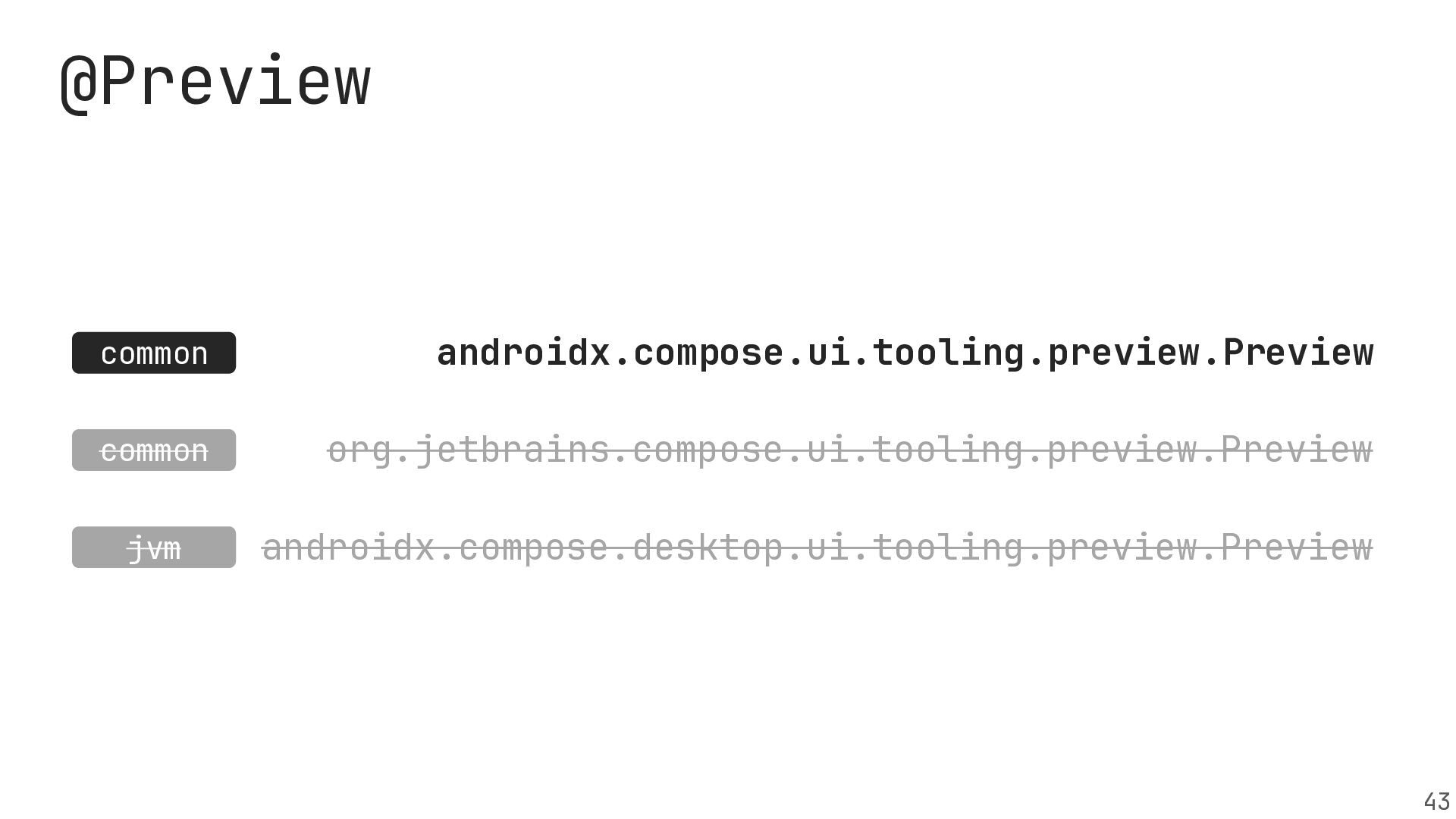
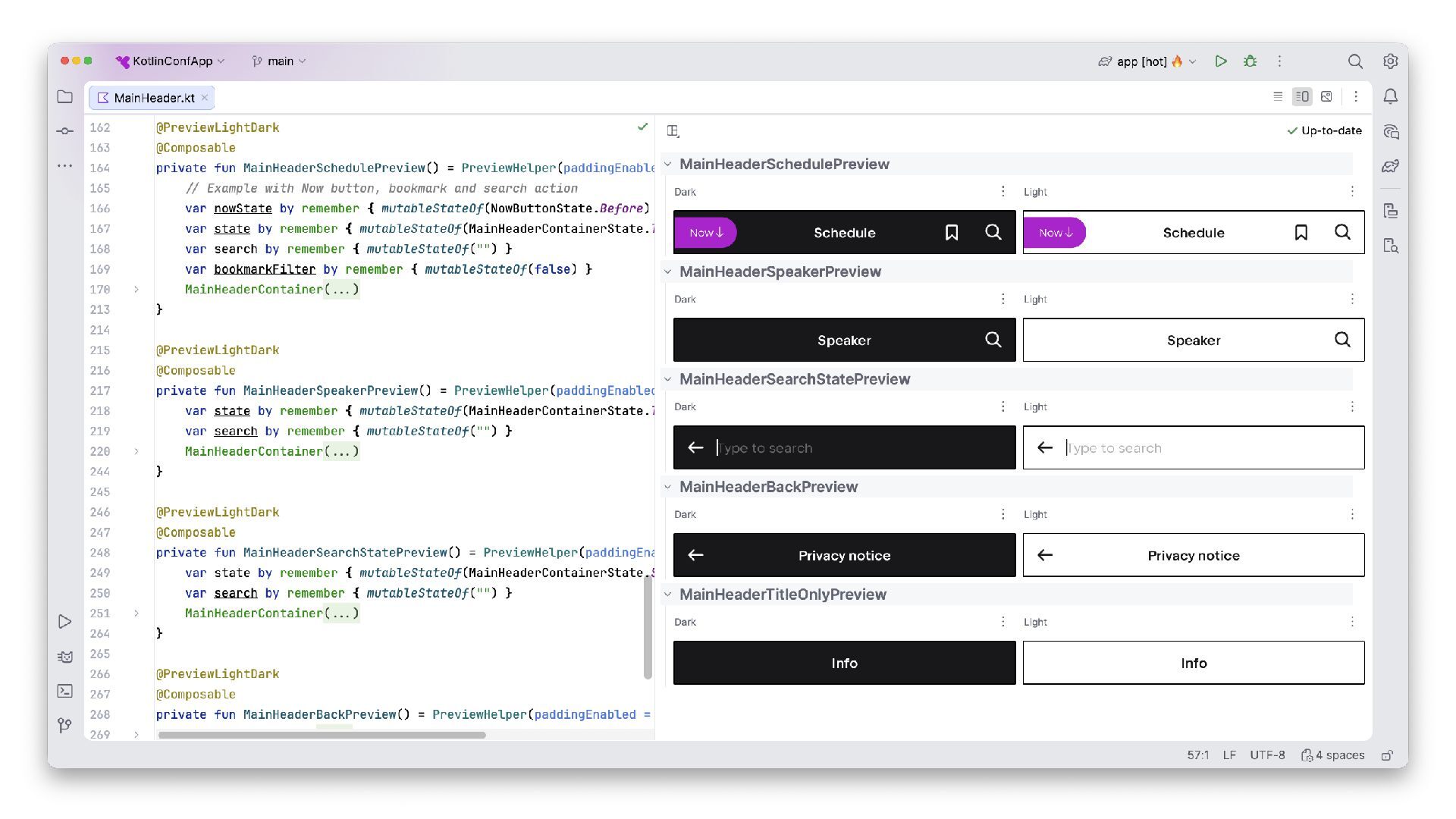
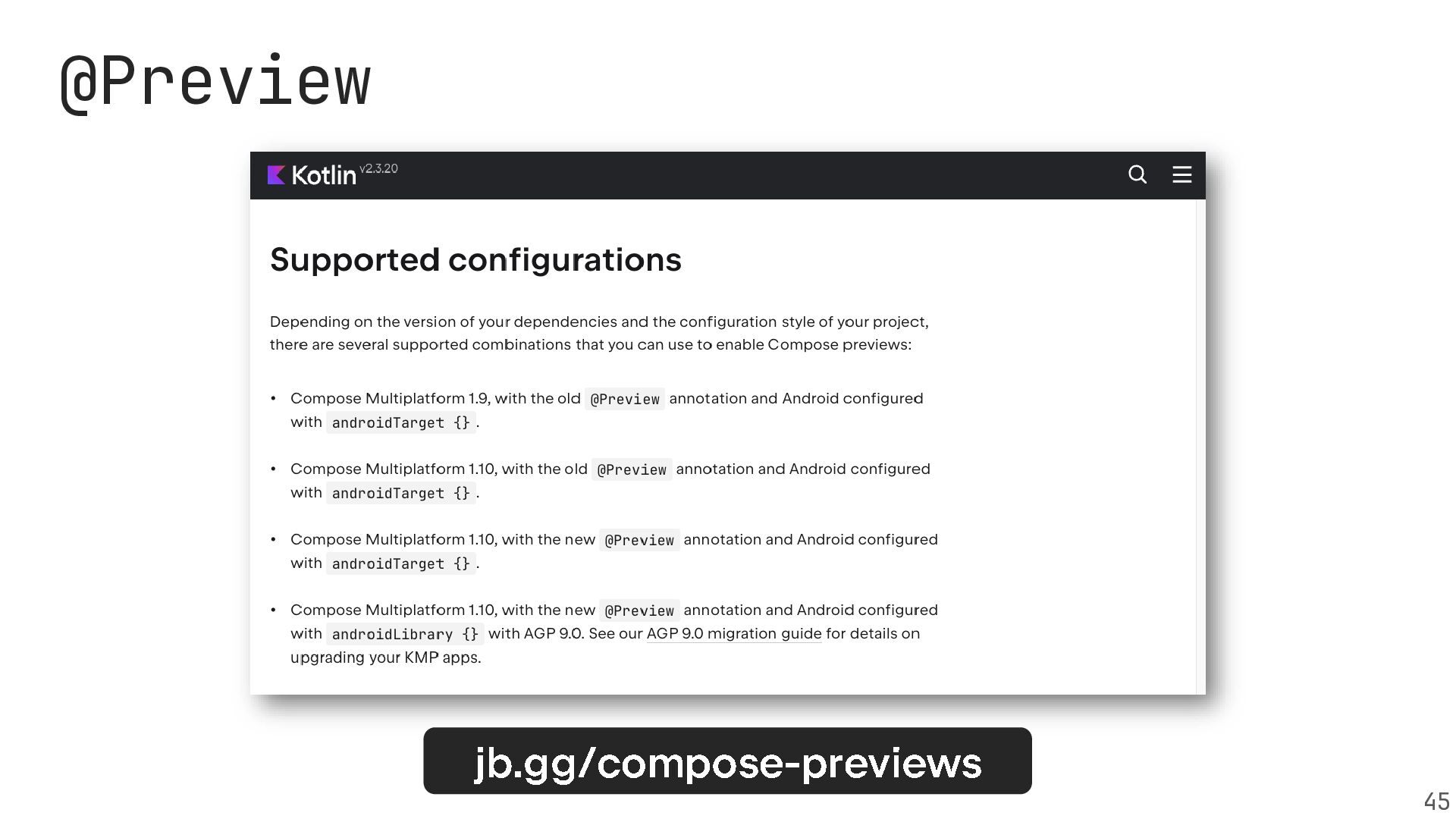
And of course, we’ll discuss the developer experience: with a unified @Preview system, a mature Hot Reload solution, and a thriving ecosystem that covers all important areas of modern app development.

https://zsmb.co/talks/whats-new-in-cmp-2026/

Avatar for Márton Braun

Márton Braun

October 08, 2026

More Decks by Márton Braun

Other Decks in Programming
Transcript

  1. What’s New in Compose Multiplatform Building Shared UI for iOS
    and Beyond Márton Braun Sebastian Aigner
  2. Agenda • Where Compose Multiplatform is today • Onboarding and

    tooling • General improvements • Platform-specific updates 5
  3. 14

  4. 17

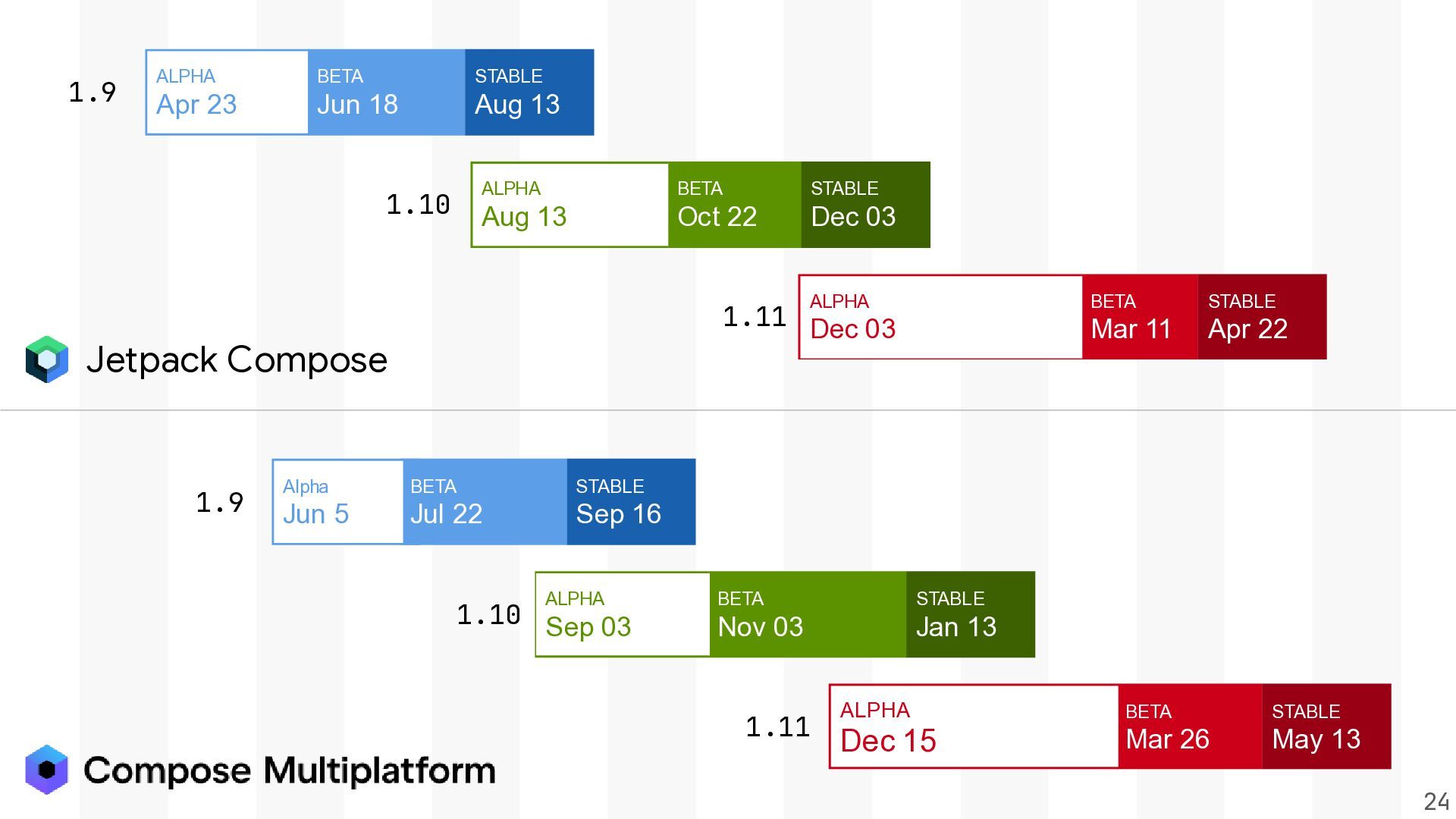
  5. 1.9 ALPHA BETA STABLE Apr 23 Jun 18 Aug 13

    1.10 ALPHA BETA STABLE Aug 13 Oct 22 Dec 03 ALPHA 1.11 Dec 03 Jetpack Compose 1.9 Alpha BETA STABLE Jun 5 Jul 22 Sep 16 ALPHA 1.10 Sep 03 BETA STABLE Nov 03 Jan 13 1.11 BETA STABLE Mar 11 Apr 22 ALPHA BETA STABLE Dec 15 Mar 26 May 13 24
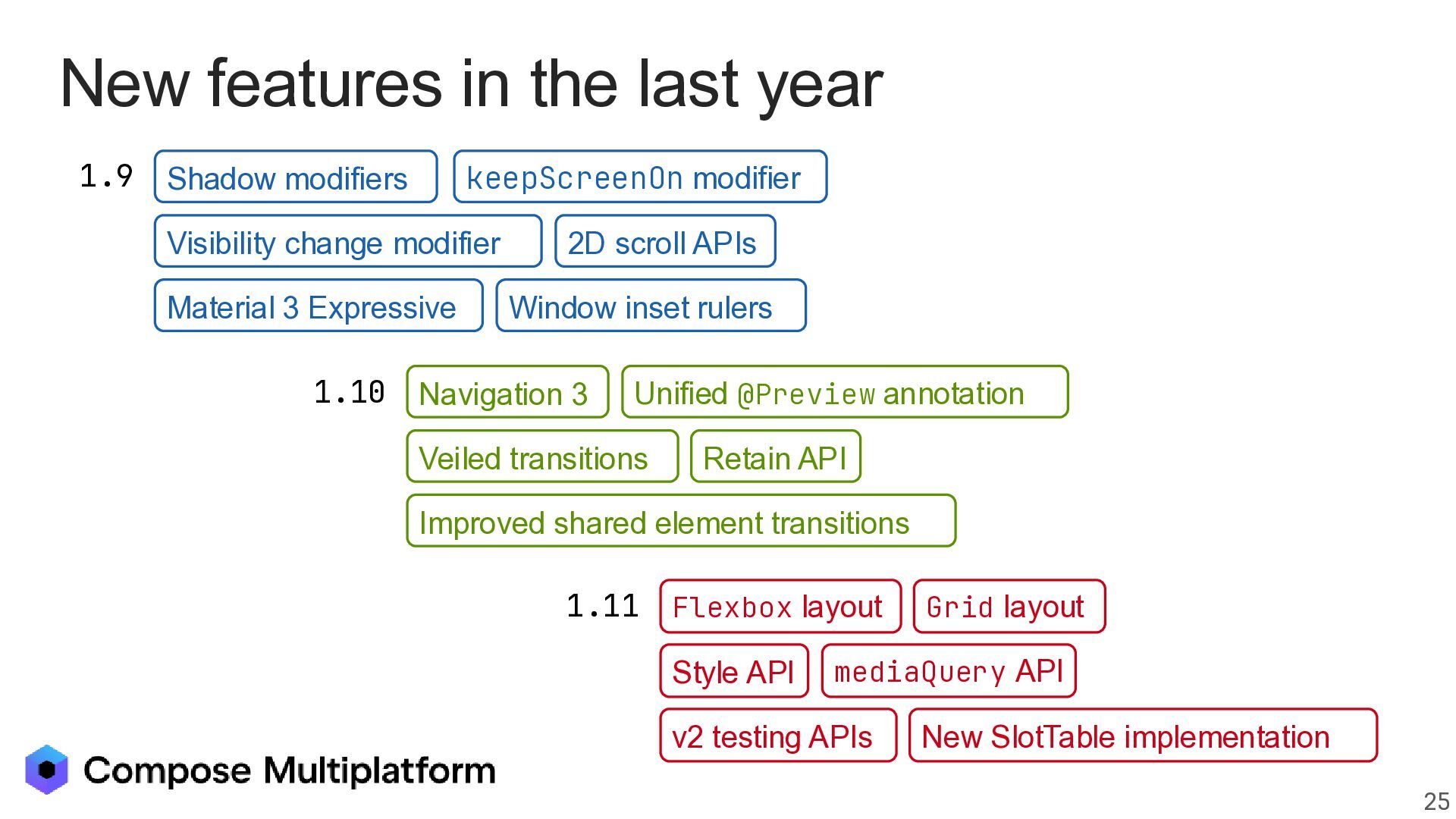
  6. New features in the last year 1.9 Shadow modifiers Alpha

    BETA keepScreenOn modifier Jun 5 Jul 22 Sep 16 STABLE Visibility change modifier Material 3 Expressive 1.10 2D scroll APIs Window inset rulers Navigation 3 Unified @Preview annotation ALPHA BETA Sep 03 Nov 03 Veiled transitions STABLE Jan 13 Retain API Improved shared element transitions 1.11 Flexbox layout ALPHA Dec 15 Style API Grid layout BETA Mar API 26 mediaQuery v2 testing APIs STABLE May 13 New SlotTable implementation 25
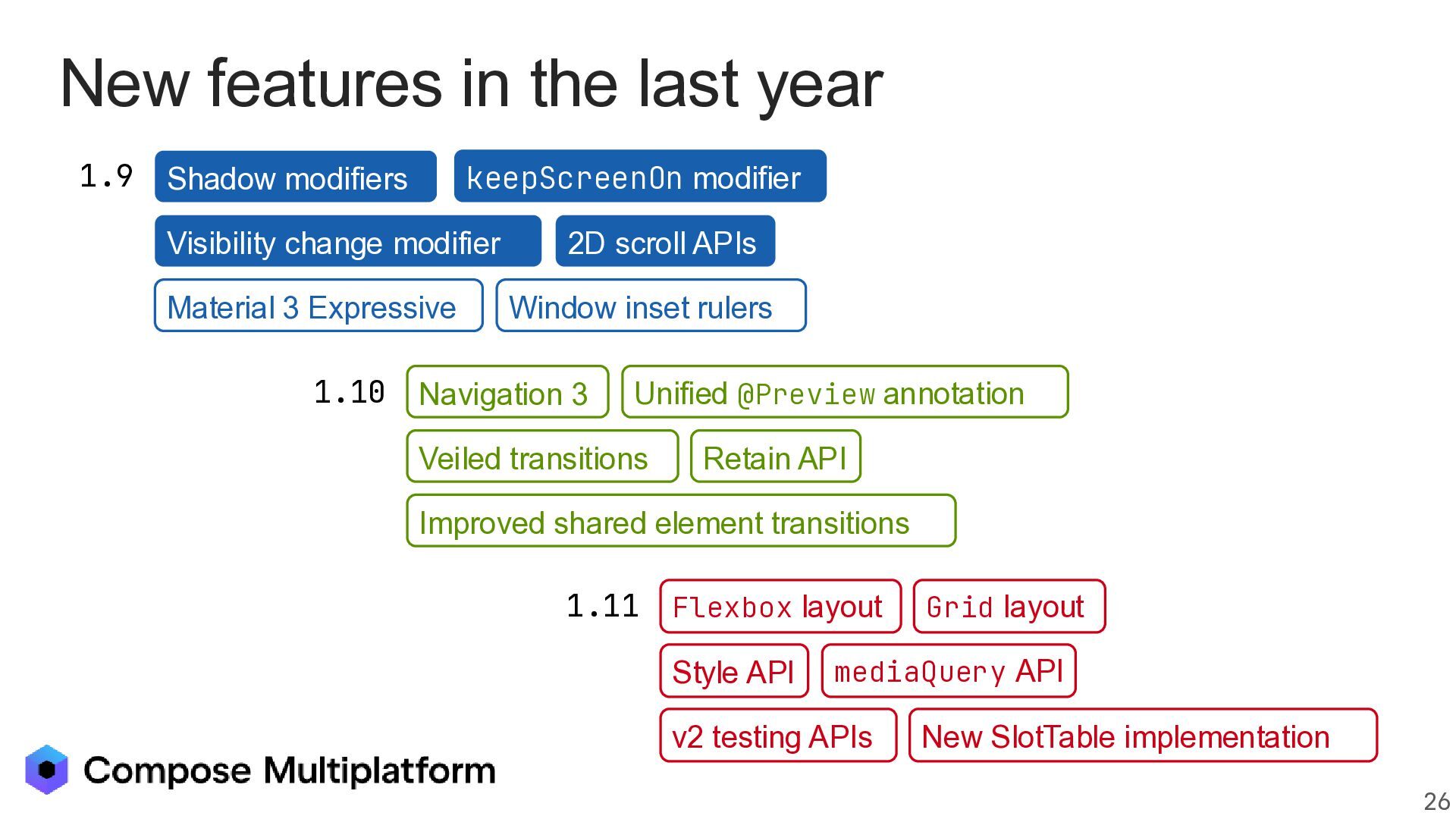
  7. New features in the last year 1.9 Shadow modifiers Alpha

    BETA keepScreenOn modifier Jun 5 Jul 22 Sep 16 STABLE Visibility change modifier Material 3 Expressive 1.10 2D scroll APIs Window inset rulers Navigation 3 Unified @Preview annotation ALPHA BETA Sep 03 Nov 03 Veiled transitions STABLE Jan 13 Retain API Improved shared element transitions 1.11 Flexbox layout ALPHA Dec 15 Style API Grid layout BETA Mar API 26 mediaQuery v2 testing APIs STABLE May 13 New SlotTable implementation 26
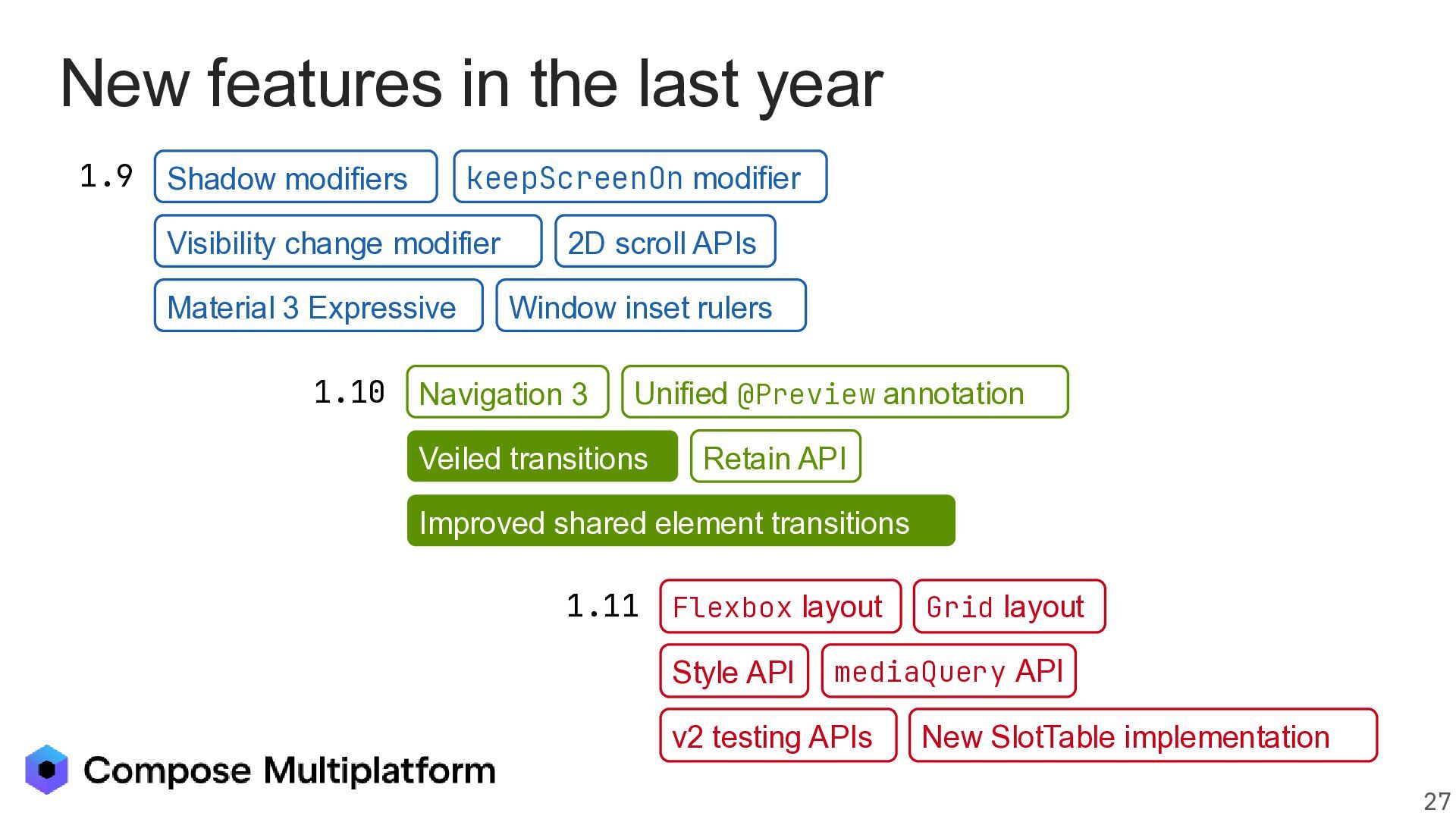
  8. New features in the last year 1.9 Shadow modifiers Alpha

    BETA keepScreenOn modifier Jun 5 Jul 22 Sep 16 STABLE Visibility change modifier Material 3 Expressive 1.10 2D scroll APIs Window inset rulers Navigation 3 Unified @Preview annotation ALPHA BETA Sep 03 Nov 03 Veiled transitions STABLE Jan 13 Retain API Improved shared element transitions 1.11 Flexbox layout ALPHA Dec 15 Style API Grid layout BETA Mar API 26 mediaQuery v2 testing APIs STABLE May 13 New SlotTable implementation 27
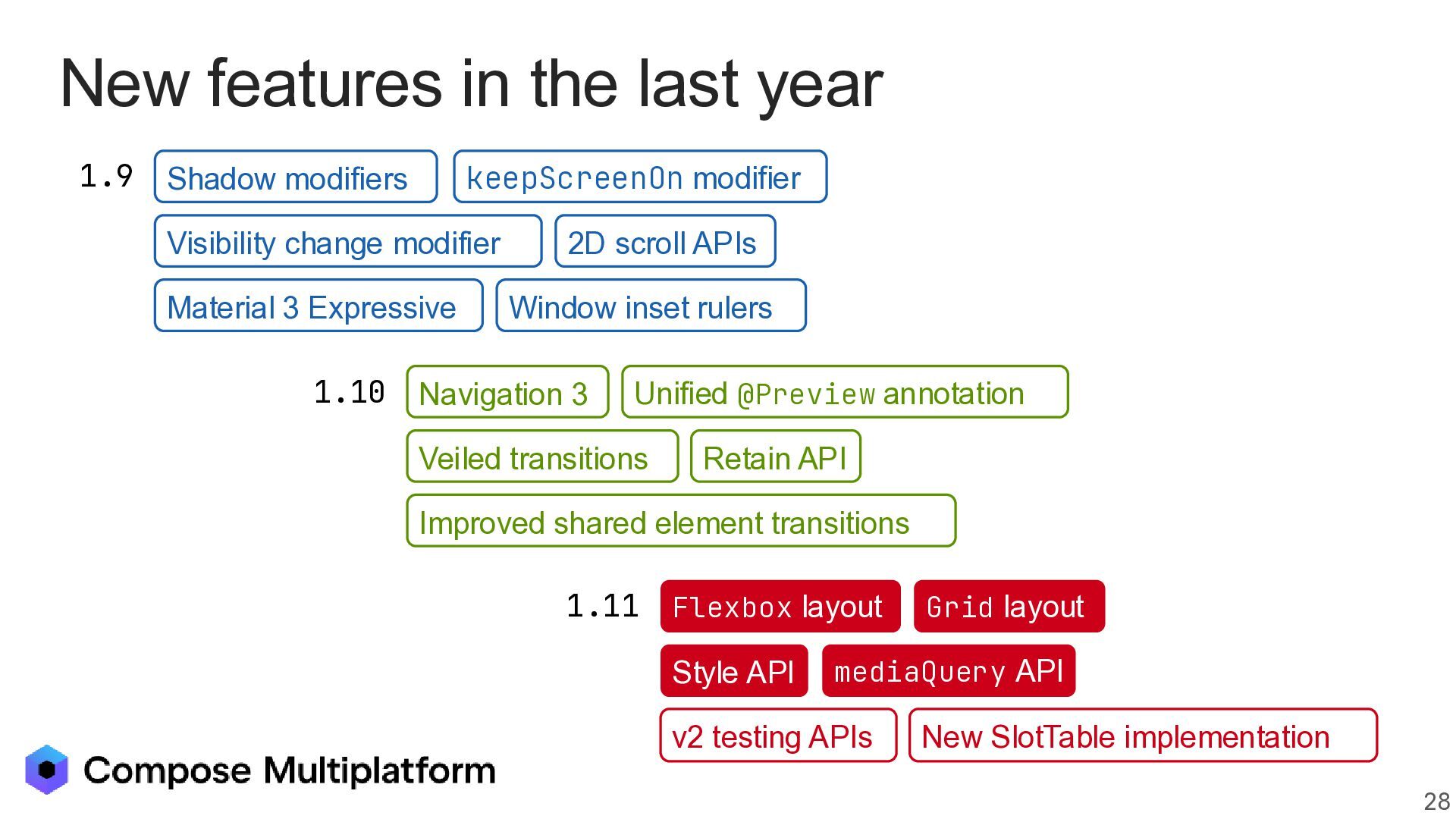
  9. New features in the last year 1.9 Shadow modifiers Alpha

    BETA keepScreenOn modifier Jun 5 Jul 22 Sep 16 STABLE Visibility change modifier Material 3 Expressive 1.10 2D scroll APIs Window inset rulers Navigation 3 Unified @Preview annotation ALPHA BETA Sep 03 Nov 03 Veiled transitions STABLE Jan 13 Retain API Improved shared element transitions 1.11 Flexbox layout ALPHA Dec 15 Style API Grid layout BETA Mar API 26 mediaQuery v2 testing APIs STABLE May 13 New SlotTable implementation 28
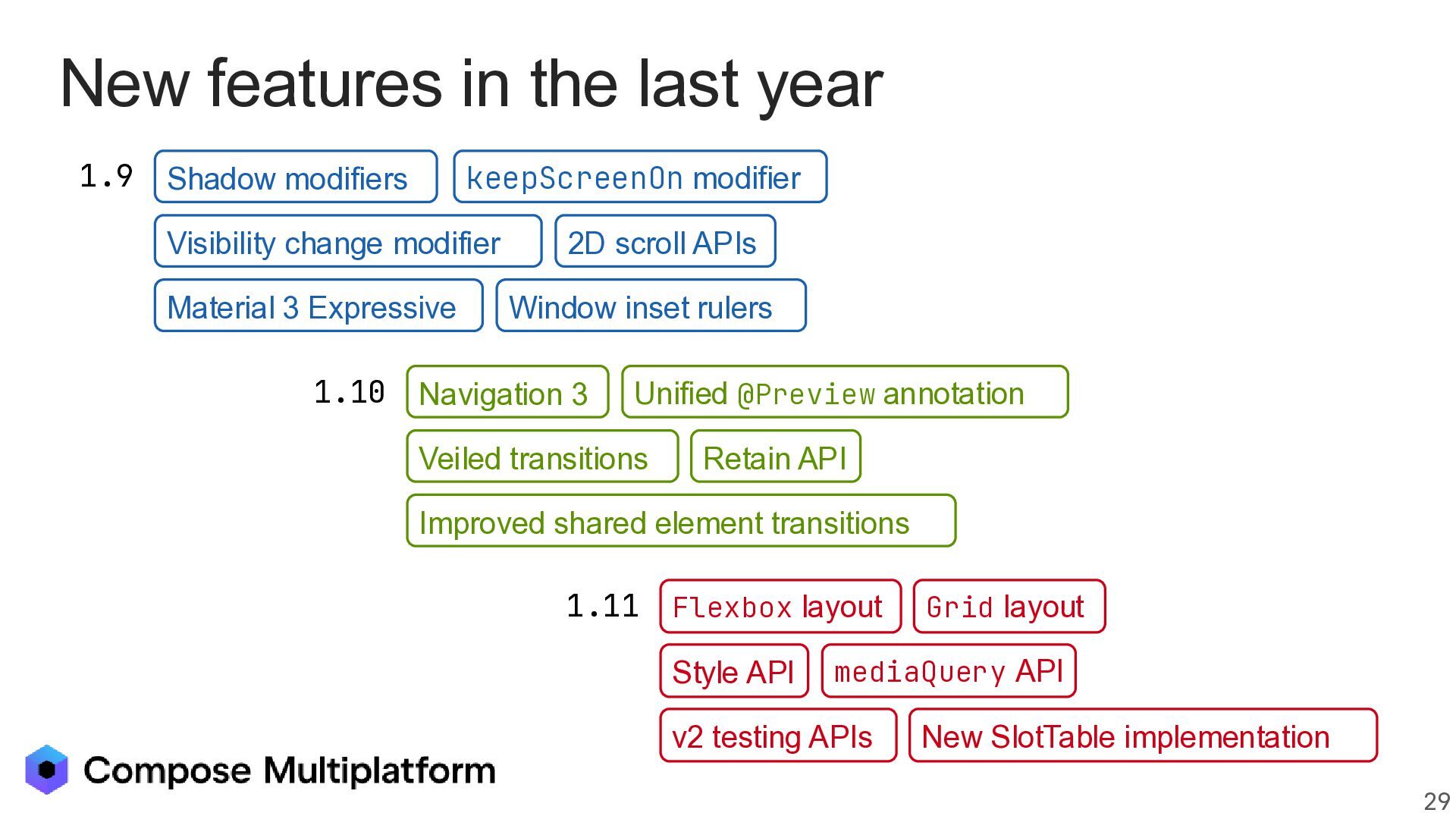
  10. New features in the last year 1.9 Shadow modifiers Alpha

    BETA keepScreenOn modifier Jun 5 Jul 22 Sep 16 STABLE Visibility change modifier Material 3 Expressive 1.10 2D scroll APIs Window inset rulers Navigation 3 Unified @Preview annotation ALPHA BETA Sep 03 Nov 03 Veiled transitions STABLE Jan 13 Retain API Improved shared element transitions 1.11 Flexbox layout ALPHA Dec 15 Style API Grid layout BETA Mar API 26 mediaQuery v2 testing APIs STABLE May 13 New SlotTable implementation 29
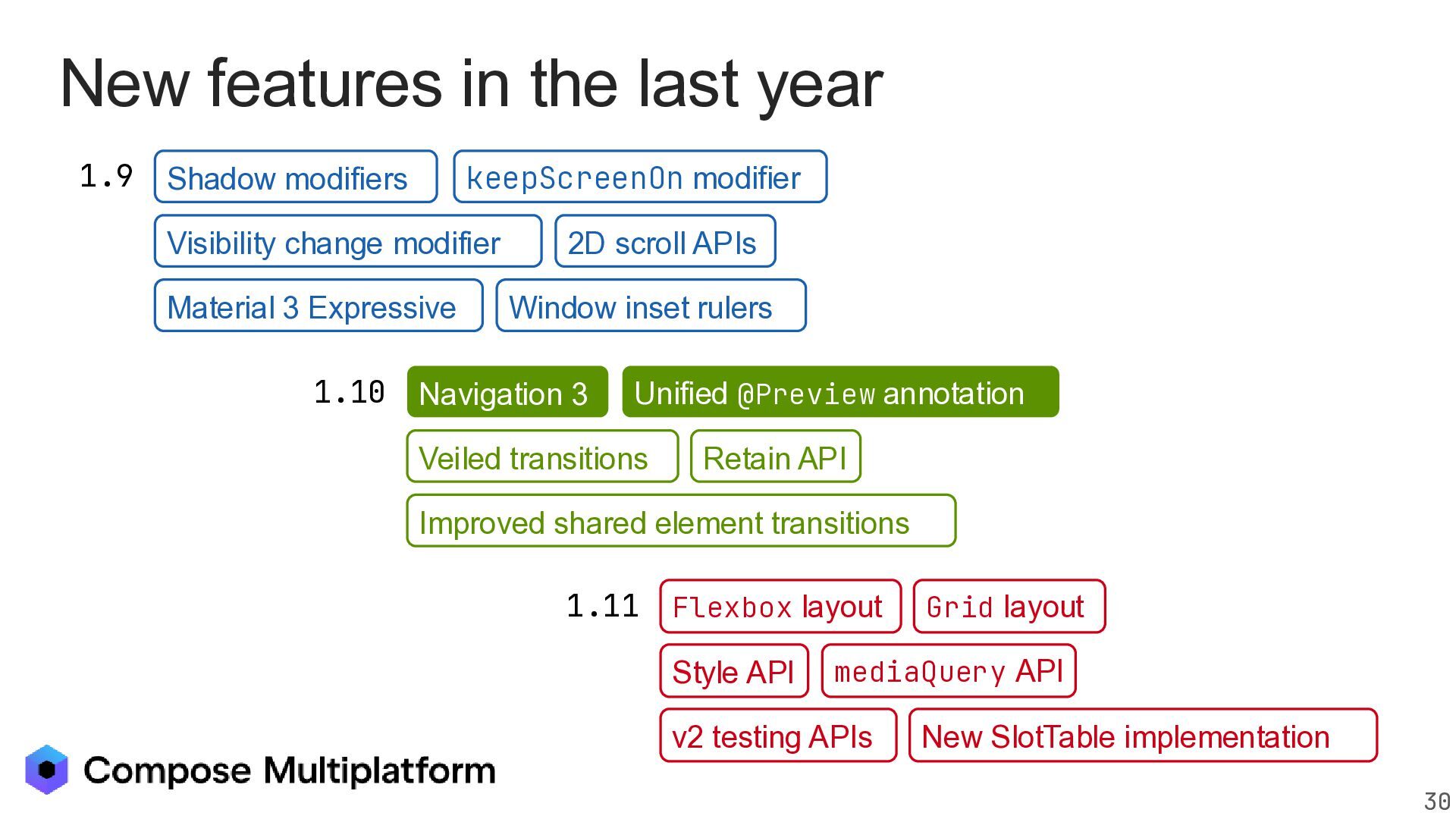
  11. New features in the last year 1.9 Shadow modifiers Alpha

    BETA keepScreenOn modifier Jun 5 Jul 22 Sep 16 STABLE Visibility change modifier Material 3 Expressive 1.10 2D scroll APIs Window inset rulers Unified @Preview annotation Navigation 3 ALPHA BETA STABLE Sep 03 Nov 03 Veiled transitions Jan 13 Retain API Improved shared element transitions 1.11 Flexbox layout ALPHA Dec 15 Style API Grid layout BETA Mar API 26 mediaQuery v2 testing APIs STABLE May 13 New SlotTable implementation 30
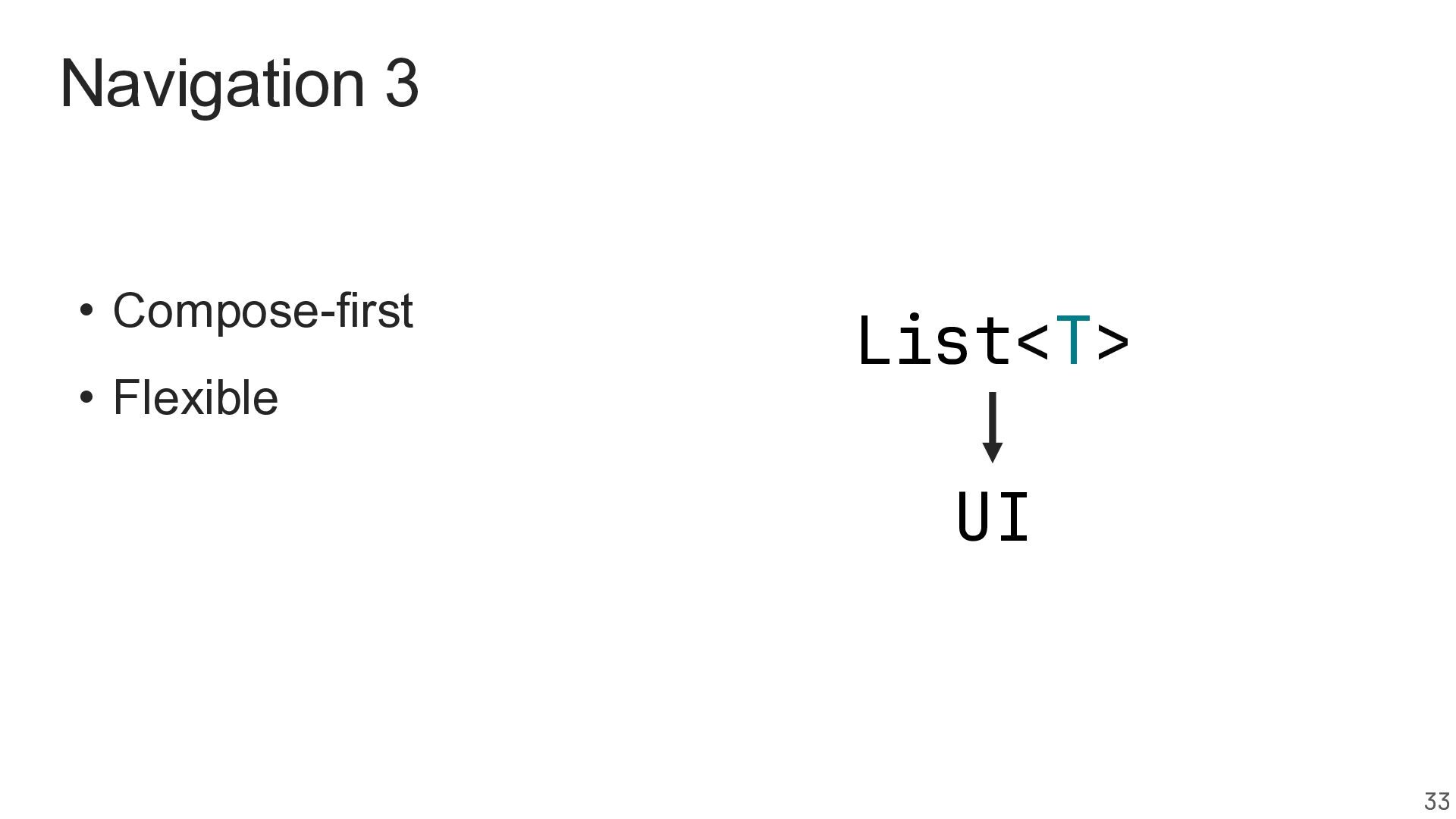
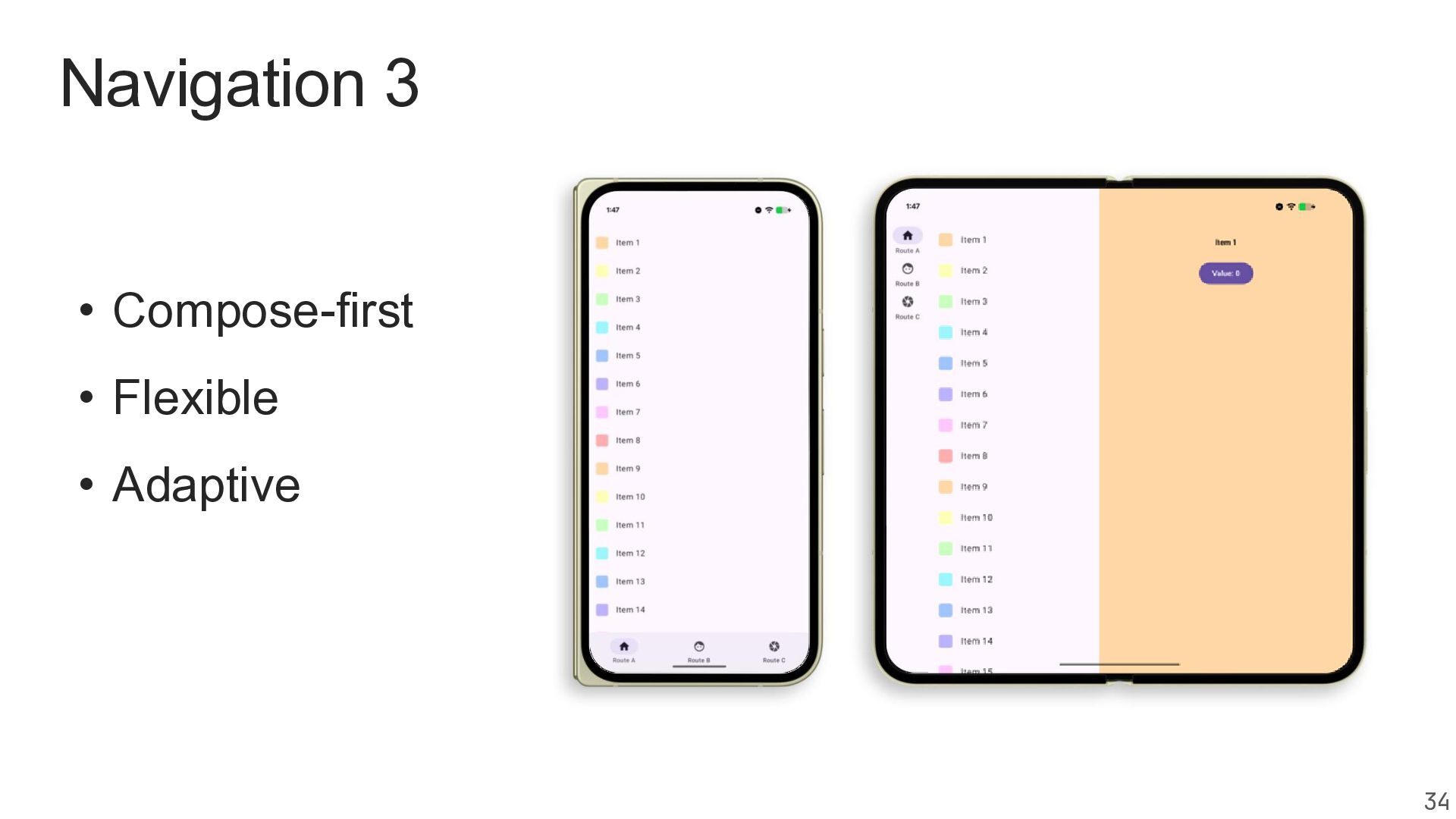
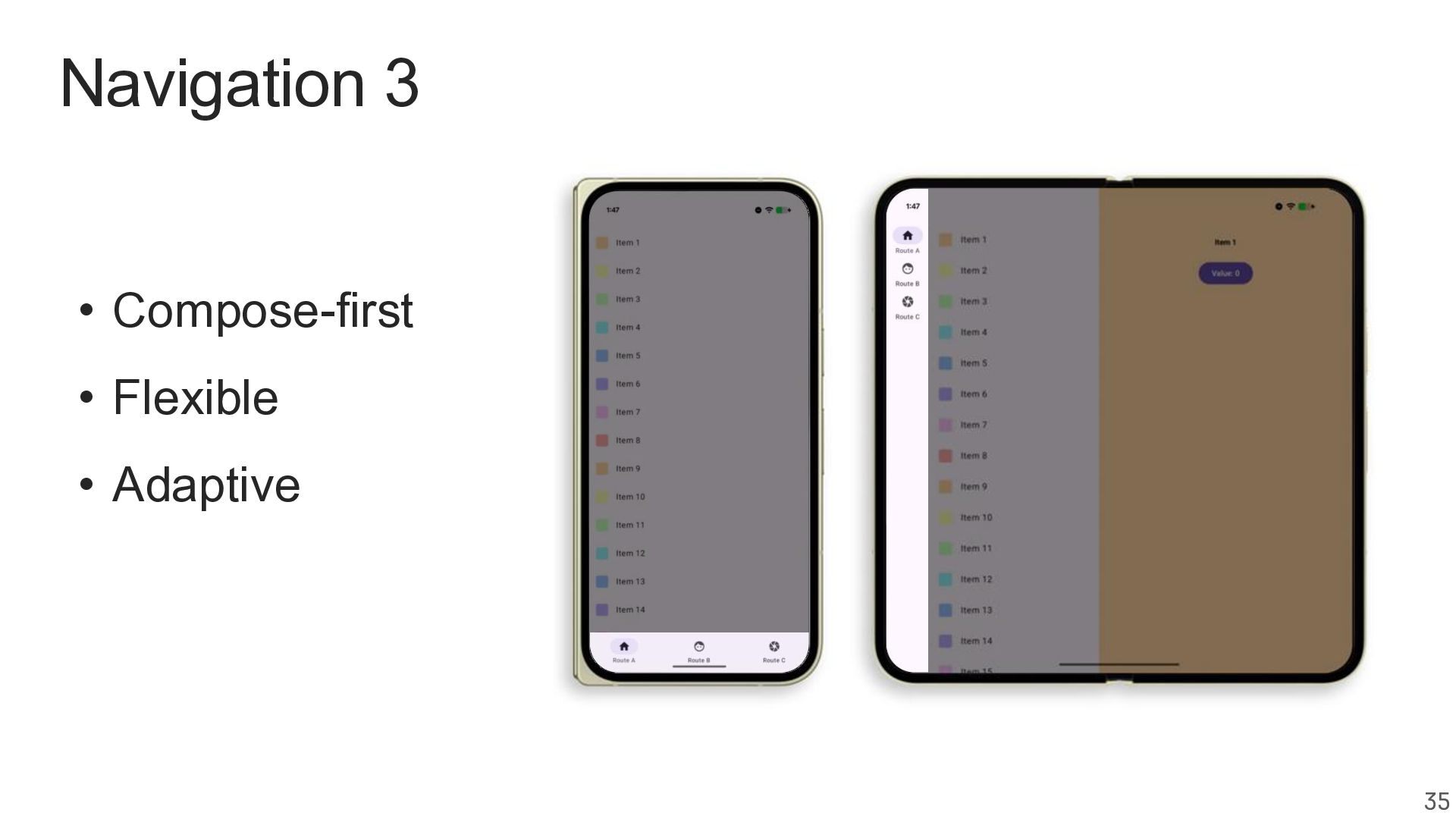
  12. Navigation 3 • Compose-first Modernizing • Flexible • Adaptive Preparing

    for Multiplatform • Multiplatform Going Multiplatform 36
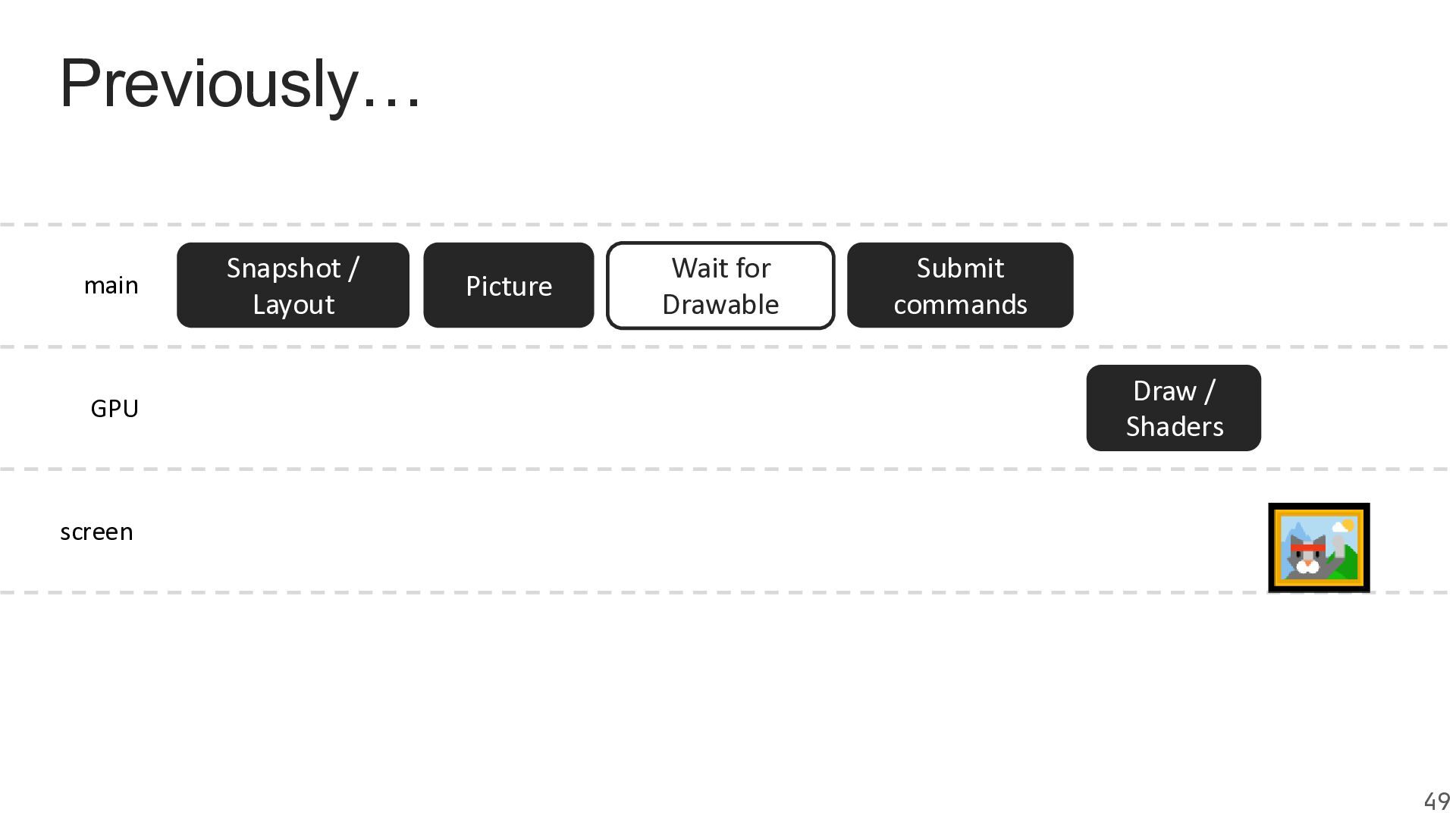
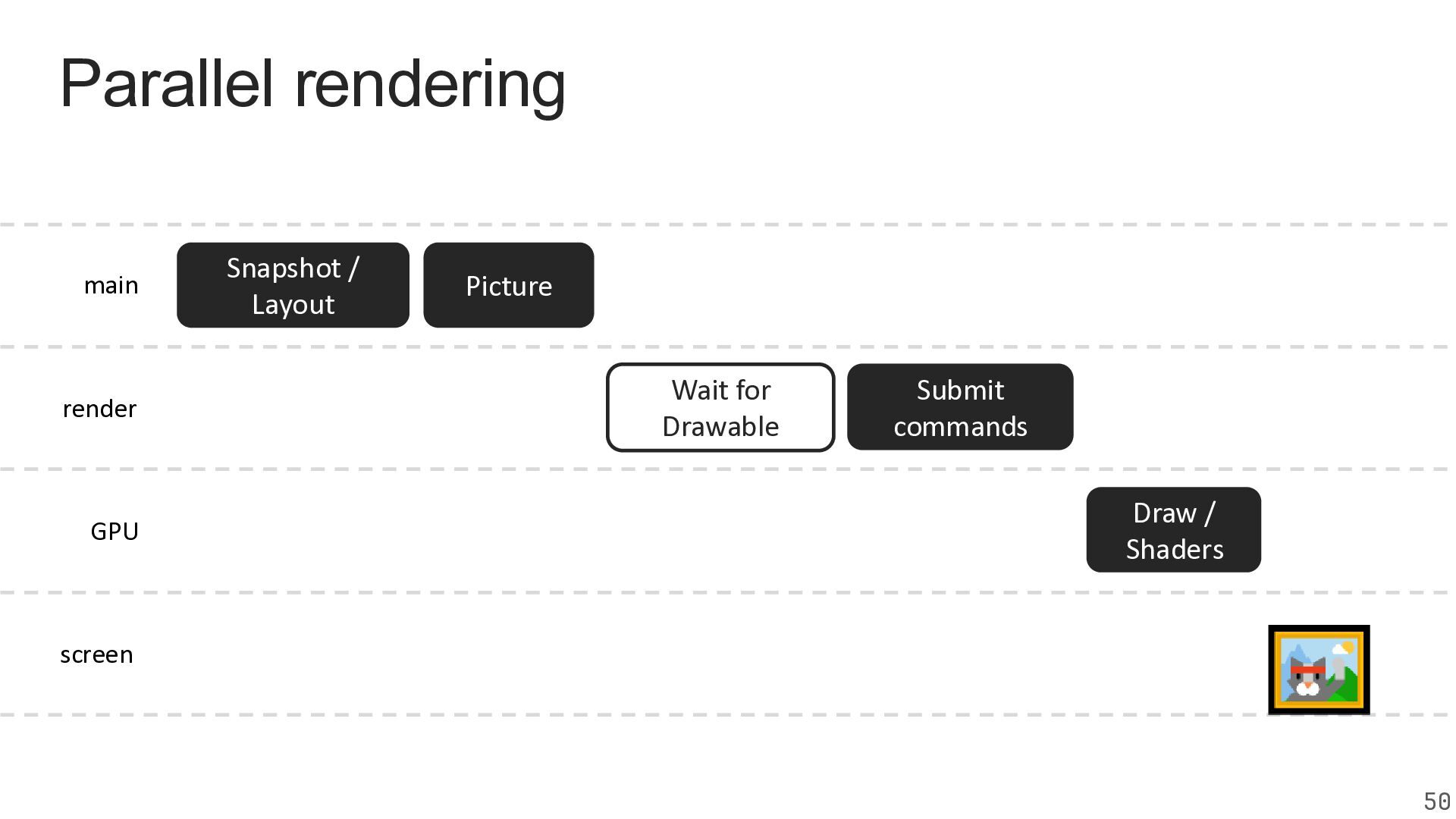
  13. Parallel rendering main render GPU Snapshot / Layout Picture Wait

    for Drawable Submit commands Draw / Shaders screen 50
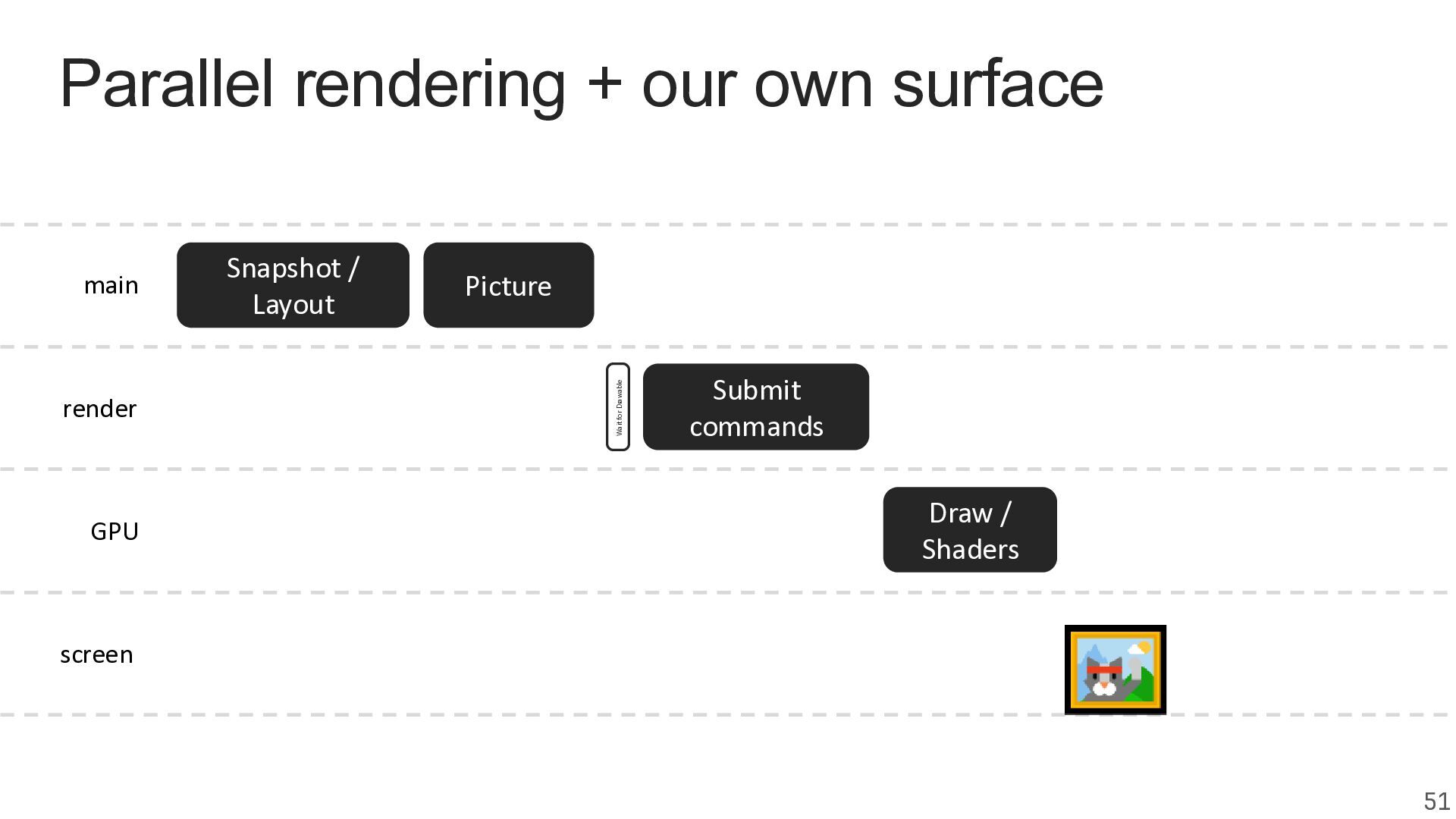
  14. Parallel rendering + our own surface render GPU Snapshot /

    Layout Picture Wait for Drawable main Submit commands Draw / Shaders screen 51
  15. 55

  16. 56

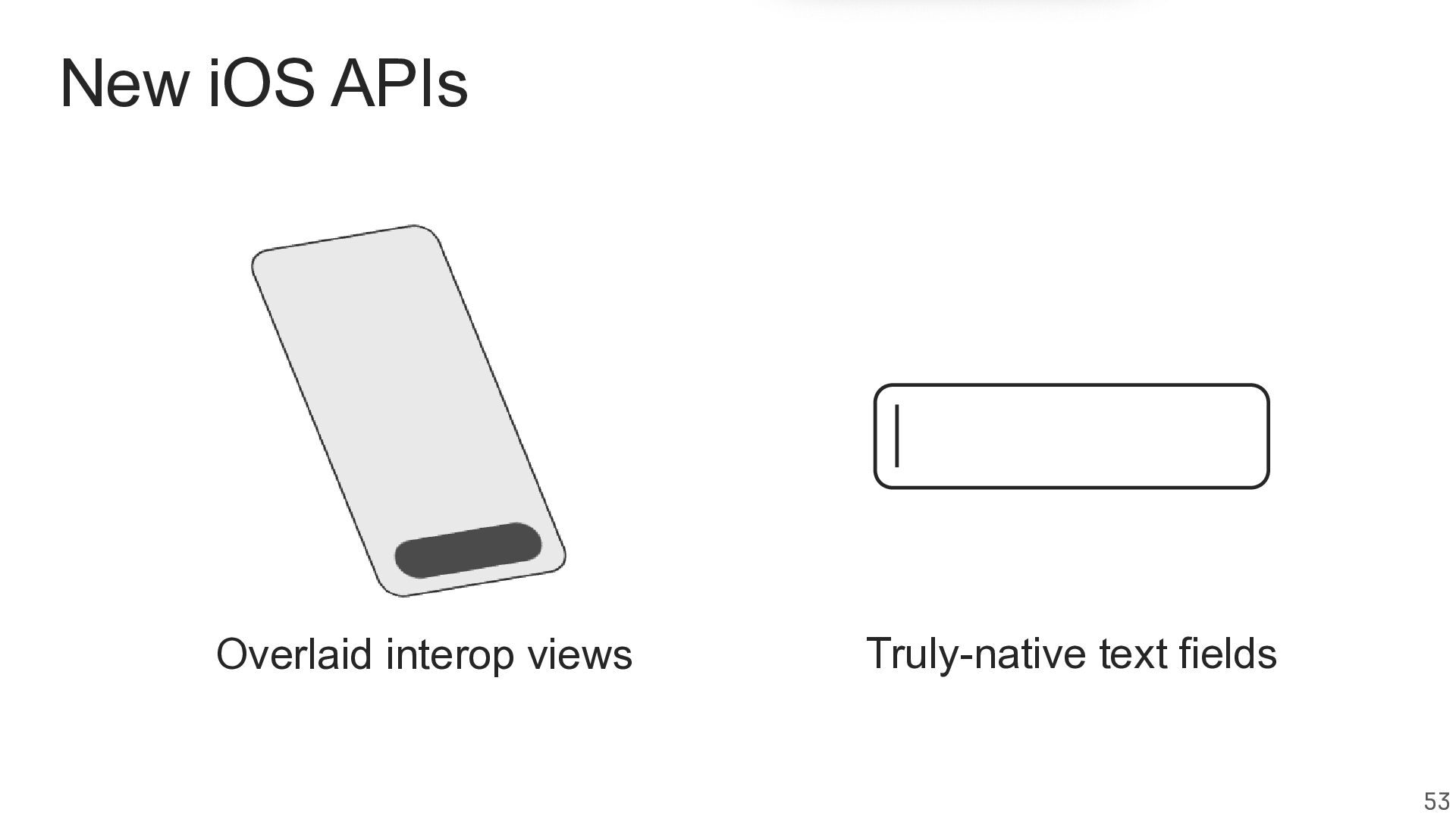
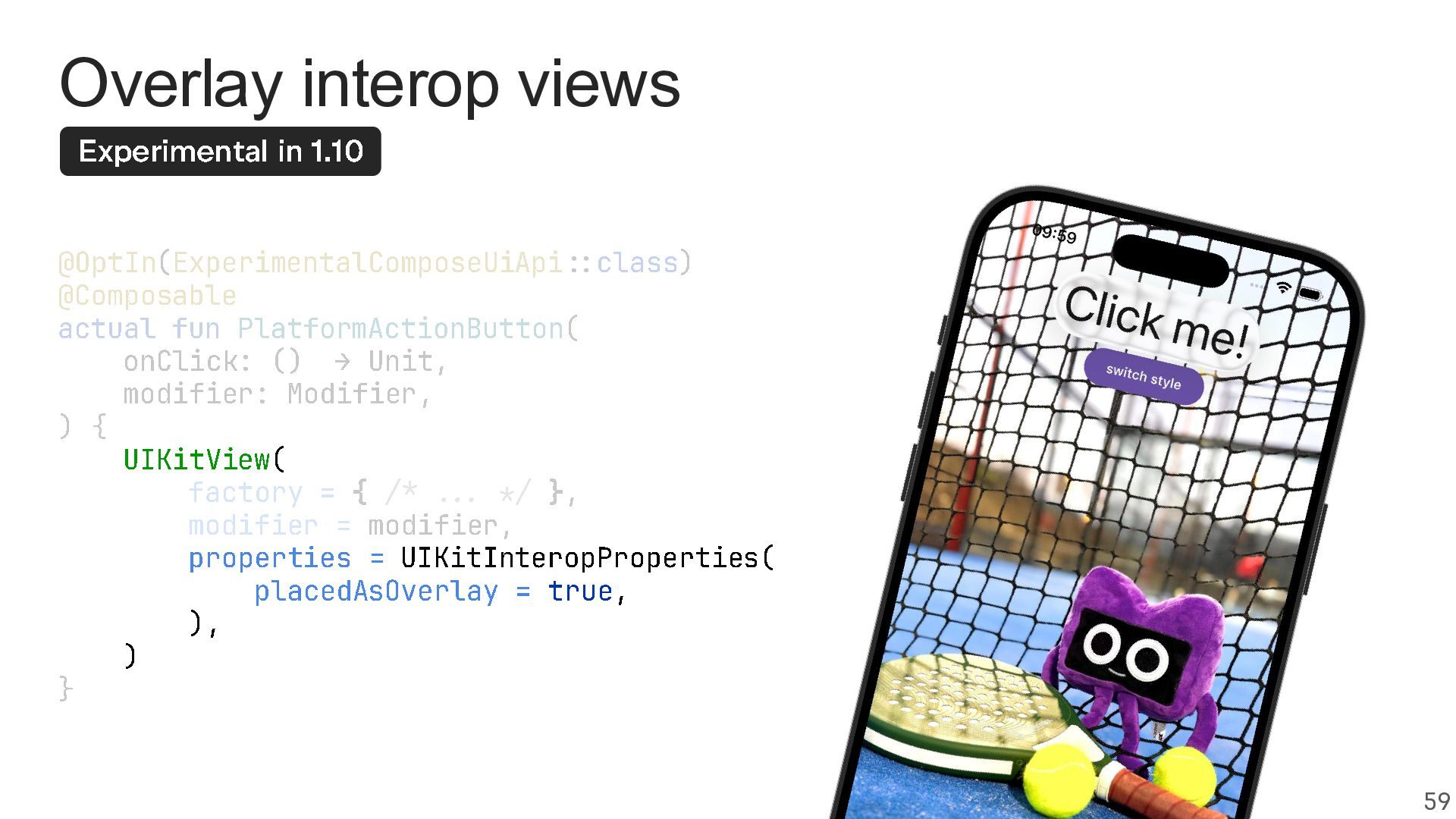
  17. Overlay interop views Experimental in 1.10 @OptIn ( ExperimentalComposeUiApi ::

    class ) @Composable actual fun PlatformActionButton ( onClick : () > Unit , modifier : Modifier , ){ UIKitView ( factory = { /* ... */ }, modifier = modifier , properties = UIKitInteropProperties placedAsOverlay = true , ), ) } ( 59
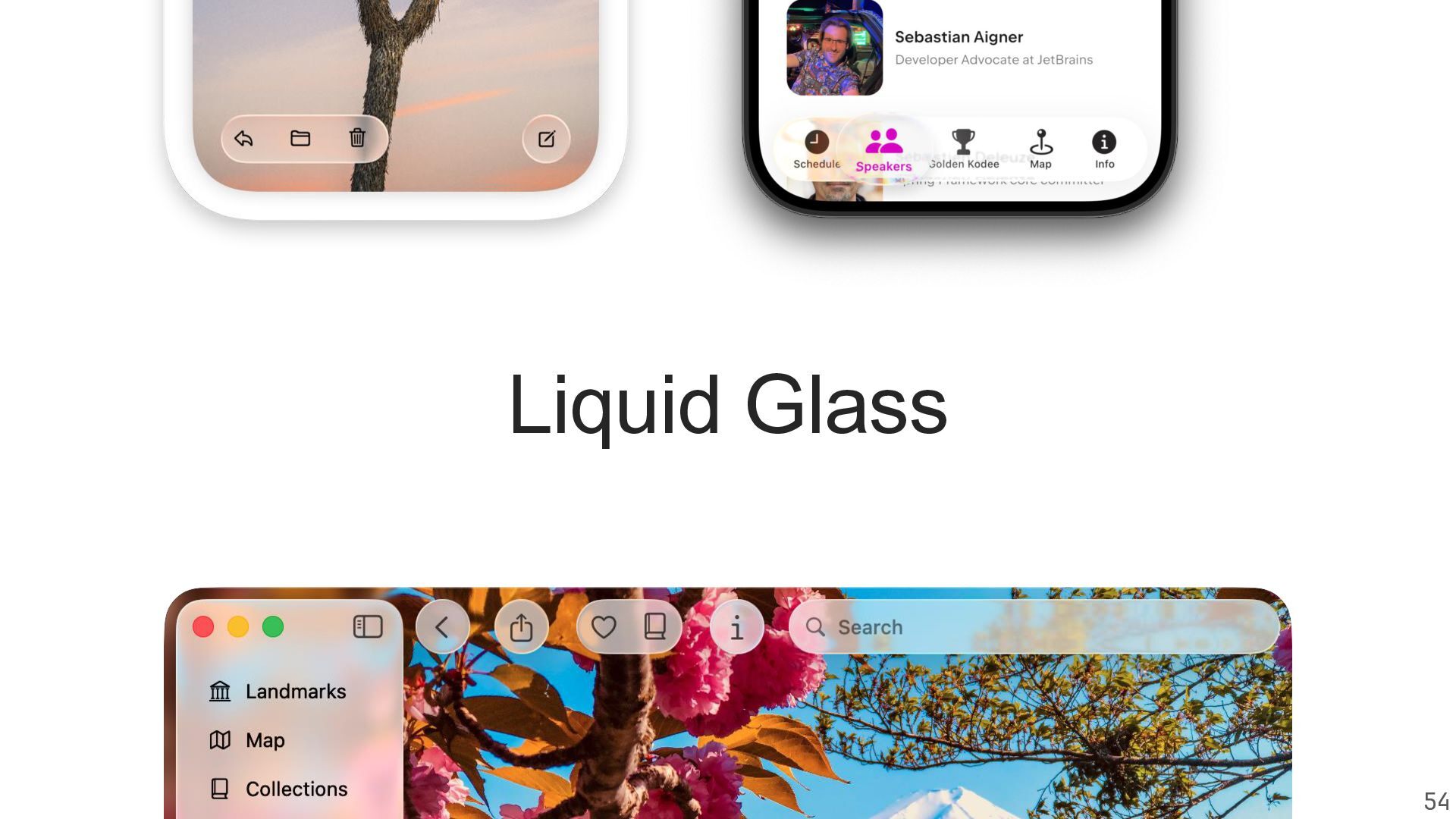
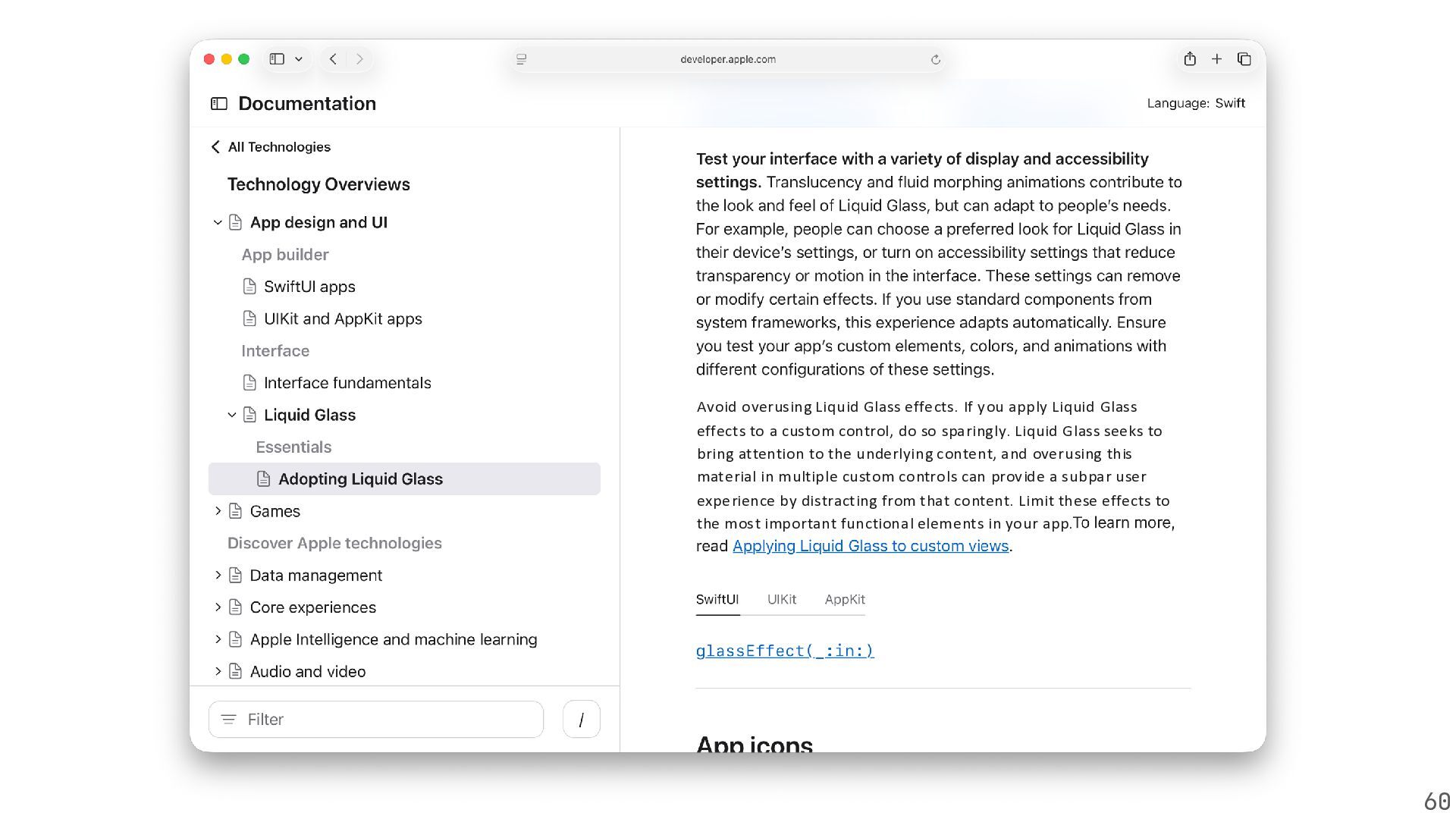
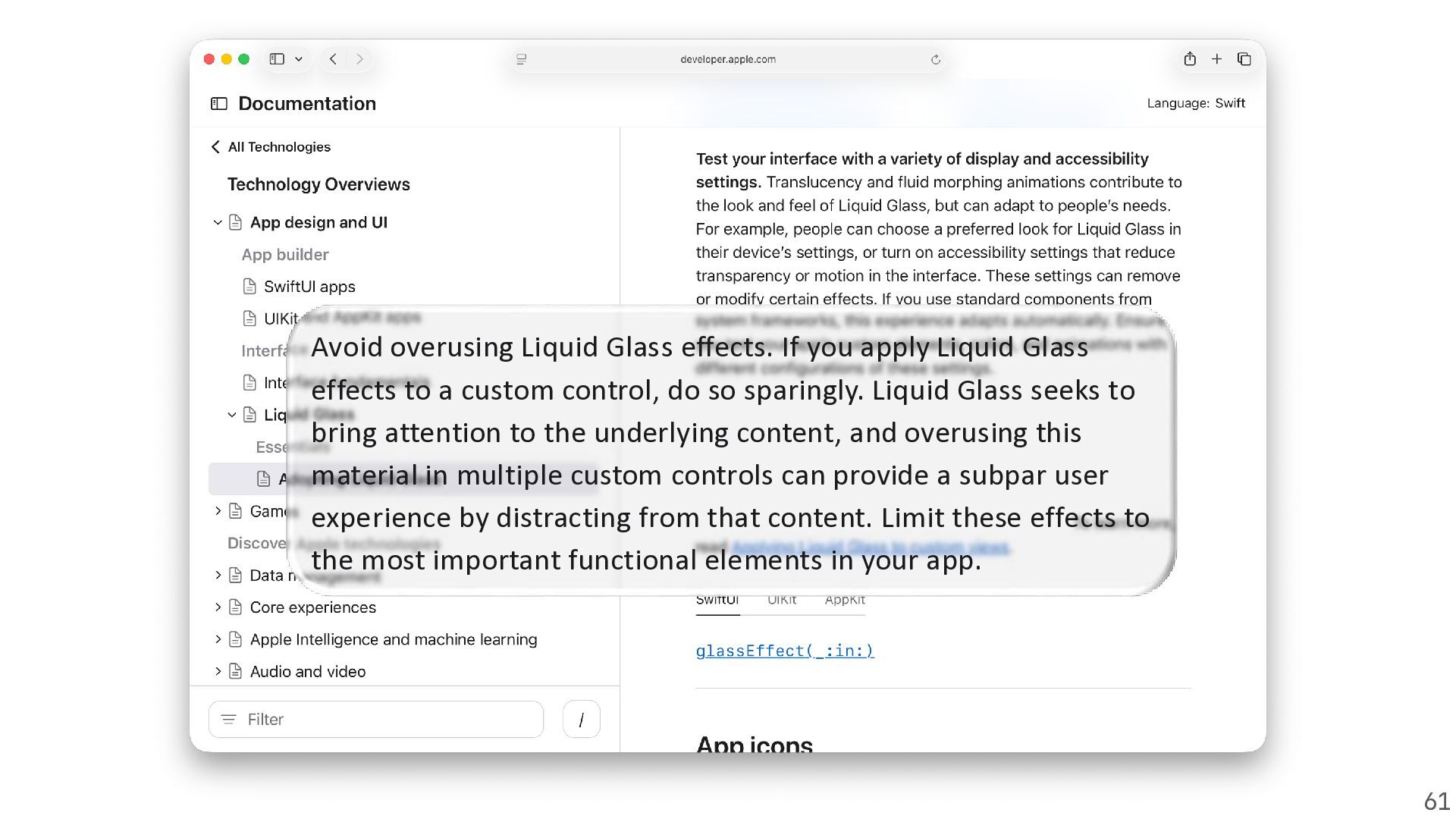
  18. Avoid overusing Liquid Glass effects. If you apply Liquid Glass

    effects to a custom control, do so sparingly. Liquid Glass seeks to bring attention to the underlying content, and overusing this material in multiple custom controls can provide a subpar user experience by distracting from that content. Limit these effects to the most important functional elements in your app. 60
  19. Avoid overusing Liquid Glass effects. If you apply Liquid Glass

    effects to a custom control, do so sparingly. Liquid Glass seeks to bring attention to the underlying content, and overusing this material in multiple custom controls can provide a subpar user experience by distracting from that content. Limit these effects to the most important functional elements in your app. 61
  20. 73

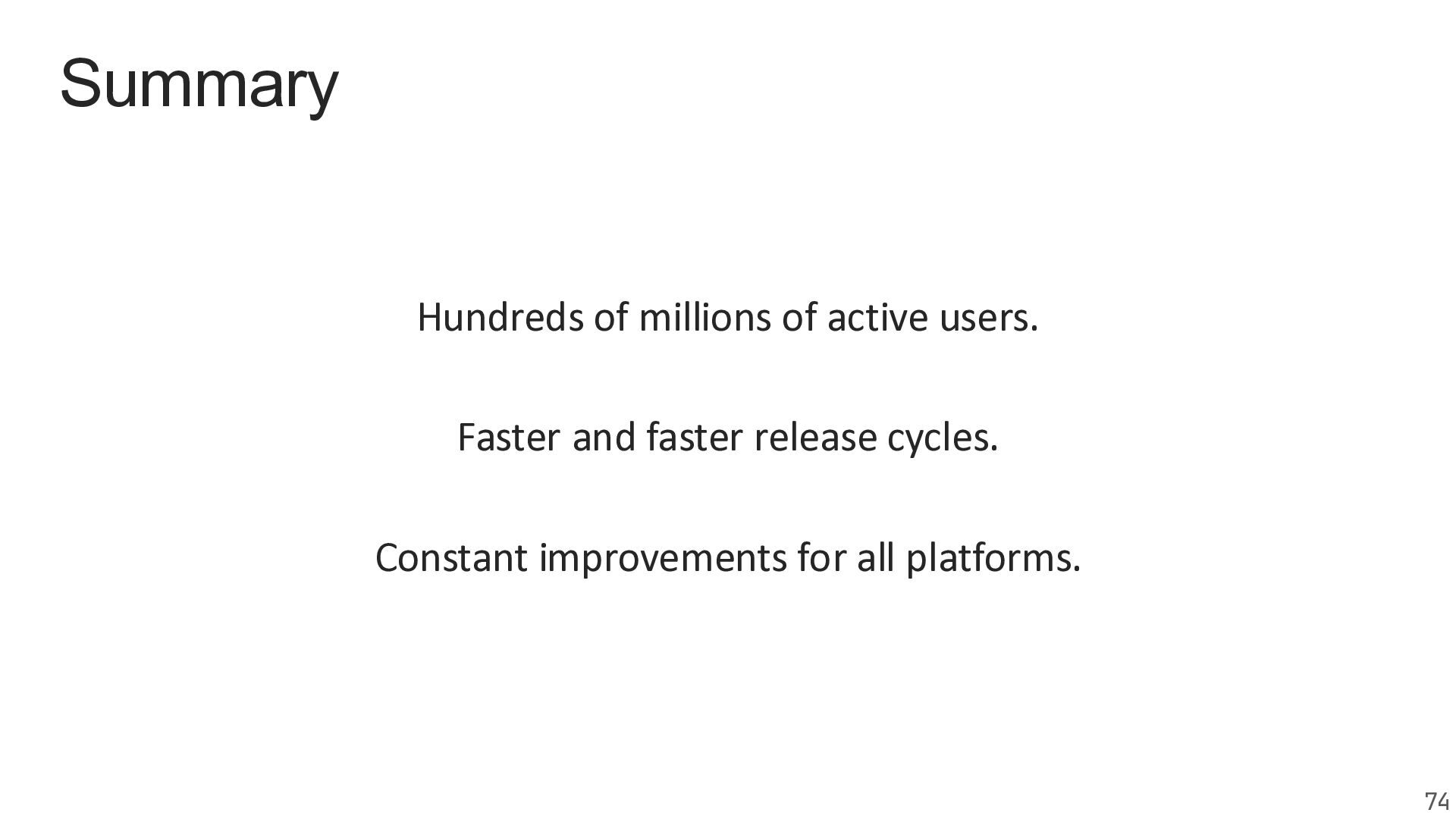
  21. Summary Hundreds of millions of active users. Faster and faster

    release cycles. Constant improvements for all platforms. 74
  22. Thank you; Come chat with us at the JetBrains booth!

    Márton Braun zsmb.co/talks zsmb.co/talks @zsmb.co Sebastian Aigner sebi.io @sebi.io sebi.io
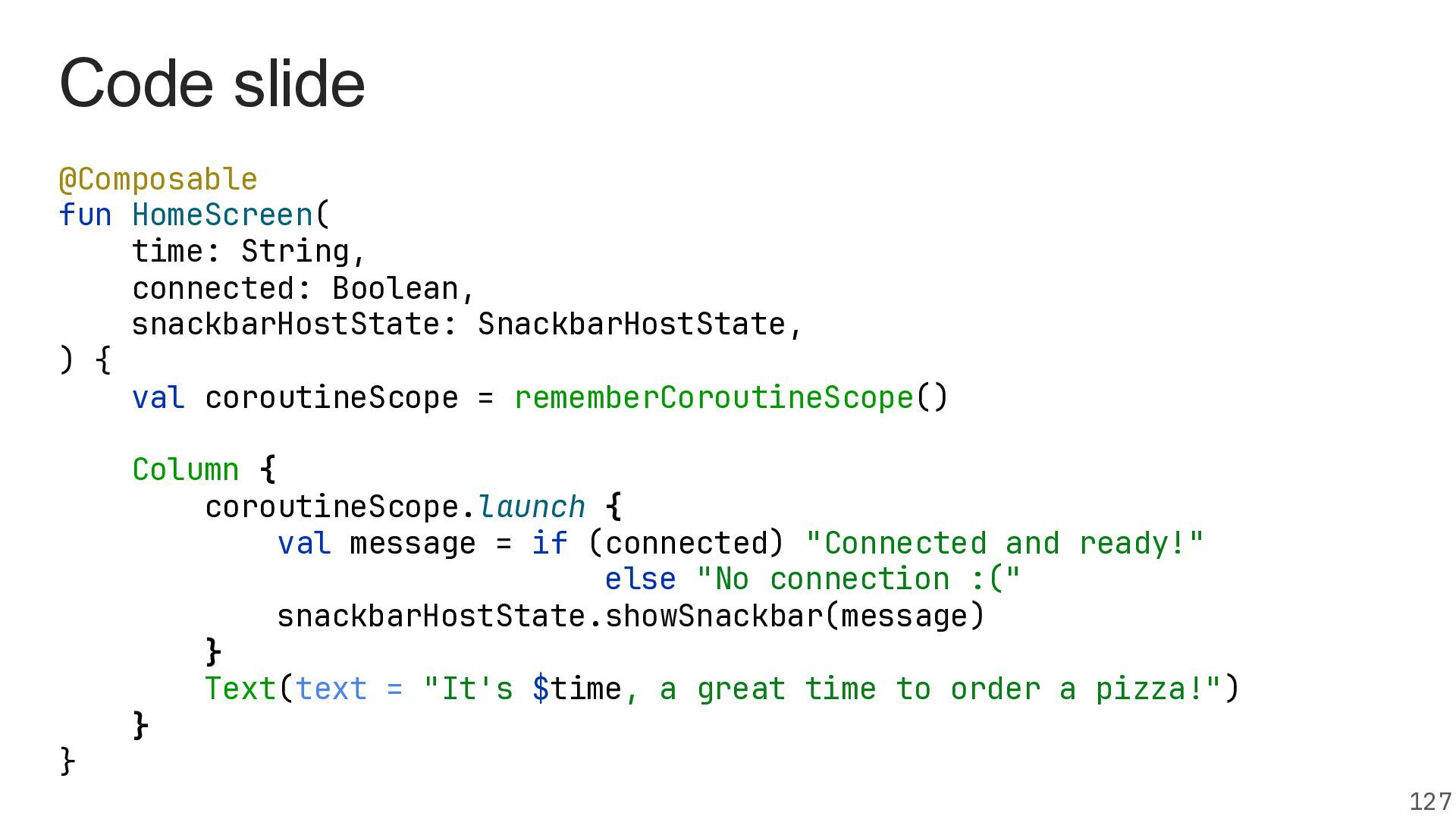
  23. Code slide @Composable fun HomeScreen( time: String, connected: Boolean, snackbarHostState:

    SnackbarHostState, ) { val coroutineScope = rememberCoroutineScope() } Column { coroutineScope.launch { val message = if (connected) "Connected and ready!" else "No connection :(" snackbarHostState.showSnackbar(message) } Text(text = "It's $time, a great time to order a pizza!") } 127
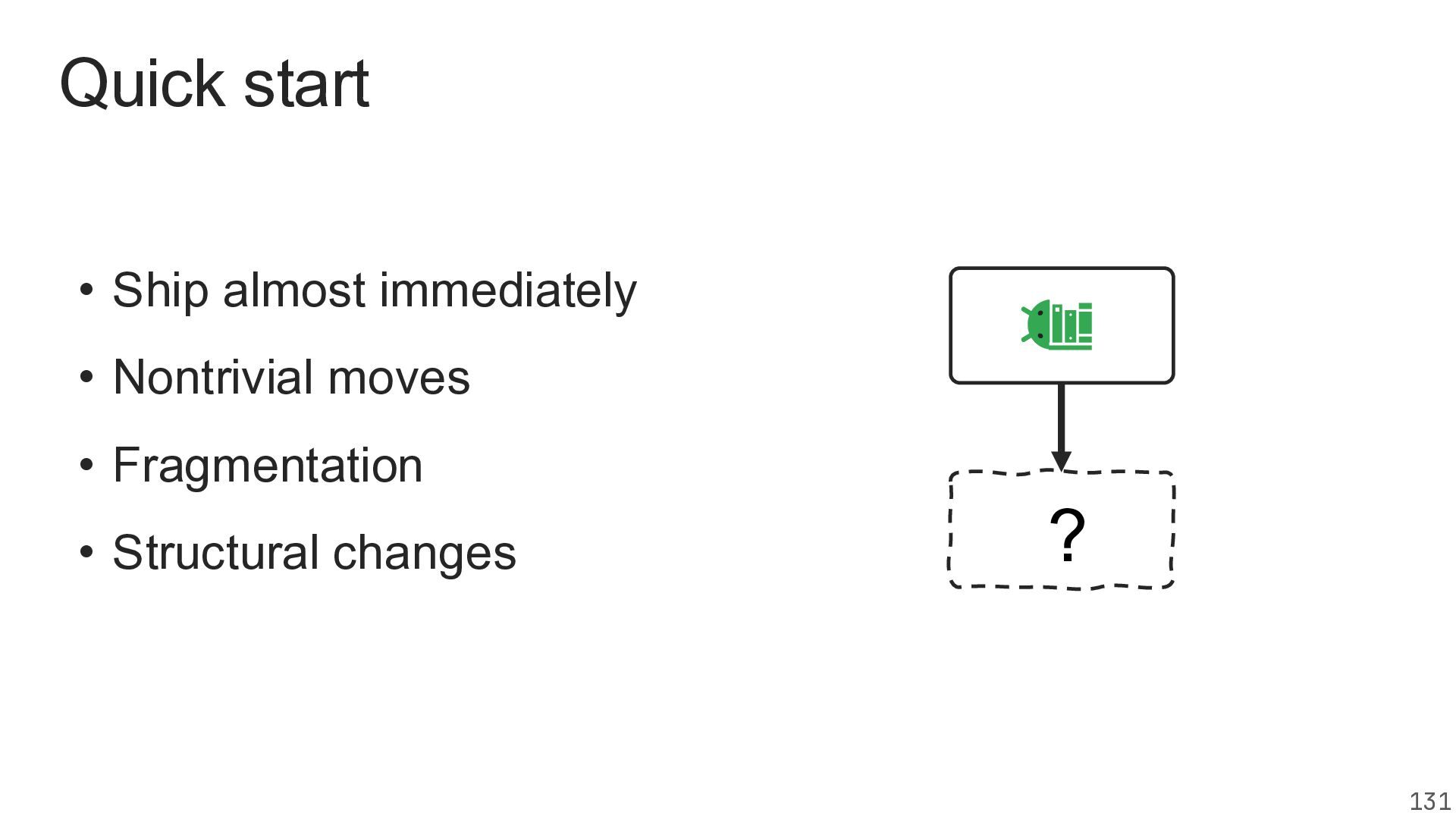
  24. Quick start • Ship almost immediately • Nontrivial moves •

    Fragmentation • Structural changes ? 131