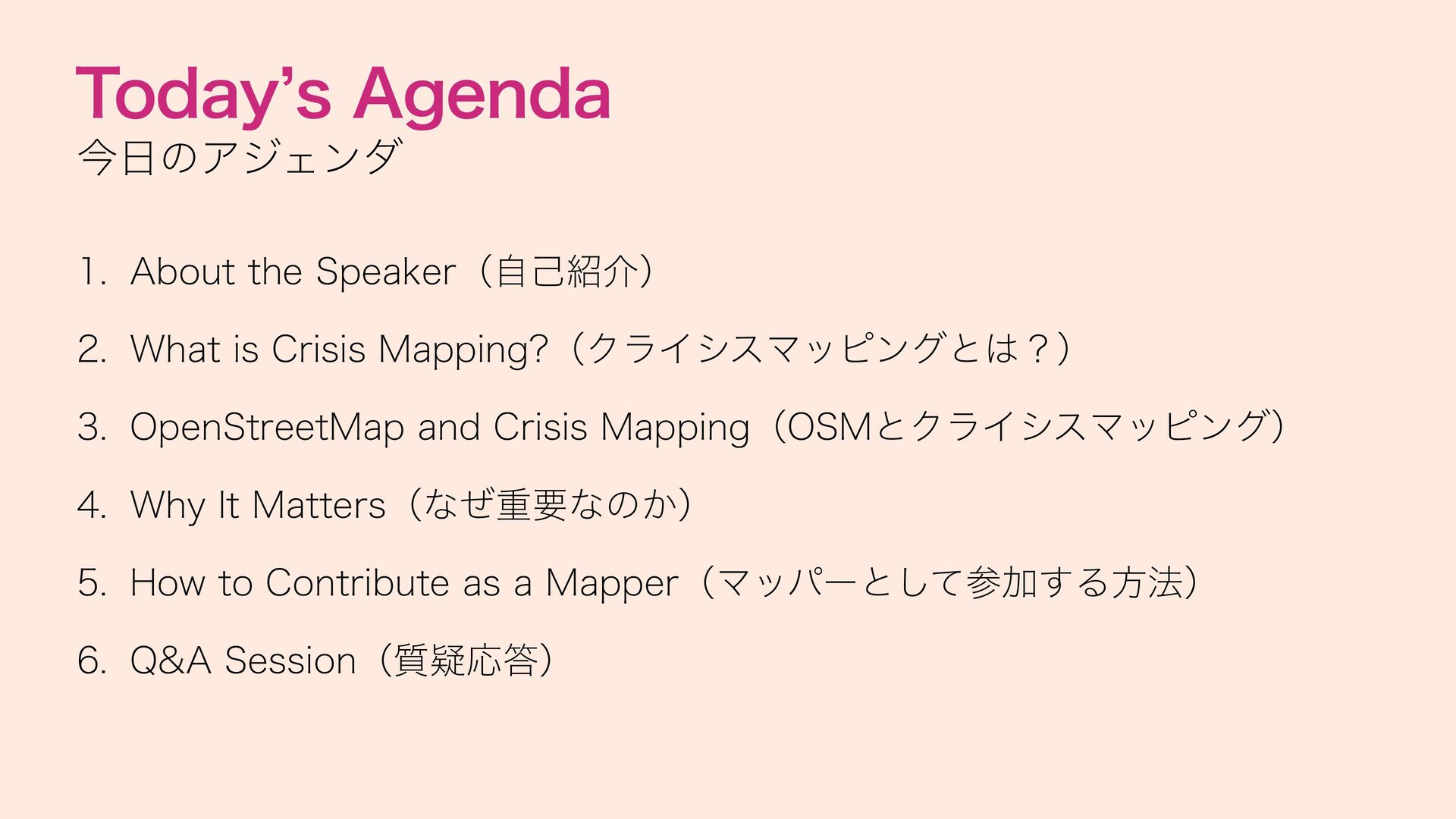
Crisis Mapping?(クライシスマッピングとは?) 3. OpenStreetMap and Crisis Mapping(OSMとクライシスマッピング) 4. Why It Matters(なぜ重要なのか) 5. How to Contribute as a Mapper(マッパーとして参加する方法) 6. Q&A Session(質疑応答)
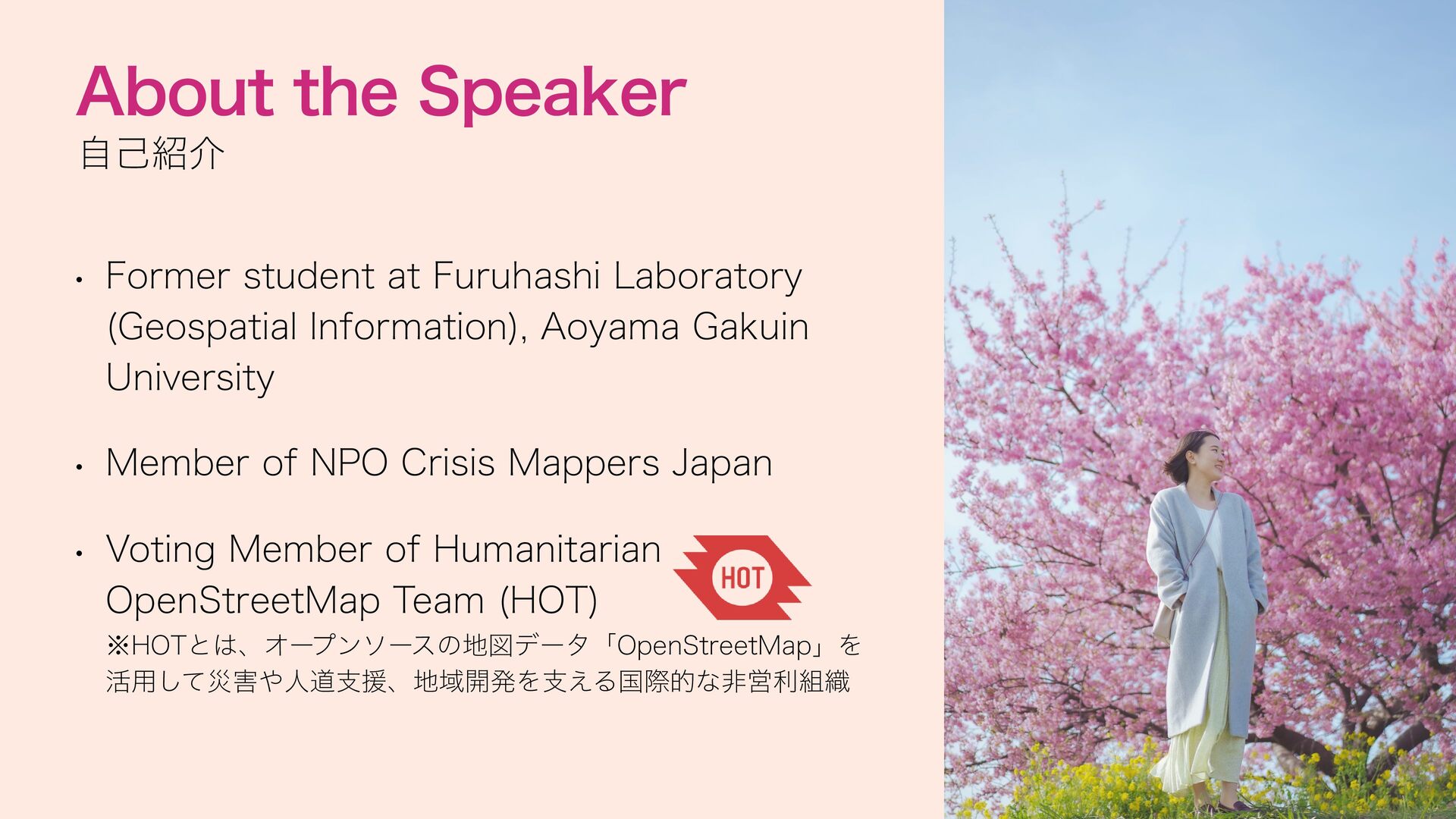
(Geospatial Information), Aoyama Gakuin University • Member of NPO Crisis Mappers Japan • Voting Member of Humanitarian OpenStreetMap Team (HOT) ※HOTとは、オープンソースの地図データ「OpenStreetMap」を 活用して災害や人道支援、地域開発を支える国際的な非営利組織
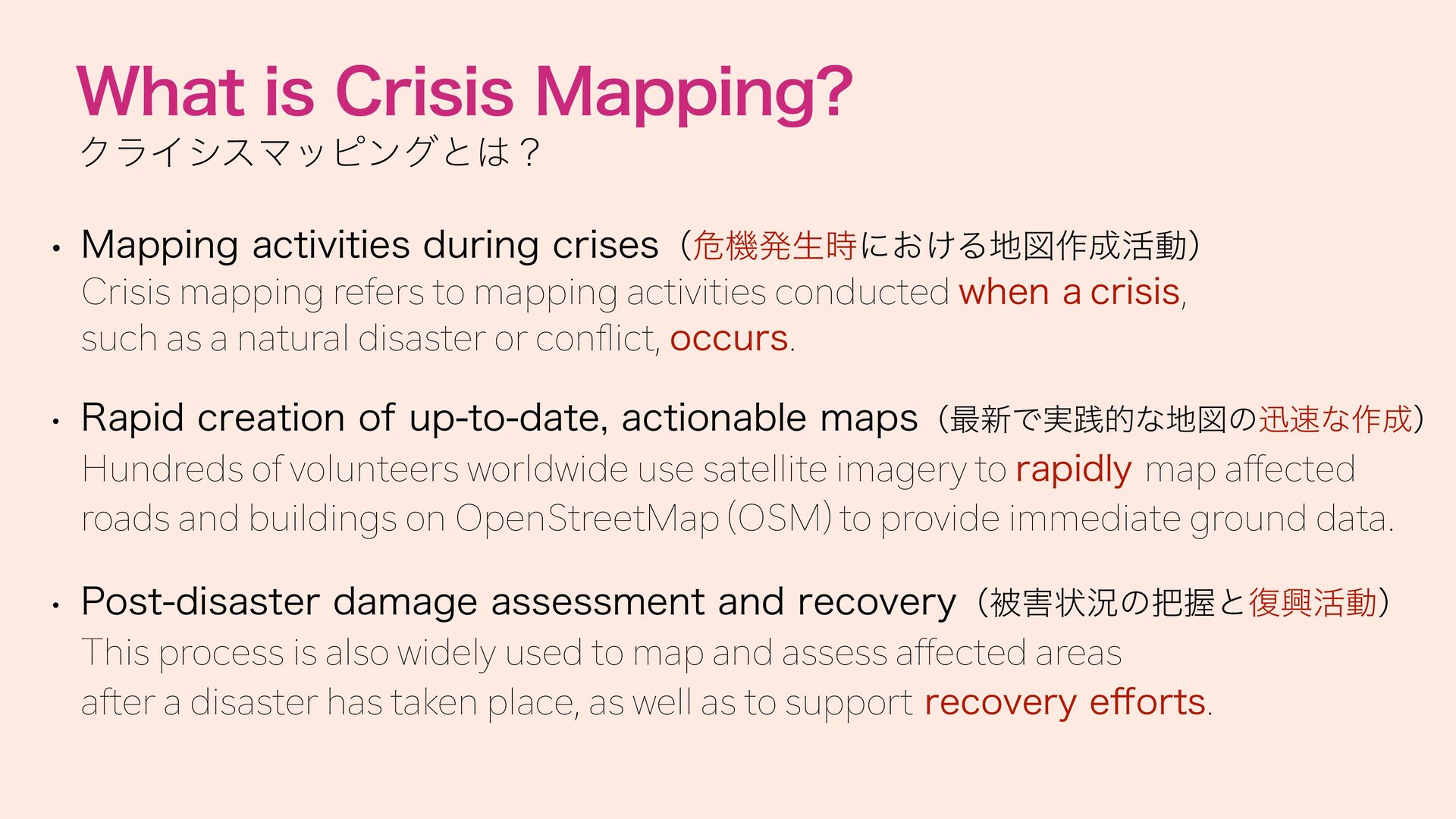
Crisis mapping refers to mapping activities conducted when a crisis, such as a natural disaster or con ict, occurs. • Rapid creation of up-to-date, actionable maps(最新で実践的な地図の迅速な作成) Hundreds of volunteers worldwide use satellite imagery to rapidly map affected roads and buildings on OpenStreetMap (OSM) to provide immediate ground data. • Post-disaster damage assessment and recovery(被害状況の把握と復興活動) ff fl This process is also widely used to map and assess affected areas after a disaster has taken place, as well as to support recovery e orts.
crisis mappers(OSMは不可欠なプラットフォーム) OpenStreetMap is the primary tool used in crisis mapping because anyone can freely edit and access its global map data. OpenStreetMap (OSM) is a "Wikipedia of maps" that anyone can freely join, use, and edit for free. OpenStreetMap(OSM)とは「誰でも無料で自由に参加・利用できる、地図版のWikipedia」 • Supporting humanitarian aid behind the scenes(人道支援を裏から支える) fi The maps created on OSM are shared with rst responders and aid organizations to guide rescue operations and relief efforts.
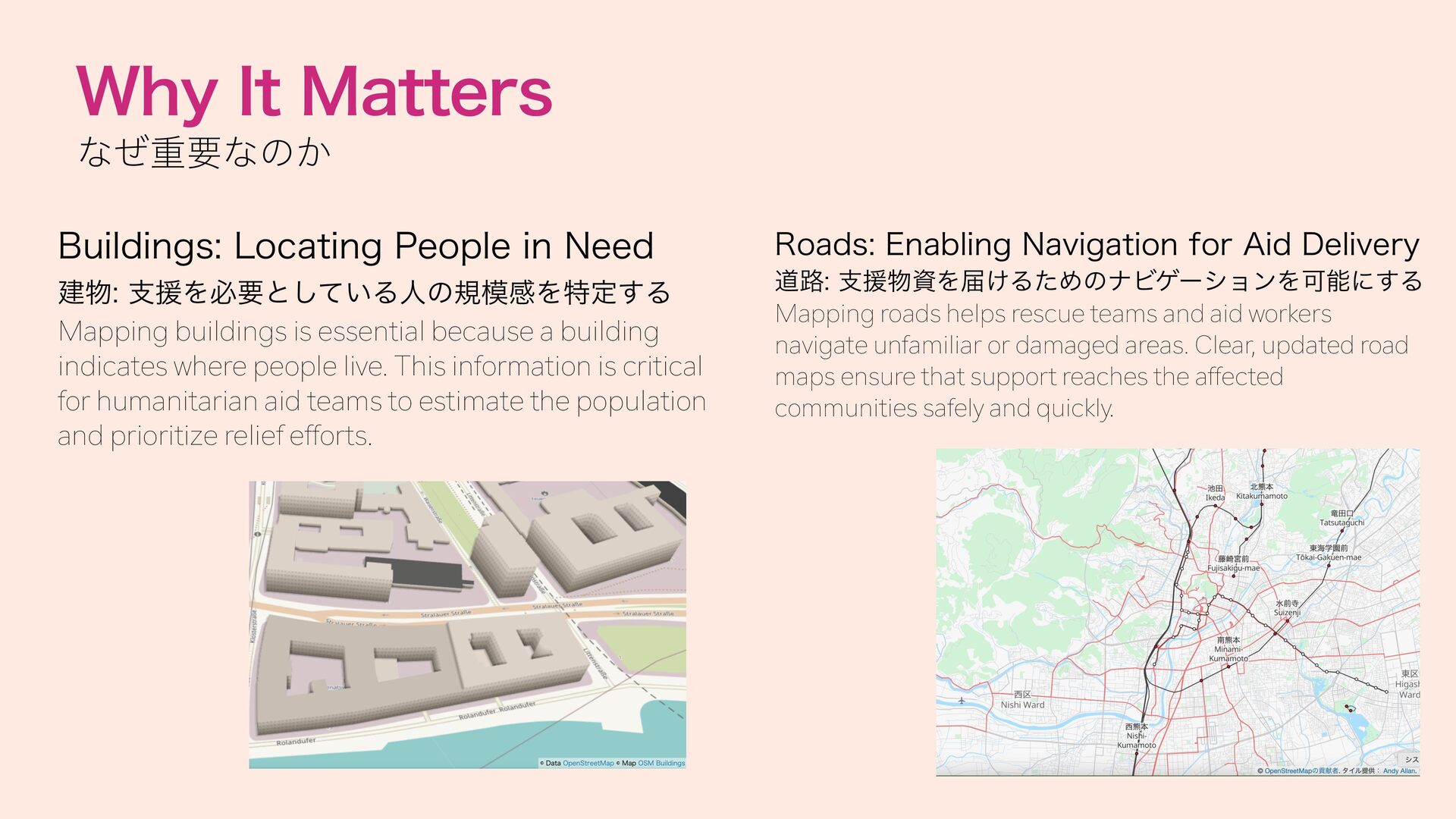
Enabling Navigation for Aid Delivery 建物: 支援を必要としている人の規模感を特定する Mapping buildings is essential because a building indicates where people live. This information is critical for humanitarian aid teams to estimate the population and prioritize relief efforts. 道路: 支援物資を届けるためのナビゲーションを可能にする Mapping roads helps rescue teams and aid workers navigate unfamiliar or damaged areas. Clear, updated road maps ensure that support reaches the affected communities safely and quickly.
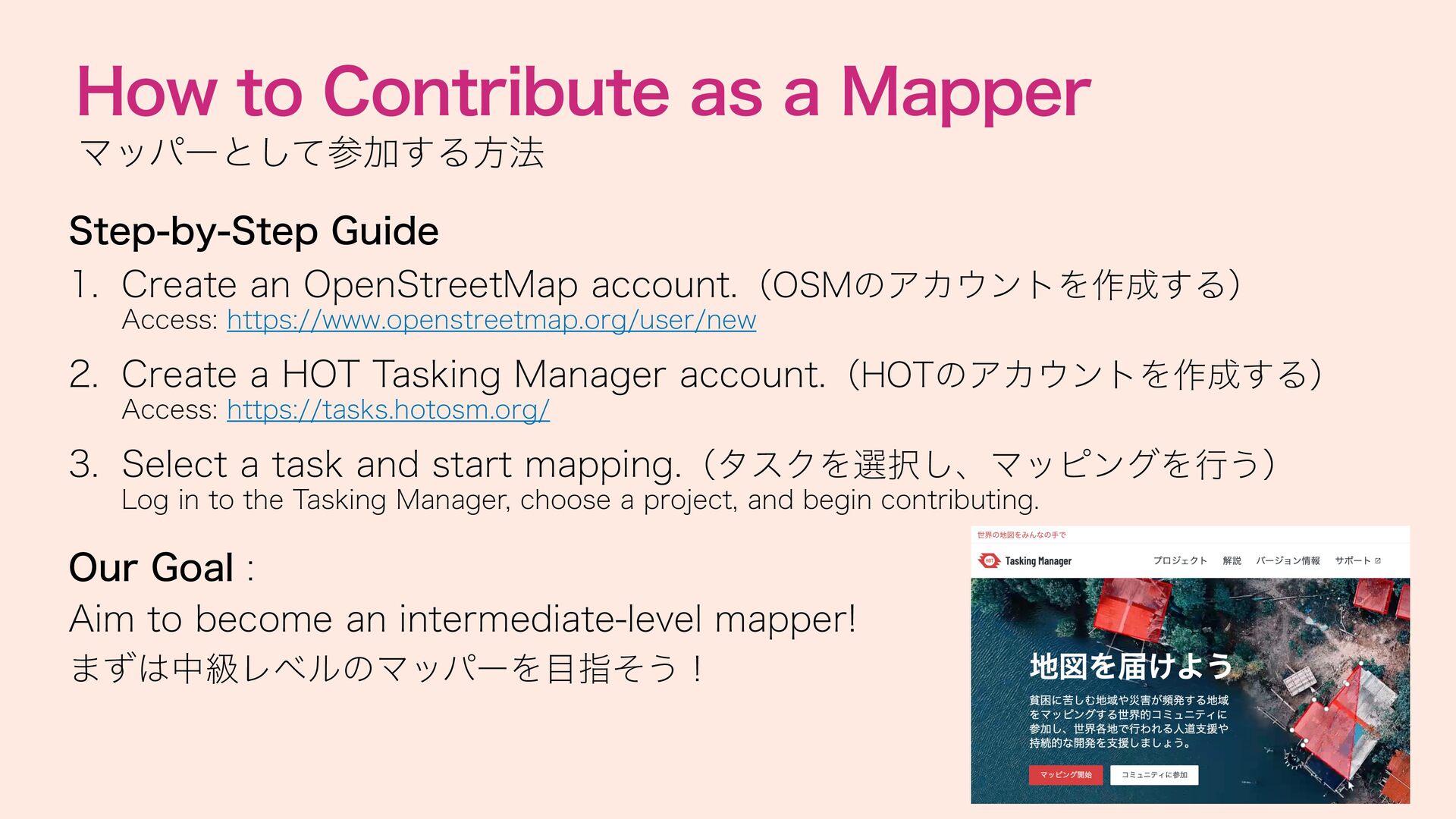
Create an OpenStreetMap account.(OSMのアカウントを作成する) Access: https://www.openstreetmap.org/user/new 2. Create a HOT Tasking Manager account.(HOTのアカウントを作成する) Access: https://tasks.hotosm.org/ 3. Select a task and start mapping.(タスクを選択し、マッピングを行う) Log in to the Tasking Manager, choose a project, and begin contributing. Our Goal : Aim to become an intermediate-level mapper! まずは中級レベルのマッパーを目指そう!

 Your Podcast. Everywhere. Effortlessly.

.JPG)
.JPG)
.JPG) ayameo
ayameo
 ytapples613
 masakiokuda
 matleenalaakso
 2720japanoke
 arnoknobbe
 robintux
 signer
 rashwhitman
 pfn
pfn
 spring_aki
 pawan_pharm
 hiola
hiola
 portentint
 addyosmani
 palkan
 skoyamalab
 techseoconnect
 seathinner
 tammyeverts
 schlessera
 thoeni
 aleyda
 philnash