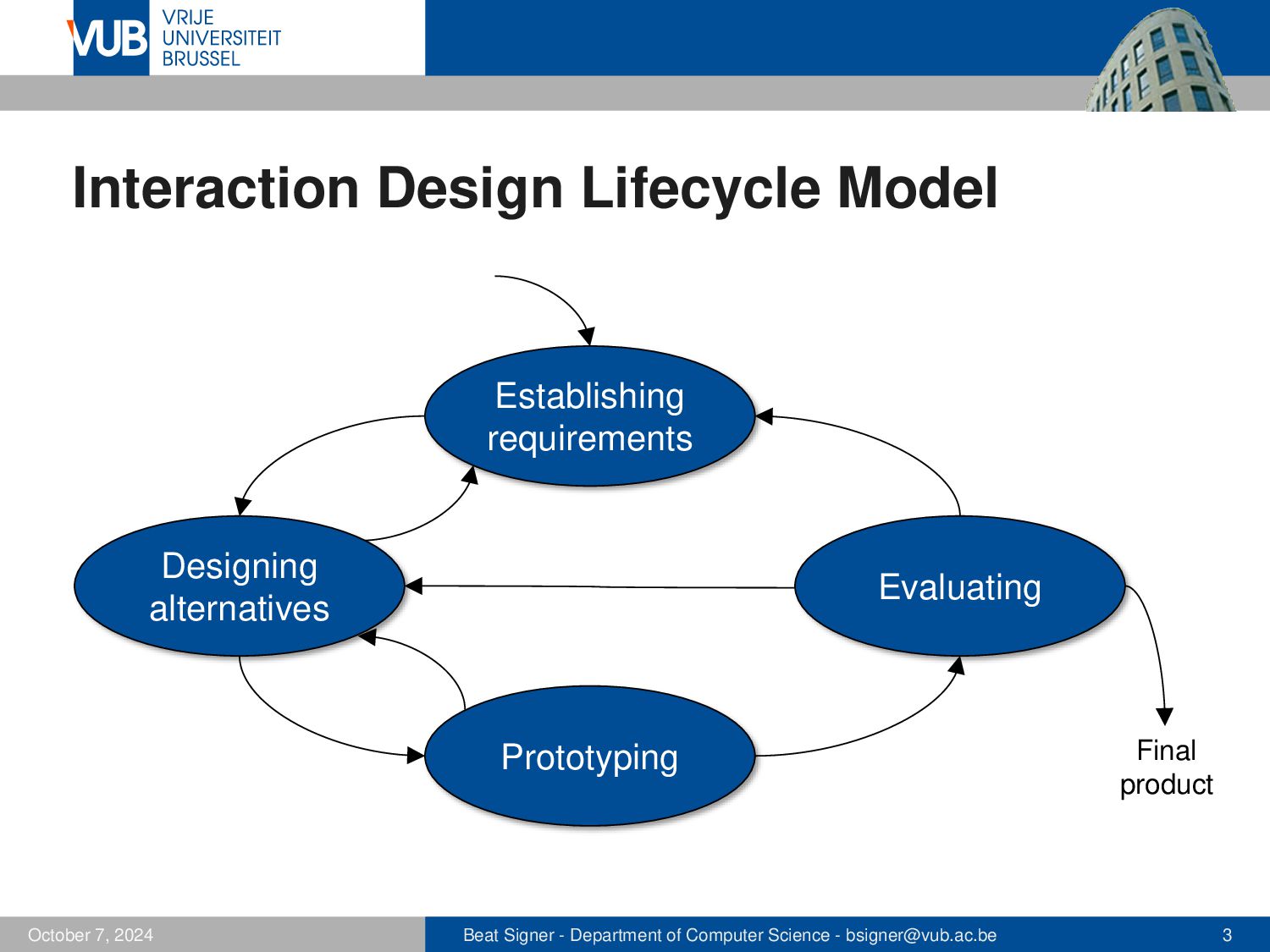
totally innovative product ▪ initial set of requirements or requirements produced from scratch ▪ We have to understand users and their capabilities (who) ▪ user tasks and goals (how) ▪ conditions (context) under which the product will be used (where) ▪ ▪ Requirements analysis is often intertwined (iterative activity) with design activities and evaluation activities ▪ Produce a set of stable requirements forming a sound basis to start with the design October 5, 2026 Beat Signer - Department of Computer Science - [email protected] 2
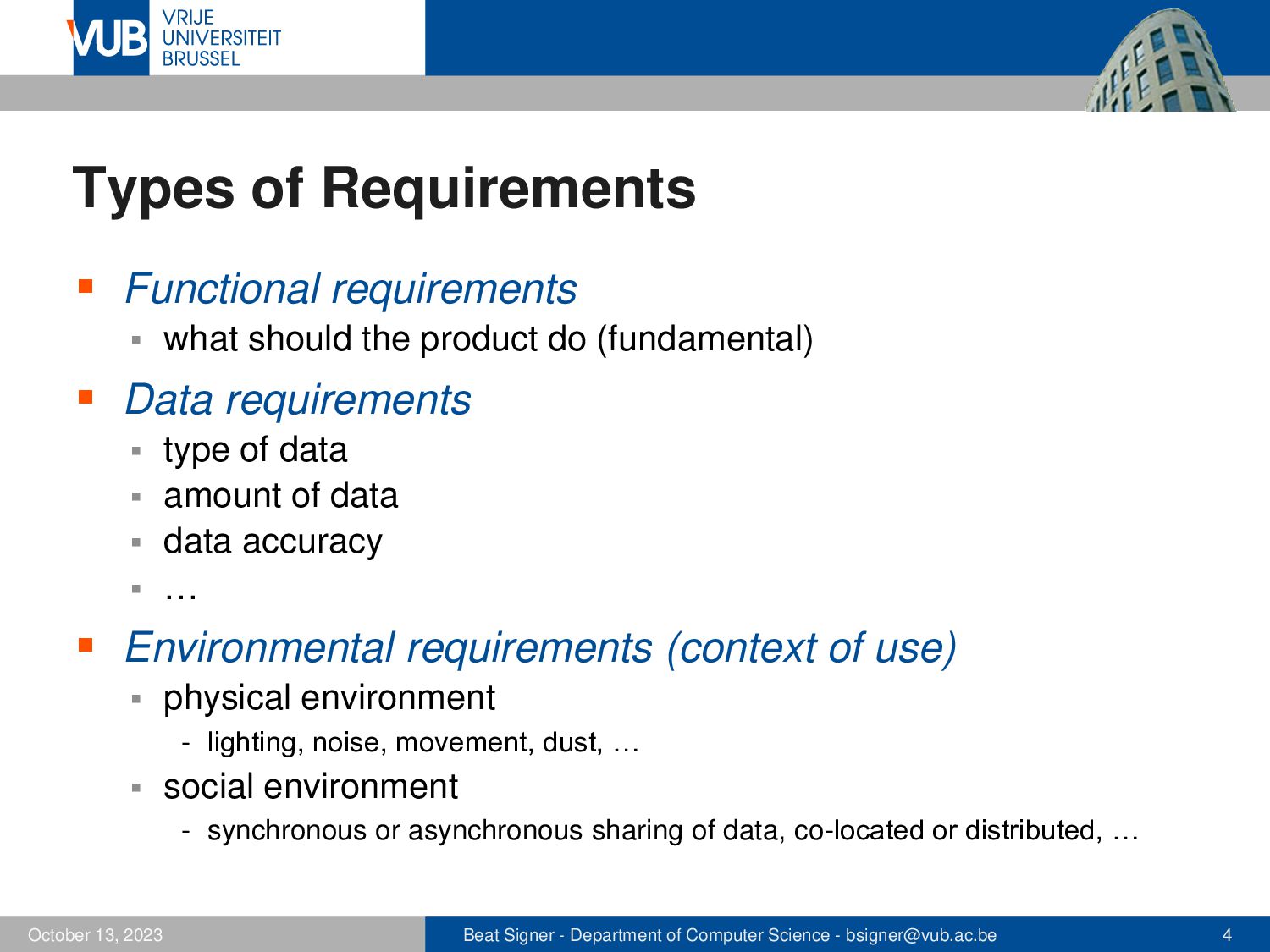
product do (fundamental) ▪ Data requirements type of data ▪ amount of data ▪ data accuracy ▪ security and privacy (e.g. GDPR) ▪ … ▪ ▪ Environmental requirements (context of use) ▪ physical environment - lighting, noise, movement, dust, … ▪ social environment - synchronous or asynchronous sharing of data, co-located or distributed, … October 5, 2026 Beat Signer - Department of Computer Science - [email protected] 4
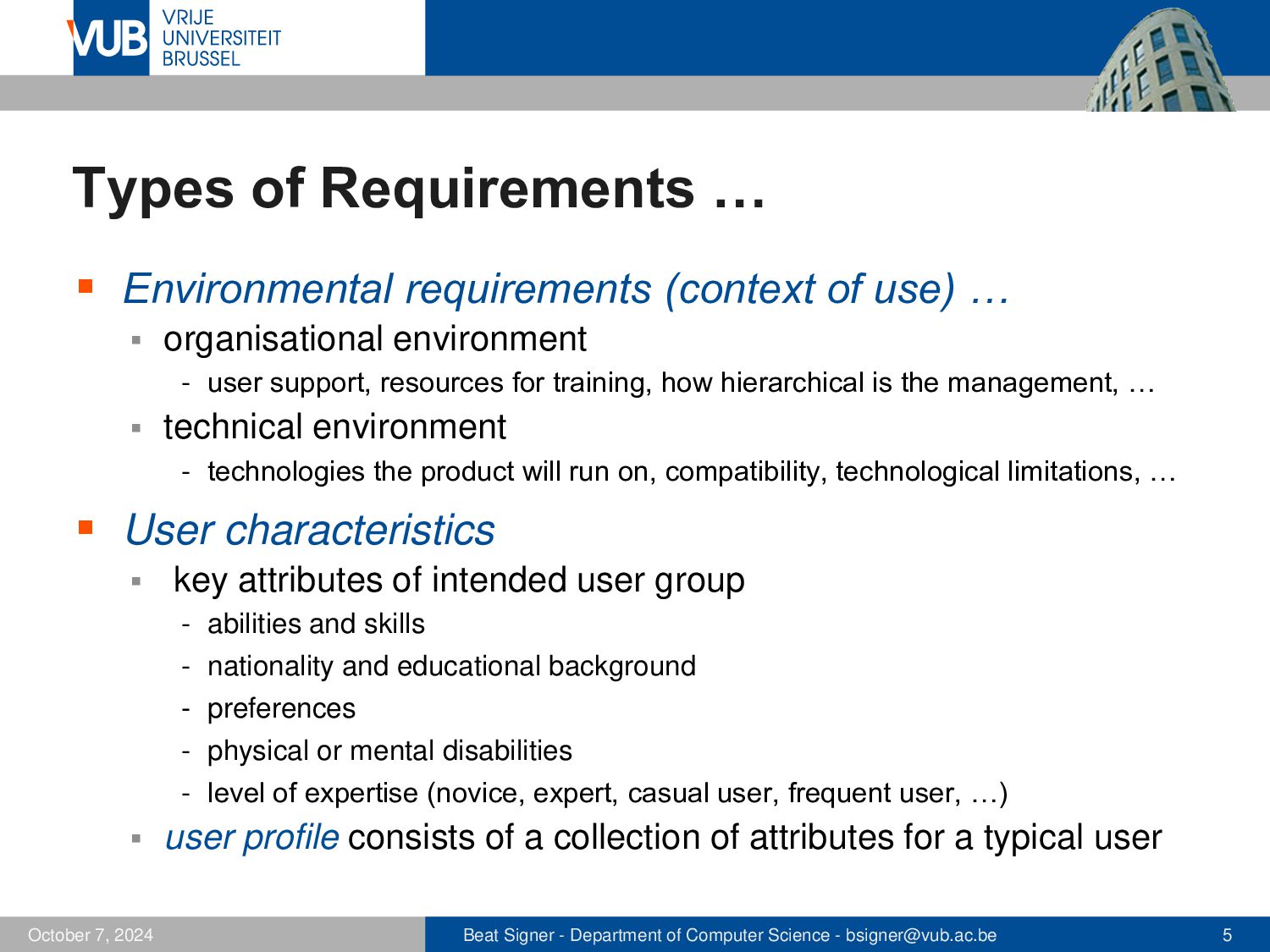
… ▪ organisational environment - user support, resources for training, how hierarchical is the management, … ▪ technical environment - technologies the product will run on, compatibility, technological limitations, … ▪ User characteristics ▪ key attributes of intended user group - abilities and skills - nationality and educational background - preferences - physical or mental disabilities - level of expertise (novice, expert, casual user, frequent user, …) ▪ user profile consists of a collection of attributes for a typical user - user profiles often turned into personas October 5, 2026 Beat Signer - Department of Computer Science - [email protected] 5
for agreed usability goals - objective measure of a user’s performance - measuring a user’s perceptions of the interaction ▪ User experience goals October 5, 2026 Beat Signer - Department of Computer Science - [email protected] 6
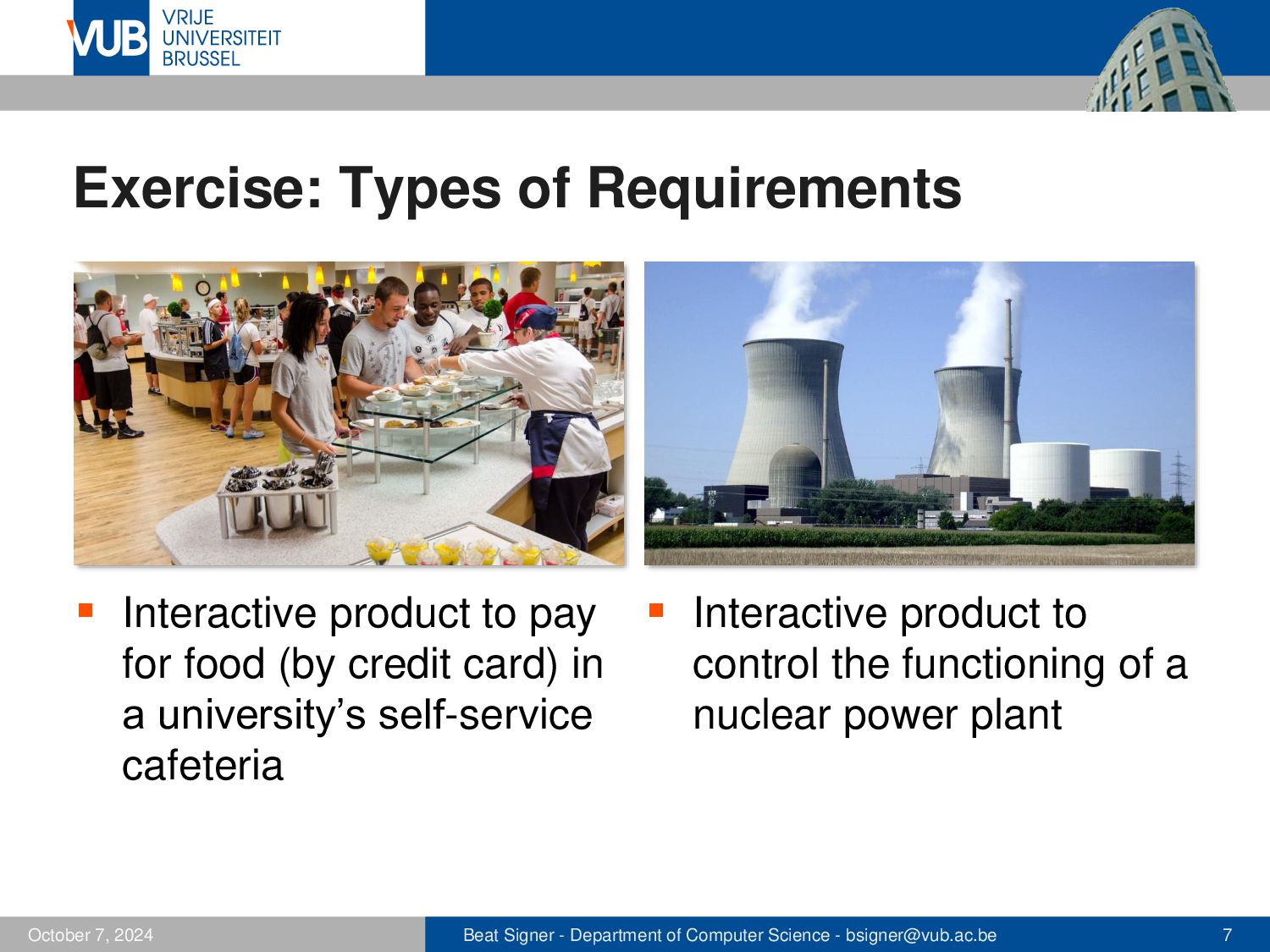
food (by credit card) in a university’s self-service cafeteria October 5, 2026 ▪ Interactive product to control the functioning of a nuclear power plant Beat Signer - Department of Computer Science - [email protected] 7
to get information about tasks and associated goals as well as the context of use interviews ▪ focus groups ▪ questionnaires ▪ direct observation ▪ indirect observation ▪ studying documentation ▪ researching similar products ▪ October 5, 2026 Beat Signer - Department of Computer Science - [email protected] 8
impressions (exploratory) ▪ rich data with deep understanding of the topic ▪ time consuming to analyse ▪ ▪ Structured interview closed questions with predefined set of alternative answers ▪ questions should be worded the same and asked in the same order for each participant ▪ ▪ Semi-structured interview combination of closed and open questions ▪ e.g. start with a closed question followed by open question(s) ▪ October 5, 2026 Beat Signer - Department of Computer Science - [email protected] 9
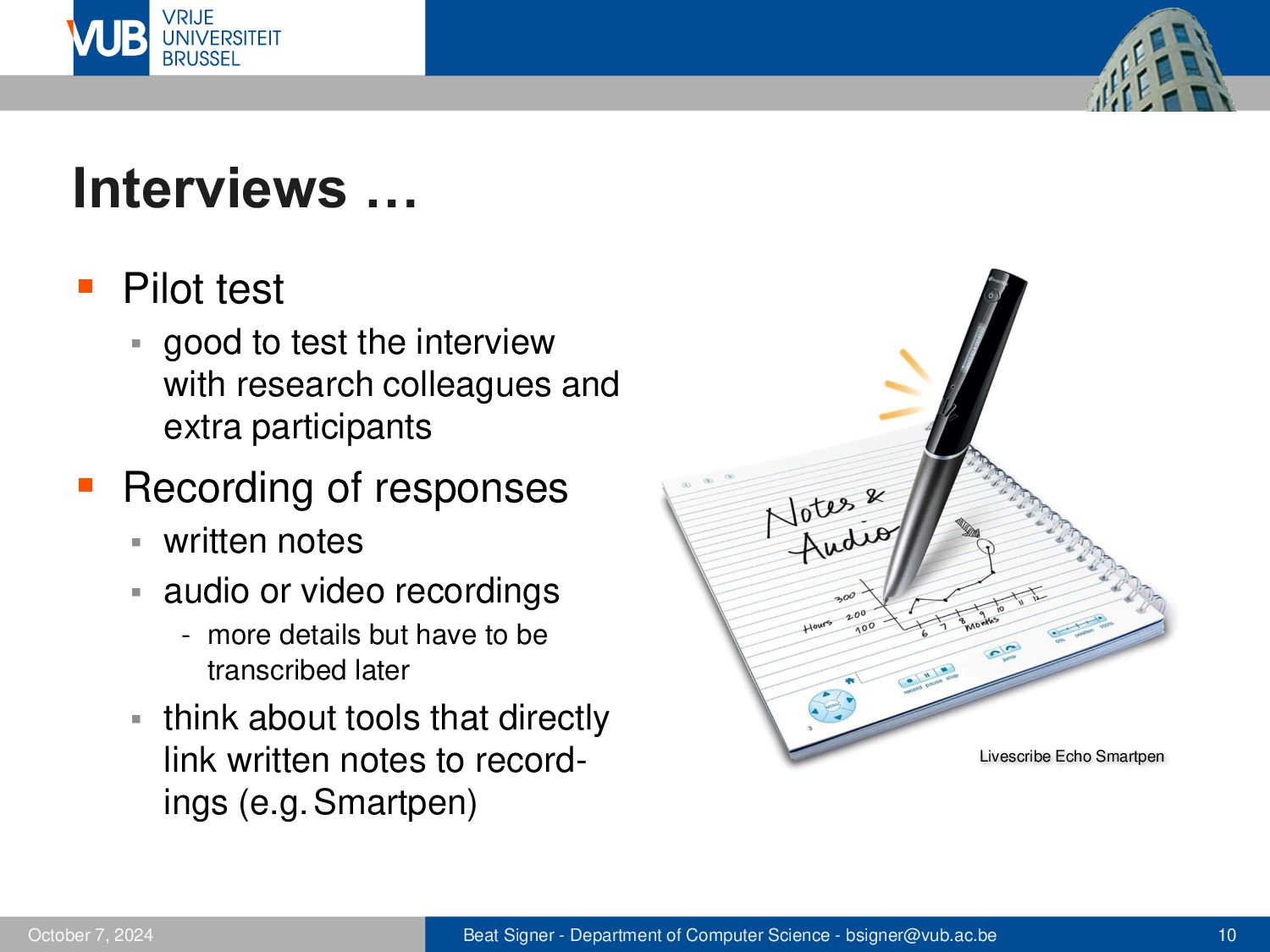
interview with research colleagues and extra “participants” ▪ Recording of responses written notes ▪ audio or video recordings ▪ - more details but have to be transcribed later ▪ October 5, 2026 think about tools that directly link written notes to recordings (e.g. Smartpen) Livescribe Echo Smartpen Beat Signer - Department of Computer Science - [email protected] 10
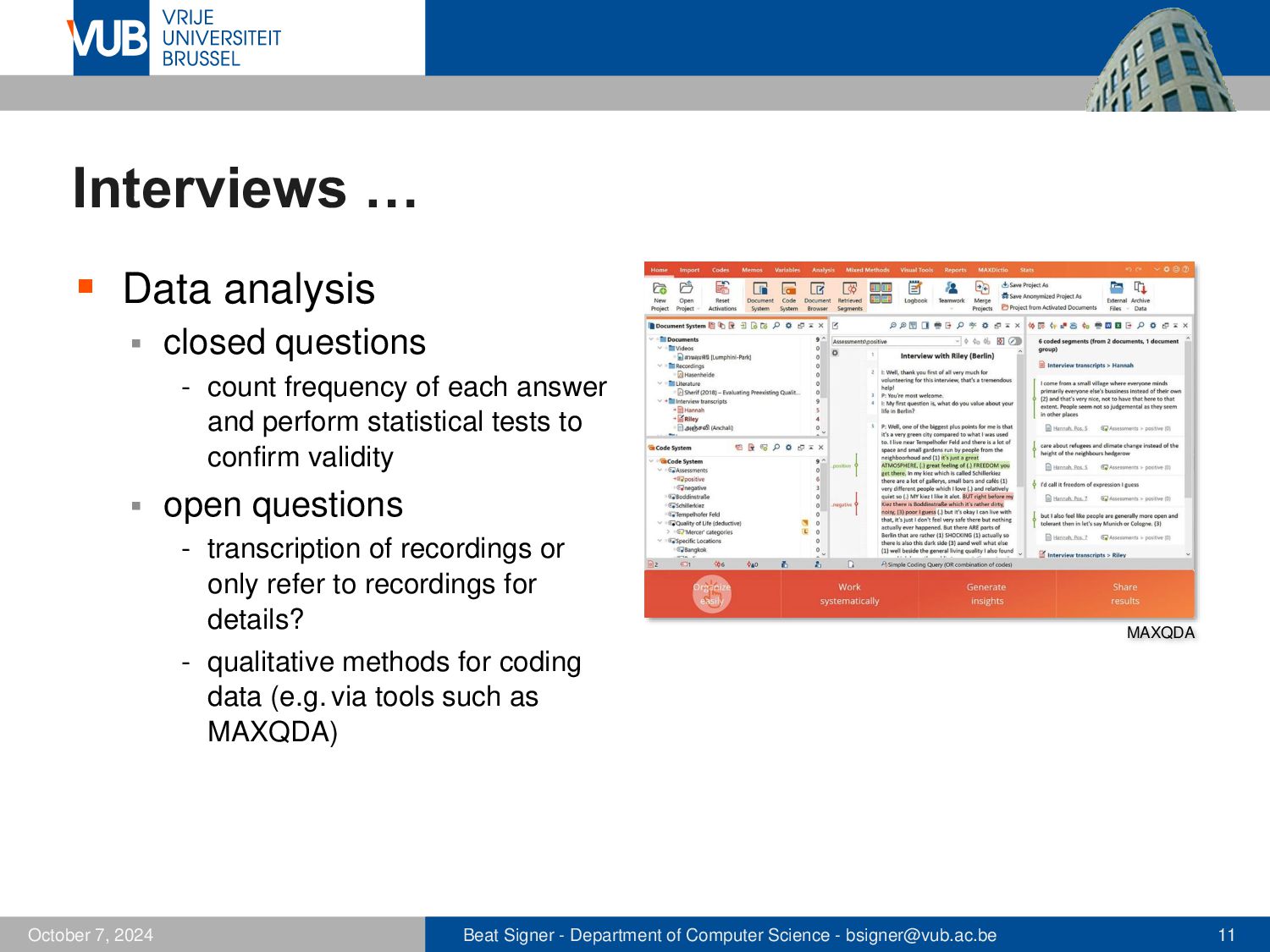
frequency of each answer and perform statistical tests to confirm validity ▪ open questions - transcription of recordings or only refer to recordings for details? MAXQDA - qualitative methods for coding data (e.g. via tools such as MAXQDA) October 5, 2026 Beat Signer - Department of Computer Science - [email protected] 11
▪ Selection of participants homogeneous or heterogeneous (background)? ▪ do participants know each other? ▪ … ▪ ▪ Can be conducted in special requirements workshops ▪ Individuals develop opinions within a social context by talking to each other ▪ Investigates community issues rather than individual experiences ▪ group dynamics can limit the generalisation of results October 5, 2026 Beat Signer - Department of Computer Science - [email protected] 12
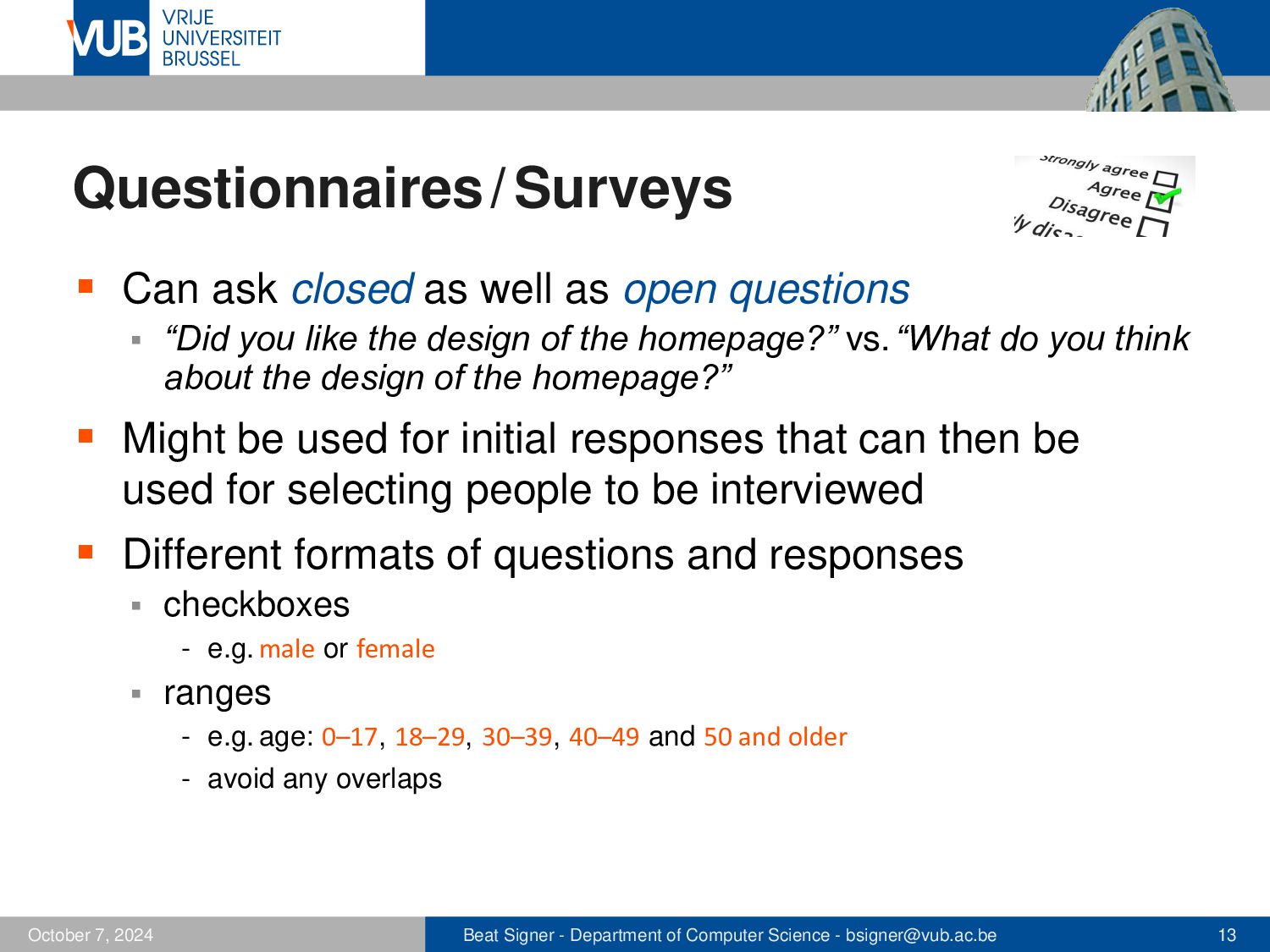
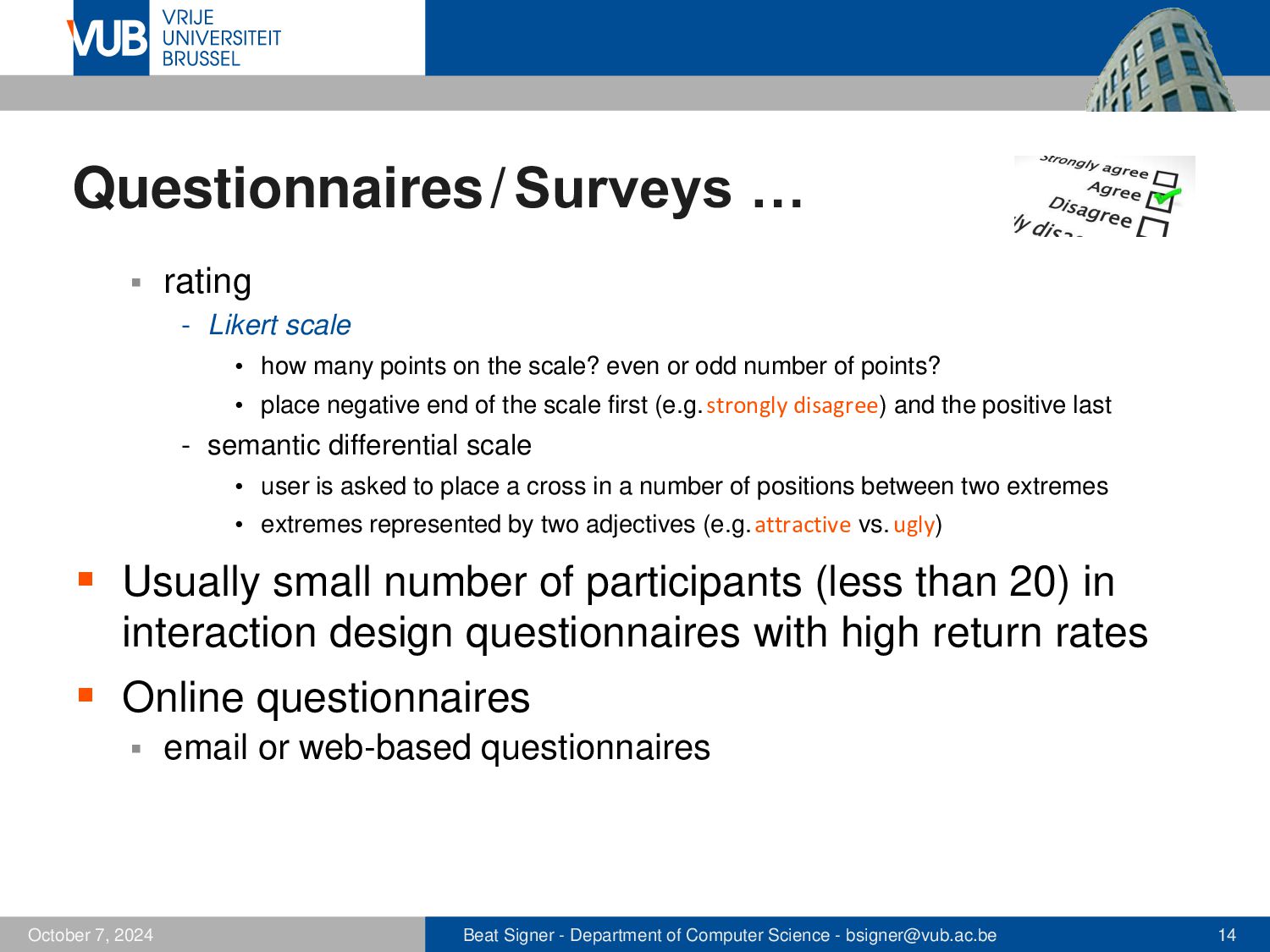
▪ “Did you like the design of the homepage?” vs. “What do you think about the design of the homepage?” ▪ Might be used for initial responses that can then be used for selecting people to be interviewed ▪ Different formats of questions and responses ▪ checkboxes - e.g. male or female ▪ ranges - e.g. age: 0–17, 18–29, 30–39, 40–49 and 50 and older - avoid any overlaps October 5, 2026 Beat Signer - Department of Computer Science - [email protected] 13
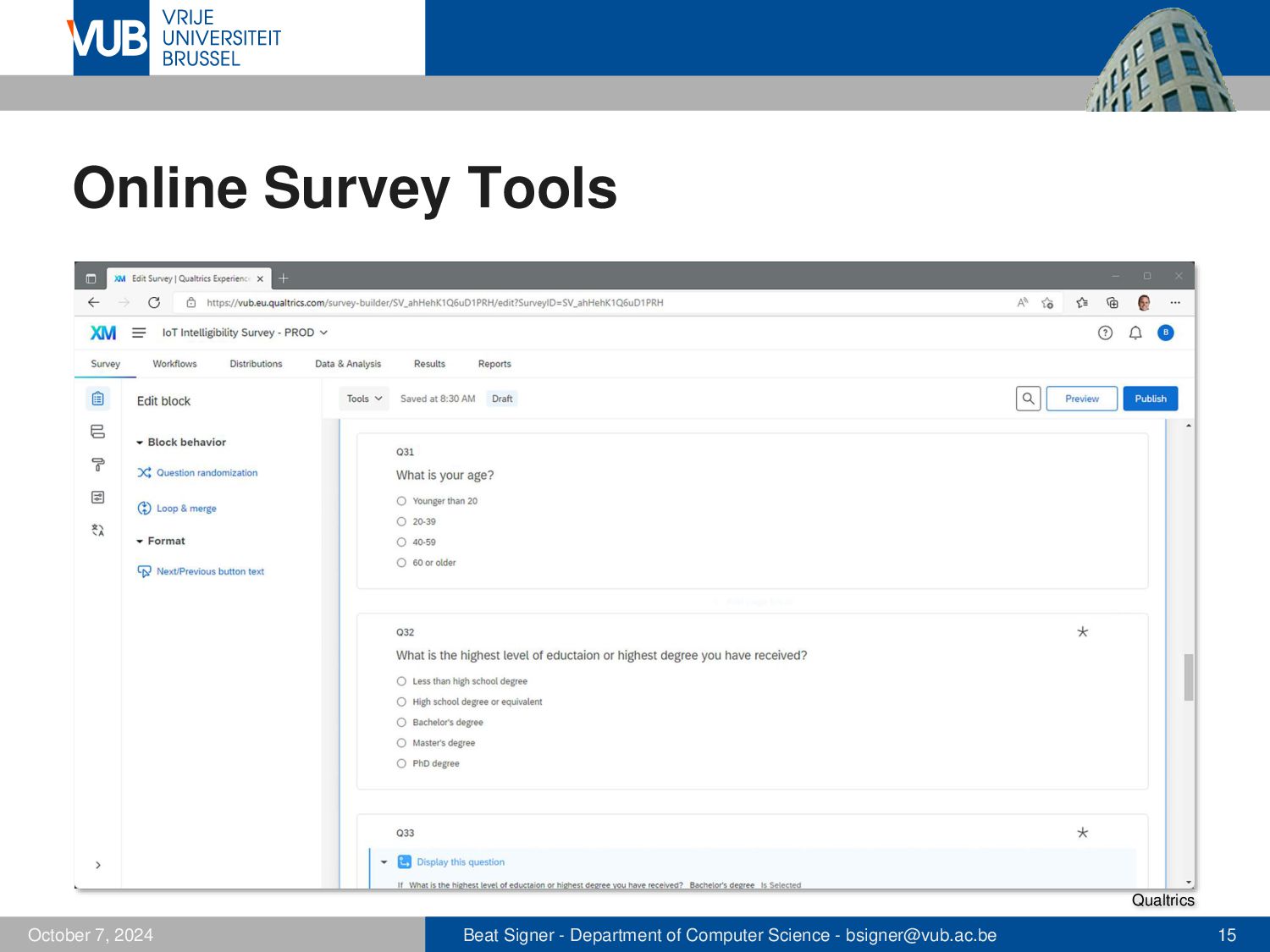
how many points on the scale? even or odd number of points? • place negative end of the scale first (e.g.strongly disagree) and the positive last - semantic differential scale • user is asked to place a cross in a number of positions between two extremes • extremes represented by two adjectives (e.g.attractive vs. ugly) ▪ Usually small number of participants (less than 20) in interaction design questionnaires with high return rates ▪ Online questionnaires ▪ October 5, 2026 email or web-based questionnaires Beat Signer - Department of Computer Science - [email protected] 14
participants in their natural setting (e.g. via ethnographic studies) ▪ understand the nature of the tasks and the context in which they are performed ▪ Indirect observation of users diaries ▪ interaction logging (software) ▪ - e.g. for evolving products October 5, 2026 Beat Signer - Department of Computer Science - [email protected] 16
documentation ▪ good for background information on the user’s work ▪ Researching of similar products might help to trigger some requirements ▪ October 5, 2026 e.g. investigate desktop image editing software when designing an image editor for mobile devices Beat Signer - Department of Computer Science - [email protected] 17
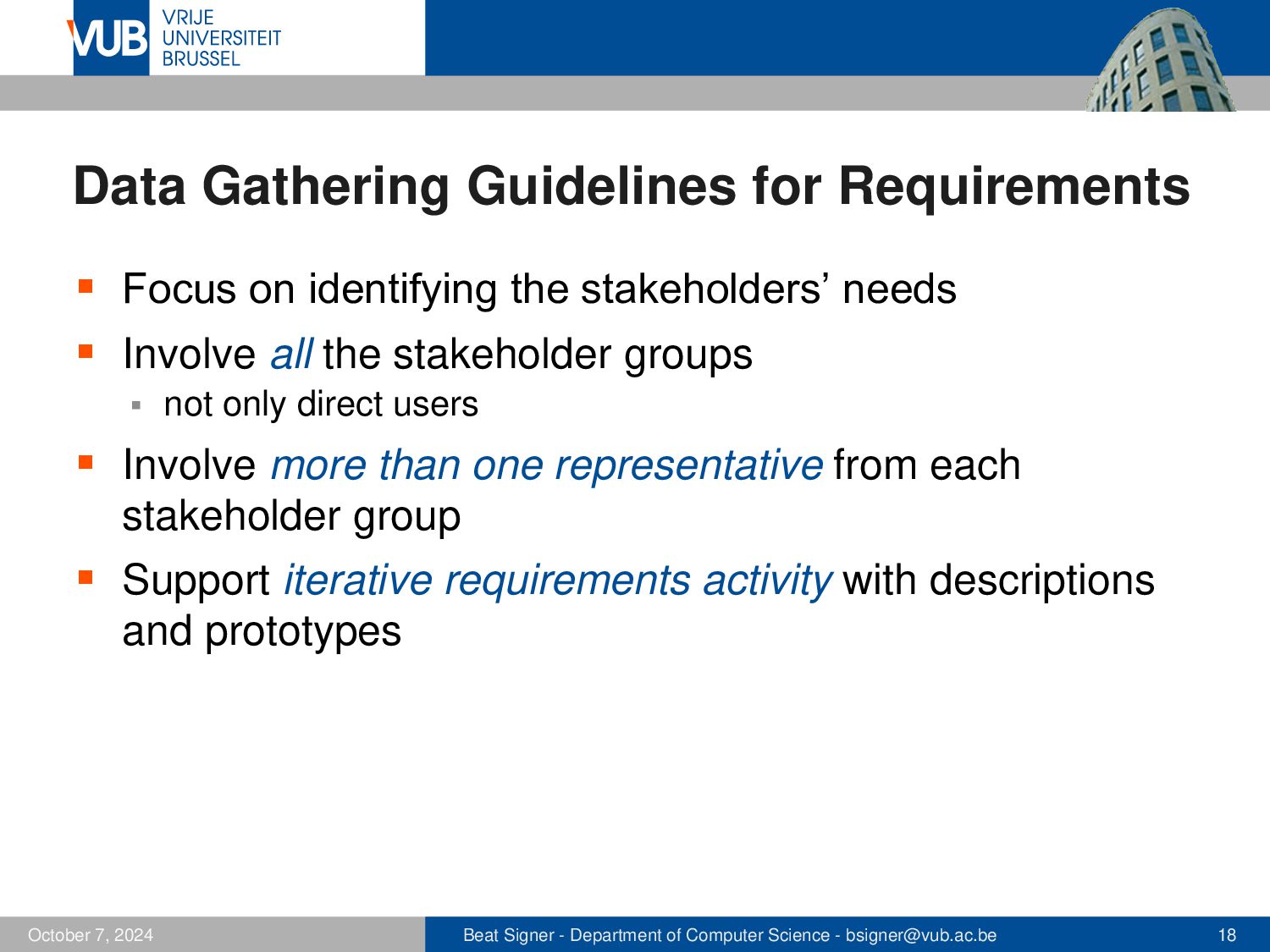
stakeholders’ needs ▪ Involve all the stakeholder groups ▪ not only direct users ▪ Involve more than one representative from each stakeholder group ▪ Support iterative requirements activity with descriptions and prototypes October 5, 2026 Beat Signer - Department of Computer Science - [email protected] 18
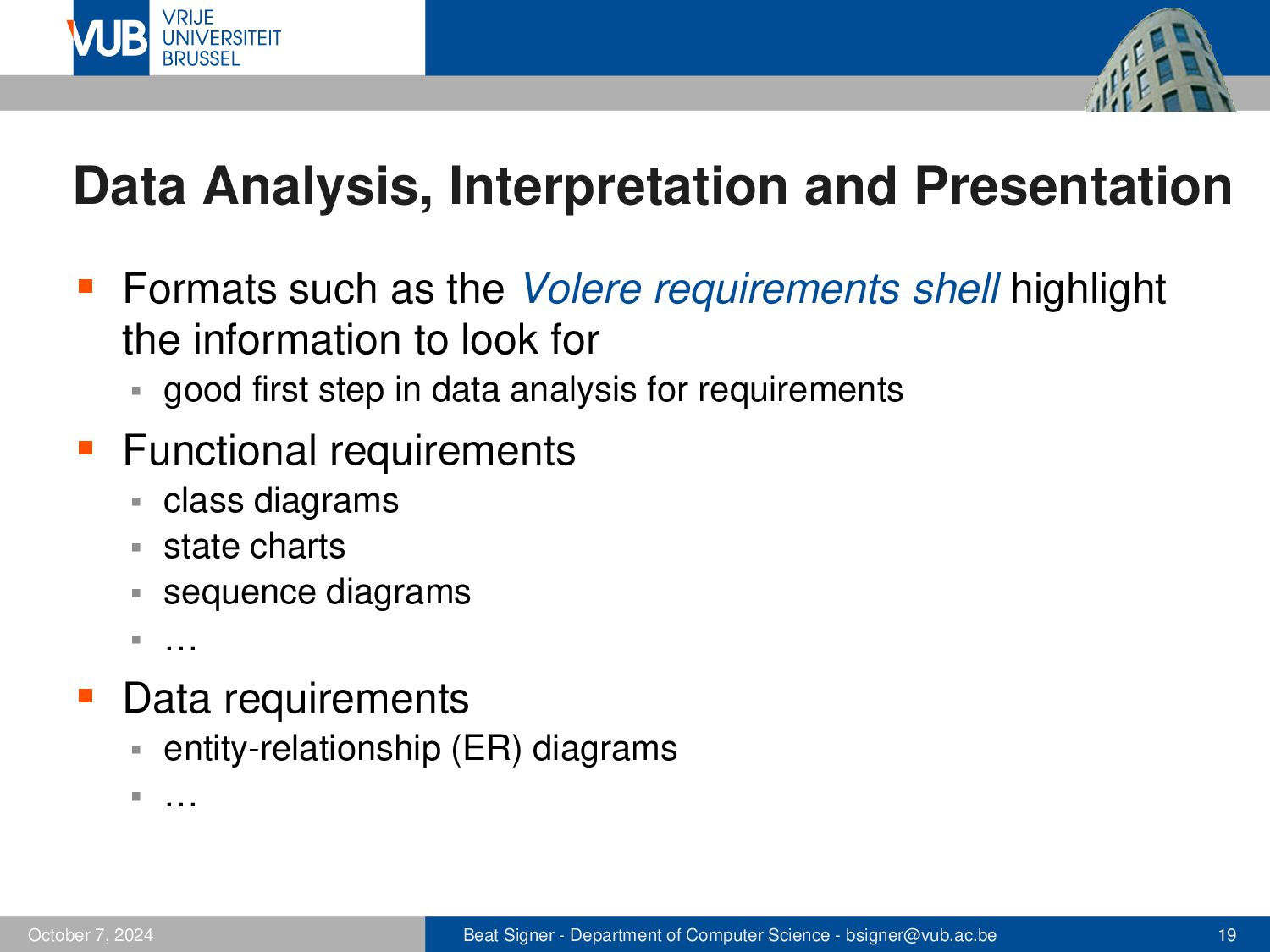
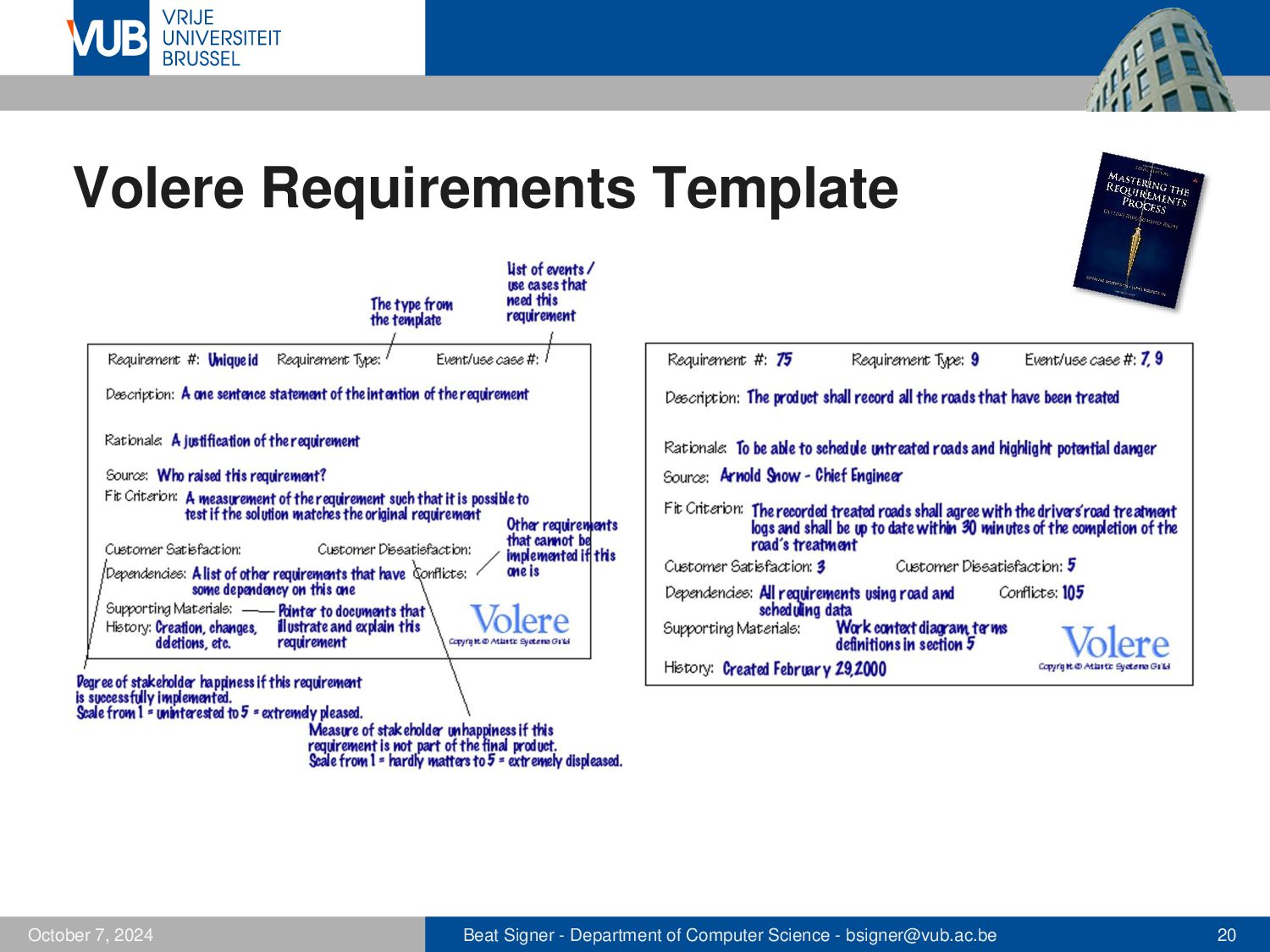
Volere requirements shell highlight the information to look for ▪ good first step in data analysis for requirements ▪ Functional requirements class diagrams ▪ state charts ▪ sequence diagrams ▪ … ▪ ▪ Data requirements entity-relationship (ER) diagrams ▪ … ▪ October 5, 2026 Beat Signer - Department of Computer Science - [email protected] 19
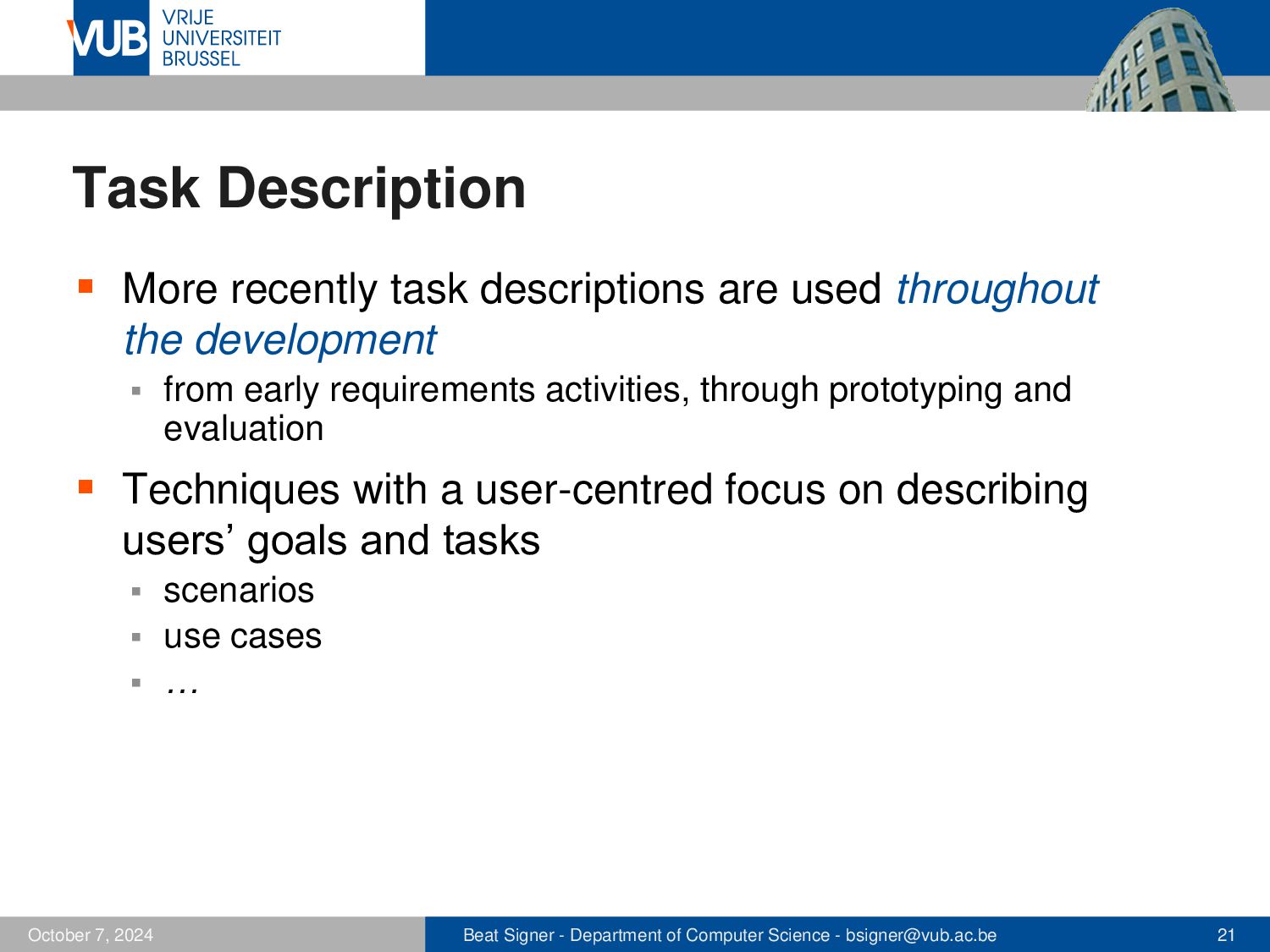
the development ▪ from early requirements activities, through prototyping and evaluation ▪ Techniques with a user-centred focus on describing users’ goals and tasks scenarios ▪ use cases ▪ … ▪ October 5, 2026 Beat Signer - Department of Computer Science - [email protected] 21
often first step in establishing requirements level of detail varies depending on where in the development process a scenario is being used ▪ emphasise the tasks, context as well as usability and user experience goals during the requirements activity ▪ ▪ Often generated during workshops, interviews or brainstorming sessions not intended to capture full set of requirements (one perspective) ▪ can also be used to describe situations envisioned in the future ▪ October 5, 2026 Beat Signer - Department of Computer Science - [email protected] 22
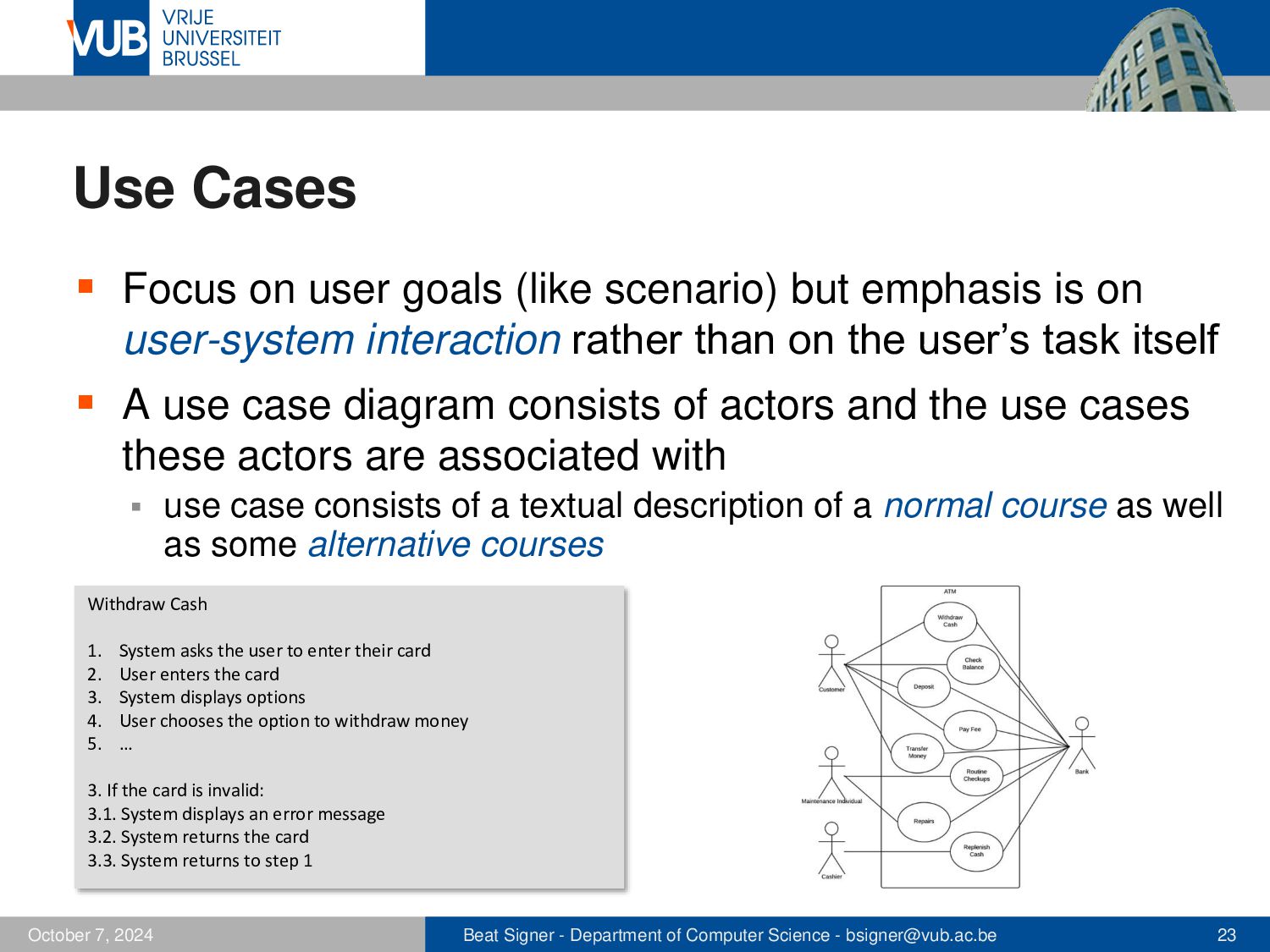
emphasis is on user-system interaction rather than on the user’s task itself ▪ A use case diagram consists of actors and the use cases these actors are associated with ▪ use case consists of a textual description of a normal course as well as some alternative courses Withdraw Cash 1. 2. 3. 4. 5. System asks the user to enter their card User enters the card System displays options User chooses the option to withdraw money … 3. If the card is invalid: 3.1. System displays an error message 3.2. System returns the card 3.3. System returns to step 1 October 5, 2026 Beat Signer - Department of Computer Science - [email protected] 23
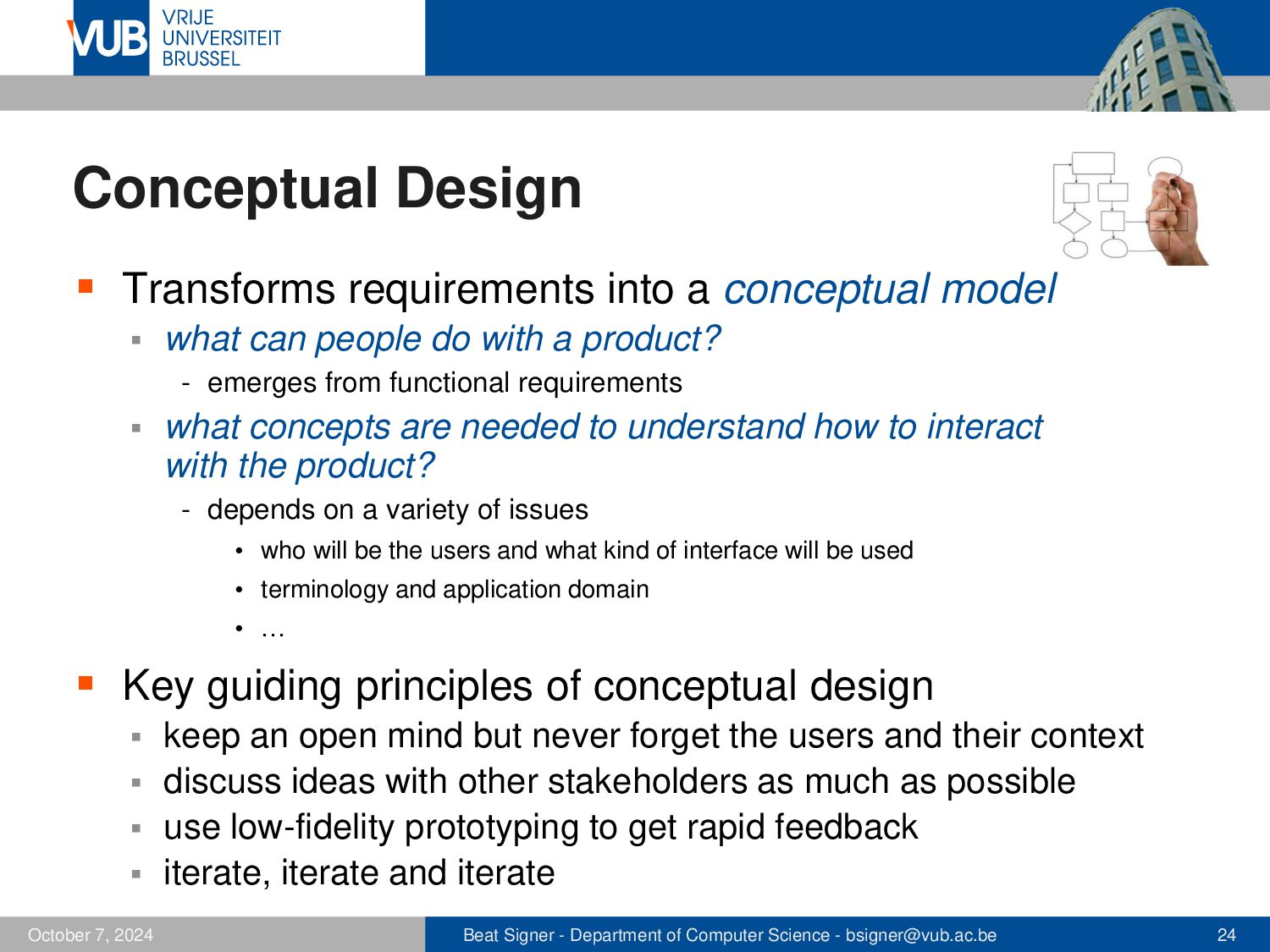
what can people do with a product? - emerges from functional requirements ▪ what concepts are needed to understand how to interact with the product? - depends on a variety of issues • who will be the users and what kind of interface will be used • terminology and application domain • … ▪ Key guiding principles of conceptual design keep an open mind but never forget the users and their context ▪ discuss ideas with other stakeholders as much as possible ▪ use low-fidelity prototyping to get rapid feedback ▪ iterate, iterate and iterate ▪ October 5, 2026 Beat Signer - Department of Computer Science - [email protected] 24
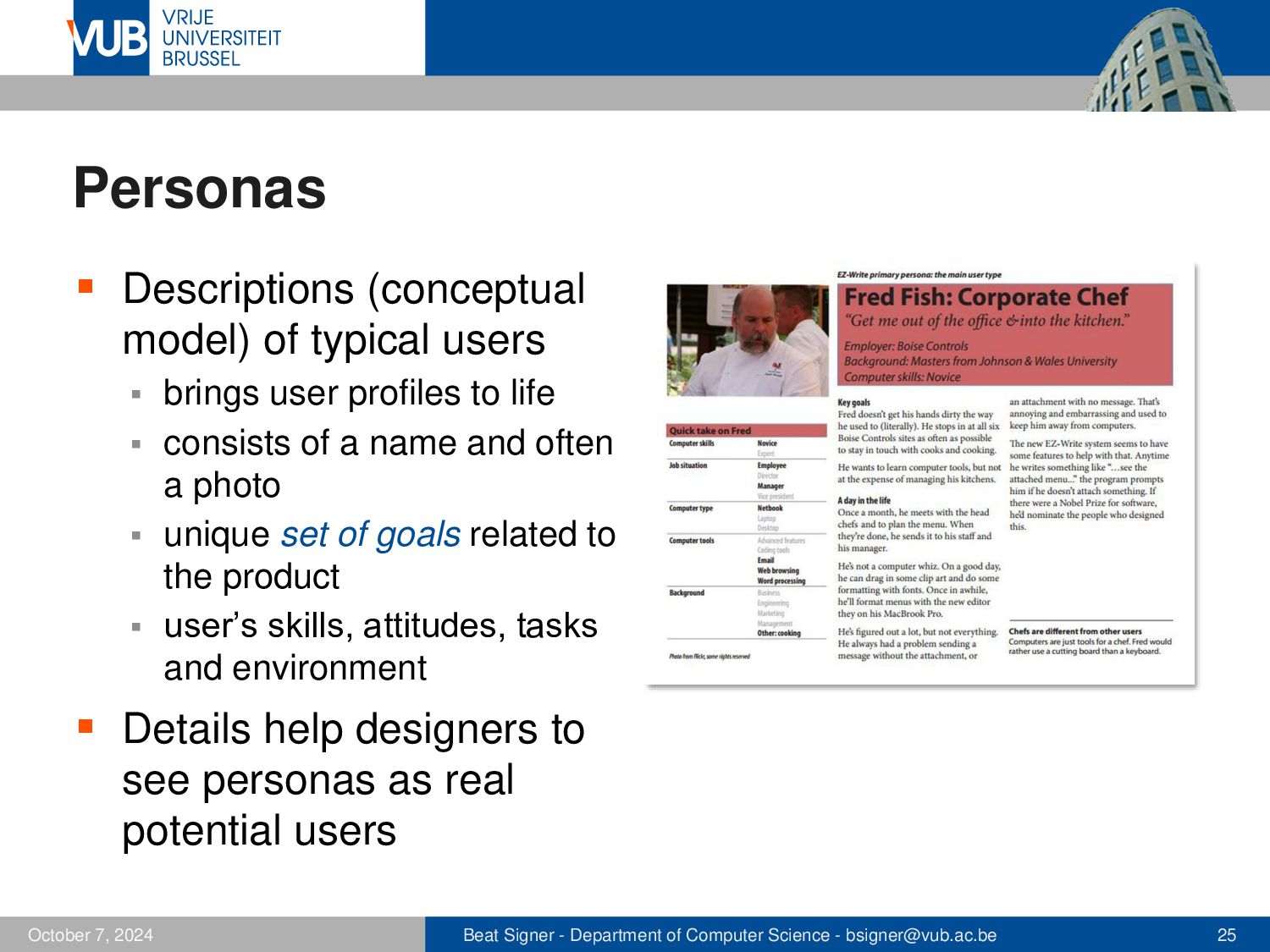
profiles to life ▪ consists of a name and often a photo ▪ unique set of goals related to the product ▪ user’s skills, attitudes, tasks and environment ▪ ▪ Details help designers to see personas as real potential users October 5, 2026 Beat Signer - Department of Computer Science - [email protected] 25
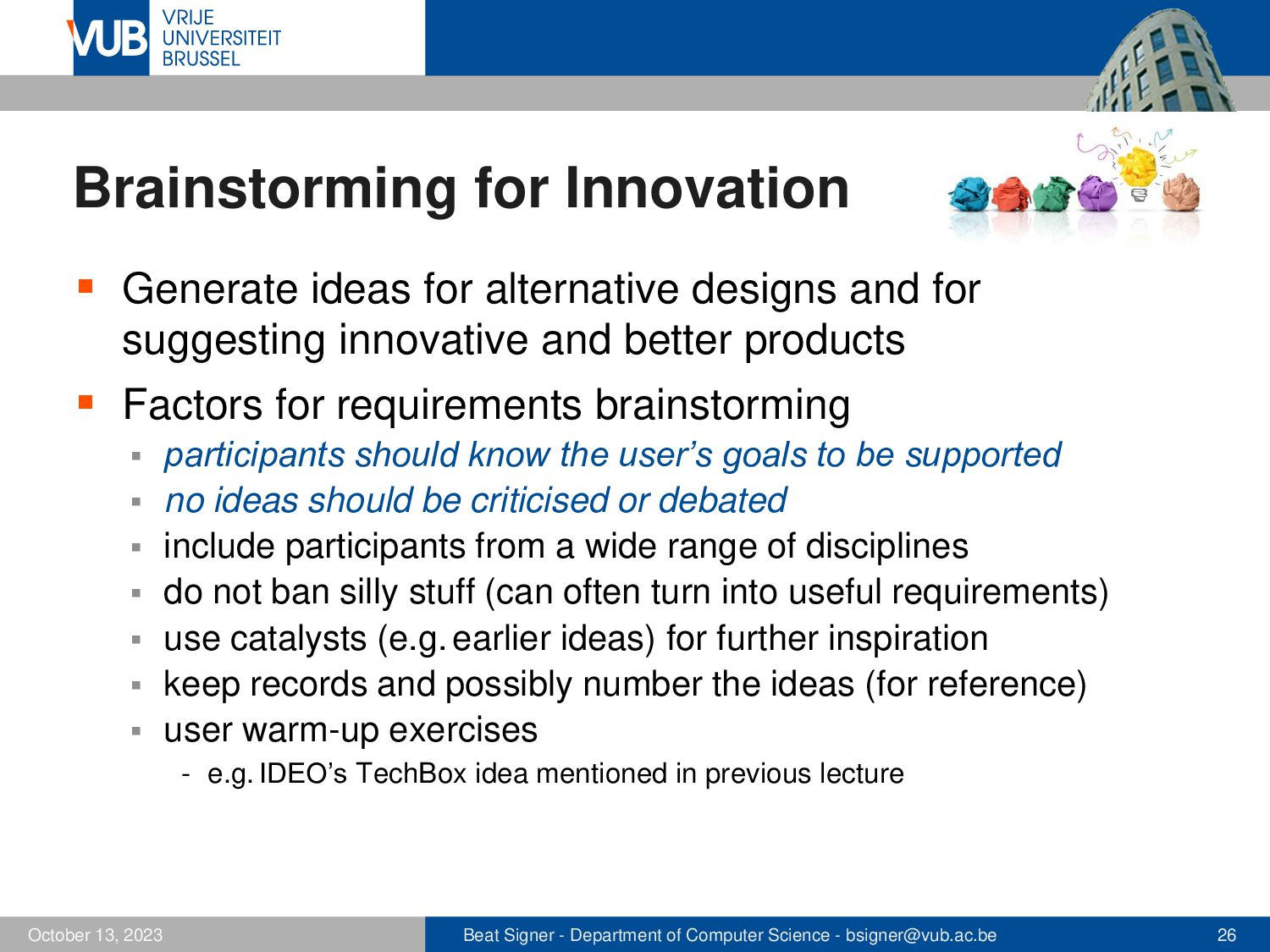
for suggesting innovative and better products ▪ Factors for requirements brainstorming participants should know the user’s goals to be supported ▪ no ideas should be criticised or debated ▪ include participants from a wide range of disciplines ▪ do not ban silly stuff (can often turn into useful requirements) ▪ use catalysts (e.g. earlier ideas) for further inspiration ▪ keep records and possibly number the ideas (for reference) ▪ user warm-up exercises ▪ - e.g. IDEO’s TechBox idea mentioned in previous lecture October 5, 2026 Beat Signer - Department of Computer Science - [email protected] 26
appearance including colour and graphics or sounds ▪ icon design, button design, menu design, interface layout ▪ choice of interaction devices ▪ ▪ No rigid border between conceptual and physical design ▪ iterative process where conceptual design decisions might have to be revisited during physical design ▪ User characteristics have a significant impact on physical design ▪ accessibility - good design for all products to include accessibility features ▪ national culture - cross-cultural design includes the use of appropriate language(s), colours, ... October 5, 2026 Beat Signer - Department of Computer Science - [email protected] 27
the design process ▪ as basis for the overall design - basis for storyboard creation - script for prototype evaluation for the technical implementation ▪ as a means of cooperation within design teams ▪ as a means of cooperation across professions' boundaries ▪ - basis of communication in a multidisciplinary team ▪ The most positive and negative consequences of a particular proposed design might be captured by plus and minus scenarios October 5, 2026 Beat Signer - Department of Computer Science - [email protected] 28
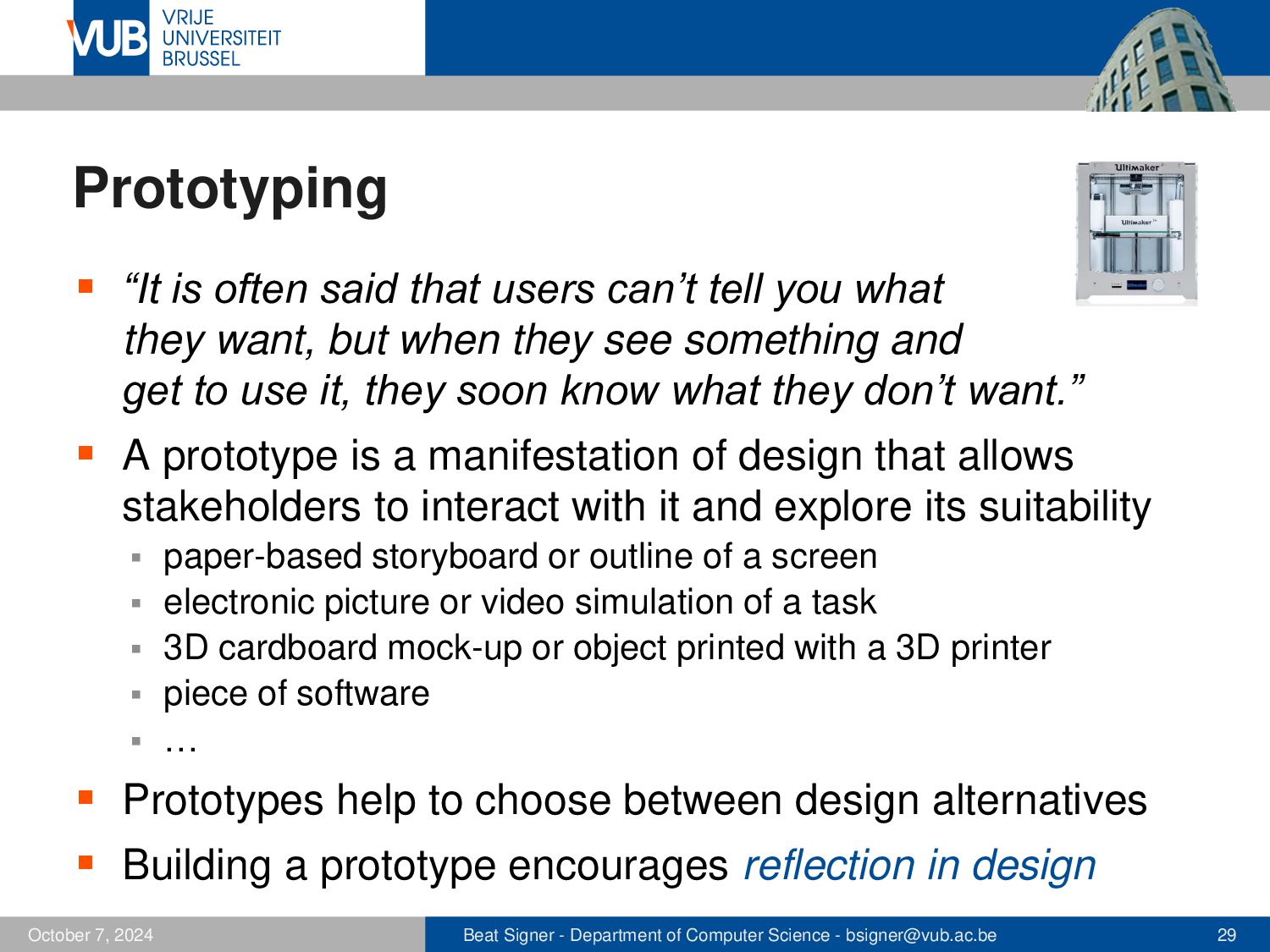
you what they want, but when they see something and get to use it, they soon know what they don’t want.” ▪ A prototype is a manifestation of design that allows stakeholders to interact with it and explore its suitability paper-based storyboard or outline of a screen ▪ electronic picture or video simulation of a task ▪ 3D cardboard mock-up or object printed with a 3D printer ▪ piece of software ▪ … ▪ ▪ Prototypes help to choose between design alternatives ▪ Building a prototype encourages reflection in design October 5, 2026 Beat Signer - Department of Computer Science - [email protected] 29
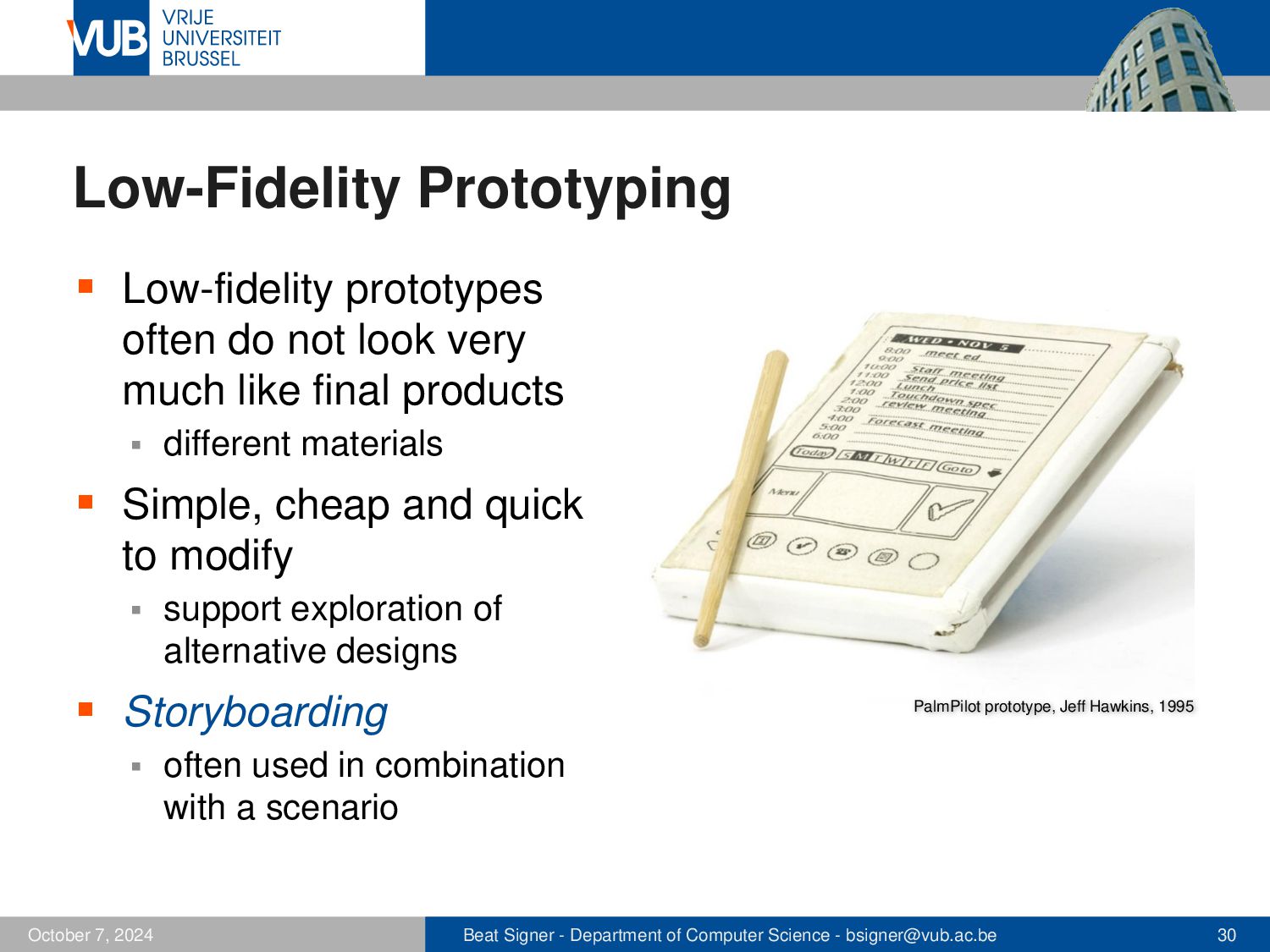
much like final products ▪ different materials ▪ Simple, cheap and quick to modify ▪ support exploration of alternative designs ▪ Storyboarding ▪ October 5, 2026 PalmPilot prototype, Jeff Hawkins, 1995 often used in combination with a scenario Beat Signer - Department of Computer Science - [email protected] 30
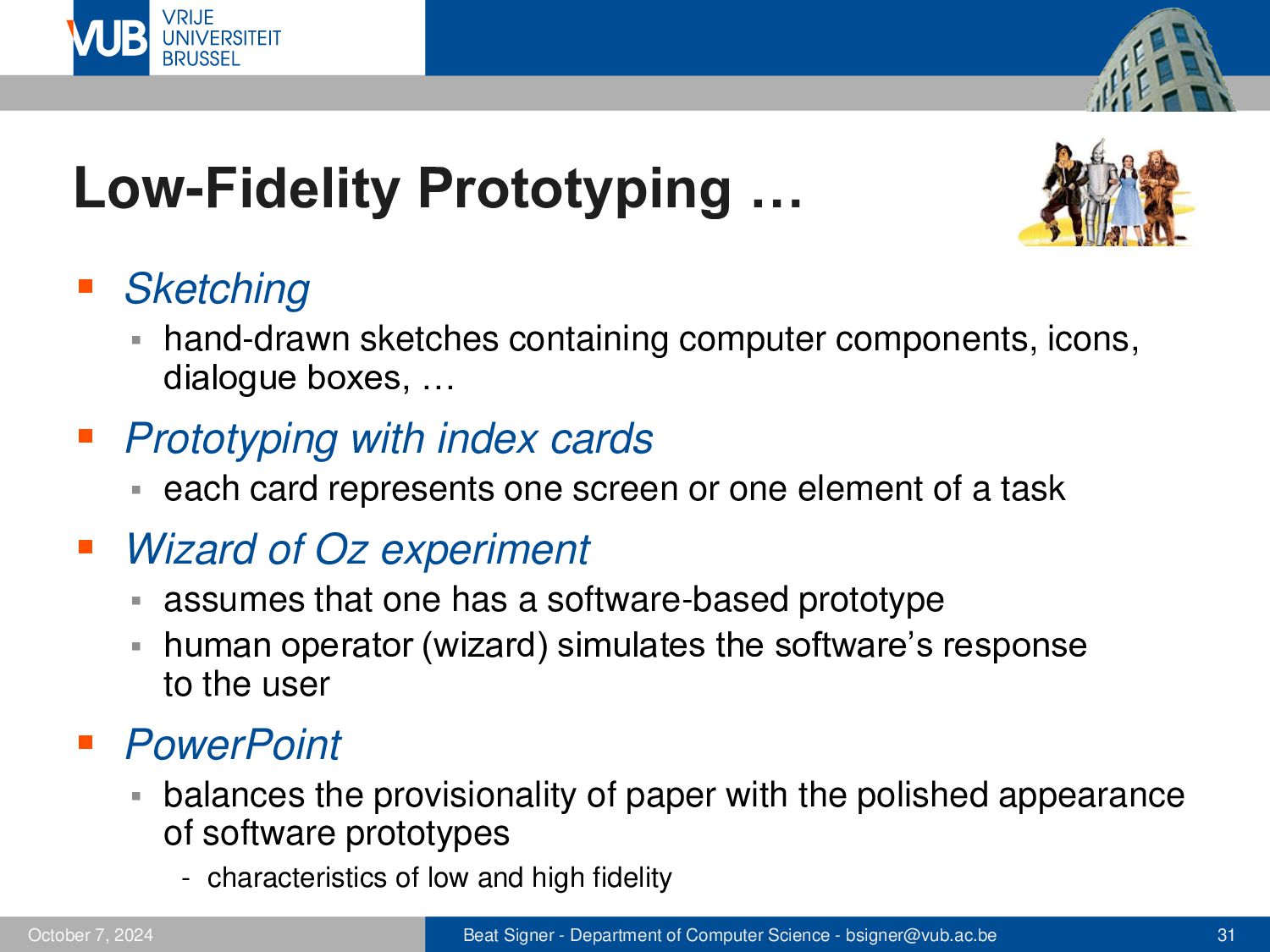
components, icons, dialogue boxes, … ▪ Prototyping with index cards ▪ each card represents one screen or one element of a task ▪ Wizard of Oz experiment assumes that one has a software-based prototype ▪ human operator (wizard) simulates the software’s response to the user ▪ ▪ PowerPoint ▪ balances the provisionality of paper with the polished appearance of software prototypes - characteristics of low and high fidelity October 5, 2026 Beat Signer - Department of Computer Science - [email protected] 31
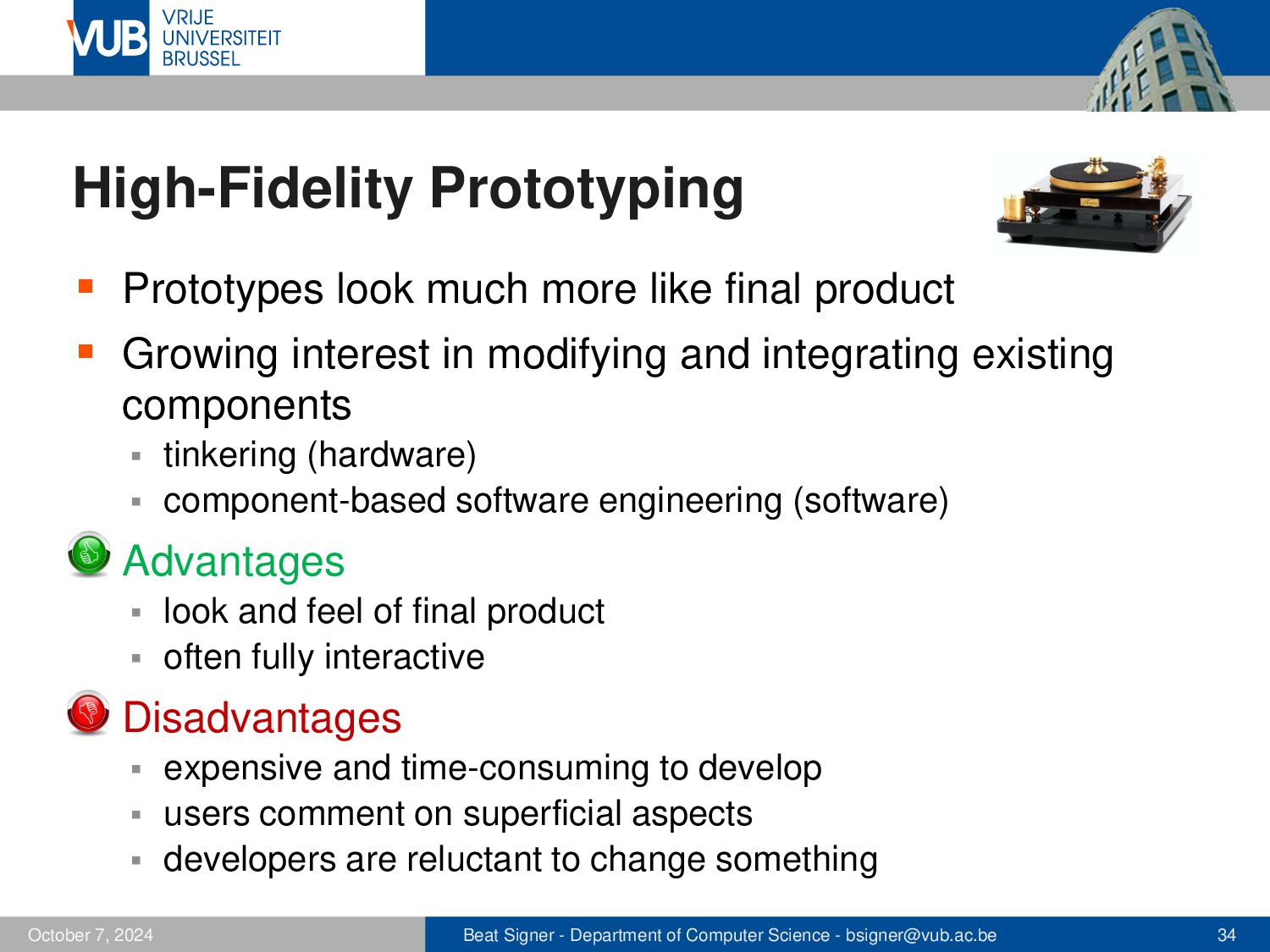
▪ Growing interest in modifying and integrating existing components tinkering (hardware) ▪ component-based software engineering (software) ▪ ▪ Advantages look and feel of final product ▪ often fully interactive ▪ ▪ Disadvantages expensive and time-consuming to develop ▪ users comment on superficial aspects ▪ developers are reluctant to change something ▪ October 5, 2026 Beat Signer - Department of Computer Science - [email protected] 34
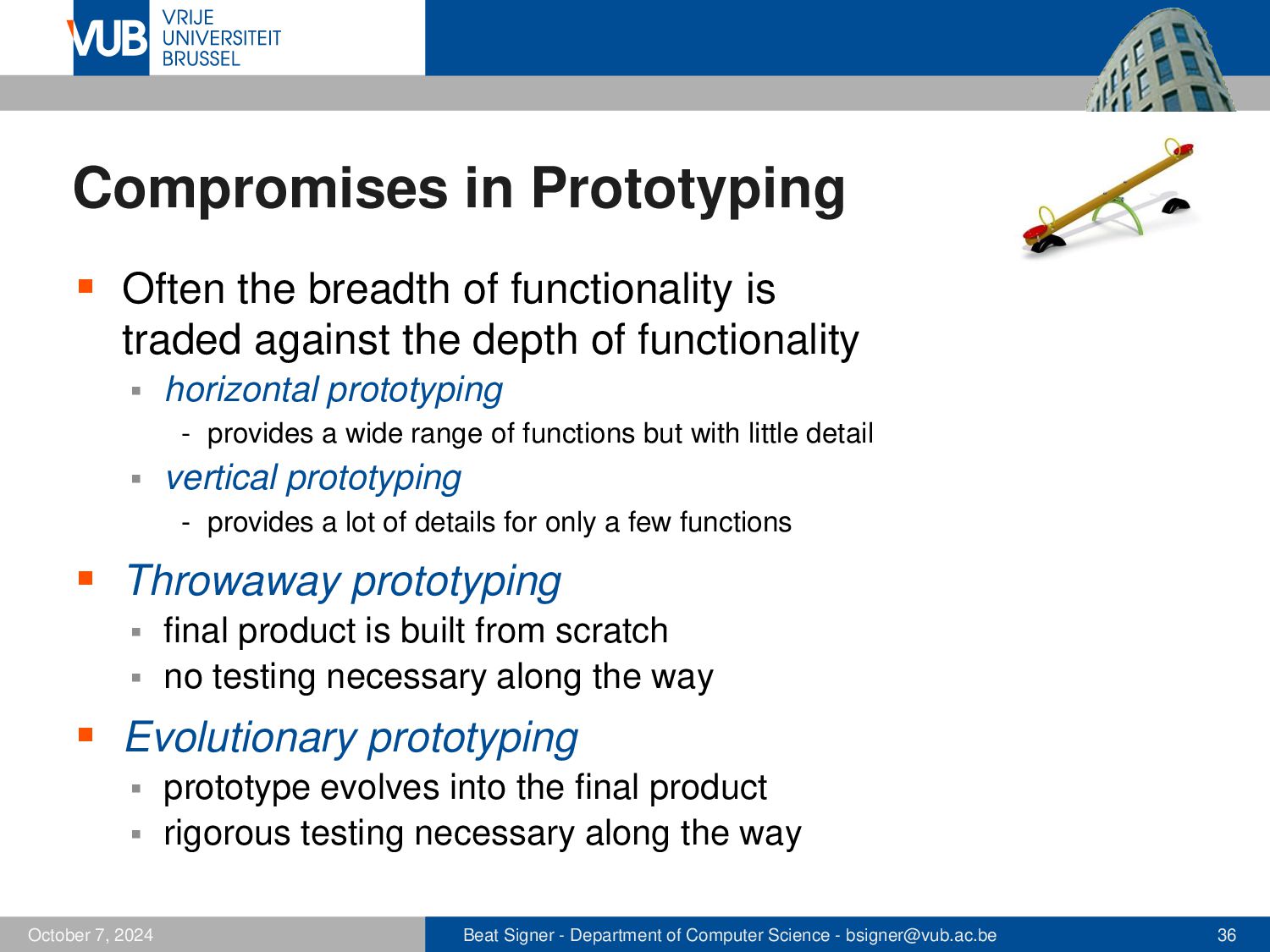
traded against the depth of functionality ▪ horizontal prototyping - provides a wide range of functions but with little detail ▪ vertical prototyping - provides a lot of details for only a few functions ▪ Throwaway prototyping final product is built from scratch ▪ no testing necessary along the way ▪ ▪ Evolutionary prototyping prototype evolves into the final product ▪ rigorous testing necessary along the way ▪ October 5, 2026 Beat Signer - Department of Computer Science - [email protected] 36
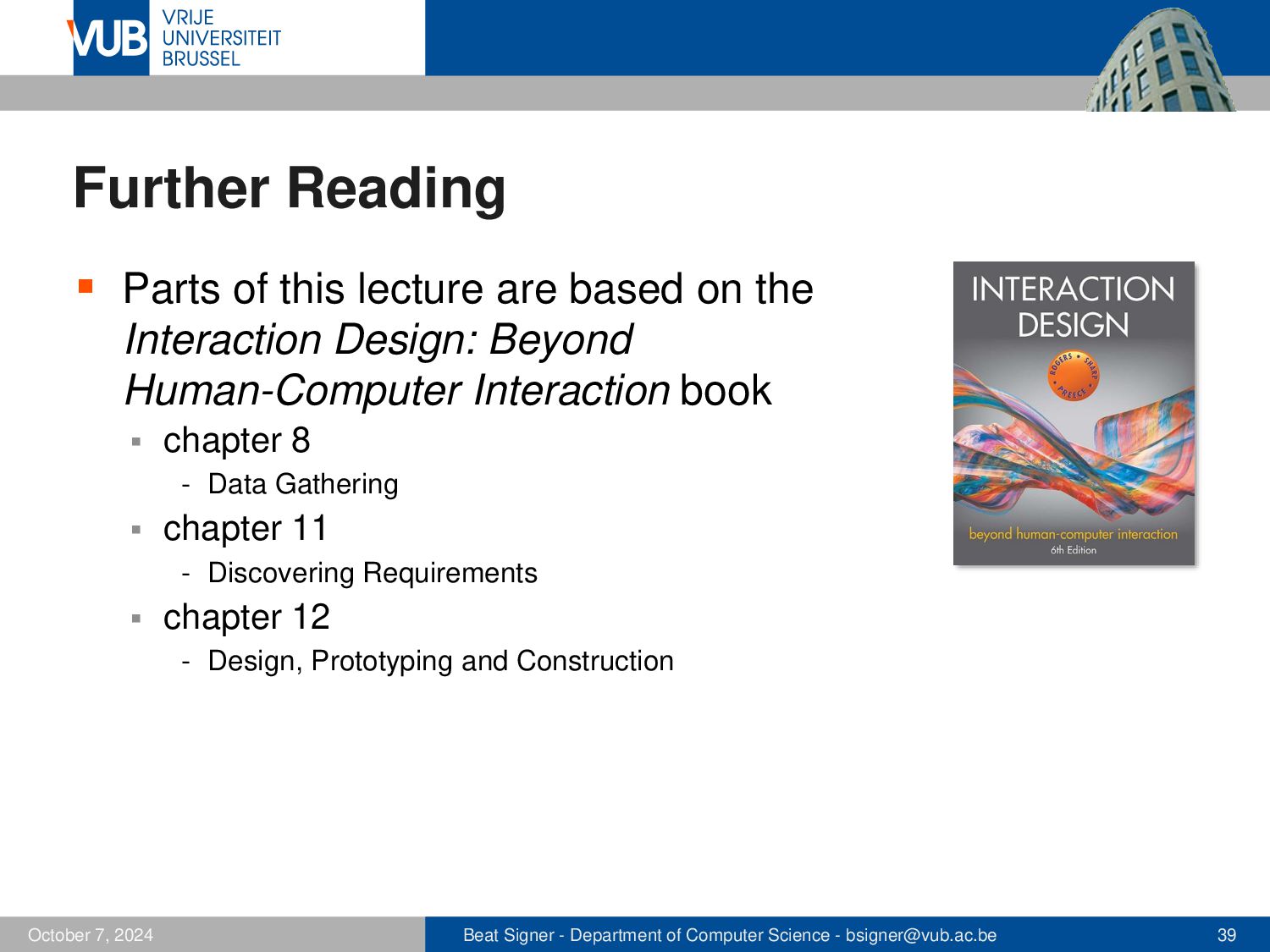
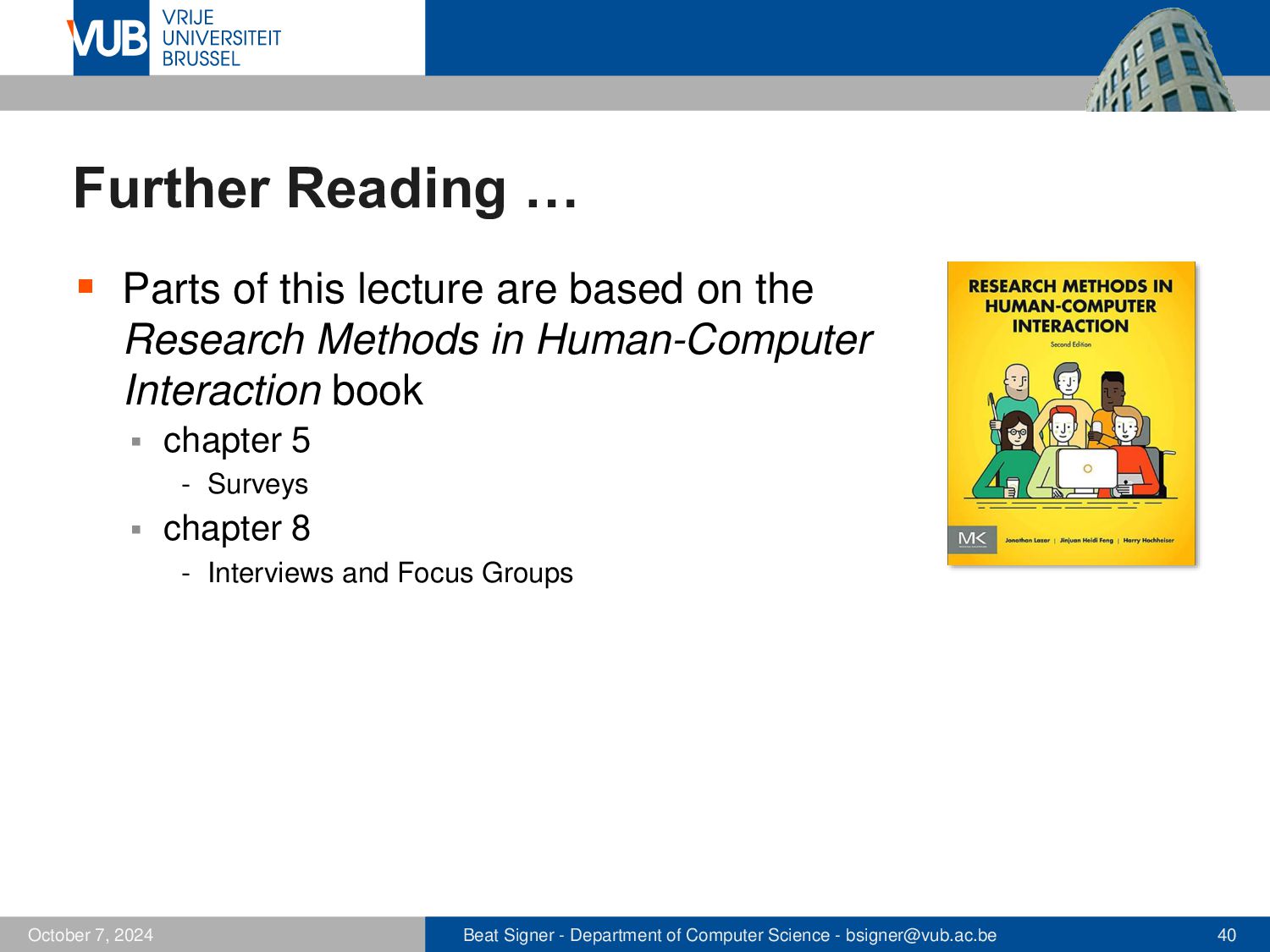
on the Research Methods in Human-Computer Interaction book ▪ chapter 5 - Surveys ▪ chapter 8 - Interviews and Focus Groups October 5, 2026 Beat Signer - Department of Computer Science - [email protected] 39
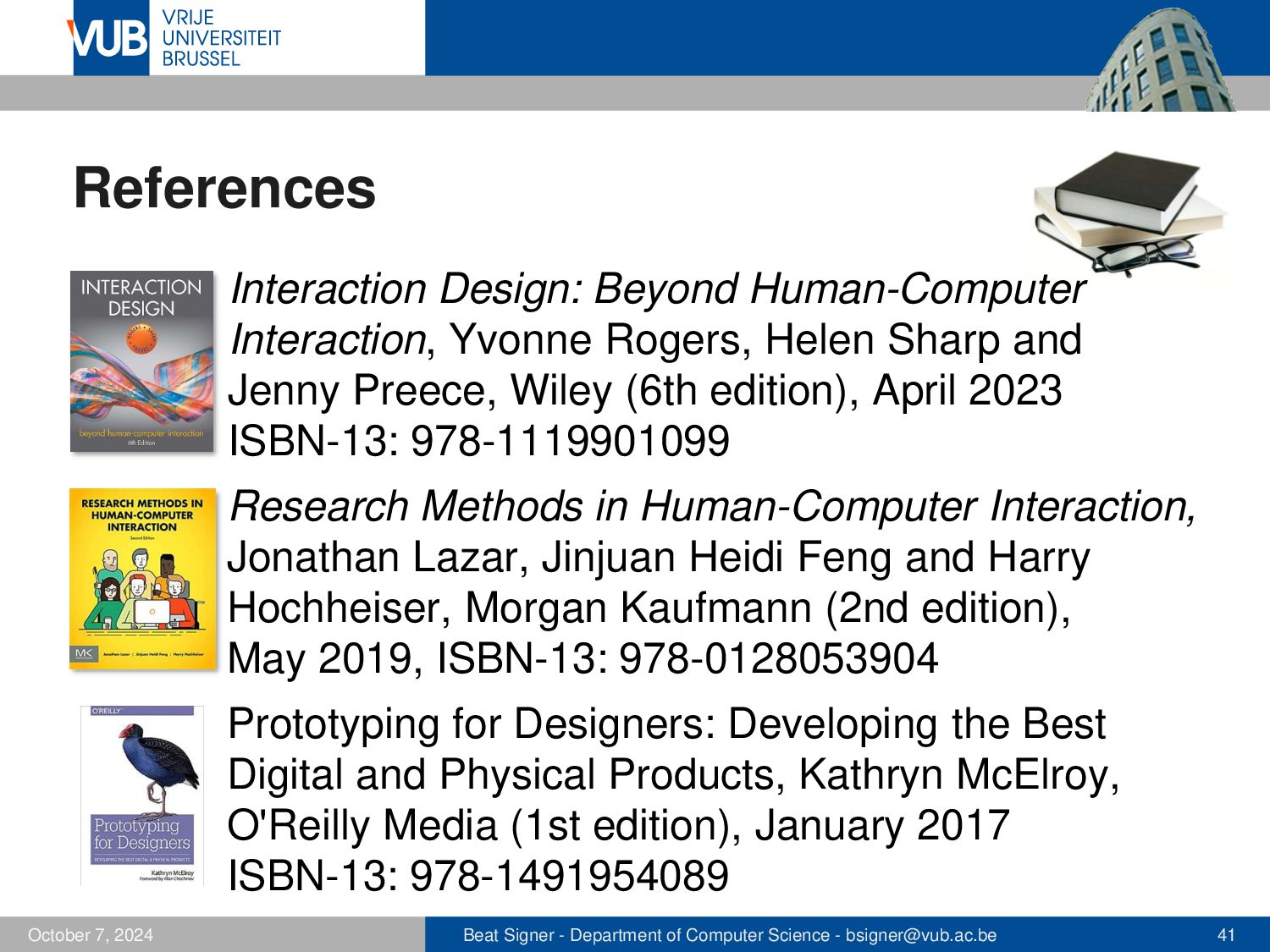
Sharp and Jenny Preece, Wiley (6th edition), April 2023 ISBN-13: 978-1119901099 Research Methods in Human-Computer Interaction, Jonathan Lazar, Jinjuan Heidi Feng and Harry Hochheiser, Morgan Kaufmann (2nd edition), May 2019, ISBN-13: 978-0128053904 Prototyping for Designers: Developing the Best Digital and Physical Products, Kathryn McElroy, O'Reilly Media (1st edition), January 2017 ISBN-13: 978-1491954089 October 5, 2026 Beat Signer - Department of Computer Science - [email protected] 40


 signer
 juanmartin2026
 ishii_mit
 yoshimura_datam
 sciencetokyo
 hiola
hiola
 yasslab
 terasawat
 kekekenta
 yatabe
 codingconduct
 lara
lara
 brad_frost
 inesmontani
 tomoyanonymous
 davetheseo
 bermonpainter
 chriscoyier
 rakko
rakko
 ks91
ks91
 tonyrice
 afnizarnur