Upgrade to Pro
— share decks privately, control downloads, hide ads and more …
Speaker Deck
Sign up for free
Menu
Search
Features
All features
Private URLs
Password Protection
Custom URLS
Scheduled publishing
Remove Branding
Restrict embedding
Deck Collections
Notes
Features
All features
Private URLs
Password Protection
Custom URLS
Scheduled publishing
Remove Branding
Restrict embedding
Deck Collections
Notes
Explore
Featured decks
Featured speakers
Programming
Technology
Storyboards
Explore
Featured decks
Featured speakers
Programming
Technology
Storyboards
Pricing
Search
Sign in
Sign up for free
Tranformations - Core Animation
Search
Jasdev Singh
March 22, 2016
Technology
120
0
Share
Embed
Copy iframe code
Copy JS code
Copy link
Start on current slide
Tranformations - Core Animation
Chapter review from Nick Lockwood's Core Animation book at Tumblr's iOS Book Club
Jasdev Singh
March 22, 2016
More Decks by Jasdev Singh
See All by Jasdev Singh
Tuning for Speed
jasdev
0
100
Hidden Gems in Swift
jasdev
6
1.4k
Swift 2.2 & 3.0 Changes
jasdev
1
730
Profiling
jasdev
0
90
Accessing Data
jasdev
0
110
Lessons in Building APIs
jasdev
0
140
UVA ACM Interview Tips
jasdev
0
130
Other Decks in Technology
See All in Technology
TinyGoでオブザーバビリティ?OpenTelemetryはTinyGoで使えるのか / Is OpenTelemetry available in TinyGo environment?
ymotongpoo
2
140
分析の民主化を支えるメタデータ整備の実践
kakehashi
PRO
4
1.4k
JAWSUG TOHOKU 青森支部 「LoGoチャット」のAWS移行で 乗り越えたこと
taketakekaho
0
330
ブラウザとサーバーから考えるAI時代のフロントエンド監視
shogo4131
3
940
分析AIエージェントを育てる、動く環境を育てる
codatum
1
1.1k
Claude Code本は、どのように執筆チームで書かれたか
oikon48
1
380
DGX Spark でどこまでハッキングができるのか?
kash1064
3
1.3k
宣言型部分更新は何を解決しどこへ向かうのか
shuta13
1
450
AI導入は済んだ。次は統制を作り替える番だ_AI×開発組織 Summit 2026
techtekt
PRO
0
210
AIカンパニーへの転換を支えた、エンジニアの仕事の再定義
kworkdev
PRO
2
1.2k
Conditional PED-ANOVA: Hyperparameter Importance in Hierarchical & Dynamic Search Spaces
pfn
PRO
0
130
サブエージェントと Claude Mods で作る独自 Advisor ツールの話
kenichiodo
2
160
Featured
See All Featured
Imperfection Machines: The Place of Print at Facebook
scottboms
270
14k
Performance Is Good for Brains [We Love Speed 2024]
tammyeverts
12
1.9k
DevOps and Value Stream Thinking: Enabling flow, efficiency and business value
helenjbeal
2
410
Into the Great Unknown - MozCon
thekraken
41
2.8k
Evolving SEO for Evolving Search Engines
ryanjones
0
330
JavaScript: Past, Present, and Future - NDC Porto 2020
reverentgeek
52
6.1k
It's Worth the Effort
3n
188
29k
[SF Ruby Conf 2025] Rails X
palkan
3
1.5k
AI Search: Where Are We & What Can We Do About It?
aleyda
0
8.1k
Building Better People: How to give real-time feedback that sticks.
wjessup
370
20k
How to optimise 3,500 product descriptions for ecommerce in one day using ChatGPT
katarinadahlin
PRO
3
3.9k
Future Trends and Review - Lecture 12 - Web Technologies (1019888BNR)
signer
PRO
0
3.8k
Transcript
TRANSFORMATIONS IOS BOOK CLUB JASDEV SINGH
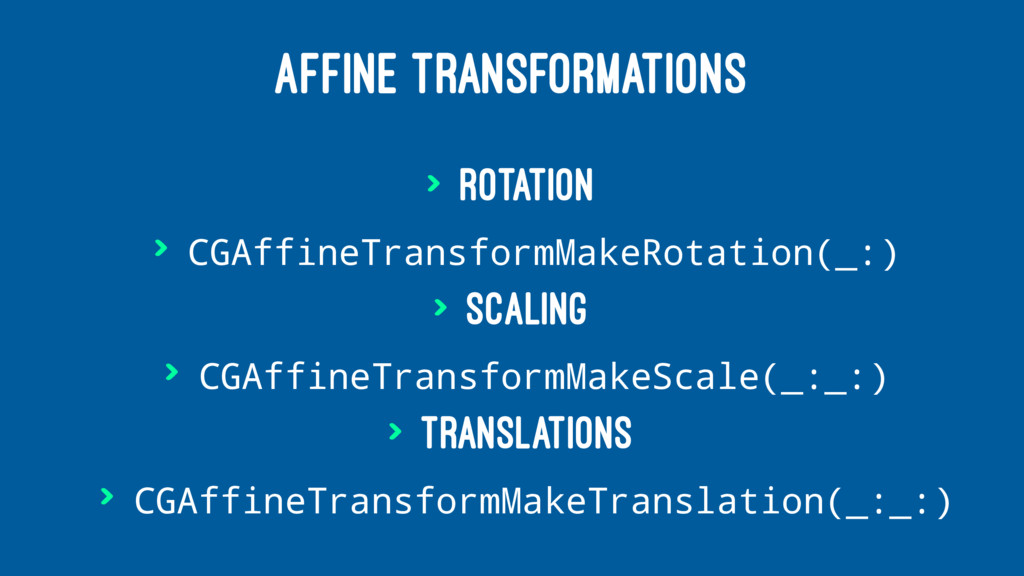
AFFINE TRANSFORMATIONS > Rotation > CGAffineTransformMakeRotation(_:) > Scaling > CGAffineTransformMakeScale(_:_:)
> Translations > CGAffineTransformMakeTranslation(_:_:)
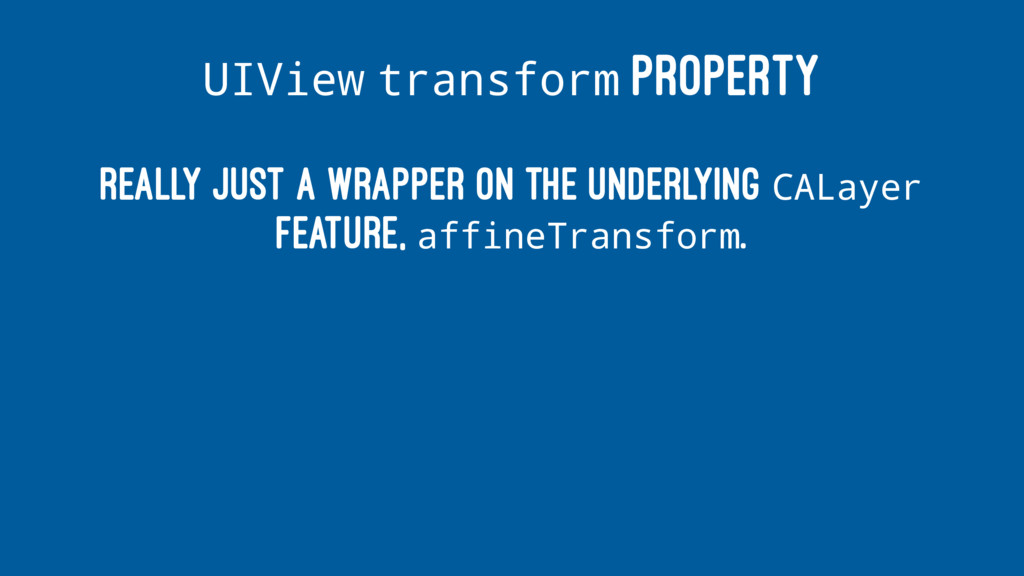
UIView transform PROPERTY Really just a wrapper on the underlying
CALayer feature, affineTransform.
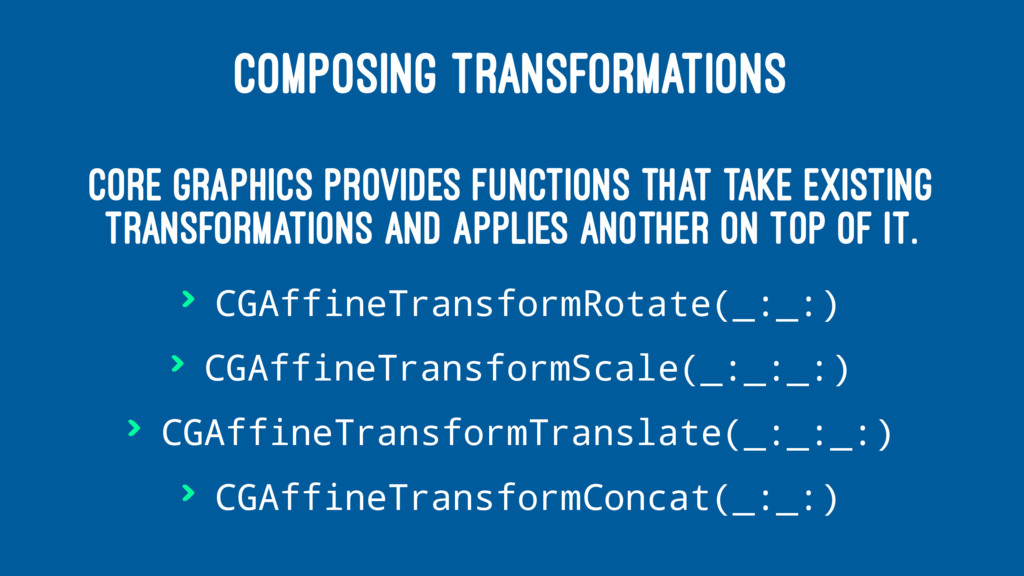
COMPOSING TRANSFORMATIONS Core Graphics provides functions that take existing transformations
and applies another on top of it. > CGAffineTransformRotate(_:_:) > CGAffineTransformScale(_:_:_:) > CGAffineTransformTranslate(_:_:_:) > CGAffineTransformConcat(_:_:)
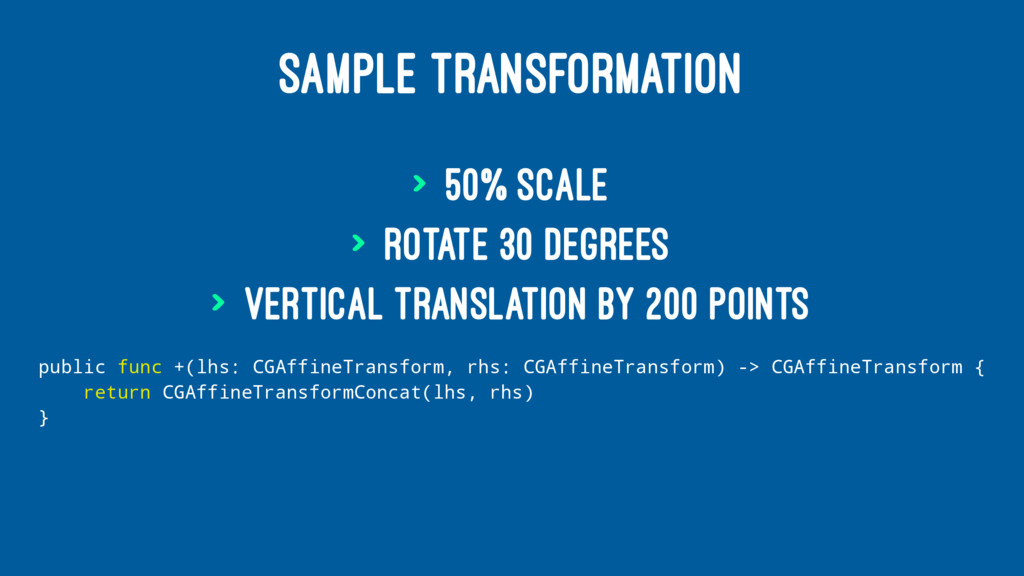
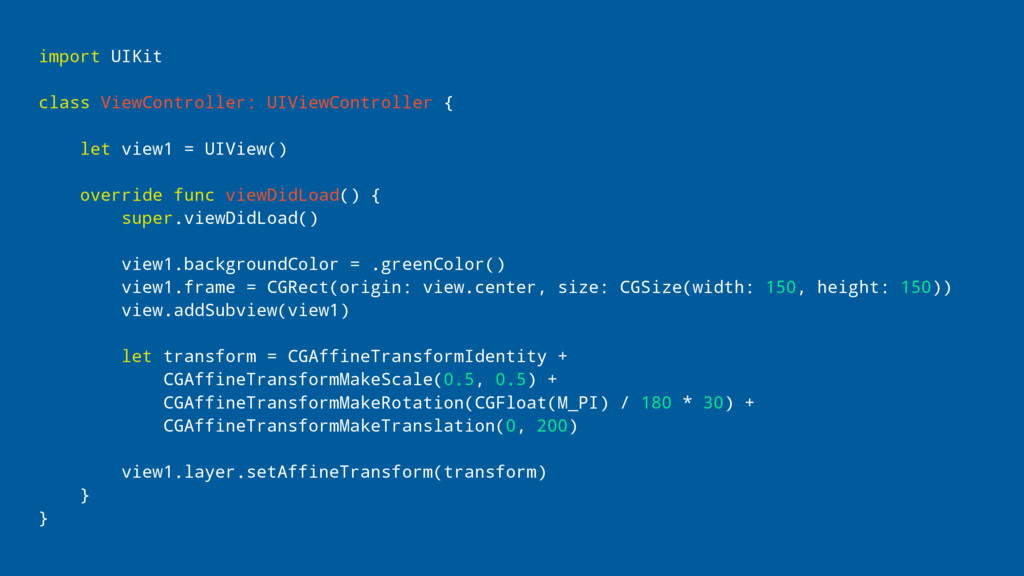
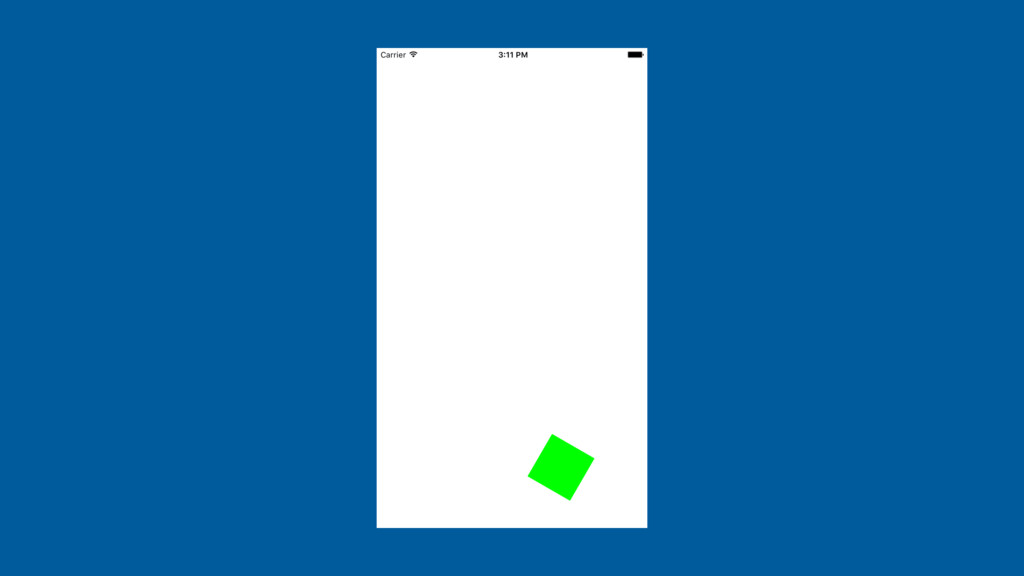
SAMPLE TRANSFORMATION > 50% scale > Rotate 30 degrees >
Vertical translation by 200 points public func +(lhs: CGAffineTransform, rhs: CGAffineTransform) -> CGAffineTransform { return CGAffineTransformConcat(lhs, rhs) }
import UIKit class ViewController: UIViewController { let view1 = UIView()
override func viewDidLoad() { super.viewDidLoad() view1.backgroundColor = .greenColor() view1.frame = CGRect(origin: view.center, size: CGSize(width: 150, height: 150)) view.addSubview(view1) let transform = CGAffineTransformIdentity + CGAffineTransformMakeScale(0.5, 0.5) + CGAffineTransformMakeRotation(CGFloat(M_PI) / 180 * 30) + CGAffineTransformMakeTranslation(0, 200) view1.layer.setAffineTransform(transform) } }
None
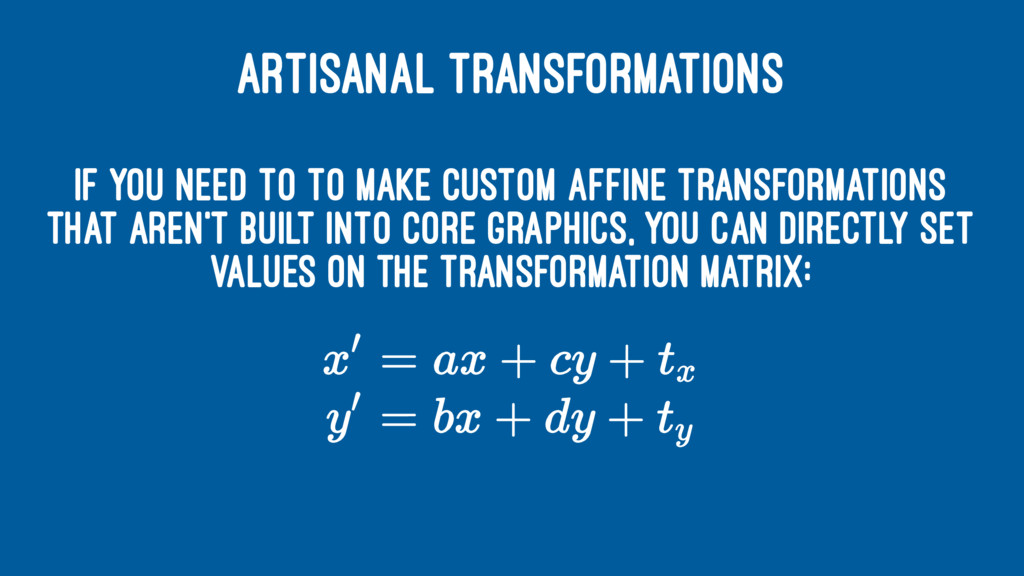
ARTISANAL TRANSFORMATIONS If you need to to make custom affine
transformations that aren't built into Core Graphics, you can directly set values on the transformation matrix:
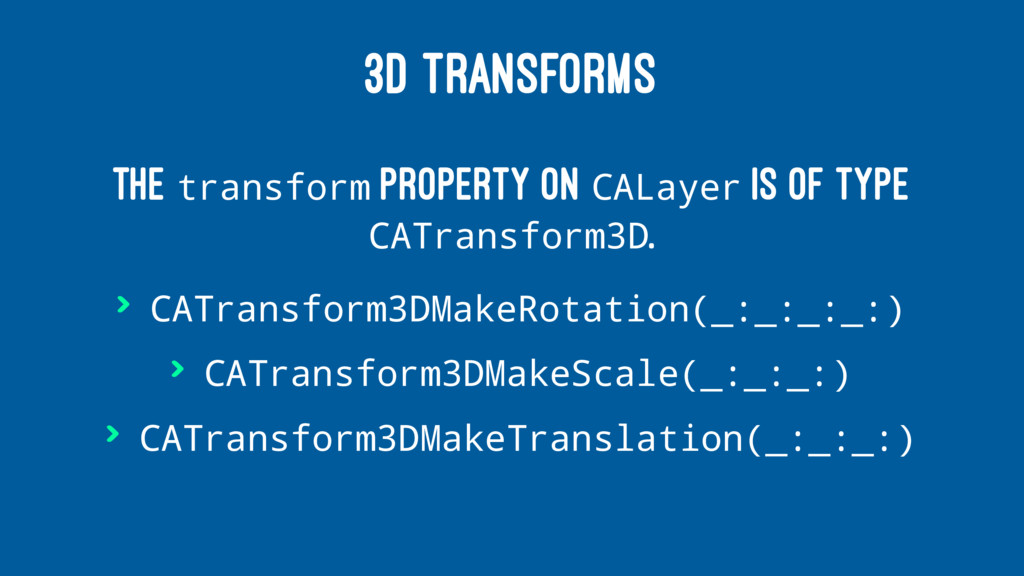
3D TRANSFORMS The transform property on CALayer is of type
CATransform3D. > CATransform3DMakeRotation(_:_:_:_:) > CATransform3DMakeScale(_:_:_:) > CATransform3DMakeTranslation(_:_:_:)
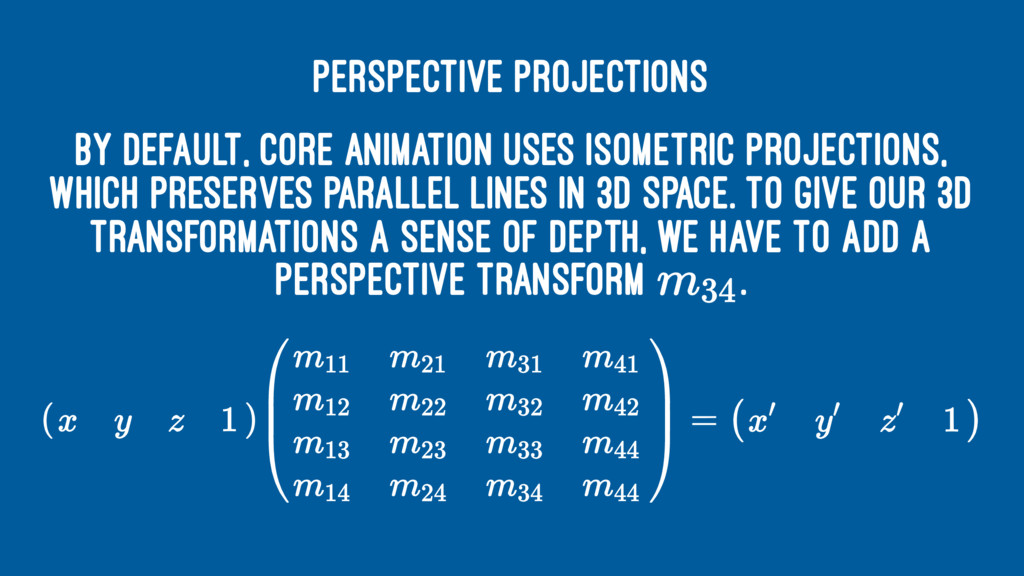
Perspective Projections By default, Core Animation uses isometric projections, which
preserves parallel lines in 3D space. To give our 3D transformations a sense of depth, we have to add a perspective transform .
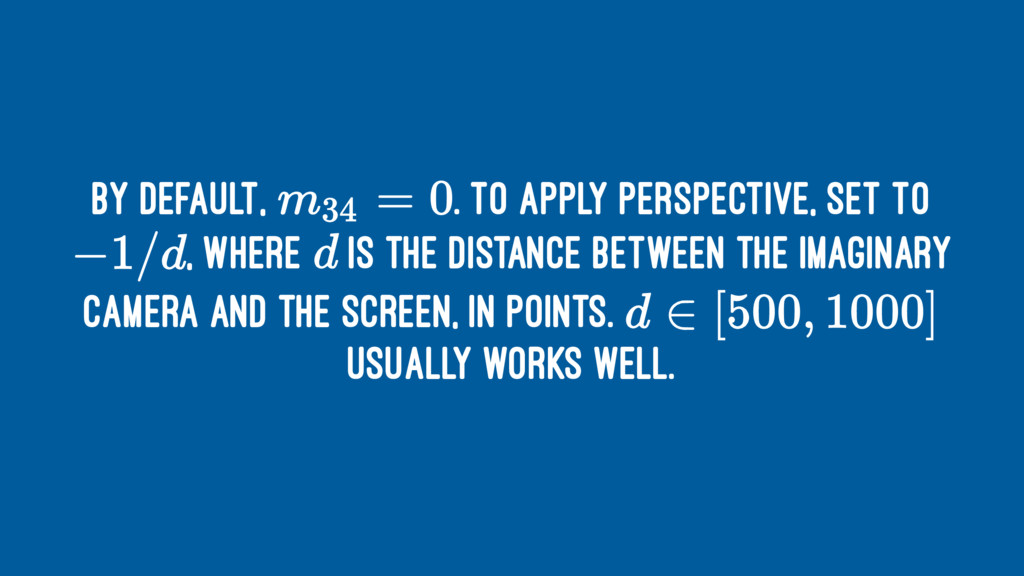
By default, . To apply perspective, set to , where
is the distance between the imaginary camera and the screen, in points. usually works well.
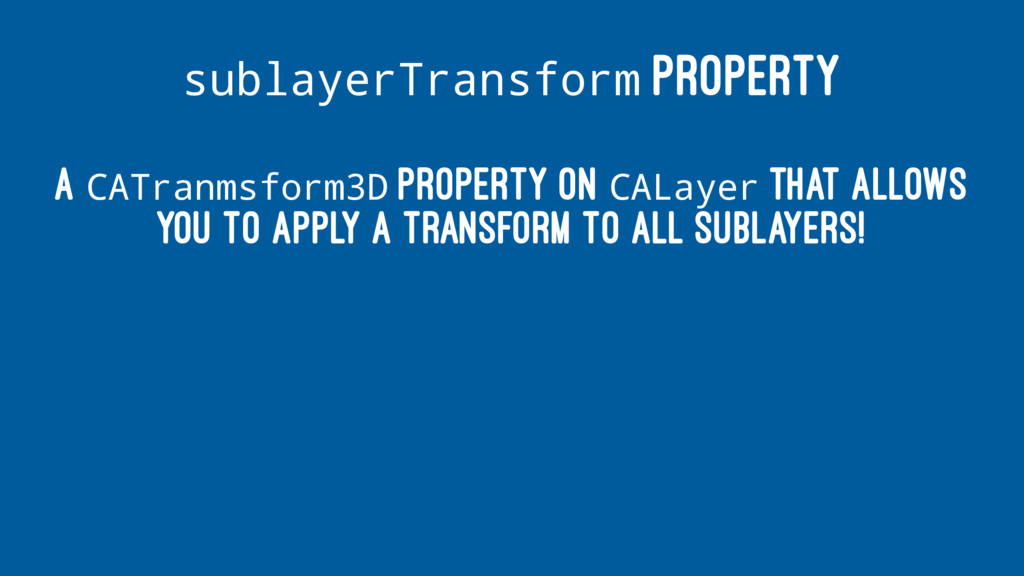
sublayerTransform PROPERTY A CATranmsform3D property on CALayer that allows you
to apply a transform to all sublayers!
doubleSided PROPERTY


 jasdev
 ymotongpoo
 kakehashi
 taketakekaho
 shogo4131
.png) codatum
codatum
 oikon48
 kash1064
 shuta13
 techtekt
 kworkdev
 pfn
pfn
 kenichiodo
 scottboms
 tammyeverts
.png) helenjbeal
helenjbeal
 thekraken
 ryanjones
 reverentgeek
 3n
3n
 palkan
 aleyda
 wjessup
 katarinadahlin
 signer