Upgrade to Pro
— share decks privately, control downloads, hide ads and more …
Speaker Deck
Sign up for free
Menu
Search
Features
All features
Private URLs
Password Protection
Custom URLS
Scheduled publishing
Remove Branding
Restrict embedding
Deck Collections
Notes
Features
All features
Private URLs
Password Protection
Custom URLS
Scheduled publishing
Remove Branding
Restrict embedding
Deck Collections
Notes
Explore
Featured decks
Featured speakers
Programming
Technology
Storyboards
Explore
Featured decks
Featured speakers
Programming
Technology
Storyboards
Pricing
Search
Sign in
Sign up for free
Joy-ConをJavaScriptでプレゼンリモコンにした話
Search
Masaki Koyanagi
December 07, 2019
Programming
650
0
Share
Embed
Copy iframe code
Copy JS code
Copy link
Start on current slide
Joy-ConをJavaScriptでプレゼンリモコンにした話
WeJS Festival!
https://wajs.connpass.com/event/151413/
Masaki Koyanagi
December 07, 2019
More Decks by Masaki Koyanagi
See All by Masaki Koyanagi
Vitestを使った型テストの始め方
mascii
6
3.3k
WebHID API でリングコン のセンサー値を取得してみた
mascii
1
1.1k
Pros and Cons で考える Vue 2 Composition API
mascii
4
1.2k
TypeScript で Optional Chaining を使ってみた
mascii
1
800
Vue.jsでCSS Modulesを使ってみた
mascii
0
180
不変量
mascii
1
250
Nuxt.js+Firebaseで個人サービスを作るまで
mascii
1
2.6k
JavaScriptのバージョンの話
mascii
1
2.4k
あなたのお家に眠るラズパイを救出したい
mascii
4
3.2k
Other Decks in Programming
See All in Programming
AWSに止められる覚悟してますか?
morizo_1984
2
540
AI時代のコードレビューは人に向けるな、仕組みに向けろ
texmeijin
5
3.7k
作って学ぶSpring BootのAuto Configuration / JJUG Night Seminar 2026-10-19
rshindo
0
170
UPDATE をやめる — EF Core でマスタをバージョン管理する
panda728
PRO
0
1.2k
Everything will be SERVERLESS — 信じて運用した10年の経験値 / Everything Will be Serverless — Lessons Learned from 10 Years of Operational Experience
seike460
PRO
1
1.1k
見えないものを探る要求要件定義に必要な基本的思考 / invisible-requirement-thinking
minodriven
15
8.5k
sbt 2.0: takeoff
eed3si9n
0
160
Verilogで学ぶCPU自作入門
uyuki234
8
4.1k
自サークルのIdPからログアウトできるようになるまで
taiseiue
1
140
Event is what happens
moro
2
860
なぜCTOを降りてFDEを選んだのか?〜なぜプロダクト企業がFDEで顧客の現場に踏み込むのか〜
gonta
1
220
當我們開始不讀 Code - AI Agent 時代,Code Review 與 Clean Code 還剩下什麼?
jame2408
1
250
Featured
See All Featured
Testing 201, or: Great Expectations
jmmastey
46
8.3k
GitHub's CSS Performance
jonrohan
1033
470k
Agile Leadership in an Agile Organization
kimpetersen
PRO
0
290
A better future with KSS
kneath
240
18k
The Curious Case for Waylosing
cassininazir
1
570
Leadership Guide Workshop - DevTernity 2021
reverentgeek
1
400
Navigating the moral maze — ethical principles for Al-driven product design
skipperchong
2
630
DevOps and Value Stream Thinking: Enabling flow, efficiency and business value
helenjbeal
2
410
Building Experiences: Design Systems, User Experience, and Full Site Editing
marktimemedia
1
630
Practical Orchestrator
shlominoach
192
12k
Building a A Zero-Code AI SEO Workflow
portentint
PRO
0
780
How to Align SEO within the Product Triangle To Get Buy-In & Support - #RIMC
aleyda
2
1.8k
Transcript
Joy-Conを JavaScriptで プレゼンリモコン にした話 @mascii_k WeJS Festival! 2019 @Cybozu
自己紹介 • ますきー (@mascii_k) • ビザスク エンジニア • WeJS 運営メンバー
デモ
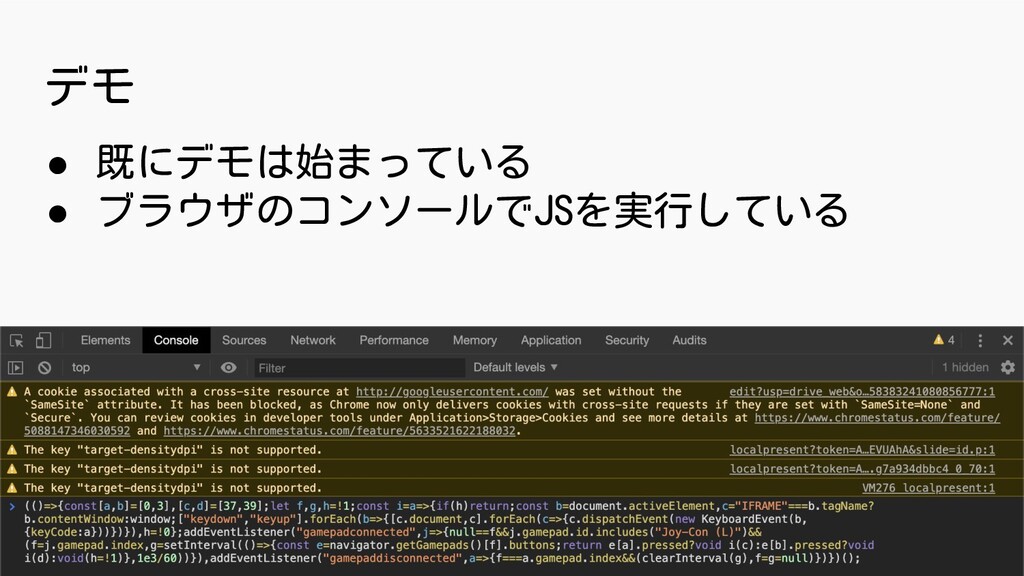
デモ • 既にデモは始まっている • ブラウザのコンソールでJSを実行している
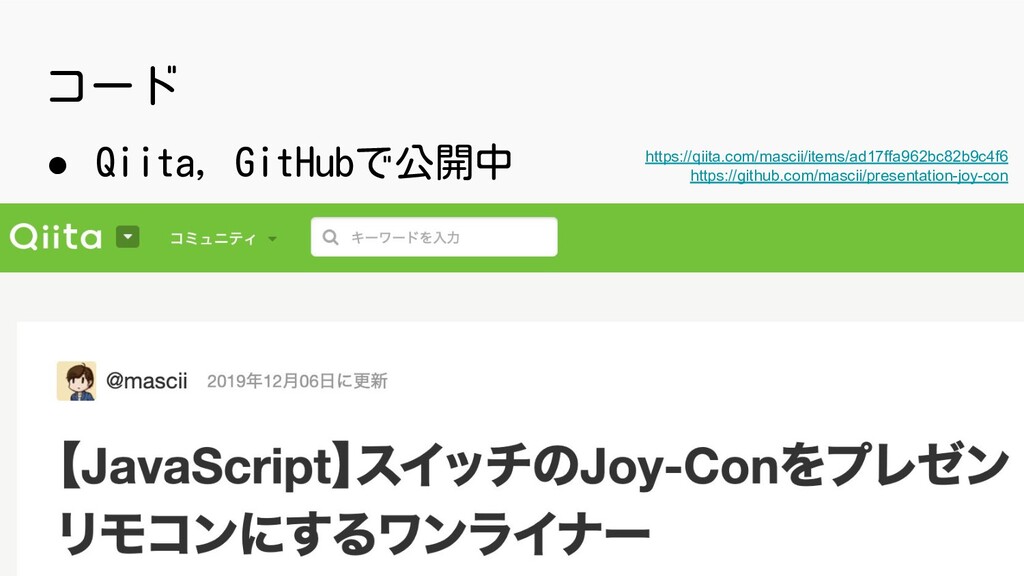
コード • Qiita, GitHubで公開中 https://qiita.com/mascii/items/ad17ffa962bc82b9c4f6 https://github.com/mascii/presentation-joy-con
なぜ Joy-Con + JavaScript?
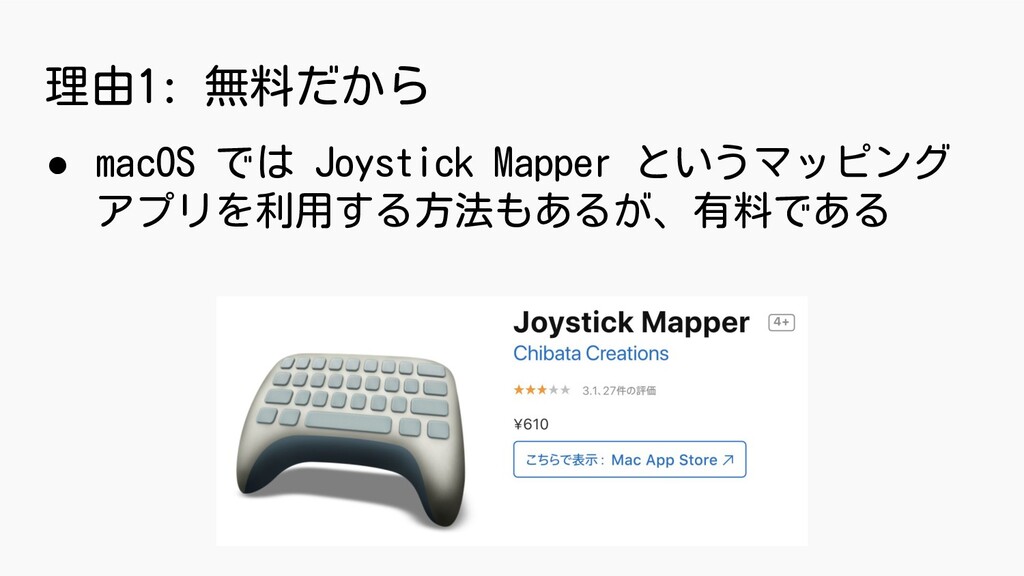
理由1: 無料だから • macOS では Joystick Mapper というマッピング アプリを利用する方法もあるが、有料である
理由2: ブラウザの機能だから安心 • Joystick Mapper は macOS Catalina 対応で 5年ぶりにアップデートが必要に
• 一方、ブラウザ標準の機能を用いるので、 Chrome, Firefox, Safari などで利用可能
理由3: 電池持ちが良い • Joy-Con なら常に充電されている • Joy-Con は公称値で約20時間使用できる • 市販のプレゼンリモコンは電池切れになりがち
どのような実装をしたか?
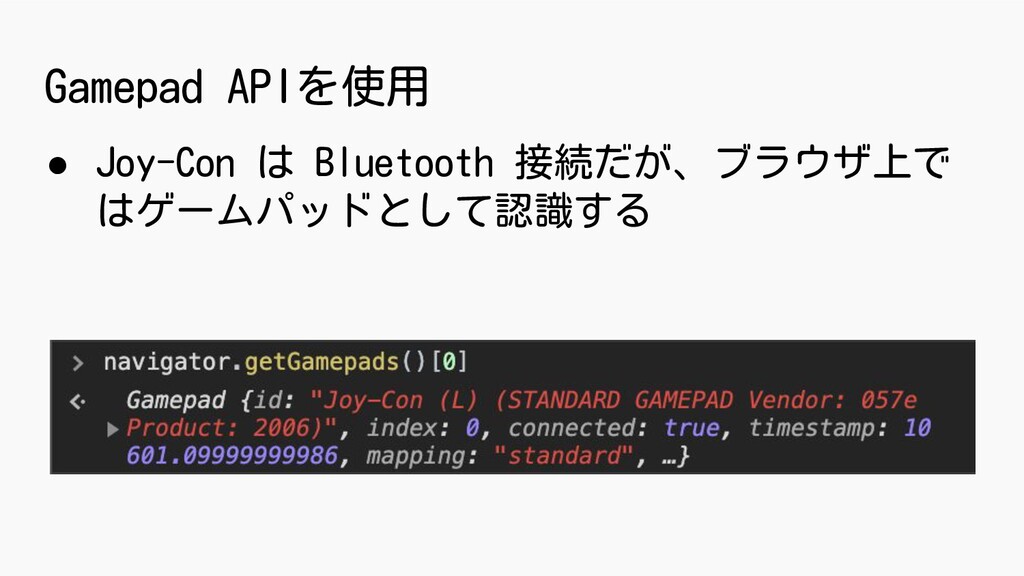
Gamepad APIを使用 • Joy-Con は Bluetooth 接続だが、ブラウザ上で はゲームパッドとして認識する
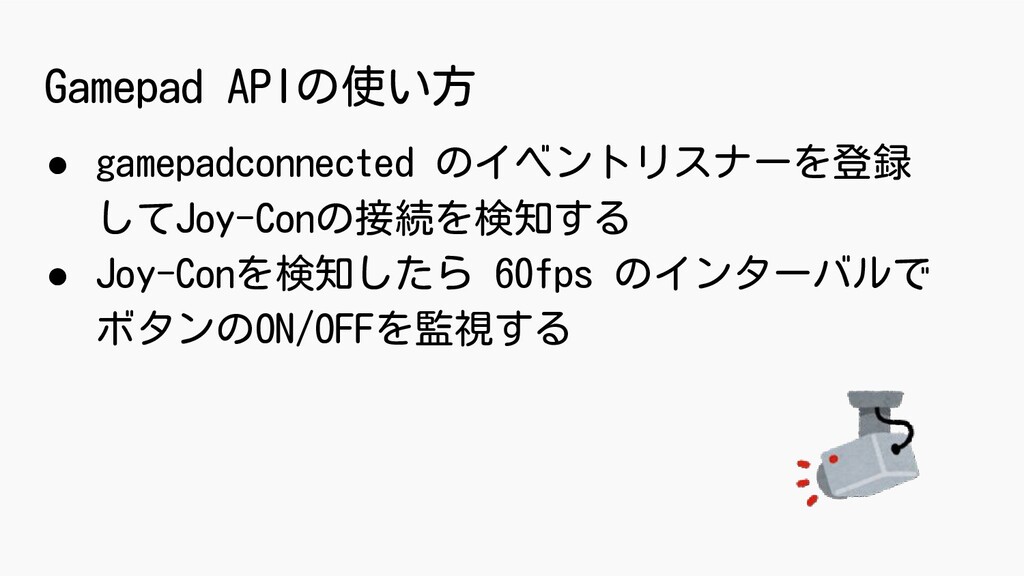
Gamepad APIの使い方 • gamepadconnected のイベントリスナーを登録 してJoy-Conの接続を検知する • Joy-Conを検知したら 60fps のインターバルで
ボタンのON/OFFを監視する
window.addEventListener('gamepadconnected', e => { const index = e.gamepad.index; setInterval(() =>
{ const buttons = navigator.getGamepads()[index].buttons; if (buttons[LEFT_BUTTON].pressed) { isPressing = true; // 左矢印キーの押下処理 } }, 1000 / 60); });
どのようにしてスライドを動かすか • ほとんどのスライドサービスがキーボードの 矢印キーでスライドを動かせる • キーボードの矢印キーの keydown, keyup イベントを発火する
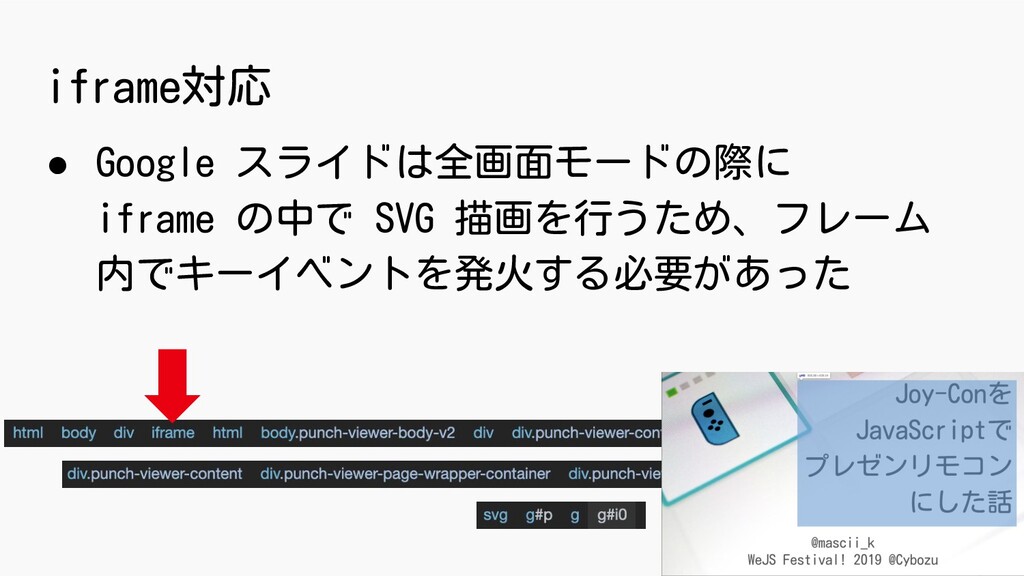
iframe対応 • Google スライドは全画面モードの際に iframe の中で SVG 描画を行うため、フレーム 内でキーイベントを発火する必要があった
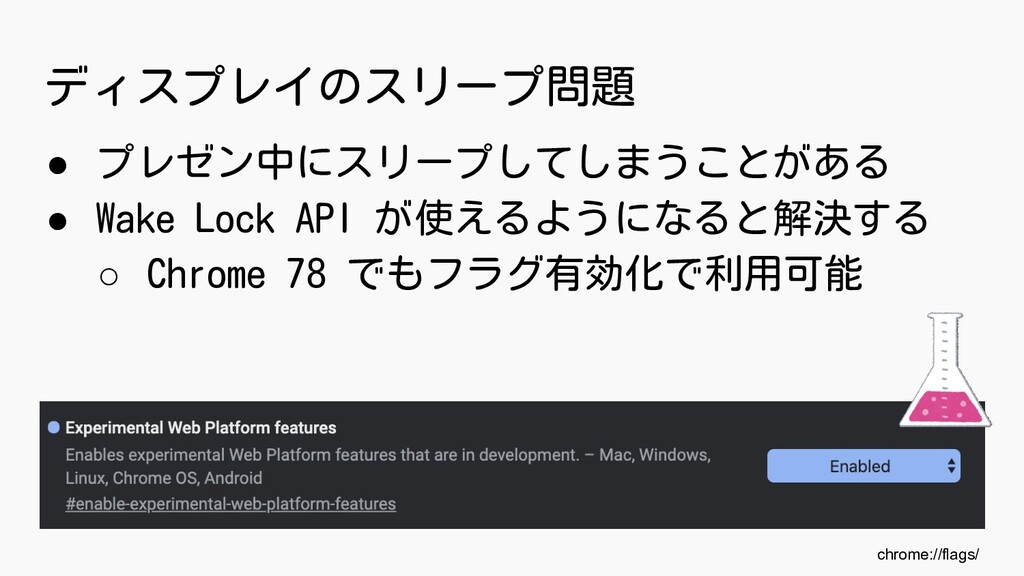
ディスプレイのスリープ問題 • プレゼン中にスリープしてしまうことがある • Wake Lock API が使えるようになると解決する ◦ Chrome
78 でもフラグ有効化で利用可能 chrome://flags/
まとめ
まとめ • Joy-Conはゲームパッドとして認識するので Gamepad API を用いて入力を取得できる • 矢印キーのキーイベント発火でほとんどの スライドサービスに対応できる •
Gamepad API + Wake Lock API の組合せに期待
Joy-Conは プレゼンリモコンとしても 優秀! (リングフィットだけじゃないぞ!)


 mascii
 morizo_1984
 texmeijin
 rshindo
 panda728
 seike460
 minodriven
 eed3si9n
 uyuki234
 taiseiue
 moro
moro
 gonta
gonta
 jame2408
 jmmastey
 jonrohan
 kimpetersen
 kneath
 cassininazir
 reverentgeek
 skipperchong
.png) helenjbeal
helenjbeal
 marktimemedia
 shlominoach
 portentint
 aleyda