Architect Manager at NOOK Developer Former MNPHP Organizer Open Source Contributor (Zend Framework and various others) Where you can find me: • Twitter: mwillbanks G+: Mike Willbanks • IRC (freenode): mwillbanks Blog: http://blog.digitalstruct.com • GitHub: https://github.com/mwillbanks Housekeeping…
Looking overall at how gearman works for you. • Quick Start Make it go do something. • Digging in A detailed look into gearman. • PHP Integration How you should work with it in PHP including use cases and samples. • Questions Although you can bring them up at anytime! Agenda
work to other machines or processes that are better suited to do the work. It allows you to do work in parallel, to load balance processing, and to call functions between languages.” Official Statement
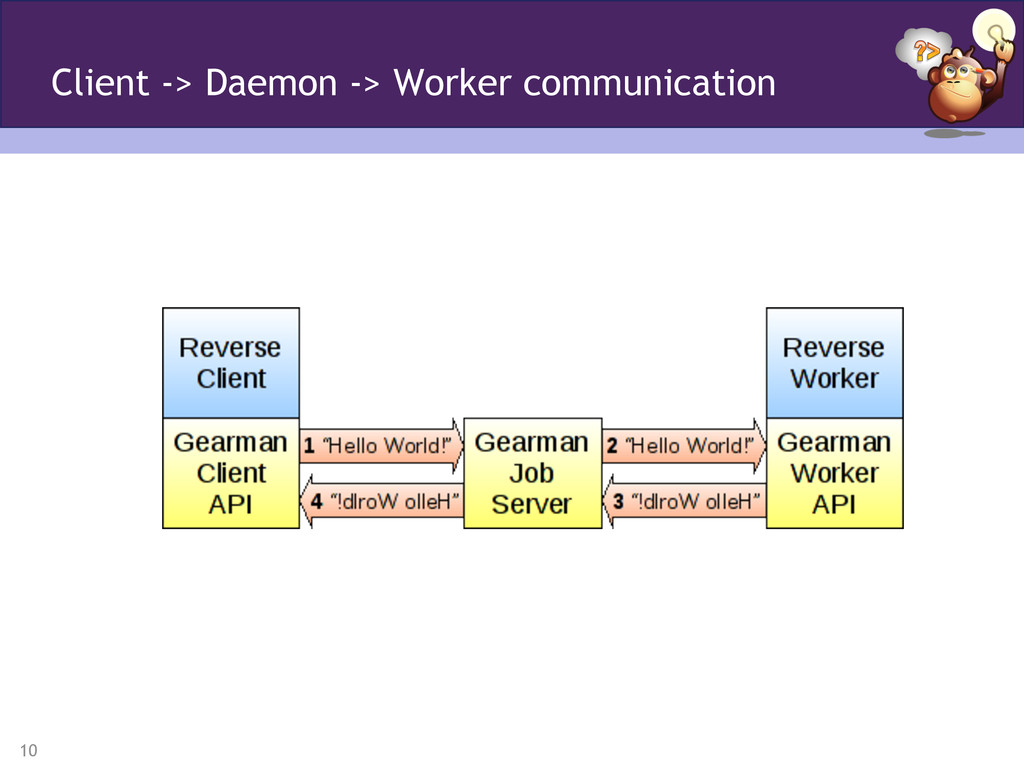
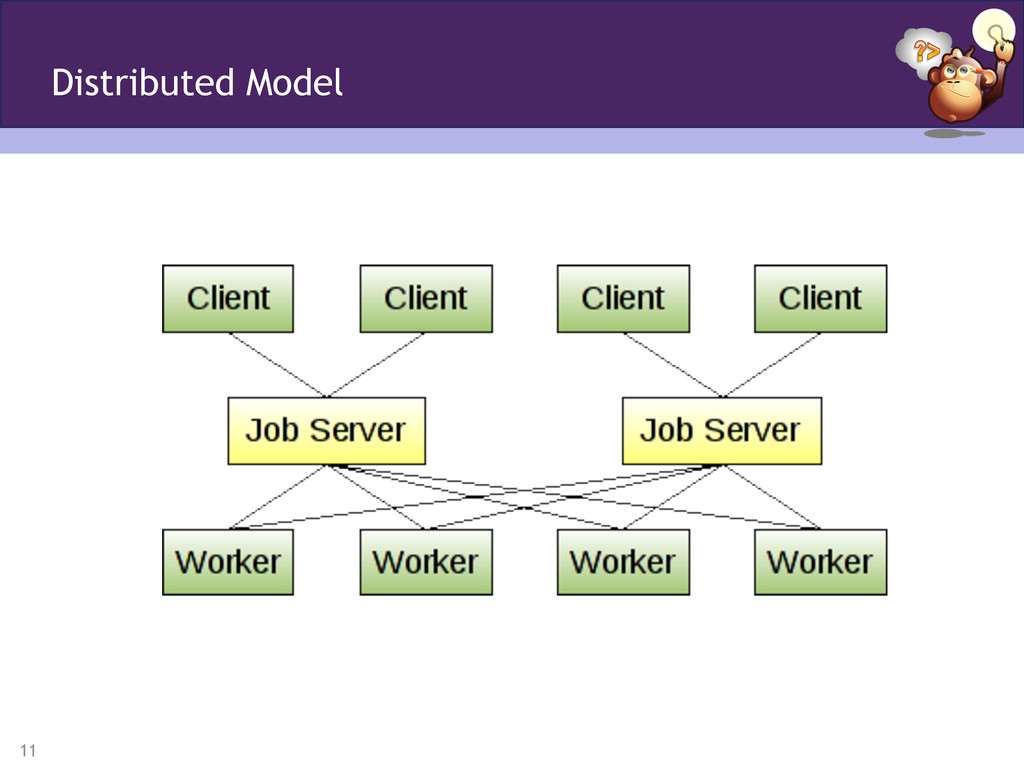
the core, they are simply small programs. • The daemon handles the negotiation of work Workers and Clients • The worker does the work • The client requests work to be done What it Means
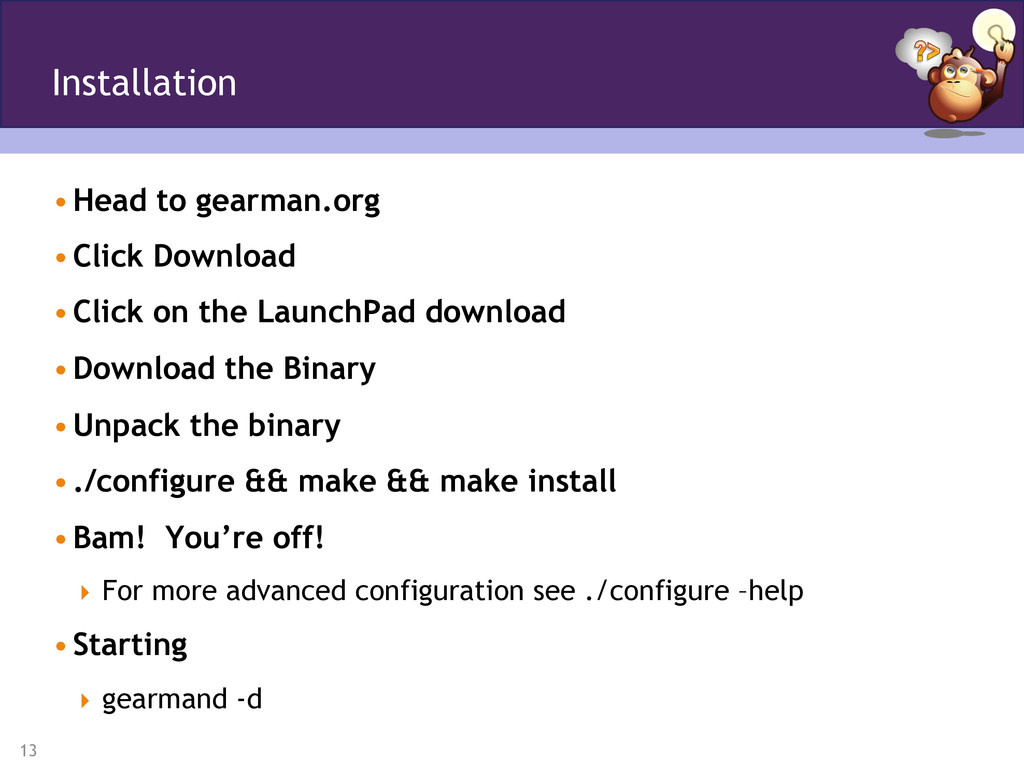
download • Download the Binary • Unpack the binary • ./configure && make && make install • Bam! You’re off! For more advanced configuration see ./configure –help • Starting gearmand -d Installation
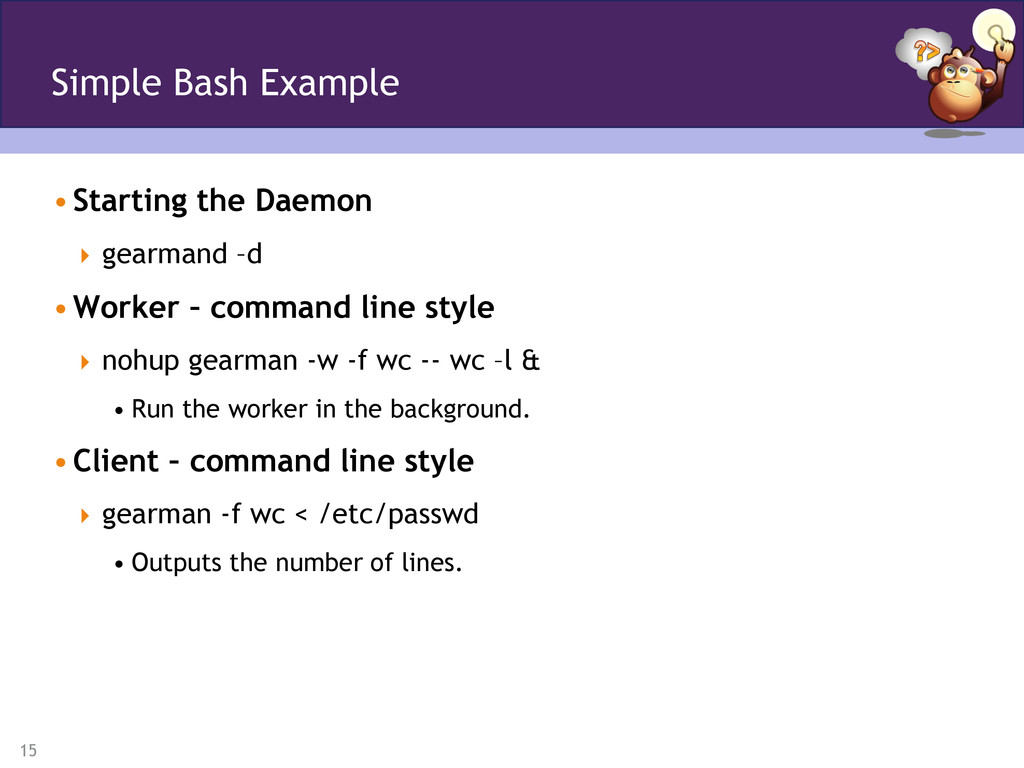
style nohup gearman -w -f wc -- wc –l & • Run the worker in the background. • Client – command line style gearman -f wc < /etc/passwd • Outputs the number of lines. Simple Bash Example
use -h [host] Job server host -p [port] Job server port -t [timeout] Timeout in milliseconds -H Full options for both clients and workers. Gearman Client Command Line Usage
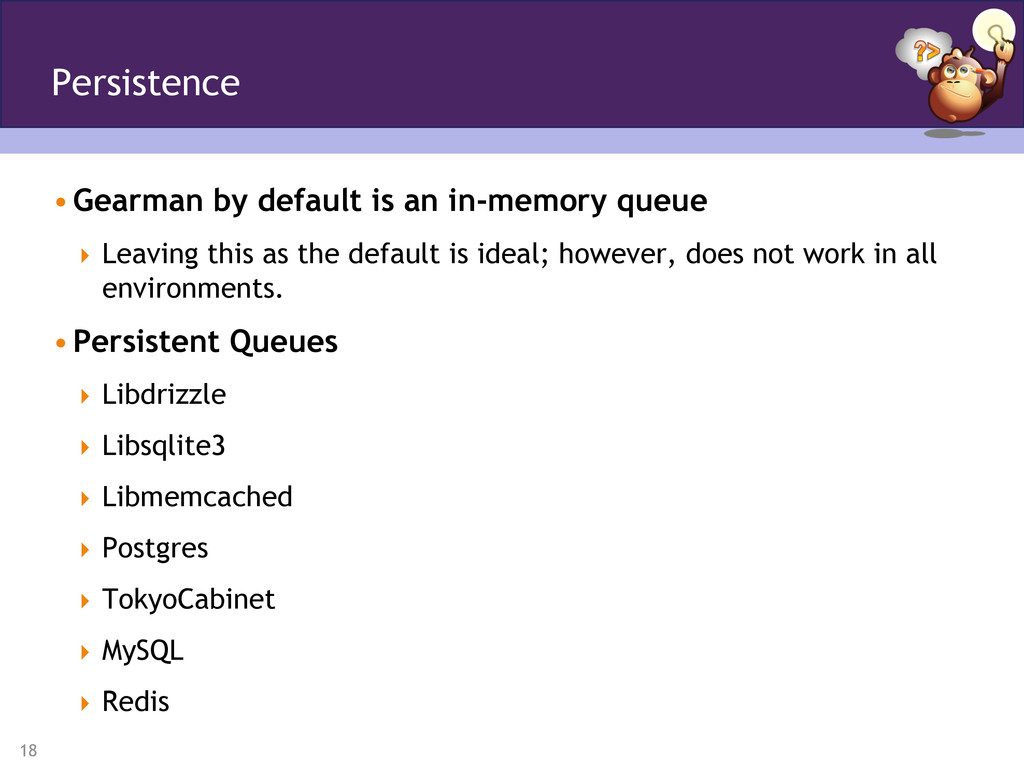
as the default is ideal; however, does not work in all environments. • Persistent Queues Libdrizzle Libsqlite3 Libmemcached Postgres TokyoCabinet MySQL Redis Persistence
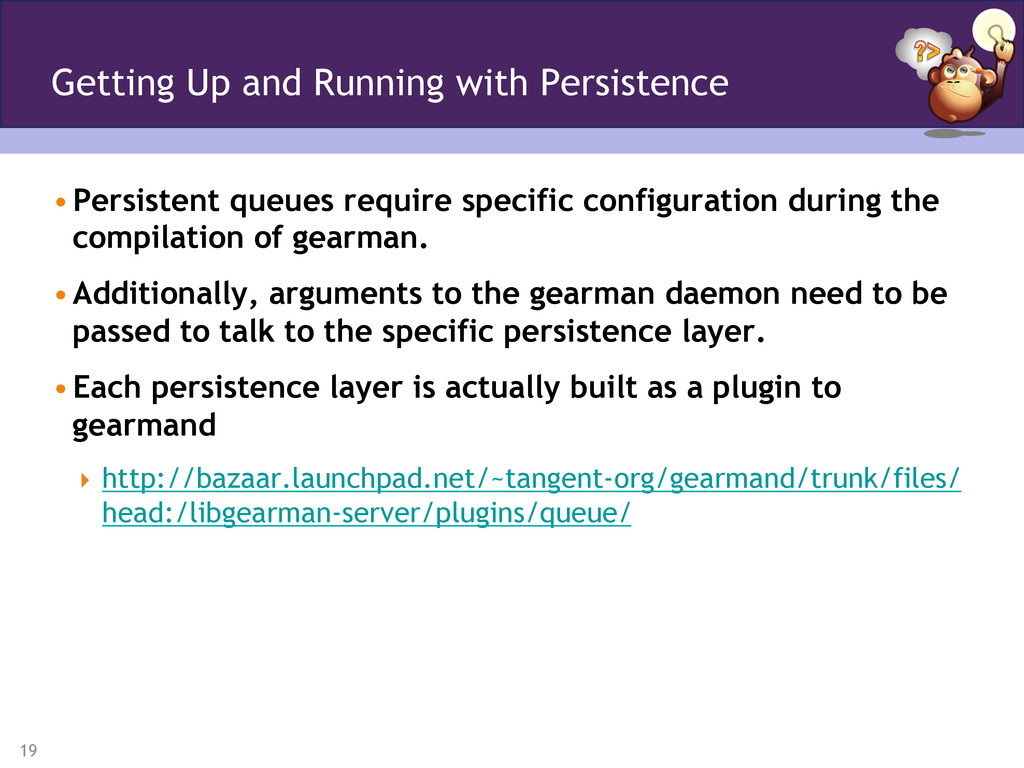
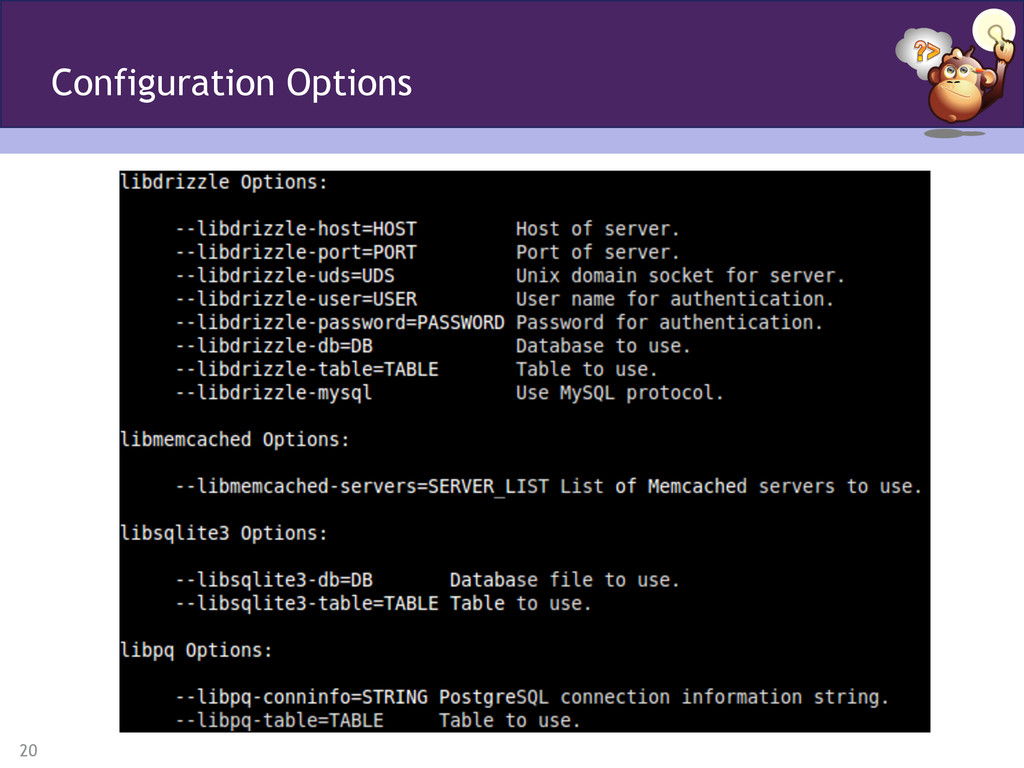
gearman. • Additionally, arguments to the gearman daemon need to be passed to talk to the specific persistence layer. • Each persistence layer is actually built as a plugin to gearmand http://bazaar.launchpad.net/~tangent-org/gearmand/trunk/files/ head:/libgearman-server/plugins/queue/ Getting Up and Running with Persistence
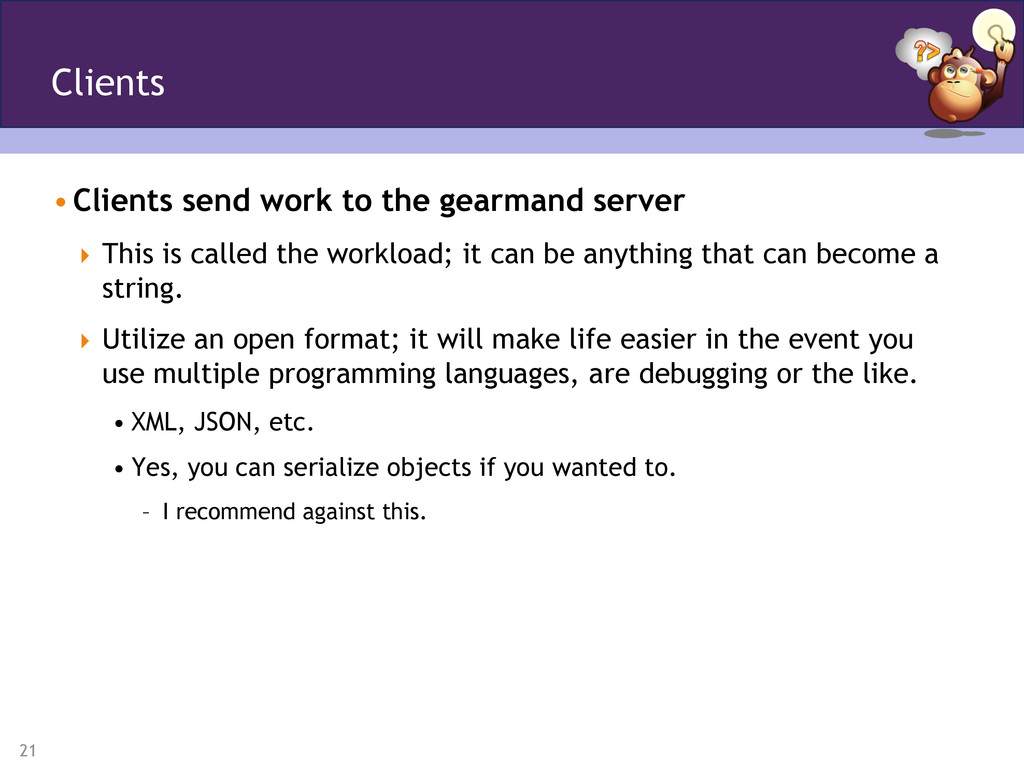
called the workload; it can be anything that can become a string. Utilize an open format; it will make life easier in the event you use multiple programming languages, are debugging or the like. • XML, JSON, etc. • Yes, you can serialize objects if you wanted to. – I recommend against this. Clients
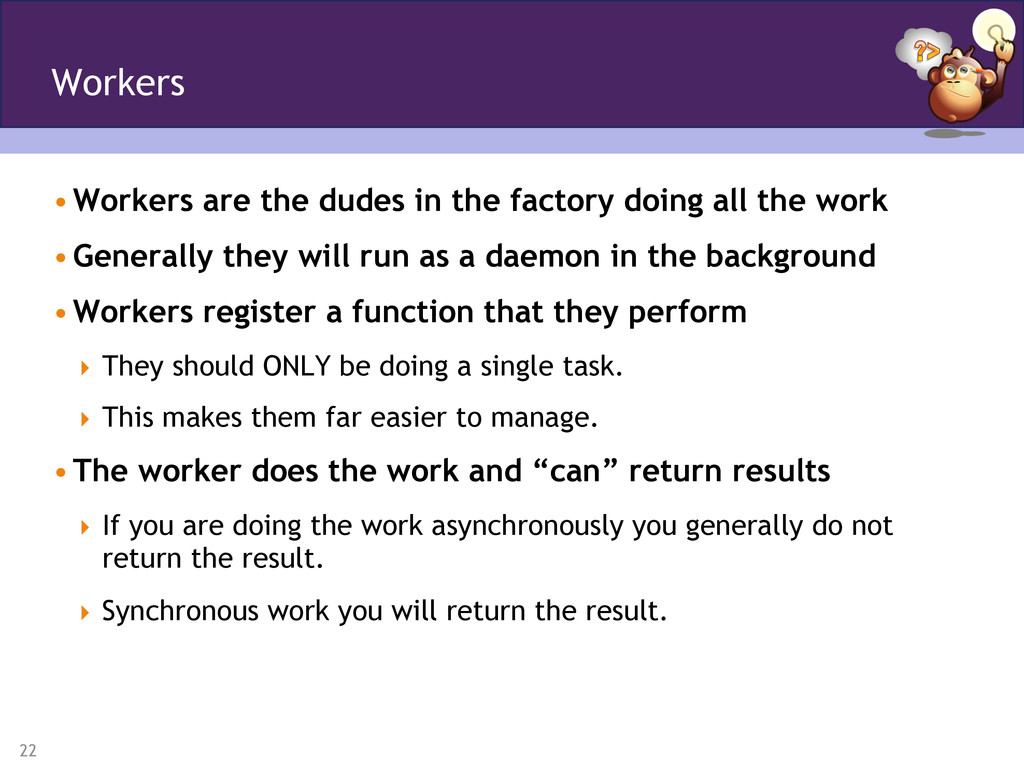
the work • Generally they will run as a daemon in the background • Workers register a function that they perform They should ONLY be doing a single task. This makes them far easier to manage. • The worker does the work and “can” return results If you are doing the work asynchronously you generally do not return the result. Synchronous work you will return the result. Workers
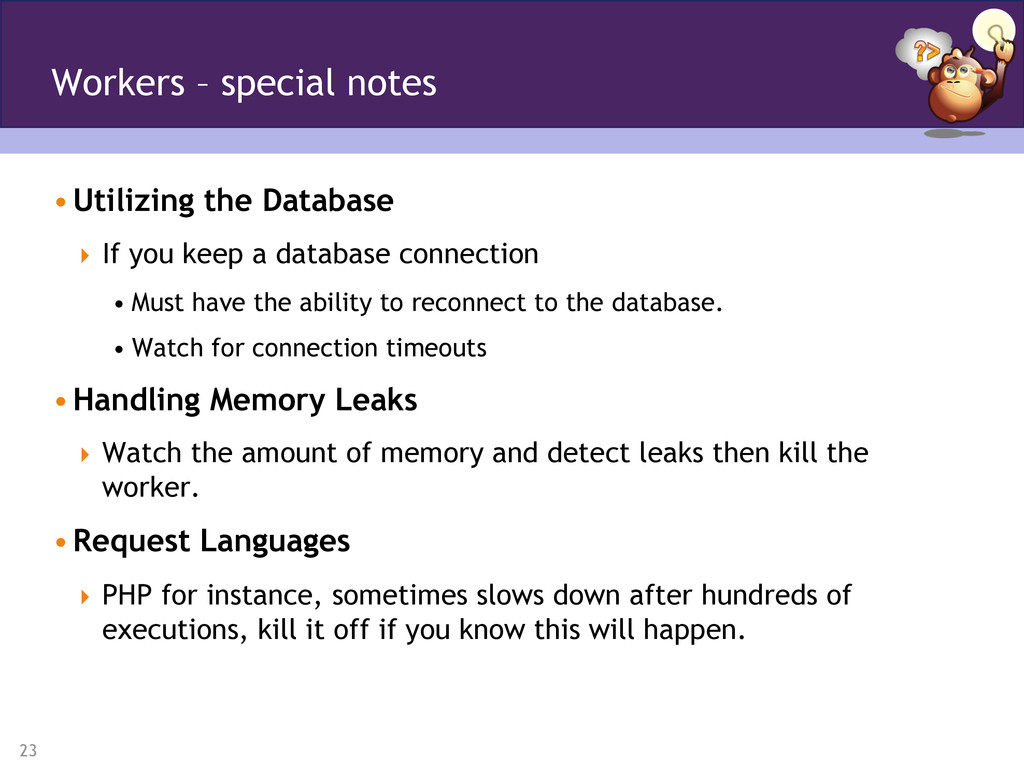
• Must have the ability to reconnect to the database. • Watch for connection timeouts • Handling Memory Leaks Watch the amount of memory and detect leaks then kill the worker. • Request Languages PHP for instance, sometimes slows down after hundreds of executions, kill it off if you know this will happen. Workers – special notes
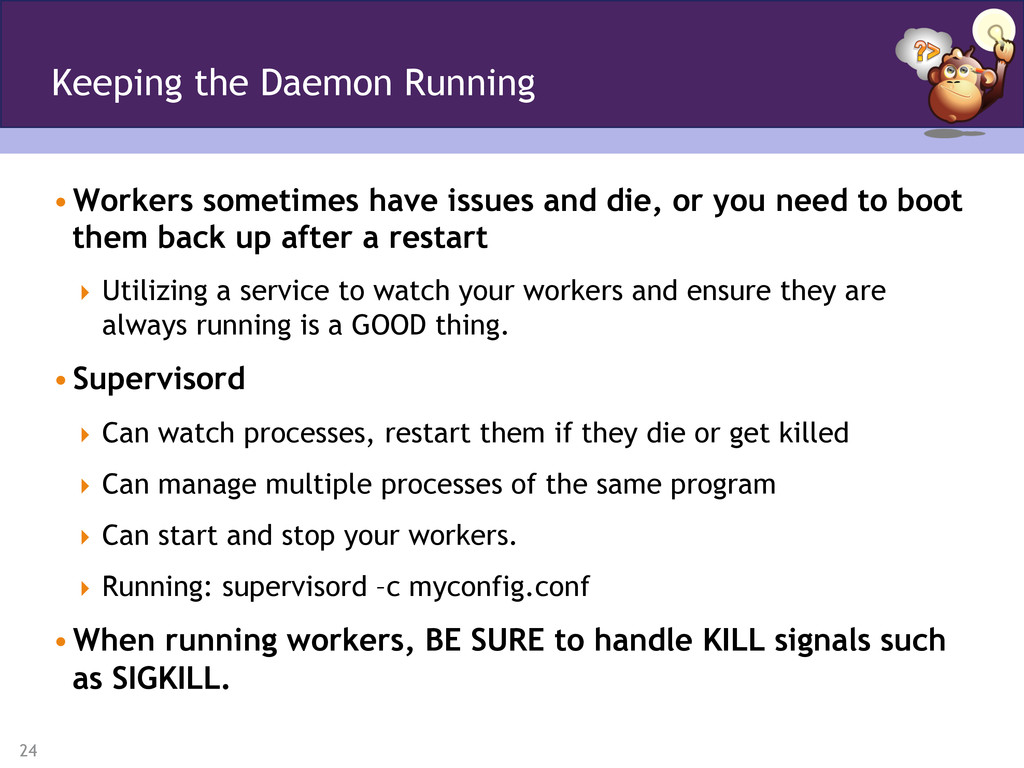
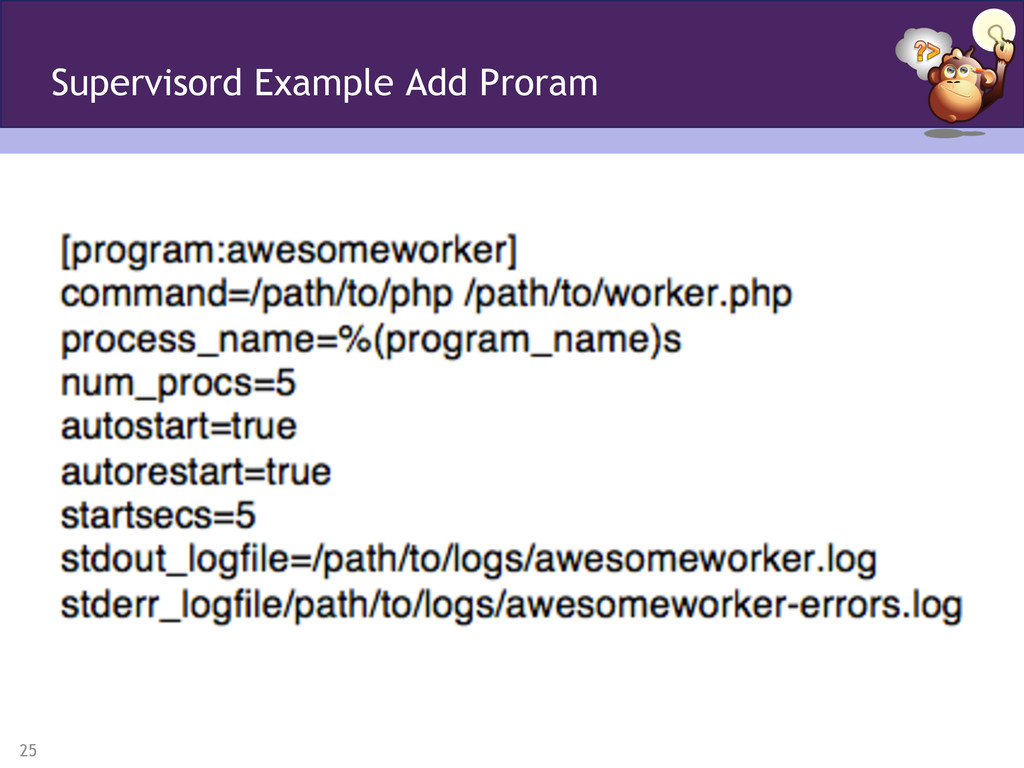
to boot them back up after a restart Utilizing a service to watch your workers and ensure they are always running is a GOOD thing. • Supervisord Can watch processes, restart them if they die or get killed Can manage multiple processes of the same program Can start and stop your workers. Running: supervisord –c myconfig.conf • When running workers, BE SURE to handle KILL signals such as SIGKILL. Keeping the Daemon Running
you the registered functions, number of workers and items in the queue. • Gearman Monitor – PHP Project Basic monitoring; but works and it is open source so you can improve it! https://github.com/yugene/Gearman-Monitor Monitoring
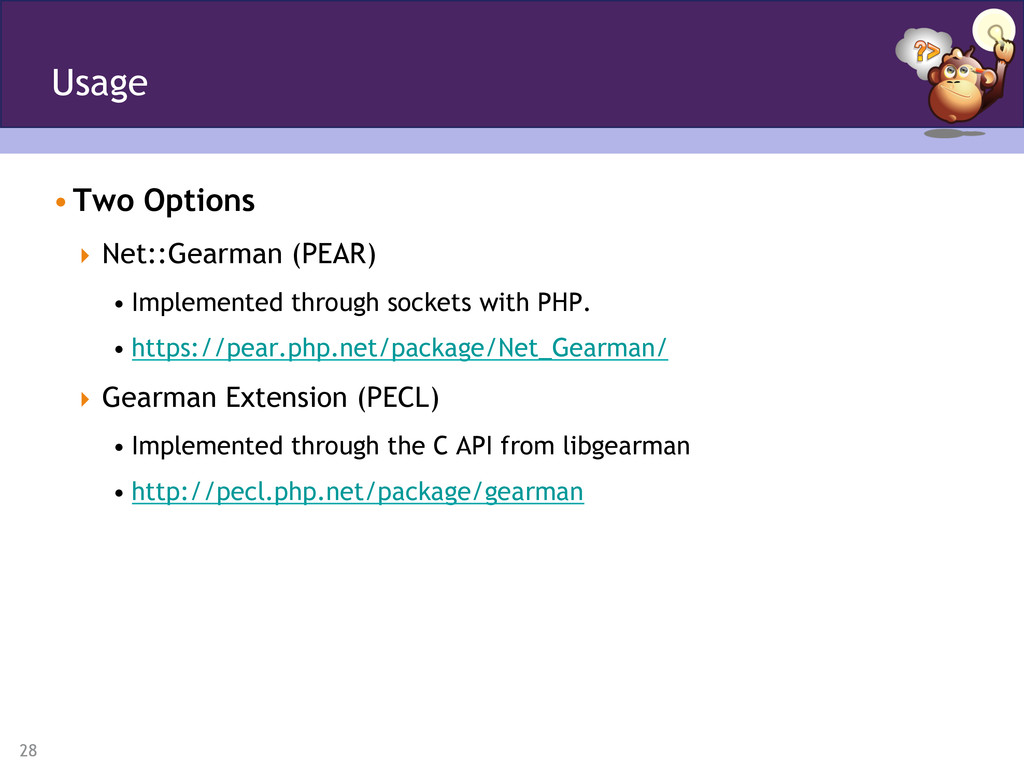
• https://pear.php.net/package/Net_Gearman/ Gearman Extension (PECL) • Implemented through the C API from libgearman • http://pecl.php.net/package/gearman Usage
and restart the worker • Don’t execute too many times PHP is not great at unlimited loops • Keep your memory free Garbage collect when you can! • Databases Implement a callback to ensure that you do not timeout; otherwise implement a reconnection. Conditions
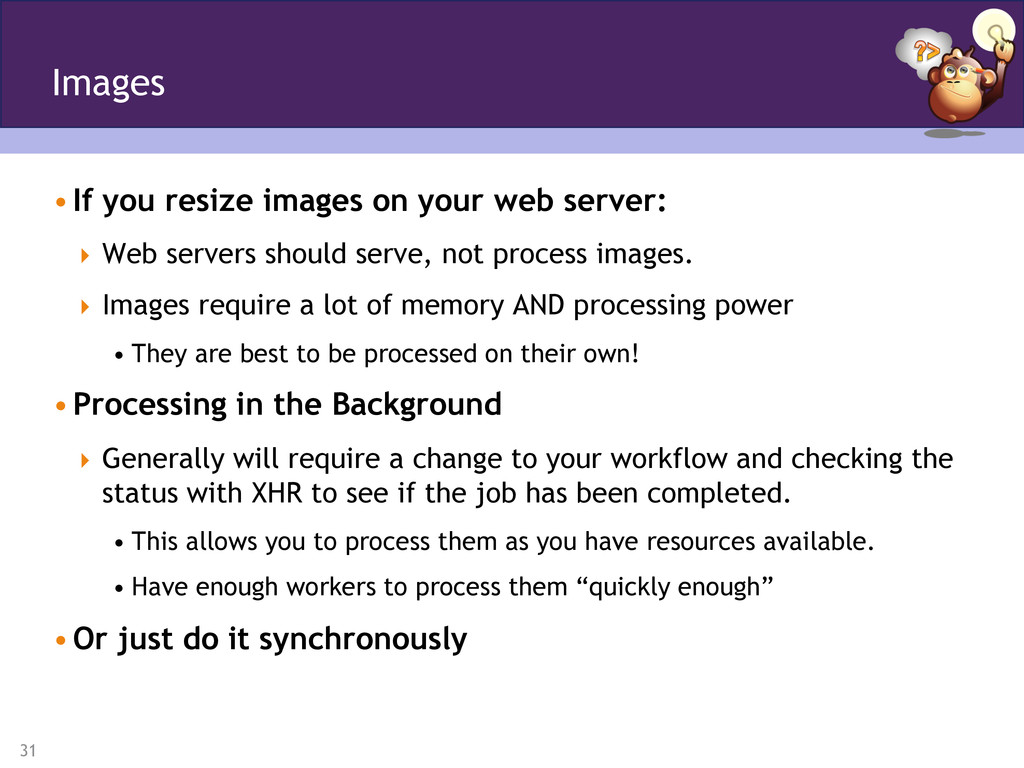
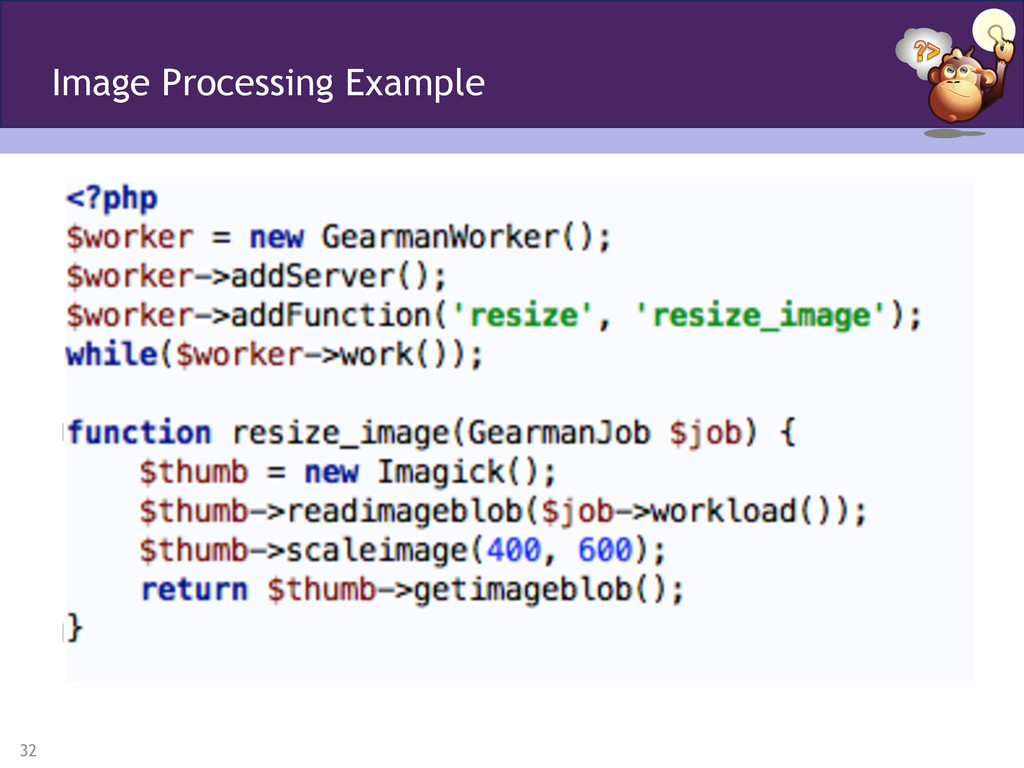
servers should serve, not process images. Images require a lot of memory AND processing power • They are best to be processed on their own! • Processing in the Background Generally will require a change to your workflow and checking the status with XHR to see if the job has been completed. • This allows you to process them as you have resources available. • Have enough workers to process them “quickly enough” • Or just do it synchronously Images
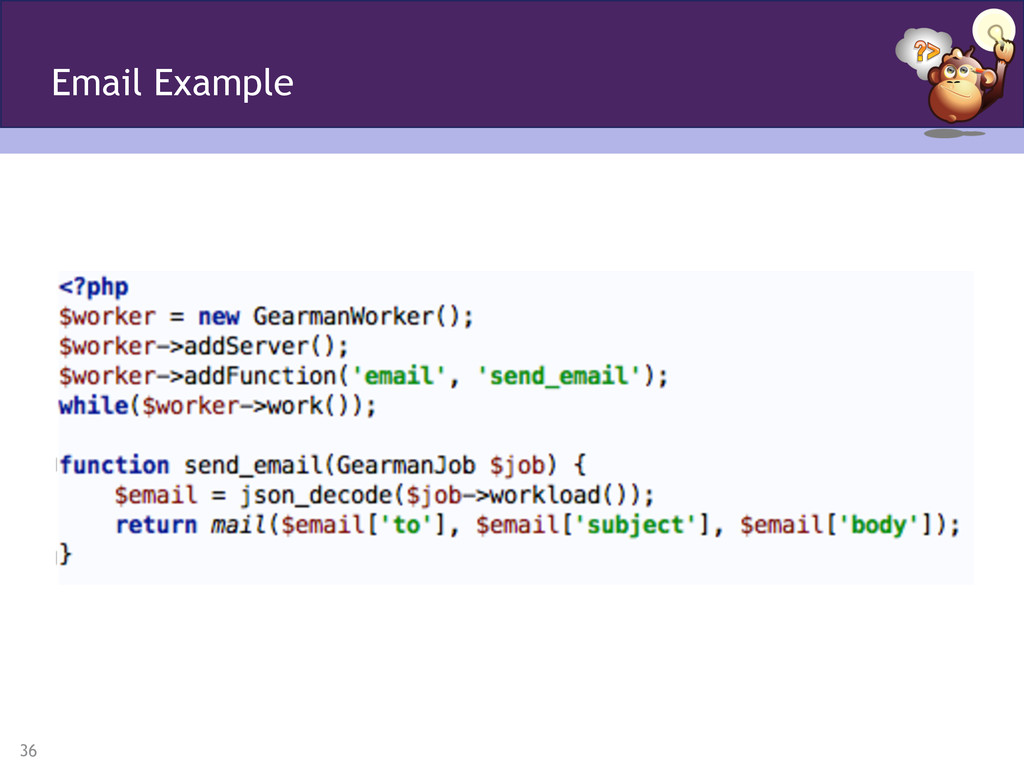
take up time, time that is better spent getting the user to the next page. • The feedback on the mail doesn’t really make a difference so it is great to send it to the background. Email
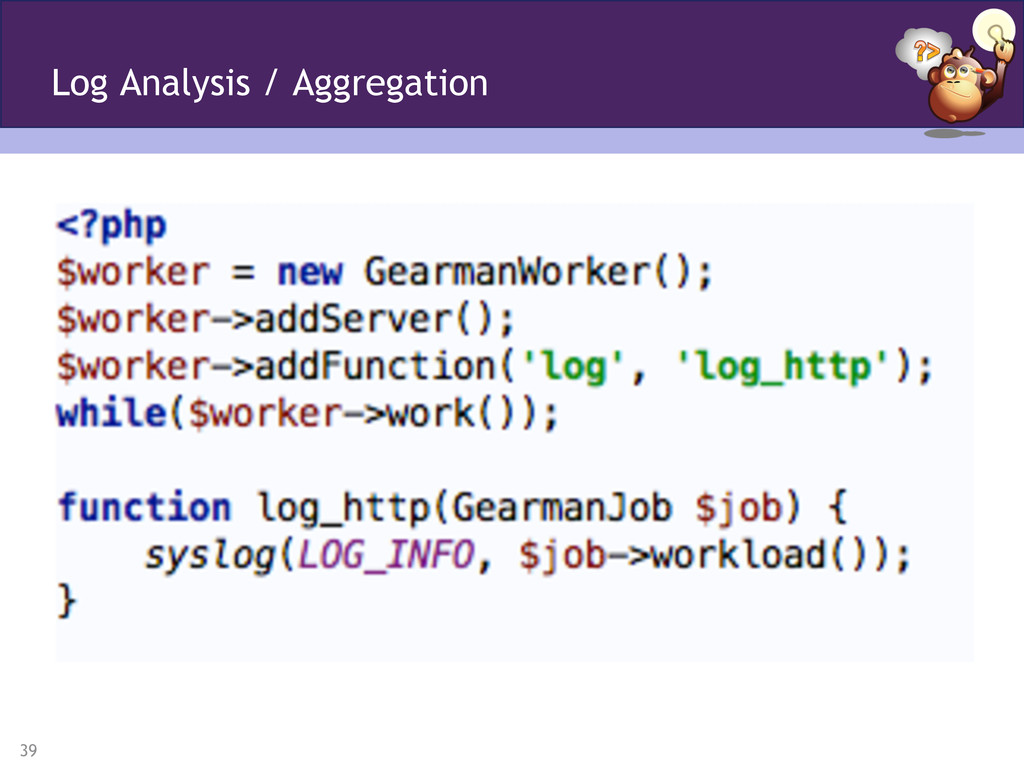
• Process the logs to produce analytical data • Impression / Click Tracking • Why run introspection over the log file itself? Near real-time analysis is possible! Log Analysis / Aggregation
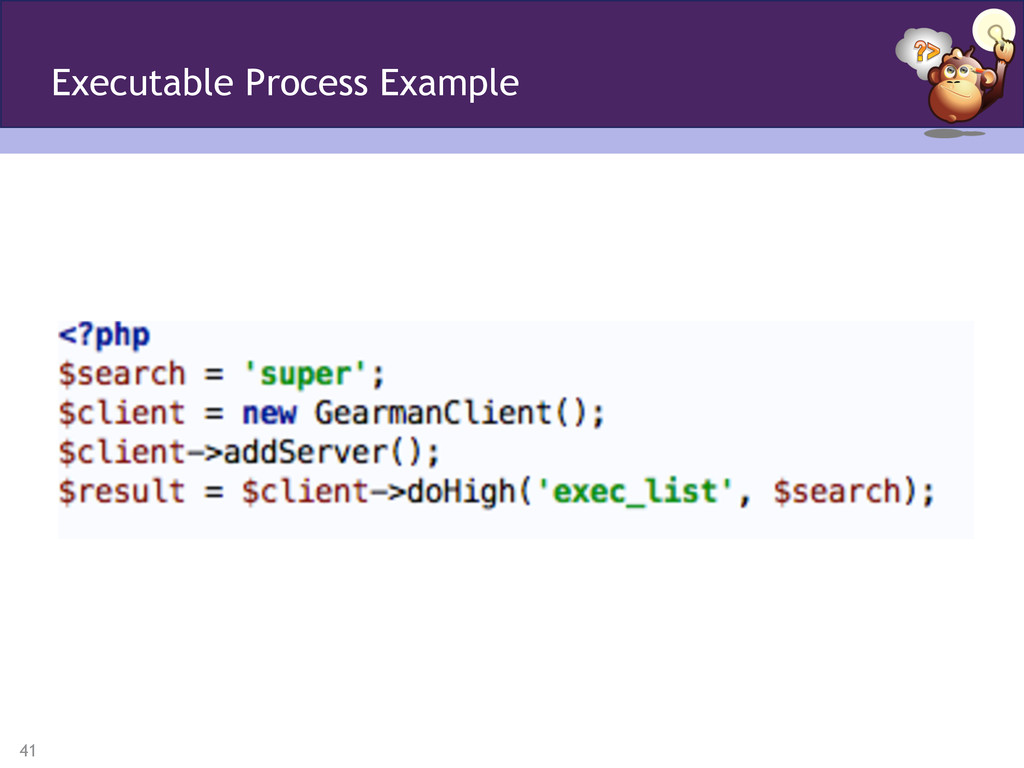
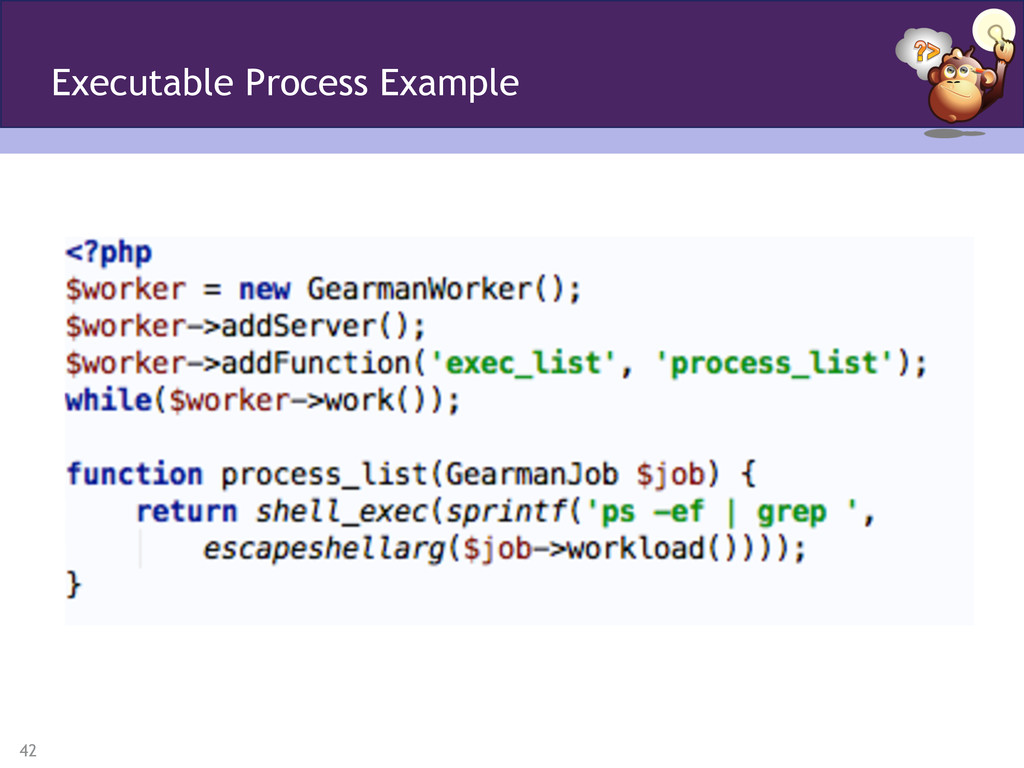
takes a given name and tells you how many processes are running on your worker machine. Purely for example purposes; however, you might want to run SaaS against a CMS or something to that degree. Executable Processes


 mwillbanks
 nasuvitz
 nayuts
 bcantrill
 dtunkelang
 matsunobu
 mot_techtalk
 odashinsuke
 cygames
 ennael
 ymotongpoo
 dada4386
 ichiki1023
 seathinner
 axbom
axbom
 morganepeng
 speakerdeck
 destraynor
 bkeepers
 smashingmag
 garrettdimon
 sugarenia
 kimpetersen
 holman
 honzajavorek




![14 • gearmand -d Run as background daemon -u [user] Run](https://files.speakerdeck.com/presentations/5027eb704b4481000204007c/slide_13.jpg)
![16 • gearman -w Worker mode -f [function] Function name to](https://files.speakerdeck.com/presentations/5027eb704b4481000204007c/slide_15.jpg)